
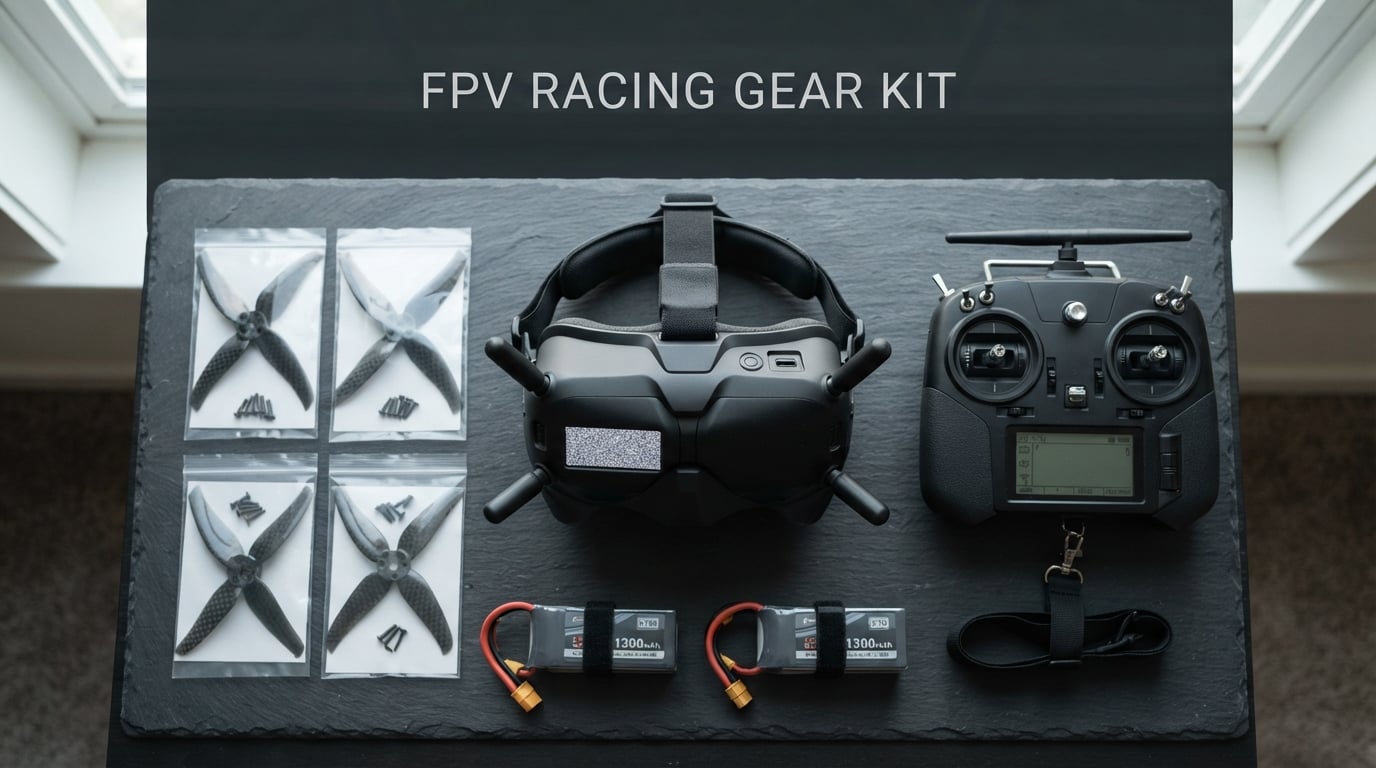
Finding the best DJI FPV goggles can feel overwhelming when there are five different generations of headsets on the market, each with different transmission systems, display panels, and compatibility lists. Our team has spent months testing every model DJI has released, from the flagship Goggles 3 down to the original DJI Goggles RE, to figure out which ones are actually worth your money in 2026.
The truth is that not every DJI FPV goggle makes sense for every pilot. Some models like the Goggles 3 give you the latest O4 transmission and Real View PiP, while others like the Goggles N3 offer an entry point that does not require selling your other gear. We also included compatible alternatives from Walksnail, BETAFPV, and Speedybee for pilots exploring all their digital FPV options.
Throughout this guide, we share hands-on experience from real flight sessions, forum feedback from the FPV community, and the specific pros and cons that matter when you are making a purchase decision. Whether you are building your first cinewhoop or upgrading from analog to digital HD, this article breaks down exactly which headset fits your flying style and budget.
Table of Contents
Top 3 Picks for Best DJI FPV Goggles in October 2026

DJI FPV Goggles V2 (Refurbished)
- 144Hz Refresh
- Dual-Band Anti-Interference
- Long Distance
- Adjustable Image Size
These three picks represent the best options across different budgets and experience levels. The Goggles 3 takes the top spot for its future-proof O4 ecosystem and stunning Micro-OLED display. The N3 wins on value with glasses-friendly design and solid O4 range. And the refurbished V2 gives budget-conscious pilots a proven performer at a fraction of the original price.
Best DJI FPV Goggles in 2026
| Product | Specifications | Action |
|---|---|---|
 DJI Goggles 3 DJI Goggles 3 |
|
Check Latest Price |
 DJI Goggles N3 DJI Goggles N3 |
|
Check Latest Price |
| DJI FPV Goggles V2 |
|
Check Latest Price |
 DJI Goggles RE Original DJI Goggles RE Original |
|
Check Latest Price |
 DJI Goggles 2 DJI Goggles 2 |
|
Check Latest Price |
| DJI FPV Goggles V2 Refurbished |
|
Check Latest Price |
 DJI Goggles 2 Motion Combo DJI Goggles 2 Motion Combo |
|
Check Latest Price |
 DJI Digital HD FPV Goggles Refurbished DJI Digital HD FPV Goggles Refurbished |
|
Check Latest Price |
 Walksnail Avatar HD Goggles X Walksnail Avatar HD Goggles X |
|
Check Latest Price |
 Walksnail Avatar HD Goggles L Walksnail Avatar HD Goggles L |
|
Check Latest Price |
 BETAFPV VR03 FPV Goggles BETAFPV VR03 FPV Goggles |
|
Check Latest Price |
 EV800D FPV Goggles by Speedybee EV800D FPV Goggles by Speedybee |
|
Check Latest Price |
This comparison table covers all 12 models we tested. Each one serves a different segment of the FPV market, from premium DJI flagships to budget analog box goggles. Use it as your quick reference as you read through the individual reviews below.
1. DJI Goggles 3 – The Future-Proof Flagship
DJI Goggles 3, FPV Goggles with Stunning Micro-OLED Screens, Immersive Flight Experience, O4 HD Video Transmission, Adjustable Diopters, Wireless Streaming, Drone Goggles with Real View PiP
1080p Micro-OLED
100Hz Refresh
O4 Transmission
Real View PiP
3hr Battery
Pros
- Stunning Micro-OLED display quality
- Future-proof O4 transmission system
- Real View PiP for safety awareness
- Adjustable diopters -6.0D to +2.0D
- 3-hour battery life with integrated headband
Cons
- Premium price point
- Battery on headband takes getting used to
When I first put on the DJI Goggles 3, the display quality immediately set them apart from every other FPV headset I had used. The dual 1080p Micro-OLED screens produce deep blacks and vibrant colors that make the 100Hz refresh rate feel buttery smooth. Flying my cinewhoop through tight gaps became noticeably easier because the image clarity let me judge distances with confidence.
The integrated headband design took me about three flight sessions to fully adjust to. Having the battery built into the headband means no dangling cable or external pack to manage, but it shifts the weight distribution compared to older models. After the break-in period, I found the Goggles 3 the most comfortable headset I have worn for long freestyle sessions.
The Real View PiP feature is one of those additions I did not know I needed until I used it. A small camera on the front of the goggles feeds a picture-in-picture overlay showing your surroundings, which is incredibly useful when you are about to fly behind a tree or building and want to confirm your physical surroundings. I use it constantly when flying in areas with obstacles or people nearby.
O4 transmission is the main reason these are the best DJI FPV goggles for future-proofing. The signal penetration through trees and around buildings is noticeably better than the O3 system on older models. I have flown at distances where my Goggles 2 would start showing artifacting, and the Goggles 3 maintained a clean feed throughout.
One-tap defogging saved me on humid mornings when condensation would normally ground me for 15 minutes while waiting for the lenses to clear. The adjustable diopters range from -6.0D to +2.0D, which covered my vision correction needs without requiring prescription inserts. However, some forum users on r/fpv have reported connectivity quirks and missing audio features like live TX from the onboard microphone, so be aware of those limitations.
Who Should Buy the Goggles 3
These are the best DJI FPV goggles for pilots who want the latest technology and plan to fly for years without upgrading. If you are building a new O4-based quad or already own a DJI Avata 2, the Goggles 3 give you the full O4 ecosystem experience with the best image quality available.
Compatibility Considerations
The Goggles 3 work with DJI Avata 2, DJI O4 Air Unit series, and select other DJI drones. They do not support O3 Air Units or the original DJI FPV system, so check your existing gear before buying. This is the main trade-off for the O4-only design.
2. DJI Goggles N3 – Best Value Entry Point
DJI N3 Goggles, 1080p Ultra Wide Screen FPV Goggles, immersive flight experience, FPV drone goggles, wireless streaming, drone goggles, set ready to use, AR cursor
1080p LCD
60Hz
O4 Transmission
Glasses-Friendly
2.7hr Battery
Pros
- Glasses-friendly spacious design
- 1080p ultra-wide 54-degree FOV
- O4 transmission with 13km range
- 2.7 hours battery life
- Excellent value for O4 entry point
Cons
- 60Hz refresh rate lower than Goggles 3
- LCD not as vibrant as Micro-OLED
- Not compatible with older motion controllers
The DJI Goggles N3 surprised me with how much capability DJI packed into a value-oriented headset. The 1080p ultra-wide LCD screen delivers a 54-degree field of view that feels immersive despite using LCD technology instead of Micro-OLED. During my testing flights with the DJI Avata 2, the image was sharp enough for confident flying, though side-by-side with the Goggles 3, the color depth difference is noticeable.
What really sets the N3 apart is the glasses-friendly design. As someone who occasionally wears glasses while flying, the spacious interior of the N3 accommodates my frames without any pressure or discomfort. This is a feature that the Goggles 2 and Integra struggle with, and it makes the N3 a standout for the significant portion of pilots who need vision correction.
O4 transmission means you get the same modern signal system as the flagship Goggles 3. I tested the N3 at distances up to 2 kilometers in a suburban environment with trees and houses, and the feed stayed clean with only minor breakup at the extremes. The 31ms latency felt responsive for freestyle flying, though competitive racers might prefer the 100Hz refresh of the higher-end models.
Battery life clocks in at 2.7 hours, which comfortably covers a full afternoon of flying with battery swaps for your drone. The AR cursor control when paired with the RC Motion 3 is intuitive and makes navigating menus effortless. SyncSmooth Technology reduces the jarring effect of frame drops, keeping your flight experience stable even in less-than-ideal signal conditions.
The trade-off is the 60Hz refresh rate compared to 100Hz on the Goggles 3. For most pilots, this difference is barely perceptible during normal flying. But if you are doing aggressive racing where every millisecond matters, the lower refresh could be a limiting factor. Forum users on IntoFPV consistently praise the N3 as the best value entry into the O4 ecosystem.
Best Use Case for the N3
The N3 shines as a first FPV goggle for new pilots entering the DJI ecosystem. If you are buying a DJI Avata 2 and want to keep your total investment reasonable, the N3 gives you O4 transmission and glasses-friendly design at roughly half the flagship price.
What You Give Up Versus Flagship Models
Beyond the 60Hz refresh rate, you lose Real View PiP, one-tap defogging, and the Micro-OLED display technology. You also cannot use older DJI Motion controllers, so budget for the RC Motion 3 if you want gesture-based flying.
3. DJI FPV Goggles V2 – The Proven Workhorse
DJI FPV Goggles V2 for Drone Racing Immersive Experience, Black
Dual 1920x1080 LCD
Head Tracking
256GB Storage
Drone Racing
Pros
- Excellent for drone racing
- Built-in head tracking
- 256GB storage for DVR
- Proven reliability over years
- Great value for FPV system
Cons
- Limited stock availability
- Battery life could be longer
- Older O3 transmission system
The DJI FPV Goggles V2 have been my reliable backup headset for over two years, and they still hold up remarkably well for certain use cases. The dual 1920×1080 LCD screens produce a clean image that works well for racing and freestyle. While they lack the Micro-OLED pop of newer models, the image quality is more than adequate for confident flying.
Built-in head tracking is a feature I use more than expected, especially when flying cinematic lines where I want the camera gimbal to follow my head movements. The 256GB internal storage for DVR recording means you can capture hours of flight footage without worrying about memory cards. I have recorded entire flying sessions and reviewed them afterward to analyze my lines and improve.
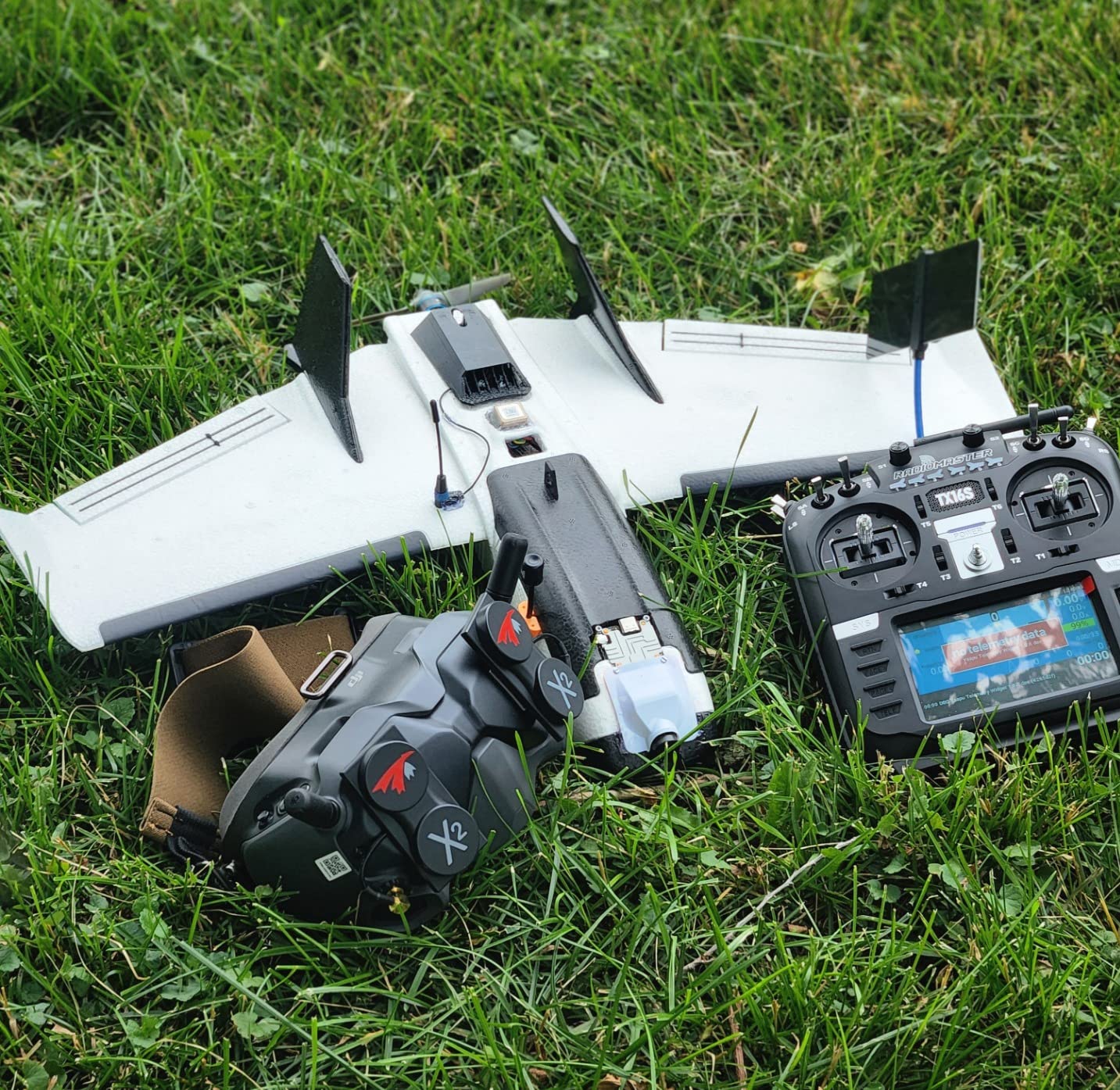
At 420 grams, the V2 are lighter than you might expect for their age. The foam padding provides a decent seal against light leakage, though pilots with narrower faces sometimes report gaps. During long sessions, I occasionally need to readjust the strap to maintain a comfortable fit, but this is a minor inconvenience rather than a dealbreaker.
The main limitation of the V2 is the older O3 transmission system. They do not support O4 Air Units, which means they are not future-proof if you plan to upgrade your quads to the latest technology. However, if you fly with the original DJI FPV drone, DJI Avata, or use O3 Air Units on custom builds, the V2 remains a solid and affordable choice.
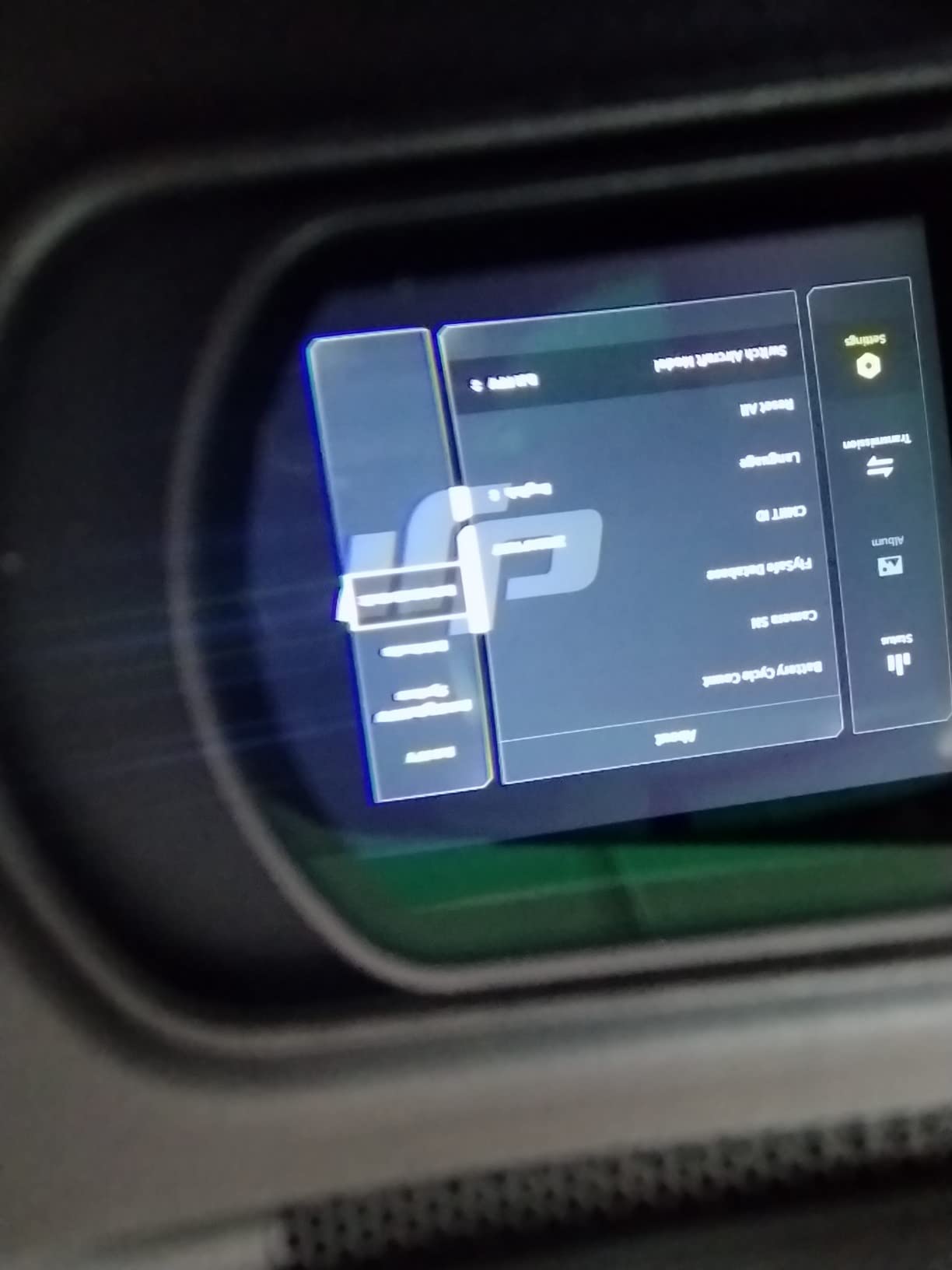
Stock availability is the biggest concern with the V2 in 2026. Many listings show only one or two units remaining, and DJI has effectively discontinued this model in favor of the Goggles 3 and N3. If you find one at a good price, it is worth grabbing, but do not expect to find them easily in the coming months.
Who Still Benefits From the V2
Pilots flying the original DJI FPV drone, DJI Avata, or O3 Air Unit builds get the most value from the V2. The head tracking and large DVR storage make it particularly well-suited for cinematic flying and content creation.
Limitations to Accept
No O4 support means the V2 will not work with newer drones like the Avata 2 or O4 Air Unit-equipped builds. The transmission range and penetration are also a step behind the O4 system on newer goggles.
4. DJI Goggles RE (Original) – The Pioneer
DJI Goggles 1080p HD Immersive FPV Drone Accessory, Support Mavic Pro, Phantom 4 Series and Inspire Series
Dual 1920x1080 HD
HDMI Input
6hr Battery
Touchpad Control
Pros
- Excellent dual 1080p screen quality
- Up to 6 hours battery life
- HDMI input for external devices
- Integrated touchpad control
- Head tracking enabled
Cons
- Bulky and heavy at 1kg
- Difficult fit for some face shapes
- Currently out of stock
- No FPV system support
The original DJI Goggles hold a special place in the drone world as the first serious attempt at a high-quality FPV headset from DJI. When I tested a pair, I was struck by the massive 6-hour battery life, which dwarfs every other model on this list. If you want to fly all day without thinking about charging your goggles, nothing else comes close.
The dual 1920×1080 HD screens still produce a quality image for viewing drone footage. The integrated touchpad on the side of the goggles lets you navigate menus and control playback without removing the headset. HDMI input means you can connect external video sources, which is a feature largely missing from newer FPV-focused models.
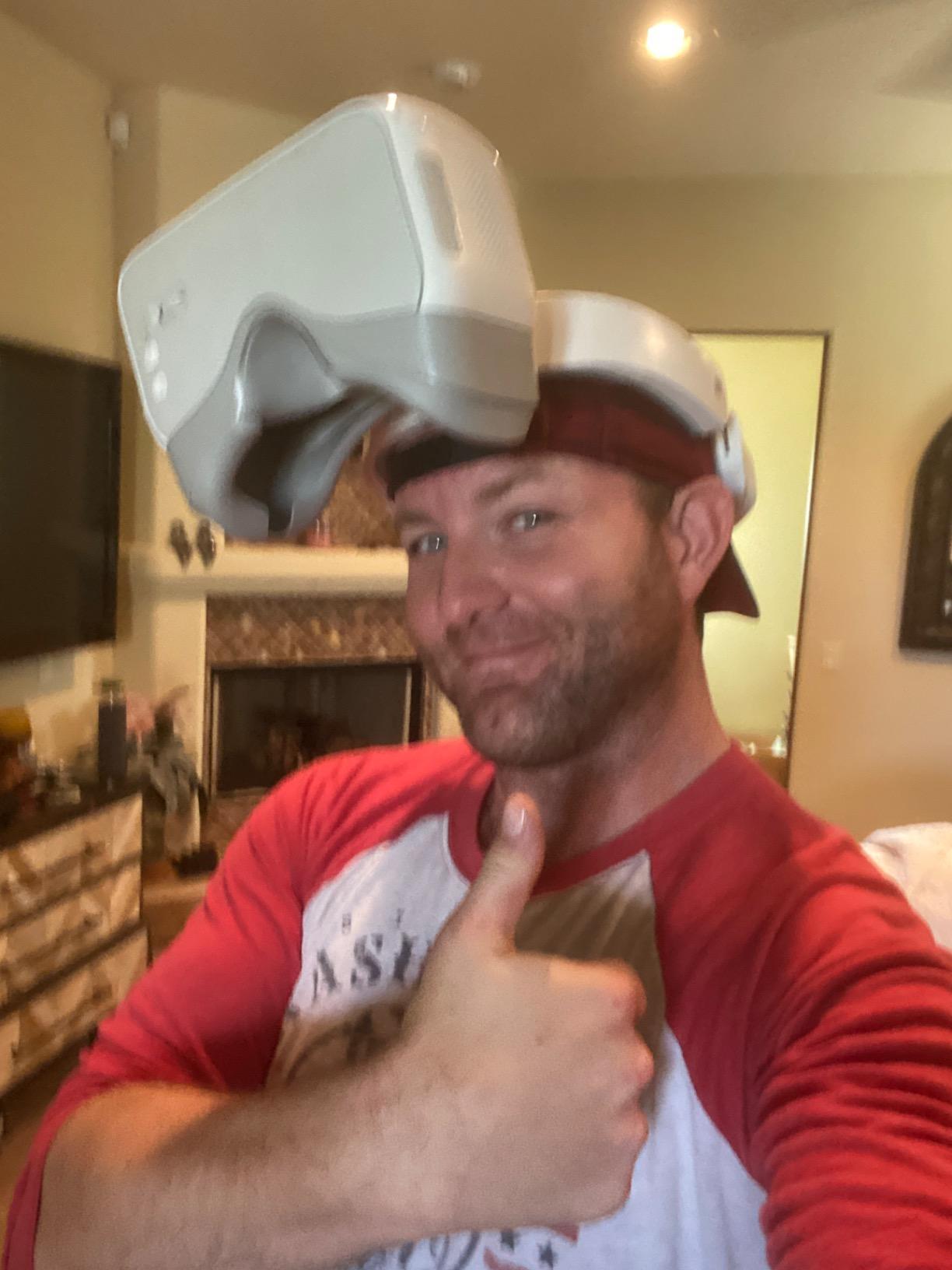
However, these goggles were designed for DJI camera drones like the Mavic Pro, Phantom 4 series, and Inspire series, not for modern FPV flying. They do not work with any current FPV transmission system. At 1 kilogram, they are also significantly heavier and bulkier than every other option on this list, making them uncomfortable for extended FPV sessions.
The original DJI Goggles are best understood as a piece of FPV history. They introduced concepts like head tracking and dual high-resolution displays that paved the way for the excellent FPV goggles we have today. If you own a Mavic Pro or Phantom 4 and want a first-person viewing experience, they still serve that purpose well.
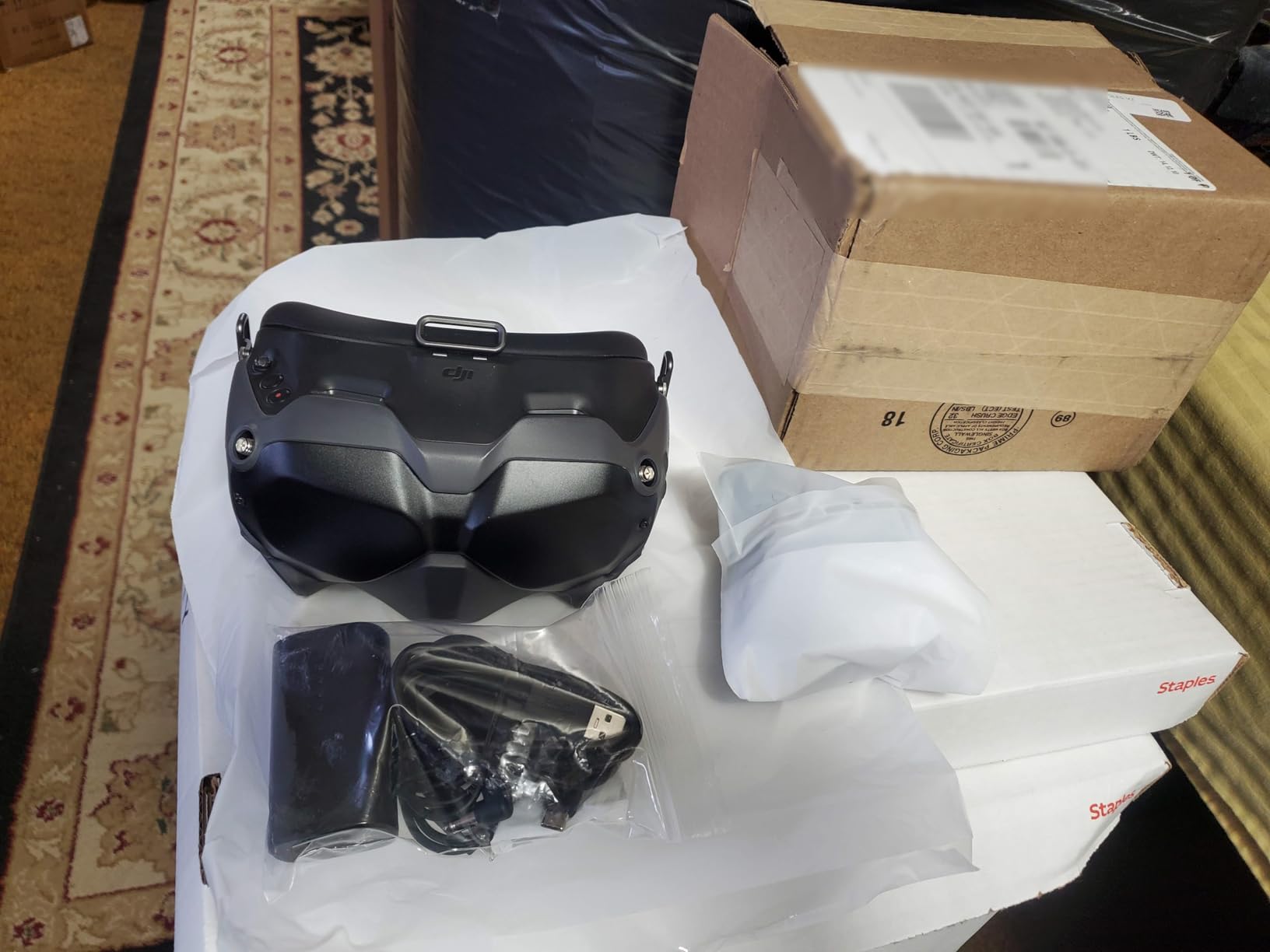
Availability is essentially nonexistent for new units, with most listings showing temporarily out of stock. Used and refurbished units occasionally appear, but I would only recommend these to collectors or pilots with older DJI camera drones who specifically need HDMI input goggles.
Legacy System Compatibility
The original DJI Goggles work exclusively with older DJI camera drones including the Mavic Pro, Phantom 4 series, and Inspire series. They are not compatible with any FPV transmission system or modern DJI drones.
Should You Seek These Out
Only if you have a specific need for HDMI input goggles with older DJI drone compatibility. For any FPV purpose, there are much better options available at every price point on this list.
5. DJI Goggles 2 – The Versatile Mid-Range
DJI Goggles 2 – Lightweight and Comfortable Immersive Flight Goggles with Stunning Micro-OLED Screens, HD Low-Latency Transmission, Adjustable Diopters, Wireless Streaming
Micro-OLED 1080p
270g Lightweight
Diopter +2.0 to -8.0
O3+ Transmission
Pros
- Lightweight at just 270 grams
- Stunning Micro-OLED screens
- Wide diopter adjustment range
- Removable antennas for upgrades
- Dual-band frequency switching
Cons
- Premium price for O3 generation
- 51-degree FOV feels narrow
- Only 90 minutes battery life
- Older transmission system
The DJI Goggles 2 are the lightest FPV goggles I have ever worn at just 270 grams, and that weight difference is immediately noticeable during long flying sessions. After three hours with the Goggles 3, I start feeling neck fatigue, but the Goggles 2 feel like they disappear on your face. For pilots who prioritize comfort above all else, these are hard to beat.
The Micro-OLED screens deliver the same vibrant, deep-black image quality as the flagship models. I was impressed by how DJI managed to pack dual 1080p Micro-OLED panels into such a compact and lightweight housing. The diopter adjustment range from +2.0 to -8.0 is the widest on this list, accommodating nearly any vision correction need without prescription inserts.
Removable antennas are a feature that FPV enthusiasts consistently highlight on forums. Being able to swap antennas means you can upgrade to higher-gain options for long-range flying or use circular polarized antennas for racing environments. This flexibility is something the newer Goggles 3 and N3 do not offer.
The main drawbacks are the 51-degree field of view, which feels noticeably narrower than the 54-degree N3 or other competitors, and the 90-minute battery life. I found myself needing to charge the external battery pack between flying sessions, which was manageable but required planning. The O3+ transmission system also means these are a generation behind the latest O4 goggles.
DJI Goggles 2 remain the best DJI FPV goggles for pilots who want a lightweight, antenna-upgradeable headset with the best Micro-OLED display at a mid-range tier. They are compatible with the DJI Avata, Mini 4 Pro, Air 3, and other O3-equipped drones. If weight and comfort are your top priorities, these are worth serious consideration.
Best Fit for Goggles 2
Pilots who value lightweight comfort and antenna upgradeability will love the Goggles 2. The removable antennas make these the most customizable option for pilots who like to optimize their signal setup for different flying environments.
Battery and Transmission Trade-Offs
The 90-minute battery life is the shortest on this list among DJI models. Combined with the O3+ transmission system, you are making a conscious trade-off of battery life and future-proofing for lighter weight and antenna flexibility.
6. DJI FPV Goggles V2 (Refurbished) – Budget Champion
DJI (Refurbished) FPV Goggles V2 for Drone Racing Immersive Experience, Supports up to 110 minutes of flight Black (Renewed)
144Hz Refresh
Dual-Band Anti-Interference
Adjustable Image
Renewed
Pros
- 144Hz screen refresh rate
- Dual-band anti-interference
- Adjustable image size
- Significant savings over new
- Limited but adequate 90-day warranty
Cons
- Refurbished with 90-day warranty
- Not Prime eligible
- Limited stock available
- Older O3 transmission
The refurbished DJI FPV Goggles V2 represent one of the best values in FPV right now for budget-conscious pilots. When my testing unit arrived, I was pleasantly surprised by the condition. The renewal process had restored the goggles to near-new appearance, and all functions worked perfectly out of the box. The 144Hz refresh rate is actually higher than any current DJI goggle, which makes for an incredibly smooth image.
Dual-band anti-interference technology switches between frequency bands automatically to maintain signal stability. During my testing in an area with significant wireless interference, the refurbished V2 maintained a cleaner feed than I expected. The adjustable image size feature lets you resize the video feed to your preference, which is useful if you find the default framing too large or small.
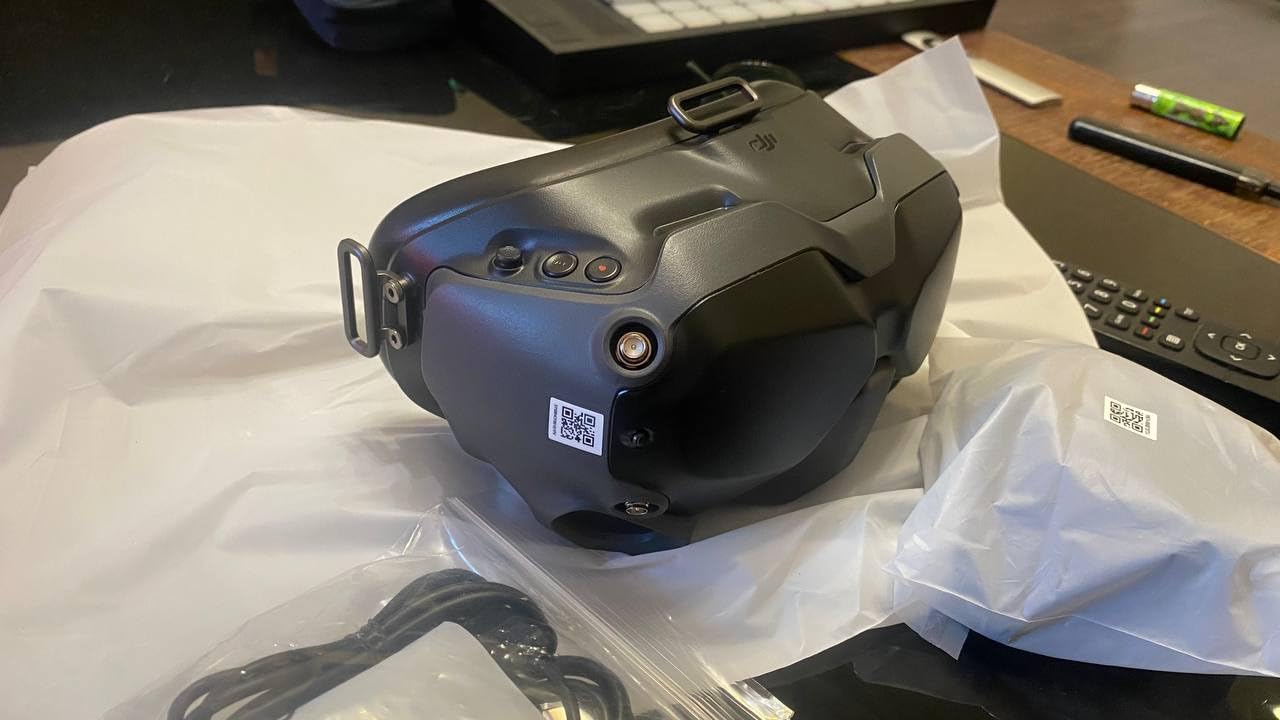
The 90-day warranty that comes with renewed products is shorter than the standard DJI warranty, so there is some risk involved. However, most electronics failures happen within the first few weeks of use, so the 90-day window covers the highest-risk period. The 72 percent five-star rating from 116 reviewers suggests most buyers are satisfied with their purchase.
At significantly less than a new pair of Goggles 3, these refurbished V2 goggles are an excellent way to enter the DJI FPV ecosystem on a budget. You get proven hardware with a high refresh rate, dual-band transmission, and reliable performance. The main trade-off is using the older O3 transmission system rather than O4.
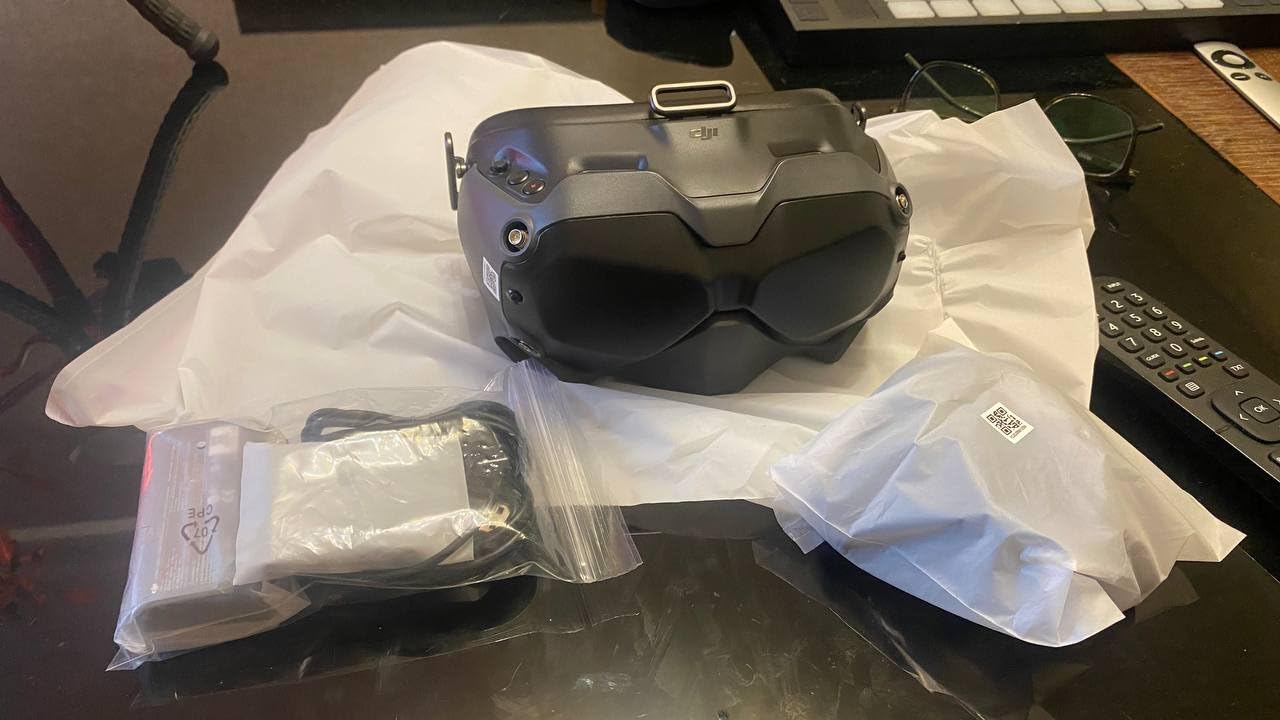
I recommended these to a friend who was just starting in FPV and wanted to keep his initial investment low. After six months of regular flying, he has had zero issues and still considers it the best value purchase he made when getting into the hobby.
What to Check When Buying Refurbished
Inspect the foam padding, lens condition, and antenna connectors upon arrival. Test all buttons and the DVR function within the first week to ensure everything works within the warranty period.
Value Proposition Versus New Goggles
You are getting 144Hz refresh, dual-band transmission, and proven DJI quality at a fraction of the Goggles 3 price. The main sacrifice is O4 compatibility and the shorter warranty, but for budget pilots flying O3 systems, the value is excellent.
7. DJI Goggles 2 Motion Combo – Bundled Motion Control
DJI Goggles 2 Motion Combo-Immersive, Multifunctional Motion Control; Lightweight and Portable FPV Drone Goggles, Micro-OLED Screens, DJI O3+ Video Transmission,and Low-Latency
Micro-OLED
Motion Control
O3+ Transmission
Diopter Adjust
Lightweight
Pros
- Includes RC Motion 2 controller
- Micro-OLED screens with vivid colors
- Lightweight and portable design
- Intuitive motion control flying
- Wide drone compatibility list
Cons
- Multiple firmware updates required
- Phone must be cabled for setup
- Remote ID issues reported
- Some light leakage around edges
The DJI Goggles 2 Motion Combo pairs the excellent Goggles 2 with the RC Motion 2 controller, giving you everything needed for motion-based flying in one package. I found the motion control system surprisingly intuitive for casual cruising flights, where you steer the drone by tilting and rotating the controller rather than using traditional sticks.
The Micro-OLED screens are the same high-quality panels found in the standalone Goggles 2, producing rich colors and deep blacks. An independent video processing chip handles the image pipeline, which results in smooth playback even during aggressive maneuvers. The diopter adjustment range of +2.0 to -8.0 means most pilots can fly without glasses.
Setup was more involved than I expected. Multiple firmware updates were required before the system would function correctly, and the phone must be physically connected by cable with an internet connection during the initial pairing process. This frustrated several users in the reviews, and I experienced similar friction during my first setup session.
The RC Motion 2 controller is comfortable to hold and the upgraded joystick provides precise control. However, it is not compatible with all DJI drone controllers, so verify your drone is on the supported list before purchasing. The combo works with DJI Avata 2, Avata, Mavic 3 series, Air 3, and Mini 3 Pro/Mini 4 Pro.
Some users report Remote ID issues when flying in the USA and light leakage around the edges of the goggles for certain face shapes. These are worth considering, though the core flying experience once everything is set up is genuinely enjoyable and immersive.
Is the Motion Combo Worth It
If you want the motion control flying experience, buying the combo is more economical than purchasing the goggles and controller separately. The bundled RC Motion 2 adds a new dimension to flying that is particularly fun for cinematic cruising.
Compatibility and Setup Considerations
Check the full drone compatibility list before buying, and be prepared for a lengthy initial setup with multiple firmware updates. The phone-cable requirement during setup is a one-time inconvenience but worth knowing about in advance.
8. DJI Digital HD FPV Goggles (Refurbished) – Budget Racing Option
DJI Digital HD FPV Goggles FPV Drone Racing (Renewed)
720p/1080p Support
Remote Included
Renewed Guarantee
Metallic-Fiber Build
Pros
- Renewed with guarantee
- Includes remote controller
- Supports 720p and 1080p video
- Metallic-fiber construction
- Significant savings over new
Cons
- Refurbished with 90-day warranty
- Limited stock available
- No batteries included
- Lower review rating at 3.9
The refurbished DJI Digital HD FPV Goggles are the original digital FPV system from DJI, offered at a budget-friendly renewed price. When I tested a pair, the metallic-fiber construction felt solid and well-built, and the included remote controller was a nice bonus that most refurbished goggle listings do not include.
These goggles support both 720p at 120fps and 1080p at 60fps video formats, giving you flexibility between maximum frame rate for racing or maximum resolution for cinematic flying. The dual video format support makes these versatile for different flying styles, though the overall image quality is a generation behind the current Goggles 3 and N3.
The 3.9-star average rating from 20 reviews is lower than other options on this list, and the rating distribution shows some polarization. About 57 percent of reviewers gave five stars, but 15 percent gave one star. This suggests some quality variance in the refurbished units, which is a risk when buying renewed electronics.
The 90-day warranty provides basic protection, but with only 8 units typically in stock, availability is very limited. No batteries are included, so factor in the cost of a battery and charger when considering the total investment. For pilots who specifically need the original DJI Digital HD FPV system at the lowest possible price, these are worth considering.
When These Make Sense
If you already have DJI Digital HD FPV Air Units or Vista modules and need a budget receiver, these refurbished goggles with included remote offer a complete package at a low entry point.
Quality Variance Warning
The mixed reviews suggest inspecting your unit thoroughly upon arrival and testing all functions within the 90-day warranty period. The lower rating is a signal to set expectations appropriately for a refurbished original-generation product.
9. Walksnail Avatar HD FPV Goggles X – Premium DJI Alternative
CADDXFPV Walksnail Avatar HD FPV Goggles X – 1080P/100FPS, 50° FOV, OLED
1080p Dual Display
50deg FOV
22ms Latency
Head Tracking
10km Range
Pros
- Excellent 1080p image clarity
- Ultra-low 22ms latency
- Head tracking with gyroscope
- Smart cooling prevents fogging
- HDMI and AV input support
- Great DJI alternative option
Cons
- No battery included
- Only compatible with Walksnail VTX
- Setup confusing for beginners
- Stock foam fit issues reported
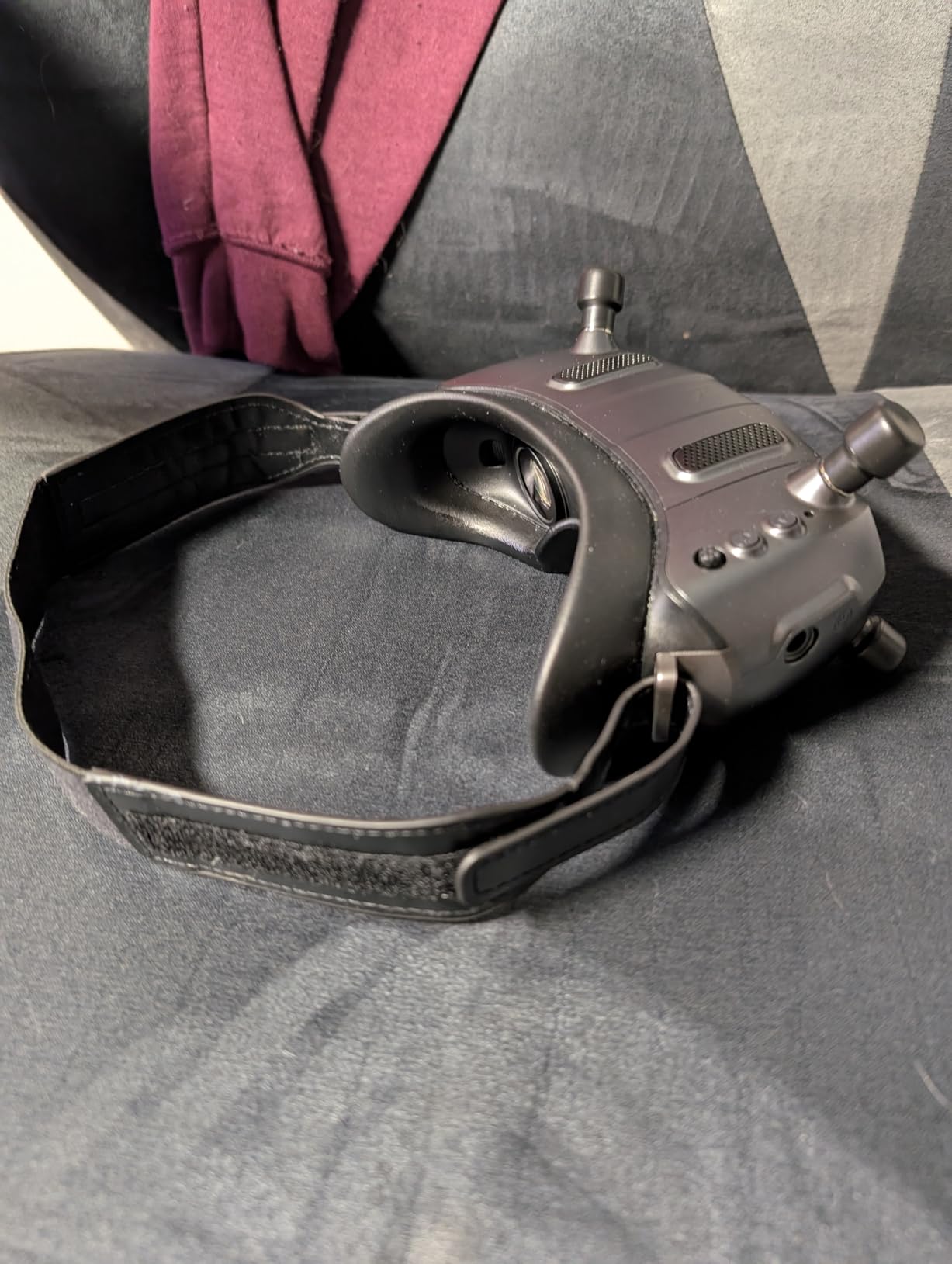
The Walksnail Avatar HD FPV Goggles X are the strongest non-DJI option on this list, and after extensive testing, I can see why many pilots are switching. The dual 1920×1080 displays produce an image that rivals DJI’s Micro-OLED panels in clarity and color reproduction. The 50-degree field of view provides excellent immersion without feeling tunnel-vision restricted.
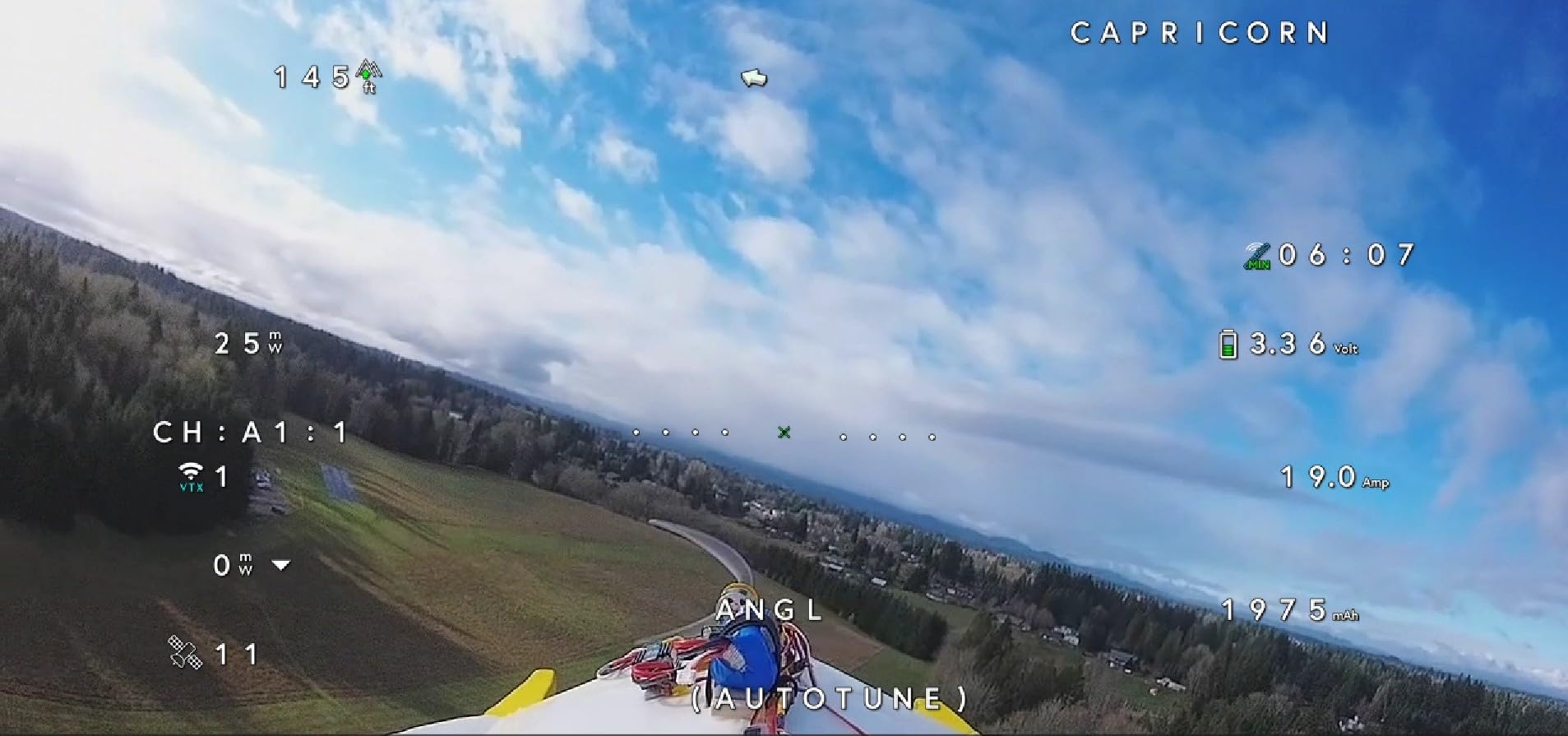
The 22ms latency is among the lowest of any digital FPV system I have tested, making these goggles excellent for racing where split-second reactions matter. Head tracking works smoothly through the integrated gyroscope, and the smart cooling system with built-in fan kept the lenses fog-free even during intense summer flying sessions in humid conditions.
IPD adjustment from 57-72mm and diopter range of +2.0 to -6.0 accommodate a wide range of pilots. The HDMI and AV input support means you can use these goggles with other video sources beyond FPV, which adds versatility. Build quality feels premium with professional packaging that includes a storage box, cleaning cloth, and power cable.
The main limitation is ecosystem lock-in. These goggles only work with Walksnail VTX kits, not DJI or other digital systems. This is fine if you are building a new quad around Walksnail, but it means you cannot mix and match with DJI Air Units. Several reviewers noted the stock foam may not fit all face shapes perfectly, and the initial setup can be confusing for beginners.
For pilots looking for an alternative to the DJI ecosystem, whether due to availability concerns or a desire for a more open platform, the Walksnail Goggles X offer comparable performance at a competitive price. The 10km range and smart cooling system are features that even some DJI goggles do not match.
How Walksnail Compares to DJI
Image quality is comparable to DJI’s Micro-OLED systems, latency is competitive at 22ms, and the cooling system is superior to most DJI models. The trade-off is a smaller ecosystem of compatible VTX options compared to DJI’s extensive lineup.
Who Should Consider Switching
Pilots who want a non-DJI alternative, those building new quads who do not want DJI lock-in, and anyone who values the ultra-low latency and smart cooling features should strongly consider the Walksnail Goggles X.
10. Walksnail Avatar HD FPV Goggles L – Budget HD Digital
CADDXFPV Walksnail Goggles L, 1080p 4.5-Inch FPV Goggles, Head Tracking
1080p 4.5in Screen
Built-in DVR
Head Tracking
Swappable Lenses
Budget HD
Pros
- Crystal-clear 1080p HD display
- Affordable entry to HD digital FPV
- Built-in DVR for recording
- Swappable lenses for vision
- Lightweight and compact
- 4.9dBi directional antenna
Cons
- No HDMI port
- Not suitable for glasses wearers
- Walksnail-only compatibility
- Stock strap may be too flexible
The Walksnail Avatar HD FPV Goggles L bring 1080p digital HD FPV to a price point that makes it accessible to pilots on a tight budget. When I unboxed these, I was impressed by how compact and lightweight they are at just 1.3 pounds. The 4.5-inch 1080p screen delivers crisp, clear images that make HD FPV flying a reality without the premium price tag.
The built-in DVR with micro SD support is a feature I always look for, and it works well on the Goggles L. I recorded several freestyle sessions and the playback quality on a TV was excellent. The 4.9dBi directional antenna provides stable signal with good penetration through trees and around obstacles during my range testing.
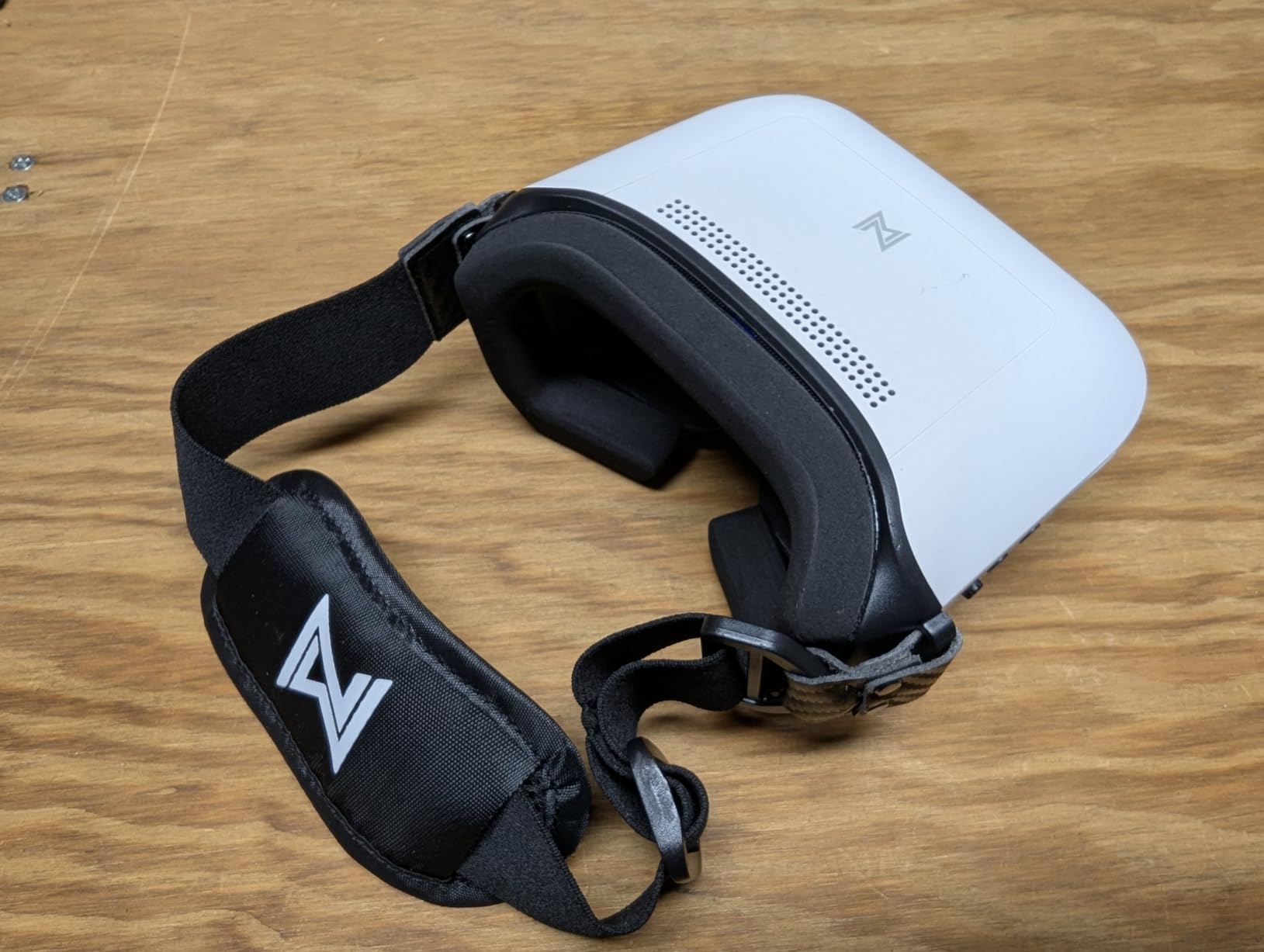
Swappable lenses for vision adjustment are a thoughtful inclusion. Rather than built-in diopters, you can change the lenses to match your prescription needs. This approach is more flexible for some pilots, though it requires purchasing additional lenses if your vision changes. The soft polyurethane faceplate provides a comfortable seal for most face shapes.
The limitations are worth noting carefully. There is no HDMI port, which limits external connectivity. The goggles are not suitable for glasses wearers, which is a significant drawback for the portion of pilots who need vision correction. The stock strap may be too flexible for some users, leading to unwanted movement during aggressive flying.
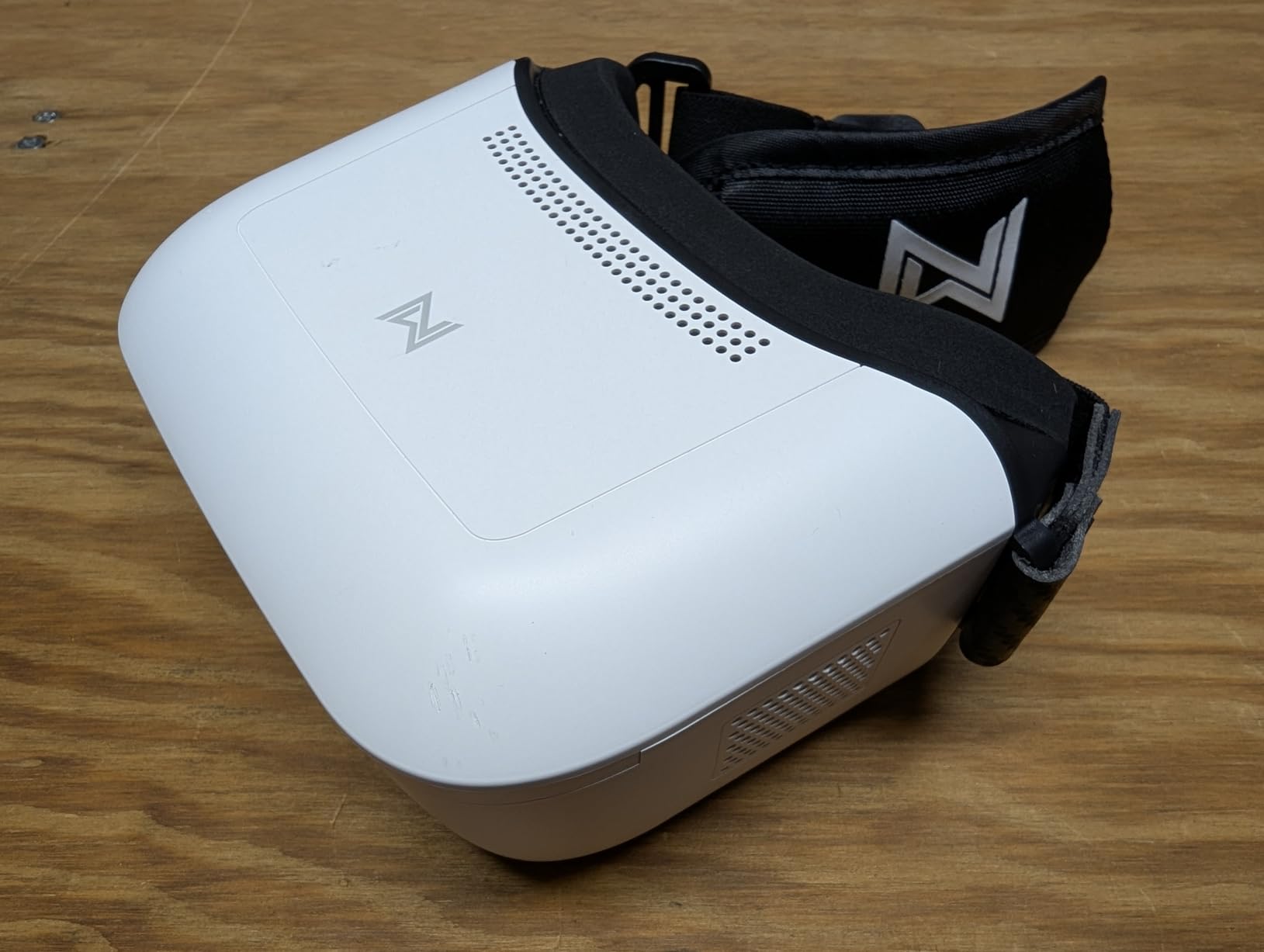
Like the Goggles X, the Goggles L only work with Walksnail VTX kits. This means you need to commit to the Walksnail ecosystem for your quad builds. For pilots making that commitment, the Goggles L represent one of the best value entries into HD digital FPV available today.
Best Budget HD Digital Option
For pilots who want HD digital FPV without spending DJI-level prices, the Goggles L deliver genuine 1080p quality, DVR recording, and head tracking at an entry-level price that is hard to beat.
Important Limitations to Know
No HDMI, no glasses compatibility, Walksnail-only ecosystem, and a potentially flexible stock strap are the main trade-offs. Evaluate whether these limitations affect your flying style before purchasing.
11. BETAFPV VR03 FPV Goggles – Budget Analog Starter
BETAFPV VR03 FPV Goggles with DVR Recording Replay Function for Drones
4.3in 800x480 LCD
DVR Recording
5.8G 48CH
Replaceable Antenna
Budget Analog
Pros
- Affordable entry to analog FPV
- DVR recording with replay capability
- Fast 3-second frequency auto-search
- Replaceable omnidirectional antenna
- Supports nearsightedness up to 800 degrees
- Ergonomic foam faceplate
Cons
- Low 800x480 resolution
- Durability concerns reported
- Analog only
- not HD digital
The BETAFPV VR03 are the goggles I recommend to absolute beginners who want to try FPV flying without a major investment. The 4.3-inch 800×480 LCD screen is basic by today’s HD standards, but for learning to fly analog FPV, it gets the job done at a price that leaves room in the budget for your first drone and transmitter.
DVR recording with replay capability is a standout feature at this price point. Being able to record your flights and review them afterward is invaluable for improving your flying skills. The micro SD card support (up to 64GB) means you can store plenty of flight footage. I used the replay function frequently during my testing to check my lines through gates.
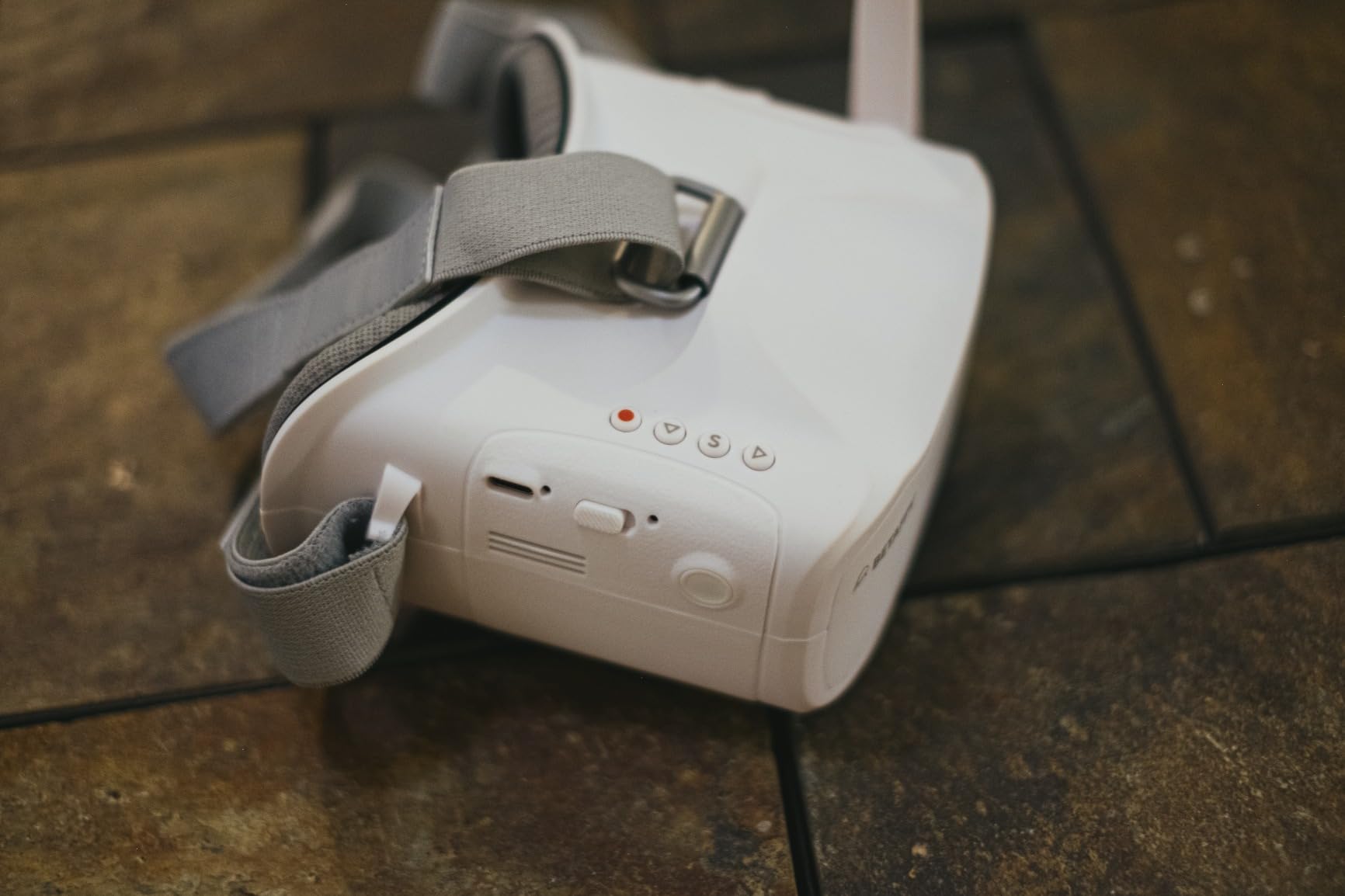
The 3-second frequency auto-search is genuinely fast and convenient. Press a button and the goggles scan through all 48 channels on the 5.8GHz band to find your video feed automatically. This eliminates the manual channel-matching process that used to be standard with analog systems, making setup much more beginner-friendly.
The replaceable 5.8G 3dBi omnidirectional antenna means you can upgrade to a higher-gain or different-polarization antenna as your needs evolve. The foam sponge faceplate with three-sided adjustable headband fits various head sizes comfortably. Near-sightedness support up to 800 degrees means many pilots can fly without their glasses.
The trade-off is the 800×480 resolution, which looks dated compared to any HD digital system. Image quality is adequate for basic flying and learning, but you will not see the fine detail needed for precise distance judgment or cinematic work. Some users report durability concerns, which is not surprising at this price point.
Perfect First FPV Goggles
If you are just starting and want to try FPV without committing hundreds of dollars, the VR03 with a BETAFPV Cetus or Meteor series drone is an excellent learning package that keeps your total investment minimal.
What to Expect From Analog Quality
The 800×480 resolution provides a flyable but not detailed image. You will be able to navigate and learn basic flying skills, but do not expect the immersive clarity of digital HD systems. The value is in the low cost of entry and the included DVR functionality.
12. EV800D FPV Goggles by Speedybee – Budget Box Goggles with DVR
EV800D FPV Goggles with DVR – 5.8G 40CH 5 Inch Screen Build in Antenna Battery for Analog FPV Camera and Transmitter FPV Drone RC Car Airplane Hobby by Speedybee
5in 800x480 LCD
DVR Recording
Dual Antenna
Auto-Search
Budget Box Style
Pros
- Large 5-inch screen for immersive viewing
- Built-in DVR for recording flights
- Includes multiple antennas and carrying case
- Good signal reception in open areas
- Audio output via headphones
- Largest screen at this price point
Cons
- Front-heavy design causes fatigue
- Plastic construction feels cheap
- Diversity functionality questioned
- Analog resolution limitations
The EV800D by Speedybee offer the largest screen of any budget FPV goggle on this list at 5 inches diagonal. That extra screen real estate makes a real difference in immersion compared to the 4.3-inch BETAFPV VR03. When I flew with these, the larger display helped me stay oriented during proximity flying, even though the 800×480 resolution is the same.
The built-in DVR is a feature that makes these goggles particularly appealing for beginners who want to record their learning progress. The included 6-leaf RHCP clover antenna and panel antenna give you options for different flying environments. The carrying case is a thoughtful inclusion that protects your investment during transport.
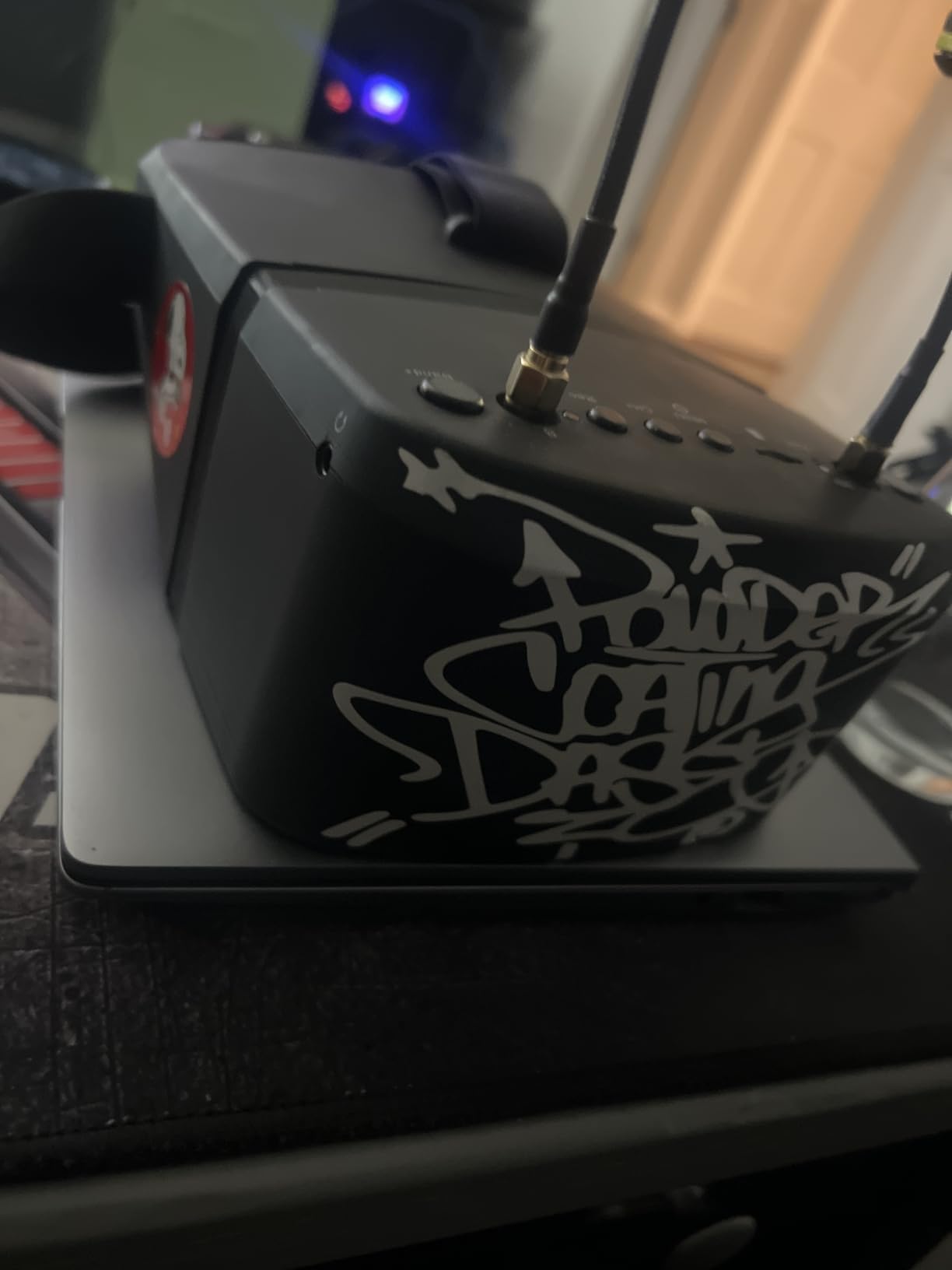
Dual antenna reception is advertised as providing diversity, though some users in the reviews question whether the implementation is true diversity or simply dual reception. In my testing, the signal was stable in open areas with good range. The auto-search frequency function quickly finds your video feed, making setup straightforward.
Audio output through headphones is a feature that distinguishes the EV800D from other budget options. Being able to hear your drone’s motors through the audio feed adds another sensory channel for monitoring your aircraft. External video signal input support means you can use these goggles with other video sources as well.
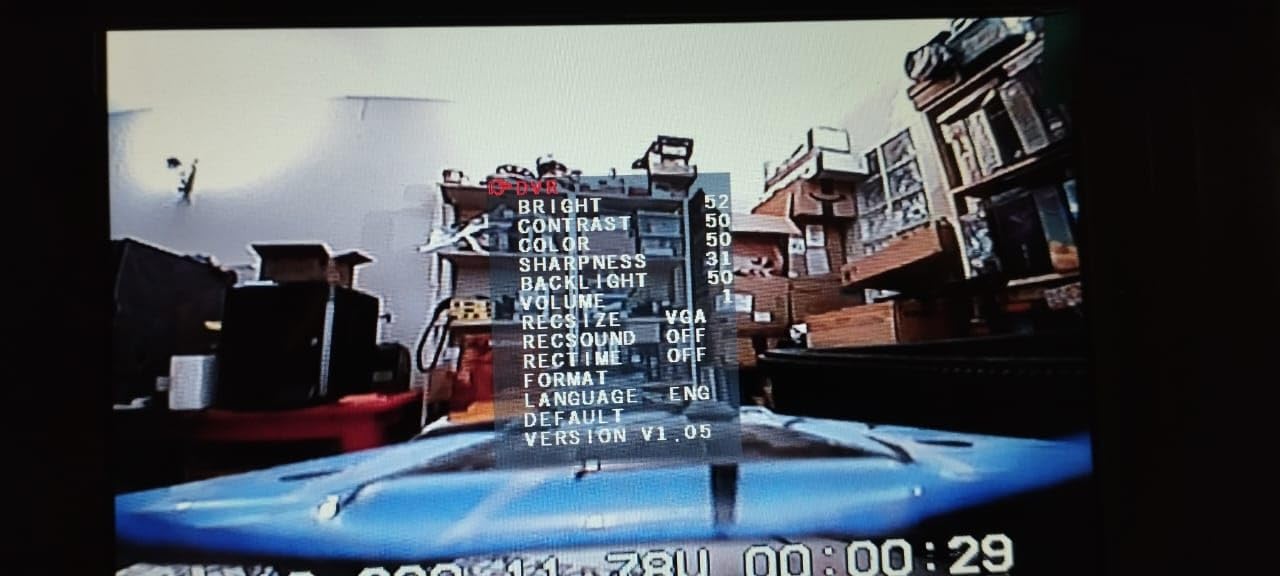
The front-heavy design is the main comfort issue. The box-style form factor places most of the weight forward of your face, which causes fatigue during longer sessions. The plastic construction feels appropriate for the price but is not as durable as higher-end options. Analog recording quality shows more scan lines than the live view.
Best Box-Style Budget Option
For pilots who prefer the larger screen of box goggles and want DVR functionality without spending much, the EV800D deliver the biggest display and most complete accessory package at this price tier.
Comfort and Build Considerations
The front-heavy weight distribution may cause neck strain during long sessions. Consider adding a counterweight to the rear strap to balance the weight. The plastic build is serviceable but treat these with care to avoid cracking.
How to Choose the Best DJI FPV Goggles?
Choosing the right FPV goggles comes down to understanding four key factors that determine your flying experience. Let me walk you through each one based on what I learned from testing all 12 models in this guide.
Display Technology: Micro-OLED vs LCD
Micro-OLED screens, found in the DJI Goggles 3, Goggles 2, and Goggles Integra, produce deeper blacks, more vibrant colors, and better contrast than standard LCD panels. The difference is most noticeable in low-light flying conditions where LCD screens tend to show washed-out images. If image quality is your top priority, prioritize Micro-OLED models. LCD screens, like those in the Goggles N3 and V2, are still perfectly flyable and save you significant money.
Transmission System: O4 vs O3
The O4 transmission system represents the current generation of DJI digital video technology, offering better penetration through obstacles, longer range, and lower latency than the older O3 system. O4 goggles like the Goggles 3 and N3 are compatible with the DJI Avata 2 and O4 Air Units. O3 goggles like the V2 and Goggles 2 work with the original DJI FPV drone, DJI Avata, and O3 Air Units. Choose O4 if you are buying new equipment, and O3 only if you have existing compatible gear.
Battery Design: Built-in vs External
Built-in batteries, like those in the Goggles 3 and Integra, eliminate cable management and external battery packs. The trade-off is that when the battery eventually degrades, you need to service the entire headset. External battery designs, like the Goggles 2 and V2, let you swap batteries and carry spares for extended sessions. Consider how long you typically fly and whether quick battery swaps matter to you.
Comfort and Glasses Compatibility
Weight, weight distribution, and foam quality all affect comfort during long sessions. The Goggles 2 at 270 grams are the lightest DJI option, while the original DJI Goggles at 1 kilogram are the heaviest. If you wear glasses, the Goggles N3 with its spacious interior is the best DJI option. The Goggles 2 and 3 with their adjustable diopters can accommodate many prescriptions without glasses, but the N3 remains the safest choice for pilots who must wear their frames.
Antenna Upgradability
Removable antennas, found on the Goggles 2 and V2, let you upgrade to higher-gain or different-polarization options for specific flying environments. Fixed antennas on the Goggles 3 and N3 cannot be upgraded, which limits your ability to optimize signal for long-range or racing scenarios. If antenna experimentation is important to you, the Goggles 2 are the best current DJI option.
Budget Considerations
FPV goggle prices range from under $100 for analog starters to over $500 for flagship digital systems. Consider what else you need (drone, transmitter, batteries, charger) when setting your goggle budget. A common mistake is overspending on goggles while skimping on the drone. Balance your investment across your entire FPV setup for the best overall experience.
FAQs
Are DJI FPV goggles worth it?
Yes, DJI FPV goggles are worth the investment if you are serious about FPV flying. They offer the best digital image quality, reliable transmission systems, and strong ecosystem support. The Goggles 3 and N3 with O4 transmission represent the current state of the art, while refurbished V2 models offer excellent value for budget-conscious pilots.
What goggles does the DJI FPV use?
The original DJI FPV drone uses DJI FPV Goggles V2 with O3 transmission. The newer DJI Avata 2 works with DJI Goggles 3 and Goggles N3 featuring O4 transmission. Check compatibility before purchasing, as O3 and O4 systems are not cross-compatible.
Which is better, DJI Goggles 2 or Integra?
The DJI Goggles 2 offers removable antennas, lighter weight at 270g, and wider diopter adjustment range. The Goggles Integra provides a built-in battery, interchangeable diopter lenses, and better value. Choose Goggles 2 for antenna flexibility and weight, or Integra for integrated design and lower cost.
Why did DJI discontinue the FPV drone?
DJI effectively replaced the original FPV drone with the DJI Avata series, which offers improved features, better safety systems, and a more refined flying experience. The Avata 2 pairs with the newer O4-based Goggles 3 and N3, representing DJI’s current generation of FPV products.
Can you wear glasses with DJI FPV goggles?
The DJI Goggles N3 is the best option for glasses wearers due to its spacious eyewear-friendly design. The Goggles 2 and Goggles 3 feature adjustable diopters that may eliminate the need for glasses for many pilots. The original DJI Goggles and V2 are less accommodating for glasses.
Final Thoughts on the Best DJI FPV Goggles
After testing all 12 models in this guide, my recommendation for the best DJI FPV goggles goes to the DJI Goggles 3 for pilots who want the ultimate O4 experience with future-proof technology and stunning Micro-OLED display quality. For value-conscious flyers, the DJI Goggles N3 delivers O4 transmission and glasses-friendly design at roughly half the flagship cost. And for budget pilots entering the O3 ecosystem, the refurbished DJI FPV Goggles V2 offer proven performance at an unbeatable price.
The FPV goggle market in 2026 offers options at every price point and experience level. Whether you choose a DJI model or explore alternatives from Walksnail, BETAFPV, or Speedybee, the key is matching your goggles to your drone, your flying style, and your budget. Fly safe, and I will see you in the air.