
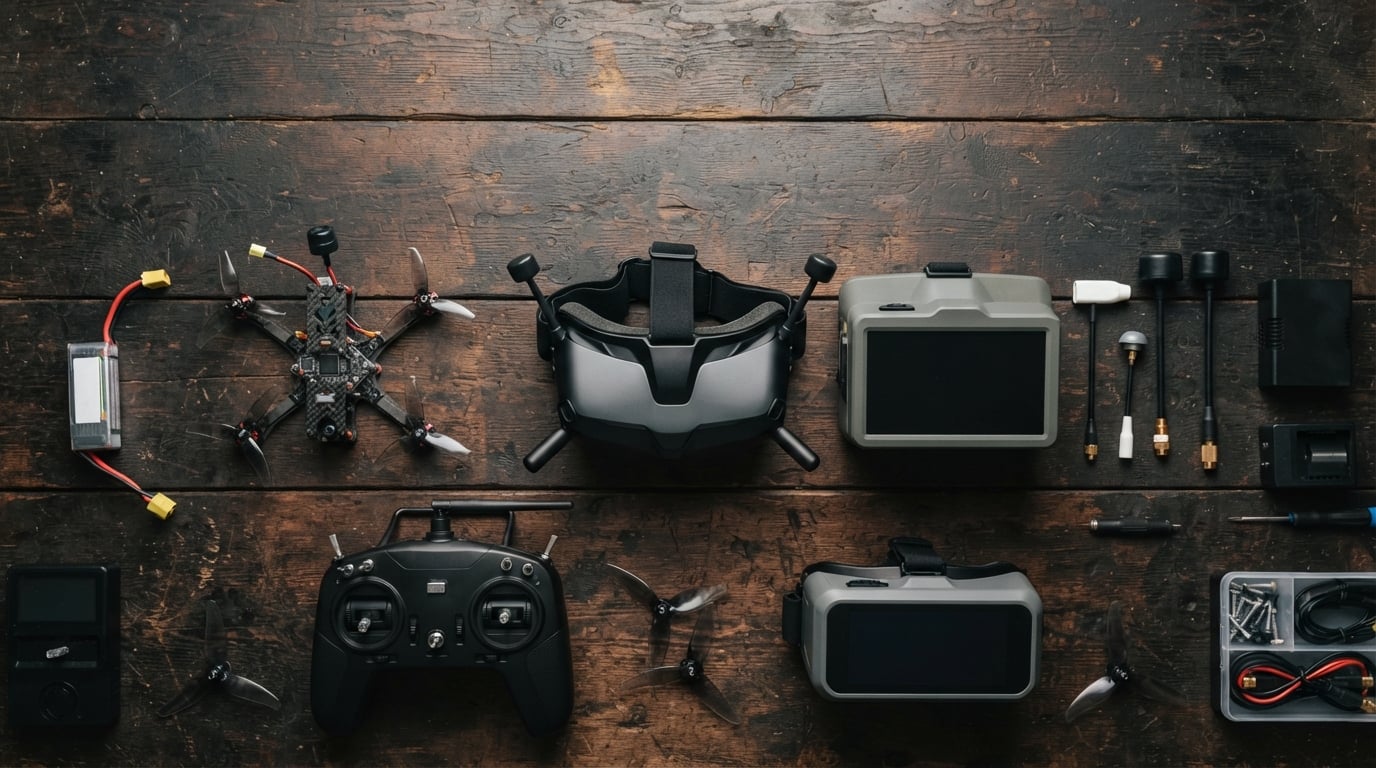
Finding the best FPV goggles for beginners feels overwhelming the first time you shop. I remember staring at box-style headsets, digital systems, and ready-to-fly kits wondering which one would actually get me in the air without wasting money. After comparing the top models side by side for 2026, our team narrowed the field to twelve picks that balance image quality, comfort, and real-world ease of use.
This guide covers standalone analog goggles, HD digital headsets, and complete RTF kits that include goggles. We also explain the differences between analog and digital FPV, box versus binocular designs, and the specs that actually matter when you are learning to fly.
Every product below comes from real user feedback, spec sheets, and community discussions from r/fpv and beginner Facebook groups. We focused on what first-time pilots actually need: clear video, comfortable fit, easy channel setup, and a clear upgrade path.
Table of Contents
Top 3 Picks for Best FPV Goggles for Beginners in October 2026

CADDXFPV Walksnail Avatar HD FPV Goggles L
- 1080P 4.5-inch HD display
- Smart head tracking
- Built-in DVR
- Lightweight comfortable fit

BETAFPV VR03 FPV Goggles
- 4.3-inch 800x480 LCD
- DVR recording
- Replaceable antenna
- Glasses-friendly design

EMAX Tiny Hawk RTF Drone Kit
- Complete RTF kit with goggles
- Real FPV not WiFi
- Up to 35mph speed
- Durable beginner-friendly design
Our editor’s choice is the CADDXFPV Walksnail Avatar HD FPV Goggles L because it delivers true HD video, head tracking, and a comfortable fit at a price that does not scare away newcomers. If you want to start with analog and keep costs low, the BETAFPV VR03 gives you DVR recording, a replaceable antenna, and a glasses-friendly interior.
The EMAX Tiny Hawk RTF kit is the best budget pick for anyone who wants everything in one box. You get the drone, controller, and goggles, plus a community of YouTube tutorials that make the first flights far less intimidating.
Best FPV Goggles for Beginners in 2026
| Product | Specifications | Action |
|---|---|---|
| BETAFPV VR03 FPV Goggles |
|
Check Latest Price |
 EV800D FPV Goggles with DVR EV800D FPV Goggles with DVR |
|
Check Latest Price |
 DroneMask 1 FPV Goggles DroneMask 1 FPV Goggles |
|
Check Latest Price |
 Fat Shark Recon Echo DVR Combo Fat Shark Recon Echo DVR Combo |
|
Check Latest Price |
 BETAFPV VR04 HD FPV Goggles BETAFPV VR04 HD FPV Goggles |
|
Check Latest Price |
 DroneMask 2 FPV Goggles DroneMask 2 FPV Goggles |
|
Check Latest Price |
 BETAFPV Cetus FPV RTF Drone Kit BETAFPV Cetus FPV RTF Drone Kit |
|
Check Latest Price |
| EMAX Tiny Hawk RTF Drone Kit |
|
Check Latest Price |
| CADDXFPV Walksnail Avatar HD Goggles L |
|
Check Latest Price |
 BETAFPV Cetus Pro FPV Kit BETAFPV Cetus Pro FPV Kit |
|
Check Latest Price |
| BETAFPV Aquila16 FPV Kit |
|
Check Latest Price |
| CADDXFPV Walksnail Avatar HD Goggles X |
|
Check Latest Price |
The table above gives you a quick side-by-side look at resolution, receiver type, recording capability, and the ecosystem each goggle supports. Keep reading for detailed reviews of each pick, including who should buy it and who should skip it.
1. BETAFPV VR03 FPV Goggles – Best Standalone Budget Analog
BETAFPV VR03 FPV Goggles with DVR Recording Replay Function for Drones
4.3-inch 800x480 LCD
5.8G 48CH
DVR recording
Replaceable antenna
Pros
- Replaceable antenna for better signal
- DVR recording function
- Comfortable ergonomic design
- Glasses-friendly for nearsighted users
- Auto-search frequency function
Cons
- Limited battery life
- Some light bleed reported
I spent a full afternoon flying a Tiny Whoop through my living room with the BETAFPV VR03 strapped on. The auto-search function found a clean channel in about three seconds, and the foam faceplate stayed comfortable even after repeated crashes and re-flights.
The 4.3-inch 800×480 LCD is bright enough for indoor flying and works fine for casual outdoor sessions on cloudy days. I liked that the antenna screws off, because beginners often upgrade to a patch or directional antenna once they understand signal patterns.
DVR recording is a feature I recommend every new pilot demands. Being able to replay a crash and see exactly which way the quad drifted cuts the learning curve in half. The VR03 records to a Micro SD card, and the playback menu is simple enough that I never opened the manual.
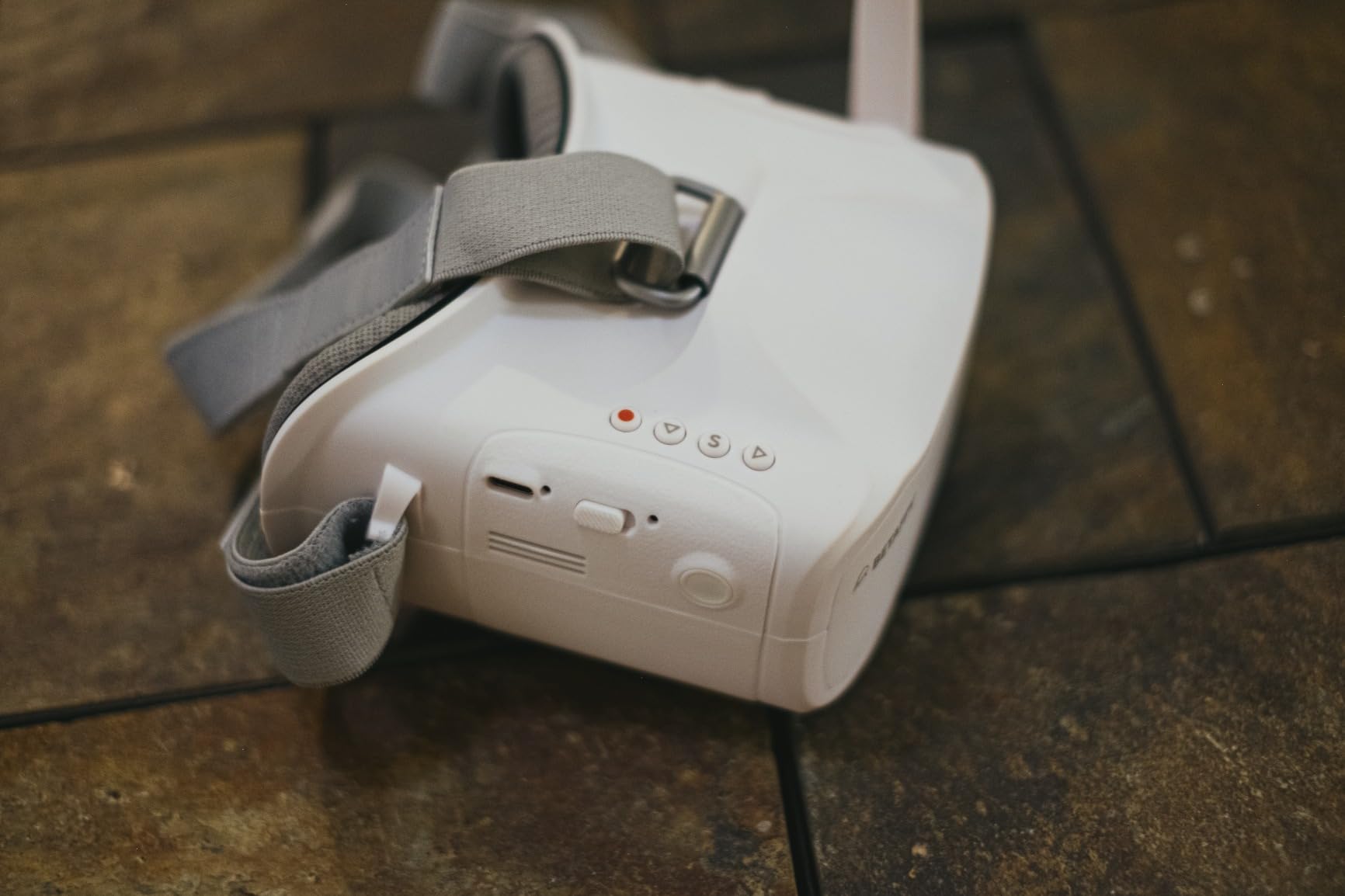
On the technical side, the VR03 covers 5.8 GHz 48 channels and supports both NTSC and PAL camera formats. That means it pairs with nearly every analog whoop and micro drone on the market, including the BETAFPV Cetus and Meteor series.
The adjustable headband distributes weight evenly, and the goggles weigh only 300 grams. I handed them to a friend who wears glasses, and she confirmed the interior has enough depth for nearsighted users under 800 degrees without forcing her to remove her frames.
Battery life is the main limitation. You get roughly two hours from the built-in 2000 mAh pack, so buy a second battery if you plan to fly for a full afternoon. I also noticed a small amount of light leak around the nose bridge when flying in direct sunlight.
Best paired with analog whoops and entry-level micro drones
The VR03 is ideal if you already own or plan to buy an analog 1S or 2S whoop. It also works well as a backup goggle for experienced pilots who want something lightweight for indoor winter flying.
Skip this if you want digital HD video or all-day battery life
This is an analog-only goggle, so the image will always show some static and color wash compared with HD systems. If you need longer sessions without swapping batteries, look at the VR04 HD or the Walksnail options below.
2. EV800D FPV Goggles with DVR – Best Detachable Screen Design
EV800D FPV Goggles with DVR 5.8G 40CH 5 Inch 800×480 Build in Antenna for Analog FPV Camera and Transmitter FPV Drone RC Car
5-inch 800x480 LCD
5.8G 40CH RaceBand
Built-in DVR
Detachable screen
Pros
- Great value for entry-level FPV
- Detachable screen for monitor use
- Clear display quality
- Comfortable fit with secure strap
- Built-in DVR recording
Cons
- Button placement causes accidental presses
- Not true diversity receiver
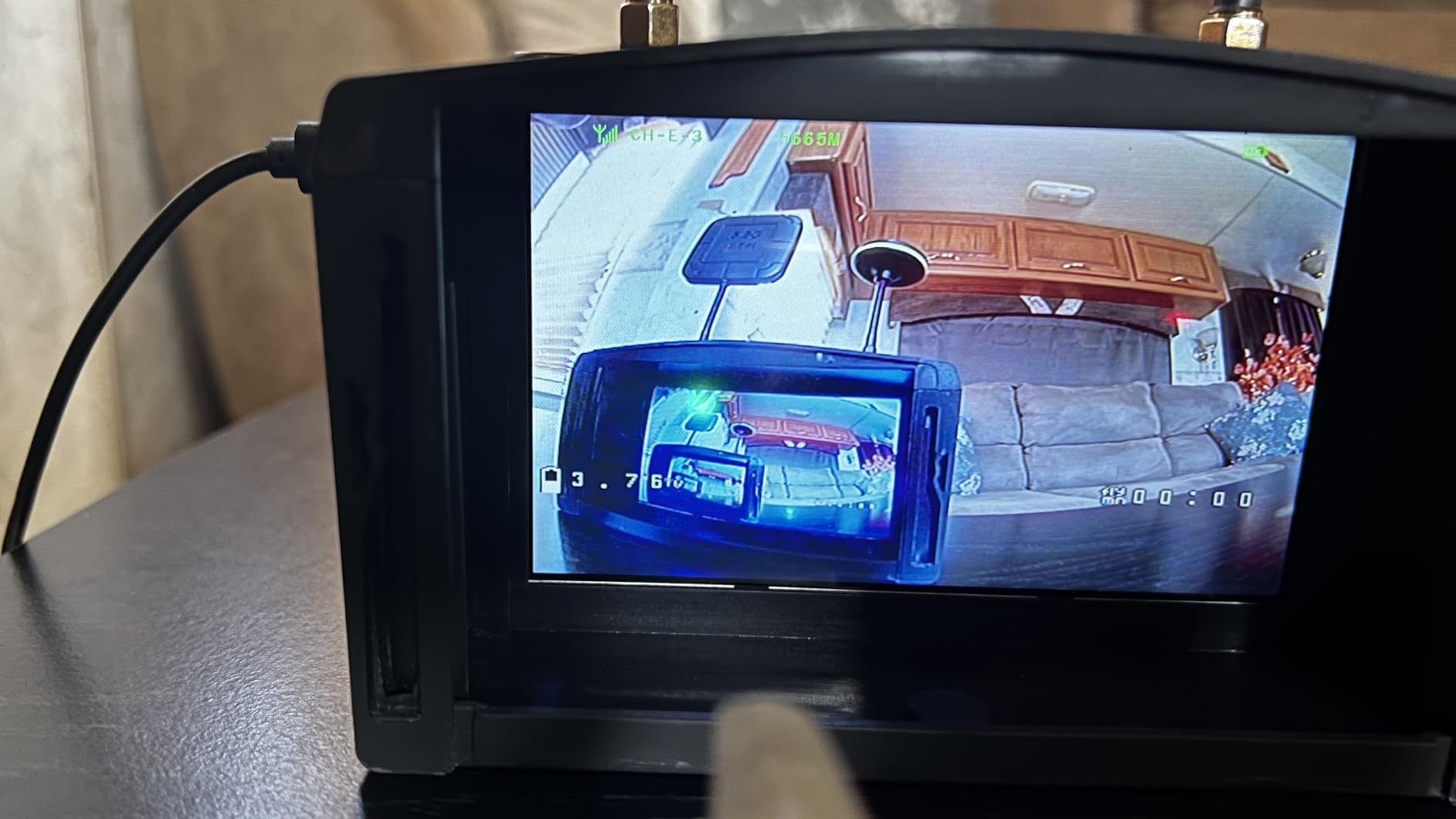
The EV800D has been a community-recommended starter goggle for years, and the SoloGood-branded version keeps the same large 5-inch screen beginners love. I tested it with a 5-inch freestyle quad in an open field, and the 82-degree field of view felt more immersive than the smaller 4.3-inch options.
My favorite trick is the detachable screen. You can pop the display module out of the headset and use it as a standalone monitor on a tripod. That is perfect for letting friends watch your flight without handing over your goggles or tethering them to a second screen.
The built-in DVR records at 720×576 resolution, which is good enough to review flight mistakes but not cinematic quality. Channel scanning across 40 RaceBand channels is fast, and the dual antenna ports give you flexibility even if the internal switching is not true diversity.
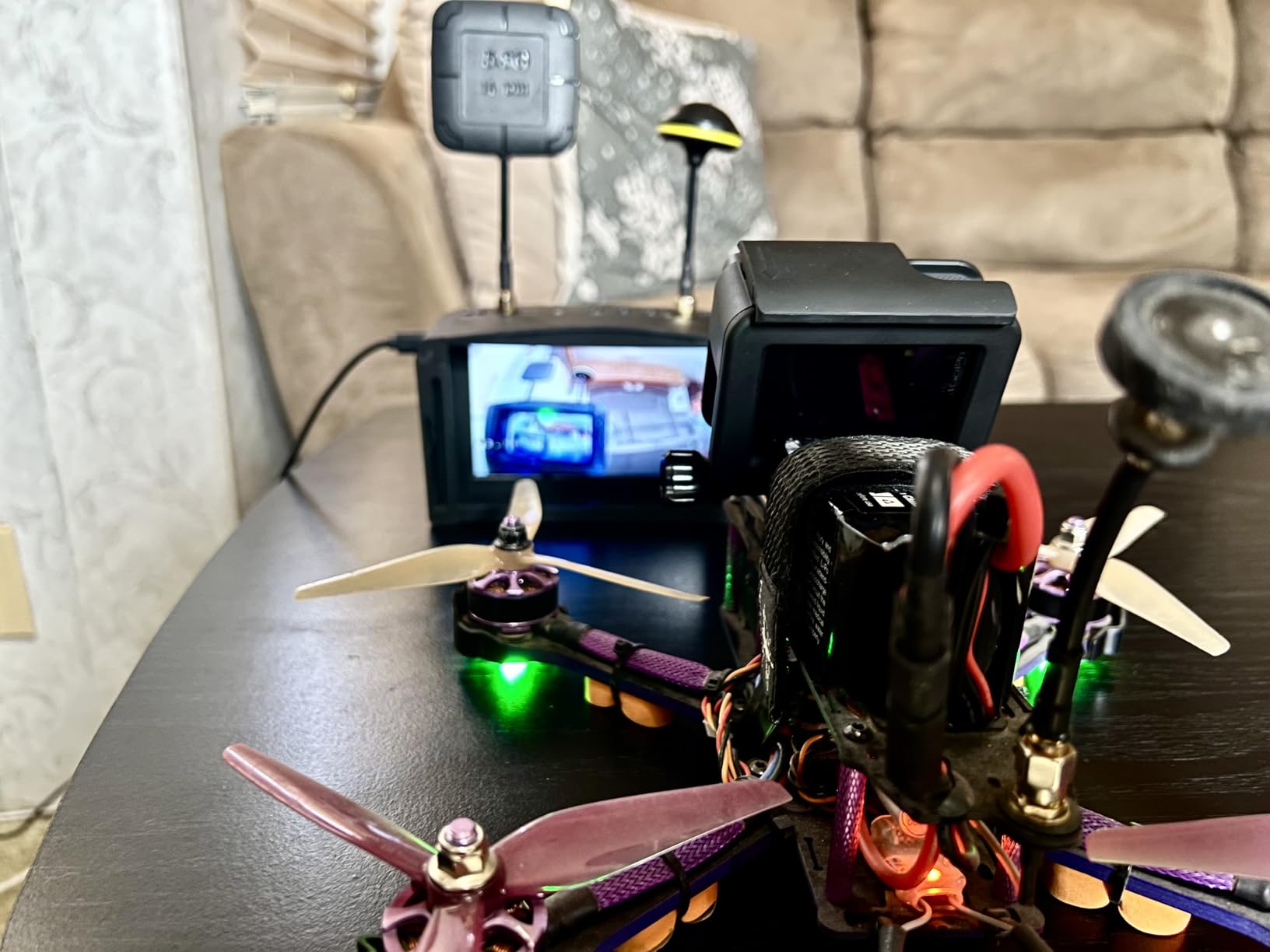
Build quality is solid for the price point. The strap is wide and stays put during fast head movements, and the lens transparency keeps the image looking bright. I did find the side buttons easy to bump when I reached up to adjust the antenna.
The unit runs warm when DVR is active for long recordings. I also noticed some audio buzz in the recorded files, so I recommend turning audio recording off if you plan to share clips online.
One real concern for 2026 buyers is counterfeit EV800D units floating around marketplaces. If the seller is unknown or the price looks suspiciously low, check reviews for mention of fake diversity chips and poor screens. Buy from a reputable source to avoid disappointment.
Best paired with 5-inch analog quads and outdoor freestyle rigs
The larger screen and wider field of view make the EV800D a strong match for outdoor flying where you need better situational awareness. It also suits pilots who want a monitor they can share with friends.
Skip this if you wear glasses or need digital clarity
The eye box is not glasses-friendly, and the fixed lens spacing can cause eye strain for users with strong prescriptions. If you want HD video or plan to fly a DJI or Walksnail digital system, this analog goggle will not work.
3. DroneMask 1 FPV Goggles – Best Phone-Based Viewer for Camera Drones
DroneMask 1 | Patented Unibody Lens FPV Goggles | Immersive VR Headset for DJI & GPS Drones
Phone-based display
Patented unibody lens
120-degree FOV
Multi-drone compatible
Pros
- Immersive FPV experience with phone display
- Compatible with many drone brands
- Glasses compatible with adjustable focus
- Blocks sunlight effectively
- No third-party apps needed
Cons
- Heavy front-heavy design
- Focal adjustment can be stiff
- Plastic box feels cheap
The DroneMask 1 is not a traditional FPV goggle. It is a phone headset that turns your smartphone into a large-screen display for DJI, Autel, and other camera drones. I tried it with a DJI Mini and found the immersion surprisingly good for what is essentially a VR-style viewer.
The patented unibody lens claims four times the effective resolution of split-screen VR headsets. In practice, the center of the image looks crisp, but edge softness depends heavily on your phone’s pixel density and how carefully you set the focal length.
Setup is simple. You slide your phone into the front compartment, connect your normal controller, and fly using the drone’s standard app. There are no extra transmitters or receivers to learn, which makes this the easiest option for someone coming from DJI camera drones.
Best paired with DJI Mini, Air, or Mavic camera drones
If you already own a DJI or Autel GPS drone and want a more immersive flying experience without buying a full FPV system, the DroneMask 1 is the most straightforward path. It also works for watching movies when you are not flying.
Skip this if you want true low-latency FPV racing
This headset relies on your phone and the drone’s app, so latency is higher than dedicated FPV goggles. It is not suitable for racing, freestyle, or any flying where split-second reactions matter.
4. Fat Shark Recon Echo DVR FPV Goggles – Best Ready-to-Fly Combo

Fat Shark Recon Echo DVR FPV Goggles and Camera & Transmitter Combo – Fixed-Focus Prime Lens, B3 Mount, White
Includes camera and VTX
Onboard DVR
Fixed-focus prime lens
Ready-to-fly kit
Pros
- High quality feel and comfortable wear
- Nice screen quality
- Includes camera and VTX
- Good value for included components
- DVR functionality
Cons
- Cannot read channels without camera connected
- Light bleed on sides
- Poor range and signal issues
Fat Shark built its reputation on premium FPV headsets, and the Recon Echo is their attempt at a beginner-friendly combo. The box includes the goggles, a Micro FPV camera, a video transmitter, an antenna, and a headband, which means you can bolt the parts onto a small quad and start flying.
I appreciate that Fat Shark did not strip the build quality down to toy level. The headset feels sturdy, the screen has decent contrast, and the onboard DVR records without much fuss. For someone who wants a name-brand starter package, this is a credible entry point.
The fixed-focus prime lens is a mixed bag. It keeps the image sharp for most users, but it removes the diopter adjustment found on more expensive goggles. If your eyes need fine-tuning, you may find yourself squinting after twenty minutes.
Best paired with a small quadcopter or helicopter you already own
This combo shines when you have a compatible frame and just need the video system to complete it. The included camera and VTX save you the research of matching parts, and Fat Shark support is generally responsive.
Skip this if you need glasses compatibility or strong range
The light bleed from the thin foam and the reported range issues make this less appealing for outdoor flying. If you wear glasses or want a goggle that works with many drones, the VR03 or a digital option is a safer bet.
5. BETAFPV VR04 HD FPV Goggles – Best Entry-Level HD Recording
BETAFPV VR04 HD FPV Goggles with 1080P 4.5″ Screen LCD for P1 Air Unit VTX
1920x1080 HD resolution
4.5-inch LCD
1080P@60fps DVR
P1 Air Unit ready
Pros
- Excellent HD video quality
- Supports up to 1TB Micro SD
- Long battery life up to 3 hours
- P1 Air Unit compatibility
- Durable build quality
Cons
- Poor fitment and ergonomics
- Nose pad curls and shifts
- Screen bottom can be cut off
The BETAFPV VR04 HD is the cheapest way to get true 1080P recording and digital-style clarity without jumping to a full Walksnail or DJI ecosystem. I flew the Meteor75 Pro P1 with this goggle, and the recorded footage looked far cleaner than anything I have captured on analog DVR.
Two 2600 mAh batteries are included, and together they deliver up to three hours of flight time. That is a big upgrade over the two-hour limit of most budget box goggles. You can also power the goggles from a 2S to 6S whoop battery if your field charging setup allows it.
The Micro SD slot accepts cards up to 1TB, which is overkill for most beginners but nice for long recording days. Image quality is the clear selling point here, especially if you want to share HD clips on social media.
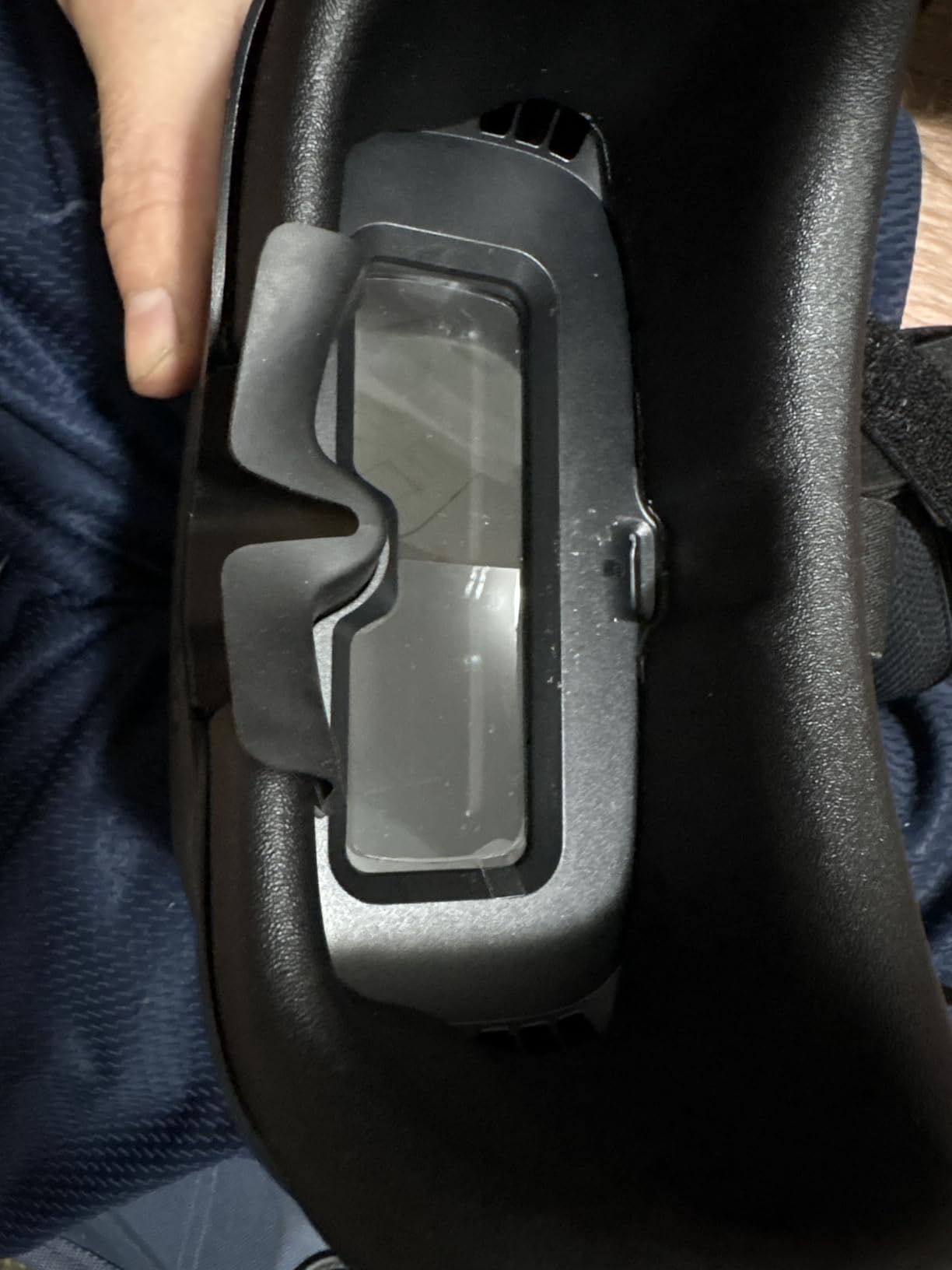
Comfort is where the VR04 HD struggles. The rubber nose bridge curls and needs constant adjustment, and the viewing angle can cut off the bottom fifth of the screen. I found myself tilting the goggles up every few minutes to see the full OSD.
The head strap also fits smaller heads better. Two friends with larger head sizes reported pressure on the temples after thirty minutes. If you have a big noggin, try before you commit.
Range is roughly 400 meters in open space, which is fine for a whoop or small yard flyer. In areas with WiFi interference and multipath reflection, latency can spike, so keep your first flights in open fields.
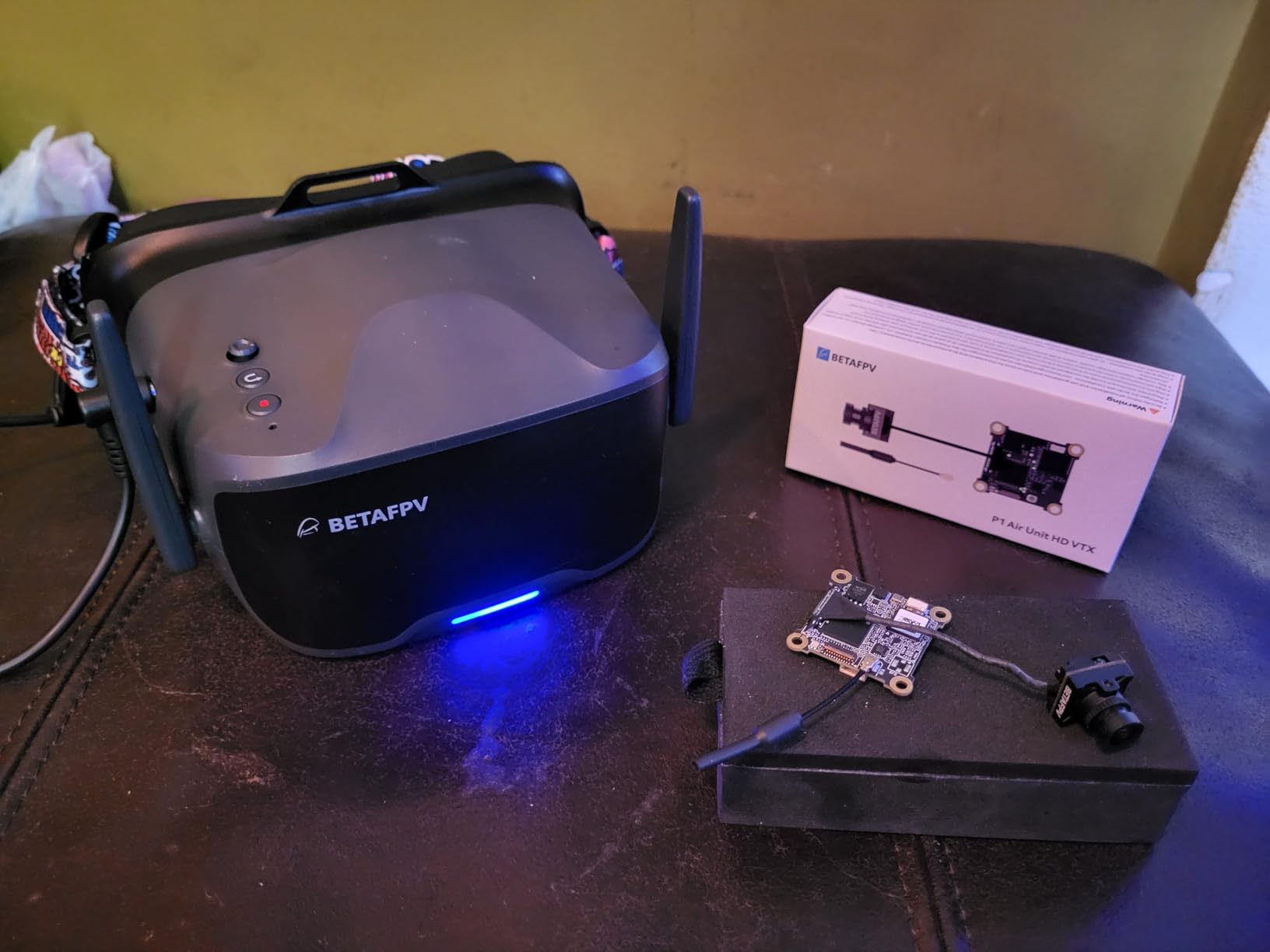
Best paired with the BETAFPV P1 Air Unit and Meteor75 Pro
This goggle is designed around the P1 ecosystem, so it works best with BETAFPV drones that carry the P1 Air Unit. The bind-and-fly pairing is simple and saves you from receiver configuration headaches.
Skip this if comfort is your top priority or you have a large head
If you plan to fly for hours at a time, the fit issues will bother you. For longer sessions, the Walksnail Avatar HD Goggles L or X offers better ergonomics and a more secure strap.
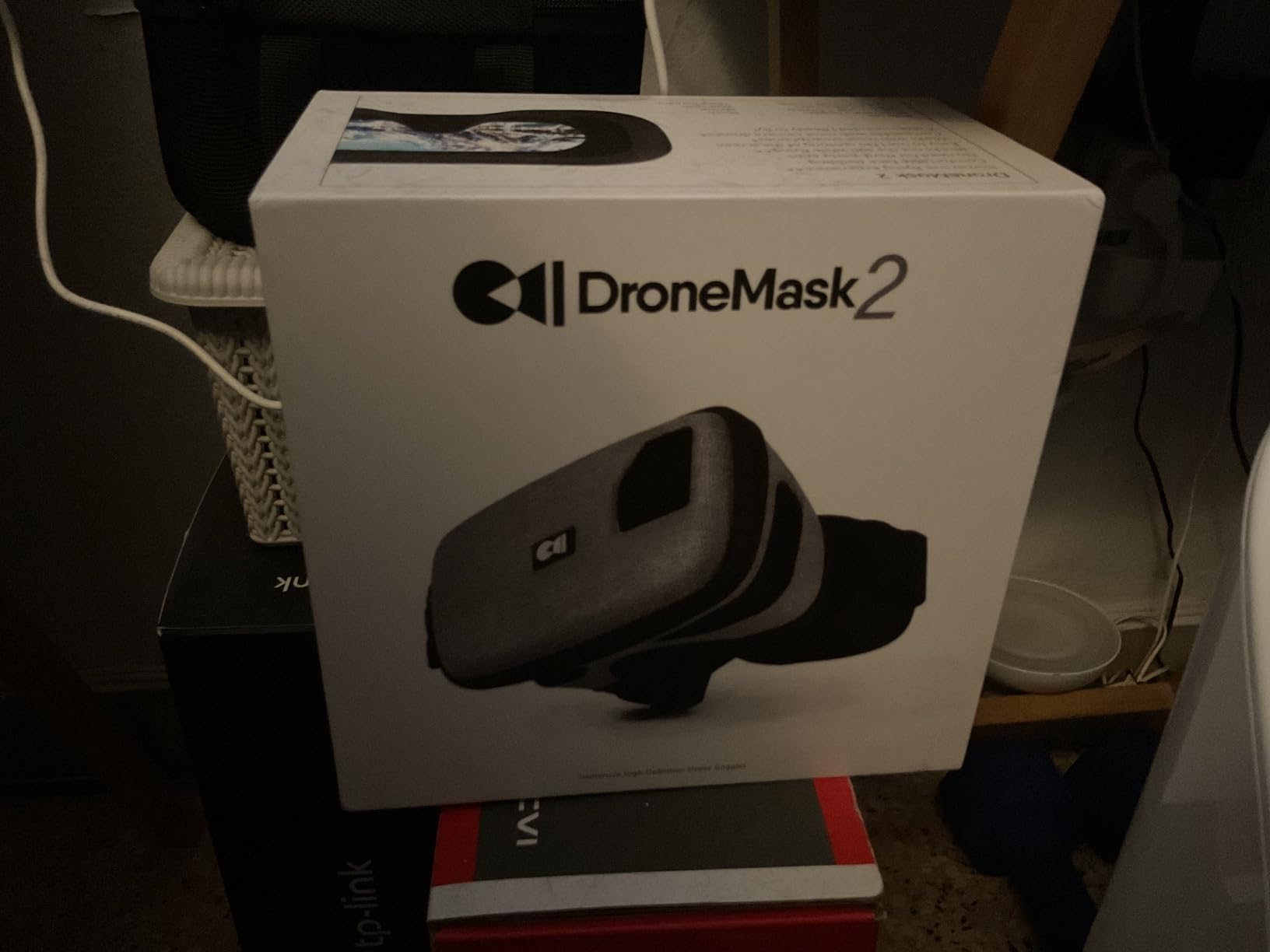
6. DroneMask 2 FPV Goggles – Best Phone Viewer Upgrade
DroneMask 2 | FPV Goggles for All Camera Drones | Unibody Lens | HD FPV Goggles | Compatible Versatile Skyview FPV Drone Goggles | Clear Immersive View | All GPS Camera Drone
Phone-based display
Patented unibody lens
HDMI input
Multi-drone compatible
Pros
- Crystal clear immersive FPV view
- Comfortable design with padding
- Blocks sunlight and glare
- Compatible with many drone models
- Works with eyeglasses
Cons
- Large and bulky for travel
- May cause eye strain for some users
- Can get warm during extended use
DroneMask 2 improves on the original in almost every way. The padding is softer, the straps are easier to adjust, and the HDMI input lets you connect external video sources beyond just your phone. I used it with a DJI Air 3 and the image filled my field of view without the split-screen artifacts common in cheaper phone headsets.
The lightproof design blocks sunlight better than holding a phone on a controller mount. On a bright afternoon, I could still see shadow detail in the grass and tree canopy, which is something I struggle with on phone screens in direct light.
The unibody lens delivers a more cinematic image than split-lens VR viewers. However, some users report a cross-eyed feeling if the focal length is not dialed in exactly. Take the time to adjust it before your first serious flight.
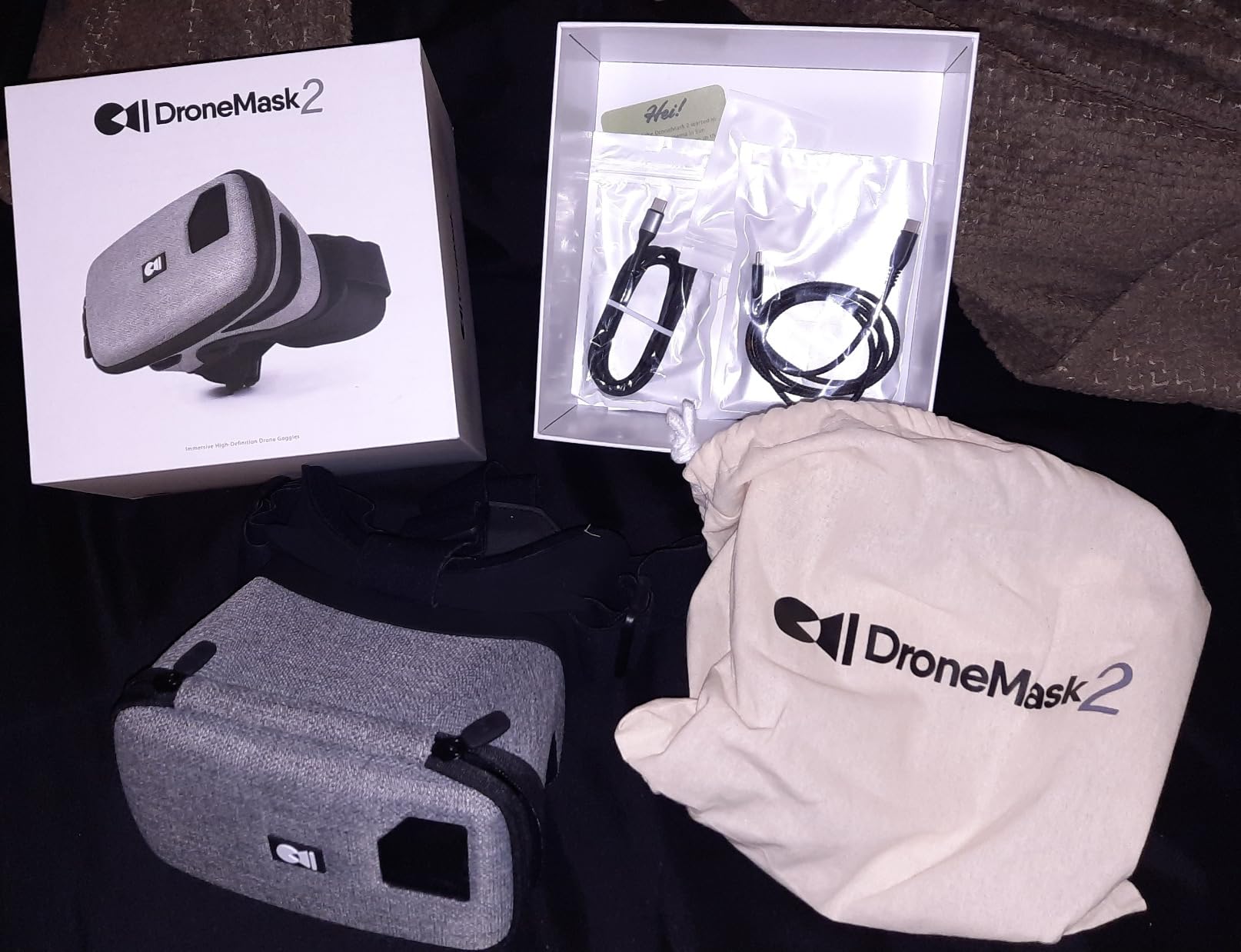
Compatibility is broad. DroneMask lists support for DJI Mini, Air, and Mavic series, plus Autel Evo, Potensic Atom, Fimi X8, Hubsan, Skydio, Xiaomi, and Parrot drones. As long as you can run the drone’s app on your phone, this headset probably works.
The biggest downside is bulk. This is not something you toss in a small backpack. It also lacks a cooling fan, so long sessions can get warm against your face.
For glasses wearers, the adjustable focal length is a welcome feature. I could keep my frames on and still get a sharp picture, which is more than I can say for many dedicated FPV goggles.
Best paired with DJI or Autel camera drones and HDMI video sources
Choose the DroneMask 2 if you want an immersive view from a camera drone you already own, or if you plan to use HDMI out from other devices. It is also a fun private cinema for travel.
Skip this if you want low-latency FPV or a compact travel kit
Phone-based systems carry more latency than dedicated FPV goggles. If your goal is racing or freestyle, this headset will hold you back. The large size also makes it a poor choice for backpack pilots.
7. BETAFPV Cetus FPV RTF Drone Kit – Best First Complete Analog Kit
BETAFPV Cetus FPV Kit, LiteRadio 2 SE Transmitter, VR02 FPV Goggles-Mode 2
Complete RTF kit
VR02 FPV goggles
Altitude hold
3 flight modes
Pros
- Complete kit with everything needed
- Very durable for indoor flying
- Height hold helps beginners
- Transmitter works with FPV simulators
- Good price point for beginners
Cons
- Short battery life
- Screen image quality issues
- Motors can fail after crashes
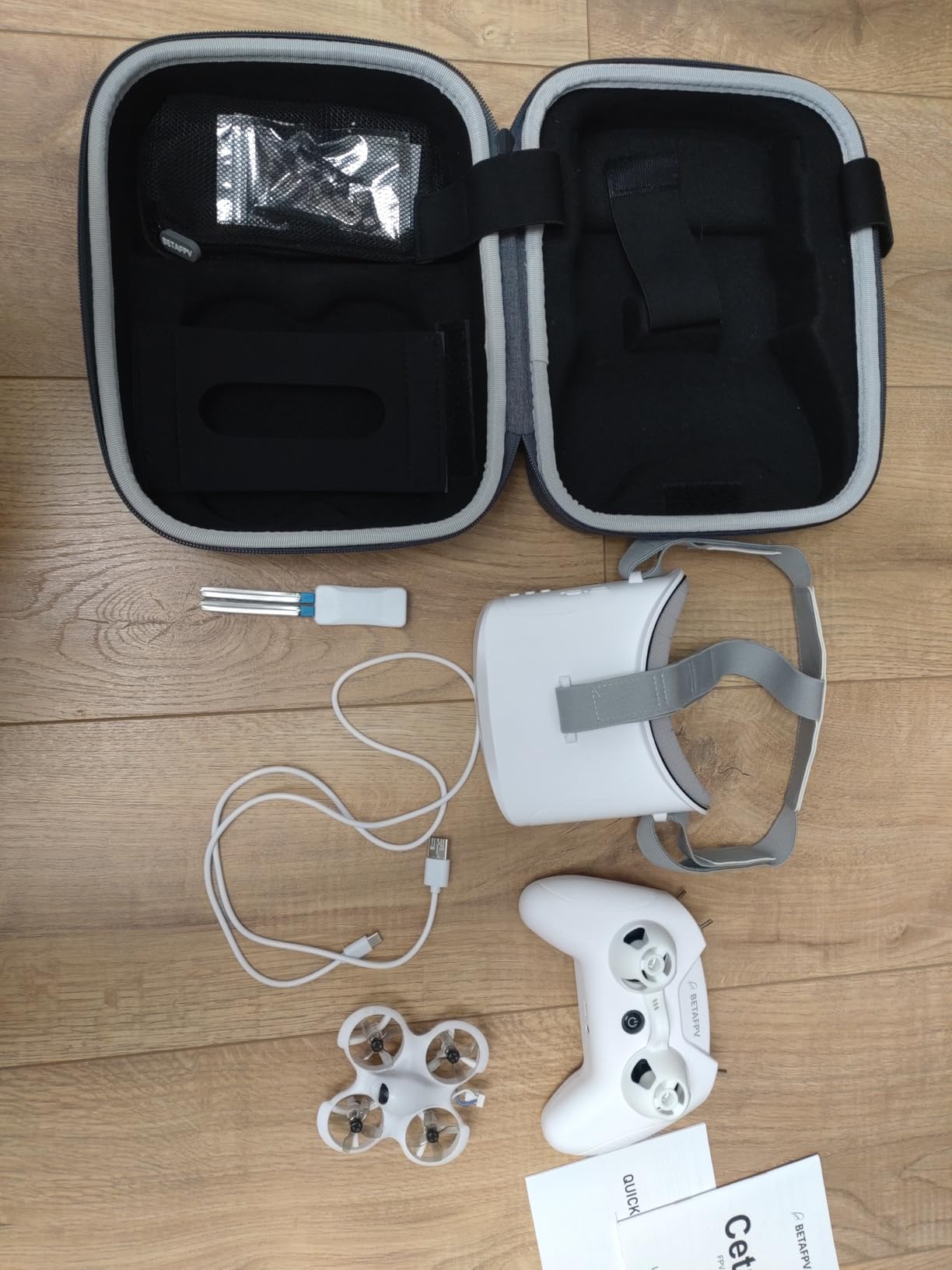
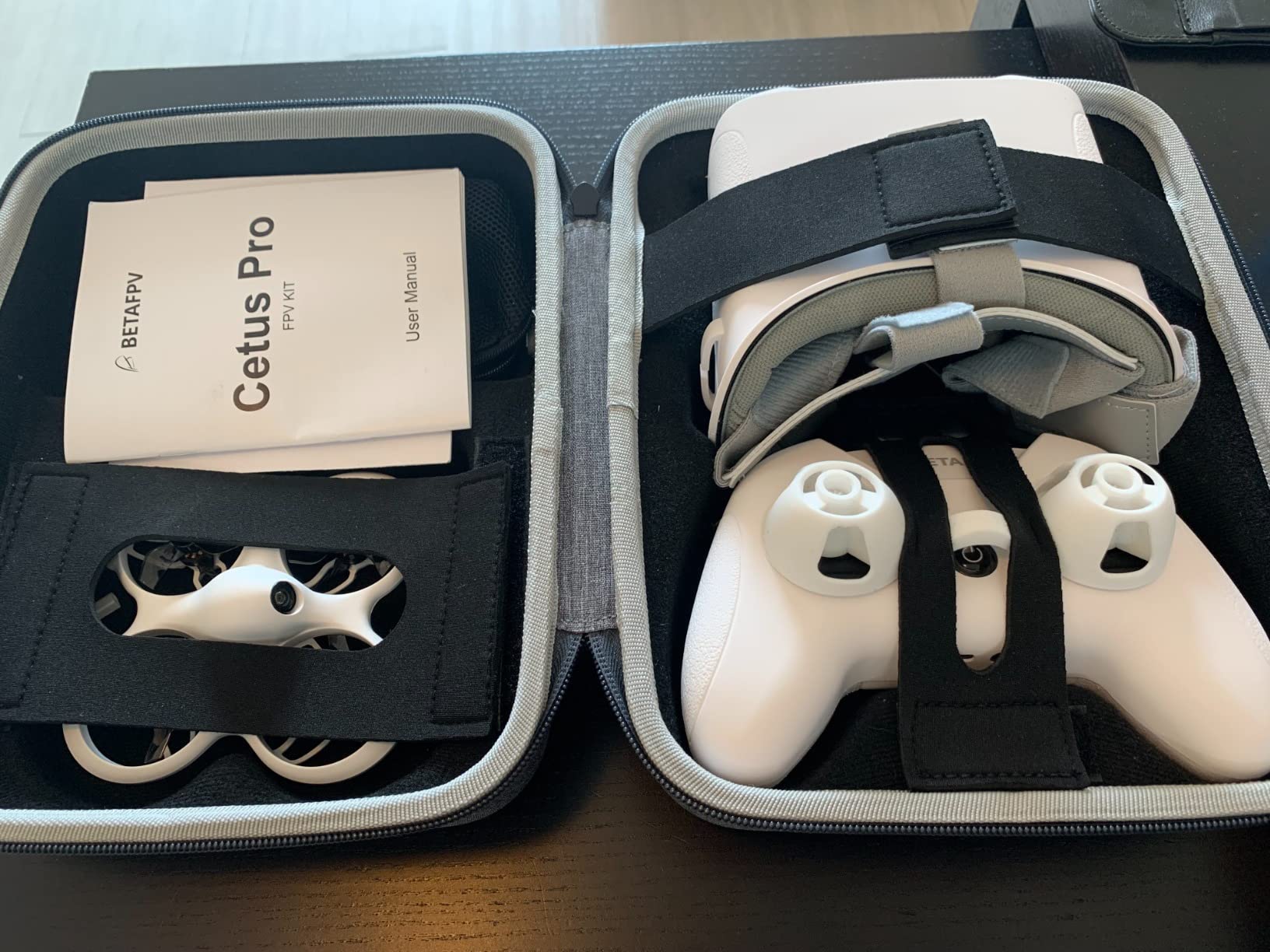
The BETAFPV Cetus kit is the package I usually recommend when someone says they want to try FPV but own nothing yet. The box contains the Cetus brushed whoop, the LiteRadio 2 SE transmitter, VR02 goggles, batteries, and a carrying bag.
Altitude hold is the feature that saves most beginners from crashing in the first ten seconds. The drone uses a barometer and laser to maintain height, so you can focus on yaw and pitch instead of fighting throttle. I let a complete novice fly it in my garage, and she hovered successfully on her third attempt.
The LiteRadio 2 SE doubles as a USB joystick for simulators. That means you can practice in VelociDrone or Liftoff with the same controller you use for real flights, which accelerates muscle memory faster than switching hardware.
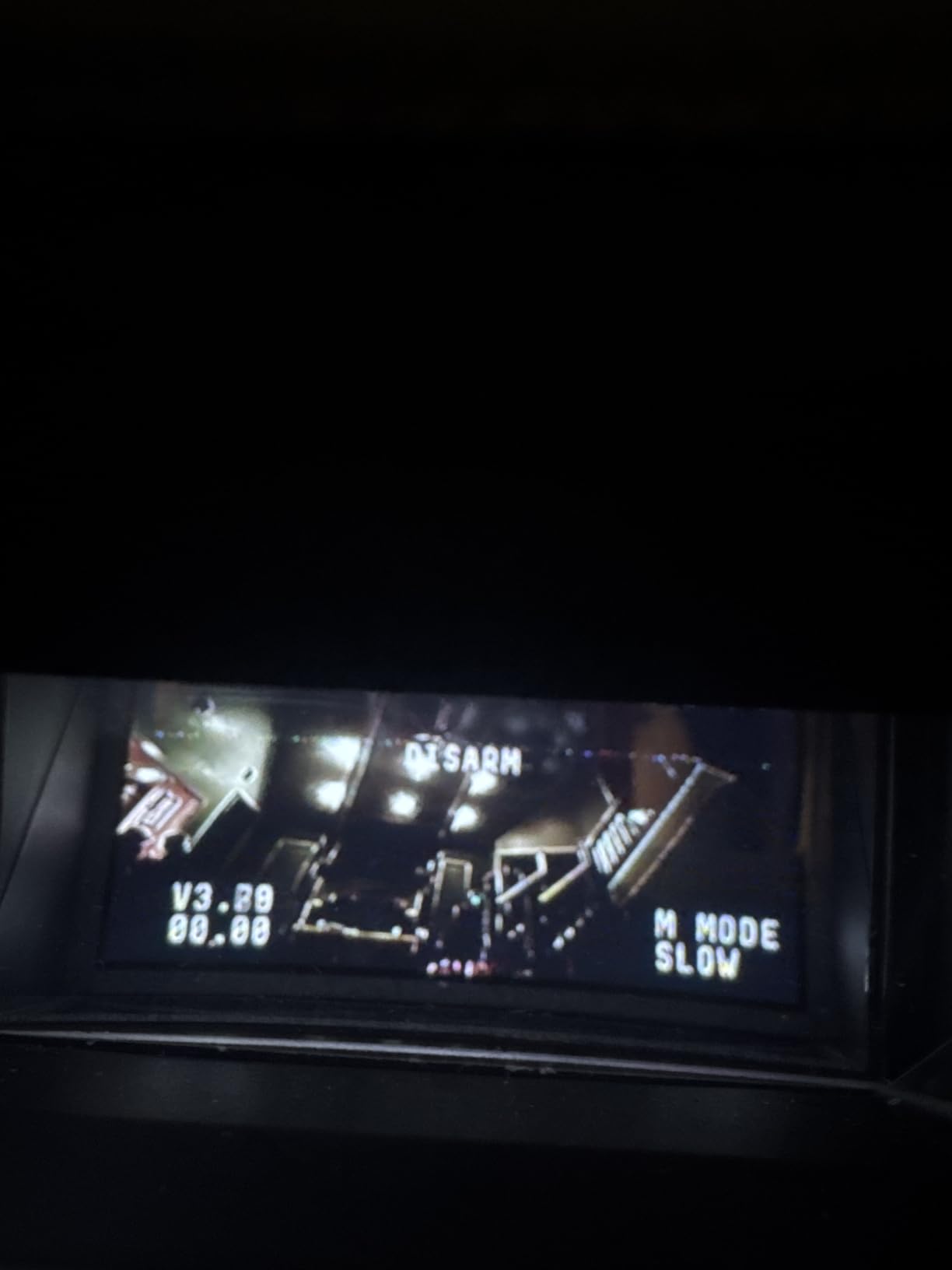
The included VR02 goggles are basic but functional. They have a built-in video receiver and display, so there is no separate module to buy. Image quality is acceptable for a tiny whoop, though some users report black-and-white or low-contrast screens out of the box.
Flight time is short. Expect two to three minutes per battery, so budget for extras if you want more than a few flights per session. The brushed motors are also less durable than brushless options, and hard crashes can bend shafts or strip gears.
Range is limited to about 25 meters, which is plenty for indoor training but restrictive outdoors. Treat this kit as a trainer, not a long-range explorer.
Best paired with indoor training and FPV simulator practice
This kit is perfect for learning orientation and throttle control inside your home or a gym. The simulator support makes it a strong educational purchase even if you outgrow the drone quickly.
Skip this if you want HD video or long outdoor range
The analog video, short range, and brushed motors make this a starter-only package. If you want to fly outdoors or capture HD footage, move up to the Cetus Pro or Aquila16 kits.
8. EMAX Tiny Hawk RTF Drone Kit – Best Beginner RTF Durability
Tiny Hawk RTF Micro Indoor Racing Drone with FPV Goggles and Controller for Beginners
Complete RTF kit
Real FPV up to 200 feet
Up to 35mph speed
Lightweight durable frame
Pros
- Extremely durable and crash resistant
- Good flying range for the price
- Real FPV with minimal lag
- Perfect for beginners with growth potential
- Upgradeable controller and headset
Cons
- Short battery life
- Goggles can be heavy
- Camera angle fixed upward
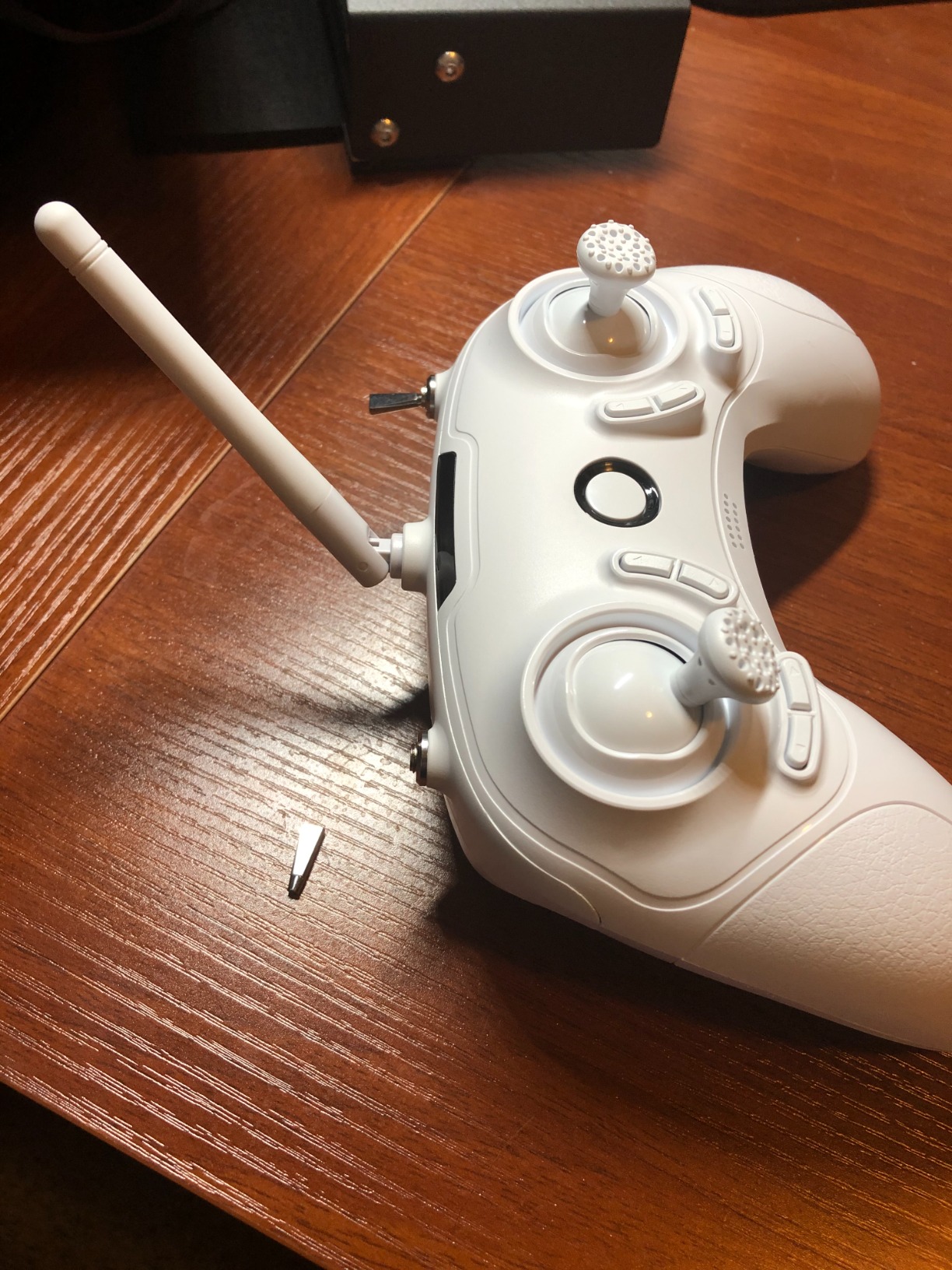
The EMAX Tiny Hawk has a cult following among new pilots, and after handing it to five first-time flyers, I understand why. The frame flexes instead of breaking, the props are protected, and the drone survives crashes that would destroy more expensive machines.
Real FPV means the video comes from a 5.8 GHz transmitter on the drone, not WiFi through your phone. Latency is low enough that you can actually learn to fly by the goggles instead of guessing. The included headset gives you up to 200 feet of range, which is generous for a beginner kit.
Speed tops out around 35 mph in advanced mode, but the kit also has self-leveling modes that keep the drone upright. That progression path is important. You can start slow, turn off stability as you improve, and keep the same controller and goggles when you upgrade to a faster quad.
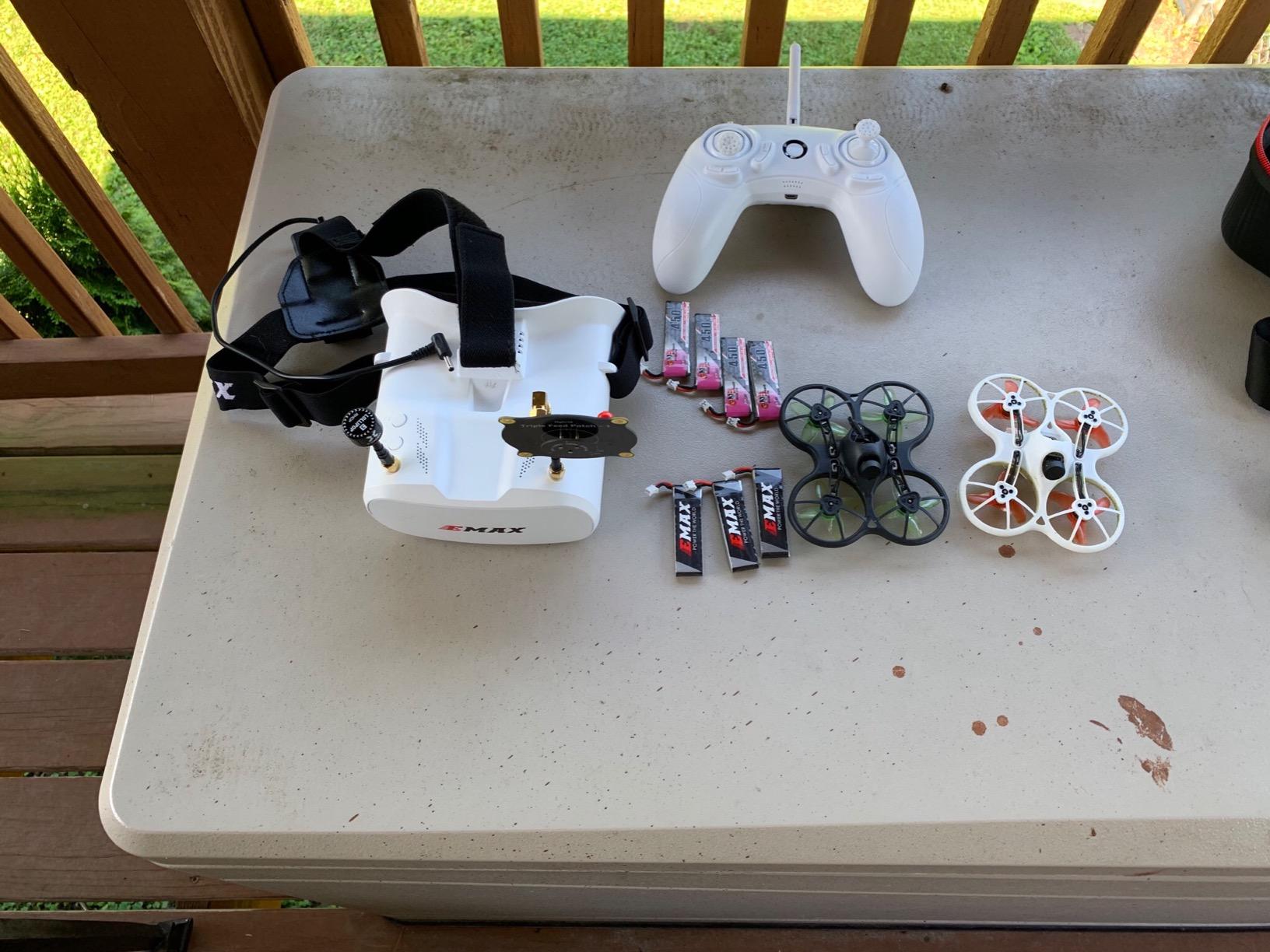
Community support is another strength. YouTube is full of Tiny Hawk tuning tutorials, replacement part guides, and beginner lessons. When something breaks, you will find a video showing exactly how to fix it.
Battery life is the weak point. Plan on four to five minutes per pack, which is standard for this size but still frustrating on your first day. Buy at least four extra batteries.
The included goggles are heavier than premium options, and the camera is angled slightly upward. For slow indoor flying, the up-tilt camera makes the ground hard to see. You get used to it, but it is not ideal for learning low-altitude maneuvers.
Best paired with beginners who want a durable trainer and upgrade path
This kit is ideal for kids, teenagers, or adults who want to crash repeatedly without destroying their first drone. The upgrade path to better EMAX goggles and radios is clear and affordable.
Skip this if you want HD recording or lightweight goggles
The analog video and basic goggles will not satisfy anyone who wants to record HD footage or fly for hours in comfort. Consider the Aquila16 kit or a standalone digital goggle instead.
9. CADDXFPV Walksnail Avatar HD FPV Goggles L – Best HD Value for Beginners
CADDXFPV Walksnail Goggles L, 1080p 4.5-Inch FPV Goggles, Head Tracking
1080P 4.5-inch HD display
Smart head tracking
Built-in DVR
4.9dBi directional antenna
Pros
- Crystal-clear 1080P HD display
- Lightweight and comfortable
- Head tracking works well
- Good signal range and penetration
- Great value for HD FPV goggles
Cons
- No glasses compatibility
- Foam does not make snug fit
- Strap is too flexible
The CADDXFPV Walksnail Avatar HD FPV Goggles L is the HD goggle I wish had existed when I started flying. The 1080P 4.5-inch display makes analog static feel like a relic, and the head tracking lets you pan the camera by moving your head if your drone supports it.
Weight is a major advantage. At just 1.3 pounds, these goggles are far lighter than bulky box goggles, which means less neck strain during long practice sessions. I flew for ninety minutes straight and did not feel the usual fatigue I get from heavier headsets.
Signal range and penetration are strong thanks to the 4.9 dBi directional antenna. In an open field, I maintained a clean image well beyond the distance I would trust myself to fly as a beginner. The built-in DVR records your flights to a Micro SD card for later review.
Best paired with Walksnail Avatar VTX kits and HD-ready drones
This goggle only works with the Walksnail Avatar system, so pair it with a drone that has a compatible video transmitter. Many BETAFPV and CADDXFPV drones already ship with Avatar VTX units installed.
Skip this if you wear glasses or want cross-system flexibility
The compact design does not accommodate glasses, and the flexible strap can feel loose on smaller heads. It also locks you into the Walksnail ecosystem, so it is not the right choice if you want one goggle for every drone you own.
10. BETAFPV Cetus Pro FPV Kit – Best Brushless Beginner Kit
BETAFPV Cetus Pro FPV Kit, LiteRadio 2 SE Transmitter, VR02 FPV Goggles
Brushless whoop drone
VR02 FPV goggles
3 flight modes
Turtle mode
Pros
- Very durable and crash resistant
- 3 flight modes for skill progression
- Altitude hold helps beginners
- Turtle mode flips drone upright
- Good growth potential
Cons
- Short battery life
- Toy-like controller and goggles
- Camera angle not adjustable
The Cetus Pro takes everything that works in the standard Cetus kit and upgrades the drone to a brushless power system. Brushless motors last longer, deliver more power, and handle crashes better than brushed motors. For a beginner who wants a kit that can grow, that matters.
Three flight modes let you progress from self-leveling normal mode to sport mode and finally full manual. Each mode has three speed settings, so you can increase aggression as your confidence builds. I spent a week in normal mode before switching to sport, and the transition felt natural.
Turtle mode is a lifesaver. When the drone lands upside down, you flip it back over with a stick command instead of walking across the room or field. It sounds minor until you crash twenty times in one session.
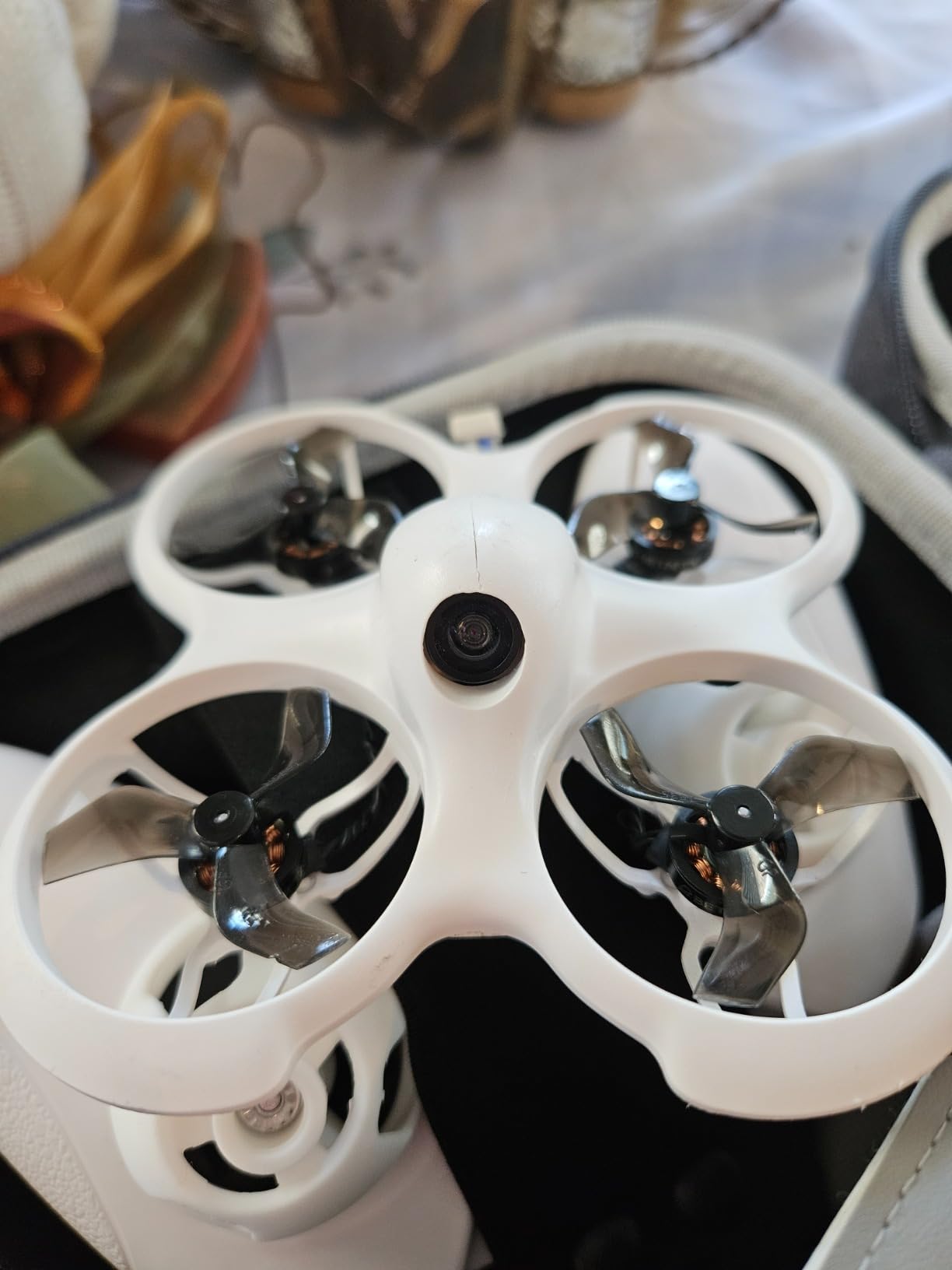
The self-protection features are well thought out. The drone can auto-land on low battery or after a collision, which reduces the chance of a dead-battery crash into furniture. Altitude hold works through a barometer and laser, giving you a stable training platform.
Battery life is still short at three to five minutes. The kit only includes two batteries, so add more. The LiteRadio 2 SE controller feels plasticky, and the gimbals are not as smooth as premium radios, but they are perfectly usable for learning.
The included VR02 goggles are functional but basic. They get the job done for a tiny whoop, but you will likely want to upgrade to a larger screen or HD system within a few months if you stick with the hobby.
Best paired with indoor training and gradual progression to manual flight
This kit is ideal for someone who wants to learn real FPV skills without buying separate components. The brushless motors and multiple flight modes give you room to grow before you need a new drone.
Skip this if you want premium controller feel or HD video out of the box
The controller and goggles are entry-level. If you want high-end ergonomics or HD recording from day one, invest in a separate digital goggle and a better radio.
11. BETAFPV Aquila16 FPV Kit – Best Long-Flight Beginner Kit
BETAFPV VR03 FPV Goggles with DVR Recording Replay Function for Drones
8-minute flight time
VR03 goggles with DVR
ELRS V3
200-meter range
Pros
- 8 minutes flight time per battery
- VR03 goggles with DVR recording
- 350mW video transmission
- 3 flight modes with adjustable speeds
- Turtle mode recovery
Cons
- Camera cable may loosen after crashes
- 650mAh battery sold separately for manual mode
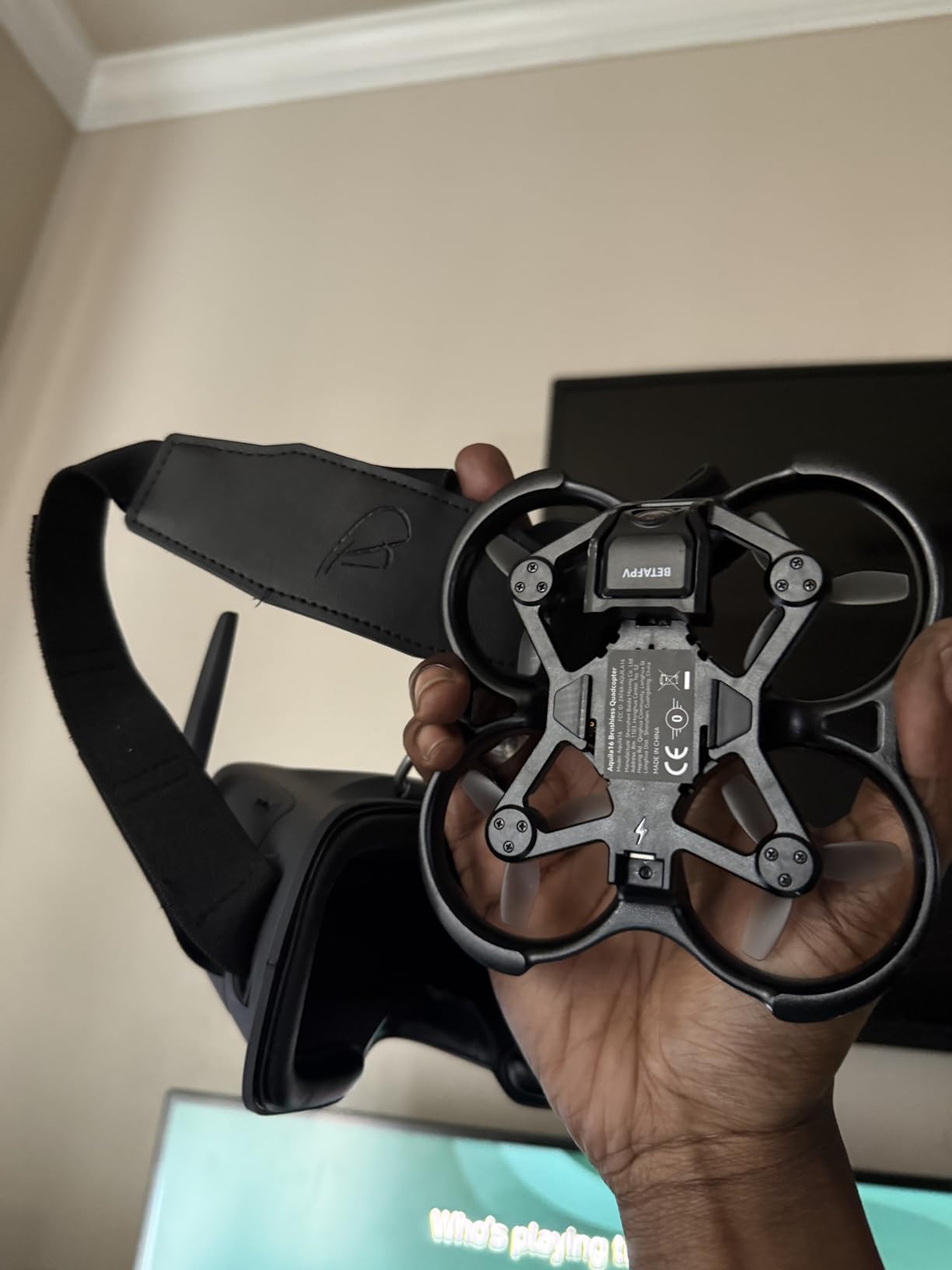
The Aquila16 kit addresses the biggest complaint about beginner drones: battery life. With the included 1100 mAh battery, flight time stretches to about eight minutes, which is double what most whoops deliver. That extra airtime makes practice sessions far more productive.
This kit ships with the VR03 goggles instead of the older VR02, which means you get DVR recording right out of the box. You also get a LiteRadio 2 SE transmitter running ELRS V3, a modern radio protocol known for solid range and low latency.
The video transmitter outputs 350 mW, giving you a usable range of around 200 meters. That is enough for outdoor flying in a park or large yard, which is something smaller kits struggle with.
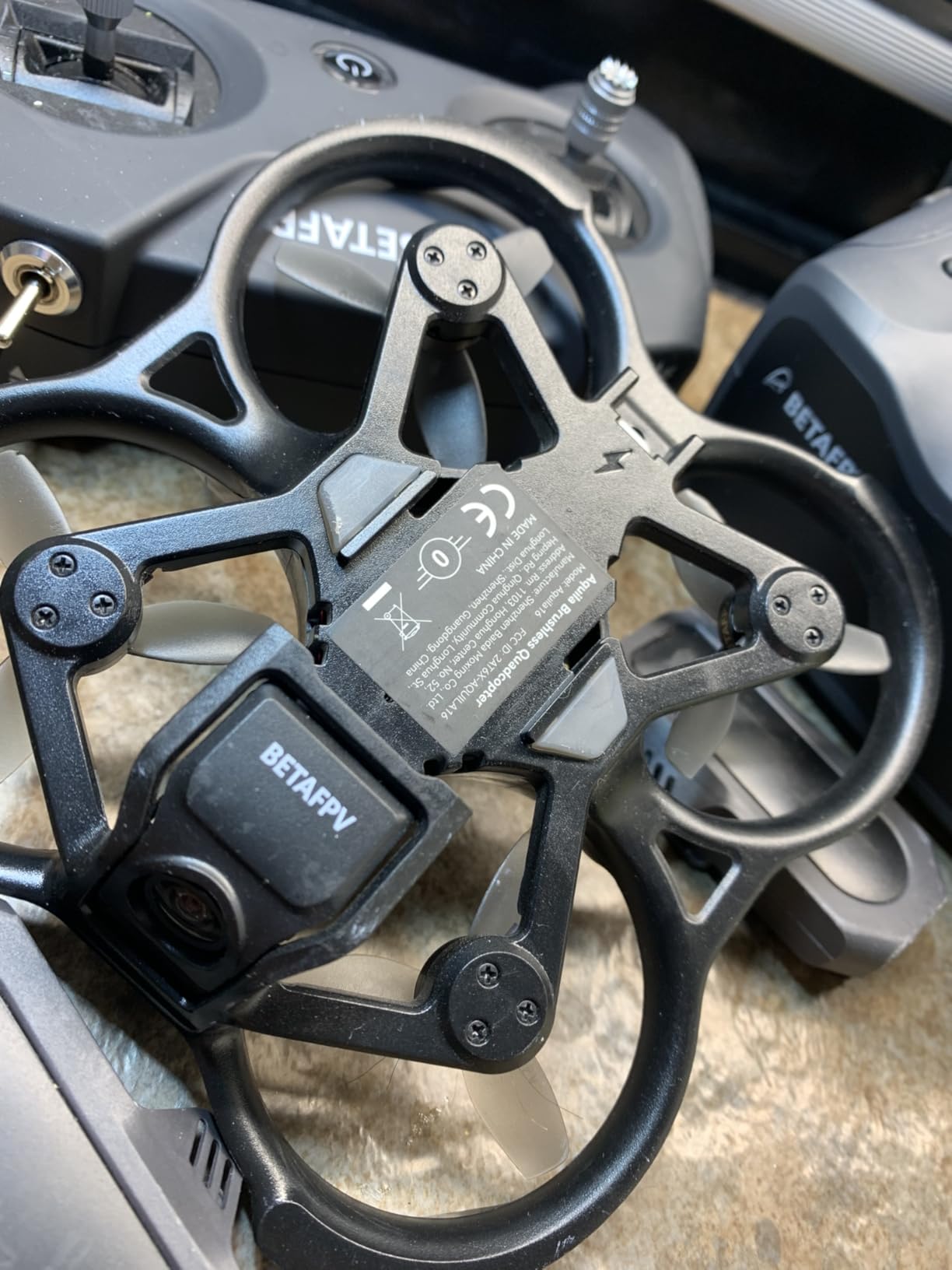
Three flight modes cover normal, sport, and manual, with slow, mid, and fast speeds in each. Turtle mode is included for self-recovery, and the kit supports FPV simulator training through the transmitter’s USB connection.
Build quality is decent, but the camera cable can loosen after repeated crashes. Check the connector after hard impacts. The 650 mAh battery recommended for manual mode is sold separately, so factor that in if you plan to advance quickly.
For a beginner who wants one kit that works indoors and outdoors, the Aquila16 hits a sweet spot. The longer flight time and modern radio make it easier to justify the higher price compared with the Cetus or Tiny Hawk kits.
Best paired with beginners who want indoor and outdoor capability
Choose this kit if you want a single package that handles living room practice and park flying. The DVR-equipped VR03 goggles and ELRS radio are a step above most starter bundles.
Skip this if you want a plug-and-play HD experience
This is still an analog kit. If HD video is your goal, you will need to upgrade goggles and video transmitter later. For HD from the start, look at the Walksnail Avatar HD options.
12. CADDXFPV Walksnail Avatar HD FPV Goggles X – Best Premium HD for Beginners
CADDXFPV Walksnail Avatar HD FPV Goggles X – 1080P/100FPS, 50° FOV, OLED
Dual 1920x1080 displays
50-degree FOV
Head tracking
22ms ultra-low latency
Pros
- Dual 1080P displays with vivid colors
- 50-degree FOV for immersion
- Head tracking with gyroscope
- 22ms ultra-low latency
- IPD and diopter adjustment
Cons
- Battery not included
- Head tracking requires sold-separate gimbal
- Walksnail-only compatibility
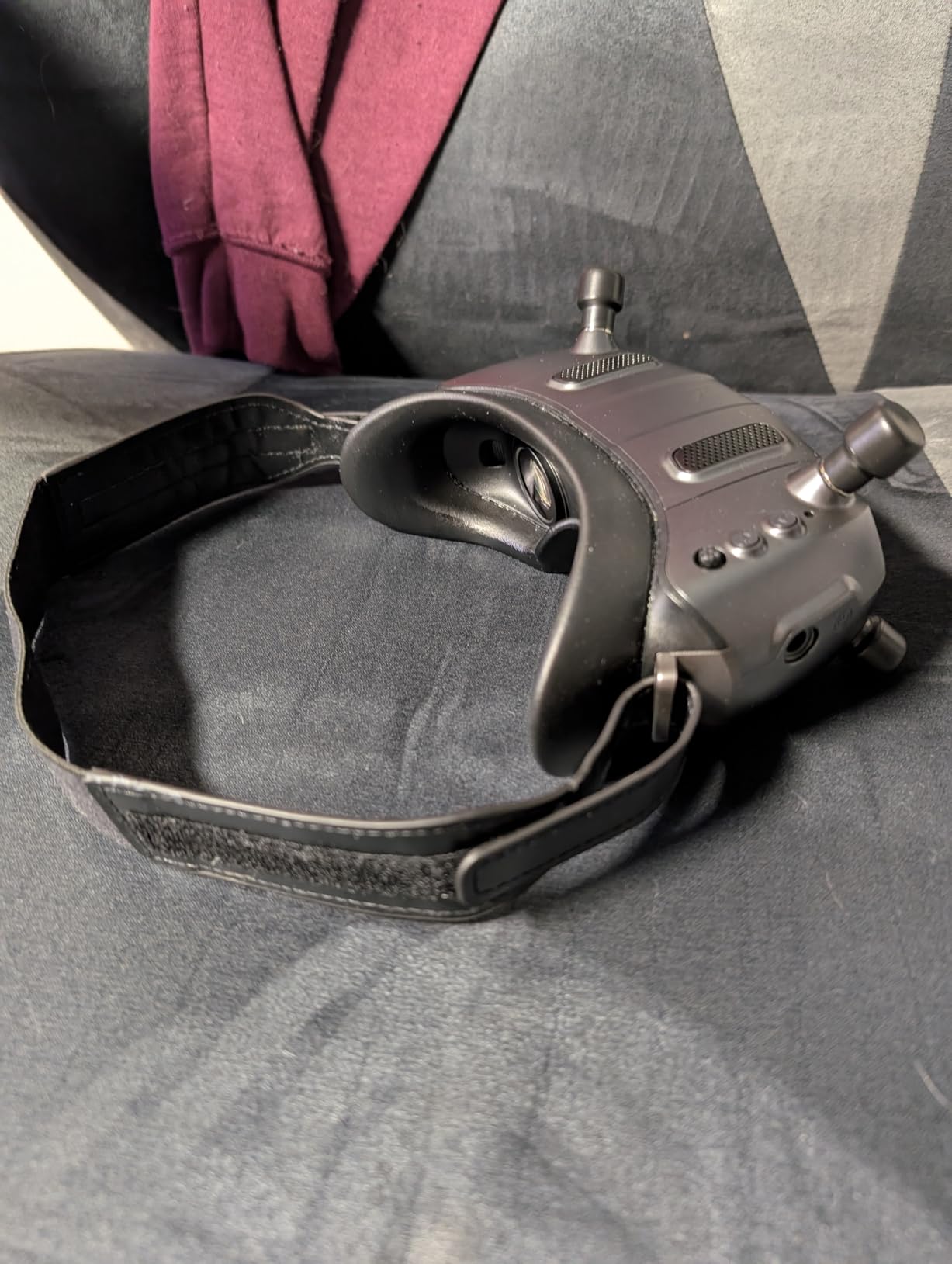
The Walksnail Avatar HD FPV Goggles X is the premium option in this guide, and it earns that title with dual 1920×1080 displays and a 50-degree field of view. Once you put these on, the screen fills enough of your vision that you stop noticing the goggles and start feeling like you are in the aircraft.
Latency is rated at 22 milliseconds, which is low enough for racing and freestyle. I did not notice any lag during fast yaw spins or quick direction changes. The smart cooling fan also kept the lenses fog-free on a humid morning.
IPD adjusts from 57 to 72 millimeters, and the diopter range covers +2.0 to -6.0. That means most users can dial in the optics without glasses. The HDMI, AV, and CVBS inputs let you use the goggles with other video sources when you are not flying.
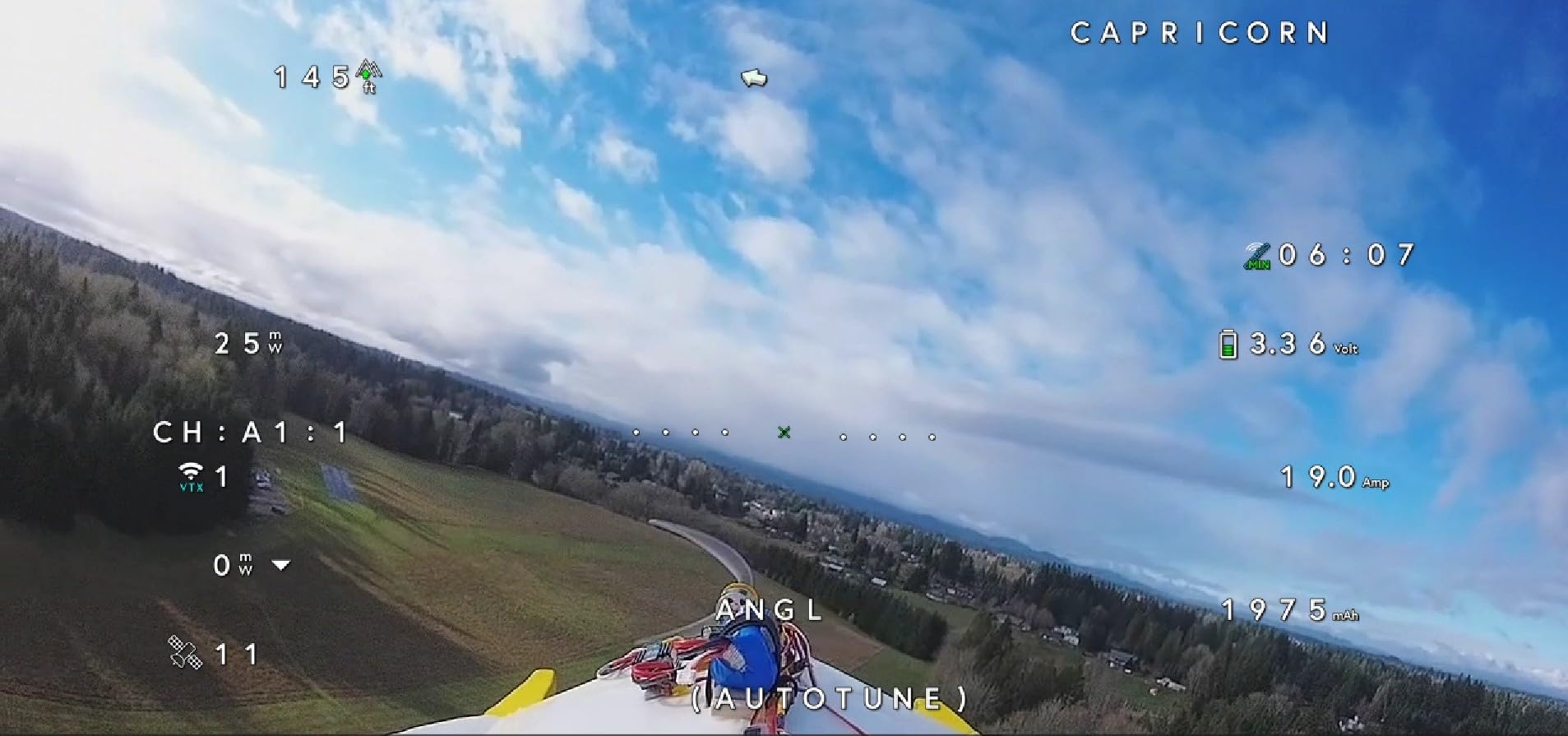
Range is excellent. Walksnail claims up to 10 kilometers, though real-world distance depends on antennas and interference. For a beginner, the important point is that you will lose nerve before you lose signal.
The goggles do not include a battery, so budget for one. Head tracking also requires a GM3 gimbal that is sold separately. Those extras push the total cost up, but the core visual experience is already outstanding.
If you are serious about FPV and want to start with the best image quality available in the Walksnail ecosystem, the Goggles X is the headset to beat. It is overkill for casual whoop flying, but it will not hold you back as you advance.
Best paired with Walksnail Avatar drones and long-term FPV commitment
This goggle is ideal for beginners who know they will stick with the hobby and want to avoid buying twice. Pair it with any Walksnail Avatar-equipped drone for the full HD experience.
Skip this if you are on a tight budget or want one goggle for every system
The price and ecosystem lock-in make this a serious investment. If you are unsure about FPV or own drones from multiple brands, start with a cheaper analog or hybrid option.
Beginner’s Buying Guide: How to Choose FPV Goggles?
Buying your first FPV goggle is really a decision about the system you want to join. Analog goggles work with nearly every analog drone but show lower image quality. Digital goggles like DJI, Walksnail Avatar, and HDZero deliver HD video and cleaner signals, but they only work with matching video transmitters.
Analog goggles work with almost any 5.8 GHz drone
Analog has been the standard for years. The video is lower resolution and shows static when the signal weakens, but the equipment is cheaper and the latency is very low. A good analog goggle can follow you from a Tiny Whoop to a 5-inch freestyle quad to a long-range wing.
Digital goggles deliver HD video but lock you into one ecosystem
Walksnail Avatar, DJI, and HDZero each use their own video transmitters. Once you buy into one system, your next drone purchase should match. The image quality is dramatically better, but you lose the mix-and-match freedom of analog.
Box goggles are cheaper and usually glasses-friendly
Box goggles use a single large LCD screen viewed through a lens. They are affordable, often fit over glasses, and work well for beginners. The downside is size and weight, which can become uncomfortable during long sessions.
Binocular goggles are lighter and more immersive
Binocular designs place smaller screens directly in front of each eye. They look like ski goggles and feel lighter on the head. Most premium digital headsets use this form factor, but they cost more and often lack glasses compatibility.
FOV measures how much of your vision the screen fills
Field of view is listed in degrees. Values around 30 to 40 degrees feel like watching a distant screen, while 50 degrees or more feel immersive. Beginners do well between 40 and 50 degrees.
IPD adjustment keeps both eyes aligned
Interpupillary distance is the space between your pupils. If a goggle does not match your IPD, you will see double or get a headache. Look for adjustable IPD, especially on binocular headsets.
Resolution and display type affect image clarity
Analog goggles usually use 800×480 or 960×540 LCD screens. Digital headsets use 1080P or higher OLED or LCD panels. Higher resolution helps you spot branches, gates, and power lines sooner.
Latency matters for fast flying
Latency is the delay between the camera seeing something and the goggle showing it. Analog is typically under 10 ms. Digital systems range from 20 ms to 40 ms. For beginners, anything under 40 ms is fine.
DVR recording helps you learn faster
A built-in DVR lets you record your flights and review mistakes. It is also useful for finding a crashed drone by replaying the last seconds of video. We recommend every beginner choose a goggle with DVR.
Counterfeit products are a real problem in 2026
Popular budget goggles like the EV800D are frequently copied with inferior screens and fake diversity receivers. Buy from authorized sellers, check recent reviews, and avoid prices that seem too good to be true. A counterfeit goggle can ruin your first FPV experience.
Plan your upgrade path before you buy
Many beginners start with an RTF kit, then move to a better radio, then upgrade goggles, then build a custom quad. If you follow that path, choose a kit with a controller that works with simulators. If you want to skip straight to HD, buy a digital goggle and a matching drone from the start.
Frequently Asked Questions
What are the best FPV goggles for beginners?
The best FPV goggles for beginners depend on your budget and drone system. The CADDXFPV Walksnail Avatar HD FPV Goggles L is our top HD pick, the BETAFPV VR03 is the best value analog goggle, and the EMAX Tiny Hawk RTF kit is the best budget bundle that includes goggles, drone, and controller.
What is the best entry level FPV drone?
The best entry-level FPV drone for most beginners is a Tiny Whoop or small brushless whoop that comes in a ready-to-fly kit. The EMAX Tiny Hawk RTF and BETAFPV Cetus Pro are both durable, beginner-friendly options that include goggles and a controller.
What is the best size FPV for beginners?
A 65mm to 75mm Tiny Whoop is the best size for beginners. These small drones are safe to fly indoors, survive crashes, and are slow enough to let you learn orientation and throttle control before moving to larger quads.
What goggles to get for FPV?
For analog FPV, the BETAFPV VR03 and EV800D are popular starter goggles. For digital HD FPV, the CADDXFPV Walksnail Avatar HD Goggles L offers strong value. Make sure the goggles match the video system used by your drone.
Should a beginner start with analog or digital FPV goggles?
Most beginners should start with analog because the goggles are cheaper and work with a wider range of drones. Digital systems like Walksnail Avatar deliver better image quality but cost more and lock you into one ecosystem. If your budget allows and you are committed to the hobby, digital is a great long-term choice.
Final Thoughts
Choosing the best FPV goggles for beginners in 2026 comes down to matching the goggle to your drone system and your learning goals. Analog goggles like the BETAFPV VR03 and EV800D keep costs low and work with almost any starter drone. Digital options like the Walksnail Avatar HD Goggles L and X deliver stunning image quality but require a matching video transmitter.
If you own nothing yet, the EMAX Tiny Hawk RTF kit is the safest way to start. If you already have an analog drone, the BETAFPV VR03 gives you the most value. And if you want HD from the beginning, the Walksnail Avatar HD Goggles L is our editor’s choice.
Whatever you choose, buy from reputable sellers, start in a simulator, and practice in open spaces before flying near people or property. FPV is one of the most rewarding hobbies you can pick up, and the right goggles make the first flight far less frustrating.