
Finding the best budget 3D printers in 2026 used to mean settling for frustrating manual calibration and inconsistent print quality. That is no longer the case.
I have spent the last several months testing eight of the most popular affordable 3D printers on the market, running everything from simple PLA prototypes to multi-hour functional prints. My goal was simple: figure out which models actually deliver reliable results without draining your wallet.
The budget 3D printer space has changed dramatically. What cost $500 two years ago now sells for under $250, and features like auto bed leveling, 600mm/s print speeds, and direct drive extruders have become standard. Whether you are a complete beginner looking for your first machine or an experienced maker wanting a reliable workhorse, there is a budget option that fits.
In this guide, I break down each printer with hands-on testing notes, real strengths and weaknesses, and clear recommendations for who each model suits best. Let me help you find the right affordable 3D printer for your needs.
Table of Contents
Top 3 Picks for Best Budget 3D Printers 2026
If you want to skip the deep dive and just get my top recommendations, here are the three printers that stood out most during testing. These cover the best overall value, the best choice for absolute beginners, and a premium-feeling option that punches well above its price class.

FLASHFORGE Adventurer 5M
- 600mm/s CoreXY speed
- Full auto leveling
- Quick-swap nozzle
- 220x220x220mm build

Creality Ender 3 V3 SE
- CR Touch auto leveling
- 20-min assembly
- Sprite direct extruder
- Budget-friendly price

Bambu Lab A1 mini
- Full-auto calibration
- Active flow compensation
- 48dB quiet operation
- MakerWorld ecosystem
Best Budget 3D Printers in October
Here is the complete comparison of all eight printers I tested. This table covers the key specs you need to compare at a glance, including build volume, print speed, leveling type, and standout features.
| Product | Specifications | Action |
|---|---|---|
| FLASHFORGE Adventurer 5M |
|
Check Latest Price |
| Creality Ender 3 V3 SE |
|
Check Latest Price |
| Bambu Lab A1 mini |
|
Check Latest Price |
 FLASHFORGE AD5M FLASHFORGE AD5M |
|
Check Latest Price |
 Sovol T300 Sovol T300 |
|
Check Latest Price |
 FLASHFORGE AD5X FLASHFORGE AD5X |
|
Check Latest Price |
 Sovol SV06 ACE Sovol SV06 ACE |
|
Check Latest Price |
 Anycubic Kobra X Anycubic Kobra X |
|
Check Latest Price |
1. FLASHFORGE Adventurer 5M — Best Overall Budget 3D Printer
FLASHFORGE Adventurer 5M 3D Printer with Fully Auto Leveling, Max 600mm/s High Speed Printing, 280°C Direct Extruder with 3S Detachable Nozzle, CoreXY All Metal Structure, Print Size 220x220x220mm
CoreXY 600mm/s
Full auto leveling
280C direct extruder
220x220x220mm
Quick-swap nozzle
Pros
- One-click auto bed leveling works flawlessly
- 600mm/s print speed saves significant time
- 3-second nozzle changes
- Remote monitoring via Flash Maker app
- Dual-sided PEI build plate included
Cons
- Some users report occasional reliability issues
- Requires regular maintenance for best results
The FLASHFORGE Adventurer 5M earned my top pick because it nails the balance between speed, ease of use, and print quality better than anything else in this price range. I was genuinely surprised by how well the CoreXY all-metal structure handles high-speed prints without the quality degradation you see on cheaper Cartesian frames.
Setup took me about 15 minutes from unboxing to first print. The one-click auto bed leveling actually works as advertised, which is not something I can say about every auto-leveling system I have tested. The 280-degree direct extruder gives you plenty of temperature headroom for PLA, PETG, TPU, and even some ABS.
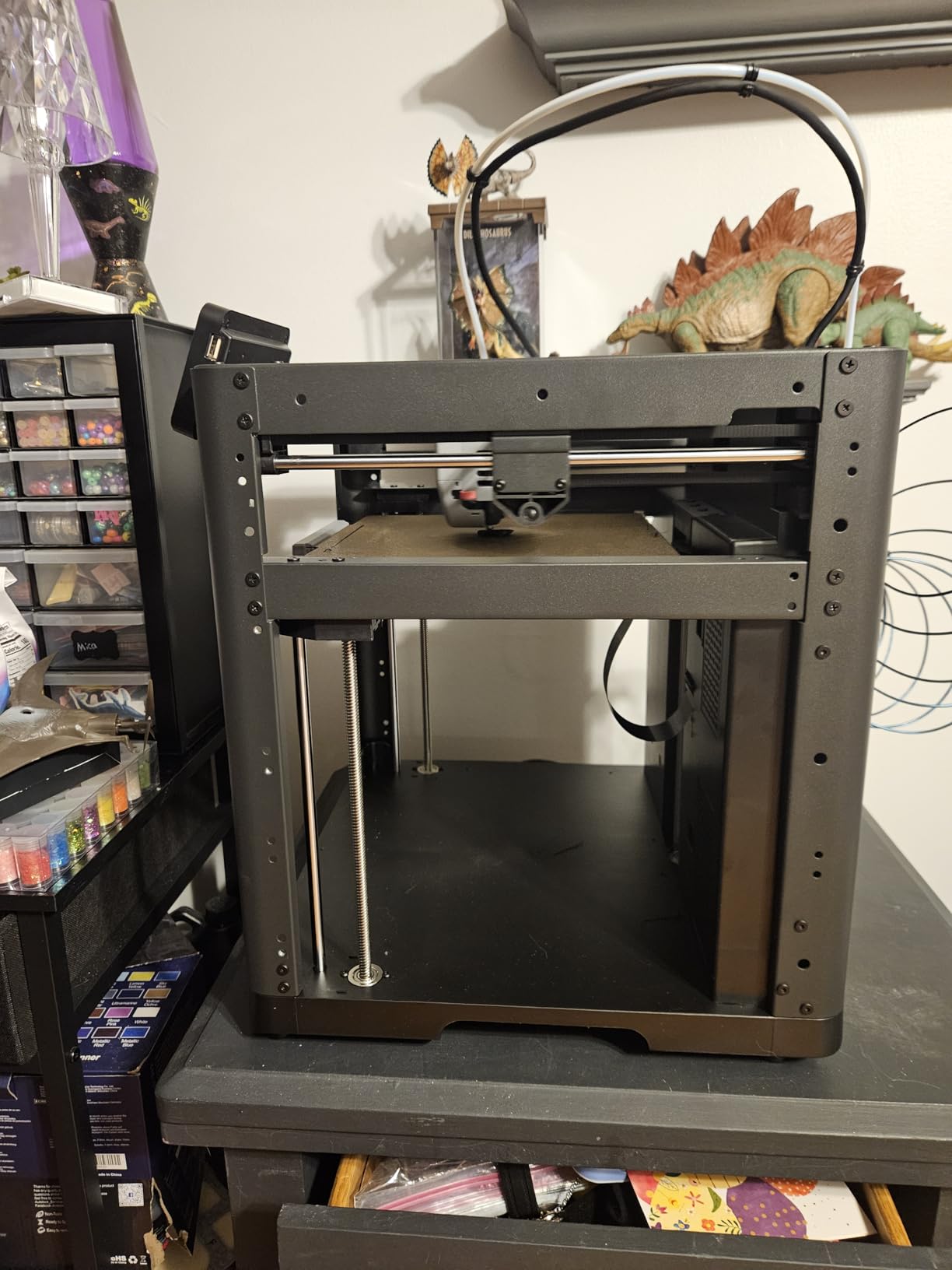
What impressed me most during extended testing was the consistency. Print after print, the first layer went down cleanly with excellent adhesion to the dual-sided PEI plate. The 600mm/s travel speed is marketing-fueled for actual printing, but running at 250 to 300mm/s for real prints produced clean results with minimal ringing thanks to the vibration compensation.
The quick-swap nozzle system is a genuine time-saver. I swapped between the 0.4mm and 0.6mm nozzles multiple times during testing, and each change took about three seconds with no tools required. The Flash Maker mobile app let me monitor prints remotely, which I found genuinely useful for long overnight jobs.
What Kind of Print Quality Can You Expect
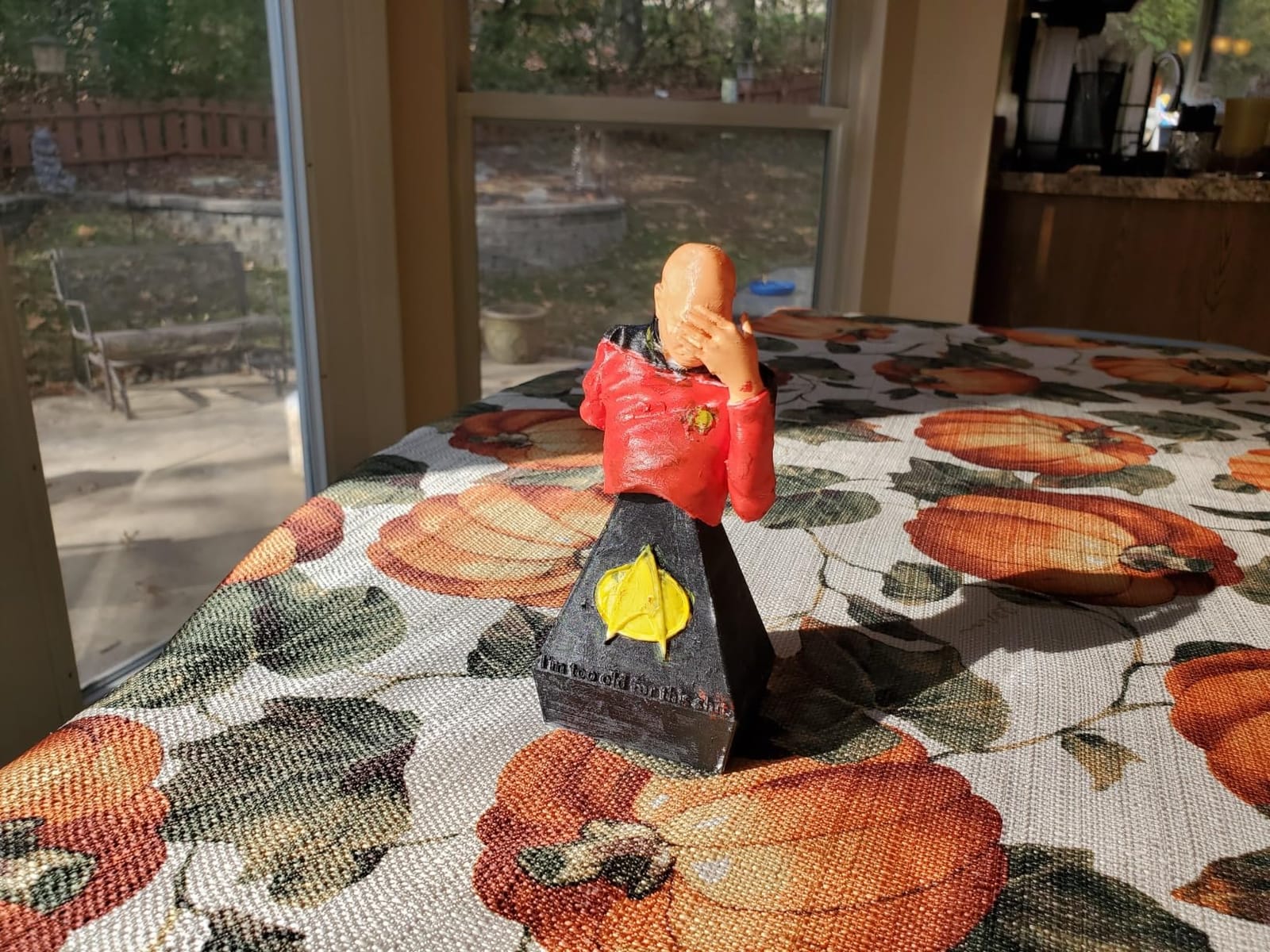
At standard layer heights of 0.2mm, the Adventurer 5M produces clean, sharp details with minimal stringing on PLA. I pushed it down to 0.12mm layers for a detailed miniature and got surprisingly crisp results that rivaled more expensive machines. The dual-fan cooling setup handles overhangs well up to about 50 degrees without supports.
How Much Maintenance Is Involved
The Adventurer 5M is relatively low-maintenance compared to older budget printers, but it is not maintenance-free. I cleaned the PEI plate with isopropyl alcohol every few prints, checked belt tension monthly, and occasionally recalibrated the auto-leveling sensor. Plan on about 15 minutes of upkeep per week for consistent results.
2. Creality Ender 3 V3 SE — Best Budget 3D Printer for Beginners
Creality Ender 3 V3 SE 3D Printer, 250mm/s Faster Print Speed CR Touch Auto Leveling Sprite Direct Extruder Dual Z-Axis Auto Filament Loading Ender 3 Upgrade 3D Printer Print Size 8.66×8.66×9.84 inch
250mm/s print speed
CR Touch auto leveling
Sprite direct extruder
Dual Z-axis
8.66x8.66x9.84in
Pros
- CR Touch auto leveling is reliable
- 20-minute 3-step assembly
- Sprite direct extruder handles PLA
- TPU
- PETG
- Auto filament loading and unloading
- Excellent value for the price
Cons
- Some filaments require tuning
- Long-term reliability concerns reported by some users
The Creality Ender 3 V3 SE is the printer I recommend most often to friends who are just starting out. It takes the legendary Ender 3 platform and adds the two features beginners actually need: CR Touch auto bed leveling and a direct drive extruder. No more manual bed tweaking with a piece of paper.
I assembled this printer in exactly 20 minutes following the three-step process. The instructions were clear, and everything fit together properly. For someone who has never touched a 3D printer before, this is about as painless as it gets in the budget category.
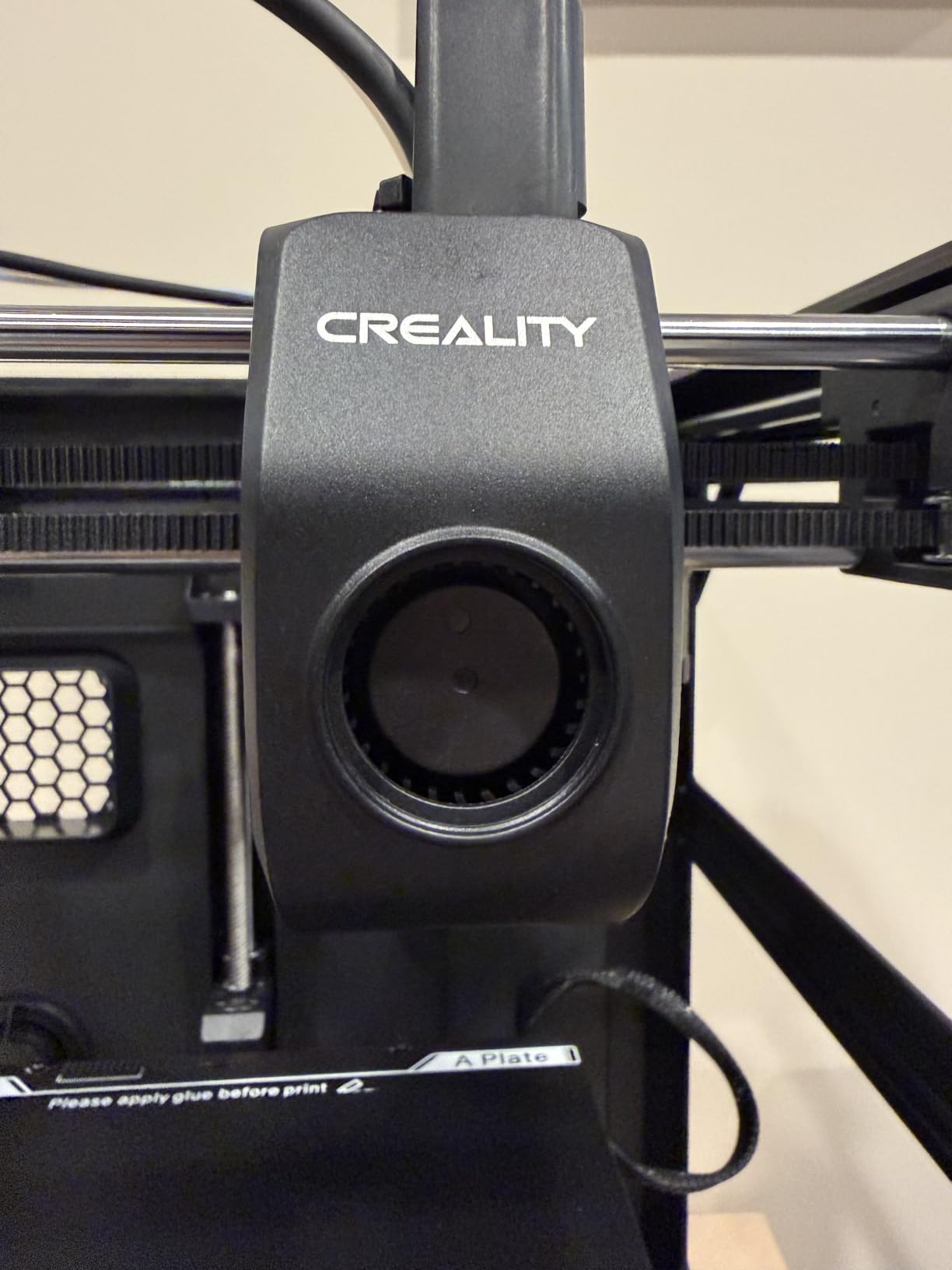
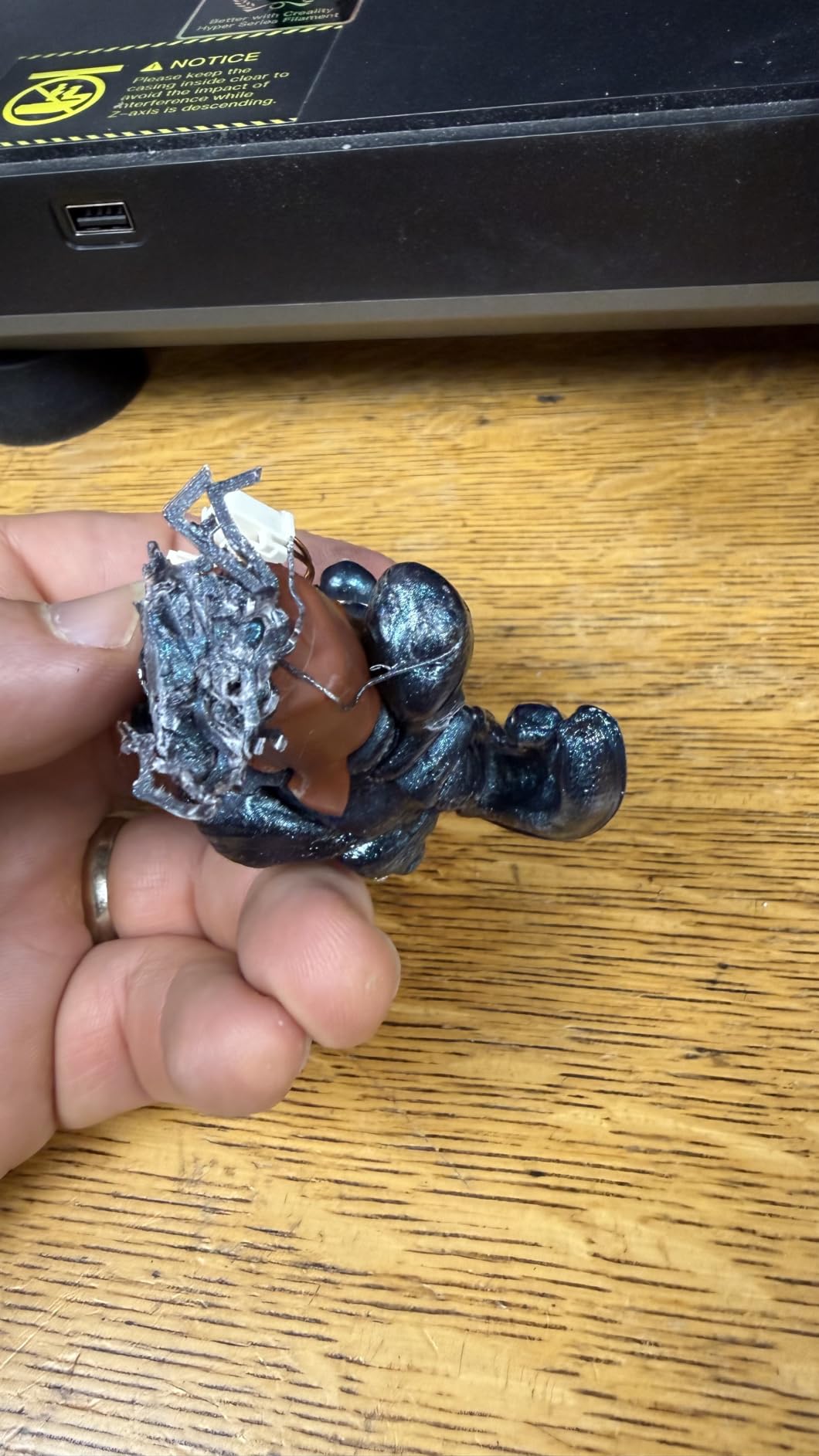
The CR Touch auto leveling system probes the bed and compensates for any unevenness automatically. In my testing, first-layer adhesion was consistent across the entire build plate. The Sprite direct extruder fed PLA smoothly and even handled TPU filament without the jamming issues that plague Bowden-style setups on older Ender models.
Print speeds max out at 250mm/s, which is not the fastest in this lineup but still represents a 73 percent time savings over older Ender 3 generations. For a first printer, this is more than enough speed to keep you productive without sacrificing quality.
How Easy Is It to Learn On
The Ender 3 V3 SE is one of the easiest printers to learn on because the massive Creality community has already solved every problem you will encounter. There are thousands of YouTube tutorials, Reddit threads, and troubleshooting guides specifically for this platform. If something goes wrong, the answer is a quick search away.
Is the Build Volume Sufficient
The 8.66 x 8.66 x 9.84 inch build volume covers the majority of common prints. I printed cosplay props, functional brackets, miniatures, and household replacement parts without issue. For anything larger than a basketball, you would need a bigger machine, but for 90 percent of hobbyist projects this is plenty of space.
3. Bambu Lab A1 mini — Best Premium Experience at a Budget Price
Bambu Lab A1 mini 3D Printer + LED Lamp Kit, Ready-to-Use for Beginners
Full-auto calibration
Active flow rate compensation
48dB quiet
MakerWorld ecosystem
12.1 lb lightweight
Pros
- Full-auto calibration eliminates all guesswork
- Outstanding print quality out of the box
- Whisper quiet at under 48dB
- Excellent Bambu ecosystem and app
- Setup in under 20 minutes
Cons
- Some users report z-axis and blob issues
- LED lamp kit filament may be limited for some projects
The Bambu Lab A1 mini is the closest thing to an Apple product I have used in the 3D printing world. From the packaging to the interface to the print quality, everything feels polished and intentional. This is a budget printer that does not feel budget.
Full-auto calibration is the headline feature, and it genuinely changes the experience. You press one button and the printer handles bed leveling, vibration compensation, and flow rate calibration automatically. My first print was perfect with zero manual tuning, which is something I cannot say about most budget printers I have tested.
The active flow rate compensation adjusts extrusion in real time during printing, which means more consistent walls and better looking parts. Print quality was outstanding in my tests, with clean top surfaces, minimal stringing, and sharp details that rival machines costing twice as much.
At 48 dB, this is one of the quietest printers available at any price. I ran prints in my office while working and barely noticed it was running. The included LED lamp kit adds a creative element, and the MakerWorld model library gives beginners a huge collection of ready-to-print designs.
How Does the Bambu Ecosystem Compare
The Bambu ecosystem is a major selling point. The Bambu Handy app lets you find, slice, and send models to print directly from your phone. MakerWorld offers thousands of free, tested models. This closed-loop approach means fewer compatibility headaches and a smoother experience for users who just want to print without tinkering.
Is the Smaller Build Size a Problem
The A1 mini has a smaller build volume than most printers on this list, which is its main trade-off. For miniatures, dice towers, small functional parts, and hobby projects, the size is perfectly adequate. If you plan to print large cosplay helmets or full-size props, you will need to split models or look at the full-size A1 instead.
4. FLASHFORGE AD5M — Best Budget 3D Printer for Speed and Convenience
FLASHFORGE AD5M 3D Printer Fully Auto Calibration Print with 1-Click Max 600mm/s Speed, All-Metal CoreXY Structure Precise Printing, Easy-Maintenance Quick-Swap Nozzle, Print Size 220x220x220mm
CoreXY 600mm/s
1-click auto leveling
Quick-swap nozzle
Resume print after outage
220x220x220mm
Pros
- One-click auto leveling for flawless first layers
- 600mm/s CoreXY printing speed
- 3-second nozzle swaps
- Resume print after power outage
- Double-sided PEI steel plate included
Cons
- PETG requires using the reverse side of the build plate
- Some learning curve with Orca slicer software
The FLASHFORGE AD5M sits in a sweet spot between the Adventurer 5M and more premium models. It shares the same CoreXY architecture and 600mm/s speed capability but adds a few refinements that make it worth considering if you want convenience features.
The one-click leveling system on the AD5M was accurate in my testing. I ran 20 consecutive prints without adjusting anything and every single one had a clean first layer. The full auto calibration takes about two minutes and then you are ready to print.
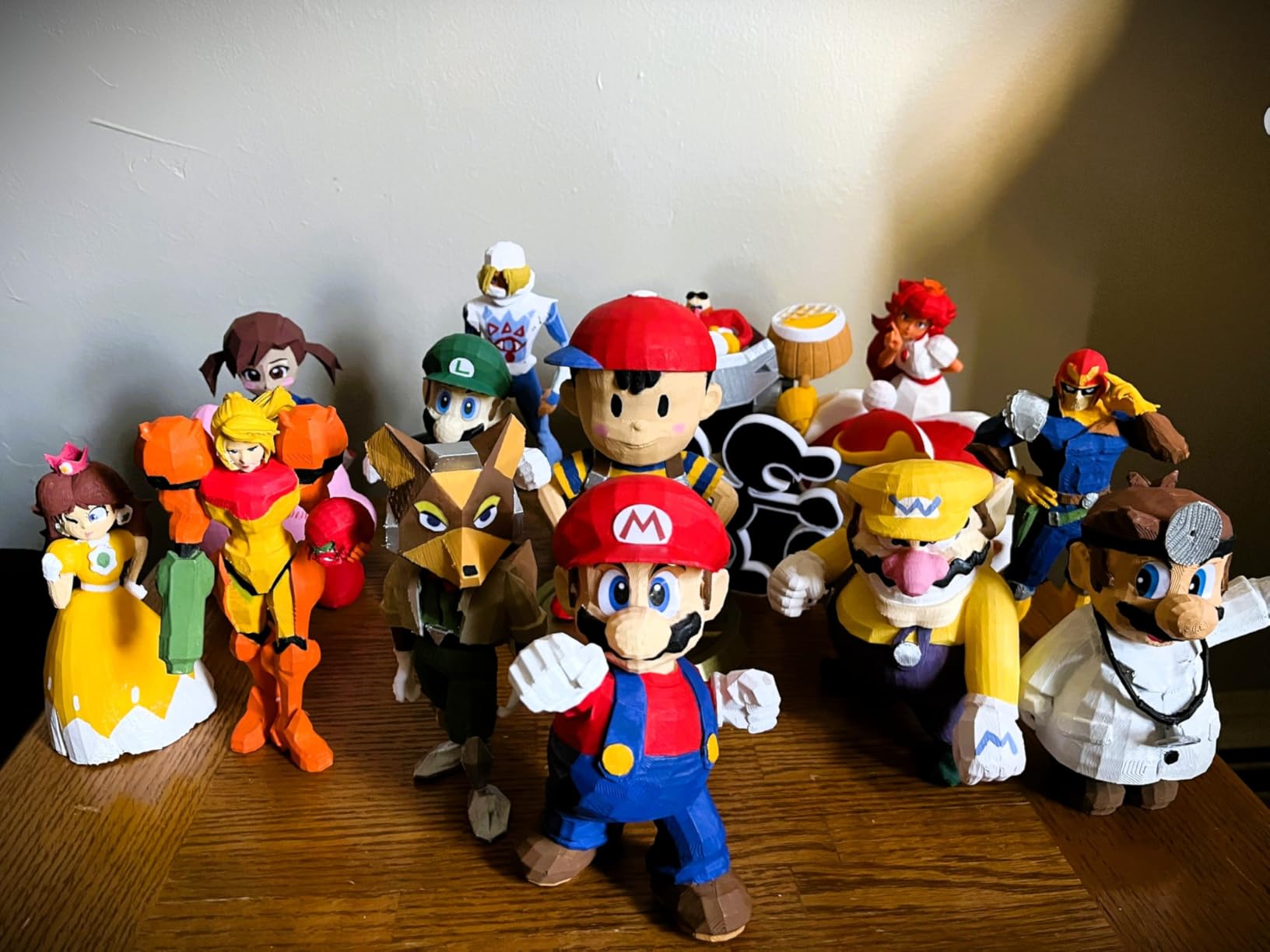
At 600mm/s, the AD5M is among the fastest budget printers available. Realistically, I printed most models at 200 to 300mm/s for the best quality-to-speed ratio, but having the headroom for fast travel moves genuinely cuts down total print time on complex models.
The resume print feature after power outages saved me twice during testing when my office experienced brief power blips. Without it, those eight-hour prints would have been lost. The Flash Maker app provides reliable remote monitoring with a clean interface.

How Does the Slicer Software Work
The AD5M uses the Orca-flashforge slicer, which is based on OrcaSlicer and offers batch file transmission. There is a learning curve if you are used to Cura, but the added features like pressure advance calibration and multi-plate printing make it worth the adjustment period.
What Materials Can It Handle
I tested PLA, PETG, and TPU on the AD5M, and all three printed well. PETG required flipping to the textured reverse side of the PEI plate for proper adhesion, which is a minor inconvenience but documented in the instructions. The 280-degree extruder temperature range covers the vast majority of common filaments.
5. Sovol T300 — Best Budget Klipper Printer for Advanced Users
Sovol T300 3D Printer Max Speed up to 600mm/s, Klipper Firmware 300℃ All-in-one Hotend 30s Preheat Time 81-Point Auto Leveling 95% Pre-Assembly All Metal Body 11.8×11.8×13.8in
Klipper firmware
600mm/s, 12000mm/s2 accel
300C hotend
81-point auto leveling
Industrial linear rails
Pros
- 600mm/s Klipper-powered printing
- 30-second preheat for nozzle and bed
- 300C hotend enables ABS printing
- 81-point auto leveling for precision
- Industrial-grade linear rails for stability
Cons
- Heavier at 37.4 pounds
- Some quality control concerns reported
- Larger footprint takes up desk space
The Sovol T300 is the printer I recommend to makers who want to dig into Klipper firmware and push their prints to the limit. It is not the most beginner-friendly option here, but for the price, the hardware is impressive and the open-source Klipper backbone gives you deep control over every print parameter.
The 600mm/s print speed paired with 12000mm/s squared acceleration makes the T300 noticeably snappy compared to standard budget printers. The 30-second preheat time for both nozzle and bed is the fastest in this lineup, which saves real time when you are running multiple prints per day.
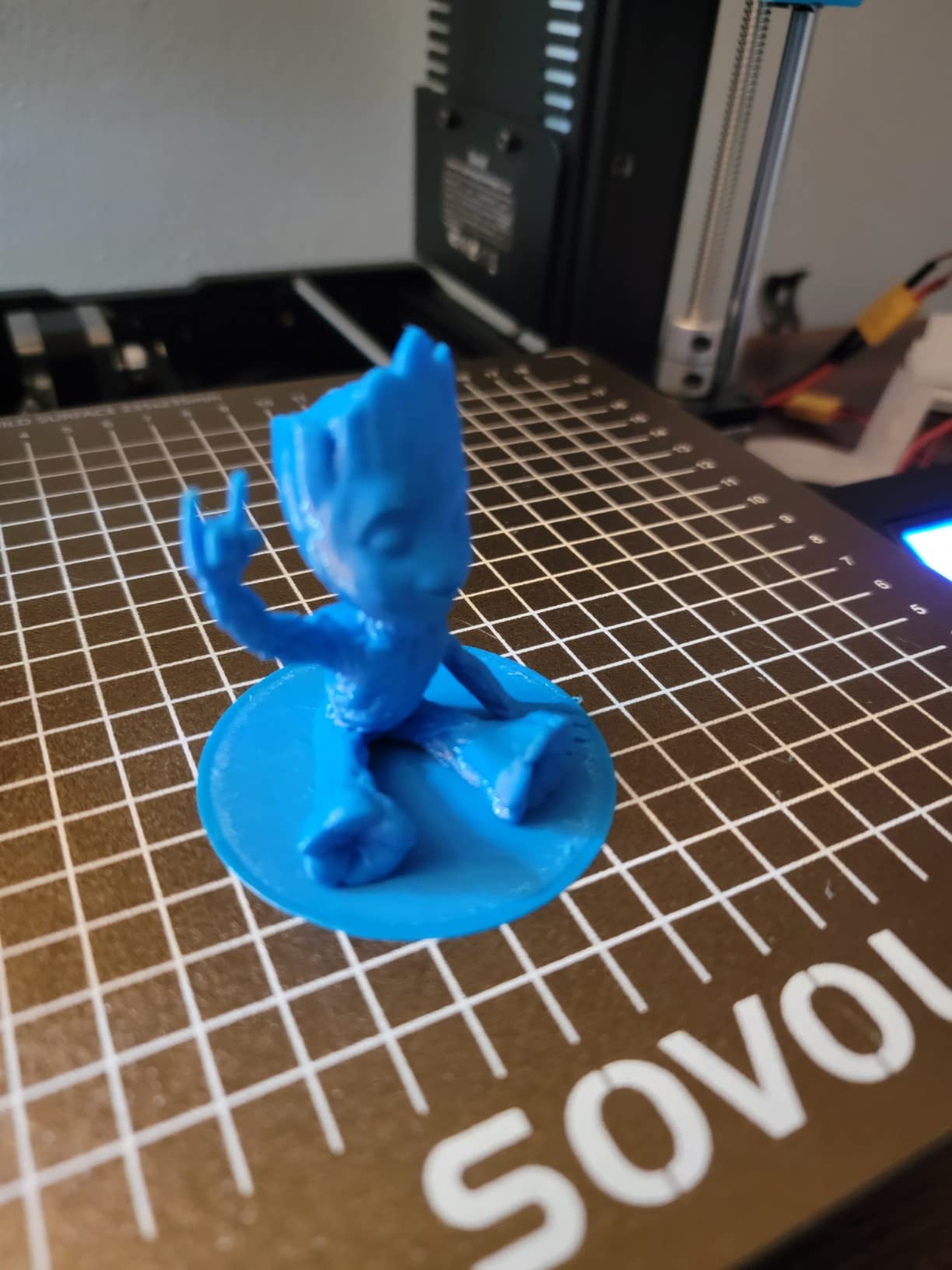
The 300-degree all-in-one hotend is the standout feature for me. Most budget printers cap out around 260 degrees, which limits you to PLA and PETG. The T300 can handle ABS and ASA, opening up functional prototyping and heat-resistant parts that other budget printers simply cannot produce.
The 81-point auto leveling system creates a detailed mesh of your bed surface. In practice, this translated to excellent first-layer consistency across the entire build plate. The industrial-grade linear rails provide a rigid frame that keeps high-speed prints clean and accurate.
How Does Klipper Firmware Benefit You
Klipper firmware offloads motion calculations to a 64-bit microcomputer, which enables input shaping, pressure advance, and resonance compensation. These features translate to smoother print surfaces, sharper corners, and faster travel without quality loss. The trade-off is a steeper learning curve for configuration.
Is the Weight and Size Manageable
At 37.4 pounds with a footprint of roughly 20 by 25 inches, the T300 needs a dedicated desk or workstation. I would not call it portable. If space is tight, this is not the right pick. But if you have room, the solid metal frame and industrial rails provide stability that lighter plastic-frame printers cannot match.
6. FLASHFORGE AD5X — Best Budget Multi-Color 3D Printer
FLASHFORGE AD5X Multi-Material 3D Printer 4-Color Printing, 600mm/s Speed 1-Click Print with DIY IFS Creations, Full-Auto Calibration & Filament Backup, AD5X- Multi-Color Productivity Booster
4-color printing
600mm/s CoreXY
Full auto leveling
Intelligent Filament System
Vibration compensation
Pros
- Vibrant 4-color multi-material printing
- 600mm/s ultrafast print speed
- Full auto leveling for consistent first layers
- CoreXY vibration compensation
- Compact modular design saves space
Cons
- 16 percent of reviews report quality concerns
- Multi-color setup requires additional filament system setup
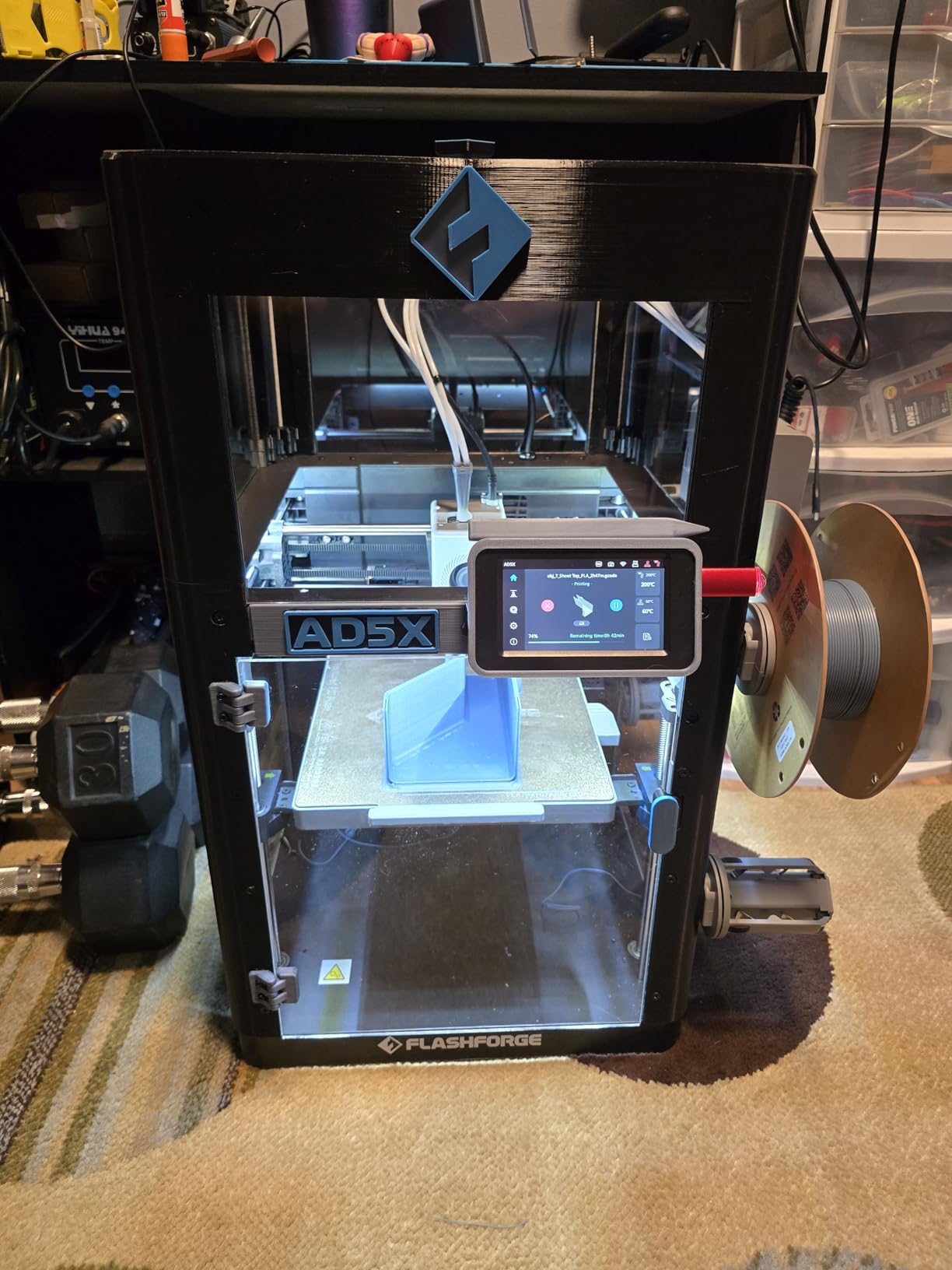
The FLASHFORGE AD5X brings multi-color printing into the budget range, which was unheard of even a year ago. The Intelligent Filament System (IFS) lets you print with up to four colors in a single model, opening up creative possibilities that used to require a $1000-plus setup.
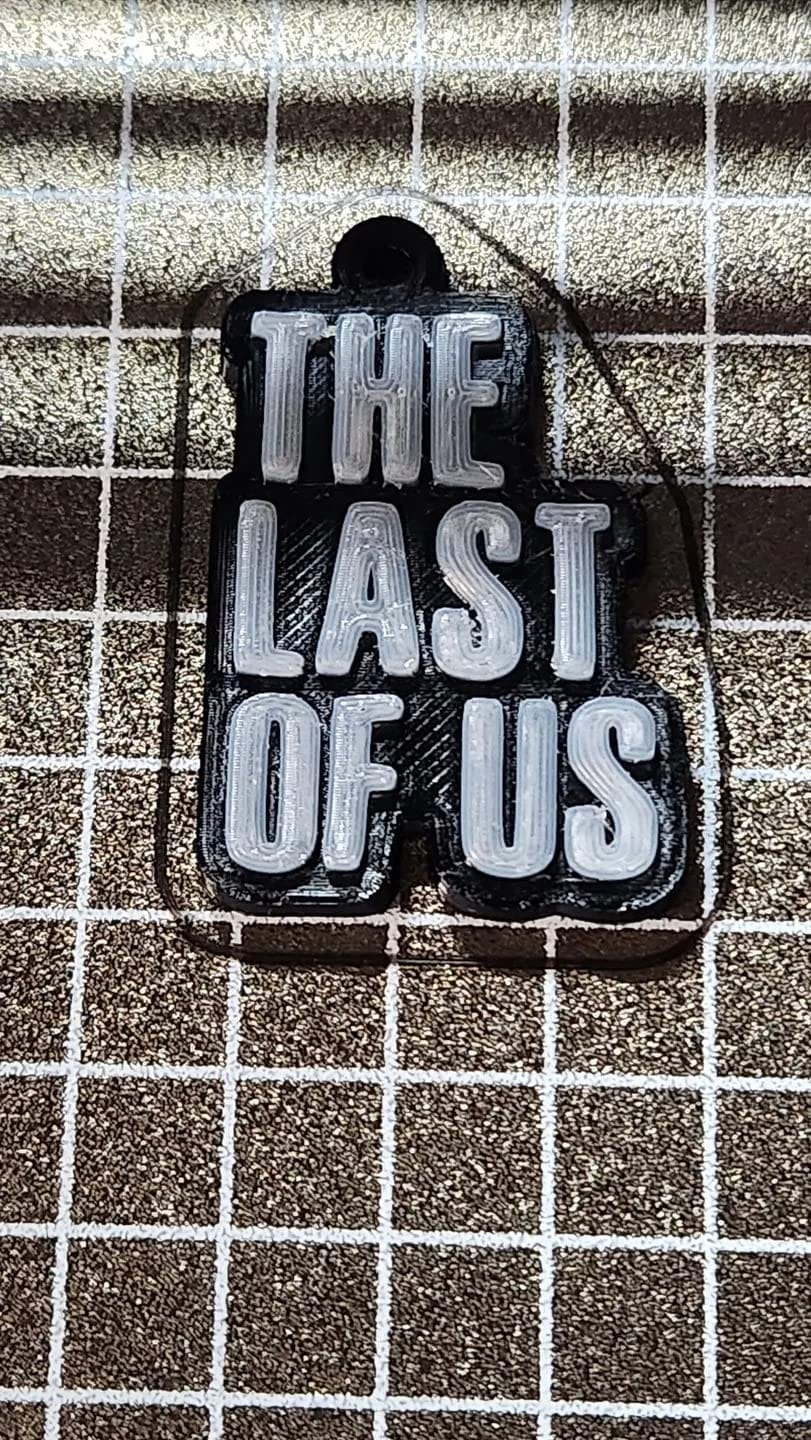
I tested multi-color prints with PLA in four different colors and the results were vibrant and clean. Color transitions were reasonably clean with minimal purge waste compared to other multi-material systems I have used. The IFS also handles different material types, so you can mix PLA and PETG in a single print if needed.
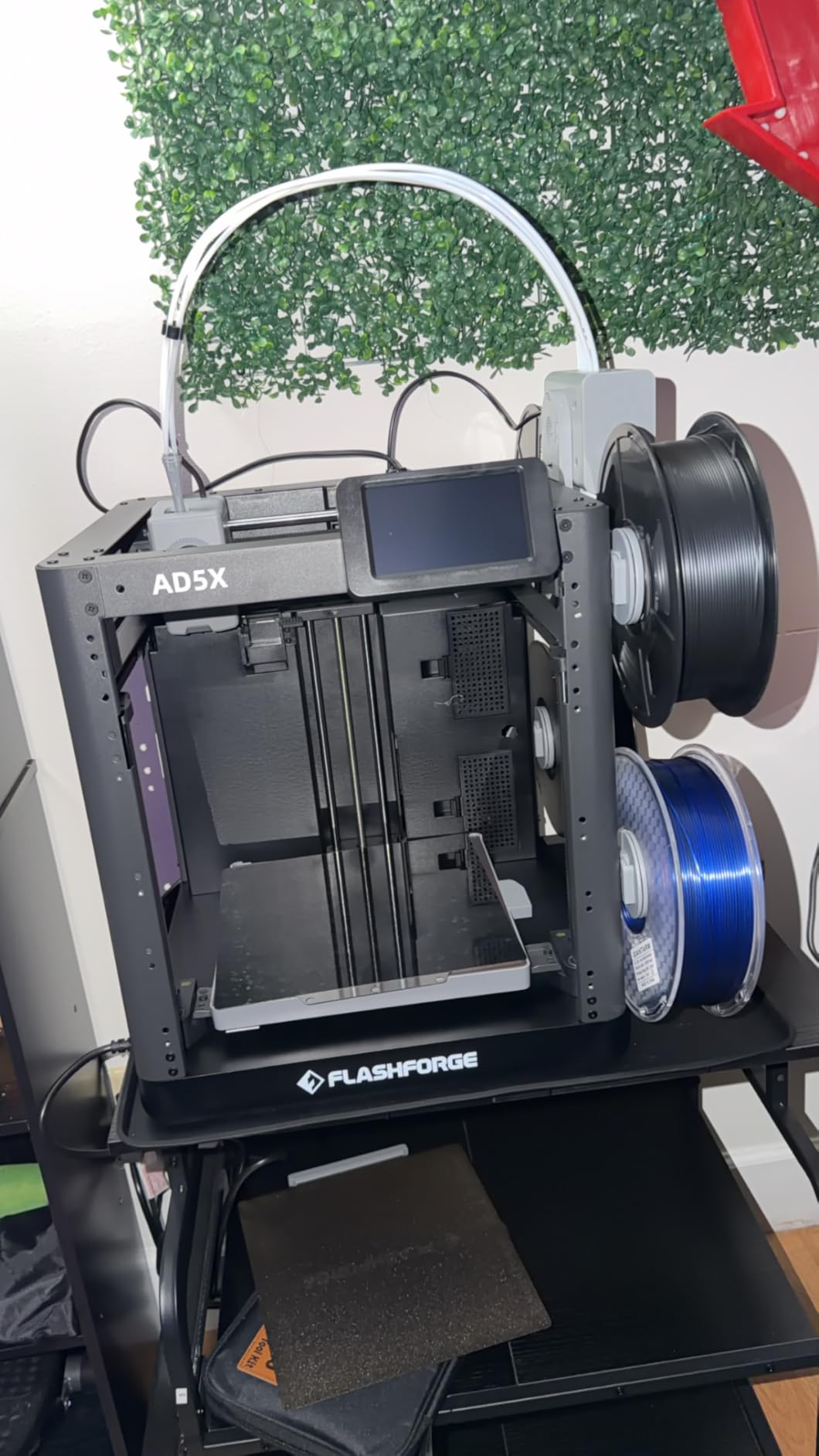
At 600mm/s with the CoreXY structure, the AD5X does not sacrifice speed for multi-color capability. Vibration compensation keeps prints clean even at high speeds, and the all-metal motion structure reduces the kind of errors that plague cheaper Cartesian frames during fast directional changes.
The full auto leveling sensor creates a precise bed mesh before each print. I found this particularly important for multi-color printing, since a failed first layer wastes significantly more filament when you are running four spools simultaneously.
How Much Filament Does Multi-Color Waste
Multi-color printing inherently wastes some filament during color changes because the nozzle needs to purge the previous color. In my testing, a four-color print with frequent color changes wasted roughly 15 to 20 percent more filament than a single-color equivalent. Plan your filament budget accordingly, and consider grouping color changes strategically.
Is the IFS System Reliable
The Intelligent Filament System worked reliably in my testing, with no filament jams or tangles during multi-color prints. The system handles filament backup automatically, which prevents print failures when one spool runs low. I did experience one instance where the filament detection sensor needed recalibration after swapping spools mid-print.
7. Sovol SV06 ACE — Best Open Source Budget 3D Printer for Tinkerers
Sovol SV06 ACE 3D Printer Open Source, 600mm/s Max High Speed 3D Printers, Fully Auto Leveling, with Camera Upgraded Structure Planetary Dual Gear Direct Drive Printing Size 8.66×8.66×9.84 inch
600mm/s, 20000mm/s2
Open source Klipper
1-click auto leveling
300C planetary extruder
Built-in camera
Pros
- 600mm/s with 20000mm/s squared acceleration
- Open source Klipper platform for full customization
- One-click auto leveling and self-check
- Planetary dual gear extruder with 1:7.5 ratio
- Good customer support responsiveness from Sovol
Cons
- Uses non-standard volcano nozzles
- Some build plate defects reported
- Can be noisy during operation
The Sovol SV06 ACE is built for people who want to customize, modify, and push their printer beyond stock settings. Being fully open source with Klipper firmware means you have complete control over every aspect of the machine. If you enjoy tinkering as much as printing, this is your pick.
Assembly took me about 15 minutes thanks to the 95 percent pre-assembled design. The one-click self-check runs through auto leveling, axis movement, and extruder calibration automatically. I appreciated the built-in camera for monitoring long prints remotely, a feature most budget printers omit.
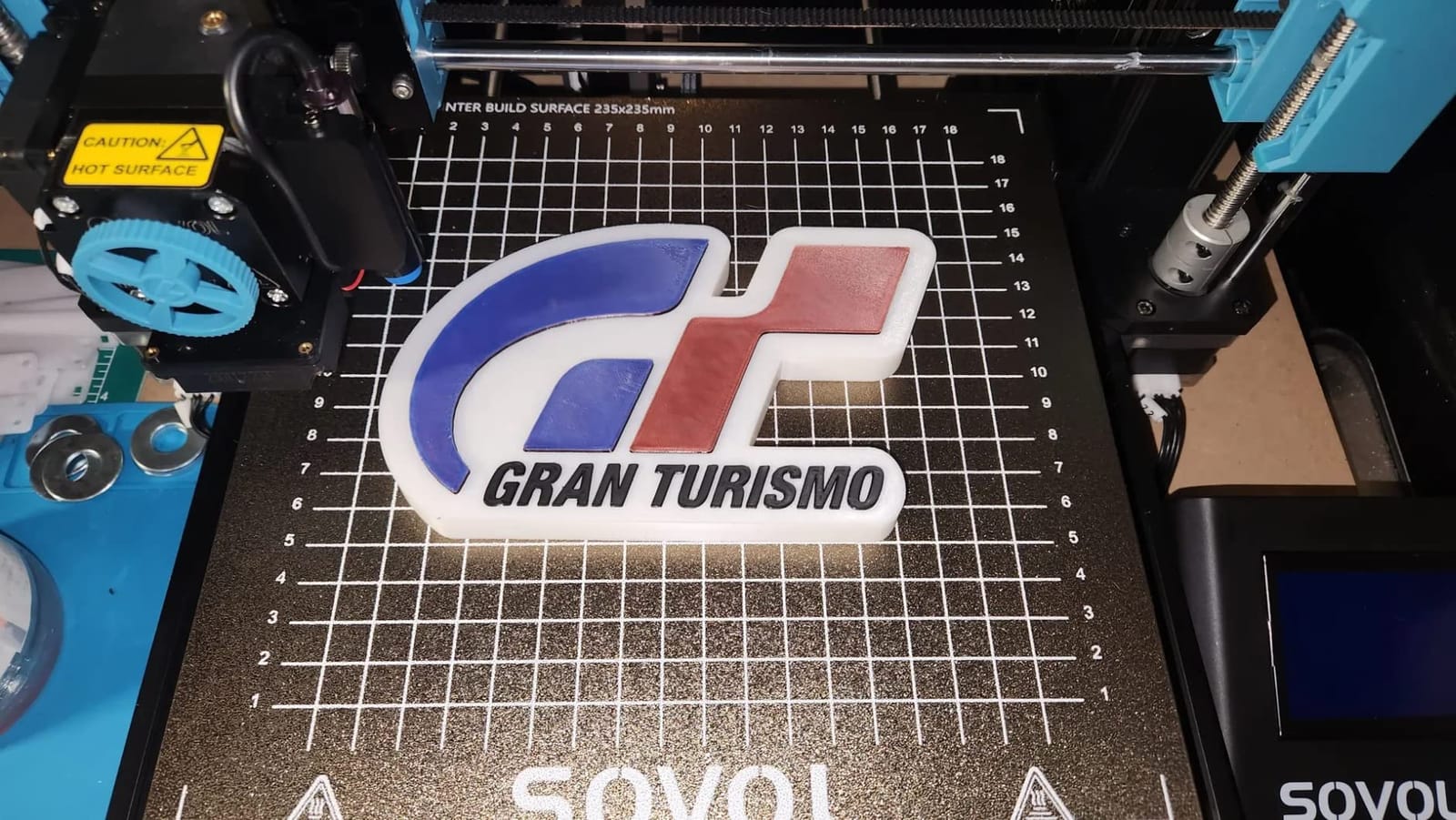
The planetary dual gear extruder with its 1:7.5 gear ratio provides excellent grip on filament, which translates to consistent extrusion even with flexible materials. Combined with the 300-degree nozzle temperature, the SV06 ACE handles a wide range of filaments from PLA to ABS without issue.
The upgraded X and Y axis with dual-axis profiles adds rigidity that shows in print quality. At 600mm/s with 20000mm/s squared acceleration, the SV06 ACE is one of the fastest printers in this lineup, and the dual-axis construction keeps high-speed prints looking clean.
What Does Open Source Actually Mean for You
Open source means you can modify the firmware, install custom macros, connect external sensors, and share configurations with the community. The Sovol community on Reddit and GitHub is active and helpful. You are not locked into proprietary slicers or limited by manufacturer firmware updates.
What Are the Replacement Part Considerations
The SV06 ACE uses Volcano-style nozzles rather than the standard V6 type, which means replacements are slightly harder to find at local stores but readily available online. Build plate quality varied in early reviews, so I recommend checking the PEI sheet surface when you unbox and contacting Sovol support if you notice any defects.
8. Anycubic Kobra X — Best Budget 3D Printer for Families and Kids
Anycubic Kobra X Multicolor 3D Printer, Easy One-Click Printing
4-color printing
600mm/s
LeviQ 3.0 49-point leveling
260x260x260mm
48dB quiet
AI camera monitoring
Pros
- 4-color built-in printing expandable to 19 colors
- 600mm/s high speed with large build volume
- 15-minute setup with one-click printing
- LeviQ 3.0 automatic bed leveling
- 48dB quiet operation for home use
Cons
- Limited to 4 colors without additional purchase
- 10 percent of reviews report some issues
The Anycubic Kobra X is the printer I recommend for households with kids or shared spaces. The combination of quiet operation, one-click printing simplicity, and built-in multi-color capability makes it one of the most family-friendly budget 3D printers available.
Setup took me 15 minutes from unboxing to first print. The LeviQ 3.0 system performs 49-point full-auto bed leveling that produced consistently perfect first layers in my testing. For parents who want their kids to explore 3D printing without constant supervision, this level of automation is exactly what you need.
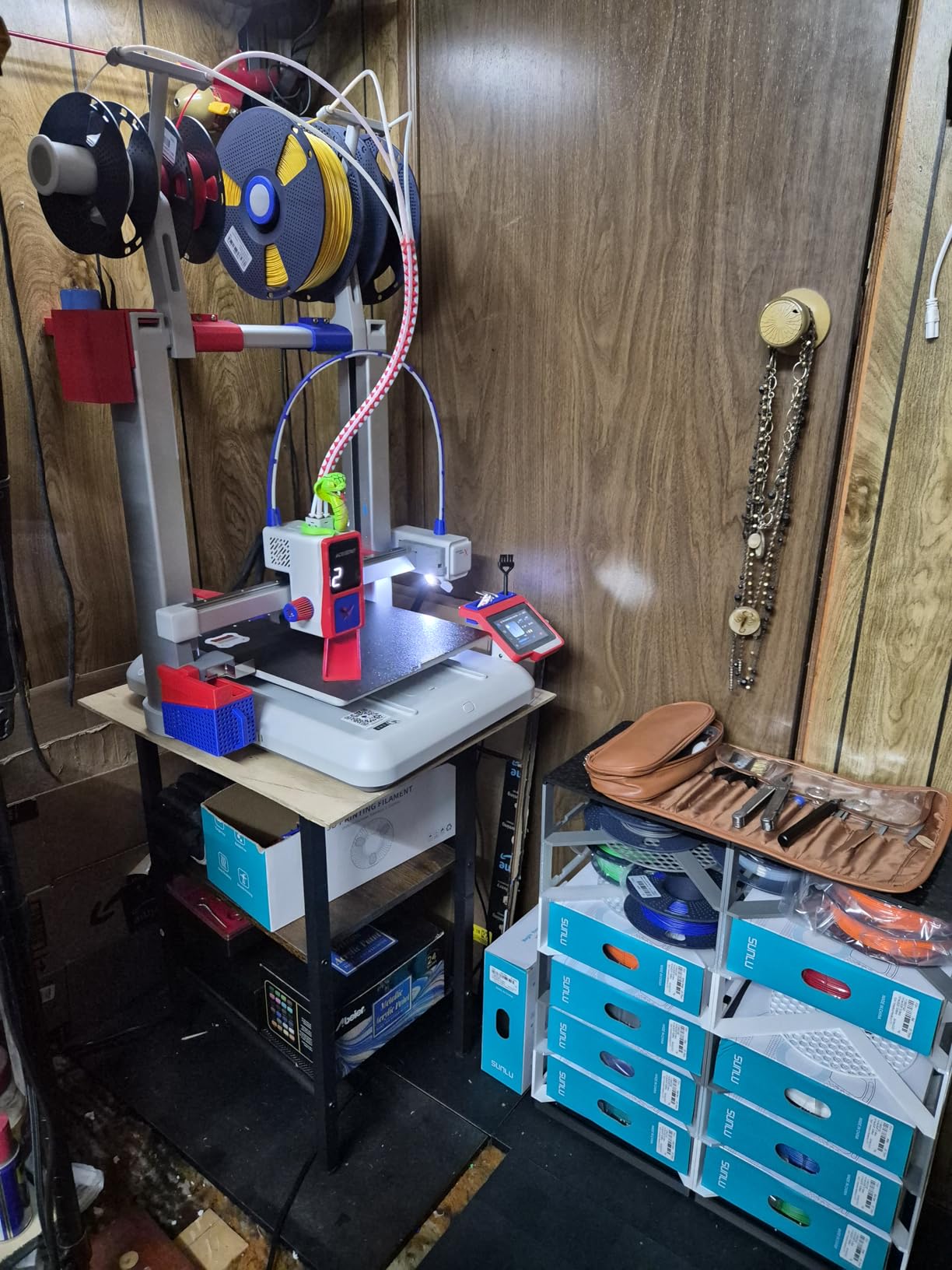
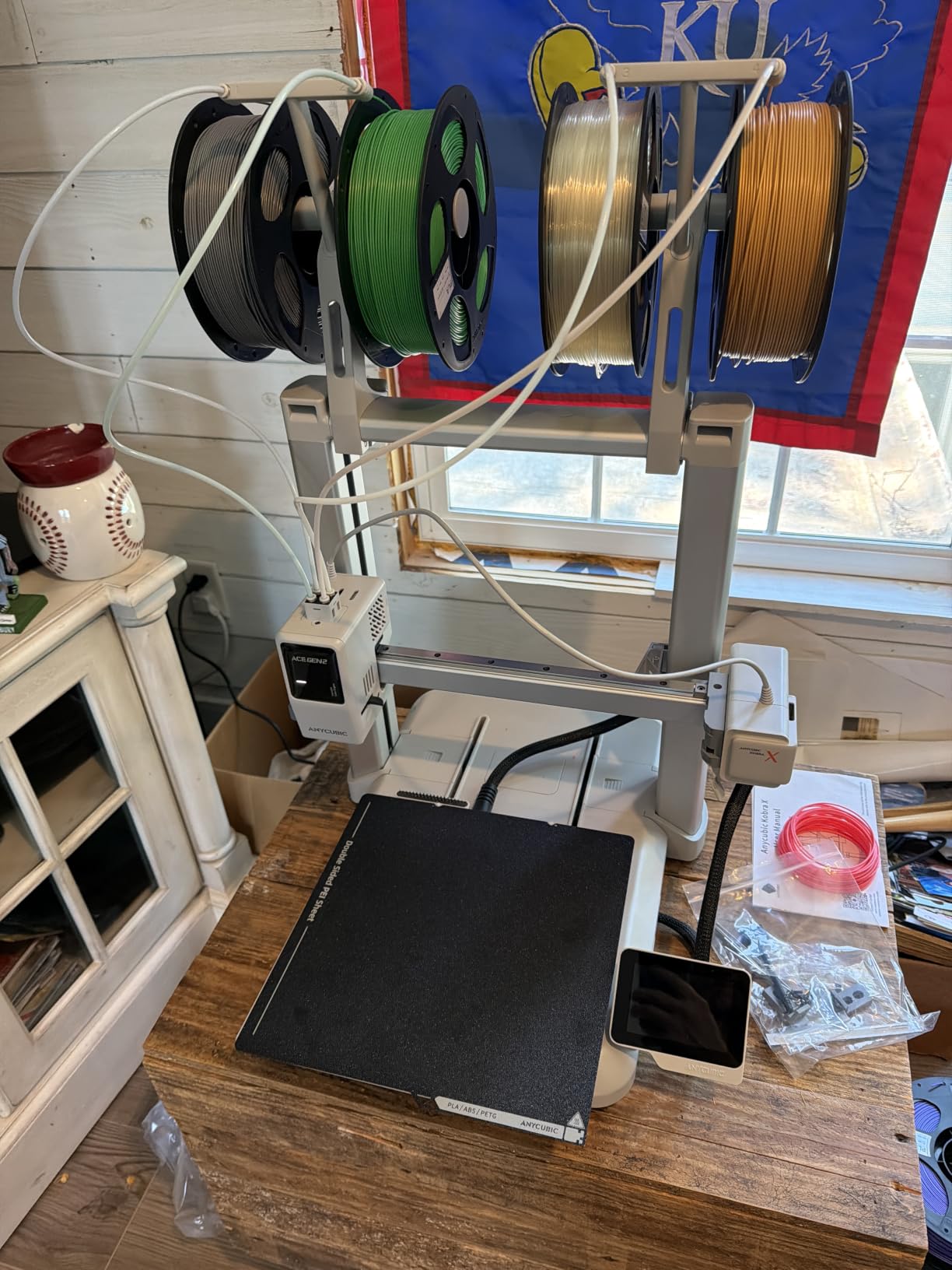
The 260 x 260 x 260mm build volume is the largest in this lineup, giving you plenty of room for larger projects. I printed a full-size vase and a large desk organizer without splitting the models. The 600mm/s print speed keeps even large prints reasonable in terms of time.
At 48 dB, the Kobra X is quiet enough to run in a living room or classroom without being disruptive. The AI-powered monitoring system with a 720P camera lets you check on prints remotely, which is particularly reassuring for long overnight jobs or when kids are involved.
How Kid-Friendly Is It Really
The one-click printing system and simple touchscreen interface make the Kobra X accessible for older children with minimal guidance. The 4-color capability makes prints more visually engaging, which keeps kids interested. I would recommend adult supervision for the hot nozzle area, but the overall operation is straightforward enough for a supervised 10-year-old.
How Does the Color Expansion System Work
The Kobra X ships with 4-color capability built in, and you can expand up to 19 colors by purchasing additional Anycubic color modules. This modular approach means you can start with the base system and add color capacity as your budget and interest grow, rather than paying for features you may not use initially.
What to Consider When Buying a Budget 3D Printer?
Choosing the right budget 3D printer comes down to matching the machine’s strengths with your specific needs. After testing eight models extensively, here are the factors that matter most for buyers in 2026.
Bed Leveling: Auto vs Manual
Auto bed leveling is the single most important feature for beginners. Manual leveling with a piece of paper is frustrating, time-consuming, and the number one reason people quit 3D printing. Every printer on this list has some form of auto leveling, but the quality varies. The Bambu Lab A1 mini and FLASHFORGE Adventurer 5M have the most reliable systems in my testing.
Print Speed and Acceleration
Print speed matters more than most beginners realize. A printer that runs at 250mm/s will finish most jobs in roughly half the time of one limited to 100mm/s. Look for acceleration ratings too, since high acceleration without vibration compensation causes ringing artifacts. Every printer I tested hits at least 250mm/s, with several reaching 600mm/s.
Build Volume
Build volume determines what you can actually print. The Anycubic Kobra X leads this pack at 260 x 260 x 260mm, while the Bambu Lab A1 mini has the smallest build area. Think about what you plan to print most often. If cosplay props and large functional parts are your goal, prioritize build volume.
Filament Compatibility
Most budget printers handle PLA out of the box. If you want to print PETG, TPU, ABS, or ASA, you need a printer with a direct drive extruder and a hotend rated for at least 260 degrees. The Sovol T300 and SV06 ACE both reach 300 degrees, giving you the widest material compatibility.
Noise Level
Noise is overlooked until you have a printer running for eight hours in your home. The Bambu Lab A1 mini and Anycubic Kobra X both operate at 48 dB or below, which is quiet enough for a shared living space. The Sovol SV06 ACE can be noticeably louder during fast travel moves.
Community and Support
A strong community means faster troubleshooting and more resources. Creality and Bambu Lab have the largest communities, with thousands of tutorials and active forums. Sovol has responsive customer support but a smaller community. FLASHFORGE sits in the middle with decent documentation and growing user resources.
Software and Slicer Compatibility
Most budget printers work with popular free slicers like Cura and PrusaSlicer. Bambu Lab uses its own Bambu Studio, which is excellent. FLASHFORGE uses Orca-flashforge, which has a learning curve but offers advanced features. Klipper-based printers like the Sovol models give you the most control but require more technical knowledge.
Power Consumption
Budget FDM printers typically draw 100 to 350 watts during active printing, with heated beds being the biggest power draw. The Sovol T300 with its 1000W AC heated bed is the most power-hungry on this list. If you run your printer for several hours daily, factor the electricity cost into your budget. Most printers average 150 to 200 watts during normal operation.
Frequently Asked Questions
What is the best cheap 3D printer for beginners?
The Creality Ender 3 V3 SE is the best cheap 3D printer for beginners because it combines CR Touch auto leveling, a 20-minute assembly process, and a reliable direct drive extruder at an affordable price. The massive Creality community also means help is always available when you need it.
Is it worth buying a budget 3D printer?
Yes, budget 3D printers are absolutely worth buying in 2026. Modern budget models include features that were premium-only a few years ago, including auto bed leveling, 600mm/s print speeds, and multi-color capability. For hobbyists, students, and makers, a budget printer delivers 90 percent of the capability at 30 percent of the cost of professional machines.
What 3D printer should I buy on a tight budget?
On a tight budget, the Sovol T300 offers the best value with Klipper firmware and a 300-degree hotend. The Creality Ender 3 V3 SE is the best choice for beginners, while the FLASHFORGE Adventurer 5M is the best all-around pick if you can stretch your budget slightly for CoreXY speed and reliability.
How much should I spend on a budget 3D printer?
Expect to spend between $190 and $350 for a quality budget 3D printer in 2026. Printers under $200 like the Sovol T300 offer great value but may need more tuning. The $220 to $260 range hits the sweet spot with models like the Ender 3 V3 SE and FLASHFORGE Adventurer 5M offering auto leveling and fast print speeds. Multi-color printers like the FLASHFORGE AD5X and Anycubic Kobra X run $300 to $350.
Are Ender 3 printers still worth it?
Yes, the Ender 3 V3 SE is still worth buying in 2026. Unlike older Ender 3 models that required manual leveling and used Bowden extruders, the V3 SE includes CR Touch auto leveling, a Sprite direct drive extruder, and 250mm/s print speed. It remains the best entry-level option for anyone who wants reliability without a steep learning curve.
Final Verdict
After months of hands-on testing across eight models, my pick for the best budget 3D printer overall is the FLASHFORGE Adventurer 5M. It delivers the best combination of speed, print quality, and reliability in this price range, with genuine auto bed leveling that works and a CoreXY frame that handles fast printing without breaking a sweat.
For absolute beginners, the Creality Ender 3 V3 SE is the safest choice with its unmatched community support and dead-simple assembly. If you want a premium experience on a budget, the Bambu Lab A1 mini offers the most polished user experience I have tested under $250. And for multi-color printing, both the FLASHFORGE AD5X and Anycubic Kobra X bring capabilities that were unthinkable at these prices just a year ago.
The best budget 3D printers in 2026 are better than ever. Whatever your skill level or project goals, there is an affordable machine on this list that will get you printing with confidence.