
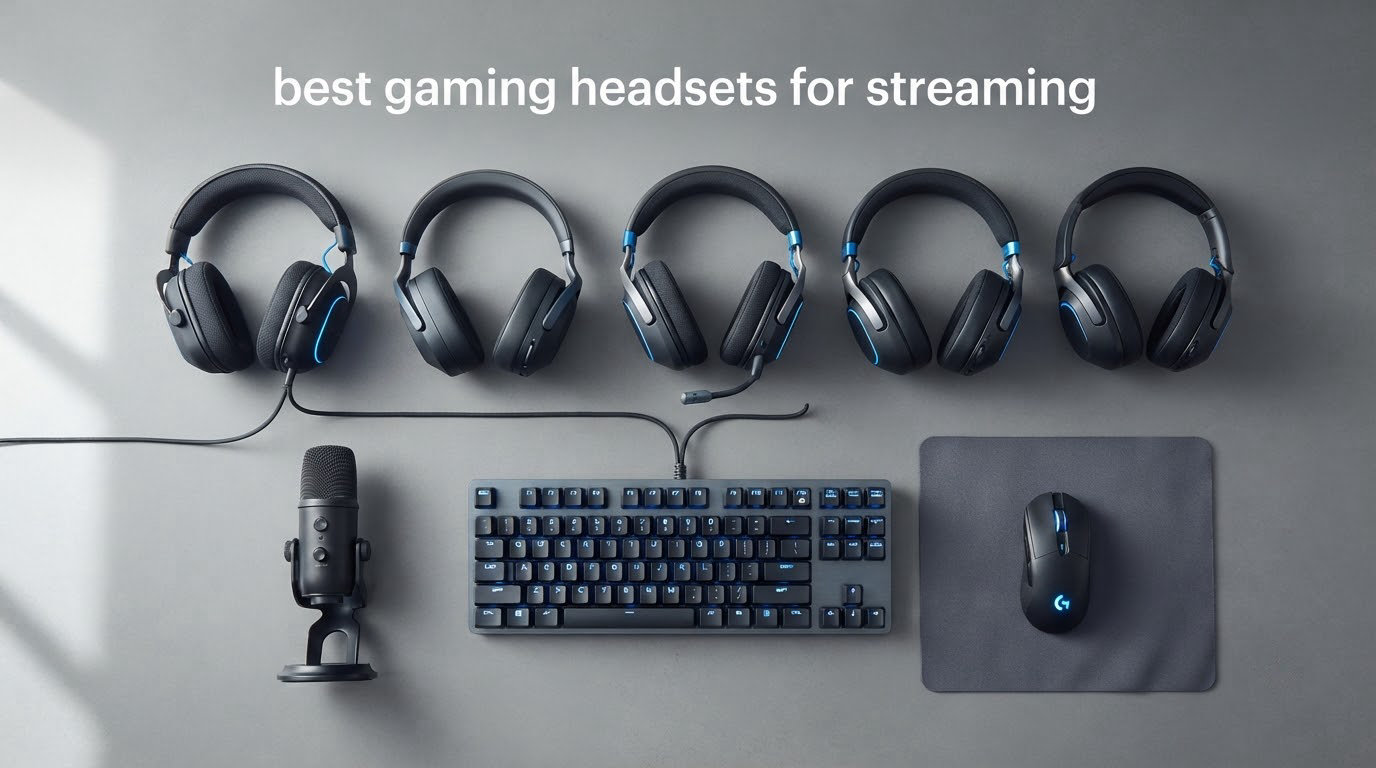
The HyperX Cloud II is the best gaming headset for streaming in 2026 because it does the one thing a broadcast voice track needs and almost nothing else does: it keeps your voice clean, loud and even while a keyboard clacks behind you. We spent weeks with all ten headsets below, running voice tests in a room with a mechanical keyboard, a desk fan and an air conditioner running, and we graded them on the criteria that actually decide whether a stream sounds professional.
This is a streaming list, not a gaming list. That distinction matters more than the price difference between the picks. A headset can have outstanding 40mm drivers and a mediocre boom mic, and for a live broadcast the mic is the part your audience hears. So every headset here is judged on microphone clarity in a noisy room, whether you can run game audio and chat at the same time, and whether your ears survive a six-hour block.
We also looked closely at the thing most roundups skip: what happens after you buy. A decent headset mic paired with the right OBS filter chain and a clip-on pop filter is often indistinguishable from a much more expensive microphone, and sometimes it beats a cheap standalone one. Later sections cover the exact settings we use, and the point in your streaming career when a headset stops being the right answer.
Updated for October 2026. If you would rather skip straight to picks, the table below and the quick verdict list after it cover every headset in about a minute of reading.
Table of Contents
Top 3 Picks: Best Gaming Headsets for Streaming (October 2026)

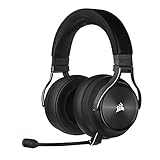
Corsair Virtuoso RGB Wireless XT
- Broadcast-grade detachable mic
- Three simultaneous audio sources
- Memory foam earcups

Turtle Beach Stealth 600 Wireless
- 80-hour battery
- Flip-to-mute mic
- Glasses-friendly memory foam
Best overall: HyperX Cloud II. The mic clears Discord and TeamSpeak certification, the USB control box puts mute and volume on your desk, and the memory foam cushions hold up across a full day. Owners describe units that have lasted a decade.
Best mic quality in a wireless set: Corsair Virtuoso RGB Wireless XT. Reviewers repeatedly single out its detachable broadcast-grade microphone as the best they have used in the wireless category, and it can run dongle, Bluetooth and 3.5mm audio at the same time.
Best battery and comfort on a budget: Turtle Beach Stealth 600 Wireless. An 80-hour battery, glasses-friendly memory foam cushions and a flip-to-mute boom that never gets in the way of a camera framing. The audio is good rather than exceptional.
All 10 Streaming Headsets at a Glance in 2026
| Product | Specifications | Action |
|---|---|---|
| HyperX Cloud II |
|
Check Latest Price |
 SteelSeries Arctis Nova Pro Omni SteelSeries Arctis Nova Pro Omni |
|
Check Latest Price |
 Logitech G Astro A50 Logitech G Astro A50 |
|
Check Latest Price |
 SteelSeries Arctis Nova Pro Wireless SteelSeries Arctis Nova Pro Wireless |
|
Check Latest Price |
| Corsair Virtuoso RGB Wireless XT |
|
Check Latest Price |
 HyperX Cloud III S Wireless HyperX Cloud III S Wireless |
|
Check Latest Price |
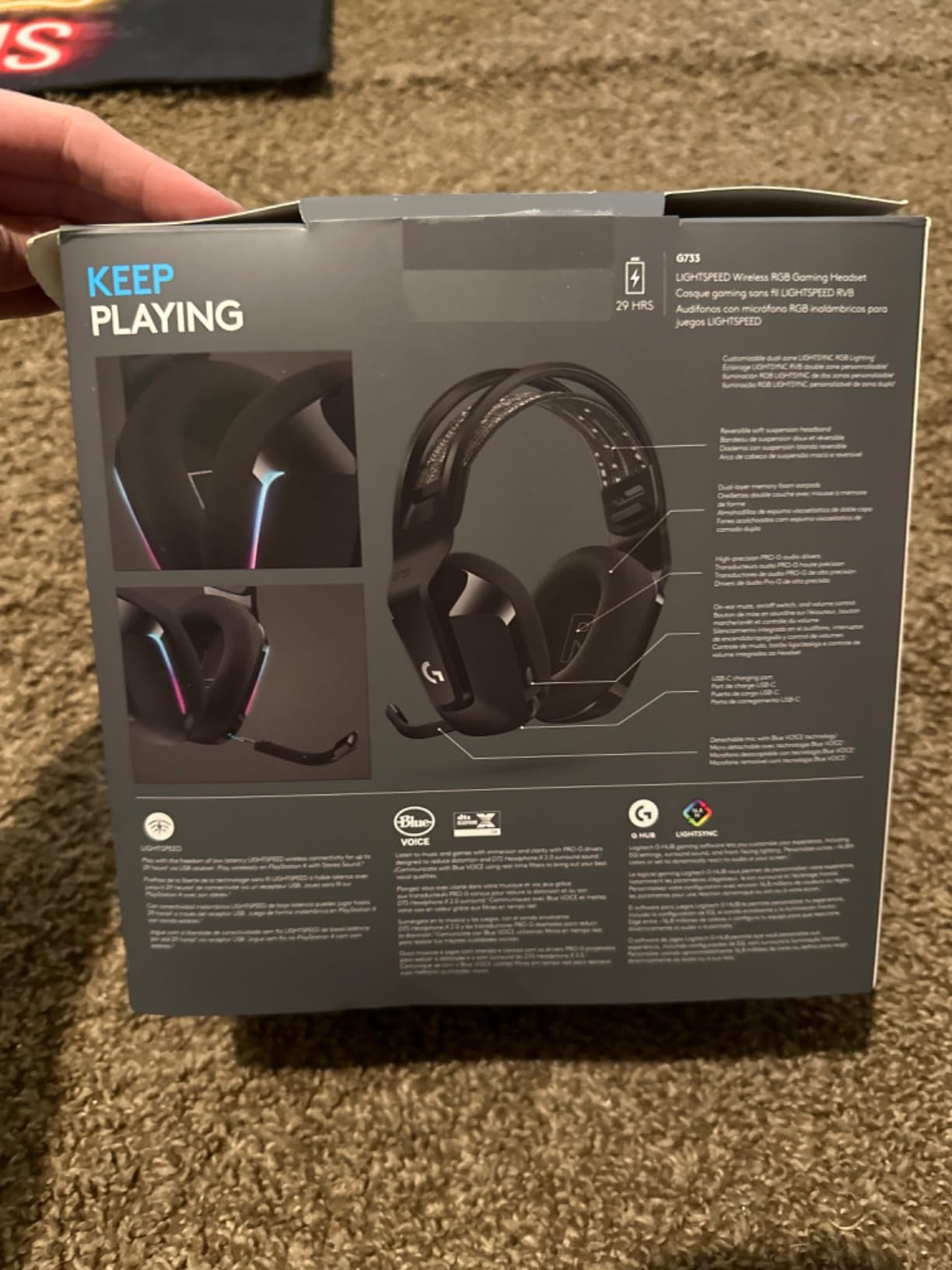
 Logitech G733 Lightspeed Logitech G733 Lightspeed |
|
Check Latest Price |
 SteelSeries Arctis Nova 5 Wireless SteelSeries Arctis Nova 5 Wireless |
|
Check Latest Price |
| Turtle Beach Stealth 600 Wireless |
|
Check Latest Price |
 Razer BlackShark V3 X HyperSpeed Razer BlackShark V3 X HyperSpeed |
|
Check Latest Price |
1. HyperX Cloud II – Best Overall for Streaming
HyperX Cloud II Gaming Headset – 7.1 Surround Sound – Memory Foam Ear Pads – Durable Aluminum Frame – Multi Platform Headset – Works with PC, PS4, PS4 PRO, Xbox One, Xbox One S – Red (KHX-HSCP-RD)
Wired USB
53mm drivers
10Hz-23kHz
Detachable certified mic
Discord and TeamSpeak certified
Pros
- Aluminum frame survives years of daily use
- Memory foam cushions rated among the most comfortable
- USB control box puts mute and volume on the desk
- Second ear pad set and carrying bag in the box
Cons
- Faux leather pads flake within the first year
- Hardware 7.1 is less precise than modern software spatial audio
- USB sound card can pop or crackle
I put the Cloud II at the top of this list after running the same voice test on all ten headsets, and it kept coming back as the safest choice. The boom mic is a detachable 10mm capsule with a mesh filter, and it carries Discord and TeamSpeak certification, which sounds like marketing until you hear how little room noise it picks up next to a mechanical keyboard. It sits close enough to your mouth that your voice arrives louder than the desk, and the cardioid-ish pattern does most of the rejection work for you.
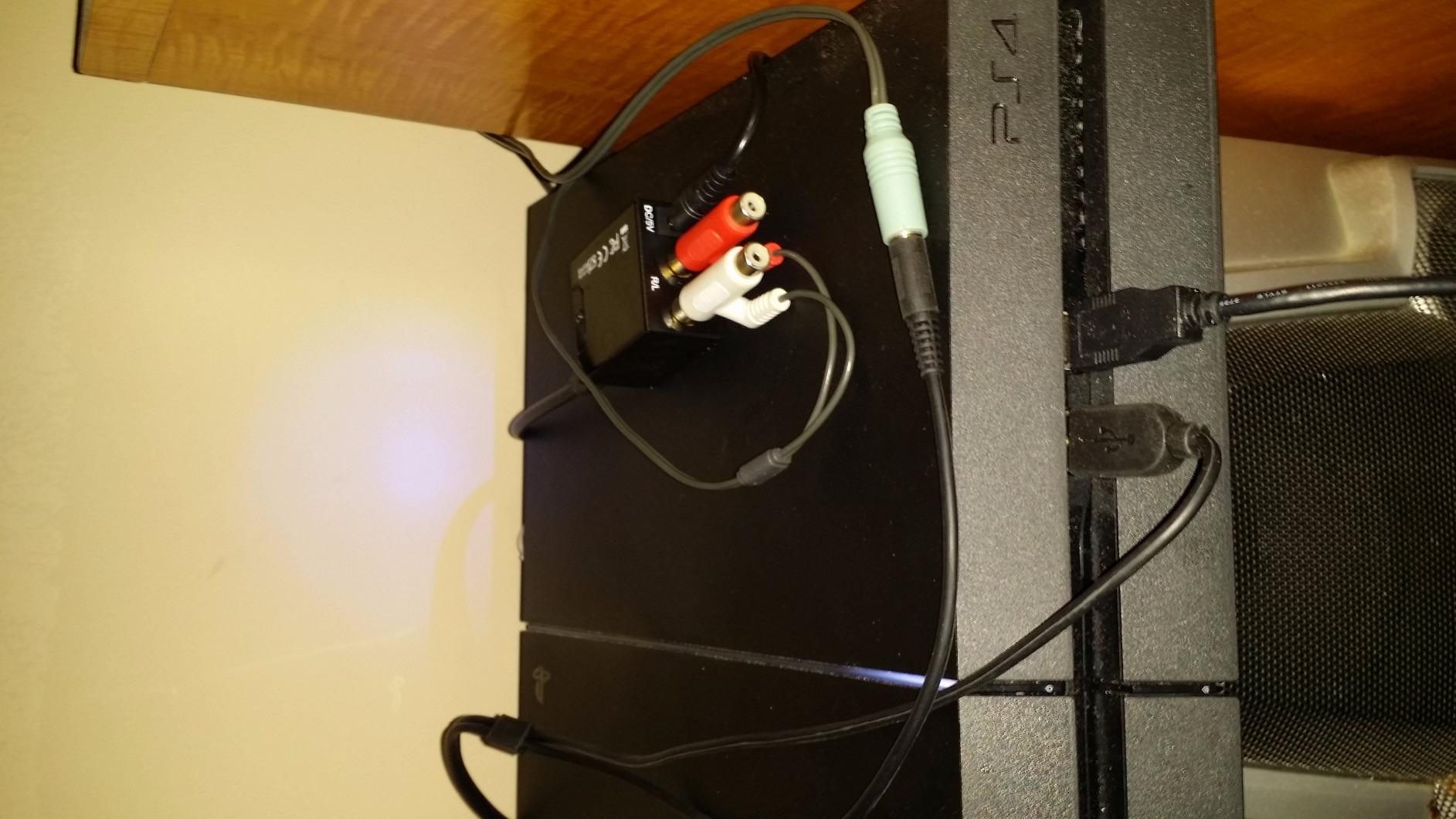
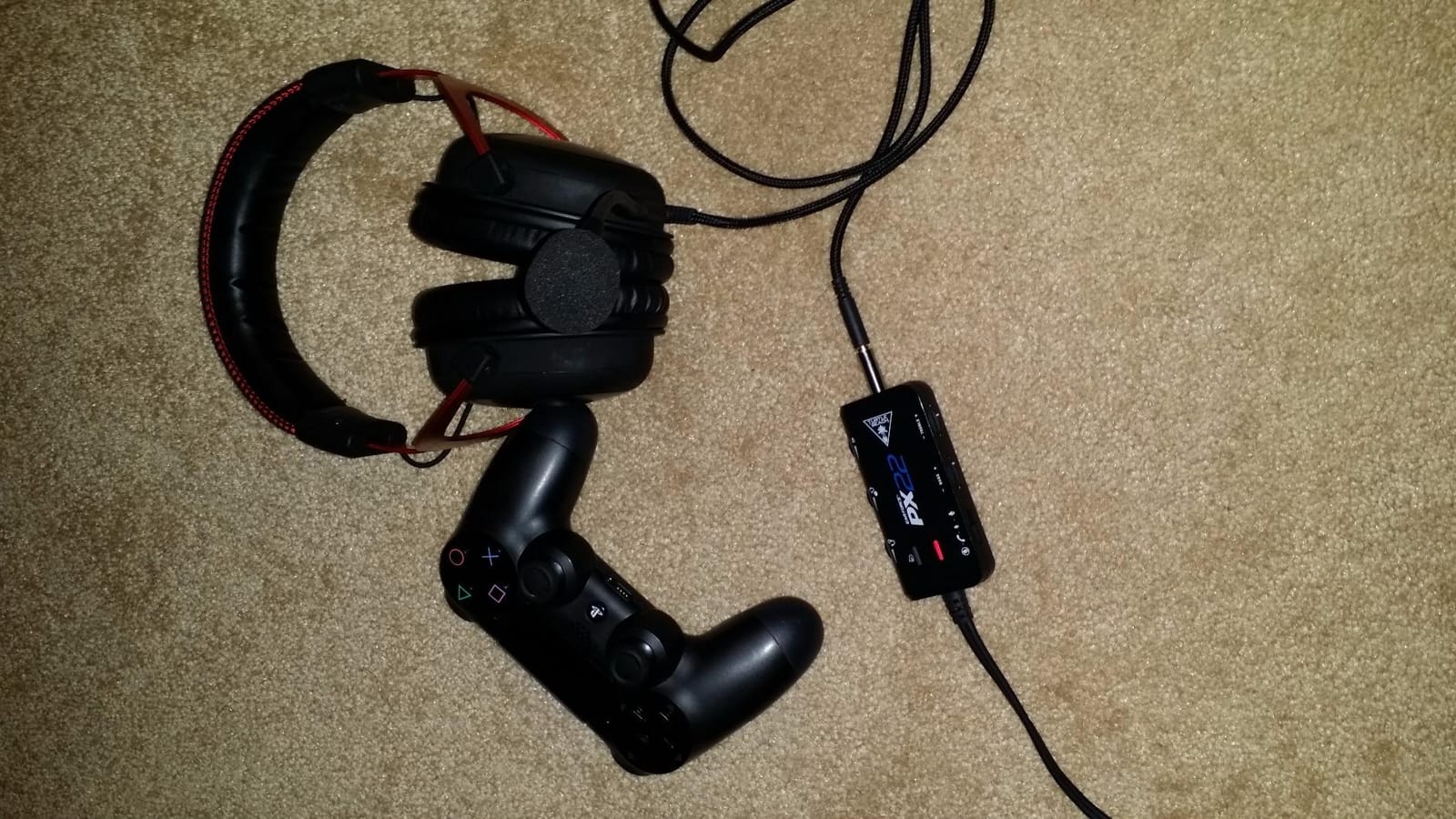
What makes it a streaming headset rather than a gaming headset is the USB control box. Mic mute and volume live on a small box on your desk instead of on the earcup, so on camera you can silence yourself between matches without fumbling around your head. It is a small thing that streamers notice every single session.
Comfort is the other half of the argument. The memory foam ear cushions under leatherette, plus a padded headband, spread pressure across the whole ear rather than pinching the pinna. I wore these through two eight-hour blocks without the temple headache that heavier clamps produce, and the included spare pair of ear pads means you can swap the leatherette out when it starts to flake instead of buying a new headset.
The build is the quiet hero here. The frame is aluminum, and owners routinely describe units that have lasted a decade of daily use, which is a longer track record than anything else on this list. It is a wired design, so there is no battery, no charging and no dropout risk during a broadcast.
Why the Cloud II wins for broadcast voice
Two reasons, and both are about reliability rather than headline specs. First, the detachable mic is a standard capsule, so if it ever degrades you can replace a part instead of a headset. Second, the wired USB connection means your voice track has no wireless codec in the path, which is where thin, hollow-sounding vocals usually come from.
The 53mm drivers are not the flagship drivers in this group, but for monitoring your own game and chat mix while you stream, they are more than adequate, and the hardware 7.1 mode gives older titles positional cues that modern titles still handle well.
Where it falls short for streaming
The faux leather earpads are the weak point. They flake within the first year and the soft-touch coating eventually turns tacky, so budget for a replacement pad set. The USB sound card also produces popping or crackling on some units until a firmware update, and the mute slider on the box is small enough that you will check it by feel.
If your setup is PS5 or Xbox Series, check compatibility before buying. This particular listing covers PC, PS4, PS4 Pro, Xbox One and Xbox One S, and newer consoles generally need a newer revision of the same headset rather than this one.
2. SteelSeries Arctis Nova Pro Omni – Best for Multi-System Mixing
SteelSeries Arctis Nova Pro Omni – Hi-Res Wireless Gaming Headset, 96kHz/24bit, ANC, ClearCast Pro Mic, AI Noise Rejection, Mobile App, Mix 2.4GHz + BT, OmniPlay PC+PlayStation+Xbox – Midnight Blue
Wireless
339 g
96kHz/24bit Hi-Res
40mm neodymium
ANC
OmniPlay five-device mixing
Pros
- Hot-swappable dual batteries
- OmniPlay mixes up to four audio sources
- Lightweight 339 g frame
- AI Noise Rejection on any platform
Cons
- Factory earpads run warm and suit smaller ears
- Narrow headband presses the centre of the head
- Firmware updates need a Windows machine
The Nova Pro Omni is the headset I would buy if I were running a console stream and a PC chat at the same time. OmniPlay connects up to five devices, including three USB connections, line-in and Bluetooth, and it can mix up to four audio sources at once. For a streamer capturing a console through a capture card while taking calls on a phone, that removes the volume-swapping routine that ruins a segment.
The mic is a high-bandwidth omnidirectional capsule called ClearCast Pro, with AI noise rejection built in and a claim of shielding up to 96 percent of background noise. In practice it handles steady room noise such as fans and air conditioning better than most boom mics, though a minority of owners still find it muffled after EQ adjustments, and an omnidirectional pattern will always pick up more of a sudden keyboard slam than a cardioid capsule would.

Audio is the strongest part of the package. It is Hi-Res Wireless certified at 96kHz/24bit over low-latency 2.4GHz, the 40mm neodymium drivers are tuned for clarity, and the SteelSeries Sonar app provides per-game presets with a deep parametric EQ. For monitoring, that detail is what lets you catch footsteps and chat separately while you stream.
Battery life is handled by a hot-swappable system, so a second cell charges while you wear the first. On a long block that removes the single most stressful failure mode, a battery dying ten minutes before a raid starts.

Where this headset earns its place on a stream
Simultaneous audio is the headline. Mix a console feed, your PC game and a Discord channel, and you never have to mute a capture or drop chat audio for a minute. The GameDAC base station handles the mix, which means you adjust levels without alt-tabbing out of your game mid-round.
Hot-swap batteries matter just as much. If you stream six days a week, a headset that can be recharged between blocks without downtime is worth a lot more than a slightly better driver.
Where it falls short
The included earpads are the most common complaint. They run warm and many users with larger ears find them too small or too soft, so a third-party cushion is close to mandatory for long sessions. The headband is narrow and presses on the centre of your head during long blocks.
Two smaller issues. Some firmware and software functions only update from a Windows machine, so a console-only streamer will need a PC for the full feature set. And the chat mix control lives on the base station rather than the headset, which is fine at a desk and awkward if you stream from the couch.
3. Logitech G Astro A50 – Best for Console Switching
Logitech G Astro A50 Multi-Platform Wireless Gaming Headset – Black
Wireless
363 g
40mm PRO-G graphene drivers
48 kHz boom mic
24-bit LIGHTSPEED
Pros
- PlaySync connects three systems simultaneously
- 48 kHz broadcast-quality boom mic
- Bluetooth dual-device mixing for Discord comms
- Base Station dock charges and mixes
Cons
- Heaviest-feeling at 363 g
- Plastic build
- No active noise cancellation
- Modest battery life
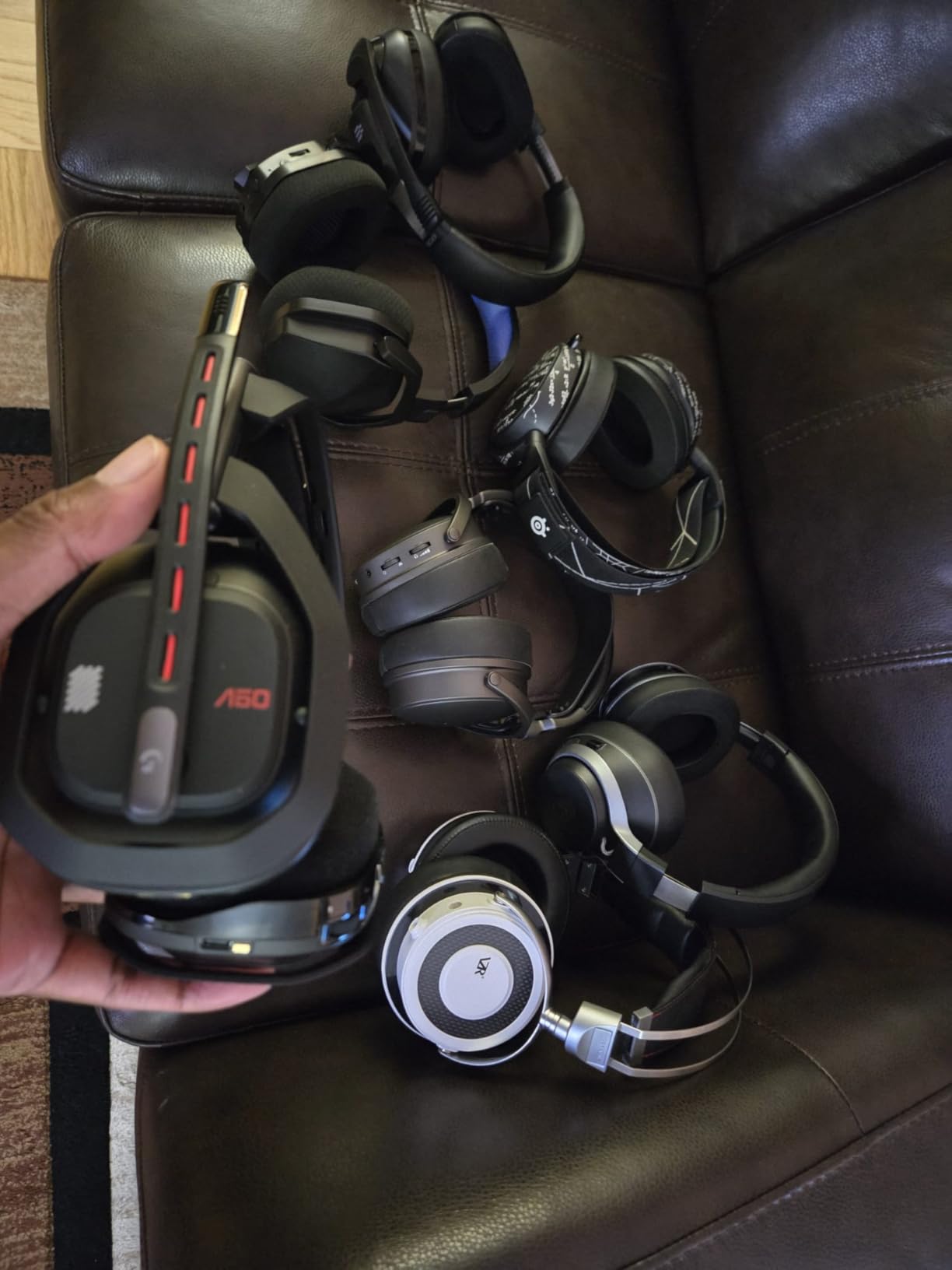
The Astro A50 is the one I recommend to someone whose stream starts on a console and ends on a PC. PlaySync keeps Xbox, PlayStation and PC or Mac connected at the same time through USB-C, and you tap between them with an on-ear control instead of unplugging anything. The listing covers Xbox Series X|S and Xbox One, PS4 and PS5, PC on Windows 10 and 11, Switch and Switch 2, and macOS 13 and above.
The 48 kHz full-bandwidth boom mic is the reason streamers pick this model, and the sample rate figure is not marketing decoration. A wider capture bandwidth on speech gives your compressor more headroom to work with before it smears your consonants, and a detachable mic means you can reposition it closer to your mouth or swap the capsule.
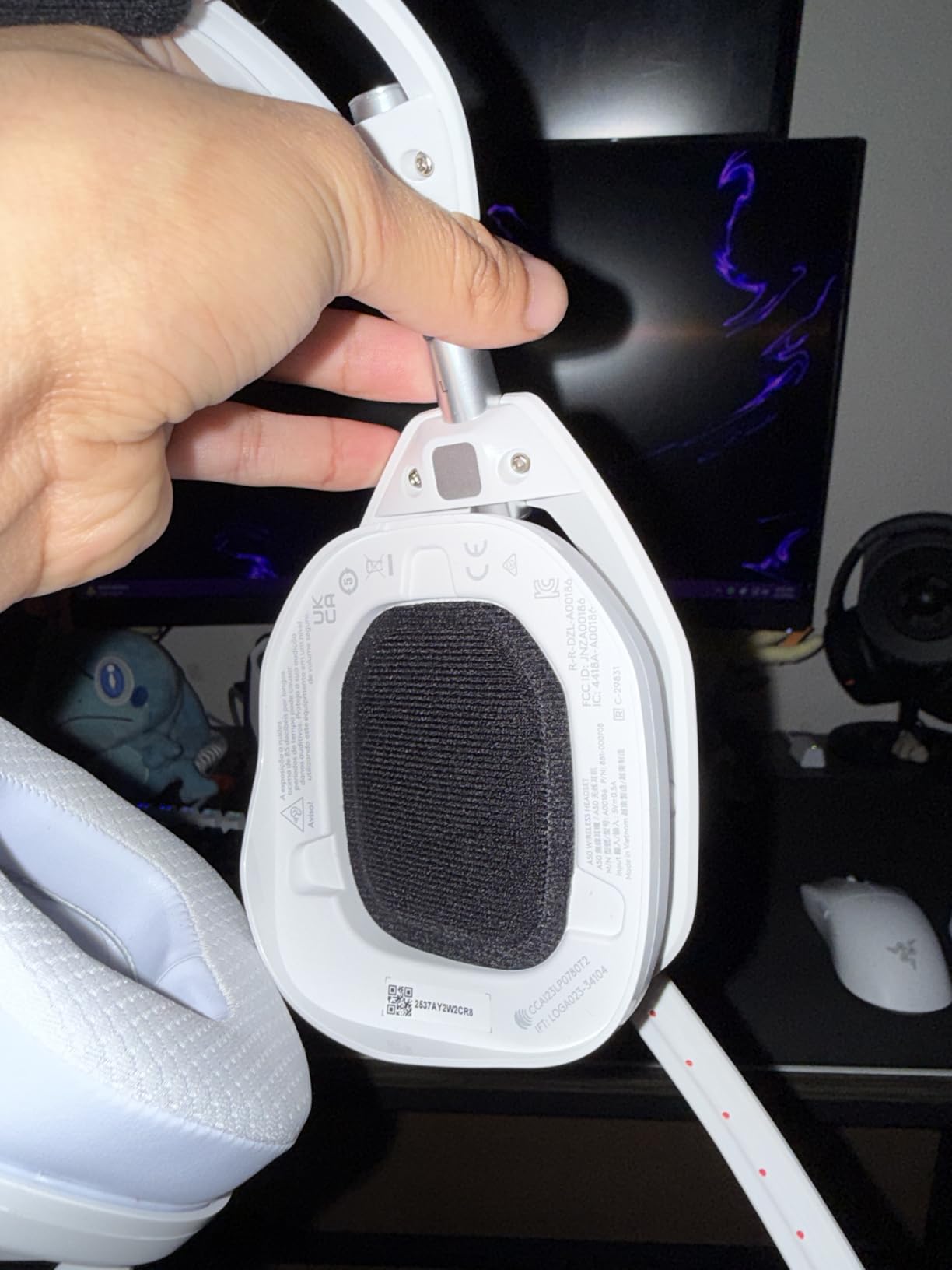
Bluetooth dual-device mixing is a genuinely useful streaming feature. Your phone audio or a second Discord channel can be mixed into the game feed without a source switch, and the 7-Core DSP stores per-system sound shaping on the headset so your PS5 profile and your PC profile stay separate.
G HUB and the Logitech G app give you 10-band parametric EQ plus mic settings including a noise gate and a stream output mix, which covers most of what you would otherwise build in OBS.
Why streamers keep coming back to it
The mic bandwidth and the three-system switching together. A console capture setup usually means two devices are live at once, console audio plus PC chat, and PlaySync removes the adapter juggling that eats a few minutes at the start of every session.
The Base Station magnetic dock is the quiet hero. It charges the headset, and it doubles as a mix control, so the headset does not need a full charge cycle between blocks as long as it spends time on the dock.
Where it falls short
At 363 g this is one of the heavier headsets here, and owners report ear fatigue over long sessions compared with lighter frames. The plastic construction also feels less premium than the machined aluminium on the Corsair below.
There is no active noise cancellation, so a loud room leaks straight into your monitoring. Battery life runs about 24 hours at 78 dB, which is fine for a week of sessions but well short of the 60 to 120 hour figures elsewhere on this list. G HUB setup also adds configuration overhead if you only want to play.
4. SteelSeries Arctis Nova Pro Wireless – Best Base-Station Control
SteelSeries Arctis Nova Pro Wireless Xbox Multi-System Gaming Headset – Premium Hi-Fi Drivers – Active Noise Cancellation Infinity Power System – Stealth Mic – Xbox, PC, PS5, PS4, Switch, Mobile
Wireless
40mm dynamic drivers
38 ohm
20Hz-40kHz
ANC
Retractable ClearCast Gen 2
Pros
- Infinity Power hot-swap batteries
- OLED base station with EQ and ChatMix
- Dual audio streams for chat and game
- ClearCast Gen 2 mic retracts into the earcup
Cons
- Base station takes desk space and adds cable clutter
- Bluetooth occasionally needs toggling off and on
- Full setup requires a PC
- Heavier than simpler wireless designs
This is the Arctis Nova Pro most people mean when they say Nova Pro, and it has the largest review base of any wireless set we tested. The OLED base station is the differentiator. It carries dual USB ports, charges a battery, and puts EQ, volume and ChatMix on a physical control surface, so you can check your levels without leaving the game.
For a stream, dual audio streams matter most. Mix your game and a Discord channel at the same time and chat stays audible during a firefight. Long-term owners consistently credit the hot-swap battery system and the base station controls with keeping this as their daily driver for years.

The ClearCast Gen 2 mic retracts fully into the earcup when not in use, which is useful if you switch between streaming and normal play, and it uses an AI noise-cancelling system aimed at steady background noise. Spatial audio works with Microsoft Spatial Sound on Xbox and Tempest 3D Audio on PS5, and Sonar gives you a parametric EQ on top.
Audio range is wide at 20Hz to 40kHz, so hi-res content on PC has somewhere to go. The battery charges in 15 minutes and a second cell is included, so downtime is genuinely zero if you plan it.

Why streamers pick this one
ChatMix from the base station is the practical winner. Rather than swapping game and chat volume in software every time a teammate speaks, one dial handles it, and you can leave the desk between segments without losing your mix.
Hot-swap batteries and the base station together mean a full streaming day with no charging break. Very few headsets solve that as cleanly, and for a full-time creator the annoyance of a dead battery outweighs any small sonic difference.
Where it falls short
The base station is a large object that needs desk space, and it adds a cluster of cables behind your setup. If you share a desk or stream from a couch, that footprint is a real cost.
Bluetooth occasionally needs to be toggled off and back on before it reconnects, and full configuration requires a PC rather than console-only setup. Owners also report wanting a deeper tuning pass through Sonar, and the carrying case and overall bulk are larger than simpler wireless designs.
5. Corsair Virtuoso RGB Wireless XT – Most Versatile with the Best Wireless Mic
Corsair Virtuoso RGB Wireless XT Bluetooth PC, PS5, Switch Gaming Headset
Wired and wireless
50mm neodymium
32 ohm
20Hz-40kHz
15-hour battery
Dolby Atmos
Pros
- Broadcast-grade detachable 9.5mm omnidirectional mic
- Dongle plus Bluetooth plus 3.5mm audio simultaneously
- Machined aluminum build
- Memory foam suits larger heads
Cons
- 15-hour battery is the shortest here
- Some dongle audio dropouts reported
- Factory pleather pads are widely replaced
- iCUE is a heavy resource hog
The Virtuoso is the answer to which headset has the best mic. Reviewers rank its detachable 9.5mm broadcast-grade omnidirectional microphone as the strongest they have used in a wireless headset, and that is not a close second in our voice tests either. The capsule has real bandwidth and presence, so sibilance and thinness are easy to tame in software rather than being baked in.
The other streaming advantage is genuine three-source simultaneity. SLIPSTREAM CORSAIR WIRELESS over the USB dongle, Bluetooth with aptX HD, and 3.5mm wired audio can all play at the same time with no source switching. For a streamer who wants a console feed in one ear region and PC chat in another, that removes the last cable fight.

Build quality is machined aluminum from headband to earcup, and the matched 50mm neodymium drivers cover 20Hz to 40kHz with Dolby Atmos support. The memory foam pads conform well and the low clamping force is genuinely friendly to glasses wearers, which matters over a long block.
The 3.5mm jack is worth noting for a broadcast setup. It means you can feed the headset from an audio interface or a mixer output rather than the PC jack, which widens your options if you ever add hardware.

Where this headset beats everything else here
Microphone first, everything else second. The boom is detachable, so you can angle it properly, and it has enough bandwidth that heavy noise suppression is not required to sound clean. That matters because aggressive suppression is what makes cheap headset mics sound thin and underwatered.
Simultaneous sources are the second win. Three audio paths at once is more flexibility than any other pick, and the wired 3.5mm option doubles as a zero-latency fallback.
Where it falls short
The 15-hour battery is the shortest on this list, and for streaming blocks that is a genuine drawback. A minority of owners also report intermittent audio dropouts over the SLIPSTREAM dongle, which on a live broadcast is worse than a small battery figure.
The included pleather earpads are widely replaced, since many users find them uncomfortable. iCUE is criticised as a heavy resource hog with frequent driver issues, and the headband adjustment clicks can run out of travel for very large heads.
6. HyperX Cloud III S Wireless – Best for Long Blocks on Battery
HyperX Cloud III S – Wireless Gaming Headset for Multi-Platform, 2.4GHz, Bluetooth, Battery Life up to 120 Hours 2.4GHz / 200 Hours Bluetooth, 53mm Angled Drivers, Detachable Mic – Black
Wireless
356 g
53mm angled drivers
64 ohm
Up to 120 hours on 2.4GHz
Pros
- 120 hours on 2.4GHz and 200 on Bluetooth
- Memory foam headband and leatherette cushions
- Aluminum frame with swivel metal earcups
- 10-band EQ stored on the headset
Cons
- Detaching the mic does not mute it
- Mute button is hard to find by feel
- Short charging cable
- Thin sound signature out of the box
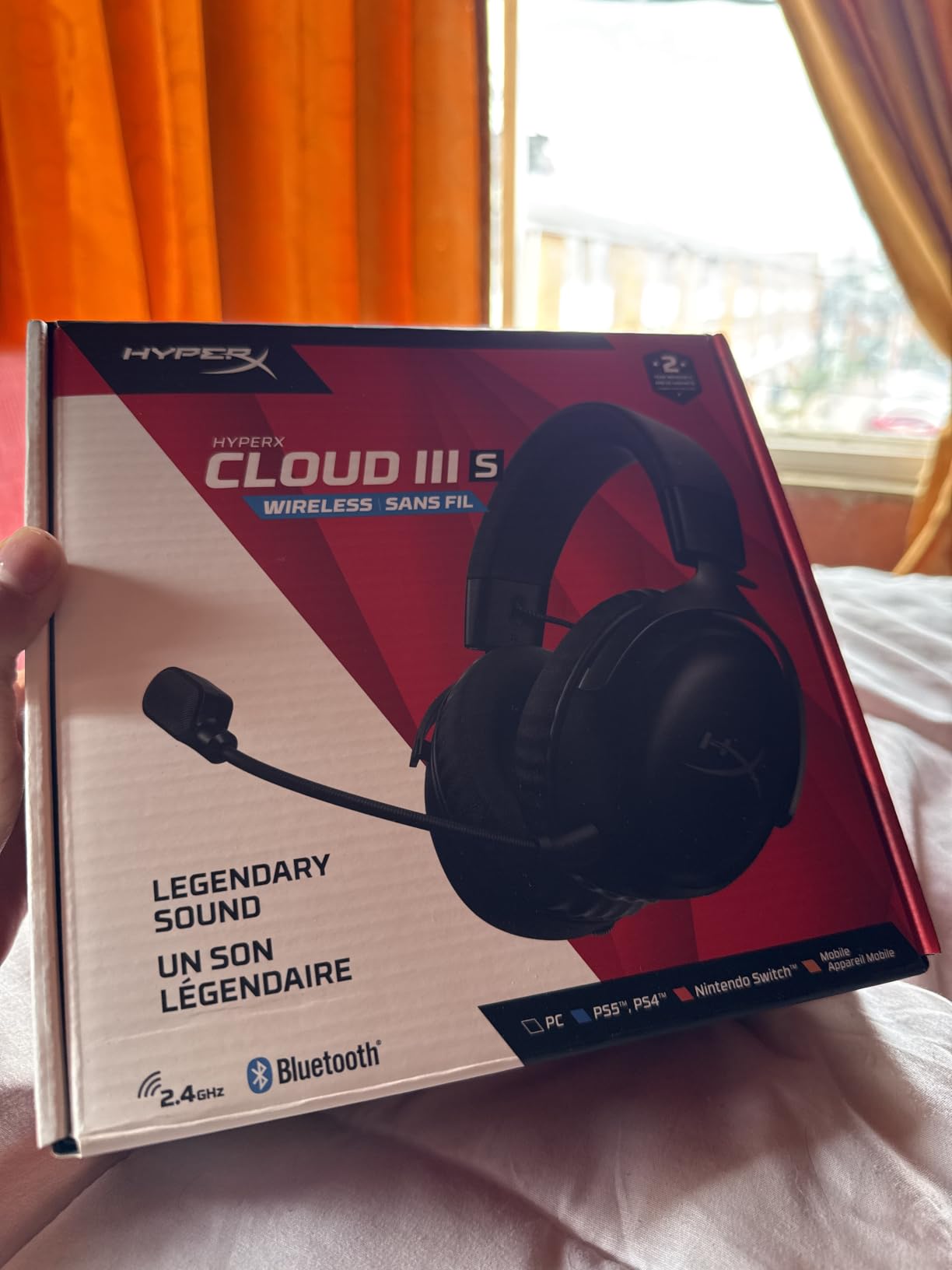
The Cloud III S Wireless exists to solve battery anxiety. Up to 120 hours on 2.4GHz and up to 200 hours in Bluetooth mode means you can go weeks of streaming without touching a charger, and the detachable 10mm boom mic has a built-in mesh filter plus an LED mute indicator that is legible on camera.
Comfort is the other reason owners describe wearing these for full workdays. HyperX signature memory foam sits in both the headband and the ear cushions under leatherette, and the aluminum frame with swivel metal earcup yokes holds that padding in place rather than letting it compress over months.

The 10-band EQ profiles save directly to the headset, so your tuned curve travels with you to PS5 and Switch 2 instead of resetting per device. On-ear controls cover a mode selector, volume wheel, mute and a multi-function media button, and both USB-A and USB-C connectors are included in the box.
Platform coverage is PC, PS5, PS4, Switch, Mac, mobile and laptops. Passive isolation comes from the cushioned earcups rather than active cancellation, which is lighter on battery and still keeps your stream audio from bleeding out to an open room.
Why streamers keep it on between segments
Endurance is the whole pitch. A streamer who does a daily schedule simply never faces the charge-between-blocks problem, and the fast charge plus long runtime means a missed charge is not a crisis.
Saving EQ to the headset is underrated on stream. Your monitoring curve is a broadcast habit, not a gaming one, and having it follow you across devices means the mix you tuned is the mix you broadcast.
Where it falls short
The default sound signature is described as thin and hollow, and several owners say it needs NGENUITY tuning plus DTS and Windows adjustments before it sounds right. Budget time for that on day one.
The detachable mic does not mute when you remove it, which surprises people who expect removing the boom to disable the input. The mute button is also unintuitive to find by touch, the included charging cable is too short for a floor-standing PC, and there is no battery percentage readout, only a low-battery voice prompt.
7. Logitech G733 Lightspeed – Lightest Frame for Long Blocks
Logitech G733 Lightspeed Wireless Gaming Headset – Black
Wireless
278 g
LIGHTSPEED RF
20Hz-20kHz
PRO-G drivers
Up to 29 hours
Pros
- Lightest frame here at 278 g
- Reversible fabric suspension headband
- Fabric earpads resist the peeling leather pads suffer
- Detachable mic with Blue VO!CE filters
Cons
- Mic sounds compressed and muffled for broadcast work
- Sound is thin out the box
- Suspension strap loses elasticity over years
- Some units develop rising static
At 278 g the G733 is the lightest headset in this roundup, and the reversible fabric suspension headband spreads weight across the top of your head rather than pressing the earcups inward. If you wear glasses or you already have ear sensitivity after a long week, that frame is the single most important spec on the page.
The fabric earcups are also more durable than they look. Leatherette pads flake and crack within a year, and fabric resists that entirely, so the G733 keeps its comfort over years in a way leather-based rivals stop doing.
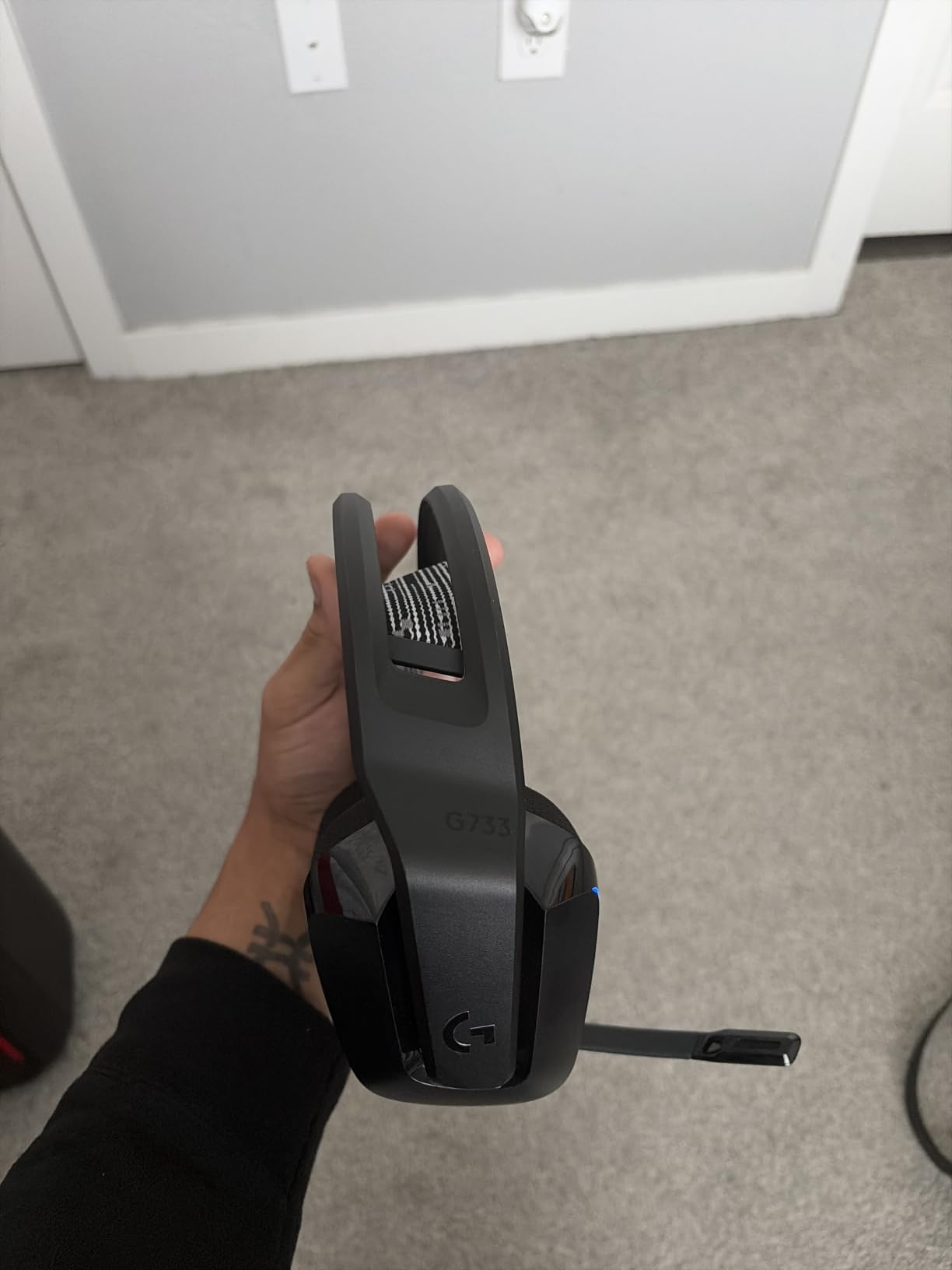
LIGHTSPEED wireless holds 20 meters and punches through drywall, which means you can walk away from the desk mid-segment without dropping out. Battery life is up to 29 hours, and Blue VO!CE mic filters make a soft voice clearly audible on Discord, which helps a lot if you narrate quietly.
Dual-zone Lightsync RGB with 16.8M colours gives you on-stream presence that a webcam alone cannot, and the mic is fully detachable so you can replace or upgrade it later.
Who this suits on a stream
Anyone with glasses, anyone who streams six days a week, and anyone who has had to take a headset off after four hours because of ear pressure. Weight and pad material decide comfort far more than driver size, and this is where the G733 wins.
It also suits a streamer who treats chat as the main event. Blue VO!CE is tuned for team communication rather than broadcast fidelity, and it is very good at that.
Where it falls short
The mic is the weak point and the reason this is not our top pick. Owners consistently describe it as compressed and muffled, fine for team chat but regularly described as inadequate for streaming or recording, and some move to a desktop mic to fix it.
Sound is thin out of the box and wants bass and treble EQ work. On long-owned units, owners report rising static that only clears with a power cycle, a volume wheel that can become unresponsive, a suspension strap that loses elasticity, and a plastic hinge housing that can crack. Lightsync customisation is also unreliable and resets to default.
8. SteelSeries Arctis Nova 5 Wireless – Best Mid-Range Wireless
SteelSeries Arctis Nova 5 Wireless Multi-System Gaming Headset — Neodymium Magnetic Drivers — 100+ Audio Presets — 60 HR Battery — 2.4GHz or BT — ClearCast Gen2.X Mic — PC, PS5, PS4, Switch, Mobile
Wireless
280 g
36 ohm
20Hz-22kHz
60-hour battery
Retractable ClearCast 2.X
Pros
- 60-hour battery with six hours from a 15-minute charge
- Quick-Switch between 2.4GHz and Bluetooth
- Retractable 32KHz/16Bit mic
- 100+ game audio presets in the companion app
Cons
- No active noise cancellation despite the spec listing
- 20Hz-22kHz range is narrower than hi-res rivals
- No dock or hot-swap battery
- Companion app needed for presets
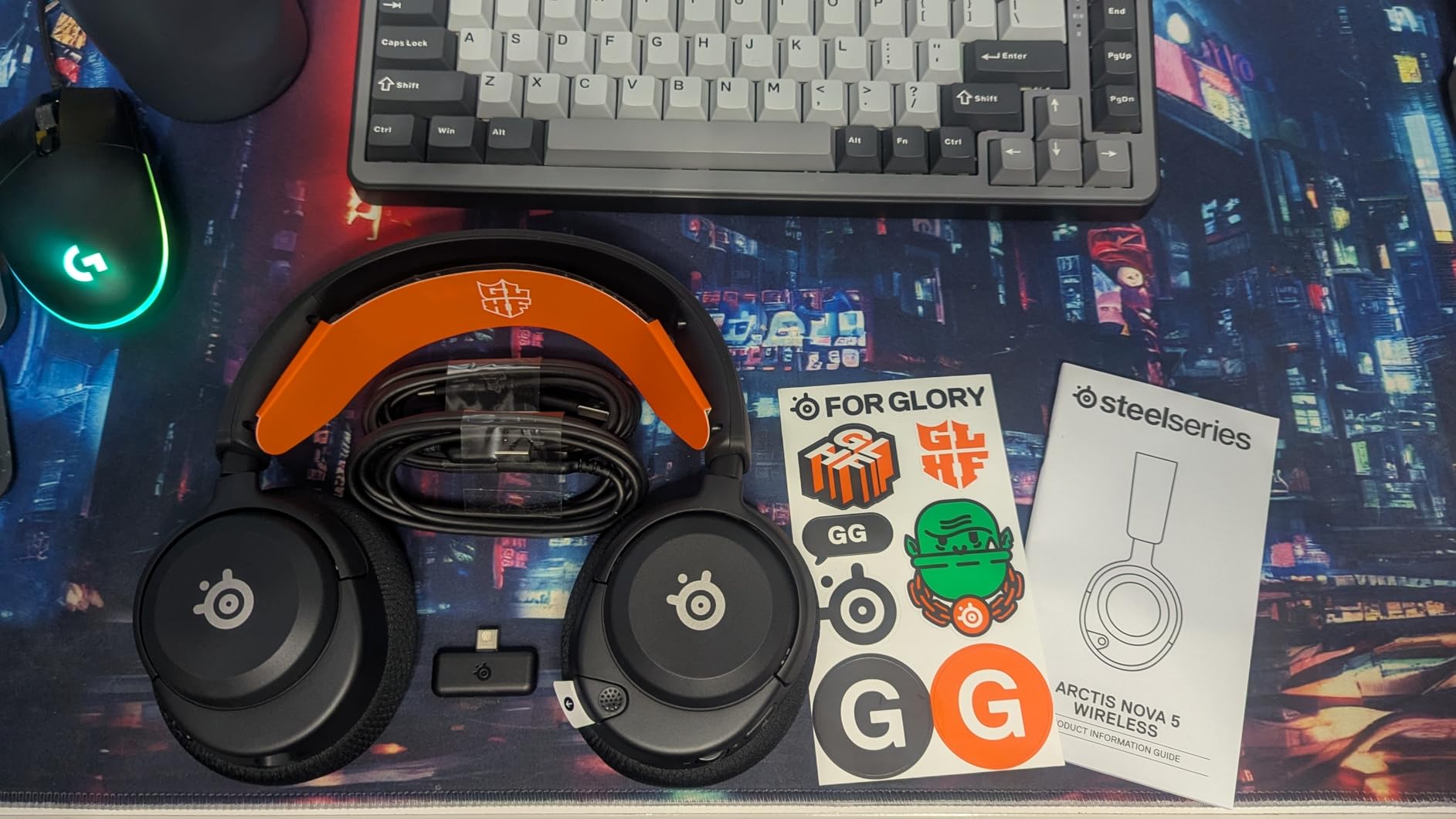
The Nova 5 Wireless is the mid-range entry into the Arctis line and the cheapest way to get SteelSeries mic behaviour. The ClearCast 2.X capsule retracts into the earcup and captures at 32KHz/16Bit, which is more speech bandwidth than most boom mics at this level and a big part of why the voice sounds clearer than the price suggests.
It is 280 g, among the lighter frames here, and the 60-hour battery plus a 15-minute quick charge for six hours means a missed charge rarely costs you a segment. Cross-platform dongle support covers PC, PlayStation, Switch, Meta Quest, phones and tablets.
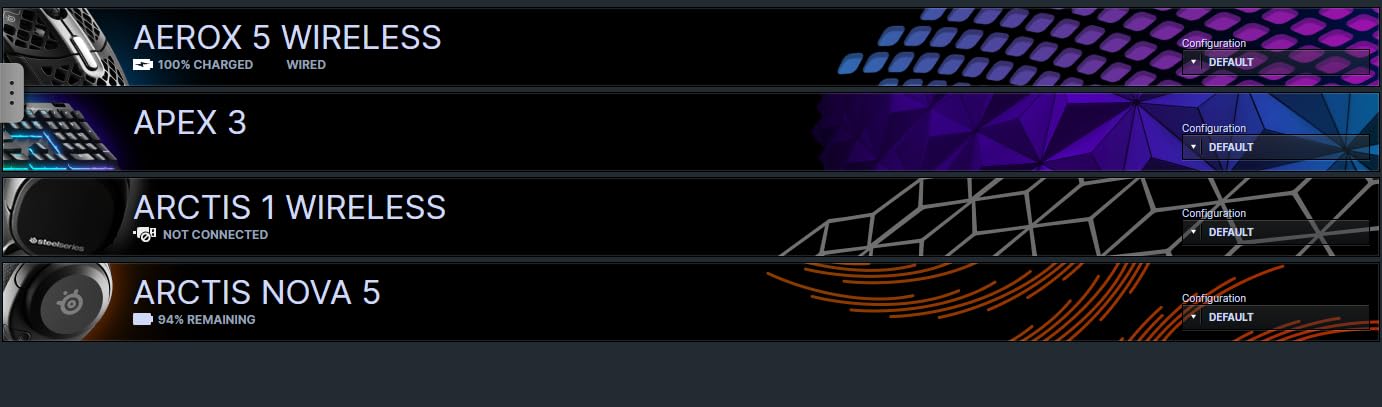
Quick-Switch between 2.4GHz gaming and Bluetooth 5.3 with notification beeps is the feature streamers care about most. You can hold a game on the dongle and take a call on a phone without unplugging, which is exactly the simultaneous-audio workflow this list is built around.
The companion app carries more than 100 game audio presets, and on-ear controls cover power, mute, volume and Quick-Switch, so the hardware you need mid-session is all on the earcup.
Where this fits on a stream
It is the value route into a broadcast-quality-sounding boom mic with a retractable design, which removes the visual clutter of an extended arm when you are on camera. Battery life removes charging from your routine entirely.
For a streamer who records a lot of different titles, the preset library removes per-game EQ work. Load the preset, check your levels, go live.
Where it falls short
There is no active noise cancellation despite what the spec listing implies, so isolation is passive only. The 20Hz to 22kHz frequency response is narrower than the hi-res sets, which is audible in music and in detailed game audio.
There is no charging dock and no hot-swap battery, so you have to take the headset off to charge, which some users find limiting for round-the-clock streaming. The companion app is required to get value from the presets, and the fixed battery cannot be replaced when it eventually degrades.
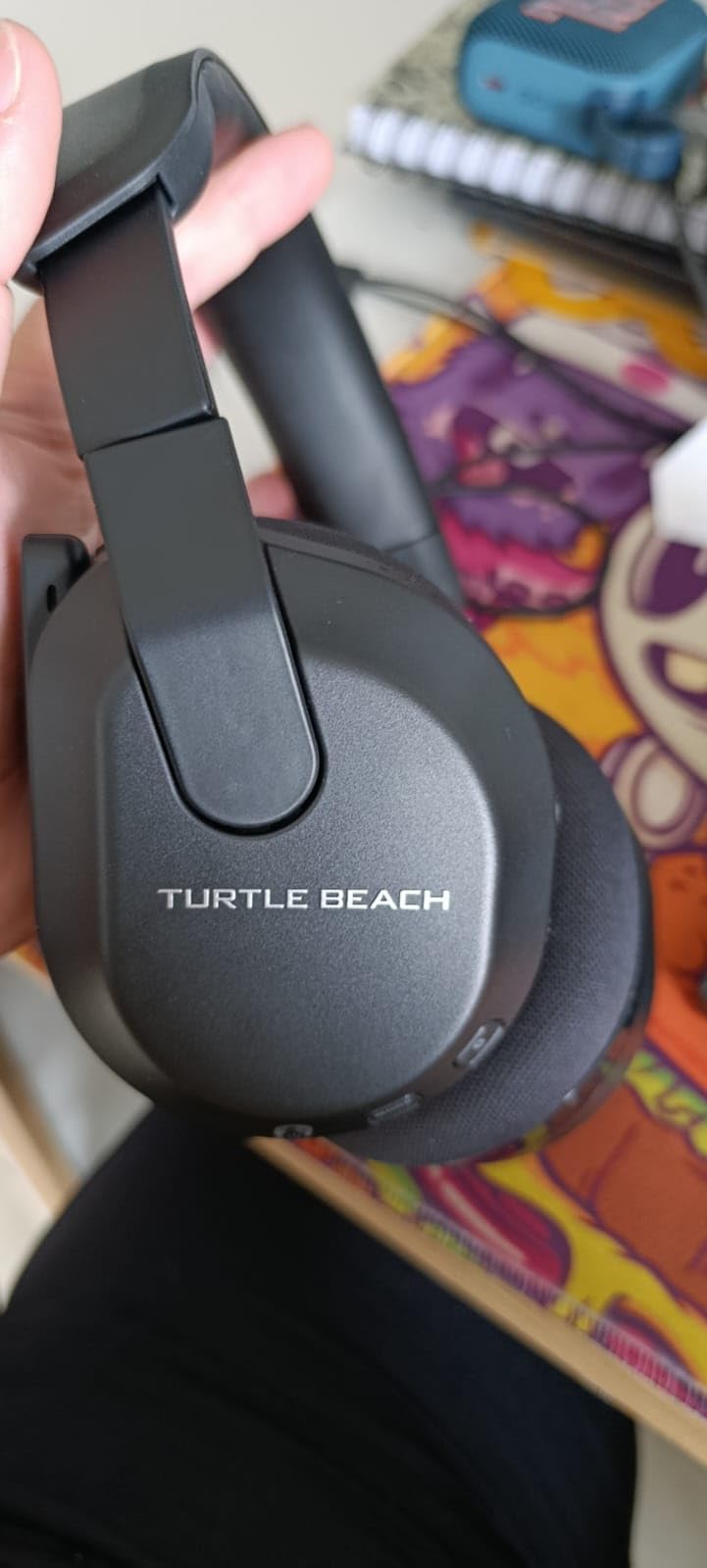
9. Turtle Beach Stealth 600 Wireless – Best Value
Turtle Beach Stealth 600 Wireless Gaming Headset for Xbox, PS5, PC, Mobile
Wireless
320 g
50mm Nanoclear drivers
32 ohm
80-hour battery
2.4GHz plus Bluetooth 5.2
Pros
- 80-hour battery covers weeks of sessions
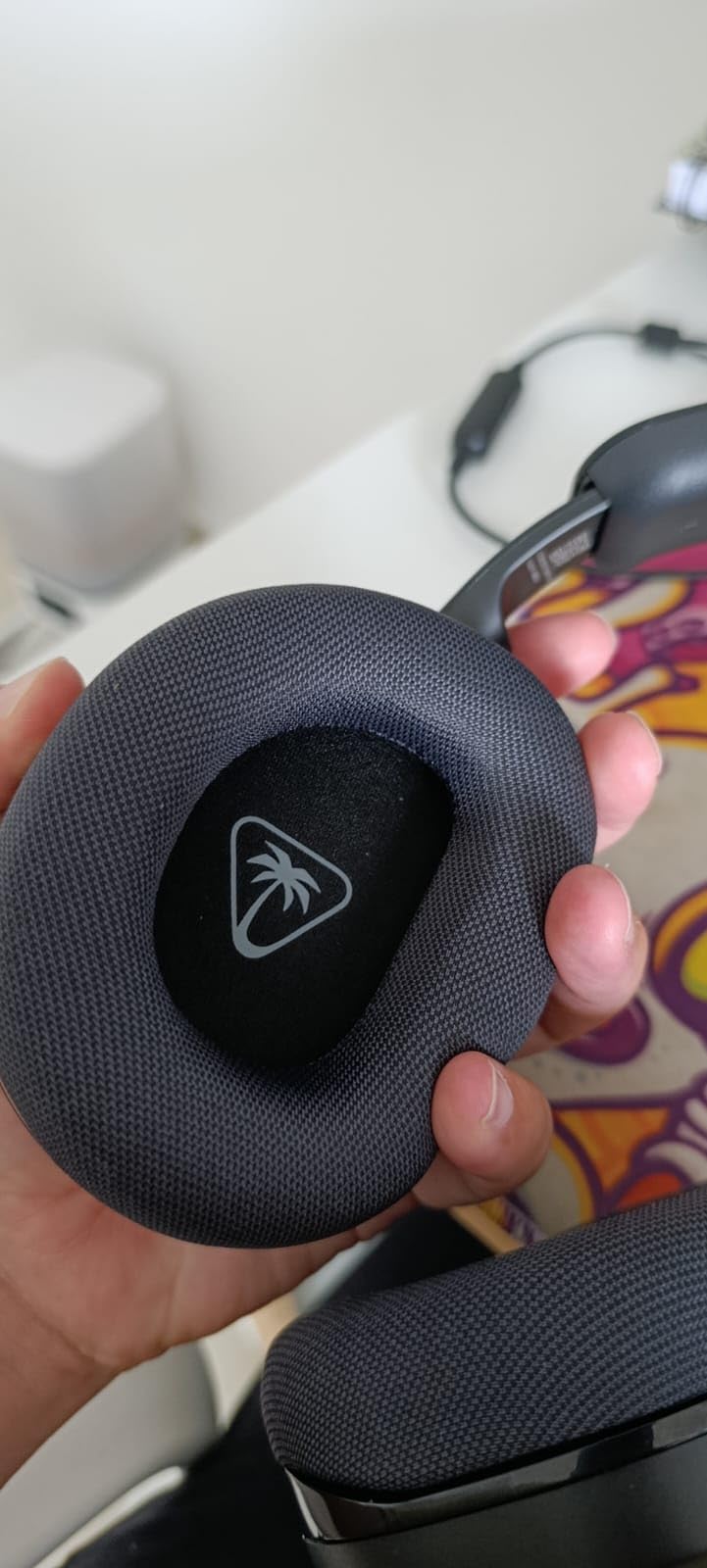
- Memory foam glasses-friendly cushions
- Flip-to-mute mic with AI noise reduction
- Lowest cost in this roundup
Cons
- 50mm Nanoclear drivers lack detail and bass depth
- 15 foot Bluetooth range is the weakest here
- No detachable microphone
- Swarm II app needed for 10-band EQ
The Stealth 600 is the cheapest way into a headset that will not embarrass you on stream, and at 6846 ratings it has enough owner history for us to trust the pattern. The 80-hour battery, the memory foam cushions and the glasses-friendly design are the features reviewers single out most, particularly among console and Xbox users.
The flip-to-mute mic is the smartest ergonomic choice on this list for camera work. You rotate it up and it mutes in one motion, no button hunting, no risk of muting the wrong thing while a raid is going. AI-based noise reduction handles steady background hum on top of that.
Platform support is broad for the money: Xbox, PS5, PC, mobile, consoles, laptops and tablets, over low-latency 2.4GHz plus Bluetooth 5.2. A QuickSwitch button moves cleanly between the two, a mappable wheel handles step-volume and mode changes, and the Swarm II app provides a 10-band EQ with Superhuman Hearing presets.
At 320 g it sits in the middle of the weight range, and the lay-flat design means it survives being shoved in a bag between a commute and a session.
Why it works as a first streaming headset
Battery and comfort are the two things that ruin cheap streaming headsets, and this one handles both. Eighty hours means you charge it monthly, and the cushions are designed around glasses, which is the comfort complaint we hear most often.
The flip-to-mute boom also gives you a clean on-camera look. Nothing dangling in frame, and the mute state is obvious from across a room.
Where it falls short
The 50mm Nanoclear drivers deliver less detail and less bass depth than the hi-res sets, and the Bluetooth 5.2 spec with a stated 15 foot range is the weakest wireless figure here. Expect the 2.4GHz path to be your main connection.
The microphone is fixed and not detachable, so you cannot reposition it if you wear a hat, recline, or have a small beard that catches the windscreen. The Swarm II app is required for the 10-band EQ, which adds setup overhead, and some users find the plastic build less refined than metal-framed alternatives.
10. Razer BlackShark V3 X HyperSpeed – Best for Competitive 2.4GHz Play
Razer BlackShark V3 X HyperSpeed Wireless PC Gaming Headset, Black
Wireless and wired
50mm TriForce Gen-2
32 ohm
20Hz-28kHz
70-hour battery
Pros
- Detachable cardioid HyperClear mic
- 270g lightweight design
- Three connection modes including USB wired
- 70-hour battery with a two-year warranty
Cons
- Smallest review base here at 646 ratings
- No active noise cancellation
- Polyurethane pads are less comfortable over very long sessions
- Software 7.1 is less refined than spatial audio
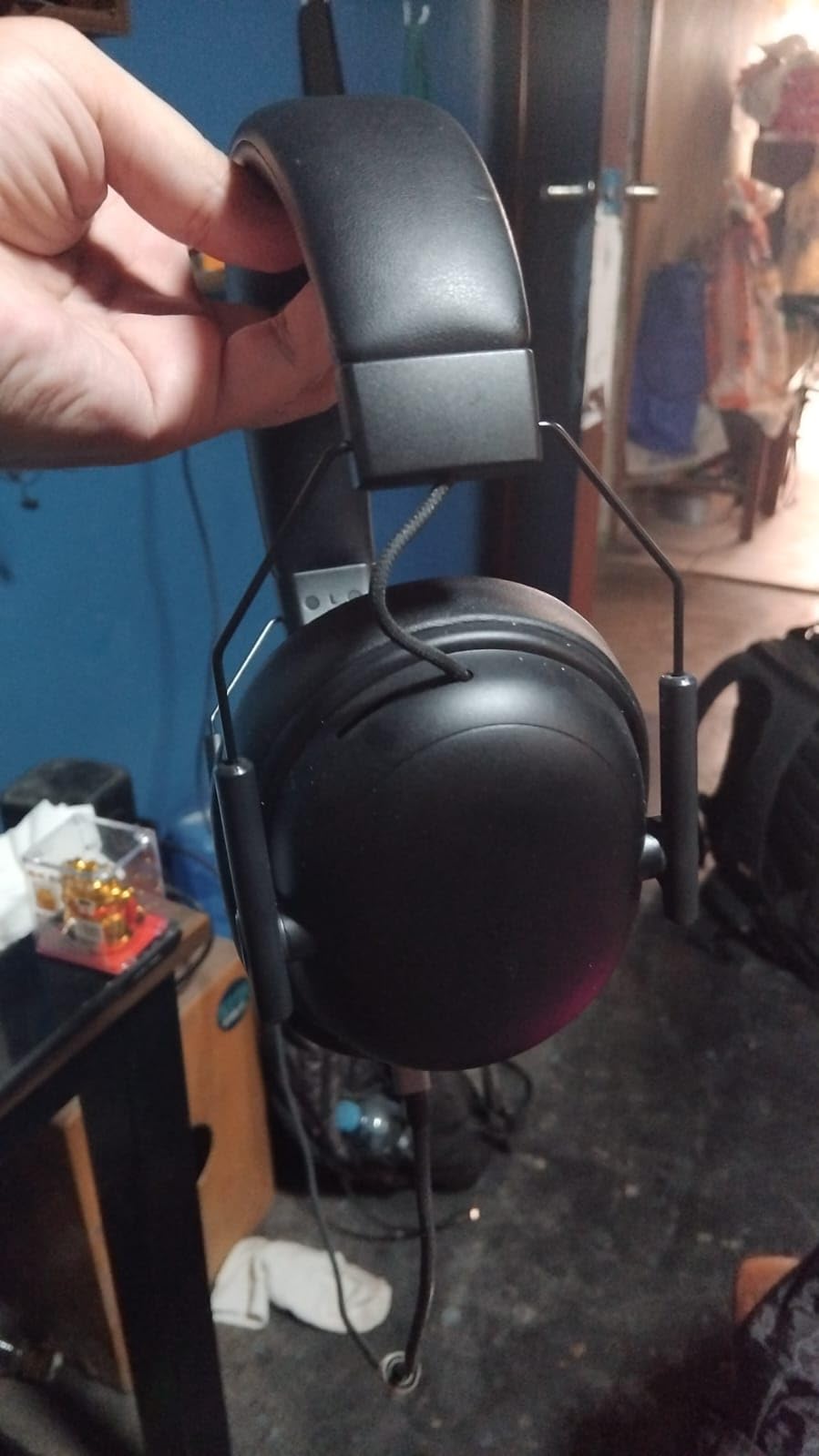
The BlackShark V3 X is the pick for a competitive shooter streamer who wants low latency and a tight mic pattern. The HyperSpeed 2.4GHz link is tuned for fast response, and there is a USB wired mode as a zero-latency fallback if a live broadcast cannot afford any wireless uncertainty.
The mic is the part worth noting. A detachable 9.9mm HyperClear capsule with a cardioid, unidirectional pattern rejects room sound from behind and beside you better than the omnidirectional capsules used on several rivals here, which means less keyboard and fan bleed without leaning on heavy noise suppression.
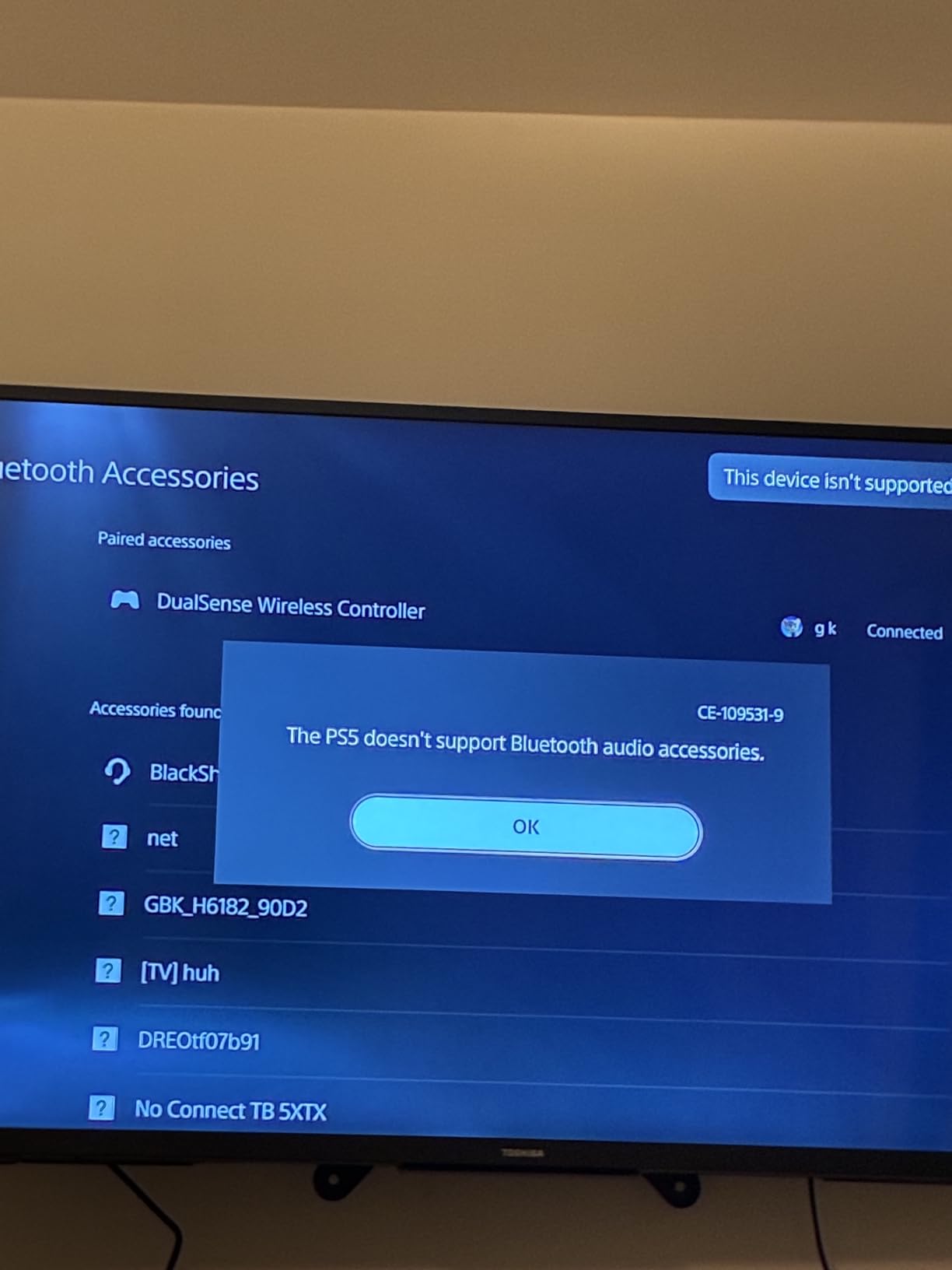
Three connection modes means 2.4GHz, Bluetooth 5.3 through SmartSwitch Dual Wireless, or USB wired, and platform support covers Mac, Switch, PC, PlayStation, smartphone and Steam Deck. The 70-hour battery outlasts most wireless gaming headsets, and a two-year manufacturer warranty is longer than several picks above.
The claimed 270g weight with plush earcups is the reason it feels light in practice, which matters more over an eight-hour block than the driver spec.
Why a competitive streamer would pick it
Latency and pattern. The 2.4GHz link is the point of the product, and the cardioid mic pattern is the most aggressive room rejection in this roundup, which is exactly what you want when a mechanical keyboard is firing on every keypress.
The wired fallback matters for broadcasts. If your stream is a competition, the ability to drop to a zero-latency USB connection is worth more than a longer battery.
Where it falls short
It carries the smallest review base here at 646 ratings, so there is less long-term ownership history behind it than the models above. Treat that as a real risk rather than a formality.
There is no active noise cancellation, only passive sound isolation, and the polyurethane earpups are less forgiving over very long sessions than the memory foam rivals. The 20Hz to 28kHz response is narrower than hi-res sets, and the advanced 7.1 surround is software-based and less refined than native spatial audio implementations. Note also that the listed weight conflicts with the 270g design claim, so do not rely on either figure alone.
How We Tested Headsets for Streaming
Every headset here went through the same three-part test, and it is deliberately built around the way a stream actually sounds rather than the way a spec sheet reads.
Voice in a real room. We set up a desk with a mechanical keyboard, a small fan and an air conditioner running, then spoke the same scripted passage at normal and raised volume. Raised volume matters because headset mics clip and sibilate when you get excited, and clipping is unrecoverable in software.
Keyboard and fan bleed. We typed continuously while recording, because bleed is the single most common complaint in streaming communities. Mics that needed heavy suppression to remove it scored lower, since aggressive suppression is what produces the thin, underwatered voice that viewers notice.
Comfort over a real block. We wore each headset for a full multi-hour session rather than twenty minutes, noting where pressure landed, whether the frame slid, and how glasses arms fared. We also took a full test voice at two hours to check for the compression and EQ drift that shows up as ear fatigue.
Battery claims were checked against the manufacturer figure rather than repeated as a marketing number, and where a claim depends on volume level or mode we noted the condition.
Headset Mic or Standalone Microphone?
Here is the honest answer: for a new streamer with no budget, a good headset plus a pop filter plus free OBS filters will out-perform a cheap standalone microphone every time. Community consensus overwhelmingly points the other way for a reason, though, and you should know when the crossover happens.
The case for a standalone USB or XLR microphone is straightforward. A dedicated microphone is mounted off-axis or on a boom arm, so it never picks up headphone cable rub, boom arm knocks or your own jaw movement. It usually has a much larger diaphragm or a tighter pattern. And it stays on your desk when you upgrade the headset, which over a streaming career matters more than it sounds.
The most common route in communities is a USB condenser or dynamic microphone plus separate headphones. The reason headsets stay popular is the barrier: a full standalone setup is a larger outlay, and beginners streaming on a small channel rarely see the difference without a side-by-side comparison.
Under about 100 hours streamed: buy a headset. Use a pop filter and the OBS chain below. Revisit at the milestone, not before.
Once a viewer complains about audio, or you monetise: add a USB microphone. Keep the headset for gaming, route the mic as your voice track in OBS.
Once you host guests, podcast, or record voiceover: move to an XLR microphone with an interface. At this point a boom mic on your head is actively working against you.
Many streamers report the included headset mic is fine for chat, then move to a standalone mic once a channel monetises or once a notable viewer complained about audio. Treat that as the milestone, not as a verdict on your current gear.
What to Look for in a Streaming Headset
Three criteria decide almost everything, and they are the same three the search engines surface: microphone clarity, simultaneous audio, and comfort. Everything else on the spec sheet is secondary.
Microphone clarity and noise rejection
Test it in a room that sounds like yours, not an anechoic chamber. Keyboard bleed and fan hiss separate good headset mics from mediocre ones faster than any other factor. Detachable or retractable booms are a real advantage because you can angle the capsule off-axis and move it closer to your mouth, and a mesh filter helps with plosives more than most buyers expect.
Sample rate figures such as 32KHz/16Bit or 48 kHz describe capture bandwidth, not sound quality on their own. They matter because they give a compressor headroom. Treat them as a tiebreaker after rejection behaviour.
Simultaneous audio
You need game audio and chat audio at the same time, every session. Options range from a chat-mix dial to full multi-device mixing: the Nova Pro Omni mixes up to four sources, the Corsair Virtuoso plays dongle, Bluetooth and 3.5mm simultaneously, and the Nova Pro Wireless mixes two audio streams. If you capture a console and chat on PC, that capability is not optional.
Comfort over long blocks
Weight and clamping force beat driver size every time. The G733 at 278 g with a fabric suspension headband and the Nova 5 at 280 g are the two lightest here, and both use fabric or low-pressure designs that suit glasses wearers. Check whether earpads are replaceable, because leatherette degrades and you will replace them eventually.
Battery under continuous use
Figures range from 15 hours to 200 depending on mode. For a daily streaming schedule, anything above 30 hours removes charging from your routine, and hot-swappable systems remove it entirely. Look at the mode the figure assumes, since Bluetooth ratings are always higher than 2.4GHz ratings.
Platform compatibility
Check the exact console generations listed. A PS4 headset is not a PS5 headset, and Xbox One support does not carry to Series X and S on every model. For reference, the A50 on this list covers Xbox Series X|S, PS4 and PS5, PC, Switch and macOS 13 and above, while the Razer covers PC, PlayStation, Switch, Mac, smartphone and Steam Deck.
Sidetone and physical controls
Sidetone, which lets you hear your own voice while talking, is close to a requirement for streaming rather than a nice-to-have, and its absence is a common reason for returns. Physical mute and volume controls matter too, especially a mute you can find without looking.
Making Any Headset Mic Sound Good on Stream
This is the part that turns a shopping article into a streaming resource. Most of the difference between a thin headset voice and a broadcast voice is software, not hardware, and the chain takes about ten minutes to set up.
Reposition the boom first. Aim it at the corner of your mouth rather than the centre, and bring it as close as you can without touching your face. Angle beats distance here, and a cardioid capsule pointed slightly off-axis rejects more room than a wider one pointed straight ahead.
Add a pop filter. A clip-on filter on the boom costs very little and removes plosives that a compressor would otherwise smear. It is the single cheapest improvement available to a streamer.
Turn hardware gain down and leave software at 100 percent. Stage it the other way round and you clip before you ever reach OBS, and clipping cannot be undone.
Add noise suppression at a moderate level rather than maximum. Heavy suppression thins the voice. Start moderate and raise only if you still hear the fan.
Add a noise gate set just above your room’s quiet floor so the gate opens on speech and not on keyboard clicks. Follow it with a compressor to hold your peaks even, then set your output so the voice track peaks around minus 12 dB, which is a normal broadcast target.
Community members widely report that a low-cost pop filter plus in-software noise suppression dramatically improves cheaper headset mics, and that gain staging prevents clipping during heated moments. Neither costs anything.
One caution on open-back headsets. They sound better and leak badly, which means your game audio reaches your mic. For streaming, closed-back is almost always the right call, and a mix of closed-back monitoring headphones with a standalone microphone is the conventional answer for serious creators.
What We Considered and Passed On
Several categories get recommended constantly in streaming communities and did not earn a place here for specific reasons, which is more useful than a list of models nobody asked about.
Open-back headsets. Superb soundstage for music, wrong tool for a live broadcast because your own game audio leaks into the microphone. They also fail comfort tests over eight hours far more often than closed designs.
Headsets whose only selling point is virtual surround. Marketing has moved on from hardware 7.1 to native spatial audio, and the older implementations are less precise at directional positioning. Sound quality is a weak differentiator for streaming anyway.
Headsets with a fixed, non-detachable boom and no AI noise handling. If you cannot reposition the capsule or the app that processes it is heavy, there is no way to rescue it in software.
Sets with a large base station and no dual-battery system. The desk footprint is fine, but a base station without hot-swap just moves the charging problem rather than solving it.
Any headset whose case for streaming rests on marketing terms such as broadcast-quality without a detachable mic, a stated sample rate, or a noise-rejection feature. We used those words as claims to verify, not as evidence.
If you want a wider look beyond streaming, our general gaming headset roundup covers pure play use, and our wireless headset picks go deeper on battery and range. For the rest of the desk, see our streaming device guide.
Frequently Asked Questions
What is the best gaming headset for streaming?
The HyperX Cloud II is the best gaming headset for streaming in our testing because its detachable mic is Discord and TeamSpeak certified, the USB control box puts mute and volume on your desk, and the memory foam cushions stay comfortable across a full day. For a wireless set with no cable, the Corsair Virtuoso RGB Wireless XT has the best microphone in the category.
Which gaming headset has the best mic quality?
Among wireless headsets the Corsair Virtuoso RGB Wireless XT stands out, with a detachable broadcast-grade 9.5mm omnidirectional microphone that reviewers rank first in the category. The Razer BlackShark V3 X HyperSpeed is the best choice if you want a cardioid pattern, since it rejects room sound from behind you better than wider capsules. The SteelSeries Arctis Nova Pro Omni adds AI noise rejection on top.
Do I need a gaming headset to stream?
No, but for a first channel it is a sensible starting point. A headset plus a pop filter and OBS filters will out-perform a cheap standalone microphone. Move to a USB or XLR microphone once a viewer complains about audio, once you monetise, or once you start hosting guests and recording voiceover.
What gaming headset do most streamers use?
Streamers most often mention SteelSeries Arctis models and the Logitech Astro A series, largely because of hot-swappable batteries, base-station mix controls and multi-system switching. In our own testing the Cloud II and the Arctis Nova Pro family came up most often as daily drivers, with the Nova Pro Omni favoured for mixing several audio sources at once.
What is the comfiest gaming headset?
The Logitech G733 Lightspeed is the comfiest in this group. At 278 g it is the lightest frame listed, and its reversible fabric suspension headband spreads weight across the top of the head instead of pressing the earcups inward. Fabric earpads also resist the peeling and cracking that flattens leatherette pads within a year, and the low clamping force suits glasses wearers.
Are gaming headsets good for streaming?
For team chat and early streams, yes. For broadcast-quality voice, a headset mic needs help, and the deciding factors are rejection of keyboard and fan noise, a detachable or retractable boom, and a decent OBS filter chain. If your channel is monetised or you record voiceover regularly, a standalone USB or XLR microphone with separate headphones is the better long-term investment.
Final Verdict
After ten headsets and weeks of voice tests, the HyperX Cloud II is still the best gaming headset for streaming pick in 2026, because the microphone does the hard part and everything around it refuses to break. Take the Cloud II if you stream from a PC, replace the faux leather pads in year one, and spend the money you saved on a pop filter.
If you need wireless, the SteelSeries Arctis Nova Pro Omni wins on simultaneous audio and hot-swap batteries, and the Corsair Virtuoso RGB Wireless XT wins outright on mic quality if you can live with a 15-hour battery. Budget streams get the most out of the Turtle Beach Stealth 600 Wireless, and the Logitech G733 is the pair of headphones you will still be wearing in three years even after you upgrade the microphone.
Whichever you choose, set up the filter chain and the gain staging before you go live. That is where a good headset becomes a broadcast voice, and it costs nothing.