
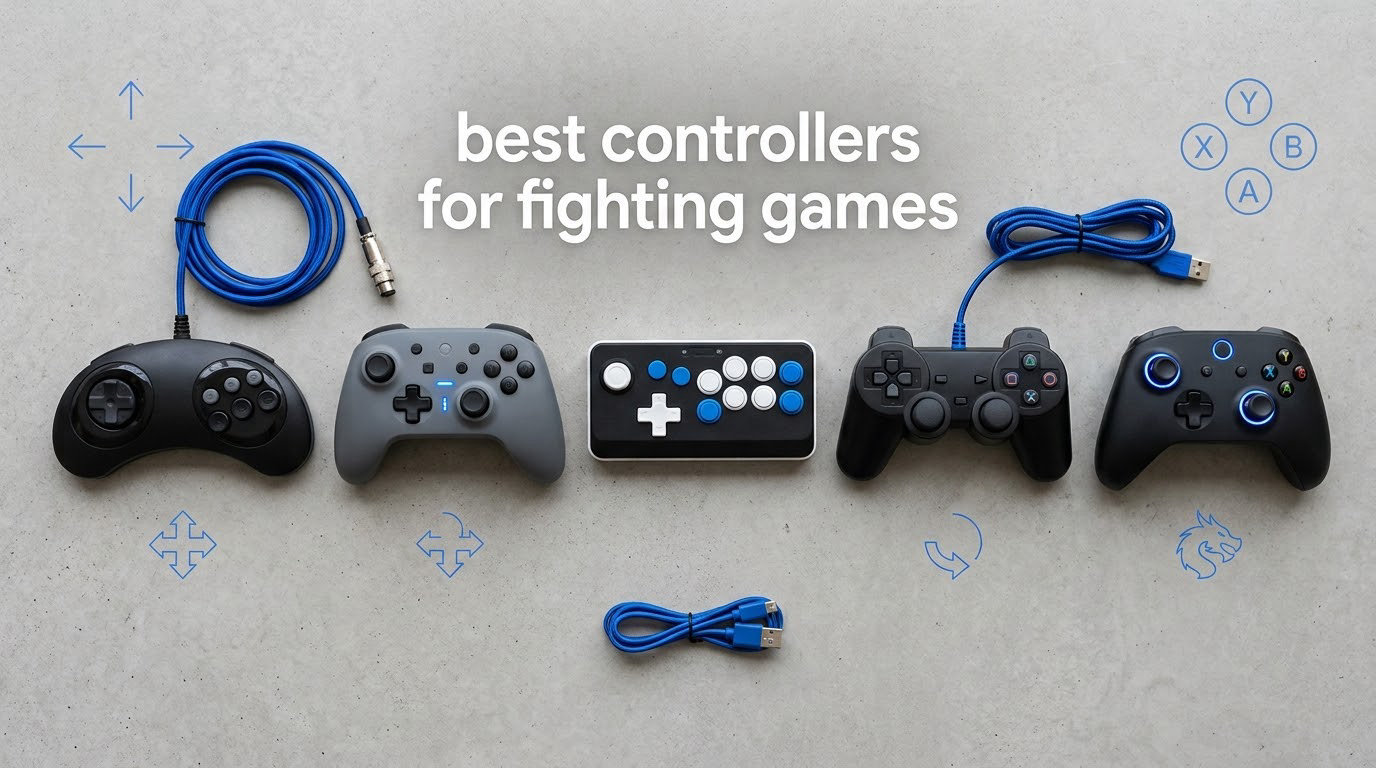
The best controllers for fighting games come down to which input you actually want to use: a gamepad with a D-pad, a full arcade stick with a joystick, or a leverless all-button board where every direction has its own switch. The right pick depends on your play style, the platform you train on, and how much your current stick has drifted.
That last point matters more than most buyers expect. Across the fighting game community, the single most common reason people upgrade is not ergonomics or tournament prestige. It is a stick that drifts up when you let go, a D-pad that skips a diagonal, or a wireless signal that drops a frame in bracket play. A damaged input device quietly costs you matches, and no amount of training compensates for it.
We compared 12 controllers across three categories: full-size arcade sticks, compact fightpads, and leverless boards. Every pick below lists its platform support, its directional options, and the specific weakness that should stop you buying it. If you have not settled on a category yet, read the input-type comparison first. It will save you a lot of money and a lot of relearning.
While you are browsing, it also helps to know the baseline hardware your game comes with. Our guides to the best general game controllers and the best PS5 controllers cover the everyday pads most people already own.
Table of Contents
Top 3 Picks: Best Controllers for Fighting Games (October 2026)

MAYFLASH F300 Arcade Fight Stick
- Works on nearly every console and PC
- Sanwa Denshi compatible parts
- Turbo functions
- 6875 owner reviews

8Bitdo Arcade Stick for Switch and PC
- Bluetooth 2.4GHz and wired modes
- Sanwa mounting plate
- Macros in 8BitDo Ultimate

HORI Fighting Commander OCTA
- Six-button face layout
- Single-piece D-pad
- Native PS5 PS4 and PC support
One of these three will be right for most people. The F300 is the safest all-round buy because it covers the widest range of platforms. The 8Bitdo stick is the only one here with genuine wireless freedom. The HORI Fighting Commander OCTA is the pick if you want to keep the shape of a console pad but with a D-pad that finally holds a diagonal.
Best Controllers for Fighting Games at a Glance
| Product | Specifications | Action |
|---|---|---|
| MAYFLASH F300 Arcade Fight Stick |
|
Check Latest Price |
| 8Bitdo Arcade Stick Switch and PC |
|
Check Latest Price |
| HORI Fighting Commander OCTA |
|
Check Latest Price |
 HORI Fighting Stick Alpha HORI Fighting Stick Alpha |
|
Check Latest Price |
 8Bitdo Arcade Stick Xbox 8Bitdo Arcade Stick Xbox |
|
Check Latest Price |
 HORI Fighting Stick Mini HORI Fighting Stick Mini |
|
Check Latest Price |
 Haute42 T16 Pro Leverless Haute42 T16 Pro Leverless |
|
Check Latest Price |
 Nacon Daija Arcade Fight Stick Nacon Daija Arcade Fight Stick |
|
Check Latest Price |
 8BitDo All-Button Arcade Controller 8BitDo All-Button Arcade Controller |
|
Check Latest Price |
 Qanba N3 Drone 2 Qanba N3 Drone 2 |
|
Check Latest Price |
 Qanba Sapphire S1 Leverless Qanba Sapphire S1 Leverless |
|
Check Latest Price |
 Qanba Q7 Obsidian 2 Qanba Q7 Obsidian 2 |
|
Check Latest Price |
Most sticks in this list are wired, because a cable removes every pairing variable at a tournament. The two exceptions are the 8Bitdo sticks, which run over 2.4GHz. Among the leverless boards, the Qanba S1 and the 8BitDo Xbox controller carry official console licences, while the Haute42 T16 Pro does not.
How We Picked and Compared These 12 Controllers
We scored every product on the same five criteria, in this order.
Directional feel. Whether the stick gate, D-pad or leverless keys let you hit a clean diagonal without fighting the hardware.
Actuation and throw. How short and crisp the button travel is, since a mushy face button is a missed combo.
Drift resistance. Whether the directional input is mechanical, magnetic or optical, and what that means for longevity.
Build and portability. Weight, case rigidity, cable routing and whether the unit stays planted during fast dashes.
Platform support and remapping. Native console modes, touchpad access, profile storage and macro capability.
We also weighed the owner-review patterns, which are unusually consistent in this category. Buyers of leverless boards consistently report a two to four week adjustment period before inputs feel automatic. That expectation-setting matters more than any spec on the box.
1. MAYFLASH F300 Arcade Fight Stick: Best Overall
MAYFLASH F300 Arcade Fight Stick Joystick for Switch/Switch 2, PS4, PS3, Xbox Series S/X, Xbox One, Xbox 360, macOS, Windows, Steam Deck and more
Full-size joystick stick
Works on Switch, PS4, Xbox, PC and Mac
Sanwa Denshi parts compatible
2 kg
Pros
- Widest platform coverage of any pick here
- Accepts standard Sanwa Denshi buttons and levers
- Supports XInput and DInput on PC
- Turbo with adjustable speed settings
- 6875 reviews of long-term owner feedback
Cons
- Only four face buttons as specified
- PS5 needs a separate MAYFLASH adapter
- Plastic construction feels cheap next to metal sticks
The F300 is the pick if you train on more than one system or you keep changing your mind about consoles. It lists compatibility with Switch and Switch 2, PS4 and PS3, Xbox Series, One and 360, PC Windows, macOS, Steam Deck and Android. Very few sticks cover that range natively.
In practice the 2 kg chassis sits still through long matches, and the top panel accepts standard Sanwa Denshi sticks and buttons, so you can change parts as your skill grows. Turbo functions with adjustable speed settings are built in, which covers the older arcade ports that still expect a rapid-fire switch.
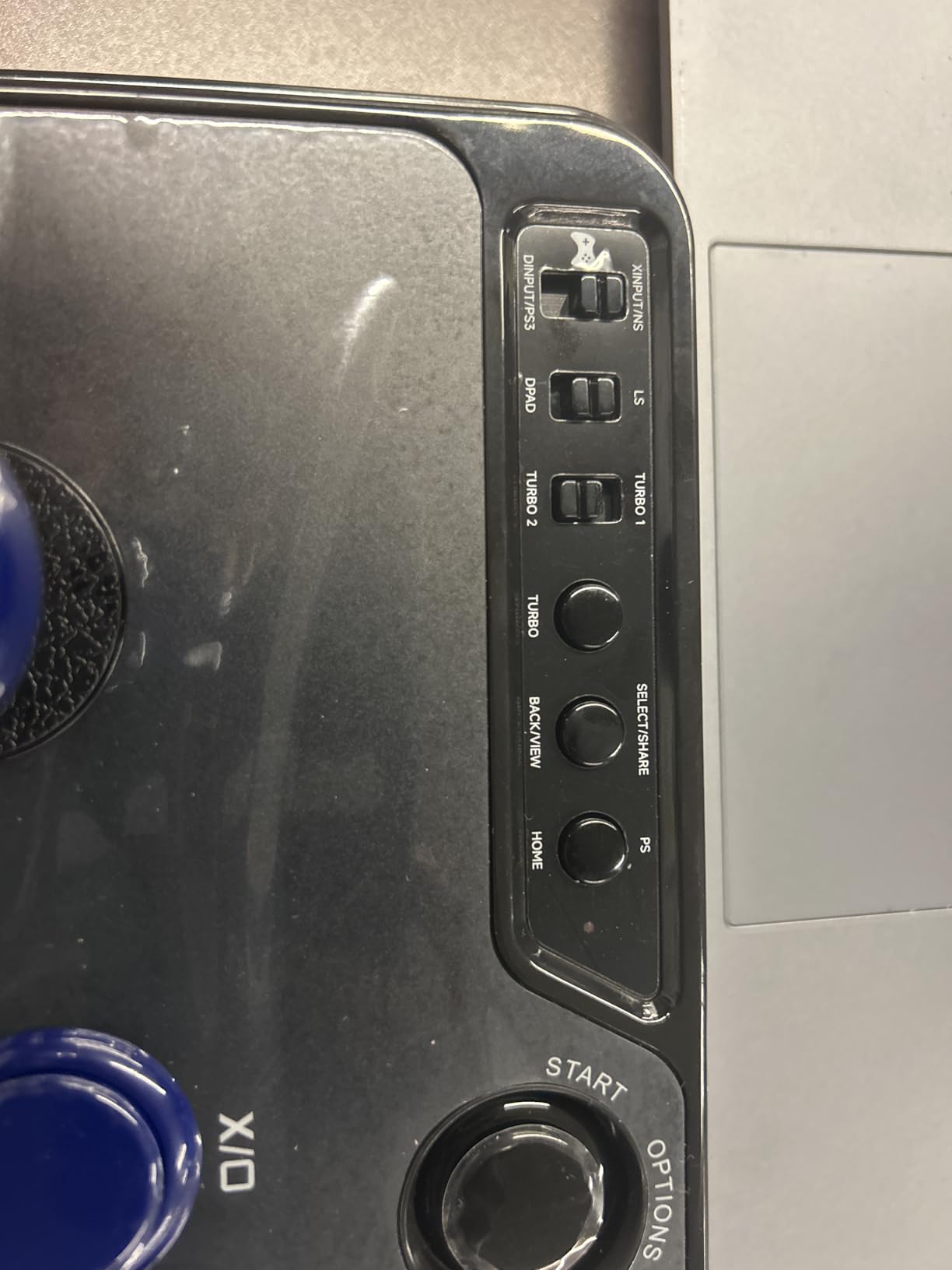
The catch is the button count. The specification lists four face buttons, which is short for modern 3D fighters that expect six. On PC it handles both XInput and DInput, which removes the guesswork when a game launches in the wrong mode. PlayStation 5 works through the separate MAYFLASH Magic-S adapter, so budget for that if PS5 is your main target.
Who should buy the F300
Players who move between PC, Switch and older Xbox consoles, and anyone who wants a stick they can keep upgrading with Sanwa parts rather than replacing. The 6,875-review history on this product is the largest in the group, which means the long-term failure reports are well documented rather than a surprise.
If you only ever play on one modern console and you want the highest possible button count out of the box, the Daija further down this list is the better use of money.
Where the F300 falls short
The plastic shell does not have the rigidity of a full metal stick, and it is the four-button layout rather than the build that limits it. If your main game expects six buttons, you will be remapping from the start.
Owners who mod also note that switching between console modes happens with on-board DIP-style controls rather than software remapping. That is clumsier than an app, but it also means the stick works even when your PC is busy doing something else.
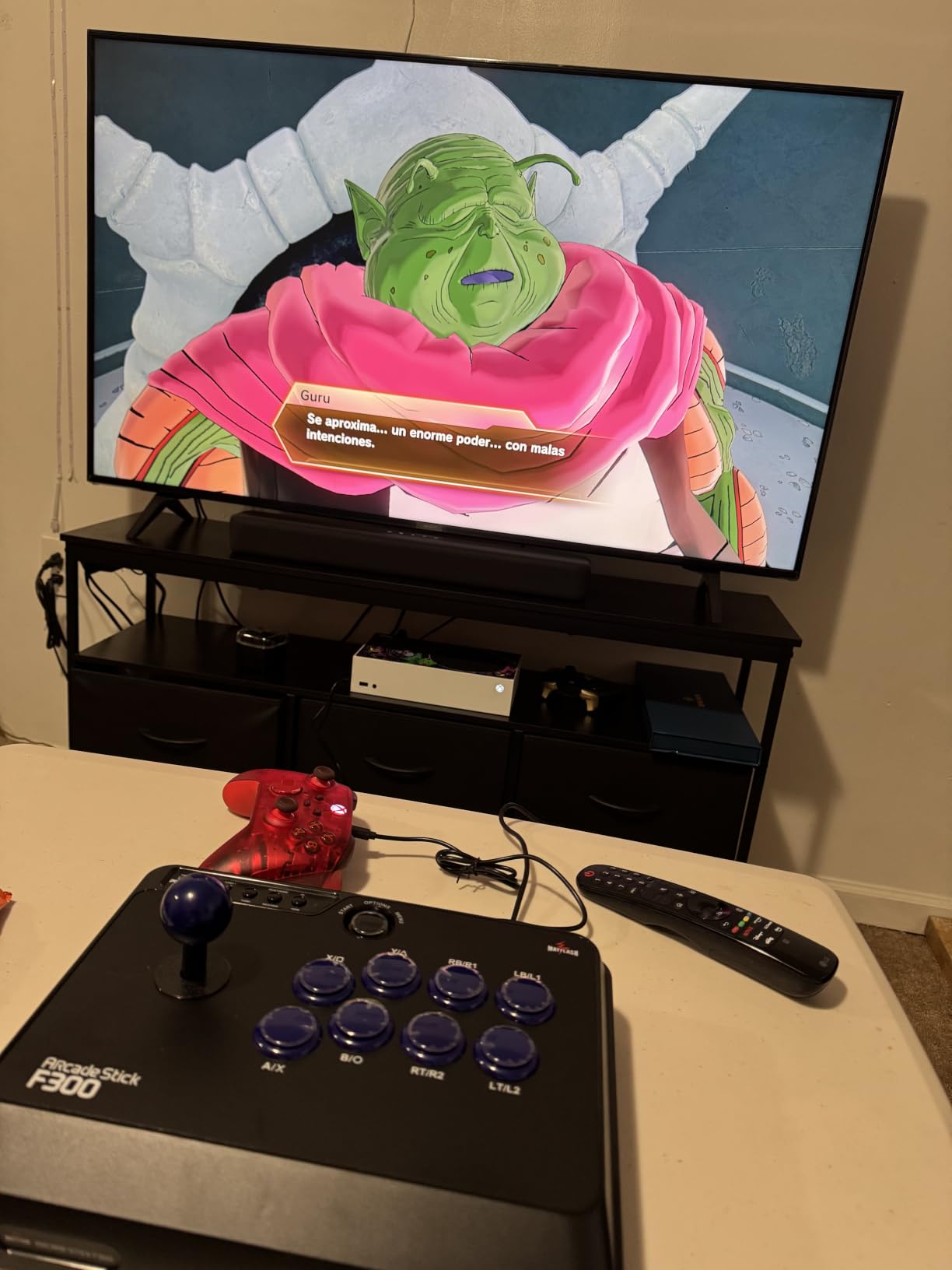
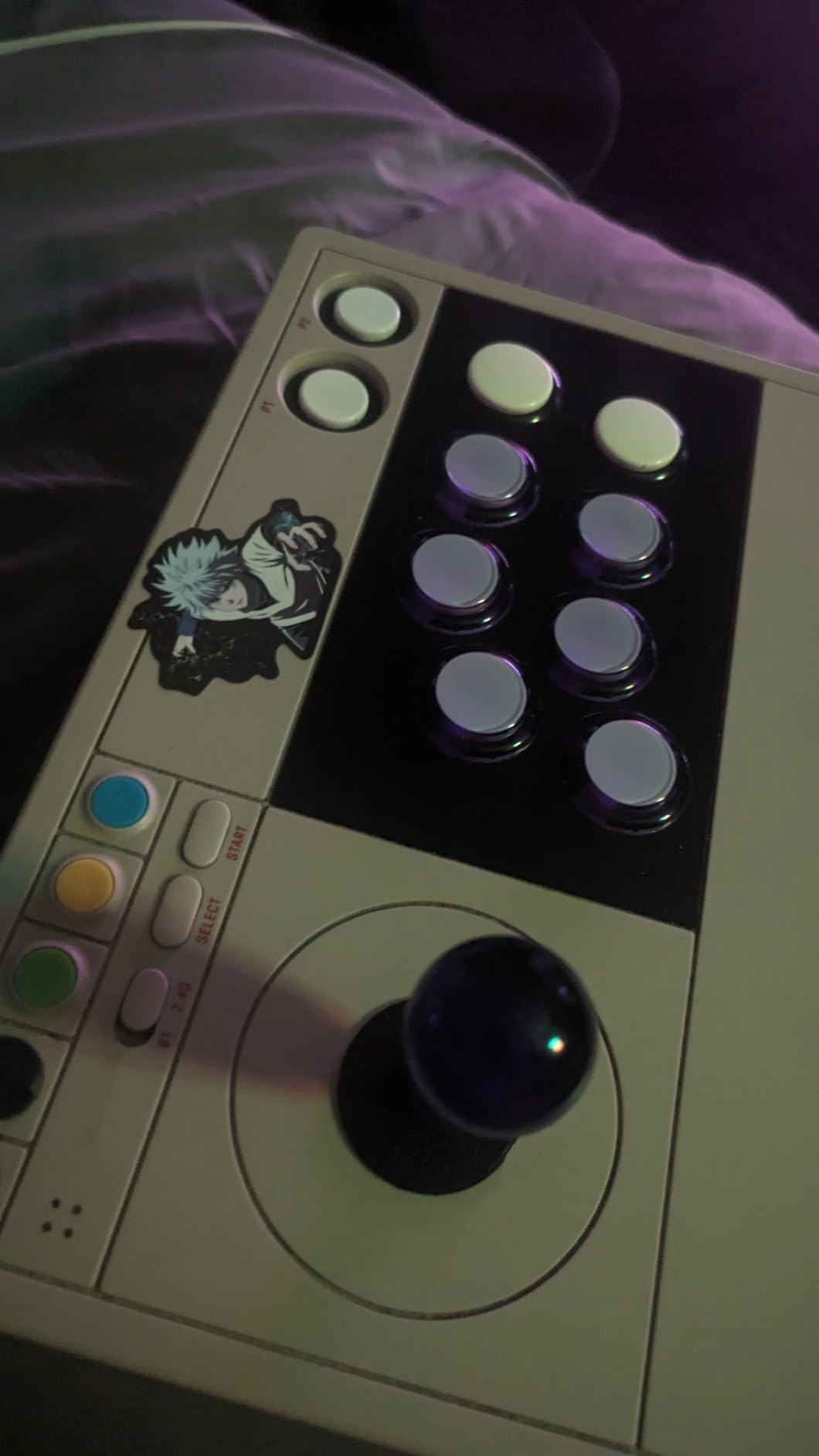
2. 8Bitdo Arcade Stick for Switch and PC: Best for Wireless Setups
8Bitdo Arcade Stick for Switch & Windows, Arcade Fight Stick Support Wireless Bluetooth, 2.4G Receiver and Wired Connection
Bluetooth, 2.4GHz receiver and wired USB-C
16-button layout
4.6 pounds
Sanwa mounting plate
Pros
- Three connection modes including true Bluetooth
- 2.4GHz lag reported as effectively imperceptible
- Weighted chassis with grip pads
- Dynamic layout that changes per platform
- Easy to mod with standard Sanwa parts
Cons
- Square gate is poor for diagonals
- Reversed top-row button angle annoys some wrists
This is the rare stick that does not tie you to a cable, and the 2.4GHz mode is the one to use for training. Reviewers report the wireless lag as effectively imperceptible compared with wired, which makes it a safe choice for match play rather than a casual-only device.
The 2.4GHz receiver stores in a hidden compartment in the base, so you are not fishing a dongle out of a bag at a local event. The dynamic button layout shifts the mapping and the LED indicators when you move between Switch and XInput modes, so the same physical button means different things per platform.
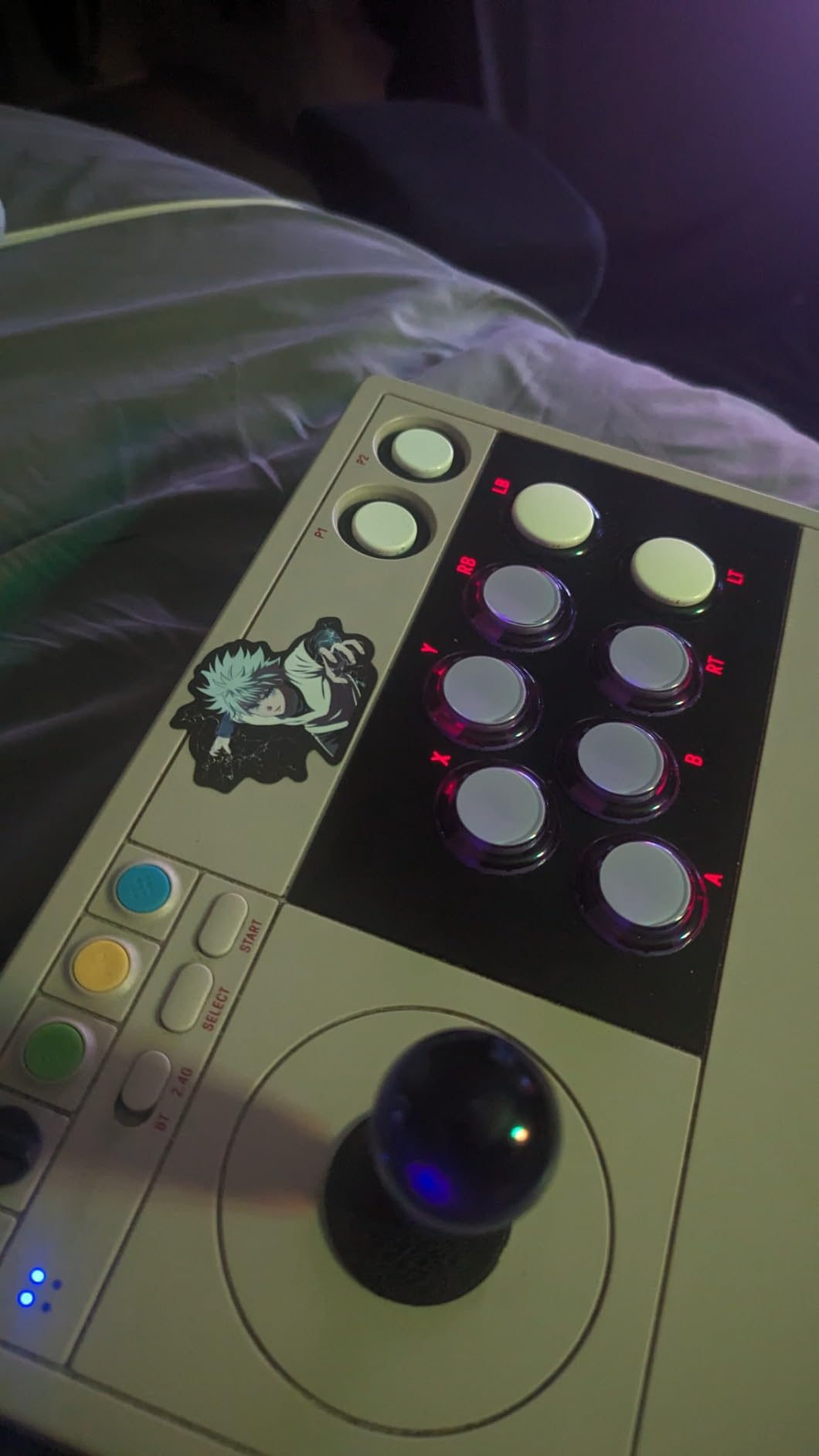
At 4.6 pounds the unit is heavy enough to stay planted and the grip pads help further. The universal mounting plate takes standard Sanwa arcade sticks, and 8BitDo Ultimate software handles button remapping and macros, including programmable P1 and P2 macro buttons. Battery life is long, with auto-sleep after inactivity.
Why wireless matters for fighters
The honest answer is that wireless rarely wins on latency. What it wins on is flexibility: you can sit on a couch, a bed or a hotel desk without planning cable routes, and you cannot trip a cable mid-match. For most home training, that trade is worth it.
Macro buttons are the sleeper feature here. A programmable macro can hold a specific motion input for you while you train the follow-up, which speeds up drilling compared to repeating a quarter-circle two hundred times.
Who should skip it
Xbox and PS5 players need a third-party adapter, since the native support is Switch and Windows. The square gate supplied in the box is also a real limitation for 2D fighters, because diagonals feel imprecise without an octagonal gate.
Modding needs a narrow T10 Torx screwdriver and ideally a soldering iron, and macro buttons cannot bind inputs that do not exist on a gamepad, such as L3 or R3 or keyboard keys.
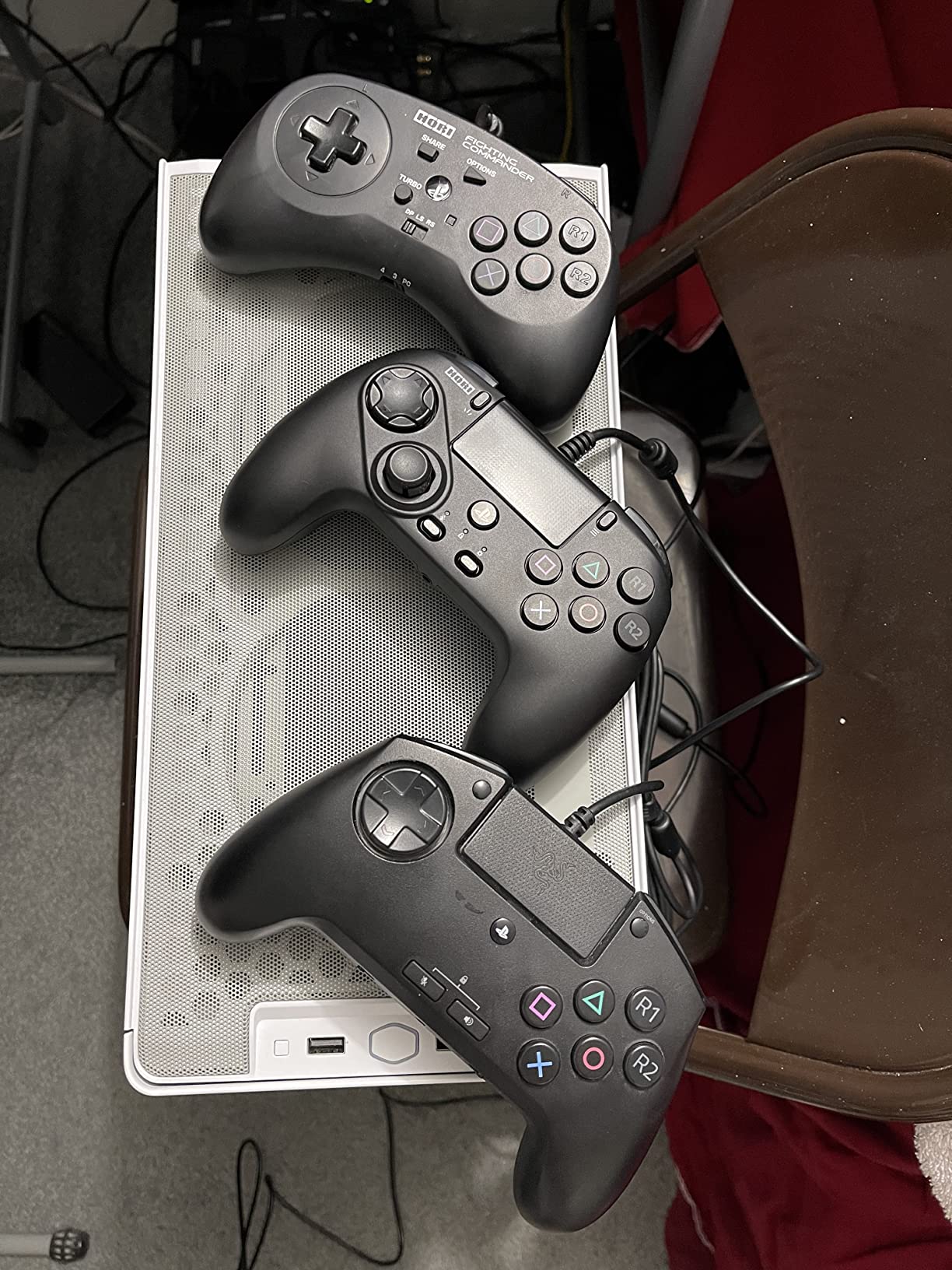
3. HORI Fighting Commander OCTA: Best for D-Pad Play
HORI Fighting Commander OCTA – Tournament Grade Fightpad for PlayStation 4, PlayStation 5, and PC – Officially Licensed by Sony
Single-piece D-pad
Six-button face layout
PS5, PS4 and PC
Wired, 14.14 ounces
Pros
- Exceptional single-piece D-pad for a PlayStation pad
- Very light at 14.14 ounces for long sessions
- Short-throw gated analog stick with an 8-way gate
- Onboard PS5
- PS4 and PC profiles
- Very long cable
Cons
- Profiles cannot be edited without a PC
- Some owners report missed down-forward and down-back inputs
- Single-piece D-pad edges can feel harsh on calloused thumbs
If your objection to arcade sticks is size, this is the answer. At 14.14 ounces it weighs less than most controllers, and the claw-hold shape matches a normal PlayStation pad, so nothing about your grip changes except the inputs.
The D-pad is the point of this device. It is a single-piece deep dish design rather than four separate buttons, and it is rated very highly by owners on PlayStation, where most pads use a split or hybrid layout. The six-button face arrangement gives you the modern 3D fighter layout, and L3 and R3 sit on the shoulders where Street Fighter 6 and Mortal Kombat 1 players expect them.
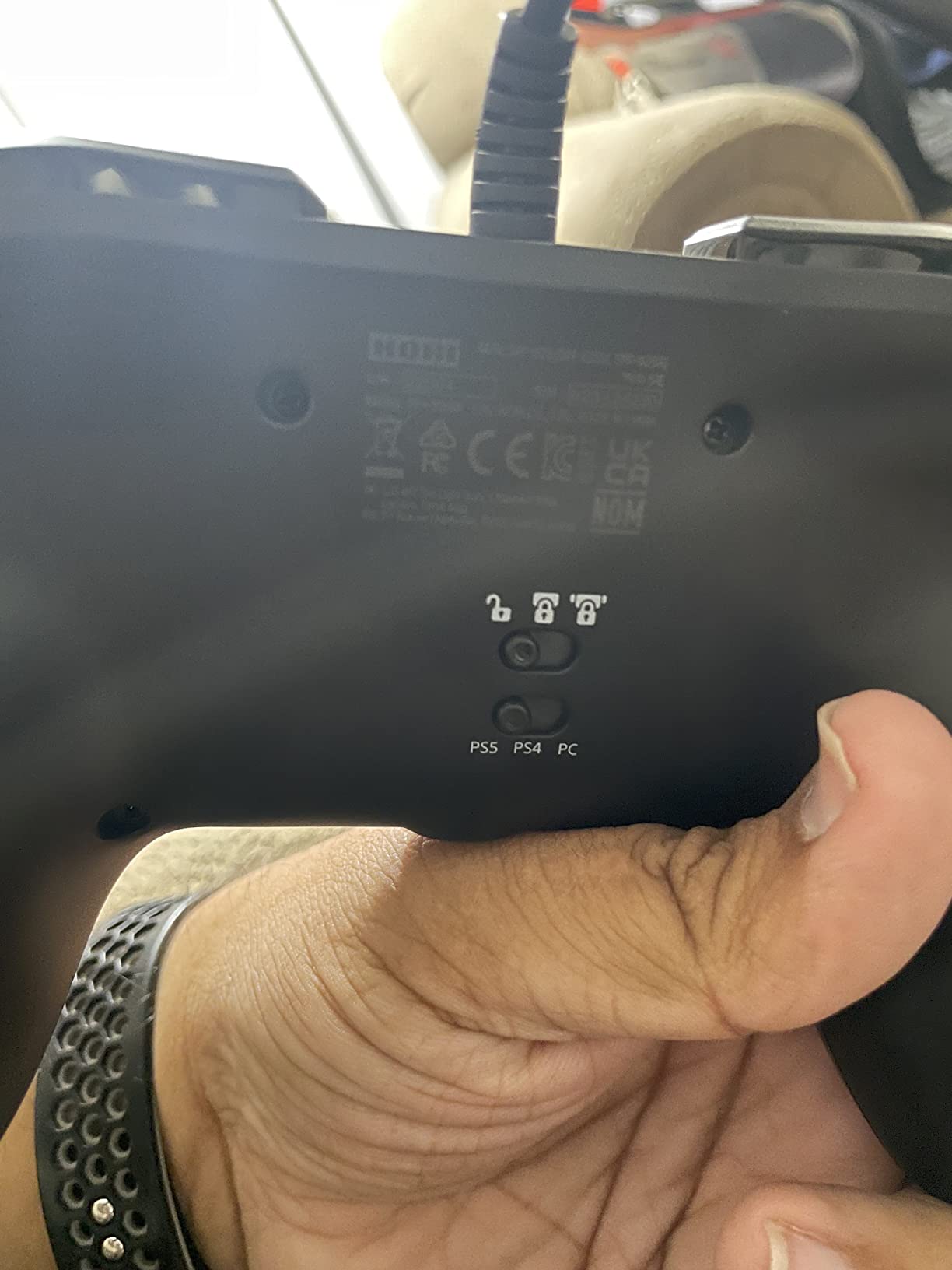
Owner opinion on this one is sharply split, and the 4.1 rating reflects it. The recurring complaint is that profile editing requires a PC, because the console itself offers no app. A second group reports the short-throw analog stick missing down-forward and down-back on quarter circles and dragon punches, with no app setting available to tune the gate.
Why a single-piece D-pad matters
A D-pad is a physical shortcut. Instead of sweeping a stick through a diagonal, you press two segments at once, and the best designs resolve the diagonal without a dead zone. A single-piece dish with a raised centre tends to pivot cleanly, which is why this layout is popular with 2D fighter players who refuse to use a stick.
The micro switch face buttons and the adjustable D-pad sensitivity are what separate this from a licensed pad. The long cable also means you can sit a normal distance from a television, which matters more than it sounds when you are on a couch at a friend house tournament night.
Who should look elsewhere
Players who need a wireless pad should stop here, because this one is wired. The single-piece D-pad edges can feel uncomfortable for calloused thumbs until they are sanded down, and one owner reported that a drop knocked out the start, select and PS buttons entirely, so treat the lightweight plastic shell gently.
On this model the bumper-remap switch found on the older PS4 version is removed, so you cannot toggle between L1 and L2 versus L3 and R3 assignments from the device.
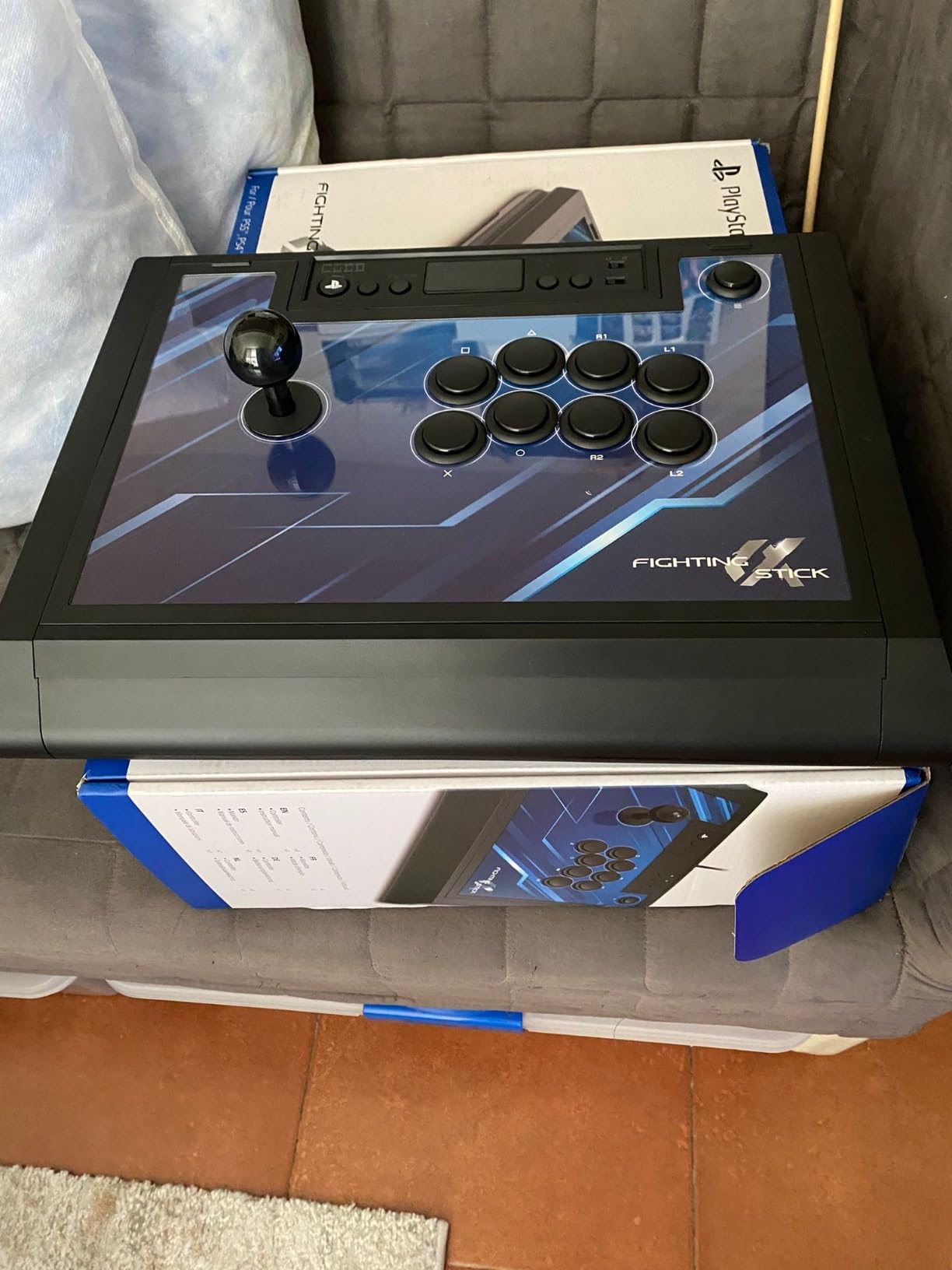
4. HORI Fighting Stick Alpha: Best for a Tournament Stick
HORI PlayStation 5 Fighting Stick Alpha – Tournament Grade Fightstick for PS5, PS4, PC – Officially Licensed by Sony
Clamshell case that opens for modding
Hayabusa buttons and lever
17 buttons, PS5 native
1.5 kg
Pros
- Hayabusa buttons and lever are excellent out of the box
- Clamshell case opens without tools for easy modding
- Native PS5 support with touchpad
- share and options
- Built-in carry handles and internal cable storage
Cons
- Predominantly plastic shell flexes more than metal sticks
- Internal cable hooks bunch the cord
- Some aftermarket levers and 30 mm buttons do not fit
This is the pick for a player who will keep the same stick for years and expect to change parts. The clamshell case opens from the front with no tools, giving direct access to the buttons, lever and wiring without dismantling the whole unit.
It ships with Hayabusa buttons and a Hayabusa lever, which is a very short, light and responsive starting point. The 1.5 kg weight is lighter than most full-size sticks, and owners report it still sits firmly during play. Native PS5 support means no adapter is needed for touchpad, share or options, and a button lock feature stops accidental inputs during a pause.
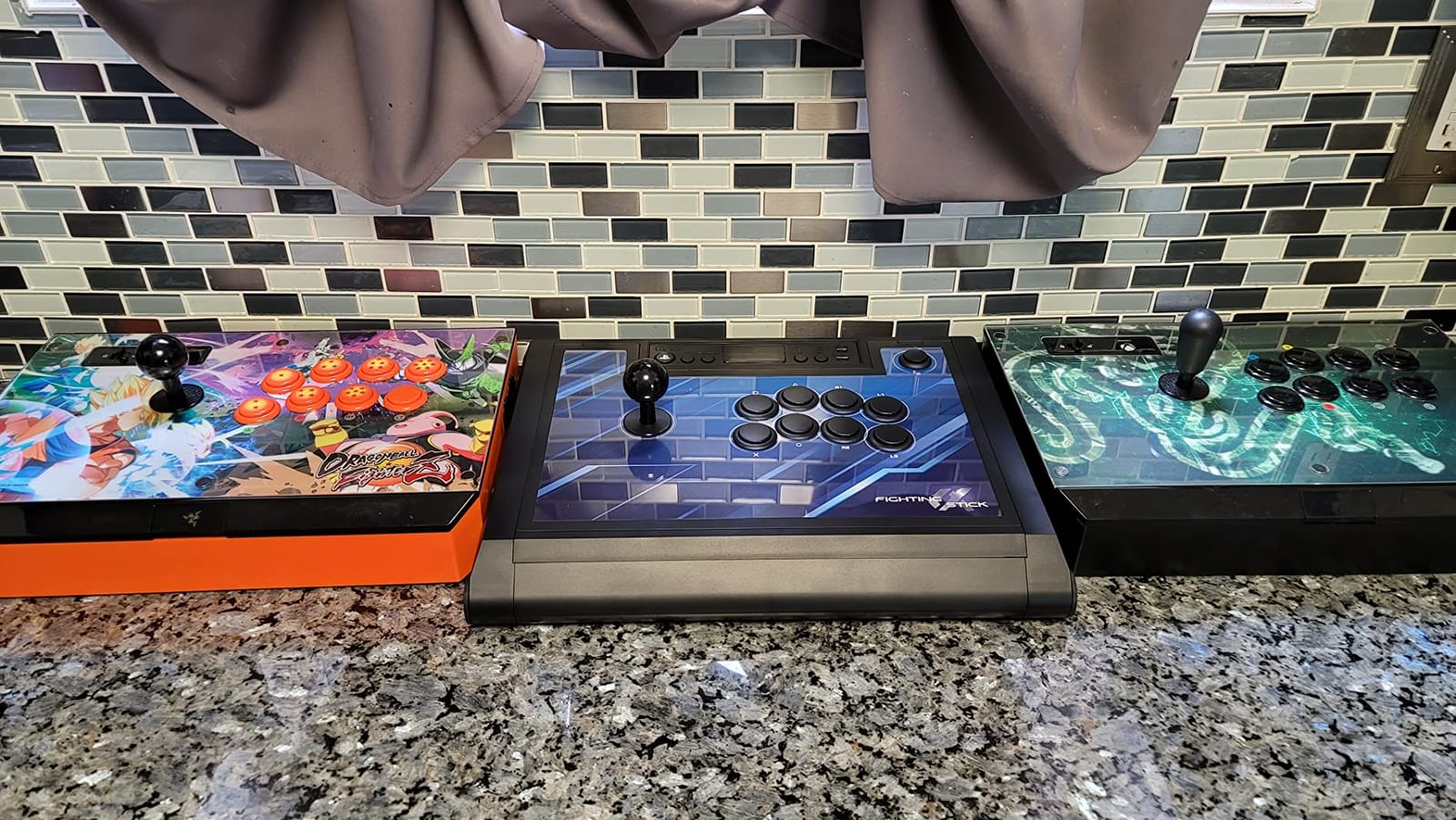
The top auxiliary buttons sit on the top panel rather than on the sides, which is easier to reach without moving your grip. Replaceable top-panel artwork means your stick can carry a custom design, though changing it means removing every button first. Built-in carry handles matter at locals and majors, where the trip is part of the deal.
What makes a stick tournament-ready
Three things: weight so it does not slide mid-dash, a case that opens without tools so a broken button is a five-minute fix, and native console support so you are not troubleshooting an adapter at the venue. This stick has all three. Most sticks solve one.
Buyers planning to mod should note the fit issue. Some aftermarket levers and 30 mm buttons do not fit without modification, and a lever shorter than 41 mm is the safest choice.
Where it disappoints
The shell is predominantly plastic and has more flex than older all-metal sticks such as the RAP series. Owners also report that the supplied Hayabusa buttons feel noticeably more sensitive than Sanwa parts, which some hands read as twitchy during long sets.
Internal cable hooks bunch the cord and can stop the case closing cleanly, and there is no turbo function here, unlike on older HORI sticks.
5. 8Bitdo Arcade Stick for Xbox: Best for Xbox Players
8Bitdo Arcade Stick for Xbox Series X|S, Xbox One and Windows 10, Arcade Fight Stick with 3.5mm Audio Jack – Officially Licensed (Black)
First officially licensed wireless Xbox arcade stick
2.4GHz wireless or wired
Up to 30 hours of play
8-button layout
Pros
- Officially licensed for Xbox Series X and Series S as well as Xbox One
- Well weighted and stable during intense play
- 2.4GHz latency reported as essentially imperceptible
- Up to 30 hours of play with a 4 hour charge
- Separate solder pads for a standard JLF or JLX lever
Cons
- No Bluetooth
- unlike the Switch version
- Software offers remapping only with no macros or turbo
- Black buttons with small printed labels
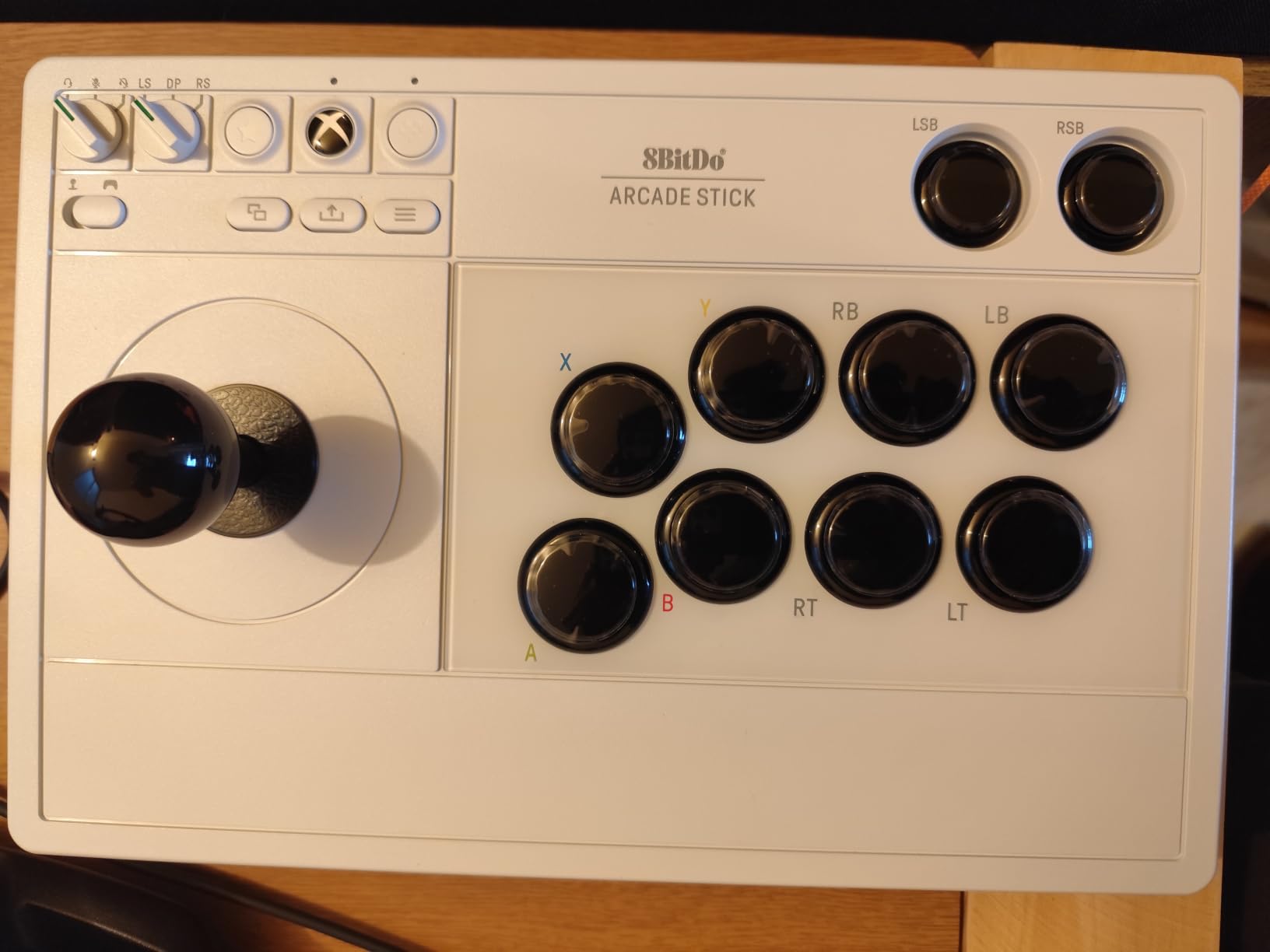
Microsoft players have historically had a thin catalogue of proper arcade sticks, and this is the most credible licensed option we tested. It runs on Xbox Series X, Xbox One and Windows 10, over 2.4GHz wireless or a wired USB cable.
The build is the surprise. It is well weighted and does not slide around during intense play, and the 2.4GHz wireless is reported as essentially free of perceptible latency next to wired. Battery life is quoted at up to 30 hours of play with roughly four hours of charging, and the dongle hides in a dedicated compartment rather than rattling loose.
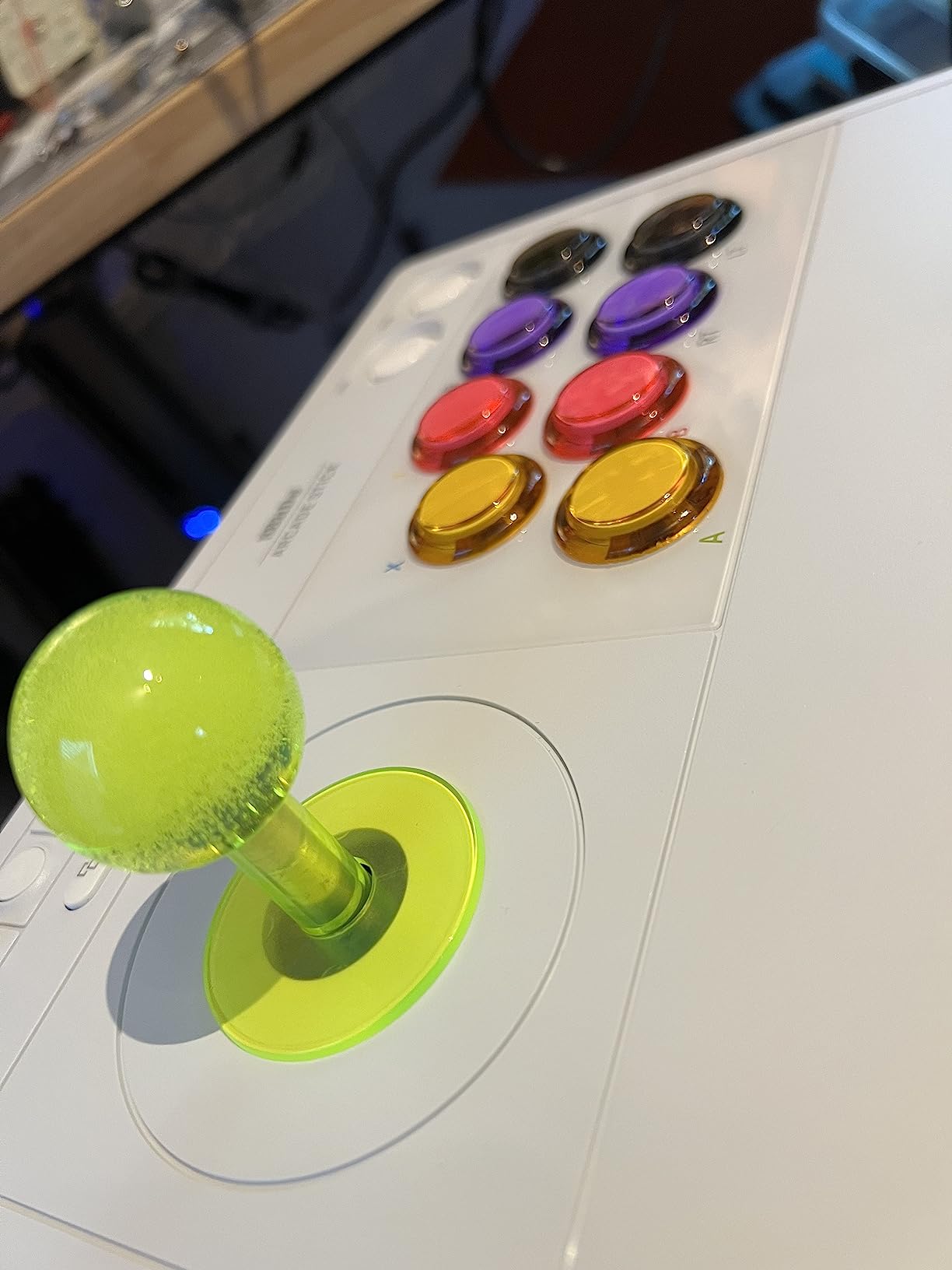
Owners also like that the notched interior lets snap-in buttons be replaced without spinning them off, and that there are separate solder pads for wiring a standard JLF or JLX lever. There is a 3.5mm headphone jack with onboard volume control, which sounds minor until you are at a venue with a noisy crowd. It also works on Android phones and tablets, and likely on Steam Deck and Linux.
Why Xbox deserves its own pick
Because compatibility is where most fighting gear goes wrong. A stick that needs an adapter to work on your console is a stick that will not work on tournament day if the adapter is in another bag. This one is licensed, so it enumerates properly.
Fast-mapping and profile setting buttons on the control panel let you change your layout in seconds between games, which matters if you run a 2D fighter and a 3D fighter in the same session.
What owners dislike
There is no Bluetooth, so the Switch version of this stick is the better all-round buy. The software is minimal: face-button remapping only, with no macros and no turbo. All buttons are black with small printed labels, which is genuinely hard to read for a new player, and the dongle storage flap is stiff to open.
The stick uses a non-standard connector, so replacing it means soldering.
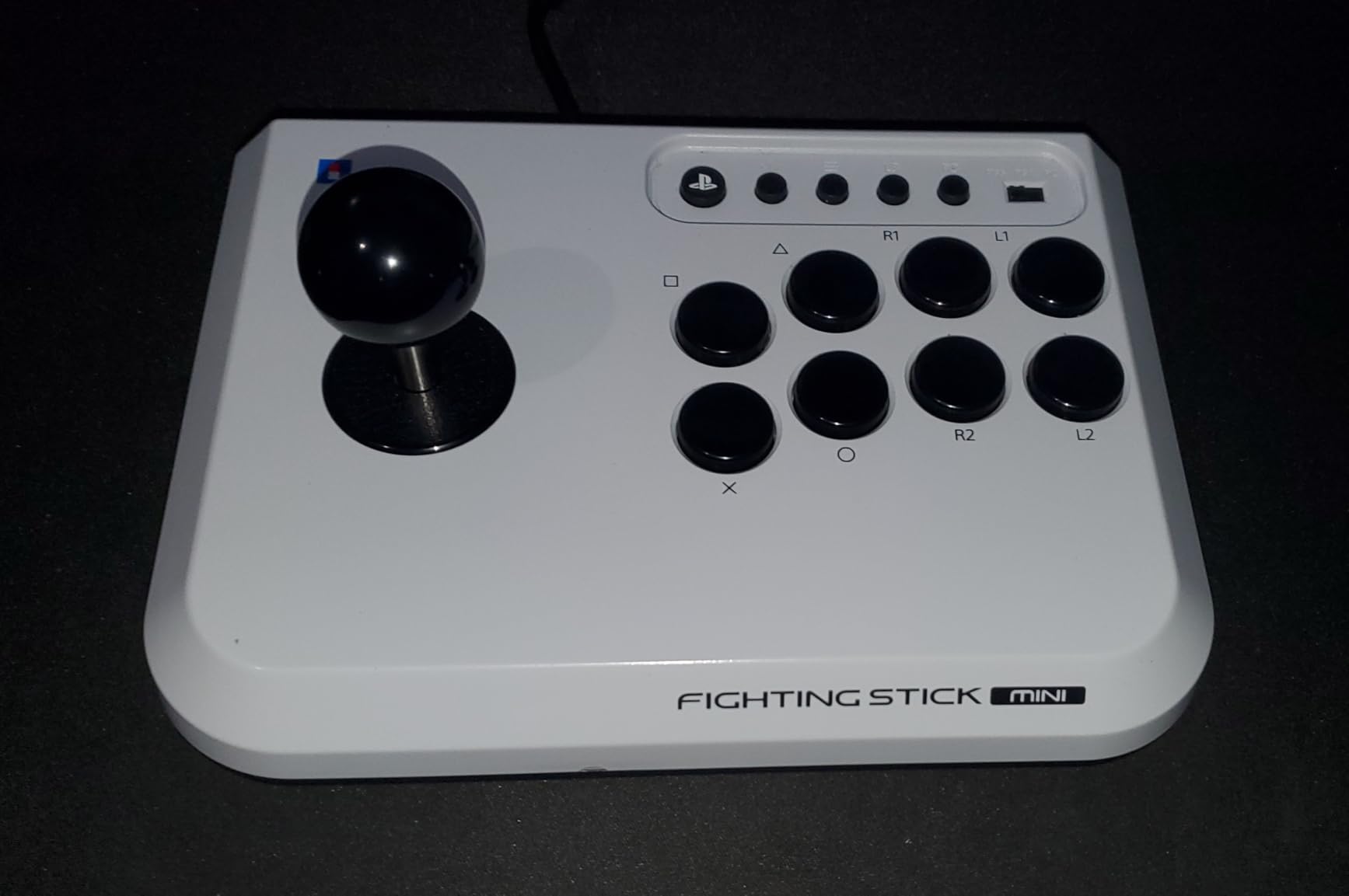
6. HORI Fighting Stick Mini: Best for Travel and Laptop Play
HORI Fighting Stick Mini for PS5, PS4, and PC – Officially Licensed by Sony
Compact 8-button stick
467 g
PS5, PS4 and PC
Wired, 8 ft cable
Pros
- Affordable licensed entry point for PS5
- PS4 and PC
- Full-size arcade buttons on a body the size of a hardcover book
- Plug and play with no software or converter
- Travels in a backpack alongside a laptop
Cons
- Too light for 2D fighters as the case tips during dashes
- No touchpad button for PS5 games that need it
- Full-size buttons on a small base feel cramped for larger hands
The Mini is the answer to a specific problem: you want a real arcade stick, you play on a laptop or a Steam Deck away from home, and a full-size stick is not coming with you in a carry-on. At 467 g and roughly the size of a hardcover book, it packs and plays anywhere.
It is a classic 8-button layout with a HORI original joystick and a V-cut housing, so the input feels like a proper stick rather than a plastic miniature. The 8 ft cable gives you room to sit back, and it needs no software, converter or adapter on PS5, PS4 or PC.
This is also a low-cost way to find out whether you like sticks at all. Many players buy a Mini, confirm the switch feels right, and then move up to a full-size board later rather than committing serious money to a format they might not enjoy.
When portability beats stability
There is a physical limit. Full-size arcade buttons throw a lot of force, and a small base with a light chassis cannot absorb it. Owners report the case tipping sideways during dashes in 2D fighters, which is exactly the movement 2D fighters ask for most.
If you play on a desk with a flat surface and only travel occasionally, that is fine. If you play lap-based or on a soft bed, the tipping is constant and the stick becomes frustrating.
Before you buy
Full-size buttons on a small base make the layout feel cramped for larger hands. There is no touchpad button, so PS5 games that require touchpad access need a second controller, and some units were reported with the first four buttons not registering at all, so check on arrival.
The buttons are described as soft and inexpensive-feeling rather than crisp arcade clicks, and the manufacturer warranty runs for one year, which is standard for the category.
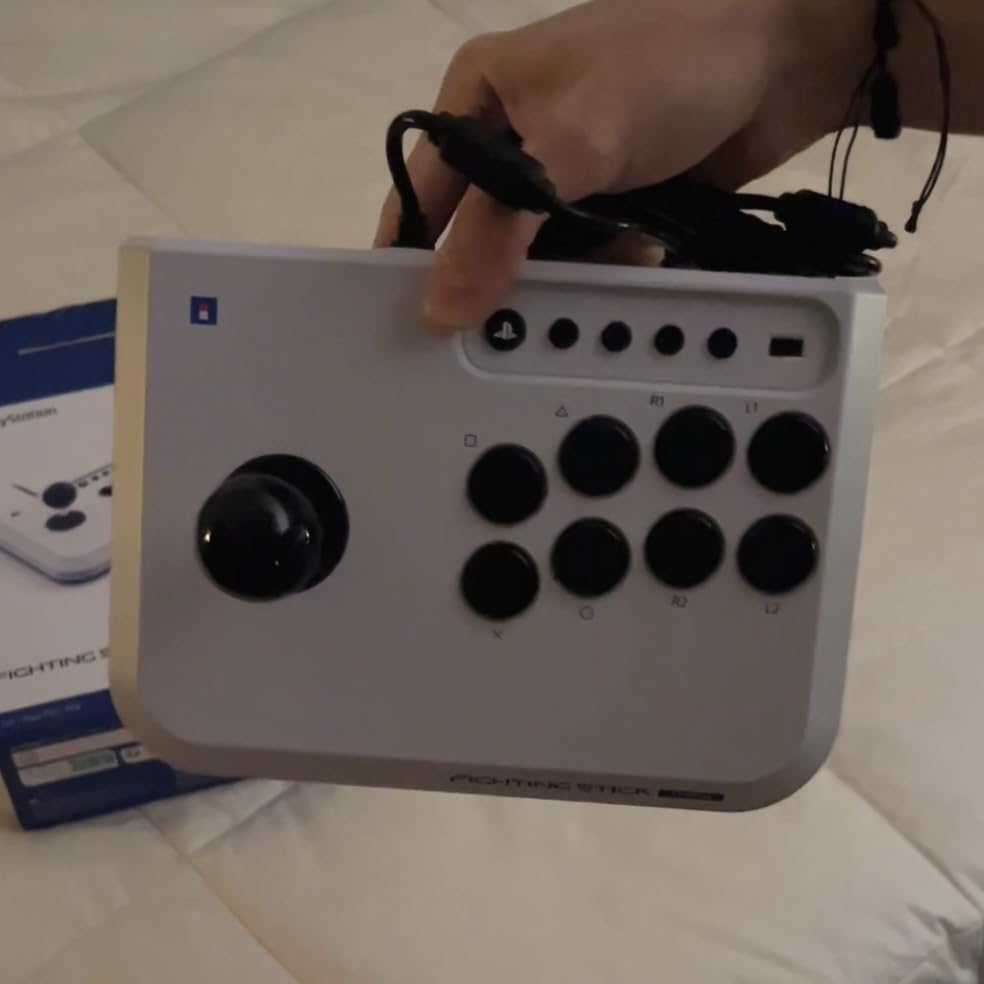
7. Haute42 T16 Pro: Best Budget Leverless Board
Haute42 T16 Pro Leverless Arcade Stick, Hot-Swap 16-Key Controller (Black)
16-key leverless layout
Hot-swappable switches
Full SOCD support
Wired
Pros
- Genuinely affordable for a leverless board
- True hot-swap sockets so switches change without soldering
- Full SOCD support with quad movement
- Per-key RGB lighting and programmable turbo
- Wide native platform support
Cons
- Not officially licensed so PS5 needs a separate adapter
- Generic keycap sizes and legends
- No dedicated profile or console-mode controls on the unit
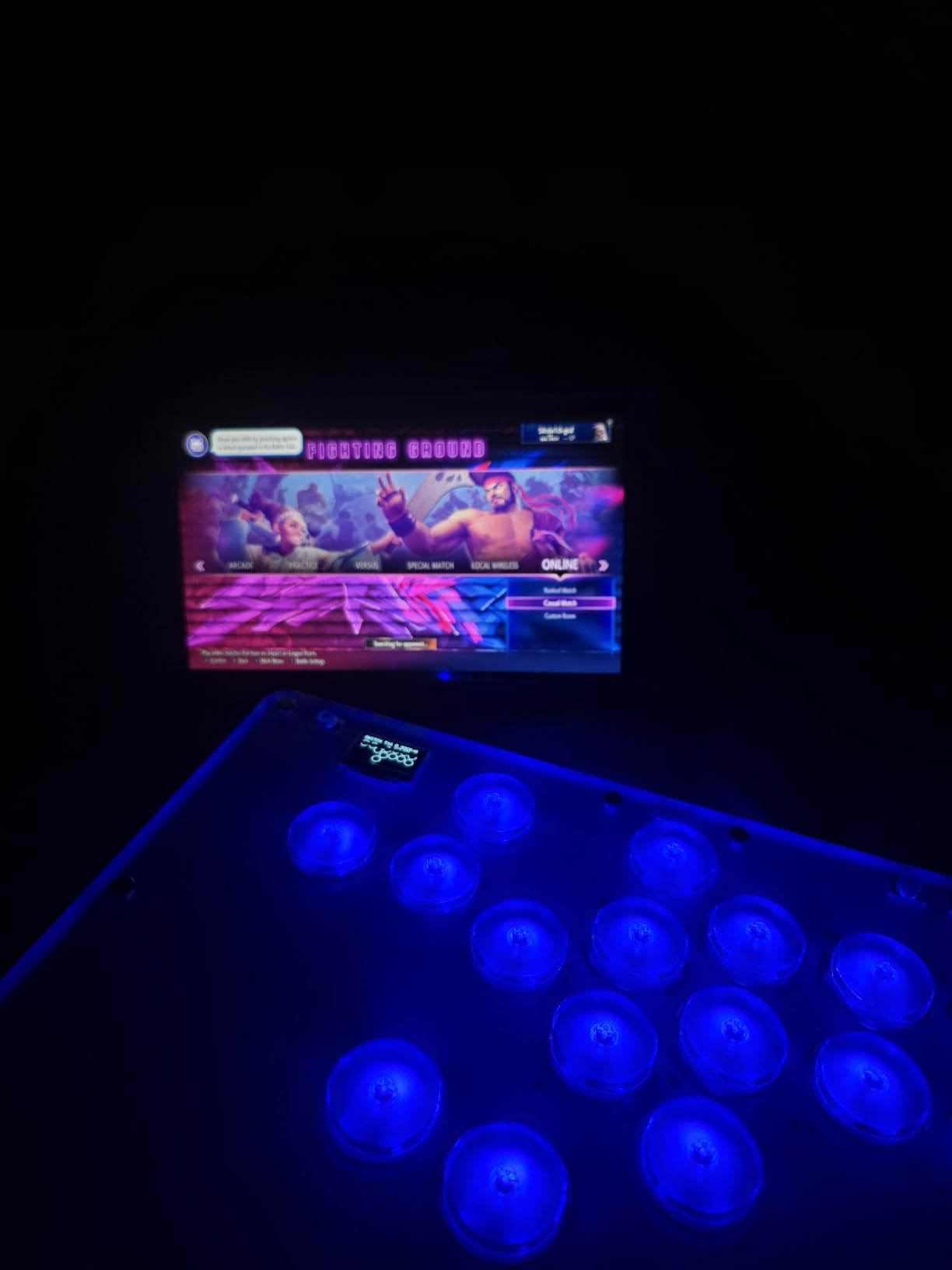
The T16 Pro is the most affordable way to find out whether leverless suits you. A 16-key all-button layout with quad movement means every direction has its own digital key, and a claimed sub-1ms input latency removes the delay question entirely.
The genuinely useful feature is the hot-swappable sockets. Every switch can be changed in seconds without a soldering iron, so if you hate the feel of the included switches you can drop in your own instead of returning the board. Full SOCD support decides what happens when you press opposite directions at the same time, and per-key RGB lighting plus programmable turbo round out the controls.
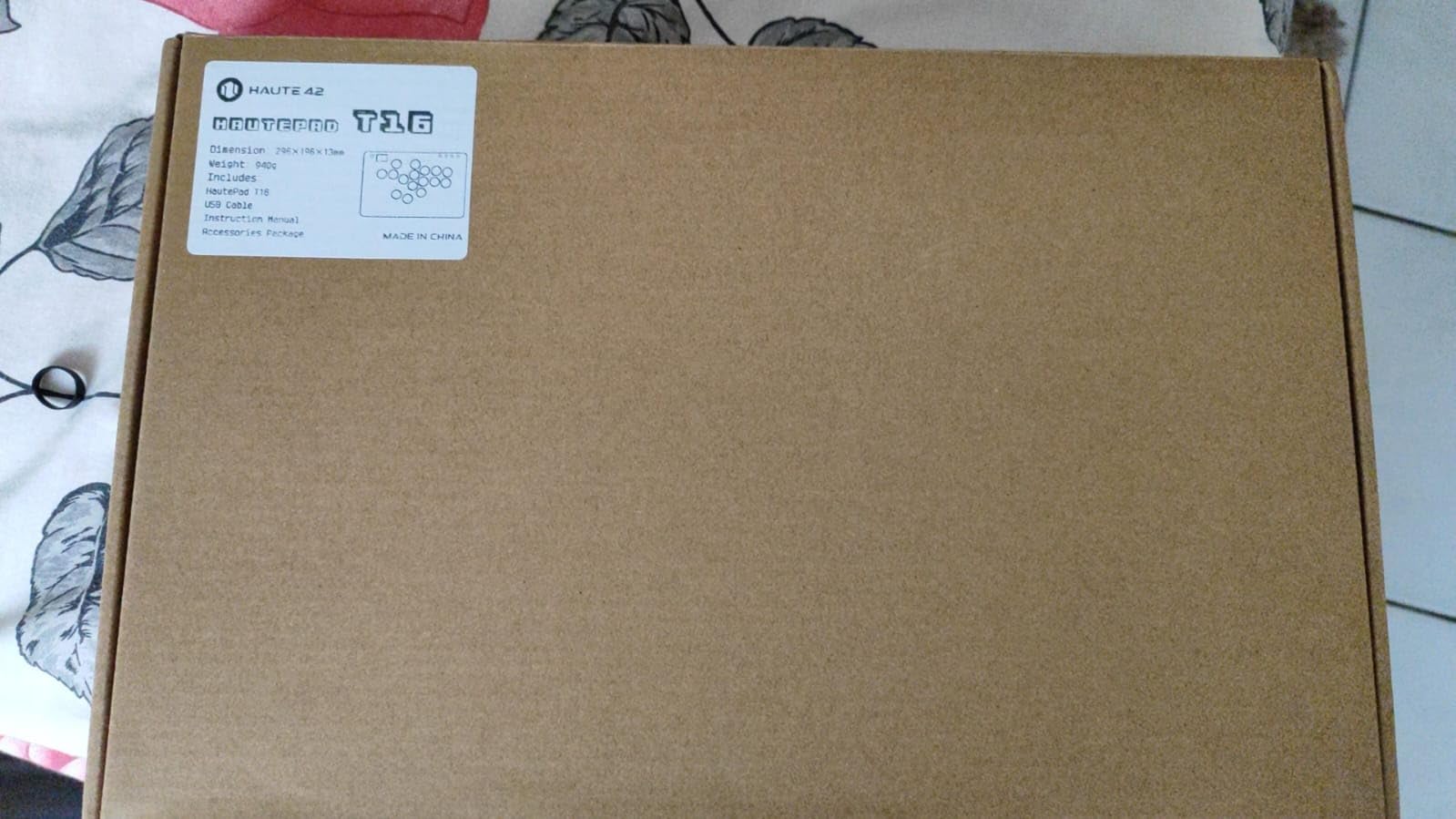
Native platform support covers PC, Steam Deck, PS3, PS4 and Nintendo Switch. PS5 works through the Booter5 adapter, sold separately, and the box includes a step-by-step guide. The footprint is compact and portable, which is the main structural advantage of leverless over a stick.
What SOCD cleaning actually does
On a leverless board, neutral means the directions cancel and register as neutral, priority means the last direction you pressed wins, and no SOCD means the game receives both inputs at once. Neutral is the most common setting for 2D fighters, while some anime fighters and games with 8-way movement want priority or no cleaning.
If you get this wrong you will fight the board instead of the opponent. The T16 lets you experiment, and boards with per-game profiles are the ones to buy later.
Who should look elsewhere
It is not officially licensed, which is the one limitation owners keep returning to. PS5 users end up buying an adapter anyway, so budget for that before you commit.
Keycap sizes and legends are generic compared with licensed pads, feedback on the pre-installed switches is mixed with some owners swapping them immediately, and there are no dedicated profile-switching or console-mode controls on the unit itself.
8. Nacon Daija: Best for Authentic Arcade Parts
Nacon Daija Arcade Fight Stick Officially Licensed for PlayStation
Genuine Sanwa joystick and action buttons
7.7 pounds
Four stored profiles
PS5, PS4, PC and Mac
Pros
- Genuine Sanwa lever and buttons as used on arcade cabinets
- Quick-release case opens from the faceplate with tools stored inside
- Heaviest stick here at 7.7 pounds so it stays planted
- Textured palm rest and a grippy rubber base
- Three customisable faceplates plus a template for custom artwork
Cons
- Heaviest and least portable option in the group at 7.7 pounds
- Flat front edge digs into the forearm during lap play
- USB-C port connection can feel loose
The Daija is the one to buy if you want the exact parts a real arcade cabinet uses. It ships with a genuine Sanwa joystick and genuine Sanwa action buttons, plus two interchangeable joystick heads, and it was built with pro players for Street Fighter 6, Tekken, Guilty Gear and Mortal Kombat.
At 7.7 pounds it is the heaviest stick in this roundup and it shows. The textured palm rest and grippy rubber base keep it planted on a lap or a desk without constant correction, and the buttons register silently and fast compared with most plastic sticks.
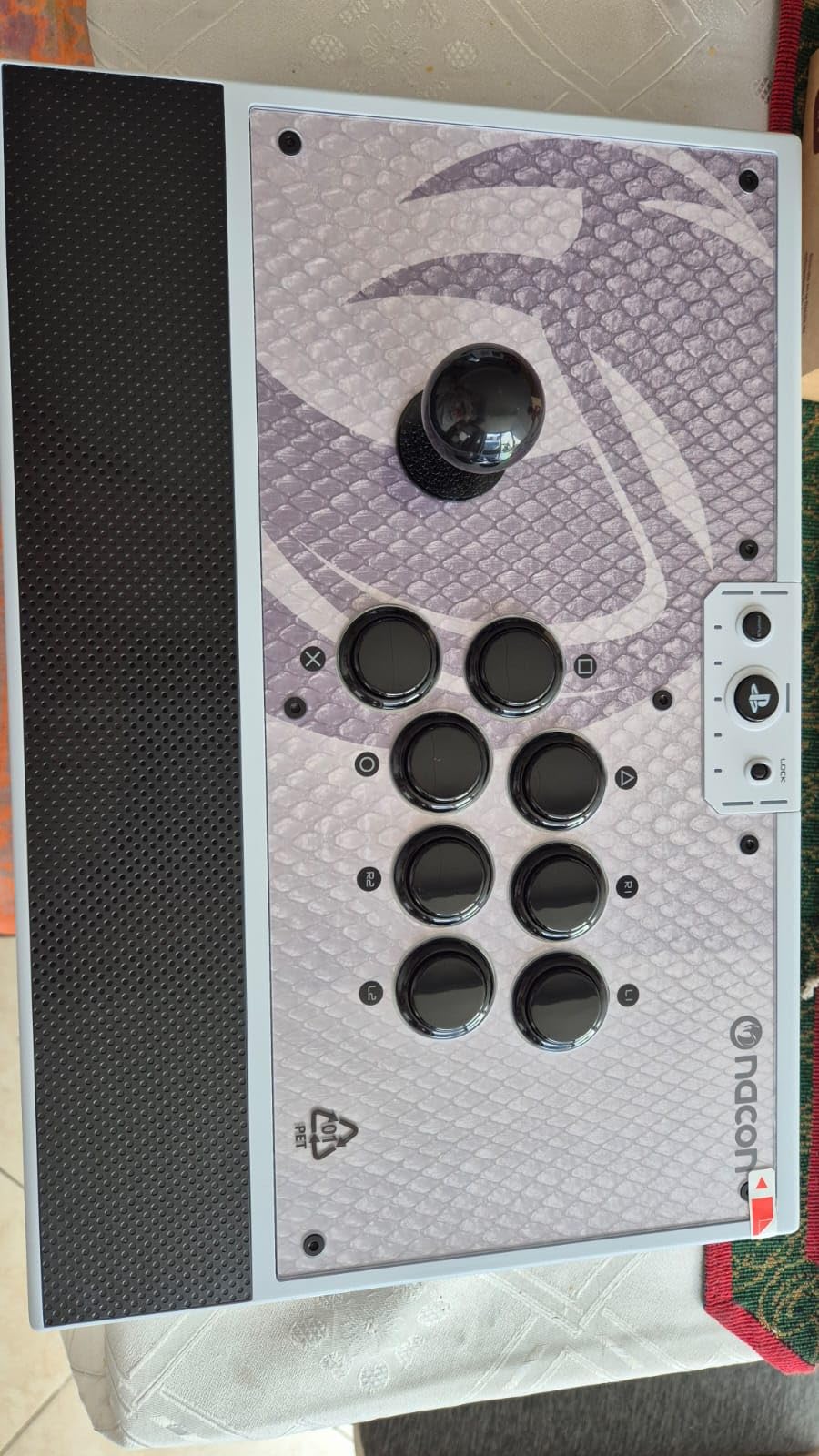
Modding is unusually painless. Quick-release latches open the case from the faceplate, and the tools store inside the case itself, so a button swap does not require finding a screwdriver. Full button mapping and up to four stored profiles run through the Nacon Daija software on PC and Mac, there is a button lock to stop accidental inputs, and a 3.5mm audio jack takes a competition headset directly.
Why weight and a palm rest matter
Stick play is a full-arm movement, and the force comes from your forearm pressing into the case. A light case slides, which pushes your wrist off angle and costs you consistency on the same motion every time. A textured palm rest spreads that load across a wider area.
Three customisable faceplate options plus a template for custom artwork also mean this is the stick you can make look like your own, which sounds cosmetic but is the thing people remember.
Where it falls short
It is the heaviest and least portable option here, and the flat rectangular front edge digs into the forearm when you play at a downward angle in your lap. Some owners reported initial input lag that needed a firmware update from the official site, and the USB-C port connection can disconnect from a light tug.
A few users found that games handling LS versus D-pad inputs register incorrectly depending on the profile setting, so test your main game before you rely on it in competition.
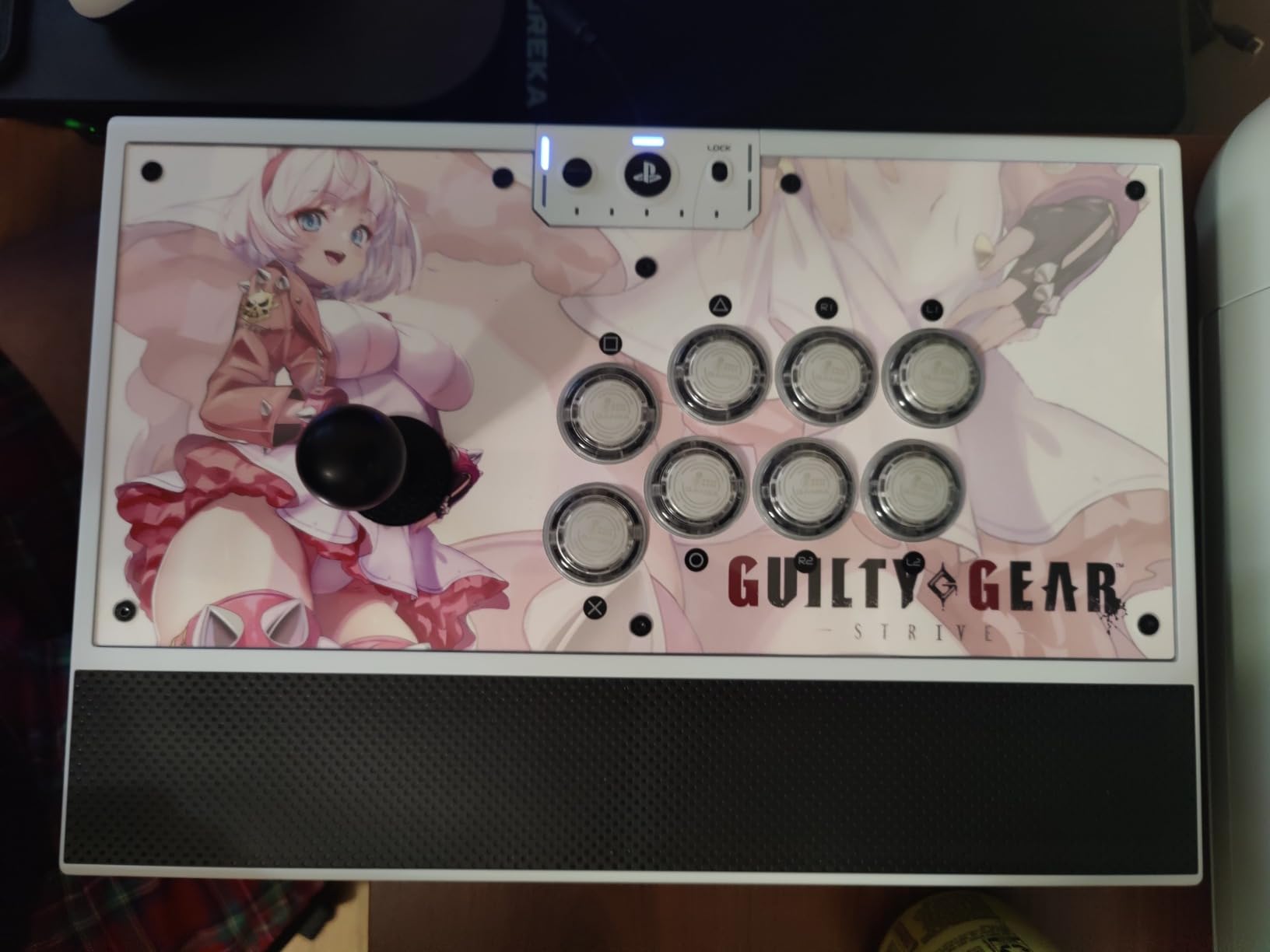
9. 8BitDo All-Button Arcade Controller: Best Slim Leverless Board
8BitDo All-Button Arcade Controller for Xbox Series X|S, Xbox One & PC
Xbox licensed all-button board
16 Kailh Wizard switches
A4-sized, 1.6 cm thin
2.4GHz wireless
Pros
- One of the few officially licensed leverless boards for Xbox
- A4-sized and only 1.6 cm deep so it travels anywhere
- Hot-swappable PCB with 16 Kailh Wizard low-profile switches
- Two programmable buttons with fast mapping and lock caps
Cons
- 2.4GHz wireless only with no Bluetooth or wired option
- Small 250-review base compared with the rest of this roundup
- Control panel adds bulk to an otherwise slim body
This is the Xbox leverless answer, and it is officially licensed for Xbox Series X, Xbox One and Windows. The all-button layout with quad movement is built for fast, accurate directions, and the 16 Kailh Wizard low-profile switches sit on a hot-swappable PCB, so you can change the feel of the whole board without a soldering iron.
The size is the story. At roughly A4 sized and 1.6 cm deep, it is thin enough to slide into a laptop bag and flat enough to play on a lap, which is where most full-size sticks fall apart.
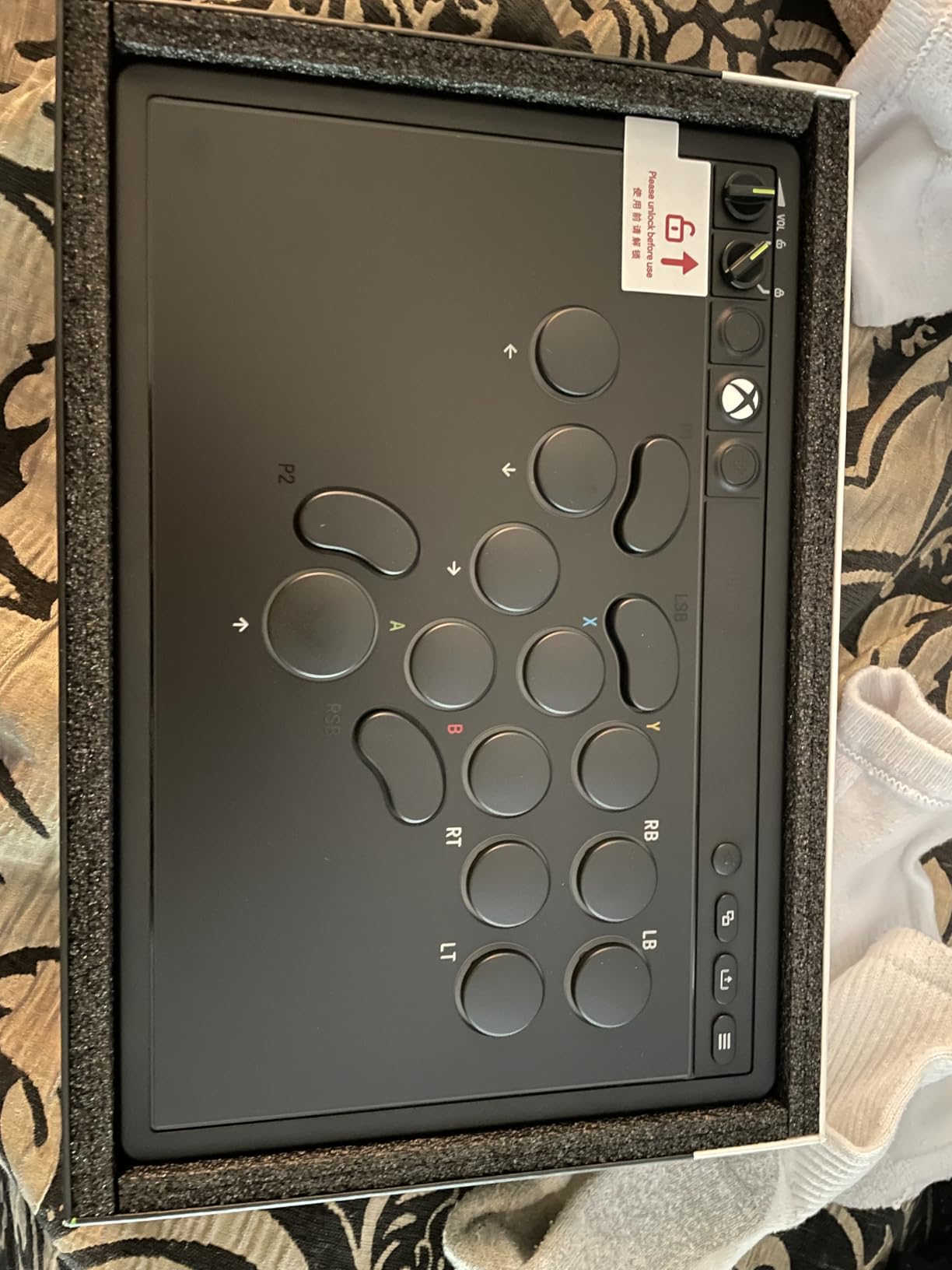
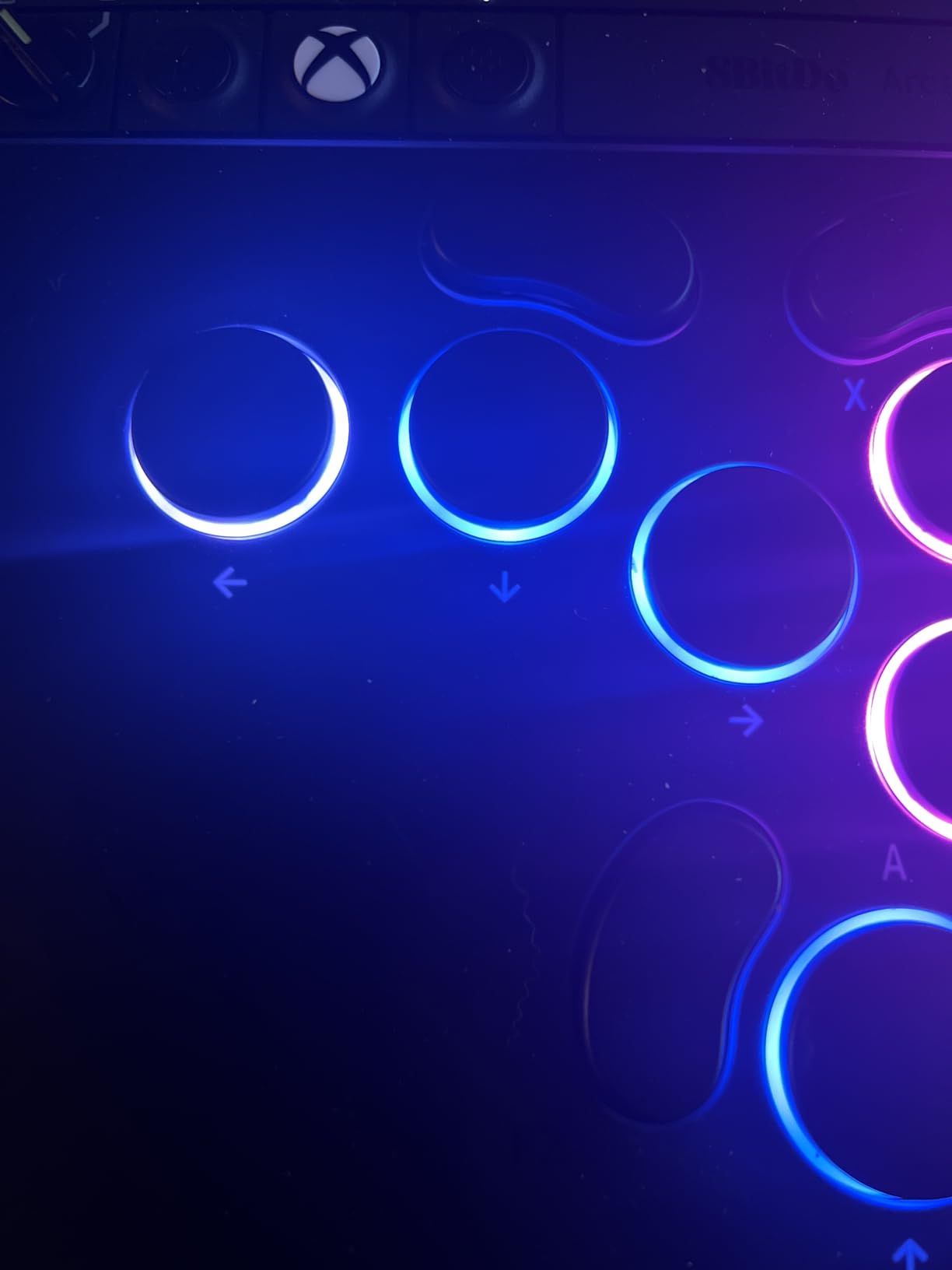
Two programmable buttons with fast mapping handle the extra inputs, and the replaceable lock caps let you blank out keys you do not use, which stops accidental presses during a scramble. The independent control panel carries a 3.5mm audio jack with volume control and RGB lighting, so your headset cable does not have to reach the console.
Low-profile versus full-size buttons
Low-profile switches mean a shorter travel distance and a flatter finger motion, which some players prefer for fast execution. Players used to tall Sanwa arcade buttons often find them thin and unsatisfying, and the 1.6 cm body offers no wrist rest to compensate.
That is the honest trade. You get portability and a fast, flat actuation, and you give up some of the tactile weight that makes a full-size stick feel substantial.
Where it falls short
It is 2.4GHz wireless only, with no Bluetooth and no wired cable listed as an option. Players who want a zero-latency wired leverless board should look at the Qanba S1 instead.
This is also one of the newest products here, with 250 reviews against several thousand for the established picks, so long-term durability is less well documented. The control panel adds bulk to an otherwise very slim body.
10. Qanba N3 Drone 2: Best Value PS5 Fight Stick
Qanba N3 Drone 2 Wired Joystick for PlayStation 5/4 and PC (Fighting Stick) Officially Licensed Sony Product
Licensed PS5, PS4 and PC stick
4 pounds
Includes touchpad button
OV7 lever with OMRON switches
Pros
- Licensed PS5 stick with a touchpad at a low price
- Includes the touchpad button many cheaper sticks omit
- Grippy matte control panel that does not feel cheap
- Clicky lever feedback is more pronounced than the flagship Qanba Dragon
- Turbo button configuration available on the device
Cons
- Buttons are noticeably loud out of the box
- Cable is not detachable
- Square restrictor gate is not ideal for precise diagonals
The Drone 2 is the pick if you are on PlayStation and want a licensed stick that actually includes the touchpad. Lots of sticks at this level omit it, and you find out the hard way the first time a PS5 game asks you to swipe.
It carries Qanba 30mm B30 buttons and a Qanba OV7 lever with OMRON switches, and the lever click is more pronounced than on the flagship Qanba Dragon. The matte control panel is grippy rather than cheap-feeling, which is a meaningful step up from the original Drone.
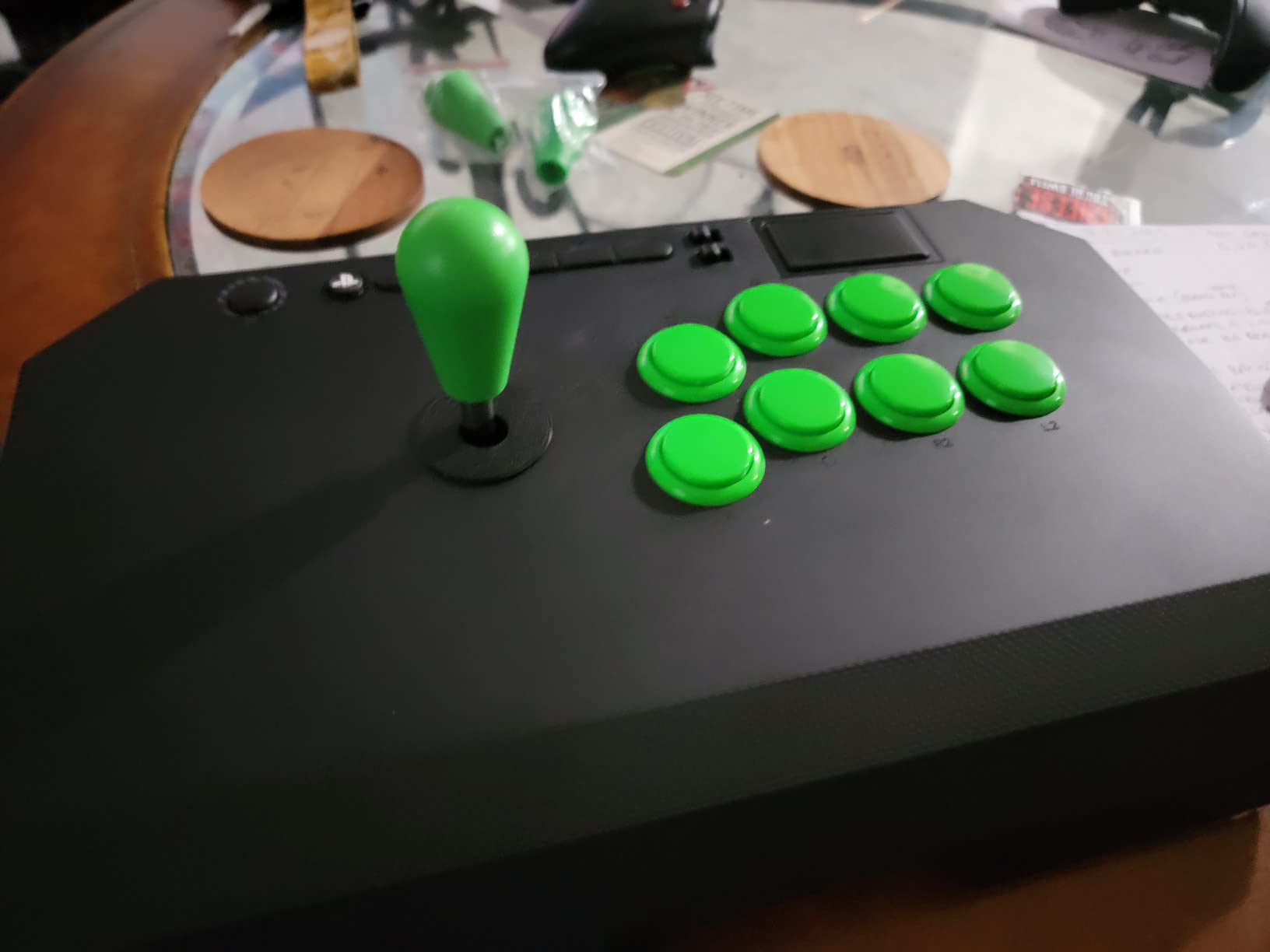
An onboard toggle moves between PS5, PS4, PC and D-pad or left-stick input mode, and turbo button configuration is available on the device itself. A 3.5mm microphone input with a mute button covers online sessions, and a quick-release screw plus cable cubby make transport and storage simple. The wide internal button spacing also works for 2D side-scrollers and beat em ups, not just versus fighters.
Why the touchpad button changes the purchase
Any stick sold as PS5-compatible but lacking a touchpad is only compatible with a subset of PS5 games. This one has it integrated, along with native PS5, PS4 and PC modes, so you can carry a single device to locals and play whatever the bracket runs.
Easy customisation with common Sanwa parts without a full teardown is the other reason this stick appeals to players who plan to upgrade over time.
What owners dislike
Buttons are noticeably loud out of the box, which matters in a quiet room but not at a venue. The cable is not detachable, convenient but limiting for replacement and routing, and the cable length could be longer for living-room play.
At 4 pounds, heavy joystick users can still slide it, and there is limited anti-slip padding. The supplied square restrictor gate is also not ideal for precise diagonals, so budget for an octagonal gate if you play 2D fighters.
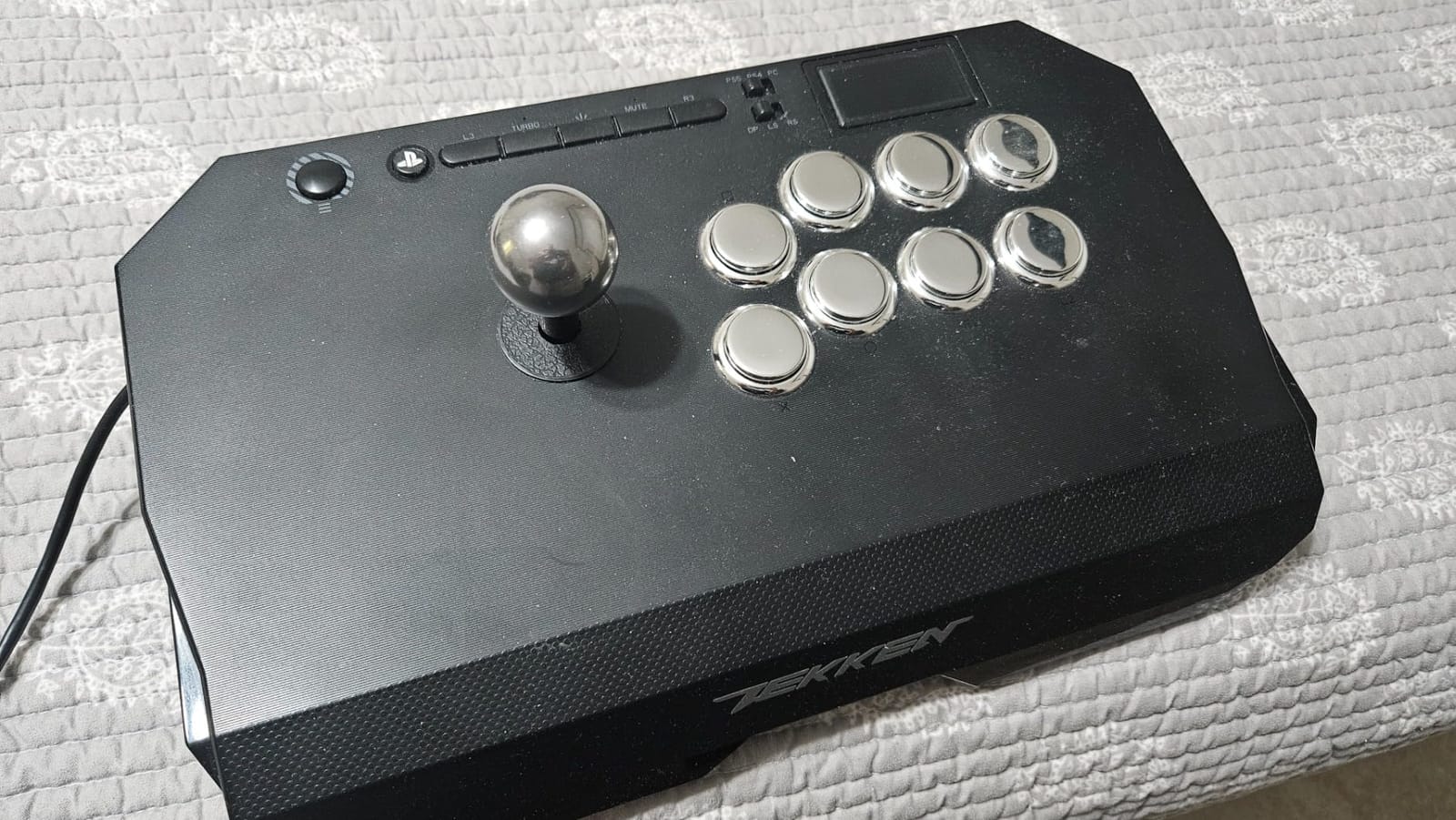
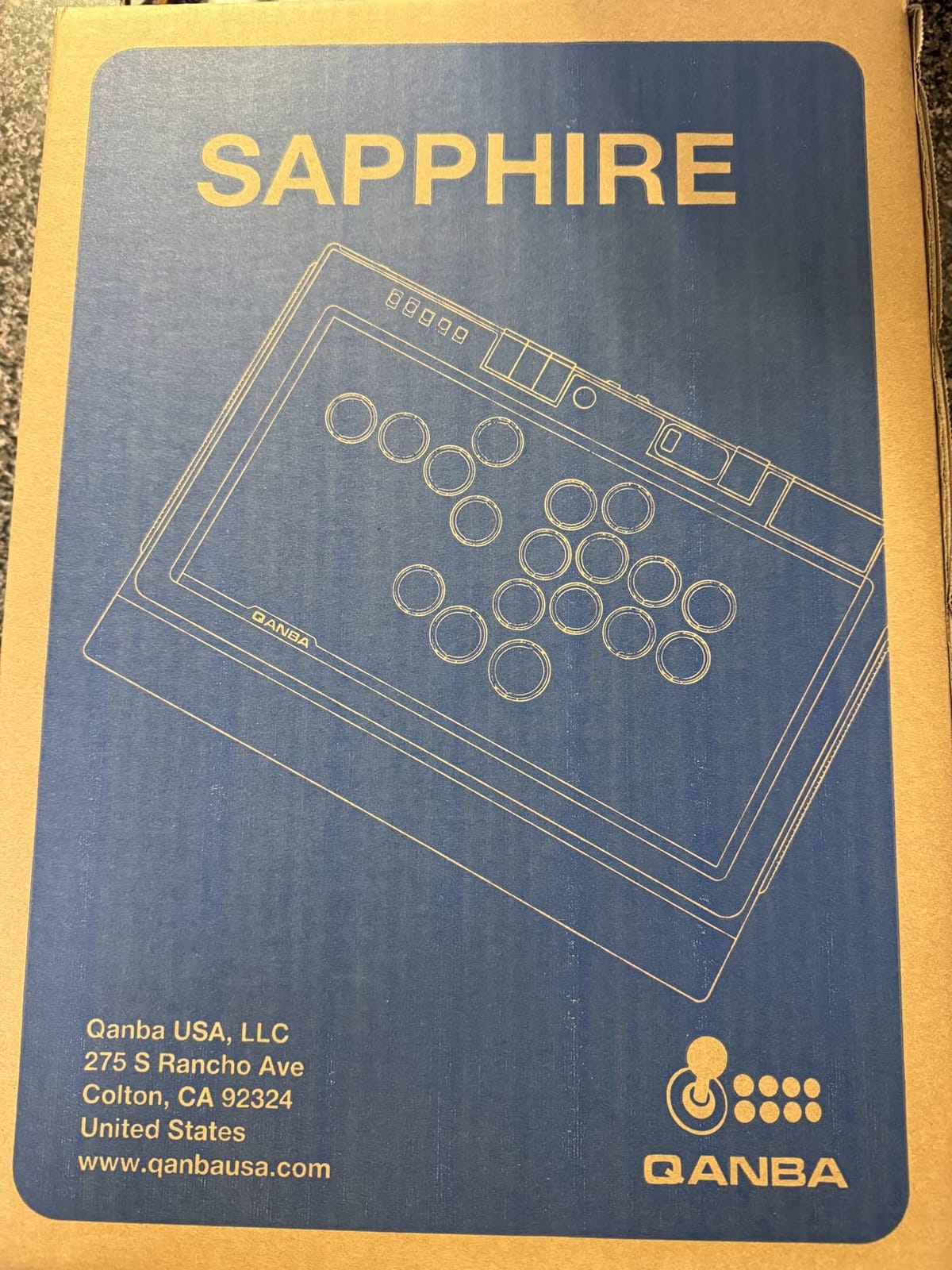
11. Qanba Sapphire S1: Best Licensed Leverless Board
Qanba Sapphire S1 Leverless Arcade Controller Joystick for PlayStation 5 and PlayStation 4 and PC (Fighting Stick) Officially Licensed Sony Product,Detachable Joystick,Tournament Grade for Fighting Games
18-key leverless layout
Cherry MX mechanical switches
Three saved layouts
PS5, PS4 and PC, wired
Pros
- Officially licensed PS5 leverless board at a lower price than the licensed sticks
- 18-button layout gives more inputs than 16-key alternatives
- Standard Cherry MX sockets so any MX switch fits
- Three layouts switchable with a single press
Cons
- Plastic build that reads cheap at this price
- Buttons are not silent and owners often fit silent switches
- Left-side button spacing is awkward for some hands
The S1 is the leverless board to buy if you want a licence and touchpad support with no dongle. It is officially licensed for PS5, PS4 and PC, works plug and play, and includes an integrated touchpad plus a detachable Type-C cable.
Two details set it apart. The 18-button layout gives you more inputs than 16-key leverless alternatives, and the sockets take standard Cherry MX mechanical switches, so any MX switch fits without proprietary parts. The included Cherry Silver switches have adjustable travel sensitivity, and 18 fully programmable buttons support remapping.
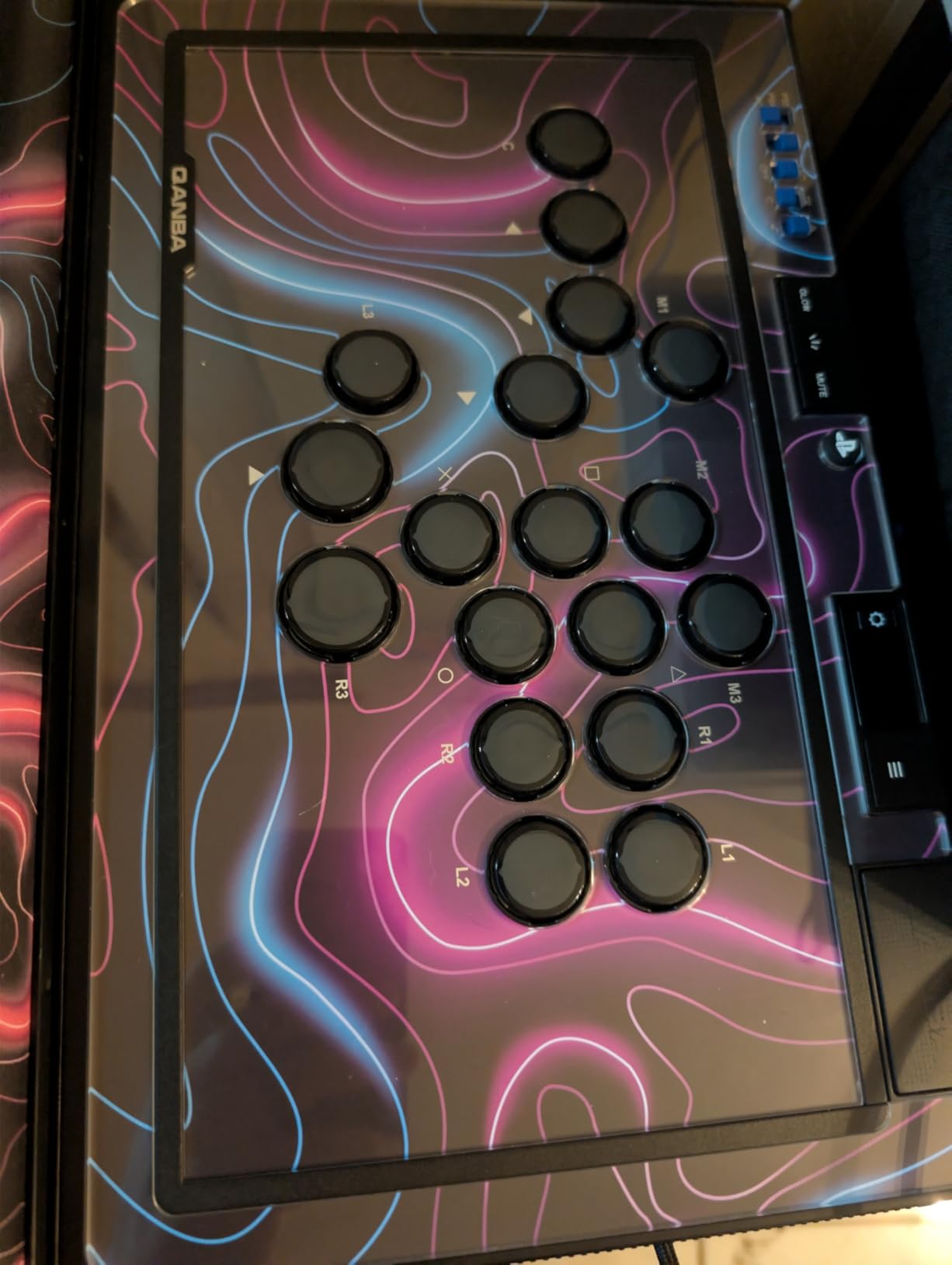
Three saved custom button layouts switch with a single press, which is the feature competitive players use most to move between a 2D and a 3D fighter without reconfiguring anything. The integrated memory foam wrist rest makes long sessions comfortable, RGB lighting covers the buttons and side panels, and the grippy rubber base stays planted on a lap or a tabletop. Two spare micro switches and five lockable keycaps are included in the box.
Read this before you enable the firmware feature
A firmware update allows you to map the same input to multiple buttons, which is convenient for practice and illegal at most Street Fighter tournaments. If you compete, leave that off, and note that the update itself requires a Windows PC.
Low-profile button caps suit players who prefer a flatter finger travel over the tall arcade feel of a stick.
Where it falls short
The build is predominantly plastic and some reviewers consider it cheap for the price, and the buttons feel inexpensive and are noticeably not silent, so many owners swap in silent switches. The spacing of the buttons on the hand side is awkward for some hands, with the pinky reaching at an uncomfortable angle.
The cable is short enough that some users needed a USB extender.
12. Qanba Q7 Obsidian 2: Best Full-Size Stick
Qanba Q7 Obsidian 2 Wired Joystick for PlayStation 5/4 and PC (Fighting Stick) Officially Licensed Sony Product
Full-size 16-button stick
7.4 pounds
19.1 x 10.2 inches
Swappable Sanwa JLF tops
Pros
- Officially licensed Sony peripheral for PS5
- PS4 and PC
- Full control panel with touchpad and microphone input
- Qanba 30mm OBSF buttons with swappable Sanwa JLF joystick tops
- Onboard switch between PS5
- PS4 and PC modes
Cons
- Wired only with no wireless option
- Heavy at 7.4 pounds
- Large footprint at 19.1 x 10.2 inches
The Obsidian 2 is the biggest stick here and the most deliberately traditional. It is a 16-button full-size board at 19.1 by 10.2 inches, and the weight exists for a reason: 7.4 pounds is what keeps it immobile while you throw a full-arm quarter-circle.
It is officially licensed by Sony and works across PS5, PS4 and PC with an onboard switch between modes. The full control panel includes a touchpad, a 3.5mm microphone input with mute button control, and Qanba 30mm OBSF buttons with swappable Sanwa JLF joystick tops, which is the standard Japanese lever most competitive players prefer.
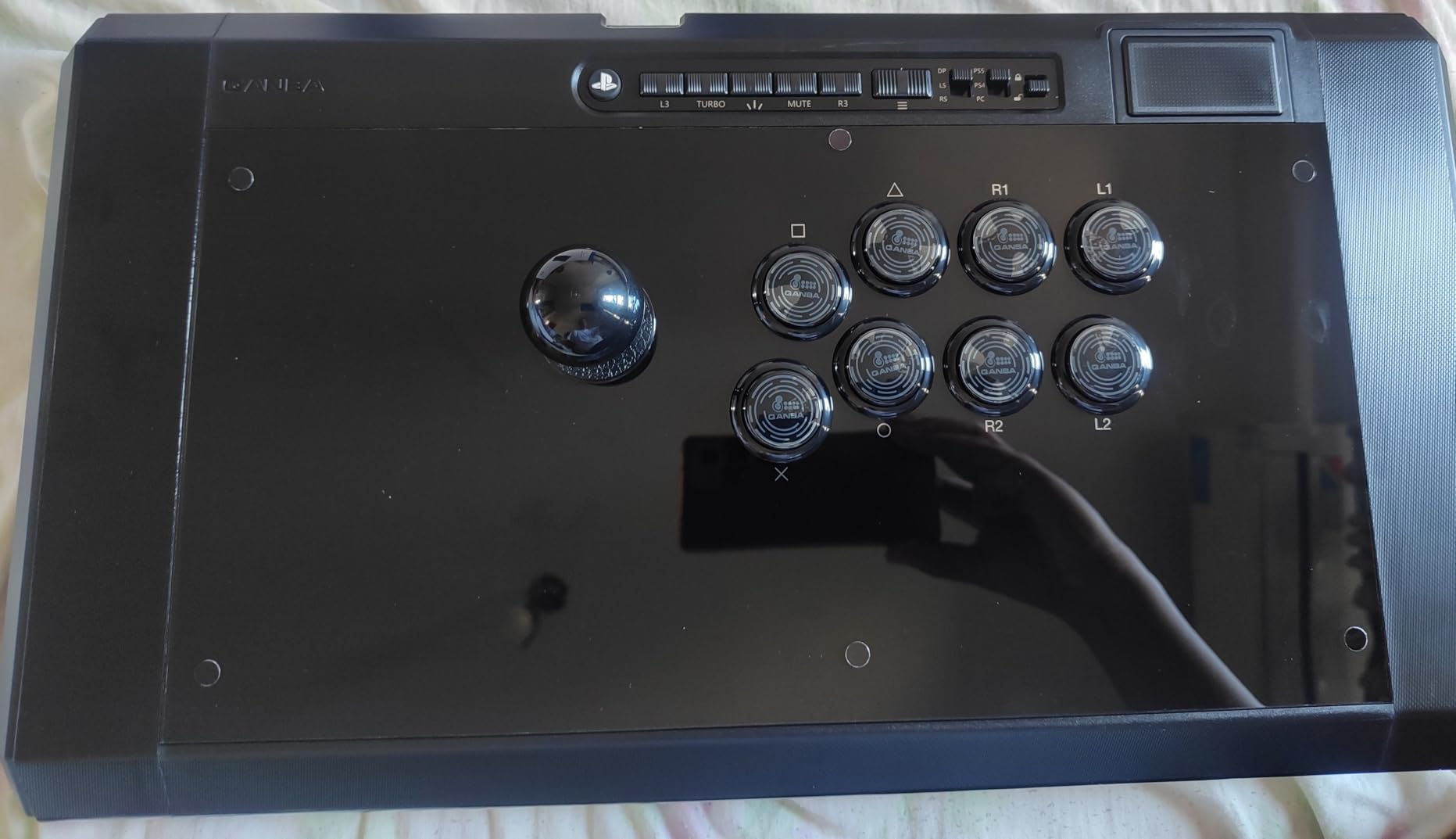
For a player training at home on a proper desk, this is a traditional and highly upgradeable experience. You can change the lever, change the buttons, and keep the case for a decade. The one-year manufacturer warranty is standard for the category.
When the big format is right
Full-size sticks are for players who anchor their forearms and commit their whole arm to an input. If you play claw-hold on a pad, that posture does not transfer, and you should read the D-pad and fightpad picks earlier in this list instead.
Sanwa JLF compatibility also means your parts carry over. If you later upgrade to a more expensive stick, the tops you buy now are not wasted.
Where it falls short
It is wired only, so there is no wireless option, and at 7.4 pounds with a 19.1 by 10.2 inch footprint it needs a real desk rather than a lap. If you travel to locals, that is a genuine inconvenience every single time.
The 19.1 by 10.2 inch footprint is also awkward in shared spaces, so measure where you plan to play before buying.
D-Pad vs Stick vs Leverless: Which Input Is Right for You?
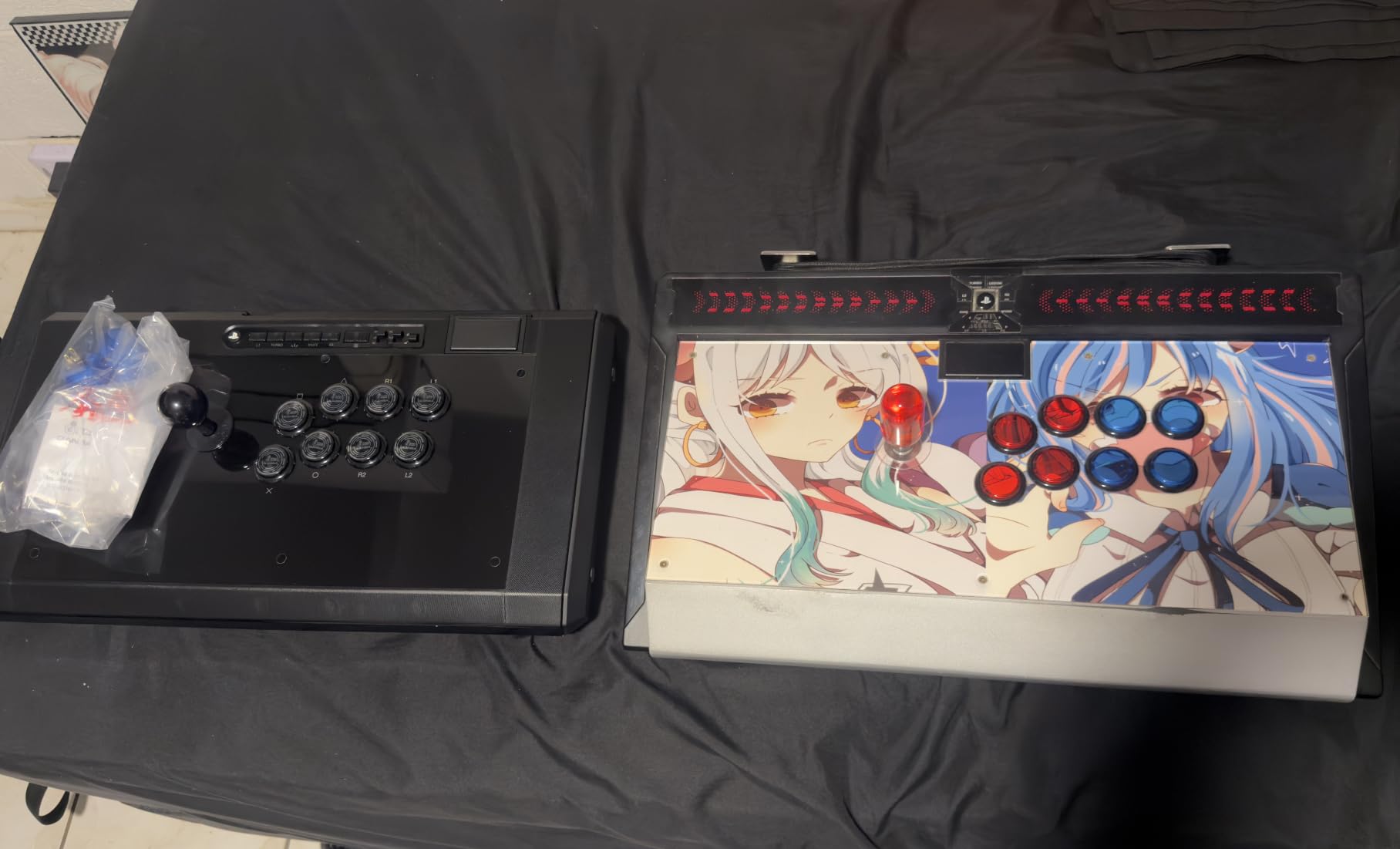
This is the question that decides everything else, so answer it before you read a single product page. Three input styles dominate: a D-pad on a normal-shaped pad, a joystick on a full-size stick, and a leverless board with one digital key per direction.
A D-pad suits players who want familiar hand position
A D-pad trades range for consistency. You cannot sweep through eight directions, but you do not have to either, because the best designs resolve diagonals from a single press. It is the smallest learning curve, the least physical strain, and the easiest format to use on a couch. It is a poor fit for 3D fighters with walk and dash commands that reward full range of motion.
A stick suits players who anchor their arm
A joystick gives you full eight-way range in one continuous motion, which is why it remains the format most tournaments run. It costs more wrist and forearm effort, needs a gate that matches your play style, and depends on a mechanical lever that can wear. In exchange you get the widest range of motion and the most training data behind it.
A leverless board suits players who want the shortest inputs
Leverless boards replace motion with discrete presses. Every direction is a separate key, so there is no gate to catch a diagonal and no stick to drift. Owners in the fighting game community consistently report that both leverless and stick taught them motion inputs far better than a pad ever did, and several Reddit players say leverless is what finally made quarter-circles click.
The cost is the two to four week adjustment period, during which you will play worse than you did before. If you are mid-climb and about to enter a tournament series, do not make the switch now.
What to Look for When Buying a Fighting Game Controller in 2026
Start with drift, because it is the reason most people end up here. Players on Reddit report stick drift on nearly every analog controller they have owned, while their D-pads have never given out. If your current stick is drifting, any device on this list is an upgrade, and a digital-input board removes the failure mode entirely rather than reducing it.
Hall effect and optical switches
A hall effect switch senses a magnet rather than a physical contact, so there is nothing to wear out and no contact to corrode. An optical switch works the same way with light instead of magnetism. Both are the answer to drift, and the shift to hall effect sensing is the defining change in this market right now. Community threads on enthusiast forums have framed the current mood as the hall effect era, and that is accurate: drift resistance is the single most important spec to check on any fighting controller.
Mechanical switches still dominate in the leverless tier, and two of the three leverless boards here use standard switch sockets, so you can change the feel yourself later without buying a new board.
Actuation, travel and button spacing
Actuation is the distance a button travels before the game registers it. Shorter is faster, which is why competitive players prefer low-profile or micro switch buttons. Two of the picks here use Hayabusa or Cherry MX parts specifically for that reason.
Spacing matters just as much as speed. Shoulder button spacing determines whether you can roll a punch and a kick together, and the spacing of the buttons on the hand side of a leverless board is the single most common ergonomic complaint we found. A board that fits one hand well can still be wrong for the other.
Wired versus wireless latency
Wired remains the safe default for tournament play because it removes the variable entirely. But the gap has narrowed considerably. Multiple reviewers of the wireless sticks here describe 2.4GHz latency as effectively imperceptible against wired, so wireless is now a legitimate choice for training and casual matches.
What wireless still costs you is setup time. Adapters, dongles and pairing failures are real problems at a venue, and every adapter is a possible reason your controller is not recognised on match day. Our guides to the best Xbox controllers and the best elite controllers cover the pad side if you decide to stay wireless.
Tournament legality at EVO and Combo Breaker
Leverless and all-button controllers are legal at major tournaments including EVO and Combo Breaker, in the same category as arcade sticks and fightpads. The rules that do catch people are about what the device does, not what shape it is. Mapping one input to multiple buttons is prohibited at most Street Fighter events, which is exactly the firmware feature on the Qanba Sapphire S1 described earlier.
Rules vary by event and by game, so check the rules for the specific tournament before you travel rather than assuming.
Ergonomics and long sessions
A full-size stick is a forearm device. If you have wrist pain, limited grip strength or a history of repetitive strain injury, a leverless board is a legitimate medical-adjacent reason to switch, not just a competitive one. One Reddit player plays on leverless specifically for hand pain and still wishes the format supported more than eight input angles.
For pad players, the deciding factor is usually weight. The only dedicated fightpad in this roundup weighs under a pound, and a lighter pad means less wrist extension over a two-hour session. Whichever device you pick, a wrist rest and a short break every twenty minutes will do more for you than any spec sheet.
Frequently Asked Questions
What controllers do competitive gamers use?
At a local or major tournament you will see three formats on the floor: full-size arcade sticks with a Sanwa lever, leverless all-button boards, and lightweight fightpads with a D-pad. Pads are rarer in bracket play but common in 3D fighters on console. Whichever you pick, enter your name, console profile and controller mode on the tournament sheet before your first match.
Is it better to play fighting games with a D-pad or joystick?
It depends on the game. A D-pad is easier to learn, lighter on your wrist and more consistent for 2D fighters, because the best designs resolve diagonals from one press. A joystick gives you the full eight-way range that 3D fighters need for walk, dash and movement strings, and it is the format most tournaments run. Most players start on a pad and add a stick when they play competitively.
What is the best D-pad controller for fighting games?
Among the 12 controllers we compared, the HORI Fighting Commander OCTA is the only dedicated fightpad here, and it pairs a single-piece deep-dish D-pad with a six-button face layout. It runs natively on PS5, PS4 and PC over cable, and at 14.14 ounces it is light enough for long sessions. The trade-off is that its D-pad profiles cannot be edited without a PC.
What is the best controller for arcade games?
For arcade stick play, the Nacon Daija uses the same genuine Sanwa lever and action buttons found in real cabinets, at 7.7 pounds so it stays planted, with a quick-release case and tools stored inside for fast modding. If you want to save money, the MAYFLASH F300 covers the most platforms and accepts standard Sanwa Denshi parts, but it lists only four face buttons and is lighter in build.
Do I need a special controller for fighting games?
No, and most players do not need one. If your current stick drifts, your D-pad skips diagonals or your wireless signal drops frames, that is a real reason to upgrade. If your inputs feel accurate, you can train productively on what you own. The gear matters far less than the hours you put in, and switching input methods costs two to four weeks of adjustment before it feels natural.
Final Verdict: Which Fighting Game Controller Should You Buy?
Buy the MAYFLASH F300 if you want one device that covers Switch, PlayStation, Xbox, PC and Mac and you are still deciding which platform to commit to. It is the most forgiving choice in the roundup and the easiest to keep upgrading with Sanwa parts.
Choose the 8Bitdo Arcade Stick if wireless matters, the HORI Fighting Commander OCTA if you want to keep a normal pad shape with a proper D-pad, the Haute42 T16 Pro if you want to try leverless without a large outlay, and the Qanba Sapphire S1 if you want leverless with a PlayStation licence and touchpad. Whatever you pick, buy it a month before a tournament series, not during.