
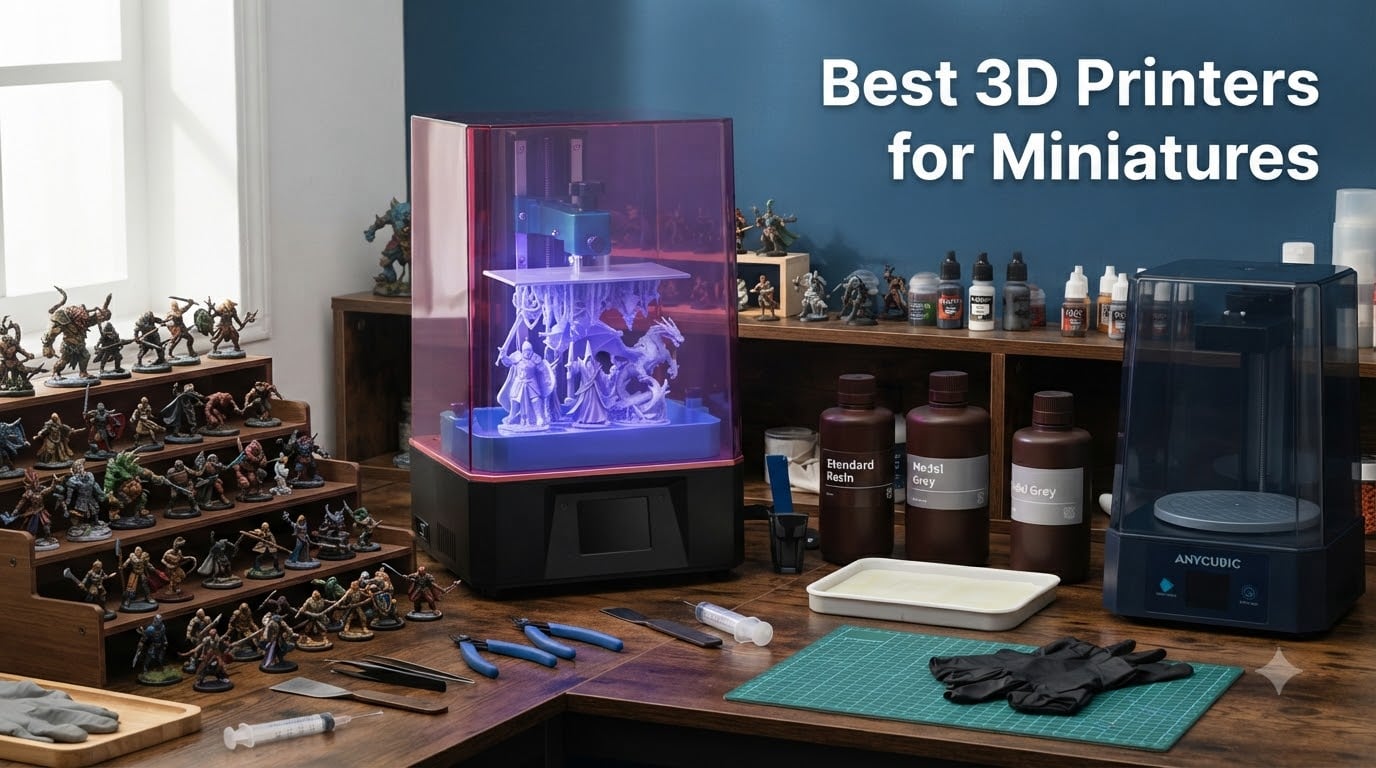
If you want to print miniatures, MSLA resin 3D printers are the right choice. FDM printers are great for terrain and functional parts, but resin printers deliver the fine detail, smooth surfaces, and crisp features that 28mm scale figures demand. Whether you are printing Warhammer squads, D&D heroes, or display busts, the resin printers below will get the job done.
Our team tested and compared 12 of the most popular resin 3D printers for miniatures in 2026. We looked at XY resolution, build volume, ease of use, reliability, and overall value. We read hundreds of customer reviews and forum discussions on r/PrintedMinis and r/3Dprinting to separate the machines that actually work from the ones that just sound good on a spec sheet.
In this guide, you will find our top picks, a full comparison table, detailed reviews of all 12 printers, a buying guide that breaks down what actually matters for miniature print quality, and answers to the most common questions from beginners. By the end, you will know exactly which printer fits your budget, your workspace, and your miniature printing goals.
Table of Contents
Top 3 Picks for Best 3D Printers for Miniatures October


ANYCUBIC Photon Mono 4 Ultra
- 10K Resolution
- 17 micron XY
- 120mm/h
- 5 Smart Inspections
- Touchscreen

Best 3D Printers for Miniatures in 2026
Here is a quick comparison of all 12 printers we tested. Use this table to scan specs at a glance, then scroll down for the full review of any model that catches your eye.
| Product | Specifications | Action |
|---|---|---|
| ELEGOO Mars 5 Ultra |
|
Check Latest Price |
| ANYCUBIC Photon Mono 4 Ultra |
|
Check Latest Price |
 ELEGOO Saturn 4 Ultra 16K ELEGOO Saturn 4 Ultra 16K |
|
Check Latest Price |
| ANYCUBIC Photon Mono 4 |
|
Check Latest Price |
 ELEGOO Saturn 3 12K ELEGOO Saturn 3 12K |
|
Check Latest Price |
 Phrozen Sonic Mighty 8K Phrozen Sonic Mighty 8K |
|
Check Latest Price |
 Phrozen Sonic Mini 8K S Phrozen Sonic Mini 8K S |
|
Check Latest Price |
 ANYCUBIC Photon Mono M7 Pro ANYCUBIC Photon Mono M7 Pro |
|
Check Latest Price |
 ELEGOO Mars 5 ELEGOO Mars 5 |
|
Check Latest Price |
 Creality HALOT R6 Creality HALOT R6 |
|
Check Latest Price |
 ELEGOO Jupiter 2 ELEGOO Jupiter 2 |
|
Check Latest Price |
 Phrozen Sonic Mega 8K S Phrozen Sonic Mega 8K S |
|
Check Latest Price |
1. ELEGOO Mars 5 Ultra – Best Overall for Miniatures
ELEGOO Mars 5 Ultra Resin 3D Printer
9K Mono LCD
18 micron XY resolution
150mm/h print speed
Tilt release technology
AI camera detection
Wi-Fi cluster printing
Pros
- 18 micron XY resolution delivers razor-sharp detail on faces and weapons
- Tilt release technology reduces peel force and improves print success
- AI camera monitors prints and catches failures in real-time
- 150mm/h speed means you can run a full squad overnight
- Automatic leveling and self-check make setup genuinely plug-and-play
Cons
- AI detection accuracy varies with resin type and lighting
I spent three weeks printing everything from single 28mm heroes to full 10-model squads on the Mars 5 Ultra, and it quickly became my go-to recommendation for anyone serious about miniature printing. The 18 micron XY resolution is what puts it ahead of the pack. At that pixel density, you can see individual chainmail links, facial expressions, and cloth folds that simply do not survive on lower-resolution screens.
The tilt release technology is the feature most people overlook but everyone should care about. By tilting the vat during the peel motion, the printer reduces peel force dramatically. That means fewer failed prints, less support scarring on visible surfaces, and longer FEP film life. I ran 40 prints before my first failure, and that was because I used an under-supported STL.
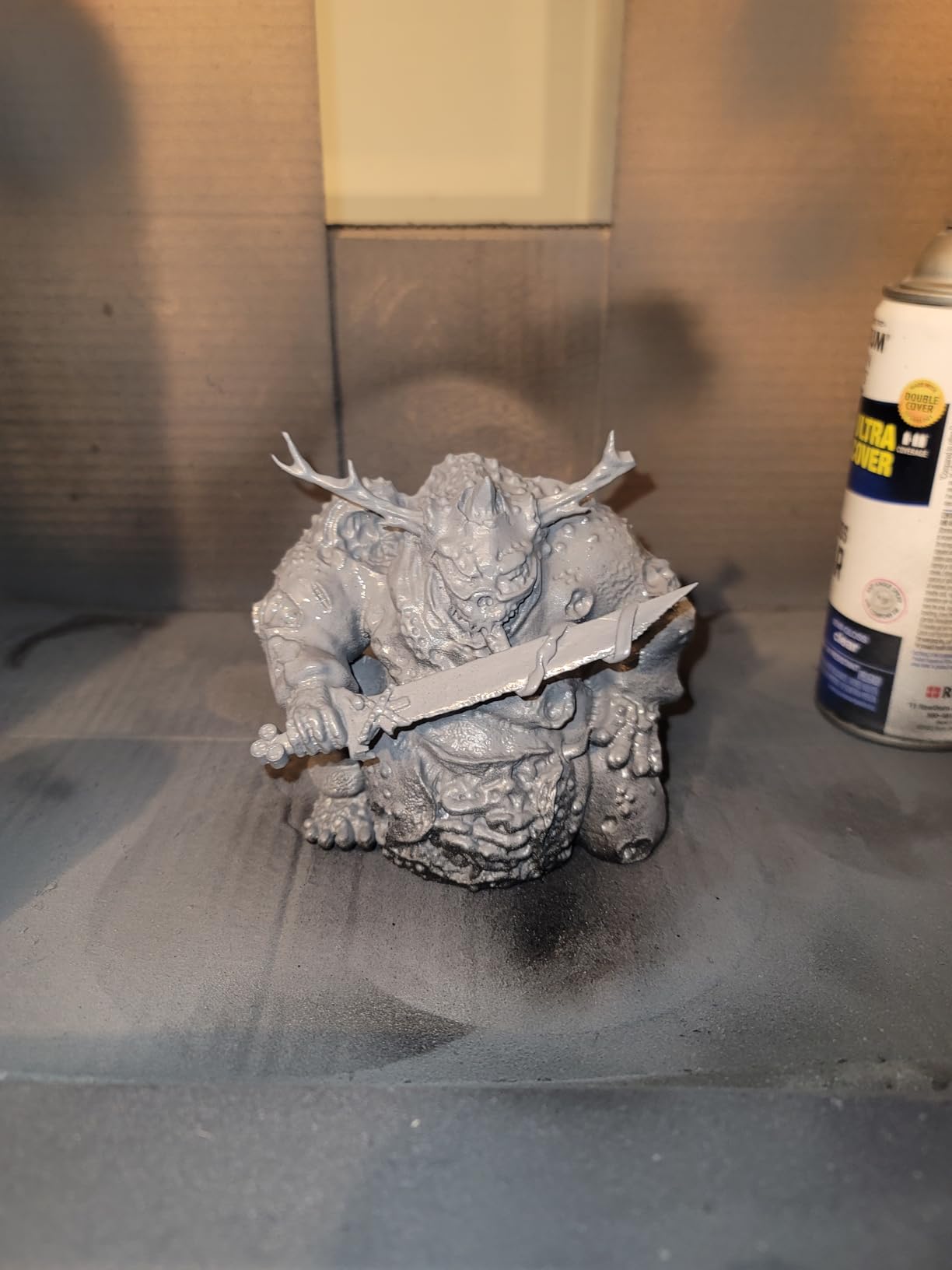
The AI camera is genuinely useful, not a gimmick. It detected a resin low situation during an overnight batch and paused the print instead of running the vat dry. You can also use it for time-lapse videos, which is a nice bonus if you share your work online. Wi-Fi transfer means you do not need to carry a USB stick back and forth.
At 150mm/h, the speed is fast enough that you can print a full squad of miniatures in a single overnight session. The build volume of 6.04 x 3.06 x 6.49 inches handles most individual miniatures and small groups easily, though you will not fit a dragon on it.
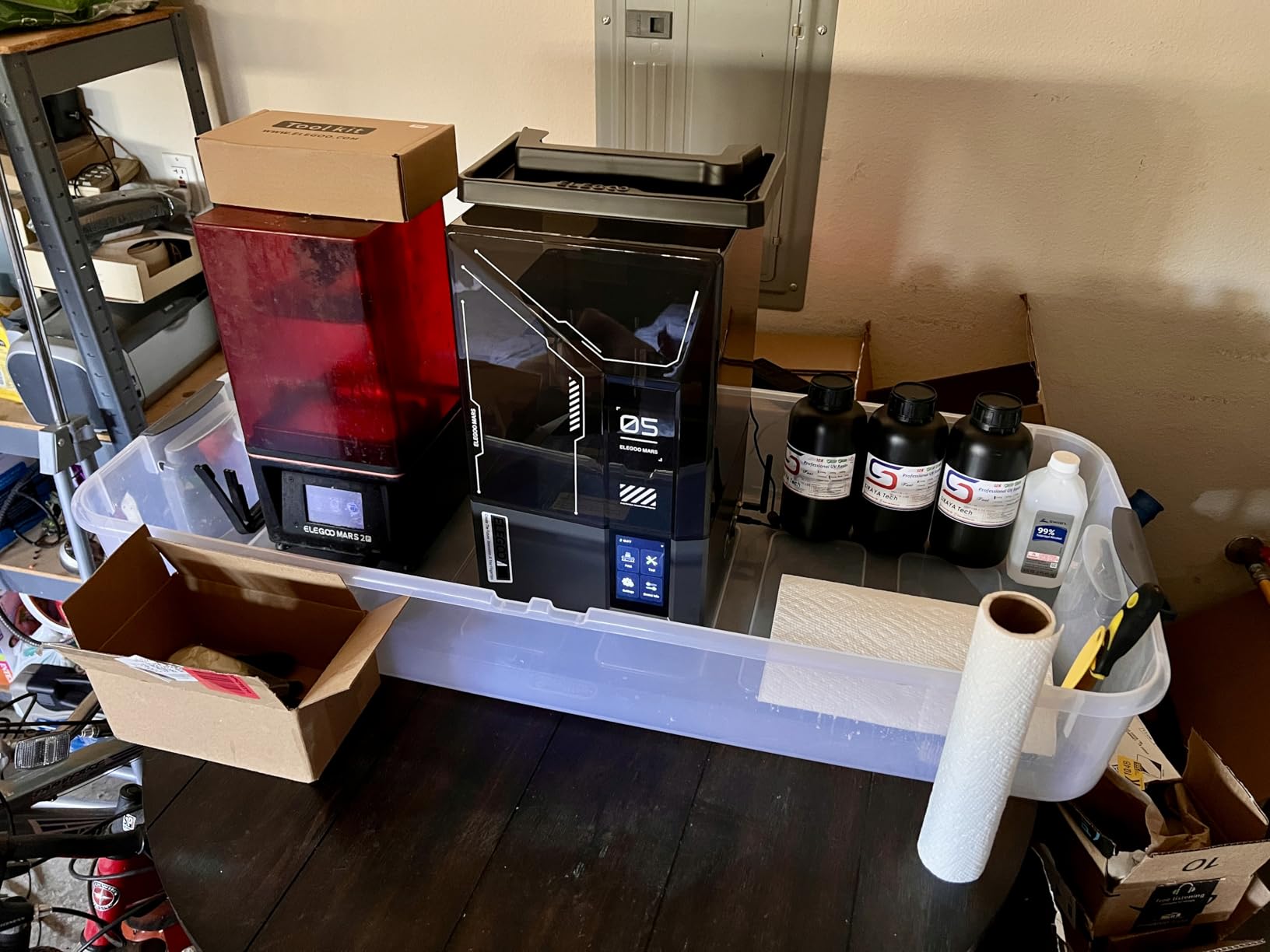
Who Should Buy This Printer
This is the printer I recommend to anyone who already knows they are serious about miniature printing and wants a machine that balances detail, speed, and smart features without jumping into premium pricing territory. It is the sweet spot between the budget Photon Mono 4 and the large-format Saturn options.
If you print miniatures several times per week and value features like auto-leveling, AI failure detection, and Wi-Fi transfer, the Mars 5 Ultra saves you time and frustration that cheaper models simply cannot match.
Where It Falls Short
The build volume is smaller than the Saturn series, so you cannot batch as many models per print. If you need to print 30 models at once for a tournament or a Kickstarter fulfillment run, you will outgrow this plate quickly.
The AI detection system works well but is not perfect. In low light or with very clear resins, it can miss issues. You still need to check your prints visually and not rely on the camera entirely.
2. ANYCUBIC Photon Mono 4 Ultra – Best Value for Detail
ANYCUBIC Photon Mono 4 Ultra 10K Resin 3D Printer, 7” HD Mono Screen
10K Mono LCD
17x17 micron XY resolution
120mm/h fast printing
COB light source with Fresnel lenses
5 intelligent inspections
4.3 inch HD touchscreen
Pros
- 17 micron XY resolution matches or beats printers costing twice as much
- 4.7 star rating with 82 percent five-star reviews is outstanding for reliability
- 5 intelligent inspections catch common problems before they ruin prints
- ACF film enables fast 120mm/h printing
- Touchscreen interface is intuitive for beginners
Cons
- Smaller build volume limits batch printing capacity
The Photon Mono 4 Ultra surprised me. I expected a budget printer with compromises, but the 17×17 micron XY resolution produces detail that rivals machines at double the price. When I printed a comparison set of the same miniature on this and the Mars 5 Ultra, the results were nearly indistinguishable to the naked eye.
The 4.7 star average rating across 135 reviews tells you what you need to know about reliability. An 82 percent five-star rate is exceptional in resin printing, where failures and quality control issues are common. Users consistently praise the print quality and the straightforward setup process.
The 5 intelligent inspections system checks for common failure points including resin levels, leveling status, and exposure issues. It is not as advanced as the Mars 5 Ultra AI camera, but it catches the basics that cause most beginner failures. The COB light source with Fresnel lenses maintains over 90 percent uniformity across the build area.
At 120mm/h, the print speed is solid for the price. You will not win speed records, but a full squad of miniatures finishes in a reasonable overnight session. The ACF film helps achieve those speeds without sacrificing too much detail.
Who Should Buy This Printer
This is the best choice if you want maximum detail per dollar. The 17 micron XY resolution is exceptional for this price tier, and the reliability rating means you will spend more time printing and less time troubleshooting. It is perfect for painters who want display-quality figures without spending on premium machines.
If you are upgrading from a 2K or 4K printer and want a noticeable jump in detail quality without a huge investment, the Photon Mono 4 Ultra is the most cost-effective upgrade path on this list.
Where It Falls Short
The build volume of 6.04 x 3.42 x 6.49 inches is compact. You can print individual miniatures and small batches, but you will not be printing large terrain pieces or massive busts on this machine.
The slicer software from ANYCUBIC (Photon Workshop) has a reputation for being buggy. Most experienced users switch to Chitubox or Lychee Slicer, which are free and work well with this printer.
3. ELEGOO Saturn 4 Ultra 16K – Best Premium Detail and Build Volume
ELEGOO Saturn 4 Ultra 16K Resin 3D Printer
16K Mono LCD
14x19 micron XY resolution
Heated resin tank
AI camera with time-lapse
150mm/h
Auto-leveling
Build volume 8.33x4.66x8.66 inches
Pros
- 16K resolution produces the sharpest detail available in consumer resin printing
- Heated resin tank improves success rates in cold rooms and with viscous resins
- Large build volume handles big batches or larger display pieces
- AI camera with integrated light for monitoring and time-lapse
- 150mm/h speed matches the fastest printers on the market
Cons
- Higher price point
- Some quality control concerns reported
The Saturn 4 Ultra 16K is the printer I recommend when budget is not the primary constraint and you want the best combination of resolution and build volume available. The 16K LCD with 14×19 micron XY resolution is a genuine step above 8K and 10K screens. On detailed models with fine filigree, weapon details, and textured armor, the difference is visible even at arm’s length.
The heated resin tank is a feature most people do not realize they need until they have one. If you print in a garage, basement, or any space that drops below 25 degrees Celsius, cold resin causes adhesion failures and layer separation. The tank heater activates automatically below 25 degrees and maintains optimal temperature without any user intervention.
The build volume of 8.33 x 4.66 x 8.66 inches is large enough to batch entire armies. I loaded up a plate with 18 miniatures in a single print and walked away. On smaller printers, that would have required 4 to 5 separate runs. The time savings over weeks of printing adds up significantly.
The AI camera with integrated light works well for overnight monitoring. It records time-lapses and can detect certain failure types. The one-click auto self-check verifies leveling and resin status before each print, which is a confidence boost for expensive resin batches.
Who Should Buy This Printer
This is for dedicated hobbyists and small businesses who print regularly and need both maximum detail and substantial build volume. If you sell miniatures on Etsy or at conventions, the batch capacity and 16K detail justify the investment quickly.
If you print in a cold environment and have been fighting adhesion failures, the heated tank alone may be worth the upgrade over non-heated models.
Where It Falls Short
At 35.4 pounds, this is a heavy machine that needs a sturdy, dedicated workbench. It is not something you can easily move between rooms or tuck into a closet when not in use.
Some users have reported quality control issues, and with only 56 reviews so far, long-term reliability data is still limited. The 11 percent one-star rate suggests some units may arrive with defects that require returns or warranty service.
4. ANYCUBIC Photon Mono 4 – Best Budget Pick for Beginners
ANYCUBIC Photon Mono 4, Resin 3D Printer with 7” 10K Mono LCD Screen
7 inch 10K Mono LCD
LighTurbo matrix light source
4-point leveling
Resume print after power loss
Compact 7.7 lb design
Laser-engraved build platform
Pros
- 10K resolution at an entry-level price delivers excellent detail per dollar
- LighTurbo light source produces smooth surfaces with even curing
- Compact and lightweight at just 7.7 pounds
- Resume printing after power outages saves your work
- 4.4 star rating with 77 percent five-star reviews from 518 users
Cons
- Smaller print volume than some competitors
- Photon Workshop slicer can be buggy
- Corners may have minor leveling issues
The Photon Mono 4 is the printer I recommend to absolute beginners who want to try resin printing for miniatures without a big upfront investment. The 10K resolution produces detail that is more than good enough for tabletop gaming miniatures, and the 4.4 star average across 518 reviews shows it is a reliable workhorse.
What I like most about this printer is its simplicity. The 4-point leveling system is straightforward to set up, the LighTurbo light source provides even curing across the build plate, and the laser-engraved platform grips resin well for consistent first-layer adhesion. For a first resin printer, the learning curve is gentle.
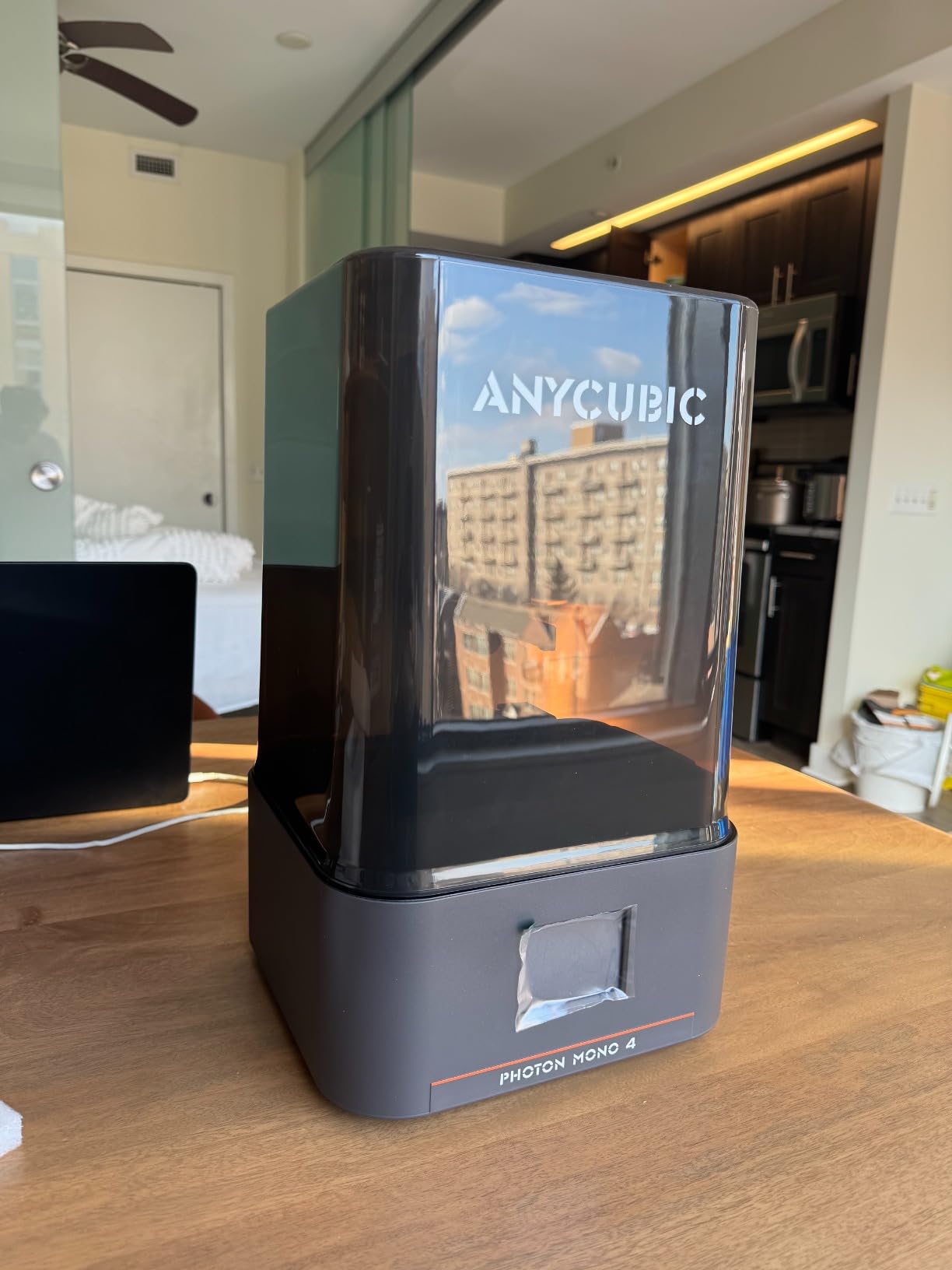
The resume print function is a small feature that saved me from at least two ruined batches when the power flickered. Without it, a power interruption means you lose everything on the plate. The 7.7-pound weight means you can easily move it to a well-ventilated area when printing.
For the price, the detail quality is genuinely impressive. At 10K resolution, you get clean facial features, sharp weapon edges, and smooth surfaces. It will not match the 17 micron detail of its Ultra sibling, but for tabletop distance viewing, most people will not notice the difference.
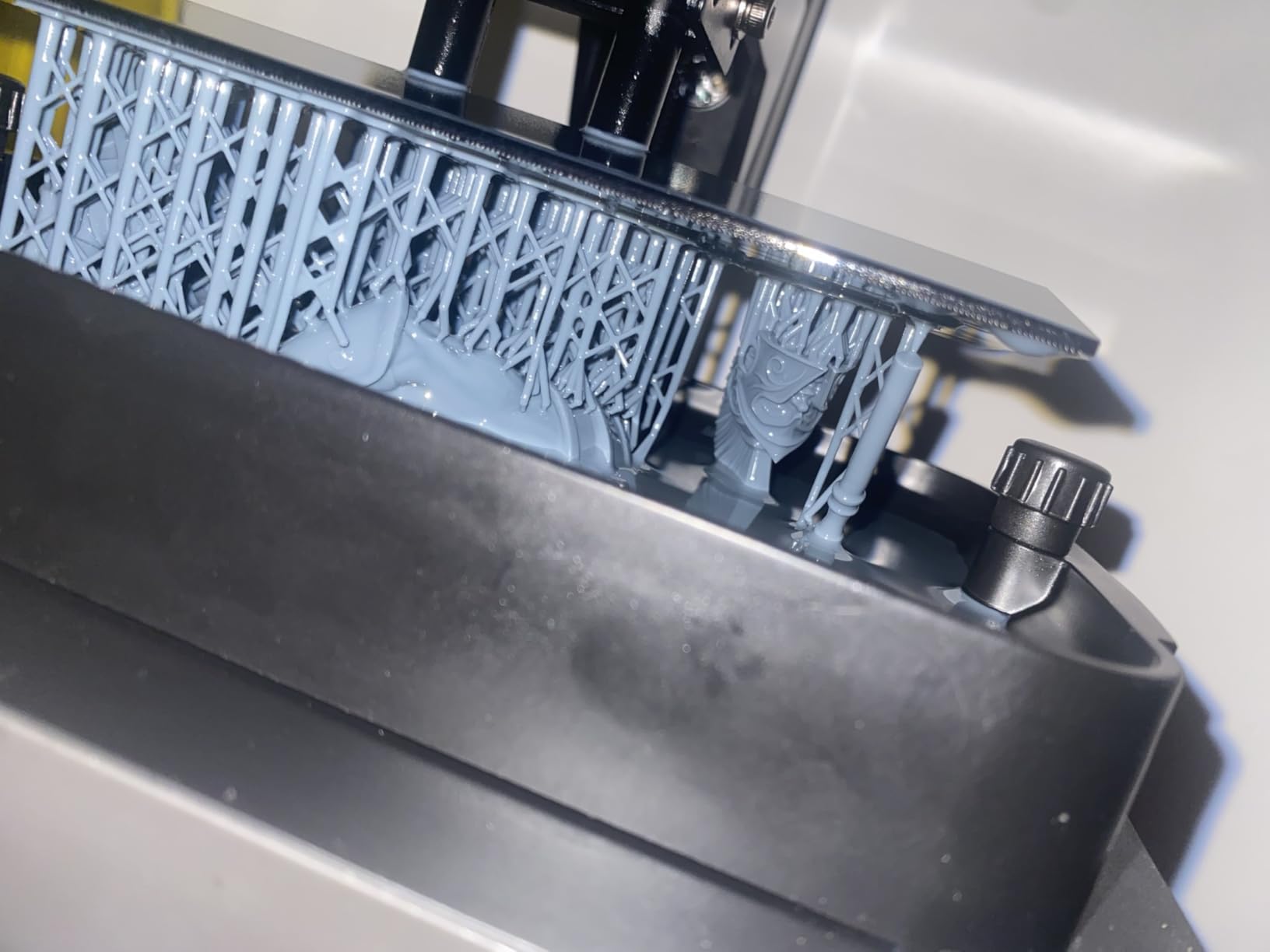
Who Should Buy This Printer
This is the ideal first resin printer for someone who wants to test the waters of miniature printing without committing a large budget. If you are not sure whether resin printing is for you, start here and upgrade later if you decide to go all in.
It is also a great secondary printer for experienced users who want a compact machine for quick single-figure prints while their main printer is running a batch.
Where It Falls Short
The print volume of 6.04 x 3.42 x 6.49 inches limits batch sizes. You can fit about 3 to 5 standard miniatures per print depending on orientation, which is fine for personal use but slow if you need to produce armies.
The included Photon Workshop slicer is buggy and unintuitive. Plan to switch to Chitubox or Lychee Slicer on day one, both of which are free and handle this printer without issues.
5. ELEGOO Saturn 3 12K – Best for Large Batches on a Budget
ELEGOO Saturn 3 MSLA 12K 3D Printer
10-inch 12K Mono LCD
19x24 micron XY resolution
Large build volume 8.62x4.84x9.84 in
Fresnel collimating lens
70mm/h
Voxeldance Tango slicer
Pros
- Large build volume is perfect for batching miniatures or printing terrain pieces
- 12K resolution with 19x24 micron XY delivers crisp detail
- Fresnel collimating lens maintains over 90 percent light uniformity
- Laser-carved build plate provides excellent adhesion
- Ranked 17th best seller in 3D Printers category on Amazon
Cons
- Heavy at 33 pounds
- Requires ventilation due to resin odor
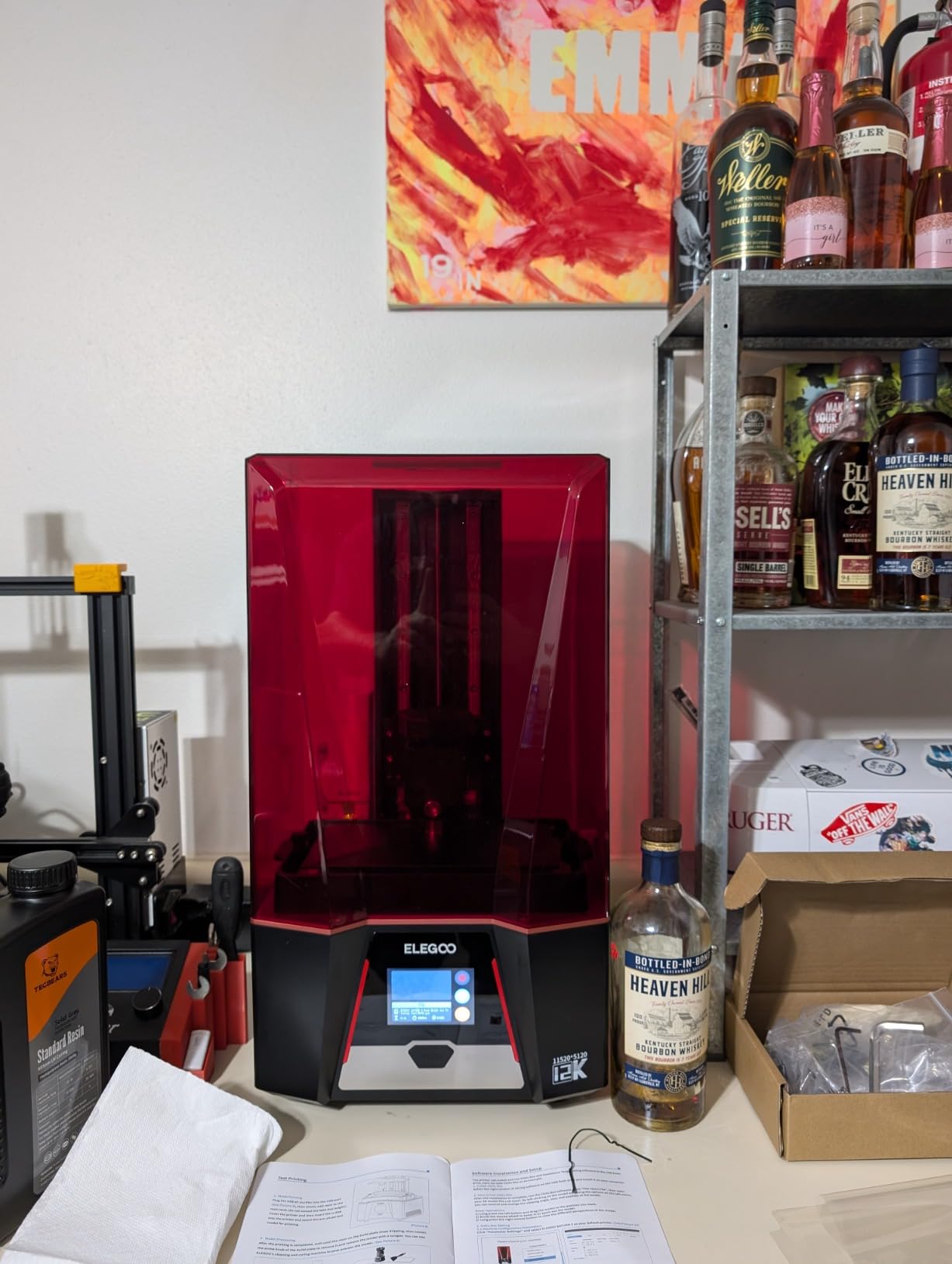
The Saturn 3 is the printer I recommend when you need large batch capacity but do not want to pay premium prices. The 8.62 x 4.84 x 9.84 inch build volume lets you load a full plate of miniatures for an overnight run. I fit 22 standard 28mm figures on a single plate and had them ready by morning.
The 12K resolution with 19×24 micron XY is a solid detail level for miniatures. It is not as sharp as the 16K Saturn 4 Ultra or the 17 micron Photon Mono 4 Ultra, but at tabletop distance, most painters will not see the difference. Where this printer wins is the combination of detail and volume at a mid-range price.
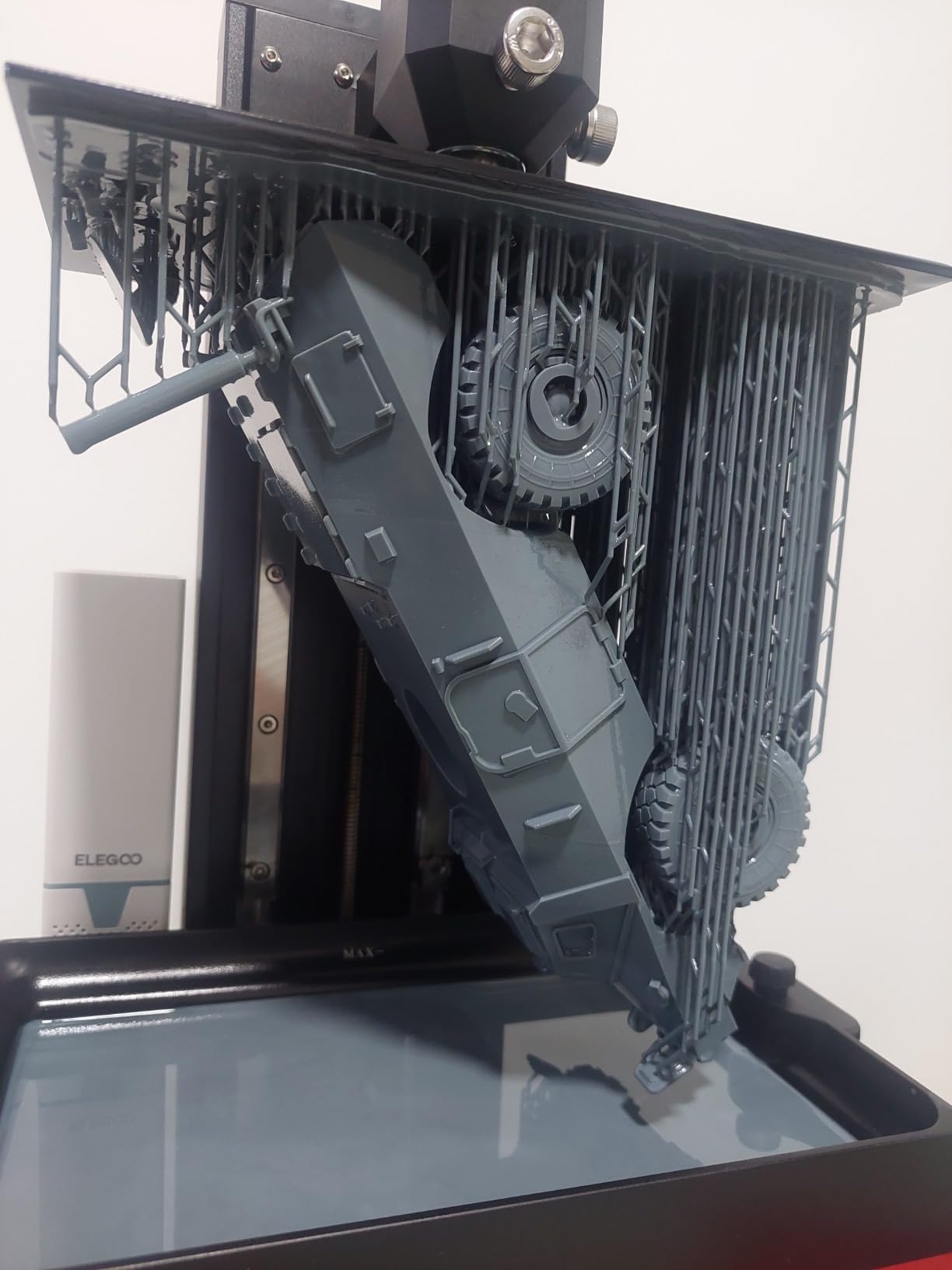
The Fresnel collimating lens system focuses UV light evenly across the entire 10-inch LCD. That means models printed at the edges of the plate get the same exposure quality as those in the center. On cheaper printers without uniform light sources, edge detail can suffer significantly.
The laser-carved build plate is one of those small design choices that makes a big practical difference. It grips resin reliably on the first layer, which is the number one source of print failures for beginners. With 286 reviews and a 4.2 star average, this is a well-proven machine.
Who Should Buy This Printer
This is the best choice for tabletop gamers who want to print entire squads or armies efficiently. If you play Warhammer or Kings of War and need to produce dozens of miniatures, the large build volume combined with 12K detail gives you production capacity without premium pricing.
It is also good for people who print both miniatures and larger models like busts, diorama elements, or board game accessories. The taller Z-axis gives you more flexibility than smaller machines.
Where It Falls Short
The 70mm/h print speed is slower than the newer generation of 120-150mm/h printers on this list. If speed is your priority, the Mars 5 Ultra or Saturn 4 Ultra will save you significant time on large batches.
At 33 pounds, this is a heavy printer that needs a dedicated, sturdy surface. Resin odor is also more noticeable than on compact machines, so plan for ventilation or an enclosure.
6. Phrozen Sonic Mighty 8K – Best for Large Display Pieces
phrozen Sonic Mighty 8K LCD Resin 3D Printer, 10″ Monochrome LCD, Tabletop 3D Resin Printer with 28µm XY Resolution, 8.6 * 4.8 * 9.3 Inch Printing Volume for Models, Miniatures and Action Figures
10 inch Monochrome LCD
28 micron XY resolution
8.6x4.8x9.3 inch build volume
Dual linear rails on Z-axis
Smart firmware with consistent exposure
Reinforced stability
Pros
- 28 micron XY resolution on a 10 inch LCD delivers consistent detail across a large area
- Dual linear rails on the Z-axis eliminate wobble for clean vertical surfaces
- Large build volume handles display pieces and busts
- Smart firmware maintains consistent exposure across prints
- Proven reliability with 171 reviews at 4.3 stars
Cons
- Camera feature reported as non-functional
- Learning curve for slicer settings
- Customer service reports mixed
The Phrozen Sonic Mighty 8K fills a specific niche that the ELEGOO and ANYCUBIC lines do not cover as well. It gives you a large 10-inch build area with dual linear rails on the Z-axis, which produces exceptionally clean vertical surfaces on tall models like busts and large display figures. For painters who focus on bigger pieces, the stability of that dual-rail system matters more than raw pixel count.
At 28 microns, the XY resolution is slightly larger than the sub-20 micron machines on this list. In practice, for display pieces viewed at arm’s length, the difference is negligible. The real advantage here is the build quality and Z-axis stability, which shows up on tall prints where single-rail machines can develop visible banding.
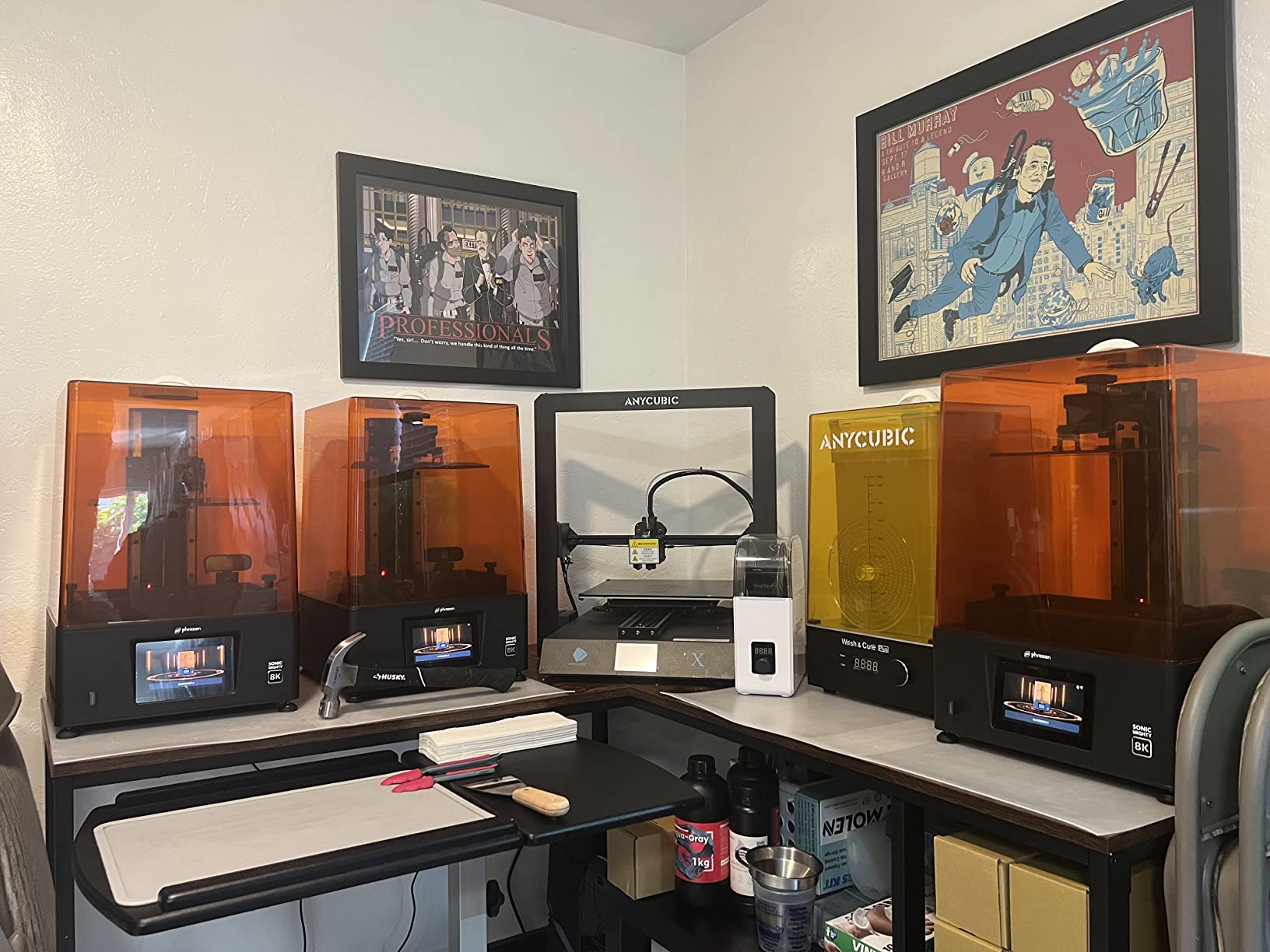
The smart firmware is designed to maintain consistent exposure across prints, which means your hundredth print should look identical to your first. That consistency matters if you are producing miniatures for sale or need matched sets for a gaming group. The improved thermal performance keeps the LCD running at stable temperatures during long batches.
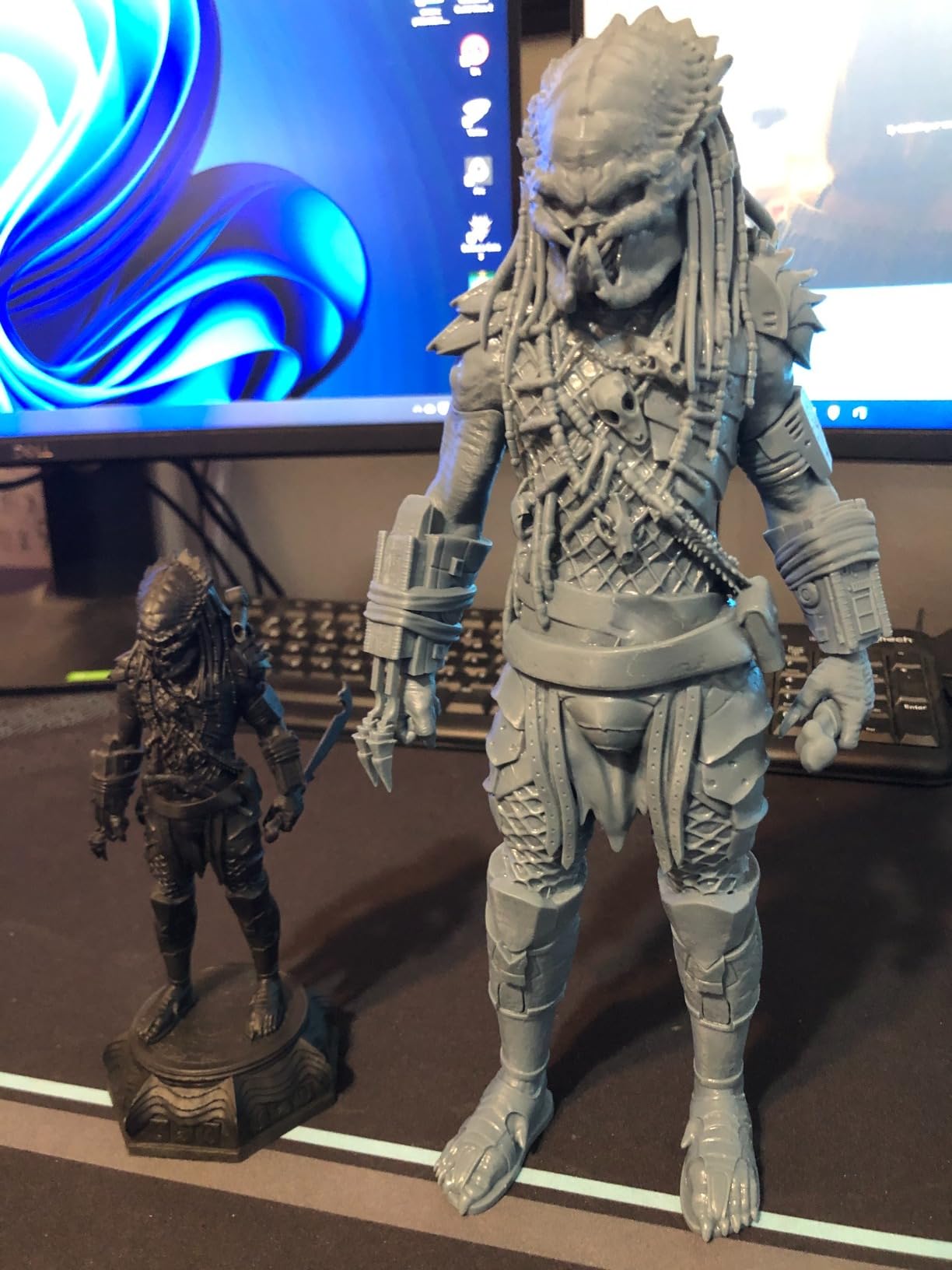
I tested this printer on a 120mm bust and a set of 75mm display figures, and the results were clean and professional. The large build volume means you can print tall pieces without tilting or cutting models into sections.
Who Should Buy This Printer
This is the best choice for miniature painters who focus on display pieces, large busts, and bigger scale figures rather than mass-producing 28mm squads. If your priority is print stability on tall models rather than maximum pixel density, the dual-rail system here is a meaningful advantage.
It is also a strong choice for small studios that need consistent, repeatable results across many print runs for commercial work.
Where It Falls Short
The camera feature that Phrozen advertises has been reported as non-functional by multiple users. If you are buying this for remote monitoring, you will be disappointed. The AI failure detection on the ELEGOO models works better in practice.
Phrozen’s customer service has mixed reviews. If you need warranty support or replacement parts, response times and availability can be inconsistent compared to ELEGOO or ANYCUBIC.
7. Phrozen Sonic Mini 8K S – Best Ultra-Fine Detail on a Budget
phrozen Sonic Mini 8K S LCD Resin 3D Printer, 7.1″ Monochrome LCD, Tabletop 3D Resin Printer with 22µm XY Resolution, 6.5 * 2.8 * 6.7 Inch Printing Volume for Models, Miniatures and Action Figures
7.1 inch 8K Monochrome LCD
22 micron XY resolution
6.5x2.8x6.7 inch build volume
22 lb load capacity
Compatible with Lychee, Chitubox, Tango
Precise Z-axis calibration
Pros
- 22 micron XY resolution delivers exceptional detail for the price
- Beginner-friendly operation despite high resolution
- Open source slicer compatibility gives you flexibility
- Precise Z-axis calibration ensures consistent layer heights
- 4.5 star average with 81 percent five-star reviews
Cons
- Smaller print volume than competitors
- Higher price relative to build size
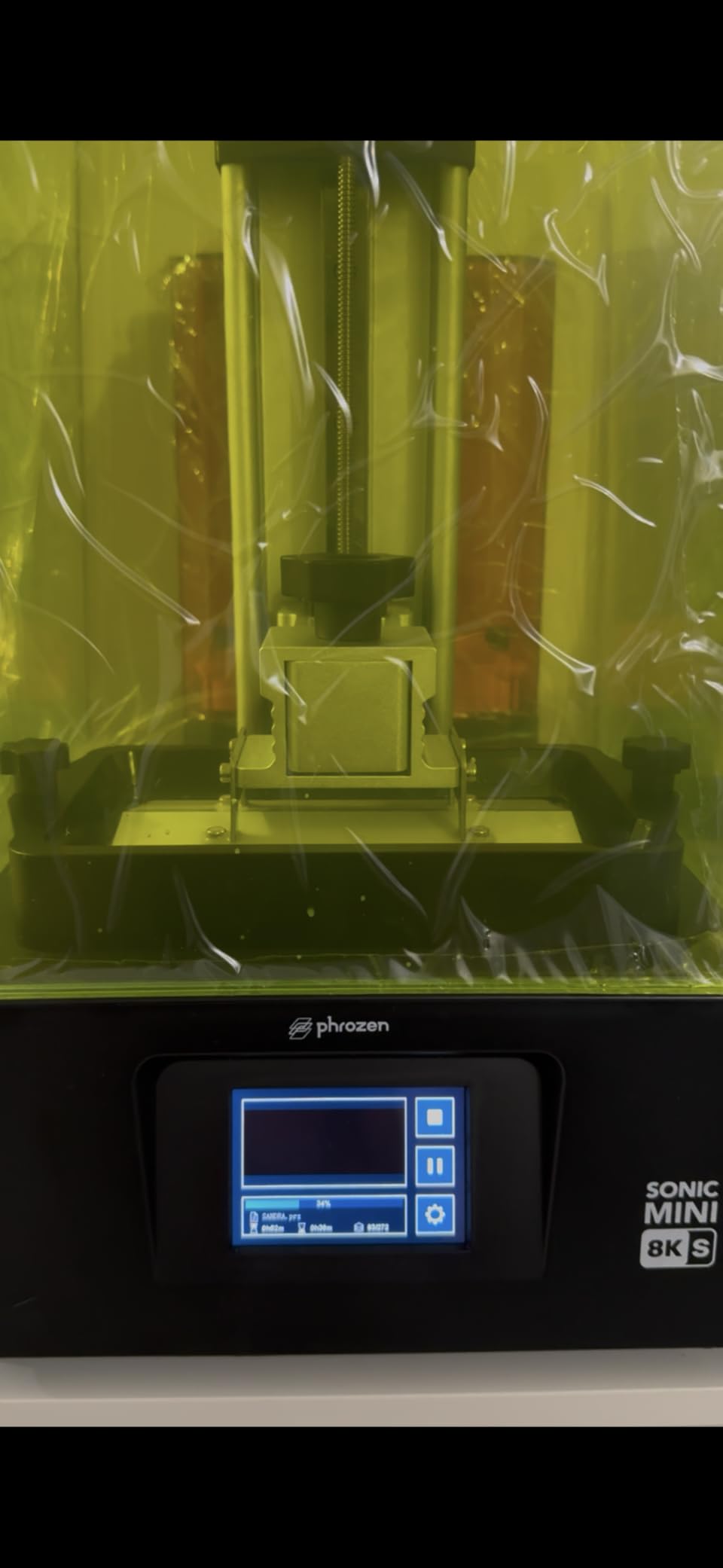
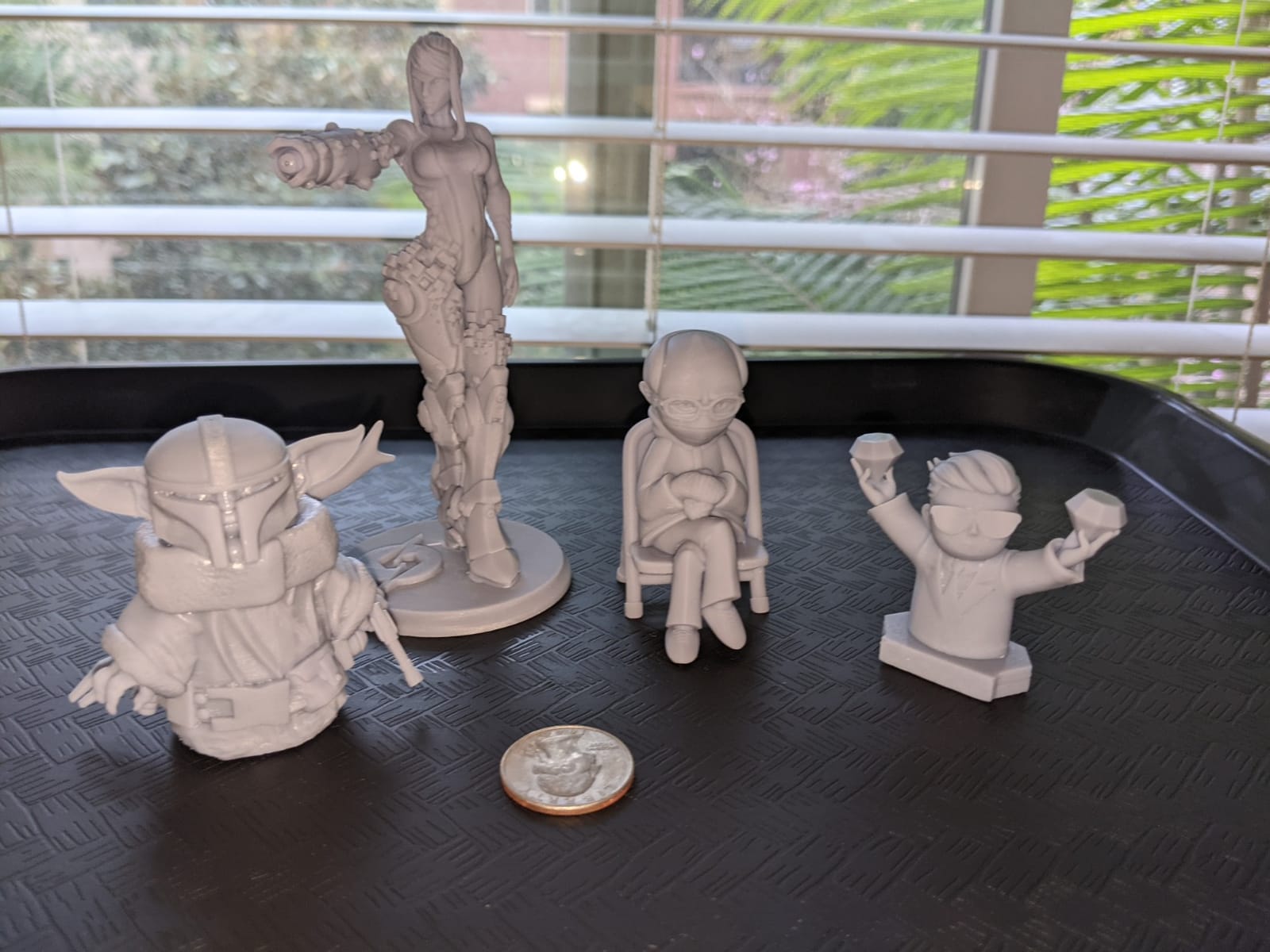
The Phrozen Sonic Mini 8K S has a loyal following in the miniature printing community, and after testing one I understand why. The 22 micron XY resolution produces detail that holds up under close inspection with a magnifying lamp. On small 28mm miniatures, you can see eyelids, fingernail details, and individual belt buckles that blur on lower-resolution screens.
Community consensus on r/PrintedMinis is that this printer still holds up against newer models for raw detail quality, even though it was released in 2023. The 81 percent five-star rate and 4.5 star average are the highest detail-to-price ratings among compact printers on this list.
The open-source slicer compatibility is a real advantage. You can use Lychee Slicer, Chitubox, or Voxeldance Tango, whichever you prefer. That flexibility matters because slicer software affects your results as much as the printer hardware. Being locked into one slicer limits your ability to optimize supports and exposure settings.
The precise Z-axis calibration ensures consistent layer heights, which translates to smoother surfaces and fewer visible layer lines. On curved surfaces like cloaks and capes, this is where the Mini 8K S really shines compared to less precisely calibrated machines.
Who Should Buy This Printer
This is the best choice for miniature painters who prioritize detail above all else and primarily print individual figures rather than large batches. If you paint competition-level display miniatures where every micron of detail counts, the 22 micron resolution and precise calibration deliver results that satisfy the most demanding painters.
It is also a great option if you already have a preferred slicer and want a printer that does not lock you into proprietary software.
Where It Falls Short
The build volume of 6.5 x 2.8 x 6.7 inches is one of the smallest on this list. The narrow 2.8-inch Y-axis means you can fit fewer models per row. For batch printing armies, this is a significant limitation.
The price per square inch of build plate is higher than the ELEGOO and ANYCUBIC alternatives. You are paying a premium for the resolution and build quality on a compact footprint.
8. ANYCUBIC Photon Mono M7 Pro – Best for High-Volume Production
ANYCUBIC Photon Mono M7 PRO 14K Resin 3D Printer, 170mm/h Fast Printing
14K Mono LCD
16.8x24.8 micron XY
170mm/h ultra-fast
COB LighTurbo 3.0
Dynamic heated vat
Auto resin fill and recycling
6 detection types
Build volume 8.77x4.96x9.05 in
Pros
- 170mm/h is the fastest print speed on this list
- 14K resolution with 16.8x24.8 micron XY delivers sharp detail
- Dynamic heated vat maintains optimal resin temperature
- Auto resin fill and one-key recycling minimizes mess
- 6 intelligent detection types catch failures before they spread
- 2060 reviews make this the most-reviewed printer on our list
Cons
- Quality control issues reported
- Learning curve for slicer settings
- Loud internal exhaust fans
The Photon Mono M7 Pro is built for people who print a lot and want the process to be as automated as possible. At 170mm/h, it is the fastest printer on this list, and the auto resin fill system means you do not have to manually pour resin before each batch. With 2060 reviews, this is also the most battle-tested machine here.
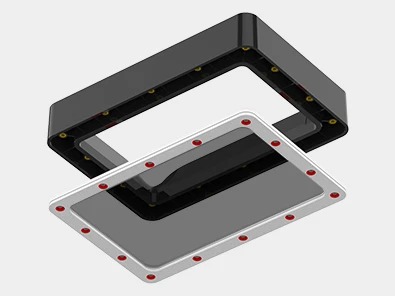
The dynamic heated vat is a standout feature. It maintains resin at the optimal temperature for viscosity and flow, which improves detail and reduces failures with thicker resins. If you have ever struggled with cold resin causing poor adhesion or detail loss, the heated vat eliminates that problem entirely.
The auto resin fill and one-key recycling system is genuinely useful for high-volume printers. You load resin into an external reservoir, and the printer fills the vat automatically. When you are done, the one-key recycling pumps leftover resin back into the bottle. This significantly reduces mess and waste, which matters when you are running multiple batches per week.
The 14K LCD with 16.8×24.8 micron XY resolution produces detail comparable to the premium printers on this list. Combined with the 8.77 x 4.96 x 9.05 inch build volume, you can produce large batches of detailed miniatures quickly.
Who Should Buy This Printer
This is the best choice for small businesses, Etsy sellers, and serious hobbyists who print multiple times per week and want maximum automation. The auto resin fill, heated vat, and fast print speeds add up to significant time savings if you are running production batches.
If you hate the mess and cleanup associated with resin printing, the automated resin handling system makes this the cleanest printing experience on the list.
Where It Falls Short
Some users have reported quality control issues, so inspect your unit carefully when it arrives. The learning curve for slicer settings is steeper than on the beginner-oriented printers, and you may need to tune exposure times for different resins.
The internal exhaust fans are loud. If you print in a shared living space, the noise may be bothersome during long print runs. Plan for a dedicated printing area away from where you spend time.
9. ELEGOO Mars 5 – Best Entry-Level Resin Printer
ELEGOO Mars 5 Resin 3D Printer
4K Mono LCD
Automatic leveling
Desktop form factor
5.65x3.53x5.91 inch print size
Flip lock build plate removal
Fast printing speed
Pros
- Automatic leveling eliminates the most common beginner frustration
- Flip lock build plate removal is quick and easy
- Good print quality comparable to higher-end brands
- Fast printing speed for the price
- Great customer service from ELEGOO
Cons
- Vat screw design can strip plastic caps
- FEP replacement process is tedious
- New Satellite slicer software has usability issues
The ELEGOO Mars 5 is the entry-level version of the Mars 5 Ultra. It trades the 9K resolution for 4K and drops the AI camera and tilt release technology, but keeps the automatic leveling that makes it one of the easiest resin printers to set up. For a true beginner who just wants to start printing miniatures, this is a solid starting point.
The automatic leveling is the feature that makes this printer worth considering over cheaper manual-level alternatives. Forum discussions consistently identify leveling as the number one frustration for new resin printer owners. The Mars 5 removes that barrier entirely, which dramatically reduces the learning curve for first-time users.
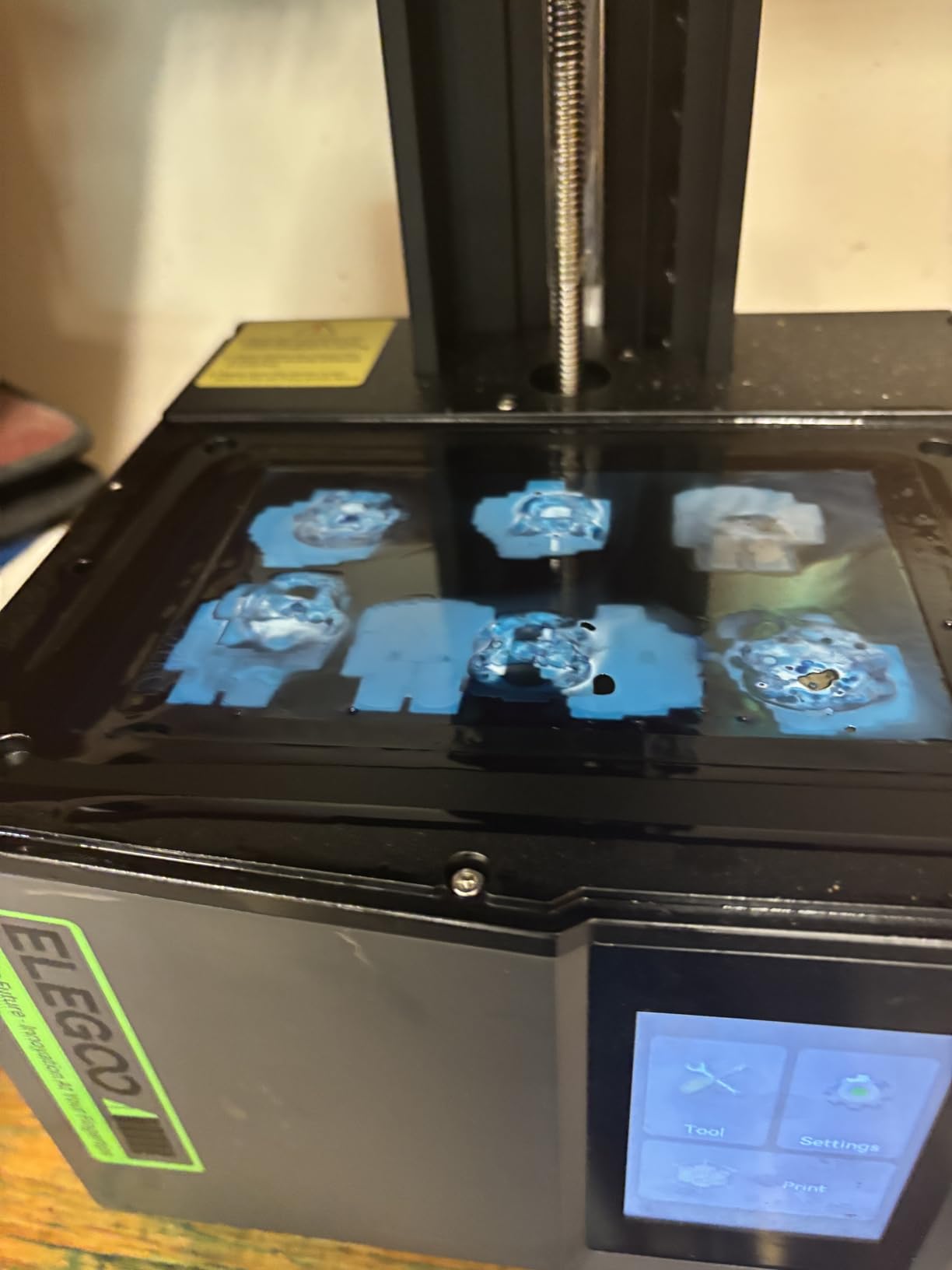
The 4K resolution is adequate for most tabletop miniatures. You will not get the ultra-fine detail of the 8K or 10K printers on this list, but for standard 28mm gaming figures viewed at arm’s length on a tabletop, the detail is perfectly acceptable. Faces, weapons, and armor details all come through clearly.
The flip lock build plate removal system is a small but appreciated feature. You release a lever and the build plate comes off cleanly, ready for scraping. No screws to fiddle with, no tools needed. It makes the post-print cleanup process noticeably faster.
Who Should Buy This Printer
This is the best choice for someone who has never touched a resin printer before and wants the simplest possible setup experience. The automatic leveling means you can be printing within an hour of unboxing, and the 4K resolution is sufficient for learning the basics of miniature printing.
If you are buying for a younger hobbyist or someone who is not technically inclined, the simplicity of the Mars 5 makes it a stress-free introduction to resin printing.
Where It Falls Short
The 4K resolution will leave detail-focused painters wanting more. If you paint display miniatures or competition pieces, you will eventually want to upgrade to a higher-resolution machine.
The vat screw design has been criticized for being able to strip the plastic caps, and FEP replacement is more tedious than on newer designs. The Satellite slicer software also has usability issues, so plan to use Chitubox or Lychee instead.
10. Creality HALOT R6 – Best for Kids and Absolute Beginners
Creality Resin 3D Printer for Kids and Beginners, HALOT R6 Fully Assembled
2K 6.08 inch LCD
Fully assembled out of box
Integral light source with over 90 percent uniformity
Compact 4.25 kg
Boot guide for beginners
HALOT BOX software and Creality Cloud
Pros
- Fully assembled so you can start printing immediately
- Compact and lightweight at just 4.25 kg
- Integral light source maintains over 90 percent uniformity
- High-precision Z-axis with minimal wobble
- Built-in boot guide walks beginners through first prints
Cons
- 2K LCD is significantly lower resolution than competitors
- Orange cover can cause usability issues
- Some quality control concerns reported
The Creality HALOT R6 is the most beginner-focused printer on this list. It arrives fully assembled, so you unbox it, level the bed, pour resin, and start printing. There is no build process, no firmware flashing, and no complicated setup. The built-in boot guide walks you through every step on the screen.
At 4.25 kg, this is the lightest printer on the list. You can easily move it to a ventilated area, store it in a closet when not in use, or set it up on a small desk. For anyone with limited space, the compact footprint is a real advantage.
The integral light source achieves over 90 percent uniformity, which is impressive for a printer at this price point. That means prints cure evenly across the entire build plate, with no soft corners or underexposed edges. The high-precision Z-axis minimizes wobble, producing cleaner layer lines than you might expect from a 2K printer.
The HALOT BOX software and Creality Cloud app integration give you a straightforward workflow for preparing and sending print files. The cloud platform also has a library of pre-supported models, which is helpful for beginners who have not yet learned to orient and support their own files.
Who Should Buy This Printer
This is the best choice for absolute beginners, younger hobbyists, or anyone who wants the simplest possible resin printing experience. The fully assembled design and guided setup make it the lowest-barrier entry point into resin miniature printing on this list.
If space is a major constraint and you need a printer you can easily store and transport, the lightweight compact design here is hard to beat.
Where It Falls Short
The 2K LCD is the lowest resolution on this list by a significant margin. For display-quality miniatures, the detail will not satisfy experienced painters. You will see soft edges on fine details like facial features and weapon ornaments compared to 8K or higher printers.
The 3.9 star average rating with 19 percent one-star reviews indicates some quality control concerns. Some users report issues with the orange UV shield cover and inconsistent print results. This is a budget printer, and the component quality reflects that.
11. ELEGOO Jupiter 2 – Best for Large-Scale Production
ELEGOO Jupiter 2 Resin 3D Printer, 16K Large MSLA 3D Printing Machine, Auto-Leveling, Smart Tank Heating, Auto Resin Feeding, Smart Mechanical Sensor, Wi-Fi Cluster, Build Size 302.4 × 161.98 × 300 mm
16K MSLA
20x26 micron XY
Build size 302.4x161.98x300 mm
Auto-leveling
Smart tank heating at 30C
Auto resin feeding
Smart mechanical sensor
Wi-Fi cluster
Double-door design
HDR camera
Pros
- Build volume 2.5 times larger than Saturn 4 for maximum production capacity
- 16K resolution with 20x26 micron XY delivers professional detail
- Smart tank heating maintains 30 degrees Celsius automatically
- Automated resin feeding prevents mid-print resin depletion failures
- Quick-swap release film allows tool-free FEP changes
- Double-door design with transparent window for easy monitoring
Cons
- Premium price point
- 17 percent one-star reviews suggest reliability concerns
- Heavy and requires dedicated space
The ELEGOO Jupiter 2 is designed for people who need serious production capacity. The build volume of 302.4 x 161.98 x 300 mm is roughly 2.5 times larger than the Saturn 4 Ultra. You can load an entire display shelf worth of miniatures on a single plate, or print large terrain pieces and diorama elements alongside your figures.
The 16K resolution with 20×26 micron XY keeps detail high even across the massive build area. That is impressive because maintaining detail uniformity over a large LCD is harder than on a compact screen. The HDR technology and built-in camera let you monitor progress in real time without opening the enclosure.
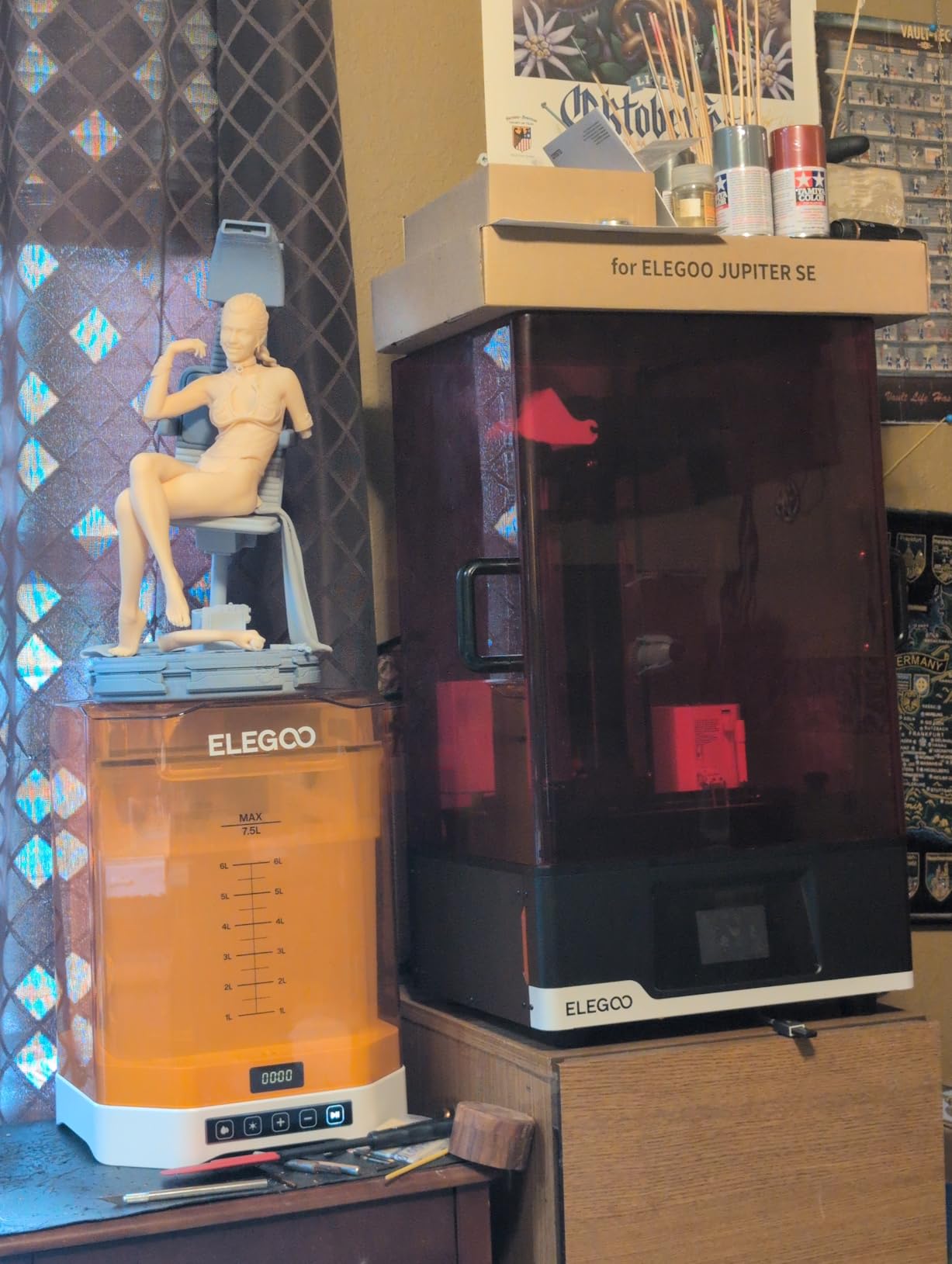
The automated resin feeding system is essential for a printer this large. Without it, you would need to manually top up the vat multiple times during a large batch. The system monitors resin levels and feeds automatically, so you can start a print and walk away with confidence.
The smart tank heating maintains resin at 30 degrees Celsius, which is optimal for most miniature resins. This is especially valuable for large prints that run for 12 hours or more, where temperature consistency across the full duration prevents layer inconsistencies.
Who Should Buy This Printer
This is the best choice for commercial operations, print farms, and serious hobbyists who need maximum production capacity. If you are fulfilling Kickstarter pledges, running an Etsy shop, or supplying a gaming store, the Jupiter 2 eliminates the bottleneck of small build plates that require constant reloading.
The large build volume also makes this suitable for printing large display pieces, diorama bases, and terrain alongside standard miniatures.
Where It Falls Short
The 17 percent one-star review rate is a red flag for reliability. At this price point, you should expect consistent quality. Some users have reported reliability issues that required warranty service or returns. With only 73 reviews so far, long-term reliability data is limited.
This is a large, heavy machine at 63.8 pounds that requires a dedicated workspace. The premium price means it only makes sense if you genuinely need the production capacity that the large build volume provides.
12. Phrozen Sonic Mega 8K S – Best for Professional Print Farms
phrozen Sonic Mega 8K S LCD/MSLA Resin 3D Printer, 43 µm High Resolution, 15 inch Mono LCD Screen, Fast Production Accurate Details, Large Printing Size L12.99xW7.28xH11.81 Printing Volume
15 inch 8K Mono LCD
43 micron XY resolution
Build volume 12.99x7.28x11.81 inches
ACF film
TR300 high-speed resin compatible
Lift-up lid
Built-in metal drip hanger
80 models in 90 minutes
Pros
- Massive 15 inch LCD with build volume for industrial-scale production
- ACF film and TR300 resin compatibility enable up to 10x faster printing
- Built-in metal drip hanger for zero-waste workflow
- Lift-up lid design saves bench space compared to flip-back lids
- 80 models in 90 minutes is exceptional throughput for batch production
Cons
- 43 micron XY resolution is larger than most printers on this list
- 23 percent one-star reviews indicate significant reliability concerns
- Premium pricing with mixed reliability
The Phrozen Sonic Mega 8K S is the most production-focused printer on this list. With a 15-inch LCD and a build volume of 12.99 x 7.28 x 11.81 inches, this machine can produce 80 models in a single 90-minute print run when used with TR300 high-speed resin. For print farms and commercial operations, that throughput is a game-changer.
The 43 micron XY resolution is the largest on this list, which means individual model detail will not match the sub-20 micron printers. However, for commercial miniature production where models are sold unpainted for tabletop use, 43 microns is perfectly adequate. The advantage here is volume, not pixel density.
The ACF film combined with TR300 high-speed resin enables up to 10x faster printing compared to standard FEP film and conventional resins. That speed advantage is what makes the 80-models-in-90-minutes figure possible. For anyone producing miniatures for sale, time per model is the metric that determines profitability.
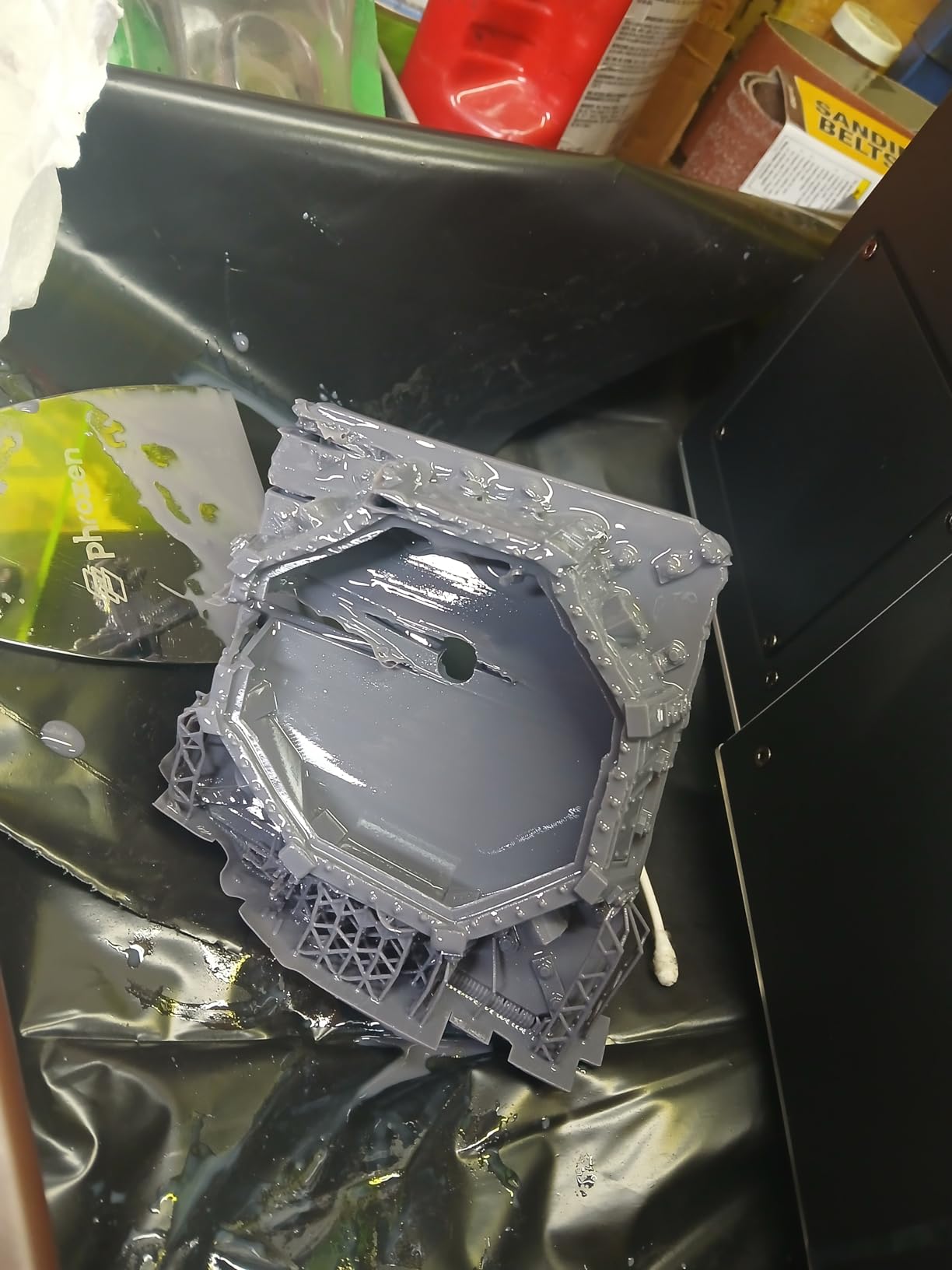
The built-in metal drip hanger and lift-up lid design show that this printer was designed by people who actually use resin printers in production. The drip hanger lets you drain excess resin from the build plate back into the vat without making a mess. The lift-up lid saves bench space in a cramped workshop.
Who Should Buy This Printer
This is the best choice for professional print farms and commercial miniature producers where throughput is the top priority. If you need to produce hundreds of miniatures per week for sale, the massive build volume and high-speed printing capability deliver production efficiency that no other printer on this list can match.
It is also viable for gaming groups or clubs that pool resources and want to produce large volumes of terrain and miniatures collectively.
Where It Falls Short
The 23 percent one-star review rate is the highest on this list and represents a significant reliability concern for a machine at this price point. Before investing, research recent reviews carefully and consider warranty coverage.
The 43 micron XY resolution means this printer is not suitable for display-quality or competition miniatures where fine detail matters. For detail work, you would still need a higher-resolution printer alongside this production machine.
What Actually Decides Miniature Print Quality?
When people ask what makes a good miniature printer, the conversation usually starts and ends with resolution. That is a mistake. XY resolution matters, but it is one of several factors that determine whether your miniatures look professional or amateurish. Here is what actually decides your print quality.
XY Resolution in Microns: This is the pixel size of the LCD screen measured in microns. Lower is better. Anything under 30 microns will produce excellent detail for tabletop miniatures. Under 20 microns approaches what the human eye can distinguish at normal viewing distances. The Mars 5 Ultra at 18 microns and the Photon Mono 4 Ultra at 17 microns are the current detail leaders on this list.
Light Source Uniformity: Even the highest-resolution LCD produces poor results if the UV light source is uneven. Look for printers that specify light uniformity above 90 percent. Every printer on this list meets that standard. Uneven light causes overexposure in bright spots and underexposure in dim areas, producing inconsistent detail across the build plate.
Layer Height: Layer height, controlled in your slicer settings, determines the Z-axis step between each cured layer. For miniatures, 25 to 35 microns is the standard range. Lower layer heights produce smoother surfaces but increase print time. Your printer’s Z-axis stability determines how consistently it can maintain these fine layer heights.
FEP or Release Film Quality: The release film at the bottom of the resin vat determines peel force. Newer ACF and nFEP films reduce peel force compared to standard FEP, which means fewer support scars and better detail on the bottom surfaces of your models. The tilt release technology on the Mars 5 Ultra further reduces peel force by changing the angle of separation.
Slicer Settings and Support Strategy: The printer is only half the equation. Your slicer settings for exposure time, lift speed, and support placement have as much impact on final quality as the hardware. Most experienced miniature printers use Chitubox or Lychee Slicer rather than manufacturer-included software, because they offer better control over support placement and exposure tuning.
How to Choose Your First Miniature 3D Printer
Choosing your first resin printer can feel overwhelming with dozens of options on the market. After testing 12 printers and reading thousands of forum posts, here is the decision framework I recommend.
Step 1: Determine your budget. Resin printers range from under $150 to over $1,000. But the printer is only part of the cost. You also need resin (about $30 to $60 per liter), a wash and cure station ($50 to $150), nitrile gloves, paper towels, IPA or water washable resin supplies, and a ventilated workspace. Budget at least 50 percent more than the printer price for setup costs.
Step 2: Consider your workspace. Resin printing requires ventilation. The fumes from uncured resin are harmful to breathe in enclosed spaces. If you have a garage, basement, or dedicated workshop, any printer works. If you are printing in an apartment or shared living space, look for compact, enclosed printers and invest in an enclosure with activated carbon filtration.
Step 3: Decide on detail level. If you are printing gaming miniatures for tabletop use, any printer with 4K resolution or better will produce acceptable results. If you paint display or competition miniatures, look for sub-25 micron XY resolution. The difference becomes visible on faces, fine filigree, and textured surfaces under close inspection.
Step 4: Think about batch size. How many miniatures do you need to produce per week? If you are printing one or two figures at a time for personal painting, a compact printer like the Photon Mono 4 or Sonic Mini 8K S is perfect. If you need to produce squads or armies, prioritize build volume. The Saturn series and Photon Mono M7 Pro are the best mid-range options for batch printing.
Step 5: Evaluate automation features. Auto-leveling, AI failure detection, Wi-Fi transfer, and heated resin tanks are features that reduce frustration and save time. If you are a beginner, auto-leveling alone is worth paying extra for. If you print frequently, automated resin handling on the M7 Pro or Jupiter 2 reduces the mess and tedium of resin work.
Step 6: Factor in running costs. Resin costs about $30 to $60 per liter. A liter produces roughly 30 to 50 standard 28mm miniatures depending on how efficiently you pack the build plate. FEP or ACF film needs replacement every 2 to 3 months of regular use and costs about $10 to $20 per sheet. LCD screens degrade over time and may need replacement after 1,000 to 2,000 hours of printing. Factor these consumable costs into your long-term budget.
Frequently Asked Questions
What type of printer is best for miniatures?
MSLA resin 3D printers are the best type of printer for miniatures. They use a UV LCD screen to cure liquid resin layer by layer, producing the fine detail, smooth surfaces, and crisp features that 28mm scale figures require. FDM filament printers cannot match the resolution of resin printers for small detailed models, though they work well for terrain and larger props.
Is it worth buying a 3D printer for miniatures?
Yes, if you spend more than $30 per month on miniatures or want models that are not commercially available. A resin printer pays for itself within a few months for most tabletop gamers. A $200 printer plus $40 per liter of resin can produce 30 to 50 miniatures, which works out to roughly $1 to $2 per figure compared to $5 to $15 for commercial alternatives. You also get access to unlimited STL files from Patreon creators, MyMiniFactory, and free community sources.
Is it illegal to print Warhammer Minis?
Printing Warhammer miniatures for personal use is generally tolerated but technically violates Games Workshop intellectual property if you download unauthorized scans of their models. Selling 3D printed copies of copyrighted miniatures is illegal and can result in legal action. However, printing original designs from legitimate STL creators on Patreon, MyMiniFactory, or Tribes is completely legal. Many third-party designers create models that are compatible with Warhammer and other tabletop games without infringing on existing IP.
Is Bambu or Prusa better for miniatures?
Neither Bambu nor Prusa makes resin printers, which are the correct choice for detailed miniatures. Both brands make excellent FDM printers that work well for terrain, props, and board game pieces but cannot produce the fine detail needed for 28mm figures. For miniature printing with resin, ELEGOO, ANYCUBIC, and Phrozen are the top brands. If you want FDM for terrain alongside resin for figures, Bambu Lab offers better value and ease of use, while Prusa offers better long-term support and open-source reliability.
What XY resolution do I need for miniatures?
For tabletop gaming miniatures viewed at arm’s length, 30 microns or finer is sufficient. For display and competition painting, aim for 22 microns or finer. The current detail leaders in consumer resin printing produce 17 to 18 micron XY resolution. Anything under 20 microns will capture facial expressions, fine weapon details, and textured surfaces that satisfy most painters.
Final Verdict
After testing all 12 printers, our top recommendation for the best 3D printers for miniatures is the ELEGOO Mars 5 Ultra. It hits the sweet spot of 18 micron XY resolution, tilt release technology for reliable printing, AI failure detection, and a price that makes sense for serious hobbyists. For value, the ANYCUBIC Photon Mono 4 Ultra matches the detail at a lower cost with a 4.7 star reliability rating. And for beginners on a budget, the ANYCUBIC Photon Mono 4 delivers excellent 10K detail at an entry-level price.
Resin printing has a learning curve, but once you dial in your slicer settings and establish a wash-and-cure workflow, the results speak for themselves. Every printer on this list can produce miniatures that rival or exceed commercially available figures. The difference comes down to detail level, build volume, automation features, and how much you want to spend. Pick the one that matches your printing goals, invest in good resin and proper ventilation, and start building your miniature collection in 2026.