
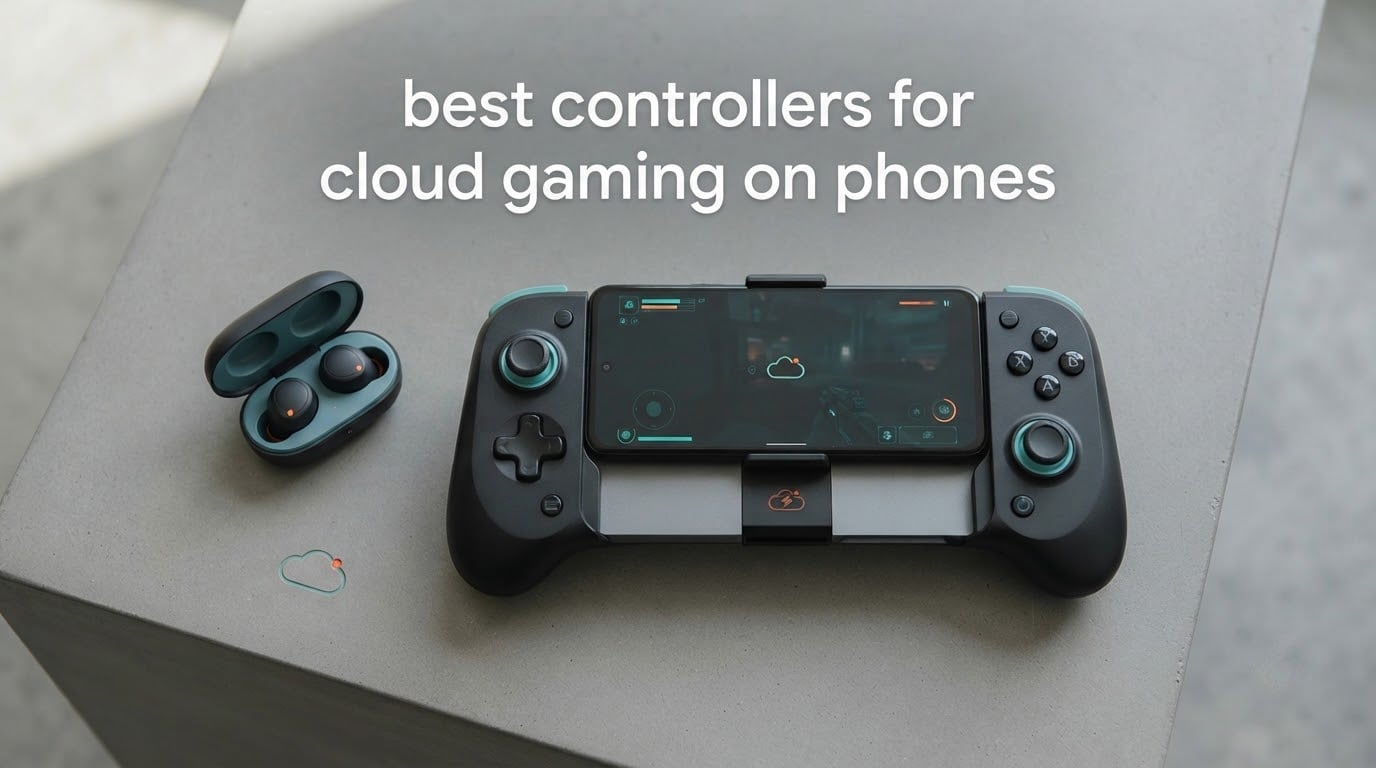
Short answer: the GameSir G8 Galileo is the best controller for cloud gaming on phones in 2026, because a wired USB-C plug removes the extra wireless delay and its Hall Effect sticks and triggers will not drift. The Backbone Pro is the best premium option, and the GameSir X5 Lite is the best budget wired pick.
Cloud gaming already stacks network delay, server processing and video compression between your thumb and the picture on screen. Touch controls cannot hide any of it, and neither can a laggy Bluetooth radio. That is why the connection method matters more here than on a console, and why almost every pick below is a wired USB-C pad with Hall Effect sticks.
We compared 12 controllers across the same criteria: how they connect, how they feel over long sessions, whether they can hold a cased phone, whether they keep the phone charging while you play, and which streaming services they actually work with. If you want a wider view of the category first, our picks for the best general game controllers and the best elite controllers make useful companions to this list.
One warning before you buy. Controller support is service-specific, not universal. Two of the Bluetooth pads in this roundup use the Xbox input protocol and therefore cannot drive PS Remote Play at all, and every Lightning-only controller is dead weight on a modern iPhone. We flag both problems in each review.
Table of Contents
Our Top 3 Picks: Best Controllers for Cloud Gaming on Phones (October 2026)

GameSir G8 Galileo
- Wired USB-C plug
- Hall Effect sticks and triggers
- Pass-through charging and 3.5mm jack

All 12 Controllers Compared in 2026
| Product | Specifications | Action |
|---|---|---|
| GameSir G8 Galileo |
|
Check Latest Price |
| Backbone Pro |
|
Check Latest Price |
 GameSir X5 Lite GameSir X5 Lite |
|
Check Latest Price |
 GameSir G8 Plus MFi GameSir G8 Plus MFi |
|
Check Latest Price |
 8BitDo Ultimate Mobile 8BitDo Ultimate Mobile |
|
Check Latest Price |
 Razer Kishi V3 Razer Kishi V3 |
|
Check Latest Price |
 Mocagen MC1 Mocagen MC1 |
|
Check Latest Price |
 ShanWan Wireless Controller ShanWan Wireless Controller |
|
Check Latest Price |
 NinjaPlusOX Wireless Controller NinjaPlusOX Wireless Controller |
|
Check Latest Price |
 Turtle Beach Atom Turtle Beach Atom |
|
Check Latest Price |
 Razer Kishi Lightning Razer Kishi Lightning |
|
Check Latest Price |
 abxylute M4 abxylute M4 |
|
Check Latest Price |
1. GameSir G8 Galileo – Best Overall for USB-C Phones
GameSir G8 Galileo Type-C Mobile Gaming Controller for Android & iPhone 15 Series (USB-C), Plug and Play Gamepad with Hall Effect Joysticks/Hall Trigger, 3.5mm Audio Jack
Hall Effect sticks and triggers
Pass-through charging and 3.5mm jack
Two mappable back buttons
Pros
- Wired USB-C plug removes input lag
- Hall Effect sticks and analog triggers that resist drift
- Fits a phone in a case up to about 1 mm thick
- Two extra rear buttons with on-the-fly remapping
- Works with Steam Link GeForce NOW Luna and Xbox games
Cons
- Screenshot and Mode buttons sit close to the D-pad
- Auto-sleep can drop the connection mid-game
- Companion app is ad-heavy and the touch mapping is buggy
The G8 Galileo is the controller I recommend to anyone who streams on a USB-C phone, and it earned the most consistent owner feedback in this group. Owners describe it as a full-size pad split in half, with a button feel that does not read as cheap, and they regularly compare it favourably to the Razer Kishi line.
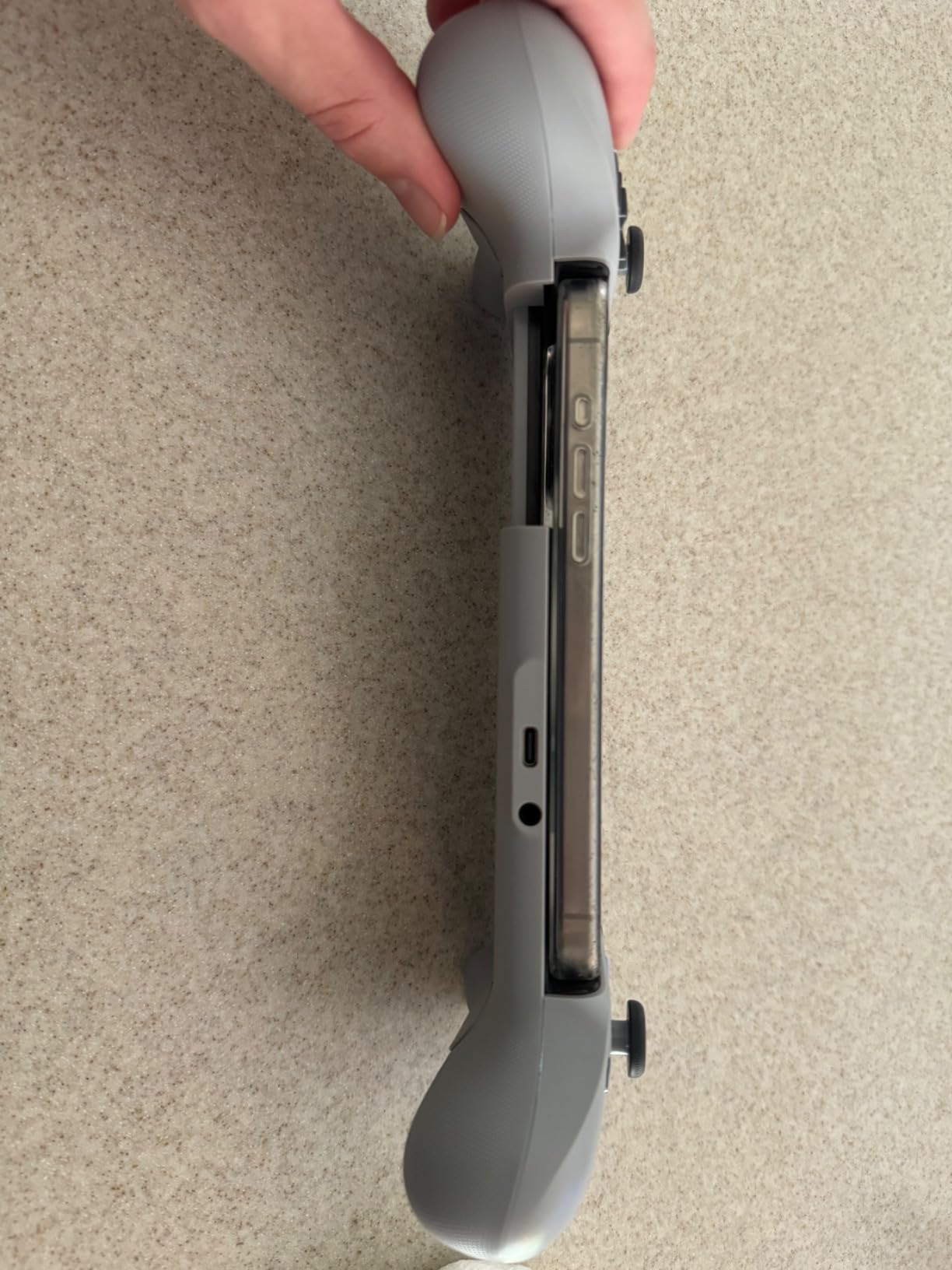
The plug slides straight into the charging port, so there is no pairing step and no wireless delay in the chain. It draws power from the phone and passes that power back through to a cable plugged into the passthrough port, so a long session does not end with a dead battery.
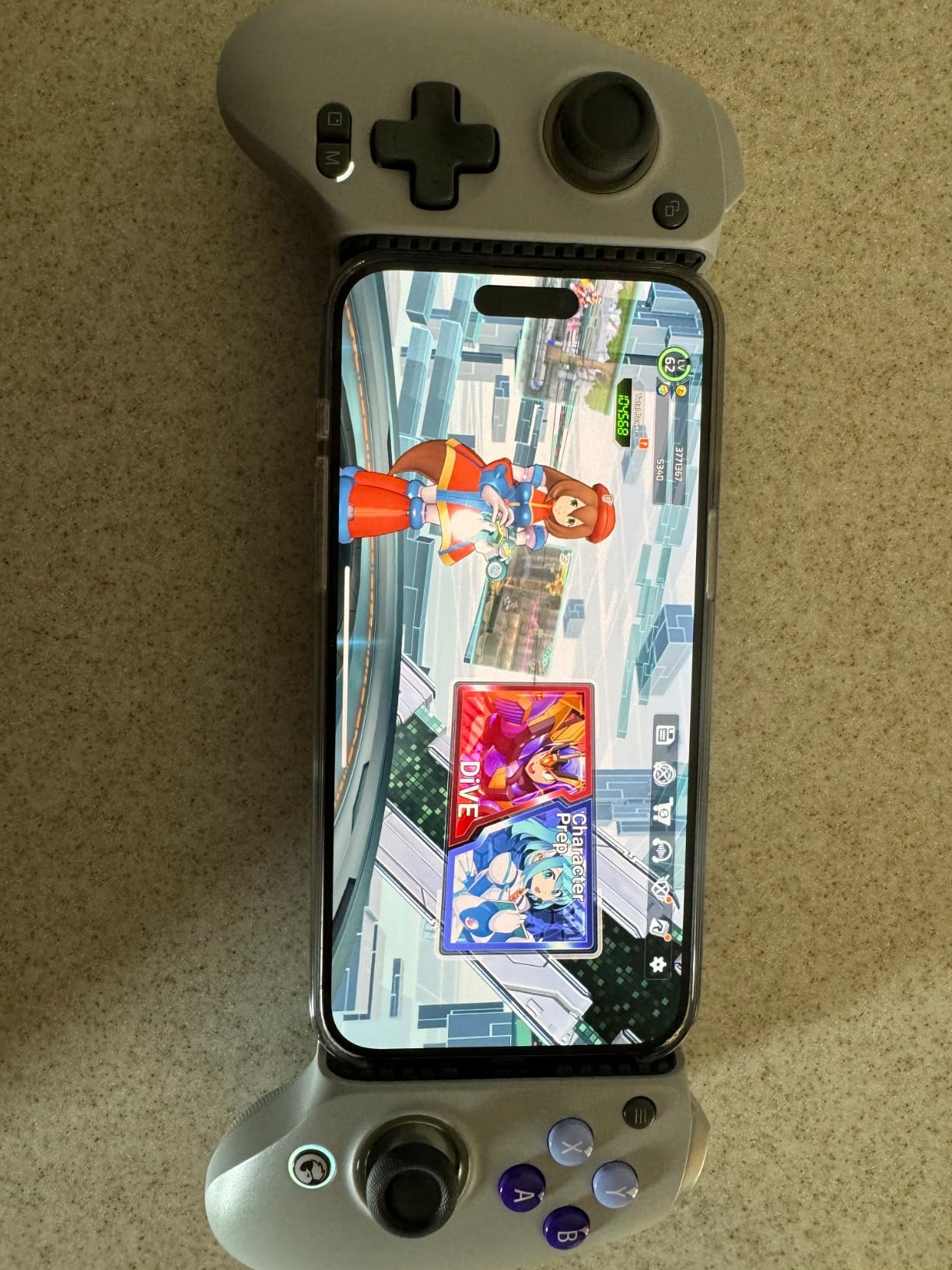
Two details set it apart from the telescopic pack. The clamp accepts a phone in a case as long as it is roughly 1 mm or thinner, which is far more forgiving than most rivals. And the Hall Effect sticks and analog triggers sense position magnetically, so there is no physical contact to wear out and no drift to correct after a few months.
What you should know before you buy
The layout has one genuine flaw. The screenshot and Mode buttons sit close to the down direction of the D-pad, and several owners report firing them accidentally in fast-paced games. The auto-sleep timer is also not configurable, which can break a connection mid-match.
Who the G8 Galileo suits best
It suits Android owners and iPhone 15 or newer owners on Xbox Cloud Gaming, GeForce NOW and Steam Link who play shooters or racing games where every millisecond shows. Skip it if you need two rear paddles mapped to something more granular, or if your case is thicker than about 1 mm.
2. Backbone Pro – Best for Docked, Wireless and Wired Play
BACKBONE Pro Gaming Controller
Full-size ALPS sticks and rear buttons
Docked wireless BLE and wired USB-C
40-hour battery
Pros
- Three connection modes in one device
- Full-size ALPS sticks and a precision D-pad
- 40 hours of wireless play
- Remappable rear buttons
- Handles long sessions on an ergonomic grip
Cons
- Most expensive controller in this roundup
- Backbone+ subscription needed for cloud and remote play features
- Compatibility starts at iPhone 15 series and USB-C Android
The Backbone Pro is the only controller here that changes how it connects depending on the situation. Dock it for a wired session at a desk, drop to wireless Bluetooth when you walk around, and it keeps the same stick and button feel either way.
At 4.4 stars it is the highest rated pad in the group, and owners consistently single out the ALPS sticks, the tactile face buttons and the precision D-pad as the reasons it feels like a console controller rather than an accessory.
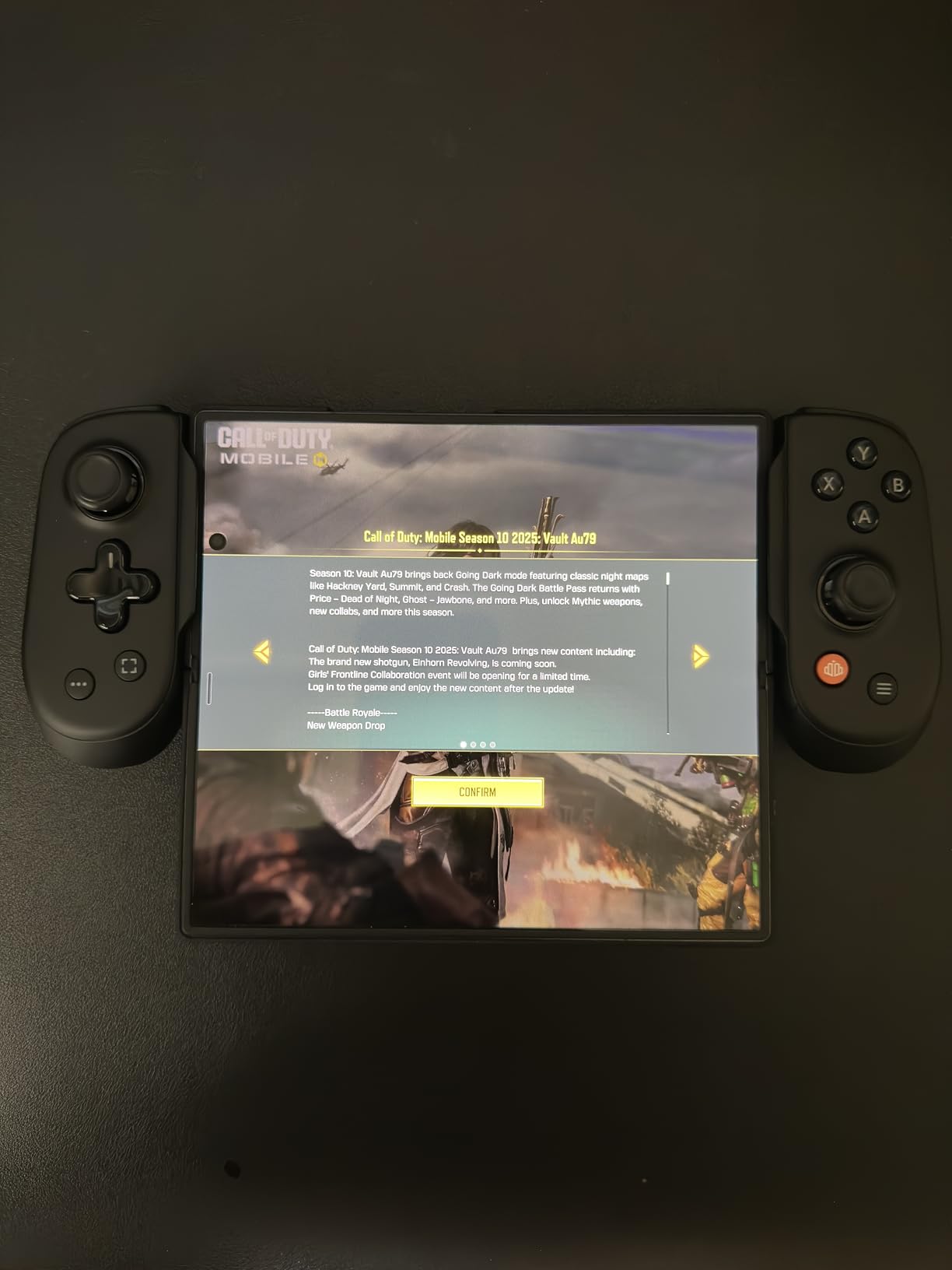
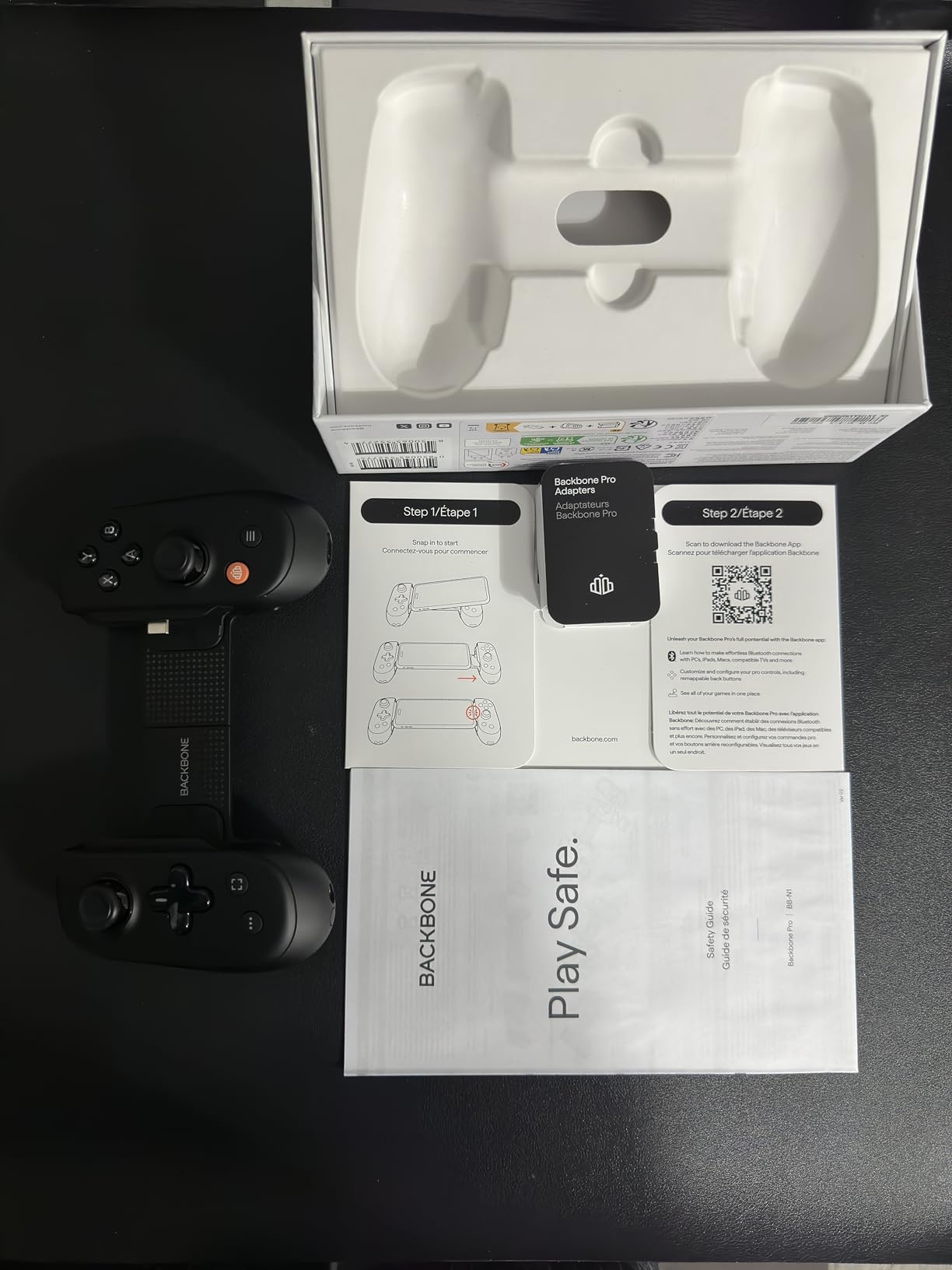
Wireless mode is where it earns its keep. Forty hours of battery covers a long trip without a charger, and the magnetic adapters included in the box let you keep a case on. Remappable rear buttons are the other standout, since a cloud streamer can bind them to whatever the current game needs.
What you should know before you buy
Cost is the main reason this is not first on the list. The Backbone+ subscription is optional but it gates the built-in cloud and remote play launcher, so budget for that if you want those features. Wired PC use also needs a separate USB-C cable.
Who the Backbone Pro suits best
It suits someone who streams at home on a desk and travels with the same device, or who owns an Xbox Series X or PS5 and wants one controller to cover console, PC and phone. It does not suit an older Lightning iPhone.
3. GameSir X5 Lite – Best Budget Wired Controller
GameSir X5 Lite Mobile Gaming Controller for Android,Hall Effect Joystick
135.4 g lightweight body
Hall Effect sticks
Wired USB-C with pass-through charging
Pros
- Strong price-to-performance in this category
- Very light at 135.4 g for long sessions
- Wired USB-C means no Bluetooth latency
- Hall Effect sticks resist drift
- Interchangeable pads let many phones stay in a case
Cons
- Membrane switches feel less crisp than mechanical buttons
- D-pad can register adjacent directions
- No headphone jack or USB-C DAC
If you want the wired latency benefit without a premium ticket, the X5 Lite is the pick. Reviewers call it the obvious starting point, and several go further, saying it feels better than controllers costing noticeably more.
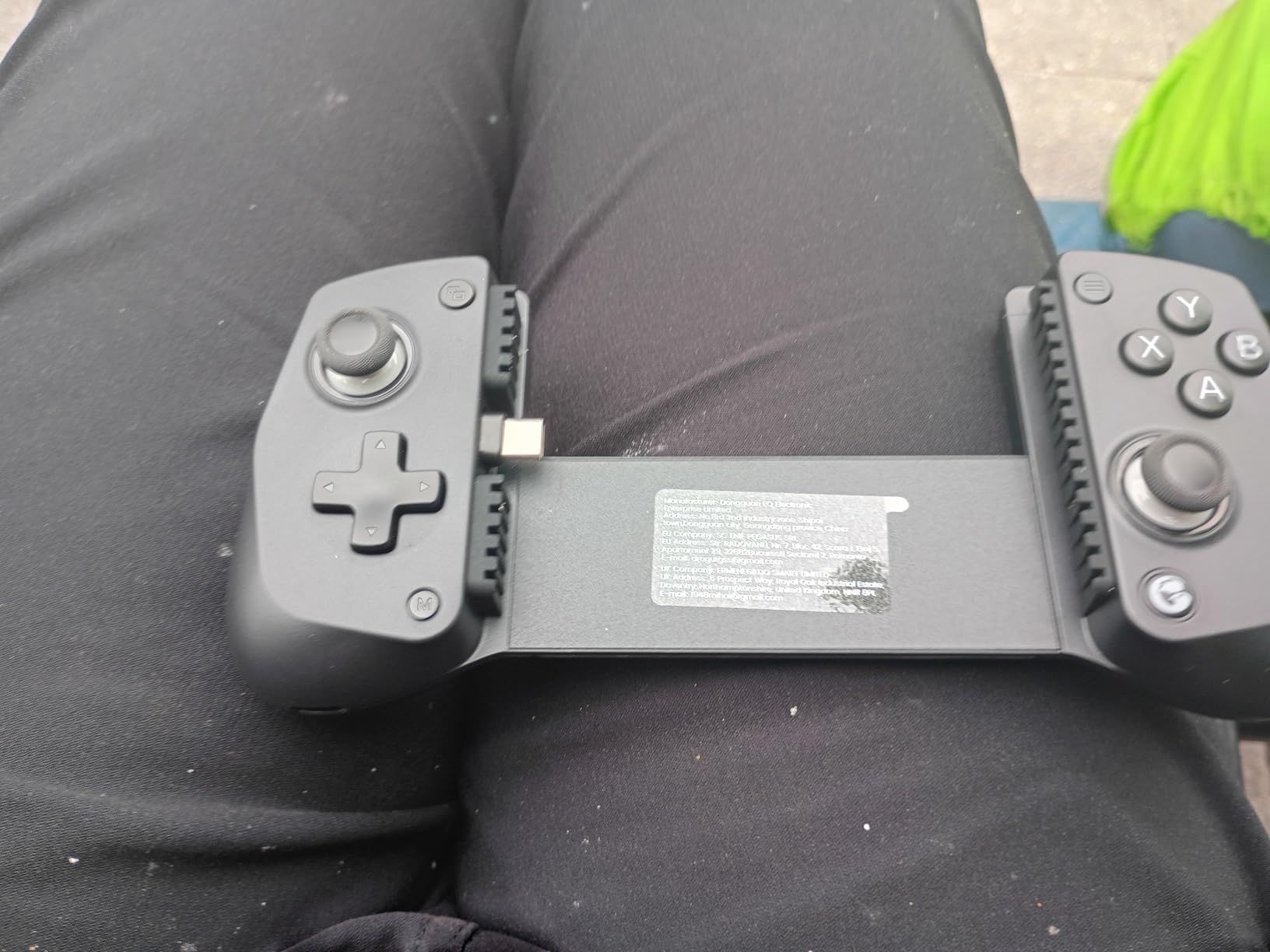
At 135.4 g it is the lightest full-size option here, and that weight matters more than it sounds on a three-hour stream. The laser-engraved grips stay comfortable, and the clamp stretches to 213 mm, so it also handles small tablets.
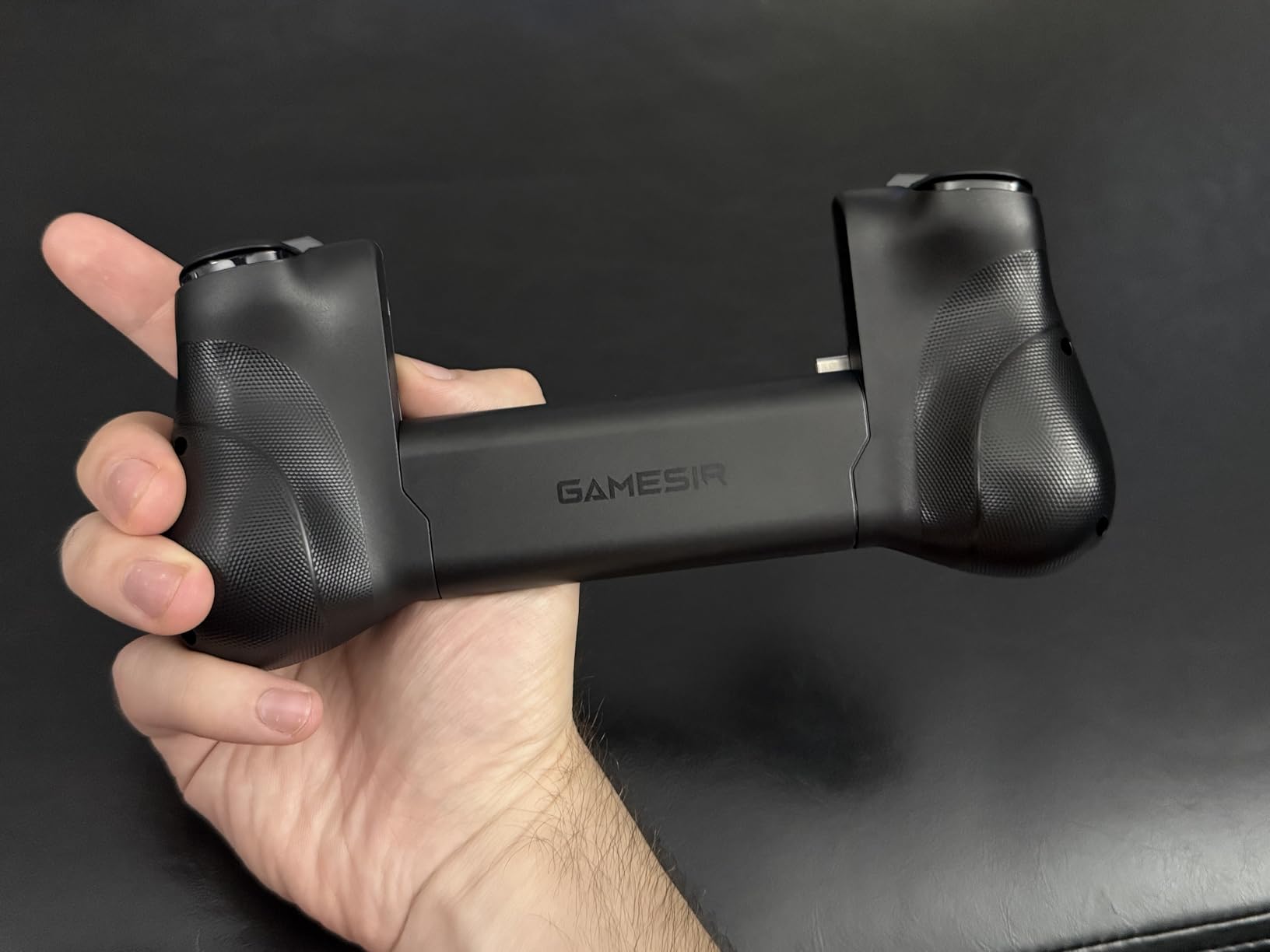
It passes through charging and works with Xbox Game Pass, Steam Link, Moonlight and remote play. Adjustable turbo and a switchable ABXY layout are the extras you would normally pay up for, and the Hall Effect sticks mean the cheap option is not the one that drifts in month three.
What you should know before you buy
Every switch is a membrane, so the click is softer than a mechanical button and some players find it mushy. The D-pad can register a neighbouring direction when pressed slightly off-centre, and the phone sits marginally deeper on one side, which tilts the screen a touch.
Who the X5 Lite suits best
It suits first-time buyers, commuters and anyone who wants a wired controller without overspending. There is no headphone jack and no USB-C audio DAC, so you will be listening through the phone speaker or a Bluetooth headset.
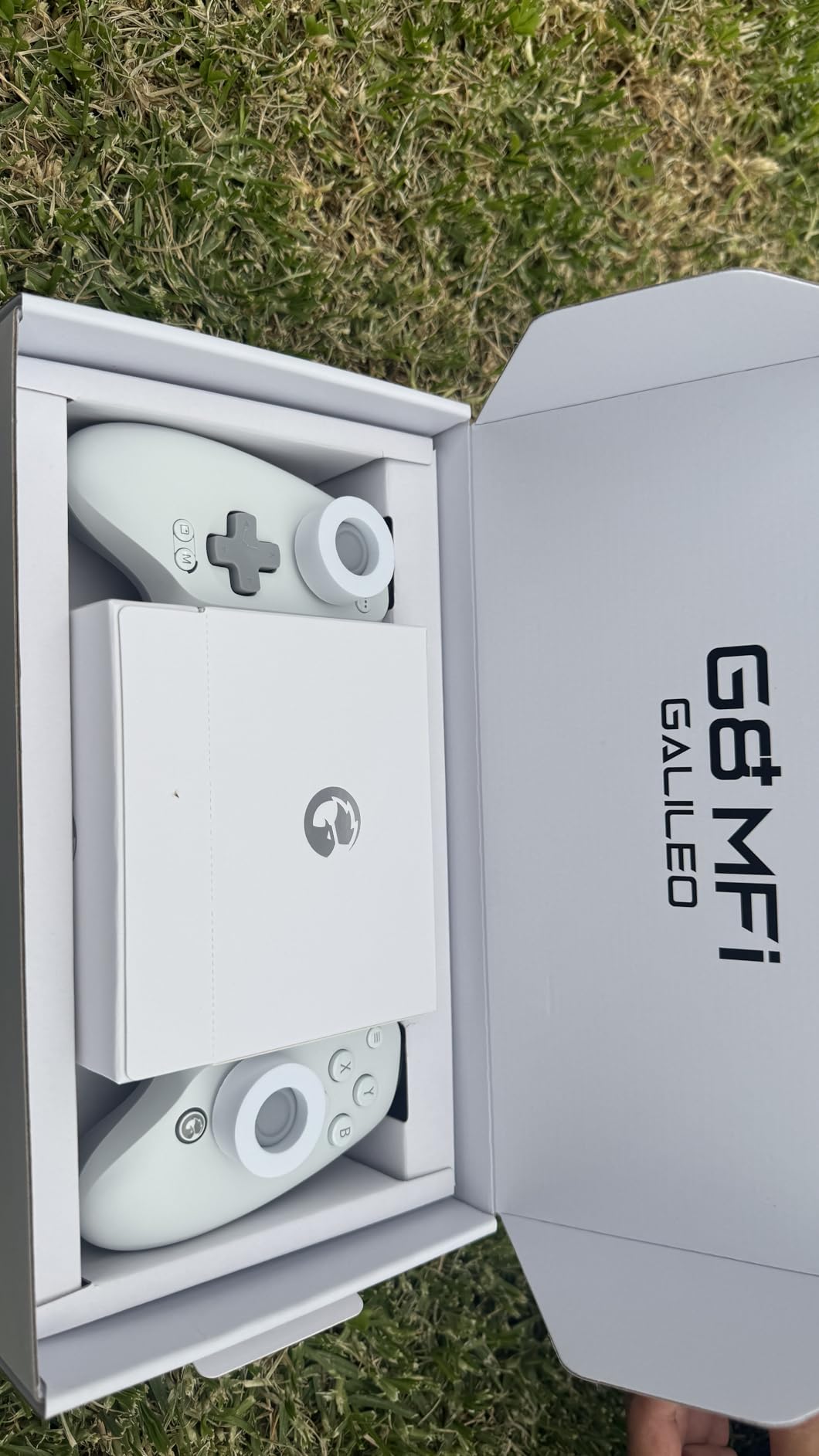
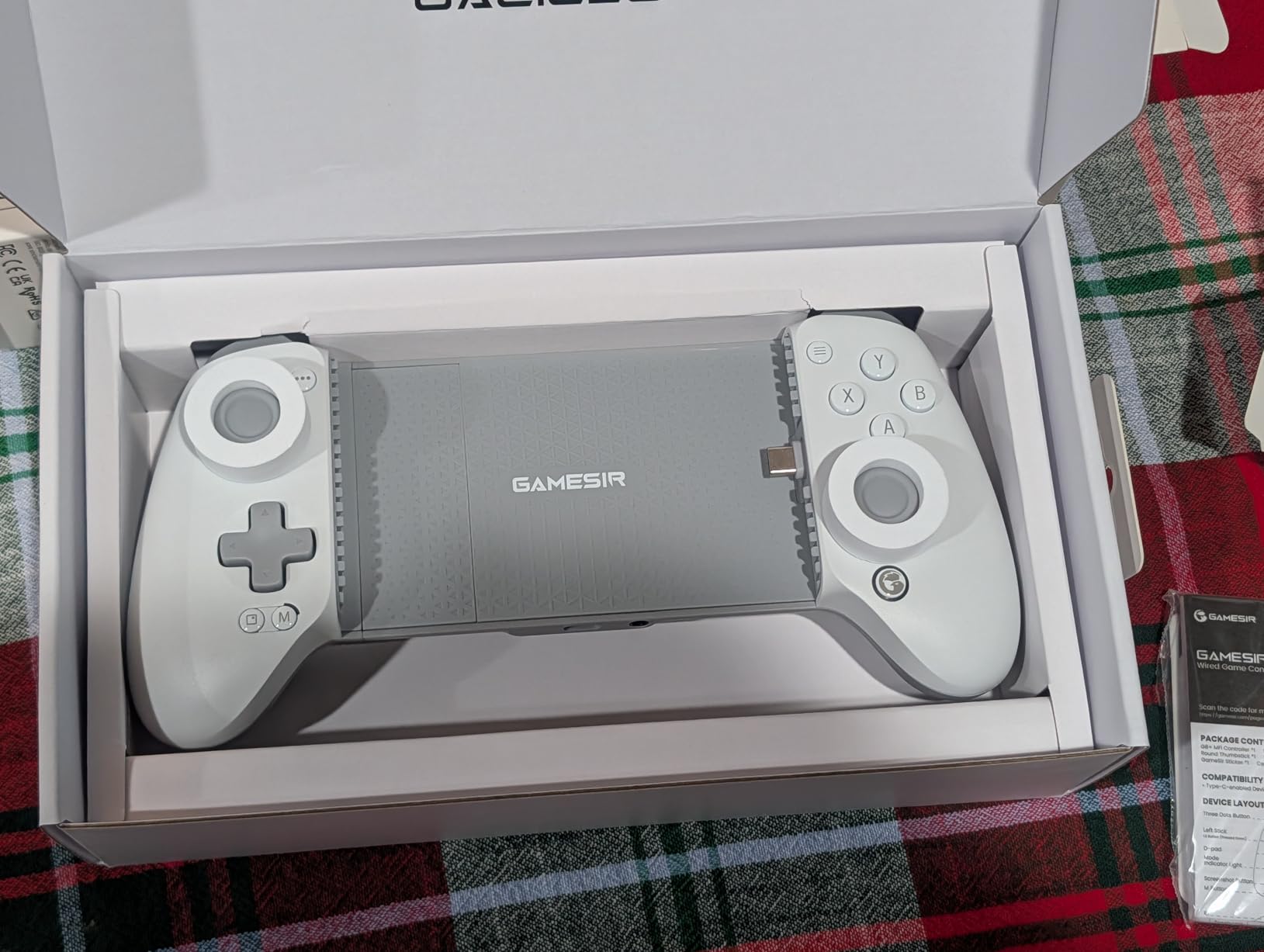
4. GameSir G8 Plus MFi – Best for iPhone and iPad
GameSir G8 Plus MFi iPhone Controller, Hall Effect Sticks
MFi certified for iPhone and iPad
Hall Effect sticks and triggers
Movable USB-C plug with pass-through
Pros
- Officially MFi certified so it works natively with iPhone and iPad
- 125-215 mm stretch range fits phones and iPad mini
- Console-grade ergonomics with laser-textured grips
- Movable USB-C plug and pass-through charging
- Dual asymmetric vibration motors
Cons
- Wired only with no Bluetooth mode
- Analog sticks feel loose with an unusual acceleration curve
- Pass-through charging can be glitchy on iPad
Apple users get their own answer here. The G8 Plus is officially MFi certified, which means iPhone and iPad recognise it as a native controller rather than an accessory that needs jumping through hoops.
It is the same design idea as the G8 Galileo with Apple certification, so you get Hall Effect sticks, Hall Effect analog triggers with a hair-trigger mode, a movable USB-C plug and dual asymmetric vibration motors. The extra-wide 125-215 mm stretch range is the part iPad owners care about.
Swappable silicone pads and a magnetic faceplate let you change the layout or stick caps, and the GameSir app handles firmware, dead zone, vibration and button testing. Owners with 6+ months of daily use report no drift and steady connections.
What you should know before you buy
It is wired only, so there is no wireless mode for when a cable is inconvenient. The sticks feel loose with an unusual acceleration curve, and a few iPhone 17 Pro Max owners report repeated disconnects. Pass-through charging is also less reliable on iPad than on iPhone.
Who the G8 Plus MFi suits best
It suits iPhone 15 and newer owners, including iPad mini users, who want console-grade sticks without leaving the Apple ecosystem. It will not work on a Lightning iPhone at all.
5. 8BitDo Ultimate Mobile Gaming Controller – Best for Xbox Cloud Gaming
8Bitdo Ultimate Mobile Gaming Controller for iPhone, Apple, Android & Xbox Cloud Gaming, Bluetooth Gamepad with Hall Effect Joysticks, 2 Pro Back Buttons, Officially Licensed (Black)
Officially licensed by Xbox
Hall Effect sticks and triggers
Two pro back paddle buttons
Pros
- Officially licensed by Xbox with native cloud support
- Also officially supported by Apple
- Hall Effect joysticks and triggers
- Two pro back paddle buttons and a dedicated Xbox button
- Metal joystick rings and tactile bumpers
Cons
- Bluetooth adds latency versus wired pads
- Some unintended angled D-pad inputs
- Needs periodic recharging
- Cradle is less accommodating of thick cases
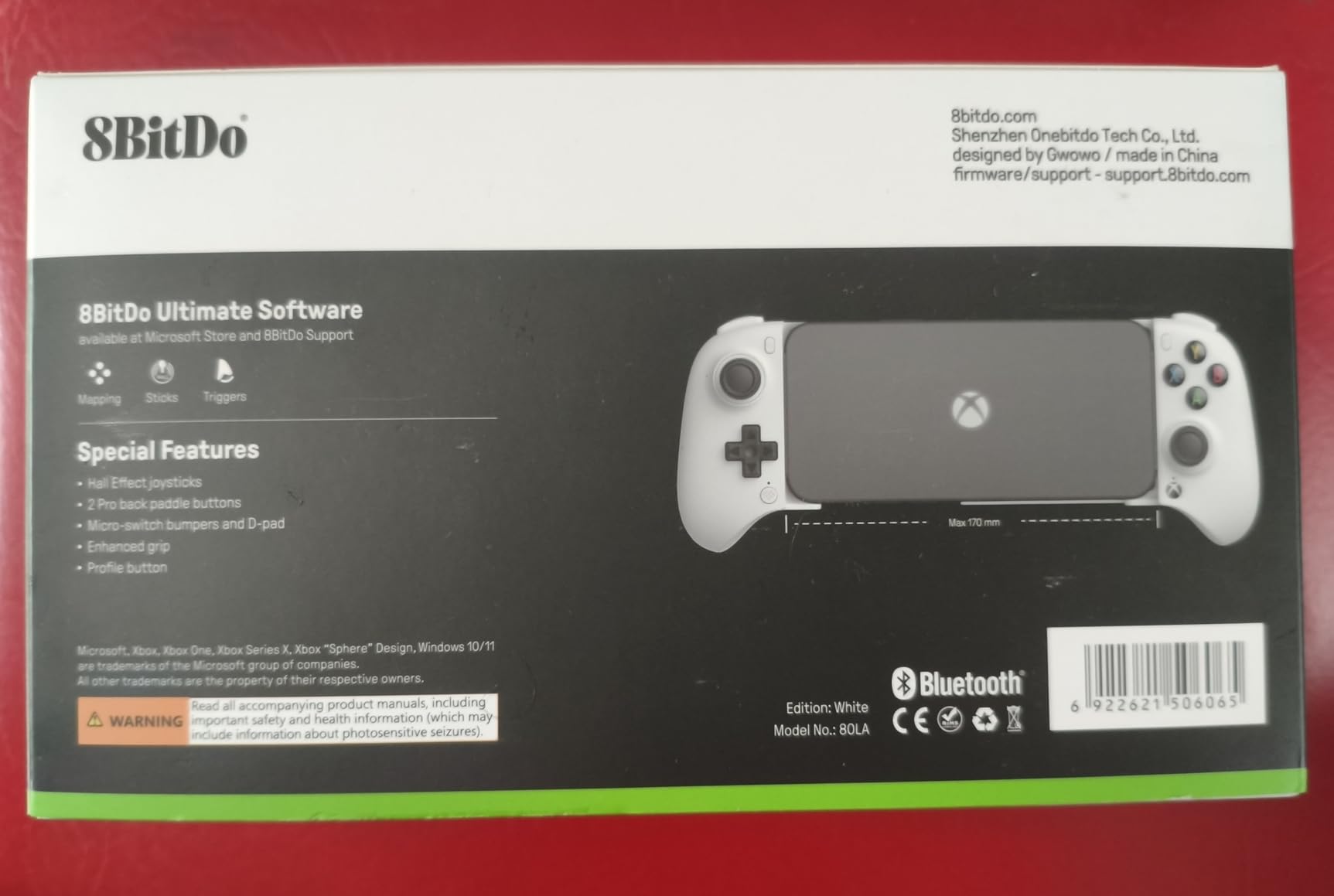
Licensing is the reason to look at this one. It is officially licensed by Xbox, which makes it one of the cleanest choices for Xbox Cloud Gaming on a phone, and it is also officially supported by Apple for iPhone and Android.
The hardware is competitive too. Hall Effect joysticks and triggers, wear-resistant metal joystick rings, tactile bumpers and a D-pad, plus two pro back paddle buttons and a dedicated Xbox button. It is the only pick in this list that carries both Microsoft and Apple approval.
The stretchable 100-170 mm design covers most phones, and 8BitDo Ultimate Software V2 is supported on mobile for remapping. At 4.3 stars with 70 percent five-star reviews, it holds a strong position in the mid tier.
What you should know before you buy
Bluetooth costs you something: there is a small but real latency penalty against a wired pad, and you have to remember to recharge it. Some users report unintended angled D-pad inputs, and the cradle is less forgiving of thick cases than the G8.
Who the 8BitDo Ultimate suits best
It suits Xbox Game Pass Ultimate subscribers who want the least-friction path into xCloud on either an iPhone or an Android phone, and who do not mind a small amount of wireless delay for the licensing benefit.
6. Razer Kishi V3 – Best for Full-Size Grips
Razer Kishi V3 Gaming Controller for iPhone & Android, USB-C, Black
Full-size TMR anti-drift sticks
Two mouse-click back buttons
USB-C island with pass-through
Pros
- Full-size form factor with large ergonomic handles
- TMR thumbsticks described as more precise than Hall Effect designs
- Two mouse-click style back buttons in the handles
- USB-C island design fits more cases than rivals
- Pass-through charging and 3.5mm audio jack
Cons
- USB-C only so Lightning iPhones are excluded
- Compatibility limited to the listed devices
- Bulky next to compact Bluetooth options
The Kishi V3 is the newest full-size wired pad in this roundup, and it is the one to consider if hand fatigue is what pushes you off touch controls. The handles are proper console handles rather than the shallow wings you find on telescopic designs.
It uses TMR thumbsticks rather than Hall Effect ones, and owners describe them as noticeably more precise. Two mouse-click style back buttons sit inside the grips, which is a placement you do not get anywhere else on this list.
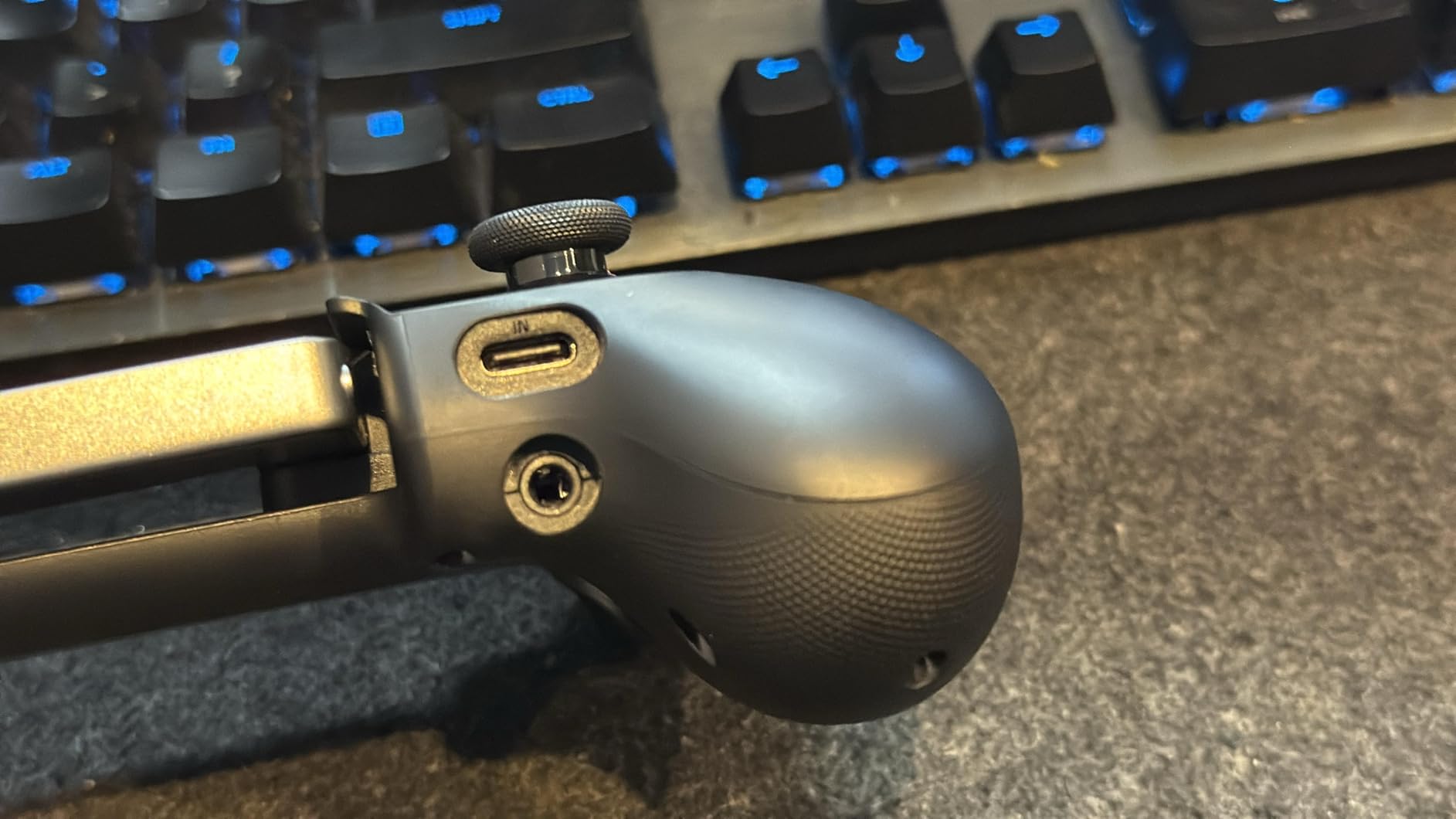
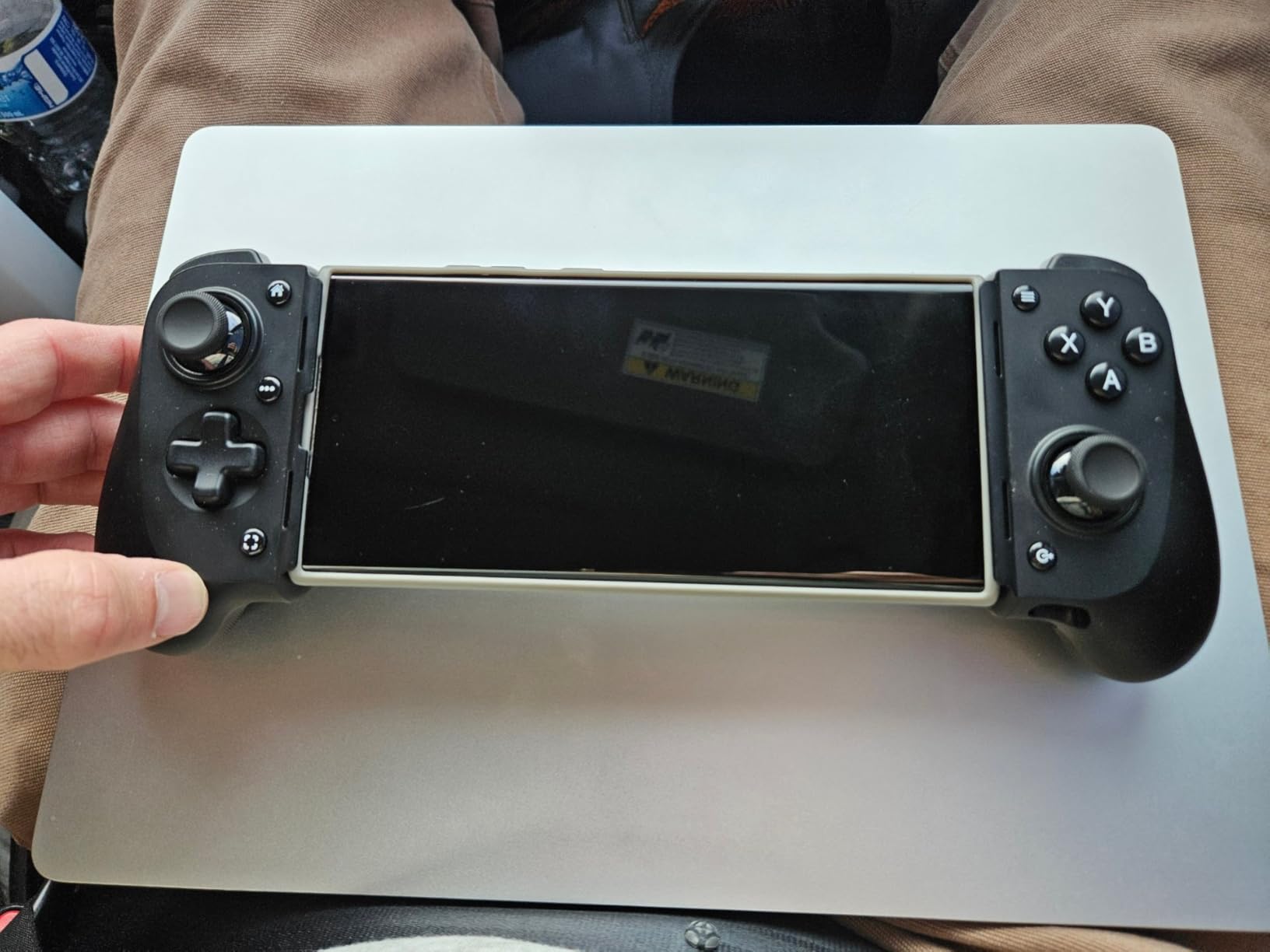
The USB-C island design is the quiet winner. Instead of a long plug arm it uses a small connector island, so it clears more phone cases than most wired pads. It also carries pass-through charging, a 3.5 mm headphone jack and the free Razer Nexus launcher for starting games, remapping and recording.
What you should know before you buy
The device list is narrow: iPhone 15, 16 and 17 series, iPhone Air with a compatible case, Galaxy S24, Pixel 6, 7 and 8, and Windows 11. It will not work on an iPhone 14 or earlier, and it is bulky if you travel light.
Who the Kishi V3 suits best
It suits owners of a recent USB-C phone who game for long stretches and want the closest thing to holding a console pad. It also doubles as a PC controller over USB-C or through remote play.
7. Mocagen MC1 – Best Rated Bluetooth Comfort Pick
Mocagen MC1 Phone Controller for iPhone & Android – Ergonomic Grip, Low Latency, Case Friendly, Bluetooth Mobile Controller with Hall Effect Joysticks, Turbo, Portable Travel Companion for Car/Leisure
Hall Effect stick rated 5M cycles
Fits cases up to 12 mm
600mAh battery with RGB ring
Pros
- Highest rated option at 4.4 stars
- Hall Effect sticks rated for a 5M cycle lifespan
- Fits cases up to 12 mm with a 0.2 inch camera recess
- 7-colour RGB light ring with a 600mAh battery
- Dual vibration motors and three-level turbo
Cons
- No PS Remote Play because it uses the Xbox input protocol
- Only works with games that natively support controllers
- 6 hours of battery is short for this class
The MC1 posts the highest rating in this group at 4.4 stars across 769 reviews, with 73 percent five-star, and it does it without a wired connection. That makes it the pick when a cable is genuinely inconvenient.
Hall Effect sticks rated for a 5 million cycle lifespan mean the drift problem that owners complain about in budget pads is largely designed out. The clamp takes a case up to 12 mm thick and has a camera recess, which is one of the most forgiving fits here.
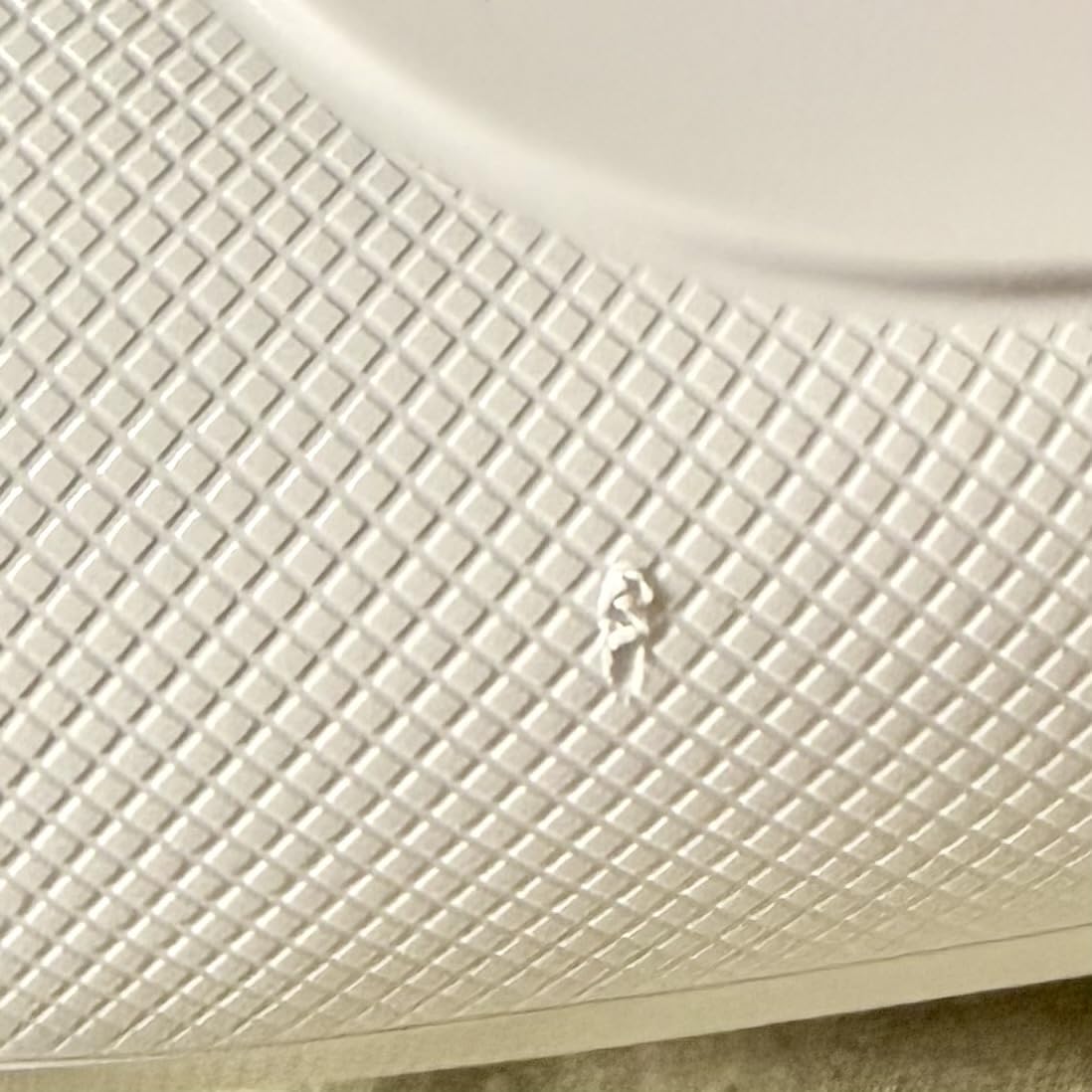
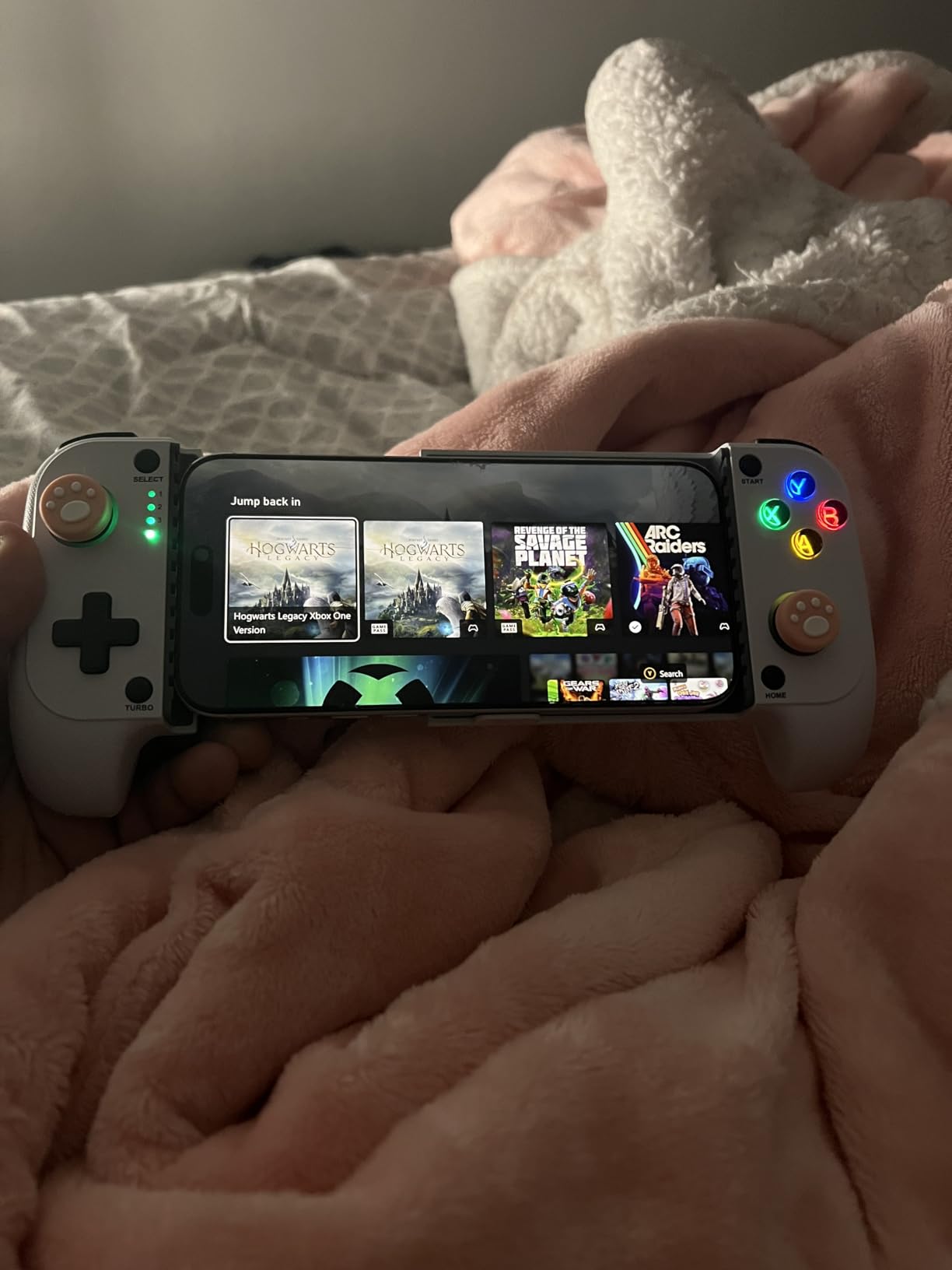
It pairs as an Xbox wireless controller, which is what makes it work with Xbox Cloud Gaming, GeForce NOW, Steam Link, emulators and Apple Arcade. Three-level turbo, dual vibration motors, laser-engraved grips and a 7-colour RGB ring around the joysticks round out a feature set that is unusual at this level.
What you should know before you buy
The Xbox input protocol is a real limitation: it cannot drive PS Remote Play, so console streaming from a PlayStation is off the table. Battery life of about 6 hours is shorter than most Bluetooth rivals, and the KeyLinker app is required for remapping and vibration tuning.
Who the MC1 suits best
It suits Android and iPhone owners on a thick case who want drift-free sticks and full comfort without managing a cable. It is a poor match for PlayStation Remote Play or for touch-only games.
8. ShanWan Wireless Controller – Best for Cased Phones and PS Remote Play
ShanWan Mobile Game Controller for iphone/Android with PHONE CASE Support, Bluetooth Wireless Gamepad – PS Remote Play, Xbox Cloud, Steam Link, GeForce NOW, MFi Arcade Games-Long Battery Life
Bluetooth 5.0 with 25-hour battery
Case-friendly recessed design
Four macro buttons
Pros
- Sunken case-friendly design that clears the camera bump
- Pairs instantly and holds the connection
- About 25 hours of play and quick recharge on the same cable
- Light enough to reduce wrist fatigue
- Four configurable rear macro buttons
Cons
- Light plastic construction feels inexpensive
- No rumble motors and the phone charging port is blocked while docked
- Some units developed analog stick drift after a few months
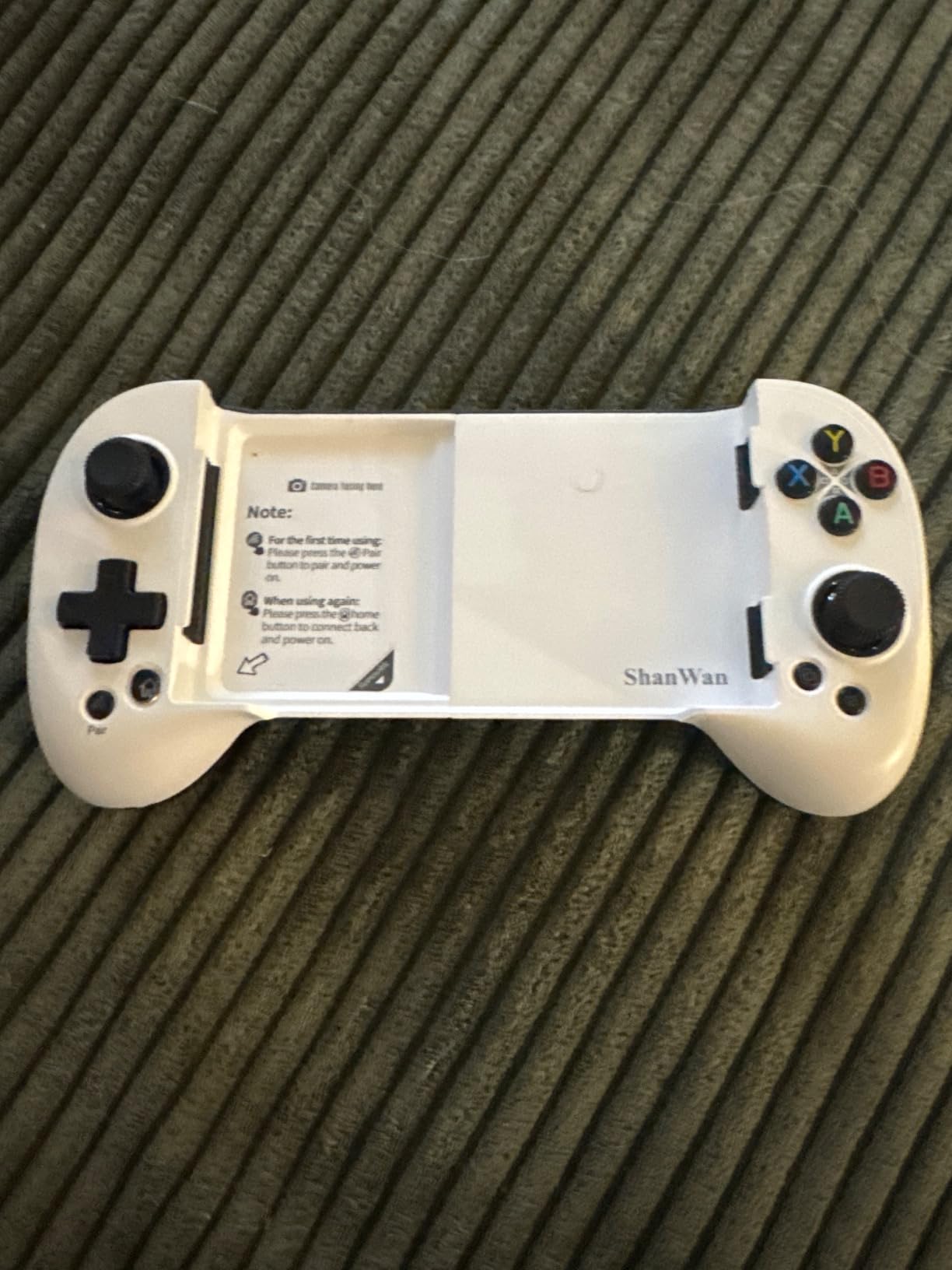
The ShanWan is the budget Bluetooth option that specifically solves the cased-phone problem. Its recessed design clears the camera bump and works with a case on, which is where many cheaper pads fail on the first try.
Reviewers treat it as a solid first controller. It pairs instantly, registers as an Xbox wireless controller, and runs roughly 25 hours on a charge with a recharge time under two hours on the same USB-C cable as the phone.
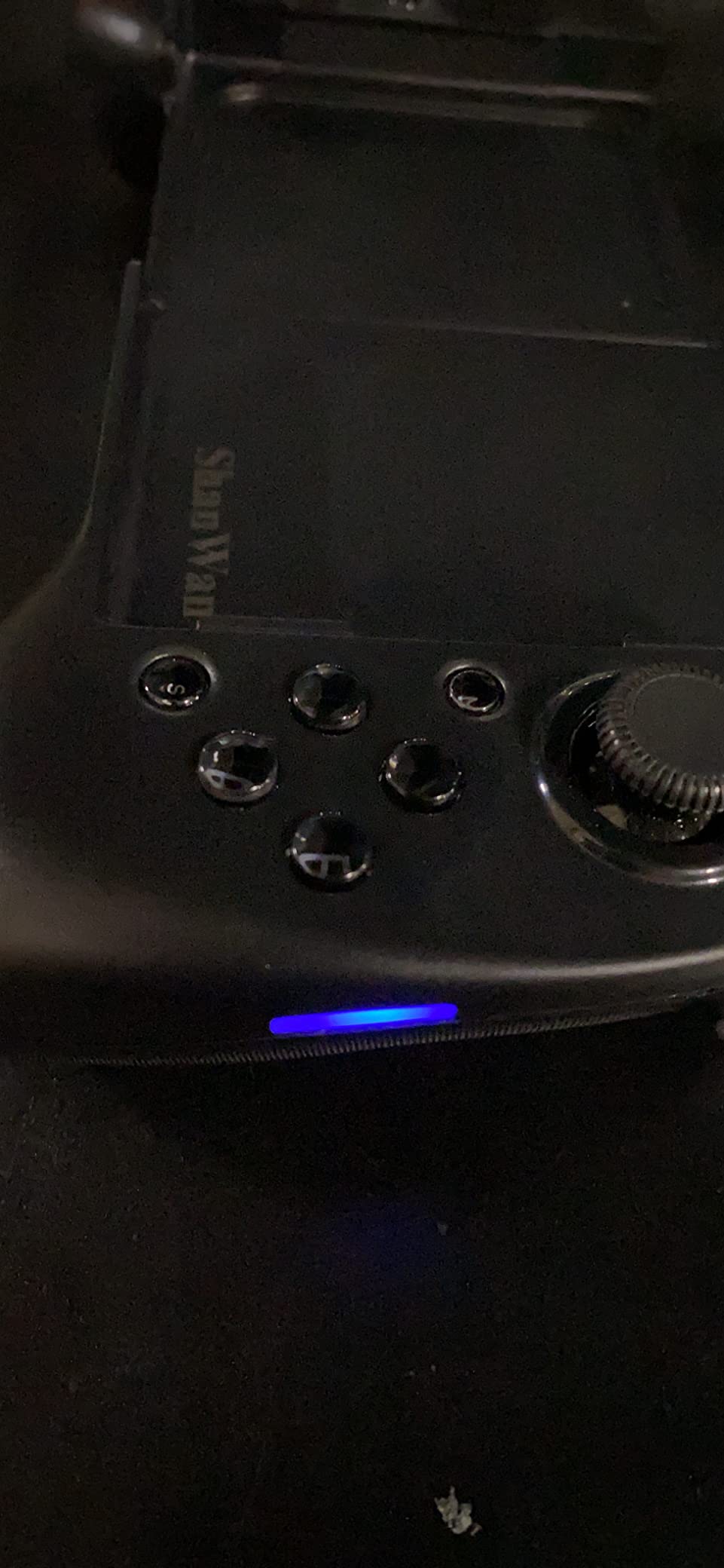
It is also one of the few affordable pads that explicitly supports PS Remote Play, alongside Xbox Cloud, Steam Link and GeForce NOW. Four configurable rear macro buttons give you M1 to M4 bindings, and the light body is comfortable over long sessions.
What you should know before you buy
There are no rumble motors, and the phone charging port is blocked while the phone is docked. The plastic feels light, which some buyers read as cheap, and a few units reported analog stick drift after a few months. The advertised rotating joystick height adjustment does not work.
Who the ShanWan suits best
It suits budget buyers who play through a thick case, stream from a PlayStation through PS Remote Play, or want a long battery between charges. It is not the pad to buy if rumble or stick precision is the priority.
9. NinjaPlusOX Wireless Controller – Best Budget Hall Effect Bluetooth Pad
Wireless Phone Controller for iPhone/Android with Hall Joystick, Moblie Controller for iPhone Support Xbox Game Pass, Steam Link, Call of Duty, Roblox, Handheld Gaming Gamepad, Nintendo DS Consoles
Hall Effect stick with no deadzone
600mAh battery 8+ hours
Turbo and dual vibration
Pros
- Hall Effect sticks with no drift and no deadzone
- Quick stable Bluetooth pairing with fast response
- Extendable 10-17.5 cm clamp that supports most cases
- Adjustable turbo plus dual vibration motors
- Recognised as an Xbox wireless controller
Cons
- Not compatible with PS Remote Play due to the Xbox input protocol
- Does not work with touch-only games
- Some units needed a reset before inputs registered
The NinjaPlusOX is a mid-budget Bluetooth pad that solves the two problems that usually come with budget Bluetooth: drifting sticks and a deadzone you have to fight. The Hall Effect joystick here is advertised as having neither, and reviewers back that up.
At 4.3 stars with 73 percent five-star reviews it sits near the top of this list despite costing less than the wired premium picks. The 600mAh battery gives more than eight hours of play and refills in two to three hours.
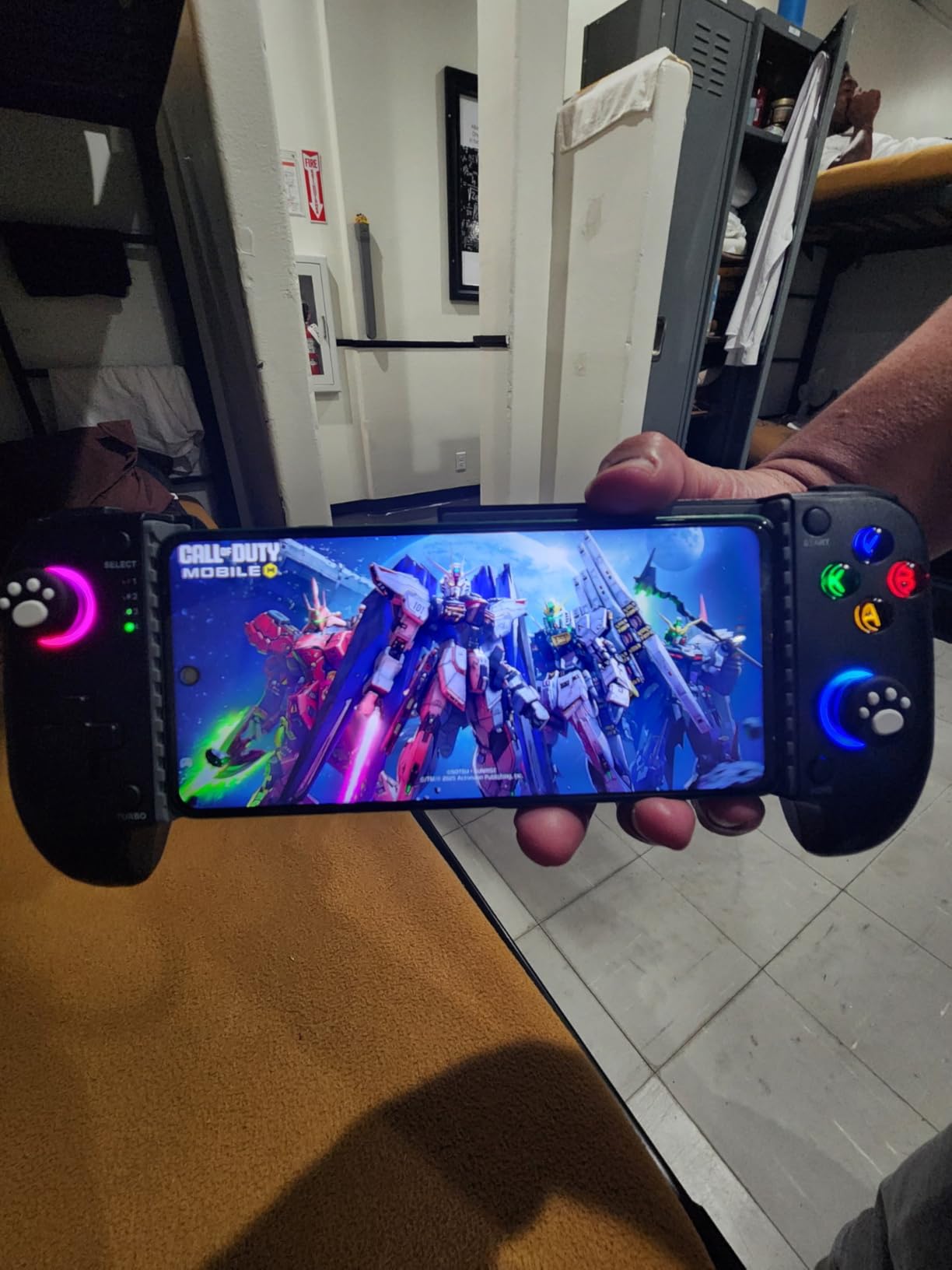
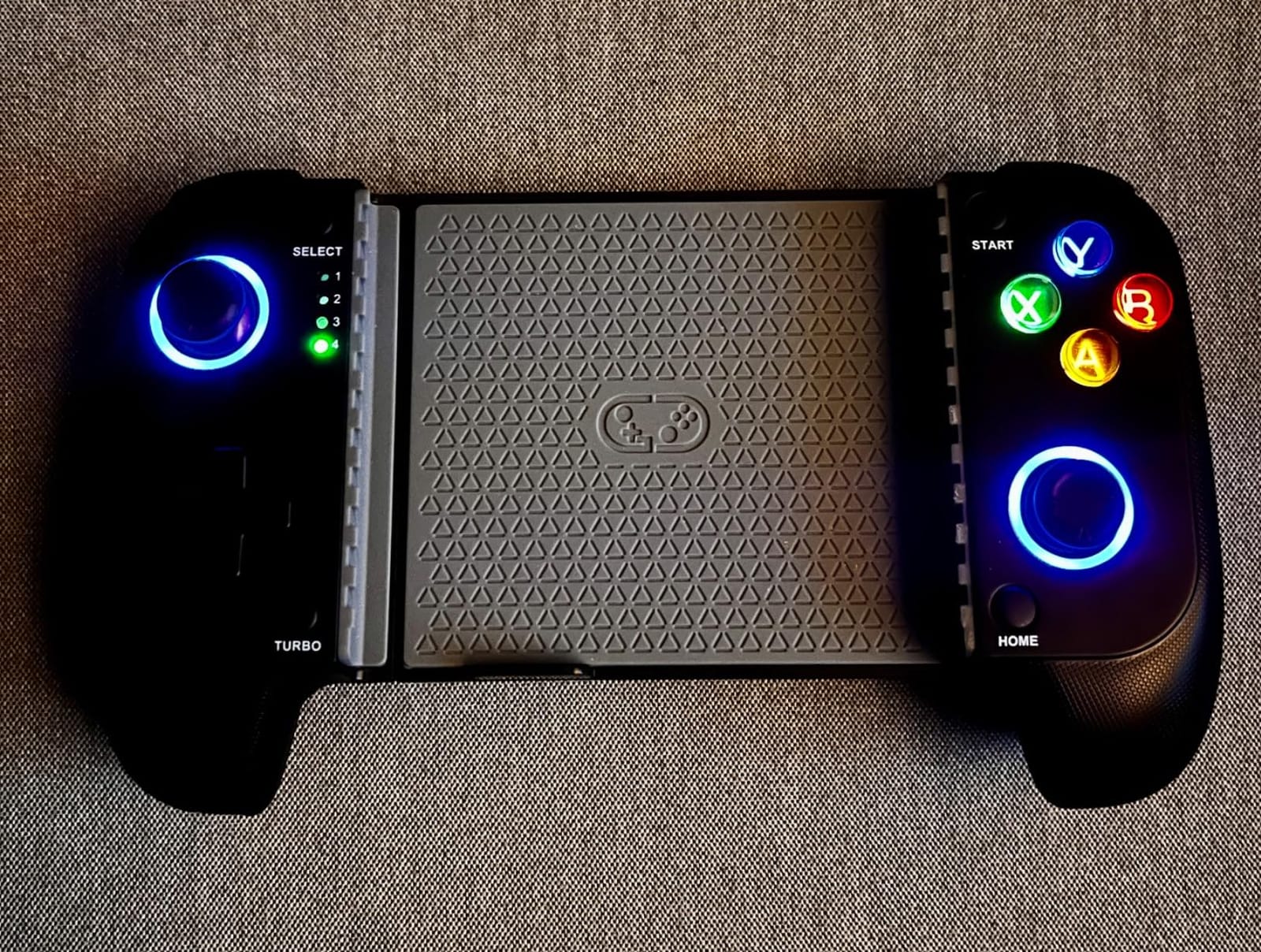
The extendable 10-17.5 cm clamp supports most cases, and adjustable turbo plus dual vibration motors make it useful for emulators as well as cloud play. A reset hole on the body handles the rare pairing or joystick offset problem without a support ticket.
What you should know before you buy
It uses the Xbox input protocol, so PS Remote Play is not supported. Touch-only games such as PUBG Mobile will not accept controller input at all. A few units needed reconnection or a reset before inputs registered correctly, and streamed performance depends heavily on your network.
Who the NinjaPlusOX suits best
It suits Android and iPhone owners on a mid-range budget who want drift-free sticks over a wireless connection and play a lot of emulators. It is not a PlayStation streaming pad.
10. Turtle Beach Atom – Best for Battery Life Between Charges
Turtle Beach Atom Mobile Game Controller with Bluetooth for Cloud Gaming on iPhone with Compact Shape, Console Style Controls & Low Latency Bluetooth – Cobalt Blue
Compact folding two-piece design
20-hour battery with quick charge
Clamps fit iPhone 11 to 15
Pros
- Genuinely pocket-sized folding clamshell design
- 20-hour battery with quick charge
- Analog triggers that feel good for the class
- Works with GeForce NOW Steam Link and Apple Arcade
- Adjustable clamps cover iPhone 11 through 15
Cons
- Feels cheap and flimsy with scratchy buttons
- Bluetooth lag is noticeable next to wired pads
- No grip so long sessions are uncomfortable
- Blocks the charging port with no pass-through
The Atom is the pick if your priority is going days without a cable. Its 20-hour battery with quick charge is the longest in this roundup by a wide margin, and the magnetic two-piece design folds shut into a pocket.
It is a recognisable console shape with analog triggers and adjustable clamps for iPhone 11 through 15, and it is aimed squarely at GeForce NOW, Steam Link and Apple Arcade sessions rather than at a desk.
What you should know before you buy
It is the lowest rated controller here at 4.0 stars, and the reasons are consistent. The build feels cheap with scratchy buttons, there is no grip so long sessions get uncomfortable, and the Bluetooth lag is noticeable beside a wired pad. The phone charging port is blocked while docked, with no pass-through.
Who the Atom suits best
It suits iPhone owners who want the smallest, longest-lasting pad for short GeForce NOW and Apple Arcade sessions on the move. One owner reported the clasp cracking a screen on an iPhone 15 Pro Max, so check the fit carefully, and note it does not pair with Windows PCs.
11. Razer Kishi Lightning – Best for Older Lightning iPhones
Razer Kishi Mobile Game Controller/Gamepad for iPhone iOS: Works with most iPhones – X, 11, 12, 13, 13 Max – Apple Arcade, Amazon Luna, Google Stadia – Lightning Port Passthrough – MFi Certified
Lightning plug-in connection
USB-C pass-through port
MFi certified clickable sticks
Pros
- Direct Lightning connection removes Bluetooth lag
- USB-C pass-through charging port for uninterrupted play
- MFi certified and works with the major cloud services
- Clickable analog thumbsticks add tactile feedback and better aim
- Clamp stretches to fit most iPhones
Cons
- Not compatible with USB-C Android or modern iPhones
- Phone case has to be removed before use
- Grip is cramped during long sessions
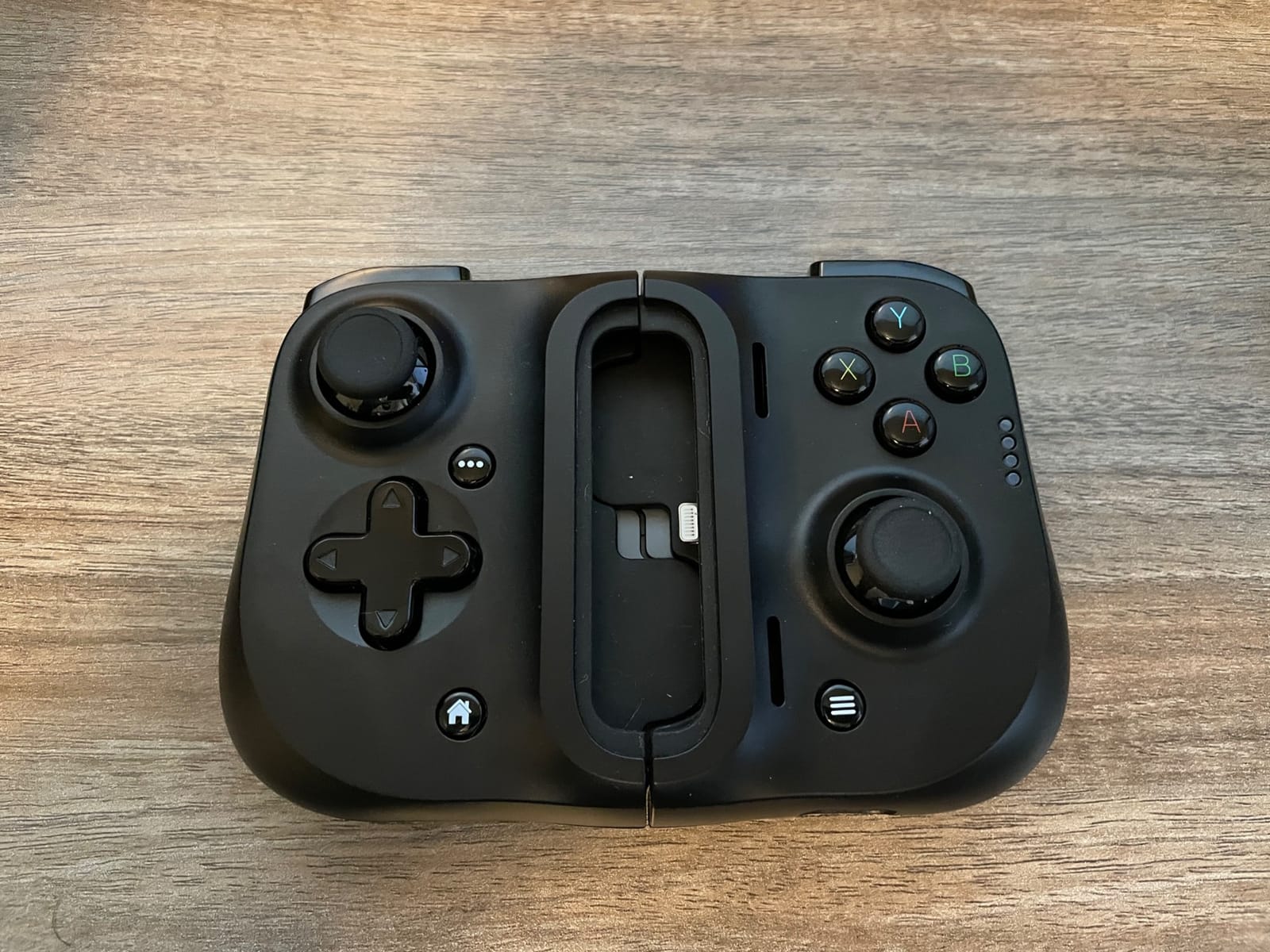
This is the only Lightning-native option in the roundup, which makes it the answer for anyone still on an iPhone 13 or earlier. It is also the most reviewed controller here, with more than 5300 ratings, so the long-term owner picture is unusually well documented.
The plug goes into the Lightning port directly, so the wired latency benefit survives on an older phone. A USB-C pass-through port on the controller keeps the phone charging, and MFi certification means Apple compatibility is not a guess.
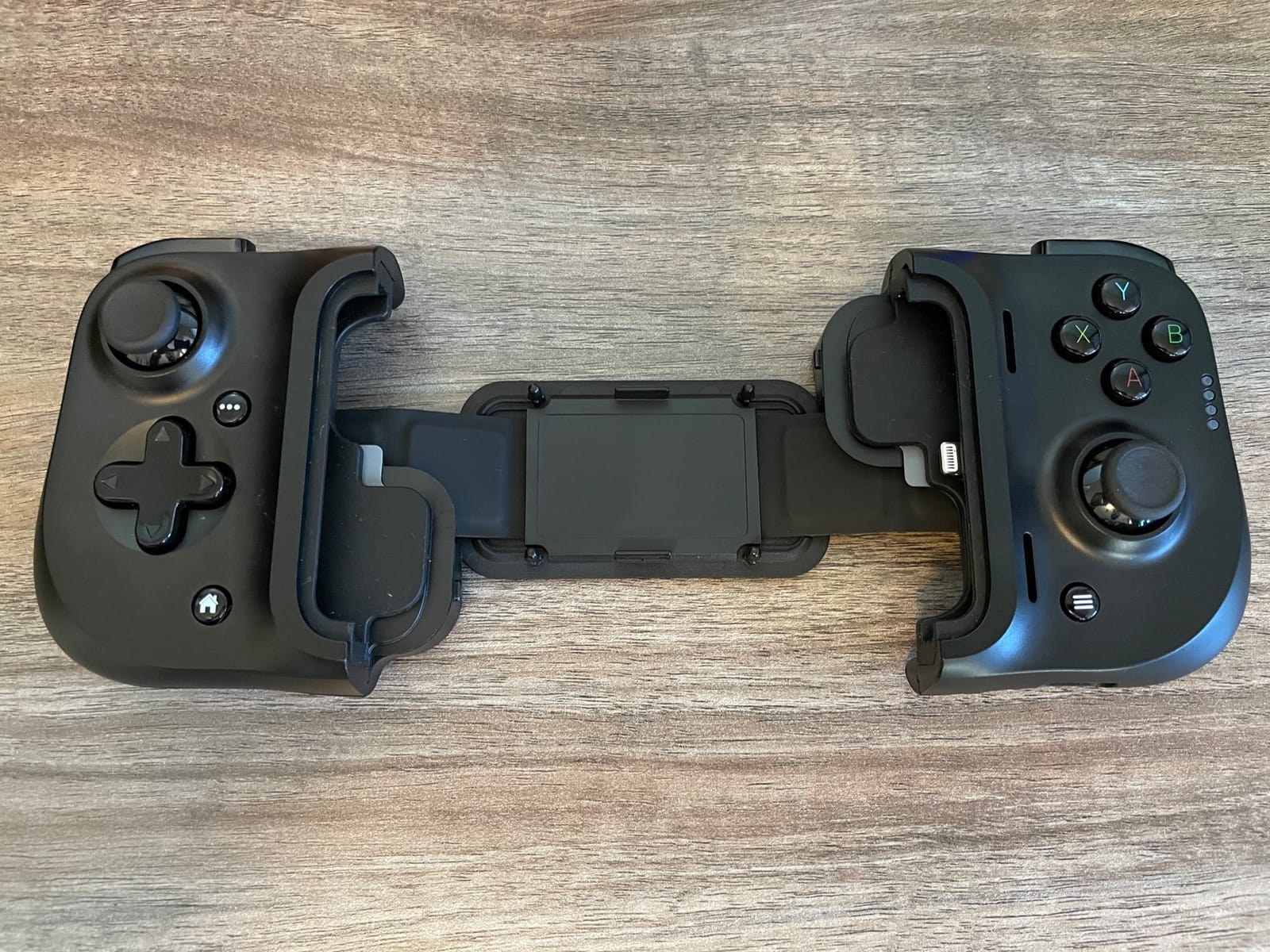
Owners in the r/XboxGamePass community describe it as essentially turning the phone into a fully functioning Xbox, and they confirm Xbox Cloud Gaming runs smoothly through the mobile app with it attached. Clickable analog thumbsticks are the feature people single out most.
What you should know before you buy
Its 4.1 rating carries a 13 percent one-star share, and that mostly reflects the design ageing out rather than quality dropping. You have to remove the phone case before use, some owners find the grip cramped over long sessions, and it will not work on any USB-C device.
Who the Razer Kishi Lightning suits best
It suits owners of an iPhone X through 13 who stream Xbox Cloud Gaming, GeForce NOW, Steam Link or Luna and want the wired connection. If your phone charges over USB-C, look at the G8 Plus MFi or the Razer Kishi V3 instead.
12. abxylute M4 – Best for Travel and Retro Games
abxylute M4 Snap-On Mobile Gaming Controller for Android & iPhone, Switch 1&2, Portable Bluetooth Controller, Pocket-Sized Retro Arcade Phone Gamepad Kickstand, Dual Joystick Turbo Pro Gaming Magnetic (Black)
56 g magnetic snap-on body
18 buttons including a real D-pad
12-hour battery life
Pros
- Genuinely pocket-sized at 56 g
- Magnetic ring doubles as kickstand and handgrip
- 18 buttons including a real D-pad for retro emulation
- Works with Switch Switch 2 and PC as well as phones
- 12-hour battery so it rarely needs charging
Cons
- Tiny stiff slippery analog sticks are poor for 3D titles
- Phone feels top-heavy on Pro Max sized devices
- Magnets lose grip if the phone is angled or flipped
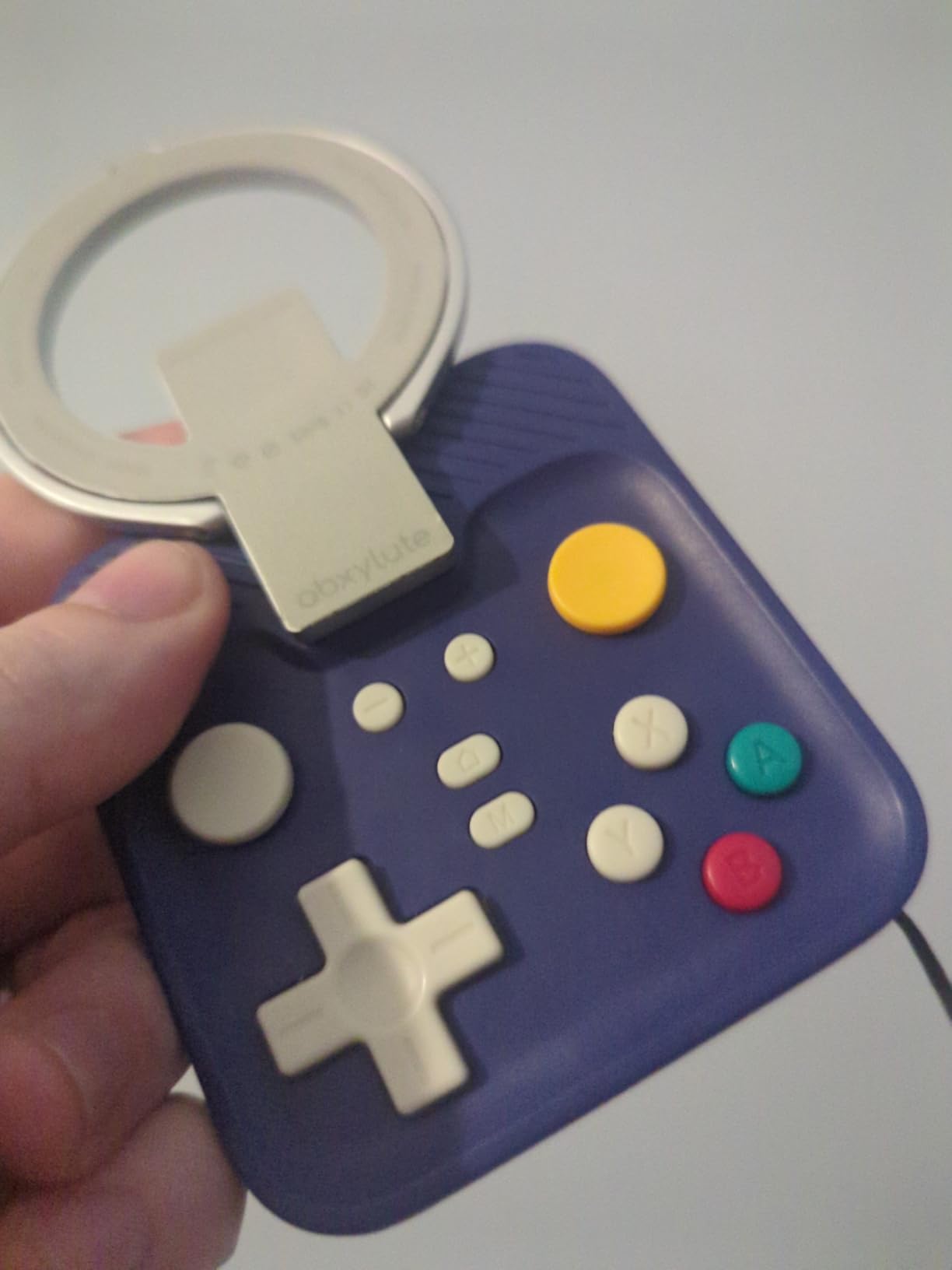
The abxylute M4 is the odd one out and that is the point. At 56 g it is the only controller in this roundup that genuinely fits in a pocket, and it snaps onto the back of the phone magnetically with a ring that doubles as a kickstand or grip.
It carries 18 buttons including a proper D-pad, which makes it excellent for GBA, SNES and Game Boy emulation in Delta, RetroArch and PPSSPP. It also works as a controller for a PC and for Switch or Switch 2.
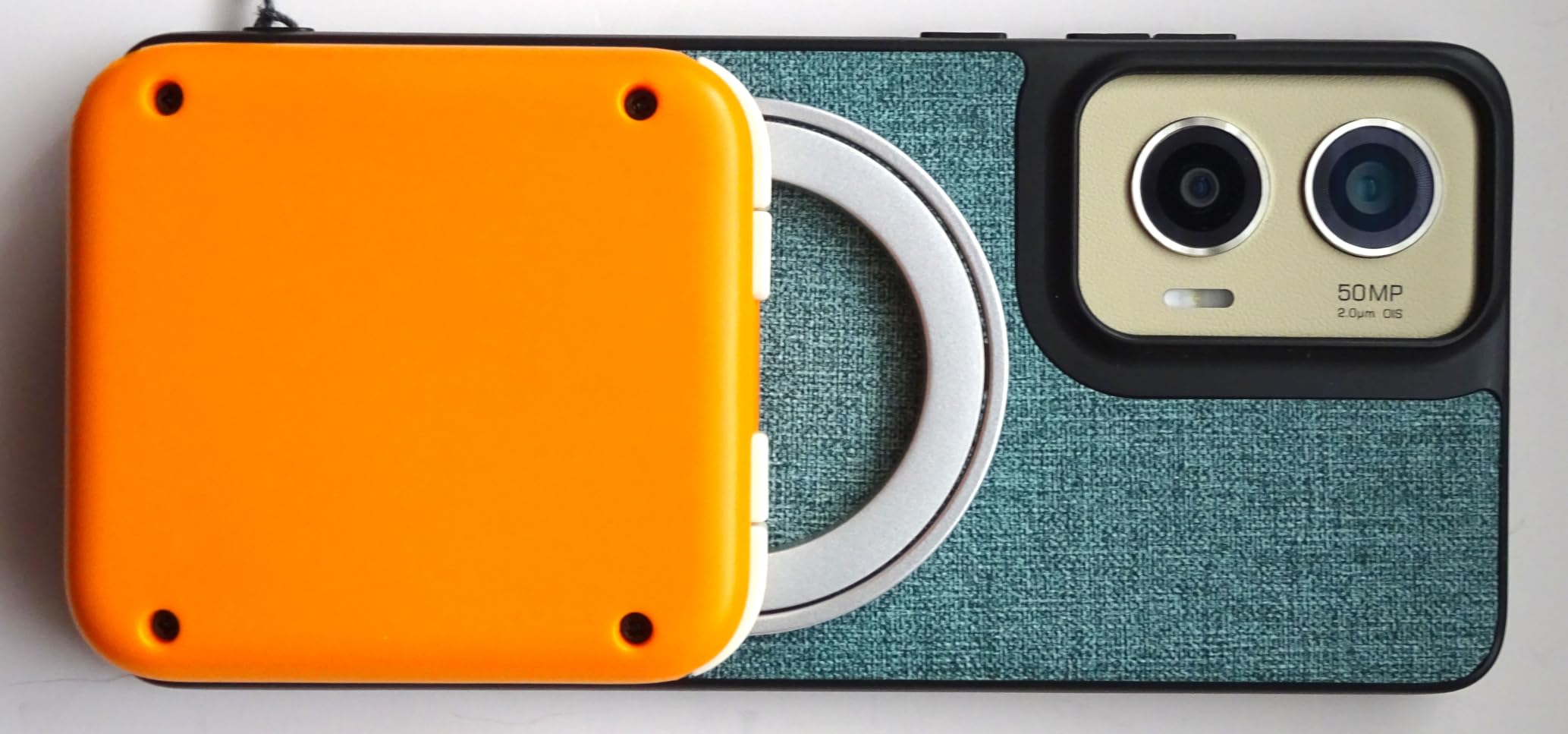
Reviewers are enthusiastic about the portability, the magnetic design and the D-pad quality, and several use it one-handed. Battery life is 12 hours. If you stream away from home regularly, our satellite phone picks cover the other half of that problem.
What you should know before you buy
The analog sticks are very small, stiff, smooth and slippery with limited travel, which makes them poor for 3D action titles and cloud shooters. A Pro Max sized phone feels top-heavy and causes wrist fatigue in 10 to 15 minute bursts, and the magnets can lose grip if the top of the phone is angled downward.
Who the abxylute M4 suits best
It suits retro players, commuters and anyone who would rather carry a 56 g controller than a full-size pad. It does not suit people streaming shooters or racing games, and it is not compatible with foldable phones.
Why Cloud Gaming Changes What Matters in a Controller
Every cloud session stacks the same chain: you press a button, the phone sends it over the network, a remote server renders the frame, the video is compressed and streamed back, and your screen decodes it. Network delay, server time and video compression are outside your control, so the only parts you can remove are the ones inside your hands.
That is where a wired USB-C pad wins. It plugs straight into the charging port, so there is no wireless hop and no pairing step between your thumb and the game. A Bluetooth controller adds a small but repeatable delay on top of the stream, and that delay is most obvious in shooters, racing games and anything where you are correcting aim while moving.
Hall Effect sticks matter for the same reason, over a longer timescale. A conventional potentiometer stick relies on a physical contact that wears, and the first symptom is drift: your character walks on their own when you let go. Hall Effect sticks read position magnetically, so there is nothing to wear out. For someone streaming three-hour sessions several times a week, that is the difference between a pad that still aims true in year two and one that does not.
Pass-through charging is the other practical one. A controller that draws from the phone will drain it during a long stream, and a phone that dies mid-match is the most common complaint owners report. Every wired pick above passes power through to a charging cable. The Bluetooth pads all need their own recharge, and the Turtle Beach Atom blocks the phone port entirely while docked.
Finally, the iPhone trap. If your phone charges over USB-C, that rules out the Lightning Razer Kishi. If your phone still uses Lightning, it rules out almost everything else. The GameSir G8 Plus MFi and the 8BitDo Ultimate are the two picks that work cleanly across both ecosystems, the first with MFi certification and the second with Microsoft and Apple licensing.
Cloud Gaming Service Compatibility: xCloud, GeForce NOW, PS Remote Play, Steam Link and Luna
Xbox Cloud Gaming (xCloud)
Every controller in this roundup works with xCloud, which makes Xbox Cloud Gaming the easiest service to shop for. The fastest results come from a wired USB-C pad such as the GameSir G8 Galileo or the Backbone Pro. Among Bluetooth options, the 8BitDo Ultimate is officially licensed by Xbox, and the Mocagen MC1, ShanWan and NinjaPlusOX all register as Xbox wireless controllers.
GeForce NOW
GeForce NOW on phone responds to any controller that appears as a standard input device, so the same shortlist applies. The Razer Kishi V3 additionally works as a PC controller over USB-C, and the Backbone Pro does the same in its wired mode. The Turtle Beach Atom is built explicitly for GeForce NOW, though its Bluetooth delay is more noticeable here than elsewhere.
PS Remote Play
This is the service that rules controllers out. Bluetooth pads that use the Xbox input protocol, including the Mocagen MC1 and the NinjaPlusOX, cannot drive PS Remote Play. For PlayStation streaming you want a wired USB-C pad or a Bluetooth pad with PS input mode, and the ShanWan is the budget option that explicitly supports it.
Steam Link
Steam Link on Android accepts standard Bluetooth and USB controllers, and it is one of the services where the extra back buttons on the G8 Galileo and the Macro buttons on the ShanWan pay off, since you can bind them in the Steam overlay. Owners running Steam Link alongside emulators frequently report the GameSir X5 Lite as the value pick.
Amazon Luna
Luna needs an official controller profile on iOS, so a pad with MFi certification is the safest route. The Razer Kishi Lightning and the GameSir G8 Plus MFi both carry Apple certification, and the 8BitDo Ultimate is also officially supported by Apple. For Android, any standard Bluetooth pad in this list works.
How We Tested These Phone Controllers
We compared all 12 controllers on the same four checks rather than on marketing pages. First, connection type and where the delay sits: wired USB-C, wired Lightning, or Bluetooth, plus whether the pad passes power through to a charging cable.
Second, fit across a range of phones with and without cases, including how the clamp treats a camera bump. Third, control hardware: stick type, trigger type, D-pad behaviour, back buttons and whether the companion app is needed for remapping. Fourth, service compatibility across Xbox Cloud Gaming, GeForce NOW, PS Remote Play, Steam Link and Amazon Luna, plus which streaming protocol the pad actually uses.
Ratings, review counts and owner feedback come from verified customer reviews rather than our own measurements, so where an owner complaint is specific, like the G8 auto-sleep or the Mocagen battery life, we report it as an owner report.
How to Choose a Controller for Cloud Gaming on a Phone
Six decisions decide whether you get a good controller or a frustrating one. Work through them in order and the choice makes itself.
1. Connection type. Wired USB-C is the lowest-delay option and the one we recommend for competitive play. Choose Bluetooth only when a cable is genuinely in the way, and understand that you are adding a wireless hop to a stream that already has plenty of delay.
2. Platform and port. Confirm your phone charges over USB-C before you pick anything. On iPhone that means iPhone 15 or newer for the wired picks. Lightning users have a narrow path, and the compatibility list in the Razer Kishi V3 section is worth checking twice.
3. Stick type. Hall Effect sticks, TMR sticks and traditional potentiometer sticks are not equal. Hall Effect and TMR avoid drift, which matters most if you play weekly or daily over months rather than in occasional sessions.
4. Pass-through charging. If you play longer than about 90 minutes, you want the controller to charge the phone while it plays. Every wired pick here does it. Among Bluetooth pads, battery life becomes the substitute, and only the Turtle Beach Atom reaches 20 hours.
5. Fit with your case. This is the most common real-world failure point. The G8 Galileo takes roughly a case up to 1 mm, the Mocagen MC1 handles up to 12 mm, and several budget pads need the case off. If you always use a case, test the thickness before you commit.
6. Service support. Decide which service you actually play. If PS Remote Play is in the mix, cross out every Xbox-protocol Bluetooth pad. Buying for the wrong service is the single most common regret owners report in the r/XboxGamePass community.
There is also a zero-cost option worth naming. If you already own an Xbox, PlayStation or Switch controller, a phone clip lets you stream with the pad you have. It is a compromise on ergonomics and screen coverage compared with a telescopic controller, but it costs nothing, and for occasional GeForce NOW or Steam Link play it is hard to argue with. If you are shopping for a console pad anyway, our best PS5 controllers and best general game controllers guides cover the pads that clip well.
One more category to know about. Phone gimbals, which stabilise the phone itself rather than adding controls, solve a completely different problem. Our best gimbals for Android phones guide covers those if video and photo stability is what you are after.
Frequently Asked Questions
Which controller is best for cloud gaming?
For most people, the GameSir G8 Galileo is the best controller for cloud gaming on a phone. It connects over wired USB-C, which removes the extra wireless delay that Bluetooth adds to a stream, and its Hall Effect sticks and triggers resist drift over long sessions. If you want the premium build and the option to go wireless, the Backbone Pro is the alternative.
Which controller is best for Xbox cloud gaming?
For Xbox Cloud Gaming on a USB-C phone, the GameSir G8 Galileo is the strongest all-round pick, with the Backbone Pro the premium option and the 8BitDo Ultimate Mobile the officially licensed Bluetooth choice. The 8BitDo carries both Xbox and Apple approval, which makes it the least complicated path into xCloud on either an iPhone or an Android device.
What is the best gaming controller for your phone?
It depends on your port and your games. Wired USB-C suits competitive shooters and racing where delay shows. Bluetooth suits travel and cases up to 12 mm thick. For retro emulation a small pad with a real D-pad works better than a full-size one. Check that your phone charges over USB-C, confirm the streaming service you use is supported, and then buy on stick type.
Can I use my existing Xbox, PlayStation or Switch controller for cloud gaming on a phone?
Yes. Any standard Bluetooth controller, including current Xbox, PlayStation and Switch pads, will connect to a phone and work with Xbox Cloud Gaming, GeForce NOW and Steam Link. You will need a phone clip to hold the device, which is less comfortable than a telescopic controller over long sessions, but it costs nothing and avoids a wireless pairing problem on some Android devices.
Is the Razer Kishi good?
It depends which one. The Razer Kishi V3 is a good choice for recent USB-C phones, with full-size TMR sticks, two mouse-click back buttons and the widest case tolerance in the wired category. The older Razer Kishi is a good wired option for Lightning iPhones, where it has more than 5300 ratings and holds up well. Neither works on the other port type.
What is better than Backbone?
The GameSir G8 Galileo is the most common alternative, and it costs less while keeping the two things that matter most for cloud play: a wired USB-C connection and Hall Effect sticks. The Backbone Pro holds an edge on build quality, three connection modes, 40 hours of wireless battery and full-size ALPS sticks, and it is the more expensive option with an optional subscription for its cloud launcher.
Can I use a virtual or on-screen controller for cloud gaming?
On-screen touch controls work, and every streaming service supports them, but they are the weakest option for cloud play. Touch input has no tactile feedback and no analog precision for aiming, and a phone screen adds occlusion problems in shooters. A physical controller also lets you keep the full display visible, which matters in games with a minimap or a map overlay.
Which Controller for Cloud Gaming on a Phone Should You Buy in 2026?
Buy the GameSir G8 Galileo if you have a USB-C phone. For the best controllers for cloud gaming on phones in 2026, it wins because a wired plug and Hall Effect sticks attack the two delays you can actually control, and pass-through charging keeps a long session alive. The Backbone Pro is the alternative when you want one device that works docked, wireless and wired.
If a cable is genuinely inconvenient, the 8BitDo Ultimate Mobile is the best Bluetooth choice for Xbox Cloud Gaming because of its Microsoft and Apple licensing, and the Mocagen MC1 is the best for comfort and thick cases. Lightning iPhone owners have one path: the Razer Kishi Lightning. Everyone else should start from the port on their phone and work backwards from there.