
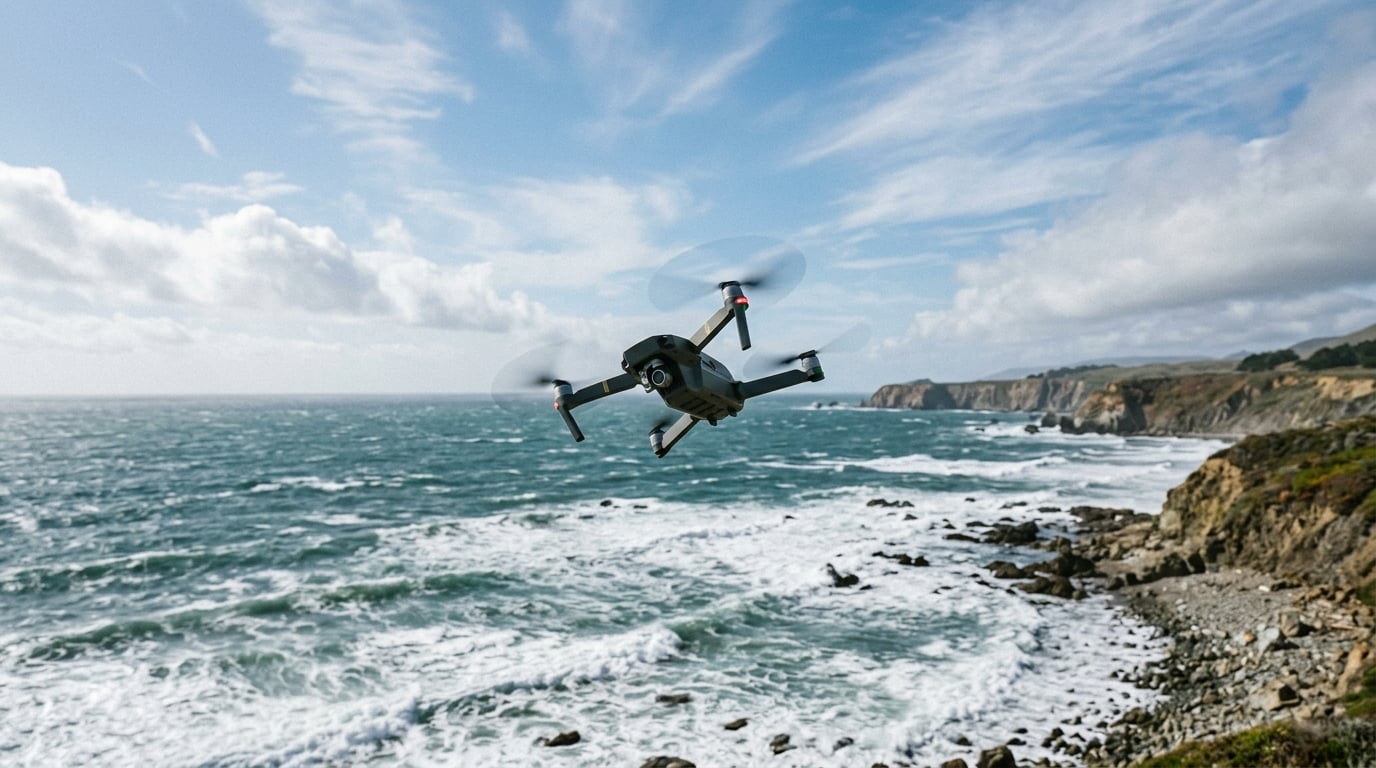
If you have ever watched your drone drift sideways while you sat frozen on the sticks, you already know the frustration. Your drone struggles to hover in gusty wind, and it shows up as wobble, drift, and the creeping fear that something is about to go wrong. I have been there more than once, especially when flying a sub-250g Mini on a coast that looks calm but feels like a wind tunnel at 30 feet.
This guide explains exactly why hovering is uniquely challenging in gusty conditions, the physics behind the wobble, and seven field-tested compensation techniques our team uses when the breeze picks up. By the end, you will know how to read the wind, predict when your drone will lose its hold, and recover before a gust becomes a flyaway.
Table of Contents
Why Hovering in Wind Is Uniquely Hard for Drones
Hovering in gusty wind is harder than forward flight for a simple reason. When a drone sits still in the air, it has zero airspeed over its own control surfaces. A forward-flying aircraft has air rushing past the wings and stabilizers, which gives the control surfaces something to bite into. A hovering drone only has the wind the atmosphere is forcing on it.
This creates three simultaneous problems:
- Asymmetric drag on the airframe pushes the drone sideways or backward.
- The flight controller has to lean the drone into the wind to stay in place, which reduces the thrust available for altitude hold.
- The IMU (inertial measurement unit) sees constant micro-accelerations and keeps overcorrecting, producing the visible jitter we all call wobble.
Think of a kite in a steady breeze. It holds position because the wind flows past it from one direction, generating predictable lift. The moment the wind shifts or gusts, the kite tumbles until it finds a new equilibrium. Your drone is doing the same thing, just with a flight controller trying to recover 400 times per second.
The Physics: Why Your Drone Struggles to Hover in Gusty Wind
The drone struggles to hover in gusty wind because the flight controller is fighting a moving target. Here is what is actually happening inside the airframe.
Thrust-to-Weight Ratio
A consumer drone typically has a thrust-to-weight ratio between 2:1 and 4:1. That means it can hover at 25 to 50 percent throttle and still have headroom to climb. The moment wind forces the drone into a hover lean, more of that thrust is redirected from “lift” to “horizontal hold.” A gust that suddenly demands 70 percent throttle to hold position leaves almost no margin for the next gust.
Propeller Pitch and Motor Torque
Brushed and brushless motors can change RPM almost instantly, but the propellers themselves have rotational inertia. A sharp gust demands a sudden RPM spike, and the props take a fraction of a second to catch up. During that lag, the drone visibly dips or drifts. This is the most common cause of the “jittery hover” complaint on Reddit threads about DJI Mini and Mini 2 models.
GPS Drift and Position Hold
GPS position hold relies on a lock with multiple satellites. In gusty conditions, the drone is constantly being shoved away from its GPS-defined anchor point, then slammed back. The flight controller allows a small position error (usually 1 to 3 meters) before correcting aggressively. You see this as the drone appearing to “bob” in one spot rather than hold still.
Flight Controller Overcorrection
The flight controller uses PID loops to maintain attitude. P (proportional) reacts to current error, I (integral) to accumulated error over time, and D (derivative) to the rate of error change. In gusty wind, the D term fires hard on every gust, producing sharp motor corrections. If PIDs are tuned aggressively (as they are in Sport mode), the drone looks twitchy. If tuned smoothly, it looks like a slow drift. Either way, the drone is fighting wind, not hovering.
Compass and IMU Behavior
The compass tells the drone which way is north, and the IMU tells it which way is up. Gusts do not directly confuse these sensors, but the constant tilting they cause makes the flight controller reorient constantly. On cheaper drones without redundant IMUs, you may also see occasional “heading drift” where the drone slowly rotates because the compass cannot lock a stable reference in moving air.
Types of Wind That Cause Hover Instability
Not all wind is the same. A steady 15 mph breeze is easier to hover in than a 10 mph breeze with 20 mph gusts. Here is what is actually breaking your hover.
Sustained Wind vs. Gusts
Sustained wind is the average speed over a one-minute window. Gusts are short spikes, usually lasting 3 to 20 seconds. Drones handle sustained wind better than gusts because the flight controller can establish a steady lean angle. Gusts require instantaneous response, and even the best controllers lag slightly behind.
Wind Shear
Wind shear happens when wind speed or direction changes abruptly with altitude. A common example is taking off near a building: the air near the ground may be calm, but at rooftop level, the wind is screaming. As your drone climbs, it crosses into a different wind regime and suddenly has to hover at a 30-degree lean angle.
Microbursts
A microburst is a sudden, powerful downdraft that hits the ground and spreads outward. They are most common during thunderstorms but can occur in any unstable air mass. If you have ever had your drone suddenly drop several feet while every warning light screamed at you, you may have hit a microburst. They are extremely dangerous and one of the leading causes of drone flyaways.
Mechanical Turbulence
Mechanical turbulence forms when wind flows over buildings, trees, fences, or terrain features. It produces rotating eddies that can flip a hovering drone in seconds. This is why flying behind a tree line at low altitude can be more dangerous than flying in open wind at altitude.
Thermal Turbulence
On sunny days, the ground heats unevenly, creating rising columns of warm air (thermals). A drone caught in a thermal will rise suddenly without throttle input. DroneGenuity reports that this is one of the most underestimated causes of altitude loss in clear weather.
How Windy Is Too Windy for a Drone?
There is no universal answer, but here are practical thresholds our team uses. These assume a consumer drone in the 200 to 900g weight class.
- 0 to 10 mph: Most consumer drones handle this without breaking a sweat. Hover should be near-perfect.
- 10 to 15 mph: Light lean, mild drift, slight battery penalty. Still flyable for most pilots.
- 15 to 20 mph: Visible tilt and drift. Mini drones (under 250g) start to struggle. Larger drones still hover well.
- 20 to 25 mph: The edge for most consumer drones. Hover becomes a fight. Battery drains 30 to 50 percent faster.
- 25 to 30 mph: Above the published wind resistance of many consumer drones. Only skilled pilots should attempt flight.
- 30+ mph: Do not fly unless your drone is rated for it. Risk of flyaway is high.
Reddit users in Oklahoma report 30 mph average winds with 50 mph gusts as “pretty normal,” and even experienced pilots there avoid flying consumer drones. If you live in a windy region, plan your flights around early morning or evening lulls.
7 Compensation Techniques for Stable Hovering in Wind
You cannot remove the wind, but you can change how your drone responds to it. These seven techniques are what our team uses in the field when conditions are not perfect.
1. Fly Into the Wind First
If you know the wind direction, take off and fly upwind first. This way, your return-to-home (RTH) leg is downwind, and the drone can glide home on reduced throttle if the battery runs low. More importantly, you are flying toward the cleanest air, where wind tends to be most consistent.
2. Increase Altitude Above the Turbulence Layer
Mechanical turbulence is worst below rooftop height. Climbing to 50 to 100 feet often puts you in smoother, faster-moving air. The wind speed may be higher, but it is also more consistent, and your drone can lean steadily instead of fighting eddies.
3. Use Sport Mode Selectively
Sport mode gives you faster motor response but disables some stability assists. In steady wind, Sport mode actually produces a smoother hover because the drone commits to corrections faster. In gusty conditions, stick to Normal mode for better GPS hold.
4. Calibrate the Compass Before Windy Flights
A freshly calibrated compass reduces heading drift. Spend the extra 60 seconds before flying in wind. Some pilots skip this on familiar ground, but magnetic interference near buildings or power lines can combine with wind to create erratic heading behavior.
5. Fly Short, Controlled Missions
Wind burns battery fast. The Dronegenuity team reports that flying into a 20 mph headwind can cut flight time by 40 percent. Plan shorter missions, land at 30 percent battery instead of 20 percent, and always carry a spare battery if you intend to fly in wind.
6. Keep the Drone Downwind of You
Standing downwind of the drone gives you a cleaner visual reference. The drone will naturally drift toward you, and the lean angle will be visible. If the drone is upwind, your stick inputs have to fight the visual illusion of stability.
7. Trigger RTH at the First Sign of Trouble
If hover becomes erratic, battery drops faster than expected, or the drone starts drifting without input, hit RTH immediately. Most modern drones will calculate a safe return path accounting for wind. Do not try to fly home manually unless RTH fails, because panicking into a wind is the most common cause of flyaways.
Pre-Flight Wind Check: How to Read Conditions Before You Fly
Compensation only works if you are already flying. The best pilots never get into trouble because they check the wind before takeoff.
Use UAV Forecast or a Similar App
UAV Forecast is the most cited wind app in drone forums. It shows wind speed, gust speed, precipitation, cloud ceiling, GPS satellite count, and solar activity (Kp index) for any location. Reddit users widely use 20 mph gusts as their personal “do not fly” threshold. If UAV Forecast shows gusts above 20 mph at your planned flight altitude, stay on the ground.
Check Both Surface and Altitude Winds
Surface winds can be calm while altitude winds are strong, especially near coastlines and mountains. UAV Forecast and Windy.com both show altitude wind profiles. If winds at 300 feet are double the surface winds, plan your mission below 100 feet or pick another day.
Look for Visual Wind Signs
Trees, flags, grass, and water surfaces tell you what is happening. If leaves are flipping and flags are standing out straight, winds are at least 15 mph at ground level. If water has whitecaps, expect 20+ mph.
Test Hover at Low Altitude First
After takeoff, hover at 10 feet for 30 seconds. Watch the flight controller display or app for wind speed and gust indicators. If the drone is fighting hard or tilting more than 30 degrees, land and wait.
Know When to Say No
No shot is worth a flyaway. If conditions are borderline, the right call is to land and try again at a calmer time of day. Coastal areas often have a dawn lull, and inland valleys often calm at sunrise and sunset.
Frequently Asked Questions
How windy is too windy for a drone?
Most consumer drones handle winds up to about 20 mph comfortably, with hover becoming unstable between 20 and 25 mph. Above 25 mph, only experienced pilots should fly, and above 30 mph you should not fly unless your drone is specifically rated for it. Sub-250g mini drones are usually limited to around 15 mph before they start drifting noticeably.
Why is my drone not hovering steadily?
Your drone is not hovering steadily because wind is pushing it off position while the flight controller keeps correcting. This creates visible jitter, drift, and tilt. Other causes include poor GPS lock, an uncalibrated compass, low battery, or propellers that are damaged or dirty. If hover is unstable even in calm air, check those four factors first.
How do I get my drone to hover more stably in wind?
To get a more stable hover in wind, fly upwind first, climb above the turbulence layer, calibrate the compass before takeoff, and use Normal mode instead of Sport mode for gusty conditions. Keep the drone downwind of you for a better visual reference, and trigger RTH at the first sign of erratic behavior.
Can I fly my drone on a windy day?
Yes, you can fly your drone on a windy day as long as wind speeds stay within your drone’s published wind resistance rating. Most consumer drones are rated for Level 5 wind resistance, which corresponds to about 19 to 24 mph sustained winds. Check UAV Forecast before flying and avoid gusts above 20 mph unless you are an experienced pilot with a properly rated aircraft.
Final Thoughts: Fly Smart in Gusty Wind
Your drone struggles to hover in gusty wind because hovering removes the airspeed that makes flight stable. The flight controller is fighting constant overcorrection, the GPS is chasing a moving target, and the props are lagging behind the gusts. None of that is a defect; it is physics.
Use the seven compensation techniques, check UAV Forecast before every flight, and respect your drone’s published wind resistance rating. If hover looks unstable on the ground, do not take off. The best pilots are the ones who decided not to fly when conditions were wrong. Use the checklist above and you will come home with the drone, the footage, and the confidence to fly again tomorrow.