
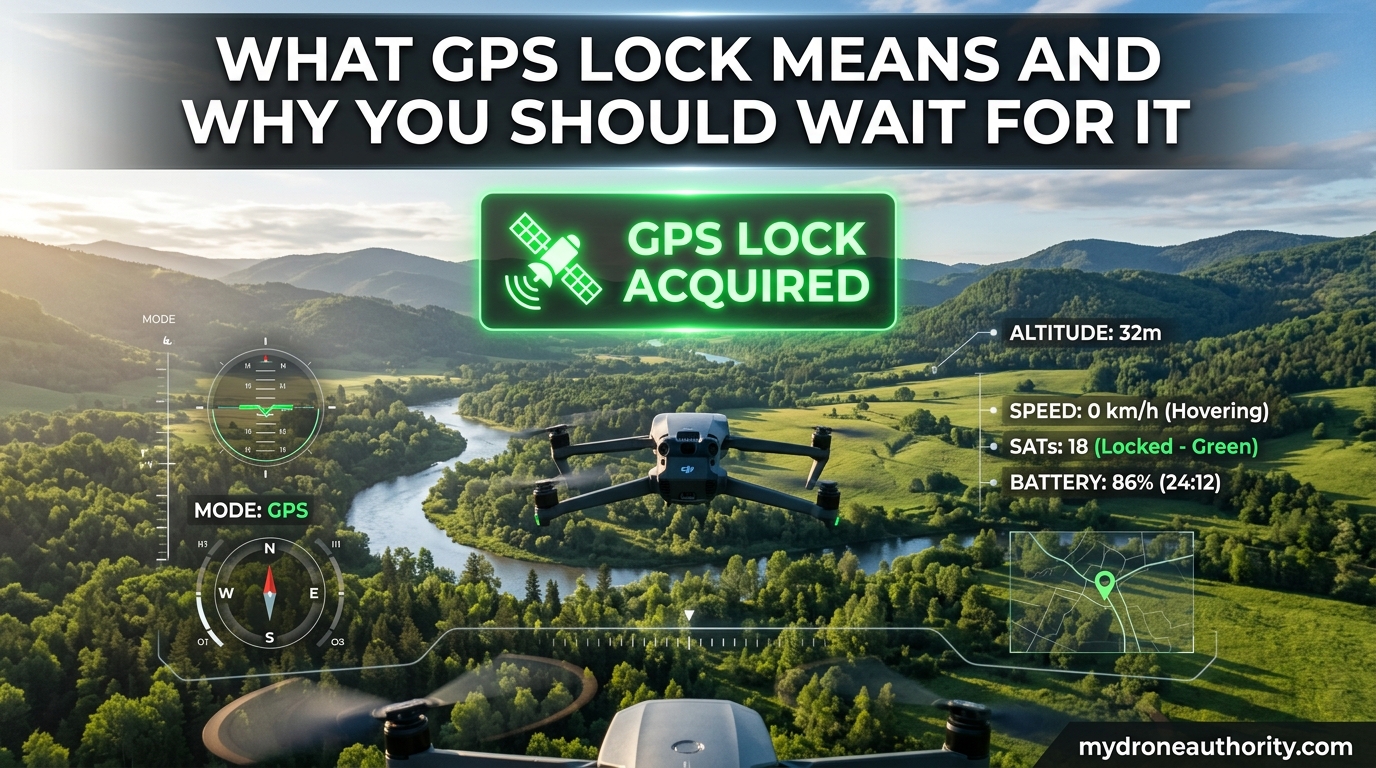
If you have ever watched your drone drift sideways on takeoff when it should have been holding steady, weak GPS lock is almost always the reason. Understanding what GPS lock means is one of those small details that separates pilots who lose aircraft from pilots who bring them home every time.
When I first started flying GPS-enabled drones, I treated the green “ready” light as permission to launch. That habit cost me one heart-stopping flyaway and a few close calls before I learned that “ready” and “locked” are not the same thing. This guide breaks down what GPS lock means, why it matters, and exactly what to look for before you take off.
By the end, you will know how to read your drone’s GPS status, how long to wait, and how to avoid the common mistakes that lead to drifting, flyaways, and unreliable return-to-home.
Table of Contents
What Is GPS Lock?
GPS lock means your drone’s receiver has connected to enough GPS satellites to calculate a usable position in three dimensions. The technical minimum is four satellites, but in practice most flight controllers want to see more before they consider the position trustworthy.
The process behind GPS lock is called trilateration. Each satellite broadcasts a timing signal, and your drone measures how long that signal takes to arrive. With signals from at least four satellites spread across the sky, the receiver can solve for latitude, longitude, altitude, and clock error all at once. That combined solution is what we call a GPS lock.
Lock is different from simply detecting satellites. A receiver can “see” two or three satellites and still not have enough geometry to resolve its position. Until the math works out, the drone effectively does not know where it is, no matter what the satellite count reads.
This is why experienced pilots treat the first GPS lock of the session as the start of a short waiting period, not the start of the flight.
GPS Lock vs GPS Fix: The Critical Distinction
Here is where most beginner guides get sloppy, and it is the source of more confusion than almost any other drone topic. “GPS lock” and “GPS fix” sound interchangeable, but they describe different stages of the same process.
A GPS lock means satellites are connected and the receiver has resolved a position. A GPS fix, sometimes called a 3D fix, means that position is stable and accurate enough to actually trust for navigation. Lock is the connection. Fix is the confidence.
This distinction comes straight from real pilot forums. On YuneecPilots, a user named “glider” put it well: when the status light shows Ready, that does not mean the drone has a good position estimate fix. The green light means lock is achieved, but the position may still be sharpening for another minute or two.
The number that tells you the truth is HDOP, which stands for Horizontal Dilution of Precision. A low HDOP (under 2.0) means the satellites are well spread across the sky and the position fix is tight. A high HDOP (above 3.0 or 4.0) means the geometry is poor and the fix is sloppy even if the satellite count looks fine.
This is the gap that gets pilots in trouble. The drone shows 10 satellites and a green light, so they take off. But the HDOP is still 4.5 because all of those satellites are clustered in one part of the sky. The drone thinks it is locked, but the position estimate could be off by 30 feet or more.
If that sounds theoretical, it is not. That 30 feet of error is exactly why some drones “wander” for the first 30 seconds after takeoff and then suddenly settle down. The flight controller is refining its fix on the fly.
Why You Should Wait for GPS Lock Before Flying
The single most important reason to wait is this: nearly every GPS-dependent safety feature on your drone only works as well as the position fix it is built on. Weak lock in, weak behavior out.
Return-to-home is the obvious example. When you trigger RTH, or when a failsafe triggers it for you, the drone flies back to the home point it recorded at takeoff. If that home point was recorded during a sloppy fix, the drone will return to the wrong spot. I have read forum posts from pilots whose drones “came home” into a tree, a parked car, or a neighbor’s yard because the home point was off by 20 feet.
Position hold is the other big one. Without a solid fix, the drone cannot hold a steady hover, and it will drift with the wind or with its own momentum. New pilots often blame the wind when the real culprit is a fix that was still settling when they took off.
Geofencing and no-fly zone warnings also depend on accurate GPS. A loose fix can cause false alerts or, worse, fail to warn you when you are actually inside a restricted area.
Then there is the scariest scenario, which I have seen described on r/drones more than once: a pilot takes off before the fix is stable, the drone’s position estimate jumps suddenly, and the flight controller panics. The drone rockets in an unexpected direction because its internal map just shifted. One user described their drone as “going crazy” right after takeoff, and the cause was almost certainly taking off on a weak, drifting fix.
The cost of waiting is two minutes. The cost of not waiting can be a lost aircraft. It is the easiest risk-management decision in the hobby.
How Long Does GPS Lock Take?
Lock time depends almost entirely on whether the receiver already knows roughly where it is. There are two scenarios worth knowing.
A cold start happens when the GPS module has no recent memory of its location, like the first flight of the day or the first flight after traveling more than a few hundred miles. Cold starts routinely take three to five minutes, sometimes longer in cold weather. The receiver has to download fresh satellite data, and that process happens slowly.
A warm start happens when the module was locked recently and still remembers the satellite constellation from the last session. Warm starts can take as little as 15 to 30 seconds. If you land, swap a battery, and take off again from the same spot, you are in warm-start territory.
My rule of thumb is simple: wait at least three minutes on the first flight of the day, and wait at least 30 seconds on every subsequent flight in the same location. In cold weather, add another minute or two, because cold GPS modules are noticeably slower.
Signs of a Good GPS Lock
Do not trust any single indicator. Look at the combination of satellite count, HDOP, and stability before you take off. Here is the checklist I use.
Satellite count: You want at least eight satellites locked, with ten or more being ideal. Four is the technical minimum, but anything under six makes me nervous. More satellites generally means a more reliable fix, but only if they are spread across the sky.
HDOP value: Look for HDOP under 2.0. Anything under 1.5 is excellent. If your flight controller or OSD shows HDOP above 3.0, wait longer or move to a more open area. HDOP is the number that tells you the fix is actually tight.
Stable home point: Watch the home point indicator on your OSD or app. If it is still jittering or shifting, the fix is still settling. Once it holds steady for 15 to 20 seconds, you are in good shape.
LED indicators: Most consumer drones use green for “GPS ready,” but the exact meaning varies by manufacturer. Read your manual. A solid green light usually means a good fix; a slow blink often means lock acquired but fix still improving. Wait for the solid state.
Tips for Faster GPS Lock and Troubleshooting
If your drone is taking forever to lock or showing zero satellites, work through these in order.
Get a clear view of the sky. Buildings, trees, and even heavy cloud cover slow down GPS lock significantly. Move to an open area, even a few hundred feet can help.
Keep the antenna pointed correctly. Most drone GPS antennas are patch antennas mounted on top of the aircraft. They listen upward. If your drone is sitting at an odd angle on the ground, the antenna has a worse view of the sky.
Watch for VTX and electronics interference. This is a common problem on FPV builds. A GPS module sitting too close to a video transmitter or flight controller can pick up RF noise and refuse to lock. On Betaflight and similar platforms, users frequently report 0 satellites until they physically relocate the GPS module away from the VTX.
Check the baud rate on custom builds. If your OSD shows zero satellites indefinitely, the GPS module may be communicating at the wrong baud rate. The module works, but the flight controller cannot read it. This is a five-second fix in the configurator but a common trap.
Be patient on cold days. Cold temperatures slow GPS modules dramatically. If you are flying in winter, expect cold-start times to double.
Update your GPS module. Older M8 chips are reliable, but newer M10 chips lock noticeably faster thanks to multi-constellation support (GPS, GLONASS, Galileo, BeiDou). If you fly a lot, the upgrade is worth it.
FAQs
What does GPS lock mean?
GPS lock means your drone’s receiver has connected to at least four GPS satellites and calculated its position in three dimensions. It is the baseline requirement for GPS-dependent features like position hold and return-to-home.
What does no GPS lock mean?
No GPS lock means the receiver has not connected to enough satellites to resolve a position. The drone effectively does not know where it is, so GPS features will not work and you should not take off.
How long does GPS lock take?
A warm start typically takes 15 to 30 seconds. A cold start, like the first flight of the day, usually takes three to five minutes. Cold weather can extend cold-start times even further.
Why is my drone not connecting to GPS?
Common causes are a blocked view of the sky, RF interference from the VTX or flight controller, a wrong baud rate setting on custom builds, or a faulty GPS module. Move to an open area first, then check wiring and configuration.
What happens if a drone loses GPS?
If a drone loses GPS mid-flight, it will usually switch to attitude mode and drift with the wind. Return-to-home stops working, position hold stops working, and the drone can only be flown manually until GPS is restored.
Conclusion: What GPS Lock Means and Why You Should Wait for It
What GPS lock means, at its core, is that your drone finally knows where it is well enough to trust its own navigation. Lock is the connection to satellites, fix is the confidence in the position, and HDOP is the number that tells you the difference. Learning to read all three is what separates a clean flight from a stressful one.
The advice is simple: wait three minutes on a cold start, check your satellite count and HDOP, confirm the home point has stopped shifting, and only then take off. Two minutes of patience is cheaper than a replacement drone.
If you take one thing from this guide, make it this: a green “ready” light is not permission to fly. It is a starting signal for your wait. Use that time to check your surroundings, your battery, and your flight plan. By the time you are done, your GPS fix will be tight and your drone will fly exactly where you tell it to.