
Nothing ruins a sunset flight faster than pulling the footage off your drone and seeing it stutter, skip, or freeze mid-scene. If you have ever wondered why your aerial clips look choppy even though the sky was clear and the gimbal was steady, the SD card inside that drone is one of the first suspects. Learning how to pick the right SD card so your drone doesn’t drop frames is the difference between buttery 4K cinema and corrupted files you can never recover.
This guide walks through the entire process. We break down speed classes, capacity targets, write speed math, and the diagnostic steps you can take if your current card is already letting you down. By the end, you will know exactly which specs to look for, which ones to ignore, and how to match a card to the specific drone sitting on your workbench right now.
Table of Contents
Why SD Card Speed Matters for Drones
When your drone records video, the camera sensor captures frames and hands them to a processor, which then writes that data to the SD card in real time. Every second of 4K footage at 100 Mbps is roughly 12.5 MB of data hitting the card. If the card cannot write that fast, the data has nowhere to go.
The drone has a small internal buffer that acts like a waiting room for that data. When the buffer fills up because the card is too slow, the drone starts dropping frames to keep recording. Those missing frames are what you see as stutter, judder, or choppy playback on your computer.
This is not a quality issue, it is a throughput issue. A premium Class 10 card from a major brand will still drop frames if its sustained write speed is lower than your drone’s bitrate demands. This is why so many pilots swap cards and still see choppy footage, they upgraded the brand but not the actual write speed class.
Worse, when the buffer fully overflows, recording can stop entirely or the file gets corrupted mid-write. You fly home thinking you captured the shot, only to find an unplayable file. Matching card speed to drone bitrate is the single most effective way to prevent this.
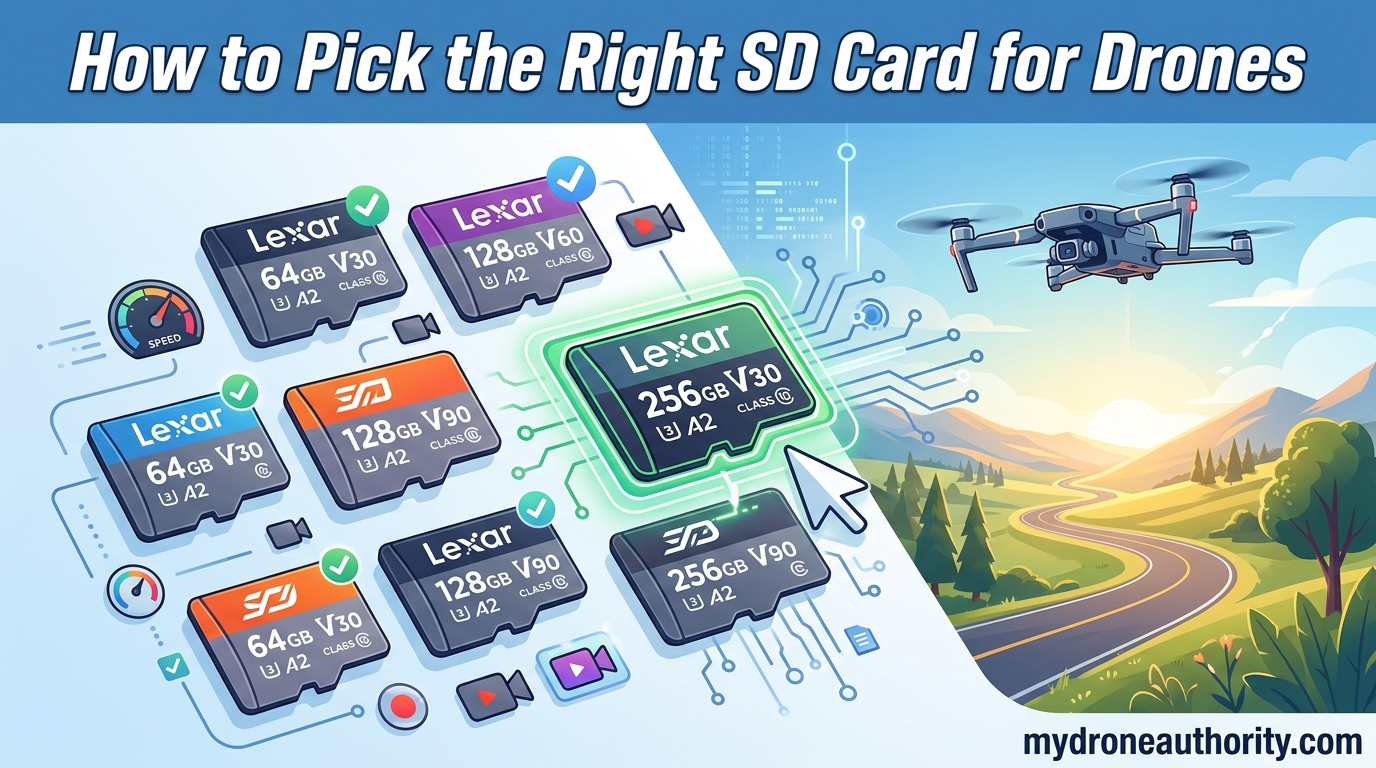
Understanding Speed Classes: V30, V60, V90 Explained
SD cards carry several speed ratings on the label, and they are not interchangeable. The most important one for drone pilots is the Video Speed Class, marked with a V followed by a number. That number is the guaranteed minimum sustained write speed in MB/s.
Here is what each rating actually means for your footage:
V10 guarantees a minimum sustained write of 10 MB/s. This is fine for 1080p at low bitrate, but it will drop frames on any 4K drone. Do not use these for aerial video in 2026.
V30 guarantees a minimum sustained write of 30 MB/s. This is the baseline for 4K recording on most consumer drones, including the DJI Mini series and Air 2S. It handles 100 Mbps bitrates comfortably with headroom.
V60 guarantees a minimum sustained write of 60 MB/s. This is what you want for 5.4K footage, high-bitrate 4K modes, and RAW burst photography. Cards like the SanDisk Extreme Pro often hit this tier.
V90 guarantees a minimum sustained write of 90 MB/s. This is professional territory for 8K capture and heavy burst shooting. Most consumer drones cannot use this speed because their internal controllers cap out before reaching it.
You will also see UHS Speed Grade 3, marked U3. U3 is essentially the same minimum as V30, so if a card shows both V30 and U3, that is a good sign for 4K drone use. The Class 10 label by itself is meaningless for modern aerial video.
How to Pick the Right SD Card for Your Drone: Step-by-Step
Follow these five steps to land on the right card the first time, without overspending on speed your drone cannot use or underspending and ruining your footage.
Step 1: Look up your drone’s maximum bitrate. Open the user manual or the manufacturer’s spec page and find the video bitrate. The DJI Mini 4 Pro tops out around 150 Mbps in 4K, while the Mavic 3 Pro can hit 200 Mbps in 5.1K. Write this number down.
Step 2: Convert Mbps to MB/s. Divide the bitrate by 8 to get megabytes per second. A 150 Mbps drone writes about 18.75 MB/s of data during recording. A 200 Mbps drone writes about 25 MB/s.
Step 3: Add a safety margin and pick a speed class. Never match the card exactly to the bitrate. You want at least 30 to 50 percent headroom so the card never saturates during fast-motion scenes. For most 4K drones, V30 is the safe minimum. For high-bitrate or 5K drones, step up to V60.
Step 4: Check the manufacturer’s compatibility list. DJI, Autel, and Skydio all publish approved card lists. These lists exist because some cards fail even when their speed class is correct, due to controller or firmware mismatches. If your card is not on the list, it will probably work, but you are taking on risk.
Step 5: Format the card in the drone before the first flight. Always format inside the drone, not on your computer. This aligns the file system with the drone’s controller and clears any leftover data that could fragment write performance.
Capacity Guide: How Much Storage Do You Actually Need?
Capacity is the second most common question after speed class, and the answer depends on what resolution you shoot and how long your typical session runs.
At 4K and 100 Mbps, you burn roughly 45 GB per hour of footage. At 5.4K and 200 Mbps, that jumps to about 90 GB per hour. A 64 GB card will fill up in under an hour of 4K recording, which is why we do not recommend anything below 128 GB for serious drone work.
128 GB holds about 2.5 hours of 4K video at 100 Mbps. For most hobbyists and weekend pilots, this is enough for a single outing with room to spare.
256 GB holds about 5 hours of 4K video. This is the sweet spot for travel shooters who may not offload footage for several days.
512 GB holds about 10 hours of 4K video. Pick this if you shoot 5.4K or 5.1K regularly, or if you capture both video and RAW photos on the same card during long trips.
1 TB exists but check your drone’s maximum capacity first. Many consumer drones cap at 512 GB or even 256 GB in their firmware. Going beyond the limit can cause the card to be ignored or to corrupt on mount.
Common Signs Your SD Card Is Too Slow
If you already own a card and you are wondering whether it is causing your footage problems, here are the symptoms to look for before you buy anything new.
Stutter or judder in playback. If your clips play smoothly for a few seconds and then skip a beat, the card likely dropped frames during recording. This is the most common sign and it shows up most in fast-motion scenes like sports, traffic, or low-level passes.
Video stops recording mid-flight. If your drone suddenly halts a recording after a minute or two without you pressing stop, the buffer overflowed and the drone gave up rather than corrupt the file.
Corrupted or unplayable files. Files that will not open in any editor, or that open with green or gray blocks, are usually the result of writes being interrupted mid-frame.
Long buffering after a photo burst. If your drone locks up for several seconds after a burst shot before you can shoot again, the card is clearing its buffer slowly. A faster card fixes this instantly.
Card not recognized after recording. If the drone sees the card but your computer does not, or vice versa, the file system got scrambled during a slow write. Reformat and test again before replacing.
UHS-I vs UHS-II: Do You Need the Faster Bus?
UHS, which stands for Ultra High Speed, is the bus type that connects the card to the device. UHS-I has one row of pins and a theoretical max of 104 MB/s. UHS-II adds a second row of pins and can reach 312 MB/s.
Here is the catch for drone pilots. Almost every consumer drone on the market uses a UHS-I slot. Even if you put a UHS-II card into a DJI Mini 4 Pro or an Air 3, the drone will only use the UHS-I row of pins. You will pay a premium for speed you cannot access.
Our advice is to stick with UHS-I V30 or UHS-I V60 cards for consumer drones. Save UHS-II for mirrorless cameras and dedicated cinema rigs where the host device can actually use the extra bandwidth. Buying UHS-II for a drone is wasted money in nearly every case.
One related spec is the A1 and A2 app performance rating. This matters for running apps off the card in phones and tablets, but it has no effect on drone video performance. Ignore it when shopping for aerial work.
Top SD Card Brands Trusted by Drone Pilots
The drone community has converged on a short list of brands that consistently deliver the sustained write speeds their labels promise. These are the names that show up again and again in forum threads, manufacturer compatibility lists, and field reports.
SanDisk Extreme Pro is the most recommended card in drone communities, with widespread reports of trouble-free 4K and 5.4K recording across DJI models. Look for the V30 or V60 versions.
Lexar Professional cards are popular among professional aerial shooters and often carry V60 ratings at competitive prices. Their reliability record is strong in long-form recording sessions.
Kingston Canvas Go Plus shows up on multiple manufacturer approved lists and is built with durability in mind, which matters when you swap cards in the field in dusty or humid conditions.
Samsung EVO Select is a favorite among budget-conscious pilots who still want V30-class performance. It performs well in DJI Mini drones and holds up under heavy use.
Counterfeit cards are a real problem on third-party marketplaces, so buy from authorized retailers and verify the card with the manufacturer’s validation tool on first use.
Formatting and Maintenance Best Practices
Even the right card needs maintenance to keep writing at full speed. These habits extend card life and prevent the slow degradation that causes frame drops over time.
Always format in the drone, never on your computer. The drone’s formatter aligns the file system to its controller. Computer formatting can introduce allocation sizes that slow down writes inside the drone.
Format before every major shoot. Don’t just delete files. A full format clears the file allocation table and gives the card a clean slate, which prevents fragmentation that can throttle write speed during long recordings.
Rotate cards on long shoots. If you are filming for a full day, swap cards every few hours. This gives each card a chance to cool down and reduces the risk of losing an entire day’s footage to a single card failure.
Use ProGrade Refresh Pro or the manufacturer’s tool. ProGrade and some other brands offer refresh utilities that read and rewrite every block on the card to restore original write speeds. Run this once a quarter on cards you depend on.
Replace cards every 2 to 3 years for professional use. Flash memory wears out. A card that has been written and rewritten hundreds of times will eventually slow down and fail, often without warning. Treat cards as consumables, not lifetime purchases.
What SD card is good for drones?
A good SD card for drones has at least a V30 Video Speed Class rating, UHS-I bus type, and 128 GB or more of capacity. Look for reputable brands like SanDisk Extreme Pro, Lexar Professional, or Kingston Canvas Go Plus that appear on your drone manufacturer’s approved compatibility list.
How to pick the right SD card?
Match the card’s sustained write speed to your drone’s bitrate with 30 to 50 percent headroom. Find your drone’s max bitrate in Mbps, divide by 8 to get MB/s, then choose a V30 card for 4K under 150 Mbps or a V60 card for 5K and higher bitrate. Always check the manufacturer compatibility list before buying.
Which memory card is best for drones?
The SanDisk Extreme Pro V30 or V60 in 128 GB or 256 GB is the most widely recommended memory card for drones, followed closely by Lexar Professional and Kingston Canvas Go Plus. The best card is whichever one appears on your specific drone model’s approved list and meets the V30 minimum for 4K video.
Is 128GB enough for a drone?
Yes, 128 GB is enough for most hobbyist and weekend pilots shooting 4K video. A 128 GB card holds roughly 2.5 hours of 4K footage at 100 Mbps. Step up to 256 GB if you shoot 5.4K, travel for several days without offloading, or capture both video and RAW photos on the same card.
Conclusion
Knowing how to pick the right SD card so your drone doesn’t drop frames comes down to one rule: match the card’s sustained write speed to your drone’s bitrate with comfortable headroom, then size the capacity to your typical session. V30 covers most 4K drones, V60 covers 5K and high-bitrate work, and UHS-II is wasted on consumer bodies. Format before every shoot, rotate cards on long days, and replace them every few years before they fail.
Grab a card from your drone manufacturer’s approved list, confirm the V rating matches your resolution, and your next flight should produce footage as smooth as the conditions outside.