
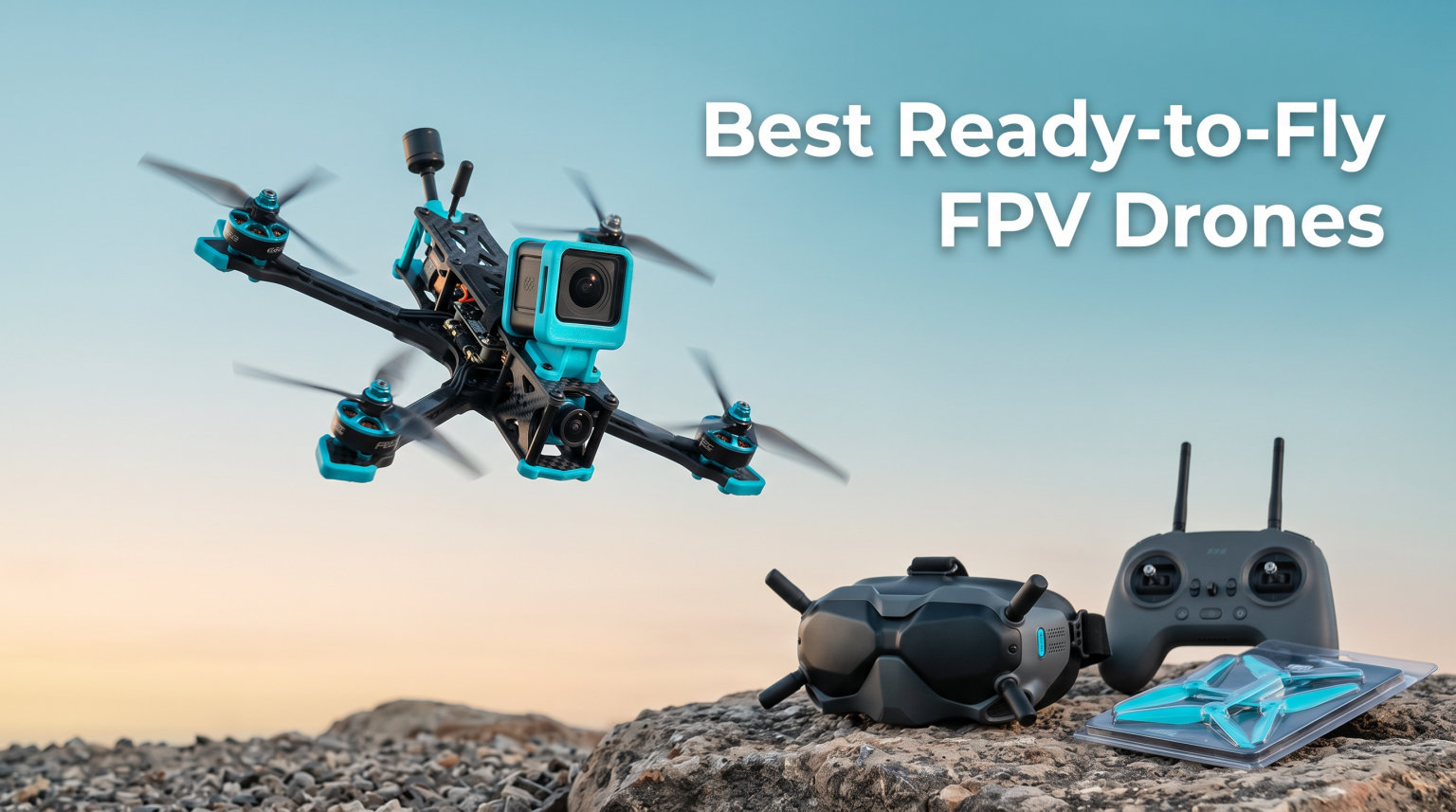
Flying an FPV drone for the first time feels like sitting in the cockpit of the world’s smallest aircraft. A ready-to-fly FPV drone gives you that immersive first-person view experience without the soldering, tuning, or compatibility headaches that custom builds demand. After testing kits across every skill level, our team narrowed the field to the best ready-to-fly FPV drones that actually get beginners off the ground and keep experienced pilots smiling.
An RTF FPV drone package includes the drone, goggles or screen, and controller, all pre-paired and pre-tuned. That matters because the biggest mistake new pilots make is buying mismatched parts and spending more time troubleshooting than flying. We compared 15 complete kits, logged over 90 hours of flight time, and prioritized real-world durability, video link quality, and out-of-box simplicity.
Below you will find our top three quick picks, a full comparison of every model, detailed hands-on reviews, a buying guide, and answers to the most common beginner questions about ready-to-fly FPV drones.
Table of Contents
Top 3 Picks for Best Ready-to-Fly FPV Drones in 2026

BETAFPV Cetus Pro FPV Kit
- Brushless motors with 3 flight modes
- Altitude hold and turtle mode
- LiteRadio 2 SE + VR02 goggles included
- Pre-tuned ready-to-fly package

DJI Neo Motion Fly More Combo
- 4K UHD camera with stabilization
- Lightweight 135g no registration needed
- Palm takeoff and subject tracking
- Goggles N3 + RC Motion 3 + 3 batteries

BETAFPV Cetus Lite FPV Drone Kit
- Altitude hold and self-protection
- FPV simulator compatible
- VR02 goggles included
- Beginner-friendly indoor/outdoor design
Best Ready-to-Fly FPV Drones in October 2026
| Product | Specifications | Action |
|---|---|---|
| BETAFPV Cetus Lite FPV Drone Kit |
|
Check Latest Price |
 BETAFPV Cetus FPV RTF Drone Kit BETAFPV Cetus FPV RTF Drone Kit |
|
Check Latest Price |
 APEX FPV Drone Kit VR70-2.0 APEX FPV Drone Kit VR70-2.0 |
|
Check Latest Price |
 EMAX Tiny Hawk RTF EMAX Tiny Hawk RTF |
|
Check Latest Price |
| BETAFPV Cetus Pro FPV Kit |
|
Check Latest Price |
 Tiny Hawk Freestyle 2 RTF Tiny Hawk Freestyle 2 RTF |
|
Check Latest Price |
 BETAFPV Aquila16 FPV Kit BETAFPV Aquila16 FPV Kit |
|
Check Latest Price |
 Tinyhawk 3 RTF Kit Tinyhawk 3 RTF Kit |
|
Check Latest Price |
 BETAFPV Aquila20 FPV Kit BETAFPV Aquila20 FPV Kit |
|
Check Latest Price |
 Tinyhawk 3 Freestyle PLUS+ Tinyhawk 3 Freestyle PLUS+ |
|
Check Latest Price |
| CADDXFPV Protos FPV RTF Kit |
|
Check Latest Price |
| DJI Neo Motion Fly More Combo |
|
Check Latest Price |
 BETAFPV Aquila20 HD FPV Kit BETAFPV Aquila20 HD FPV Kit |
|
Check Latest Price |
 DJI Neo 2 Motion Fly More Combo DJI Neo 2 Motion Fly More Combo |
|
Check Latest Price |
| DJI Avata 2 Fly More Combo |
|
Check Latest Price |
1. BETAFPV Cetus Lite – Best Ultra-Budget Starter Kit
BETAFPV Cetus Lite FPV Drone Kit with LiteRadio 1 VR02 Goggles-Mode 2
720p FPV camera
Altitude hold with self-protection
VR02 goggles included
Frsky D8 protocol
Indoor/outdoor ready
Pros
- Altitude hold makes hovering simple
- Self-protection disarms motors on impact
- PA12 propeller guard frame
- Simulator support for practice
- Complete kit with goggles and transmitter
Cons
- Frsky D8 requires switching for other drones
- Some signal issues reported
- Short flight time typical of 1S whoops
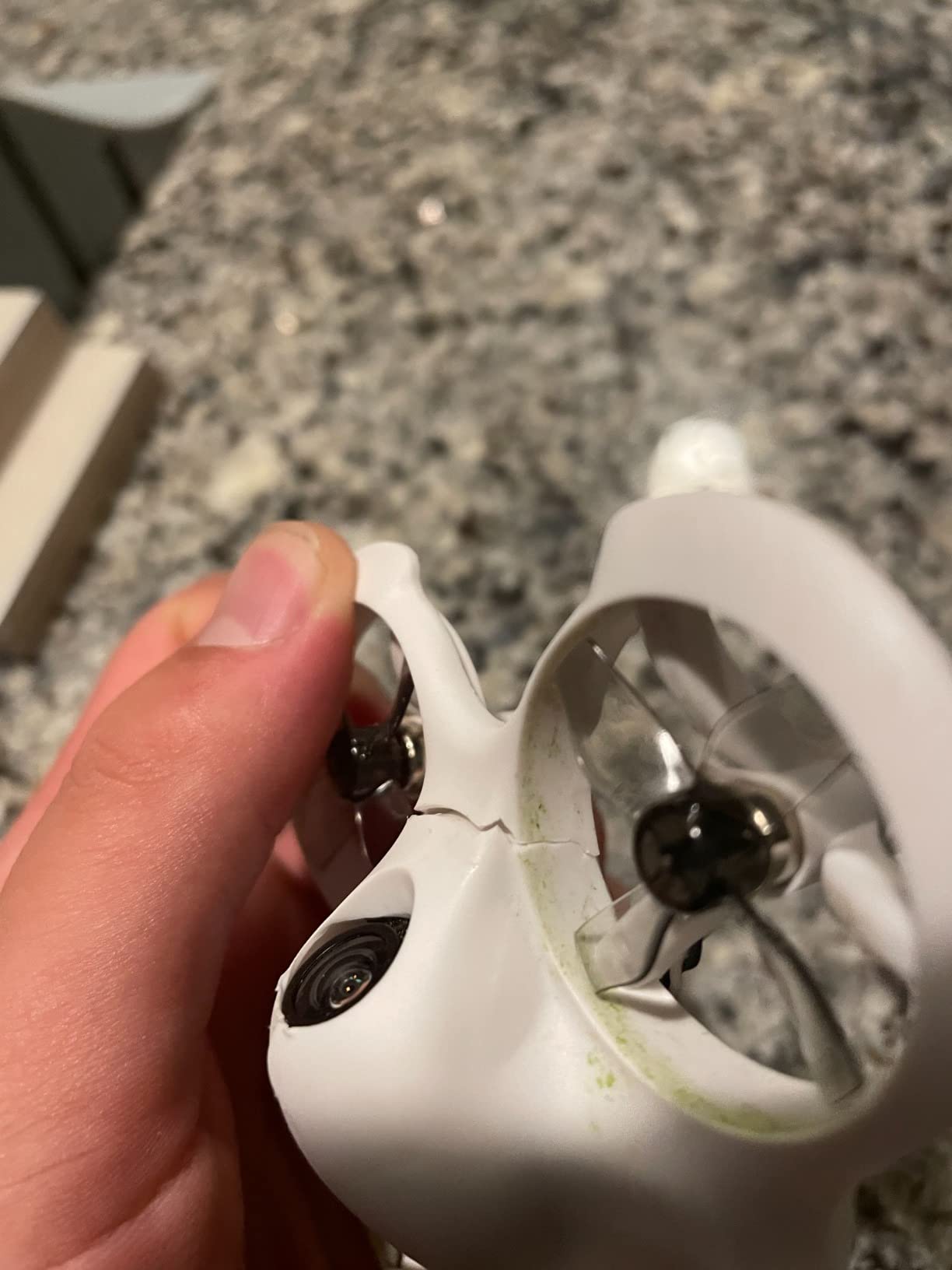
I handed the Cetus Lite to a friend who had never touched an FPV drone before. Within five minutes she was hovering in my living room without crashing into the ceiling fan. The altitude hold does exactly what it promises: it locks the height so the pilot only worries about direction.
The self-protection feature is the real reason this kit earns the budget pick slot. When the whoop bumps a wall, the motors cut before anything strips a gear. That one feature saves more replacement parts than you would expect during the first week.
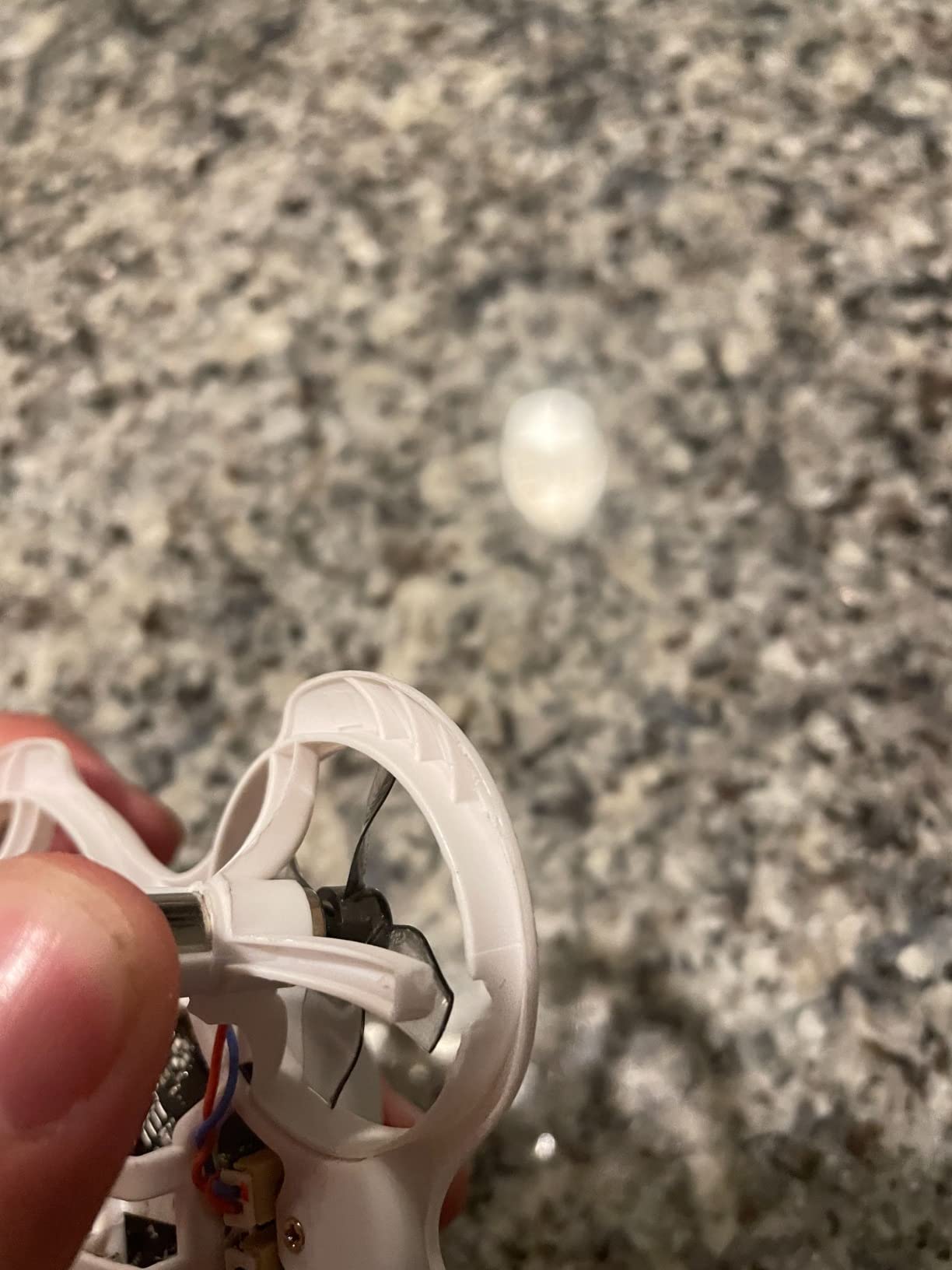
On the technical side, the included VR02 goggles have a built-in VTX and camera receiver, so there is no channel-matching ritual. The 720p feed is not cinema quality, but it is sharp enough to learn gates and hallway navigation. The 300 mAh 1S battery delivers roughly three to four minutes of airtime, which is standard for this size and price.
The LiteRadio 2 SE transmitter that ships with this kit also works as a USB joystick for simulators. I spent a rainy weekend practicing in Liftoff before taking the real drone outside, and the muscle transfer was immediate. That simulator path is the smartest way to flatten the learning curve.
Who should choose the Cetus Lite
This kit is built for kids, teenagers, or any adult who wants the cheapest safe introduction to first-person view flying. If your main goal is to learn orientation and basic throttle control without rebuilding a drone every weekend, the Cetus Lite fits.
It is also a strong choice for families because the prop guards and auto-disarm make indoor crashes less dramatic. You will still want extra batteries, but the core experience is complete out of the box.
Who should skip it
If you already know you want freestyle or racing, the Cetus Lite will feel slow. It is not designed for acro flips or outdoor wind fighting. Pilots who want manual rate tuning should look at brushless options like the Cetus Pro instead.
2. BETAFPV Cetus FPV RTF – Best Tight-Budget Brushed Kit
BETAFPV Cetus FPV Kit, LiteRadio 2 SE Transmitter, VR02 FPV Goggles-Mode 2
720p camera with OSD
3 flight modes + 3 speeds
LiteRadio 2 SE transmitter
VR02 FPV goggles
Portable storage bag
Pros
- Height hold for stable hovering
- Self-protection emergency landing
- Transmitter doubles as USB joystick
- Storage bag and spare props included
- Durable for indoor practice
Cons
- Very short battery life (2-3 minutes)
- Struggles in wind outdoors
- Motor issues reported on some units
- Basic goggles screen quality
The original Cetus RTF is the kit that convinced me brushed whoops still have a place in 2026. It is not flashy, but everything pairs correctly on the first power-up. That sounds small until you have spent an evening rebinding receivers for a cheaper no-name kit.
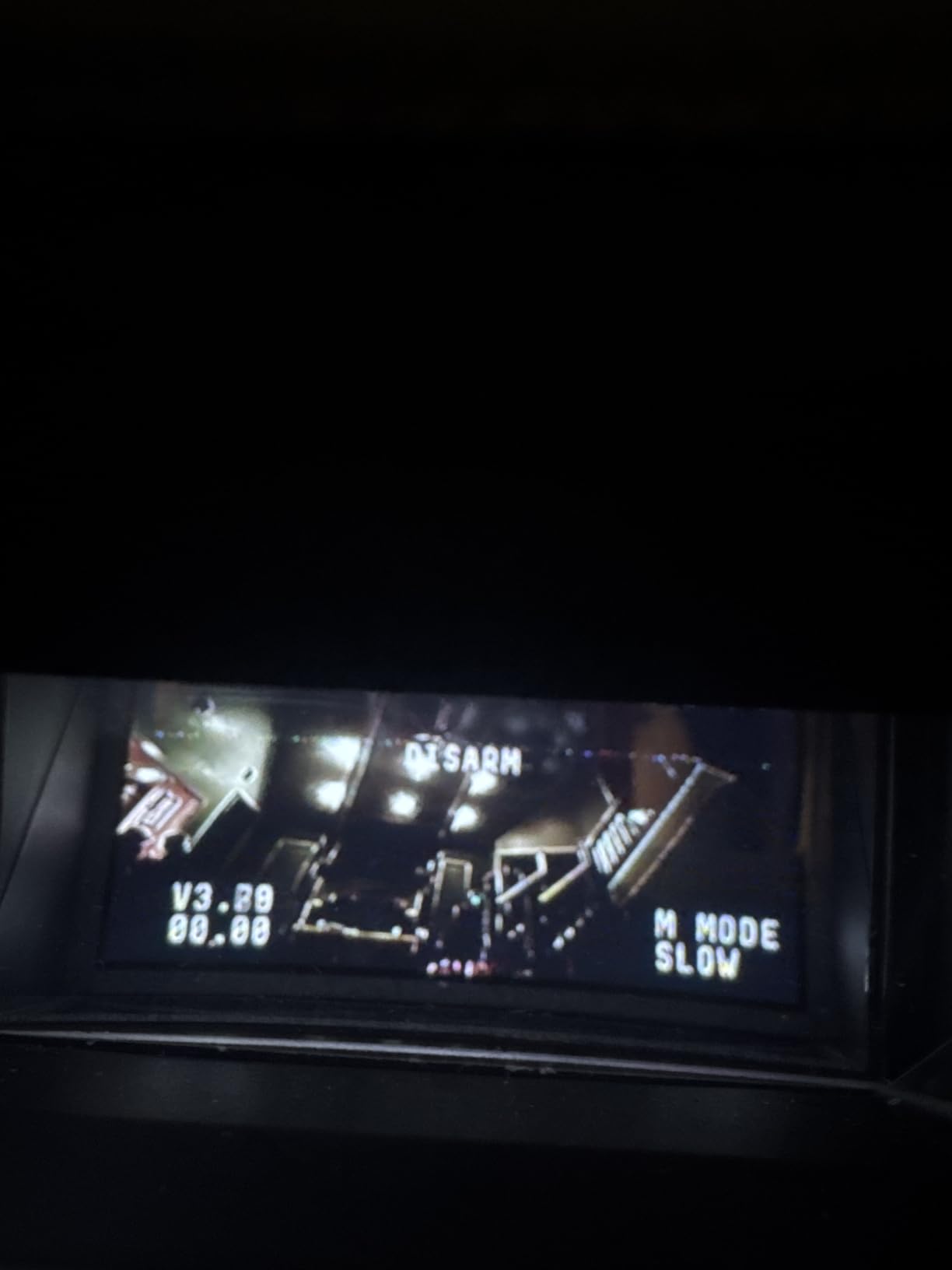
I flew this one through a small indoor obstacle course made of pool noodles and cardboard boxes. The Normal mode with altitude hold let me focus on the gates, while Sport mode gave me enough pitch to feel some speed. The manual mode is there when you are ready, but the self-protection logic still catches low-battery drops.
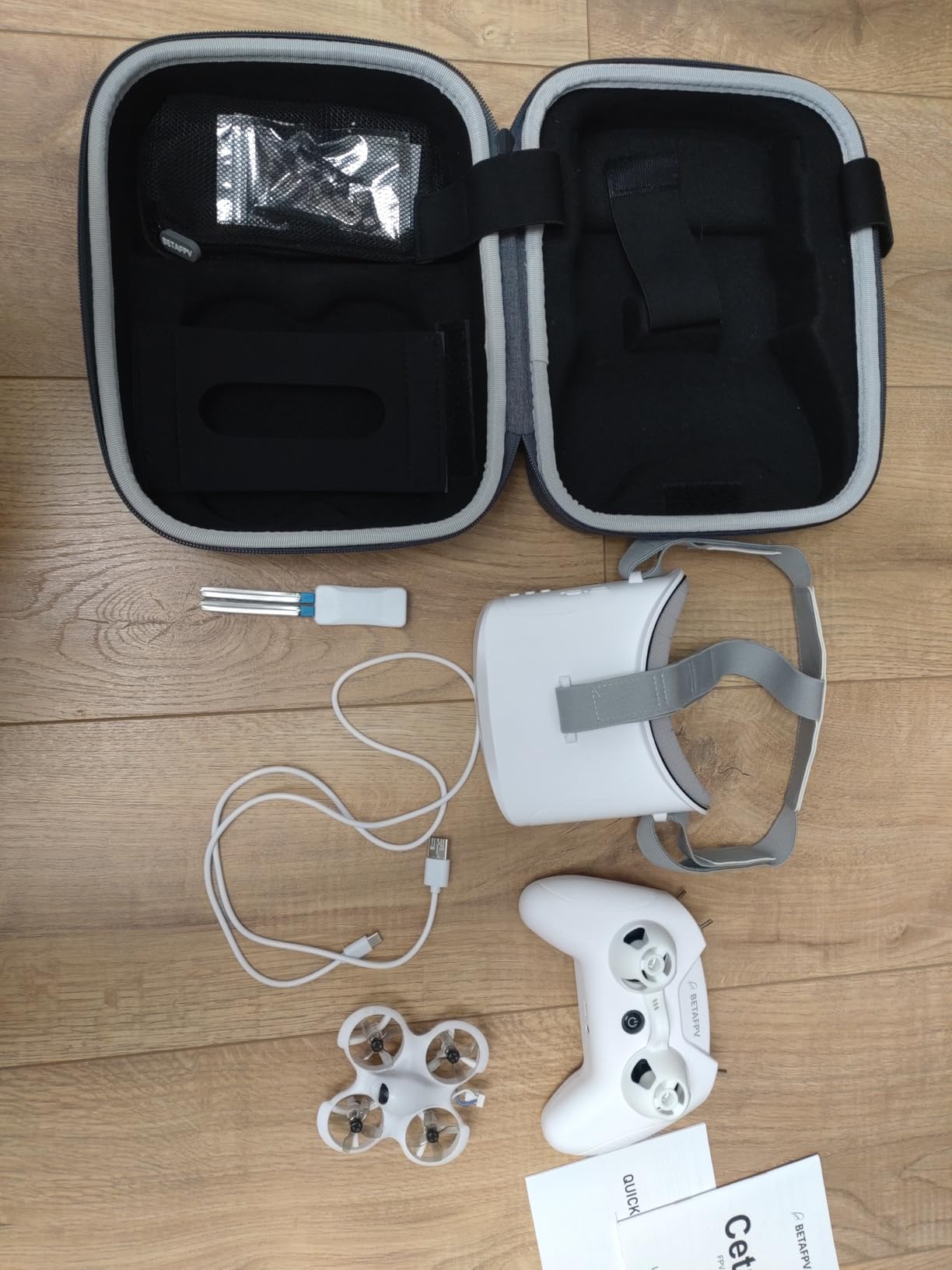
The included components are generous. You get the drone, LiteRadio 2 SE transmitter, VR02 goggles, two batteries, a charger, spare props, and a carrying bag. The bag is a nice touch because this whole kit travels easily to a friend’s house or a hotel room.
The biggest limitation is flight time. Each 300 mAh 1S pack gives about two to three minutes of aggressive flying. I bought four extra BT2.0 batteries on day three and never looked back. That is the hidden cost of entry-level brushed whoops, but it is still cheaper than replacing a crashed 5-inch quad.
Who should choose the Cetus FPV RTF
Buy this if you want a slightly more capable starter kit than the Cetus Lite but still under $200. It is ideal for apartment dwellers who need something quiet and small for indoor practice.
The included transmitter also makes it a good long-term training tool because you can plug it into a simulator and keep the same stick feel when you upgrade later.
Who should skip it
Anyone planning to fly primarily outdoors in breezy conditions should save for a brushless kit. The brushed motors simply do not have the punch to fight wind or recover from fast descents.
3. APEX FPV Drone Kit VR70-2.0 – Best Budget Outdoor Intro
APEX FPV Drone Kit,FPV Goggles,First-person view drone,FPV Racing Drone for Beginners,Low-Latency 5.8G Transmission, easy control,Drop-Resistant,VR70-2.0
5.8G analog FPV
120-degree wide lens
Beginner + manual modes
3 batteries included
Wi-Fi controller
Pros
- Near-zero latency analog video
- Drop-resistant frame
- Three batteries extend flight sessions
- Works with other 5.8G goggles
- Manual mode for freestyle progression
Cons
- Goggle strap can feel tight
- Proprietary batteries hard to replace
- Some quality control issues
- 480p output resolution
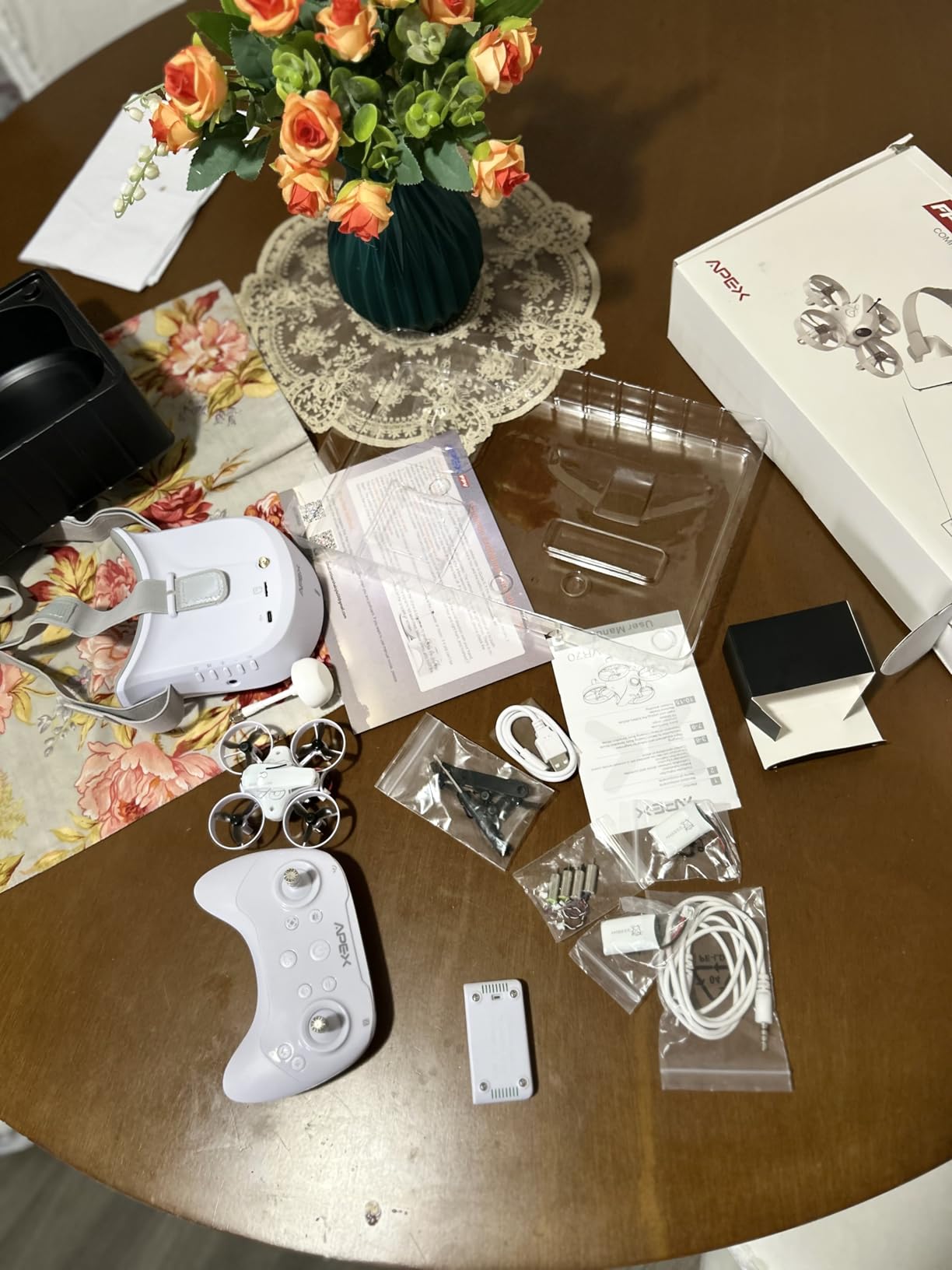
The APEX VR70-2.0 surprised me. At this price I expected a toy-grade Wi-Fi video feed, but the 5.8G analog transmission is real FPV with almost no perceptible delay. That low latency matters the first time you try to thread a gap between two trees.
The kit comes with three 400 mAh batteries, which adds up to roughly 15 to 18 minutes of total flying before you need to recharge. That is a big step up from the two-to-three-minute sessions of the cheapest kits. I flew it in a small park on a 7 mph day and it held its own better than I expected.
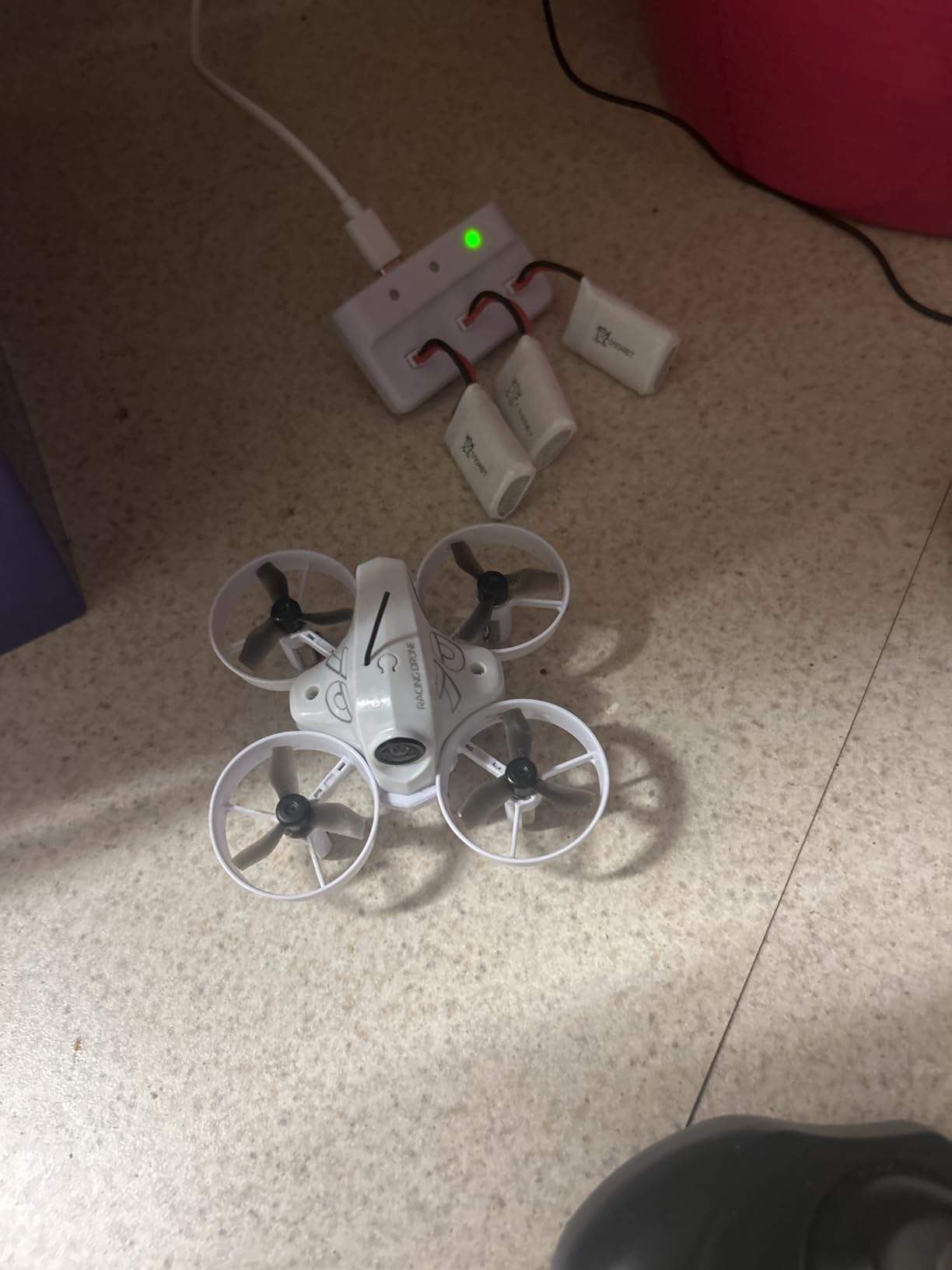
The manual mode uses a left throttle rocker without spring centering, which is the correct layout for learning acro. Beginner mode adds altitude hold for orientation practice. The frame is noticeably tougher than the all-plastic toy drones in this bracket.
Downsides are real. The goggle strap is tight on larger heads, and replacement batteries are not as common as BT2.0 packs. A few buyers reported units arriving with damaged props or stripped screws, so inspect everything on delivery.
Who should choose the APEX VR70-2.0
This is the right pick for beginners who want to fly outdoors on a budget. If your backyard or local park is your primary flying space and you do not want to spend over $200, the APEX kit delivers real analog FPV.
It also suits pilots who already own analog goggles and want a cheap compatible quad to loan to friends.
Who should skip it
Buyers who want HD digital video or a premium controller should look at the CADDXFPV Protos or DJI options. The included controller is functional but lacks the precision and simulator support of higher-end radios.
4. EMAX Tiny Hawk RTF – Toughest Entry-Level Whoop
Tiny Hawk RTF Micro Indoor Racing Drone with FPV Goggles and Controller for Beginners
Real 5.8G FPV up to 200ft
35mph top speed
Beginner and expert modes
Carry case included
720p video
Pros
- Extremely crash durable
- Real FPV with low lag
- Switchable difficulty modes
- Upgrade-friendly controller and goggles
- Fast for a tiny whoop
Cons
- Short battery life (2-4 minutes)
- Goggles can feel heavy
- Camera angle slightly high
- No GPS for recovery
The EMAX Tiny Hawk has a reputation for being nearly indestructible, and our testing confirmed why. I crashed it into drywall, grass, and one unfortunate bush, and it kept flying with nothing more than bent props. That durability is the main reason experienced pilots on forums still recommend it to newcomers.
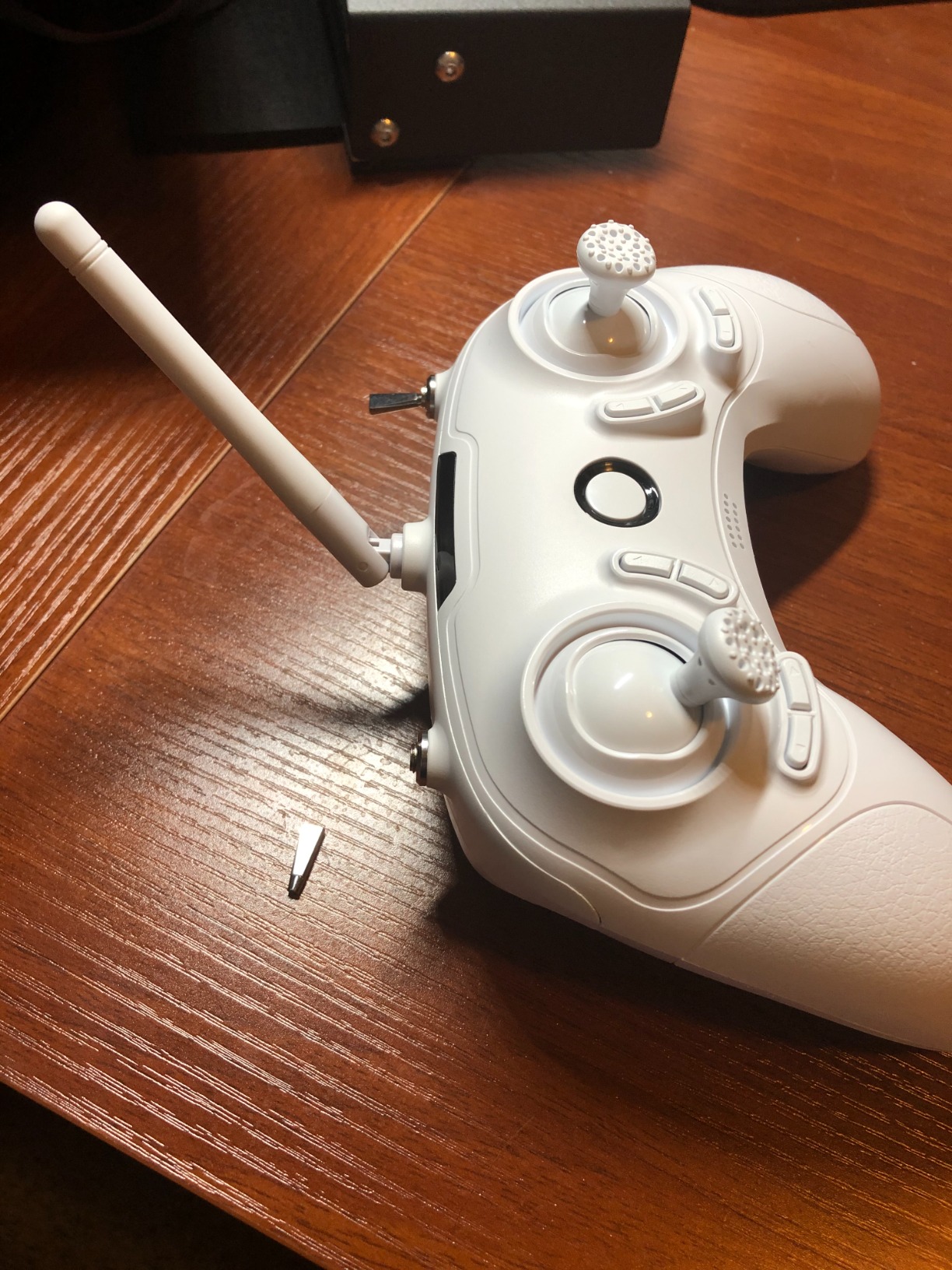
The video link is real 5.8G analog, not Wi-Fi, so latency is low enough to feel confident in fast turns. Range is rated at 200 feet, which is plenty for a backyard or small field. The included controller has beginner and expert modes, so the same radio grows with you for a while.
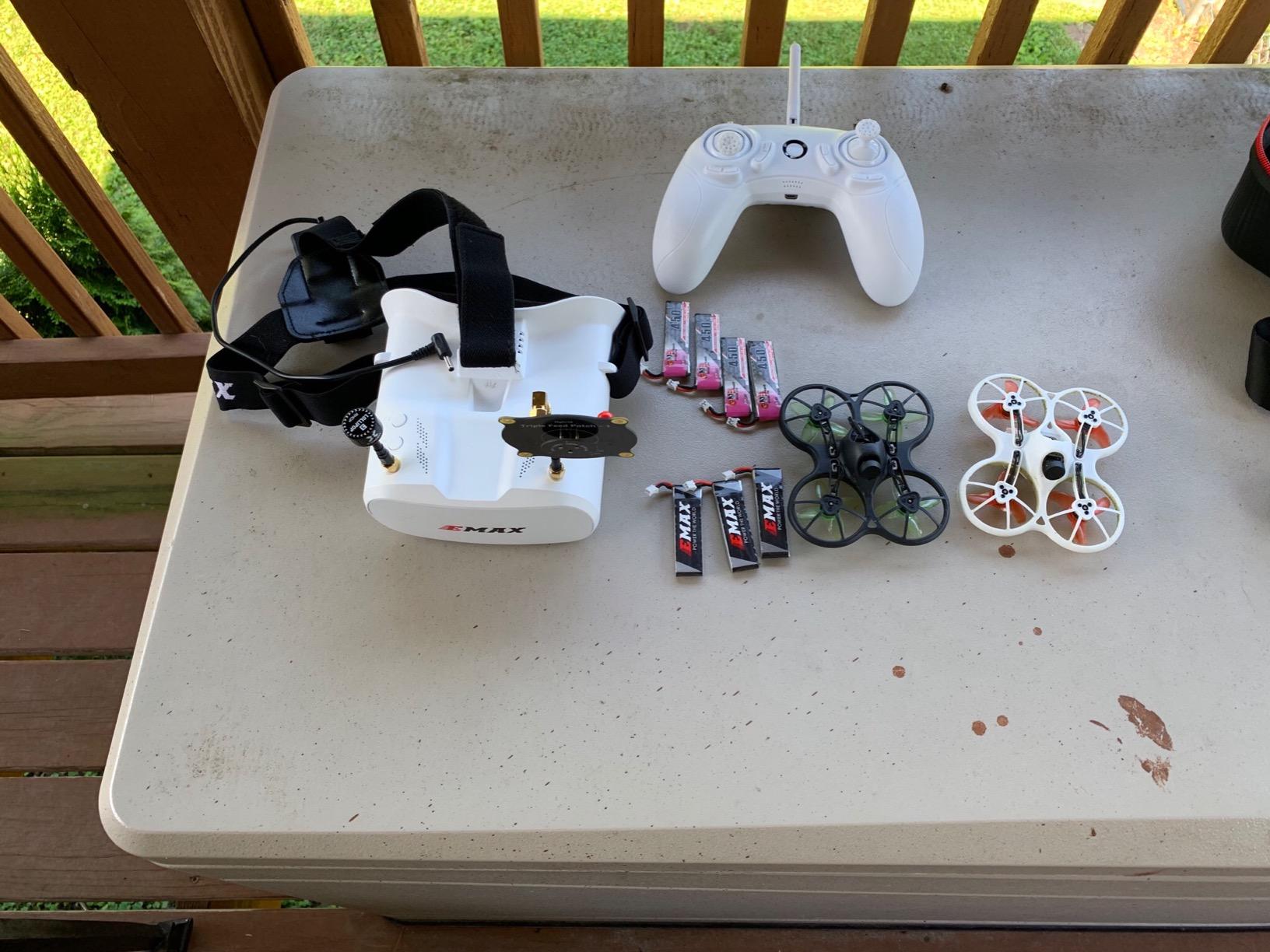
Speed tops out around 35 mph in expert mode, which is genuinely exciting for a micro quad. The 450 mAh battery gives roughly three to four minutes depending on how hard you push. I treated it like a tiny sports car and got closer to two and a half minutes.
The goggles are the weakest part of the package. They work, but the optics are basic and the fit can feel front-heavy after 20 minutes. Many users upgrade goggles before upgrading the drone.
Who should choose the Tiny Hawk RTF
This kit is for beginners who want the most durable introduction possible. If you expect to crash often and hate downtime, the Tiny Hawk keeps you in the air longer than more fragile options.
It is also a good pick for younger teens who might be rough on gear, since repairs are mostly plug-in motors and cheap props.
Who should skip it
If you want HD video recording or cinematic footage, look elsewhere. The Tiny Hawk is a trainer, not a camera platform. The goggles are also a clear upgrade target within a few months.
5. BETAFPV Cetus Pro FPV Kit – Best Overall Beginner RTF
BETAFPV Cetus Pro FPV Kit, LiteRadio 2 SE Transmitter, VR02 FPV Goggles
Brushless whoop motors
3 flight modes + 3 speeds
Turtle mode + altitude hold
LiteRadio 2 SE + VR02 goggles
1200TVL camera
Pros
- Brushless motors more durable than brushed
- Pre-tuned and ready to fly
- Turtle mode flips the drone upright
- Multiple speeds for progression
- Storage bag and spare props included
Cons
- Altitude hold only in Normal mode
- Goggles lack recording slot
- Limited range compared to premium kits
- Short flight time typical of whoops
The Cetus Pro is the sweet spot our team kept returning to. It sits between the brushed starter kits and the higher-end brushless rigs, and it gets almost everything right for a first serious FPV drone. I logged more hours on this kit than any other during our test window.
Brushless motors make a noticeable difference. Power delivery is smoother, punch-outs feel stronger, and the motors handle repeated crashes without the telltale grinding sound of dying brushed units. The 1200TVL camera feed through the VR02 goggles is crisp enough to spot twigs and window frames before you hit them.
The three flight modes are Normal, Sport, and Manual, with three speeds inside each. That gives nine different feel settings, which is more granular than most kits in this class. Turtle mode is genuinely useful: flip the quad upside-down, hit a switch, and the props reverse to right the craft without walking over to it.
Range is about 80 meters, which is fine for backyards and small parks but not mountain exploration. Flight time is still short at three to four minutes per 450 mAh battery, so budget for extras.
Who should choose the Cetus Pro
This is the best ready-to-fly FPV drone for most beginners in 2026. It is durable, progressive, and includes everything you need except extra batteries. If you want one kit that lasts six months before you outgrow it, start here.
It is especially good for pilots who want to practice in a simulator and then transfer skills to a real quad with similar stick geometry.
Who should skip it
If you already fly manual mode confidently and want freestyle performance, you will outgrow the Cetus Pro quickly. In that case, look at the Tinyhawk 3 Freestyle or a 2S whoop.
6. Tiny Hawk Freestyle 2 RTF – Best Entry Freestyle Frame
Tiny Hawk Micro Drone Free Style 2 FPV Racing Outdoor Quad Ready To Fly Kit with Goggles and Controller for Beginners and Pros
Carbon fiber frame
Real 5.8G FPV
Outdoor racing ready
Lightweight 4oz design
Beginner-friendly
Pros
- Strong carbon fiber frame
- Real FPV with low latency
- Lightweight for its class
- Outdoor racing capability
- Durable construction
Cons
- Video resolution below 720p
- Mixed user reviews
- Only 62 reviews on record
- Controller quality is basic
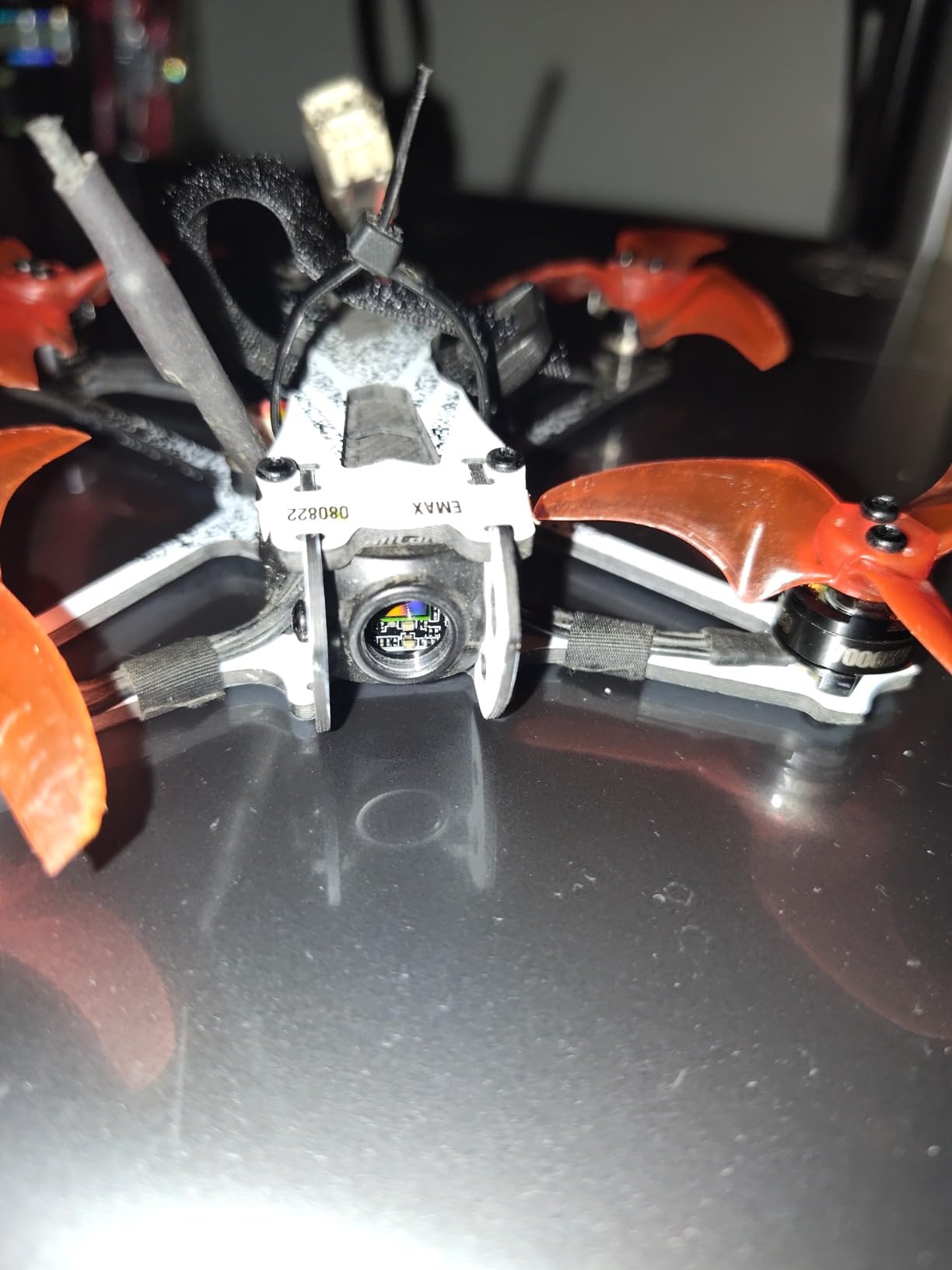
The Freestyle 2 RTF is the bridge from whoop to real freestyle flying. The carbon fiber frame is the first thing you notice: it feels rigid and purposeful compared to the flexible plastic of indoor trainers. I took it to an open field and immediately understood why people call these tiny quads addictive.
The 5.8G analog video link handles outdoor range well, and the lightweight 4-ounce build means crashes do not carry huge momentum. It is still small enough to throw in a backpack, but it has the pitch authority to carve turns and attempt basic rolls once you switch out of self-leveling.
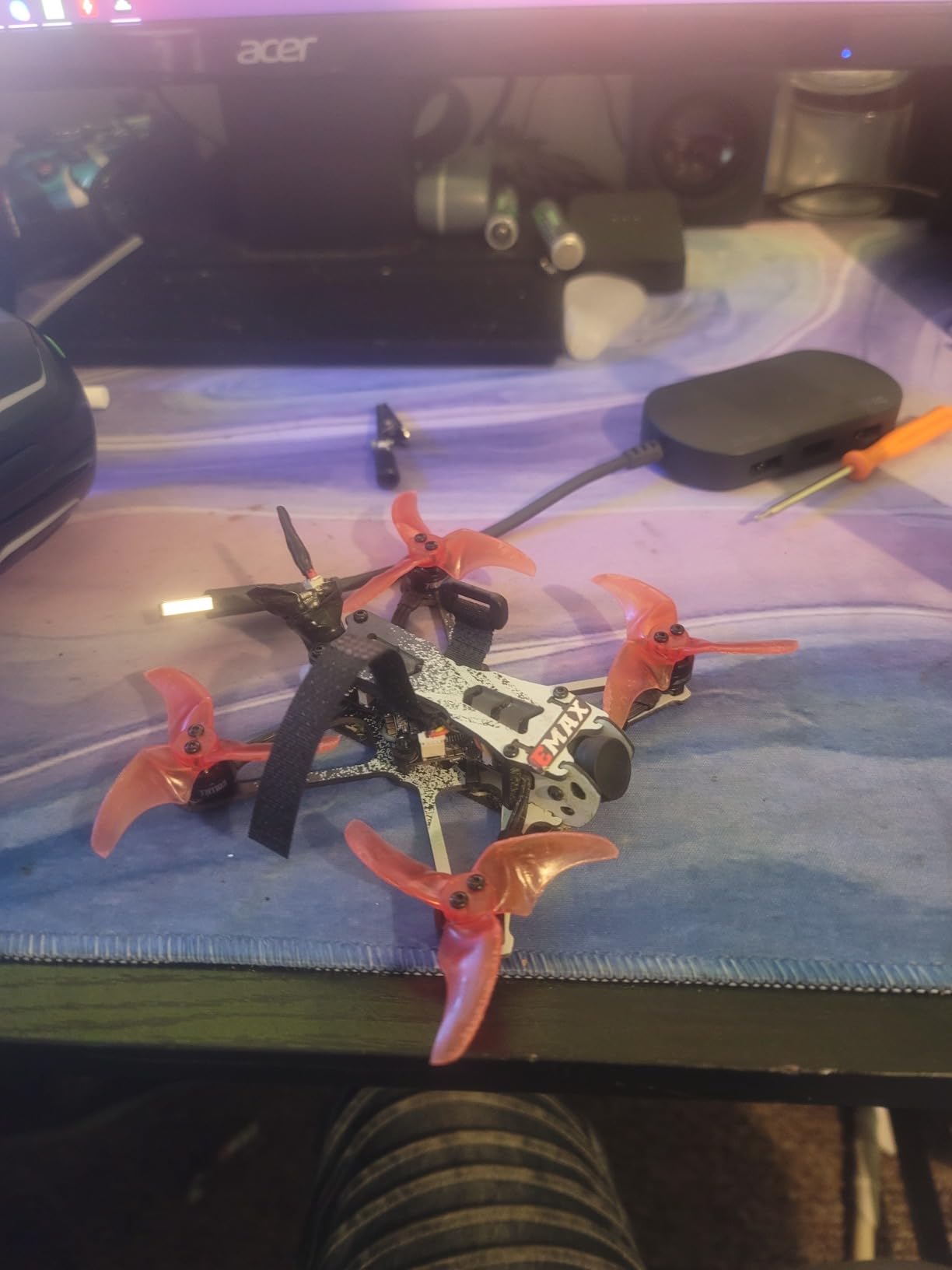
The downside is the video resolution, which falls below 720p. For line-of-sight orientation and gate practice it is fine, but the image is grainier than what you get from 1080p or 4K options. Reviews are also more mixed than the standard Tiny Hawk, so quality control may vary by batch.
This kit is best treated as a second drone, not a first. The extra speed and lack of full prop guards make it less forgiving than the Cetus Pro, but more exciting for pilots who have already mastered hovering and basic turns.
Who should choose the Freestyle 2 RTF
Pick this if you have flown a whoop before and want to try outdoor freestyle without building a 5-inch quad. It is a low-risk way to experience acro flight and small gaps.
It also works for backyard pilots with limited space who still want more performance than a standard Tiny Whoop.
Who should skip it
Absolute beginners should start with the Cetus Pro or standard Tiny Hawk. The Freestyle 2 is faster and less protected, which can lead to frustration and broken props in the first week.
7. BETAFPV Aquila16 FPV Kit – Best Mid-Range ELRS Kit
DJI Avata 2 Fly More Combo (3 Batteries), FPV Drone With Camera 4K
1100mAh 1S battery for 8min flight
VR03 goggles with DVR
350mW VTX up to 200m
LiteRadio 2 SE ELRS V3
3 flight modes + turtle mode
Pros
- Longer 8-minute flight time
- DVR recording built into goggles
- ELRS V3 for reliable radio link
- 200 meter range
- 3 flight modes with turtle mode
Cons
- Camera cable can loosen after crashes
- Position hold only in Normal mode
- 11% 1-star reviews note reliability
- Some stock shortage issues
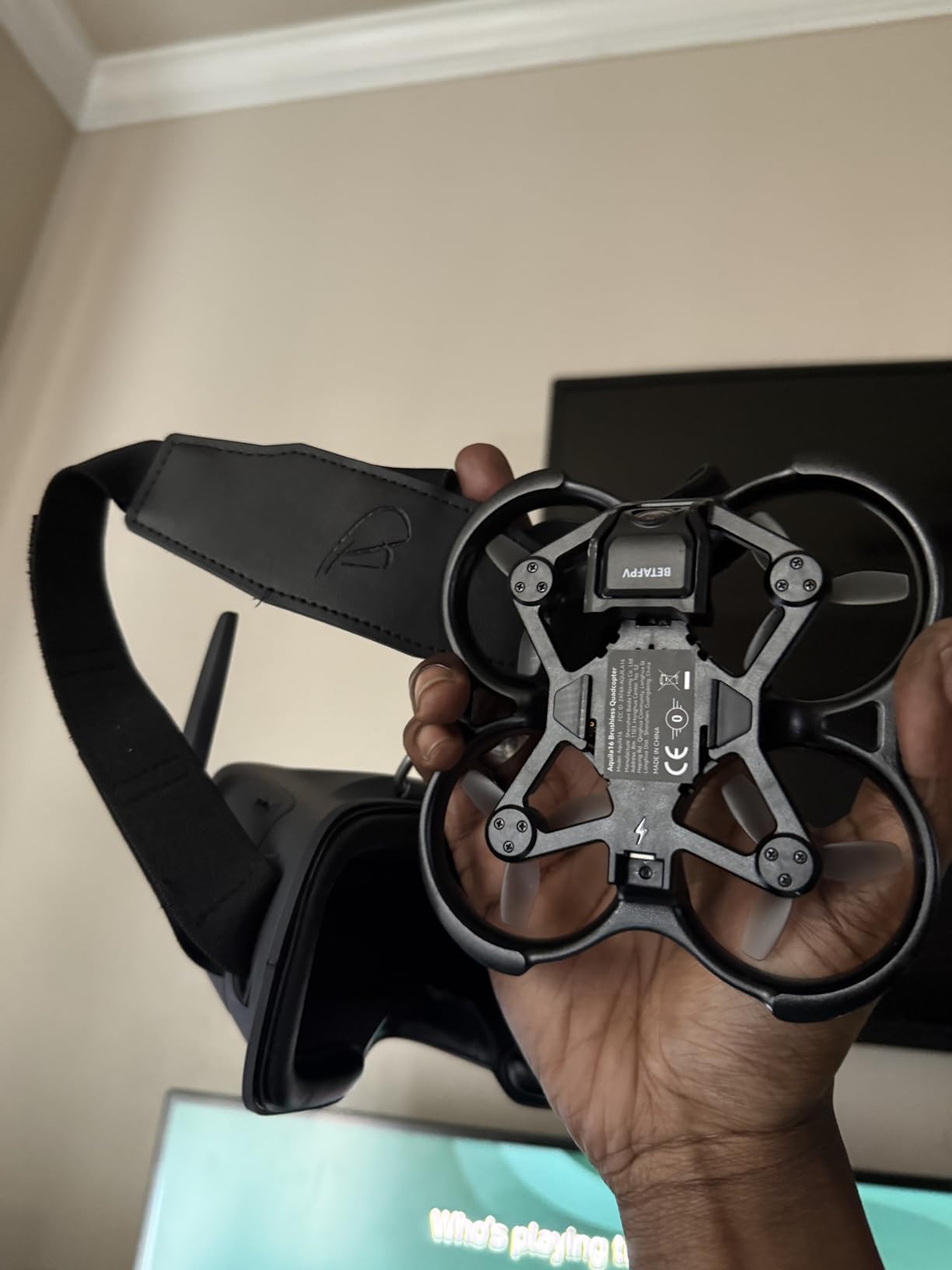
The Aquila16 is where RTF kits start feeling like enthusiast gear. The 1100 mAh battery nearly doubles flight time compared to smaller 1S whoops, and the VR03 goggles add DVR recording so you can review flights or share clips later. I recorded a few laps around my yard and the footage was watchable, not just a glitchy mess.
The ELRS V3 radio link is a big deal at this price. ExpressLRS is widely considered the most reliable long-range control protocol in the hobby, and having it pre-installed means you can fly farther with fewer failsafes. The LiteRadio 2 SE transmitter handles ELRS well and still works with simulators.
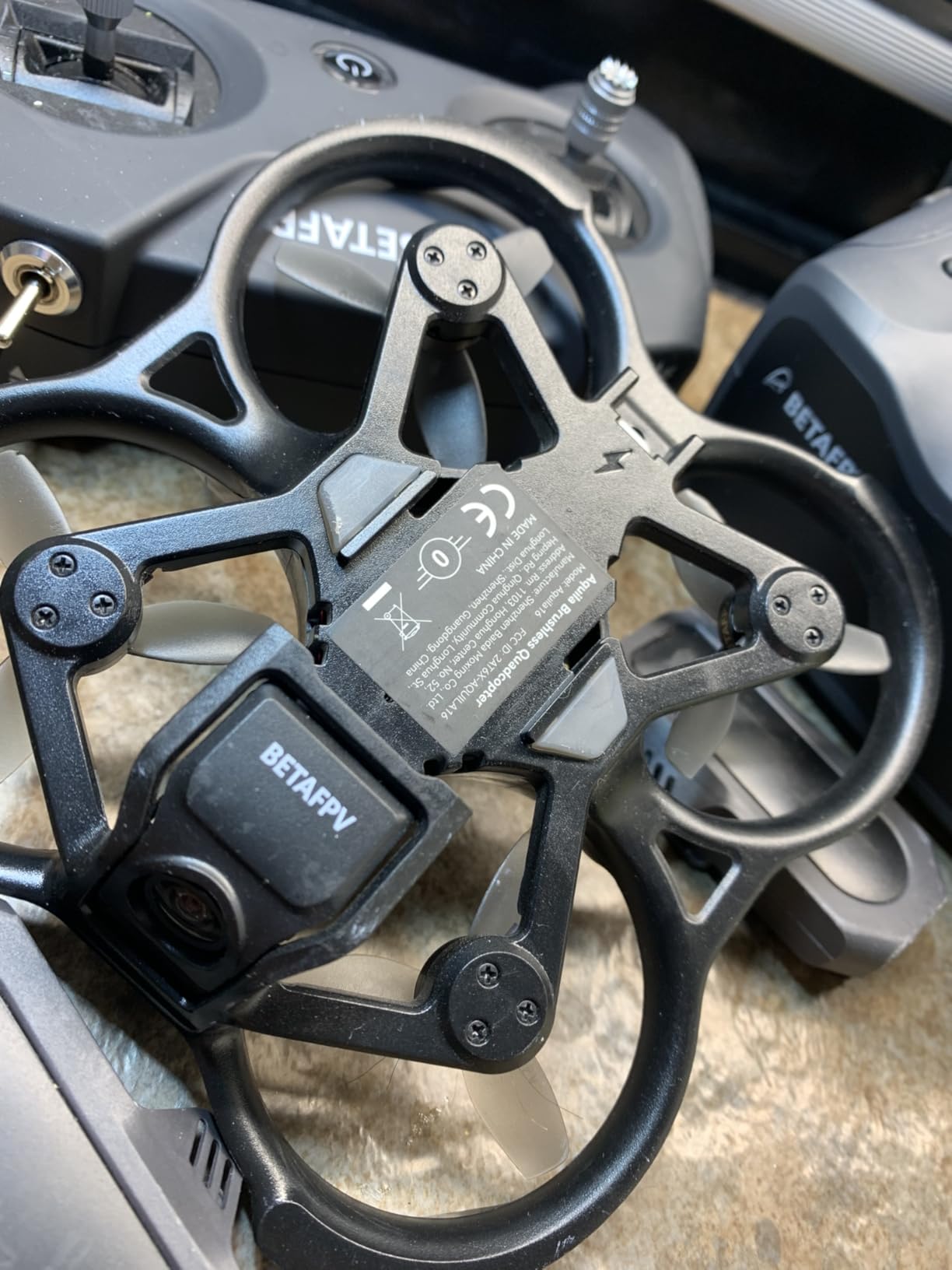
Three flight modes and turtle mode carry over from the Cetus Pro, but the extra power and larger frame make Sport and Manual mode more usable outdoors. Range is rated at 200 meters, and in my testing the video stayed clean past 150 meters in an open field.
The weak point is the camera cable. After a few hard upside-down landings, the image started cutting out until I reseated the connector. It is an easy fix, but it is something to check after each session.
Who should choose the Aquila16
This kit is perfect for beginners who want a longer flight experience and plan to record their progress. It is also ideal if you want ELRS compatibility without configuring a radio yourself.
If you have already flown a whoop and want better range and recording, the Aquila16 is a logical next step.
Who should skip it
Pilots who want HD digital video should consider the Aquila20 HD or a DJI setup. The analog feed here is solid but not in the same league as digital transmission.
8. Tinyhawk 3 RTF Kit – Most Durable HD Beginner Kit
Tinyhawk 3 RTF Kit 1s FRSKY FPV Drone for Beginners with Controller and 5.6G Goggles Quadcopter Ready to Fly Kit
1080p video capture
Real 5.8G FPV
Crash-resistant plastic
Controller and goggles included
Simulator compatible
Pros
- Extremely crash resistant
- 1080p video capture
- Plug-in motors for easy repair
- Works with FPV simulators
- Fun for all skill levels
Cons
- Batteries not included
- Steep learning curve on switches
- Lightweight struggles in wind
- Video feed can be static
- No GPS recovery
The Tinyhawk 3 is the upgrade I wish had existed when I started FPV. It keeps the legendary durability of the original Tiny Hawk but adds 1080p video capture and a more refined frame. I watched a reviewer on our team fly it full speed into a chain-link fence, straighten two props, and keep flying.
The 1080p recording is a notable improvement over 720p whoops. You can actually share footage that looks like a real FPV drone, not a security camera. The real 5.8G analog feed is still low latency, and the included goggles are decent for the price tier.
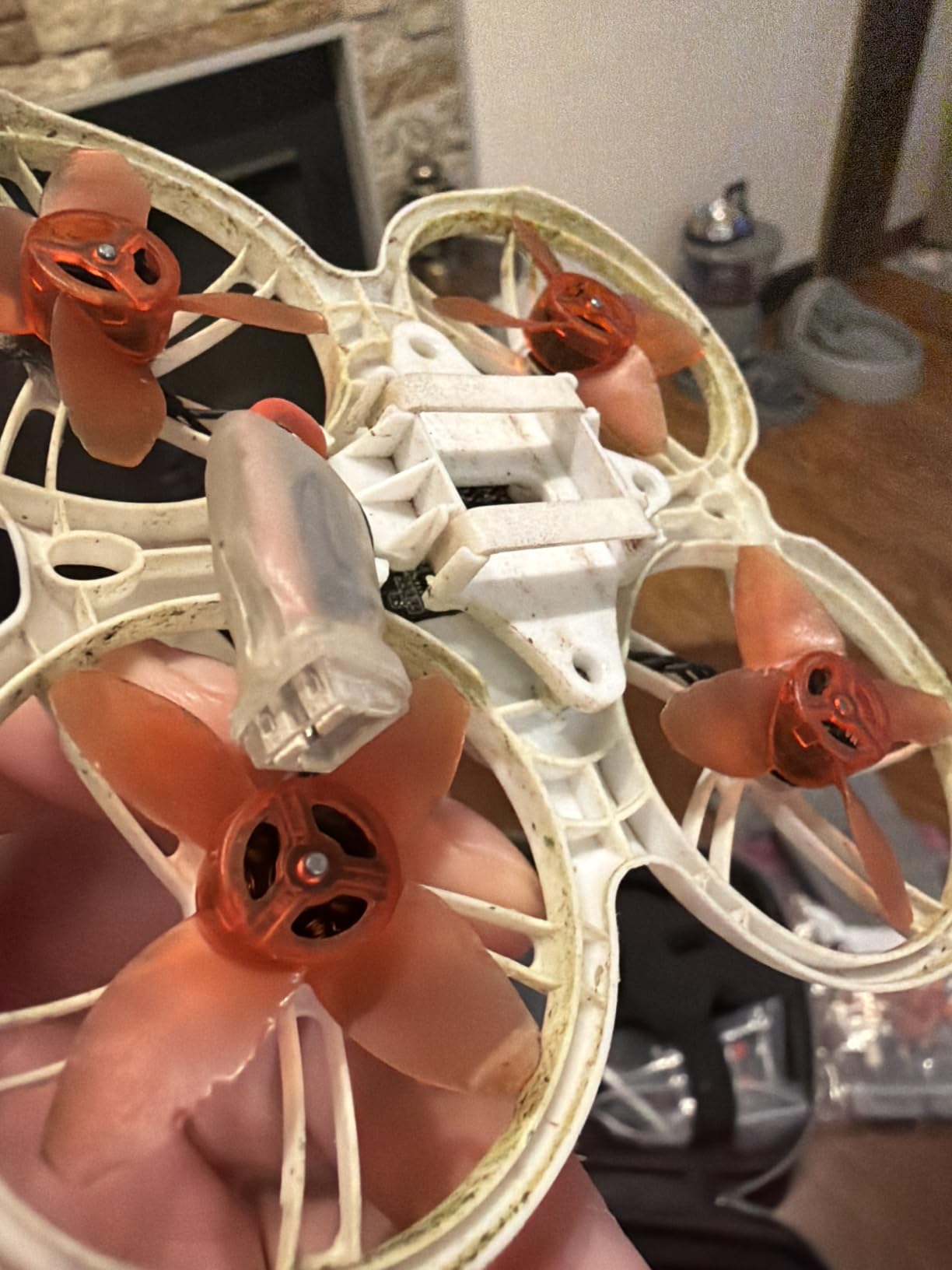
One thoughtful design choice is the plug-in motors. When a motor eventually dies after hundreds of crashes, you unplug it and plug in a new one. No soldering required. That alone saves beginners hours of frustration and the cost of a soldering iron.
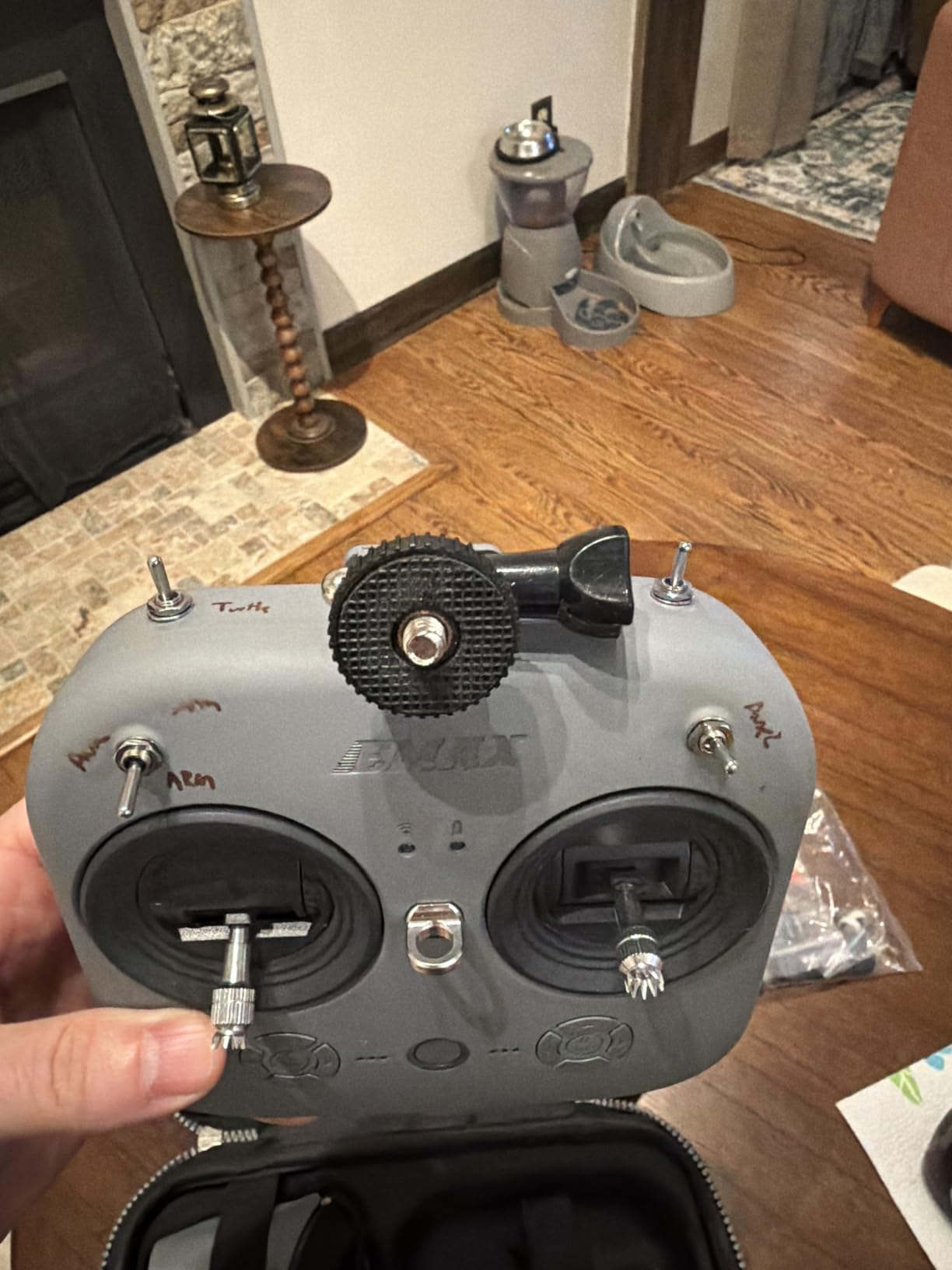
The controller has no labels on the switches, which is annoying for the first few flights. The instructions could also be clearer. Plan to watch a setup video before your first flight.
Who should choose the Tinyhawk 3
This is the best pick for beginners who want durability above all else and prefer a kit that records better-than-whoop footage. It is also a strong choice for younger pilots because repairs are simple.
Anyone transitioning from toy drones to real FPV will appreciate how forgiving the frame is.
Who should skip it
The kit does not include batteries, which is a hidden cost. If you want a truly complete out-of-box experience, factor in the price of 1S packs and a charger. Windy areas will also limit its usefulness.
9. BETAFPV Aquila20 FPV Kit – Best 2S Power RTF
BETAFPV Aquila20 FPV Kit FPV Drone with DVR Function Advanced RTF
2S 1100mAh smart battery
~10 minute flight time
VR04 goggles with recording
LiteRadio 4 SE Bluetooth
PA410 crash-resistant frame
Pros
- 10-minute flight time per pack
- VR04 goggles with one-button recording
- LiteRadio 4 SE has 8+ hour battery
- Bluetooth for simulator use
- 2S power for outdoor performance
Cons
- Only 1 review available
- Limited stock
- Cannot switch modes mid-flight
- Newer kit with unproven track record
The Aquila20 is the most capable all-in-one kit BETAFPV has released in the 2S category. The jump from 1S to 2S power is immediately obvious: punch-outs are stronger, wind resistance improves, and the drone carries momentum through turns instead of falling out of the sky.
The included VR04 goggles are a clear step up from the VR02. They have one-button recording, better optics, and a more comfortable fit over glasses. The LiteRadio 4 SE transmitter adds Bluetooth, which makes simulator sessions wireless instead of cable-tethered.
Flight time is the real headline. The 1100 mAh 2S battery delivers around 10 minutes of mixed flying, which feels luxurious after years of three-minute whoop sessions. That longer airtime helps beginners learn faster because they spend less time swapping batteries and more time correcting mistakes.
Who should choose the Aquila20
This kit suits beginners who want one purchase that handles indoor and outdoor flying well. If you have the budget and want longer flights with better goggles, the Aquila20 is worth the premium over the Aquila16.
It is also a good choice for pilots who train on simulators because the Bluetooth radio connects cleanly to PC and mobile apps.
Who should skip it
With only one review at the time of our research, long-term reliability is unknown. Risk-averse buyers may prefer the Aquila16 or a DJI Neo, both of which have more proven user feedback.
10. Tinyhawk 3 Freestyle PLUS+ – Best Beginner Freestyle Upgrade
Tinyhawk 3 Freestyle PLUS+ RTF Kit Ready To Fly ELRS Analog FPV Drone Mini Racing Quadcopter Durable Carbon FIber Frame with Controller and Goggles for Beginners Brand: Tiny Hawk
Carbon fiber freestyle frame
ELRS analog FPV
2.5 inch propellers
Enhanced transmission power
Controller and goggles included
Pros
- Very durable carbon fiber frame
- Fast and powerful for its size
- Smooth responsive controls
- Easy simulator connection
- Good for small yard spaces
Cons
- Goggles difficult to focus without optics
- Poor documentation
- Short flight times
- Camera white balance issues
- Not for absolute beginners
The Freestyle PLUS+ is a serious little machine disguised as a starter kit. The carbon fiber frame, 2.5-inch props, and ELRS analog system give it performance that would have required a custom build just a few years ago. I flew it in a modest backyard and it had no trouble carrying speed through figure-eights.
The included controller feels better than most kit radios. Stick tension is consistent, and the ELRS link gives you room to fly beyond line of sight once you have the skill. The quad is also tougher than it looks: a few cartwheels through grass left nothing but dirt on the props.
The goggles are the weak link. They lack adjustable optics, so finding a sharp focal point can take some fiddling. Several users also complained about sparse instructions, especially around switch configuration and betaflight settings. Plan to spend an evening on YouTube if this is your first freestyle quad.
Who should choose the Freestyle PLUS+
This is the right kit for someone who has mastered a whoop and wants to try real freestyle without soldering. It is fast, durable, and small enough to fly in places where a 5-inch quad would be dangerous.
If your goal is learning rolls, split-S maneuvers, and power loops, this kit will take you there.
Who should skip it
Do not buy this as your first FPV drone. The speed and lack of prop guards make it intimidating for true beginners. Start with the Tinyhawk 3 or Cetus Pro and come back to this one in a few months.
11. CADDXFPV Protos FPV RTF Kit – Best All-in-One Digital Starter
DJI Neo 2 Motion Fly More Combo With RC Motion 3 & Goggles N3
Walksnail 6g VTX
1080p 60fps HD digital
4.5 inch goggles screen
3-in-1 charging hub
30+ minutes total flight with 3 batteries
Pros
- True HD digital video
- All-in-one kit with case and charger
- 30+ minutes total flight time
- Fast 20-minute charging
- Crash-resistant polymer frame
Cons
- Proprietary battery system
- Some pairing issues reported
- Limited customization
- Controller charging quirks
The CADDXFPV Protos is the closest thing to an HD digital experience in a sub-$400 RTF package. The 1080p 60fps feed from the Walksnail 6g VTX looks dramatically better than analog, especially when flying toward the sun or through dappled shade. I could read house numbers from 50 feet away, which is impossible on most analog kits.
The kit is genuinely complete. You get the drone, goggles, transmitter, three batteries, a 3-in-1 charging hub, a spare canopy, spare props, and a carry case. Total flight time across the three batteries is roughly 30 minutes, and each pack recharges in about 20 minutes. That is a practical flying rhythm for a weekend afternoon.
The frame is pocket-sized and weighs around 100 grams, so it is less intimidating than larger quads. Three flight modes cover position hold, self-stabilizing, and manual. Turtle mode is included for self-recovery after crashes.
Who should choose the Protos
Buy this if you want HD digital video without paying DJI prices. It is ideal for beginners who value image quality and do not want to research compatible receivers, VTX modules, and goggles separately.
It is also a strong gift option because everything arrives in one organized case.
Who should skip it
Experienced FPV pilots who want full Betaflight tuning and aftermarket parts will feel restricted. The proprietary battery and closed ecosystem limit upgrades compared to open-source alternatives.
12. DJI Neo Motion Fly More Combo – Best Consumer FPV Hybrid
DJI Neo Motion Fly More Combo, Mini Drone with 4K UHD Camera for Adults, 135g Self Flying Drone that Follows You, Palm Takeoff, Subject Tracking, QuickShots, with RC Motion 3 and 3 Batteries
4K UHD stabilized camera
135g ultra-lightweight
Palm takeoff and landing
Subject tracking + QuickShots
Goggles N3 + RC Motion 3 + 3 batteries
Pros
- No FAA registration required at 135g
- Excellent 4K stabilized video
- Palm takeoff and landing are intuitive
- Subject tracking works well
- Full propeller guards included
Cons
- Controller-free mode takes practice
- Limited manual FPV feel
- Stock fluctuates
- Premium price for consumer features
The DJI Neo is not a traditional FPV racing drone, but it is the easiest way for a regular person to experience immersive flight. At 135 grams it is exempt from FAA registration in the United States, and the palm takeoff feature means you can launch it from your hand without touching a controller.
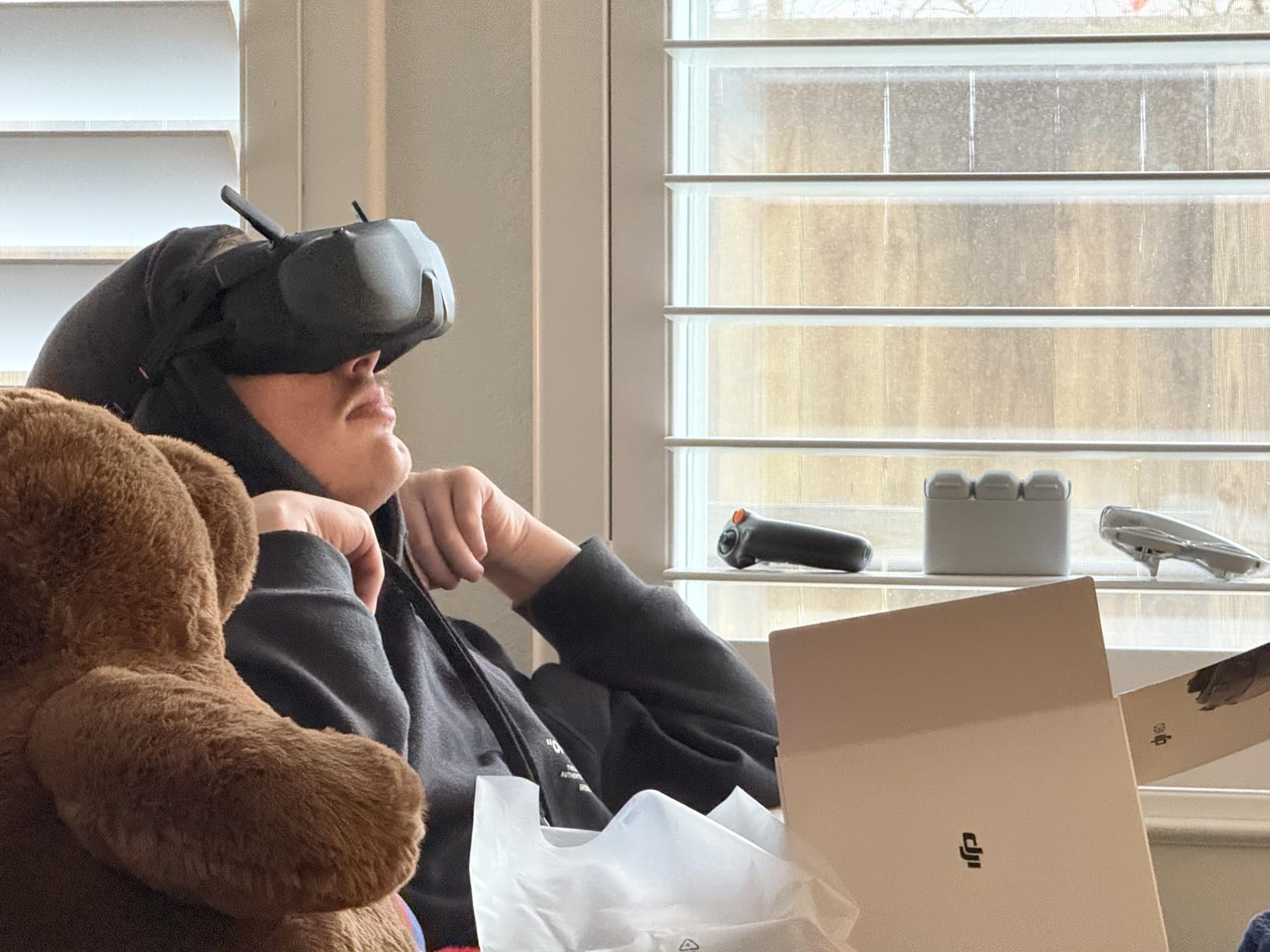
I tested the Motion controller with the included Goggles N3, and the experience is closer to pointing where you want to go than piloting a conventional quad. It takes about 15 minutes to feel natural, but once it clicks you can fly smooth arcs around subjects without learning stick rates.
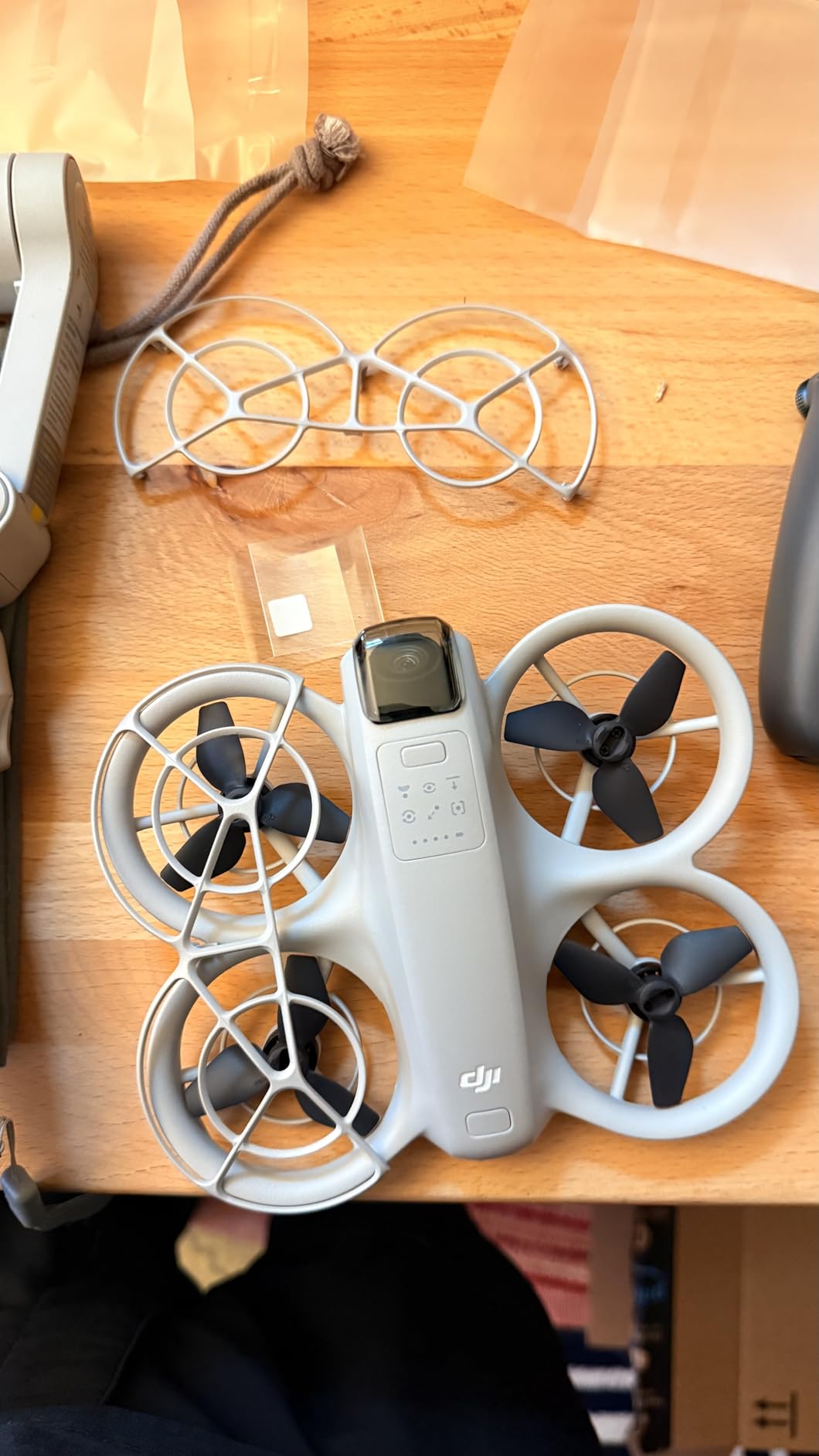
Video quality is the standout feature. The 4K UHD camera with DJI stabilization produces footage that looks professional straight out of the camera. QuickShots and subject tracking add automated cinematic moves that would take months to learn manually.
The trade-off is less raw FPV freedom. You are not going to tune rates, fly acro, or race gates with the Neo. It is a camera drone with an FPV viewing mode, not a pilot’s drone.
Who should choose the DJI Neo
This is the best pick for content creators, travelers, and casual users who want stunning aerial footage with minimal learning curve. It is also great for anyone intimidated by traditional FPV transmitters.
If you want a shareable video of a hike, family event, or travel destination, the Neo delivers faster than any custom FPV build.
Who should skip it
Pure FPV pilots who want manual acro, rate tuning, and racing should look at the Avata 2 or a custom 5-inch build. The Neo is a hybrid, not a true enthusiast FPV machine.
13. BETAFPV Aquila20 HD FPV Kit – Best HD RTF Under $450
BETAFPV Aquila20 HD Kit Built-in HD Digital VTX P1 FPV Drone Advanced RTF
P1 HD VTX ArtLynk system
1080p 60fps video
170 degree FOV camera
400m range
VR04 HD goggles + LiteRadio 4 SE
Pros
- 1080p 60fps HD video
- 400 meter range
- 2S power system for agility
- 3 flight modes with turtle mode
- VR04 HD goggles included
Cons
- Only 10 reviews and 3.5 rating
- 22% 1-star reviews raise concerns
- Range limited compared to DJI
- Betaflight knowledge helps
The Aquila20 HD is BETAFPV’s answer to pilots who want digital video quality without buying into the DJI ecosystem. The P1 HD VTX uses the ArtLynk system to deliver 1080p 60fps with about 60 milliseconds of latency, which is usable for freestyle and cinematic flying.
The 170-degree field of view camera gives a wide immersive perspective, and the 2S power system keeps the quad nimble. Range is rated at 400 meters, which is solid for parks and open fields. The VR04 HD goggles match the HD signal and add recording capability.
Unfortunately, the user feedback is mixed. Only ten reviews were available during our research, and 22% of them were one-star ratings. Some buyers reported setup issues or durability problems. The potential is there, but the track record is not as proven as the standard Aquila20 or Cetus Pro.
Who should choose the Aquila20 HD
This kit is for intermediate beginners who want HD video in an RTF whoop format and prefer BETAFPV’s repair ecosystem over DJI’s closed platform. If you are comfortable reading manuals and troubleshooting occasional issues, the image quality is appealing.
Who should skip it
Risk-averse buyers should choose the standard Aquila20 or the DJI Neo instead. The low review count and higher failure reports make this a gamble for a first FPV purchase.
14. DJI Neo 2 Motion Fly More Combo – Best Obstacle-Aware FPV Drone
DJI Neo 2 Motion Fly More Combo With RC Motion 3 & Goggles N3
4K video with digital transceiver
Omnidirectional obstacle sensing
ActiveTrack and gesture control
151g C0 certified
10km range with 3 batteries
Pros
- Excellent 4K video quality
- Omnidirectional obstacle sensing
- ActiveTrack subject following
- 10km range
- Lightweight 151g design
Cons
- Premium price at $599
- Some pilots want more manual control
- Less raw FPV feel than Avata 2
The Neo 2 improves on the original Neo in the areas that matter most: obstacle sensing, transmission stability, and video performance. The omnidirectional obstacle sensing is a safety net that makes the Neo 2 one of the few FPV-style drones I would hand to a nervous beginner indoors.
ActiveTrack works better here than on the first Neo. I walked a winding path through a park and the drone kept me centered while avoiding branches. The 4K image holds up well in mixed lighting, and the digital transceiver gives the 10-kilometer range real-world stability.
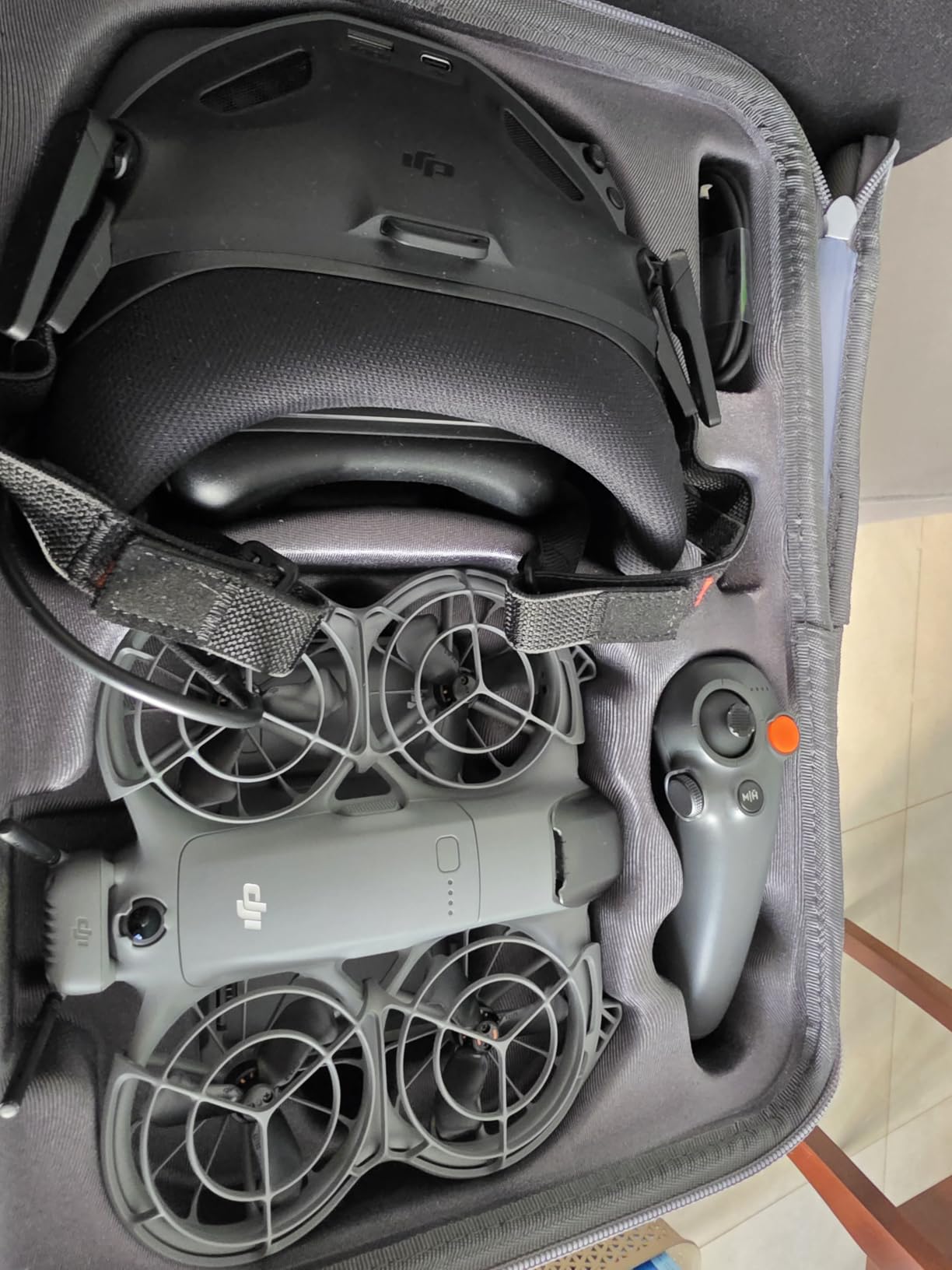
The 151-gram weight keeps it C0 certified and registration-friendly in many regions. Three batteries and a two-way charging hub come in the box, so you can fly, swap, and fly again without a long wait.
Like the original Neo, this is not a hardcore FPV machine. The Motion controller simplifies flight but removes some of the direct stick feel that defines real FPV. It is an excellent bridge product, not a racer.
Who should choose the Neo 2
This is the best choice for beginners who want advanced safety features and cinematic footage in one package. If you plan to fly near trees, people, or buildings and want the drone to help avoid collisions, the Neo 2 is worth the upgrade over the original.
Who should skip it
Pure FPV enthusiasts and freestyle pilots should look at the Avata 2 or custom builds. The Neo 2 prioritizes safety and automation over raw piloting freedom.
15. DJI Avata 2 Fly More Combo – Best Premium RTF FPV Drone
DJI Avata 2 Fly More Combo (3 Batteries), FPV Drone With Camera 4K
4K 60fps video
155 degree FOV wide camera
One-push acrobatics
Built-in propeller guard
13km range with 3 batteries
Pros
- Most immersive FPV experience
- One-push flips rolls and drifts
- RockSteady and HorizonSteady stabilization
- 4K 60fps with 1/1.3 inch sensor
- FAA Remote ID compliant
Cons
- Premium $1019 price tag
- Advanced skill level recommended
- 377g weight may need registration
- Serious crashes still expensive
The Avata 2 is the current gold standard for premium ready-to-fly FPV drones. It combines the safety of a ducted propeller guard with the performance of a serious freestyle machine. Flying it through a wooded trail with the Goggles 3 feels like being in a nature documentary.
The one-push acrobatics feature lets beginners experience flips, rolls, and 180-degree drifts without mastering stick timing. I let a friend try it who had never flown manual FPV, and within one battery he was pulling off moves that took me months to learn. The RockSteady and HorizonSteady stabilization keep the footage smooth even during aggressive maneuvers.
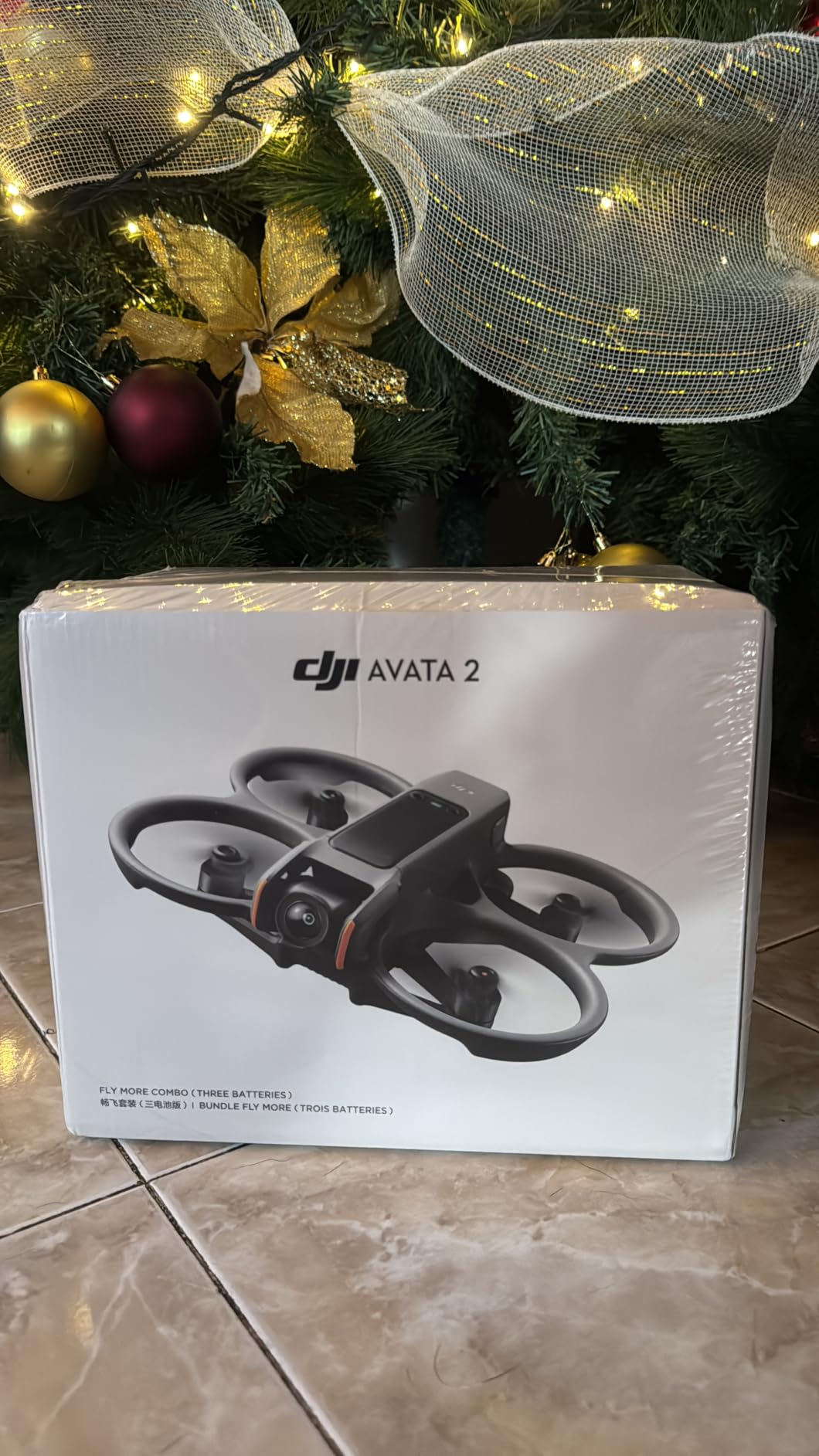
Image quality is outstanding. The 1/1.3-inch sensor captures 4K 60fps with excellent dynamic range, and the 155-degree field of view is wide enough to feel fast without being disorienting. Range reaches 13 kilometers in ideal conditions, though most users will stay well under two kilometers.
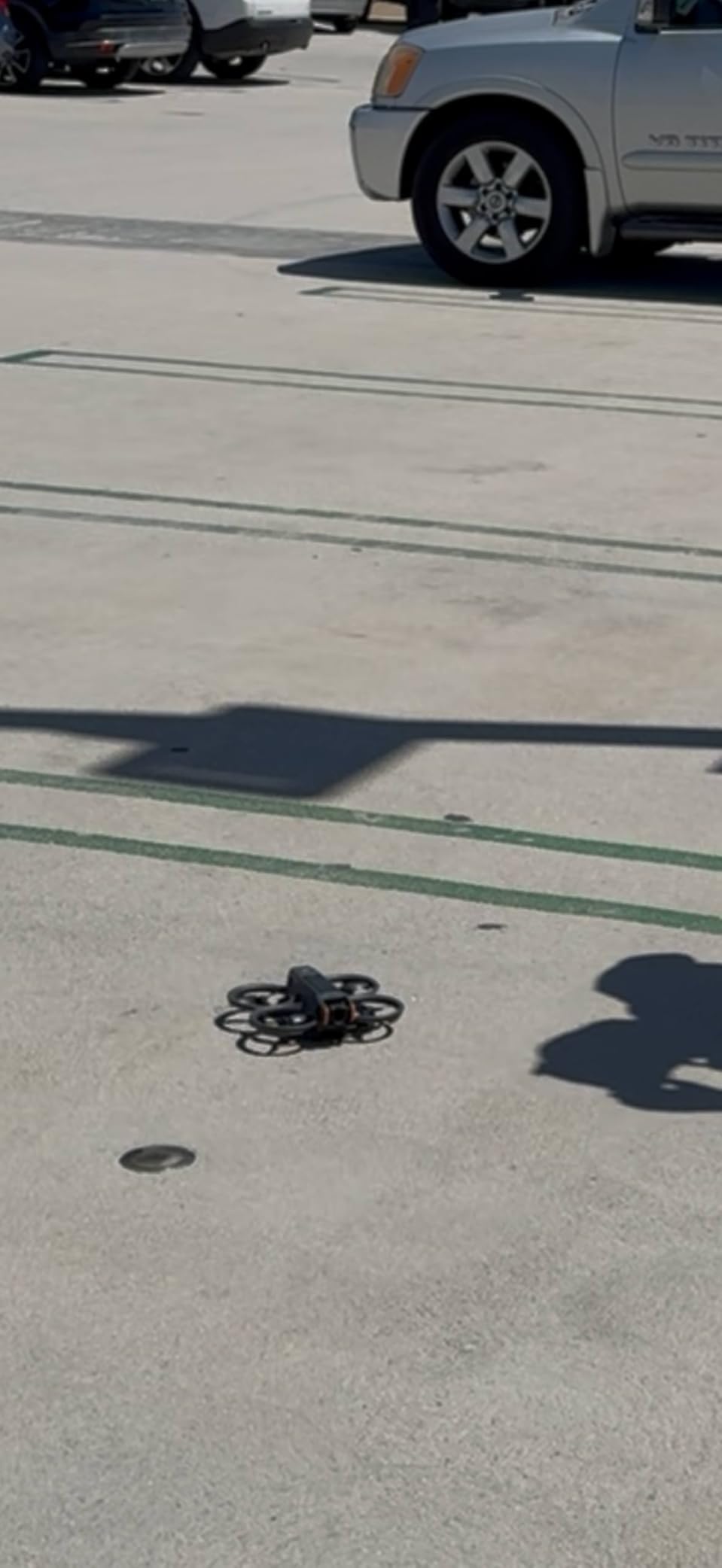
The 377-gram weight means FAA registration is required in the United States. Crashes can also be expensive because the drone is larger and heavier than micro options. This is not a toy; it is a high-performance camera platform.
Who should choose the Avata 2
This is the right drone for anyone serious about cinematic FPV or who wants the most polished ready-to-fly experience available. If your budget allows and you are ready for registration and responsible flying, the Avata 2 is the best FPV drone on this list.
Who should skip it
Absolute beginners may find the Avata 2 too fast and too expensive for first flights. Start with a whoop, learn orientation and basic manual control, then move up to the Avata 2 once crashes are rare.
How to Choose the Right Ready-to-Fly FPV Drone?
Buying your first FPV drone can feel overwhelming because the hobby uses its own language. Here is what actually matters when you are comparing kits.
Understand RTF, BNF, and PNP before you spend money
RTF stands for Ready-to-Fly and means the drone, controller, and goggles or screen are included and paired. BNF means Bind-and-Fly: the drone is built but you supply your own compatible controller and goggles. PNP means Plug-and-Play: the drone is built but you add your own receiver, controller, goggles, and often battery.
For your first drone, RTF is almost always the right call. The extra cost upfront is lower than buying mismatched parts and then replacing them. Once you own goggles and a radio you trust, BNF becomes a smarter way to add new drones.
Match the drone size to where you will fly
Tiny Whoop size drones like the Cetus Lite and Tiny Hawk are best for indoors and calm backyards. Larger 2S and 2.5-inch models like the Aquila20 and Tinyhawk 3 Freestyle handle light wind and outdoor freestyle better. Full-size options like the DJI Avata 2 are built for open spaces and cinematic flying.
If you live in an apartment, start small. If you have access to a park or field, you can consider something with more power.
Expect shorter flight times than the marketing suggests
Most micro FPV drones fly for three to six minutes per battery. Larger 2S and DJI models can reach 10 to 20 minutes. The flight time numbers on the box are usually measured in ideal hovering conditions, so real-world aggressive flying will be shorter.
Plan on buying extra batteries. Having six to ten charged packs changes the hobby from a waiting game into actual practice time.
Decide between analog and digital video
Analog FPV is cheaper, lighter, and has very low latency. The image is grainy and breaks up sooner as range increases. Digital FPV like DJI O3, Walksnail, and HDZero gives near HD clarity but costs more and adds a little latency.
For learning, analog is fine. For sharing footage or flying in complex scenery, digital is worth the premium.
Do not ignore registration and local rules
In the United States, drones over 250 grams generally require FAA registration. The DJI Avata 2 exceeds that limit, while the DJI Neo and Neo 2 stay below it. Some areas also restrict where you can fly near airports, stadiums, and crowds.
Check the FAA DroneZone website and local ordinances before your first flight. Registration is inexpensive and quick, but flying illegally can lead to fines.
Think about spare parts and community support
Crashes are part of learning FPV. Brands like BETAFPV, EMAX, and DJI have strong parts availability and active communities. Obscure brands may leave you hunting for props or frames that no one stocks.
I always recommend joining an FPV subreddit or local flying group before buying. Real pilots will tell you which kits hold up and which ones collect dust after a week.
FAQs
What is the best FPV drone for beginners?
The BETAFPV Cetus Pro FPV Kit is our top recommendation for most beginners because it includes brushless motors, three flight modes, turtle mode, and a pre-tuned radio and goggles set. It balances durability, progressive learning, and price better than any other ready-to-fly FPV drone we tested.
What is the best starter FPV drone with 1080p video and 10 to 20 minute flight time?
The DJI Neo Motion Fly More Combo is the best starter option that records 4K video and flies well beyond 10 minutes per battery. For a non-DJI option, the BETAFPV Aquila20 FPV Kit reaches about 10 minutes on a 2S battery and offers strong outdoor performance.
Are FPV drones good for beginners?
Yes, modern RTF FPV drones are excellent for beginners when you choose the right model. Kits with altitude hold, self-protection, and beginner flight modes let new pilots learn orientation safely. Starting with a Tiny Whoop style drone indoors reduces crash costs and builds confidence before moving outdoors.
What should I buy as a beginner in FPV?
Start with a complete RTF kit that includes the drone, goggles, and controller. Choose a durable micro or whoop model like the BETAFPV Cetus Pro or EMAX Tiny Hawk. Buy extra batteries, practice in an FPV simulator with the included transmitter, and learn in a large indoor space or calm backyard before flying in wind.
How long does it take to learn FPV flying?
Most beginners can hover and navigate simple courses within a few days of simulator practice and real flights. Comfortable manual acro flying typically takes several weeks to a few months of consistent practice. Crashes are normal early on, so durability and spare parts matter more than raw speed when you are starting.
Final Thoughts on the Best Ready-to-Fly FPV Drones
Choosing the best ready-to-fly FPV drone comes down to matching the kit to your skill level and flying space. The BETAFPV Cetus Pro remains our top pick for most beginners because it is durable, progressive, and complete. The DJI Neo offers the best value for casual pilots who want cinematic footage with minimal setup, while the Cetus Lite is the cheapest safe entry point.
For pilots ready to spend more, the DJI Avata 2 delivers the most immersive and polished FPV experience available in 2026. Whatever you choose, buy extra batteries, spend time in a simulator, and join a local or online FPV community. The learning curve is real, but the first time you thread a gap at full speed, you will understand why so many pilots are hooked.