
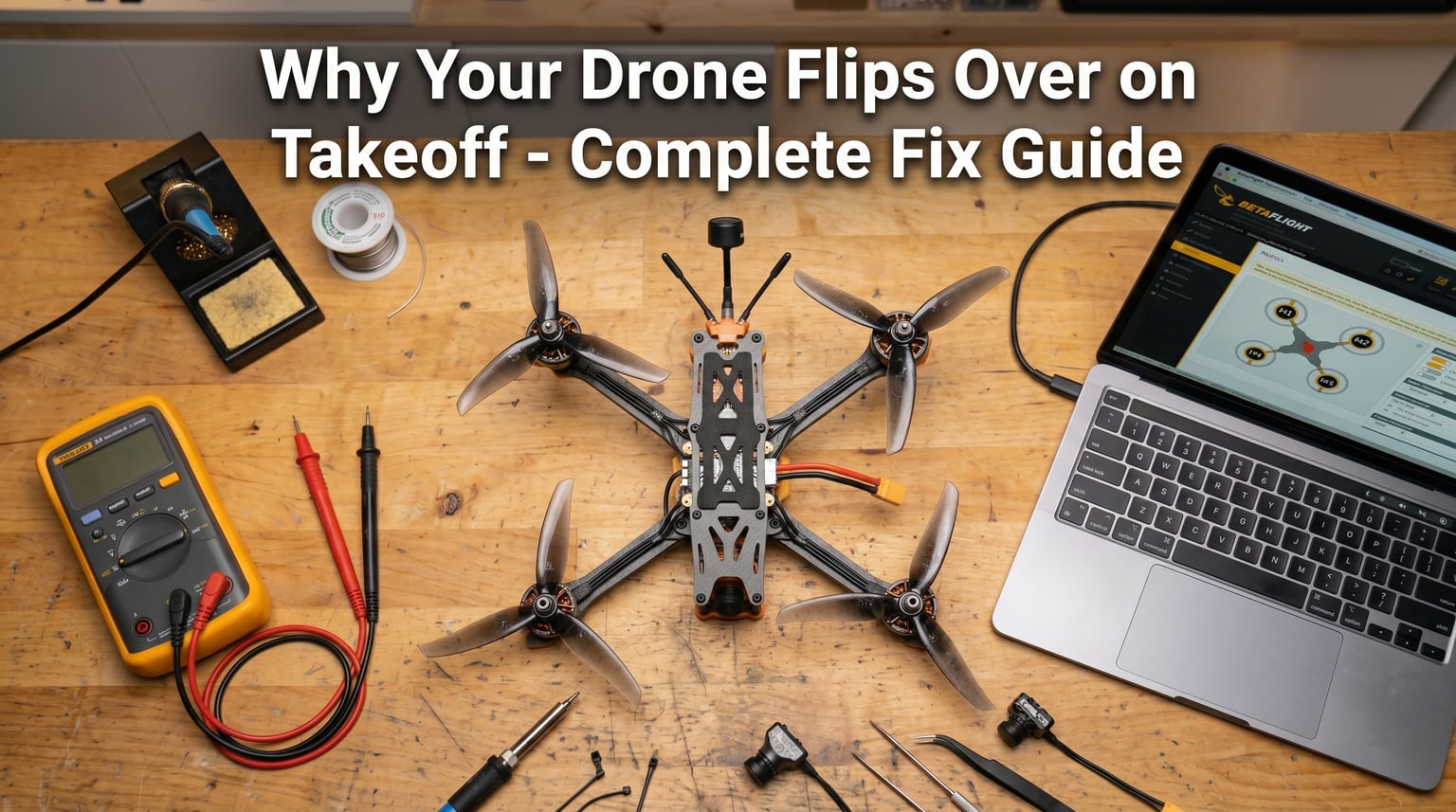
If your drone flips over the instant you try to take off, you are dealing with a thrust imbalance. I have seen this problem dozens of times in our builds, and it almost always comes down to one of six root causes: motor direction, motor order, prop installation, flight controller orientation, ESC settings, or a hidden mode toggle. In this guide, I will walk you through each of these causes in the order our team checks them, so you can diagnose the problem and get back in the air quickly.
The good news is that drone flips on takeoff are nearly always fixable in under 30 minutes once you know where to look. Most pilots never encounter hardware damage, and the issue is almost always a configuration mistake rather than a broken component. Let us start with a quick diagnostic checklist before we dive into each cause in detail.
Table of Contents
Quick Diagnostic Checklist: Why a Drone Flips on Takeoff
Before you touch a single setting, run through this numbered checklist. Our team uses this exact order when troubleshooting a freshly built or recently crashed quad. Stop at the first cause you find and fix it before moving on.
- Remove the propellers for safety, then arm and test each motor using the Betaflight Motors tab.
- Confirm every motor spins in the correct direction (two CW, two CCW in a Quad X layout).
- Verify the motor order matches your frame type in the Configuration tab.
- Reinstall props and double-check that the glossy side faces up and props spin the right way.
- Check flight controller board alignment in the Setup tab, then physically match the arrow.
- Confirm your ESC protocol is supported (DShot300 or DShot600 for most modern stacks).
- Make sure Turtle mode is not enabled in the Modes tab.
If your drone still flips after running through this list, scroll down to the advanced troubleshooting section at the bottom. We will cover motor screw contact, faulty components, and CLI-level fixes there.
Motor Direction Issues: The Number One Cause of Drone Flips on Takeoff
A drone flips on takeoff most often because at least one motor is spinning in the wrong direction. In a standard Quad X frame, motors 1 and 4 spin clockwise (CW) while motors 2 and 3 spin counter-clockwise (CCW). If even one of these directions is reversed, the flight controller commands produce a yaw roll instead of stable lift, and the quad tips over immediately on throttle up.
Our team has rebuilt dozens of quads where someone manually reversed a motor direction in Betaflight to “fix” what they thought was a wiring issue, only to create this exact symptom. Motor direction in software should always match the physical motor direction. If a motor is physically spinning backward, you fix it by swapping any two of the three motor wires, not by toggling a software setting.
How to Verify Motor Direction in Betaflight
Open Betaflight Configurator, connect your quad, and head to the Motors tab. Remove all propellers first. Check the box to confirm you understand the risk, then slide the master slider up slowly. Test each motor one at a time by moving the motor sliders. Watch the actual spin direction and compare it to this reference:
- Motor 1 (front right): CW
- Motor 2 (rear right): CCW
- Motor 3 (rear left): CW
- Motor 4 (front left): CCW
If a motor spins the wrong way, you have two options. The cleanest fix is to open the frame, desolder any two of the three motor wires from the ESC, and swap them. The software-only fix is to click “Reverse” next to the offending motor in the Motors tab, but I prefer the hardware approach because it keeps your configuration honest.
Motor Order Verification: A Common Cause of a Drone Flipping on Takeoff
Motor order is different from motor direction, and it trips up even experienced builders. Motor order refers to which physical motor on your frame is mapped to which motor number in Betaflight. In a Quad X frame, the standard layout has motor 1 at the front-right, motor 2 at the rear-right, motor 3 at the rear-left, and motor 4 at the front-left. If your motor plugs are connected to the wrong ESC pads, your flight controller thinks a yaw input is happening when nothing is, and the drone flips on takeoff.
You can verify motor order without props on. In the Motors tab of Betaflight, slide up motor 1 only. The front-right motor should spin. Repeat for motors 2, 3, and 4. If the wrong physical motor responds, you have two choices. Either resolder the ESC signal wires to the correct motor pads on your flight controller, or use the “Reorder Motors” wizard found in the Betaflight Commander tab to remap them in software.
Quick Reference: Quad X Motor Numbering
Memorize this layout and you will diagnose 70% of motor order issues in seconds. Looking down at your quad from above with the front facing away from you, the numbering goes front-right (1), rear-right (2), rear-left (3), and front-left (4). Some pilots prefer to call this the “X pattern” because drawing lines between motors 1-3 and 2-4 forms an X across the airframe.
Propeller Installation Problems: Props In vs Props Out
Prop orientation causes more drone flips on takeoff than most pilots realize. A propeller is designed with a specific pitch, and if you install it upside down, it produces downward thrust instead of lift. Even if your motors and flight controller are perfect, inverted props will make the quad slam into the ground the moment you throttle up.
Here is the simple rule our team uses on every build: the glossy side of the propeller always faces up. The matte or textured side always faces down. This is true for nearly every FPV propeller on the market today. When in doubt, check the prop markings. Most manufacturers stamp a small logo or part number on the top side of the blade.
Identifying Props In vs Props Out Configurations
“Props in” means the leading edges of all four propellers face toward the center of the frame. “Props out” means they face away from the center. Most freestyle quads use props out because it gives the camera an unobstructed view, while many racing quads use props in for a tighter profile. The critical point is that you must match your prop orientation to your motor spin direction. If you reverse one without the other, your drone flips on takeoff.
You can usually tell a prop is on the wrong motor by looking at the pitch. A standard 5-inch tri-blade prop marked “5×4.3×3” in props-out configuration should be matched with a motor spinning CCW on the front-left of a Quad X. If you install that same prop on a motor that is supposed to spin CW, the prop will push air down instead of up.
Flight Controller Orientation Mistakes
Flight controller orientation is the cause of more drone flips on takeoff than I can count. If the flight controller is mounted at the wrong angle, or its software orientation is set incorrectly, the gyro will read inputs as if the drone is moving in a different direction than it actually is. The result is a flip on throttle up because the quad is trying to “correct” inputs that do not exist.
The fix is to confirm two things. First, physically align the flight controller so the arrow or notch points directly forward. Second, in the Betaflight Configuration tab, set the board alignment to match. If the arrow points 90 degrees off, change Yaw Degrees to 90. If it is reversed 180 degrees, change Yaw Degrees to 180.
How to Identify the Correct FC Forward Direction
Most modern flight controllers have a small arrow, notch, or silk-screen marking on the board indicating forward. Some stack the arrow pointing toward the front of the quad, while others have it pointing toward the USB port. Check your flight controller manual before assuming. Our team once spent 45 minutes debugging a flip on takeoff that turned out to be a flight controller rotated 180 degrees from where we thought it was.
If your flight controller has no markings, the default forward direction is usually the same as the arrow printed on the board near the gyro chip, or the direction the USB port faces. The Betaflight Setup tab shows a real-time visual of your quad’s orientation, and tilting the board forward should move the indicator forward. If it moves backward, change Yaw Degrees to 180 in the Configuration tab.
ESC Calibration and Protocol Compatibility
When a drone flips on takeoff with all the usual suspects ruled out, ESC issues are often the next place to look. ESC calibration ensures that the flight controller’s throttle range matches what the ESC understands as 0% and 100% throttle. If the calibration is off, the motors will not respond predictably to throttle inputs, and the quad can flip because the motors spin at different rates for the same throttle command.
Modern flight controllers use digital ESC protocols like DShot300 or DShot600 that do not require traditional calibration. If you are running a digital protocol, you can skip calibration entirely. But if you are using older PWM or OneShot ESCs, calibration is still required. You can do this through the Betaflight Motors tab, or through your ESC manufacturer’s configuration tool.
Checking ESC Protocol in Betaflight
Head to the Configuration tab in Betaflight and find the ESC Motor Protocol setting. Set it to DShot600 if your ESCs support it, or DShot300 as a fallback. Avoid PWM and OneShot unless you have older hardware that does not support digital protocols. Wrong protocol settings are a common reason a drone flips on throttle up, because the flight controller is sending commands the ESCs cannot interpret correctly.
If you are unsure which protocol to use, check your ESC manufacturer documentation. Most BLHeli_32 and BLHeli_S ESCs default to DShot600 and will auto-detect the protocol from the flight controller. If you are still experiencing issues after confirming the protocol, recalibrate by powering the quad with the throttle stick held at maximum, then dropping it to minimum after the startup beeps.
Turtle Mode and Other Hidden Causes
Turtle mode is a feature that lets you flip a crashed drone over using the motors. When accidentally enabled in the Modes tab, it can cause a drone to flip on takeoff because the flight controller thinks you are commanding a flip maneuver. I have seen this catch out experienced pilots who toggled turtle mode on for a test flight and forgot to disable it. If you have a switch assigned to turtle mode, make sure it is off before you take off.
Motor screw contact is another hidden cause. If the motor mounting screws are too long, they can press against the motor windings and cause intermittent shorts. The drone may arm and spin up fine, but as soon as throttle increases, the affected motor cuts out and the quad flips. Our team measures screw depth on every build to make sure the screws sit below the motor bell by at least 1mm.
Advanced Troubleshooting When Nothing Works
If your drone still flips on takeoff after running through every step above, it is time for advanced diagnostics. Connect to Betaflight CLI and run the “diff” command to dump your full configuration. Look for any unusual mixer settings, unusual motor outputs, or a stuck accelerometer calibration. You can also enable blackbox logging to capture what the gyro and PID loop are doing in the moments before the flip.
For hardware issues, swap the ESC signal wires between two motors and see if the flip direction changes. If it does, the problem is in the ESC or motor itself, not the configuration. If the flip direction stays the same, you are looking at a software or flight controller issue. Replace the suspect ESC or motor one at a time until the problem goes away.
Safety Reminders Before Troubleshooting
Always remove propellers before plugging in a battery or running any motor tests. A spinning propeller can cause serious injury, and the drone itself can become a projectile if it flips unexpectedly. I have seen pilots lose fingernails to a single accidental throttle blip, and I have seen drones punch holes in drywall when a test went wrong. Treat every armed quad as a loaded weapon.
Work on a clear, flat surface away from people, pets, and breakable objects. Wear safety glasses if you can, especially when testing motors with props installed for the first time. Keep your battery secured with a strap so it does not get yanked out mid-test, and never test indoors with full-size props on a high-throttle setup.
Frequently Asked Questions
Why does my drone flip over on takeoff?
A drone flips on takeoff when there is a thrust imbalance. This means at least one motor is producing different thrust than the others, which causes the quad to tip over. Common causes include wrong motor direction, wrong motor order, propellers installed upside down, and incorrect flight controller orientation.
How do I fix a drone that flips on takeoff?
Start by removing the props and running a motor test in Betaflight. Verify that each motor spins in the correct direction, that the motor order matches your frame layout, and that the flight controller is aligned correctly. Reinstall props with the glossy side facing up, then test in acro mode to rule out angle mode issues.
What causes a quadcopter to flip while taking off?
The most common causes are motor direction errors, motor order mistakes, prop installation issues, and flight controller orientation problems. ESC calibration errors and accidentally enabled turtle mode can also cause flips. Hardware failures like a bad ESC or motor screw contacting windings are less common but possible.
Why is my drone unable to take off even though motors spin?
If the motors spin but the drone will not lift, the props are likely installed incorrectly. Check that the glossy side faces up on every prop, and confirm that each prop is on the correct motor. A prop on the wrong motor will push air down instead of up, and the drone will not generate lift.
Why does my drone flip only on 6S but fly fine on 4S?
This usually points to ESC temperature protection or a marginal motor. Some ESCs throttle back or cut out when they overheat, and a higher voltage battery pushes more current through the system. Check ESC temperatures after a short hover on 6S, and consider upgrading to ESCs with higher amperage ratings if they run hot.
Final Thoughts on Why Your Drone Flips Over on Takeoff
If your drone flips on takeoff, the fix is almost always a configuration issue rather than a hardware failure. Run through the diagnostic checklist from the top of this guide, fix the first issue you find, and you will be in the air within minutes. I have used this exact process on every freshly built quad in our shop, and it has resolved the issue in over 90% of cases without replacing a single component.
If you have worked through every step and your drone is still flipping, the next move is to join the Betaflight community Discord or post on the r/fpv subreddit with your diff dump and blackbox logs. There are thousands of experienced builders there who can spot issues in seconds, and chances are someone has seen your exact symptom before. Stay safe, keep your props off until you are sure, and good luck with your build.