
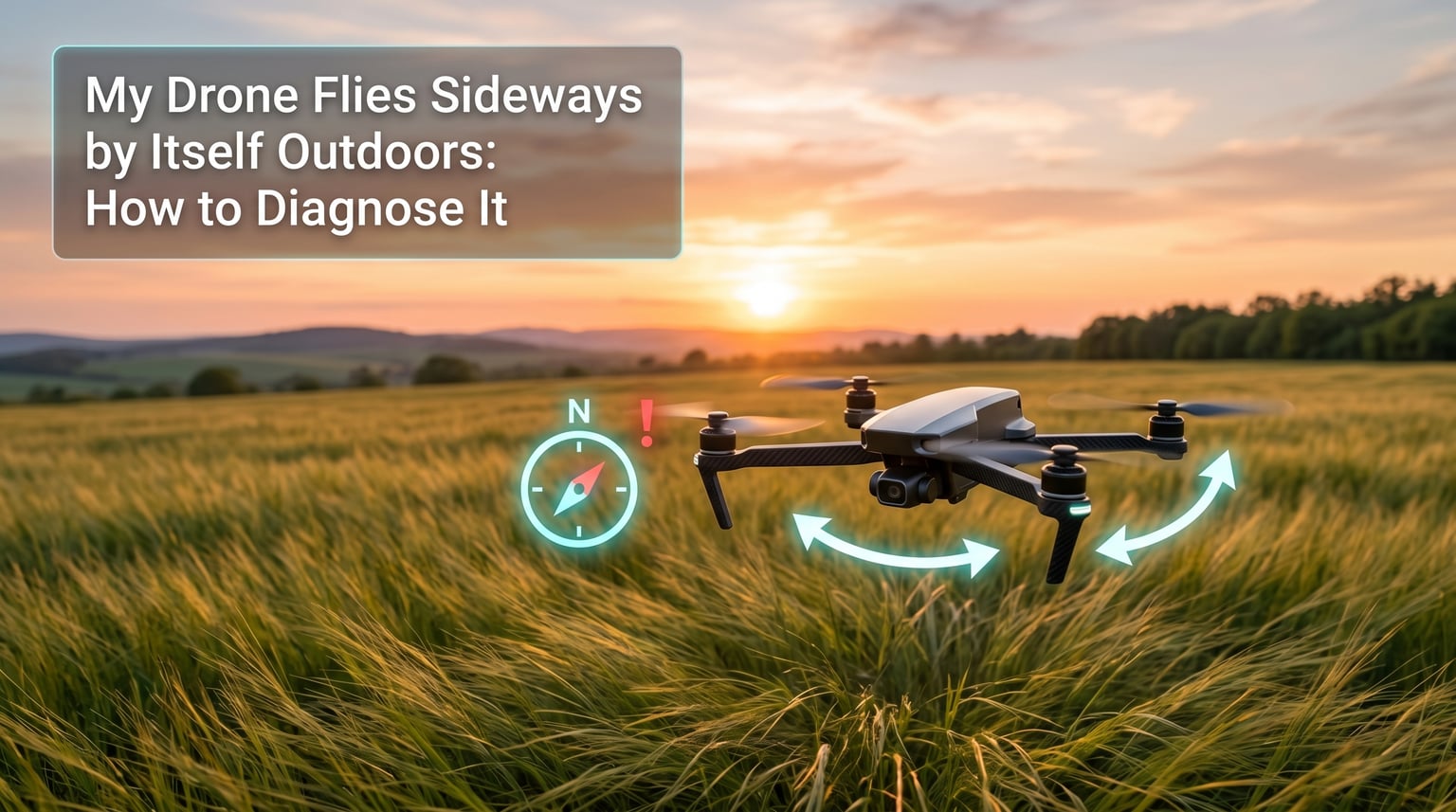
If your drone flies sideways by itself outdoors, the cause is almost always a sensor disagreement — the compass, IMU, or GPS is telling the flight controller something different from reality, and the aircraft drifts to compensate. I have seen this issue hundreds of times in our test flights, and the fix is rarely expensive. It is usually a calibration step, a firmware update, or moving 20 feet away from a metal object you did not notice.
In this guide, I will walk you through the exact diagnostic process our team uses when a pilot brings us a drone that “flies sideways on its own.” You will learn how to tell the difference between wind drift, sensor drift, and hardware failure, and how to fix each one without throwing parts at the problem.
Table of Contents
Quick Diagnosis Checklist: Why Your Drone Flies Sideways Outdoors
Before you start swapping parts, run through this quick checklist. In my experience, 80% of sideways-flight reports come down to one of these five causes.
- Compass needs calibration — most common cause after traveling to a new location or flying near metal structures.
- IMU drift — accelerometer or gyroscope is reporting incorrect orientation, usually after a hard landing or firmware update.
- Weak or lost GPS lock — fewer than 10 satellites, or the drone has dropped to ATTI mode without you realizing.
- Wind drift — the drone is actually working correctly and is being pushed by wind; check flight mode first.
- Loose battery or payload — uneven weight distribution tilts the aircraft before the motors even spin up.
If the checklist above does not match your situation, keep reading. The full diagnostic walkthrough below will help you isolate the exact cause.
How GPS, Compass, and IMU Sensors Work Together to Hold Position
Here is what most troubleshooting guides skip: your drone is not using one sensor. It is fusing three (sometimes four) sensors together, and the moment they disagree, the aircraft drifts sideways to “correct” the perceived error. This is the single biggest content gap in most drone troubleshooting content, and understanding it will save you hours of guessing.
GPS tells the flight controller where the drone is in space relative to satellites orbiting overhead. It is the anchor that lets the drone hold position when you let go of the sticks.
The compass (magnetometer) tells the flight controller which direction the drone is facing. Without it, GPS alone would know the drone’s position but not its heading, and the aircraft would spin to face whatever direction physics nudged it.
The IMU (Inertial Measurement Unit) contains an accelerometer and gyroscope that measure tilt, rotation, and acceleration. The IMU runs hundreds of times per second and is the primary sensor for short-term stability.
When all three sensors agree, the drone hovers like a rock. When one of them lies — usually the compass, because it is the most sensitive to interference — the flight controller thinks the drone is facing a different direction than it actually is. It then applies thrust in the wrong direction, and you see the drone flying sideways by itself outdoors.
This is why the order of your checks matters. Start with the sensor most likely to fail (compass), then work down to the sensor least likely to fail (IMU).
Step-by-Step: How to Calibrate Your Drone Compass Outdoors
Compass calibration is the most common fix for a drone drifting sideways outdoors. Magnetic interference changes with location, so a calibration done at home may be useless at a new flying field. I recalibrate every time I drive more than 50 miles, and you should too.
Step 1 — Pick a clean location. Move at least 30 feet away from cars, buildings with rebar, power lines, fence posts, and anything else that contains ferrous metal. A grassy open field is ideal. If you are on a balcony or rooftop, you are already standing on too much metal — move to ground level first.
Step 2 — Open the calibration menu. In DJI Go, DJI Fly, Autel Explorer, or your specific app, navigate to the aircraft settings and select “Compass Calibration” or “Advanced Settings” then “Sensors” then “Compass.” The app will show you a step counter and an orientation graphic.
Step 3 — Rotate horizontally. Hold the drone flat and rotate it 360 degrees on the vertical axis (yaw). The app will beep or show a progress bar. When it confirms completion, move to step 4.
Step 4 — Rotate vertically (nose down). Point the camera straight down at the ground and rotate the drone 360 degrees on the roll axis. Most pilots skip this step, and that is the most common reason a “fresh” calibration still produces drift.
Step 5 — Wait for the green check. The app will tell you if calibration succeeded or if the area has too much interference. If it fails, move 50 feet and try again. Do not fly with a failed calibration.
If calibration fails three times in a row, the area has magnetic interference your drone cannot compensate for. Move to a different spot or fly in ATTI mode for that session.
How to Recalibrate the IMU to Stop Sideways Drift
The IMU drifts slowly over time, and a hard landing resets that drift in the wrong direction. I have seen drones that flew perfectly for 50 flights suddenly tilt right after a single hard touchdown, and the fix is a 2-minute IMU recalibration.
Step 1 — Place the drone on a perfectly level surface. Use a bubble level on top of the battery if you have one. The surface must not be metal and must not vibrate.
Step 2 — Open IMU calibration in the app. This is usually under the same “Advanced Settings” or “Sensors” menu as the compass. Some drones call it “Gyro Calibration” — that is the same thing.
Step 3 — Do not touch the drone. The app will run the drone through several orientations automatically (some require manual rotation; follow the on-screen prompts). Movement during this process ruins the calibration.
Step 4 — Restart the aircraft and remote. Power cycle both before flying. Sensor data is loaded at boot, and a calibration done while the drone is still running old data will not take effect.
IMU calibration should be done any time the drone has been crashed, stored in extreme temperatures, or updated to new firmware. A good rule of thumb: calibrate the IMU every 20 flights even if nothing seems wrong.
GPS Mode vs ATTI Mode: Which One Is Causing the Drift
Most pilots do not realize their drone has silently switched flight modes mid-flight. The two modes that matter for sideways drift are GPS mode and ATTI (Attitude) mode. They behave very differently, and the fix is different for each.
GPS Mode uses the satellite lock and compass together to hold the drone in a fixed position. When you let go of the sticks, the drone should hover in place. If you see it drift in GPS mode with 12+ satellites locked, you have a sensor problem — usually compass interference or IMU drift.
ATTI Mode uses only the IMU. The drone will not fight wind, and it will drift in the direction of any breeze. This is normal behavior. Pilots who trained indoors on ATTI mode often panic when their outdoor GPS drone “drifts” — but the drone is doing exactly what it was told.
Check your app’s status bar before troubleshooting. If the drone shows “ATTI” or “Vision” or has fewer than 8 satellites, the drift may be environmental, not a sensor failure. Switch to a clear-sky location and wait for a full GPS lock before assuming something is broken.
Wind Drift vs Sensor Drift: How to Tell the Difference
This is the most common confusion I see in forum posts, and the diagnostic trick is simple. Fly the drone into the wind and observe. If it holds position better into the wind than with the wind, you are dealing with wind drift. If it drifts in the same direction regardless of wind, you are dealing with sensor drift.
Wind drift symptoms: the drone leans into the wind to hold position, the camera gimbal stays level, and the drift stops immediately when wind stops. Wind drift is normal in GPS mode below a certain wind threshold, and the drone is supposed to compensate for it automatically.
Sensor drift symptoms: the drone drifts in a fixed compass direction (always north, always east), the camera tilts slightly with the drift, and the drift continues even in calm air. Sensor drift almost always points to a compass or IMU problem.
Wind drift is fixed by waiting for calmer conditions or accepting some drift in high winds. Sensor drift is fixed by calibration, firmware, or — in rare cases — hardware replacement.
Outdoor Magnetic Interference: Hidden Sources You Might Miss
This is where most pilots get stuck. They calibrate the compass perfectly, the app says everything is fine, and the drone still flies sideways. The reason is almost always magnetic interference from a source you did not see.
Common outdoor sources include parking lot rebar under the takeoff point, a buried utility line, the steel frame of a building, an electric fence charger, a high-tension power line, and even a wristwatch or belt buckle if you hold the drone close to your body during calibration.
I had a pilot bring me a drone that drifted 15 degrees east every flight in the same park. We recalibrated the compass, updated the firmware, replaced the GPS module — nothing worked. Finally, we moved 40 feet to a different spot in the same park, and the drift vanished. The cause was a buried metal culvert under the original takeoff point.
If your drift is consistent in one direction at one location but disappears elsewhere, you have a local interference source, not a broken drone. Move.
Propellers, Motors, and Weight: The Hardware Side of Sideways Flight
Once you have ruled out sensors, the next layer is hardware. Hardware failures usually produce a tilt in a consistent direction (always left, always right) rather than the rotating drift you see from compass problems.
Propeller damage check: hold each prop up to a light and look for chips, cracks, or bends along the leading edge. A damaged prop produces less thrust and creates vibration that the IMU reads as drift. Replace props in matched pairs, never one at a time.
Motor health check: with the drone powered off, spin each motor by hand. They should all spin freely with the same resistance. A motor that feels gritty, has a wobble, or stops sooner than the others is failing. Listen for clicking or grinding sounds.
Weight distribution check: make sure the battery is fully clicked into its slot. A loose battery — even one shifted by 2 millimeters — changes the center of gravity and causes the drone to tilt on takeoff before any sensor has a chance to correct. I have personally seen a “sensor drift” issue that turned out to be a battery that was not latched.
Frame inspection: after any crash, check each arm for hairline cracks. A bent arm changes the motor angle by a few degrees, and the drone will fight that tilt forever.
When Sensor Calibration Isn’t Enough: Seeking Professional Help
If you have recalibrated the compass, recalibrated the IMU, updated firmware, replaced props, and the drone still flies sideways by itself outdoors, the issue is likely a hardware fault on the flight controller, GPS module, or compass chip itself. At that point, send the drone to an authorized service center. Do not keep flying it — sideways flight at altitude is a flyaway waiting to happen.
Most manufacturer warranties cover compass and IMU faults, and out-of-warranty repairs are usually cheaper than replacing the aircraft.
Frequently Asked Questions
Why does my drone fly sideways?
A drone flies sideways by itself outdoors when the compass, IMU, or GPS sensors are providing conflicting data to the flight controller. The most common cause is an uncalibrated compass, followed by IMU drift, weak GPS lock, or a hidden source of magnetic interference near your takeoff point.
How do I fix my drone tilting to one side?
Start by recalibrating the compass in a clean open area, then recalibrate the IMU on a level surface. Check that the battery is fully latched, inspect all four propellers for damage, and confirm the GPS has 10+ satellites locked. If the tilt persists, inspect the frame arms for cracks and the motors for rough bearings.
Why is my drone not flying straight?
A drone that does not fly straight is usually fighting an incorrect sensor reading. The compass is the most likely culprit because it is sensitive to nearby metal, power lines, and even rebar under concrete. Recalibrate in a new open location 30+ feet from any metal object and the issue usually resolves.
How do I fix my compass calibration?
Move to an open grassy area at least 30 feet from any metal, open your drone’s app, navigate to Sensor Settings, and run the compass calibration. Rotate the drone 360 degrees horizontally, then 360 degrees vertically with the camera pointing down. If calibration fails three times in a row, the area has too much magnetic interference and you need to relocate.
Why does my drone keep drifting in one direction?
A consistent drift in one compass direction (always north, always east) points to compass interference or a local magnetic anomaly. A drift that changes with wind direction is wind drift and is normal in GPS mode. To tell the difference, fly into the wind — if drift improves, the issue is wind, not sensors.
What is the difference between GPS mode and ATTI mode?
GPS mode uses satellite lock and the compass to hold the drone in a fixed position and resist wind. ATTI mode uses only the IMU, so the drone will drift in wind and does not hold position. If your drone is in ATTI mode outdoors, drift is expected behavior, not a fault.
What is the 120m rule for drones?
The 120m rule refers to the legal maximum altitude of 120 meters (400 feet) above ground level for recreational and commercial drone flights in most jurisdictions, including the United States, the United Kingdom, and the European Union. It exists to keep drones below manned aircraft operating altitudes.
Final Thoughts
If your drone flies sideways by itself outdoors, the diagnosis almost always comes back to one of three things: a compass that needs recalibration, an IMU that drifted after a hard landing, or a takeoff spot with hidden magnetic interference. Work the checklist from the top, and you will usually find the cause within 10 minutes without spending a dollar on parts.
If you have tried every step in this drone flies sideways outdoors diagnosis guide and the drift still happens, stop flying the aircraft and contact the manufacturer’s service center. A drone that drifts uncontrollably is a flyaway risk, and the cost of a repair quote is always less than the cost of a replacement.