
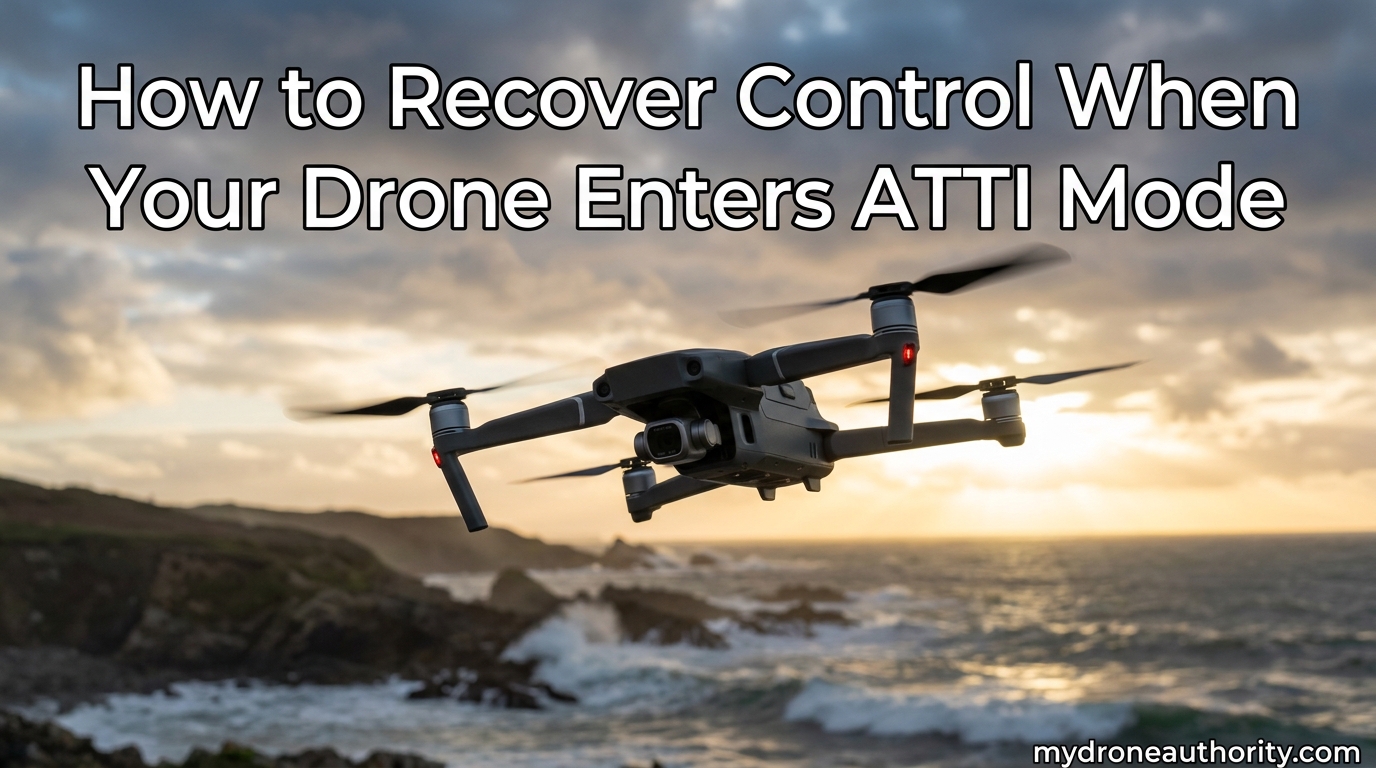
Last summer, I watched a Mini 4K drift sideways into a tree because its pilot panicked the moment the screen flashed “ATTI mode.” I have seen the same thing happen at least a dozen times since. The truth is, drone ATTI mode recovery is a skill almost nobody talks about until they need it. This guide is what I wish someone had handed me on day one: clear steps, a prevention checklist, and a way to practice without risking a flyaway.
If your drone just switched to ATTI mode, skip ahead to the emergency recovery steps. Otherwise, read through the full article so the next surprise does not turn into a crash.
Table of Contents
What Is ATTI Mode on a Drone?
ATTI mode (short for Attitude mode) is a manual flight mode in which the drone’s GPS positioning and visual positioning systems are turned off. The aircraft still uses its barometer to hold altitude, but it will not hover in place on its own. Every movement is up to you.
In practical terms, this means three things happen the moment ATTI mode kicks in:
- No position lock. The drone stops locking onto satellites and will drift with even light wind.
- No vision positioning. The downward sensors and optical flow are disabled, so the aircraft cannot stabilize over textured surfaces.
- Pure stick control. The pilot must continuously correct pitch, roll, yaw, and altitude. Releasing the sticks means the drone keeps moving on its current heading.
This is the same way professional drones like the DJI Inspire flew before GPS became standard. Modern consumer drones use ATTI mode as a fail-safe, not a default. If you can recover control in ATTI mode, you can save a drone that would otherwise fly away or drop from the sky.
What Triggers ATTI Mode During Flight?
Your drone will drop into ATTI mode whenever it loses the positioning data it relies on. The most common triggers I have seen in the field include flying near tall structures, under heavy tree canopy, or close to large metal objects that block satellite signals.
Here are the conditions that usually force the switch:
- GPS signal loss. Tall buildings, cliffs, dense forest, or simply being too far from open sky can drop you below the satellite count needed for GPS mode.
- Compass interference. Power lines, reinforced concrete, and even some car rooftops can disrupt the magnetometer, forcing the drone to fall back on barometer-only stabilization.
- Vision system failure. Flying over snow, water, or a uniform surface can confuse the downward sensors, especially in low light.
- Firmware fail-safe. Some DJI models will enter ATTI mode automatically if a sensor error is detected, even briefly.
Older drones like the Phantom series had a physical ATTI switch on the controller. Newer DJI drones, including the Mini 4 Pro, Air 3S, and Mavic line, removed that switch. The mode is now triggered automatically, which is exactly why knowing what to do in that moment matters so much.
Emergency Recovery Steps When Your Drone Enters ATTI Mode
This is the procedure I run through mentally every time I take off. Memorize it before you need it. The moment your screen shows “ATTI” or your drone starts drifting without input, work through these steps in order.
- Do not panic. Take one breath. The drone is still flying, you still have control, and the wind is your only real enemy right now.
- Lower the throttle slightly to maintain altitude. Without GPS, the barometer alone can drift a few feet. Watch your altitude reading and hold it steady.
- Stop all forward, backward, and sideways stick inputs. Release the right stick to center. In ATTI mode there is no braking, so any input carries momentum in that direction.
- Use small, opposite stick corrections to counter drift. If the drone is sliding right, push the roll stick gently left. If it is sliding away from you, apply slow back-pressure on the pitch stick.
- Descend to a safe hover height. Get below 30 feet (around 10 meters) if you can. The lower you are, the less wind affects the aircraft, and the easier the landing will be if things go wrong.
- Attempt to climb slowly to reacquire GPS. Higher altitudes often mean a clearer view of the sky. A gentle climb of 20 to 40 feet can sometimes bring satellites back into view and exit ATTI mode automatically.
- Fly back to your home point manually. Do not rely on Return to Home until you confirm GPS has returned. Piloting the aircraft home in a wide, gentle arc is the safest move.
- Land as soon as you have a clear landing zone. Choose pavement, short grass, or any flat surface away from people. Descend straight down with small stick corrections.
The biggest mistake I see pilots make is fighting the drone. In ATTI mode, every input needs to be smaller and slower than you think. Treat the sticks like a feather, not a hammer.
If you want a quick mental model, use this decision flow:
- Wind under 10 mph: Hold position, descend, look for GPS.
- Wind 10 to 20 mph: Turn the nose into the wind and fly home with steady throttle.
- Wind over 20 mph: Land immediately in the nearest safe spot, even if it is not your launch point.
Pre-Flight Prevention Checklist for ATTI Mode
The best ATTI mode recovery is the one you never need. I run this short checklist before every flight, and it has cut my close calls down to almost zero.
- Check the satellite count. Wait for a minimum of 10 satellites and a strong GPS lock before taking off. Rushing this is the number one cause of in-flight ATTI triggers.
- Calibrate the compass in a new location. If you have driven more than 30 miles to fly, recalibrate. Magnetic interference is location-specific.
- Scan the flight area for tall obstacles. Trees, buildings, and cliffs can block satellites once the drone climbs or moves away from you.
- Avoid known interference zones. Power substations, metal roofs, parking garages, and reinforced concrete can all force ATTI mode within seconds.
- Check the weather and wind forecast. Anything over 15 mph steady winds is risky for newer pilots in ATTI conditions. Pick a calmer day for your first few flights in a new area.
- Update firmware and calibrate IMU. Outdated firmware sometimes triggers ATTI mode as a precaution when it cannot verify sensor health.
- Set a sensible RTH altitude. Make sure your Return to Home altitude clears every obstacle on the way back. A drone that loses GPS during RTH will keep climbing in ATTI mode.
- Plan an emergency landing zone. Before takeoff, pick two or three flat spots along your intended flight path. Decide in advance where you will set the drone down if ATTI mode kicks in.
Pre-flight checks take about three minutes. They will save you hundreds of dollars the first time you fly somewhere new.
How to Practice Flying in ATTI Mode Safely
Once you understand that ATTI mode is not something to fear, practice becomes the difference between a controlled recovery and a flyaway. I recommend a layered approach that protects both your wallet and your confidence.
Start with an inexpensive drone. A $40 trainer or a used Spark is a perfect candidate. If you crash, you are out a fraction of the cost of a Mini or Mavic. The goal here is to build muscle memory for stick corrections, not to capture footage.
For DJI pilots, there is a well-known trick used on Mavic Pro and older Phantom models: tape a small piece of tin foil over the top of the aircraft to block GPS. The drone will enter ATTI mode on takeoff, giving you a controlled environment to practice in. Do not try this on a brand-new drone you cannot afford to lose.
Work through these basic maneuvers in order:
- Hover in place. Use small, constant stick corrections. Aim for a 30-second stable hover with the drone staying within a 3-foot circle.
- Fly a slow square pattern. Use smooth pitch and roll to trace a 30-foot box, then return to the launch point.
- Practice figure eights. This builds coordination between roll and yaw, which is the most common skill you will need when fighting wind.
- Add wind gradually. Fly in 5 mph winds first, then 10 mph, and so on. The drone behaves very differently in real wind compared to calm air.
Always fly in an open field with soft grass, install propeller guards, and keep the drone at low altitude. The idea is to make small mistakes cheaply so that when ATTI mode surprises you for real, your hands already know what to do.
Frequently Asked Questions
What is ATTI mode on a drone?
ATTI mode (Attitude mode) is a manual flight mode where GPS positioning and visual positioning systems are disabled. The drone only uses its barometer to maintain altitude, and the pilot must provide continuous stick input to control position.
What to do if your drone goes into attitude mode?
Stay calm, center the sticks, use small opposite corrections to counter drift, descend below 30 feet, and try climbing slowly to reacquire GPS. Land at the nearest safe spot if GPS does not return.
What does ATTI mode do?
ATTI mode disables GPS lock and vision sensors so the pilot has full manual control. The drone will not hover on its own and will drift with wind until the pilot corrects it.
How to make your drone come back to you?
Fly the drone home manually in a wide, gentle arc while making small stick corrections. Do not rely on Return to Home until GPS is restored, because RTH can fail in ATTI mode.
Why did my drone suddenly enter ATTI mode?
The most common causes are GPS signal loss from obstacles, compass interference, vision system failure over featureless surfaces, or a sensor error flagged by the firmware. Fly in open sky to reduce the risk.
Final Thoughts
Drone ATTI mode recovery comes down to three habits: stay calm, use small stick inputs, and land safely. The rest is preparation. Run the pre-flight checklist, train in calm conditions with an inexpensive drone, and practice until the recovery steps feel automatic.
Fly safe in 2026, and remember that a slow, controlled landing beats a heroic save every time. If you have a story about an ATTI mode recovery (good or bad), share it with our team. Real pilot experiences help everyone fly smarter.