
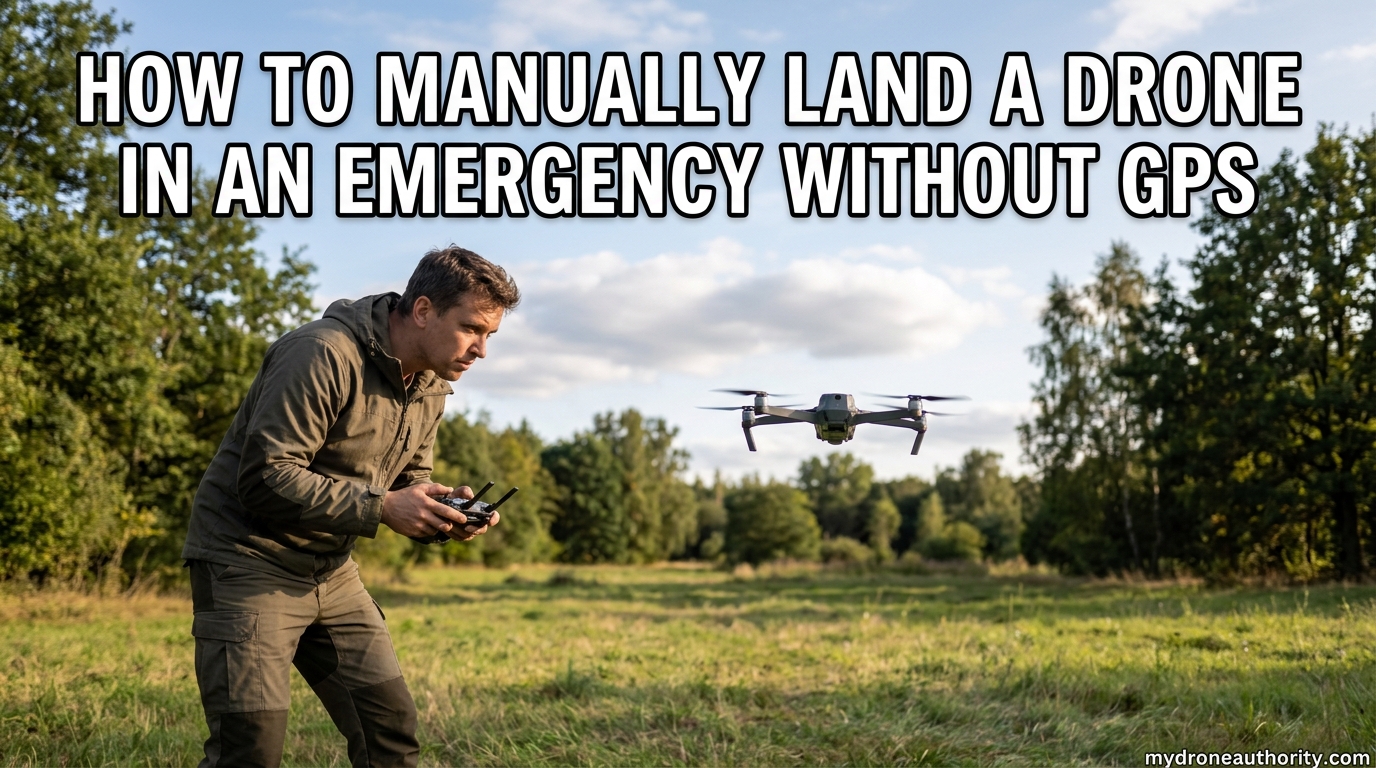
I will never forget the first time I watched a Mavic shoot sideways at 20 meters per second because the GPS lock was wrong. The pilot froze, the drone drifted toward a parking lot, and only a last-second hand catch saved a $1,200 piece of equipment. That moment taught me a lesson every drone operator eventually learns the hard way: GPS is a convenience, not a guarantee.
Knowing how to manually land a drone in an emergency without GPS is the single most important skill that separates nervous beginners from confident pilots. When satellite signal drops mid-flight, the automated safety nets you rely on every day, including Return to Home and hover-in-place, stop working the way you expect.
In this guide, I walk you through exactly what happens inside your drone when GPS fails, the immediate actions you must take in the first 5 seconds, and a step-by-step manual landing procedure you can follow even if you have never flown in attitude mode before. I also cover the hand catching technique, safety warnings from experienced pilots, and pre-flight checks that prevent most GPS loss situations in the first place.
Table of Contents
What Happens When Your Drone Loses GPS
When your drone loses satellite lock, the flight controller can no longer hold a fixed position using GPS coordinates. Most consumer drones, including DJI models, automatically switch into attitude mode, often called ATTI mode, within a second or two of signal loss.
In attitude mode, the drone still holds its altitude using the barometer, but it will no longer fight wind or correct for horizontal drift on its own. A gentle 5 mph breeze can push your drone 30 feet in just a few seconds if you do not actively counter it with the right stick. This is the drift that catches new pilots off guard and causes the classic “flyaway” stories you read on Reddit.
The downward vision sensors on most modern drones still work without GPS, which helps with low-altitude hover stability. Once you climb above the effective range of those optical sensors, typically around 30 feet, the only thing keeping your drone in one place is your own thumbs on the controller sticks.
Return to Home, the feature most pilots assume will save them, depends almost entirely on GPS. Without a home point locked by satellites, RTH either fails to engage entirely or attempts to navigate using a poorly recorded position that can send your drone in the wrong direction. This is why learning to manually land a drone in an emergency without GPS is not optional knowledge, it is the difference between a recoverable situation and a total loss.
Common Causes of GPS Signal Loss
Understanding why GPS drops in the first place helps you avoid the scenarios that force an emergency landing. The most frequent culprits fall into a handful of categories.
Urban canyons created by tall buildings reflect and block satellite signals, often dropping your lock from 18 satellites down to 4 or fewer. Flying near cliffs, under bridges, or through tunnels creates the same multipath interference that confuses the GPS module. Even dense tree canopies in mature forests can degrade your satellite count enough to trigger an attitude mode switch.
Magnetic interference from reinforced concrete, steel structures, parked vehicles, and underground utilities can throw off your compass calibration. When the compass disagrees with the GPS, many flight controllers refuse to trust either input and drop into a failsafe attitude mode. This is why pilots report drones “going crazy” right after takeoff near buildings with hidden steel reinforcement.
Finally, simple geography matters. Flying at high latitudes, in deep valleys, or during periods of heavy solar activity can all reduce the number of satellites visible to your drone. The lesson is the same in every case: assume GPS can disappear at any moment and always have a manual landing plan ready.
Immediate Actions When GPS Drops Mid-Flight
The first 5 seconds after a GPS loss determine whether the situation stays manageable or spirals into a flyaway. Your goal in those seconds is simple: stop the drone from going anywhere you cannot see it.
Hold your altitude steady first. A common panic reaction is to yank the throttle down, which causes a fast descent into whatever is below you. Instead, keep throttle neutral and let the barometer do its job holding your current height while you assess the situation.
Establish visual line of sight immediately. If you have been flying with your face in the screen, look up and locate the drone in the sky. In attitude mode you cannot trust the map display on your controller because the drone’s reported position may be wrong. Your eyes are now your only reliable navigation instrument.
If Return to Home auto-triggers, cancel it. On most DJI drones you do this by pressing the RTH button once or tapping the prompt on screen. Letting RTH run without GPS is one of the most common causes of flyaways because the drone tries to fly to a home point it cannot accurately locate.
Check the wind direction by watching which way the drone drifts when you release the sticks. Plan your landing approach so you fly into the wind, which gives you more control authority and slows your ground speed on approach.
How to Manually Land a Drone in an Emergency Without GPS
This is the core procedure every pilot should memorize. The steps below assume you are already in attitude mode, have visual line of sight, and have a functioning controller. Practice these on a calm day with GPS enabled first, then repeat with GPS disabled in a wide open field before you ever need them in a real emergency.
Step 1: Position Yourself for Maximum Visibility
Stand so the sun is behind you and the drone is in front of you against a clear background like sky or open ground. Squat slightly if the drone is low so you can judge its height against the horizon. Never attempt a manual landing with the sun in your eyes because the glare will hide the drone the moment it dips below the horizon line.
Step 2: Reduce Altitude Gradually
Lower the throttle just enough to start a slow descent, no more than 3 to 4 feet per second. Hold the right stick centered or apply small corrections only when you see drift. A controlled descent gives you time to react if a gust pushes the drone sideways. Fast descents create prop wash and vortex ring state that can cause the drone to drop unpredictably.
Step 3: Counter Drift With Small Stick Inputs
In attitude mode the drone will drift with the wind. Watch the angle of the drone against the horizon and apply small pulses of opposite stick to nudge it back toward your landing zone. Avoid holding the stick hard over because the drone will accelerate quickly without GPS to brake it. Short, gentle corrections are the entire skill of manual flight.
Step 4: Identify a Clear Landing Zone
Pick the largest, flattest, obstacle-free surface you can see. Grass, dirt, pavement, and short sand all work well. Avoid gravel if possible because flying debris can damage props and cameras. If the ground is uneven or covered with rocks, plan for a hand catch instead, which I cover in the next section.
Step 5: Approach the Landing Zone Slowly
Line the drone up downwind of your target so you can fly into the wind on the final approach. Reduce horizontal speed to a walking pace and watch the drone’s shadow on the ground to judge lateral position. The shadow is often more useful than looking at the drone itself when you are within 20 feet of the ground.
Step 6: Final Descent and Touchdown
As the drone reaches about 10 feet above the landing zone, level it out and let it settle straight down. Keep the right stick centered and gently feed in less throttle to control the descent rate. The downward vision sensors will help stabilize the drone in the last few feet on most modern models even without GPS. When the drone touches the ground, hold the throttle at zero for 2 to 3 seconds so the flight controller confirms touchdown and auto-stops the motors.
Step 7: Use the CSC Command for Emergency Motor Stop
If the drone lands at an angle, catches a prop on something, or tries to tip over, use the CSC (Combination Stick Command) to kill the motors instantly. On most DJI controllers this means pulling both sticks down and inward toward each other simultaneously. Hold the position for 2 to 3 seconds. This is also your emergency stop if the drone ever starts flying toward people, traffic, or water and you cannot regain controlled flight.
Hand Catching Technique: When You Cannot Land on the Ground
Sometimes the ground is not an option. You may be flying from a boat, a rooftop, a balcony, or terrain covered with tall grass or rocks that will tip the drone on landing. In those cases the hand catch is your safest emergency recovery method. A hand catch simply means letting the drone hover next to you and grabbing the landing gear or body by hand instead of letting it touch the ground.
Before you attempt a hand catch, understand the risk: spinning propellers can cause serious lacerations. I have seen pilots need stitches after a finger brushed a DJI Mavic prop at idle speed. Treat every hand catch with the same respect you would give a power tool.
The procedure starts the same way as a ground landing. Bring the drone to about eye level and 4 to 6 feet in front of you, oriented so the camera is facing away. Hold the controller in one hand and use the other hand to grab the drone. Some pilots prefer a controller lanyard so both hands can stay free, which I strongly recommend.
To grab the drone, reach in from below and behind, away from the propellers. Grip the landing strut, the underside of the body, or the battery, depending on your model. Hold firmly and keep your elbow locked so the drone cannot jerk your arm if it tries to correct against you. With a secure grip, pull the throttle all the way down and hold it. The drone will sense the lack of movement and the motors will spool down within 2 to 3 seconds.
Never reach over the top of the drone, never grab near the props, and never wave your hand at the drone to make it descend. If you cannot safely reach a non-spinning part of the drone, abort the hand catch and find a different recovery option. A drone that flips out of your hand is far more dangerous than one that hovers until the battery dies.
Safety Precautions Every Pilot Should Know
Manual emergency landings carry real risk, and the experienced pilots on MavicPilots and PhantomPilots have shared enough hard-learned lessons to fill a book. These warnings come directly from those community discussions.
Never reach for spinning propellers. This sounds obvious, but in the panic of a real emergency pilots routinely forget and try to steady a drifting drone with their hands. The downward sensors on most drones will also stop the motors if they detect your hand below them, but you should never rely on this safety feature to protect your fingers.
Beware of wind gusts during the final approach. A 15 mph gust can push an attitude-mode drone 20 feet sideways before you can react. If the wind is gusting hard, abandon the precision landing and accept a wider, less perfect touchdown point. A rough landing on grass is always better than a perfect landing attempt that ends with a tree strike.
Maintain at least 30 feet of horizontal clearance from people, vehicles, and buildings during any emergency procedure. If your manual flying skills are not yet solid, increase that distance. Drones in attitude mode can accelerate surprisingly fast when a stick input is held, and the lack of GPS braking means they will keep moving until you command a stop.
Preventing GPS Loss Before It Happens
The best emergency landing is the one you never have to perform. Every pre-flight check that improves your satellite lock also reduces your chances of needing these procedures.
Always wait for a full GPS lock before takeoff. On DJI drones this means waiting for the prompt that says it is safe to fly, not just for the first couple of satellites to register. Calibrate your compass in an open area away from cars, concrete, and metal structures every time you change locations. Update your firmware regularly because manufacturers frequently patch GPS handling and failsafe behavior.
Avoid known interference zones entirely when possible. If you must fly near tall buildings, bridges, or cliffs, plan your flight path to stay in open sky and keep the drone within visual line of sight the entire time. Consider flying in atti mode on purpose during practice sessions so the transition feels familiar when it happens for real.
FAQs
What happens if a drone loses GPS mid-flight?
The drone switches to attitude mode (ATTI), which holds altitude but allows horizontal drift with the wind. Return to Home stops working reliably, and the pilot must take manual control using visual line of sight to land safely.
Can you land a drone in your hand?
Yes. A hand catch involves hovering the drone at eye level, gripping the body or landing strut from below away from the props, and holding the throttle down until the motors stop. Wear a controller lanyard and keep your elbow locked for safety.
How do I fly a drone without GPS signal?
Use attitude mode and rely on visual line of sight. The barometer holds altitude while you manually control horizontal position with the right stick. Avoid wind, keep the drone close, and land as soon as practical.
Is it safe to use Return to Home without GPS?
No. RTH depends on a GPS-locked home point to navigate. Without GPS the drone may fly to the wrong location or refuse to engage RTH at all. Cancel RTH if it auto-triggers during GPS loss and land manually.
How do I recover my drone when it loses GPS?
Stay calm, hold altitude, cancel any automatic RTH, and establish visual line of sight. Assess wind direction, switch to attitude mode if needed, then fly a slow controlled descent to the nearest clear landing zone or perform a hand catch.
Conclusion
Learning how to manually land a drone in an emergency without GPS comes down to three things: staying calm, trusting your eyes instead of the screen, and making small gentle stick corrections all the way to the ground. The procedures in this guide work whether you fly a DJI Mavic, an Air, a Mini, or almost any other consumer drone that switches to attitude mode when satellite signal drops.
If you take only one tip from this article, make it this: practice these steps on a calm day before you ever need them. Find an open field, disable GPS in your flight app, and run the manual landing procedure five or six times. The first time you lose GPS for real, your hands will already know what to do, and that muscle memory is what brings your drone home safely.