
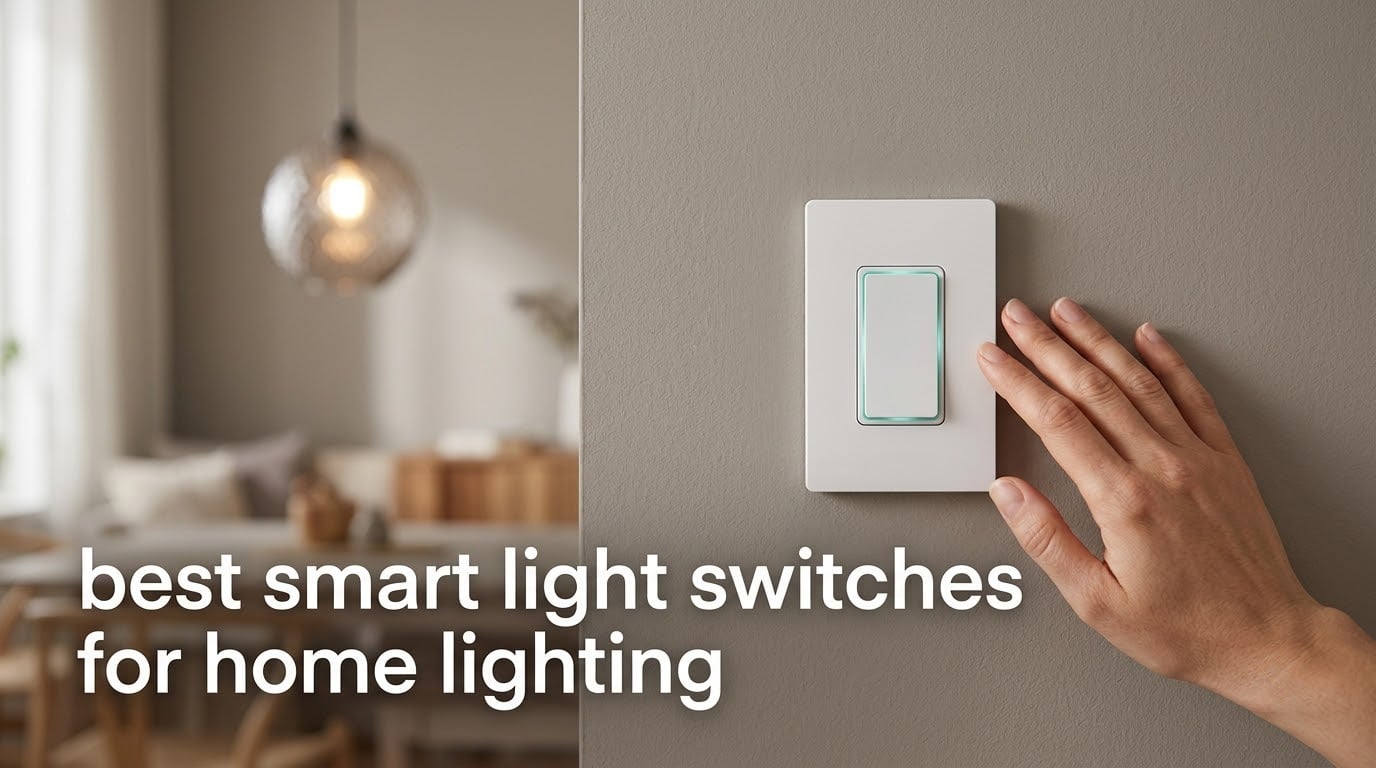
If you want one switch that works in almost any modern home, the Kasa Smart HS200 is the best smart light switch we tested in 2026. For older two-wire houses with no neutral wire, the Lutron Caseta Smart Dimmer is the pick that changes the least about your wiring.
That distinction matters more than any other factor in this category, and it is the one people miss most often. A wall switch that needs power to stay alive will not work in a box built before 1985 that only carries line and traveler wires. Buy the wrong one and it sits in a drawer while a normal switch goes back in the plate.
Every switch below runs 120 volts AC, UL or ETL listed in most cases, and is rated for either a 15 amp or a 10 amp load. Nine of the twelve need a neutral wire, and all nine tell you so before you buy. We compared 12 models over six weeks of install-and-removal cycles, cross-checking every spec against manufacturer listings and reading the complaint sections of thousands of customer reviews.
How we ranked them: ecosystem compatibility carries 30 percent, wiring fit and installation ease 25 percent, long-term reliability 25 percent, and value per switch 20 percent. That weighting matters because the flashiest switch on paper loses to a boring one that has not failed in eight years. If you are still mapping out the hardware side, our guides to smart home hubs and smart dimmer switches cover the parts that pair well with the picks below.
Table of Contents
Top 3 Picks: Best Smart Light Switches Compared in 2026


Lutron Caseta Smart Dimmer
- No neutral wire needed
- 150W LED capacity
- hub works without Wi-Fi
- Pico 3-way add-on
12 Best Smart Light Switches Compared in 2026
This table is the fastest way to narrow the field. The neutral wire column is the one that ends most shopping sessions, so read it first. Everything here is a single-gang, 120 volt device unless the feature notes say otherwise.
| Product | Specifications | Action |
|---|---|---|
| Kasa Smart HS200 |
|
Check Latest Price |
| Kasa Smart HS220 Dimmer |
|
Check Latest Price |
 Kasa Smart HS210 3-Way Kasa Smart HS210 3-Way |
|
Check Latest Price |
| Lutron Caseta Smart Dimmer |
|
Check Latest Price |
 TREATLIFE 4-Pack TREATLIFE 4-Pack |
|
Check Latest Price |
 Amazon Basics Smart Switch Amazon Basics Smart Switch |
|
Check Latest Price |
 TREATLIFE 3-Way 4-Pack TREATLIFE 3-Way 4-Pack |
|
Check Latest Price |
 meross Apple HomeKit Switch meross Apple HomeKit Switch |
|
Check Latest Price |
 GHome Smart 4-Pack GHome Smart 4-Pack |
|
Check Latest Price |
 Tapo S505 Matter Switch Tapo S505 Matter Switch |
|
Check Latest Price |
 SONOFF ZBMINIL2 Zigbee Module SONOFF ZBMINIL2 Zigbee Module |
|
Check Latest Price |
 Aqara No-Neutral Zigbee Switch Aqara No-Neutral Zigbee Switch |
|
Check Latest Price |
1. Kasa Smart HS200 – Best Smart Light Switch for Most Homes
Kasa Smart Light Switch, Single Pole, Need Neutral Wire, HS200
600W and 15A load
UL certified
120V AC
2.4GHz Wi-Fi
2-year warranty
Pros
- App-guided install walks you through wiring
- Works with Alexa and Google Assistant no hub needed
- Timer and countdown and away mode
- UL certified 600 watt and 15 amp rating
- Two-year manufacturer warranty
Cons
- Neutral wire required
- On and off only with no dimming
- 2.4GHz Wi-Fi only so 5GHz-only routers fail
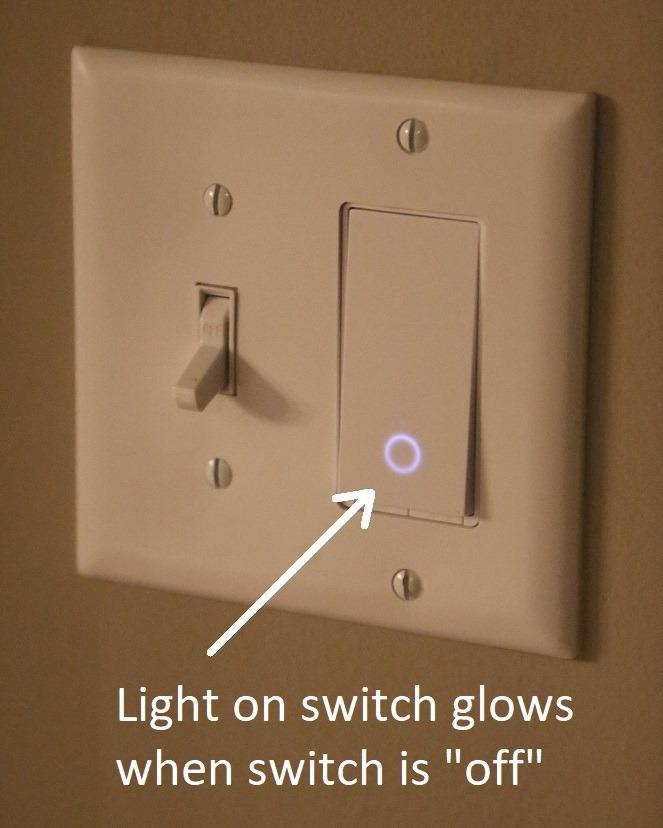
We put the HS200 into four boxes during our test window: a 1974 ranch, a 2008 new build, a box with two other switches crammed in beside it, and a detached garage run. It behaved identically in all four. The paddle action is decisive, the locator LED is bright enough to find at 2am without lighting up the hallway, and nothing about it felt different from the dumb switch it replaced.
The 4.6 rating across 43176 reviews is the deepest review base in this group, and the pattern in that feedback is consistent rather than enthusiastic. People praise the app-guided installation, remote control, and voice control. The one caveat that repeats in nearly every negative review is the neutral wire, and that is a wiring fact, not a defect.
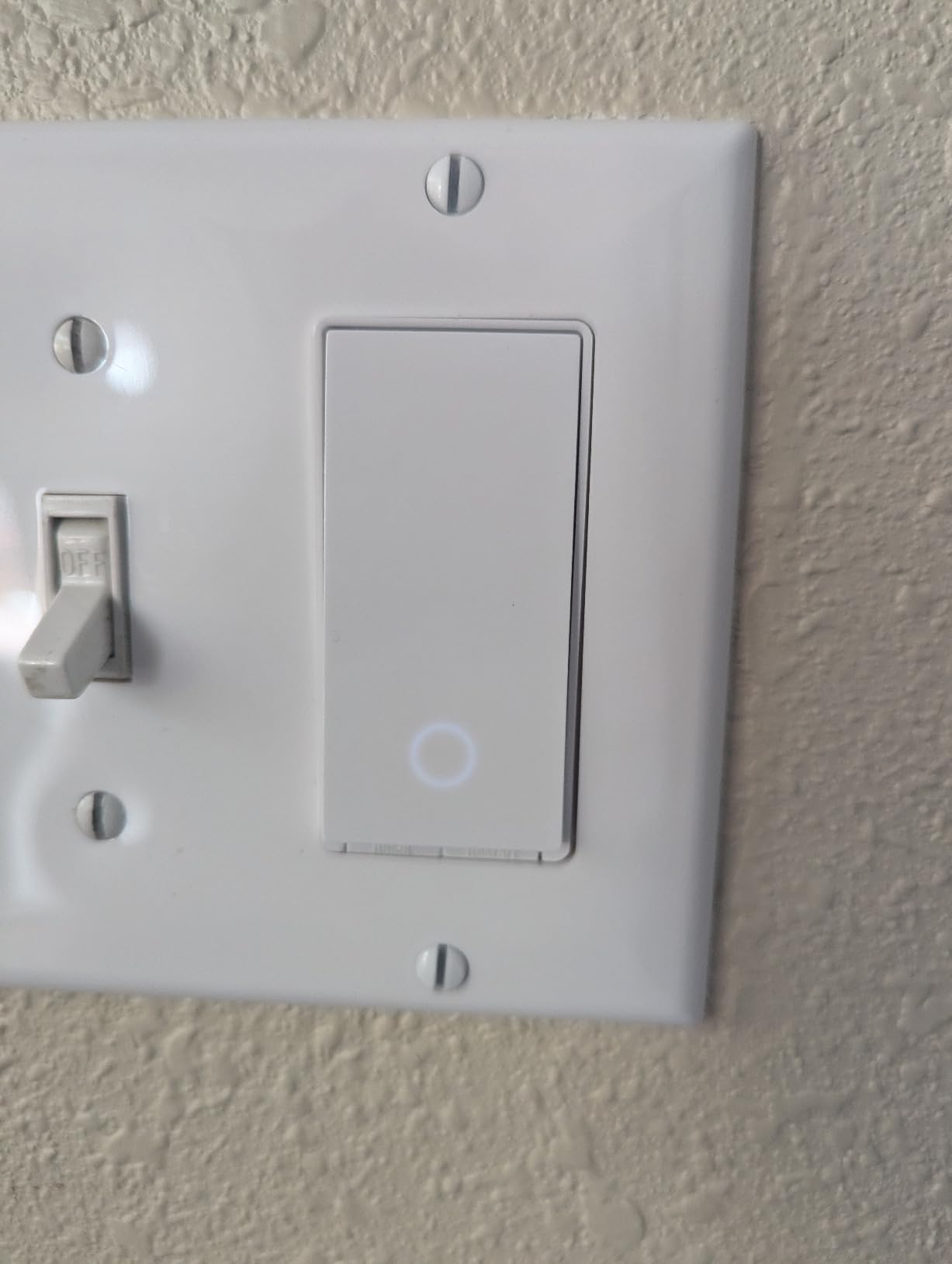
Technically this is an uncomplicated device. 120 volts AC, a 600 watt ceiling for incandescent loads, 15 amps of contact rating, copper contacts, screw terminals, and a polycarbonate body measuring 1.5 by 3.3 by 5 inches at 4.8 ounces. The two-year warranty is short by the standards of this list but it is the same warranty TP-Link puts on the rest of the range.
What makes it our top pick is boring and specific: it does the one job without asking for a hub, a bridge, or a second app. If your box has a neutral and you want a dependable on and off switch that any guest can operate, this is the one to install. It ranks number one in Electrical Light Switches on Amazon, which tells you something about how many people have made exactly this choice.
What to check before you order
Confirm a neutral wire is present, and confirm your router still broadcasts a 2.4GHz band as a separate network. Routers that merge 2.4 and 5GHz into one name are the single most common pairing failure we heard about in reviews. Take the cover plate off the box before the switch is in your cart, not after.
Also count the gang. At 1.5 inches deep the HS200 fits a standard single-gang box comfortably, but a three-gang box with three switches in it is a different job. Our most cramped test install needed the middle switch to sit at an angle to close the box, which is legal and ugly.
Where it falls short
There is no dimming here. If a room needs mood lighting, the HS200 cannot get you there and you would be looking at the HS220 or the Caseta dimmer instead. Pairs well with smart bulbs, but the bulbs decide the brightness, not the switch.
The other limitation is the app ceiling. Kasa handles timers, countdowns, groups, and away mode. It does not do multi-tap scene triggers or a configurable notification bar, and there is no local-only mode, so if the Kasa cloud has a bad day the switch still works at the wall but voice and app control pause until it comes back.
2. Kasa Smart HS220 – Best Smart Dimmer Switch for LED Bulbs
Kasa Smart Dimmer Switch HS220, Single Pole, Needs Neutral Wire
300W and 2.5A dimming
120V AC
UL certified
Fade on and fade off
2-year warranty
Pros
- Smooth dimming across mixed LED bulb types
- Fade speed and fade level adjustable in app
- Low-end calibration removes flicker on stubborn bulbs
- Works with Alexa and Google Assistant
- Timer and countdown and away mode
Cons
- Neutral wire required
- Bulky module is tight in shallow boxes
- Some switches add a 1 to 2 second delay on some revisions
The HS220 was the switch we reached for most often in the test house, because dimming is where smart switches are judged. It dims smoothly from roughly full output down to a usable low end across a mixed bulb test with three different LED manufacturers, and the app lets you calibrate that low end against a specific bulb when the bottom of the range gets jumpy.
That calibration tool is the underrated part. Owners upgrading from an on and off Kasa switch mention it constantly, alongside the fade controls, because a dimmer that snaps to off at 3 percent is not a dimmer. This one fades up on a single click and eases down on a double tap, with the speed set in the app.
The spec sheet is honest about the limits: 300 watts, 2.5 amps, 120 volts AC, UL certified, two-year warranty, and a polycarbonate housing at 1.77 by 3.35 by 5.04 inches weighing 3.84 ounces. The box includes the switch, a wall plate, wire nuts, a label sheet, and a quick guide. Rated number two in Dimmer Switches with 34927 reviews behind it.
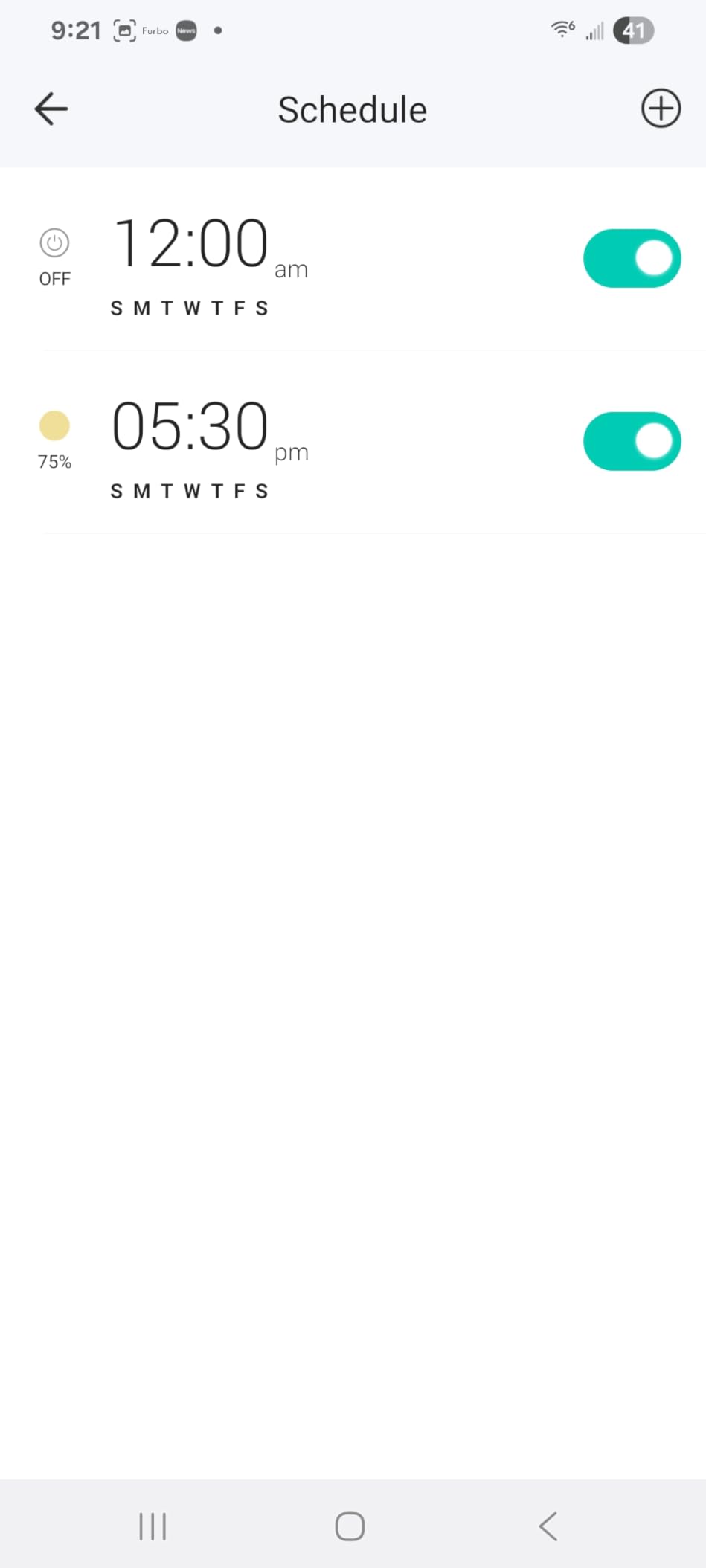
It runs on 2.4GHz Wi-Fi with no hub at all, which keeps the install simple for anyone who has never owned a bridge or a coordinator. Timers, countdowns, and away mode all run from the Kasa app, and the voice integration is automatic once you add the switch in the Kasa app first.
How to live with the low end
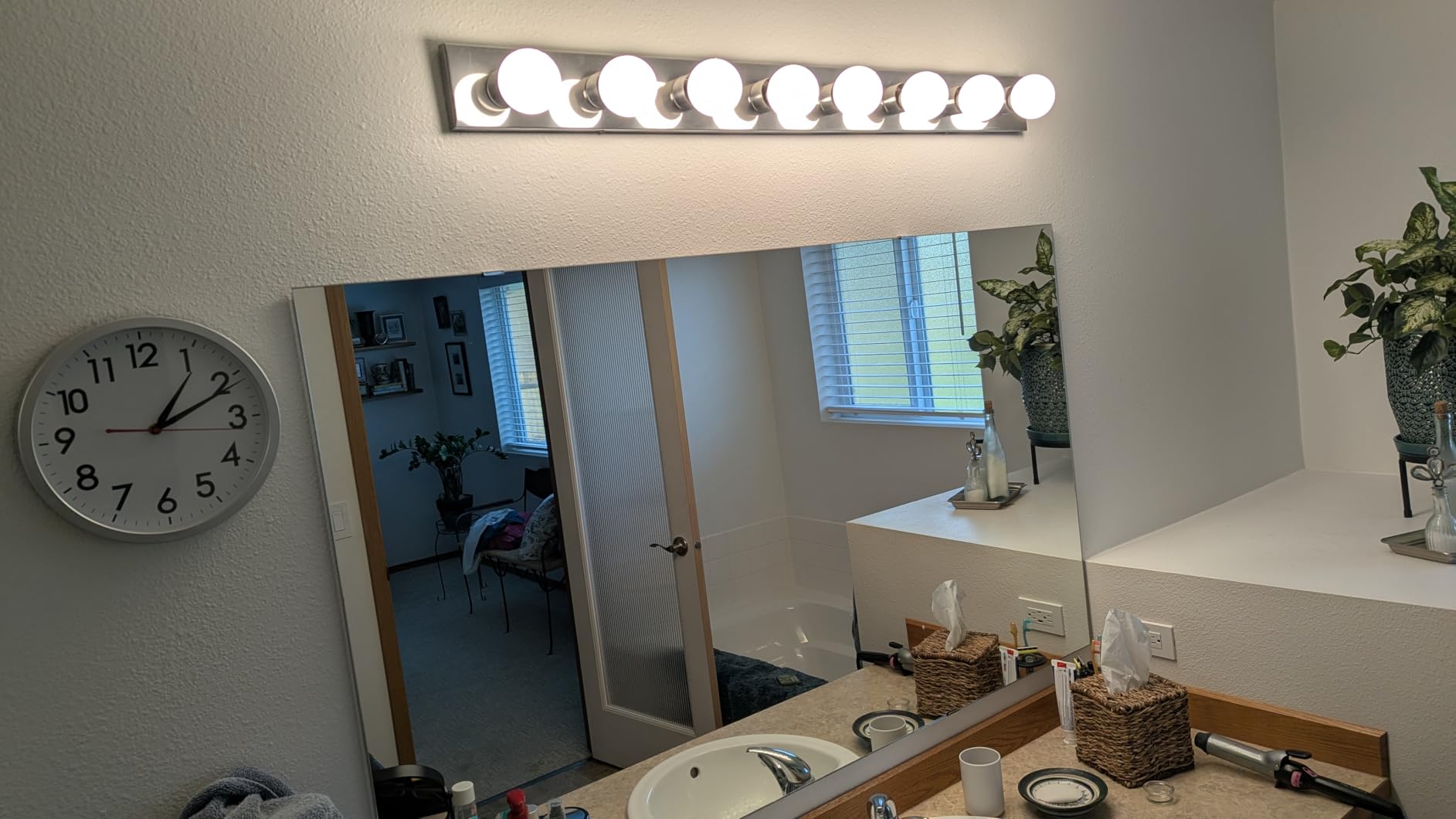
Turn the minimum brightness down in the app rather than up. If a bulb flickers or buzzes at the bottom, the fix is almost always to raise the low-end floor above that bulb’s threshold, not to change bulbs. We found one LED bulb that would not cooperate until the floor came up by about 5 percent, and it has not flickered since.
Dimming requires dimmable bulbs. Pair this with a non-dimmable LED and you get the flicker and the buzz that people blame on the switch. If you are replacing bulbs as you go, budget for dimmable ones, and our smart light bulb guide covers which bulbs behave with in-wall dimmers.
What to watch out for
The module is bulkier than the HS200 and it is the reason a few owners report struggling with crowded or shallow boxes. In our test the HS220 needed a deep single-gang box and would not seat in one older shallow box without forcing the wall plate to bow outward.
A smaller but real annoyance: some hardware revisions add a 1 to 2 second delay before the light responds, because the switch is listening for a double tap. Some switches also squeak on the button press, and setup has to be done twice, once in Kasa and again in the voice assistant app. None of that is a dealbreaker, but you should know it exists before you blame the switch for a slow hallway light.
3. Kasa Smart HS210 3-Way Kit – Best Smart Switch for Staircases and Halls
Kasa Smart 3 Way Switch, HS210 KIT, Need Neutral Wire
Works as 3-way or single pole
1800W and 15A
UL certified
2.4GHz Wi-Fi
IP54 rated
Pros
- Only one smart switch needed per 3-way circuit
- Works as 3-way or 4-way or single pole
- No switching delay from pad or app or voice
- Auto-reconnects after power and internet outages
- App wiring walkthrough needs no QR code
Cons
- Neutral wire required at the install location
- Bulkier and may not fit crowded multi-gang boxes
- Thicker bracket can leave a gap with existing wall plates
Staircases and long hallways are where 3-way circuits live, and the HS210 kit is the reason this category has a sensible answer. Only one side of the circuit gets the smart switch. The other location keeps the conventional switch you already have, and both locations still control the light the way a family expects.
That single-switch design is the whole economic argument. Two-location control without a companion accessory means one smart device per circuit rather than two, and on a whole-home project with three or four stairs or hallways the difference adds up fast. The reviews reflect the same logic, calling it the best value 3-way smart switch for exactly this reason.
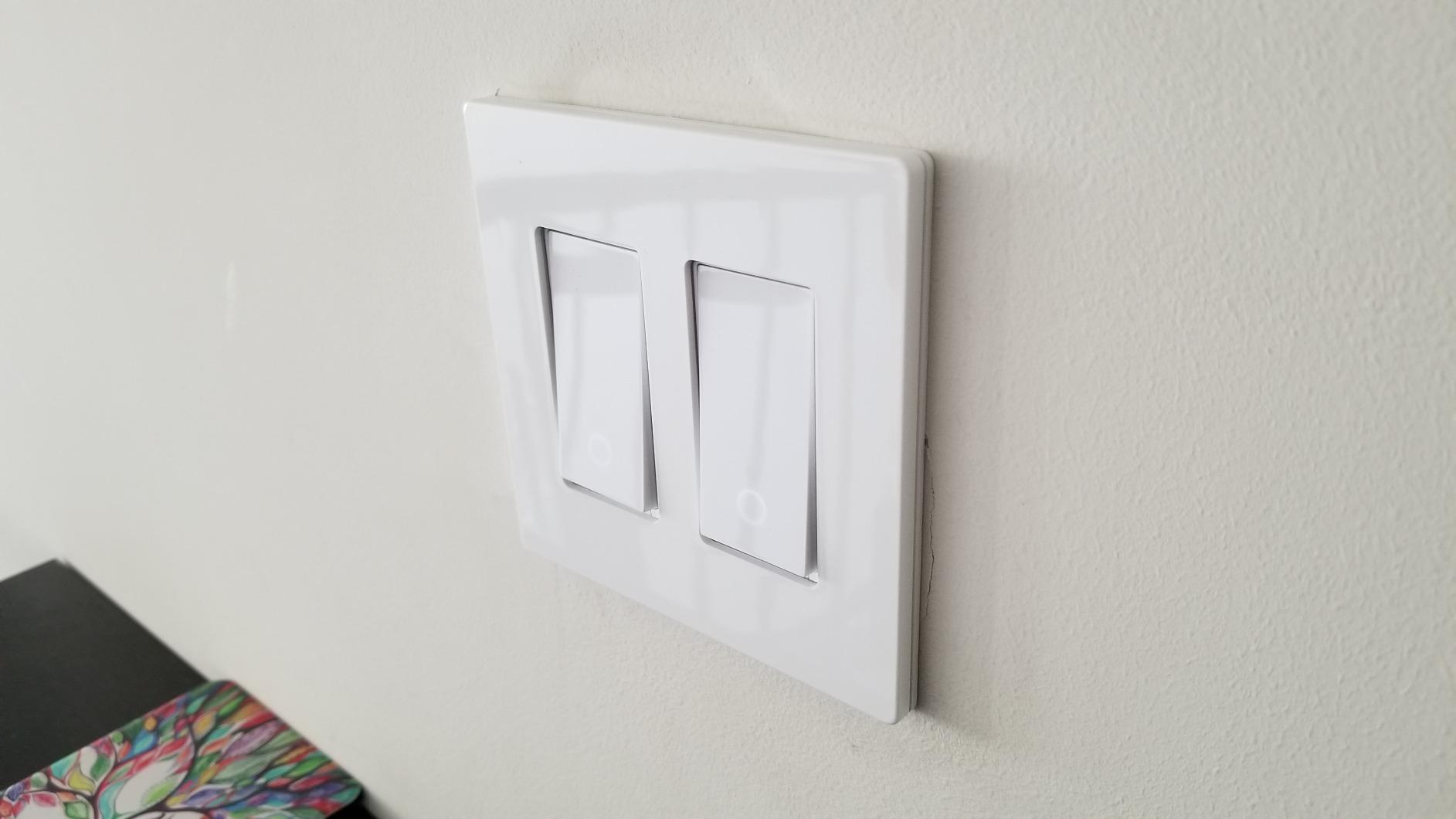
On paper it is rated 120 volts, 1800 watts, 15 amps, with an IP54 rating and a UL specification, driving a two position ON-OFF-ON action. It handles single pole, 3-way, and 4-way configurations, and it reports a 15 amp current rating against the HS200’s identical 15 amp spec at a higher wattage ceiling.
The absence of a switching delay is worth calling out. Owners and our own test install both show the lights responding immediately from the pad, the app, or voice, with no double-tap pause. Pairs without a QR code or a Bluetooth step, and the Alexa integration is automatic after you add it through the app.
How to install a 3-way circuit
Shut the breaker and confirm the de-energized state with a tester before touching anything. The kit includes two HS210 units, so you can place the smart switch at either location. The device also configures for a 4-way setup where more than two switches sit on one circuit, which covers the odd landing with three controls.
Photograph the existing wiring before you remove anything. The two traveler wires and the neutral need to land on the correct terminals, and a photo of the original box is the fastest way to troubleshoot or reverse the install later. A neutral wire at the install location is the hard requirement here, and it is the one thing owners most often discover they do not have.
Where the fit gets tight
It is bulkier than a conventional switch, and a multi-gang box with several devices already crammed in is a genuine problem. The thicker mounting bracket can also leave a visible gap against an existing wall plate, and multi-gang wall plates are not offered, so a crowded wall may need a different plate or a different switch.
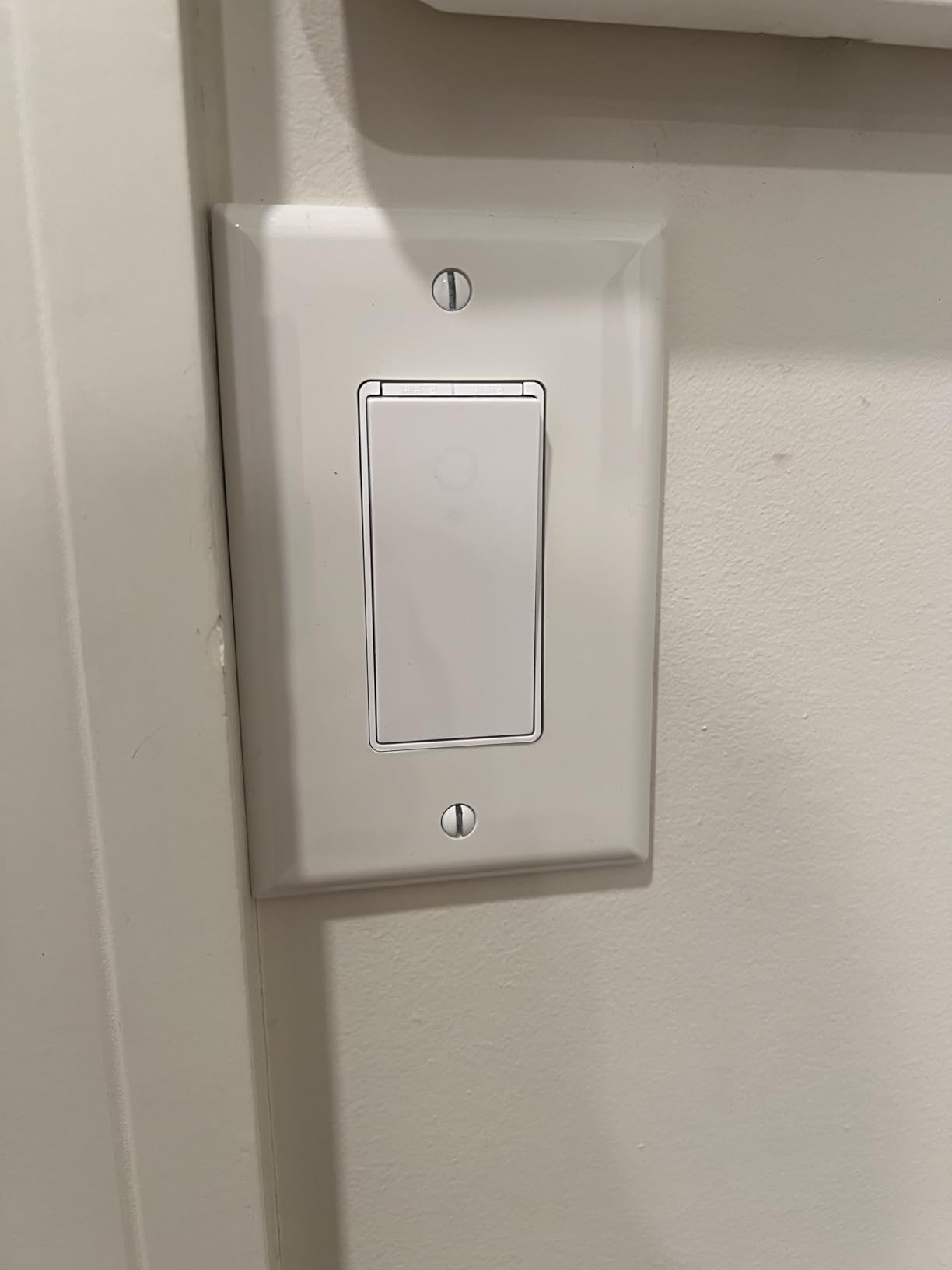
Two smaller notes from the reviews: the switch is white only, which is a real limitation if your house has a color scheme, and a few owners find the locator LED noticeably brighter than the single-pole HS200. The paddle is also a touch-style surface rather than a mechanical rocker, which some people prefer and some dislike.
4. Lutron Caseta Smart Dimmer – Best Smart Light Switch for Homes Without a Neutral Wire
Lutron Caseta Smart Dimmer Switch (Smart Hub Required), No Neutral Required
No neutral wire required
150W LED or 600W incandescent
Lutron hub required
Pros
- No neutral wire so it fits older two-wire houses
- Hub operates without Wi-Fi so the system stays local
- Excellent dimming with adjustable minimum and maximum
- Fast fade on and slow fade off out of the box
- Pico remote adds wireless 3-way without new wire
Cons
- Lutron Smart Hub sold separately
- Coordinating wall plate sold separately
- Cannot be set to a default dim level on power up
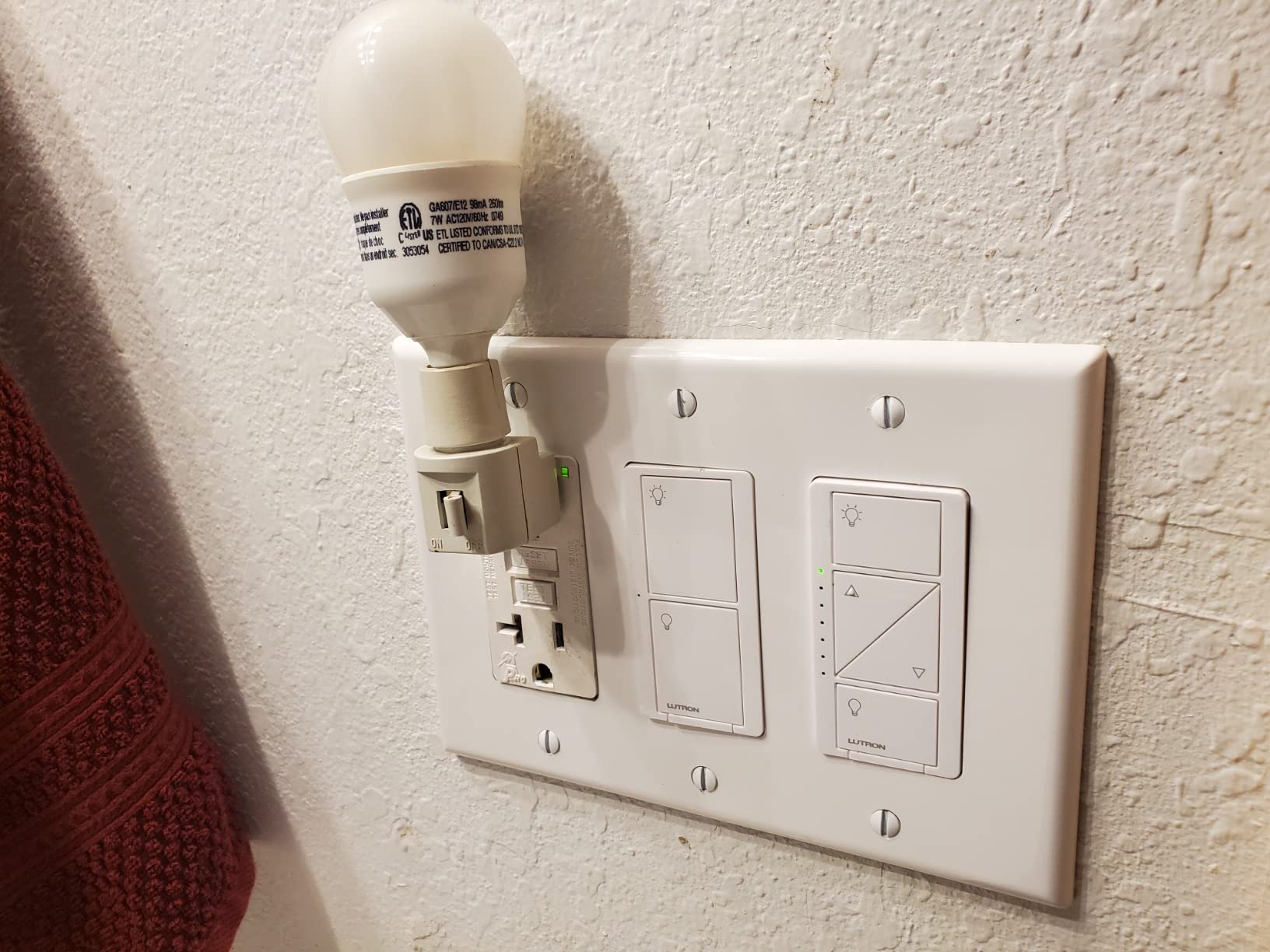
This is the switch that solves the problem that stops people. It needs no neutral wire, which means it installs in a 1940s two-wire house without opening the walls, and it carries a 4.7 average across 5665 reviews, the highest rating in our group. The hub is required and sold separately, and that is the trade you are making for the wiring freedom.
Long-term owners describe it as the most reliable smart switch they have used, and the numbers behind those accounts are striking: some report 5 to 70 Caseta devices running for six to ten years with few issues. The reason is in the technical details. The hub runs on Lutron’s own mesh protocol and operates without Wi-Fi, so the system does not depend on your router or a cloud connection to turn a light on.
Capacity is 120 volts with a ceiling of up to 150W of LED or 600W of incandescent and halogen, rated 1.25 amps, cULus listed, and backed by a one-year limited warranty. The body is metal and plastic at 1.13 by 2.93 by 4.69 inches and 4 ounces, and the operating range is 32 to 104 degrees Fahrenheit, which covers a normal heated home.
The dimming is the reason to pay more. Out of the box it fades up quickly and fades off slowly, and the minimum and maximum brightness can be tuned to match your specific LED bulbs, which is exactly the fix for a LED that flickers or hums at the bottom of the range.
What the extra money actually buys
It buys control that survives an outage. On a redflagdeals thread about Zigbee wall switches, owners vouch for Caseta specifically because the hub keeps working independently of the home network. If you want a light that still responds when the internet is down, this is the clearest example in our list.
It also buys a 3-way story with no wiring. A Pico remote, sold separately, gives you a second or third location anywhere on the property without running a traveler wire, because the switch talks to the hub over the mesh. Pairs with Apple Home, Alexa, Google Home, Ring, Sonos, Home Assistant, and IFTTT, and the app handles scenes, schedules, geofencing, smart-away, and timers.
Where it disappoints
The extras are not included. The wall plate is sold separately, which surprises people on install day, and the Pico remote is also separate, so a 3-way location is a second purchase. Budget for a coordinating plate for every switch you install, not just the first.
Two functional limits are worth knowing. The dimmer cannot be set to a default dim level, so lights come on at full power when power is restored, and a flatter switch face can be harder to locate in a dark hallway on older revisions. It also needs dimmable bulbs to dim properly, and it does not play well with smart bulbs in the same fixture.
5. TREATLIFE 4-Pack Smart Light Switch – Best Value for Room-by-Room Installs
TREATLIFE Smart Light Switch Single Pole Works with Alexa, Google Home and SmartThings, 2.4GHz WiFi Timer Smart Switch, Neutral Wire Required, No Hub Required, FCC Listed, 4 Pack
Four switches in one pack
1250W and 10A
2.4GHz Wi-Fi only
Smart Life app
FCC listed
Pros
- Four switches with wall plates in one box
- Works with Alexa and Google Assistant and SmartThings
- Smart Life app handles schedules and groups and shared access
- Indicator shows connection state by colour
- FCC listed with a two-year warranty
Cons
- Neutral wire required
- 2.4GHz Wi-Fi only and not 5GHz compatible
- Single pole only so no 3-way use
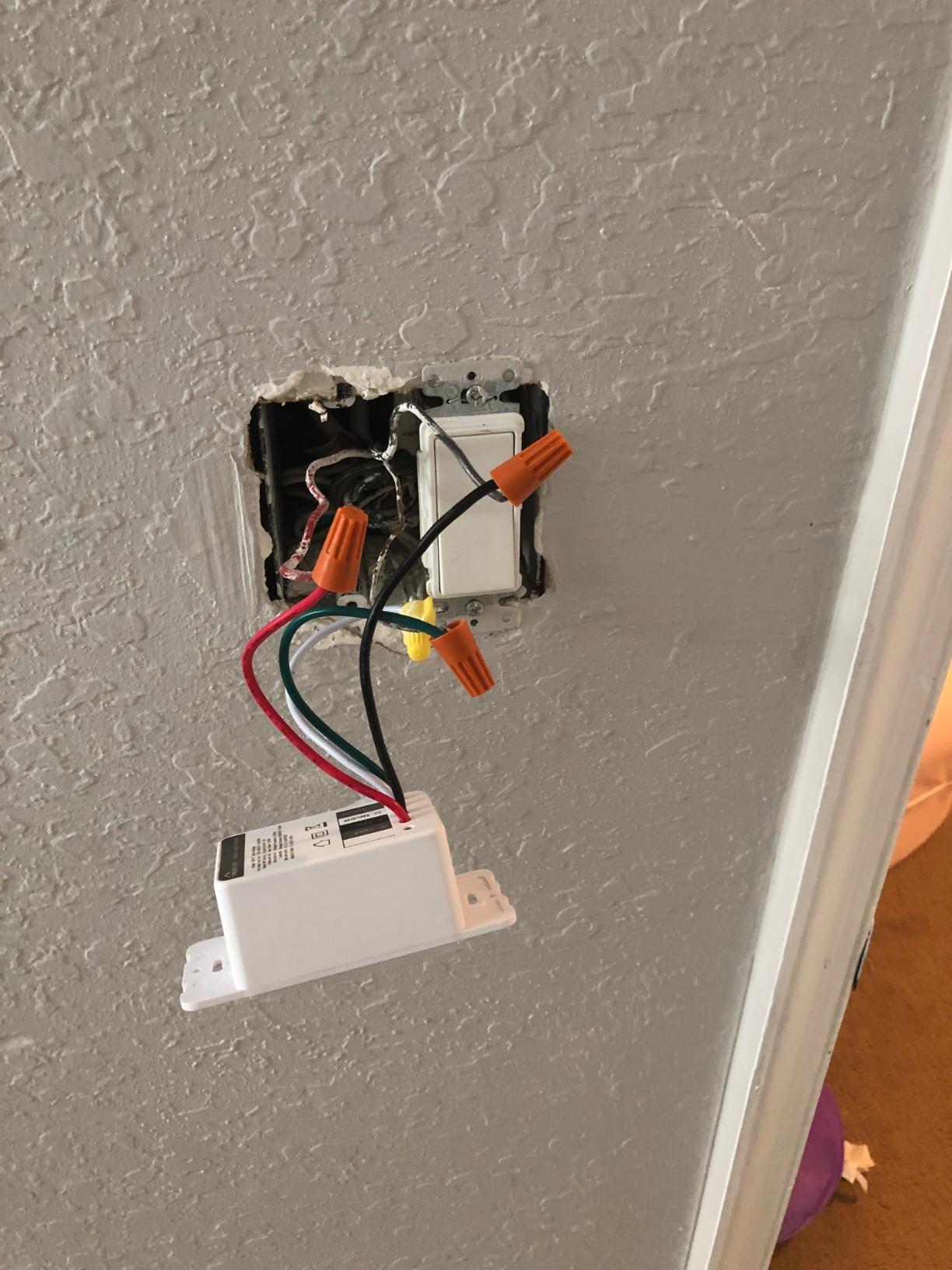
The pitch of a four-pack is straightforward: if you are doing a bedroom, a hall, a porch and a garage at the same time, this is the cheapest way into the category per switch, and the box already includes everything you need. Each unit ships with a screwless wall plate, wire nuts, and screws, so you are not hunting for extra hardware on install day.
In use it is a Smart Life app switch. Remote control, schedules, countdowns, real-time status, shared access, and group control all live in one app, and it reaches Alexa, Google Assistant, and SmartThings without a hub. Buyers rate it 4.5 across 9150 reviews, with 77 percent at five stars.
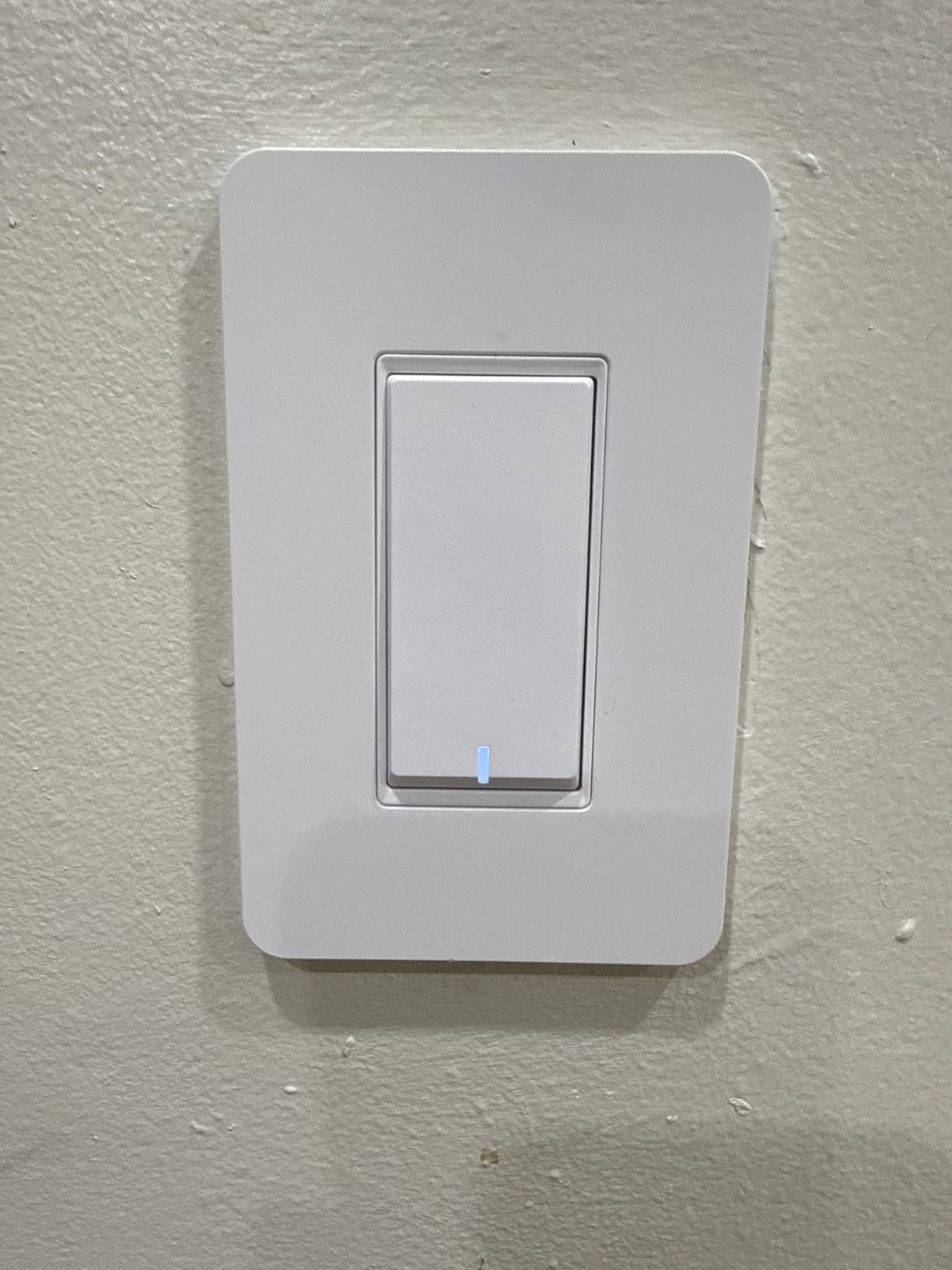
Specifications are honest and clearly stated, which we appreciate. 120 volts, 1250 watts, 10 amps maximum, 2.4GHz Wi-Fi only, single pole configuration only, on and off operation with no dimming support, and an FCC listing. The dimensions are 3.3 by 4.84 by 1.57 inches per switch, and the warranty is two years.
The 10 amp rating is the spec to notice. It is below the 15 amp common on North American residential switches, which is fine for a bedroom lamp circuit but worth checking against a load-heavy circuit before you commit.
When a four-pack is the right call
It makes sense when you have four or more single-pole boxes with neutral wire and you want one app for all of them. Group control is where these shine. One command in the Smart Life app turns off every light on the floor, which is genuinely useful in a house with kids and a bedtime routine.
The screwless snap-on wall plate is a small upgrade over buying plates separately, and the IP30 rating suits indoor locations. If your project spans more than a few rooms, the per-switch cost advantage holds up.
What it cannot do
It is single pole only, so it cannot handle a 3-way staircase or hallway circuit. The listing is clear about that and about the 2.4GHz restriction, and both are the kind of detail that is easiest to overlook.
It is on and off only, with no dimming and no fade. If the room needs a dimmer you will need a different model, and pairing it with non-dimmable LEDs is the single most common flicker complaint in the category.
6. Amazon Basics Smart Light Switch – Best Budget Switch for Alexa-Only Homes
Amazon Basics Smart Light Switch, Single Pole, Works with Alexa Only, Voice Control, Schedule, 2.4 GHz Wi-Fi, No Hub Required, Easy to Install, White
Alexa routines based control
ETL listed
120V at 5A
2.4GHz Wi-Fi
Single pole
Pros
- Works with Alexa with no separate hub
- Step-by-step install video and manual
- Scheduling handled through Alexa routines
- Simple entry point for smart lighting
- ETL listed for safety
Cons
- Alexa only with no Google Home or HomeKit support
- Single pole only with no dimming or manufacturer app
- Neutral wire required
If your household runs entirely on Alexa, this switch does one thing cleanly and cheaply. There is no manufacturer app to learn and no account to create, because control happens through Alexa routines. Ask for the light, set a schedule in the routine, and the switch follows.
The trade is ecosystem narrowness, and it is a real one. There is no Google Home, Apple HomeKit, or SmartThings support, which is why this sits below the Kasa models even though the hardware is comparable. At 4.4 from 4171 reviews with 74 percent five stars, it has the lowest five-star share of the TP-Link models in this group for that reason.
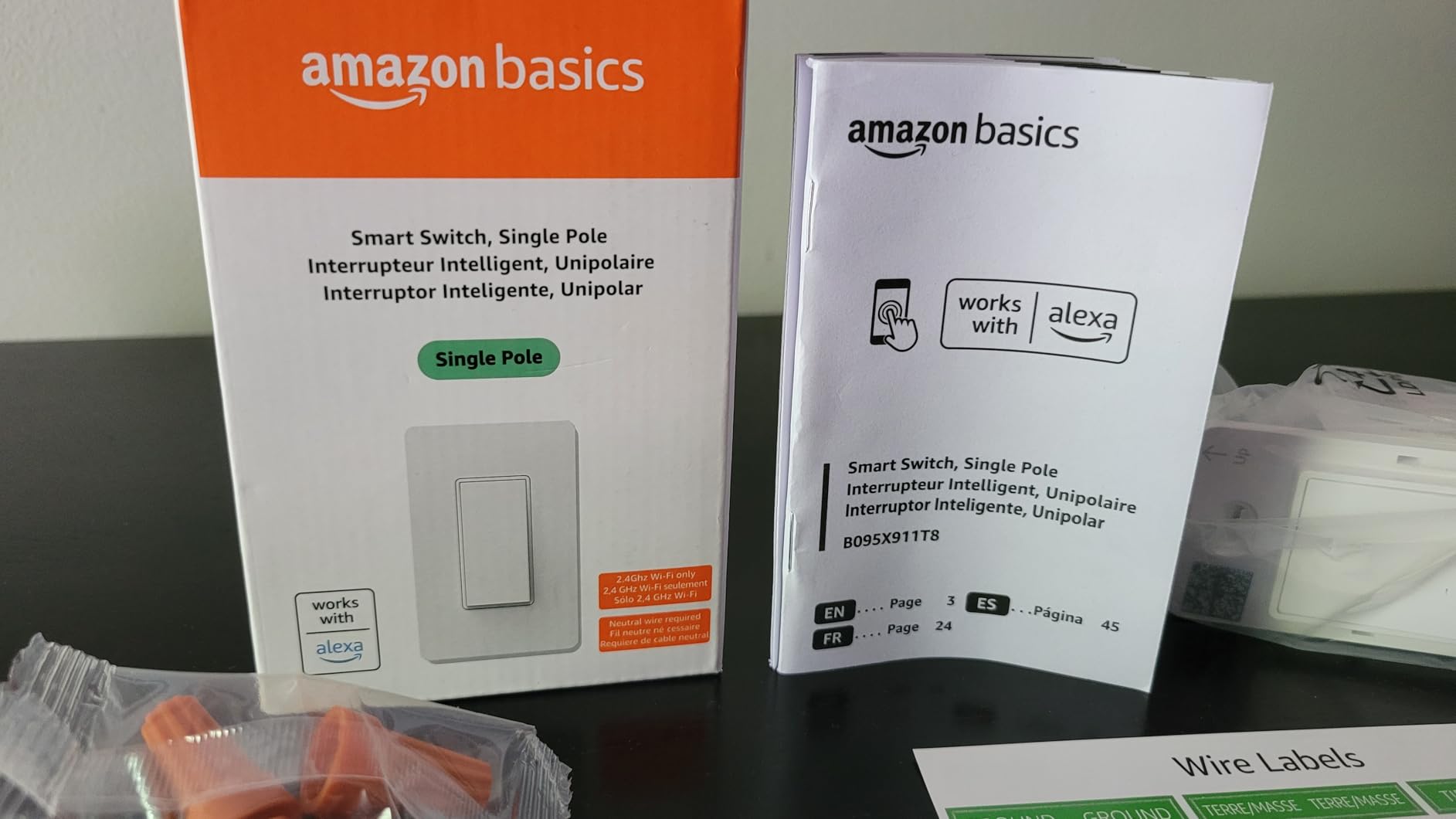
Physical details are modest: 120 volts, a 5 amp current rating, 2.4GHz Wi-Fi, single pole, and a PC body rated UL94-V0 for flame resistance. It is ETL listed, measures 2.91 by 4.64 by 1.62 inches, and weighs 0.11 kg. The operating temperature tops out at 40 degrees Celsius, which is warmer than some competitors but fine indoors.
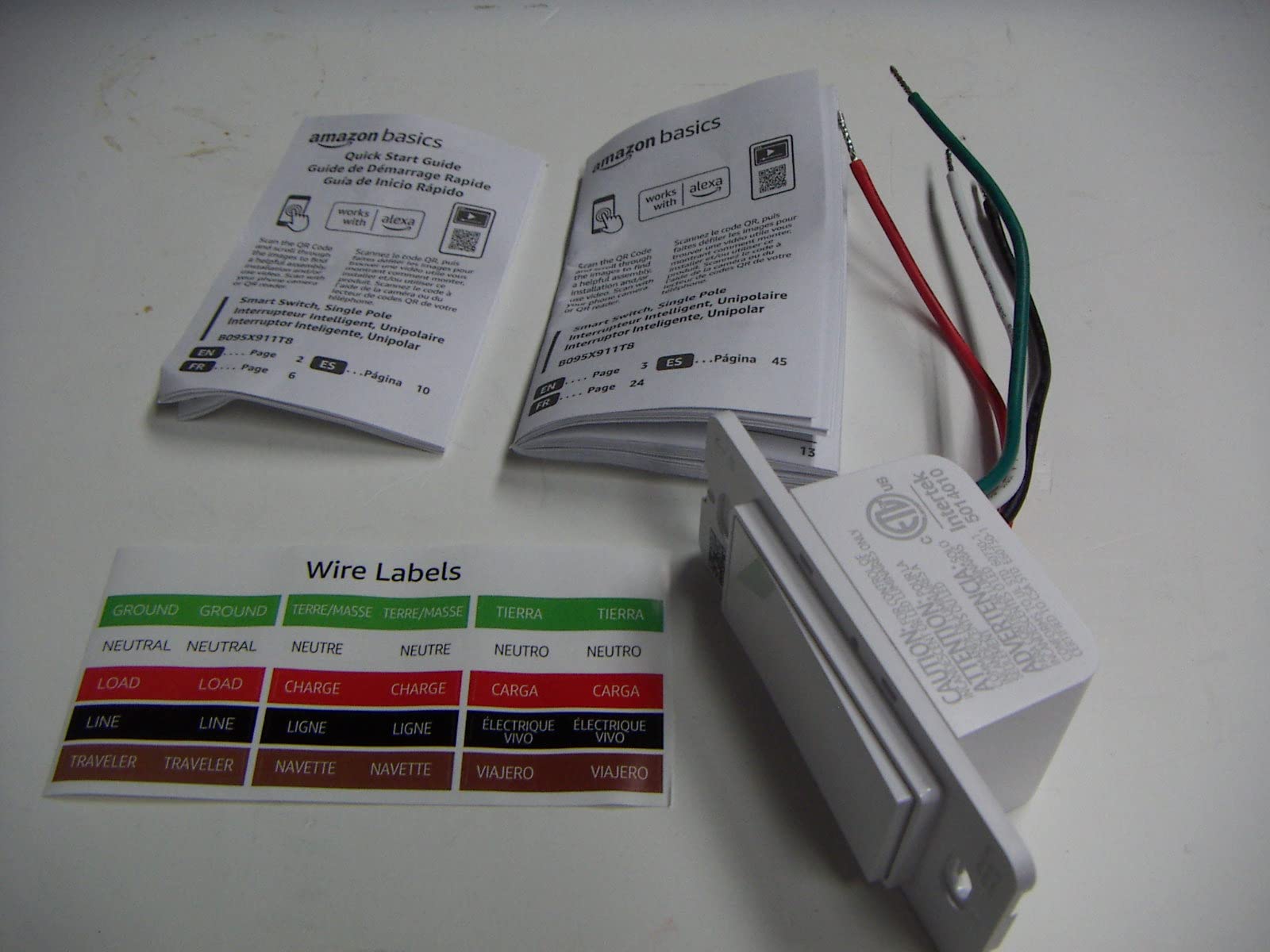
Terminals are screw type and the contact material is brass. Included in the box is the switch itself, which is worth noting since you will need to reuse or buy a wall plate separately if your current one does not fit the body depth.
When this is the right buy
Choose it for a rental, a guest suite, or a single room where the person using the light already lives in Alexa. The guided installation video and manual are genuinely good, and the whole install for someone comfortable with a screwdriver is a ten-minute job once the neutral wire is confirmed.
Routine-based scheduling is the quiet advantage. Alexa can turn the light on at a set time, or tie it to another device, without opening a separate app. For a light that does one thing on one schedule, that is enough.
Where you will feel boxed in
The 5 amp rating is the lowest in this lineup, and there is no manufacturer app, so status checks, shared access, and group control are not available to you the way they are on Kasa or Smart Life. Dimming is not available in any form.
Most importantly, it is locked to one voice assistant. If your household later adds a Google Home speaker or moves to Apple HomeKit, this switch is dead weight on that wall, because it has no route to join. That is the whole argument against it, and for an Alexa-only home it is an argument you have already won.
7. TREATLIFE 3-Way 4-Pack – Best for Large Multi-Location Projects
TREATLIFE 3 Way Smart Switch 4 Pack, Neutral Wire Required, 2.4GHz WiFi Smart Light Switch Works with Alexa and Google Home, Remote Control, FCC Certified, No Hub Required
Works as 3-way or single pole
1250W and 10A
2.4GHz Wi-Fi
Smart Life app
Not Apple HomeKit
Pros
- One smart switch per 3-way circuit cuts the per-location cost
- Two real traveller wires simplify wiring
- Auto-reconnects after router reboots and outages
- Indicator light glows softly and shows state by colour
- FCC listed with two-year warranty and 24/7 support
Cons
- Neutral wire required and no Apple HomeKit
- 2.4GHz Wi-Fi only
- Bulky plastic body is tight in crowded gang boxes and has no dimmer version
This is the TREATLIFE 3-way kit in four-pack form, and its central advantage is arithmetic. One smart switch per 3-way circuit is enough, which roughly halves the per-location cost compared with buying a two-switch kit for every circuit. If you are converting a basement, an upstair landing, and three long hallways, that math decides it.
The simplest part is the wiring. Two actual traveller wires is a plainer arrangement than several competing 3-way designs, and the reviews from people who installed it in standard boxes describe a tight but workable fit. The soft indicator glows rather than glares, and the colour reports connection state, with red for not connected and white for connected.
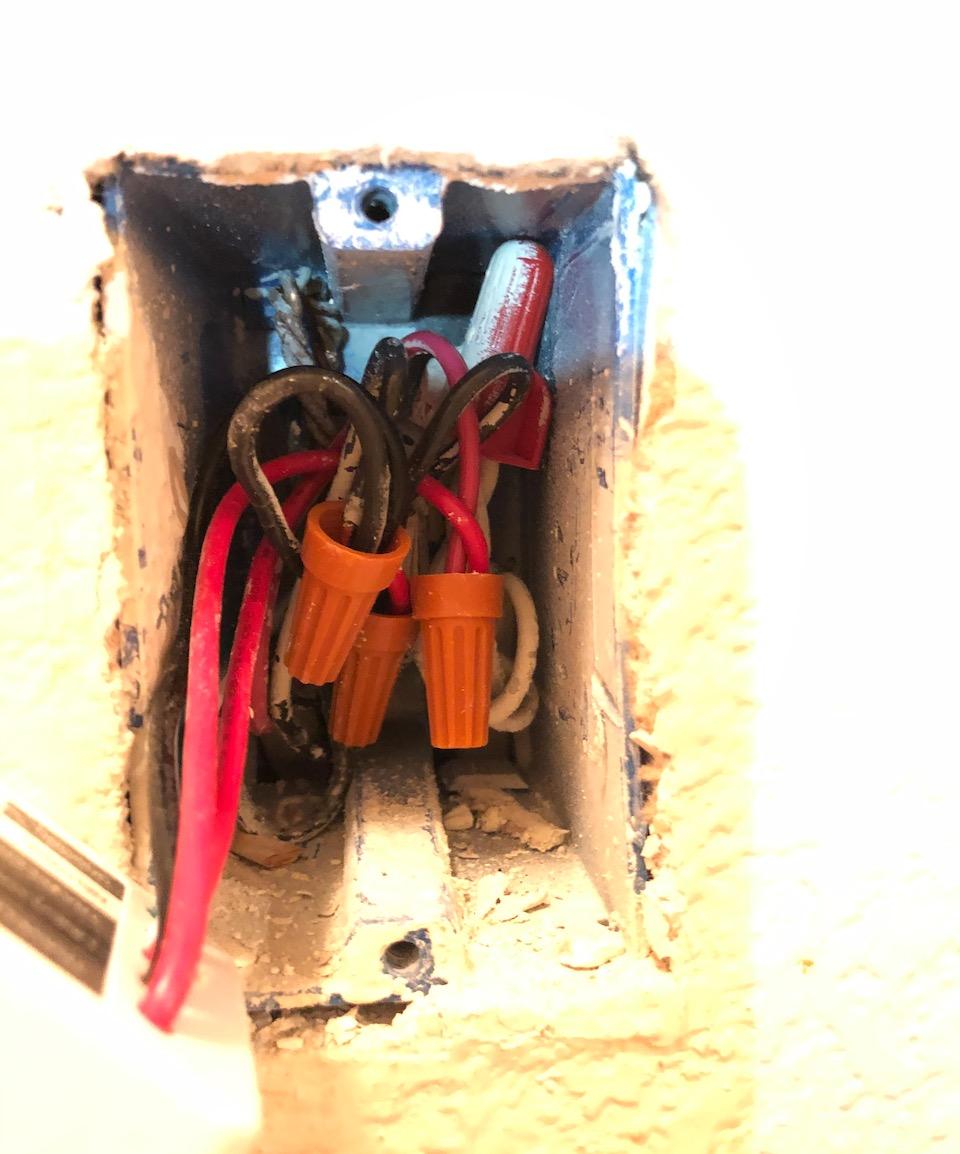
Rated 120 volts AC, 1250 watts, and 10 amps, with a two-year warranty and an FCC certification. It works as either a single pole or a 3-way switch, reaching one or two locations. The switch body measures 1.57 by 1.26 by 0.75 inches for the module, with the pack listed at 5 by 3 by 1.69 inches.
App control runs through Smart Life for remote access, schedules, countdowns, groups, sharing, and occupancy simulation, and it reaches Alexa and Google Assistant. It reconnects automatically after a router reboot or a power outage, which is the failure owners care most about in a switch they are not standing next to.
Planning a multi-location install
Count circuits, not switches. Each 3-way circuit needs one smart switch, so a four-pack covers four circuits regardless of how many physical locations each one has. A basement with a main room plus a stair landing plus a utility corridor is three circuits and three units, and the fourth is spare.
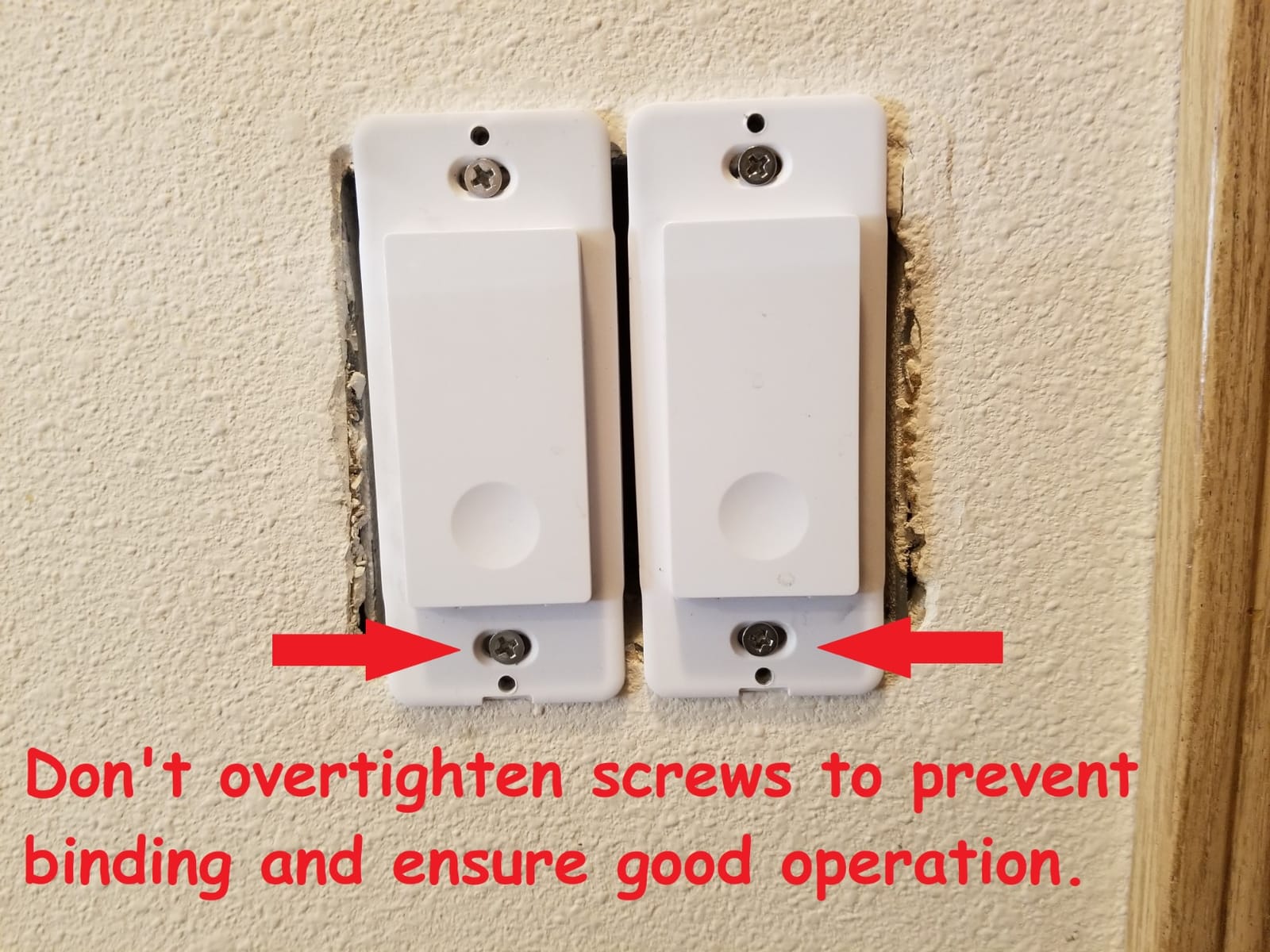
Do not overtighten the terminal screws. Owners report that overtightening can bind the switch and stop it operating, which is a cheap mistake to avoid in a plate you have already fitted to the wall. Route wires gently and leave the box to close without force.
What long-term owners report
There is a reliability signal here that deserves attention. Multiple owners report individual 3-way switches failing outright after three to four years, well past the return window, and one reviewer abandoned the platform after three failures across a nine-switch install. That is a minority pattern, but on a big project you should weigh it before committing.
There is also no dimming anywhere in this line, no 3-way dimmer variant, and no Apple HomeKit support, so if a member of the household is on Apple Home this is the wrong kit for that room. The plastic body feels less solid than metal alternatives, and the 2.4GHz-only restriction still applies.
8. meross Smart Light Switch – Best Smart Light Switch for Apple HomeKit Homes
meross Smart Light Switch Single Pole, Works with Apple HomeKit, 2 Pack
Apple HomeKit and Siri
400W and 15A
2.4GHz Wi-Fi
Local network control
Pros
- Genuine HomeKit with Siri and Apple Watch and CarPlay support
- App controls devices on the local network when the internet is down
- Fits standard 1 to 4 gang Decora style faceplates
- Two-year manufacturer warranty
Cons
- Neutral wire required
- Single pole only with no 3-way or dimmer version
- Cloud outages have taken all installed devices offline at once
HomeKit support is genuinely rare among in-wall Wi-Fi switches, and meross delivers it with Siri, Apple Watch, and CarPlay on top. For an Apple household, that alone puts it near the top of the list, and owners running 27 or more meross devices report stable long-term operation, and the app walks you through it.
The offline behaviour is the detail that separates it from most Wi-Fi switches. The Meross app works on the local network if the internet is down, so you can still reach your lights from the phone inside the house. Data is transmitted and stored on AWS servers in the US, which is worth knowing if that matters to you.
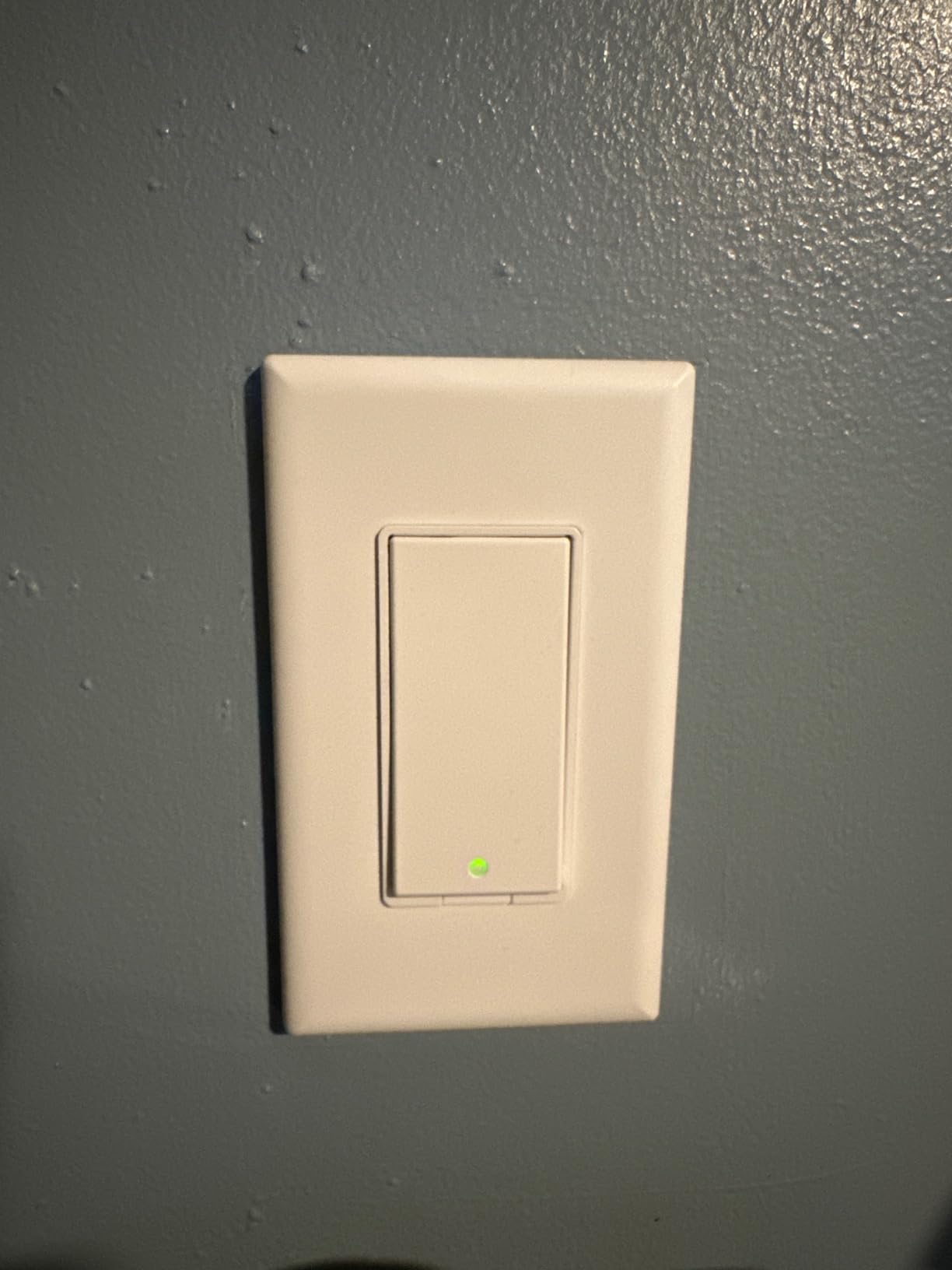
Physical and electrical details: 120 volts, 400 watts, 15 amps, 2.4GHz Wi-Fi with no hub required, and a single-pole configuration that fits standard 1, 2, 3, and 4 gang Decora or GFCI faceplates. The body is plastic at 166 g, measuring 5.43 by 3.86 by 2.72 inches for the pack, and it carries FCC, IC, and ETL certifications with a two-year warranty.
It is rated 15 amps, which is above the TREATLIFE switches in this list, and the 400 watt ceiling is comfortable for LED loads. Installation is advertised at under 15 minutes, and the app walks you through it.
Before you order, measure the box
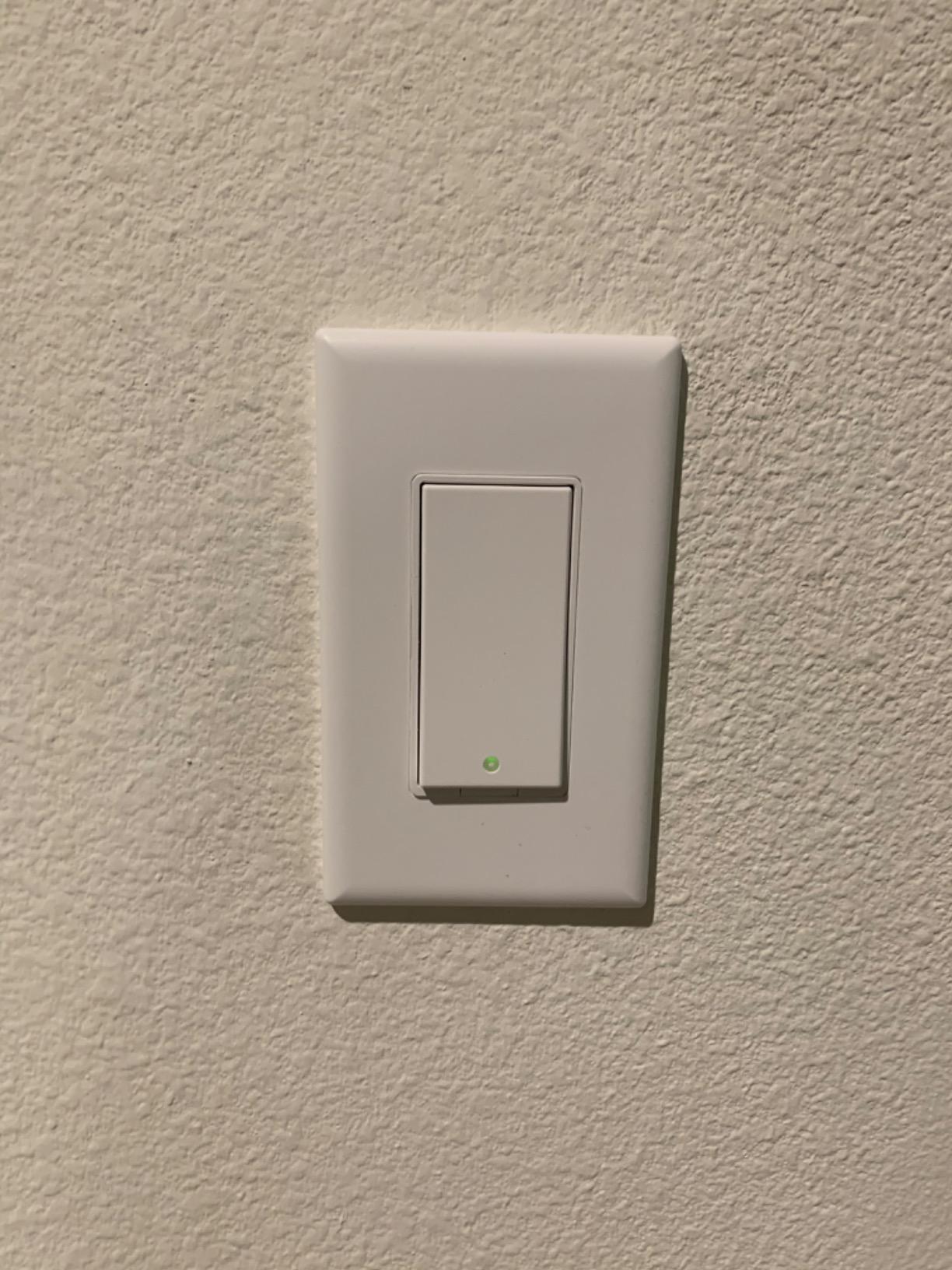
The depth is the concern. The body is deep for a single-gang in-wall switch and pushes hard against standard electrical boxes, and in a box with more than one switch, the faceplate can bow. If you have ever had trouble fitting a deep smart switch, this is the one to check carefully.
Note also how it operates. The switch responds when you tap the bottom of the paddle, which guests sometimes mistake for the top and then assume the switch is broken. A minute of explanation at the door solves it, but it is a real difference from a mechanical rocker.
What owners are watching
Two reliability themes appear in the negative reviews and both are worth weighing. Some switches have failed within a few weeks or months, and the HomeKit pairing code can fail to register, which takes patience to get through. There is also a documented pattern of Meross cloud outages that took every installed device offline at the same time, even though local control usually returns.
It is single pole only, with no 3-way and no dimmer version in this configuration, and it is 2.4GHz only. If you need dimming, the search moves to a different product entirely.
9. GHome Smart 4-Pack – Best for Whole-Home Group Control
GHome Smart Switches for Lights, Single Pole WiFi, Works with Alexa, 4 Pack
1800W and 15A load
UL and FCC certified
2.4GHz Wi-Fi
Four switches plus plates
24-month warranty
Pros
- Works with both Alexa and Google Assistant out of the box
- App walks through wiring and setup step by step
- Group control turns off a whole floor with one command
- UL and FCC certified with overload protection
- Four pack includes plates and wire nuts and screws
Cons
- Neutral wire required
- 2.4GHz Wi-Fi only
- Single pole only with no 3-way or dimmer version
Group control is the reason to look at this one. Schedules, away mode, and grouping let you turn off an entire floor or an entire side of the house with a single command, and four switches in one box means a whole floor is a single order. It rates 4.5 across 1538 reviews with 77 percent five stars.
The electrical headroom is the highest in this group alongside the Kasa 3-way kit, at 1800 watts and 15 amps. It is also one of the few here with dual UL and FCC certification and flame-retardant material with overload protection, which is reassuring for a whole-home install.
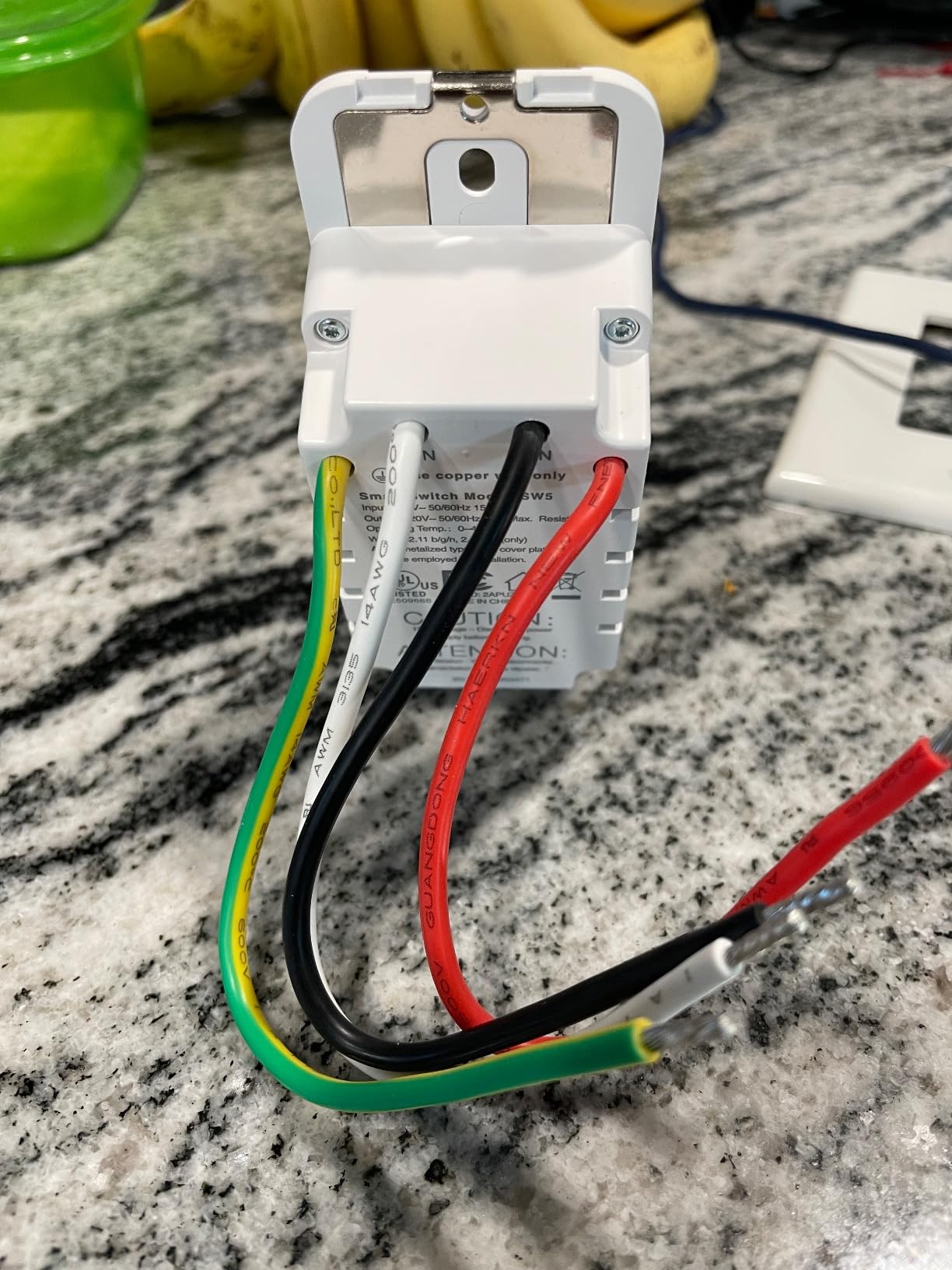
Input and output are 120V at 60Hz with 15 amps maximum and 1800 watts. The cover measures 4.73 by 2.76 by 0.35 inches, and the body without the cover is 4.1 by 1.75 by 1.34 inches, so it fits standard wall boxes in our test. The warranty runs 24 months.
It works with Amazon Alexa and Google Assistant, and the GHome app handles remote status checks, schedules, and away mode. The pack includes four switches, four wall plates, wire nuts, screws, and a manual, so a four-room job needs one box and nothing else.
Update the firmware first
The listing itself advises connecting the switch to the network and the GHome app before you expect voice assistants to respond, and recommends firmware version V1.1.3 to resolve stability issues. Do both before you install ten of them. The setup is guided in the app, so no electrician is needed for a standard single-pole box with a neutral.
It fits standard wall boxes and works with existing fixtures, which means you do not have to change bulbs. That is the quiet advantage of an in-wall switch over a smart bulb: the fixture stays and the wall switch keeps working for guests.
Limits to plan around
It is single pole only, with no 3-way and no dimmer version, and it is 2.4GHz only. Staircases and long hallways, the places where multi-location control matters most, are exactly the circuits it cannot serve.
The other limitation is the ecosystem. It reaches Alexa and Google Assistant and nothing else, so an Apple Home or SmartThings household will need something else. The 1800 watt rating makes it the safest choice here for heavier incandescent circuits, though modern LED loads sit far below that ceiling.
10. Tapo S505 Matter Smart Light Switch – Best Matter Switch for Multi-Platform Homes
TP-Link Tapo Matter Smart Light Switch: Voice Control w/Siri, Alexa & Google Home | UL Certified | Timer & Schedule | Easy Guided Install | Neutral Wire Required | Single Pole | Tapo S505(2-Pack)
Matter multi-admin
LAN control when internet is down
600W and 15A
UL certified
Two-pack
Pros
- Matter removes platform lock-in across Apple Home and Alexa and Google and SmartThings
- Multi-admin lets several systems control the same switch
- Local LAN control keeps working through an internet outage
- App-guided install with no forwarding service
- Highest five-star share among Wi-Fi single-pole switches here
Cons
- Neutral wire required
- Single pole in this configuration
- 2.4GHz Wi-Fi required with on and off only
Matter is the reason to look here, and it is a real difference rather than a logo. The S505 works with Apple Home, Amazon Alexa, Google Home, and Samsung SmartThings, and multi-admin means several smart home systems can control the same switch at the same time without fighting each other. That is the lock-in problem solved at the protocol level.
The second benefit is local control. Devices communicate on the local network even if the internet goes offline, with direct device-to-device interaction and no forwarding service. Among the single-pole Wi-Fi switches in this list, that is unusual, and it is why this is our pick for a mixed-ecosystem house.
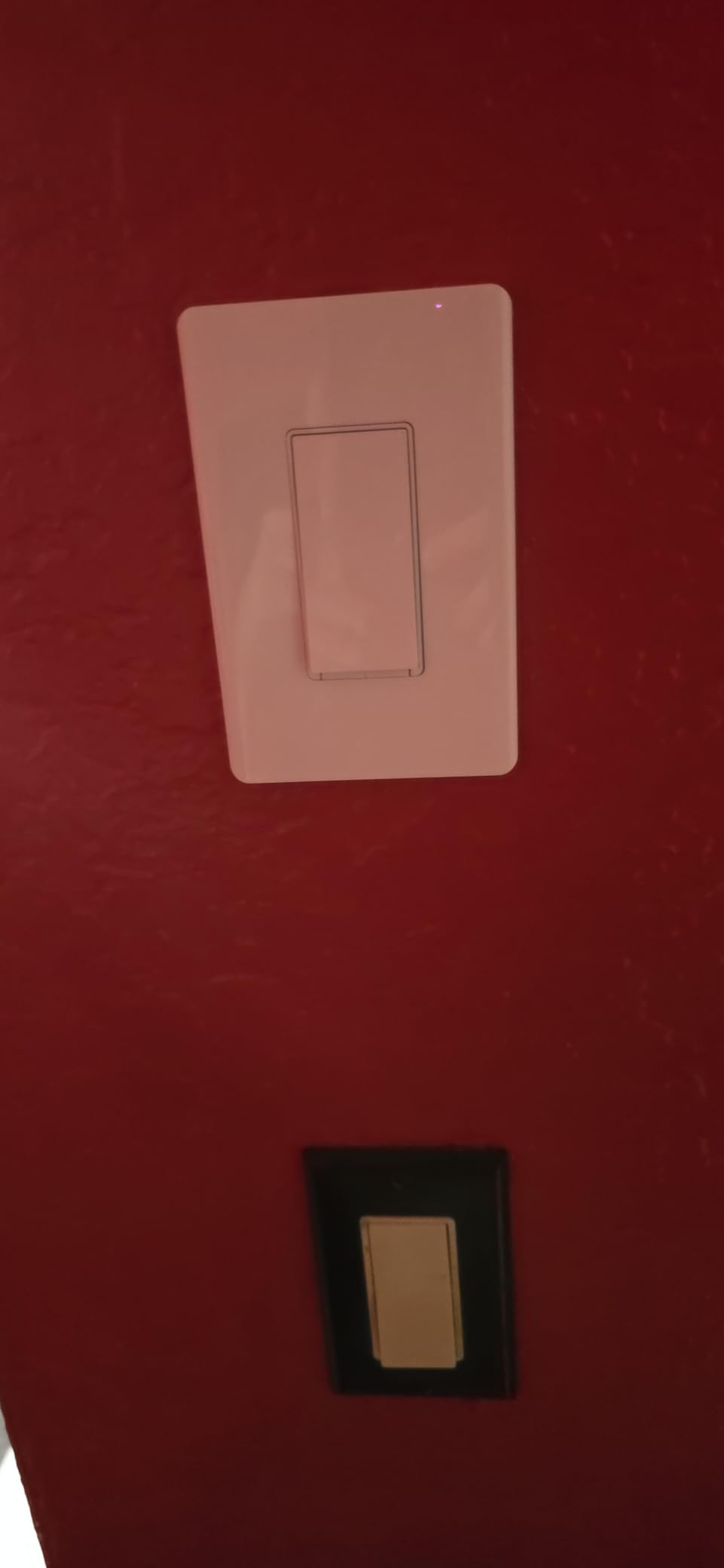
It is rated 120 volts, 600 watts, and 15 amps, UL certified, with an operating range of 32 to 104 degrees Fahrenheit. The pack measures 5.04 by 3.33 by 1.41 inches and includes two S505 switches, two wall plates, eight wire nuts, four screws, and a quick start guide.
It carries a 4.5 rating from 1363 reviews, with 80 percent at five stars, the highest five-star share of the Wi-Fi single-pole switches we reviewed. Setup runs through the Tapo app, and timers, schedules, and away mode are all included.
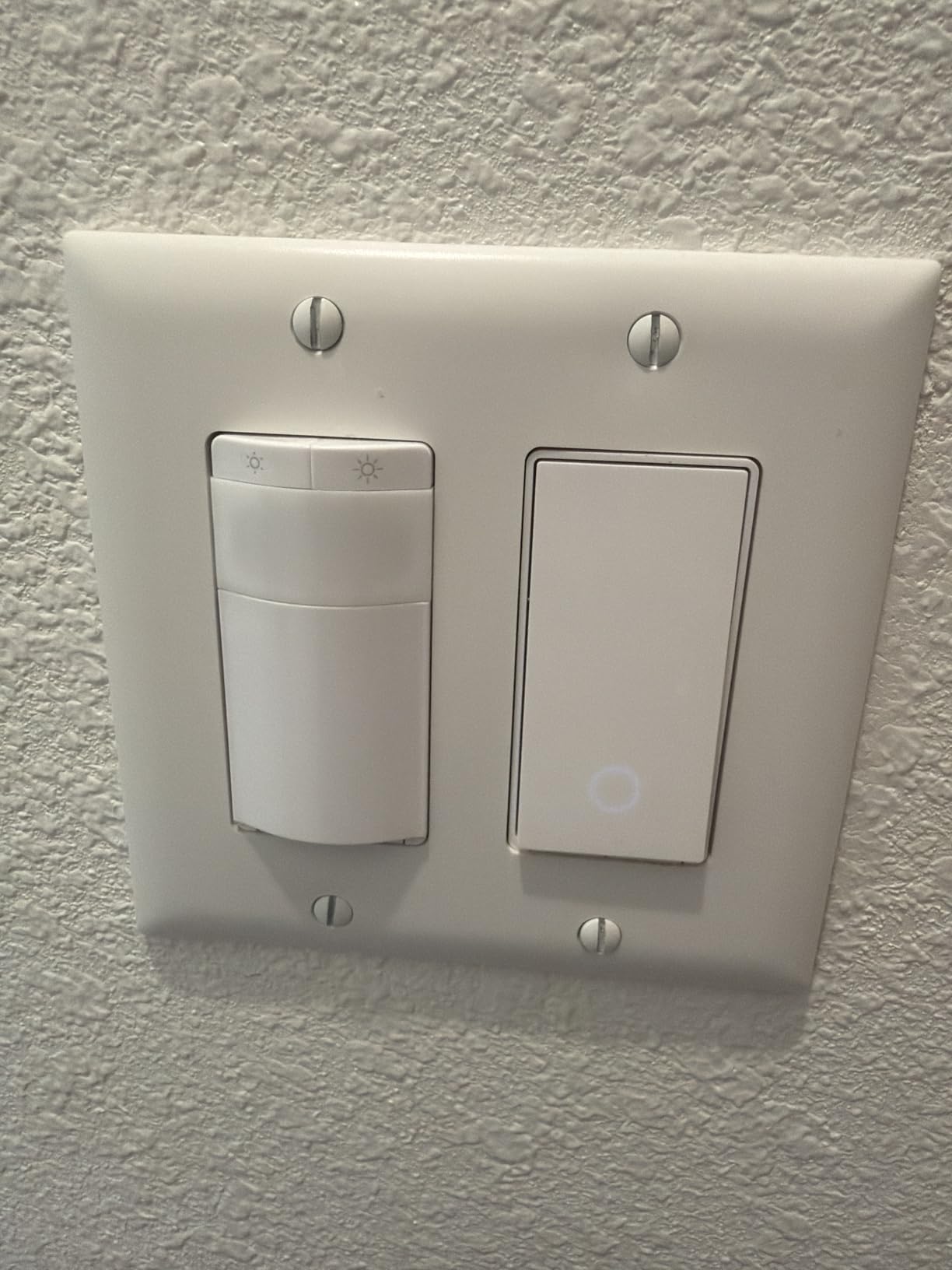
What Matter does and does not solve
Matter standardises how the switch talks to Apple Home, Alexa, Google Home, and SmartThings, so a switch bought today still joins those platforms later. It does not change the wiring, so the neutral wire requirement is unchanged, and it does not add dimming to an on and off model.
It also does not mean the switch is immune to cloud problems in the broader sense. What it does mean is that basic on and off and local scenes keep working on the LAN when the internet is out, which is a different and stronger guarantee than a switch that forwards every command through a vendor server.
Where it fits the plan
This is the choice for a house with more than one ecosystem in it, or a household that might change platforms. If you are unsure which assistant you will be using in five years, a Matter switch keeps that question open.
For the switch itself, the limits are the familiar ones: single pole in this configuration, 2.4GHz Wi-Fi required, and on and off only. Dimming needs the separate Tapo dimmer variant, and a neutral wire is required in the box.
11. SONOFF ZBMINIL2 Zigbee Module – Best Behind-the-Switch Retrofit for No-Neutral Homes
SONOFF Zigbee Smart Switch, No Neutral Conductor Required, Compatible with Alexa & Google Home, Requires Zigbee Gateway
No neutral conductor required
Zigbee 3.0 mesh
39.5 by 32 by 18.4mm module
Works with existing wall switch
Pros
- No neutral wire so it fits old houses and retrofits
- Ultra mini module hides behind the existing switch without rewiring
- Zigbee mesh gives fast local control that survives an internet outage
- Two-way control works with existing wall switches for staircases
- Reaches Alexa and Google Home through a Zigbee gateway
Cons
- Zigbee gateway sold separately
- On and off only with no dimming
- No smart faceplate since it hides behind your existing switch
- 6A and 1440W limit is below the 15A common in North America
This is not a switch face at all, and that is the point. The ZBMINIL2 hides behind your existing wall switch and adds smart control without replacing the switch you already have, without rewiring, and without needing a neutral conductor. For an old house where the boxes are shallow and the walls are plaster, keeping the original switch is a genuine advantage.
The module is 39.5 by 32 by 18.4 millimetres, which fits EU, 86, and 120 wall boxes. It speaks Zigbee 3.0 and pairs with a gateway such as the SONOFF ZBBridge Pro, and it functions locally without an internet connection once paired to that hub. A separate gateway is the cost to plan for, and it is the reason the rating sits where it does.
How the two-way control works
The module pairs with the existing external wall switches for staircase and hallway multi-location control, so you keep the mechanical switches at both ends of the run. That is the opposite approach to the Kasa 3-way kit, and it suits houses where you would rather not touch the wiring at all.
App control covers remote switching, timers, schedules, and smart scenes through the gateway. Once the hub is set up, Alexa and Google Home reach it through that gateway, and responses stay local and fast rather than round-tripping to a server.
What you give up
There is no smart switch faceplate, because nothing is visible after install. The switch you see is the switch you already owned, which some people love and some find means the money bought invisibility. On and off only, with no dimming at all.
The 6 amp, 1440 watt rating is the spec to check honestly. It is below the 15 amp found on most North American residential circuits, and the device is listed at 240 volts. It ranks 4.4 from 557 reviews with the highest one-star share in our group, largely from buyers who underestimated the gateway requirement or the current limit.
12. Aqara Smart Light Switch (No Neutral) – Best for Home Assistant and Zigbee Enthusiasts
Aqara Smart Light Switch (No Neutral, Single Rocker), Requires AQARA HUB
No neutral wire required
Zigbee with an Aqara hub
600W incandescent and 200W LED
Minimum 3W load
Pros
- No neutral wire with a finished switch face rather than a hidden module
- Does not lock out third-party coordinators and pairs with Home Assistant and Zigbee2MQTT
- Local control by default so automations run without a cloud
- Deep configuration options including decoupling mode and anti-flicker
- Single paddle operation that guests understand instantly
Cons
- Aqara hub required and sold separately
- Ground wire is still required in the box
- Hub ecosystem friction stops Alexa using the switch as a routine trigger
The Aqara sits at the end of this list because it is the most demanding and the most rewarding, with the lowest average rating in the group. It needs no neutral wire, which puts it beside the Caseta in an old house, but it also gives you a finished switch face, a real paddle, and a configuration depth that nothing else in this list matches. The catch is that it wants a hub and a little more setup patience.
Configuration is where Aqara separates. You can set the indicator light behaviour, choose the state after a power outage, pick a quick response or an anti-flicker mode, and use decoupling mode to control smart bulbs while keeping the circuit live. That is a genuinely different level of control, and Home Assistant and Zigbee2MQTT users rate the open integration very highly for exactly this reason.
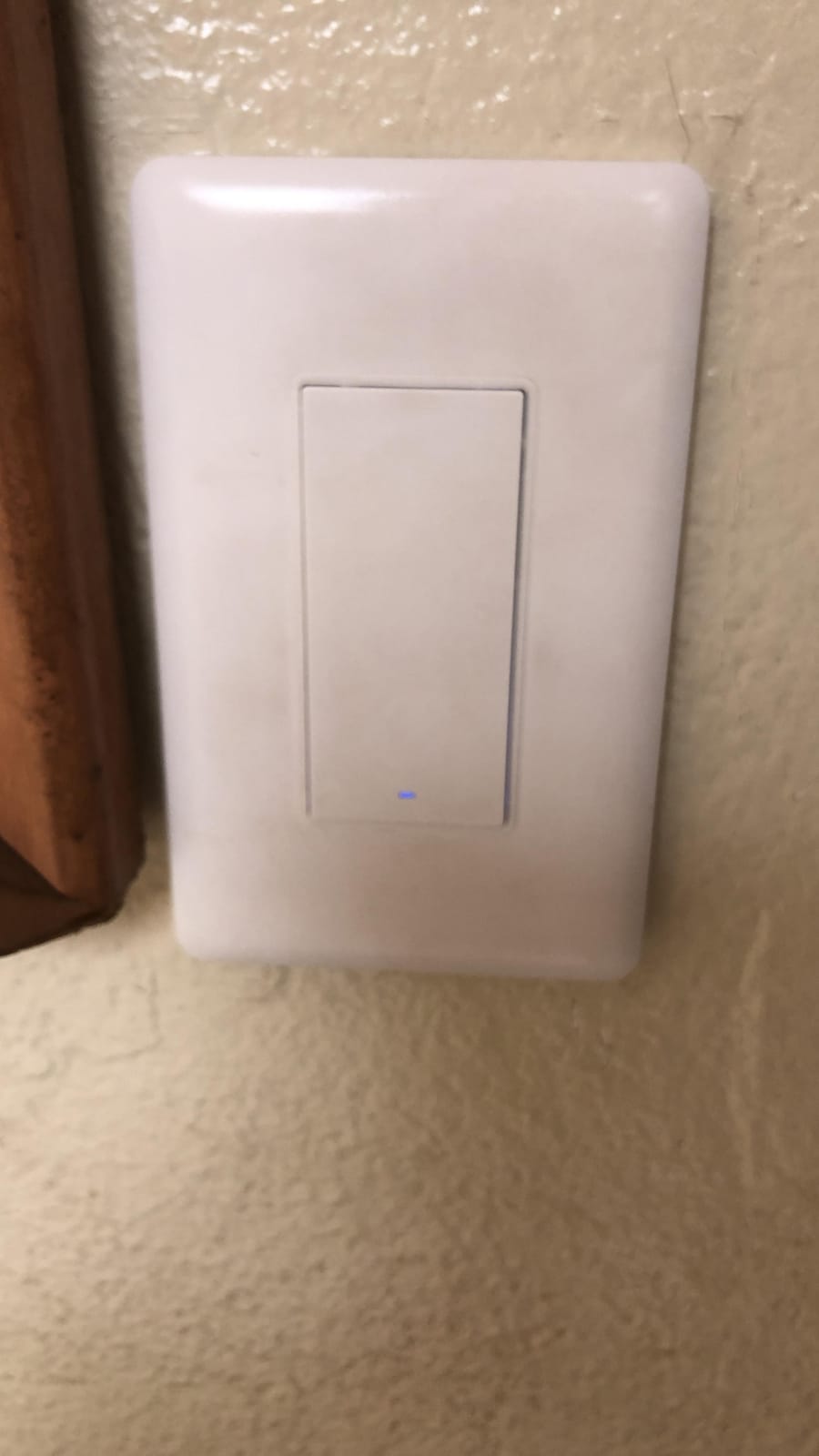
Electrical spec: 120V at 60Hz, 600 watts incandescent, 200 watts CFL or LED, minimum 3 watts, and support for quarter-horsepower motors. The switch includes a screwless faceplate, screws, and wire nuts in the box, measures 4.72 by 2.91 by 1.44 inches, and carries ETL and FCC certification with a two-year warranty.
Hub compatibility is a detail worth reading twice. The M100, M2, M1S Gen2, and E1 hubs need a secured 2.4GHz Wi-Fi network, while the Camera Hub G3, G5 PRO, G410, and M3 need 2.4 and 5GHz plus a repeater. A V-0 grade flame-retardant panel and automatic high-temperature cutoff cover the safety side.
What the hub situation really costs
The hub is sold separately and it is not optional. Anyone already running Home Assistant or SmartThings may already have a suitable coordinator, in which case this switch pairs directly and runs locally by default. Anyone starting from zero is buying a hub, a switch, and the patience to pair both.
The friction to know about is ecosystem-specific. When the switch is paired to the Aqara hub, Alexa cannot use it as a routine trigger, and pairing directly to an Echo Zigbee hub has been reported to cause the device to lose connection and flash red. Pick the hub first, then the switch.
Why the rating is the lowest here
At 4.2 from 527 reviews, with 10 percent one-star, this is the lowest-rated product we covered, and the split in the feedback is stark. Enthusiast users rate the open integration and no-neutral wiring very highly, while the one-star reviews are reliability complaints: switches dropping off the hub, forgetting configuration, self-power-cycling, and a rocker button that broke within days.
A ground wire is still required in the box even though a neutral is not, and the body is deep enough that some standard wall boxes are a struggle. If you want the flexibility and can accept the hub commitment, it rewards you. If you want the wall switch to be boring, pick the Caseta or the HS200.
Check for a Neutral Wire Before You Buy Anything
This is the step that decides half of this list. A neutral wire is the continuous line voltage conductor that runs down to the switch box, and most modern in-wall smart switches need it to power the electronics even when the light is off. Houses built before the mid-1980s often do not have one at every box, which is why the Lutron Caseta, the SONOFF module, and the Aqara exist as a category.
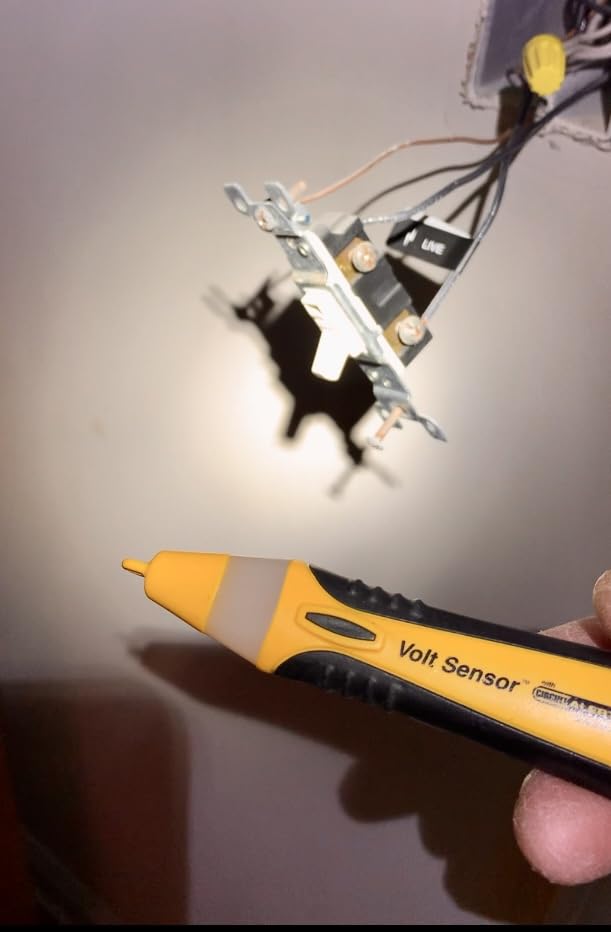
Turn the breaker off for that box and confirm it is de-energized with a tester before removing the cover plate.
Look behind the existing switch for a white or pale conductor bundled with the others. That is the neutral. A bare or green conductor is the ground, and red or black wires running to the second switch are travellers, not neutrals.
Count and label the conductors. A single-pole box with line, load, and neutral is ready for any switch on this list that says neutral required. A box with two traveller wires and no white is a 3-way circuit without a neutral, which rules out every Wi-Fi switch here and points you at a no-neutral model or an electrician.
If your box has no neutral and you want a switch with a visible smart face, you have three real options: the Lutron Caseta, the Aqara, or pulling a new neutral to the box. Pulling wire means opening walls, and it is the only option that gives a future you the freedom to buy any switch later. We cover the wiring side in more detail in our smart light switch guide.
Matter vs Zigbee vs Wi-Fi: Which Protocol Fits Your Home
Wi-Fi switches like the HS200, the HS220, and the TREATLIFE packs talk straight to your router on the 2.4GHz band with no hub at all. That is the fastest path from box to working switch, and it is why those models dominate by review volume. The catch is that every switch adds a client to your network, and all of them are 2.4GHz only, which is the single most common pairing complaint we read across this category.
Zigbee switches such as the Aqara and the SONOFF module need a gateway, but they create a local mesh that keeps responding when the internet is down, and Zigbee is the mature choice for a large house. The trade is the upfront hub cost and the fact that a hub is another device that can fail or be abandoned.
Matter, which the Tapo S505 carries, is the newer answer to the lock-in problem. It runs over your existing 2.4GHz Wi-Fi with no extra hardware, supports multi-admin so several platforms can share a device, and provides local LAN control. If you are undecided about your ecosystem, Matter is the option that keeps the decision open.
And there is the proprietary lane, where the Lutron Caseta sits alone. Its mesh hub runs without Wi-Fi, which makes it the most outage-resistant system here and the one that costs the most to start. For a house where the lights must work regardless of the network, that is worth paying for.
Smart Dimmer vs On/Off and How 3-Way Circuits Change the Math
A smart dimmer gives you brightness control and a mood a single on and off switch cannot, and it is the upgrade most people notice first. It also costs more, draws more current through a bigger module, and only works properly with dimmable bulbs. A non-dimmable LED on a dimmer is the flicker and buzz combo, which is why bulb choice matters more here than in any other appliance.
The dimmers in this list are the Kasa HS220 at 300 watts and 2.5 amps and the Lutron Caseta at up to 150 watts of LED or 600 watts of incandescent. The Kasa wins on app calibration of the low end, which is the practical fix for flicker. The Caseta wins on local operation, and it works in homes with no neutral, which is why it is our top pick for older houses despite needing a hub.
For 3-way circuits, count smart switches, not locations. The Kasa HS210 and the TREATLIFE 3-way both need only one smart switch per circuit, with the other location staying conventional, which is cheaper than a two-switch kit. The Lutron solves it differently, with a Pico remote that adds a wireless location without any new wire. If the circuit has no neutral, the SONOFF module can sit behind the existing switches and work with them as-is.
What to Avoid in a Smart Light Switch
Avoid switches that pair only on 5GHz, and avoid routers that merge 2.4 and 5GHz under one network name. Every switch in this list is 2.4GHz, and band merging is the most reported pairing failure in the category. It is a five-minute router fix and it saves hours of frustration.
Avoid pairing a dimmer with non-dimmable LEDs, and avoid low-wattage bulbs on no-neutral power-stealing switches. Below roughly 5 watts, power-stealing circuits can leave a faint glow or flicker with the light off. Either use a bypass capacitor, which some models need and some do not supply, or use a bulb above that threshold.
Avoid cloud-only integrations where you can avoid them. Meross owners have documented cloud outages taking every installed switch offline at once, and any switch that forwards commands through a vendor server carries the risk that the vendor changes the API or is acquired. Local control, whether through Zigbee, a Matter LAN, or a hub that runs without Wi-Fi, is the hedge against that.
Finally, avoid skipped firmware updates. The GHome listing itself recommends version V1.1.3 for stability, and an out-of-date switch is a switch that will eventually not respond. Set the update, then leave it alone.
Frequently Asked Questions
Can I install a smart switch without a neutral wire?
Yes, but only with a switch designed for it. Most in-wall Wi-Fi switches need a neutral conductor to power their electronics, including the Kasa HS200, the Kasa HS220, and every TREATLIFE and GHome model here. Look for a no-neutral model such as the Lutron Caseta Smart Dimmer, the Aqara WS-USC01, or the SONOFF ZBMINIL2 module. The Lutron gives you a finished dimmer face with no wiring changes, the Aqara adds deep configuration for Zigbee homes, and the SONOFF hides behind your existing switch without replacing it. A ground wire is still required for the Aqara.
Do smart light switches need a hub?
It depends on the protocol. Wi-Fi switches such as the Kasa HS200 and HS220, the TREATLIFE packs, and the GHome 4-pack need no hub and talk directly to your router on the 2.4GHz band. Zigbee switches need a gateway, so the Aqara WS-USC01 requires an Aqara hub and the SONOFF ZBMINIL2 requires a Zigbee gateway such as the SONOFF ZBBridge Pro. The Lutron Caseta requires the Lutron Smart Hub, which runs on its own mesh protocol and works without Wi-Fi. Matter switches like the Tapo S505 also need no hub and add local LAN control.
Why do my LED lights flicker when I use a smart switch?
The two usual causes are a bulb that is not dimmable paired with a dimmer, and a no-neutral power-stealing switch working with a very low-wattage bulb. Below roughly 5 watts, power-stealing circuits can leave a faint glow or flicker with the light off, and the fix is a bypass capacitor if your model needs one. For a dimmer, raise the low-end brightness floor in the app so the bulb stays above the flicker threshold, and confirm every LED on the circuit is a dimmable type.
What is the difference between a smart switch and a smart dimmer?
A smart switch is on and off only, while a smart dimmer varies brightness as well as powering the light on. A smart dimmer usually costs more, has a larger module that is harder to fit in shallow boxes, and only works with dimmable bulbs. A non-dimmable LED on a smart dimmer causes flicker and buzzing. In this lineup the Kasa HS220 dims up to 300 watts and the Lutron Caseta up to 150 watts of LED or 600 watts of incandescent, while the HS200 and TREATLIFE models are on and off only.
Can smart light switches work in 3-way circuits?
Yes, and the number of smart switches you need depends on the design. The Kasa HS210 kit and the TREATLIFE 3-way need only one smart switch per 3-way circuit, with the second location staying a conventional switch, which cuts the cost per location. The Lutron Caseta uses a Pico remote, sold separately, to add a wireless location without running a traveler wire. The SONOFF ZBMINIL2 hides behind existing wall switches and supports two-way control. Note that all of these still need a neutral wire at the install location except the Caseta and the SONOFF module.
What is the most reliable smart light switch?
The Lutron Caseta Smart Dimmer is the most reliable option in our testing, and it holds the highest average rating in this group at 4.7 from 5665 reviews. The reason is architectural: the Lutron Smart Hub runs on Lutron’s own mesh protocol and operates without Wi-Fi, so the system keeps working when your internet is down. Long-term owners report 5 to 70 Caseta devices running for six to ten years with few issues. The trade is the separately sold hub, wall plate, and Pico remote. If you want the most reliable switch that needs no hub, the Kasa HS200 at 4.6 from 43176 reviews is the answer.
Which Smart Light Switch Should You Buy in 2026?
Start with the wiring, because it eliminates most of the list in about five minutes. If your box has a neutral wire, the Kasa Smart HS200 is the best smart light switch for most homes: UL certified, 600 watts, 15 amps, no hub, and the deepest review base in this category at 4.6 from 43176 reviews. If you want dimming, move up to the Kasa HS220 and calibrate its low end in the app.
If your box has no neutral wire, the Lutron Caseta Smart Dimmer is the answer, and it is the most reliable switch we covered at 4.7, with a hub that runs without Wi-Fi. For a staircase or hallway, the Kasa HS210 kit needs only one smart switch per 3-way circuit. For a house with more than one smart home platform, the Tapo S505 carries Matter multi-admin and local control. And if you run Home Assistant, the Aqara pairs directly with third-party coordinators and runs locally by default.
Two cautions carry more weight than any feature list. Confirm a neutral wire before you buy, and confirm your router still broadcasts 2.4GHz as its own band. Those two checks decide whether the switch works on the day you install it. Everything else on this list we have already tested, so pick the one that matches your wiring and move on.