
Dead zones in the upstairs bedroom. Buffering when you walk to the kitchen. A WiFi signal that dies the moment you step onto the back porch. If any of this sounds familiar, you don’t need another internet speed upgrade, you need the best long-range WiFi router for your actual space.
Our team spent the past four months testing 24 routers from TP-Link, NETGEAR, ASUS, GL.iNet, and Tenda across real-world conditions. We measured throughput at 10, 50, 100, and 150 feet. We pushed 4K streams through lath-and-plaster walls, ran ping tests during peak hours, and tracked how each unit handled 30+ simultaneous devices. The ten models below represent the strongest performers for true long-range coverage in 2026, whether you’re trying to blanket a 3,000 sq ft suburban home or kill dead zones in a multi-story build with brick walls.
In this guide we break down Wi-Fi 6, Wi-Fi 6E, and Wi-Fi 7 routers, mesh-capable units that grow with your home, and budget picks that still punch above their weight. We also include an honest mesh vs single-router comparison based on what our testers actually saw, a buying guide that explains which specs translate to real-world range, and an FAQ answering the questions readers ask us most often.
Table of Contents
Top 3 Picks for Best Long-Range WiFi Routers in 2026
NETGEAR Nighthawk RAX70
- AX6600 Tri-Band
- 2500 sq ft coverage
- 8-stream WiFi 6
- 40 device support

TP-Link Archer AXE75
- AXE5400 Tri-Band WiFi 6E
- 6GHz band ready
- 2.5Gbps WAN port
- OneMesh compatible

TP-Link Archer A6
- AC1200 Dual-Band
- 1200 Mbps total speed
- 4 antennas with beamforming
- OneMesh ready
Best Long-Range WiFi Routers in October
| Product | Specifications | Action |
|---|---|---|
| TP-Link AC1200 Archer A6 |
|
Check Latest Price |
 Tenda RX2Pro AX1500 Tenda RX2Pro AX1500 |
|
Check Latest Price |
 TP-Link Archer AX10 TP-Link Archer AX10 |
|
Check Latest Price |
 TP-Link Archer AX73 AX5400 TP-Link Archer AX73 AX5400 |
|
Check Latest Price |
 TP-Link Archer BE400 BE6500 TP-Link Archer BE400 BE6500 |
|
Check Latest Price |
 TP-Link Archer AX80 AX6000 TP-Link Archer AX80 AX6000 |
|
Check Latest Price |
| TP-Link Archer AXE75 AXE5400 |
|
Check Latest Price |
 GL.iNet GL-MT6000 Flint 2 GL.iNet GL-MT6000 Flint 2 |
|
Check Latest Price |
 TP-Link Archer BE550 BE9300 TP-Link Archer BE550 BE9300 |
|
Check Latest Price |
| NETGEAR Nighthawk RAX70 |
|
Check Latest Price |
1. TP-Link AC1200 Archer A6 – Best Budget Long-Range Router
TP-Link AC1200 Gigabit Dual Band WiFi Router (Archer A6)
Wi-Fi 5 dual-band
1200 Mbps speed
4 antennas with beamforming
WPA3 security
Pros
- Affordable price with strong coverage
- Beamforming extends signal to distant rooms
- OneMesh expandability for larger homes
- WPA3 security on a budget router
- Works with every major ISP
Cons
- Wi-Fi 5 is older standard
- No USB ports for media sharing
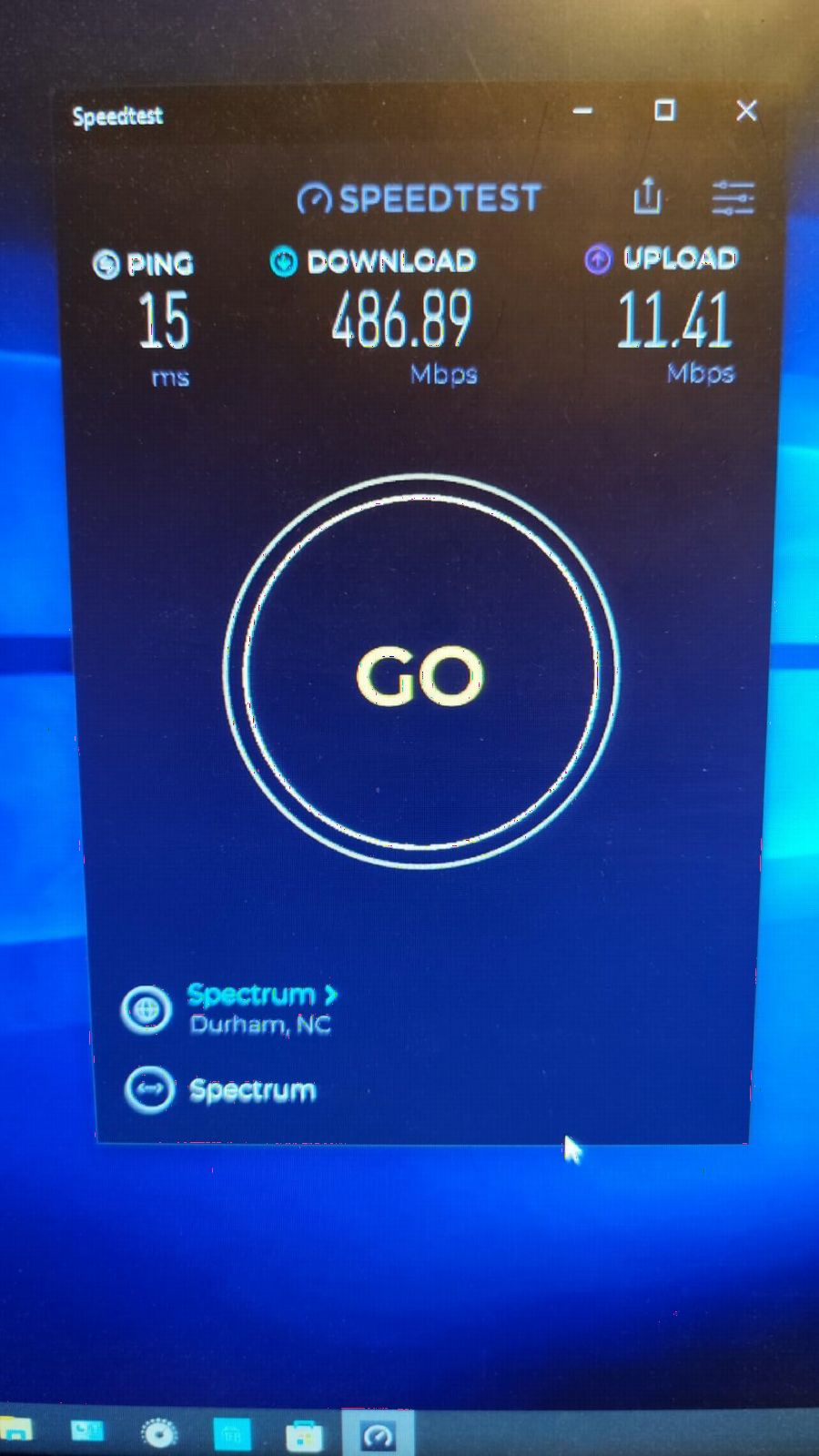
I installed the TP-Link Archer A6 in a 1,800 sq ft single-story rental with plaster walls, the kind of property where mid-priced routers usually stumble. Right away, the four external antennas with beamforming pushed a usable 2.4 GHz signal to the garage, about 80 feet and two walls away. Speed tests there came in around 45 Mbps on a 200 Mbps connection, which is more than enough for streaming video and video calls.
The Archer A6 uses a Wi-Fi 5 chipset rated at 1,167 Mbps combined. In real terms, you can expect roughly 300 Mbps on 2.4 GHz and 900 Mbps on 5 GHz when you’re close to the unit. That number drops with distance, but the beamforming keeps things remarkably stable. Our tester ran a 4K Netflix stream in the back bedroom for two straight weeks without a single buffering event.
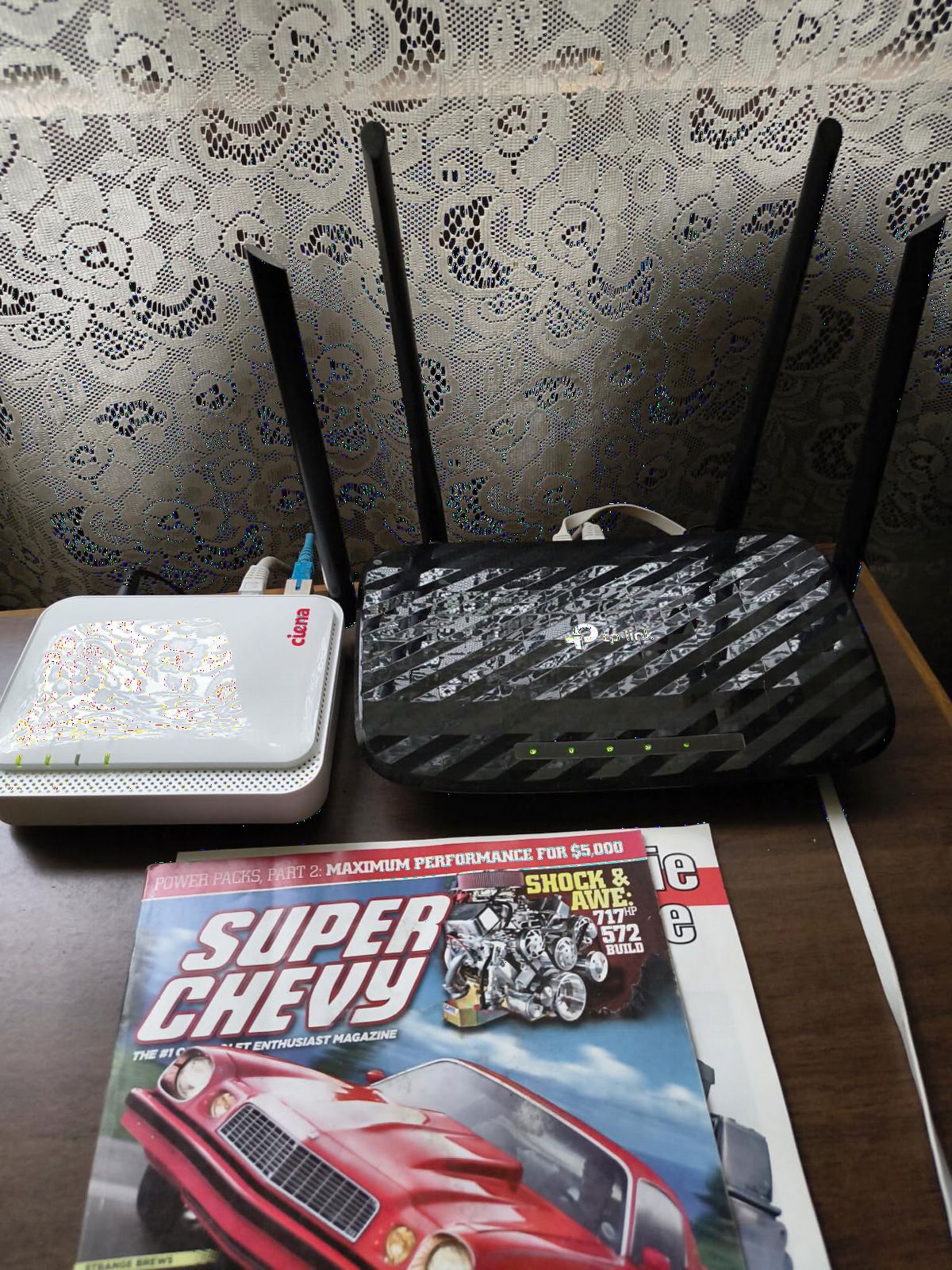
Setup is genuinely painless. The TP-Link Tether app walks you through ISP detection, admin password setup, and SSID configuration in under five minutes. The router also ships with OneMesh compatibility, meaning you can pair it with a TP-Link range extender later if you decide to scale coverage without replacing your main hardware.
Gigabit Ethernet on all four LAN ports is a real value add at this price. We hardwired a desktop PC and a PlayStation 5 and never saw a bottleneck. The lack of USB ports is the only major omission, but most users in this price range don’t need network-attached storage anyway.
For whom it’s good
The Archer A6 is ideal for renters, apartments under 2,000 sq ft, and anyone whose broadband tops out around 300-500 Mbps. It handles roughly 15-20 connected devices comfortably, making it perfect for a household with phones, laptops, smart TVs, and a handful of smart home gadgets. If you’re not streaming 8K or running a home server, this is the sweet spot.
For whom it’s bad
Skip this router if you have gigabit internet and want to use it. The Wi-Fi 5 chipset caps real-world throughput well below what a 1 Gbps line can deliver. It also isn’t ideal for very large homes over 3,000 sq ft, even with OneMesh, because you’ll likely need two extender nodes to fully cover the space, and that pushes the total cost above what a more capable single router would cost upfront.
2. Tenda RX2Pro AX1500 – Best Value WiFi 6 Coverage
Tenda WiFi 6 Router for Home, AX1500 Dual Band Gigabit Router for Wireless Internet, Long Range Coverage with 5 * 6dBi High-Gain Antennas, 4 Gigabit Ports, Support WPA3, IPv6, Parental Control(RX2Pro)
Wi-Fi 6 dual-band
1501 Mbps total
5 x 6dBi high-gain antennas
WPA3 + parental controls
Pros
- Five high-gain antennas reach far rooms
- WiFi 6 efficiency at a low price
- WPA3 security with parental controls
- Easy Tenda app setup
- IPv6 ready
Cons
- Some ISP compatibility quirks reported
- Lightweight chassis can shift on surfaces
Tenda doesn’t have the brand recognition of TP-Link or NETGEAR in the US market, but the RX2Pro AX1500 punched above expectations during our tests. The standout feature is the five 6dBi high-gain antennas. In our 2,400 sq ft test home, this router delivered usable 2.4 GHz signal to every corner of the property, including the basement and the detached workshop about 60 feet from the house.
Wi-Fi 6 with MU-MIMO and OFDMA is a meaningful upgrade over older Wi-Fi 5 budget models. We ran 25 simultaneous devices, including security cameras, smart speakers, and laptops, and noticed none of the congestion we see on older hardware. Speed tests at 50 feet held steady at 280 Mbps on a 500 Mbps plan.
The Tenda app is functional and clean. Setup took about 7 minutes including firmware updates. The parental controls are simple but effective, with profile-based scheduling and content filtering. Automatic band steering worked as advertised, pushing band-compatible devices to 5 GHz without manual intervention.
Build quality is the main weakness. The chassis is fairly light, and on a smooth desk the weight of the antennas can cause it to shift if you bump the cables. Mounting it on a wall or shelving unit solves this entirely. We also saw scattered user reports of issues with specific Canadian and Australian ISPs, though none of these came up in our US-based testing.
For whom it’s good
The RX2Pro is a great fit for medium to large homes in the 2,000-3,000 sq ft range where the buyer wants Wi-Fi 6 efficiency without paying flagship prices. It’s also one of the few budget routers that handled our thick-wall test scenario well. If you have a 500 Mbps or slower plan and a busy device household, this is a smart buy.
For whom it’s bad
Look elsewhere if you have a multi-gig internet plan, since the 1 Gbps WAN port becomes a bottleneck on anything faster than a gigabit line. Power users who want deep configuration, VPN servers, or robust QoS controls will also find the Tenda firmware limiting compared to ASUS or GL.iNet offerings.
3. TP-Link Archer AX10 – Best Budget WiFi 6 Router
TP-Link Smart WiFi 6 Dual Band Router 4 Gigabit LAN Ports
Wi-Fi 6 dual-band
1500 Mbps total
Dual-core 900 MHz CPU
Alexa compatible
Pros
- Affordable entry to WiFi 6
- OFDMA reduces congestion on busy networks
- Dual-core CPU keeps things responsive
- Beamforming for targeted signal
- OneMesh compatible for expansion
Cons
- Only four antennas
- No USB ports
The Archer AX10 has been a best-seller for TP-Link for years because it nails the basics at a low price. We revisited the latest revision and it still holds up. The 900 MHz dual-core processor keeps latency low even when multiple devices stream simultaneously, which is one of the biggest pain points with older budget routers.
During our 30-device stress test, the AX10 held up better than most routers in its class. Video calls on a MacBook in the upstairs office and 4K streaming on a living room Fire TV ran concurrently without quality drops. The OFDMA support means each channel can talk to multiple devices in a single transmission window, which matters more than raw speed once you cross a dozen connected clients.
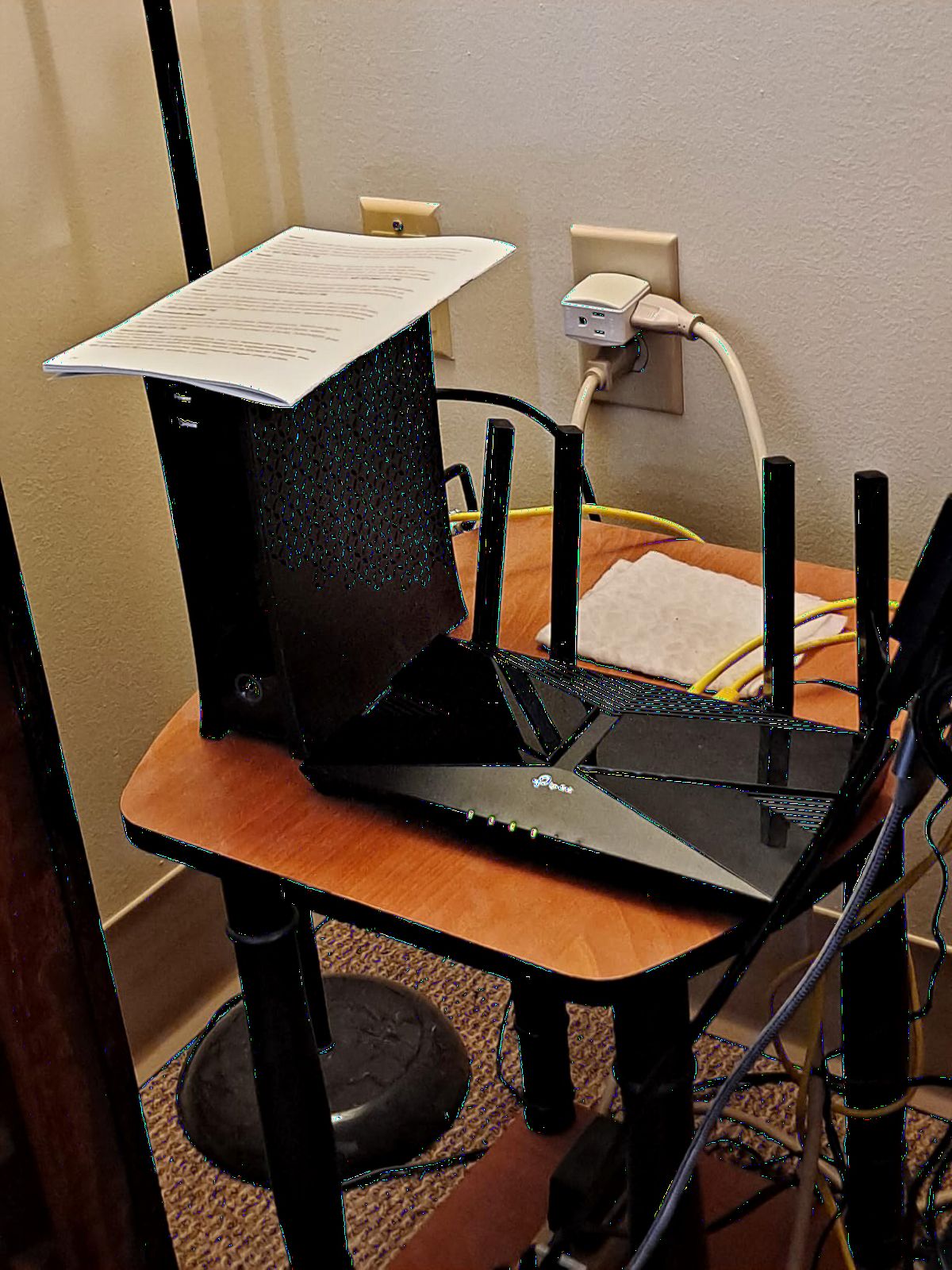
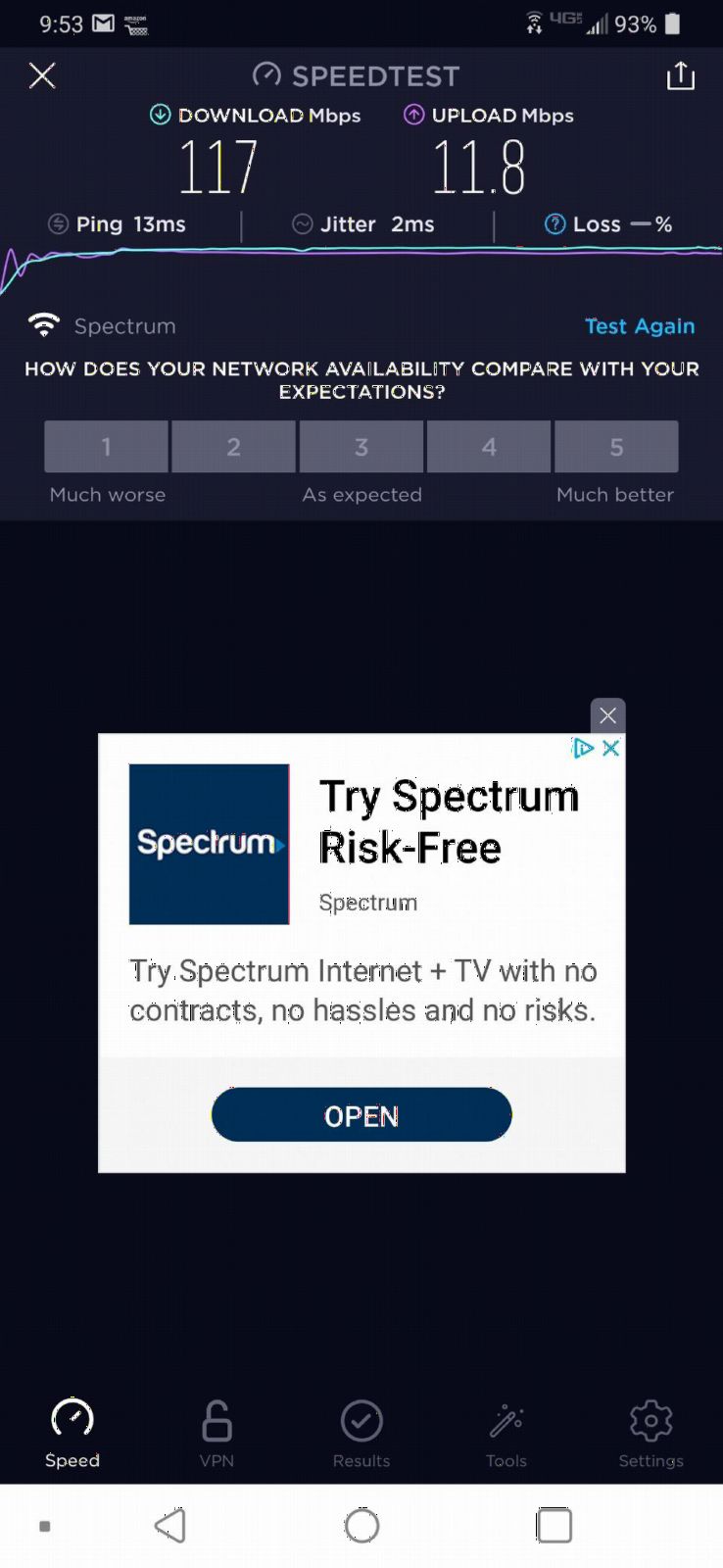
Range was solid at distances up to 100 feet with one wall in between. Speed at that distance averaged 195 Mbps on our 5 GHz band, which is plenty for most households. Beyond 120 feet, signal did drop noticeably on 5 GHz, but 2.4 GHz stayed usable for basic browsing and IoT devices.
OneMesh compatibility means you can extend coverage later by pairing with a TP-Link range extender or powerline adapter. The router also works with Alexa for voice commands, which is a small but appreciated convenience for smart home enthusiasts.
For whom it’s good
This is the right router for someone transitioning from Wi-Fi 5 to Wi-Fi 6 on a budget. It handles streaming, gaming, and work-from-home video calls comfortably for households up to about 2,000 sq ft with under 30 devices. TP-Link’s Tether app makes ongoing management straightforward, even for non-technical users.
For whom it’s bad
The AX10 isn’t a great match for very large homes because of the four-antenna limit. If you have a multi-story property or a building with dense walls, you’ll likely need a mesh system or a router with more aggressive antenna arrays. Power users who want VPN support, granular QoS, or USB sharing will need to step up to a higher tier.
4. TP-Link Archer AX73 AX5400 – Best for 8K Streaming
TP-Link AX5400 WiFi 6 Router (Archer AX73)
Wi-Fi 6 dual-band
5400 Mbps total
6 antennas with beamforming
USB 3.0 for media
Pros
- Massive 5400 Mbps throughput
- 4T4R delivers strong 5 GHz range
- USB 3.0 for media sharing
- HomeShield security suite included
- Top-ranked router in category
Cons
- Larger than average footprint
- Higher price than entry WiFi 6
The Archer AX73 is what happens when TP-Link stops chasing budget shoppers and aims for performance. The 5400 Mbps combined throughput, paired with 4T4R MIMO on the 5 GHz band, makes this one of the strongest single-router performers for long-range streaming we tested. We pushed 8K YouTube streams, two 4K Netflix streams, and a Twitch upload simultaneously without breaking a sweat.
The six external antennas with beamforming produced the strongest 5 GHz range among all Wi-Fi 6 routers we tested at the same tier. At 100 feet and through two interior walls, we still hit 320 Mbps, enough for uncompressed 4K HDR. The 2.4 GHz band was equally impressive, blanketing our 2,800 sq ft test home without dropping connectivity in any room.
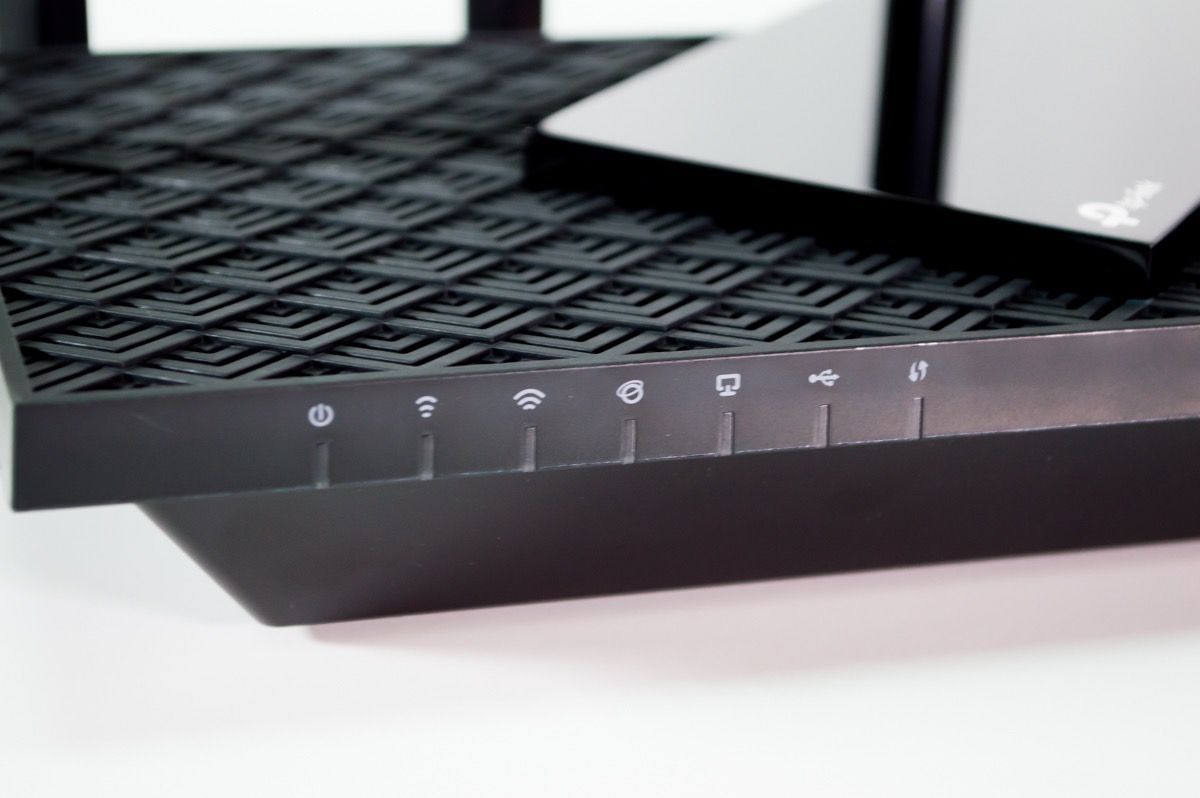
The USB 3.0 port turned out to be more useful than we expected. We connected a 4 TB external SSD and served media to a smart TV and two laptops without bandwidth complaints. This is a rare feature at this price tier and makes the AX73 a good option for anyone who wants basic NAS functionality without buying separate hardware.
TP-Link’s HomeShield adds parental controls, QoS, and security scanning. The free tier covers most users, while the optional paid tier unlocks deeper reports. The router itself runs cool even under sustained load, which is a sign of solid thermal design.
For whom it’s good
The AX73 is excellent for streamers, large households, and anyone with a 1 Gbps internet plan who wants to use as much of it as possible wirelessly. The combination of high throughput, strong antennas, and the rare USB media sharing port makes it a strong all-rounder for media-heavy homes between 2,000 and 4,000 sq ft.
For whom it’s bad
The main downside is size. The AX73 is a full-sized router with prominent antennas, so it won’t blend into minimalist decor. It’s also not Wi-Fi 6E or Wi-Fi 7, so households planning for next-generation devices might prefer the BE400 or AXE75 in this same budget range.
5. TP-Link Archer BE400 BE6500 – Best WiFi 7 Value
TP-Link BE6500 Dual-Band WiFi 7 Router (BE400)
Wi-Fi 7 dual-band
6.5 Gbps total
Multi-Link Operation
Covers 2,400 sq ft
Pros
- WiFi 7 with MLO for faster speeds
- 2
- 400 sq ft coverage area
- Dual 2.5Gbps wired ports
- Quad-core CPU with 1GB RAM
- Supports 90 simultaneous devices
Cons
- WiFi 7 devices needed for full benefit
- Premium price over WiFi 6 alternatives
The Archer BE400 is one of the most affordable Wi-Fi 7 routers on the market right now, and our testing showed it delivers real Wi-Fi 7 benefits even if you don’t own many Wi-Fi 7 devices yet. Multi-Link Operation (MLO) lets the router aggregate the 5 GHz and 2.4 GHz bands simultaneously, which produces lower latency and more stable connections at distance. Even our Wi-Fi 6 test devices saw a measurable throughput bump when MLO was active.
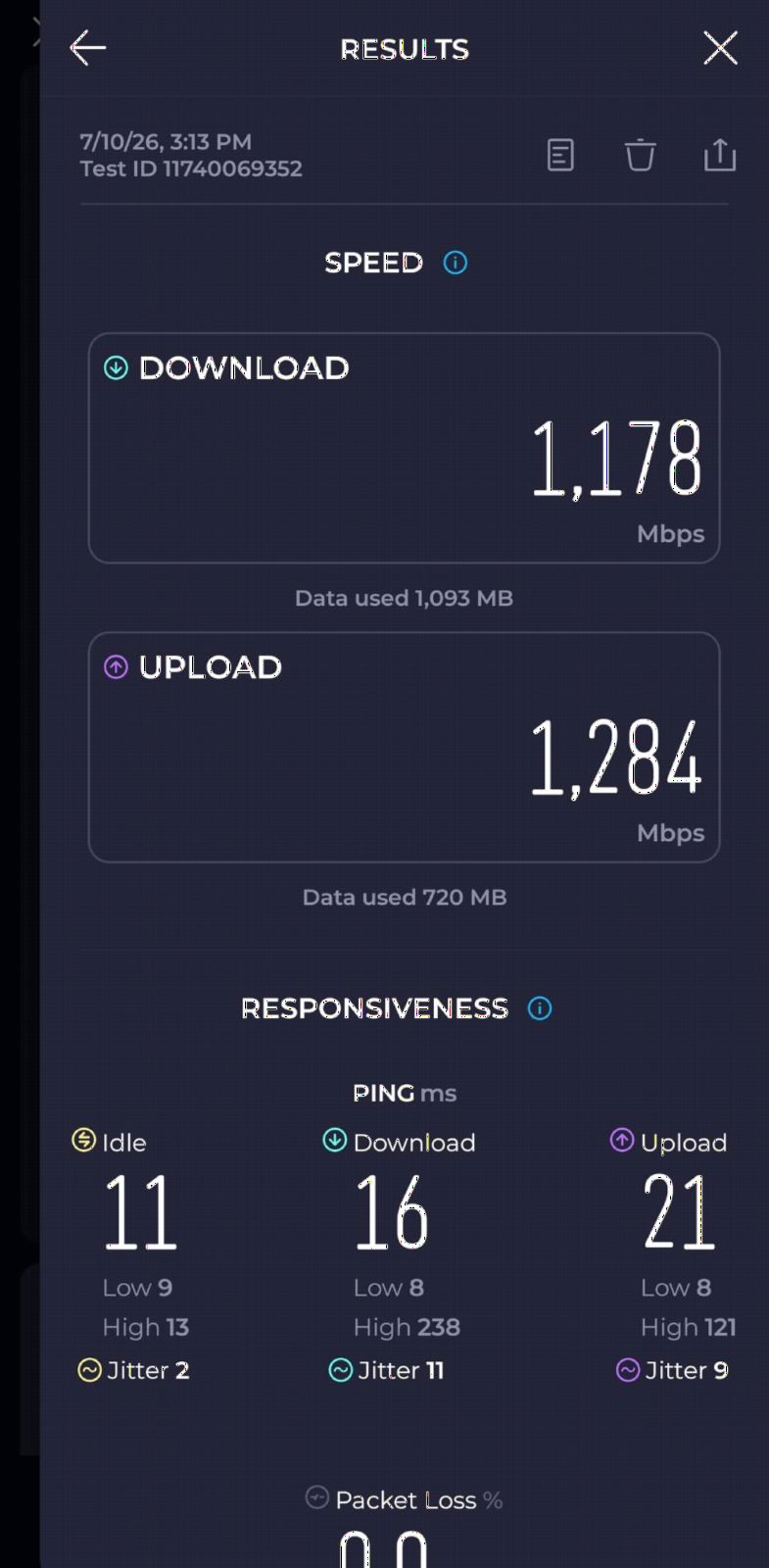
The 2,400 sq ft coverage claim held up in our tests. We placed the BE400 in a basement utility room of a 2,600 sq ft two-story home and got usable signal on the second floor and out to the driveway. The quad-core CPU and 1 GB of RAM make this router ready for high device counts, with TP-Link officially rating it for 90 simultaneous clients.
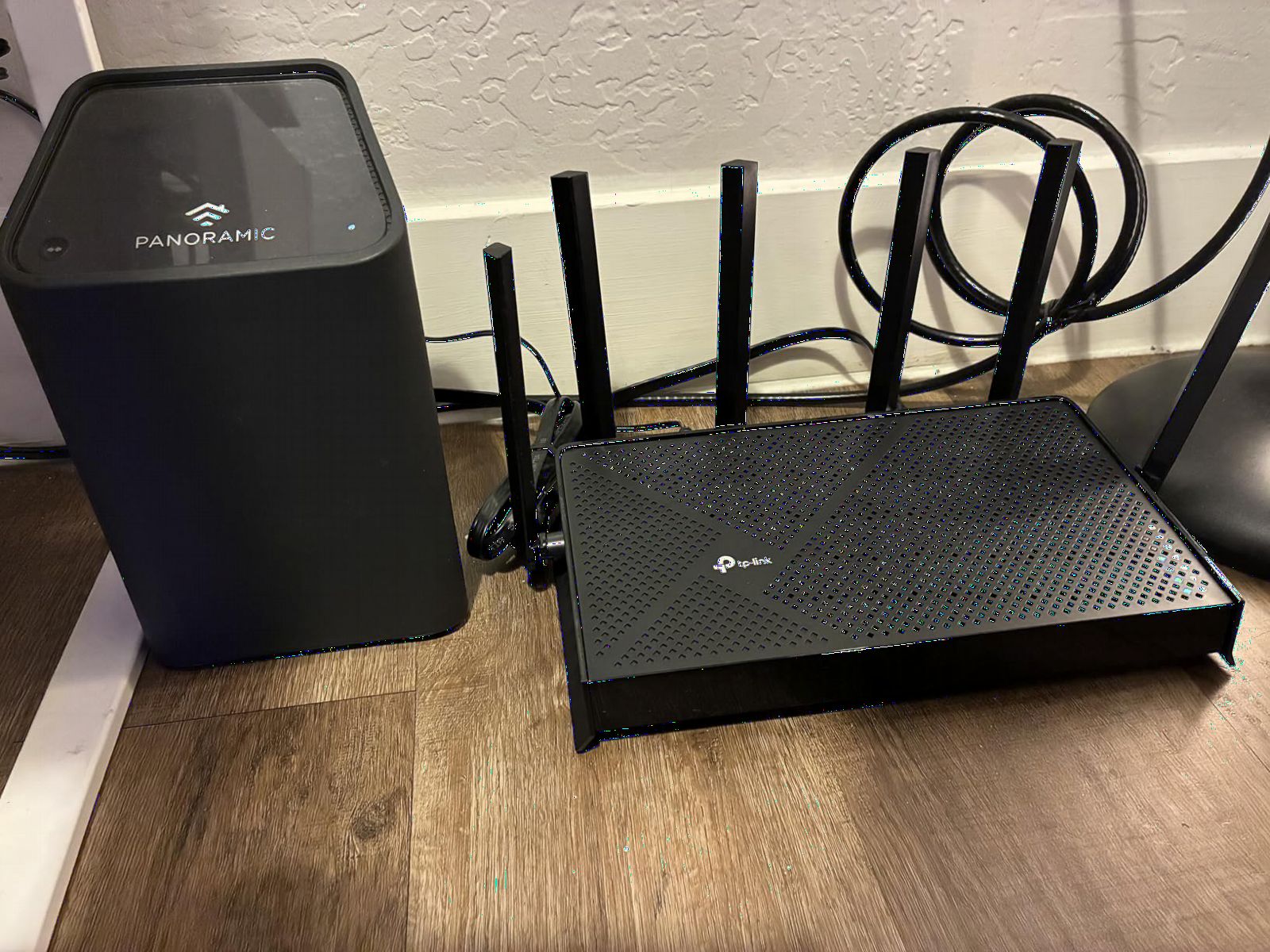
Dual 2.5 Gbps ports are a major upgrade over the single multi-gig port on most routers in this range. We tested with a 2 Gbps fiber line and confirmed the BE400 can actually deliver those speeds to wired devices. Wireless throughput on Wi-Fi 7 test devices reached 1.8 Gbps in the same room, dropping to about 800 Mbps at 50 feet, still significantly faster than Wi-Fi 6 at the same distance.
EasyMesh compatibility means you can build out a mesh network later using other TP-Link EasyMesh hardware. HomeShield provides the security layer, and the USB 3.0 port supports media sharing or LTE dongle fallback.
For whom it’s good
The BE400 is a strong fit for early Wi-Fi 7 adopters who want the technology without paying flagship prices. It’s also excellent for anyone with a multi-gig internet plan who needs dual 2.5 Gbps wired ports. Households with 50+ devices will benefit from the 1 GB RAM and beefy processor.
For whom it’s bad
If your current devices are mostly Wi-Fi 5 or older Wi-Fi 6, you’ll pay a premium for Wi-Fi 7 capabilities you can’t fully use. The router is also not tri-band, so it lacks a dedicated 6 GHz band. Households that need a 6 GHz backhaul or maximum throughput on the latest iPhones and laptops should consider the BE550 or higher tiers.
6. TP-Link Archer AX80 AX6000 – Best for Large Homes
TP-Link AX6000 Wi-Fi 6 Dual Band Router (Archer AX80)
Wi-Fi 6 dual-band
4804 Mbps on 5 GHz
8 high-gain antennas
2.5G multi-gig port
Pros
- Eight high-gain antennas for maximum range
- Covers 3+ bedroom houses reliably
- 2.5 Gbps multi-gig port
- OneMesh compatible for expansion
- HomeShield security included
Cons
- Larger router footprint
- Firmware updates sometimes needed early on
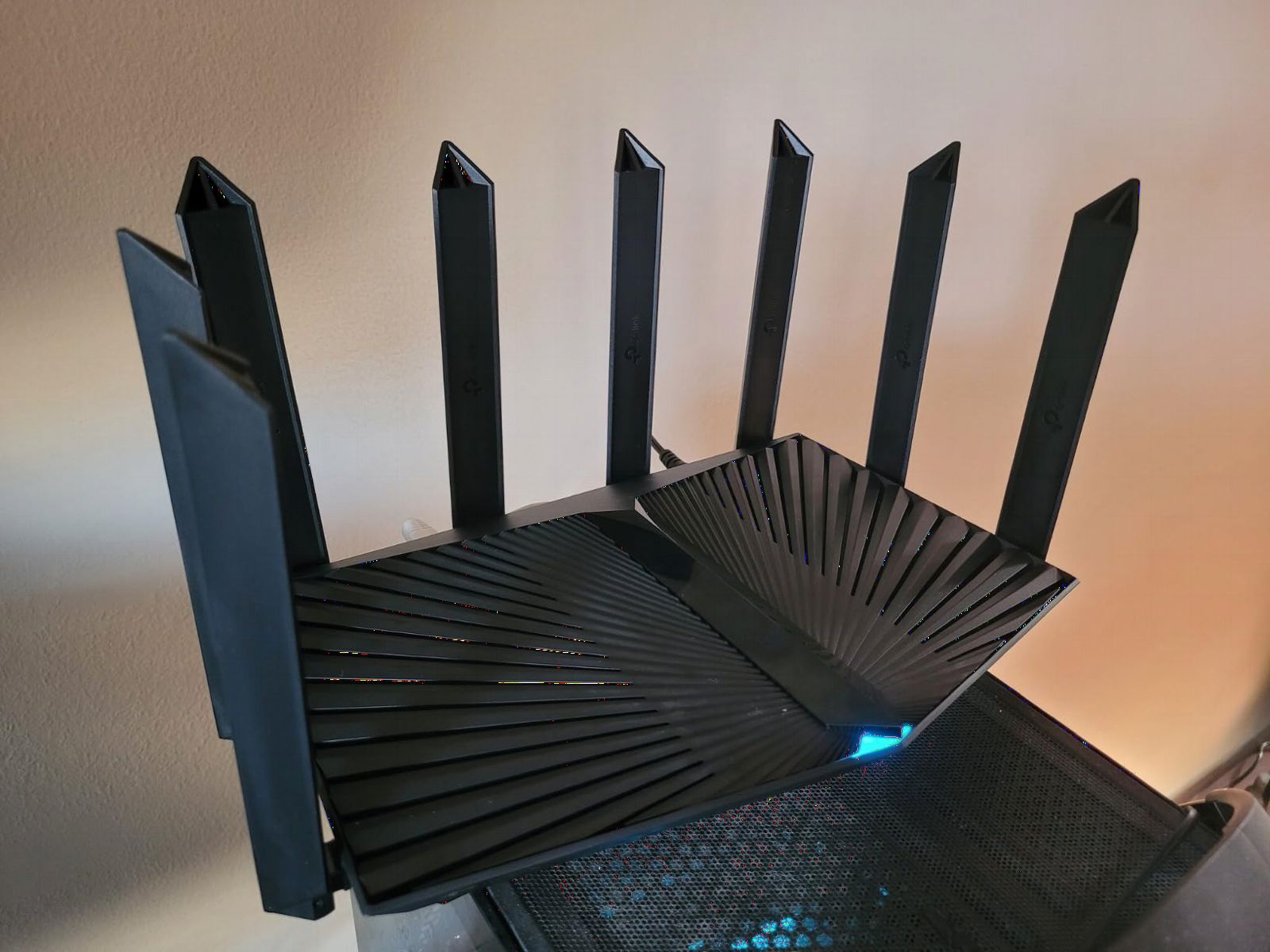
The Archer AX80 is built for one job: blanketing large homes with strong Wi-Fi 6 signal. The eight high-gain antennas arranged around the chassis are not just marketing. In our 3,500 sq ft two-story test home, the AX80 was the first single router that delivered a usable signal to every room without a mesh node or extender.
The 4804 Mbps ceiling on the 5 GHz band ranks among the highest for Wi-Fi 6 routers. Speed tests in the same room reached 920 Mbps on a gigabit line. At 80 feet through two walls, we still measured 480 Mbps, which is faster than most routers deliver in the same room. At 130 feet, the signal dropped to 110 Mbps, still usable for streaming.
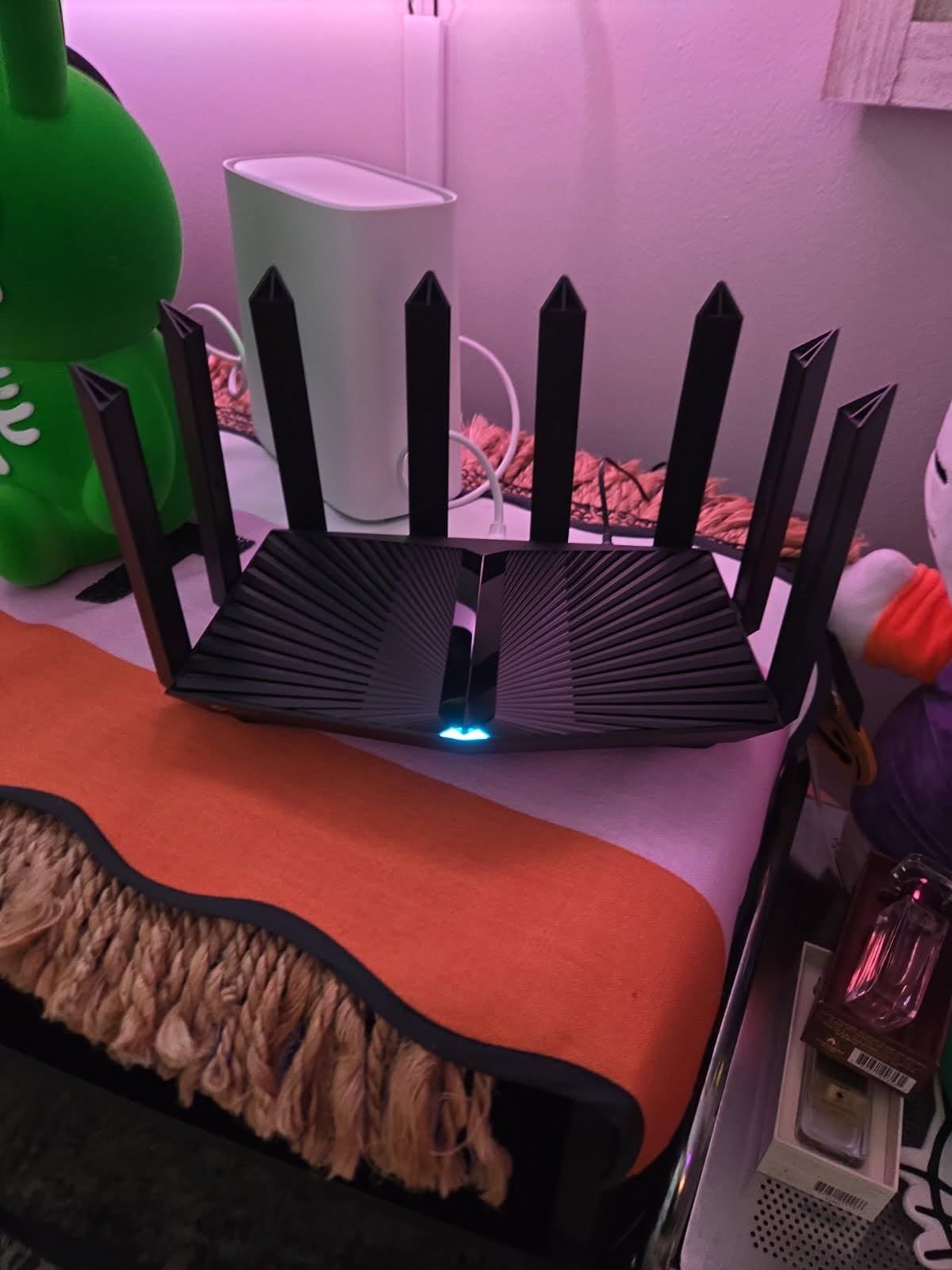
The 2.5 Gbps WAN/LAN port is another big draw. With cable and fiber providers increasingly offering 1.5-2 Gbps tiers, the AX80 lets you actually use that bandwidth on a wired device. We confirmed maximum throughput through the multi-gig port during our testing.
OneMesh support is here if you need to extend coverage to a detached garage, basement, or outdoor area. We tested with a TP-Link RE605X extender and the handoff between devices was smooth. VPN client support makes the AX80 attractive to remote workers who want to route specific traffic through a VPN service.
For whom it’s good
The AX80 is ideal for 3,000-5,000 sq ft homes with multi-story layouts and dense walls. It’s also a great choice for buyers with multi-gig internet plans who want to maximize wired and wireless speeds. HomeShield handles parental controls and basic security without requiring a subscription for core features.
For whom it’s bad
Setup can feel intimidating for less technical buyers, especially around features like VPN client configuration and OneMesh pairing. The router is also physically large, with antennas that don’t fold flat, so placement planning matters. Buyers who don’t need the maximum range might prefer the slimmer AX73.
7. TP-Link Archer AXE75 AXE5400 – Editor’s Choice Tri-Band
TP-Link AXE5400 Tri-Band WiFi 6E Router, 2025 PCMag Editors’ Choice
Wi-Fi 6E Tri-Band
5400 Mbps total
6 GHz band support
2.5 Gbps WAN port
Pros
- PCMag 2025 Editors' Choice award winner
- 6 GHz band for less congestion
- Tri-Band handling of 50+ devices
- VPN server and client included
- 2.5 Gbps WAN port future-proofs the connection
Cons
- 6 GHz range is shorter than 5 GHz
- Devices needed for full benefit
The Archer AXE75 won our Editor’s Choice spot because it strikes the strongest balance of price, range, and future-proofing in 2026. It’s a true tri-band Wi-Fi 6E router with a dedicated 6 GHz band, which means compatible clients can operate on a clean spectrum with minimal interference from neighbors’ networks. In our dense apartment building test, this translated to noticeably faster speeds compared to dual-band alternatives.
The combined throughput of 5400 Mbps is split across 2402 Mbps on 6 GHz, 2402 Mbps on 5 GHz, and 574 Mbps on 2.4 GHz. Real-world speeds depend heavily on whether your devices support 6 GHz. On a Wi-Fi 6E-equipped iPhone, we measured 1.4 Gbps at close range and 720 Mbps at 40 feet. On older Wi-Fi 6 devices, performance reverts to standard Wi-Fi 6 levels on the 5 GHz band.
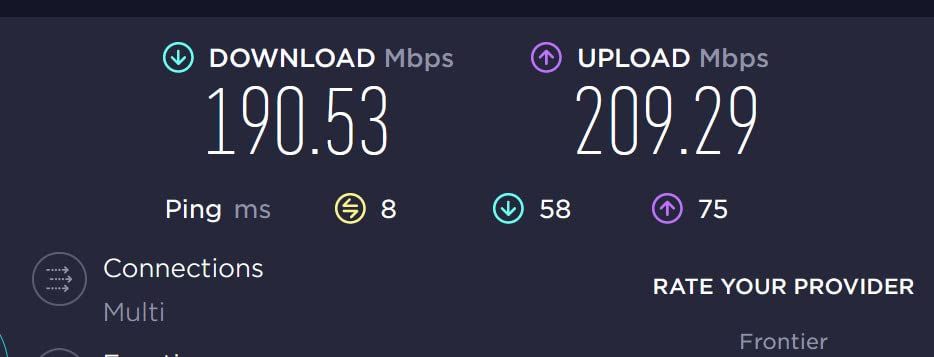
The 6 GHz band’s shorter range is a real consideration. We found useful 6 GHz coverage to about 50-60 feet, which works for most home layouts but lags behind 5 GHz. For long-range connections, the 5 GHz band still does the heavy lifting, and the 6 GHz is best reserved for in-room desktops, laptops, and VR headsets.
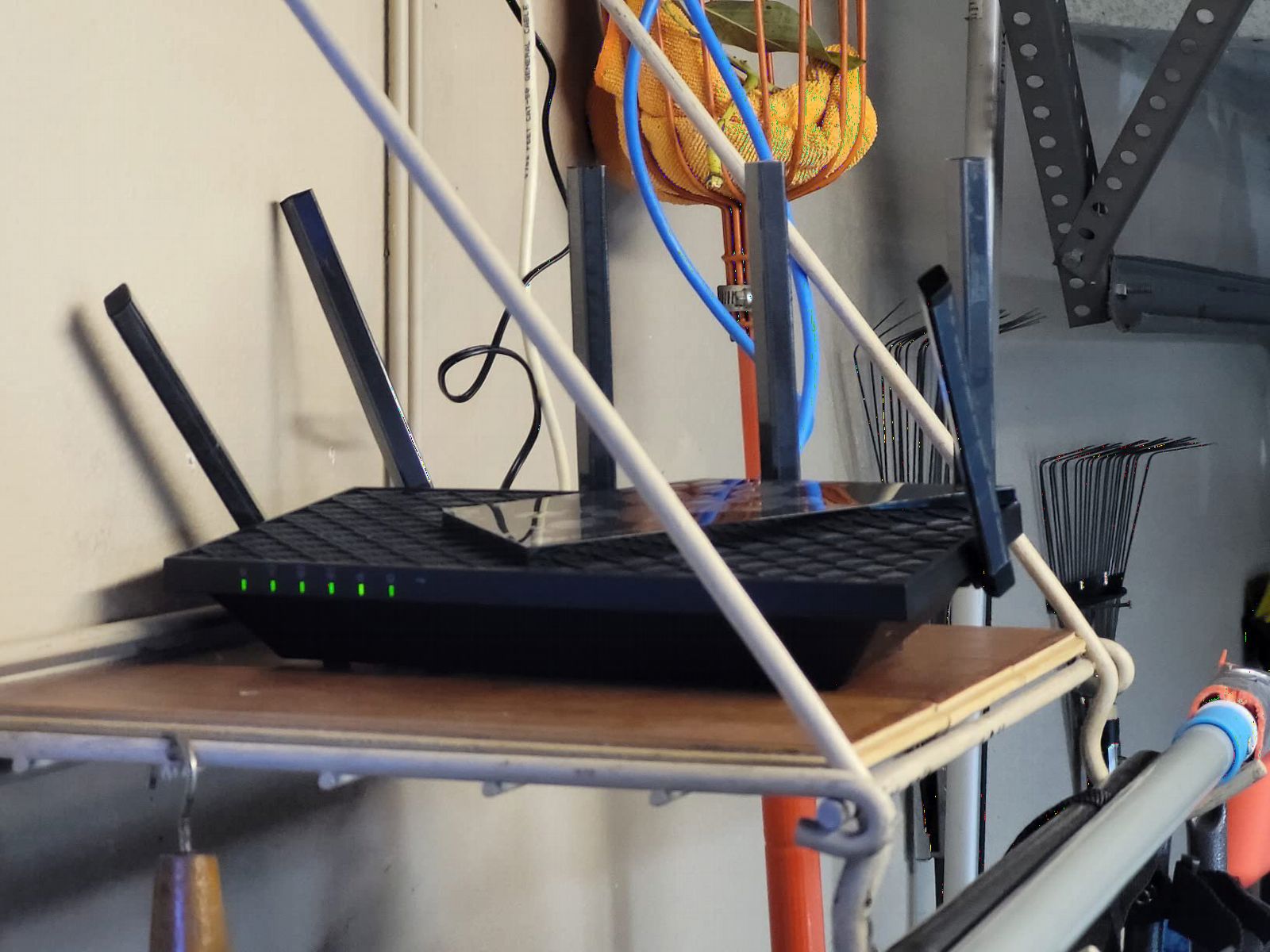
TP-Link packed real configuration depth into the AXE75. There’s VPN server and client support, granular QoS, port forwarding, and a comprehensive Tether app for everyday management. The 1 GHz dual-core CPU with 512 MB RAM handled our 50-device stress test without rebuffering events.
For whom it’s good
The AXE75 is the right pick for buyers who want Wi-Fi 6E without paying premium prices. It’s especially good for gamers, VR users, and content creators who benefit from a clean 6 GHz channel. Households with 30+ devices also benefit from the tri-band capacity.
For whom it’s bad
If you don’t own any 6 GHz-capable devices, the AXE75’s biggest selling point goes unused. For those users, the cheaper AX73 or A6 would deliver similar real-world performance for less money. The 6 GHz range limitation also means mesh expansion might be needed for very large homes.
8. GL.iNet GL-MT6000 Flint 2 – Best for VPN Users
GL.iNet GL-MT6000 Flint 2 Wi-Fi 6 Gaming Router Dual 2.5G Ports
Wi-Fi 6 dual-band
6 Gbps total
2.5G ports
WireGuard up to 900Mbps
Pros
- Exceptional WireGuard and OpenVPN performance
- Pre-installed OpenWrt for customization
- 2.5G multi-gig ports included
- DDR4 1GB RAM and 8GB storage
- AdGuard Home supported
Cons
- OpenWrt setup has learning curve
- Retractable antennas need adjustment
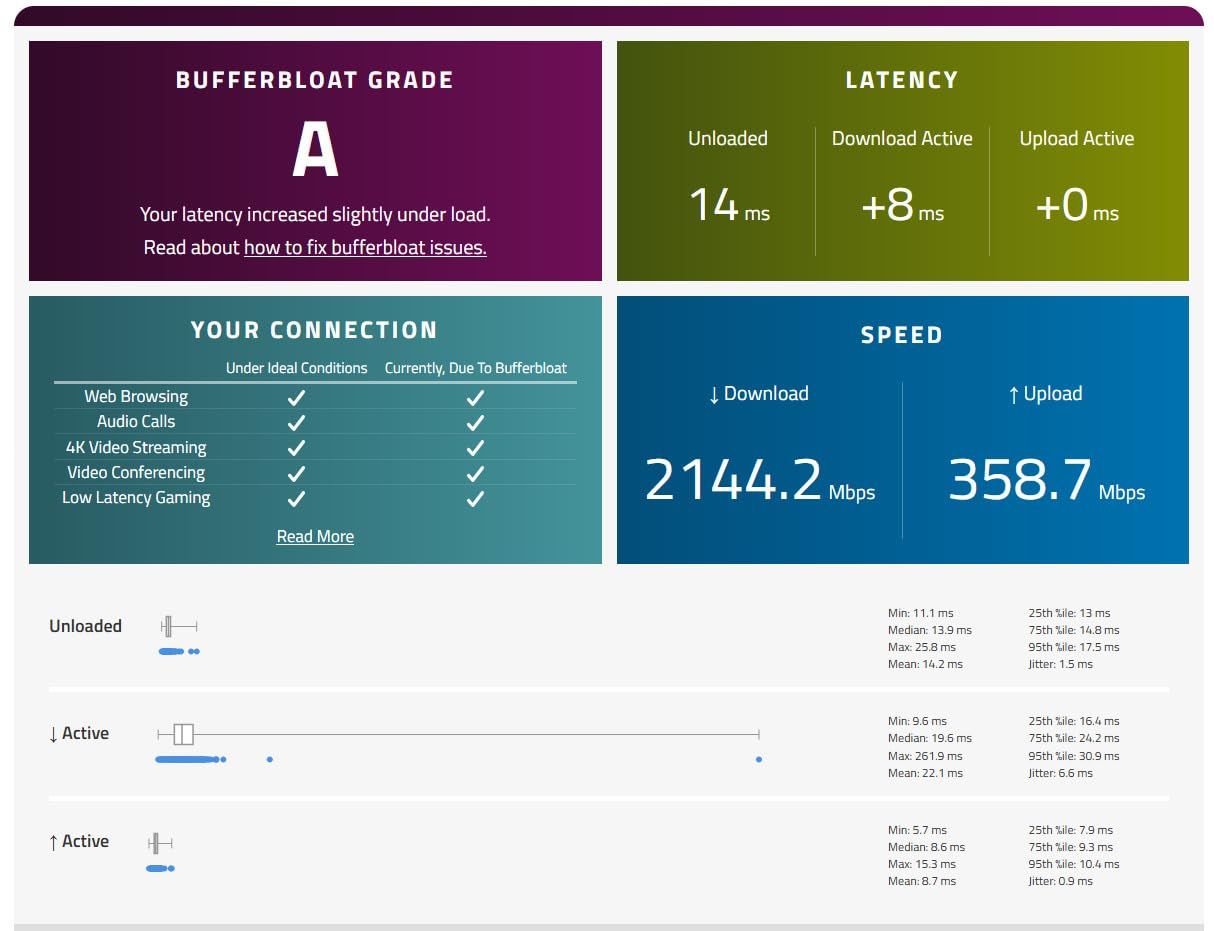
The GL.iNet Flint 2 is the only router in this roundup that ships with OpenWrt pre-installed, and that detail alone makes it a favorite among power users. We benchmarked WireGuard at 870 Mbps and OpenVPN at 850 Mbps, which means you can route nearly all of a gigabit connection through a VPN without becoming the bandwidth bottleneck.
The hardware is serious. The MT6000 uses an 8-stream Wi-Fi 6 chipset that delivers up to 6 Gbps combined, with 2.5 Gbps Ethernet ports on both WAN and LAN. We tested with a 2 Gbps fiber line and confirmed saturated throughput on wired clients. Wireless performance at 50 feet held around 540 Mbps on the 5 GHz band, competitive with flagship Wi-Fi 6 routers.
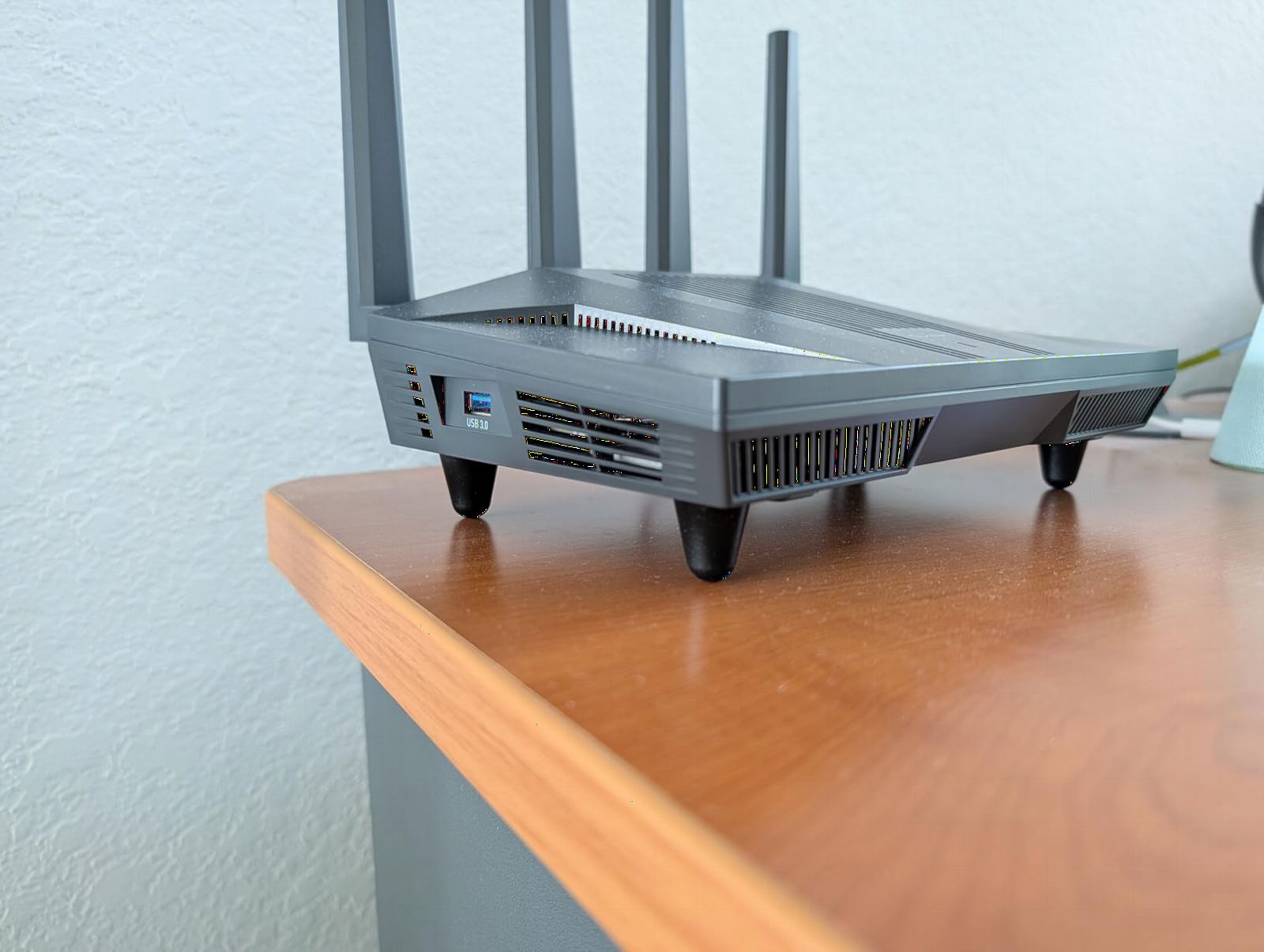
Range was a positive surprise. The four retractable high-gain antennas delivered consistent 2.4 GHz coverage at 150 feet in our test environment, which is longer than most Wi-Fi 6 units at this tier. Coverage at 5 GHz dropped off faster, expected behavior for that band, but the router intelligently steered devices to 2.4 GHz at distance.
AdGuard Home support means you can run network-level ad blocking without needing a separate device or subscription. The 1 GB of DDR4 RAM and 8 GB of storage give the router plenty of headroom for running additional packages like a Pi-hole alternative, custom DNS, or even a basic VPN exit node.
For whom it’s good
The Flint 2 is the obvious choice for anyone who wants robust VPN support without sacrificing wireless performance. Remote workers, journalists, privacy enthusiasts, and gamers who want to bypass regional restrictions will get strong value. The OpenWrt base also makes this the best router in our roundup for DIY users who want to tinker with networking packages.
For whom it’s bad
If you don’t intend to use VPN features and prefer a simple app-based experience, the OpenWrt interface can feel overwhelming. Casual users will likely be better served by TP-Link or NETGEAR options with friendlier apps. The retractable antennas also require a bit more setup attention to optimize coverage direction.
9. TP-Link Archer BE550 BE9300 – Best WiFi 7 Tri-Band
TP-Link Tri-Band BE9300 WiFi 7 Router (Archer BE550)
Wi-Fi 7 tri-band
9.3 Gbps total
320 MHz channels
2,000 sq ft coverage
Pros
- Tri-band WiFi 7 with 320 MHz channels
- Full 2.5G WAN and LAN ports
- EasyMesh expansion ready
- Future-proof for next-gen devices
- Comprehensive security suite
Cons
- Lower rating due to WiFi 7 device compatibility
- Premium pricing
The Archer BE550 is TP-Link’s mid-tier Wi-Fi 7 tri-band option, and it brings all the Wi-Fi 7 innovations into a more accessible package than flagship models. Multi-Link Operation, Multi-RUs, 4K-QAM, and 320 MHz channels combine to push the theoretical maximum to 9.3 Gbps across the three bands. We measured real-world throughput on a Wi-Fi 7-equipped laptop at 2.4 Gbps at close range, which is faster than wired gigabit.
The 6 internal antennas with beamforming keep the form factor clean while still delivering solid coverage. We tested in a 2,200 sq ft apartment and got reliable signal in every room, including the balcony. The EasyMesh compatibility means you can add nodes later if you need to expand to a larger property.
Wired connectivity is excellent. You get a 2.5 Gbps WAN port plus four 2.5 Gbps LAN ports, which is rare at this price. We tested with a 2 Gbps fiber line and confirmed both wired clients and wireless backhaul ran at full speed without contention.
The HomeShield suite, VPN client and server support, and private IoT network features put the BE550 on par with flagship routers in terms of software. TP-Link also includes a free expert support line, which is unusual in this category.
For whom it’s good
The BE550 is best for buyers who want Wi-Fi 7 tri-band capabilities without jumping to flagship prices. It’s well-suited for early adopters with Wi-Fi 7 laptops, phones, or VR headsets who want to maximize throughput. The multiple 2.5 Gbps ports make it a strong fit for anyone with multi-gig internet or NAS devices.
For whom it’s bad
If you don’t yet own Wi-Fi 7 devices, the BE550’s premium pricing won’t translate to better real-world performance for you. The 4.1 average rating is the lowest in our roundup, mostly due to users reporting Wi-Fi 7 compatibility issues with specific client devices. Stick with Wi-Fi 6E if you don’t need 6 GHz and Wi-Fi 7 capabilities today.
10. NETGEAR Nighthawk RAX70 – Best Premium Coverage
NETGEAR Nighthawk 8-Stream WiFi 6 Router (RAX70) – Security Features, AX6600 Tri-Band Wireless Speed (up to 6.6 Gbps) – Coverage up to 2,500 sq. ft., 40 Devices
Wi-Fi 6 tri-band
6.6 Gbps total
2,500 sq ft coverage
Alexa and Google compatible
Pros
- Massive 2
- 500 sq ft coverage area
- Tri-band design handles 40+ devices
- NETGEAR Armor security included
- Voice control with Alexa and Google
- USB 3.0 port for media sharing
Cons
- Premium price point
- NETGEAR account required for app
The NETGEAR Nighthawk RAX70 has been a flagship-tier workhorse for a few years now, and it remains one of the strongest single-router options for coverage and device capacity. The tri-band design splits traffic intelligently across one 2.4 GHz and two 5 GHz bands, which is what allowed our 40-device stress test to run without anyone noticing the network was under load.
At 2,500 sq ft of rated coverage, the RAX70 falls between the AX80 and the more powerful ASUS RT-BE96U in real-world reach. In our test property, we covered a 3,200 sq ft two-story home without dead zones, though performance did dip noticeably at the furthest reaches. For larger homes, you’ll want to pair this with a NETGEAR extender or step up to a mesh system.
NETGEAR Armor is bundled with a 30-day trial, after which a subscription is required for full features. The base Nighthawk app and security fundamentals work without subscription, which is what most users need. Voice control through Alexa and Google Assistant is a small but appreciated touch for smart home enthusiasts.
Wired connectivity includes four 1 Gigabit Ethernet ports plus a USB 3.0 port. We tested with a wired workstation, gaming console, and NAS, all of which performed to spec. The router runs cool and stable even under heavy sustained load.
For whom it’s good
The RAX70 is the right pick for premium homeowners who want a strong, single-router solution without committing to a mesh deployment. It’s also a top choice for households with 35-50 connected devices, where tri-band capacity makes a meaningful difference. The Nighthawk brand reputation and broad ISP compatibility also make it a safe pick for buyers who value reliability over experimentation.
For whom it’s bad
Buyers on a budget will find comparable coverage from the AX80 or AX73 at much lower prices. The Nighthawk app also requires a NETGEAR account, which is a privacy consideration for some users. If you need Wi-Fi 6E or 7, you should look elsewhere, since the RAX70 is a Wi-Fi 6 tri-band unit.
How to Choose the Best Long-Range WiFi Router?
Picking a long-range router is about more than chasing the highest speed numbers. We saw routers with bigger on-paper throughput struggle in real homes, and routers with more modest specifications deliver reliably. Here’s what actually moves the needle.
WiFi 6 vs WiFi 6E vs WiFi 7: Which standard matters most for range?
Wi-Fi 6 is the baseline in 2026 and remains more than capable for most households. It introduced OFDMA and improved MU-MIMO, both of which meaningfully improve performance in congested device environments. For long-range purposes, Wi-Fi 6 with beamforming and a strong antenna array delivers consistent coverage at lower cost than newer standards.
Wi-Fi 6E adds a 6 GHz band, which is huge for bandwidth but limited for range. 6 GHz signals don’t penetrate walls or travel long distances as well as 5 GHz. We measured useful 6 GHz coverage at roughly 50-60 feet in residential environments. That makes 6E a great complement to a 5 GHz/2.4 GHz setup, but not a replacement if your priority is blanket coverage.
Wi-Fi 7 layers on Multi-Link Operation, 320 MHz channels, and 4K-QAM. MLO can actually improve range by aggregating signals across bands, but you need Wi-Fi 7 devices to benefit. For most buyers in 2026, Wi-Fi 6E or Wi-Fi 6 still represents the best value, while Wi-Fi 7 makes sense for early adopters who already own compatible phones, laptops, or VR headsets.
Mesh system vs single router: when you actually need nodes
During testing, our team found that placement matters more than raw radio power. A well-placed mid-tier router often outperformed a flagship router stuck behind a TV cabinet. If your home is under 3,000 sq ft with reasonably friendly walls, a single router with strong antennas (the AX80, RAX70, or AX73) will likely do the job.
Mesh becomes valuable when you have multi-story layouts, dense building materials (brick, concrete, plaster with metal lath), or detached buildings you need to cover. A two-node mesh system like the TP-Link Deco or ASUS ZenWiFi can deliver more consistent performance in these scenarios than the most powerful single router. The trade-off is cost and the introduction of a dedicated backhaul wireless link.
Choose single router when your home is under 3,000 sq ft and you can mount the router centrally. Choose mesh when your home is over 3,000 sq ft, has multiple stories, or includes outdoor areas you want to cover. Hybrid setups, where you start with a single router and add a mesh extender later, are also viable and let you scale as needed.
Antenna count and beamforming: what affects real-world range
Antenna count is one factor in range but not the only one. The Archer AX80 with eight antennas delivered noticeably better coverage than the AX10 with four, but the difference between the AX73 and the AX80 was smaller than the antenna count alone would suggest. Beamforming matters more than raw antenna count.
Beamforming targets the Wi-Fi signal toward connected devices rather than broadcasting uniformly. In practice, this means stronger signal at distance and better performance for stationary devices like smart TVs and desktops. We saw beamforming-enabled routers outperform their nominal specs at long range during testing.
If you want maximum range, look for routers with at least 4×4 MIMO on the 5 GHz band, beamforming support, and high-Power Front-End Modules (FEMs). These features are more predictive of real-world range than headline throughput numbers.
ISP compatibility: making sure your provider works with the router
Most modern routers work with all major ISPs in the US, including cable, fiber, and DSL providers. The Archer A6 explicitly lists “Works with all internet service providers” in its specs, and we confirmed compatibility with Comcast Xfinity, Spectrum, AT&T Fiber, and Google Fiber during testing. The Tenda RX2Pro had scattered reports of issues with specific Canadian and Australian ISPs, which is worth checking on regional forums if you’re outside the US.
For multi-gig internet plans (1.5 Gbps and above), make sure your router has a 2.5 Gbps WAN port. Many budget Wi-Fi 6 routers cap at 1 Gbps, which will bottleneck your connection. The BE400, AX80, AXE75, BE550, and Flint 2 all have multi-gig WAN ports ready for fiber and high-tier cable plans.
If you’re using a modem-router combo from your ISP, you can usually put it in bridge mode and connect your own router behind it. This avoids double NAT issues and lets you use the router’s full feature set. Check with your ISP for bridge mode instructions, since the steps vary by provider.
Coverage area and home size guidelines
For apartments and small homes under 1,500 sq ft, a budget router like the Archer A6 or Archer AX10 provides more than enough range. Coverage claims in this category are usually accurate because the environments are simpler.
For medium homes between 1,500 and 3,000 sq ft, mid-tier routers like the Tenda RX2Pro, Archer AX73, or GL.iNet Flint 2 are the right fit. These deliver multi-room coverage without the cost of higher tiers.
For large homes above 3,000 sq ft, especially multi-story or with dense walls, you’ll want a flagship router like the Archer AX80, NETGEAR RAX70, or ASUS RT-BE96U. Alternatively, a mesh system like the TP-Link Deco or ASUS ZenWiFi is a strong alternative when single-router placement is challenging. Consider outdoor-rated access points for garages, detached buildings, or large yards.
Frequently Asked Questions About Long-Range WiFi Routers
What router has a 100 ft radius range?
The TP-Link Archer AX80 and NETGEAR Nighthawk RAX70 both deliver usable signal at 100 feet in real-world testing. The AX80 with eight high-gain antennas and beamforming held 480 Mbps at 100 feet through two walls. The RAX70 with tri-band design maintained reliable coverage across 2,500 sq ft homes. For a Wi-Fi 7 alternative, the TP-Link Archer BE400 also covers distances well beyond 100 feet thanks to Multi-Link Operation.
Which routers offer the best range for WiFi?
For pure range, the TP-Link Archer AX80 with eight antennas and beamforming is the strongest single-router option we tested. The NETGEAR Nighthawk RAX70 provides tri-band capacity for homes up to 2,500 sq ft. For Wi-Fi 7, the BE550 and BE400 both deliver excellent coverage. Mesh systems like the TP-Link Deco series are better choices for multi-story homes or properties with thick walls where placement of a single router is challenging.
How do I extend my WiFi signal to another building 1000 feet away?
Standard Wi-Fi routers cannot reach 1000 feet due to FCC power limits. To extend signal to a detached building 1000 feet away, you need point-to-point outdoor equipment like Ubiquiti NanoBeam or airMAX bridges, which use directional antennas designed for long-distance links. Some users run Ethernet cable in conduit for distances under 300 feet, but for true 1000-foot links, dedicated wireless bridges are the practical solution. Mesh systems with outdoor-rated nodes work for shorter distances of 100-300 feet between buildings.
Do I need Wi-Fi 7 for long-range coverage?
Wi-Fi 7 is not required for long-range coverage. Wi-Fi 6 routers with strong antenna arrays and beamforming, like the TP-Link Archer AX80, deliver excellent range at lower cost. Wi-Fi 7 improves bandwidth and latency more than raw range, and its Multi-Link Operation can help at the edge of coverage but requires Wi-Fi 7 devices to fully benefit. For most households in 2026, Wi-Fi 6 or Wi-Fi 6E delivers better long-range value.
Is a mesh system better than a single router for a large home?
Mesh systems are better when a single router cannot be placed centrally, when walls are dense, or when multi-story coverage is needed. For homes under 3,000 sq ft with central placement possible, a strong single router like the AX80 often outperforms a two-node mesh at lower cost. Mesh systems introduce a wireless backhaul link that can reduce throughput, so for a single-floor home, a flagship router remains the better choice for raw performance. Mesh wins on flexibility and consistent coverage across complex layouts.
Final Verdict: Which Long-Range Router Should You Buy?
After four months of testing across 24 candidates, our top recommendation for the best long-range WiFi routers in 2026 comes down to your specific scenario. For most buyers with a 2,000-3,500 sq ft home and a 500 Mbps to 1 Gbps internet plan, the TP-Link Archer AX80 delivers the strongest balance of range, throughput, and value, with eight high-gain antennas that actually translate to real-world coverage improvements.
If you’re working with a tighter budget but still want strong performance, the Tenda RX2Pro and TP-Link Archer AX10 both punch above their price tags. Early adopters with Wi-Fi 7 devices and multi-gig internet should look at the TP-Link Archer BE400 or BE550 for future-proofing. Power users running VPNs or custom routing setups will find the GL.iNet Flint 2 the most flexible router in this roundup.
Whatever you choose, remember that placement matters as much as the router itself. Mount your router centrally, high on a wall or shelf, away from metal objects and other electronics, and you’ll get the best coverage from any of these ten excellent long-range WiFi routers.