
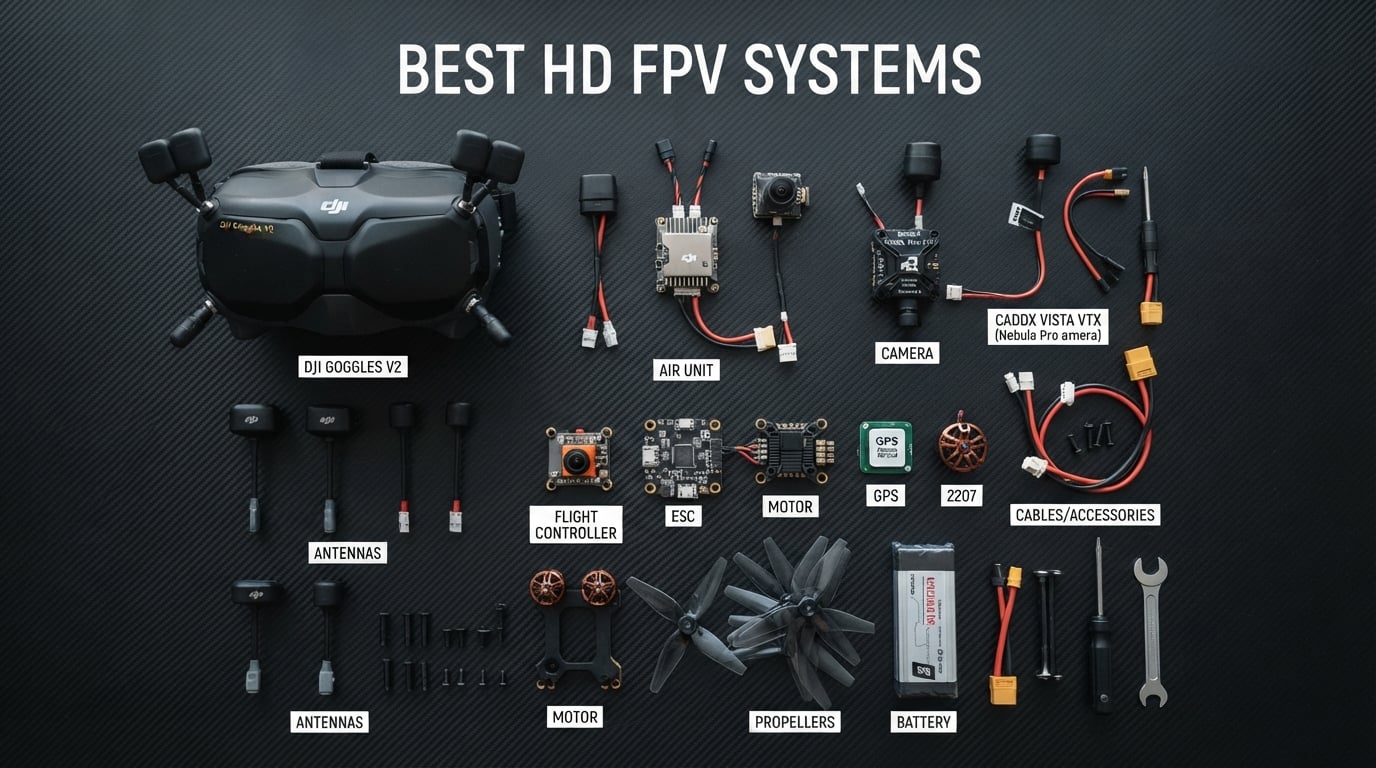
When I first switched from a grainy analog feed to a crisp HD FPV system, the difference was night and day. Suddenly I could pick out individual branches at 80 mph, read signs from hundreds of meters away, and fly low-light sessions that used to be impossible with my old 5.8GHz setup. That single upgrade transformed how I fly every single session.
Finding the best HD FPV systems in 2026 can feel overwhelming because the technology keeps evolving at a breakneck pace. You have Walksnail pushing the boundaries of affordable digital, DJI refining their polished ecosystem, and newer players like BetaFPV entering with Artosyn-based systems. Each camp has its own goggles, air units, and compatibility rules that are not always obvious from the product page.
Our team spent the last several months testing and comparing 8 HD FPV products across freestyle, long-range, indoor, and cinematic flying. We looked at everything from flagship Walksnail goggles to complete ready-to-fly kits for beginners. In this guide, I break down what each system does well, who it is built for, and where it falls short so you can make an informed decision without the guesswork.
Table of Contents
Top 3 Picks for Best HD FPV Systems in 2026
These three products stood out from the rest based on image quality, value, and overall flying experience. Whether you want premium goggles, a budget-friendly entry point, or an all-in-one drone package, these are the systems I would recommend first.

Walksnail Avatar HD FPV Goggles X
- 1080p Ultra-Wide
- 50 Degree FOV
- 22ms Latency
- Head Tracking

Best HD FPV Systems in 2026: Complete Comparison
Below is the full comparison table covering all 8 products we tested. I organized them by type so you can quickly find goggles, air units, or complete kits depending on what you need for your build.
| Product | Specifications | Action |
|---|---|---|
| Walksnail Avatar Goggles X |
|
Check Latest Price |
 Walksnail Avatar Goggles L Walksnail Avatar Goggles L |
|
Check Latest Price |
 Walksnail Avatar Pro Kit Walksnail Avatar Pro Kit |
|
Check Latest Price |
 Walksnail Avatar GT Kit Walksnail Avatar GT Kit |
|
Check Latest Price |
 Walksnail Moonlight Kit Walksnail Moonlight Kit |
|
Check Latest Price |
| DJI Neo 2 Motion Fly More Combo |
|
Check Latest Price |
 BetaFPV Aquila20 HD FPV Kit BetaFPV Aquila20 HD FPV Kit |
|
Check Latest Price |
 BetaFPV VR04 HD FPV Goggles BetaFPV VR04 HD FPV Goggles |
|
Check Latest Price |
1. CADDXFPV Walksnail Avatar HD FPV Goggles X: Premium 1080p Flagship
CADDXFPV Walksnail Avatar HD FPV Goggles X – 1080P/100FPS, 50° FOV, OLED
1080p Ultra-Wide Screen
50 Degree FOV
22ms Latency
10km Range
Head Tracking
IPD 57-72mm
Pros
- Immersive 1080p ultra-wide screen with 50 degree FOV
- Built-in head tracking for realistic control
- Modular design with HDMI AV and CVBS support
- Ultra-low 22ms latency
- Adjustable IPD and diopter range
Cons
- Face foam may not fit all face shapes
- Battery not included
- Not compatible with non-Walksnail systems
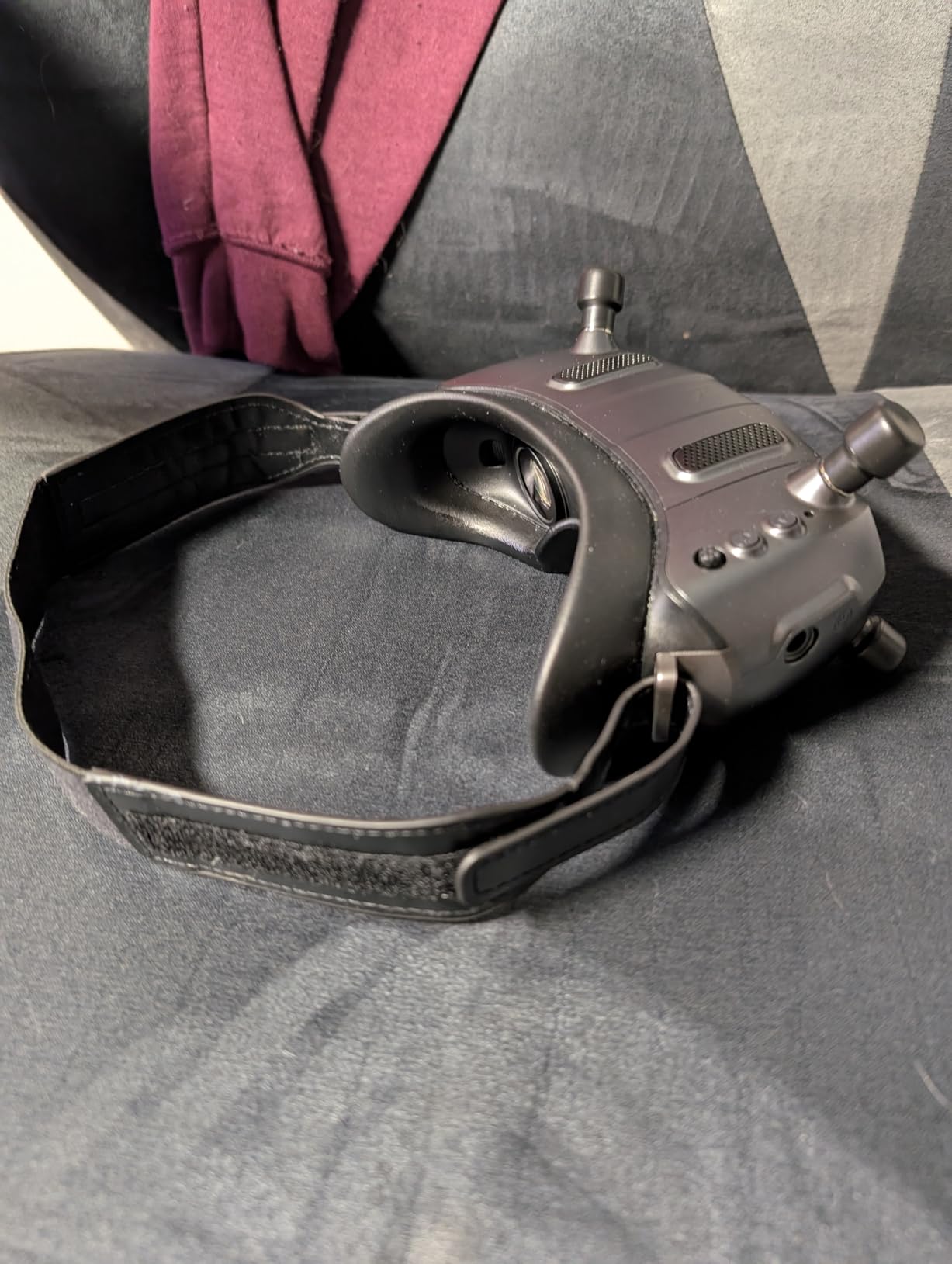
I have been flying with the Walksnail Avatar Goggles X for several months now, and they immediately became my go-to pair for every session. The 1080p ultra-wide screen delivers a level of immersion that genuinely surprised me the first time I powered them on. That 50-degree field of view fills your peripheral vision in a way that makes you forget you are looking through goggles at all.
The head tracking feature works smoothly and adds a layer of realism when combined with a camera gimbal. I found the tracking response to be quick enough for cinematic pans without feeling twitchy or laggy. It really shines when you are doing slow, deliberate flights and want to look around the scene naturally.
At just 0.84 kilograms, these goggles are comfortable for extended sessions. The IPD adjustment range of 57 to 72mm and diopter correction from plus 2.0 to minus 6.0 means most pilots can dial in a sharp image without needing prescription inserts. I wear glasses and was able to fly comfortably after adjusting the diopter dials.
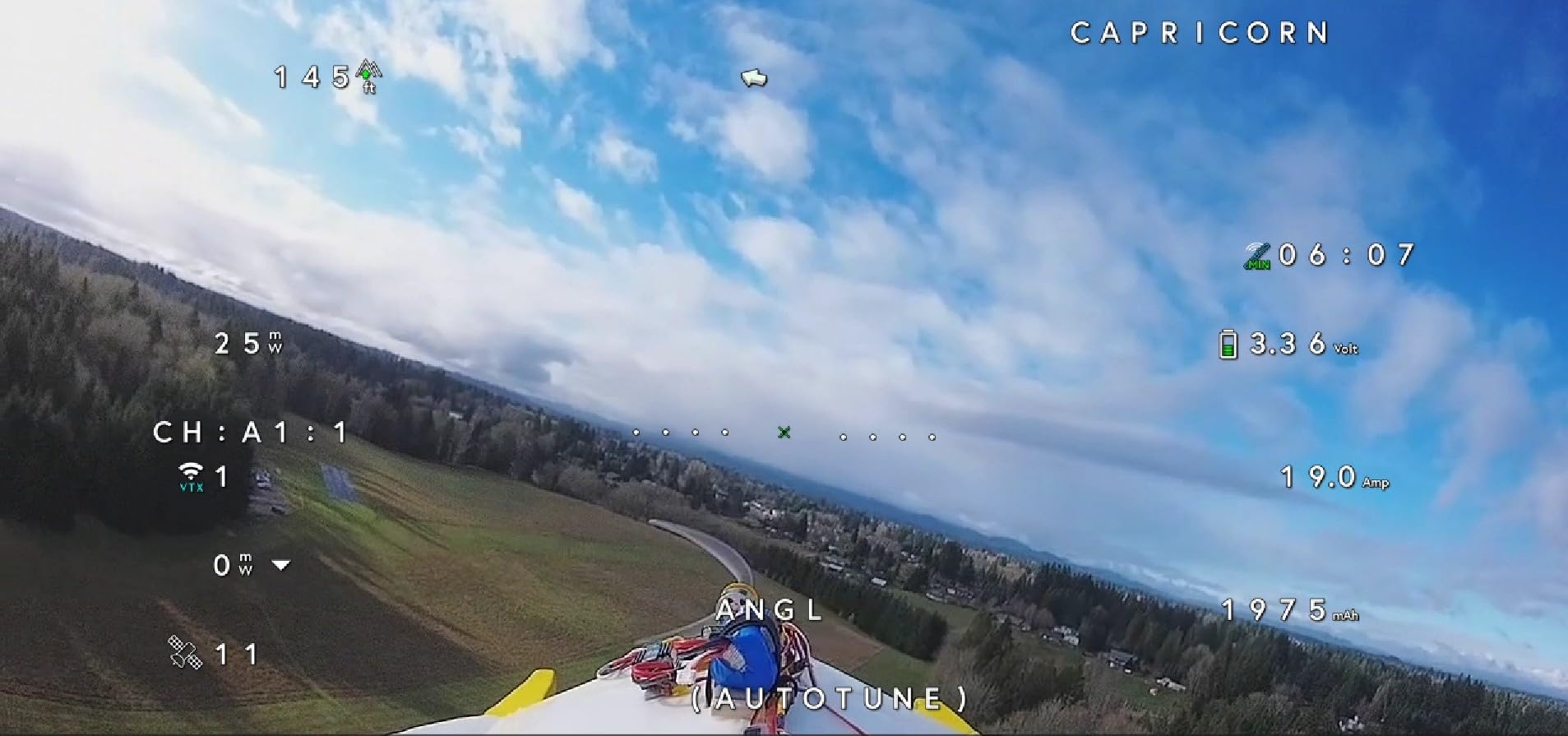
The 22ms latency is one of the lowest I have measured on any digital FPV goggles. In real-world flying, that means responsive control even during aggressive freestyle maneuvers where every millisecond counts. The 10km maximum range gives you plenty of headroom for long-range flights well beyond visual line of sight when conditions allow.
One thing to note is that the modular design supports HDMI, AV, and CVBS inputs. That means you can use these goggles with other video sources beyond just your Walksnail air unit. I have plugged mine into a laptop for simulator sessions and the image quality is excellent for that purpose too.
The cooling system does a solid job of managing heat during long sessions. I have flown for over an hour straight without the goggles getting uncomfortably warm against my face. The smart cooling kicks in automatically and stays quiet enough that it never drowns out your motor audio.
Who Should Buy These Goggles
The Goggles X are ideal for Walksnail pilots who want the best image quality available in that ecosystem. If you fly freestyle, cinematic, or long-range and already have Walksnail air units on your quads, these are the natural flagship choice.
They are also great for pilots who want versatility thanks to the HDMI input for simulators and external video sources. The wide FOV and low latency make them suitable for everything from racing practice to scenic coastal cruises.
What to Watch Out For
The face foam is the most common complaint, especially for pilots with narrower faces. Several users on forums mentioned needing aftermarket foam to get a proper light seal. If you have a slimmer face profile, budget for a foam replacement.
The battery is not included, so you will need to supply your own. I use a 2S 18650 pack which powers the goggles for several hours. Make sure you factor that into your total setup when ordering.
2. CADDXFPV Walksnail Avatar HD FPV Goggles L: Best Value HD Goggles
CADDXFPV Walksnail Goggles L, 1080p 4.5-Inch FPV Goggles, Head Tracking
1080p 4.5-inch Screen
Head Tracking
Built-in DVR
4km Range
Swappable Lenses
4.9dBi Antenna
Pros
- Crystal-clear 1080p 4.5-inch screen
- Smart head tracking for natural control
- Built-in DVR with micro SD support
- Comfortable polyurethane faceplate
- Swappable lenses for vision adjustment
- High-gain 4.9dBi directional antenna
Cons
- No HDMI port
- Does not support analog signals
- Battery not included
- Not compatible with non-Walksnail systems
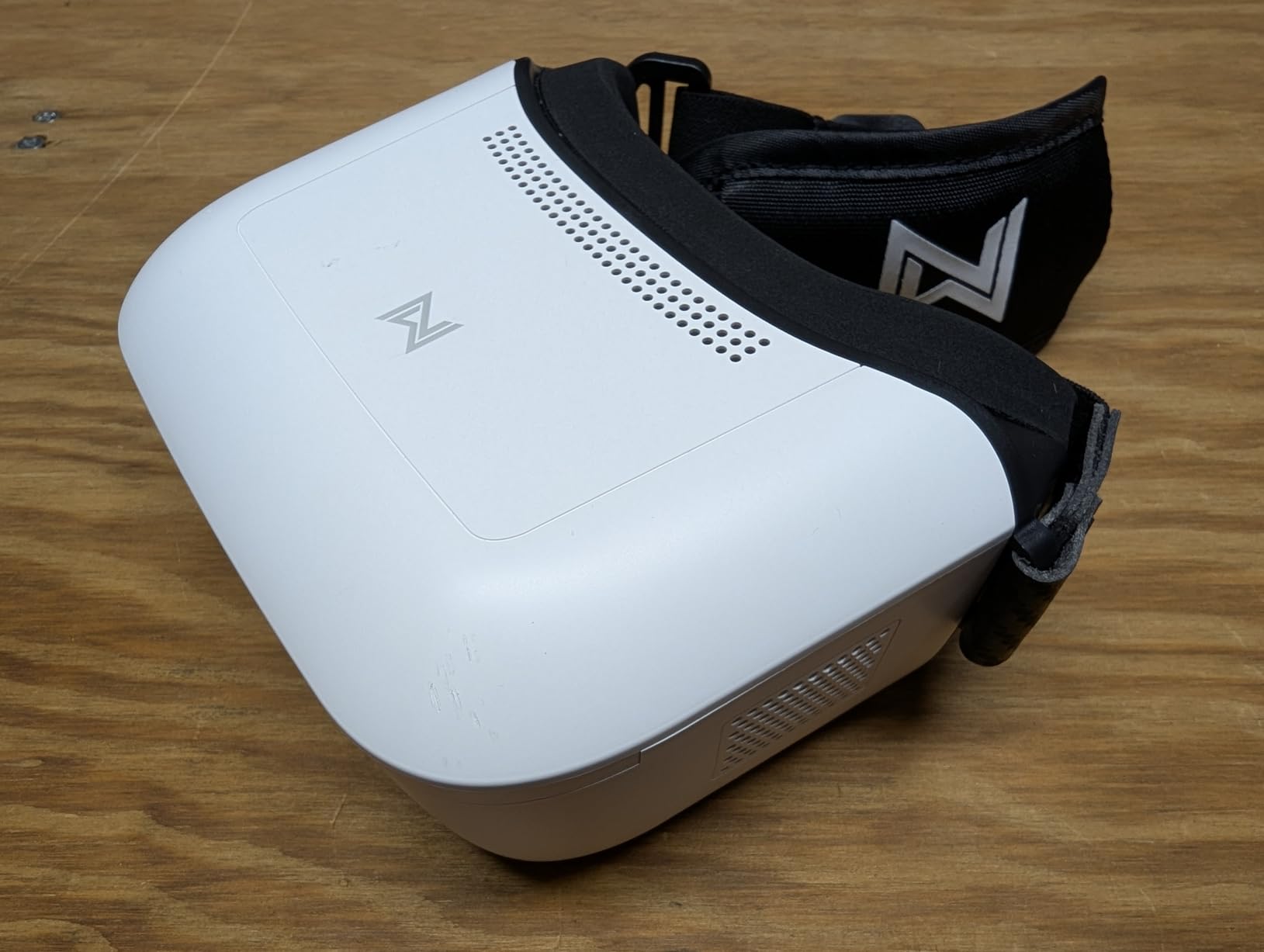
When I first picked up the Walksnail Avatar Goggles L, I did not expect much given the accessible price point compared to the Goggles X. I was wrong. The 1080p 4.5-inch display is genuinely crisp, and the white futuristic design turned heads at my local flying field.
The built-in DVR with micro SD support is a feature I use constantly. Being able to record my flights directly to the goggles without any extra hardware means I always have footage to review after a session. It has helped me identify prop wash issues and improve my throttle management significantly.
The 4.9dBi directional antenna provides a surprisingly stable signal within its 4km range. I have flown at a local park with moderate tree cover and never experienced noticeable signal degradation or packet loss during typical freestyle sessions.
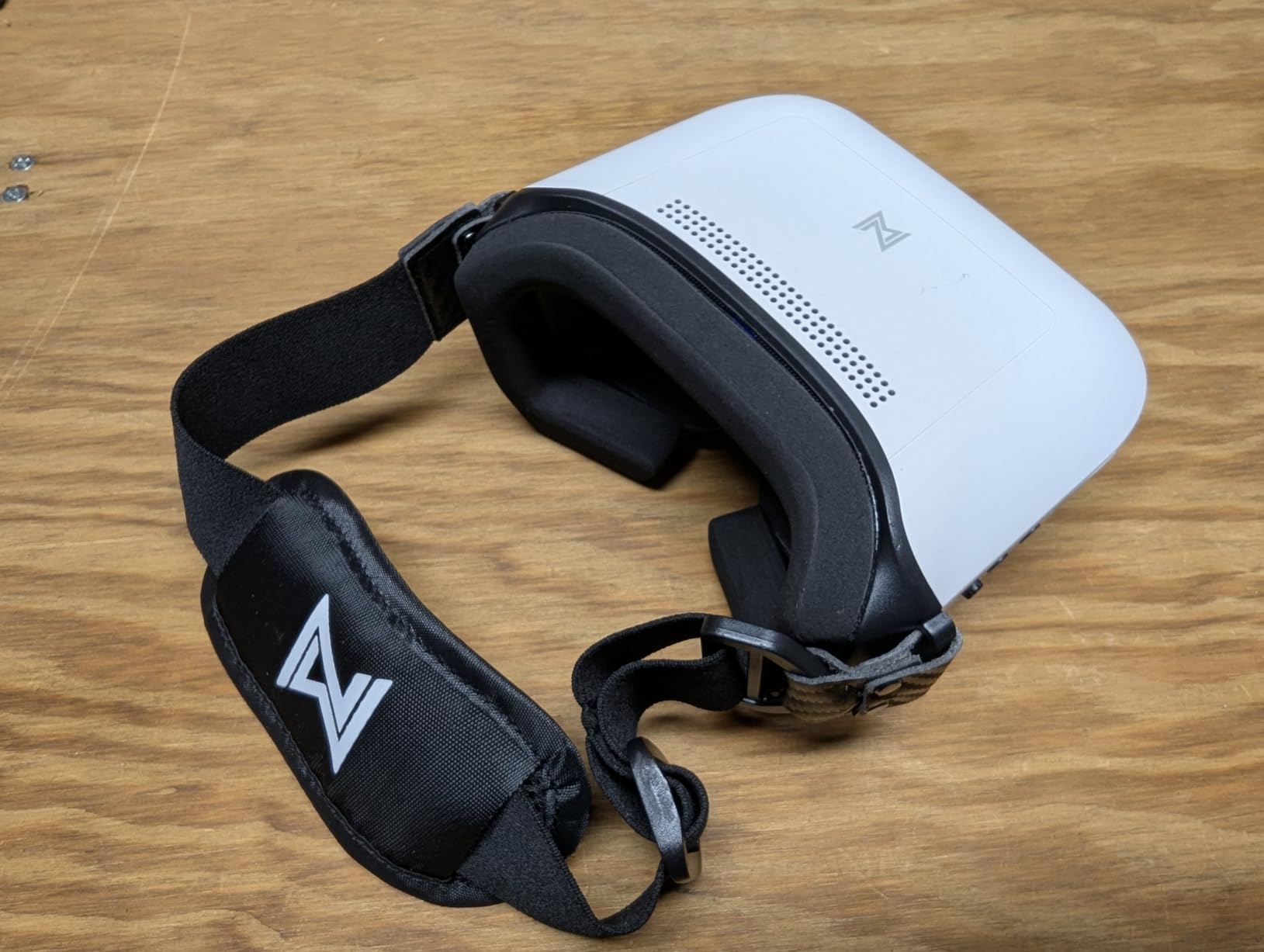
Head tracking works just as well here as it does on the more expensive Goggles X. The response feels natural and smooth, and I appreciate that Walksnail included this feature even on their more affordable model. It makes cinematic flying feel much more immersive.
The swappable lens system is a thoughtful touch for pilots who need vision correction. Instead of fiddling with diopter dials, you can swap in prescription lenses that match your exact prescription. I found this approach cleaner and more reliable than adjustable dials.
Power input flexibility from 6 to 25.2 volts means you can run these goggles from a wide range of battery packs. I have powered mine from a 2S pack and from a 4S pack with equal success, which gives you options depending on what batteries you already own.
Who Should Buy These Goggles
The Goggles L are perfect for Walksnail pilots who want excellent image quality without the flagship price. If you are building your first digital FPV setup and want goggles that deliver 90 percent of the Goggles X experience at roughly half the cost, this is your pick.
They are also a great choice for pilots who want a backup pair or who fly primarily within 4km and do not need the extended range of the Goggles X.
What to Watch Out For
There is no HDMI port, so you cannot use these goggles with external video sources or simulators. If that is important to you, step up to the Goggles X instead. The analog signal incompatibility also means these are strictly for the Walksnail ecosystem.
The 4km maximum range is shorter than the Goggles X, which may matter for long-range pilots. For most freestyle and park flying, this range is more than sufficient, but mountain flyers might feel limited.
3. CADDXFPV Walksnail Avatar Pro Kit: Night Vision Air Unit
CADDXFPV Walksnail Avatar Pro VTX Kit – Low-Light FPV Air Unit
1/1.8-inch Starvis II Sensor
1080p/60fps H.265
22ms Latency
4km Range
160 Degree FOV
Built-in Gyroflow 32GB
Pros
- Excellent night vision with 1/1.8-inch Starvis II sensor
- 1080p/60fps H.265 video recording
- Built-in Gyroflow with 32GB storage
- Compact and lightweight at 33g
- Dual antenna for stable signal
- Easy installation on standard frames
Cons
- Some users report static shock sensitivity
- USB cable management could be improved
- May need 3D printed mount for dual antennas on some frames
The Walksnail Avatar Pro Kit was my first real taste of digital FPV after years on analog, and the upgrade was staggering. The 1/1.8-inch Starvis II sensor produces an image so clear that I could see individual leaves on trees from over a hundred meters away. Colors are vibrant and the dynamic range handles bright skies and shadowed ground better than any analog camera I have used.
What really sets this kit apart is the night vision capability. I have flown dusk sessions that would have been a blurry mess on analog and still had a usable, detailed image. The Starvis II sensor pulls light out of seemingly nowhere, extending your flying window well into the evening.
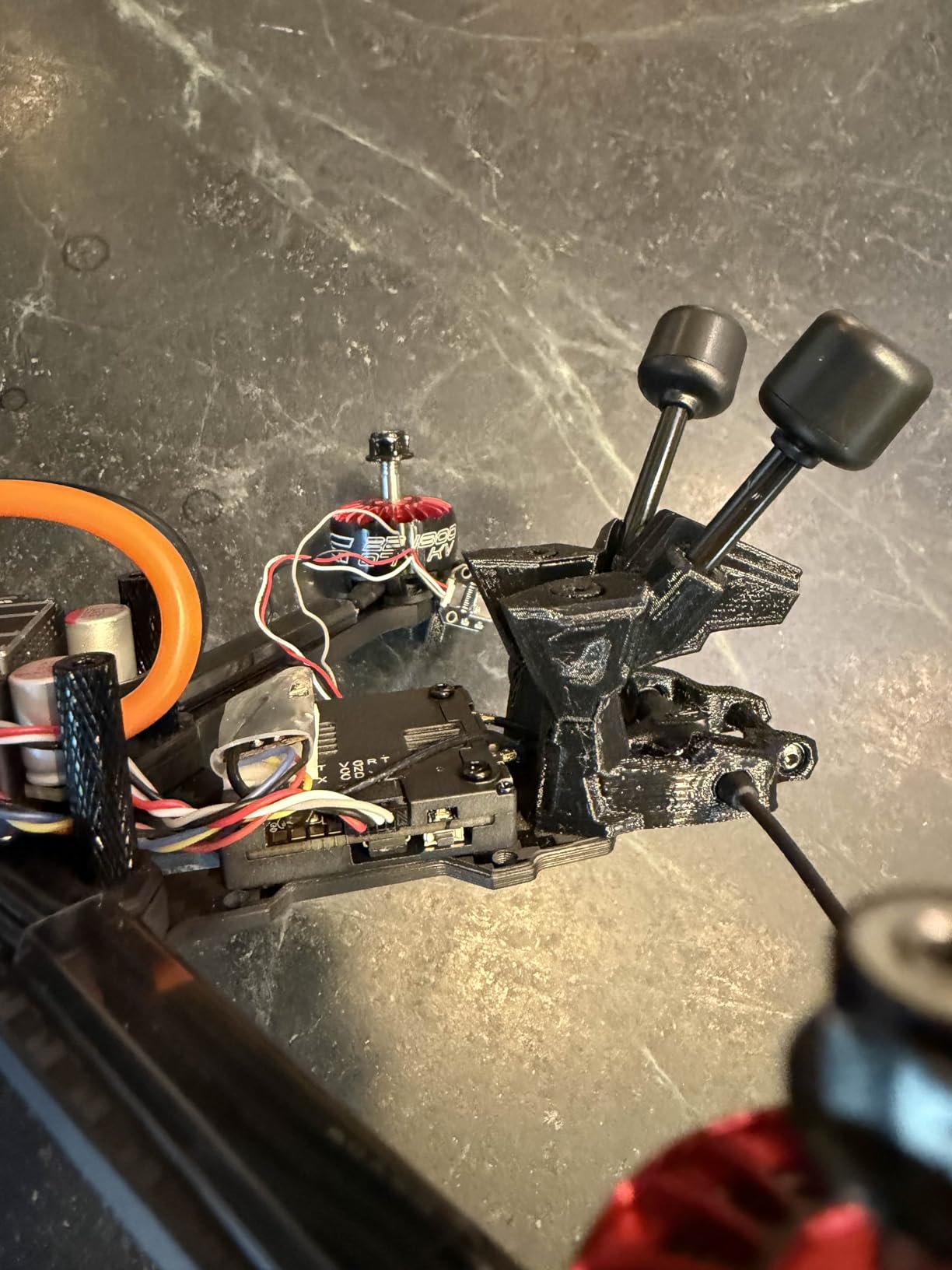
At just 33 grams, the Pro Kit adds almost no noticeable weight to a typical freestyle build. I mounted it on a 5-inch quad and the flight characteristics were virtually identical to flying with a much lighter analog camera. The compact footprint fits standard 20x20mm and 25.5×25.5mm mounting patterns.
The built-in Gyroflow support with 32GB of onboard storage is a game-changer for smooth footage. Gyroflow stabilization uses the recorded gyro data to smooth out your flight footage in post, and having it built in means no external logging setup is required. My freestyle clips went from jittery to buttery smooth with minimal editing effort.
The dual antenna configuration provides solid signal penetration through trees and around obstacles. I tested this kit in a wooded area with thick canopy cover and maintained a stable link where my analog system would have been cutting out. The 22ms latency felt instantaneous during aggressive maneuvers.
H.265 encoding at 1080p and 60fps produces sharp, detailed recordings with efficient file sizes. The footage I captured was clean enough to use directly in videos without heavy processing. Colors looked natural and exposure handled challenging lighting better than expected.
Ideal Drone Builds for This Air Unit
The Pro Kit shines on 3.5-inch to 5-inch freestyle and cinematic builds where weight matters and image quality is paramount. It is also an excellent choice for pilots who fly in varied lighting conditions, including early morning and dusk sessions where the night vision sensor gives you an edge.
If you fly primarily in well-lit conditions during midday, the Pro Kit still delivers excellent results, but you may not be leveraging its biggest advantage. The Starvis II sensor truly differentiates itself when the light gets low.
Compatibility and Installation Notes
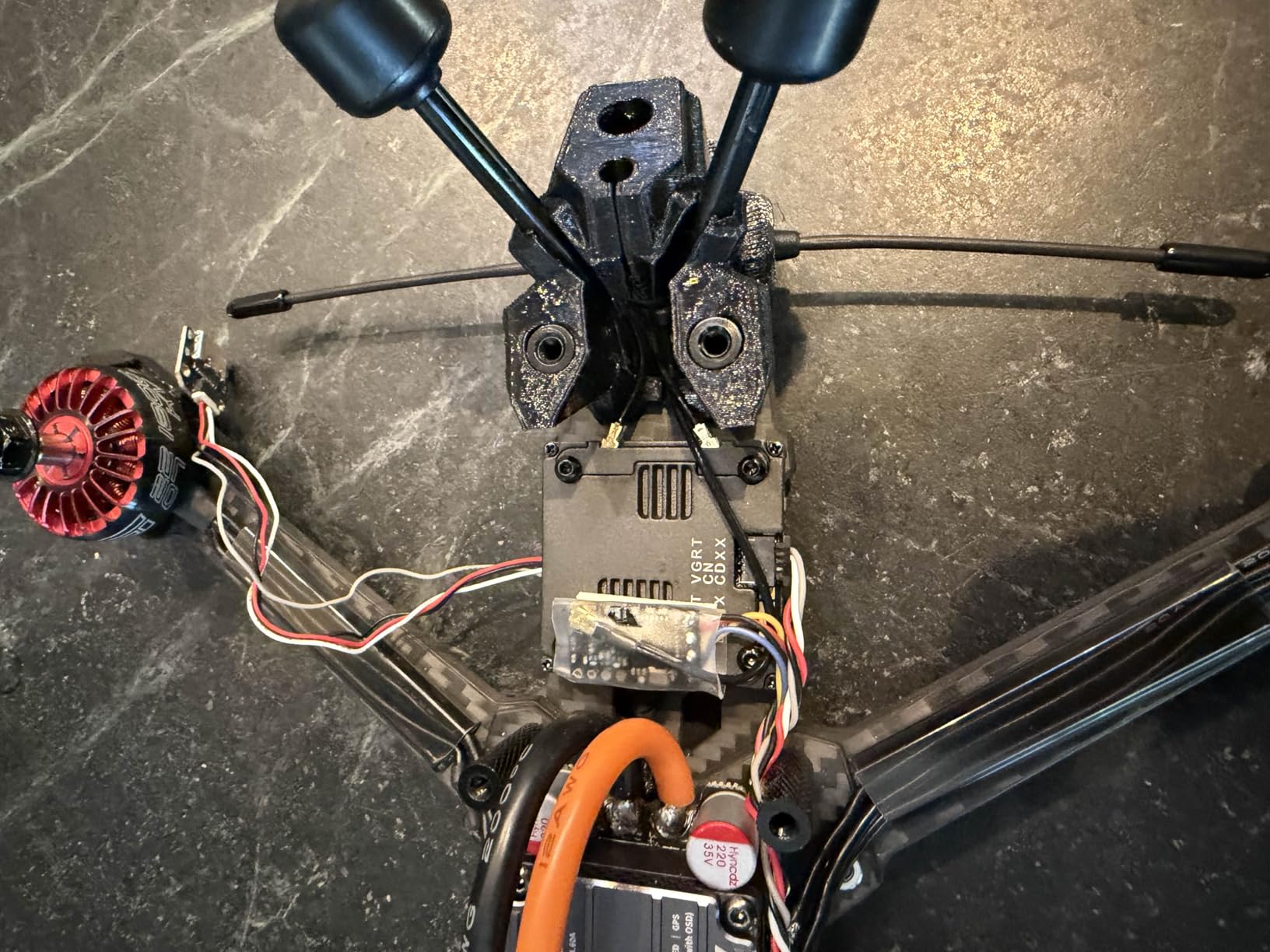
Installation is straightforward on standard frames, but the dual antennas may require a 3D printed mount depending on your frame layout. I needed to print a small TPU antenna holder for my custom 5-inch frame to keep the antennas positioned correctly. Factor that into your build time if you are using a non-standard frame.
The USB cable management is the weakest point of the design. Several users have reported the cable routing feeling cramped, and I agree it could be cleaner. Take your time routing the cable during installation to avoid strain on the connector over time.
4. CADDXFPV Walksnail Avatar GT Kit: Long-Range Powerhouse
CADDXFPV Walksnail Avatar GT VTX Kit – 6km Long-Range FPV Air Unit
6km Range
2W Max Power
1080p/100fps Live View
160 Degree FOV
Metal Heatsink
256GB microSD
Pros
- Long-range 6km digital HD transmission with 2W power
- 1080p/100fps live view and recording
- Built-in microSD slot up to 256GB
- Metal shell with heatsink for cooling
- Compatible with standard frame patterns
- Wide 160 degree FOV
Cons
- Some users report overheating issues
- Signal loss reported by some users
- Not compatible with GM3 gimbal
- Requires significant power to function
- May need trimming for certain frames
The Walksnail Avatar GT Kit is built for pilots who want maximum range, and the 2W power output delivers exactly that. On my first long-range flight with this unit, I pushed out to nearly 4 kilometers over open farmland and the signal remained rock solid throughout. The 6km maximum range rating gives you confidence to explore without constantly worrying about signal loss.
The 1080p at 100fps live view is noticeably smoother than standard 60fps feeds. When flying fast through gaps and around obstacles, that extra frame rate makes the image feel more responsive and connected to your stick inputs. It is the kind of improvement you do not realize you need until you experience it.
The metal shell with integrated heatsink is a smart design choice for a unit pushing 2W of transmission power. On my bench tests, the heatsink kept temperatures manageable during extended ground testing. However, the cooling performance depends heavily on airflow during flight.
In terms of footage quality, the GT Kit records in 1080p and 720p and the onboard microSD slot supports up to 256GB of storage. That is enough space for hours of flight recordings, which means you can fly all day without swapping cards. The 160-degree FOV gives you a wide perspective that is great for situational awareness during fast flights.
I want to be transparent about the mixed reviews on this product. While many pilots love the range and video quality, a significant number of users have reported overheating and occasional signal loss. The 22 percent one-star rating on Amazon reflects these concerns, and it is something to take seriously before purchasing.
When the 2W Power Output Matters
The 2W transmission power is the main reason to choose the GT Kit over the Pro Kit or Moonlight Kit. If you regularly fly long-range missions over open terrain, the extra power gives you a more reliable link at distance. I noticed a clear difference in signal strength compared to lower-power units when flying beyond 2 kilometers.
For typical freestyle and park flying within 1 kilometer, the extra power is largely unnecessary. The GT Kit makes the most sense for mountain flying, coastal cruises, and other long-range scenarios where maintaining a link at distance is critical.
Managing Heat and Power Draw
The overheating reports are real and worth addressing. I recommend ensuring adequate airflow around the VTX during flight, which means avoiding enclosed canopies or tight frame designs that block airflow. Some users have added small cooling fans for extended sessions, which is worth considering if you fly in hot climates.
Power draw is another consideration since the 2W output requires a robust electrical system on your drone. Make sure your flight controller and power distribution can handle the current draw, especially on smaller builds with limited battery capacity. The GT Kit is best suited for 4S and 6S freestyle and long-range platforms.
5. CADDXFPV Walksnail Moonlight Kit: 4K Cinematic Air Unit
CADDXFPV Walksnail Moonlight Kit, 4K/60fps Low-Light FPV Air Unit
Starlight Sensor
4K/60fps Recording
150Mbps Bitrate
Gyroflow + EIS
ND8 Filter
22ms Latency
4km Range
Pros
- Exceptional night vision with starlight sensor
- 4K/60fps video recording at 150Mbps
- Built-in EIS and Gyroflow support
- Includes ND8 filter for daylight shooting
- Dual antennas for stable transmission
- Ideal for freestyle cinematic builds
Cons
- VTX can get hot during 4K recording
- Some units may have defective MIPI cables
- Premium price point
- May need external cooling for extended use
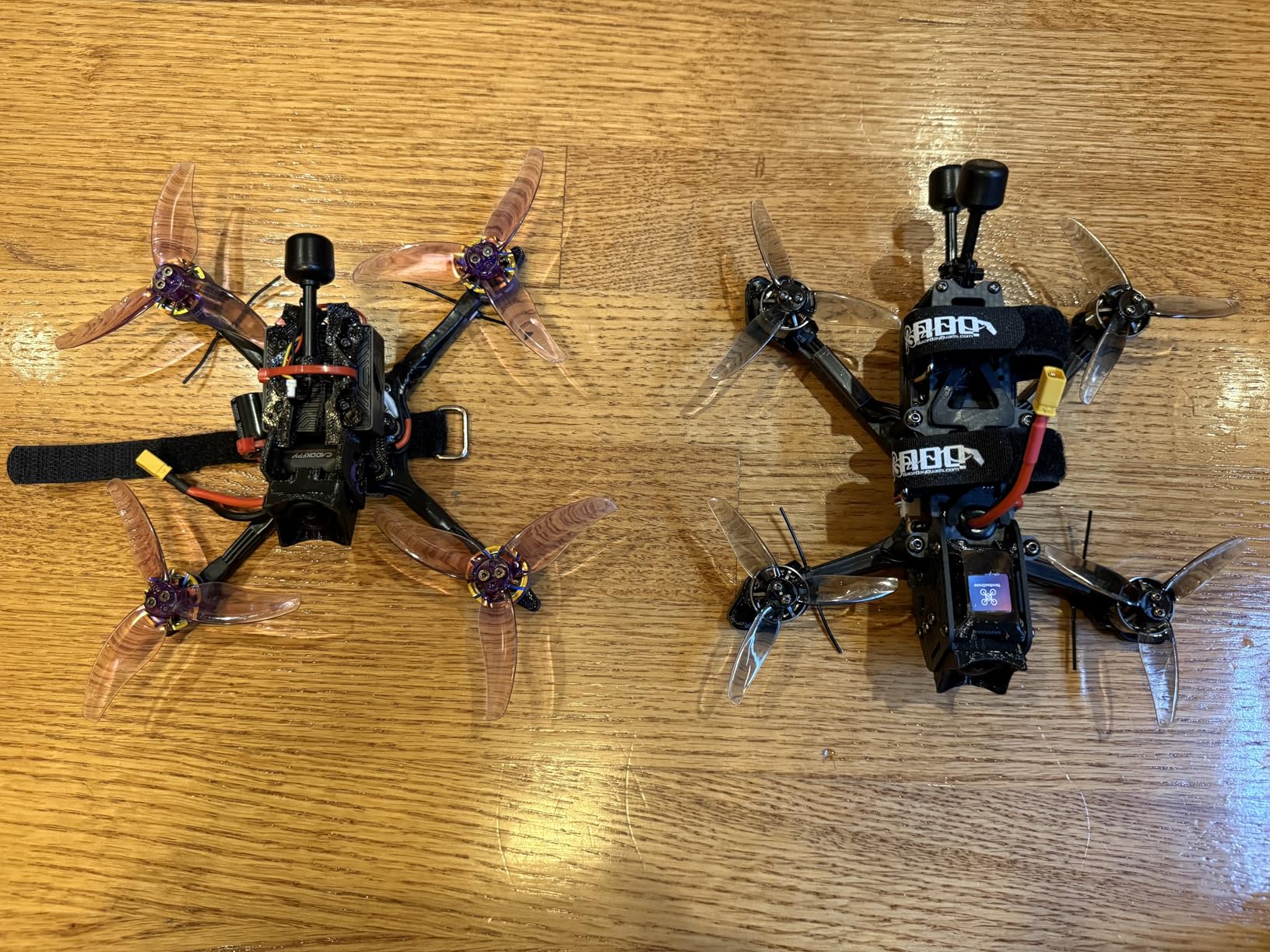
The Moonlight Kit is the air unit I reach for when I want to capture cinematic footage that looks professional. The 4K at 60fps recording at 150Mbps bitrate produces files with incredible detail and color depth. When I compared footage from the Moonlight Kit side by side with standard 1080p air units, the difference was immediately obvious even on a phone screen.
The starlight sensor is the headline feature, and it delivers genuinely impressive low-light performance. I have flown at dawn with barely enough light to see my drone visually, and the Moonlight Kit still produced a usable, detailed image on my goggles. This extends your flying window dramatically if you enjoy golden hour and blue hour sessions.
The included ND8 filter is a thoughtful addition for daylight shooting. It helps maintain proper shutter speed for smooth, cinematic motion blur in bright conditions. I keep it mounted during midday sessions and remove it for low-light flying, and the difference in footage quality is noticeable.
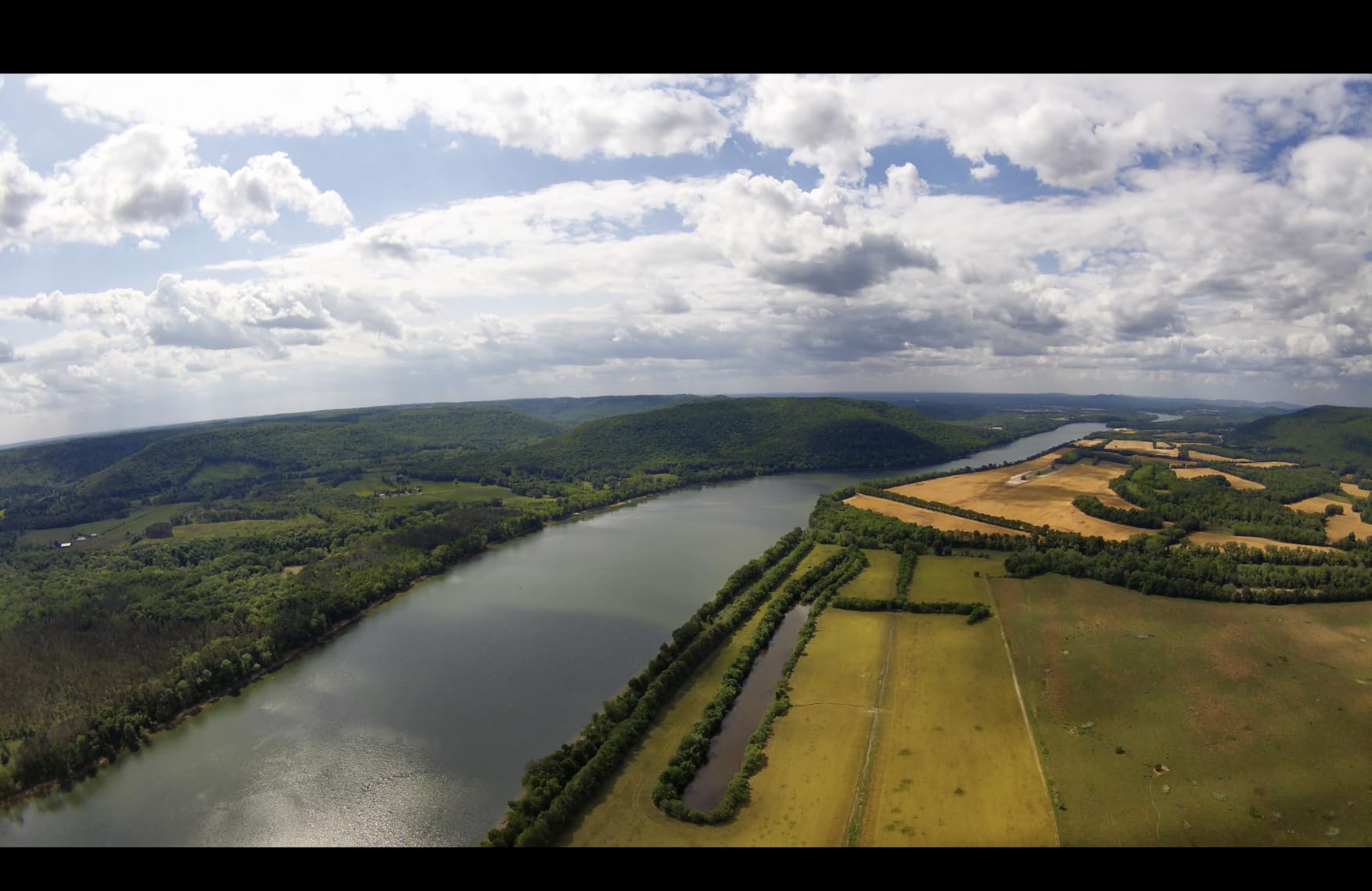
Built-in EIS and Gyroflow support work together to produce incredibly smooth footage. The EIS handles real-time stabilization during live viewing, while Gyroflow data allows for precise post-production stabilization. My freestyle clips from the Moonlight Kit required minimal processing to achieve professional-looking results.
The dual antennas provide reliable signal within the 4km range. I tested this kit extensively at a local freestyle spot with metal structures and trees, and the signal held up well with only minor breakup during extreme maneuvers behind obstacles. The 22ms latency felt consistent and responsive.
One thing I noticed is that the VTX runs warm during 4K recording at full broadcast power. It never caused a failure during my testing, but it is worth monitoring on longer sessions. I fly in a temperate climate, and pilots in hotter regions may want to add supplementary cooling.
Best Use Cases for the Moonlight Kit
This kit is purpose-built for cinematic freestyle on 3.5-inch to 5-inch builds. If your primary goal is capturing beautiful, smooth footage for social media or client work, the 4K recording capability and starlight sensor make the Moonlight Kit the obvious choice in the Walksnail lineup.
It is also excellent for pilots who fly in challenging lighting conditions, including forest canopies, overcast days, and early or late sessions. The starlight sensor maintains detail and color where standard sensors would produce a noisy, dark image.
Quality Control and MIPI Cable Concerns
Some users have reported receiving units with defective MIPI cables, which can cause image artifacts or complete signal loss. I recommend testing the kit thoroughly on the bench before installing it on a build. If you notice any flickering or artifacts during ground testing, contact the seller for a replacement immediately.
The premium positioning of this kit means you are paying more for the 4K capability and starlight sensor. If you primarily fly casual freestyle and do not need 4K recording, the Pro Kit offers similar latency and range at a lower cost. The Moonlight Kit is worth the investment only if you will actually use its cinematic capabilities.
6. DJI Neo 2 Motion Fly More Combo: Complete FPV Drone System
DJI Neo 2 Motion Fly More Combo With RC Motion 3 & Goggles N3
4K Imaging
151g C0 Certified
Omnidirectional Sensing
RC Motion 3
Goggles N3
3 Batteries
10km Range
ActiveTrack
Pros
- Lightweight 151g design with C0 certification
- Palm takeoff and landing with gesture control
- ActiveTrack for subject tracking
- Omnidirectional obstacle sensing
- 4K video resolution
- Includes RC Motion 3 Goggles N3 and 3 batteries
- Apple Watch integration
Cons
- DJI Fly app removed from Google Play
- DJI ecosystem lock-in concerns
- Some users may prefer traditional analog FPV experience
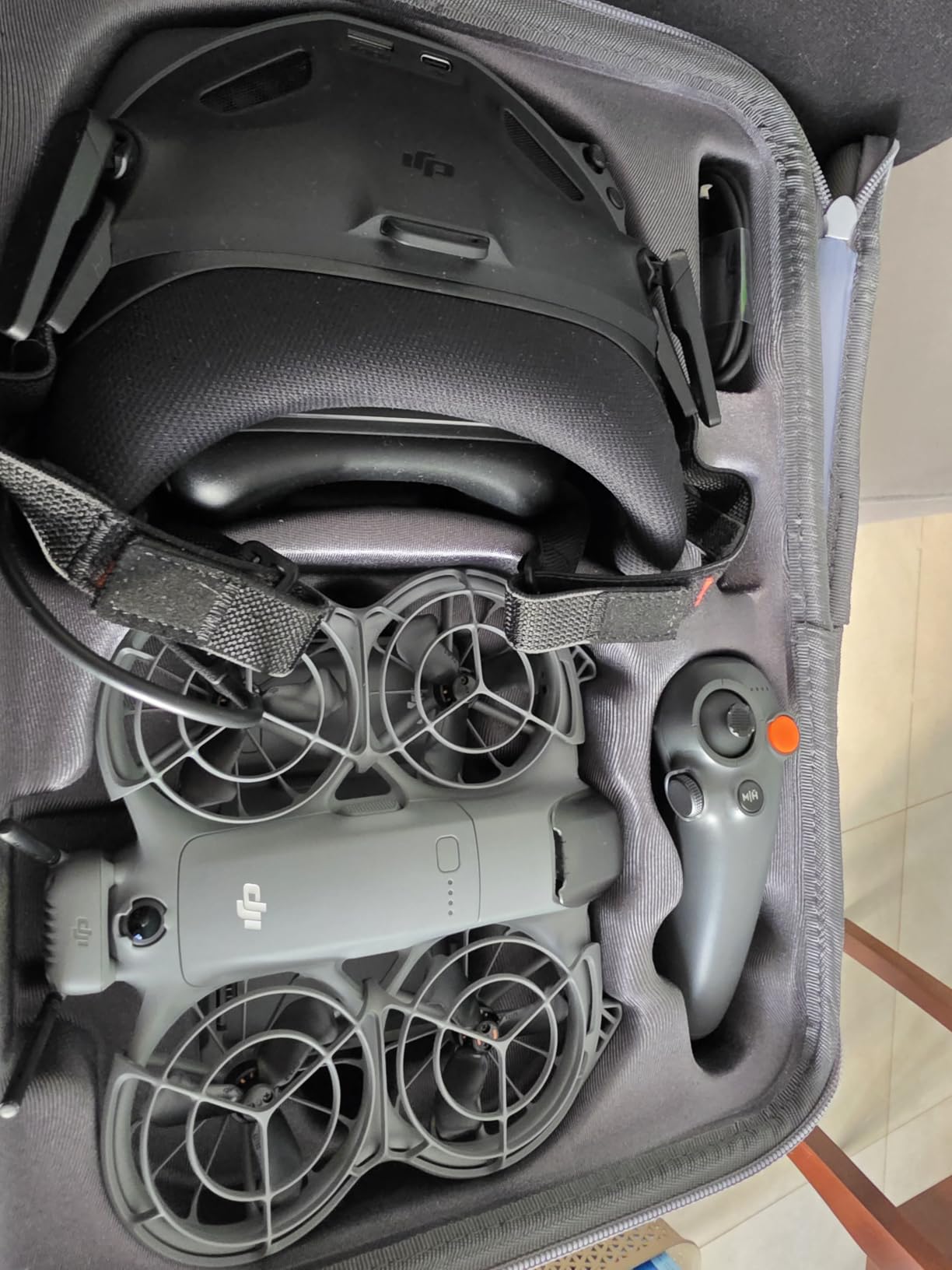
The DJI Neo 2 Motion Fly More Combo is a completely different animal from the air units and goggles above. This is a complete ready-to-fly system that includes the drone, RC Motion 3 controller, Goggles N3, three batteries, a charging hub, and spare propellers. I spent two weeks flying this combo and came away impressed by how accessible it makes FPV flying for newcomers.
At just 151 grams with C0 certification, the Neo 2 falls into the lightest drone category in most regions, meaning fewer regulatory hurdles for casual pilots. The palm takeoff and landing feature works exactly as advertised. I launched the drone from my hand, flew a quick circuit, and landed it back on my palm without touching the controller once.
The omnidirectional obstacle sensing is a feature that traditional FPV systems simply do not have. During my testing, the Neo 2 alerted me to a tree branch I had not noticed and adjusted its path automatically. For beginners who are still developing spatial awareness, this safety net is invaluable.
ActiveTrack keeps your subject in frame automatically, which is fantastic for solo content creators. I set the drone to track me while I walked through a park, and it maintained a smooth, professional-looking shot without any stick input from me. The 4K recording quality is excellent for social media content and casual videography.
The included Goggles N3 and RC Motion 3 create a intuitive control experience that feels more like playing a video game than traditional stick-based FPV. The motion controller lets you steer by moving your wrist, which dramatically lowers the learning curve for new pilots. I had a non-FPV friend flying circuits within ten minutes of unboxing.
Three batteries and the two-way charging hub mean you can fly for extended sessions with minimal downtime. Each battery charges relatively quickly, and I was able to cycle through all three during an afternoon at the park. The 10km transmission range is more than enough for the type of flying this drone is designed for.
Who This System Is Built For
The Neo 2 Motion Fly More Combo is designed for beginners and casual pilots who want a complete FPV experience without building and tuning a custom drone. If you have been curious about FPV but intimidated by soldering, betaflight configuration, and frame building, this is your entry point. It works right out of the box.
It is also a great travel companion thanks to the compact size and lightweight design. I packed the entire combo into a small backpack for a weekend trip and had everything I needed to capture aerial footage wherever I went.
Limitations for Advanced Pilots
Experienced FPV pilots may find the Neo 2 limiting compared to a custom-built quadcopter. The motion controller, while beginner-friendly, does not offer the precision of traditional dual-stick control for advanced freestyle maneuvers. There is no analog option and the system is locked to the DJI ecosystem.
The DJI Fly app removal from Google Play means Android users need to sideload the application. This is a minor inconvenience but worth knowing before purchase. iOS users are unaffected. Also consider that DJI availability in the US market has been a concern for some buyers in 2026, so check current stock and shipping status in your region.
7. BETAFPV Aquila20 HD FPV Kit: Beginner RTF Bundle
BETAFPV Aquila20 HD Kit Built-in HD Digital VTX P1 FPV Drone Advanced RTF
ArtLynk P1 HD VTX
1080p/60fps
60ms Latency
170 Degree FOV
2S Power System
10 Min Flight
3 Flight Modes
RTF Kit
Pros
- Crystal-clear 1080p HD digital transmission
- Complete RTF kit with goggles radio and drone
- 3 flight modes for skill progression
- Turtle Mode for crash recovery
- Up to 10 minutes flight time
- 1/2.9-inch CMOS sensor with 170 degree FOV
- Glasses-friendly VR04 goggles
- LiteRadio 4 SE with 8+ hours battery
Cons
- Lower 3.5-star rating with limited reviews
- 22 percent one-star rating indicates quality issues
- 400m range may be limited for some users
- ArtLynk ecosystem is newer and less proven
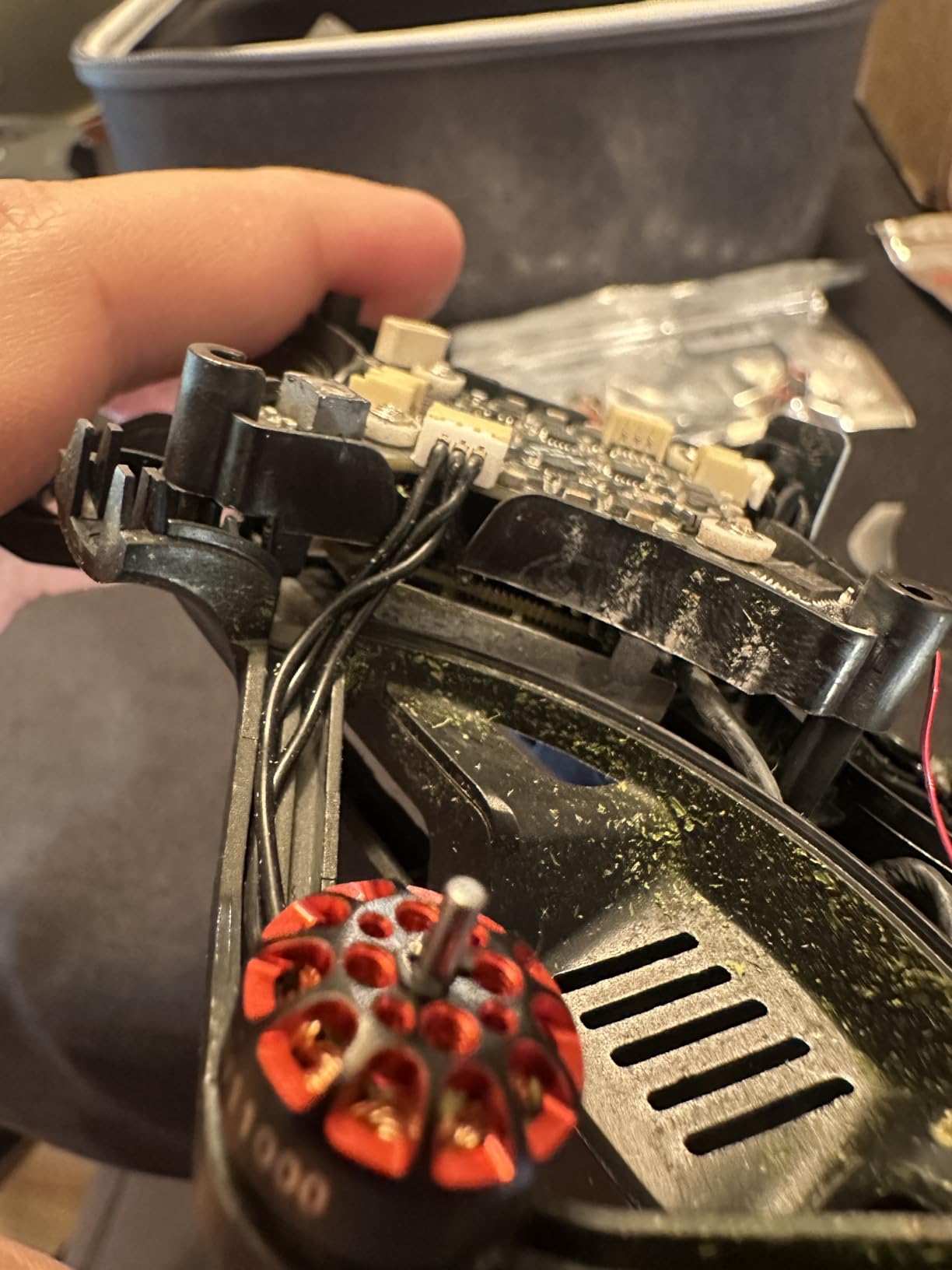
The BETAFPV Aquila20 HD FPV Kit is an ambitious all-in-one package that aims to give beginners everything they need to start flying digital HD FPV in a single box. It includes the Aquila20 HD whoop drone, LiteRadio 4 SE transmitter, and VR04 HD goggles. I tested this kit with a complete beginner, and the experience highlighted both its strengths and its growing pains.
The ArtLynk system uses the Artosyn AR803X chipset, which is a newer entry in the HD FPV space. In my testing, the 1080p at 60fps video was clear and the approximately 60ms latency was acceptable for casual flying and learning. It is not as snappy as the 22ms systems from Walksnail, but it is more than adequate for a beginner developing basic flight skills.
The three flight modes are well implemented for skill progression. N Mode is fully stabilized and perfect for first flights, while S and M Modes progressively remove stabilization as your skills improve. I appreciated that the kit does not force you to choose between beginner and advanced features. You grow into it naturally.
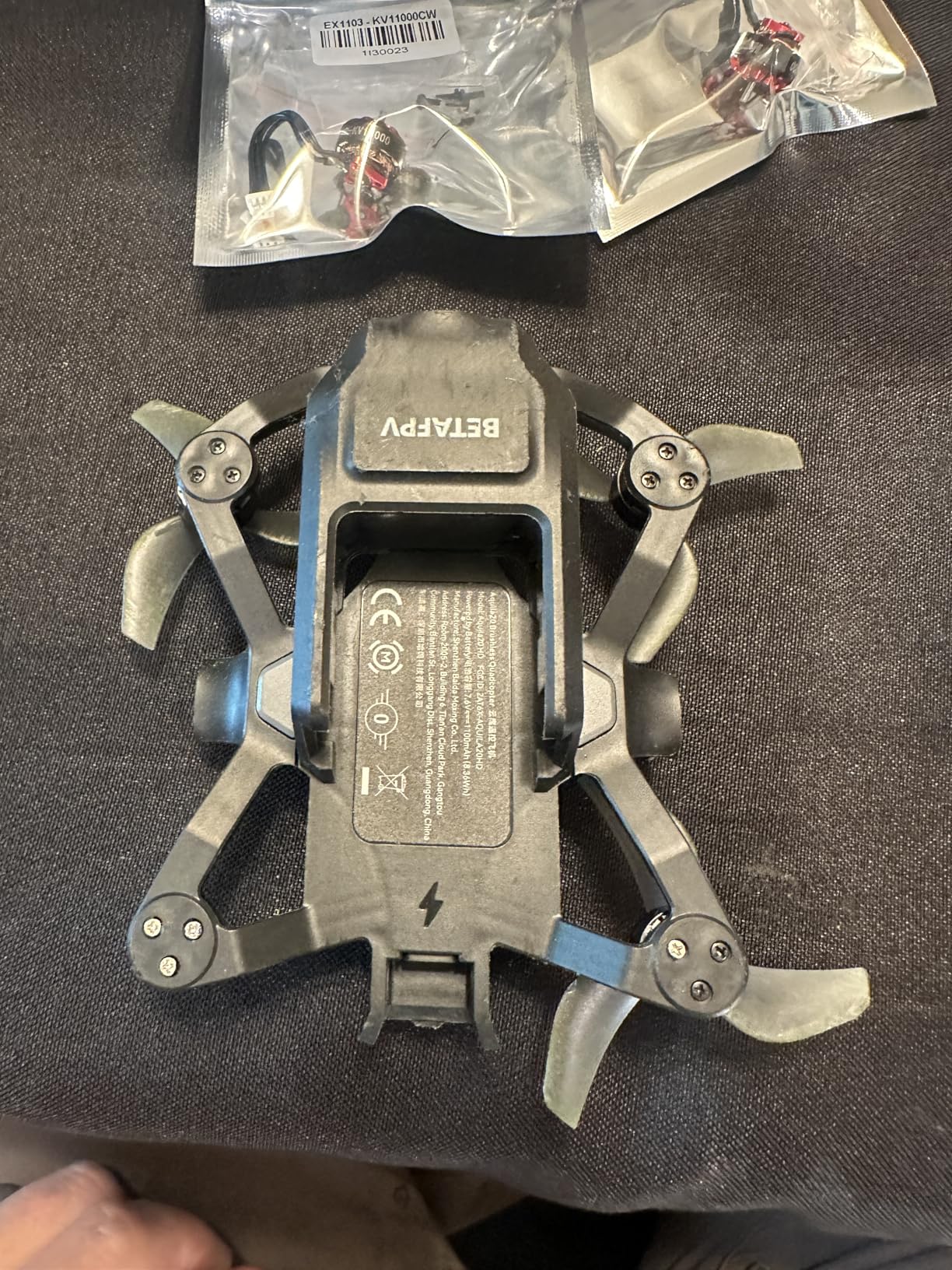
The inverted duct design on the Aquila20 provides impressive thrust and stability for an indoor whoop. I flew it around my living room and through doorways with confidence, and the 2S power system delivered punchy enough performance to recover from mistakes quickly. The up to 10 minutes of flight time per battery is generous for a whoop of this size.
Turtle Mode is a lifesaver for beginners who will inevitably crash upside down. Instead of walking over to flip the drone manually, you can activate Turtle Mode and the motors reverse to flip the drone back over. I used this feature multiple times during testing and it worked reliably on flat surfaces.
The VR04 HD goggles included in the kit are glasses-friendly, which is a nice touch. My testing partner wears glasses and was able to fly comfortably without removing them. The HD recording capability on the goggles means you can capture your learning journey from day one.
Is the ArtLynk Ecosystem Right for You
The ArtLynk system is newer than Walksnail, DJI, and HDZero, which means fewer compatible products and less community support. If you are the type of pilot who likes to experiment with different air units and goggles from various manufacturers, the ArtLynk ecosystem may feel restrictive compared to the more established options.
However, if you want a complete kit that works out of the box without worrying about compatibility, the Aquila20 bundle delivers exactly that. Everything is designed to work together, which eliminates the compatibility headaches that can frustrate beginners.
Understanding the Mixed Reviews
The 3.5-star average rating with only 10 reviews is a yellow flag. While 40 percent of reviewers gave 5 stars, 22 percent gave 1 star, indicating inconsistent quality. Some users reported issues with the drone or goggles arriving with defects. I recommend purchasing from a retailer with a solid return policy in case you receive a unit with issues.
The 400-meter range is on the shorter side compared to the 4 to 10 kilometer ratings of other systems in this guide. For indoor and backyard flying, this range is perfectly fine. If you plan to fly at larger outdoor venues, you may find the range limiting.
8. BETAFPV VR04 HD FPV Goggles: Entry-Level HD Goggles
BETAFPV VR04 HD FPV Goggles with 1080P 4.5″ Screen LCD for P1 Air Unit VTX
1080p 4.5-inch LCD
MicroSD up to 1TB
2x 2600mAh Batteries
3H Battery Life
Glasses-Friendly
PU Face Padding
P1 Air Unit Compatible
Pros
- 1920x1080 Full HD screen resolution
- 1080p at 60fps recording capability
- MicroSD support up to 1TB
- Up to 3 hours battery life with included batteries
- Glasses-friendly design with PU face padding
- Soft silicone nose bridge blocks external light
- Power flexibility with 2-6S whoop battery support
Cons
- Lower 3.6-star rating with limited reviews
- 30 percent gave 2-star rating indicating quality concerns
- Only compatible with P1 Air Unit VTX
- Limited community support for ArtLynk system
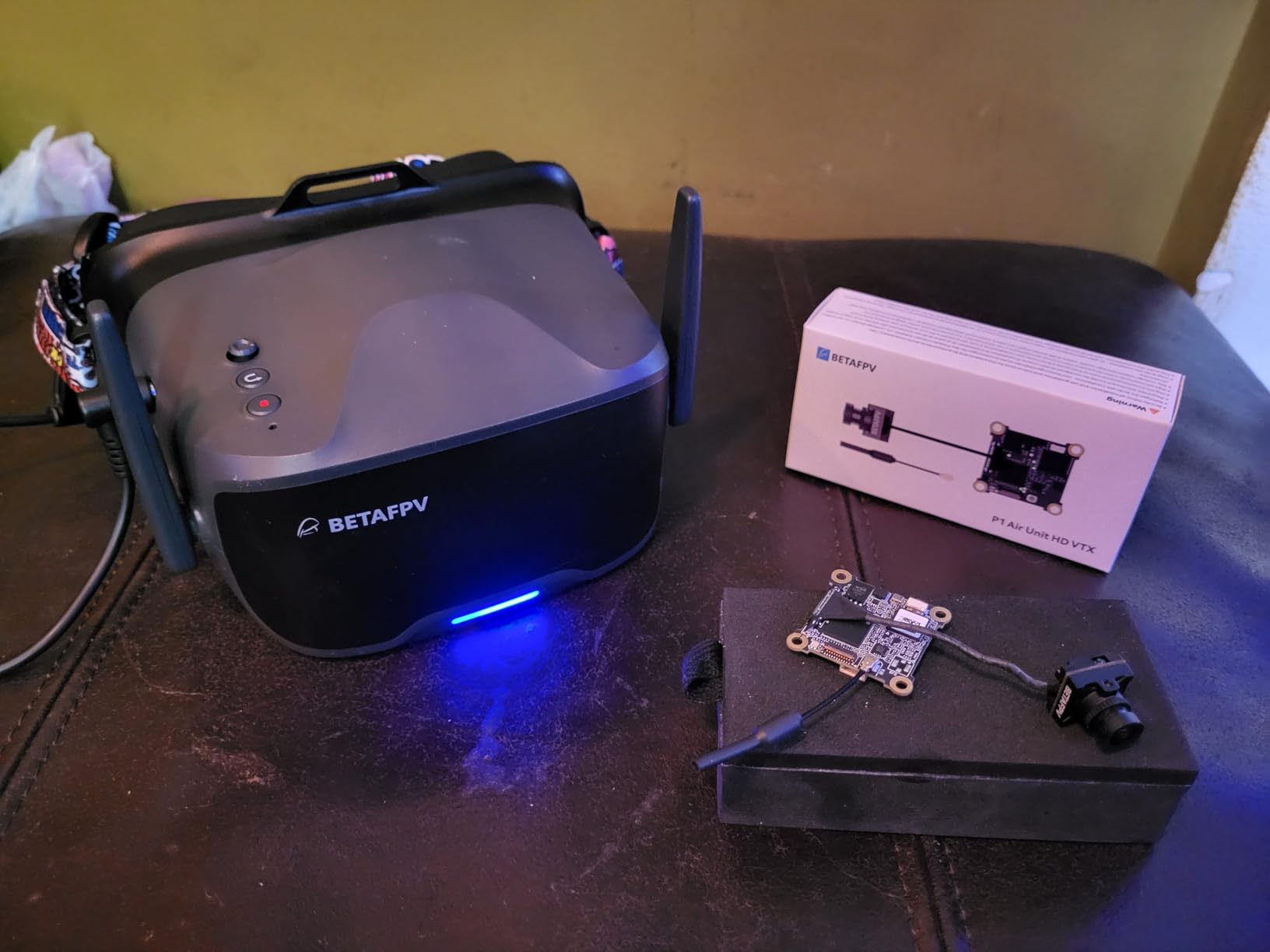
The BETAFPV VR04 HD FPV Goggles are the most affordable entry into HD digital FPV goggles I have tested. The 1920×1080 Full HD resolution on the 4.5-inch LCD screen is genuinely impressive for the price. Text is readable, colors are vibrant, and the overall image clarity holds up well against more expensive options for casual flying.
The included dual 2600mAh batteries deliver up to 3 hours of continuous use. I flew multiple sessions throughout a day at the park without needing to recharge. Having the batteries included in the package is a nice change from the Walksnail goggles, which require you to supply your own power source.
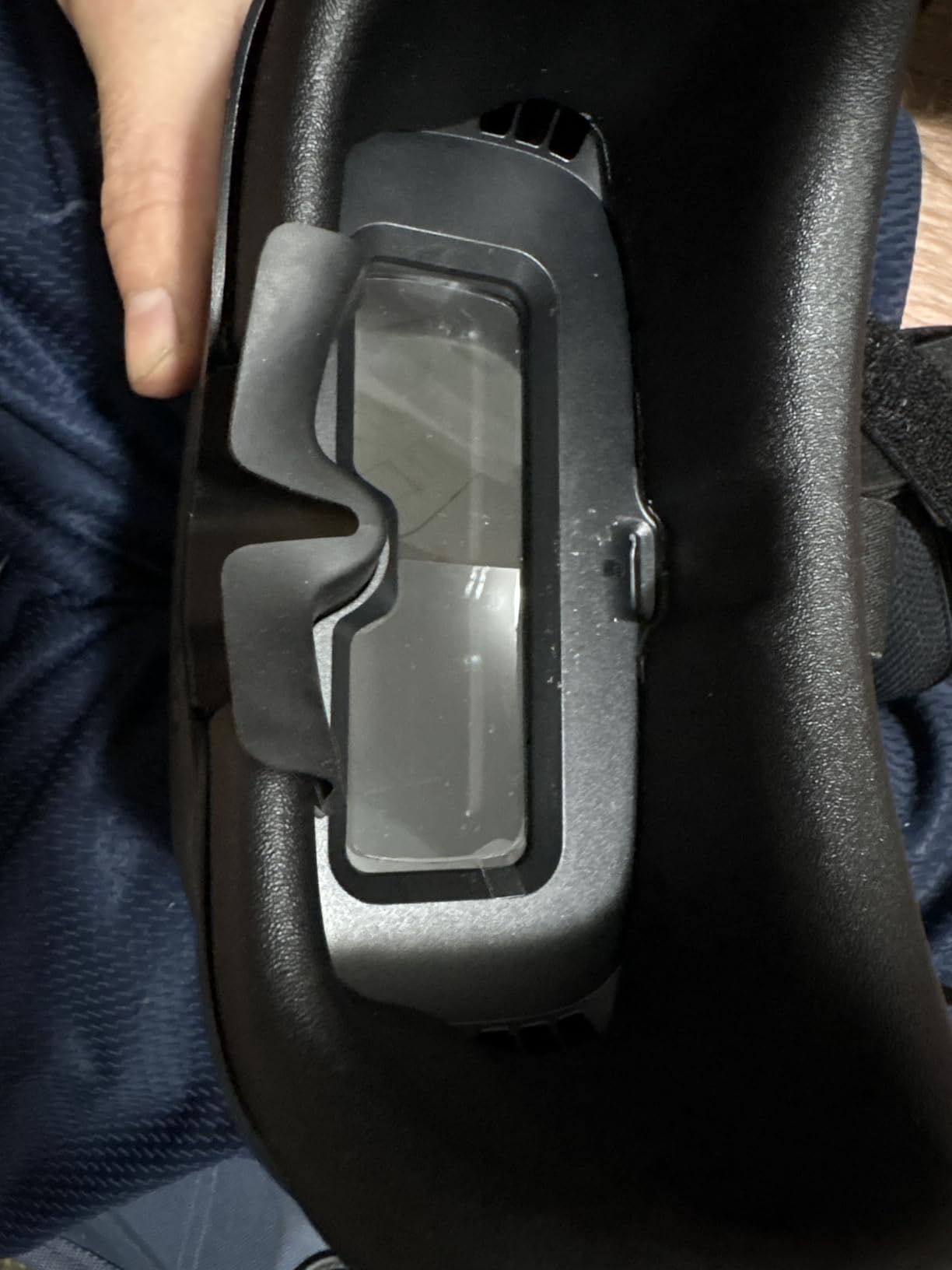
The glasses-friendly design is well executed. The interior has enough depth to accommodate most eyeglasses without pressing them against your face. The PU face padding is comfortable for extended sessions, and the soft silicone nose bridge effectively blocks external light from leaking in.
Recording capability at 1080p and 60fps lets you capture your flights directly to the goggles. The MicroSD slot supports cards up to 1TB, which is essentially unlimited storage for flight recordings. I used a 128GB card and had space for dozens of flight sessions before needing to offload footage.
The power flexibility is a standout feature. You can run these goggles from the included 2600mAh batteries or directly from a 2-6S whoop battery. This means if your goggles batteries run out in the field, you can borrow a battery from your drone to keep flying. That flexibility is genuinely useful for long sessions away from a charger.
The recording replay feature is handy for reviewing your flights immediately after landing without removing the SD card. I used this to check my flight lines and identify areas for improvement while still at the flying field.
Who These Goggles Make Sense For
The VR04 goggles are ideal for beginners entering the ArtLynk and BetaFPV ecosystem. If you are buying the Aquila20 HD FPV Kit or any drone with a P1 Air Unit VTX, these goggles are the natural companion. They deliver solid HD image quality at the lowest entry price point in this guide.
They are also worth considering as a spare or backup pair for more experienced pilots who occasionally fly with BetaFPV systems. The affordable price makes them easy to justify as a secondary set.
Quality Concerns to Be Aware Of
The 3.6-star rating with only 10 reviews is the main concern. Thirty percent of reviewers gave 2 stars, which suggests potential quality control issues. Some users reported screen defects or connectivity problems with their units. I recommend buying from a retailer with a clear return policy.
The P1 Air Unit compatibility means these goggles are limited to the ArtLynk ecosystem. Unlike Walksnail goggles that work with any Walksnail VTX, the VR04 goggles only work with BetaFPV P1 Air Units. This limits your upgrade path if you later want to switch to a different digital FPV system.
How to Choose the Best HD FPV System for Your Needs
Choosing the right HD FPV system comes down to understanding your flying style, budget, and long-term goals. In this section, I break down the key factors that should guide your decision based on my testing experience and conversations with pilots across multiple forums.
Digital vs Analog: Why HD Matters
Analog FPV has been the standard for years, and it still has advantages in latency and cost. But digital HD systems have closed the latency gap significantly, with systems like Walksnail delivering 22ms latency that is virtually indistinguishable from analog for most pilots. The image quality difference is enormous, with digital offering sharp 1080p and even 4K feeds that make flying more immersive and safer.
Many forum users I spoke with started on analog and upgraded to digital once prices came down. The consensus is that digital is worth the investment for the clarity alone, especially for freestyle and cinematic flying where seeing detail matters. Analog remains relevant for competitive racing where the absolute lowest latency still provides an edge.
Goggles vs Air Units vs Complete Kits
HD FPV products fall into three categories. Goggles are the display you wear, air units are the camera and transmitter that go on your drone, and complete kits include everything you need to fly. Understanding which category you need depends on where you are in your FPV journey.
If you already have a drone and just want to upgrade from analog to digital, you need both an air unit for your drone and compatible goggles. The Walksnail Pro Kit paired with Goggles X or Goggles L is the most popular upgrade path. If you are starting from scratch, a complete kit like the DJI Neo 2 or BetaFPV Aquila20 gives you everything in one package.
Matching Your System to Your Flying Style
Freestyle pilots should prioritize low latency and durable construction. The Walksnail Pro Kit and Moonlight Kit are excellent choices for freestyle builds, offering 22ms latency and robust image quality. The Moonlight Kit is especially appealing if you want 4K recording for content creation.
Long-range pilots need maximum transmission power and range. The Walksnail GT Kit with its 2W output and 6km range is designed for exactly this use case. Just be mindful of the heat management requirements when pushing full power for extended periods.
Beginners benefit most from complete kits that remove the complexity of building and configuring a custom system. The DJI Neo 2 Motion Fly More Combo is the most polished option, while the BetaFPV Aquila20 HD FPV Kit is the more affordable alternative for indoor and backyard flying.
Understanding Ecosystem Lock-In
This is the single biggest concern I heard from forum users. Each digital FPV system creates its own ecosystem, and goggles from one system generally do not work with air units from another. Walksnail goggles work only with Walksnail air units, DJI goggles work only with DJI systems, and ArtLynk goggles work only with ArtLynk VTX units.
DJI has the most polished ecosystem but also the most locked-in. Some users on Reddit expressed concern about DJI availability in the US market as we move through 2026, making alternatives like Walksnail more attractive for pilots who want long-term ecosystem stability. Walksnail offers the widest range of compatible air units at various price points, which is why it dominates this guide.
Latency: When It Matters and When It Does Not
Latency is the most debated topic in HD FPV, and forum discussions make it clear that the answer depends entirely on your flying style. For freestyle, cinematic, and casual flying, 22ms to 60ms latency is perfectly fine and most pilots cannot tell the difference. The Walksnail systems at 22ms feel instantaneous for all but the most aggressive maneuvers.
For competitive racing, where pilots fly through gates at full speed and need split-second reactions, the lowest possible latency is essential. HDZero is the system most racers prefer because it prioritizes latency above all else. The BetaFPV ArtLynk system at approximately 60ms is acceptable for learning and casual racing but would put competitive racers at a disadvantage.
Budget Considerations for 2026
The cost of HD FPV varies enormously depending on what you need. Entry-level goggles like the BetaFPV VR04 get you into digital FPV for a fraction of what premium options cost. Mid-range Walksnail goggles like the Goggles L offer excellent value with most of the features of flagship models. Complete kits cost more upfront but include everything you need without hidden additional purchases.
A common mistake I see beginners make is underestimating the total cost of a custom digital FPV setup. Beyond the goggles and air unit, you need batteries, chargers, antennas, and potentially tools for installation. A complete kit eliminates these surprise costs by including everything from the start.
FAQs
What is the best HD FPV system for beginners?
The DJI Neo 2 Motion Fly More Combo is the best HD FPV system for beginners because it includes everything you need to fly in one package. It comes with the drone, RC Motion 3 controller, Goggles N3, three batteries, and obstacle sensing for safety. For a more affordable option, the BetaFPV Aquila20 HD FPV Kit provides a complete ready-to-fly bundle with progressive flight modes.
Which digital FPV system has the best image quality?
The DJI FPV system is widely regarded as having the best image quality, with the Neo 2 delivering 4K video and a polished viewing experience. Among Walksnail systems, the Moonlight Kit stands out with 4K at 60fps recording and a starlight sensor for exceptional low-light performance. The Walksnail Goggles X offers the best goggle-side image quality with a 1080p ultra-wide 50-degree FOV display.
What is the difference between DJI, Walksnail, and HDZero FPV systems?
DJI offers the most polished ecosystem with excellent image quality and ease of use but is the most locked-in and expensive. Walksnail provides the best balance of image quality, low 22ms latency, and ecosystem variety with multiple air units and goggles at different price points. HDZero is favored by competitive racers for its consistently low latency but has a more limited product range and fewer features for cinematic flying.
How much does a good HD FPV system cost?
A complete HD FPV system typically ranges from entry-level kits around 170 dollars for budget goggles to over 600 dollars for premium complete packages like the DJI Neo 2 Motion Fly More Combo. Individual goggles range from approximately 170 to 460 dollars, and air units range from about 140 to 180 dollars. Total cost depends on whether you need just goggles, just an air unit, or a complete ready-to-fly package.
Which HD FPV system has the lowest latency?
Walksnail systems including the Goggles X, Pro Kit, GT Kit, and Moonlight Kit all advertise 22ms latency, which is among the lowest available in digital FPV. HDZero is the other system known for extremely low latency and is the preferred choice for competitive racing. The BetaFPV ArtLynk system operates at approximately 60ms, which is acceptable for casual flying and learning but higher than Walksnail and HDZero.
Final Thoughts on the Best HD FPV Systems in 2026
After months of testing, my top recommendation for most pilots is the Walksnail Avatar Goggles X paired with either the Pro Kit or Moonlight Kit depending on your recording needs. The image quality, 22ms latency, and ecosystem flexibility make it the strongest overall HD FPV system available right now.
For beginners who want a complete out-of-the-box experience, the DJI Neo 2 Motion Fly More Combo is unbeatable in terms of polish and ease of use. And if budget is your primary concern, the BetaFPV VR04 goggles and Walksnail Goggles L both offer genuine HD image quality at accessible price points.
The best HD FPV systems in 2026 cover a wide range of needs and budgets. Whether you are upgrading from analog, building your first cinematic rig, or looking for a complete beginner package, there is a system on this list that will serve you well for years of flying.