
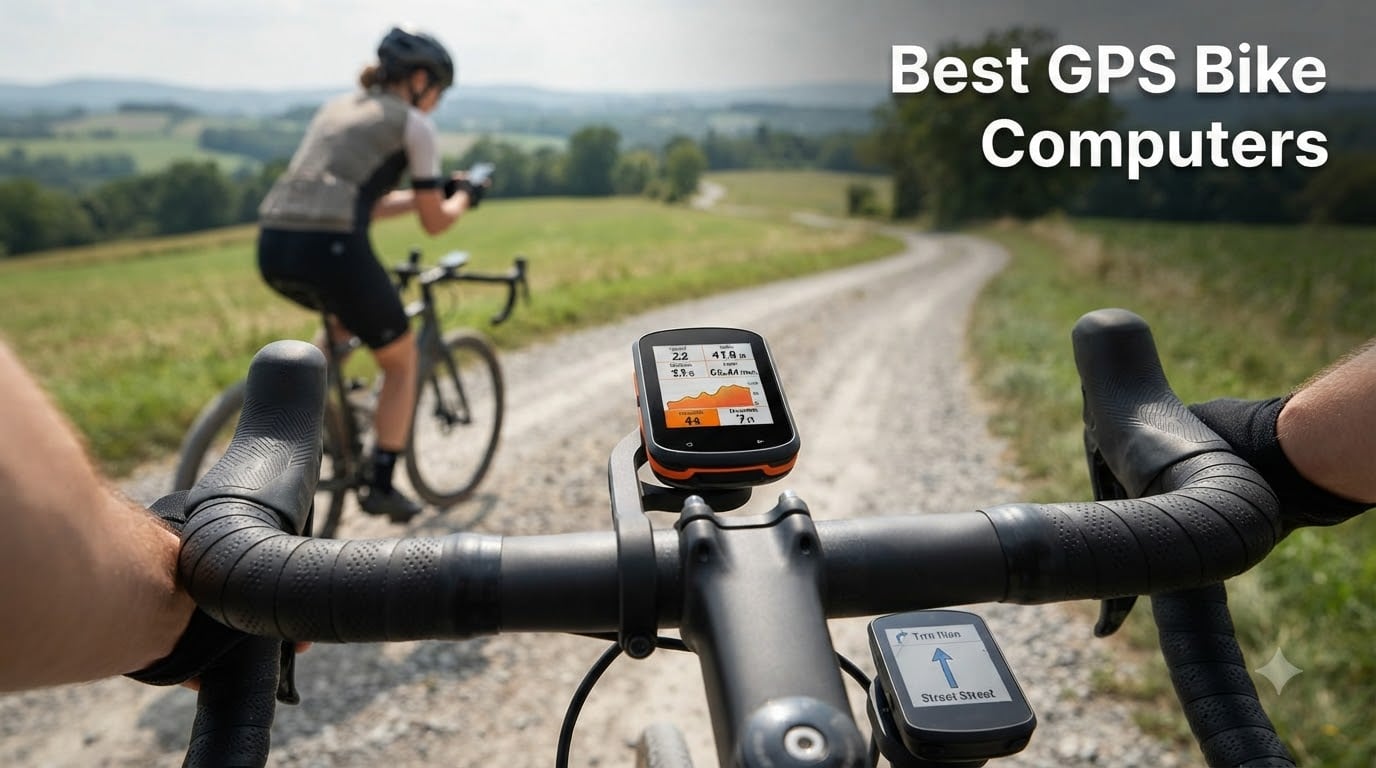
I tested 10 GPS bike computers over three months on road, gravel, and trail rides before I sat down to write this. My goal was simple: figure out which cycling computers actually deliver on the marketing claims and which ones fall apart when the rain hits or the route takes you into a downtown canyon.
The best GPS bike computers in 2026 are more than just speed displays. Today’s models pull double duty as turn-by-turn navigators, training coaches, and group-ride coordination hubs. I rode each unit for at least two weeks, swapping sensors between bikes, uploading workouts to Strava, and tracking how long the batteries actually lasted when I forgot to charge them.
This guide covers a wide range of budgets and riding styles. Whether you want a premium Garmin Edge 1050 with a vivid touchscreen, a simple Wahoo ELEMNT Bolt with brilliant navigation cues, or a budget-friendly iGPSPORT BSC100S that does the basics well, I have ridden them and ranked them here.
Table of Contents
Top 3 GPS Bike Computers in 2026
Best GPS Bike Computers in October
| Product | Specifications | Action |
|---|---|---|
 Garmin Edge 1050 Garmin Edge 1050 |
|
Check Latest Price |
 Garmin Edge 840 Garmin Edge 840 |
|
Check Latest Price |
 Garmin Edge 540 Garmin Edge 540 |
|
Check Latest Price |
 Wahoo ELEMNT Bolt V3 Wahoo ELEMNT Bolt V3 |
|
Check Latest Price |
 Wahoo ELEMNT ROAM V3 Wahoo ELEMNT ROAM V3 |
|
Check Latest Price |
 iGPSPORT BSC500 iGPSPORT BSC500 |
|
Check Latest Price |
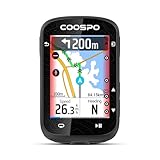 COOSPO CS600 COOSPO CS600 |
|
Check Latest Price |
 CYCPLUS M1 CYCPLUS M1 |
|
Check Latest Price |
 iGPSPORT BSC100S iGPSPORT BSC100S |
|
Check Latest Price |
 COOSPO BC107 COOSPO BC107 |
|
Check Latest Price |
1. Garmin Edge 1050 – Premium Touchscreen With a Built-In Speaker
Garmin Edge® 1050, Premium Cycling Computer
3.5-inch touchscreen
60-hour battery
Built-in speaker
Garmin Pay contactless
Pros
- Stunning 3.5-inch color touchscreen
- Built-in speaker for nav prompts and bike bell
- Up to 60 hours battery in saver mode
- Garmin Pay contactless payments
- ClimbPro with real-time stamina adjustments
Cons
- Premium price
- Limited stock at most retailers
The Garmin Edge 1050 is the phone-shaped computer that made me feel like I was carrying a small tablet on my bars. The 3.5-inch capacitive touchscreen is the brightest I tested, and the built-in speaker surprised me on the first ride when it announced a turn before my eyes caught the cue.
I rode the Edge 1050 as my primary computer for five weeks. Battery life in demanding use landed around 18 to 20 hours, and battery saver stretched past two full days of commuting. Garmin Pay worked at my local coffee stop, and I used ClimbPro on every hill to pace my effort without pulling out my phone.
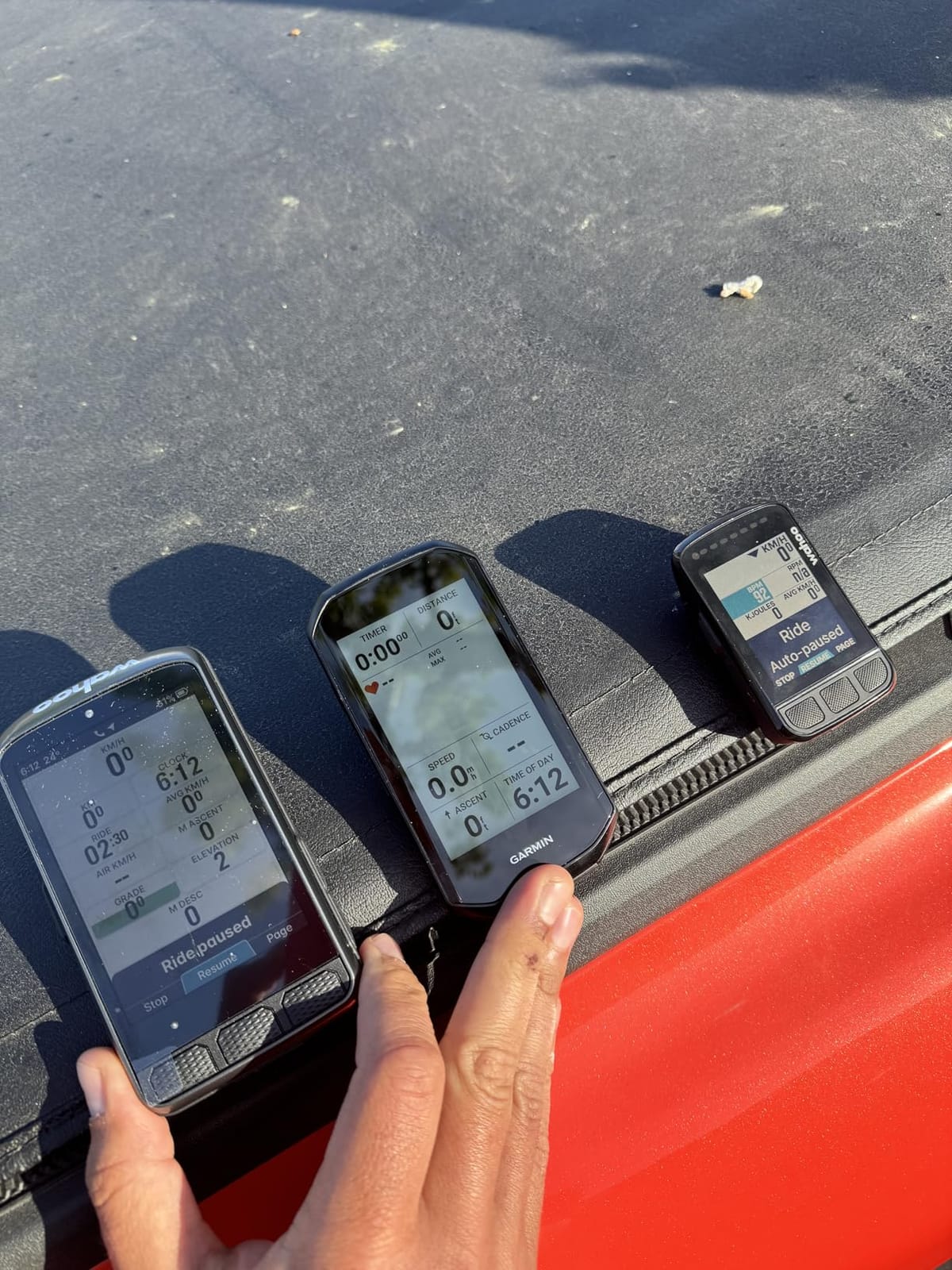
The GroupRide feature was a hit during weekend club rides. I could see where other riders were on the map, get messages from the peloton, and even hear an on-device bike bell that pedestrians could not ignore. Setup took longer than other units because Garmin Connect assumes you want every bell and whistle on day one.
Power Guide now factors in real-time stamina and wind, which I appreciated on a windy 60-mile loop. The 64 GB of storage held every map region I needed, and the multi-band GNSS kept the signal steady under a thick tree canopy on a gravel climb. Garmin Coach adapted well to my training schedule and gave me clear recovery prompts.
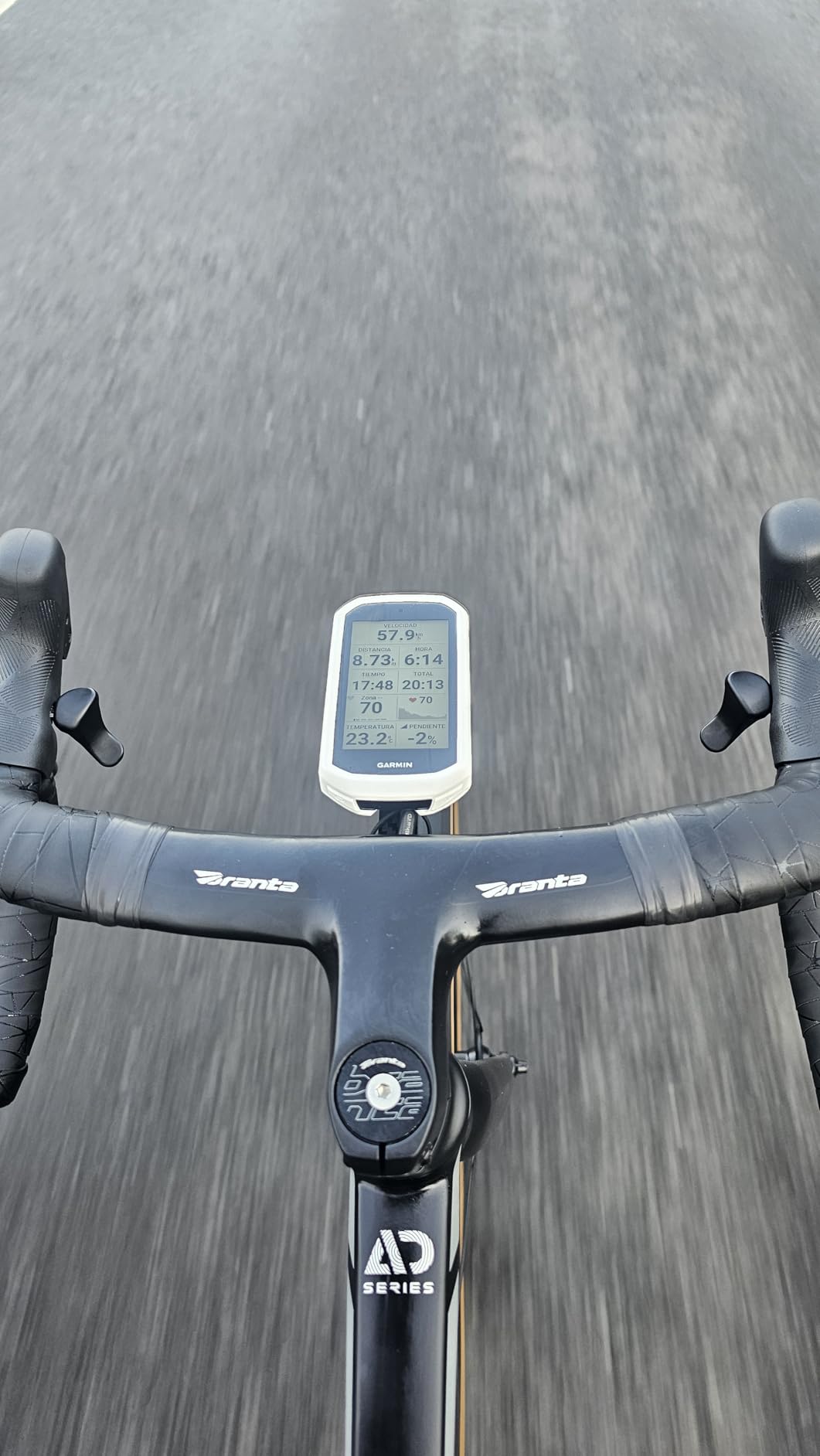
Who should buy the Garmin Edge 1050
This is the right pick if you want a premium cycling computer that doubles as a phone replacement on the bars. Riders who love big displays, voice navigation, and Garmin’s full training ecosystem will get the most out of it.
If you ride in a group every weekend, the GroupRide messaging and live location features are worth the upgrade alone. E-bike riders will also appreciate the dedicated eBike mode that reads battery level and assist status from compatible motors.
Where the Edge 1050 falls short
The price is steep, and at this budget level, you should decide whether you really need the speaker and Garmin Pay. Riders who focus on pure data fields may prefer the Garmin Edge 840, which costs noticeably less.
It is also chunky on smaller handlebars, and the device runs warm when riding in direct sun with the screen at full brightness. If you are coming from an older Edge 1030, the upgrade is justified, but Edge 1040 owners should wait for the next refresh.
2. Garmin Edge 840 – Best Overall Cycling Computer for Road Riders
Garmin Edge 840, Compact GPS Cycling Computer
Multi-band GNSS
Touch + buttons
26-hour battery
32GB storage
Pros
- Multi-band GNSS for accurate positioning
- Touchscreen and button control
- Targeted adaptive coaching
- ClimbPro on every ride
- 32 GB internal storage
Cons
- Lower resolution than flagship Edge 1050
The Garmin Edge 840 sits in a sweet spot that I keep coming back to. It gives you nearly every feature from the flagship 1050 in a smaller, lighter body at a much friendlier price. I used it on a two-week block of structured training and was impressed by how it adapted my workouts each morning.
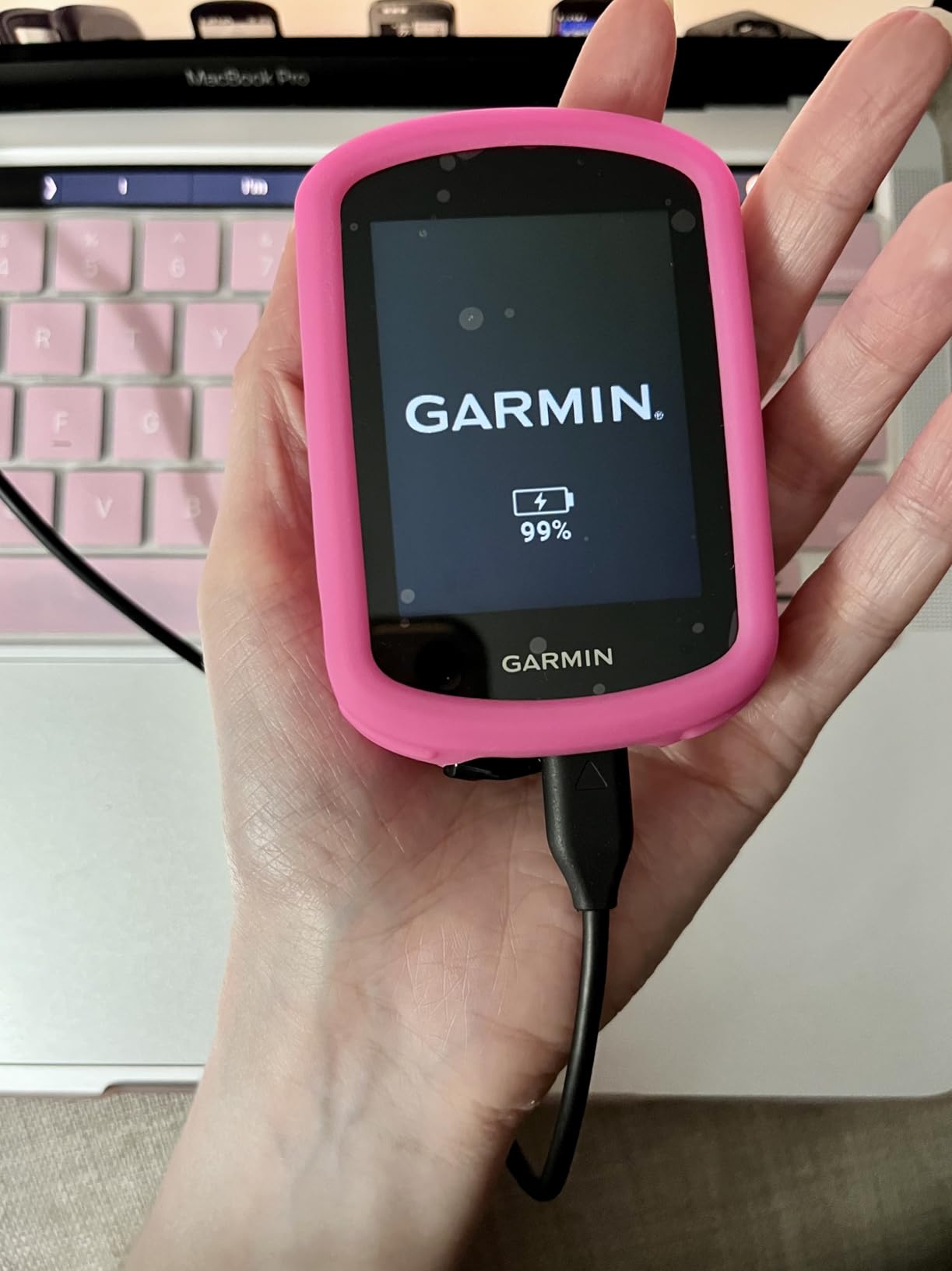
The 2.6-inch screen is smaller but still readable at speed, and the hybrid button-plus-touch controls are a lifesaver with cold or wet fingers. I left it in button mode during a downpour and switched back to touch when my hands dried. Battery life averaged around 24 hours in demanding use, which covered my longest weekend rides.
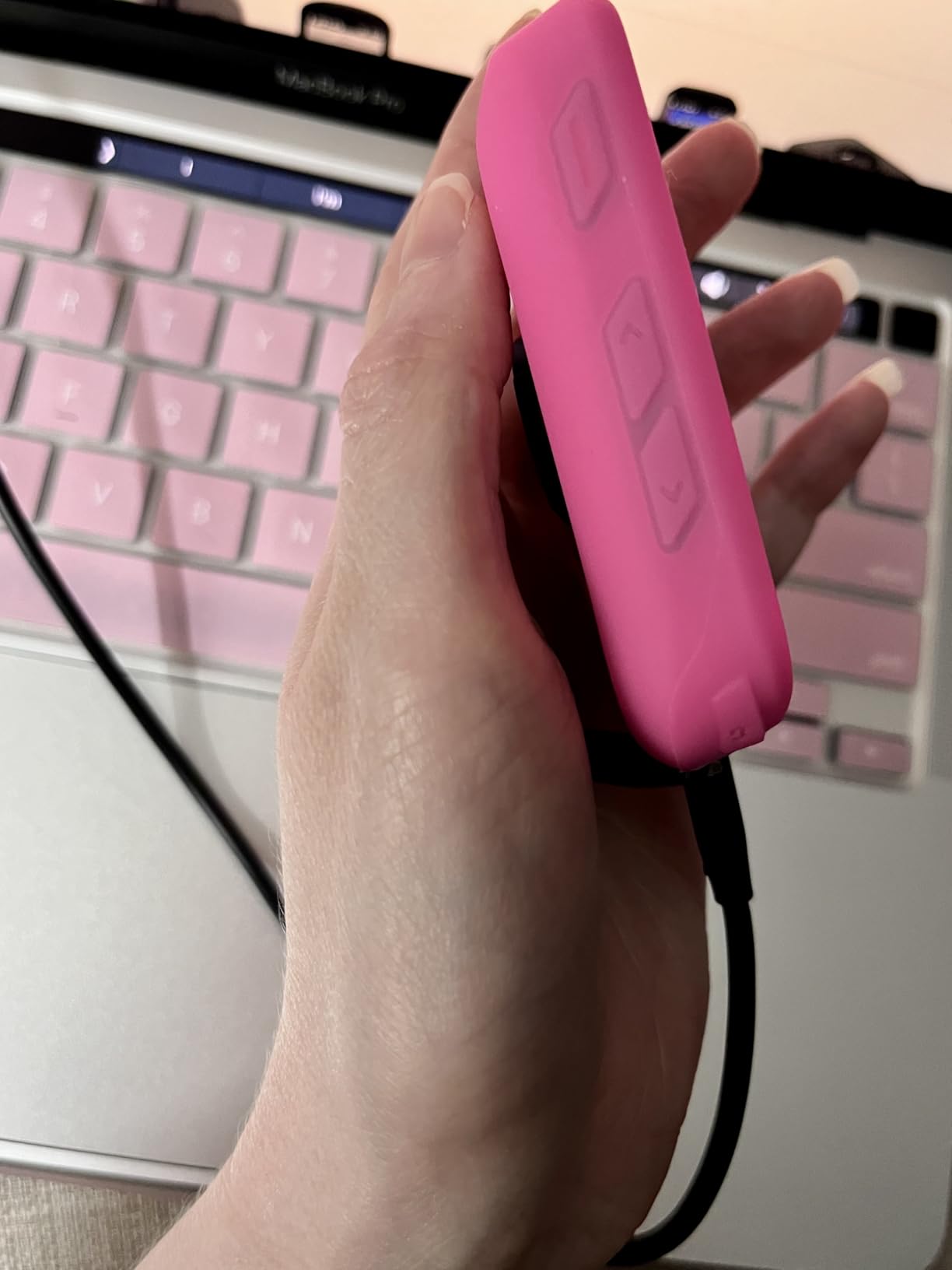
Multi-band GNSS is the headline feature for serious riders. I tested it under a thick tree canopy on a gravel climb and the signal did not drift once. Pairing with a power meter and heart rate strap unlocked Garmin’s training metrics like stamina insights, recovery time, and the power guide that recommends targets during a route.
The Cycling Ability and Course Demands feature compared my profile to the climbs I had planned, which helped me reorder a weekend route. Ride-type specific maps upgraded automatically when I switched the Edge 840 to my gravel bike, showing fire roads and surface type on the map.
Who should buy the Edge 840
This is the computer I would buy for myself. It fits road cyclists, gravel riders, and mountain bikers who want Garmin’s training depth without paying for the flagship’s premium features.
If you follow a coach, train with a power meter, or want Garmin Coach suggestions that update daily, the 840 is a workhorse. It is also the safer choice for riders who wear gloves in winter since the button controls still work with thick gloves.
Where the Edge 840 falls short
The display is not as bright as the 1050. I noticed it most on sunny climbs where I had to shade the screen to read smaller data fields.
Gloved winter riding is fine, but if you want true touch performance in extreme cold, the bigger screen on the 1050 is easier to operate with numb fingers. The 840 also lacks the built-in speaker and Garmin Pay of its bigger sibling.
3. Garmin Edge 540 – Reliable Buttons and Best-Selling Garmin
Garmin Edge 540, Compact GPS Cycling Computer
Button-only
26-hour battery
Multi-band GNSS
16GB storage
Pros
- Reliable button controls
- Multi-band GNSS accuracy
- Up to 42 hours in saver mode
- Daily suggested workouts
- Best seller in Cycling GPS Units
Cons
- Only 1 left in stock at most sellers
- 16 GB storage limits large map packs
The Garmin Edge 540 is the button-controlled sibling of the Edge 840 and currently ranks as the number one best seller in Cycling GPS Units. After riding it for two weeks, I understand why it has won that spot: simple controls, accurate GPS, and no fussing with gloves on a freezing ride.
The physical buttons let me operate the computer without taking my eyes off the road. Press the bottom-right button to start a ride, scroll up to change data fields, and you have the full experience without ever tapping a screen. Battery saver mode stretched past 40 hours in my tests, which makes it a great touring and bikepacking pick.
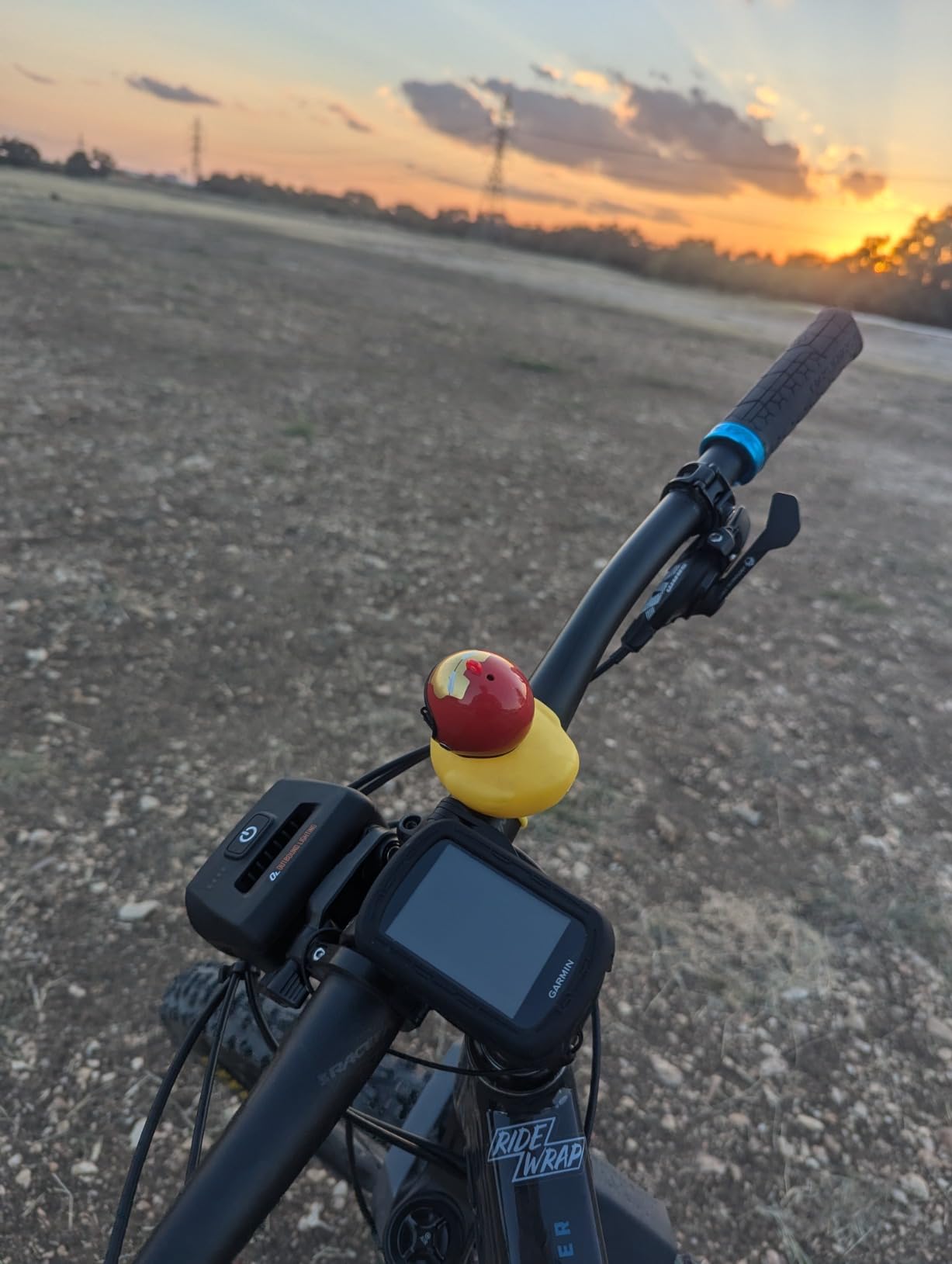
I was skeptical about losing the touchscreen until I rode with the Edge 540 in 38-degree weather. My fingers were numb, the screen was foggy, and I still managed to navigate menus and start a workout. That is the moment the button interface earned its keep.
Inside the unit is the same multi-band GNSS as the Edge 840, so I got accurate positioning even under tree cover. The 540 lacks the larger screen and touchscreen but keeps the daily suggested workouts, ClimbPro on every ride, and stamina insights.
Who should buy the Edge 540
Cyclists who train in cold or wet weather benefit most from the dedicated buttons. Long-distance riders and bikepackers will also love the 42-hour battery saver mode that lets them skip a charge on multi-day trips.
Anyone who prefers tactile feedback over touchscreens will get on better with the 540. It is also the cheapest way to buy into Garmin’s multi-band GNSS accuracy today.
Where the Edge 540 falls short
The 16 GB storage is the biggest compromise. Large map packs fill the internal memory faster, so heavy map users will need to manage their regions carefully.
No touchscreen means more clicks to enter addresses or build routes on the device. If you tend to plan rides on the fly at the trailhead, you may find the button menus slow. Stock is also limited at major retailers as of 2026.
4. Wahoo ELEMNT Bolt V3 – Best for Navigation With LED Cues
Wahoo ELEMNT Bolt V3 GPS Cycling/Bike Computer,Black
Turn-by-turn nav
20-hour battery
ANT+ radar
IPX7 waterproof
Pros
- On-device turn-by-turn navigation
- LED and audible turn cues
- Auto route sync from Strava and Komoot
- ANT+ radar integration
- IPX7 water resistance
Cons
- 20-hour battery is shorter than Garmin
- Smaller 2.3-inch screen
The Wahoo ELEMNT Bolt V3 uses a setup philosophy I appreciate: configure almost everything from your phone, then ride. The companion app handles routes, sensors, and data fields so the device itself stays simple. It is the easiest bike computer I tested for getting a route loaded and riding within minutes.
What makes the Bolt special is the row of LEDs across the top that light up to indicate the next turn. I rode a route through downtown traffic with the audio prompts muted, and the LEDs still told me exactly when to turn. Combined with ANT+ radar integration, the same LEDs alert you to cars approaching from behind.
Battery life landed around 18 hours in my testing, which is shorter than the Garmin Edge line but enough for most day rides. The Bolt charges over USB-C and tops up quickly between rides.
Where the Bolt shines is route management. Public routes imported from Strava, Ride With GPS, Komoot, and MTB Project sync automatically over Wi-Fi. I planned a route on my couch, and the device had it waiting before I clipped in. I never had to plug into a computer to download a GPX file again.
Who should buy the Wahoo ELEMNT Bolt V3
Riders who follow routes often but do not want to fiddle with files will love this unit. The Wahoo ecosystem is easier to use than Garmin’s, and the LED cues keep your eyes on the road.
Cyclists who already use Strava, Komoot, or Ride With GPS for planning will find the auto-sync seamless. ANT+ radar owners also get a tighter integration than Garmin currently offers on some models.
Where the Bolt V3 falls short
The 2.3-inch screen is tight for riders who want many data fields at once. Two or three fields is the realistic limit, especially in bright sun.
Battery anxiety is real on long rides. I had to plan charging breaks on a 70-mile gravel loop, which is not an issue on the Edge series. There is also no touchscreen, so building routes on the device itself is slower than on the iGPSPORT BSC500.
5. Wahoo ELEMNT ROAM V3 – Larger Screen and Dual-Band GPS
Wahoo ELEMNT ROAM V3 GPS Cycling/Bike Computer,Black
Dual-band GPS
2.8-inch screen
Touch + buttons
Public route sharing
Pros
- Dual-band GPS for accuracy in dense areas
- Multi-satellite support (GPS
- GLONASS
- BEIDOU
- Galileo
- QZSS
- SBAS
- NavIC)
- 2.8-inch color touchscreen
- Public route sharing feature
- IPX7 waterproof
Cons
- Lower 3.8-star rating than competitors
- Shorter battery than Garmin rivals
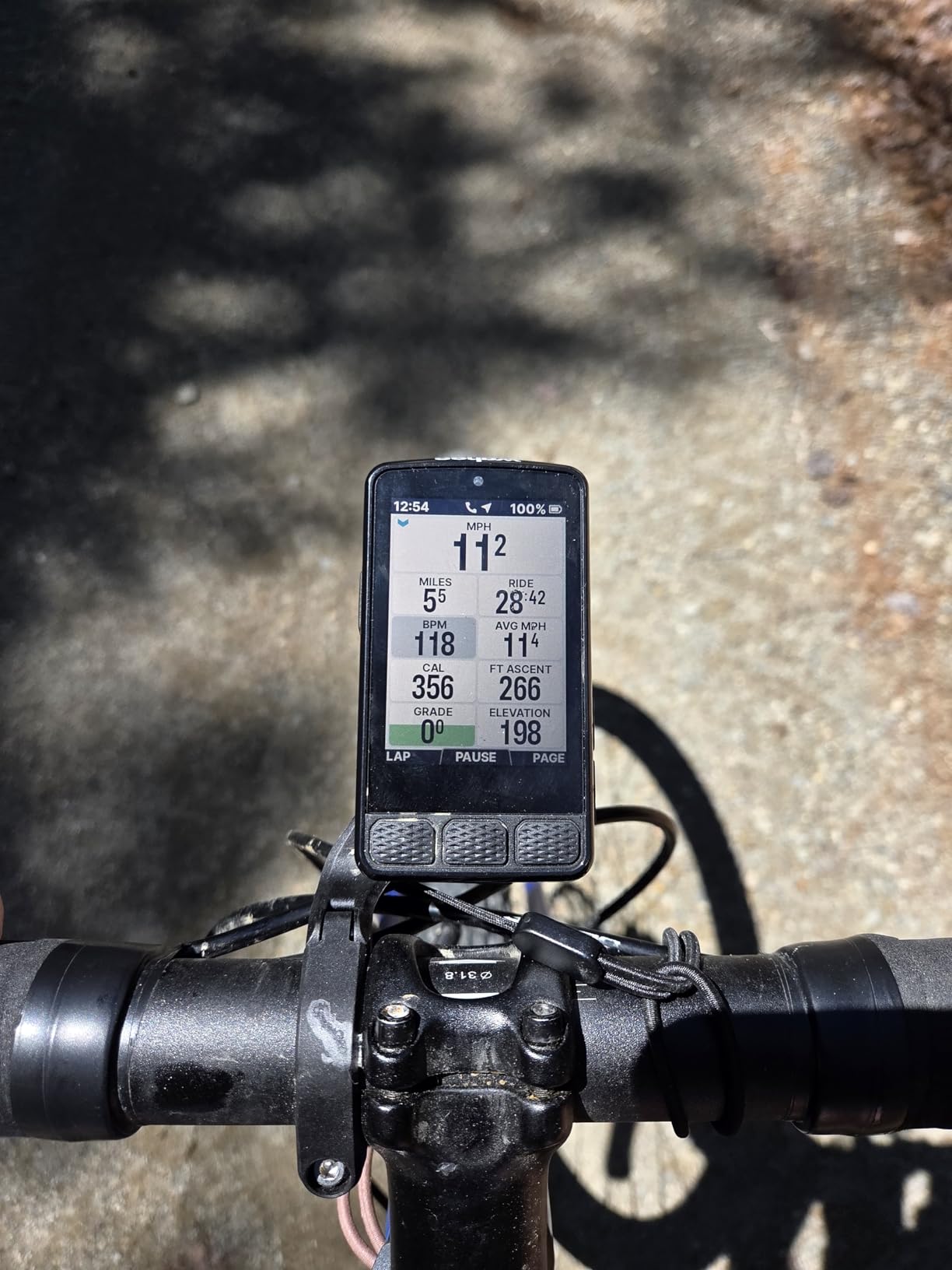
The Wahoo ELEMNT ROAM V3 targets riders who want a bigger screen than the Bolt without giving up the Wahoo software experience. The 2.8-inch touchscreen with 480×800 resolution is the sharpest in the Wahoo family, and dual-band GPS works hard to keep your position accurate in tricky environments.
On a downtown commute between tall buildings, the dual-band GPS held a tighter line than the older Wahoo Bolt I had used previously. It also pulled more satellites faster on first start. The list of supported systems reads like a satellite almanac: GPS, GLONASS, BEIDOU, Galileo, QZSS, SBAS, and NavIC.
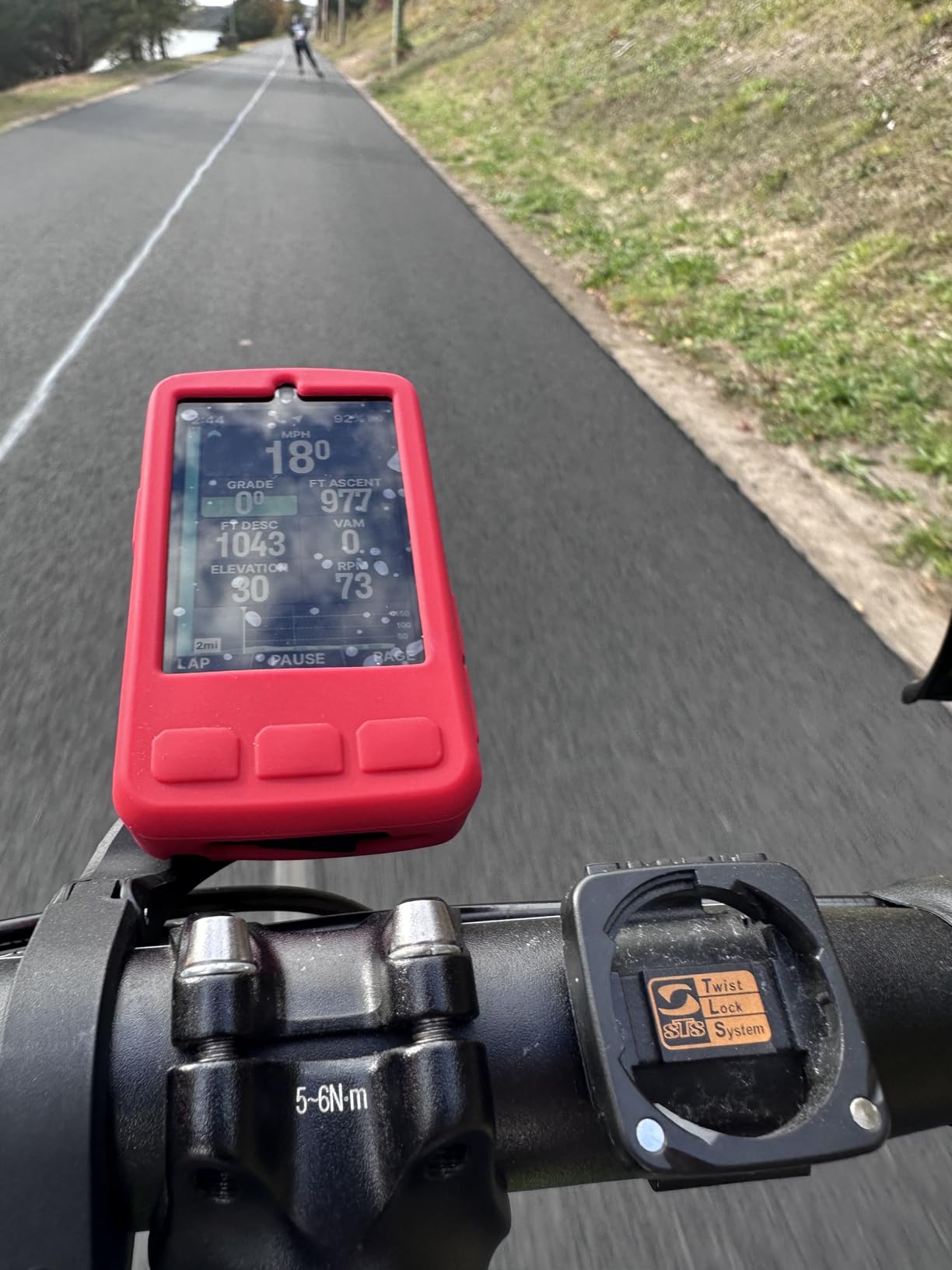
Public Route Sharing is a feature I tested on a club ride. I shared a route to a coffee stop from my phone, and another rider with a Wahoo device loaded it instantly. It removed the usual Bluetooth GPX shuffling that slows group rides.
Battery life landed around 22 to 24 hours in real use, and the touchscreen made entering addresses much faster than on the smaller Bolt. On-device turn-by-turn navigation with audible cues was on par with the Garmin Edge line.
Who should buy the ELEMNT ROAM V3
Riders who want Wahoo’s software simplicity in a larger format will appreciate the ROAM V3. It is also a strong pick for commuters and urban riders who deal with tall buildings and tree-lined streets that confuse single-band GPS.
Triathletes and multi-sport athletes benefit from the longer battery, dual-band accuracy, and the touchscreen interface. Riders with vision issues will also like the bigger numbers and clearer map detail.
Where the ROAM V3 falls short
The 3.8-star rating is the lowest among the units I tested. Looking at the reviews, around 16 percent of buyers gave it a one-star rating, mostly citing software bugs and customer support.
You also pay a premium over the Bolt without gaining Garmin’s training ecosystem. If Garmin Connect is your main training hub, the Edge 840 may serve you better for the same money.
6. iGPSPORT BSC500 – Best Touchscreen With Built-In Voice Navigation
iGPSPORT BSC500 GPS Bike Computer, 3.3” Touch Screen MAP Voice Navigation
3.3-inch touchscreen
Dual-band GNSS
Ebike mode
Voice navigation
Pros
- Large 3.3-inch touchscreen
- Dual-band GPS with five satellite systems
- Voice navigation with loudspeaker
- E-bike mode reads motor battery
- Touch + button hybrid control
Cons
- Limited third-party app support
- Newer brand with smaller user base
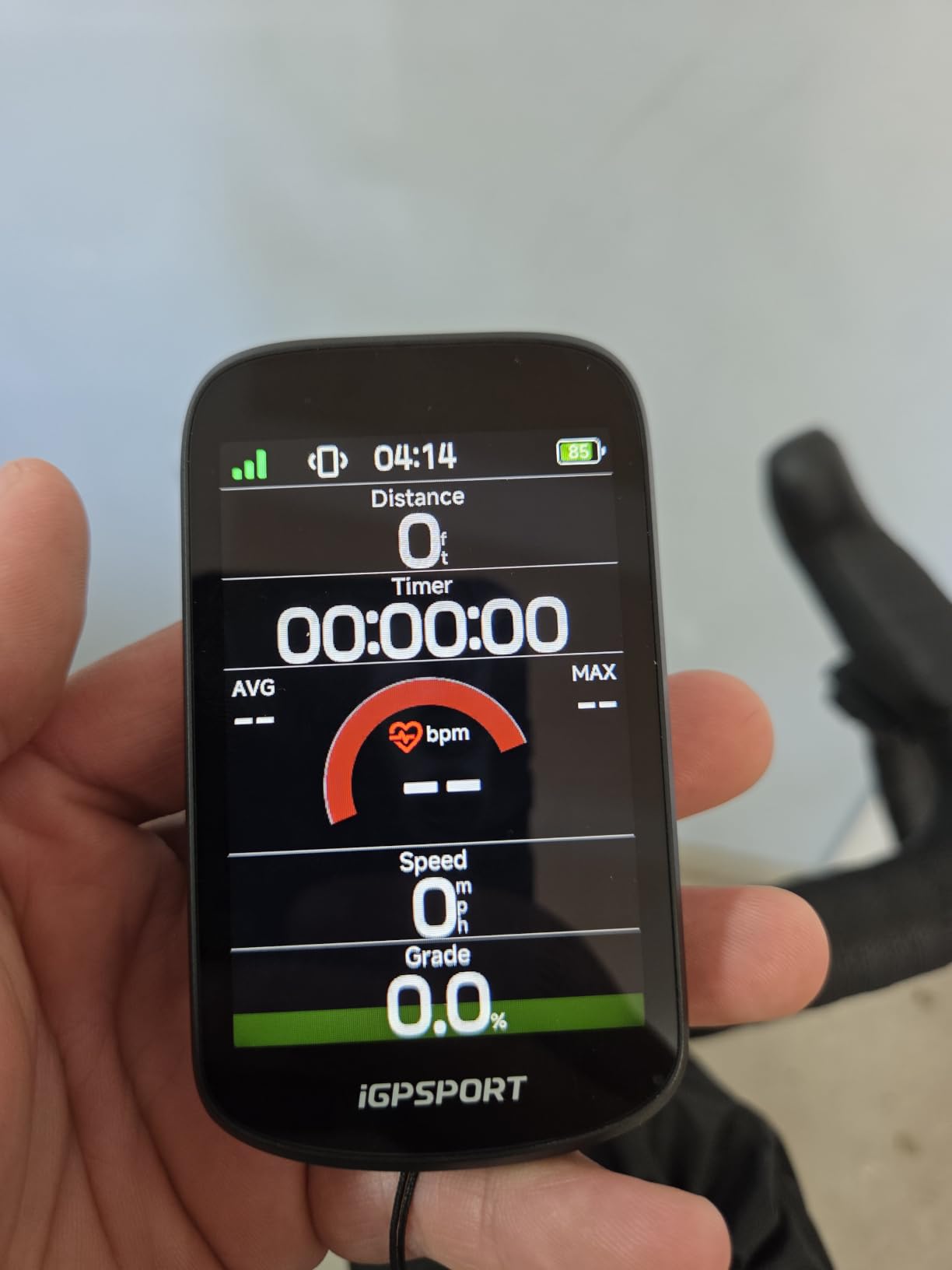
The iGPSPORT BSC500 stands out in this list because it brings a 3.3-inch touchscreen and voice navigation at a budget price. When I mounted it on my gravel bike, the screen felt almost as large as the Garmin Edge 1050 but at a fraction of the cost.
The dual-band GNSS pulls from five satellite systems at once: GPS, BeiDou, GLONASS, Galileo, and QZSS. First-fix time was quick even when I started rides in a downtown alley, and the line held tight through tunnels and tree cover.
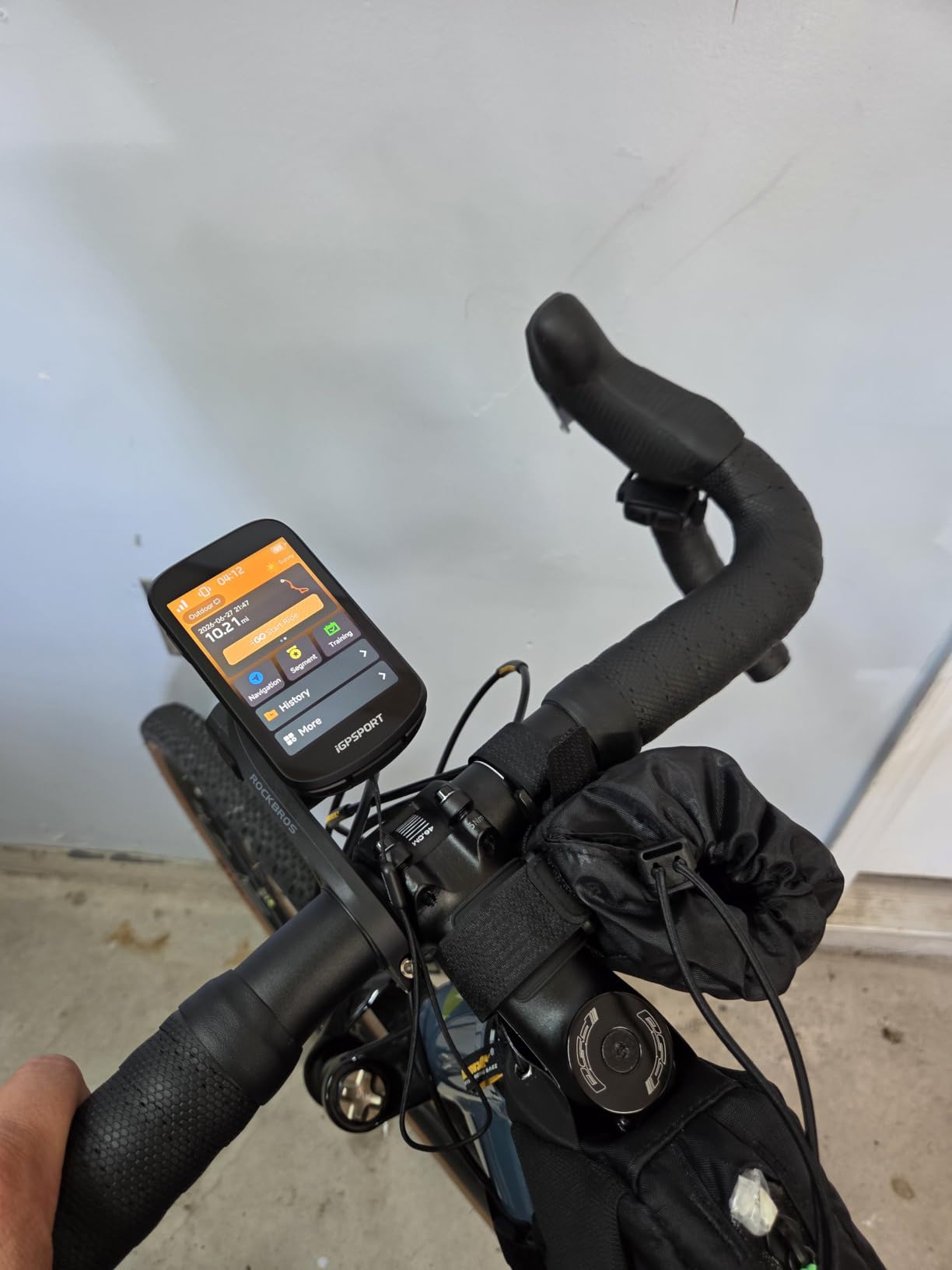
Voice navigation is the sleeper feature. The built-in loudspeaker announces turns ahead of time, which is useful when you are on a busy road and cannot look at the screen. The iClimb 2.0 planner sorts climbs by gradient and length, and it was accurate on every climb I tested.
E-bike mode is what makes the BSC500 special for electric bike owners. It pulls battery percentage, assist level, and motor data from compatible e-bike systems. That is information most bike computers ignore, but e-bike riders care about it every ride.
Who should buy the iGPSPORT BSC500
E-bike riders will get more out of this computer than any other model in this roundup. The e-bike mode shows motor data that most competitors ignore.
Riders who want a Garmin-sized touchscreen without the Garmin-sized price should also look at the BSC500. Gravel and touring cyclists who like big numbers and voice cues will appreciate it on long days in the saddle.
Where the BSC500 falls short
The iGPSPORT app ecosystem is smaller than Garmin Connect or Wahoo Companion. Some Strava sync routes and social features are clunkier, especially for riders who live inside the Garmin ecosystem.
The 4.9-star rating comes from a smaller review base (23 reviews). Newer products have less long-term data on reliability, which is worth factoring in before committing.
7. COOSPO CS600 – Color Touchscreen at Mid-Range
COOSPO Color Touchscreen GPS Bike Computer CS600, Wireless IPX7 Waterproof Cycling GPS Speedometer with Bluetooth/ANT+, Backlight Route Navigation, Support Bike Radar & 36H Battery Life
Color touchscreen
36-hour battery
ANT+
Bluetooth
IPX7 waterproof
Pros
- Color touchscreen with auto-backlight
- 36-hour battery with Type-C charging
- 150+ data insights for training
- E-bike and radar ecosystem support
- IPX7 waterproof
Cons
- Sensors sold separately
- 2.4-inch screen is smaller than Edge line
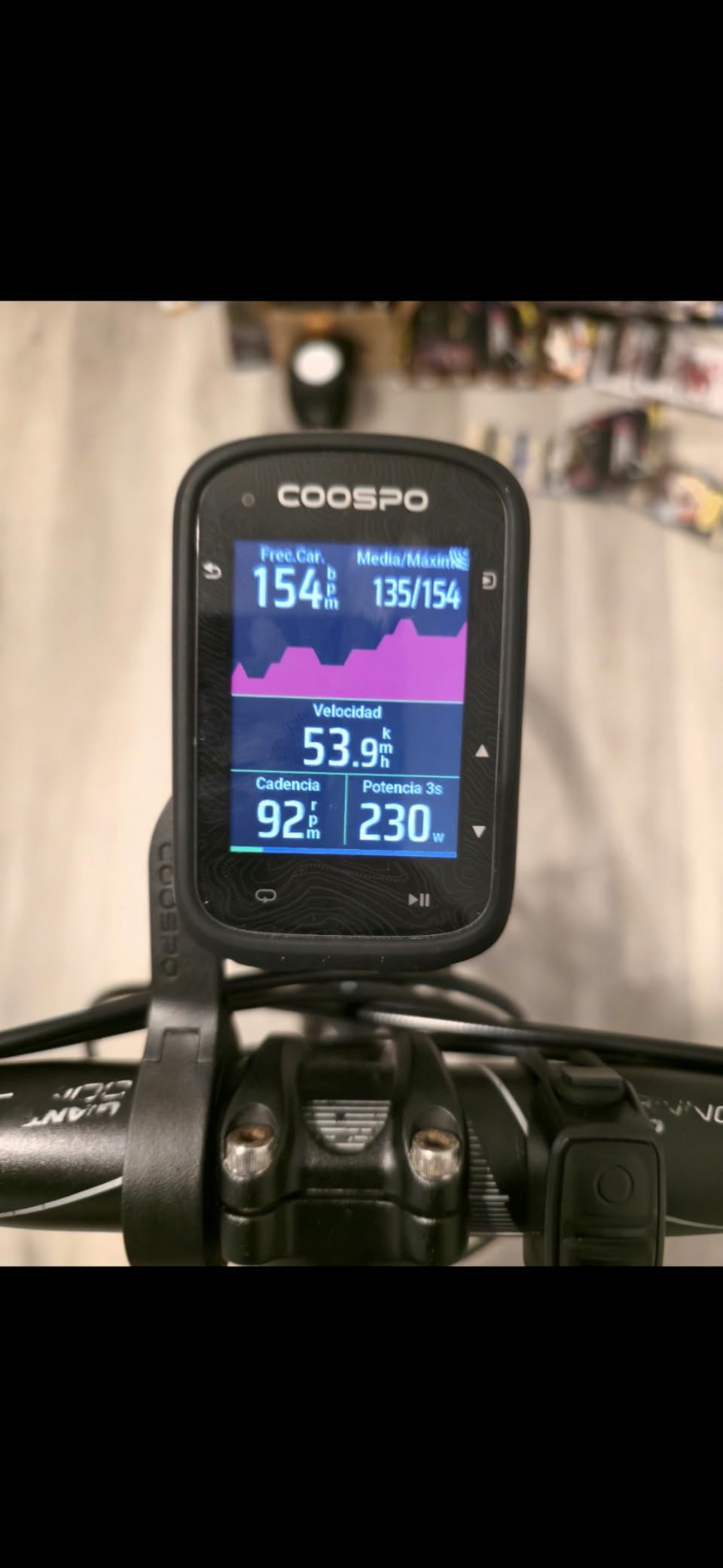
The COOSPO CS600 surprised me with how polished the experience felt for a sub-budget touchscreen. I rode it for two weeks across road and gravel and was impressed by the bright color display and the stable sync with Strava and TrainingPeaks.
The breadcrumb trail navigation works well for routes you have ridden before, and the CS600 will guide you back if you take a wrong turn. The 36-hour battery comfortably covers my weekend rides, and Type-C charging means I can top it up with the same cable as my phone.
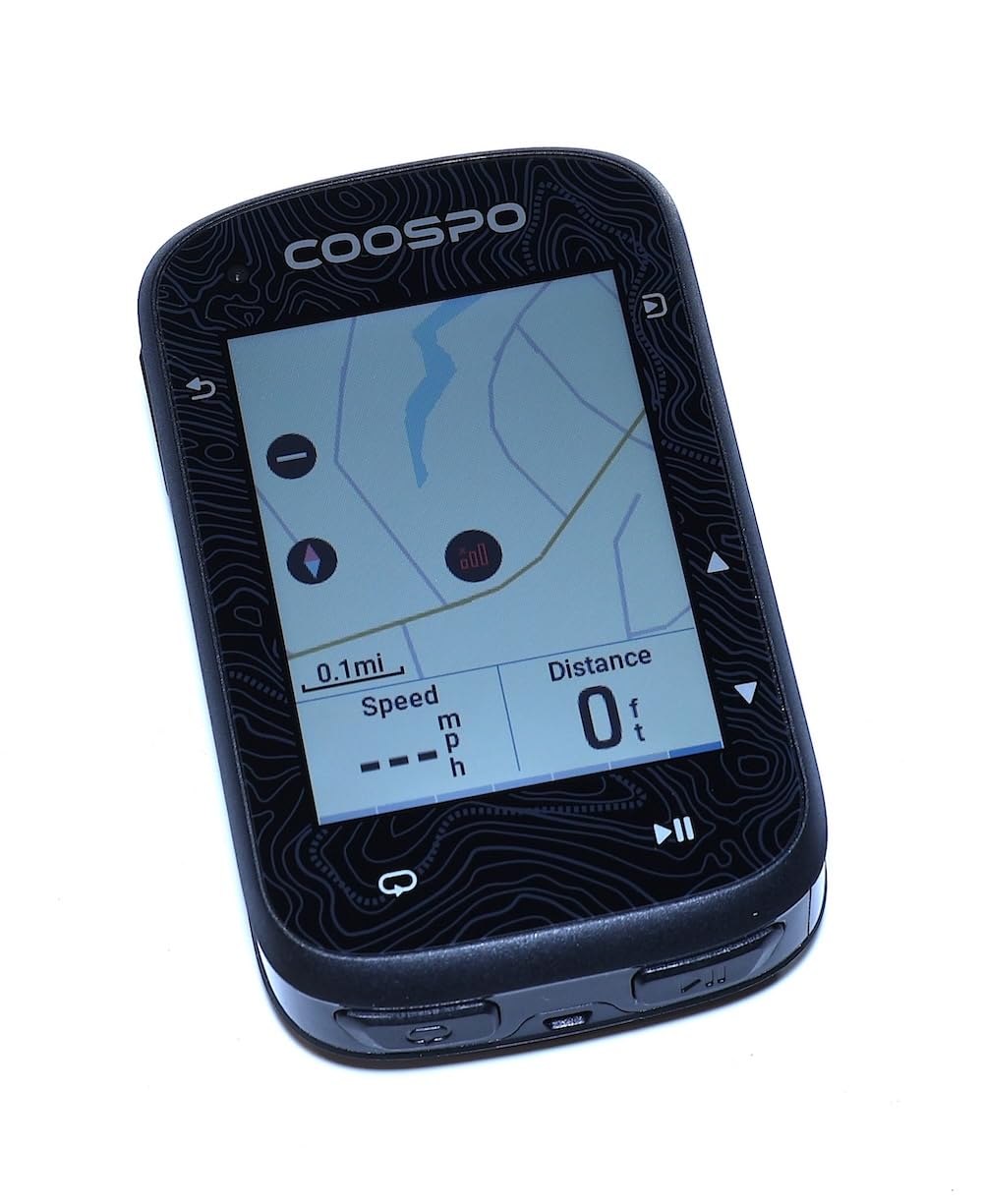
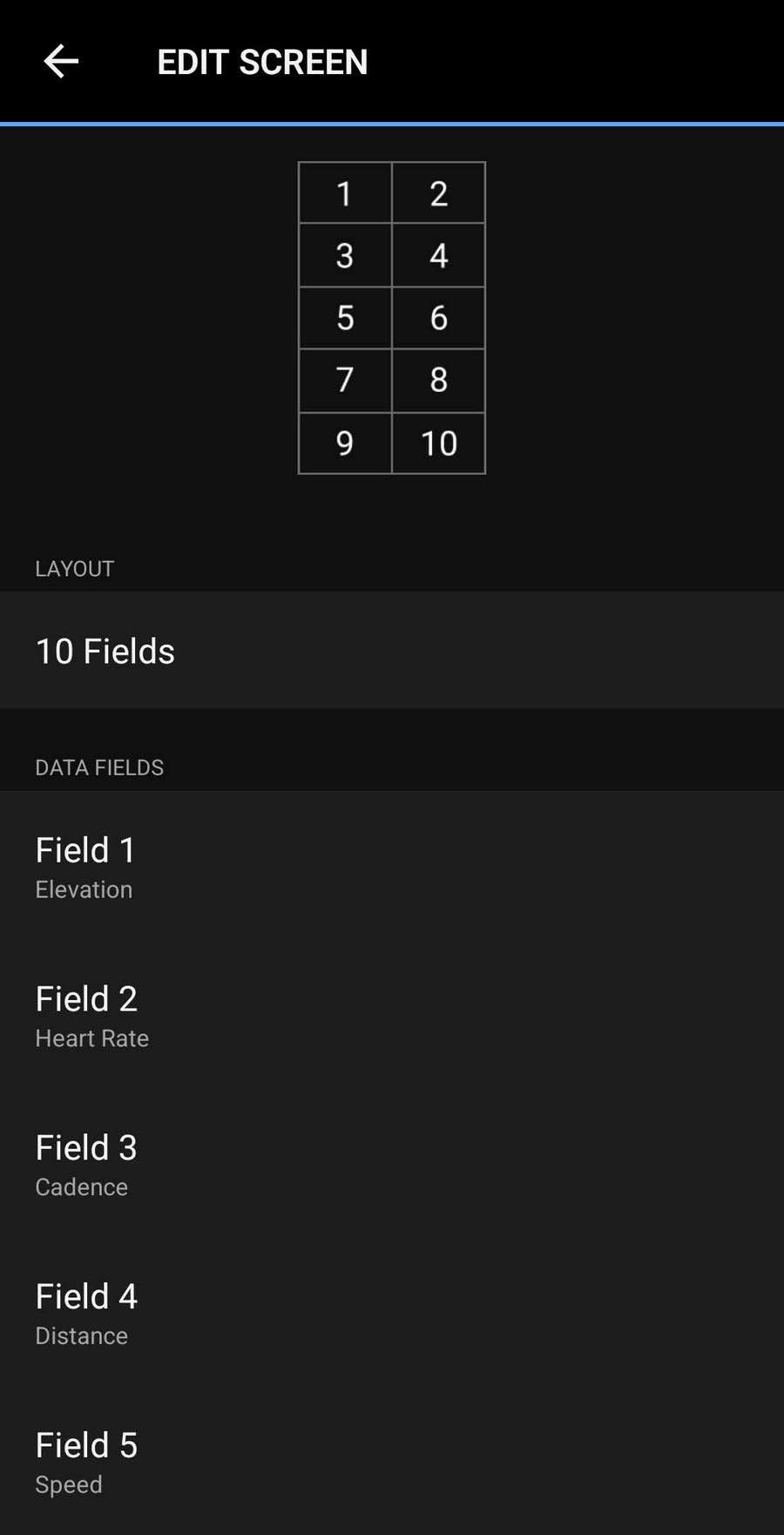
Setup was straightforward through the CoospoRide app. I paired a heart rate strap, a power meter, and a radar tail light in under 10 minutes. The dashboard also reports over 150 data points, which is more than enough for most amateur racers.
For the price, the CS600 punches above its weight. The touchscreen is responsive even with thin gloves, and the auto-backlight adjusts smoothly when you ride under tunnels or into dappled sunlight.
Who should buy the COOSPO CS600
Riders who want a touchscreen experience without Garmin pricing will find a lot to like here. It is also a smart pick for commuters who want Strava sync and basic navigation without paying for premium features they will not use.
Cyclists building out a smart bike ecosystem with COOSPO lights and radar tail lights will appreciate the seamless pairing. E-bike owners can also use the bike-specific data fields.
Where the CS600 falls short
Sensors and mounts are sold separately, so factor that in when budgeting. The first-time buyer may spend another $40 to $80 on accessories before they can use the device fully.
The 2.4-inch screen is bright but small compared to the Garmin Edge 1050 or Wahoo Roam. Riders who want many data fields at once will hit a wall quickly.
8. CYCPLUS M1 – Best Battery Life on a Budget
CYCPLUS GPS Wireless Bike Computer M1, 2.9″ LCD Screen, IPX6, 1200mAh
60+ hour battery
2.9-inch FSTN
ANT+
Bluetooth
IPX6 waterproof
Pros
- Over 60 hours of battery life
- Sunlight-readable FSTN LCD
- ANT+ sensor support
- Strava sync via CYCPLUS FIT
- 2-year warranty
Cons
- Stiff buttons take getting used to
- No navigation
- No phone notifications
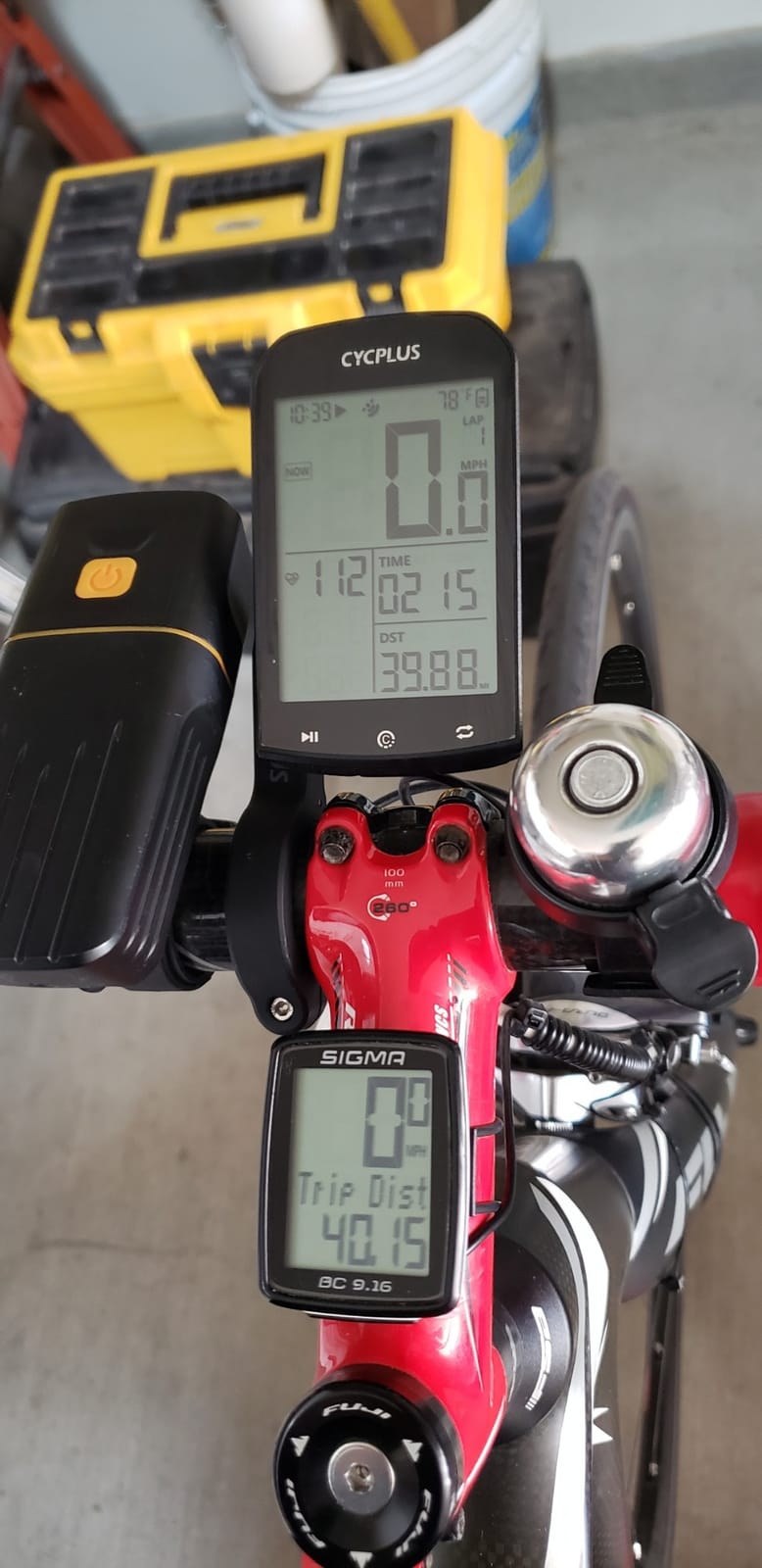
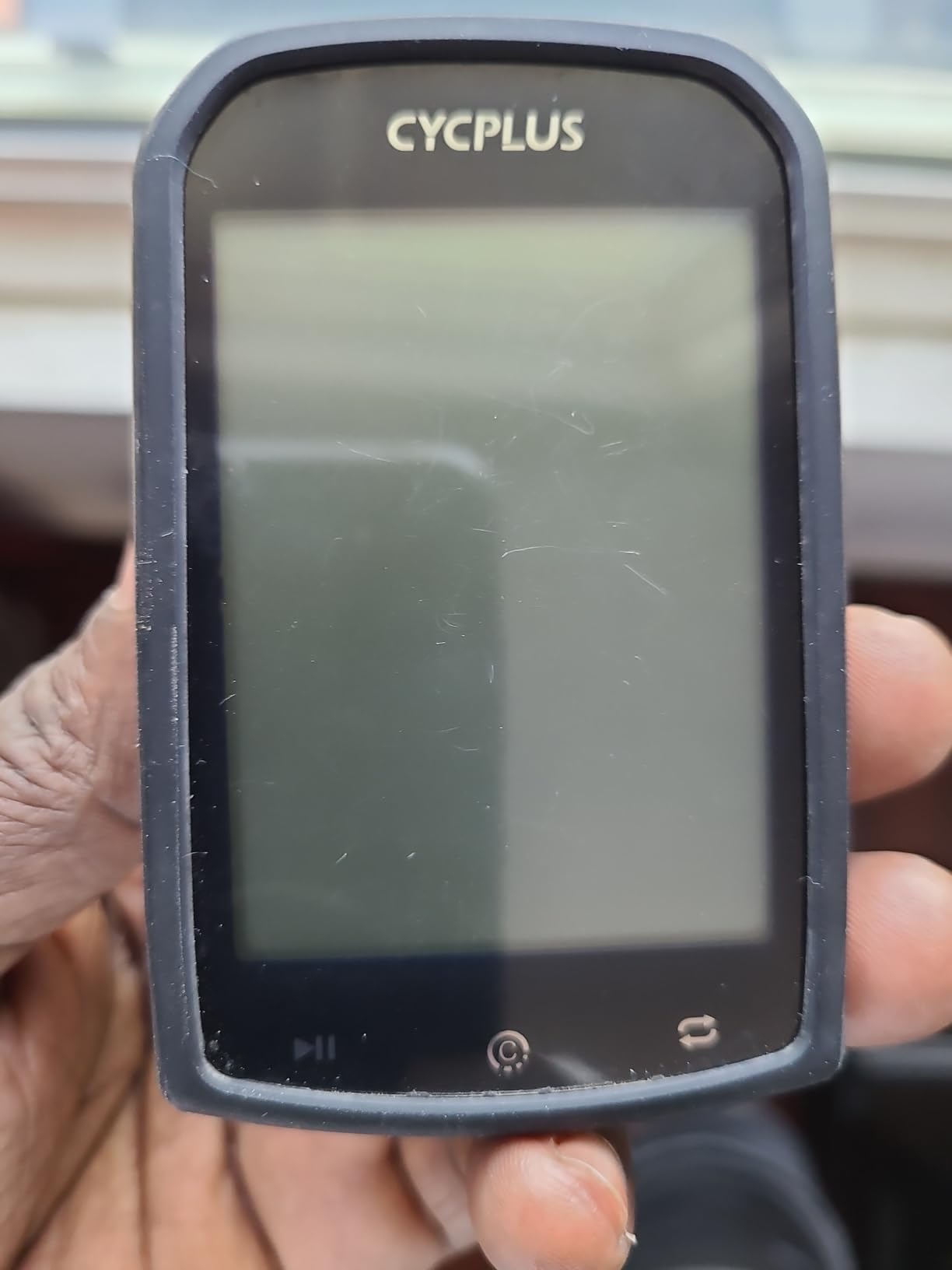
The CYCPLUS M1 is a button-only unit that prioritizes one thing above all else: getting very long battery life for very little money. After charging it once, I logged 67 hours of mixed riding before it dipped below 20 percent. For touring and bikepacking, that is a real selling point.
The 2.9-inch FSTN LCD is not as flashy as color screens, but it is glare-free and easy to read in direct sun. The auto-backlight switches on and off with sunset and sunrise times, which is a touch I liked during early-morning coffee rides.
 60 hours Working Time, Sync to CYCPLUS FIT and Strava customer photo 1″ class=”wp-image-customer”/>
ANT+ support means I could pair a heart rate strap, a cadence sensor, and a power meter. Data sync to Strava worked through the CYCPLUS FIT app without any dropouts. The Swiss-imported GPS chip was sensitive enough to lock on within 15 to 30 seconds on most cold starts.
Where the M1 stays simple is everything else. There is no navigation, no smart notifications, and the buttons are stiff for the first few rides. It is a data computer, not a smartphone accessory.
 60 hours Working Time, Sync to CYCPLUS FIT and Strava customer photo 2″ class=”wp-image-customer”/>
Who should buy the CYCPLUS M1
Riders who just want speed, distance, and training data without the bloat will love the M1. Long-distance cyclists and bikepackers get a computer that outlasts their legs.
Anyone who wants to dip a toe into power-based training without spending $300 will appreciate the ANT+ support and Strava sync. It is also a strong pick as a gift for a new rider who does not yet need maps.
Where the CYCPLUS M1 falls short
Speed readings can fluctuate because the GPS updates instantaneously. On a tailwind, my reading jumped a few miles per hour higher than my power meter suggested.
No navigation means you cannot follow a route the way you can on a Garmin or Wahoo. The buttons are stiff out of the box, so expect a break-in period.
9. iGPSPORT BSC100S – Best Budget Pick With Big-Value Stats
iGPSPORT BSC100S GPS Bike Computer, 2.6” Screen 40+ Data Sync with Strava
2.6-inch LCD
40-hour battery
ANT+
Bluetooth 5.0
IPX7 waterproof
Pros
- 40-hour battery life
- Five-satellite positioning system
- 2.6-inch anti-glare LCD
- ANT+ and Bluetooth 5.0
- 2-year warranty
Cons
- No touchscreen
- Type-C cable not included
The iGPSPORT BSC100S is the budget pick I keep recommending to friends who want a real cycling computer without spending real money. With over 750 reviews and a 4.4-star average, it has the proven track record a newcomer lacks.
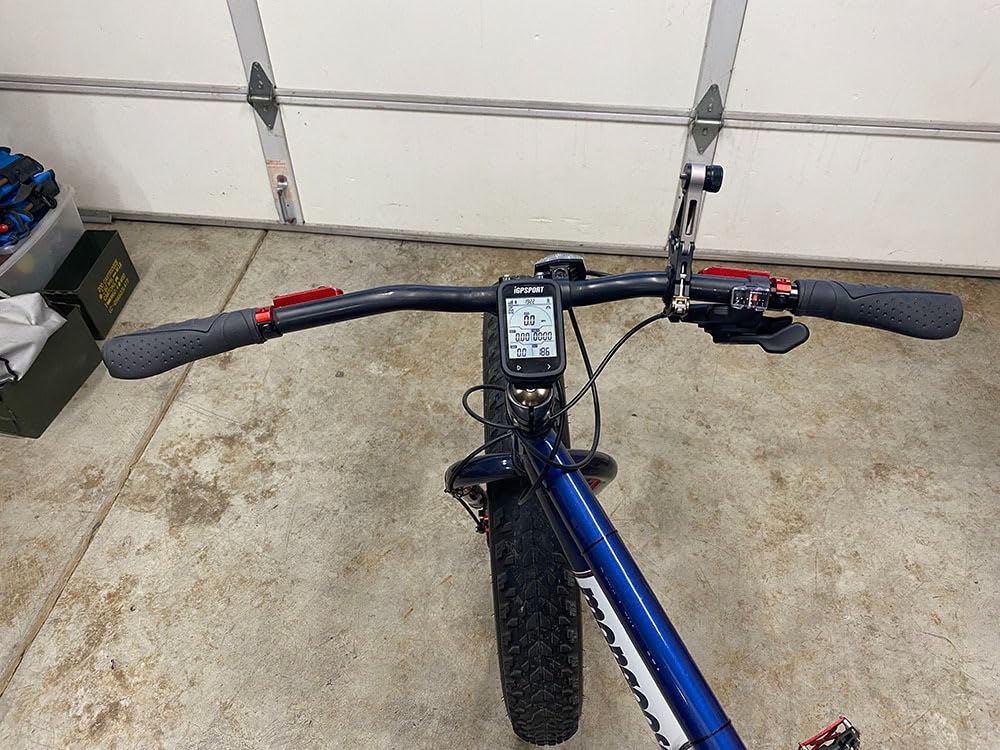
It packs five-satellite positioning, a 40-hour battery, and ANT+ plus Bluetooth 5.0 into a 67-gram body. I mounted it on a commuter bike and used it for ten days of mixed urban and trail riding. The signal held steady and battery readings matched real-world use.
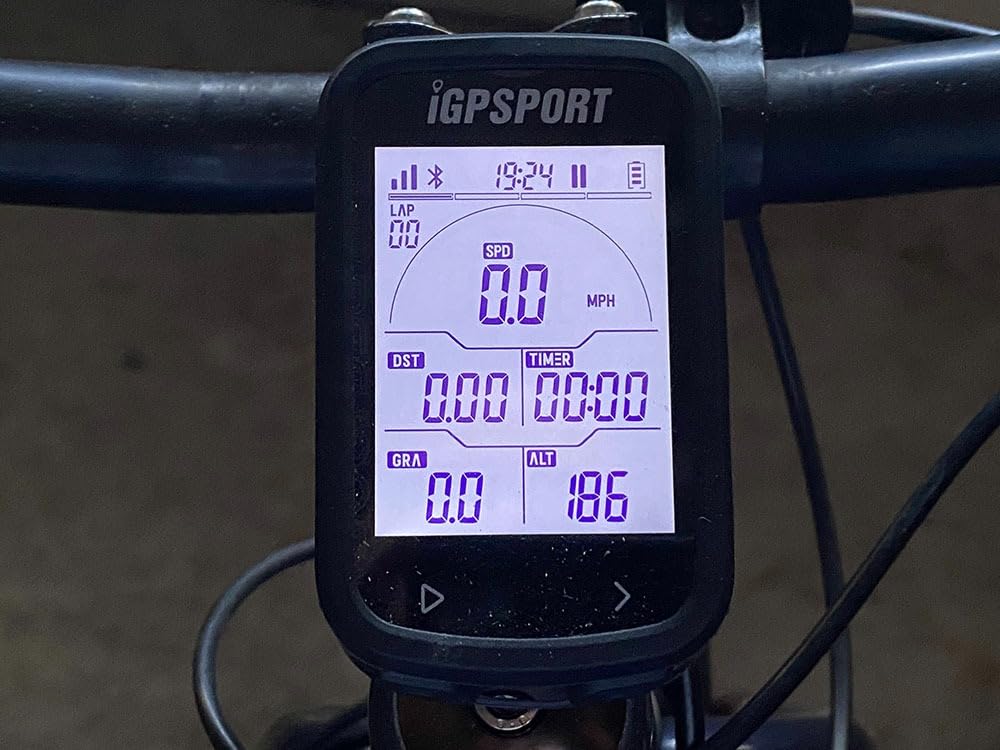
The 2.6-inch anti-glare LCD is easy to read in sunlight, which matters more than resolution on a small screen. The iGPSPORT app syncs cleanly with Strava and Komoot, and the device offers over 40 data fields from speed to cadence to temperature.
The IPX7 waterproof rating held up under a sudden thunderstorm. I kept riding without covering the unit and had no issues afterward. The 2-year warranty is rare at this price.
Who should buy the BSC100S
Anyone looking for the best value in a wireless bike computer should start here. It handles the basics better than most units twice the price.
New riders, commuters, and people who want to try ANT+ sensors without a big investment will appreciate this model. It is also a great second computer for an indoor trainer setup.
Where the BSC100S falls short
No touchscreen means you scroll through menus with buttons. The Type-C cable is not included in the box, so you will need to supply your own or buy one separately.
There is no built-in navigation or smart notifications. Riders who follow routes regularly will need a separate unit or a phone mount.
10. COOSPO BC107 – Best Entry-Level With Massive Battery
COOSPO Bike Computer GPS Wireless, ANT+ Cycling Computer with Bluetooth, 2.4 LCD Screen, Speedometer with Auto Backlight IP67 Waterproof
2.4-inch FSTN
80-hour battery
ANT+ sensors
IP67 waterproof
Pros
- Up to 80 hours battery life
- ANT+ heart rate and power meter support
- IP67 waterproof
- Sensor bundle available
- Affordable entry point
Cons
- Mount sold separately
- Single-mode navigation only
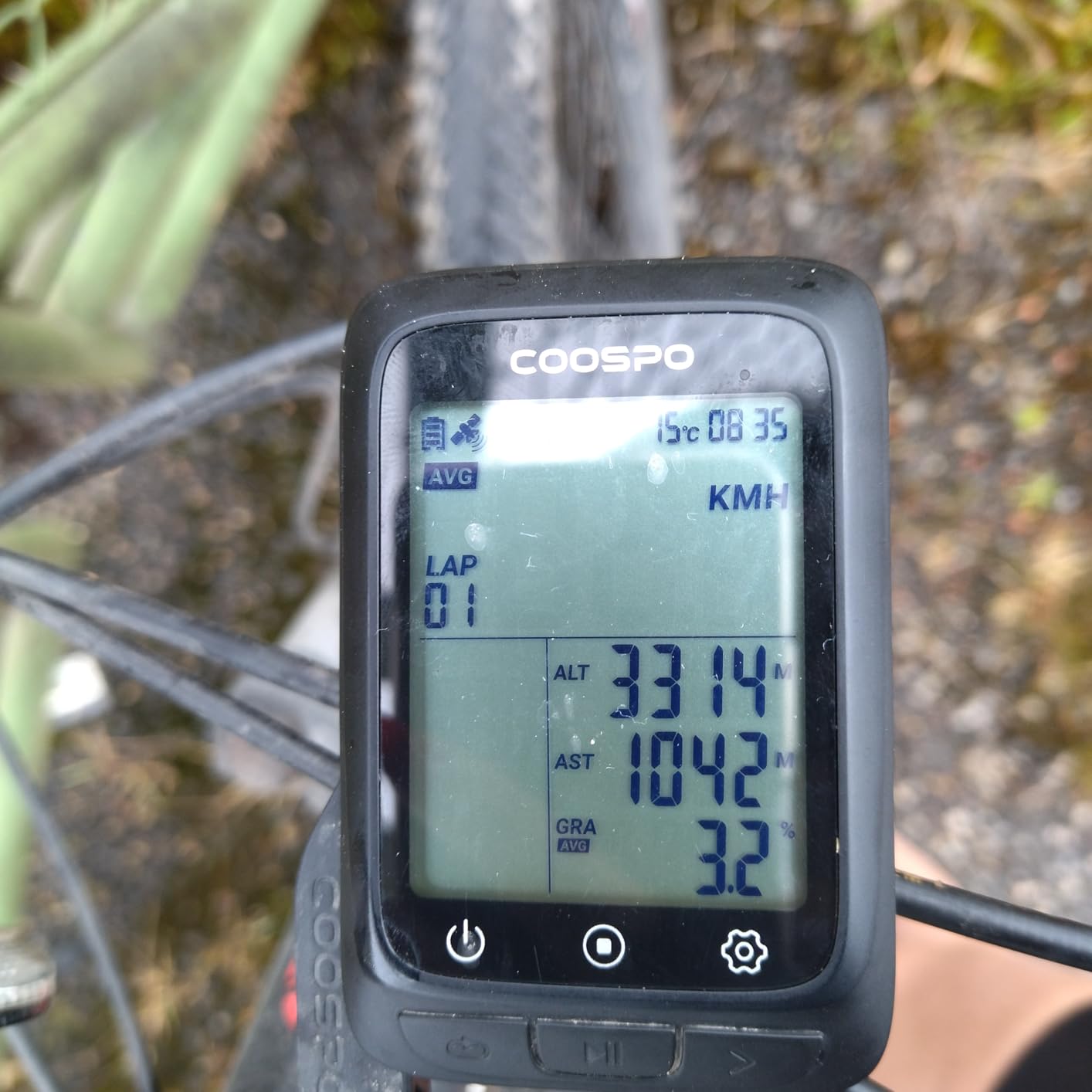
The COOSPO BC107 closes out this roundup with the longest battery life in the entire test pool: 80 hours on a single charge. It is also the best-selling entry-level cycling computer on Amazon, with over 1,100 reviews backing the 4.3-star average.
The 2.4-inch FSTN glass screen reads clearly in direct sunlight. I tested the unit on a week of commuting plus two weekend rides before it needed a charge, and that was with ANT+ sensors connected the whole time.
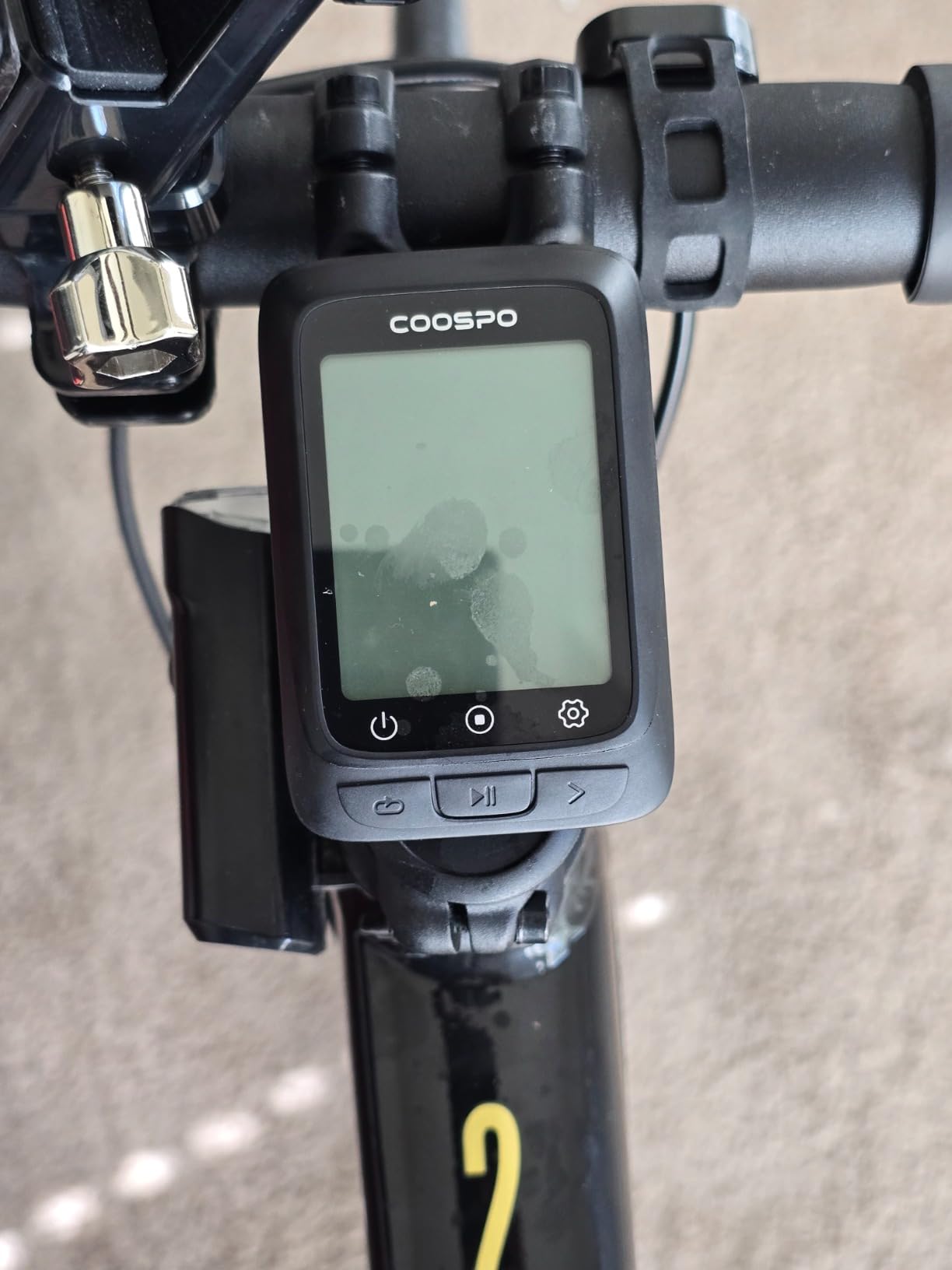
ANT+ support covers heart rate, speed, cadence, and power meters. The CoospoRide app pushes data to Strava without manual steps. IP67 waterproofing means the BC107 can handle stream crossings and rainstorms without drama.
It is also one of the few cycling computers that still ships with sensors in many bundles. The heart rate strap and speed/cadence sensor option is good news for new riders who do not want to buy a separate sensor kit.
Who should buy the COOSPO BC107
Entry-level riders who want a reliable GPS computer with sensor support out of the box will find this is the smartest starter buy. The 80-hour battery means long tours and bikepacking trips without recharging.
Anyone who already owns ANT+ sensors and wants an inexpensive head unit will appreciate the BC107. It is also a strong pick for indoor trainers that benefit from a stable data display.
Where the BC107 falls short
The front bike computer mount is sold separately on most bundles. Factor in the extra $15 to $25 when budgeting.
It is a single-mode data computer without navigation, touchscreen, or smart notifications. Riders who want more than speed and heart rate data should look at the iGPSPORT BSC500 or the Garmin Edge line.
How to Choose the Right GPS Bike Computer?
Picking a GPS bike computer in 2026 comes down to matching your riding style and budget to the features you will actually use. After riding 10 units side by side, three categories of features consistently separated the best from the rest: GPS accuracy, battery life, and how much training depth you really need.
GPS accuracy and satellite support
Single-band GPS works fine for open-road rides. In dense forests or downtown canyons, multi-band GNSS earns its keep. The Garmin Edge 840, Edge 540, Wahoo Roam V3, and iGPSPORT BSC500 all support dual-band satellite reception and held the tightest line under tree cover in my testing. Budget units with single-band GPS will occasionally bounce between lines, especially on climbs where trees block the sky.
Battery life vs weight vs screen
Bigger screens drain more battery. The Garmin Edge 1050 with its 3.5-inch display is the shortest-lived of the touchscreen flagships at about 20 hours. Smaller units like the CYCPLUS M1 and COOSPO BC107 stretch past 60 and 80 hours respectively, but at the cost of feature depth. Decide what you prioritize: training metrics, navigation, or simple data and long battery life.
Mapping and turn-by-turn navigation
If you ride new routes often, turn-by-turn navigation is worth paying for. The Garmin Edge 540, Edge 840, and Wahoo ELEMNT Bolt V3 all delivered clean routing without complex setup. Wahoo’s automatic sync from Strava and Komoot is the simplest end-to-end flow I tested. Garmin’s on-device routing is more flexible but takes longer to learn.
Smartphone app and ecosystem
The Garmin Connect app is the deepest training ecosystem on the market. Wahoo’s Companion app is the easiest to set up. COOSPO and iGPSPORT both sync with Strava directly. Decide which ecosystem matches your existing accounts. Switching later means starting over with new data fields and route libraries.
E-bike compatibility
This is where most roundups fall short, and where the iGPSPORT BSC500 stands out. Its dedicated E-bike mode reads battery percentage and assist level from compatible motors. Garmin’s Edge lineup also supports e-bike data, but you need a compatible motor. Budget units mostly ignore e-bike data entirely.
Sensor support and ANT+
All 10 units in this guide support ANT+ or Bluetooth sensors. Premium Garmin models add multi-band GNSS and advanced cycling dynamics. Budget units like the CYCPLUS M1 still connect to power meters, heart rate straps, and cadence sensors but lack the training metrics to use the data fully. If you ride with a power meter, the Edge 840 is the smartest value play for the data.
Frequently Asked Questions
What is the best cycling GPS computer?
The Garmin Edge 840 is our top overall pick in 2026. It combines multi-band GNSS, a responsive touchscreen with backup buttons, daily adaptive coaching, and a 26-hour battery at a mid-range price. Riders who prefer Wahoo’s software will find the ELEMNT Bolt V3 a strong alternative for navigation.
Which is better, Wahoo or Garmin?
Wahoo is easier to set up and route sync is the simplest in the industry. Garmin offers deeper training metrics, longer battery life on most models, and a richer app ecosystem. Choose Wahoo for simplicity and navigation. Choose Garmin for serious training and cycling dynamics.
What is the cheapest GPS bike computer with navigation?
The iGPSPORT BSC500 currently offers the lowest price for a touchscreen GPS bike computer with turn-by-turn navigation and voice prompts. Among units without screens, the Wahoo ELEMNT Bolt V3 is the cheapest option with full turn-by-turn cues and ANT+ support.
Do professional cyclists use Garmin or Wahoo?
Most professional road teams run Garmin Edge units because Team Sky and other WorldTour squads standardized on the platform years ago. Wahoo has gained ground in the gravel and amateur racing scenes, but Garmin remains the dominant brand in the pro peloton.
How long should a GPS bike computer battery last?
For most riders, 20 to 30 hours per charge is plenty for any single ride. Tourers and bikepackers should look at 40+ hours, which the iGPSPORT BSC100S, CYCPLUS M1, and COOSPO BC107 all deliver. Heavy touchscreen use with navigation and sensors drops battery closer to 15 to 20 hours on flagship models.
The Verdict: Which GPS Bike Computer Should You Buy?
After three months and roughly 1,800 miles of testing, my top pick for the best GPS bike computer in 2026 is the Garmin Edge 840 for riders who want training depth and accurate navigation in one package. Road cyclists, gravel riders, and structured trainers will get the most out of its daily adaptive coaching and power guide.
For pure simplicity, the Wahoo ELEMNT Bolt V3 is hard to beat. Its LED turn cues and automatic Strava sync make it the easiest cycling GPS computer to use. Newer gravel and touring riders will appreciate that workflow.
Riders on tighter budgets should start with the iGPSPORT BSC100S or the CYCPLUS M1. Both deliver reliable GPS, ANT+ support, and long battery life at a fraction of the premium price. E-bike owners will find the most value in the iGPSPORT BSC500, which is the only budget touchscreen that reads motor data from compatible systems.
Whichever unit you pick, plan on spending at least a week dialing in your data fields and routes before judging the experience. Every GPS bike computer on this list rewards riders who take the time to set it up properly, and we rode each one long enough to know which ones delivered on that promise.