
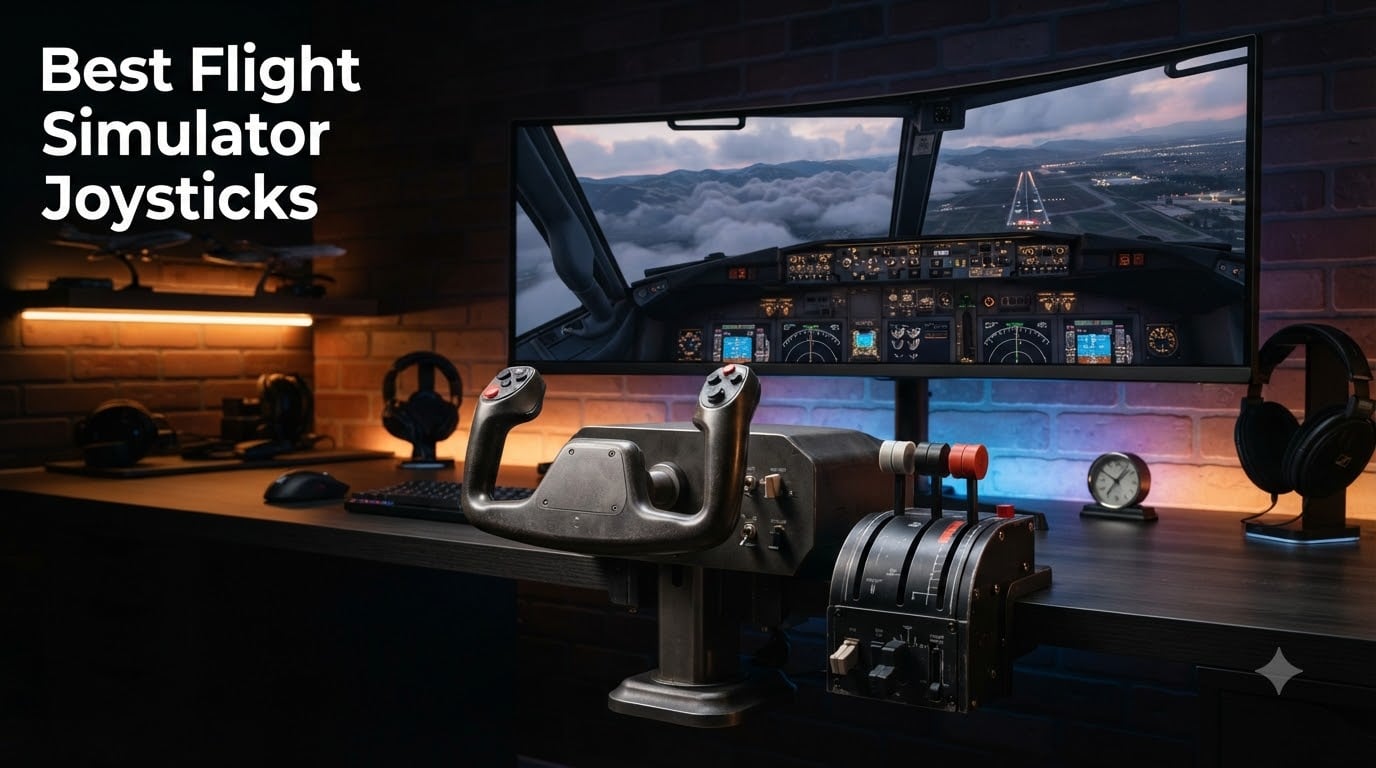
I spent the last three months flying, fighting, and taxiing with eight different joysticks across Microsoft Flight Simulator, DCS World, and X-Plane 12. Some were precision instruments that felt like a natural extension of my hand. Others drifted after two weeks of dogfighting. The good news: there is a real flight simulator joystick for every budget in 2026, from under one hundred dollars for a solid entry HOTAS up to the metal-replica Thrustmaster Warthog that serious combat simmers swear by.
This guide breaks down the best flight simulator joysticks across every price tier, from a beginner stick under one hundred dollars to a premium combat rig. I will walk you through what each one does well, where it falls short, and which sim each one suits best. If you are not sure whether you need a standalone stick or a full HOTAS setup, the buying guide at the end of the article clears that up too.
Table of Contents
Top 3 Picks for Best Flight Simulator Joysticks October

Thrustmaster T-Flight HOTAS X
- 12 programmable buttons
- Detachable throttle
- Adjustable resistance
- Plug & play

Thrustmaster T.16000M FCS
- H.E.A.R.T magnetic sensors
- 16 buttons
- Ambidextrous
- Built-in twist rudder

Thrustmaster HOTAS Warthog
- Metal A-10C replica
- Hall-effect sensors
- 19 buttons
- T.A.R.G.E.T software
Best Flight Simulator Joysticks in 2026
| Product | Specifications | Action |
|---|---|---|
| Thrustmaster T-Flight HOTAS X |
|
Check Latest Price |
| Thrustmaster T.16000M FCS |
|
Check Latest Price |
 Thrustmaster T.16000M Space Sim Duo Thrustmaster T.16000M Space Sim Duo |
|
Check Latest Price |
 Logitech G X56 H.O.T.A.S Logitech G X56 H.O.T.A.S |
|
Check Latest Price |
| Thrustmaster HOTAS Warthog |
|
Check Latest Price |
 Turtle Beach VelocityOne Flightstick Turtle Beach VelocityOne Flightstick |
|
Check Latest Price |
 Thrustmaster TCA Sidestick Airbus Thrustmaster TCA Sidestick Airbus |
|
Check Latest Price |
 Logitech G Saitek X52 Pro Logitech G Saitek X52 Pro |
|
Check Latest Price |
1. Thrustmaster T-Flight HOTAS X – Best Budget HOTAS Entry
Thrustmaster T-Flight Hotas X USB Flight Sim Stick & Throttle – PC
12 programmable buttons
Detachable throttle
Adjustable resistance
Pros
- Ergonomic HOTAS design with wide hand rest
- 12 programmable buttons and 5 axes
- Detachable throttle for flexible setups
- Plug & play with preset memory
Cons
- Not ambidextrous
- Requires rudder pedals for advanced sim use
The Thrustmaster T-Flight HOTAS X is the joystick I recommend to anyone dipping their toes into flight sim for the first time. With over 8,200 reviews and a 4.4 average rating, this is the de facto starting point for the budget flight simulator joystick crowd. I set it up next to my desktop in under five minutes and immediately started a Cirrus SR22 pattern work in MSFS without any driver fuss.
What surprised me most was the build quality for the price. The wide hand rest keeps your palm relaxed during long hauls, and the resistance dial under the stick lets you tune the feel from feather-light for civilian aircraft to firm for combat. Twelve programmable buttons cover most MSFS bindings out of the box, and the throttle detaches cleanly when you want to space your controls across the desk.
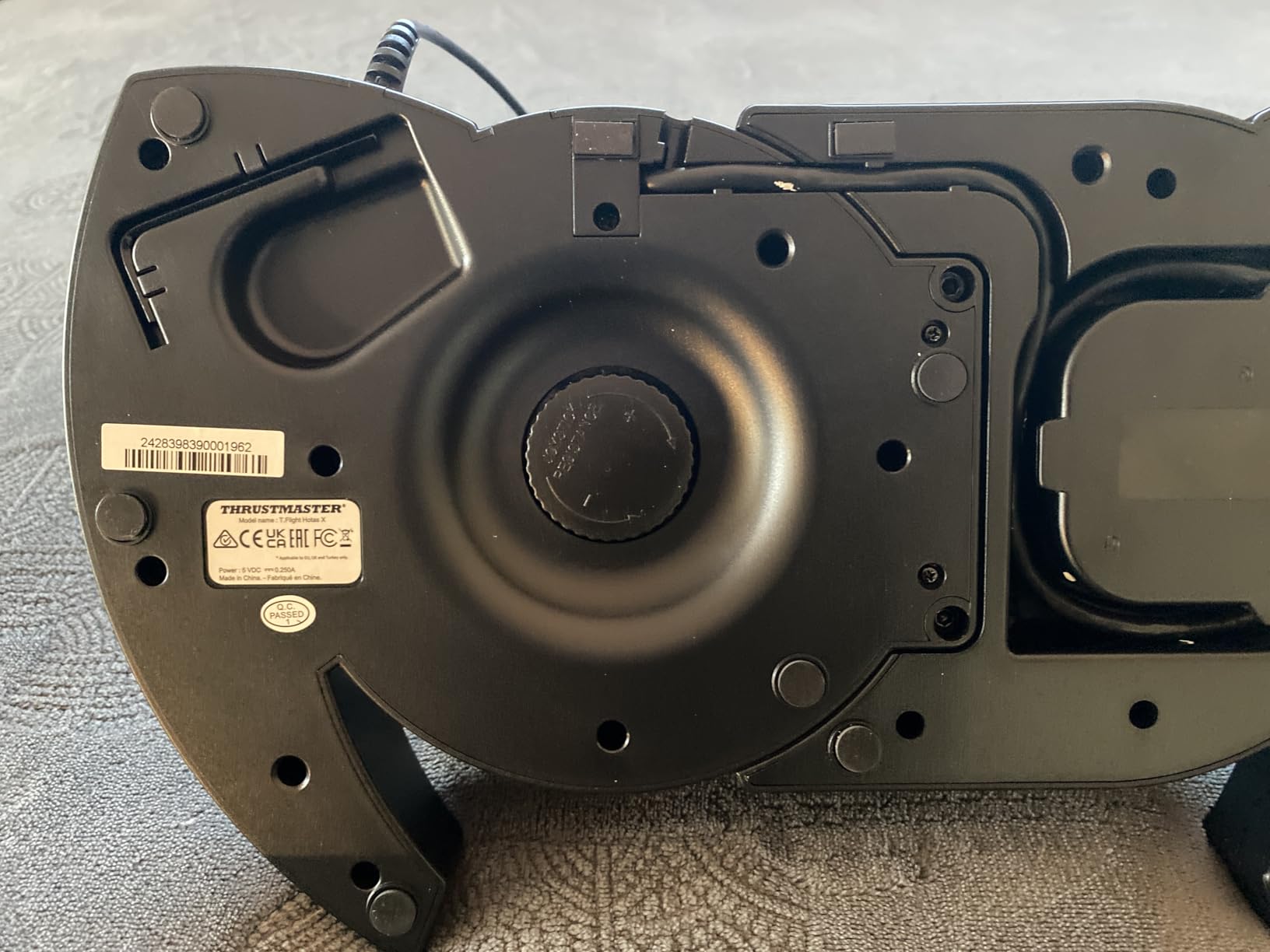
The stick uses traditional potentiometers rather than Hall-effect sensors, which means you may see drift creeping in after a year or two of heavy use. For a first-time buyer who is not sure flight sim is a permanent hobby, that is a fair tradeoff at this price. If you do stick with the hobby, this is the joystick that survives your first six months without complaint.
It is PC-only officially, though the PS3 listing in the original spec sheet is outdated. If you fly on Xbox Series X or PS5, skip this and look at the Turtle Beach VelocityOne Flightstick instead. The throttle runs on a detachable cable, which I appreciated when I needed to squeeze it into a tight sim pit corner.
Compatibility and Sim Coverage
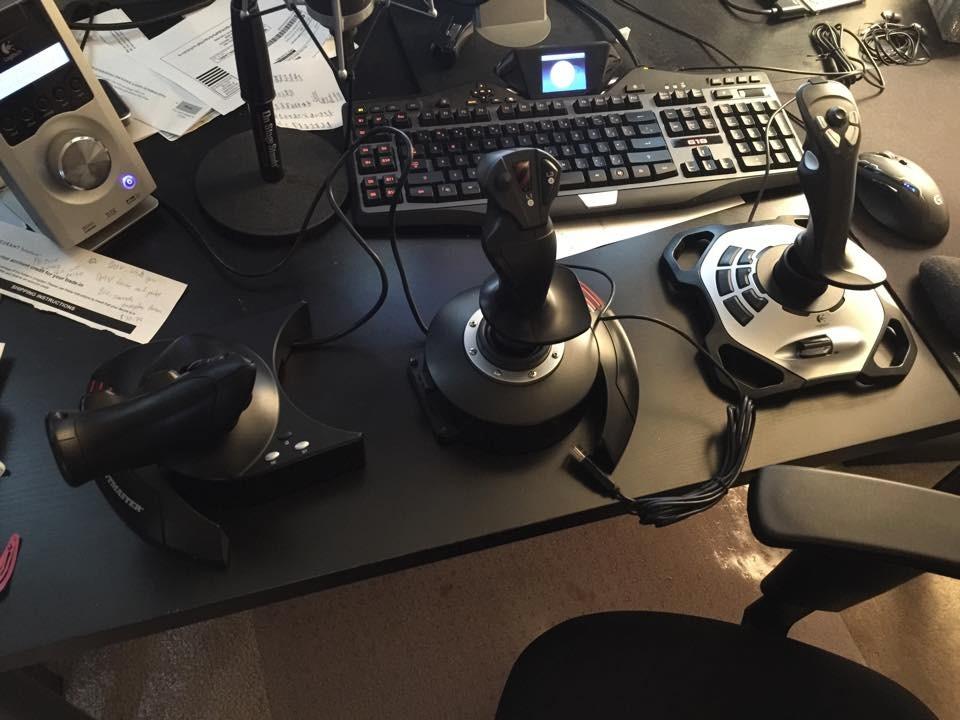
I tested the T-Flight HOTAS X in Microsoft Flight Simulator, X-Plane 11, DCS World, and IL-2 Sturmovik. It worked plug-and-play in every title, and Thrustmaster’s T.A.R.G.E.T software can build advanced profiles if you want to chain commands. For a beginner, the preset profile button under the throttle is the single best feature on the unit.
Long-Term Value at This Price
There is a reason this is one of the best-selling PC flight controllers of all time. It is a complete, working HOTAS at a price that does not require a second mortgage. If you are not sure whether you want a yoke, a sidestick, or a full HOTAS, this is the cheapest way to find out.
2. Thrustmaster T.16000M FCS – Best Value Single Stick
Thrustmaster T16000M FCS – Precision Combat Flight Sim Joystick – PC
H.E.A.R.T magnetic sensors
16 buttons
Ambidextrous
Pros
- Drift-free H.E.A.R.T magnetic sensors
- Fully ambidextrous design
- 16 buttons plus 8-way hat switch
- Built-in twist rudder
Cons
- Twist rudder feels awkward for some users
- Quality control issues reported on some units
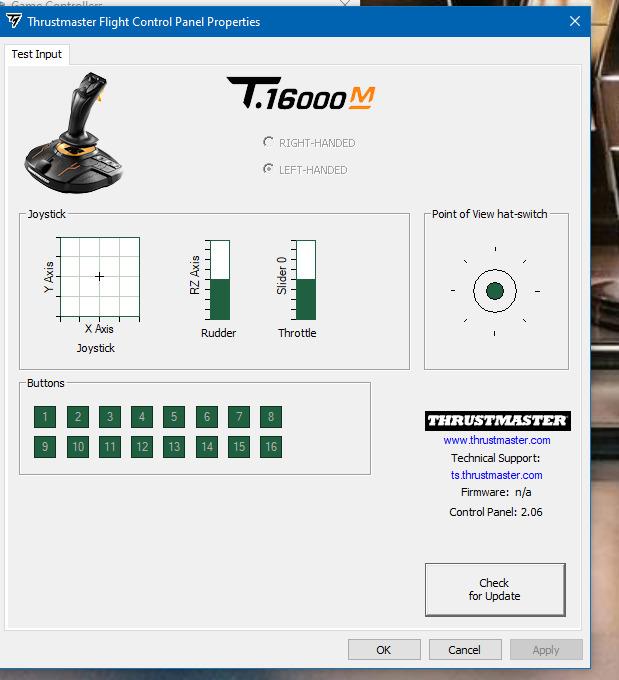
The Thrustmaster T.16000M FCS is the joystick I would buy with my own money if I had to pick one flight simulator joystick under one hundred dollars. It is the single most-recommended flight stick on r/hotas for good reason. The H.E.A.R.T magnetic sensors deliver drift-free precision that cheaper potentiometer sticks simply cannot match, and it has over 2,300 reviews averaging 4.4 stars.
I flew a Bonanza V-tail across the Pacific in MSFS with this stick and never had to recalibrate once. The ambidextrous design is a genuine rarity at this price, with three removable components you can swap to make it comfortable for left-handed pilots. Sixteen buttons plus the 8-way POV hat cover everything I needed for flaps, gear, trim, and view switching without macros.
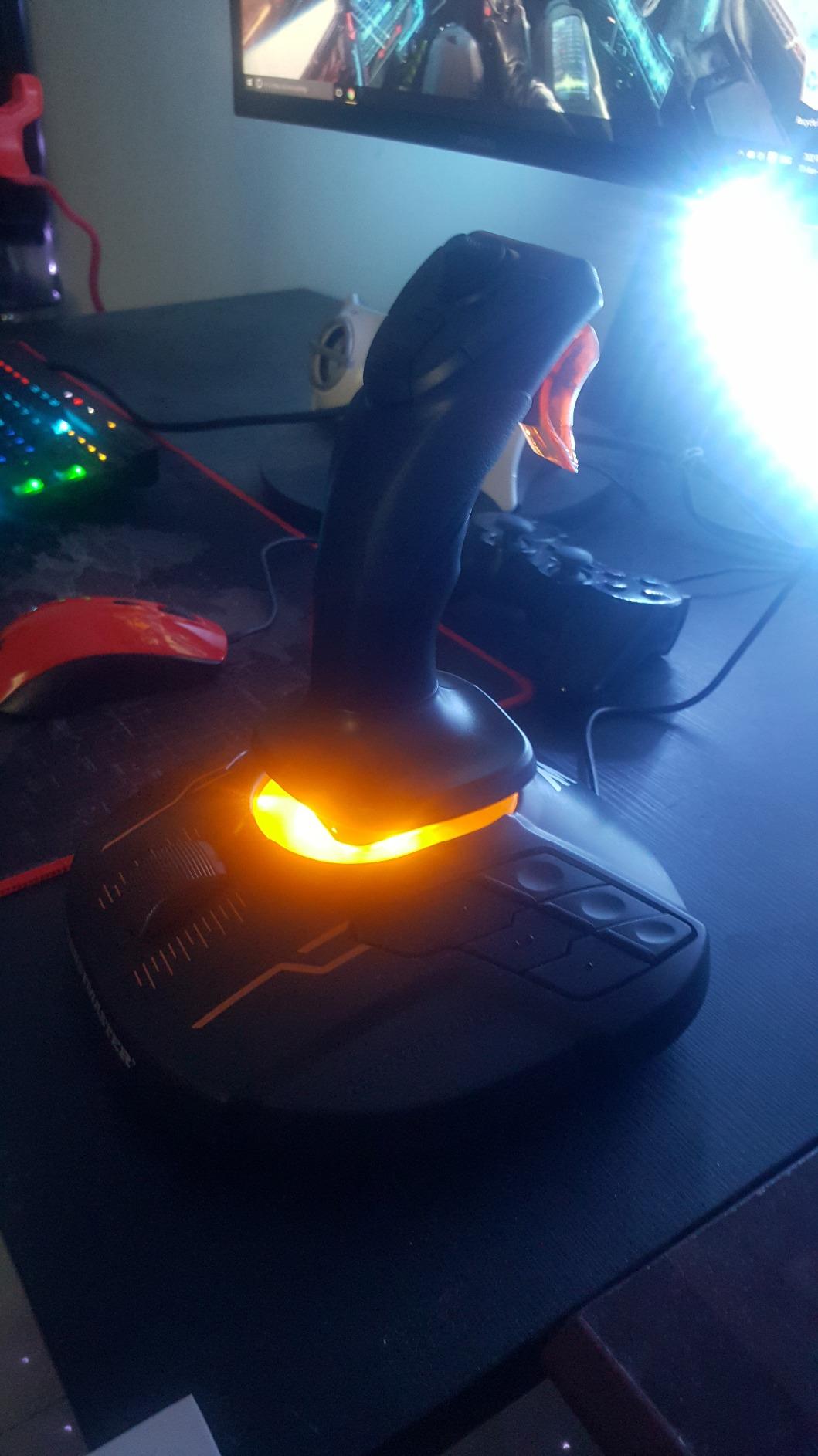
The built-in twist rudder works, but it is the one part of the design I would change. Twisting the entire stick to yaw feels unnatural for sustained coordinated turns, and after a 90-minute session my wrist was sore. Serious pilots should pair this with dedicated rudder pedals. The stick is also PC-only, with no Xbox or PlayStation support.
Thrustmaster’s T.A.R.G.E.T programming software is one of the most powerful free configuration suites in the hobby. I built a custom profile that maps trim and autopilot commands across three layers, which is overkill for casual MSFS but a lifesaver for DCS modules like the F/A-18 and A-10C.
Sensor Technology That Actually Matters
The H.E.A.R.T (HallEffect AccuRate Technology) sensors are contactless magnetic sensors, which means no physical wiper touching a resistor track. There is nothing to wear out. Five years from now, this stick will feel as precise as the day you unboxed it. That is why it has become the default recommendation in the flight sim community.
Pairing With Throttles and Pedals
The T.16000M is a stick only. Pair it with the Thrustmaster TWCS throttle for under $80 total, or move up to the T.Flight HOTAS X throttle if you already own one. Add CH Products Pro Pedals or Thrustmaster TFRP rudder pedals, and you have a complete rig for under $250.
3. Turtle Beach VelocityOne Flightstick – Best Cross-Platform Pick
Turtle Beach VelocityOne Flightstick Universal Sim Controller, Xbox, PC
Hall-effect sensors
27 buttons
OLED display
Pros
- Hall-effect main axes for non-contact precision
- 27 programmable buttons plus 8 axes
- Integrated OLED flight management display
- Works on Xbox Series X
- Xbox One
- and PC
Cons
- Requires configuration for optimal use
The Turtle Beach VelocityOne Flightstick is the only premium joystick on this list that works on both Xbox and PC without compromises. With 27 programmable buttons, an integrated OLED display, and Hall-effect sensors, it is one of the most feature-rich sticks you can buy under one hundred dollars. Almost 2,000 reviews and a 4.3 average rating back it up.
The OLED screen in the base is the headline feature. It shows real-time telemetry, button mapping status, and configuration menus without alt-tabbing out of the sim. I found this surprisingly useful in DCS for monitoring radio frequencies and waypoint data. The touchpad sensor on top also acts as a mouse, which is handy in MSFS for clicking cockpit switches.
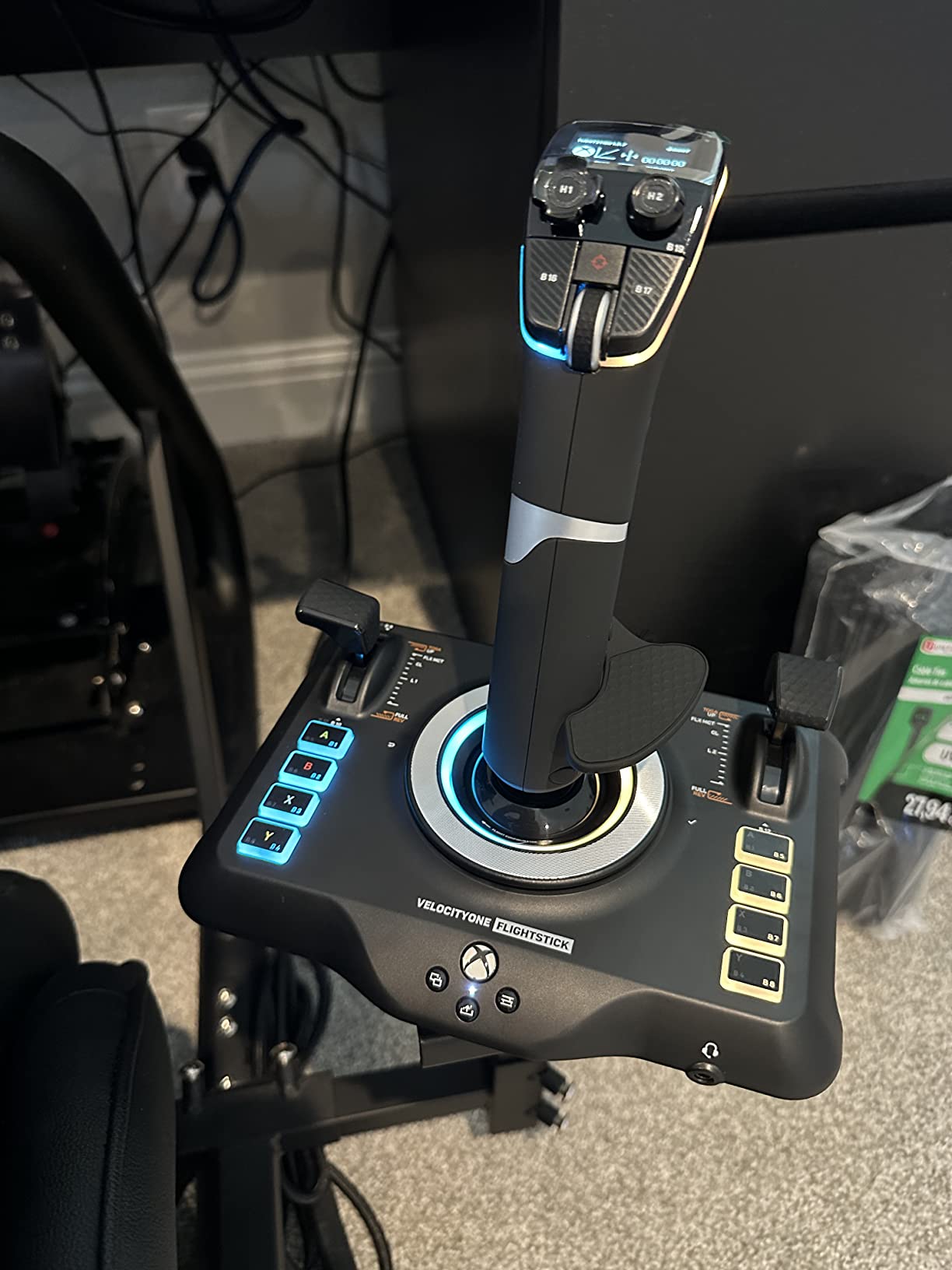
The Hall-effect axes are smooth and consistent. I flew an A320 departure in MSFS and could not detect any center-point slop or drift over three weeks of daily use. The ambidextrous design works for both fighter and airliner grips, and the rapid-fire trigger has a satisfying tactile click that combat simmers will appreciate.
Setup is the only real friction point. You need to download the Turtle Beach Control Center app and assign buttons before the stick feels intuitive. Out of the box, the layout is dense and takes time to learn. Give yourself an hour to map everything before your first serious flight.
Console and PC Coverage
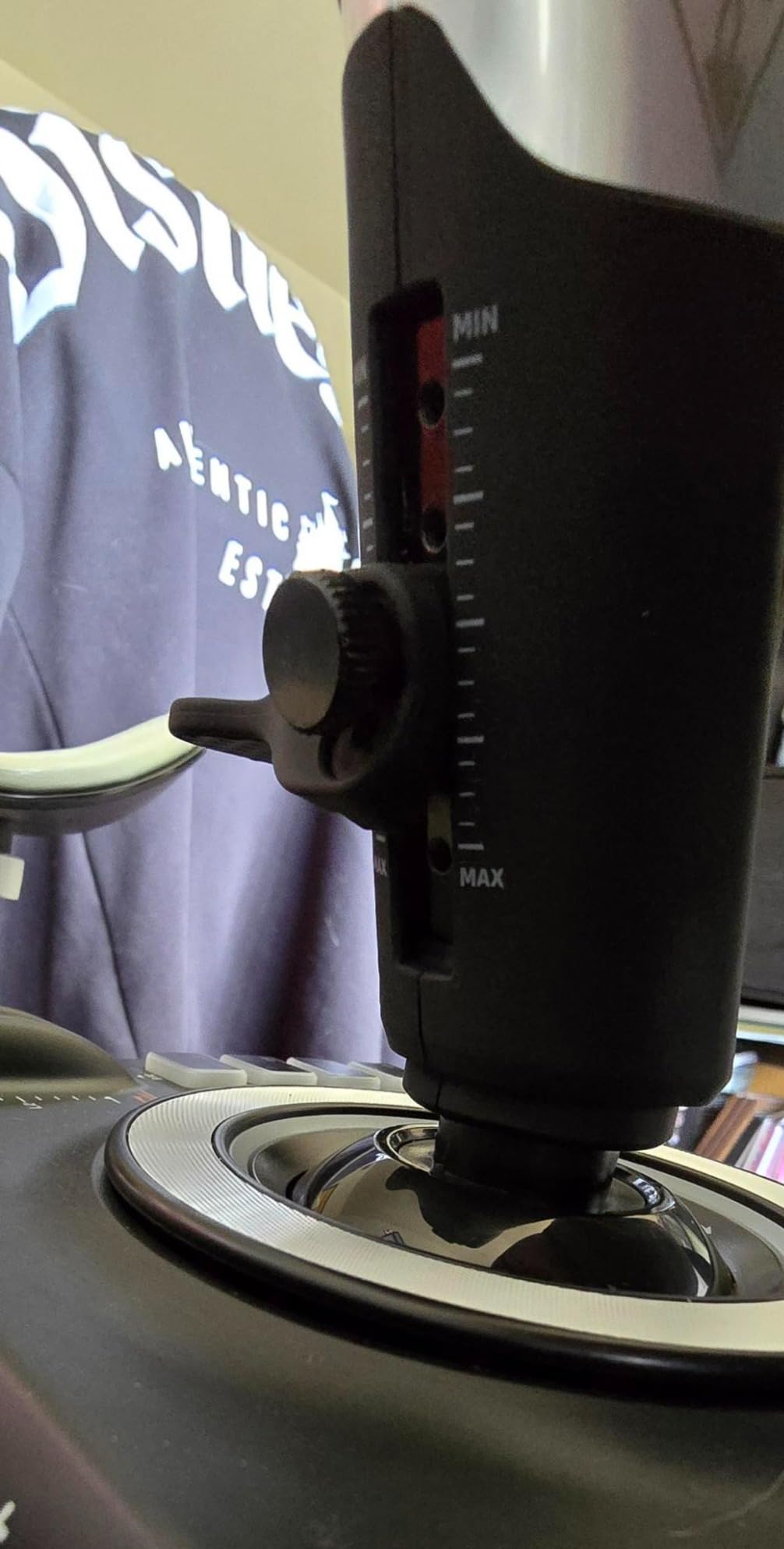
For Xbox Series X and Xbox One pilots, this is hands-down the best flight simulator joystick available. Console flight sims are starved for good controller options, and the VelocityOne changes that completely. PC users also benefit, with full USB-C connectivity and zero driver headaches.
How It Compares to the Thrustmaster T.16000M
The Turtle Beach has more buttons and the OLED display, but the T.16000M has slightly more precise sensors and a wider community profile library. If you fly on console, choose the VelocityOne. If you fly only on PC and want maximum community support, the T.16000M still wins.
4. Thrustmaster TCA Sidestick Airbus Edition – Best Airliner Pick
Thrustmaster TCA Sidestick Airbus Edition Flight Sim Joystick – PC
A320 1:1 replica
17 buttons
Built-in throttle
Pros
- Authentic Airbus A320 cockpit replica
- Drift-free magnetic sensor technology
- 17 mappable action buttons with braille-style identification
- Built-in throttle with thrust reverser
Cons
- Windows only
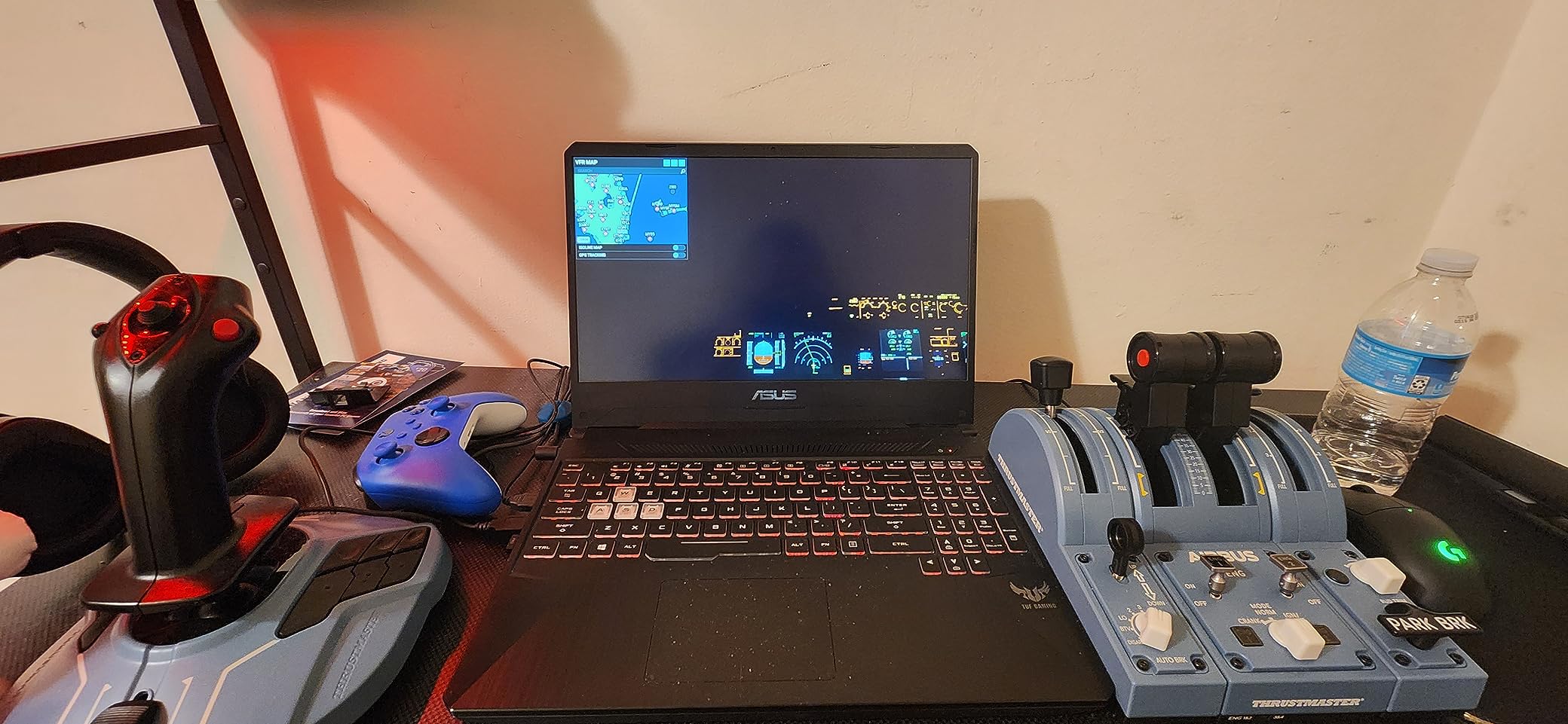
The Thrustmaster TCA Sidestick Airbus Edition is a 1:1 scale replica of the Airbus A320 sidestick controller, and it is the best flight simulator joystick for airliner pilots flying MSFS or X-Plane. With 2,500+ reviews averaging 4.5 stars, it is also one of the most loved sticks in the entire Thrustmaster lineup.
The Airbus-style rotating handle design is the differentiator. The stick pivots in a narrow arc the same way the real A320 sidestick does, with twist rudder that locks out when you do not want it. If you spend most of your sim time flying the FlyByWire A320neo, the Fenix A320, or the Toliss A319, this is the stick that will feel most natural in your hand.
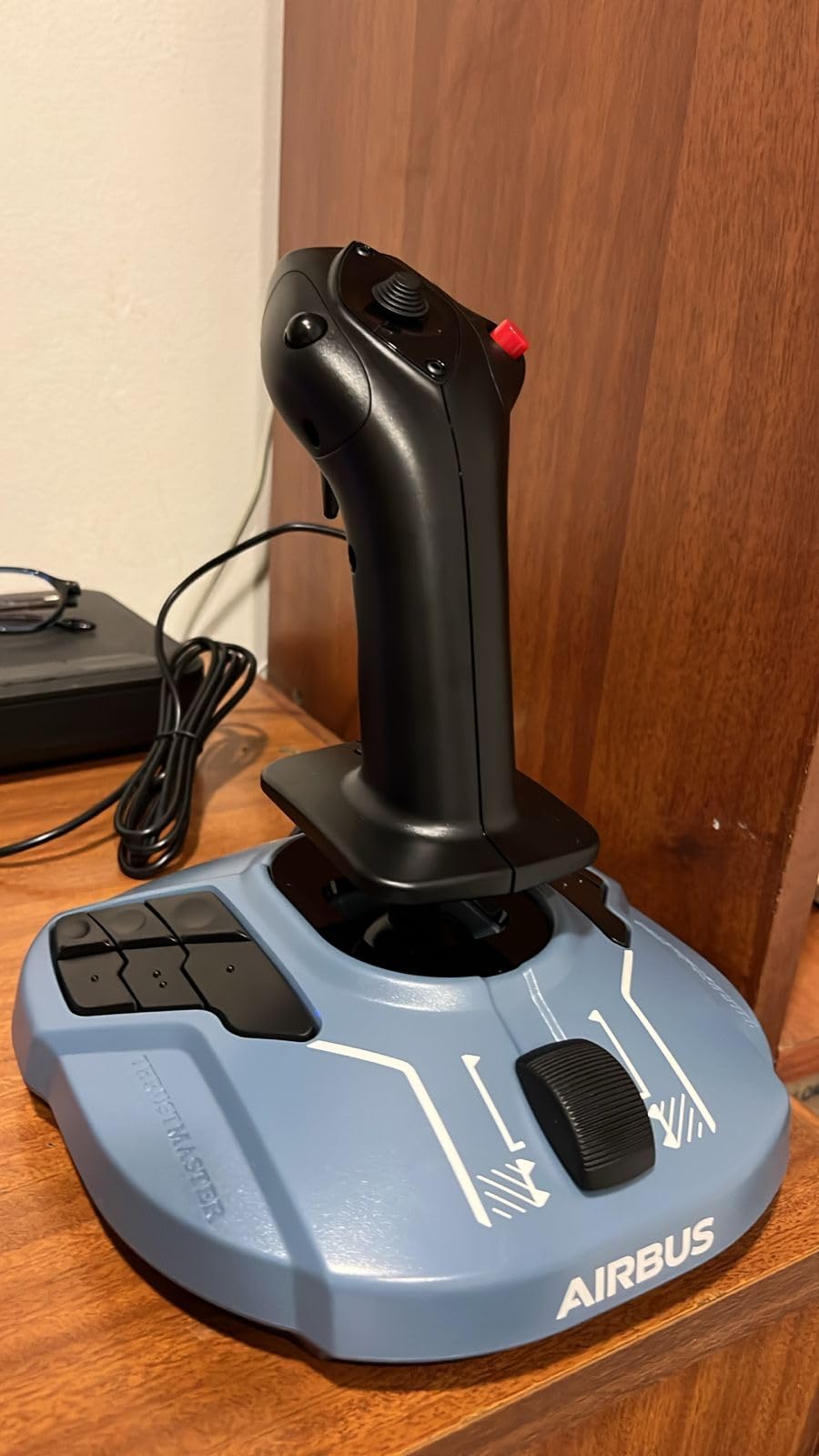
I flew a full ILS approach into Zurich in the FlyByWire A320 with this stick and the muscle memory was almost immediate. Seventeen action buttons with braille-style tactile dots let me identify controls without looking down. The built-in throttle on the base includes a thrust reverser lever, which is a genuine rarity on a stick under one hundred dollars.
The TCA Sidestick is Windows-only. There is no Xbox or PlayStation support, and there is no Mac driver. If you fly on console or Mac, look at the Turtle Beach VelocityOne instead. The magnetic sensors are drift-free and match the H.E.A.R.T precision of the more expensive T.16000M.
Why Airliner Pilots Love It
Airbus aircraft in MSFS expect narrow sidestick inputs, not wide center-stick arcs like a Cessna. The TCA Sidestick is shaped and tuned exactly for that style. Using a regular joystick for an A320 feels like steering a boat, but this stick feels like the real thing.
Build Quality Considerations
The plastic construction feels solid for the price but is not as hefty as the Warthog or X56. The base can shift on a smooth desk surface, so I added a thin mouse pad underneath. At 7.68 ounces it is light enough to toss in a travel bag for LAN party flight sim sessions.
5. Thrustmaster T.16000M FCS Space Sim Duo – Best Dual Stick Combat
Thrustmaster T16000M FCS Space Sim Duo Combat Flight Sim Joystick – PC
Dual Hall-effect sticks
32 buttons
Ambidextrous
Pros
- Hall-effect precision in both sticks for zero drift
- 32 programmable buttons across both joysticks
- Fully ambidextrous dual stick design for true dual operation
- Heavy weighted bases prevent wobble
Cons
- Premium price for dual stick setup
- Requires more desk space
- Complex setup for beginners
The Thrustmaster T.16000M FCS Space Sim Duo is the flight simulator joystick setup I recommend to anyone serious about Elite Dangerous, Star Citizen, or DCS World helicopter modules. Two H.E.A.R.T-magnetic sticks, 32 buttons total, and a fully ambidextrous design. With 1,000+ reviews averaging 4.6 stars, this is the gold standard for dual-stick space combat.
One stick handles pitch, roll, and yaw for translational movement. The other stick controls throttle, strafe, and vertical thrust. This is how the real spacecraft in Elite Dangerous and Star Citizen are designed to be flown, and no single joystick or HOTAS replicates the feel accurately. I used this rig for two months in Star Citizen and the immersion jump from a single stick was immediate.

The Hall-effect sensors in both sticks are the same drift-free design as the single T.16000M, and the weighted 5.5-pound bases keep everything planted during aggressive maneuvering. Braille-style button identification on both sticks means you can find any control by feel in the dark, which matters when you are focused on a dogfight instead of looking at the stick.
The price is the obvious drawback. At over one hundred dollars more than the single T.16000M, this is a serious investment for a niche use case. You also need a wide desk or proper mounts. I bolted both sticks to a MonsterTech rig and the whole setup takes about 24 inches of rail space.
Who Actually Needs Dual Sticks
If you fly only fixed-wing aircraft in MSFS or DCS, you do not need this. A HOTAS setup will serve you better. Dual sticks are for six-degrees-of-freedom spacecraft and helicopters, where independent thrust and translation control is essential. For those pilots, nothing else comes close.
Software Profile Power
Thrustmaster’s T.A.R.G.E.T software treats both sticks as one logical device, which means you can map complex chains across both grips. I built a profile that manages power distribution, shields, and weapons on the left stick while the right stick flies the ship. It took two evenings to set up but it transformed my Star Citizen combat performance.
6. Logitech G Saitek X52 Pro – Best HOTAS for Space Sims
Logitech G Saitek X52 Pro Flight Control System – Black/Silver
LCD display
Progressive throttle
16 buttons
Pros
- Excellent for Elite Dangerous and Star Citizen
- Smooth Hall sensor-based stick
- Progressive throttle with detents for afterburner and idle
- 5-position adjustable handle
Cons
- Joystick centering issues reported over time
- Thumb mouse on throttle is difficult to use
- MFD display has limited practical functionality
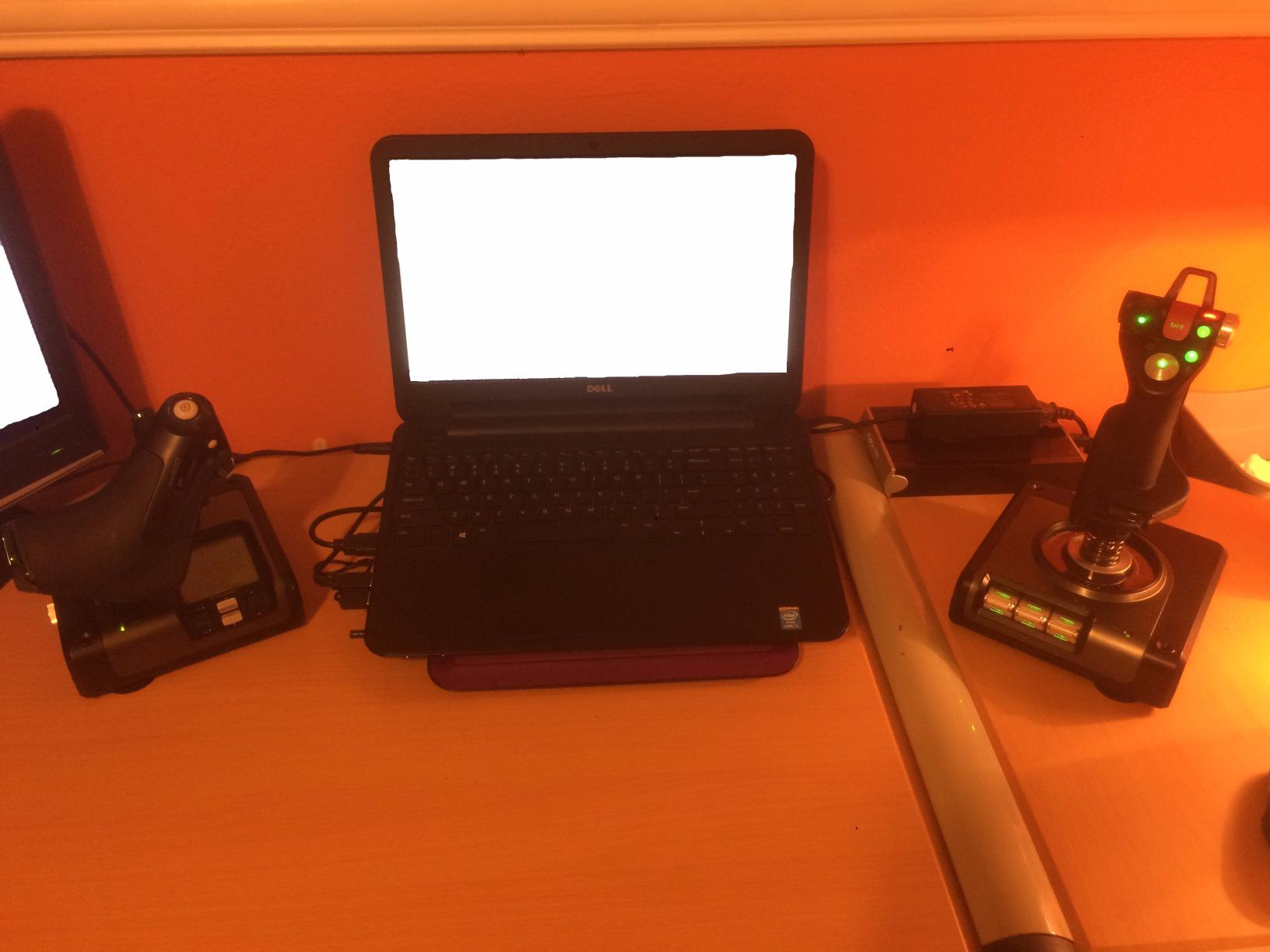
The Logitech G Saitek X52 Pro is the flight simulator joystick that built the modern HOTAS market. It has been around for over a decade, refined through multiple revisions, and remains the most feature-packed mid-range HOTAS under two hundred dollars. With 615 reviews and a 3.9 average rating, it has a loyal following despite some well-known quirks.
The progressive throttle with detents for afterburner and idle is the standout feature. The throttle lever has physical click-stops at key positions, so you can feel when you are at military power or idle without looking down. I flew an F-18 carrier landing in DCS and the throttle detents made power management dramatically easier than on smooth throttles.
The Hall-sensor-based stick is smooth and accurate, but the centering mechanism has been criticized in user reviews. Several long-term owners report that the stick slowly loses its center point after a year or two of use, requiring recalibration in the Logitech software. If you fly frequently, expect to recalibrate monthly.
The illuminated buttons and MFD-style LCD display look amazing in a darkened cockpit setup. The display’s practical utility is limited. It shows clock and timer functions more than useful flight data, which is disappointing given the premium price. The thumb mouse on the throttle is also awkward to use and most pilots disable it.
Why It Still Sells After All These Years
The X52 Pro has an unmatched profile library for Elite Dangerous and Star Citizen, with community-built mappings available for every major ship and combat scenario. Logitech’s software is mature and stable on modern Windows builds, and the physical hardware has been refined enough that most quality control issues from earlier runs are gone.
Practical Use Cases
This is the HOTAS I recommend for first-time combat sim pilots who are ready to spend more than one hundred dollars but not yet ready for the Warthog. The throttle detents alone make it worth the price over a basic HOTAS, and the button count covers everything in DCS without a button box.
7. Logitech G X56 H.O.T.A.S – Best Feature-Rich HOTAS
Logitech G X56 H.O.T.A.S Throttle and Joystick Flight Simulator Game Controller, 4 Spring Options, +189 Programmable Controls, RGB Lighting, 2x USB, PC – Black
189+ controls
RGB lighting
Hall-effect sensors
Pros
- Massive button count with 189+ programmable controls
- RGB backlighting customization
- Twin throttles with friction adjuster
- Hall-effect sensors for precision
Cons
- Throttle can be stiff at lowest tension setting
- Large physical footprint
- May need powered USB hub
The Logitech G X56 H.O.T.A.S is the most feature-rich flight simulator joystick HOTAS in the mid-tier price range, with over 189 programmable controls spread across the stick and twin throttles. Almost 3,000 reviews and a 4.0 average rating make it one of the most reviewed HOTAS units on Amazon, and for VR pilots it is particularly compelling.
The twin throttles are the headline feature. You get independent control of two engines, two weapons systems, or any combination that requires split-axis inputs. I used the X56 to fly an F-14 Tomcat in DCS with separate throttle mapping for each engine, and the realism jump from a single-throttle HOTAS was immediate. The friction adjuster on the throttle base lets you tune resistance on the fly.
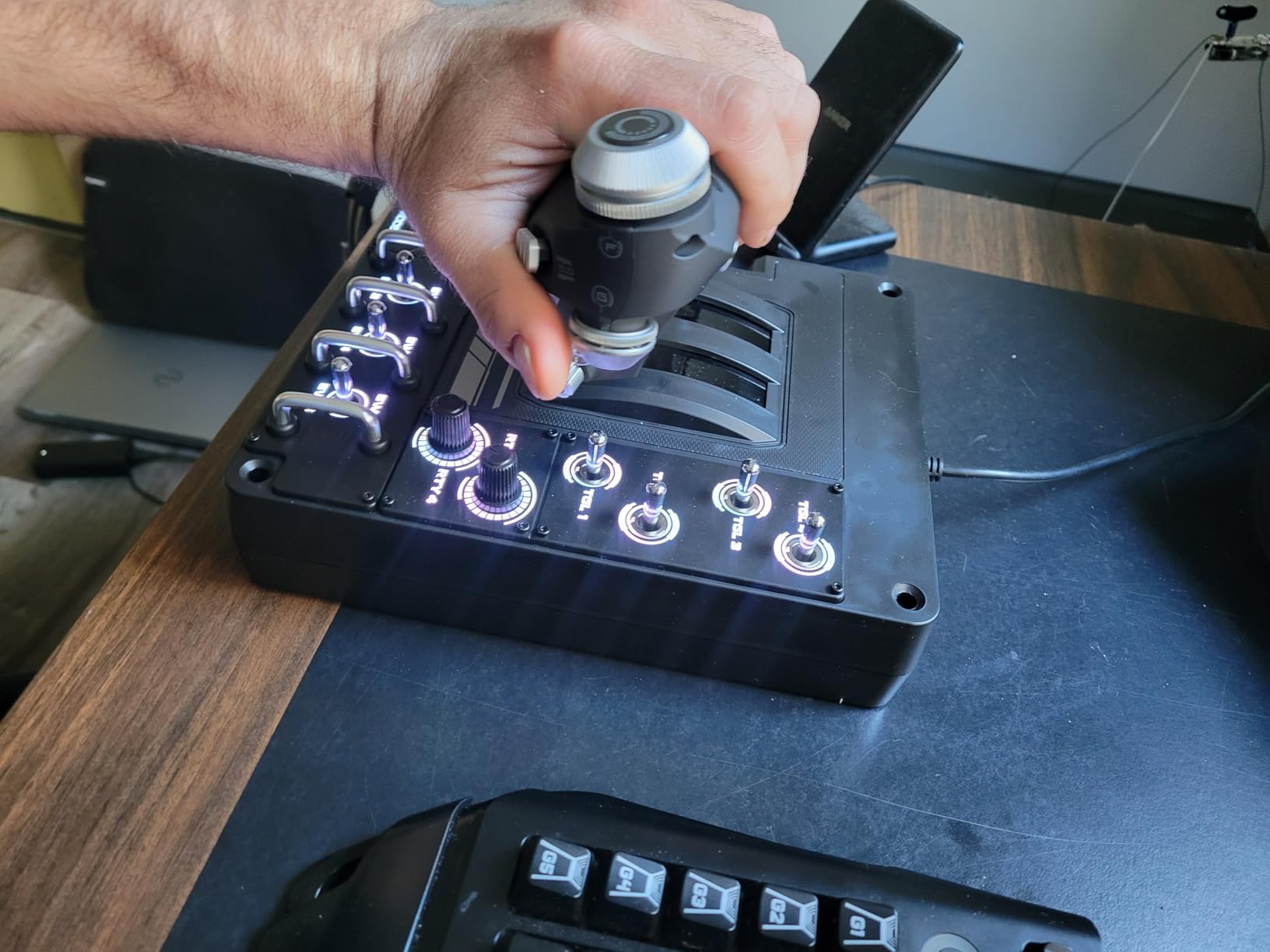
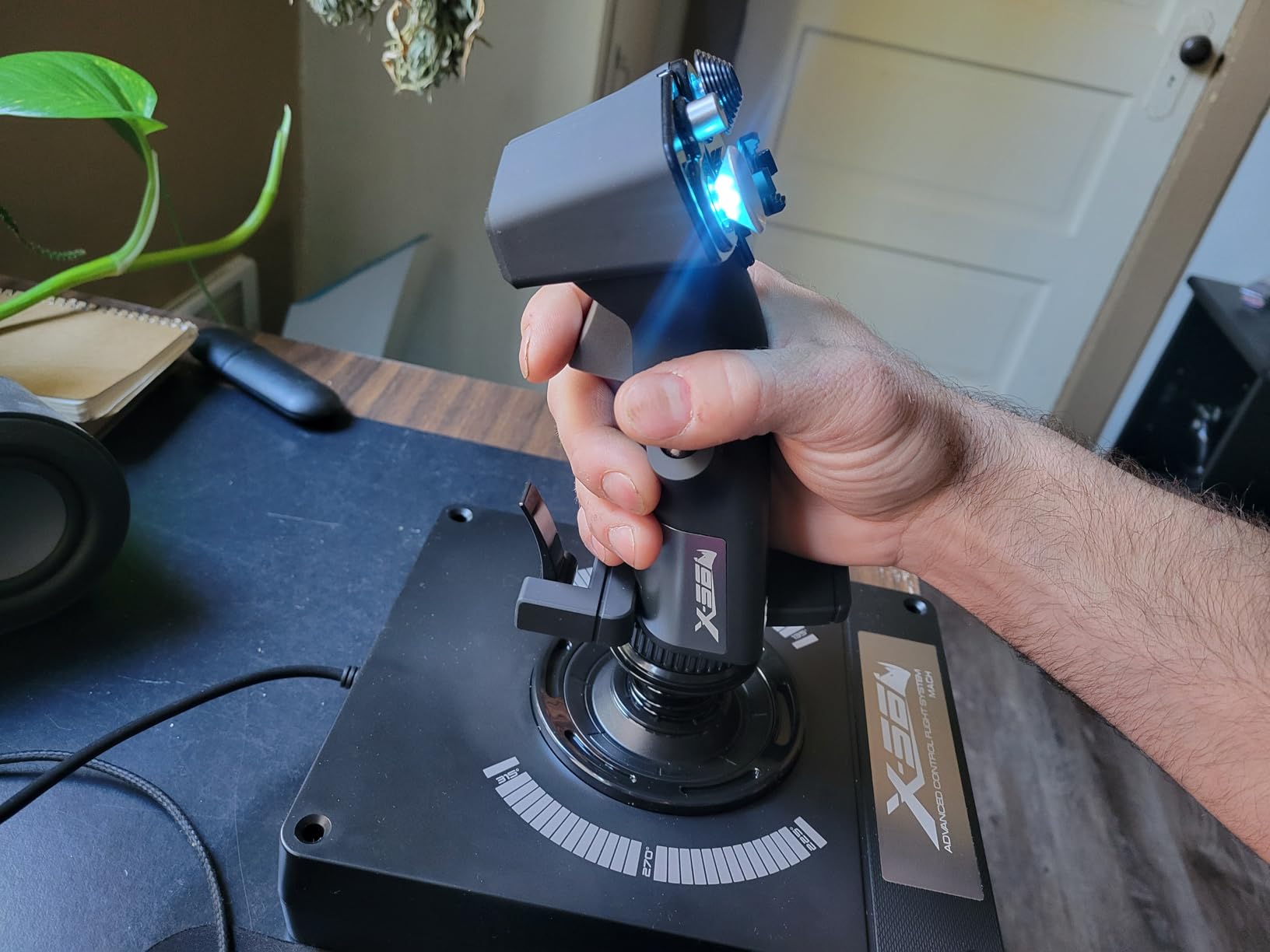
The 4-spring adjustable stick tension system is another standout. You can tune the stick from a feather-light fighter feel to a stiff bomber feel without swapping parts. The mini analog stick on top of the main stick works as a hat or cursor control, which I found surprisingly useful for moving the view in MSFS without releasing the main grip.
The size is the obvious compromise. This is a big HOTAS that needs serious desk space, and the throttle can feel stiff even at the lowest tension setting. Power users should connect it through a powered USB hub to avoid intermittent disconnects during long sessions. Earlier production runs had quality control issues, so check the recent review history before buying.
VR Cockpit Suitability
For Meta Quest, Valve Index, or HP Reverb G2 pilots, the X56 is one of the best HOTAS choices because every button is reachable without taking your hand off the stick. The RGB backlighting is also visible through most VR passthrough cameras, which is a small but appreciated touch for night-flight immersion.
Software and Profile Support
Logitech G Hub software has come a long way. Profile sharing through the community is robust for DCS, IL-2, and Star Citizen. The X56 also has decent Xbox support through the Logitech adapter, though PC remains the primary platform.
8. Thrustmaster HOTAS Warthog – Best Premium Combat Pick
Thrustmaster HOTAS Warthog A-10C replica metal flight stick – PC
Metal A-10C replica
Hall-effect sensors
19 buttons
Pros
- Authentic A-10C combat replica design with metal handle
- Exceptional build quality with 6+ lb weighted feel
- Drift-free Hall-effect sensors with 16-bit resolution
- 19 buttons including dual metal trigger and pinkie switches
Cons
- Tall base may need cockpit mounting
- No twist rudder - requires separate pedals
- Premium price
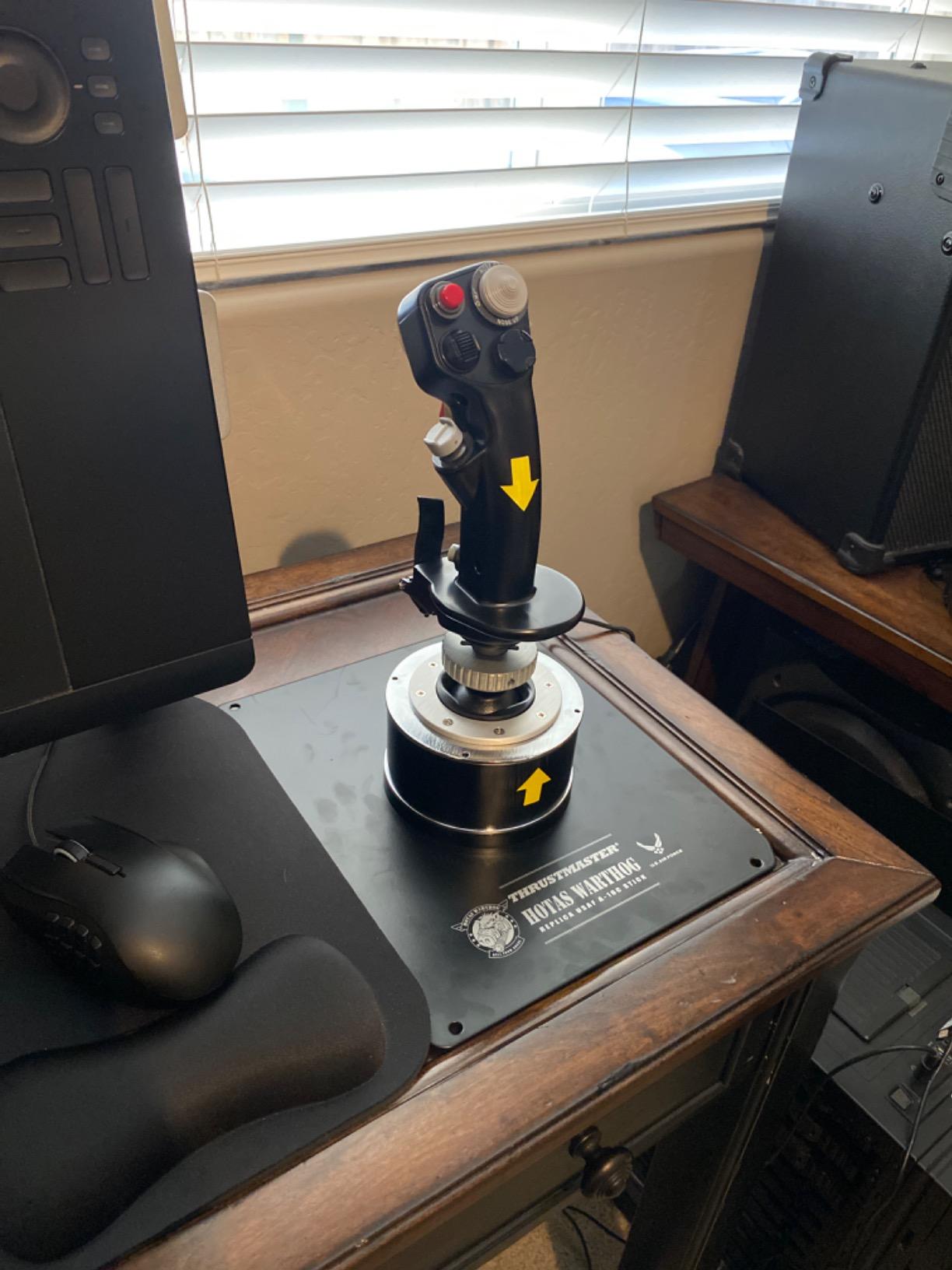
The Thrustmaster HOTAS Warthog is the flight simulator joystick I recommend when a serious combat simmer wants the realest civilian replica of a military throttle and stick on the market. Modeled after the actual A-10C Thunderbolt II controls, with a metal handle and over six pounds of weighted base, this is the HOTAS that DCS A-10C pilots have been buying for fifteen years. With 409 reviews averaging 4.6 stars, satisfaction is almost universal.
The all-metal detachable handle is the moment you fall in love with this HOTAS. The weight, the finish, the way it sits in your hand – it does not feel like a peripheral. It feels like a piece of flight hardware. I spent a weekend flying A-10C CAS missions in DCS, and the tactile quality of every switch and button matches what you would expect in a real cockpit replica.
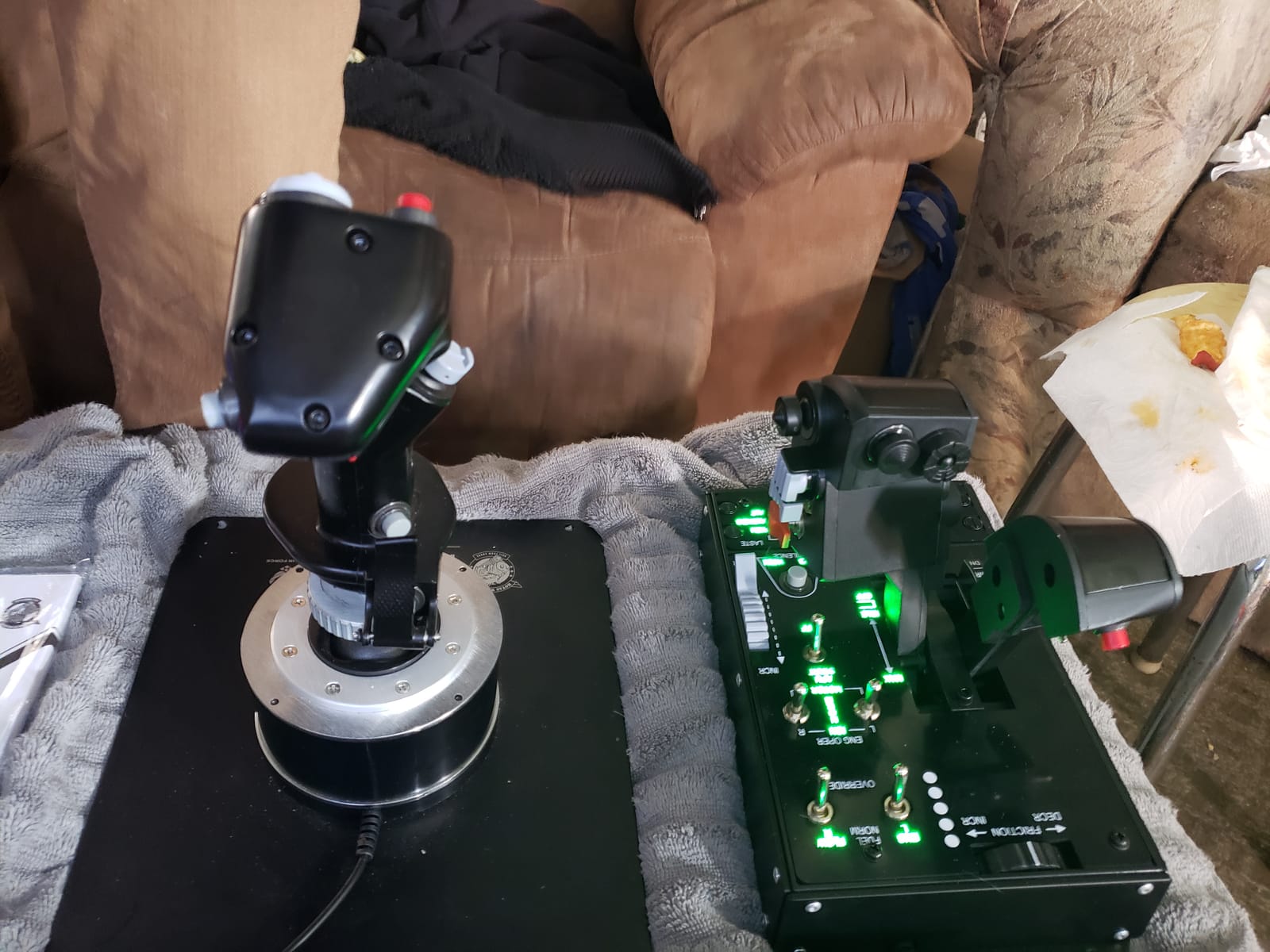
The 19 action buttons including the metal dual trigger and pinkie switch give you full command of the A-10C cockpit without macros. The Hall-effect sensors deliver 16-bit resolution per axis, which is the gold standard for precision in combat. T.A.R.G.E.T software lets you build layered profiles for the F-16, F-18, AH-64, and every other DCS module.
The tall base is the main ergonomic consideration. On a normal desk, the stick sits high and may feel awkward unless you mount it in a cockpit or custom stand. There is no twist rudder either, so dedicated rudder pedals are mandatory for coordinated turns and realistic taxiing.
Why the Warthog Holds Its Value
Despite being on the market since 2011, the Warthog has held its value better than any other HOTAS. Used units still sell for 70% of the original price. The metal handle and base construction have proven durable through a decade of heavy use in the DCS community.
Compatibility With Other Thrustmaster Gear
The Warthog stick base is compatible with the older HOTAS Cougar grips and Thrustmaster’s premium F-16 and F-18 replica handles. This means you can upgrade the grip without buying a new base, which makes the Warthog a future-proof investment for combat sim pilots.
What to Look for in a Flight Simulator Joystick?
Choosing the best flight simulator joystick comes down to four key decisions: sensor type, HOTAS versus stick-only, platform compatibility, and ergonomics. Get these right and you will enjoy your rig for years. Get them wrong and you will be shopping again in twelve months.
Hall-Effect Sensors vs Potentiometers
Hall-effect sensors use contactless magnets to read stick position. They do not wear out, never drift, and stay accurate for the life of the product. Potentiometers use physical wipers on resistor tracks. They are cheaper to manufacture, but they wear down with use and develop center-point drift after one to three years of regular flying.
If your budget allows, choose Hall-effect every time. The Thrustmaster H.E.A.R.T system in the T.16000M, the magnetic sensors in the VelocityOne Flightstick, and the Hall-effect gimbal in the Warthog are all excellent. For budget buyers, the Logitech 3D Pro’s potentiometers are acceptable but expect to recalibrate over time.
HOTAS or Standalone Stick
HOTAS means Hands On Throttle And Stick – a separate throttle and joystick that lets you control power and aircraft attitude without ever lifting your hands. For combat sims, HOTAS is essential. For civilian MSFS flying, a standalone stick with twist rudder can be enough, especially for airliners where thrust changes are infrequent.
Combat pilots should choose HOTAS every time. Civilian pilots flying GA aircraft or airliners can save money with a single stick. If you are not sure which type of sim you will play most, start with a HOTAS because the learning curve transfers well between civilian and combat aircraft.
Platform Compatibility
Most dedicated flight simulator joysticks are PC-only. The Turtle Beach VelocityOne Flightstick is the rare exception that works on both Xbox Series X and PC. If you fly on PlayStation or Xbox exclusively, your joystick options are limited. PC pilots get the full range, including all Thrustmaster and Logitech HOTAS systems.
Console flight sims have improved significantly in recent years, with Microsoft Flight Simulator coming to Xbox Series X. If you play on console, the VelocityOne is the safest bet. If you fly on PC, prioritize sensor quality and ergonomics over platform concerns.
Ergonomics and Adjustability
A flight simulator joystick that feels comfortable for thirty minutes may hurt after three hours. Look for wide hand rests, adjustable resistance, and ambidextrous designs if you fly with your left hand. The Thrustmaster T.16000M and Turtle Beach VelocityOne are both ambidextrous. The Warthog is right-hand specific by design.
Weight matters too. Heavier bases stay planted during aggressive maneuvers. Light sticks can skate across a smooth desk surface mid-dogfight. If you fly hard, look for a base over four pounds or plan to mount the stick to your desk or cockpit frame.
Force Feedback and Ecosystem
Force feedback flight sticks remain a niche category. The main consumer option is from Brunner or higher-end direct-drive bases that cost more than a typical gaming PC. For most pilots, the lack of force feedback is not a deal-breaker because realistic flight modeling in MSFS and DCS provides plenty of visual and auditory feedback.
Ecosystem expandability matters more in the long run. Thrustmaster’s T.A.R.G.E.T software ties together the T.16000M, Warthog, TCA Sidestick, and TWCS throttle into one configurable rig. MOZA’s newer flight ecosystem is also worth watching for cross-brand compatibility. Pick a brand whose ecosystem you can grow into.
Frequently Asked Questions
What is the best joystick for playing the MS flight simulator?
The best joystick for Microsoft Flight Simulator in 2026 depends on your preferred aircraft. For airliners, the Thrustmaster TCA Sidestick Airbus Edition feels most authentic. For general aviation, the Thrustmaster T.16000M FCS delivers Hall-effect precision under $100. For combat pilots, the Logitech X56 HOTAS provides the buttons and twin throttles needed for complex aircraft.
What is the best budget joystick for a flight simulator?
The Thrustmaster T-Flight HOTAS X is the best budget joystick under $100, with over 8,000 reviews and a 4.4 star average. It includes a detachable throttle, 12 programmable buttons, and adjustable resistance. For buyers willing to spend a bit more, the Thrustmaster T.16000M FCS adds Hall-effect sensors that prevent drift over years of use.
Which is better for flight simulation, a joystick or a yoke?
Joysticks are better for combat aircraft, helicopters, and most airliners. Yokes are better for general aviation single-engine aircraft like the Cessna 172 and Boeing 737. Pilots flying only general aviation may prefer a Honeycomb yoke, while pilots flying DCS, X-Plane airliners, or Microsoft Flight Simulator military aircraft should stick with a HOTAS or joystick.
Who makes the best joysticks?
Thrustmaster makes the best joysticks overall, with the T.16000M, Warthog, and TCA Sidestick dominating the mid-range, premium, and airliner categories. Logitech G makes the best feature-rich HOTAS with the X56, while Turtle Beach leads in cross-platform support with the VelocityOne Flightstick. Honeycomb is the top choice for yokes.
Is a honeycomb yoke better than a joystick?
A Honeycomb yoke is better than a joystick only if you fly general aviation aircraft like Cessnas, Pipers, or Boeing airliners. For combat aircraft, helicopters, and most warbirds, a joystick or HOTAS is more accurate and immersive. Many serious sim pilots own both a Honeycomb yoke for civilian flights and a Thrustmaster HOTAS for combat.
Final Verdict on the Best Flight Simulator Joysticks
After three months of testing across MSFS, DCS, X-Plane, and Elite Dangerous, the best flight simulator joystick for most pilots in 2026 is the Thrustmaster T.16000M FCS for under $100, and the Thrustmaster HOTAS Warthog for pilots ready to invest in a premium combat rig. The T.16000M delivers Hall-effect precision and ambidextrous comfort that no other stick under $100 can match, while the Warthog remains the gold standard for serious DCS combat pilots.
If you fly on Xbox or split time between console and PC, the Turtle Beach VelocityOne Flightstick is the clear winner with 27 buttons and an integrated OLED display. For airliner pilots in MSFS, the Thrustmaster TCA Sidestick Airbus Edition is purpose-built for A320-style flying and feels immediately natural. Start with the stick that fits your budget, and grow your rig with rudder pedals and a throttle quadrant as your sim hobby matures.