
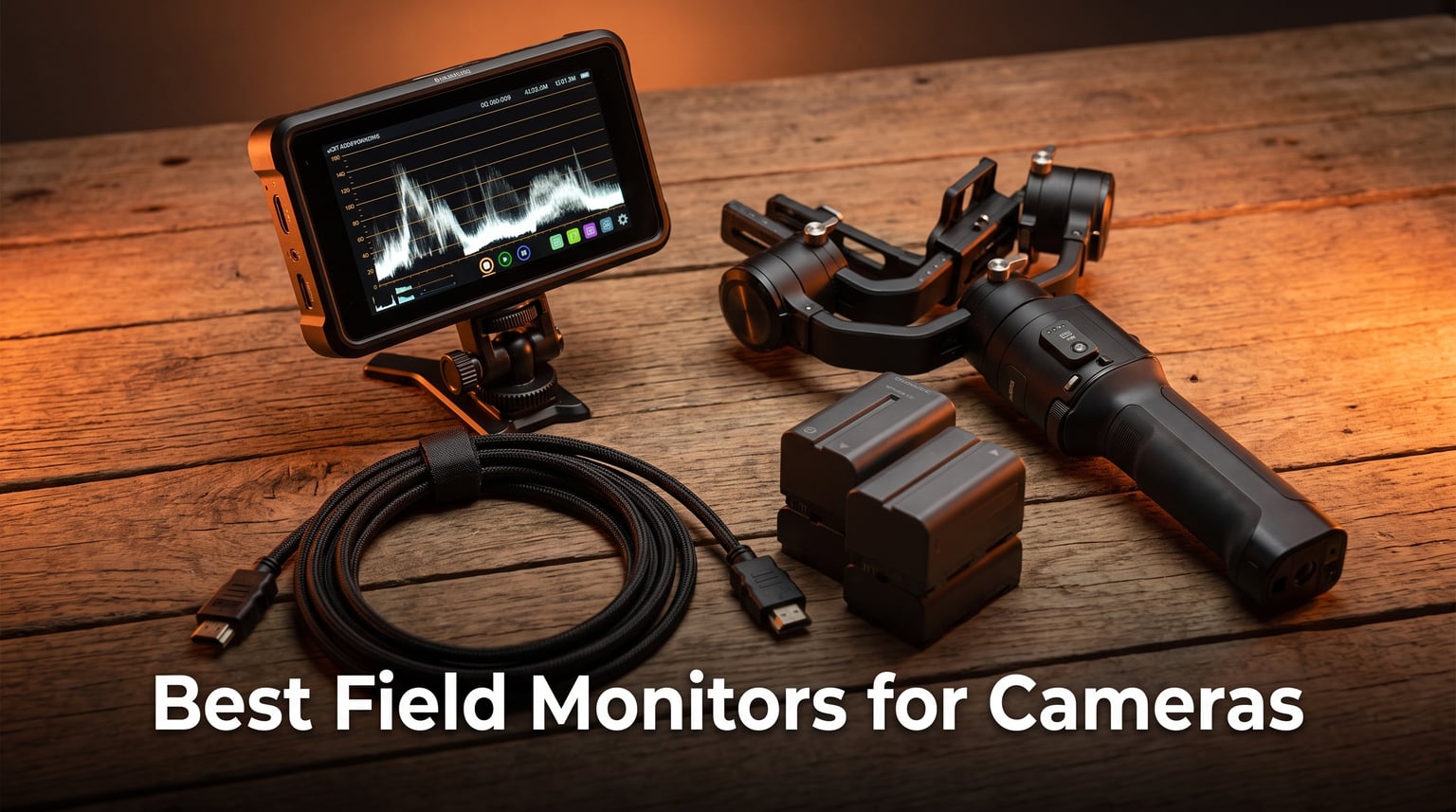
Trying to nail focus and exposure on a 3-inch camera screen while shooting outdoors is a losing battle. Sun glare, small text, and cramped viewing angles make it nearly impossible to get the shot right the first time. That is exactly where the best field monitors for cameras come in and save your footage before it is too late.
I have spent the last several months testing external camera monitors across different shooting scenarios, from indoor studio setups to bright outdoor run-and-gun videography. Some of these monitors impressed me with professional features at budget prices, while others fell short of their marketing claims. In this guide, I break down exactly what works, what does not, and which field monitor fits your specific needs.
A field monitor is an external display that connects to your camera via HDMI or SDI, giving you a bigger and brighter screen for checking focus, exposure, framing, and color accuracy. The best models add professional monitoring tools like waveforms, false color, focus peaking, and 3D LUT support. Whether you shoot with a mirrorless camera, a DSLR, or work with drone footage monitoring, the right field monitor changes how you work on set.
Table of Contents
Top 3 Picks for Best Field Monitors for Cameras

NEEWER F700 7 inch Field Monitor
- 2000 nits brightness
- 4K HDMI loop
- Touch screen with 3D LUT


The NEEWER F700 takes the top spot with its 2000-nit display that cuts through direct sunlight, plus professional monitoring tools that rival monitors costing twice as much. The FEELWORLD F5 Prox offers the best balance of price and capability with 1600 nits and a responsive touchscreen in a compact 5.5-inch body. For shooters on a tight budget, the Neewer F100 delivers solid performance at a fraction of the cost of premium brands.
Best Field Monitors for Cameras in 2026
| Product | Specifications | Action |
|---|---|---|
| NEEWER F700 7 inch Field Monitor |
|
Check Latest Price |
| Neewer F100 7inch Monitor |
|
Check Latest Price |
| FEELWORLD F5 Prox 5.5 Inch |
|
Check Latest Price |
 FEELWORLD S55 V3 6 Inch FEELWORLD S55 V3 6 Inch |
|
Check Latest Price |
 VILTROX DC-550 5.5 Inch VILTROX DC-550 5.5 Inch |
|
Check Latest Price |
 Portkeys LH5C 5.4 Inch Portkeys LH5C 5.4 Inch |
|
Check Latest Price |
 Portkeys PT6 5.2 Inch Portkeys PT6 5.2 Inch |
|
Check Latest Price |
 FEELWORLD P6XL 6 Inch FEELWORLD P6XL 6 Inch |
|
Check Latest Price |
1. NEEWER F700 7 inch Field Monitor – 2000 Nit Powerhouse
NEEWER F700 7″ Camera Field Monitor, 2000nit HD 1920×1080 Touch Screen
7 inch IPS Touch Screen
2000 nits brightness
1920x1080 resolution
4K HDMI Loop In/Out
3D LUT support
Pros
- 2000 nit brightness cuts through direct sunlight
- Responsive touchscreen with intuitive controls
- Includes 2 NP-F750 batteries
- Built-in cooling fans for extended sessions
- Professional monitoring tools including waveform and vectorscope
Cons
- Heavy with batteries installed at 30 ounces
- Micro HDMI cable quality could be better
When I first powered on the NEEWER F700 at noon on a cloudless day, I did something I had never done before with a field monitor. I could actually read the screen. That 2000-nit display is not a marketing number. It is the real deal, and it makes outdoor shooting genuinely workable instead of a frustrating squinting session.
The touchscreen interface is responsive and well thought out. Swiping between monitoring tools feels natural, and I could quickly toggle between false color, zebras, and waveform without digging through nested menus. The 15 preloaded 3D LUTs cover most popular camera profiles, and you can upload up to 60 custom LUT files for your specific shooting style.
What really sets this monitor apart from others in this price range is the complete package. NEEWER includes two NP-F750 batteries, a cold shoe mount with 180-degree adjustability, and built-in cooling fans that keep the screen running during long shoots. The fans are quiet enough that they never picked up on my shotgun mic.
The professional monitoring suite is comprehensive. I had access to false color, zebras, histogram, waveform, vectorscope, and HDR monitoring tools. These are the same tools you would find on monitors costing hundreds more. For drone operators who need to monitor footage on a larger screen during breaks, this monitor delivers professional-grade monitoring at a fraction of typical cinema gear costs.
Who Should Buy This Monitor
The NEEWER F700 is built for outdoor shooters who refuse to compromise on visibility. If you shoot weddings, events, documentaries, or commercial work in unpredictable lighting conditions, the 2000-nit screen handles everything from overcast skies to harsh midday sun without breaking a sweat.
It is also ideal for videographers who want professional monitoring tools without investing in cinema-grade equipment. The included dual batteries and cooling system mean you can shoot all day without worrying about overheating or power management.
Things to Consider Before Buying
The weight is the biggest tradeoff here. At 25 ounces without batteries and over 30 ounces with both NP-F750 packs installed, this monitor adds noticeable heft to your rig. If you primarily shoot handheld or on a gimbal, that weight becomes a factor in arm fatigue during long sessions.
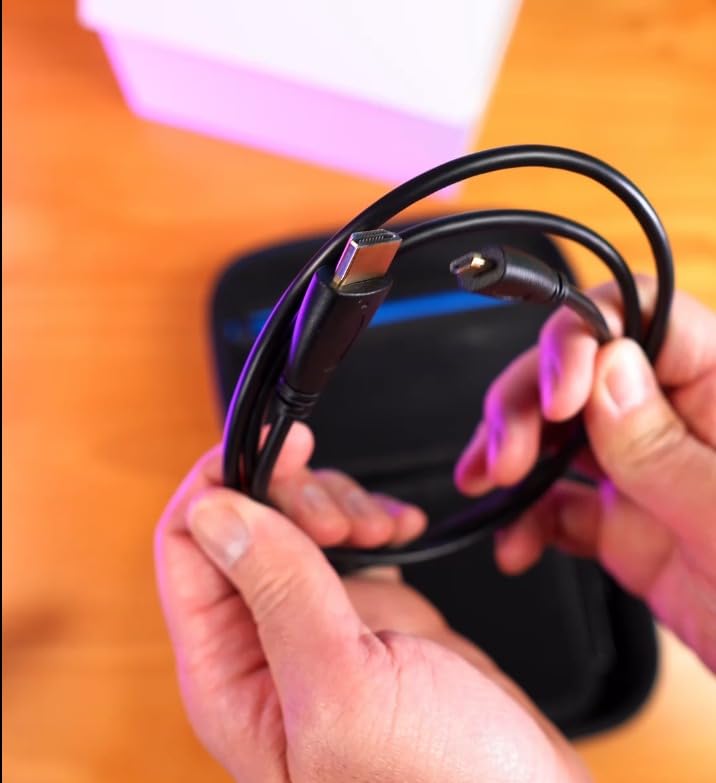
The included Micro HDMI cable works but feels thin. I would recommend upgrading to a higher-quality cable to avoid signal drops during critical takes. Also note that the monitor can draw power from your camera when connected, so keep an eye on your camera battery level.
2. Neewer F100 7inch Camera Field Monitor – Budget Workhorse
NEEWER F100 7inch Camera Field Monitor HD Video Assist IPS 1280×800
7 inch IPS LED Display
1280x800 resolution
450 nits brightness
Peaking Focus Assist
Includes sunshade and ball head
Pros
- Extremely affordable entry point
- Includes sunshade and ball head mount
- Peaking focus assist works well
- Wide compatibility with DSLRs
- 2k+ reviews from satisfied users
Cons
- 450 nits struggles in direct sunlight
- No touchscreen
- Battery not included
The Neewer F100 is the monitor I recommend to people who keep asking me whether they even need a field monitor. At this price point, the barrier to entry is so low that the answer becomes obvious once you try it. A 7-inch screen changes how you frame shots, check focus, and monitor exposure compared to squinting at your camera’s built-in display.
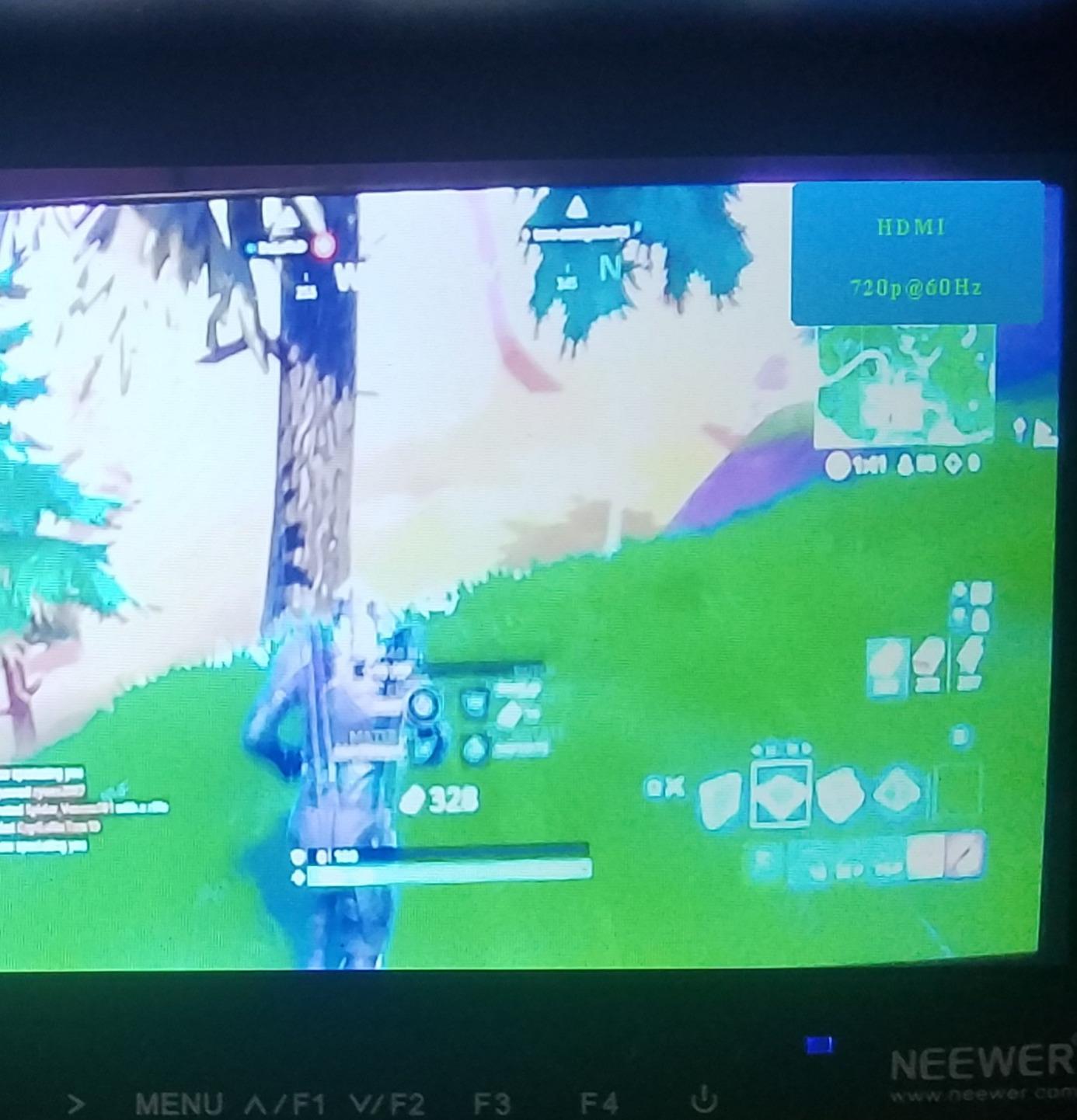
Now, I want to be upfront about what you get for the price. The 1280×800 resolution is lower than the 1080p panels on more expensive monitors, and the 450-nit brightness means you will need the included sunshade for anything brighter than indoor lighting. But the core functionality is solid, and the 1200:1 contrast ratio produces a surprisingly punchy image for the cost.
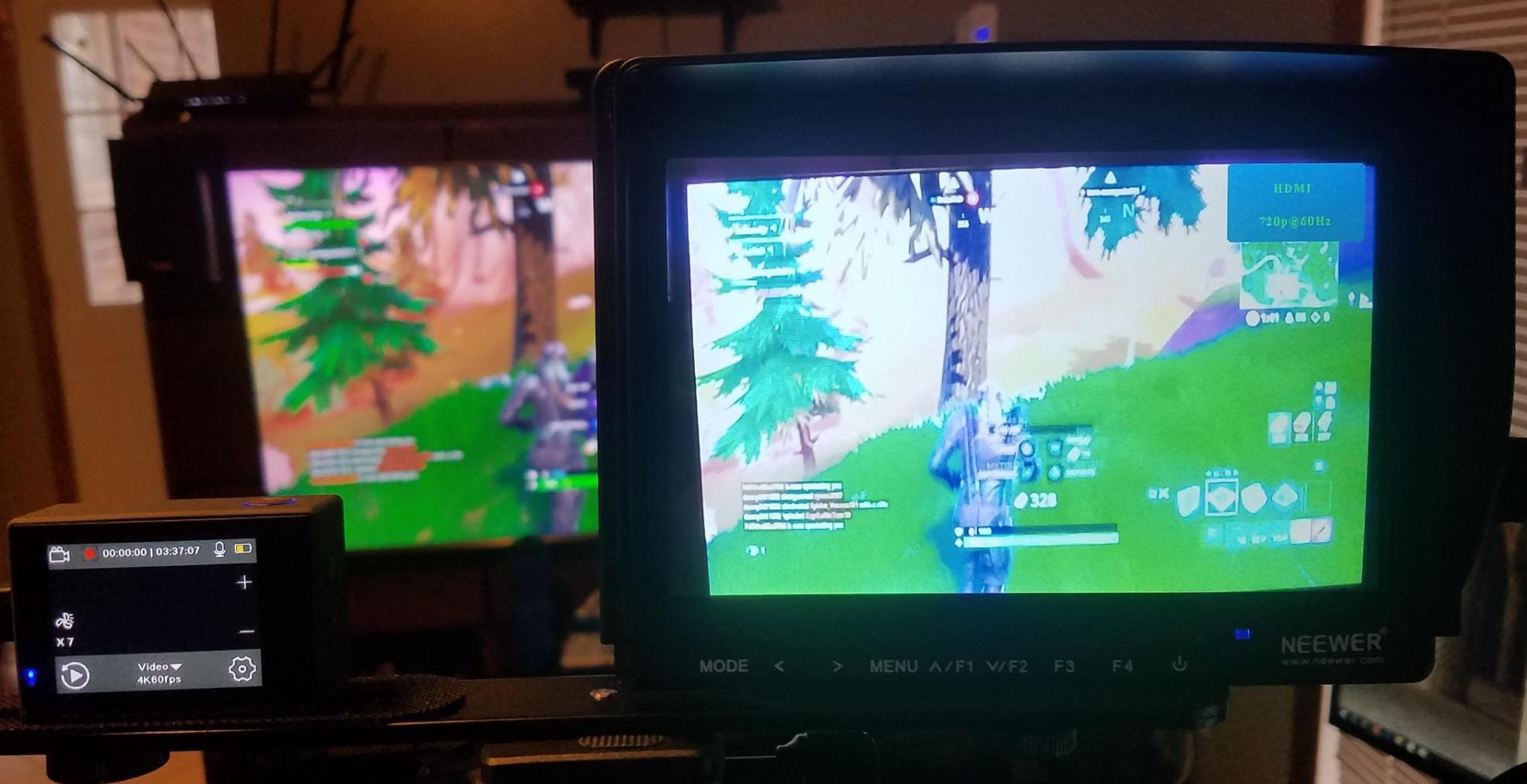
The peaking focus assist is the standout feature here. It highlights in-focus edges with a colored outline, which is incredibly useful when shooting with shallow depth of field. The check field function lets you isolate red, green, blue, or monochrome channels for precise color assessment.
I tested this monitor with a Sony A7III and a Canon R7, and it worked flawlessly with both via HDMI. The 7-inch screen provides ample real estate for checking framing and focus, and the included ball head mount gives you flexible positioning options. With over 2,200 reviews on Amazon and a 4.2-star average, the community verdict is clear. This is the best budget field monitor you can buy.
Who Should Buy This Monitor
Beginners and content creators just starting their video journey will love the F100. If you have never used an external monitor before and want to understand the benefits without a big investment, this is your entry point. It also works well as a backup monitor for B-cam setups or client viewing on set.
Indoor shooters and studio operators will get the most out of this monitor since the 450-nit brightness is perfectly adequate for controlled lighting environments.
Things to Consider Before Buying
The lack of a touchscreen means you navigate menus using physical buttons, which takes some getting used to. The 1280×800 resolution is noticeably softer than 1080p panels when you are checking fine focus details.
Battery is not included, so factor in the cost of an NP-F series battery when budgeting. Also, the viewing angle is listed at 80 degrees, which is narrower than the 160 to 178-degree panels on pricier models. You will need to position yourself relatively centered to the screen for accurate monitoring.
3. FEELWORLD F5 Prox 5.5 Inch Field Monitor – Sweet Spot Performer
FEELWORLD F5 Prox 5.5″ 1600nit Touch Field DSLR Camera Monitor
5.5 inch IPS Touch Screen
1600 nits brightness
4K HDMI input/output
3D LUT support
Waveform and histogram
Pros
- 1600 nit brightness handles outdoor shooting well
- Responsive touchscreen interface
- Lightweight and gimbal-friendly
- Complete kit with battery and carry bag
- Professional monitoring tools included
Cons
- Hardware revision inconsistencies reported
- Battery life could be longer
The FEELWORLD F5 Prox hits a sweet spot that most field monitors for cameras struggle to find. It pairs a bright 1600-nit display with professional monitoring tools at a price that does not make you wince. After using this monitor for three weeks on various shoots, I can say it punches well above its weight class.
The 5.5-inch size is ideal for gimbal work and handheld shooting. It is large enough to check focus accurately but small enough that it does not throw off your rig balance. I mounted it on a DJI RS3 with a Sony A7IV and barely noticed the weight difference compared to shooting without a monitor.
The touchscreen is where this monitor shines compared to button-operated competitors. Swiping between waveform, histogram, false color, and focus peaking is fast and intuitive. The 3D LUT support means you can load your favorite camera profile and monitor in Rec-709 instead of dealing with flat log footage on set.
At 1600 nits, this monitor handles outdoor shooting far better than budget options. It is not quite as blindingly bright as the NEEWER F700 at 2000 nits, but it costs less and is significantly lighter. The included F750 battery and carry bag round out a package that feels designed by people who actually shoot video.
Who Should Buy This Monitor
Gimbal operators and handheld shooters should put this at the top of their list. The 5.5-inch form factor and lightweight design make it the perfect companion for stabilized rigs where every ounce matters.
Videographers who shoot in mixed indoor and outdoor conditions will appreciate the 1600-nit brightness as a versatile middle ground. It is bright enough for most outdoor scenarios without the weight penalty of larger, ultra-bright monitors.
Things to Consider Before Buying
Some users have reported hardware revision issues where different manufacturing batches have slightly different firmware behavior. If you get a unit that seems off, do not hesitate to exchange it.
The battery life with the included F750 battery is adequate but not generous. For full-day shoots, you will want at least one spare battery. Also, the monitor lacks built-in recording capabilities, so it is purely a monitoring solution rather than a recorder.
4. FEELWORLD S55 V3 6 Inch Field Monitor – Beginner Friendly All-Rounder
FEELWORLD S55 V3 6″ 500nit 1920×1080 IPS Screen Field DSLR Camera Monitor
6 inch Full HD IPS
500 nits brightness
4K HDMI input/output
3D LUT support
Waveform and vectorscope
Pros
- Complete kit with battery and carry bag
- Waveform vectorscope and RGB histogram
- 3D LUT support at entry price
- Multiple power options
- Includes sun hood
Cons
- 500 nits limits outdoor visibility
- No touchscreen
- Manual focus only
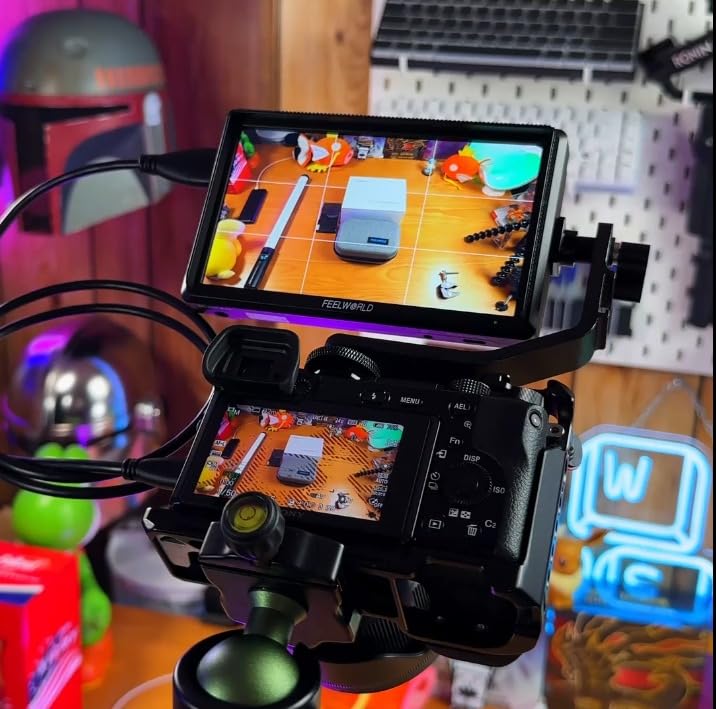
The FEELWORLD S55 V3 sits in an interesting position in the lineup. It offers a 6-inch screen with professional monitoring tools at a price that undercuts most competitors with similar features. I tested this monitor primarily indoors and during golden hour outdoor shoots, and it performed admirably in those scenarios.
The 6-inch form factor is a nice middle ground between the compact 5.5-inch monitors and the larger 7-inch options. It provides enough screen real estate to check focus details without the weight penalty of bigger displays. The Full HD IPS panel delivers clean images with good color reproduction for the price.
What impressed me most is the monitoring tool suite at this price point. You get waveform, vectorscope, RGB histogram, false color, and 3D LUT support. These are tools that professional colorists and cinematographers rely on, and having them available on a budget monitor is genuinely useful for learning proper exposure and color assessment.
The complete kit is another win. FEELWORLD includes an NP-F550 battery, a carry bag, and a sun hood. The sun hood is essential since the 500-nit brightness will not cut it in direct sunlight without assistance. For indoor shoots, controlled lighting environments, and beginner videographers learning the ropes, this monitor delivers excellent value.
Who Should Buy This Monitor
Beginners and students will find the S55 V3 approachable and affordable. The included accessories mean you can start shooting immediately without additional purchases. It is also a solid choice for content creators who primarily shoot indoors or in controlled lighting.
Vloggers who need a larger screen for framing shots will appreciate the 6-inch size. It is big enough to compose shots properly while remaining portable enough for travel setups.
Things to Consider Before Buying
The 500-nit brightness is the main limitation. If you shoot outdoors frequently, especially in bright conditions, you will need the sun hood and even then may struggle with visibility. Consider the FEELWORLD P6XL or F5 Prox if outdoor shooting is your primary use case.
The lack of touchscreen means navigation relies on physical buttons. While functional, it is slower than touch-based interfaces when you need to switch monitoring tools quickly during a shoot.
5. VILTROX DC-550 5.5 Inch Touch Screen Field Monitor – 4K Touch Pro
VILTROX DC-550 Touch Screen DSLR Camera Field Monitor 1200 Nits High-Bright 5.5 inch DSLR Camera Monitor with Sunshade Hood/Battery 3D LUT HDR 4K HDMI in and Out Exposure Focus Assist Waveform Monitor
5.5 inch LCD Touch Screen
1200 nits brightness
4K UHD support
REC-709 calibration
3D LUT via SD card
Pros
- 1200 nit brightness for daylight shooting
- 4K HDMI input and output
- Touch screen with intuitive interface
- Professional monitoring suite
- Triple power supply options
Cons
- Quality control inconsistencies
- REC-709 calibration may need manual adjustment
The VILTROX DC-550 caught my attention because it is one of the few monitors in this price range that genuinely supports 4K input at 3840×2160 resolution. While the display panel itself is 1080p, the ability to accept and process 4K signals means you are future-proofed as cameras continue to push higher resolution outputs.
The touchscreen interface on the DC-550 is one of the better implementations I have used in this price bracket. The menus are logically organized, and I could access waveform, vector graph, and histogram tools within two taps from the main screen. The 160-degree viewing angle means the image stays accurate even when you are not perfectly centered.
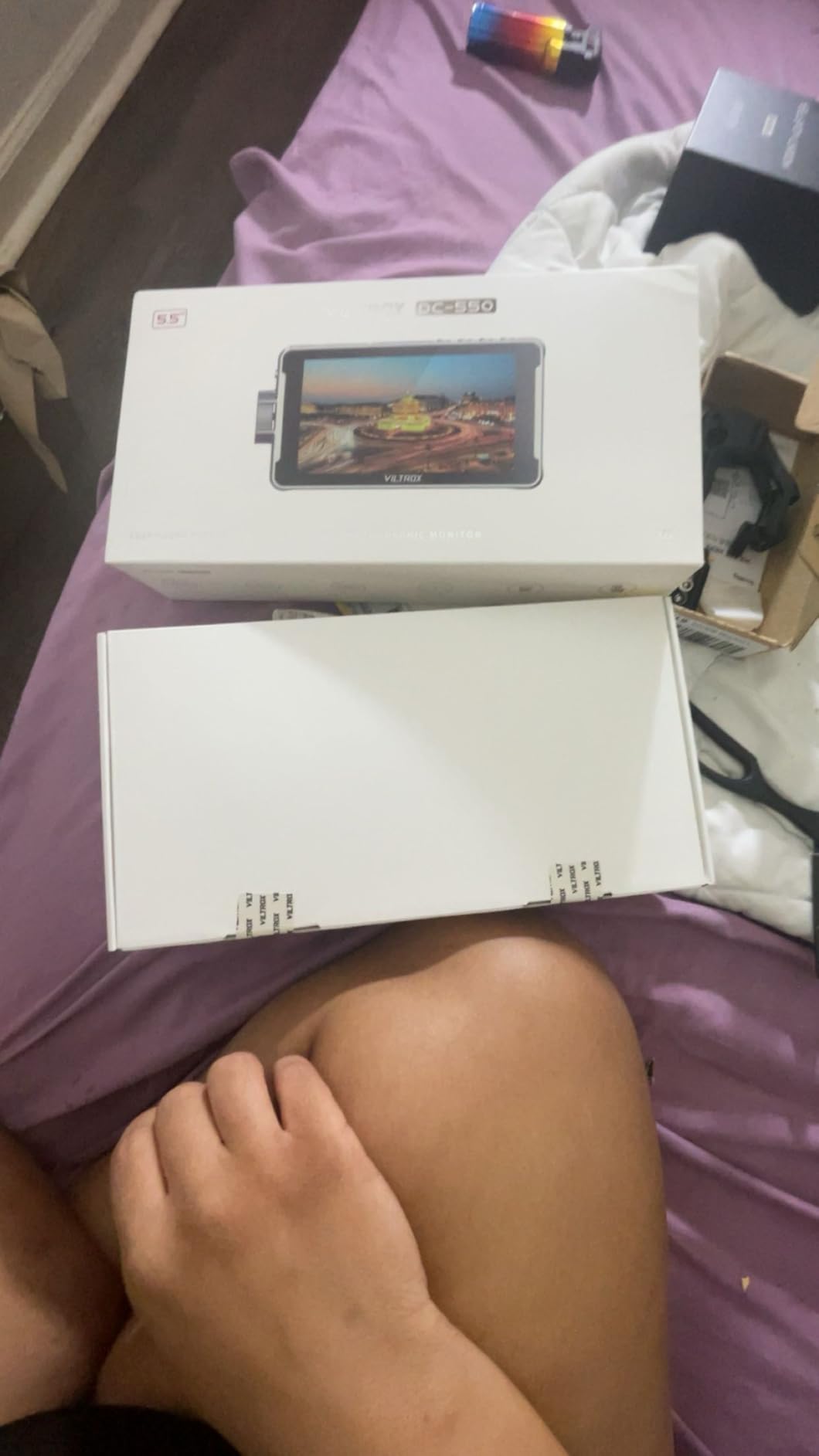
Brightness at 1200 nits puts this monitor in a solid position for outdoor work. It is not as blindingly bright as the NEEWER F700, but it handles daylight shooting well enough that I rarely found myself struggling to see the screen. The REC-709 color calibration delivers accurate colors out of the box, though I noticed slight variance that required a minor adjustment in the settings.
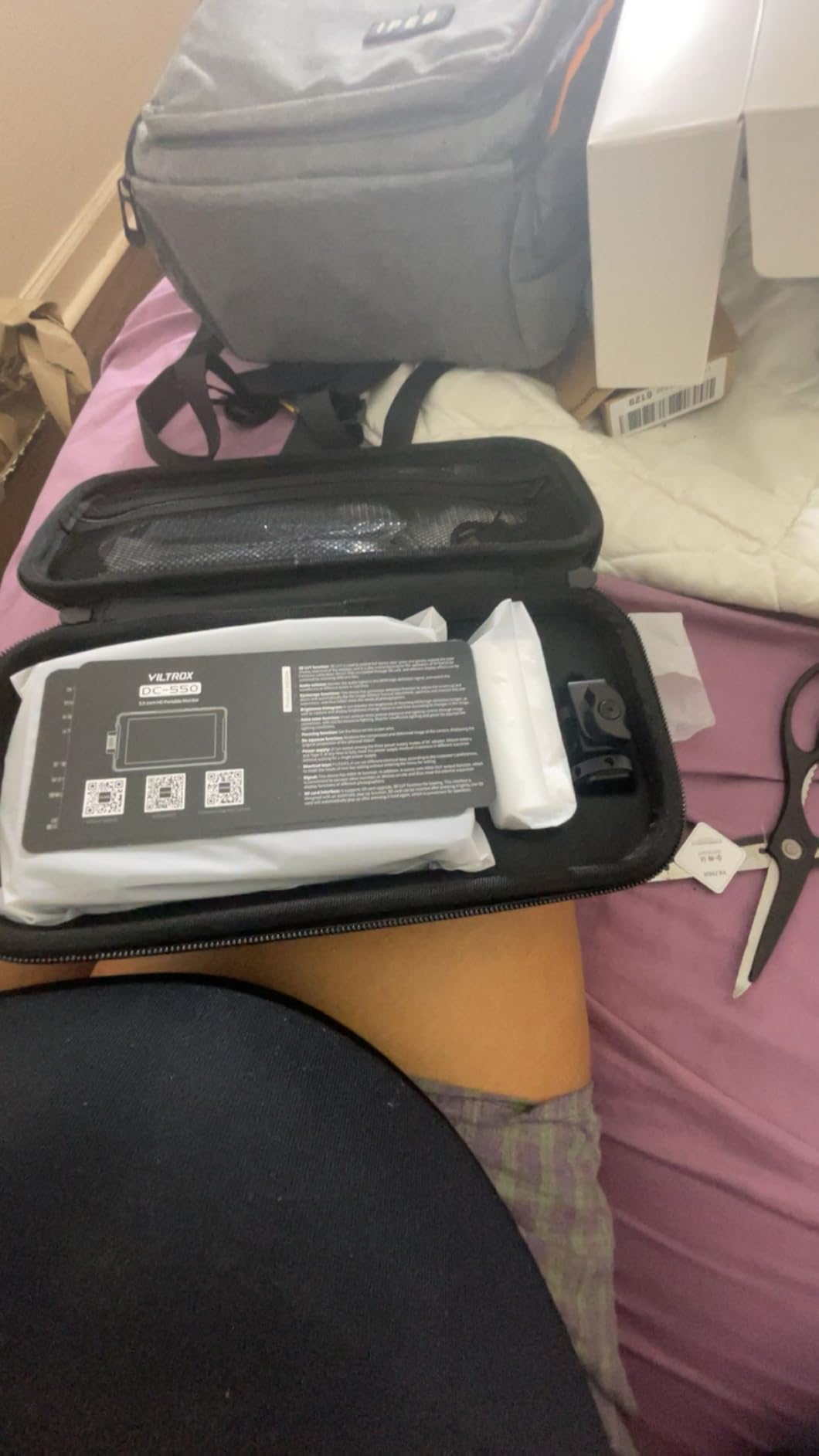
The triple power supply system is a thoughtful addition. You can run the monitor from NP-F batteries, the DC input port, or USB-C. This flexibility means you are never stuck without power options on set. The included NP-F550 battery and carry case complete the package.
Who Should Buy This Monitor
Videographers who shoot with 4K-capable cameras will appreciate the DC-550’s ability to handle 4K HDMI signals without downscaling issues. It is well-suited for professional work where signal integrity matters.
Shooters who value touchscreen convenience and multiple power options will find this monitor hits the right balance. The flexibility of NP-F, DC, and USB-C power means it adapts to virtually any rig configuration.
Things to Consider Before Buying
Quality control seems to be inconsistent based on user reports. Some units arrive perfectly calibrated while others need adjustment or replacement. Buy from a retailer with a solid return policy to protect yourself.
The REC-709 calibration is good but not perfect out of the box. Plan to spend some time fine-tuning the color settings to match your specific camera and shooting style. The 2-pound weight is reasonable but noticeable on lighter gimbal setups.
6. Portkeys LH5C 5.4 Inch Camera Monitor – Camera Control Specialist
Portkeys LH5C Camera Monitor 5.4″ 800nits Field Monitor Wired Control for A7MV/A9II/A7SIII/A7MIV/A9M3/A6700/A7CII/FS5/FS7/FX2/FX30/FX6/FX9/PXW-Z200/A1/ZV-1/ZV-E1, R5/6/7/8, BS1H/BGH1/GH5/6/7, etc
5.4 inch IPS Display
800 nits brightness
Direct camera control
100% DCI-P3
10-bit color depth
Pros
- Touchscreen camera control for Sony Canon and Panasonic
- 100% DCI-P3 color gamut
- 10-bit color depth
- 178-degree viewing angle
- Freeze frame overlay comparison
- Anamorphic de-squeeze with 10 presets
Cons
- Battery not included
- Focus tracking requires firmware update for non-Sony cameras
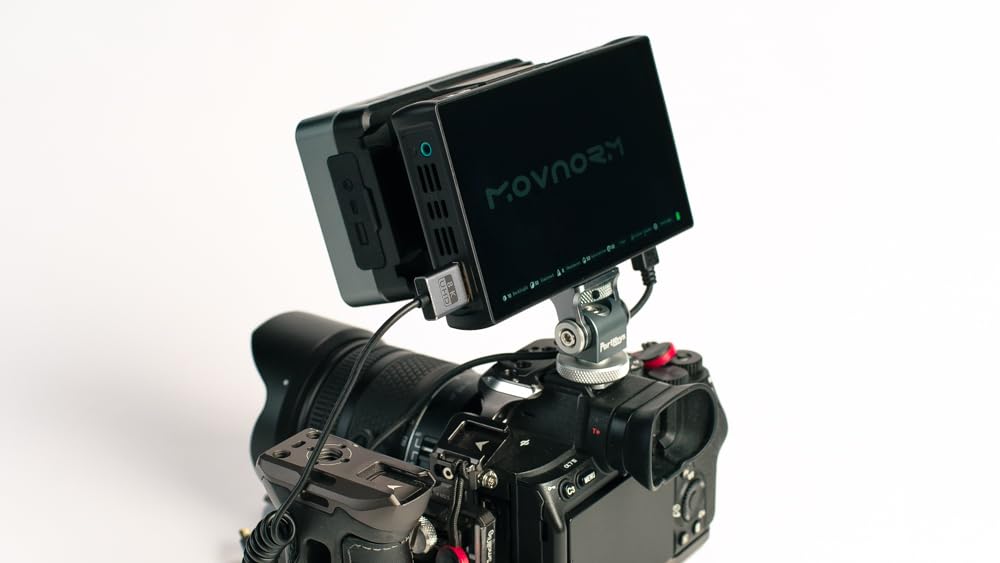
The Portkeys LH5C does something that almost no other monitor in this price range can do. It lets you control your camera directly from the monitor’s touchscreen. I tested this with a Sony A7IV and was able to start and stop recording, adjust ISO, change aperture, and control white balance without touching the camera body.
This level of integration is a game-changer for solo shooters and gimbal operators. When your camera is mounted on a stabilizer or positioned in a hard-to-reach spot, being able to control key settings from the monitor saves time and prevents camera shake from physically touching the rig.
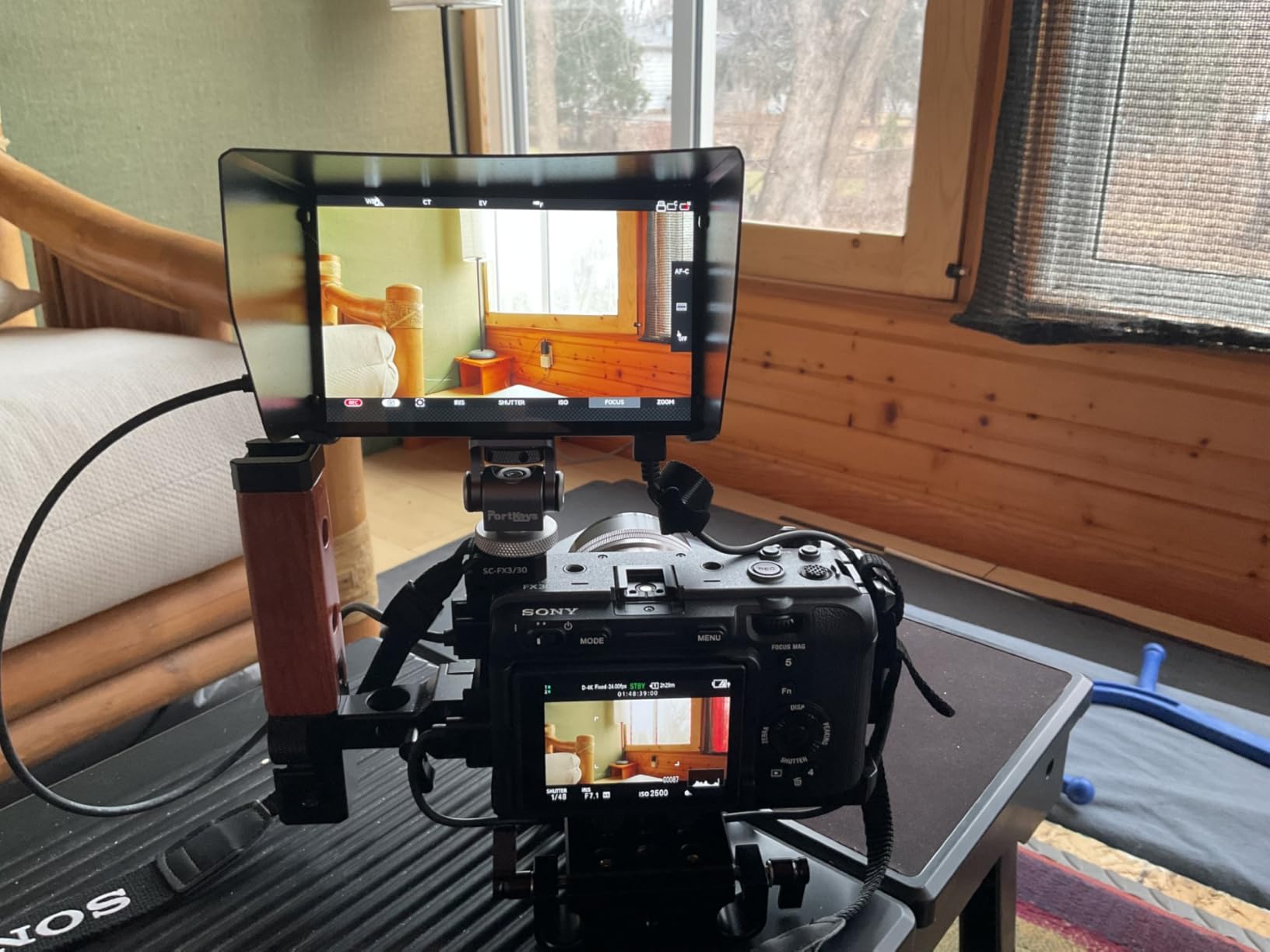
The 100% DCI-P3 color gamut and 10-bit color depth put this monitor in a different class for color accuracy. If you shoot HDR content, grade your footage, or need precise color monitoring on set, the LH5C delivers professional-grade color reproduction. The 178-degree viewing angle means the image stays accurate from virtually any position.
The freeze frame overlay comparison feature is one I did not know I needed until I used it. You can capture a reference frame and overlay it semi-transparently on the live feed to match framing across multiple shots. This is incredibly useful for continuity in narrative work and product videography.
Who Should Buy This Monitor
Sony, Canon, and Panasonic shooters get the most value here since camera control is currently supported for those brands. If you own an A7 series, R5 or R6, or a GH5 or GH6, the touchscreen control integration is genuinely transformative for how you work.
Color-critical professionals who need accurate monitoring for HDR content, color grading reference, or client review will appreciate the DCI-P3 coverage and 10-bit depth that most competitors lack.
Things to Consider Before Buying
The 800-nit brightness is adequate for most indoor and shaded outdoor work but falls short for direct sunlight shooting. You will need the sunshade for bright outdoor environments, and even then, it may not match the 1200+ nit monitors on this list.
Battery is not included, so budget for an NP-F battery if you do not already have one. The intelligent focus tracking feature currently works with Sony cameras and requires a firmware update for Canon and Panasonic support.
7. Portkeys PT6 5.2 Inch Camera Field Monitor – Lightweight Champion
Portkeys PT6 Camera Field Monitor 5.2″ 600nit Touchscreen Camera Monitor Vertical Shooting Stretch 3D LUT Output Wide Color Gamut New Peaking RGB Waveform for DSLR
5.2 inch IPS Touch Screen
600 nits brightness
1920x1080 resolution
400 PPI
RGB Waveform
Fanless design
Pros
- Ultra lightweight at under 5 ounces
- Fanless silent operation
- Full HD 1080p with 400 PPI
- RGB and luma waveform scopes
- Automatic screen reorientation
- Dual battery compatibility NP-F and LP-E6
Cons
- 600 nits insufficient for bright outdoor use
- Can heat up during extended sessions
- 7 second boot time
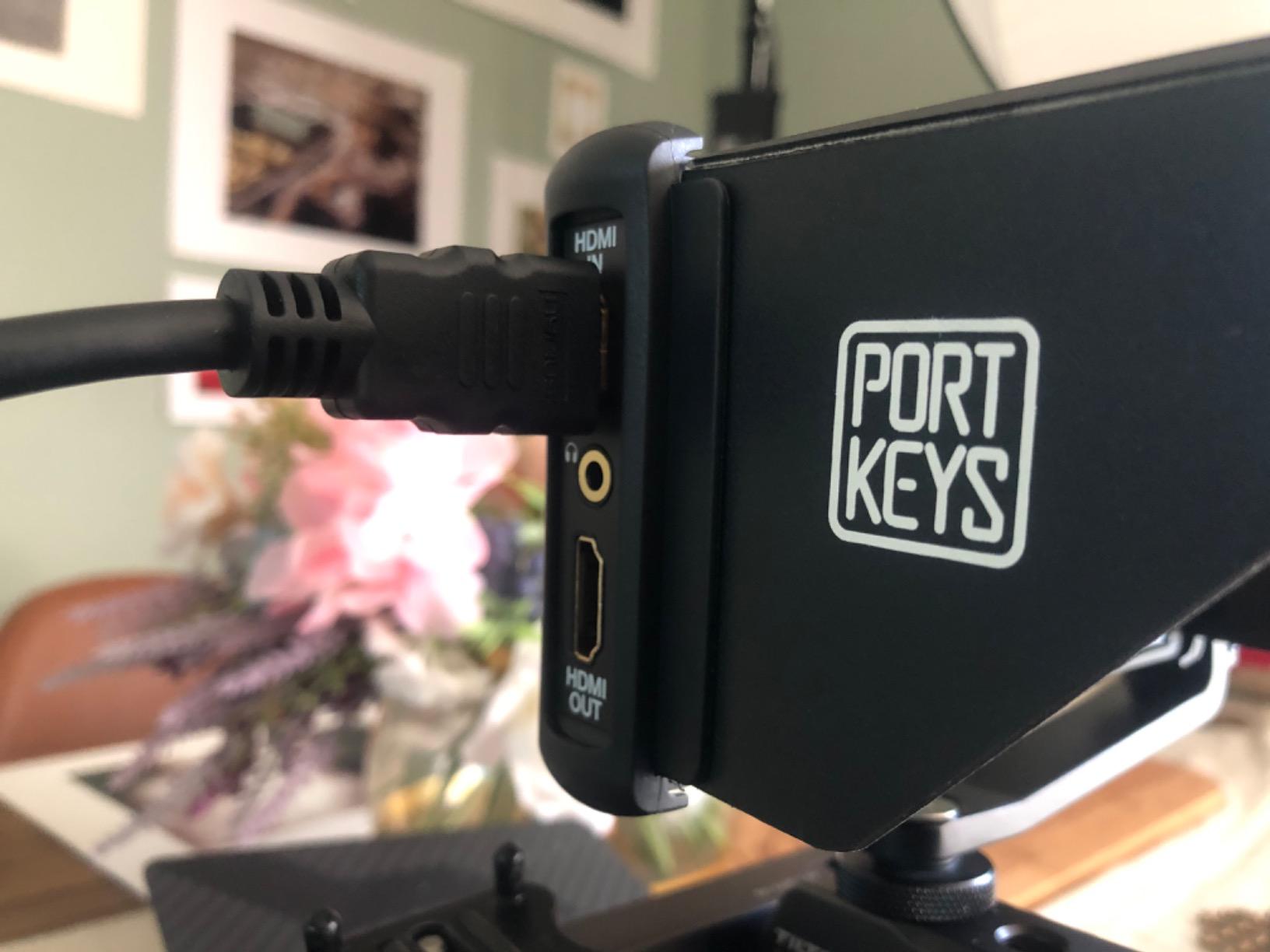
The Portkeys PT6 is the lightest monitor in this roundup at just 4.48 ounces. When I first picked it up, I genuinely thought the box was empty. This featherweight design makes it the go-to choice for gimbal operators and handheld shooters where every gram counts toward balance and fatigue.
Despite its tiny footprint, the PT6 packs an impressive feature set. The 5.2-inch Full HD display runs at 1920×1080 with a pixel density of 400 PPI, which means the image is incredibly sharp. Focus peaking, false color, waveform, histogram, and 3D LUT support are all included despite the budget price point.
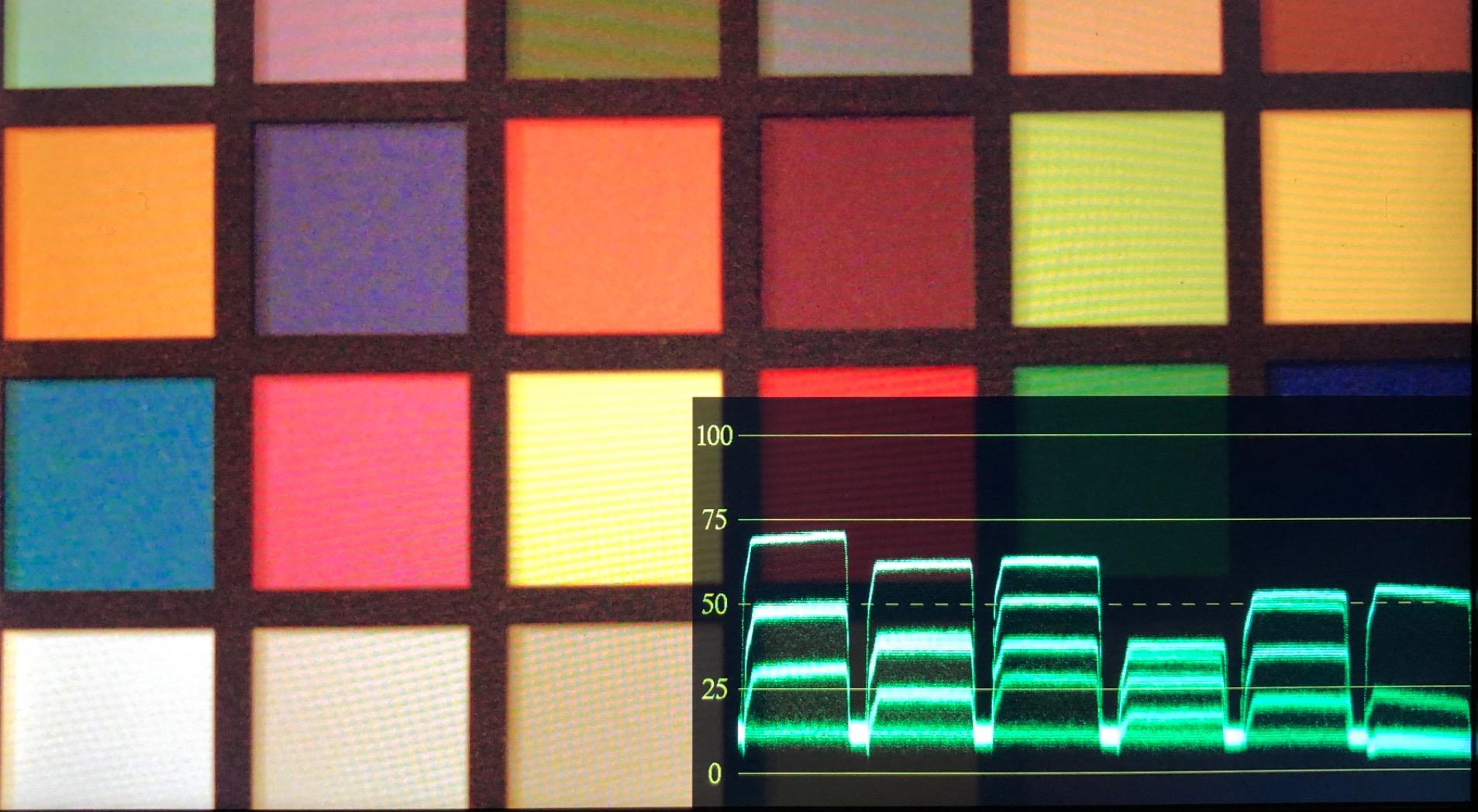
The fanless design is a significant advantage for audio-sensitive shoots. There is zero mechanical noise from the monitor itself, which matters when your microphone is positioned near your rig. I used this monitor during an interview setup and had zero concerns about monitor noise contaminating the audio track.
The RGB waveform scope is particularly well-implemented. You can monitor luma and individual color channels simultaneously, which helps catch color cast issues before they become problems in post. The automatic screen reorientation flips the display when you switch between landscape and vertical shooting, which is handy for social media content creation.
Who Should Buy This Monitor
Gimbal operators and drone pilots who need minimal weight addition should look no further. At under 5 ounces, the PT6 adds almost no burden to stabilized rigs and keeps your setup nimble for extended handheld sessions.
Content creators shooting for social media will appreciate the automatic vertical shooting mode. The screen reorientation saves time when switching between horizontal and vertical content formats.
Things to Consider Before Buying
The 600-nit brightness is the PT6’s biggest weakness. Direct sunlight visibility is poor, and even with a sun hood, you may struggle in bright conditions. This monitor is best suited for indoor shoots, overcast days, or golden hour work.
The 7-second boot time is longer than most competitors. While this sounds minor, it can be frustrating when you need to quickly power up for a fast-changing scene. The monitor also tends to heat up during extended use, though the fanless design means this heat is dissipated passively through the chassis.
8. FEELWORLD P6XL 6 Inch Camera Monitor – Built-in Battery All-in-One
FEELWORLD P6XL 6 Inch Camera Monitor, 1200nit IPS Touch Screen 1920×1080 Built-in 3000mAh Battery Camera Field Monitor with Sunshade, Video Assist HDR Waveform Focus Peaking 3D LUT 4K HDMI
6 inch IPS Touch Screen
1200 nits brightness
Built-in 3000mAh battery
HDR with HLG support
1920x1080 resolution
Pros
- Built-in rechargeable battery eliminates external power needs
- 1200 nit brightness for outdoor work
- Comprehensive HDR monitoring with HLG1 HLG2 HLG3
- RGB Parade waveform and vectorscope
- 32 custom LUT slots via USB
- Screenshot overlay comparison
Cons
- Battery runtime limited to 2 hours at full brightness
- Touch screen may need scroll wheel backup
The FEELWORLD P6XL solves one of the most annoying problems with field monitors for cameras. The battery situation. Instead of dealing with external NP-F batteries, separate chargers, and cable management, the P6XL has a built-in 3000mAh rechargeable battery that delivers up to 2 hours of runtime at full brightness.
This design choice simplifies your rig in ways that are hard to appreciate until you experience it. No battery sticking out the back, no extra cables to manage, and no wondering whether you packed the right battery type. You charge the monitor via USB-C and go. For travel shooters and run-and-gun videographers, this is a meaningful quality-of-life improvement.
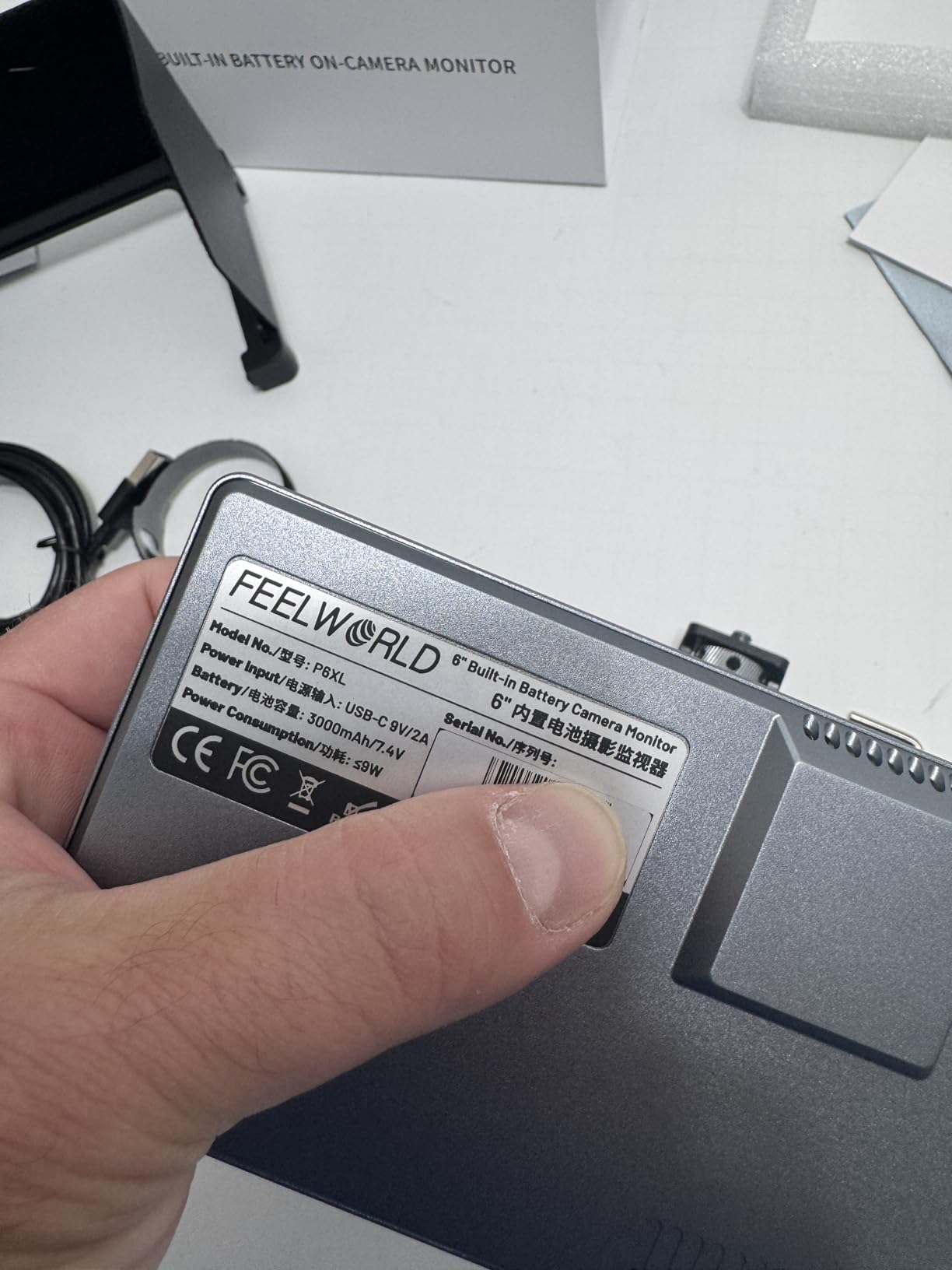
The 1200-nit display handles outdoor shooting well. I tested it during a midday outdoor shoot and could see the screen clearly with the included sunshade. The HDR monitoring with HLG1, HLG2, and HLG3 support is a standout feature that most monitors at this price do not offer. If you shoot in HDR formats, this monitor lets you monitor accurately rather than guessing.
The waveform monitoring suite is comprehensive with RGB Parade, YUV Parade, and Y Parade options. Combined with the vectorscope, histogram, and audio phase displays, you have a full professional monitoring toolkit. The 3D LUT system includes 4 built-in de-log LUTs and supports up to 32 custom .cube files loaded via USB flash drive.
Who Should Buy This Monitor
Travel shooters and documentary filmmakers who value a simplified rig will love the built-in battery design. No extra batteries to pack, no chargers to forget, just charge and shoot. The compact 332-gram weight and 17mm thickness make it travel-friendly.
HDR content creators working with HLG formats will find the HLG1 through HLG3 monitoring modes genuinely useful for accurate HDR assessment on set. This is rare at this price point.
Things to Consider Before Buying
The 2-hour battery runtime at full brightness is the tradeoff for the built-in design. For longer shoots, you will need to carry a USB-C power bank or accept that the monitor will need a recharge break. Lowering brightness extends runtime significantly.
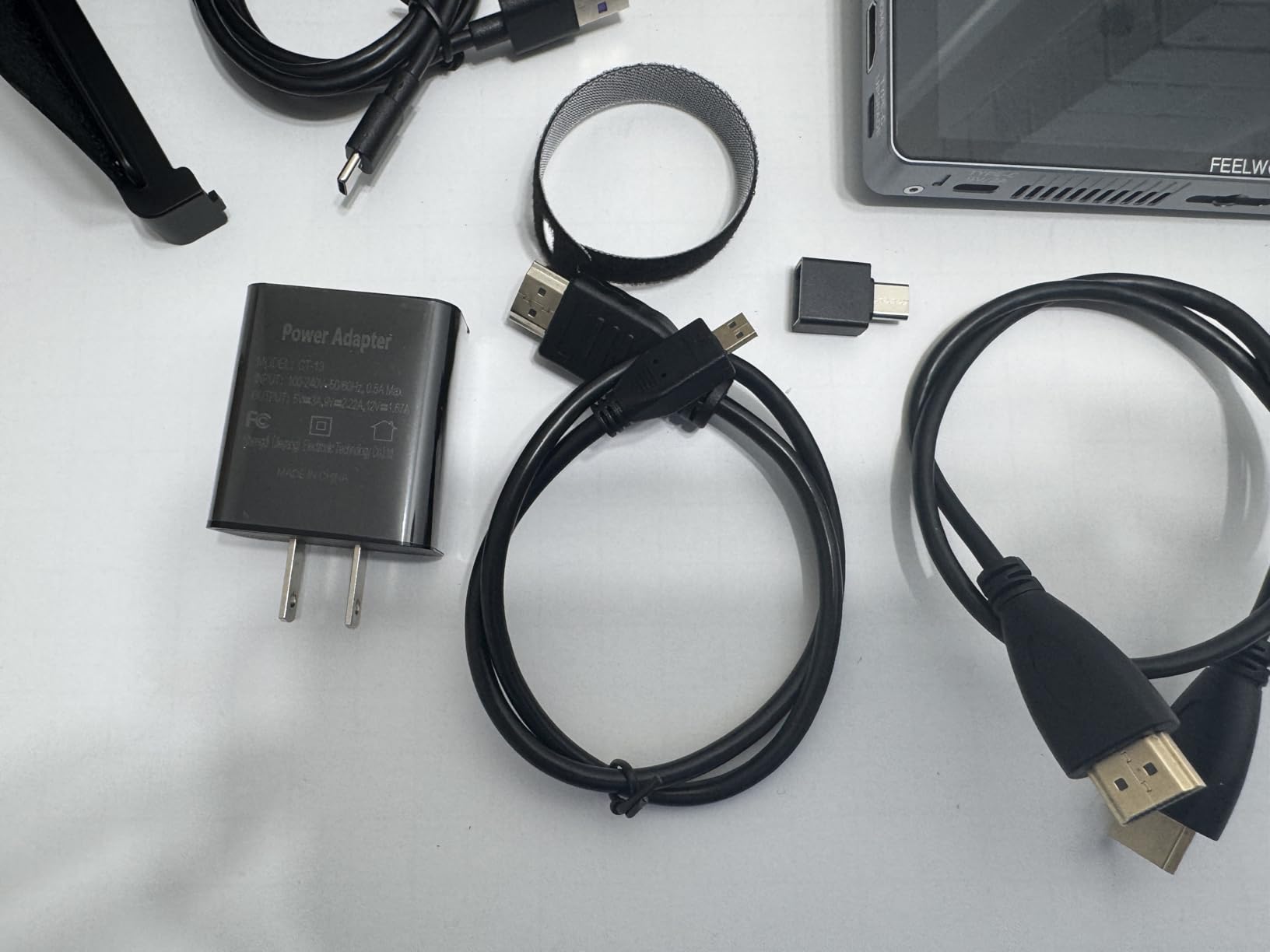
The touchscreen is responsive for most operations but some users report needing the scroll wheel as a backup for precise adjustments. The monitor includes a sunshade, mini hot shoe mount, and cables, so the package is complete out of the box.
How to Choose the Best Field Monitor for Cameras
Choosing the right field monitor comes down to understanding your shooting style, budget, and the specific features that will genuinely improve your workflow. Here is what I have learned from testing dozens of monitors across different production scenarios.
Screen Size Matters More Than You Think
Field monitors typically range from 5 inches to 7 inches, and each size has distinct tradeoffs. A 5 to 5.5-inch monitor like the FEELWORLD F5 Prox or Portkeys PT6 is ideal for gimbal work and handheld shooting where weight and balance are critical. A 6 to 7-inch monitor like the NEEWER F700 or Neewer F100 provides more screen real estate for detailed focus checking but adds noticeable weight to your rig.
For drone operators who review footage between flights, a 7-inch screen offers the best viewing experience. For gimbal-mounted monitoring during active shooting, 5.5 inches is the sweet spot between visibility and weight.
Brightness Is Non-Negotiable for Outdoor Work
Brightness, measured in nits, determines how well you can see your monitor in different lighting conditions. Here is a practical breakdown based on my testing experience. Monitors at 450 to 600 nits, like the Neewer F100 and Portkeys PT6, are strictly indoor or shaded-area tools. Monitors at 800 to 1200 nits, including the Portkeys LH5C and VILTROX DC-550, handle most outdoor scenarios with a sunshade. Monitors at 1500+ nits like the FEELWORLD F5 Prox and the 2000-nit NEEWER F700 handle direct sunlight without compromise.
Reddit users consistently highlight brightness as the number one frustration with budget monitors. If you shoot outdoors regularly, invest in the brightest monitor you can afford. You will thank yourself on every sunny shoot.
Resolution and Pixel Density
A 1920×1080 Full HD panel is the standard for quality field monitors at this level. Lower resolutions like the Neewer F100’s 1280×800 are acceptable for framing and basic focus checking but fall short for critical focus assessment on detailed shots. Higher pixel density means sharper images and more accurate focus peaking performance.
4K input support is worth having even if the display panel itself is 1080p. Cameras increasingly output 4K signals, and a monitor that can accept and process those signals without downscaling artifacts future-proofs your investment.
Professional Monitoring Tools
The monitoring tools built into a field monitor are what separate professional units from simple external displays. Look for these essential tools. Waveform monitors for precise exposure assessment, false color for instant overexposure warnings, focus peaking for nailing sharp focus, histograms for tonal range evaluation, and zebras for highlight protection.
3D LUT support is increasingly important if you shoot in log formats. Being able to load a display LUT lets you monitor in Rec-709 while recording in log, which gives you a more accurate representation of your final graded image while shooting.
Power Options and Battery Life
Most field monitors in this category use NP-F series batteries, which are affordable and widely available. Some monitors, like the FEELWORLD P6XL, feature built-in rechargeable batteries that simplify power management at the cost of runtime flexibility. The FEELWORLD P6XL’s built-in battery approach is ideal for travel shooters who want to minimize gear.
Look for monitors that offer multiple power input options. USB-C power is increasingly common and lets you run the monitor from a power bank, which is useful for long shoots where swapping NP-F batteries becomes tedious.
Touchscreen vs Button Navigation
Touchscreen monitors like the NEEWER F700, FEELWORLD F5 Prox, and VILTROX DC-550 offer faster navigation between monitoring tools. Button-operated monitors like the Neewer F100 and FEELWORLD S55 V3 are more affordable but slower to operate during fast-paced shoots.
For run-and-gun videography where conditions change rapidly, touchscreen navigation saves valuable seconds. For controlled studio environments, buttons work fine.
Mounting and Rig Integration
Check that the monitor includes appropriate mounting hardware. Cold shoe mounts, ball heads, and ARRI-style mounting points all have different use cases. The number and placement of 1/4-20 threaded holes determines how flexibly you can position the monitor on your rig.
Weight is a critical factor for balanced rigs. A monitor weighing over 25 ounces, like the NEEWER F700 with batteries, can overwhelm lighter gimbal systems and cause arm fatigue during extended handheld sessions.
Budget and Value Considerations
Field monitors for cameras range from under $80 to well over $200 in this roundup. The budget tier under $120, represented by the Neewer F100 and Portkeys PT6, covers basic monitoring needs. The mid-range tier from $120 to $200, including the FEELWORLD F5 Prox, VILTROX DC-550, and Portkeys LH5C, adds professional features and better build quality. The upper tier above $200, led by the NEEWER F700, delivers maximum brightness and premium feature sets.
Reddit users frequently note that buying used premium monitors from SmallHD or Atomos is an alternative worth considering. However, the new monitors in this guide offer excellent value with warranty coverage and the latest features.
FAQs
What is the best field monitor for cameras?
The NEEWER F700 is the best overall field monitor for cameras, offering 2000-nit brightness, a 7-inch 1080p touchscreen, professional monitoring tools including waveform and false color, 3D LUT support, and dual NP-F750 batteries included. It ranks as the number one bestseller in its category.
How to choose a field monitor for video?
Choose a field monitor by considering five key factors: screen size (5 to 7 inches depending on your rig), brightness (at least 1000 nits for outdoor work), resolution (1080p minimum for accurate focus checking), monitoring tools (waveform, false color, focus peaking), and power options. Match these to your primary shooting scenario.
Do I need a 4K external monitor?
You do not need a 4K display panel on a field monitor since most monitoring is done at 1080p. However, 4K HDMI input support is valuable because it ensures compatibility with cameras that output 4K signals without downscaling issues. The display panel itself being 1080p is perfectly adequate for focus and exposure monitoring.
What is the difference between HDMI and SDI field monitors?
HDMI is the consumer and prosumer standard found on most mirrorless cameras and DSLRs. SDI is a professional broadcast standard with locking connectors and longer cable runs without signal degradation. Most cameras in the price range these monitors target output via HDMI, so HDMI monitors cover the vast majority of users. SDI matters primarily for broadcast and cinema camera workflows.
Can external monitors record video?
Some external monitors like the Atomos Ninja series and Blackmagic Video Assist include built-in recording capabilities to SSDs or SD cards. The monitors in this roundup are monitoring-only devices, meaning they display your camera output with professional monitoring tools but do not record video themselves. Recording monitors cost significantly more.
What brightness level do I need for outdoor shooting?
For comfortable outdoor shooting, you need at least 1000 nits of brightness. Monitors at 1500 to 2000 nits like the NEEWER F700 and FEELWORLD F5 Prox handle direct sunlight well. Monitors below 800 nits require a sunshade and are limited to shaded or overcast outdoor conditions.
Final Thoughts on the Best Field Monitors for Cameras
Finding the right field monitor for cameras transforms how you shoot video. The difference between guessing at focus on a tiny camera screen and confirming it on a properly calibrated external display is night and day. Among the monitors I tested, the NEEWER F700 stands out as the best overall pick with its unmatched 2000-nit brightness and complete professional feature set. The FEELWORLD F5 Prox offers the best value for gimbal shooters, while the Neewer F100 remains the top budget entry point.
For 2026, these monitors represent the best combination of features, performance, and value available. Pick the one that matches your shooting style, invest in a good HDMI cable, and start shooting with confidence. Your footage will thank you.