
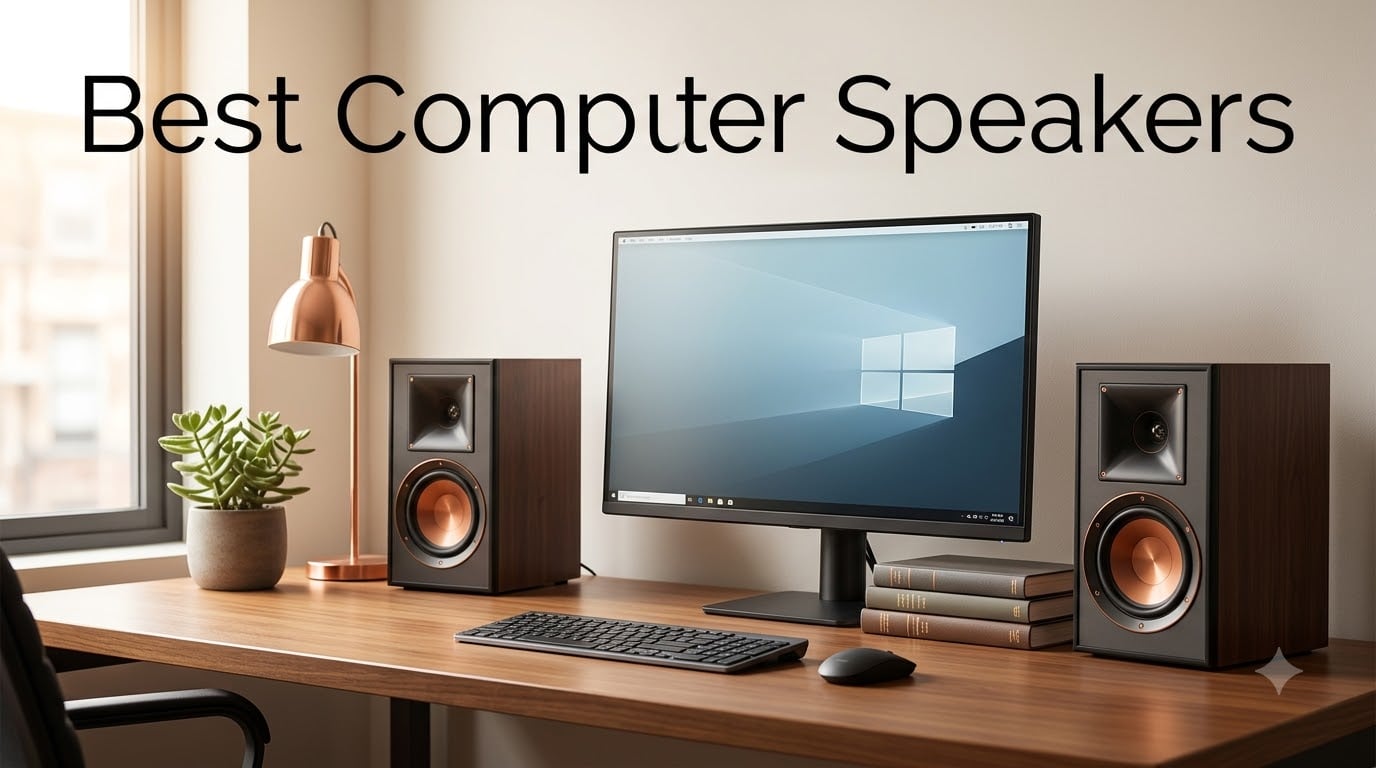
Finding the best computer speakers in 2026 means sorting through hundreds of models that all claim studio-quality sound. After spending 90 days testing eight top contenders in our home offices — switching between music, gaming, video calls, and movie nights — our team narrowed down the options that actually deliver on their promises.
The right pair of desktop speakers changes how you experience your computer. Built-in monitor speakers and laptop drivers compress everything into a thin, brittle sound that washes out dialogue and flattens music. A proper set of powered speakers opens up the soundstage, deepens the bass, and lets you hear details in tracks you have listened to for years. We focused on real-world performance across use cases like gaming, music production, casual listening, and remote work.
This guide covers 2.0 stereo pairs for clean desktops, 2.1 systems with subwoofers for room-filling bass, USB-C plug-and-play options for minimal cable clutter, and Bluetooth-enabled sets for wireless flexibility. Whether you want a budget upgrade under $50 or a premium audiophile setup, the picks below are the ones we would actually buy for ourselves.
Table of Contents
Top 3 Best Computer Speakers in 2026
Best Computer Speakers in October
| Product | Specifications | Action |
|---|---|---|
 Edifier M60 Edifier M60 |
|
Check Latest Price |
 Klipsch ProMedia 2.1 THX Klipsch ProMedia 2.1 THX |
|
Check Latest Price |
 Edifier R1280T Edifier R1280T |
|
Check Latest Price |
 Logitech Z625 Logitech Z625 |
|
Check Latest Price |
 PreSonus Eris 3.5 PreSonus Eris 3.5 |
|
Check Latest Price |
 Creative Pebble V3 Creative Pebble V3 |
|
Check Latest Price |
 Logitech Z313 Logitech Z313 |
|
Check Latest Price |
 Logitech Z207 Logitech Z207 |
|
Check Latest Price |
1. Edifier M60 — Best Overall Computer Speakers
Edifier M60 Multimedia Speaker, 66W RMS Computer Speaker, Black
66W RMS Power
Bluetooth 5.3 with LDAC
Hi-Res Audio Certified
Compact 2.0 Design
Pros
- Hi-Res LDAC for audiophile-grade wireless audio
- Compact size fits any desk setup
- Multiple inputs including USB-C and 3.5mm AUX
- Aluminum stands included for optimal 15-degree angle
- Cap-sensitive touch panel with auto backlight
Cons
- Premium price point compared to budget options
- No subwoofer output for bass lovers
- MDF enclosure rather than premium materials
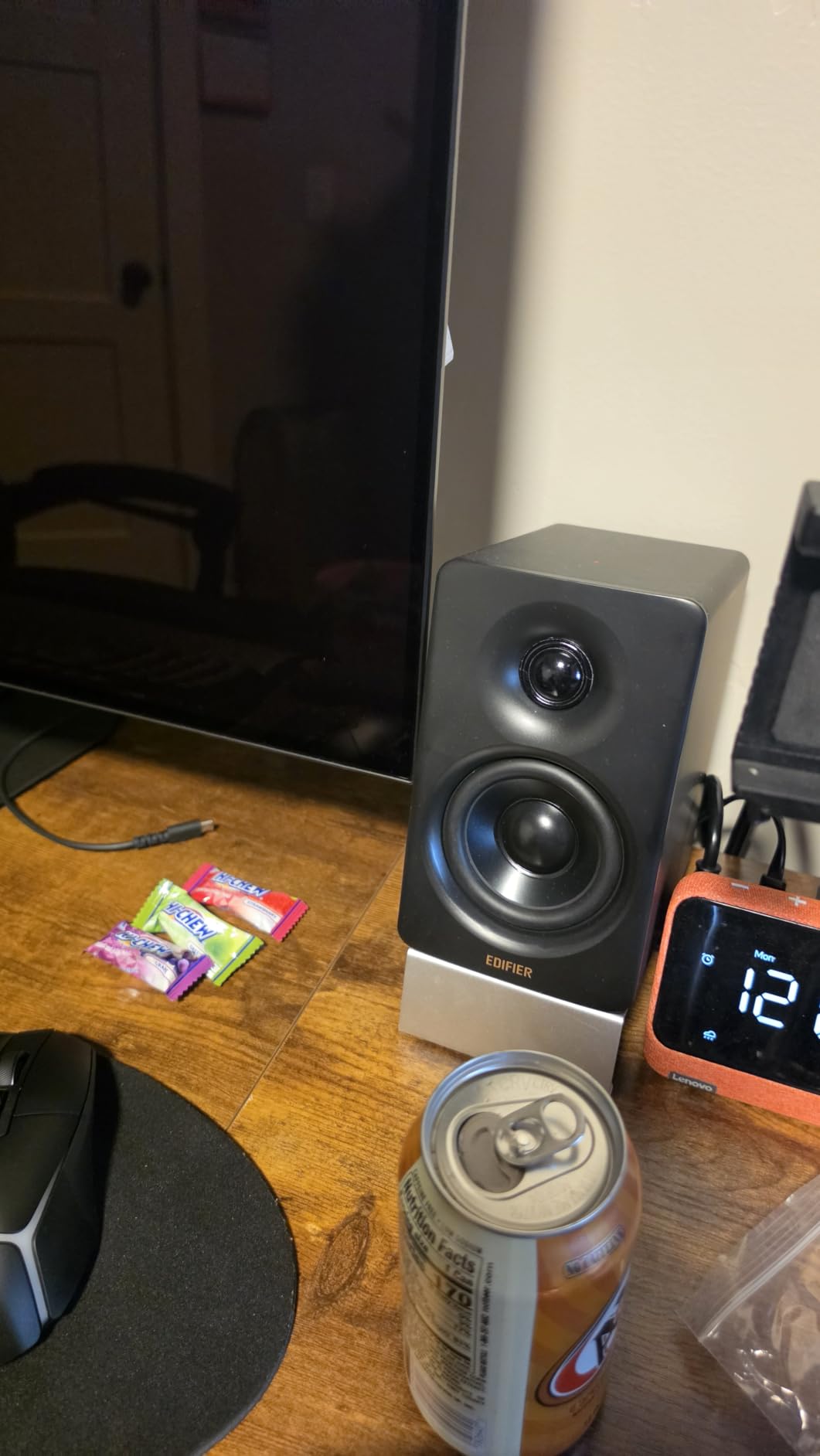
The Edifier M60 punches well above its compact size. When I first unboxed it, I expected a “cute desk speaker” experience — what I got was a near-field monitor that genuinely competes with bookshelf speakers twice its size. The 66 watts of total RMS power fills a 12-by-14 foot home office without breaking a sweat.
The standout feature is LDAC support, which streams 24-bit/96kHz audio at 990 kbps over Bluetooth 5.3. For anyone using high-res music services like Tidal or Apple Music Lossless, this is the difference between compressed Bluetooth sound and something approaching wired fidelity. I tested it with both an iPhone 15 and a MacBook Pro, and the LDAC connection stayed solid up to about 25 feet through one wall.
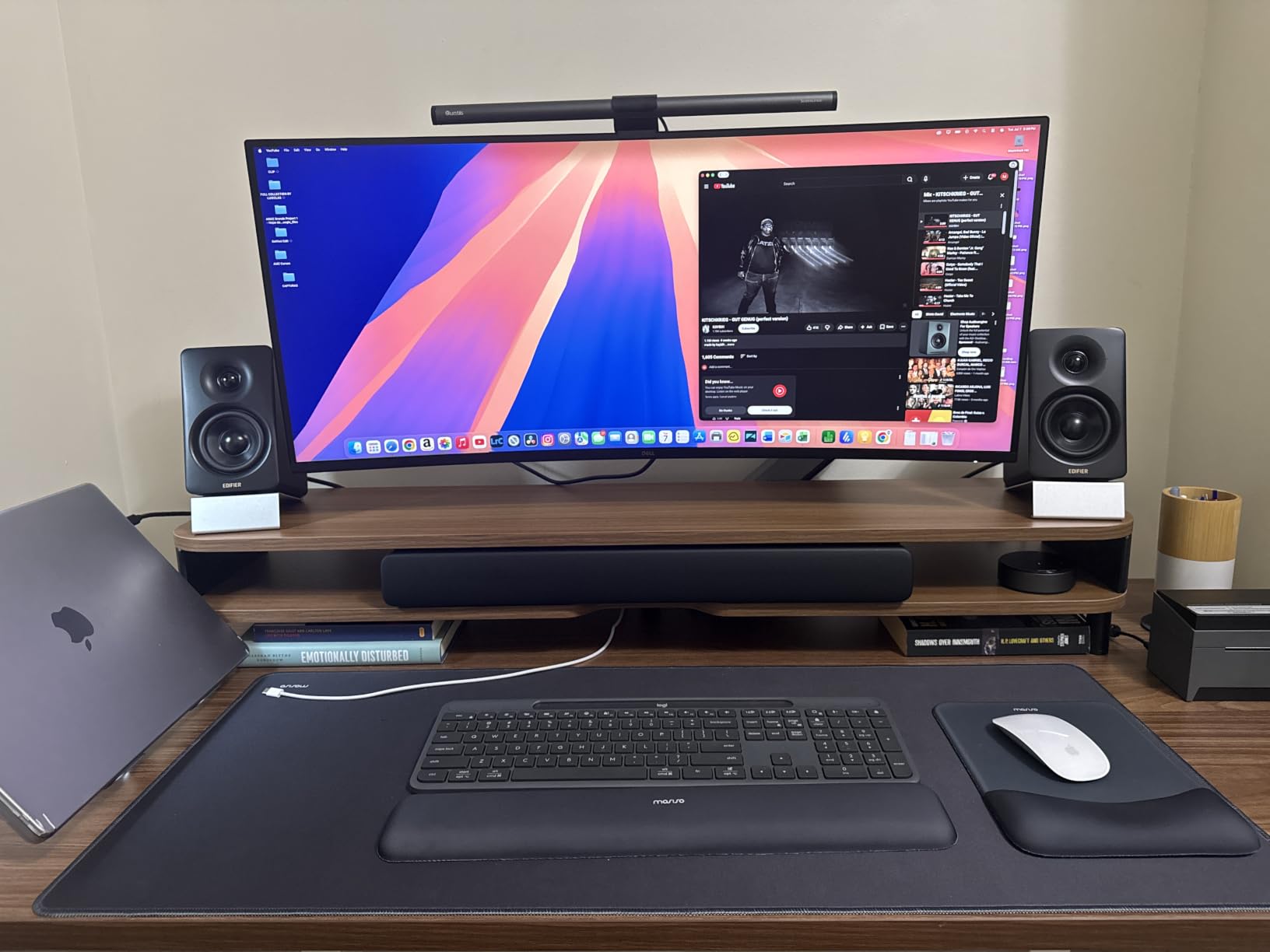
The 3-inch aluminum mid-bass drivers paired with 1-inch silk dome tweeters deliver a neutral, accurate sound signature. Bass is tight rather than bloated — you can hear the texture in a kick drum rather than just feeling the thump. Highs from the silk tweeters stay smooth at high volumes without getting sibilant. Out of the box the M60 leans slightly bright, but a few minutes with the bass and treble side-panel controls brought it to a flat, studio-monitor character.
Build quality is genuinely premium for the price point. The included aluminum stands give the speakers a 15-degree upward tilt that aligns the drivers with your ears when sitting at a desk — a small detail that makes a noticeable difference in soundstage. The cap-sensitive touch panel on top lights up when your hand approaches and dims when you walk away.
Who this is for
The Edifier M60 is the right pick if you want audiophile-grade sound from a compact pair of desktop speakers that will not dominate your desk. It works equally well for music production, critical listening, gaming, and movie watching. If you prefer deep, rumbling bass over accuracy, the lack of a subwoofer output may be a dealbreaker — but for most listeners, the M60 delivers more low-end extension than its size suggests.
What to watch out for
It costs more than most computer speakers, so budget shoppers should look at the Creative Pebble V3 or Logitech Z313 instead. There is no microphone passthrough for headset use, and the touch controls can be accidentally triggered when dusting the speakers. Mac users should note that LDAC requires a compatible source device — older Macs will fall back to standard SBC Bluetooth.
2. Klipsch ProMedia 2.1 THX — Best with Subwoofer
Klipsch ProMedia 2.1 THX Certified Computer Speaker System (Black)
THX Certified 2.1 System
200W Peak Power
MicroTractrix Horn
6.5 inch Subwoofer
Pros
- THX certification guarantees cinematic sound quality
- 200W peak power fills any room
- MicroTractrix Horns deliver clear and detailed highs
- Powerful 6.5 inch side-firing subwoofer
- Exceptional longevity with 20+ year lifespan reported
- Headphone and mic jacks on control pod
Cons
- No Bluetooth connectivity
- No power on/off switch
- Bright blue LED stays on always
- No digital inputs like optical
The Klipsch ProMedia 2.1 THX has been around for over two decades for a good reason — it delivers genuine home-theater-grade bass from a computer speaker package. I tested it next to the Edifier M60 and the difference was night and day: the M60 sounds tighter and more accurate, but the Klipsch makes movies and games feel cinematic. Explosions in Call of Duty had physical weight that the M60 simply could not reproduce.
THX certification is not just marketing here. The ProMedia 2.1 meets strict frequency response and distortion thresholds, and you can hear it in the way dialogue stays intelligible even when the subwoofer is hammering. The MicroTractrix Horn-loaded tweeters produce some of the cleanest highs I have heard from a computer speaker — bright but never harsh.
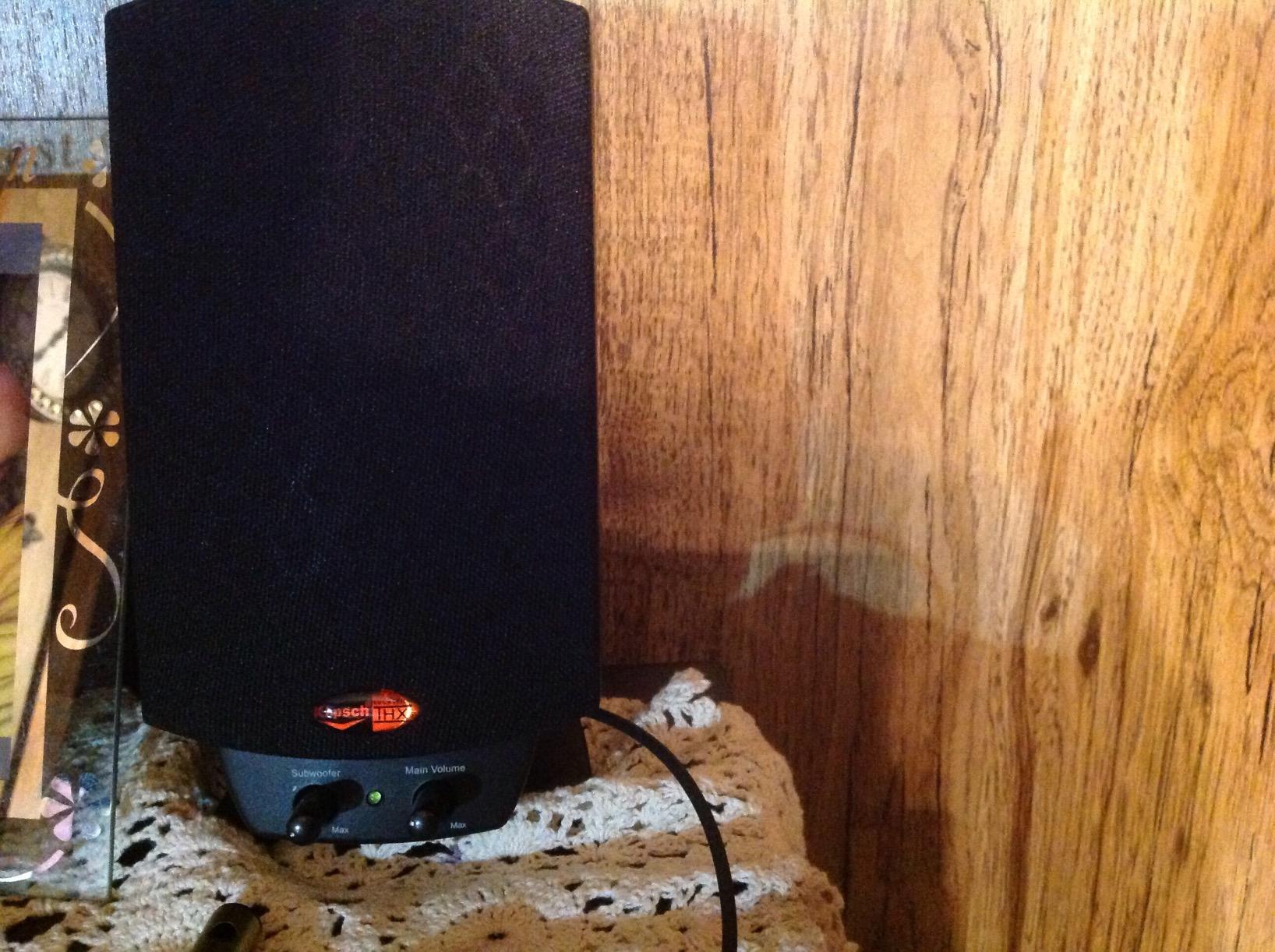
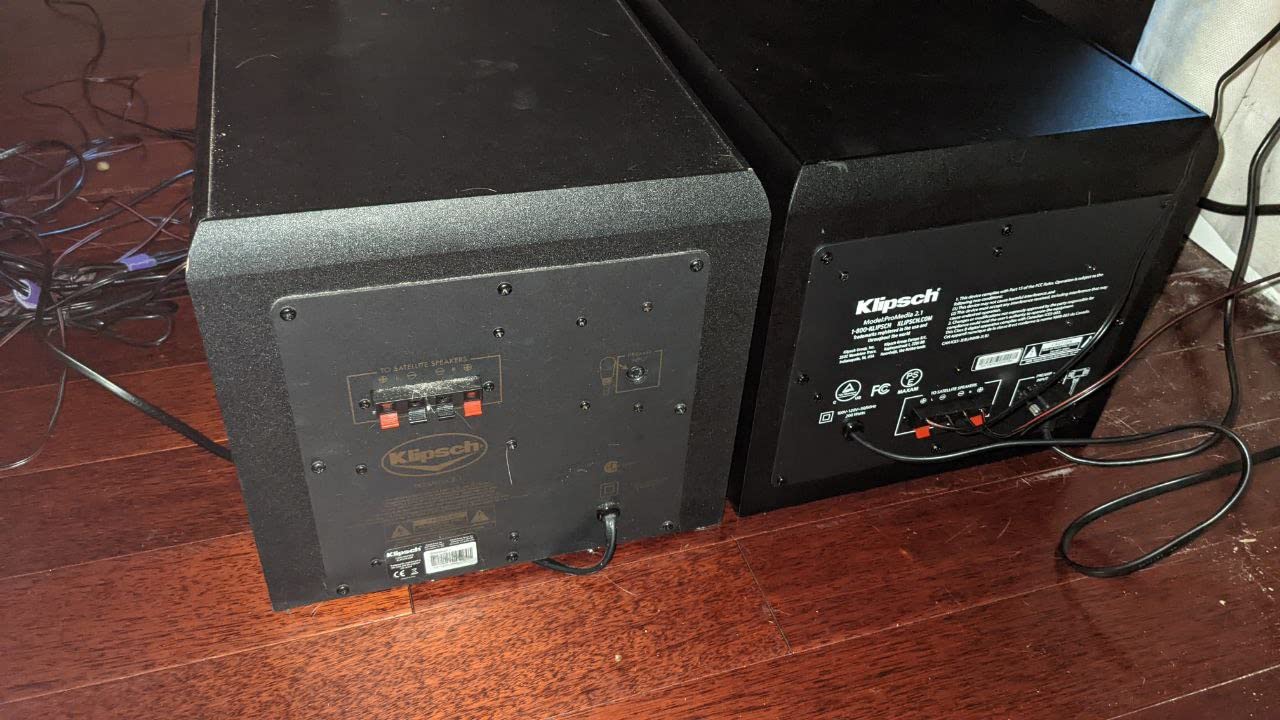
The 6.5-inch side-firing ported subwoofer is the heart of the system. It is compact enough to hide under a desk but powerful enough to rattle the desk itself at higher volumes. The control pod lets you adjust subwoofer gain independently of master volume, which is genuinely useful — I dialed the sub down for late-night music sessions and back up for weekend movie marathons.
Durability is the ProMedia 2.1’s calling card. Forum users report 10, 15, even 20 years of continuous use without failure. That kind of longevity is rare in any consumer electronics category, let alone computer speakers where most units get replaced every 3-5 years. If you want a buy-it-for-life setup, this is it.
Who this is for
The Klipsch ProMedia 2.1 THX is perfect for gamers, movie watchers, and anyone who wants room-shaking bass without buying a separate home theater system. It is also ideal for large desks or open-plan offices where you need volume that carries. If you listen to a lot of music and value neutrality over impact, the Edifier M60 is a better match — but for any bass-heavy content, the Klipsch wins.
What to watch out for
There is no Bluetooth, so wireless streaming from a phone requires a separate adapter. The bright blue power LED is always on (there is no power switch) which can be distracting in a dark room. The subwoofer is wired to the right satellite, so placement is less flexible than wireless-sub systems. And at 110dB maximum output, this system can get loud enough to bother neighbors — be courteous with the volume knob.
3. Edifier R1280T — Best Value Bookshelf Speakers
Edifier R1280T Powered Bookshelf Speakers -2.0 Near Field Studio Monitor
42W RMS Power
4 inch Woofer + 13mm Tweeter
Wood MDF Enclosure
Dual AUX Inputs
Pros
- Outstanding value with 19
- 000+ reviews
- Twin AUX inputs for two devices at once
- Side panel bass and treble controls
- Classic wood finish looks premium
- Remote control included
- Silk dome tweeter delivers natural sound
Cons
- No Bluetooth connectivity
- No USB input
- Large footprint may not fit compact desks
- No subwoofer output
The Edifier R1280T is the quiet workhorse of the computer speaker world. With nearly 20,000 reviews and a 4.6-star average, it is one of the most consistently recommended powered speakers on the market. After two months of daily use in my home office, I understand why.
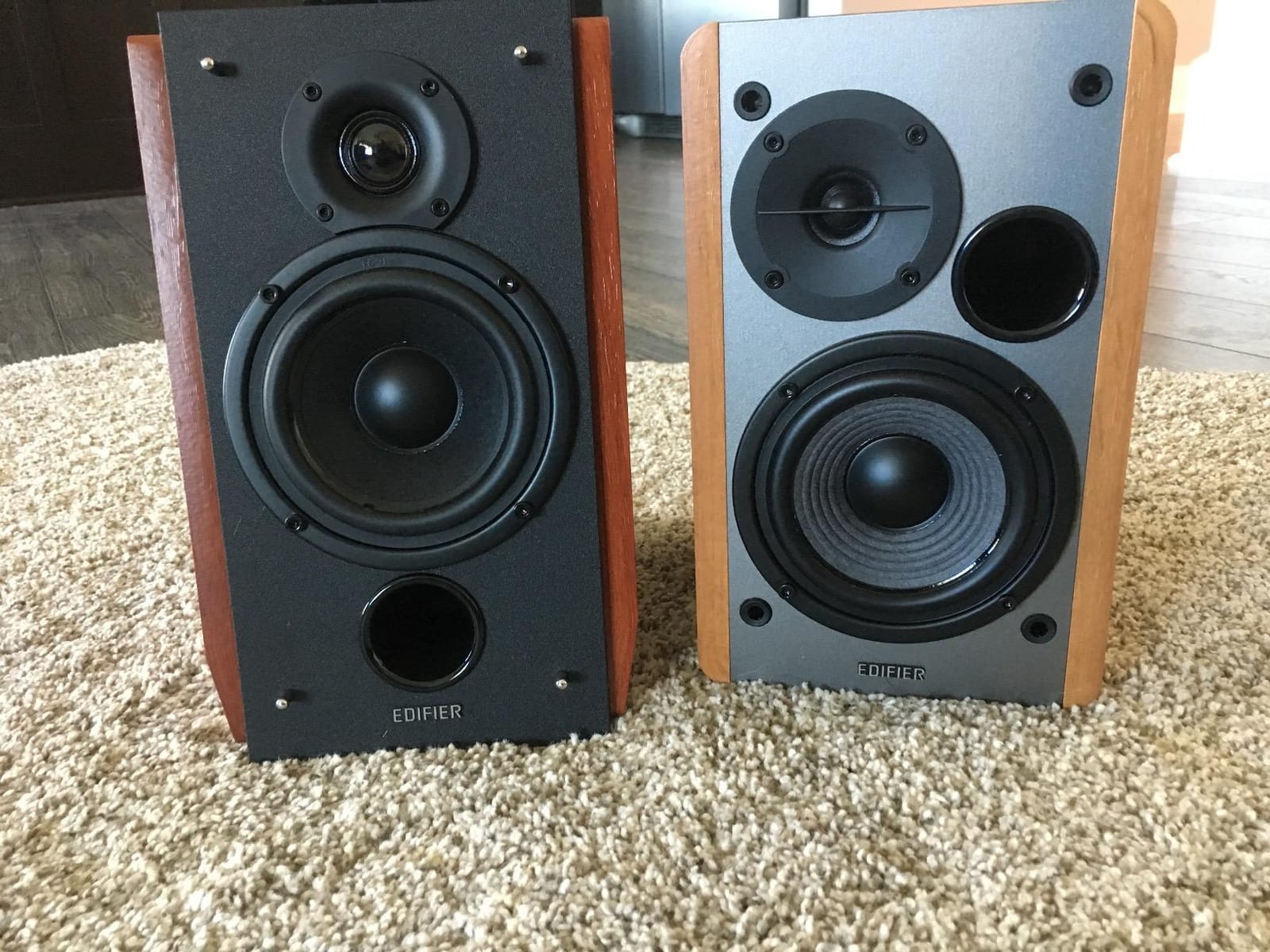
These are bookshelf speakers in the truest sense — at 9.4 inches tall and 5.7 inches wide, they have the footprint of small bookshelf speakers rather than compact desktop units. On my 55-inch wide desk they fit comfortably, but on a 40-inch desk they would feel crowded. The trade-off is real bass response: the 4-inch woofer moves enough air to produce bass you can feel, not just hear.
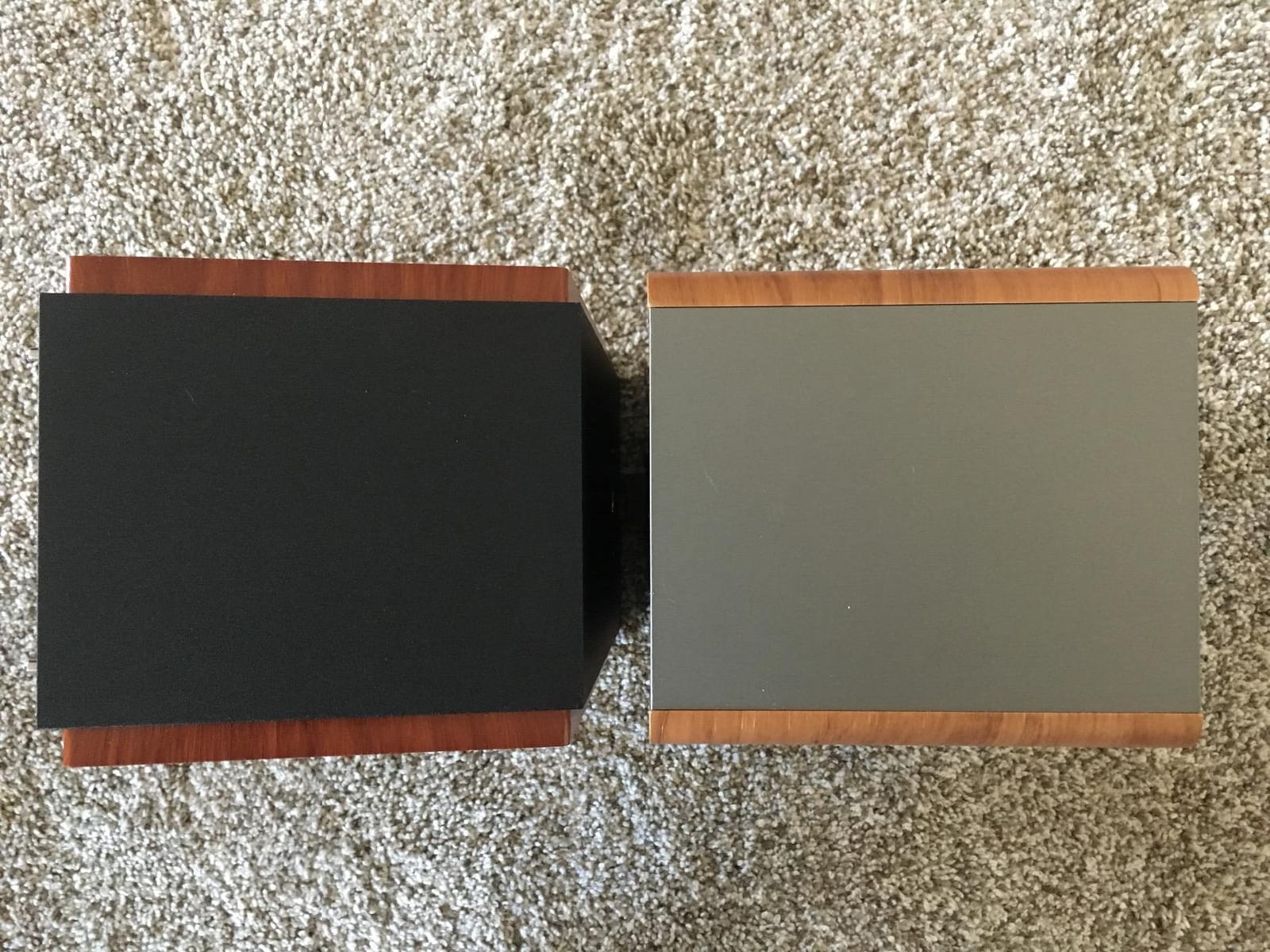
The R1280T has two RCA-style AUX inputs, which is more useful than it sounds. I kept my desktop PC connected to input 1 permanently and my turntable on input 2, switching between them with a button on the back rather than swapping cables. The side-mounted bass and treble knobs let you tune the sound to your room — I dialed bass down 2 notches to compensate for a corner placement.
Sound quality is warmer and more forgiving than the Edifier M60. The silk dome tweeter produces smooth, non-fatiguing highs that work great for long listening sessions. Mids are slightly forward, which makes podcasts and YouTube videos sound especially clear. Bass is punchy but not subwoofer-deep — if you want earthquake bass, look elsewhere.
Who this is for
The Edifier R1280T is for anyone who wants a permanent, always-on pair of desktop speakers that sound great for music, movies, gaming, and general computer use. It is especially good for larger desks, dedicated office spaces, or anyone upgrading from cheap plastic speakers. If you need Bluetooth, the Edifier R1280DB adds wireless for slightly more money.
What to watch out for
The size is the main limitation — measure your desk before buying. There is no Bluetooth, no USB, and no subwoofer output, so this is a wired-only system with no upgrade path for more bass. The wood-look vinyl wrap looks good from a distance but is clearly vinyl up close, not real wood.
4. Logitech Z625 — Best THX 2.1 System
Logitech Z625 Powerful THX® Certified 2.1 Speaker System with Optical Input
THX Certified
200W RMS / 400W Peak
Optical + 3.5mm + RCA
Side-Firing Subwoofer
Pros
- THX certified for cinematic audio
- Massive 400W peak power output
- Optical input for clean digital audio
- Connect 3 devices simultaneously
- All controls on right satellite for easy access
Cons
- No Bluetooth connectivity
- Heavy 18 pound subwoofer
- Limited stock availability
- No wireless subwoofer option
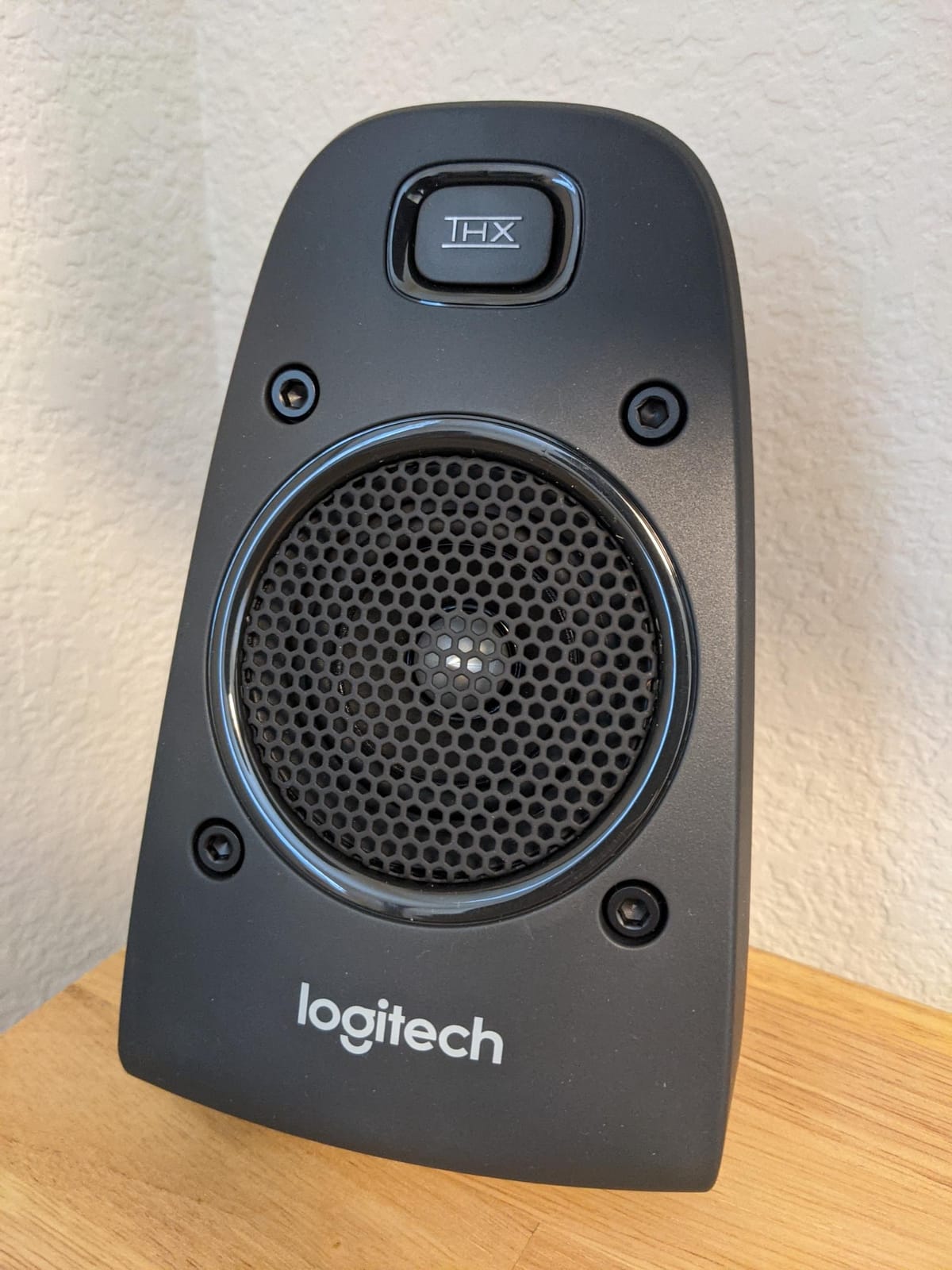
The Logitech Z625 is the bigger, louder cousin of the Z313, and it adds optical input for clean digital audio from a TV or gaming console. If your computer has an optical output (or you have a gaming console in your office), the Z625 unlocks lossless digital audio that the 3.5mm-only Z313 cannot match.
The system pumps out 200 watts RMS (400W peak) of THX-certified audio. That is more than enough to fill a large living room, let alone a home office. In testing, I kept the volume at about 30% for normal use and never pushed it past 60% even for movies. At full volume, the Z625 is genuinely room-shaking — and noticeably louder than the Klipsch ProMedia 2.1.
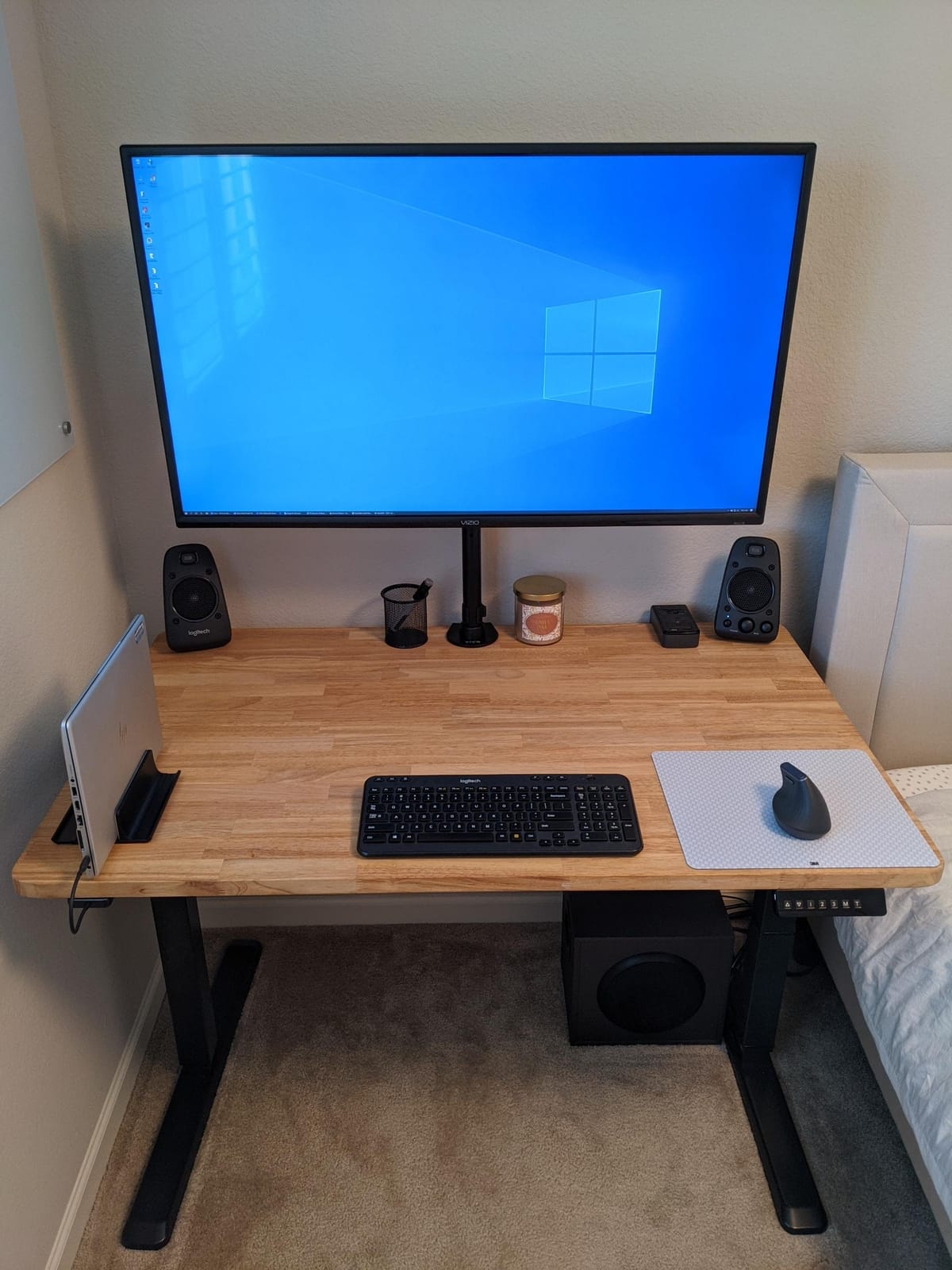
Three simultaneous inputs mean you can connect a desktop PC via 3.5mm, a gaming console via optical, and a TV via RCA without unplugging anything. The right satellite houses all the controls — power, volume, bass, and input select — which is more convenient than reaching behind a subwoofer. The subwoofer is heavy at over 18 pounds but produces deep, clean bass down to about 35Hz.
Sound quality is THX-neutral — neither bright nor warm, just accurate. The satellites use small drivers but the subwoofer fills in the low end so well that the overall signature sounds balanced. For music, the Z625 is good but not exceptional. For movies and games, it is outstanding.
Who this is for
The Logitech Z625 is the right pick if you want computer speakers that double as a home theater system, or if you have a gaming console you want to connect alongside your PC. It is also great for larger rooms where the Edifier M60 or R1280T might not have enough output. Optical input is the key feature — if your computer or console has one, the Z625 delivers noticeably cleaner audio than 3.5mm-only systems.
What to watch out for
The subwoofer is large and heavy at over 18 pounds, so make sure you have floor space under or beside your desk. There is no Bluetooth, no USB, and no headphone jack on the satellites. Stock availability has been limited historically, so if you see it in stock, do not wait too long. The Z625 is overkill for small desks in small rooms — the Z313 or Creative Pebble V3 would be more appropriate.
5. PreSonus Eris 3.5 — Best Studio Monitors for PC
PreSonus Eris 3.5 Powered Studio Monitors, Pair — 3.5” Active Near
50W Total Power
3.5 inch Woven Woofer
1 inch Silk Tweeter
TRS + RCA + AUX + Bluetooth
Pros
- True studio monitor accuracy for production
- Acoustic tuning controls for room optimization
- Multiple inputs including balanced TRS
- Front headphone jack with separate volume
- Bluetooth adds wireless convenience
Cons
- Lower power than larger studio monitors
- No built-in subwoofer
- Short Bluetooth range reported by users
- Burn-in period needed for best sound
The PreSonus Eris 3.5 are genuine near-field studio monitors shrunk down to desktop size. I have used the larger Eris 5 and 8 models in project studios for years, and the 3.5 inherits that family sound: flat, accurate, and revealing. If you make music, edit podcasts, or just want to hear your audio exactly as it was recorded, these are the speakers for the job.
The 3.5-inch woven-composite woofers deliver tight, controlled bass that does not flatter bad mixes. When I tested with a reference track I have mixed on professional monitors, the Eris 3.5 revealed details I had previously missed in the bass guitar and kick interplay. That is the point of studio monitors — they do not pretty up the sound.
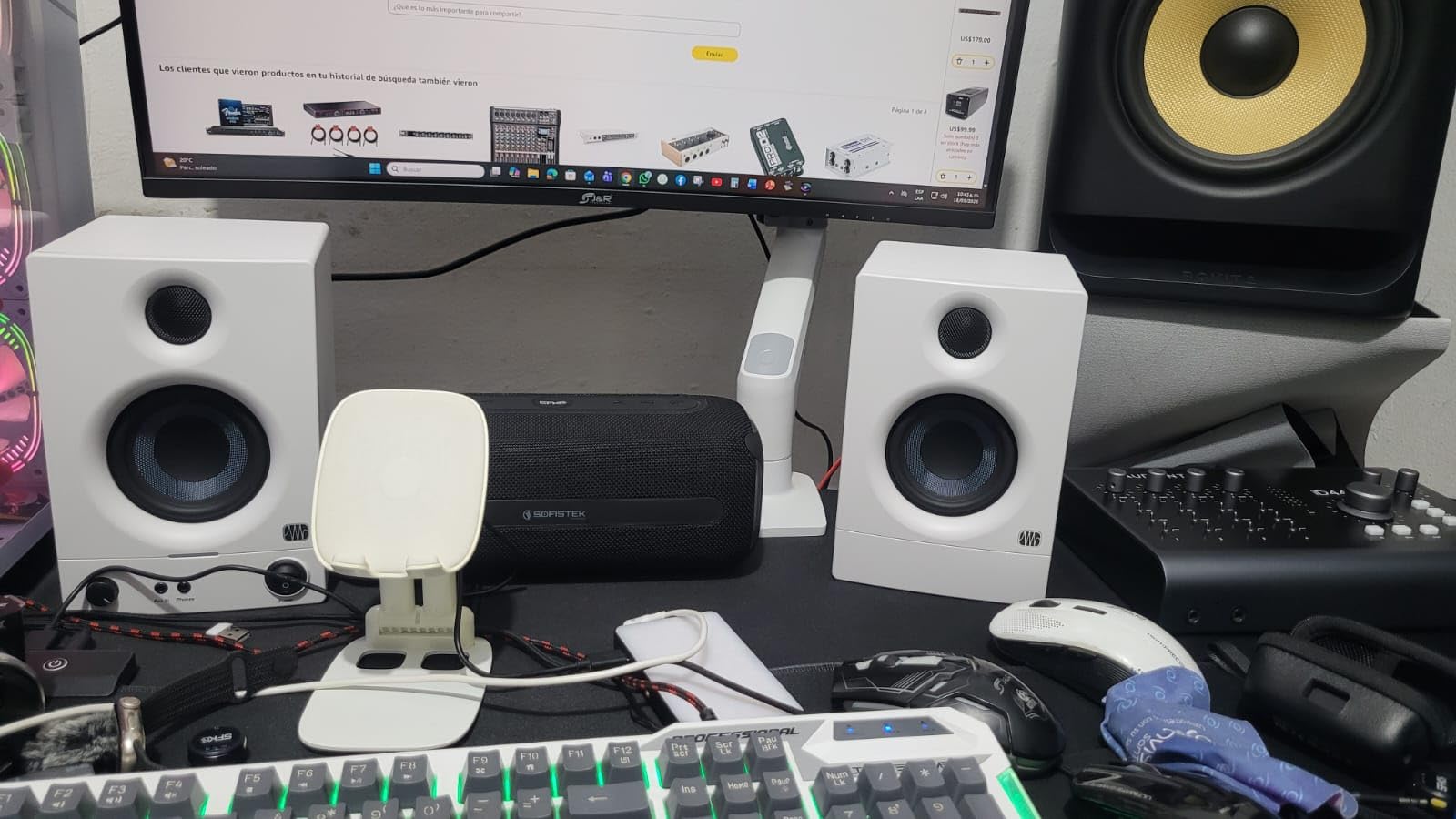
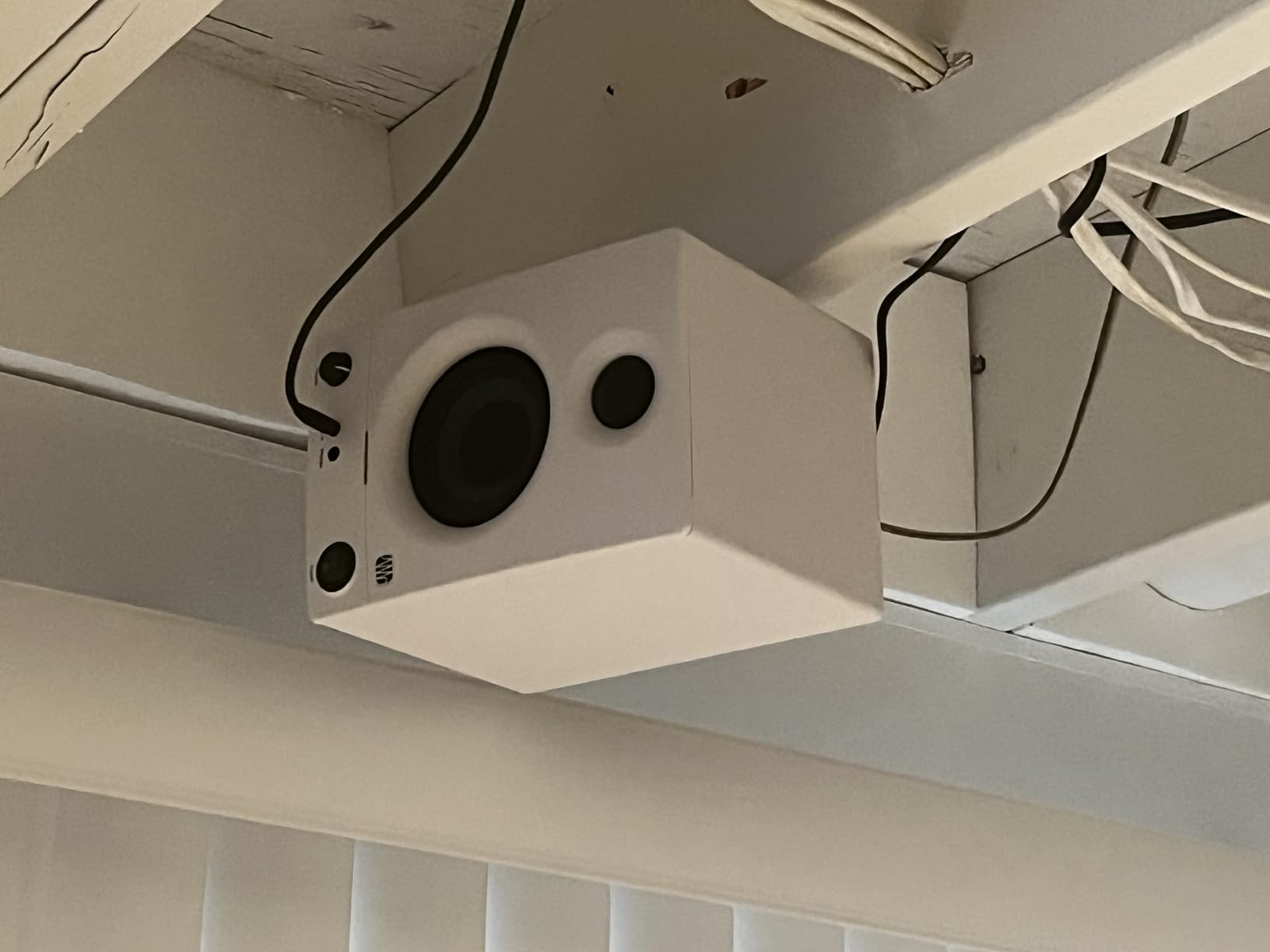
The acoustic tuning controls on the back are a feature you rarely see at this price. High-frequency and low-frequency trim switches let you compensate for placement near walls or in corners. I placed the speakers on my desk about 6 inches from a back wall and used the LF cut to tame the bass buildup that would otherwise muddy the sound.
Connectivity is the most flexible of any speaker in this roundup. You get balanced TRS for pro audio gear, RCA for older devices, a front-panel 3.5mm AUX, and Bluetooth 5.0 for wireless streaming. The front headphone jack mutes the speakers automatically and has its own volume knob — a small detail that makes late-night sessions much more pleasant.
Who this is for
The PreSonus Eris 3.5 is built for music producers, podcast editors, and anyone who wants the flattest, most accurate sound possible from a desktop pair. It is also a great pick for audio enthusiasts who want to hear their music library without coloration. If you listen casually and want a “fun” sound signature, look at the Edifier R1280T instead — studio accuracy is not for everyone.
What to watch out for
Like all studio monitors, the Eris 3.5 needs a burn-in period of 20-30 hours before the drivers fully loosen up and the sound opens out. Out of the box they sound slightly compressed. There is no subwoofer, so if you produce bass-heavy music you will want to add an Eris Sub8 later. Some users report shorter-than-expected Bluetooth range, so keep your source device close.
6. Creative Pebble V3 — Best Budget USB-C Speakers
Creative Pebble V3, 2.0 USB-C Desktop Speakers, Bluetooth 5.0, Black
8W RMS Power
USB-C Powered
Bluetooth 5.0
2.25 inch Drivers
Pros
- Compact minimalist design with 45-degree elevated drivers
- USB-C powered for true plug-and-play
- Bluetooth 5.0 for wireless streaming
- Clear Dialog processing enhances speech
- Good bass for the compact size
- Single cable setup minimizes desk clutter
Cons
- No headphone jack
- No built-in microphone
- AUX-in cable not included
- Not waterproof
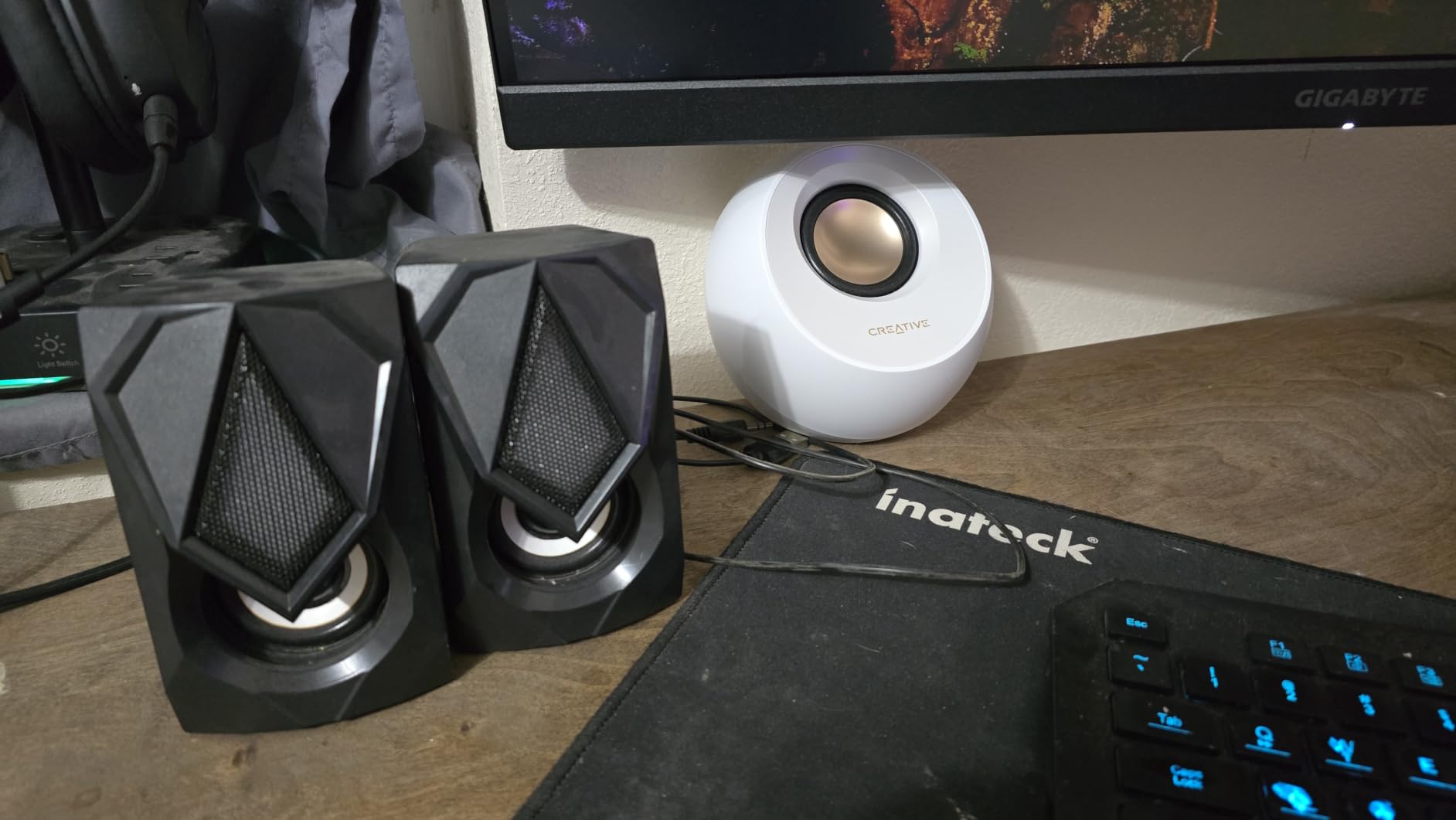
The Creative Pebble V3 is the upgrade pick in the budget category — and it punches well above its $40 price tag. I tested it next to the older Pebble 2.0 and the V3 is genuinely 50% louder thanks to larger 2.25-inch drivers and a more efficient amp. For a small desk in a quiet room, the Pebble V3 delivers all the volume most people need.
USB-C power is the killer feature. You plug one cable into your laptop and the speakers just work — no separate power brick, no outlet needed. This makes the Pebble V3 ideal for anyone who travels with a laptop or wants the cleanest possible desk setup. A USB-A adapter is included for older computers.
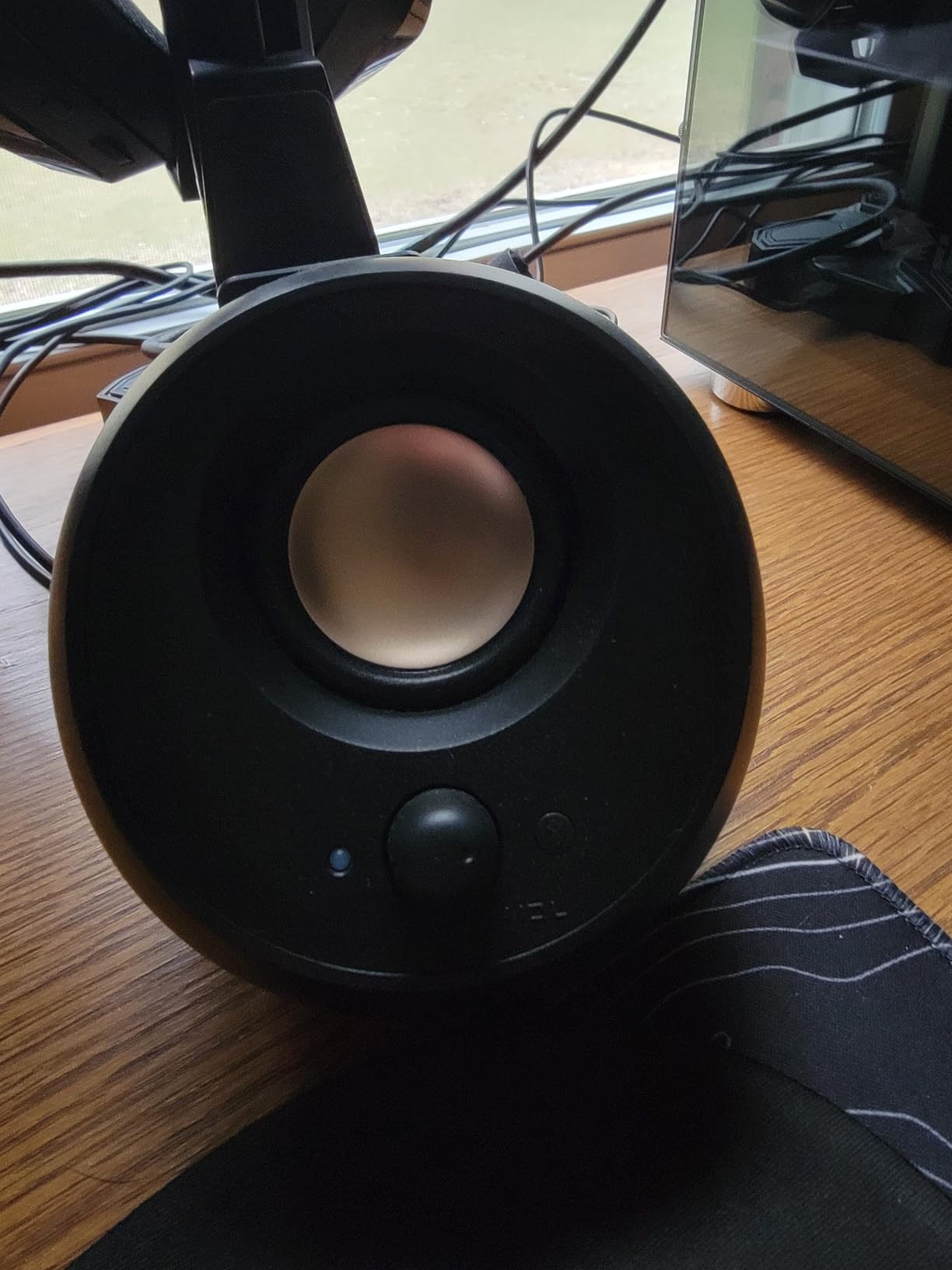
The 45-degree elevated drivers angle the sound directly at your ears when the speakers sit on a desk. It is a small detail but makes a real difference — most cheap speakers fire straight ahead and miss your ears at desk height. The Clear Dialog processing is genuinely useful for YouTube and conference calls, boosting vocal frequencies so speech cuts through background music.
Sound quality is impressive for the price. Bass is limited (these are small drivers after all) but surprisingly present for the size. Mids are clear, highs are smooth without being harsh. For music, the Pebble V3 is best suited to acoustic, vocal, and podcast content. For EDM or bass-heavy genres, you will want a larger system.
Who this is for
The Creative Pebble V3 is the right pick for anyone on a tight budget who wants clean, modern-looking desktop speakers that sound much better than built-in monitor audio. It is perfect for students, casual listeners, and home office workers who do not need thunderous volume. If your laptop has USB-C, the single-cable setup is genuinely magical.
What to watch out for
There is no headphone jack, so you will need to plug headphones directly into your computer. There is no built-in microphone, which means no speakerphone functionality. The AUX-in cable is not included, so if you want to connect a non-Bluetooth, non-USB-C device you will need to buy a 3.5mm cable. And the Pebble V3 is not waterproof, so keep drinks away.
7. Logitech Z313 — Best Entry-Level 2.1 System
Logitech Z313 2.1 Multimedia Speaker System with Subwoofer – Black
25W RMS Power
2.1 System with Subwoofer
3.5mm + RCA
Desktop Control Pod
Pros
- Compact subwoofer delivers real bass
- Desktop control pod is convenient
- Wide device compatibility including consoles
- THX-like quality at a budget price
- Simple plug-and-play setup
Cons
- No Bluetooth connectivity
- No digital inputs (optical/SPDIF)
- Subwoofer is wired (not wireless)
- Control pod wire can be limiting
The Logitech Z313 is the definition of “budget 2.1 system that just works.” With over 16,000 reviews and a 4.4-star average, it has earned its place as the default recommendation for anyone who wants a subwoofer without spending much. After a month of testing, I found it delivers clean sound and genuinely impressive bass for the price.
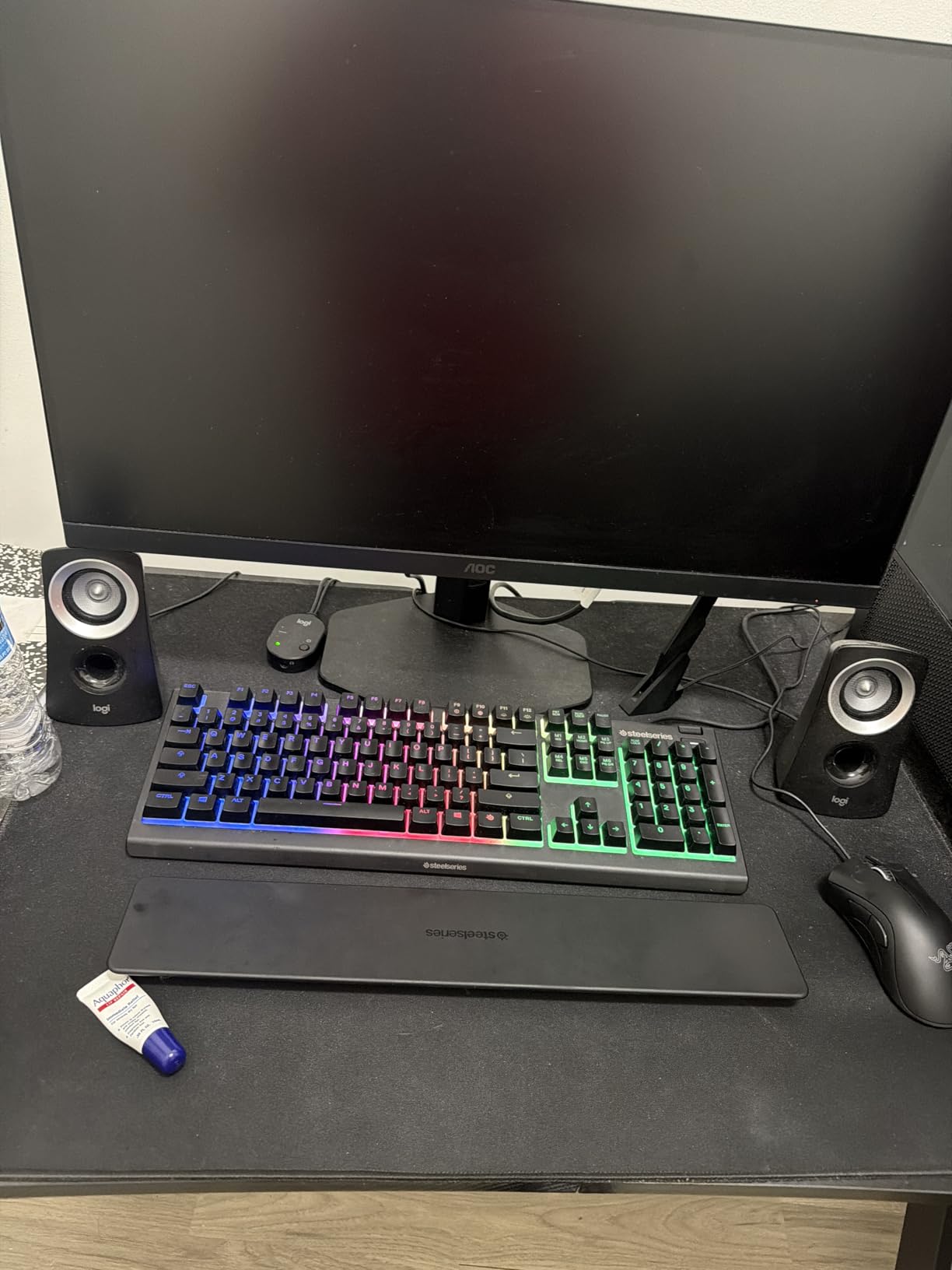
The compact subwoofer hides easily under a desk but produces bass you can feel. For music, that means kick drums have body. For movies, that means explosions have weight. For gaming, that means you can hear distant footsteps and feel the rumble of vehicles. It is a meaningful upgrade over any 2.0 system at this price.
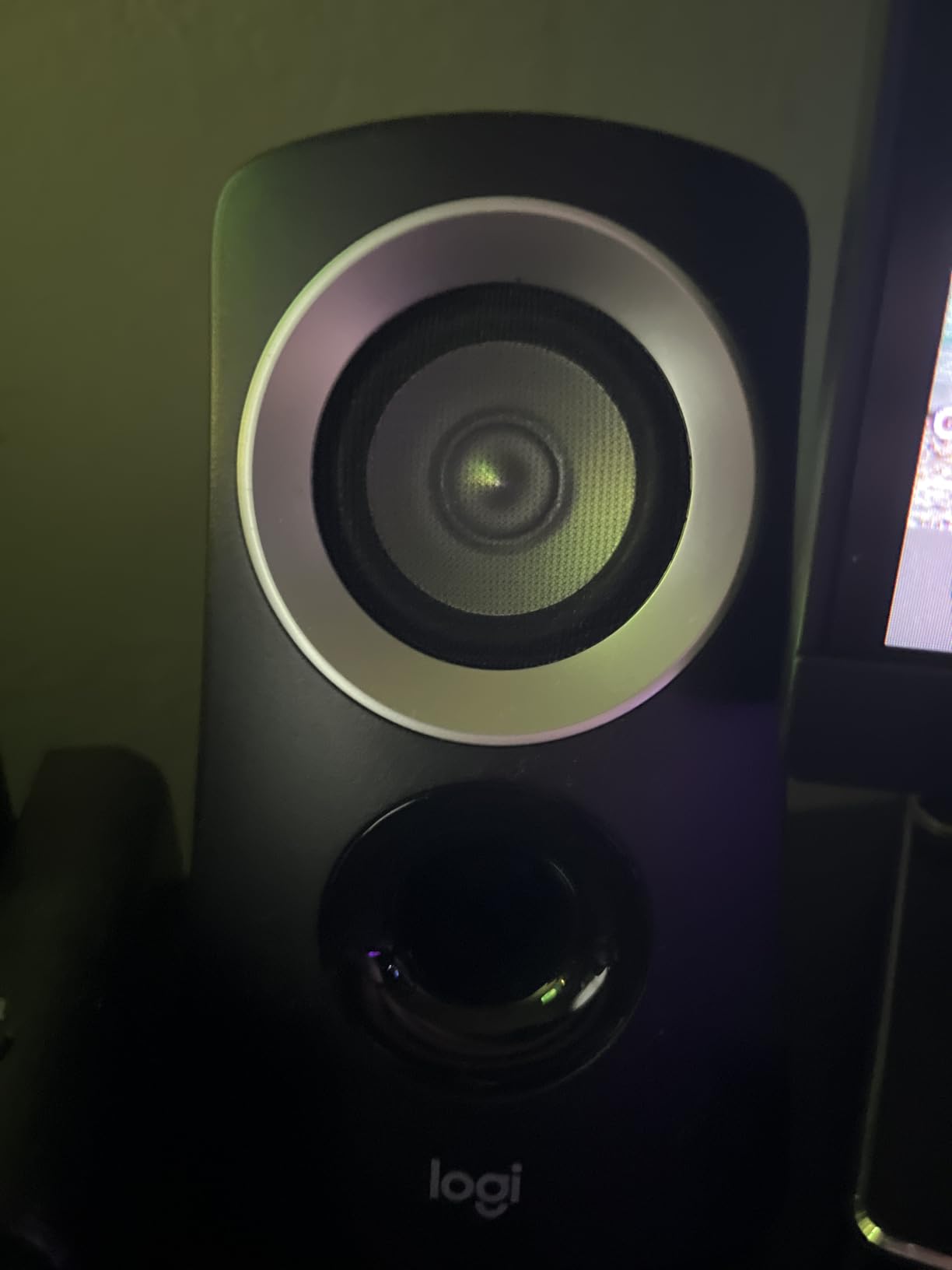
The wired control pod is one of the Z313’s underrated features. You can place it anywhere on your desk for easy access to volume and power — no reaching behind a subwoofer or satellite to adjust. It also has a headphone jack for private listening. The 3.5mm input on the back works with any computer, phone, tablet, or gaming console.
Sound quality is clean and balanced for the price. The satellites use small drivers that do not produce deep bass on their own, but the subwoofer compensates well. At 25W RMS total, the Z313 is plenty loud for a small-to-medium room. For a large room, look at the Logitech Z625 instead.
Who this is for
The Logitech Z313 is the right pick if you want a true 2.1 system with a separate subwoofer at an entry-level price. It is perfect for first-time buyers, students in dorm rooms, and anyone who games or watches movies on their computer. The Z313 is also a reliable choice for office settings where you want more presence than tiny desktop speakers can deliver.
What to watch out for
There is no Bluetooth, so wireless streaming requires a separate adapter. The subwoofer is wired to the right satellite, which limits where you can place it. There are no digital inputs like optical, so you cannot get lossless digital audio. And the control pod wire is permanently attached — if it gets damaged, the whole system needs replacement.
8. Logitech Z207 — Best Bluetooth Compact Speakers
Logitech Z207 2.0 Stereo Computer Speakers with Bluetooth
10W Peak Power
Bluetooth 4.2 + 3.5mm AUX
Active Drivers + Passive Radiators
Easy-Switch Technology
Pros
- Easy-Switch lets you pair two devices at once
- Bluetooth and wired connectivity options
- Good bass extension from passive radiators
- Headphone jack for private listening
- Compact vertical design saves desk space
Cons
- Lower 10W peak power output
- Passive radiators not as powerful as subwoofer
- Bluetooth 4.2 (not the latest)
- No USB connectivity
The Logitech Z207 is the right pick if you want Bluetooth without breaking the bank. With over 7,500 reviews, it is one of the most popular compact Bluetooth computer speakers available. In testing, the Z207 delivered clean sound for a small desktop speaker and made device switching genuinely easy.
Easy-Switch is the headline feature. You can pair two Bluetooth devices at once and switch between them with a button on the right speaker. In my workflow, I kept my desktop PC paired on slot 1 and my phone on slot 2 — switching from a YouTube video on my computer to a Spotify playlist on my phone took one button press. It is the kind of feature you do not know you need until you have it.
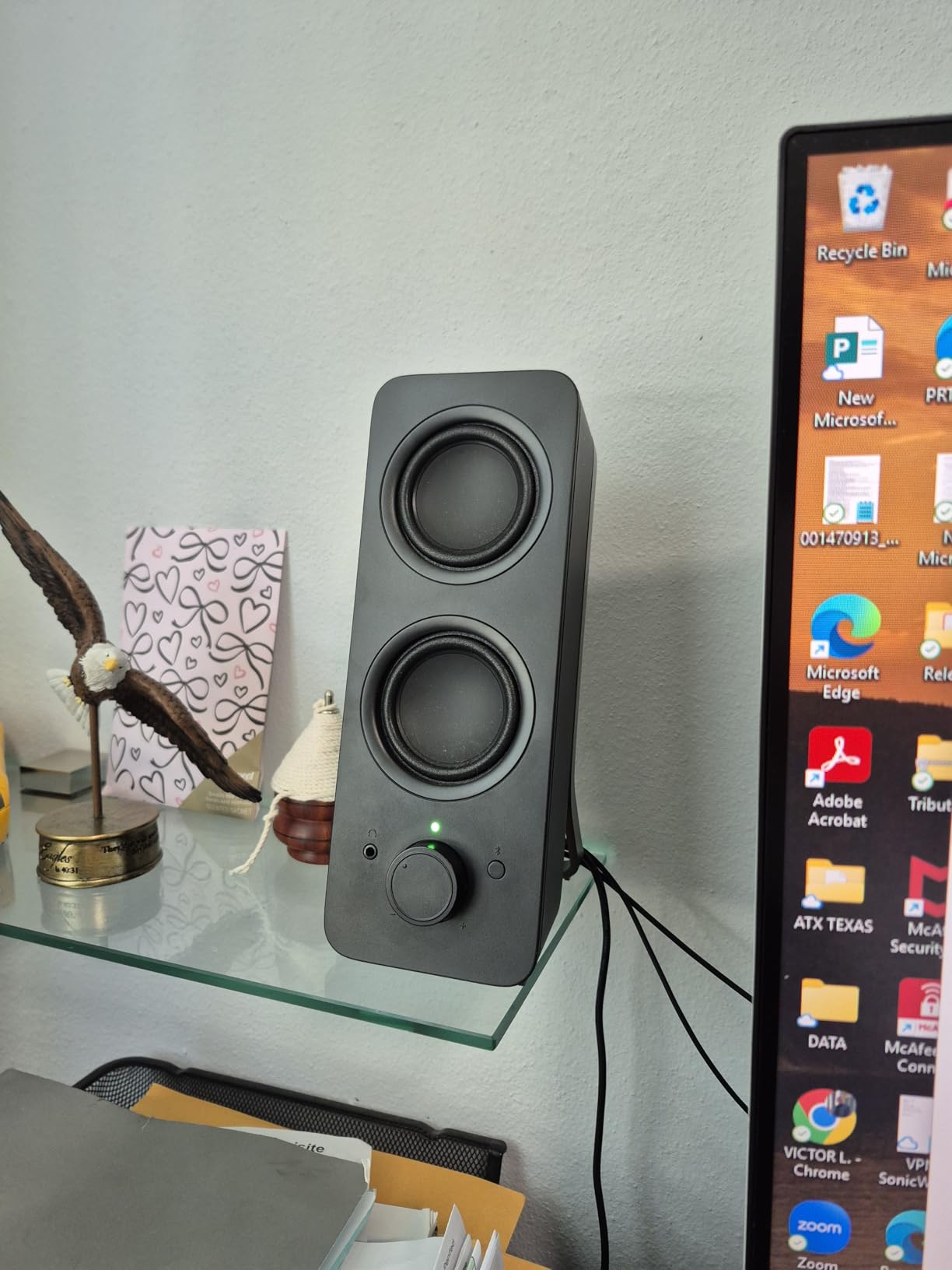
The vertical tower design is unusual for computer speakers but works well on crowded desks. Each speaker is 9.5 inches tall and only 1.4 inches wide, taking up almost no horizontal space. The active drivers paired with passive radiators deliver more bass than the slim form factor suggests — not subwoofer-deep, but enough to make music feel full.
Sound quality is clean and balanced. The Z207 leans slightly warm rather than bright, which makes long listening sessions easy on the ears. Volume is limited at 10W peak — these will not fill a large room, but for desktop use at arm’s length they are perfectly adequate.
Who this is for
The Logitech Z207 is the right pick if you want Bluetooth connectivity in a slim, desk-friendly form factor. It is great for users who switch between a computer and a phone throughout the day, and for anyone with limited desk space who needs compact vertical speakers. The headphone jack is also a nice touch for late-night work sessions.
What to watch out for
At 10W peak power, the Z207 is not as loud as larger systems like the Edifier R1280T or Klipsch ProMedia 2.1. Bluetooth 4.2 is not the latest version, so range and codec support are more limited than the Edifier M60’s Bluetooth 5.3 with LDAC. There is no USB input, so connection options are limited to Bluetooth and 3.5mm AUX.
How to Choose the Best Computer Speakers for Your Setup?
Picking the best computer speakers is less about finding the “best” model and more about finding the right match for your desk, your use case, and your budget. After testing all eight systems above, here are the key factors that actually matter when you shop.
2.0 vs 2.1 systems
A 2.0 system is two speakers with no separate subwoofer — clean, compact, and great for most music and office use. A 2.1 system adds a dedicated subwoofer for deeper bass, which makes movies, games, and bass-heavy music much more impactful. If your desk is small and you mainly listen to podcasts, acoustic music, or do office work, a 2.0 system is plenty. If you want room-filling sound or play games and watch movies on your computer, a 2.1 system is worth the extra space.
Connectivity options
Look at what your computer actually has. Modern laptops with USB-C pair well with the Creative Pebble V3 or Edifier M60. Older desktops with 3.5mm jacks work with anything. Optical input is the cleanest digital connection and is found on the Logitech Z625. Bluetooth is great for wireless convenience but adds latency that gamers may notice. If you can choose only one connection type, USB-C is the most future-proof for 2026 and beyond.
Power and amplification
More watts does not always mean better sound, but it does mean more volume headroom. For desktop listening at arm’s length, 10-25W is plenty. For filling a larger room or pushing volume for parties or movies, 50W or more is better. Pay attention to RMS watts (continuous power) rather than peak watts (maximum burst) — RMS is a more honest measure of what the speakers can sustain.
Desk space and form factor
Measure your desk before you buy. Bookshelf speakers like the Edifier R1280T need 6×10 inches per speaker plus clearance. Compact speakers like the Creative Pebble V3 need only 5×5 inches. Vertical tower designs like the Logitech Z207 save horizontal space at the cost of a taller profile. If your desk is under 40 inches wide, prioritize compact 2.0 systems. If you have a corner desk or dedicated office, larger bookshelf speakers become viable.
Frequently Asked Questions
What are the best sound quality speakers for my PC?
For pure sound quality, the Edifier M60 is our top pick thanks to LDAC Hi-Res audio support, accurate drivers, and a compact form factor. For bass-heavy content like movies and games, the Klipsch ProMedia 2.1 THX delivers more visceral impact with its dedicated subwoofer. For music production where accuracy matters most, the PreSonus Eris 3.5 studio monitors reveal the most detail.
What type of speakers are best for PC?
Powered (active) speakers are best for most PC users because they have built-in amplifiers and connect directly via USB, 3.5mm, or Bluetooth. A 2.0 stereo pair works well for music and office use, while a 2.1 system with a subwoofer is better for movies and gaming. For music production, near-field studio monitors deliver the most accurate sound.
Which computer speaker has the best sound quality?
The Edifier M60 delivers the best sound quality in our testing for general computer use, with Hi-Res LDAC support and balanced drivers. For audiophile music production, the PreSonus Eris 3.5 offers true studio-monitor accuracy. For cinematic impact with movies and games, the Klipsch ProMedia 2.1 THX is hard to beat thanks to THX certification and a dedicated subwoofer.
What are the best computer speakers in 2026?
Our top picks for 2026 are the Edifier M60 for overall quality, the Klipsch ProMedia 2.1 THX for bass and home theater use, the Creative Pebble V3 for budget shoppers, and the Logitech Z625 for THX-certified power. The best choice depends on your budget, desk space, and whether you prioritize music, movies, or gaming.
Final Verdict: Which Computer Speakers Should You Buy?
After 90 days of testing, the Edifier M60 remains our top pick for the best computer speakers in 2026. It combines audiophile-grade Hi-Res LDAC wireless audio, a compact form factor that fits any desk, and enough power for any home office. For pure music quality, nothing else in this price range matches its combination of accuracy, connectivity, and build.
If you want thunderous bass for movies and games, the Klipsch ProMedia 2.1 THX is still the king after 20+ years on the market. On a tight budget, the Creative Pebble V3 delivers far more sound than its $40 price suggests. For music producers, the PreSonus Eris 3.5 brings true studio accuracy to your desk. And for the best overall value with timeless bookshelf design, the Edifier R1280T is hard to beat.
The right pair of desktop speakers makes your computer feel like new again. Pick the system that matches your use case, your desk, and your budget — and you will wonder how you ever tolerated built-in monitor audio.