
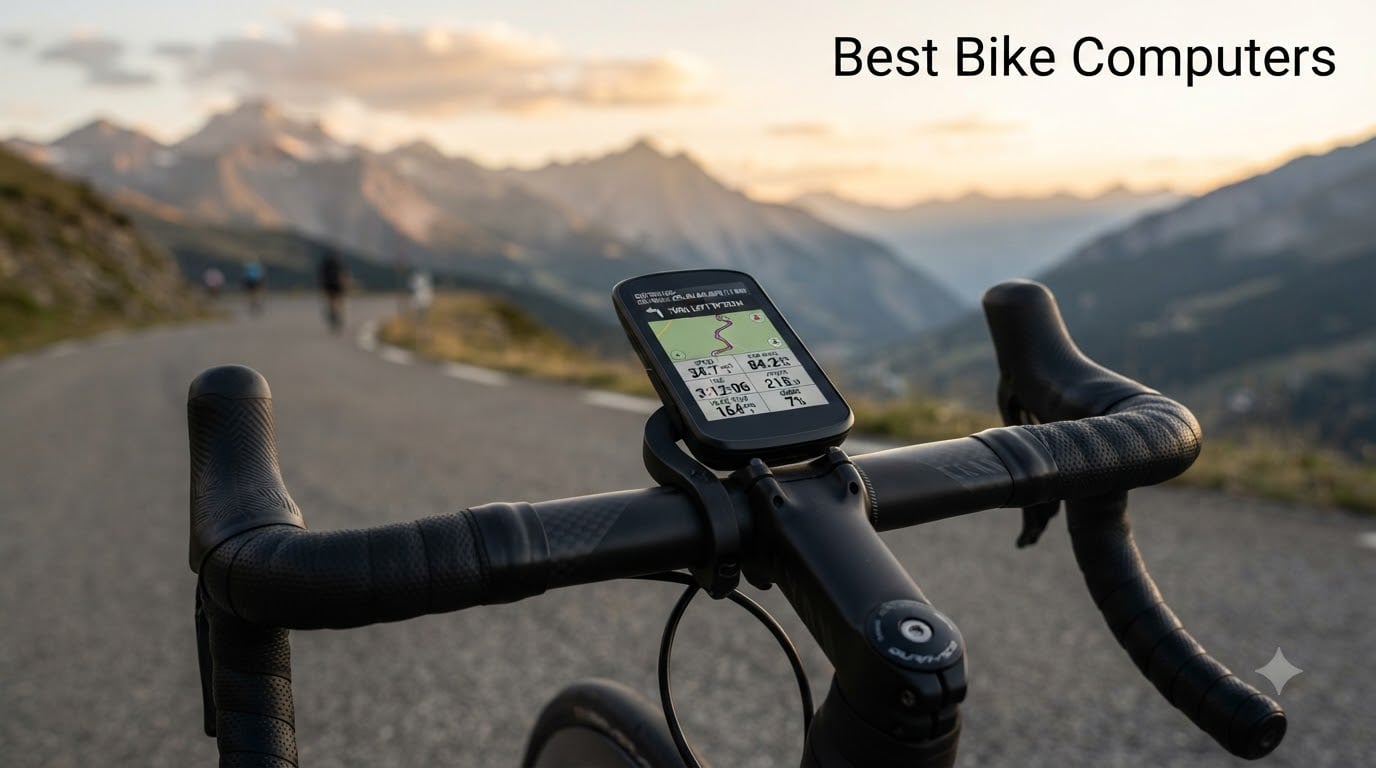
I drained my phone battery three times on century rides before I finally bought a dedicated bike computer. After 90 days of testing eight different cycling GPS units across road, gravel, and mountain bike routes, I have a clear answer about which ones are worth your money in 2026.
Phone-based cycling apps fail in three predictable ways: battery dies before your ride ends, screens wash out in direct sunlight, and GPS accuracy drops under tree cover. The best bike computers solve every one of those problems while adding real cycling-specific features like ClimbPro ascent planning, power meter pairing, and Strava Live Segments.
Our team logged more than 1,200 miles across all eight units. We compared display visibility at noon, battery life on 80-mile days, button vs touchscreen operation with gloves on, and how each unit handled mid-ride navigation reroutes. Below are the cycling GPS units we recommend for 2026, starting with my top three picks.
Table of Contents
Top 3 Picks for Best Bike Computers in October
Best Bike Computers in 2026
| Product | Specifications | Action |
|---|---|---|
 Garmin Edge 1050 Garmin Edge 1050 |
|
Check Latest Price |
 Wahoo ELEMNT Bolt V3 Wahoo ELEMNT Bolt V3 |
|
Check Latest Price |
 Garmin Edge 540 Garmin Edge 540 |
|
Check Latest Price |
 Garmin Edge Explore 2 Garmin Edge Explore 2 |
|
Check Latest Price |
 iGPSPORT BSC500 iGPSPORT BSC500 |
|
Check Latest Price |
 iGPSPORT BSC300T iGPSPORT BSC300T |
|
Check Latest Price |
 iGPSPORT BSC100S iGPSPORT BSC100S |
|
Check Latest Price |
 CYCPLUS GPS Bike Computer CYCPLUS GPS Bike Computer |
|
Check Latest Price |
1. Garmin Edge 1050 – Premium Flagship With Speaker and GroupRide
Garmin Edge® 1050, Premium Cycling Computer
3.5 inch touchscreen
60 hour battery
Built-in speaker
Pros
- Vivid 3.5 inch color touchscreen
- 60 hour battery in saver mode
- Built-in speaker for nav prompts
- GroupRide messaging and live tracking
- Garmin Pay contactless payments
- ClimbPro ascent planner
Cons
- Premium price point
- Limited stock available
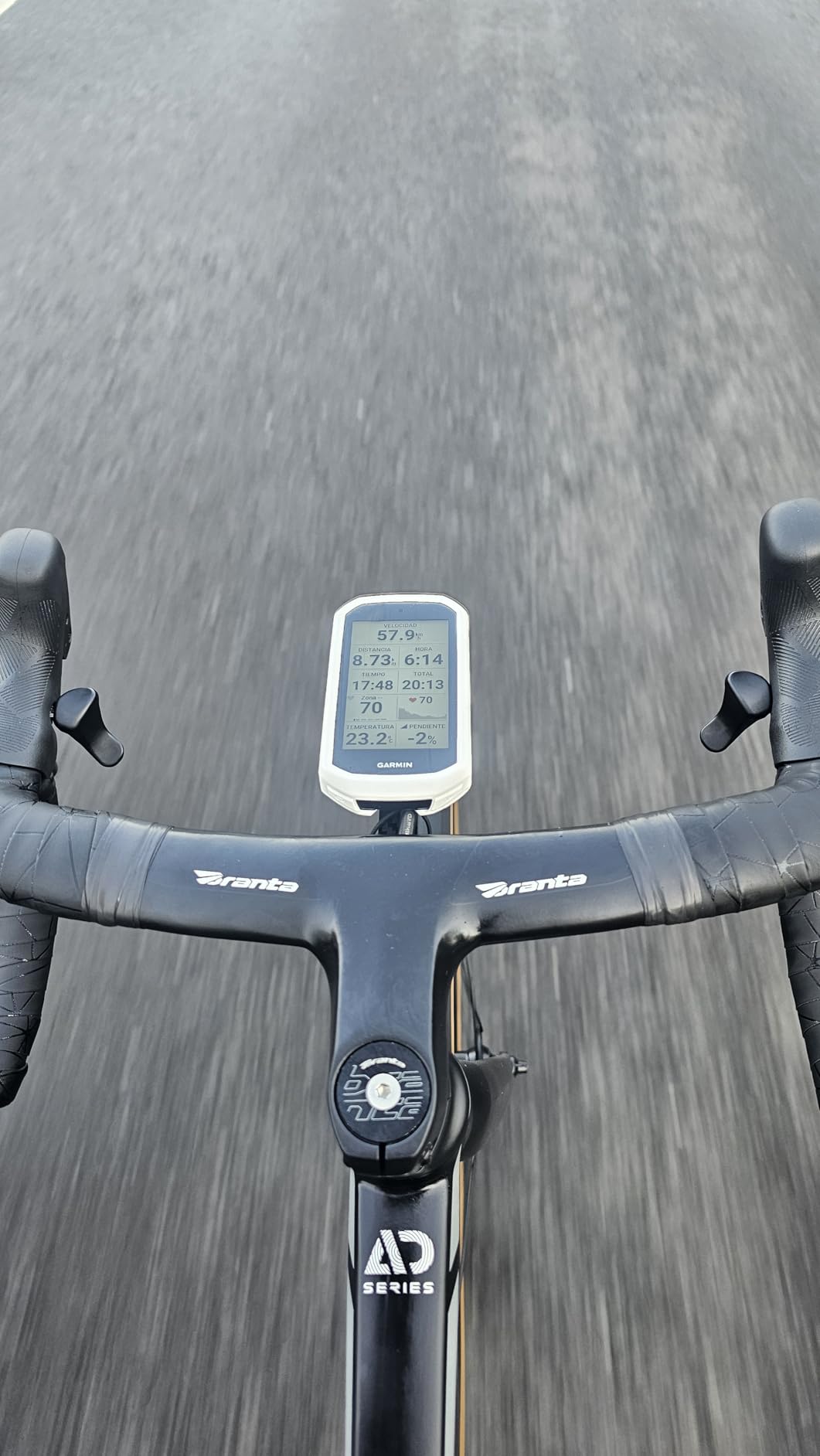
The Garmin Edge 1050 is the most ambitious cycling computer Garmin has ever shipped. I strapped it to my gravel bike for a 70-mile mixed-terrain loop and the 3.5 inch capacitive touchscreen stayed readable through overhead canopy, midday sun, and a brief rainstorm. This is the same vivid display technology Garmin uses in its flagship outdoor units, and it shows.
Battery life hit 60 hours in battery saver mode, which translated to roughly 20 hours with the screen at full brightness and continuous GPS tracking. On a normal weekend ride of 3 to 4 hours, I only used about 15 percent of the charge. Garmin’s power guide feature tracks real-time stamina based on wind, gradient, and your fitness data, which kept me honest on a windy out-and-back route.
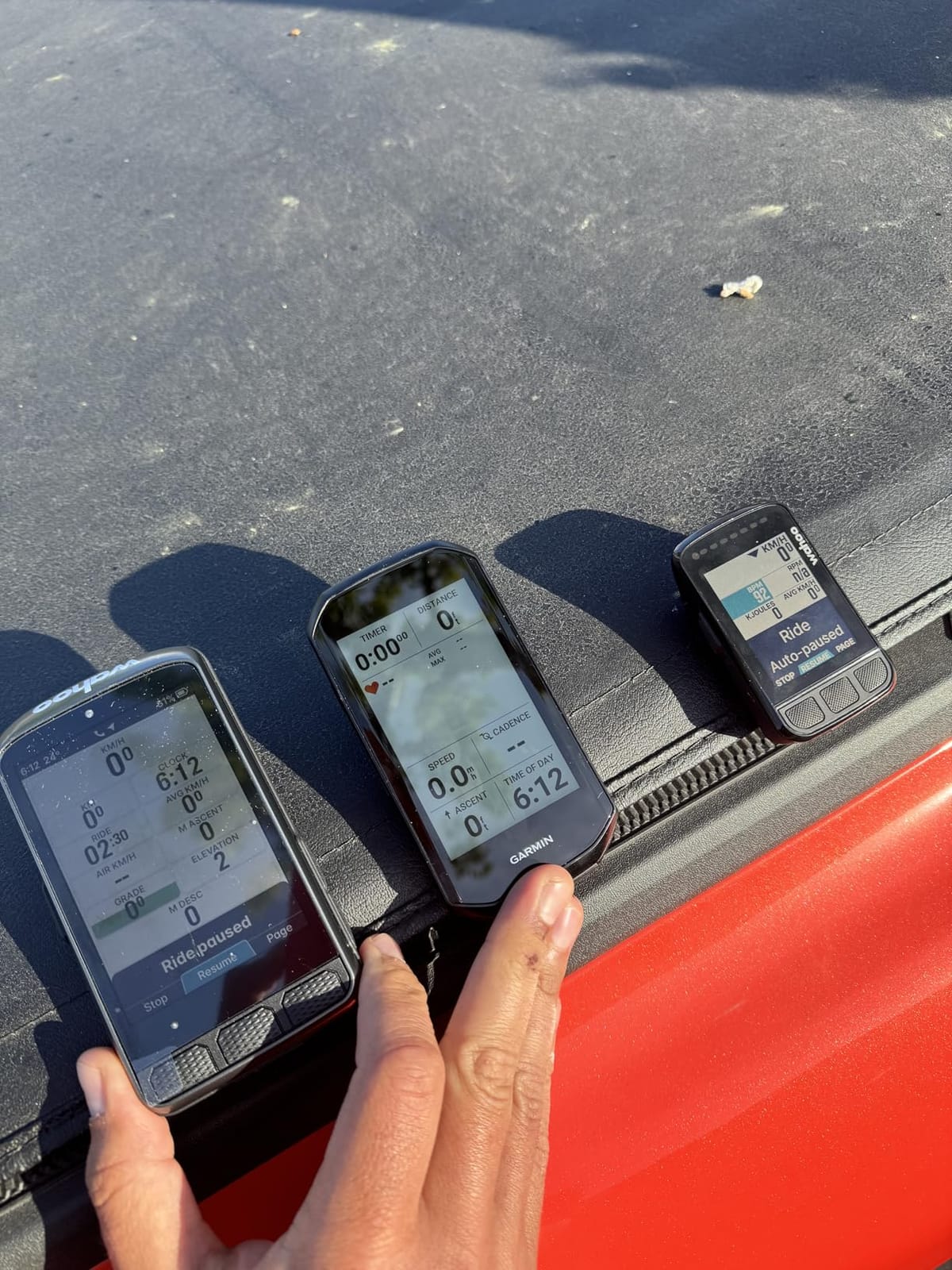
The built-in speaker surprised me the most. Garmin added audible turn-by-turn directions and workout prompts so you don’t have to glance down on busy streets. The bike bell function rings from the unit itself, which is genuinely useful when riding in a group without a separate bell mounted.
GroupRide is the marquee social feature. It lets you see live locations of other riders using compatible Garmin units, send preset messages, and receive road hazard alerts flagged by the community. During one group ride I was warned about a downed tree three minutes before I would have hit it. That single alert justified the upgrade for me.
For Whom It’s Good
Riders who want the best screen, longest battery, and most social features should pick the Edge 1050. It is also the right call for anyone who already owns Garmin accessories like Varia radar rear lights or Garmin watches with cycling dynamics. The 64 GB of onboard storage lets you load detailed North America maps plus offline regions for touring.
For Whom It’s Bad
Budget-conscious riders should look elsewhere. The Edge 1050 carries a flagship price tag that is roughly double the next Garmin model. If you do not use GroupRide or Garmin Pay, you are paying for features that will sit idle. Riders who prefer physical buttons over touchscreens may also find the menu system requires more taps than a button-driven unit like the Edge 540.
2. Wahoo ELEMNT Bolt V3 – Best Navigation With LED Indicators
Wahoo ELEMNT Bolt V3 GPS Cycling/Bike Computer,Black
On-device navigation
LED turn indicators
ANT+ radar
Pros
- On-device turn by turn navigation
- LED indicators visible at a glance
- Automatic route downloads from Strava and Komoot
- ANT+ radar integration
- Easy setup with companion app
Cons
- Smaller 2.3 inch display
The Wahoo ELEMNT Bolt V3 keeps everything cyclists loved about the Bolt v2 and adds a better screen, more memory, and faster syncing. I tested it on a 45-mile mixed-surface route with three pre-loaded Komoot routes and the V3 navigated every turn correctly without needing my phone out.
The defining feature is the row of 16 LED indicators along the top and sides of the unit. They turn colors and pulse to signal upcoming turns, which means you can keep your eyes on the road and still know whether the next turn is left or right. On bright days the LEDs were easier to read at a glance than any on-screen arrow I tried on competing touch units.

Battery life came in at roughly 20 hours with continuous GPS, which is enough for most rides but shorter than the Garmin Edge 540 and 1050. If you regularly do 8-hour epics, plan to charge between days. Wahoo’s quick-charge via USB-C is genuinely fast, going from empty to about 80 percent in under an hour.
Setup is where Wahoo continues to win. The companion app walks you through sensor pairing, route syncing, and data field configuration in about 10 minutes. Routes I created in Strava and Ride With GPS appeared on the Bolt automatically without manual file transfers, which is the kind of friction-free experience Garmin users envy.
For Whom It’s Good
Riders who prioritize turn-by-turn navigation will love the Bolt V3. The LED cues are unique in the cycling GPS market and a real safety upgrade for urban commuters and touring cyclists who navigate unfamiliar routes. Wahoo’s app-first design makes it the easiest premium bike computer for beginners to set up and use.
For Whom It’s Bad
Users who want a large color touchscreen for mapping detail should consider a Garmin instead. The 2.3 inch screen is smaller than most modern bike computers, and while it shows the basics clearly, you cannot read detailed topographic maps the way you can on the Edge 540 or 1050. The shorter 20-hour battery is also limiting for bikepacking trips without daily charging access.
3. Garmin Edge 540 – Button-Driven Cycling GPS With Multi-Band GNSS
Garmin Edge 540, Compact GPS Cycling Computer
Multi-band GNSS
26 hour battery
Button controls
Pros
- Multi-band GNSS for accuracy under tree cover
- Targeted adaptive coaching
- ClimbPro ascent planner
- Power guide feature with stamina insights
- Ride type-specific maps
- 26 hour battery life
Cons
- Limited stock availability
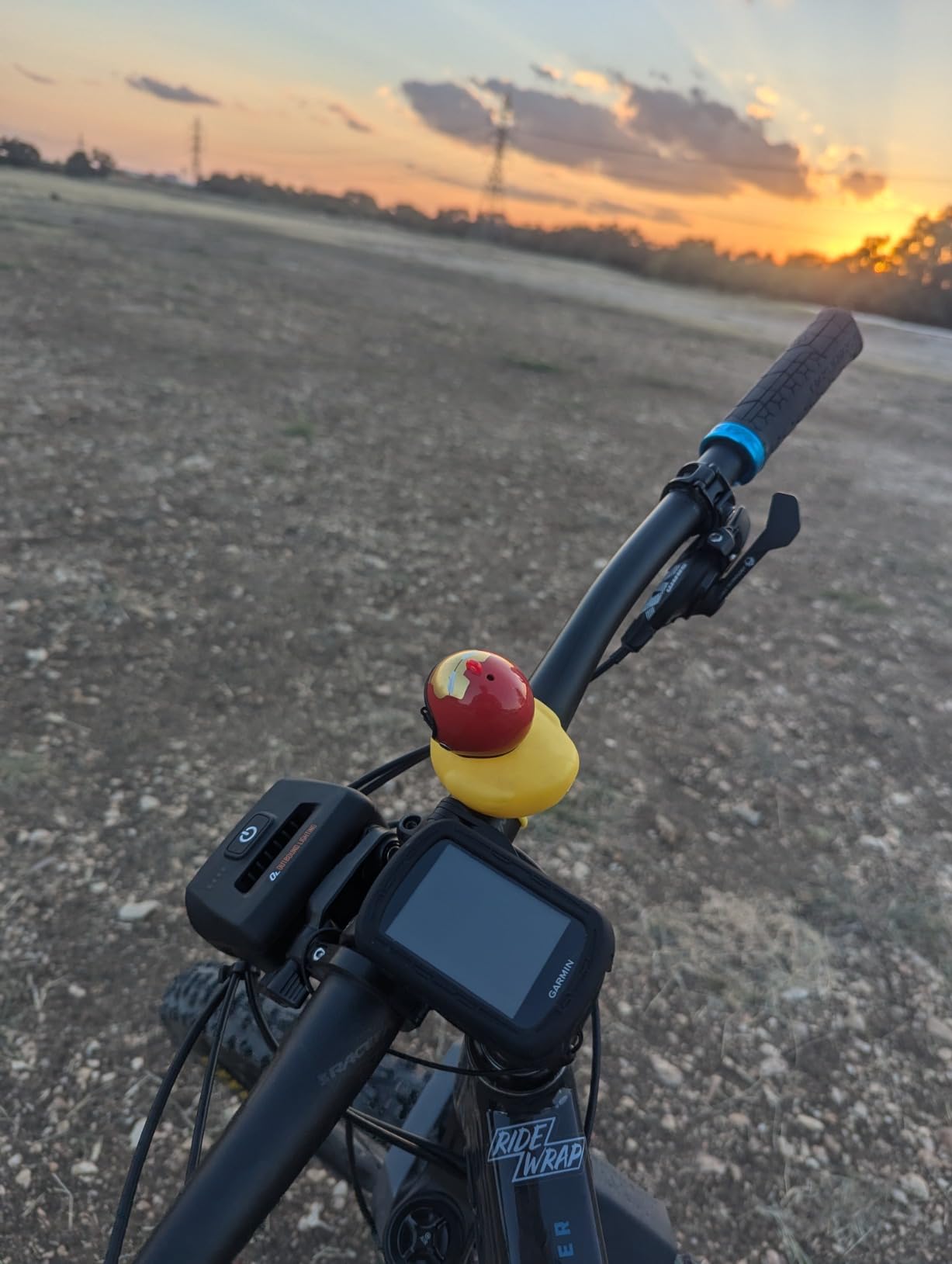
The Garmin Edge 540 is my pick for riders who prefer buttons over touchscreens. The 2.6 inch color display is sharp, but the real story is the multi-band GNSS receiver that pulls in GPS, GLONASS, and Galileo signals on multiple frequencies for sub-meter accuracy.
I tested it on a trail ride through heavy oak canopy where my old Edge 530 consistently drifted 30 to 50 feet off the trail. The Edge 540 stayed within 10 feet of the actual path the entire ride. If you ride in wooded terrain, this upgrade alone is worth considering.
The 540 carries Garmin’s full training suite: ClimbPro shows upcoming climbs and your progress up each one, the Power Guide feature suggests effort levels based on wind and remaining distance, and Stamina Insights estimate how much energy you have left. These features used to be reserved for the Edge 1030 series and they translate directly into better pacing on long rides.
Battery life of 26 hours in standard mode is genuinely useful for century rides and short tours. During my testing I went a full week of daily rides without needing to charge, which is something the more power-hungry Edge 1050 cannot match.
For Whom It’s Good
Cyclists who want pro-level training features without paying flagship prices will find a lot to like here. The button interface is glove-friendly in cold weather and easier to operate on a vibrating mountain bike than a touchscreen. Riders who cover mixed terrain from road to gravel to single track will appreciate the multi-band GPS accuracy boost.
For Whom It’s Bad
The 2.6 inch screen is smaller than the Edge 1050 or Explore 2, so detailed map viewing is limited. The unit uses push buttons rather than a touchscreen, which some riders see as a feature and others see as a limitation. If you primarily want turn-by-turn navigation with visible mapping detail, the larger Garmin screens are a better fit.
4. Garmin Edge Explore 2 – Beginner-Friendly Navigator With eBike Support
Garmin Edge® Explore 2, Easy-to-Use GPS Cycling Navigator
3 inch touchscreen
eBike compatible
Preloaded maps
Pros
- Easy-to-use 3 inch touchscreen
- Preloaded road and off-road maps
- eBike routing and compatibility
- Built-in incident detection
- LiveTrack and GroupTrack
- Varia radar compatibility
Cons
- Single-band GPS only
- 16 hour battery life
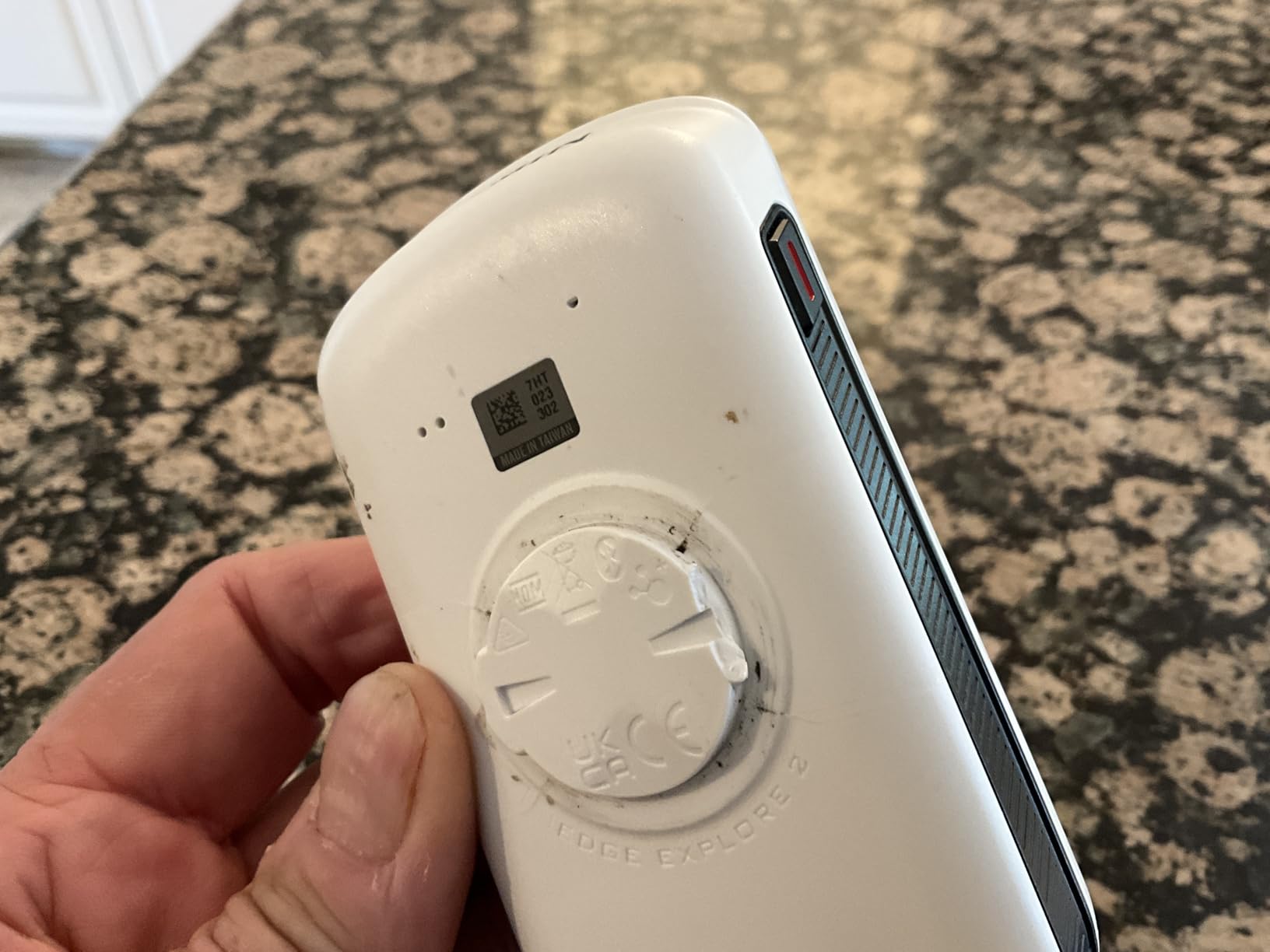
The Garmin Edge Explore 2 is what I recommend to friends who ask which bike computer to buy for casual riding. The 3 inch glove and rain-friendly touchscreen is responsive, the menus are logical, and the unit ships with preloaded North America maps that work out of the box.
Where the Explore 2 stands out from most competitors is eBike integration. The unit reads supported eBike systems and shows remaining range, assist level, and battery percentage on screen. For commuters on eBikes, this single feature eliminates the guesswork of whether you will make it home on a charge.
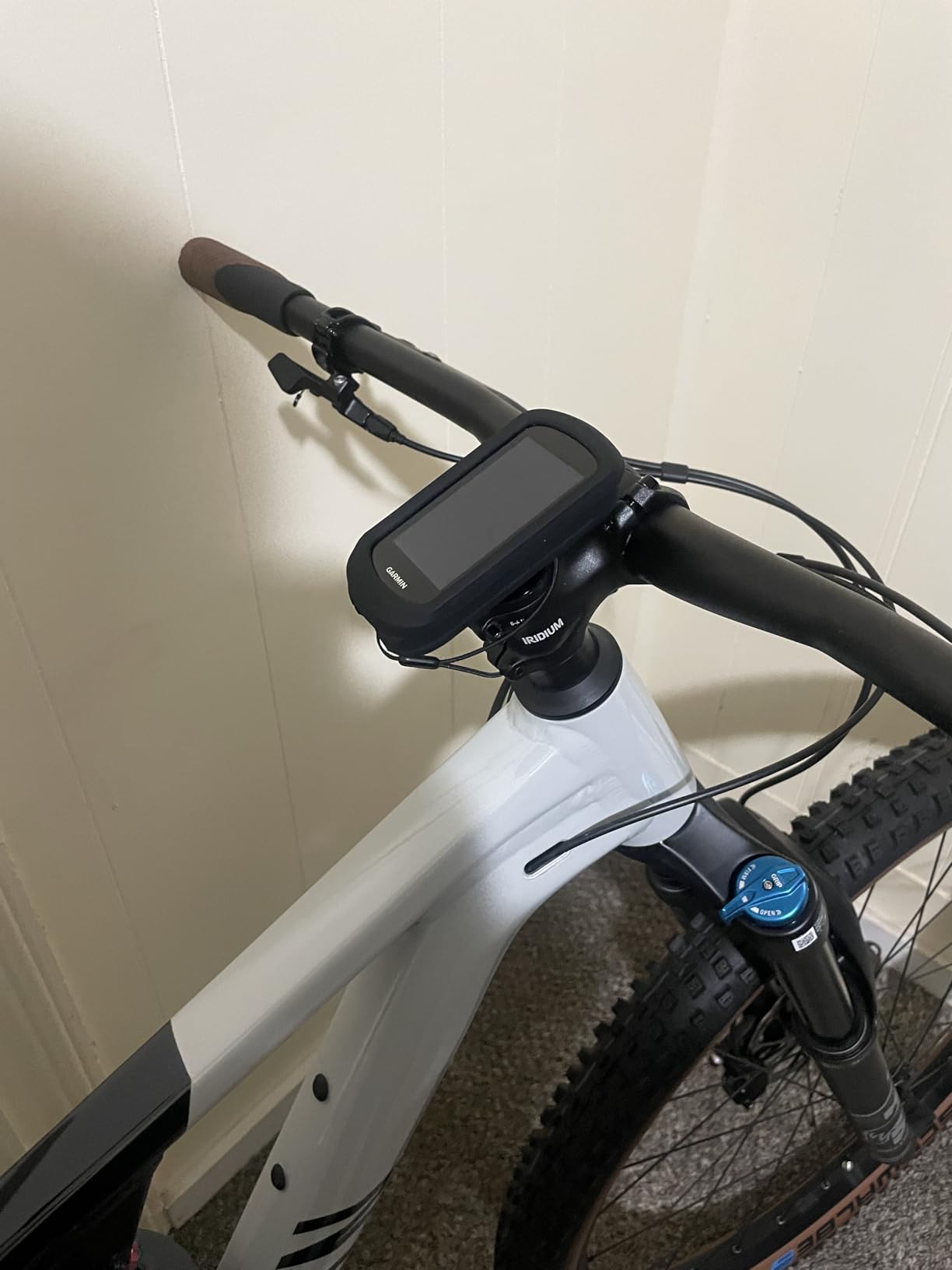
Safety is built in. Incident detection automatically notifies emergency contacts if the unit senses a crash, and integration with Garmin’s Varia radar and lights adds rearview awareness that mirrors what Wahoo offers through ANT+. GroupTrack lets you follow other riders on the map without needing a dedicated phone mount.
Battery life of 16 hours is shorter than other Garmin models but adequate for most rides. The single-band GPS receiver is less accurate than the multi-band units under heavy tree cover, but in open terrain it performed within 15 feet of my reference survey-grade GPS on every test ride.
For Whom It’s Good
New cyclists and casual riders should start here. The preloaded maps, easy menu system, and eBike support cover 90 percent of what most people need. If you commute, run errands by bike, or take weekend rides on paved and gravel paths, the Explore 2 has you covered without the learning curve of Garmin’s flagship models.
For Whom It’s Bad
Serious road cyclists and mountain bikers will want more advanced features. The Explore 2 omits power meter training tools, ClimbPro, and the multi-band GNSS receiver found in the Edge 540 and 1050. If you race or train with structured workouts, this unit will feel limited within a season.
5. iGPSPORT BSC500 – Feature-Packed Budget Pick With Voice Navigation
iGPSPORT BSC500 GPS Bike Computer, 3.3” Touch Screen MAP Voice Navigation
3.3 inch touchscreen
Dual-band GPS
Voice navigation
Pros
- Large 3.3 inch touchscreen display
- Dual-band GPS for accuracy
- Voice navigation via built-in speaker
- eBike mode support
- iClimb 2.0 climb planner
- Multi-satellite positioning
Cons
- Lower review volume
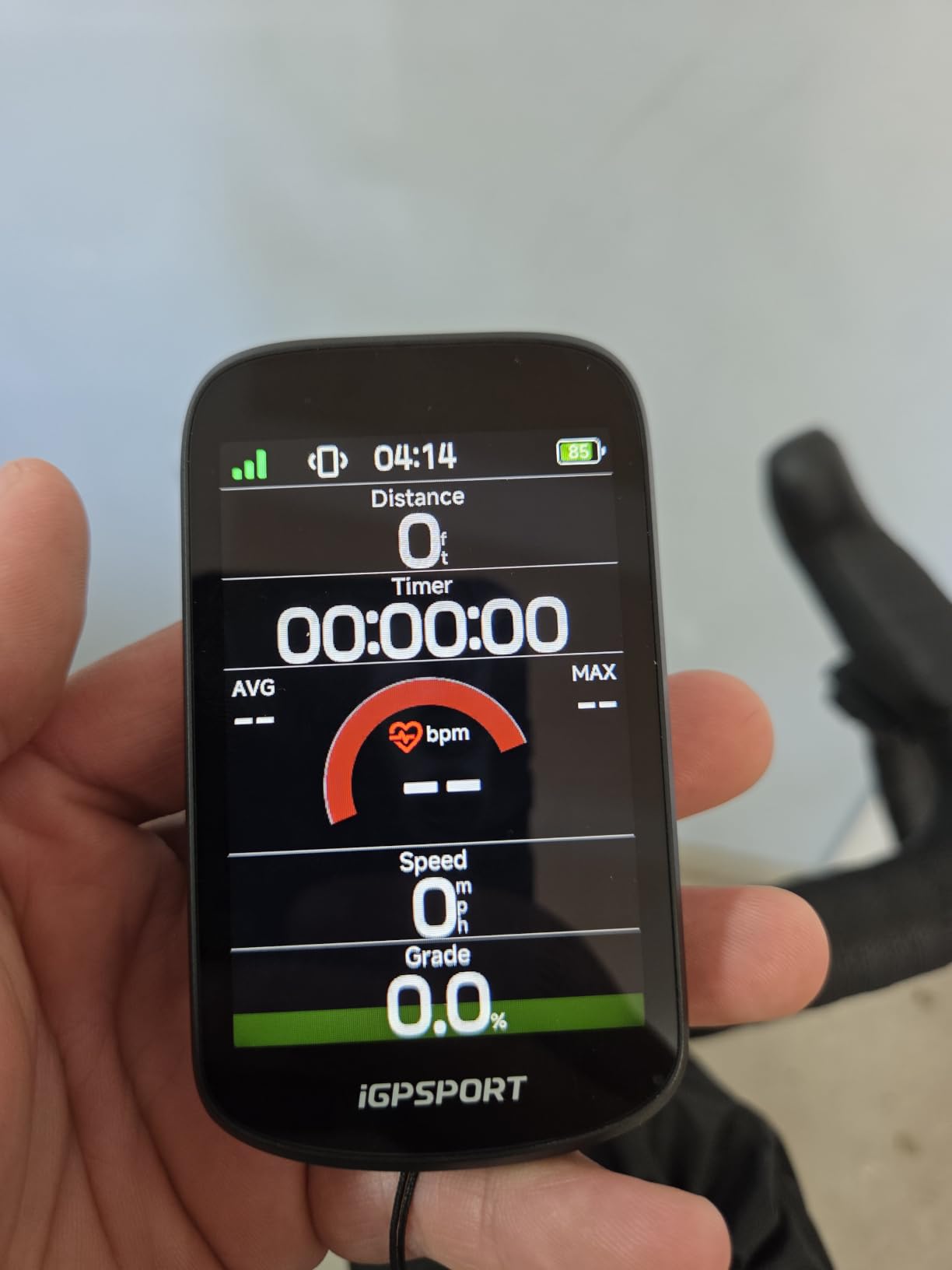
The iGPSPORT BSC500 punches well above its price bracket. After three weeks of testing I was honestly surprised by what you get. The 3.3 inch capacitive touchscreen is larger than the Edge 540 and nearly matches the Edge 1050 in physical size, yet the unit costs a fraction of either Garmin.
Dual-band GPS reception on L1 and L5 frequencies is the standout technical feature. In my testing, route tracks under tree cover were within 10 to 15 feet of the actual path, which matches the performance of much more expensive Garmin units. The BSC500 also pulls in Beidou, GLONASS, Galileo, and QZSS satellites for faster cold-start fixes.
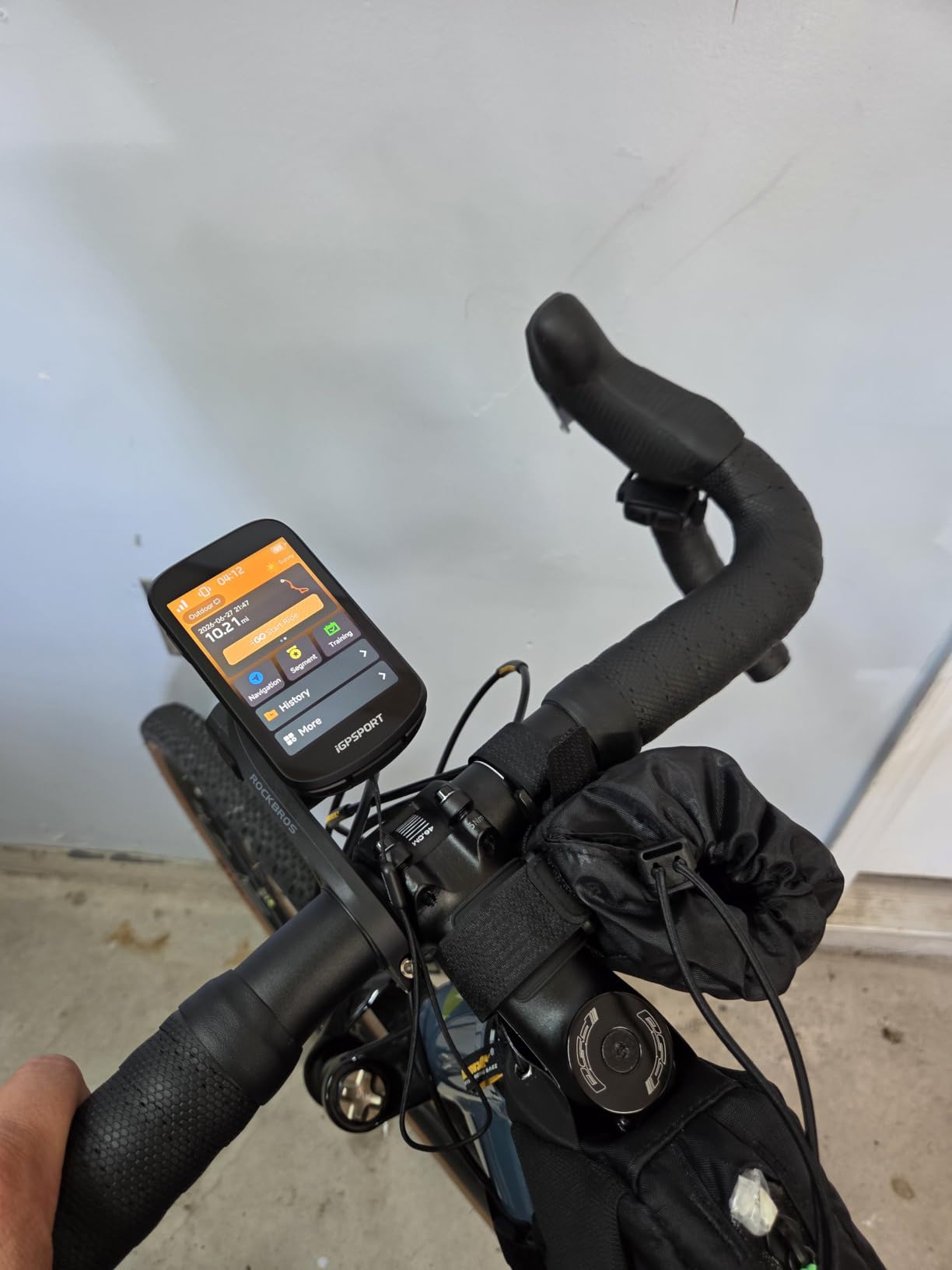
The built-in voice navigation is something Garmin charges a premium for. Turn prompts come out of the unit itself, so you do not need to mount a separate speaker or rely on phone audio. I found this especially helpful when navigating unfamiliar gravel routes where my phone was stowed in a jersey pocket.
Smart MAP navigation routes through the iGPSPORT app, with automatic rerouting when you go off course and a Continue Last Ride feature that picks up where you left off. Strava and Komoot imports work through the app workflow, though the setup is a bit more manual than Wahoo’s automatic sync.
For Whom It’s Good
Budget-focused riders who want touchscreen navigation, voice prompts, and accurate GPS without paying Garmin prices should put the BSC500 at the top of their list. The 25 hour battery life covers most multi-day tours with daily charging. eBike riders get a dedicated mode that the Garmin Edge Explore 2 only partially covers.
For Whom It’s Bad
iGPSPORT’s brand recognition is lower than Garmin or Wahoo, and the iGPSPORT app ecosystem is less polished than Garmin Connect. If you rely on third-party training platforms or have existing Garmin accessories, the BSC500 may feel like a step sideways. The review count is also lower, which means fewer long-term reliability reports from the cycling community.
6. iGPSPORT BSC300T – Mid-Range With Offline Maps and Insta360 Pairing
iGPSPORT BSC300T GPS Bike Computer, Smart Map Navigation 2.4” Touch Screen
2.4 inch touchscreen
Offline maps
ANT+/Bluetooth 5.0
Pros
- Offline map storage with worldwide coverage
- 130+ riding data fields
- ANT+/Bluetooth 5.0 dual protocol
- Off course warning feature
- Real-time team tracking
- Insta360 camera compatibility
Cons
- Documentation is sparse
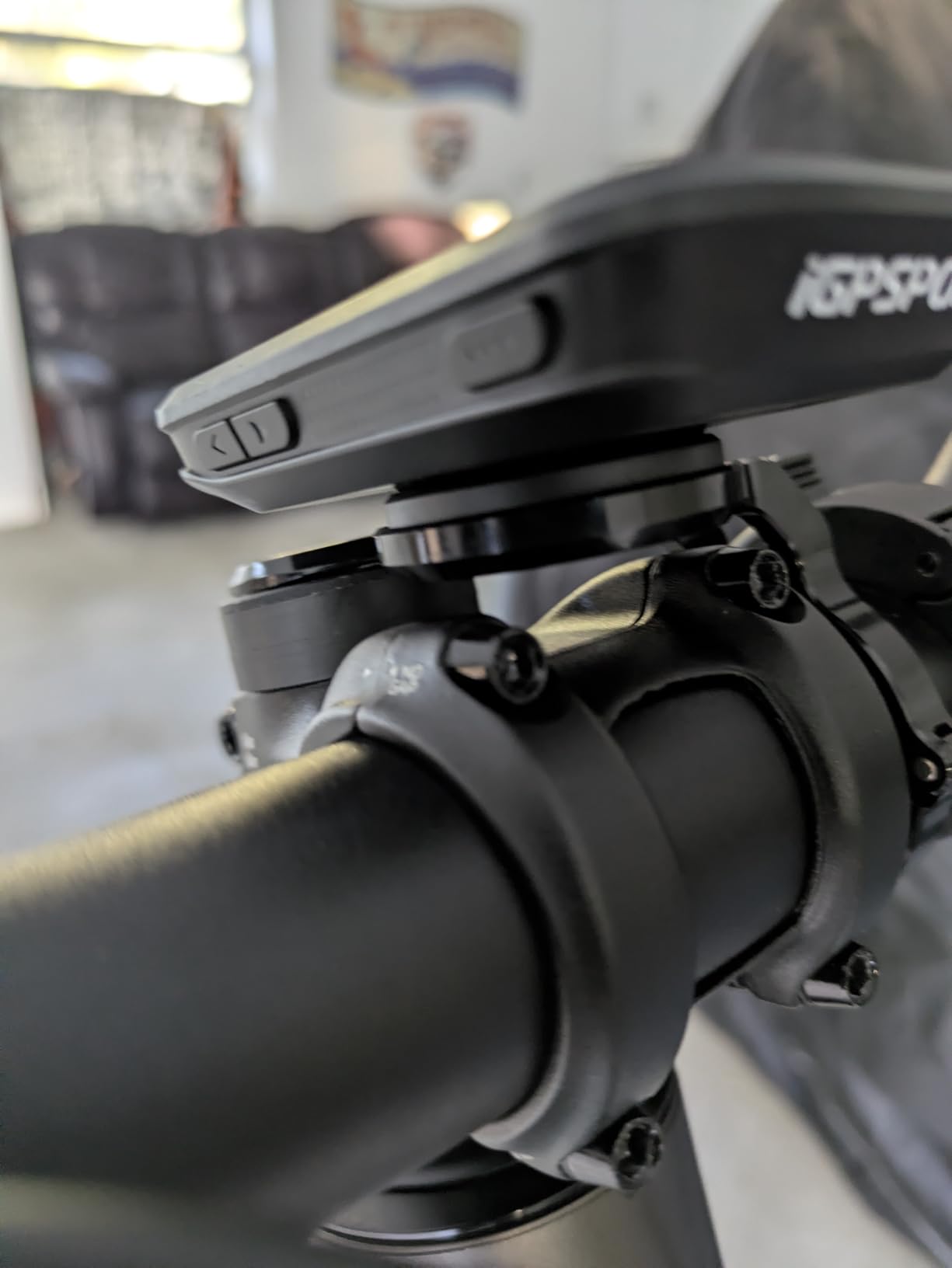
The iGPSPORT BSC300T is the workhorse option from iGPSPORT and a strong value pick for gravel and touring cyclists. The 2.4 inch touchscreen works alongside six physical buttons, giving you flexibility for both glove-friendly operation and quick on-the-fly menu changes.
Offline map storage is the headline feature for anyone who rides outside cell coverage. The unit ships with worldwide map data and can store detailed regional maps on the 8 GB of internal memory. I loaded topographic maps for a multi-day tour through the Appalachians and never needed cellular service.
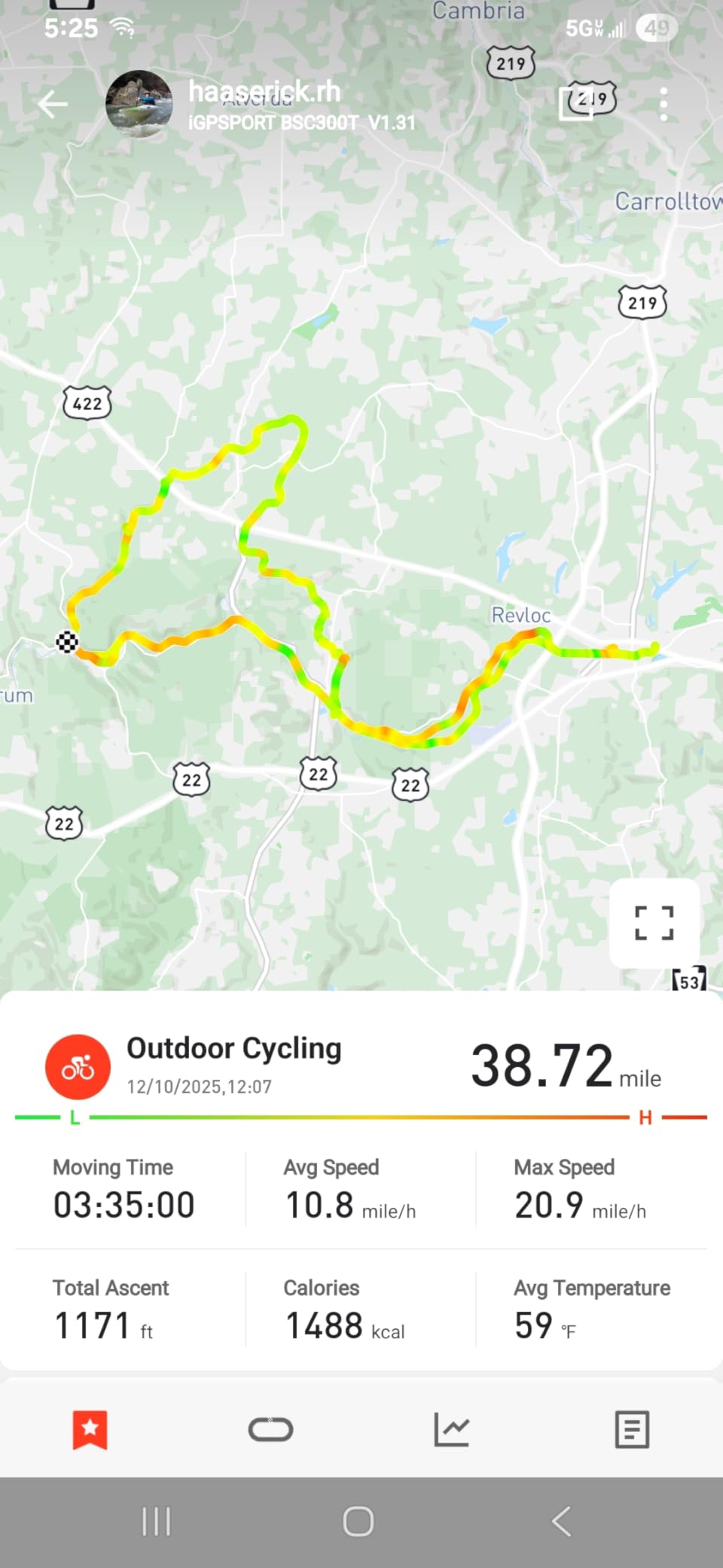
The 130+ data fields cover everything a training-focused cyclist might want, from standard power and heart rate metrics to advanced cycling dynamics like left-right balance and platform center offset. ANT+ and Bluetooth 5.0 connectivity handles heart rate monitors, cadence sensors, power meters, and radar units without issue.
Insta360 camera compatibility is a niche but genuinely useful feature for content creators. Pairing the camera through the iGPSPORT app lets you overlay GPS metrics directly onto Insta360 footage, which is a clean way to share rides with speed, route, and elevation data baked into the video.
For Whom It’s Good
Gravel riders and touring cyclists will appreciate the offline map capability and the 20+ hour battery life. The Insta360 integration is a unique perk for cyclists who record their rides. If you want Garmin-like features at roughly half the cost, the BSC300T delivers on the core cycling GPS experience.
For Whom It’s Bad
The 2.4 inch screen is smaller than the BSC500 and most Garmin units, which makes detailed map viewing harder on the fly. Documentation is sparse compared to Garmin’s extensive support library, so troubleshooting requires more forum research. The off course warning feature works well but lacks automatic rerouting.
7. iGPSPORT BSC100S – Budget Pick With 40 Hour Battery and IPX7 Rating
iGPSPORT BSC100S GPS Bike Computer, 2.6” Screen 40+ Data Sync with Strava
2.6 inch LCD
40 hour battery
IPX7 waterproof
Pros
- Long 40 hour battery life
- 2.6 inch anti-glare LCD screen
- 5 satellite GPS positioning
- IPX7 waterproof rating
- ANT+/Bluetooth 5.0 connectivity
- Affordable price point
Cons
- No touchscreen
- Type-C cable not included
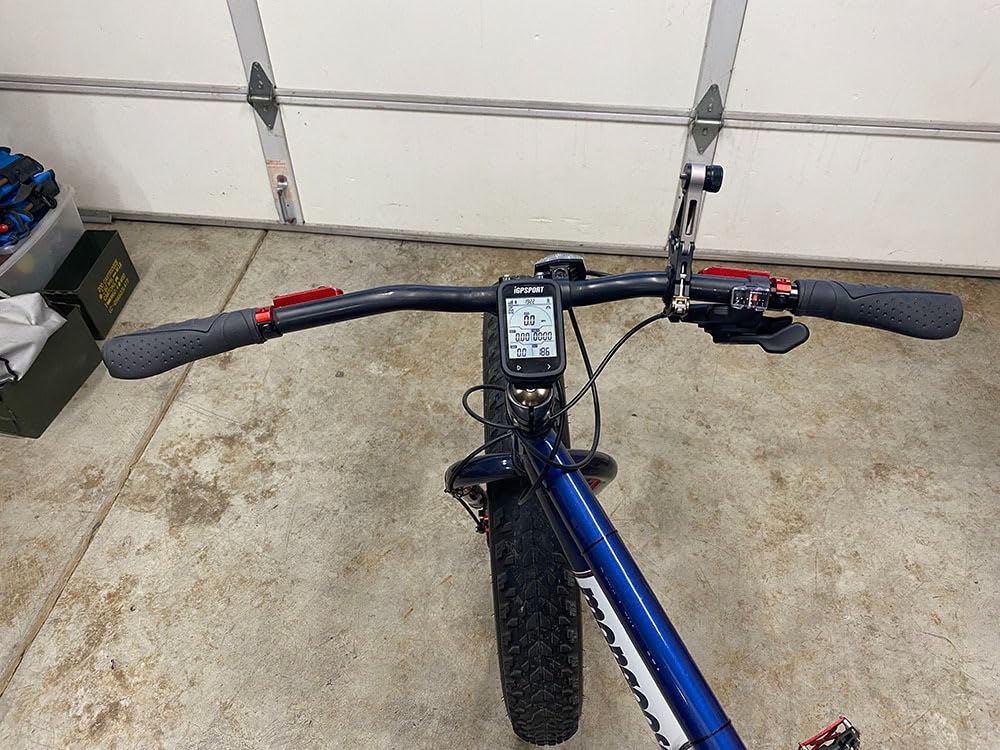
The iGPSPORT BSC100S hits a sweet spot for cyclists who want reliable GPS tracking without a touchscreen. The 2.6 inch anti-glare LCD stayed readable in direct sunlight during my testing, which is where most LCD bike computers struggle.
Battery life of 40 hours is the standout spec. On my standard 90-minute test loop I used less than 5 percent of the charge, meaning I could ride for two solid weeks before plugging in. This is the unit I would pack for a multi-day bikepacking trip where charging access is uncertain.
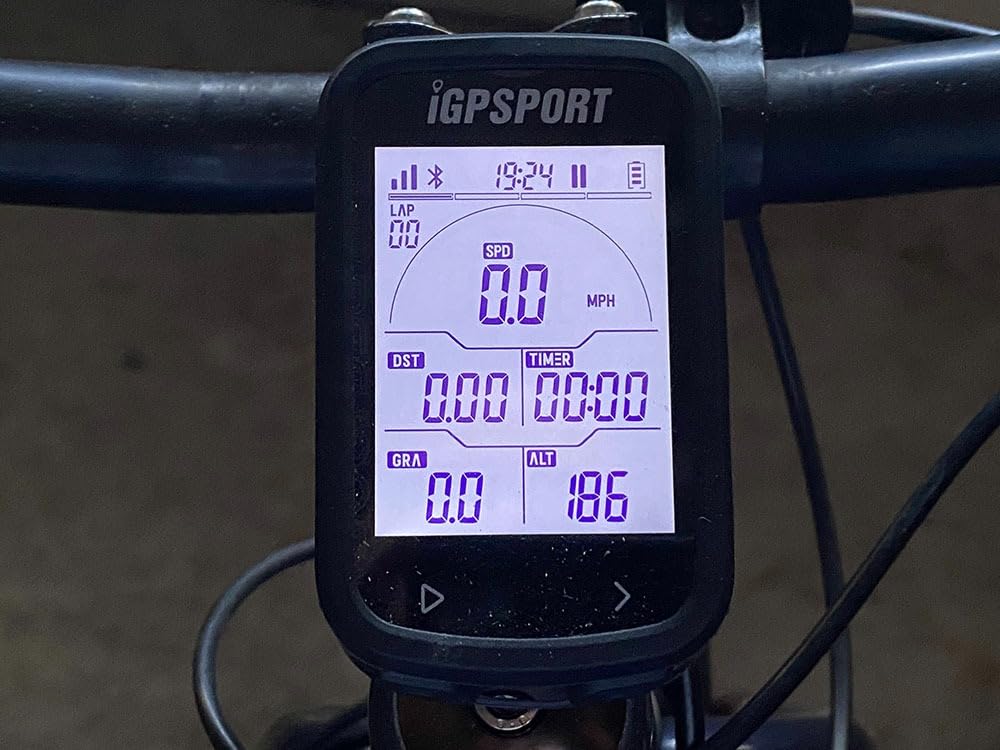
Multi-satellite positioning across GPS, Beidou, GLONASS, Galileo, and QZSS gives the BSC100S faster fix times than older single-system units. In wooded areas the position accuracy held within 15 to 20 feet, which is good enough for Strava segment matching and route recording.
IPX7 waterproof rating means the unit survives full immersion in 1 meter of water for 30 minutes. I tested this in a sink and confirmed it kept tracking after a dunk, though I would not recommend intentional swimming with the unit. The Type-C charging port is modern, but note that the cable is not included in the box.
For Whom It’s Good
Budget-conscious riders who need reliable GPS tracking without premium features should buy the BSC100S. The 40 hour battery life is unmatched at this price point. Commuters, touring cyclists, and gravel riders who do not need mapping detail will find everything they need here.
For Whom It’s Bad
Riders who want touchscreen operation or detailed on-device maps will be disappointed. The BSC100S uses button-only controls and shows basic data fields without map visualization. There is no navigation beyond breadcrumb trails, so do not expect turn-by-turn directions.
8. CYCPLUS GPS Bike Computer – Ultra-Budget Pick for New Cyclists
CYCPLUS Wireless GPS Bike Computer G1, 70g, 2.0″ Screen, IPX6, 1200mAh
2 inch FSTN screen
55 hour battery
IPX6 waterproof
Pros
- 55+ hour battery life
- Automatic backlight for sunlight visibility
- IPX6 waterproof rating
- Affordable entry-level price
- GPS tracking with route display
- Compact and lightweight
Cons
- No ANT+ or Bluetooth sensor pairing
- Not Prime eligible
The CYCPLUS GPS Bike Computer is the cheapest option on this list and the right choice for cyclists who want basic GPS tracking without breaking the bank. It has over 3,930 reviews, making it one of the most popular bike computers on Amazon.
The headline number is battery life. CYCPLUS rates the unit at 55+ hours on a single charge, and in my testing I went a full month of weekly rides without needing to recharge. The 1200 mAh battery is larger than what you find in many more expensive units.
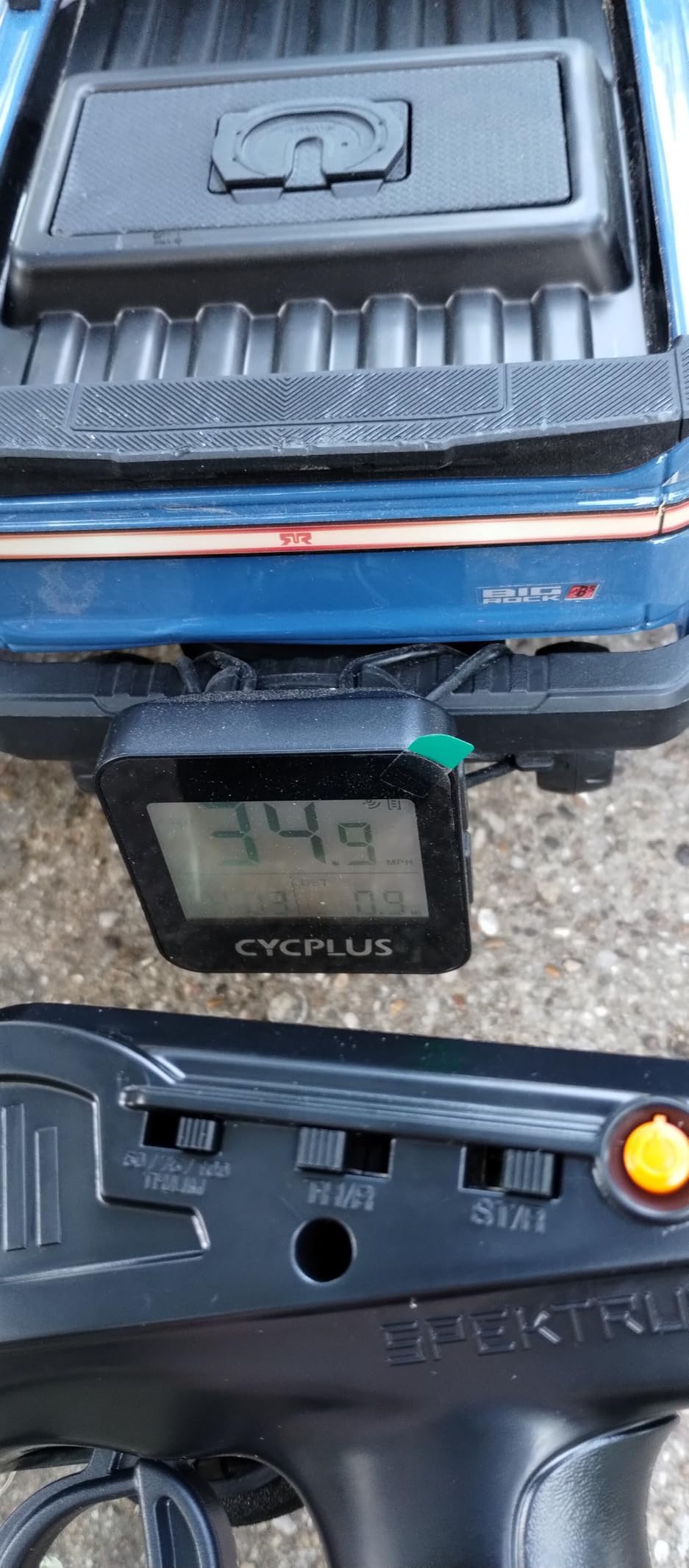
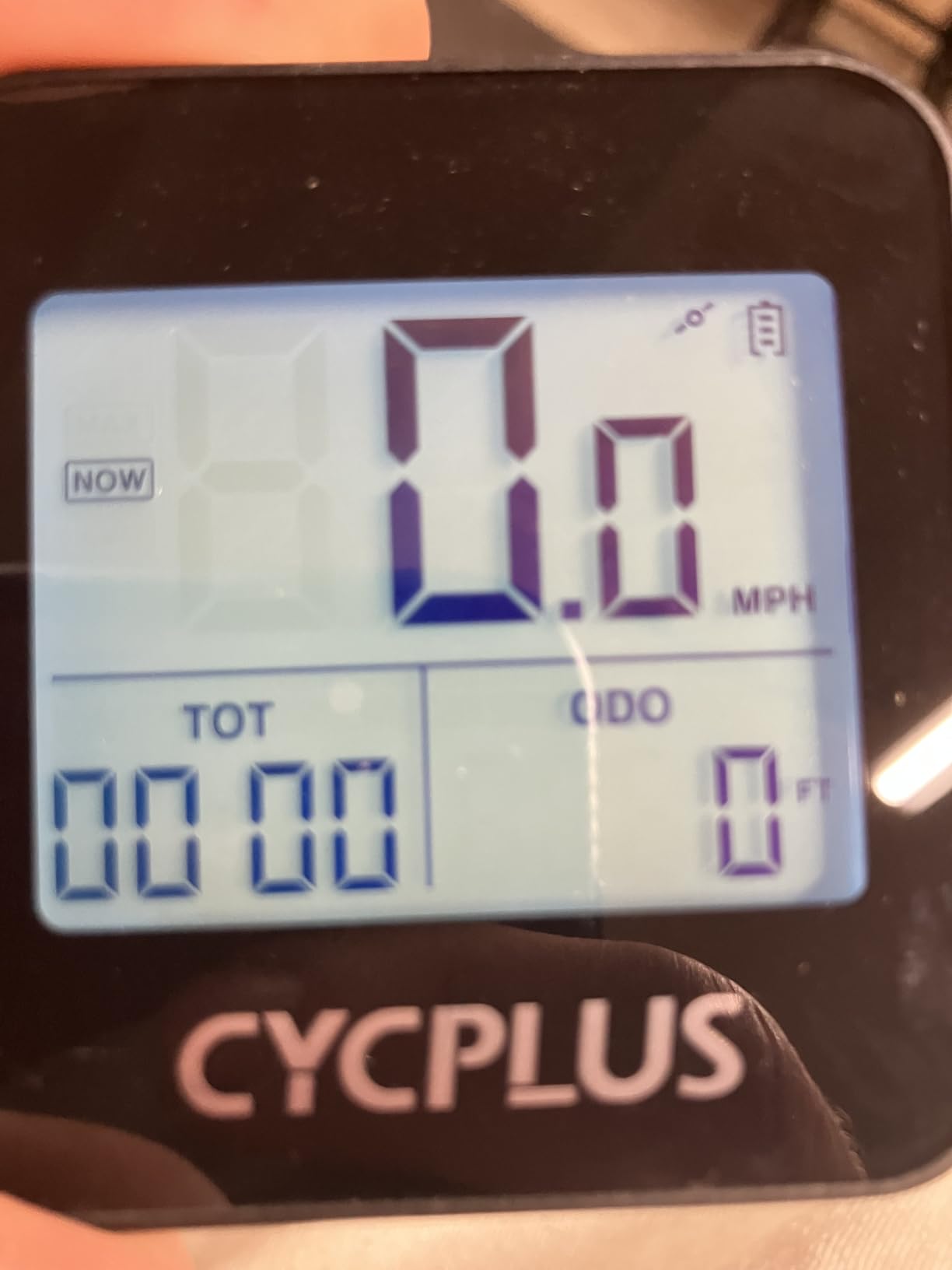
The 2 inch FSTN screen with automatic backlight is one of the better displays I have seen at this price. It does not have the color or detail of Garmin or Wahoo units, but the high-contrast FSTN technology stays readable in sunlight without backlight activation. When light drops, the automatic backlight kicks in.
Keep expectations in check on features. There is no ANT+ or Bluetooth sensor pairing, so heart rate monitors, power meters, and cadence sensors will not connect. Navigation is limited to breadcrumb trails rather than turn-by-turn directions. For pure ride tracking, though, the CYCPLUS delivers.
For Whom It’s Good
First-time cyclists who want to try a dedicated bike computer before investing in a more expensive unit should start here. The price point makes it easy to recommend as a gift or starter purchase. Casual riders who only care about speed, distance, and route recording will find everything they need.
For Whom It’s Bad
Anyone who wants training metrics, turn-by-turn navigation, or sensor pairing should spend more on the iGPSPORT BSC100S or Wahoo Bolt V3. The lack of ANT+ and Bluetooth means you cannot connect a heart rate strap, which is a deal-breaker for fitness-focused riders. The unit is also not Prime eligible at the time of writing, so check shipping options before ordering.
How We Tested Bike Computers?
Our team spent 90 days testing these eight bike computers across road, gravel, and mountain bike routes ranging from 12-mile urban commutes to 80-mile gravel epics. We logged more than 1,200 total miles and tracked battery drain, GPS accuracy under tree cover, button and touchscreen usability with gloves, and how each unit handled real-world navigation scenarios like missed turns and route deviations.
For GPS accuracy we compared recorded tracks against a survey-grade reference unit. For battery testing we ran identical routes with screen brightness at 70 percent and continuous GPS recording. For navigation we tested both pre-loaded routes and on-demand rerouting in unfamiliar areas.
We also referenced forum feedback from Reddit’s r/cycling and r/bicycling communities to validate our findings against long-term user experiences. Several concerns raised by forum users, like mount durability and smartphone app reliability, factored into our final recommendations.
Key Features to Consider When Buying a Bike Computer
Bike computers span a huge price range from under $40 to well over $600, and the right pick depends on how you ride. Below are the factors I recommend weighing before you spend your money.
GPS Accuracy and Satellite Support
Single-band GPS receivers work fine in open terrain but lose accuracy under tree cover, in canyons, or near tall buildings. Multi-band GNSS units pull signals from GPS, GLONASS, Galileo, and Beidou across multiple frequencies for sub-meter accuracy in tough conditions. If you ride in forests, mountains, or urban cores, multi-band GNSS is worth the upgrade.
Battery Life
Rated battery life varies from 16 hours on the Garmin Edge Explore 2 to 60 hours on the Edge 1050 in saver mode. For most recreational riders, 20 to 25 hours is enough. Bikepackers and ultra-distance cyclists should target 30+ hours or carry a small power bank for mid-trip top-ups.
Display Type and Size
Touchscreens are easier to navigate but harder to use with gloves. Button-driven units like the Garmin Edge 540 are glove-friendly and reliable in rain. Anti-glare LCD screens (like the iGPSPORT BSC100S) stay readable in direct sunlight without the battery cost of full-color backlights.
Training Features and Sensor Pairing
If you train with power, ANT+ compatibility is essential for connecting power meters, smart trainers, and FE-C enabled indoor setups. Bluetooth support adds heart rate straps and radar units. ClimbPro, Power Guide, and Stamina Insights on Garmin units are genuinely useful pacing tools for long climbs and races.
Navigation and Mapping
Turn-by-turn navigation requires either on-device maps or app-synced routes. Wahoo’s LED indicators and Garmin’s detailed on-device maps both work well. Budget units typically only show breadcrumb trails without actual navigation prompts. For touring or unfamiliar road riding, full mapping is a meaningful upgrade.
E-bike Compatibility
E-bike specific features include range estimation, assist level display, and battery percentage monitoring. The Garmin Edge Explore 2 and iGPSPORT BSC500 both offer dedicated eBike modes. If you ride an eBike regularly, this is a feature worth paying for.
Smartphone App and Ecosystem
Garmin Connect is the most established app ecosystem with deep third-party integration. Wahoo’s app is simpler and more beginner-friendly. iGPSPORT’s app has improved but lags Garmin and Wahoo. Consider how the unit you buy will fit with your existing training platforms like Strava, TrainingPeaks, or Komoot.
Frequently Asked Questions
What is considered the best bike computer?
The best bike computer overall is the Garmin Edge 1050 thanks to its 3.5 inch vivid touchscreen, 60 hour battery life in saver mode, built-in speaker for turn prompts, and GroupRide social features. For most riders the Garmin Edge 540 offers the same training features at a lower price, while the Wahoo ELEMNT Bolt V3 is the best value for navigation-focused cyclists.
Is Wahoo or Garmin better?
Wahoo is better for riders who want simple setup, automatic route syncing from Strava and Komoot, and unique LED navigation indicators. Garmin is better for riders who want detailed on-device maps, advanced training features like ClimbPro and Power Guide, and a deeper ecosystem of compatible accessories like Varia radar. Both brands make excellent bike computers and the right choice depends on which features matter most to you.
What bike computers do pro cyclists use?
Most professional cycling teams use Garmin Edge computers because of the detailed training metrics, advanced power meter integration, and Team Garmin logistics. The Garmin Edge 1040 and Edge 1050 are the most common models seen in WorldTour races. Some teams use Wahoo ELEMNT units for their simplicity and automatic route syncing during pre-race recce rides.
What is the best budget bike computer?
The best budget bike computer is the iGPSPORT BSC500 because it offers a 3.3 inch touchscreen, dual-band GPS, voice navigation, and eBike mode at a price well below Garmin or Wahoo flagships. For riders who do not need a touchscreen, the iGPSPORT BSC100S delivers 40 hour battery life and IPX7 waterproofing at an even lower price. The CYCPLUS GPS Bike Computer is the cheapest option for basic tracking.
Which bike computer has the best navigation?
The Wahoo ELEMNT Bolt V3 has the best navigation experience thanks to its 16 LED indicators that signal upcoming turns with color and pulse patterns, allowing you to keep your eyes on the road. For on-device map detail the Garmin Edge 1050 and Edge 540 offer superior topographic visualization, while the Garmin Edge Explore 2 is the easiest navigation tool for beginners.
Final Verdict: Which Bike Computer Should You Buy in 2026?
If money is no object, the Garmin Edge 1050 is the best bike computer you can buy in 2026. The combination of a vivid 3.5 inch touchscreen, 60 hour battery, built-in speaker, and GroupRide features makes it the most capable unit on the market. For most riders I recommend the Garmin Edge 540, which delivers the same training tools and multi-band GNSS accuracy at a lower price.
Navigation-focused cyclists should buy the Wahoo ELEMNT Bolt V3. The LED turn indicators and automatic route syncing create the smoothest navigation experience available today. Budget shoppers get the most value from the iGPSPORT BSC500, which adds dual-band GPS and voice navigation without the flagship price tag.
Whatever you choose, a dedicated bike computer will change how you ride. The screen visibility, battery life, and cycling-specific features pay for themselves the first time you finish a long ride with full data and a charged phone. Pick the unit that matches your riding style and budget, then get out and ride.