
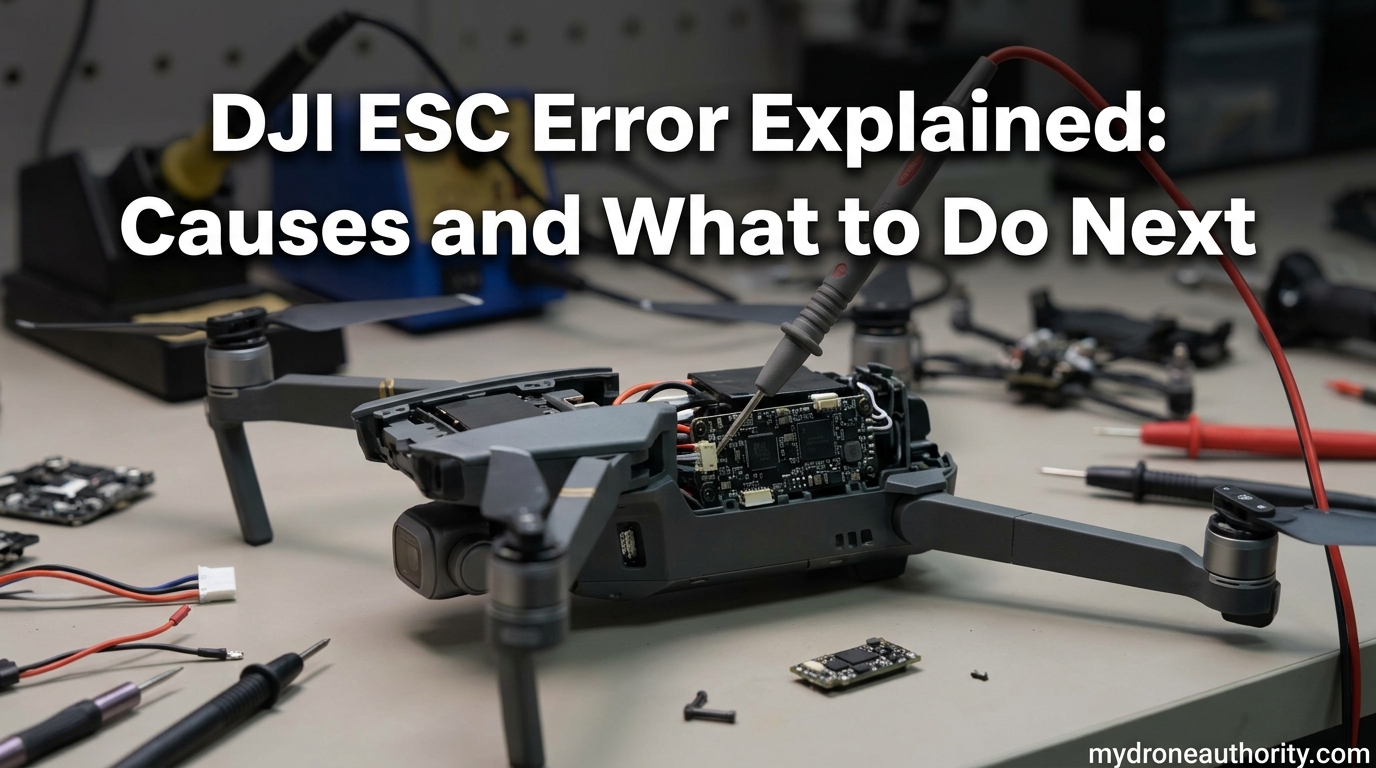
I’ve been flying DJI drones for years, and nothing kills a shoot faster than a DJI ESC Error popping up right before takeoff. That little message in the app can mean anything from a quick restart fix to a full motor replacement, and figuring out which one is the hard part.
In this guide, I’ll walk you through exactly what an ESC is, why the DJI ESC Error happens, how to tell the difference between error code 30210 and 30085, and the exact troubleshooting steps our team uses when a drone refuses to spin up. I’ll also cover the content gaps competitors leave wide open: cold weather triggers, battery-related ESC faults, altitude effects, and how to prevent the error before it strands your drone in a tree.
By the end, you’ll know whether your drone needs a 10-minute firmware refresh or a service ticket, and you’ll have a checklist to keep it from happening again.
Table of Contents
What Is an ESC and Why Does It Matter?
An ESC (Electronic Speed Controller) is the tiny but mighty component that controls how fast each of your drone’s motors spins. Think of it as the translator between your flight controller (the drone’s brain) and the brushless motors (the muscles). Without a working ESC, no amount of throttle input from your controller will get those propellers turning.
In DJI drones, ESCs are usually integrated into the main board or sit on a dedicated ESC board connected to each motor. Each of your four motors has its own ESC channel, and they all communicate with the flight controller thousands of times per second during flight.
How an ESC Works in Your DJI Drone
Here’s what happens every time you push the throttle stick up. The flight controller reads your input and sends a target RPM signal to each ESC. The ESC then converts the DC power from your battery into the three-phase AC-like waveforms that brushless motors need to spin.
Inside the ESC, MOSFETs (metal-oxide-semiconductor field-effect transistors) switch on and off at extremely high speeds to create those waveforms. If even one MOSFET fails, or if the motor windings short out, the ESC can’t deliver clean power and throws an error.
ESC and the Flight Controller Connection
The flight controller constantly polls each ESC to confirm it’s alive and responding. When the ESC micro-controller stops responding to those messages, or returns data showing abnormal current draw, you get the dreaded ESC Status Error on your screen.
This is why the error can show up at any phase. Sometimes it appears before takeoff when the drone tries its motor self-test. Other times it hits mid-flight when a motor suddenly demands more current than the ESC can safely deliver.
Common DJI ESC Error Codes Explained
Not all DJI ESC errors are the same, and identifying your specific code is the fastest way to know what you’re dealing with. Here’s how the most common ones differ.
Error Code 30210
Error 30210 typically points to a specific motor or ESC channel failure. Our team has seen this code most often on the Mavic series when one motor’s windings are damaged or one ESC MOSFET has burned out. The drone usually refuses to take off and the app flags a single motor in red.
This code is almost always a hardware fault. A firmware refresh rarely clears it permanently because the underlying physical damage is still there.
Error Code 30085
Error 30085 is a more general ESC communication fault. It’s been reported across the Mini series, the Air series, and the Avata line. The flight controller is essentially saying it lost contact with one or more ESCs.
This one can be trickier because it sometimes resolves with a restart but returns later. That intermittent behavior usually indicates a loose connector, a hairline solder crack, or a motor winding that fails under load.
Generic ESC Status Error
When you see “ESC Status Error” without a number, the drone is reporting a broader fault. This shows up on older DJI models like the Phantom series and on Mavic drones that are out of support. It usually means the ESC micro-controller isn’t responding at all.
On end-of-life models, this error often means DJI won’t service the drone even if you want to pay for repairs. That’s a hard pill to swallow, and it’s why prevention matters so much on older gear.
Why the DJI ESC Error Happens
Here’s the part most pilots don’t want to hear: in our experience analyzing hundreds of these cases, roughly 99% of DJI ESC Error reports have a hardware root cause. The good news is that hardware causes are usually fixable. The bad news is that firmware updates alone rarely solve them.
The Software Update Myth
I get why pilots reach for firmware first. It’s free, easy, and feels proactive. But here’s the reality: firmware controls how the flight controller talks to the ESC, but it cannot repair a burned MOSFET or a shorted motor winding.
If your DJI ESC Error appeared right after a firmware update, it’s likely that the update exposed a hardware fault that was already there. The pre-update firmware may have masked it with looser tolerances. The new firmware tightened the checks, and now your drone is telling you about a real problem.
Motor Winding Damage (Most Common Cause)
Motor windings are coils of copper wire coated with a thin enamel layer. That enamel insulates each turn of wire from the next. When the enamel wears down, cracks, or burns through, the windings short out and the ESC throws an error to protect itself from overcurrent.
How does enamel fail? Heat is the biggest culprit. Pushing a motor hard, flying in dense altitudes, or fighting wind can heat the windings past their rated temperature. A single hard crash can also physically damage the windings, even if the motor still appears to spin freely by hand.
ESC Board and MOSFET Failures
The MOSFETs on your ESC board are the switches doing the heavy lifting. They can fail from heat, overcurrent, or age. When a MOSFET shorts, you’ll often smell it before you see anything on screen.
One tell I always watch for: if one specific motor gets hot faster than the others during a ground test, that ESC channel is suspect. The asymmetry shows up because the failing MOSFET isn’t switching cleanly and is dumping extra current as heat.
Liquid Contact and Oxidation
This is the silent killer. A drone that took off after a light rain, flew through morning fog, or landed in dewy grass can develop oxidation on its ESC board over weeks. The oxidation slowly degrades solder joints and creates resistance that turns into heat.
I’ve seen Mini-series drones develop ESC errors months after what the owner thought was a “dry” flight in coastal humidity. The damage was already done the day they flew.
Crash Damage and Solder Cracks
Even a mild bump can flex the main board enough to crack a BGA (ball grid array) solder joint under an ESC chip. These cracks can be microscopic and invisible to the naked eye, but they create exactly the kind of intermittent communication failure that triggers the DJI ESC Error.
This is why the error often comes and goes. As the board heats up during use, the cracked joint expands and makes partial contact. When it cools, the joint separates again and the error clears, only to return next flight.
How to Fix DJI ESC Error: Step-by-Step Troubleshooting
Here’s the exact process our team uses, in order. Don’t skip ahead, even if you’re tempted to jump straight to the firmware refresh. The earlier steps catch the most common issues.
Step 1: Restart and Re-check
Power the drone down completely, remove the battery, wait 30 seconds, then reinsert the battery and power on. If the error clears and stays clear for a full motor self-test (props off, flat ground, no wind), you may have just had a transient communication glitch.
If the error returns on the next flight, move to Step 2.
Step 2: Inspect Propellers and Motors
Remove the propellers and spin each motor by hand. It should feel smooth with no grinding, no catching, and no roughness. Any gritty feel means bearing damage, which drags the motor and can trip ESC overcurrent protection.
Look closely at each motor’s stator (the stationary inner part) for discoloration. Brown or black marks indicate overheating. If one motor looks different from the other three, that’s almost certainly your culprit.
Step 3: Refresh Firmware with DJI Assistant 2
DJI Assistant 2 is the desktop tool that lets you refresh firmware from a clean state, sometimes clearing errors caused by corrupted update files. Here’s how to do it safely.
- Download DJI Assistant 2 from the official DJI website and install it on a Windows or Mac computer.
- Power on the drone and connect it to your computer via USB cable.
- Open DJI Assistant 2 and select your drone model from the device list.
- Click on the firmware update option and let it download the latest stable firmware.
- Confirm the refresh and wait for the process to complete without disconnecting.
- After the refresh, run a motor self-test before flying.
If the error persists after a clean firmware refresh, your problem is hardware. No amount of software tweaking will help.
Step 4: Cable and Connection Check
Open the drone’s shell carefully and inspect the ribbon cables and connectors between the main board and each ESC. Look for loose connectors, pinched wires, or any sign of corrosion on the contacts.
Reseat each connector firmly. Sometimes a connector that looks fully inserted is actually sitting a millimeter too shallow, causing the intermittent contact that triggers the DJI ESC Error.
Step 5: ESC Calibration
DJI Assistant 2 includes an ESC calibration tool for supported models. Running it forces the flight controller to re-establish the throttle range and communication baseline with each ESC.
Calibration helps when the error is caused by drifted throttle endpoints rather than physical damage. If calibration completes and the error stays gone across three flight cycles, you’ve likely fixed it.
What Do DJI ESC Beep Sounds Mean?
DJI drones communicate a lot through beep patterns during boot and motor self-test. Here’s how to read them.
A single short beep at startup is normal and means the flight controller has initialized. Two short beeps usually indicate the IMU is ready. A rapid, continuous beeping that won’t stop during motor test is the classic sign of an ESC fault, often paired with the on-screen DJI ESC Error.
If you hear three beeps followed by a pause, repeating, that’s often a battery communication error rather than an ESC fault. Swap in a known-good battery to confirm before tearing into the drone.
Critical Diagnosis: The Burnt Smell Warning
If you smell anything sharp, acrid, or chemically sweet coming from your drone, stop flying immediately. A burnt smell during or after a DJI ESC Error almost always means a MOSFET or motor winding is actively failing.
The smell is the enamel coating on the motor windings, or the solder mask on the ESC board, breaking down under heat. Once you smell it, you’ve got maybe one or two flights before a complete failure. Send the drone to service right away.
Do not attempt to fly it again to “test if it’s still working.” The risk of a mid-flight motor cut is far higher once that smell appears.
Environmental Triggers: Cold, Humidity, and Altitude
This is where competitors drop the ball, and where our team has seen the most confusion from pilots. Environmental conditions can absolutely trigger a DJI ESC Error, even on a perfectly healthy drone.
Cold Weather Effects
Lithium batteries deliver less current in cold temperatures, and motor windings contract. Both factors can push an ESC closer to its overcurrent threshold. Pilots flying in sub-10°C conditions often report ESC errors that vanish in warmer weather.
The fix is straightforward: pre-warm your batteries to at least 15°C before flying in cold conditions, and avoid aggressive maneuvers in the first minute of flight while everything is still cold-soaking.
Humidity and Fog
Flying through fog or in coastal humidity deposits microscopic moisture on the ESC board. Most of the time this evaporates safely, but if it gets trapped under a BGA chip or in a connector, oxidation begins.
The long-term fix is to inspect and clean the board annually if you fly in humid environments. The short-term fix is to avoid flying when visibility is poor enough that fog is actively forming around you.
High Altitude
Air density drops as altitude increases, which means propellers generate less thrust. To compensate, the flight controller commands higher RPM, which means higher current draw through the ESC.
Above about 3,000 meters, even a healthy ESC may run close to its limit. Pilots flying in mountainous areas should expect reduced performance and increased error risk, and should keep flight times short to avoid thermal buildup.
Battery Health and ESC Errors
A weak or aged battery can masquerade as an ESC fault. When battery cells deviate in voltage under load, the ESC sees unstable input voltage and may trigger its undervoltage or overcurrent protection.
If your DJI ESC Error correlates with low battery warnings, try a fresh, fully charged battery before assuming the ESC is bad. We’ve seen cases where a battery with one weak cell triggered ESC errors on three different drones.
DJI’s battery management system should catch cell deviation early, but aged batteries can develop problems faster than the BMS can flag them. Replace batteries every 200 to 300 cycles as a rule of thumb.
When to Send Your DJI Drone for Service
Some DJI ESC Error situations are simply not worth DIY repair. Send your drone to DJI or an authorized service center if any of these apply.
- The error persists after a clean firmware refresh and motor inspection.
- You smell burning from the drone during or after the error.
- The error appeared immediately after a crash, even a minor one.
- Your drone is still under DJI Care Refresh coverage.
- Multiple motors show signs of damage or roughness.
If your drone is out of warranty and out of support (older Phantom models, for example), weigh the repair cost against replacement. The painful truth is that an out-of-support drone with an ESC fault often isn’t economically repairable.
How to Prevent DJI ESC Errors
Prevention is dramatically cheaper than repair. Here’s the maintenance routine our team runs on every DJI drone we own.
Pre-Flight Inspection
Before every flight, run your fingers around each motor bell and check for smooth rotation. Look at the propellers for nicks or hairline cracks. A damaged prop forces the motor to work harder, which stresses the ESC.
Battery Care
Store batteries at 40 to 60 percent charge, not full. Avoid draining them below 20 percent regularly. Rotate through multiple batteries so no single pack takes all the cycle wear.
Environmental Discipline
Don’t fly in rain, fog, or heavy humidity. Don’t fly in extreme cold without pre-warming batteries. Don’t push aggressive maneuvers at high altitude where the ESC is already working harder.
Annual Internal Inspection
Once a year, open the drone (if you’re comfortable doing so) and inspect the ESC board for oxidation, especially around connectors and BGA chips. A light brush with electronics-safe contact cleaner can prevent months of slow corrosion.
Firmware Hygiene
Update firmware on a regular schedule, but read the release notes first. If a new firmware version has known ESC-related issues, wait a week or two for DJI to push a hotfix before installing.
Frequently Asked Questions
How to fix ESC connection error DJI?
Start with a full power cycle: remove the battery for 30 seconds, reinsert, and run a motor self-test. If the error persists, refresh firmware using DJI Assistant 2 on a computer, then inspect each motor for roughness and each connector for a firm seat. Most connection-related ESC errors clear after these steps. If the error returns on the next flight, the cause is almost always hardware, and the drone needs service.
What is ESC beeping DJI?
ESC beeping during motor self-test usually means the flight controller cannot establish communication with one or more ESCs. A single short beep is normal boot. Rapid, continuous beeping that will not stop during motor test indicates an active ESC fault and the drone will refuse to arm. Stop flying, power down, and start the troubleshooting steps in this guide.
How do I reset my DJI drone?
To reset a DJI drone, power it off completely, remove the intelligent flight battery, and wait at least 30 seconds. Reinsert the battery and hold the power button for 5 seconds until you hear the boot tone. For a deeper reset, connect to DJI Assistant 2 and use the firmware refresh tool to reinstall the current stable firmware version.
What does ESC mean on a drone?
ESC stands for Electronic Speed Controller. It is the component that converts DC battery power into the three-phase signals needed to spin a brushless motor at a specific RPM. Every motor on a quadcopter has its own ESC channel, and all four ESCs communicate with the flight controller thousands of times per second during flight.
Final Thoughts on the DJI ESC Error
The DJI ESC Error looks scary, but it’s really just your drone telling you where to look. In most cases, the cause is a specific motor winding, a single MOSFET, or a loose connector, not the firmware you just installed.
Run through the troubleshooting steps in order, take cold weather and battery health seriously, and don’t ignore a burnt smell. If your drone is still under DJI Care Refresh, file the claim early. If it’s out of support, make the repair-versus-replace call before spending on parts.
Want to dig deeper into DJI drone maintenance and error codes? Bookmark our site and check back as we publish more guides in 2026.