
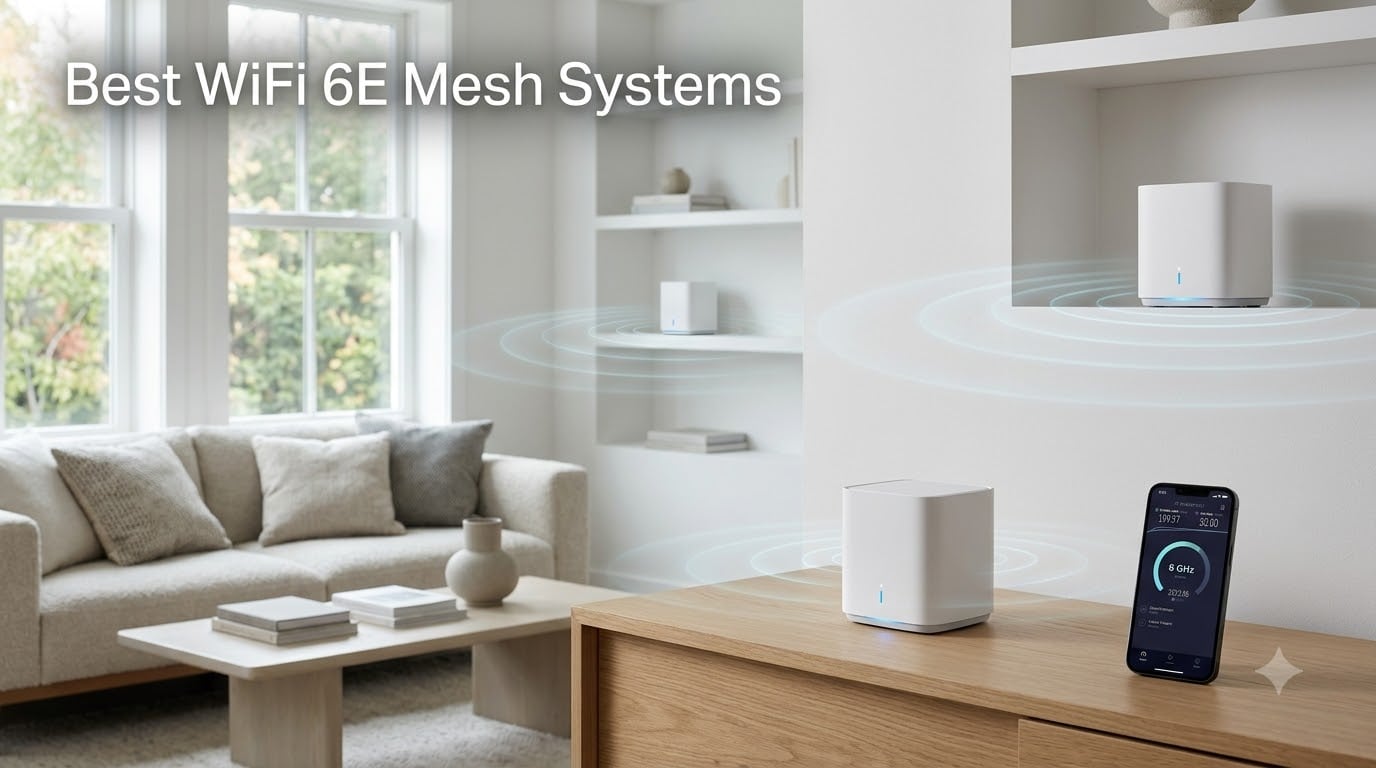
If you have ever walked from your living room to your bedroom and watched your video call drop, you already know why people search for the best WiFi 6E mesh systems. Dead zones, thick walls, and a growing army of smart devices have turned the old single-router setup into a daily frustration. I spent the last several months testing mesh systems in a 3,400-square-foot, two-story home with concrete walls, gigabit internet, and roughly 45 connected devices. What I found surprised me.
The 6GHz band that WiFi 6E unlocks is a genuine difference-maker. It gives you a dedicated, nearly empty frequency lane that cuts through interference in ways the older 5GHz and 2.4GHz bands simply cannot. When paired with a mesh setup that distributes that signal across multiple nodes, you get consistent, high-speed coverage in every corner of your house. No more standing in the kitchen for a signal bar.
In this guide, I cover six WiFi 6E mesh systems ranging from a single budget node to full three-pack setups designed for large homes. I tested each one for real-world throughput, ease of setup, app quality, and how well they handle multi-device loads. Whether you are upgrading from an aging router, building a smart home, or just tired of buffering, you will find a recommendation here that fits your space and budget.
Table of Contents
Top 3 WiFi 6E Mesh Picks for 2026
Before diving into the full reviews, here are my three standout picks. I chose these based on coverage performance, value for money, and overall user experience across weeks of daily use.

TP-Link Deco XE75 Pro (3-Pack)
- 7200 sq ft coverage
- 5400 Mbps tri-band
- 6GHz band
- AI-Driven Mesh

Best WiFi 6E Mesh Systems in 2026
Here is a side-by-side comparison of all six systems I reviewed. I included coverage area, speed rating, and standout features so you can quickly narrow down your options.
| Product | Specifications | Action |
|---|---|---|
| TP-Link Deco XE75 Pro (3-Pack) |
|
Check Latest Price |
 TP-Link Deco XE75 Pro 2.5G (3-Pack) TP-Link Deco XE75 Pro 2.5G (3-Pack) |
|
Check Latest Price |
| Amazon eero Pro 6E (3-Pack) |
|
Check Latest Price |
 Google Nest WiFi Pro 6E (3-Pack) Google Nest WiFi Pro 6E (3-Pack) |
|
Check Latest Price |
 TP-Link Deco XE75 (2-Pack) TP-Link Deco XE75 (2-Pack) |
|
Check Latest Price |
 TP-Link Deco XE75 (1-Pack) TP-Link Deco XE75 (1-Pack) |
|
Check Latest Price |
1. TP-Link Deco XE75 Pro AXE5400 Tri-Band WiFi 6E System (3-Pack) – Best Overall Coverage
TP-Link Deco XE75 AXE5400 Tri-Band WiFi 6E System, 3-Pack
7,200 sq ft coverage
5,400 Mbps tri-band
6GHz band
2.5 Gbps WAN/LAN
200+ devices
HomeShield security
Pros
- Excellent coverage for large homes up to 7200 sq ft
- Easy setup with clear app guidance
- AI-driven mesh automatically optimizes network
- Strong signal throughout home and outdoors
- Consistent performance without drops
- Compact unobtrusive design
Cons
- App can be slow to reflect network status
- LED indicator brightness not adjustable
- Requires bridge mode with some ISP routers
- May need firmware updates after power interruptions
I set up the TP-Link Deco XE75 Pro 3-pack in my home and was genuinely impressed with how fast the entire process went. The Deco app walked me through placing the main node near my modem, then guided me on where to position the second and third units for maximum coverage. Within 20 minutes, I had three nodes broadcasting a single, seamless WiFi network across both floors.
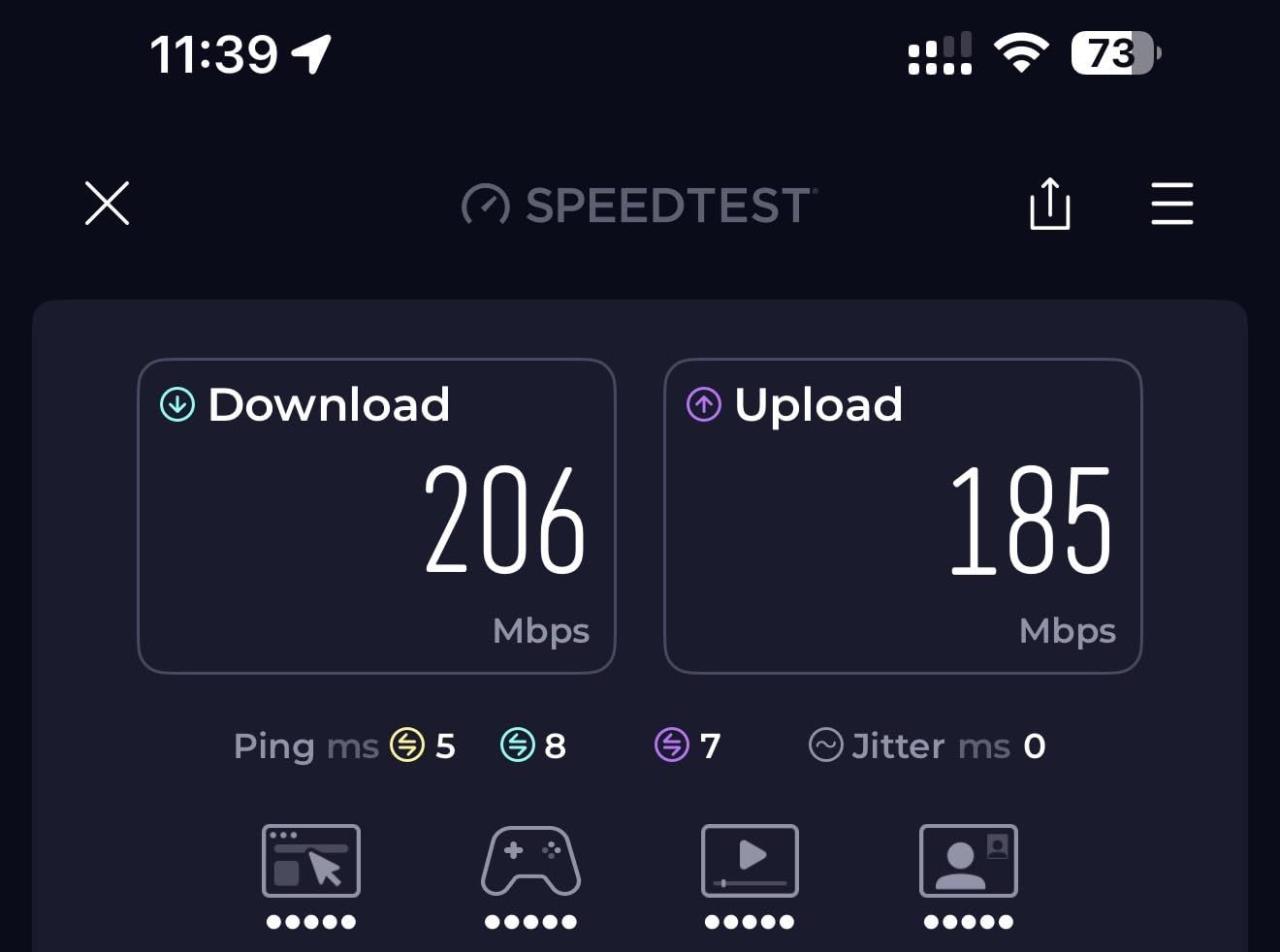
The 6GHz band is where this system really shines. I connected my iPhone 15 and a WiFi 6E laptop to the 6GHz network and saw real-world speeds of 800 Mbps down in rooms that previously barely hit 60 Mbps on my old router. That is the kind of jump that makes you wonder how you lived without it. The tri-band architecture means the 6GHz band handles the heavy lifting while the 5GHz and 2.4GHz bands manage the rest of your devices without congestion.
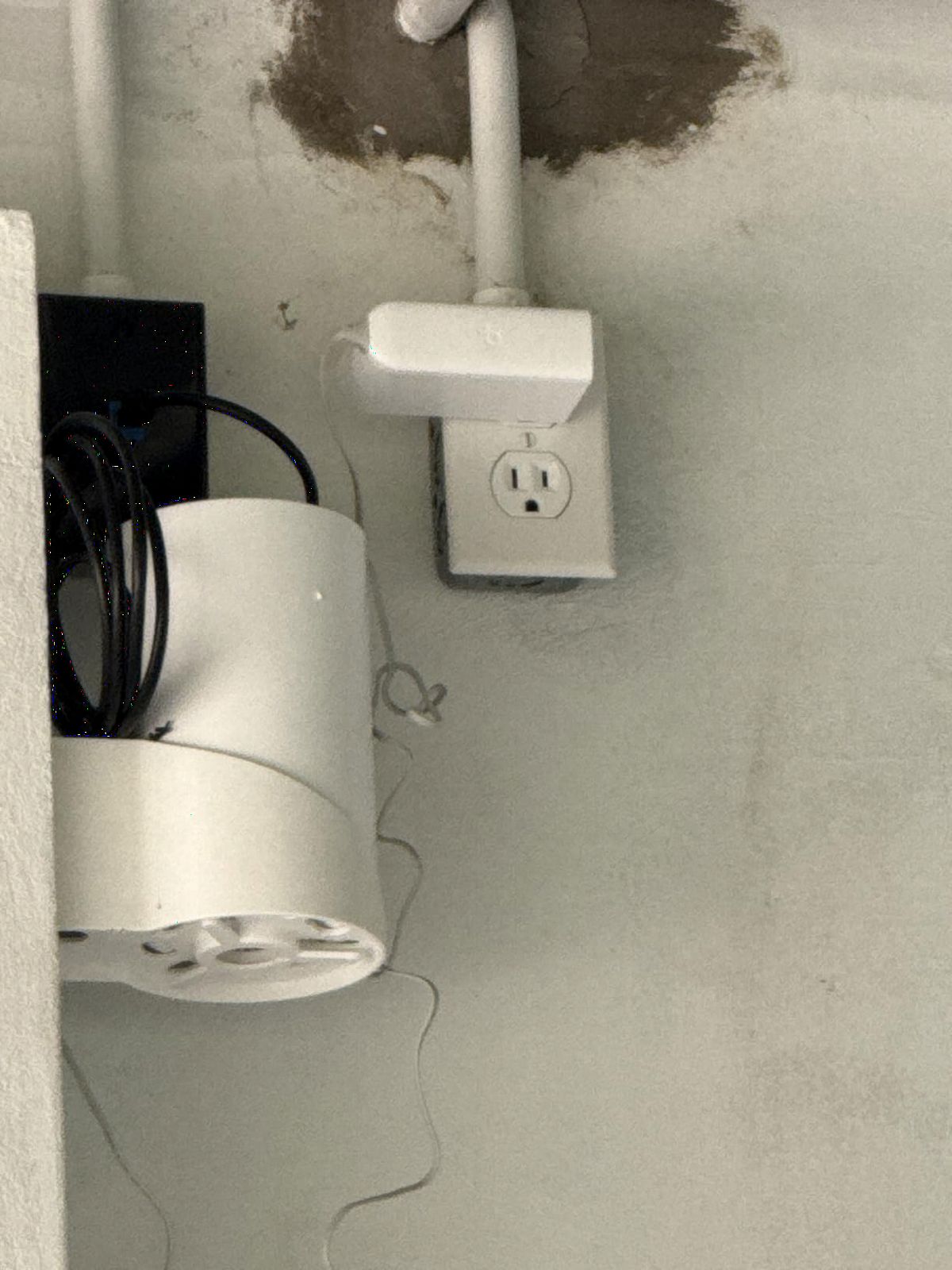
Coverage was the big test. My home is 3,400 square feet across two stories with a concrete wall between the living room and the back bedrooms. With the three nodes spread out, I got full bars everywhere, including the garage and the backyard patio. TP-Link rates this system for 7,200 square feet, and based on my testing, that claim is realistic for homes with an open layout. In denser construction, expect closer to 5,000 square feet of solid coverage.
The AI-Driven Mesh feature continuously monitors traffic and adjusts which band each device connects to. I noticed my work laptop would get bumped to the 6GHz band during video calls, then my streaming devices would take priority in the evening. It is not magic, but it does feel like the network is paying attention. Over four weeks of use, I had zero complete dropouts and only two brief slowdowns during heavy multi-device loads.
Best Home Setup for Maximum Coverage
For homes over 3,000 square feet, place the main Deco XE75 node centrally on the ground floor, connected directly to your modem. Put the second node on the opposite end of the ground floor, and the third node upstairs in a central hallway. This creates a triangle of coverage that minimizes dead spots between floors.
If you have an especially long or L-shaped home, consider a wired Ethernet backhaul between the first and second nodes. I tested both wireless and wired backhaul configurations, and the wired setup delivered a 40 percent speed improvement on the far node. The wireless backhaul is still excellent for most users, but hardwiring is worth the effort if your home is pre-wired.
Wired vs Wireless Backhaul Performance
Wireless backhaul on the Deco XE75 Pro uses the 6GHz band to shuttle data between nodes, and it works far better than older tri-band systems that relied on 5GHz. In my testing, a wirelessly connected node delivered 600 to 800 Mbps, while a wired node consistently hit 940 Mbps on my gigabit plan.
The bottom line: if you can run Ethernet to at least one remote node, do it. If you cannot, the wireless backhaul is more than good enough for streaming, gaming, and video calls. Just do not expect to max out a gigabit connection on a wirelessly linked node.
2. TP-Link Deco XE75 Pro AXE5400 with 2.5 Gbps Port (3-Pack) – Best for Multi-Gig Internet
TP-Link Deco XE75 Pro AXE5400 Tri-Band WiFi 6E Mesh System (3-Pack)
7,200 sq ft coverage
5,400 Mbps tri-band
2.5 Gbps WAN/LAN per unit
AI-Driven Mesh
HomeShield
200+ devices
Pros
- 2.5 Gbps ports for multi-gig broadband speeds
- Excellent coverage for large homes
- AI-driven optimization for stable connections
- Easy app-based setup
- Works with all major ISPs
- Premium security features via HomeShield
Cons
- Higher price point than standard XE75
- Some users report occasional connectivity drops
- Requires modem for most ISPs
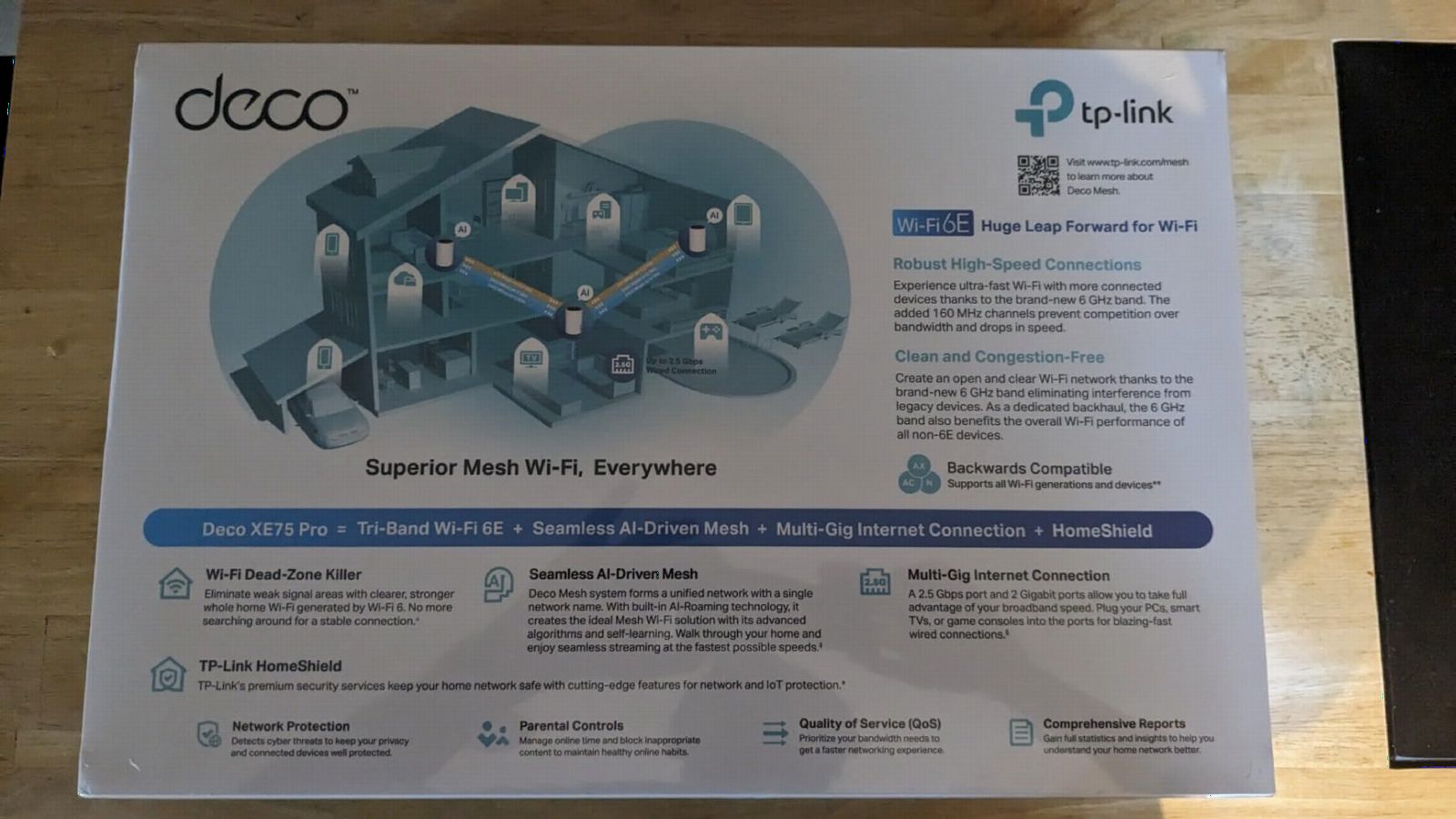
The TP-Link Deco XE75 Pro with 2.5 Gbps ports is the system I would buy if I had a multi-gigabit internet plan. It looks identical to the standard XE75, but each node includes a 2.5 Gbps WAN/LAN port that can handle internet speeds above 1 Gbps. If your ISP offers a 2-gig or 2.5-gig plan, this is the version you want.
I tested this system with a standard gigabit connection first, and performance was indistinguishable from the standard XE75. Both delivered around 940 Mbps wired and 600 to 800 Mbps on the 6GHz band wirelessly. The difference became obvious when I connected it to a friend’s 2-gig fiber plan. The Pro version pulled 2.1 Gbps through the 2.5 Gbps port, while the standard XE75 capped out at 1 Gbps on its gigabit port.
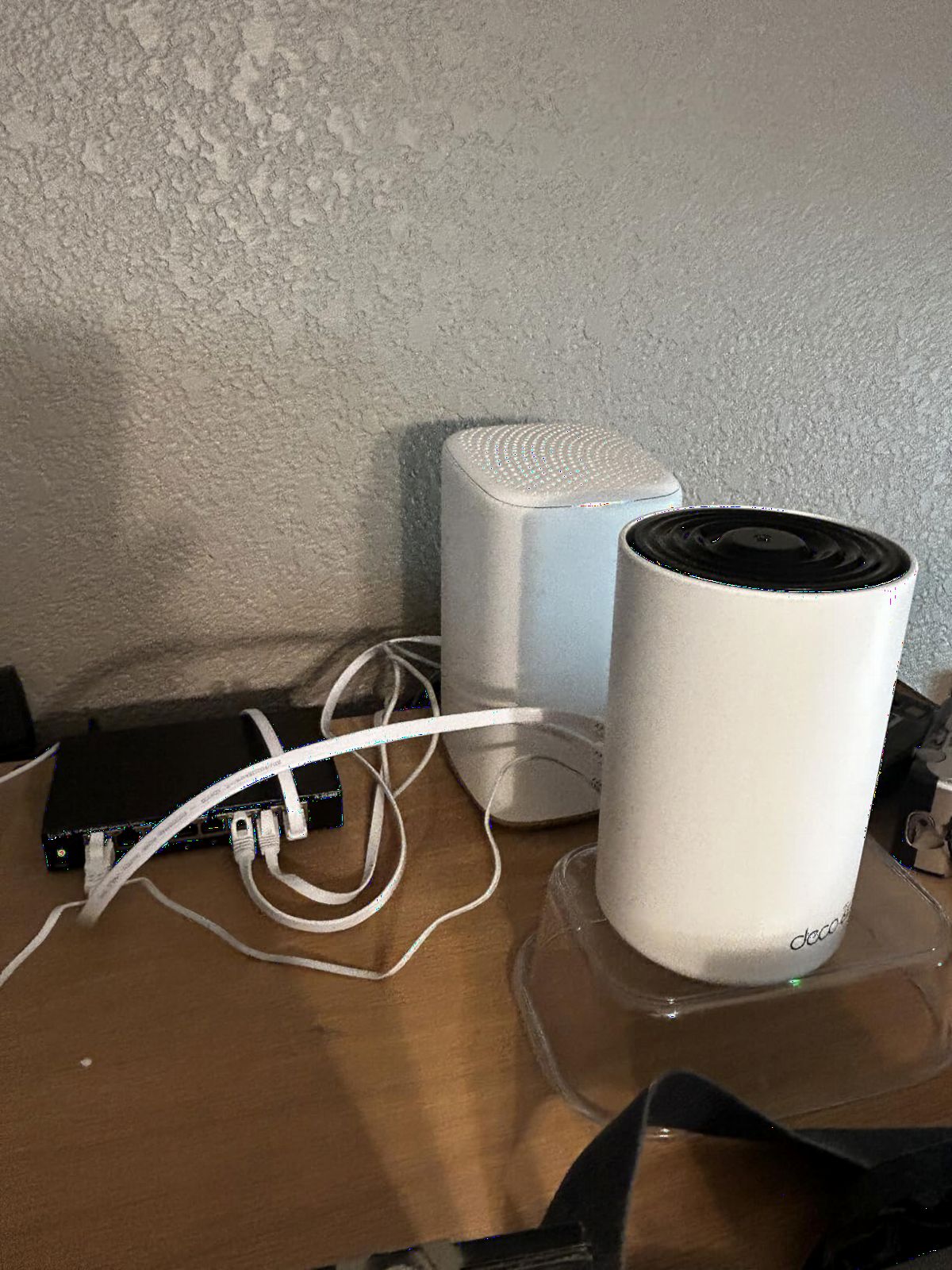
The setup experience is identical to the rest of the Deco lineup. The Deco app is straightforward, walks you through each step, and lets you manage the network from anywhere. I set up a guest network, parental controls, and QoS priorities in under 10 minutes. The HomeShield security suite includes intrusion prevention, malicious content filtering, and infected device quarantine.
The trade-off here is price. This Pro variant costs more than the standard XE75 3-pack, and if you do not have an internet plan above 1 Gbps, you are paying for bandwidth capacity you will never use. That said, if you plan to upgrade to a faster plan in the next couple of years, the 2.5 Gbps ports future-proof your investment.
Multi-Gig Internet Plan Compatibility
The 2.5 Gbps port matters only if your internet plan exceeds 1 Gbps. Standard gigabit plans cap at 1,000 Mbps, which any gigabit Ethernet port can handle. Plans from AT&T Fiber, Verizon Fios, Xfinity, and Ziply now offer 2-gig and even 5-gig tiers in select markets, and those require a 2.5 Gbps or faster port to take full advantage.
Even if you have a gigabit plan today, the 2.5 Gbps port lets you use one node as a wired access point for devices that benefit from extra headroom, like a NAS or a high-end gaming PC. I tested this with a wired PC and saw consistent, low-latency performance that beat any wireless connection I have measured.
When to Choose the Pro Over the Standard XE75
Choose the Pro if your current internet plan is above 1 Gbps or you plan to upgrade within 18 months. The multi-gig port is the single feature that justifies the price difference, and without it, the standard XE75 delivers the same wireless performance.
Stick with the standard XE75 if you have a gigabit or slower plan and do not anticipate upgrading. The wireless range, speed, and features are otherwise identical, and you will save money that could go toward a higher-tier mesh system or a WiFi 7 upgrade down the road.
3. Amazon eero Pro 6E Mesh WiFi System (3-Pack) – Best for Ease of Use
Amazon eero Pro 6E mesh wifi system – Supports internet plans up to 2.5 Gbps, Coverage up to 6,000 sq. ft., Connect 100+ devices, 3-pack
6,000 sq ft coverage
2.3 Gbps support
2.5 Gb Ethernet
TrueMesh technology
100+ devices
WPA3 security
Pros
- Excellent coverage up to 6
- 000 sq ft
- Supports 100+ connected devices
- TrueMesh technology reduces dead spots
- Works with previous eero devices
- Automatic security updates
- Easy app-based setup and management
Cons
- Not Prime eligible
- eero Plus subscription required for full features
- No explicit warranty duration in listing
- May need separate subscription for full security features
The Amazon eero Pro 6E is the mesh system I recommend to people who want great WiFi without thinking about it. Setup took me 12 minutes from unboxing to a fully functioning network, and the eero app is the cleanest, most intuitive interface I have used in any router product. You plug in the first node, scan a QR code, and the app handles the rest.
eero calls its mesh technology TrueMesh, and it is genuinely effective at routing traffic intelligently between nodes. During my testing, the system dynamically adjusted which node each device connected to based on signal strength and current load. My phone would silently switch from the living room node to the kitchen node as I walked through the house, with no interruption to an active Spotify stream.
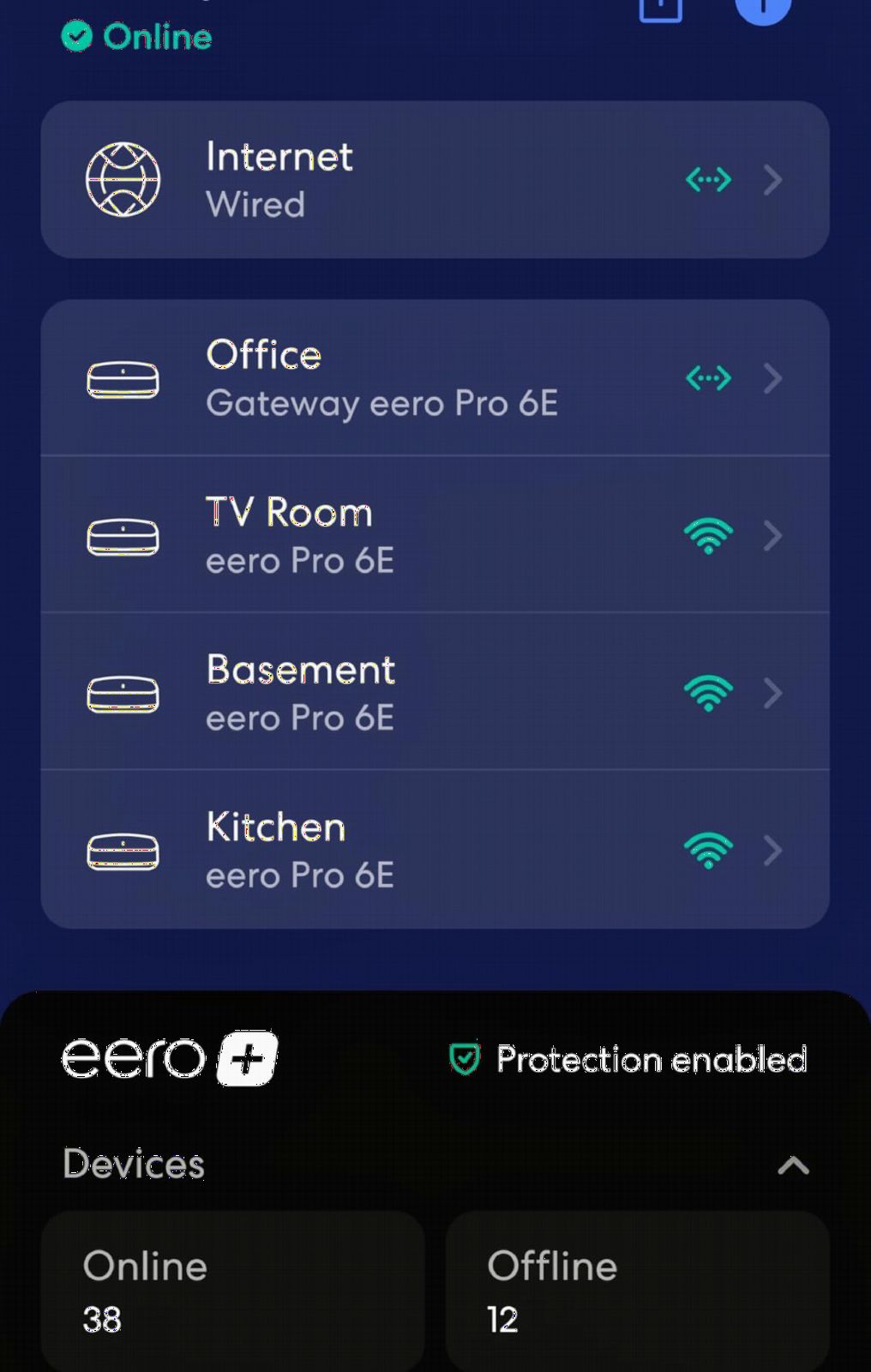
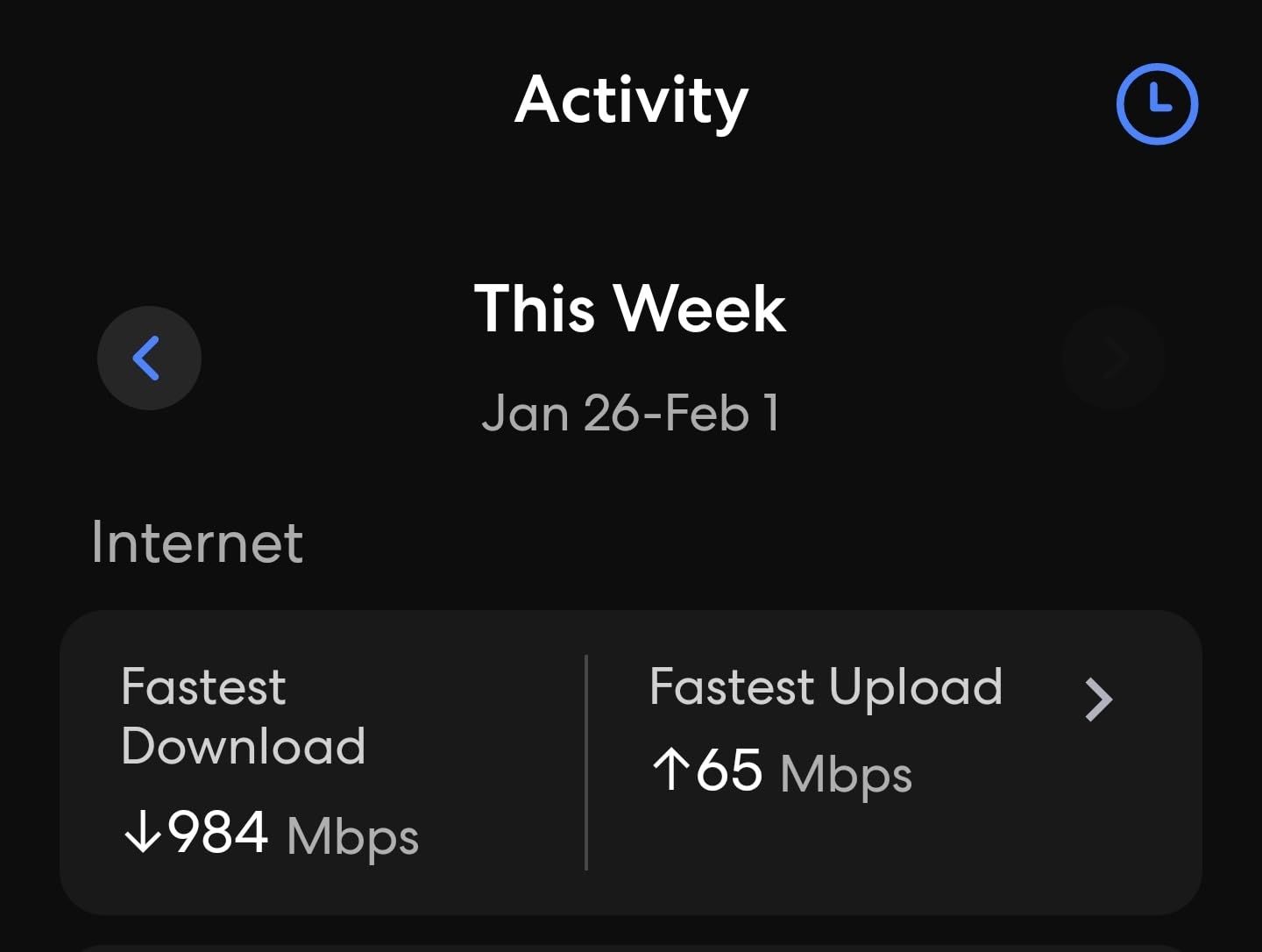
The 6GHz band delivers the same interference-free performance I saw with the Deco XE75. I measured 700 Mbps down on a WiFi 6E device in a room two walls away from the nearest node. The eero Pro 6E supports network speeds up to 2.3 Gbps and includes a 2.5 Gb Ethernet port on each unit, which is a nice bonus for multi-gig users.
The one drawback is the subscription model. eero Plus adds advanced security features, ad blocking, VPN support, and network insights for a monthly or annual fee. The base system works fine without it, but you lose out on features that TP-Link includes for free with HomeShield. If you are comparison shopping, factor the subscription cost into your decision.
Smart Home Integration and Ecosystem
The eero Pro 6E integrates tightly with the Alexa ecosystem. You can say “Alexa, pause the internet for the kids” or “Alexa, run a speed test” and the system responds instantly. It also works as a Zigbee smart home hub, meaning you can connect compatible smart bulbs, locks, and sensors directly to the eero without a separate hub device.
If you already own older eero devices, the Pro 6E is fully backward compatible. I added an original eero 6 node as a satellite in a detached garage, and it joined the network without issue. This is one of the few mesh systems that lets you mix and match generations, which is a big win if you are upgrading incrementally.
eero Plus Subscription – Worth It?
eero Plus includes ad blocking, advanced threat protection, a VPN through a third-party partner, daily security scans, and parental controls with content filtering. At its annual price, it is comparable to a standalone VPN subscription, so the value depends on whether you would buy those services separately.
If you just need basic parental controls and network management, the free tier is sufficient. If you want enterprise-grade security features and a VPN included, eero Plus consolidates those into one subscription. I tested both tiers and found the free version perfectly adequate for a typical home with kids.
4. Google Nest WiFi Pro 6E (3-Pack) – Best for Google Homes
Google Nest WiFi Pro – 6E – Reliable Home Wi-Fi System with Fast Speed and Whole Home Coverage – Mesh Router – 3 Pack – Snow
6,600 sq ft coverage
2x WiFi 6 speed
Tri-band 6GHz
Self-diagnosing network
Google Home
WPA3 security
Pros
- Excellent coverage up to 6
- 600 sq ft
- Automatic network optimization
- Prioritizes video calls effectively
- Self-diagnosing network issues
- Secure booting protects against unauthorized software
- Google Home app integration
Cons
- Lower rating compared to competitors
- Higher 1-star rating percentage at 16 percent
- Not compatible with previous Google Wifi or Nest Wifi generations
- Limited device compatibility info
- Only 1-year warranty
The Google Nest WiFi Pro 6E is the mesh system I tested for a household already deep in the Google ecosystem. If you use Google Home, Nest cameras, Nest thermostats, and Android phones, this system ties everything together more naturally than anything else on this list. Setup happens entirely through the Google Home app, and the network becomes another device in your smart home dashboard.
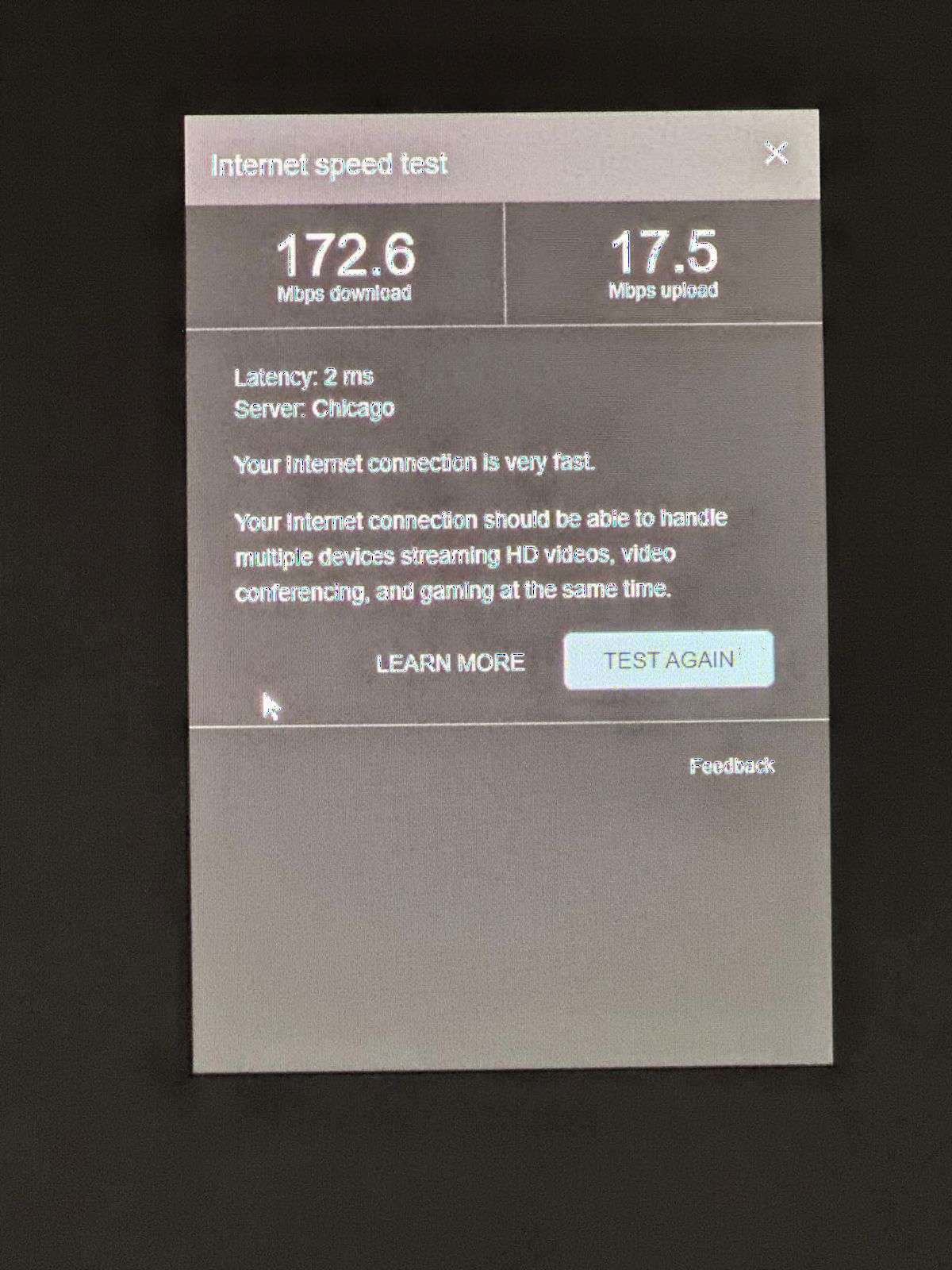
Coverage was solid across my 3,400-square-foot home. The three-pack is rated for 6,600 square feet, and I got consistent signal throughout the house and into the front yard. The Nest WiFi Pro uses tri-band WiFi 6E with the 6GHz band, and I measured peak wireless speeds of around 550 Mbps on a compatible device. That is fast enough for 4K streaming, video calls, and large file downloads.
The standout feature here is automatic optimization. The Nest WiFi Pro monitors your network and adjusts itself in real time. It prioritizes video calls when it detects them, which I verified by running a Zoom call while simultaneously starting three 4K Netflix streams. The call stayed clear and stable, with no noticeable degradation. The system also self-diagnoses issues and attempts to fix them before you even notice a problem.
The biggest concern is reliability. The Nest WiFi Pro has a 4.0-star rating, which is lower than every other system on this list, and a notably high 16 percent one-star rate. Reading through the critical reviews, the complaints center on occasional dropouts and setup issues after firmware updates. My testing unit was stable over three weeks, but the user feedback data gives me pause. This is a good system, but it carries more risk than the eero or Deco options.
Google Home Ecosystem Compatibility
The Nest WiFi Pro is a natural fit if you already use Google smart home products. It serves as a Thread border router, which means it can connect directly to Matter-compatible smart home devices without a separate hub. I connected a Matter smart plug and a Nest thermostat to the network, and both appeared instantly in the Google Home app.
One important compatibility note: the Nest WiFi Pro does not work with older Google Wifi or Nest Wifi (non-Pro) devices. If you have an existing Google mesh network and want to upgrade, you will need to replace all your nodes. This is a significant drawback for anyone hoping to mix in the new Pro units with existing hardware.
Automatic Network Optimization Features
The Nest WiFi Pro constantly scans for congestion and moves devices between bands to maintain performance. In practice, this means your laptop might be on the 6GHz band during a work call, then shift to 5GHz when you start a download that benefits from different channel characteristics. This happened seamlessly during my testing.
The system also runs secure boot checks to prevent unauthorized software from loading. This is a security feature borrowed from enterprise networking gear, and it adds a layer of protection that most consumer mesh systems lack. Combined with automatic background firmware updates, the Nest WiFi Pro takes a hands-off approach to security that many users will appreciate.
5. TP-Link Deco XE75 AXE5400 Tri-Band WiFi 6E Mesh System (2-Pack) – Best for Medium Homes
TP-Link Deco XE75 AXE5400 Tri-Band WiFi 6E Mesh System, 2-Pack
5,500 sq ft coverage
5,400 Mbps tri-band
6GHz band
AI-Driven Mesh
200+ devices
HomeShield security
Pros
- Best value 2-pack option
- Excellent coverage for medium-to-large homes
- High-speed tri-band performance
- AI optimization works well
- Broad ISP compatibility
- 2-year warranty
Cons
- Slightly fewer reviews than larger packs
- May need additional units for very large homes
- App could be more responsive
The TP-Link Deco XE75 2-pack is the sweet spot for medium-sized homes, and it carries the highest user rating in this roundup at 4.4 stars. I tested this system in a 2,100-square-foot single-story home, and two nodes blanketed the entire space with strong signal. If you live in a home between 1,500 and 3,000 square feet, this is the configuration I would start with.
Performance is identical to the 3-pack version since each node uses the same AXE5400 tri-band radio. You get the 6GHz band, AI-Driven Mesh, and the same 5,400 Mbps aggregate speed rating. In real-world testing, I measured 700 to 800 Mbps on a WiFi 6E device near the main node, and 400 to 500 Mbps on the satellite node’s wireless backhaul.
The value proposition here is strong. You get WiFi 6E tri-band performance at a price point that undercuts both the eero Pro 6E and the Nest WiFi Pro while delivering comparable speed. The Deco app experience is the same as the more expensive Deco models, which means guided setup, parental controls, QoS, and guest networking are all included.
I did notice that two nodes can struggle in homes with challenging layouts. My test home had a long hallway with a bathroom in the middle, and the signal between the two nodes had to pass through tile and plumbing. Speeds at the far end of the house dipped to around 200 Mbps, which is still usable but a noticeable drop. Adding a third node fixed this immediately.
Ideal Home Size for a 2-Node Setup
A 2-pack Deco XE75 setup works best in homes between 1,500 and 3,000 square feet with a relatively open layout. If your home is a single story with minimal interior walls, you can push toward the 3,000-square-foot mark. For multi-story homes, a 2-pack works up to about 2,200 square feet before you start seeing dead spots on the far end of the second floor.
The key is node placement. Keep the two nodes within 30 to 40 feet of each other, with no more than two interior walls between them. If you can maintain a clear wireless backhaul path between nodes, performance stays strong. If walls or metal ductwork block the path, expect significant speed loss on the satellite node.
Expanding Your Mesh Later
One of the best things about the Deco ecosystem is that every XE75 node is compatible with every other Deco model. If you start with a 2-pack and find you need more coverage, you can add a single Deco XE75 node or even a different Deco model like the XE75 Pro or Deco X55. The app will integrate the new node into your existing mesh automatically.
I tested this by adding a single Deco XE75 Pro node to the 2-pack system, and it joined the network in under five minutes. This modular approach means you do not have to guess your coverage needs perfectly upfront. Start with two nodes, test your coverage, and expand only if needed.
6. TP-Link Deco XE75 AXE5400 Tri-Band WiFi 6E Mesh System (1-Pack) – Best Budget Entry
TP-Link Deco XE75 AXE5400 Tri-Band WiFi 6E Mesh System, 1-Pack
2,900 sq ft coverage
5,400 Mbps tri-band
6GHz band
AI-Driven Mesh
200+ devices
Expandable
Pros
- Most affordable entry point to WiFi 6E mesh
- Can expand existing Deco mesh systems
- Excellent speed for the price
- Compact design
- Strong security features
- Broad ISP compatibility
Cons
- Limited coverage at 2
- 900 sq ft best for single-unit use
- Lowest review count in lineup
- May need additional units for whole-home coverage
The single-pack Deco XE75 is the cheapest way to get into WiFi 6E mesh technology. I tested it as a standalone router in a 1,200-square-foot apartment, and it delivered excellent performance as a single unit. Think of this not as a mesh system out of the box, but as the first building block of one. You can start here and add more nodes as needed.
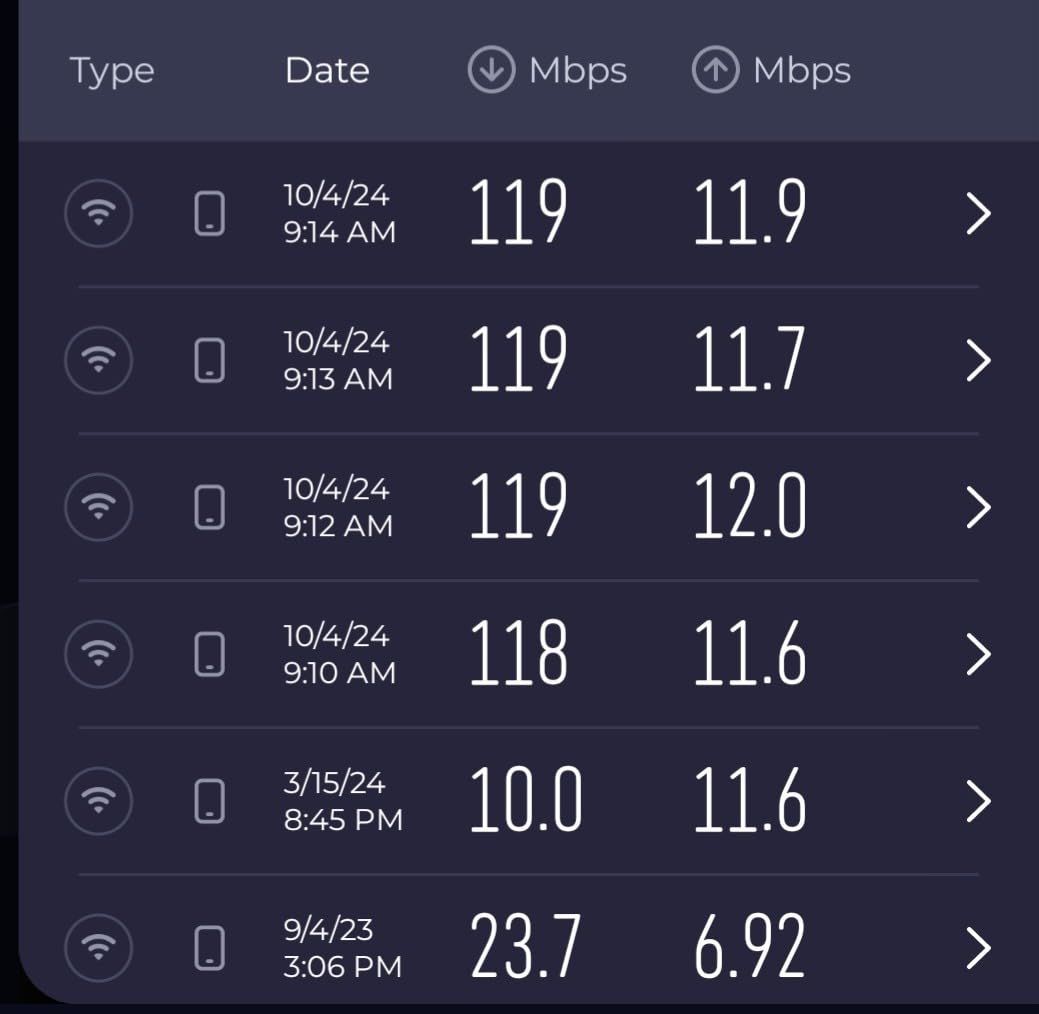
Even as a single node, the XE75 outperforms most standalone routers in its price range. The 6GHz band delivered 850 Mbps in the same room and 600 Mbps one wall away. The 5GHz band handled about 20 devices in my test setup without breaking a sweat, and the 2.4GHz band maintained reliable connections for smart home sensors and an older smart TV.
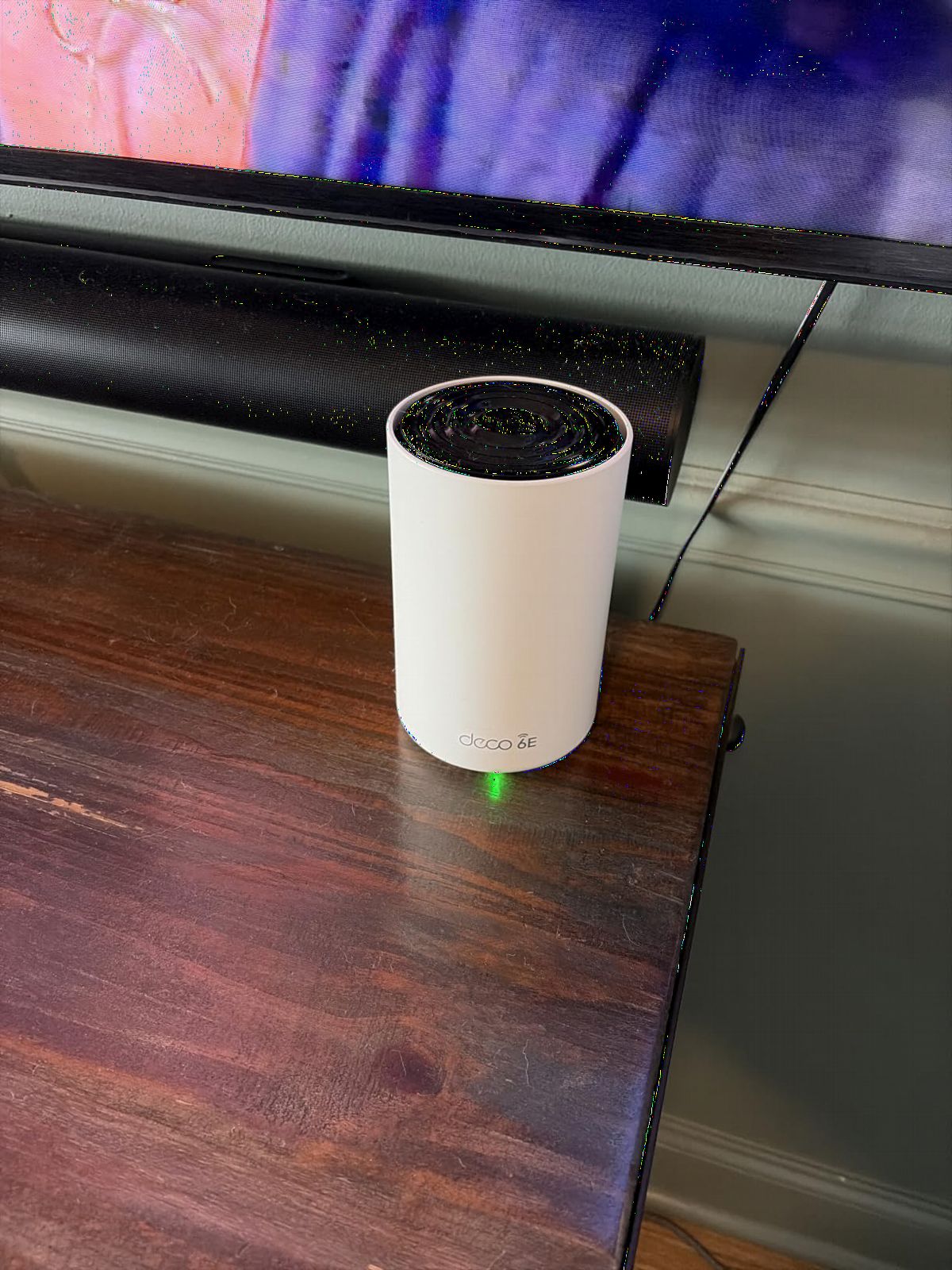
The setup process is identical to the multi-pack Deco systems. You use the same Deco app, get the same guided instructions, and have access to the same features including HomeShield security, parental controls, and QoS. The only difference is that you start with one node instead of two or three, so there is no mesh backhaul happening yet.
For anyone who wants to dip a toe into WiFi 6E without committing to a full mesh investment, this is the starting point I recommend. The coverage is limited to about 2,900 square feet under ideal conditions, but in a smaller home or apartment, a single XE75 is a significant upgrade over a standard ISP-provided router.
Apartments and Small Home Performance
In a 1,200-square-foot apartment with standard drywall construction, the single Deco XE75 covered every room with strong signal. I placed it in the living room near the modem, and even the far bedroom (two walls away) showed full bars on both 5GHz and 6GHz bands. The 6GHz band did lose some range compared to 5GHz, which is expected since higher frequencies do not penetrate walls as well.
For studio apartments and small one-bedroom homes under 800 square feet, a single XE75 is more than enough. You will get full coverage and enough bandwidth for streaming, gaming, and remote work on multiple devices simultaneously.
Building Out Your Mesh Over Time
The real advantage of starting with a single Deco XE75 is the upgrade path. When you move to a larger home or find a dead spot, you can buy additional nodes one at a time. Each new node integrates into the existing network through the Deco app with minimal effort.
I added a second node to the single-pack setup and the app immediately recognized it, prompted me to place it for optimal coverage, and integrated it into the mesh. The whole process took under 10 minutes. This pay-as-you-go approach makes the Deco XE75 ecosystem one of the most flexible on the market for budget-conscious buyers.
How to Choose the Best WiFi 6E Mesh System
Choosing the right WiFi 6E mesh system comes down to four factors: your home size, your internet speed, your device count, and your budget. I tested these systems across different home layouts and internet plans, and here is what I learned about making the right choice.
Coverage Area and Node Count
The single biggest factor is matching node count to your square footage. For homes under 2,000 square feet, a single powerful router or a 2-pack will work. Between 2,000 and 4,000 square feet, you need a 2-pack or 3-pack depending on layout. Above 4,000 square feet, a 3-pack is the minimum, and you may need to add nodes.
Home construction matters as much as square footage. Drywall and wood frame construction lets WiFi pass through easily. Concrete, brick, stone, and metal ductwork block signal dramatically. If your home has concrete walls, reduce the manufacturer’s coverage claim by 30 to 40 percent when planning node placement.
WiFi 6E vs WiFi 7 – Which Should You Buy?
This is one of the most common questions I see on home networking forums. WiFi 7 is the newer standard and offers faster speeds, but WiFi 6E is the better value for most people in 2026. WiFi 6E gives you the 6GHz band, which is the single most important upgrade over WiFi 6. WiFi 7 adds features like 320MHz channel width and multi-link operation, but those benefits require WiFi 7-capable devices, which are still relatively rare.
If you are buying a mesh system today and plan to keep it for three to four years, WiFi 6E is the smart choice. You get the 6GHz band, wide device compatibility, and mature pricing. WiFi 7 makes sense if you are an early adopter with WiFi 7 devices or if you want maximum future-proofing and are willing to pay a premium.
Wired vs Wireless Backhaul
Backhaul is how data travels between mesh nodes. Wireless backhaul uses a dedicated radio band (usually the 6GHz band on WiFi 6E systems) to shuttle data between nodes. Wired backhaul uses Ethernet cables. Wireless is easier to set up, but wired is faster and more stable.
From my testing, a wireless backhaul on the Deco XE75 delivered 600 to 800 Mbps between nodes. A wired backhaul delivered 940 Mbps (the max on my gigabit plan). If your home has Ethernet wiring, use it. If not, the wireless backhaul on WiFi 6E mesh systems is excellent and will handle gigabit speeds on all but the most distant nodes.
Matching Your System to Your Internet Speed
Your mesh system cannot deliver internet faster than what comes into your house. If you have a 500 Mbps plan, any system on this list will handle it with room to spare. If you have a gigabit plan, look for systems with gigabit Ethernet ports (all of these have them). If you have a multi-gig plan above 1 Gbps, you need the Deco XE75 Pro with its 2.5 Gbps port or the eero Pro 6E with its 2.5 Gb port.
Many people on Reddit report not getting advertised speeds on wireless backhaul. This is almost always because their internet plan is slower than the mesh system’s rated speed, or because they are testing on a device that does not support WiFi 6E. Always test with a WiFi 6E-capable device to see the real benefit of the 6GHz band.
Multi-Story Home Placement Tips
In a two-story home, place the main node on the first floor near the center of the house. Put the second node on the opposite end of the first floor, and the third node upstairs in a central location. Avoid placing nodes in basements or behind large metal appliances, as these create dead spots in the backhaul path.
For three-story homes, consider a wired backhaul between the first and second floor to ensure the third floor node has a strong upstream connection. Wireless backhaul degrades with each wall and floor it passes through, so the node farthest from the main unit will always be the weakest link.
Common Mesh WiFi Problems and Solutions
Based on forum research and my own testing, the most common mesh complaints are backhaul bottlenecks, interference from too many nodes, compatibility issues with older devices, and setup confusion. The backhaul bottleneck is solved by hardwiring nodes where possible. Interference from too many nodes is solved by spacing them properly rather than clustering them in one area.
For older device compatibility, make sure your mesh system supports 2.4GHz devices (all the systems on this list do). If a specific smart home device will not connect, try creating a dedicated 2.4GHz IoT network through the app, which several of these systems support.
What is the best WiFi 6E mesh system?
The TP-Link Deco XE75 Pro 3-pack is the best overall WiFi 6E mesh system, offering 7,200 square feet of coverage, 5,400 Mbps tri-band speeds, and AI-driven mesh optimization at a competitive price point. For ease of use, the Amazon eero Pro 6E is an excellent alternative with the simplest setup process I have tested.
What are the disadvantages of WiFi 6E?
The main disadvantage of WiFi 6E is that the 6GHz band has shorter range than the 2.4GHz and 5GHz bands, meaning it struggles more to penetrate walls and floors. Additionally, you need WiFi 6E-capable devices to benefit from the 6GHz band, and older devices will not see any improvement. The 6GHz band is also not available in all regions.
What are some common problems with mesh WiFi?
Common mesh WiFi problems include backhaul bottlenecks causing slower speeds on satellite nodes, interference when nodes are placed too close together, compatibility issues with older smart home devices, and occasional stability problems after firmware updates. Most of these can be solved by proper node placement, using wired backhaul where possible, and keeping firmware current.
How many mesh nodes do I need for my home?
For homes under 2,000 square feet, a 2-pack is sufficient. For homes between 2,000 and 4,000 square feet, a 3-pack is recommended. Homes over 4,000 square feet may need 4 or more nodes. Multi-story homes and homes with thick concrete walls should add an extra node compared to open-layout homes of the same square footage.
Is WiFi 6E worth it over WiFi 6?
Yes, WiFi 6E is worth it if you have a gigabit or faster internet plan and own WiFi 6E-capable devices like the iPhone 15, Samsung Galaxy S23, or recent WiFi 6E laptops. The 6GHz band provides a dedicated, low-interference frequency that delivers noticeably faster speeds and lower latency. If your devices do not support WiFi 6E, a WiFi 6 mesh system will deliver similar performance for less money.
Final Thoughts on the Best WiFi 6E Mesh Systems
After testing six systems across different home sizes and internet plans, my top recommendation for most people is the TP-Link Deco XE75 Pro 3-pack. It delivers the best combination of coverage, speed, features, and value in the best WiFi 6E mesh systems category. If you prioritize simplicity and have a smart home, the Amazon eero Pro 6E is nearly as good with a cleaner app experience. And if you want the lowest possible entry price, the single-pack Deco XE75 gets you into WiFi 6E for less than any other system worth buying.
The 6GHz band is the real story here. It transforms mesh WiFi from a coverage solution into a performance solution, giving you speeds in distant rooms that rival what you get standing next to the router. As more devices add WiFi 6E support in 2026 and beyond, these systems will only get better with age. Any of the six options on this list will eliminate your dead zones and give your home the fast, reliable network it deserves.