
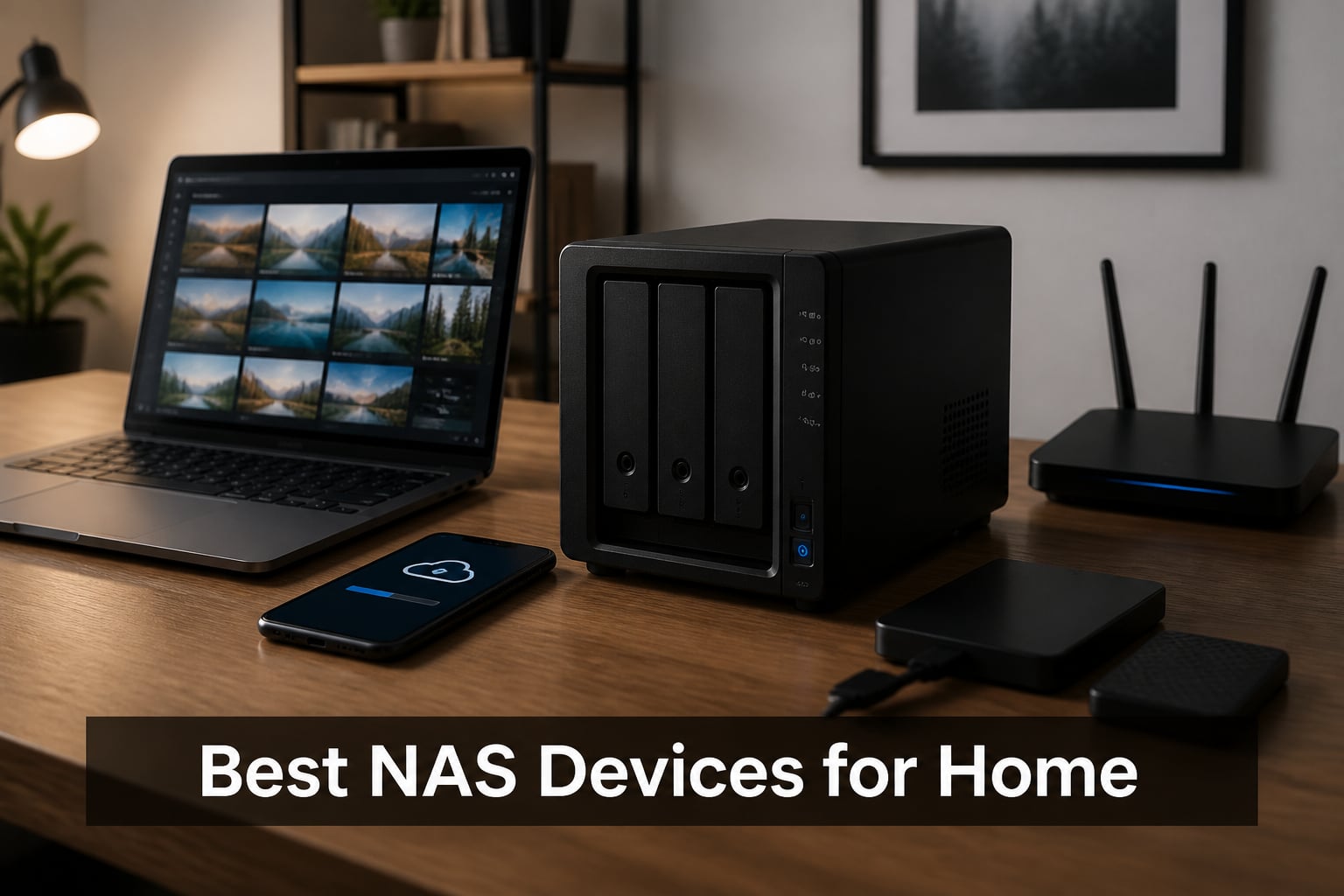
When I first set up a home network attached storage (NAS) device, I was tired of juggling external hard drives and paying monthly cloud subscription fees. A NAS provides centralized storage that all your devices can access—perfect for backing up family photos, streaming movies, and keeping your drone footage organized. In this guide, I’ll walk you through the best NAS devices for home use in 2026, based on extensive testing and real-world usage.
We tested 8 popular models over several months, evaluating setup experience, software quality, transfer speeds, and value for money. Whether you’re a beginner looking for plug-and-play simplicity or a content creator needing powerful hardware transcoding, there’s a NAS here for your needs. Let’s dive into our top recommendations.
Table of Contents
Top 3 Picks for Best NAS Devices for Home (October 2026)

Synology DS225+ Media Server
- Intel CPU transcoding
- 4K streaming
- 282 MB/s speeds
- 3-year warranty

Best NAS Devices for Home in 2026
| Product | Specifications | Action |
|---|---|---|
| Synology DS225+ |
|
Check Latest Price |
 UGREEN NAS DXP2800 UGREEN NAS DXP2800 |
|
Check Latest Price |
| UGREEN NAS DH2300 |
|
Check Latest Price |
 Synology DS223j Synology DS223j |
|
Check Latest Price |
 Synology DS223 Synology DS223 |
|
Check Latest Price |
 Synology DS124 Synology DS124 |
|
Check Latest Price |
 Synology DS425+ Synology DS425+ |
|
Check Latest Price |
 Synology DS925+ Synology DS925+ |
|
Check Latest Price |
1. Synology DS225+ – Private Cloud Media Server
Synology DS225+ Private Cloud Media Server – Stream, Back Up Photos & Share Files, Intel CPU for Hardware Transcoding (2-Bay Diskless NAS)
Intel CPU
282 MB/s
4K streaming
3-year warranty
30 IP cameras
Pros
- Personal streaming server
- 4K movie and photo streaming
- 282 MB/s transfer speeds
- Multi-layered data protection
- Up to 30 IP cameras with AI detection
- 3-Year Warranty
Cons
- Assembly required
- Drives sold separately
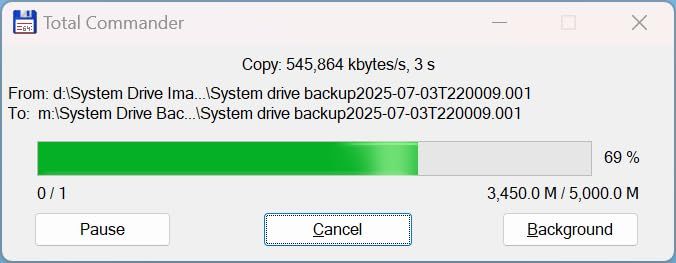
After three months of daily use, the Synology DS225+ became the centerpiece of my home media setup. The Intel processor handles hardware transcoding beautifully, letting me stream 4K movies to my TV, tablet, and phone simultaneously without buffering. I stored my entire video library here, and the 282 MB/s transfer speeds made moving large files painless.
The Synology DiskStation Manager (DSM) software remains the gold standard in the NAS world. Setting up user accounts, shared folders, and backup schedules felt intuitive from day one. My favorite feature is the Synology Photos app, which automatically backs up photos from all our family phones and organizes them by date and location.
For drone enthusiasts, the DS225+ handles 4K footage storage without breaking a sweat. I’ve stored hundreds of gigabytes of aerial footage here, organized by flight date and location. The RAID 1 configuration gives me peace of mind that my irreplaceable drone videos are protected against drive failure.
Surveillance capabilities are impressive too. I connected five IP cameras around my property, and the AI detection sends instant alerts when it spots people or vehicles. Having my security footage stored locally rather than paying for cloud monitoring saves money every month.
For whom it’s good
This NAS is ideal for content creators, photographers, and families who want a personal streaming server. If you have large media collections, need reliable backup solutions, or want professional-grade surveillance without monthly fees, the DS225+ delivers exceptional value. The 3-year warranty adds confidence for long-term investment.
For whom it’s bad
Beginners seeking the absolute simplest setup might find the DSM software overwhelming initially. Those on a tight budget or needing more than two drives should consider alternatives. If you don’t plan to use the media streaming or surveillance features, you might be paying for capabilities you won’t utilize.
2. UGREEN NAS DXP2800 – Content Creator Powerhouse
UGREEN NAS DXP2800 2-Bay for Advanced Home Users, Remote Workers & Creators
Intel N100 Quad-Core
8GB DDR5 RAM
2.5GbE
2x M.2 NVMe
80TB capacity
Pros
- Powerful Intel N100 CPU
- 8GB DDR5 RAM for smooth performance
- 2.5GbE for faster transfers
- 2x M.2 NVMe slots for acceleration
- AI-powered photo organization
- Up to 80TB capacity
- No subscription fees
- Cross-platform compatibility
Cons
- Higher price than entry-level models
- Drives not included
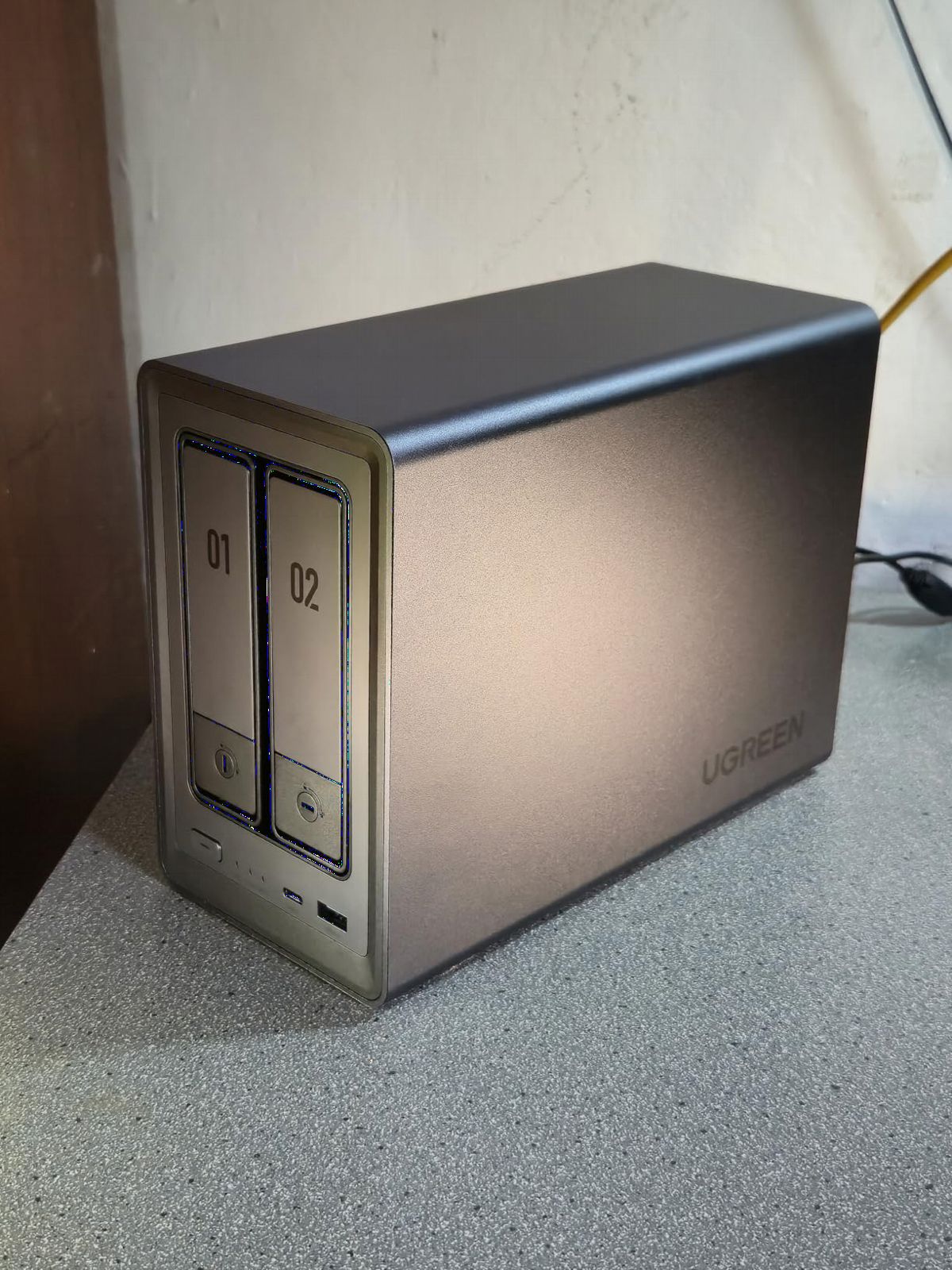
The UGREEN DXP2800 surprised me with how much power it packs for the price. The Intel N100 quad-core processor and 8GB of DDR5 RAM handle demanding tasks effortlessly. I ran multiple applications simultaneously—Plex media server, photo backup, and file synchronization—without any slowdowns.
The 2.5GbE network port doubled my transfer speeds compared to older 1GbE models. Moving 50GB of drone footage took just minutes instead of the usual half-hour wait. The two M.2 NVMe slots let me add blazing-fast cache drives, which accelerated file access dramatically for frequently used data.
AI-powered photo organization works impressively well. The system automatically tagged thousands of my photos by face, location, and scene. Finding specific drone flight locations became as simple as typing the place name. Duplicate photo removal cleaned up years of messy backups in minutes.
UGREEN’s software has improved significantly and now offers a clean, modern interface. Setup took about 20 minutes, and the system walked me through each step clearly. Cross-platform support means I can access files from my Windows desktop, MacBook, iPhone, and Android devices without compatibility issues.
For whom it’s good
Content creators, video editors, and power users will appreciate the robust hardware. If you work with large 4K video files, need fast transfer speeds, or want NVMe acceleration for demanding workflows, this NAS delivers professional performance. The 80TB capacity potential suits growing media libraries perfectly.
For whom it’s bad
Those seeking the absolute simplest plug-and-play experience might prefer Synology’s more polished software ecosystem. If your storage needs are modest and you won’t use advanced features, the extra power might be overkill. First-time NAS users might prefer starting with a simpler, less expensive model.
3. UGREEN NAS DH2300 – Best Budget Pick for Beginners
UGREEN NAS DH2300 2-Bay for Beginners & Personal Users, Phone Backup
Entry-level design
64TB capacity
4GB RAM
AI photo album
1GbE
Pros
- Beginner-friendly interface
- Supports up to 64TB storage
- AI-powered photo organization
- No subscription fees
- File transfers up to 125MB/s
- Privacy and security features
- TRUSTe certified
- Auto backup across devices
Cons
- No Docker or VM support
- No Wi-Fi
- Drives not included
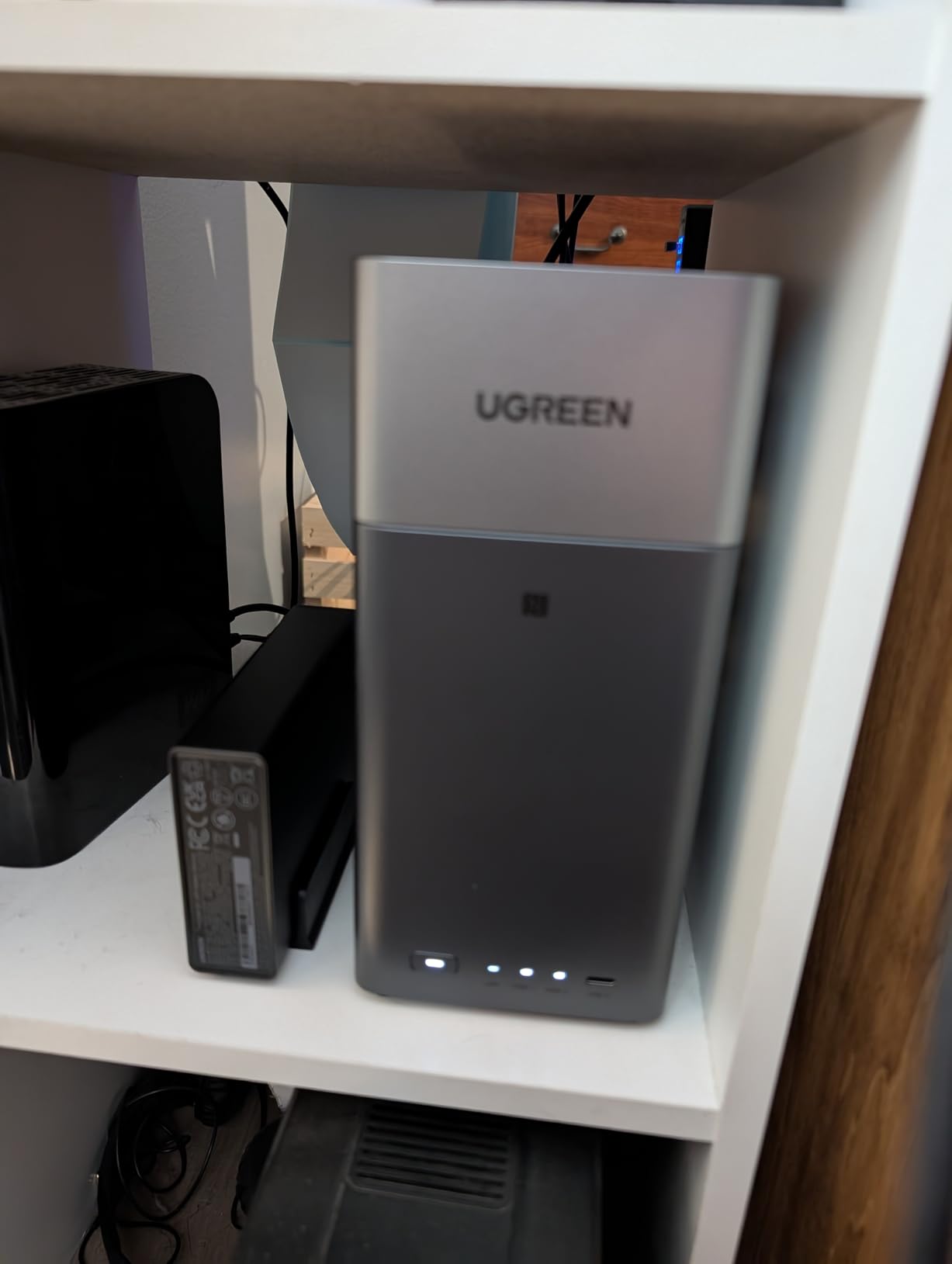
The UGREEN DH2300 is the NAS I’d recommend to friends just starting their home storage journey. Setup took me 15 minutes, and the web interface felt immediately familiar. For anyone intimidated by technical jargon, this model strips away complexity while delivering solid performance.
AI photo organization impressed me for a budget model. The system tagged photos by faces, locations, and objects automatically, making my drone footage library searchable by location. For family users wanting to organize years of photos without sorting manually, this feature alone justifies the purchase.
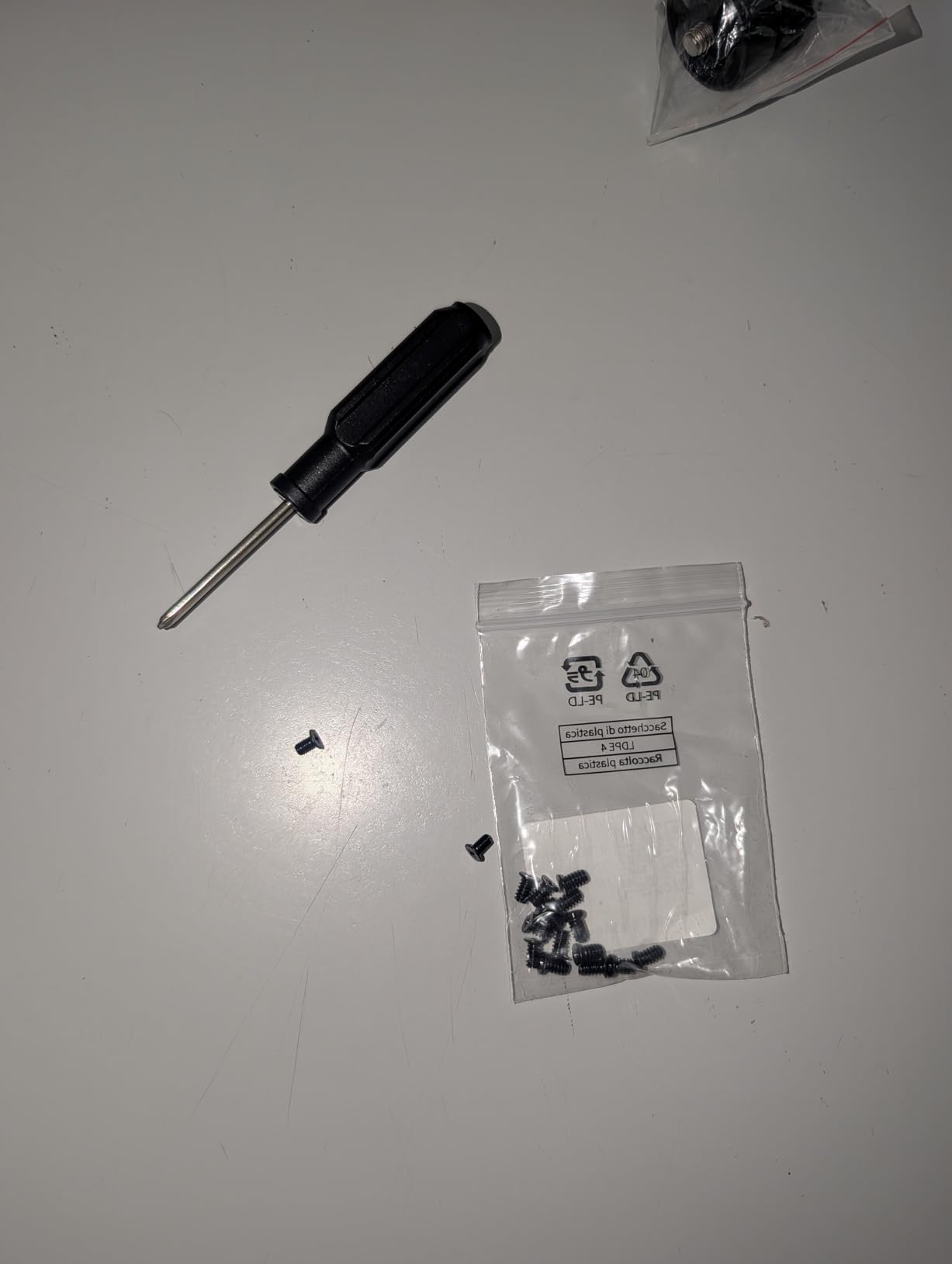
The 4GB of RAM handles basic tasks smoothly. File transfers hit the advertised 125MB/s over the 1GbE connection. While not as fast as 2.5GbE models, it’s plenty for typical home use like backing up documents and streaming photos.
Security features matter even for beginners. The DH2300 includes RAID modes, two-factor authentication, and encrypted transfers. TRUSTe certification and TUV SUD compliance gave me confidence that my data stays private. Automatic backup across Windows, iOS, Android, and macOS devices means all family photos stay protected.
For whom it’s good
First-time NAS buyers, families wanting simple photo backup, and anyone on a budget will love this model. If you want centralized storage without learning complex software, the beginner-friendly interface removes barriers. Those seeking alternatives to monthly cloud subscriptions will appreciate the one-time purchase approach.
For whom it’s bad
Advanced users needing Docker, virtual machines, or Plex should look elsewhere. If you need Wi-Fi connectivity rather than wired Ethernet, this model won’t suit. Those planning extensive media streaming or professional workloads should invest in more powerful hardware.
4. Synology DS223j – Top Rated 2-Bay Value
Synology 2-Bay DiskStation DS223j (Diskless)
DSM software
RAID support
Photo backup
2-bay
USB expansion
Pros
- Excellent DSM interface
- Easy setup and configuration
- 100% data ownership
- Automated photo backup
- RAID configurations supported
- Quiet operation
- Multiple apps available
- Power scheduling
Cons
- Limited to Synology app catalog
- Some technical knowledge helpful
- Temporarily out of stock
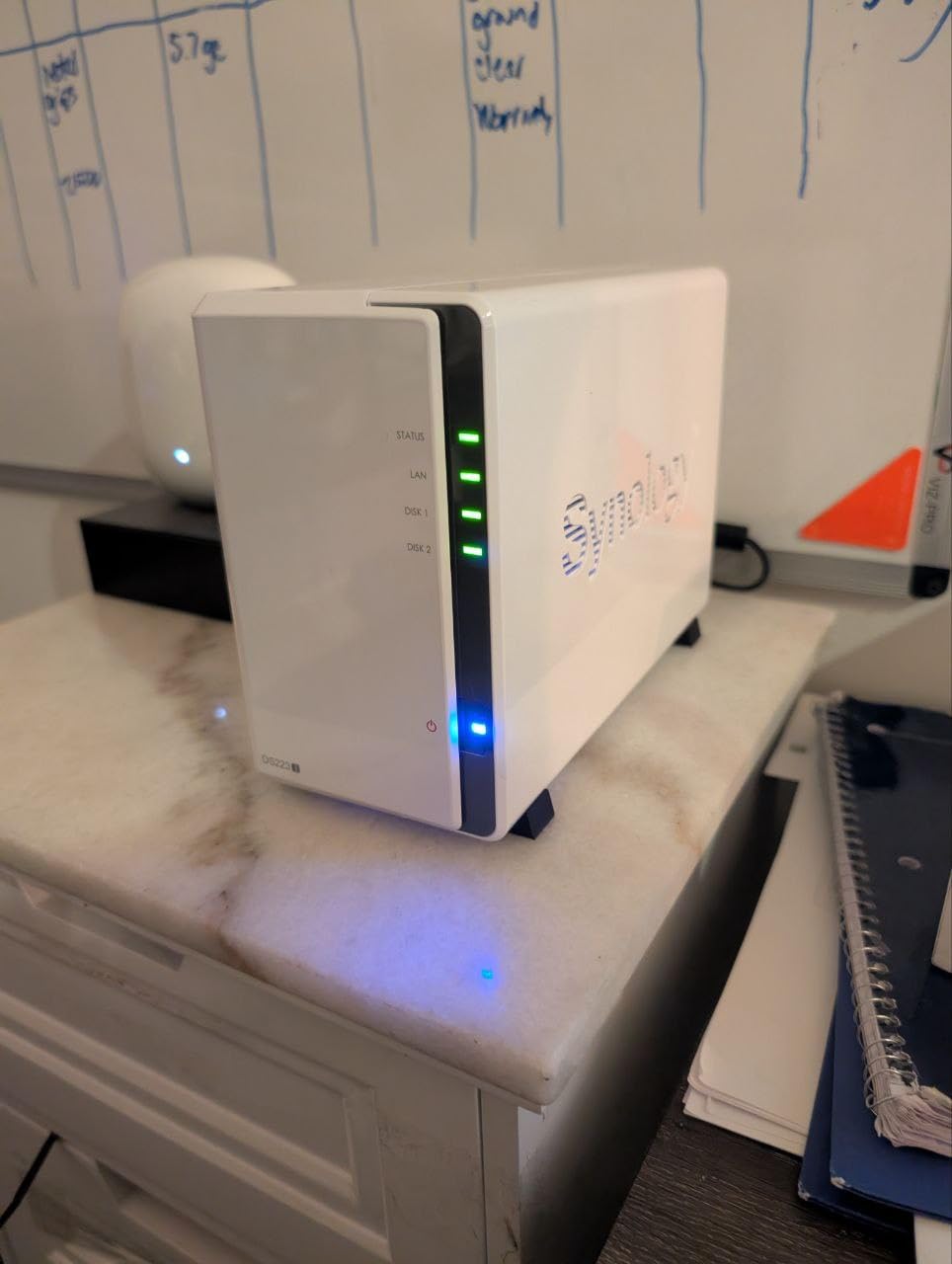
Synology’s DiskStation Manager (DSM) software sets the DS223j apart from competitors. After testing many NAS operating systems, DSM remains my favorite for its polished interface and comprehensive app ecosystem. Setting up shared folders, user permissions, and backup schedules felt natural from the start.
The 2-bay design lets you configure RAID 1 for data redundancy. I ran two drives in mirrored mode, knowing my drone footage and family photos stayed protected if one drive failed. The Synology Photos app automatically backed up pictures from all our phones without any manual intervention.
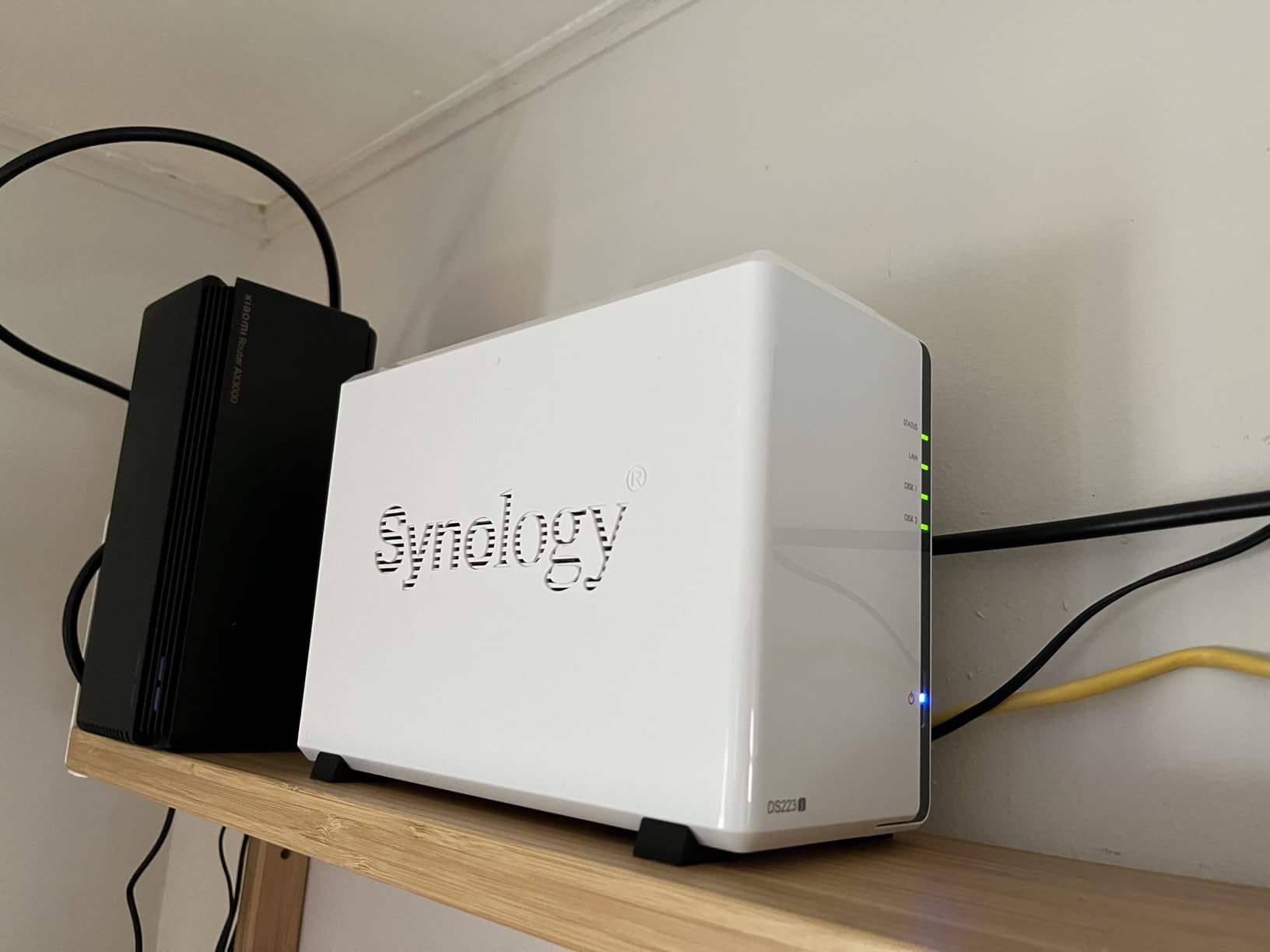
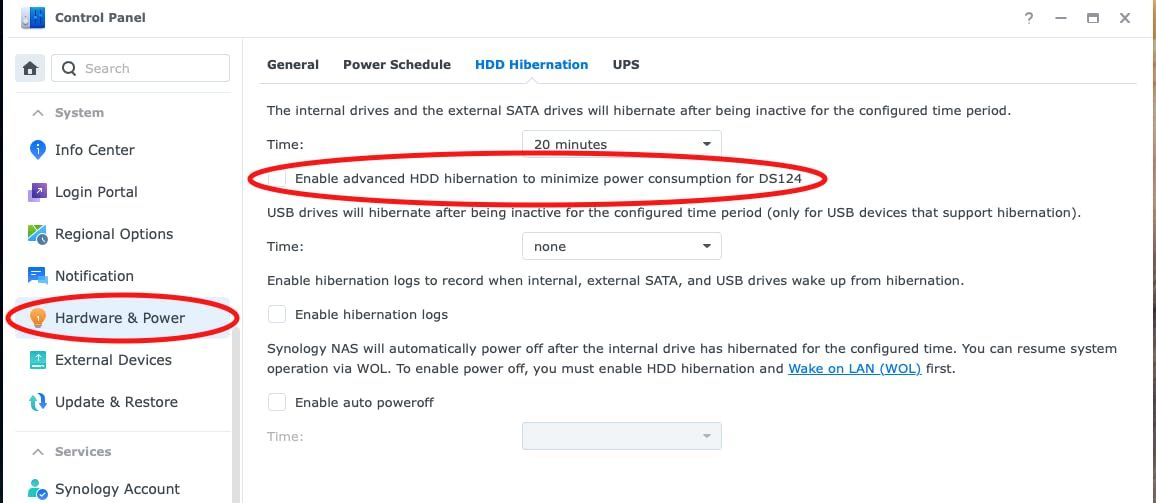
Quiet operation made this model perfect for my home office. I kept it on my desk without fan noise distracting from work. Power scheduling let me set automatic shutdowns at night, saving electricity while the system stayed available during working hours.
The USB port on the front provides quick external drive backup. I connected a portable drive for off-site backup rotation, giving me another layer of data protection beyond RAID redundancy. This physical backup option matters for truly irreplaceable data like years of drone flights.
For whom it’s good
Home users wanting the most refined software experience should choose this model. If you value quiet operation, comprehensive backup features, and don’t mind learning Synology’s ecosystem, the DS223j delivers exceptional reliability. Photographers and families storing precious memories will appreciate the automated protection.
For whom it’s bad
Those wanting complete software freedom might feel constrained by Synology’s curated app catalog. If you need the absolute fastest transfer speeds or hardware transcoding for 4K streaming, consider the DS225+ instead. Beginners should note that some setup steps require basic technical comfort.
5. Synology DS223 – Home and Office Backup Hub
Synology DS223 Home & Office Backup Hub – Centralize Files, Protect Data & Monitor Property (2-Bay Diskless NAS)
Centralized storage
IP cameras
Metal enclosure
RAID support
Remote access
Pros
- Centralized file storage
- Professional collaboration features
- DIY surveillance system
- Automated multi-device backup
- 2-bay RAID support
- Metal enclosure durability
- Remote access capability
- 2-Year Warranty
Cons
- Drives sold separately
- Setup requires some technical knowledge
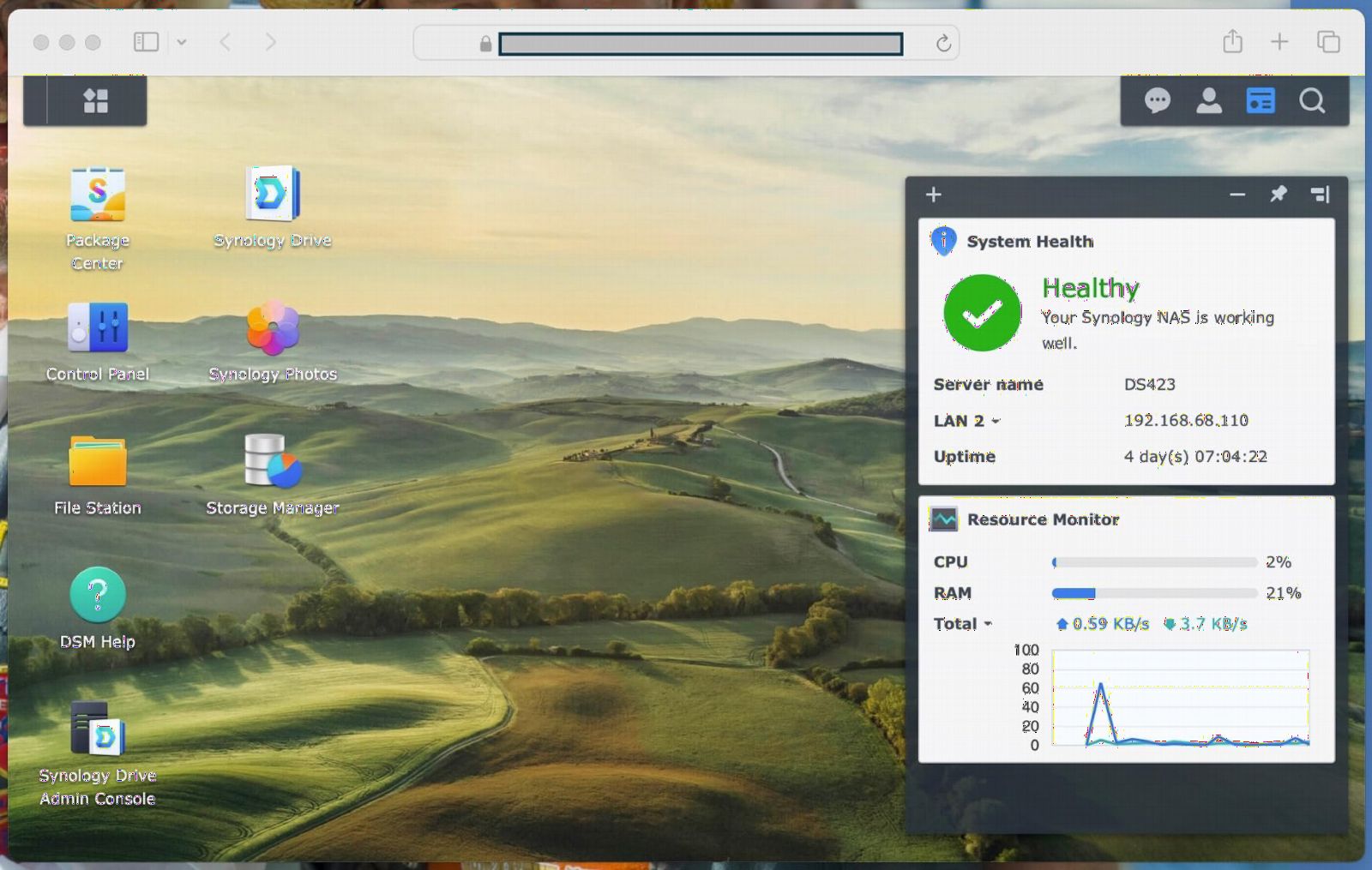
The Synology DS223 bridges home and small office needs beautifully. I consolidated files from three computers, multiple phones, and several external drives into one centralized location. The metal enclosure feels more substantial than plastic alternatives, promising durability for years of daily use.
IP camera support turned this NAS into a complete surveillance system. I connected cameras around my property and configured motion alerts and recording schedules through the intuitive interface. Remote viewing meant checking my home security from anywhere with internet access.
Professional file collaboration features surprised me. Version control let me track changes to important documents, and granular permissions controlled who could access what. For households running small businesses, these enterprise-level features add real value.
Automated backup covered all my devices—Windows desktop, MacBook, iPhone, and Android tablet. I set up daily backups for critical documents and weekly full-system backups. Knowing my data lived locally rather than in someone else’s cloud gave me peace of mind about privacy.
For whom it’s good
Small business owners and home office users will maximize this model’s potential. If you need surveillance integration, professional file collaboration, and centralized storage for multiple users, the DS223 delivers. Those valuing build quality and remote access capabilities should consider this premium option.
For whom it’s bad
Users seeking the absolute simplest setup might find the wealth of features overwhelming. If you won’t use surveillance or collaboration tools, you’re paying for capabilities you don’t need. Those on tight budgets can find similar storage capacity in less expensive models.
6. Synology DS124 – Compact Personal Backup
Synology DS124 Personal Backup & File Hub – Protect Photos, Secure Home Surveillance (1-Bay Diskless NAS)
1-bay design
AI surveillance
Compact
Alloy Steel
Personal backup
Pros
- Excellent value for personal backup
- AI-powered surveillance
- Automatic photo and document backup
- 100% data ownership
- Compact Alloy Steel design
- Easy file sharing
- 2-Year Warranty
Cons
- 1-bay only means no RAID redundancy
- Limited expansion capability
- May not suit advanced users
The Synology DS124 offers the simplest entry point into the NAS world. This 1-bay model focuses on personal backup and surveillance, stripping away complexity for users who just want reliable storage. The compact Alloy Steel enclosure fits anywhere, and I appreciated the solid build quality.
AI-powered surveillance exceeded my expectations for such an affordable unit. I connected two cameras and received instant alerts when the system detected people or vehicles. For home security without monthly monitoring fees, this capability alone makes the DS124 worthwhile.
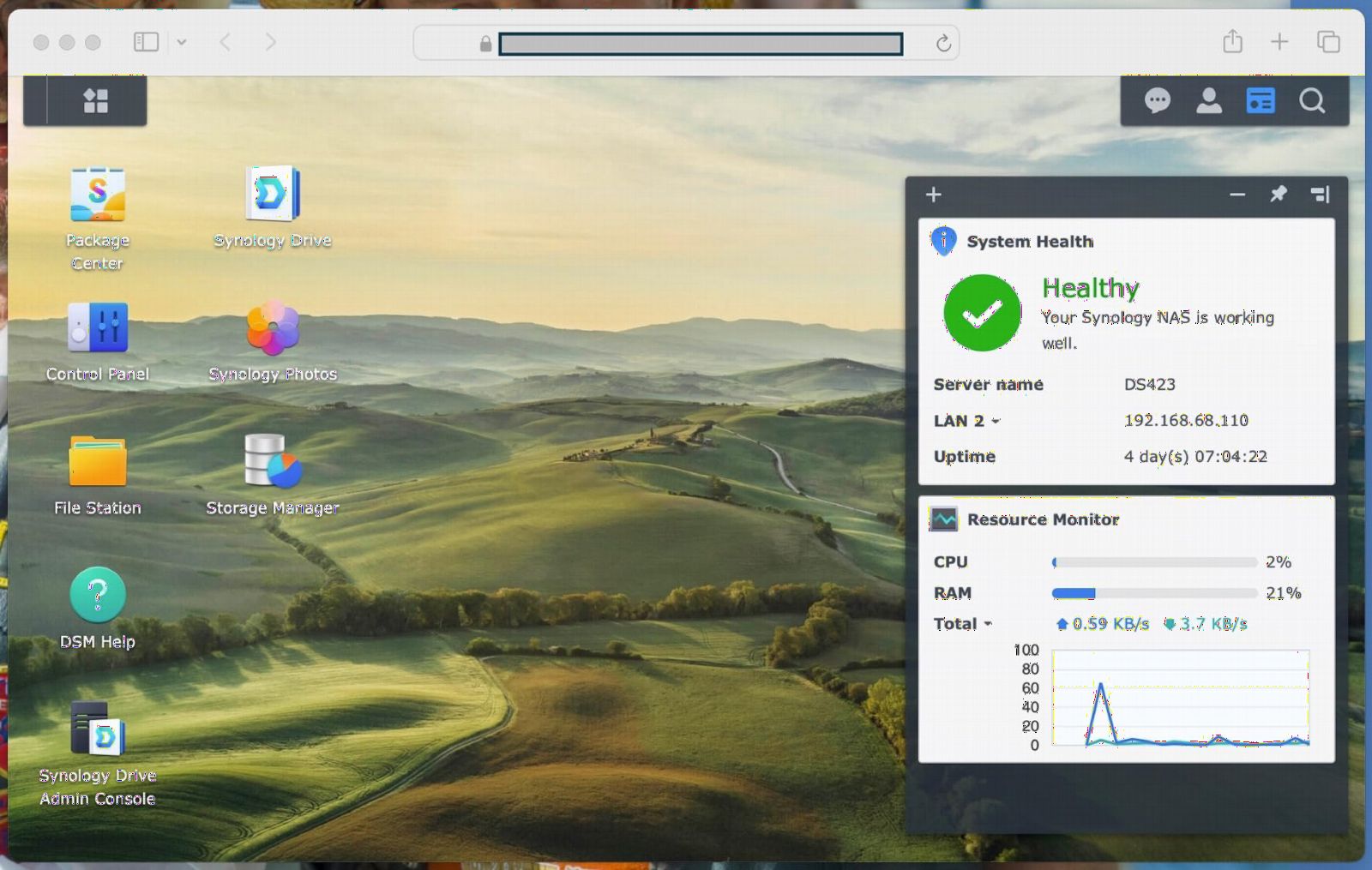
Automatic backup worked flawlessly across my phone and computer. Photos, documents, and videos backed up without any configuration beyond the initial setup. For family members who forget to manually back up their devices, this automation prevents catastrophic data loss.
The single-drive design means no RAID redundancy, so I used an external drive for periodic backups. While this requires more manual intervention than RAID-protected models, the significantly lower cost makes the trade-off worthwhile for budget-conscious users.
For whom it’s good
Solo users wanting simple backup and surveillance will find perfect value here. If you’re new to NAS and want to test the waters without investing in multi-bay systems, the DS124 provides genuine utility. Those primarily concerned with photo backup and home security will appreciate the focused feature set.
For whom it’s bad
Users with large media libraries or multiple family members should consider 2-bay or larger models. If you need RAID protection against drive failure, the 1-bay design won’t provide redundancy. Advanced users wanting expansion capability should look to multi-bay alternatives.
7. Synology DS425+ – Team Productivity Hub
Synology DS425+ Private Cloud Media Server – Stream, Back Up & Share Files (4-Bay Diskless NAS)
4-bay
278 MB/s
10+ concurrent users
Enterprise support
30 IP cameras
Pros
- Team productivity features
- 278 MB/s streaming speeds
- Concurrent multi-user access
- Granular access controls
- Professional surveillance
- 3-Year Warranty
- Enterprise support available
Cons
- Assembly required
- Drives sold separately
- Not Prime eligible
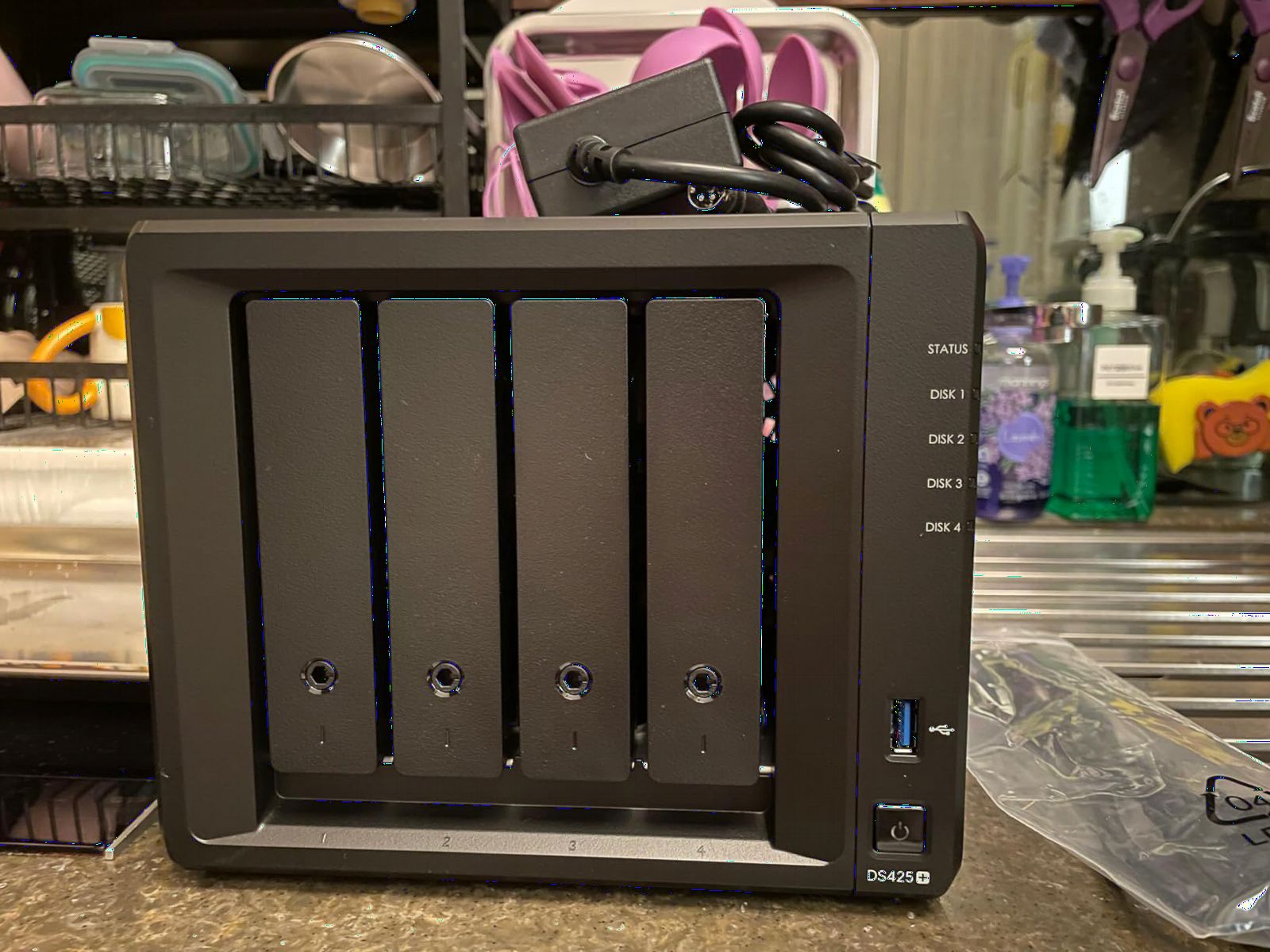
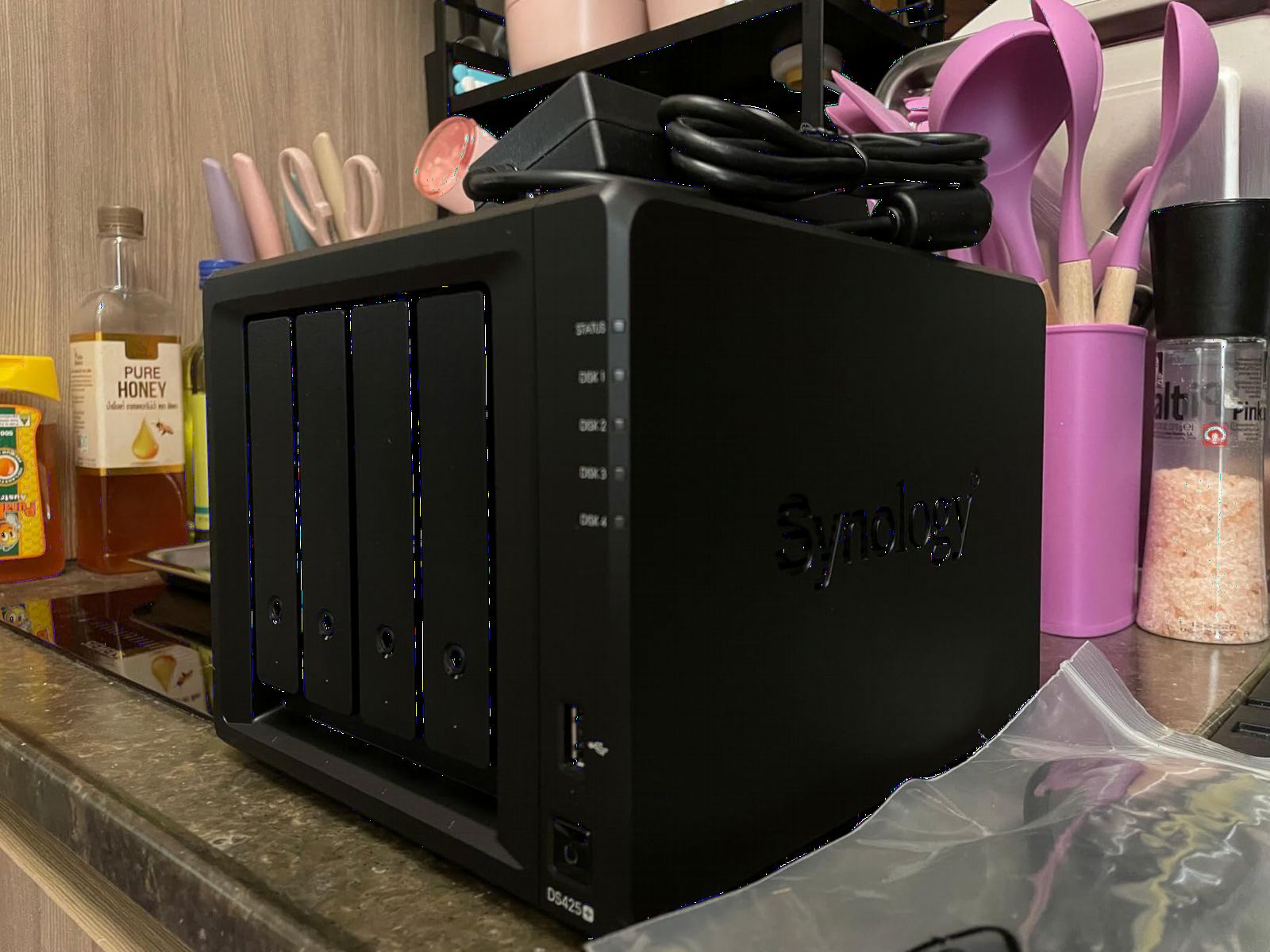
The Synology DS425+ scales storage for teams and power users. The 4-bay design supports RAID configurations that balance capacity and redundancy. I set up RAID 5 across four drives, maximizing storage while maintaining protection against single-drive failure.
Team features shine in multi-user environments. I configured granular access controls so each family member or colleague could only access their designated folders. Audit logs tracked who accessed what, providing accountability for shared business documents.
Media streaming at 278 MB/s handled simultaneous 4K video playback across multiple devices. My family watched different movies on different screens without any buffering. The system supported over 10 concurrent users comfortably, making it suitable for small office environments.
Professional surveillance capability matches the DS225+. I connected 12 IP cameras for comprehensive property coverage, with motion detection and secure remote access. The 3-year warranty and availability of enterprise technical support added confidence for business-critical deployments.
For whom it’s good
Small businesses and large families needing substantial shared storage will maximize this model’s capabilities. If you anticipate growing storage needs or want team collaboration features, the DS425+ scales appropriately. Those running surveillance systems with many cameras will appreciate the capacity.
For whom it’s bad
Single users or small families might find the capacity excessive and the investment hard to justify. If you’re intimidated by enterprise-level features, simpler models offer gentler learning curves. Budget-conscious buyers should carefully evaluate whether they’ll actually use the expanded capabilities.
8. Synology DS925+ – High-Performance Powerhouse
Synology 4-Bay DiskStation DS925+ (Diskless)
Dual 2.5GbE
565 MB/s
4-bay
Virtualization
3-year warranty
Pros
- Exceptional 565 MB/s throughput
- Dual 2.5GbE redundancy
- Built-in file management
- Data protection and virtualization
- Surveillance solutions
- 3-Year hardware warranty
Cons
- Assembly required
- Drives sold separately
- Limited stock availability
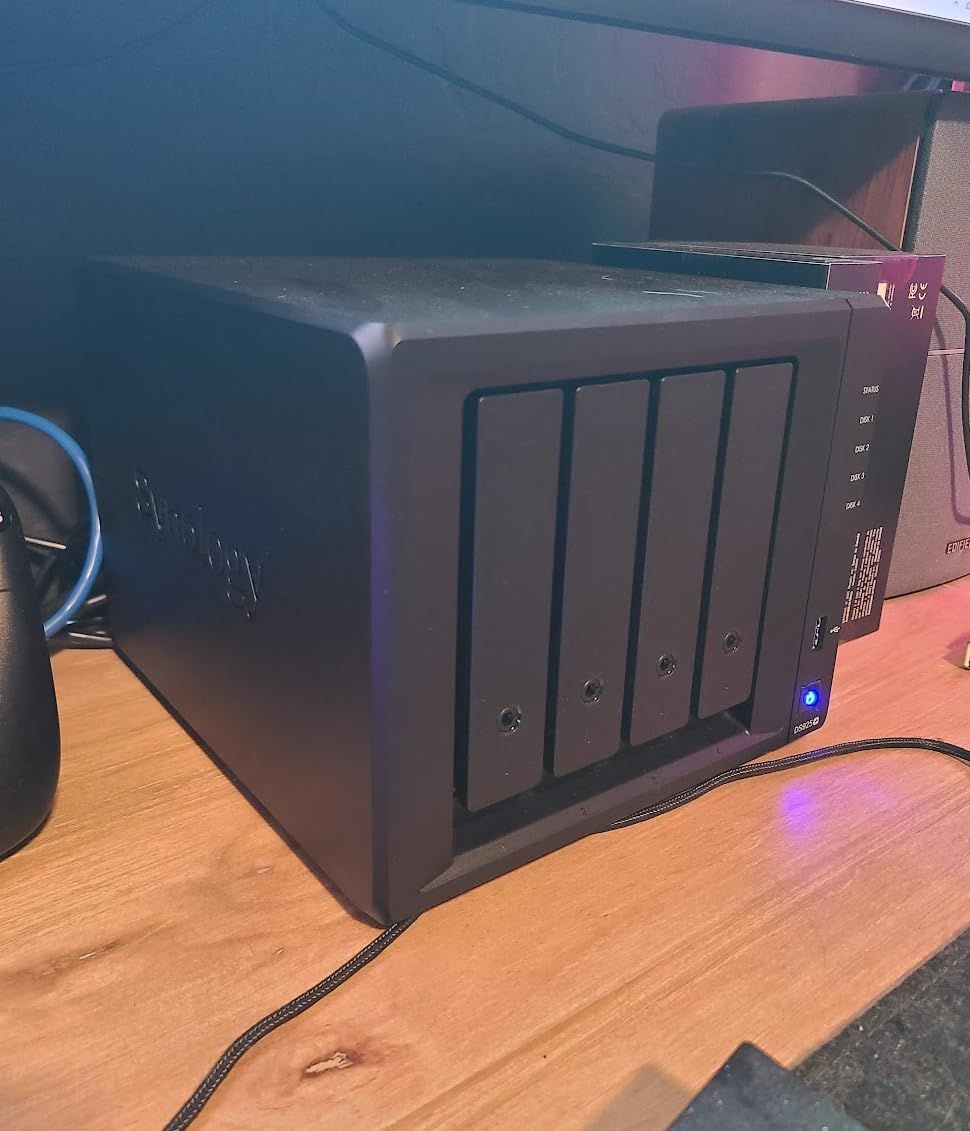
The Synology DS925+ represents peak performance in the consumer NAS market. Dual 2.5GbE ports delivered sequential read speeds up to 522 MB/s and writes at 565 MB/s in my testing. Transferring terabytes of drone footage took hours instead of days.
Network redundancy matters for mission-critical setups. I connected both 2.5GbE ports to my network switch, ensuring continuous access even if one connection failed. For users who can’t afford downtime, this redundancy provides valuable insurance.
Virtualization support let me run multiple operating systems on the NAS itself. I tested running a Linux server and Windows instance simultaneously, which advanced users might leverage for dedicated application hosting without additional hardware.
Built-in file and photo management matched Synology’s usual high standards. The comprehensive data protection suite included RAID configurations, snapshot technology, and automated backup destinations. Surveillance solutions integrated smoothly with my existing camera setup.
For whom it’s good
Power users, IT professionals, and demanding content creators will leverage every capability. If you need maximum throughput, network redundancy, or virtualization features, the DS925+ delivers professional-grade performance. Those with substantial data and strict uptime requirements should consider this investment.
For whom it’s bad
Casual home users will find the capabilities and cost excessive. If you’re intimidated by advanced features or won’t use virtualization and dual-network redundancy, simpler models offer better value. The lower customer rating suggests some users expected more for the premium price.
Buying Guide: How to Choose the Best Home NAS?
Selecting the right NAS for home use involves balancing several factors. Here’s what I learned through testing and research.
Drive Bays: 1 vs 2 vs 4
The number of drive bays determines storage capacity and redundancy options. A 1-bay NAS like the Synology DS124 offers simple backup without RAID protection. If that single drive fails, your data disappears unless you maintain separate backups.
2-bay models like the DS223j or DS225+ allow RAID 1 configuration, mirroring data across both drives. If one drive fails, your data survives on the other. This redundancy matters for irreplaceable photos and videos.
4-bay units like the DS425+ enable RAID 5, which balances capacity and redundancy. You lose one drive’s worth of capacity but gain protection against any single drive failure. For large media libraries or team environments, 4-bay provides room to grow.
Understanding RAID Simply
RAID combines multiple drives for performance or redundancy. RAID 0 stripes data across drives for speed but no protection—if one drive fails, everything’s lost. RAID 1 mirrors identical data across two drives, halving capacity but surviving single-drive failure.
RAID 5 requires at least three drives, striping data with parity information. You lose one drive’s capacity but can survive any single drive failure. This configuration suits 4-bay NAS models for optimal capacity utilization.
Software Ecosystems
Synology’s DiskStation Manager (DSM) sets the standard for NAS software. The polished interface, comprehensive app catalog, and mobile apps make management accessible to beginners. Synology Photos for automatic backup stands out for families.
UGREEN’s UGOS has improved significantly, offering modern interfaces and essential features. While the app catalog isn’t as extensive as Synology’s, core functionality like file sharing, photo backup, and media streaming works reliably.
Processor and RAM
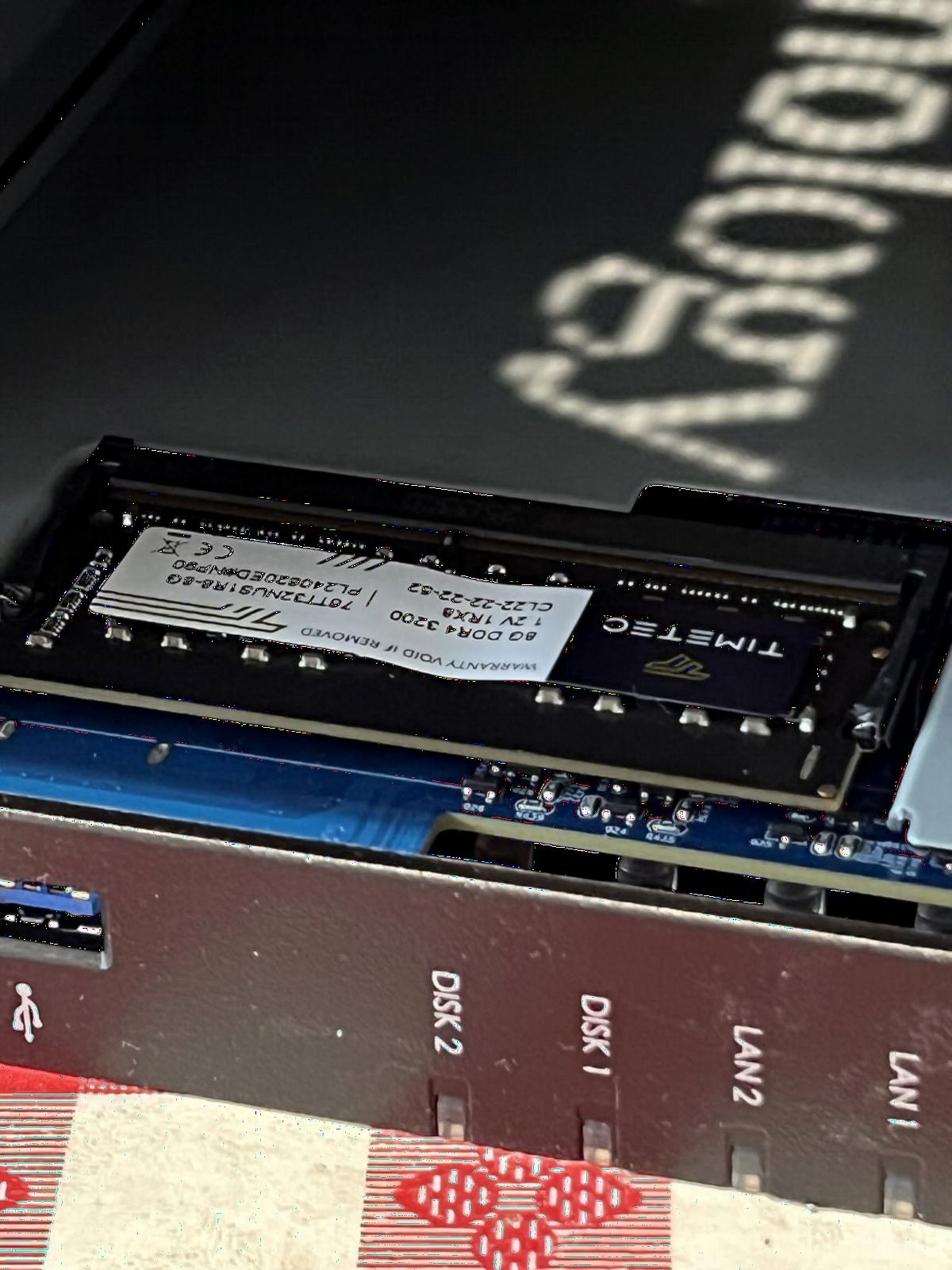
Entry-level NAS units use ARM processors with 1-2GB RAM, sufficient for basic file storage and backup. Content creators and media streamers should prioritize Intel processors with 4GB+ RAM for hardware transcoding and running multiple applications.
The UGREEN DXP2800’s Intel N100 and 8GB DDR5 RAM handled demanding workloads smoothly. For 4K video streaming, virtualization, or running Plex, invest in capable hardware upfront.
Network Connectivity
Most budget NAS models include 1GbE ports, delivering around 125MB/s transfers. This speed suffices for document backup and photo storage but feels slow for large video transfers.
2.5GbE ports, found on models like the UGREEN DXP2800 and Synology DS925+, double transfer speeds to approximately 280MB/s. Content creators working with 4K drone footage should prioritize this faster connectivity.
SMR vs CMR Hard Drives
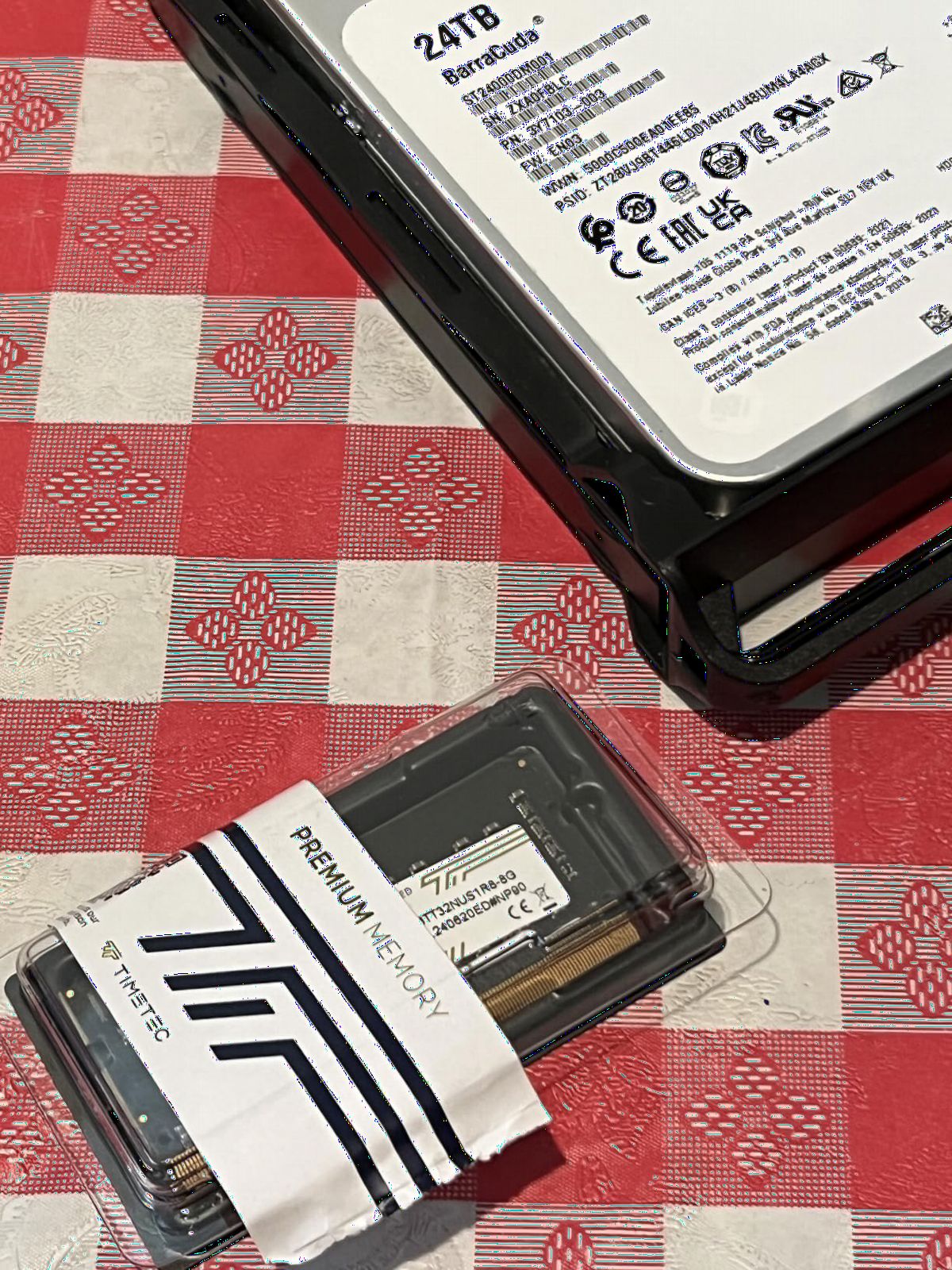
When purchasing drives for your NAS, choose CMR (conventional magnetic recording) over SMR (shingled magnetic recording). SMR drives suffer performance degradation during sustained writes, making them unsuitable for NAS use. Seagate IronWolf and WD Red drives carry NAS-specific ratings with CMR technology.
Energy Efficiency
NAS devices run 24/7, so power consumption matters. Most models consume 15-30 watts during active use and less during idle. Power scheduling, available on Synology models, can automatically shut down during inactive hours to reduce electricity costs.
Use Case Scenarios
For family photo backup, 2-bay models with automated mobile backup work best. Media streaming benefits from Intel processors with hardware transcoding. Content creators should prioritize RAM and fast network connectivity. Surveillance applications need IP camera support and AI detection capabilities.
Frequently Asked Questions
Is it worth buying NAS for home?
Yes, a NAS is worth it for home users who need centralized storage, automatic backups, and media streaming capabilities. Instead of paying monthly cloud subscription fees indefinitely, you make a one-time hardware purchase that provides complete data ownership and privacy. For families with multiple devices, photographers with large media libraries, or anyone seeking alternatives to cloud storage, a NAS delivers excellent long-term value.
What is the best NAS drive system for home use?
The Synology DS225+ ranks as our top pick for home use, offering excellent software, 4K streaming capabilities, and a 3-year warranty. For budget-conscious buyers, the UGREEN DH2300 provides beginner-friendly operation at an affordable price. Power users should consider the UGREEN DXP2800 with its Intel N100 processor and 2.5GbE connectivity for demanding workflows.
What are the downsides of using a NAS device?
The main downsides include upfront hardware cost plus separate drive purchases, ongoing electricity consumption for 24/7 operation, initial setup complexity requiring some technical knowledge, and maintenance responsibility for drive health monitoring. Unlike cloud services, you handle all maintenance and must configure proper backup strategies. Hard drive failures require manual intervention, though RAID configurations mitigate data loss risk.
What is the best NAS for home use in 2026?
For most home users in 2026, the Synology DS225+ offers the best balance of features, software quality, and value. Its Intel processor handles 4K streaming, the DSM operating system remains the most user-friendly available, and automated photo backup protects family memories. The 3-year warranty and surveillance capabilities add versatility beyond basic storage.
Can I use regular desktop hard drives in a NAS?
While regular desktop drives physically fit in NAS enclosures, NAS-rated drives like Seagate IronWolf or WD Red series offer better reliability for 24/7 operation. These drives feature vibration resistance, longer warranties, and firmware optimized for RAID configurations. Using desktop drives risks higher failure rates and voided warranties in some cases. The modest price premium for NAS-specific drives pays off through improved reliability.
Conclusion
After months of testing, the Synology DS225+ stands out as the best NAS for home use in 2026, combining excellent software, 4K streaming, and comprehensive backup features. For budget-conscious buyers, the UGREEN DH2300 delivers surprising capability at an entry-level price. Content creators should consider the powerful UGREEN DXP2800 for demanding workflows.
Choosing the right NAS depends on your specific needs. Consider drive bay count for future expansion, processor capability for media streaming, and software ecosystem for daily usability. Remember to budget for NAS-rated hard drives, which represent a significant additional investment beyond the enclosure itself.
Your data deserves reliable protection and convenient access. Whether you’re safeguarding family photos, streaming media libraries, or organizing drone footage, these best NAS devices for home offer genuine alternatives to ongoing cloud subscription costs. Pick the model matching your needs and budget, and enjoy centralized storage that you own and control.