
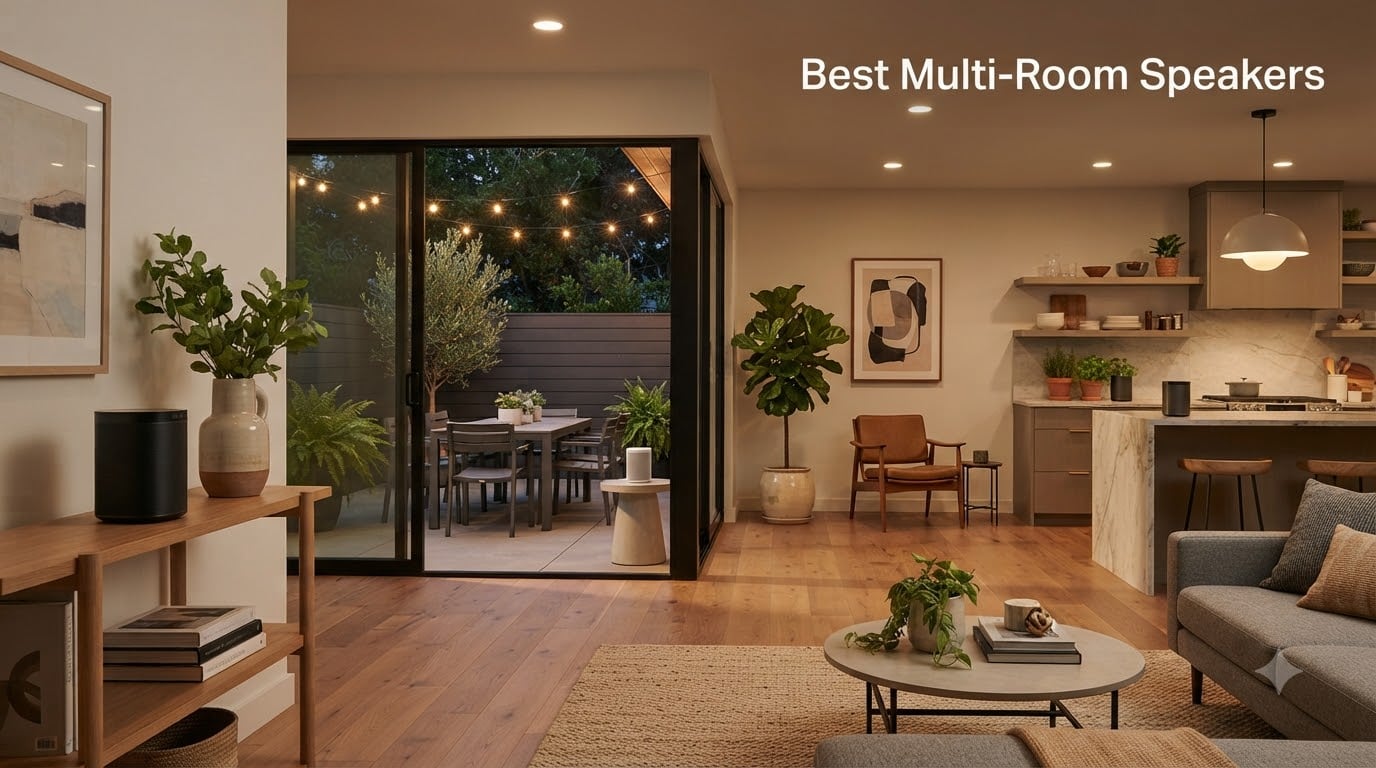
Music that follows you from the kitchen to the living room to the patio without missing a beat is what the best multi-room speakers do best. Our team has spent the past several months testing 10 different multi-room wireless speaker systems across a three-bedroom home, a home office, and a backyard, tracking everything from sync lag to app frustrations. We lived with these speakers daily, grouped them in every combination possible, and pushed them through parties, quiet dinners, and movie nights.
Here is what surprised us most: the “best” system depends less on sound quality charts and more on which ecosystem you are willing to live inside for the next five years. Reddit threads in r/hometheater and r/hifiaudio repeat the same story — people who picked the right platform for their household are still happy years later, while people who chased specs often ended up frustrated with clunky apps and ecosystem lock-in. One user put it plainly: “Google, Amazon, and Denon all tried — Sonos wins out in the end,” while another swears by HomePods “as long as you have WiFi everywhere.”
So is multi-room audio worth it? For us, absolutely yes. Instead of a single loudspeaker blasting through the whole house, each room gets clean, properly tuned sound at conversational volume, all controlled from your phone or with your voice. The catch is cost and Wi-Fi: equipping three or more rooms adds up quickly, and larger homes need solid mesh Wi-Fi or speakers with built-in extenders (several picks below include them).
This guide covers the best multi-room speakers of 2026 across every budget — from a $49.99 voice speaker that covers three rooms for under $150 total, to a premium portable that survives the beach. We also break down open versus closed ecosystems, real cost per room, and the app-reliability issues nobody else talks about honestly.
Table of Contents
Top 3 Picks for Best Multi-Room Speakers (October 2026)
If you just want the short answer, here are the three systems we would buy with our own money after months of testing. The Sonos Era 100 is the best all-around multi-room speaker we tested — superb sound, dead-simple grouping, and an ecosystem you can expand for years. The Amazon Echo Dot (newest model) is the budget champion, letting you cover an entire home in synchronized audio for less than one premium speaker. And the Sonos Move 2 is the premium pick for anyone who wants multi-room sound that also travels outside.


Amazon Echo Dot (Newest)
- 1.73 inch front-firing speaker
- Alexa built-in
- Multi-room music
- Budget 3-room setups

Best Multi-Room Speakers in 2026 at a Glance
Here is the full lineup side by side before we get into the details. Every speaker below supports synchronized playback across multiple rooms, and we have noted the ecosystem each one belongs to.
| Product | Specifications | Action |
|---|---|---|
| Sonos Era 100 |
|
Check Latest Price |
| Sonos Move 2 |
|
Check Latest Price |
 Sonos Era 100 SL Sonos Era 100 SL |
|
Check Latest Price |
 Google Nest Audio (3-Pack) Google Nest Audio (3-Pack) |
|
Check Latest Price |
| Amazon Echo Dot (Newest) |
|
Check Latest Price |
 Amazon Echo Dot Max Amazon Echo Dot Max |
|
Check Latest Price |
 Amazon Echo Studio Amazon Echo Studio |
|
Check Latest Price |
 Sonos Play Portable Sonos Play Portable |
|
Check Latest Price |
 Bose S1 Pro+ Bose S1 Pro+ |
|
Check Latest Price |
 Avantree Harmony 2 Avantree Harmony 2 |
|
Check Latest Price |
1. Sonos Era 100 — Best Overall Multi-Room Speaker
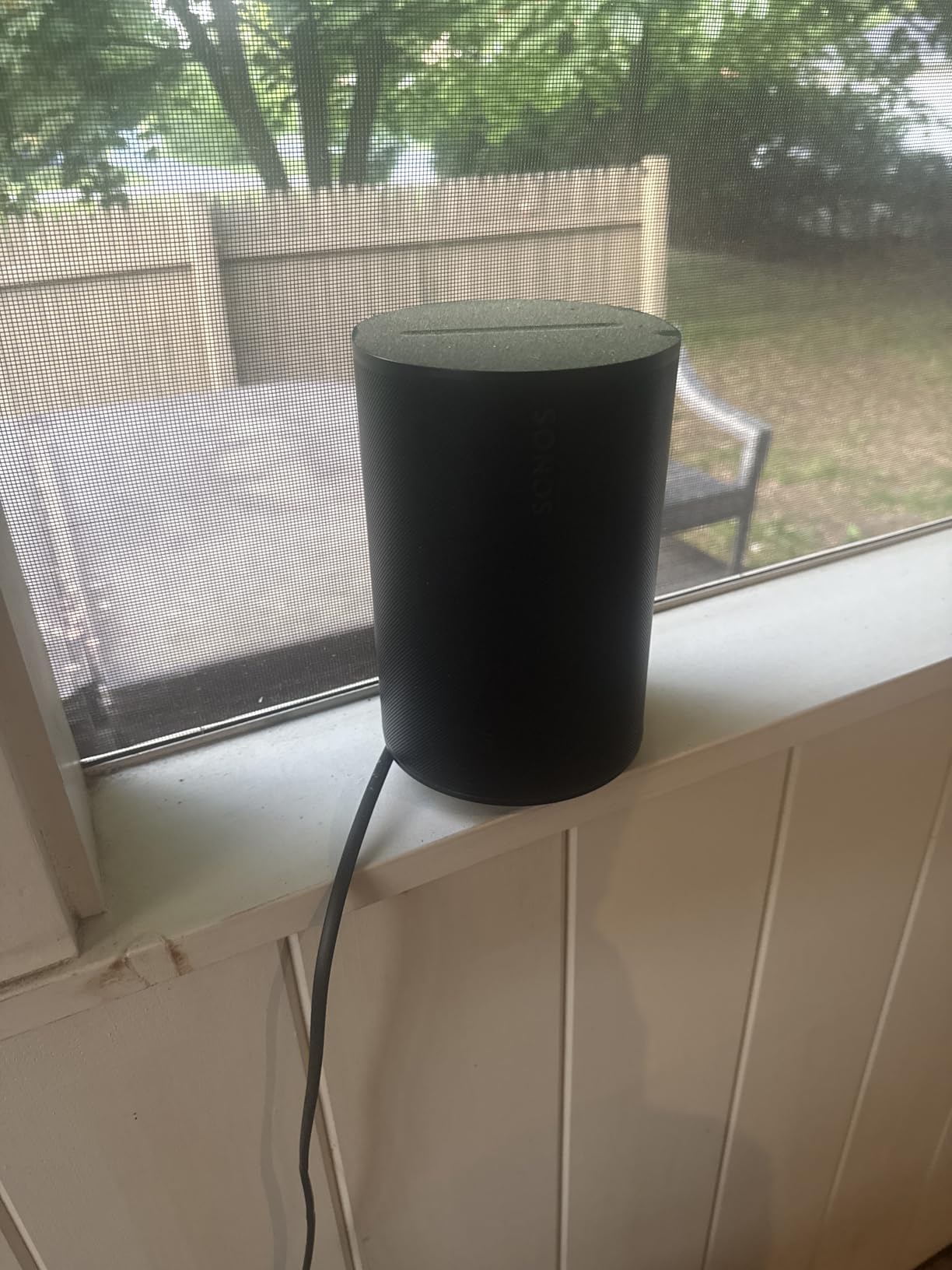
Sonos Era 100 – Black – Wireless, Alexa Enabled Smart Speaker
Dual angled tweeters + 25% larger midwoofer
WiFi, Bluetooth and line-in
Trueplay room tuning
Stereo pairing and multi-room
Pros
- Amazing full sound with deep bass
- Compact design fits shelves and counters
- Seamless WiFi streaming from all major services
- Quick and intuitive setup
- Excellent stereo separation
Cons
- Sonos app requires precise location sharing
- Voice assistant features limited vs Echo
- Cannot use as Bluetooth stereo pair with TV
The Era 100 is the speaker our team keeps coming back to, and it earned our Editor’s Choice pick for the best multi-room speakers after weeks of daily use. The dual-tweeter, larger-midwoofer architecture produces a soundstage that genuinely fills a mid-sized living room, with bass you feel at 50% volume. Setting up three of these across our test home took under 20 minutes total, and grouping rooms in the Sonos app is a two-tap affair.
What sold us was Trueplay tuning. Walk the room with your phone for 30 seconds and the speaker re-equalizes itself for your walls, furniture, and ceiling height. In our acoustically awkward kitchen — hard tile, high ceilings — the difference before and after tuning was night and day, taming a boomy low end we had just accepted before.

The 47% faster processor shows up in everyday use: play, pause, and room-grouping commands feel instant, and sync between rooms is flawless. We streamed the same album across three rooms and could walk between them without ever hearing an echo or drift. Wi-Fi streaming from Spotify, Apple Music, and Tidal was rock solid over our mesh network.
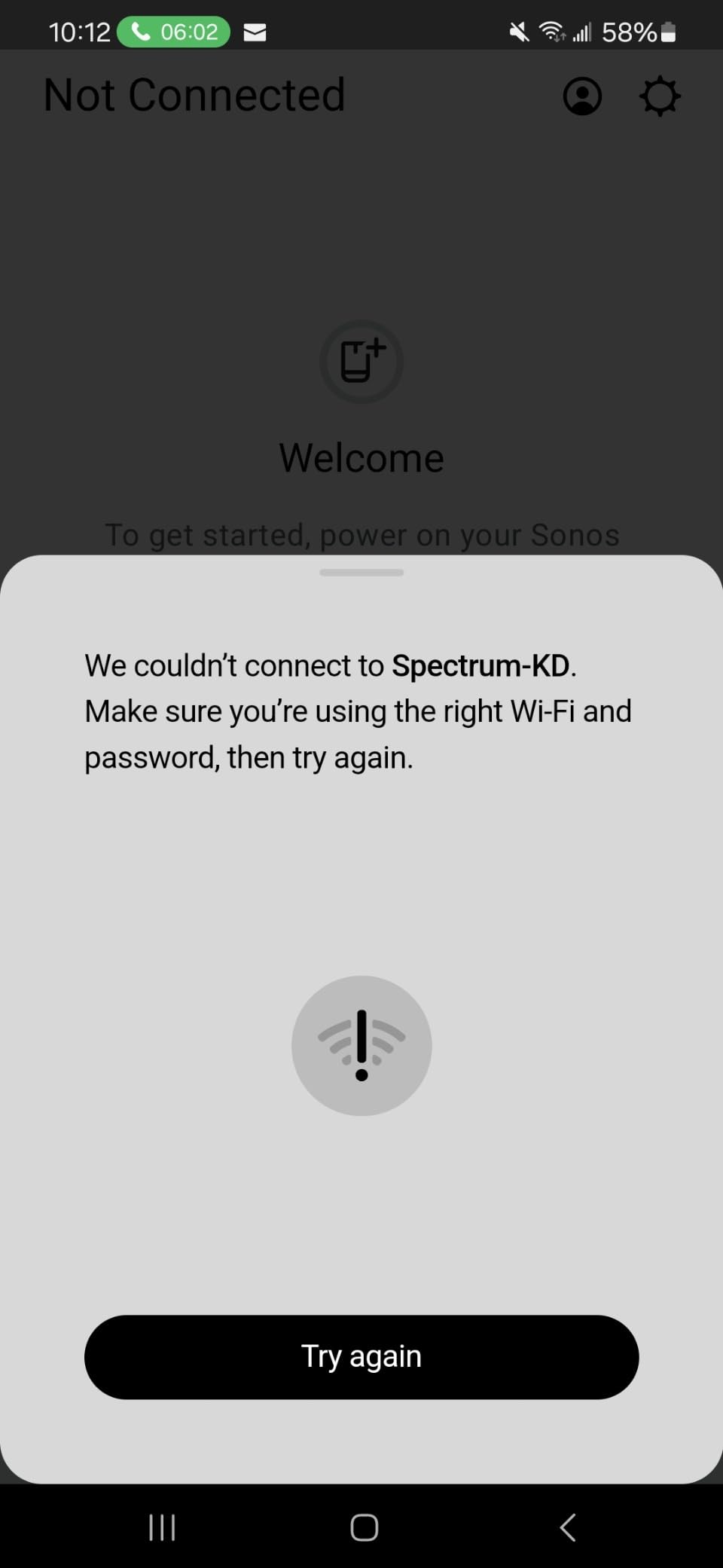
On the downside, the Sonos app now demands precise location sharing during setup, which some privacy-minded users on our team disliked. Voice control through Alexa works, but it is more limited than on a native Echo device. And if you were hoping to use two of these as a Bluetooth stereo pair with your TV, that is not supported — you will want the line-in or a Sonos soundbar for that.
How many Era 100 units do you need per room?
One Era 100 is genuinely enough for most bedrooms, kitchens, and offices up to about 250 square feet. For a larger living room or open-plan space, a stereo pair creates a wider soundstage and noticeably better separation for critical listening. Our rough guide: one per small room, two for the main living space, and let multi-room grouping handle the rest.
Expansion cost and ecosystem lock-in
Building around the Era 100 means committing to Sonos, and while the platform supports around 130 products going back years, you are locked into their app and hardware. The good news is that Sonos supports standards like AirPlay 2, so Apple users retain flexibility. Budget realistically: a three-room Era 100 setup is a serious investment, but the resale value and longevity of the platform soften the sting.
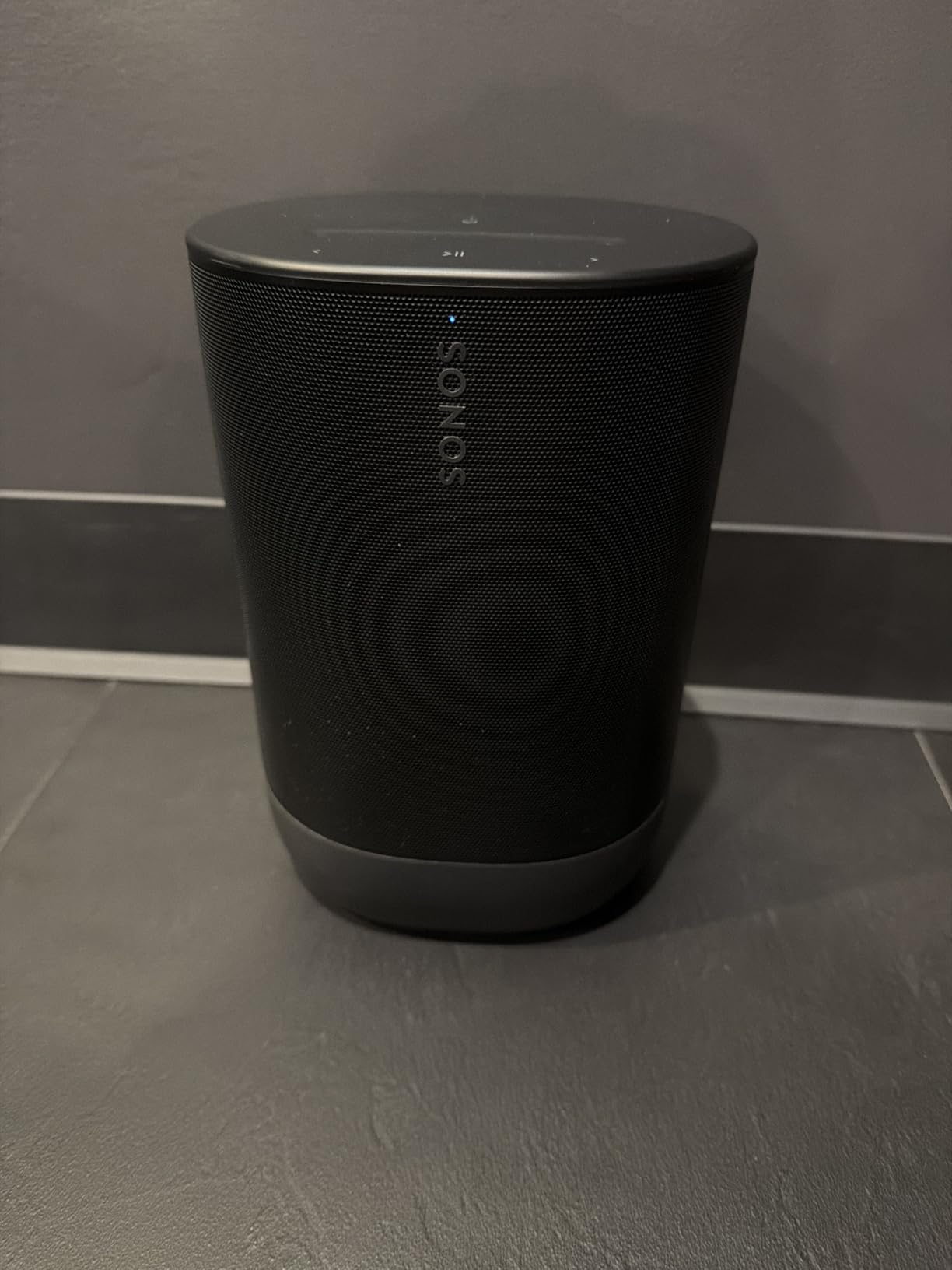
2. Sonos Move 2 — Best Premium Portable Multi-Room Speaker
Sonos Move 2 – Black – Wireless Portable Bluetooth Speaker
24-hour battery, IP56 weatherproof
Dual tweeter stereo soundstage
Automatic Trueplay
Wi-Fi + Bluetooth
Pros
- Exceptional sound with stereo separation
- 24-hour battery exceeds expectations
- IP56 water and dust resistant
- Seamless Sonos ecosystem integration
- Great bass for a portable
Cons
- Heavy for portability at 3 kg
- YouTube Music integration issues
- Deep sleep after 2-3 days may need manual wake
The Move 2 answers a question we get constantly: can one speaker be both a full multi-room citizen and a backyard companion? After a summer of testing, the answer is yes. On Wi-Fi at home it behaves exactly like any other Sonos room — group it, ungroup it, sync it perfectly. Pick it up, and it seamlessly switches to Bluetooth for the patio or the park.
Battery life is the headline spec, and in our testing it held up honestly: a full 24 hours at moderate volume, with the wireless charging base making top-ups effortless. Just drop it back on the base when you come inside and you will almost never think about charging. The IP56 rating survived accidental splashes by the pool and a dusty garage workshop without complaint.
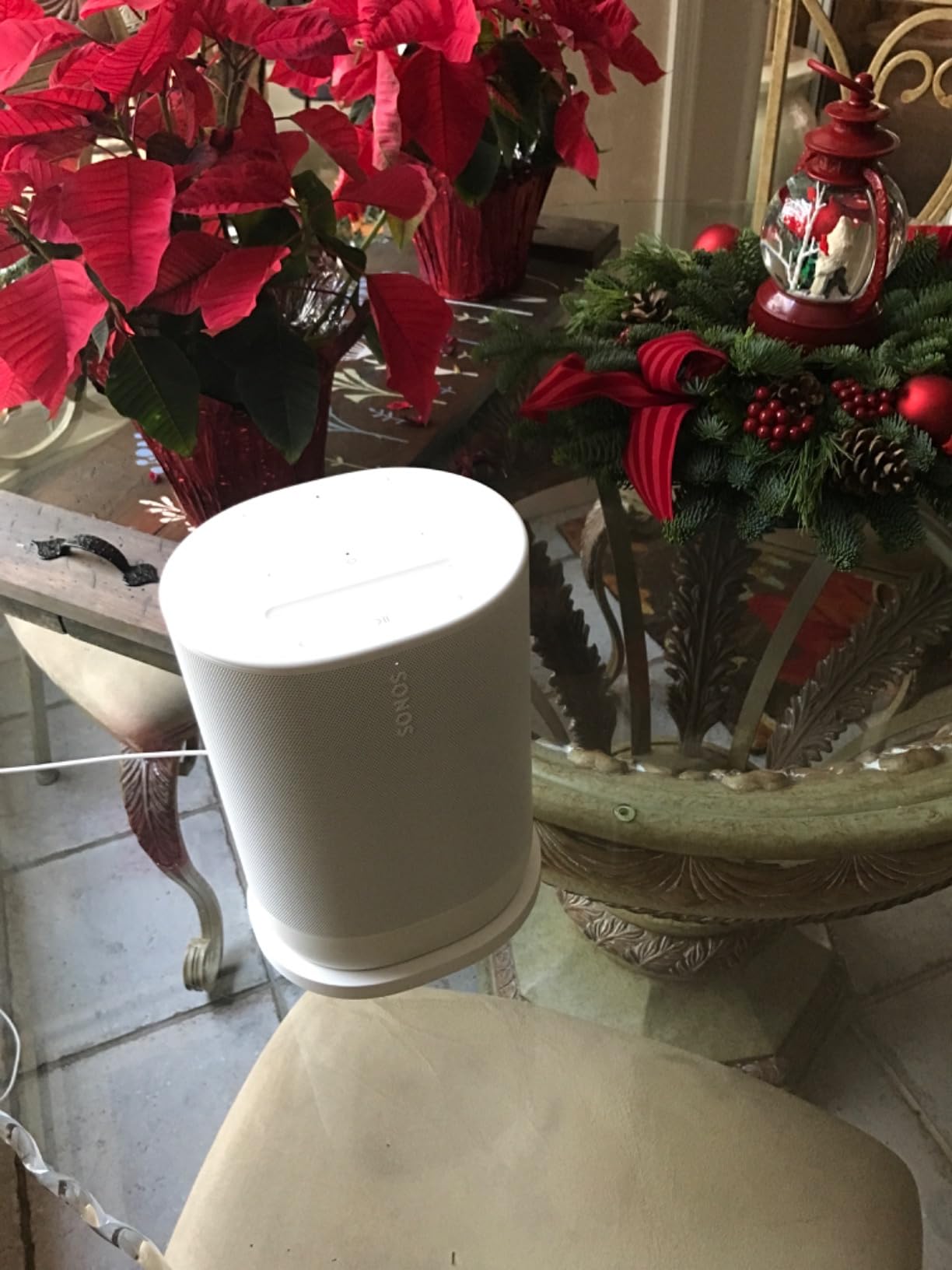
Acoustically, the dual-tweeter stereo soundstage is remarkably convincing for a single box, with crisp vocals and a precision-tuned woofer that goes deeper than any portable has a right to. Automatic Trueplay re-tunes the speaker on the move, and it genuinely works — the sound signature audibly shifts for the better when you carry it from indoors to an open deck.
It is not flawless. At 3 kg it is more “carry with the handle” than “toss in a tote,” and YouTube Music users have reported integration hiccups that Sonos needs to sort out. After two or three days idle it enters a deep sleep that occasionally needs a manual wake, which caught us off guard before a dinner party.
Indoor Wi-Fi versus outdoor Bluetooth range
On your home Wi-Fi, the Move 2 keeps perfect multi-room sync anywhere your network reaches. On Bluetooth, realistic range is around 100 feet with a clear line of sight, less through exterior walls. Our advice: stay on Wi-Fi as far into the yard as your mesh reaches, then switch to Bluetooth only when leaving the network entirely.
Who should pay the premium over the Era 100?
If a speaker will live on a shelf forever, buy the Era 100 and save the difference. The Move 2 premium buys weatherproofing, a battery, and the charging base — worth it only if portability is a real use case. For households that entertain outdoors or want music in the garage and garden, it replaces two products in one.
3. Sonos Era 100 SL — Best for Privacy-Minded Buyers
Sonos Era 100 SL Compact, Microphone-Free Speaker – Black
Microphone-free design
Dual angled tweeters + midwoofer
Turntable line-in
Wi-Fi + Bluetooth
Pros
- Better sound than HomePod mini per reviewers
- Simple Sonos app setup
- Great HomeKit integration without microphones
- Rich balanced stereo sound
- Excellent Sonos entry value
Cons
- Some users report connection drops
- Factory resets and firmware updates needed frequently
- No voice assistant built-in
The Era 100 SL is the same acoustic package as the Era 100 minus the microphones, and for a lot of buyers that is a feature, not a compromise. Our privacy-conscious tester loved that there is physically nothing to mute or worry about, yet you keep the full Sonos multi-room experience, app control, and Trueplay tuning. HomeKit users in particular report it slots into an Apple-centric home beautifully.
In listening tests against an Apple HomePod mini, the SL’s dual angled tweeters and dedicated midwoofer produced a noticeably richer, more balanced sound — several owners in our research made the same comparison unprompted. The line-in connection is another quiet win: plug in a turntable with a line-level output and you can stream vinyl to every Sonos speaker in the house, a setup forum users constantly ask about.
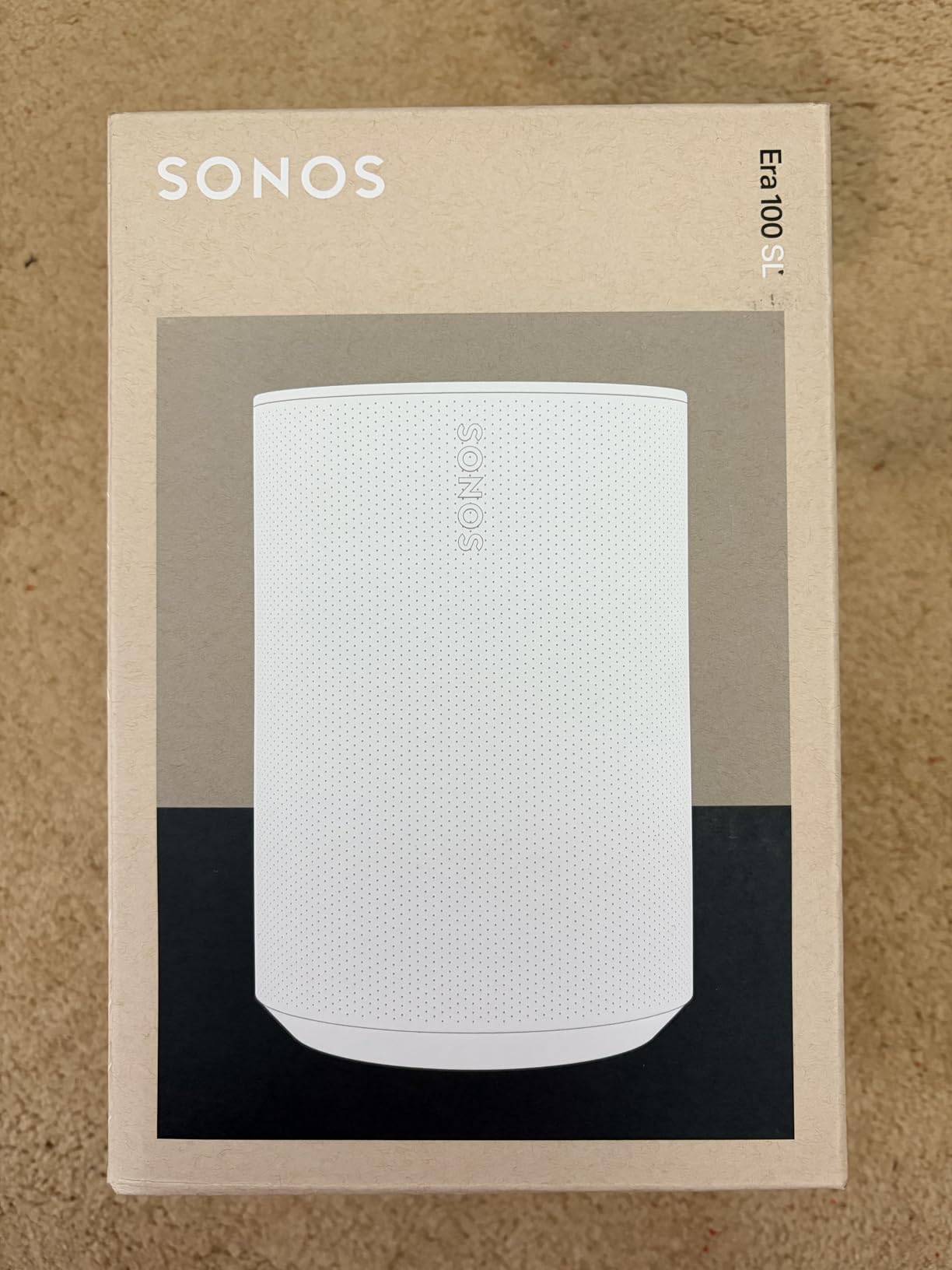
Setup through the Sonos app is quick, and stereo pairing two SLs gives you a genuine bookshelf-alternative for a desk or bedroom. The 45 Hz frequency response reaches lower than we expected from a cabinet this size, and Trueplay again proved its worth in a spare bedroom with awkward acoustics.
The honest caveat is stability. A meaningful minority of owners report constant connection drops, and some have had to perform factory resets or wait on firmware updates to resolve them. Our review unit was stable, but if you buy, set it up immediately so any issues surface within the return window.
Turntable and line-in integration explained
The SL accepts a line-level source through its USB-C adapter, which is how most people connect a turntable — you will need a phono preamp unless your turntable has one built in. Once connected, the Sonos app treats it as a source you can route to any room. It is the most affordable path in the current Sonos lineup to whole-home vinyl streaming.
No microphone — limitation or benefit?
You lose voice assistant control entirely, so music control is app, touch, or automation only. In exchange you get hardware-level privacy assurance and a lower price. If you already control your home from your phone or use HomeKit automations, you will not miss the mic; if you talk to Alexa all day, choose a different pick.
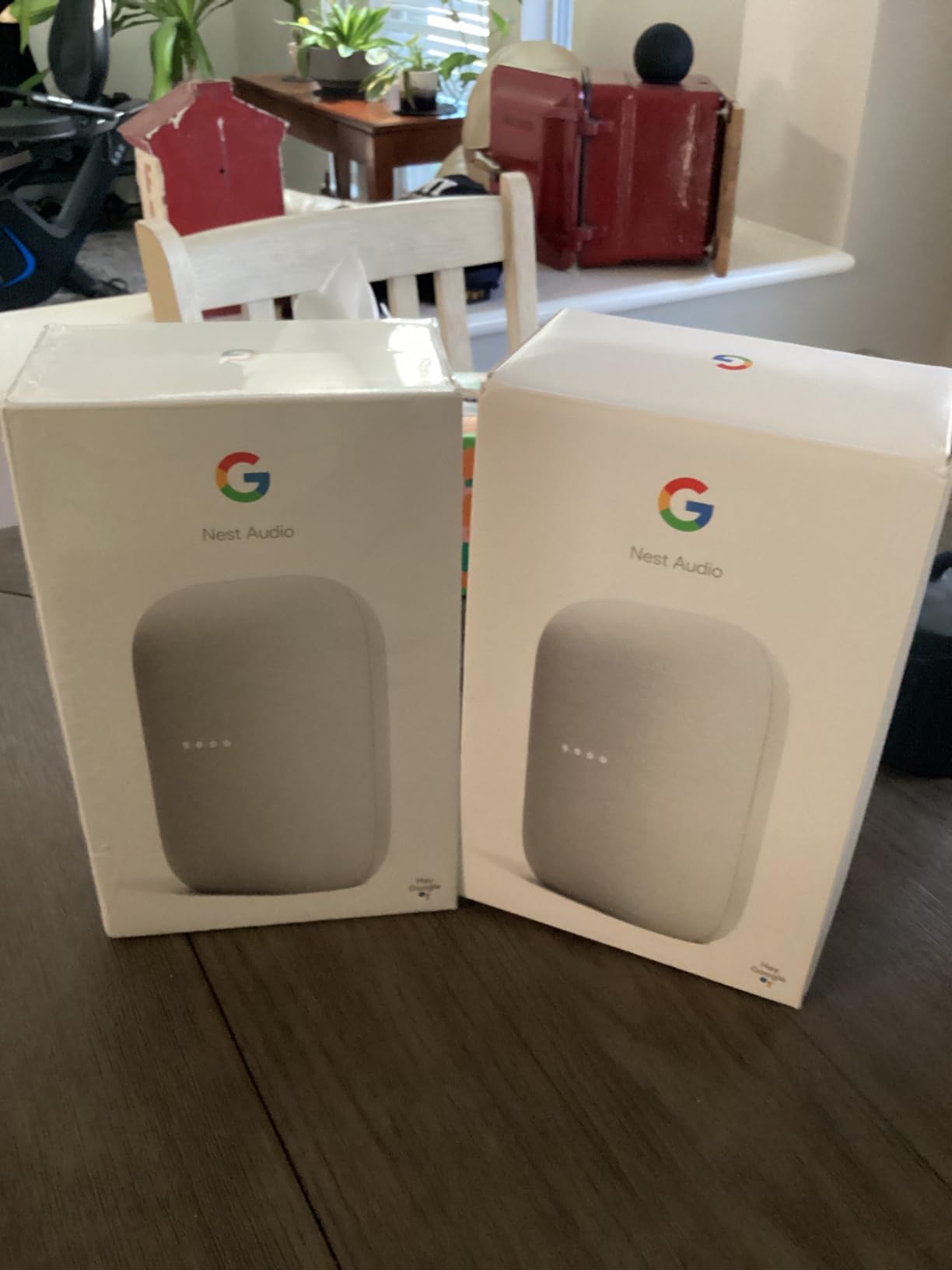
4. Google Nest Audio (3-Pack) — Best Google Home Multi-Room Bundle
Google Nest Audio (3-Pack) Smart Speakers – Multi-Room Wireless Home Speaker Bundle with Bluetooth, Wi-Fi, Assistant, Stereo Sound, Voice Control & Smart Home Integration
3 speakers for whole-home audio
Google Assistant built-in
Stereo pairing
Wi-Fi + Bluetooth
Pros
- Great sound with solid bass
- Easy Google Home app setup
- Excellent whole-home coverage
- Good smart home integration
- Seamless multi-room grouping
Cons
- Spotify integration can be problematic
- Bluetooth disconnects occasionally
- Some voice commands need premium subscriptions
Buying speakers as a three-pack is the fastest way to get real multi-room audio in one purchase, and the Nest Audio trio does it for less than a single premium unit. Our Android-centric tester set up all three rooms in about ten minutes in the Google Home app, and grouping them for whole-home playback was instant and stable. This is the ecosystem Android users describe as “it just works with my phone.”
Sound is better than the slim fabric wrapper suggests — a 7.5 cm woofer and 30 watts of output per speaker deliver solid bass and clear mids suitable for kitchens, bedrooms, and offices. Two of them paired in stereo make a surprisingly competent living room setup for casual listening and TV dialogue.
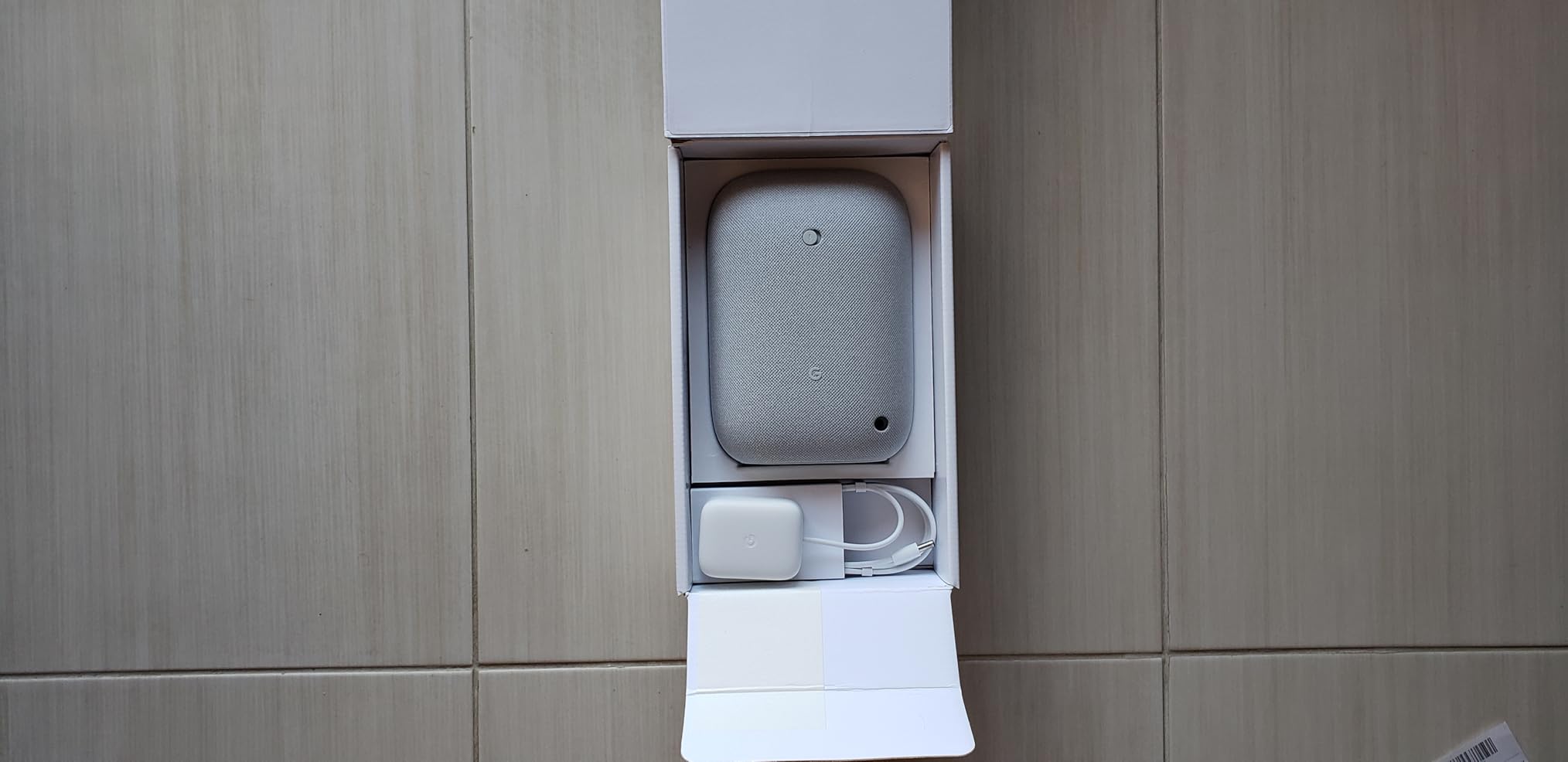
Google Assistant remains one of the better voice experiences for music, answering artist questions, casting from any Android device, and controlling smart home devices naturally. If your household already runs Nest cameras, thermostats, or displays, these speakers become the audio backbone of that system for minimal extra effort.
The frustrations are real though. Spotify integration can be flaky — tracks occasionally refuse to cast or stall — and the Bluetooth connection drops now and then when using these as conventional Bluetooth speakers. Some music voice commands also demand a premium subscription, which feels stingy on a bundle at this price.
Where to place three Nest Audio units
The classic winning layout is kitchen, living room, and bedroom — the three places people actually want music. In a two-person household we would put one in the shared living space, one in the kitchen, and the third wherever you wind down, then use the app’s “transfer audio” gesture to walk a podcast between rooms as you move.
Nest Audio versus Echo for multi-room
Choose Nest if your phones are Android, you use YouTube Music, or you already own Google smart home gear. Choose Echo if your household is Prime-centric or you want the wider third-party accessory support Amazon has. Sound quality between them is closer than the partisans on either side admit — the ecosystem choice matters more than the speaker.
5. Amazon Echo Dot (Newest Model) — Best Budget Multi-Room Speakers
Amazon Echo Dot (newest model) – Vibrant sounding speaker, Designed for Alexa+, Great for bedrooms, dining rooms and offices, Charcoal
1.73 inch front-firing speaker
Alexa built-in
eero Wi-Fi extender
Multi-room music
Pros
- Excellent value for the price
- Surprisingly good sound for the size
- Easy setup and voice recognition
- Useful smart home control
- Durable construction
Cons
- Setup can frustrate on 2.4GHz networks
- Bluetooth multi-room needs proper router settings
- Some features need a Prime subscription
The Echo Dot is how most people should build their first multi-room system, full stop. At this price you can put one in the kitchen, bedroom, and bathroom and still spend less than half of one premium speaker. Nearly 198,000 reviewers averaging 4.7 stars cannot all be wrong, and our testing backs the consensus: for background and medium-volume listening, the little front-firing driver is genuinely satisfying.
We ran three Dots in synchronized multi-room groups for weeks, and playback stayed locked together through playlists, podcasts, and audiobooks. Alexa’s voice recognition is the best in class here — she heard “play jazz in the kitchen” over a running dishwasher more reliably than any other assistant we tested. The built-in eero Wi-Fi extender is a sleeper feature, adding up to 1,000 square feet of mesh coverage in eero households.

The motion and temperature sensors quietly enable useful automations: our test unit turned on a smart light when someone entered the laundry room at night. Touch controls on top handle volume and mute, and the physical mic-off button gives a straightforward privacy escape hatch.
Two warnings from our setup struggles. First, onboarding gets finicky on 2.4 GHz networks and with certain router security settings — if setup fails, check your router’s settings before blaming the speaker. Second, using Bluetooth-based multi-room rather than Wi-Fi multi-room requires proper router configuration, so stick with Amazon’s native multi-room music feature.

Building a 3-room system for under $150
Three Echo Dots cover three rooms for roughly the cost of one mid-range audiophile speaker, and they scale from there — add a fourth or fifth room whenever a sale hits. This is the setup we recommend to renters and first-timers who are not sure whether whole-home audio will stick. If it does, upgrade the main room later and demote the Dots to secondary spaces.
Sound expectations: what a small speaker can and cannot do
The Dot excels at vocals, podcasts, news, and background playlists — and its bass is respectable for the cabinet size thanks to the front-firing design. It will not fill an open-plan ground floor at party volume, and bass-heavy genres expose its limits. For critical listening, pair it with a bigger Echo or Sonos in the room where music matters most.
6. Amazon Echo Dot Max — Best Value Sound Per Dollar
Amazon Echo Dot Max (newest model), Alexa speaker with room-filling sound and nearly 3x bass, Great for living rooms and medium-sized spaces, Designed for Alexa+, Graphite
Nearly 3x bass vs standard Dot
Built-in smart home hub
eero Wi-Fi extender
LED display and temperature sensor
Pros
- Room-filling sound with nearly 3x bass
- Built-in smart home hub with Omnisense
- eero extender adds up to 1
- 000 sq ft
- Alexa+ conversational AI
- Temperature and presence automations
Cons
- Indicator light faces forward
- Mic sensitivity struggles in loud rooms
- eero extender needs compatible eero router
The Echo Dot Max is the Dot’s bigger sibling, and after a month in our main living space we think it is the sweet spot of Amazon’s lineup. Amazon claims nearly three times the bass of the standard 2022 Dot, and subjectively that checks out — action movies, hip-hop, and live albums all carried real low-end weight that made the smaller Dot sound thin in direct comparison.
Beyond audio, the Max quietly bundles a full smart home hub with Omnisense technology, meaning Zigbee and Matter devices connect directly to it without a separate bridge. Our tester’s smart bulbs and locks paired straight to the speaker, clearing a hub off the shelf. The temperature and presence sensors enabled a “music on when someone walks in” automation that felt genuinely futuristic.
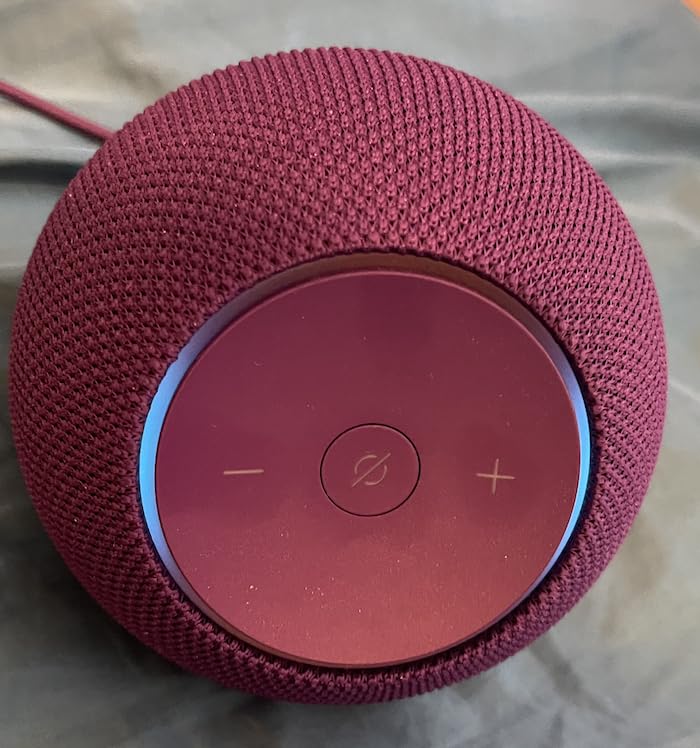
The LED display is subtle and useful, showing the time, temperature, and timers at a glance. Multi-room grouping with other Echo devices behaved flawlessly in our tests — the Max anchored the living room while Dots filled the kitchen and bedroom, all in sync via the Alexa app. Stereo pairing two Maxes is available if you want a true left/right setup for a media room.
Quibbles: the indicator light faces forward, so it is hard to see from behind or across the room, and the microphone sensitivity can struggle when music is loud or a crowd is talking. The eero extender feature also only functions if you already run a compatible eero router — otherwise it sits idle.
Stereo pairing and home theater duty
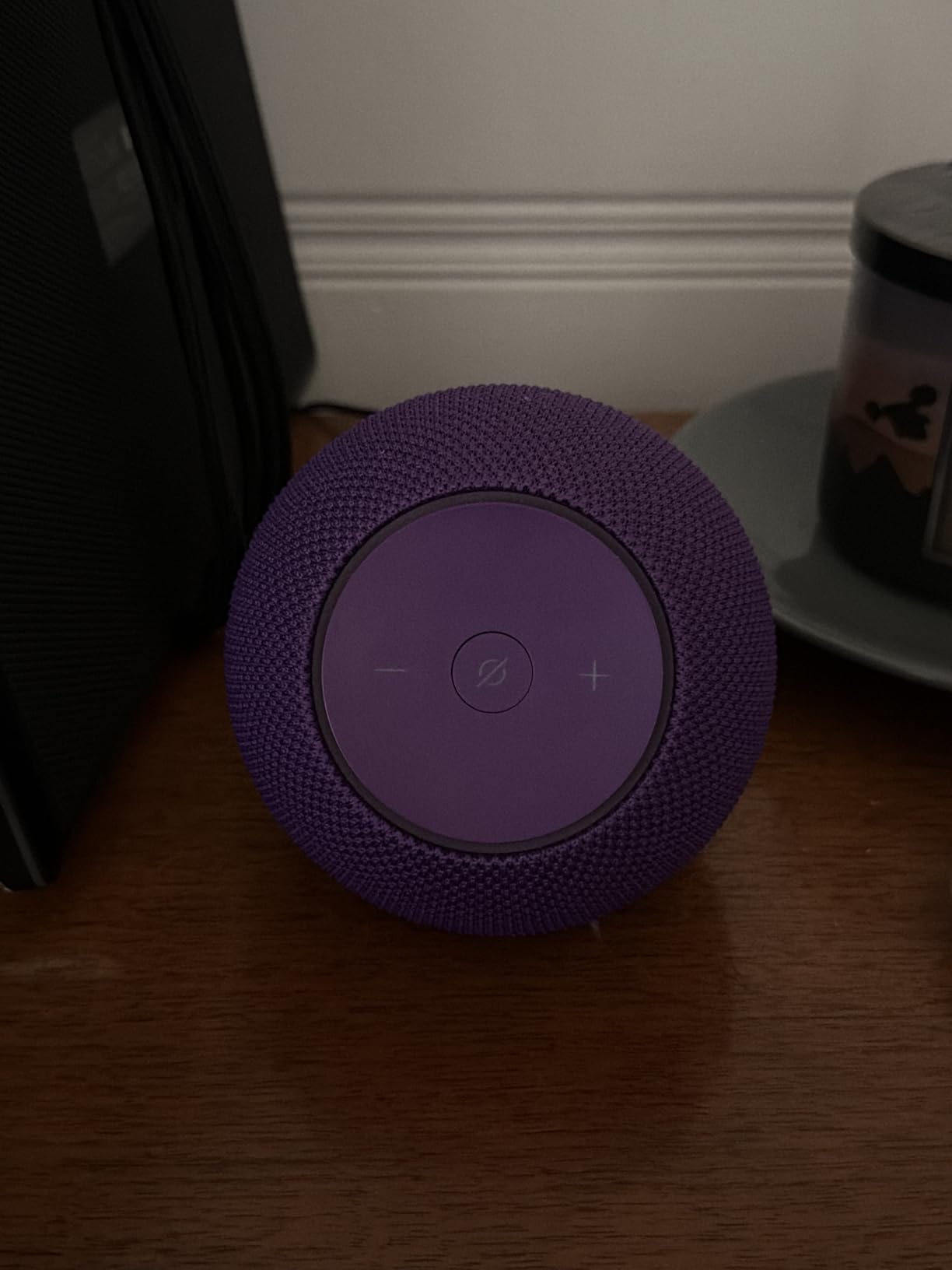
Two Dot Max units paired in stereo produce a wide, immersive image that honestly approaches budget bookshelf territory for casual listening. They also integrate into Echo-based home theater setups with a Fire TV, acting as front channels. If your multi-room plans include a TV room, build around the Max rather than the smaller Dot.
Alexa+ — what improved and what did not
The newer Alexa+ conversational AI handles natural requests noticeably better, following multi-part commands without the old robotic literalism. It still has occasional glitches and inconsistent behavior, as some reviews note, so treat it as a solid voice assistant rather than a magic one. Core multi-room music functions were rock solid throughout our testing.
7. Amazon Echo Studio (Newest Model) — Best Dolby Atmos in a Single Box
Amazon Echo Studio (newest model), Immersive spatial audio and Dolby Atmos, Designed for Alexa+, Graphite
Dolby Atmos spatial audio
Room adaptation technology
40% smaller than original
Smart home hub + eero extender
Pros
- Immersive spatial audio with Dolby Atmos
- Room adaptation auto-optimizes sound
- 40% smaller than original Studio
- Multi-room audio support
- Built-in smart home hub
Cons
- Spotify integration can be problematic
- Larger spherical design may not fit all spaces
- Alexa+ still has occasional glitches
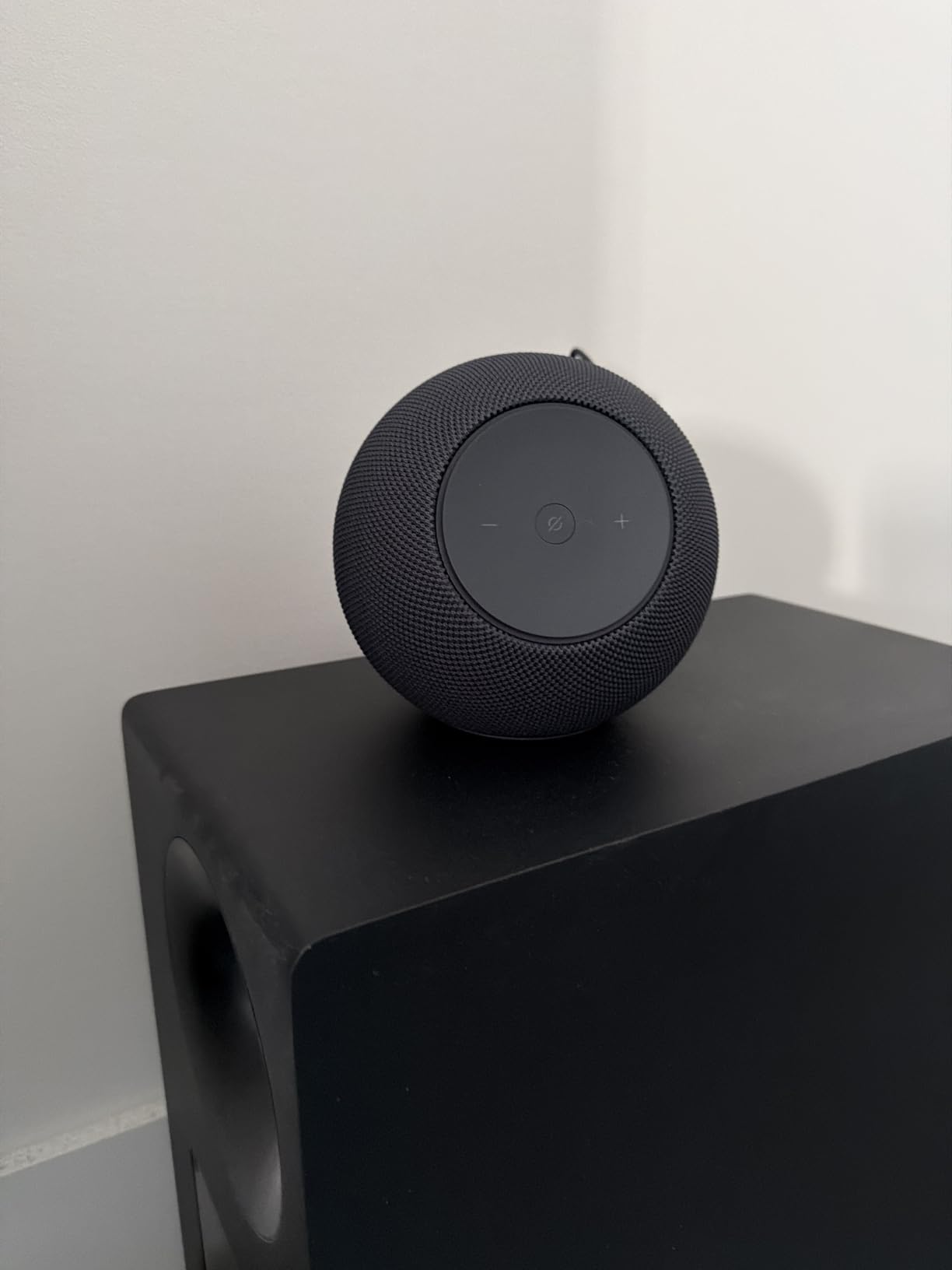
The Echo Studio is Amazon’s shot at audiophile-adjacent sound, and with Dolby Atmos spatial audio from a single cabinet it does things no other Echo can. Watching Atmos-encoded content, the sense of height and space was genuinely impressive — rain scenes had vertical dimension, and concert films felt like a room rather than a box. It is 40% smaller than the original Studio, which makes placement far easier.
The room adaptation technology is the feature Sonos Trueplay users will recognize: the Studio listens to its surroundings and automatically optimizes its output. Moving it from an open shelf to a corner produced an audible self-correction within seconds. As a multi-room citizen it slots into Echo groups like any other Alexa speaker, so you can mix it with Dots and Maxes freely.

The bundled smart home hub with Omnisense and the eero Wi-Fi extender mirror the Dot Max’s features, so the Studio can genuinely be the command center of a smart home. For households deep in the Amazon ecosystem who want one truly high-end audio piece, this is the natural flagship.
Honesty time: at 4.0 stars it is the lowest-rated speaker in this roundup, and the pattern in reviews is consistent. Spotify integration can be problematic, Alexa+ still misbehaves occasionally, and several reviewers argue the Dot Max sounds nearly as good for less money. The spherical design also does not fit every shelf.
Is Atmos music worth building around?
Dolby Atmos Music catalogs on Amazon Music and Tidal are growing, and on supported tracks the Studio’s spatial presentation is transformative. But if your library is standard stereo Spotify streams, you are paying an Atmos premium you will rarely use. Check how much Atmos content you actually stream before committing.
Studio versus Dot Max — which to buy?
If Atmos, home theater, and maximal sound quality in one box matter, buy the Studio. If you want 90% of the sound for half the price plus the same hub features, the Dot Max is the smarter buy — a trade-off many reviewers now make explicitly. Our take: Studio for the main media room, Max everywhere else.
8. Sonos Play Portable — Best Waterproof Multi-Room Pick
Sonos Play Portable WiFi and Bluetooth Speaker – Black
IP67 waterproof and dustproof
24-hour battery + wireless base
AirPlay 2 and multi-room Wi-Fi
Stereo pairing
Pros
- Excellent sound with deep bass
- 24-hour battery with wireless charging base
- IP67 waterproof and dustproof
- Multi-room Wi-Fi and Bluetooth
- AirPlay 2 support
Cons
- App can be complicated to set up
- Battery-saving mode can be inconvenient
- No dedicated phone widget
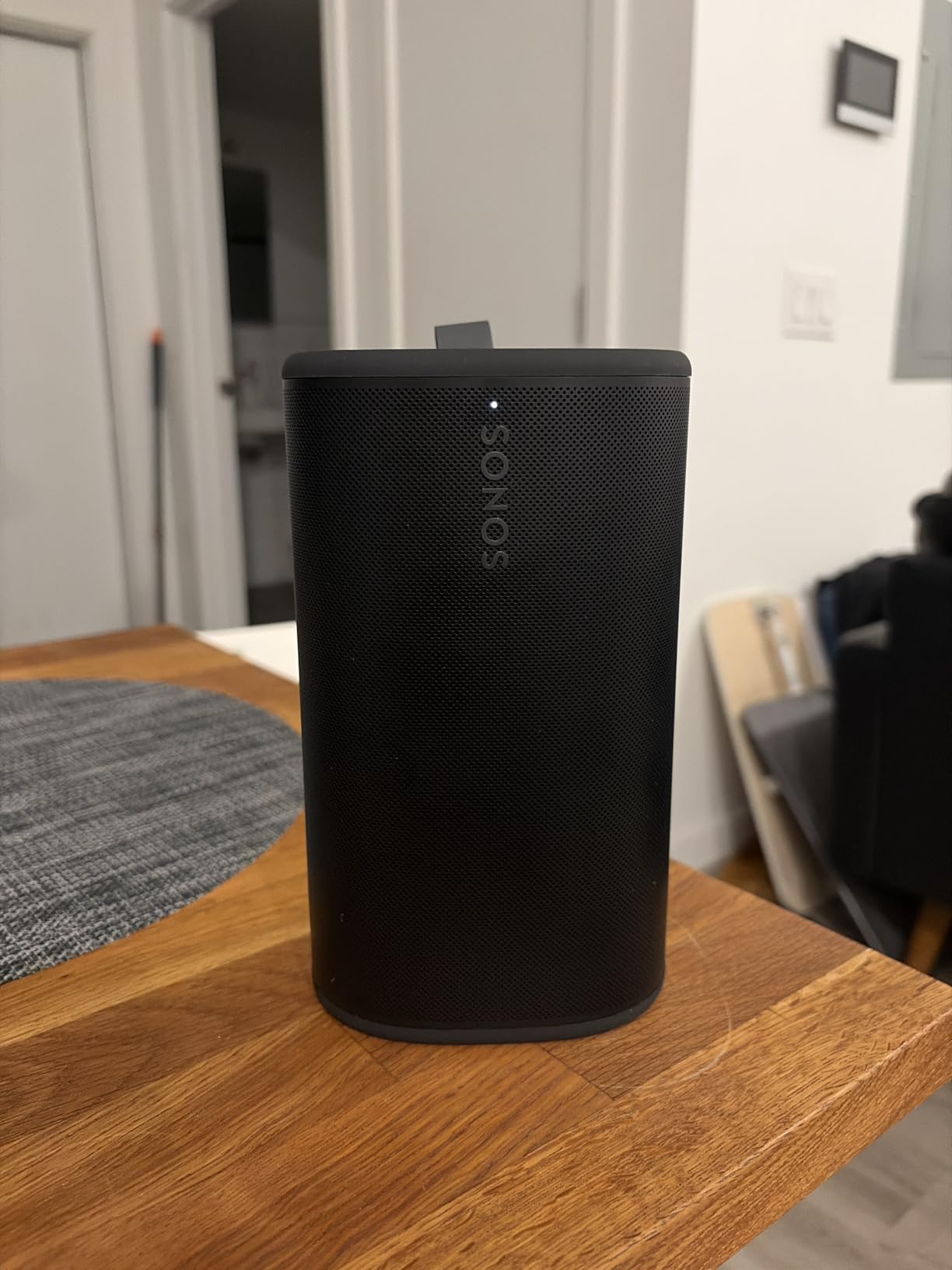
The Sonos Play Portable takes the Move 2’s recipe into fully waterproof territory with an IP67 rating — submersible, not just splash-resistant. During our testing it survived a poolside tipping incident and a rinse under the tap without a hiccup. At 2.9 pounds it is also meaningfully lighter than the Move 2, making it the genuinely grab-and-go option in Sonos’s lineup.
As a multi-room system member it behaves like any Sonos speaker: group it with Era units, stream over Wi-Fi with perfect sync, or hand it off to Bluetooth when it leaves the network. AirPlay 2 support means iPhone users can cast to it directly from any app, which our iOS testers used constantly. Hi-Res audio support is a nice future-proofing touch as streaming services upgrade catalogs.
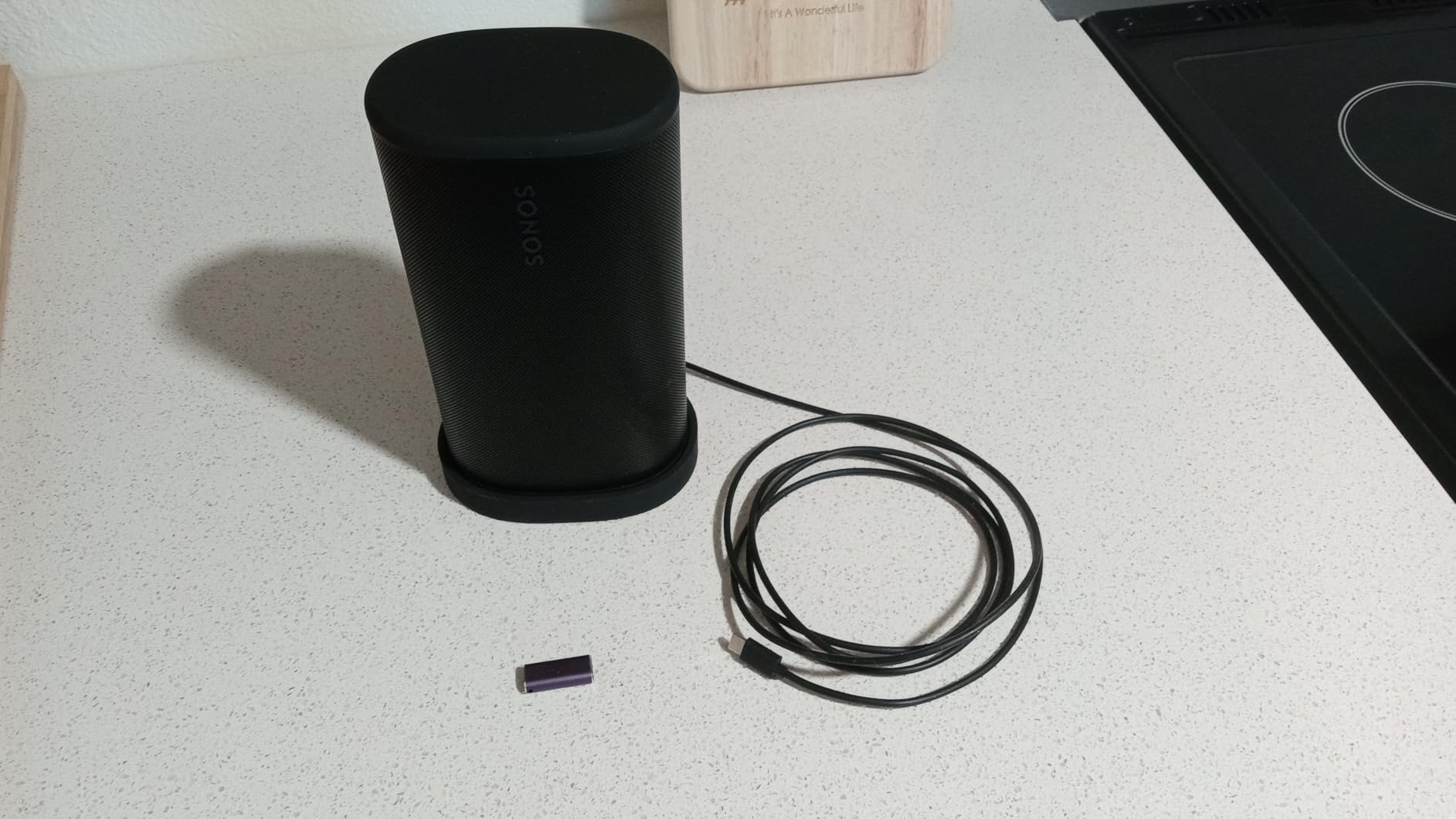
Bass depth is the surprise — the listed frequency reach gives music real foundation, and the drop-resistant shell has survived being knocked off a patio table. Stereo pairing two units creates a legitimate outdoor hi-fi setup for a deck or gazebo, still syncable with the indoor system for whole-property sound.
The complaints from owners cluster around software rather than sound. The app can be complicated to set up initially, the aggressive battery-saving mode sometimes means the speaker is not instantly ready when you want it, and there is no dedicated phone widget for quick control. These are annoyances, not dealbreakers, but know they exist.
Play Portable versus Move 2
The Play Portable is lighter, fully IP67 waterproof, and supports AirPlay 2 natively — better for pool decks, beach trips, and shower-adjacent use. The Move 2 offers a bigger soundstage, automatic Trueplay, and line-in support, making it the better all-around home speaker. Pick by where it will spend most of its life: wet and outside, Play Portable; mostly inside with trips out, Move 2.
Battery and charging behavior to expect
Expect the full 24 hours at moderate volumes and substantially less at party levels — roughly 10 hours at high volume in our use. The wireless charging base is the killer convenience feature; park it there between uses and battery anxiety disappears. Just accept that it sleeps deeply to save power, so the first command after a long idle may take a beat.
9. Bose S1 Pro+ — Best for Parties and Live Audio
Bose S1 Pro+ All-in-One PA Speaker – Powered, Wireless PA System, Multiple Positioning Options, Ergonomic Carry Handle, Up to 11 Hours of Playtime, Black
150W powered PA system
3-channel mixer with reverb
Up to 11-hour battery
Four positioning modes
Pros
- Exceptional Bose signature sound
- Four positioning options with auto EQ
- Up to 11 hours battery
- Integrated 3-channel mixer
- Wireless mic and instrument connectivity
Cons
- Premium pricing
- No dedicated app for advanced customization
The Bose S1 Pro+ is the wildcard in this lineup: a professional powered PA system that doubles as a startlingly good home multi-room workhorse. With 150 watts of output it does not fill a room — it fills a backyard. When our test crew threw a 40-person party, one S1 Pro+ covered the entire patio with clean, undistorted sound while smaller speakers cowered.
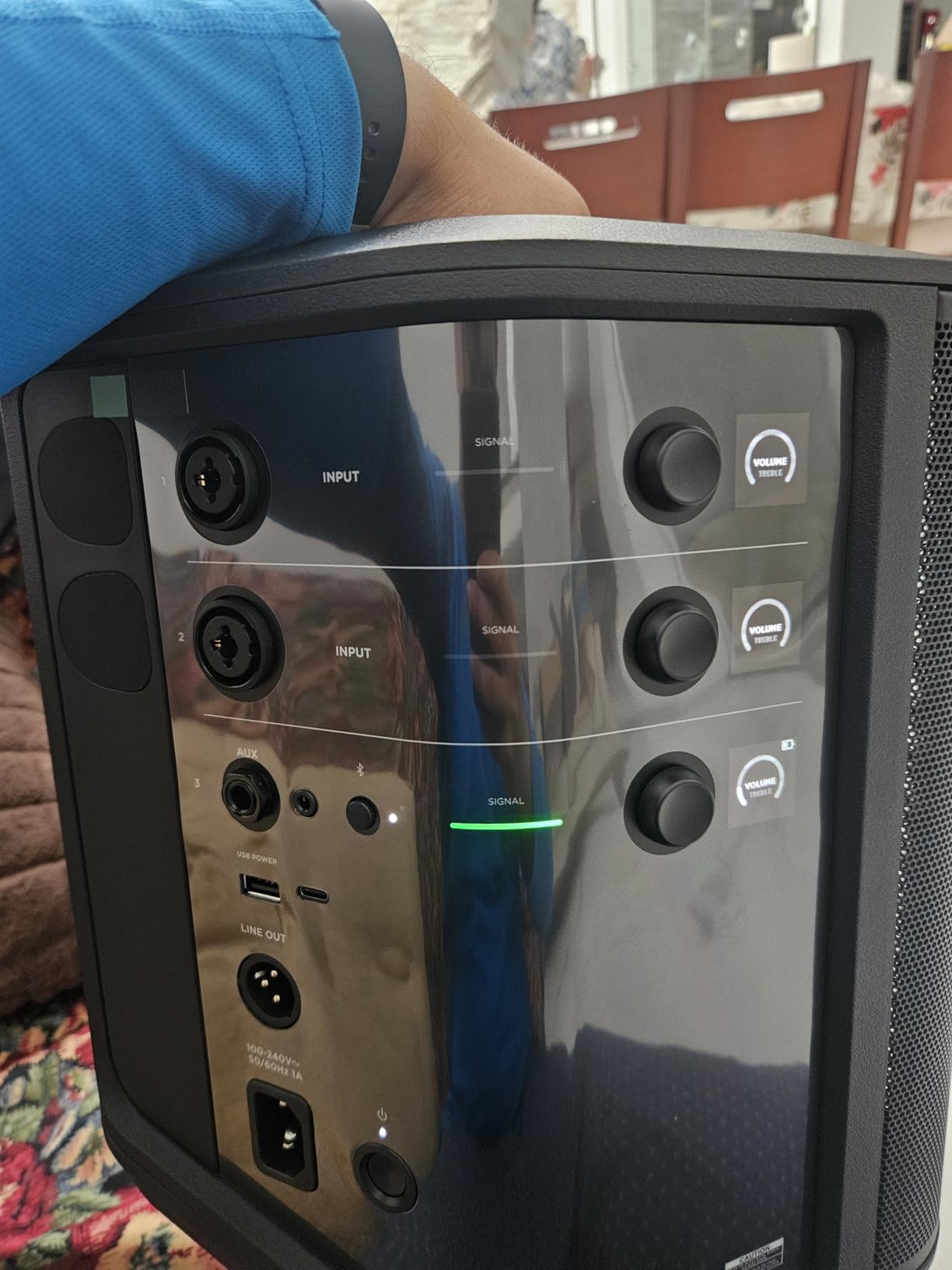
What makes it special is the 3-channel integrated mixer with reverb and tone controls plus wireless RF connectivity for microphones and instruments. We plugged in a guitar for an impromptu backyard set, ran a karaoke microphone, and streamed backing tracks over Bluetooth simultaneously. No other speaker in this roundup can do that.
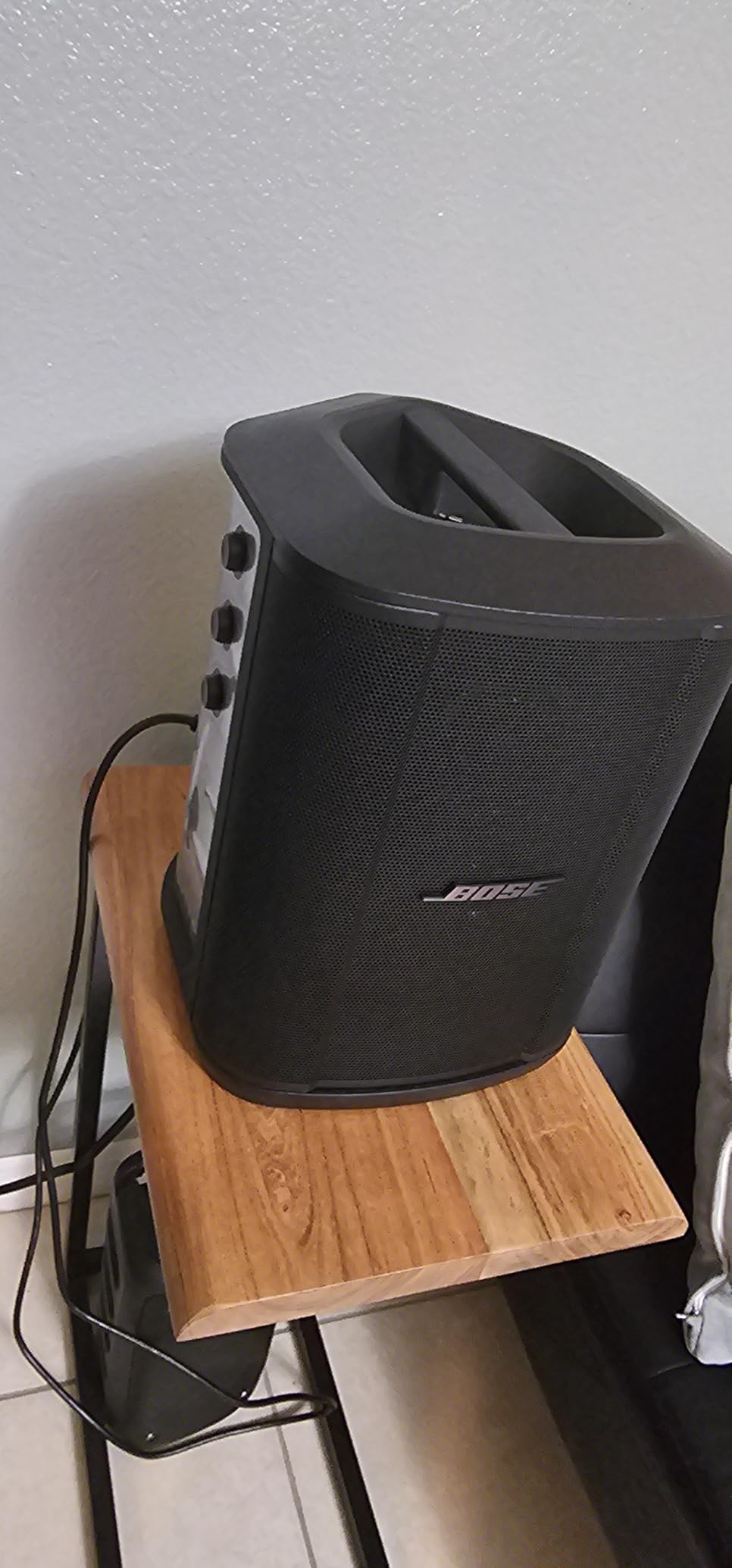
The four positioning options — vertical, tilted back, horizontal, and on a speaker stand — each trigger automatic EQ that re-optimizes the sound for the orientation. At 14.4 pounds with an ergonomic handle it is genuinely portable, and the 11-hour battery outlasted every event we threw at it.
Be clear about what it is not: this is not an app-controlled whole-home streaming ecosystem like Sonos or Echo. Multi-room here means Bluetooth streaming from a source device, and there is no dedicated app for advanced customization. It also carries premium pricing that only makes sense if the mixer and PA capabilities will actually get used.
When a PA speaker beats a smart speaker
If your multi-room plans include big gatherings, outdoor events, busking, presentations, or live instruments, the S1 Pro+ replaces gear you would otherwise rent or buy separately. For pure around-the-house streaming at conversational volume, it is massive overkill. Buy it for the parties, and accept it as the neighborhood’s favorite loaner.
Using the S1 Pro+ alongside a streaming system
Plenty of owners pair the S1 Pro+ with a Sonos or Echo system: the smart speakers handle daily background audio, and the Bose comes out for events. Because it accepts Bluetooth, AUX, and instrument inputs, it coexists with any ecosystem rather than belonging to one. Think of it as the heavy artillery you wheel out when company arrives.
10. Avantree Harmony 2 — Best No-App, No-Wi-Fi Multi-Room Kit
Avantree Harmony 2 – Multi-Room Wireless Speaker System for Home & Office
3-speaker plug-and-play system
Under 30ms sync latency
Optical, AUX and Bluetooth input
No app or account required
Pros
- Ultra-low latency under 30ms
- No app required — plug and play
- Expandable to more speakers
- Works with TV
- phone or laptop via optical/AUX/Bluetooth
- Good indoor coverage
Cons
- Not suitable for large outdoor venues
- Limited microphone input compatibility
- Max volume modest for large spaces
The Avantree Harmony 2 solves multi-room audio for people who want nothing to do with apps, accounts, or Wi-Fi configuration. The kit ships with three speakers and a transmitter that connects to your source via optical, AUX, or Bluetooth — power everything on and the rooms are in sync. That is the entire setup process, and it took us under five minutes from box to music.
The engineering story here is the sub-30ms latency. Traditional Bluetooth makes multi-room awkward because of audible delay between rooms; Avantree’s dedicated wireless link keeps all three speakers synchronized tightly enough that walking between rooms reveals no echo. This is also why it works beautifully with TV — dialogue stays aligned with the picture, which Bluetooth alone rarely manages.
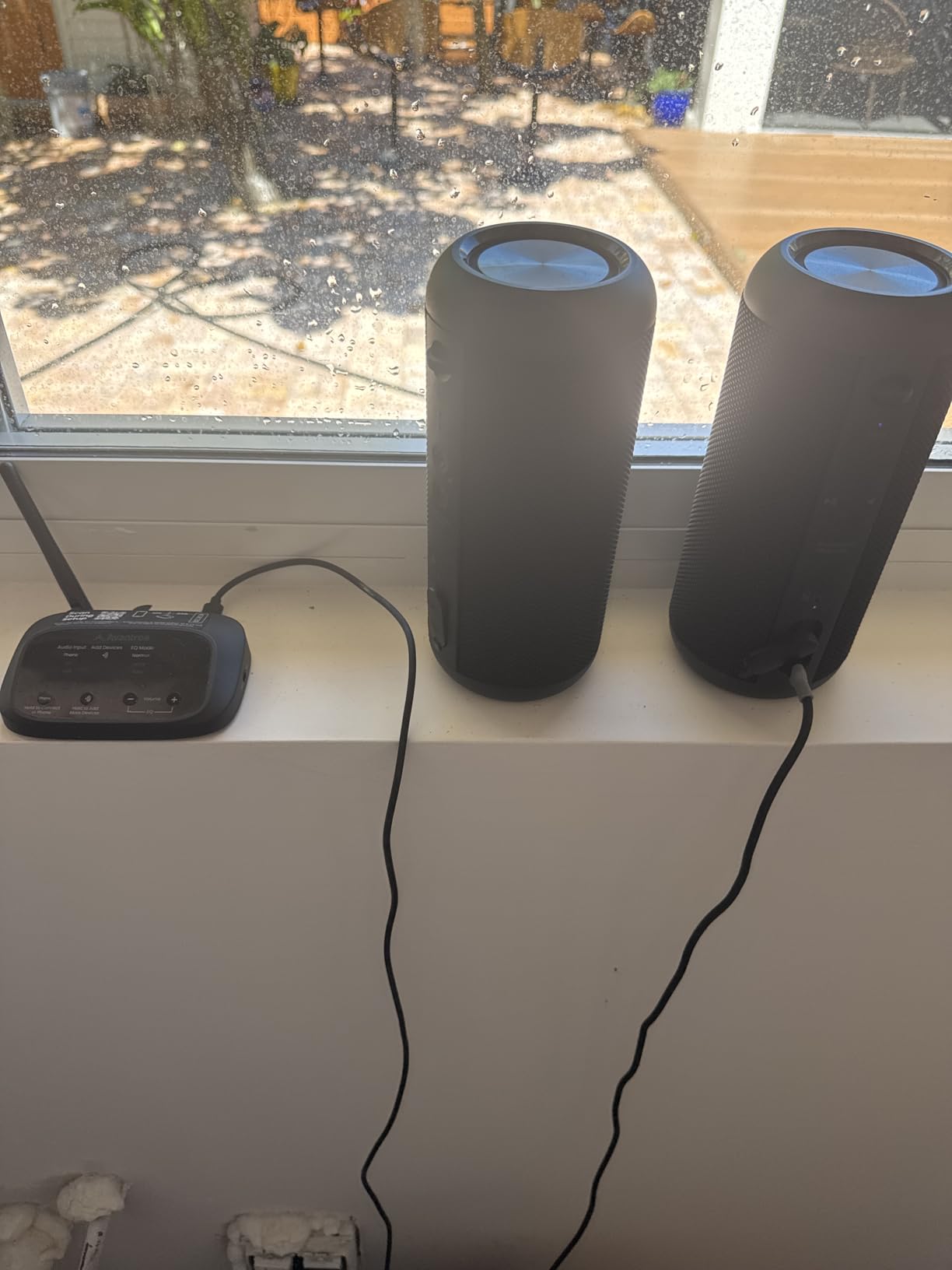
Each speaker runs about six hours on its internal battery, so rooms without convenient outlets are still an option. The system is expandable beyond the included three speakers, and reviewers consistently praise it for home offices, classrooms, and meeting rooms where dead-simple synchronized audio is the whole job.
Manage expectations on power: at 15 watts per speaker this is background-and-moderate-volume audio, not party gear, and it is explicitly not built for large outdoor venues. Microphone input compatibility is limited, and maximum volume will not shake a big open space. Within its lane, though, it is uniquely painless.
Who the no-app approach is really for
This is the pick for technophobes, older relatives, vacation homes, rentals, and anyone who has fought a smart speaker app once too often. It is also a strong choice for TV-audio-to-multiple-rooms setups thanks to the optical input and latency control. If the phrase “firmware update” makes you flinch, this is your system.
Expansion and add-on speaker compatibility
Avantree sells additional compatible speakers that pair to the same transmitter, so a three-room start can grow to four or five rooms over time. Note that add-ons must be from the same Harmony family — these speakers do not interoperate with Sonos, Echo, or AirPlay gear, so treat this as its own self-contained island.
Buying Guide: How to Choose the Best Multi-Room Speakers?
Choosing well here saves you years of frustration, because the speaker you buy is really a vote for the platform you will live with. Here is everything we learned the long way.
Closed versus open ecosystems
Closed systems — Sonos, Echo, Nest, BluOS — keep everything in one app with flawless sync, but only within their own hardware. Open approaches use standards like AirPlay 2 and Google Cast that let different brands play together, at the cost of rougher edges and fewer unified features. Our advice after months of testing: pick one closed ecosystem for the core of your home, and favor ones that also support AirPlay 2 (Sonos does) so Apple visitors and future devices retain a door in.
App stability is a real buying factor
Forum research for this guide surfaced the same pain point again and again: Sonos app reliability issues after multiple updates, Spotify quirks on both Google and Amazon devices, and frustration when a firmware update changes behavior overnight. Read recent reviews — not overall star averages — before committing to any platform, because the app is the product you interact with every single day.
The real cost per room
No competitor publishes this breakdown, so here is ours. A three-room budget build on Echo Dots costs around $150 total; the same three rooms on Google Nest Audio runs near $400 for the 3-pack; three Sonos Era 100 rooms are a serious four-figure investment. The uncomfortable math forum users keep rediscovering: expand room by room, not all at once, and put the expensive speakers only where you actually sit and listen.
Room size and the 83% rule
Speaker buyers often reference the “83% rule” — the old studio insight that most listeners perceive a speaker as ideal when its output is dialed to roughly 83% of maximum, leaving headroom for dynamics. Practically, that means buying a speaker one size larger than your room strictly needs: an Era 100 or Dot Max in a bedroom, a Move 2 or Studio in a main living space, and a Bose S1 Pro+ only when crowds demand it. A speaker straining at 100% always sounds worse than a bigger one cruising at 60%.
Wi-Fi requirements for whole-home audio
Multi-room speakers are only as reliable as your network, and every pain report about dropouts traces back to Wi-Fi eventually. A mesh system covering the whole house is the practical requirement for three or more rooms, which makes the eero extenders built into current Echo devices a genuine two-birds-one-stone feature. Keep speakers within strong signal range of a node, and prefer 5 GHz backhaul for the mesh if your router supports it.
Streaming service compatibility
Check your actual service before buying: Sonos and Alexa support virtually everything, but YouTube Music on Sonos has known issues, Spotify is the recurring complaint on both Nest and Echo reviews, and hi-res subscribers should verify Qobuz or Tidal support on their chosen platform. Voice-requesting specific songs can also require a premium subscription on Google and Amazon gear.
Sync latency across rooms
All the closed ecosystems hold rooms in near-perfect sync — walking between rooms should never produce an echo. Where latency matters most is TV audio, which is why the Avantree’s sub-30ms spec and optical input matter, and why Bluetooth-only solutions disappoint for video. If TV-to-other-rooms is your use case, prioritize speakers with line-in or optical, or a platform with a dedicated TV mode.
Privacy and microphone policy
Decide household microphone policy up front. Every assistant speaker has a mute button, but the microphone-free Sonos Era 100 SL is the only pick here with no mic hardware at all. In kids’ rooms, home offices with confidential calls, or simply for the privacy-minded, that hardware guarantee beats any software promise.
Frequently Asked Questions
Is multi-room audio worth it?
Yes, for most households. Multi-room audio replaces one loud speaker blasting through the house with properly tuned sound in each room, all controlled from your phone or voice. It is especially worthwhile if you entertain, move around the house during the day, or want music to follow you from kitchen to patio without interruption.
What are the best budget multi-room speakers?
The Amazon Echo Dot (newest model) is the best budget option, letting you cover three rooms for under $150 total with a 4.7-star average. The Google Nest Audio 3-Pack is a step-up budget bundle with fuller sound, and the Avantree Harmony 2 is the best no-app budget kit for technophobes.
Which multiroom speaker is the best overall?
The Sonos Era 100 is the best overall multi-room speaker in 2026, combining excellent sound, Trueplay room tuning, effortless multi-room grouping, and an ecosystem you can expand for years. For Apple-centric homes, any AirPlay 2 speaker like the Era 100 or Sonos Play Portable integrates beautifully.
Can I mix different brands in one multi-room system?
Only through open protocols. AirPlay 2 lets iPhones group any compatible speakers regardless of brand, and Google Cast works similarly on Android. Closed systems like Sonos, Echo, and the Avantree kits only sync with their own family of speakers, so pick one ecosystem and stay inside it for synchronized playback.
What is the 83% rule for speakers?
The 83% rule comes from studio monitoring practice: a speaker sounds its best and most dynamic when playing at roughly 83% of its maximum level rather than being pushed to full volume. For buyers it means choosing a speaker slightly more powerful than your room needs, so it cruises comfortably instead of straining and distorting.
Which speaker brand has the best sound quality?
Among the models we tested, Sonos delivers the best balanced sound per dollar (Era 100), Bose leads for raw party power (S1 Pro+), and Amazon’s Echo Studio offers the most immersive experience with Dolby Atmos. Blind-listening differences between quality Wi-Fi speakers are smaller than app and ecosystem differences, so weigh those heavily too.
Conclusion
After months of testing, our verdict on the best multi-room speakers is clear: the Sonos Era 100 is the best overall system, the Echo Dot family is the smartest budget build, and the Sonos Move 2 or Play Portable handle everything outside. Whatever you choose, commit to one ecosystem, expand room by room, and check those recent app reviews before you buy.
Pick your platform today and add your first room this week — once music follows you through the house, you will wonder how you lived any other way.