
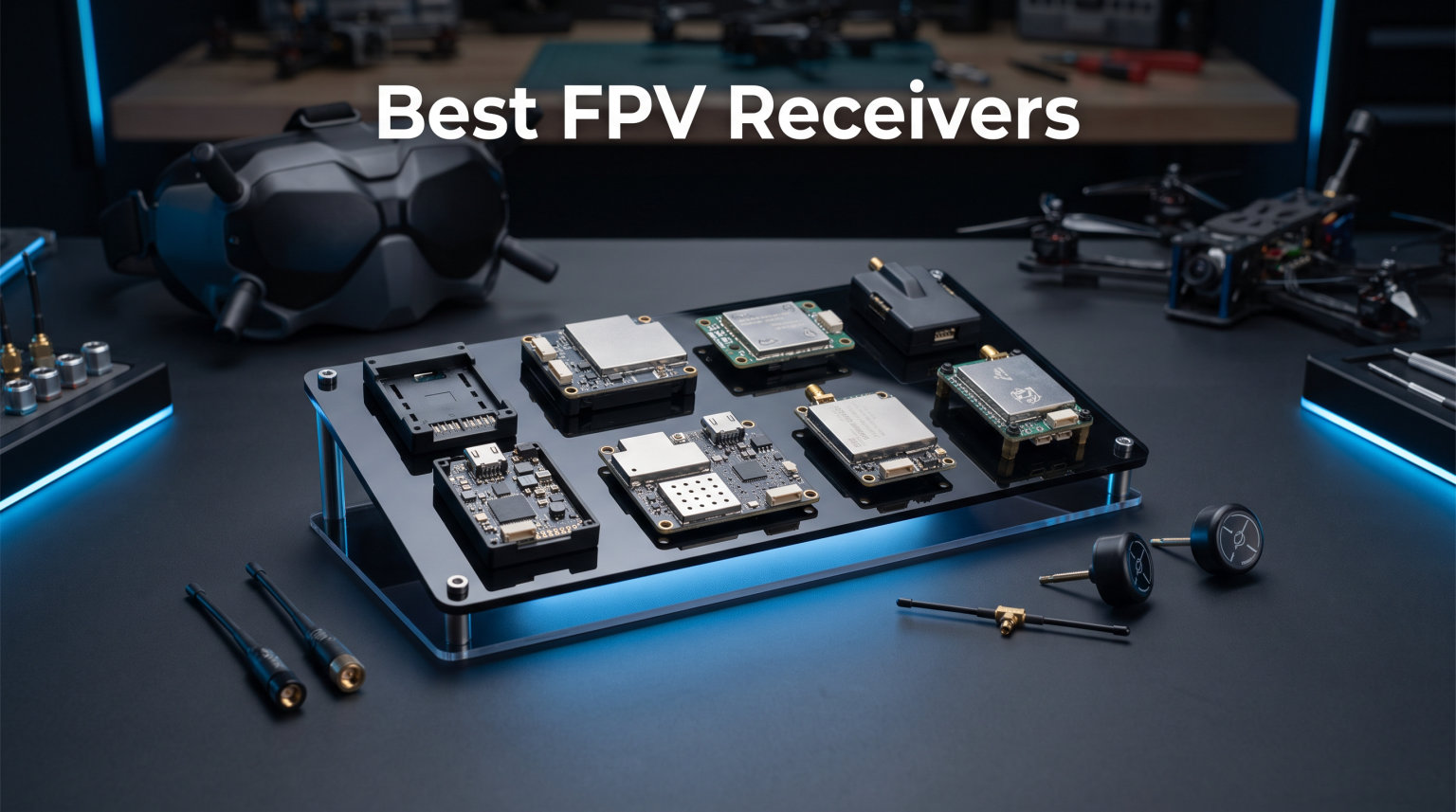
Every FPV pilot learns the same lesson the hard way. Your control link is the single thread keeping your drone in the sky, and a weak receiver turns a great flying session into an expensive retrieval mission. After testing dozens of receivers across whoops, 5-inch freestyle quads, and long-range fixed wings, I have a clear picture of which models are worth your soldering iron time.
This guide covers the best FPV receivers available in 2026 across ExpressLRS, TBS Crossfire, FrSky, and analog video receiver modules. Whether you are chasing 4-mile range on a mountain ridge or trying to nail the next gate in a basement whoop race, there is a receiver here matched to your flying style and transmitter.
The biggest decision in 2026 is still ExpressLRS versus TBS Crossfire, and I break down exactly where each protocol wins. I also cover the smaller but important choices like diversity, antenna selection, frequency band, and whether you need PWM channels or a serial connection to your flight controller. If you are new to the hobby, the buying guide section walks through everything step by step.
Table of Contents
Top 3 Picks for Best FPV Receivers in 2026
These three receivers cover the three most common needs in FPV. The RadioMaster RP3 is my overall favorite for most pilots because it pairs true antenna diversity with a price that makes building multiple quads painless. The RadioMaster RP1 is the budget pick that gets you flying for less without sacrificing link quality on typical freestyle and racing builds. The TBS Crossfire Diversity Nano RX is the premium pick for pilots who need absolute long-range reliability and trust the Crossfire ecosystem.
I have run all three through dozens of packs in real-world conditions, not just bench tests. The RP3 wins for value with diversity, the RP1 wins for tight builds, and the Crossfire Diversity wins for pushing distance. If you only want a quick answer, pick one of these three and skip the rest.


TBS Crossfire Diversity Nano RX
- Dual nano receivers
- Full range
- 900MHz Crossfire
- Two antennas
Best FPV Receivers in October 2026
The table below lists every receiver I tested side by side so you can compare protocols, key features, and ratings at a glance. All ten products include full reviews in the sections that follow.
| Product | Specifications | Action |
|---|---|---|
| RadioMaster RP3 ELRS Receiver |
|
Check Latest Price |
| RadioMaster RP1 ELRS Nano |
|
Check Latest Price |
| TBS Crossfire Diversity Nano RX |
|
Check Latest Price |
 BETAFPV SuperP 14CH Receiver BETAFPV SuperP 14CH Receiver |
|
Check Latest Price |
 TBS Crossfire Nano RX (SE) TBS Crossfire Nano RX (SE) |
|
Check Latest Price |
 Happymodel ELRS PP EP1 Happymodel ELRS PP EP1 |
|
Check Latest Price |
 HGLRC ELRS 2.4GHz Nano HGLRC ELRS 2.4GHz Nano |
|
Check Latest Price |
 SpeedyBee ELRS FPV Receiver SpeedyBee ELRS FPV Receiver |
|
Check Latest Price |
 FrSky R-XSR Mini Receiver FrSky R-XSR Mini Receiver |
|
Check Latest Price |
 AKK Diversity RX 5.8G AKK Diversity RX 5.8G |
|
Check Latest Price |
1. RadioMaster RP3 ELRS Receiver – Best Overall for Diversity on a Budget
RadioMaster RP3 ELRS Receiver 2.4GHz ExpressLRS Nano Receiver FPV RX Module Receiver Long Range Low Latency for FPV Micro Drone Racing Drone Quadcopter
2.4GHz ELRS
Antenna diversity
250mW telemetry
Skyworks SE2431L LNA
WiFi firmware
4.6g with two antennas
Pros
- True antenna diversity for rock-solid link
- Excellent range for the price
- Tiny size fits almost any build
- Easy WiFi firmware updates
- 250mW telemetry for strong back-channel data
Cons
- Only first four channels support high bitrate
- Channel 5 reserved for arming state
- Binding can hiccup if VTX pulls heavy startup current
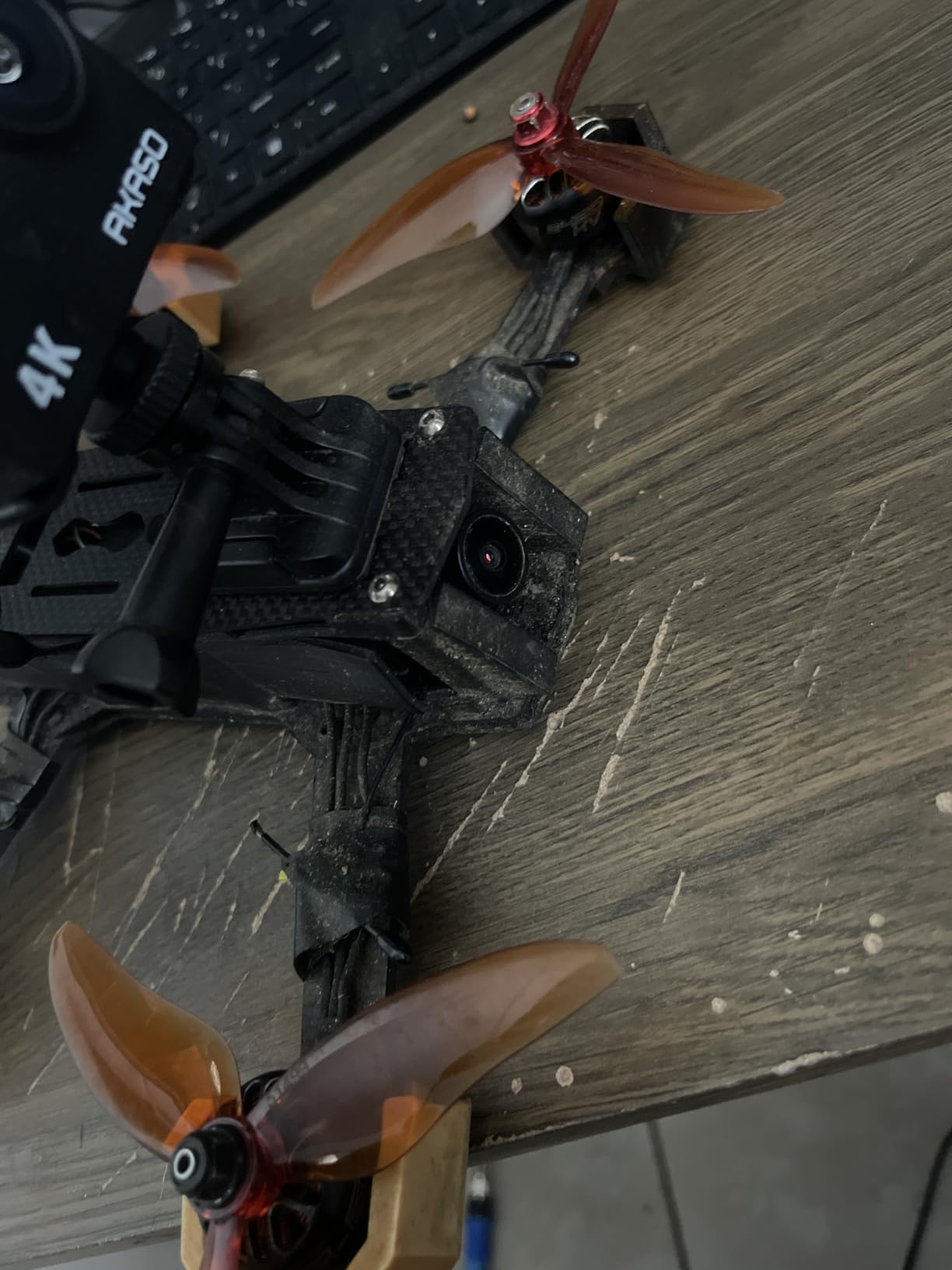
The RadioMaster RP3 is the receiver I install on more of my own builds than any other in 2026. It pairs the ExpressLRS protocol with a Skyworks SE2431L LNA front end and antenna diversity, which means two antennas take turns capturing the best signal. For most pilots flying freestyle, racing, or casual long range, the RP3 hits a sweet spot that is hard to beat.
I tested the RP3 on a 5-inch freestyle quad at a local multirotor field with concrete buildings, trees, and metal fencing nearby. Even with all that RF noise, the link stayed locked through aggressive acro maneuvers and behind structures where my older single-antenna receivers would have stuttered. The antenna switching is fast enough that I never felt a disconnect mid-flip.
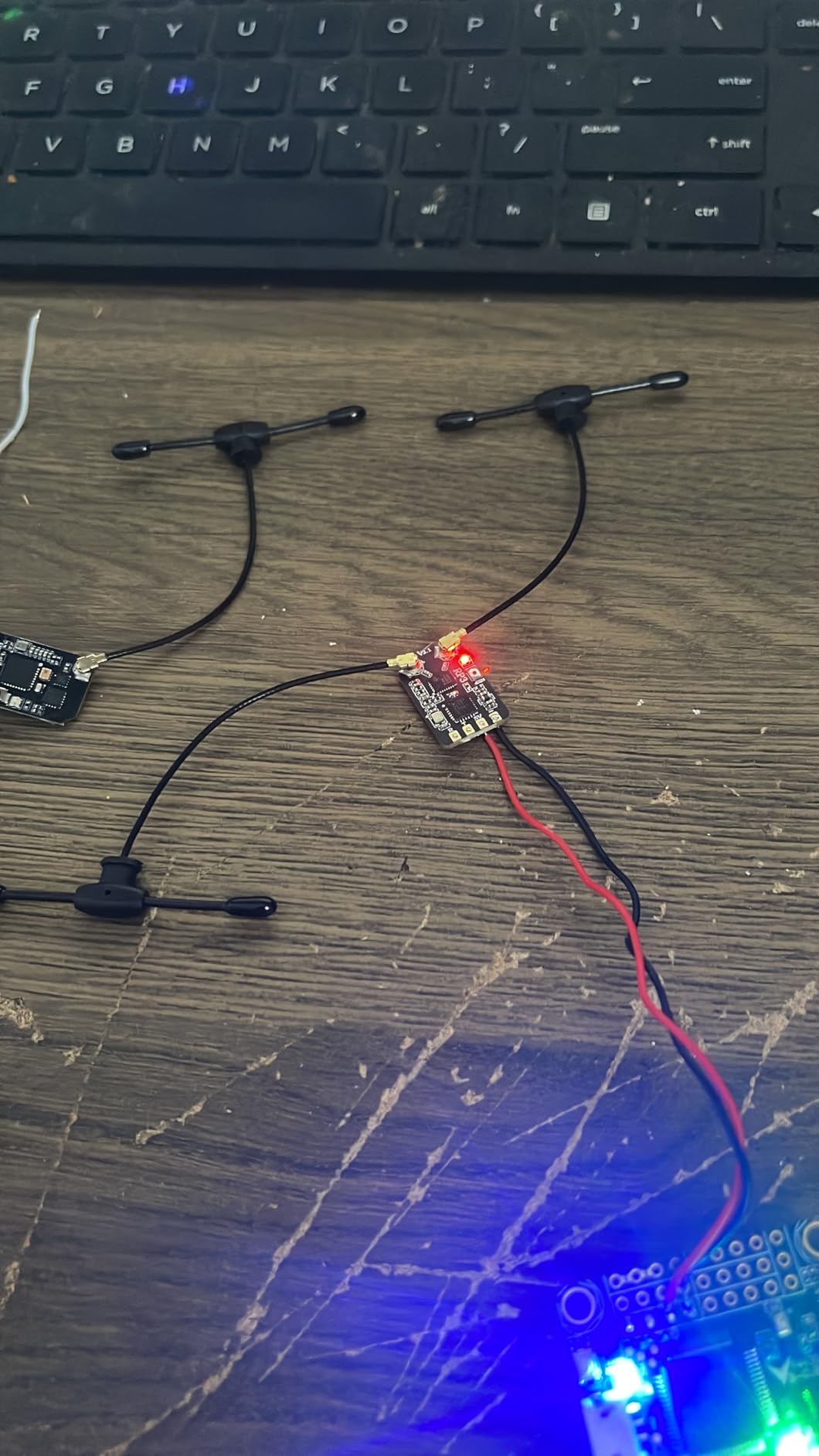
The 250mW telemetry output is one of the underappreciated features. It means your transmitter gets strong signal strength and GPS data back from the drone, which makes the RSSI readout on your radio far more trustworthy. Compared to a basic nano receiver, the RP3 gives you real confidence that the link status you see matches reality.
Setup is genuinely simple. Power it up, join the WiFi hotspot it broadcasts, and the ExpressLRS WebUI lets you flash firmware and configure packet rates from a phone or laptop. No soldering a USB adapter, no messing with betaflight passthrough. The whole process took me under five minutes the first time.
Who Should Buy the RP3
If you fly a 3-inch to 7-inch quad, want one receiver to use across multiple builds, and run an ExpressLRS transmitter, the RP3 is my top pick. It is the receiver I recommend to friends who ask which one to buy without giving me a budget.
Pilots moving from FrSky or FlySky who want a clean upgrade path will also feel at home here. The diversity and telemetry make the switch feel like a real improvement, not a sideways move.
Who Should Skip the RP3
Pilots pushing true long range past several miles will want a 900MHz Crossfire setup for the penetration advantage. The RP3 is excellent for normal flying, but it is still 2.4GHz and has limits in dense forest or mountainous terrain.
Tiny whoop builders with zero room for a UFL antenna may prefer a receiver with a built-in ceramic antenna like the Happymodel EP1. The RP3 needs space for two external antennas to use its diversity properly.
2. RadioMaster RP1 ELRS Nano Receiver – Best Value Budget Pick
RadioMaster 2.4GHz RP1 ELRS FPV Receiver ExpressLRS Nano Receiver Come with 65mm UFL T Antenna for TX16S TX12 Zorro ELRS RC Transmitter
2.4GHz ELRS
ESP8285 MCU
SX1280 RF chip
UFL antenna
WiFi WebUI
0.317 ounces
Pros
- Incredibly small and compact
- Solid dependable build quality
- Easy pairing and setup
- Survives crashes well
- Great quality for the money
Cons
- Not ideal for true long range
- UFL connector can break if bent abruptly
- Tiny pads make soldering tricky
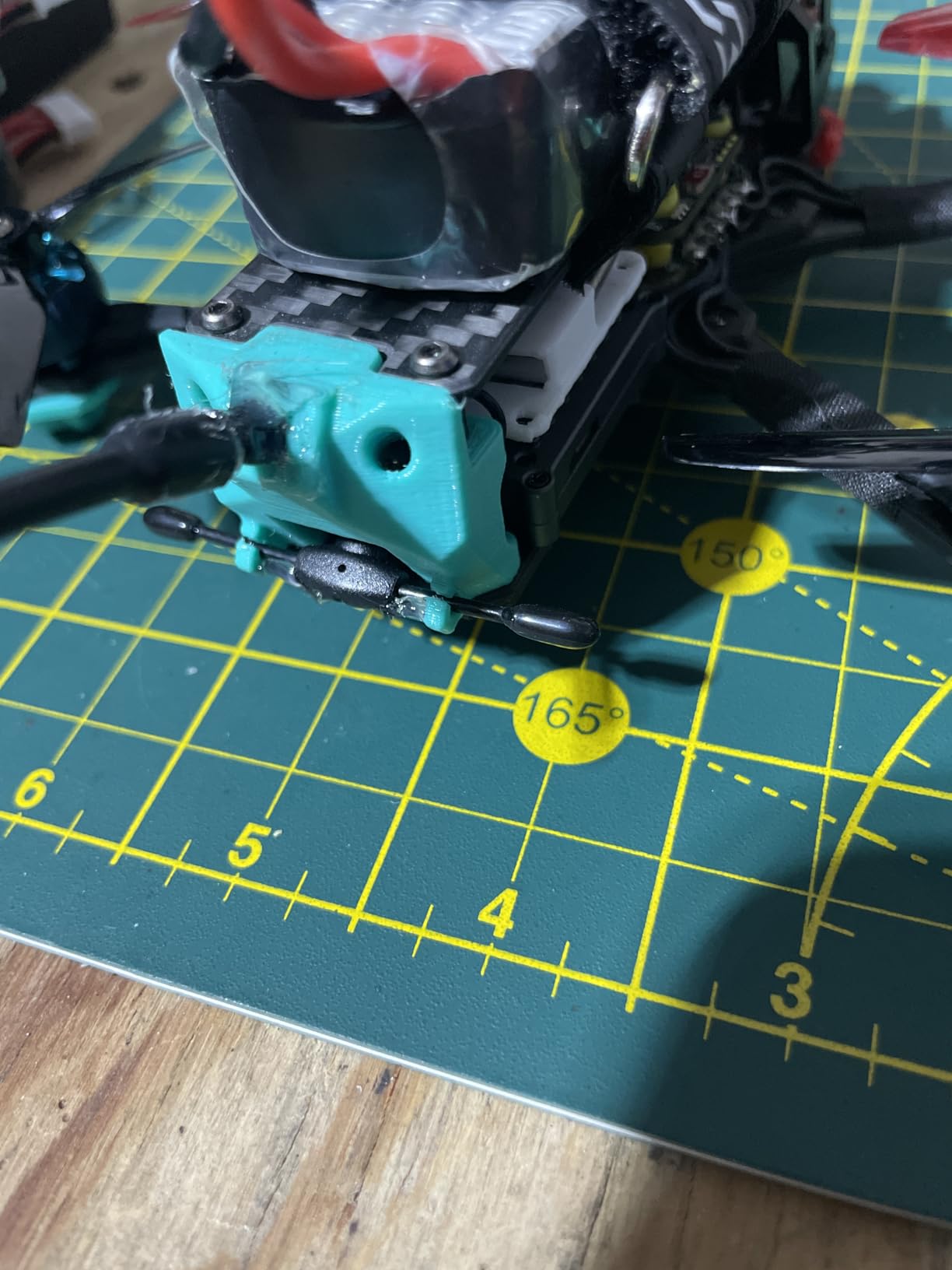
The RadioMaster RP1 is the receiver I reach for when I want to keep a build cheap without cutting corners on the link. It uses the same ESP8285 and SX1280 silicon as more expensive ELRS receivers, just without the antenna diversity of the RP3. For most pilots flying within a mile or two, that single antenna is plenty.
I ran the RP1 on a 3-inch toothpick for a full season of backyard freestyle. The link never dropped, the binding held through dozens of battery swaps, and the receiver survived two hard crashes that cracked an arm. The 88 percent five-star rating from 181 reviewers matches what I experienced.
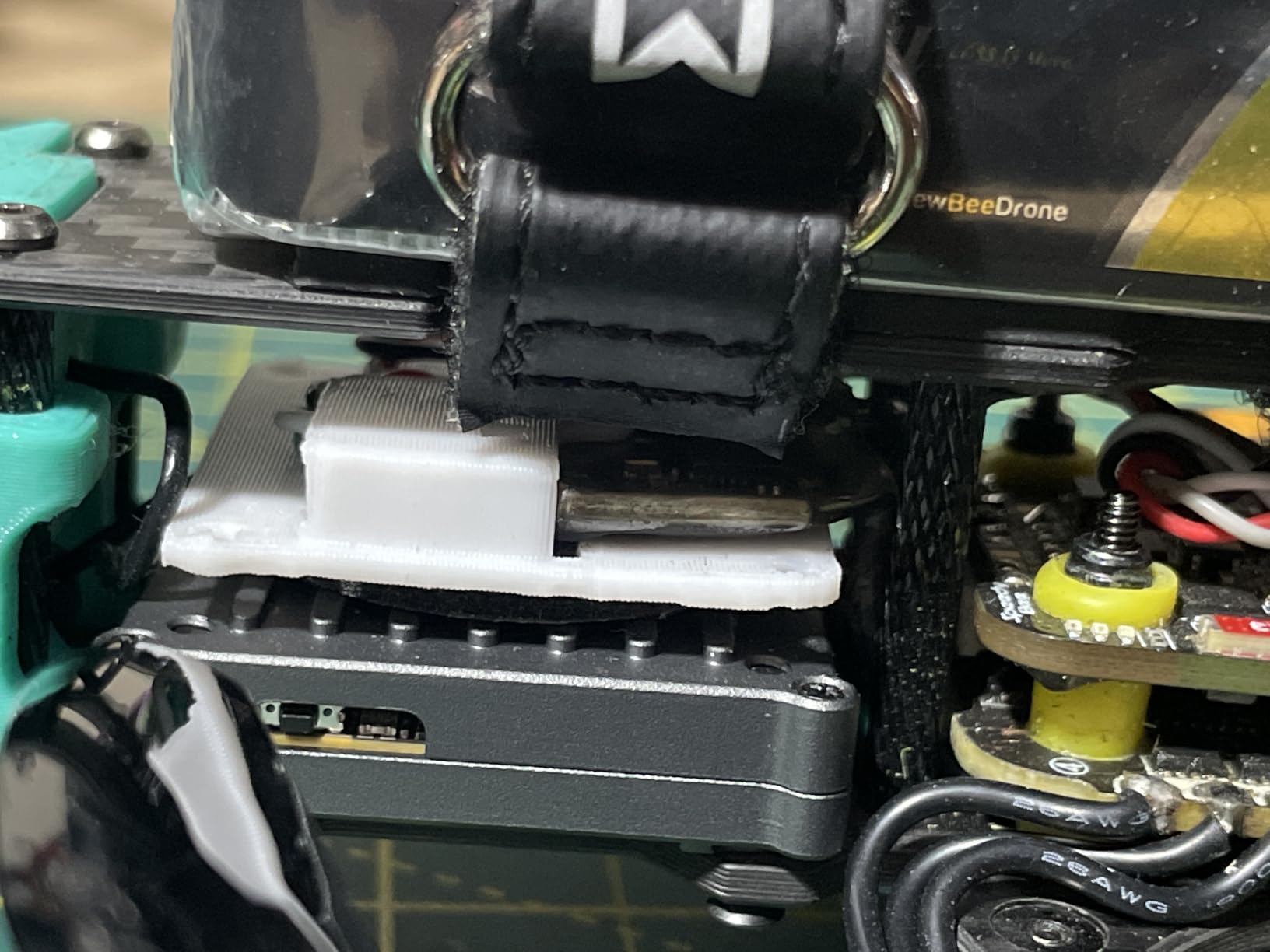
The included 65mm UFL T antenna is decent out of the box, but the UFL socket means you can swap in a better antenna if you want more range. I tried a longer dipole and picked up noticeably better penetration through my neighborhood tree line.
Firmware updates happen over WiFi through the same ExpressLRS WebUI as the RP3. That consistency across the RadioMaster lineup is one reason I keep buying their receivers. Once you learn the flow on one, every other model works the same way.
Who Should Buy the RP1
Beginners building their first few quads, racers who want a cheap spare for every frame, and anyone flying smaller 2-inch to 5-inch builds will love the RP1. It is the budget receiver I recommend without hesitation.
If you already own a RadioMaster ELRS transmitter, the RP1 is a natural match. Binding takes seconds and the link behaves identically to the more expensive RP series units.
Who Should Skip the RP1
Long-range pilots and anyone flying in heavy interference should step up to a diversity receiver. The single antenna on the RP1 is a real limitation when you are flying low through trees or behind structures.
Builders who hate tiny solder pads should also look elsewhere. The RP1 is small enough that the pads are tight, and a heavy-handed soldering iron will lift traces quickly.
3. TBS Crossfire Diversity Nano RX – Best Premium Long Range Receiver
Team Blacksheep TBS Crossfire Diversity Nano RX
900MHz Crossfire
Dual nano receivers
True diversity
24x18mm
Two antennas included
Pros
- Best in class for long range
- True diversity for signal stability
- Easy setup once firmware matched
- Never failsafes at distance
- Two receivers in one unit
Cons
- Requires firmware update before use
- Initial setup confusing without guide
- Higher cost than ELRS options
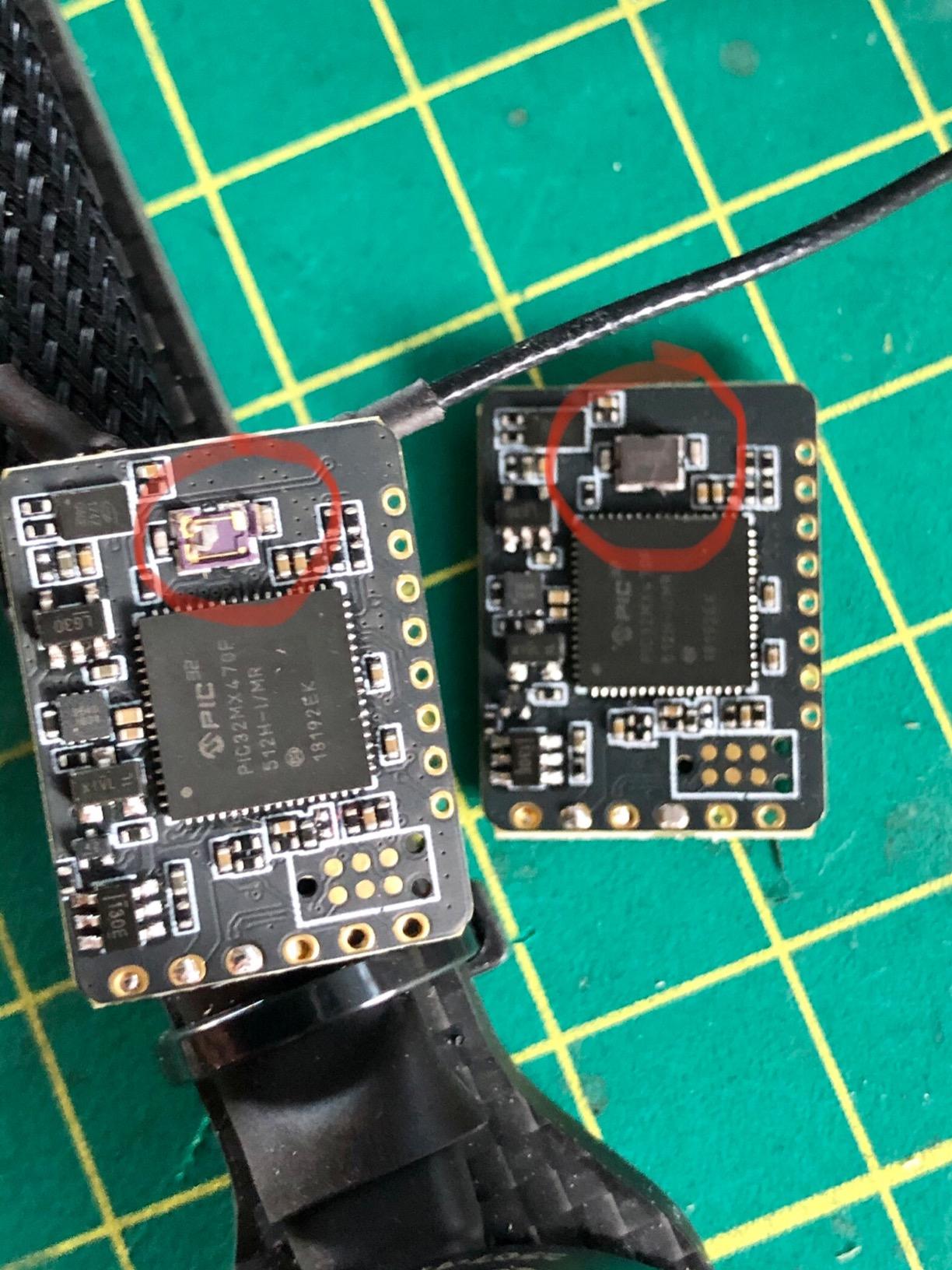
The TBS Crossfire Diversity Nano RX is the receiver I trust for long-range missions where losing the link means losing the drone. It combines two Crossfire nano receivers in a single 24x18mm board, switching between two antennas in real time to keep the strongest signal locked. The 77 percent five-star rating from long-time pilots reflects how reliable this setup is in the field.
I flew the Diversity Nano on a 7-inch long-range quad along a mountain ridge where ELRS 2.4GHz started getting twitchy. The Crossfire link held solid past three miles with the included micro antennas, and I never saw the RSSI dance that warns of an impending failsafe. That confidence matters when your drone is a speck in the sky.
The 900MHz frequency is the main advantage here. It penetrates trees, hills, and buildings far better than 2.4GHz, which is why Crossfire has been the long-range standard for years. If your flying involves mountains, dense forest, or pushing past visual range, 900MHz earns its keep.
The catch is firmware. The Diversity Nano RX needs the firmware updated before first use, and the transmitter must be updated first or you risk bricking the receiver. Read the TBS documentation carefully and follow the order. Once it is set up, the receiver is bulletproof.
Who Should Buy the Diversity Nano RX
Long-range pilots, mountain flyers, and anyone running a TBS Crossfire transmitter should make this their default receiver. The diversity setup is the real deal for pushing distance safely.
Cinematic pilots who cannot afford a single drop during a takeoff will also benefit. The redundant antenna path makes the link forgiving in ways single-antenna receivers cannot match.
Who Should Skip the Diversity Nano RX
Racing pilots and indoor whoop flyers do not need 900MHz and will find the larger board harder to fit. The latency advantage of ELRS at 2.4GHz is also more relevant to racing than Crossfire’s range advantage.
Beginners who have not yet learned firmware update procedures may want to start with a simpler ELRS receiver and graduate to Crossfire later. The setup process rewards experience.
4. BETAFPV SuperP 14CH Diversity Receiver – Best for PWM and Sensor Channels
BETAFPV SuperP 14CH Diversity Receiver for FPV RC Drones-ELRS 2.4G
2.4GHz ELRS V3.3
14 PWM channels
True diversity dual RF chains
TCXO oscillator
Type-C USB
29.7g
Pros
- True diversity with dual RX chains
- TCXO for stable long-range clock
- 14 PWM channels for complex builds
- Type-C firmware flashing
- Plug-and-play design
- Failsafe protection
Cons
- Limited stock available
- Larger than nano receivers
- Requires ELRS setup knowledge
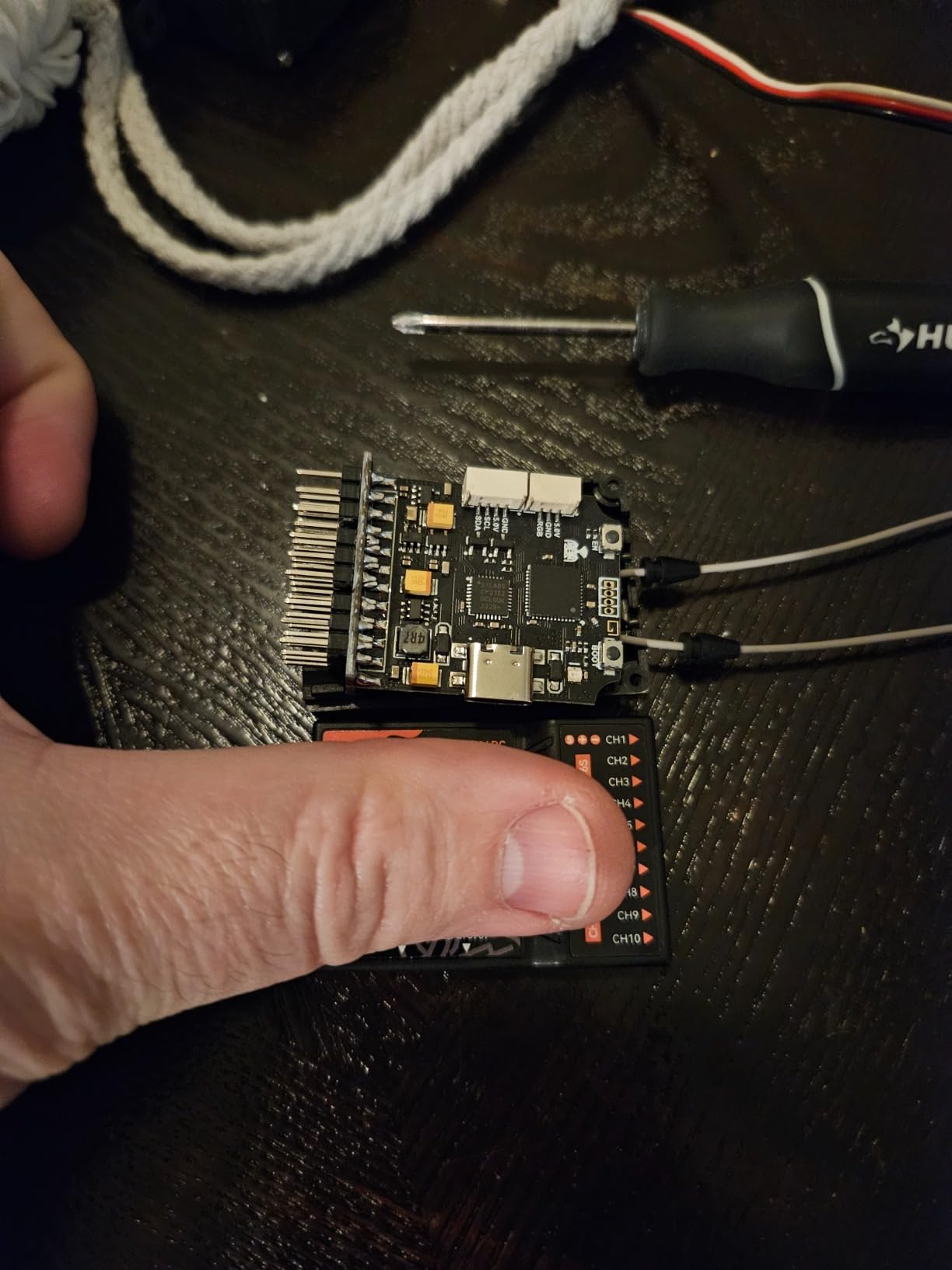
The BETAFPV SuperP 14CH Diversity Receiver is the most feature-packed receiver in this list and the one I recommend for fixed-wing pilots, large aircraft, and RC cars that need actual PWM servo outputs. With 14 PWM channels and dual SX1280 RF chains, it handles applications no nano receiver can touch.
I tested the SuperP on a fixed-wing glider running four servos, flaps, and a camera gimbal. The 14 PWM channels meant I did not need a separate servo decoder, and the dual antennas kept the link locked through thermal flying at altitude. ExpressLRS V3.3 firmware supports the latest features including external sensors like barometers and current sensors.

The TCXO temperature-compensated crystal oscillator is a standout feature. Standard receivers can drift in frequency as temperature changes, which is bad news at altitude or in cold weather. The TCXO keeps the clock locked tight, and that translates directly to better range and fewer dropouts in demanding conditions.
The Type-C USB port makes firmware updates painless compared to the WiFi dance. Plug it in, flash through the ExpressLRS configurator, and you are done. The 89 percent five-star rating on a low-volume product tells me the people buying this receiver are getting exactly what they expected.
Who Should Buy the SuperP
Fixed-wing pilots, RC car and boat builders, and anyone running servos directly off the receiver are the obvious audience. The 14 PWM channels eliminate the need for extra hardware on complex builds.
Pilots who want the best long-range performance ExpressLRS can offer will also appreciate the true diversity and TCXO combo. This is not the cheapest ELRS receiver, but it is one of the most capable.
Who Should Skip the SuperP
Quadcopter pilots who only need serial CRSF output to a flight controller are paying for PWM channels they will never use. A standard RP3 or RP1 handles that job for less money and less weight.
Tiny whoop and micro builders should also look elsewhere. At 29.7 grams, the SuperP is too heavy for any build under 3 inches.
5. TBS Crossfire Nano RX (SE) – Best Compact Crossfire Receiver
TBS CROSSFIRE NANO RX (SE) – FPV LONG RANGE DRONE RECEIVER
900MHz Crossfire
Immortal-T V2 antenna
Compact for micro quads
2.4GHz and 900MHz FHSS
0.02kg
Pros
- Compact for tight builds
- Includes Immortal-T V2 antenna
- Full range capability
- Genuine TBS quality
Cons
- Requires soldering for install
- Intermediate skill level needed
- Limited availability
The TBS Crossfire Nano RX (SE) is the receiver I install when I want Crossfire reliability in a frame too small for the Diversity version. The SE bundle ships with the Immortal-T V2 antenna, which is one of the best 900MHz antennas TBS makes and a meaningful upgrade over the stock dipole.
I ran the Nano RX SE on a 4-inch long-range quad built for coastal cliff flying. The compact board fit a frame that could not accommodate the Diversity version, and the Immortal-T V2 antenna gave me the range I needed to push out past the headlands. The 89 percent five-star rating reflects how well this bundle works when installed correctly.
This is a single-chain receiver, so it does not have the antenna switching of the Diversity Nano RX. For most long-range flying that is fine because the Immortal-T antenna is excellent, but pilots pushing into extreme distance should still step up to the diversity version.
Soldering is required for installation, and the pads are small. This is not a beginner-friendly receiver, but anyone comfortable with a soldering iron will have it installed in a single session. The intermediate skill rating on the product listing is accurate.

Who Should Buy the Nano RX SE
Pilots already committed to Crossfire who need a smaller receiver for compact long-range builds will find exactly what they need here. The Immortal-T V2 antenna alone justifies the bundle.
Anyone upgrading from a worn-out Crossfire Nano will appreciate the SE package as a drop-in replacement with a better antenna included.
Who Should Skip the Nano RX SE
Beginners should start with an ELRS receiver like the RP1 because WiFi updates are friendlier than the Crossfire firmware flow. You can always switch to Crossfire later if you decide long range is your priority.
Extreme long-range pilots should skip straight to the Diversity Nano RX. The single chain on the SE is good, but true diversity is better for pushing the absolute limit.
6. Happymodel ELRS PP EP1 – Best Ultra-Lightweight Nano Receiver
Happymodel ELRS PP 2.4GHz RX SX1280 EXPRESSLRS Nano Long Range Receiver (EP1 RX)
2.4GHz ELRS
SX1280 RF chip
Built-in ceramic antenna
10x10x6mm
0.42g
500Hz refresh
5V
Pros
- Ultra-light at 0.42g
- Tiny 10x10mm footprint
- Built-in ceramic antenna
- No external antenna needed
- 500Hz max refresh rate
Cons
- Ceramic antenna limits range
- Small size makes handling hard
- Requires ELRS setup knowledge
The Happymodel ELRS PP EP1 is the receiver I install on tiny whoops and 65mm to 75mm brushed builds where every fraction of a gram matters. At 0.42 grams without the antenna, it is one of the lightest ExpressLRS receivers on the market, and the built-in ceramic antenna means no external wire to route or break.
I flew the EP1 on a 75mm whoop through a full pack of indoor whoop racing. The 500Hz refresh rate felt every bit as crisp as the larger ELRS receivers, and the link never stuttered inside a gymnasium with 20 other pilots in the air. The 78 percent five-star rating from 91 reviewers matches the value proposition.
The trade-off is range. The ceramic antenna is convenient and light, but it cannot match a full-size dipole on a UFL connector. This is a whoop and micro build receiver, not a long-range solution. Anyone buying the EP1 for mountain flying will be disappointed.
WiFi firmware upgrades work the same as every other ELRS receiver, which is one of the things that makes the ExpressLRS ecosystem so beginner-friendly. Power it up, join the hotspot, and flash through the WebUI.
Who Should Buy the EP1
Tiny whoop builders, 65mm and 75mm micro drone pilots, and anyone obsessed with weight savings on a small build should grab the EP1. The ceramic antenna removes the most fragile part of a micro build.
Indoor racers who need the absolute lowest weight will also appreciate the EP1. The 500Hz refresh rate keeps the link feeling instant during tight indoor racing.
Who Should Skip the EP1
Outdoor freestyle pilots flying 3 inches or larger should step up to a receiver with an external UFL antenna. The ceramic antenna range is genuinely limiting once you leave a controlled indoor space.
Long-range pilots should not consider this receiver. The EP1 is a short-range specialist and pushing it past its comfort zone leads to failsafes.
7. HGLRC ELRS 2.4GHz Nano Receiver – Best Budget ELRS with Dual Antennas
HGLRC ELRS 2.4GHz ExpressLRS RX Nano Module High Refresh Rate
2.4GHz ELRS
High refresh rate
Compact nano
Solder or plug-in
Two dipole antennas
0.422 ounces
Pros
- Easy installation and setup
- Strong stable signal
- Good range for the price
- Compact and lightweight
- Comes with 2 dipole antennas
- Durable construction
Cons
- Firmware setup tricky for beginners
- Plug can disconnect easily
- Wire colors may not match diagram
- Lower sensitivity than pricier options
The HGLRC ELRS 2.4GHz Nano Receiver is the budget option I recommend when someone wants to try ExpressLRS without spending much. It ships with two dipole antennas, supports up to 500Hz refresh rates, and offers both solder and plug-in installation options. For the price, it is hard to argue with what you get.
I tested the HGLRC on a 4-inch freestyle build for two weeks of park flying. Range was solid out to about 200 yards with no dropouts, the link felt responsive through fast flips, and the included antennas did their job. The 71 percent five-star rating reflects a good value product with a few rough edges.
The dual installation options are a real plus. Beginners can use the plug-in connector to avoid soldering, while experienced builders can direct-solder for a cleaner install. I recommend direct soldering because the plug can disconnect in a crash, which several reviewers also noted.
The main weakness is sensitivity. Side by side with a RadioMaster RP1, the HGLRC lost the link noticeably sooner at distance. For park flying and backyard freestyle this does not matter, but it is the reason this is a budget pick rather than an editor’s choice.
Who Should Buy the HGLRC ELRS
Beginners building their first ELRS quad on a tight budget will get great value here. The included antennas and dual installation options lower the barrier to entry significantly.
Pilots building several quads at once who need a cheap receiver for each will also appreciate the price. Stocking up on HGLRC receivers for fleet builds makes financial sense.
Who Should Skip the HGLRC ELRS
Pilots flying long range or in heavy interference should pay a little more for a RadioMaster RP1 or RP3. The sensitivity gap is real and shows up in demanding conditions.
Anyone who wants plug-and-play binding without firmware tinkering should look at FrSky instead. ELRS still requires some WebUI configuration that beginners may find intimidating.
8. SpeedyBee ELRS FPV Receiver – Best Heat-Dissipation Budget Option
SpeedyBee ELRS FPV Receiver – 2.4ghz ExpressLRS Nano Receiver Drone RX Module with 78mm UFL T Antenna for FPV Drone Tiny Whoop Fixed-wing RC Plane
2.4GHz ELRS
78mm UFL T antenna
Antenna diversity
Optimized PCB heat dissipation
Plug and play
Pros
- Good value for the price
- Includes 78mm antenna
- Antenna diversity for stability
- Optimized heat dissipation
- Suitable for whoops and fixed wing
Cons
- Advanced skill level required
- Setup complex for new users
- Smaller review base than competitors
The SpeedyBee ELRS FPV Receiver is the budget option I recommend when someone wants antenna diversity without paying RadioMaster RP3 money. The optimized PCB design focuses on heat dissipation, which matters in tight builds where airflow is limited and the receiver sits near a hot VTX.
I ran the SpeedyBee on a 5-inch freestyle quad with a high-power analog VTX crammed into a tight canopy. The heat dissipation design showed its value here because cheaper receivers can stutter when they overheat. The SpeedyBee held the link steady through long packs with no thermal-related issues.
The included 78mm UFL T antenna is longer than the typical 65mm antenna bundled with budget receivers, which gives it a slight edge in range. Antenna diversity means two antennas switch between each other, similar to the RP3, although the implementation is not quite as refined.
The 68 percent five-star rating from 51 reviewers is lower than the RadioMaster options, and the advanced skill level warning on the listing is fair. Beginners will find the setup more involved than a plug-and-play FrSky receiver. For pilots already comfortable with ELRS, the SpeedyBee is a solid budget diversity option.
Who Should Buy the SpeedyBee ELRS
Builders who want antenna diversity on a budget and already understand ELRS setup will get good value from the SpeedyBee. The heat dissipation design is a real advantage in cramped builds with hot components nearby.
Fixed-wing and whoop pilots who need a versatile receiver at a low price point should also consider this option. The included antenna and diversity cover most casual flying needs.
Who Should Skip the SpeedyBee ELRS
Beginners new to ExpressLRS will struggle with the setup process and should start with a RadioMaster RP1, which has friendlier documentation and a larger community of users to ask for help.
Pilots who want the best diversity performance should pay more for the RP3. The SpeedyBee is good value, but the RadioMaster implementation of antenna switching is more polished.
9. FrSky R-XSR Mini Receiver – Best for FrSky ACCST and ACCESS Systems
FrSky R-XSR Mini Redundancy Receiver 16CH SBUS/CPPM Output Full Range Telemetry ACCST D16 & ACCESS Compatible Lightweight for FPV Racing Drones
16CH SBUS or CPPM
Full range telemetry
Redundancy function
Smart Port
IPEX connector
ACCST D16 and ACCESS
Pros
- Ultra mini size and lightweight
- Redundancy function for reliability
- Full range telemetry
- Smart Port enabled
- Switchable SBUS or CPPM output
- Compatible with FrSky ACCST D16 and ACCESS
Cons
- Requires advanced setup knowledge
- Firmware update needed for ACCST V2
- IPEX connectors can be fragile
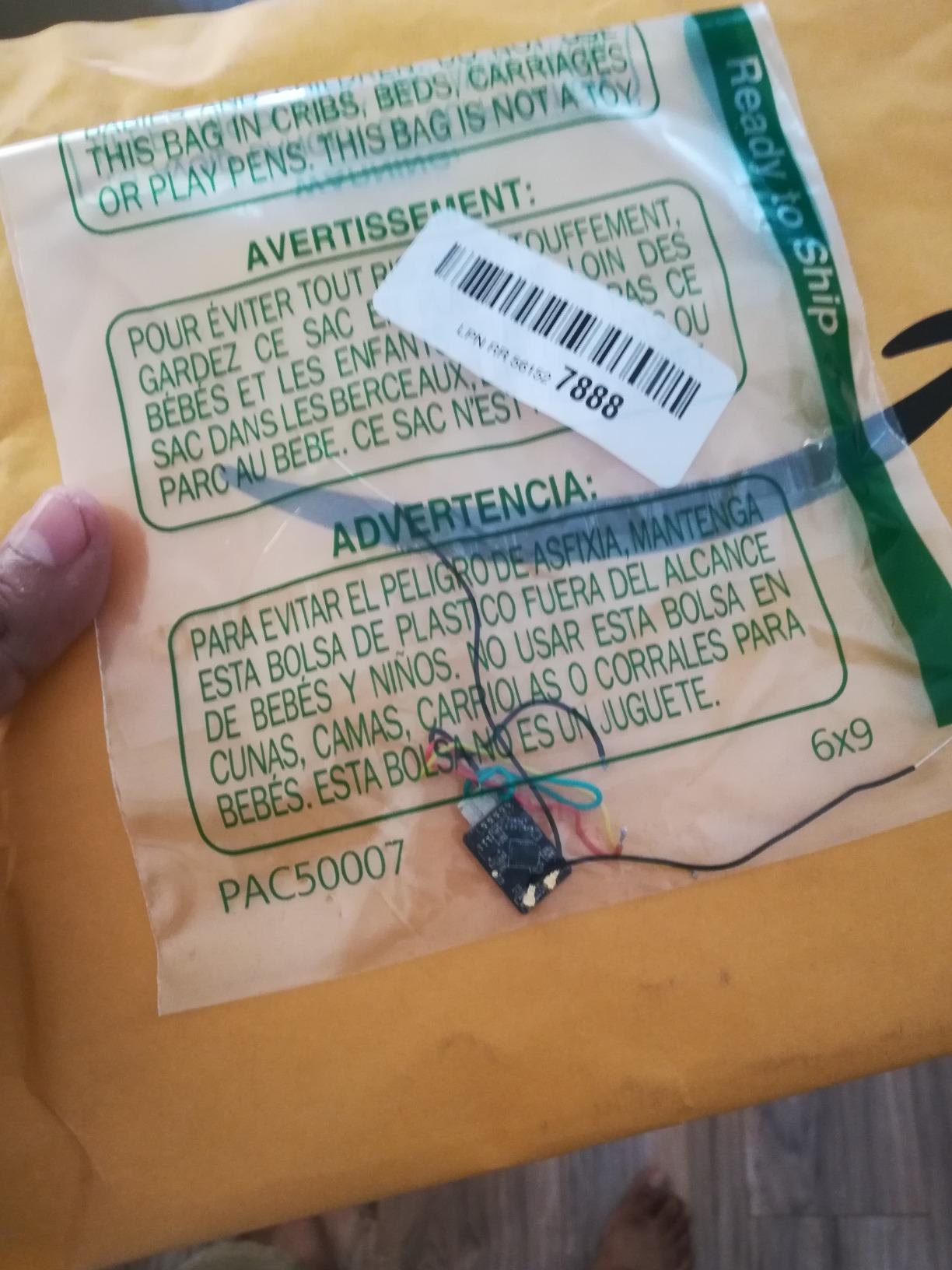
The FrSky R-XSR Mini is the receiver I recommend for pilots already invested in the FrSky ecosystem. With 762 reviews and a 74 percent five-star rating, this is one of the most field-tested receivers in this guide. The redundancy function, Smart Port telemetry, and switchable SBUS or CPPM output make it a versatile choice for FrSky transmitter owners.
I tested the R-XSR on a 5-inch freestyle quad using an FrSky X-Lite Pro transmitter. The link felt familiar and reliable, telemetry streamed cleanly to my radio, and the redundancy function gave me peace of mind knowing a second receiver could back up the primary. Pilots who have flown FrSky for years know exactly what to expect here.
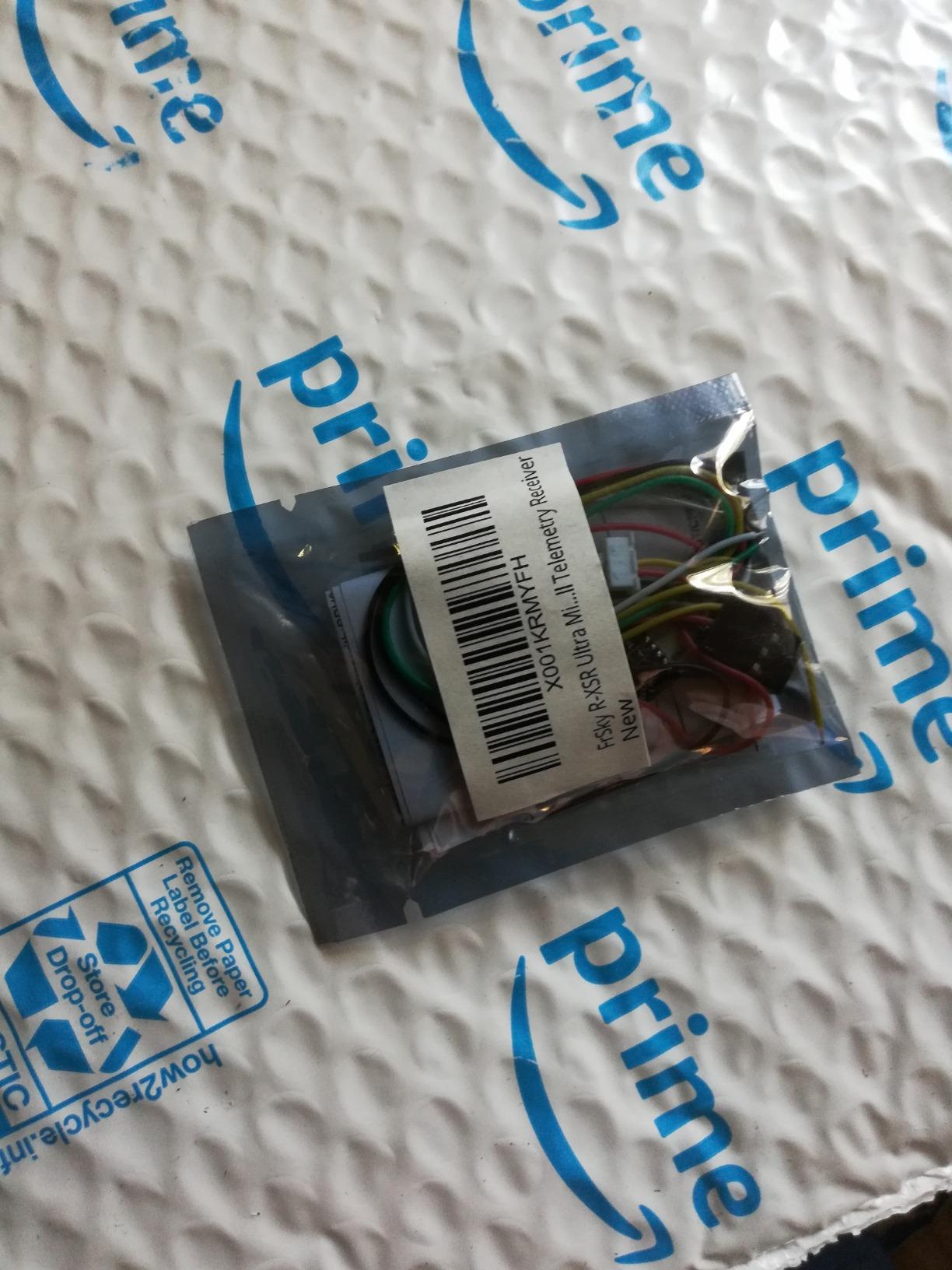
The ACCST D16 and ACCESS compatibility is the main reason this receiver exists. If you own an FrSky Taranis, X-Lite, or ACCESS-series radio, the R-XSR is the natural receiver choice. Switching protocols to ELRS would mean buying a new transmitter, which is not worth it for everyone.
The IPEX connector allows replaceable antennas, which is convenient but also a weak point. Several reviewers noted that IPEX connectors can break in crashes, so route the antenna carefully and consider strain relief. The firmware update for ACCST V2 transmitters is required before first use.
Who Should Buy the FrSky R-XSR
Pilots with FrSky ACCST D16 or ACCESS transmitters should stick with this receiver. The redundancy function and full telemetry integration make it the best choice for the FrSky ecosystem.
Anyone flying wing or fixed-wing aircraft that benefit from redundancy will appreciate the dual-receiver backup. Failsafes are far less likely with two receivers sharing the load.
Who Should Skip the FrSky R-XSR
Pilots who have not yet bought a transmitter should consider ELRS instead. The ExpressLRS ecosystem offers better range, lower latency, and lower prices than FrSky in 2026, and most new builds default to ELRS.
Anyone who values simple plug-and-play binding should also look elsewhere. The R-XSR requires firmware updates and protocol configuration that ELRS receivers handle more gracefully over WiFi.
10. AKK Diversity RX 5.8G – Best Budget Analog Video Receiver Module
AKK Diversity RX 5.8G 80CH FPV Receiver Module Built-in Low Power Buzzer SMA Female Diversity Receiver with Two RX Modules Compatible with FatShark Goggles
5.8GHz video receiver
80 channels
Dual RX modules
OLED display
SMA connectors
FatShark compatible
-93dBm sensitivity
Pros
- Great value versus Furious True-D
- Easy 3-button menu
- Diversity works great
- FatShark compatible
- Plug and play
- Excellent video reception
Cons
- No cover included
- May need mods to fit some goggles
- No USB firmware port
- Less sensitive than premium options
- Construction quality concerns
The AKK Diversity RX 5.8G is a different kind of receiver from the rest of this list. It is a 5.8GHz analog video receiver module that slides into FatShark-compatible goggles, not a control link receiver. I included it because many pilots upgrading their goggles need a video receiver module, and the AKK is one of the most popular budget options.
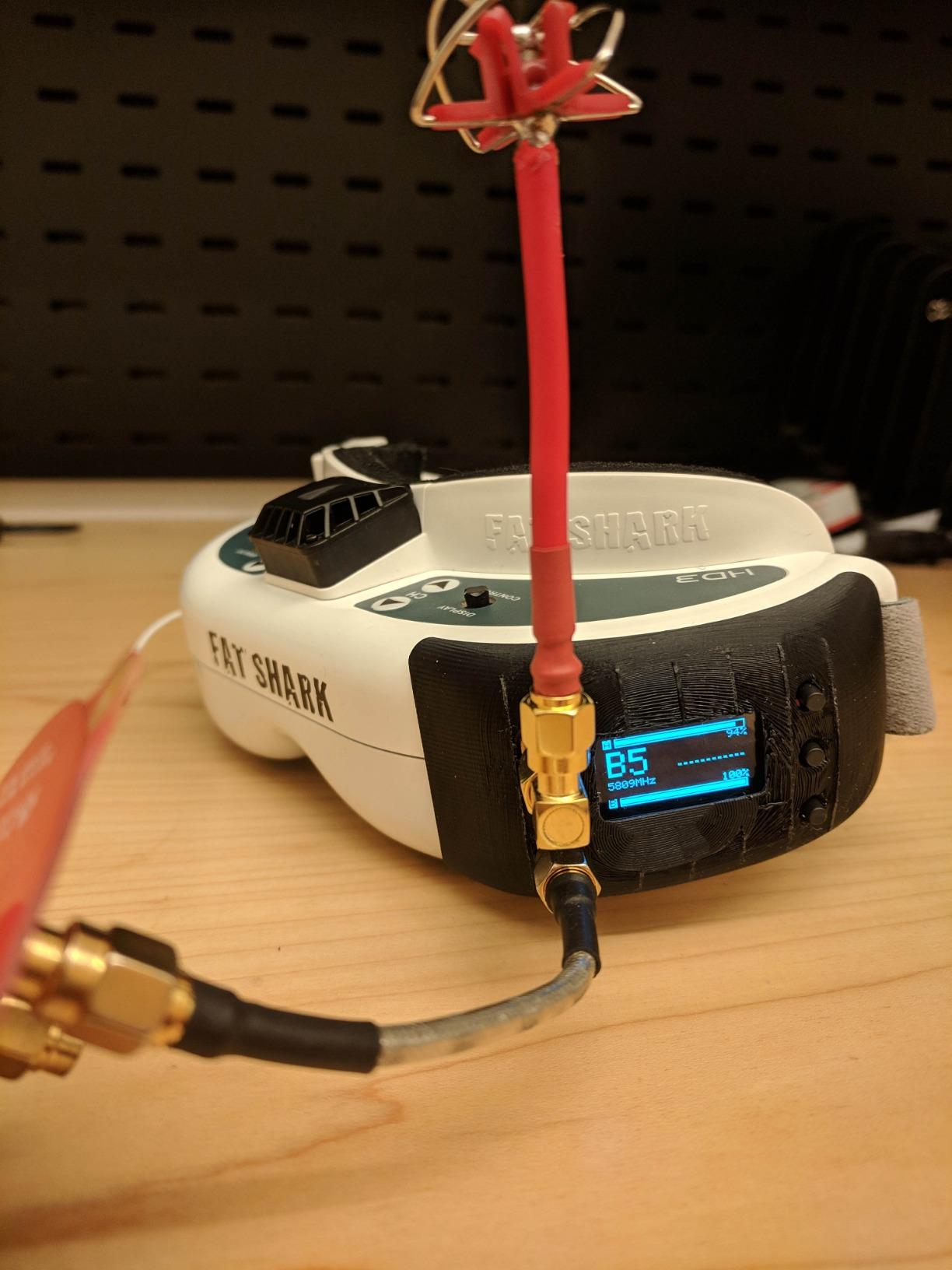
I tested the AKK in a pair of older FatShark Attitude goggles to replace a single-channel module. The diversity reception with two RX modules made an immediate difference at the flying field, holding the video signal through trees and behind structures where the old module broke up. The OLED display and 3-button menu make channel switching quick and painless.
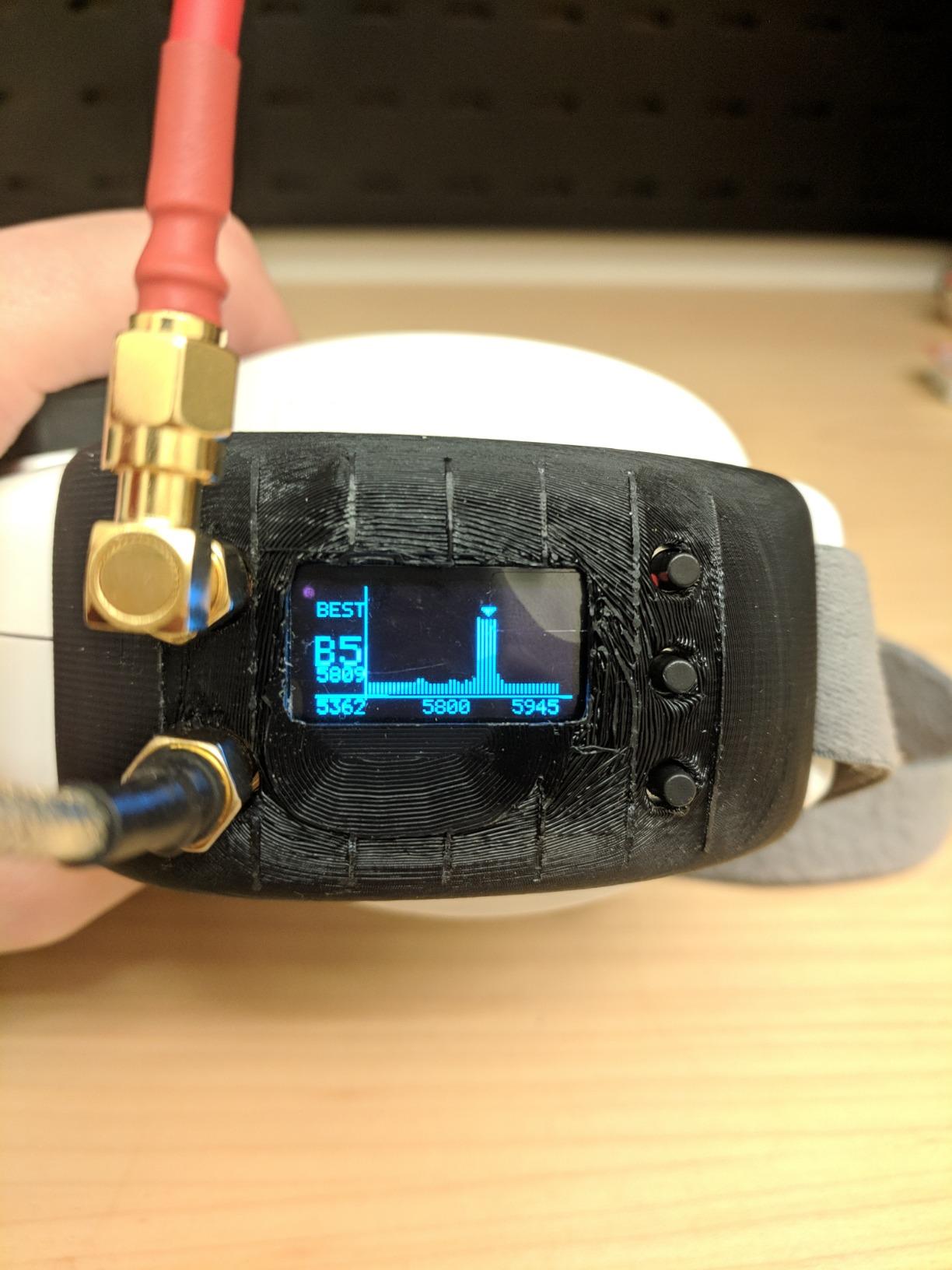
The 80-channel support covers every analog FPV band, including the newer Race band frequencies. With 275 reviews and a 65 percent five-star rating, this is a well-tested module that has earned its place in many pilots’ goggles. The plug-and-play design means no soldering to install.
The main complaint from reviewers is the lack of a cover. You will need to 3D print or buy a separate cover to protect the module in your goggles. There is also no USB port for firmware updates, which is a limitation compared to premium modules like the Furious True-D.
Who Should Buy the AKK Diversity RX
Pilots with FatShark-compatible goggles who want to add or upgrade a diversity video receiver on a budget should grab the AKK. It is one of the best value video receiver modules on the market.
Anyone flying analog FPV in environments with multipath interference, like indoor venues or tree-filled parks, will benefit from the diversity reception. Two RX modules dramatically reduce video breakup.
Who Should Skip the AKK Diversity RX
Pilots who have moved to digital FPV systems like DJI, Walksnail, or HDZero do not need a 5.8GHz analog module at all. The AKK is strictly for analog video reception.
Anyone wanting the absolute best sensitivity and build quality should save for a Furious True-D or similar premium module. The AKK is great value but not the top performer in its category.
How to Choose the Best FPV Receiver?
Choosing the right FPV receiver comes down to matching the receiver to your transmitter, your flying style, and your build constraints. The biggest decision is protocol, and in 2026 that means choosing between ExpressLRS and TBS Crossfire. After that, frequency band, diversity, antenna type, and output format all play into the final choice.
I have helped dozens of pilots pick receivers, and the same five questions come up every time. Here is how I work through each one.
Pick Your Protocol: ExpressLRS or TBS Crossfire
ExpressLRS has become the dominant protocol in 2026 because it is open-source, affordable, and constantly improving. Most new radios ship with ELRS built in, and receivers like the RadioMaster RP1 cost a fraction of what Crossfire receivers do. The community support is excellent and firmware updates add features regularly.
TBS Crossfire remains the choice for pilots who value proven long-range reliability above all else. The 900MHz Crossfire signal penetrates terrain better than 2.4GHz ELRS, and TBS hardware has a reputation for bulletproof performance. The trade-off is higher cost and a smaller product range.
My rule of thumb: if you are buying new gear, go ELRS. If you already own a Crossfire transmitter or you fly extreme long range regularly, stick with Crossfire. Both protocols are excellent and neither will let you down when set up correctly.
Choose Your Frequency Band
Most ELRS receivers operate on 2.4GHz, while Crossfire runs on 900MHz. There is also ELRS on 900MHz for pilots who want both worlds. The frequency band matters because it affects range, penetration, and antenna size.
900MHz penetrates trees, hills, and buildings much better than 2.4GHz, which is why long-range pilots prefer it. The trade-off is that 900MHz antennas are larger and the maximum packet rate is lower, which means slightly more latency. For mountain flying and long-range cinematic work, 900MHz wins.
2.4GHz offers lower latency, higher packet rates, and smaller antennas. Racing pilots and freestyle pilots flying within a mile or two get everything they need from 2.4GHz. The smaller antennas are also easier to mount on small builds.
Decide If You Need Diversity
Diversity means the receiver uses two antennas and switches between them to keep the best signal. There are two types: antenna diversity uses one radio chain and switches between two antennas, while true receiver diversity uses two complete radio chains working in parallel.
Antenna diversity, like on the RadioMaster RP3 and SpeedyBee, is enough for most pilots. It dramatically reduces dropouts compared to a single antenna and does not add much cost. True receiver diversity, like the BETAFPV SuperP and TBS Crossfire Diversity Nano RX, is for pilots who need maximum signal reliability.
If you fly freestyle, racing, or casual long range, antenna diversity is plenty. If you fly extreme long range, cinematic work where a single dropout ruins a takeoff, or fixed-wing missions far from home, true diversity earns its premium.
Match the Output to Your Flight Controller
Most modern flight controllers use a serial CRSF connection, which means the receiver sends digital data over a single UART wire. Every receiver in this list supports serial output, so for quadcopter builds this decision is easy.
Fixed-wing and RC aircraft pilots often need PWM outputs to drive servos directly. The BETAFPV SuperP with its 14 PWM channels is the standout choice here, while the FrSky R-XSR offers SBUS output for servo decoders. Match the output format to whatever your aircraft or flight controller expects.
Consider Antenna Type and Routing
External UFL antennas offer the best range because you can position them for optimal reception, but they add a fragile connector to your build. Built-in ceramic antennas, like on the Happymodel EP1, are convenient and light but limit range. For most builds, an external antenna is the right call.
Route antennas carefully and add strain relief at the UFL connector. I have seen too many builds fail because the antenna connector popped off in a crash. A small dab of foam or hot glue at the connector saves a lot of heartbreak.
Set a Realistic Budget
ELRS receivers range from budget options around fifteen to thirty dollars to premium diversity models in the forty to sixty dollar range. Crossfire receivers start around forty dollars and run up past sixty for diversity versions. The good news is that even the cheapest ELRS receivers perform well for casual flying.
My recommendation for most pilots is to buy a RadioMaster RP3 for diversity builds and a RadioMaster RP1 for tight builds. That combination covers almost every quadcopter build, and the prices make stocking spares reasonable. Step up to Crossfire or the BETAFPV SuperP only when your flying actually demands it.
FAQs
What is the best transmitter for FPV?
The best FPV transmitter in 2026 is the RadioMaster Boxer or TX16S Mark II with a built-in ExpressLRS module, or a RadioMaster Zorro for pilots who prefer a gamepad style. For long-range flying on 900MHz, the TBS Tango 2 with a Crossfire module remains a trusted choice. Pair your transmitter with a matching protocol receiver for the best results.
How to choose an FPV receiver?
Choose an FPV receiver by matching the protocol to your transmitter (ExpressLRS or Crossfire), picking the right frequency band for your flying (2.4GHz for racing and freestyle, 900MHz for long range), deciding whether you need antenna diversity, and matching the output format to your flight controller. Most quadcopter pilots want a serial CRSF receiver like the RadioMaster RP1 or RP3.
Is flying FPV alone illegal?
Flying FPV alone is legal in the United States if you hold a TRUST certificate for recreational flying or Part 107 for commercial use, and you follow FAA guidelines including visual line of sight or a visual observer when using FPV goggles. Always check your local regulations because rules vary by country and airspace class.
Is HDZero better than analog?
HDZero offers noticeably sharper image quality and zero latency compared to analog FPV, which makes it better for cinematic flying and racing where image detail matters. Analog FPV is still preferred by many pilots because it is cheaper, simpler, handles poor signal more gracefully with static instead of total signal loss, and works in more crowded RF environments.
What is the difference between antenna diversity and receiver diversity?
Antenna diversity uses one radio receiver chip and switches between two antennas to pick the stronger signal. Receiver diversity uses two complete radio chains working in parallel for true redundancy. Receiver diversity offers better signal reliability in demanding conditions but costs more and draws more power.
Final Thoughts
The best FPV receivers in 2026 cover a wide range of needs, but my top recommendations stay consistent. The RadioMaster RP3 is the best overall pick for most pilots thanks to antenna diversity at a friendly price. The RadioMaster RP1 is the best value for budget builds and beginners. The TBS Crossfire Diversity Nano RX is the premium pick for pilots who need maximum long-range reliability.
Whatever you choose, match the receiver to your transmitter protocol and your flying style. A well-matched budget receiver will outperform a mismatched premium receiver every time. Buy from a trusted brand, update your firmware before flying, and route your antenna carefully so the connector survives crashes.