
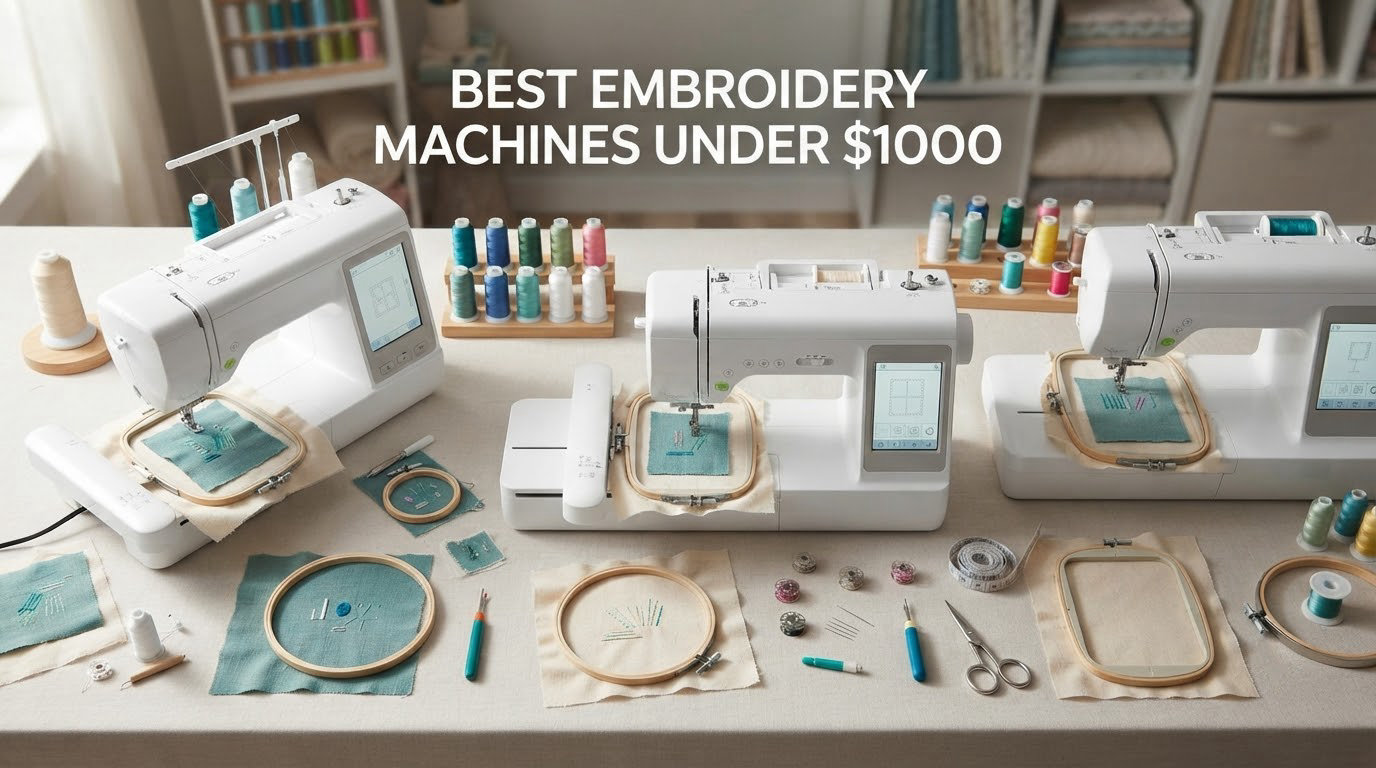
Here is the short answer: the Brother SE600 is the best embroidery machine under 1000 dollars for almost everyone buying a first machine. It carries a 4.6 star average across more than 4600 reviews, stitches at 400 spm, and pairs a 4 by 4 inch embroidery field with a 3.2 inch color touchscreen, a 103-stitch sewing library and seven presser feet in the box.
That combination matters because a sub-1,000 dollar budget forces a trade. You can have a large hoop or a big screen or a sewing function, but rarely all three. I spent weeks going through the spec sheets, the review language and the failure patterns on six machines that genuinely sit under the ceiling, and this guide explains where each one earns its place and where it runs out of room.
Two things shape everything below. First, every machine here is single-needle and home-scale, which means a manual color change on every thread swap. Second, three of the six are combos with a full sewing function and three are embroidery-only, so the biggest mistake you can make is buying the wrong category rather than the wrong model. If you want the wider picture on home machines across all price bands, our [best embroidery machines guide](https://mydroneauthority.com/best-embroidery-machines/) covers the step above this budget, and [best embroidery kits for beginners](https://mydroneauthority.com/best-embroidery-kits-for-beginners/) covers the fabric and stabilizer side of a first project.
Every price figure quoted in our research was checked in October 2026, and street prices on these machines move a lot. Treat the 1,000 dollar ceiling as a filter on the model tier rather than a promise about a specific day’s price.
Table of Contents
Top 3 Picks for Embroidery Machines Under 1000 Dollars in 2026

Brother SE600
- 4 x 4 inch field
- 3.2 inch color touchscreen
- 400 spm embroidery
- 103 sewing stitches

Brother SE700
- Wireless LAN transfer
- 3.7 inch touchscreen
- 135 designs and 10 fonts
- 103 sewing stitches
Every Machine in This Roundup at a Glance
Before the individual verdicts, here is how all six stack up. The Type column is the decision that matters most, because an embroidery-only machine cannot sew a seam and a combo machine gives you 103 sewing stitches for free.
| Product | Specifications | Action |
|---|---|---|
| Brother SE600 |
|
Check Latest Price |
 Brother PE535 Brother PE535 |
|
Check Latest Price |
| Brother SE700 |
|
Check Latest Price |
 Poolin EOC05 Poolin EOC05 |
|
Check Latest Price |
 EverSewn Sparrow X2 EverSewn Sparrow X2 |
|
Check Latest Price |
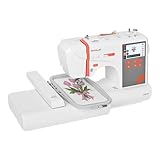 PooLin EOC03 PooLin EOC03 |
|
Check Latest Price |
1. Brother SE600 – The All-Rounder Most Beginners Buy First
Brother SE600 Sewing and Embroidery Machine, 80 Designs, 103 Built-In Stitches, Computerized, 4″ x 4″ Hoop Area, 3.2″ LCD Touchscreen Display, 7 Included Feet
4 x 4 in field
400 spm embroidery
710 spm sewing
3.2 in color LCD
80 designs and 6 fonts
103 sewing stitches
Pros
- Highest rated and most reviewed machine in this roundup
- Combines sewing and embroidery in one body
- Automatic needle threader and drop-in bobbin
- Backs stitches and resumes after a mid-project stop
- Large accessory package in the box
Cons
- 4 x 4 in field limits design size
- No embroidery software included
- Horizontal spool pin awkward with large cones
The SE600 is the machine I keep recommending to people who ask for one answer. It is a combo, so it sews and it embroiders, and it carries the largest review base of anything here at 4676 ratings averaging 4.6. That volume matters more than it sounds, because a machine with thousands of owners has a documented set of quirks rather than an unknown set of surprises.
What you are getting is a 4 by 4 inch embroidery field, 80 built-in designs with 6 lettering fonts, and an embroidery speed ceiling of 400 stitches per minute. Sewing is faster at 710 stitches per minute across 103 built-in stitches including 10 auto-size buttonhole styles. The 3.2 inch color touchscreen previews a design before the needle moves, and a built-in USB port takes downloaded files.
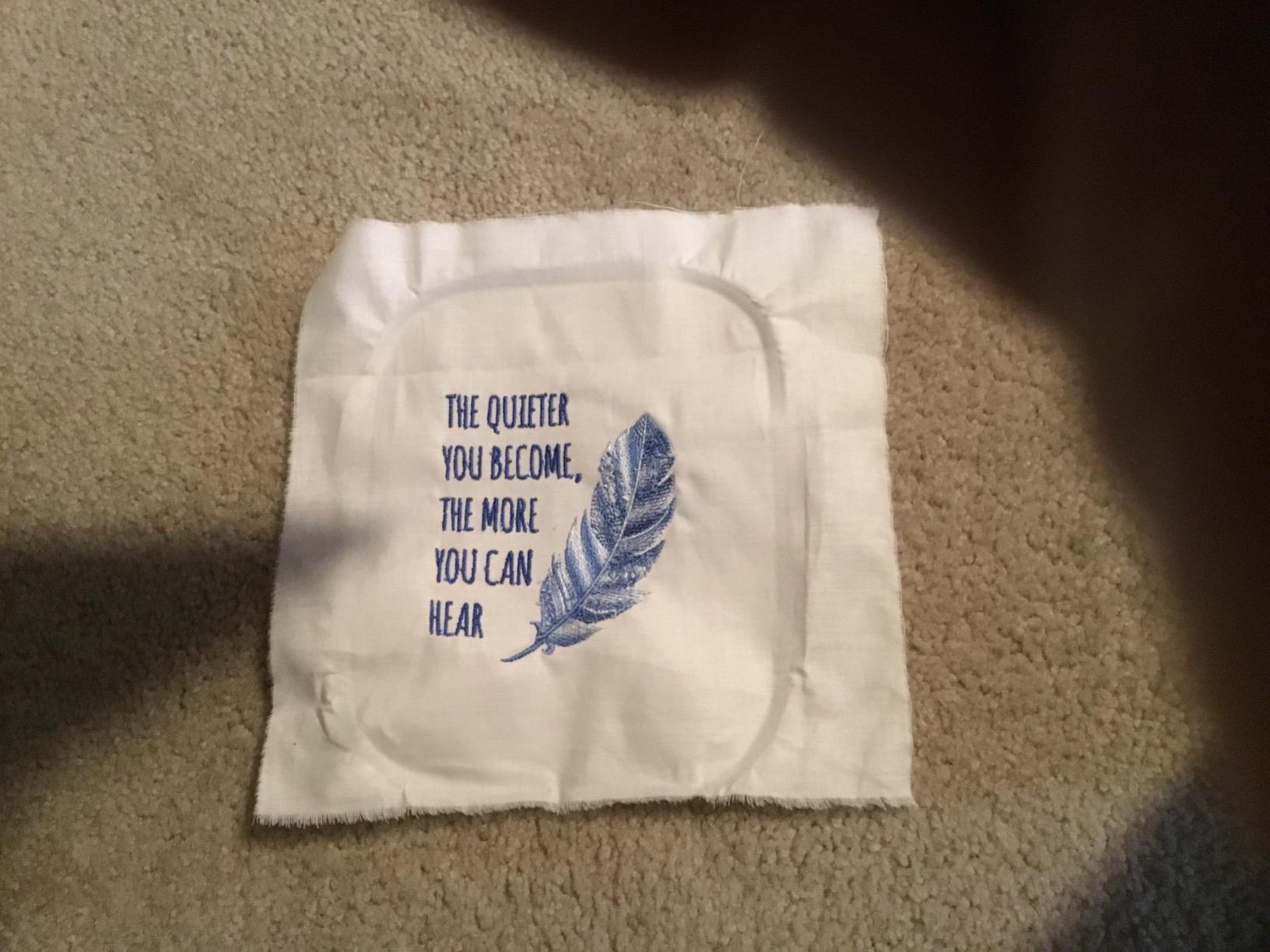
The automation is what owners mention most. An automatic needle threader, a jam-resistant drop-in top bobbin and an automatic thread cutter remove the three steps that make hand work tedious. Owners coming off a vintage mechanical machine consistently describe the transition as jarring in a good way, and the feed dogs handle heavy quilting cotton well enough that a walking foot is optional rather than essential.
One feature is genuinely underrated: the machine backs up the stitches and can resume from the last position if you stop mid-project. On a small hoop that is a minor convenience, but on a multi-color design that has already run for twenty minutes it saves the whole piece.
What the 4 by 4 inch field means for real projects
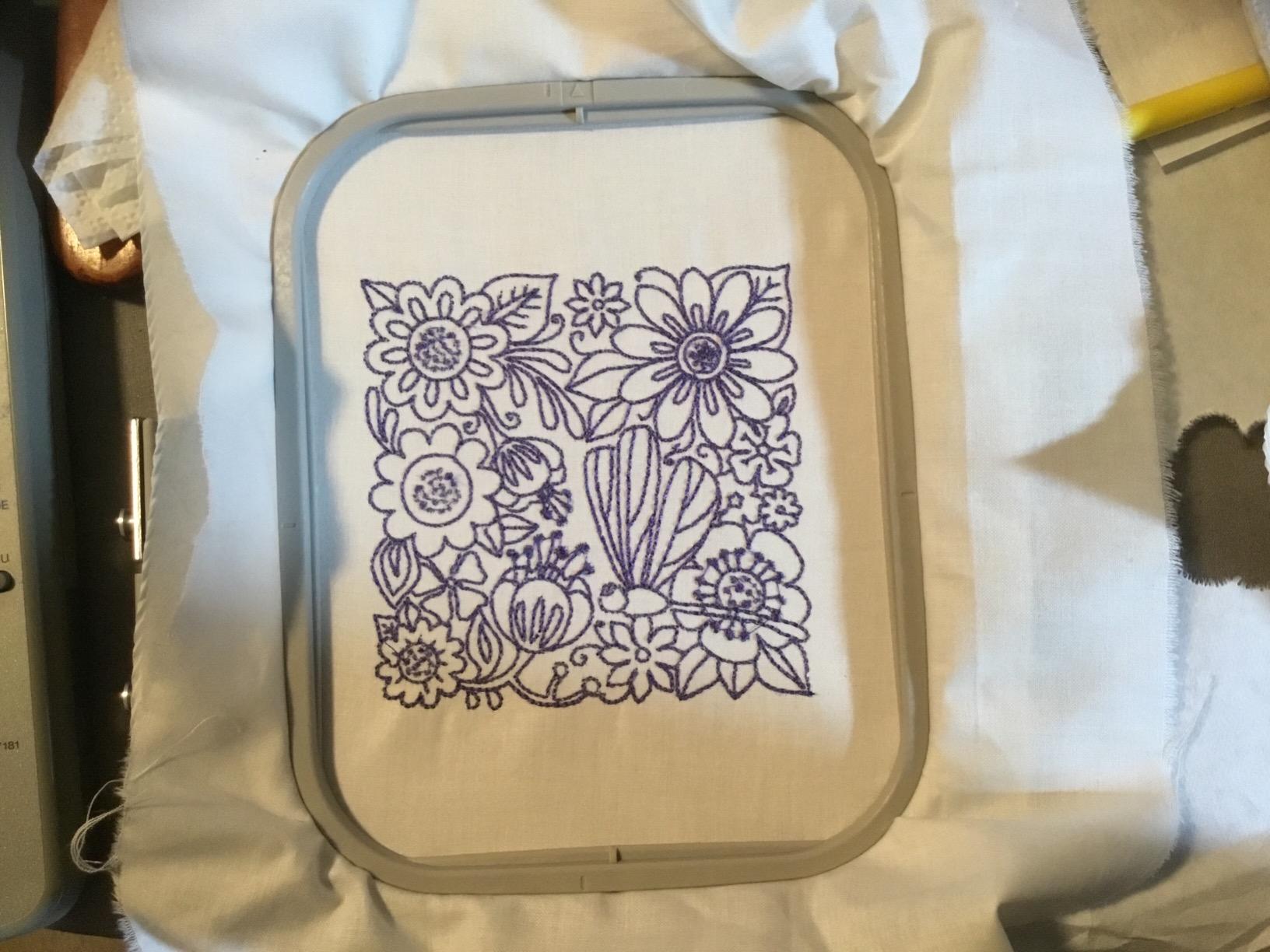
The field is the single biggest constraint and it is worth being blunt about. A 4 by 4 inch area comfortably handles initials, names up to about four letters in a single pass, small motifs, towel corners, patches and baby items. It is also why buyers end up hooping a large design in several pieces, which requires a split file and much more stabilizer.
Chest-side logo work is where you feel the limit. A 3 to 3.5 inch wide logo fits. A 5 inch wide wordmark does not, unless you split it. If your project list is mostly small gifts and monograms, this is a non-issue. If you want jacket backs, plan on splitting or on a different machine.
The included accessory set is generous: 4 bobbins, 3 pre-wound bobbins wound with embroidery thread, a needle set, seam ripper, cleaning brush, eyelet punch and an embroidery hoop. It does omit invisible zipper, rolled hem and binding feet, which you would add anyway if you sew seriously.
Where it falls short for you
Skip this if you need large designs, full yardage for a quilt back, or commercial order volumes. A 4 by 4 inch field with manual color changes caps out quickly at a side-hustle level, and multi-needle machines that handle real production sit far above this budget.
Buy your own embroidery software. It is not included, and the 80 built-in designs are pleasant for the first week but thin by the second month. The horizontal spool pin is also awkward if you plan to run large thread cones, though standard spools are fine.
2. Brother PE535 – Best if You Only Ever Embroider
Brother PE535 Embroidery Machine, 80 Built-in Designs, 4″ x 4″ Hoop Area, Large 3.2″ LCD Touchscreen, USB Port, 9 Font Styles
Embroidery only
4 x 4 in field
80 designs and 9 fonts
3.2 in color LCD
USB port
15 lb body
Pros
- Simplest operation in the roundup
- Lighter and more compact than any combo at 15 pounds
- 9 lettering styles give strong personalization out of the box
- 25 year limited warranty with free phone support
Cons
- No sewing function at all
- 4 x 4 in field limits design size
- No embroidery software bundled
The PE535 makes a simple argument: if you never sew, why carry 103 sewing stitches you will never touch. It is embroidery-only, and that decision shows up in the machine’s weight, footprint and setup. At 15 pounds it is the lightest machine here by a wide margin, and it measures under 17 inches wide.
The embroidery side is the same core Brother platform as the SE600: a 4 by 4 inch field, 80 built-in designs and a 3.2 inch color touchscreen. It adds one genuine advantage for lettering work, with 9 built-in fonts, 6 English and 3 Japanese, against the SE600’s 6. A USB port lets you upload designs into the machine’s built-in memory.
The warranty is worth noting on a machine this size: 25 years limited, with free phone support for the life of the machine. That is the longest coverage commitment in this roundup, and it matters if you keep machines for a decade rather than two.
Owners describe it as an uncomplicated entry point. There is no sewing mode to learn, no bobbin winding for straight stitches, no tension balancing between two thread paths. The recurring complaint in reviews is the same one: the 4 by 4 inch hoop puts large lettering and anything on a jacket back out of reach.
Why embroidery-only is the right call for some buyers
If you already own a sewing machine, a combo is largely a duplicate purchase. The SE600 and SE700 both put real sewing capability in the body, and you would be paying for stitches you never use while carrying 26 and 15 pounds respectively.
The second reason is speed of use. There is no mode switch, no thread path change, no presser foot swap. You hoop the fabric, load the design, and stitch. For someone making gifts on a Saturday, that simplicity is the actual product.
Note what is in the box: the machine, a 4 by 4 inch hoop, an embroidery arm and an embroidery foot. It is a deliberately minimal package, so plan on a spare set of organizer needles, a hoop stabilizer and a USB stick before your first session.
Where it falls short for you
Two hard limits. It cannot sew, so any project that needs a seam, a hem or a buttonhole is off the table. And no embroidery software is bundled, so custom design work means a separate purchase or a design service.
If your project list includes anything wider than about 3.5 inches, the small hoop will frustrate you within a month. Buy for the hoop first, not the brand.
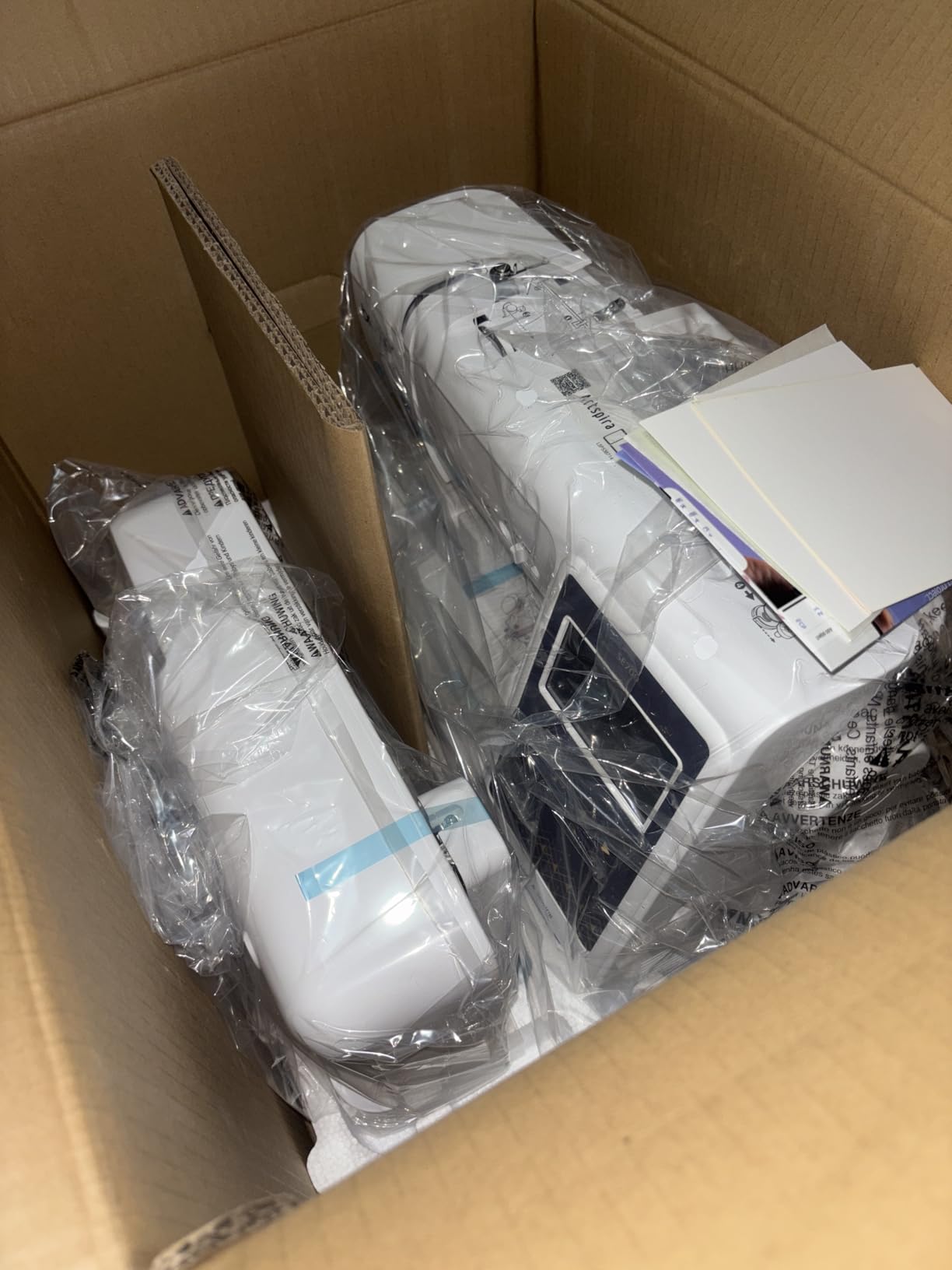
3. Brother SE700 – Best for Wireless Design Transfer
Brother SE700 Sewing and Embroidery Machine, Wireless LAN, 8 included Ft
Combo machine
4 x 4 in field
3.7 in color LCD
135 designs and 10 fonts
Wireless LAN
Pros
- Wireless LAN plus USB removes physical media handoff
- Artspira app lets you draw designs on a phone or tablet
- 135 built-in designs and 10 lettering fonts
- 3.7 inch screen supports on-screen editing
Cons
- 4 x 4 in field is the main constraint
- Wireless setup needs a computer and Brother software
- Artspira is less intuitive than desktop software
The SE700 is the SE600 with the file-handling problem solved. Instead of walking a USB stick to the machine, it connects over wireless LAN using Brother’s free Design Database Transfer software, and it pulls designs from the Artspira mobile app. If you design on a phone or a tablet, that is not a small upgrade, it is a different daily routine.
The screen grows to 3.7 inches, which is the largest on any Brother combo in this range, and it supports on-screen editing before stitching rather than preview only. The built-in library also expands to 135 designs and 10 lettering fonts, with the same 103 sewing stitches and 10 one-step buttonholes as the SE600.
Mechanically it is the same 4 by 4 inch field as the SE600, with the same embroidery-only speed class and an automatic needle threader plus drop-in top bobbin. The box carries 8 presser feet rather than 7, including zipper, blind stitch and overcasting feet.
On warranty terms it is more generous on electronics than a typical home machine, with 2 years on electronic components and printed circuit boards, 25 years on chassis castings, and 1 year on parts, labor and accessories. Owners also cite its position as the top-ranked machine in the Embroidery Machines category on Amazon’s best sellers list.
Who benefits most from wireless transfer
Designers who work from a laptop benefit first. You save, send, and stitch without an adapter or a file hunt. It also removes the classic failure where a USB stick goes missing between the design software and the machine.
The Artspira app is the underrated half. You can draw a pattern on a phone screen, or pull one from the app’s collection, and send it across. For simple lettering and shapes that means a name on a towel in about five minutes with no desktop software at all.
The honest caveat: Artspira is not a replacement for proper digitizing software. For complex files with custom fill orders, underlay and pull compensation, you still want desktop tools, and experienced users report the app workflow is fiddly beyond simple designs.
Where it falls short for you
The hoop is still 4 by 4 inch. Buying the SE700 does not buy you a bigger field, and if a large hoop is your main goal, the money belongs elsewhere. This is the most common disappointment in reviews.
Wireless setup needs a computer running the Brother software, so it is not a tablet-only workflow. And with ratings sitting slightly below the SE600’s, the extra spend buys convenience rather than core capability.
4. Poolin EOC05 – Best for a Large 4 x 9.25 Inch Field
Poolin EOC05 Embroidery Machine for Beginners, 4″ x 9.25″ Embroidery Area
4 x 9.25 in field
7 inch color touchscreen
Institch OS2
WiFi and USB transfer
22 lb body
Pros
- Largest embroidery field in this roundup
- 7 inch touchscreen is unusually large for the tier
- Fully stocked starter kit in the box
- Free design software with no subscription
- One-on-one training and an active user group
Cons
- Stitch locking at color changes and finishing is weak
- Cannot resume after a thread break
- Embroidery only with no sewing function
If hoop size is the only thing that matters to you, this is the machine. The EOC05 works inside a 4 by 9.25 inch area, which is more than double the usable width of the Brother 4 by 4 field and enough for a shirt front, a hoodie chest panel or a tote bag without splitting the design.
The 7 inch color touchscreen is the largest screen on any machine here, running the Institch OS2 operating system built specifically for beginners. Transfer works over WiFi and USB through the Institch platform, and free embroidery design software is included, which removes both the USB stick ritual and the software subscription question.
The box is where this machine separates itself. You get 6 rolls of thread, 30 pieces of stabilizer, 25 rolls of pre-wound bobbins, both a 4 by 9.25 and a 4 by 4 hoop, 9 needles, a USB drive, a thread stand and a tool kit. That starter package alone would run well over a hundred dollars bought separately.
Support is unusually hands-on for a machine at this level. PooLin offers personal one-on-one training, runs an official user group, and publishes tutorial videos. Reviewers repeatedly single this out as a reason to feel comfortable as a first-time owner.
Why the bigger field changes what you can make
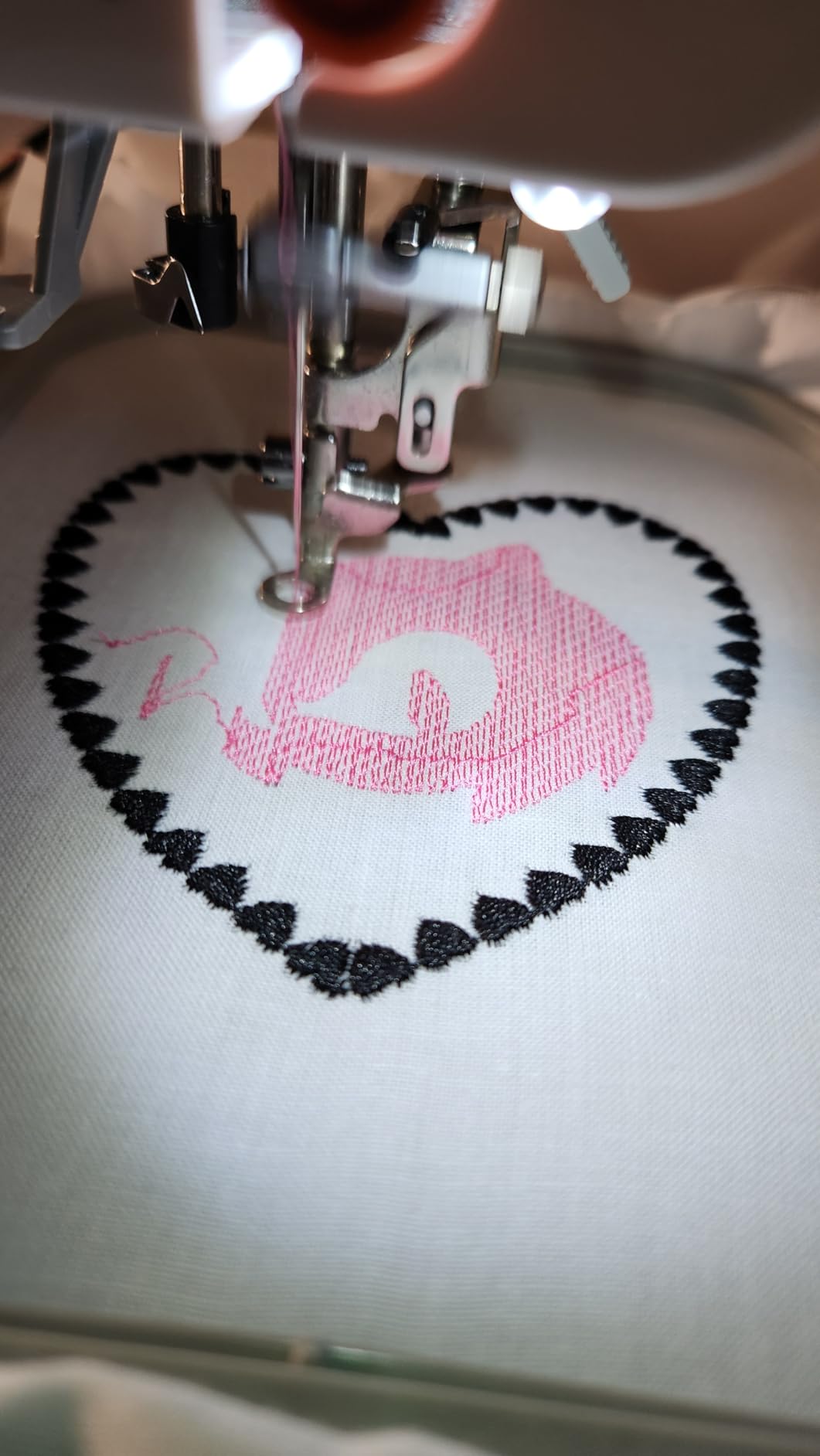
A 4 by 9.25 inch field is not a marginal upgrade. It fits a full-width wordmark, a name across a toddler’s shirt back, or a decorative panel on a towel without a split file. Split files are where beginners lose fabric, because each section needs its own hooping, stabilization and registration.
The included 4 by 4 hoop covers the small work anyway, so nothing is lost. Small monograms use the small hoop, large chest panels use the large one. That combination is why this machine appeals to people who do both gifts and small order work.
Setup reportedly takes about 15 minutes, and owners describe it as quiet enough for apartment use.
Where it falls short for you
Here is the real caveat, and it is technical rather than cosmetic. Stitch locking at color changes and at the finishing pass is weak, which means threads are more prone to unraveling if you handle the piece. If a thread break happens mid-project, you generally cannot resume and have to stitch that section out again, sometimes damaging the fabric.
On a large multi-color design that failure mode is expensive. Test the machine on a complicated design before committing to a project you care about.
Also note the firmware update from USB is required to unlock full capabilities and confuses first-time users, and the included design library is thin enough that importing your own files is effectively mandatory.
5. EverSewn Sparrow X2 – Best for Phone-Based Design
EverSewn Sparrow X2 Sewing & Embroidery Machine, White
Sewing and embroidery combo
Two hoops included
Phone and tablet app
Reads EXP PES and DST
Over 120 sewing stitches
Pros
- Sewing and embroidery in one low-cost body
- App design workflow needs no desktop embroidery program
- Reads EXP PES and DST files
- Both a large and a small hoop in the box
Cons
- Lowest average rating here with a 16 percent one-star share
- Only 1 year electrical and 1 year labor warranty
- Embroidery requires a phone or tablet
- No on-machine design editing
The Sparrow X2 takes a different route entirely. Rather than an on-machine screen for embroidery, it is controlled through a smart device, with an app that works on Apple and Android phones and tablets. WiFi is not required, which means the machine itself stays simple and the complexity lives on your phone.
File compatibility is its quiet strength. It reads the three most common embroidery formats, EXP, PES and DST, so most existing design libraries and most digitizing service deliveries load without conversion. That is the file format fear that shows up constantly in owner discussions, and here it is simply solved.
On the sewing side it is properly equipped: thread cutter, one-step buttonhole, speed control, needle up and down, electronic tension adjustment, a straight-stitch plate, presser foot pressure adjustment, an advanced auto threader and over 120 stitch patterns. Both a large and a small hoop are included, plus over 100 built-in embroidery designs.
At 20 pounds and under 18 inches wide it is compact, and the format makes it a natural second machine for someone who already has a larger sewing setup.
What app control actually feels like day to day
For simple work it is genuinely pleasant. You pick a design in the app, size it, and send it. There is no boot sequence, no file conversion step, no navigating a small monochrome menu with a plastic stylus.
For complex work the phone screen becomes the bottleneck. There is no on-machine design editing, so scaling, rotation and layer adjustments all happen in a phone-sized interface. Owners who do serious editing tend to reach for a computer anyway.
Buying it means committing to a software ecosystem. Buyers raise the longevity of an app-dependent product as a fair concern, because unlike on-machine files, your workflow depends on software the manufacturer controls.
Where it falls short for you
The numbers tell the story here, and I will not dress them up. A 3.9 average is the lowest in this roundup with a 16 percent one-star share, and the warranty is 1 year electrical and 1 year labor, a fraction of the 25 years offered on the PE535.
Only 54 ratings also means a small base, so long-term reliability is less proven than the Brother models. The same holds true for most of the PooLin machines, but it matters most here because of the short warranty and the app dependency.
If you want one purchase that does everything with minimal risk, this is not it. If you already sew, already own a phone-based workflow, and want embroidery capability without the bulk, it makes sense.
6. PooLin EOC03 – Best Bundled Starter Kit
PooLin EOC03 Embroidery Machine 4×4 & 4×9.25 Embroidery Area for Beginners, Easy Operation System, 130 Built-in Designs, 8 Fonts, WiFi Design Transfer, Home DIY Embroidery Machine with Starter Kit
4 x 4 and 4 x 9.25 in areas
130 built-in designs
8 fonts
WiFi transfer
Includes table
Pros
- Two hoop sizes included at this price point
- 130 built-in designs and 8 fonts
- Free embroidery software with direct WiFi transfer
- Starter kit with threads stabilizers bobbins and tools
- Free one-on-one engineer support
Cons
- Smallest review base here at 33 ratings
- Lowest PooLin rating at 4.0 with 11 percent one-star
- Higher share of two-star reviews suggests setup friction
The EOC03 is the EOC05’s cheaper sibling, and its appeal is simple packaging. You get two embroidery areas, 4 by 4 inch and 4 by 9.25 inch, in one machine, which means the small-hoop and large-hoop decision that usually forces a purchase decision later simply does not have to happen.
It also includes a table and thread stand, plus 6 PooLin embroidery threads, 20 stabilizers, 25 pre-wound bobbins and a tool kit. For a first-time owner who would otherwise spend a weekend sourcing consumables, that is a meaningful head start.
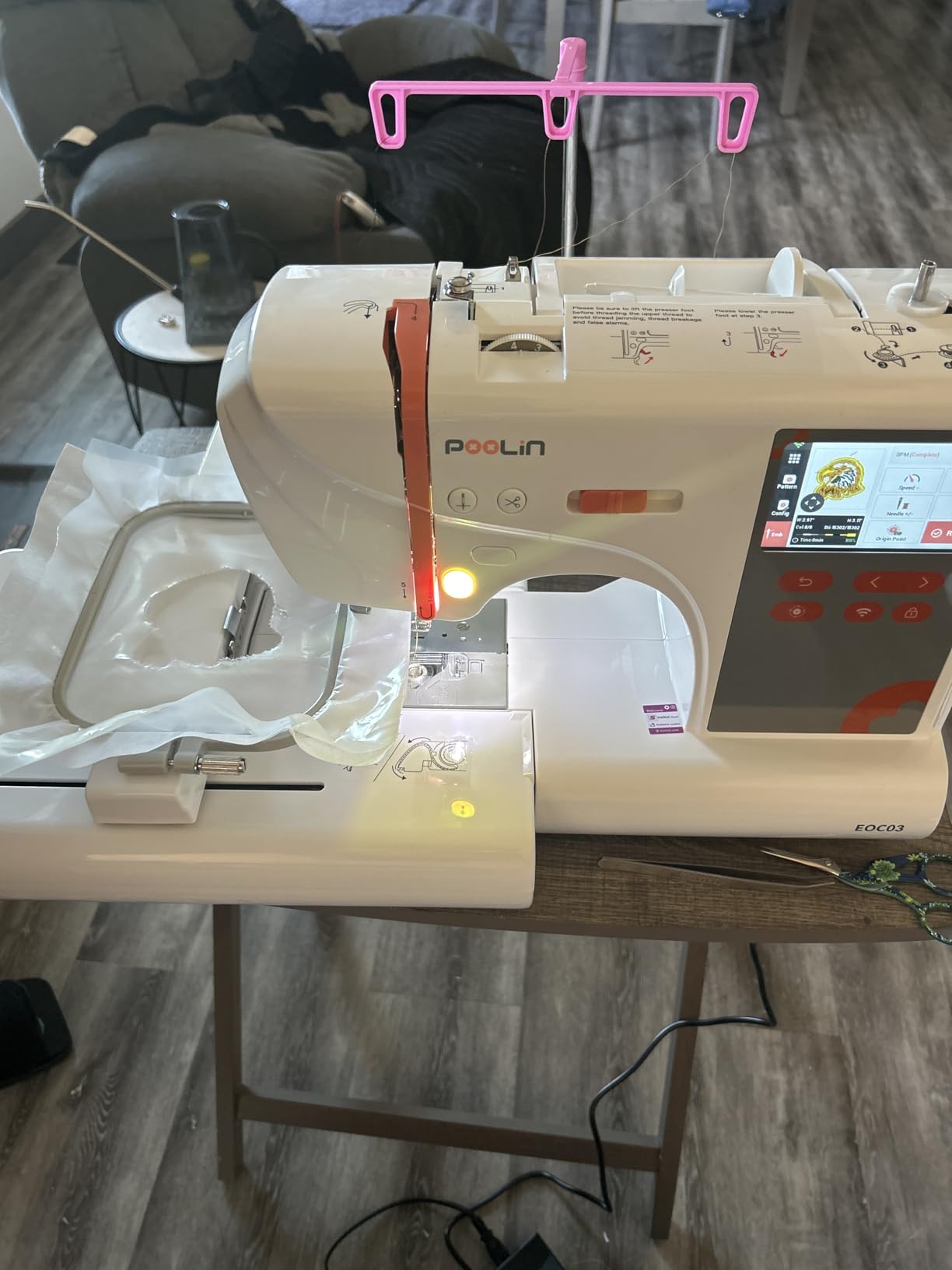
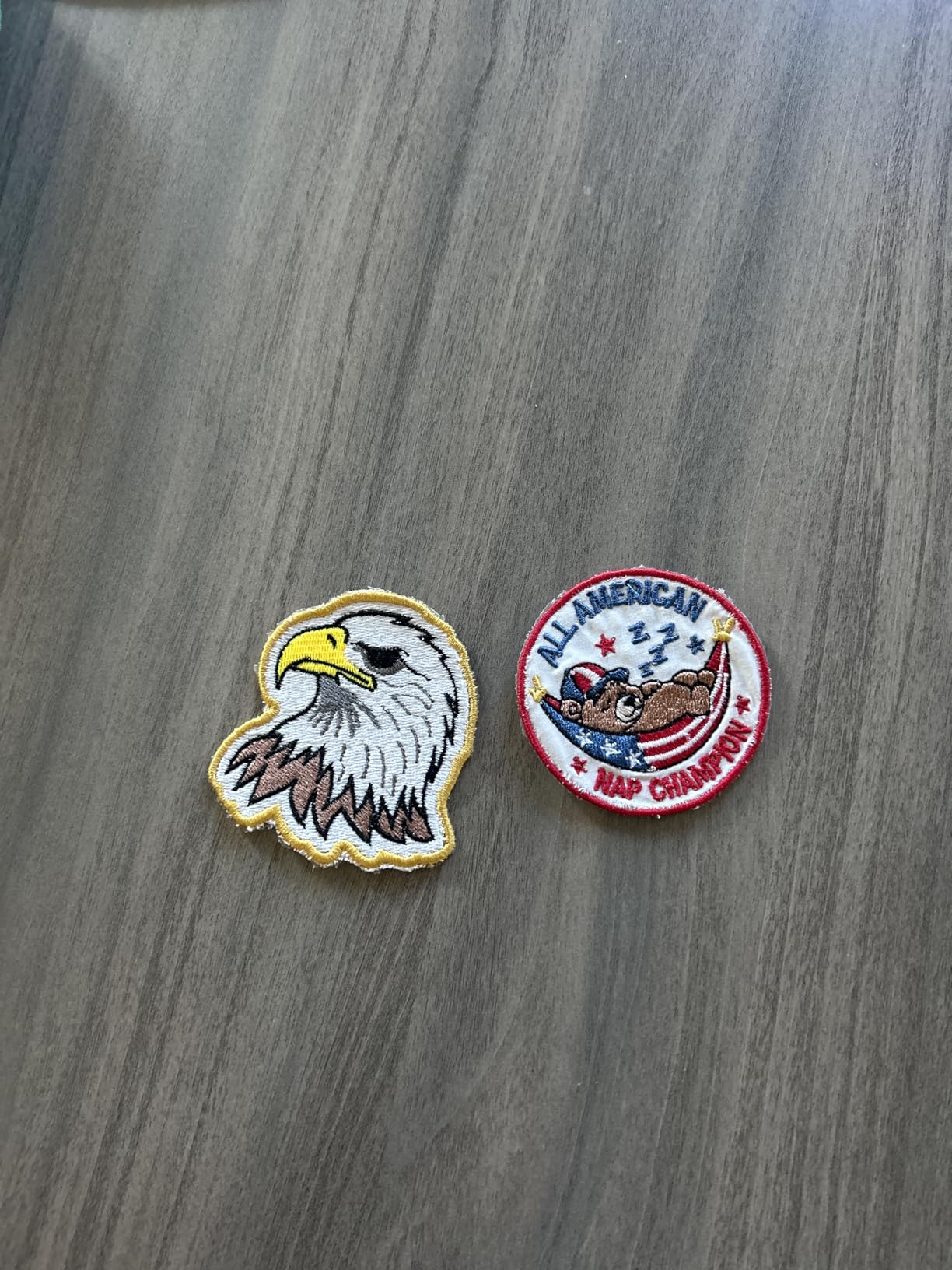
Transfer is over WiFi using free included software, and the machine carries 130 built-in designs with 8 fonts, the largest library in this roundup. The Institch operating system is designed specifically for users who have never embroidered, with step-by-step video tutorials for setup and first projects.
Support is unusually generous for a home machine. You get a community of more than 12,000 embroidery users and free one-on-one online support from engineers, which matters most on a model with a short track record.
Why the double hoop size is the deciding feature
Two hoop areas at once changes how you plan. A 4 by 4 inch hoop for initials, towels and patches, and a 4 by 9.25 inch hoop for shirt fronts, tote bags and larger panels. No splitting, no re-hooping, no registration guesswork between sections.
That is the same project flexibility the EOC05 offers, and this machine adds the sewing-and-embroidery configuration option if you want a combo version of the platform.
The honest comparison is that the EOC05 has the better screen at 7 inches and the stronger review record at 4.5 across 362 ratings, while the EOC03 has the larger built-in design library and bundles a table.
Where it falls short for you
Reliability is unproven. With 33 ratings this is the least-reviewed machine here, and the 4.0 average sits below both Brother machines and below the EOC05. The unusually high share of two-star and one-star reviews points to early units or a steeper setup curve, not to a design flaw.
On a machine that can host a 9 inch wide design, long-term stitch consistency is the thing to watch. Buy it if the all-in-one box and dual hoops matter more to you than a deep review history.
How to Choose an Embroidery Machine Under 1,000 Dollars
Every machine above is a single-needle home machine, which means the hook changes thread one color at a time. That single fact rules out the multi-needle commercial machines that appear in most business-focused roundups, and it is worth saying plainly: those machines start well above this budget and are irrelevant to a 1,000 dollar ceiling. Anyone pointing you toward them is answering a different question.
Combo or embroidery-only: pick one lane
This is the most common first-time buyer mistake, and it is a category error rather than a model error. A combo machine gives you 103 sewing stitches, a free arm for sleeves and cuffs, one-step buttonholes and a presser foot set, all in a 15 to 26 pound body. An embroidery-only machine gives you a smaller, lighter body and a simpler workflow.
Buy a combo if you sew, or if you want to sew. Buy embroidery-only if you already own a sewing machine and it is gathering dust, or if you want the lightest, simplest machine you can own. Paying for 103 stitches you will never use is the most common way people overspend in this category.
Hoop size decides what you can make
Hoop size matters more than screen size, built-in design count, or wireless anything. It is the ceiling on what leaves the machine.
A 4 by 4 inch field covers initials and short names, small motifs, towel corners, patches and baby items. A 4 by 9.25 inch field covers full-width wordmarks, shirt fronts, tote bags and hoodie chest panels without splitting a design. Splitting means hooping the same fabric several times with different stabilizers, which is where beginners tear fabric and lose registration.
Buy the biggest field your budget allows. The forum consensus is split between starting small and going straight to a large hoop, and the resolution is honestly simple: if you know your projects are monograms and small gifts, a 4 by 4 machine is genuinely enough. If there is any chance of a chest panel or a wide name, the 4 by 9.25 field pays for itself immediately.
Where your extra dollars should go
Budget allocation matters more than people expect. In rough order: hoop size first, then a color screen for previewing before you stitch, then file transfer convenience, then speed. Design libraries and marketing features come last, because a thousand built-in designs do not stitch an inch of fabric for you.
At the entry tier you are buying a 4 by 4 field, a 3.2 inch screen and USB transfer. In the middle you add wireless LAN and a mobile app. Near the top of this budget you can buy a 4 by 9.25 inch field, which is a bigger real-world gain than any screen upgrade. Speed differences between these machines are minor next to hoop size, since the 400 spm class covers a small hoop design in a few minutes regardless.
Running costs nobody mentions
The machine is the small part of the budget over a few years. Embroidery consumables are simple: stabilizer behind the fabric, topping on knits and pile, embroidery thread, needles, and occasional bobbins. Quality organ needles and real embroidery thread cost far less than the broken projects that cheap thread causes.
Budget a starter kit rather than a machine only. The PooLin EOC05 and EOC03 bundle threads, stabilizers, pre-wound bobbins and needles, which is a genuine advantage. A Brother buyer needs to add all of that separately, along with software if custom designs matter.
Plan an annual service check on any machine you use commercially, and treat servicing as a running cost rather than a surprise. The 25-year limited warranty on the PE535 covers the machine body for longer than most buyers will own it, though parts and accessories are always a separate question with any brand.
Buying used to stretch the budget
Used is the most repeated answer in owner discussions and the least covered topic in buying guides. At this budget, a used machine with a larger hoop than you could buy new is realistic, and Brother models in particular hold value well because of the service network and the size of the secondhand market.
What to inspect: request photos of the hoop set and confirm both hoops are present, check the feed dogs and the presser foot set for missing pieces, ask about the bobbin winding path and the thread cutter, and listen for a grinding servo noise that suggests a dry or failing motor. Ask whether the machine has been stored climate-controlled, and confirm the machine powers up and stitches a test file before you commit.
Buying used trades warranty protection for a larger field. That is a good trade only if you are confident with a machine that has no support behind it.
Which brand to buy
Brother dominates this budget for reasons that are not spec-sheet visible: the largest secondhand market, the widest accessory and service availability, the longest warranty on some models, and file format compatibility with the PES and DST libraries that digitizing services deliver. If resale value, parts and long-term support matter to you, Brother is the safest pick.
Poolin and EverSewn compete on value for a reason. Both bundle more consumables in the box, both use app or platform-based transfer instead of a media stick, and both read the common file formats. The trade is a shorter track record and thinner service networks, which is a real cost when something goes wrong in year three.
If you want the simplest possible first experience, a used machine from a brand with a national service network beats a new machine from a brand without one.
Frequently Asked Questions
What is the best embroidery machine under 1000 dollars?
The Brother SE600 is our pick, with a 4.6 star average across more than 4600 reviews, a 4 by 4 inch embroidery field, 400 stitches per minute and a 3.2 inch color touchscreen. If you need a wider field for shirt fronts and tote bags, the Poolin EOC05 works inside a 4 by 9.25 inch area. If you never sew, the Brother PE535 is the simpler and lighter choice.
Should I buy an embroidery-only machine or a combo machine?
Buy a combo if you sew or want to sew, since models like the SE600 and SE700 include 103 sewing stitches, one-step buttonholes and a free arm at no extra cost per project. Buy an embroidery-only machine if you already own a sewing machine, because you will not use the sewing function and the embroidery-only body is lighter and simpler to operate.
Is a 4 x 4 inch embroidery hoop big enough?
It is enough for initials, short names, small motifs, towel corners, patches and baby items. It is not enough for full-width wordmarks, shirt fronts, or anything on a jacket back without splitting the design into sections. Check your project list before buying, and spend your budget on the largest field you can afford.
What is a good, reasonably priced embroidery machine?
The Brother PE535 is a strong entry point if you only embroider, with a 4.6 to 4.5 class rating, 80 built-in designs, 9 lettering fonts and a 25 year limited warranty. The Brother SE600 is the better value if you also sew, because the sewing capability comes bundled rather than as a separate machine.
How much should I spend on my first embroidery machine?
Most beginners land between 400 and 700 dollars, which covers a 4 by 4 inch field, a color screen and USB transfer. Spend the difference on a larger hoop if your projects need one, and budget separately for stabilizer, thread, needles, bobbins and embroidery software, which are not included with most machines.
The Verdict: Which Machine Should You Buy in 2026?
The Brother SE600 remains the best embroidery machine under 1000 dollars for most people, because the combination of a 4.6 rating, thousands of reviews, sewing and embroidery in one body, and resumable stitching is very hard to beat at this budget. If you never sew, take the Brother PE535 instead for a lighter body and more lettering fonts. If wireless transfer matters, the Brother SE700 adds it.
If your projects are wider than a 4 by 4 inch field, the Poolin EOC05 is the only machine here that solves it without splitting designs, and its starter kit is the best value in the box. The PooLin EOC03 gives you two hoop sizes and a bundled table for less, with a shorter track record. The EverSewn Sparrow X2 is the app-driven option for people who design on a phone.
Whichever you pick, budget for stabilizer, thread, needles and software on top, and check the hoop against your first ten projects before you buy. For computer and editing setup alongside your machine, our [best laptops under 1000 dollars](https://mydroneauthority.com/best-laptops-under-1000/) guide covers the budget side, and [best projectors under 1000](https://mydroneauthority.com/best-projectors-under-1000/) is worth a look if you plan to follow along with video tutorials at a larger scale.