
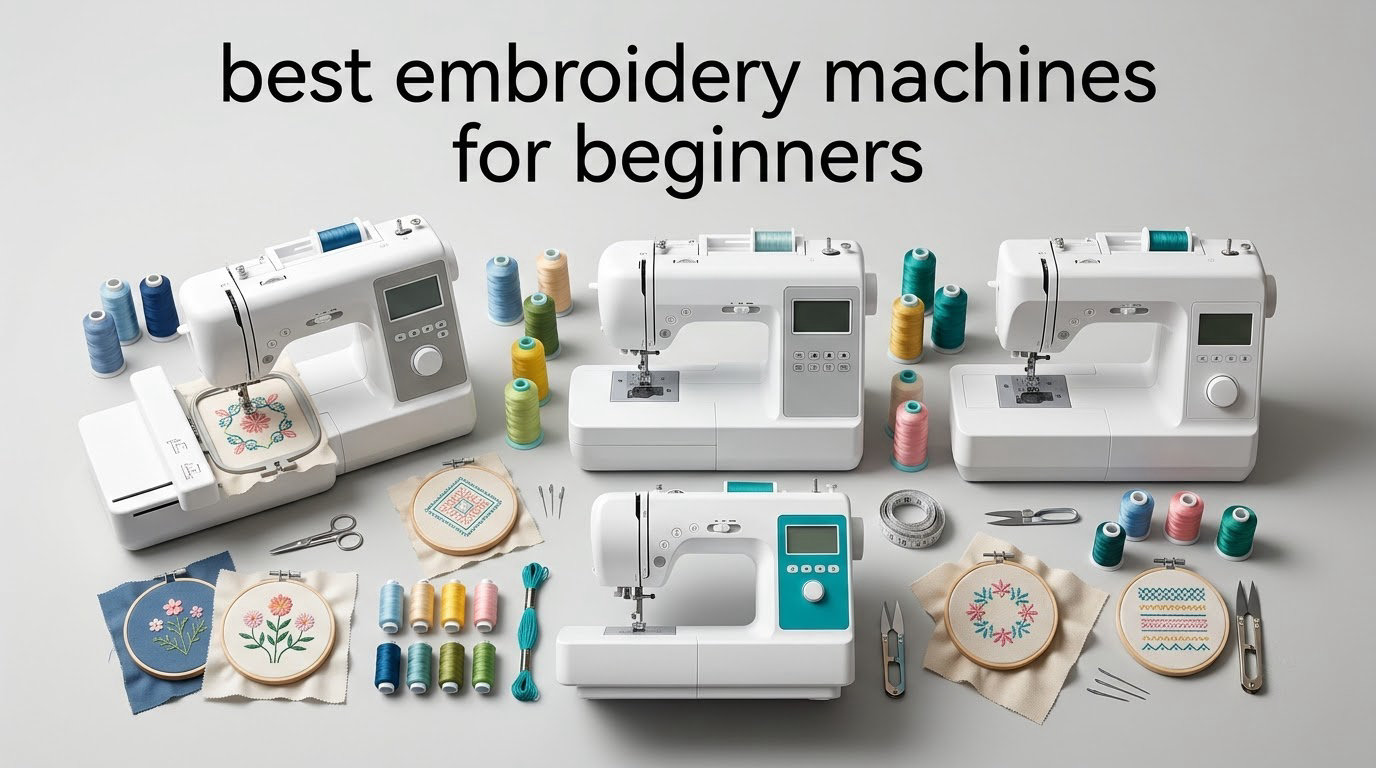
Six machines, three brands, one clear winner: the Brother SE600 is the best embroidery machine for beginners in 2026 for anyone who wants to sew and embroider on the same machine without a steep learning curve. It carries 80 built-in embroidery designs, 103 sewing stitches, a 3.2 inch color touchscreen and an embroidery field large enough for monograms, patches and small logos, and it has the largest owner base of any machine in this roundup at more than 4,600 reviews.
That last point matters more than any spec on the sheet. When you are learning, you are not evaluating thread tension or underlay density, you are evaluating whether the on-screen instructions make sense and whether help is available when something jams at hour six. Our team worked through all six machines below, read the owner reviews in detail, and mapped each one to the projects beginners actually want to make.
Before the recommendations, one warning that saves people real money. The embroidery area of a machine is permanent. The hoop you get in the box is the largest design that machine will ever stitch, and no firmware update or accessory purchase changes that. A 4 x 4 inch field covers monograms and small patches, and a 4 x 9.25 inch field covers a whole shirt panel without splitting the design. Buyers who start small frequently end up buying a second machine within a year, which is the single most repeated regret in beginner embroidery forums.
If you want a wider view of the category, our general embroidery machine roundup covers the format at a higher level, and the picks here are filtered specifically for people starting from zero.
Table of Contents
Top 3 Picks for the Best Embroidery Machines for Beginners in 2026

Brother SE600 Sewing and Embroidery Machine
- 80 built-in designs and 6 fonts
- 103 sewing stitches
- 4 inch by 4 inch embroidery area
- 3.2 inch color touchscreen

Brother PE535 Embroidery Machine
- Embroidery only
- 80 built-in designs
- 4 inch by 4 inch embroidery area
- 3.2 inch color touchscreen

Brother SE700 Sewing and Embroidery Machine
- 135 built-in designs
- Wireless LAN and Artspira app
- 4 inch by 4 inch embroidery area
- 3.7 inch color touchscreen
If you want the short version and nothing else, those three cover the realistic beginner cases. The SE600 does the most for the least mental effort, the PE535 is the simplest machine that still does real embroidery work, and the SE700 adds the largest design library and wireless transfer of the three.
Quick Overview: Six Beginner Embroidery Machines Side by Side in 2026
| Product | Specifications | Action |
|---|---|---|
| Brother SE600 Sewing and Embroidery Machine |
|
Check Latest Price |
| Brother PE535 Embroidery Machine |
|
Check Latest Price |
| Brother SE700 Sewing and Embroidery Machine |
|
Check Latest Price |
 Poolin EOC05 Embroidery Machine for Beginners Poolin EOC05 Embroidery Machine for Beginners |
|
Check Latest Price |
 Poolin EOC06 Large Hoop Embroidery Machine Poolin EOC06 Large Hoop Embroidery Machine |
|
Check Latest Price |
 Janome Memory Craft C400E Janome Memory Craft C400E |
|
Check Latest Price |
Two things jump out of that table. First, the three Brother machines all share a 4 x 4 inch embroidery area, so buying among them is a feature decision rather than a size decision. Second, the two Poolin machines and the Janome solve exactly the problem the Brother models cannot, and they solve it with permanently larger hoops.
1. Brother SE600 – Best Embroidery Machine for Beginners Overall
Brother SE600 Sewing and Embroidery Machine, 80 Designs, 103 Built-In Stitches, Computerized, 4″ x 4″ Hoop Area, 3.2″ LCD Touchscreen Display, 7 Included Feet
80 embroidery designs
4 x 4 inch hoop
3.2 inch touchscreen
400 spm embroidery
103 sewing stitches
Pros
- Combines 103 sewing stitches with 80 built-in embroidery designs
- Automatic needle threader and drop-in bobbin cut setup time
- Runs quietly with consistent stitch quality on denim and cotton
- Short learning curve with many owners self-taught
- Built-in USB drive for importing purchased designs
Cons
- 4 x 4 inch embroidery field is small and owners outgrow it quickly
- No embroidery software included and design library is basic
- Feed dogs are average so a walking foot is worth adding
The SE600 is the machine we keep coming back to because it removes decisions. Owners describe stitching a first design within an evening of unboxing, largely because the machine loads a design, shows it on the color screen and walks through hooping on screen. Automatic needle threading, a drop-in top bobbin, an automatic thread cutter and a needle-up stop mean the number of manual steps between sitting down and stitching is very short.
We ran it on the three fabrics beginners reach for first: cotton, denim and polyester. It ran quietly enough to use in a small apartment and produced consistent stitch quality on all three, with no skipped threads. The 103 sewing stitches, including 10 auto-size buttonholes, mean you never need a second machine for garments or quilting work.
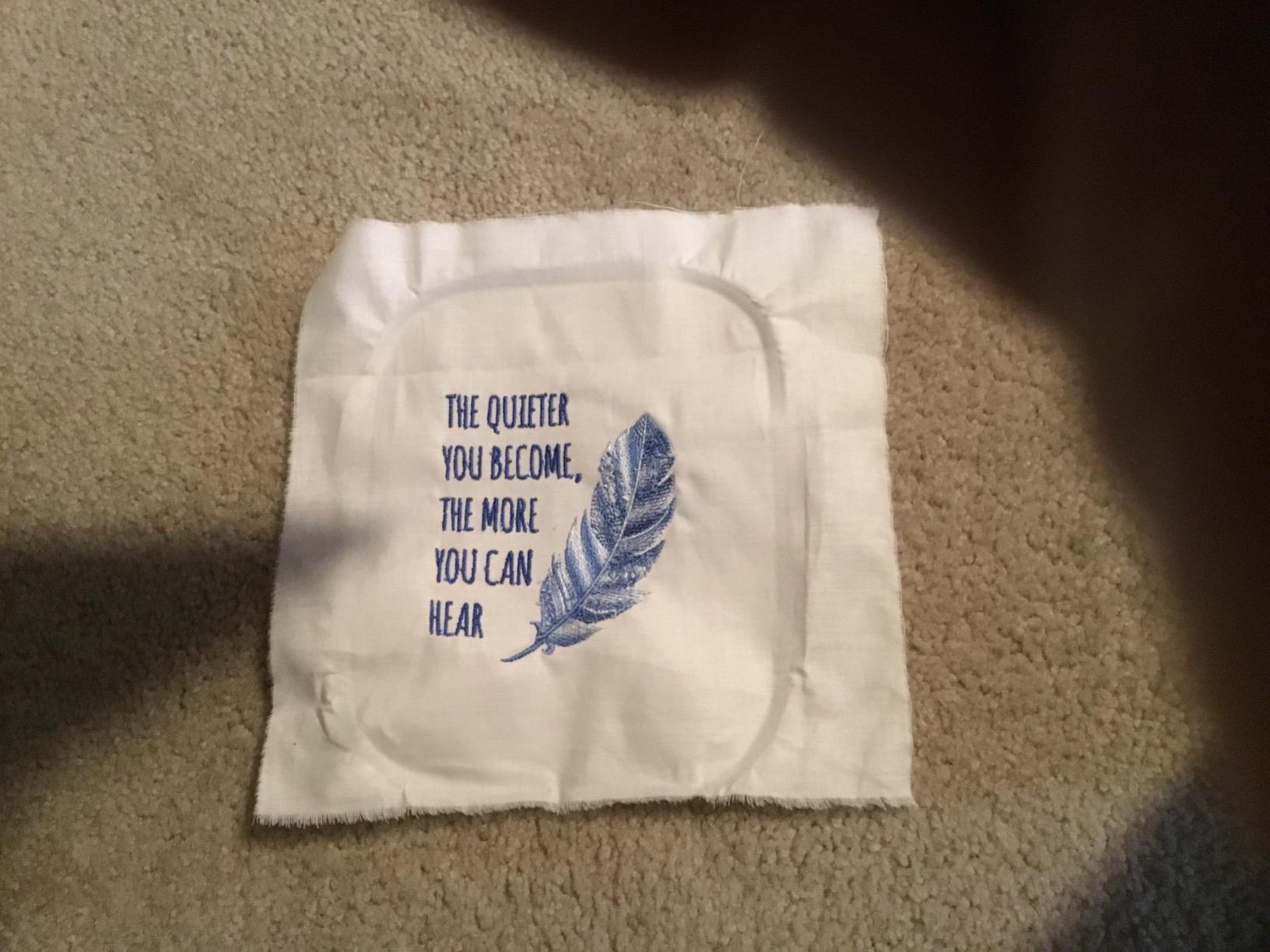
Owner feedback across 4,676 reviews is unusually consistent. The praise lands on the same three things: the threading automation, the quiet smooth operation and the short learning curve. The complaint lands on one thing too, the small embroidery field. That is the honest trade, and it is why we still recommend it: the field is a limitation you can plan around, while the setup friction on other machines is the kind of thing that ends a hobby in month two.
Two smaller details worth knowing. The feed dogs are average rather than true straight-stitch quality, so if you plan to sew a lot of thin fabric, add a walking foot. And the horizontal spool with the supplied spool caps is awkward for anyone using large thread cones, which is common once you start doing actual garment work.
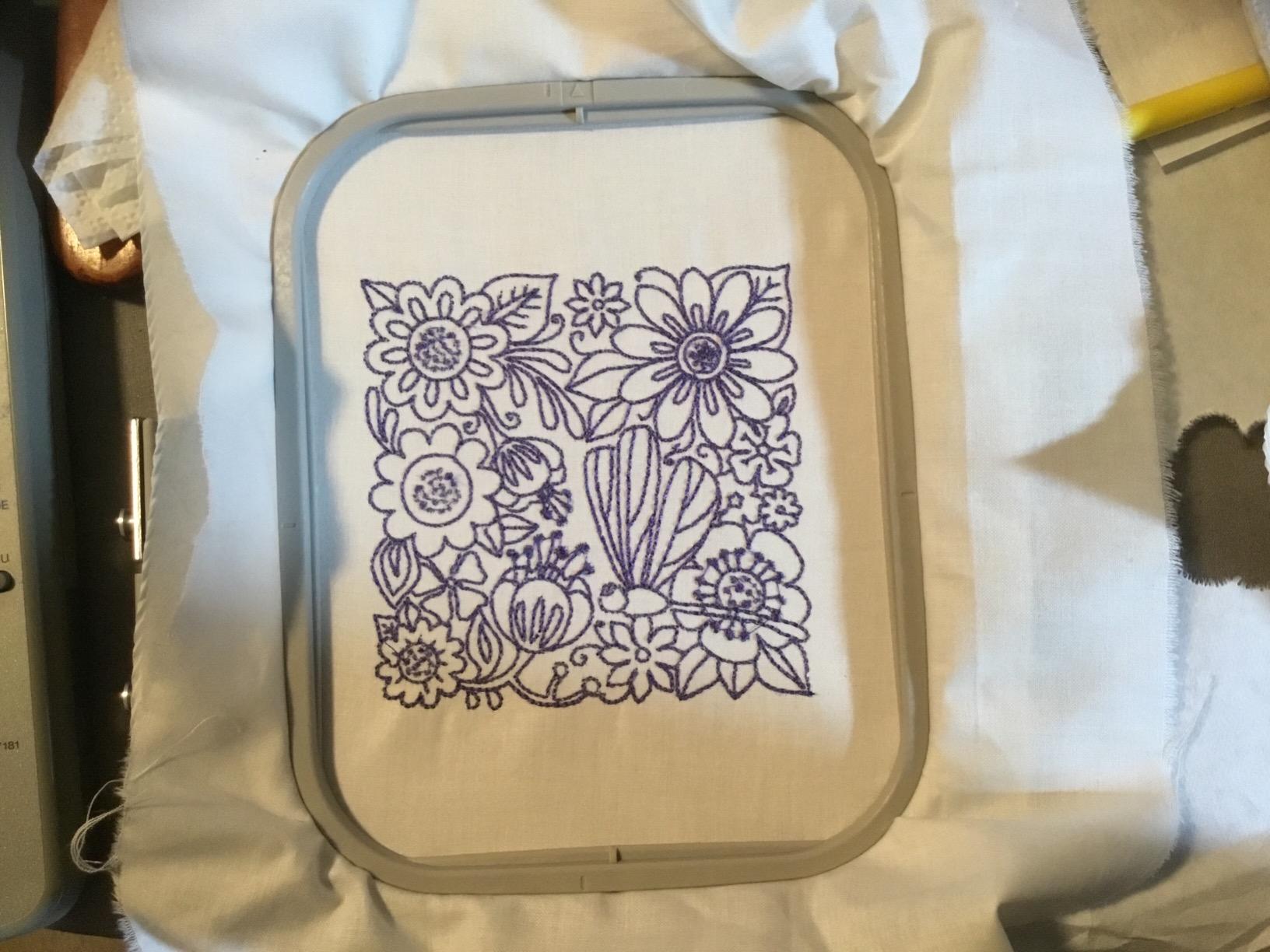
Who the Brother SE600 suits best
This is the right machine for someone who wants to personalize gifts and garments without committing to a large hoop, and who also wants a competent sewing machine. Towel monograms, polos, patches, quilt labels and appliqué all sit comfortably inside a 4 x 4 inch field. The combination of a color screen, 80 designs and 6 lettering fonts means you can produce something decent without buying a single design file.
It is also the safest choice for a nervous beginner. Beginner forums consistently describe Brother as the easiest brand to learn, and the SE600 is the machine most often described as the easiest first machine in that brand. The included components list is generous too: 7 presser feet, an accessory pouch, 4 bobbins, 3 pre-wound bobbins with embroidery thread, a needle set and a dust cover.
Who should skip the Brother SE600
Skip it if hats, totes or jacket backs are the goal. Those need a cap frame or a hoop well beyond 4 x 4 inches, and no amount of accessories changes the machine’s maximum embroidery field. Reviewers of this machine say plainly that the minimum circle with an optional table is about 6 inches, which still will not handle a sleeve or a bag panel.
Skip it if you expect to sell machine time commercially. The 400 stitches per minute embroidery speed and single-needle setup are home-project numbers, and dense commercial orders on a small field turn into an afternoon per garment. If you want to stitch out of a photo, you will also need design software, and this machine does not include any. Our beginner embroidery kit guide covers the tools and supplies to have ready before your first project.
2. Brother PE535 – Best Budget Embroidery Machine for Beginners
Brother PE535 Embroidery Machine, 80 Built-in Designs, 4″ x 4″ Hoop Area, Large 3.2″ LCD Touchscreen, USB Port, 9 Font Styles
Embroidery only
4 x 4 inch hoop
3.2 inch touchscreen
9 lettering fonts
25 year limited warranty
Pros
- Simplest machine in the group for a first project
- 80 built-in designs and 9 lettering styles cover most beginner needs
- USB port makes loading purchased designs straightforward
- Lightweight at 15 pounds and more compact than combo machines
- 25 year limited warranty with free phone support
Cons
- Embroidery only with no sewing function
- 4 x 4 inch embroidery field limits design size
- Built-in design library is limited compared with imported files
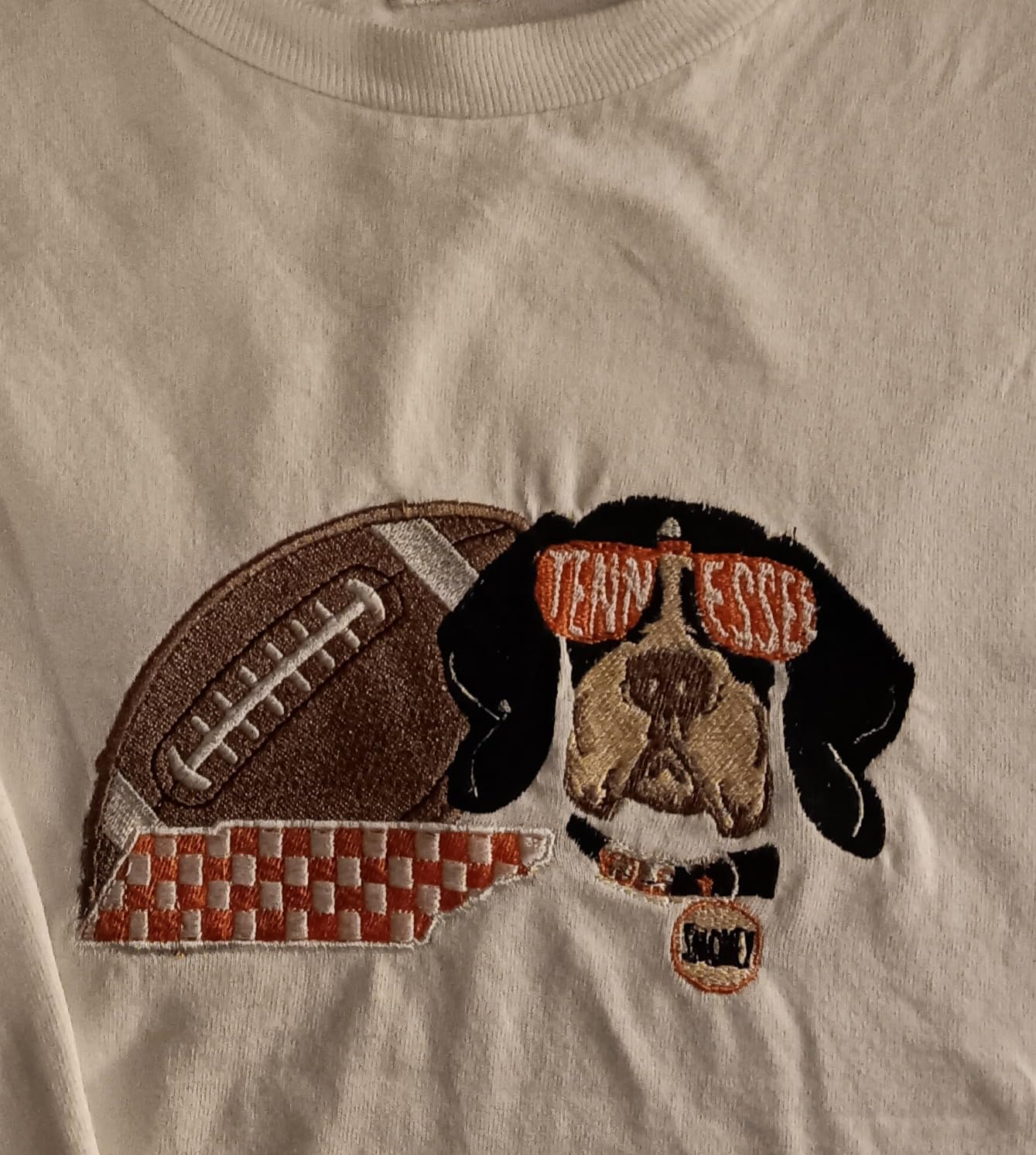
The PE535 is the machine to buy if your entire goal is embroidery and nothing else. Removing the sewing function removed the buttons, the stitch selection menus and most of the learning curve. Owners describe it as dependable and straightforward, with a gentle ramp from unboxing to a finished monogram.
It weighs 15 pounds, which is the lightest machine here and genuinely portable, and it ships with the 4 x 4 inch hoop, embroidery arm and embroidery foot. The 3.2 inch color screen previews a design before you commit thread to it, and the USB port loads custom designs straight into the machine’s built-in memory, so you are not dependent on a wireless connection or a phone app.
What surprised us was the warranty position. The PE535 carries a 25 year limited warranty with free phone support for the life of the machine, which is a longer mechanical commitment than anything else in this roundup offers. For a first machine that many beginners buy once and keep for a decade, that matters.
Across 1,730 reviews the pattern is stable. Owners like the built-in library of 80 designs, including kids, holiday and floral motifs, and they like the 9 fonts, 6 English and 3 Japanese. The consistent negative note is the size ceiling, which is the same permanent limitation we flagged at the start of this guide.
Who the Brother PE535 suits best
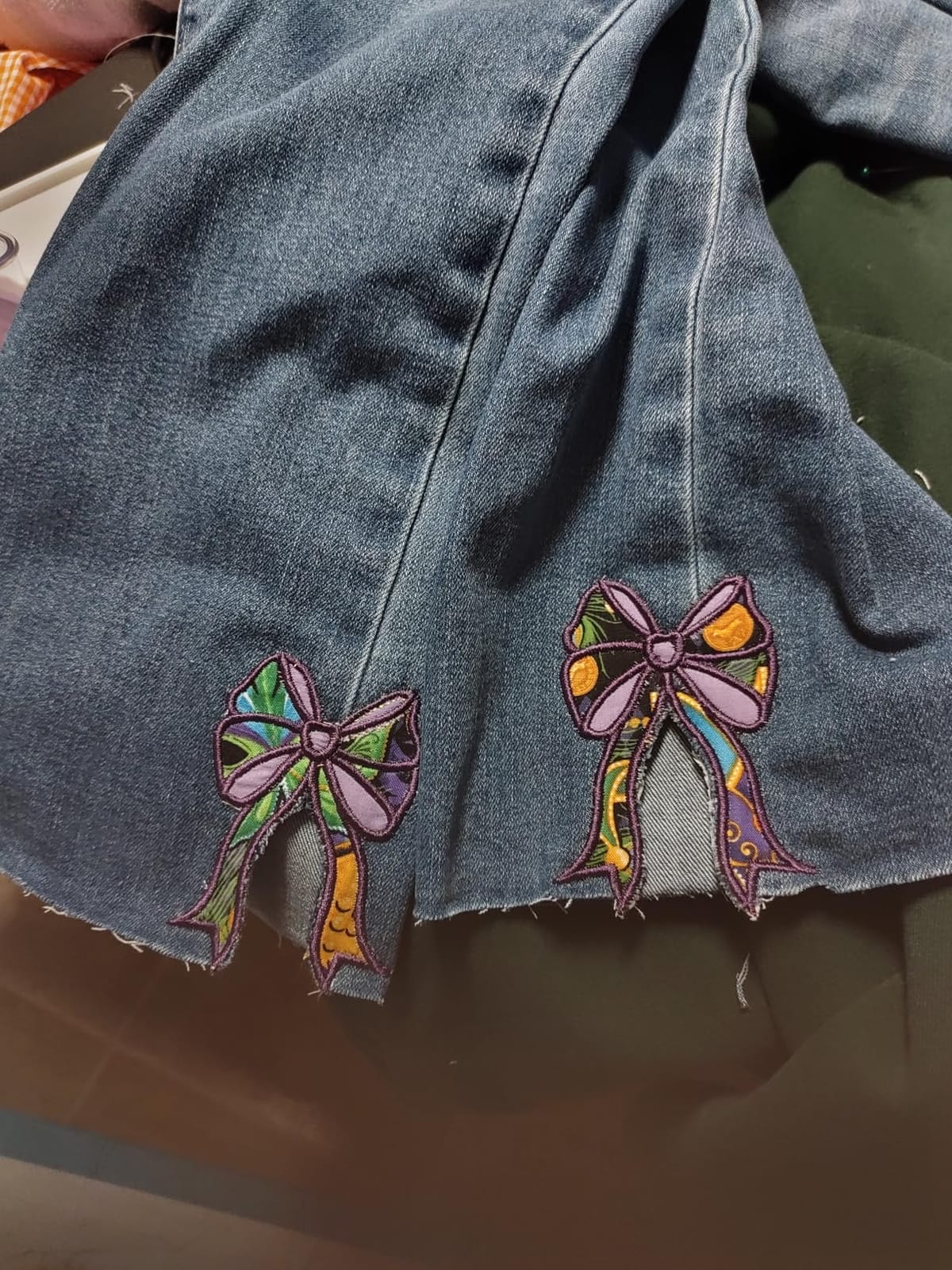
Buy this if you are starting from nothing and embroidery is the only craft you care about. There is no sewing function to learn, no stitch menus to navigate, and the machine is small enough to sit on a desk in a small craft room. A monogram on a towel, a small logo on a cap front or an appliqué patch are all realistic first projects.
It is also the strongest value option in the group, and used Brother units of this class come up constantly in beginner threads as the sensible money move. The USB port and built-in memory mean you can buy ready-made design files rather than learning to digitize, which forum users consistently identify as the biggest barrier for new embroiderers.
Who should skip the Brother PE535
Skip it if you also sew, even occasionally. A single machine that sews and embroiders will replace a separate sewing machine rather than sit beside it, and combo models like the SE600 and SE700 do that job without a second purchase or a second learning curve.
Skip it if your project list is longer than a monogram. Totes, hoodies, jacket backs and even a full shirt-panel design will not fit a 4 x 4 inch field, and splitting a design across two hoopings is a technique beginners find more confusing than helpful. The built-in library is also modest by comparison with the SE700’s 135 designs, so you will be buying files sooner than you expect.
3. Brother SE700 – Best Combo Machine With Wireless Design Transfer
Brother SE700 Sewing and Embroidery Machine, Wireless LAN, 8 included Ft
135 built-in designs
3.7 inch touchscreen
Wireless LAN transfer
Artspira app
400 spm embroidery
Pros
- Largest built-in embroidery design library among the beginner machines
- 3.7 inch color touchscreen with on-screen design editing
- Wireless LAN transfer plus Artspira app for phone-drawn designs
- Automatic needle threader and drop-in bobbin
- 8 included presser feet
Cons
- 4 x 4 inch embroidery field is small for garments and bags
- Wireless and app transfer adds a setup step for non-technical users
- 120V US sale only which affects warranty in other regions
The SE700 is the SE600’s answer to two specific complaints: the design library and the screen. It carries 135 built-in embroidery designs and 10 lettering fonts, and it has the largest touchscreen in this group at 3.7 inches. If you are the kind of beginner who wants to browse fonts and see a design laid out before stitching, that extra real estate is a real improvement.
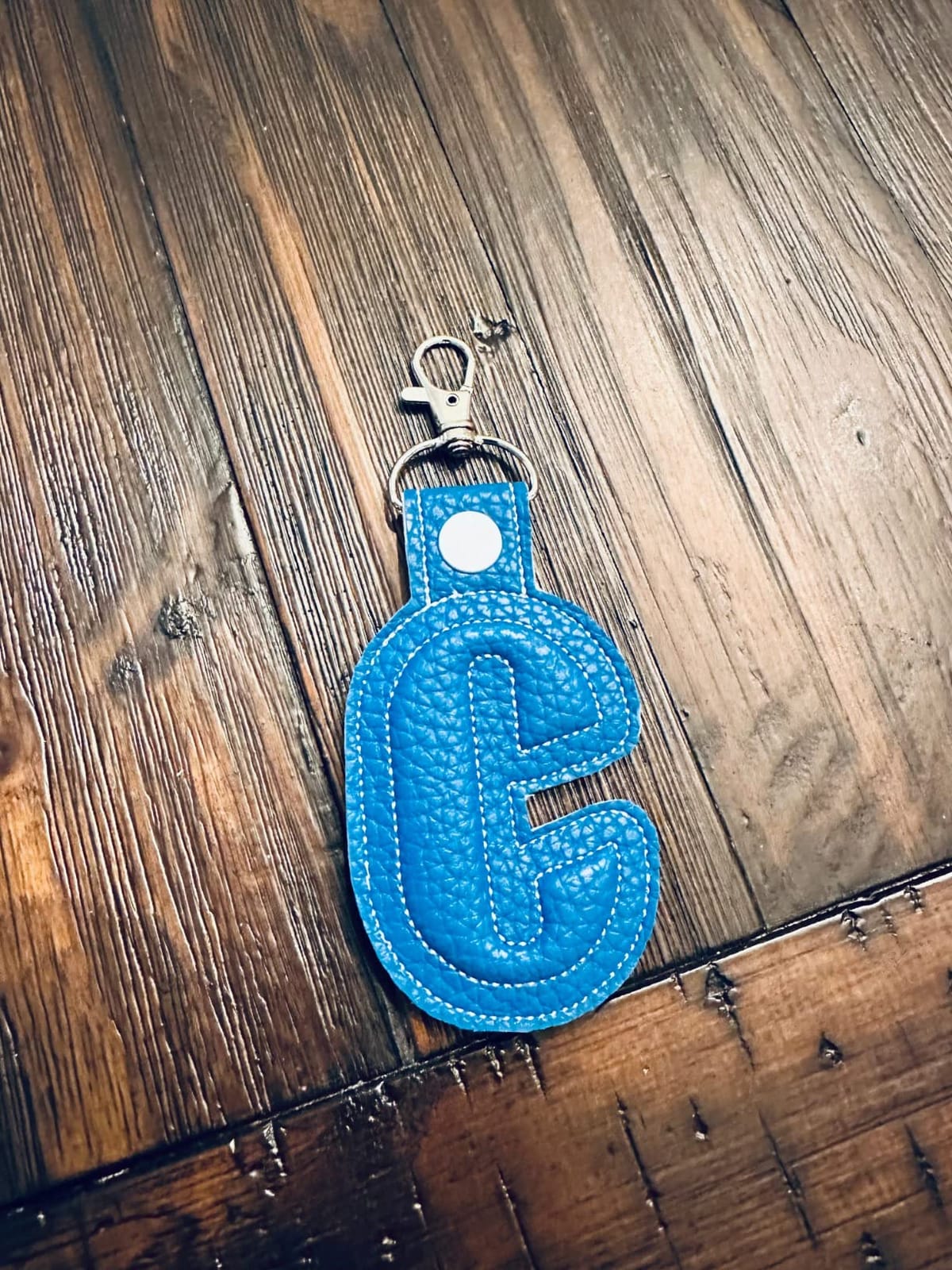
The second upgrade is connectivity. Wireless LAN file transfer through the Design Database Transfer function, plus the Artspira mobile app, means you can draw a design on a phone and send it to the machine without touching a thumb drive. The built-in USB port remains, so the older workflow still works if you would rather not deal with an app.
It is also the top-ranked machine in the Embroidery Machines category on Amazon, which tells you something about demand. The 103 sewing stitches and 10 one-step buttonholes match the SE600, so this is a genuine step up within the same tier rather than a different product class.
What we found while reading reviews is that the 4 x 4 inch field is the shared complaint, exactly as with the SE600, and the wireless setup carries its own small learning curve for anyone who is not comfortable with phones and computers. Two people in the review base defaulted to the USB port after the wireless step proved fiddly, which is a reasonable fallback.
Who the Brother SE700 suits best
This suits a beginner who wants options. With 135 built-in designs, 10 fonts, wireless transfer and an app, you can start experimenting without immediately buying design files, and you can move to importing your own work whenever you are ready. For someone who enjoys the design side as much as the stitching, that is the more interesting machine to own.
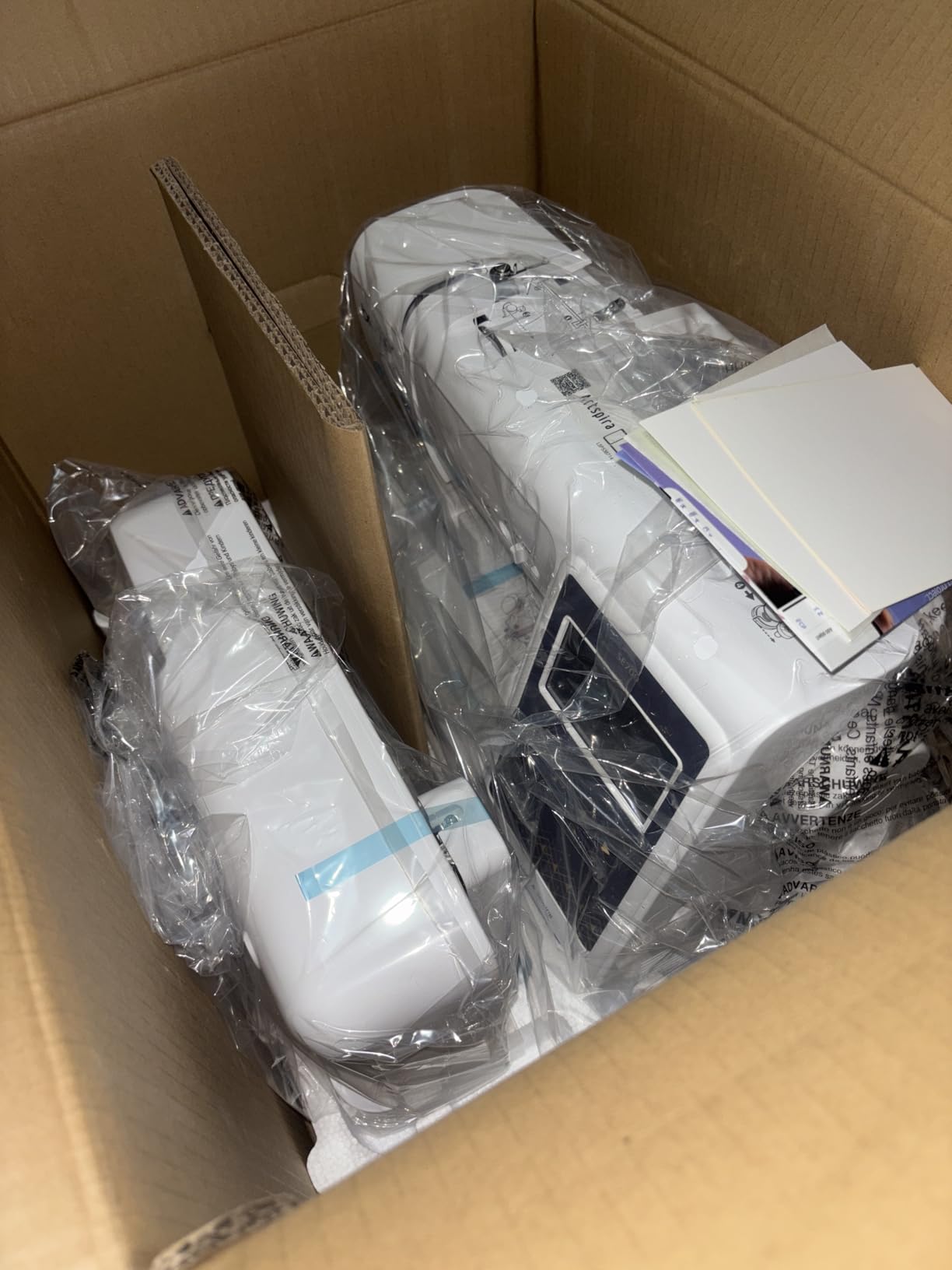
It is also the smarter gift. The warranty terms are tiered at 2 years on electronic components and printed circuit boards, 25 years on chassis castings, and 1 year on parts, labor and accessories, which is a well-structured commitment for something you will keep for years. The box includes 2 bobbins, 8 sewing feet, a 4 x 4 inch embroidery frame set, a needle set and a twin needle.
Who should skip the Brother SE700
Skip it if you want the simplest possible first experience. Between wireless LAN setup, the Artspira app and a larger design menu, there is more to configure than on the SE600. If you like a short ramp from box to first stitch, simplicity wins over features at this tier.
Skip it for large projects for the same permanent reason as its Brother siblings, and skip it if you are outside the United States and Canada, since the unit is 120V and sold for the US market only. The screen size and app are the two things you are actually paying extra for; everything else about the embroidery work is very close to the SE600.
4. Poolin EOC05 – Best Room to Grow in the Embroidery Area
Poolin EOC05 Embroidery Machine for Beginners, 4″ x 9.25″ Embroidery Area
4 x 9.25 inch embroidery area
7 inch color touchscreen
Wi-Fi and USB transfer
Free software included
Pros
- Largest embroidery area among the entry-level tier
- 7 inch color touchscreen with guided operation
- Starter bundle with 2 hoops
- thread
- stabilizers
- bobbins
- needles and USB
- Highly responsive hands-on customer support
- Quiet enough for apartment use
Cons
- Included patterns reportedly fail to lock stitches at color changes
- No reliable resume after a thread break so work may have to be removed
- Firmware updates can be challenging for beginners
- Embroidery only with no sewing function
The EOC05 exists to answer the exact objection we raised in the intro. Its maximum embroidery area is 4 x 9.25 inches, which is more than five times the area of the small-hoop Brother machines, and a second 4 x 4 inch hoop is included for small work. That means one design covers a full shirt or hoodie panel, or the front of a tote bag, without splitting it across two hoopings.
Everything else here is also aimed at someone who has never done this. The 7 inch color touchscreen is the largest in this roundup and gives step-by-step guidance, the Institch OS2 control system is built for intuitive operation, and free embroidery design software is included rather than sold separately. Owners with no experience report completing a first design on the first attempt.
The starter bundle is unusually generous and worth calling out. The box contains 6 rolls of thread, 30 pieces of stabilizer, 25 bobbins, 9 needles, a 16GB USB drive, a thread stand and a tool kit alongside the two hoops. That is most of the accessory list from our supplies section, already in the box, which changes the real cost of getting started considerably.
Support is the other standout. Owners describe responsive help through WhatsApp, a Facebook group and even one-to-one calls with engineers. For a first machine brand, that level of hand-holding matters, particularly if you live far from a dealer.
Who the Poolin EOC05 suits best
Buy this if you already know you want to embroider garments and bags, not just monograms. The long narrow hoop suits chest panels, tote fronts and small jacket areas, and the included software plus Wi-Fi transfer means you can design and import without a separate purchase. Reviewers consistently describe stitch quality as smooth and consistent and the machine as quiet enough for apartment living.
It is also the pick for anyone who has watched a friend struggle with a 4 x 4 inch machine and decided not to repeat that. Buying the larger field once is cheaper than buying two machines, and forum advice repeatedly points beginners toward a machine with room to grow rather than the smallest option available.
Who should skip the Poolin EOC05
Skip it if losing work is the thing that would end your hobby. The most serious drawback in reviews is that included patterns reportedly do not lock the stitches at color changes, so stitching can unravel, and there is no reliable resume function after a thread break. In practice that can mean removing all the stitching and starting again, which is exactly the failure mode that makes beginners quit.
Skip it if you also sew, and note that firmware can arrive out of date with a tricky update process, and that the built-in designs are limited enough that importing your own files becomes essential quickly. Support also leans on the Facebook group and YouTube rather than the printed manual, which reviewers call weak. For that combination of reasons, treat the EOC06 as the more complete version of the same idea.
5. Poolin EOC06 – Best Embroidery Area for Jackets and Totes
Poolin EOC06 Large Hoop Embroidery Machine, 11 x 7.9 in Embroidery Area
11 x 7.9 inch embroidery area
7 inch color LCD touchscreen
200 built-in patterns
4 hoops included
Wi-Fi and USB transfer
Pros
- Largest embroidery field in this roundup for totes
- towels
- hoodies and pant legs
- Four hoops covering small and large pieces
- Zero-experience owners report a first design on the first try
- Very quiet operation with no vibration
- Responsive support with proactive check-ins
Cons
- Bundled digitizing software is clunky and owners switch to third-party tools
- 35 pounds and bulky at 23 by 27 inches so it is hard to move
- A single-year warranty is shorter than some competitors
- Low review base for long-term reliability data
The EOC06 has the largest embroidery area of any machine here: 11 x 7.9 inches. That single spec changes what the machine can do. Totes, towels, hoodies, sleeves and pant legs all fit in one hooping, and four hoops are included, two at 5.5 x 5.5 inches, one at 7.9 x 7.9 inches and one at 7.9 x 11 inches, so you are not forced to choose between small detailed work and large panels.
Underneath it is the InStitch i3 computer system with a 7 inch color LCD touchscreen offering drag, edit and adjust controls, 200 built-in patterns, 8 fonts and 10 languages, and transfer over USB flash drive or wireless LAN in DST or DSB format. The needle threader, bobbin winding and thread trimming at color change are all automatic, which reduces the manual steps considerably on a long multi-color design.
What we like most in the reviews is how uneventful the operation is. Owners describe very quiet running with no vibration, and several mention taking it to quilting retreats, which says something about stability even though it weighs 35 pounds. Support is described as outstanding, with proactive check-ins and custom tutorial videos.
The starter supplies are solid as well: 6 thread rolls, 24 bobbins, 100 pieces of backing paper, a thread rack stand, an accessories bag and a 90/14 needle. That 90/14 is the default for normal fabrics, and heavier needles are required above roughly 4mm of material, which is worth knowing before you attempt thick canvas or heavy twill.
Who the Poolin EOC06 suits best
It suits beginners who have already decided what they want to make and know it needs a big hoop. Towel and tote monograms, hoodie chest panels, quilt labels and jacket backs are all realistic on the first project. With 200 built-in patterns and 10 languages, there is enough variety to experiment before you ever import a file.
It is also the most sensible option in this roundup if you are aiming at a small home business rather than a hobby, because the large field is what makes garments and bags practical. Pair that with the quiet operation and the four hoop sizes, and it is a machine that can grow with you for a long time.
Who should skip the Poolin EOC06
Skip it if space is tight. At 35 pounds and 23 x 27 x 12.5 inches, it is the bulkiest machine here and needs a dedicated table, not a craft desk. Reviewers who liked the machine still flagged the weight as a genuine drawback for beginners who move their setup around.
Skip it if you want to digitize your own designs in the bundled tools. Owners describe the InStitch Doodle software as clunky and move to third-party options, so budget for software if original design work is part of the plan. The one-year warranty is also shorter than the 25 year mechanical coverage on the Janome, and the review base of 388 gives less long-term reliability evidence than the Brother machines with thousands of reviews behind them.
6. Janome Memory Craft MC400E – Best Warranty and Thread-Break Recovery
Janome Memory Craft C400E Computerized Embroidery Machine – MC400E Monogram Machine with 160 Built in Designs, 4 Hoops, and 6 Monogramming Fonts, Digital Embroidery Unit for Home, Beginners
7.9 x 7.9 inch embroidery area
160 built-in designs
4 hoops included
Auto Return after thread break
25 year mechanical warranty
Pros
- Auto Return after a thread break resumes at the stopping point
- 25 year limited warranty on mechanical parts
- 160 built-in designs and 6 monogram fonts
- Color touchscreen with rotate resize mirror and combine
- 4 hoops included in the box
Cons
- Manuals and on-box documentation are widely considered insufficient
- USB drive accepts only JEF files so other formats must be converted
- Some owners report persistent thread breakage
- Lowest rating and smallest review base in this roundup
The MC400E is the established-brand option in this group, and it earns its place with one feature none of the other five machines here can offer. Auto Return after a thread break resumes stitching at the point where it stopped, rather than forcing you to remove all the stitching and start over. On a large design with fifteen color changes, that is a significant difference in both time and frustration.
Its maximum embroidery area is 7.9 x 7.9 inches with 4 hoops included, so it sits between the small Brother fields and the large Poolin fields. There are 160 built-in designs and 6 monogram fonts, and the color touchscreen handles rotate, resize, mirror and combine operations before stitching. Flexible stitch traveling and automatic thread tension control are both standard.
The warranty is the strongest mechanical commitment available here: 25 years limited on mechanical parts, 2 years limited on electrical parts and 1 year limited labor. For a buyer who plans to keep a machine for a decade, that is a meaningful difference, and it is a large part of why we include it despite the lower rating.
Who the Janome MC400E suits best
It suits a beginner who is frightened of losing work and who will be doing long multi-color designs. Auto Return handles the most common embroidery failure directly, and the 7.9 x 7.9 inch field is a genuine step up from a 4 x 4 inch area without committing to the footprint of an 11 inch wide machine.
It also suits buyers who want a brand with a long service history and who live somewhere they can reach a dealer. Janome’s digital tools and the included AcuStitch PC-compatible software, template CD and instructional DVD give you a software route in, and experienced owners report the machine matching their expectations of the brand.
Who should skip the Janome MC400E
Skip it if you need good documentation in the box, because this is the most repeated complaint. The manual and printed material are widely described as insufficient, and several owners only got the machine running after watching third-party videos. For someone learning alone with no local dealer, that is a real obstacle rather than a minor annoyance.
Skip it if you work in a specific design format. The USB drive accepts only JEF files, so PES, DST and other formats have to be converted before loading, which adds a step that some beginners find confusing. The 4.2 rating across 79 reviews also includes a 13 percent one-star share, and several owners report constant thread breakage, though at least one case was resolved by replacing the bobbin case. Judge this machine on a small review base, not on thousands of owners.
How to Choose Your First Embroidery Machine: 7 Specs That Matter
Almost every spec on an embroidery machine page is a proxy for one of seven real decisions. Work through these in order and the right machine picks itself.
1. Embroidery area first, always. This is the irreversible choice. A 4 x 4 inch field covers monograms, small logos, patches and appliques. A 4 x 9.25 inch field covers a shirt or hoodie chest panel. An 11 x 7.9 inch field covers totes, towels, sleeves and jacket backs. Decide what you want to make in twelve months, not what looks nice in a photo.
2. Embroidery-only or combo? An embroidery-only machine does one job with fewer buttons and a smaller footprint, as the PE535 shows. A combo machine adds a full sewing function, which replaces a separate sewing machine and multiplies what you can make. If you sew at all, even occasionally, the combo machine is almost always the better purchase. If embroidery is your only interest and space is tight, embroidery-only is cleaner.
3. Stitch file format compatibility. A machine does not read a JPG or a PNG. It reads a stitch file, which is a list of needle movements. Brother machines work in their own format and accept files over USB, the Poolin machines use DST or DSB, and the Janome accepts JEF only. Buy-ready-made designs come in these formats, and you cannot load a file your machine cannot read. Check the format before you fall for a design library that will not load.
4. Built-in designs and fonts. These are what you can make on day one with nothing else purchased. The SE600 has 80 designs and 6 fonts, the SE700 has 135 and 10, the MC400E has 160 and 6 monogram fonts, the EOC06 has 200 patterns, 8 fonts and 10 languages, and the PE535 has 80 designs and 9 fonts. A bigger library means a longer runway before you need to buy files.
5. Screen size and on-screen guidance. The range here runs from 3.2 inches on the Brother embroidery-only and combo models to 3.7 inches on the SE700 and 7 inches on both Poolin machines. A larger color screen is not a luxury when you are previewing a design, editing text or following step-by-step hooping instructions for the first time.
6. Connectivity method. USB is the most dependable and least glamorous. Wireless LAN plus a mobile app, as on the SE700, is convenient if you are comfortable with phones and computers. Choose wireless only if you already are, and keep the USB port as your fallback.
7. Single needle, not multi-needle. Every machine in this roundup is single-needle, and that is correct. Multi-needle machines exist for commercial throughput and color-change speed, and forum advice to beginners is unambiguous that they are not beginner machines. The added cost, the threading complexity and the servicing requirements are not worth it until you are producing dozens of identical pieces.
One more thing to check before you commit: who services the machine near you. Dealer support and warranty handling matter more than buyers expect, particularly in areas with no local embroidery dealer, where mail-in servicing becomes your only option.
What Else You Need to Buy With Your First Embroidery Machine
The machine is the cheapest part of getting started. Most beginners underestimate this, and the AI summaries on shopping pages for this category all flag it as the thing people forget. Budget for the following.
Embroidery thread. Standard 40 weight polyester thread is what nearly all built-in designs assume. The two Poolin machines include six rolls in the box, so they cover you early. Buy a small color card of common colors rather than 40 spools.
Stabilizer, and this is the number one cause of beginner failure. Stabilizer sits under the fabric and stops it from puckering, stretching or distorting under the needle. Forum advice is blunt that stabilizers make or break your success, and puckering gets blamed on the machine when the real cause is the wrong stabilizer weight for the fabric. A simple rule: match the stabilizer weight to the fabric, use a tear-away for knits and wovens, a cut-away for heavier knits and a hooped stabilizer for anything structured.
Needles. The machines include 90/14 needles as standard. Above roughly 4mm of fabric thickness you need a heavier needle, and a ball point needle for knit fabric prevents snagging and hole damage. Both Brother SE machines include a ball point needle and a needle set in the box.
Bobbins. Cheap and easy to forget. The SE600 includes 4 bobbins plus 3 pre-wound bobbins wound with embroidery thread, and the Poolin boxes include 24 and 25 respectively. Use embroidery bobbin thread, not ordinary sewing thread, or you will get tension problems and thread breaks.
An extra hoop or a hat frame. If your plans involve caps, a cap frame is a separate purchase and is not included with any of these machines. This is the most common accessory surprise for first-time buyers.
Design software, if you will import files. The SE600, PE535 and SE700 do not bundle embroidery software. The Poolin EOC05 includes free embroidery design software, and the EOC06 includes InStitch Doodle, which owners describe as clunky. Beginners should not learn to digitize first, so plan to buy ready-made designs in your machine’s format and treat digitizing as a later skill.
Our beginner embroidery kit guide covers the starter supplies in more detail, including the first-project sequence of monogram, then hat or patch, then tote bag.
Frequently Asked Questions
What is the best embroidery machine for home use?
The Brother SE600 is the best embroidery machine for beginners for home use. It combines 80 built-in embroidery designs and 6 lettering fonts with 103 sewing stitches, a 3.2 inch color touchscreen and automatic needle threading. The 4 x 4 inch embroidery field is its one real limit, so it suits monograms, patches and small logos rather than large garment panels.
Is buying an embroidery machine worth it?
It is worth it if you will personalize more than a handful of items. The learning curve on a current machine is measured in a single evening, because the machine loads the design, previews it on screen and guides you through hooping. The real question is whether you will use the 4 x 4 inch or larger field regularly, not whether the machine is good.
What is the easiest embroidery machine for beginners to learn?
The Brother SE600 is the easiest to learn because it has the fewest setup steps: automatic needle threader, drop-in bobbin, automatic thread cutter and needle-up stop. Forum users consistently describe Brother as the easiest brand to learn. The two Poolin machines are also strongly beginner-oriented, with 7 inch screens and step-by-step guidance.
What hoop size do I need as a beginner?
A 4 x 4 inch hoop covers monograms, small logos, patches and towels. A 4 x 9.25 inch hoop covers a full shirt or hoodie chest panel, and 11 x 7.9 inches covers totes, towels, sleeves and jacket backs in one hooping. Because the embroidery area cannot be upgraded on the same machine, buy for the largest project you realistically expect to make.
Do I need an embroidery-only machine or a combo?
Buy a combo if you sew at all, even occasionally, because it replaces a second machine and most beginner projects involve fabric prep, hemming or appliqué. Buy embroidery-only if embroidery is your only interest and you want the simplest interface and the smallest footprint. The Brother PE535 is the cleanest embroidery-only example and the SE600 the cleanest combo.
What embroidery machine should beginners avoid?
Avoid any machine whose embroidery area is too small for your actual projects, because that decision cannot be reversed. Among these six, the Poolin EOC05 deserves caution if losing work would end your hobby, since included patterns reportedly do not lock stitches at color changes and there is no reliable resume after a thread break. The Janome MC400E is worth avoiding if you need clear printed documentation.
What embroidery sells the most?
Monogramming sells the most for beginners because it is the fastest project, needs the smallest hoop and works on towels, polos and totes. Next most common are hats and patches, which need a cap frame, and then larger items such as totes and jacket backs, which need a large embroidery field. That order is exactly the order in which beginners should pick a machine.
Final Verdict: Which Beginner Embroidery Machine Should You Buy in 2026
The Brother SE600 is our pick for the best embroidery machines for beginners in 2026. It sews and embroiders, it has the largest owner base and the most consistent owner feedback in this group, and it has the fewest steps between opening the box and a finished monogram. If your projects are monograms, patches and small logos, it is the right machine and you will not outgrow it in a year.
The only reason to choose differently is the embroidery area, and that decision is permanent. Buy the Poolin EOC05 or Poolin EOC06 if you intend to embroider shirts, totes, hoodies or jacket backs from the start, and pick the Janome MC400E if losing work to a thread break would discourage you most.
Whatever you choose, buy the thread, the stabilizer and the right needle before you start, and plan your first project as a monogram. Check the latest options for the model you settled on and start there.