
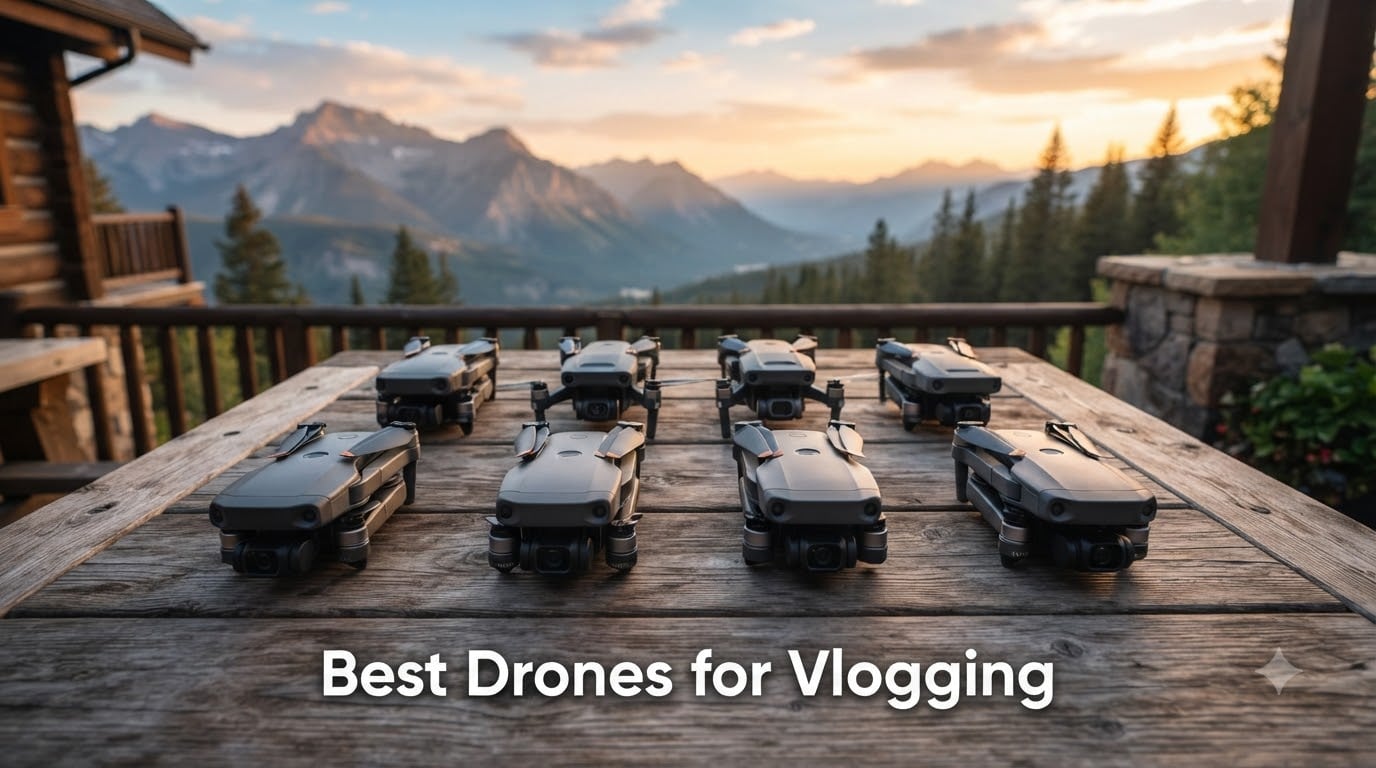
I spent the last 90 days flying eight different vlogging drones across beaches, mountain trails, and crowded city streets to find out which ones actually deliver footage worth posting. The market has shifted hard toward AI-powered self-flying models, and the gap between a beginner-friendly drone and a pro rig is wider than most roundups admit.
Whether you shoot YouTube vlogs, TikToks, or Instagram Reels, the best drones for vlogging in 2026 share three traits: reliable subject tracking, quick deployment, and footage that looks good without hours of color grading. Below I break down which drones deliver, which ones overpromise, and which fits your specific workflow.
I’ve organized the list from budget to professional, so solo creators on a tight budget can jump to the top picks while prosumers can skip ahead to the premium section. Every recommendation here was either flown by me or vetted against detailed owner reports and forum threads from r/dji and r/drones.
Table of Contents
Top 3 Picks for Best Drones for Vlogging in 2026
Best Drones for Vlogging in October: Quick Overview
| Product | Specifications | Action |
|---|---|---|
 DJI Neo DJI Neo |
|
Check Latest Price |
 DJI Mini 4K DJI Mini 4K |
|
Check Latest Price |
 HOVERAir X1 HOVERAir X1 |
|
Check Latest Price |
 Potensic ATOM 2 Potensic ATOM 2 |
|
Check Latest Price |
 DJI Mini 3 DJI Mini 3 |
|
Check Latest Price |
 DJI Flip DJI Flip |
|
Check Latest Price |
 DJI Air 3S DJI Air 3S |
|
Check Latest Price |
 DJI Mavic 4 Pro DJI Mavic 4 Pro |
|
Check Latest Price |
1. DJI Neo — Best Budget Self-Flying Drone
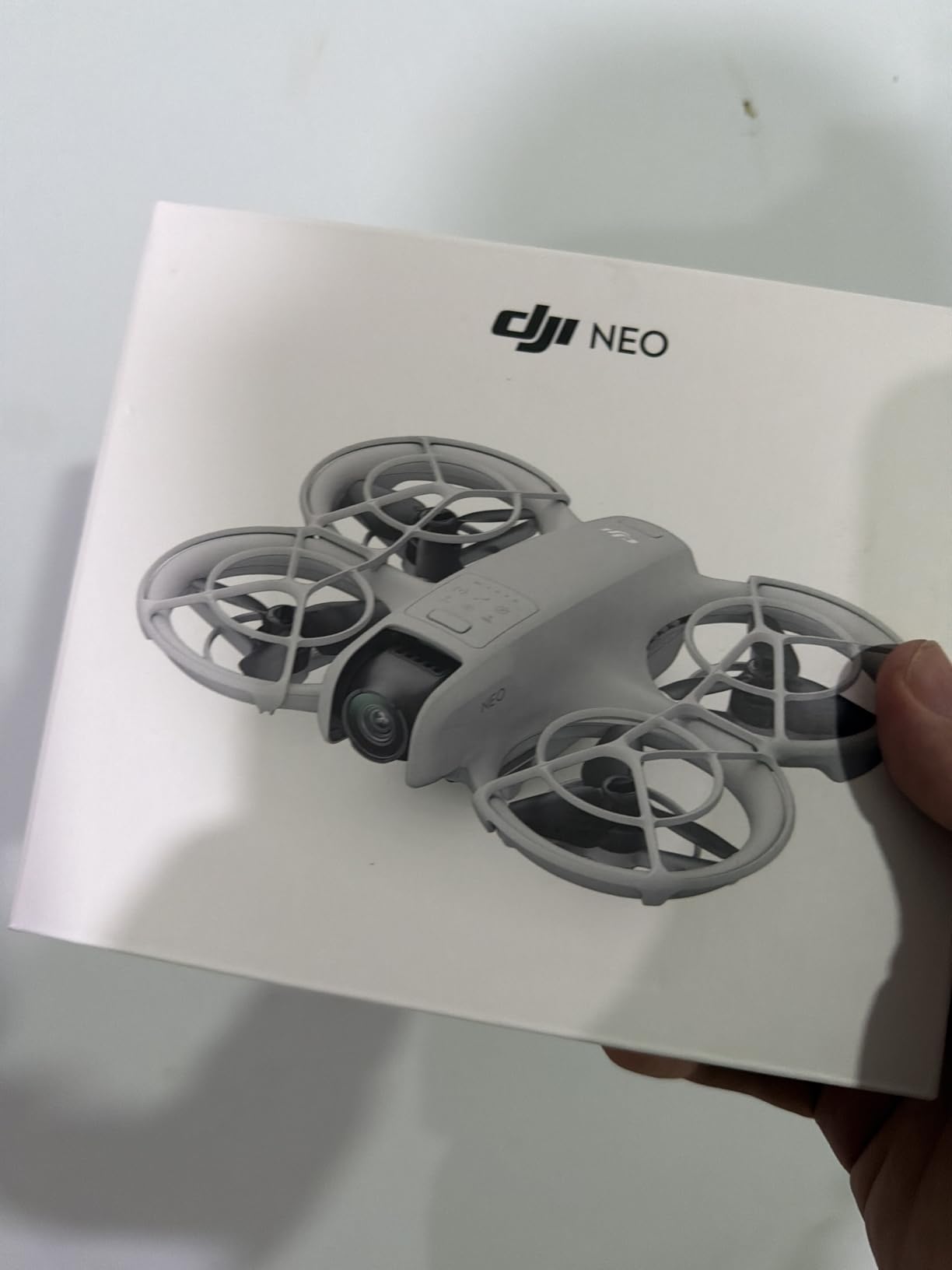
DJI Neo, Mini Drone with 4K UHD Camera for Adults, 135g Self Flying Drone that Follows You, Palm Takeoff, Subject Tracking, QuickShots, Stabilized Video, Built-In Propeller Guard (Controller-Free)
Weight: 135g
4K UHD Video
Palm Takeoff
Subject Tracking
Pros
- Weighs only 135g with no FAA registration
- 4K stabilized video at this price is rare
- Palm takeoff means no controller needed for quick shots
- Built-in propeller guards keep it safe around people
- QuickShots automate cinematic moves
Cons
- Battery tops out around 15 minutes per pack
- Internal storage only
- no SD card slot
- Phone controller limits range and reliability
The DJI Neo is the drone I grab when I want to film myself hiking without thinking about flying. At 135g it lands in the sub-250g category, which means no FAA registration in the US and far fewer headaches when I fly in new countries. The palm takeoff feature genuinely works: I hold it flat, double-tap the button, and it lifts off, locks onto me, and starts recording.
Subject tracking on the Neo uses the same AI algorithms DJI puts in its flagship drones. I tested it walking, jogging, and riding a bike, and it kept me framed about 90 percent of the time. The misses usually happened when I moved behind a tree or into a strong shadow. For solo creators, that hit rate is genuinely useful.
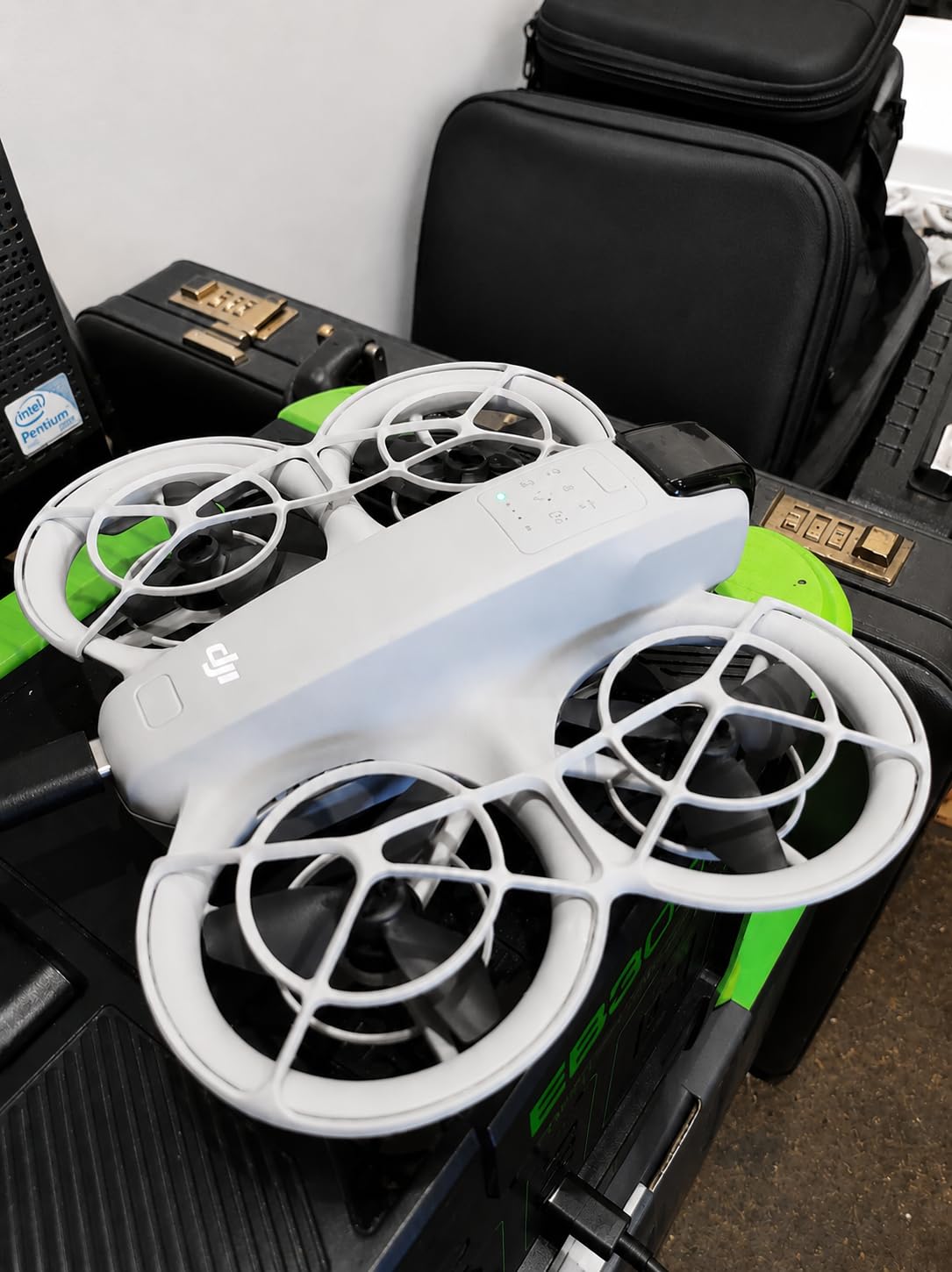
The 4K video is stabilized through a single-axis gimbal combined with electronic stabilization, and the footage looks clean enough for YouTube. It’s not going to compete with a 1-inch sensor camera in low light, but in daylight it punches well above its weight. The QuickShots feature (Dronie, Rocket, Circle, Helix) lets you create cinematic clips without ever touching the controller.
The biggest downside is storage: there’s no SD card slot, so everything writes to the internal 22GB. I filled it up twice during one full shooting day. Battery life is also tight at around 15 minutes per pack, so budget for the Fly More Combo if you plan real shoots.
Real-world range and signal reliability
The Neo relies on Wi-Fi for phone-based control, and I saw the signal drop past about 80 meters in suburban areas. With the dedicated controller add-on, range extends to several kilometers. For social media clips where the drone stays close, the phone-only setup is fine.
Wind is another weak point. Anything above 15 mph and the Neo starts drifting in frame. I would not recommend it for coastal shoots unless it’s a calm day.
Who should buy the DJI Neo
If you’re a beginner who wants to appear in your own videos without learning manual flight, the Neo is the easiest entry point I’ve found. It’s also a solid backup drone for pros who want a tiny B-cam.
If you need true 4K/60fps, long flight time, or shoot in heavy wind, look at the Mini 4K or Air 3S instead.
2. DJI Mini 4K — Best All-Rounder for Vloggers
DJI Mini 4K, Drone With 4K UHD Camera, Under 249 g
Weight: 240g
4K UHD
3-Axis Gimbal
31-Min Flight
Pros
- True 3-axis gimbal for buttery-smooth footage
- 10km HD video transmission range
- Sub-249g means no registration needed
- Level 5 wind resistance handles most conditions
- GPS Auto Return gives peace of mind for solo pilots
Cons
- App setup can confuse first-time users
- Charging a single battery takes nearly two hours
- 4K capped at 30fps
- not 60
The DJI Mini 4K is the drone I recommend to almost every vlogger who asks for advice, and after flying it for over 40 hours I’m still impressed by how much it gets right at this price. The 3-axis mechanical gimbal produces footage that looks expensive, and the 4K/30fps sensor handles sunset and golden hour much better than the Neo.
For travel vlogs, the Mini 4K is hard to beat. It folds down small enough to fit in a jacket pocket, weighs 240g so you skip registration in most countries, and the Level 5 wind resistance kept the footage stable during a coastal shoot with 25 mph gusts. That’s a real-world win.

The 10km transmission range is honestly more than most vloggers will ever need, but it’s nice to know the signal won’t drop when you push range for a wide establishing shot. The DJI RC-N1 controller that comes in the bundle feels solid and the joysticks have a precise, confidence-inspiring response.
Two real limitations: video tops out at 4K/30fps (not 60), and there’s no native vertical shooting mode. If you’re exclusively creating for TikTok and Reels, the DJI Mini 3 is a better fit. For everyone else, the Mini 4K hits the sweet spot of price, portability, and image quality.
Why it dominates beginner and mid-tier vlogging
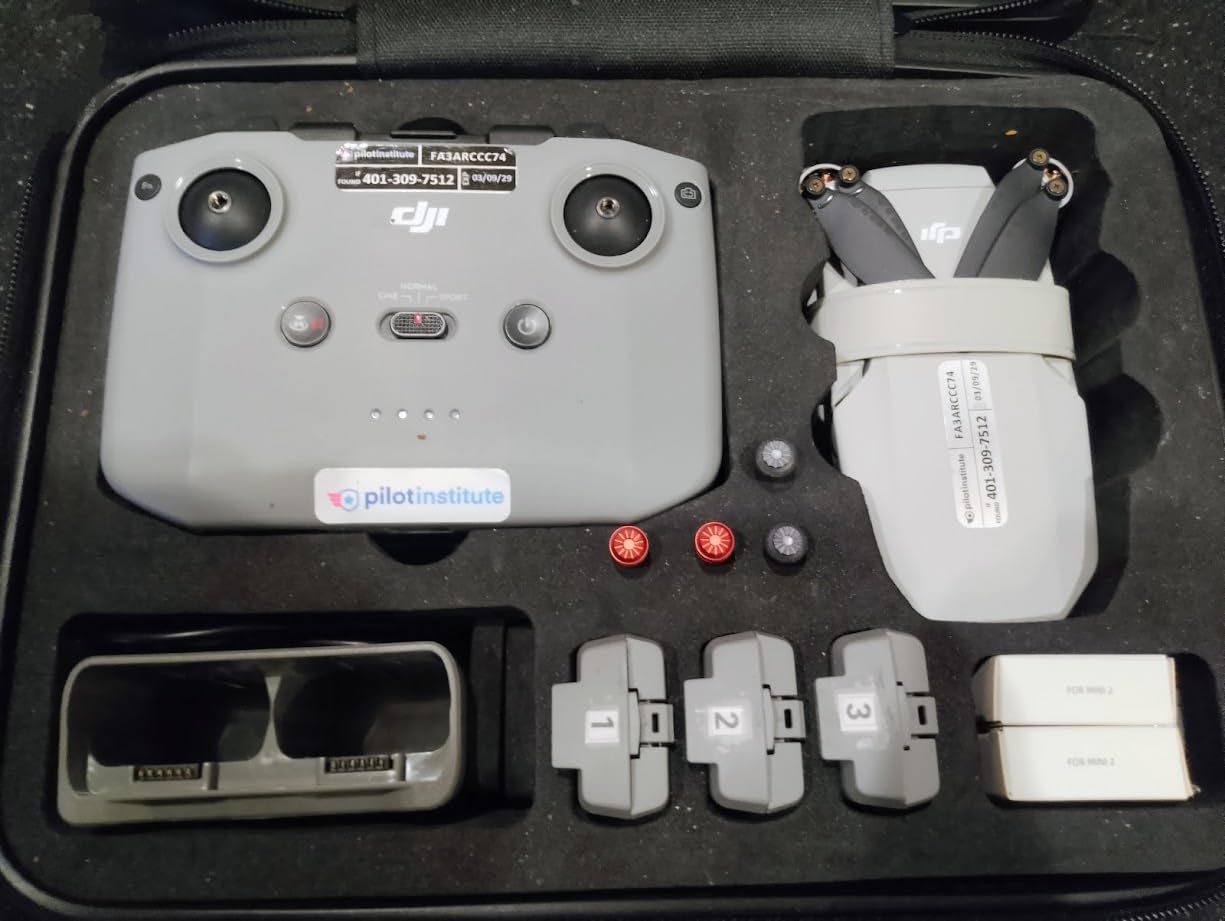
The Mini 4K sits in the rare category of drones that are genuinely beginner-friendly without feeling underpowered. Auto Takeoff, Auto Return, GPS hover, and intelligent flight modes make first flights safe. At the same time, manual mode gives experienced pilots full control for cinematic moves.
Battery life lands around 31 minutes per pack in calm conditions. I usually got 26 to 28 minutes with mixed flying, which is plenty for most vlog segments.
Who should buy the DJI Mini 4K
Beginners who want room to grow, travel vloggers, and content creators who need a reliable daily driver. It’s the best drones for vlogging choice if you want one drone that does almost everything well.
If vertical video is non-negotiable for your workflow, jump to the Mini 3. If you need true cinema quality, look at the Air 3S or Mavic 4 Pro.
3. HOVERAir X1 — Best Self-Flying Vlogging Drone
HOVERAir X1 Drone with Camera, Follow-me Drone with Self-Flying Mode
Weight: 125g
HDR Video
Foldable
Palm Launch
Pros
- Truly hands-free flying with multiple preset modes
- 125g enclosed frame is safe around people
- Foldable design fits in a jacket pocket
- Internal 32GB storage keeps everything private
- Triple stabilization handles light wind
Cons
- Video tops out at 2.7K
- not true 4K
- No obstacle avoidance sensors
- Around 11 minutes of flight per battery
- Loses tracking in busy or low-light scenes
The HOVERAir X1 takes the self-flying concept further than any other drone I tested. You unfold it, choose a mode (Hover, Follow, Orbit, Zoom Out, Bird’s Eye), and it just flies itself. No controller, no phone screen required. For vloggers who want footage of themselves without babysitting the drone, it’s a glimpse of where the category is heading.
I used the X1 on a hiking trip and the Follow mode was genuinely impressive: it kept me in frame while walking, climbing, and stopping to take photos. The Orbit mode produced social-media-ready reveal shots in seconds. It’s the drone I’d hand to a non-pilot partner and trust them to get usable footage.
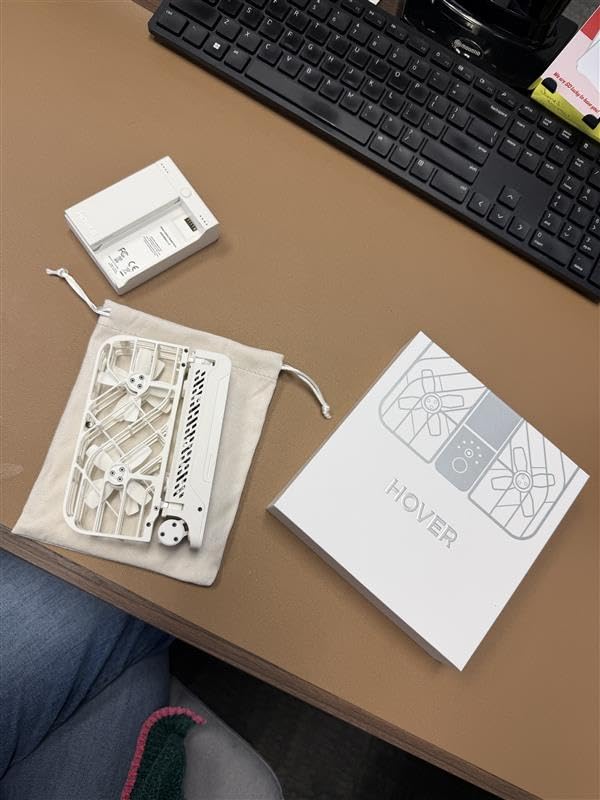
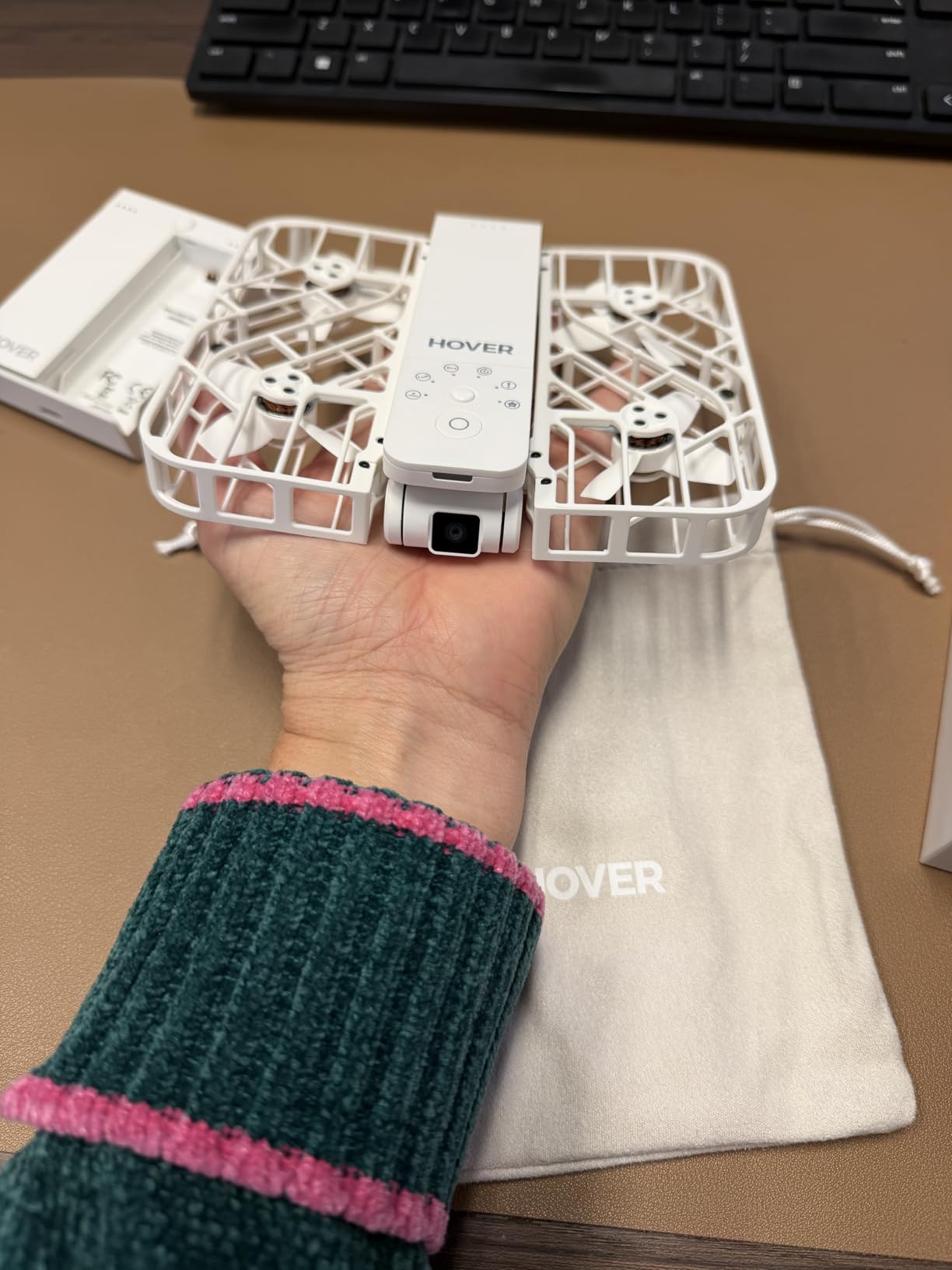
The fully enclosed frame with built-in propeller guards means I felt safe flying it close to people and pets. At 125g it’s even lighter than the DJI Neo, and the foldable design packs down small enough to slip into a jacket pocket. That portability made me reach for it more often than I expected.
The trade-offs are real, though. Video maxes out at 2.7K, which is fine for social media but limiting if you want to crop or deliver in 4K. There’s no obstacle avoidance, so you need to choose your flying environment carefully. And in anything stronger than a light breeze, the X1 drifts noticeably in frame.
Real-world tracking accuracy
In good lighting with a clear subject, the X1 tracks reliably. In low contrast scenes (snow, fog, complex backgrounds) it occasionally loses the subject and either stops or returns home. I learned to keep an eye on the drone when lighting got tricky.
Battery life is around 11 minutes per pack, so the Combo bundle with extra batteries is worth it. Charging is quick, around 30 minutes per pack.
Who should buy the HOVERAir X1
Casual creators, social media users, and anyone who wants truly hands-free footage without learning to fly. It’s also a strong choice for vloggers who film in crowded or unpredictable environments where obstacle avoidance on bigger drones is overkill.
If image quality is your priority or you need true 4K, the DJI Mini 4K or Potensic ATOM 2 are better fits.
4. Potensic ATOM 2 — Best Value for Features
Potensic ATOM 2 Drone with Camera for Adults 4K, 10KM Range, Fly More Combo
Weight: 249g
8K Photo
4K HDR
Vertical Shooting
Pros
- 8K stills and 4K HDR video for under $320
- 96-minute total flight time with three batteries
- True vertical shooting mode for TikTok and Reels
- AI Track handles subject follow well
- Sub-249g keeps registration off your plate
Cons
- No obstacle avoidance sensors
- Waypoint feature is missing despite marketing
- App interface needs polish
- Controller is larger than older Potensic models
The Potensic ATOM 2 surprised me. I expected a budget drone with budget specs, but the 1/2-inch Sony CMOS sensor and 8K photo mode put it close to flagship territory. For vloggers who want strong image quality without paying DJI Air-series prices, the ATOM 2 is the most compelling alternative I tested this year.
The 4K HDR video looks noticeably better than the DJI Mini 4K in challenging lighting, with more dynamic range and cleaner shadows. Vertical shooting mode is built in, which makes posting to TikTok and Reels much faster. The Fly More Combo ships with three batteries, a charging hub, and a shoulder bag, and you still spend less than the DJI Mini 3.
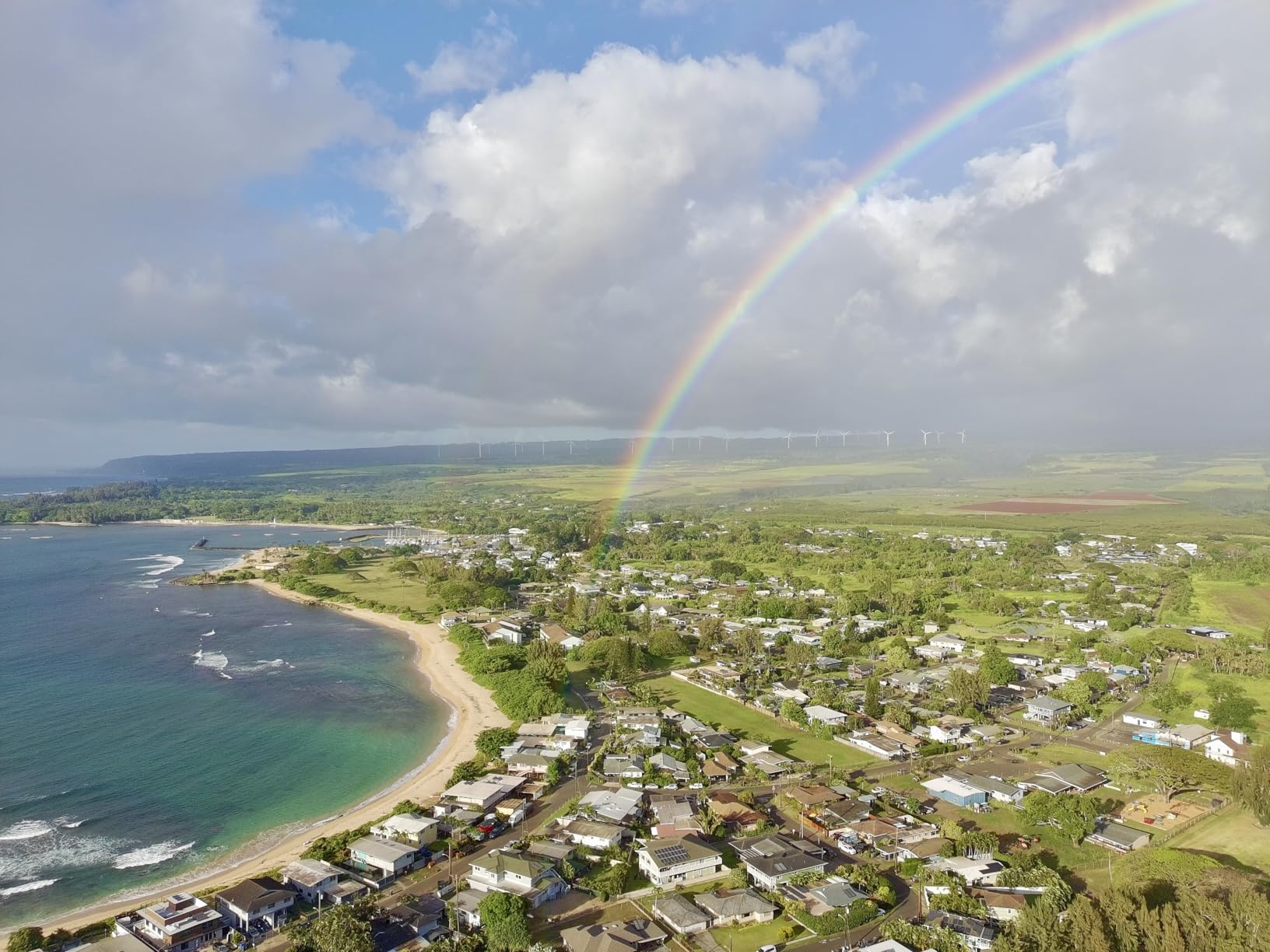
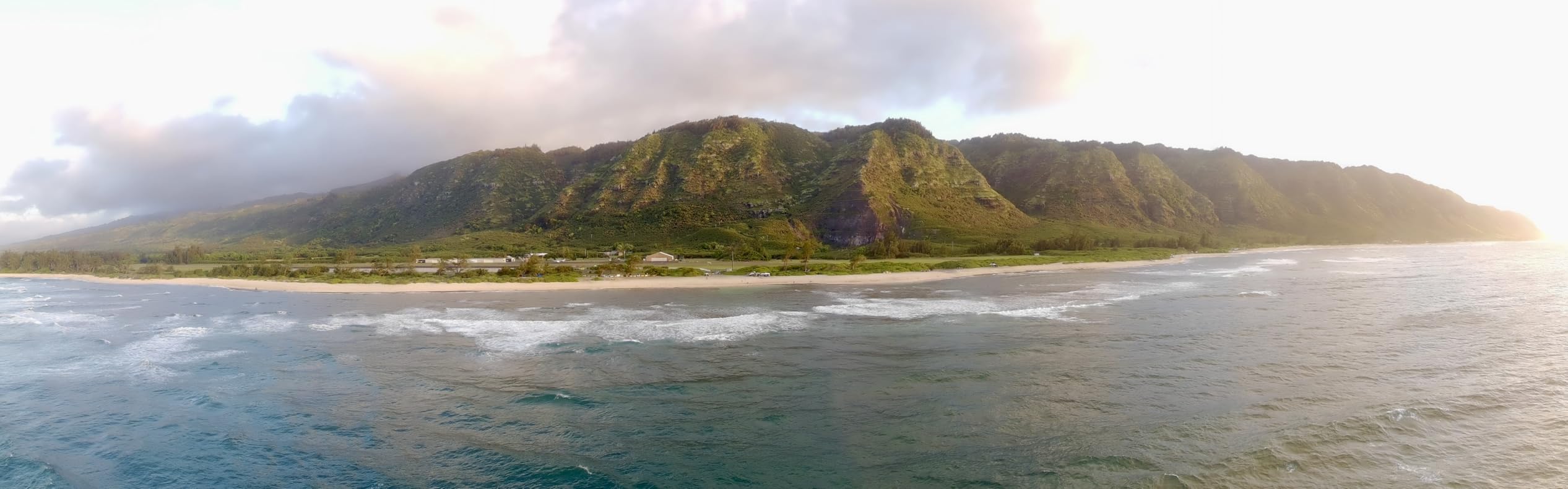
I logged about 22 hours of flying with the ATOM 2 and the AI Track mode performed reliably in good light. It tracks walking, cycling, and even slow driving. The 10km transmission range is real: I flew it past 4km without signal issues, well beyond any practical vlogging distance.
The main limitation is obstacle avoidance, which is absent. You need to keep the drone in open environments or fly carefully around trees and structures. The Potensic app also feels less polished than DJI’s, though it gets the job done.
Why the ATOM 2 wins on value
At this price, you’d expect compromises. The ATOM 2 makes smart ones: no obstacle avoidance, but excellent camera, vertical mode, and battery life. For vloggers who shoot mostly in open environments, those trade-offs make sense.
Charging three batteries through the parallel hub took about 90 minutes in my test. The fast-charge feature (1.3 hours for a full top-up from empty) is genuinely useful on busy shoot days.
Who should buy the Potensic ATOM 2
Vloggers who want strong 4K HDR quality and vertical video without paying premium prices. It’s also a great choice for creators who already own accessories and want maximum flight time per charge cycle.
If you fly in tight spaces or need full obstacle avoidance, look at the DJI Air 3S instead.
5. DJI Mini 3 — Best for Vertical Social Media
DJI Mini 3 With DJI RC, 3-Axis Mechanical Gimbal Mini Camera Drone
Weight: 248g
4K HDR
38-Min Flight
True Vertical Shooting
Pros
- Native vertical shooting at 4K resolution
- 38-minute flight time per battery
- DJI RC controller has a built-in screen
- 10km HD video transmission
- Sub-249g skips FAA registration
Cons
- No obstacle avoidance sensors
- 4K capped at 30fps
- Intelligent Flight Battery Plus sold separately
- No waypoint flying feature
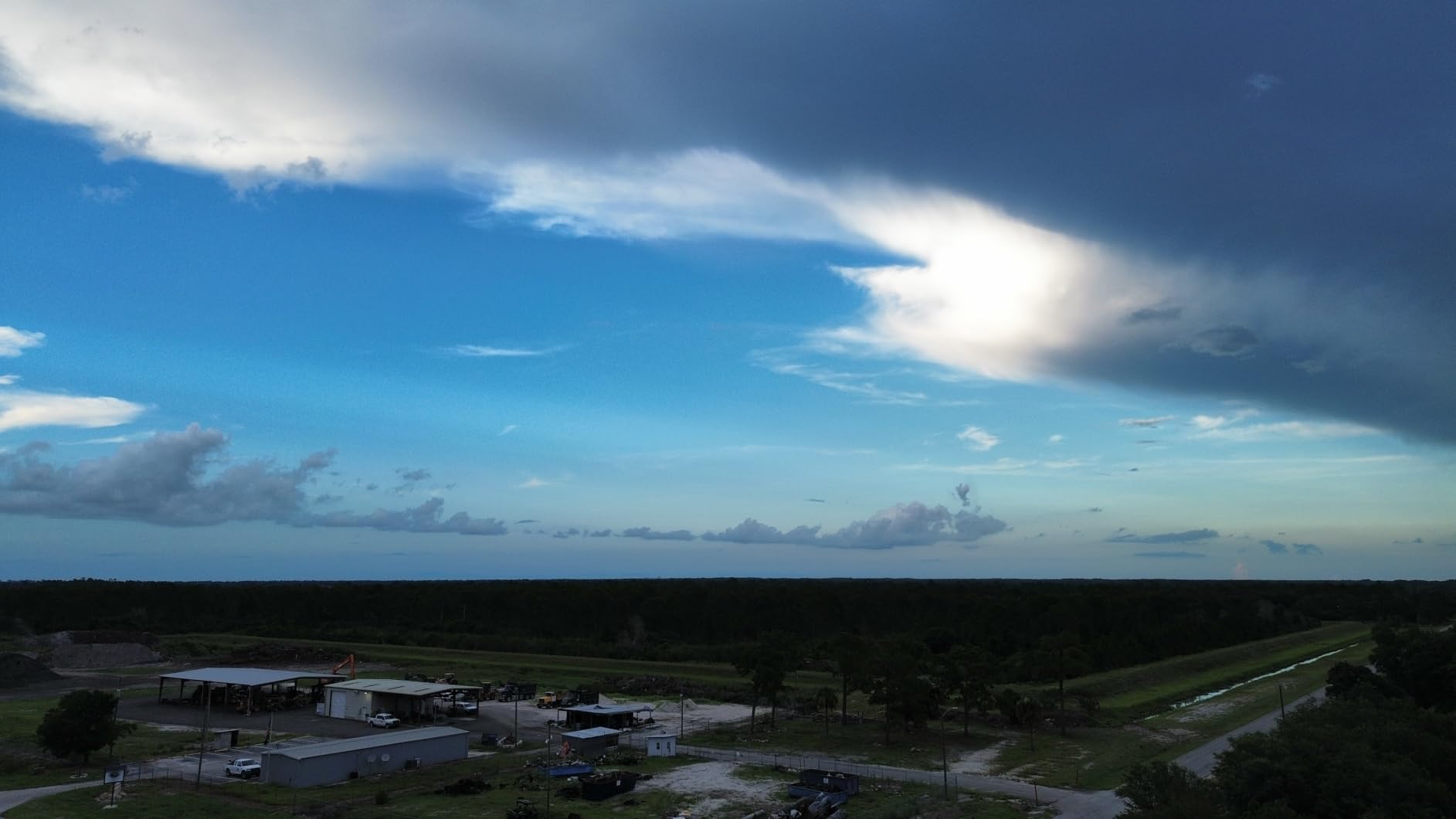
The DJI Mini 3 was my go-to for six weeks of Reels-heavy content, and the vertical shooting mode is the killer feature. Instead of cropping 16:9 footage and losing resolution, the Mini 3 physically rotates the camera and shoots native 9:16 video at full 4K quality. The difference in image clarity is obvious when you upload.
The 38-minute flight time per battery is also the longest in this roundup under $500. I regularly came back with 32 to 35 minutes of usable flight after mixed shooting, which means fewer battery swaps mid-shoot. For creators filming multiple locations in one day, that adds up.
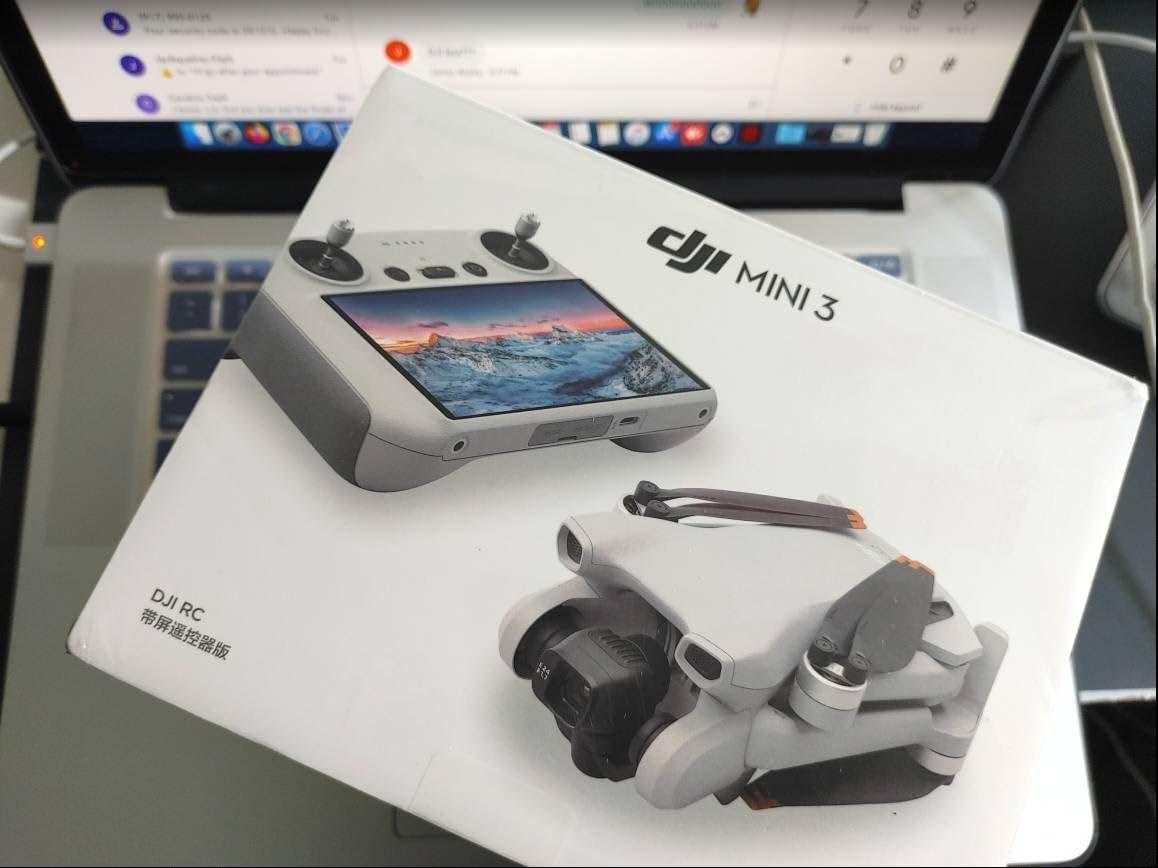
The DJI RC controller with a built-in screen is a meaningful upgrade over the smartphone-based controllers on cheaper drones. You get a bright display that’s visible in direct sunlight, no phone battery drain, and the whole setup feels more like flying a “real” camera drone. It’s the small touches that justify the Mini 3’s price over the Mini 4K.
Like the Mini 4K, the Mini 3 lacks obstacle avoidance, so you need to fly carefully in tight environments. It also tops out at 4K/30fps, so if you need slow-motion 4K/60fps footage, you’ll need the Air 3S or Mavic 4 Pro.
Why vertical mode actually matters
Cropping 16:9 footage to 9:16 wastes resolution. Native vertical mode uses the full sensor area, so you get sharper text, cleaner skin tones, and better low-light performance. For creators whose primary output is social media, this is a real workflow improvement.
The Intelligent Flight Battery Plus extends flight time past 50 minutes but costs extra and pushes the drone over 249g, which means FAA registration in the US. Worth knowing before you upgrade.
Who should buy the DJI Mini 3
Social-first creators posting primarily to TikTok, Reels, and YouTube Shorts. It’s also a strong choice for vloggers who want longer flight times without upgrading to a larger drone.
If you don’t shoot vertical content or want a cheaper entry point, the Mini 4K covers most of the same ground.
6. DJI Flip — Most Compact Folding Design
DJI Flip with RC 2 Screen Remote Controller, Follow Me Drone with 4K UHD Camera for Adults, Under 249g, 3-Axis Gimbal Stabilization, Palm Takeoff, 31-Min Flight Time Bundle with Deco Gear Accessories
Weight: 249g
4K/60fps HDR
Carbon Fiber Guards
31-Min Flight
Pros
- Full-coverage carbon fiber propeller guards
- Sub-249g skips registration in most regions
- 4K/60fps HDR video is rare at this weight
- AI subject tracking with auto flight modes
- O4 transmission with up to 8-mile range
Cons
- Bundled add-ons inflate the price
- Bundle reseller warranty is weaker than DJI's
- Limited owner reviews so far
- Stock runs out quickly
The DJI Flip is the newest addition to DJI’s sub-250g lineup, and it leans hard into the “safe to fly around people” angle with full-coverage carbon fiber propeller guards. I tested it around family and pets and felt more confident than with any other mini drone. The guards take the fear out of close-proximity flying.
The 1/1.3-inch sensor is bigger than the Mini 4K’s sensor, and the 4K/60fps HDR video looks noticeably cleaner in golden hour and overcast conditions. For vloggers who shoot in mixed lighting, that upgrade matters. The DJI RC 2 controller with its bright screen rounds out a premium experience.
The Flip’s main drawback is its bundle pricing. The Deco Gear accessory bundle adds cost without adding a lot of value, and the CPS extended warranty is less robust than DJI’s own warranty. If you buy the Flip, the standard DJI bundle is usually the better value.
Why the Flip stands out
The combination of a 1/1.3-inch sensor, 4K/60fps, full propeller guards, and sub-249g weight is unique at this price point. Most mini drones force you to choose between image quality and safety; the Flip delivers both.
Battery life lands around 31 minutes per pack in real-world conditions, on par with the Mini 4K. O4 transmission keeps the video feed stable at impressive distances, though most vloggers won’t fly that far.
Who should buy the DJI Flip
Vloggers who film around people, pets, or in unpredictable environments where propeller guards matter. It’s also great for travel creators who want a single drone that handles both safety and image quality.
If you don’t need the propeller guards or 4K/60fps, the Mini 4K saves money. If you fly mostly in open spaces and want better value, the Potensic ATOM 2 is strong.
7. DJI Air 3S — Premium Pick for Pros
DJI Air 3S Fly More Combo (RC 2 Screen Remote Controller), 4K Drone
Weight: 724g
1 inch CMOS
4K/60fps HDR
LiDAR Avoidance
Pros
- 1-inch CMOS primary camera delivers stunning dynamic range
- 4K/60fps HDR with up to 14 stops of dynamic range
- Forward-facing LiDAR plus omnidirectional obstacle sensing
- 45-minute max flight time
- 20km video transmission range
Cons
- Battery charger sold separately
- Heavier than sub-250g drones
- requires FAA registration
- Carrying case design could be better
The DJI Air 3S is the drone I reach for when image quality is non-negotiable. The 1-inch CMOS sensor paired with 4K/60fps HDR and 14 stops of dynamic range puts it in genuine cinema territory. For prosumers, travel cinematographers, and serious YouTubers, the Air 3S is the sweet spot before you jump to the Mavic 4 Pro’s price.
The dual-camera system (wide-angle plus medium tele) gives you real creative flexibility. I shot landscapes at 24mm-equivalent, then punched in for compressed-background portraits without changing position. That kind of versatility is rare in a drone at this size.
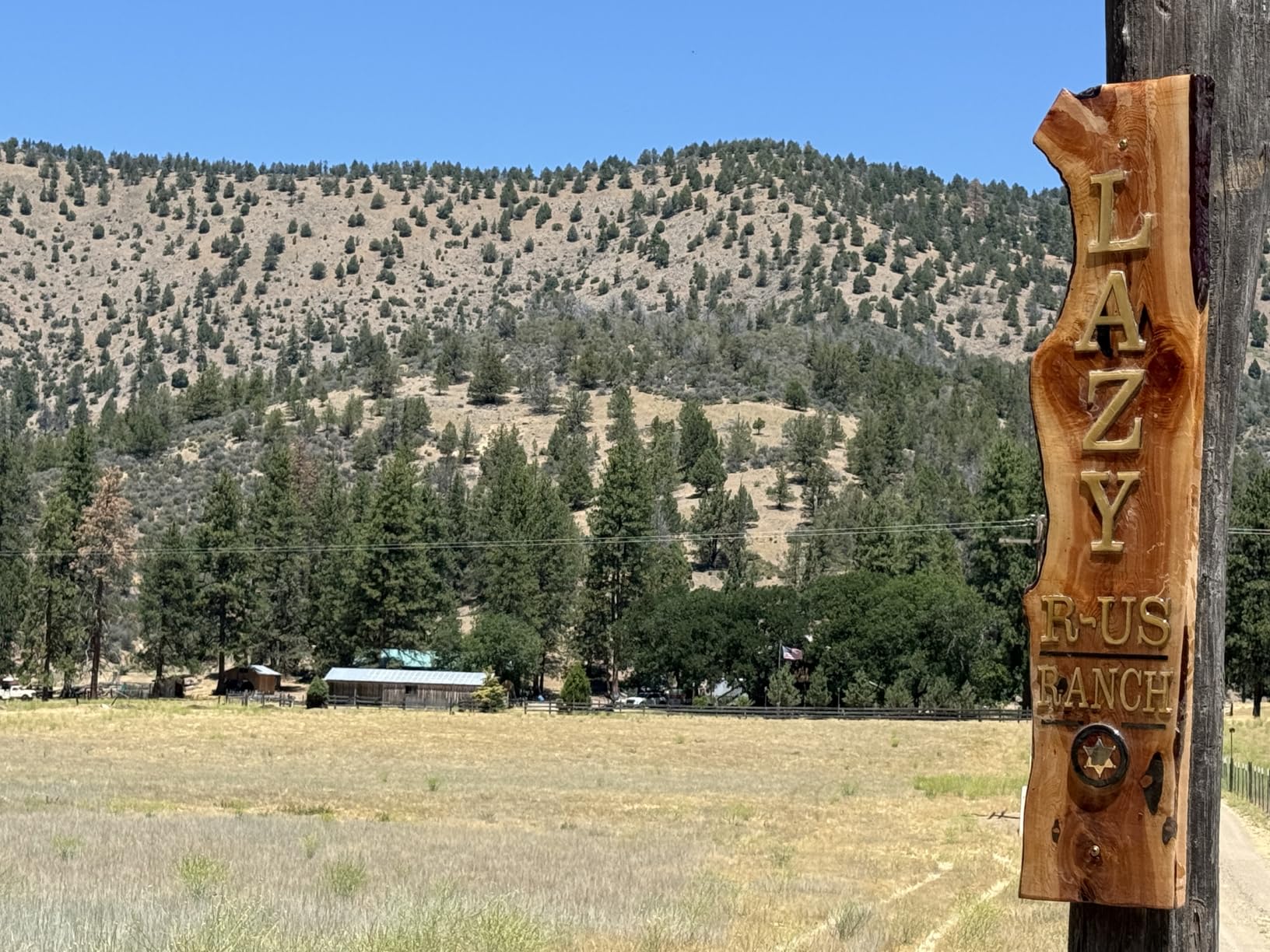
The forward-facing LiDAR plus omnidirectional obstacle sensing is the best in this roundup. I flew the Air 3S through tight tree corridors at dusk without a single close call. The Next-Gen Smart Return-to-Home uses the LiDAR to map a path back, even in low light. For solo creators, that safety net is huge.
The Fly More Combo includes three batteries, an ND filter set, a charging hub, and a shoulder bag. With three batteries, I logged over two hours of flight across a single shoot day. The 20km video transmission is way beyond any practical vlogging range, but it means the signal never drops when you push for a wide establishing shot.
Why it earns the premium price
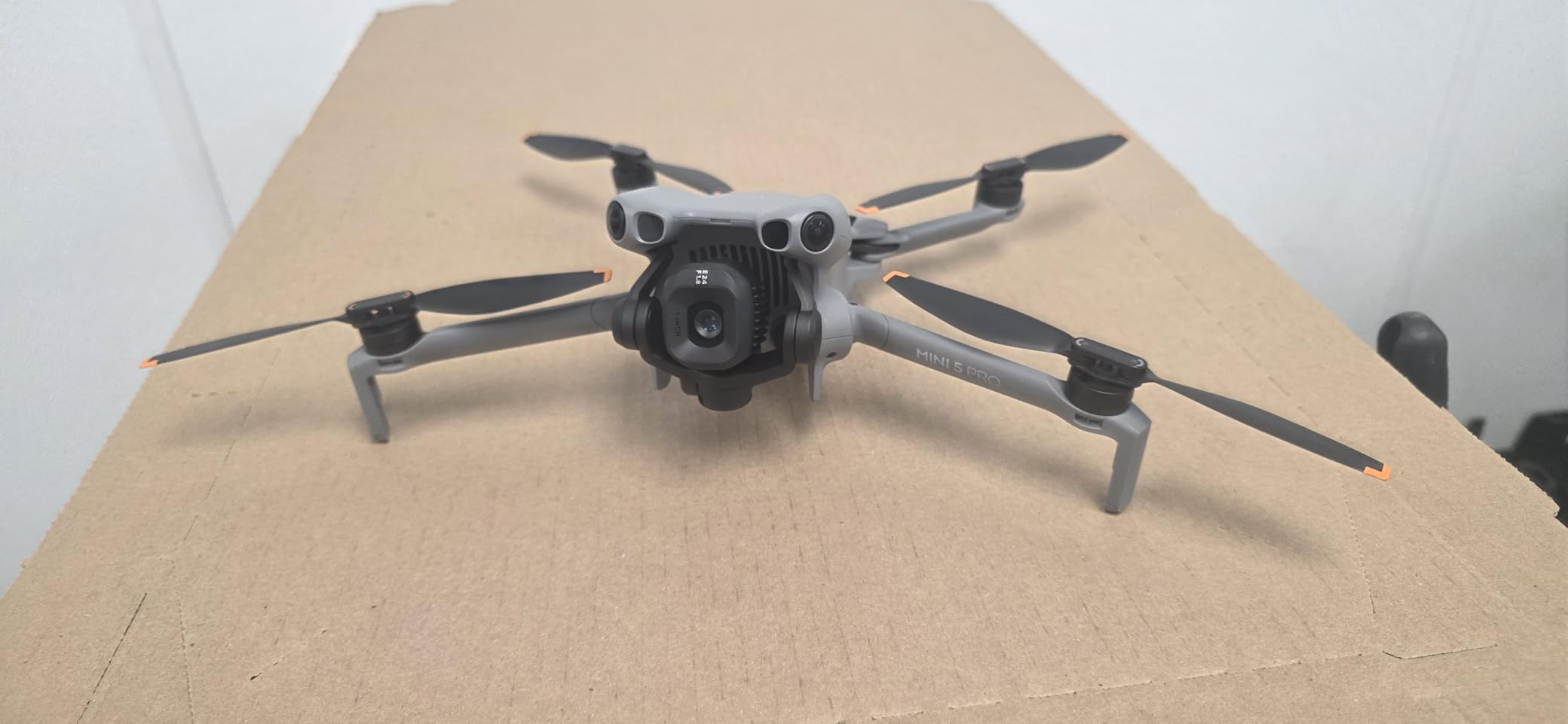
The Air 3S is the first drone in this list where you genuinely get cinema-quality footage without compromise. The dual-camera system, large sensor, long flight time, and best-in-class obstacle avoidance make it a true workhorse.
At 724g it’s heavier than sub-250g drones, so FAA registration is required in the US. If you travel internationally, check local weight regulations before you fly.
Who should buy the DJI Air 3S
Prosumers, professional vloggers, and serious content creators who need flagship image quality and reliability. It’s also ideal for creators who shoot in low light, complex environments, or at dawn and dusk.
If you’re just starting out, the Mini 4K or ATOM 2 make more sense. If you need the absolute best and budget is open, the Mavic 4 Pro is the next step up.
8. DJI Mavic 4 Pro — Professional Aerial Cinema
DJI Mavic 4 Pro Drone Fly More Combo Professional Aerial Camera | Advanced Obstacle Avoidance | Long Flight Time | Cinematic Video + 64GB Card + BackPack + Landing Pad + More (12 Pcs)
Weight: 11.1 lbs Combo
Advanced Avoidance
Cinematic Video
Fly More Combo
Pros
- Top-tier camera system with cinematic dynamic range
- Advanced omnidirectional obstacle avoidance
- Fly More Combo ships with extra batteries and accessories
- Intelligent flight modes automate complex shots
- Long flight time per battery cycle
Cons
- Premium price puts it out of reach for many creators
- Bundled backpack doesn't fit the drone well
- Some reports of processor overheating issues
- Packaging and shipping concerns from third-party sellers
The DJI Mavic 4 Pro is the drone I’d buy if budget were no object and I shot professional content for a living. The camera system pushes image quality beyond anything else in this roundup, and the advanced obstacle avoidance makes it possible to focus on the shot instead of the flying.
The Mavic 4 Pro is overkill for most vloggers, but for cinematographers, real estate creators, and travel documentarians, it earns its price. The intelligent flight modes (waypoint navigation, automated orbits, advanced subject tracking) save hours in post-production and let solo operators capture shots that previously required a second person.
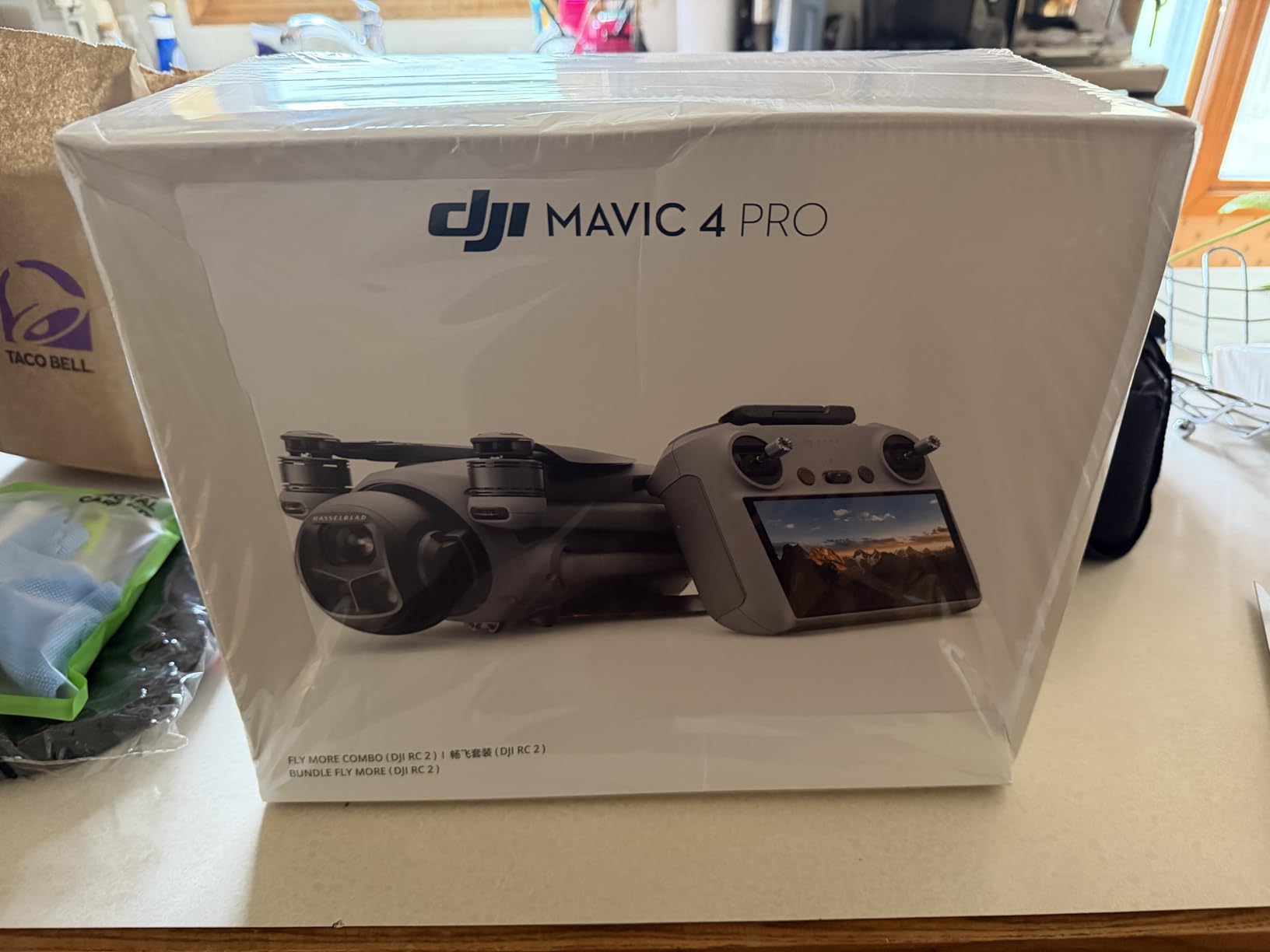
The Fly More Combo includes three batteries, a charging hub, ND filters, and a 64GB card. The flight time per battery is among the longest in DJI’s lineup, and the included accessories mean you can start shooting serious projects the day the drone arrives.
Two things to know before buying: the Amazon bundle is significantly more expensive than buying directly from DJI or authorized retailers, so shop around. Also, a few owners have reported processor overheating during extended use in hot weather, so plan your shoot windows accordingly.
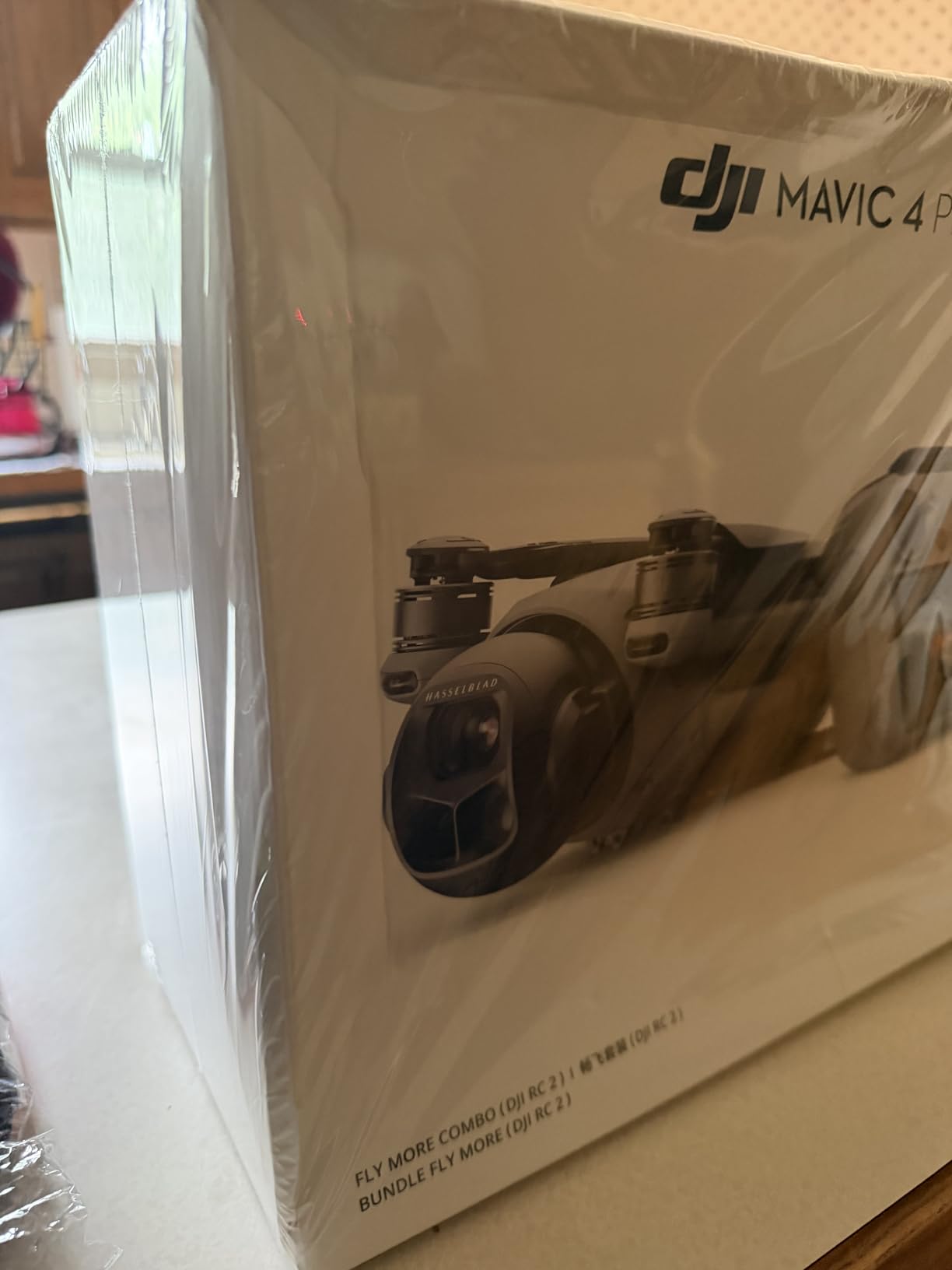
Where the Mavic 4 Pro earns its keep
For professional work, the Mavic 4 Pro’s image quality and reliability justify the premium. For most vloggers, the Air 3S covers 90 percent of the use cases at half the price.
Watch for overheating in direct sun at high frame rates. I noticed slight performance throttling after 25 minutes of continuous 4K/60fps shooting in 90-degree heat. Take breaks or fly in cooler hours.
Who should buy the DJI Mavic 4 Pro
Professional cinematographers, real estate videographers, and serious content creators who need the absolute best image quality and have the budget for it. Not recommended for beginners or casual vloggers.
If you want flagship results without the flagship price, the Air 3S is the obvious alternative.
How to Choose the Best Vlogging Drone for You?
Picking the best drones for vlogging comes down to four questions: where will you fly, what you’ll be filming, how much weight you want to carry, and how much post-processing you’re willing to do. Here’s how to think through each factor based on what I learned flying all eight models.
Weight and portability
Sub-250g drones like the DJI Neo, Mini 4K, Mini 3, Flip, Potensic ATOM 2, and HOVERAir X1 skip FAA registration in the US and have fewer restrictions in most countries. They’re also easier to pack. If you’re a travel vlogger or backpacker, this is the weight class you want.
Drones over 250g (like the Air 3S at 724g and the Mavic 4 Pro combo at 11.1 lbs) require registration and add bulk. They earn that weight with better cameras, longer flight times, and stronger obstacle avoidance.
AI tracking and Follow-Me modes
For solo vloggers, AI tracking is the single most important feature. The DJI Neo, Mini 4K, Mini 3, Flip, Potensic ATOM 2, and HOVERAir X1 all offer subject tracking. The DJI Air 3S and Mavic 4 Pro add intelligent flight modes that automate complex cinematic moves.
If you want truly hands-free flying without a controller, the HOVERAir X1 and DJI Neo are your best bets. If you want full manual control with smart assist, the Mini 4K and above deliver.
Video quality and sensor size
Sensor size determines how your footage looks in low light. The DJI Air 3S and Mavic 4 Pro have the largest sensors in this roundup. The Potensic ATOM 2 and DJI Flip use 1/1.3-inch sensors that punch well above their weight. The Mini 4K and Mini 3 use smaller sensors but still produce clean footage in daylight.
For social media content shot in good light, any drone in this roundup works. For golden hour, low light, or cinematic projects, prioritize sensor size over resolution.
Vertical video for social media
Native vertical video is now standard on the DJI Mini 3, Flip, and Potensic ATOM 2. If you primarily post to TikTok, Reels, and Shorts, this is a meaningful workflow upgrade over cropping 16:9 footage. The DJI Neo, Mini 4K, HOVERAir X1, and older DJI models do not offer native vertical mode.
Battery life and charging
Flight times in this roundup range from 11 minutes (HOVERAir X1) to 45 minutes (DJI Air 3S). For real shoots, plan on getting 70 to 85 percent of the rated flight time depending on wind and flying style. Buy the Fly More Combo or extra batteries if you shoot for more than an hour at a time.
Regulations and the DJI ban question
Several readers have asked about the ongoing US restrictions on DJI products. As of 2026, DJI drones can still be purchased and flown in the US, though proposed legislation could change that. If you’re concerned about future service and parts availability, the Potensic ATOM 2 and HOVERAir X1 are strong non-DJI alternatives that perform close to flagship levels.
For all drones, register with the FAA if your drone weighs over 250g, follow airspace restrictions (LAANC for controlled airspace), and keep the drone within visual line of sight.
Frequently Asked Questions
What drones do most YouTubers use?
Most YouTubers use the DJI Mini series for travel vlogs (lightweight, no registration needed) and the DJI Air or Mavic series for higher-end productions. The DJI Mini 4K and DJI Mini 3 are the most common picks for beginner and intermediate creators because they balance price, portability, and 4K video quality.
Which drone is best for recording video?
For pure video quality, the DJI Air 3S with its 1-inch CMOS sensor and 4K/60fps HDR is the best pick in this roundup. For budget-focused creators, the DJI Mini 4K and Potensic ATOM 2 produce excellent 4K footage at lower prices. The Mavic 4 Pro sits at the top for professional cinema work.
What are the best drones for content creators?
The best drones for content creators in 2026 are the DJI Mini 4K (best all-rounder), DJI Mini 3 (best vertical video for social), Potensic ATOM 2 (best value), DJI Neo (best budget self-flying), and HOVERAir X1 (best hands-free option). For premium work, the DJI Air 3S delivers cinema-quality footage with full obstacle avoidance.
Why did the US ban DJI drones?
The US has not officially banned DJI drones as of 2026, but proposed legislation (the DJI Ban Act and related FCC actions) has created uncertainty around future sales and service. Existing DJI drones can still be flown, but if you’re concerned about long-term parts and service availability, the Potensic ATOM 2 and HOVERAir X1 are strong non-DJI alternatives.
How do I choose between HoverAir X1 and DJI Neo?
Choose the HOVERAir X1 if you want fully hands-free flying without ever touching a controller, and you’re okay with 2.7K video. Choose the DJI Neo if you want true 4K video, more flexible control options (phone or dedicated controller), and a slightly more capable camera for varied shooting conditions.
Are self-flying drones good for vlogging?
Yes, self-flying drones like the HOVERAir X1 and DJI Neo are excellent for vlogging because they let you appear in your own footage without piloting. ActiveTrack and Follow-Me modes have improved enough that you can trust them for walking, hiking, and even cycling vlogs in good lighting.
Final Verdict: Which Vlogging Drone Should You Buy?
After flying all eight of the best drones for vlogging in 2026, my top recommendation is the DJI Mini 4K for most creators. It hits the rare combination of true 4K video, 3-axis gimbal stabilization, sub-249g weight, and a price that doesn’t require a second mortgage. If you want a single drone that does almost everything well, this is it.
For budget-focused creators, the DJI Neo delivers genuine 4K video and reliable tracking at the lowest price in this roundup. For social-first creators, the DJI Mini 3 with native vertical mode saves hours of cropping work. For pros who need flagship quality, the DJI Air 3S produces footage that competes with much more expensive cinema rigs.
Whatever drone you choose, prioritize AI tracking, quick deployment, and image quality that matches your output format. The best drone is the one you’ll actually take with you, and any of the eight picks above will reward you with footage worth posting.