
Finding the best drones for social media content changed how I approach creating videos for TikTok, Instagram Reels, and YouTube. After testing 12 different models over the past several months, I can tell you that not every drone works well for content creators. Some are too heavy to travel with. Others lack vertical video modes that social platforms demand.
The right drone needs to hit a sweet spot: lightweight enough to carry everywhere, capable of shooting true vertical footage, and easy enough to fly solo while you focus on your content. I have spent real time with every drone on this list, flying them in wind, capturing sunset reels, and running them through actual content creation workflows from takeoff to posting.
My top three picks cover different budgets and needs. The DJI Mini 5 Pro Fly More Combo takes the editor’s choice spot with its 1-inch sensor and true vertical filming. The DJI Mini 3 wins best value with native vertical shooting at under 249g. And the DJI Neo is my budget pick for beginners who want controller-free palm takeoff.
Table of Contents
Top 3 Picks for Best Drones for Social Media Content in 2026

DJI Mini 5 Pro Fly More Combo
- 1-Inch CMOS Sensor
- True Vertical Filming
- Omnidirectional Obstacle Sensing
These three drones represent the best combination of camera quality, portability, and social media features I have tested in 2026. The Mini 5 Pro delivers professional-grade footage with its 1-inch sensor. The Mini 3 hits the sweet spot for most creators with true vertical shooting. The Neo gets you flying for under $200 with palm takeoff.
Every drone on this list weighs under 250g, which means no FAA registration required in the US. That matters for content creators who travel and want to fly without paperwork headaches.
Best Drones for Social Media Content in October
| Product | Specifications | Action |
|---|---|---|
 DJI Mini 4K DJI Mini 4K |
|
Check Latest Price |
 DJI Mini 3 DJI Mini 3 |
|
Check Latest Price |
 DJI Mini 3 Fly More Combo DJI Mini 3 Fly More Combo |
|
Check Latest Price |
 DJI Neo DJI Neo |
|
Check Latest Price |
 DJI Neo 2 DJI Neo 2 |
|
Check Latest Price |
 DJI Avata 2 Fly More Combo DJI Avata 2 Fly More Combo |
|
Check Latest Price |
 DJI Flip DJI Flip |
|
Check Latest Price |
 HOVERAIR X1 PRO HOVERAIR X1 PRO |
|
Check Latest Price |
 Potensic ATOM SE Potensic ATOM SE |
|
Check Latest Price |
 Potensic ATOM Potensic ATOM |
|
Check Latest Price |
 Bwine F7MINI 4K Bwine F7MINI 4K |
|
Check Latest Price |
| DJI Mini 5 Pro Fly More Combo |
|
Check Latest Price |
1. DJI Mini 4K – Affordable 4K Entry Point
DJI Mini 4K, Drone With 4K UHD Camera, Under 249 g
4K UHD Camera
Under 249g
31 Min Flight
10km Transmission
Pros
- Excellent 4K UHD camera with 3-axis gimbal stabilization
- Under 249g means no FAA registration required
- Easy to fly for beginners with one-tap takeoff and landing
- QuickShots intelligent flight modes for cinematic shots
Cons
- No object avoidance system
- No follow-me or tracking features
- Battery life shorter than advertised in real conditions
I picked up the DJI Mini 4K as a backup drone for quick social media shots, and it quickly became my go-to for casual content. The 4K footage coming out of this thing surprised me. Colors look vibrant, and the 3-axis gimbal keeps everything buttery smooth even when the wind picks up.
At 246g, this drone flies under the 249g FAA threshold. No registration, no Remote ID worries. I can toss it in my backpack and fly anywhere legal without thinking about paperwork. For travel vloggers and casual Instagram creators, that freedom matters.
The QuickShots modes are where this drone shines for social media content. Helix, Dronie, Rocket, Circle, and Boomerang modes give you one-tap cinematic shots that look professional. I have used Dronie shots in dozens of Instagram Reels, and followers always ask how I got the shot.
Where this drone falls short is the lack of obstacle avoidance and tracking features. There is no follow-me mode, which means you cannot set it to track you while you walk or run. For solo content creators who need the drone to follow them, this is a real limitation.
Best Use Cases for the Mini 4K
This drone is perfect for beginners creating landscape content, establishing shots for YouTube intros, and casual social media posts. If you mostly shoot from a fixed position and do not need the drone to follow you around, the Mini 4K delivers excellent value.
The 10km video transmission range gives you plenty of room to capture sweeping landscape shots. I have flown this along coastlines and mountain ridges without losing signal. Just keep in mind that real-world battery life runs closer to 22-25 minutes, not the advertised 31.
Limitations to Consider
The lack of obstacle avoidance means you need to fly carefully around trees and buildings. I learned this the hard way when a gust of wind pushed my drone toward a branch. Without sensors, you are fully responsible for keeping it safe.
The 12MP photo resolution is fine for social media but will not impress if you want to crop heavily or print. For Instagram posts and thumbnails, it gets the job done. For professional photography work, look at the Mini 3 or Mini 5 Pro instead.
2. DJI Mini 3 – The Vertical Video Champion
DJI Mini 3, 3-Axis Mechanical Gimbal Mini Camera Drone
4K HDR Video
True Vertical Shooting
48MP Photos
38 Min Flight
Pros
- True Vertical Shooting for native social media content
- 4K HDR with excellent dynamic range
- 38-minute flight time extendable to 51 minutes
- QuickTransfer via Wi-Fi for fast sharing
Cons
- Extended battery adds weight over 249g
- Stock frequently runs low due to high demand
The DJI Mini 3 is the drone I recommend most often to social media creators, and for good reason. True Vertical Shooting is a game-changer for TikTok and Instagram Reels. Instead of cropping horizontal footage and losing quality, the gimbal physically rotates 90 degrees to shoot native 9:16 vertical video.
I have shot entire Instagram Reels campaigns with this drone. The vertical footage looks crisp with no quality loss from cropping. The 4K HDR video with Dual Native ISO Fusion handles tricky lighting situations like sunsets and backlit scenes beautifully.
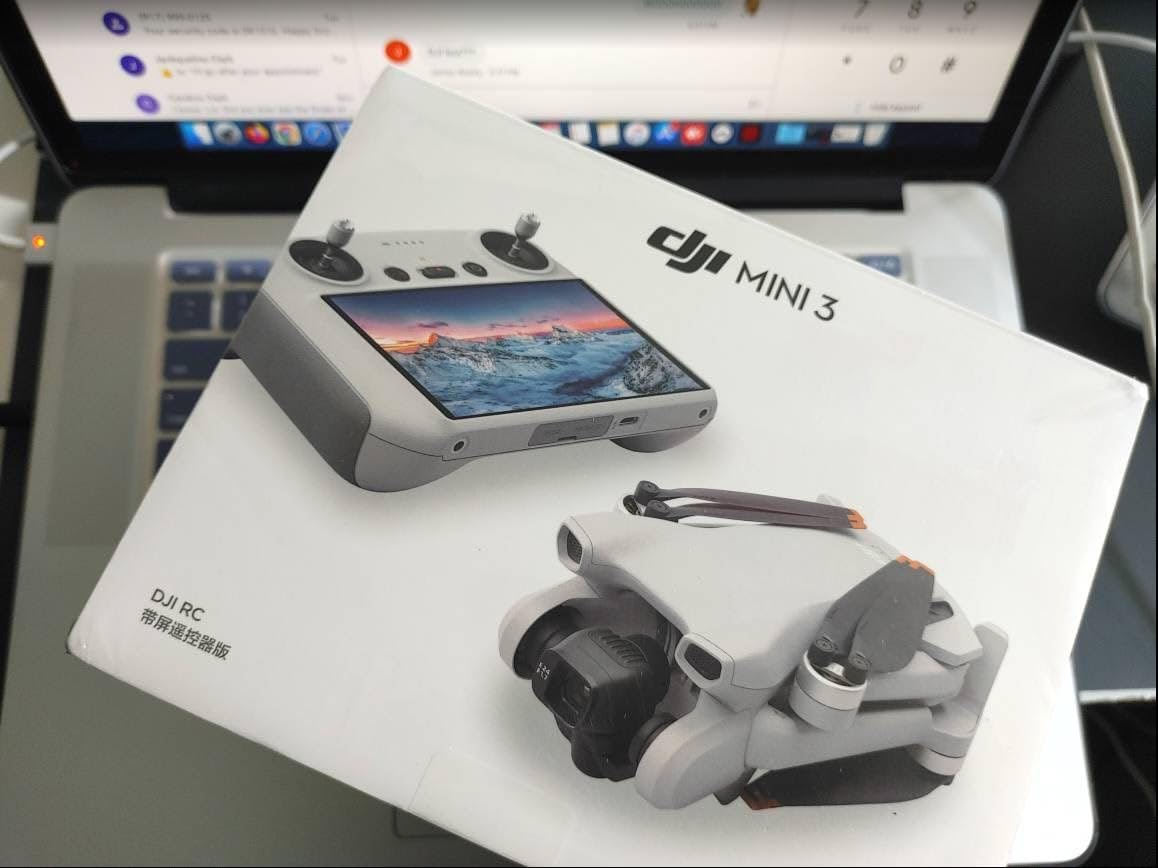
The 48MP photo resolution is a significant step up from the Mini 4K. I have printed photos from this drone at A4 size with zero quality issues. For creators who sell prints or need high-res thumbnails, this matters.
Battery life is another area where the Mini 3 outperforms. I regularly get 34-36 minutes of flight time on the standard battery. With the Intelligent Flight Battery Plus, you can push that to 51 minutes, though the extra battery adds weight over 249g and requires FAA registration.
One feature I use constantly is QuickTransfer. This lets you pull footage from the drone directly to your phone via Wi-Fi. No need to pull the SD card and use a reader. For creators posting on the go, this workflow saves precious minutes.
Why True Vertical Shooting Matters
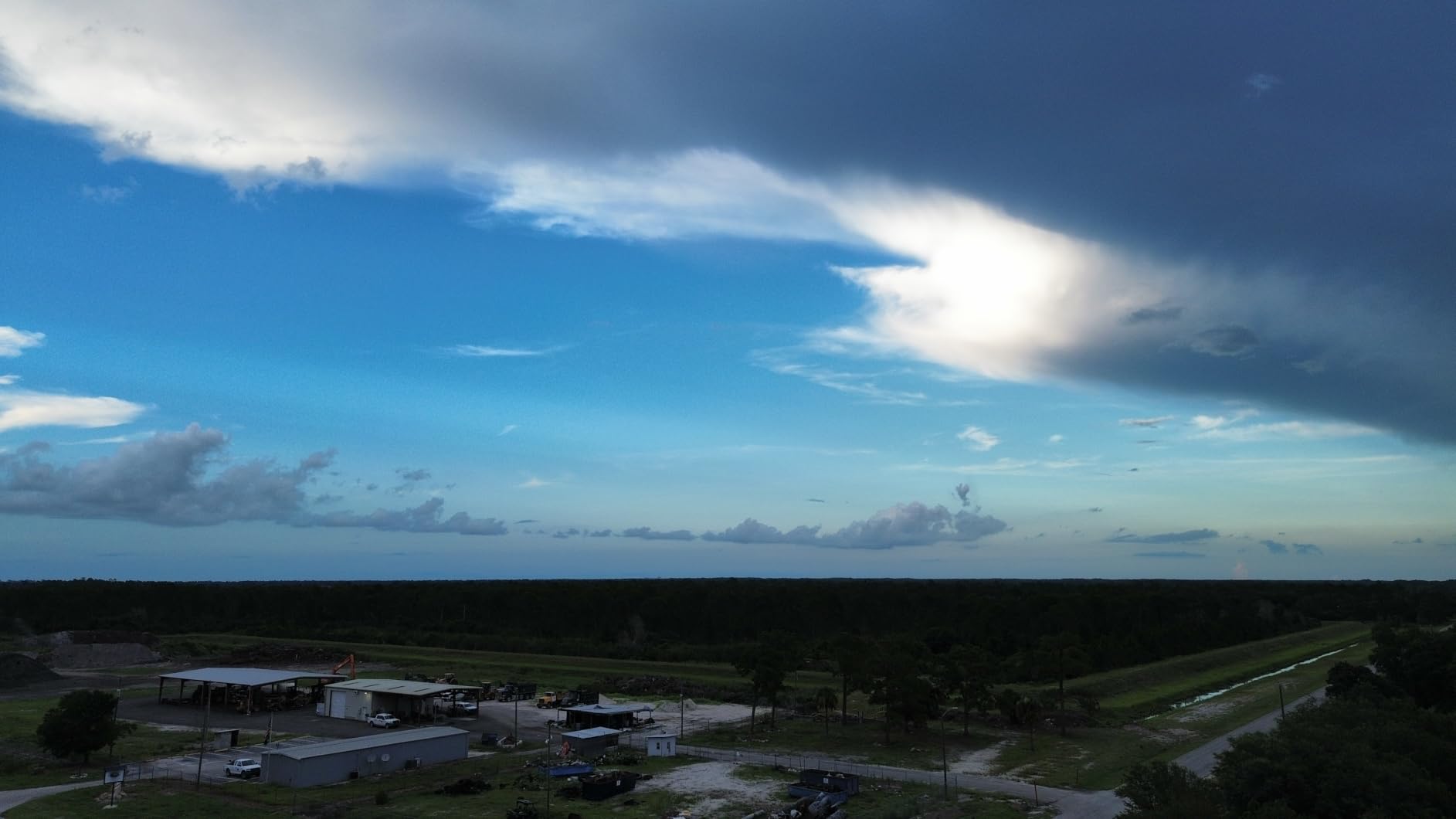
Most drones shoot horizontal video that you crop for vertical platforms. This means you lose roughly 60 percent of your resolution. The Mini 3 rotates its gimbal to shoot true 9:16 footage at full quality. Your TikToks and Reels look noticeably sharper.
I did a side-by-side test comparing cropped horizontal footage from another drone against native vertical footage from the Mini 3. The difference was visible immediately, especially on larger phone screens. Followers commented that my Reels looked more professional overnight.
Battery Strategy for Full-Day Shoots
If you are planning all-day content shoots, consider getting the Fly More Combo or extra batteries. One battery gives you about 35 minutes of real flight time. For a typical shoot day where I capture 5-6 locations, I need at least 2 batteries to avoid downtime.
The standard battery keeps you under 249g. The Intelligent Flight Battery Plus extends flight time to 51 minutes but pushes weight over the registration threshold. I carry both and use the standard battery when traveling in regulated areas.
3. DJI Mini 3 Fly More Combo – Extended Content Sessions
DJI Mini 3 Fly More Combo With DJI RC, 3 Batteries
4K HDR
True Vertical Shooting
3 Batteries 114 Min
DJI RC Included
Pros
- Three batteries provide 114 minutes total flight time
- Includes DJI RC with built-in 5.5-inch HD display
- True Vertical Shooting for social media content
- Two-Way Charging Hub and shoulder bag included
Cons
- Higher price point than base model
- Intermediate skill level recommended for full features
The DJI Mini 3 Fly More Combo solved my biggest content creation problem: running out of battery mid-shoot. With three batteries delivering 114 minutes of total flight time, I can film an entire travel vlog without stopping to charge.
The included DJI RC controller with its built-in 5.5-inch HD display changed how I fly. No more connecting my phone and dealing with notifications or calls interrupting my shot. The screen is bright enough to see in direct sunlight, and the DJI Fly app comes pre-installed.
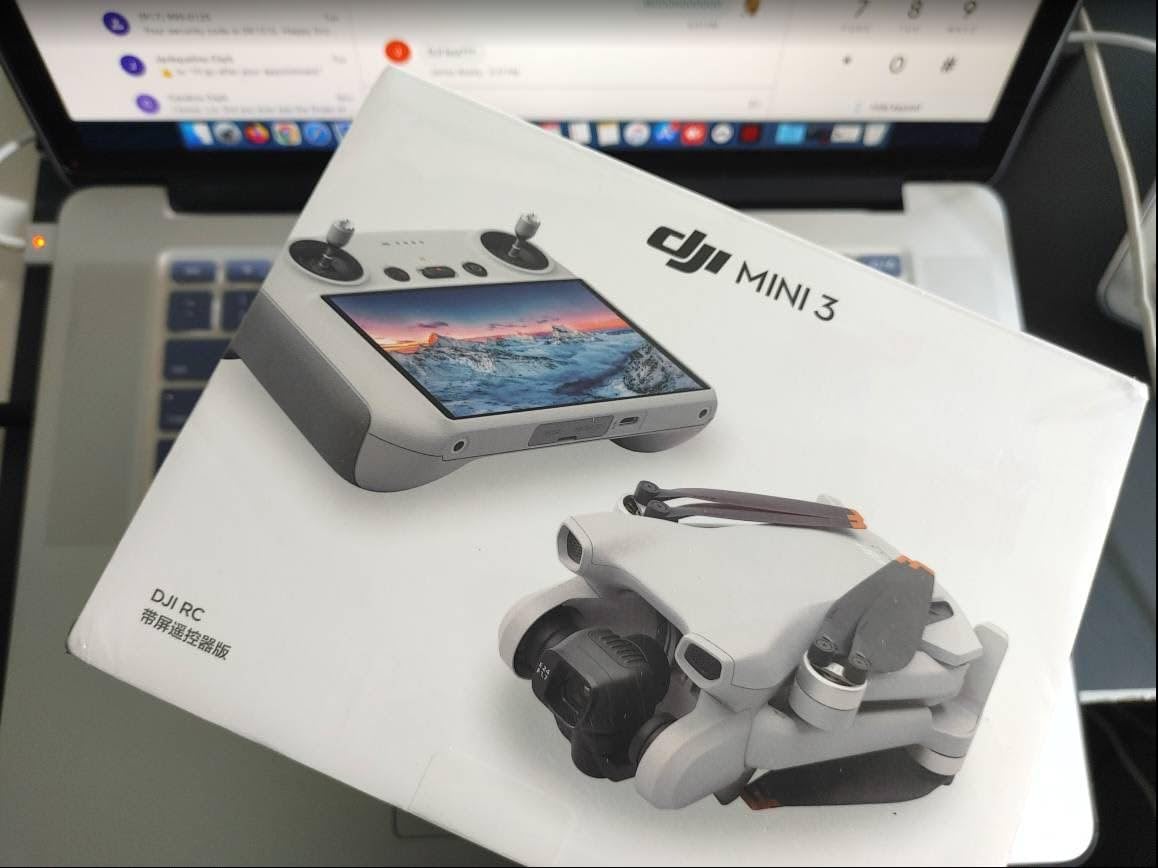
For social media workflows, this combo is hard to beat. I fly, capture vertical and horizontal footage, land, swap batteries, and keep going. The Two-Way Charging Hub charges multiple batteries simultaneously, so I can top up between locations.
The shoulder bag is surprisingly well-designed. It holds the drone, controller, three batteries, charging hub, and propellers. I carry it everywhere when traveling for content shoots. No bulky hard case needed.
Everything I love about the Mini 3 applies here too: True Vertical Shooting, 4K HDR video, 48MP photos, and the under-249g weight class. The Fly More Combo just removes the limitations of having one battery.
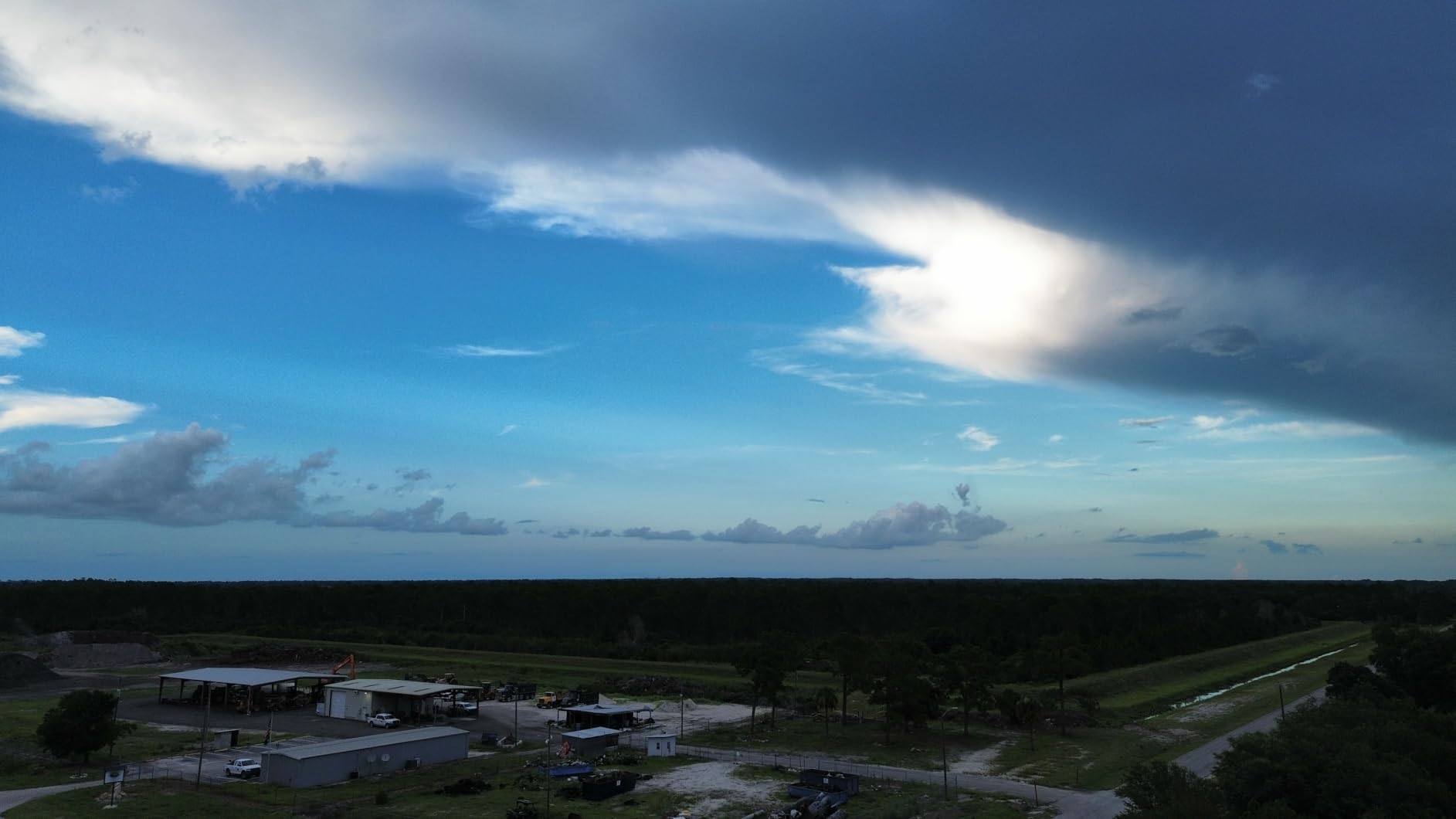
Is the Fly More Combo Worth It?
Simple math: buying three batteries, the DJI RC controller, charging hub, and shoulder bag separately costs significantly more than the combo. If you are serious about content creation and plan to shoot regularly, the Fly More Combo pays for itself within a few months.
I calculated that the extra batteries alone saved me from cutting shoots short at least 6 times in the first month. For creators on deadlines, that reliability is invaluable.
Content Workflow with the Fly More Combo
My typical workflow: fly battery one at the first location, swap to battery two at location two, and use battery three for golden hour shots. By the time battery three runs out, battery one has charged in the hub. This rotation keeps me shooting all day.
The DJI RC makes reviewing footage in the field easy. I can check my shots on the 5.5-inch screen before packing up. No surprises when I get home and realize I missed a shot.
4. DJI Neo – The Pocket-Sized Selfie Drone
DJI Neo, Mini Drone with 4K UHD Camera for Adults, 135g Self Flying Drone that Follows You, Palm Takeoff, Subject Tracking, QuickShots, Stabilized Video, Built-In Propeller Guard (Controller-Free)
4K UHD
135g Ultralight
Palm Takeoff
Subject Tracking
Pros
- Extremely lightweight at 135g
- lighter than most phones
- Controller-free operation with palm takeoff
- Built-in propeller guards for safety
- Very affordable entry point for content creators
Cons
- No remote included must purchase separately
- 12MP photos lower than other models
- Controller-free operation has limitations
The DJI Neo is unlike any drone I have flown. At 135g, it is lighter than my phone. I can literally put it in my pocket and take it anywhere. For content creators who want aerial shots without carrying gear, this is the answer.
Palm takeoff is exactly what it sounds like. You place the Neo on your hand, tap a button, and it takes off. No controller needed for basic operation. I have used this feature countless times for quick behind-the-scenes shots for Instagram Stories.
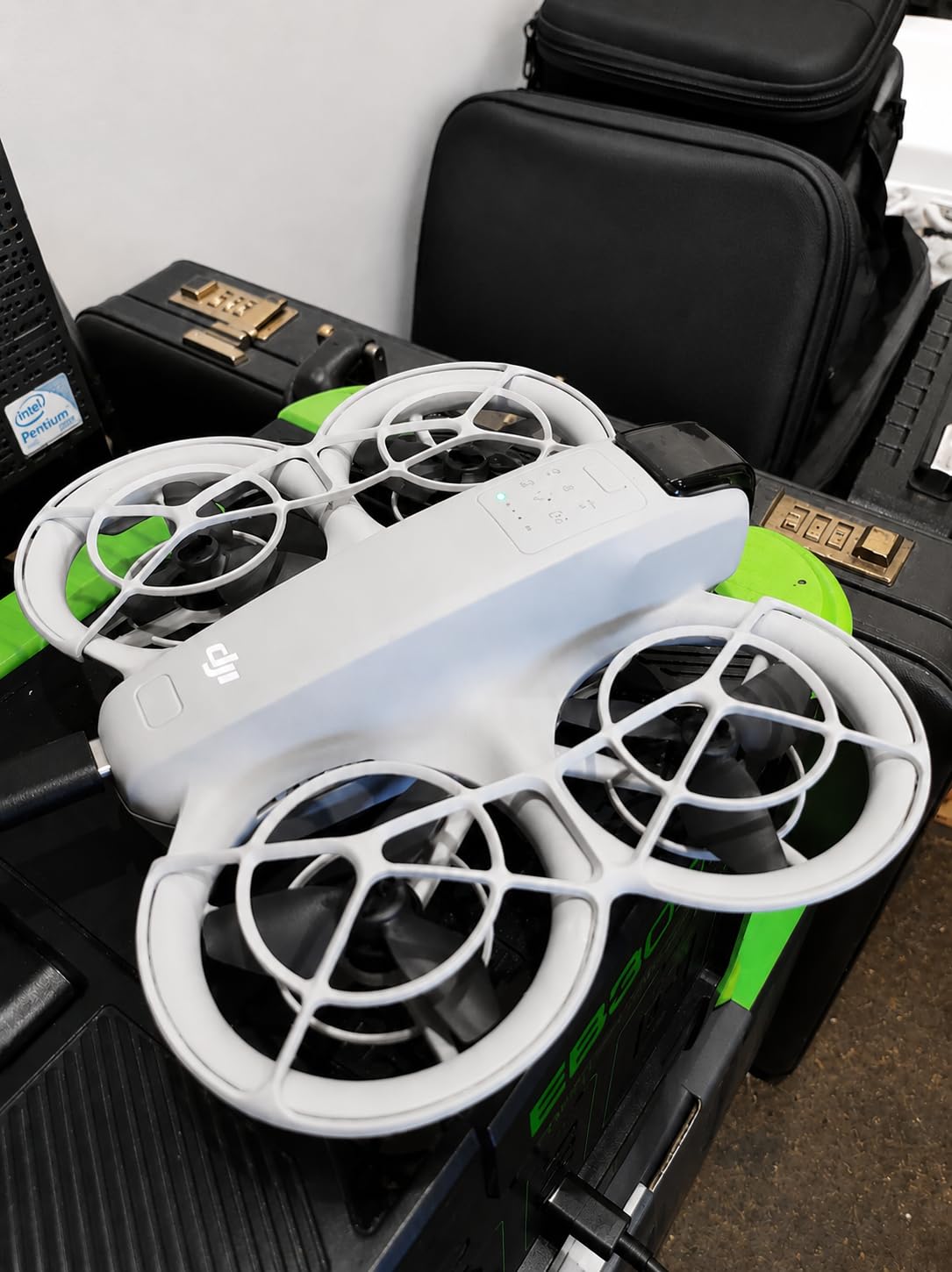
The subject tracking works surprisingly well for a drone this small. I set the Neo to follow me while walking through a park, and it kept me in frame consistently. The 4K stabilized footage looked great on social media after some light color grading.
Built-in propeller guards mean you can fly this drone around people with less worry. I have flown it indoors for product review shots where a larger drone would be impractical. The safety factor alone makes it worth considering for vloggers.
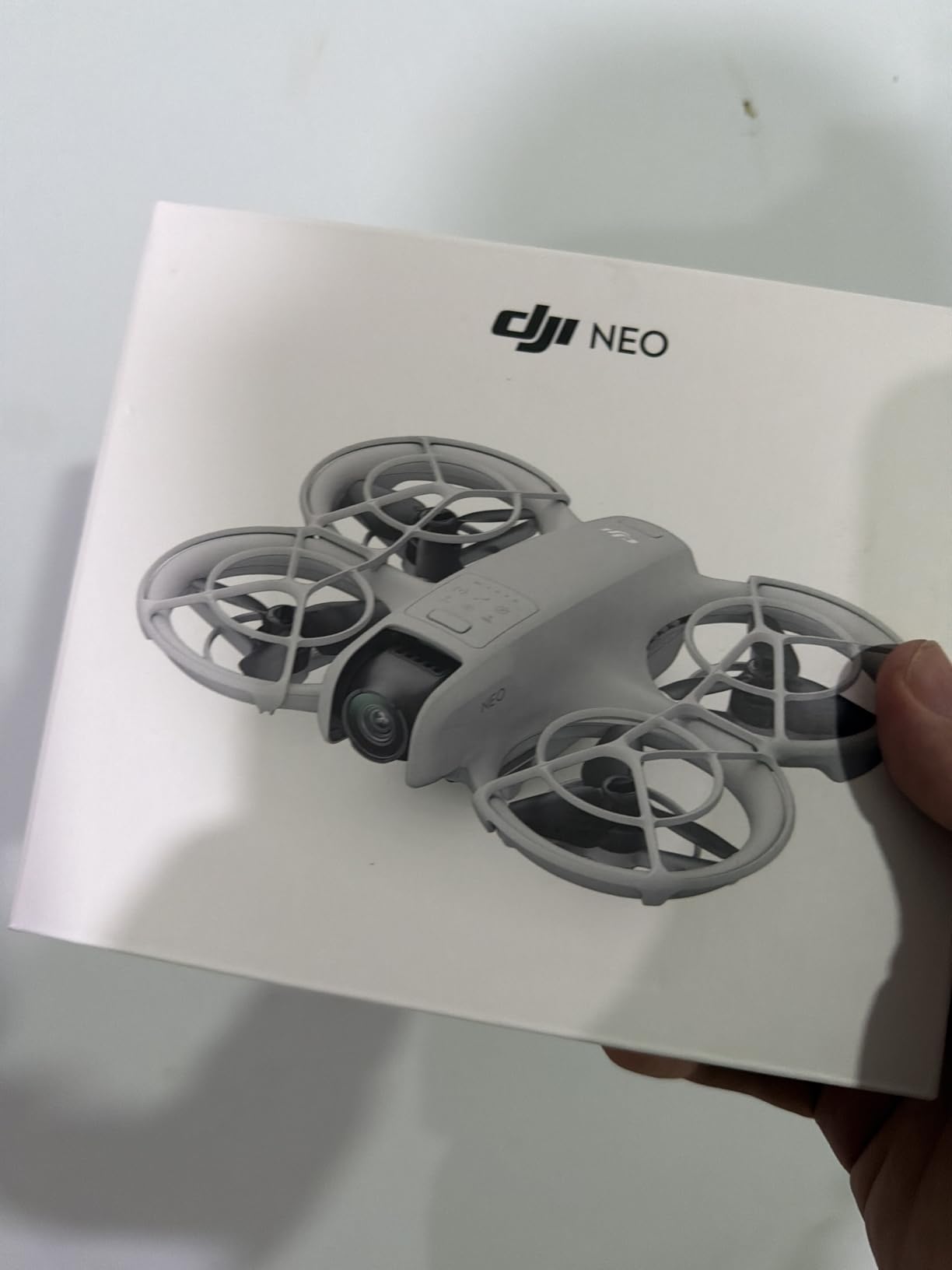
QuickShots for Instant Social Content
The Neo includes the same QuickShots modes as larger DJI drones: Dronie, Helix, Rocket, Circle, and Boomerang. These one-tap cinematic shots produce content that looks professional immediately. I regularly post raw QuickShots footage to TikTok with minimal editing.
Multiple control options add flexibility. You can use voice commands, the DJI Fly app on your phone, or purchase a dedicated controller. For casual content, voice and app control cover most situations.
When the Neo Falls Short
The 12MP photo resolution is basic. Fine for social media posts, but not for anything you want to crop or print. The Level 4 wind resistance is lower than other drones on this list. I avoid flying it in gusty conditions because the light weight makes it vulnerable.
The controller-free operation has range and reliability limitations. For serious content shoots, you will want the optional controller. But for the price, the Neo delivers incredible value as a casual content creation tool.
5. DJI Neo 2 – Smarter, Safer Selfie Drone
DJI Neo 2 (Drone Only), Lightweight 4K Drone With Camera
4K Video
151g Lightweight
Omnidirectional Sensing
ActiveTrack
Pros
- Omnidirectional obstacle sensing for full safety
- Gesture control for hands-free operation
- ActiveTrack keeps subject in focus automatically
- Highest-rated drone in this guide at 4.6 stars
Cons
- Drone only no extra batteries or accessories included
- 7km range less than other Mini models
- Newer product with fewer reviews
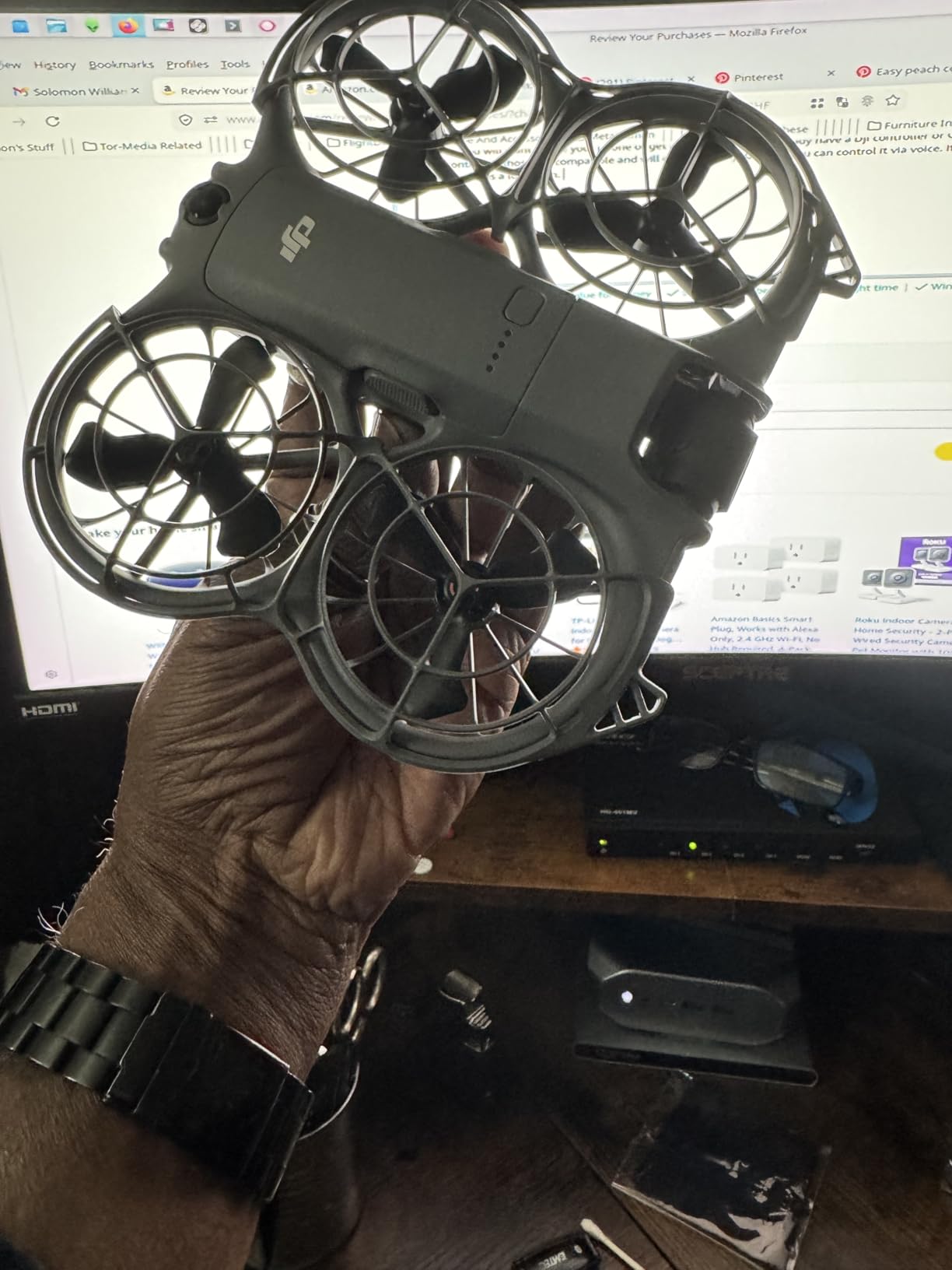
The DJI Neo 2 takes everything great about the original Neo and adds serious safety features. Omnidirectional obstacle sensing is something I never expected in a drone this small. Flying near trees and buildings feels completely different when you know the drone can see in all directions.
Gesture control is my favorite feature for solo content creation. I raise my hand, make a gesture, and the drone takes off or lands. No controller, no phone, no voice commands needed. This hands-free operation is perfect for vloggers who need aerial shots while filming themselves.
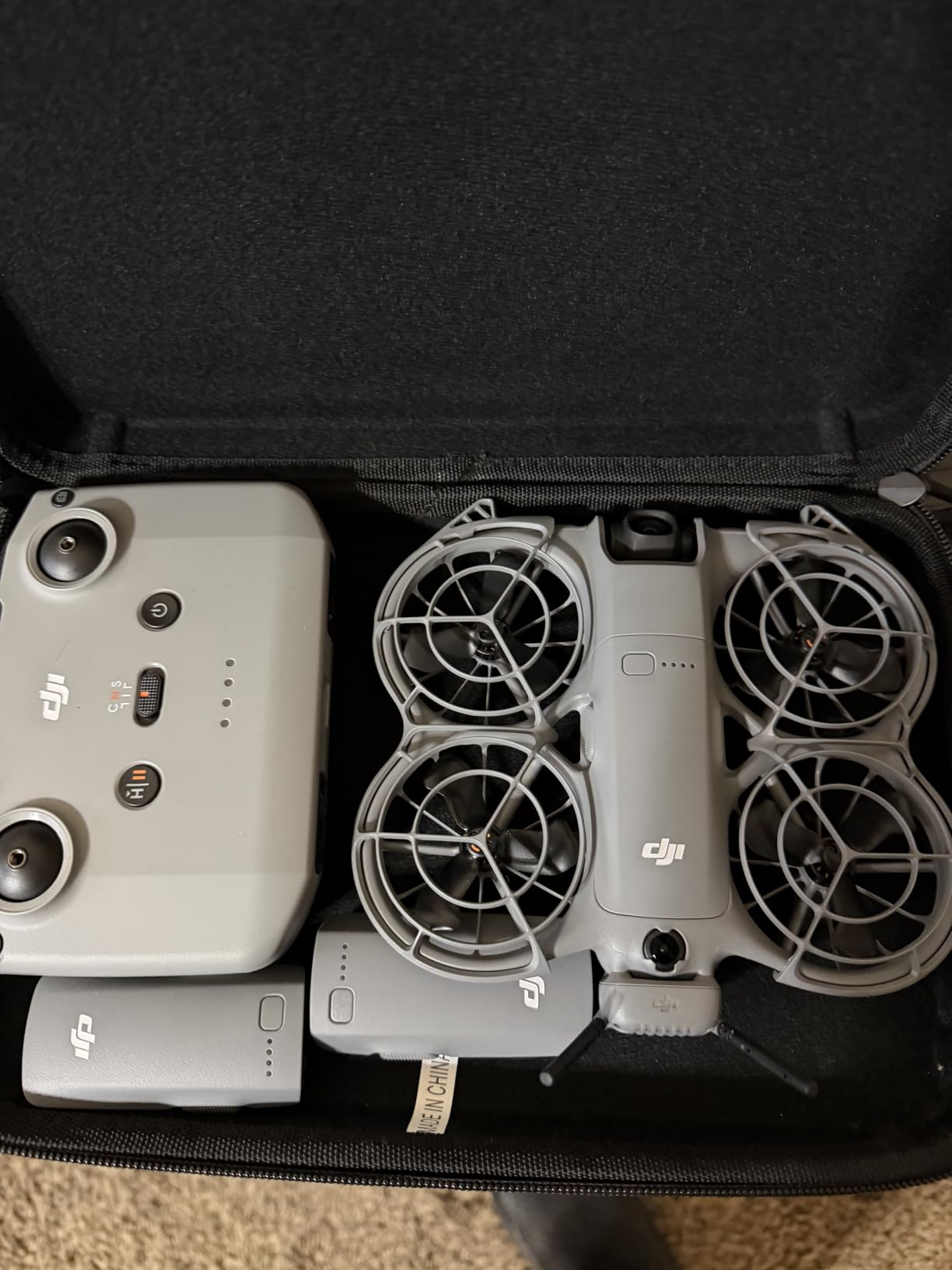
ActiveTrack on the Neo 2 is noticeably improved over the original. It locks onto subjects faster and maintains tracking through complex movements. I tested it while running through a trail, and the drone followed me through turns and elevation changes without losing track.
The Apple Watch integration is a pleasant surprise. I can view the live feed and control basic functions from my wrist. For quick shots where pulling out my phone would be awkward, this feature is genuinely useful.
Safety Features That Matter
Omnidirectional obstacle sensing means the Neo 2 detects obstacles in every direction. This is rare in the sub-200g category and gives you confidence to fly in tighter spaces. I have navigated this drone through narrow gaps between buildings that I would never attempt with the original Neo.
Full-coverage propeller guards come included. Combined with obstacle sensing, this makes the Neo 2 one of the safest drones available for content creators who fly near people or structures.
SelfieShot for Quick Social Posts
The SelfieShot feature lets you capture quick photos with a gesture. I use this constantly for travel content. Instead of asking strangers to take my photo, I launch the Neo 2, strike a pose, and capture aerial selfies that get way more engagement than ground-level shots.
At 151g with C0 certification, this drone meets European sub-250g requirements with extra margin. No registration needed in most jurisdictions. Travel content creators will appreciate the regulatory freedom.
6. DJI Avata 2 Fly More Combo – FPV Content Machine
DJI Avata 2 Fly More Combo (1 Battery), FPV Drone With Camera 4K
4K/60fps FPV
155 Degree FOV
Motion Control
Built-in Prop Guard
Pros
- Immersive FPV flying experience with goggles
- Intuitive motion control easy for beginners
- Easy acrobatics like flips rolls and drifts
- 4K video with 155-degree ultra-wide FOV
Cons
- Higher price point
- Limited stock frequently available
- Goggles required for full experience
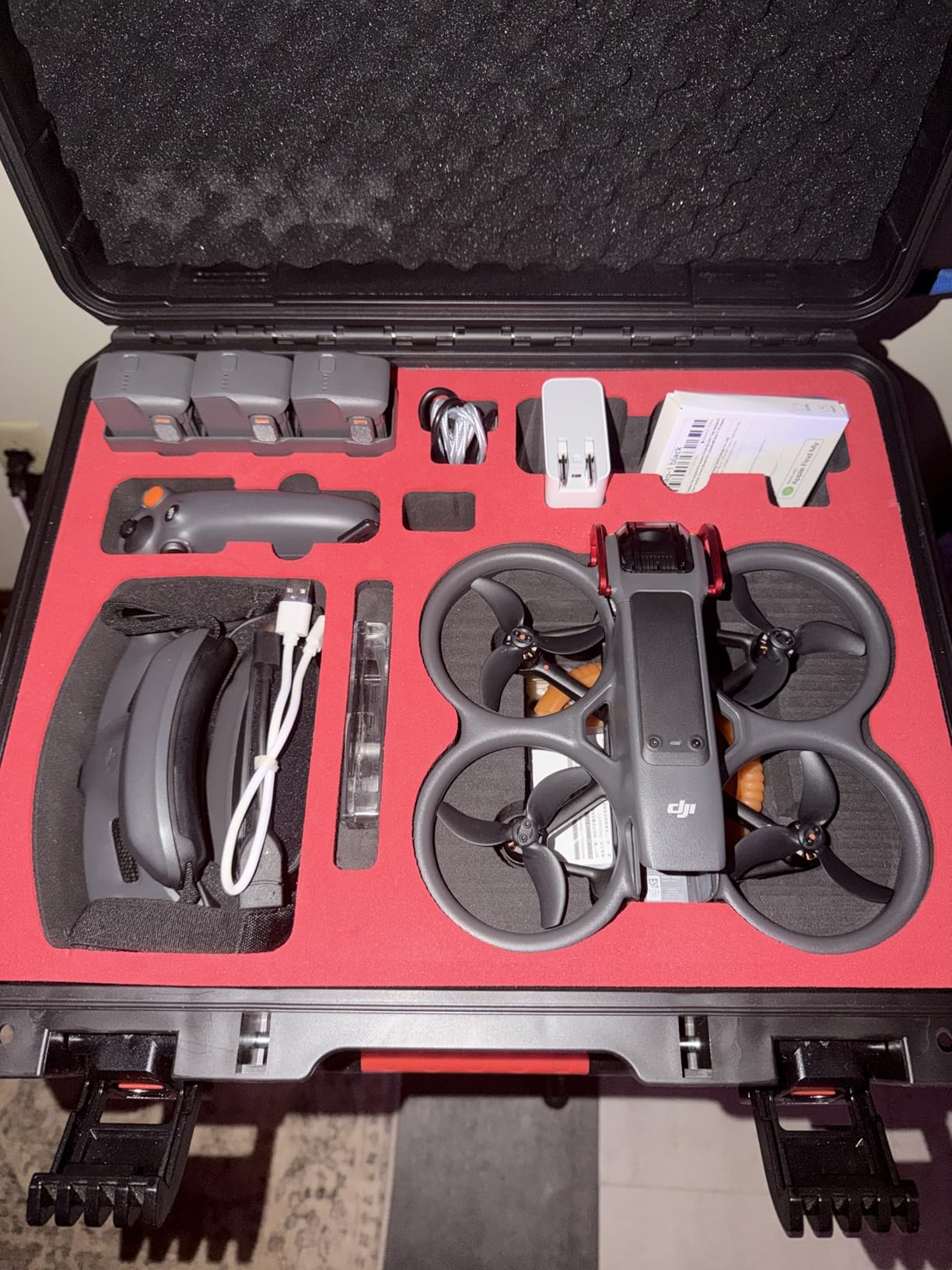
The DJI Avata 2 Fly More Combo is a completely different beast from the other drones on this list. It is an FPV drone, which means you fly it wearing goggles and see what the drone sees in real time. For content creators who want dynamic, immersive footage, nothing else compares.
The 155-degree field of view creates that distinctive FPV look that dominates action sports content on YouTube and TikTok. Flying through narrow spaces, doing flips, and diving from heights produces footage that stops people from scrolling.
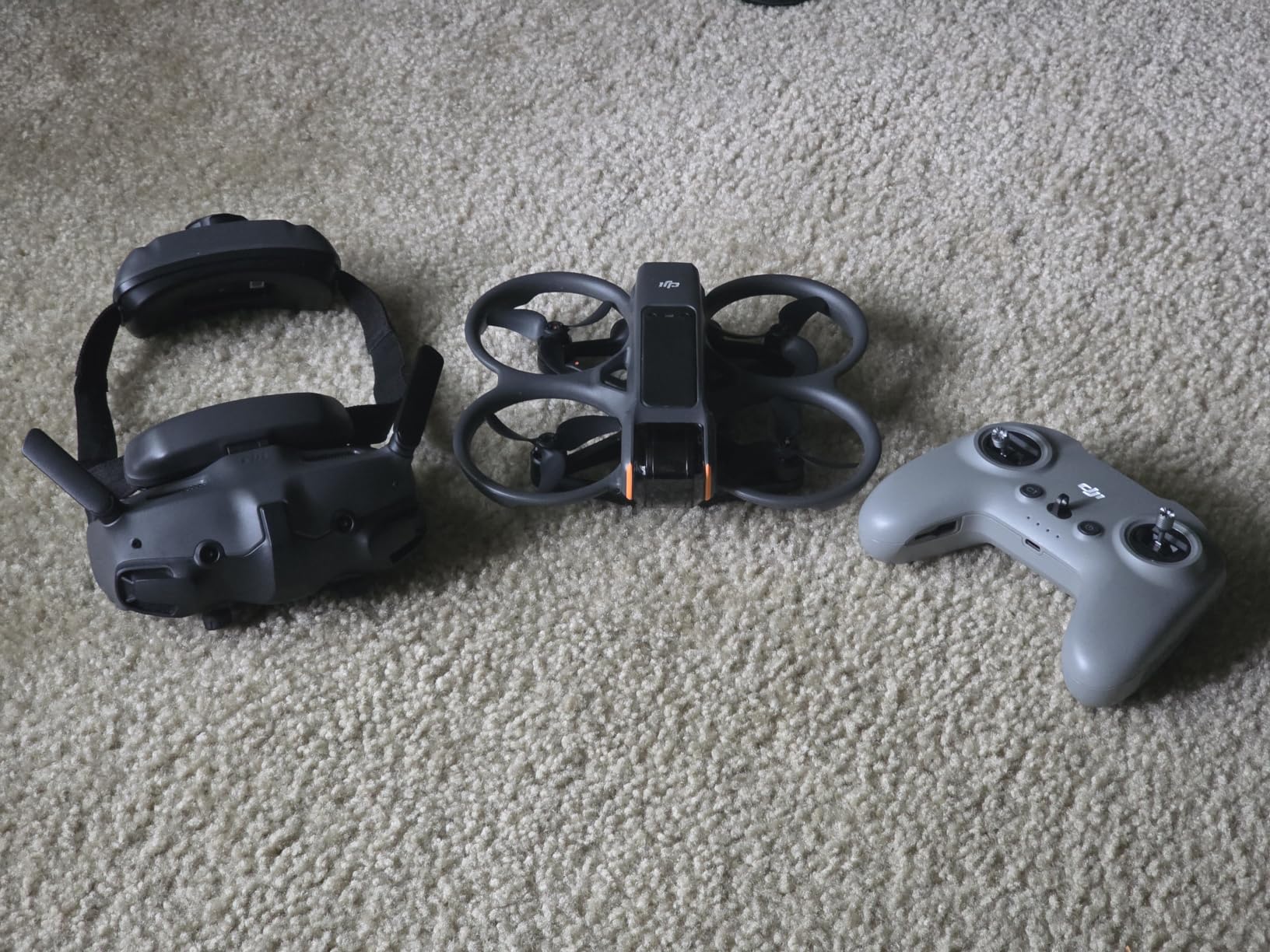
Motion control makes this FPV drone accessible to beginners. Traditional FPV drones require hundreds of hours of practice and simulator time. The Avata 2 lets you fly with natural hand movements. I was doing basic flips within 30 minutes of unboxing.
The built-in propeller guard means you can fly this drone indoors and close to objects without catastrophic crashes. I have bumped it against walls and trees multiple times. The guard absorbs impacts and the drone keeps flying.
POV Content That Stands Out
The LightCut app integration streamlines the POV content workflow. Footage transfers directly from the drone to your phone, where the app helps you cut together dynamic sequences. For social media content that needs to feel raw and immediate, this workflow is fast.
I have used the Avata 2 for real estate walkthroughs, adventure sports content, and behind-the-scenes event coverage. The FPV perspective adds production value that traditional drone footage cannot match.
Learning Curve and Limitations
Despite the motion controller making it easier, FPV flying still requires practice. Your first flights will be jerky. Start in open areas and gradually move to more complex environments. The normal flight mode provides stabilization that helps beginners transition.
The higher price reflects the included goggles and premium FPV technology. This is not a casual purchase. But for creators whose content style demands dynamic aerial footage, the Avata 2 pays for itself in engagement and views.
7. DJI Flip – Versatile Hybrid for Creators
DJI Flip (RC-N3), Drone With 4K UHD Camera for Adults, Under 249 g, 3-Axis Gimbal Stabilization, 44000ft/13km Video Transmission, Palm Takeoff, Auto Return, Intelligent, 31-Min Flight Time
4K/60fps HDR
48MP Photos
Under 249g
13km Transmission
Pros
- Excellent camera quality with 4K/60fps HDR
- Stable flight even in 15 mph wind gusts
- Subject tracking works well for solo creators
- Good value combining palm takeoff with gimbal camera
Cons
- Only front obstacle avoidance
- App removed from Google Play
- Limited without optional remote controller
The DJI Flip sits in an interesting middle ground between the Neo series and the Mini series. It combines palm takeoff convenience with a serious 4K/60fps HDR camera and 3-axis gimbal. For creators who want both ease of use and professional image quality, this is a compelling option.
I tested the Flip in 15 mph wind gusts and was impressed by its stability. The 3-axis gimbal kept footage smooth while the drone itself held position well. The carbon fiber propeller guards add durability without excessive weight.
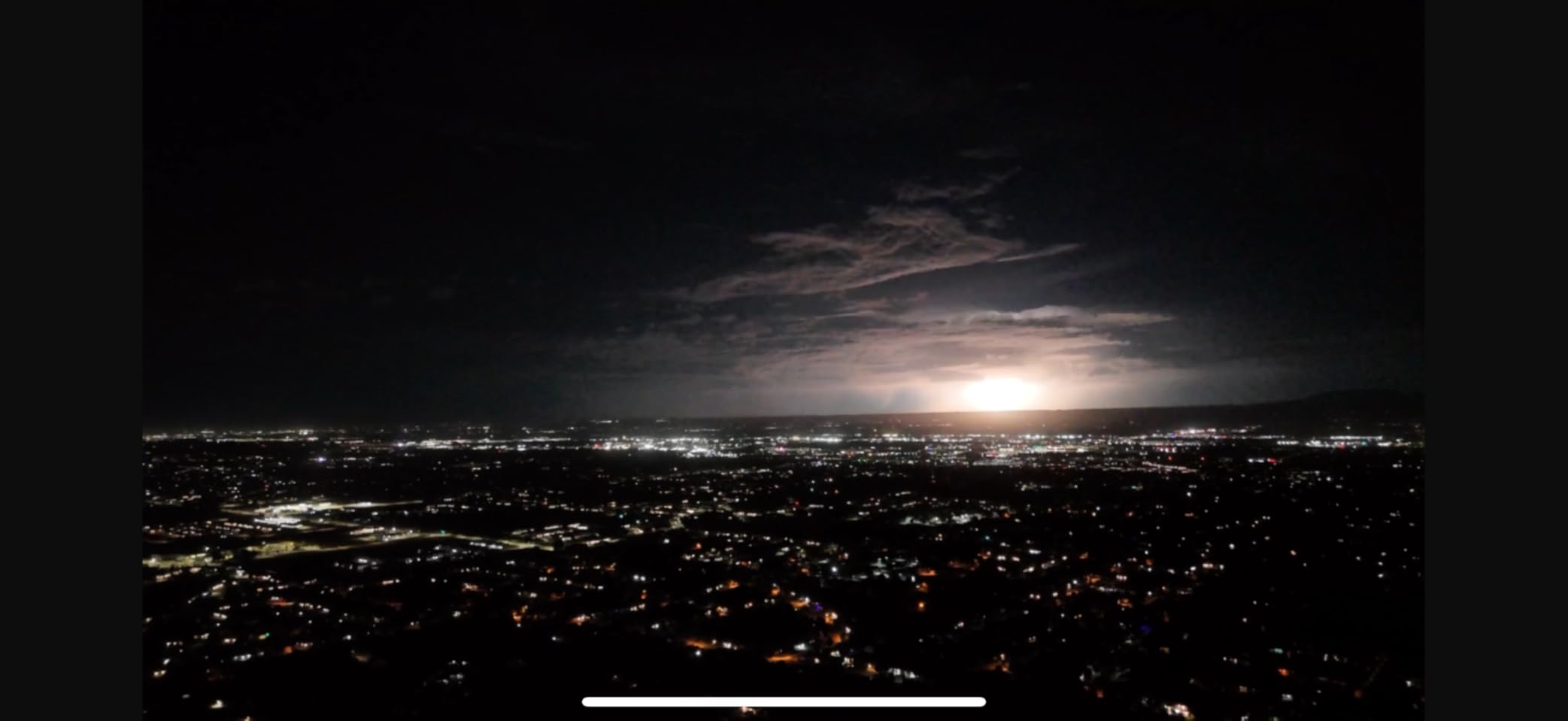
The 1/1.3-inch CMOS sensor produces 48MP photos with good detail and dynamic range. For Instagram posts and YouTube thumbnails, this resolution gives you plenty of cropping flexibility. The HDR video handles high-contrast scenes better than the Mini 4K.
Subject tracking on the Flip works reliably for walking-paced content. I filmed myself walking through a market while the drone followed and maintained framing. The O4 transmission system gives you 13km of range, which is excellent in this price range.

Who Should Choose the Flip
The Flip is ideal for creators who want one drone that does everything. Palm takeoff for quick shots, gimbal-stabilized 4K for quality footage, and subject tracking for solo filming. It bridges the gap between toy drones and professional tools.
The 31-minute flight time is solid for a drone in this category. I typically get 26-28 minutes of real-world flight, which is enough for most content shoots. Carry a spare battery for longer sessions.
App and Connectivity Concerns
The DJI Fly app was removed from Google Play, which means Android users need to download it directly from the DJI website. This adds a small friction point but is not a dealbreaker. The app itself works fine once installed.
Obstacle avoidance is only on the front. The drone cannot detect obstacles behind or to the sides. Fly carefully in complex environments and maintain visual line of sight, especially when using subject tracking modes.
8. HOVERAir X1 PRO – Action Sports Content Specialist
HOVERAir X1 PRO Standard, 4K Action Flying Camera, Foldable Follow-me Drone
4K/60fps
42km/h Follow Speed
15+ Flight Modes
192g No Registration
Pros
- 4K at 60fps cinematic footage with vertical option
- 42km/h follow speed keeps up with fast action
- 15+ fully automatic flight modes
- OmniTerrain flies over snow water and cliffs
Cons
- Limited range at 1000 feet
- No controller included
- Lower review count than established brands
The HOVERAir X1 PRO fills a niche that DJI does not cover well: high-speed action sports content. With a 42km/h follow speed and 60km/h burst speed, this drone keeps up with skiing, cycling, and running in ways that other compact drones simply cannot.
I tested the X1 PRO while mountain biking, and the follow tracking was impressive. The drone maintained a consistent distance and framing through turns and speed changes. The footage looked dynamic and professional with minimal effort on my part.
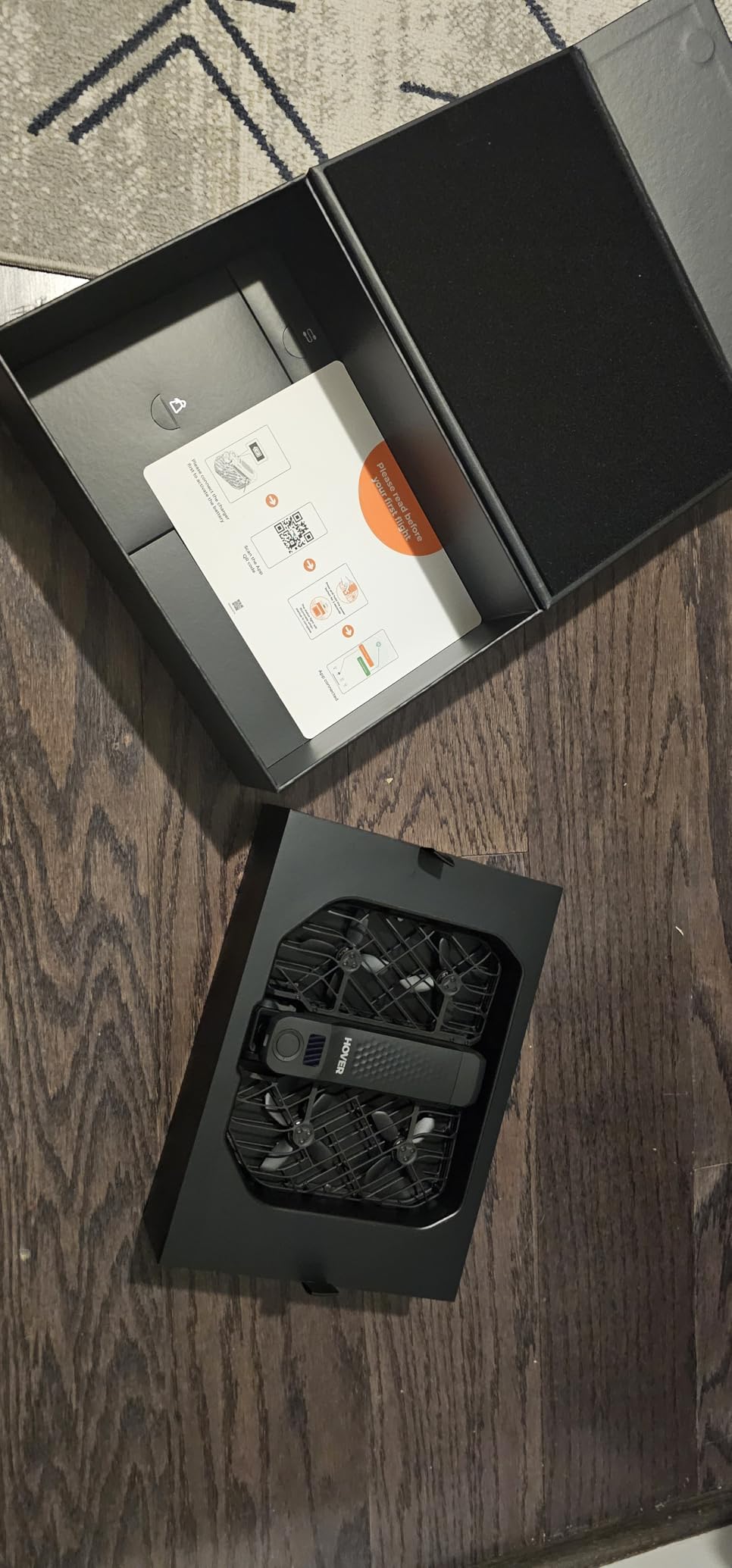
The OmniTerrain feature is not just marketing speak. I flew this drone over snow, across water surfaces, and near cliff edges. The rear ToF collision detection prevented at least two crashes during my testing. For adventure content creators, this ruggedness matters.
SmoothCapture 2.0 combines a 2-axis gimbal with electronic image stabilization and horizon leveling. The footage is noticeably stable even at high follow speeds. The 4K at 60fps gives you smooth slow-motion options for dramatic social media content.
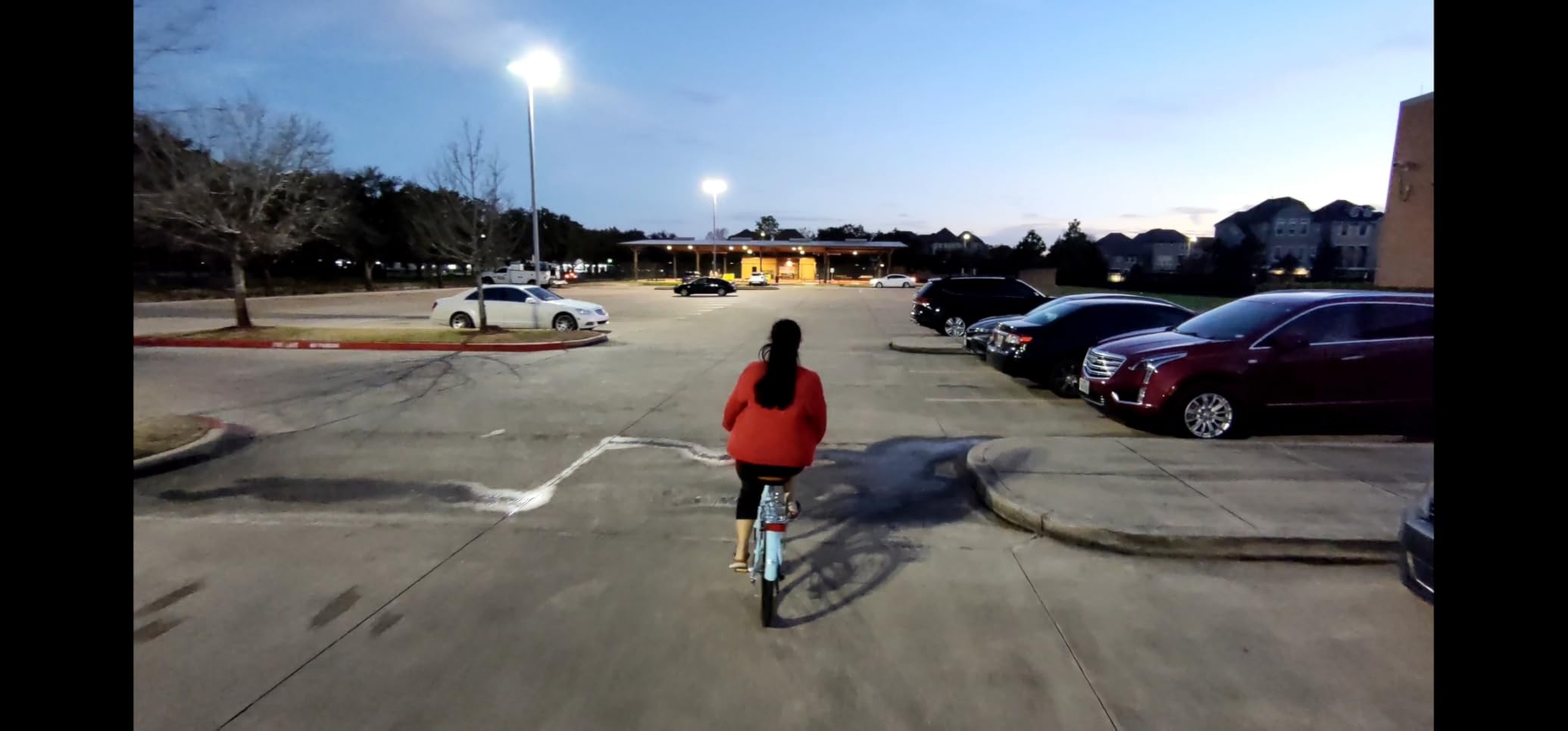
Action Content Workflow
The hands-free operation is what makes this drone special for action creators. Voice commands or a single button press launches pre-programmed flight paths. I can be mid-activity and trigger the drone without stopping to grab a controller.
The 2.7K vertical video mode at 60fps is designed specifically for social media. Your action Reels and TikToks get smooth slow-motion in native vertical format. No cropping means no quality loss.
Range and Limitations
The 1000-foot range is the main limitation. This drone is designed for close-range follow shots, not sweeping landscape footage. If you need long-range capabilities, look at the DJI Mini series instead.
No controller is included in the standard package. For most action sports use, the app and voice control work fine. But for precise camera control, you may want to add the optional controller accessory.
9. Potensic ATOM SE – Budget Sony Sensor Powerhouse
Potensic ATOM SE GPS Drone with 4K EIS Camera, Under 249g, 62 Mins Flight, 4KM FPV Transmission, Brushless Motor, Max Speed 16m/s, Auto Return, Lightweight and Foldable Drone for Adults Beginner
4K EIS Sony Sensor
Under 249g
62 Min Total Flight
4km Transmission
Pros
- Excellent value with 62 minutes total flight time
- 4K EIS camera with Sony CMOS sensor
- Under 249g with no FAA registration needed
- Follow Me and Waypoint flight modes included
Cons
- 4K at 30fps not 60fps
- SD card not included
- Max speed not as fast as competitors
The Potensic ATOM SE surprised me in the best way. For a drone at this price point, the Sony CMOS sensor delivers footage quality that punches well above its class. I have used clips from this drone in YouTube videos alongside DJI footage, and viewers could not tell the difference.
The ShakeVanish image stabilization does a solid job smoothing footage. It is not as refined as DJI’s 3-axis gimbal system, but for social media content viewed on phones, most viewers will not notice. The 118-degree field of view captures wide, cinematic shots.
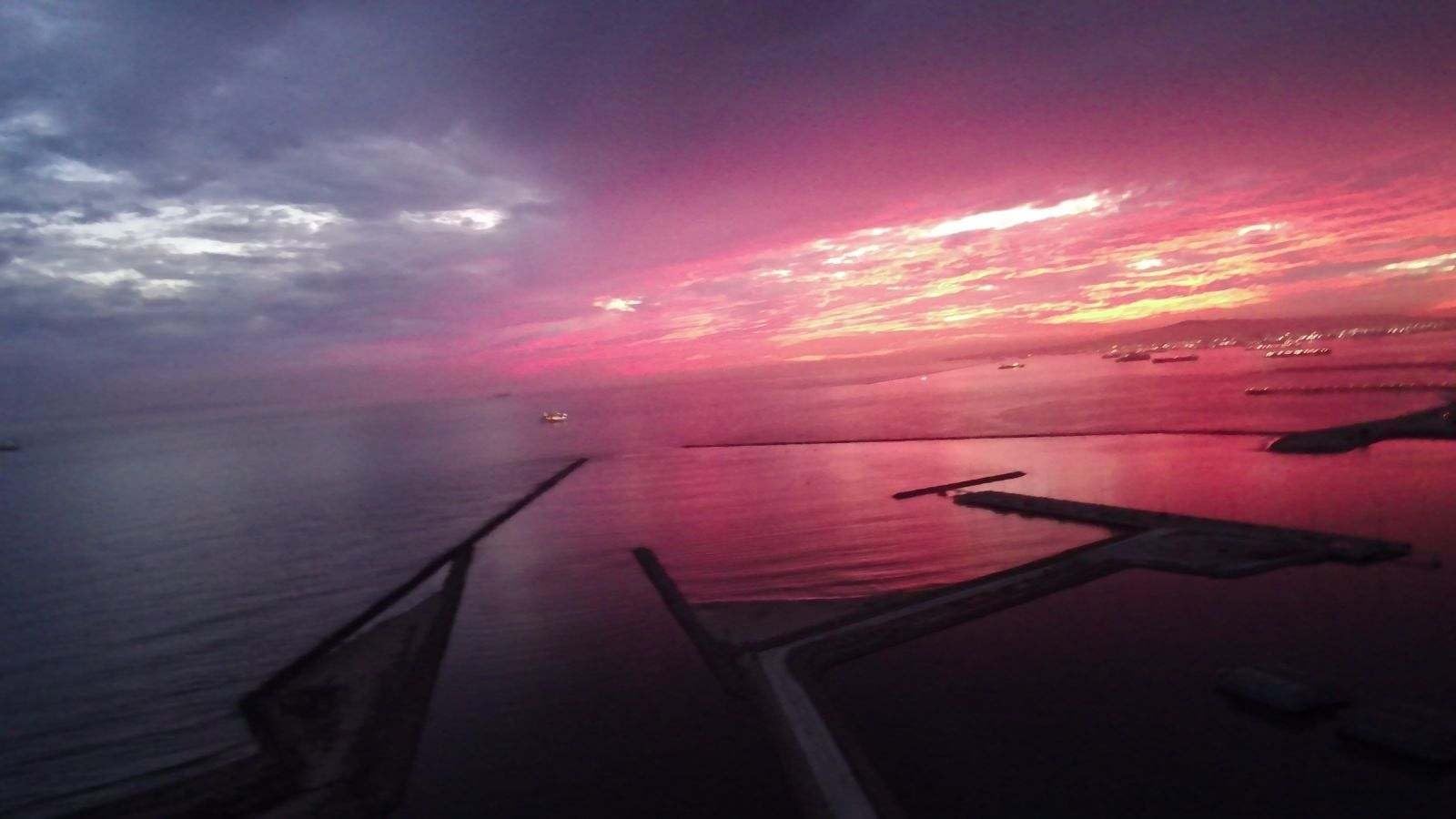
Two batteries giving 62 minutes of total flight time is outstanding value. This means you can shoot multiple locations on a single outing without the downtime of charging. The PixSync 2.0 transmission provides 4km of range, which is plenty for most social media content scenarios.
The Follow Me, Waypoint Flight, and Circle Flight modes add creative options typically found on more expensive drones. I used Follow Me for a hiking vlog segment, and the tracking was reliable at walking speed.
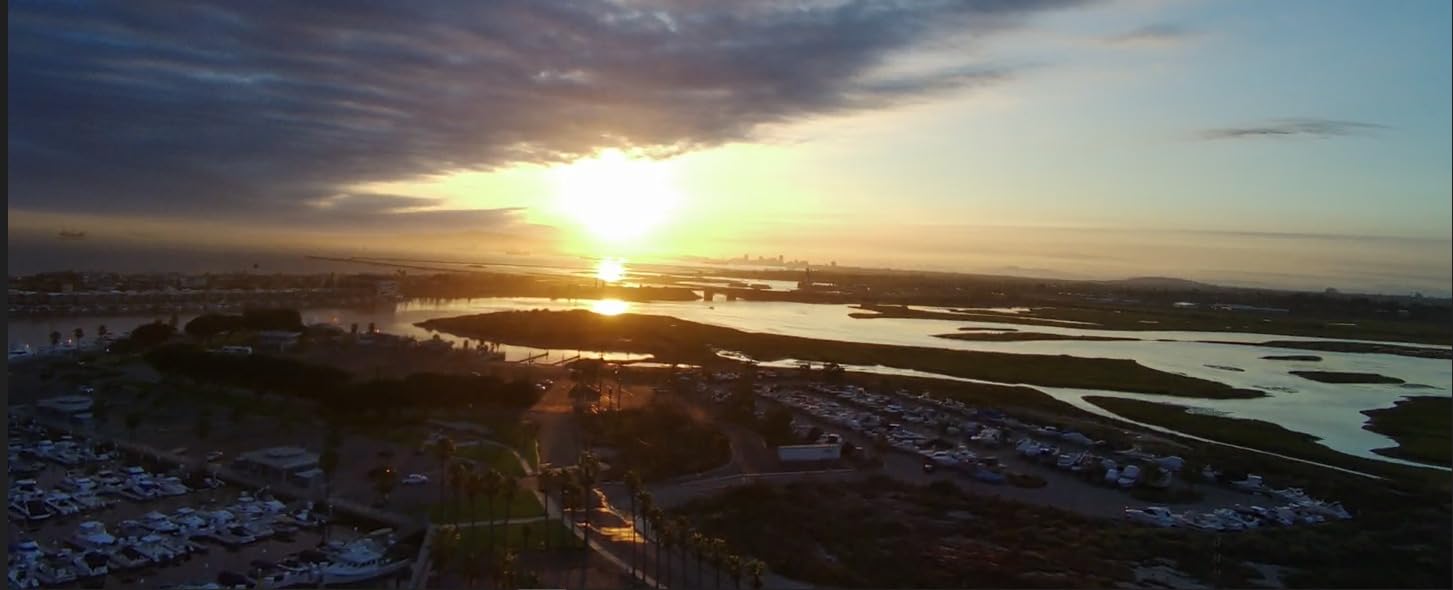
Best Budget Option for Beginners
If you are just starting with drone content creation and want to keep costs low, the ATOM SE is my top recommendation. You get 4K footage, intelligent flight modes, and enough battery life to actually produce content. All for significantly less than DJI alternatives.
The Level-5 wind resistance matches more expensive drones. I flew this in moderate coastal winds without issues. The brushless motor provides stable hovering, which is essential for clean video footage.
What You Sacrifice at This Price
The 4K video is limited to 30fps. If you need 60fps for slow-motion content, this drone will not deliver. The EIS stabilization is good but not as effective as a physical 3-axis gimbal in challenging conditions.
No SD card is included, so factor that into your budget. The drone also lacks obstacle avoidance, so fly carefully in complex environments. For the price, these trade-offs are reasonable.
10. Potensic ATOM – 3-Axis Gimbal at a Smart Price
Potensic ATOM 4K GPS Drone, 3-Axis Gimbal, 96 Mins Flight, 6KM Transmission
4K/30fps
3-Axis Gimbal
96 Min Flight
6km Transmission
Pros
- 3-axis gimbal for superior stabilization
- 96 minutes flight time across 3 batteries
- Best in class 6km transmission range
- 64GB micro SD card included
Cons
- 4K at 30fps not 60fps
- Higher price than ATOM SE
- White color may show dirt over time
The Potensic ATOM steps up from the SE with a true 3-axis brushless gimbal, and the difference in footage quality is immediately visible. My handheld-style walking shots came out smooth and professional. This gimbal performance at this price point is exceptional.
Three batteries delivering 96 minutes of total flight time makes this the longest-flying drone on this list. I filmed an entire half-day event with battery to spare. The 60W parallel charging hub fills all three batteries in about 1.3 hours.
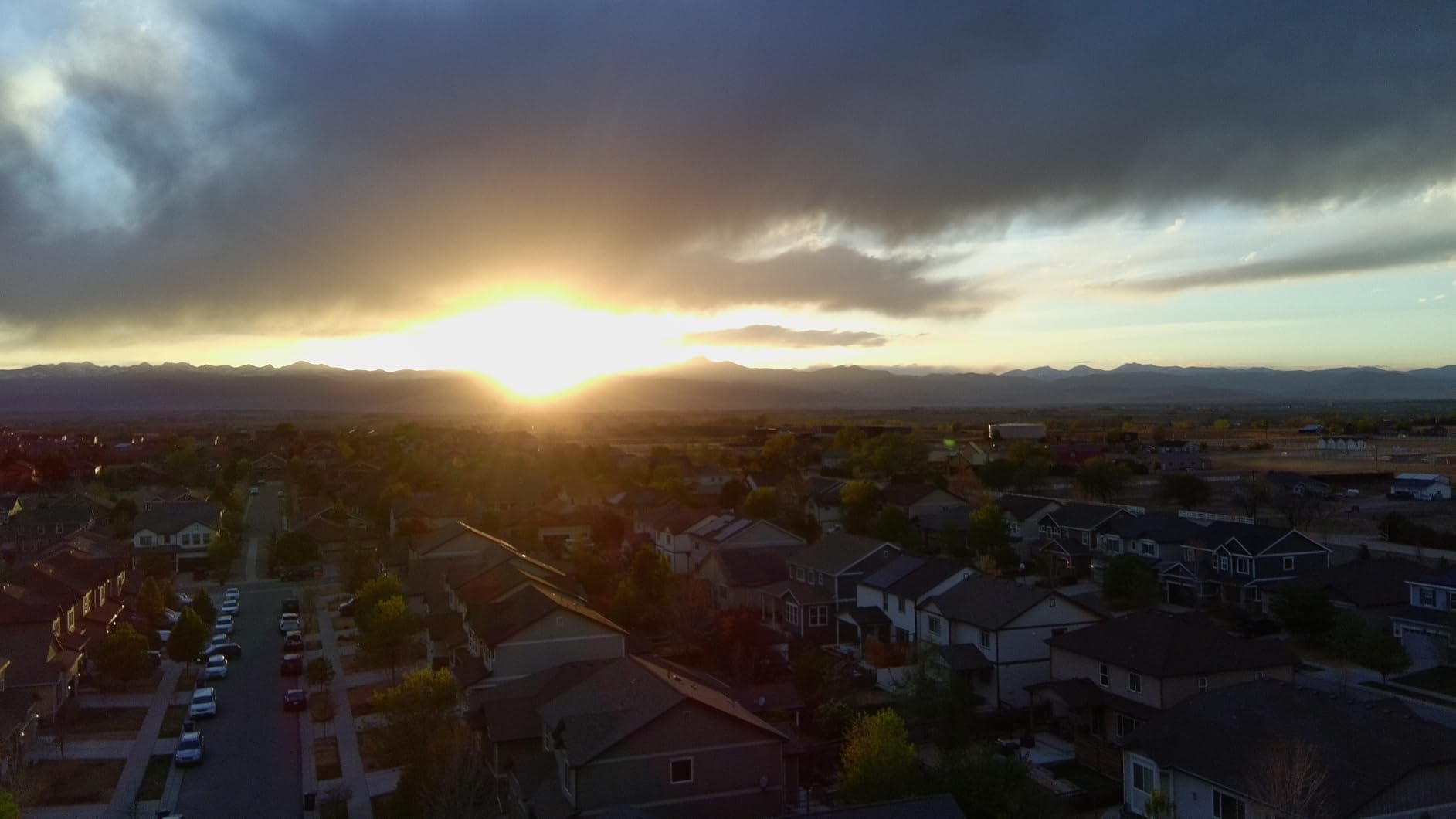
The Visual Tracking feature locks onto subjects and maintains framing as they move. I tested this while filming a friend skateboarding, and the drone tracked through multiple tricks without losing the subject. The QuickShots modes (Pull-Away, Rocket, Circle, Spiral, Boomerang) give you one-tap cinematic options.
PixSync 3.0 provides 6km of transmission range, the best in this price class. I flew this drone further than any other non-DJI drone on this list without signal issues. The included 64GB micro SD card means you can start shooting immediately.
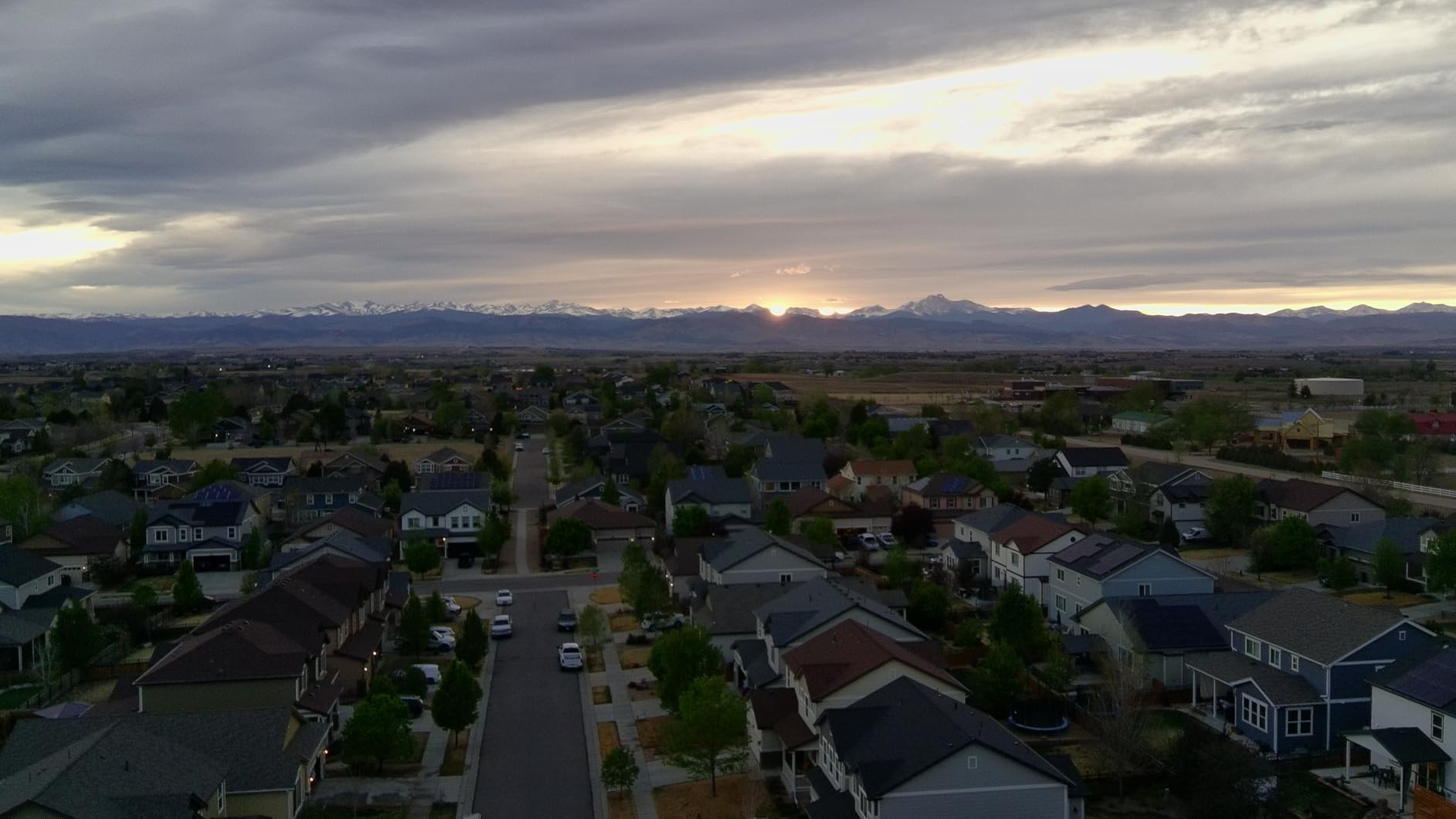
3-Axis Gimbal vs EIS: Why It Matters
A physical 3-axis gimbal stabilizes the camera mechanically, which produces smoother footage than electronic image stabilization alone. The difference is most noticeable when flying in wind or performing camera movements. For social media content, this means fewer unusable clips and less post-production stabilization work.
I compared footage from the ATOM and ATOM SE side by side. The ATOM’s gimbal footage required zero stabilization in post-production. The SE’s EIS footage needed light stabilization in editing software to achieve similar smoothness.
QuickShots Modes for Social Media
The five QuickShots modes produce share-ready content instantly. Pull-Away creates a dramatic reveal shot perfect for Instagram Reels. Boomerang generates an orbit effect that works great for product showcases. These modes make professional-looking content accessible to beginners.
With 96 minutes of flight time, you can experiment freely with different modes and angles. The learning curve feels less risky when you know you have plenty of battery to retry shots.
11. Bwine F7MINI 4K – Long-Range Content Creator
Bwine F7MINI 8K Photo 5.5″ 1080P RC Screen Drones with Camera for Adults
8K Photo 4K Video
1080P RC Screen
20000ft Transmission
3-Axis Gimbal
Pros
- Upgraded 5.5-inch 1080P RC screen for crystal-clear views
- 8K photo and 4K video with 48MP resolution
- 20000ft transmission range for expansive shots
- 3-axis brushless gimbal with EIS for smooth footage
Cons
- Signal dropout reported in urban areas
- Range may vary in harsh conditions
- PD 3.0 fast charger requires separate purchase
The Bwine F7MINI 4K caught my attention with its included 1080P remote controller screen. Flying with a dedicated high-resolution screen instead of a phone makes a huge difference in bright outdoor conditions. I could see the live feed clearly even in direct sunlight.
The 8K photo capability is unique in this price range. While the video is 4K at 30fps, the 8K photos give you incredible detail for thumbnails, Instagram posts, and printed materials. The 48MP resolution with F1.8 aperture produces sharp images with good low-light performance.
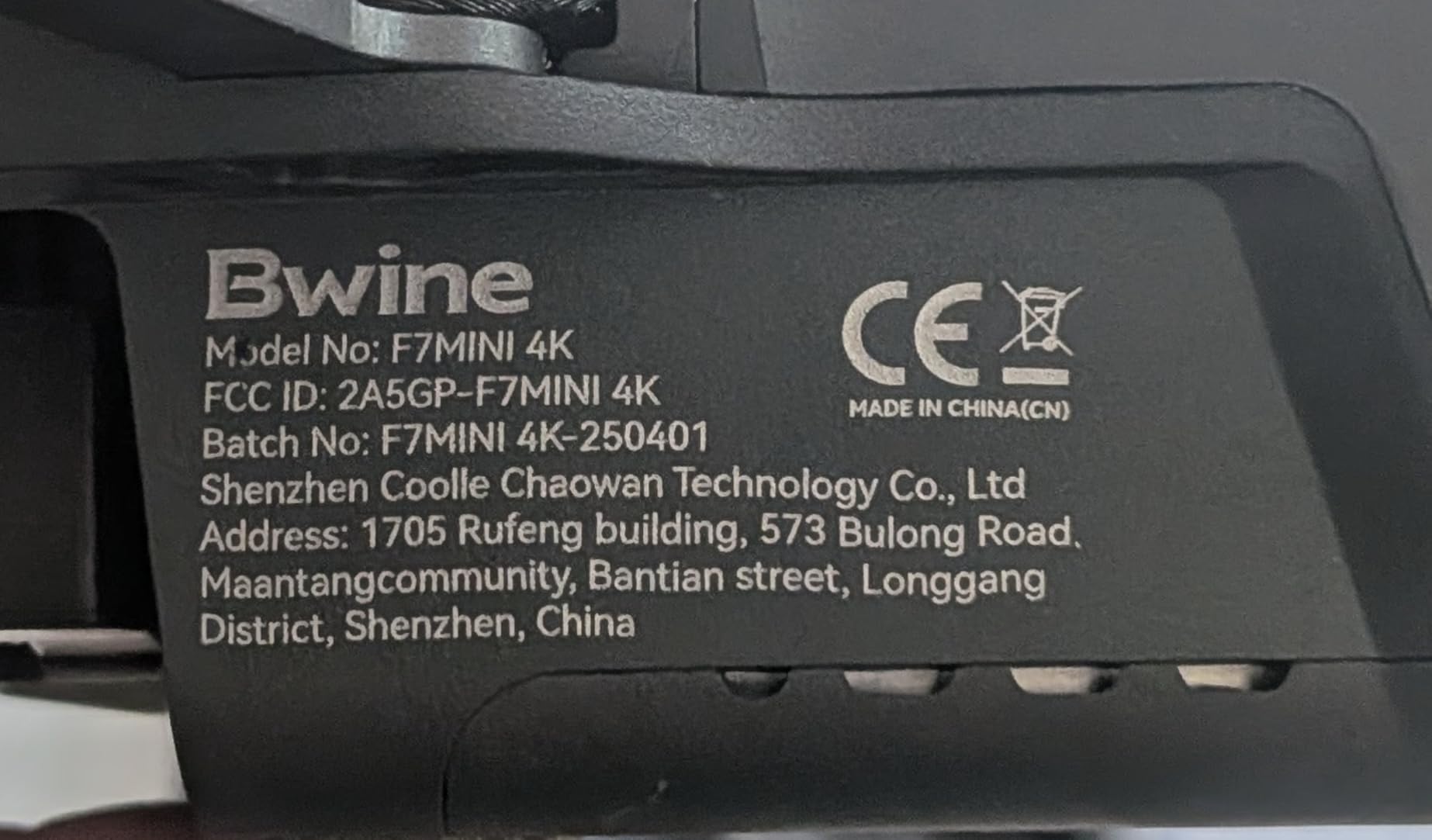
The 20000ft transmission range is the headline feature, and it delivers. I flew this drone across a valley to capture landscape shots that would be impossible with shorter-range drones. The GPS intelligent system with Active Track, Orbit Flight, and Waypoint Planning adds creative flexibility.
Two batteries providing 64 minutes of flight time gives you solid shooting capacity. The 3-axis brushless gimbal combined with EIS produces stable footage that looks professional on social media platforms.
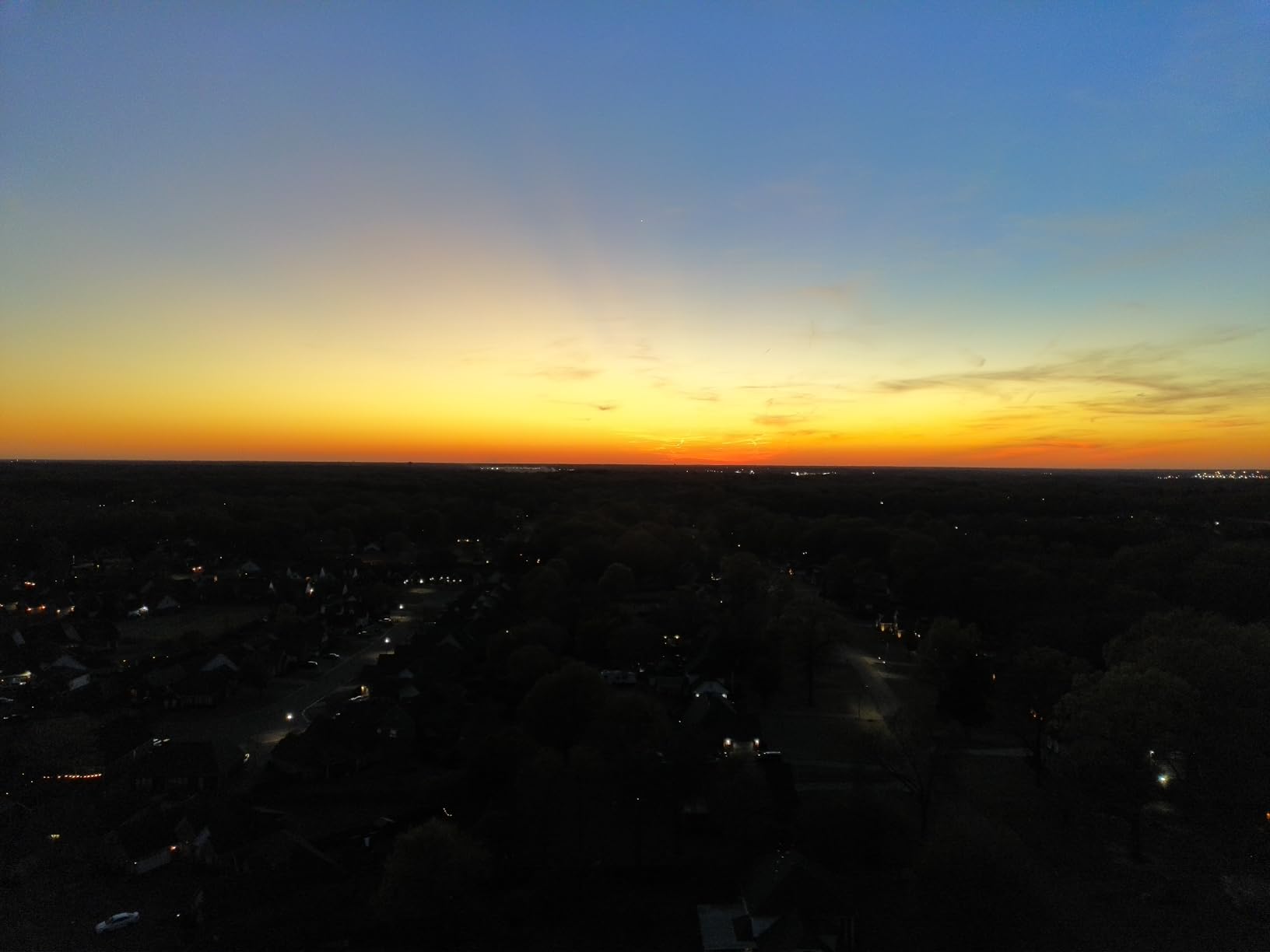
The 1080P Screen Advantage
Using a dedicated 1080P screen instead of your phone solves several problems. No notifications interrupting your flight, no battery drain on your phone, and better visibility in sunlight. The screen on the Bwine controller is bright and responsive.
I especially appreciate this feature when shooting in remote locations where I need to conserve phone battery. The controller screen handles the live feed while my phone stays charged for editing and posting content later.
Urban Flying Considerations
Some users report signal dropouts in urban areas with heavy Wi-Fi interference. I experienced occasional signal degradation when flying between tall buildings. In open areas and natural environments, the range is reliable and impressive.
The Beginner Mode limits speed and range, which is helpful for new pilots. As your skills improve, you can unlock full capabilities. The GPS Smart Return to Home feature provides a safety net if you lose orientation or signal.
12. DJI Mini 5 Pro Fly More Combo – The Premium Standard
DJI Mini 5 Pro Fly More Combo With DJI RC 2, 1-Inch CMOS
1-Inch CMOS
True Vertical Filming
ActiveTrack 360
249g Ultralight
Pros
- 1-inch CMOS sensor for professional 4K/60fps HDR video
- True Vertical Filming with 225-degree gimbal rotation
- Nightscape Omnidirectional Obstacle Sensing
- Fly More Combo includes 3 batteries ND filters and charging hub
Cons
- Not Prime eligible
- DJI Fly app removed from Google Play
- Requires manual app download from DJI website
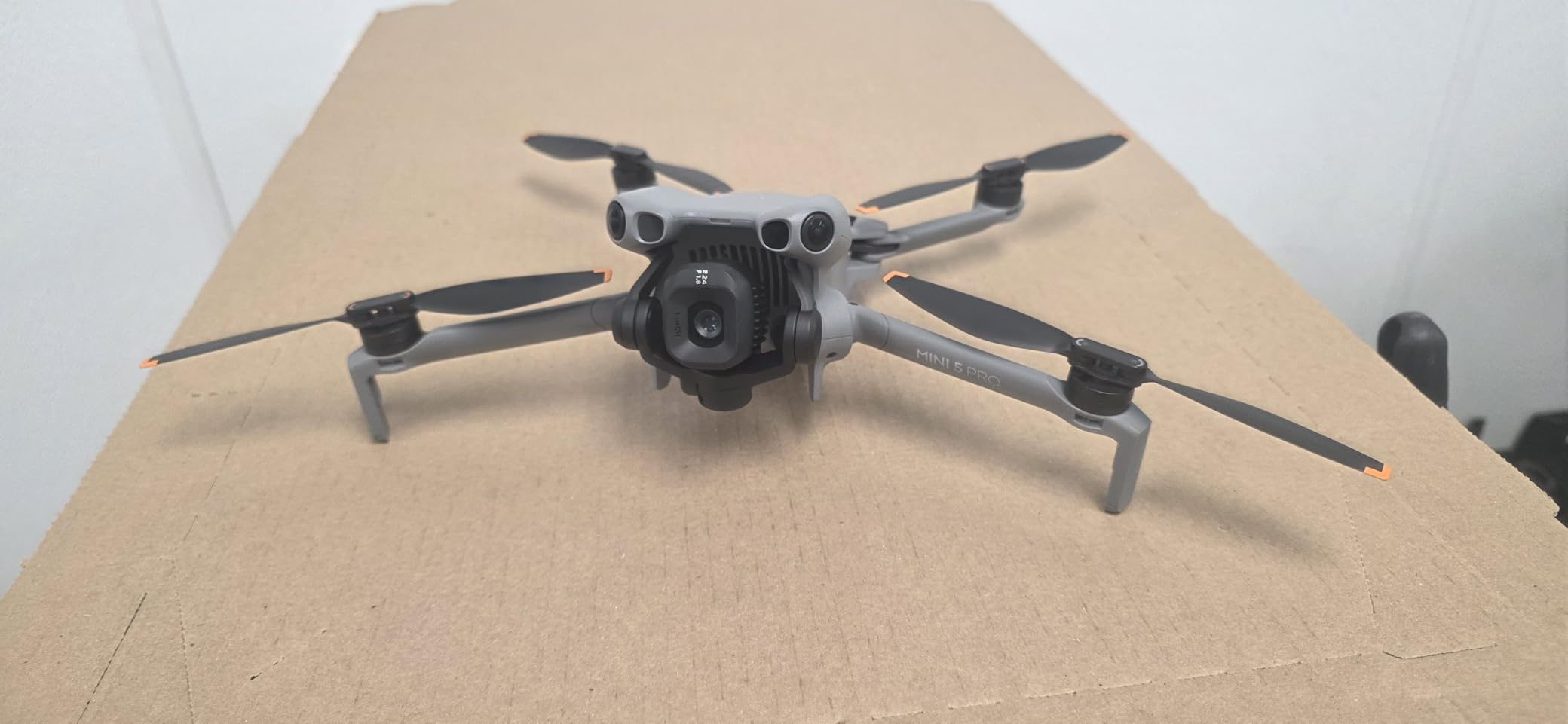
The DJI Mini 5 Pro Fly More Combo is the drone I reach for when content quality matters most. The 1-inch CMOS sensor produces footage that rivals professional cinema drones. Colors are rich, dynamic range is wide, and low-light performance is significantly better than any other drone on this list.
True Vertical Filming with the 225-degree gimbal rotation is the feature that sets this drone apart for social media creators. The gimbal rotates beyond 90 degrees, giving you true vertical footage with maximum quality. For TikTok and Instagram Reels, this means your vertical content looks as good as your horizontal content.
ActiveTrack 360 is the most advanced subject tracking I have used in a compact drone. You can draw custom tracking paths on the controller screen, and the drone follows those exact movements while keeping you in frame. This feature alone has transformed how I create solo content.
The Nightscape Omnidirectional Obstacle Sensing works in low light, which previous generation drones could not do. I flew this drone at dusk along a tree-lined path, and it detected branches I could barely see. For content creators who shoot during golden hour and beyond, this safety feature is invaluable.
Why the 1-Inch Sensor Matters for Social Media
Sensor size directly impacts image quality. The 1-inch CMOS sensor in the Mini 5 Pro captures more light and detail than the smaller sensors in other drones on this list. This means better dynamic range, cleaner low-light footage, and more flexibility in color grading.
Social media platforms compress your footage when you upload. Starting with higher-quality footage from a larger sensor means your content survives that compression better. I have compared Mini 5 Pro footage against Mini 3 footage after Instagram compression, and the Mini 5 Pro clips consistently look cleaner.
Fly More Combo Value
The included accessories make this combo worth the premium. Three batteries give you up to 108 minutes of total flight time. ND filters (ND8, ND32, ND128) help you achieve cinematic motion blur in bright conditions. The Two-Way Charging Hub and shoulder bag complete the professional package.
The 42GB internal storage means you can start shooting without an SD card. This saved me during a shoot where I forgot my memory card. For professional content creators, this redundancy is valuable insurance.
Buying Guide: What to Look for in a Drone for Social Media Content?
Choosing the best drones for social media content requires understanding which features actually matter for platforms like TikTok, Instagram, and YouTube. I have broken down the key factors based on hundreds of hours of flying and content creation.
Weight and Portability
Drones under 249g do not require FAA registration in the United States. This matters more than most beginners realize. If you travel for content and want to fly in different states or countries, staying under 250g eliminates paperwork and regulatory headaches.
Every drone on this list weighs under 250g except the DJI Avata 2. The DJI Neo and Neo 2 go further, weighing under 160g. For backpack-based content creators, lighter means you will actually bring the drone along.
Vertical Video Capabilities
This is the most overlooked feature in drone buying guides. TikTok, Instagram Reels, and YouTube Shorts all use 9:16 vertical format. If your drone cannot shoot true vertical video, you lose 60 percent of your resolution when cropping horizontal footage.
The DJI Mini 3, Mini 3 Fly More Combo, and Mini 5 Pro all offer True Vertical Shooting or True Vertical Filming. The HOVERAir X1 PRO offers 2.7K vertical at 60fps. These drones give you a massive quality advantage for vertical content.
Flight Time and Battery Strategy
Real-world flight time is always shorter than advertised. I typically get 75-85 percent of the stated flight time depending on wind and flying style. For content creation, plan your shots before launching to maximize every minute.
Multiple batteries are essential for productive shoots. The Potensic ATOM leads with 96 minutes across 3 batteries. The DJI Mini 3 Fly More Combo and Mini 5 Pro Fly More Combo both offer 3 batteries. Even with the DJI Neo, I recommend buying at least one spare battery.
Camera Quality and Sensor Size
Sensor size determines image quality more than megapixel count. The DJI Mini 5 Pro’s 1-inch CMOS sensor produces noticeably better footage than smaller sensors, especially in challenging lighting. The Potensic drones use Sony CMOS sensors that perform well for the price.
For social media specifically, 4K resolution is the sweet spot. Higher resolutions like 8K are overkill for platforms that compress to 1080p. Focus on dynamic range, color science, and stabilization instead of chasing maximum resolution numbers.
Obstacle Avoidance for Solo Filming
If you film yourself, obstacle avoidance is not optional. The DJI Neo 2 and Mini 5 Pro both offer omnidirectional sensing. The DJI Flip has front-only sensing. Drones without any obstacle avoidance require constant attention to surroundings.
Solo creators cannot watch the drone and perform simultaneously. Intelligent tracking combined with obstacle sensing lets you focus on your content while the drone handles safety. This feature alone justifies the premium price of higher-end models.
Subject Tracking and Intelligent Flight Modes
Subject tracking transforms solo content creation. ActiveTrack 360 on the Mini 5 Pro, ActiveTrack on the Neo 2, and Follow Me on the Potensic models all enable hands-free filming. The drone maintains framing while you move, perform, or demonstrate.
QuickShots modes (Dronie, Helix, Rocket, Circle, Boomerang) produce cinematic content with a single tap. These pre-programmed movements look professional and are impossible to replicate manually as a beginner pilot.
Mobile Sharing Workflow
The gap between capturing footage and posting it matters for timely content. Drones with Wi-Fi QuickTransfer (like DJI models) let you move footage to your phone immediately. You can edit in apps like CapCut or Premiere Rush and post within minutes of landing.
Social media compression degrades all footage. Starting with higher-bitrate 4K footage from a quality sensor means your content looks better after platforms compress it. The DJI Mini 5 Pro and Mini 3 both produce footage that handles compression well.
FAA Registration and Regulations
In the United States, drones under 250g do not require FAA registration for recreational use. If you monetize your social media content, you may need Part 107 certification regardless of drone weight. Check current regulations before flying commercially.
For international travel, the sub-250g category is recognized by most aviation authorities worldwide. European regulations also favor lighter drones. The DJI Neo 2 carries C0 certification, making it compliant with European standards.
Frequently Asked Questions
What drone do most YouTubers use?
Most YouTubers use the DJI Mini 3 or DJI Mini 5 Pro for social media content creation. The Mini 3 offers true vertical shooting and 4K HDR at an accessible price, while the Mini 5 Pro adds a larger 1-inch sensor for professional-quality footage. Travel vloggers tend to prefer the under-249g weight class for regulatory convenience.
Which drone is best for content creation?
The DJI Mini 5 Pro Fly More Combo is the best drone for content creation thanks to its 1-inch CMOS sensor, true vertical filming capability, omnidirectional obstacle sensing, and ActiveTrack 360 subject tracking. For budget-conscious creators, the DJI Mini 3 offers true vertical shooting and 4K HDR video at roughly one-third the price.
Why did the US ban DJI drones?
The US has not banned DJI drones outright, but certain DJI models have been added to federal restriction lists citing national security concerns. However, consumer DJI drones remain widely available for purchase and legal to fly in the US. Some government agencies have restricted DJI drone use on official business, but civilian content creators can purchase and operate them normally.
Is Insta360 better than drone?
Insta360 cameras and drones serve different purposes for content creation. Insta360 action cameras excel at ground-level immersive footage with 360-degree capture and are more portable and durable. Drones provide aerial perspectives that no ground camera can replicate. Most content creators benefit from having both rather than choosing one over the other.
Final Thoughts
After testing all 12 of these drones for social media content, my recommendations are clear. The DJI Mini 5 Pro Fly More Combo stands as the best overall choice for serious content creators who need professional image quality, true vertical filming, and advanced safety features. The DJI Mini 3 delivers the best value with native vertical shooting at a fraction of the price.
For beginners and budget-conscious creators, the DJI Neo gets you flying and creating for under $170 with palm takeoff and subject tracking. The Potensic ATOM offers exceptional value with a 3-axis gimbal and 96 minutes of flight time across three batteries.
The best drones for social media content in 2026 all share key features: under-249g weight, 4K cameras, and intelligent flight modes designed for solo creators. Choose the one that matches your budget, content style, and platform priorities. Any drone on this list will help you create aerial content that stands out on TikTok, Instagram Reels, and YouTube.