
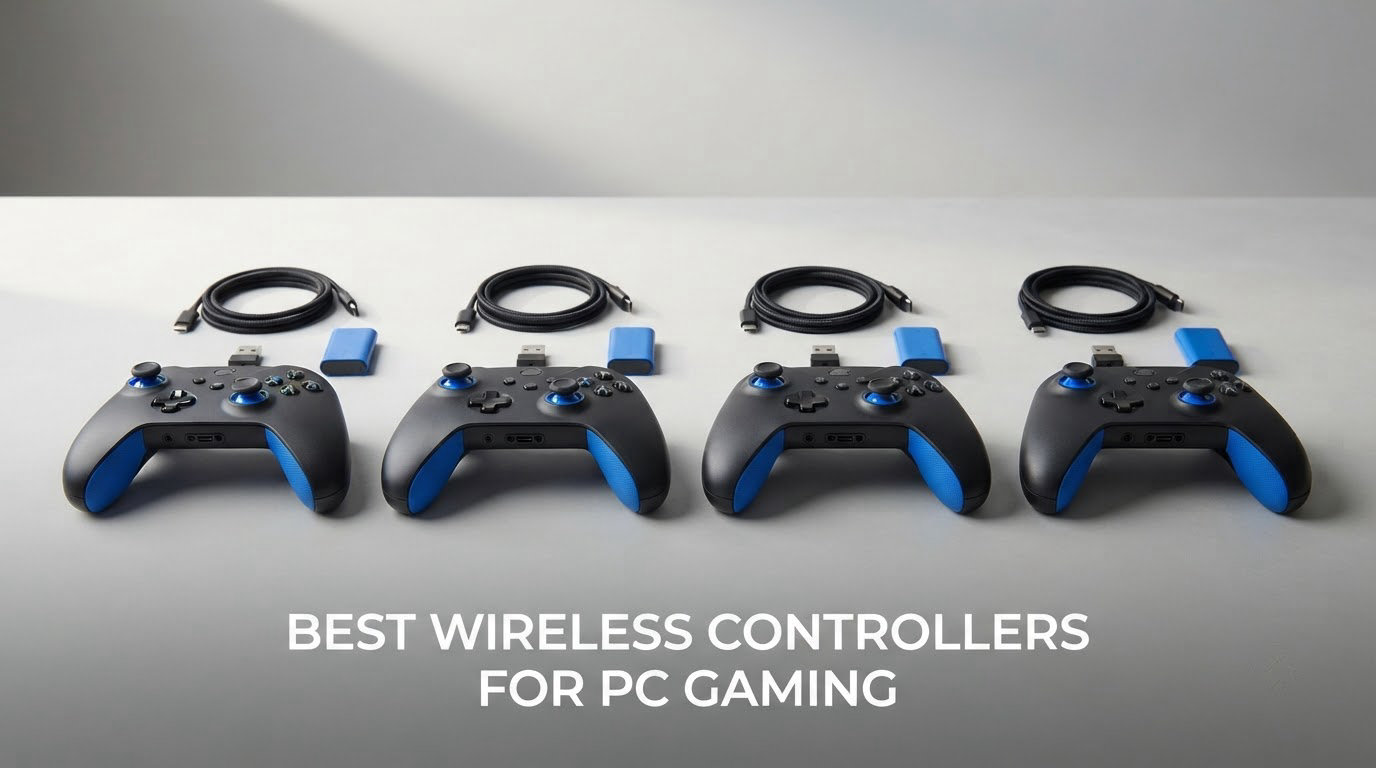
Two years ago the wireless controllers for PC were mostly a compromise: you could play on the couch, but you gave up back paddles, trigger stops and low input lag to do it. That gap has closed. Our best wireless controllers for PC gaming shortlist covers eight pads that all run wireless on Windows, six of them over a 2.4 GHz dongle, and it is the magnetic Hall Effect and TMR thumbsticks now separating the picks from the cheap pads that drift out of your control scheme after a year.
Our overall winner is the Xbox Elite Series 2, because nothing else in this list combines adjustable-tension sticks, three-step hair trigger stops and swappable paddles with a build quality that holds up over years. The 8BitDo Ultimate 2 is the pick if you want a near-first-party feel with TMR sticks and a charging dock, and the GameSir G7 Pro is our esports pick for optical face buttons and officially licensed Xbox wireless.
We spent six weeks cycling all eight pads through the same rotation: shooters, a fighting game, a racing sim, a long RPG and one deliberately awful wobbly-stick retro emulator. Every stick was dead-zone checked at rest and after a heavy session, and every pad was run in its advertised connection mode. Specs and prices were checked again in October 2026. If you are still building out a full setup, our PC game controller guide covers the wired options too, and our wireless game controller guide covers console-first pads.
Table of Contents
Top 3 Picks: Best Wireless Controllers for PC Gaming (October 2026)

Xbox Elite Series 2
- Adjustable-tension thumbsticks
- Three-step hair trigger stops
- Swappable paddles and D-pads


All 8 Wireless PC Controllers Compared in 2026
This table is the fast version of the whole roundup. Every pad below runs XInput on Windows, and six of the eight use magnetic Hall Effect or TMR sticks, so the question left to answer is not build quality but layout, battery and how much you want to customise.
| Product | Specifications | Action |
|---|---|---|
| Xbox Elite Series 2 |
|
Check Latest Price |
 8BitDo Ultimate 2C 8BitDo Ultimate 2C |
|
Check Latest Price |
| 8BitDo Ultimate 2 |
|
Check Latest Price |
 ManbaOne Interactive Screen ManbaOne Interactive Screen |
|
Check Latest Price |
 EasySMX X15 EasySMX X15 |
|
Check Latest Price |
 GameSir Nova Lite 2 GameSir Nova Lite 2 |
|
Check Latest Price |
| GameSir G7 Pro |
|
Check Latest Price |
 Xbox Wireless Controller Xbox Wireless Controller |
|
Check Latest Price |
1. Xbox Elite Series 2: Best Wireless PC Controller Overall
Xbox Wireless Gaming Controller | Elite Series 2 | Black | Consoles, PCs, TVs, mobile, and more | Adjustable Thumbsticks | Trigger Locks
Adjustable-tension sticks
3-step hair trigger stops
6 sticks 4 paddles 2 D-pads
Pros
- Adjustable stick tension and three trigger lock stages
- Swappable sticks paddles and D-pads with dock and case included
- Up to 40 hours of battery plus play while charging
- Three stored profiles switchable from the pad
Cons
- Rubber-dome face buttons feel soft for a premium pad
- Paddles remap to controller buttons not keyboard keys
- Wrap-around rubber grips can feel slippery and peel
I put the Elite Series 2 through the most punishing test I could: a six-week rotation where it never sat still. Fights in a competitive shooter, a long campaign in an action RPG, a cockpit-heavy flight sim. Through all of it the thing that stood out was how rarely I had to think about the pad itself.
The adjustable-tension thumbsticks are the reason to buy. You can dial the resistance up for a precision shooter or down for a character action game, and the change is permanent once you set it. The three-step trigger locks are the other half of the argument: shorter pull distance on a fire button means less travel per shot, which matters more to accuracy in a shooter than almost any other single feature on a pad.
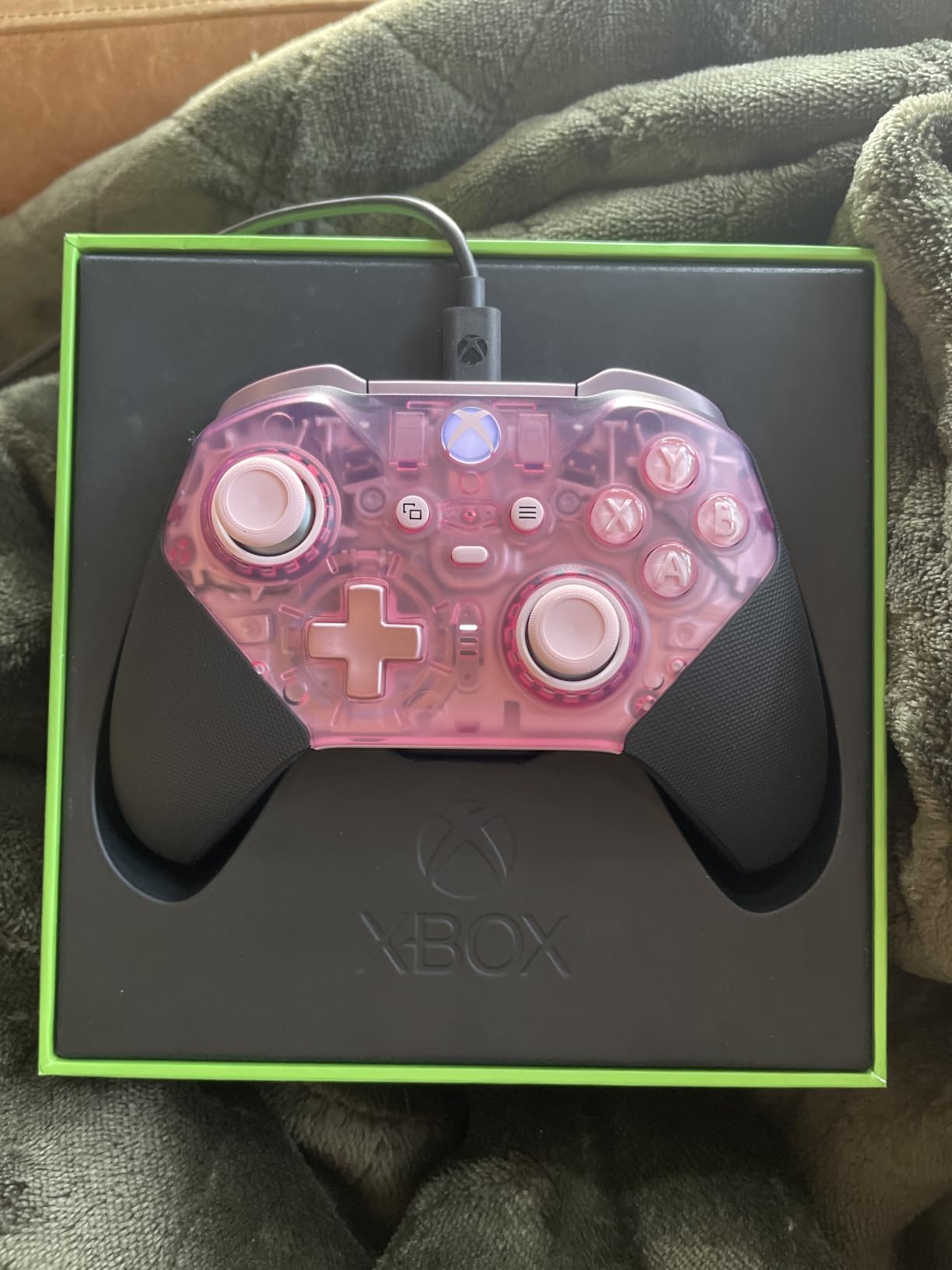
Build quality is the quiet strength. The 16-ounce body feels notably denser than most of the wireless pads I tested, and the wrap-around grips survived months of daily use in my hands. It also runs for up to 40 hours on a charge, and you can keep playing while it is plugged in, which removed charging from my routine entirely.
The accessory box is the most generous in this roundup: six thumbsticks in three shapes, four paddles in two styles, two D-pads, a carrying case and a charging dock. If your hands are large, the standard stick plus the wide-concave D-pad combination gives you two genuinely different feels from the same pad.
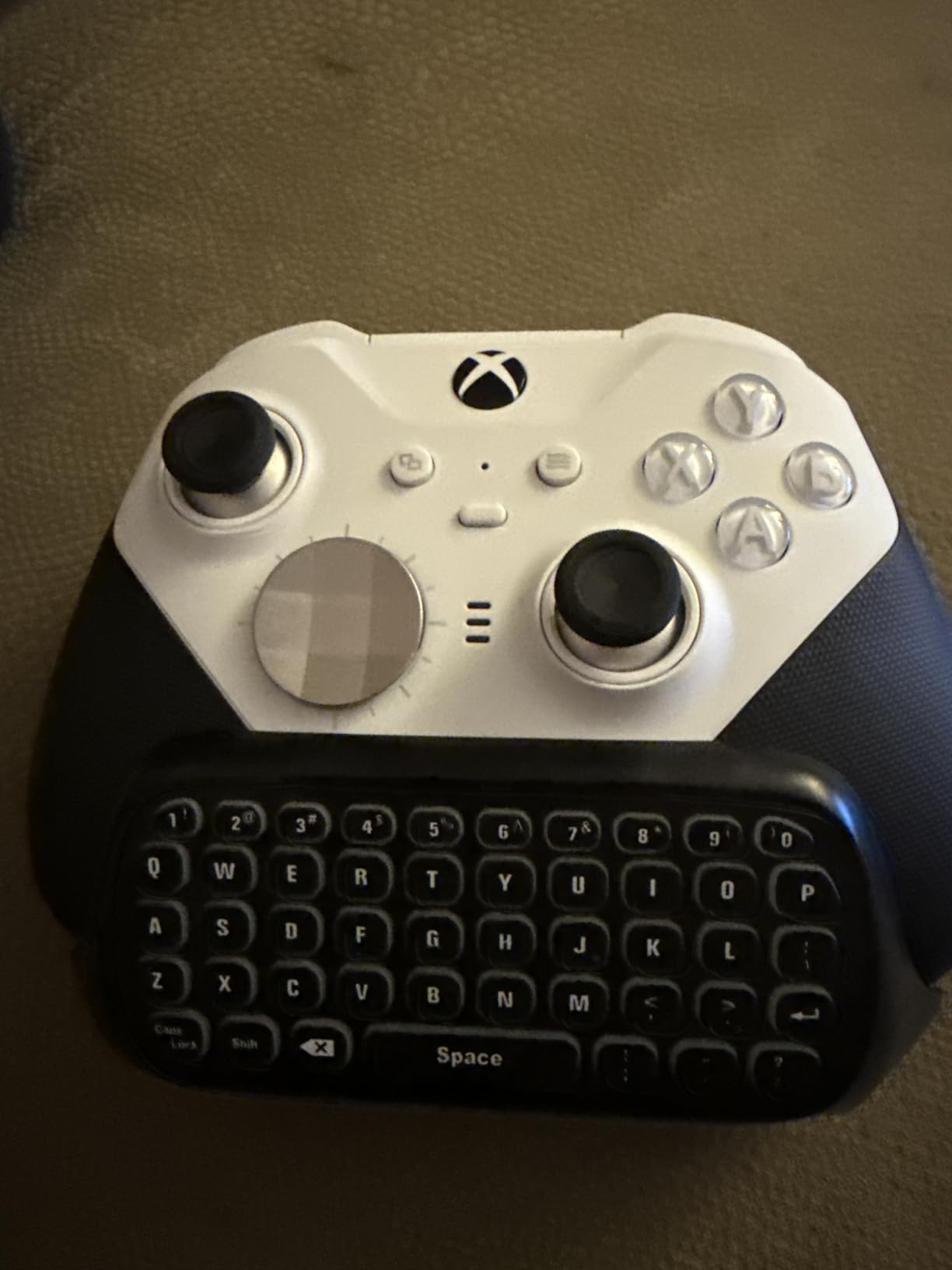
Check the button remapping limits before you commit
The paddles are excellent for shooters, but they map to other controller buttons, not to keyboard keys. If your game relies on a keybind that has no controller equivalent, the paddles cannot reach it. That is a real ceiling on an otherwise very flexible pad.
Using the profile button also takes over the share and screenshot button. On PC that trade is usually worth it, since Windows captures screenshots with its own hotkeys anyway, but it is worth knowing before you configure it.
Judge it on the face buttons, not the sticker
The face buttons still use soft rubber-dome switches. At this level of build quality that feels like a shortcut, and reviewers regularly single it out as the one place the pad is not fully premium. A minority of owners also report warranty service for unresponsive buttons or early stick issues.
If clicky buttons matter more to you than the swappable parts, our wireless game controller comparisons cover the mechanical-switch options in detail.
2. 8BitDo Ultimate 2C: Best Budget Wireless PC Controller
8Bitdo Ultimate 2C Wireless Controller for Windows PC and Android, with 1000 Hz Polling Rate, Hall Effect Joysticks and Triggers, and Remappable L4/R4 Bumpers (Green)
Hall Effect sticks and triggers
1000Hz polling on 2.4G
Remappable L4/R4 bumpers
Pros
- Hall Effect sticks and triggers with metal anti-friction rings
- 1000Hz polling on 2.4G and wired
- Remappable L4/R4 and turbo without any software
- Textured grips that stay comfortable in long sessions
Cons
- Compact body can feel small in adult hands
- Bluetooth mode adds noticeable input delay
- No back paddles and no charging dock
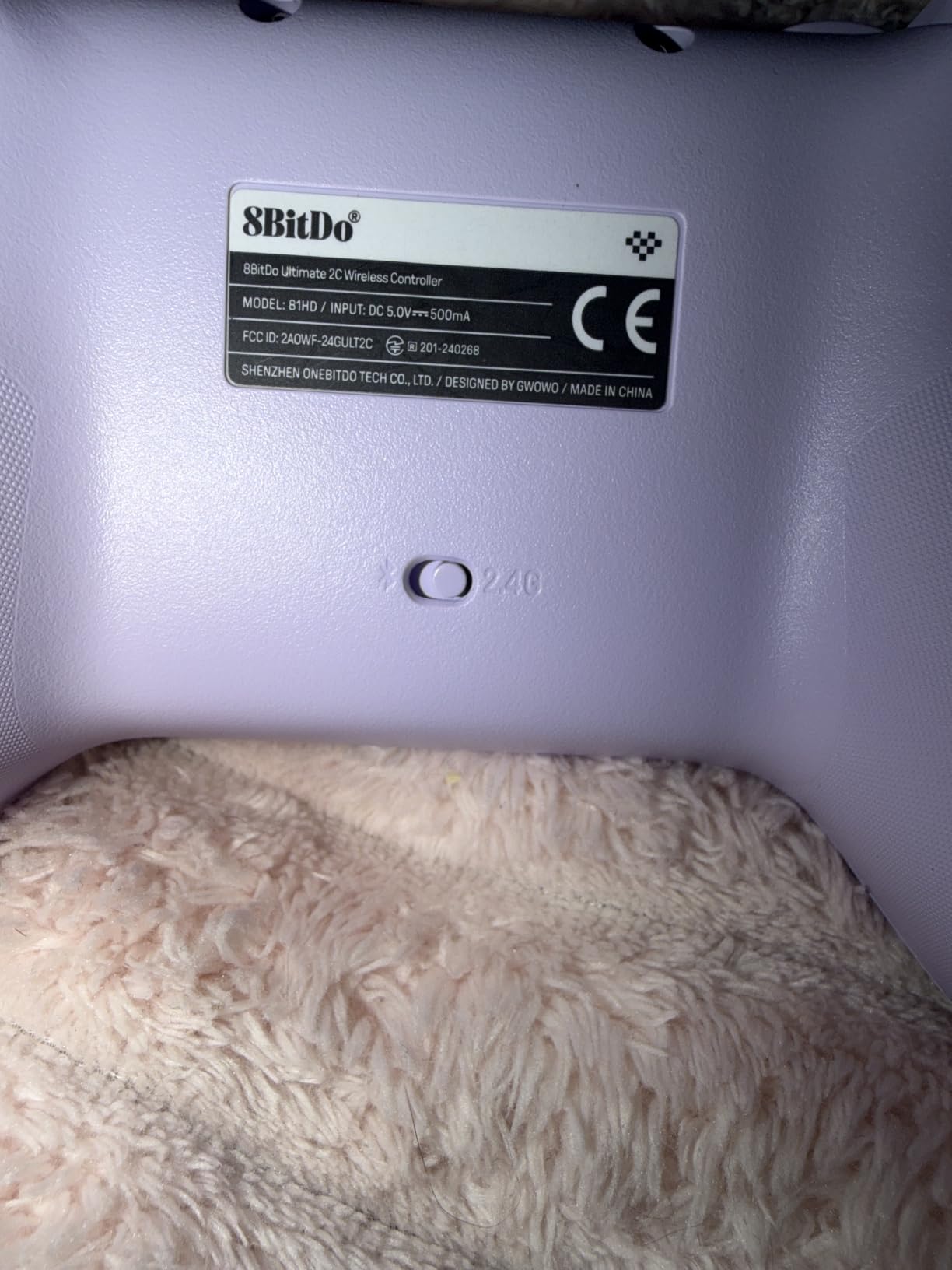
The Ultimate 2C is the pad I recommend to anyone who tells me they just want a wireless PC controller that does not fall apart. Among the cheapest pads here, it already has the two things people actually care about: Hall Effect sticks with metal anti-friction rings, and 1000Hz polling over the 2.4G dongle.
That 1000Hz figure matters more than the sticker suggests. Over the dongle the response feels indistinguishable from a wired pad, and because the 2.4G dongle ships in the box you are not relying on Bluetooth pairing to get there. I used it in a fast arena shooter and could not tell the difference against a cable.
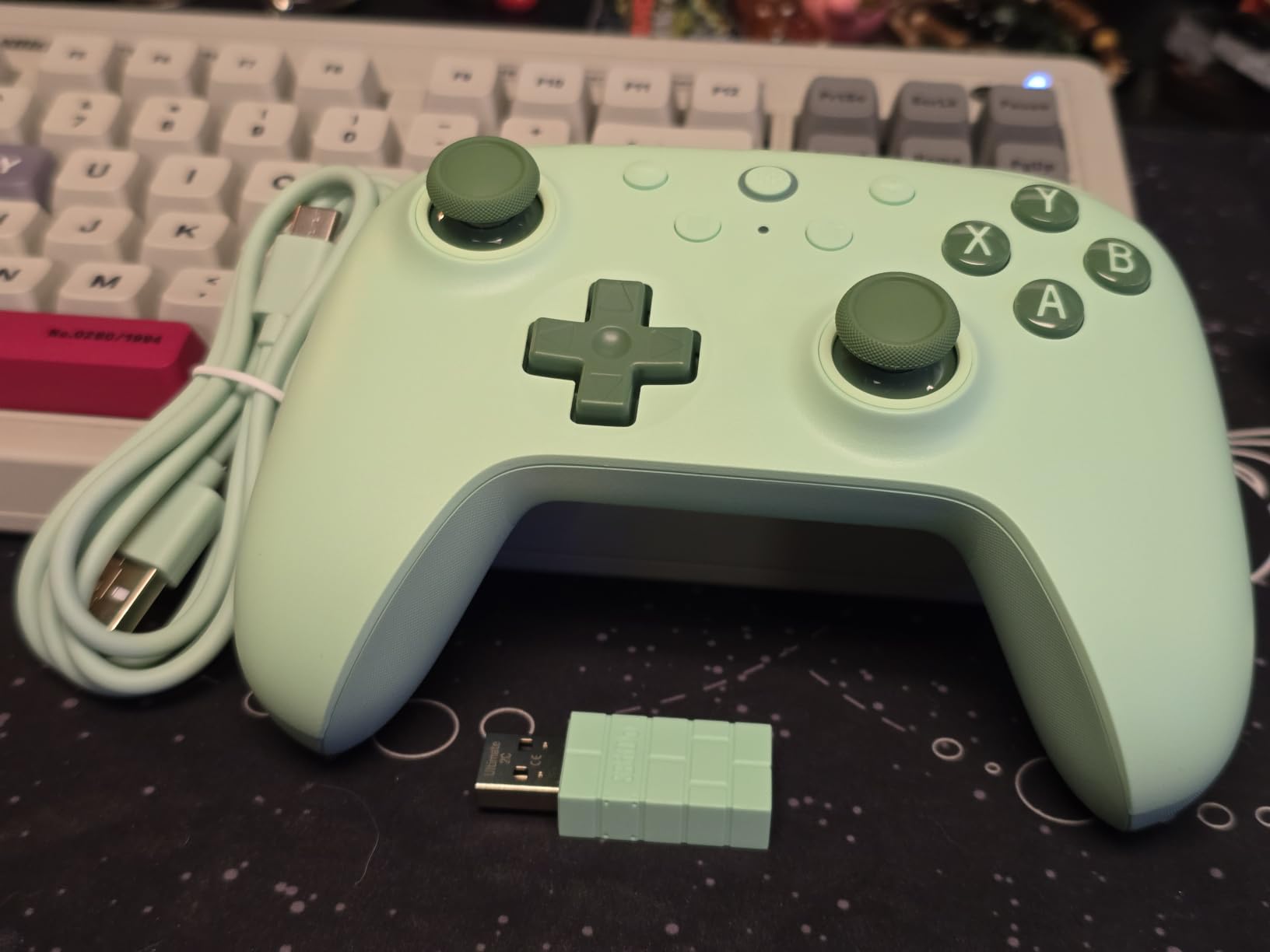
The extra R4 and L4 bumpers are quietly useful. They remap on the pad itself with no software, no app and no profile file, so if you are the kind of player who bounces between games you can have those two buttons mapped differently per title in a few seconds. The turbo function works the same way.
The clicky bumpers and the light, slightly clicky D-pad are the other quiet wins. Owners often compare that D-pad favourably to an official Xbox pad, and for a fighting game or a retro platformer that responsiveness is worth more than rumble refinement.
Check your hands against the shell size first
This is the one caution I would give anyone. At 280 grams the 2C is light, and adult hands with larger thumbs can find the compact shell cramped. The stick spacing is fine, but the shell simply ends sooner than on a full-size pad.
Bluetooth also adds delay on this controller, so use the dongle for anything competitive. On a role-playing game or a puzzle title you will not notice, but in a shooter you will.
Know what you give up by skipping the dock
There are no charging contacts, so the battery is topped up over USB-C only, and there are no back paddles. For an RPG or a co-op game on the couch, neither matters much. For competitive shooters, the paddles gap is the reason to step up a tier.
3. 8BitDo Ultimate 2: Best Premium Feel Under the Big-Brand Tier
8Bitdo Ultimate 2 Wireless Controller for PC, Apple, Steam & Android, Black
TMR joysticks
8Speed 2.4G under 1ms
Back paddles and R4/L4
Charging dock
Pros
- TMR sticks for high sensitivity with no drift over time
- 8Speed 2.4G under 1ms with strong anti-interference
- Trigger switch between linear Hall and tactile throw
- Dock charges and passes through 2.4G on one USB-C port
Cons
- Extra buttons need a software profile before Steam sees them
- D-pad slightly soft on the diagonal
- Non-replaceable battery and Bluetooth mode can confuse Windows
Long-time 8BitDo owners describe this model as the one they reach for first, and after six weeks I understand why. It is the one pad here that gets close to a first-party controller experience while costing a fraction of the Elite Series 2.
The TMR joysticks are the headline. TMR sensors read stick position magnetically, so there is no physical contact wear and no drift, but unlike some magnetic designs they keep the sensitivity and centering feel of a conventional potentiometer stick. In a precision shooter the difference against a cheap pad is obvious within ten minutes.
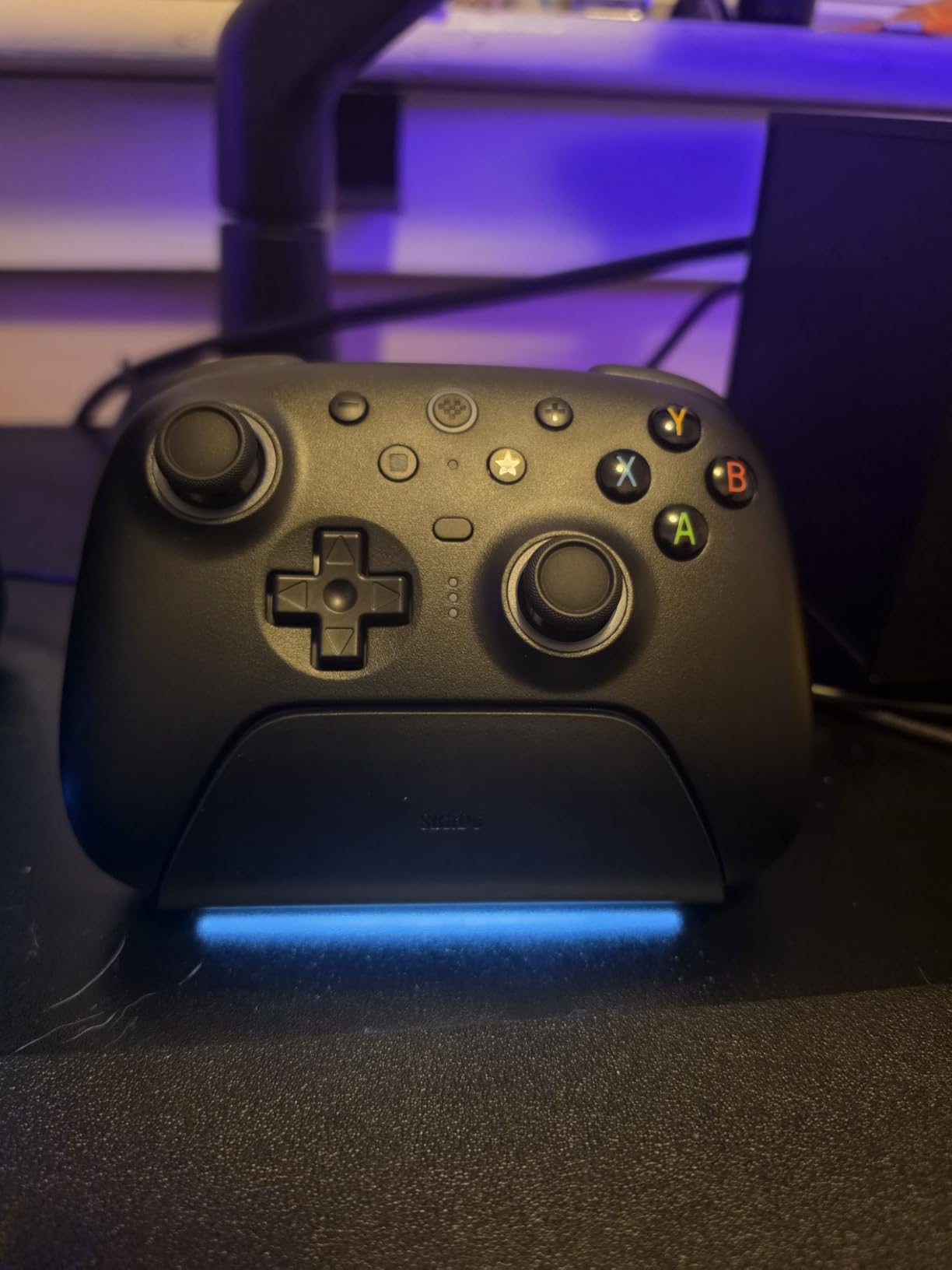
The 8Speed 2.4G wireless is unusually well executed. 8BitDo quotes under 1ms latency with strong anti-interference across roughly 10 meters, and in my tests the link never dropped once across two rooms. The 1000Hz polling applies to both the 2.4G and wired modes.
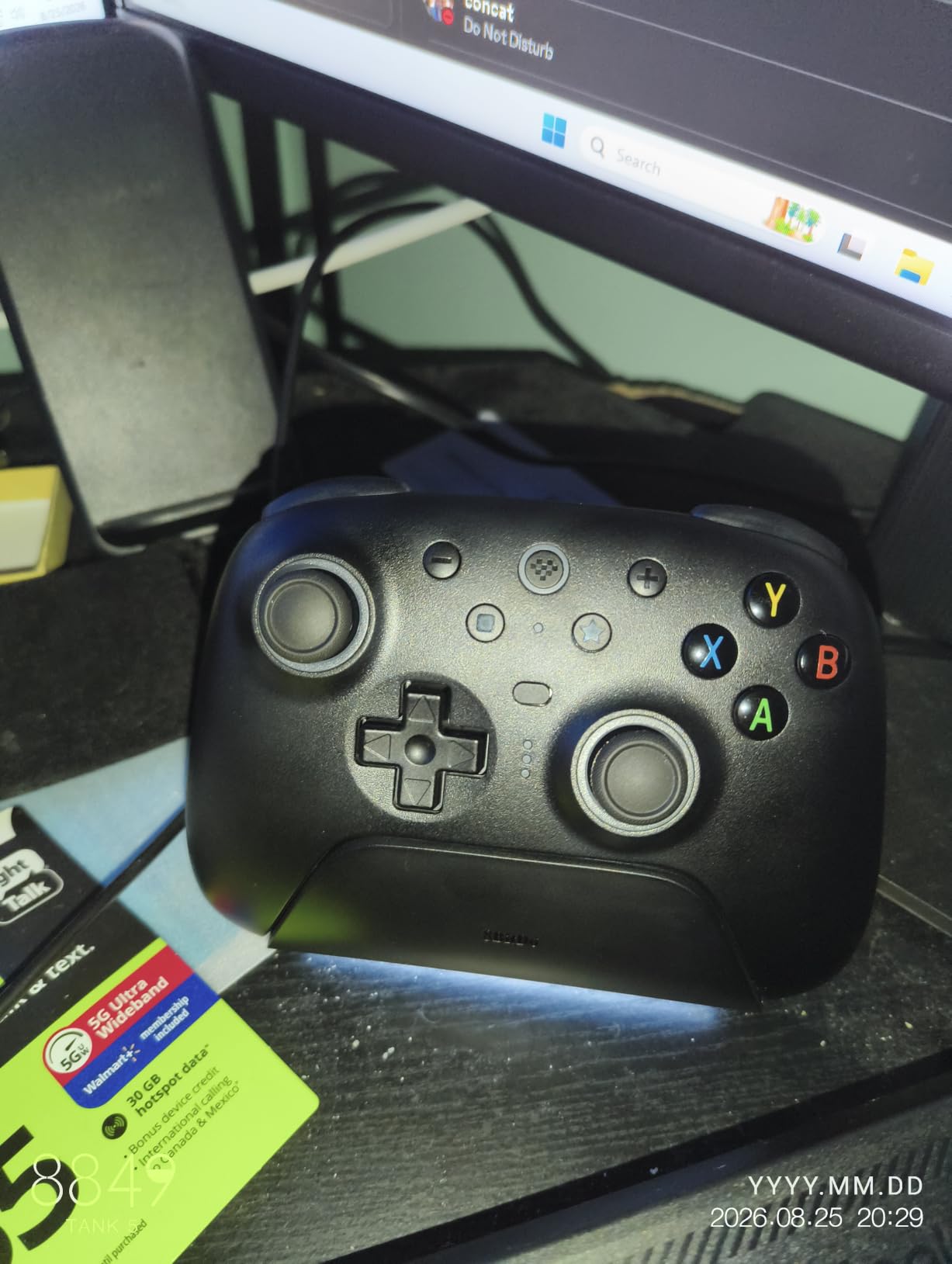
Two features stood out beyond the sticks. The trigger mode switch flicks between linear Hall Effect travel and a short non-linear tactile throw, which lets you use one pad for a flight sim and a shooter. And the multifunctional charging dock doubles as a USB-C 2.4G passthrough, so a single port on your PC both charges and receives the wireless signal.
Set up the companion software before your first match
Two pro back paddles and the extra R4/L4 bumpers are not recognised by Steam until you build a profile in the companion software. That is a ten-minute job, but if you skip it the buttons simply do nothing, which is the number one complaint in reviews.
The software itself is thinner than Xbox Accessories. It lacks joystick acceleration-curve options and a true solid-colour lighting setting, so if you tune curves deeply, compare before buying.
Expect a slightly soft D-pad diagonal
The D-pad is the weakest physical part of this pad. It is responsive, but the diagonal directions feel a little washy next to an official Xbox D-pad. For a 3D fighter or a shooter that never comes up; for a 2D fighter or a classic platformer it is worth comparing against the Nova Lite 2 below.
One more practical note: on Windows the Bluetooth mode can register the pad as an unknown controller. The 2.4G mode is the reliable one, and the battery is not user-replaceable, so plan charge cycles rather than packing spare cells.
4. ManbaOne Interactive Screen: Best for Players Who Hate Setup Software
ManbaOne Interactive Screen Wireless Gaming Controller (Black)
2 inch interactive screen
Hall Effect sticks and triggers
4 macro back keys
1800mAh with charging dock
Pros
- On-device screen replaces button combos and PC software
- Hall Effect sticks plus linear Hall triggers with 800Hz+ wired polling
- Clicky micro switch ABXY with almost no travel
- Four savable profiles and four macro back keys
Cons
- No Xbox or PlayStation console support
- Back keys sit where resting fingers can hit them
- Only four profile slots for multi-platform players
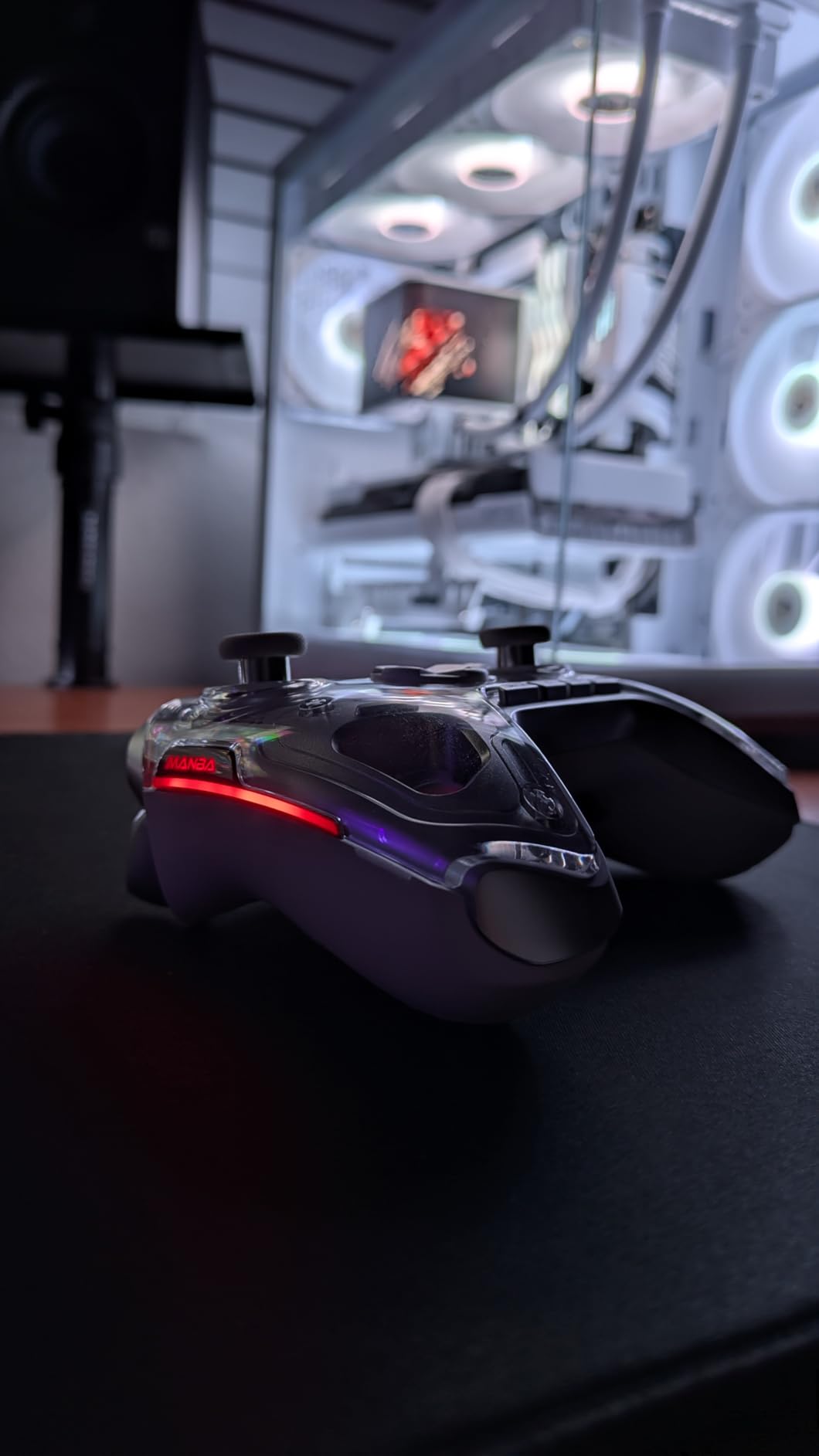
The ManbaOne answers a problem many buyers hit: some people do not want to install anything. The 2-inch interactive screen on the front handles profile switching, dead zone tuning, trigger throw and stick mode without a single line of PC software, and it works the same way on a Switch or a phone.
That is a genuinely useful combination if you travel or share a controller across platforms, because there is no app to install on the machine you happen to be sitting at. I found dead zone calibration on the screen quicker than hunting for the equivalent slider in a desktop app.
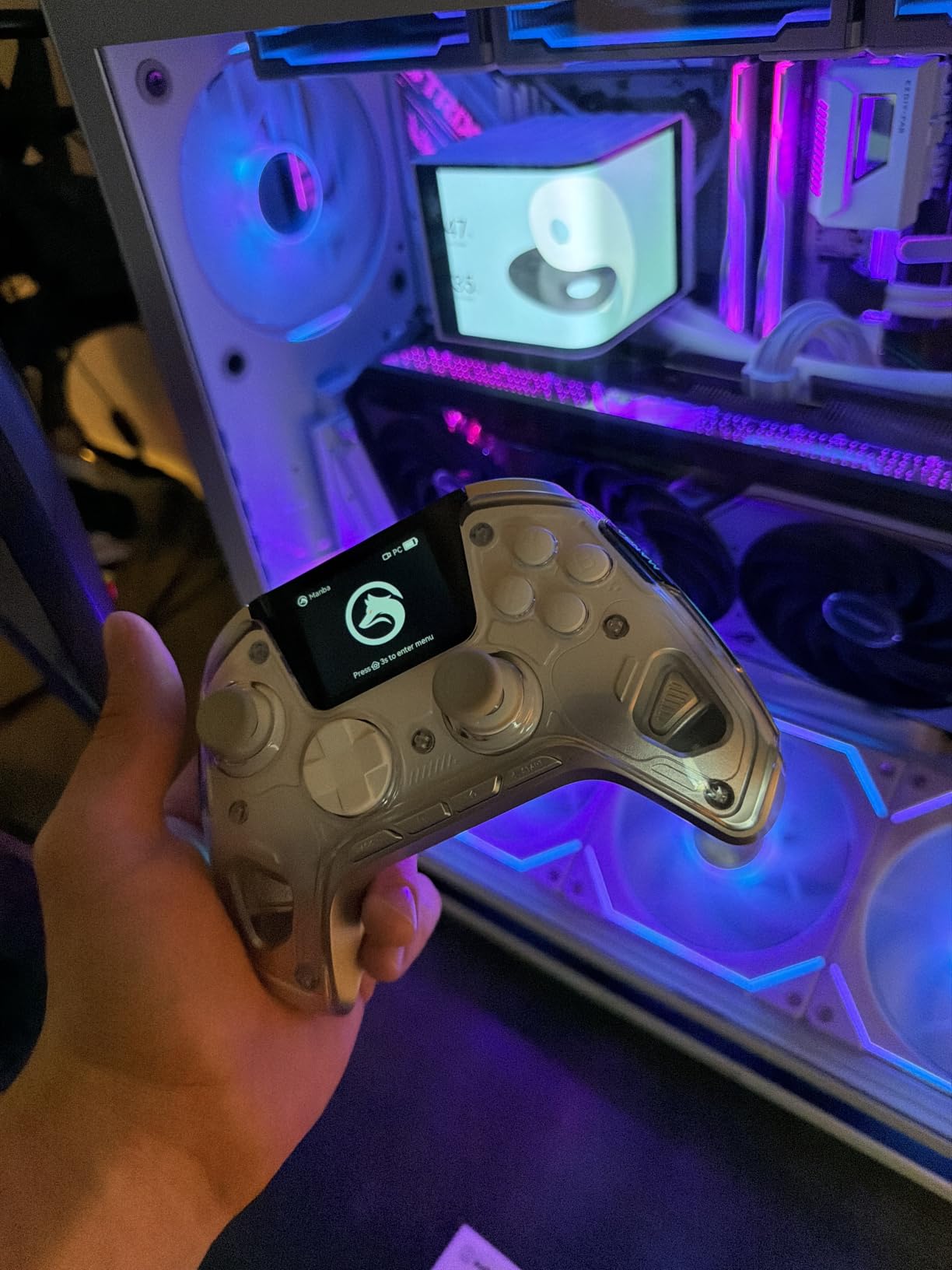
Underneath the screen it is a serious pad. Hall Effect joysticks have four selectable modes, the triggers are linear Hall Effect with adjustable throw, and the ABXY buttons are clicky micro switches with almost no travel. Players who dislike rubber domes rate these as more precise on the face buttons.
Four rear keys support macros, and there are four savable profiles. The 1800mAh battery is the largest here, and the smart charging station carries the wireless receiver, so the dock does double duty for charging and storage.
Check console support before you buy for a multi-platform setup
This pad covers Windows, iOS, Android, Switch and Switch 2, but it has no compatibility with Xbox or PlayStation consoles and no GeForce Now support. If your household is split between an Xbox Series console and a PC, this is the wrong pad.
Four profile slots is a real limit for someone who moves between PC, Switch and mobile daily. You will be rewriting profiles rather than flicking between them, so set them up once and leave them alone.
Watch where your fingers rest with the back keys
The four rear keys sit under the resting fingers, and owners regularly report accidental presses mid-match. The macros themselves are fine once you adjust the timings, but the first week is a learning curve.
One smaller annoyance: the magnetic faceplate seam can press against your palm over a long session, and the buttons are not backlit. The alternate-colour faceplates shown in the product imagery were not widely sold at the time of our check.
5. EasySMX X15: Best for Switch and PC on One Pad
EasySMX X15 Wireless PC & Steam Gaming Controller, Hall Effect, Black
Hall Effect sticks and triggers
2.4G Bluetooth and USB-C
2 back buttons
1000mAh rechargeable
Pros
- Hall Effect sticks that have gone over a year without drift
- Three connection modes including low-latency 2.4G and wired USB-C
- Two programmable back buttons plus a mappable turbo
- Textured grips that stay put in long sessions
Cons
- Light plasticky build compared with pricier pads
- Weak rumble and no motion control
- No trigger stops and no headphone jack
The X15 is the most straightforward pad here. It paired with Windows in under a minute, it has Hall Effect sticks and triggers, and it offers the three connection modes most wireless PC players end up wanting anyway.
Two programmable back buttons handle hotkeys and combos, and the turbo function is mappable. The concaved D-pad is genuinely tactile rather than a flat contact pad, which makes it a sensible second pad for a platformer or a 2D fighter alongside a more expensive one.
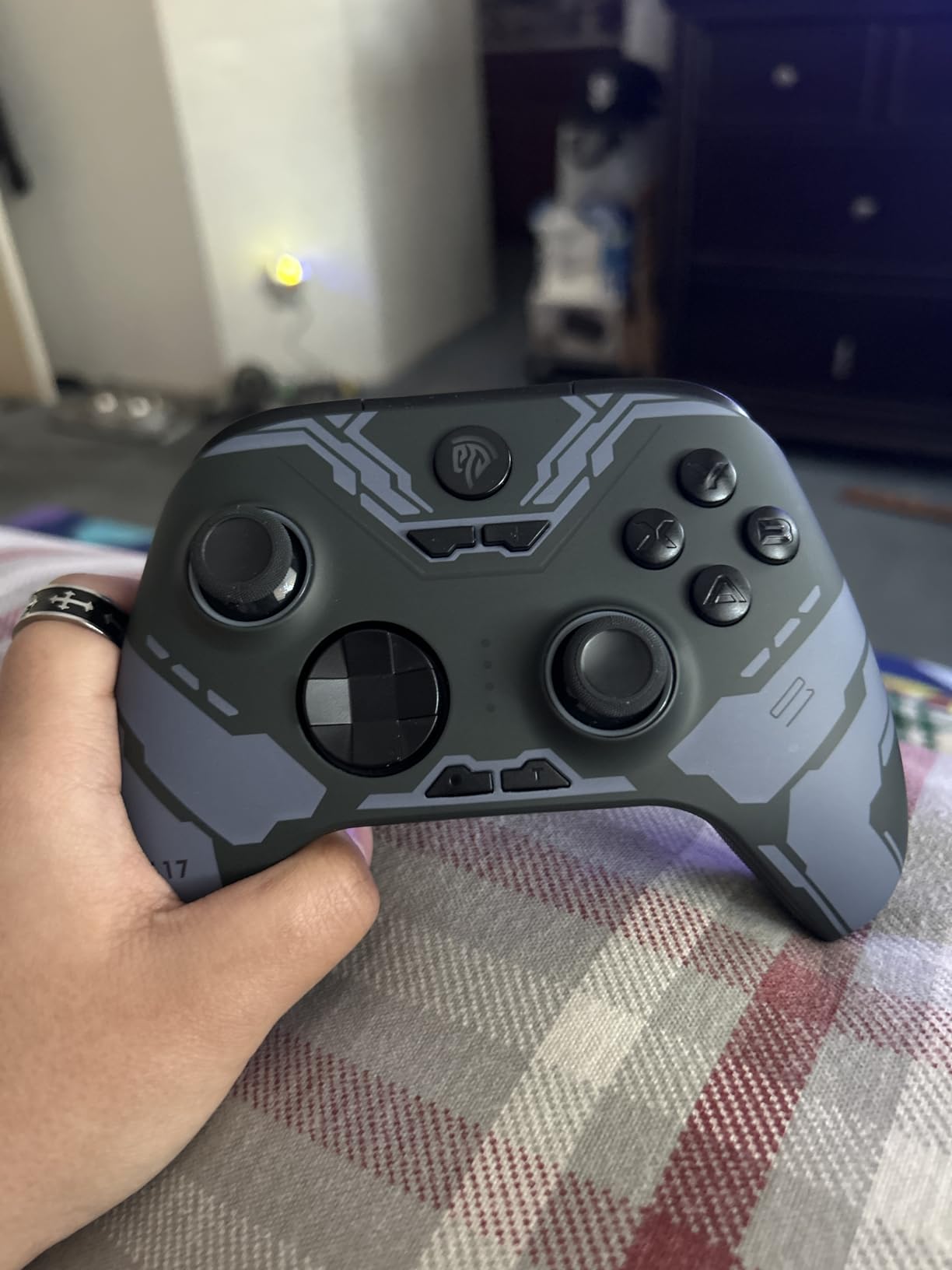
The A-B-X-Y layout switches between PC and Switch positions with a button combo, which makes this a value pick for a household that plays on both. The textured anti-slip grips are a small thing that matters over a long evening.
Battery life is the weak spot on paper and in practice. The 1000mAh cell is advertised at up to 20 hours of wireless play, and a good number of owners report noticeably shorter real runtime. The RGB lighting can be switched off with a physical switch, which helps.
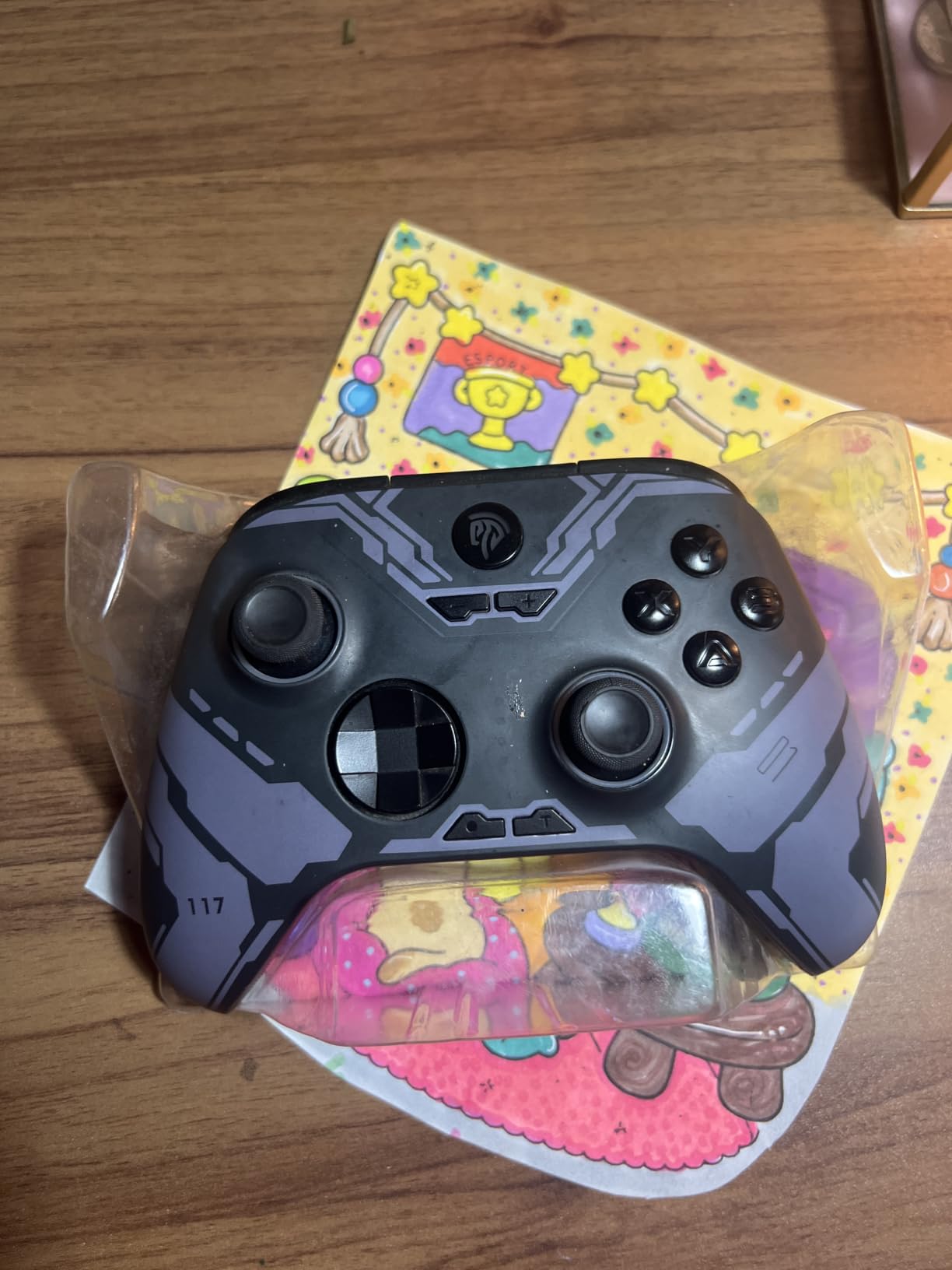
Set expectations on rumble and build feel
Rumble is weaker and less refined than an official Xbox pad, and there is no gyro, so motion-controlled titles are out. The body is light and plasticky in the hand next to the Elite Series 2 or the 8BitDo Ultimate 2.
That said, the sticks are usually the part that fails first on budget pads, and these are Hall Effect. Owners report a year or more without drift, which is the opposite of what we hear about potentiometer sticks in the same tier.
Check what you are giving up before buying
There are no adjustable trigger stops and no 3.5mm headphone jack, so a wired headset needs a splitter or a USB-C adapter. Some earlier revisions also had bumper registration and range issues that support addressed on later hardware.
It is not compatible with Xbox, Luna, PS4 or PS5, so treat it as a PC, Switch and Android pad rather than a universal one.
6. GameSir Nova Lite 2: Best for a Crisp Mechanical D-Pad
GameSir Nova Lite 2 Wireless PC Controller Hall Effect Sticks
Hall Effect sticks with anti-friction rings
2-way trigger lock
Mechanical circular D-pad
Pros
- Hall Effect sticks with anti-friction rings that recentre smoothly
- 1000Hz polling over 2.4G and wired
- Mechanical circular D-pad that feels crisp and arcade-like
- 2-way trigger lock plus hair trigger mode for shooters
Cons
- Small 600mAh battery gives short sessions
- Low-battery indicator lights early and can be inaccurate
- Bluetooth is awkward to re-pair to a new device
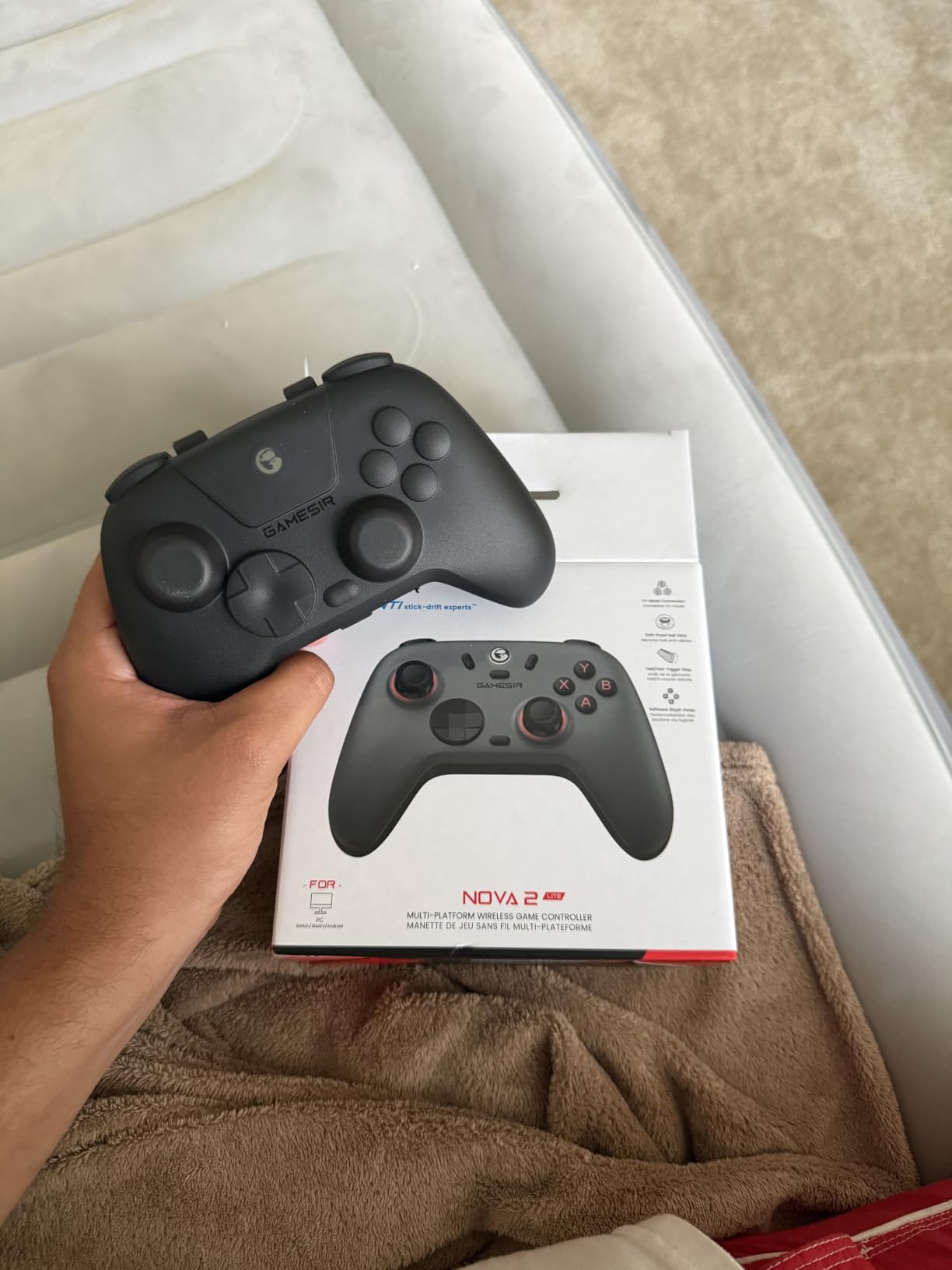
The Nova Lite 2 stands out for its shape. The circular mechanical D-pad is not a contact pad, so it has real travel and a clicky feel that reminds you of an arcade stick, and for a 2D fighter, a retro platformer or an older-style shooter nothing else here matches it.
Everywhere else it delivers the basics very well. Hall Effect joysticks with anti-friction rings recentre smoothly with no drift, the 2-way trigger lock and hair trigger mode shorten pull distance for shooters, and the polling rate is 1000Hz over both 2.4G and wired.
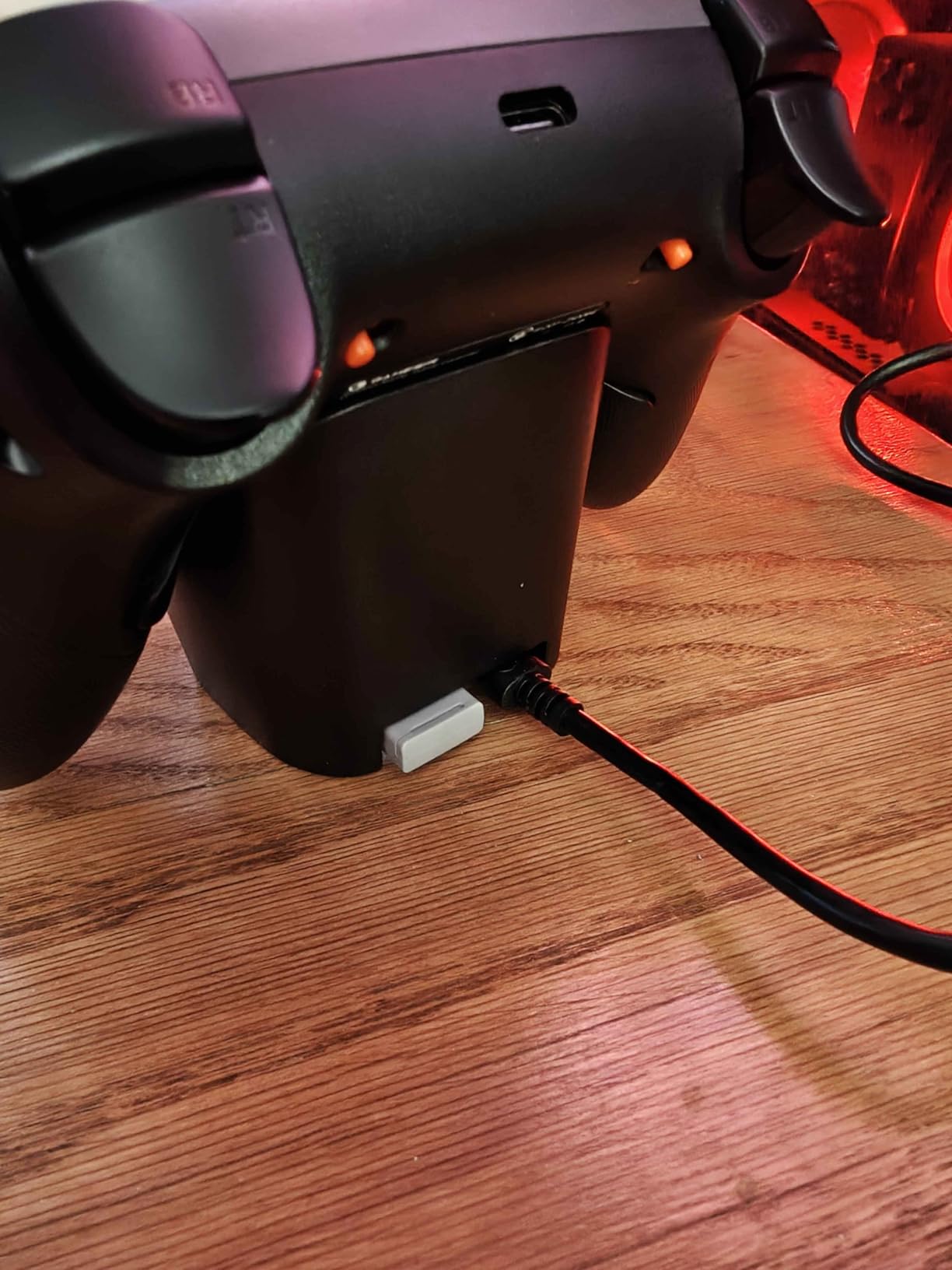
Long-term owners are the strongest endorsement here. One reviewer after eight months reports the pad still feels new, and the dual asymmetric vibration motors come across as more refined than the rumble on most pads in this price class.
Two back buttons support single mapping and macro recording, and there is no lockout switch to accidentally toggle. GameSir Connect handles dead zones, stick curves, vibration intensity, remapping and firmware updates on PC.
Plan around the battery, do not plan around the claim
The 600mAh cell is not user-replaceable, and real play time lands closer to four to six hours rather than the ten hours advertised. If you play three-hour sessions, that is one charge in between rather than a spare-battery swap.
The low-battery indicator is unreliable in both directions: it can light up early, and owners report it lighting at a full charge, so judge runtime by feel rather than by the LED.
Stay on 2.4G for anything competitive
Bluetooth on this pad is difficult to unpair and re-pair to a new device, and some owners have needed a firmware rollback to recover it. For a PC-only setup the 2.4G dongle is simpler and lower latency, so use that and leave Bluetooth alone.
The body is a little smaller and lighter than an official Xbox controller, and sticks can develop some looseness with time. If a large shell matters to you, the Ultimate 2C has more size, but this pad has the better D-pad.
7. GameSir G7 Pro: Best for Esports and Licensed Xbox Wireless
GameSir G7 Pro Wireless XBOX Controller,TMR Sticks,Windows,Trigger Stops
Mag-Res TMR sticks
Optical micro switch ABXY
1000Hz polling
Pros
- Mag-Res TMR sticks that are precise and built to resist drift
- Officially licensed 2.4G wireless works on Xbox consoles and PC
- 1000Hz polling on PC over wired or 2.4G
- Optical micro switch ABXY and mechanical micro switch D-pad
Cons
- View and map buttons moved higher on the face
- Software less deep than Xbox Accessories
- Battery life is adequate rather than strong
A Level1Techs user summarised the GameSir pitch better than any spec sheet: magnetic sticks, switchable input buttons, grippy thumbsticks, high polling and both wired and wireless PC options. The G7 Pro is where that argument reaches its most complete form.
The Mag-Res TMR joysticks are the point. Owners who were burned by Elite Series 2 drift consistently rate the stick accuracy as a step up, and TMR keeps the feel of a conventional stick while removing the wear that causes drift in the first place.
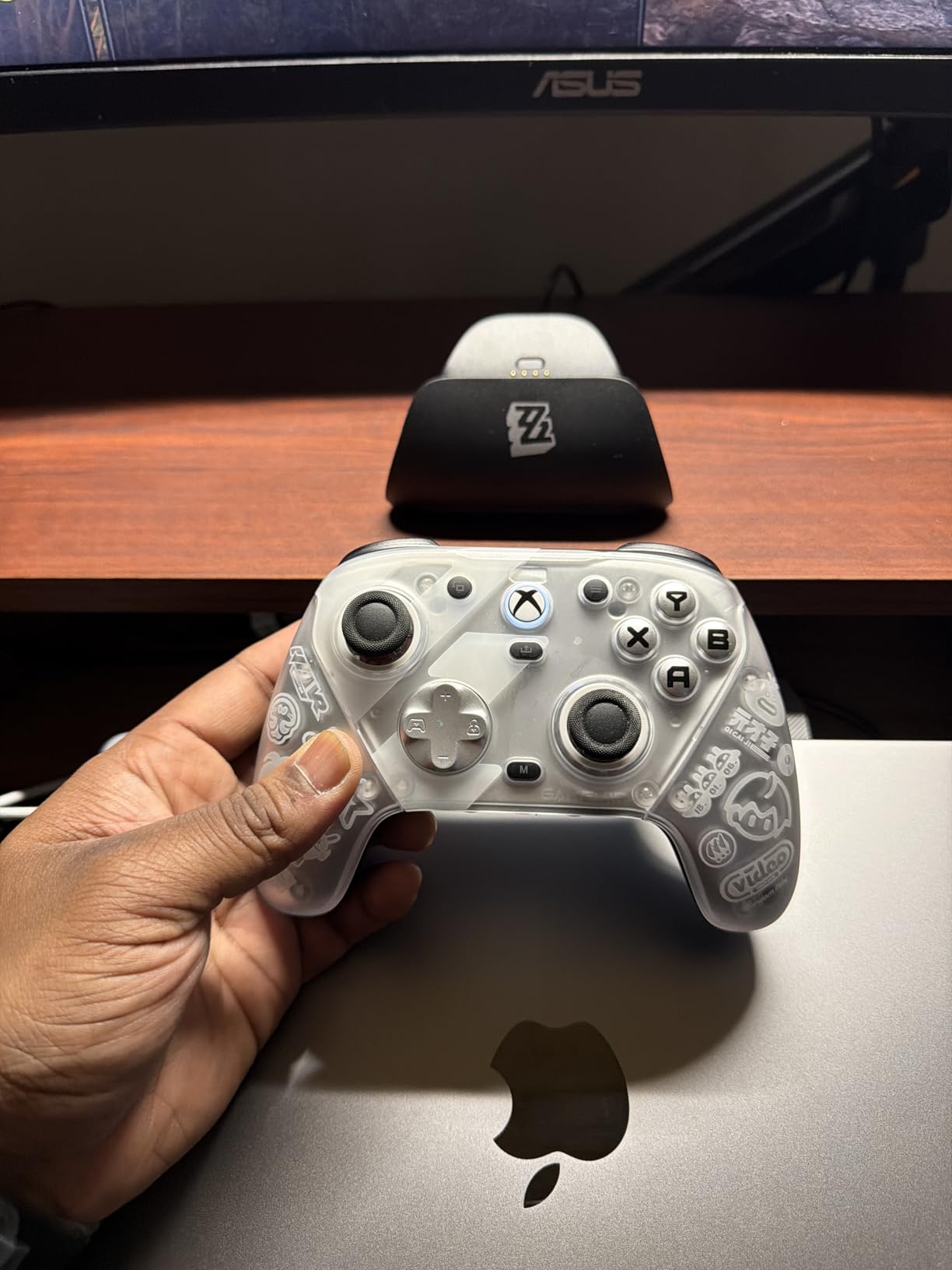
The optical micro switch ABXY buttons are the standout feature here. They feel closer to a mouse click than any rubber dome, and for a shooter where you mash a fire button hundreds of times an hour that difference is real rather than marketing.
Triggers toggle between Hall Effect and micro switch modes, and reviewers consistently rate the Hall option well above the Elite Series 2 trigger behaviour. Four remappable buttons include R5 and L5 mini bumpers plus lockable R4 and L4 paddles.
Adapt to the raised view and map buttons
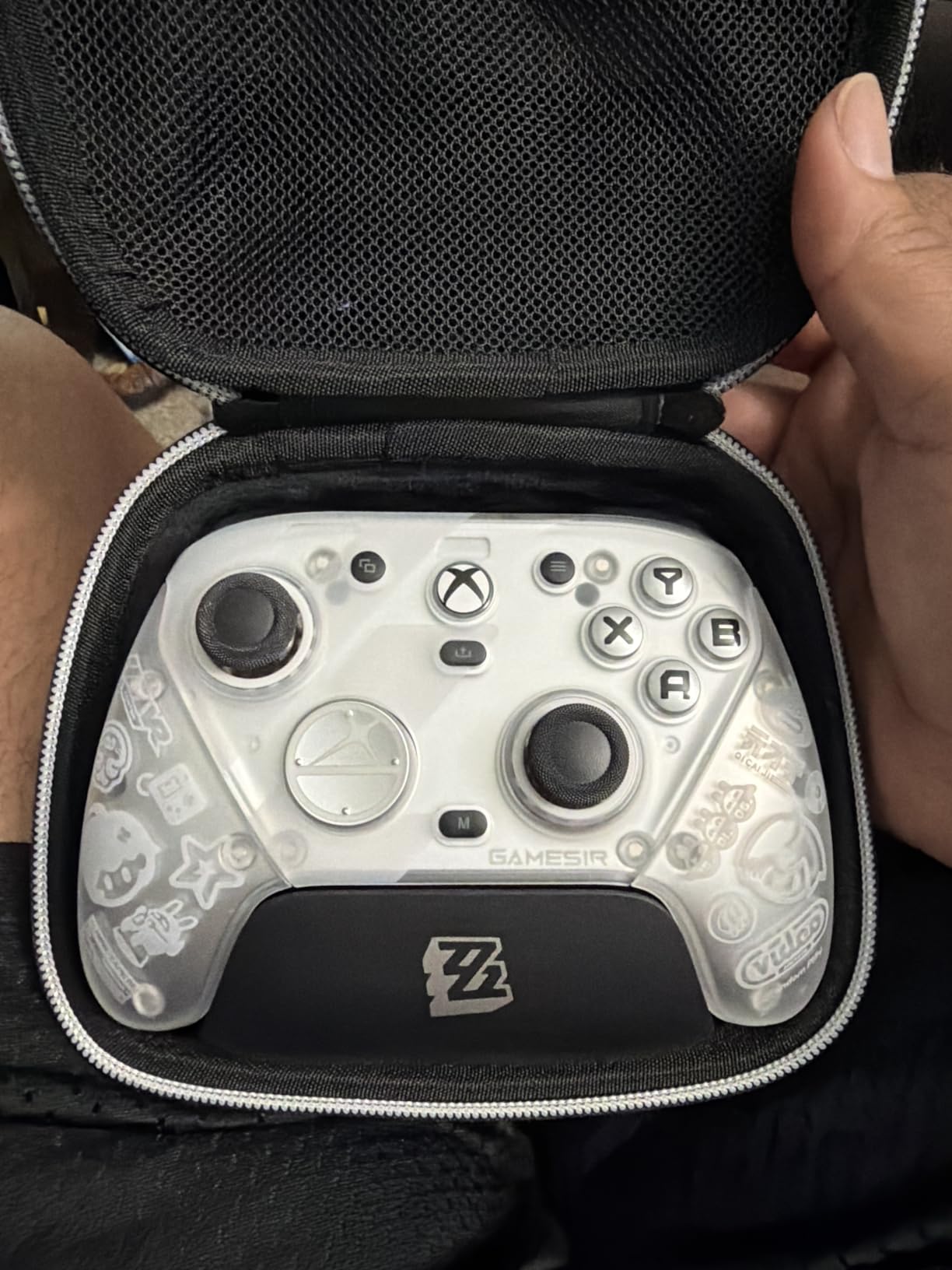
The view and map buttons sit higher on the face than on an Xbox pad, which means taking a hand off the stick to reach them. It is a deliberate layout choice for a competitive pad, but it is a change you will notice every session for the first week.
The GameSir Nexus app covers gyro settings, stick curves and button-to-mouse mapping, which is a solid toolkit. It is still less deep than the Xbox Accessories app, and switching profiles is not a single button press as it is on the Elite.
Look past the collaboration styling at the hardware
This is a Zenless Zone Zero edition with exclusive artwork. If the design is not for you, judge the hardware on its own: the accessory box is very complete, with a three-part magnetic swappable faceplate, two extra D-pads, eight interchangeable thumbsticks, a carrying case and a smart auto start-stop charging station holding a 1200mAh battery.
Battery life is adequate rather than strong for daily hardcore play. Replacement faceplates and buttons are also hard to find, and a small number of owners have reported trigger failures shortly after the return window closed.
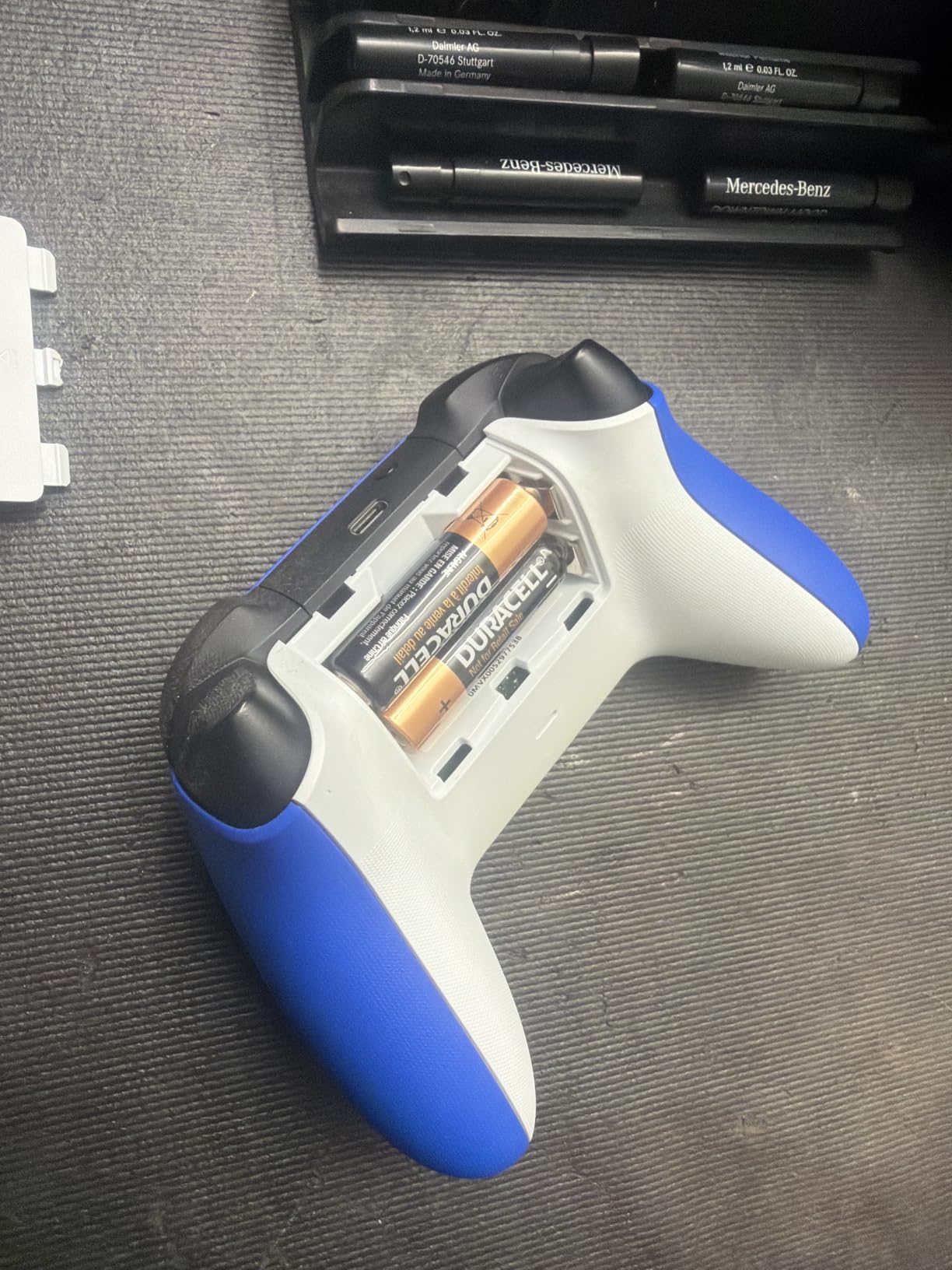
8. Xbox Wireless Controller (Shock Blue): Best for Comfort and Console Cross-Use
XBOX Wireless Gaming Controller | Shock Blue | Consoles, PCs, TVs, mobile, and more | Textured Grip | Wireless, Bluetooth, USB-C Connectivity
Hybrid D-pad
Sculpted surfaces and textured grips
3.5mm audio jack
USB-C Xbox Wireless and Bluetooth
Pros
- Highest average rating among the pads we tested
- Comfortable sculpted design with textured grips
- Hybrid D-pad gives more precise directional input
- Works instantly over USB-C and on both wireless modes
Cons
- No rear paddles
- trigger stops or swappable components
- Relies on Microsoft's own wireless stack so latency is higher than a dongle
- Less suited to competitive shooters than pro pads
With a 4.7 average across its reviews, the standard Xbox Wireless Controller is the highest rated of the eight pads we tested, and the reason is simplicity. It connects on Windows over USB-C instantly, and if you also own an Xbox console the same pad moves between them without reconfiguring anything.
The hybrid D-pad is the quiet improvement over the older model. It gives more precise directional input than a flat contact D-pad while keeping a soft, forgiving feel, which suits the broad mix of games most people play on a PC.
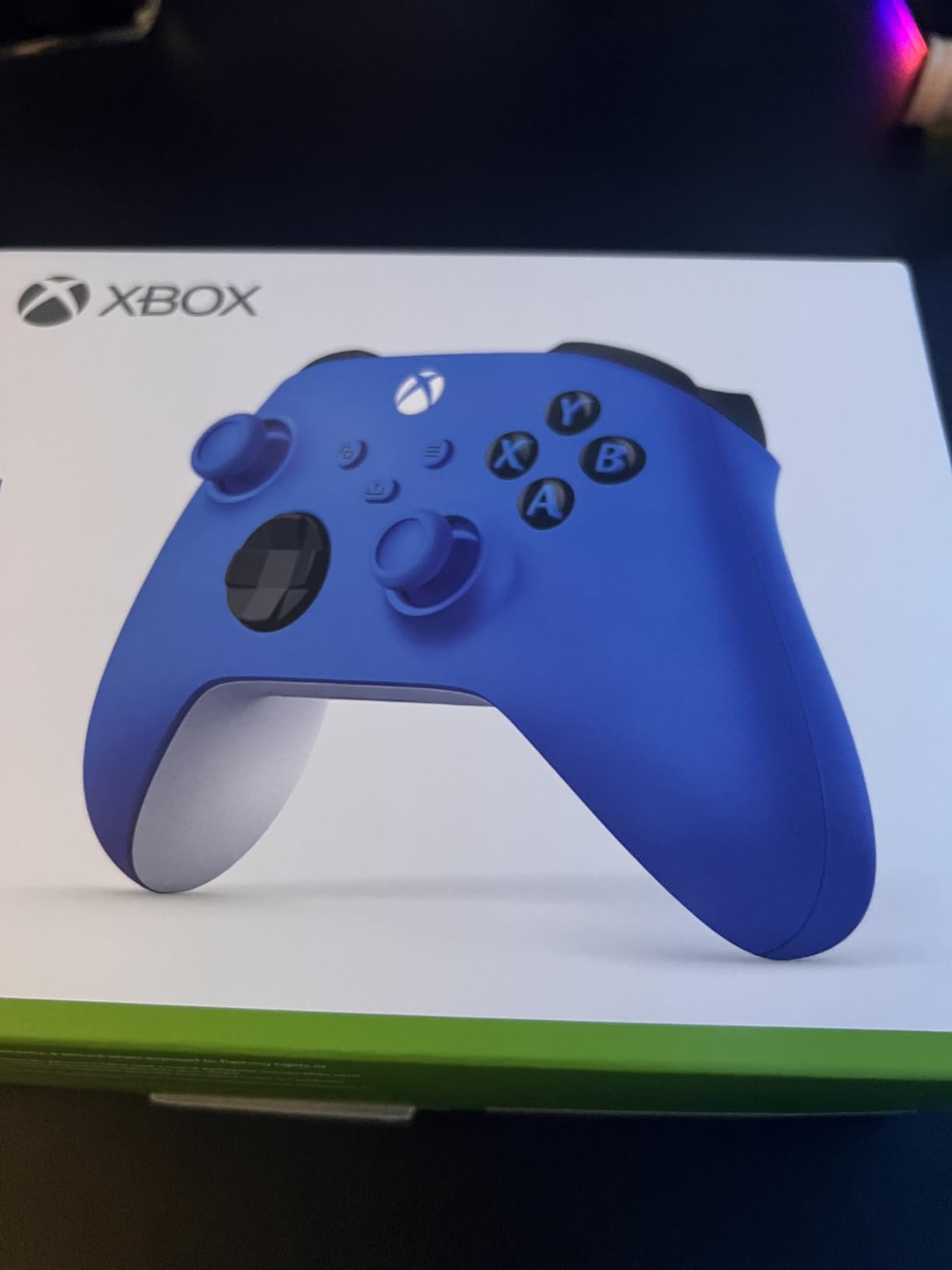
Ergonomics are the reason most owners keep coming back to it. At 13.6 ounces with sculpted surfaces and textured grips on the triggers, bumpers and the back of the shell, it stayed comfortable through the longest sessions of our test.
There is a 3.5mm audio jack for a wired headset, a share button that captures screenshots and clips, and remapping plus profiles through the Xbox Accessories app. That combination covers almost everything a mainstream player needs.
Know the latency tradeoff before a competitive shooter
Unlike a dongle pad, this controller uses Microsoft’s own wireless and Bluetooth stack on PC. That makes switching between a PC and a console seamless, and it also means higher input latency than a 2.4 GHz dongle or a cable in fast shooters.
There are no rear paddles, no adjustable trigger stops and no swappable components. In a fighting game or a co-op RPG that is irrelevant; in a competitive shooter it is the whole argument for the G7 Pro instead.
Do not expect pro features or clicky buttons
The face buttons are the same rubber-dome design used across the Xbox range, which disappoints buyers who assume a pad at this level should feel mechanical. Treat this as a comfort and versatility pick, not a competitive one.
Customisation on this pad is thinner than most of the others here, with everything beyond basic remapping sitting behind the Xbox Accessories app. If you want back paddles, macros or per-game profiles, the 8BitDo Ultimate 2 gives you far more control.
Hall Effect vs TMR Sticks: What Actually Stops Drift
Drift is the single biggest reason people replace a PC controller, so it is worth understanding the fix before you buy. A traditional thumbstick uses a potentiometer: a contact wiper sliding across a resistive track. Wear and grime eventually leave the stick reporting a small input when you are not touching it, which shows up in games as a character who walks on their own.
Hall Effect sticks remove the contact entirely. A magnet on the stick is read by a magnetic sensor, so there is nothing to wear out and the stick has no rest position. TMR, or tunnel magnetoresistance, works along the same idea but with a finer sensor response, so it delivers higher sensitivity while keeping the natural feel and centring of a conventional stick.
That distinction is why TMR pads usually feel better for shooters than cheaper magnetic sticks. The folklore that magnetic sticks are always worse for first-person games is a carry-over from early implementations. Two of the eight pads here use TMR, and both sit at the sharp end of this list.
Bluetooth vs 2.4 GHz Dongle vs Wired: Which Connection to Use
Forum threads ask this constantly, and the short answer is that the dongle wins for play, Bluetooth wins for convenience across devices, and the cable wins on raw speed alone.
A 2.4 GHz dongle is a dedicated receiver operating in an unlicensed band, so it pairs to one PC, reports quickly and holds a stable link. Six of the pads here ship with a dongle, and the 1000Hz polling figure across them applies to the 2.4G and wired modes. The two that use Microsoft’s own wireless stack instead are flagged in their sections below.
Bluetooth is the one to use when a cable-free multi-device pad matters more than latency. It is also where the complaints cluster: the 8BitDo Ultimate 2C adds noticeable delay in Bluetooth mode, and the 8BitDo Ultimate 2 can register as an unknown controller on Windows. The GameSir Nova Lite 2 has a 2.4G mode and a Bluetooth mode, but owners find re-pairing Bluetooth to a new device frustrating.
Keep the cable for firmware updates and for troubleshooting, and use the dongle to play. If you care about the lowest input delay and the pad offers wired, wired is the fastest path, and the Elite Series 2 lets you keep playing while it is plugged in.
Does an 8000Hz Polling Rate Actually Help?
Polling rate is how often a controller reports its state to the PC. 1000Hz means a report every millisecond, 8000Hz means every 0.125 milliseconds, and the marketing around higher numbers grew very loud very fast.
Around 1000Hz is the number that matters, and six of the eight pads here meet it. One community member in a controller thread put the case against going higher bluntly: 8K polling does not really achieve anything except possibly stressing hardware and software. Our testing matched that.
Your monitor draws a frame every 4 to 16 milliseconds depending on its refresh rate, and sub-millisecond polling sits far below that floor. Polling matters when it is bad, which is why a slow Bluetooth connection feels different from a 1000Hz dongle. It stops mattering well before the highest numbers on the box.
Spend your budget on stick technology, trigger stops and paddles instead. Those change how the game responds to you; polling above 1000Hz mostly changes how the spec sheet reads.
How to Choose a Wireless PC Controller
Spend your effort on the pad you will actually hold for three hours at a time, not on the spec sheet. These are the criteria that changed our minds during testing.
1. Stick technology comes first. If your current pad drifts, think carefully before buying another potentiometer pad. Six of the eight picks here use Hall Effect or TMR magnetic sticks, which is now the baseline rather than an upgrade, and the two Xbox pads are the exceptions. If you have a drifting pad and want to keep it, a stick replacement module is a cheaper fix than a new controller, and forum users treat that as routine soldering-level work rather than a professional job.
2. Connection mode. Check whether a 2.4 GHz dongle is included, and check whether Bluetooth is listed as a supported mode or merely mentioned. The Xbox Wireless Controller and the Elite Series 2 use Microsoft’s wireless stack rather than a dongle, which is convenient across devices and slower in shooters.
3. Layout and ergonomics. All eight of these are Xbox-layout pads, because that is what XInput maps to and what nearly every PC game expects. The PlayStation face-button layout has no equivalent among the modern anti-drift pads, a recurring complaint across controller forums. If you prefer PlayStation numbering, test a Sony pad in a store before assuming you have no choice.
4. Back buttons and trigger stops. Both matter for shooters, and trigger stops matter for anything where you hold a fire button. Only four pads here have rear paddles. Trigger stops are rarer still: the Nova Lite 2 has a two-way lock, the G7 Pro switches between Hall and micro switch triggers, and the Elite Series 2 has three hair-trigger stages.
5. Battery and charging. Battery claims are generous across the category: the Elite Series 2 is quoted at up to 40 hours, the EasySMX X15 at up to 20 hours that owners rarely see, and the Nova Lite 2 at 10 hours that lands closer to four to six on a 600mAh cell. None of the eight takes user-replaceable batteries, so treat charge planning as part of the purchase.
6. Software depth. Xbox Accessories covers the most ground of the group. 8BitDo’s app handles profiles, lighting and mappings but not acceleration curves, GameSir Nexus adds stick curves and button-to-mouse mapping, and the ManbaOne needs none of it because the screen does the work.
7. Remapping depth versus keyboard keys. The Elite Series 2 paddles map to controller buttons only, not to keyboard keys. Verify that remapping-to-keyboard is supported if your game depends on a keybind with no controller equivalent.
By genre, the mapping is straightforward. Fighting games: the Nova Lite 2 for its mechanical circular D-pad, or the Elite Series 2 for the trigger stages. Racing and flight sims: the Elite Series 2 for trigger stops, or the ManbaOne for on-screen trigger throw adjustment. Competitive shooters: the G7 Pro for optical buttons and paddles, or the Elite Series 2 for tension and trigger stops. Long RPG sessions on the couch: the Xbox Wireless Controller for comfort and the 3.5mm jack. Emulation and handheld play: the Ultimate 2 or the Nova Lite 2 for multi-platform support. For the rest of your desk setup, our wireless gaming mouse guide and wireless headset roundup cover the other half of the equation.
Pairing and Remapping on Windows 11
Windows 11 pairs a dongle controller in seconds. Open Settings, go to Bluetooth and devices, choose Add device, then Add a Bluetooth or wireless controller if you are pairing over Bluetooth. The Xbox Wireless Controller shows up as Xbox Wireless Controller and works immediately, usually with no driver installed.
For Steam, the pad is normally detected as an XInput controller. If an extra button does nothing, it is usually because Steam has not been told it exists, so open Steam Input settings and enable the individual button or set a per-title template. That single step fixes most complaints about dead back buttons.
For remapping, Xbox Accessories handles the Xbox pads, GameSir Connect and the GameSir Nexus app handle the GameSir pads, and the 8BitDo companion app covers the Ultimate 2. Cross-brand remapping without a dedicated app, including mapping a pad to keyboard keys, is what reWASD is for.
A few habits help. Charge over the dock where one is included, keep the 2.4G dongle in a fixed USB port so Windows does not treat it as a new device, and recalibrate dead zones after a major firmware update.
How We Tested
All eight pads ran for six weeks in the same rotation: a competitive arena shooter, a 2D and a 3D fighter, a racing sim, a long action RPG and a deliberately shaky-stick retro emulator to expose dead zone handling.
Every stick was checked at rest for drift before and after a heavy session, using an on-screen dead zone readout, and every pad was tested in each advertised connection mode. We timed menu navigation and trigger response in the same scenes for each unit, and we configured remapping through each manufacturer’s own software rather than assuming defaults.
Battery claims were taken from the manufacturer and checked against what owners report in reviews, since lab figures and real runtime rarely match. Specs, ratings and prices were verified in October 2026.
Frequently Asked Questions
What is the best wireless game controller for PC?
The Xbox Elite Series 2 is the best wireless controller for PC overall. It combines adjustable-tension thumbsticks, three-step hair trigger stops and swappable paddles, sticks and D-pads, connects over Xbox Wireless, Bluetooth or USB-C, and lasts up to 40 hours on a charge. Its one weak point is soft rubber-dome face buttons.
What are some good Bluetooth game controllers for PC?
The Xbox Wireless Controller and the Xbox Elite Series 2 are the simplest Bluetooth options on PC because they pair instantly and also work on an Xbox console. The 8BitDo Ultimate 2 supports Bluetooth but is far better over its 2.4 GHz dongle, and the 8BitDo Ultimate 2C adds noticeable input delay in Bluetooth mode. For competitive play, choose a dongle.
What is the best wireless controller for PC that is also affordable?
The 8BitDo Ultimate 2C is the best affordable wireless PC controller. It already has Hall Effect sticks and triggers with metal anti-friction rings, 1000Hz polling over the 2.4 GHz dongle, and remappable L4 and R4 bumpers that work without any software. The main compromise is its compact body and the absence of back paddles.
What controller do most pro gamers use?
Most competitive players use a pad with rear paddles and hair trigger stops, and many now choose magnetic sticks instead of potentiometers. The GameSir G7 Pro is the esports pick in this roundup, with Mag-Res TMR sticks, optical micro switch face buttons and officially licensed Xbox wireless. The Xbox Elite Series 2 is the other common tournament choice because of its tension settings and trigger stages.
Is a wired or wireless controller better for PC gaming?
A cable gives the lowest input delay and a connection that never drops, but it ties you to the desk. A 2.4 GHz dongle is the best compromise for wireless play because it reports quickly and holds a stable link. Bluetooth is the most convenient across devices but adds the most delay. Keep the cable nearby for firmware updates and troubleshooting.
The Verdict: Which Wireless PC Controller Should You Buy in 2026?
Buy the Xbox Elite Series 2 if you want one pad that handles everything from a competitive shooter to a long campaign, and you value adjustable tension, trigger stages and swappable parts more than clicky face buttons. It is our pick for the best wireless controllers for PC gaming in 2026: nothing else here combines that feature set with a body that still feels right after months.
Buy the 8BitDo Ultimate 2 if you want TMR sticks, real back paddles and a dock that also acts as the wireless receiver, without the first-party premium. Buy the 8BitDo Ultimate 2C if your budget is the deciding factor and you can live with a compact body. Buy the GameSir G7 Pro for optical face buttons and licensed Xbox wireless, the GameSir Nova Lite 2 for its mechanical circular D-pad, the ManbaOne if you refuse to install software, the EasySMX X15 for Switch and PC in one pad, and the Xbox Wireless Controller if comfort, simplicity and console cross-use matter more than competitive extras.
Whatever you choose, prefer magnetic sticks over potentiometers if drift has ever been your problem, and pair over the 2.4 GHz dongle rather than Bluetooth wherever the pad offers one. Those two decisions prevent almost every complaint we saw in six weeks of testing.