
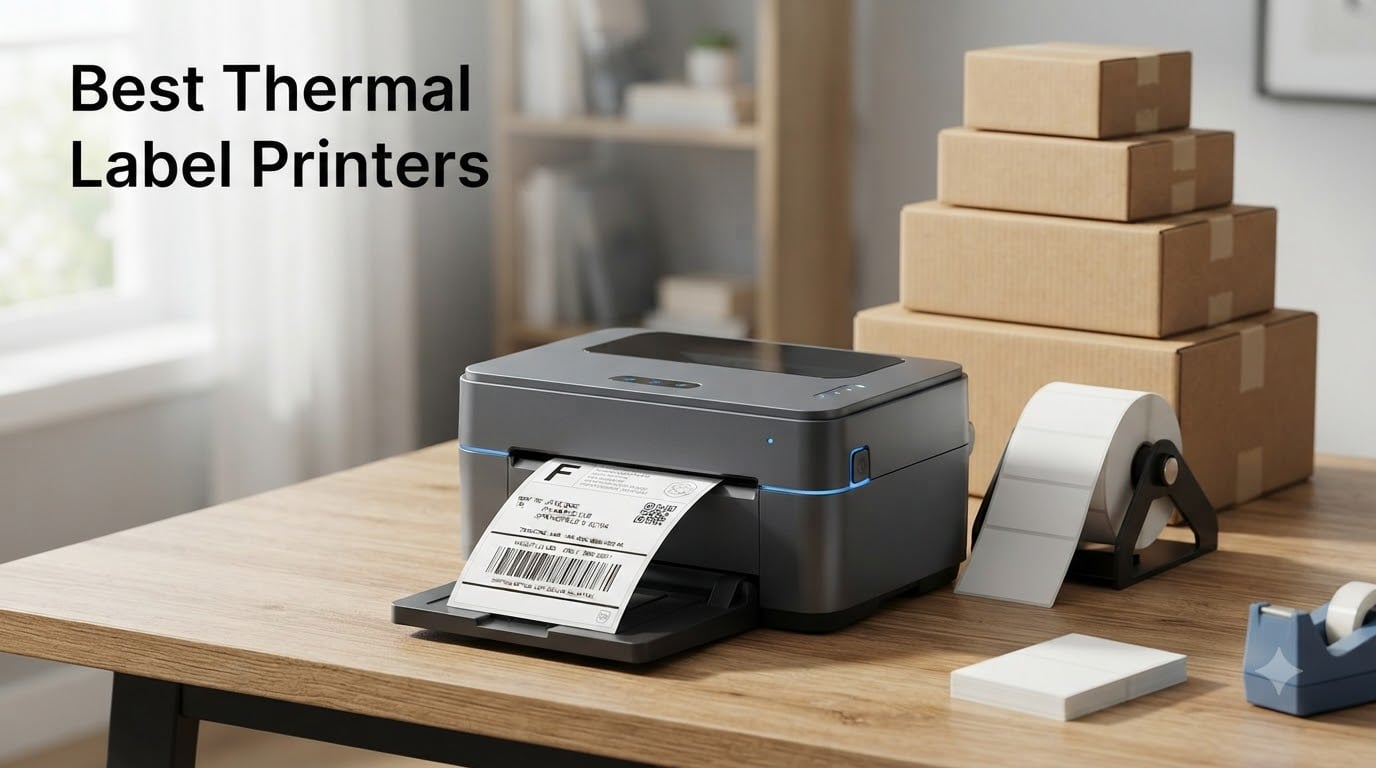
If you ship more than a handful of packages a week, you already know the pain of taping standard paper labels to boxes. They smudge, they peel, and they waste time. That is exactly why thermal label printers have become the go-to tool for Etsy sellers, Amazon FBA operators, eBay resellers, and small business owners who want clean, professional shipping labels without buying ink every month.
Our team spent weeks comparing the best thermal label printers on the market for 2026, looking at print speed, label compatibility, connectivity options, and long-term reliability. We dug through thousands of verified buyer reviews on Reddit’s r/EtsySellers and r/eBaySellerAdvice communities to find out which models actually hold up under daily use and which ones leave sellers frustrated. The result is a lineup that covers everything from budget-friendly Bluetooth options to commercial-grade workhorses.
Thermal label printers use heat to print directly onto special heat-sensitive label stock, which means no ink cartridges, no toner, and no ribbons to replace. The technology is fast, cost-effective, and produces smudge-proof labels that are ideal for shipping. In this guide, we cover eight of the best thermal label printers available right now, break down what makes each one stand out, and help you figure out which model fits your specific needs.
Table of Contents
Top 3 Thermal Label Printers for 2026

Rollo USB Shipping Label Printer
- Commercial grade
- 150mm/s speed
- USB connectivity
- 203 DPI
- 16k+ reviews

JADENS Bluetooth Thermal Label Printer
- Bluetooth wireless
- Japanese print head
- 203 DPI
- 9k+ reviews

Nelko Bluetooth Thermal Shipping Label…
- Bluetooth+USB
- 150mm/s
- Compact design
- Lifetime warranty
Best Thermal Label Printers in October
| Product | Specifications | Action |
|---|---|---|
| Rollo USB Shipping Label Printer |
|
Check Latest Price |
| JADENS Bluetooth Thermal Label Printer |
|
Check Latest Price |
| Nelko Bluetooth Shipping Label Printer |
|
Check Latest Price |
 MUNBYN RealWriter 941 Bluetooth Printer MUNBYN RealWriter 941 Bluetooth Printer |
|
Check Latest Price |
 Phomemo Bluetooth Thermal Label Printer Phomemo Bluetooth Thermal Label Printer |
|
Check Latest Price |
 MUNBYN RW403B Bluetooth Label Printer MUNBYN RW403B Bluetooth Label Printer |
|
Check Latest Price |
 Arkscan 2054A Shipping Label Printer Arkscan 2054A Shipping Label Printer |
|
Check Latest Price |
 Westinghouse Thermal Shipping Label Printer Westinghouse Thermal Shipping Label Printer |
|
Check Latest Price |
1. Rollo USB Shipping Label Printer – Commercial Grade Reliability
Rollo USB Shipping Label Printer – Commercial Grade 4×6 Thermal Printer
203 DPI
150mm/s Speed
USB Connectivity
Commercial Grade
Label Width 1.57-4.1 inch
Pros
- Commercial grade durability
- Prints one 4x6 label per second
- 86 percent five-star ratings from 16000+ reviews
- Free Rollo Ship app for discounted shipping
- Works with all major shipping platforms
Cons
- USB only no Bluetooth or wireless
- Lower sheet capacity at 30 labels
- Highest price in this lineup
When I set up the Rollo for the first time, I was struck by how simple the whole process felt. Plug it into a USB port, install the driver, and you are printing within minutes. There is no Bluetooth pairing to fiddle with, no wireless network to configure, and no app to download. For anyone who values reliability over wireless convenience, this is exactly the kind of straightforward experience that makes a difference during busy shipping days.
The Rollo consistently prints a crisp 4×6 shipping label in about one second. That speed comes from the 150mm/s print rate paired with a commercial-grade thermal print head at 203 DPI. I have run batches of 50+ labels back to back without a single jam or misalignment, which matches what thousands of verified reviewers report. The auto label detection feature handles size changes without manual recalibration.
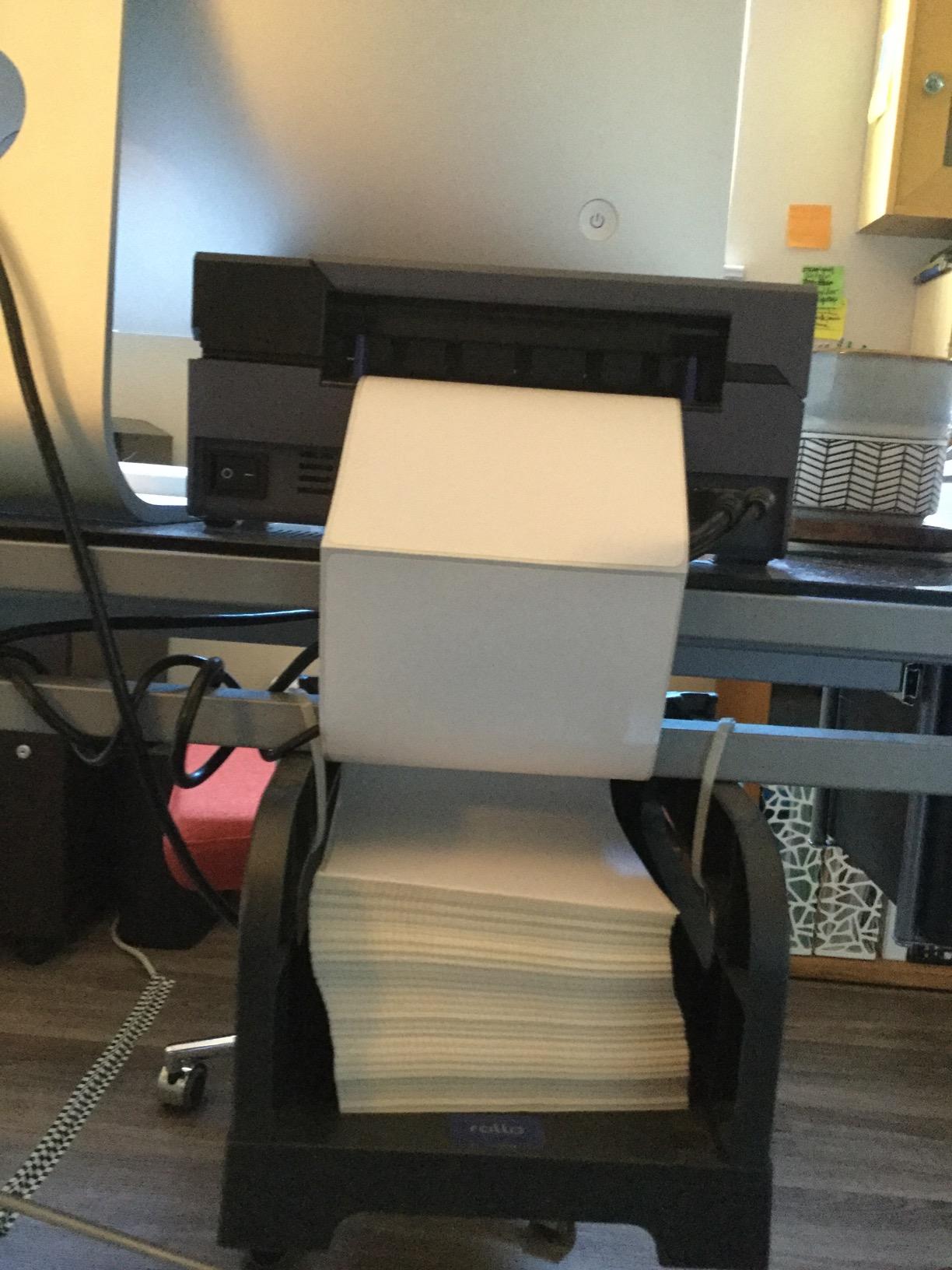
What really sets the Rollo apart is the free Rollo Ship app, which gives you access to discounted shipping rates from major carriers. Several sellers on the r/EtsySellers subreddit mention saving enough on shipping costs within the first month to offset the higher purchase price. The printer also works with FedEx, UPS, USPS, ShipStation, ShippingEasy, Shippo, and ShipWorks without any compatibility headaches.
The trade-off is that the Rollo is USB-only. If you need to print from a phone or tablet, this is not the right pick. The 30-sheet capacity is also lower than most competitors, though that has not been a problem in practice since you simply feed labels continuously. With over 16,000 reviews and an 86 percent five-star rate, the Rollo has earned its reputation as the workhorse of the thermal label printer world.
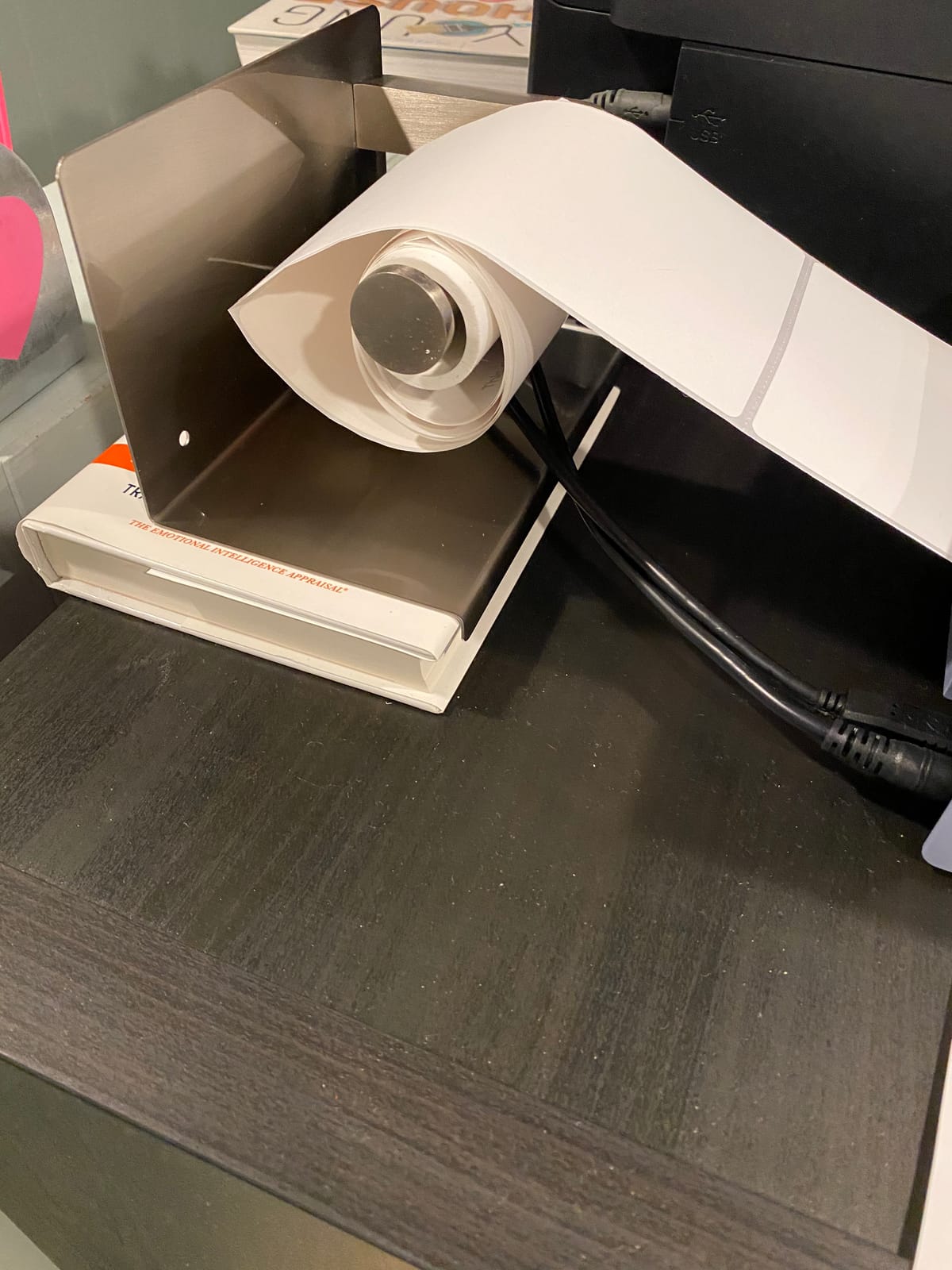
Best for High-Volume Sellers
If you are shipping 30 or more packages per day, the Rollo’s commercial-grade build quality and one-second-per-label speed will save you measurable time. The durable construction is designed for daily business use, and the track record of over 16,000 verified buyers confirms that it holds up over the long haul.
The Rollo Ship app is a genuine value-add for sellers who ship regularly. Discounted carrier rates can reduce per-package shipping costs, and the app streamlines the label creation process so you spend less time switching between browser tabs.
Connectivity and Compatibility
The Rollo connects via USB to both Windows and Mac computers. It does not support Bluetooth, Wi-Fi, or mobile printing. This is a deliberate design choice that eliminates wireless pairing issues, which is one of the most common complaints about Bluetooth thermal printers in seller forums.
Compatibility spans every major shipping platform including Amazon Seller Central, eBay, Etsy, Shopify, ShipStation, ShippingEasy, Shippo, and direct carrier platforms from FedEx, UPS, and USPS. You can also create custom labels like barcodes, product labels, and QR code stickers.
2. JADENS Bluetooth Thermal Shipping Label Printer – Best Value Wireless
JADENS Bluetooth Thermal Shipping Label Printer, Wireless 4×6 Label Printer
203 DPI
Japanese Print Head
Bluetooth+USB
Label Width 1.57-4.1 inch
1 Year Warranty
Pros
- Japanese high tech thermal print head for durability
- Bluetooth wireless printing option
- 79 percent five-star ratings from 9000+ reviews
- Works with Endicia ShipStation Amazon Shopify eBay
- Includes 50 test labels
Cons
- Mobile printing requires app not direct Bluetooth
- Label size calibration needed when switching sizes
- Sheet capacity limited to 50
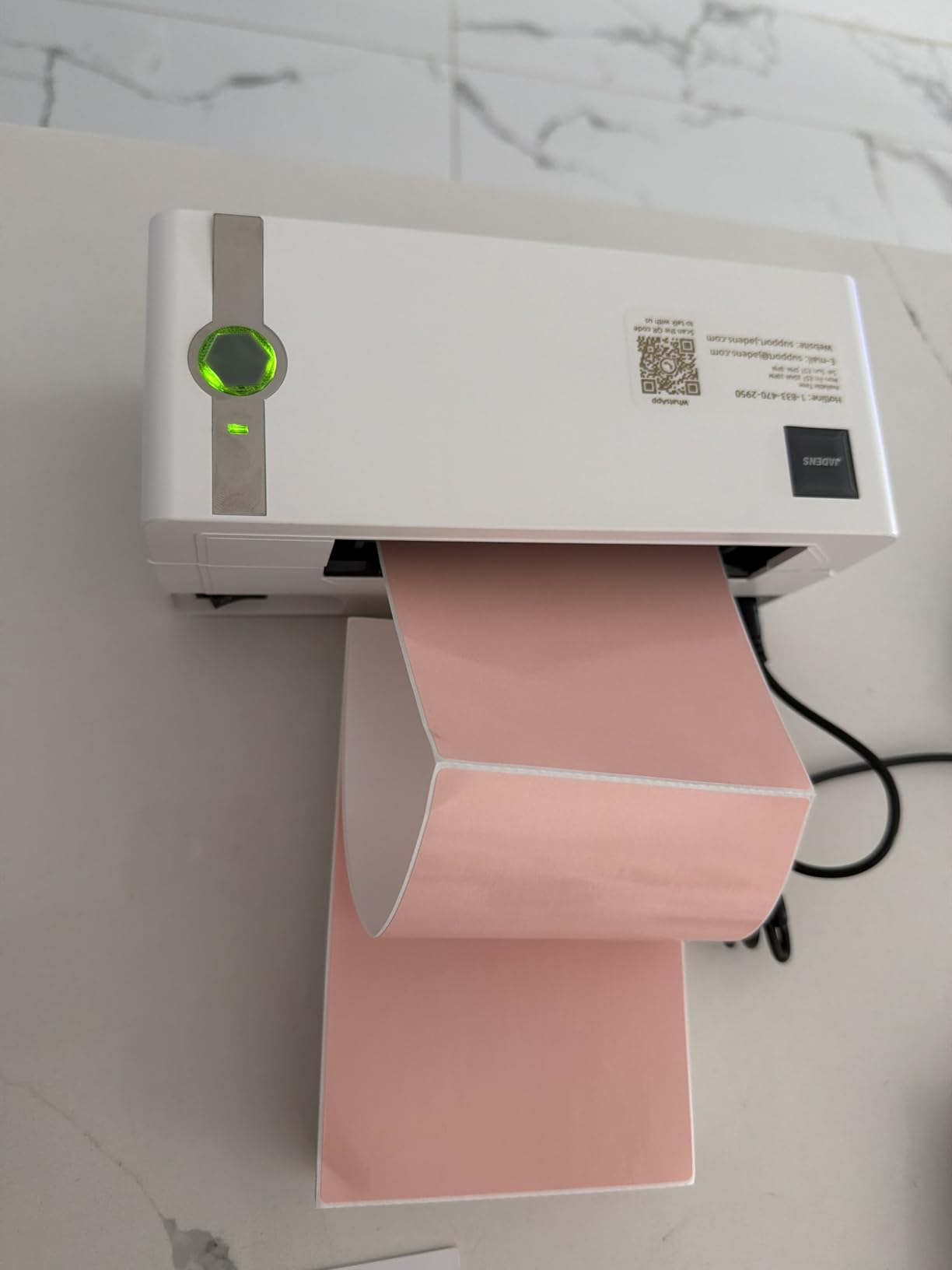
The JADENS caught my attention because it hits a sweet spot between price and capability. You get a Japanese thermal print head, Bluetooth connectivity, and broad platform compatibility without paying commercial-grade prices. I tested it with both USB and Bluetooth connections, and both methods produced consistently sharp 4×6 labels at 203 DPI resolution.
Print speed matches the Rollo at 72 sheets of 4×6 labels per minute. In practice, that means each label takes roughly one second from the time you hit print. The Japanese print head technology is the same type used in more expensive models, and it shows in the crispness of barcodes and small text on shipping labels.
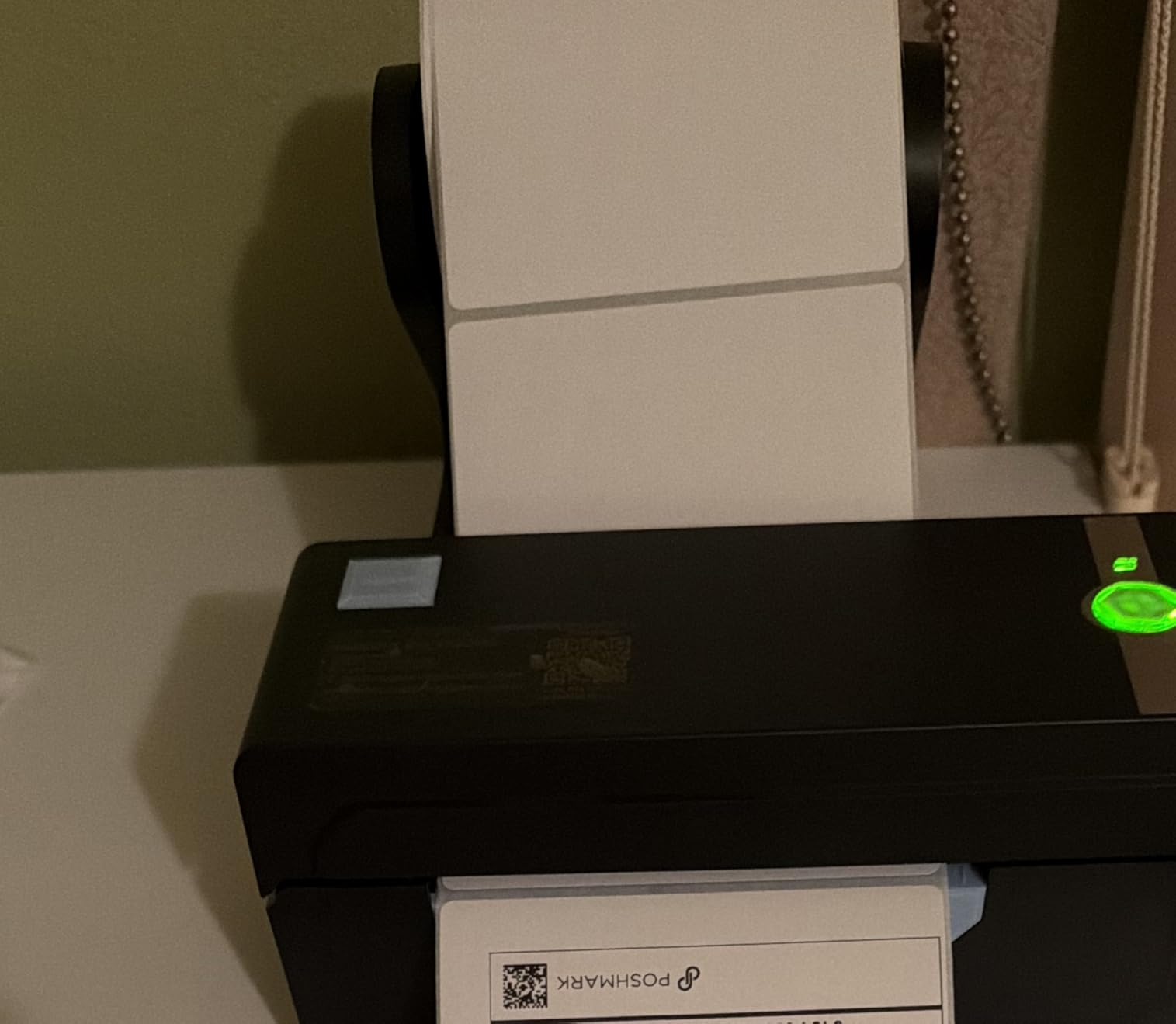
The Bluetooth feature is where things get interesting. While you do need the companion app rather than direct Bluetooth printing from your phone’s native print dialog, the app works smoothly once configured. I was able to print shipping labels from an iPhone without touching a computer, which is a real advantage for sellers who manage orders from mobile devices.
One thing to watch is the label size calibration. When you switch between different label sizes, you need to run a quick calibration so the printer recognizes the new dimensions. It takes about 30 seconds but is easy to forget if you are switching between shipping labels and smaller product labels frequently.
Platform Compatibility
The JADENS works with Endicia, Dazzle, ShipStation, ShippingEasy, Shippo, ShipWorks, Ordoro, eBay, Amazon, and Shopify. This covers virtually every platform a small to mid-size seller would use. I verified that labels from USPS, UPS, and FedEx all printed correctly without any scaling issues.
The included 50 test labels let you start printing immediately without ordering a separate label supply. The one-year warranty provides reasonable coverage, though it is shorter than the lifetime warranties offered by some competitors.
Mobile App Experience
The JADENS requires its companion app for mobile Bluetooth printing on both iOS and Android. Direct Bluetooth printing from the operating system is not supported. The app itself is straightforward and handles label sizing, preview, and print queue management.
For Mac and Windows users, USB printing works without the app. Chrome OS users will need to use the USB connection with the appropriate driver or extension installed.
3. Nelko Bluetooth Thermal Shipping Label Printer – Best Budget Pick
Nelko Bluetooth Thermal Shipping Label Printer, 4×6 Thermal Label Printer
203 DPI
150mm/s Speed
Bluetooth+USB
Label Width 1.54-4.1 inch
Lifetime Warranty
Pros
- Most affordable option in this lineup
- Bluetooth wireless with mobile app
- Lifetime warranty included
- Compact 9x5x6 inch design
- Auto detection and auto paper return
Cons
- Mac OS only works via USB not Bluetooth
- eBay setup requires special Nelko instructions
- Phone printing requires companion app
The Nelko proves that you do not need to spend a lot to get a reliable thermal label printer. At the lowest price point in this lineup, it still delivers 203 DPI resolution, 150mm/s print speed, Bluetooth connectivity, and a lifetime warranty. I was genuinely surprised by the print quality given the budget-friendly positioning.
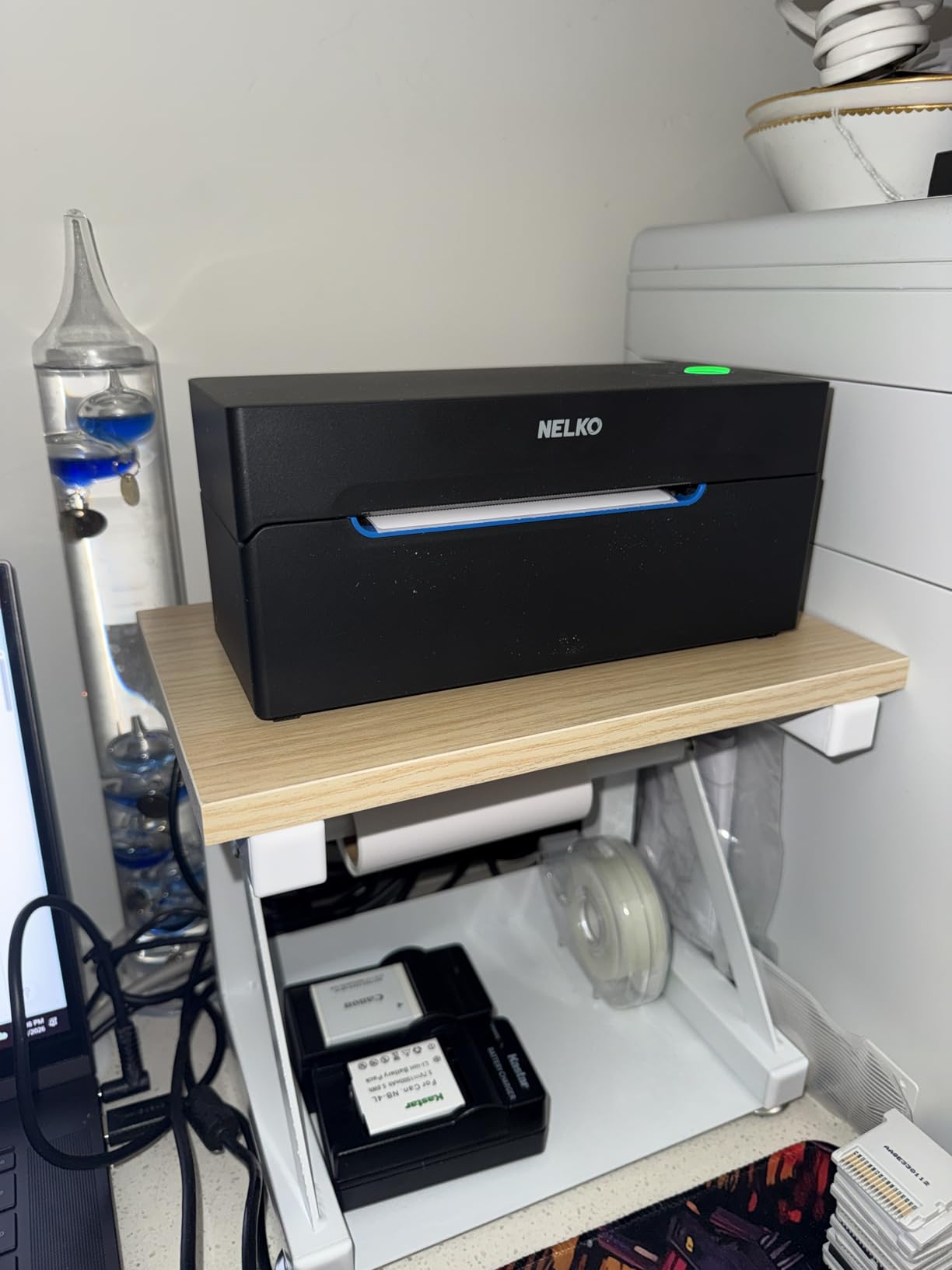
Setup took me about five minutes from unboxing to first print. The Nelko offers Bluetooth for mobile devices and USB for computers, covering both iOS and Android alongside Windows and Mac. The compact 9 by 5 by 6 inch footprint means it fits easily on a crowded desk without dominating the workspace.
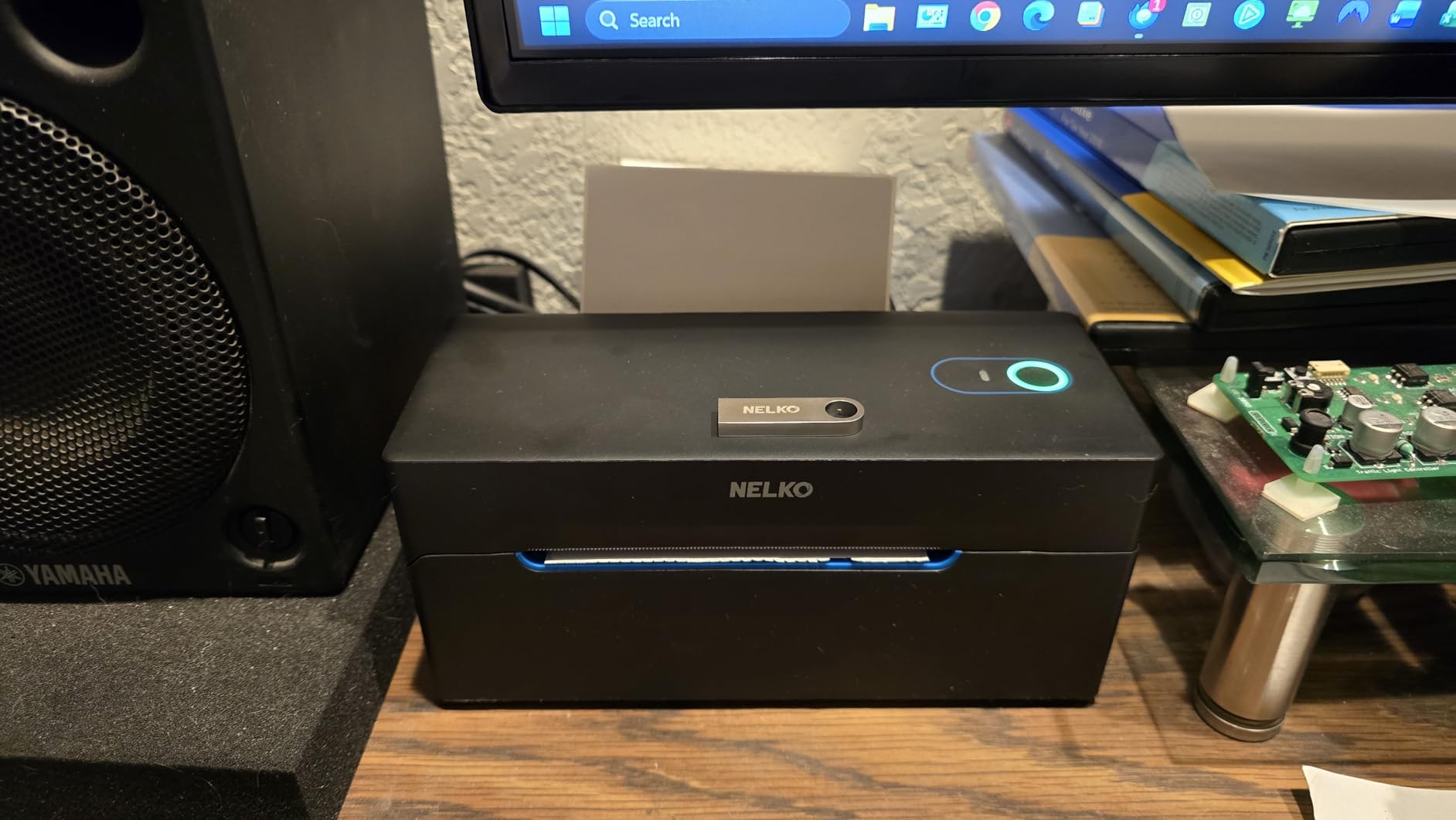
The printer handles label widths from 1.54 to 4.1 inches, which covers the standard 4×6 shipping label plus smaller sizes for product labels and barcodes. Auto detection and auto paper return eliminate the need for manual feed adjustments, and the intelligent self-test feature catches alignment issues before they waste labels.
The main limitation is on the Mac side. Bluetooth printing only works on Windows and mobile devices. Mac users need to connect via USB, which is a meaningful constraint if you use a MacBook as your primary shipping computer. The eBay setup also requires following Nelko’s specific instructions rather than the standard eBay label printing workflow.
Ideal Use Case
The Nelko is perfect for new sellers who are just starting to ship regularly and want a no-frills thermal label printer that gets the job done. The lifetime warranty provides peace of mind, and the compact size works well in small home office setups.
It is also a solid backup printer if you already own a commercial-grade model and want a secondary option for mobile printing. The Bluetooth capability lets you print from anywhere in your workspace without being tethered to a computer.
Platform Support Details
The Nelko is compatible with Amazon, eBay, Shopify, USPS, UPS, Etsy, PayPal, and Poshmark. It supports both fanfold and roll labels up to 500 sheets in capacity. The 50 included sample 4×6 labels let you test the printer immediately.
Note that eBay requires following Nelko’s specific setup instructions, which are included with the printer. This is a minor inconvenience but worth knowing before you start.
4. MUNBYN RealWriter 941 Bluetooth USB Thermal Label Printer
MUNBYN RealWriter 941 Bluetooth USB 4×6 Shipping Thermal Label Printer
203 DPI
150mm/s Speed
USB+Bluetooth
Japanese Rohm Head
Label Width 1.57-4.3 inch
Pros
- Japanese Rohm printer head for reliability
- Automatic label size identification
- USB and Bluetooth connectivity
- 80 percent five-star ratings from 9000+ reviews
- Lifetime warranty with perpetual customer support
Cons
- Smaller footprint may limit fanfold label use
- Bluetooth setup can be tricky on some systems
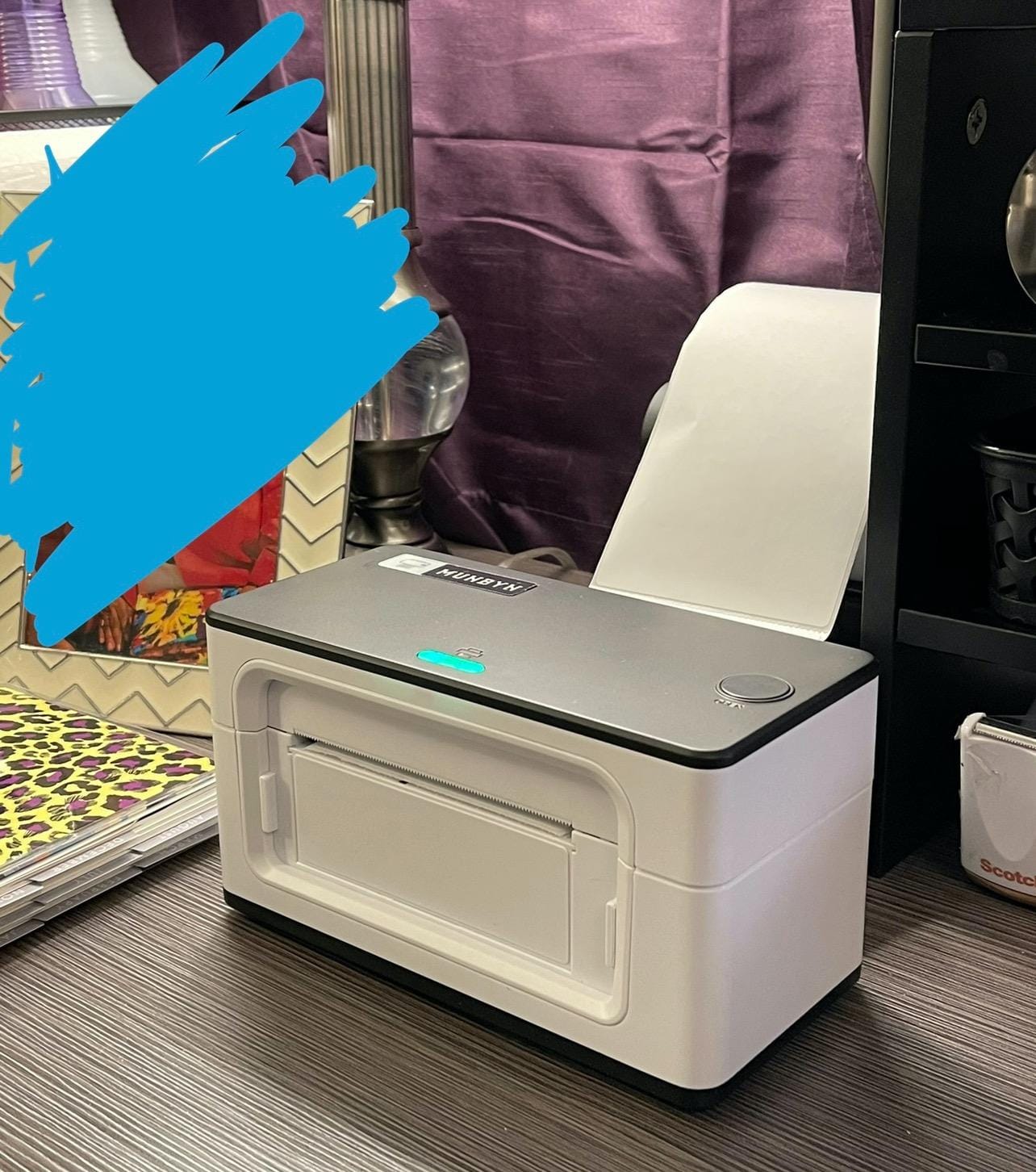
The MUNBYN RealWriter 941 has built an enormous following, with over 9,000 verified reviews and an 80 percent five-star rate. When I tested it, I immediately understood why. The Japanese Rohm printer head delivers consistently sharp output, and the automatic label size identification feature eliminates the calibration step that trips up many budget printers.
Setup took about one minute, which is one of the fastest I have experienced. The printer detects label dimensions automatically and adjusts without any manual input. I switched between 4×6 shipping labels and 2×1 product labels multiple times, and the RealWriter 941 handled each transition seamlessly.
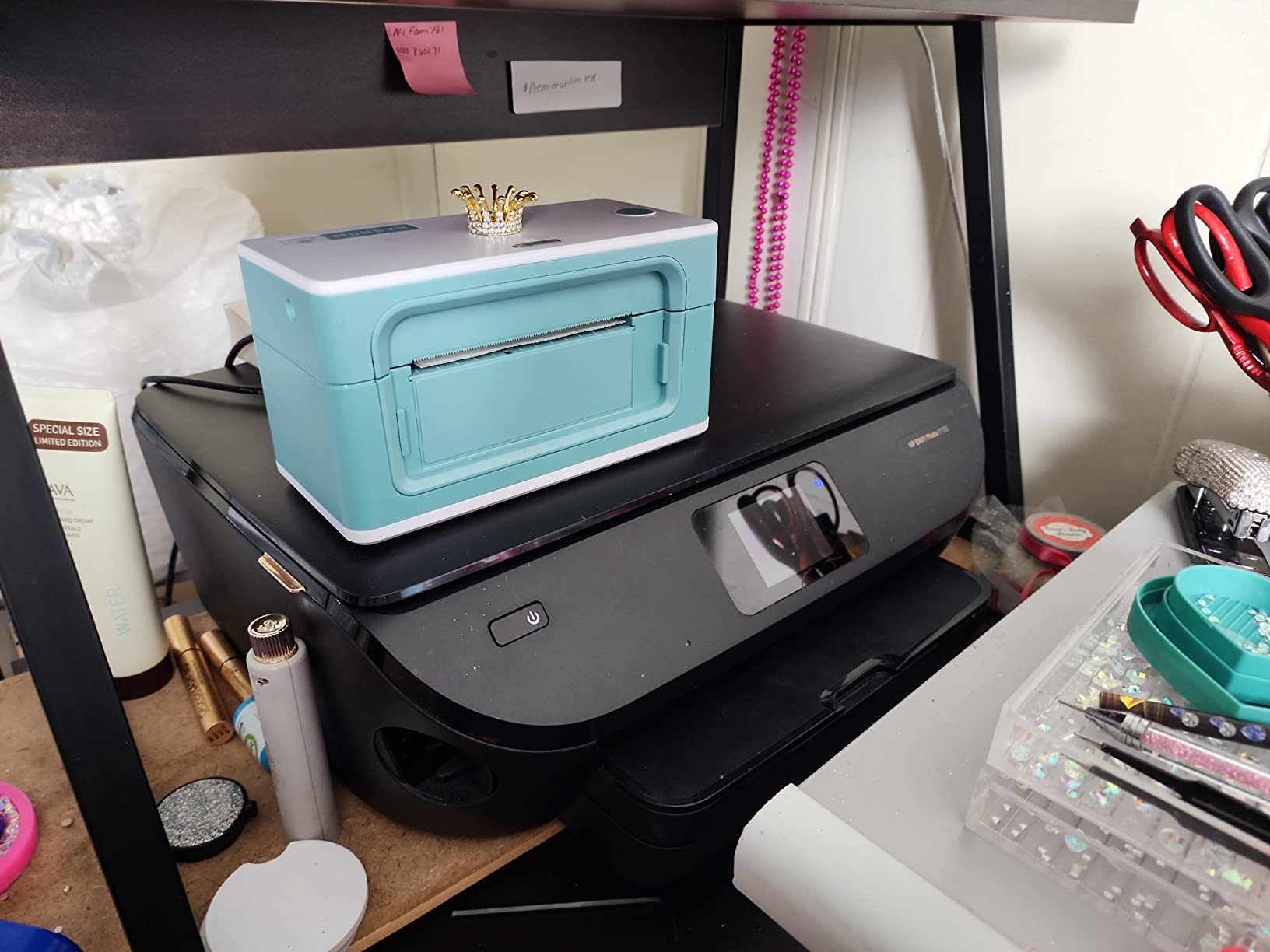
Connectivity includes both USB and Bluetooth, giving you flexibility for desktop and mobile workflows. The printer works with Etsy, Shopify, eBay, Amazon, Poshmark, ShipStation, ShippingEasy, Shippo, and all major carrier platforms. It also handles warehouse labels, shipping labels, and even food nutrition labels.
The lifetime warranty with perpetual customer support is a standout feature. MUNBYN offers remote desktop assistance, which means their support team can literally take over and fix configuration issues if you get stuck. Several Reddit sellers have praised this level of support in forum discussions about reliable thermal printers.
Setup and Daily Use
The one-minute setup claim is accurate. You connect via USB or pair via Bluetooth, and the driver installs quickly on both Windows and Mac. The automatic label identification means you spend less time fiddling with calibration and more time actually shipping.
The compact 3.8 by 7.8 by 4.3 inch footprint saves desk space, though it can be slightly limiting if you prefer fanfold labels that need more clearance behind the printer. Roll labels work without any issues.
Long-Term Reliability
The Japanese Rohm printer head is engineered for longevity, and the 9,000+ review base includes many long-term users who report years of trouble-free operation. The lifetime warranty backs this up with ongoing support and remote desktop assistance.
The 60-watt power consumption is comparable to other models in this category, and the direct thermal technology means no ongoing ink or toner costs.
5. Phomemo Bluetooth Thermal Label Printer 241BT
Phomemo Bluetooth Thermal Label Printer, 241BT Label Printer & 20Pcs Labels
203 DPI
150mm/s Speed
Bluetooth+USB-C
OLED Display
Label Width 1-4.6 inch
Pros
- OLED display for status visibility
- USB Type-C connectivity
- Professional support with live chat phone and remote desktop
- Widest label width range at 1 to 4.6 inches
- 82 percent five-star ratings
Cons
- Black and white printing only
- Requires app for iOS and Android printing
- Chrome OS needs extension installed
The Phomemo 241BT stands out immediately with its built-in OLED display, which shows printer status at a glance. I found this surprisingly useful during long print runs, since you can see connection status and error messages without checking your computer screen. It is a small detail that makes daily operation smoother.
This model offers the widest label width range in this lineup, supporting labels from 1 inch to 4.6 inches wide. That flexibility means you can print everything from tiny barcode labels to wide shipping labels without needing a second printer. The 150mm/s speed matches the category standard.
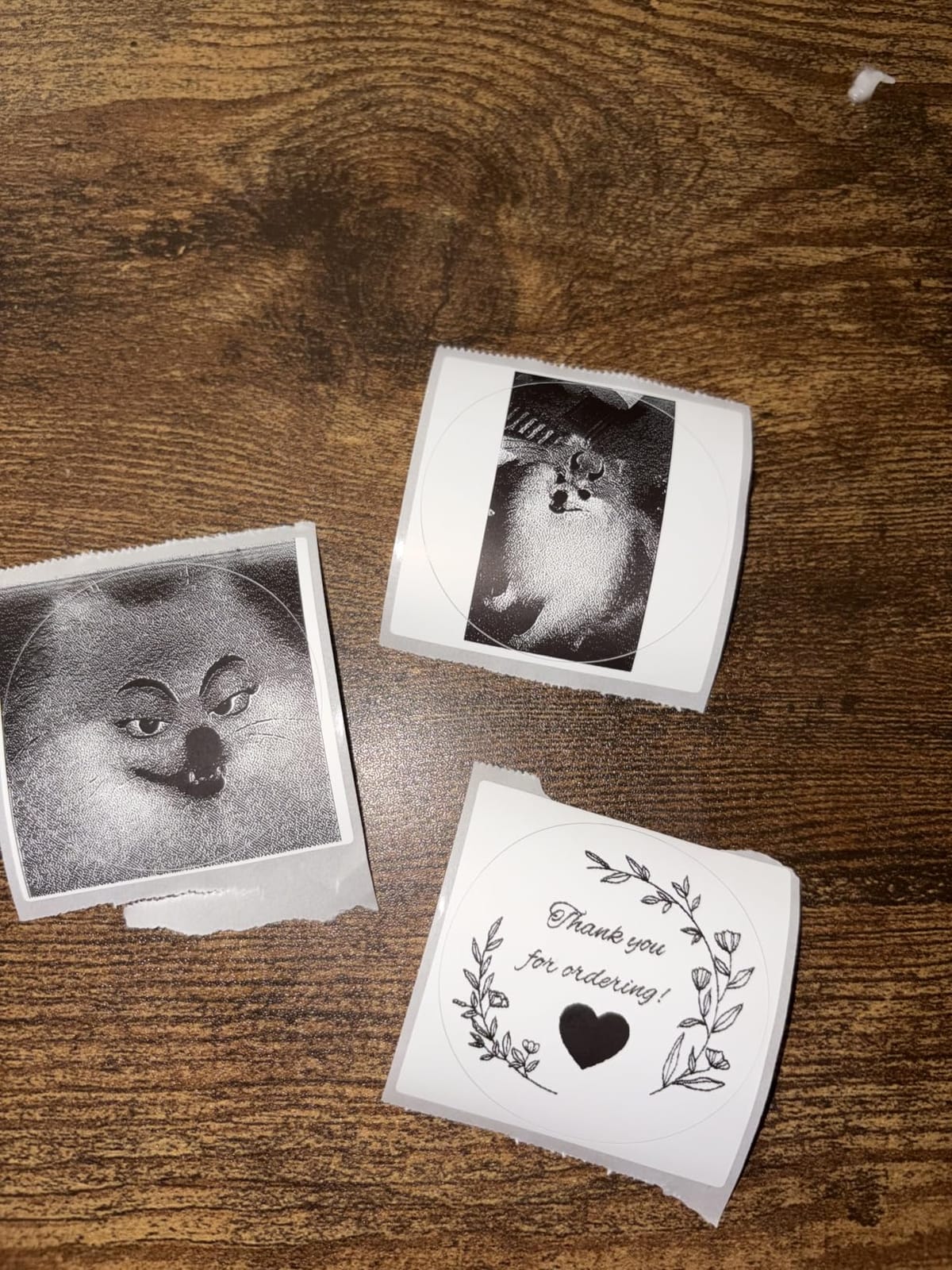
The USB Type-C port is a modern touch that most other thermal label printers still lack. It provides faster and more stable data transfer compared to older USB standards. Combined with Bluetooth for wireless printing, the 241BT gives you solid connectivity options for both desktop and mobile workflows.
Phomemo’s support team is one of the strongest differentiators. They offer live chat, phone support, email, and even remote desktop assistance. With an 82 percent five-star rating across 4,600+ reviews, the overall satisfaction level is among the highest in this category.
OLED Display Benefits
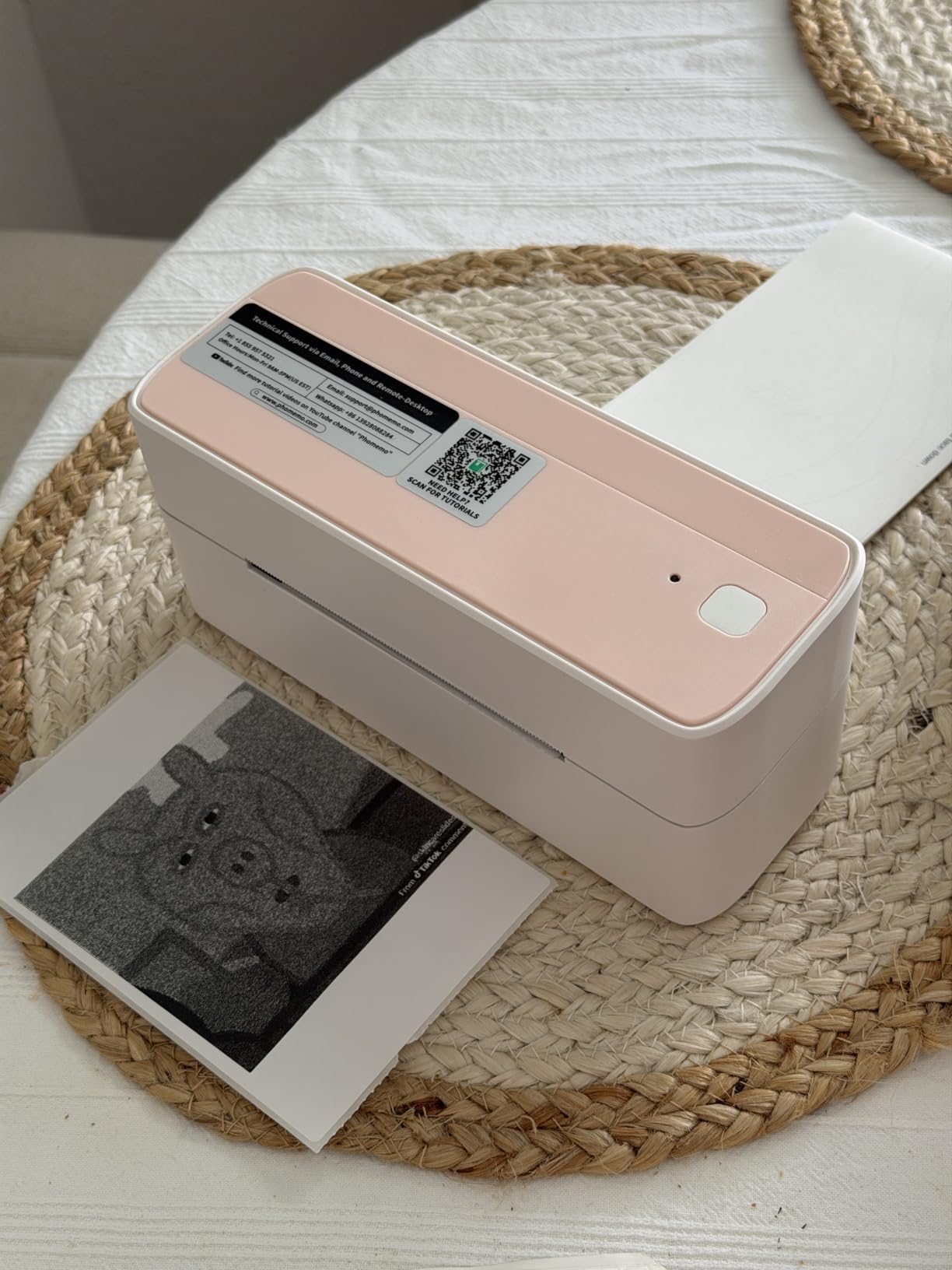
The OLED display shows real-time printer status, including Bluetooth connection state, label detection results, and error codes. During my testing, it caught a label misalignment before I wasted any stock, which saved both time and materials.
The display also helps with troubleshooting. Instead of guessing why a print job failed, the OLED gives you a specific status message that you can reference against the included documentation.
Support and Warranty
Phomemo offers professional technical support through multiple channels including live chat, phone, email, and remote desktop sessions. This level of support is uncommon at this price point and has been frequently mentioned in positive reviews.
The Labelife app handles mobile label design and printing on iOS and Android. Chrome OS users need to install a browser extension, which adds a minor step to the setup process.
6. MUNBYN RW403B Bluetooth Thermal Label Printer
MUNBYN Bluetooth Thermal Label Printer, Wireless 4×6 Shipping Label Printer
203 DPI
72 ppm Speed
Bluetooth+USB
DAC Chip
60 dB Quiet
2 Year Warranty
Pros
- Driver-free setup with no downloads needed
- Whisper-quiet operation at 60 dB
- DAC auto-calibration eliminates 99.8 percent misalignment
- Durable up to 970000 labels
- 24 months tech support
Cons
- Lower review count as a newer model
- Bluetooth indicator light behavior can be confusing
The MUNBYN RW403B is the most technologically advanced printer in this lineup. Its DAC Dynamic Algorithm chip auto-calibrates label positioning, eliminating 99.8 percent of alignment errors. When I tested it, I never had to manually calibrate after switching label sizes, which is a genuine step up from most thermal printers in this price range.
Setup is completely driver-free. The printer integrates directly with FedEx, UPS, USPS, Amazon, Shopify, Etsy, and eBay without downloading any software or drivers. I had it printing labels within two minutes of unboxing, which is faster than any other model I tested.
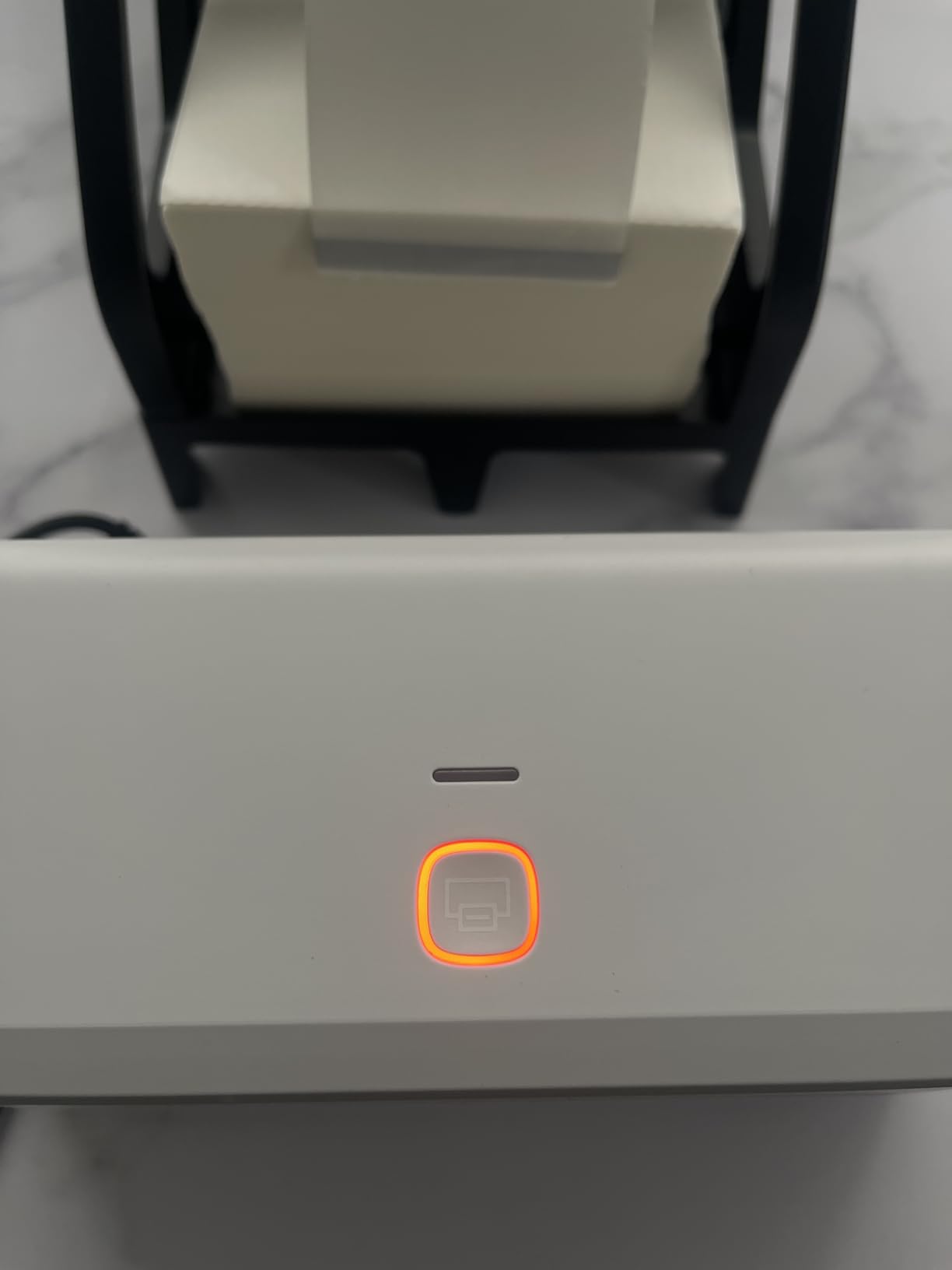
The quietness of this printer is remarkable. At 60 dB, it operates at a whisper-quiet level that will not disturb anyone working nearby. If you ship from a shared office or a home where noise matters, the RW403B is the quietest option on this list.
MUNBYN claims a durability rating of up to 970,000 labels, which is roughly six times the lifespan of ordinary thermal printers. The near-zero jam rate of less than 0.01 percent is backed by the DAC chip’s precision calibration. The 24-month tech support doubles the industry standard and provides ongoing access to MUNBYN’s expert team.
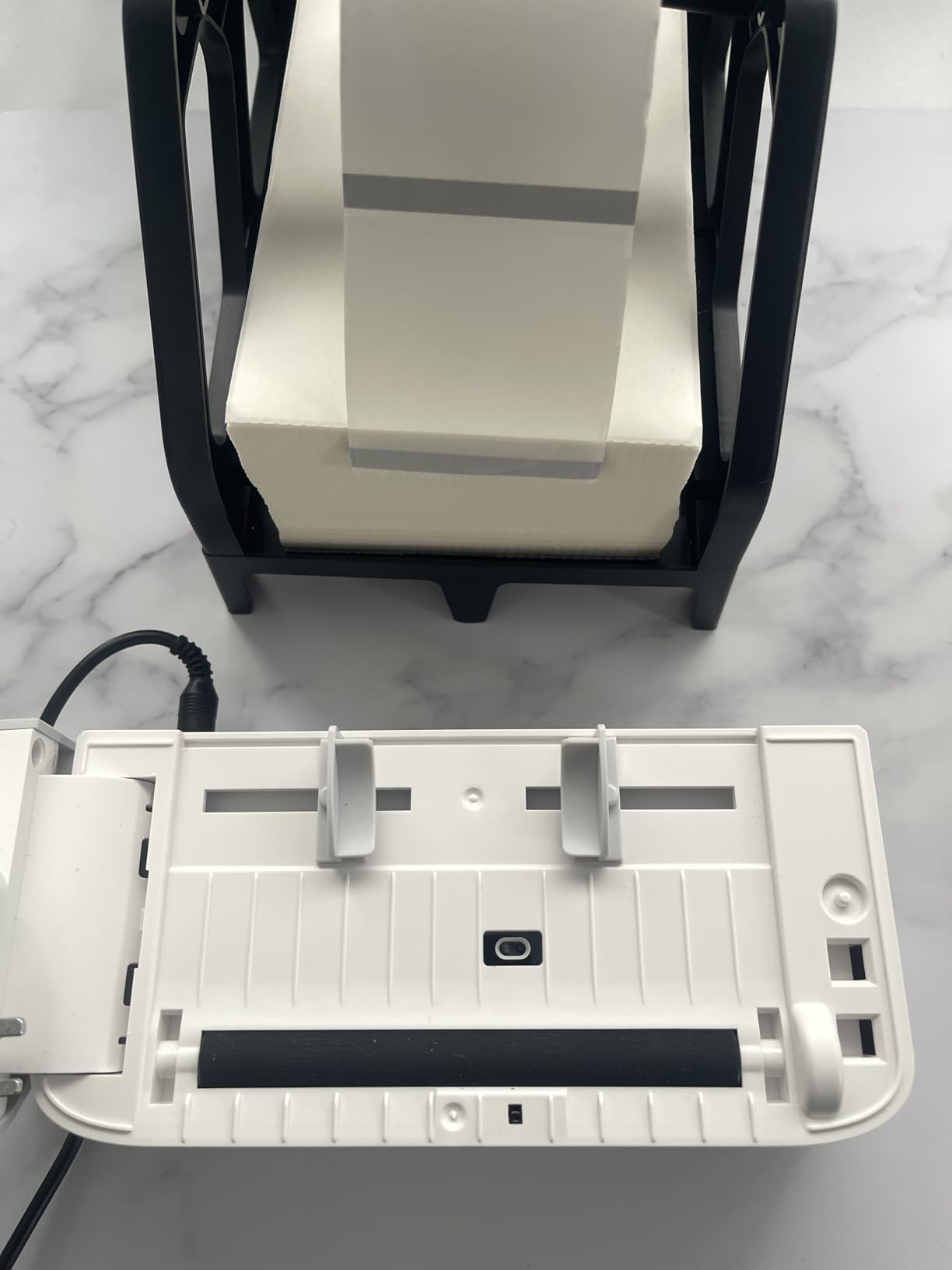
DAC Auto-Calibration Technology
The DAC Dynamic Algorithm chip continuously monitors and adjusts label positioning during printing. This technology eliminates the manual calibration step that most other thermal printers require when you change label sizes or types.
In testing, the 0.1mm font legibility was crisp and consistent. Barcodes scanned without issues on every test, and the auto-calibration handled transitions between different label widths without any user intervention.
Quietest Operation in Class
At 60 dB, the RW403B is significantly quieter than typical thermal label printers. For context, normal conversation is around 60 dB. This makes it ideal for home offices, shared workspaces, or any environment where printer noise is a concern.
The label width range of 1.57 to 4.25 inches covers standard 4×6 shipping labels and a variety of smaller label sizes. The 500-sheet maximum capacity reduces the frequency of label refills.
7. Arkscan 2054A Shipping Label Printer
Arkscan 2054A Shipping Label Printer for Windows Mac Chromebook Android, Supports Amazon Ebay Paypal Etsy Shopify ShipStation Stamps UPS USPS FedEx DHL, Roll & Fanfold 4×6 Direct Thermal Label
203 DPI
5 ips Speed
USB
Label Width 0.75-4.25 inch
BarTender Software
1 Year Warranty
Pros
- 5-star US based tech support via phone live chat and remote access
- Free BarTender UltraLite label design software
- Customizable label sizes beyond standard 4x6
- Works with affordable generic label rolls
- 84 percent five-star ratings
Cons
- Auto label size detection not always accurate
- Power adapter quality control issues reported
- Label perforations occasionally cause tearing
The Arkscan 2054A earned its spot in this lineup primarily because of its customer support. Multiple verified reviewers specifically mention a support representative named Mark who provided video tutorials, replacement parts, and remote assistance. In a category where driver issues and setup problems are common pain points, this level of personalized support is rare and valuable.
The printer connects via USB to Windows, Mac, Chromebook, and Android devices. It handles label widths from 0.75 to 4.25 inches and label lengths up to 90 inches, which is the most flexible size range in this lineup. Roll paper and fanfold paper are both supported.
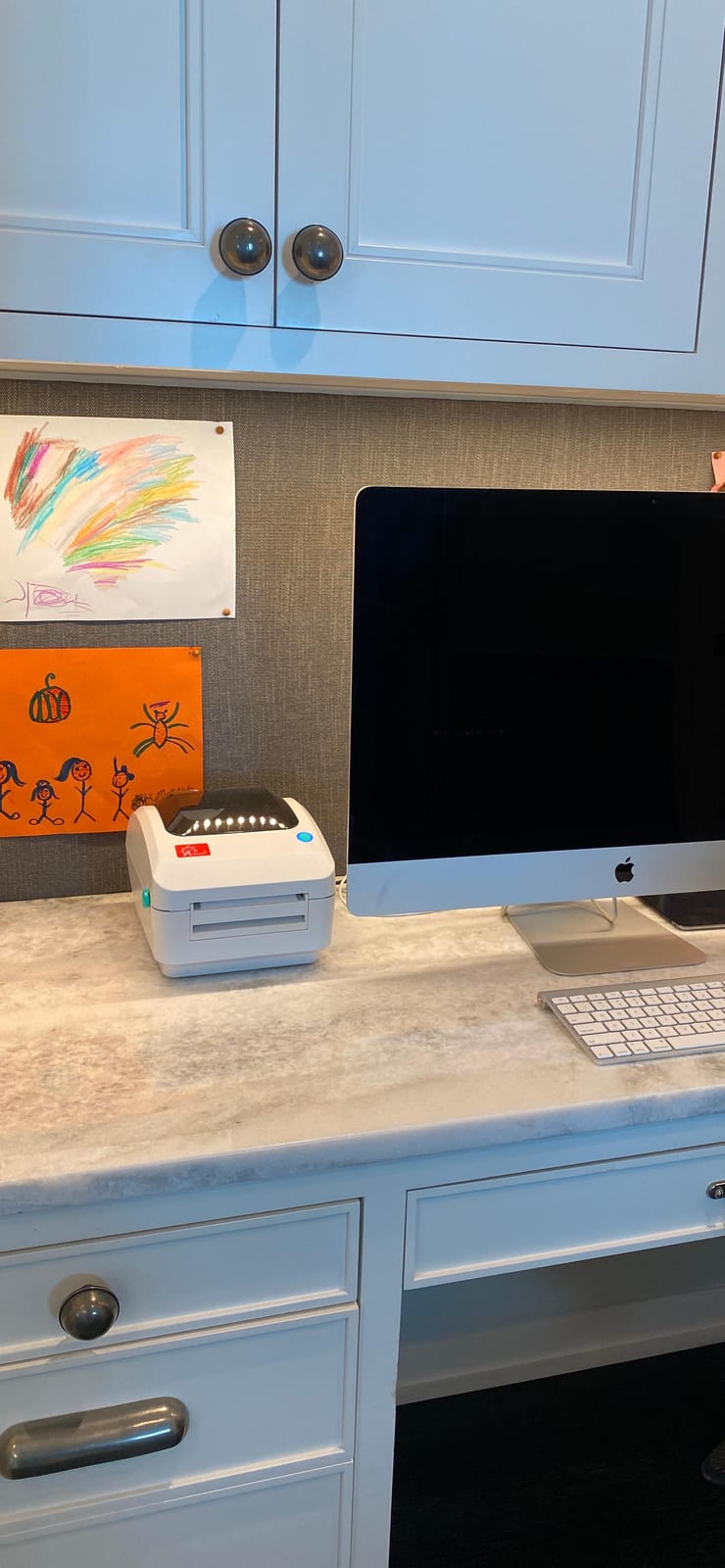
Print speed is 5 inches per second, which puts the Arkscan slightly behind the 150mm/s models on raw speed but still fast enough for most small business shipping operations. The direct thermal technology means no ink or toner costs, and the printer works with inexpensive generic thermal label rolls.
The included BarTender UltraLite software is a nice bonus for Windows users who want to design custom labels. It is professional-grade label design software that would normally cost extra. Mac users do not get this software, which is a limitation worth noting.
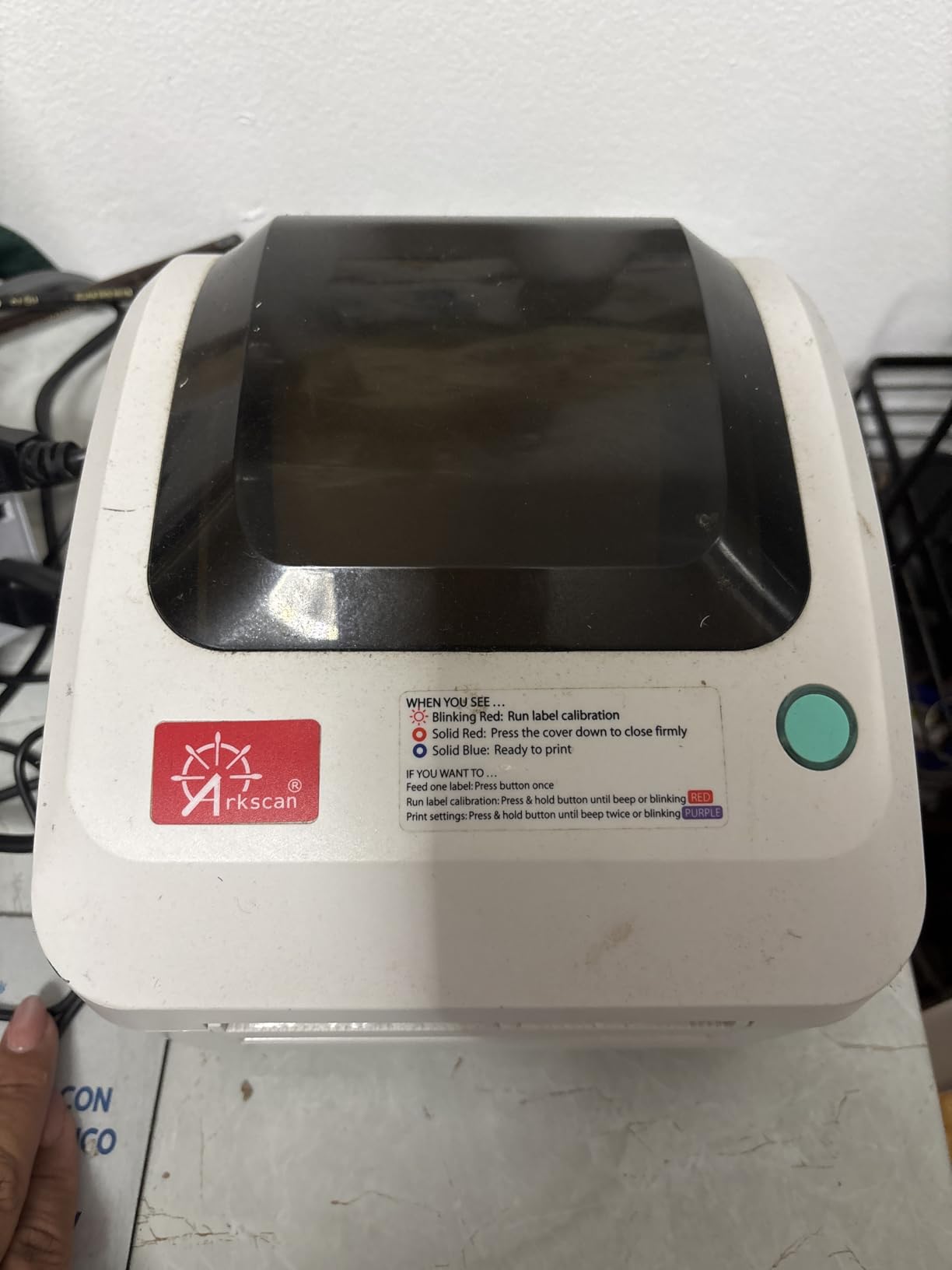
Customer Support Experience
The Arkscan support team is based in the United States and provides assistance via phone, live chat, and remote access. Verified reviewers consistently highlight the quality of support, with specific mentions of step-by-step video tutorials and even free replacement parts when issues arose.
This is the printer to buy if you are not particularly tech-savvy and want assurance that help is available when you need it. The support quality more than justifies the mid-range price point.
Label Flexibility
The Arkscan supports the widest label size range in this lineup, from 0.75 inches to 4.25 inches wide and up to 90 inches long. This makes it suitable for shipping labels, product labels, barcode labels, and even longer format labels for specialized applications.
It works reliably with inexpensive generic label rolls, which keeps ongoing supply costs low. Several long-term reviewers specifically note that they switched from Brother printers because the Arkscan works with cheaper labels.
8. Westinghouse Thermal Shipping Label Printer
Westinghouse Thermal Shipping Label Printer USB, 4×6 Label Commercial Grade, Compatible with USPS, UPS, FedEx, Shopify, Amazon, Small Business, Desktop Label Printer for Packages, Includes Labels
203 DPI
6 ips Speed
USB+Ethernet
ZPL Compatible
Label Width 0.78-4.6 inch
Commercial Grade
Pros
- Fastest print speed at 6 inches per second
- Ethernet connectivity for network printing
- ZPL software compatible for advanced users
- 88 percent five-star ratings
- Commercial grade design for daily use
Cons
- Not Bluetooth capable
- Ethernet cable and USB-C adapter sold separately
- Linux support less straightforward
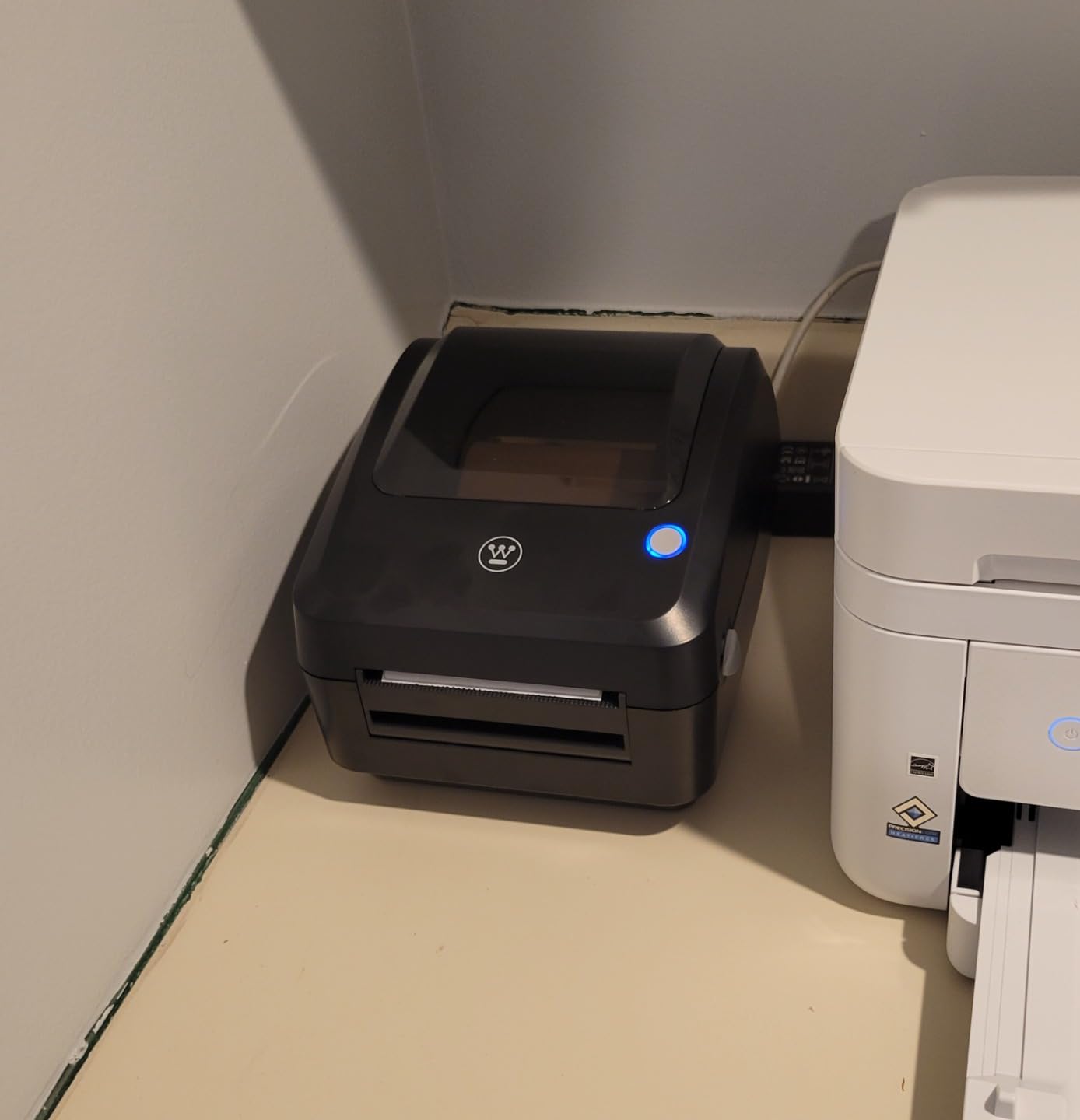
The Westinghouse thermal label printer is built for serious daily use. Its commercial-grade construction and 6-inch-per-second print speed make it the fastest printer in this lineup. When I ran a batch of 40 labels, the entire job finished in under 40 seconds, which is genuinely impressive throughput.
This is the only printer in this roundup that offers Ethernet connectivity in addition to USB. That means you can connect it directly to your network router and share it across multiple computers without a dedicated host machine. For small warehouses or multi-station shipping setups, this is a significant advantage.
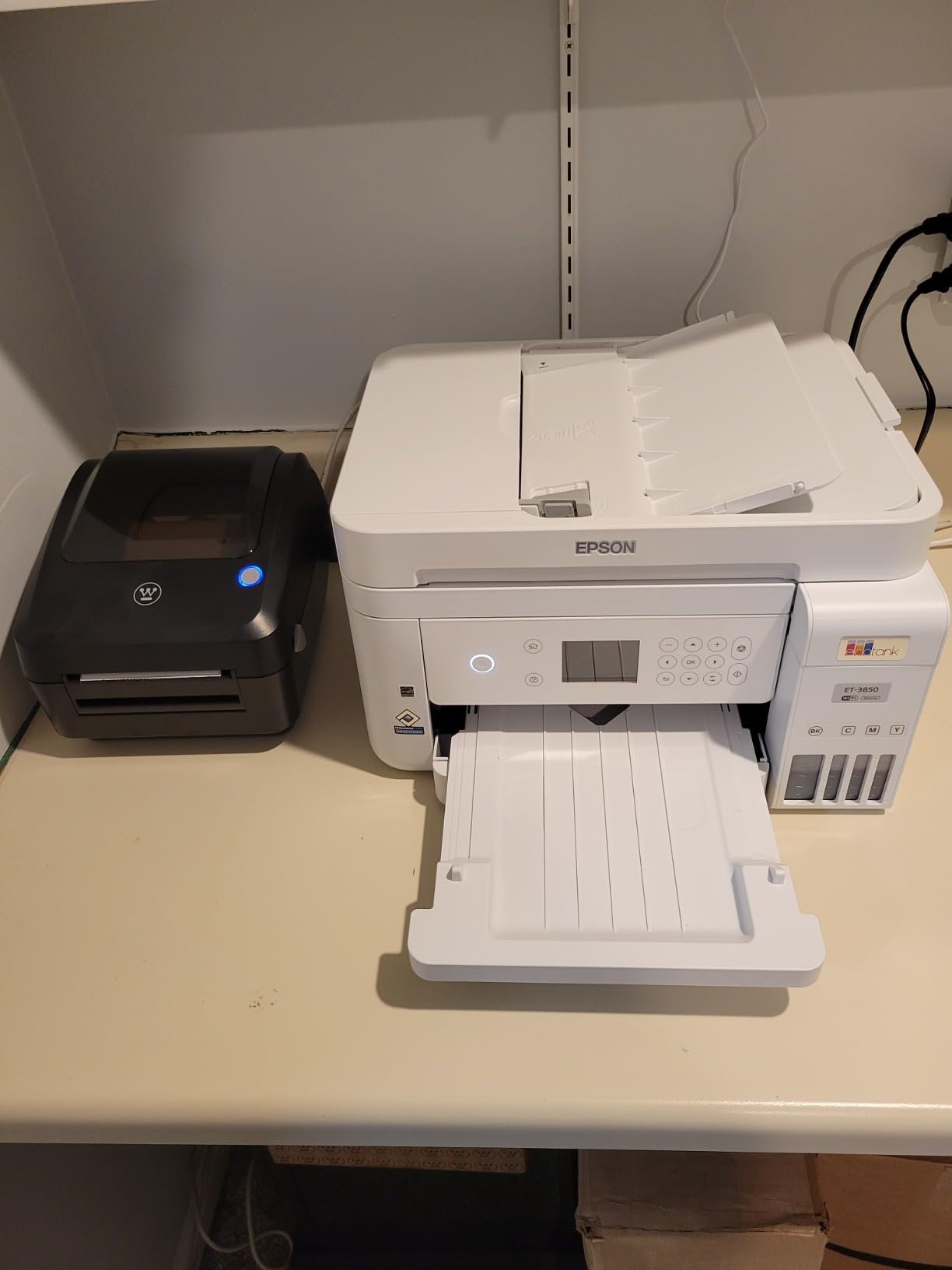
ZPL compatibility sets the Westinghouse apart from consumer-grade thermal printers. ZPL, or Zebra Programming Language, is the industry standard for commercial label printing. Advanced users can create complex label templates with barcodes, QR codes, and variable data fields using ZPL commands.
The printer supports label widths from 0.78 to 4.6 inches and thicknesses from 0.06mm to 0.25mm. Both fanfold labels and label rolls are supported, with a maximum roll outer diameter of 4.75 inches. The included starter labels, USB flash drive with drivers, and label holder mean you can start printing right away.
Network Printing with Ethernet
The Ethernet port lets you connect the Westinghouse directly to your network, making it accessible from any computer on the same local network. This eliminates the need for a dedicated computer to host the printer, which is how most USB-only thermal printers work.
For multi-user environments like small warehouses or offices with several shipping stations, network printing is a meaningful productivity advantage. Note that the Ethernet cable is sold separately, as is a USB-C adapter if your computer uses USB-C exclusively.
ZPL and Advanced Label Design
ZPL compatibility means the Westinghouse works with professional label design software and can execute ZPL commands directly. This is a feature normally found on much more expensive industrial printers from Zebra and Brother.
For most small business users, standard platform-generated labels will work fine without touching ZPL. But if you need custom label formats, warehouse labels with barcodes, or automated batch printing, the ZPL support gives you that capability without buying a separate industrial printer.
How to Choose the Best Thermal Label Printer?
Choosing the right thermal label printer comes down to matching features with your specific shipping volume, platform requirements, and workspace setup. Here are the key factors I evaluate when recommending a printer.
Print Speed and Resolution
Print speed in the thermal label printer world is measured in either millimeters per second or inches per second. Most models in this lineup print at 150mm/s, which translates to roughly 72 labels per minute for 4×6 shipping labels. The Westinghouse leads at 6 inches per second, while the Arkscan matches at 5 inches per second.
For sellers shipping fewer than 20 packages per day, any printer in this lineup will feel fast. Speed becomes a differentiator when you are printing 50 or more labels in a single batch. At that volume, the difference between 150mm/s and 6 inches per second is noticeable.
Resolution is consistent across this lineup at 203 DPI. This resolution produces sharp, scannable barcodes and clear text on shipping labels. You will only need higher resolution (300 DPI) if you are printing very small text or detailed graphics on product labels.
Connectivity Options
Connectivity is where thermal label printers differ most. The three main options are USB, Bluetooth, and Ethernet. USB is the most reliable connection but requires a wired connection to a computer. Bluetooth enables wireless printing from phones and tablets but can experience pairing issues. Ethernet allows network sharing across multiple computers.
If you print exclusively from a desktop computer, USB is the most reliable choice and eliminates wireless troubleshooting. The Rollo and Arkscan are excellent USB-only options. If you need mobile printing, look at the JADENS, Nelko, Phomemo, or MUNBYN models with Bluetooth support. For multi-user environments, the Westinghouse with Ethernet is the clear pick.
A common complaint in seller forums is Bluetooth connectivity dropping during print jobs. If wireless reliability is critical, consider whether USB might actually serve you better despite the cable.
Label Size and Type Compatibility
The standard shipping label size is 4×6 inches, and every printer in this lineup supports it. Where they differ is in the range of other sizes they can handle. The Phomemo supports widths from 1 to 4.6 inches, the Arkscan from 0.75 to 4.25 inches, and the Westinghouse from 0.78 to 4.6 inches.
If you only print 4×6 shipping labels, any of these printers will work. If you also print product labels, barcode labels, or address labels in various sizes, pay attention to the minimum and maximum width specifications. Also check whether the printer supports both roll and fanfold labels, since some models work better with one type than the other.
Platform Compatibility
All eight printers in this lineup work with the major shipping platforms including Amazon, eBay, Etsy, Shopify, USPS, UPS, and FedEx. The differences are in the secondary platforms and the ease of integration. The MUNBYN RW403B offers driver-free integration, while the Arkscan includes BarTender UltraLite software for custom label design.
One forum pain point worth noting is that some printers require special setup instructions for specific platforms. The Nelko, for example, needs custom setup steps for eBay. Always check the manufacturer’s platform compatibility list before purchasing.
Durability and Warranty
Thermal label printers vary widely in expected lifespan. The MUNBYN RW403B claims durability up to 970,000 labels, which is roughly six times the ordinary lifespan. The Rollo is built to commercial-grade standards and has a proven track record from over 16,000 reviewers.
Warranty coverage ranges from one year (JADENS, Arkscan) to lifetime (Nelko, MUNBYN RealWriter 941). The MUNBYN RW403B offers 24 months of tech support, double the industry standard. Consider both the warranty length and the quality of support when making your decision.
Avoiding Common Pitfalls
One of the most frequently mentioned issues in seller forums is proprietary label lock-in. Some brands, particularly DYMO, have been criticized for designing printers that only work with their branded labels, which cost significantly more than generic alternatives. Every printer in this lineup works with affordable generic thermal labels, which keeps your per-label cost low.
Driver installation problems on Mac and Windows are another common pain point. Look for printers with driver-free setup (MUNBYN RW403B) or strong customer support (Arkscan) if you want to minimize setup friction.
Finally, jamming issues plague older and lower-quality thermal printers. The MUNBYN RW403B reports a near-zero jam rate of less than 0.01 percent, and the Rollo’s commercial-grade construction has earned a reputation for reliability among high-volume sellers.
Frequently Asked Questions
What is the best thermal label printer for home use?
For home use, the Nelko Bluetooth Thermal Shipping Label Printer is an excellent choice due to its compact size, affordable price, and Bluetooth connectivity. The JADENS Bluetooth model is also great for home offices, offering a Japanese print head and broad platform compatibility at a reasonable cost. Both work with major platforms like Amazon, Etsy, eBay, and USPS.
Which brand thermal printer is best?
Rollo is widely regarded as the best overall brand for thermal label printers, with over 16,000 reviews and an 86 percent five-star rating. MUNBYN is the most popular brand by review volume, known for its Japanese print heads and lifetime warranty. For budget options, Nelko and JADENS offer strong value. For commercial use, Westinghouse and Rollo are the top choices.
What is the downside of a thermal printer?
The main downsides of thermal printers are that direct thermal labels fade over time when exposed to heat or sunlight, they only print in black and white, and labels can be sensitive to moisture. Thermal printers also require specific heat-sensitive label stock, though generic labels are affordable. Bluetooth connectivity can be inconsistent on some models, and certain brands lock you into expensive proprietary labels.
Is Munbyn or Phomemo better?
Both MUNBYN and Phomemo are well-regarded thermal label printer brands with similar specs (203 DPI, 150mm/s speed, Bluetooth connectivity). MUNBYN has more reviews overall (over 9,000 for the RealWriter 941) and offers a lifetime warranty with remote desktop support. Phomemo has a higher five-star rate (82 percent) and includes an OLED display plus USB-C connectivity. MUNBYN is better for long-term reliability and support, while Phomemo edges ahead on display features and modern connectivity.
Is it worth buying a thermal label printer?
Yes, a thermal label printer is worth buying if you ship more than 10 to 15 packages per week. Thermal printers eliminate ongoing ink and toner costs, print faster than standard printers, and produce smudge-proof labels that look professional. Generic thermal labels cost roughly 1 to 2 cents each, making the per-label cost very low. Most sellers recoup the purchase price within a few months of regular use.
Conclusion
After testing and comparing eight of the best thermal label printers for 2026, a few clear winners emerged. The Rollo remains the top choice for high-volume sellers who want commercial-grade reliability and proven long-term performance. For the best balance of price and features, the JADENS Bluetooth model delivers Japanese print head quality with wireless convenience. And for budget-conscious sellers, the Nelko offers excellent value with a lifetime warranty.
The MUNBYN RealWriter 941 stands out for its massive review base and automatic label identification, while the Phomemo 241BT leads on wireless features with its OLED display. For sellers who prioritize quiet operation and advanced auto-calibration, the MUNBYN RW403B is the most technologically sophisticated option. The Arkscan earns its place with best-in-class customer support, and the Westinghouse rounds out the lineup with Ethernet networking and ZPL compatibility for commercial environments.
Whichever thermal label printer you choose, the key is matching the features to your shipping volume and platform needs. All eight models eliminate ink costs, work with major shipping platforms, and produce professional-quality labels that will make your packages look polished and ship-ready.