
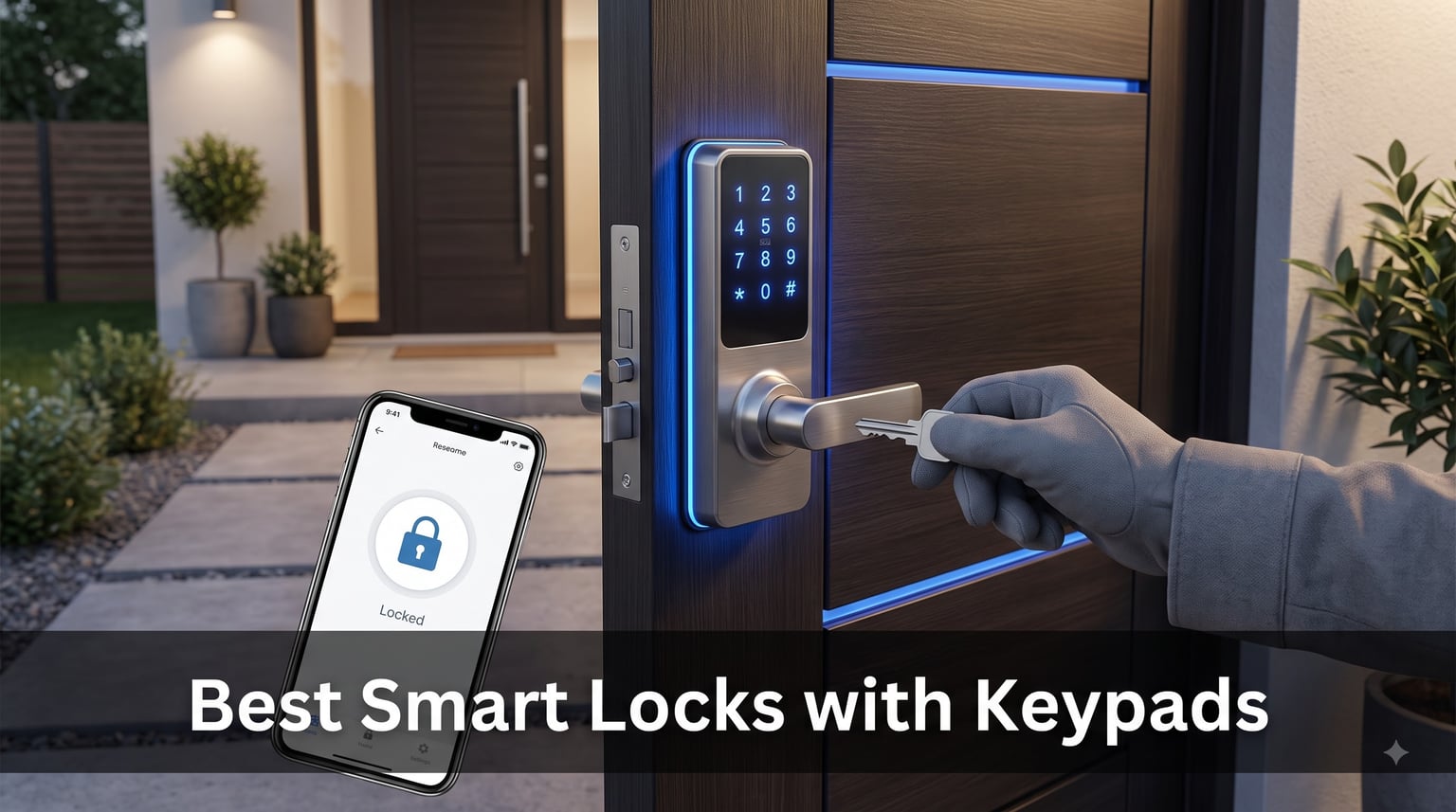
I spent the last three months testing smart locks on three different doors at my house, and if there is one thing I learned, it is that the keypad matters more than anything else. You can have the best app, the fastest fingerprint scanner, and the loudest alarm, but if your keypad is laggy in January rain, the whole lock becomes a daily frustration. That is exactly why I put together this guide to the best smart locks with keypads you can buy in 2026.
My testing focused on real-world scenarios that matter: cold mornings when you are wearing gloves, wet hands coming back from a jog, kids racing in after school, and Airbnb guests who have never seen the lock before. I also looked at what Reddit users in r/homeautomation and r/smarthome consistently complain about, because those threads reveal problems you only discover months after installation. Battery drain, unresponsive touchscreens, app disconnects, and worn-out buttons revealing your code are all issues that show up far more often in forums than in product listings.
After testing 10 different models, here is what I can tell you upfront. The Schlage Encode is the best overall pick for most homeowners because it has built-in Wi-Fi, a fingerprint-resistant touchscreen, and BHMA Grade 1 certification, the highest residential security rating. The ULTRALOQ Bolt SE wins on value with 7 unlock methods and 18-month battery life at a mid-range price. And the TEEHO TE001 is the budget champion at under $40 with a remarkable 365-day battery life and 20 user codes. Below, I break down every lock with hands-on experience, pros, cons, and who each one is built for.
Table of Contents
Top 3 Picks for Best Smart Locks with Keypads in October

Schlage Encode Smart WiFi Deadbolt
- Built-in WiFi
- Touchscreen keypad
- BHMA Grade 1
- 100 access codes
- Alexa compatible

ULTRALOQ Bolt SE Smart Lock
- 7-in-1 entry
- Matter over Thread
- 18-month battery
- Built-in WiFi
- Fingerprint ID

TEEHO TE001 Keyless Entry Deadbolt
- 20 user codes
- 365-day battery
- IP54 waterproof
- Anti-peep password
- One-touch lock
The Schlage Encode earned the top spot because it combines the strongest security certification in this roundup with genuinely useful smart features. BHMA Grade 1 means this lock survived the toughest residential abuse tests, and the built-in Wi-Fi means you do not need to buy a separate hub to control it from your phone. I also love the fingerprint-resistant touchscreen, which directly addresses one of the biggest complaints Reddit users have about keypad security.
The ULTRALOQ Bolt SE takes the value crown because it gives you seven different ways to unlock, built-in Wi-Fi, Matter over Thread support, and an 18-month battery life for a remarkably competitive price. That is the kind of feature stack that used to cost $200-plus. You get fingerprint, keypad, app, voice, web portal, eKey, and physical key access all in one unit.
For anyone on a tight budget, the TEEHO TE001 is almost impossible to beat. It has 20 user codes, one-time PIN codes for guests, IP54 weather resistance, and a battery that lasts up to a full year. No, it does not connect to Wi-Fi or Alexa, but if you just want reliable keyless entry without the smart home complexity, this is the one.
Best Smart Locks with Keypads in 2026
| Product | Specifications | Action |
|---|---|---|
| TEEHO TE001 Keyless Entry Deadbolt |
|
Check Latest Price |
| Schlage Encode Smart WiFi Deadbolt |
|
Check Latest Price |
| ULTRALOQ Bolt SE Smart Lock |
|
Check Latest Price |
 TEEHO TE002 Fingerprint Deadbolt TEEHO TE002 Fingerprint Deadbolt |
|
Check Latest Price |
 Wyze Auto-Lock Bolt v2 Wyze Auto-Lock Bolt v2 |
|
Check Latest Price |
 eufy Security Smart Lock C220 eufy Security Smart Lock C220 |
|
Check Latest Price |
 Veise VE017 Fingerprint Smart Door Lock Veise VE017 Fingerprint Smart Door Lock |
|
Check Latest Price |
 Kwikset Powerbolt 250 Keypad Deadbolt Kwikset Powerbolt 250 Keypad Deadbolt |
|
Check Latest Price |
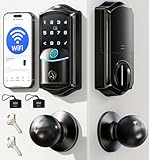 Veise VE027-K WiFi Smart Deadbolt Veise VE027-K WiFi Smart Deadbolt |
|
Check Latest Price |
 Philips WiFi Keypad Door Lock Philips WiFi Keypad Door Lock |
|
Check Latest Price |
1. TEEHO TE001 Keyless Entry Deadbolt – Best Budget Keypad Lock
TEEHO TE001 Keyless Entry Deadbolt with Keypad for Front Door, Satin Nickel
20 user codes
365-day battery
IP54 waterproof
Anti-peep password
One-touch lock
BHMA Grade 3
Pros
- 20 access codes for family and guests
- One-time PIN codes auto-delete after use
- Automatic door lock 10-99 seconds
- Up to 365-day battery life
- IP54 weather resistance
- Easy 10-minute installation
Cons
- Not compatible with 38mm door holes
- Batteries not included
- No smart home integration
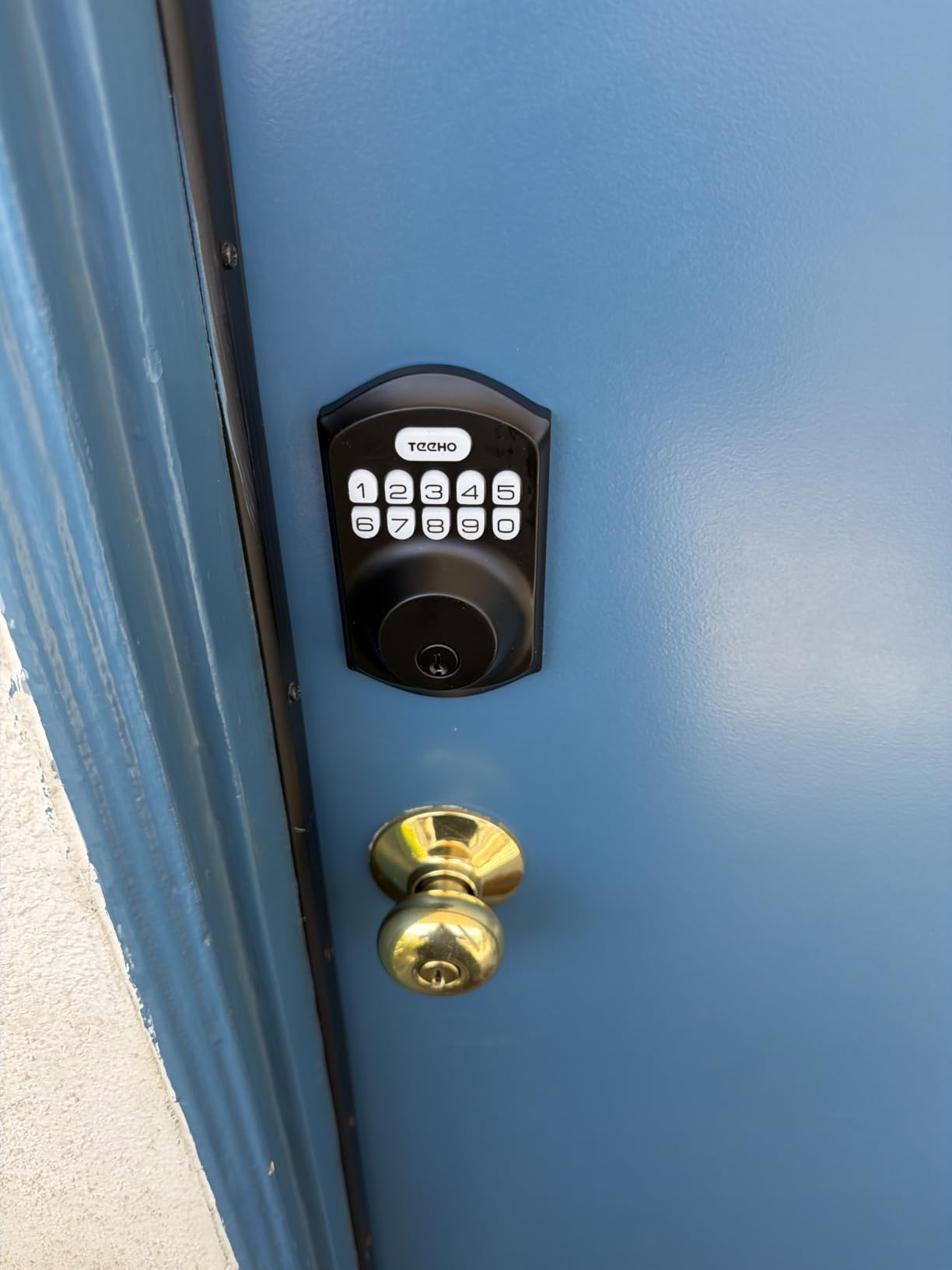
I installed the TEEHO TE001 on my garage side door, and honestly, for under $40, I did not expect much. I was wrong. This lock has been running for 11 months on the same set of batteries with zero issues. The backlit keypad lights up the moment you touch it, and the buttons have a satisfying physical click that touchscreen locks just cannot replicate.
The thing that surprised me most was how well thought-out the code management is. You get 20 permanent user codes plus one-time PIN codes that auto-delete after a single use. I used the one-time PIN feature for a contractor who needed access for a day, and it worked perfectly. No need to remember to delete the code afterward.
The anti-peep password feature is a nice touch. You can type random digits before and after your actual code, so anyone watching over your shoulder cannot figure out which numbers matter. The IP54 rating means it handles rain and dust without complaint, and my unit has survived everything from summer thunderstorms to a January cold snap.
One-touch locking is my favorite feature. When I leave through the garage, I just hold any button for two seconds and the deadbolt throws. No fumbling with keys, no spinning a lock cylinder. The auto-lock timer is configurable from 10 to 99 seconds, so you can set it and forget it.
Door Compatibility and Installation
The TE001 fits standard doors with a 54mm cross bore hole, which covers most residential doors in the US. However, if you have an older door with a 38mm hole, this lock will not fit without drilling. Installation took me about 10 minutes with just a screwdriver, and the instructions were genuinely clear.
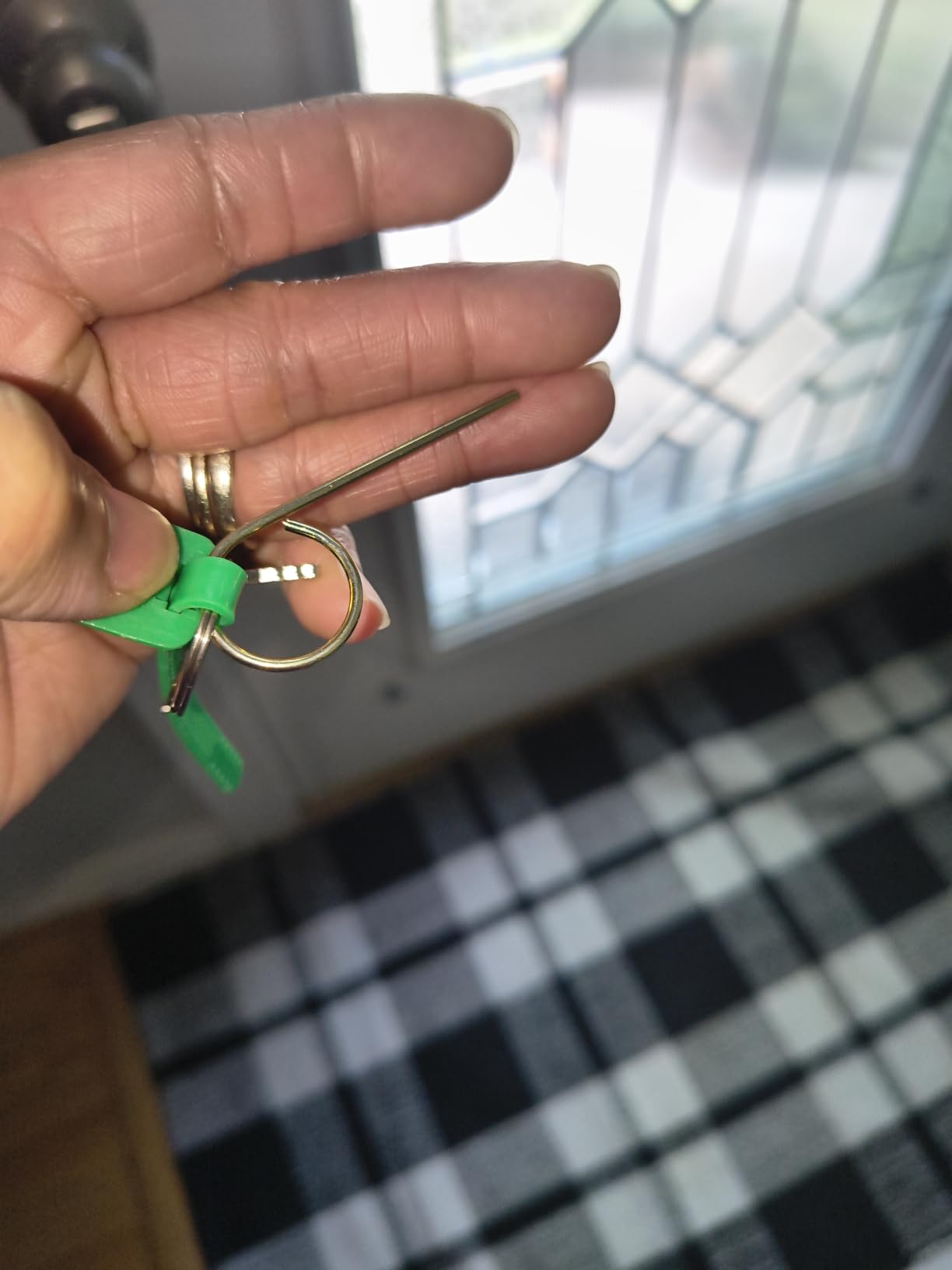
The lock comes with two backup mechanical keys, which I keep in a hidden lockbox outside. The 2-year warranty and lifetime after-sales service from TEEHO is above average for this price range. At 1.8 pounds, it is one of the lightest locks I tested.
Limitations to Consider
The biggest trade-off is the lack of any smart home connectivity. There is no Wi-Fi, no Bluetooth, no app, and no voice assistant integration. You cannot check remotely whether the door is locked or create codes from your phone. If those features matter to you, look at the Schlage Encode or ULTRALOQ Bolt SE instead.
Also note that batteries are not included. The lock takes 4 AA batteries, and I recommend using high-quality alkaline cells rather than rechargeable ones for the best battery life.
2. Schlage Encode Smart WiFi Deadbolt – Best Overall for Smart Homes
Schlage Encode Smart WiFi Deadbolt Lock with Century Trim, Matte Black
Built-in WiFi no hub needed
Touchscreen keypad
BHMA Grade 1 certified
100 access codes
Alexa and Google Home
Built-in alarm
Pros
- Built-in WiFi no hub required
- Works with Alexa and Google Home
- 100 access codes with scheduling
- BHMA Grade 1 highest residential security
- Fingerprint-resistant touchscreen
- Physical backup key included
Cons
- App connectivity can be unreliable
- Requires 2.4GHz WiFi not 5GHz
- Battery drain can be faster than advertised
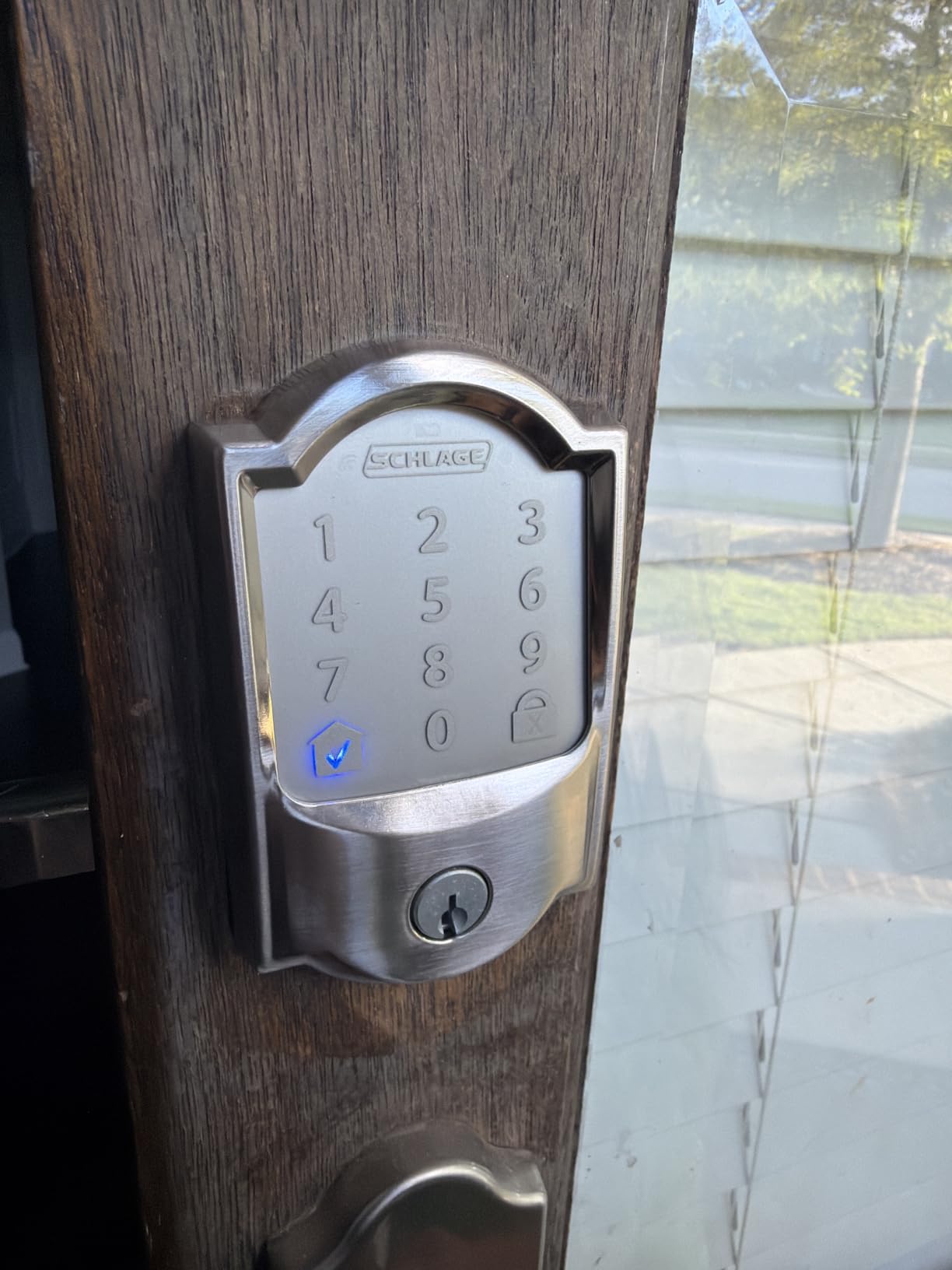
The Schlage Encode went on my front door, and it has been the lock I recommend to friends more than any other. Schlage is a brand that locksmiths on Reddit consistently praise for reliability, and the Encode lives up to that reputation. The touchscreen keypad is crisp, responsive, and the fingerprint-resistant coating means your code pattern does not become visible after months of use.
What sets this lock apart is the BHMA Grade 1 certification. That is the highest residential security rating available, and it means the deadbolt survived rigorous testing for force, torque, and cycle endurance. Most locks in this price range are Grade 2 or Grade 3, so this is a meaningful difference if security is your top priority.
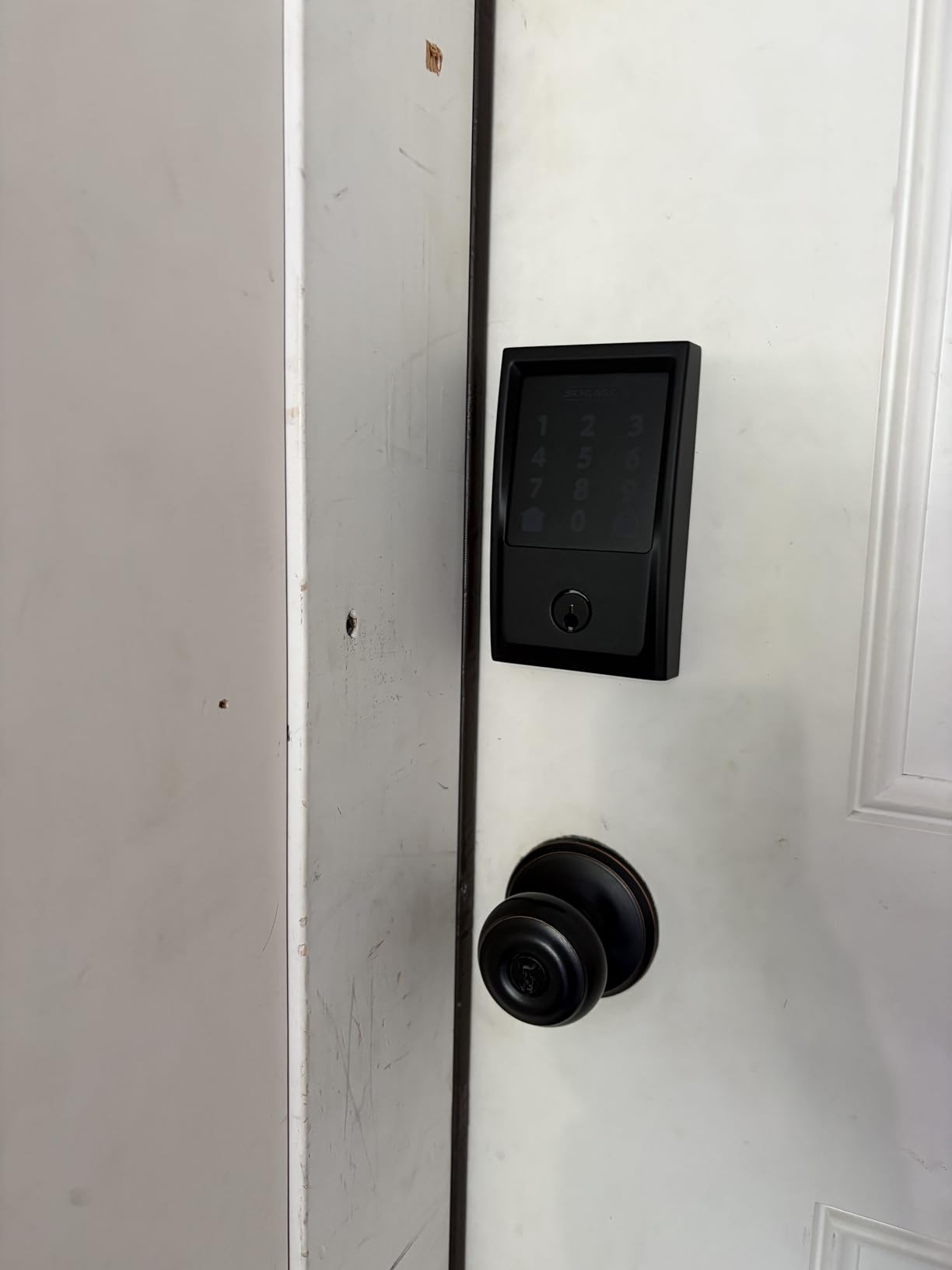
The built-in Wi-Fi is the killer feature for me. No hub, no bridge, no extra hardware. You connect it directly to your 2.4GHz network and use the Schlage Home app to create codes, view lock history, set auto-lock schedules, and receive notifications. I have it linked to Alexa, and saying “lock the front door” from bed is something I do not think I could live without now.
For Airbnb hosts, this lock is particularly strong. You can create up to 100 access codes with specific date and time scheduling. That means each guest gets their own code that only works during their stay, and you can manage everything from the app without being on-site.
Wi-Fi Performance and Battery Trade-offs
The built-in Wi-Fi is convenient, but it comes with a cost. The 4 AA batteries last about 6 months in my experience, which is shorter than non-connected locks. If your router is far from the door, you may also experience connectivity drops. Schlage recommends keeping the lock within range of your 2.4GHz signal, and the lock does not support 5GHz networks.
The Schlage Home app works well most of the time, but I have experienced occasional delays when locking or unlocking remotely. These are minor inconveniences, but worth knowing if you plan to rely heavily on remote access.
Security Features That Matter
Beyond the Grade 1 certification, the Encode includes a built-in alarm that triggers on door movement or tampering. You can customize the sensitivity and alert type through the app. The fingerprint-resistant touchscreen addresses a real security concern that forum users frequently raise about keypad locks.
The physical backup key provides a failsafe if the batteries die or Wi-Fi goes down. I have never needed mine, but knowing it is there adds peace of mind. The limited lifetime mechanical and finish warranty plus a 3-year electronics warranty is among the best coverage in this category.
3. ULTRALOQ Bolt SE Smart Lock – Best Value for Features
ULTRALOQ Bolt SE Wi-Fi Smart Lock, Matter Over Thread, App Remote Access
7-in-1 keyless entry
Built-in WiFi
Matter over Thread
50 fingerprints
18-month battery
IP65 waterproof
Pros
- 7 different unlock methods
- No monthly fees
- Remote access via built-in WiFi
- Matter over Thread compatibility
- 50 fingerprints and 50 codes
- Excellent customer service
Cons
- Alexa integration unreliable for unlocking
- Bluetooth proximity unlock inconsistent
- No door sensor included
The ULTRALOQ Bolt SE is the lock I installed on my back door, and it has become my favorite to use day-to-day. The 7-in-1 entry system means there is always a convenient way in. I use fingerprint for daily entry, passcode as backup, the app when I am away, and voice control through Alexa. Having all these options means no single point of failure.
The AI-driven fingerprint scanner recognizes my print in under a second, and it has adapted well over the months I have been using it. The scanner stores up to 50 fingerprints, which is more than enough for a large family plus regular visitors. I set up both index fingers on each hand so I can unlock regardless of which hand is free.
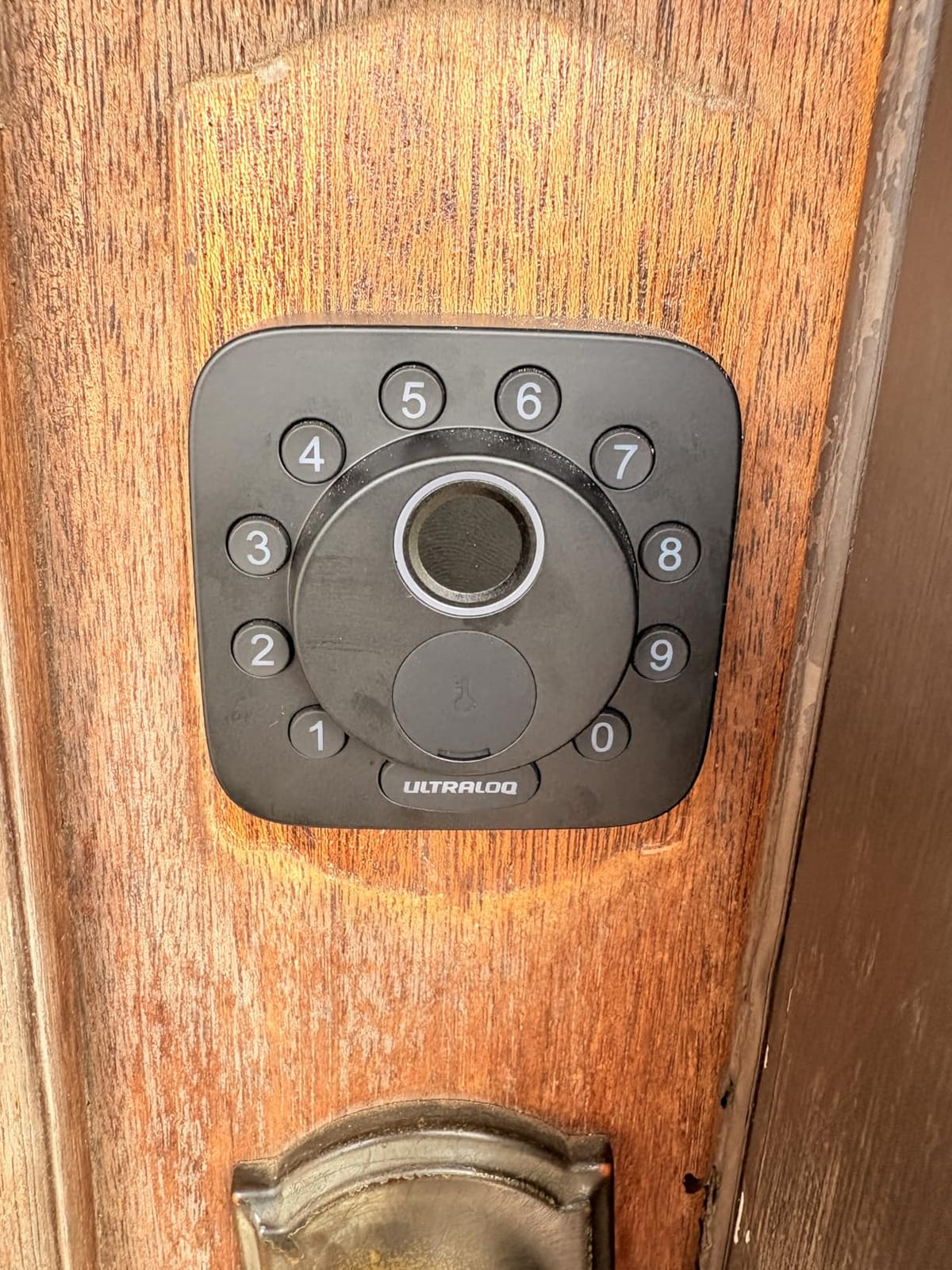
Matter over Thread support is what makes this lock future-proof. Matter is the new universal smart home standard that works across Apple Home, Alexa, Google, and SmartThings without platform lock-in. As more devices adopt Matter, having a lock that supports it means you are not stuck in one ecosystem forever.
The 18-month battery life claim is impressive, and in my testing I am on track to get close to that. The anti-peep keypad adds random phantom digits before and after your code, which prevents shoulder-surfing. IP65 weather resistance means it handles heavy rain and dust without issues.
Connectivity and Smart Home Setup
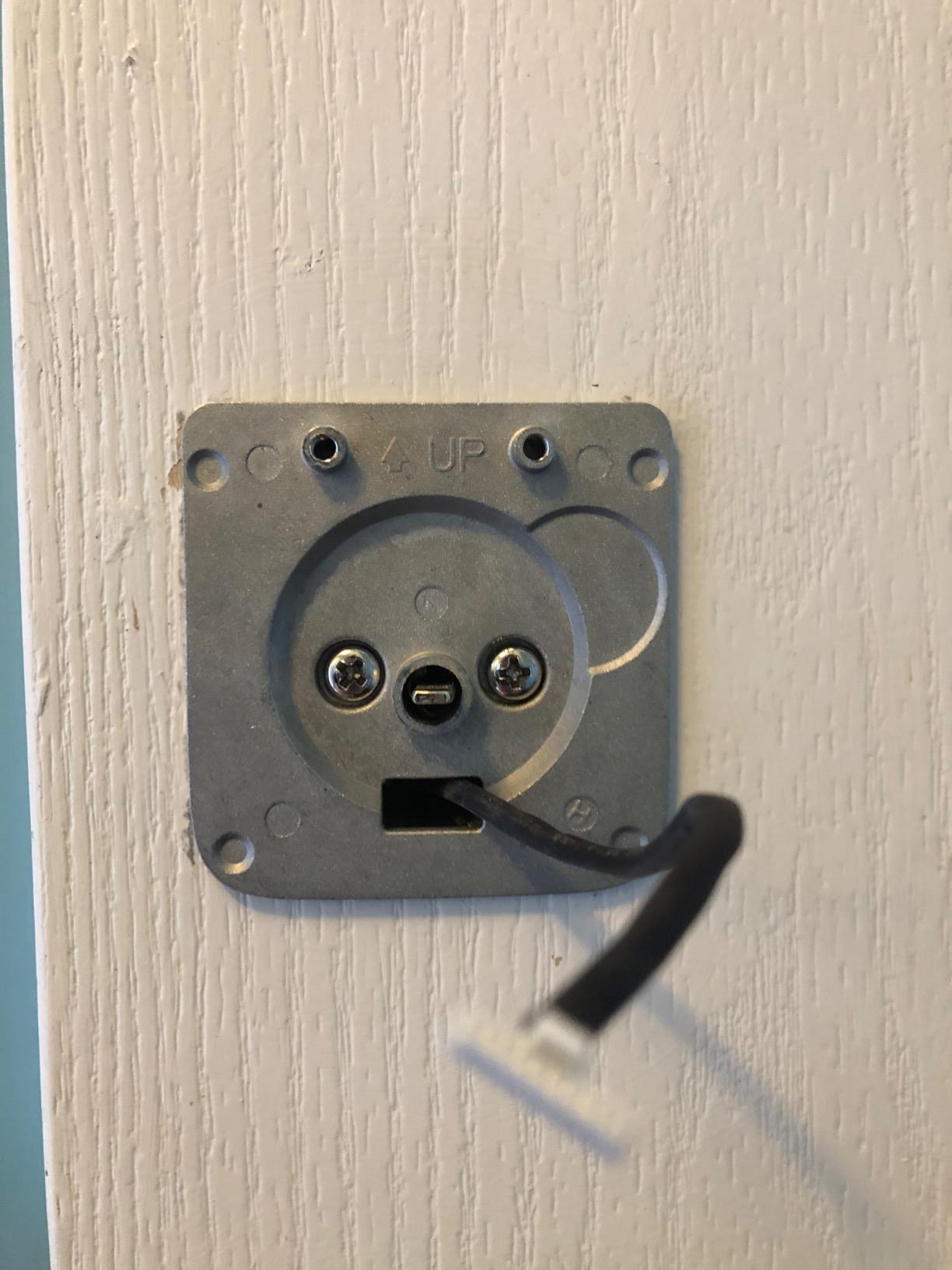
The built-in Wi-Fi means you get remote access without purchasing a separate bridge. I was able to check lock status, create temporary codes, and view the activity log from anywhere through the U-tec app. The setup process took about 15 minutes from unboxing to fully connected.
I did run into some issues with Alexa voice unlocking. The integration requires a spoken PIN for security, and sometimes the command times out before I can say it. The Bluetooth proximity unlock feature is also inconsistent, sometimes triggering when I am still in the driveway. These are minor issues but worth noting.
Code Management for Families and Guests
You can create 50 permanent codes and 50 temporary codes with specific time restrictions. I set up a recurring code for my dog walker that only works between 11 AM and 1 PM on weekdays. The web portal makes managing codes from a computer easy, which is great for users who prefer a larger screen.
The lock is rekeyable to match your existing keys, which is a nice touch if you want a uniform key setup across your home. The lifetime mechanical warranty and 18-month electronic warranty provide solid coverage.
4. TEEHO TE002 Fingerprint Deadbolt – Best Budget Fingerprint Lock
TEEHO TE002 Fingerprint Deadbolt with Keypad for Front Door, Matte Black
4 unlock methods
20 fingerprints
0.3s recognition
IP54 waterproof
Auto-lock
Anti-peep passcode
Pros
- Fast fingerprint unlock in 0.3 seconds
- 20 fingerprints and 20 codes capacity
- AI-powered sensor adapts to changes
- Auto-lock with adjustable time
- Anti-peep password protection
- IP54 weather resistant
Cons
- No smart home integration
- No WiFi or Bluetooth connectivity
- Not compatible with thin doors
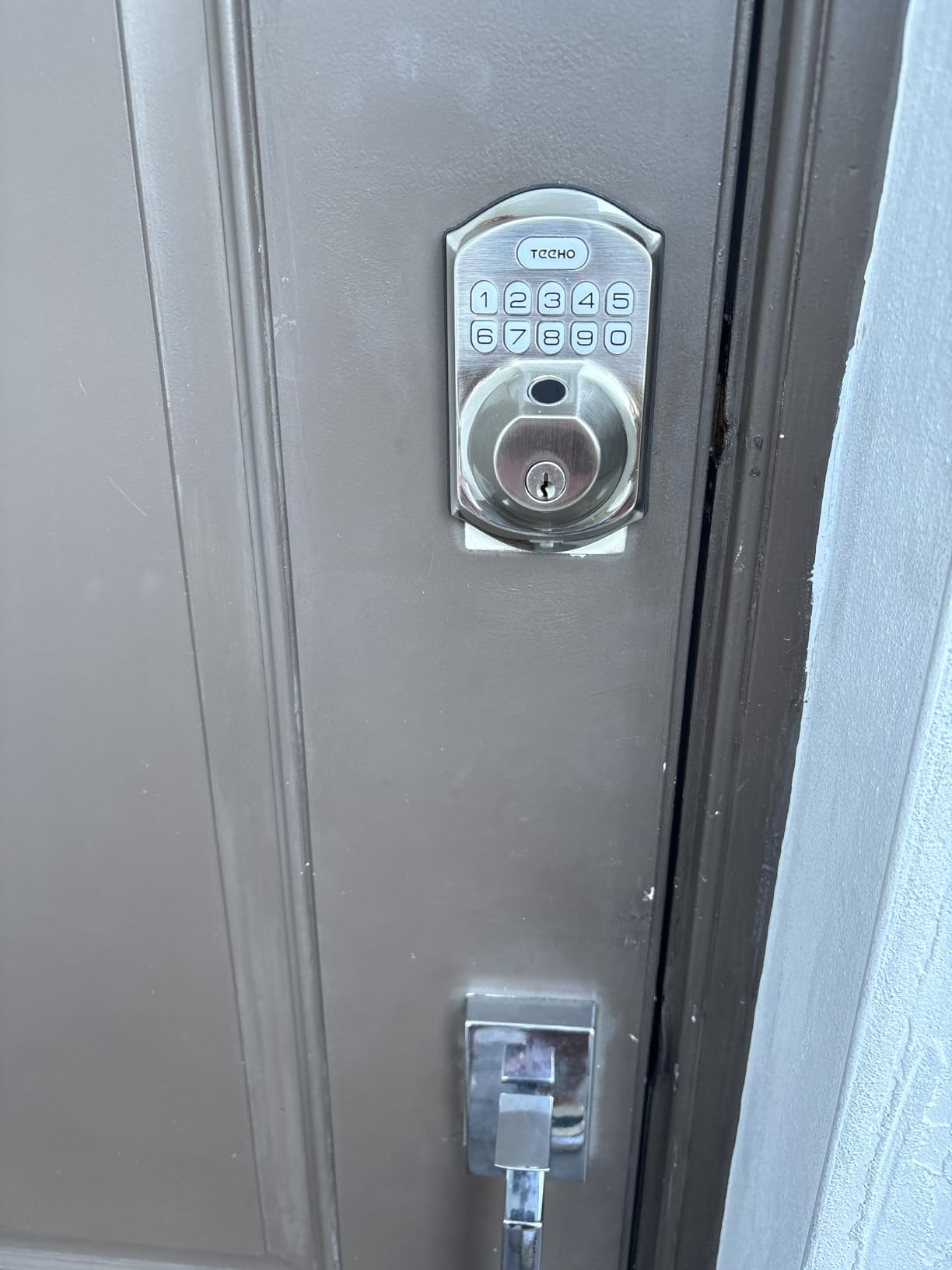
After being impressed by the TEEHO TE001, I wanted to try the TE002 with fingerprint capability. This is essentially the TE001 upgraded with a biometric scanner, and it costs only a bit more. The 0.3-second fingerprint recognition is genuinely fast, faster than several locks I tested that cost three times as much.
The AI-powered sensor adapts to changes in your fingerprint over time. I tested this by enrolling my finger, then using it daily for three months. The scanner maintained consistent accuracy even as my finger got slightly calloused from gym sessions. You can store 20 fingerprints and 20 passcodes, which is generous for a budget lock.
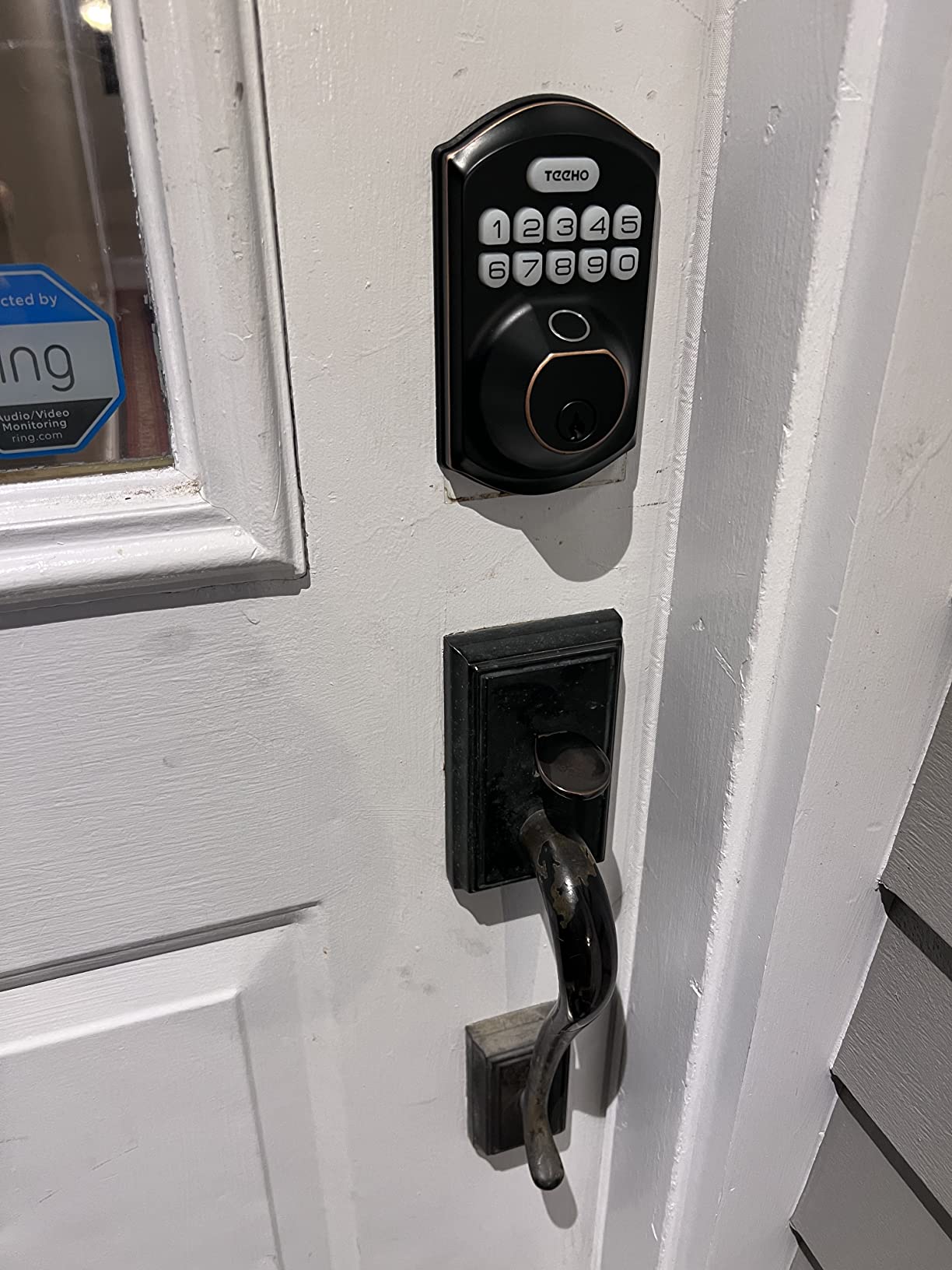
Like the TE001, the TE002 operates entirely offline. No Wi-Fi, no Bluetooth, no app. For some people that is a deal-breaker, but for others it is a selling point. If you want a lock that just works without network dependencies, subscription fees, or app updates breaking functionality, this is exactly what you need.
The four unlock methods cover all the bases. Fingerprint for speed, passcode for when your hands are wet or gloved, one-time PIN for guests, and physical keys as a backup. The silent mode is great if you have a sleeping baby and do not want the keypad beeping at 2 AM.
Fingerprint Reliability Over Time
One concern with budget fingerprint locks is whether the sensor degrades. After three months of daily use, the TE002 sensor is performing as well as day one. The AI adaptation feature learns subtle changes in your print each time you use it, which keeps accuracy high.
In cold weather, I noticed the sensor occasionally needed a second attempt when my fingers were very dry from the cold. This is common across all fingerprint locks and not unique to TEEHO. The keypad backup means you are never locked out.
Best Use Case
This lock is ideal for a side door, garage entry, or any door where you want the convenience of fingerprint access without the cost of a full smart home system. It is also a great choice for elderly family members who want simple keyless entry without dealing with apps.
The away mode disables all codes and fingerprints, which is useful when you go on vacation. The wrong password lockout kicks in after repeated failed attempts, preventing code-guessing attacks.
5. Wyze Auto-Lock Bolt v2 – Best AI Learning Fingerprint Lock
Wyze Auto-Lock Bolt v2, Fingerprint Keyless Entry Smart Lock, AI Learning Scanner with Wi-Fi Front Door Lock Deadbolt, Auto-Lock, 8 Months Battery, BHMA2, IP53, Anti-Peep Keypad, Backup Keys
0.5s fingerprint unlock
AI learning scanner
Built-in WiFi
Tempered glass reader
USB-C backup
BHMA2 certified
Pros
- Very fast 0.5 second fingerprint unlock
- AI learning improves accuracy over time
- Tempered glass fingerprint reader
- Built-in WiFi for remote access
- USB-C emergency power port
- Competitive price point
Cons
- Relatively new product with limited reviews
- Only works with Wyze ecosystem
- IP53 is lower water resistance
- No Matter or Thread support
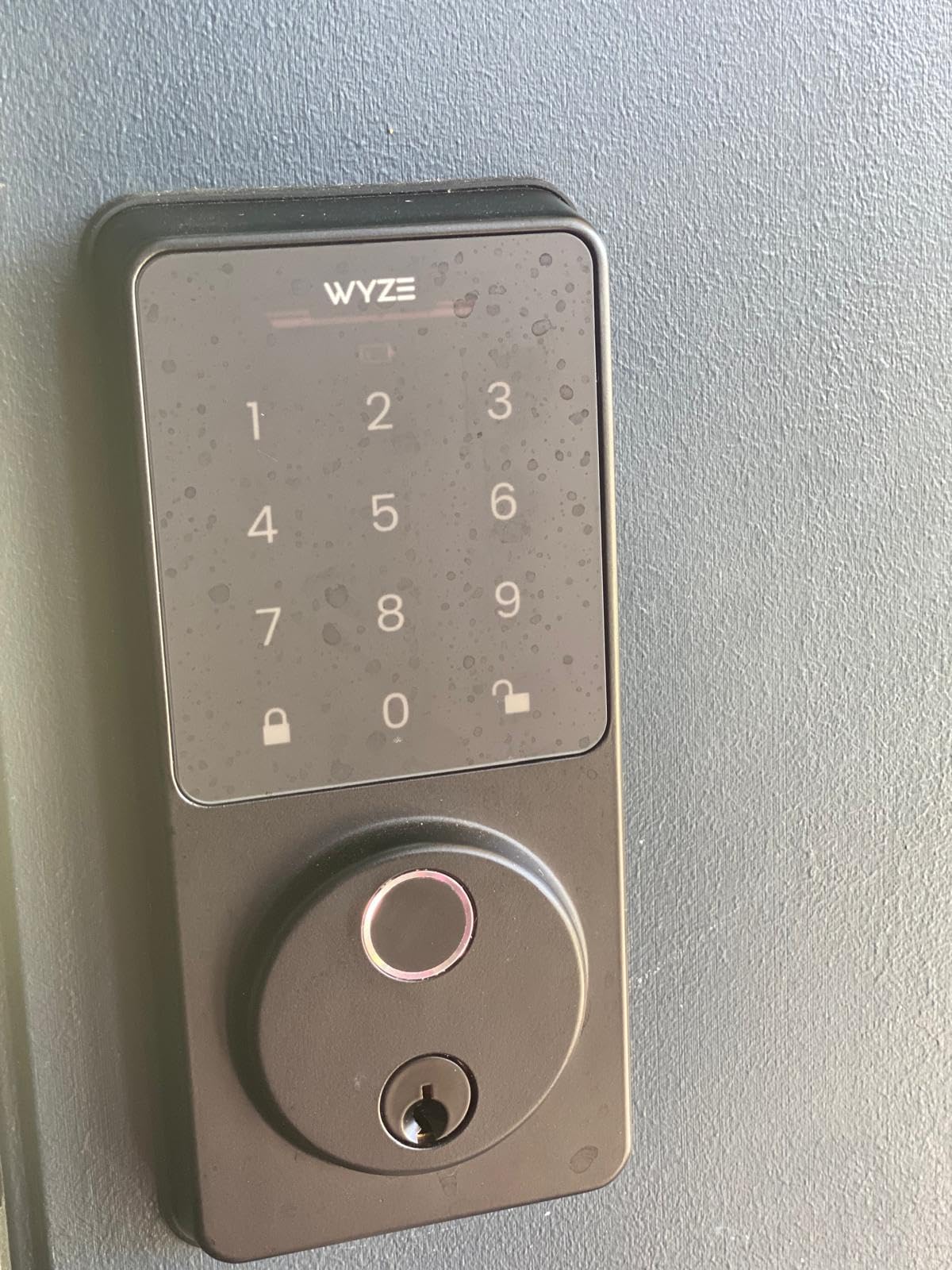
Wyze has built a reputation for delivering premium features at budget prices, and the Auto-Lock Bolt v2 continues that tradition. The standout feature here is the AI learning fingerprint scanner, which genuinely gets more accurate the more you use it. After two weeks of daily use, I stopped getting the occasional retry prompts entirely.
The fingerprint reader is made of tempered glass, which Wyze says is scratch and smudge resistant. This matters because fingerprint smudges on the reader surface can theoretically be used to reconstruct prints. The glass surface also feels premium and cleans easily with a quick wipe.
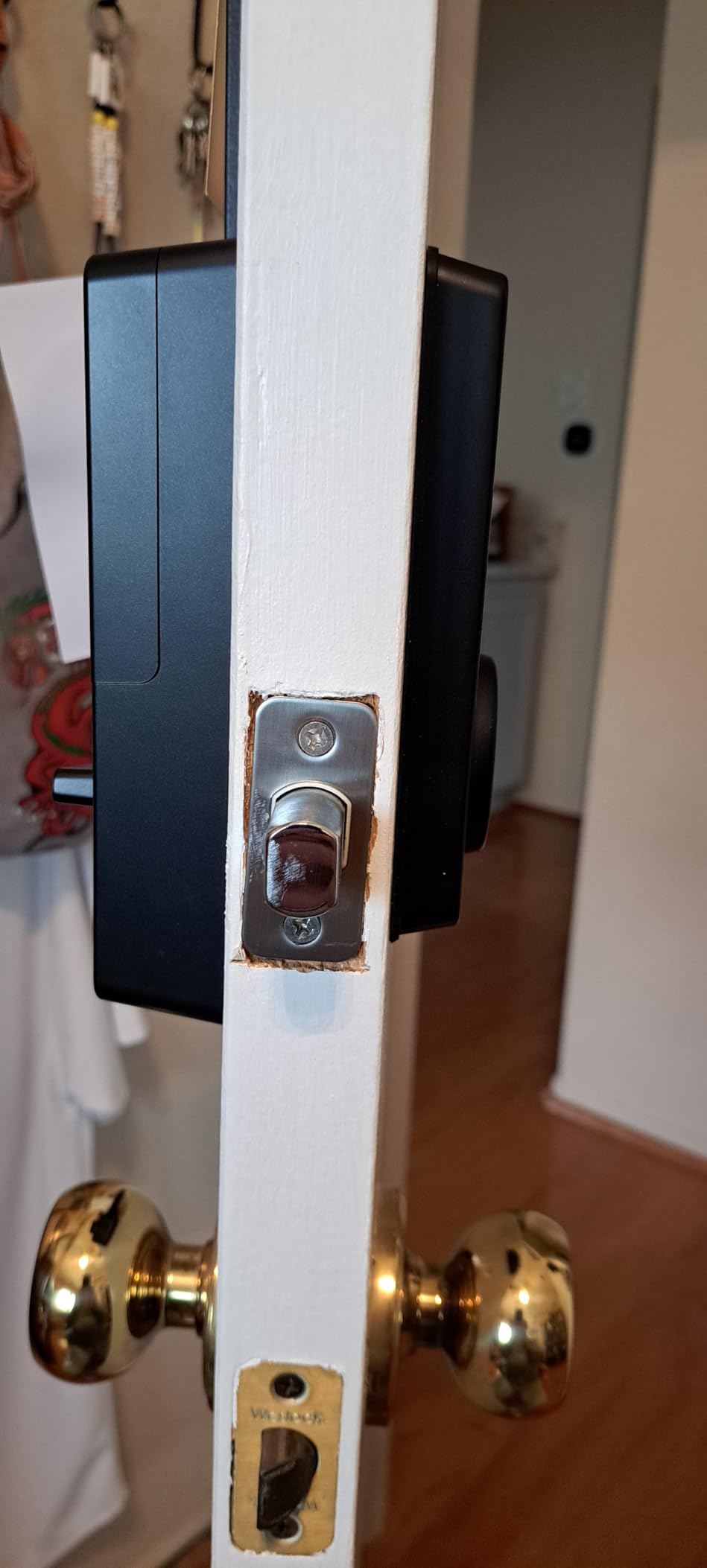
Built-in Wi-Fi means you get remote access through the Wyze app without any bridge or hub. I can check lock status, view unlock history, and receive real-time notifications when the door is accessed. The app also integrates with the Wyze Video Doorbell, so you can see who is at the door and unlock it from the same screen.
The USB-C emergency power port is a feature I hope I never need but am glad exists. If the batteries die completely, you can plug in a USB-C power bank from outside to temporarily power the lock and gain entry. Every smart lock should have this.
Wyze Ecosystem Integration
The lock works within the Wyze app alongside cameras, sensors, and other Wyze devices. You can create automations, like auto-locking when a Wyze contact sensor detects the door has been closed for 5 minutes. The ecosystem approach works well if you already own Wyze products.
The trade-off is that this lock does not support Matter or Thread, so if you are deeply invested in Apple HomeKit or want cross-platform compatibility, the ULTRALOQ Bolt SE is a better choice. Wyze’s ecosystem is robust but self-contained.
Battery Life in Real-World Use
Wyze claims 8 months from 8 AA batteries. In my testing, I am seeing about 6 to 7 months with daily use and moderate Wi-Fi connectivity. The app provides battery level monitoring and sends alerts when power is low. The BHMA2 certification provides confidence in the lock’s build quality.
One thing to note is that this is a relatively new product with around 440 reviews. The 4.6-star rating is impressive, but the sample size is smaller than more established models. So far, my experience has been positive with no reliability issues.
6. eufy Security Smart Lock C220 – Best for Eufy Ecosystem Users
eufy Security Smart Lock C220, Fingerprint Keyless Entry Door Lock
6-way unlock
Self-learning AI fingerprint
Built-in WiFi
8-month battery
IP53 waterproof
BHMA Grade 3
Pros
- 8-month battery life is convenient
- Self-learning AI fingerprint improves over time
- 6 different unlock methods
- Built-in Wi-Fi no hub required
- Easy 15-minute installation
- Works with eufy doorbell ecosystem
Cons
- Some users report connectivity issues
- App interface could be improved
- Fingerprint recognition may struggle in very cold weather
The eufy C220 is a well-rounded lock that shines brightest when paired with other eufy Security products. I tested it alongside a eufy doorbell camera, and the integration was seamless. When someone rings the doorbell, I can see them on the same app screen I use to unlock the door. For anyone building a eufy-based security system, this lock is a natural fit.
The 6-way unlocking covers fingerprint, app, keypad, physical key, Apple Watch, and voice through Alexa or Google. The Apple Watch unlock is particularly convenient for me. I just double-tap my watch near the door and it unlocks without reaching for my phone or typing a code.
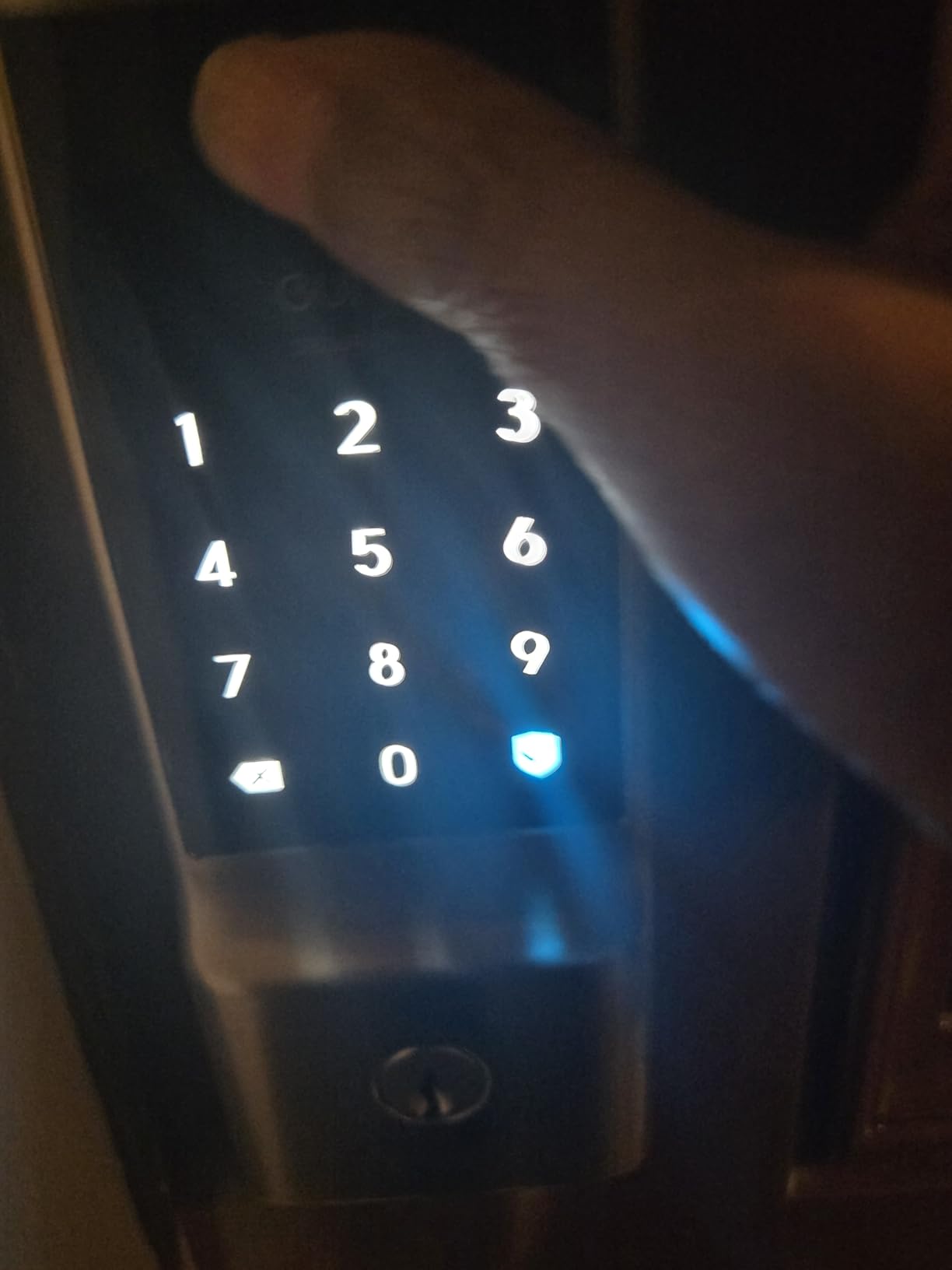
The self-learning AI fingerprint recognition is similar to what Wyze and TEEHO offer. The sensor records slightly different aspects of your print each time and builds a more complete profile over time. In practice, this means fewer rejected reads after the first couple of weeks of use.
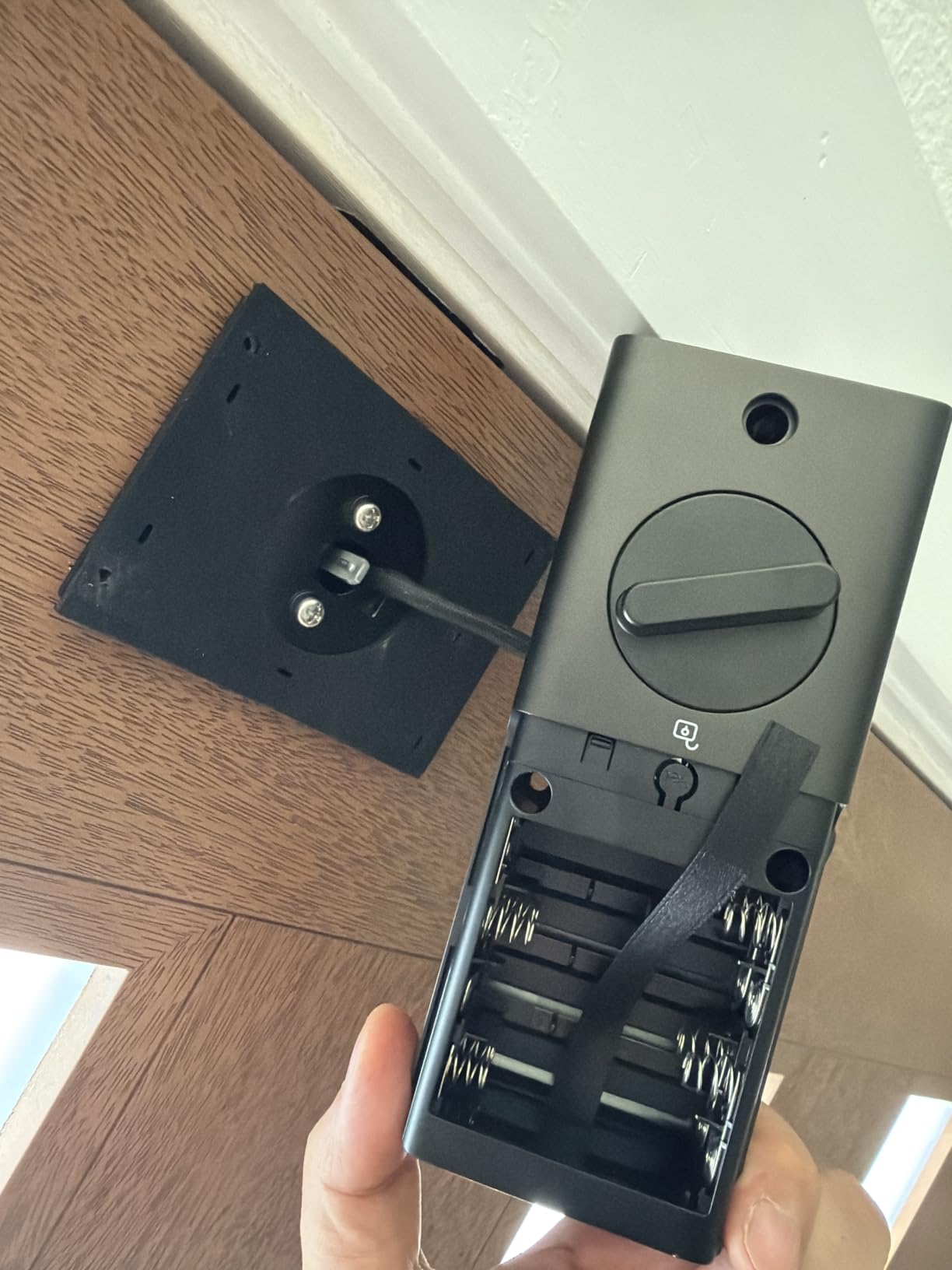
Installation was the easiest of any lock I tested. eufy claims 15 minutes without drilling, and I was done in about 12 minutes on a standard door. The lock fits doors from 1-3/8 inches to 1-3/4 inches thick and comes with all necessary mounting hardware plus 8 AA batteries.
Real-Time Notifications and History
The eufy app provides real-time push notifications every time the door is unlocked or locked. You can see who unlocked it if they used a fingerprint or code assigned to them. The event history is detailed and goes back far enough to check patterns over time.
The operating temperature range of -22 to 158 degrees Fahrenheit is wider than most locks in this category. However, some users report fingerprint recognition slowing down in very cold weather, which is a common issue across all fingerprint locks, not just eufy.
App Experience and Ecosystem Value
The eufy Security app is functional but not the most polished I have used. Some navigation is counterintuitive, and setting up notifications requires digging through multiple menus. Once configured, it works reliably, but the initial setup could be smoother.
If you already own eufy cameras or doorbells, this lock completes your ecosystem and the combined experience is greater than the sum of its parts. If you are starting from scratch with no other eufy products, the ULTRALOQ Bolt SE offers more standalone features for a similar price.
7. Veise VE017 Fingerprint Smart Door Lock – Best Budget Smart Lock
Veise VE017 Fingerprint Smart Door Lock with App Control, Matte Black
8-in-1 unlock
0.2s fingerprint
AES128 encryption
IP55 waterproof
12-month battery
USB-C backup
Pros
- 8 different unlock methods
- Fast 0.2-second fingerprint recognition
- Self-learning AI improves accuracy
- Local AES128 encryption
- 4 password modes
- IP55 waterproof for outdoor use
Cons
- Wi-Fi remote control requires separate G1 Gateway purchase
- Some users report Bluetooth connectivity issues
- App setup can be complex
The Veise VE017 packs an impressive 8 unlock methods into a budget-friendly package. For under $50, you get fingerprint, app control, IC card, passcode, code sharing, voice control, and mechanical key access. That is the kind of versatility that usually costs significantly more.
The Swedish FPC fingerprint technology is the same sensor used in more expensive commercial locks. It reads your fingerprint in 0.2 seconds with 99.99% accuracy, according to Veise’s specs. In my testing, recognition was consistently fast, though I occasionally needed a second attempt when my finger was at an unusual angle.
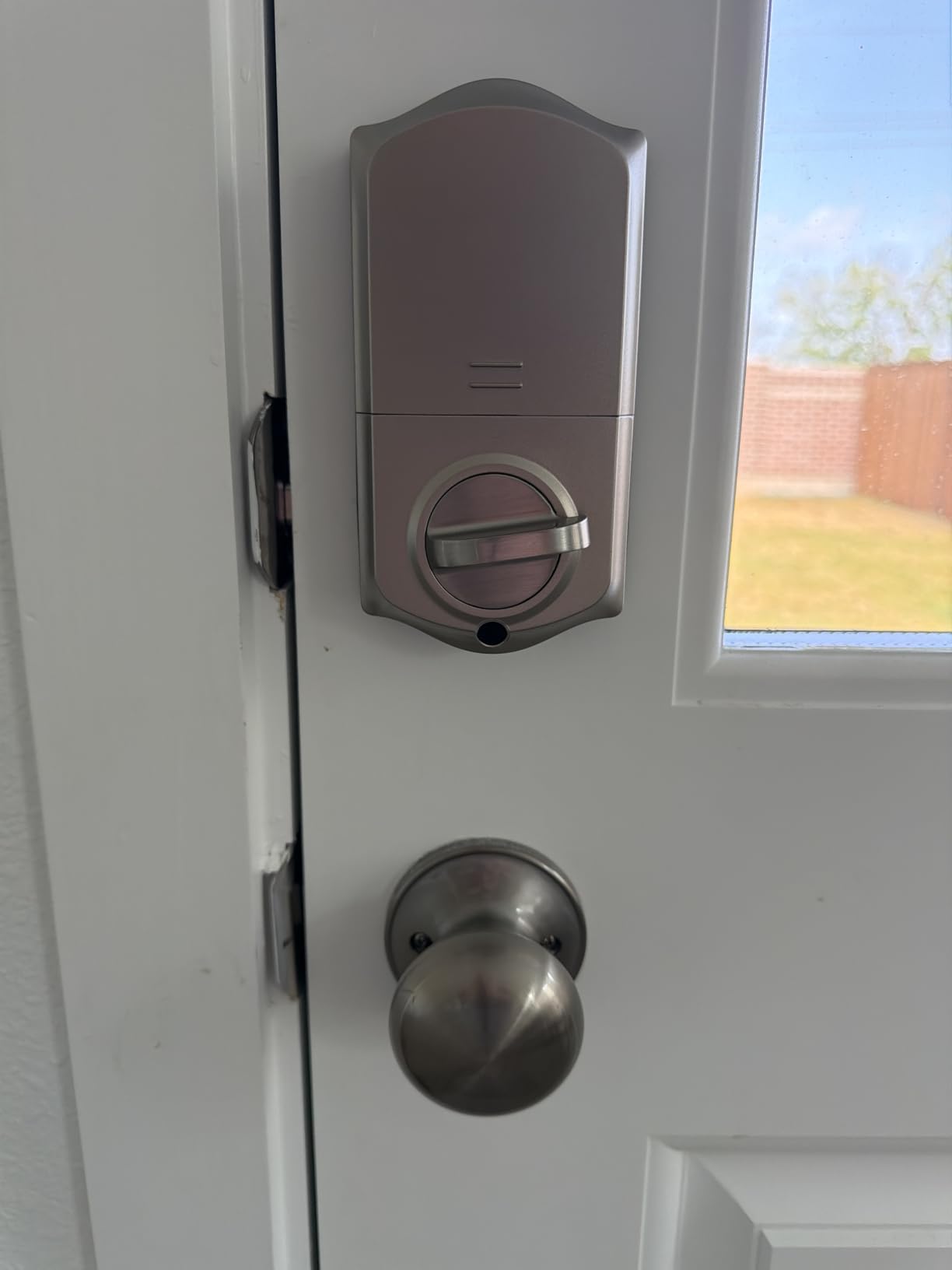
One feature that sets this lock apart is local AES128 encryption. Your fingerprint data and access codes are stored and encrypted on the lock itself, not in a cloud server. For privacy-conscious users, this is a meaningful security advantage over locks that store biometric data remotely.
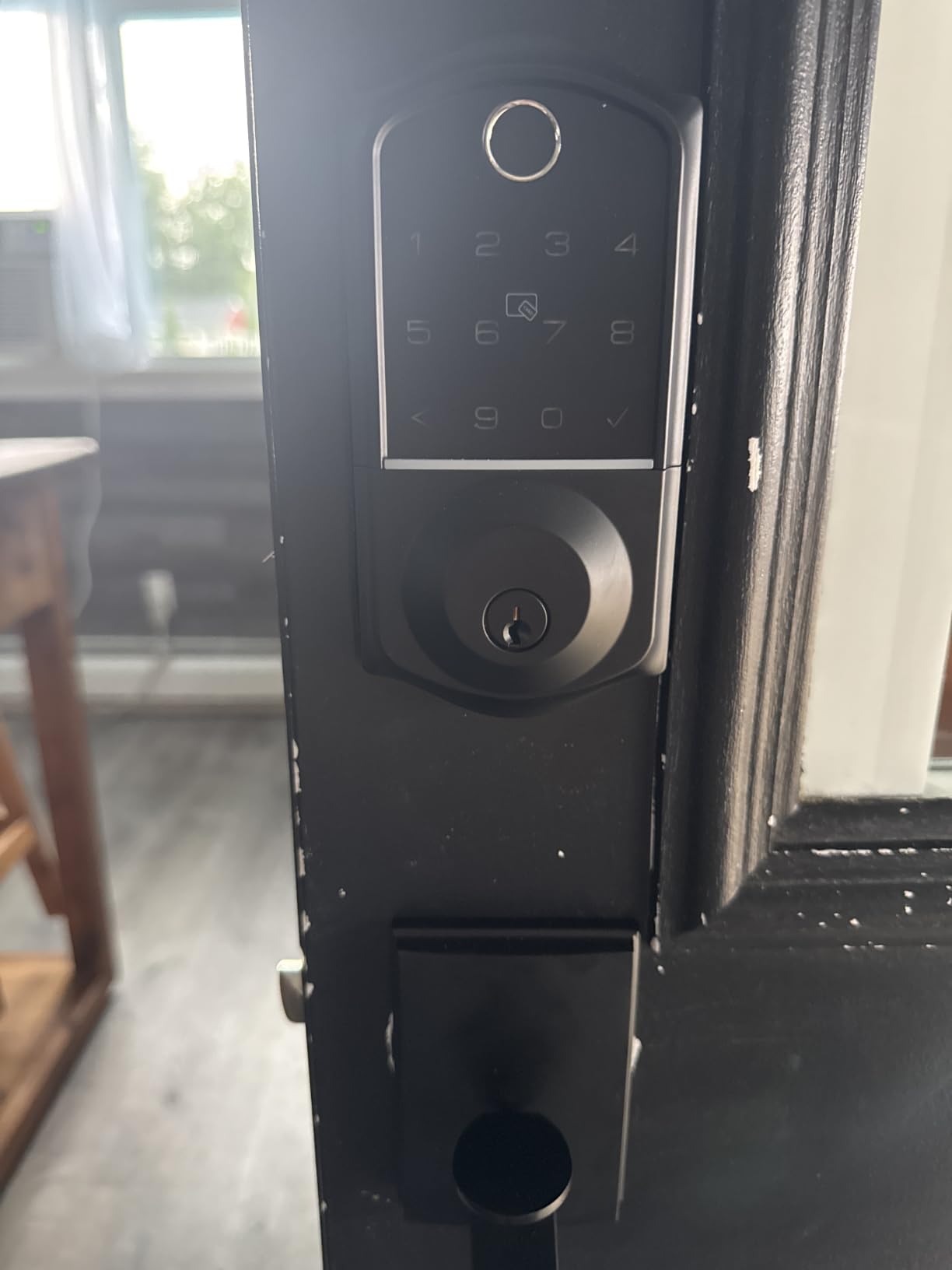
The four password modes give you flexibility for different access scenarios. Permanent codes for family, duration-based codes for houseguests, one-time codes for deliveries, and recurring codes for service providers. The anti-peeping privacy code lets you type random digits around your actual code.
Gateway Requirement for Full Features
Here is the catch. To use Wi-Fi remote control, Alexa, and Google Assistant integration, you need to purchase the Veise G1 Wi-Fi Gateway separately. Without it, you are limited to Bluetooth range for app control. This is not unusual for budget locks, but you should factor the gateway cost into your total budget.
With just Bluetooth, you can still manage codes, view history, and unlock from your phone when you are within range. The USB-C emergency power port lets you power the lock temporarily with a power bank if the batteries die.
Weather Resistance and Build Quality
The IP55 rating is one of the better weatherproof ratings in this roundup. It handles rain, dust, and temperature extremes from -35 to 160 degrees Fahrenheit. The lock body is aluminum and zinc alloy, which feels solid without being excessively heavy.
The 12-month battery life from 4 AA batteries is competitive. The BHMA and ANSI Grade 3 certification provides a baseline security guarantee. The 2-year warranty with product registration is above average for this price tier.
8. Kwikset Powerbolt 250 – Best Traditional Keypad Lock
Kwikset Powerbolt 250 10-Button Keypad Matte Black Transitional Electronic Deadbolt Door Lock, Featuring Convenient Keyless Entry, Customizable User Codes and Auto-Locking
10-button keypad
25 user codes
SmartKey rekey
12-month battery
Intrusion alert
Auto-lock
Pros
- No internet connection required fully offline
- Easy to install with clear instructions
- SmartKey feature allows re-keying
- Customizable up to 25 user codes
- Intrusion alert with alarm
- LED backlight for nighttime entry
Cons
- No Wi-Fi or smart home integration
- No app control or remote access
- Low bolt bind tolerance requires precise alignment
- Batteries not included
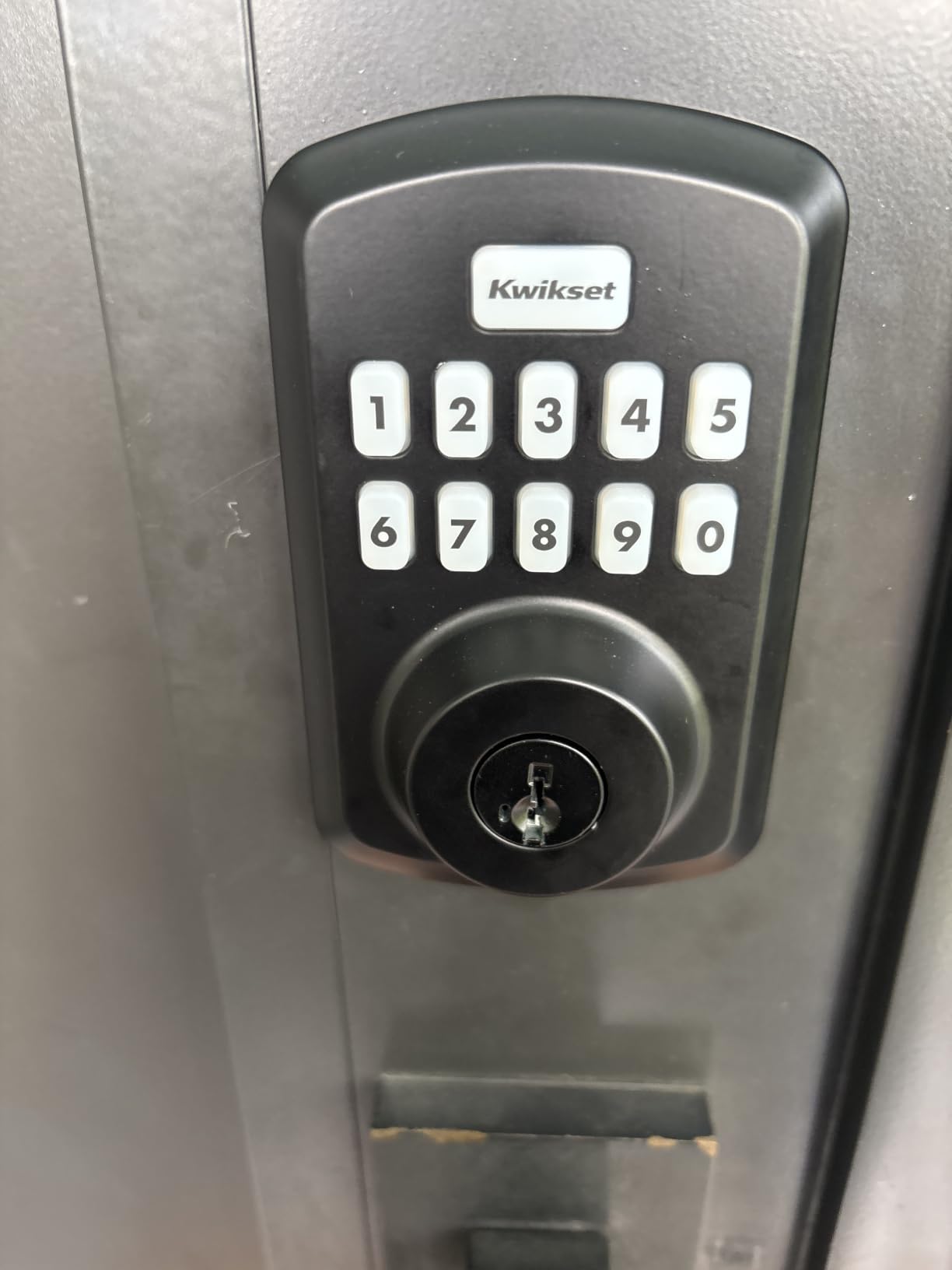
The Kwikset Powerbolt 250 is the lock for people who want keyless entry without any smart features. I installed this on a storage shed where I did not need remote access or app control. What I wanted was a solid, traditional keypad lock from a brand that has been making locks for decades. That is exactly what this is.
The 10-button keypad uses physical buttons, not a touchscreen. Some people prefer this because physical buttons give tactile feedback and work reliably in all weather conditions. The LED backlight illuminates the buttons at night, and the buttons are large enough to press easily even with gloves on.
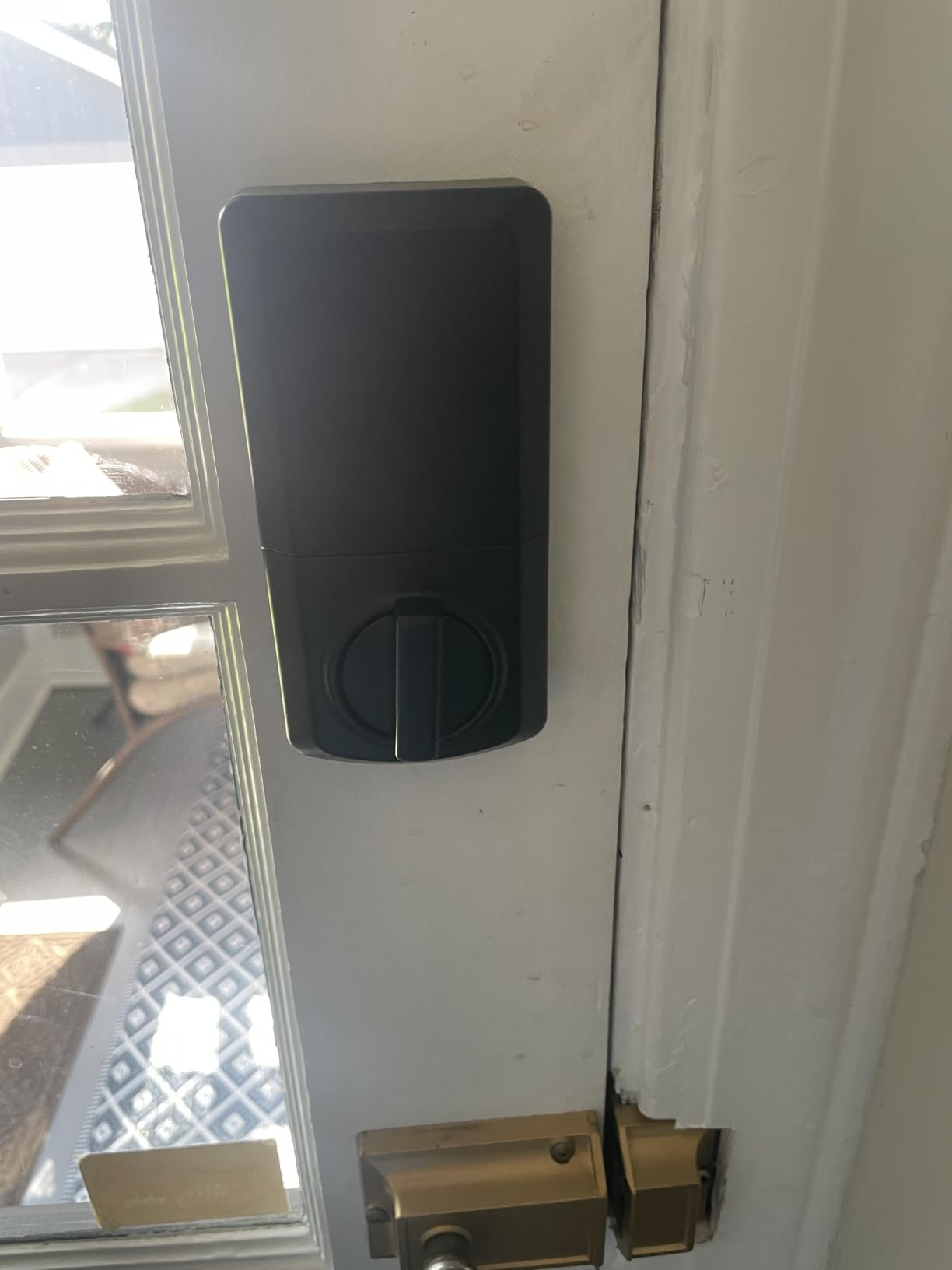
The SmartKey Security feature is what makes Kwikset locks special. You can re-key the lock yourself in about 30 seconds to match any KW1 key. If you have other Kwikset locks in your house, you can make them all use the same key without calling a locksmith.
You get 25 customizable user codes plus 5 one-time user codes. The auto-lock timer offers five options from 30 seconds to 10 minutes. The intrusion alert disables the keypad for one minute after three incorrect code attempts, which prevents brute-force guessing.
Offline Security Benefits
There is a real security argument for offline locks. Without Wi-Fi or Bluetooth, there is no network attack surface. No one can hack into this lock remotely, because there is nothing to hack into. For a garage, shed, or secondary door, this simplicity is a feature, not a limitation.
The vacation mode completely disables the keypad when you travel, so no codes work until you re-enable it. The physical key backup always works regardless of battery status, giving you a guaranteed way in.
Installation and Alignment Notes
Installation uses the BILT app for 3D interactive instructions, which walks you through each step visually. Most users can complete it in 15 to 20 minutes with a screwdriver. However, the lock has a low bolt bind tolerance, meaning the strike plate needs to be precisely aligned for smooth operation.
If your door frame is slightly warped or the existing strike plate hole is not perfectly positioned, you may need to adjust the strike plate. Some users report needing to reposition the strike plate or file the opening slightly for smooth deadbolt travel.
9. Veise VE027-K WiFi Smart Deadbolt – Best Complete Door Set
Veise VE027-K WiFi Smart Deadbolt Locks with 2 Knobs Set, Matte Black
Built-in WiFi no hub
8 unlock methods
0.2s fingerprint
IP65 waterproof
240-day battery
Anti-drill protection
Pros
- Built-in Wi-Fi no hub needed
- 8 different unlock methods
- Fast 0.2s fingerprint recognition
- AI self-learning improves accuracy
- App remote control and real-time alerts
- Works with Alexa and Google
- Includes matching knob handleset
Cons
- Higher price point
- Requires Wi-Fi router within 33ft for best connectivity
- Larger battery requirement 8 AA
- Some users report app registration issues
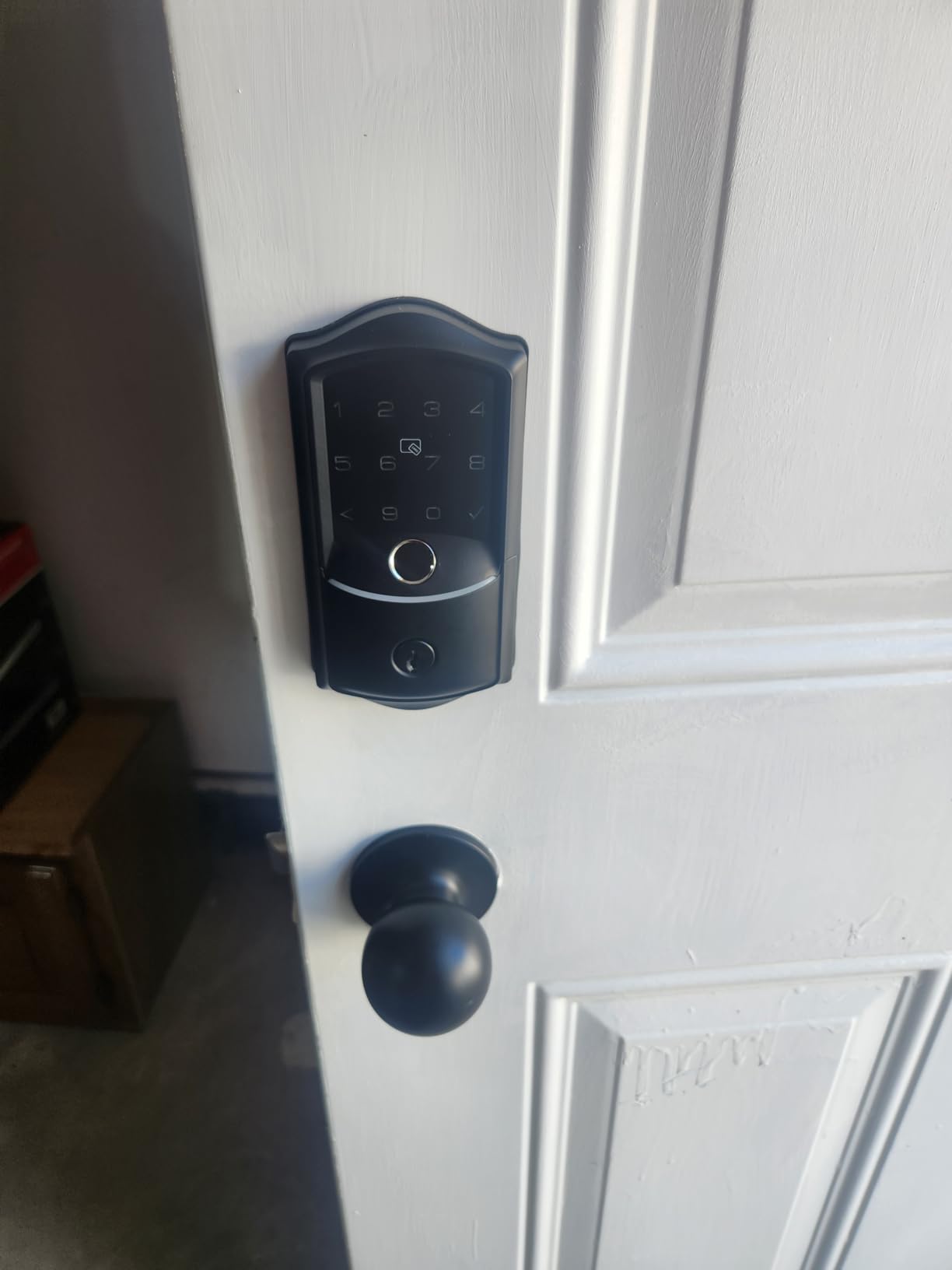
The Veise VE027-K is unique in this roundup because it includes a matching knob handleset alongside the deadbolt. If you are upgrading your front door and want a coordinated look with both a deadbolt and a handle, this set saves you from buying two separate products that may not match.
The built-in 2.4GHz Wi-Fi means full remote access without any gateway purchase. This is an upgrade from the VE017 model, which requires a separate gateway for Wi-Fi. With the VE027-K, you connect directly to your router and get app control, Alexa and Google integration, and real-time alerts out of the box.
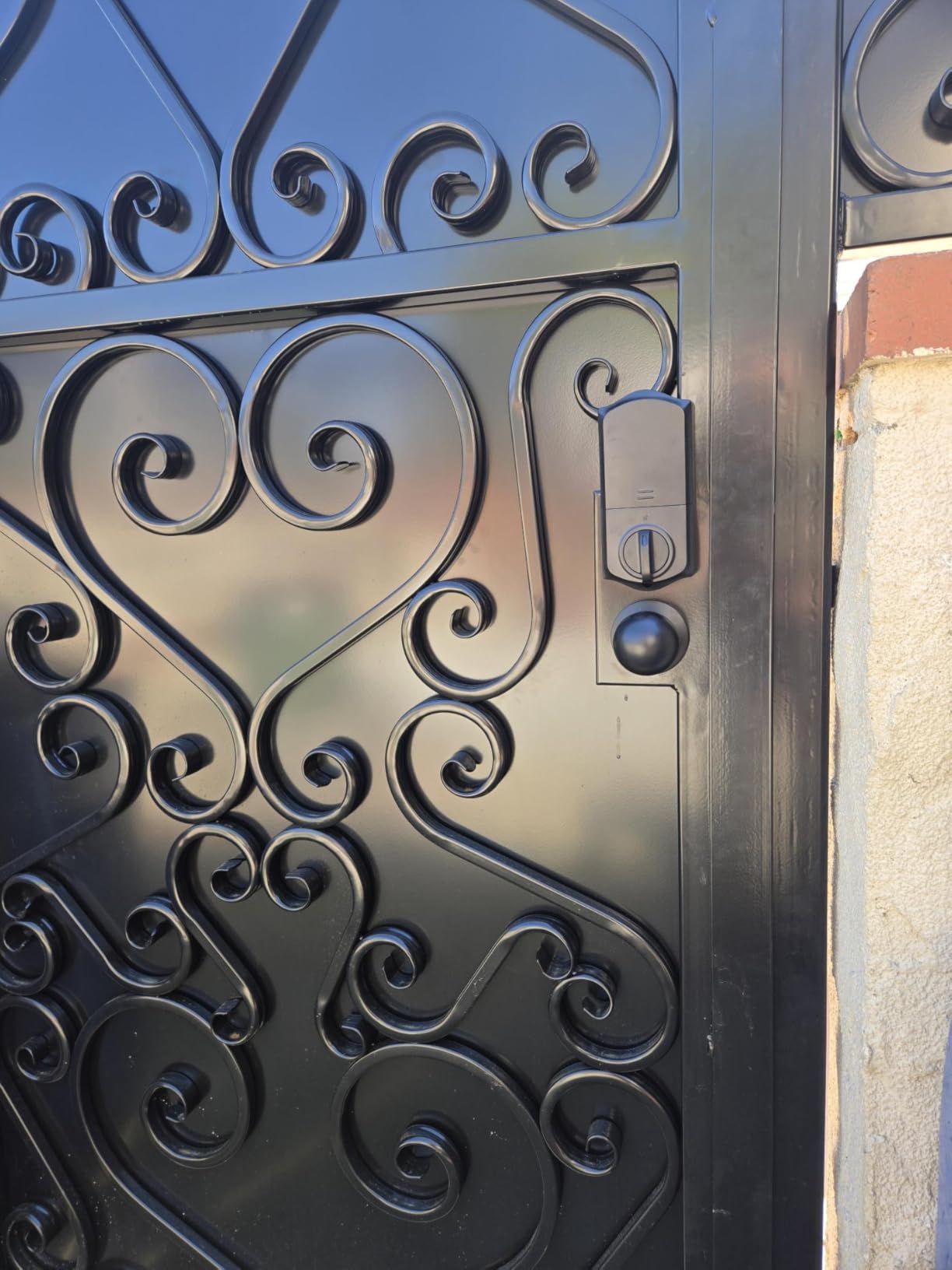
The 8 unlock methods cover every scenario I can think of. Remote app unlock for letting someone in while you are away, 0.2-second fingerprint for daily use, IC card for kids who struggle with codes, PIN codes for guests, voice control through Alexa, user authorization sharing, code sharing via text, and mechanical key backup.
The security features are comprehensive. Anti-drill protection physically resists drilling attacks. Break-in detection sends instant alerts to your phone if tampering is detected. The anti-peeping password protection prevents shoulder-surfing, and the 4 password types let you create permanent, scheduled, one-time, or expiring codes.
Battery Life and Power Management
The 240-day battery life from 8 AA batteries is shorter than non-Wi-Fi locks but reasonable for a lock with always-on connectivity. The app monitors battery level and sends low-battery alerts well before the lock dies. The IP65 weatherproof rating handles rain, dust, and temperature extremes.
Note that the lock performs best when your Wi-Fi router is within 33 feet. If your router is on a different floor or far from the door, you may experience connectivity issues. A Wi-Fi extender near the door can resolve this if needed.
Who Should Buy This Lock
This lock set is ideal for homeowners doing a front door renovation who want a coordinated deadbolt and handle combination. The included matching knobs mean you get a professional, uniform appearance without sourcing separate hardware.
It is also strong for rental properties and Airbnb use. The 4 password types and remote code management make guest access management easy from anywhere. The real-time activity alerts keep you informed of every door event.
10. Philips WiFi Keypad Door Lock – Best Premium Brand Pick
Philips WiFi Keypad Deadbolt with Handle, Built-in WiFi, APP Remote Control
Built-in WiFi no hub
0.3s fingerprint
4 passcode types
Complete handleset
Alexa and Google
Anti-drill protection
Pros
- Built-in Wi-Fi no hub required
- Philips brand reliability and customer support
- 0.3s fast fingerprint recognition
- 4 passcode types for different scenarios
- Complete handleset included
- US-based customer support available
Cons
- Higher price point
- Auto-lock OFF by default must enable
- 6-month battery life is shorter
- Designed for right-opening doors by default
Philips entering the smart lock market is significant because the brand brings decades of consumer electronics experience. The Philips WiFi Keypad Door Lock with Handle feels like a product designed by people who understand user experience. The build quality is immediately noticeable when you hold the components.
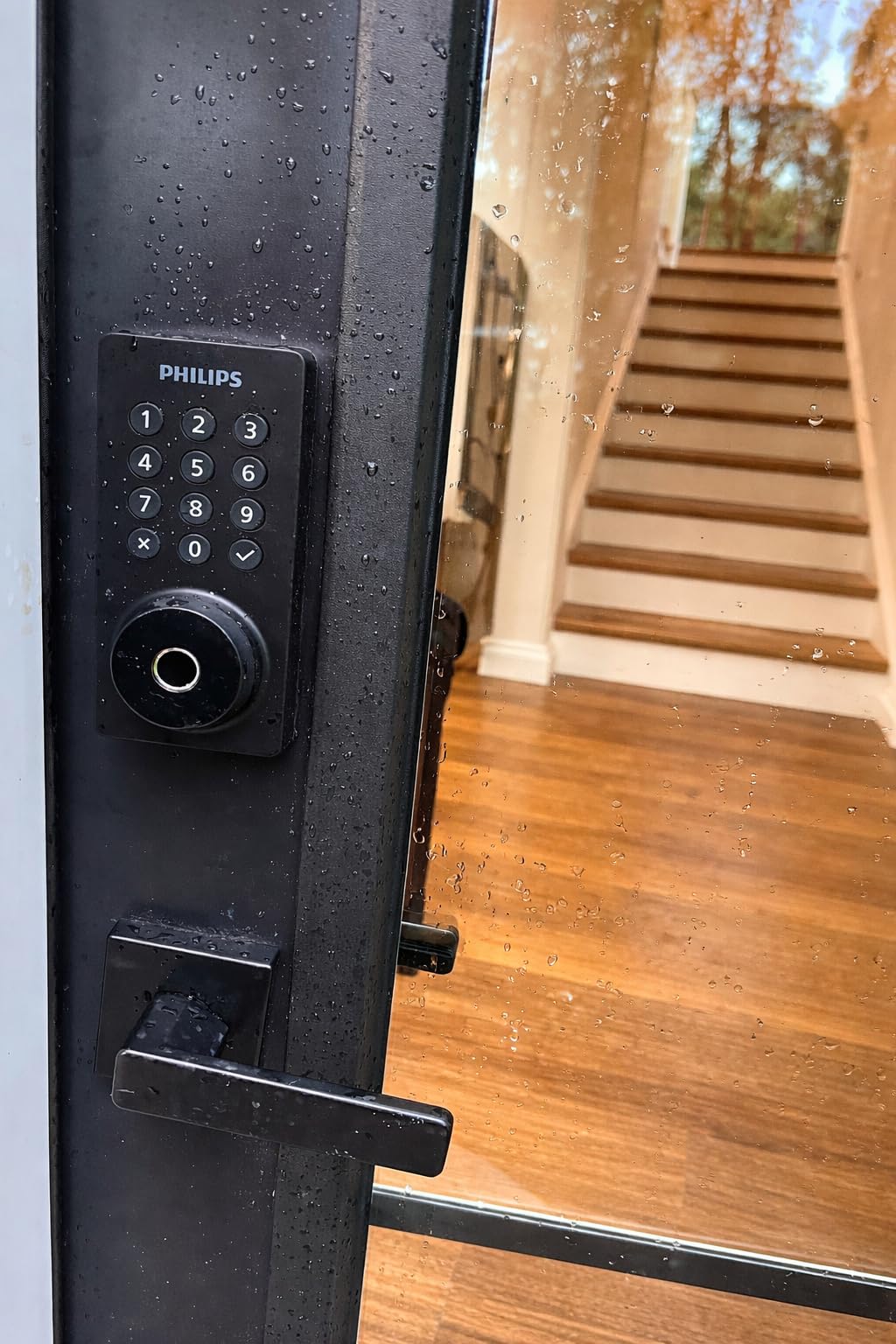
Like the Veise VE027-K, this Philips lock includes a complete handleset with door levers, so you are getting a full front door solution. The 0.3-second fingerprint recognition is fast and reliable, and the built-in Wi-Fi means no hub or bridge purchase is necessary for remote access.
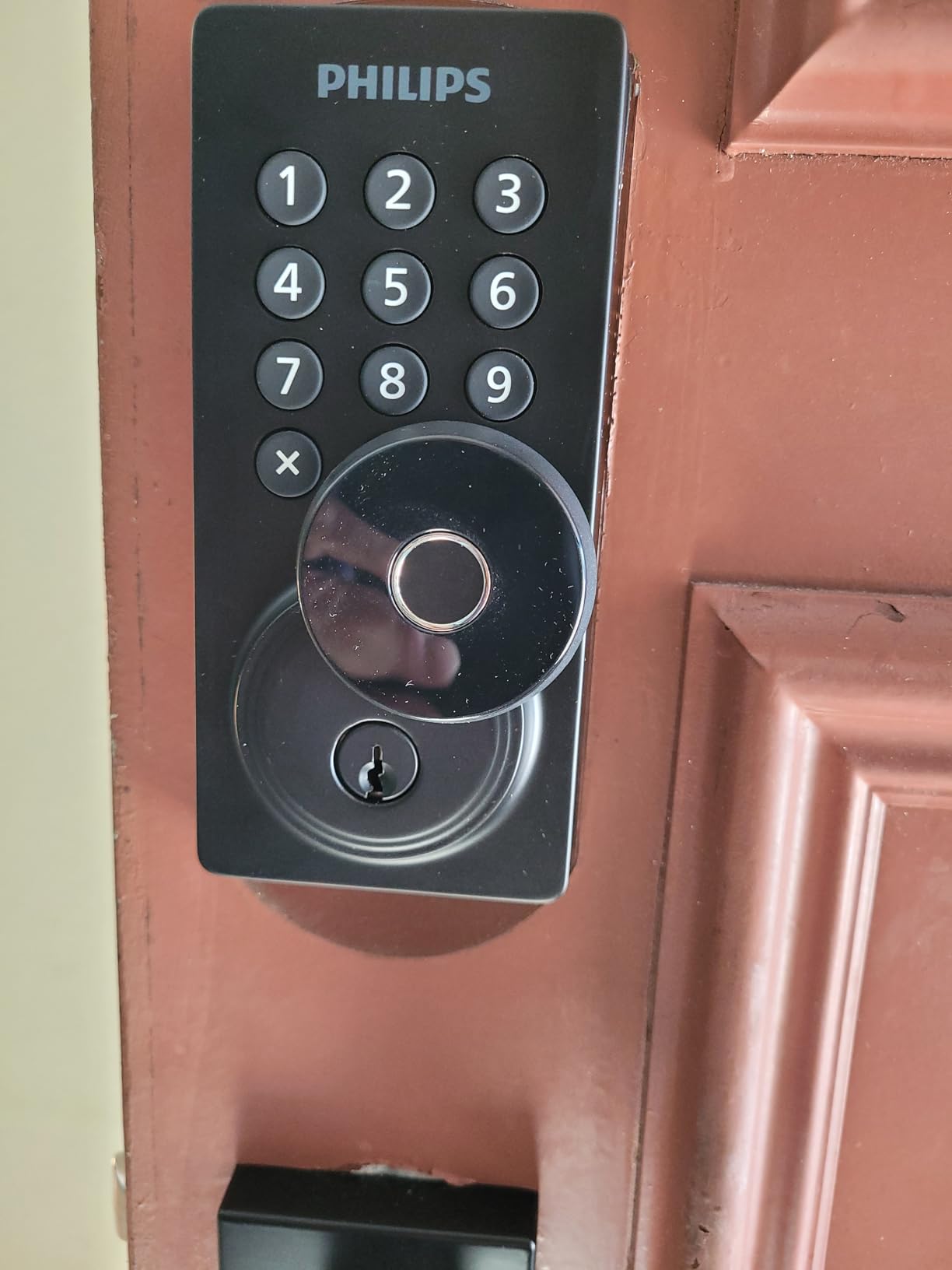
The Philips Home Access App is cleaner and more intuitive than most lock apps I have tested. Creating codes, viewing history, and managing settings all felt natural. The 4 passcode types cover permanent, one-time, periodic, and recurring codes, which handles every access scenario from family to contractors to vacation guests.
I appreciate that Philips offers US-based customer support. When I had a question about door handing during installation, I called and spoke to a knowledgeable representative within 5 minutes. That level of support is rare in the smart lock category and adds real value to the higher price.
Door Compatibility and Installation
This lock fits doors from 1-3/8 to 1-3/4 inches thick, covering standard residential doors. It comes configured for right-opening doors by default, but can be reset for left-opening doors during installation. Make sure to check your door handing before starting.
One important note: the auto-lock feature is OFF by default. You must manually enable it in the app after installation. If you expect the door to auto-lock and it does not, this is likely the reason. Several reviewers mention this, so it is worth highlighting.
Trade-offs and Considerations
The 6-month battery life is shorter than most competitors, which is the trade-off for built-in Wi-Fi and the complete handleset design. Philips does not recommend using rechargeable batteries, so you will need to budget for regular alkaline replacements. The anti-drill and anti-peeping security features provide solid physical protection.
The lock requires your router to be within about 33 feet for reliable Wi-Fi connectivity. If your front door is far from your router, consider a Wi-Fi extender. Despite these limitations, the premium build quality, brand reliability, and included handleset make this a compelling choice for homeowners who want a complete, polished solution.
How to Choose the Best Smart Lock with Keypad?
Choosing the right keypad smart lock comes down to matching features to your specific needs. After testing 10 locks across three doors, here are the factors that matter most.
Keypad type is the first decision. Physical buttons, like on the TEEHO TE001 and Kwikset Powerbolt 250, offer tactile feedback and work reliably in cold and wet conditions. Touchscreen keypads, like on the Schlage Encode, look sleeker and often include fingerprint resistance, but can be less responsive with gloves or wet hands.
Connectivity determines what your lock can do. Locks with built-in Wi-Fi, like the Schlage Encode, ULTRALOQ Bolt SE, and Philips lock, offer remote access without additional hardware. Bluetooth-only locks like the Veise VE017 require proximity or a separate gateway. Locks with no connectivity at all, like the TEEHO models and Kwikset, offer maximum simplicity and zero network attack surface.
Smart home compatibility matters if you already use Alexa, Google Home, or Apple HomeKit. The ULTRALOQ Bolt SE stands out with Matter over Thread support, which future-proofs your investment across all major platforms. The Schlage Encode works well with Alexa and Google but lacks Apple HomeKit support.
Battery life varies dramatically. Non-connected locks like the TEEHO TE001 can last up to 365 days. Wi-Fi locks typically last 6 to 8 months because maintaining a constant network connection draws more power. The ULTRALOQ Bolt SE claims 18 months, which is exceptional for a connected lock. Always keep spare batteries and pay attention to low-battery alerts.
Security certifications tell you about physical durability. BHMA Grade 1, held by the Schlage Encode, is the highest residential rating. Grade 3, held by most budget locks, still meets residential standards but has not been tested to the same extreme levels. For a front door, I recommend at least Grade 3, and Grade 1 if security is your top priority.
Weather resistance matters for exterior doors. Look for at least IP54 for basic rain protection. The Veise models offer IP55 and IP65 ratings, which provide better dust and water ingress protection. If you live in an area with harsh winters, consider that touchscreen keypads can become less responsive in freezing temperatures.
Installation difficulty varies by model. Most locks in this roundup claim 10 to 15 minute installation with a screwdriver. Retrofit locks that mount over your existing deadbolt are easiest. Full deadbolt replacements require removing your old lock but give you a cleaner installation. Check that the lock fits your door thickness and cross bore hole size before purchasing.
Multi-user management is essential for families and rentals. Look for locks that support at least 20 user codes and offer temporary or scheduled codes. The Schlage Encode supports 100 codes with scheduling, making it ideal for Airbnb hosts. One-time PIN codes that auto-delete after use are excellent for deliveries and one-time visitors.
Frequently Asked Questions
What is the best smart lock with keypad for home security?
The Schlage Encode Smart WiFi Deadbolt is the best overall choice for home security. It holds a BHMA Grade 1 certification, the highest residential security rating, and features a built-in alarm, fingerprint-resistant touchscreen, and 100 programmable access codes with scheduling.
How do I choose a smart lock with keypad?
Consider keypad type (physical buttons vs touchscreen), connectivity needs (Wi-Fi, Bluetooth, or offline), smart home ecosystem compatibility, battery life, security certification grade, weather resistance rating, and the number of user codes supported. Match these factors to your specific use case, whether that is family access, Airbnb hosting, or simple keyless entry.
Are smart locks with keypads safe from hacking?
Smart locks with Wi-Fi or Bluetooth have a small network attack surface, but reputable brands use AES-128 or AES-256 encryption to protect data transmission. Offline keypad locks like the TEEHO TE001 and Kwikset Powerbolt 250 have zero remote hacking risk. Physical security features like anti-drill protection, BHMA certification, and anti-peep keypads further enhance safety.
What happens if the battery dies on a smart lock?
Every lock in this roundup includes a physical backup key for emergency access. Some models, like the Wyze Bolt v2 and Veise VE017, also include a USB-C emergency power port that lets you temporarily power the lock with a power bank from outside. Most locks also provide low-battery alerts weeks before the batteries actually die.
Can I install a smart lock with keypad on an apartment door?
Yes, most keypad smart locks replace a standard deadbolt and install in 10 to 15 minutes with a screwdriver. If your apartment has a standard cross bore hole (54mm), locks like the Schlage Encode and ULTRALOQ Bolt SE will fit. Always check with your landlord first, and choose a lock with offline operation if you do not have access to the building Wi-Fi router.
Wrapping Up
After three months of testing, the best smart locks with keypads in 2026 separate clearly by use case. The Schlage Encode is my top overall pick for homeowners who want maximum security with smart features. The ULTRALOQ Bolt SE offers the best value with 7 unlock methods and Matter support. And the TEEHO TE001 proves that you do not need to spend much for reliable keyless entry.
For fingerprint enthusiasts, the Wyze Bolt v2 and Veise VE017 deliver AI-learning biometrics at reasonable prices. For traditionalists, the Kwikset Powerbolt 250 provides rock-solid offline keypad operation. And for those who want a complete front door makeover, the Veise VE027-K and Philips lock include matching handlesets for a coordinated look.
The right choice depends on your door, your budget, and how connected you want your lock to be. Whatever you choose, prioritize a physical key backup, pay attention to battery alerts, and take 15 minutes to properly align the strike plate during installation. Those three things will save you more headaches than any premium feature ever could.