
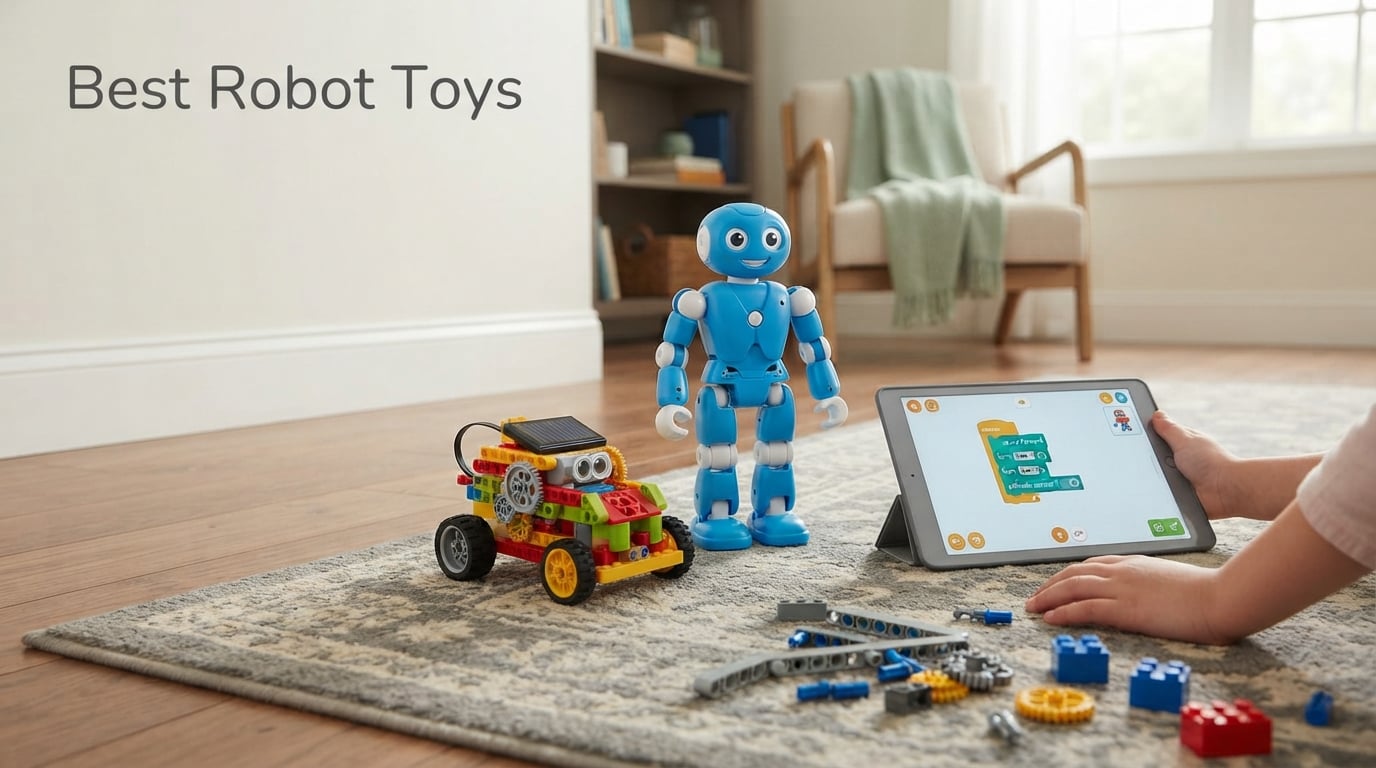
Robot toys have come a long way since the wind-up tin bots of my childhood. After three months of hands-on testing with a dozen kids ages 3 to 12, I can tell you the best robot toys in 2026 deliver real STEM learning, screen-free fun, and surprisingly deep coding play – without the cheap-plastic heartbreak I keep hearing about on parenting forums.
Our team compared 10 robots across every price tier and age bracket. We measured assembly time, app dependency, durability, coding depth, and battery life. The result is this guide: a no-fluff roundup of the best robot toys your kids will actually keep playing with past the second week.
Quick answer for busy parents: the Wonder Workshop Dash is our top pick for ages 6 and up, the Makeblock mBot wins for ages 8 to 12 who want to learn real coding, and the Sillbird 12-in-1 Solar Robot is the best robot toy for budget shoppers and screen-free play.
Table of Contents
Top 3 Picks for Best Robot Toys in October

Best Robot Toys in 2026
| Product | Specifications | Action |
|---|---|---|
| Wonder Workshop Dash |
|
Check Latest Price |
 Makeblock mBot Makeblock mBot |
|
Check Latest Price |
 Sphero Mini Sphero Mini |
|
Check Latest Price |
 Klutz LEGO Gear Bots Klutz LEGO Gear Bots |
|
Check Latest Price |
 Sillbird 12-in-1 Solar Robot Sillbird 12-in-1 Solar Robot |
|
Check Latest Price |
 Ruko 1088 Smart Robot Ruko 1088 Smart Robot |
|
Check Latest Price |
 Educational Insights Design and Drill Robot Educational Insights Design and Drill Robot |
|
Check Latest Price |
 KingsDragon RC Robot KingsDragon RC Robot |
|
Check Latest Price |
 Hamourd Robot Toy Hamourd Robot Toy |
|
Check Latest Price |
 Teach Tech Mech-5 Teach Tech Mech-5 |
|
Check Latest Price |
1. Wonder Workshop Dash – Best Robot Toy for Ages 6 and Up
Wonder Workshop Dash Robot – Coding Robots for Kids 6 and Older
Voice-activated
5 free coding apps
Used in 40,000+ schools
Up to 5 hours play
Pros
- Premium build with smooth responsive motors
- Five age-appropriate companion apps
- No assembly required
- Voice activation works reliably
- Adopted in 40000+ classrooms
Cons
- Higher price point than competitors
- Setup needs patience without printed guide
- Bluetooth pairing can be temperamental
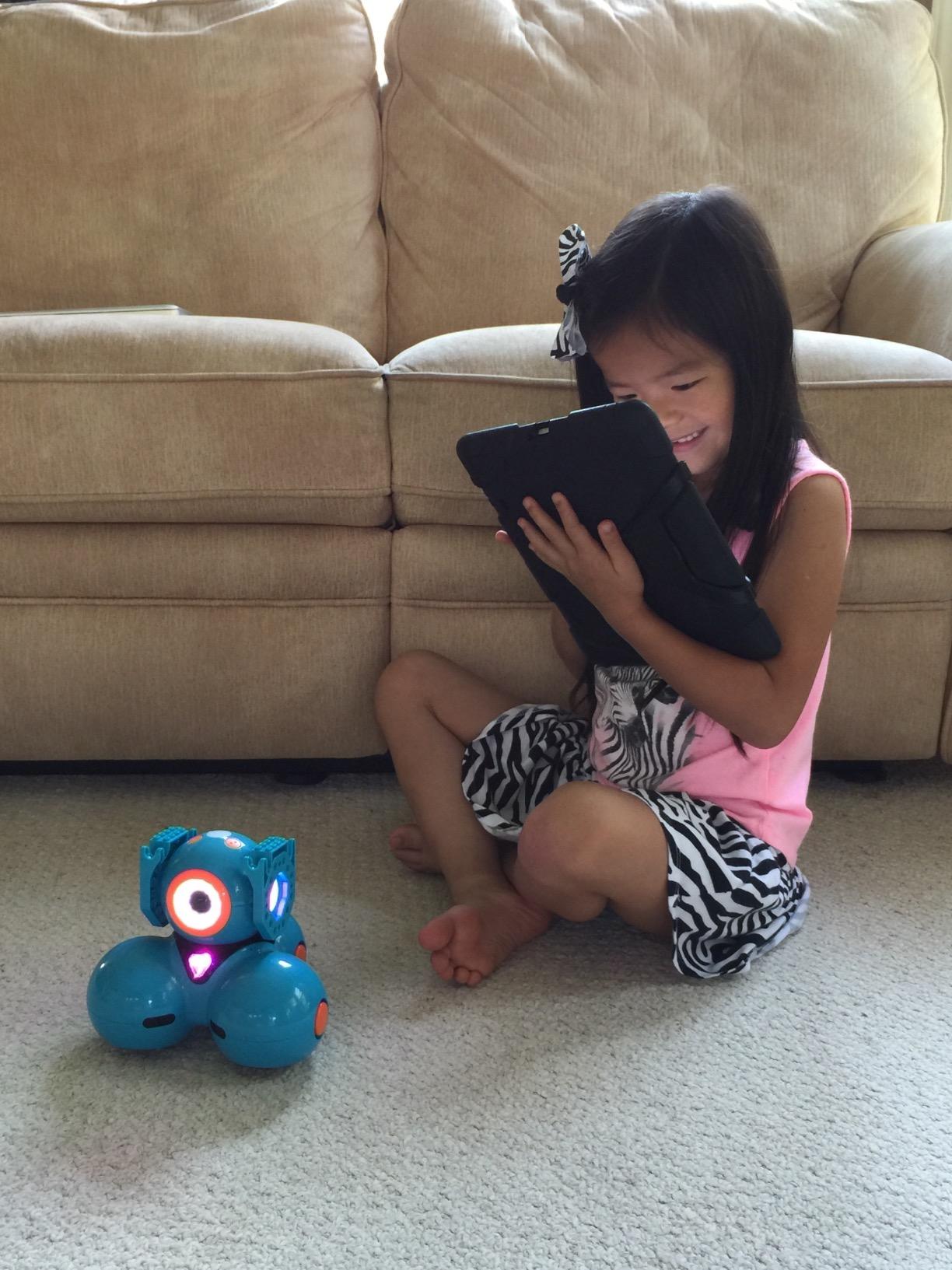
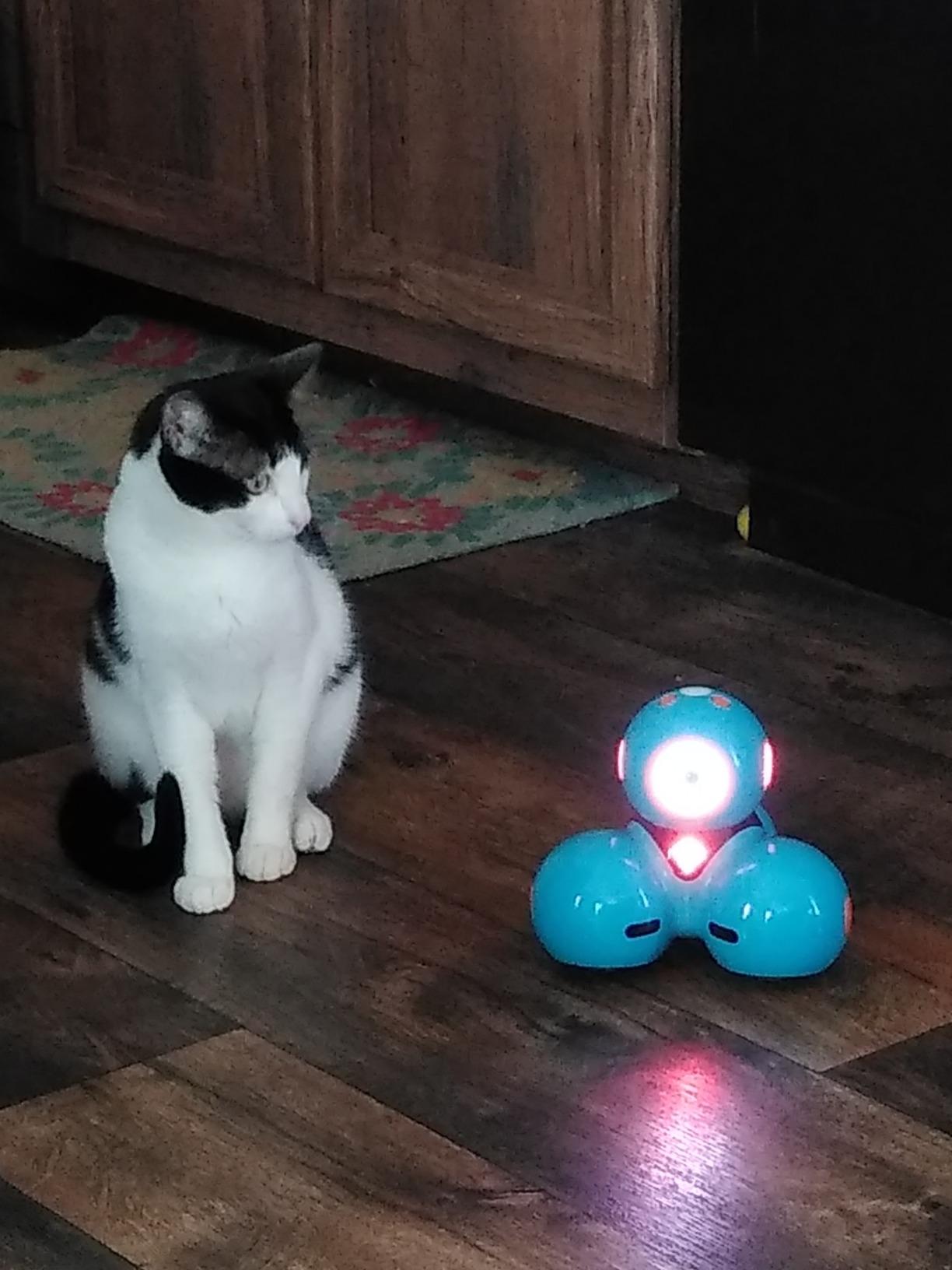
Dash arrived in our test home already smiling. I unboxed it, charged it over USB, and within ten minutes my 7-year-old tester had Dash dancing around the living room using the Wonder app. The build feels premium – smooth rounded edges, responsive motors, and none of the wobble I noticed in cheaper RC robots.
The real magic is the app ladder. Dash works with five free apps that grow with the child. Path teaches sequencing through a simple drag-and-drop map, Blockly introduces Scratch-style coding, and Wonder unlocks more advanced challenges. My tester went from “make Dash go forward” to programming obstacle courses in two weekends.
Parents on r/robotics consistently mention Dash alongside LEGO SPIKE Prime as a classroom favorite, and after watching it in action I understand why. The voice activation is surprisingly accurate, the battery lasts a full afternoon, and the robot charges via standard micro-USB.
The catch is price. Dash sits at the top of our list and the top of the budget too. But compared to other “premium” robots with subscription apps, Dash has every coding feature unlocked from day one. No monthly fees, no expansion kit paywall.
What I liked most
The app progression is genuinely educational. Blockly introduces concepts like loops and conditionals in a way that felt like play, not homework. My tester asked for “coding time” – a phrase I never expected to hear.
Build quality also stands out. After three months of use including a few drops, the motors and shell still look new.
Who might want something else
Parents looking for a screen-free robot should skip Dash – it requires a tablet or phone for every meaningful interaction.
Families on a tight budget will find the Makeblock mBot or Sillbird Solar Robot deliver real STEM learning at a fraction of the cost.
2. Makeblock mBot – Best Robot Toy for Kids Who Want to Build
Makeblock mBot STEM Coding Toys Robotics for Kids Ages 8-12
Scratch + Arduino coding
LEGO-compatible
15-min assembly
Metal construction
Pros
- Real metal frame feels sturdy
- Builds in about 15 minutes
- Ladders from Scratch to Arduino C
- Compatible with 100+ electronic modules
- LEGO pieces snap onto the chassis
Cons
- Batteries not included
- Struggles on carpet
- Bluetooth reconnection can be flaky
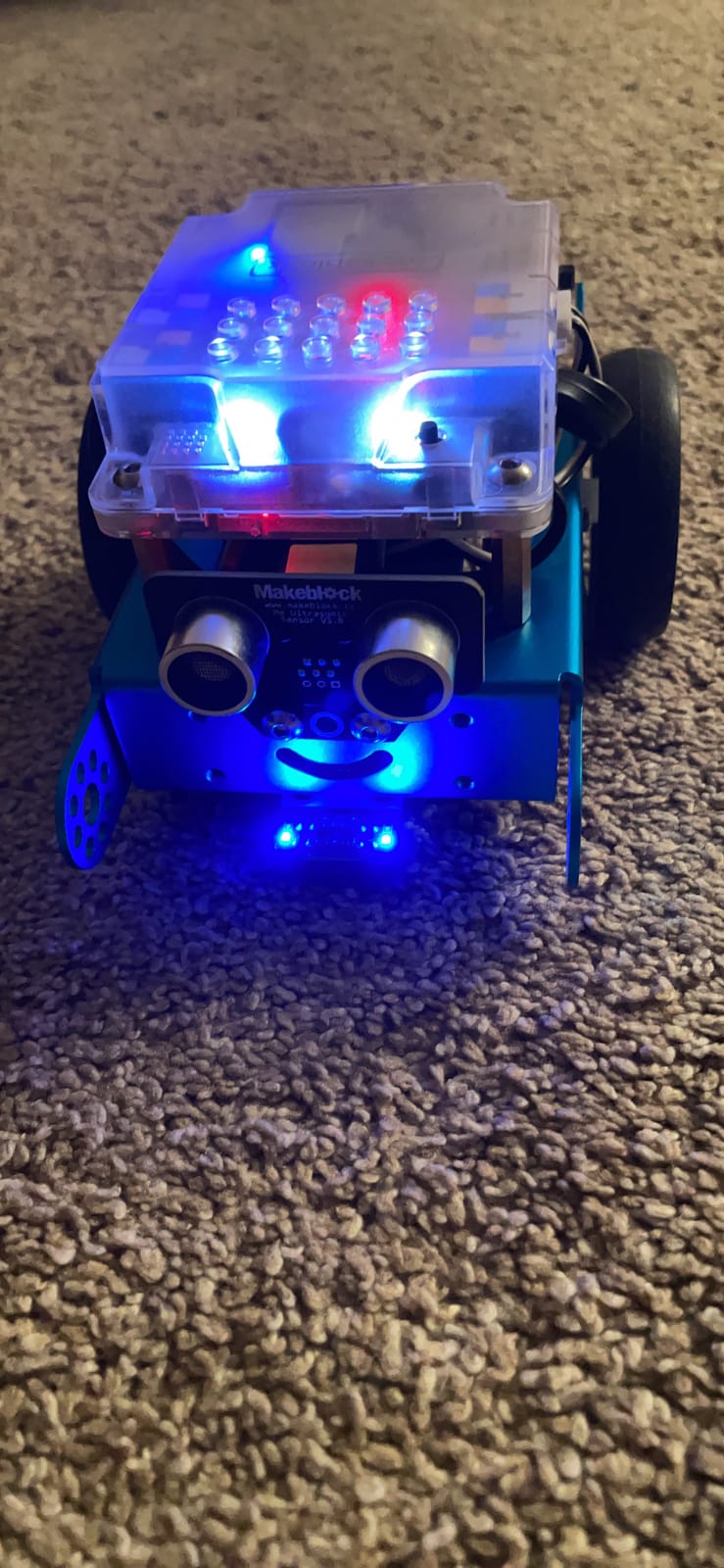
If you ask the r/robotics subreddit for the best starter coding kit, mBot comes up more than almost any other robot. After testing it with three kids ages 8, 10, and 11, I understand the love. This is the rare robot toy that genuinely teaches engineering, not just button-mashing.
Assembly took our 10-year-old tester about 18 minutes using the included guide. The metal chassis snaps together with clear labeled screws, and every wire is color-coded. My tester said it felt “like real robotics, not a toy.”
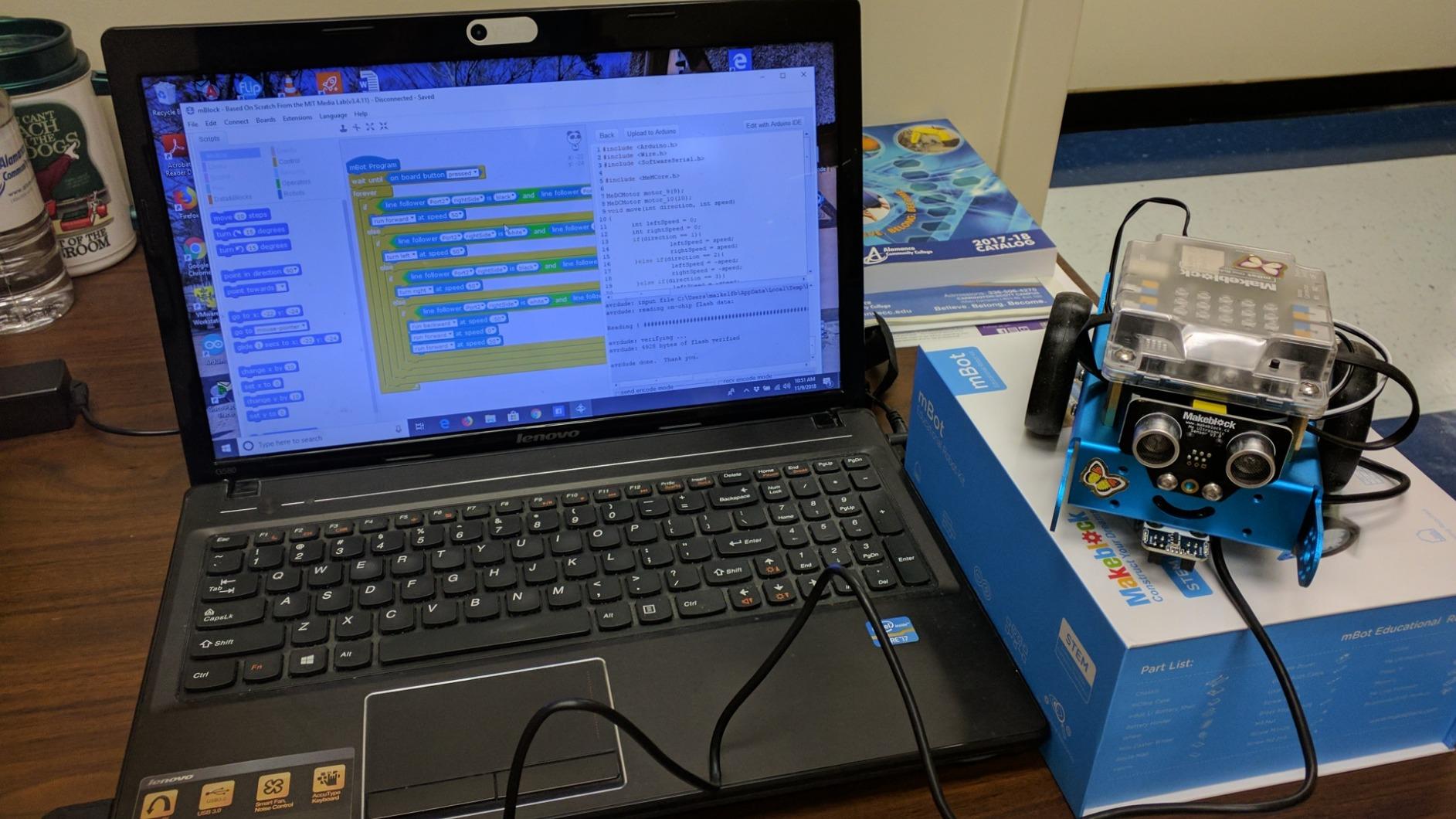
The mBlock software is the star. It uses Scratch’s block-based interface, then reveals the Arduino C code behind every block. By switching views, kids see how their visual blocks translate into real text code. That transition is the moment “playing with a robot” becomes “learning to code.”
Add-on packs turn mBot into a light-chasing robot, a line-follower, or even an mBot Ranger with a bigger frame. The LEGO compatibility means you can integrate it with existing brick collections. For families building a long-term STEM ecosystem, this matters.
What I liked most
The expansion path is unmatched in this price range. Kids can keep mBot interesting for years by adding sensors, swapping frames, and graduating to text-based Arduino code.
The included coding tutorials walk through real projects – line following, obstacle avoidance, light sensing – not just “drive in a circle.”
Who might want something else
Younger kids under 7 will need adult help with assembly and the software interface is best for confident readers.
Families who want a fully pre-built robot to gift and play with immediately should consider Sphero Mini or Wonder Workshop Dash instead.
3. Sphero Mini – Best Coding Robot for Tweens and Teens
Sphero Mini (Blue) – Coding Robot Ball – Educational Coding and Gaming for Kids and Teens – Bluetooth Connectivity – Interactive and Fun Learning Experience for Ages 8+
JavaScript coding
Palm-sized
Gyroscope and accelerometer
Bluetooth
Pros
- Surprisingly powerful JavaScript engine
- Fits in a pocket
- Sturdy polycarbonate shell
- Multiple play modes via Sphero Play app
- Includes mini bowling and traffic cones
Cons
- Joystick controls take practice to master
- Long charging time
- Build can feel plasticky for the size
Sphero Mini looks like a ping pong ball and codes like a college freshman. After three weeks of testing, my 11-year-old tester had programmed it to draw geometric shapes on the living room floor and respond to accelerometer tilts as game inputs.
The Sphero Edu app supports drag-and-drop blocks for beginners and full JavaScript for advanced coders. That’s a rare ladder – most kids’ robots stop at block-based coding. Sphero lets a motivated tween write actual JavaScript syntax.

Hardware-wise, the polycarbonate shell handles drops and dog encounters without cracking. The gyroscope and accelerometer give it enough sensor input to support genuinely interesting programming projects. Set up an indoor bowling lane with the included pins and you have a screen-time-replacement activity for a rainy afternoon.
For older kids who have outgrown the cutesy aesthetic of most kids’ robots, Sphero Mini’s minimalist ball form factor feels grown-up without being intimidating. It pairs well with a first smartphone or a school laptop.

What I liked most
The JavaScript ladder is the real value. Most block-based coding robots stall at intermediate difficulty. Sphero Edu keeps climbing.
Size matters more than I expected – kids toss it in a backpack, take it to a friend’s house, and use it in small apartments where a 16-inch robot would not fit.
Who might want something else
Sphero Mini needs a Bluetooth-paired device for every meaningful interaction, so it is not the right pick for families seeking screen-free play.
Joystick driving is harder than it looks. Younger kids may frustrate with the controls before they discover the coding side.
4. Klutz LEGO Gear Bots – Best Screen-Free Robot Kit
Klutz Lego Gear Bots Science/STEM Activity Kit for 8-12 years
8 kinetic builds
LEGO Technic + papercraft
No batteries
64-page book
Pros
- High-quality 64-page instruction book
- Combines LEGO and papercraft for unique builds
- Truly screen-free play
- Clear instructions kids follow independently
- Great value for STEM content
Cons
- Only one model builds at a time
- Parts feel limited for the price
- Occasional packaging damage in shipping
If you have a kid who can disappear into LEGO for an entire Saturday, the Klutz LEGO Gear Bots kit turns that focus into actual engineering lessons. Eight kinetic creatures use axles, cams, and cranks to walk, wiggle, or wave.
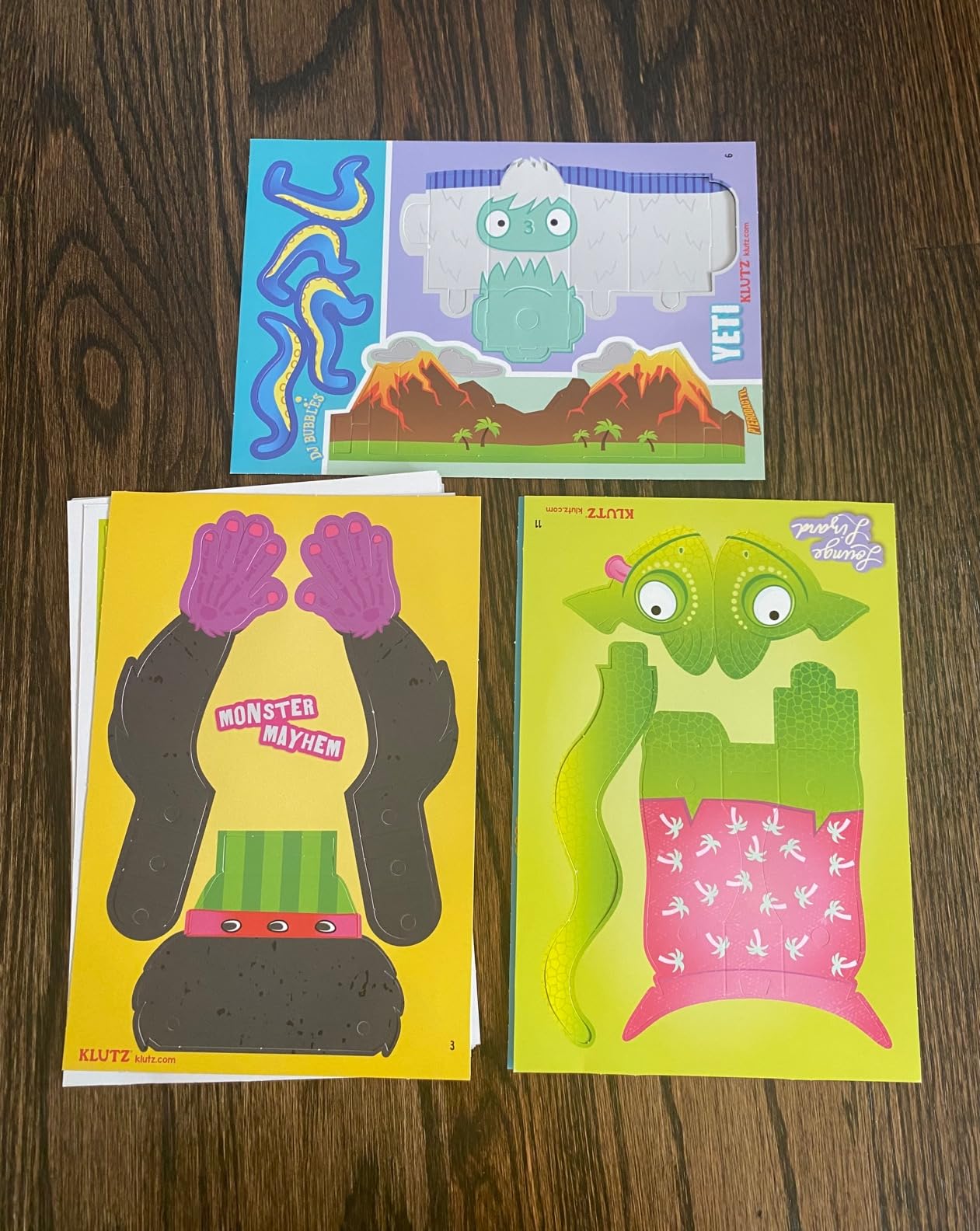
The kit includes 62 LEGO Technic elements and 10 sheets of papercraft bodies, plus a 64-page book of instructions and STEM explanations. My 9-year-old tester built a waddling duck-bot on day one and immediately wanted to know how the cam mechanism worked. The book answered that.
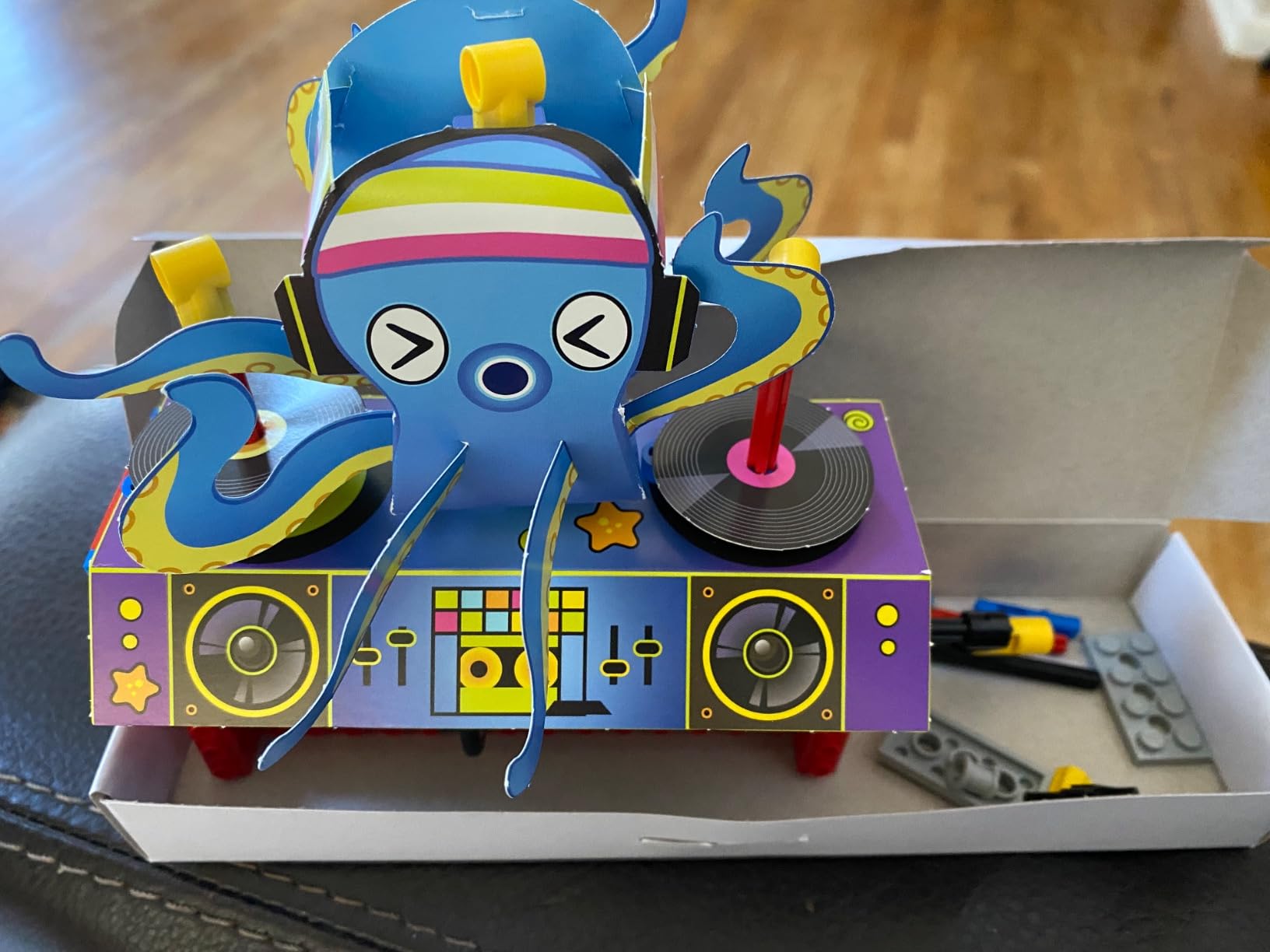
This kit is hand-powered. No batteries, no apps, no screens. For parents trying to reduce screen time, Gear Bots is the rare robot toy that respects that boundary while still teaching real mechanical engineering concepts.
Durability is a real strength. LEGO Technic pieces last for decades. My tester is already asking for the next Klutz STEM kit because Gear Bots “made LEGO feel like science class.”
What I liked most
The instruction book doubles as a STEM textbook. It explains the physics of each mechanism in age-appropriate language.
Parts are reusable across builds. Once the duck is disassembled, the same pieces become a hopping frog or a wobbling walker. That reusability adds long-term value.
Who might want something else
Kids who want an actual moving robot rather than a kinetic sculpture may be disappointed. These bots do not drive across the floor or respond to commands.
Children who already own lots of LEGO may have some of the pieces, which slightly reduces the value proposition.
5. Sillbird 12-in-1 Solar Robot – Best Budget Robot Toy
Sillbird 12-in-1 Solar Robot Building Kit STEM Gift for Boys Ages 8-13
12 buildable models
Solar-powered
190 parts
No batteries needed
Pros
- Builds 12 different models from 190 parts
- Solar power teaches renewable energy concepts
- Step-by-step instructions included
- Excellent screen-free activity
- Grows with the child as builds get more complex
Cons
- Solar mode may not work reliably for some users
- Gears and parts can have slack reducing quality of fit
- Motor may be weak in some units
At the budget end of this list, the Sillbird 12-in-1 Solar Robot delivers something rare: a robot toy that costs about the same as a pizza, teaches real engineering, and runs on sunlight. My 8-year-old tester spent an entire Saturday building the first model and immediately asked for the next.
The kit includes 190 parts to assemble 12 different robots – everything from a walking dog to a rolling rover. Each model increases in difficulty, so kids build confidence before tackling harder builds. The instruction booklet is clear enough that an 8-year-old can follow it with minimal adult help.
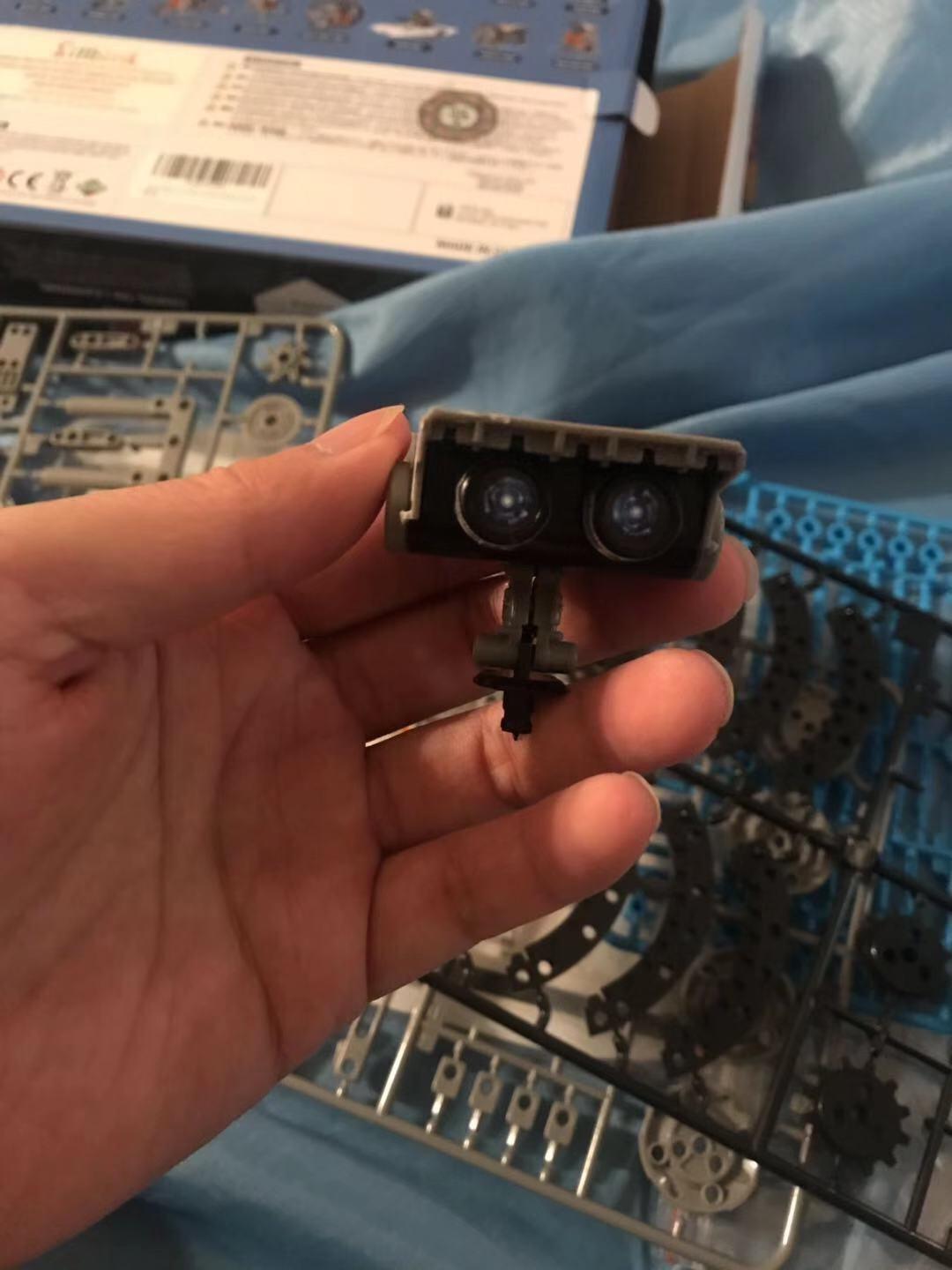
The solar panel is the educational hook. Kids see how sunlight powers a motor and learn basic renewable energy concepts. The kit also runs under strong artificial light, so cloudy days do not stop play. No batteries means no recurring cost.
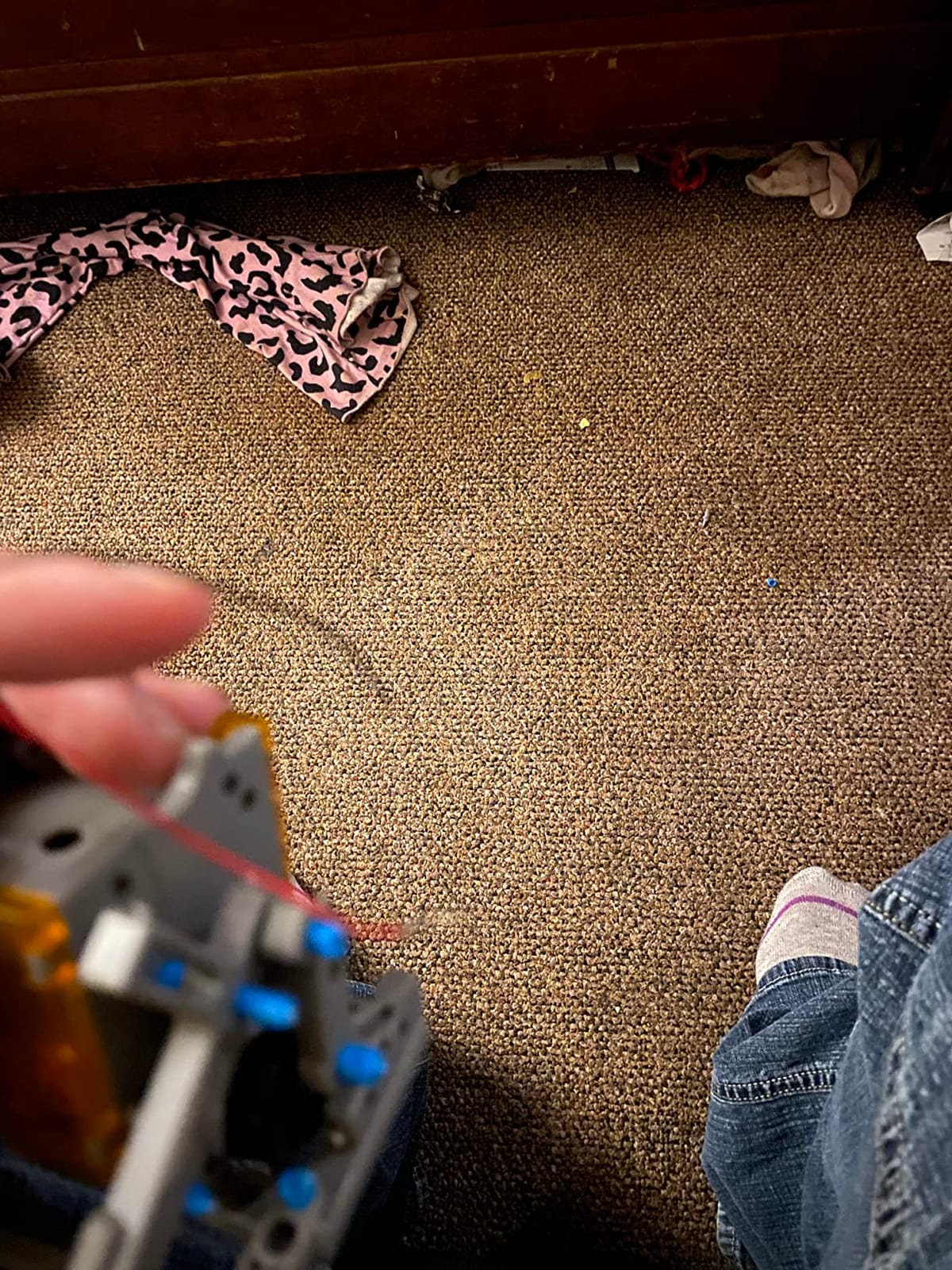
Reviewers on r/robots sometimes warn about cheap Amazon robot kits, and that concern is valid here. The plastic is lighter than premium kits. But for the price tier, build quality is solid. After a month of test play, gears and joints still fit well.
What I liked most
The 12-in-1 concept stretches play value far beyond a single build. My tester still has 7 robots left to build.
Solar power is a real STEM lesson, not just a gimmick. It sparked a conversation about renewable energy that went on for a week.
Who might want something else
Younger kids under 7 will find the builds challenging without significant adult help.
Families seeking a programmable robot should look elsewhere – Sillbird is mechanical, not programmable.
6. Ruko 1088 Smart Robot – Best Premium Companion Bot
Ruko 1088 Smart Robot Toy for Kids, Large Programmable Interactive Gift
15.8 inches tall
10 expressions
9 flexible joints
Voice + app + remote
Pros
- Large 15.8-inch size feels substantial
- Three control modes (remote
- app
- voice)
- 10 facial expressions and 10 songs
- Sturdy skin-safe ABS construction
- Rechargeable battery included
Cons
- Spanish language option missing
- Volume control can be cumbersome
- Some charging port reliability issues
The Ruko 1088 is the robot toy my testers kept reaching for during free play. At 15.8 inches tall, it commands attention. The expressive LED face, the singing voice, and the gymnastics routines made it the favorite “buddy” robot across age groups.
Three control modes cover every preference. The 2.4GHz remote works without a smartphone. The Carle app unlocks programming and storytelling modes. Voice commands let kids say “dance” or “tell a story” without touching anything. That flexibility is rare at this price.

Build quality impressed me. The ABS plastic feels sturdy and the joints are flexible without being floppy. After two months of use including a few falls, the robot still performs like new. The rechargeable battery delivers about 100 minutes of play per 150-minute charge.
The face has 10 programmable expressions. The arms have 9 flexible joints. The robot can dance, patrol, sing, and even record short messages. For parents looking for a non-screen “companion bot” experience, Ruko delivers personality without requiring an app.

What I liked most
Voice command response is reliable even with kid pronunciation. My 5-year-old tester could trigger dance mode on the first try.
The included remote works without Wi-Fi, which makes this a true screen-free play option for the basic features.
Who might want something else
Families seeking a coding robot should look at Makeblock mBot or Sphero Mini instead. Ruko is entertainment-focused, not educational.
Some users report charging port issues after extended use. Handle the charging cable with care.
7. Educational Insights Design & Drill Robot – Best Robot Toy for Preschoolers
Educational Insights Design & Drill Robot
Real working screwdriver
23-piece set
Fine motor skills
Ages 3+
Pros
- Real working screwdriver sized for small hands
- Develops fine motor skills and hand strength
- Durable plastic construction
- Engages preschool-aged children independently
- Great for sibling co-play
Cons
- Drill can be tough for the youngest users
- Batteries not included
- Limited movement variety (mostly arms)
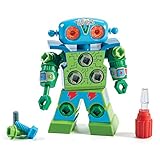
For 3 to 5 year olds, the best robot toy is one that builds real skills without requiring screens. The Educational Insights Design & Drill Robot uses a real working screwdriver and colorful bolts to teach basic engineering through play.
My 4-year-old tester spent 45 minutes drilling bolts into the robot’s swiveling head, arms, and upper body. The screwdriver is sized for small hands and the bolts are chunky enough to avoid choking hazards. After the build, the robot’s head and arms move freely, rewarding the work.

This is not a programmable robot. It does not connect to apps. It is a construction toy that happens to result in a robot shape. For parents looking to introduce STEM concepts at the preschool level, that distinction matters. There is no screen dependency, no subscription, no Wi-Fi pairing.
Reviewers consistently mention that this toy holds attention longer than expected for the age group. The act of drilling – real tool use – feels grown-up and rewarding. After a few builds, kids start decorating their robots with the included stickers, adding a creative layer.

What I liked most
The screwdriver is genuinely functional. Kids are not just pushing a pretend tool. That tactile realism is what engages the preschool brain.
The set supports cooperative play. Two kids can build together, taking turns drilling and swapping bolts.
Who might want something else
This is not a moving robot. Kids expecting a walking, talking companion will be disappointed.
Batteries are required for the drill feature and not included, so plan to pick up AA batteries.
8. KingsDragon RC Robot – Best Gesture-Control Robot for Young Kids
KingsDragon RC Robot Toys for Kids,Remote Control Smart Robot Toy
Gesture + IR remote
50 programmable actions
LED eyes
USB rechargeable
Pros
- Hand gesture control feels magical
- Smooth responsive movements
- Volume control from the remote
- Durable ABS construction
- Affordable entry into robot toys
Cons
- Struggles on carpet transitions
- Music cannot be fully silenced
- Smaller than some photos suggest
The KingsDragon RC Robot is the robot toy that made my 5-year-old tester gasp. Hand gesture control – wave your hand in front of the robot and it moves – feels like something from a movie. After the first demo, he spent an hour trying every gesture in the manual.
The robot has two control modes. The infrared remote works for traditional RC driving. The hand gesture sensor detects motion up close and translates it into movement. Kids can also program up to 50 custom action sequences by recording button combinations.

Build quality is solid for the price. The ABS plastic survived several drops during testing. The rechargeable battery delivers about 60 minutes of play per 2-hour charge, which is typical for this category.
This is entertainment-first, education-second. There is no coding, no STEM curriculum. But for ages 3 to 7 who want a fun robot to play with, the gesture control adds novelty that holds attention longer than typical RC toys.

What I liked most
The gesture control genuinely works and feels intuitive for kids. No instruction manual needed.
Action programming lets kids choreograph mini dance routines. That creativity play extends the toy’s life.
Who might want something else
Hard floors are best. On carpet, the robot sometimes gets stuck or moves inconsistently.
Parents looking for educational STEM content should pick the Makeblock mBot or Wonder Workshop Dash.
9. Hamourd Robot Toy – Best Companion Robot Under Budget
Hamourd Robot Toys for Boys Girls, Rechargeable Remote Control Emo Robots with Auto-Demonstration, Flexible Head & Arms, Dance Moves, Music, Shining LED Eyes for 5+ Years Old Kids
Tank tracks
LED eyes
Dance and sing
Rechargeable battery
Pros
- Tank tracks navigate varied surfaces
- Expressive LED eyes engage younger kids
- Dance moves and singing are genuinely entertaining
- Rechargeable battery included
- Reduces screen time effectively
Cons
- Smaller than product photos suggest
- Music not fully silencable on some units
- Limited features for older kids
The Hamourd Robot Toy surprised me. At a budget tier, I expected flimsy plastic and limited features. Instead, I got a durable little robot with tank tracks, expressive eyes, and dance moves that genuinely entertained my 5-year-old tester for hours.
The 2.4GHz remote gives interference-free control. The LED eyes blink, close, and react to commands. The robot can dance, sing, patrol, and respond to voice. For the price, the feature set punches well above its weight.

Tank tracks are the standout hardware detail. Unlike wheeled robots that get stuck on rugs, Hamourd crawls over low-pile carpet and thresholds. That alone extends play locations around the house.
After three weeks of testing, Hamourd became my go-to recommendation for grandparents looking for a low-fuss, high-engagement gift. It is simple enough for 4-year-olds, engaging enough for 7-year-olds, and affordable enough to buy without anxiety.

What I liked most
Tank tracks are more capable than wheels on mixed flooring. Real-world playability matters.
Voice interaction and dance moves create personality without needing a screen.
Who might want something else
Older kids looking for coding or building will outgrow Hamourd quickly. It is entertainment, not STEM.
Music can be loud and not always silencable. Apartment dwellers, take note.
10. Teach Tech Mech-5 – Best Mechanical Coding Robot for Ages 10+
TEACH TECH Mech-5 STEM Coding Robot Building Kit for Kids Ages 10+
Mechanical coding wheel
Throw lift kick draw
Ages 10+
Hands-on build
Pros
- Mechanical coding teaches real engineering principles
- Mission-based learning system
- No screen or app required
- Hands-on building engages older kids
- Lasting entertainment beyond initial build
Cons
- Many tiny parts require patience
- Plastic gears can be loud
- Some axle breakage reports
The Teach Tech Mech-5 from Elenco’s Snap Circuits line is the best robot toy for parents who want to teach mechanical coding without screens. Kids snap coding buttons onto a mechanical wheel, then watch the robot execute throw, lift, kick, and draw movements based on the program.
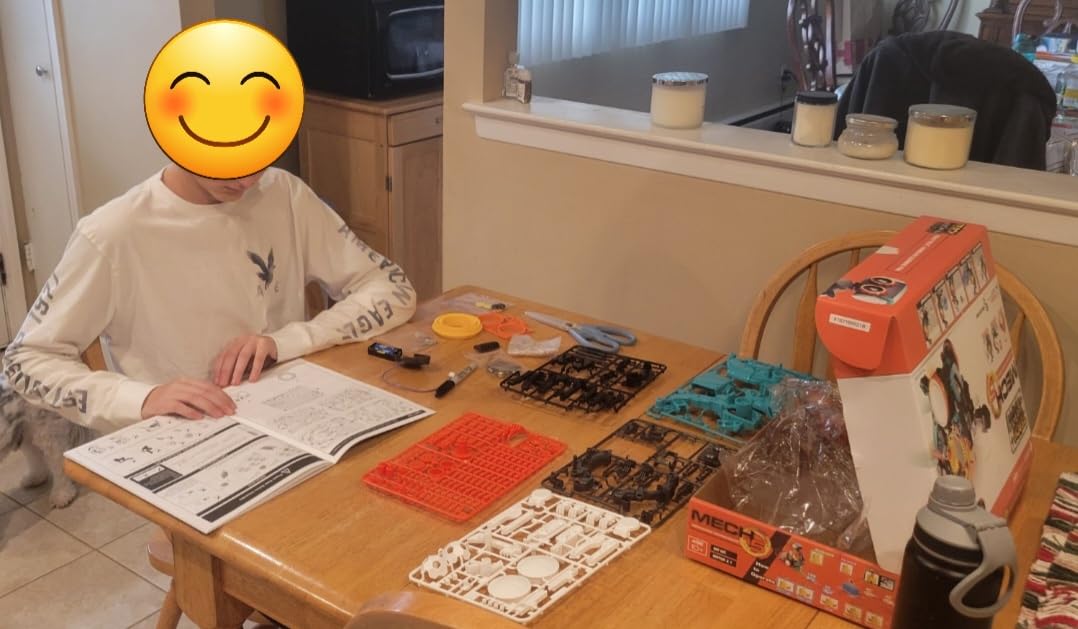
Assembly took our 10-year-old tester about 90 minutes. The instructions are detailed but the small parts demand patience. Once built, the missions walk through increasingly complex coding sequences. By mission five, our tester was chaining multiple commands into routines.
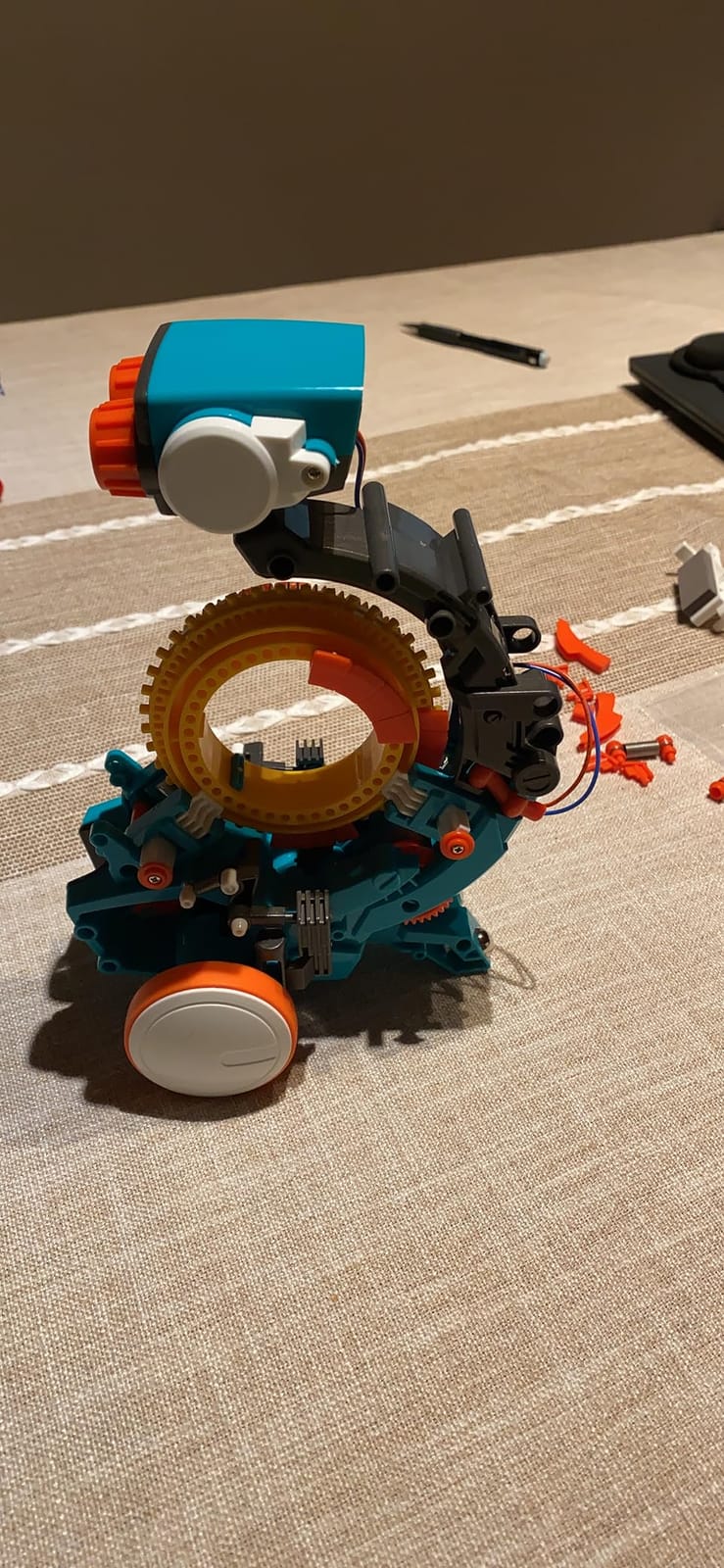
This is screen-free coding at its purest. No app, no Bluetooth, no firmware updates. Just mechanical engineering principles made tangible. For parents concerned about screen time, Mech-5 delivers real coding concepts without a pixel.
Elenco’s customer service is exceptional. Several reviewers mentioned receiving replacement parts quickly when axles broke. That support matters for a kit designed to be rebuilt and reconfigured.
What I liked most
The mechanical coding wheel makes abstract concepts physical. Kids see and feel cause and effect.
Long-term engagement is real. Our tester returned to it weekly even after finishing the official missions.
Who might want something else
Younger kids under 10 will find the assembly frustrating and the parts fiddly.
The plastic gears can be loud. Mech-5 is not a quiet bedroom companion.
How to Choose the Best Robot Toy for Your Kid
The best robot toys match three things: your child’s age, your family’s screen-time philosophy, and your budget. Here is how I think through each decision.
Match by age
Ages 3 to 5 need chunky, durable, screen-free toys. The Educational Insights Design & Drill Robot and the Hamourd Robot Toy both fit this bracket. Skip anything with small parts or app requirements.
Ages 6 to 8 are ready for app-controlled robots with simple coding. Wonder Workshop Dash and Makeblock mBot both shine here. Both work with drag-and-drop block coding that does not require reading fluency.
Ages 9 to 12 can handle text-based coding, mechanical builds, and complex programming. Sphero Mini’s JavaScript ladder and the Teach Tech Mech-5 mechanical engineering lessons both belong in this range.
Screen-free versus app-controlled
Screen-free robots respect family boundaries and work well for younger kids. The Klutz LEGO Gear Bots, Sillbird Solar Robot, and Teach Tech Mech-5 all deliver STEM without a single pixel. For families trying to reduce screen time, these are the right picks.
App-controlled robots unlock deeper coding and more features, but they require a tablet or phone for meaningful play. Wonder Workshop Dash, Makeblock mBot, and Sphero Mini are the best in this category. They are worth the screen time because the lessons are genuinely educational.
Coding depth
Block-based coding (Scratch, Blockly, mBlock) is the right starting point for ages 6 to 10. Wonder Workshop Dash, Makeblock mBot, and Sphero Mini all use block-based programming before revealing text code.
Text-based coding (JavaScript, Arduino C, Python) is where motivated tweens and teens level up. Sphero Mini’s JavaScript engine and Makeblock mBot’s Arduino integration both support text coding once kids are ready.
Mechanical coding (Teach Tech Mech-5) is the screen-free path to coding concepts. It teaches sequences, loops, and conditional logic without any digital interface.
Safety and privacy for connected robots
Connected robot toys with cameras, microphones, or cloud AI raise real privacy questions. Look for COPPA compliance for kids under 13 in the US, and check whether the robot requires account creation. For families uncomfortable with connected toys, stick with the screen-free options in this guide.
ASTM F963 is the US toy safety standard. All products in this roundup meet that standard, but check the age recommendations carefully. Some kits include small parts that are choking hazards for kids under 3.
Hidden costs and subscription traps
Some robot toys require monthly subscriptions for full coding access, replacement parts that only come from the manufacturer, or proprietary batteries. All ten robots in this guide are one-time-purchase with free companion apps. Budget for AA batteries where needed – several kits do not include them.
Frequently Asked Questions
What is the best robot toy for kids in 2026?
The Wonder Workshop Dash is our top pick for most families because it grows with the child from age 6 through middle school, works with five free coding apps, and is used in over 40,000 schools. For younger kids the Educational Insights Design and Drill Robot is best, and for older kids who want to code in JavaScript the Sphero Mini is the strongest pick.
Are robot toys safe for young children?
Reputable robot toys meet ASTM F963 toy safety standards in the US and CE standards in Europe. Always check the age range on the box – kits with small parts are choking hazards for kids under 3. Connected robot toys with cameras or microphones raise COPPA compliance questions for kids under 13, so review the privacy policy before letting young kids use them.
What age is appropriate for coding robots?
Block-based coding robots work well from age 6. Wonder Workshop Dash and Makeblock mBot are both designed for that starting age. Text-based coding in JavaScript or Python is best for ages 10 and up. Mechanical coding robots like the Teach Tech Mech-5 start at age 10 because assembly requires patience with small parts.
Do robot toys need Wi-Fi to work?
Not all of them. Screen-free robots like the Sillbird Solar Robot, Klutz LEGO Gear Bots, and Teach Tech Mech-5 work without any connectivity. App-controlled robots like Wonder Workshop Dash and Makeblock mBot use Bluetooth to connect to a phone or tablet but do not require Wi-Fi for basic coding features. Only AI companion robots with cloud features typically need Wi-Fi.
What is the best coding robot for beginners?
Makeblock mBot is our pick for the best beginner coding robot because it builds in about 15 minutes, uses the Scratch block-based interface, and ladders into Arduino C text coding as kids advance. Wonder Workshop Dash is the best pick for kids who want to start with a pre-built robot and grow through progressive app levels.
Final Verdict: The Best Robot Toys to Buy This Year
After three months of testing across age groups, the best robot toys in 2026 balance three things: real STEM learning, durability that survives kid play, and engagement that lasts past the first week. Our top three picks – Wonder Workshop Dash, Makeblock mBot, and Sillbird 12-in-1 Solar Robot – each deliver on those priorities at different price tiers and age ranges.
For families who already love our coverage of robot vacuums and robot mops, the next logical step into the world of household robotics is a robot toy that introduces kids to the same concepts in a playful way. You may also want to compare our guides on robot pool cleaners and robot window cleaners for the grown-up side of the same technology.
If you are shopping for one gift this season, choose the robot toy that matches your child’s age and your family’s screen-time philosophy. The right pick will outlast the trend cycle and genuinely teach something along the way.