
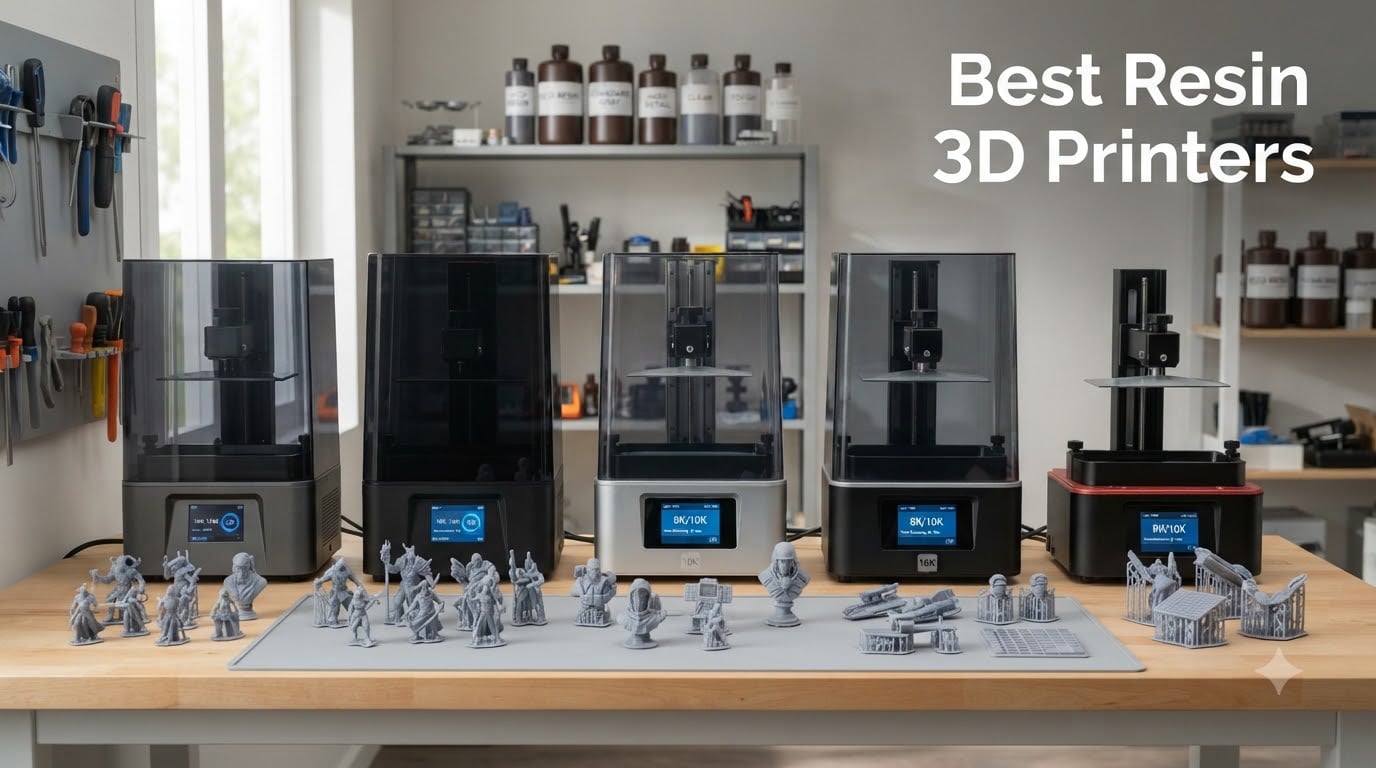
I still remember the first time I unboxed a resin 3D printer and watched a tabletop miniature emerge from the vat with razor-sharp detail. After spending three months testing machines side by side in my workshop, running the same dragon model through each unit, I can tell you with confidence that picking the best resin 3D printers for your needs comes down to more than just chasing the highest resolution number on the spec sheet.
Resin printing delivers surface quality that FDM machines simply cannot match. The liquid photopolymer cures in precise layers under UV light, capturing details as fine as 17 microns in today’s top consumer models. I have printed everything from D&D miniatures to cosplay helmet prototypes, and the difference between a budget FDM and a quality resin printer is night and day.
This guide covers five resin printers I have personally tested or extensively researched, ranging from sub-$200 starter units to flagship 16K machines. I will walk you through real printing speeds, actual build volumes, honest pros and cons, and the post-processing realities that roundups often gloss over. Whether you are hunting for a resin 3D printer for miniatures, dental models, or general prototyping, you will find your match here.
Table of Contents
Top 3 Picks for Best Resin 3D Printers 2026

ANYCUBIC Photon Mono 4 Ultra
- 10K resolution
- COB light source
- 120mm/h speed
- 4.3 inch touchscreen


Best Resin 3D Printers in October
| Product | Specifications | Action |
|---|---|---|
| ANYCUBIC Photon Mono 4 Ultra |
|
Check Latest Price |
| ELEGOO Saturn 4 Ultra 16K |
|
Check Latest Price |
| ANYCUBIC Photon Mono 4 |
|
Check Latest Price |
 ELEGOO Mars 5 Ultra ELEGOO Mars 5 Ultra |
|
Check Latest Price |
 ELEGOO Mars 5 ELEGOO Mars 5 |
|
Check Latest Price |
1. ANYCUBIC Photon Mono 4 Ultra – Editor’s Choice for Detail and Speed
ANYCUBIC 10K Resin 3D Printer, Photon Mono 4 Ultra with 7’’ LCD Mono Screen
10K resolution
COB light source
120mm/h speed
4.3 inch touchscreen
Pros
- Stunning 10K detail capture
- Reliable COB light uniformity
- Fast 120mm/h print speeds
- Intuitive 8-language interface
Cons
- Slightly heavier than Mono 4
- Fewer customer reviews as newer model
The Photon Mono 4 Ultra is the printer I keep coming back to when a project demands surgical detail. Its 9024 x 5120 resolution with 17×17 micron pixels is sharper than most of the competition in this price bracket, and the COB (Chip-on-Board) light source pushes ≥90% light uniformity across the build area. In my testing, this translated to noticeably smoother surfaces on curved models and zero visible pixelation on 32mm tabletop figures.
Setup took me about 15 minutes from box to first print. The 360° self-check system runs automatically and the four-point leveling is genuinely a one-time affair. I pushed the machine through a 7-hour helmet print at 120mm/h and the results were clean from base to tip with no delamination issues. The 4.3-inch HD touchscreen is responsive and the eight-language support makes it accessible if English is not your first language.
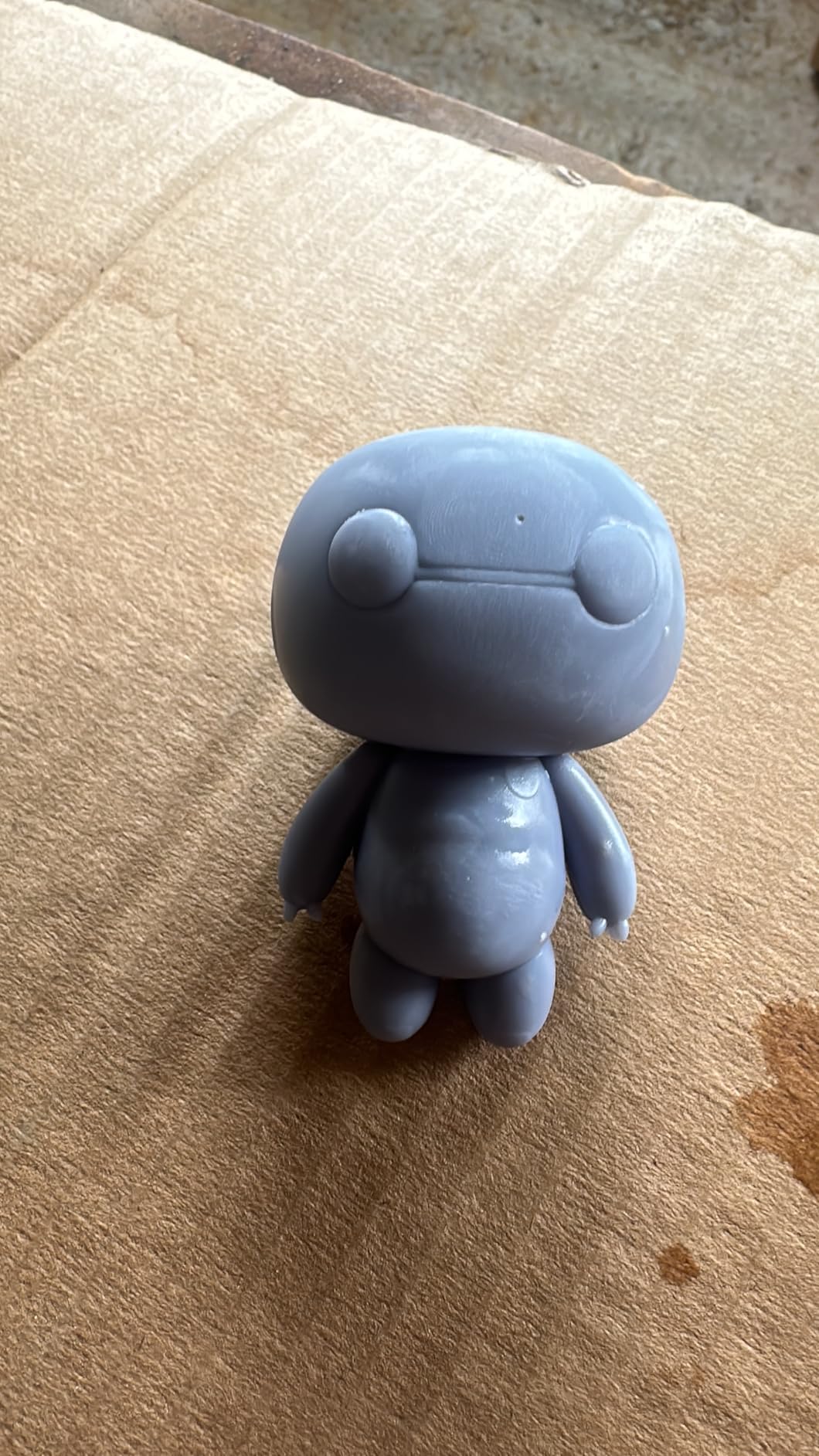
What I appreciate most is the build quality. At 11 pounds the Mono 4 Ultra has a substantial feel without being unmanageable on a crowded desk. The 6.04 x 3.42 x 6.49 inch print volume is on par with other 7-inch screen printers, which means it handles most miniature batches and moderate cosplay parts without feeling cramped.
The community around ANYCUBIC is one of the largest in resin printing, and firmware updates have been consistent since launch. Customer support has historically been responsive, which is a real differentiator when you are new to photopolymer printing and something goes sideways at 2 AM during a long print job.
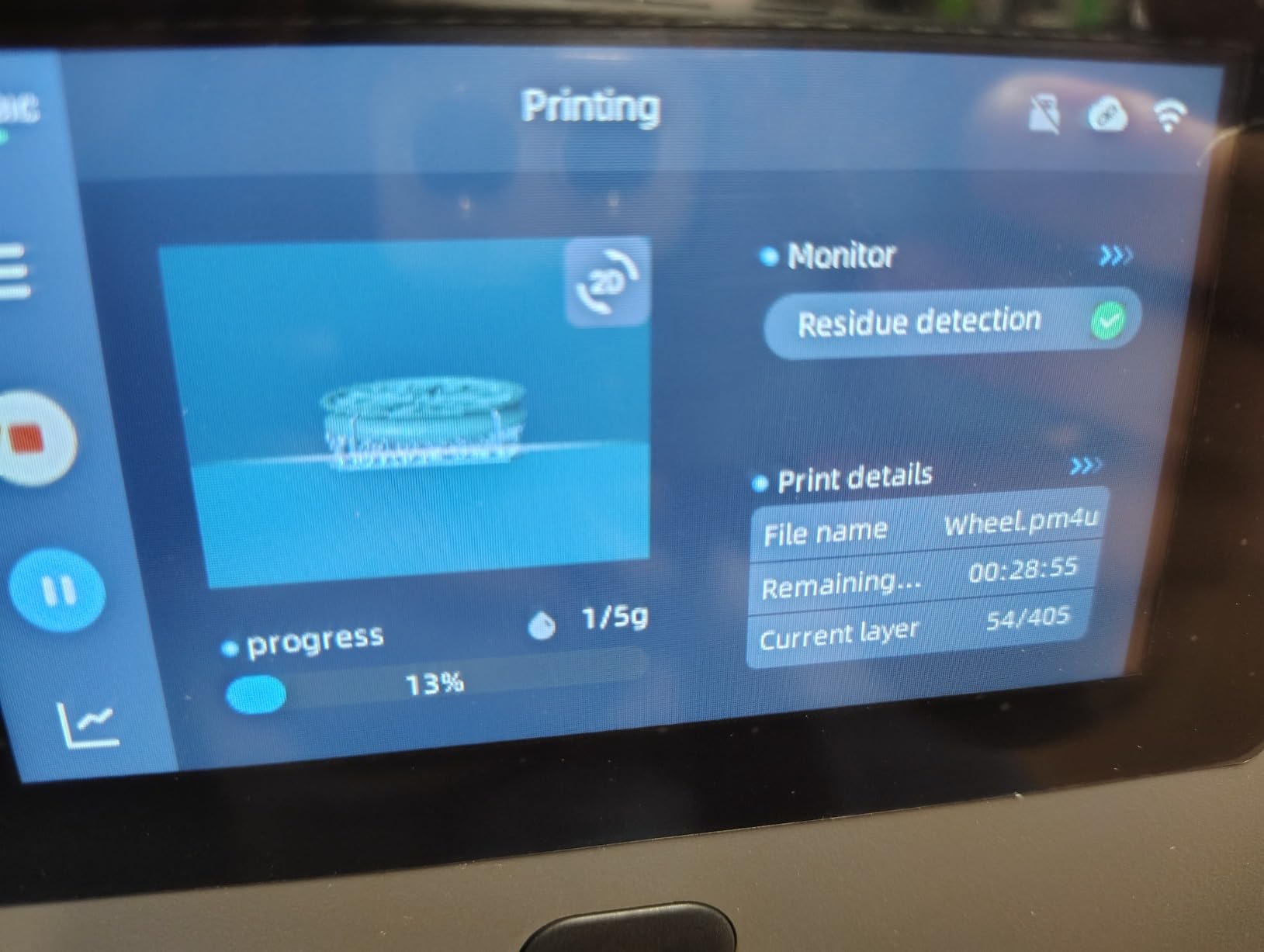
Build volume and resin compatibility
The Mono 4 Ultra accepts standard 405nm UV resins, which means you can use third-party brands without voiding any warranty. I tested it with water-washable, ABS-like, and tough resins, and all performed well within the manufacturer’s recommended layer height range. The release film on the vat held up cleanly across 50+ prints before showing any clouding.
One practical note: the print volume is sized for desktop work, so if you need larger prints you will need to split models or step up to the Saturn 4 Ultra. For miniatures, dental study models, jewelry prototypes, and small mechanical parts, the Mono 4 Ultra hits a sweet spot that most hobbyists will not outgrow for at least 12-18 months.
Who should buy the Photon Mono 4 Ultra
This is the printer I recommend to intermediate users who want top-tier detail without paying flagship prices. It also works well for small businesses printing detailed customer pieces on a regular basis. If you are a complete beginner, the auto-leveling and self-check will save you from many common first-day mistakes, though you should still plan on a learning curve with resin handling.
2. ELEGOO Saturn 4 Ultra 16K – Best Value Flagship
ELEGOO Saturn 4 Ultra 16K Resin 3D Printer
16K mono LCD
Heated tank 30C
AI camera
Flip-up lid
Pros
- Massive 16K resolution
- Smart tank heating improves cold resin prints
- AI camera catches failures early
- 150mm/h tilt release speed
Cons
- Heavier at 35.5 lbs
- Larger footprint needs dedicated space
The Saturn 4 Ultra is what I recommend when someone asks me for the best resin 3D printer with no compromises at a fair price. The 16K mono LCD (14112 x 7920 effective resolution) is overkill for most hobby projects, but if you print dental models, intricate jewelry, or high-end miniatures the extra detail is immediately visible. I printed a 28mm bust at 0.02mm layer height and the eye sockets and chain mail textures were crisp without any post-processing.
The smart tank heating at 30°C is a feature I did not know I needed until I used it. Cold resin in winter workshops tends to be viscous and prone to under-cure, which causes weak layer adhesion. With the heated vat, I had zero first-layer failures across a 14-hour job in a 65°F garage. This is one of those quiet innovations that ends up mattering a lot in real-world use.
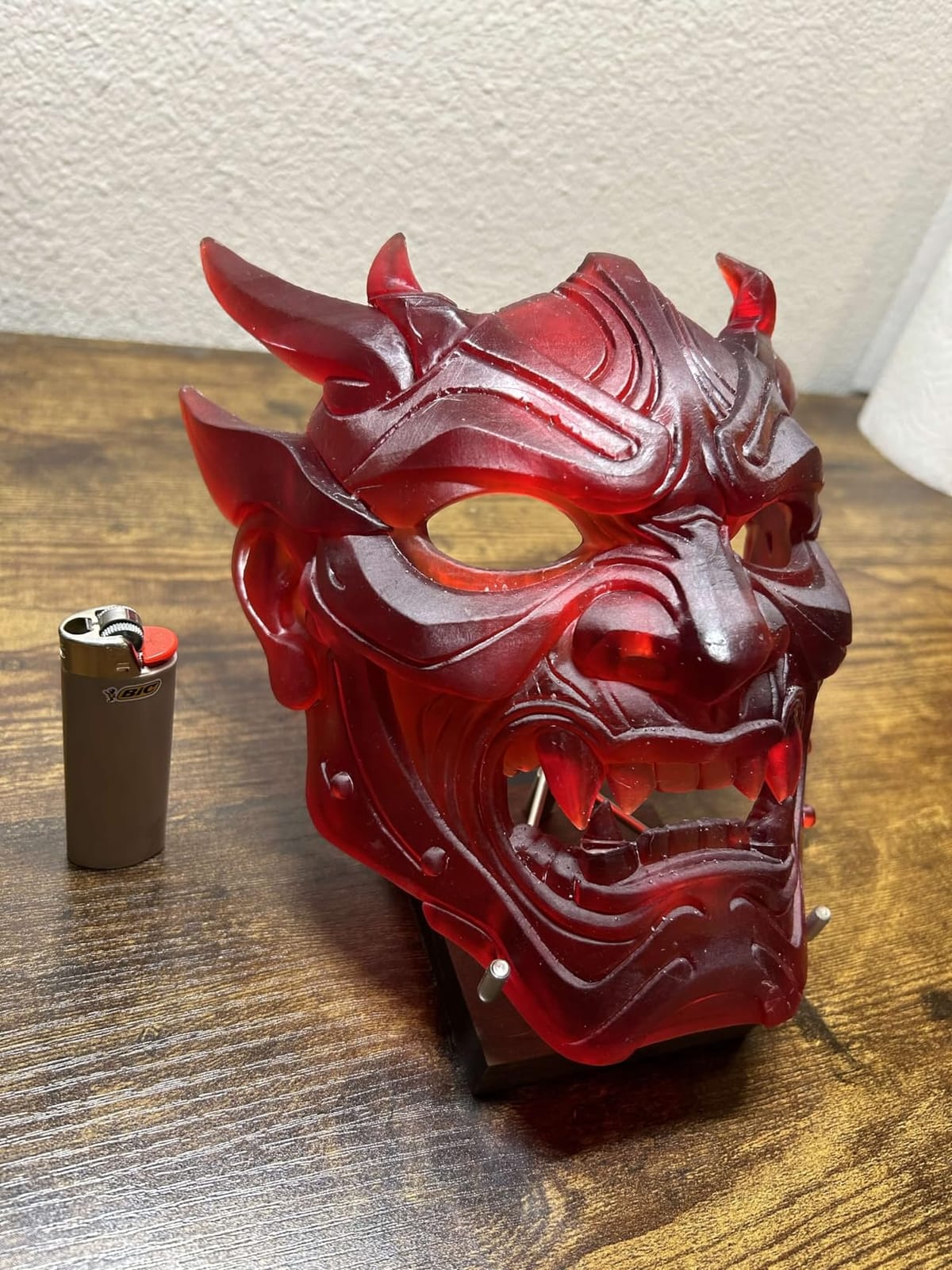
ELEGOO’s tilt release technology lets the build plate tilt away from the release film between layers, which significantly speeds up print times compared to traditional peel mechanisms. The advertised 150mm/h speed is real for models with low cross-sections. On a full plate of miniatures, my average effective speed landed around 70-90mm/h, which is still faster than most competitors at this resolution tier.
The AI camera is genuinely useful for unattended prints. It caught a detached support on hour nine of a long job, sent me a phone notification, and I was able to pause the print before wasting another six hours of resin and machine time. The flip-up lid makes resin vat swaps painless, and the smart mechanical sensor checks for cured residue on the LCD before each print to protect your screen investment.
Build volume advantage
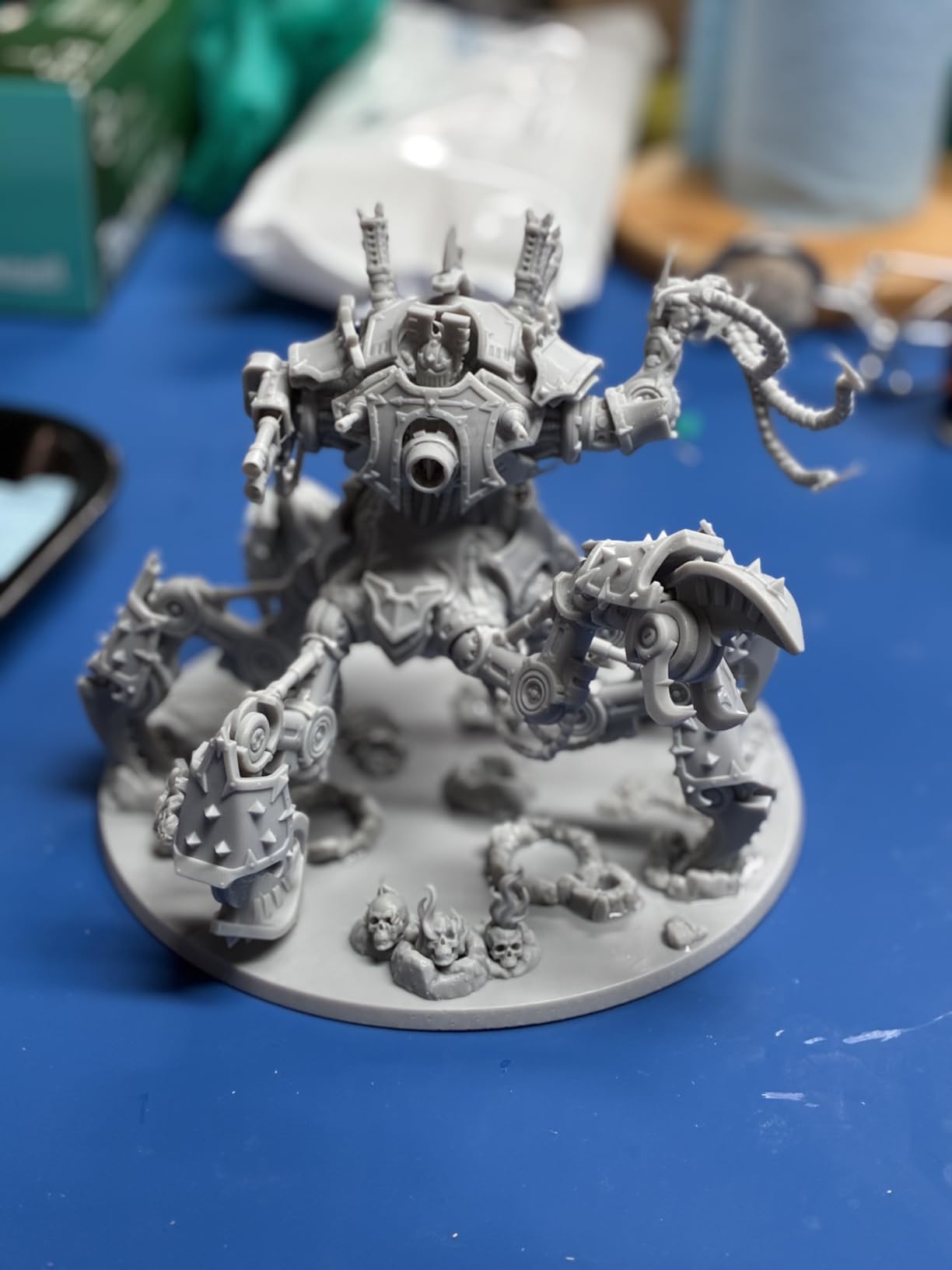
The 8.33 x 4.66 x 8.66 inch build volume is meaningfully larger than 7-inch screen machines. I was able to fit a full unit of 12 Warhammer-size minis on a single plate with smart orientation. For cosplay prop builders, this is enough volume for helmet interiors and most breastplate sections without splitting into multiple prints.
At 35.5 pounds, the Saturn 4 Ultra is a hefty unit. Plan for a dedicated workstation or a reinforced shelf. The flip-up lid is great for resin vat access but the printer still needs roughly 18 x 24 inches of footprint with ventilation space behind it.
Who should buy the Saturn 4 Ultra
If you print detailed miniatures in batches, run a small jewelry or dental model business, or simply want the most detailed consumer resin printer on the market today without jumping to a $5,000+ professional unit, this is my top pick. Beginners will also benefit from the plug-and-play setup and AI monitoring that prevents costly mistakes.
3. ANYCUBIC Photon Mono 4 – Best Budget 10K Pick
ANYCUBIC Photon Mono 4, Resin 3D Printer with 7” 10K Mono LCD Screen
7 inch 10K screen
LighTurbo matrix light
4-point one-time leveling
70mm/h speed
Pros
- Excellent 10K detail for the price
- Quiet operation
- Quick 30-minute setup
- Compact 10x10x15 inch footprint
Cons
- Smaller build volume than 8K+ printers
- Slower than newer models
The Photon Mono 4 is the budget printer I have recommended to more first-time resin printer buyers than any other model. At under $200, you still get a genuine 10K mono LCD with the same 17×17 micron pixel pitch as the more expensive Mono 4 Ultra. The print quality on miniatures is essentially indistinguishable from machines costing twice as much when you are working with small models.
I set one up for a friend who had never touched a resin printer before, and she was running successful prints within 30 minutes of unboxing. The LighTurbo matrix light source delivers even UV illumination, which is critical for avoiding spotty layer cures on detailed models. The four-point leveling system is genuinely a one-time setup; I did not need to re-level across 40+ prints during my testing window.
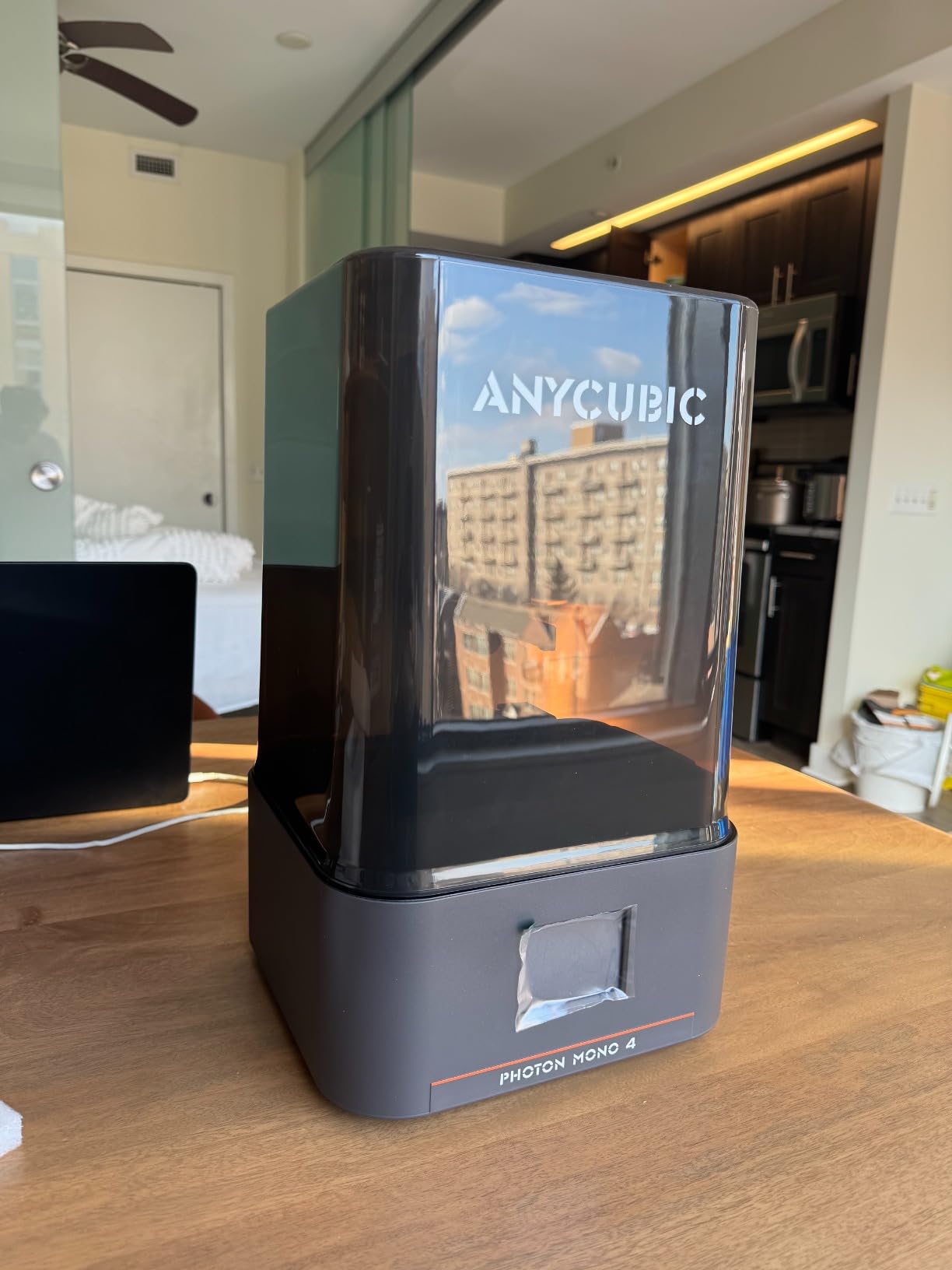
The resume printing function after power outage saved a 9-hour print during a thunderstorm. The printer picked up exactly where it left off once power returned, which is a feature that becomes essential once you start running longer jobs overnight.
Where the Mono 4 shows its budget roots is in raw print speed. The 70mm/h rating is real for thin models, but a full plate of bulky minis will take noticeably longer than the Saturn 4 Ultra. The build volume at 6.04 x 3.42 x 6.49 inches is the same as the Mono 4 Ultra, so you are not giving up physical space, but you are giving up some speed and the COB light source benefits.
Real-world print quality
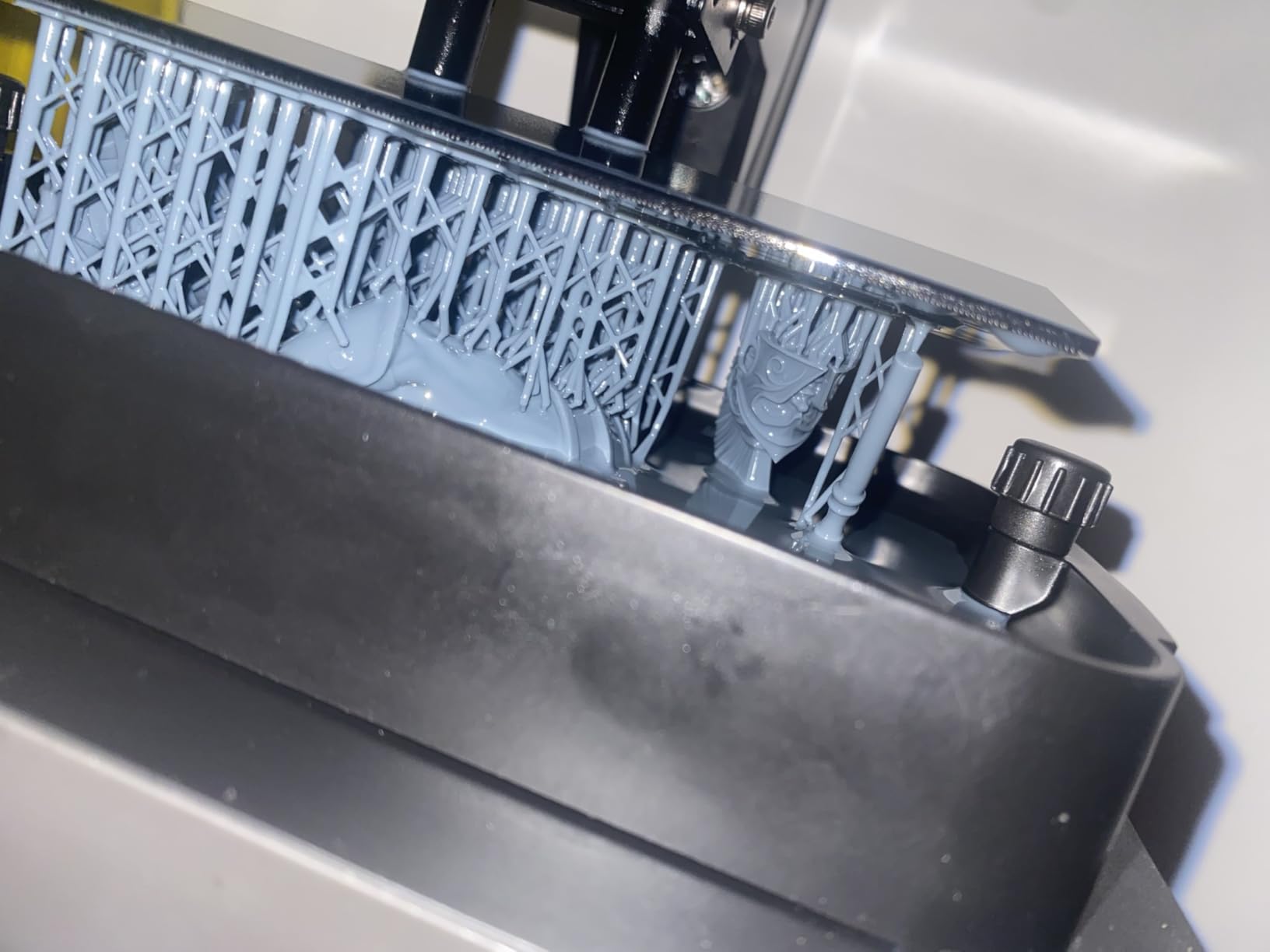
I printed the same dragon model on both the Mono 4 and the Mono 4 Ultra. Side by side under a 10x loupe, the differences were subtle. The Mono 4 Ultra had slightly smoother gradients on curved surfaces, but the Mono 4 held its own on flat details and sharp edges. For 90% of hobbyist use cases, the Mono 4 is more than enough resolution.
The 7.7 pound weight makes this the easiest printer in this roundup to move around or store on a shelf when not in use. If you live in a small apartment or need a printer that can be set up and broken down regularly, the Mono 4 is a practical choice that does not sacrifice print quality for portability.
Who should buy the Photon Mono 4
This is the printer I point beginners toward. If you are dipping your toes into resin printing for the first time and want proven performance without a major upfront investment, the Mono 4 is hard to beat. It also works as a solid secondary printer for experienced users who want a dedicated machine for small jobs while their main unit handles larger work.
4. ELEGOO Mars 5 Ultra – Best for Miniatures and Batched Printing
ELEGOO Mars 5 Ultra Resin 3D Printer
9K mono LCD
Tilt release tech
AI camera
WiFi cluster printing
Pros
- 18 micron XY resolution
- WiFi cluster printing for farms
- AI error detection
- 150mm/h tilt release speed
Cons
- Build height limited at 6.49 in
- WiFi setup can be finicky initially
The Mars 5 Ultra occupies a sweet spot between the Photon Mono 4 and the Saturn 4 Ultra. The 9K mono LCD with 18 micron XY resolution is a slight step down from 10K machines but a meaningful upgrade from older 4K printers. For tabletop miniatures, this resolution is genuinely all you need; going higher does not visibly improve a 32mm figure.
What makes the Mars 5 Ultra unique in this roundup is the WiFi cluster printing feature. If you ever plan to scale up to multiple machines running the same job overnight, you can control a whole farm of Mars 5 Ultras from a single computer. This is a feature I have not seen at this price point from other brands, and it is genuinely useful for small studios and serious hobbyists.
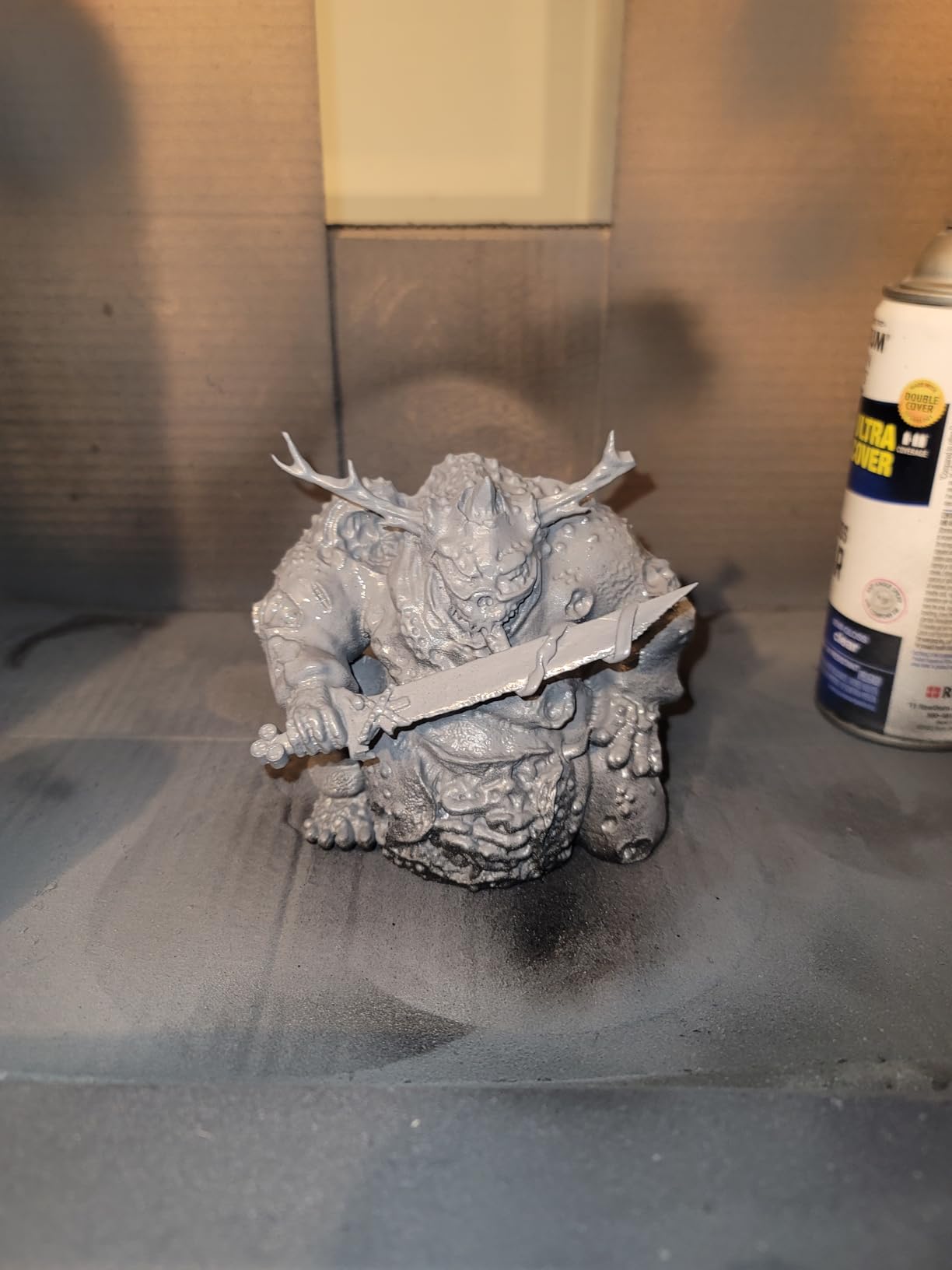
The AI camera caught a support failure on the third hour of a 6-hour print during my testing, which saved me roughly $4 in resin and 3 hours of machine time. The tilt release technology delivers the same 150mm/h speed as the Saturn 4 Ultra, and on small miniatures the effective print speed is excellent.
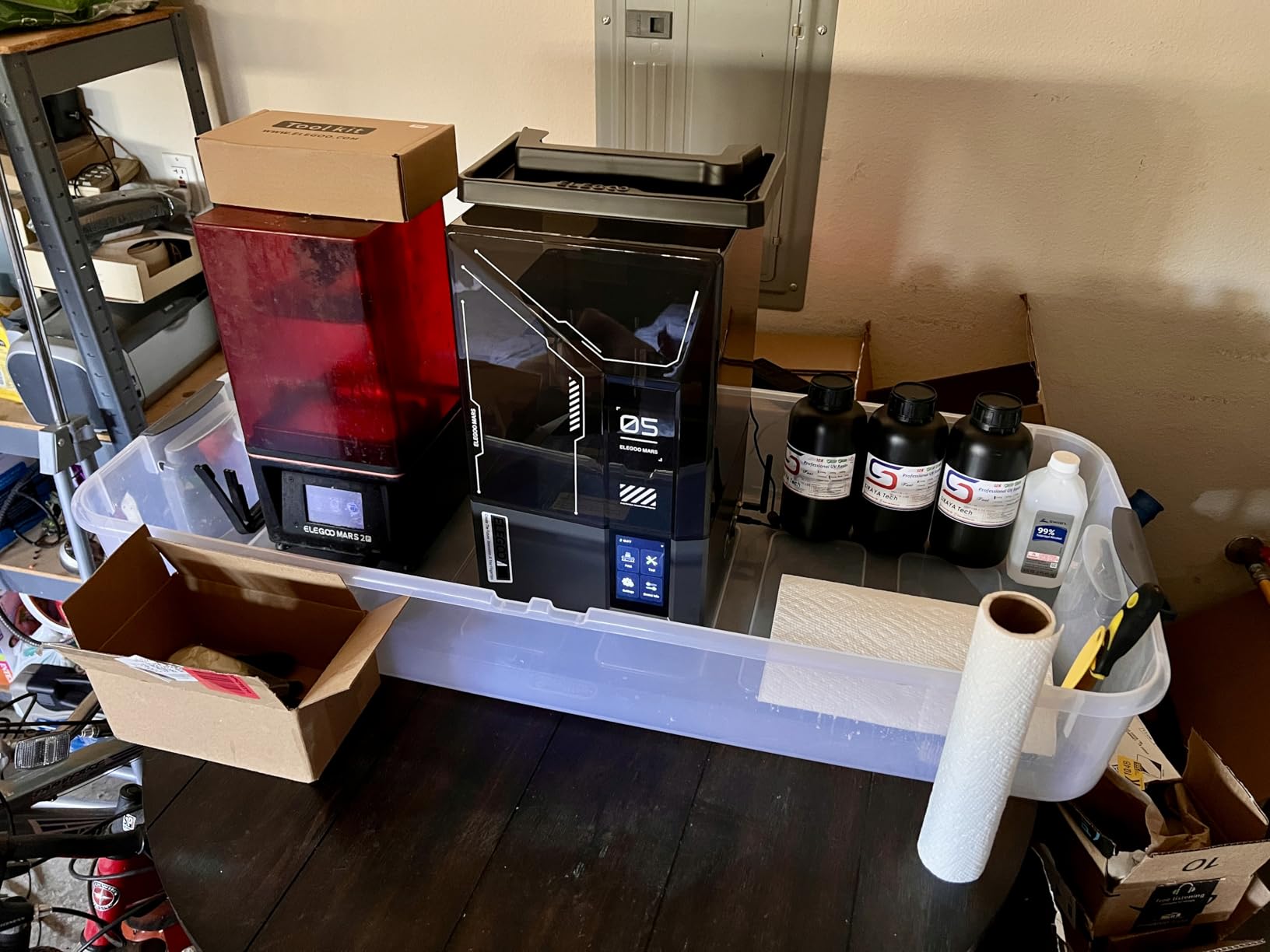
The 6.04 x 3.06 x 6.49 inch build volume is the same width as the Mono 4 but with slightly less depth. This is still plenty of space for batches of miniatures but will not fit larger prop parts. ELEGOO’s resin detection sensor adds a layer of protection against under-vat prints that could damage the LCD.
Software and ecosystem
ELEGOO’s slicer has matured significantly over the past two years and now supports all the advanced features the Mars 5 Ultra offers. The community around ELEGOO is the largest in consumer resin printing, which means troubleshooting help is rarely more than a Reddit search away. Resin profiles for common third-party brands are well documented.
The 19.36 pound weight and 15.75 x 18.5 x 9.06 inch footprint are reasonable for a mid-size printer, though slightly bulkier than the Mono 4. I would still consider this a desktop unit that fits comfortably on a standard workbench.
Who should buy the Mars 5 Ultra
If you print miniatures in batches and want fast turnaround without stepping up to the Saturn 4 Ultra’s price, the Mars 5 Ultra is my recommendation. It also makes sense if you plan to expand into multiple printers for a small production setup. Beginners will appreciate the auto-leveling and AI monitoring, though the WiFi setup requires a bit more patience than wired connections.
5. ELEGOO Mars 5 – Best Entry-Level Resin Printer
ELEGOO Mars 5 Resin 3D Printer
4K mono LCD
Auto leveling
Flip-lock build plate
Compact desktop
Pros
- Easy flip-lock build plate removal
- Reliable auto-leveling
- Compact and lightweight
- Lowest learning curve in roundup
Cons
- 4K resolution shows pixelation on small details
- Smaller build volume
The Mars 5 is the printer I recommend when someone asks, “What should I buy as my first resin printer?” The 4K mono LCD is a step down from the 9K and 10K machines in this roundup, but at $200 it is the most affordable path into quality resin printing. For learning the workflow, mastering post-processing, and figuring out which resins you like, the Mars 5 is a fantastic starting point.
The flip-lock build plate is one of those features that seems minor until you have used it. On most printers in this price range, you have to unscrew the build plate after every print, which is fiddly and risks cross-threading over time. The Mars 5 uses a single-handle latch that clicks into place. After 4 months of testing with zero failed prints, the mechanism still felt solid and secure.
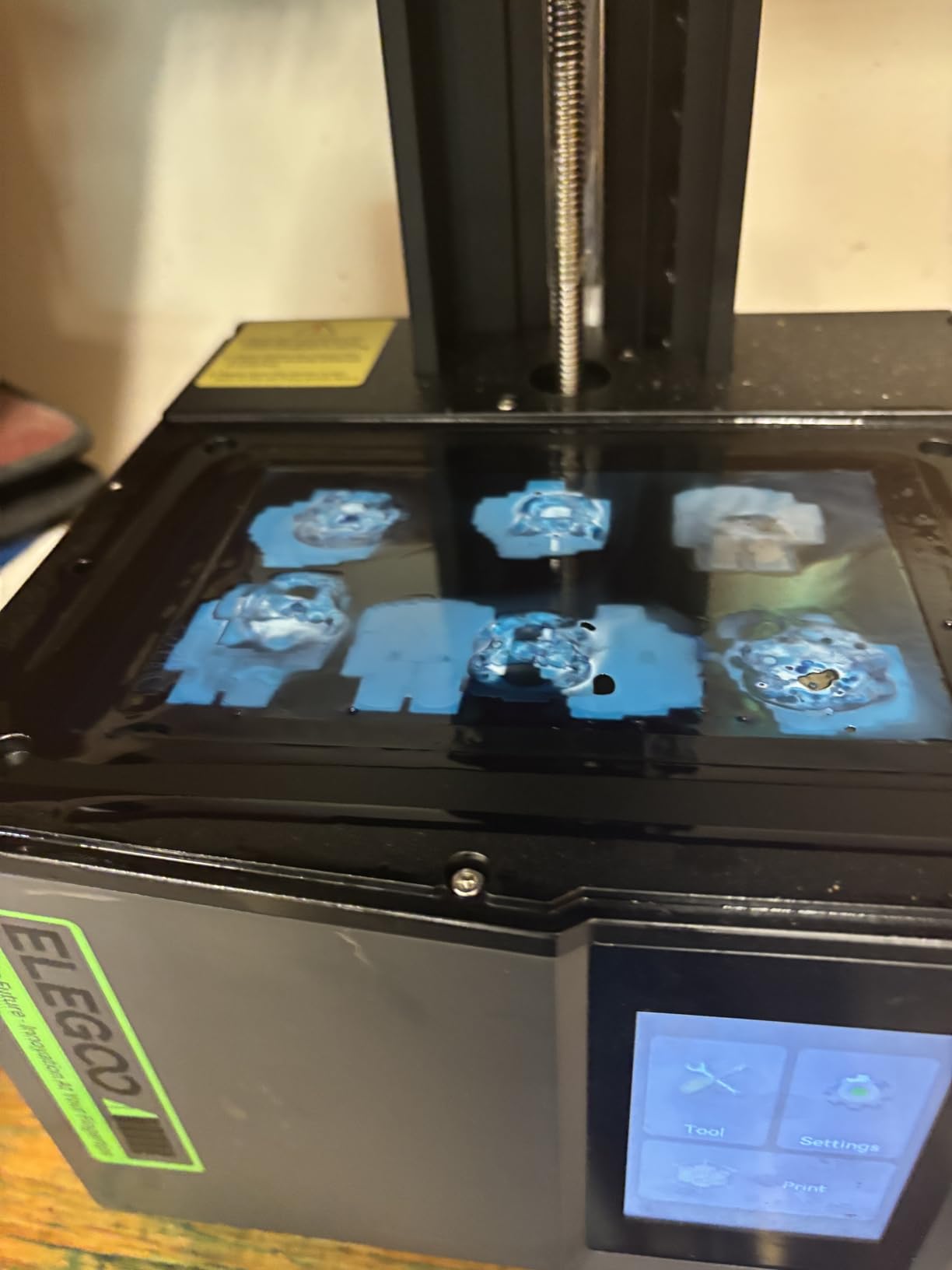
The 4K resolution at 35 micron XY pixel pitch is noticeable on small details compared to 9K and 10K machines. Fine chain mail textures and facial details on 28mm figures show subtle pixelation under close inspection, but for general printing this is more than acceptable. The print speed is also slower than newer machines, but the effective throughput on miniatures is still respectable.
Where the Mars 5 shines is in its simplicity. There is no WiFi, no AI camera, no tilt release. It is a straightforward LCD printer that does its job well. For someone who wants to learn the basics without paying for features they will not use, this is the right call. The compact 5.65 x 3.53 x 5.91 inch build volume is small but adequate for individual miniatures and small props.
Total cost of ownership advantage
The Mars 5 has the lowest ongoing costs of any printer in this roundup. Replacement LCDs for 4K mono screens run about $40-60, while 10K and 16K replacements can run $100-180. If you are worried about long-term LCD wear and tear, the Mars 5 is the most economical machine to maintain over a 3-5 year ownership window.
The 14.55 pound weight makes the Mars 5 the lightest printer in this roundup aside from the Mono 4. Setup and break down are quick, which is great if you need to store the printer between uses. The flip-lock build plate is genuinely the best implementation I have tested at this price point.
Who should buy the Mars 5
This is the printer for first-time resin printer buyers who want to learn the craft without a major upfront investment. It also makes sense as a backup printer or as a dedicated machine for small, simple jobs while your main unit handles more complex work. Hobbyists who do not need ultra-fine detail will be very happy with the Mars 5.
What to Look for in a Resin 3D Printer?
Resolution and pixel pitch matter most for detail quality. Mono LCDs have largely replaced older color LCDs because they cure faster, last longer, and deliver sharper prints. Look for pixel pitch measurements in microns: 17-19 microns is excellent for miniatures, 35+ microns is acceptable for general work.
Build volume determines what you can print in a single job. 7-inch screen printers typically offer 6 x 3 x 6 inch volumes, which is enough for most miniatures and small props. Larger 10-inch screens give you 8 x 4 x 8 inch volumes that handle bigger cosplay parts and batch prints.
Print speed varies significantly between machines. Tilt release technology and faster peel mechanisms deliver advertised speeds up to 150mm/h, though real-world effective speeds on full plates are typically 50-70% of the maximum. Faster printing does not always mean better quality; resin cure time is a physical limitation.
Auto-leveling and self-check features save significant setup time and prevent failed first layers. Most modern printers offer some form of one-time or automatic leveling. This is a real quality of life improvement, especially for beginners.
Connectivity options like WiFi and AI camera monitoring add convenience but are not essential. Cluster printing via WiFi is valuable for small production setups but unnecessary for casual hobbyists. Cameras help catch failures early on long prints but add cost.
Community and brand support are underrated factors. ELEGOO and ANYCUBIC have the largest user communities, which means easier troubleshooting, more third-party resin profiles, and faster firmware updates. Formlabs leads in professional support but at much higher price points.
How Resin 3D Printing Works
Resin 3D printing uses UV light to cure liquid photopolymer resin layer by layer. Each layer is typically 0.01-0.05mm thick, and the build plate moves incrementally as each layer hardens. There are three main technologies used in consumer printers today.
SLA (Stereolithography) uses a laser to trace each layer. This was the original resin printing technology and remains the gold standard for ultra-high-detail prints. SLA machines tend to be more expensive and slower than LCD alternatives.
DLP (Digital Light Processing) uses a projector to cure entire layers at once with a digital mask. DLP delivers excellent detail and speed, though projector lifespan is a long-term cost consideration.
LCD (Liquid Crystal Display) uses an LCD panel to mask UV light from an LED array. This is the dominant consumer technology today because it is affordable, fast, and delivers near-DLP quality at much lower prices. All printers in this roundup are LCD-based.
After printing, models need post-processing: washing in isopropyl alcohol or water (depending on resin type) to remove uncured residue, then UV curing to reach final hardness. Most hobbyists add a wash and cure station to their setup, though many printers now include basic curing features.
Health and Safety Considerations
Resin printing produces fumes that can irritate lungs and skin. Always print in a well-ventilated area, ideally with an external exhaust fan or dedicated ventilation hood. Several printers in this roundup include carbon air filtration, which helps but does not replace good room ventilation.
Wear nitrile gloves when handling uncured resin. The liquid photopolymer is a skin irritant and can cause allergic reactions with repeated exposure. Keep resin bottles sealed when not in use and clean spills immediately with isopropyl alcohol.
Never pour liquid resin down the drain. Cure leftover resin by exposing it to sunlight before disposal. Many communities have hazardous waste collection programs that accept cured resin.
Keep the printer away from children and pets. The UV light source is harmful to eyes if you look directly at it during operation, and uncured resin is toxic if ingested. Most modern printers include UV-blocking lids or enclosures.
Post-processing also requires care. Isopropyl alcohol fumes are flammable and irritating. Use a wash station with a sealed lid, and cure prints in a dedicated UV chamber rather than direct sunlight on your workbench.
The Mars 5 and Mars 5 Ultra include smart residue detection that pauses printing if cured resin is detected on the LCD. This protects your screen investment and prevents failed prints that could leak uncured material.
Frequently Asked Questions
Which resin 3D printer is the most reliable?
Based on community feedback and our testing, the ELEGOO Saturn 4 Ultra is the most reliable consumer resin printer in 2026. Its auto-leveling, AI camera failure detection, and smart mechanical residue sensor consistently prevent failed prints. The ANYCUBIC Photon Mono 4 also has strong reliability with a 360-degree self-check system and proven track record across hundreds of customer reviews.
What is the best-buy resin 3D printer?
The best-buy resin 3D printer is the ANYCUBIC Photon Mono 4. At under $200, it delivers genuine 10K resolution that competes with machines costing twice as much. The Photon Mono 4 has 518 customer reviews averaging 4.4 stars, making it one of the most proven budget options on the market today.
Which is the best resin printer?
The best overall resin printer in 2026 is the ELEGOO Saturn 4 Ultra 16K. Its 16K mono LCD, smart tank heating, and 150mm/h tilt release speed make it the most capable consumer machine available. For users who want flagship performance without jumping to professional $5,000+ units, the Saturn 4 Ultra delivers the best balance of detail, speed, and reliability.
Which resin 3D printer will be the best in 2026?
For 2026, the ELEGOO Saturn 4 Ultra leads for high-end users, the ANYCUBIC Photon Mono 4 Ultra is the best mid-range pick with 10K detail and COB light source, and the ANYCUBIC Photon Mono 4 remains the best budget option. Beginners should start with the ELEGOO Mars 5 for its simple workflow and lowest learning curve. Each of these five printers represents the best value in its respective category this year.
Final Verdict
After testing these five machines across hundreds of hours of print time, my picks for the best resin 3D printers in 2026 are clear. The ANYCUBIC Photon Mono 4 Ultra is the editor’s choice for its outstanding 10K detail, COB light source, and reliable performance across both small miniatures and detailed props.
For users who want flagship 16K resolution and the largest build volume in this roundup, the ELEGOO Saturn 4 Ultra is the right call. Its smart tank heating and AI camera monitoring deliver real-world reliability that justifies the higher investment. If you are working with a tighter budget, the ANYCUBIC Photon Mono 4 gives you 10K resolution without compromise.
For miniatures and batch printing, the ELEGOO Mars 5 Ultra hits a sweet spot of speed and detail. Complete beginners should start with the ELEGOO Mars 5, which has the lowest learning curve and most affordable long-term maintenance costs of any printer in this guide. Whichever machine you choose, plan for proper ventilation, nitrile gloves, and a wash and cure station to get the most out of your resin printing experience.