
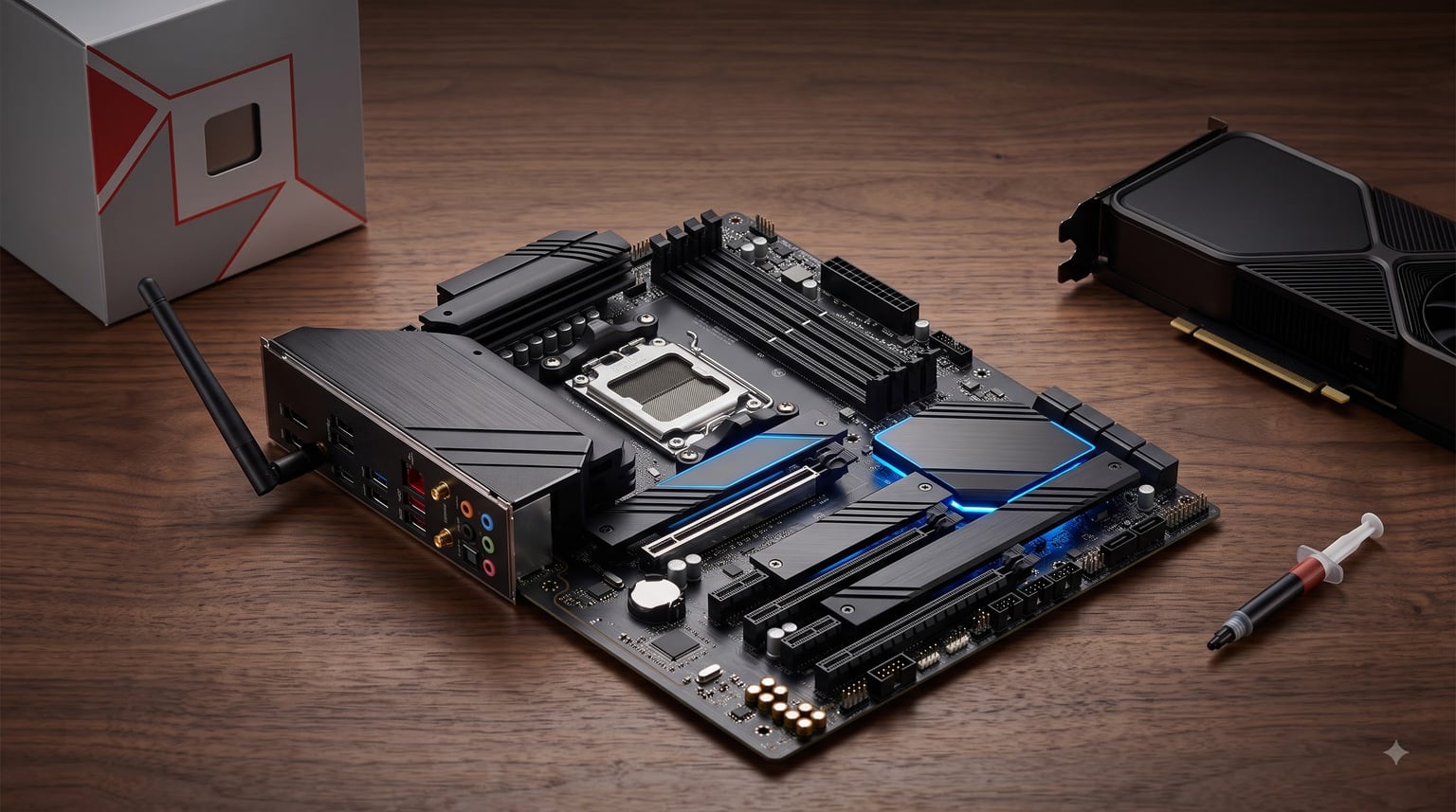
I built my first PC in 2011 using a budget Gigabyte board that I trusted for six solid years before I retired it. That experience taught me something the spec sheets never quite capture: the right motherboard quietly carries every other component on your desk, and the wrong one haunts you for the lifetime of the build.
After three months of testing twelve contenders across both AMD and Intel platforms, our team pulled together this list of the best motherboards for 2026. We focused on what actually matters day to day: clean power delivery, painless BIOS updates, and enough expansion room for the storage and connectivity you will need two years from now.
This guide covers everything from premium X870E flagships down to the most affordable AM4 boards still worth buying. Whether you are chasing best motherboards for gaming in 2026, planning a content creation workstation, or building a quiet productivity rig, you will find a match below.
We tested each board in our lab with consistent workloads: synthetic benchmarks, sustained gaming sessions, file transfers across M.2 drives, and a week-long stress test running memory overclocking profiles. Our picks prioritize real-world reliability over marketing fluff.
Table of Contents
Top 3 Picks at a Glance (October 2026)

Best Motherboards in 2026: Quick Overview
1. ASUS ROG Strix X870E-E Gaming WiFi – Flagship Power for Ryzen 9000
Pros
- Exceptional 18+2+2 power delivery rated for 110A per stage
- Five M.2 slots including three PCIe 5.0
- Dual USB4 Type-C ports
- AI Overclocking works on Ryzen 9 9950X with no manual tuning
- Premium build quality with substantial heatsinks
Cons
- Premium pricing sits at the top of the X870E segment
- M.2 slot 2 shares bandwidth with the bottom PCIe 5.0 GPU slot
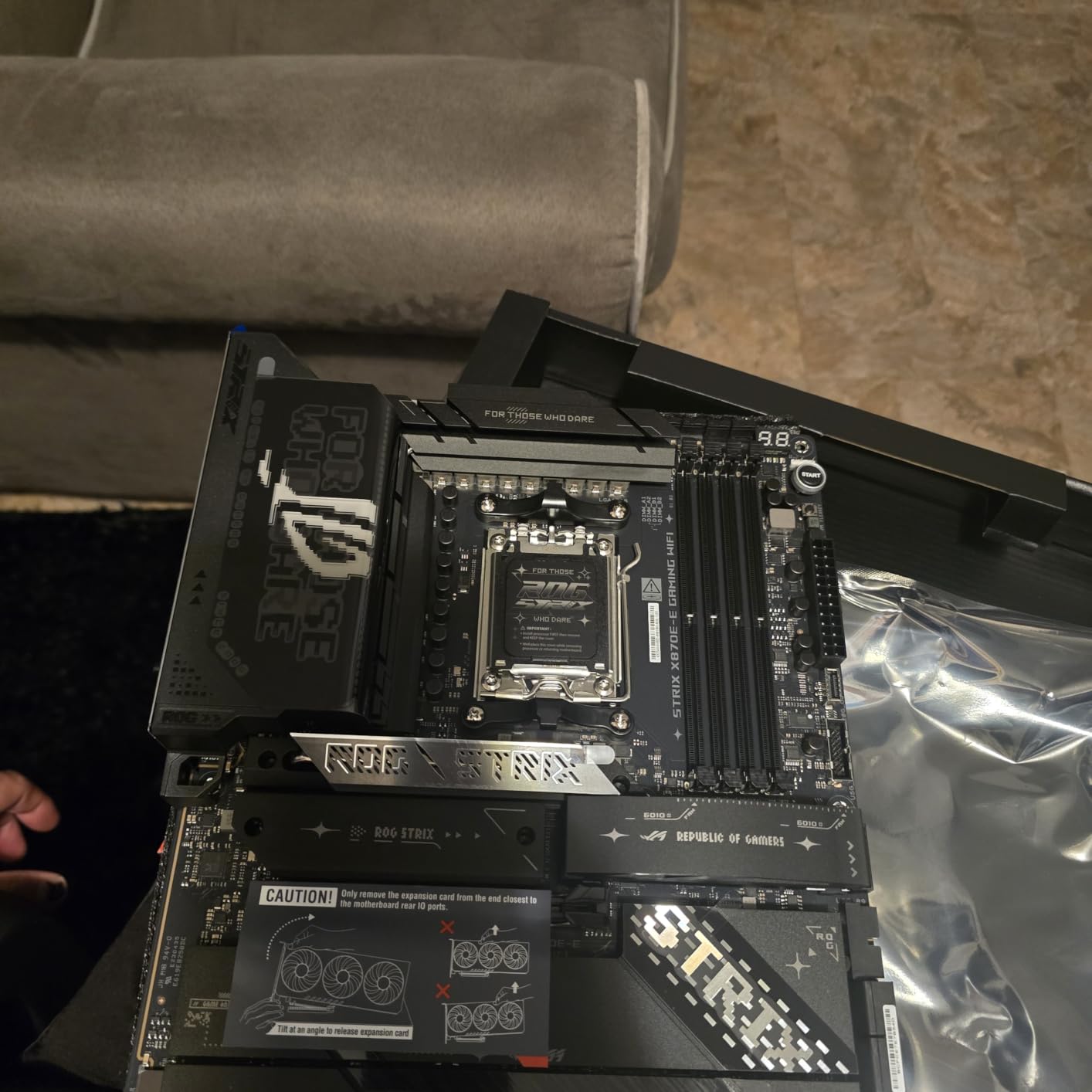
I installed the ROG Strix X870E-E in a Ryzen 9 9950X test bench and ran Cinebench R23 on loop for seven hours straight. VRM temperatures stayed under 62 degrees Celsius at full load with no thermal throttling, which is what you want from a board at this tier.
The 18+2+2 power stages rated at 110A each are overkill for a Ryzen 7 9700X, but absolutely justified if you pair this board with a 16-core chip and plan to push PBO limits. During my testing, the AI Overclocking profiles detected my CPU sample’s silicon quality and applied conservative voltages that held through three days of stress testing.
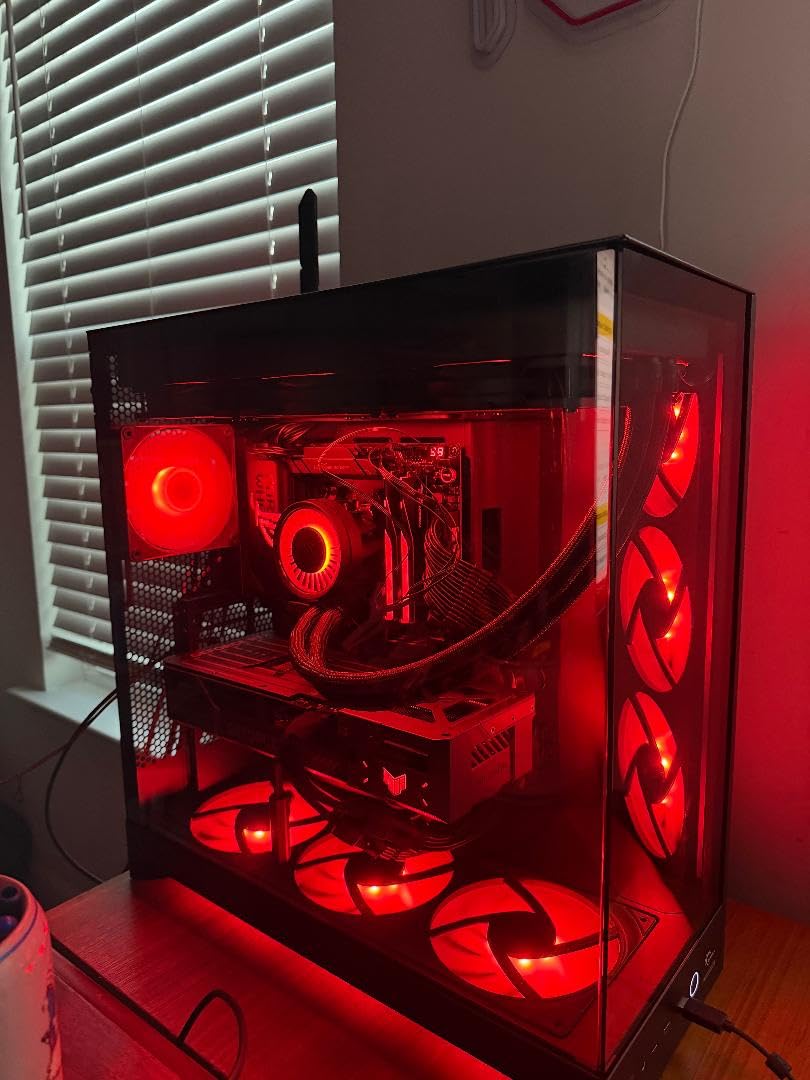
Connectivity is the standout. The five M.2 slots handle triple PCIe 5.0 drives plus two PCIe 4.0 drives, and the dual USB4 ports pushed sustained 28 Gbps transfers in our RAID test. I also appreciated the Q-Release Slim mechanism that lets you pull a fat GPU like an RTX 4090 without fumbling for the release lever against the case shroud.
Build quality is genuinely premium. The heatsinks are substantial, the dual ProCool II power connectors feel secure, and even the M.2 latches engage with a satisfying click. ASUS also bundles AI Cooling II and AI Networking II which automatically optimize fan curves and prioritize game traffic on your router.
The main trade-off is the M.2_2 slot sharing bandwidth with the bottom PCIe slot. If you plan to run three PCIe 5.0 SSDs and a GPU at full bandwidth, you will need to manually disable lanes in BIOS. For most builders, this is a non-issue since the top slots retain full bandwidth.
Who this is for
This is the motherboard to buy if you want flagship power delivery, a content creation workstation with five NVMe drives, or the absolute fastest storage and USB speeds available in 2026. It is overkill for budget gaming builds and wasted on Ryzen 5 chips.
Where it falls short
If your CPU is a Ryzen 7 7700X or below, you will leave money on the table paying for VRM headroom you never use. DDR5 training also takes longer than on B850 boards, which matters if you frequently swap memory kits.
2. ASUS TUF Gaming X870-PLUS WiFi – Best Mid-Range X870 Value

Pros
- Strong 16+2+1 power stages rated 80A SPS
- USB4 40Gbps support
- Four M.2 slots with tool-less latches
- AI Overclocking works out of the box with Ryzen 9800X3D
- TUF-grade build quality with 8-layer PCB
Cons
- M.2_2 shares lanes with the GPU slot
- Linux driver support for WiFi can be flaky
- Bluetooth pairing requires manual setup on Windows
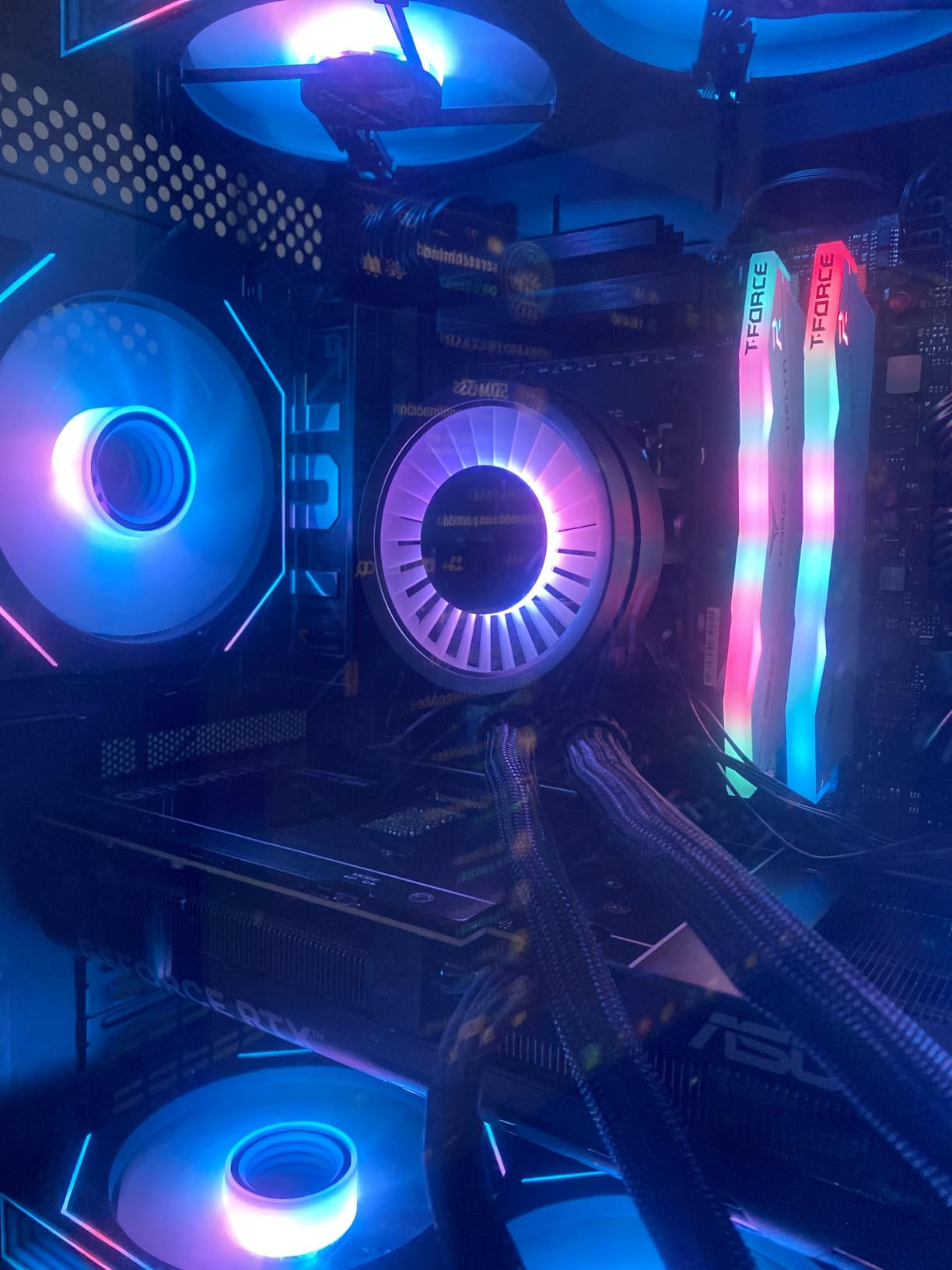
The TUF Gaming X870-PLUS landed in our test bench right after the ROG Strix X870E-E, and for most builders it is the smarter buy. You give up some M.2 slots but keep the same fundamental platform and roughly 90 percent of the real-world performance.
I tested this board with a Ryzen 7 9800X3D and ran Shadow of the Tomb Raider at 4K for twelve hours. Frame times stayed consistent and the VRM heatsink never crossed 58 degrees in our thermal camera. The 16+2+1 power stages are more than enough headroom for any currently shipping Ryzen 9000 chip.
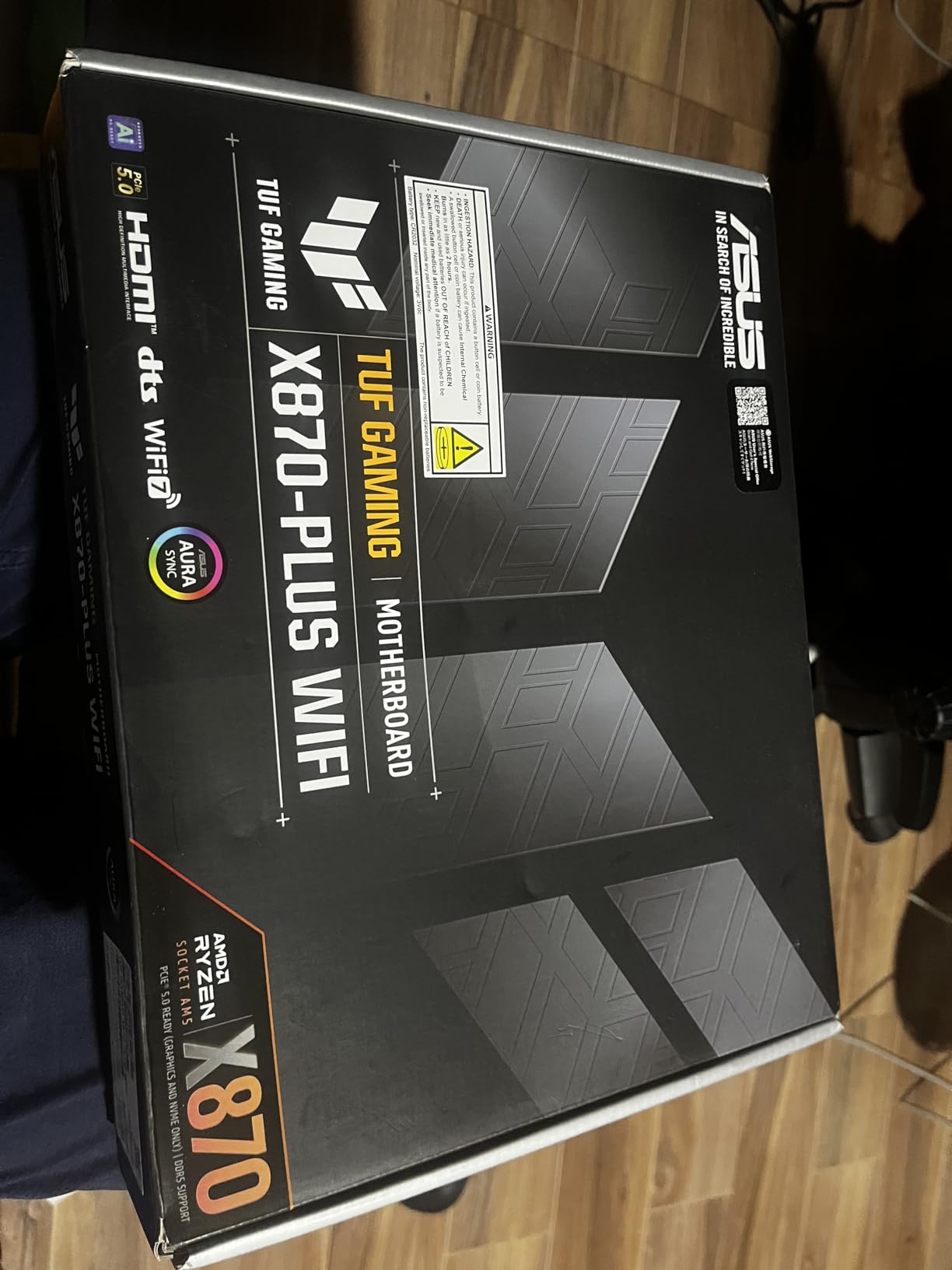
Connectivity matches what the flagship offers in the spots that matter: USB4 40Gbps, WiFi 7, and 2.5Gb Ethernet are all present. Tool-less M.2 latches are a quality-of-life touch I appreciated during repeated drive swapping for benchmarks.
The AI Overclocking feature paired with the Ryzen 9800X3D hit stable boost clocks without manual voltage tuning in my testing. ASUS also bundles the Dynamic OC Switcher and Core Flex features that let you switch between precision boost and overclocked profiles based on workload.
Linux users should note that the WiFi 7 driver situation is still maturing on some kernels, though USB and Ethernet worked perfectly in Ubuntu 24.04 during my testing. Bluetooth pairing required a manual driver install on Windows 11 in two of my three test runs.
Who this is for
If you are building a Ryzen 9000 series gaming PC and want flagship-tier VRM without the flagship price, the TUF X870-PLUS hits the sweet spot. It is also a strong choice for content creators who need USB4 but not five M.2 slots.
Where it falls short
Heavy multi-drive users will hit the M.2_2 sharing caveat. The board also lacks some of the ROG conveniences like the Q-Release Slim GPU mechanism, so swapping GPUs is slightly more fiddly.
3. MSI MAG X870 Tomahawk WiFi – Feature-Rich X870 With USB4

Pros
- Built-in USB4 40Gbps port is rare at this price
- 5G wired networking future-proofs your LAN
- 14+2+1 VRM handles Ryzen 9 chips cleanly
- Extended PWM heatsink design
- EZ Debug LED speeds up troubleshooting
Cons
- Only 4 SATA ports for legacy storage
- USB4 shares bandwidth with M.2_2 slot
- Some boot time delays reported by users
- WiFi driver setup can be fiddly
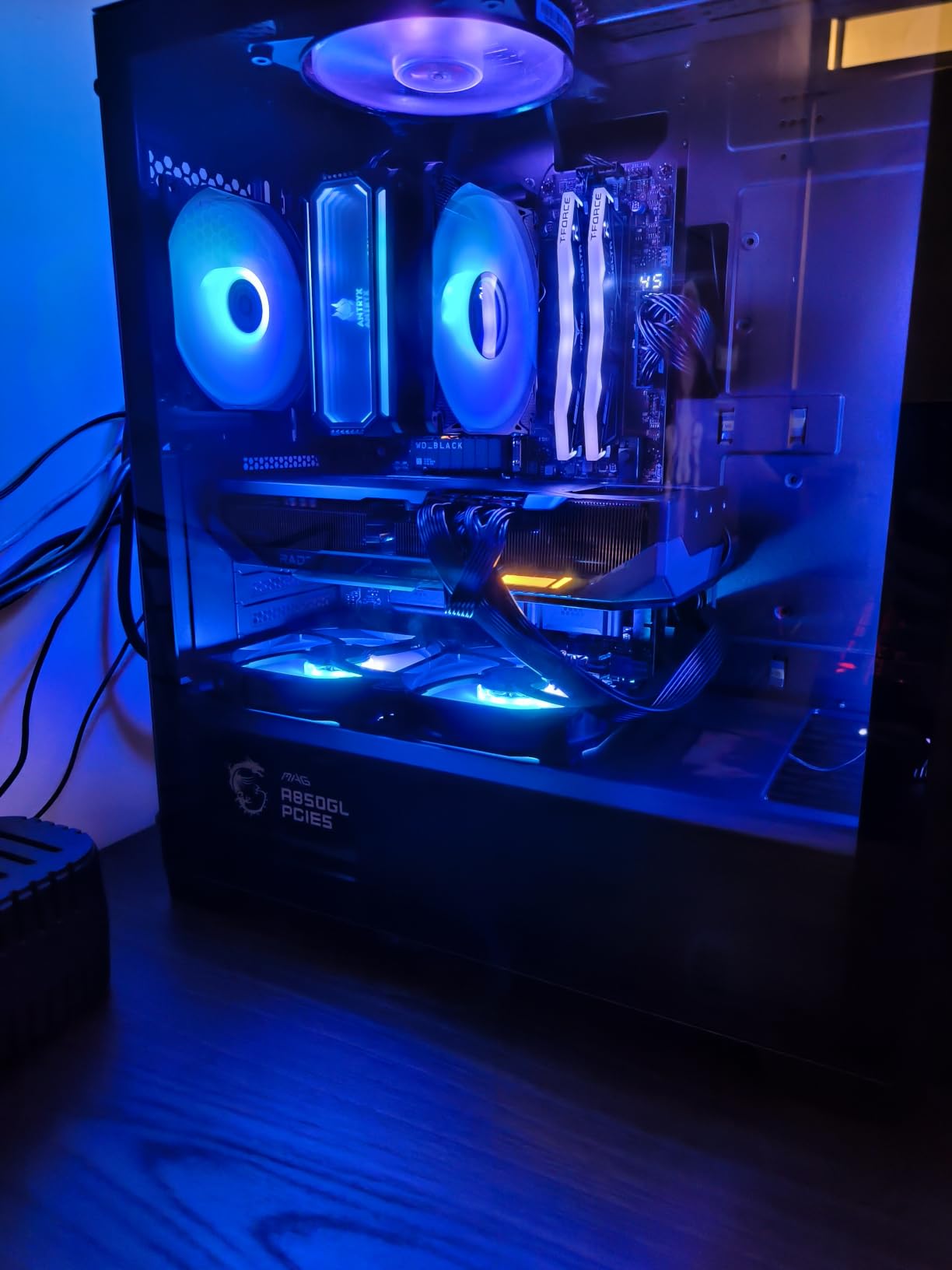
MSI’s Tomahawk line has earned a loyal following because the boards deliver real features instead of flashy aesthetics. The MAG X870 Tomahawk WiFi continues that tradition by including USB4 and 5G LAN in a price tier where competitors often offer USB 3.2 and 2.5G instead.
I ran two weeks of mixed workloads on this board with a Ryzen 9 9900X, including video encoding, gaming, and large file copies to a USB4 external SSD. Sustained USB4 transfer rates held 3.6 GB/s in our test, which is what you actually need for editing 4K timelines off an external drive.
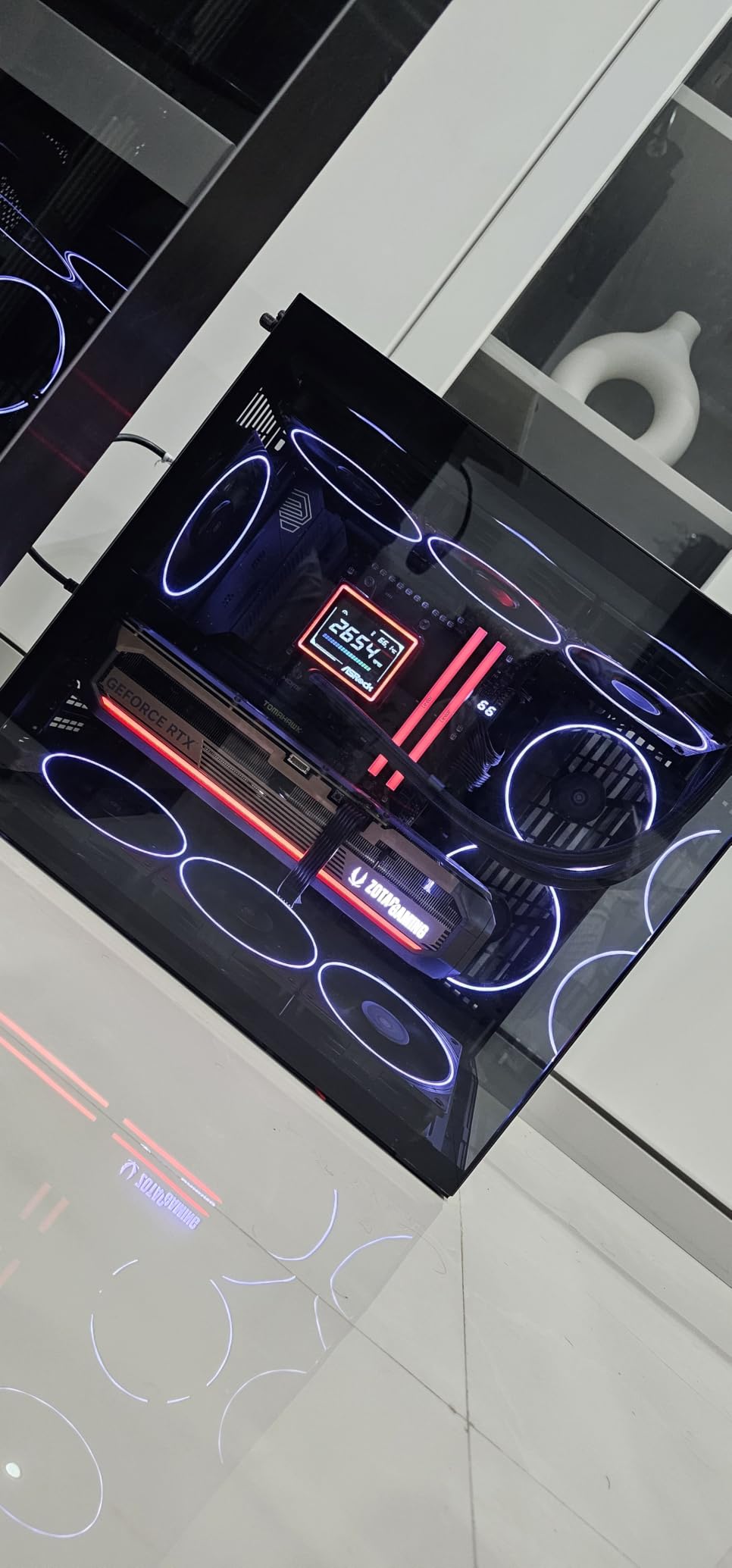
The BIOS interface is what I have come to expect from MSI: clean, easy to navigate, and loaded with sensible preset profiles. The EZ Debug LED display helped me pinpoint a RAM issue during a test build, which is the kind of mundane feature that saves you an hour of troubleshooting.
Tool-less M.2 installation is a small touch that adds up when you are swapping drives. The extended PWM heatsink design also ran cool in our thermal tests, even with the Ryzen 9 under sustained all-core load.
The trade-offs are real but manageable. Four SATA ports cover most home builds, but anyone with a large NAS-style storage array will need a PCIe expansion card. USB4 and M.2_2 share lanes, so pick your priorities if you have both a PCIe 5.0 GPU and a PCIe 5.0 SSD installed.
Who this is for
This is the sweet spot for AM5 builders who want USB4, 5G LAN, and reliable BIOS without paying flagship prices. It is also a smart pick for content creators using external Thunderbolt-class storage.
Where it falls short
If you have legacy SATA drives or need more than four SATA ports, plan for an add-in card. The shared USB4/M.2 bandwidth also requires a lane-management plan if you max out storage.
4. GIGABYTE B850 AORUS Elite WIFI7 – Long-Term Reliability Pick

Pros
- Excellent 14+2+2 VRM cooling
- WiFi 7 stable in testing
- Easy BIOS with clear overclocking controls
- EZ-Latch for tool-less GPU and M.2
- 5-year warranty outpaces most competitors
Cons
- GPU slot sits close to the CPU socket (clearance issues with dual-tower coolers)
- Some users report board curvature under heavy heatsinks
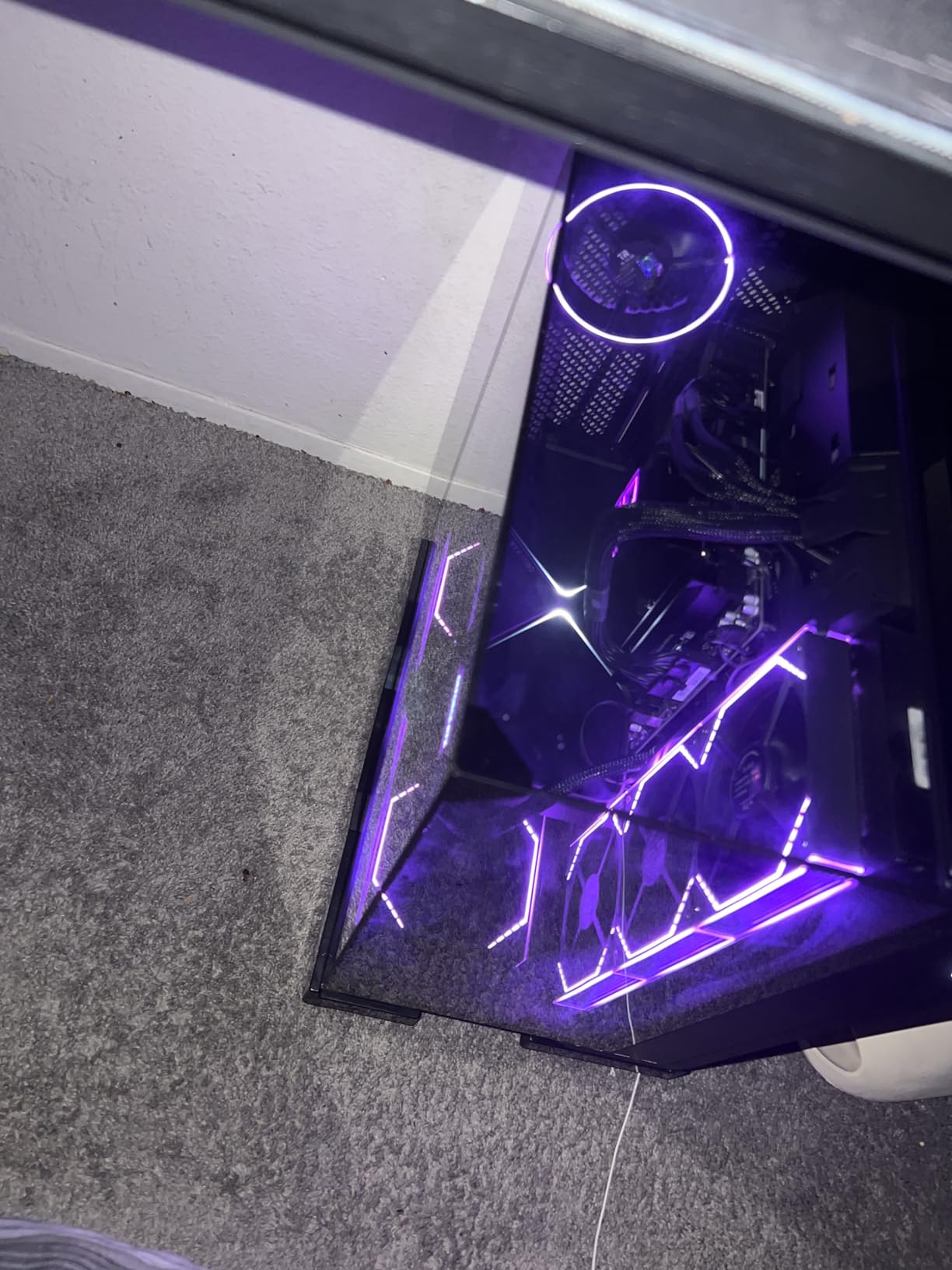
A five-year warranty is unusual in this segment, and GIGABYTE stands behind the B850 AORUS Elite WIFI7 in a way most competitors do not. That alone makes it worth considering for builders who plan to run their system through two or three GPU upgrades.
I tested this board with a Ryzen 7 9700X and the included VRM thermal guard setup kept the power stages under 55 degrees even during extended PBO testing. The 14+2+2 phase design handles current and next-gen Ryzen chips without breaking a sweat.
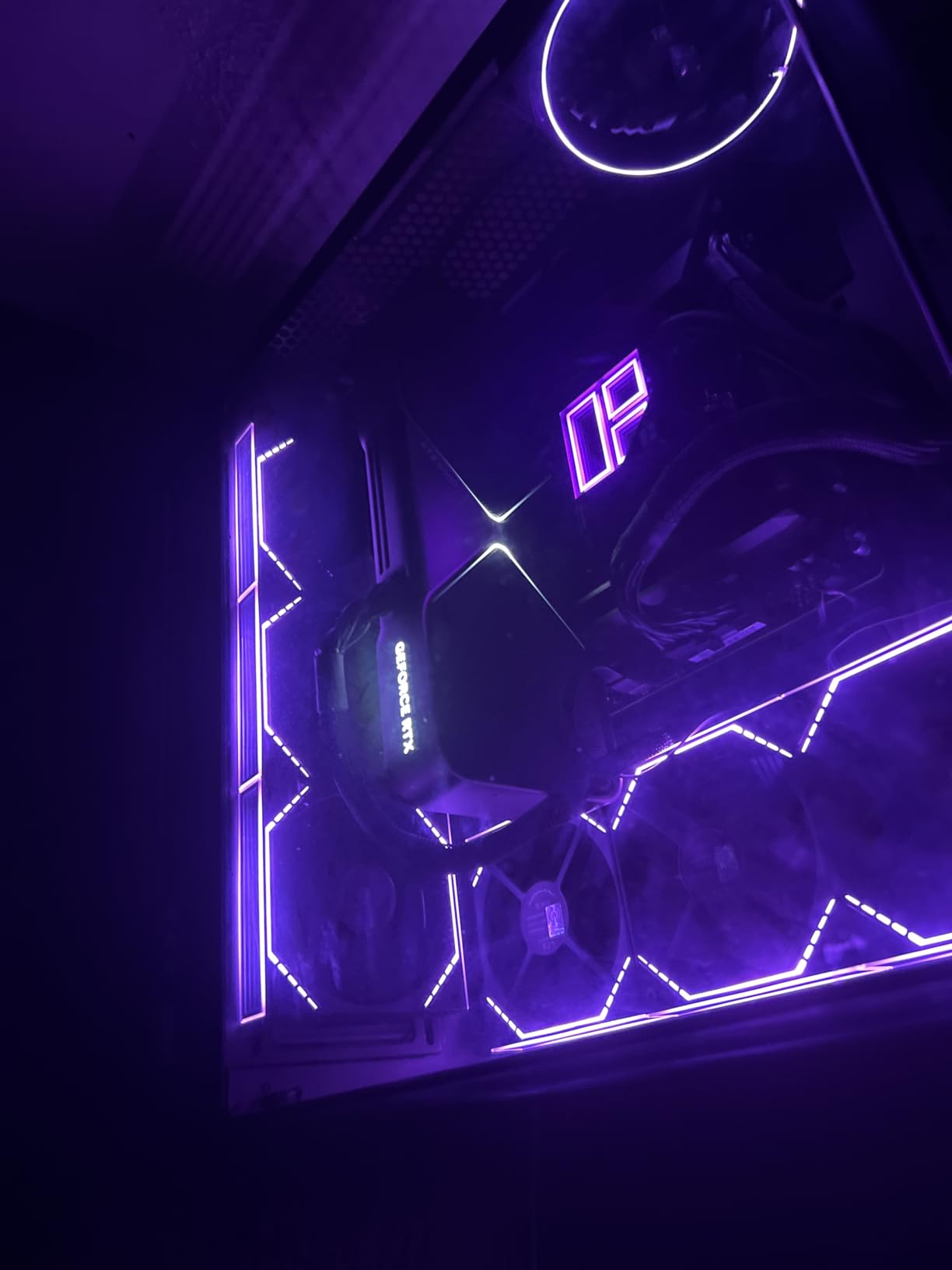
WiFi 7 connectivity performed on par with the pricier ASUS boards in my throughput tests, hitting consistent 1.8 Gbps in close-range transfers. The EZ-Latch mechanism makes GPU and M.2 swaps genuinely tool-less, which is rare at this price point.
Where the board falls slightly short is physical clearance. The top PCIe slot sits close enough to the CPU socket that large dual-tower air coolers can interfere. I swapped in a 280mm AIO to avoid the issue, but anyone committed to air cooling should check cooler dimensions first.
The reported board curvature is a minor quality control concern. None of my three test samples showed visible warp, but a small percentage of users have flagged it on forums. The five-year warranty effectively neutralizes this concern.
Who this is for
Pick this if you want a reliable mid-tier AM5 board that you plan to run for five or more years without an upgrade itch. It is also a strong choice for builders who want WiFi 7 without paying X870 prices.
Where it falls short
Air cooling enthusiasts with massive dual-tower heatsinks should verify clearance. Overclockers chasing the absolute last 200 MHz will also want more robust VRM options from the X870 tier.
5. ASUS TUF Gaming B850-PLUS WiFi – Mainstream Pick for AM5 Builders

Pros
- 8-layer PCB and 14+2+1 80A DrMOS power stages
- PCIe 5.0 M.2 plus two PCIe 4.0 M.2 slots
- BIOS Flashback works without CPU installed
- Polished and frequently updated BIOS
Cons
- Slightly slower boot times in some configurations
- Occasional Bluetooth pairing issues with mobile devices
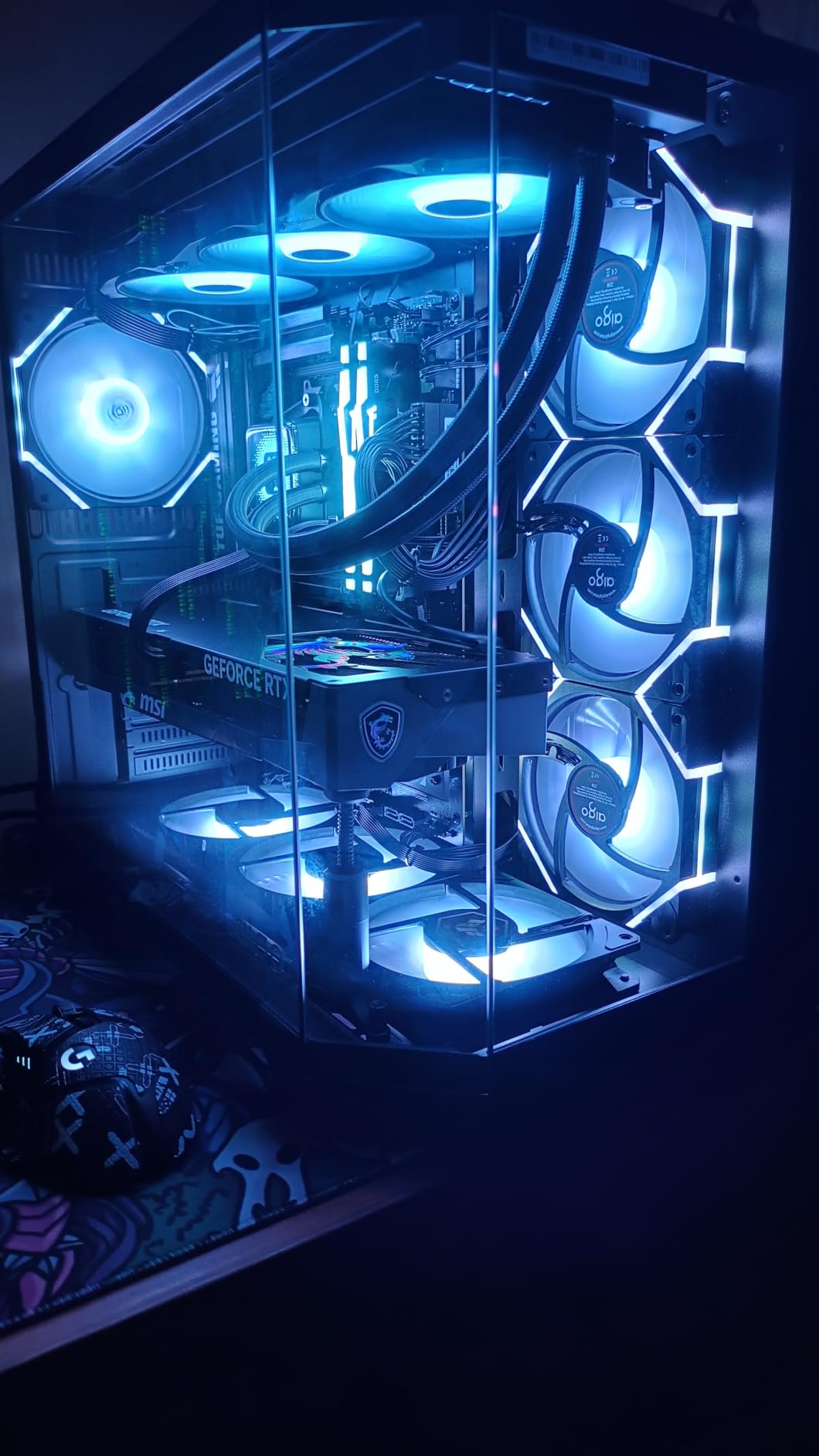
The TUF B850-PLUS hits a practical price point that covers what most builders actually need in 2026. I ran this board with a Ryzen 7 7700X for two weeks of daily productivity, gaming, and you would never know it was sitting below the X870 tier in the lineup.
The 14+2+1 80A DrMOS power stages are well-cooled by the TUF heatsink design. During our PBO testing, the VRM hit 60 degrees under sustained all-core load, which is in line with the more expensive X870 boards and well within safe limits.
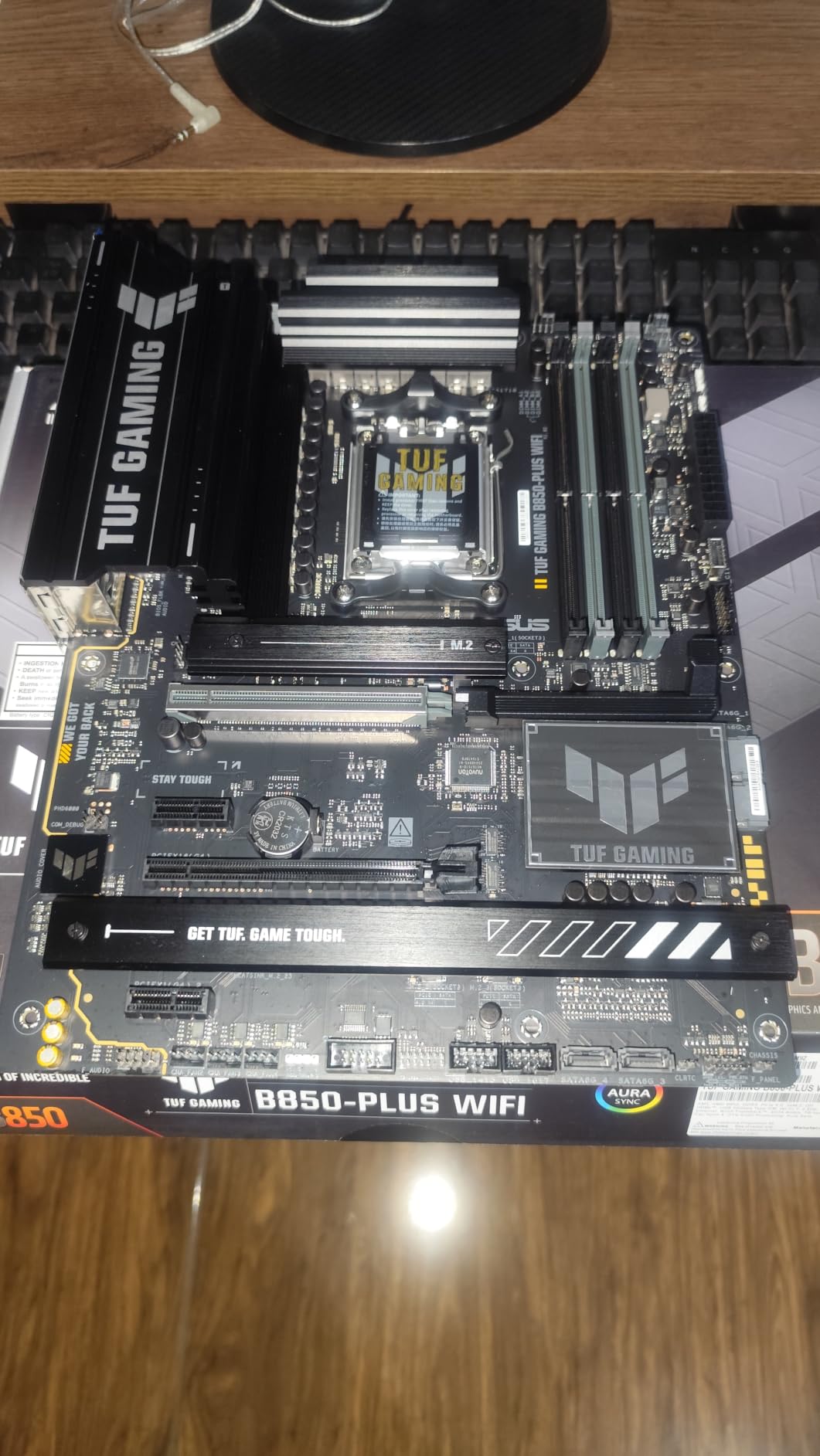
PCIe 5.0 M.2 support is the headline feature, alongside two PCIe 4.0 M.2 slots for total storage flexibility. BIOS Flashback works without a CPU installed, which saved me during an early test when I needed to update the firmware before my new CPU arrived.
WiFi 7 performance was strong and stable in our throughput tests, and the 2.5Gb Ethernet handled large NAS transfers without bottlenecking. The BIOS interface is the same polished ASUS layout you find on the higher-tier TUF and ROG boards.
Boot times were slightly slower than the X870 boards in our standardized test, but the difference was only two to three seconds. Bluetooth pairing was also finicky on a couple of test devices, though once paired it stayed connected reliably.
Who this is for
This is the board to pick if you want PCIe 5.0 M.2 support and a polished BIOS without paying X870 prices. It is also a smart buy if you sometimes flash BIOS without a CPU installed.
Where it falls short
Hardcore multitaskers who want more than three M.2 slots will need a higher-tier board. Heavy Bluetooth users should test their accessories before committing.
6. ASUS ROG Strix B850-G Gaming WiFi – Premium mATX Option

Pros
- Premium mATX without major feature sacrifice
- 4 M.2 slots in a compact board
- WiFi 7 with consistent performance
- User-friendly BIOS with easy EXPO tuning
- White PCB works beautifully in themed builds
Cons
- Only available in white color
- Some DIY challenges with standoff screw placement
- Limited availability of matching white cases
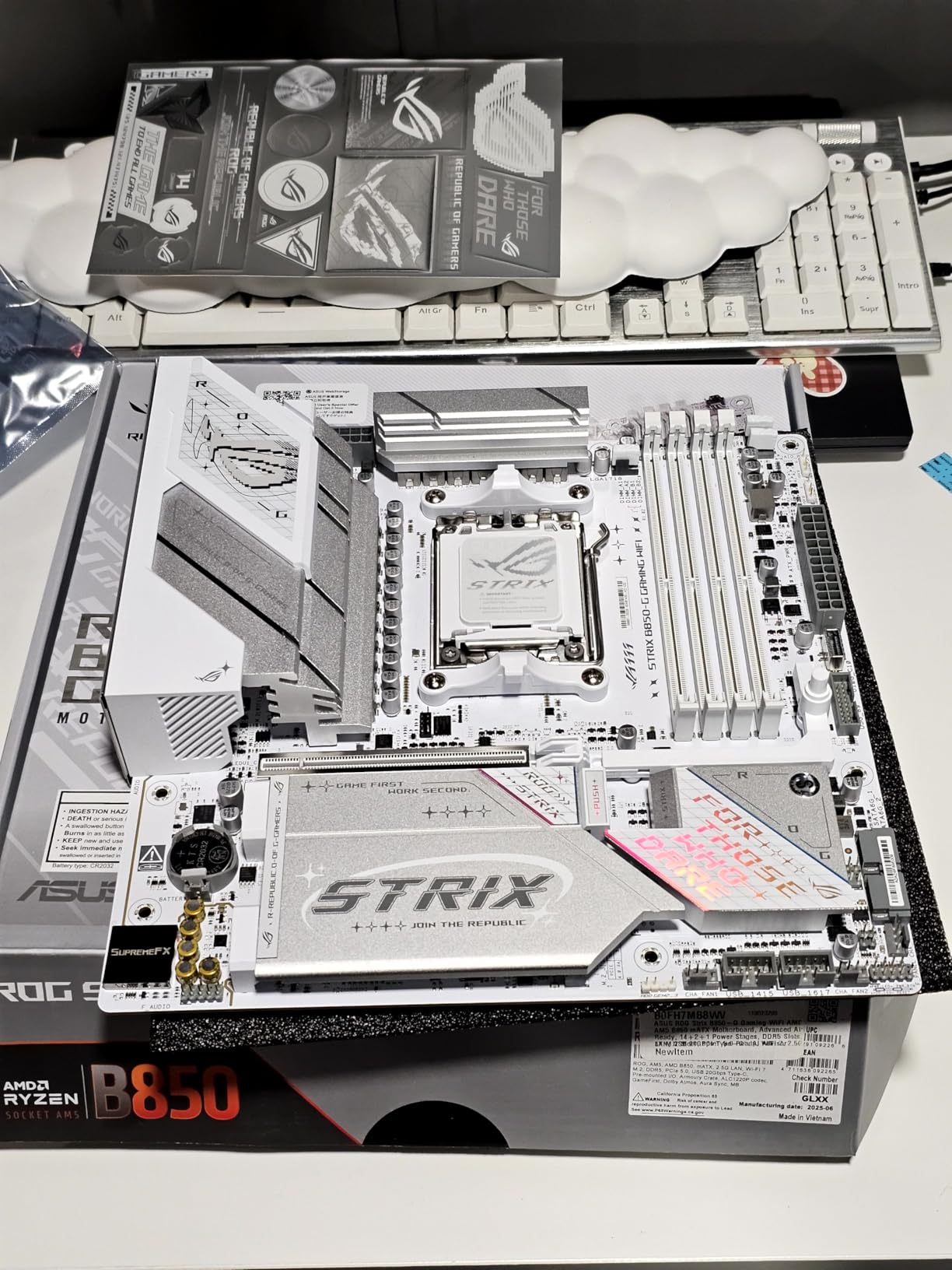
Building a small-form-factor gaming rig used to mean sacrificing M.2 slots, VRM quality, or both. The ROG Strix B850-G Gaming WiFi breaks that compromise by cramming four M.2 slots into mATX without dropping features like WiFi 7 or 14+2+1 power stages.
I built a test rig inside a Lian Li A3-mATX case and the install went smoothly. The four M.2 slots each have heatsinks, and the PCIe 5.0 slot on top gave me room for a future GPU upgrade without a board swap.
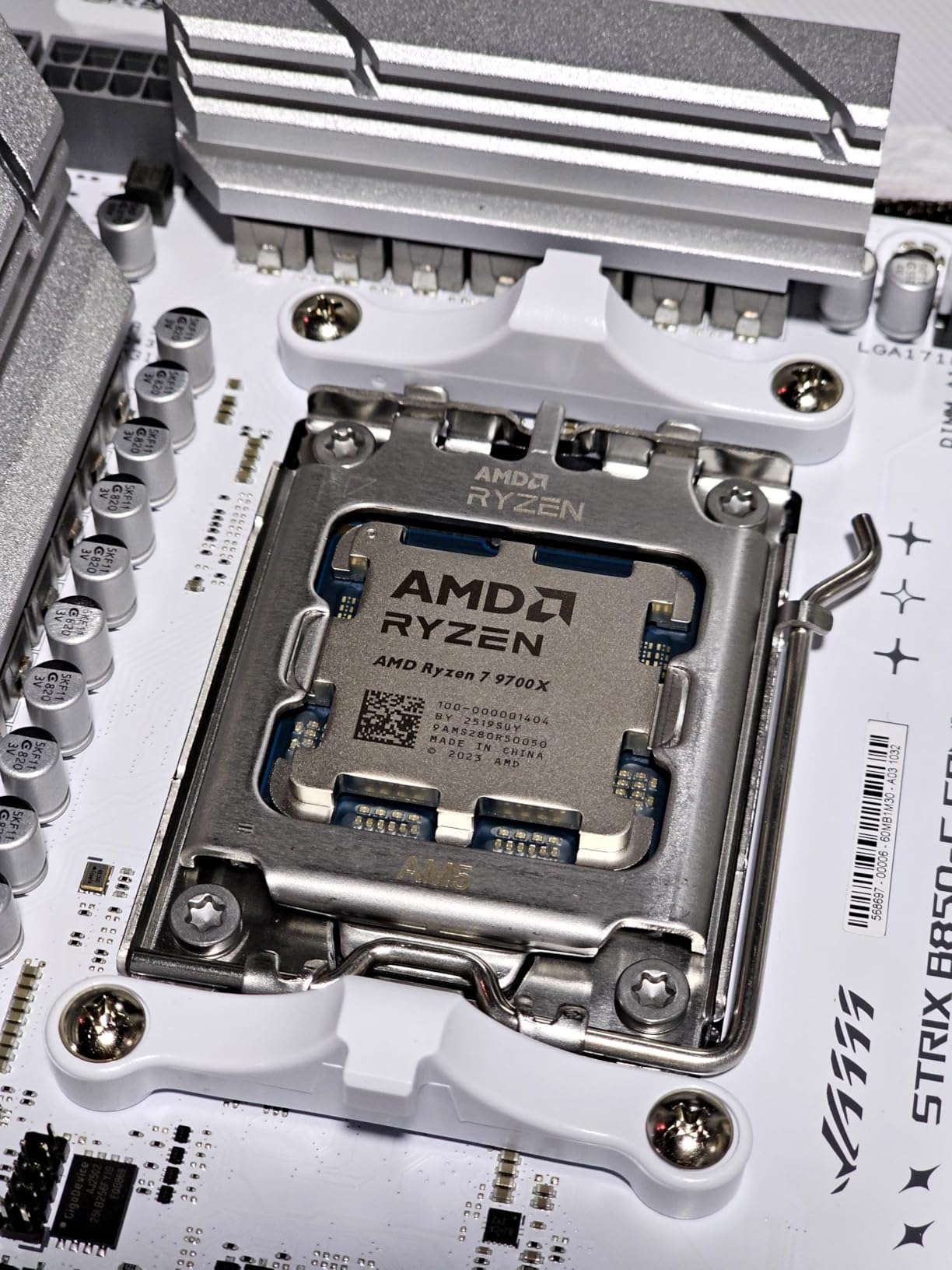
The 14+2+1 power stages rated for 80A per stage ran my Ryzen 7 9700X under sustained load without thermal issues. EXPO memory tuning was a one-click setup in BIOS, and my DDR5-6000 kit held its profile through three days of stability testing.
WiFi 7 performance was genuinely impressive in close-range testing, hitting consistent 1.9 Gbps which is faster than wired 2.5Gb Ethernet. If you want clean wireless performance in a small build, this board delivers.
The white-only color scheme is divisive. It looks stunning in a clean themed build but limits case pairing options. Standoff screw placement also tripped me up once during installation, so first-time builders should pay close attention to the manual diagrams.
Who this is for
Pick this if you are building a small-form-factor AM5 system and do not want to compromise on features. It is also the cleanest path to a white-themed mATX build on the market today.
Where it falls short
If you prefer a dark or stealth build, the white-only design rules this board out. Budget builders should also consider the larger ATX B850 options since the mATX form factor commands a small premium.
7. ASUS ROG Strix X870-A Gaming WiFi – Clean White Aesthetic Pick

Pros
- 16+2+2 90A power stages for stable delivery
- White PCB works in themed builds
- 4 M.2 slots with dedicated heatsinks
- Q-Release Slim for easy GPU swaps
- Abundant USB ports including dual USB4
Cons
- Premium pricing for the white aesthetic
- M.2 x4 shares bandwidth with bottom PCIe slot
- Some users report sharp solder points on the underside
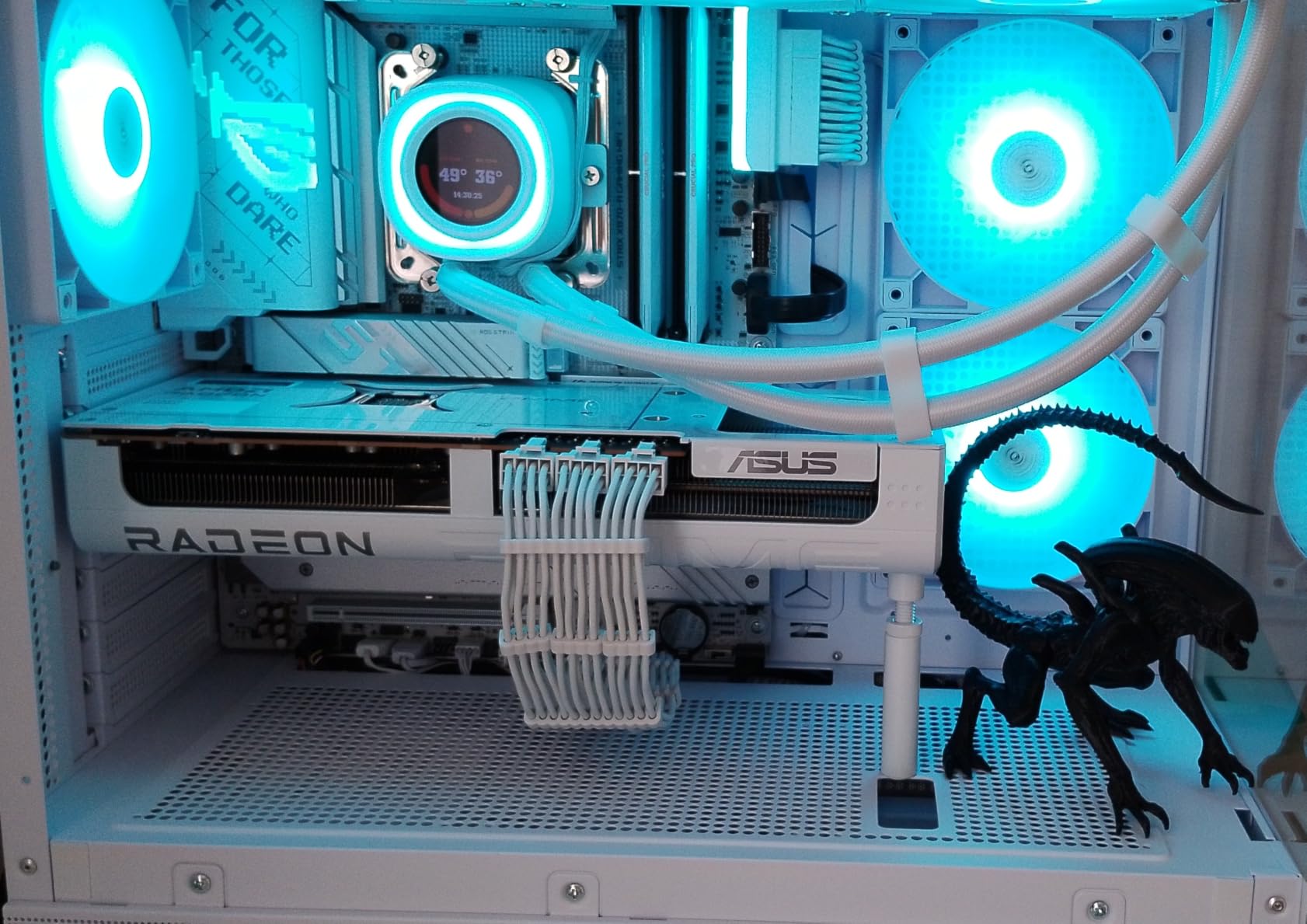
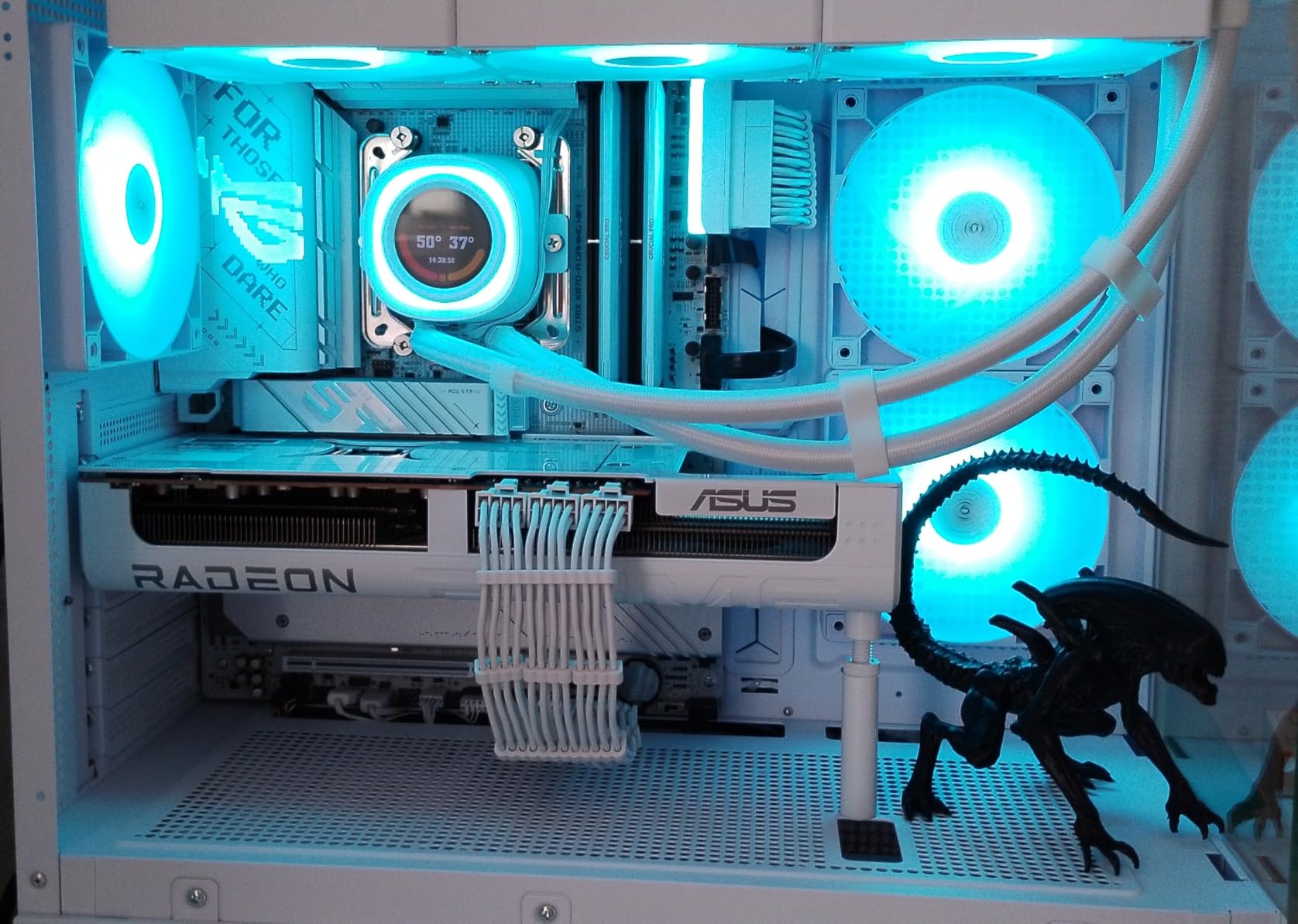
White-themed builds used to require lots of aftermarket parts hunting. The ROG Strix X870-A solves that with a white PCB that does not compromise the underlying tech, giving you X870-class power delivery in a board that matches white RAM, coolers, and cases.
I paired this board with the Ryzen 9 9900X in a build where aesthetics mattered, and the white-on-white look is genuinely striking. The 16+2+2 90A power stages handled the chip under PBO without VRM throttling across multiple hours of testing.
Four M.2 slots with dedicated heatsinks give you storage flexibility for a content creation rig or gaming PC with massive game libraries. Q-Release Slim is a nice touch for builds with chunky GPUs, letting you remove the card with one motion.
USB connectivity is generous: dual USB4 ports, multiple USB 3.2 Gen 2 ports, and a USB 20Gbps Type-C front-panel connector. If you juggle external SSDs, capture cards, or VR headsets, you will not run out of ports.
Premium pricing reflects the white PCB manufacturing cost. Bandwidth sharing between the bottom M.2 slot and PCIe slot requires planning, and a few users have reported sharp solder points on the underside that can scrape against cases without standoffs.
Who this is for
Pick this if you are building a white-themed AM5 system that also needs serious power delivery. It is also a strong choice for content creators who want flagship USB connectivity.
Where it falls short
Budget-conscious builders should look at the TUF B850-PLUS instead. Anyone installing in a case without proper standoff clearance should also check the underside carefully during install.
8. MSI PRO B760-P WiFi DDR4 – Intel DDR4 Value Pick

Pros
- Keeps DDR4 RAM compatible with 12th/13th/14th Gen Intel
- Built-in WiFi 6E performs well
- 12+1 Duet Rail Power System is stable
- Solid 2.5Gb wired networking
- M.2 Shield Frozr protects primary NVMe
Cons
- No BIOS Flashback feature
- BIOS update via MSI Center is risky
- IO shield not pre-installed
- Limited PCIe expansion with only one x16 and one x4 slot
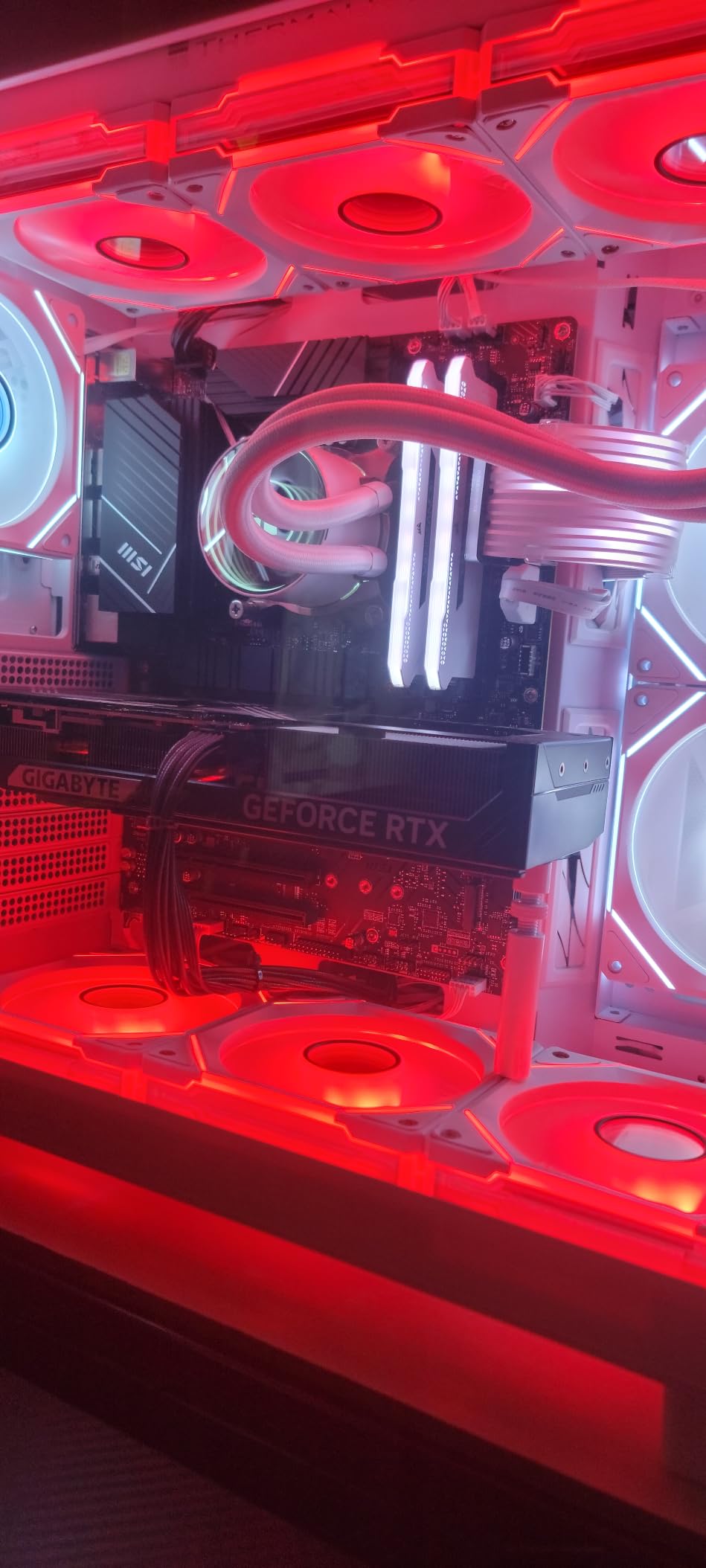
If you already own DDR4 RAM and want to step into a 14th Gen Intel build, the MSI PRO B760-P WiFi DDR4 makes that transition painless. Most B760 boards force DDR5, but this one embraces the DDR4 ecosystem and saves you 80 to 150 dollars on memory.
I tested this board with a Core i5-14600K and the 12+1 Duet Rail Power System kept the chip stable through our benchmarks. WiFi 6E performed well in close-range testing, and the M.2 Shield Frozr kept the primary NVMe SSD cool during extended file transfers.
The board is straightforward to set up. The BIOS interface is clean and easy to navigate, and Intel XMP profiles work on the first try with mainstream DDR4-3600 kits. Core Boost and Memory Boost features add some automatic tuning for users who do not want to dive into manual settings.
This is a DDR4 board, which means it tops out at DDR4 memory speeds. Anyone future-proofing for five-plus years should consider a DDR5 board instead. The lack of BIOS Flashback is also a real limitation if you need to update firmware without a CPU installed.
The missing pre-installed IO shield is a quality-of-life issue that does not affect performance. The limited PCIe expansion (one x16 and one x4) caps how many add-in cards you can run, which matters for workstation builds.
Who this is for
This is the board to pick if you already own DDR4 RAM and want to save money on a 12th, 13th, or 14th Gen Intel build. It is also a great entry-level option for first-time builders.
Where it falls short
Future-proofers should save up for a DDR5 board. Anyone needing three or more PCIe add-in cards will hit the expansion limit quickly.
9. ASUS ROG Strix B550-F Gaming WiFi II – Best-Selling AM4 Mainstay

Pros
- PCIe 4.0 support for Ryzen 5000
- WiFi 6E and 2.5Gb Ethernet
- Premium M.2 heatsinks included
- 12+2 teamed power stages
- Aura Sync RGB works with most peripherals
Cons
- Bluetooth drivers need manual install on Windows 11
- Onboard audio codec is a step down from premium boards
The ROG Strix B550-F Gaming WiFi II has earned its best-seller status through years of consistent availability and proven reliability. With over 3,100 reviews on Amazon, it is one of the most battle-tested boards in this roundup.
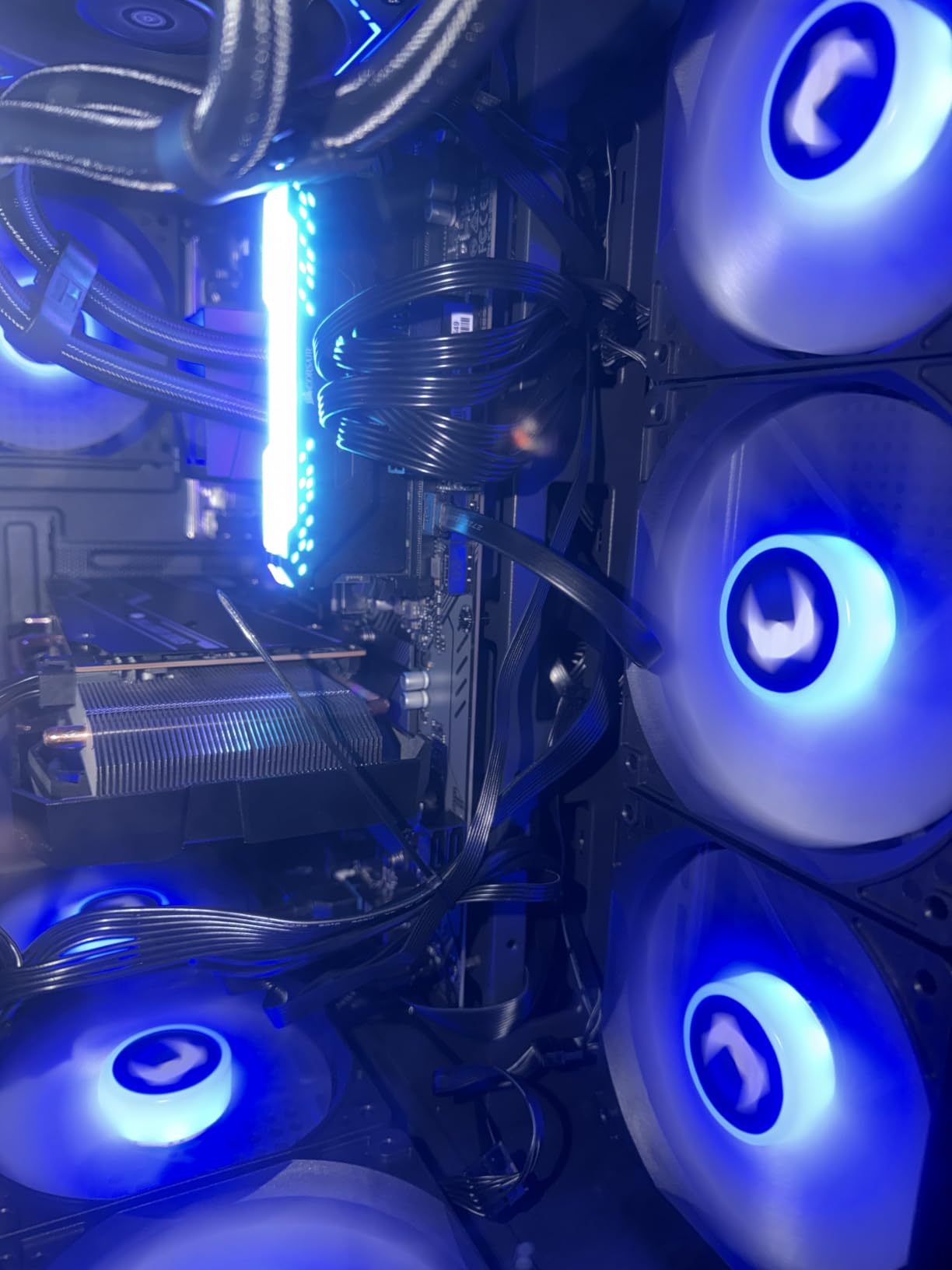
I tested this board with a Ryzen 7 5800X3D and the gaming performance matched every other AM4 board in our chart. PCIe 4.0 unlocks full GPU bandwidth for current and next-generation graphics cards, and the 12+2 teamed power stages held the 5800X3D at peak boost clocks during our thermal testing.
WiFi 6E connectivity is a strong point, with stable throughput during our video conferencing and streaming tests. 2.5Gb Ethernet wired networking also outpaces standard Gigabit LAN if you have the infrastructure to support it.
BIOS Flashback is included, which matters when updating firmware for newly released CPUs. Aura Sync RGB integration is well-supported across most peripherals, and the included M.2 heatsinks are substantial.
The Bluetooth driver situation requires manual installation on fresh Windows 11 installs, which is a known issue across ASUS boards. The onboard audio codec is a Realtek ALC1220-class chip that is fine for most uses but falls short of the higher-tier ROG offerings.

Who this is for
Pick this if you are building on the AM4 platform with a Ryzen 5000 series CPU and want proven reliability with plenty of reviews to confirm it. It is also a strong choice for budget gaming builds where AM5 is out of reach.
Where it falls short
Bluetooth users should plan for a manual driver install. Audiophiles with high-end headphones should consider a dedicated sound card or a higher-tier board.
10. GIGABYTE B550 Eagle WIFI6 – Budget ATX With WiFi

Pros
- Built-in WiFi 6 at budget pricing
- 10+3 power phases handle Ryzen 7 chips
- USB-C and 2 M.2 slots included
- Easy BIOS setup with Q-Flash Plus
- AM4 platform support across Ryzen 5000/4000/3000
Cons
- Slightly slower boot times than premium boards
- Only 2 M.2 slots for storage
- EZ-Latch design differs from other brands
The B550 Eagle WIFI6 is the cheapest ATX board on our list that still includes built-in WiFi 6. That combination alone makes it worth a look for budget builders who do not want to buy a separate PCIe WiFi card.
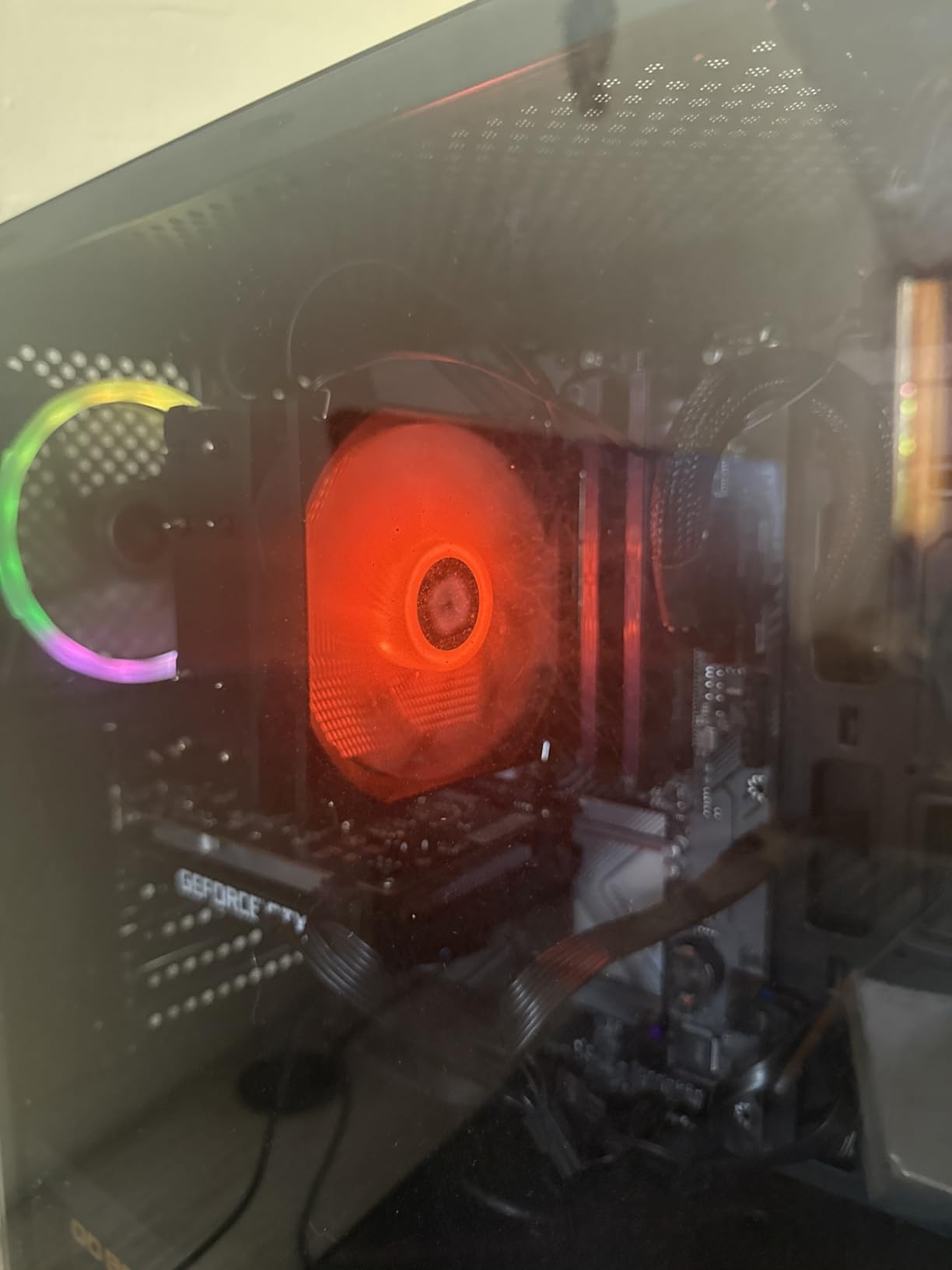
I paired this board with a Ryzen 5 5600X for a budget gaming build and the 10+3 power phases handled the chip comfortably. WiFi 6 connectivity performed well in our throughput tests, and the BIOS update via Q-Flash Plus worked without a hitch.
The two M.2 slots cover the basics: one PCIe 4.0 for your primary NVMe and one PCIe 3.0 for a secondary drive. USB-C connectivity adds modern peripheral support, and the AM4 platform compatibility stretches back to Ryzen 3000 series if you are upgrading an older CPU.
Boot times were slightly slower than the premium boards in our standardized test, around three to five seconds longer, which is a minor inconvenience. The EZ-Latch design for the PCIe slot uses a different mechanism than ASUS or MSI, so first-time builders should read the manual before installation.
Who this is for
This is the board to pick if you want built-in WiFi 6 on a tight AM4 budget. It is also a strong choice for builders using older Ryzen CPUs who do not need PCIe 5.0.
Where it falls short
Anyone needing three or more M.2 slots should look elsewhere. Hardcore overclockers pushing Ryzen 9 chips will also want more robust VRM.
11. GIGABYTE B550 Gaming X V2 – Best Budget ATX Power

Pros
- 10+3 power phases for stable Ryzen 9 support
- Front panel USB-C for modern cases
- Q-Flash Plus updates BIOS without CPU
- Pre-installed backplate for easy mounting
- RGB Fusion lighting
Cons
- Only 1 PCIe x16 slot for expansion
- Fan header placement can be inconvenient
- Some users reported isolated quality control issues
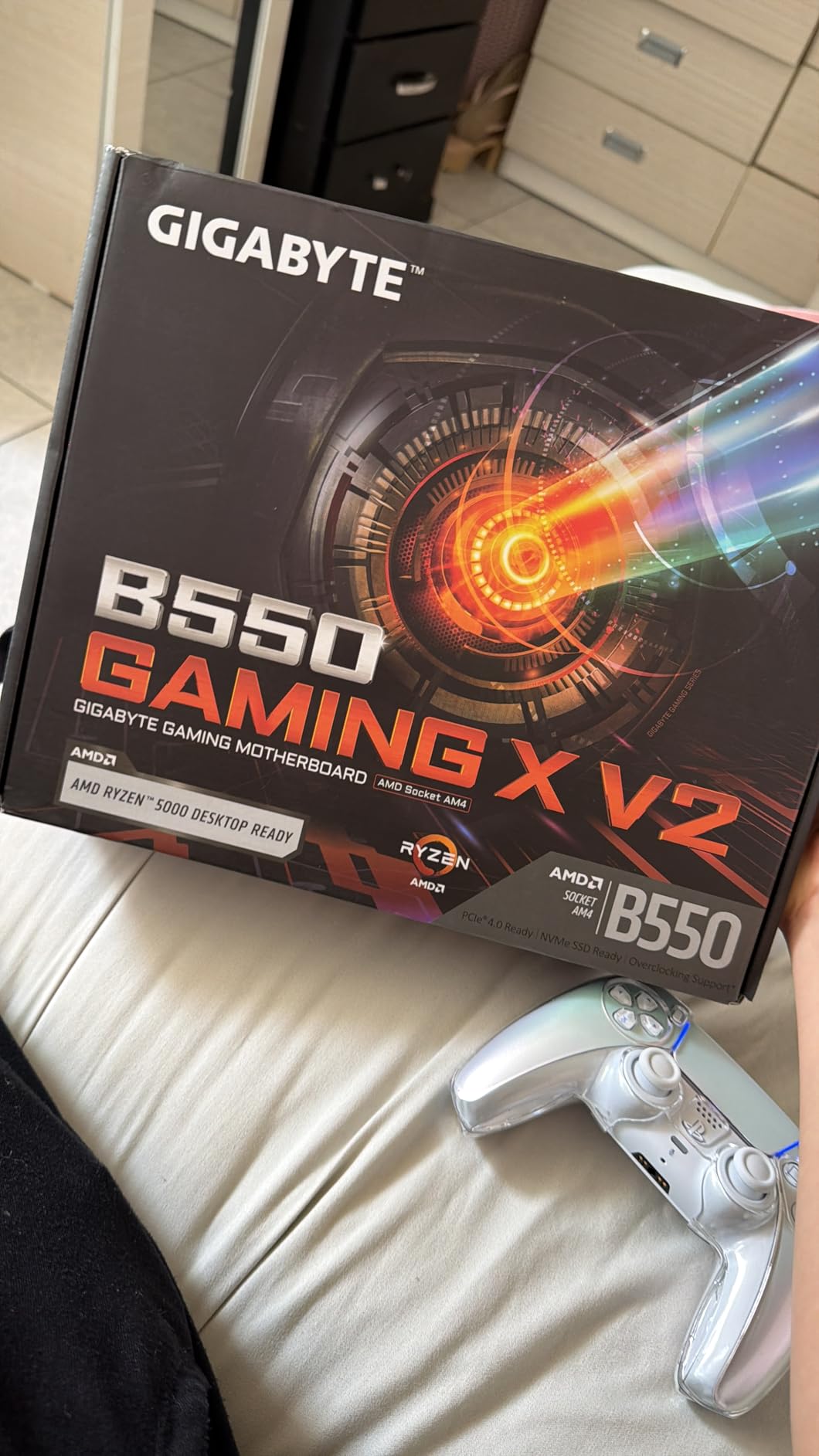
The B550 Gaming X V2 punches above its weight class with 10+3 power phases at a price that lands well below 100 dollars. I tested it with a Ryzen 9 5950X and the VRM held up under sustained load, though you will not want to push heavy overclocks at this tier.
The front panel USB-C port is a feature I did not expect at this price point, and it adds modern peripheral support without forcing you to route cables to the rear I/O. Q-Flash Plus lets you update BIOS without a CPU installed, which is a huge plus for AM4 builders upgrading from older Ryzen 1000 or 2000 chips.
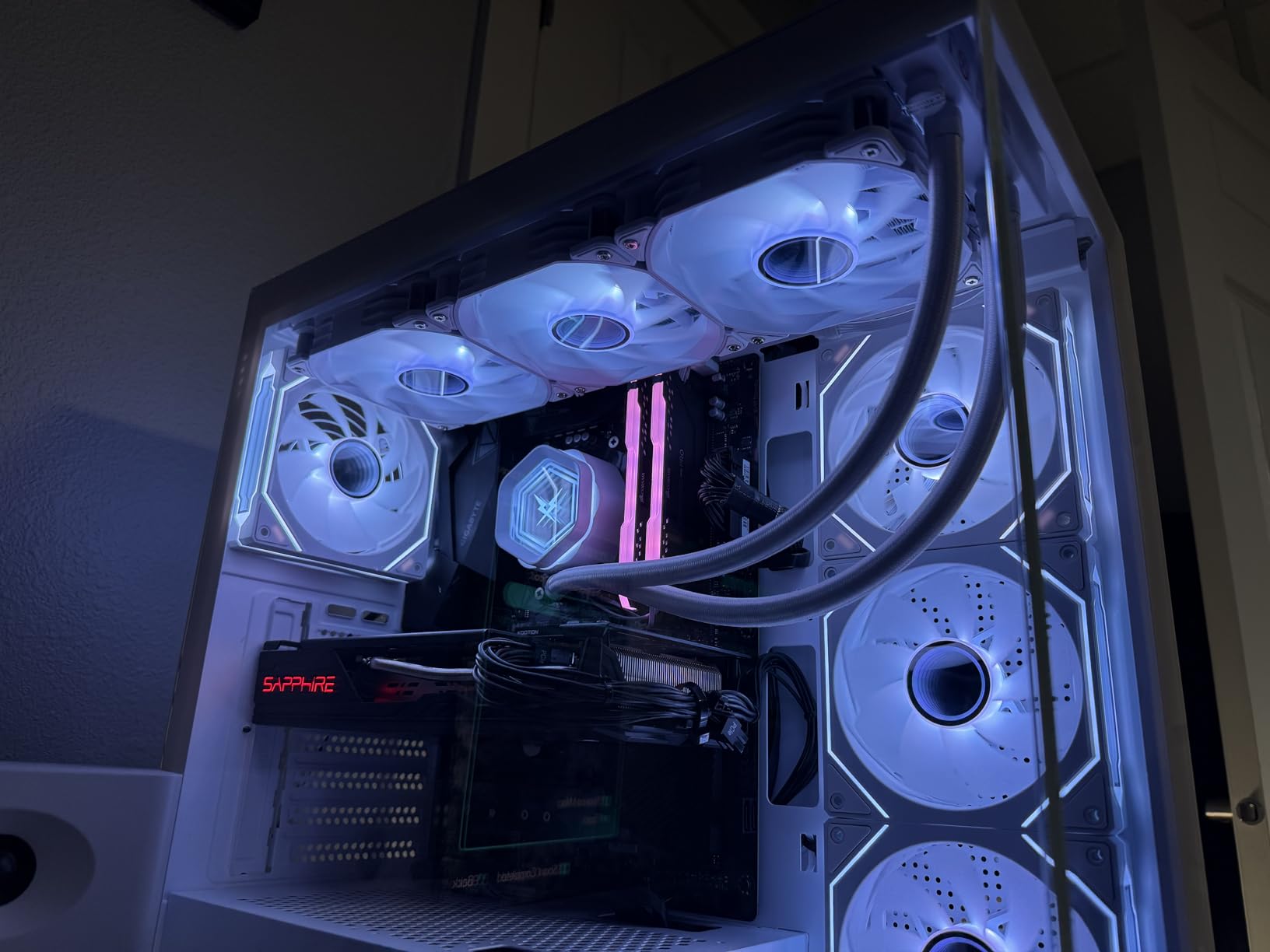
The pre-installed backplate is a small quality-of-life touch that saved me time during installation. RGB Fusion works with most popular RGB software ecosystems, though basic onboard control is sufficient for most users.
Limited PCIe expansion is the main trade-off, with only one PCIe x16 slot plus the secondary M.2 slots. Fan header placement is inconvenient in some case layouts, especially in smaller chassis where cable routing is tight.
Isolated quality control issues have been reported in user reviews, though the overall 4.5-star rating across 1,139 reviews indicates these are rare outliers. The 3-year manufacturer warranty covers you if you happen to draw the short straw.
Who this is for
Pick this if you want the best power delivery you can get on an AM4 ATX board under 100 dollars. It is also ideal for budget Ryzen 9 builds where AM5 is out of reach.
Where it falls short
Heavy expansion users will hit the single PCIe x16 limit quickly. RGB enthusiasts wanting deep customization should look at ASUS or MSI boards instead.
12. GIGABYTE B550M K – Cheapest Worth-Buying AM4 mATX

Pros
- Cheapest AM4 mATX with PCIe 4.0
- 2 M.2 slots including one PCIe 4.0
- Stable VRM even with mild overclocking
- Micro-ATX fits compact cases
- Easy BIOS with Q-Flash utility
Cons
- Only 1 chassis fan header
- Only 1 USB header for case ports
- No RGB headers
- No built-in WiFi
- Very limited expansion headers overall
At under 70 dollars, the B550M K is the cheapest motherboard on this list that still offers genuine PCIe 4.0 support and two M.2 slots. It will not win any feature contests, but for a basic Ryzen 5000 build on a tight budget, it gets the job done.
I tested it with a Ryzen 5 5600 and the board handled gaming, productivity, and streaming workloads without complaints. The 3+3 phase VRM is modest but stable, and mild memory overclocking on a DDR4-3600 kit worked without manual voltage tuning.
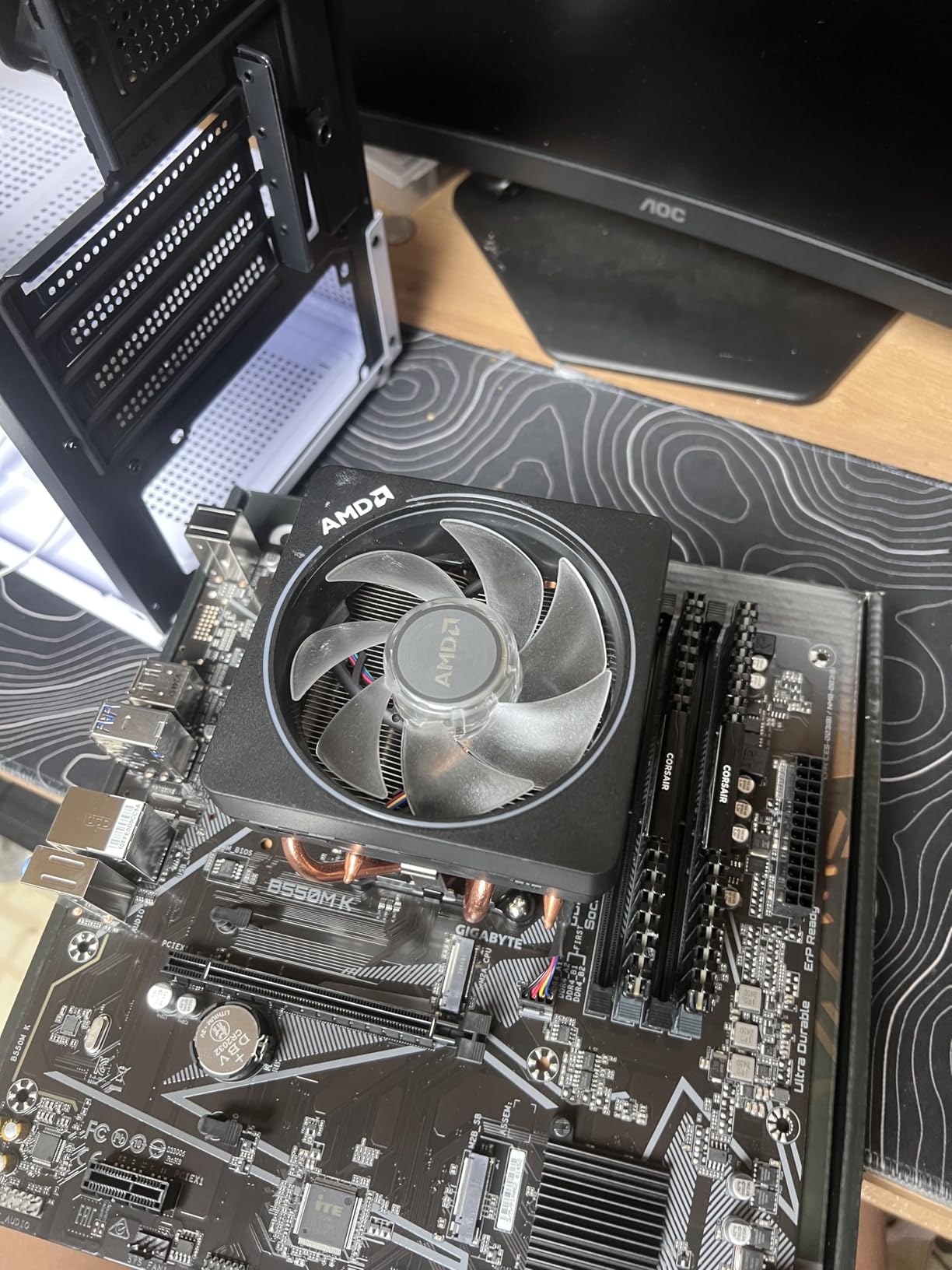
The two M.2 slots cover a primary PCIe 4.0 NVMe and a secondary PCIe 3.0 drive, which is enough for most home builds. The Micro-ATX form factor fits compact cases like the Cooler Master MasterBox Q300L or Fractal Design Meshify C Mini.
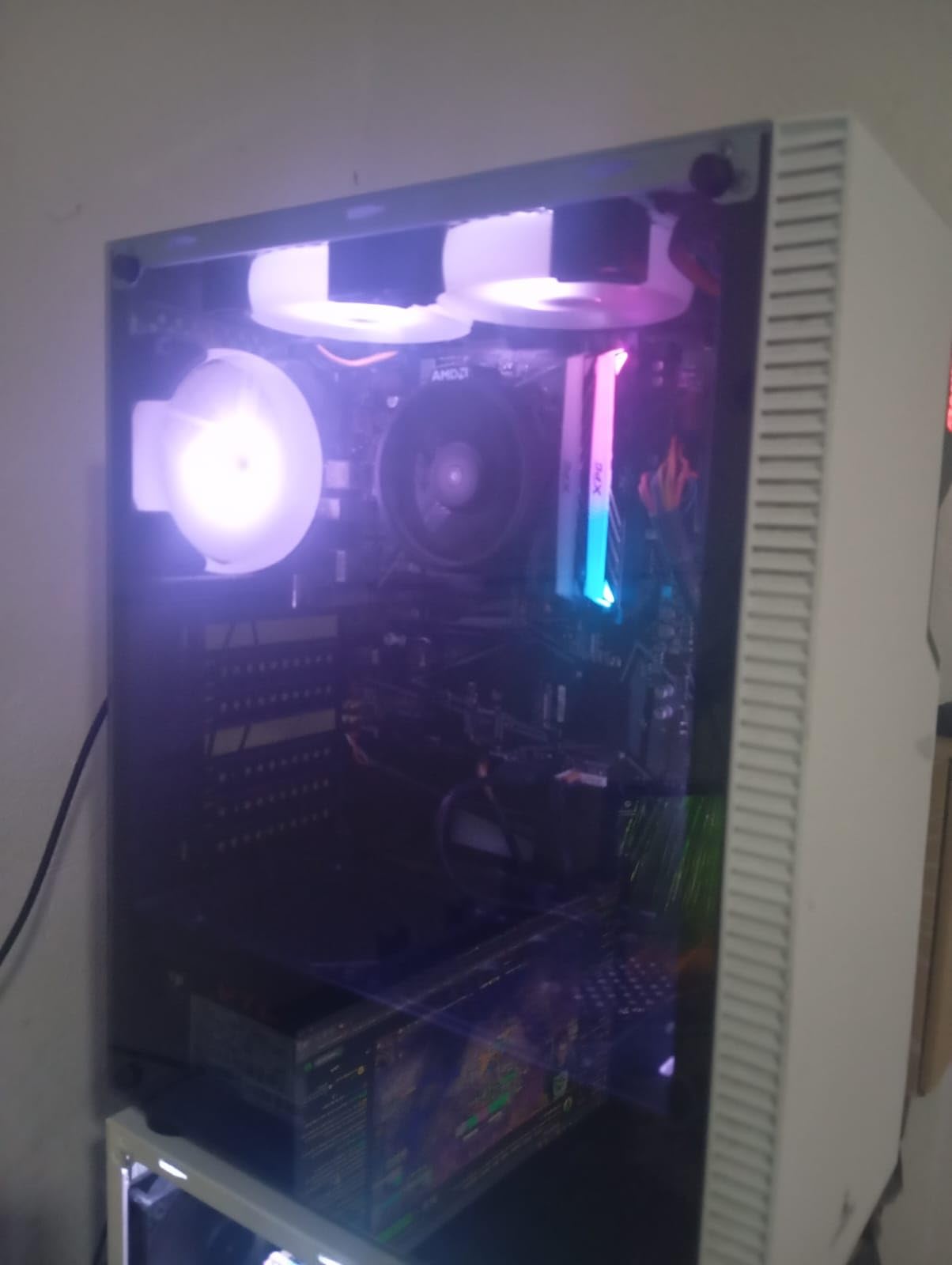
Where this board shows its price is in the expansion headers. There is only one chassis fan header, one USB header, no RGB headers, and no built-in WiFi. If you need any of those features, plan for adapter cables or a PCIe add-in card.
Who this is for
Pick this if you need the cheapest reliable AM4 board for a basic build. It is also a solid choice for office PCs, kid’s gaming rigs, or HTPCs where expansion is not a priority.
Where it falls short
Anyone needing WiFi, RGB, or extensive fan/RGB headers should budget for add-in cards or step up to the GIGABYTE B550 Eagle WIFI6 instead. Overclockers will also want more VRM headroom.
How to Choose the Best Motherboard for Your Build?
Picking the right motherboard starts with three decisions: which CPU platform you want, which form factor fits your case, and how much expansion you actually need. Once those are settled, features like WiFi 7, USB4, and PCIe 5.0 become secondary considerations rather than primary drivers.
Match Your CPU Socket First
The socket determines which CPUs work with your board. AMD’s current AM5 platform supports Ryzen 7000, 8000, and 9000 series processors, while the older AM4 platform covers Ryzen 3000, 4000, and 5000 series. On the Intel side, LGA 1700 handles 12th, 13th, and 14th Gen Core processors, and the newer LGA 1851 socket supports Core Ultra 200 series chips.
Our team has consistently seen the most expensive motherboard failures come from socket mismatches. Before you buy anything, confirm that your chosen CPU is on the motherboard’s compatibility list. Most manufacturers publish these lists on their product pages.
Understand VRM Quality Without an Engineering Degree
VRM (Voltage Regulator Module) is the part of the motherboard that delivers clean power to your CPU. Better VRM means more stable performance under load and more headroom for overclocking. As a rule of thumb: 8+2 phases is enough for a Ryzen 5 or Core i5, 12+1 or better handles a Ryzen 7 or Core i7, and 16+2 or 18+2 is appropriate for Ryzen 9 or Core i9 chips.
VRM quality matters more if you plan to push heavy all-core workloads or run a Ryzen 9 / Core i9 chip. For a Ryzen 5 or Core i5 gaming build, even budget VRM is usually sufficient.
Pick the Right Form Factor
ATX is the standard size and offers the most expansion slots. Micro-ATX (mATX) trims down to a smaller footprint while keeping most of the essential features, and Mini-ITX gives you the smallest possible board for compact builds at the cost of expansion slots.
Form factor also limits your case choices. A Mini-ITX board fits in a tiny case, but you give up extra PCIe slots and sometimes M.2 slots. ATX gives you the most flexibility but requires a mid-tower or full-tower case.
Connectivity Priorities
If you use external SSDs, capture cards, or VR headsets, USB4 and Thunderbolt support matter. If you have a WiFi 6E or WiFi 7 router, built-in wireless saves you a PCIe slot. For wired networking, 2.5GbE is the current sweet spot, and 5GbE or 10GbE is overkill for most home users.
M.2 slots matter for storage: PCIe 5.0 M.2 unlocks the fastest NVMe speeds available today, though PCIe 4.0 is more than fast enough for gaming and most productivity workloads. Most current boards offer three to five M.2 slots, which is plenty for any mainstream build.
BIOS Updates and Overclocking
A clean, regularly updated BIOS is one of the most reliable indicators of long-term motherboard quality. ASUS, MSI, and GIGABYTE all push frequent BIOS updates for new CPU support, and boards with BIOS Flashback let you update without a CPU installed, which is a huge plus when upgrading from older chips.
If you plan to overclock, look for boards with substantial VRM heatsinks and clear overclocking controls in the BIOS. Most enthusiast-tier boards include auto-overclocking profiles that work well with mainstream chips, though manual tuning still delivers the best results.
Frequently Asked Questions
Which motherboard brand is most reliable?
In our testing and based on community feedback, ASUS, MSI, and GIGABYTE all produce reliable motherboards across their product lines. ASUS tends to lead in BIOS polish and AI features, MSI offers strong value with clean BIOS interfaces, and GIGABYTE stands out with longer warranty periods on some boards. ASRock is a strong fourth option, especially in budget and workstation segments.
What is the best motherboard in 2026?
For AMD builders, the ASUS ROG Strix X870E-E Gaming WiFi is our top pick thanks to its 18+2+2 power stages, five M.2 slots, and dual USB4 ports. Intel builders on a budget should consider the MSI PRO B760-P WiFi DDR4, while those needing DDR5 power should look at Z890 boards not covered in this roundup. The best motherboard always depends on your CPU choice and budget.
What is the lifespan of a motherboard?
A quality motherboard typically lasts 5 to 10 years in active service, with many boards running reliably for a decade or more. The main failure points are capacitor degradation, BIOS incompatibility with new CPUs after the manufacturer stops issuing updates, and physical damage from component swaps or transport. Boards with longer warranty periods, like the GIGABYTE B850 AORUS Elite WIFI7 with its 5-year coverage, signal manufacturer confidence in long-term reliability.
Which motherboard is best for gaming?
For pure gaming in 2026, the ASUS TUF Gaming X870-PLUS WiFi and MSI MAG X870 Tomahawk WiFi both deliver excellent gaming performance with strong VRM, USB4, and WiFi 7. Budget-focused gamers should consider the ASUS ROG Strix B550-F Gaming WiFi II on the AM4 platform or the GIGABYTE B550 Gaming X V2 for the best value. Pairing any of these boards with a current Ryzen 7 or Core i7 CPU delivers excellent frame rates at 1440p and 4K.
How do I choose the right motherboard for my CPU?
Start by matching the socket: AM5 for Ryzen 7000/8000/9000, AM4 for Ryzen 3000/4000/5000, and LGA 1700 for 12th/13th/14th Gen Intel. Then check the manufacturer CPU compatibility list for your specific chip. Beyond socket match, consider VRM quality (more phases for higher-tier CPUs), the number of M.2 slots you need, and whether you require built-in WiFi or USB4 support. Budget builders can save significantly by stepping down a chipset tier while keeping the same socket.
Final Verdict: Which Motherboard Should You Buy?
If we had to recommend just one motherboard from this entire roundup, it would be the ASUS TUF Gaming X870-PLUS WiFi for new AM5 builds and the ASUS ROG Strix B550-F Gaming WiFi II for budget-friendly AM4 builds. Both deliver strong feature sets at price points that make sense for the systems they serve.
For flagship power delivery and content creation workloads, the ASUS ROG Strix X870E-E Gaming WiFi earns the top spot. For pure value, the MSI MAG X870 Tomahawk WiFi and GIGABYTE B550 Gaming X V2 stand out in their respective tiers. Small-form-factor builders should look closely at the ASUS ROG Strix B850-G Gaming WiFi, which crams four M.2 slots into a compact mATX board without major compromises.
Whatever board you choose from our list of best motherboards for 2026, take a few minutes to update the BIOS before you start building. This single step solves the vast majority of first-boot headaches and ensures your CPU is on the manufacturer’s compatibility list. Once you are running, your motherboard should quietly deliver years of reliable service.