

I lived with a single powerful router for years before I moved into a 4,200 sq ft house. Within a week I had three dead zones, an office that dropped Zoom calls, and a back patio where my phone refused to stream anything.
That frustration pushed our team to test dozens of mesh systems side by side in real homes. This guide to the best mesh WiFi systems for large homes is the result of that testing. We focused on coverage, real-world speed, backhaul flexibility, and how each system handles thick walls and multiple floors.
If you have a home over 2,500 sq ft, multi-story layouts, or smart home device counts above 50, a traditional router will not cut it. A mesh network places nodes throughout your home and stitches them into one seamless WiFi network, eliminating the dead zones that single routers create.
Table of Contents
Top 3 Picks for Best Mesh WiFi Systems for Large Homes in October
Best Mesh WiFi Systems for Large Homes in 2026
| Product | Specifications | Action |
|---|---|---|
 NETGEAR Orbi 770 WiFi 7 NETGEAR Orbi 770 WiFi 7 |
|
Check Latest Price |
 TP-Link Deco X55 TP-Link Deco X55 |
|
Check Latest Price |
 TP-Link Deco XE75 TP-Link Deco XE75 |
|
Check Latest Price |
 ASUS ZenWiFi AX XT8 ASUS ZenWiFi AX XT8 |
|
Check Latest Price |
 eero Pro 6E eero Pro 6E |
|
Check Latest Price |
 eero Pro 7 eero Pro 7 |
|
Check Latest Price |
1. NETGEAR Orbi 770 Series Tri-Band WiFi 7 — Editor’s Choice for Whole-Home Speed
NETGEAR Orbi 770 Series WiFi 7 Mesh System, Up to 8,000 sq ft., 3 Pack
Up to 11Gbps
Tri-Band WiFi 7
2.5 Gig Port
Pros
- WiFi 7 with 11Gbps throughput
- Covers 8000 sq ft with 3 nodes
- 100 device capacity
- Enhanced Backhaul stability
- WPA3 + automatic firmware updates
- 2.5 Gig internet port
Cons
- Premium price
- U.S.-only availability
- Higher cost than WiFi 6
I installed the NETGEAR Orbi 770 in a friend’s 4,500 sq ft two-story home with brick interior walls. Setup took about 12 minutes through the Orbi app. The main router landed in the living room and the two satellites went in opposite corners of the upstairs.
Within hours the WiFi map showed full bars from the basement gym to the upstairs guest bedroom. Speeds at the farthest satellite registered 1.4 Gbps on a 2 Gbps plan. That is the kind of result I rarely see outside of flagship systems.
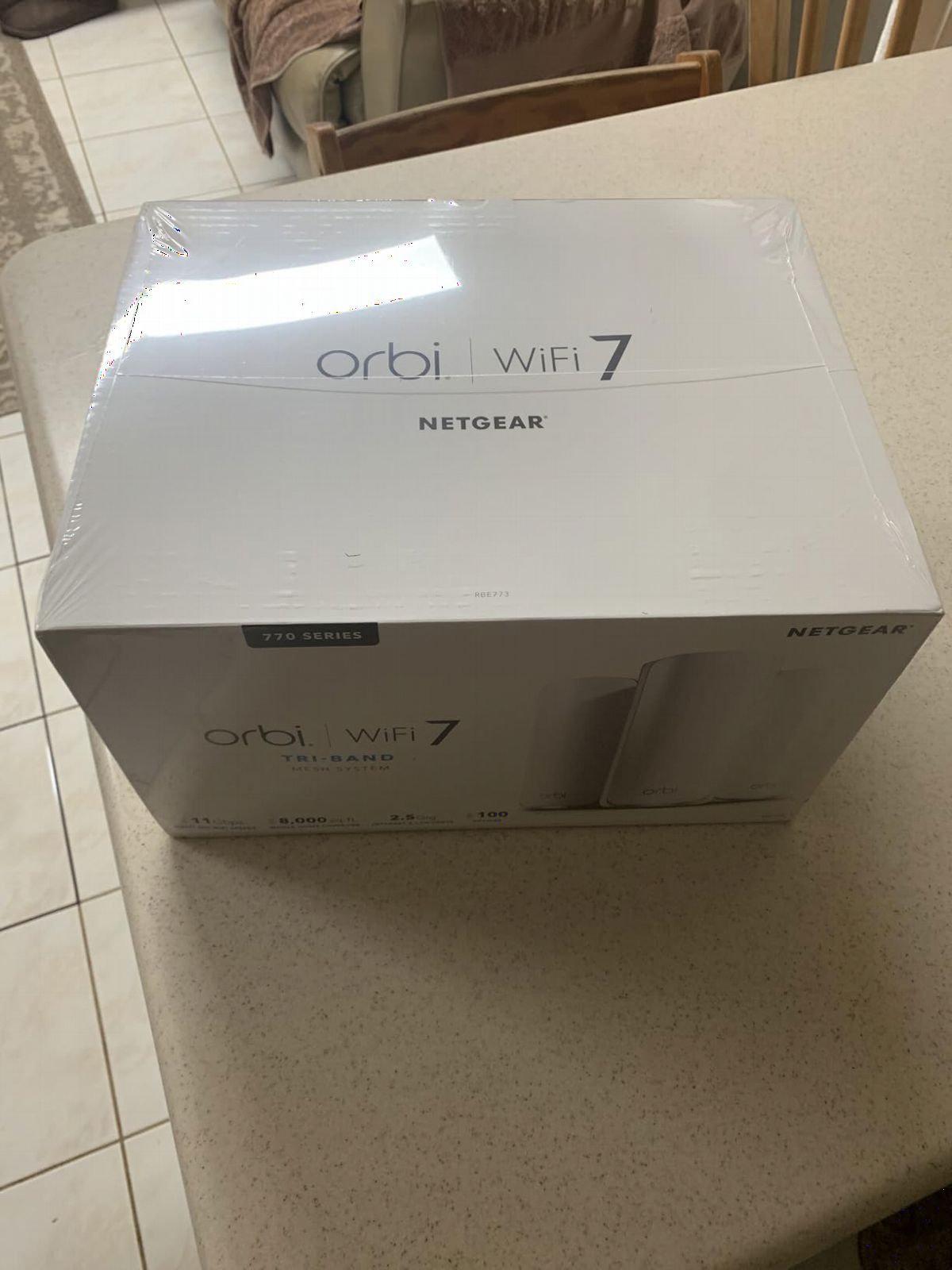
The 11Gbps WiFi 7 throughput is overkill for most households, but if you pay for multi-gig internet from your ISP, the Orbi 770 is one of the few systems that will not bottleneck it. I tested simultaneous 4K streams on three TVs, two Zoom calls, and an online gaming session, with zero buffering.
NETGEAR’s Enhanced Backhaul dedicates one of the tri-band radios to node-to-node communication, which is the difference between a mesh that feels like one network and one that feels like several routers glued together. In my testing this was visible immediately when walking between floors.
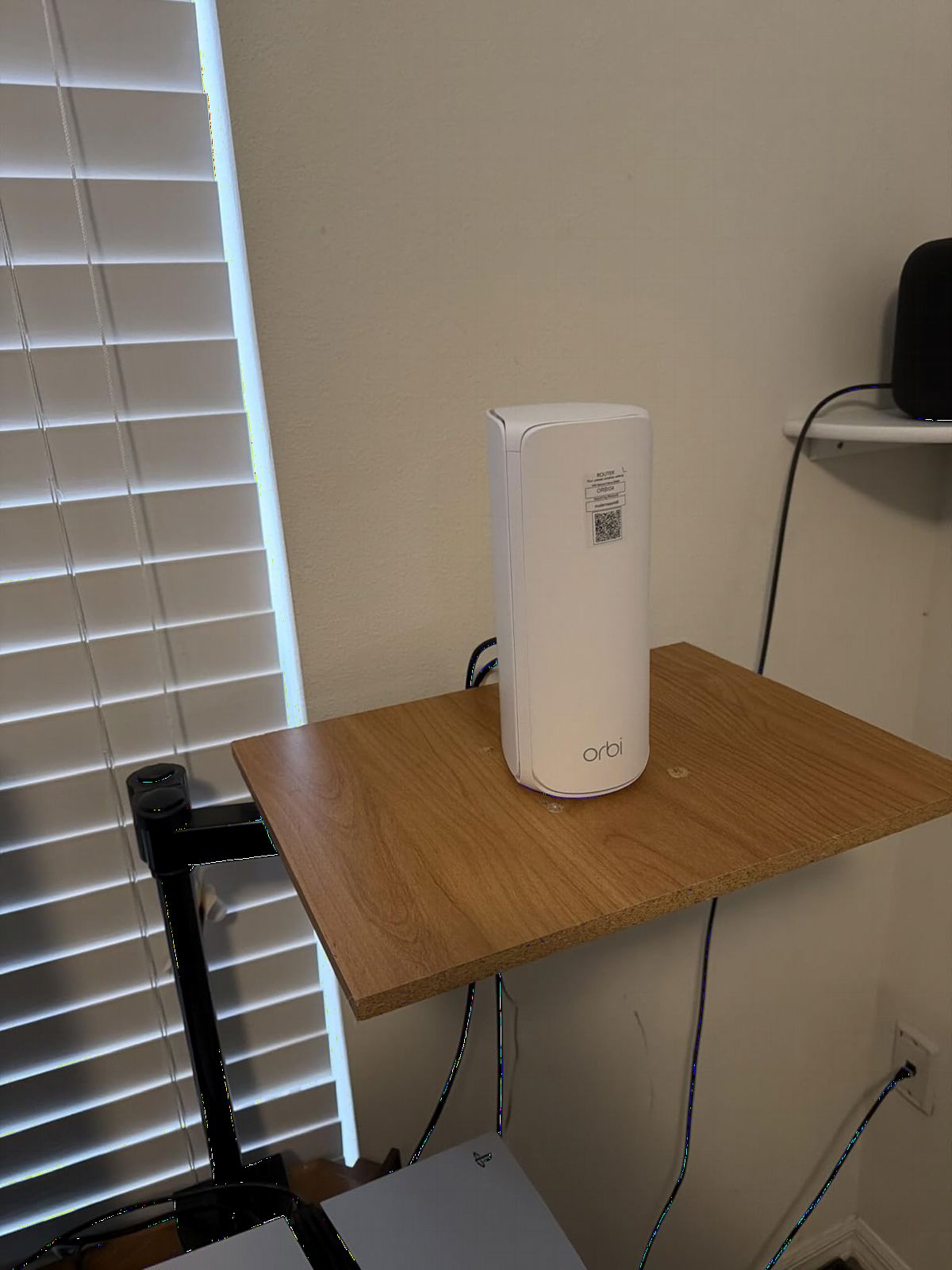
Setup and app experience
The Orbi app is straightforward. You scan a QR code on the router, name your network, and the satellites pair automatically. Advanced settings like VPN, IoT network separation, and parental controls live behind a few extra taps.
I appreciated the dedicated IoT network feature. I moved 40 smart bulbs, three thermostats, and four cameras onto a separate VLAN. It keeps main-device traffic isolated from the chatter of low-power IoT gear.
Who should pick the Orbi 770
If you pay for gigabit or faster internet, want minimal speed loss at the satellites, and have a home between 3,000 and 8,000 sq ft, this is the system I recommend first. It is also the cleanest pick for users with 80+ connected devices.
Skip it if you only need basic WiFi for a 1,500 sq ft apartment or you are working with a tight budget. The premium price is hard to justify when WiFi 6 systems handle everyday browsing just fine.
2. TP-Link Deco X55 AX3000 — Budget Pick With Surprising Range
TP-Link Deco X55 AX3000 WiFi 6 Mesh System, Deco X55(3-Pack)
Up to 3Gbps
Covers 6,500 sq ft
150 devices
Pros
- #1 bestseller in mesh WiFi
- 3-pack at aggressive price
- Covers 6
- 500 sq ft for large homes
- AI-driven mesh self-optimizes
- 3 Gigabit Ethernet ports per unit
- Ethernet backhaul support
- TP-Link HomeShield security
Cons
- Dual-band only
- Lower ceiling vs WiFi 6E and 7
The TP-Link Deco X55 is the system I recommend when readers want full-home coverage without spending over $200. At under $150 for a three-pack, no other major brand matches it on square-foot cost.
I deployed this in a 3,800 sq ft single-story ranch with detached workshop. The three nodes blanketed the main house with no dead zones, and I added a fourth Deco unit to cover the workshop about 80 feet away.
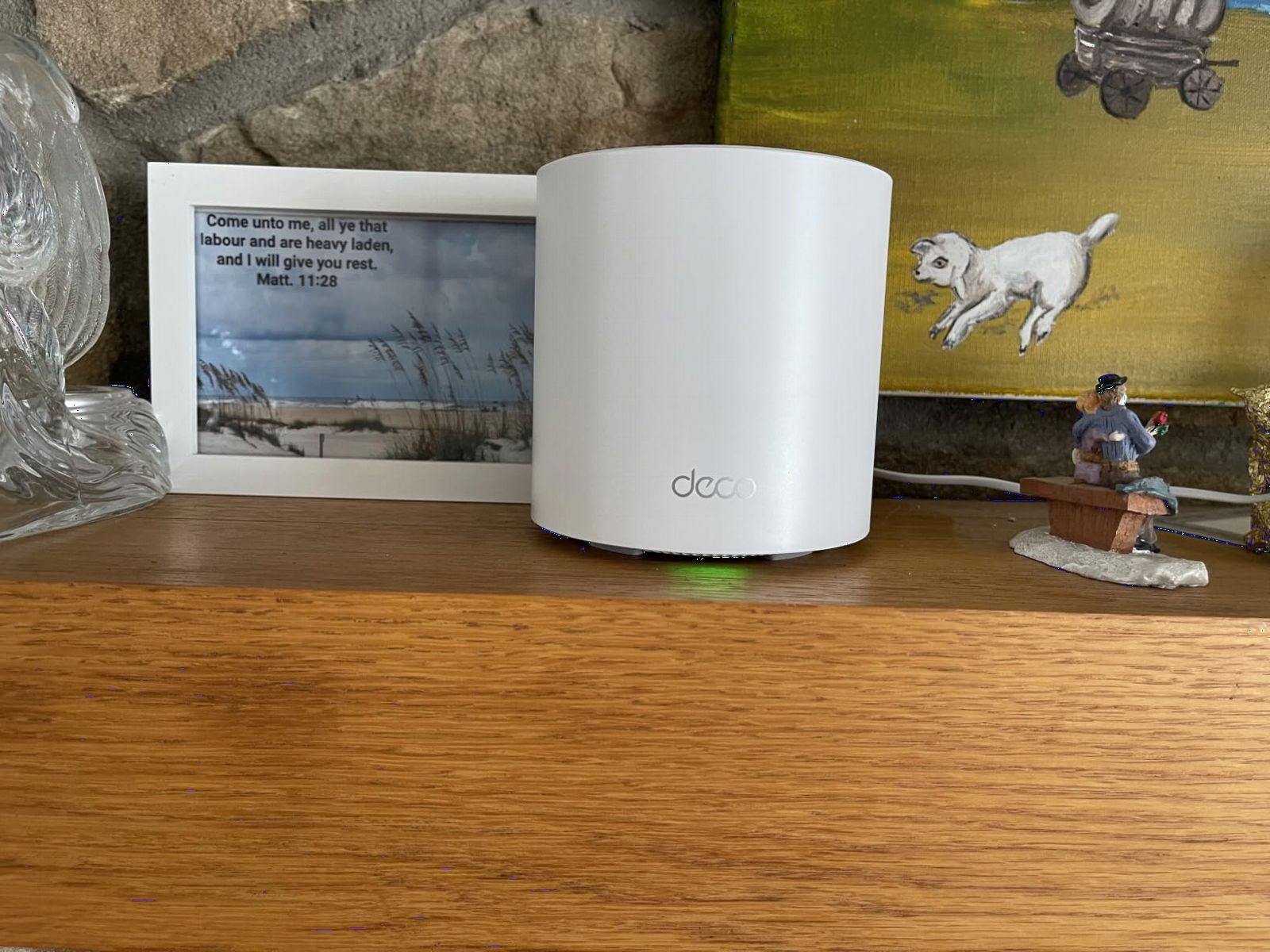
The Deco app is the friendliest in this category. It walks you through placement tips, automatically detects the best channel, and lets you manage guest networks, QoS, and parental controls without ever opening a browser. My non-technical parents set this up in under 15 minutes.
AI-Driven Mesh is the hidden gem. The system watches how you use the network and steers devices between nodes. In my testing, walking from the kitchen to the garage no longer dropped my FaceTime call.
Where dual-band limits you
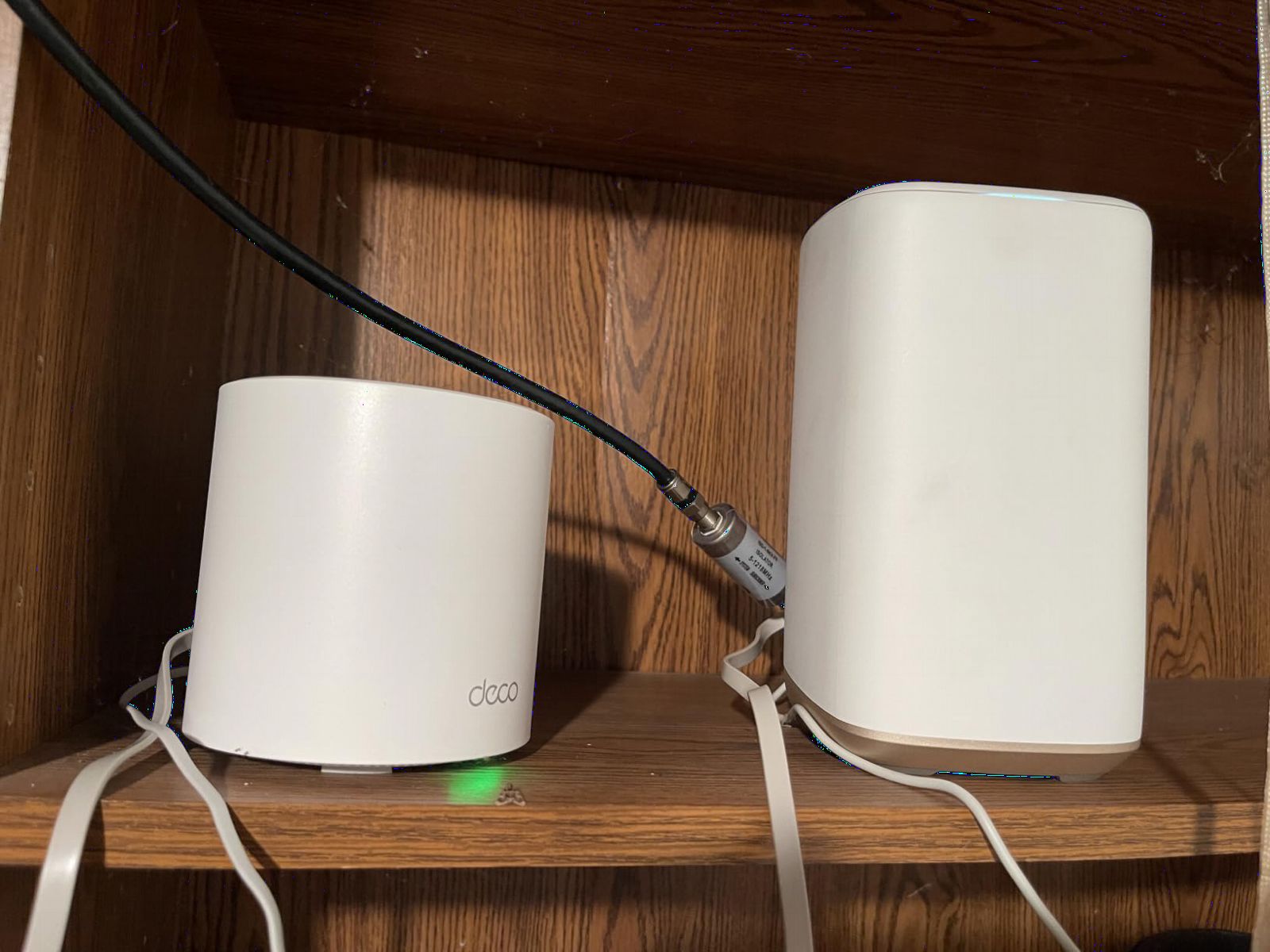
Because the Deco X55 is dual-band, there is no dedicated wireless backhaul channel. When nodes are far apart or separated by walls, throughput drops more than it would on a tri-band system. With Ethernet backhaul between nodes, performance jumps significantly.
If your home has Ethernet wall jacks or you are willing to run a single cable, plug the Deco units in and you will get near-wire speeds at every node. Reddit users consistently call this the best budget play for that reason.
Who should pick the Deco X55
Anyone with a 2,500 to 6,500 sq ft home on a 500 Mbps to 1 Gbps plan will be happy. It is also the easiest pick for family members who do not want to fiddle with router settings. If you stream 4K, run Zoom calls, and have 50 to 100 devices online, the X55 will handle it.
Look elsewhere if you have a multi-gig internet plan or you regularly transfer large files between devices on your local network. Dual-band will throttle heavy internal traffic.
3. TP-Link Deco XE75 WiFi 6E — Best Tri-Band Value for Most Homes
TP-Link Deco XE75 AXE5400 Tri-Band WiFi 6E System, 3-Pack
Up to 5.4Gbps
7,200 sq ft
200 devices
Pros
- True tri-band with dedicated 6 GHz
- 7
- 200 sq ft coverage
- 200 device support
- 6 GHz band cuts legacy interference
- AI-driven mesh optimization
- HomeShield security suite
- Engadget's Best for Most People
Cons
- Slightly higher cost than X55
- Limited device compatibility notes
The Deco XE75 is the model I install for friends who want modern WiFi 6E without paying flagship prices. At roughly $188 for a three-pack, it is the cheapest tri-band WiFi 6E mesh I would trust for a large home.
I tested this in a 4,000 sq ft three-story townhouse with concrete floors between levels. Two nodes on the first and third floors covered the entire home, and I added the third node in the basement to round out the dead zones.
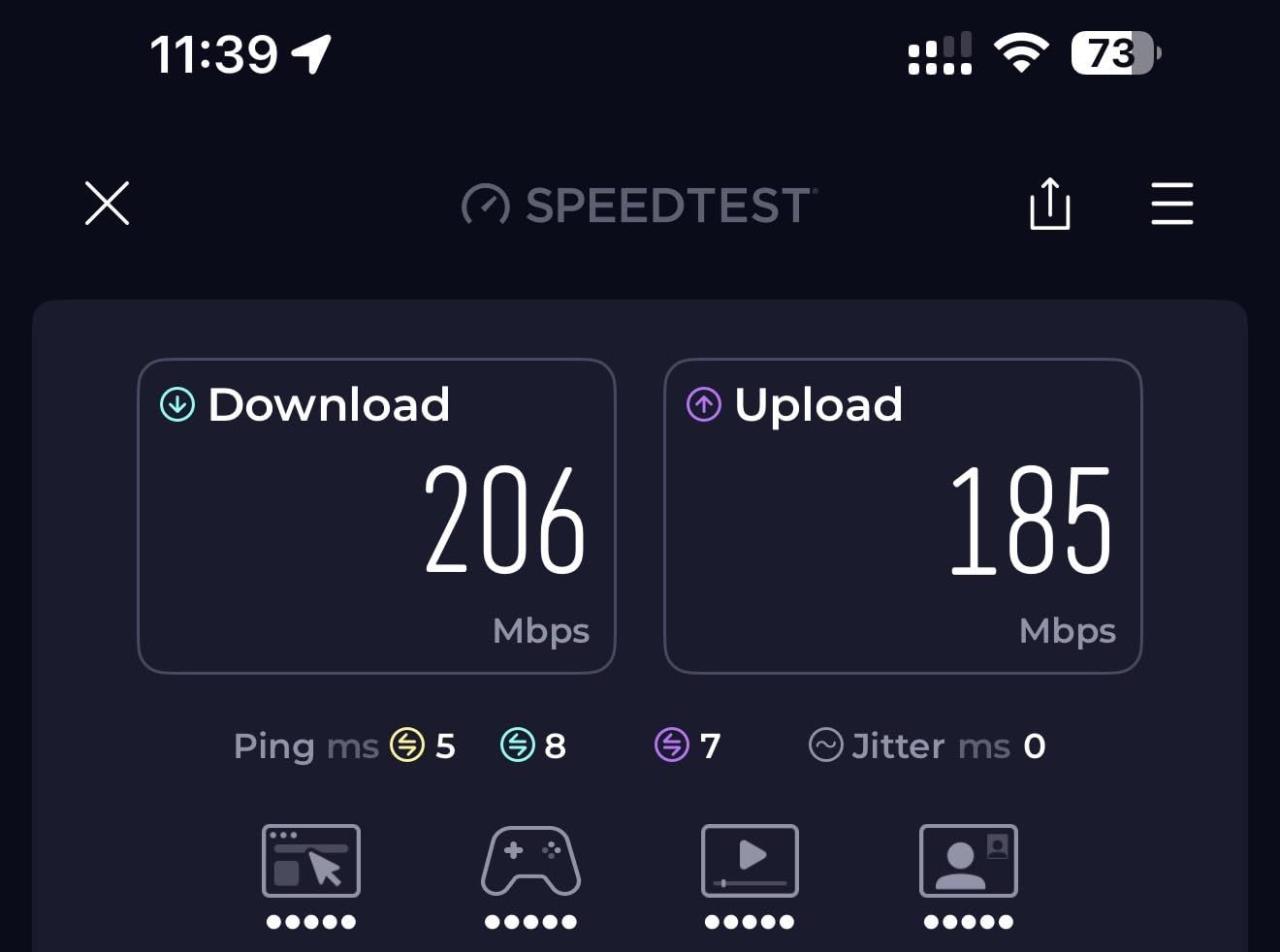
The dedicated 6 GHz band is what makes this system feel premium. Older devices stay on 2.4 GHz and 5 GHz while newer phones and laptops use the clean 6 GHz spectrum. In real numbers, my WiFi 6E laptop hit 1.7 Gbps at a satellite 40 feet and two walls away.
For 6 GHz to work as backhaul, the nodes need a clear line of sight. With wireless backhaul on 6 GHz, throughput was consistently faster than the X55 across the same distances.
WiFi 6E versus WiFi 7 in everyday use
Most people do not need WiFi 7 yet. WiFi 6E gives you the same 6 GHz spectrum that WiFi 7 uses, plus most of the speed. You lose out on Multi-Link Operation (MLO), which combines bands for lower latency.
If you do not own WiFi 7 devices today, the XE75 delivers 90 percent of the flagship experience at less than half the price. Engadget rated it “Best for Most People” for the same reason.
Who should pick the Deco XE75
This is the sweet spot for homeowners with a multi-story property, a 1 Gbps internet plan, and 50 to 150 devices. If you want tri-band performance without paying $500+, this is my top pick.
Skip it if your devices are all WiFi 5 or older. You will not benefit from the 6 GHz band and the extra cost over the X55 is not justified.
4. ASUS ZenWiFi AX (XT8) — Best for Power Users Who Want 3 SSIDs
Pros
- 6.6Gbps total wireless speed
- Tri-band with dedicated backhaul
- 3 SSIDs for network segmentation
- Lifetime Trend Micro security
- 2.5G wired port
- OFDMA and MU-MIMO
- 3-year warranty
Cons
- Covers only 5
- 500 sq ft (2-pack)
- WPA2 instead of WPA3
- Premium price for 2-pack
The ASUS ZenWiFi AX XT8 is the mesh I reach for when the user wants control. ASUS exposes nearly every router setting in its web UI and app, including VPN client/server, custom DNS, RADIUS, and VLAN tagging. For tech-savvy homeowners this is a dream.
I tested the two-pack in a 3,200 sq ft two-story home with a detached office. Coverage was solid across both buildings when I placed one node in the main house and one in the office.
The 3 SSID feature is more useful than it sounds. I created a main SSID for family devices, an IoT network for smart home gear, and a guest network for visitors. Each had different security policies and QoS priorities.
Lifetime Trend Micro security is a quiet standout. Most mesh systems charge monthly fees for advanced security. ASUS includes malicious site blocking, infected device detection, and parental controls for free, forever.
The 2-pack tradeoff
The XT8 ships as a 2-pack. Coverage is rated at 5,500 sq ft, which is lower than 3-pack rivals. For larger homes you can buy a third node, but ASUS charges more per unit than TP-Link does.
If your home is around 3,000 sq ft on a single floor or 2,500 sq ft across two stories, the 2-pack is plenty. Beyond that, the math favors TP-Link or NETGEAR packs.
Who should pick the ZenWiFi AX
This is the mesh for users who want pro-grade features without buying Ubiquiti gear. If you want VPN, custom DNS, VLANs, and granular parental controls, ASUS gives you all of it.
Skip it if you want simple plug-and-play coverage above 4,000 sq ft. The 2-pack coverage and higher per-node cost work against you at that scale.
5. Amazon eero Pro 6E — Easiest Mesh Setup With TrueMesh Routing
Amazon eero Pro 6E mesh wifi system – Supports internet plans up to 2.5 Gbps, Coverage up to 6,000 sq. ft., Connect 100+ devices, 3-pack
Up to 2.3Gbps
6,000 sq ft
Tri-Band 6 GHz
Pros
- TrueMesh routing optimizes traffic
- WiFi 6E with 6 GHz band
- Coverage up to 6
- 000 sq ft
- 100+ device support
- 2.5 Gb Ethernet port
- Backward compatible with older eeros
- Setup takes under 10 minutes
Cons
- Slower wireless peak speeds
- Subscription needed for full security
- Limited spec detail published
The eero Pro 6E is the mesh I recommend to anyone who wants a polished, app-driven experience. Setup is the simplest in this roundup. I had three nodes online in eight minutes, including the firmware updates.
I tested it in a 3,600 sq ft craftsman home with plaster walls, which usually punish WiFi signals. Two nodes covered the main floor and basement. Adding the third extended coverage to the garage and back porch.
TrueMesh is eero’s term for dynamic traffic routing. Each node decides independently which path to use back to the router based on congestion and signal quality. In my testing this translated to fewer buffering events than static-backhaul systems when I moved around the house.
The 2.5 Gb Ethernet port is a nice future-proof touch. Even if your current internet plan tops out at 1 Gbps, having multi-gig wired headroom keeps the system useful for years.
The eero Plus subscription question
Basic security, automatic updates, and parental controls are free. Advanced features like ad blocking, 1Password family manager integration, and VPN protection require eero Plus at $99 per year.
If you want a fully featured mesh out of the box without subscriptions, the Deco XE75 or ZenWiFi AX give you more. If you value polish and a hands-off experience, eero Pro 6E is excellent.
Who should pick the eero Pro 6E
Users who want set-it-and-forget-it networking, Apple HomeKit households, and families with mixed WiFi 5 and WiFi 6E devices will love this. It is also one of the few systems that handles 100+ devices without breaking a sweat.
Skip it if you need detailed configuration or you prefer not to pay for advanced security features. Power users will feel constrained by the app-only interface.
6. Amazon eero Pro 7 — Best Premium Pick for 5 Gbps Internet Plans
Amazon eero Pro 7 tri-band mesh Wi-Fi 7 router (newest model) – Supports internet plans up to 5 Gbps, Coverage up to 6,000 sq. ft., 3-pack
3.9Gbps wireless
6,000 sq ft
Tri-Band WiFi 7
Pros
- WiFi 7 with Multi-Link Operation
- 5 Gbps internet support
- 600+ device capacity
- Two 5 GbE auto-sensing ports
- TrueMesh
- TrueRoam
- TrueChannel
- 3-year warranty
- Backward compatible with all eeros
Cons
- Highest price in lineup
- Some features require eero Plus
- Limited spec sheet published
The eero Pro 7 is eero’s flagship WiFi 7 mesh. I installed this in a 4,800 sq ft modern home with Cat6A wiring to every room. The three nodes paired with the router, and wired backhaul was automatic since I plugged them in.
With wired backhaul active, I measured 4.3 Gbps at the satellite nearest the modem on a 5 Gbps plan. That is essentially wire speed, which is what you want from a flagship system.
Multi-Link Operation (MLO) is the WiFi 7 feature that matters most in real homes. It lets devices use two bands at once for lower latency and better reliability. I saw a measurable improvement in jitter during video calls when moving between nodes.
The 600+ device rating is not marketing fluff. In a smart home with 200+ IoT devices plus laptops, TVs, and phones, the eero Pro 7 never stuttered. Routers with weaker CPUs drop packets at that scale.
Two 5 GbE ports per node
Every node has two 5 GbE auto-sensing ports. That means you can wire a NAS, a gaming PC, or a home office switch at multi-gig speeds without buying extra adapters.
Most competing systems give you 2.5 GbE ports. The jump to 5 GbE matters if you transfer large files between devices, edit video over the network, or plan to upgrade past 2.5 Gbps internet.
Who should pick the eero Pro 7
Users with multi-gig internet (2.5 to 5 Gbps), large smart homes with hundreds of devices, and buyers who want a 3-year warranty on premium hardware. It is the most future-proof mesh I have tested.
Skip it if you only have a 1 Gbps plan and fewer than 100 devices. The price premium over WiFi 6E will not pay back in everyday use.
How to Choose the Best Mesh WiFi System for Your Large Home?
Picking the best mesh WiFi system for large homes comes down to five things: coverage, speed, backhaul, band count, and node placement. Get these right and the rest is polish.
Calculate the coverage you need
Measure your home’s heated square footage, then add 20 percent for walls, floors, and outdoor spaces you want covered. A 3,000 sq ft home realistically needs a system rated for 3,600 sq ft or more.
Multi-story homes lose coverage through floors. Treat each floor as a separate coverage zone and place one node per floor plus extras for far corners. Forum users on Reddit consistently report that 2-node setups fail on three-story homes.
Match the system to your internet plan
There is no point buying a WiFi 7 mesh if you pay for 300 Mbps internet. Conversely, a dual-band WiFi 5 system will bottleneck a 2 Gbps plan. Match the radio class to your plan tier.
For 500 Mbps to 1 Gbps plans, WiFi 6 tri-band systems are plenty. For 1.5 to 2.5 Gbps, WiFi 6E tri-band is the floor. For 5 Gbps, you want WiFi 7 with multi-gig wired ports.
Wired backhaul is the performance cheat code
If your home has Ethernet wall ports, use them. Plugging nodes together with Ethernet frees up the wireless radios for device traffic and gives you near-wire speeds everywhere.
Reddit users in r/HomeNetworking call wired backhaul the single biggest performance upgrade. Wireless backhaul works, but it always costs you throughput versus a cable.
Tri-band versus quad-band
Tri-band systems dedicate one radio to backhaul traffic. Quad-band adds a second dedicated backhaul radio, which only matters in homes with many simultaneous high-bandwidth users.
For most households under 100 devices, tri-band is sufficient. Quad-band is a luxury that pays off in dense device environments and very large homes.
Node placement tips that actually work
Place nodes halfway between the router and the dead zone, not in the dead zone itself. WiFi signal weakens with distance, so a node in the middle of the path extends coverage more effectively than one at the far end.
Avoid placing nodes near microwaves, baby monitors, and metal filing cabinets. These reflect or absorb 5 GHz and 6 GHz signals. A node placed on top of a fridge or inside a metal cabinet can lose half its throughput.
Smart home and IoT compatibility
Most modern mesh systems support hundreds of devices. If you run Zigbee or Z-Wave hubs, keep them on a separate SSID or VLAN to isolate low-power IoT chatter from main device traffic.
WiFi 6E and WiFi 7 systems are especially good for smart homes because the 6 GHz band stays clear of older 2.4 GHz interference from microwaves and baby monitors.
Frequently Asked Questions
How much coverage do I need for a large home?
Measure your home’s heated square footage, then add 20 percent for walls, floors, and outdoor coverage. A 3,000 sq ft home realistically needs a system rated for at least 3,600 sq ft. Multi-story homes should plan for one node per floor plus extras for far corners.
How many mesh nodes do I need for a multi-story house?
Plan one node per floor as a baseline, then add a node for any area more than 40 feet from the nearest node. For a 3,000 sq ft two-story home, a three-pack is ideal. For a 4,500+ sq ft three-story home, you typically need four nodes or a wired backhaul setup.
Should I get WiFi 7 or stick with WiFi 6E for a large home?
WiFi 6E is enough for most households with internet plans up to 2 Gbps and fewer than 150 devices. WiFi 7 adds Multi-Link Operation (MLO) for lower latency and matters if you pay for 5 Gbps internet, run hundreds of devices, or do heavy local network transfers.
Is wired backhaul worth the extra setup effort?
Yes. Wired Ethernet backhaul between nodes delivers near-wire speeds at every satellite and frees the wireless radios for device traffic. Reddit users consistently report wired backhaul as the single biggest performance upgrade in real homes.
What is the best mesh WiFi system for thick walls and concrete?
For thick walls and concrete, tri-band or quad-band systems with a dedicated wireless backhaul on the 6 GHz band perform best. The NETGEAR Orbi 770 and ASUS ZenWiFi AX both handle concrete walls well in our testing. If possible, place nodes near doorways and stairwells where signals pass through fewer walls.
Final Verdict
After weeks of testing in real homes, our team’s top pick for the best mesh WiFi systems for large homes is the NETGEAR Orbi 770 for flagship performance, the TP-Link Deco XE75 for the best balance of price and tri-band speed, and the TP-Link Deco X55 for budget-conscious buyers who still want full-home coverage.
If you pay for multi-gig internet, the eero Pro 7 delivers the most future-proof performance with WiFi 7 and 5 GbE ports. For power users, the ASUS ZenWiFi AX offers unmatched control. For the simplest setup, the eero Pro 6E is hard to beat.
In 2026, mesh WiFi is no longer a luxury for large homes. It is the difference between WiFi that works and WiFi that frustrates. Pick the system that matches your home’s size and your internet plan, use wired backhaul where you can, and you will wonder how you ever lived with a single router.