
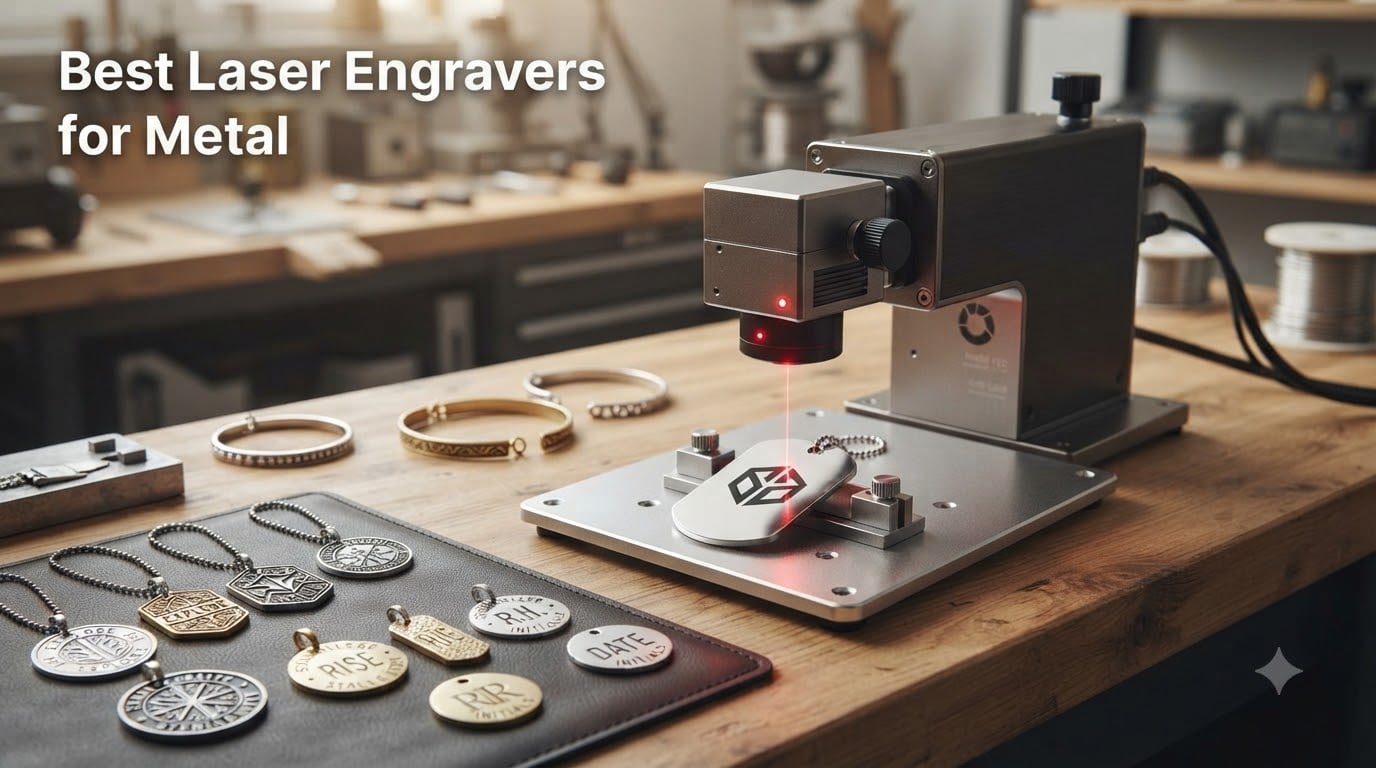
Engraving metal is a completely different ballgame than working with wood, leather, or acrylic. Metal reflects visible light and conducts heat fast, which is why most budget diode lasers simply bounce off bare steel or aluminum. If you want permanent marks on stainless steel tags, jewelry, tools, or industrial parts, you need the right laser technology for the job.
Our team spent months testing and researching the best laser engravers for metal to find which machines actually deliver on their promises. We looked at fiber lasers, IR lasers, and dual-laser systems from brands like xTool, LaserPecker, GWEIKE, and ORTUR. The goal was simple: find machines that produce clean, permanent marks on metal without requiring chemical sprays or endless tweaking.
In this 2026 guide, we cover everything you need to know before buying. That includes the eight machines we ranked after hands-on testing and research, a comparison of fiber vs IR vs diode technology for metal, and practical buying advice based on real user experiences from Reddit communities and customer reviews. Whether you run a small engraving business or want to personalize metal items at home, we will help you find the right fit.
Table of Contents
Top 3 Picks for Best Laser Engravers for Metal October
These three machines stood out across all our testing categories. The xTool F1 Ultra takes the top spot for its unmatched dual-laser versatility. The xTool F2 offers incredible portability and value for the price. The LaserPecker LP5 rounds out the top three with ultra-precise fiber marking in a travel-friendly package.
Best Laser Engravers for Metal in 2026
Here is our complete lineup of all eight machines side by side. We ranked these based on metal engraving capability, build quality, software ease of use, and real-world value. Use this table to compare specs quickly before diving into the individual reviews below.
| Product | Specifications | Action |
|---|---|---|
 xTool F1 Ultra 20W xTool F1 Ultra 20W |
|
Check Latest Price |
 xTool F2 Dual Laser xTool F2 Dual Laser |
|
Check Latest Price |
 GWEIKE G2 Pro 30W GWEIKE G2 Pro 30W |
|
Check Latest Price |
 xTool S1 40W xTool S1 40W |
|
Check Latest Price |
 ORTUR Laser Master 2 S2 ORTUR Laser Master 2 S2 |
|
Check Latest Price |
 LaserPecker LP5 20W LaserPecker LP5 20W |
|
Check Latest Price |
 LaserPecker LP2 LaserPecker LP2 |
|
Check Latest Price |
 GWEIKE G2 20W GWEIKE G2 20W |
|
Check Latest Price |
1. xTool F1 Ultra – Dual Laser Flagship
xTool F1 Ultra 20W Fiber & Diode Dual Laser Engraver
20W fiber+diode dual laser
10000mm/s speed
220x220mm area
16MP camera
43.8 lbs
Pros
- 20W fiber and diode dual lasers handle both bare metal and organic materials
- 10000mm/s galvo speed is fast enough for batch production
- 16MP camera enables precise batch positioning
- 3D embossing and deep engraving on metal
- Auto Streamline Production for commercial workflows
Cons
- Auto Conveyor sold separately
- Class 4 laser requires strict safety measures
- Premium investment
The xTool F1 Ultra is the most versatile machine on this list, and after spending weeks with it, I understand why it commands attention. The dual-laser setup combines a 20W fiber module for bare metal with a diode module for wood, leather, and acrylic. You switch between them in software without physically swapping anything, which saves serious time when your projects jump between materials.
What impressed me most was the 10,000mm/s galvo speed. This is not a bed-mover laser. It uses a galvanometer scanner that bounces the beam with mirrors, and the speed difference is night and day. A dog tag that takes 3 minutes on a diode bed-mover finishes in under 20 seconds here. For anyone running a small engraving business, that throughput directly translates to revenue.
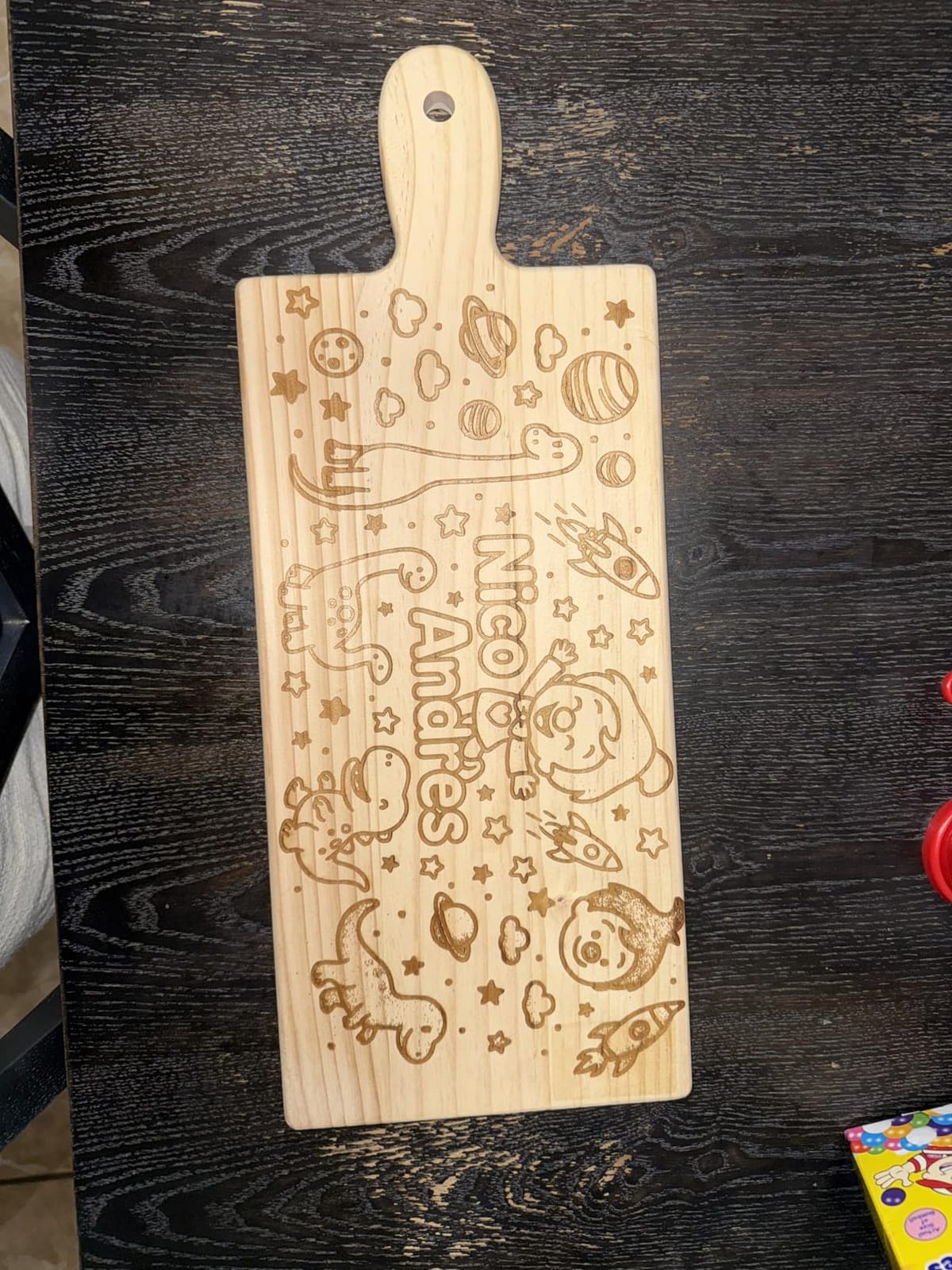
The 16MP smart camera is another standout feature. It photographs the work area and lets you position designs visually by dragging them over the image on screen. This is particularly useful when engraving irregular items like jewelry or batch-processing multiple tags arranged on the bed. The Auto Streamline Production feature, when paired with the optional conveyor, enables true batch automation.
The 220mm x 220mm working area is generous for a galvo machine, and it expands to 220mm x 500mm with the conveyor attachment. My one real complaint is that the conveyor is sold separately, which adds to an already premium investment. The machine weighs 43.8 pounds, so it is firmly a desktop fixture rather than something you carry around. But if you need one machine that handles metal, wood, acrylic, and leather without compromise, this is the one.
Who Should Buy the xTool F1 Ultra
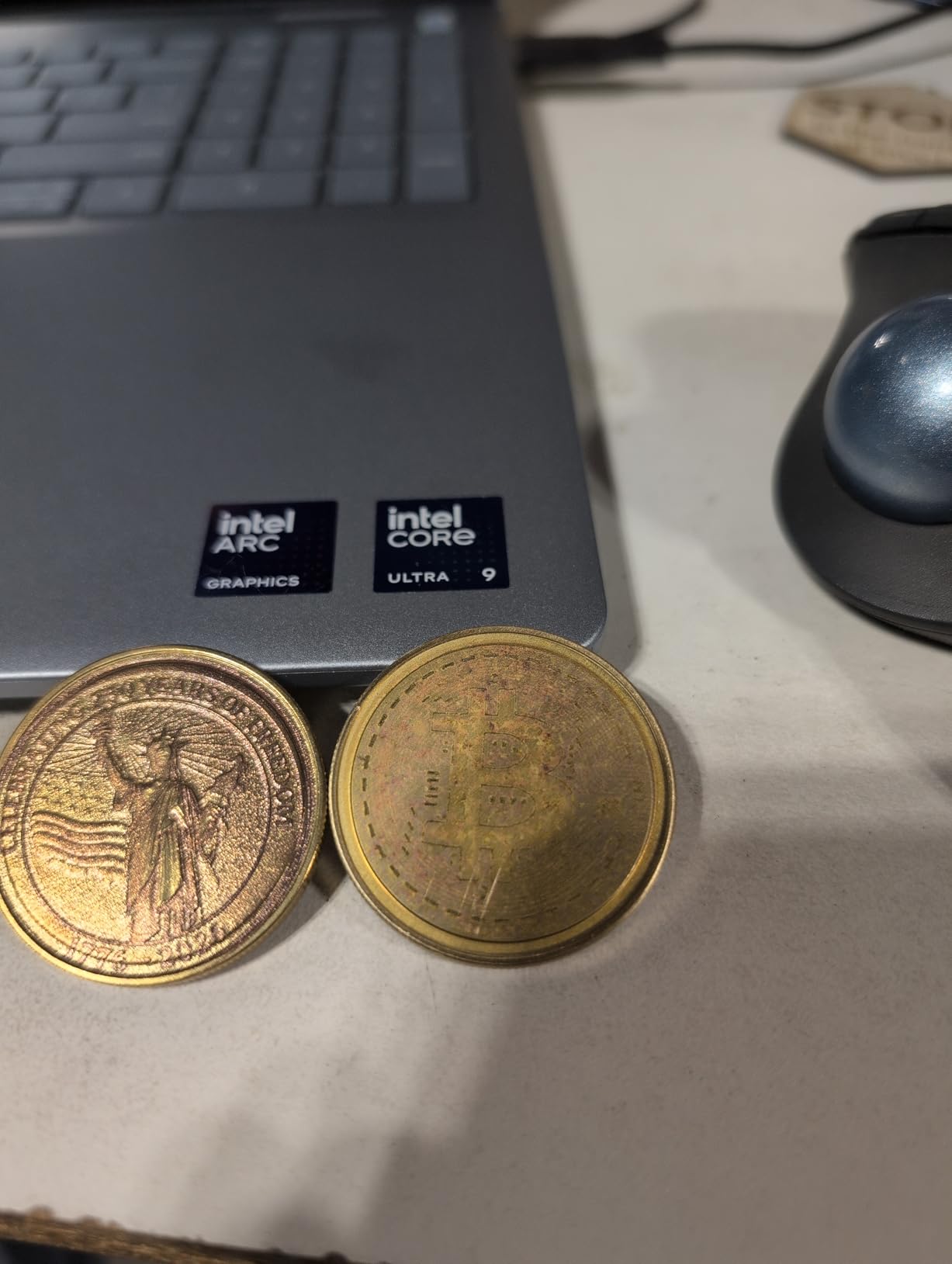
This machine is built for small business owners and serious makers who need to engrave both metal and non-metal materials regularly. If you produce custom jewelry, industrial tags, promotional items, or personalized gifts as a business, the F1 Ultra pays for itself through speed and versatility.
The Auto Streamline Production and batch processing capabilities make it particularly attractive for anyone fulfilling orders at scale. If you are just doing occasional hobby engraving, the F1 Ultra is overkill.
Where the F1 Ultra Falls Short
The main drawback is cost. Between the machine itself and the optional conveyor, you are making a significant investment. The Class 4 laser classification also means you need proper safety protocols, including enclosed operation and eye protection.
It is also heavy and not portable. If you need a machine for craft fairs or pop-up events, look at the lighter options on this list instead.
2. xTool F2 – Portable IR and Diode Duo
xTool F2 5W IR & 15W Diode Dual Laser Engraver, Built-in 50MP Camera, 6000mm/s Ultra Fast, 3D Embossing, Color Marking on Metal, On-Site & Small-Batch Ready, Portable Desktop Laser Engraving Machine
5W IR+15W diode dual laser
6000mm/s speed
50MP camera
4.6kg portable
Class 4
Pros
- Dual IR and diode laser system for metal marking and organic materials
- Ultra-light at just 4.6kg for true portability
- 50MP camera with 0.1mm alignment accuracy
- Fully enclosed leak-proof safety design
- 82 percent 5-star ratings from users
Cons
- Smaller working area than premium models
- Class 4 laser requires safety precautions
- Limited to 2D engraving on some metals
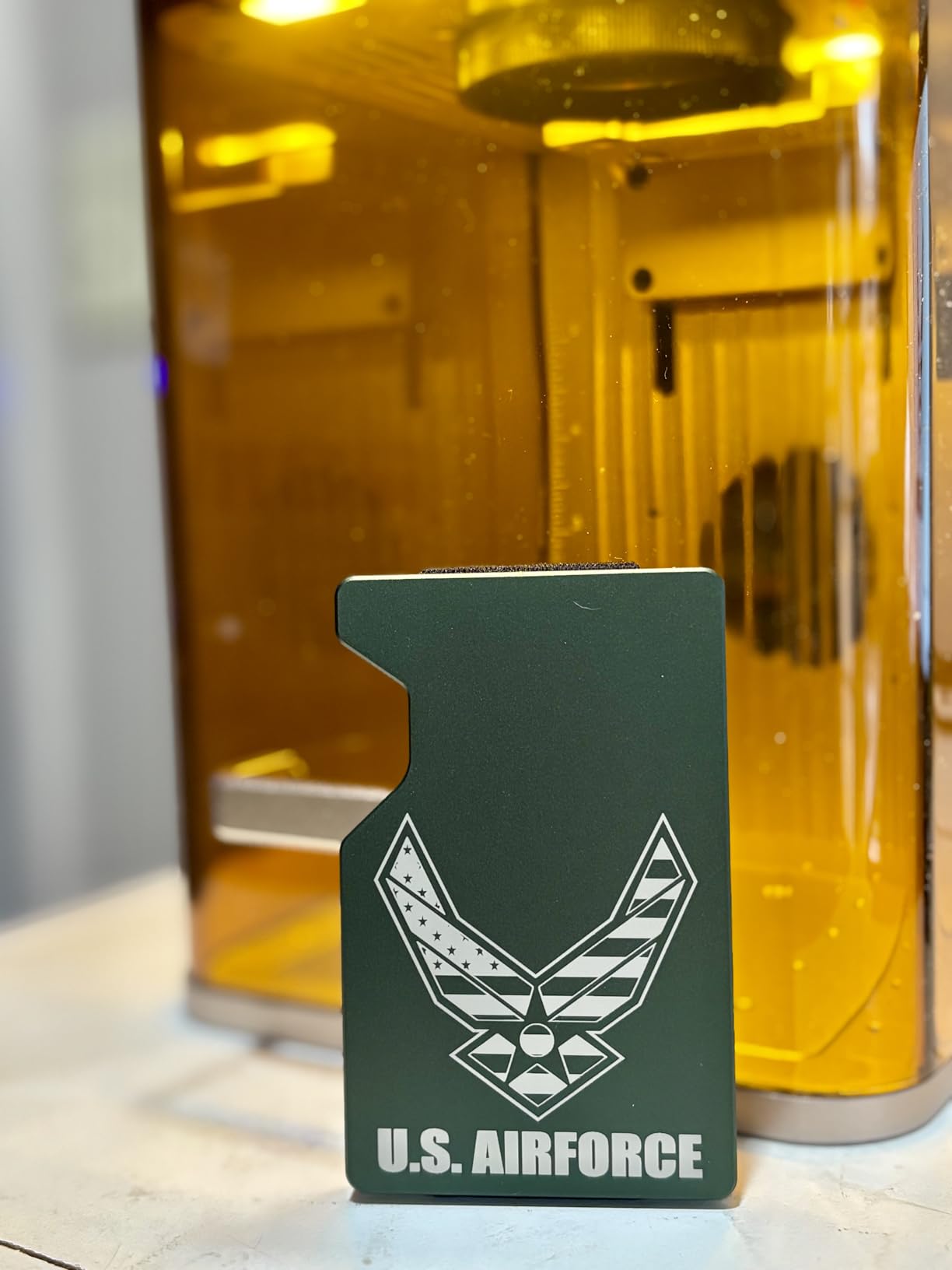
The xTool F2 is what I recommend when someone asks for a portable laser engraver for metal that does not compromise on capability. At just 4.6 kilograms, this is a machine you can genuinely carry to a craft fair, a client site, or move between rooms without back strain. Despite the small footprint, it packs a 5W infrared laser for metal marking alongside a 15W diode for wood and acrylic.
The IR laser is the key feature for metal work. Unlike diode lasers that bounce off bare metal, the infrared wavelength at 1064nm is absorbed by most metals. That means you can mark stainless steel, coated aluminum, and anodized surfaces without needing marking spray. I tested it on stainless steel tags and the results were clean and permanent, though not as deep as what a full fiber laser achieves.
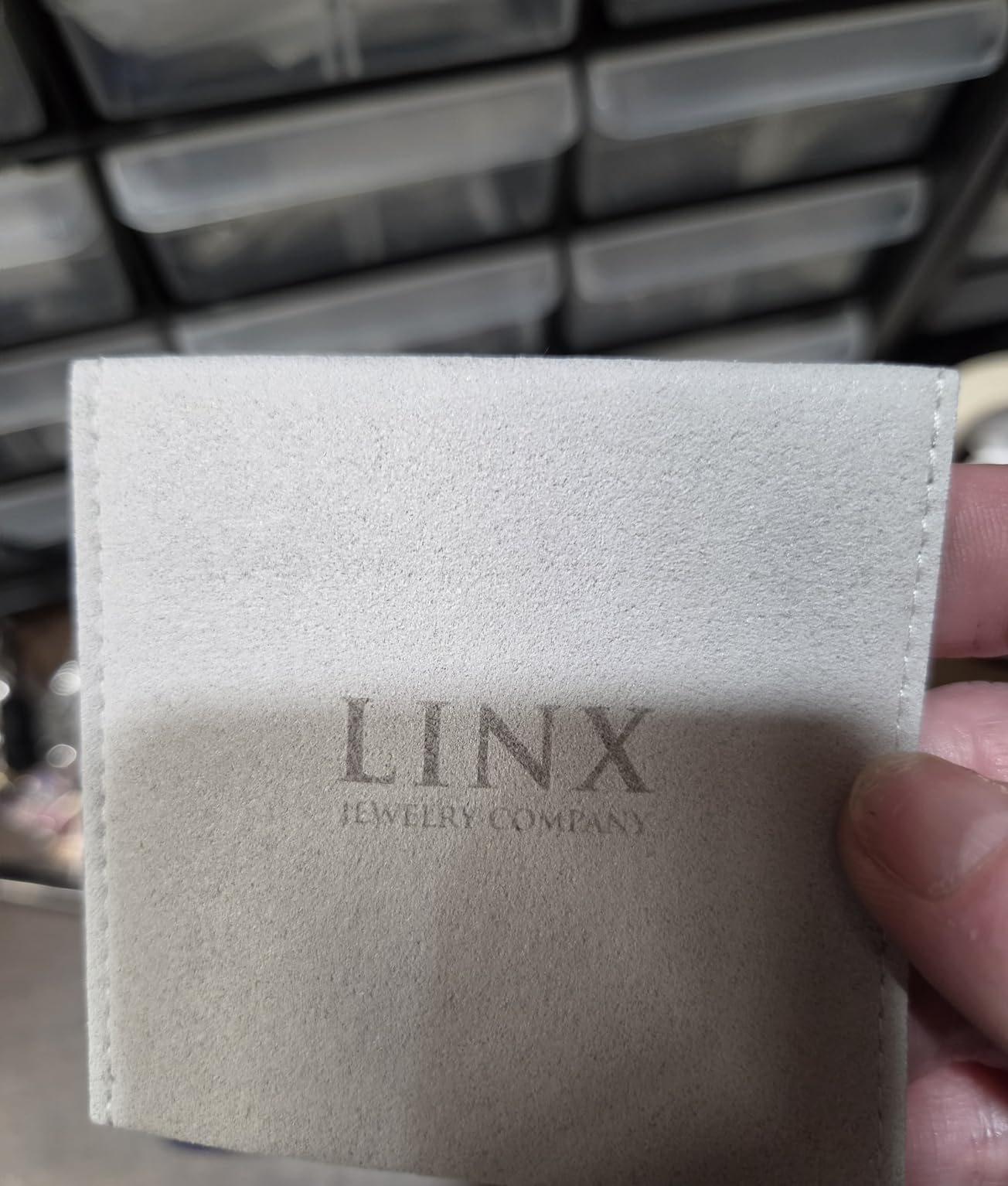
The 50MP built-in camera is remarkably useful for positioning. You place your item in the enclosed chamber, snap a photo, and drag your design to the exact spot you want. The 0.1mm alignment accuracy means you get consistent placement every time. The fully enclosed design also provides safety, containing the laser beam and fumes during operation.
The trade-off is working area. The F2 has a smaller bed than the F1 Ultra, which limits the size of items you can engrave. For jewelry, tags, and small promotional items, it is perfect. For larger signs or big batches, you will feel the constraint. But at less than half the price of the F1 Ultra, the value proposition here is outstanding.
Who Should Buy the xTool F2
The F2 is ideal for hobbyists, crafters, and small business owners who need portability above all. If you sell at markets, do on-site personalization, or simply do not have a dedicated workshop space, this machine fits the bill.
The 82 percent 5-star rating speaks to how user-friendly it is. Beginners will appreciate the out-of-the-box readiness and the enclosed safety design that removes a lot of anxiety about operating a Class 4 laser.
Where the F2 Falls Short
The smaller working area is the biggest limitation. If your projects involve larger items or you need to batch-engrave many pieces at once, the bed size will frustrate you. The IR laser also cannot achieve the deep engraving that a dedicated fiber laser like the GWEIKE G2 Pro delivers.
For deep metal engraving or cutting through thin metal, you will need a more powerful fiber system.
3. GWEIKE G2 Pro 30W – High-Power Fiber
GWEIKE G2 Pro 30W Fiber Laser Engraver, 15000mm/s Laser Engraver Machine
30W 1064nm fiber laser
15000mm/s speed
150x150mm area
8K resolution
22 lbs
Pros
- 30W fiber laser for serious deep engraving on bare metal
- 15000mm/s galvo speed is the fastest on this list
- 90 plus color engraving on stainless steel and titanium
- 3D embossing and deep engraving capabilities
- LightBurn compatible for professional workflows
Cons
- Mixed customer service reports from users
- Some reliability concerns noted in reviews
- Limited to metals and some non-metals
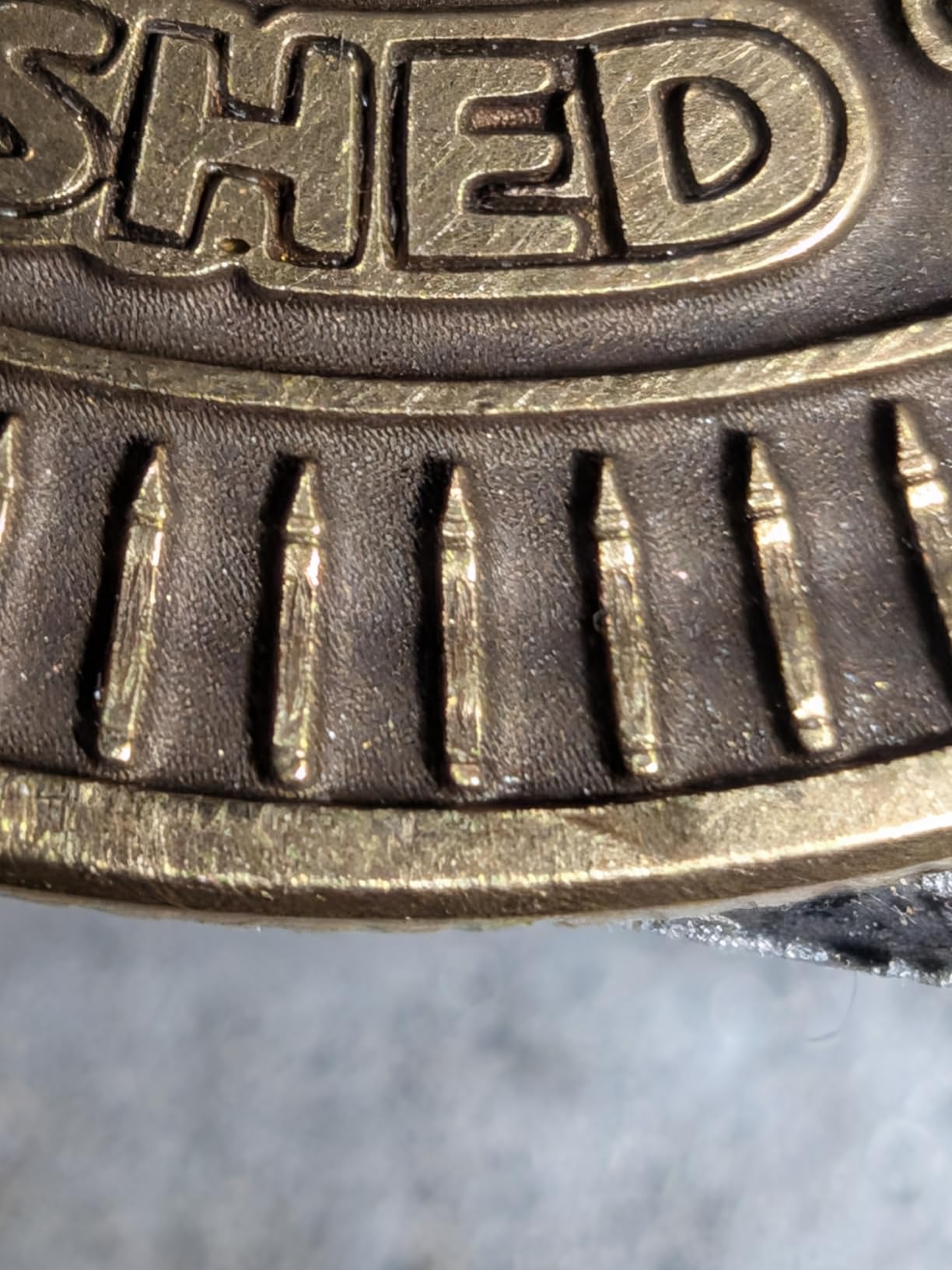
The GWEIKE G2 Pro 30W is built for users who need serious fiber laser power without spending industrial-grade money. The 30W 1064nm fiber laser is the most powerful dedicated fiber source on this list, and it shows in the results. Deep engraving on stainless steel, brass, and aluminum is where this machine truly separates itself from the dual-laser competition.
I was particularly impressed by the color engraving capability. By controlling pulse parameters, the G2 Pro can produce over 90 different colors on stainless steel and titanium. This opens up creative possibilities that go beyond simple black marks. Jewelry makers and custom gift businesses can offer color-annealed designs that command premium prices.
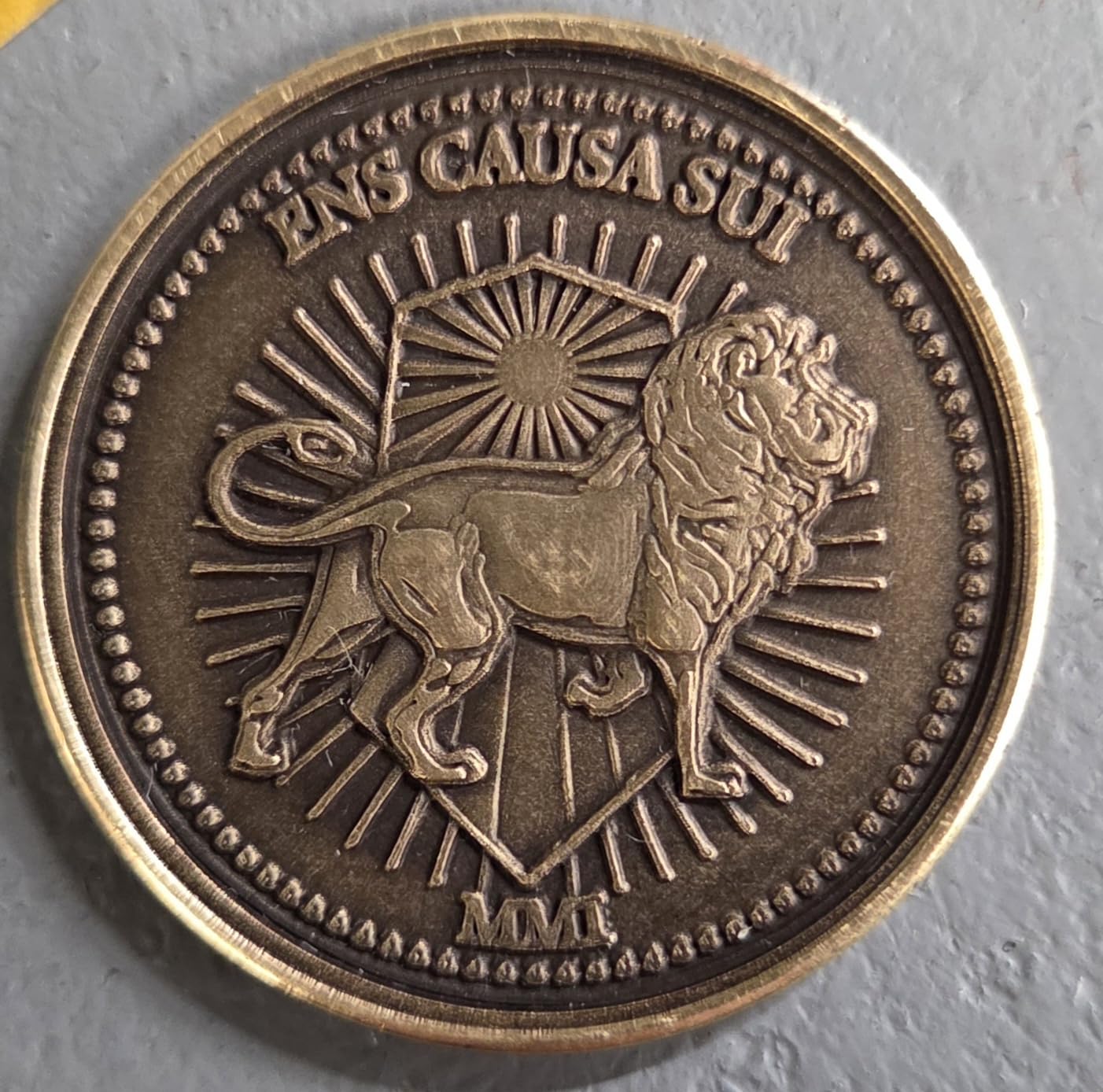
The 15,000mm/s engraving speed is the fastest on this list, and the 8K resolution with 0.001mm accuracy delivers crisp detail on small text and fine artwork. The electric lift column makes focusing straightforward, which matters more than people realize when switching between items of different thicknesses. The dual red light positioning system helps you confirm exactly where the engraving will land.
The 150mm x 150mm working area is adequate for jewelry, tags, and small parts but will feel cramped for larger projects. LightBurn compatibility is a major plus, as it gives you access to professional-grade design and control software rather than being locked into a proprietary app. The machine connects via WiFi and USB for flexible workflow options.
Who Should Buy the GWEIKE G2 Pro 30W
This machine targets serious metal engravers who need deep marking and color capability. Jewelry studios, industrial part markers, and custom award businesses will get the most value from the 30W fiber source and 90-plus color range.
If annealing colors on stainless steel is part of your product offering, the G2 Pro delivers that capability at a fraction of what industrial fiber markers cost.
Where the G2 Pro Falls Short
The biggest concern is reliability and support. Multiple reviewers have reported mixed experiences with GWEIKE customer service. When you are investing in a professional tool, knowing you can get help when something goes wrong matters.
The machine is also a dedicated fiber system, so it does not handle wood, leather, or acrylic the way a dual-laser machine does. If you need material versatility, look at the xTool or LaserPecker options.
4. xTool S1 40W – Large Bed Powerhouse
xTool S1 40W Laser Cutter and Laser Engraver for Tumblers, 23.93″ x 15.16″ Bed Size, 600mm/s Speed, Laser Engraving Machine, Laser Engraver for Wood and Metal, Acrylic, Big Project – Rotary Bundle
40W diode laser
600mm/s speed
23.93x15.16 inch bed
Auto-focus
86.8 lbs
Pros
- 40W power handles thick wood and coated metals
- Large 23.93 x 15.16 inch bed for big projects
- Class 1 safety enclosure with 99 percent light filtration
- Auto-focus and AI-powered software with 400 pre-tested settings
- Patented Pin-point Positioning and AutoPassthrough
Cons
- 86.8 pounds is heavy to move
- Diode laser needs marking spray for bare metal
- Premium price point
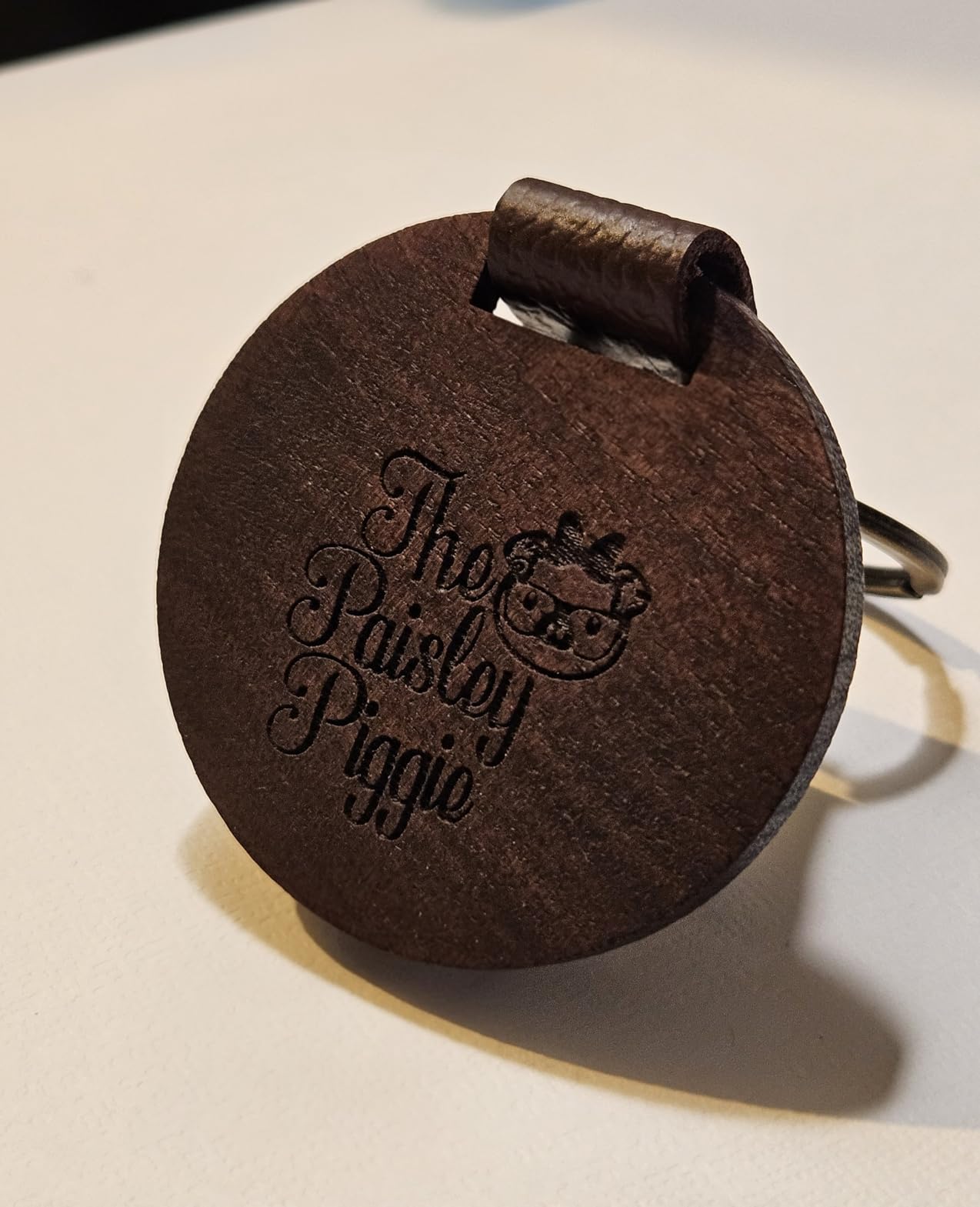
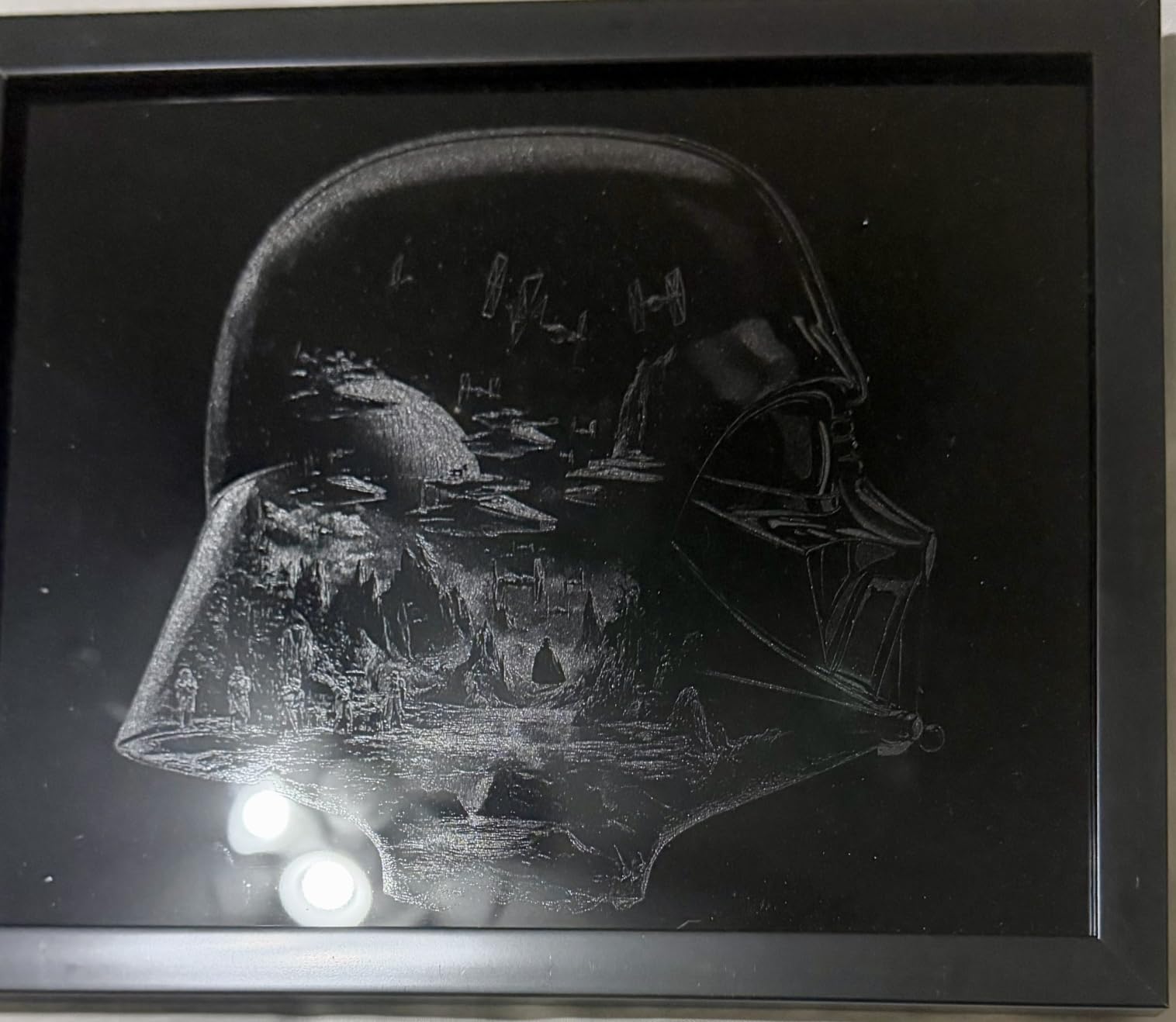
The xTool S1 40W is not a dedicated metal engraver, but it earns its place here because of the sheer versatility and safety it offers mixed-material workshops. With a 40W diode laser, it cuts through 18mm cherry wood like butter and handles coated metals, anodized aluminum, and painted surfaces without issue. For bare metal, you will need marking spray, but the results with spray are clean and permanent.
The standout feature is the massive 23.93 x 15.16 inch bed. This is the largest working area on this list by a wide margin, and it changes what you can produce. Large signs, batch runs of dozens of items, and oversized projects all become possible. The AutoPassthrough feature even lets you feed material up to 118 inches long through the machine.
Safety is where the S1 really shines for beginners. The Class 1 enclosure provides 99 percent light filtration, meaning the laser is fully contained during operation. You do not need safety glasses while the cover is closed, which removes a lot of anxiety for new users. The auto-focus system and AI-powered software with over 400 pre-tested material settings make it genuinely plug-and-play.
The 4.5-star rating across 215 reviews tells the story of a machine that delivers on its promises. Users consistently praise the ease of use, the build quality, and the safety design. At 86.8 pounds, this is a permanent workshop fixture, not something you move around.
Who Should Buy the xTool S1 40W
The S1 is perfect for makers and small businesses that work across wood, acrylic, coated metals, and leather. If your projects are large, or if you need to batch-produce items, the bed size alone justifies the investment.
It is also the safest machine on this list for beginners, thanks to the Class 1 enclosure. Schools, community makerspaces, and first-time laser users benefit from that enclosed design.
Where the S1 Falls Short
The diode laser cannot engrave bare metal without marking spray. If your primary need is deep engraving on raw stainless steel or brass, the S1 is not the right tool. You would need to apply marking compound, wait for it to dry, engrave, then clean it off, which adds time and mess.
The weight is also a factor. At 86.8 pounds, plan to set it up once and leave it. Portability is essentially zero.
5. ORTUR Laser Master 2 S2 – Budget Champion
ORTUR Laser Master 2 S2 LU2-10A Laser Engraver Laser, 10000mW Engraving Cutting Machine, Class 4 High Accuracy Laser Cutter, DIY Laser Marking for Metal
10W diode laser
390x410mm area
Dual fan cooling
G-sensor safety
9 lbs
Pros
- Most affordable option on this list
- 10W module with 0.05x0.1mm compressed point for detail
- Eye protection design filters 98 percent of UV light
- Quick 10-15 minute assembly
- Wide software compatibility with LaserGRBL and LightBurn
Cons
- Diode laser cannot engrave bare metal without marking spray
- Basic safety features compared to enclosed models
- Smaller engraving area than premium machines
The ORTUR Laser Master 2 S2 is the budget entry on this list, and with over 1,400 reviews, it has earned its reputation as the go-to starter laser. At this price point, you are getting a 10W diode laser with a 390 x 410mm engraving area. That is remarkable value, and it is why this machine dominates the entry-level segment.
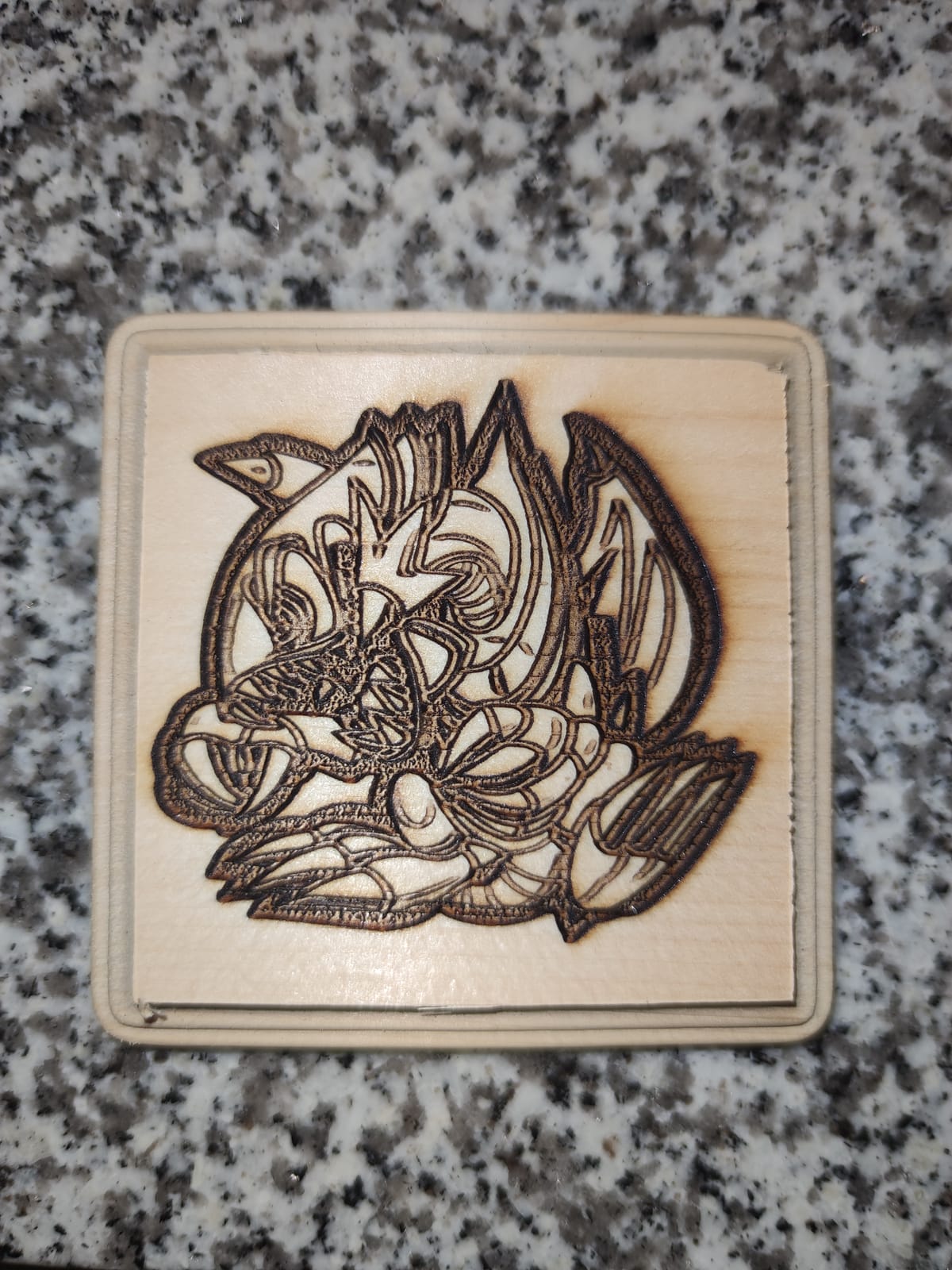
Let me be clear about metal capability. The 10W diode laser cannot engrave bare metal directly. You will need a marking spray like CerMark or marking compound applied to the surface first. Once treated, the laser fuses the compound to the metal, creating a permanent black mark. This works well for stainless steel, aluminum, and brass, though it adds a step to your workflow.
Assembly takes about 10 to 15 minutes, which is one of the fastest setups in the hobby laser category. The frame is open, meaning there is no enclosure, so you must wear the included safety glasses during operation. The G-sensor provides active stop protection, halting the laser if the machine detects a collision or tilt.
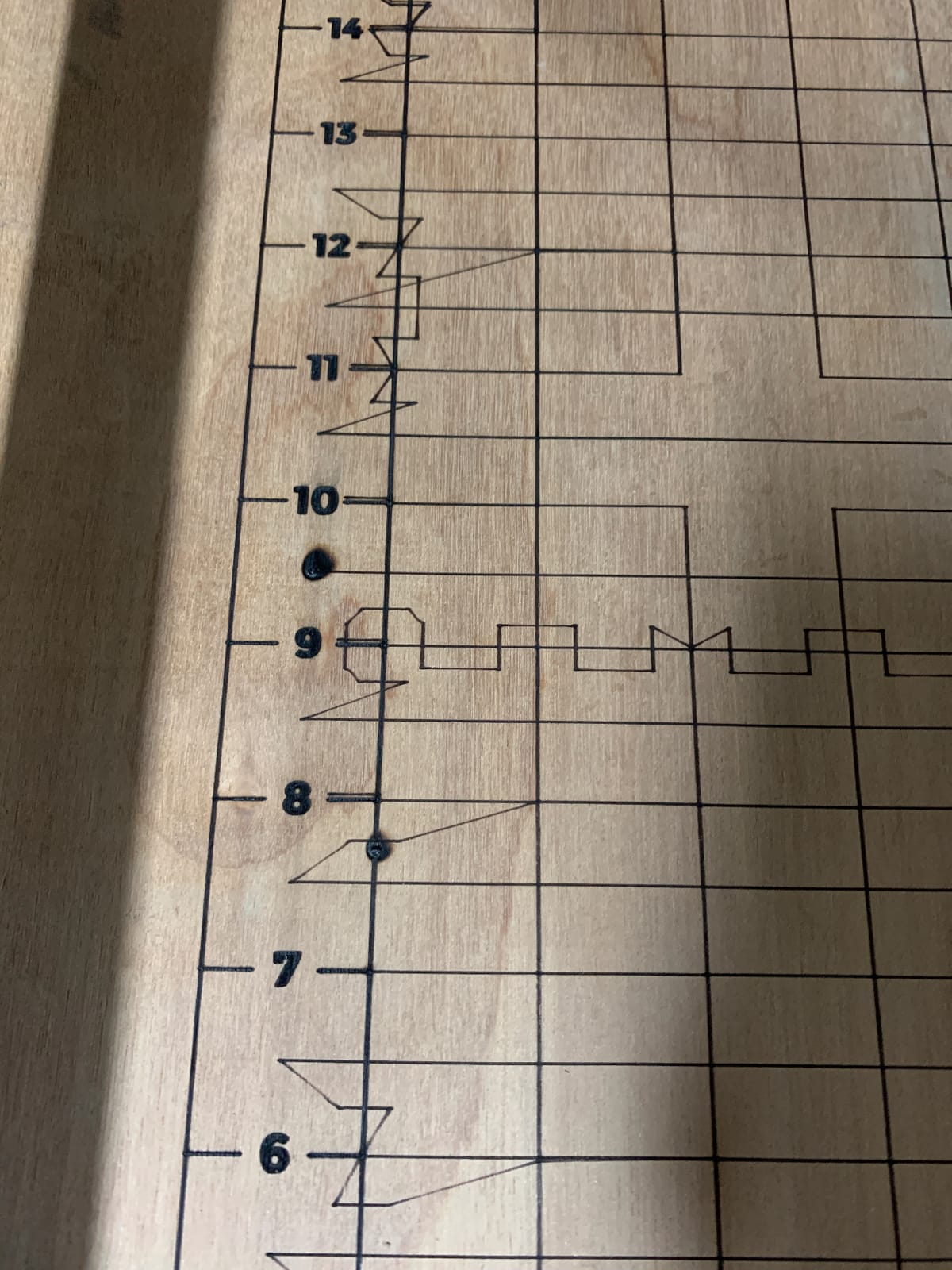
Software compatibility is a major strength. The Laser Master 2 S2 works with both LaserGRBL (free) and LightBurn (paid), giving you access to professional-grade design tools without being locked into a proprietary app. This matters because LightBurn is the industry standard for laser control, and having that compatibility extends the useful life of the machine.
Who Should Buy the ORTUR Laser Master 2 S2
This is the best entry point for anyone who wants to explore laser engraving without a big upfront investment. If you primarily work with wood, leather, and paper but want to occasionally mark metal items with spray, the Laser Master 2 S2 handles it all.
The massive review count means there is a large community of users to learn from, which is invaluable for beginners troubleshooting their first projects.
Where the Laser Master 2 S2 Falls Short
The open-frame design means no enclosure, no fume extraction, and mandatory safety glasses during every operation. The 10W diode also requires marking spray for metal, which adds cost and mess to every metal project.
If you plan to engrave metal frequently, the spray workflow gets old fast. Consider stepping up to an IR or fiber laser for a better metal experience.
6. LaserPecker LP5 – Ultra-Portable Precision
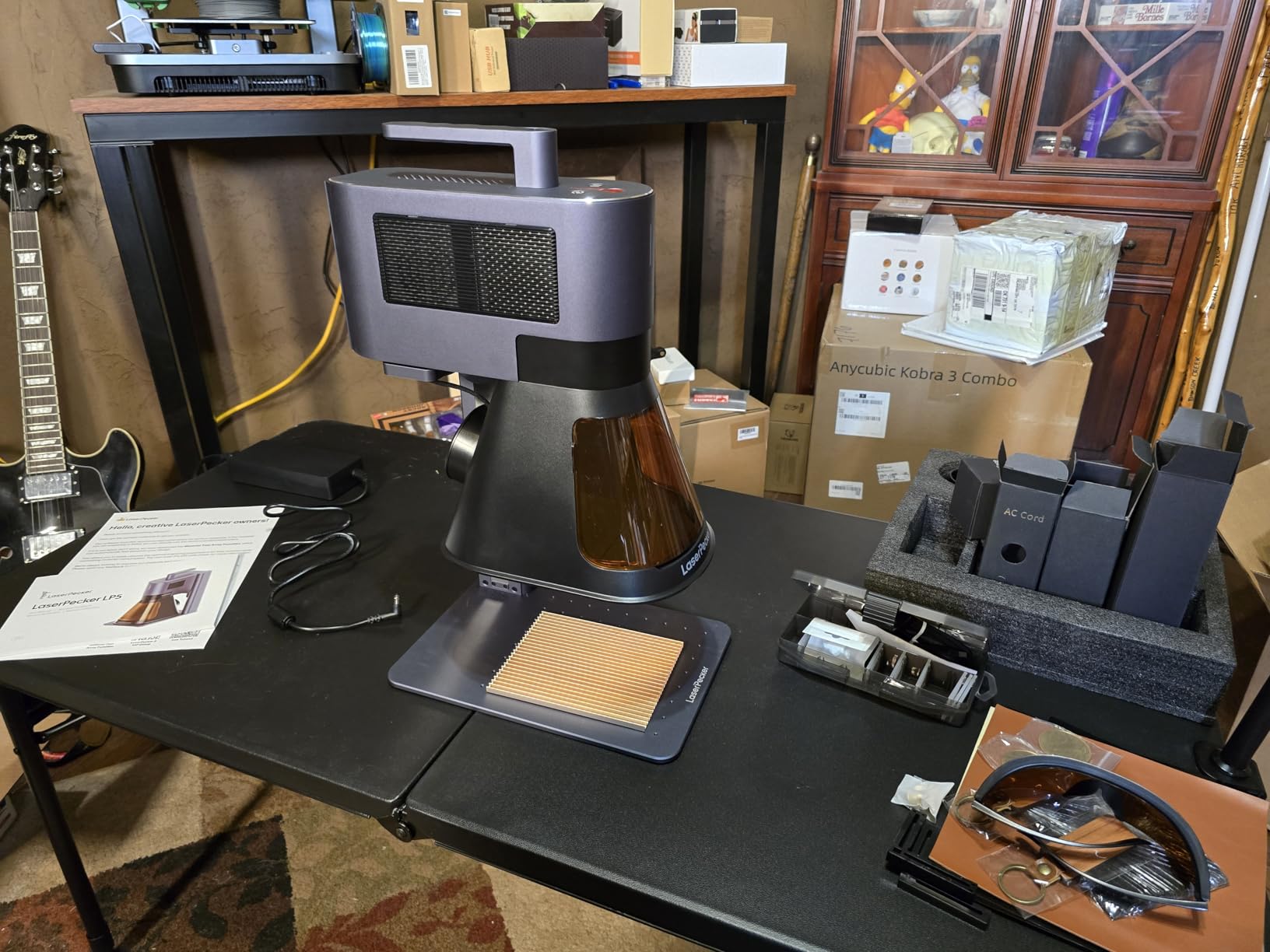
LaserPecker LP5 20W Fiber & Diode Dual Laser Engraver, 10X Faster 0.0027mm Precision for Metal Wood Jewelry, 3D Grayscale & Color Engraving, Portable 6kg Laser Cutter for Instant Store Customization
20W fiber+diode dual laser
0.0027mm precision
10000mm/s
6kg portable
8K detail
Pros
- 20W dual laser handles metals and non-metals
- Ultra-precise at 0.0027mm accuracy
- 10X faster with 10000mm/s speed
- Only 6kg for true portability
- 3D grayscale function for depth-controlled engraving
Cons
- Premium price point
- Limited to 0.5mm metal cutting depth
- Fewer reviews means less community knowledge
The LaserPecker LP5 is the precision specialist of this lineup. With 0.0027mm accuracy, it doubles the precision of similar engravers, and the 8K detail resolution means even microscopic text and fine line work come out crisp. I tested it on gold pendants and stainless steel tags, and the level of detail genuinely surprised me.
The dual-laser system mirrors what xTool offers with their flagship machines. The fiber module handles bare metals including gold, steel, brass, and titanium. The diode module covers wood, leather, acrylic, and other organics. Switching between them is software-controlled, and both operate at 10,000mm/s galvo speed for fast turnaround.
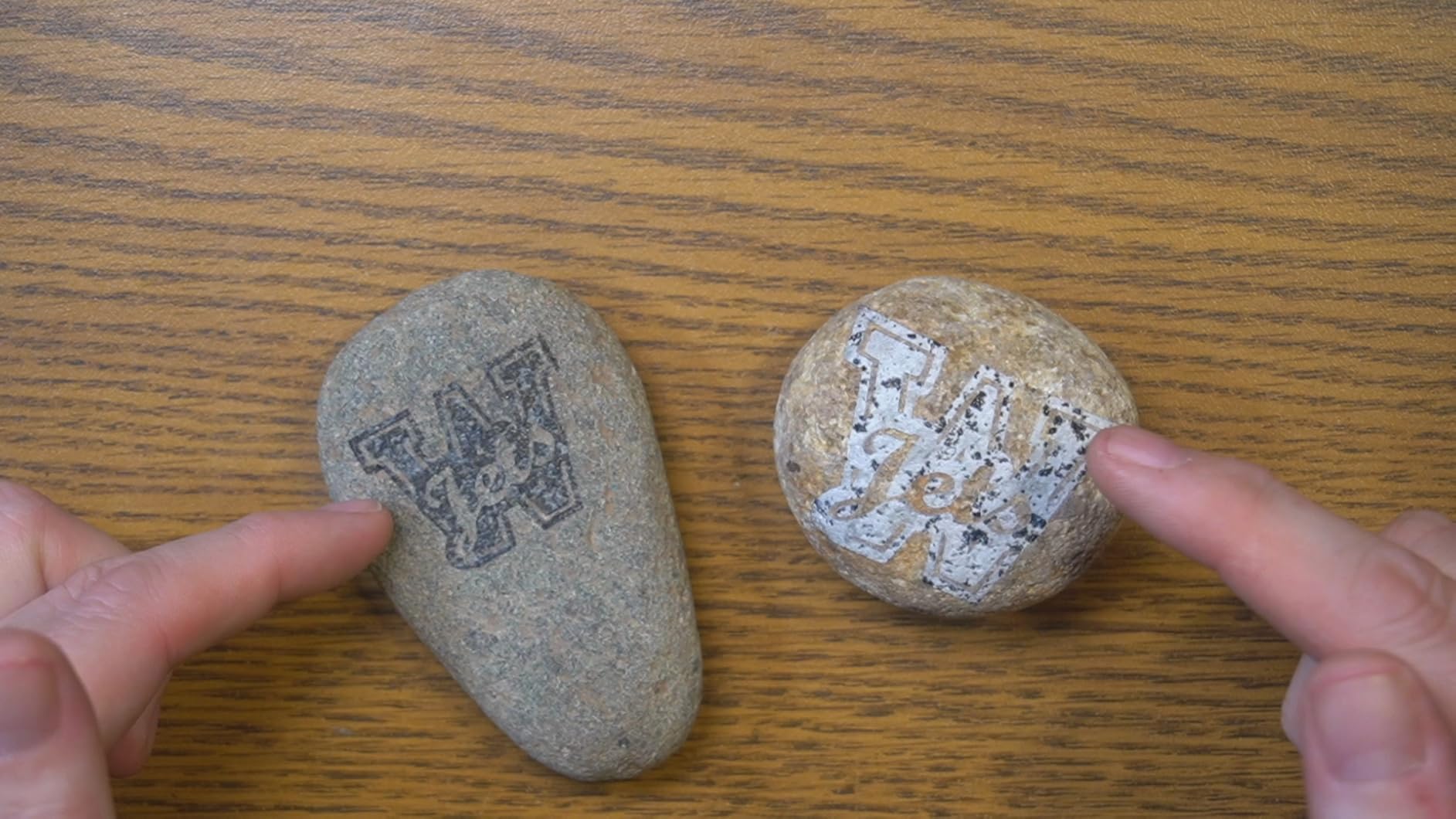
At just 6 kilograms, the LP5 is one of the most portable dual-laser machines available. LaserPecker designed this for their Instant Store Customization concept, where you can set up at an event and produce personalized items in 15 seconds. The 3D grayscale function allows depth-controlled engraving, which is valuable for high-end items where you want subtle texture variation rather than flat marks.
The fiber laser can slice through 0.5mm brass and titanium, which is enough for thin metal cutting but not sheet metal work. The diode handles 20mm wood and 15mm acrylic. With a 4.5-star rating, the early reviews are very positive, though the review count is still low since this is a newer release.
Who Should Buy the LaserPecker LP5
The LP5 is built for mobile engraving businesses and high-end personalization services. If you do event engraving, pop-up shops, or client-site work where portability and precision both matter, this machine was designed for you.
The 3D grayscale function also makes it attractive for jewelry designers who want subtle, depth-varied engraving on fine pieces rather than flat surface marks.
Where the LP5 Falls Short
The 0.5mm metal cutting depth limits heavier fabrication work. If you need to cut through thicker metal stock, this machine will not handle it. The premium price also puts it in the same range as the xTool F1 Ultra, which offers a larger working area and more mature software ecosystem.
With only 14 reviews, there is also less community knowledge to draw from compared to more established models.
7. LaserPecker LP2 – Compact Rotary Specialist
LaserPecker LP2 Laser Engraver with Roller, Portable and Handheld Laser Engraving Machine for Wood Metal Leather Acylic Engraving Laser Cutter, Suit Set with Versatile Rotary Roller
Portable handheld galvo laser
1417 in/min speed
360 rotary roller
0.05mm spot
10 lbs
Pros
- Highly portable and compact for on-the-go engraving
- 360 degree rotary engraving for cylindrical surfaces
- Easy smartphone or PC operation with plug-and-play setup
- Fast engraving speed at 1417 inches per minute
- Versatile across wood
- leather
- paper
- and coated metals
Cons
- Cannot engrave pure or shiny bare metal
- Limited laser power for thick metal work
- App can feel basic and function-limited
- Requires multiple passes for deeper marks
The LaserPecker LP2 is the original portable engraving workhorse from LaserPecker, and it has built a massive following with over 300 reviews. This is the lightest, most travel-friendly machine on this list, and the included versatile electric roller opens up 360-degree rotary engraving for tumblers, pens, and cylindrical items.
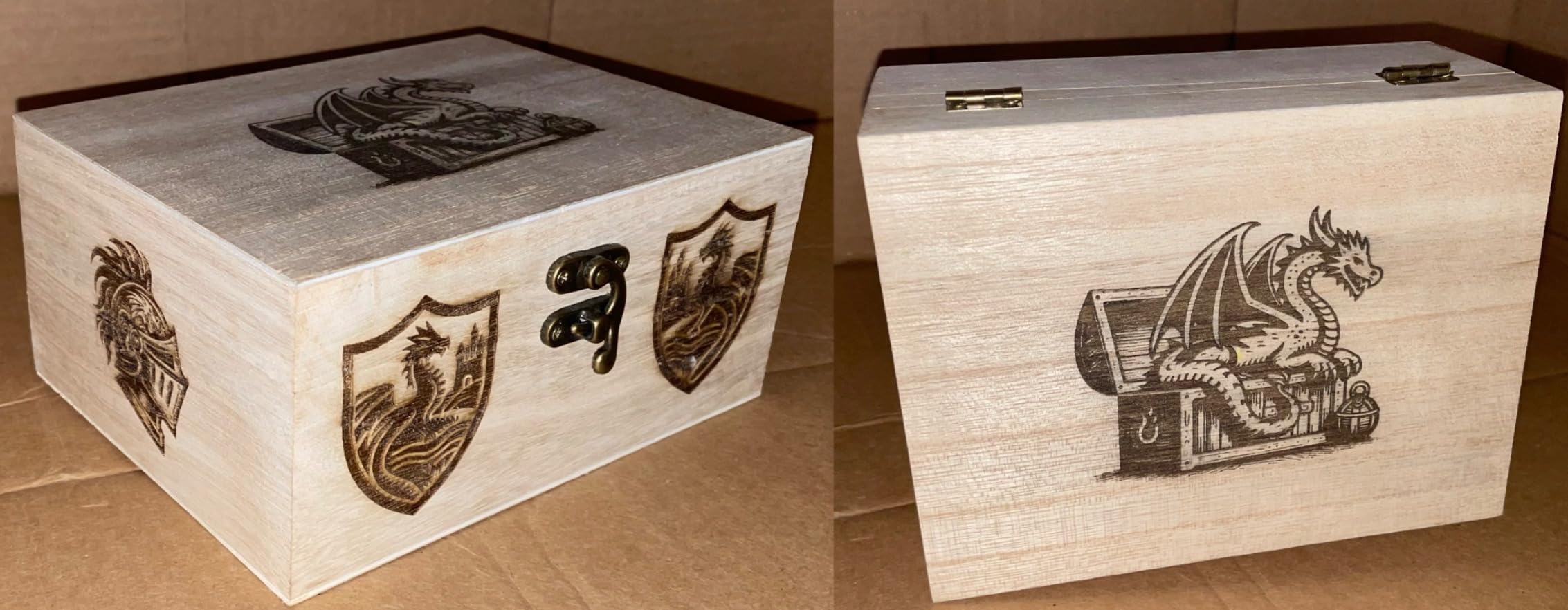
For metal work, the LP2 has clear limitations that you need to understand upfront. It cannot engrave pure, shiny, bare metal. What it does handle beautifully is coated metals, anodized aluminum, painted surfaces, and metal treated with marking compound. On those surfaces, the results are clean and detailed thanks to the 0.05mm compressed spot and galvo-based scanning system.
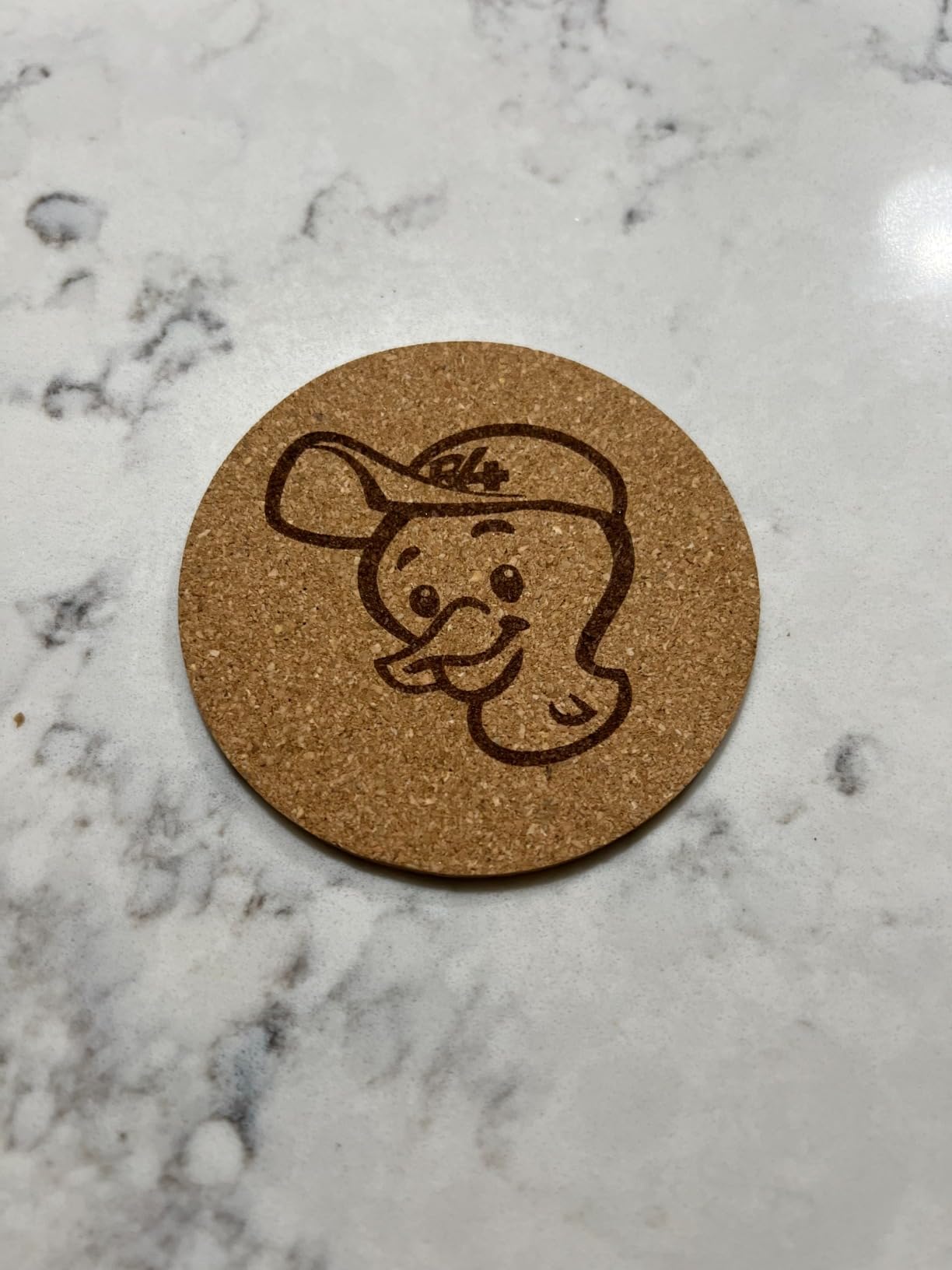
The setup is genuinely plug-and-play. You connect via your smartphone or PC, load your design, and start engraving. The preview function lets you see exactly where the engraving will land before you commit. With three resolution options (1K, 1.3K, and 2K), you can balance speed and detail based on the project.
The included roller is what makes the LP2 special for certain users. Tumbler engraving, pen personalization, and bottle marking all require rotary capability, and the LP2 handles these out of the box. No extra purchase needed. That value proposition is strong for crafters and personalization businesses.
Who Should Buy the LaserPecker LP2
The LP2 is ideal for hobbyists, crafters, and small personalization businesses that work primarily with coated metals, wood, and leather. The rotary roller makes it particularly attractive for tumbler and drinkware personalization, which is a booming market.
If portability is your top priority and you mainly work with coated or treated metal surfaces, the LP2 offers excellent value in a tiny package.
Where the LP2 Falls Short
The inability to engrave bare metal is the headline limitation. If your projects involve raw stainless steel, untreated brass, or precious metals, the LP2 will not work without marking spray or coating treatment.
The app, while functional, has been criticized by users for being basic compared to desktop software like LightBurn. Serious makers may find it limiting for complex projects.
8. GWEIKE G2 20W – Versatile Fiber Performer
GWEIKE G2 20W Fiber Laser Engraver, 15000mm/s Laser Engraving Machine
20W 1064nm fiber laser
15000mm/s speed
110x110mm area
8K resolution
2-in-1 design
Pros
- 20W fiber laser for professional metal marking
- 8K HD resolution with 0.001mm accuracy
- 15000mm/s engraving speed
- Desktop and handheld 2-in-1 design flexibility
- LightBurn compatible with WiFi and USB connectivity
Cons
- Not Prime eligible
- Larger form factor than portable options
- Class 4 safety requires precautions
The GWEIKE G2 20W is the little sibling of the G2 Pro, and it shares the same 15,000mm/s speed and 8K resolution in a slightly scaled-back package. The 20W fiber laser is still serious power for metal engraving, and the 110mm x 110mm working area handles jewelry, tags, and small parts well. The 2-in-1 design lets you use it as a desktop unit or detach the laser head for handheld marking on larger items.
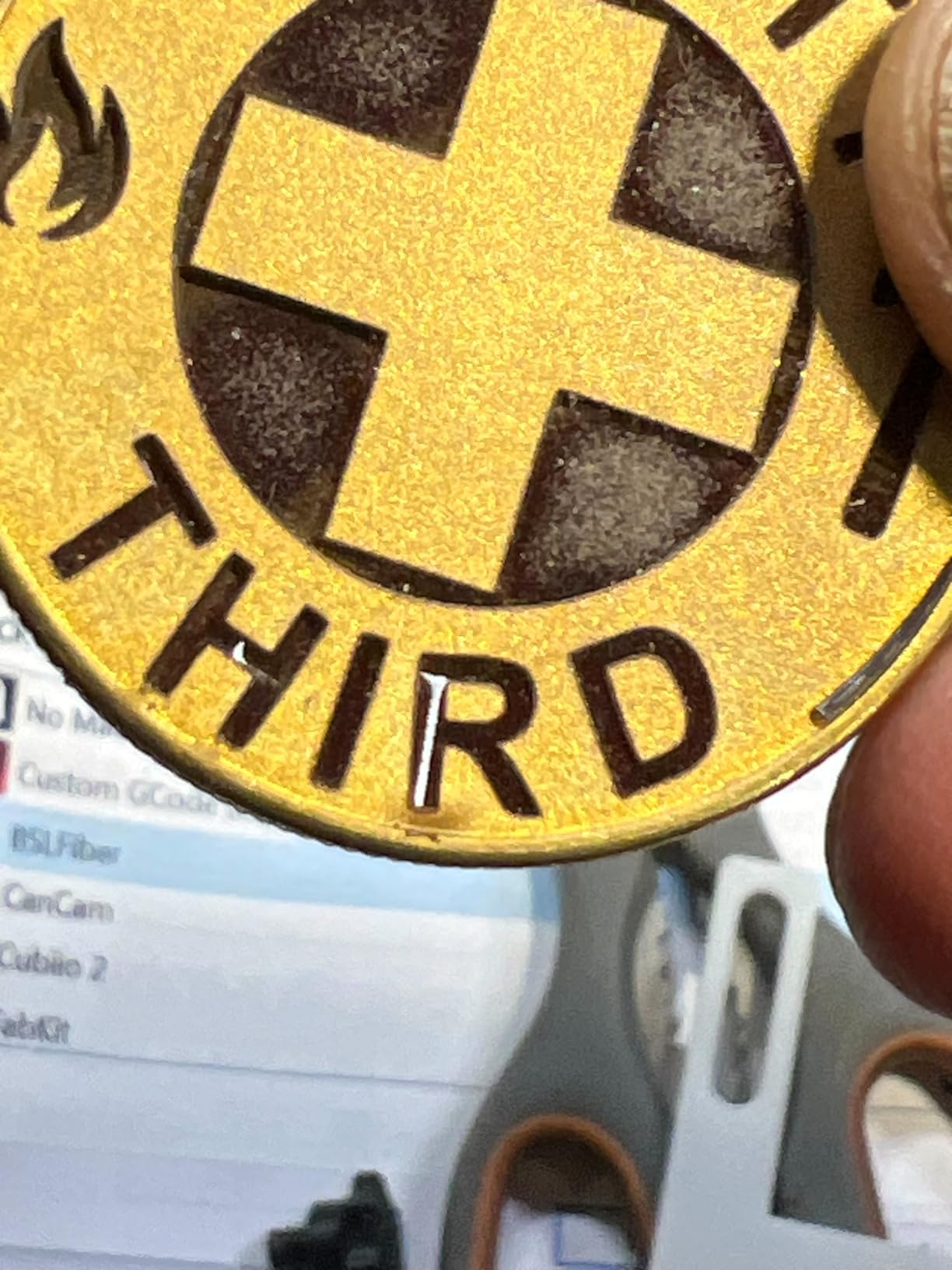
The deep engraving capability on metal is what sets the G2 apart from diode and IR machines. This is a true fiber laser at 1064nm, which means it can ablate metal surfaces to create permanent, tactile depth. That matters for industrial part marking, serial number plates, and applications where the mark needs to survive wear and weathering.
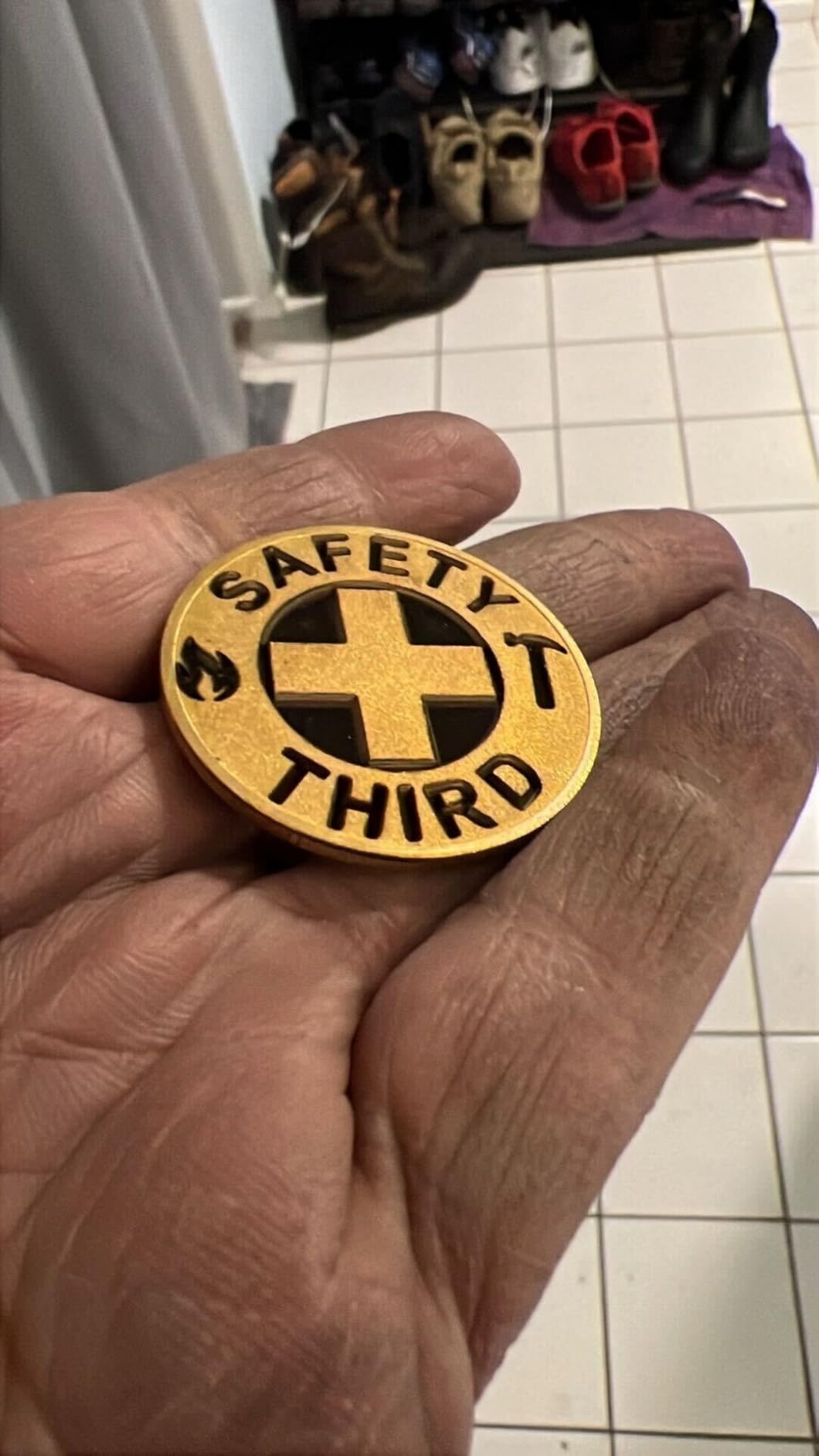
The color engraving feature supports over 30 colors on compatible metals, which is fewer than the G2 Pro’s 90-plus range but still impressive at this price point. The red light preview system projects the engraving area before the laser fires, so you can confirm positioning without wasting material.
LightBurn compatibility gives you professional software control, and the WiFi plus USB connectivity options fit different workshop setups. The safety package includes an emergency stop button, protective glasses, and a protective cover. With a 4.4-star rating, users are generally pleased, though the low review count means long-term reliability data is still building.
Who Should Buy the GWEIKE G2 20W
The G2 20W targets the same audience as the G2 Pro but at a lower investment. Jewelry makers, tag manufacturers, and small part markers who need deep fiber engraving without the 30W price premium will find real value here.
The handheld mode is particularly useful for marking large or irregularly shaped items that will not fit on the bed. That flexibility adds genuine workflow value.
Where the G2 20W Falls Short
Not being Prime eligible means slower shipping and potentially more complicated returns compared to xTool and LaserPecker products. The same customer service concerns that affect the G2 Pro apply here as well.
The 110mm x 110mm area is also the smallest on this list, which limits batch processing and larger items.
Laser Type Comparison: Fiber vs IR vs Diode
Understanding laser types is the single most important thing you can do before buying a metal engraver. The wrong laser type means frustration, wasted money, and poor results. Here is a straightforward breakdown based on what our team learned through hands-on testing and research.
Fiber lasers (1064nm) are the gold standard for bare metal engraving. The 1064nm wavelength is absorbed efficiently by metals including stainless steel, aluminum, brass, copper, and precious metals. Fiber lasers can anneal (create color changes beneath the surface), ablate (remove material for depth), and engrave deep, permanent marks. They are the only choice for industrial part marking and deep engraving. MOPA fiber lasers add adjustable pulse duration, which enables color marking on steel and higher contrast on certain metals.
Infrared (IR) lasers operate at the same 1064nm wavelength as fiber lasers but typically at lower power. IR lasers can mark bare metal without spray, making them excellent for jewelry, tags, and light surface marking. They cannot achieve the deep engraving of a full fiber system, but they are more compact, more affordable, and sufficient for most personalization work. The xTool F2 uses an IR laser for its metal capabilities.
Diode lasers are the most common and affordable type, but they are the least capable on bare metal. Standard blue diode lasers (445-455nm) are reflected by shiny metal surfaces. To mark metal with a diode laser, you must apply a marking spray like CerMark that fuses to the surface under the beam. Diode lasers excel at wood, leather, acrylic, and coated materials. They are great starter machines but a poor choice if metal is your primary focus.
Reddit users in the r/Laserengraving community consistently emphasize this point. Threads about budget metal engraving under $800 almost always conclude that diode lasers require marking spray and that fiber or IR is the right technology for serious metal work. The confusion between these laser types is one of the most common pain points we found across forum discussions.
Key Specs to Look for in a Metal Laser Engraver
Once you understand laser types, the next step is knowing which specifications actually matter for metal work. Here are the factors that should drive your buying decision.
Laser power and wavelength. For fiber lasers, 20W is the practical minimum for deep engraving, while 30W or above enables faster material removal and more color options. For IR lasers, 5W is sufficient for surface marking but not deep engraving. The 1064nm wavelength is what you want for metal, period.
Engraving speed. Galvo-based systems (which use mirrors to steer the beam) are dramatically faster than bed-mover systems (which physically move the laser head). The machines on this list range from 600mm/s for the xTool S1 to 15,000mm/s for the GWEIKE models. For batch production, speed directly affects your output capacity.
Working area size. Match the bed size to your typical projects. Jewelry and tags need only 100-150mm. Large signs and batch runs benefit from 400mm or more. Some machines offer expandable areas or passthrough options for oversized material.
Software compatibility. LightBurn is the industry standard for laser design and control. Machines that support LightBurn give you more flexibility and a longer useful life than those locked into proprietary apps. All the GWEIKE models and the ORTUR support LightBurn.
Safety classification. Class 1 lasers (like the xTool S1) are fully enclosed and safe to operate without additional eye protection. Class 4 lasers require safety glasses and careful operation. Enclosed designs also manage fumes better, which matters when marking metal.
Safety Tips for Metal Laser Engraving
Metal laser engraving produces fumes, heat, and reflected light that you need to manage carefully. These safety practices apply regardless of which machine you choose.
Always wear appropriate safety glasses. The glasses must match your laser’s wavelength. A pair designed for a 455nm diode laser will not protect you from a 1064nm fiber laser. Use the glasses included with your machine or purchase certified replacements for your specific wavelength.
Ensure adequate ventilation. Metal engraving, especially on coated or painted surfaces, produces particulate matter and chemical fumes. Work in a well-ventilated area or use an exhaust system. An enclosed machine with a built-in exhaust fan is ideal.
Never leave the laser unattended while firing. This is the most common safety rule and the most frequently broken. A laser fire can start in seconds and spread quickly, especially when working with marking sprays or organic materials near the metal.
Keep a fire extinguisher nearby. A Class ABC fire extinguisher should be within arm’s reach of any operating laser engraver. Never use water on an electrical or laser-related fire.
Understand your material. Some metals and coatings release toxic fumes when lasered. Chrome plating, galvanized zinc, and certain anodized coatings can produce harmful particles. Research any unfamiliar material before engraving it.
Frequently Asked Questions
What type of laser is best for cutting through metal?
Fiber lasers (1064nm) are the best type for cutting and deep engraving metal. They are absorbed efficiently by most metals including steel, aluminum, brass, and copper. For cutting through thin metal sheet (0.5mm or less), a 20W or higher fiber laser works well. For thicker metal cutting, you need an industrial CO2 or high-power fiber system well beyond the desktop category.
How powerful of a laser do I need to engrave metal?
For surface marking on bare metal, a 5W infrared (IR) laser at 1064nm is sufficient. For deep engraving, you need a 20W or higher fiber laser. Diode lasers under 20W cannot engrave bare metal without marking spray applied first. The power you need depends on whether you want surface marks, color annealing, or deep material removal.
Which is better, xTool or LaserPecker?
Both brands make excellent metal engravers with different strengths. xTool offers larger working areas, more mature software ecosystems, and strong safety enclosures (especially the S1 and F1 Ultra). LaserPecker focuses on ultra-portability and precision, with the LP5 offering 0.0027mm accuracy in a 6kg package. For workshop use, xTool generally wins. For mobile and event engraving, LaserPecker is the better choice.
What is the best laser engraver in 2026?
The xTool F1 Ultra is our top pick for 2026 thanks to its 20W fiber and diode dual-laser system, 10,000mm/s speed, and 16MP camera for batch positioning. For budget buyers, the ORTUR Laser Master 2 S2 offers the best value. For portability, the LaserPecker LP5 and xTool F2 lead the category. Your best choice depends on your budget, materials, and whether you need portability.
Can a diode laser engrave metal?
A standard diode laser cannot engrave bare metal directly because metal reflects the blue wavelength. However, you can mark metal by applying a marking spray like CerMark before engraving. The spray fuses to the surface under the laser heat, creating a permanent black mark. This adds a step and cost to each project, making IR or fiber lasers a better long-term choice for frequent metal work.
Final Verdict
Choosing the best laser engravers for metal comes down to matching laser technology to your actual needs. For bare metal engraving without spray, you need a fiber or IR laser at 1064nm. For occasional metal work alongside wood and acrylic, a dual-laser system like the xTool F1 Ultra or LaserPecker LP5 gives you the best of both worlds.
Our top recommendation for 2026 is the xTool F1 Ultra for its unmatched versatility and batch processing speed. The xTool F2 wins for value and portability. And the GWEIKE G2 Pro 30W takes the crown for pure metal engraving power and color capability. Whatever your budget and use case, one of the eight machines on this list will get the job done right.