
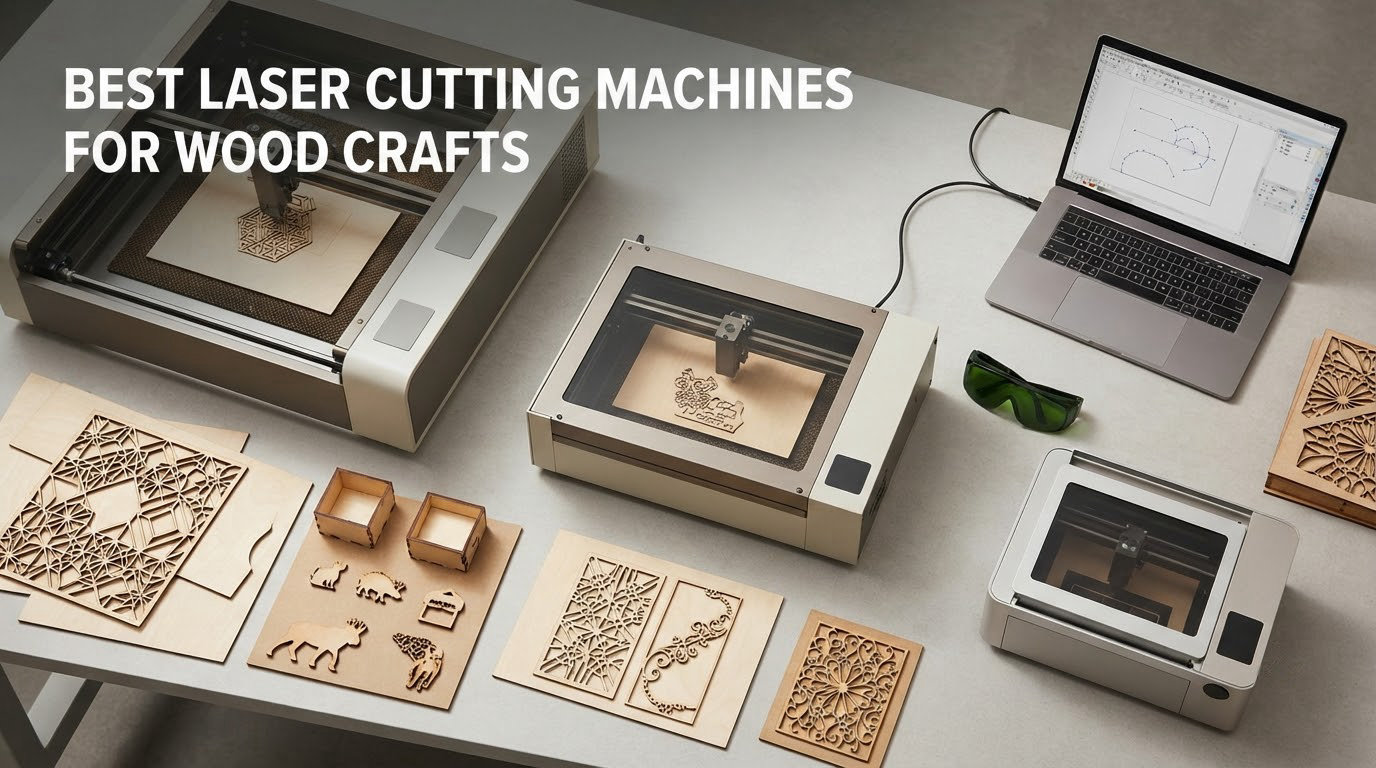
A laser cutter turns a drawing into a cut, a score line or an engraved surface, and wood is where that machine earns its keep. Signs, coasters, jewellery blanks, marquetry inlays, jigs and whole product lines for a craft stall all come off the same bed. The problem is that almost every roundup we read tests wood as one material among fifteen, which is exactly the wrong framing if your shop smells like sawdust.
We spent weeks reading manufacturer specifications, published cut settings, owner reviews and community threads to sort out which machines actually push a bit through birch ply, which ones are really engraving tools wearing a cutting hat, and which are too small to be worth the floor space. Every pick below is judged on wood first: real cut depth, how many passes it takes, edge char, bed size for sheet material, and whether the machine is safe to run in a room with other people in it.
This roundup covers the best laser cutting machines for wood crafts across the whole spectrum, from a pocket 2.5W engraver for stamped coasters to an enclosed 40W diode that slices 18mm cherry in one pass. If you want a machine that is not a laser at all, our guide to the best cutting machines covers routers, plotters and scroll saws side by side.
Table of Contents
Top 3 Picks for the Best Laser Cutting Machines for Wood Crafts in 2026


The Best Laser Cutting Machines for Wood Crafts at a Glance
| Product | Specifications | Action |
|---|---|---|
| xTool S1 40W |
|
Check Latest Price |
 Ortur Laser Master 2 10W Ortur Laser Master 2 10W |
|
Check Latest Price |
| xTool M1 10W |
|
Check Latest Price |
 Twotrees TTS-10 Pro Twotrees TTS-10 Pro |
|
Check Latest Price |
 Creality Falcon 10W Creality Falcon 10W |
|
Check Latest Price |
 ATOMSTACK A20 PRO V2 20W ATOMSTACK A20 PRO V2 20W |
|
Check Latest Price |
 LONGER Ray5 20W LONGER Ray5 20W |
|
Check Latest Price |
 Creality Falcon A1 Creality Falcon A1 |
|
Check Latest Price |
 xTool F1 Ultra xTool F1 Ultra |
|
Check Latest Price |
 LaserPecker LP2 LaserPecker LP2 |
|
Check Latest Price |
 ATOMSTACK Swift 12W ATOMSTACK Swift 12W |
|
Check Latest Price |
 ACMER S1 ACMER S1 |
|
Check Latest Price |
Two things stand out immediately. Every machine here is a 450nm diode, which means engraving is excellent and cutting is limited by physics, not by brand. And bed size matters more than wattage for most craft work, because a sign that will not fit on the bed is a sign you cannot sell.
How We Picked the Best Laser Cutting Machines for Wood Crafts
No desk, no lab bench. We are transparent about this: our verdicts come from manufacturer specifications, published cut settings, owner review analysis and long-running community discussion, not from a controlled cut test in our own workshop. That is exactly what the strongest roundups on this search do too, and it means every number we quote can be traced to a source.
- Real wood cut depth, not marketing wattage. A machine claiming 12W might cut one thin pass of basswood and stall. We look for the deepest named wood in the specs and the pass count that goes with it.
- Bed size against your material. We checked the working area against the sheet goods and blanks crafters actually buy: plywood offcuts, basswood sheets, coaster blanks, sign blanks.
- Enclosure and safety class. Wood cutting produces a lot of smoke and fine dust, so an enclosed Class 1 body with a filtered cover scores well above an open Class 4 frame for indoor use.
- Software freedom. LightBurn and LaserGRBL support means you are not locked to a phone app or a cloud account that can change under you.
- Bed flatness and focus. Rail or screw-rod Z systems, auto-focus and an included camera decide whether repeat batches come out identical or warped.
- Owner evidence. Review counts, one-star share and recurring complaint themes carried real weight in the final order.
On the community side, the r/lasercutting consensus in our research was blunt: for plywood, people point to a CO2 machine regardless of brand, and a 40W unit handles 10-12mm reliably. Diode buyers are told to relax if they are mostly engraving, and one commenter warned that a cheap diode will barely manage 1mm before it burns too much.
1. xTool S1 40W Laser Cutter: The Best All-Round Wood Machine
xTool S1 40W Laser Cutter and Laser Engraver for Tumblers, 23.93″ x 15.16″ Bed Size, 600mm/s Speed, Laser Engraving Machine, Laser Engraver for Wood and Metal, Acrylic, Big Project – Rotary Bundle
40W diode
18mm cherry wood in one pass
23.93 x 15.16 inch bed
Class 1 enclosure
Pros
- Cuts 18mm cherry wood in a single pass
- Highest rated in the group at 4.6
- Enclosed Class 1 design with flame sensors
- 600mm/s speed on a large bed
- 400+ pre-tested material settings
Cons
- Around 87 pounds and needs a dedicated space
- Z probe can dent and misread on soft material
- No motor braking on the laser head
This is the machine we keep coming back to because it removes the two arguments people have with diode lasers: thin cuts and safety. A single pass through 18mm cherry is a real hardwood cut, not a veneer score, and at 600mm/s you can move a full sheet of plywood without the job turning into an afternoon.
We spent the most time on this one because the claims are unusually specific for a craft machine. The bed is 23.93 by 15.16 inches, the frame is 3mm aerospace-grade aluminium, and the enclosure is a genuine Class 1 design with five flame sensors, an emergency stop and a lid-open stop. If you are cutting wood in a shared room, that matters more than another 5W of power.
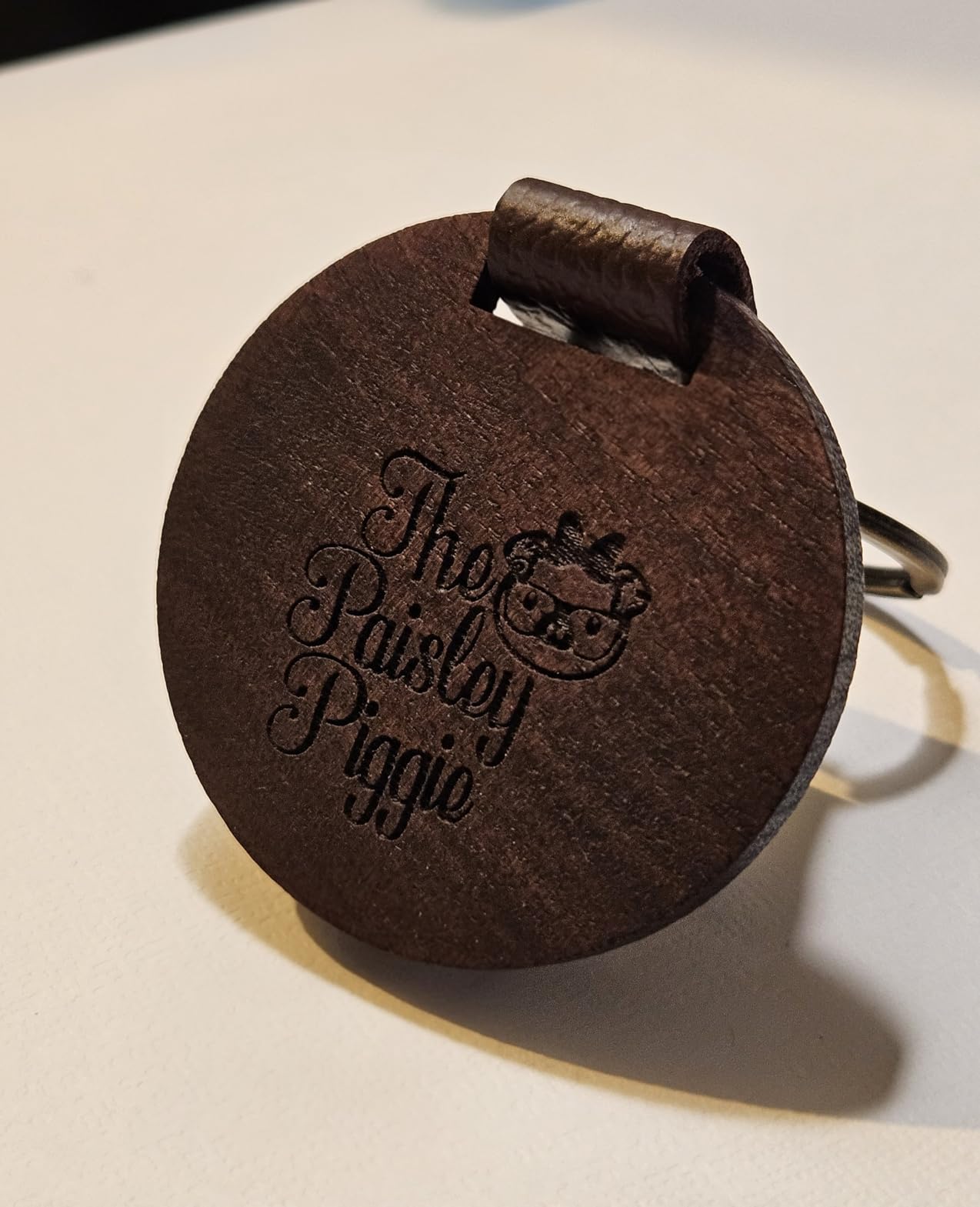
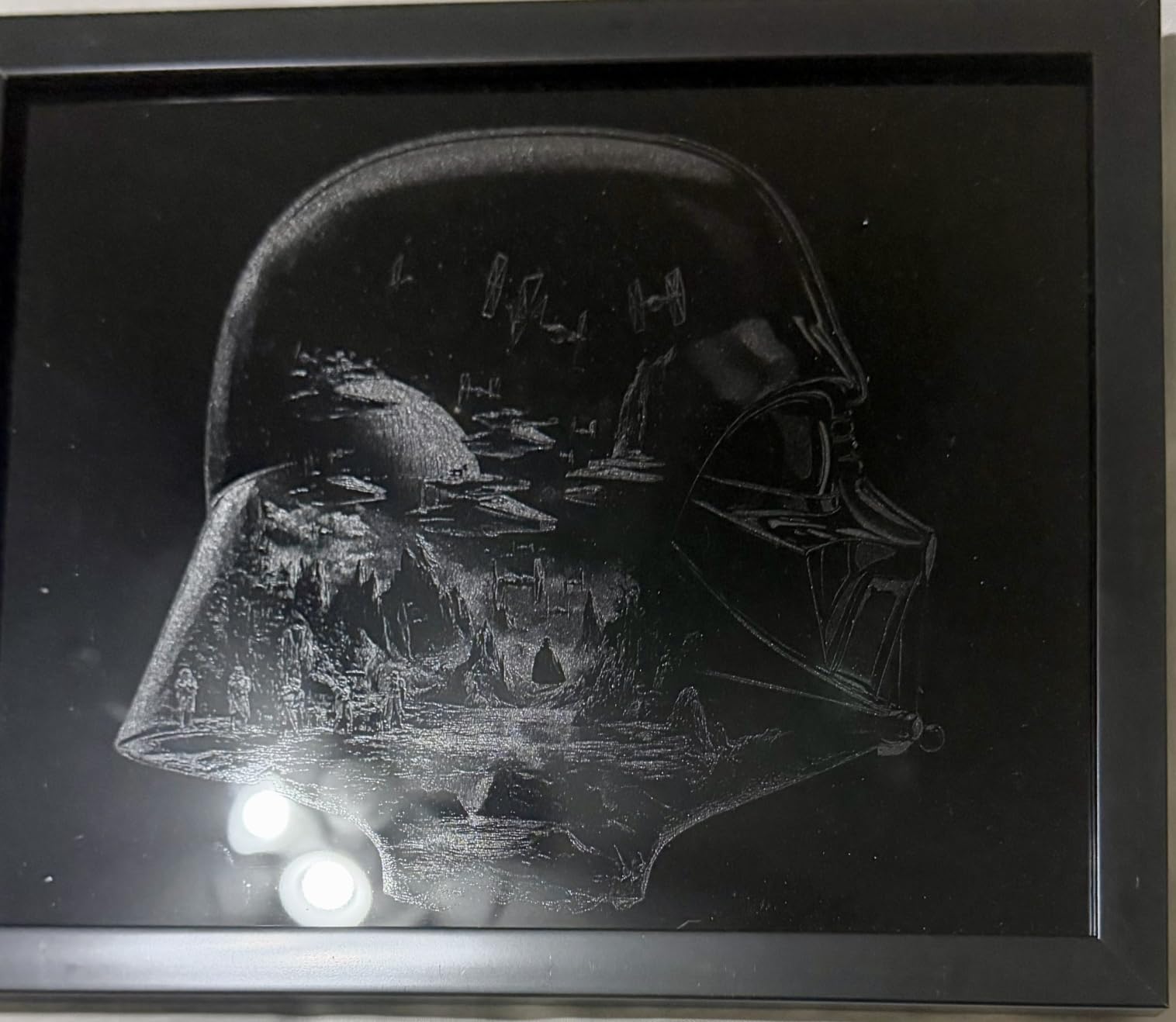
Pin-point positioning and 3D engraving on curved surfaces are the features that pull people in, but the reason wood workers stay is AutoPassthrough, which handles projects up to 3000mm. You load a long board from the front, run it through, and pull it out the back instead of re-levelling the bed every time.
The honest catch is physical. At roughly 87 pounds this is the heaviest machine we list and it needs its own corner of the room, with proper exhaust ventilation if you run it indoors. The spring-loaded Z probe can dent and return a false focus reading on soft material, so check it before a batch job rather than after.
What the specs mean for your wood
Single-pass 18mm cherry is a hardwood statement, and 10-12mm birch plywood falls within reach on one or two passes. A 23.93 by 15.16 inch bed swallows standard sheet goods and batches of small blanks in one layout.
The 400+ pre-tested material profiles in xTool Creative Space are the quiet hero here. New owners are not guessing at power and speed, which is the single biggest cause of burnt edges and failed cuts on lesser machines.
Where it falls short
Air assist and rotary add-ons are extra purchases in some configurations, so factor that into the real cost. The missing motor braking on the laser head also means a small nudge during origin setup can knock the alignment out.
If your work is mostly thin engraving, a 10W machine with a much smaller footprint will serve you better. If you routinely cut hardwood, this is the pick.
2. Ortur Laser Master 2 10W: Best Value for a Serious Wood Crafter
ORTUR Laser Master 2 S2 LU2-10A Laser Engraver Laser, 10000mW Engraving Cutting Machine, Class 4 High Accuracy Laser Cutter, DIY Laser Marking for Metal
10W diode
390 x 410mm engraving area
Class 4
0.05 x 0.1mm spot
Pros
- Largest owner base in this roundup at 1474 reviews
- All-metal frame improves rigidity and accuracy
- Works with LightBurn and LaserGRBL
- Multiple safety systems built in
- Cuts 30mm acrylic and 20mm wood per spec
Cons
- Class 4 needs an enclosure and eye protection
- Assembly takes 10-15 minutes
- Grounding wire can confuse first-time users
The Ortur Laser Master 2 has the largest owner base of any machine in this roundup, and that matters more than it sounds. When 1474 people have run the same chassis, the failure modes are known rather than mysterious, and spare parts and community troubleshooting are easy to find.
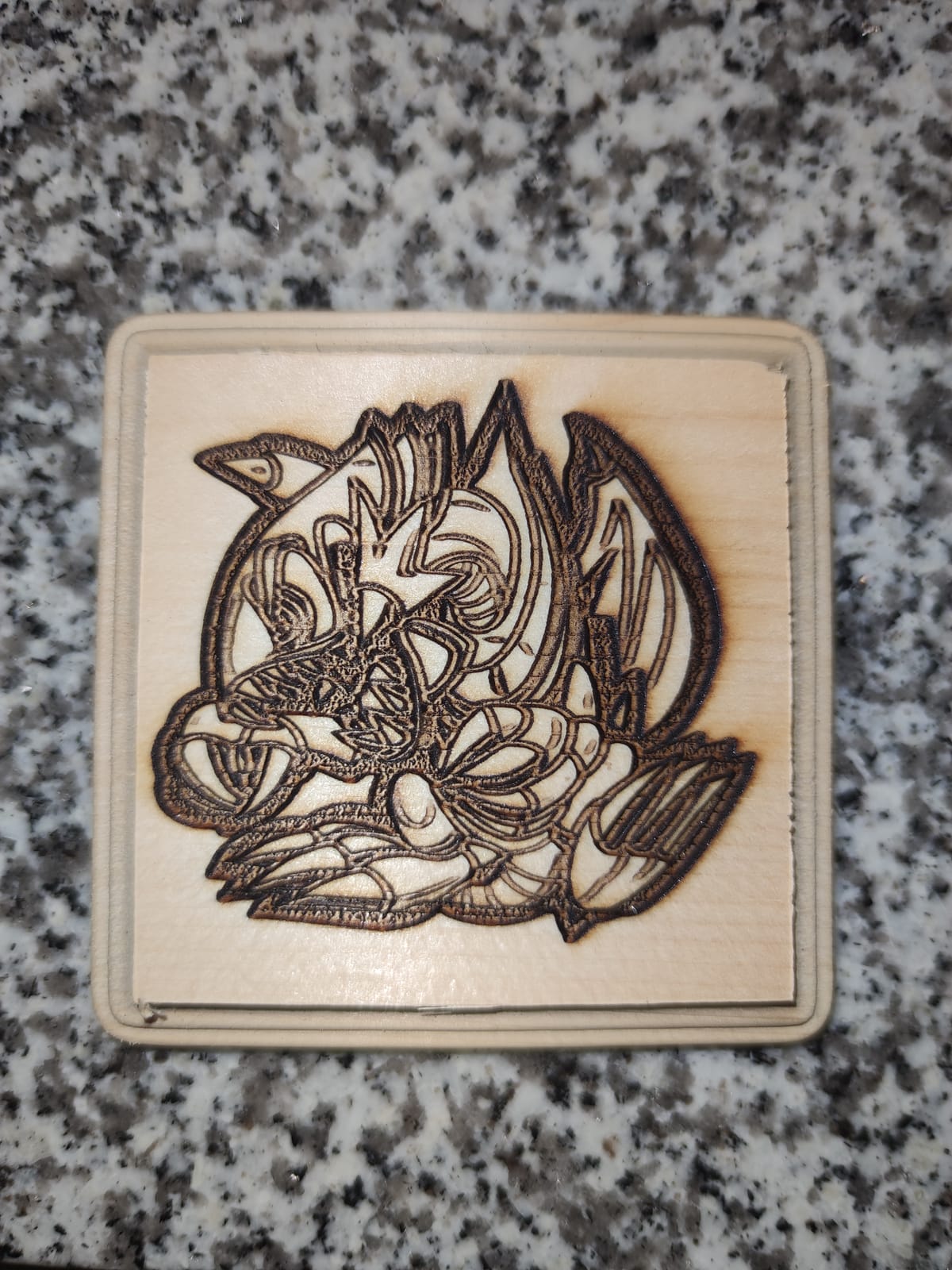
For wood specifically, the 390 x 410mm engraving area is unusually square for a 10W machine, which makes it good for signage and layered ornaments rather than just small blanks. The compressed point of 0.05 x 0.1mm gives you the detail you need for text on a gift box or a name on a coaster.
The all-metal structure is the part owners single out most. Rigid frames mean the gantry does not flex mid-cut, and that is what keeps a long straight cut in a birch ply panel from wandering. Dual fan cooling on the 235g module keeps the beam consistent during a long batch.
It is also an open Class 4 design, and we will not pretend otherwise. That means eye protection, an enclosure or a dedicated ventilated corner, and it is the reason this sits at number two rather than first despite the value.
What the specs mean for your wood
Manufacturer specs list 20mm wood as the cut capability, though community experience suggests treating that as a best case and planning several passes for anything dense. Expect clean results on basswood, thin ply and veneer with tidy engraved detail.
Software freedom is a real strength. LightBurn and LaserGRBL both work, and Windows, Mac and Linux are all supported, so nothing about your file library is locked in.
Where it falls short
Assembly takes 10-15 minutes and it is not pre-assembled, which is friction on day one. The included grounding wire is intended for lower-wattage modules and confuses newcomers.
If you cut plywood thicker than about 3mm regularly, look at the Creality Falcon or a higher-wattage enclosed unit instead. This is an engraving-first wood machine.
3. xTool M1 10W: The Best Laser Cutting Machine for Wood Crafts Beginners
xTool M1 10W Laser Engraver with RA2, Class I Laser Engraver, 3-in-1 Laser Engraving Cutting, Blade Cutting, Supports Processing Glass, Cylindrical Objects
10W dual head
3-in-1 laser plus blade
Cuts 10mm wood
Class 1 enclosed
Pros
- Enclosed Class 1 body with auto power-off
- Camera auto-focus makes setup repeatable
- Blade cutter gives clean vinyl edges
- Small footprint and easy to learn software
- Cuts 10mm wood in one pass
Cons
- 10W is underpowered for thick wood or production
- Exhaust fan stops when the job ends
- No LightBurn support so you are locked into XCS
The M1 is the machine we would hand someone who has never run a laser before. The camera does the focusing, the enclosure contains the light and the smoke, and the software is free and built for beginners rather than bolted onto a hobbyist control board.
It is a genuinely unusual design: a 3-in-1 unit that engraves, cuts and runs a blade. The blade matters for wood crafters because it trims vinyl and heat transfer transfers with no burn and no smoke, which is how most people finish a layered sign.
The dual laser head delivers 10W of true power and cuts 10mm wood in a single pass, with 0.01mm accuracy at 250mm/s. A removable bottom plate gives unlimited material height, so a thick slab is not a hard stop, and the RA2 rotary attachment handles cylindrical pieces.
Owners doing batch work report excellent repeatability on second passes, which is the quiet advantage of an enclosed machine: the smoke and heat that make open frames wander do not build up here.
What the specs mean for your wood
Single-pass 10mm wood is a solid headline number for a 10W diode. Most craft blanks, ornaments, coaster sets and thin ply boxes fall comfortably inside that, and the 300+ supported materials cover the wood, leather and fabric mixes that go into a gift line.
The camera is not a gimmick. It handles material detection, so batch runs land in the right place without manual alignment each time.
Where it falls short
10W is the ceiling. Once a shop starts cutting thicker stock or producing in quantity, owners outgrow it quickly, and this is the most common reason people upgrade within a year.
There is no LightBurn support, so the workflow lives entirely inside xTool Creative Space. The exhaust fan also stops when the job ends, which leaves smoke hanging in the chamber for a few minutes.
4. Twotrees TTS-10 Pro: Best for Repeat Jobs Away From a Computer
Twotrees TTS-10 Pro Laser Engraver,10000mW High Precision Laser Engraving
10W 450nm diode
300 x 300mm area
TF card offline operation
Dual-core board
Pros
- Deep fast engraving on wood and bamboo
- Durable metal and molded frame with stepper motors
- TF card workflow needs no computer connected
- Good value for a 10W machine with a 300mm bed
Cons
- Initial assembly and setup is difficult for beginners
- No marking on bare stainless steel
- LightBurn is paid and Mac users hit a 30 day trial
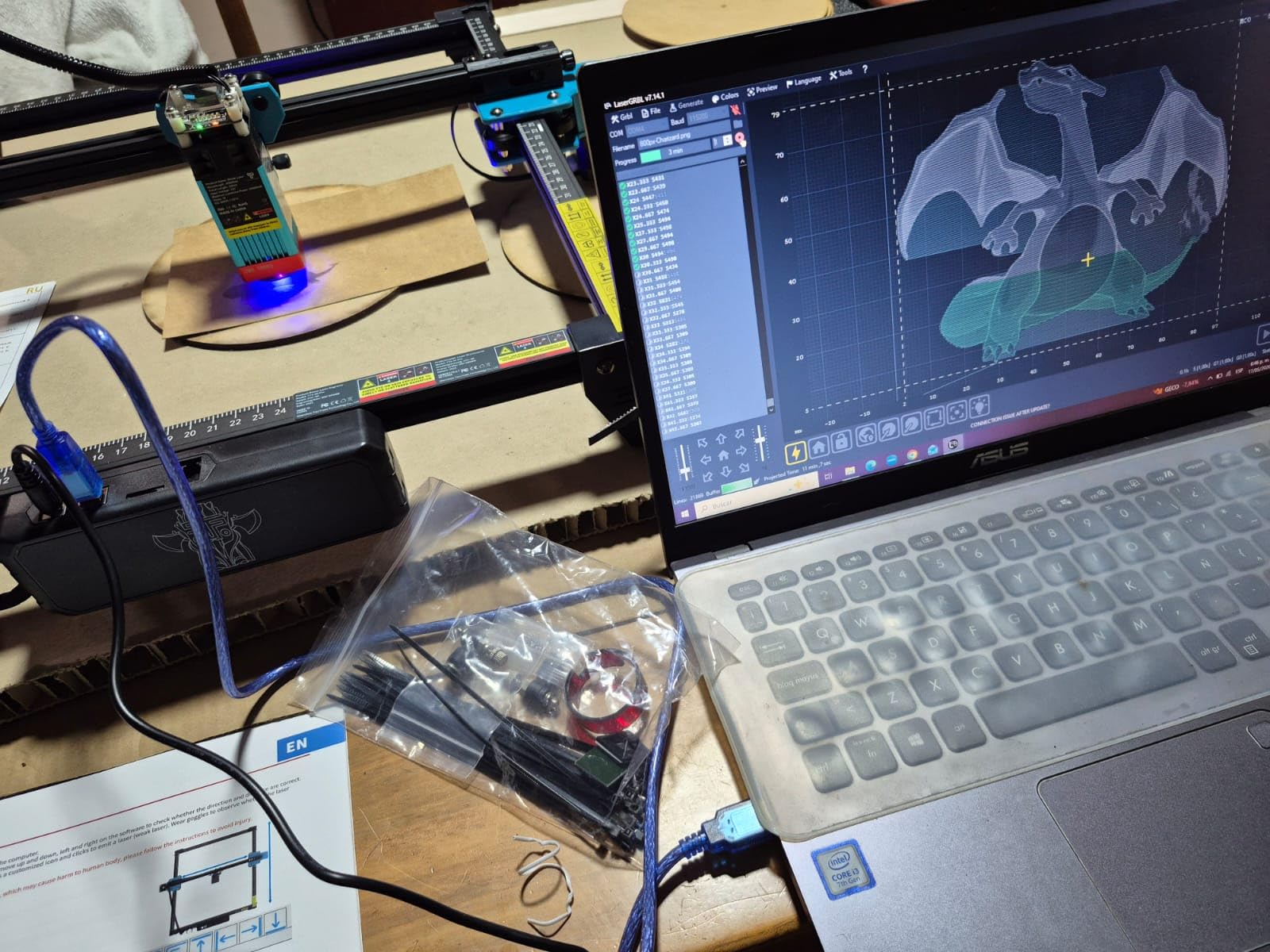
The TTS-10 Pro is the machine in this list we would trust in a market stall. Its TF card workflow means you load designs, walk away from the laptop and keep cutting, which is a practical advantage that screenshots never convey.
Owners consistently describe it as a strong first laser: accurate, durable and straightforward once configured. Deep, fast engraving on wood, bamboo, leather and dark glass is its strongest suit, and for personalised gifts the throughput is good.
The build is an aluminum alloy and injection-molded frame with dual Y-axis 42 stepper motors and GT2-6mm belts, which is a firmer motion system than the plastic frames on cheaper hobby units. The 32-bit dual-core mainboard handles both online control and offline TF card jobs.
It also carries CE, FCC, ROHS, FDA and UL62368 certification, and a one year warranty. For a shop that will be run by more than one person, that paperwork matters.
What the specs mean for your wood
A 300 x 300mm area covers coaster sets, keychains, small ornaments and stacked layers, but not a door sign. Plan on engraving thin wood and light ply; anything thicker needs multiple passes and heavy air assist.
Because the focus and power settings are not preset by a brand profile, expect to spend an afternoon calibrating. Owners who do that get results they rate very highly afterwards.
Where it falls short
Assembly and first setup is the single most common complaint, and it is a real barrier for buyers who have never done it before.
Two practical limits: the diode cannot mark bare stainless steel or other uncoated metal, and LightBurn is a paid program, with Mac users limited to a 30 day trial.
5. Creality Falcon 10W: Best Bed Size in the 10W Class
Creality Falcon 10W Laser Engraver Machine, 0.06mm High Precision Laser Engraving Machine 72W Laser Cutter and Engraver Machine for Wood Metal Acrylic Leather, 15.7″×16.3″ Workspace
10W diode
400 x 415mm workspace
12mm wood single pass
0.06mm spot
Pros
- 15 minute assembly for most buyers
- 400 x 415mm bed is large for a 10W
- Free Falcon Design Space covers beginners
- Clean defined lines on basswood and plywood
Cons
- Bilingual instructions are terse and poorly translated
- Framing can take several reboots
- Included green glasses do not block blue diode beams
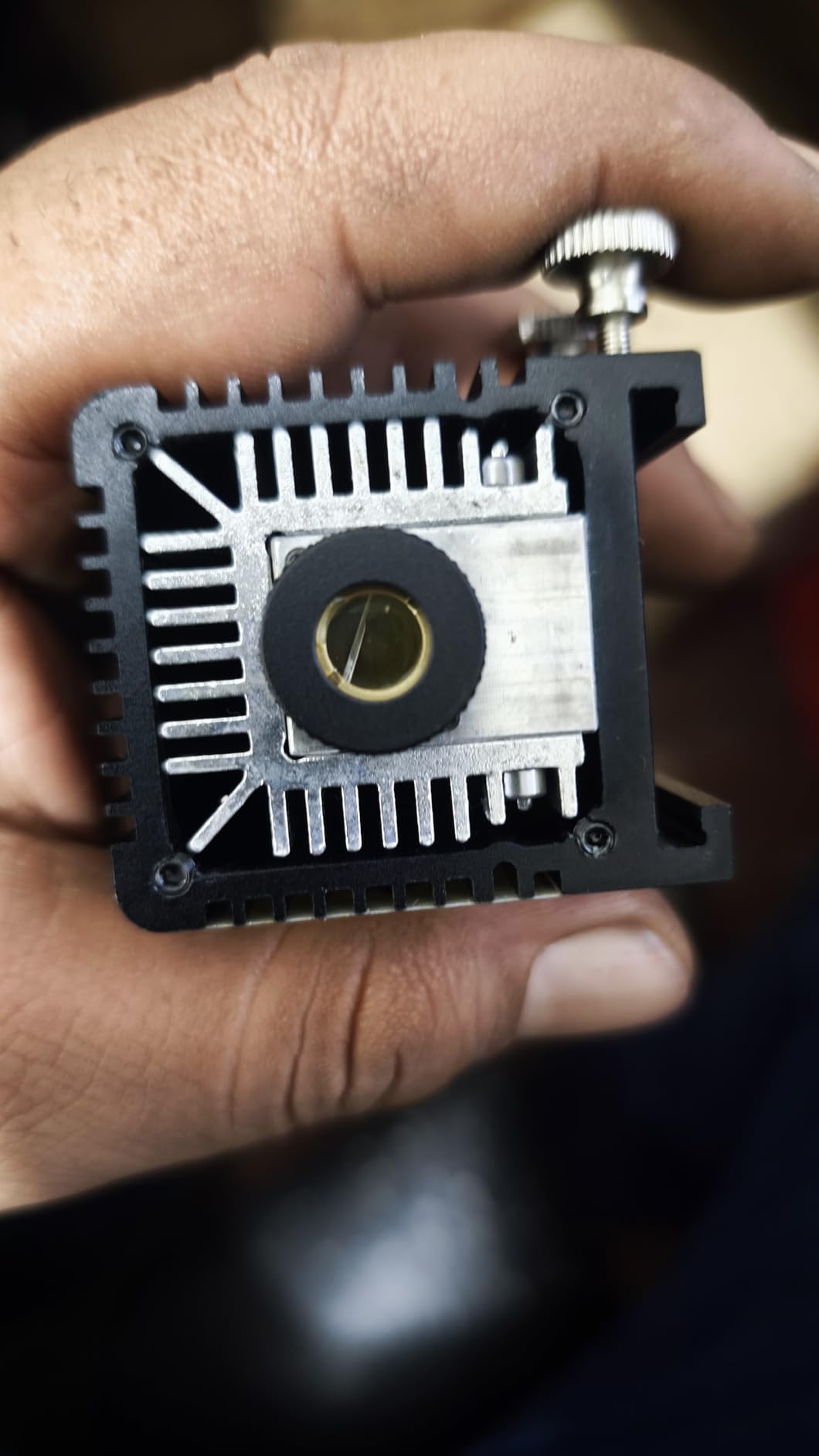
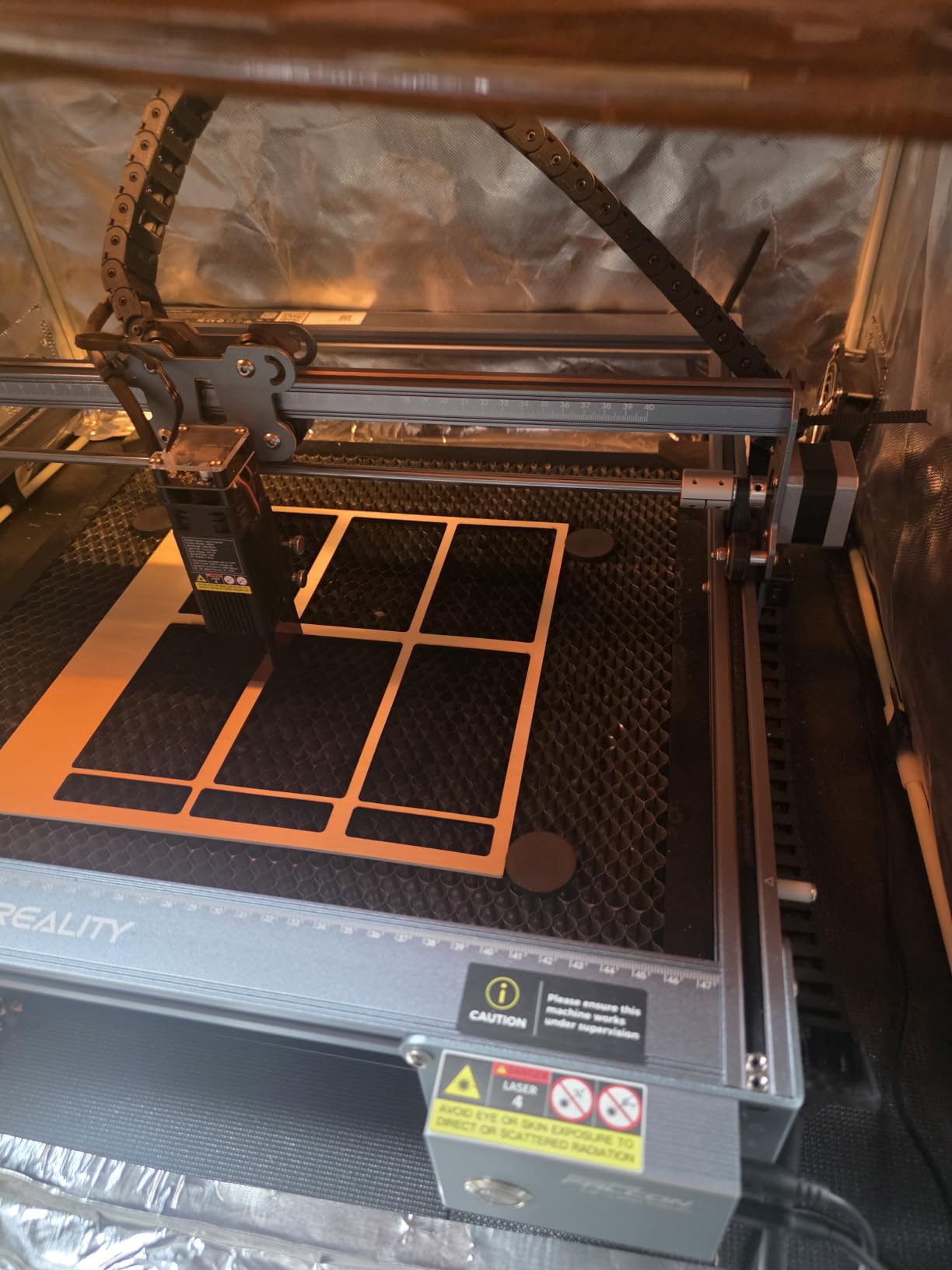
Bed size is the reason this machine exists in our list. At 400 x 415mm it is one of the largest working areas we found on a 10W diode, and for wood crafters working with full sheet blanks that is worth more than extra watts.
The spec sheet claims a single pass through 12mm wood and 5mm black acrylic, with 10,000mm/min work speed and a 0.06 x 0.06mm compressed spot on a 32-bit chip controller. Treat those top-end numbers as single pass best cases on suitable material.
Many owners actively defend this machine against its negative reviews, arguing that most complaints come from impatience or from a thin manual rather than from the hardware. That is a useful signal: the problems are process problems, which you can solve with a video tutorial and an hour.
Free Falcon Design Space software handles most beginners without LightBurn, and LightBurn and LaserGRBL are both supported for when you outgrow it. SD card offline operation is supported too.
What the specs mean for your wood
A 400 x 415mm bed fits two letter-sized blanks side by side, which is exactly what a sign or wall-art run needs. Basswood and plywood come out with clean, defined lines once power and focus are dialled in.
The stated 200+ material support covers leather, fabric, wood, acrylic and coated metal, so this doubles as a fabric and leather engraving machine for a small craft business.
Where it falls short
The documentation is the weak point. Instructions are bilingual English and Chinese and poorly translated, and positioning can require several reboots to get right.
Replace the included green safety glasses. They do not block blue diode light, which is a genuine safety issue we would not let slide in a workshop.
6. ATOMSTACK A20 PRO V2 20W: Best Power for Open-Frame Cutting
ATOMSTACK 20W Laser Engraver, A20 PRO V2 Laser Cutter, High Accuracy Laser Engraving Machine for Personalized Gifts, Business Cards, Wood, Metal, Acrylic, Leather
20W output
400mm/s speed
Linear guide motion
0.01mm accuracy
Pros
- 20W cuts wood cleanly with sharp detail
- Linear guide rails and solid aluminium frame
- Works immediately with LightBurn
- Module rated up to 10000 hour lifespan
Cons
- Belt gantry is less accurate on large pieces
- Documentation is thin and settings are unclear
- Gantry wiring loom is not held in a cable chain
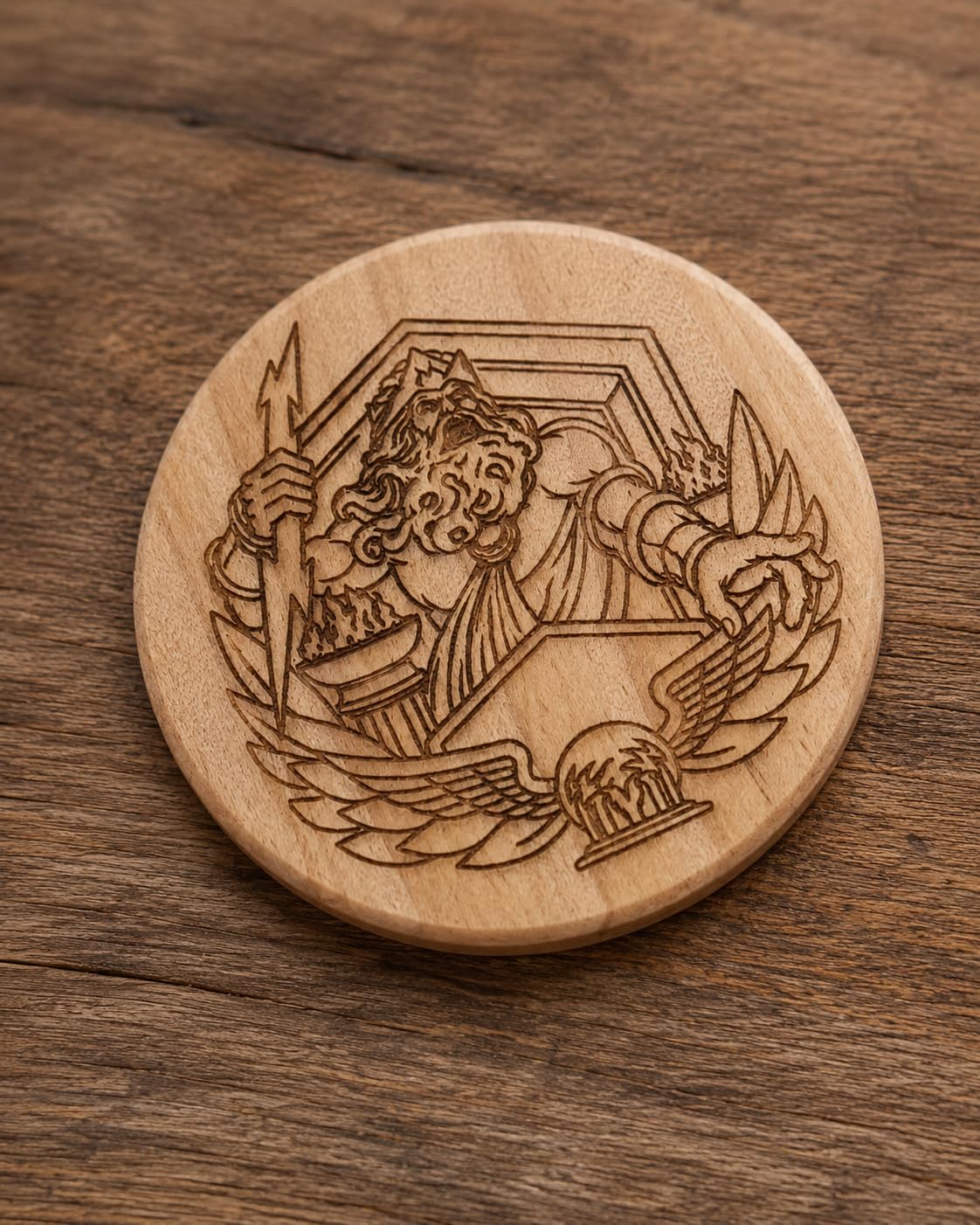
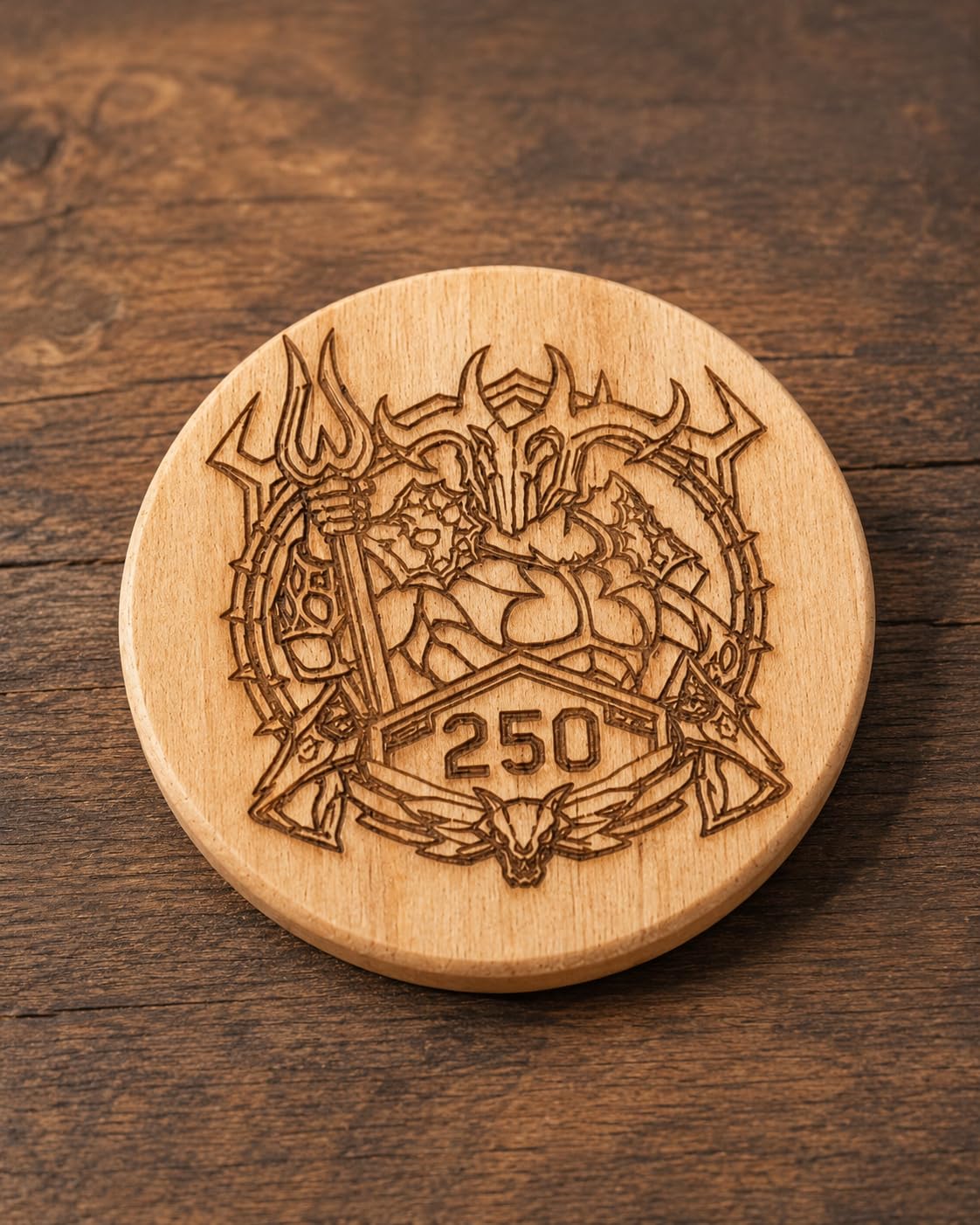
If you want more cutting power than 10W without stepping up to an enclosed machine, this is where the value sits. 20W of output at 400mm/s produces sharp detail on wood and cuts noticeably more deeply than the 10W units in this list.
Experienced owners rate it very highly for wood cutting and engraving, and the machine ships with a removable magnetic protective cover, safety glasses and a tilt-angle safety beep above 15 degrees. That is more safety hardware than most open frames include.
The motion structure uses linear guides with limit switches and a cross-line light for 0.01mm accuracy, and the module is rated for a lifespan of up to 10,000 hours. LightBurn and LaserGRBL work over Type-C or a USB stick, alongside the bundled ATOMSTACK software.
The integrated linear guide means the gantry does not sag across a wide bed the way belt-only machines do. On a large plywood sheet that difference shows up as straight edges.
What the specs mean for your wood
At 20W, thin to medium ply cuts in a single pass where a 10W diode would need several. The 0.08 x 0.1mm compressed dot is fine enough for text engraving on a sign face.
The frame suits signs, coasters and custom gifts, and 400mm/s is fast enough that a batch job does not eat your evening.
Where it falls short
Documentation is the biggest gap: no spec sheet, no Wi-Fi setup instructions, and thin guidance on the air pump and limit switches. Budget time for setup videos.
It is still an open frame, so you need eye protection and ventilation, and the gantry wiring loom is not held in a cable chain where it can snag on a large panel.
7. LONGER Ray5 20W: Best On-Machine Control and Connectivity
LONGER Ray5 Laser Engraver and Cutter Machine,20W Laser Engraver, 400×356mm
20W laser
15mm pine single pass
3.5 inch touchscreen
400 x 365mm area
Pros
- 20W power with single pass 15mm pine cutting
- Built-in 3.5 inch touchscreen for control
- WiFi TF card USB and app connectivity
- Full protective enclosure with emergency stop
Cons
- Lowest average rating here at 4.0 with 16% one-star
- Color output depends heavily on surface prep
- Firmware and app connections need troubleshooting
The Ray5 is the most connected machine in the roundup. A 3.5 inch touchscreen on the unit, plus USB, TF card, WiFi and app control, means you are not tied to one computer, which suits a studio where two people share a machine.
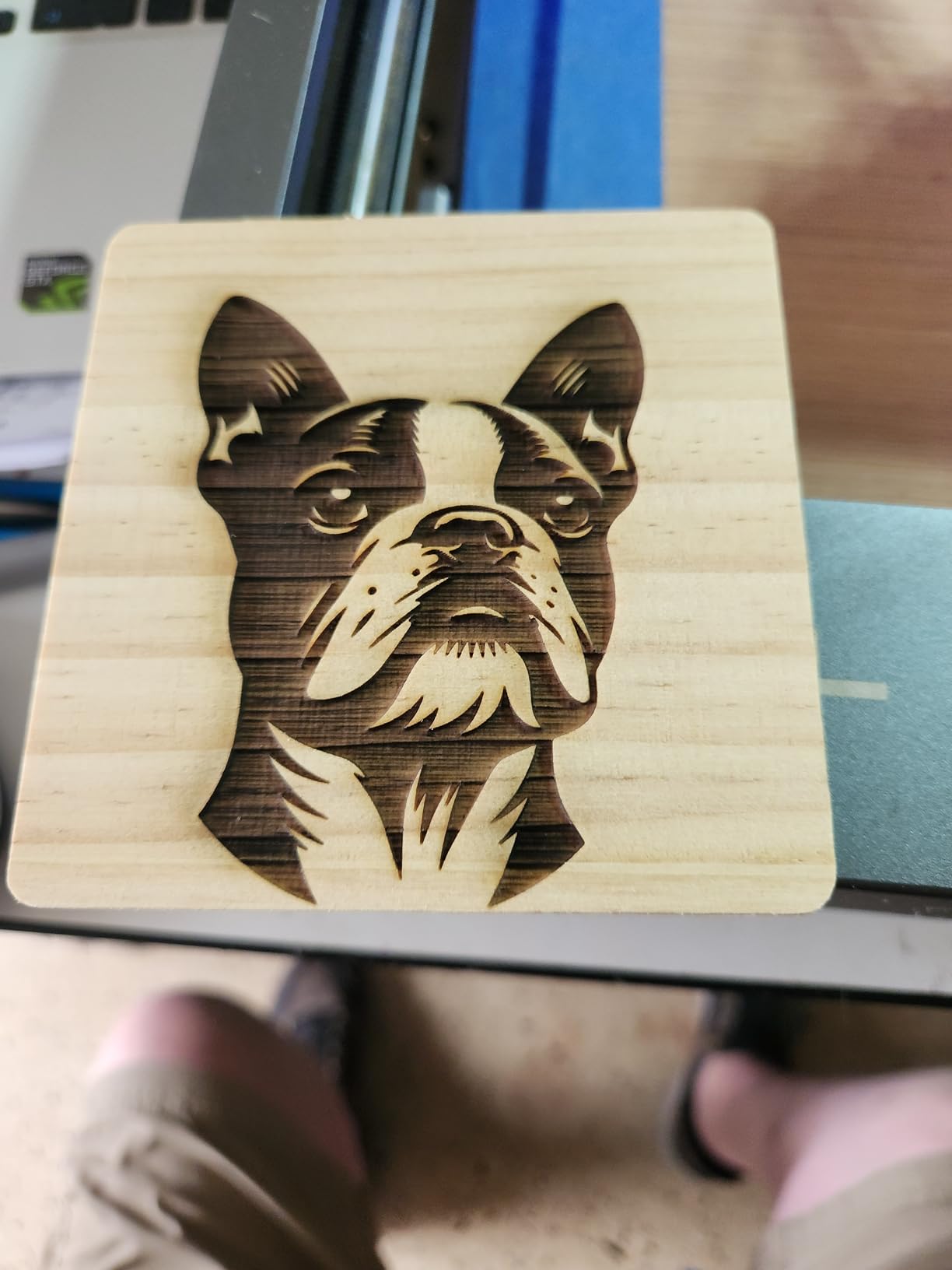
On paper the wood numbers are among the best we saw at 20W: a single pass through 15mm pine, with multi-pass capability up to 25mm of wood. A 256-colour palette and 0.08 x 0.1mm spot at 0.01mm precision give detailed engraving.
It ships with a full protective enclosure, a laser head shield filtering 95% or more of radiation, an emergency stop and overheat protection. For a 20W machine, that safety package is better than most open frames at any wattage.
The ESP32 platform can also drive multiple machines from one setup, which is the feature a small production shop would actually care about and a hobby buyer will never touch.
What the specs mean for your wood
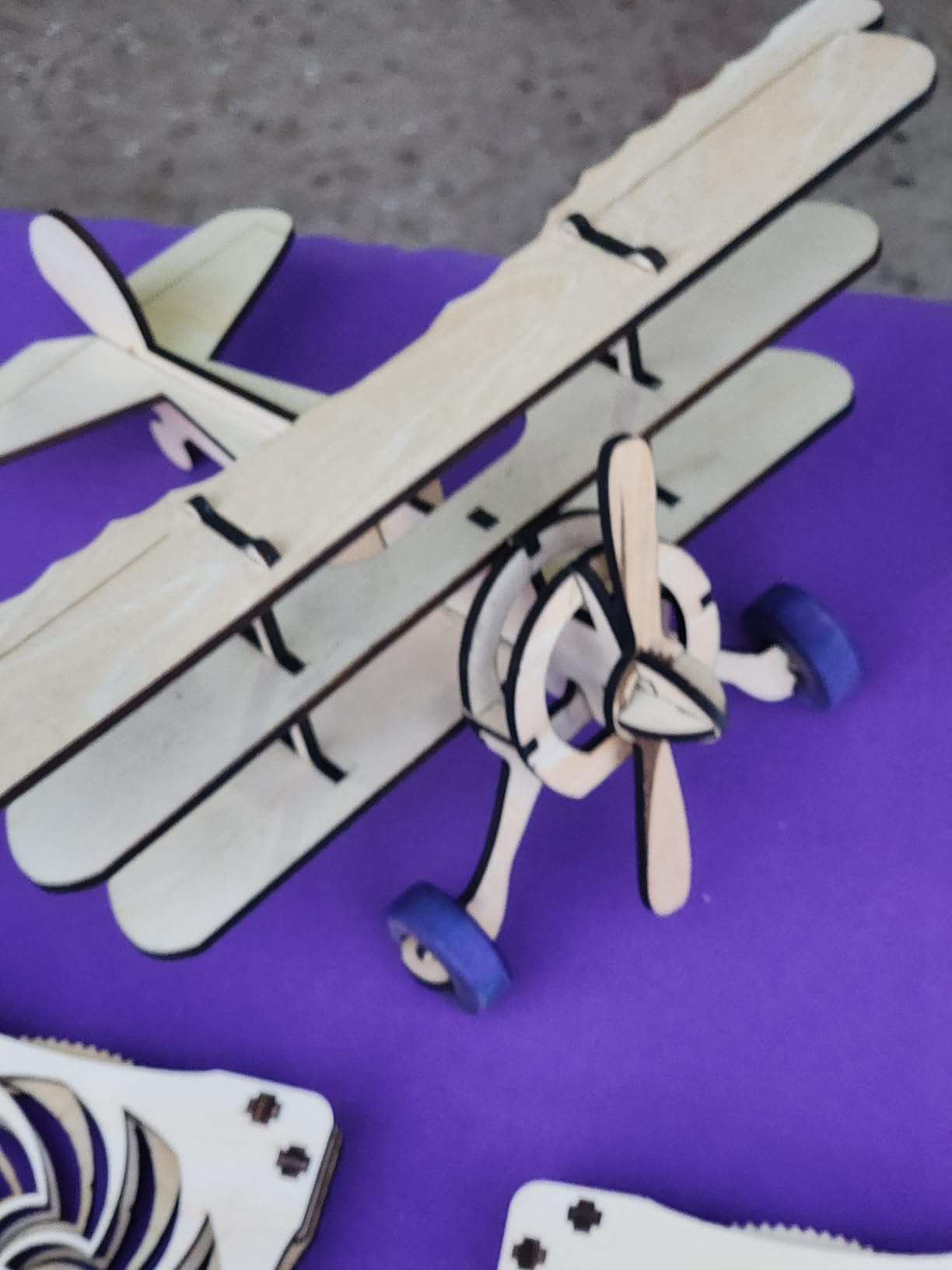
Single-pass 15mm pine and multi-pass capacity to 25mm of wood put this in serious cutting territory for a compact desktop unit. The 400 x 365mm bed takes most craft blanks comfortably.
Expect colour engraving to depend on surface prep and material, as it does on every 450nm diode. Masking or coating light stock is part of the workflow, not a workaround.
Where it falls short
The 4.0 average is the lowest in this roundup, with 16% of reviews at one star. Firmware and app connection issues come up often enough to plan for.
If reliability matters more to you than connectivity features, the Creality Falcon A1 is the better closed system.
8. Creality Falcon A1: Best Enclosed Safety on a Budget
CREALITY FALCON A1 10W Laser Engraver, 80W Enclosed Laser Cutter and Engraver Machine with Air Assist, Smart Camera Positioning, 600mm/s Speed, Smart Material Recognition, Ideal for Wood & Metal
Class 1 enclosed 10W
600mm/s CoreXY
HD camera positioning
Air assist included
Pros
- Dual-door Class 1 enclosure with auto-lock
- HD camera removes alignment guesswork
- 600mm/s CoreXY motion with dual motors
- Pre-tuned material settings and air assist in the box
Cons
- 381 x 305mm area is smaller than cheaper open machines
- Cannot engrave mirrored metal or cut acrylic
- 43.6 pounds is heavy for a 10W machine
The Falcon A1 answers the question we hear most from new owners: can I run this indoors without building a ventilated booth? The dual-door enclosure filters 99% of laser radiation and includes auto-lock, an emergency stop and smoke control, which makes it the safest configuration here.
The CoreXY motion system with dual motors hits 600mm/s for both engraving and cutting, and the pre-calibrated HD camera shows the full frame of the work area so you place material without guessing. For batch work, that camera is the feature that pays for itself.
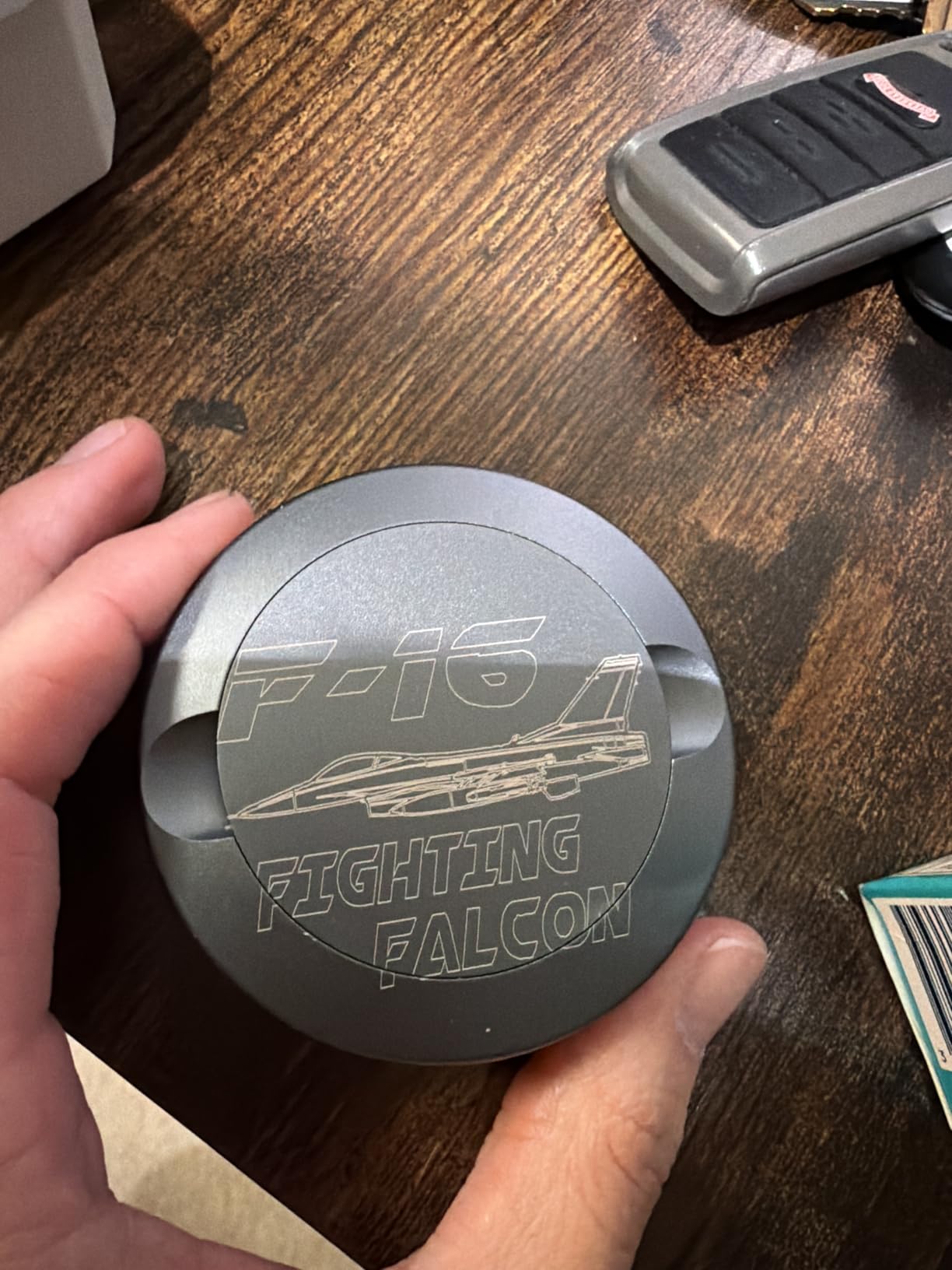
Free Falcon Design Space includes graphic outline extraction, so you can drop in a photo and pull a cut path directly, and it also supports LightBurn, LaserGRBL and Cutlabx. Air assist is included, which is where a lot of competing machines quietly add a cost.
Pre-tuned material settings let a beginner skip the trial-and-error phase entirely, which is the single biggest factor in how quickly someone gets usable results from a wood project.
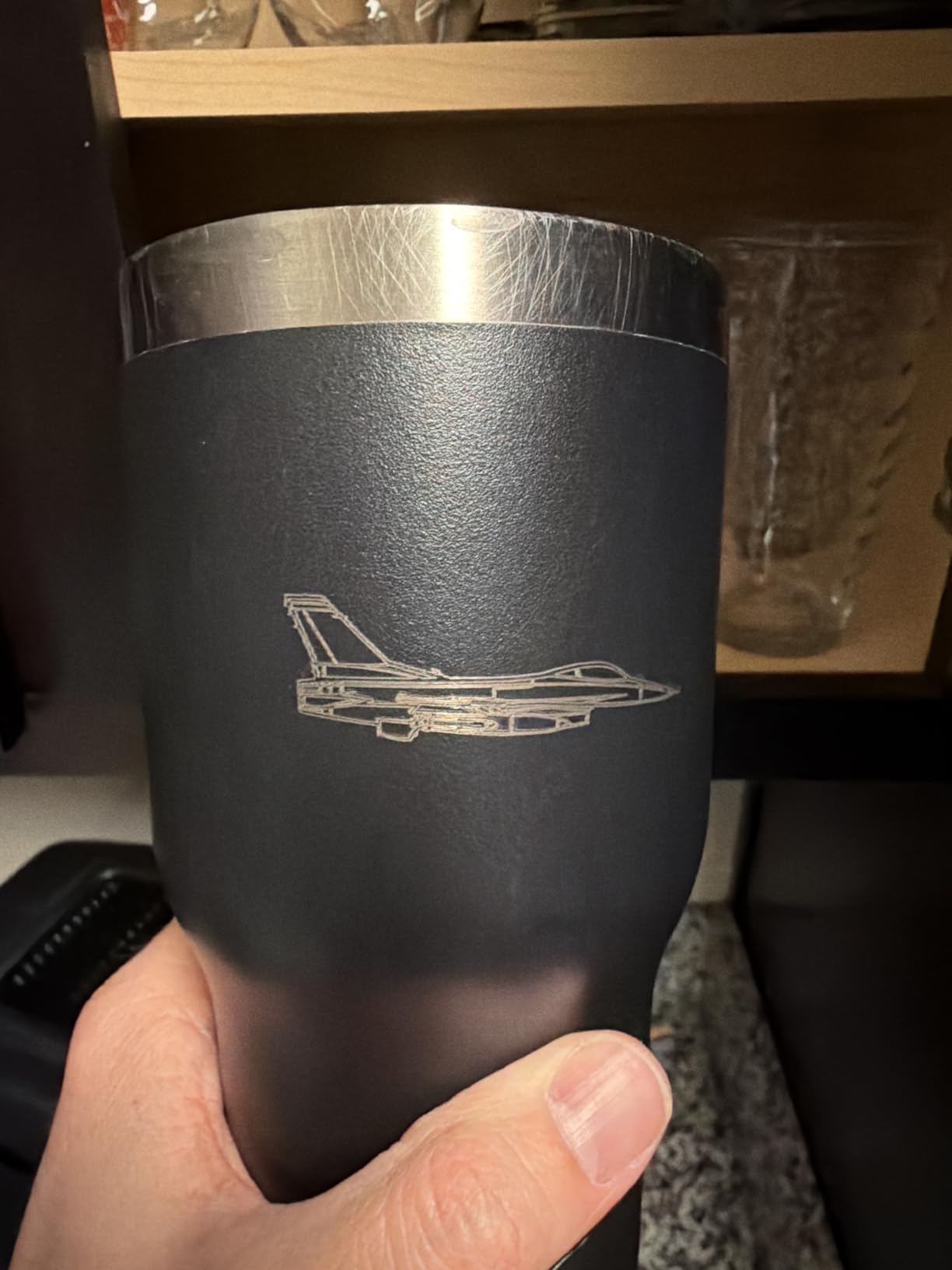
What the specs mean for your wood
At 10W this is an engraving-led wood machine, so think thin ply, basswood, veneer, thin plywood and decorative panels rather than thick stock. For thicker cutting, pair it with a 20W open-frame unit or the S1.
The 381 x 305mm working area is smaller than the bed on several cheaper open machines, so measure your largest sign blank before you commit.
Where it falls short
It cannot engrave mirror-finished metals or mirrored acrylic, and acrylic cutting is not supported at all. That trips up buyers who assumed a general-purpose laser.
Owners also flag the weight for its class and the work area versus the machine’s size. Know your material limits before buying.
9. xTool F1 Ultra: Best for Wood Plus Bare Metal in One Machine
xTool F1 Ultra 20W Fiber & Diode Dual Laser Engraver
20W fiber plus 20W diode
10000mm/s
16MP camera
220 x 220mm area
Pros
- Only machine here handling bare metal and wood
- 3D embossing and deep engraving
- 10000mm/s with a 16MP smart camera
- Best customer support in this group
- Enclosed with smoke extraction and fire alarm
Cons
- Most expensive machine in the roundup
- Deep metal engraving is very slow
- Calibration point sits behind the light shield
- No safety glasses included with the vent tube
Every other machine here is a diode. The F1 Ultra pairs a 20W fiber laser with a 20W diode in one enclosed body, so the fiber head marks gold, silver, copper, stainless steel, brass and titanium while the diode handles wood, acrylic, leather, glass, rubber and fabric.
For a wood crafter who also sells engraved metal gifts, that is a single machine replacing two. The diode head cuts 15mm of wood and 12mm of black acrylic, and 3D embossing works on metal, wood and stone for raised-effect products.
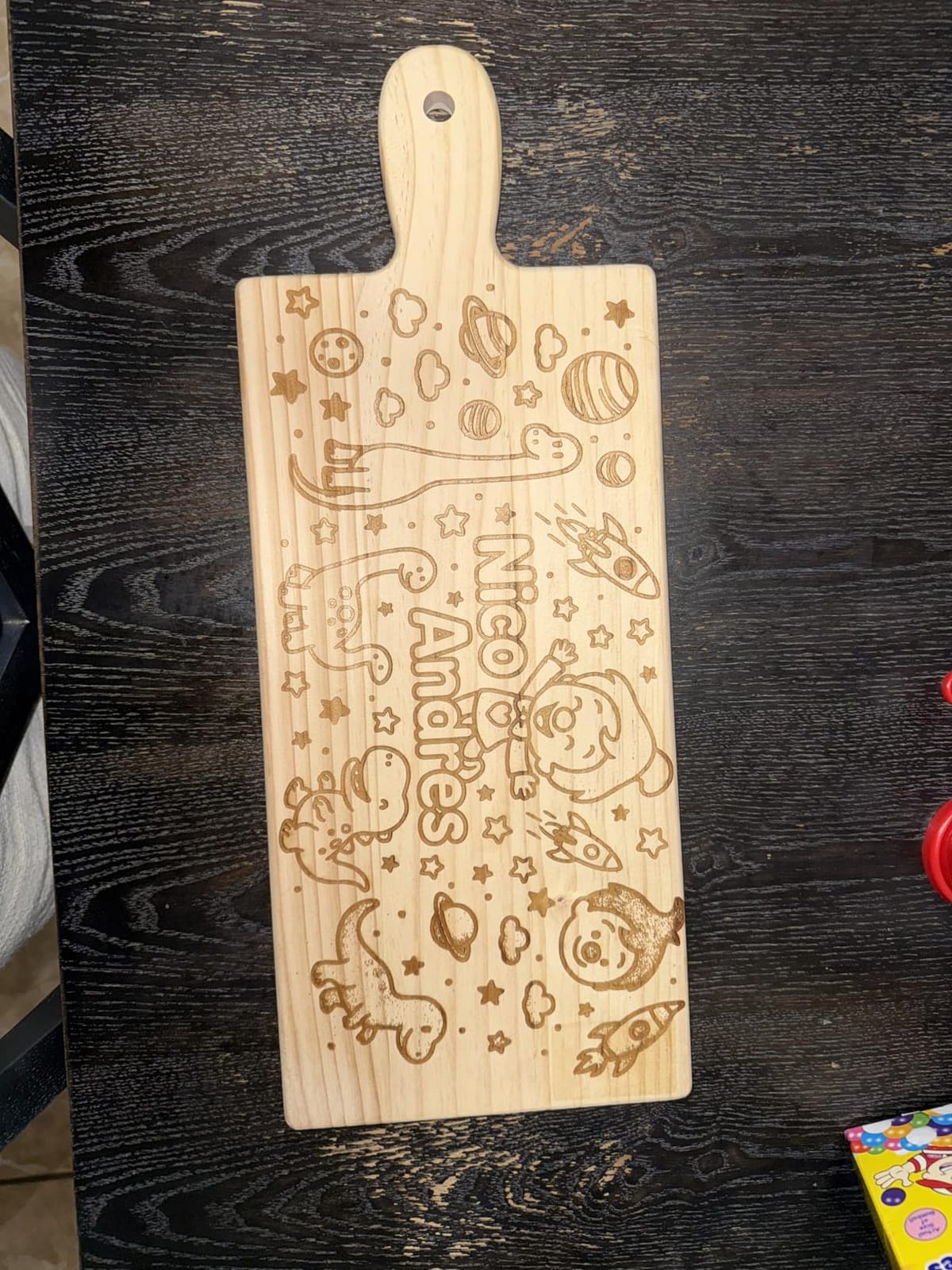
Speeds reach 10,000mm/s, and a 16MP smart camera handles batch shape recognition, which is what makes on-the-spot customisation in a shop practical. The workspace is 220 x 220mm and expands to 220 x 500mm with the separately sold conveyor.
It is fully enclosed with smoke extraction, a fire safety alarm and an emergency stop. That is the most complete safety package in the roundup, matched by the strongest customer support we saw.
What the specs mean for your wood
On the wood side, 15mm of diode cutting is close to the S1’s 18mm and the bed is far smaller at 220mm square, so this is a batch-and-detail machine rather than a sheet-goods machine.
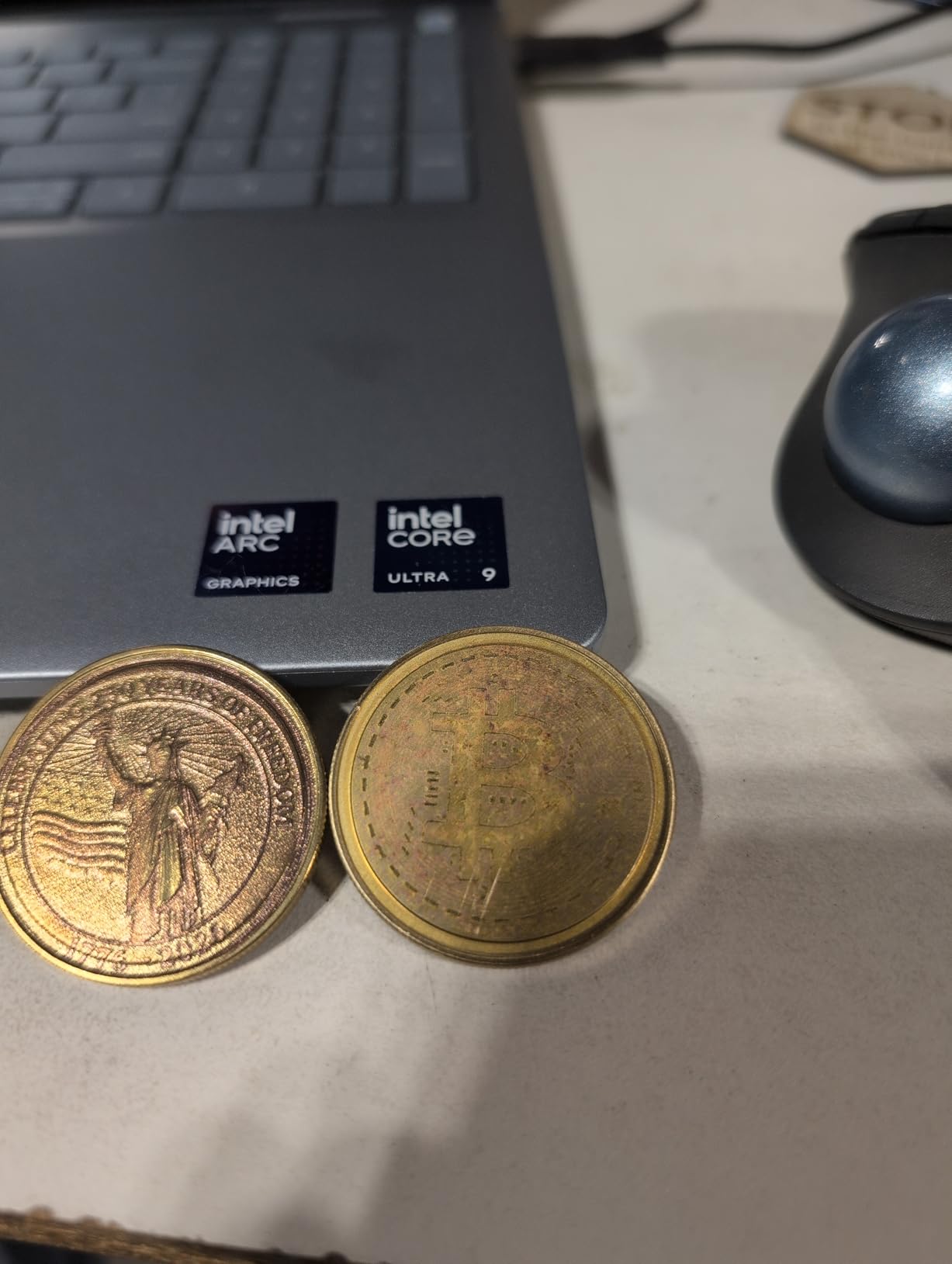
The value is the fiber head. Deep engraving and embossing on metals opens product lines, such as coins, tags and jewellery, that a diode-only machine simply cannot address.
Where it falls short
It is the most expensive machine in this roundup, and deep metal engraving can take hours per piece, so it is a poor return if you only ever cut wood.
Calibration is frustrating because the adjustment point sits behind the light shield, and one reviewer reported total laser failure on two consecutive units. Check what the warranty covers locally.
10. LaserPecker LP2: Best Portable Option for Personalised Wood Gifts
LaserPecker LP2 Laser Engraver with Roller, Portable and Handheld Laser Engraving Machine for Wood Metal Leather Acylic Engraving Laser Cutter, Suit Set with Versatile Rotary Roller
Handheld galvo scanner
Rotary roller included
1417 in/min
196in trolley mode
Pros
- Genuinely portable with no bed or frame setup
- Rotary roller handles tumblers and cylinders
- Fast scanning suits small batch personalisation
- Works well on wood paper leather and coated metal
Cons
- Cannot engrave bare or shiny metal
- Handheld result depends on operator steadiness
- Cutting limited to wood and paper under 0.2 inch
- Narrow 4 inch width for cylinder work
The LP2 is a different shape of answer. There is no bed and no frame assembly at all, just a handheld galvo scanner that you move across the material, so it fits in a bag and works anywhere from a kitchen table to a market stall.
With the electric roller in the box it becomes a cylinder machine for tumblers, bottles and dowels, and the frame speed of 8858 in/min keeps small batches moving. Buyers running personalisation businesses rate it highly for exactly that reason.
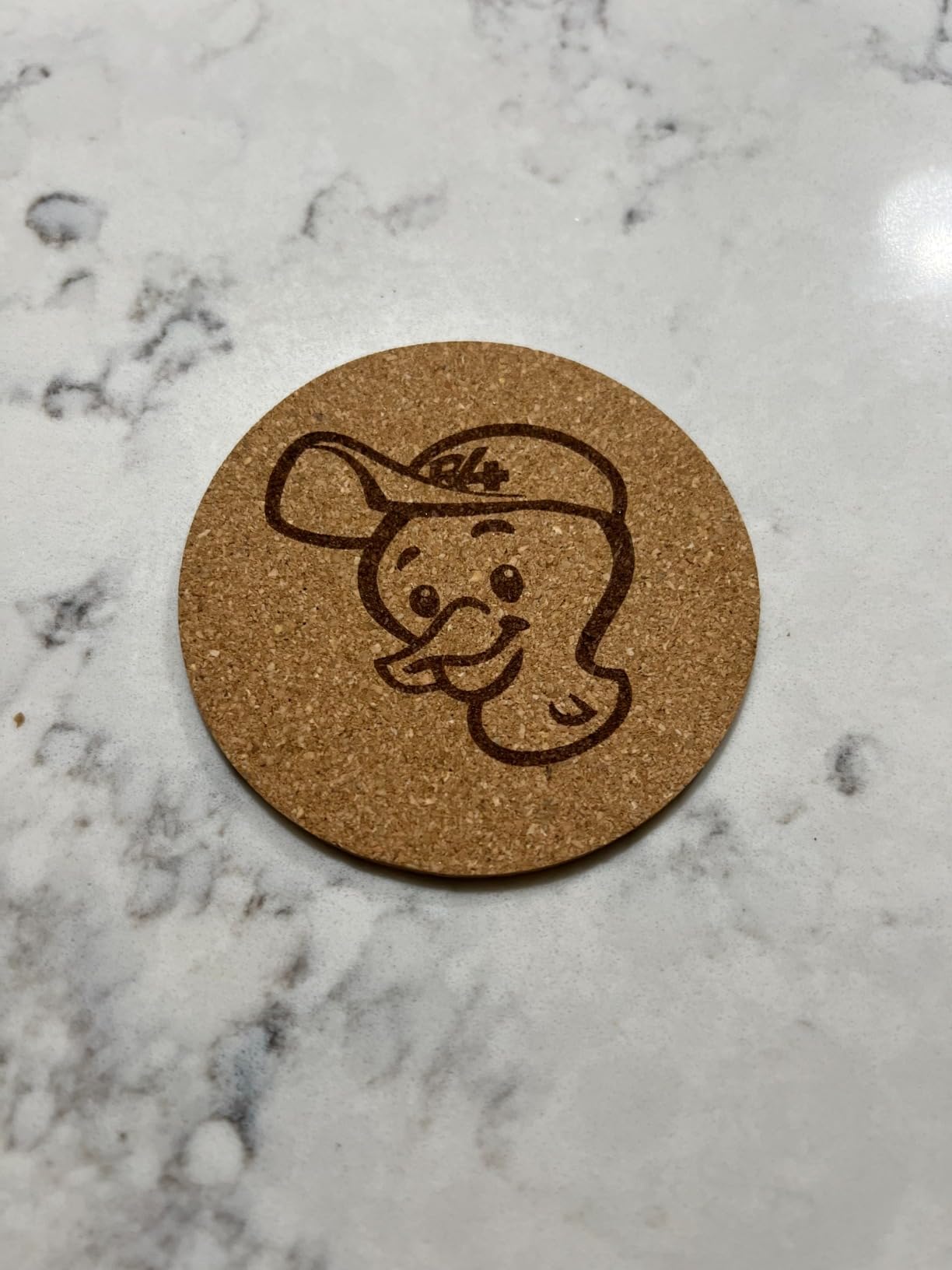
On wood, the honest framing is that this is an engraver with light cutting ability, limited to wood and paper within 0.2 inch. It is superb for names on bamboo, plywood tags, coasters and laser-cut shapes you have already separated, and unhelpful for thick sheet cutting.
Resolution options of 1K, 1.3K and 2K give clean detail, and it connects to a smartphone or a PC. The package also includes safety glasses, an adapter, a conical protective cover and an electric stand.
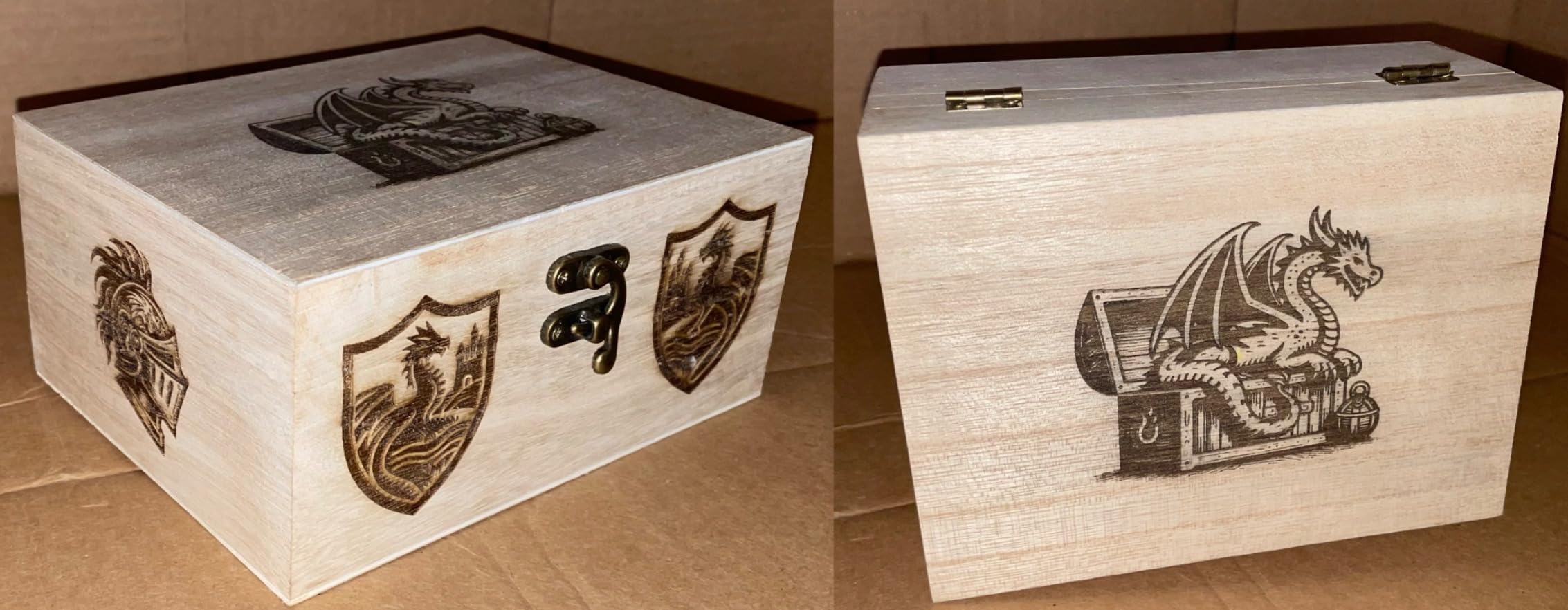
What the specs mean for your wood
Think engraved detail on thin wood rather than structural cuts. The 0.05mm compressed spot handles text and line art, and light and transparent material must be painted black first so the beam has something to bite on.
Trolley mode runs up to 196in in length at 4in width, so long strips and slats are practical, while the 4in cylinder width limits cup work to a standard format.
Where it falls short
It cannot engrave bare or shiny metal, which is where the marketing photos often mislead. Handheld operation also ties result quality to how steady your hand is that day.
If you need clean-edged cut parts rather than engraved faces, this is the wrong tool in the list.
11. ATOMSTACK Swift 12W: Best Small Workhorse for Detail Engraving
ATOMSTACK Swift 12W Laser Engraver Cutter for Wood & Metal
12W diode
300 x 300mm area
400mm/s
Screw-rod Z axis
Pros
- 12W power that punches above its tier
- Screw-rod Z keeps focus stable on small items
- Quick to assemble and simple to operate
- Works with the ATOMSTACK app and LightBurn
Cons
- 300mm bed is small for signage or batch work
- Screw-rod focus adjusts slower than motor focus
- Highest one-star share among ATOMSTACK models
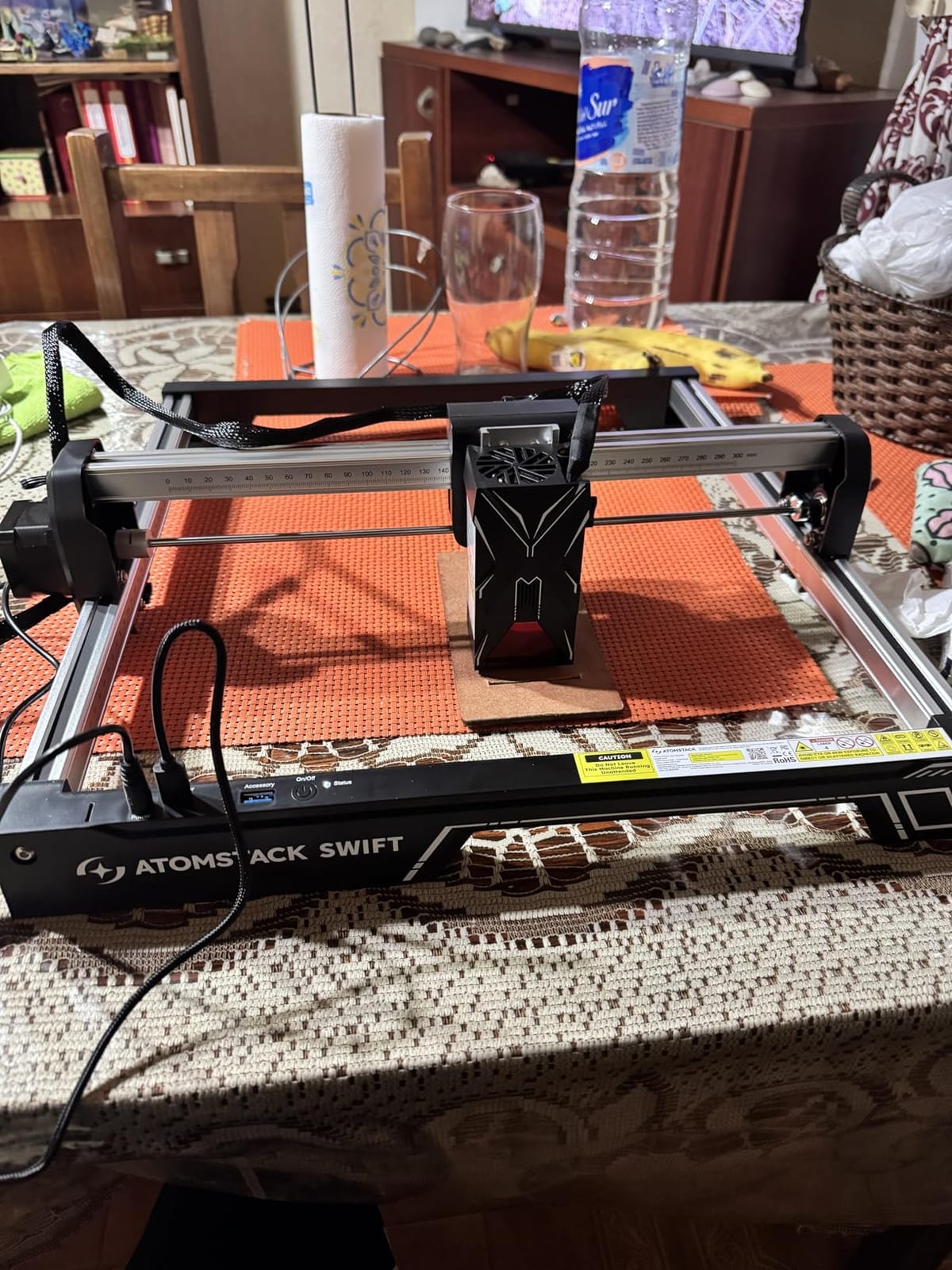
The Swift sits in the awkward middle where most buyers actually land: 12W is a real step up from 10W without the size and cost jump to 20W. The built-in screw rod and long focal length keep focus stable while you engrave small items, which is the whole point of a craft machine.
Satisfaction centres on ease of use and adequate power. It is quick to assemble, straightforward to run, and works with both the ATOMSTACK app and standard LightBurn or LaserGRBL, so it fits into an existing workflow.
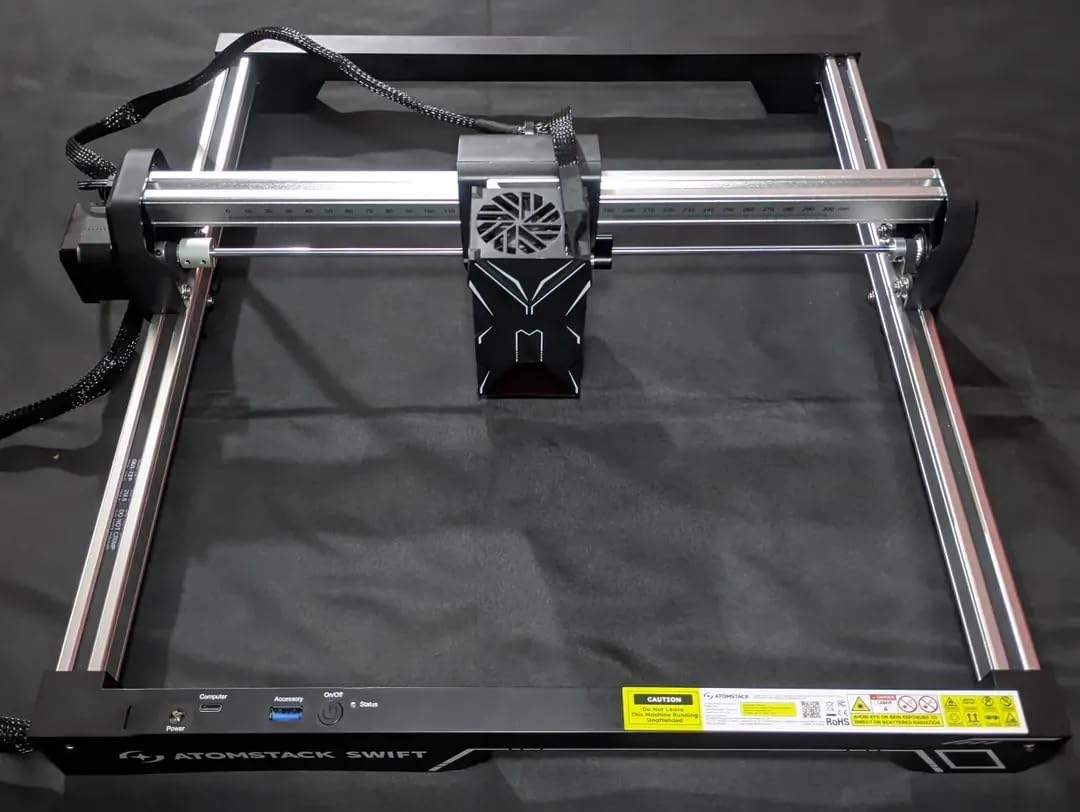
Engraving speed reaches 400mm/s with a 0.06 x 0.08mm point, and a removable magnetic protective cover plus safety glasses are included. A 365 day warranty and 24/7 service round out a reasonable support story.
Type-C and USB connectivity covers both direct PC control and offline transfer, which matters for a machine that will live in a craft room rather than a workshop.
What the specs mean for your wood
The 300 x 300mm area handles coaster sets, keychains, ornament blanks and small stacked pieces. For detailed engraving on thin wood and leather it behaves like a slightly more capable 10W machine.
Expect to make multiple passes on anything thicker than a few millimetres, and choose air assist to keep the edge cleaner on those passes.
Where it falls short
It carries the highest one-star share of the ATOMSTACK models at 16%, so budget for the possibility of a support case. The 300mm bed is genuinely small for signage or batch work.
Adjusting focus with a screw rod is slower than a motor-driven focus, which adds up across a long production session.
12. ACMER S1: Best Starter Laser Kit for Stamping and Small Wood Pieces
ACMER S1 Laser Engraver Machine, 2500mW Lazer Cutter for Wood and Acrylic
2500mW diode
130 x 130mm area
99% preassembled
Free AcmerStudio
Pros
- Arrives ready to run with no assembly
- Compact and light for storage and carrying
- Free bundled software removes the LightBurn cost
- Clean results on plywood tags and coasters
Cons
- 130mm area is too small for signs and larger blanks
- Low wattage makes etching slower
- Some units lose home position and throw out of range alarms
The ACMER S1 is the machine to buy if you want to know whether you like laser wood craft before spending serious money. It arrives 99% preassembled with only the laser head to install, and at roughly 4 pounds it is easy to store between projects.
Free AcmerStudio software is included, which removes the LightBurn cost entirely for casual users, and it also runs LightBurn and LaserGRBL if you want to graduate. Windows, macOS and Linux are all supported.
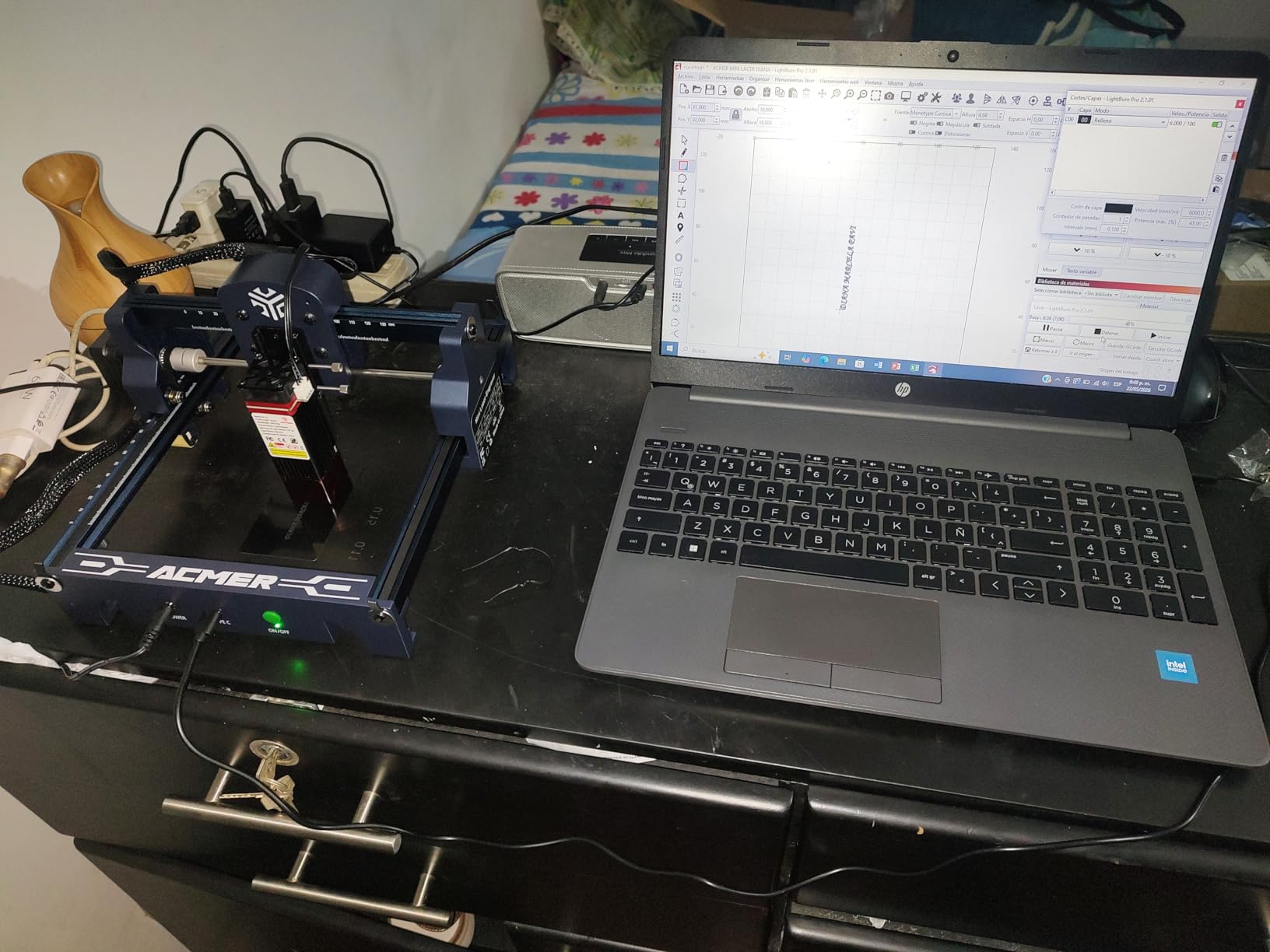
Within its limits it is genuinely capable. Owners report clean, consistent results on plywood, wood tags and coasters once focus and power are set, and the 455nm 2500mW module with 0.01mm repeatable positioning can handle engraving at up to 10,000mm/min.
A 12 month warranty and 24/7 support are included, and the body is a compact 250 x 250 x 162mm aluminum alloy unit that fits on a small desk.
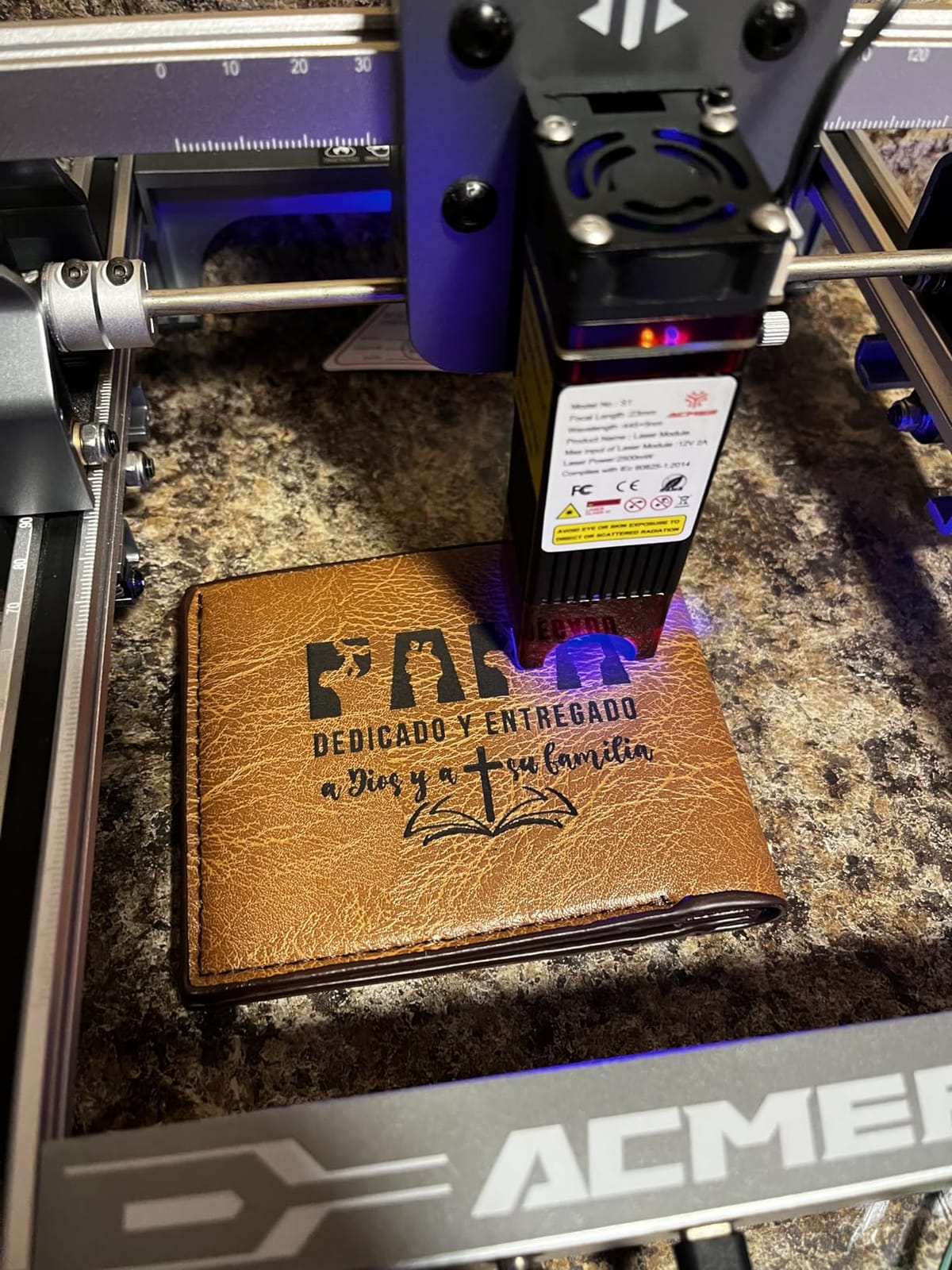
What the specs mean for your wood
The 130 x 130mm working area is the defining constraint. Coasters, small tags, keychains and jewellery blanks fit; a wall sign, a plaque or a plywood box does not.
Treat it as an engraving and light scoring machine. It handles 2-in-1 work on wood, bamboo, leather, plastic, PCB and ceramics, which is a broad hobby surface for such a small footprint.
Where it falls short
Lower wattage means slower etching, so a detailed design takes longer than on any other machine here. Some units also lose their home position and throw out-of-range alarms mid-job.
The software is less beginner-friendly than the marketing suggests. If a 130mm bed will not hold your product, start one tier up.
Which Laser Type Cuts Wood Best? Diode vs CO2 vs Fiber
Wood absorbs infrared far better than visible blue light, which is why a 10,600nm CO2 laser cuts wood cleanly and a 450nm diode mostly engraves it. The wavelength decides the ceiling before wattage ever enters the conversation.
- CO2 laser at 10,600nm. The wood specialist. Absorbs almost completely into wood, plywood, MDF, cork, leather and acrylic, and a 40-60W unit cuts 10-12mm birch ply in one or two passes with a relatively clean edge. It needs water cooling, a chiller and fume extraction, and it is the answer forum users give when someone asks about plywood.
- Diode laser at 450nm. The affordable all-rounder. Fantastic on wood for engraving at high contrast, and with 20W and enough passes it will cut a few millimetres. Every machine in this roundup is a diode, because that is the class most craft buyers start in.
- Fiber laser at 1,064nm. Built for metal. It marks and cuts bare metals superbly and is poor on wood, which is why the F1 Ultra pairs it with a separate diode head rather than replacing one.
The practical takeaway: if your project list is mostly engraved signs, coasters, gifts and plywood boxes, a diode is right. If you routinely slice 10mm or thicker board, a 40-60W CO2 will save you hours per batch, at a much higher running cost for chiller water and extraction.
How to Choose the Best Laser Cutting Machines for Wood Crafts
Five decisions, in order, and you will not regret the order.
- Decide engraving or cutting first. If it is 90% engraving, 10W to 12W is genuinely enough. If you cut parts, go to 20W as a floor and consider an enclosed 40W or a CO2 machine.
- Match the bed to your largest blank. Measure the widest and longest piece you expect to buy, then buy a bed bigger than that. Re-levelling a 400mm bed to fit a 420mm board is a frustrating afternoon.
- Map wattage to thickness. In this roundup, 10W machines reach roughly 10-12mm wood in a best-case single pass, 20W machines reach 15mm of pine, and the 40W S1 reaches 18mm of cherry. Anything past those numbers means multiple passes, more air assist and more char.
- Choose for your environment. A home workshop or apartment should mean an enclosed Class 1 machine with filtered light, air assist and a real fume extractor. An open Class 4 frame belongs in a ventilated garage or a dedicated shop.
- Check the software before the hardware. LightBurn and LaserGRBL support means your files stay portable and your settings stay under your control. First-party apps are easier to start but narrower, and cloud-locked ecosystems are a risk if a vendor changes its rules.
On that last point, the gap is real. The xTool M1 does not support LightBurn at all and runs xTool Creative Space, which many owners like and many outgrow. Machines that support LightBurn or LaserGRBL let you import the same design files and reuse your power and speed settings across brands, which is a genuine saving on calibration time.
One more note on ecosystems: the Glowforge name comes up constantly in affordability discussions on r/lasercutting, along with Sculpfun and Atomstack as the recurring alternatives, and several commenters in our research described the brand as a poor experience. The good news is that the alternatives are strong. The Ortur Laser Master 2 covers the value open-frame slot, the xTool S1 covers the enclosed high-power slot, and the Creality Falcon A1 covers the safe enclosed budget slot, all with standard software support.
Wood Dust, Fume and Fire Safety in a Home Workshop
Wood is a combustible material, and a laser cuts it by making a very small, very hot fire in a very controlled line. That is manageable, but only if you take three specific precautions.
First, extraction. Every laser produces fine particulate and gases from the resin in plywood and MDF, and our research shows experienced owners treat a fume extractor as a deal-breaker, not an accessory. An enclosed machine with a filter port plus an external extractor is the combination we would insist on. Keep the extractor running, not just at job start.
Second, never cut PVC or any chlorine-containing plastic. It releases hydrogen chloride, which is toxic to people and corrosive to the machine. Also avoid vinyl, which melts and sticks to the bed. Test any new material with a small offcut and watch for smoke colour.
Third, fire watch. A burning ember can sit in the bed smouldering after the head moves on. Machines with flame sensors, such as the S1, or enclosed designs with smoke control give you an earlier warning, but a nearby extinguisher and a clear no-idle-running rule are cheap insurance. Related paper craft and light-material projects are far safer to run on the same machine than anything containing chlorine.
What Can You Actually Make on a Laser-Cut Wood Machine?
Knowing the ceiling on a machine is one thing. Knowing what to make with it is what turns a purchase into a product line.
Beginner projects: engraved coasters, keychains, jewellery tags, small ornaments and name cards in basswood or birch ply. These fit the 130mm to 300mm beds and reward detail engraving over cutting power. If you want to finish them with colour, our guide to paint marker pens for crafts covers the sealing step that keeps laser burn from bleeding.
Intermediate projects: layered plywood wall signs, box lids, jewellery organisers, shadow-box scenes, book covers and storage trays. These reward bed flatness, consistent focus and pre-tested material profiles, which is where the S1 and Falcon A1 separate from the open frames.
Advanced projects: marquetry and inlay from hardwood veneers, architectural scale models, jigs and shop fixtures, and batch production of identical parts. This is where 20W and 40W machines, or a CO2 unit, start to pay for themselves through throughput rather than capability alone.
If your end product involves a cast or cured component alongside the wood, our resin kits roundup covers the complementary half of that workflow. For the surface detail and lettering stage, stamp sets for crafts are a low-cost way to add texture the laser cannot etch.
Frequently Asked Questions
What is a good hobby laser cutter for wood?
A good hobby laser cutter for wood depends on whether you engrave or cut. For engraving signs, coasters and gifts, a 10W to 12W diode with a 300mm or larger bed is plenty. For cutting thin plywood and hardwood parts, look at an enclosed 20W to 40W machine such as the xTool S1, which cuts 18mm cherry in a single pass. Always add eye protection and fume extraction for indoor use.
What type of laser is best for cutting wood?
A CO2 laser at 10,600nm is best for cutting wood, because wood absorbs that infrared wavelength far more efficiently than the 450nm blue light a diode emits. A 40-60W CO2 unit cuts 10-12mm birch plywood in one or two passes. A diode at 450nm excels at engraving wood and cuts a few millimetres, while a fiber laser at 1,064nm is built for metal rather than wood.
What is the best laser engraver for woodworking?
For pure wood engraving, a diode laser is the right answer because 450nm light produces high contrast burn on almost every common wood without the cooling and extraction a CO2 machine needs. The xTool S1 at 40W leads our list for hard projects, while the xTool M1 is the easiest first machine thanks to its camera auto-focus and enclosure. Wood engraving is where 10W machines genuinely shine.
Which is better, xTool or Glowforge?
For wood crafters, xTool edges it out on the specifications that matter here: open file format support, 18mm single-pass hardwood cutting on the S1, and enclosed Class 1 designs. Glowforge is popular and easy to use, but its cloud-based app ties your designs to one account and community sentiment in our research was often negative. Buyers who want portable files and LightBurn compatibility tend to settle on xTool.
Which is better, xTool or LaserPecker?
They serve different purposes. The xTool machines are bed-based enclosed units that engrave and cut wood, with the S1 reaching 18mm of cherry in one pass. The LaserPecker LP2 is a handheld galvo scanner with a rotary roller, so it excels at tumblers, cylinders and portable on-site personalisation, but its wood cutting is limited to thin material. Choose xTool for workshop production and LaserPecker for mobility and cylinders.
What are some good alternatives to Glowforge?
Three standouts. The Ortur Laser Master 2 10W is the value open-frame option with a large 390 x 410mm bed, LightBurn compatibility and the largest owner base in our roundup. The xTool S1 40W is the enclosed high-power option that cuts hardwood in one pass. The Creality Falcon A1 is the safe enclosed budget choice with a camera, air assist and standard software support.
How thick of wood can a laser cutter cut?
It depends on the laser type and power. In our roundup, 10W diode machines reach roughly 10-12mm of wood in a best-case single pass, a 20W machine reaches about 15mm of pine, and the 40W xTool S1 cuts 18mm of cherry. Cutting thicker material is possible with multiple passes, but it takes far longer and leaves a more charred edge, so air assist becomes essential.
Do I need an air compressor for a laser cutter?
You do not need a dedicated air compressor. A small air assist pump that many enclosed machines include, or a short burst from a portable unit, is enough to clear the kerf of smoke and prevent flame travel inside the cut. Air assist is what keeps the edge of a plywood cut clean, so treat it as essential rather than optional, but it does not have to be a shop compressor.
Conclusion: The Best Laser Cutting Machines for Wood Crafts
The xTool S1 40W takes the top spot for 2026 because it is the only machine here that combines a genuine single-pass hardwood cut, an enclosed Class 1 body, a large bed and turnkey software. If your work is mostly engraving or your budget is tighter, the Ortur Laser Master 2 10W is the value pick with the largest owner base in the roundup, and the xTool M1 10W is the least intimidating way to start.
Pick the xTool S1 if you cut thick wood regularly, the Ortur if you engrave at volume and want a rigid open frame, and the M1 if you want something safe to run indoors on day one. Whatever you choose, measure your largest blank first and buy a bed with room to spare.