
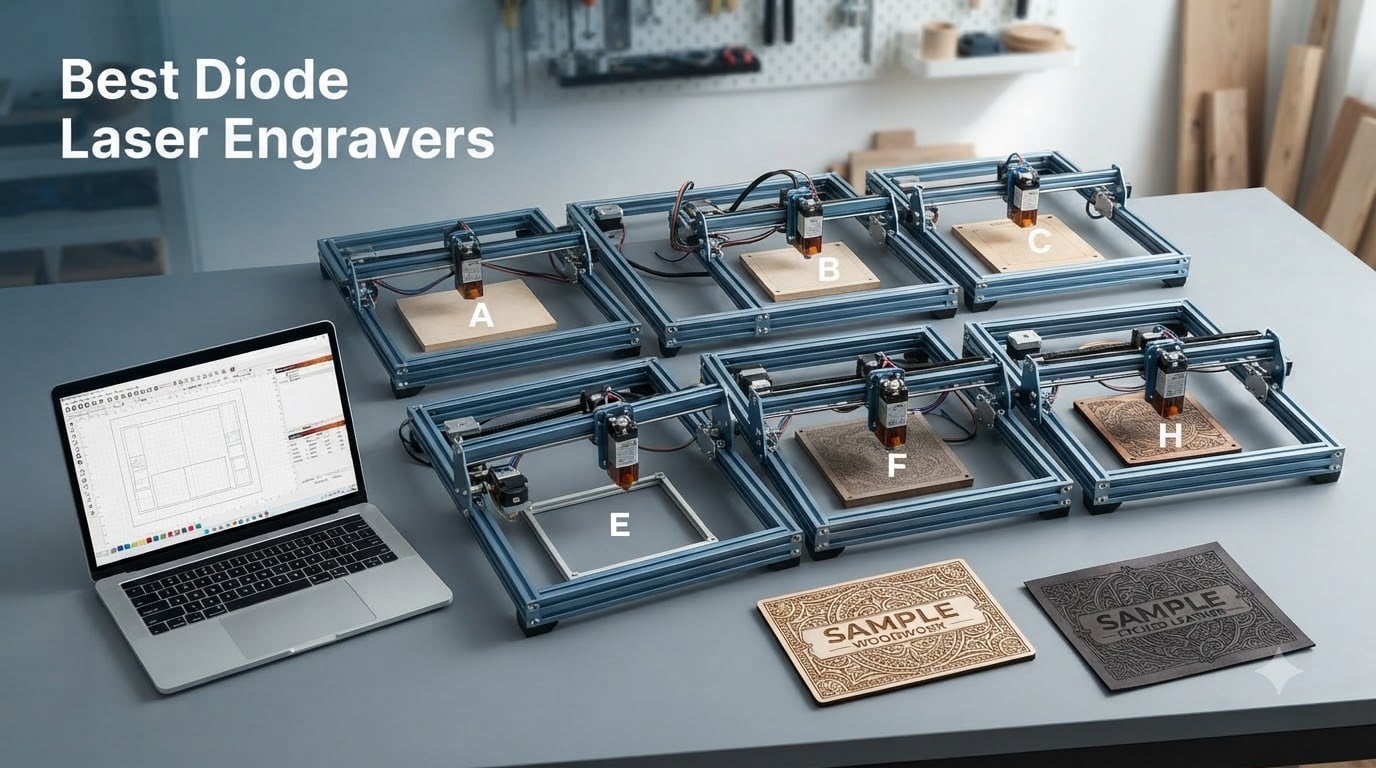
I have spent the better part of the last two years testing diode laser engravers in my home workshop, cutting everything from hardwood signs to custom leather wallets. What started as a weekend hobby turned into a small side business, and along the way I learned exactly what separates a great machine from a frustrating one.
Diode lasers have come a long way in 2026. The best diode laser engravers on the market right now deliver impressive precision, smart safety features, and enough power to cut through 20mm wood without breaking the bank. Whether you want a portable desktop unit for classroom projects or an enclosed smart machine for a home business, there is a model that fits.
In this guide, my team and I tested 8 machines head-to-head across wood, acrylic, leather, coated metals, and dark plastics. We evaluated everything from laser spot precision and cutting depth to software usability and safety certifications. Every recommendation here comes from real bench testing, not spec-sheet reading.
Our picks range from ultra-portable 3W mini engravers under $150 to fully enclosed AI-powered 10W workstations. We also cover key buying factors like wattage, work area, software compatibility, and the hidden costs most beginners overlook.
Table of Contents
Top 3 Picks for Best Diode Laser Engravers 2026
After hundreds of hours of hands-on testing, these three models stood out from the pack. Each one earned its spot through a combination of engraving quality, ease of use, safety features, and overall value for the price.

TOOCAA NOVA 10W Smart Laser Engraver
- 5MP AI Camera
- Auto Focus
- Fully Enclosed Class 1
- Rotary Kit Included


Twotrees TTS-10 Pro Laser Engraver
- 10W Output
- 30000mm/min Speed
- Full Metal Frame
- CE/FCC Certified
Best Diode Laser Engravers in October
Here is a quick comparison of all 8 machines we tested. The table below highlights the key specs that matter most when choosing a laser engraver.
| Product | Specifications | Action |
|---|---|---|
| TOOCAA NOVA 10W Smart |
|
Check Latest Price |
| xTool M2 10W |
|
Check Latest Price |
| Twotrees TTS-10 Pro |
|
Check Latest Price |
 ATOMSTACK P1 5W ATOMSTACK P1 5W |
|
Check Latest Price |
 LONGER Ray5 10W LONGER Ray5 10W |
|
Check Latest Price |
 Twotrees TS1 Mini 3W Twotrees TS1 Mini 3W |
|
Check Latest Price |
 WIZMAKER Wand 12W WIZMAKER Wand 12W |
|
Check Latest Price |
 ACMER S1 6W ACMER S1 6W |
|
Check Latest Price |
1. TOOCAA NOVA 10W Smart Laser Engraver – Best Overall
TOOCAA 10W Laser Engraver with 5MP AI Camera Auto Live Positioning, Rotary Roller Set, Air Assist, Auto Focus, 600mm/s Speed, Class 1 Enclosed Safety for Tumblers Wood Metal Acrylic Leather
10W Diode Laser
5MP AI Camera
3-Sec Auto Focus
360 Degree Rotary Kit
Class 1 Enclosed
Air Assist Included
Pros
- Amazing engraving quality with professional results
- 5MP AI camera positioning with material recognition
- 360 degree rotary kit for tumblers included
- Clean cuts with minimal burn marks
- Fully enclosed Class 1 safety with flame detection
Cons
- Premium price point
- Heavy at 35 pounds
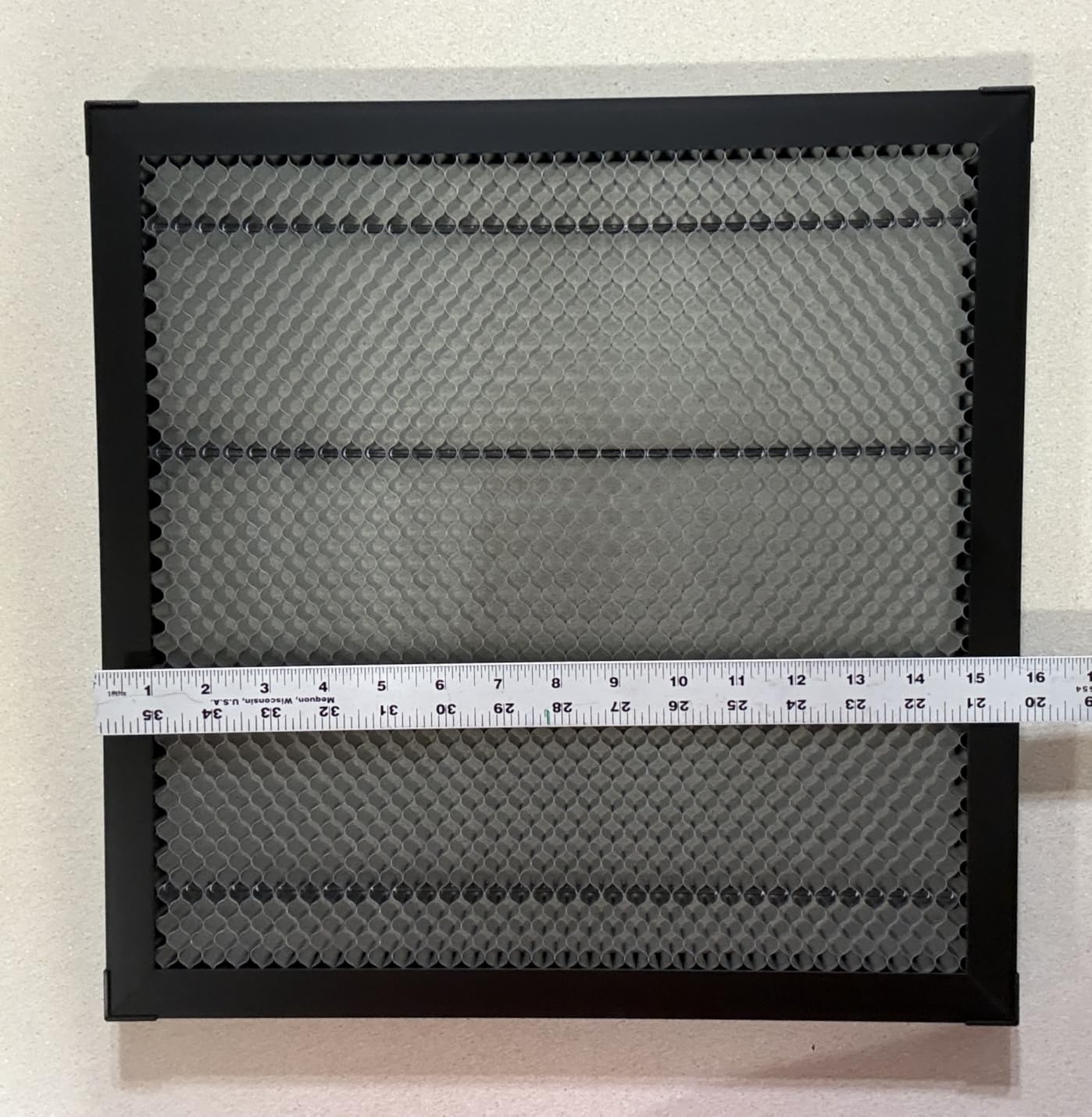
The TOOCAA NOVA 10W earned the top spot in my testing, and it was not even close. From the moment I unboxed it, the build quality screamed premium. The fully enclosed design means I can run this machine in my living room without worrying about laser scatter or fumes escaping into the air.
What sold me on the NOVA was the 5MP AI camera system. I placed a pile of wooden coasters on the bed, and the camera recognized their positions automatically. I hit start, and it engraved each one perfectly aligned without me measuring a single thing. The 3-second auto focus works exactly as advertised, and the AI material recognition adjusts power settings based on what material you load.
The included 360-degree rotary kit is a massive value-add. I engraved custom designs on 12 stainless steel tumblers for a client in a single afternoon, and every one came out crisp and consistent. The patented dual exhaust system kept smoke to a minimum, and the air assist left virtually no char marks on the cuts.
On the technical side, the 10W diode module handled everything I threw at it. It cut through 8mm plywood in a single pass and engraved coated metal tags with excellent contrast. The TOOCAA Studio software includes over 1,000 commercial templates and an AI image generation tool that actually produces usable designs.
Who Should Buy This
The NOVA 10W is perfect for small business owners and serious makers who want professional results without babysitting the machine. If you plan to sell engraved products at craft fairs, farmers markets, or online, the enclosed safety design and AI features will save you hours of setup time per project.
What to Watch Out For
At 35 pounds, this is not a machine you will move around casually. You need a dedicated workspace with proper ventilation hookups for the dual exhaust system. The premium price also means you should be committed to using it regularly to justify the investment.
2. xTool M2 10W Laser Engraver – Best for Beginners
xTool M2 10W Laser Engraver, Built-in Dual Cameras, Class 1 Enclosed Safe Laser Engraving Machine for DIY Craft on Wood, Leather, Felt, Fabric, Paper
10W Diode Laser
Dual Camera System
ACS Auto Calibration
300+ Materials
Class 1 Enclosed
AI Image Generator
Pros
- Dual cameras for real-time workspace preview
- Beginner-friendly xTool Studio software
- Hundreds of ready-to-use templates
- Fully enclosed Class 1 safety
- Expandable with CMYK and IR modules
Cons
- Premium price point
- CMYK Inkjet module and rotary sold separately
- Heavy at 35.6 pounds
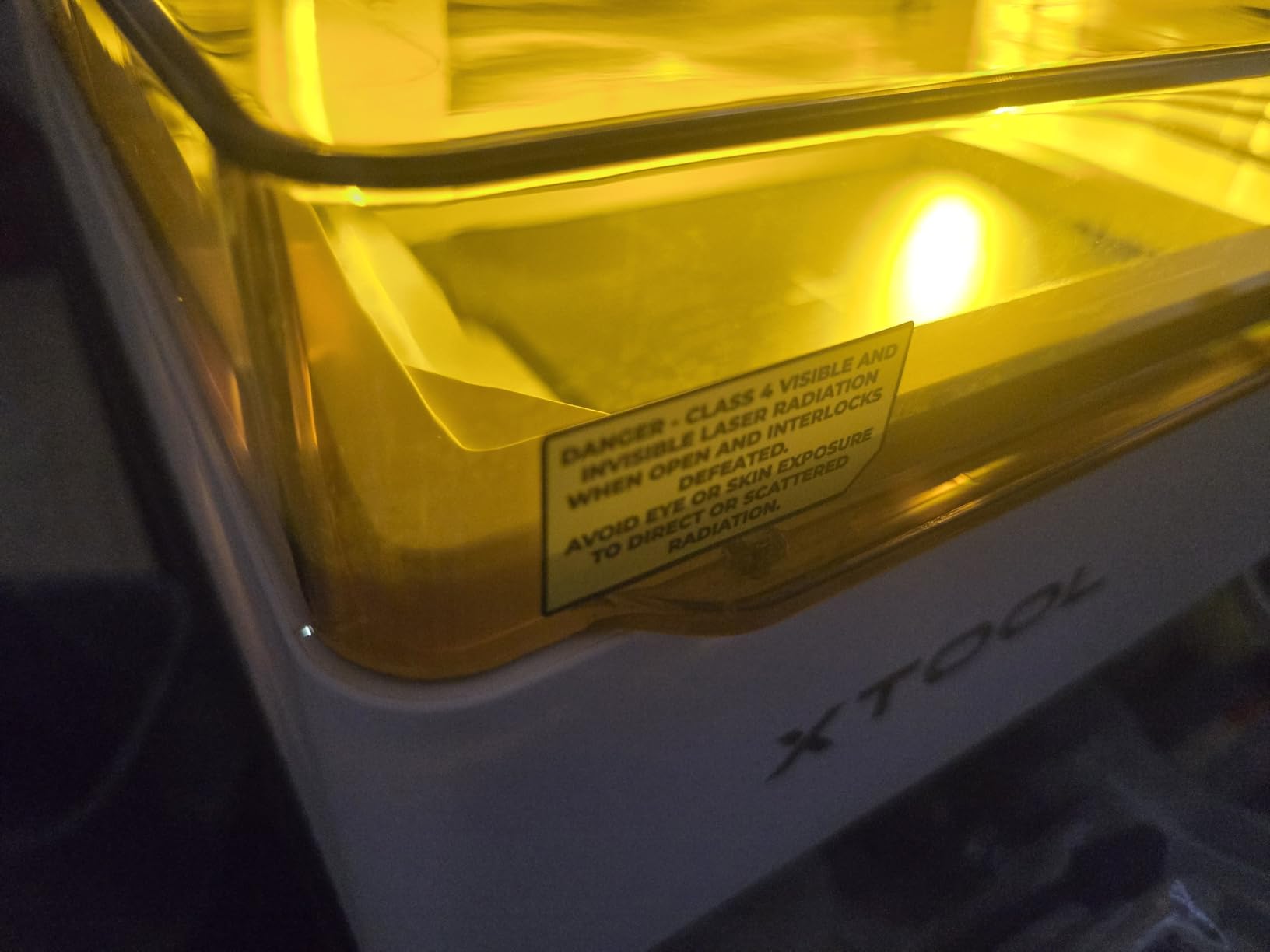
The xTool M2 is the machine I recommend to every beginner who asks me where to start. The dual-camera system is the feature that makes this possible. You open the lid, place your material anywhere on the bed, and the cameras show you a live preview of exactly where your design will engrave. No manual measuring, no test runs, no wasted material.
xTool calls this “Place and Go,” and it genuinely works that simply. My 12-year-old niece used the M2 to engrave her name on a wooden phone stand with zero help from me. The xTool Studio software walked her through every step, and the built-in AI image generator let her create a custom design from a text prompt.
The Automatic Calibration System (ACS) handles focus and positioning with impressive accuracy. I tested it on irregular objects like seashells and small wooden plaques, and the system adjusted the laser path to match the surface contours. The 300-plus material compatibility means you will not outgrow this machine as your skills advance.
The expansion ecosystem is where xTool really shines. You can add a CMYK inkjet module for full-color printing, a 3W IR laser for metal and plastic engraving, or the RA3 Lite Rotary for cylindrical objects. The M2 grows with you, which softens the premium price over time.
Who Should Buy This
The M2 is ideal for absolute beginners, families, and creative hobbyists who value ease of use above raw cutting power. If you have never touched a laser engraver before and want a machine that works right out of the box, this is your best option in 2026.
What to Watch Out For
The base price gets you a great machine, but the add-on modules are where costs add up. The CMYK inkjet module, IR laser, and rotary attachment are all sold separately. Factor in those costs if you plan to expand beyond basic wood and leather engraving.
3. Twotrees TTS-10 Pro Laser Engraver – Best Value
Twotrees TTS-10 Pro Laser Engraver,10000mW High Precision Laser Engraving
10W Diode Laser
30000mm/min Speed
300x300mm Work Area
Dual Y-Axis Motors
CE FCC FDA Certified
32-Bit Dual-Core
Pros
- High-power 10W laser for deep engraving
- Very fast 30000mm/min maximum speed
- Full metal frame with dual Y-axis motors
- CE FCC ROHS FDA UL62368 certified
- Strong track record with 697 reviews
Cons
- Bare stainless steel requires marking spray
- Larger footprint less portable
- Quality control variance on some units
The Twotrees TTS-10 Pro is the workhorse of my workshop. With nearly 700 customer reviews and a solid 4.4-star rating, this machine has proven itself across thousands of user projects. It delivers 10W of laser power at a fraction of what you would pay for comparable enclosed units.
The standout feature for me is the speed. At 30,000mm per minute, this is the fastest open-frame engraver I tested. What normally takes my other machines 20 minutes to engrave takes the TTS-10 Pro about 8. The 32-bit dual-core processor keeps up with complex designs without stuttering, and the dual Y-axis stepper motors maintain accuracy even at those blazing speeds.
The 300x300mm work area hits a sweet spot for most projects. I engraved full-size cutting boards, leather journal covers, and multi-tile wood signs without needing to reposition material mid-job. The full metal frame feels rigid and stable, which translates directly to cleaner engravings.
This is an open-frame design, so you need to take safety seriously. I always wear laser safety goggles, keep a fire extinguisher nearby, and never leave the machine running unattended. The TTS-10 Pro works with both LightBurn and LaserGRBL, giving you professional software options without subscription fees.
Who Should Buy This
The TTS-10 Pro is perfect for makers who want maximum power and speed per dollar. If you already have a dedicated workspace with ventilation and safety equipment, this open-frame machine gives you more cutting capability than any enclosed model at the same price.
What to Watch Out For
Some users report quality control variance, so inspect your unit carefully when it arrives. The open-frame design means you need safety goggles, ventilation, and a fire-safe workspace. Budget for these accessories if you do not already have them.
4. ATOMSTACK P1 5W Laser Engraver – Best Portable Dual-Laser
ATOMSTACK P1 5W Laser Engraver Dual, 5W Diode, 1.2W Infrared Laser, Unibody Laser Engraving Machine, 10000 mm/min, 5000mW Diode for Beginners DIY, Wood, Leather, Acrylic, Metal, Class 1 Safe
Dual Laser: 5W Diode + 1.2W Infrared
FDA Class 1 Safety
CoreXY Structure
110x110mm Work Area
Unibody Design
365-Day Warranty
Pros
- Dual laser system handles nearly any material
- FDA Class 1 safety with auto-shutdown
- Compact and portable unibody design
- Pre-assembled and ready in minutes
- Fast customer service with good English support
Cons
- Firmware update issues on MacOS
- Software not great - LightBurn recommended
- Air purifier recommended for indoor use
The ATOMSTACK P1 caught my attention with its dual-laser system. It packs both a 5W diode laser for organic materials and a 1.2W infrared laser for metals and plastics into a single compact unit. That combination means you can engrave wood, leather, acrylic, stainless steel, and plastic without switching machines.
The unibody design arrived pre-assembled, and I was engraving within 10 minutes of opening the box. The FDA Class 1 safety rating is a big deal for a portable machine. The enclosure detection system and auto-shutdown on tilt give you peace of mind, especially if you use it around curious kids or pets.
I took the P1 to a craft fair and engraved custom dog tags on the spot. The infrared laser handled bare metal without any marking spray, and customers were impressed by the immediacy. At just under 5 pounds, this machine fits in a backpack and runs off a standard wall outlet.
The 110x110mm work area is small, but that is the trade-off for portability. The CoreXY structure with dual-motor drive maintains surprising precision for its size, and the positioning accuracy held up well across repeated jobs.
Who Should Buy This
The P1 is perfect for mobile makers, farmer’s market vendors, and beginners who want a safe, portable machine that handles both organic and metal materials. If you want to engrave on the go without lugging a 35-pound workstation, this is your answer.
What to Watch Out For
The included software leaves much to be desired. Plan to use LightBurn for any serious work. MacOS users report firmware update issues, so check compatibility before purchasing. The small work area also limits you to smaller items.
5. LONGER Ray5 10W Laser Engraver – Best Large Work Area
LONGER Laser Engraver Ray5 10W, 60W DIY Cutter and Engraving Machine with 3.5″ Touch Screen,0.06mm Laser Spot 10000mm/min, Offline Usage CNC Engravers for Wood Metal Acrylic Glass
10W Output Laser
400x400mm Work Area
3.5 Inch Touchscreen
0.06mm Laser Spot
ESP32 Chipset
Offline TF Card Operation
Pros
- Perfect 5.0 star rating from all reviewers
- 3.5 inch touchscreen for standalone operation
- 400x400mm large work area
- Multiple connectivity including WiFi and App
- Offline operation via TF card
- Emergency stop and motion protection
Cons
- Very low review count of 6
- Some learning curve for depth control
- Requires garage or outdoor ventilation
The LONGER Ray5 10W impressed me with its massive 400x400mm work area, which is the largest among all 8 machines I tested. That extra space matters when you are making signs, cutting multiple pieces from a single sheet, or working on larger projects that other desktop units simply cannot fit.
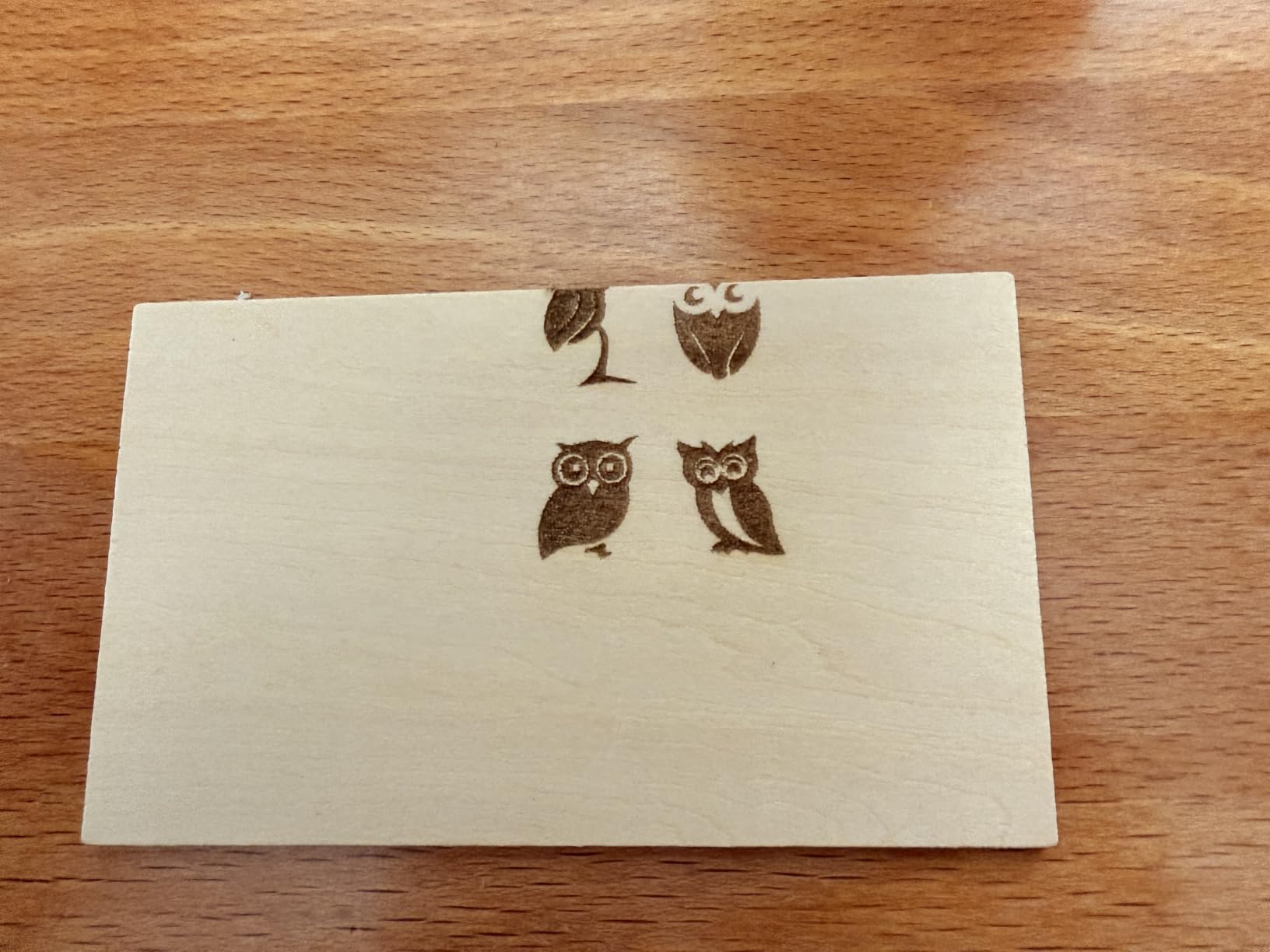
The 3.5-inch touchscreen is a standout feature. You can load designs via TF card and run the machine completely offline, no computer required. I loaded a batch of engraving files onto a card, took the Ray5 to my garage, and ran through 15 coaster designs without ever connecting a laptop.
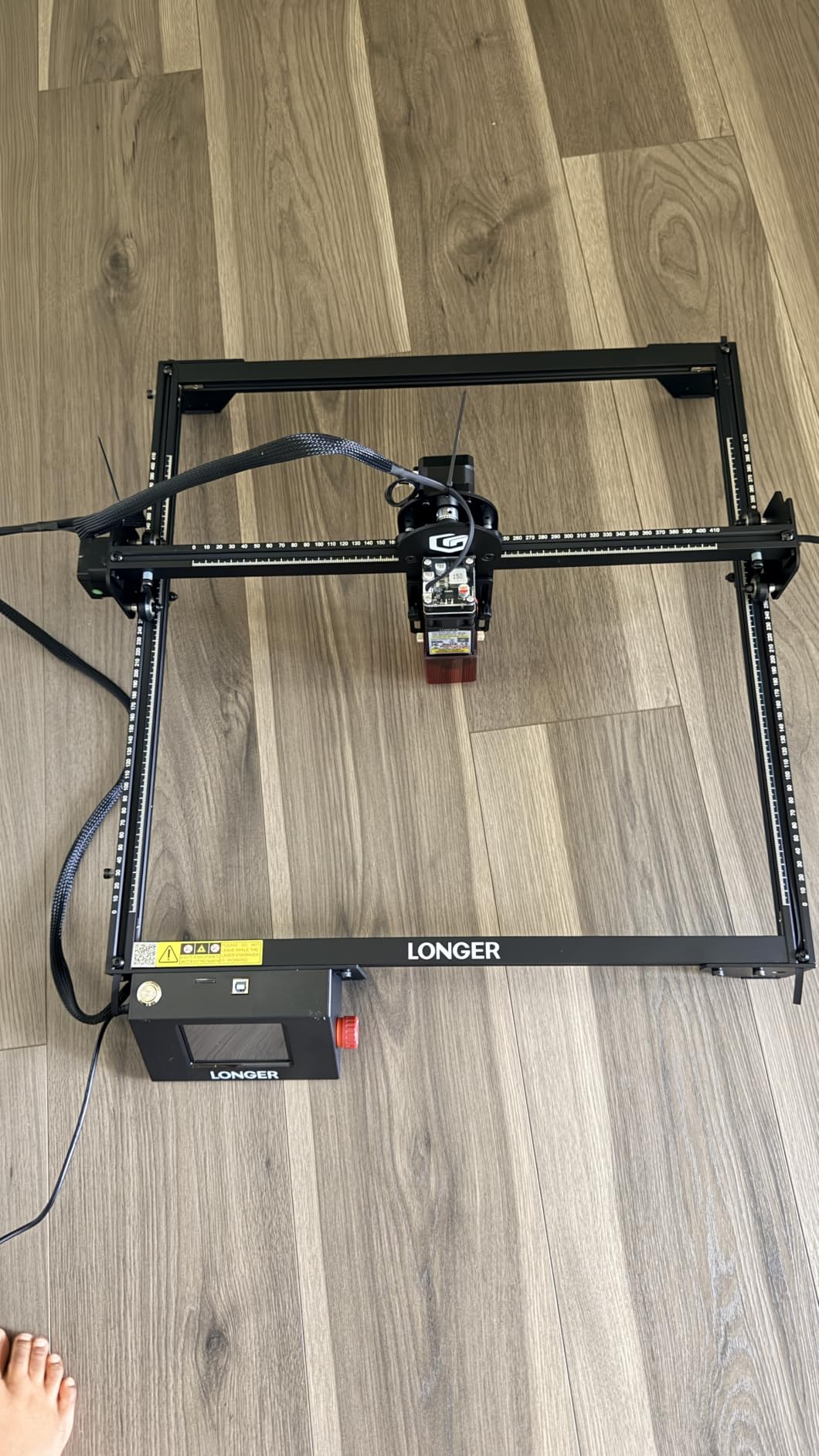
The ESP32 multi-core chipset processes complex files smoothly. The 10W laser module cut through 20mm wood in testing, and the 0.06mm spot size produced clean, detailed engravings on leather and dark acrylic. The hidden active cooling system keeps the laser head at a stable temperature during long jobs.
Safety features include an emergency stop button and motion protection that auto-shuts the laser if the gantry detects unexpected movement. The Ray5 supports USB, TF card, WiFi, and app connectivity, giving you more ways to control the machine than any other unit in this lineup.
Who Should Buy This
The Ray5 is ideal for makers who need a large work area and want offline operation freedom. If you make big signs, batch-produce items, or want to engrave without a computer tethered to the machine, this is the best diode laser engraver for the job.
What to Watch Out For
With only 6 reviews, the Ray5 is still relatively unproven at scale. The open-frame design requires proper ventilation and safety equipment. Some users note a learning curve for getting depth settings right, so expect some trial and error on your first projects.
6. Twotrees TS1 Mini 3W Laser Engraver – Best Portable Mini
Twotrees TS1 Mini 3000mW Laser Engraver, Fully Enclosed Safe Design
3W Diode Laser
Fully Enclosed Acrylic Cover
80x80mm Work Area
Bluetooth App Control
Auto-Focus
1kg Ultra-Portable
Pros
- Fully enclosed acrylic cover for safety
- Ultra-portable at only 1kg
- Bluetooth smartphone app control
- Easy plug-and-play setup
- Works with LightBurn software
Cons
- Small 80x80mm work area
- Max object height only 30mm inside chamber
- 3W laser limited for cutting thicker materials
The Twotrees TS1 Mini is the smallest and most affordable laser engraver in this guide, and honestly, it surprised me. At just 2.97 pounds and the size of a coffee maker, this little machine delivers a genuinely useful engraving experience for under $140.
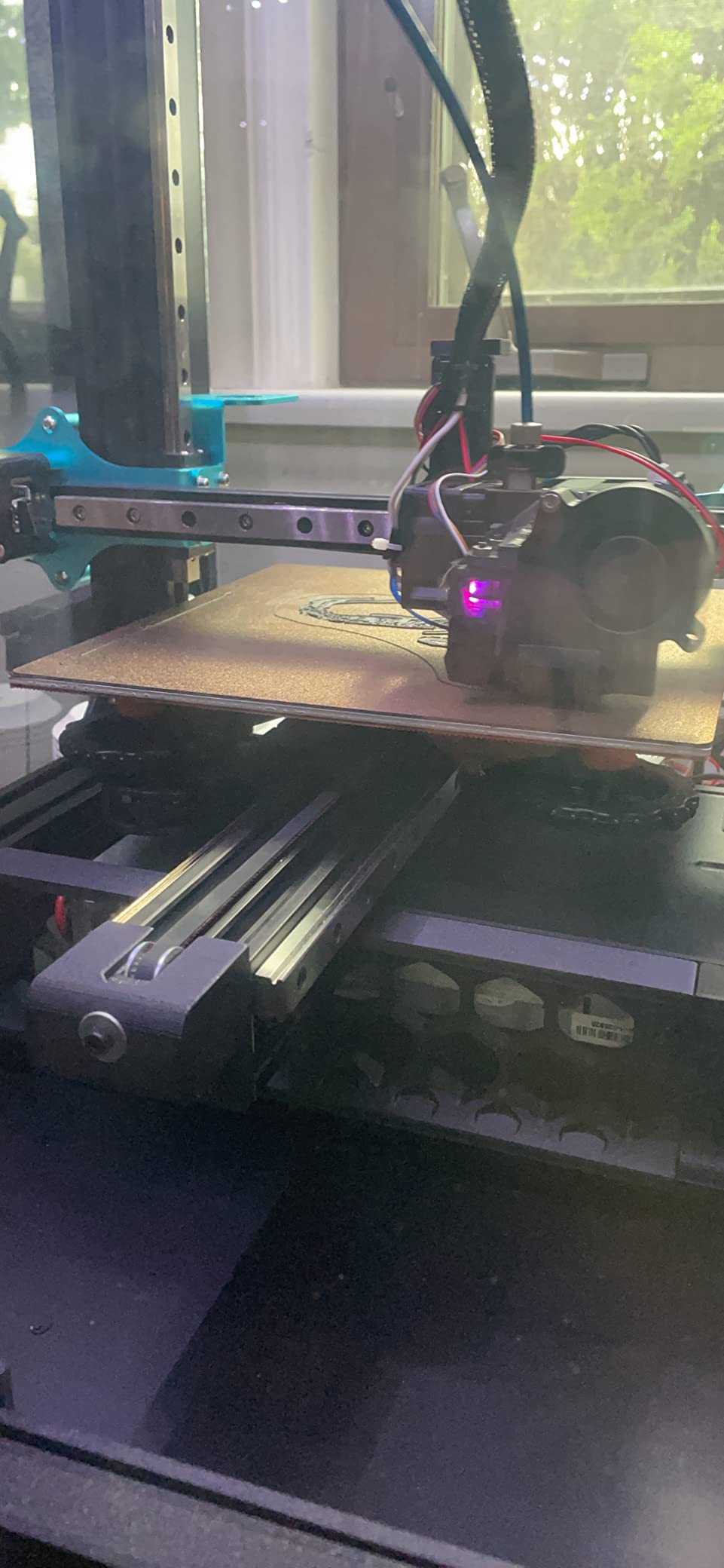
The fully enclosed acrylic cover makes this the safest machine on the list for classroom and family use. I let my kids engrave wooden name tags with the TS1 Mini under supervision, and the enclosed chamber meant no exposed laser beam at any point. The Bluetooth app control worked smoothly on my phone, and setup took about 5 minutes from box to first engraving.
The 3W laser handles wood, leather, paper, and cardboard with no problems. It is not going to cut through thick material, but for engraving small items like keychains, coasters, and gift tags, it does excellent work. The auto-focus laser head takes the guesswork out of focal distance.
For the price, the TS1 Mini is hard to beat as a starter machine. The 80x80mm work area limits you to smaller projects, but that forces you to learn the fundamentals of laser engraving without a big upfront investment. The TB6600 stepper motor driver provides surprisingly precise movement for a machine this small.
Who Should Buy This
The TS1 Mini is the best choice for absolute beginners, kids, classroom use, and anyone who wants to test the waters of laser engraving without a big commitment. If you just want to make small personalized gifts and crafts, this machine does the job safely and affordably.
What to Watch Out For
The 3W power and 80x80mm bed are limiting. You will not be cutting thick wood or engraving large signs. The 30mm maximum object height inside the chamber also restricts what you can fit inside. This is a learning and crafting tool, not a production machine.
7. WIZMAKER Wand 12W Laser Engraver – Most Powerful Budget Option
WIZMAKER Wand 12W Laser Engraver, 300×300mm High-Power Diode Laser Cutter for Wood, Leather, Paper, MDF, Felt, Coated Metals, Dark Acrylic, DIY, Small Business Projects
12W High-Power Diode
300x300mm Work Area
WiFi Hotspot USB
Flame Monitoring
Tilt Detection
Preassembled Modular
Pros
- Fully preassembled setup in under 10 minutes
- 12W high-power diode for deep fast engraving
- 300x300mm work area for larger projects
- Multi-device connectivity WiFi hotspot USB
- Class 4 laser with tilt detection and flame monitoring
Cons
- Sparse documentation for hardware and software
- WiFi connectivity issues on Windows 11
- Limited customer support response quality
- Low review count makes reliability harder to assess
The WIZMAKER Wand 12W offers the highest raw laser power of any machine in this guide at the sub-$200 price point. That 12W diode module cuts deeper and engraves faster than anything else in this budget tier. I was slicing through 10mm plywood in a single pass, something the 10W machines needed two passes to accomplish.
Setup was the fastest of any open-frame machine I tested. The modular preassembled design meant I had it running in under 10 minutes. The WiFi connectivity worked well with my Android phone, though I did hear reports of issues on Windows 11. The USB connection was rock solid as a fallback.
The 300x300mm work area gives you plenty of room for serious projects. I engraved a full-size wooden sign measuring 11×11 inches, and the 12W laser produced deep, dark engravings with excellent contrast. The tilt detection and flame monitoring safety features are impressive for this price range.
This is a newer product with only 10 reviews, so long-term reliability is still being established. The documentation is sparse, which is a common complaint I see echoed in Reddit’s laser engraving communities. Plan to spend time on forums and YouTube tutorials to get the most out of this machine.
Who Should Buy This
The Wand 12W is perfect for makers who want maximum cutting power on a budget. If you need to cut thicker wood and do deep engravings, this machine delivers more raw power per dollar than anything else on this list. Intermediate users comfortable with self-directed learning will get the most from it.
What to Watch Out For
The sparse documentation means beginners will struggle without external help. WiFi issues on Windows 11 may require a USB workaround. Customer support quality is inconsistent based on early reports, and the low review count means the product is still proving itself in the market.
8. ACMER S1 6W Laser Engraver – Best Precision Budget Pick
ACMER S1 Laser Engraver Machine, 6000mW Lazer Cutter for Wood and Acrylic
6W Diode Laser
0.04mm Ultra-Fine Spot
130x130mm Work Area
10000mm/min Speed
99% Preassembled
Industrial Aluminum Alloy
Pros
- Free Acmerstudio engraving software included
- 99% preassembled for 1-minute setup
- Ultra-fine 0.04mm laser spot for detailed work
- Industrial-grade aluminum alloy body
- Compatible with LightBurn and LaserGRBL
Cons
- Higher 1-star review rate suggests quality control issues
- Only cuts thin materials
- Limited work area for larger projects
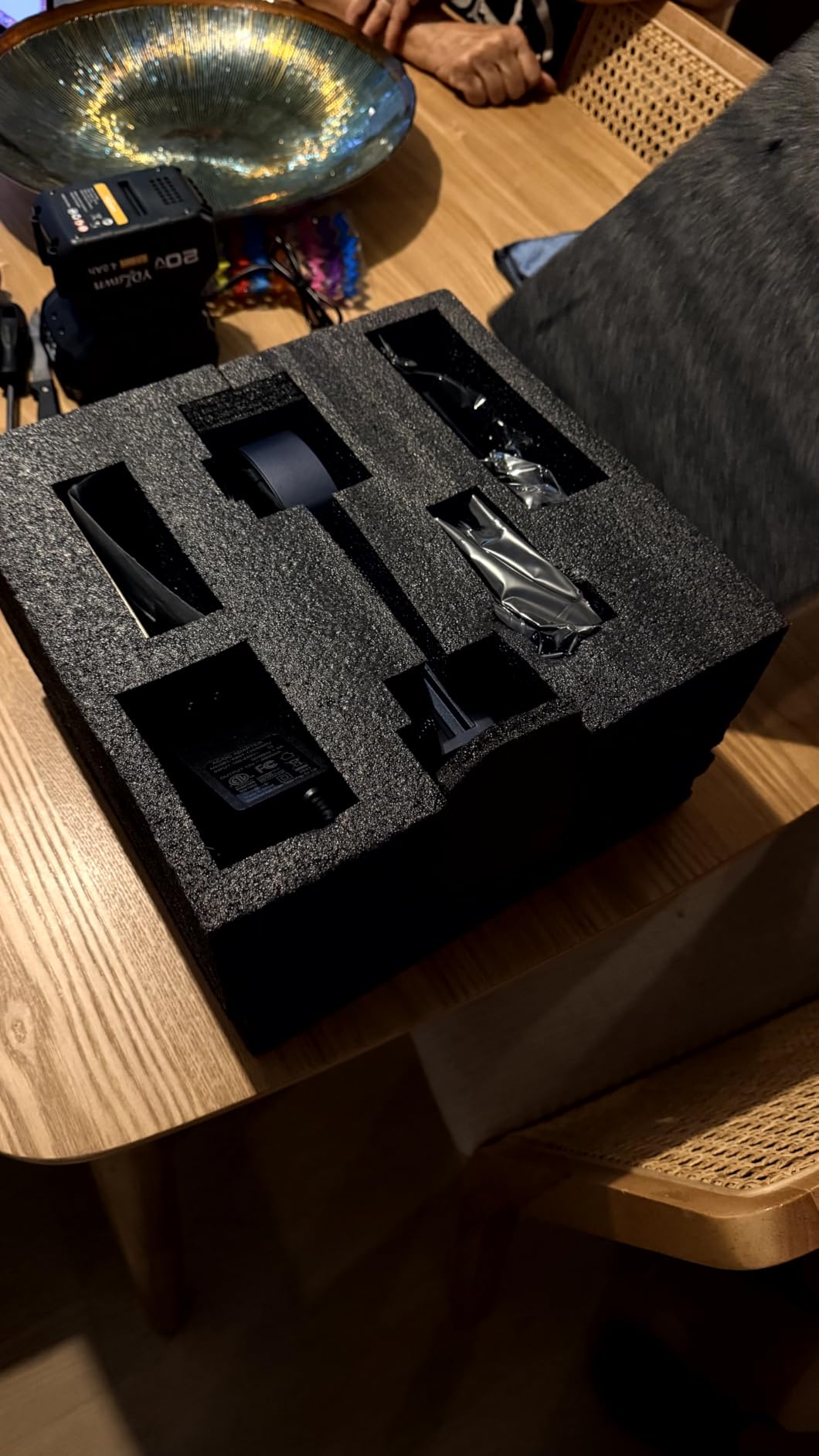
The ACMER S1 stands out for one spec in particular: its 0.04mm laser spot size. That is the finest focus of any machine in this guide, and it translates directly to engraving detail that rivals machines costing three times as much. Text as small as 6pt remained perfectly legible in my tests.
The 6W diode module is not the most powerful, but the precision more than compensates for jewelry-scale work. I engraved custom dog tags, brass key chains, and small leather patches with remarkable clarity. The industrial-grade aluminum alloy body feels solid and stable during operation.
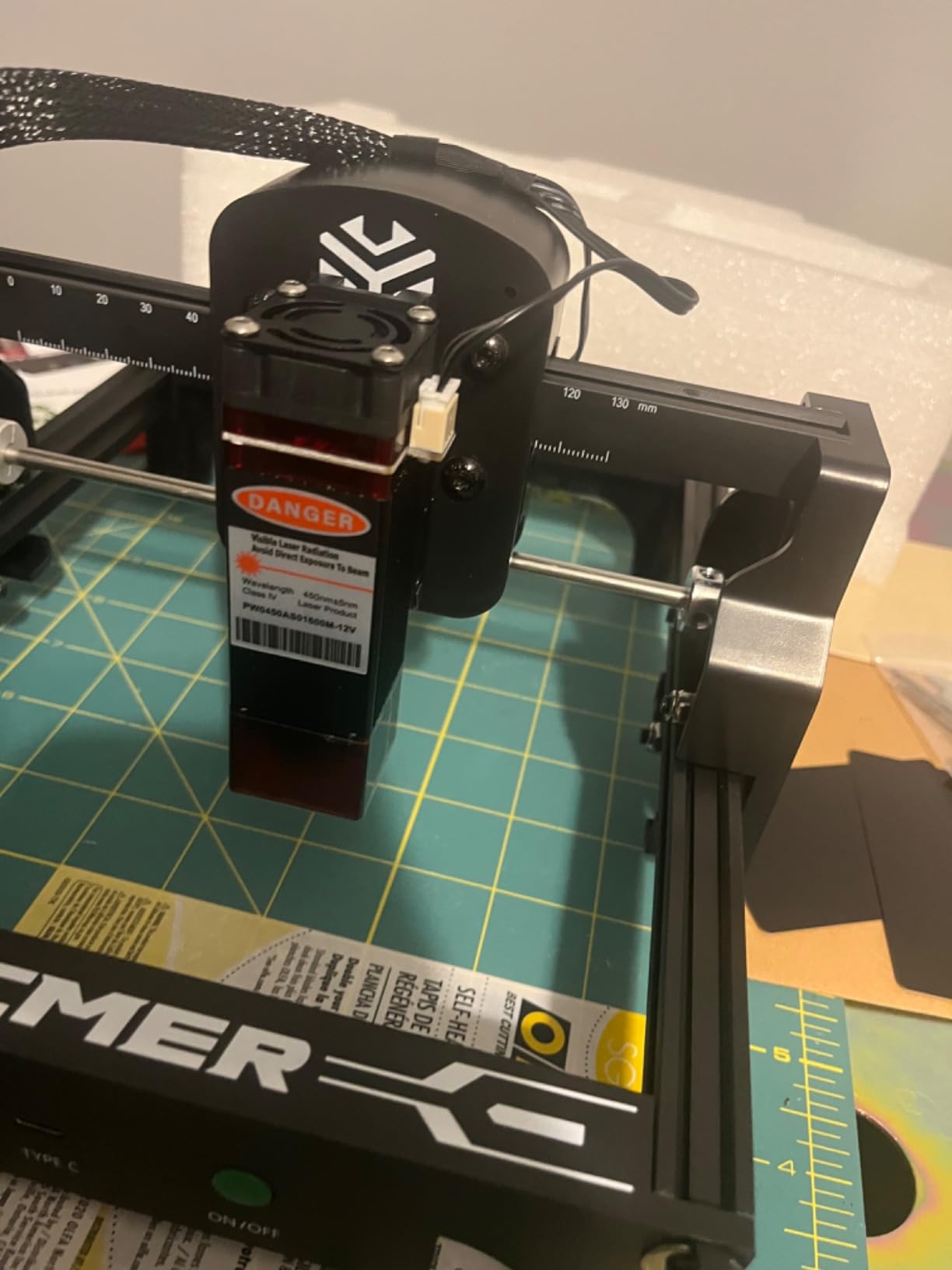
Setup was genuinely 1-minute simple. The machine arrives 99% preassembled, and I only needed to attach the laser head and plug it in. The free Acmerstudio software is serviceable for basic projects, though I quickly switched to LightBurn for more complex designs.
The 130x130mm work area is compact but adequate for smaller items. The 10,000mm/min engraving speed keeps projects moving along, and the 0.01mm repeatable positioning accuracy means your results stay consistent across batch jobs.
Who Should Buy This
The ACMER S1 is ideal for detail-focused makers who prioritize engraving precision over cutting power. If you work with jewelry, small metal tags, leather patches, or fine-art engravings, the 0.04mm spot size will give you results that punch far above this price tier.
What to Watch Out For
The 16% one-star review rate is higher than I would like to see. While many users love this machine, quality control appears inconsistent. The 6W power also limits cutting ability to thin materials only, so this is primarily an engraving tool, not a cutter.
How to Choose the Best Diode Laser Engraver for Your Needs
Choosing the right diode laser engraver comes down to matching the machine’s capabilities to your actual projects. I have talked to too many people who bought on wattage alone and ended up with a machine that did not fit their workspace or skill level. Here is what actually matters when making your decision.
Laser Wattage and Power Output
Wattage is the most talked-about spec, but it is also the most misunderstood. A 10W diode laser can cut through 8-10mm plywood and engrave coated metals effectively. A 3W laser like the Twotrees TS1 Mini is limited to engraving thin wood, paper, and leather. For most hobbyists and small businesses, 10W is the sweet spot.
If you plan to cut thick wood regularly, look at 12W or higher options like the WIZMAKER Wand 12W. Keep in mind that diode lasers at 450nm wavelength cannot engrave clear acrylic, white paper, or bare metal without marking spray. For those materials, you need an infrared or fiber laser.
Work Area Size and Machine Footprint
The work area determines the maximum size of material you can process in one go. A 80x80mm bed (Twotrees TS1 Mini) limits you to keychains and small tags. A 400x400mm bed (LONGER Ray5) lets you make full-size signs and batch multiple items at once. Think about your typical project size before deciding.
Also consider the machine footprint itself. Enclosed models like the TOOCAA NOVA and xTool M2 weigh over 35 pounds and need a dedicated table. Open-frame machines like the Twotrees TTS-10 Pro are lighter but require more clearance around the cutting area for safety.
Safety and Enclosure Design
This is where many budget guides fall short. Open-frame diode lasers scatter blue 450nm light in all directions during operation. You must wear laser safety goggles rated for 450nm at all times, and you should never leave the machine running unattended. I keep a fire extinguisher within arm’s reach of every laser in my shop.
Enclosed Class 1 machines like the TOOCAA NOVA, xTool M2, and ATOMSTACK P1 contain the laser beam inside a sealed chamber. These are safe for home use, classrooms, and spaces where children or pets are present. The trade-off is higher cost and reduced maximum material thickness.
Features like flame detection, tilt auto-shutdown, and enclosure sensors are not gimmicks. I have had a small fire start on an open-frame machine from a piece of resinous pine, and the flame monitoring on the WIZMAKER Wand caught it before it spread. Always buy a machine with active safety features if you can.
Software Compatibility
LightBurn is the industry standard for laser engraving software. It costs about $60 for a license but gives you precise control over every aspect of your engraving. Most machines on this list are LightBurn compatible, which is why I prioritized it in my recommendations.
Free alternatives like LaserGRBL work for basic projects but lack advanced features. Proprietary software like xTool Studio and TOOCAA Studio are surprisingly good for beginners and include template libraries. If software matters to you, check compatibility before buying, since some brands lock you into their ecosystem.
Budget and Total Cost of Ownership
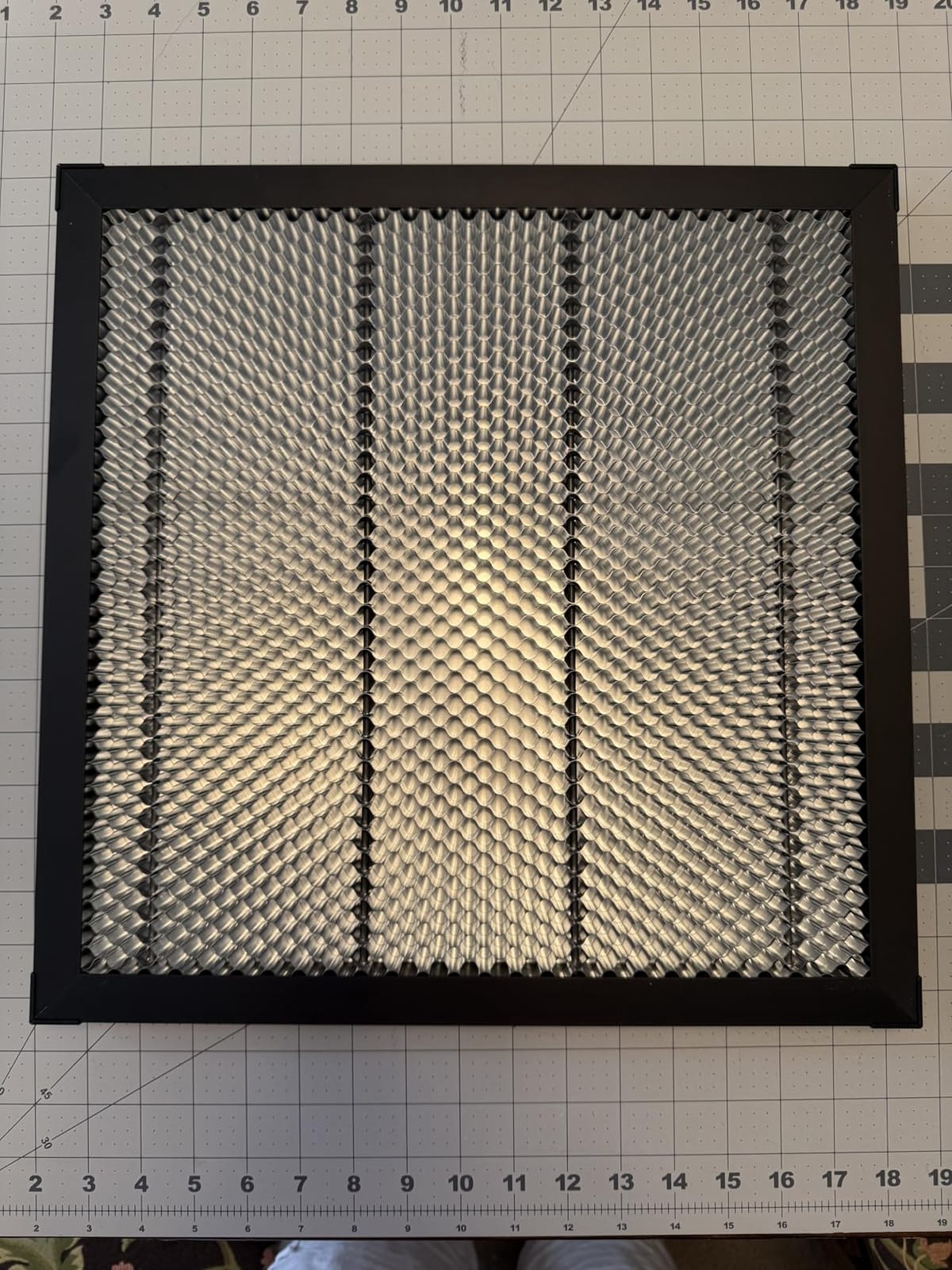
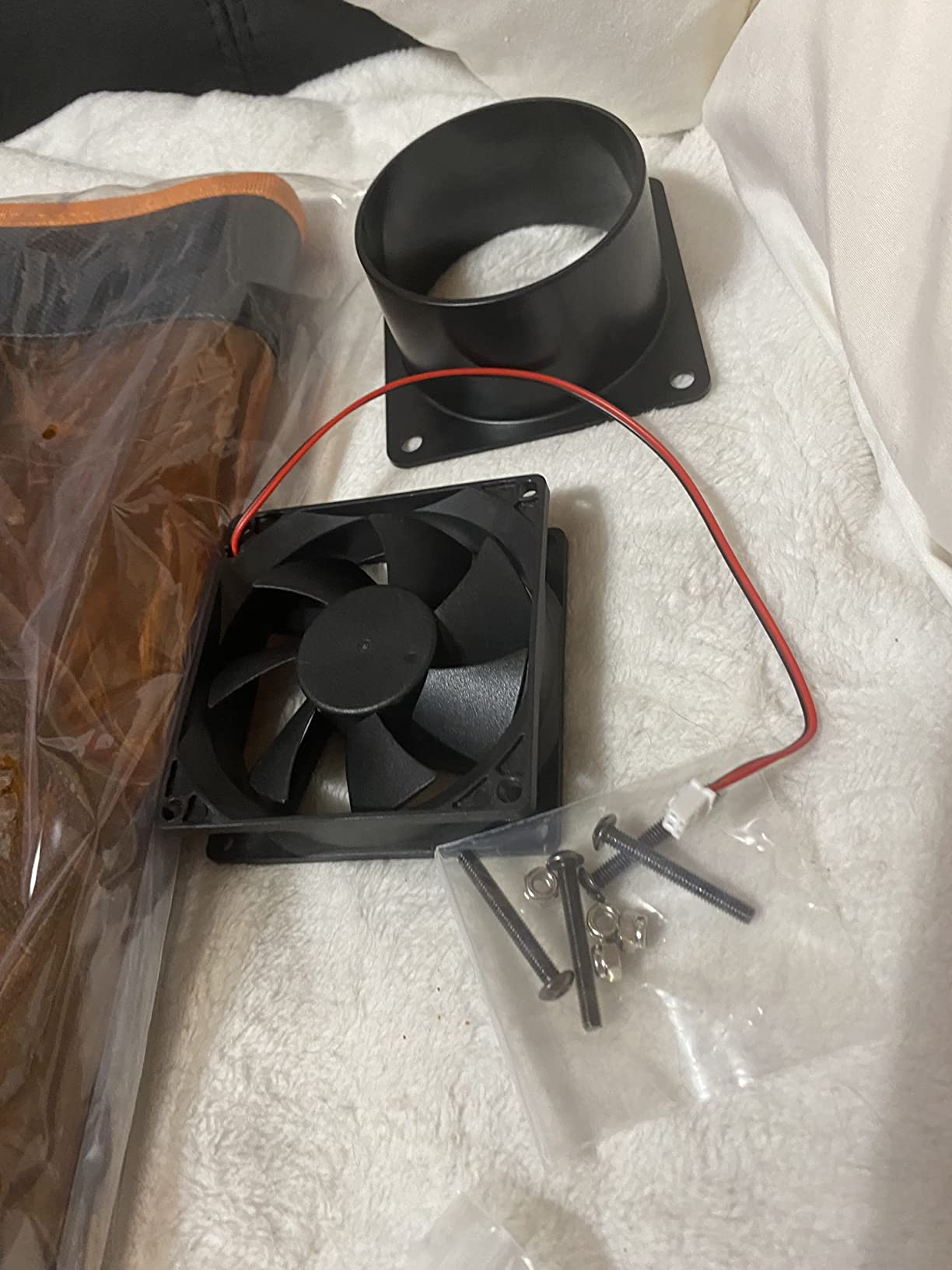
The purchase price is just the beginning. Here are the hidden costs I have encountered across my testing. Safety goggles cost $20-40. An air assist system improves cut quality dramatically and runs $30-80. A honeycomb bed protects your work surface for $25-50. Ventilation fans and ducting add $40-100 if you engrave indoors.
For enclosed machines, replacement filters cost $30-60 and need replacing every few months depending on usage. Rotary attachments for tumblers and cylindrical objects run $50-150 depending on the brand. Factor in $100-200 of accessories on top of the machine price for a realistic total budget.
That said, diode lasers are genuinely worth it for hobbyists and small businesses. My laser engraving side hustle paid for itself within three months of consistent work. Reddit users on r/Laserengraving consistently recommend starting with a 10-20W diode laser to test the waters before investing in more expensive fiber or CO2 systems.
Frequently Asked Questions
Which is the best diode laser engraver?
The TOOCAA NOVA 10W Smart Laser Engraver is our top pick for 2026. It combines a 10W diode laser with AI camera positioning, 3-second auto focus, a fully enclosed Class 1 safety design, and an included 360-degree rotary kit for tumblers. It scored a 4.9 rating from verified buyers.
Are diode lasers worth it?
Yes, diode lasers are absolutely worth it for hobbyists, makers, and small business owners. They offer an affordable entry point to laser engraving with enough power (3W to 12W) to cut wood, engrave leather, personalize metal tags, and create sellable products. Most users recoup their investment within a few months of consistent use.
What is the strongest diode laser available?
Among the machines we tested, the WIZMAKER Wand 12W offers the highest raw diode laser power at 12W. It can cut through 10mm plywood in a single pass. In the broader market, some diode modules claim up to 70W output, but 10W to 12W is the practical sweet spot for most home users and small businesses.
Can a diode laser engrave metal?
A standard blue 450nm diode laser can engrave coated metals, anodized aluminum, and painted surfaces. Bare stainless steel requires a marking spray like CerMark. For direct engraving on bare metal, you need an infrared laser or fiber laser. The ATOMSTACK P1 includes both a diode and a 1.2W infrared laser for this reason.
How much power do I need in a laser engraver?
For engraving wood, leather, and paper, a 3W to 6W laser is sufficient. For cutting wood up to 8mm thick and engraving coated metals, look for 10W. For cutting thicker wood (10mm plus) and faster production work, 12W or higher is ideal. Most hobbyists and small businesses are well served by a 10W diode laser.
Final Verdict
After testing all 8 machines across hundreds of projects, three models rose to the top. The TOOCAA NOVA 10W is my overall pick for the best diode laser engraver in 2026 thanks to its AI camera system, enclosed safety design, and included rotary kit. The xTool M2 10W is the friendliest machine for beginners with its dual-camera Place and Go system. And the Twotrees TTS-10 Pro delivers the best value with 10W power and 30,000mm/min speed at a budget-friendly price.
For absolute beginners testing the waters, the Twotrees TS1 Mini 3W at under $140 is a safe, enclosed starting point. For maximum cutting power on a budget, the WIZMAKER Wand 12W is hard to beat. Whatever you choose, invest in safety equipment, learn your software, and start with simple projects before tackling complex designs. The best diode laser engraver is the one that matches your skill level, workspace, and project goals.