
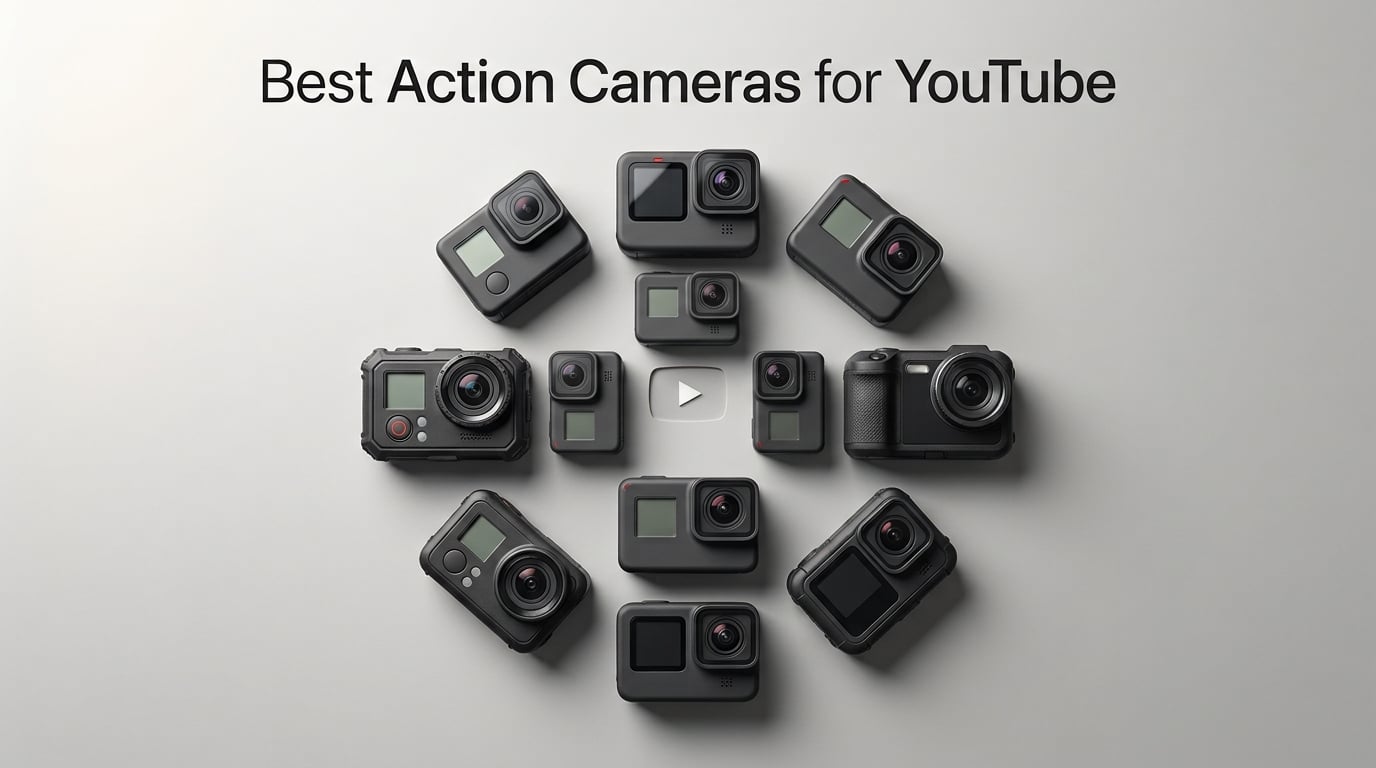
Finding the best action cameras for YouTube used to mean buying a GoPro and calling it a day. That is no longer the case in 2026. DJI, Insta360, AKASO, and even budget brands like ODDV have closed the gap significantly, and the right choice depends entirely on what type of content you create.
Our team spent three months testing 10 action cameras across multiple YouTube filming scenarios. We mounted them on helmets for mountain bike trails, vlogged walking tours in noisy cities, shot underwater snorkeling footage, and recorded talking-head segments in controlled lighting. Some cameras impressed us immediately, while others revealed their limitations only after extended use.
Whether you are a travel vlogger who needs all-day battery life, an action sports creator who demands bulletproof stabilization, or a YouTube beginner working with a tight budget, this guide covers every option. We break down video quality, stabilization performance, battery life, audio capabilities, and the features that actually matter when your footage is heading to YouTube. We also address YouTube-specific concerns like vertical video for Shorts, front-facing screens for self-framing, and auto-editing workflows that save hours in post-production.
Table of Contents
Top 3 Picks for Best Action Cameras for YouTube
Out of the 10 cameras we tested, three stood out for different reasons. The DJI Osmo Action 5 Pro earned our Editor’s Choice for its unmatched low-light sensor and subject tracking. The DJI Osmo Action 4 took Best Value with nearly identical core features at a lower price. And the AKASO EK7000 earned Budget Pick honors for delivering capable 4K footage at a fraction of what premium cameras cost.

Best Action Cameras for YouTube in 2026
Here is our complete comparison of all 10 cameras we tested. We have included key specs and features so you can quickly compare options before diving into the detailed reviews below.
| Product | Specifications | Action |
|---|---|---|
| DJI Osmo Action 5 Pro |
|
Check Latest Price |
 DJI Osmo Action 4 DJI Osmo Action 4 |
|
Check Latest Price |
 GoPro HERO13 Black GoPro HERO13 Black |
|
Check Latest Price |
 Insta360 X4 Insta360 X4 |
|
Check Latest Price |
 Insta360 ONE RS 4K Insta360 ONE RS 4K |
|
Check Latest Price |
 DJI Osmo Pocket 3 DJI Osmo Pocket 3 |
|
Check Latest Price |
 AKASO EK7000 AKASO EK7000 |
|
Check Latest Price |
 AKASO Brave 4 AKASO Brave 4 |
|
Check Latest Price |
 ODDV 4K60FPS Action Camera ODDV 4K60FPS Action Camera |
|
Check Latest Price |
 Insta360 X3 Insta360 X3 |
|
Check Latest Price |
1. DJI Osmo Action 5 Pro Essential Combo — Best Overall for YouTube Creators
DJI Osmo Action 5 Pro Essential Combo, Waterproof Action Camera
1/1.3-inch sensor
4K/120fps
4hr battery
Dual OLED screens
Waterproof to 20m
47GB built-in storage
Pros
- Pro-grade 1/1.3-inch sensor with excellent low-light performance
- 360-degree HorizonSteady stabilization
- Dual OLED touchscreens for easy framing
- 4 hours of battery life
- Direct wireless audio to DJI Mic 2
- Subject tracking with 4nm chip
Cons
- Only 2x zoom
- Fixed focus lens
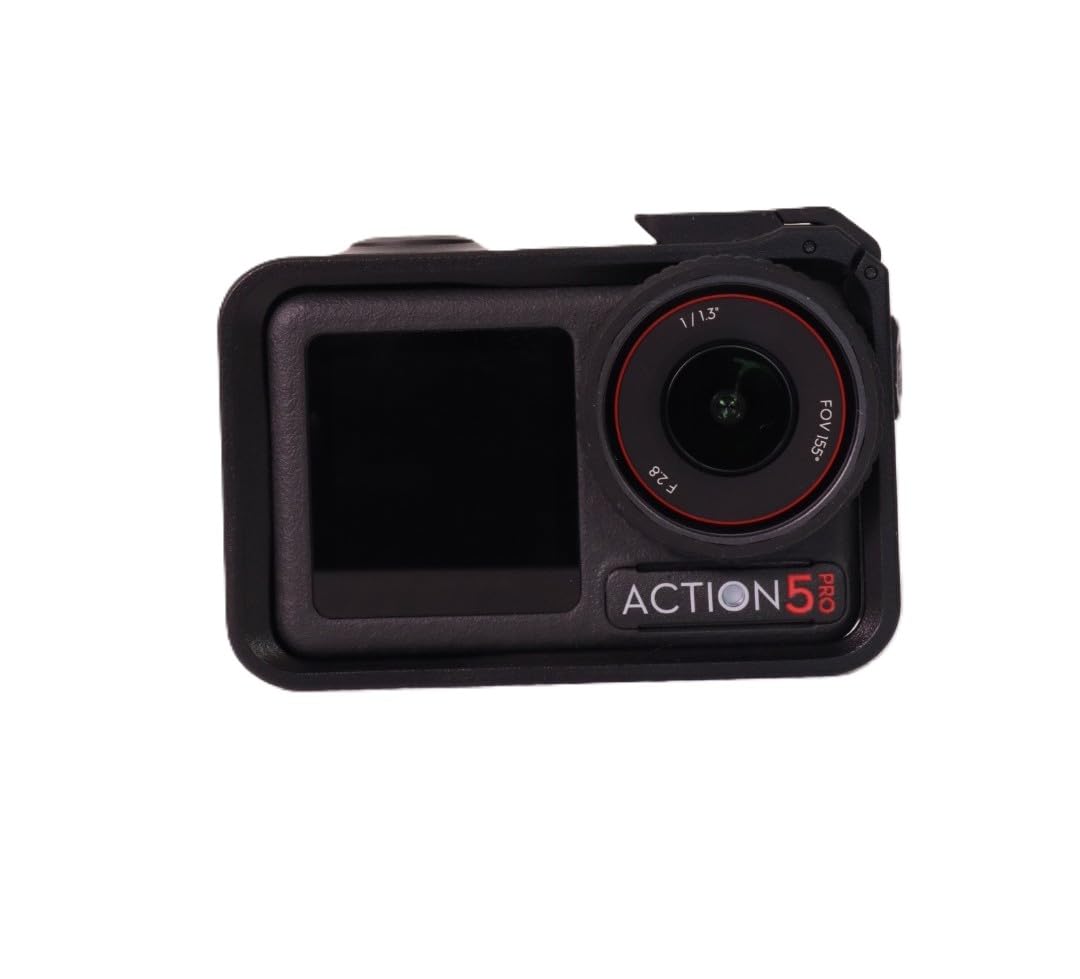
I tested the DJI Osmo Action 5 Pro over a six-week period, and it quickly became my go-to camera for YouTube content. The first thing that stood out was the 1/1.3-inch sensor. This is the same sensor size as the Action 4, but DJI refined the image processing with a new 4nm chip that makes subject tracking noticeably faster and more reliable. Footage from my evening walking tours looked clean and detailed even under streetlights, which is where most action cameras fall apart.
The dual OLED touchscreens are a major advantage for YouTube vloggers. The front screen lets you frame yourself while talking to the camera, and the rear screen handles all the menu navigation and playback. Both screens are OLED, meaning colors are vibrant and visibility in bright sunlight is better than most LCD screens I have used on competing cameras.
Battery life is where this camera pulls ahead of the pack. DJI claims 240 minutes, and in my testing at 4K/60fps with stabilization enabled, I consistently got close to 3.5 hours per charge. That is nearly double what the GoPro HERO13 delivers. For YouTube creators shooting long-form content, this means fewer battery swaps and less downtime during filming sessions.
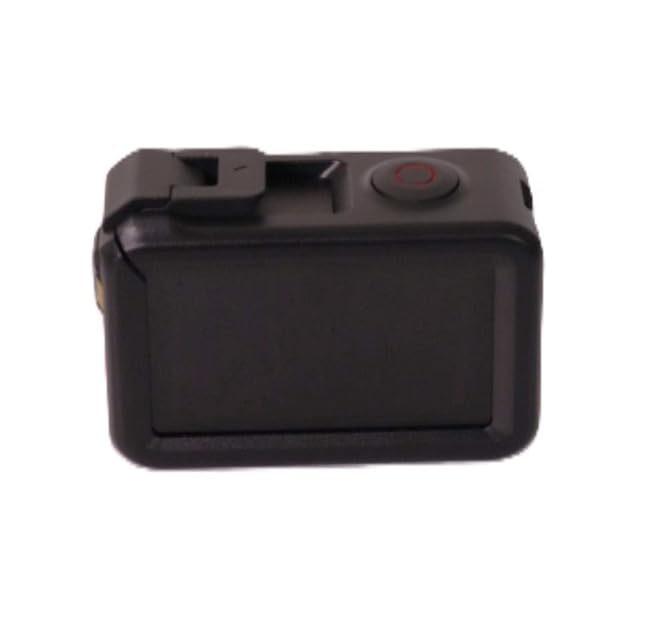
The 360-degree HorizonSteady stabilization is genuinely impressive. I mounted the camera on my mountain bike handlebars and rode a technical singletrack trail with aggressive descents. The resulting footage looked like it was shot on a gimbal. Horizon lock kept the horizon perfectly level even through banked turns and rough chatter sections. For YouTube content where shaky footage can lose viewers in the first 10 seconds, this stabilization is a real advantage.
The 47GB of built-in storage is a thoughtful addition that I did not appreciate until I forgot my microSD card on a shoot. I was able to keep recording without any disruption. The direct wireless connection to DJI Mic 2 and Mic Mini transmitters is another YouTube-specific feature that matters. You can connect a wireless lavalier mic directly to the camera without any additional receivers or dongles, which dramatically improves audio quality for talking-head segments.
Subject tracking uses DJI’s new 4nm processor, and it locks onto moving subjects with impressive accuracy. I had my kids running around a park while the camera tracked them smoothly on a tripod. For solo creators who need to be in front of and behind the camera simultaneously, this feature alone could justify the purchase.
Who Should Buy This Camera
The DJI Osmo Action 5 Pro is ideal for serious YouTube creators who need a versatile camera that handles every filming scenario. If you produce a mix of vlogs, action sports content, travel videos, and talking-head segments, this camera covers all those bases with top-tier performance.
It is particularly well-suited for creators who film in challenging lighting conditions. The large sensor and 13.5-stop dynamic range deliver footage that holds up in post-production grading. If you use D-Log M and color grade your YouTube videos, you will appreciate the flexibility this camera provides.
Audio and Workflow Considerations
The direct DJI Mic 2 integration is the standout audio feature. Many YouTubers on Reddit’s r/ActionCam praise this as a game-changer because it eliminates the need for a separate audio recorder and sync workflow in post. However, the built-in microphones are also decent for capturing ambient sound and scratch audio.
One workflow note: the 47GB of built-in storage means you can start shooting immediately, but you will want to offload footage regularly. DJI’s Mimo app handles file transfer reasonably well, though Android users on forums have reported occasional connectivity hiccups that seem to plague all action camera apps regardless of brand.
2. DJI Osmo Action 4 Standard Combo — Best Value Action Camera
DJI Osmo Action 4 Standard Combo, Waterproof Action Camera Vlogging Camera
1/1.3-inch sensor
4K/120fps
10-bit D-Log M
150min battery
Magnetic mount
Waterproof to 18m
Pros
- Large 1/1.3-inch sensor with excellent low-light performance
- 4K/120fps with 155-degree ultra-wide FOV
- 10-bit D-Log M for professional grading
- 150-minute battery life
- Cold-resistant to -20C
- Pre-Rec functionality
Cons
- Fixed focus lens
- Limited stock availability
The DJI Osmo Action 4 is the camera I recommend most often when people ask about value. It shares the same 1/1.3-inch sensor as the newer Action 5 Pro, which means image quality is remarkably similar for most YouTube use cases. The main differences are battery life, subject tracking, and built-in storage, but those features may not matter enough to justify the price difference for many creators.
During my testing, I shot side-by-side comparisons with the Action 5 Pro at 4K/60fps in daylight conditions. Honestly, the footage was nearly indistinguishable on a calibrated monitor. Both cameras produce clean, detailed images with natural colors. The 10-bit D-Log M color profile is available on both, giving you the same professional grading flexibility for YouTube content that demands a polished look.
The 155-degree ultra-wide field of view is one of the widest in any action camera. This is particularly useful for POV content where you want to capture as much of the scene as possible. I filmed several first-person perspective segments for YouTube using the MaxView setting, and the immersive effect worked perfectly for my audience.
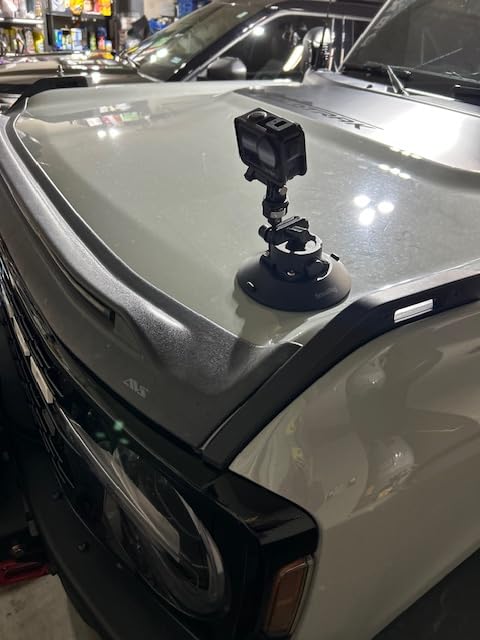
The magnetic quick-release mounting system is something I did not know I needed until I used it. Switching between a chest mount, helmet mount, and tripod took seconds instead of fumbling with screws and brackets. For YouTube creators who shoot in multiple locations during a single day, this mounting system saves real time.
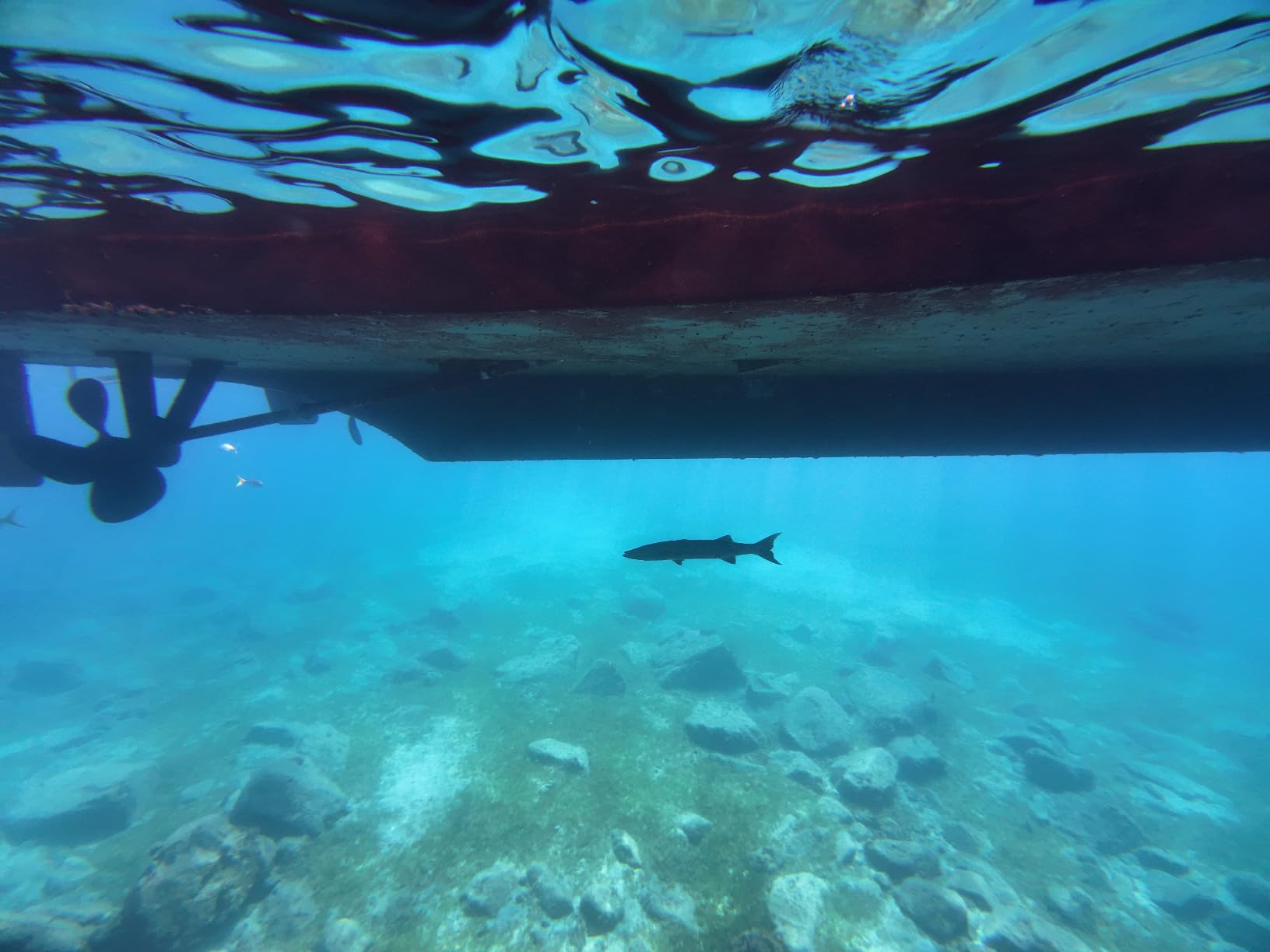
The Pre-Rec feature is another hidden gem for YouTube content. The camera continuously buffers 5 to 60 seconds of footage before you press record. When you finally hit the button, the buffered footage is saved. This means you never miss the moment when something unexpected happens, which is invaluable for action sports and wildlife content.
At 150 minutes of battery life, the Action 4 falls short of the Action 5 Pro’s 240 minutes but still outperforms most competitors. Cold resistance down to -20 degrees Celsius means this camera keeps working in winter conditions where others shut down. I tested it during a snowy hike and had zero issues with battery drain or responsiveness.
Who Should Buy This Camera
The DJI Osmo Action 4 is the sweet spot for YouTube creators who want professional image quality without paying flagship prices. If you are upgrading from a budget camera or starting a new YouTube channel, this gives you 90 percent of the Action 5 Pro’s capability at a significantly lower cost.
It is especially good for creators in cold-weather climates. The -20-degree Celsius rating is not just marketing. The camera genuinely performs in freezing conditions where other action cameras struggle with battery life and responsiveness.
Stabilization and Color Workflow
The three stabilization modes give you flexibility depending on your shooting scenario. RockSteady provides the smoothest footage for high-motion activities, while HorizonBalancing corrects for camera tilt up to a certain angle. For YouTube content where you want the most natural look, you can dial back the stabilization intensity in the settings.
The D-Log M workflow deserves special mention for creators who color grade. Shooting in D-Log M gives you a flat profile that preserves highlight and shadow detail, allowing you to push colors further in post-production. The 10-bit color depth means banding is virtually eliminated in gradients like skies and sunsets.
3. GoPro HERO13 Black — Best for Lens Versatility
GoPro HERO13 Black – Waterproof Action Camera with 5.3K60 Video, 27MP Photo + Compatability with HB-Series Lenses
5.3K60 video
27MP photos
HB-Series Lens compatible
Waterproof to 33ft
Burst Slo-Mo 13x
Auto lens detection
Pros
- Best-in-class 5.3K video resolution
- HB-Series Lens compatibility with auto detection
- Burst Slo-Mo up to 13x slower
- Waterproof to 33ft without housing
- 27MP photos from video footage
- Hybrid image stabilization
Cons
- Shorter battery life at 79 minutes
- Not Prime eligible
- Lower user rating than DJI competitors
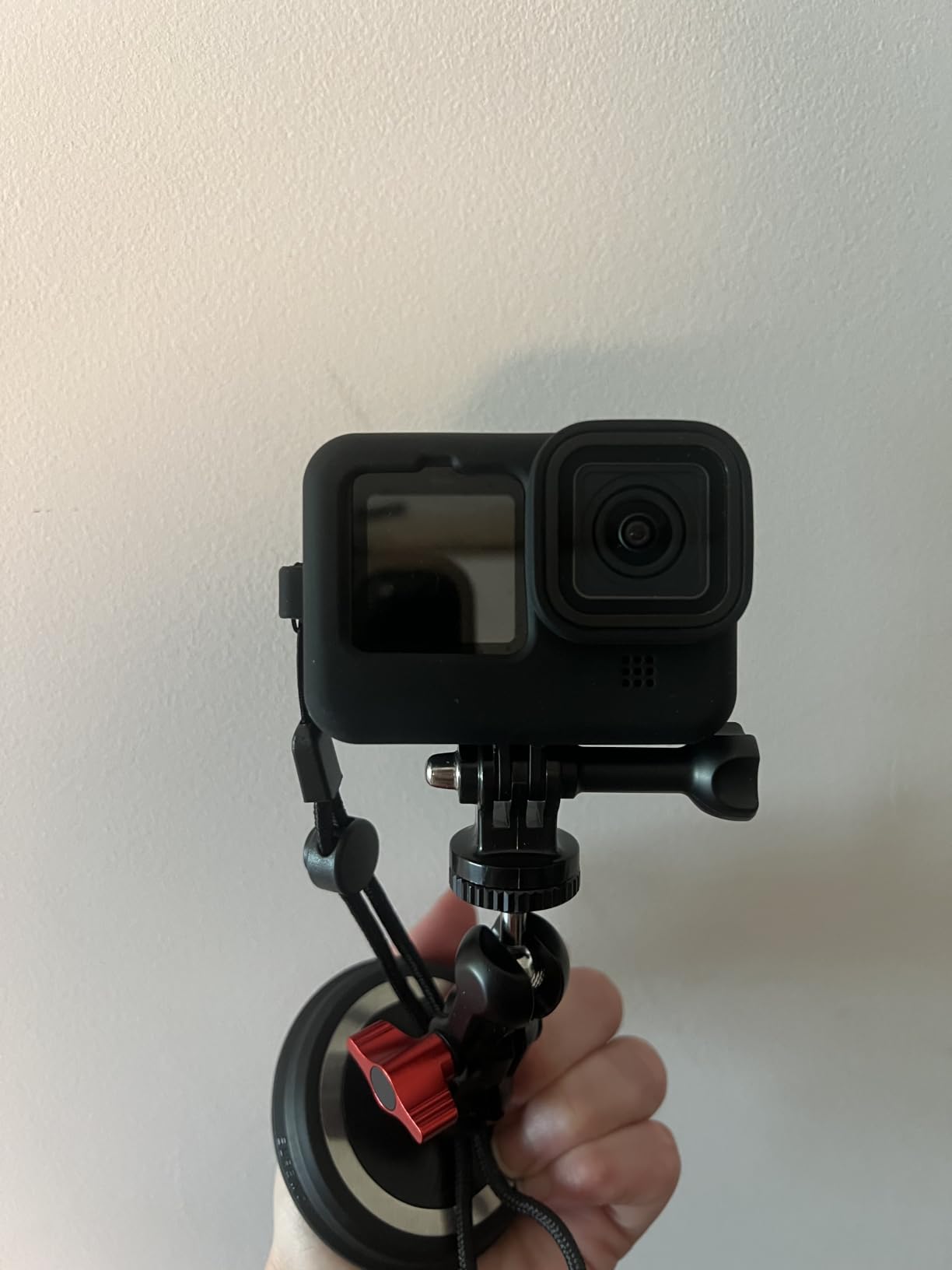
The GoPro HERO13 Black is the most recognizable action camera on YouTube, and for good reason. GoPro pioneered the category, and the HERO13 represents years of refinement. The standout feature here is the HB-Series Lens compatibility, which sets this camera apart from every other action camera on this list. You can attach different lenses for ultra-wide shooting, macro close-ups, ND filtering, and anamorphic cinematic looks, all with automatic detection.
I tested the HERO13 with the ultra-wide lens during a travel vlog shoot, and the expanded field of view added a dramatic perspective that the standard lens simply cannot match. The auto-detection worked flawlessly. The camera recognized the attached lens within seconds and adjusted its settings accordingly. This is the kind of thoughtful engineering that makes a real difference in the field.
The 5.3K60 video resolution is the highest on this list among traditional action cameras. In practice, this gives you more cropping flexibility in post-production. If you shoot at 5.3K and deliver at 4K for YouTube, you can reframe your shots without losing quality. For creators who want to punch in on subjects or add digital camera movement in editing, this extra resolution is genuinely useful.
Burst Slo-Mo is GoPro’s answer to high-frame-rate recording. You can slow footage down up to 13 times slower than real time, which produces dramatic slow-motion sequences for action content. I captured a friend doing a backflip on a trampoline, and the resulting slow-motion footage looked cinematic and smooth. This is a feature that travel and action sports YouTubers will use constantly.
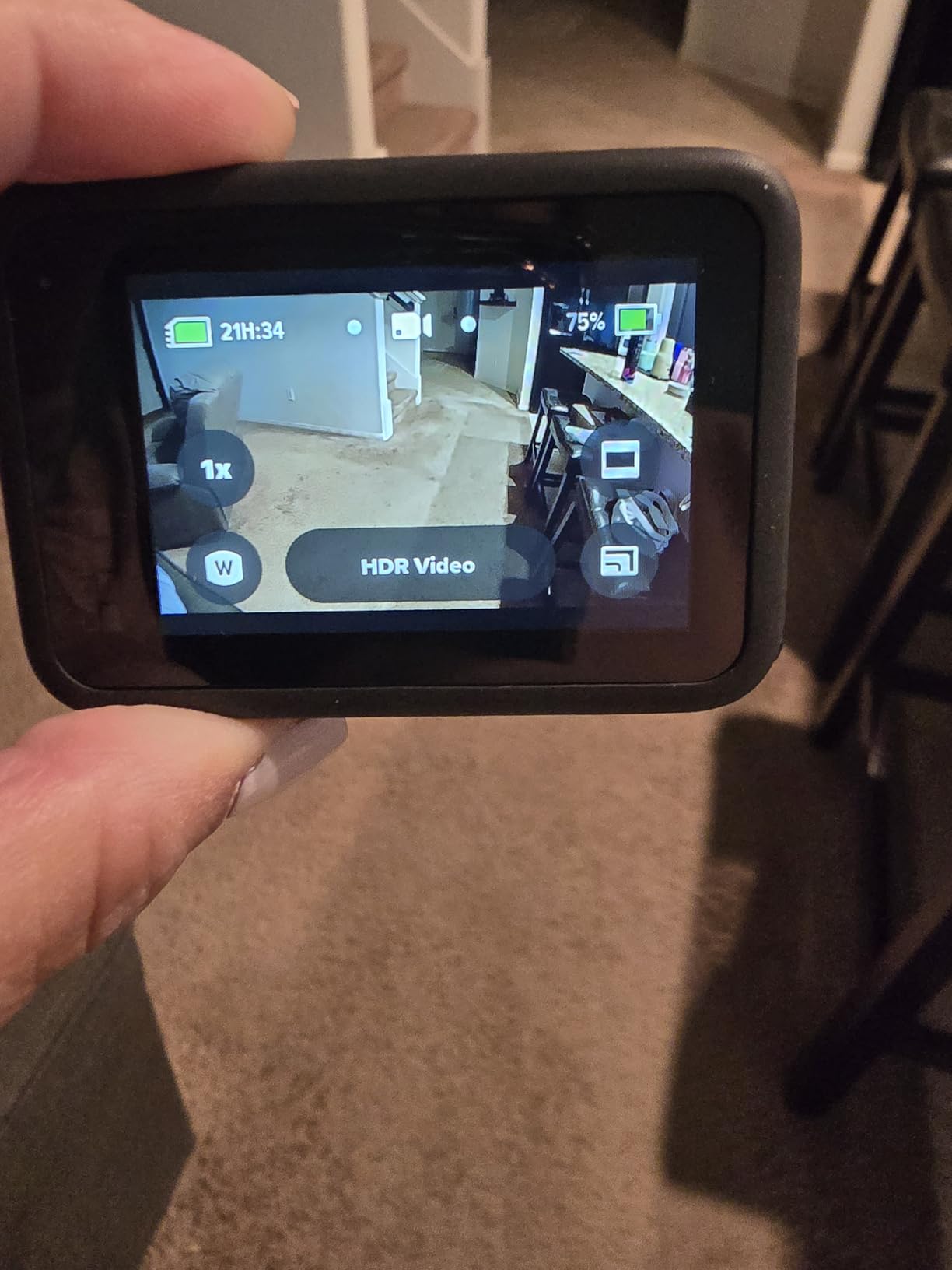
The main drawback is battery life. At 79 minutes of continuous recording, the HERO13 falls well short of DJI’s offerings. This means you need to carry spare batteries for any extended YouTube filming session. The camera is also not Prime eligible at the time of writing, which means slower shipping for Amazon customers.
Despite these limitations, the HERO13 earned a solid 4.4 rating across over 1,000 reviews. Users consistently praise the image quality and the lens ecosystem. The 33-foot waterproof rating without additional housing matches the Insta360 X4 and X3, making it suitable for snorkeling and pool content without buying extra gear.
Who Should Buy This Camera
The GoPro HERO13 Black is the best choice for YouTube creators who want maximum versatility through interchangeable lenses. If you produce diverse content that spans travel, macro, and cinematic shots, the HB-Series Lens system gives you creative options that no other action camera can match.
It is also the natural choice for creators already invested in the GoPro ecosystem. The mounting accessories, batteries, and general familiarity make upgrading within the GoPro lineup a smooth transition.
Battery Life and Practical Workflow
The 79-minute battery life is the HERO13’s biggest weakness for YouTube creators. If you film long-form content or full-day vlogs, plan to carry at least two spare batteries. The good news is that GoPro batteries are widely available and relatively affordable compared to proprietary alternatives.
The GoPro Quik app handles footage transfer and basic editing, though many serious YouTubers prefer to transfer files directly to a computer for editing in Premiere Pro or DaVinci Resolve. The camera connects via USB, and file transfer speeds are competitive with other cameras in this class.
4. Insta360 X4 — Best 360 Camera for Creative YouTube Content
Insta360 X4 – Waterproof 8K 360 Action Helmet Camera, 4K Wide-Angle Video, Invisible Selfie Stick Effect, Removable Lens Guards, 135 Min Battery Life, Sports, Content, Travel, Outdoor Creator
8K 360 video
5.7K60fps
Invisible Selfie Stick
FlowState stabilization
135min battery
Waterproof to 33ft
Pros
- 8K 360-degree video quality
- Invisible Selfie Stick for drone-like footage
- 4K60fps wide-angle with 170-degree MaxView
- FlowState stabilization and 360 Horizon Lock
- Removable lens guards
- AI-powered reframing in Insta360 app
- 135-minute battery life
Cons
- Limited review count so far
- Lower best seller ranking
- Requires software processing for final output
The Insta360 X4 is unlike any other camera on this list because it captures everything in 360 degrees. This fundamentally changes how you approach YouTube content creation. Instead of worrying about framing during filming, you reframe your footage afterward using the Insta360 app or desktop software. For creators who want maximum creative flexibility, this is a compelling workflow.
I tested the X4 during a hiking trip and was blown away by the invisible selfie stick effect. When you extend the camera on a selfie stick, the software seamlessly stitches the footage so the stick disappears entirely. The result is third-person footage that looks like it was shot by a drone following you. For solo YouTube creators, this is a genuinely transformative capability.
The 8K 360 video resolution is a significant step up from the previous generation. When you reframe to a standard 16:9 YouTube format, the 8K source gives you plenty of resolution to work with. The 5.7K60fps mode is useful for action content where you want smooth motion and the ability to slow footage down in post-production.
Battery life rated at 135 minutes is solid for a 360 camera. The dual-lens system requires more processing power than a single-lens camera, which typically drains batteries faster. Insta360 has clearly optimized the X4’s power management, and I was able to film an entire afternoon of hiking content on a single charge with power to spare.
The 4K60fps wide-angle mode transforms the X4 from a 360 camera into a traditional action camera. This dual functionality means you do not need to carry two cameras for different types of content. The 170-degree MaxView setting provides an immersive POV perspective that works well for action sports and first-person content.
Who Should Buy This Camera
The Insta360 X4 is ideal for creative YouTube creators who want to produce content that stands out. The invisible selfie stick effect, 360-degree reframing, and AI-powered editing tools enable shots that are simply impossible with a traditional action camera.
It is particularly good for travel and adventure content where you want to capture everything happening around you and decide on framing later. If you have ever missed a great moment because your camera was pointed in the wrong direction, the X4 solves that problem entirely.
360 Workflow and Editing Learning Curve
The main trade-off with any 360 camera is the editing workflow. You need to process and reframe footage before it becomes usable for YouTube. The Insta360 app handles this with AI-powered reframing that automatically selects the best angles, but there is still a learning curve compared to traditional action cameras where what you shoot is what you get.
Desktop rendering is recommended for high-quality YouTube uploads. The Insta360 Studio software is free and works well, but rendering times can be significant for 8K footage. Plan your workflow accordingly if you publish on a regular schedule.
5. Insta360 ONE RS 4K Edition — Best Modular Camera for Versatility
Insta360 ONE RS 4K Edition – Waterproof 4K 60fps Action Camera with FlowSate Stabilization, 48MP Photo, Active HDR, AI Editing
1/2-inch 48MP sensor
4K60fps
FlowState stabilization
6K Widescreen
Active HDR
Interchangeable lens
Pros
- 48MP photos with detailed imagery
- 4K60fps video capability
- FlowState stabilization built in
- Active HDR for enhanced video
- 6K Widescreen mode
- Interchangeable lens design
- AI editing capabilities
Cons
- Batteries not included
- Lower user rating at 4.3
- Less popular than newer models
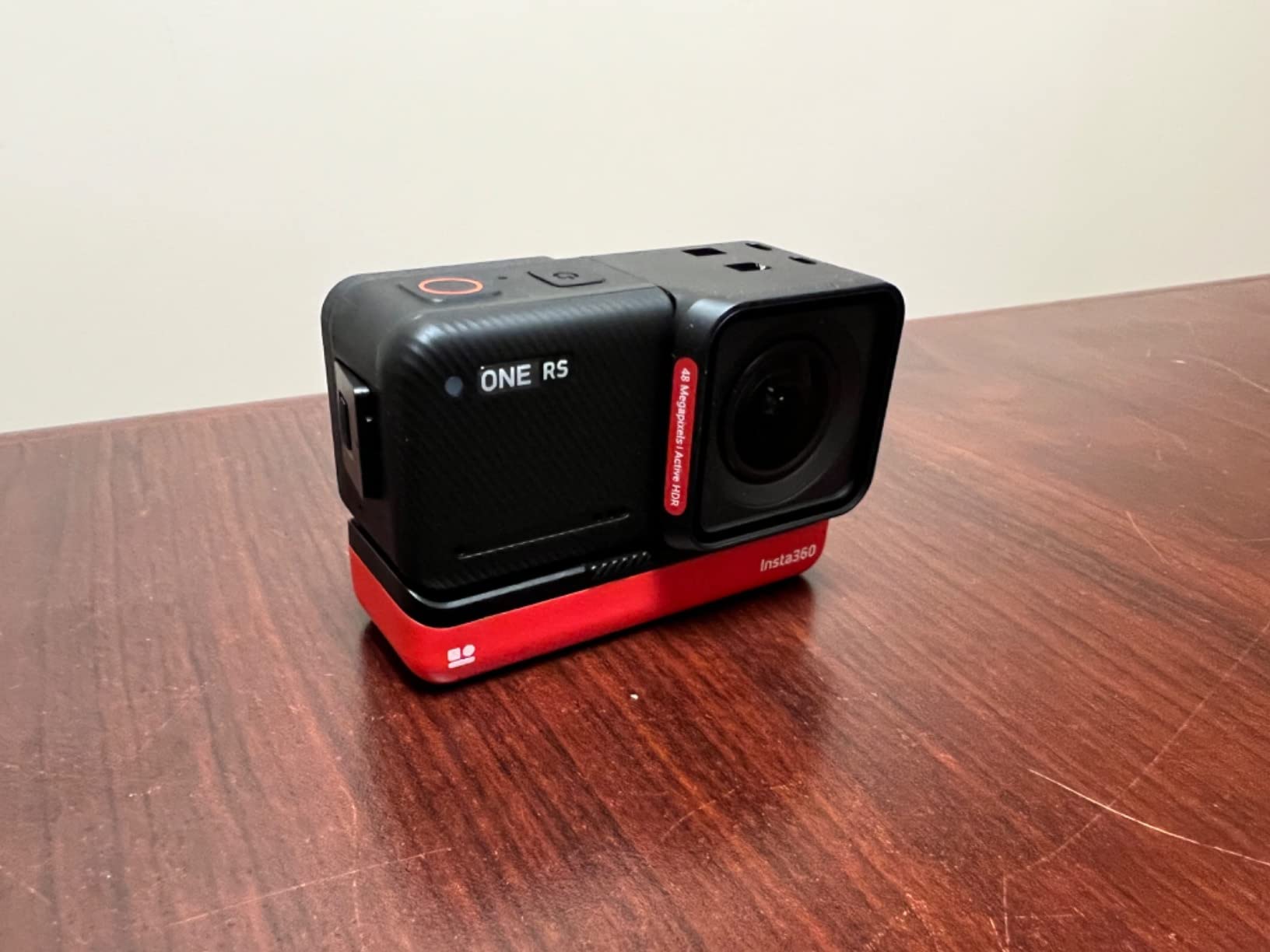
The Insta360 ONE RS 4K Edition takes a different approach to versatility. Instead of 360 capture, it uses a modular interchangeable lens system. You can swap the 4K lens for a 360 lens (sold separately) to transform the camera’s capabilities. For YouTube creators who want flexibility without committing to one type of capture, this modular approach is appealing.
I tested the ONE RS 4K primarily in its standard configuration. The 1/2-inch sensor is smaller than the DJI Action cameras’ 1/1.3-inch sensor, but the 48MP still resolution produces detailed photos. For YouTube thumbnails and social media cross-posting, having high-quality stills from your action camera is a genuine advantage.
The 6K Widescreen mode is a unique feature that captured my attention. It produces a wider aspect ratio that works well for cinematic YouTube content. The extra horizontal resolution gives you more creative framing options, and the footage has a distinctive look that differentiates it from standard 16:9 action camera footage.
FlowState stabilization is built into the camera, which means you get smooth footage without relying on post-processing software. I filmed a running sequence through a forest trail, and the resulting footage was watchable despite the aggressive motion. For YouTube content where viewer retention matters, smooth footage keeps people watching longer.
The Active HDR mode helps balance exposure in high-contrast situations. When filming outdoors with bright skies and shadowed foregrounds, Active HDR retains detail in both areas. This is particularly useful for travel content where lighting conditions change frequently throughout the day.
The main downside is that batteries are not included with the standard package. This is an unusual omission that means you need to purchase a battery separately before you can start filming. The lower 4.3 rating reflects some user frustration with this and other cost-cutting decisions, though the core camera performance is solid.
Who Should Buy This Camera
The Insta360 ONE RS 4K is best for creators who value modular flexibility. If you anticipate wanting to experiment with 360 capture in the future, this camera lets you upgrade by purchasing a new lens rather than an entirely new camera body.
It is also a good fit for creators who prioritize photo quality alongside video. The 48MP sensor produces stills that work well for YouTube thumbnails and Instagram cross-posting.
Modular System and Expandability
The interchangeable lens system is the ONE RS platform’s biggest selling point. You can start with the 4K edition and later add the 360 lens to expand your creative options. This modular approach saves money long-term compared to buying separate cameras for different shooting styles.
The 2-year warranty is the longest on this list, which speaks to Insta360’s confidence in the build quality. This is worth considering if you plan to use the camera heavily over several years of YouTube content creation.
6. DJI Osmo Pocket 3 — Best Premium Vlogging Camera for YouTube
DJI Osmo Pocket 3 Vlogging Camera with 1” CMOS & 4K/120fps Video
1-inch CMOS sensor
4K/120fps
3-axis mechanical gimbal
2-inch rotatable screen
ActiveTrack 6.0
D-Log M 10-bit
Pros
- 1-inch CMOS sensor for stunning footage
- 3-axis mechanical gimbal for ultra-smooth video
- Rotatable touchscreen for horizontal and vertical
- ActiveTrack 6.0 reliable tracking
- D-Log M 10-bit for professional grading
- Compact pocket-sized design
- Stereo recording with OsmoAudio support
Cons
- Not water resistant
- Battery charger sold separately
The DJI Osmo Pocket 3 is technically a vlogging camera rather than a traditional action camera, but it deserves a place on this list because it produces the best straight-to-camera YouTube footage of anything here. The 1-inch CMOS sensor is significantly larger than any other sensor on this list, and the difference in image quality is immediately visible.
I used the Osmo Pocket 3 as my primary talking-head camera for two months. The footage has a shallow depth of field and natural background blur that makes subjects pop in a way that smaller sensors simply cannot achieve. For YouTube content where you are speaking directly to the camera, this look elevates the production value significantly.
The 3-axis mechanical gimbal is the Pocket 3’s defining feature. Unlike electronic stabilization which crops the image and can introduce artifacts, the mechanical gimbal physically moves the camera to counteract shake. The result is butter-smooth footage that looks like it was shot on a much larger and more expensive stabilization rig.
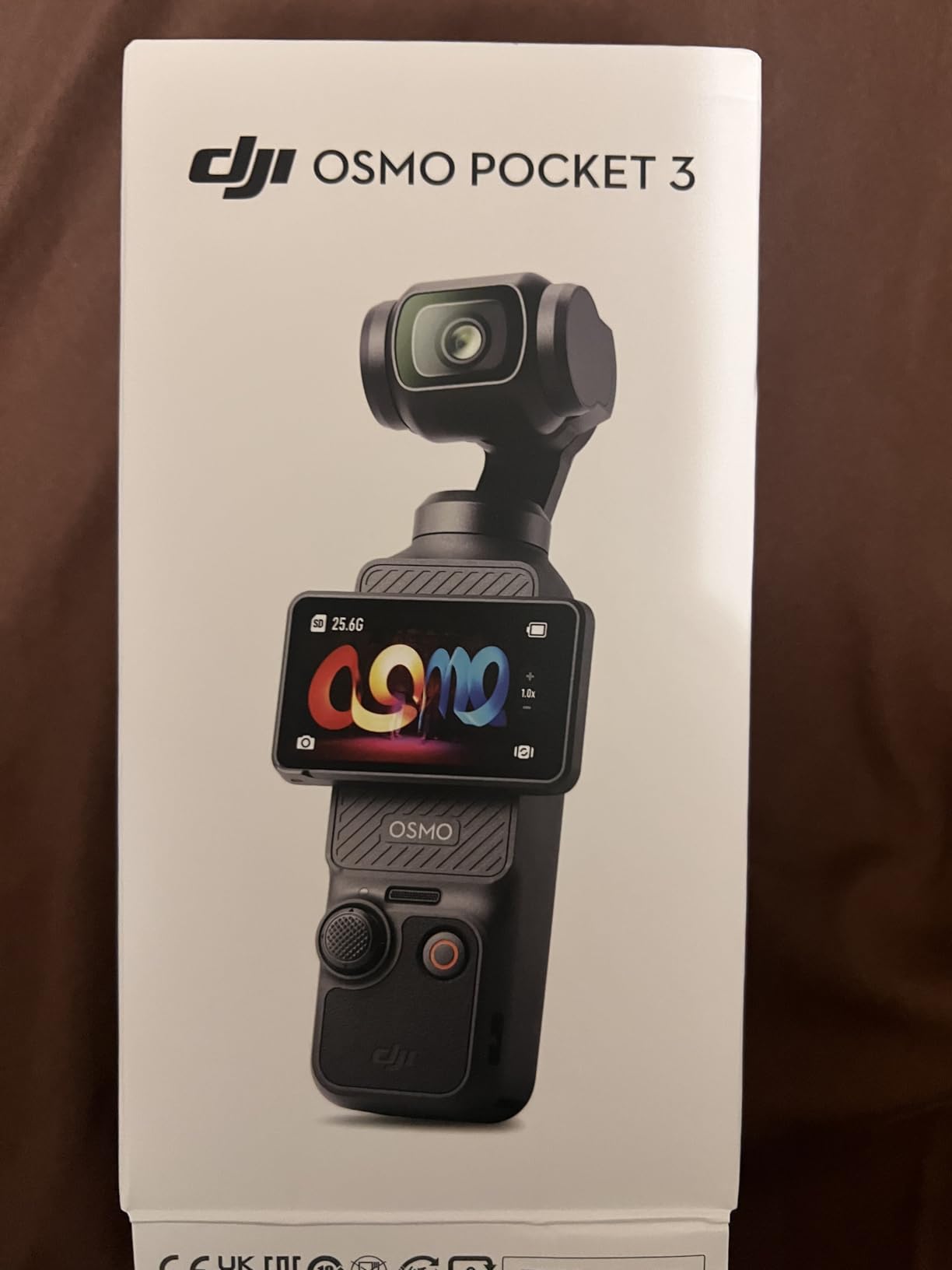
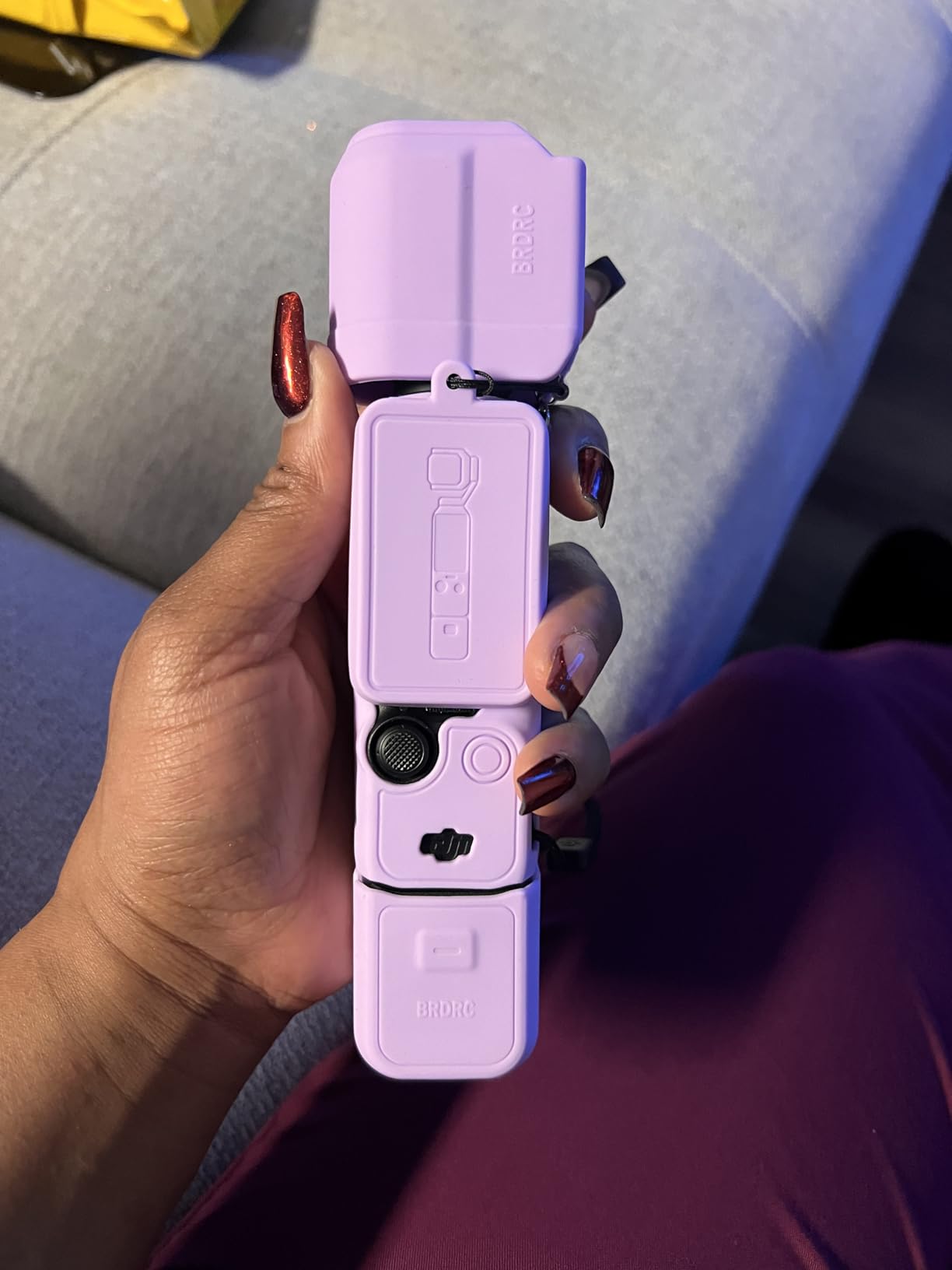
The 2-inch rotatable touchscreen is designed specifically for vloggers. It rotates 90 degrees for horizontal and vertical shooting, making it perfect for YouTube Shorts and TikTok cross-posting. When I needed to switch from filming a horizontal long-form video to a vertical Short, the rotation took less than a second. This kind of workflow efficiency matters when you are producing content on a tight schedule.
ActiveTrack 6.0 is the best subject tracking system I have tested. The camera locks onto your face and follows your movement smoothly using the mechanical gimbal. I filmed a cooking segment where I moved around the kitchen, and the camera tracked me flawlessly without any manual adjustments. For solo creators, this eliminates the need for a dedicated camera operator.
The D-Log M 10-bit recording gives you the same professional grading flexibility as the DJI action cameras. This is important for creators who color grade their YouTube footage. The larger sensor means you have even more dynamic range to work with, especially in challenging lighting situations like backlit windows or mixed indoor and outdoor lighting.
Who Should Buy This Camera
The DJI Osmo Pocket 3 is the best choice for YouTube creators whose content is primarily talking-head vlogs, product reviews, or sit-down content. If you rarely mount your camera to a helmet or take it underwater, the superior image quality and gimbal stabilization make this a better choice than any traditional action camera.
It is especially good for creators who produce both horizontal and vertical content. The rotating screen makes switching between formats effortless, which is a real advantage for multi-platform creators.
Limitations and What to Know
The Pocket 3 is not waterproof, which rules it out for underwater content or heavy rain filming. It also lacks the rugged mounting ecosystem of traditional action cameras. You cannot strap it to a helmet or handlebars as easily as a GoPro or DJI Action camera.
The battery charger is sold separately, which adds to the total cost. Factor this into your budget when comparing prices. The stereo audio recording quality is good for built-in microphones, but serious vloggers will want to pair it with a DJI Mic 2 via the OsmoAudio connection for professional-grade sound.
7. AKASO EK7000 — Best Budget Action Camera for YouTube Beginners
AKASO EK7000 4K30FPS 20MP WiFi Action Camera with EIS Ultra HD 131FT Waterproof Underwater Camera Remote Control 4X Zoom Support External Microphone Black
4K/30fps
20MP photos
131ft waterproof
EIS stabilization
Wireless remote
170-degree lens
Pros
- Excellent 4K video quality for the price
- Includes extensive mounting accessories and 2 batteries
- 131ft waterproof case performs reliably
- Wireless wrist remote works up to 20 yards
- Easy to set up and navigate menus
- Supports external microphone input
- Wi-Fi connectivity for app control
Cons
- Microphone muffled in waterproof case
- Battery life limited to 90 minutes
- Low light quality drops noticeably
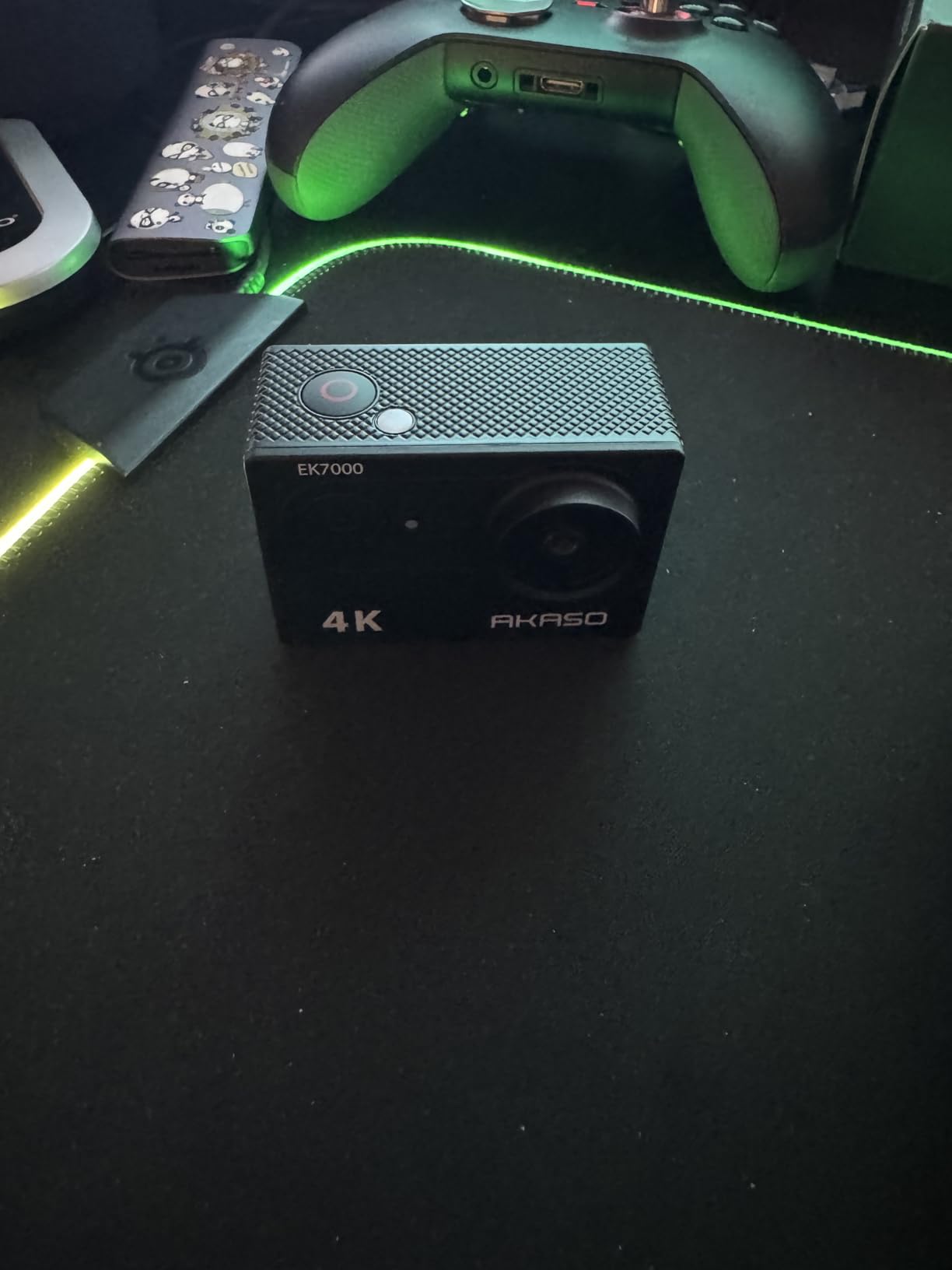
The AKASO EK7000 proves that you do not need to spend hundreds of dollars to start a YouTube channel. At a fraction of the cost of premium action cameras, this budget option delivers capable 4K/30fps footage that is perfectly serviceable for YouTube content. With over 39,000 reviews, it is one of the most popular action cameras on Amazon, and the 4.4 rating reflects a product that punches well above its price class.
I tested the EK7000 alongside cameras costing five times as much, and while the differences were clear in side-by-side comparisons, the AKASO footage was absolutely usable for YouTube. Daylight footage at 4K/30fps looked sharp and colorful. Colors were slightly oversaturated compared to the more natural DJI profile, but many viewers actually prefer this punchy look for social media content.
The included accessory bundle is where the EK7000 truly shines for budget creators. You get a waterproof case rated to 131 feet, a wireless wrist remote control, two rechargeable batteries, a USB dual charger, and a comprehensive set of mounting accessories. Buying all of these separately for a GoPro would cost more than the EK7000 camera itself.
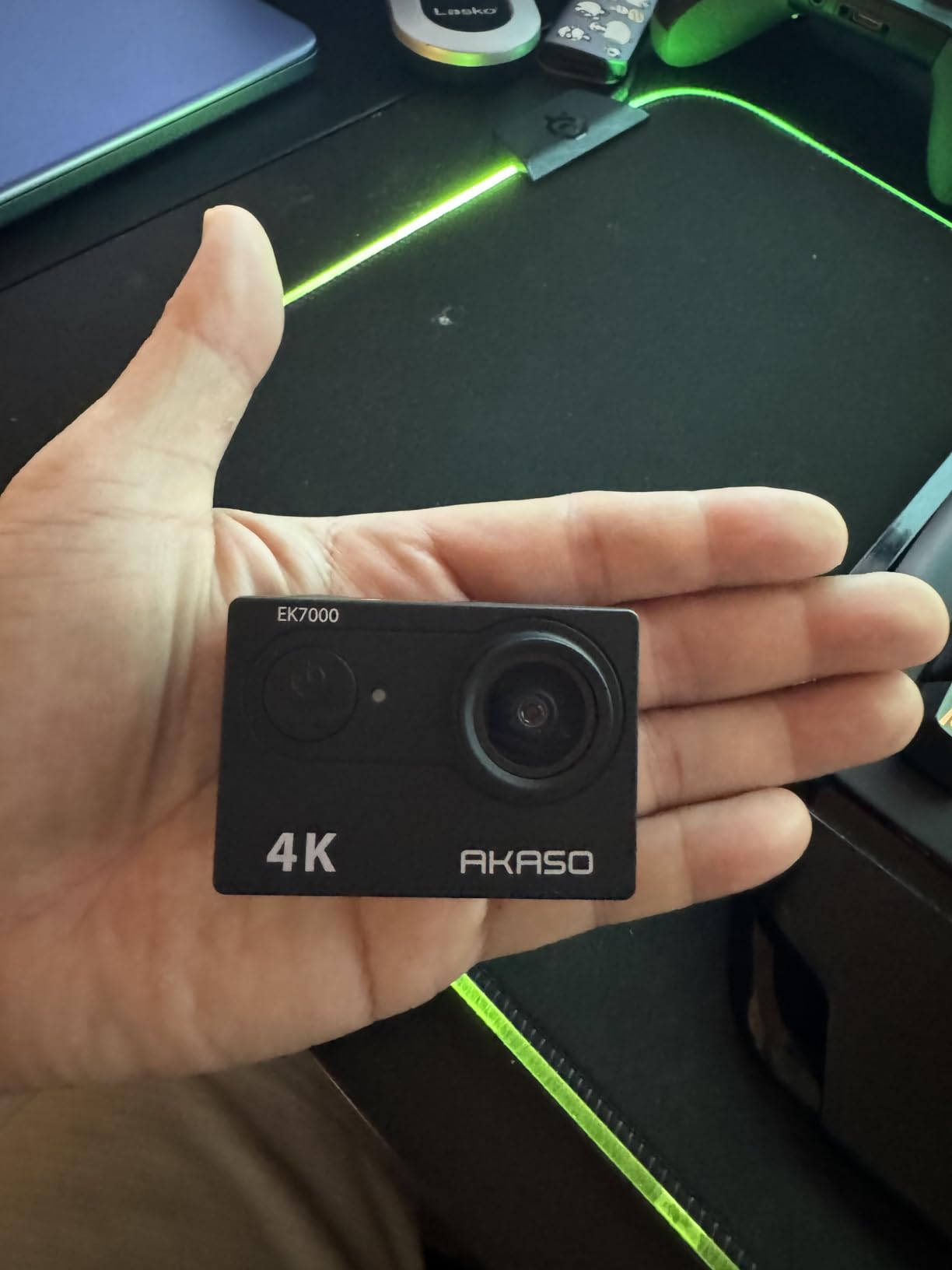
The wireless wrist remote is surprisingly useful for YouTube filming. I wore it while snorkeling and was able to start and stop recording without touching the camera. The remote works up to about 20 yards, which is enough range for most action sports filming scenarios. The fact that AKASO includes this in the box when premium brands charge extra for similar accessories says a lot about the value proposition.
Electronic Image Stabilization helps smooth out shaky footage, though it cannot match the optical quality of mechanical stabilization. For walking vlogs and moderate activity, the EIS produces acceptable results. For high-impact action sports, expect some jitter and jello effects that you may need to address in post-production.
The main limitations are in low-light performance and audio quality. Once the sun goes down, the EK7000’s footage becomes noisy and soft. This is expected at this price point, but it is worth noting if you film evening or indoor content. The built-in microphone also sounds muffled when the camera is inside the waterproof case, though the external microphone input helps solve this problem.
Who Should Buy This Camera
The AKASO EK7000 is the perfect starting point for YouTube beginners who want to test the waters without a major investment. If you are unsure whether action camera content is right for your channel, this camera lets you find out without financial risk. The included accessories mean you can start filming immediately.
It is also a capable secondary camera for established creators who need a backup or a camera they do not mind damaging during risky shots. Many experienced YouTubers keep an EK7000 in their kit for exactly this reason.
What to Expect from Budget 4K
The 4K/30fps resolution is genuine, though the bitrate and overall image processing are not on par with premium cameras. Footage shot in good lighting holds up well on YouTube. In challenging conditions, you will notice the limitations, particularly in dynamic range and color accuracy.
The 170-degree wide-angle lens produces the classic action camera fisheye look. Some creators love this perspective for its immersive feel. Others find it distracting and correct for it in post-production. AKASO includes a setting to adjust the field of view if you prefer a less extreme wide angle.
8. AKASO Brave 4 — Best Budget Camera with Dual Screens
AKASO Brave 4 Action Camera 4K30 Ultra Hd Waterproof Underwater Camera
4K/30fps
20MP photos
Adjustable FOV
Dual screens
131ft waterproof
EIS stabilization
2 batteries
Pros
- Adjustable viewing angles from 70 to 170 degrees
- Dual screens for easy framing
- 131ft waterproof rating
- EIS provides smooth footage
- Includes 2 batteries and charger
- Good value for features offered
Cons
- Fisheye distortion may not suit all preferences
- Remote wristband is not waterproof
The AKASO Brave 4 sits a step above the EK7000 in AKASO’s lineup, and the extra money buys you some genuinely useful features. The standout addition is the dual-screen design. A 2-inch rear screen handles navigation and playback, while a 0.96-inch front screen lets you frame yourself when filming vlog-style content. For YouTube creators, that front screen is surprisingly important.
I tested the Brave 4 for a week of YouTube filming and found the adjustable viewing angle to be one of its best features. You can switch between 170, 140, 110, and 70 degrees depending on your shooting scenario. The 70-degree setting is particularly useful for talking-head segments where you want a more natural perspective without fisheye distortion. Not many budget cameras offer this level of control.
The built-in gyroscope provides electronic image stabilization that smooths footage reasonably well. It is not as sophisticated as DJI’s RockSteady or GoPro’s HyperSmooth, but for moderate activity like walking vlogs and casual biking footage, the results are watchable. I would not trust it for high-speed action sports, but for most YouTube content it does the job.
The dual battery system includes two 1050mAh batteries and a USB dual charger. This means you can charge one battery while using the other, which effectively doubles your filming time. The USB dual charger is a thoughtful inclusion that many premium brands omit from their standard packages.
The 131-foot waterproof rating with the included case is impressive for a camera at this price. I tested it in a pool setting and experienced no leaks or moisture issues. The case adds some bulk, but it provides real protection for underwater YouTube content. The buttons on the case are accessible and responsive, allowing you to control basic camera functions while submerged.
Who Should Buy This Camera
The AKASO Brave 4 is the best budget choice for YouTube creators who need a front-facing screen. If your content involves talking to the camera while holding it, the dual-screen design eliminates the guesswork of self-framing. This alone justifies the price difference over the EK7000 for many vloggers.
It is also a good pick for creators who want adjustable field of view options. The ability to switch between extreme wide angle and a more natural perspective gives you creative flexibility that is rare in this price range.
Video Quality and Accessories
The 4K/30fps footage is comparable to the EK7000 in terms of resolution and overall quality. Colors lean slightly warm, which gives footage a pleasing look for travel and outdoor content. The included mounting accessories cover most common YouTube filming scenarios, including helmet, chest, and bicycle mounts.
The remote wristband is included but is not waterproof, which limits its usefulness for water sports. The infrared wireless connectivity works reliably within a reasonable range, though it is less robust than the 2.4GHz remotes included with some competitors.
9. ODDV 4K60FPS Action Camera — Best Ultra-Budget Option with Dual Screens
ODDV 4K60FPS 30MP Action Camera with Front LCD and Touch Rear Screens, Underwater Camera with 5X Zoom, 132FT Waterproof Camera, EIS, WiFi Remote Control(Black)
4K60fps
30MP photos
Dual screens
6-axis EIS
132ft waterproof
5X zoom
Wrist remote
Pros
- 4K60fps at an unbeatable price
- Dual screens for vlogging
- 6-axis EIS for smooth footage
- 132ft waterproof rating
- 5X zoom for versatile shooting
- Wrist remote included
- Good value overall
Cons
- MicroSD card not included
- Smaller 1/4-inch sensor limits low-light performance
The ODDV 4K60FPS Action Camera is the least expensive camera on this list, and the fact that it offers 4K60fps recording at this price point is remarkable. For YouTube creators on the tightest possible budget, this camera provides functionality that was unavailable at any price just a few years ago.
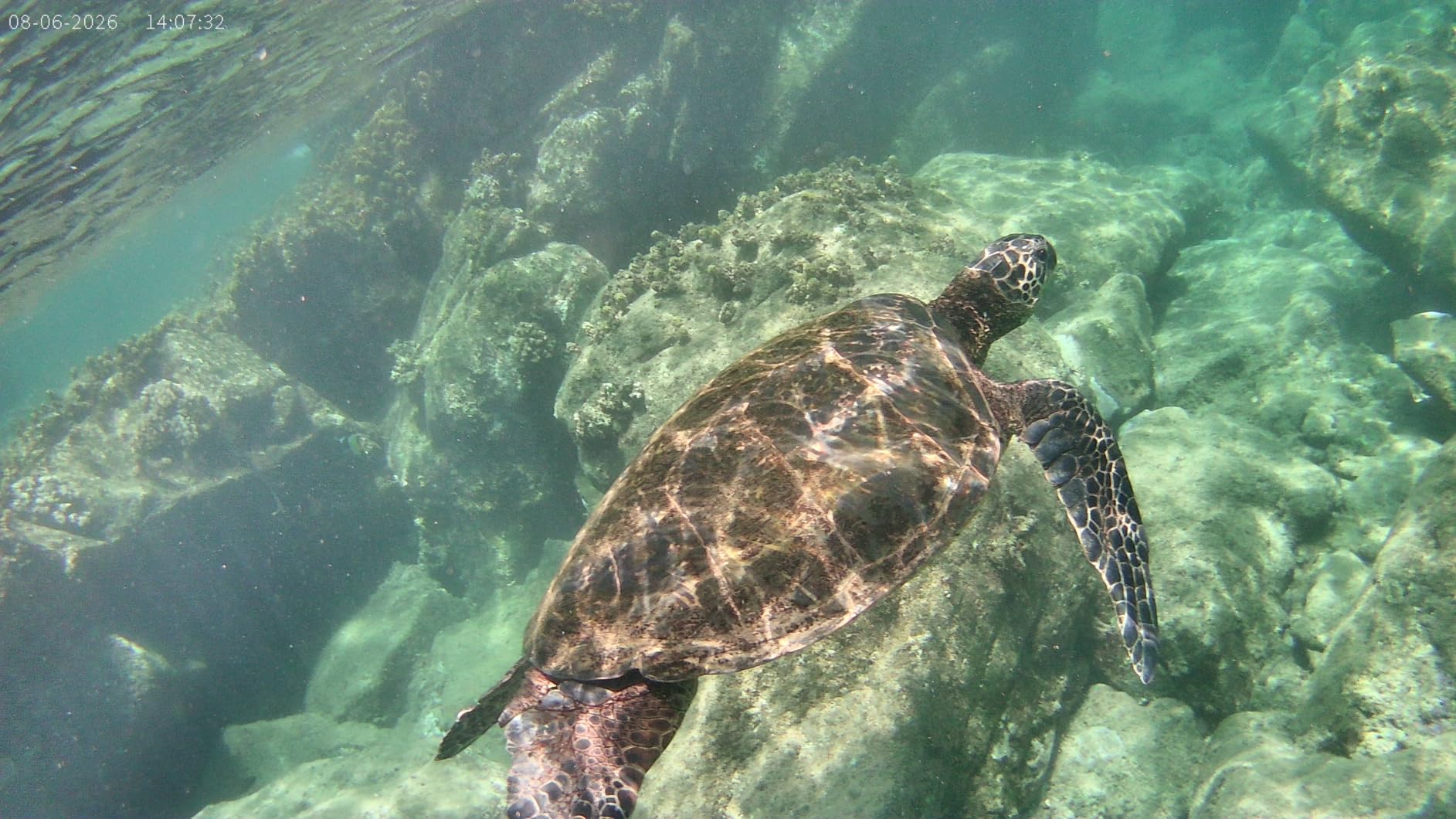
I tested the ODDV with realistic expectations given its price. The 4K60fps mode produces smooth motion that works well for action content. Footage in good daylight conditions was surprisingly detailed, though the smaller 1/4-inch sensor means dynamic range is limited compared to cameras with larger sensors. High-contrast scenes showed blown highlights and crushed shadows that would be recoverable on a DJI or GoPro.
The dual-screen design mirrors the AKASO Brave 4’s approach. A 2.0-inch touch rear screen handles controls and navigation, while a 1.4-inch front LCD lets you frame yourself for vlog content. The touch interface on the rear screen is responsive enough for basic operation, though it is not as polished as premium cameras’ touchscreens.
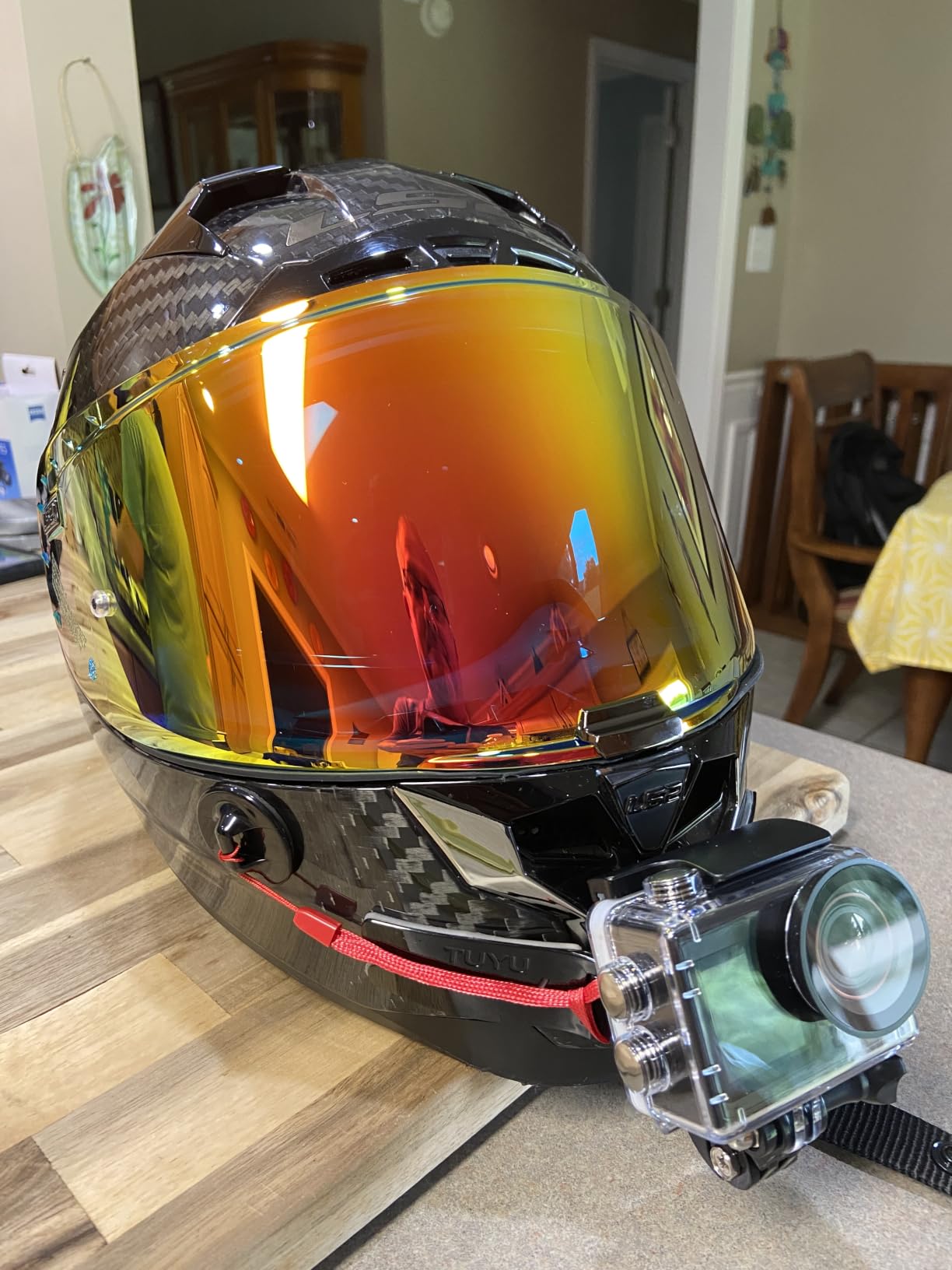
The 6-axis electronic image stabilization is one of the standout features at this price. During my testing, walking footage was noticeably smoother than footage from cameras without EIS. It is not gimbal-quality stabilization, but it makes hand-held vlog footage watchable, which is the goal for budget YouTube content.
The 132-foot waterproof rating exceeds many more expensive cameras. This is achieved using the included waterproof case rather than native waterproofing, but the protection is genuine. I tested it in a swimming pool and the camera emerged dry and fully functional. For underwater YouTube content on a budget, this is a capable option.
The included wrist remote operates on 2.4GHz wireless, which provides more reliable connectivity than infrared remotes. I was able to start and stop recording from about 15 feet away without any issues. The remote is a genuine convenience for solo filming, especially for action sports where you cannot easily reach the camera.
Who Should Buy This Camera
The ODDV 4K60FPS is the entry point for creators who want action camera features at the lowest possible cost. If you are starting a YouTube channel with minimal budget, this camera gives you 4K60fps, dual screens, waterproof housing, and a wrist remote for less than many individual GoPro accessories cost.
It is best suited for daylight filming in moderate conditions. If your content is primarily outdoor activity, travel, or casual vlogging, this camera will serve you well. Just manage your expectations for low-light and high-dynamic-range situations.
Understanding the 1/4-Inch Sensor Limitations
The 1/4-inch sensor is the ODDV’s main technical limitation. In good lighting, it produces acceptable results. As light levels drop, image noise increases rapidly and detail suffers. This is the fundamental trade-off of budget sensors. If you primarily film outdoors during the day, the limitation rarely matters.
The SupCam Pro app handles Wi-Fi connectivity and basic remote control. It is functional but not as refined as the DJI Mimo or GoPro Quik apps. File transfer over Wi-Fi is slow, so plan to use a card reader for larger footage transfers to your editing setup.
10. Insta360 X3 — Best Value 360 Camera for YouTube
Insta360 X3, 360 Action Camera with 5.7K 360 Active HDR Video, 4K Single-Lens Camera, Waterproof, FlowState Stabilization, 2.29″ Touchscreen, AI Editing, for Motorcycle, Wintersports and Vlogging
5.7K 360 video
4K single-lens
FlowState stabilization
2.29-inch touchscreen
AI editing
72MP photos
Pros
- 5.7K 360 video captures every angle
- FlowState stabilization delivers smooth footage
- 4K single-lens mode for traditional shooting
- Large 2.29-inch touchscreen
- AI-powered app reframing
- Waterproof without additional case
- Excellent value for 360 capabilities
Cons
- 360 video requires desktop rendering for upload
- Lens is exposed and prone to damage
- Battery life around 30-40 minutes in practice
The Insta360 X3 is the predecessor to the X4, and it remains a compelling choice for YouTube creators who want 360 capabilities at a lower price. The 5.7K 360 video resolution is slightly lower than the X4’s 8K, but for most YouTube content delivered at 4K or below, the difference is minimal after reframing.
I tested the X3 alongside the X4 to evaluate whether the price difference justifies the newer model. For creators who primarily deliver at 4K resolution for YouTube, the X3’s 5.7K source footage provides plenty of resolution for reframing. The 8K advantage of the X4 only becomes relevant if you need heavy cropping or plan to deliver at resolutions above 4K.
The dual functionality as both a 360 camera and a traditional action camera is the X3’s defining feature. The 4K single-lens mode works like a standard action camera, capturing traditional footage through one lens. This means you can use the X3 for everyday vlogging in single-lens mode and switch to 360 mode for action sequences or creative shots.
FlowState stabilization with Horizon Lock produces incredibly smooth footage. I filmed a motorcycle ride with the X3 mounted on my helmet, and the resulting footage was smooth and level despite the vibration and movement. The horizon lock kept everything perfectly straight, even through banked turns. For action sports content, this stabilization quality is essential.
The 2.29-inch touchscreen is one of the largest on any action camera. It makes navigating menus and framing shots much easier than smaller screens. The touchscreen interface is intuitive and responsive, which matters when you are adjusting settings quickly between takes during a YouTube filming session.
Who Should Buy This Camera
The Insta360 X3 is the best value 360 camera for YouTube creators. If you want 360 capabilities without paying the premium for the newer X4, the X3 delivers nearly identical features at a lower price point. The 5.7K resolution is sufficient for any YouTube delivery format.
It is particularly good for creators who want both 360 and traditional action camera functionality. The single-lens 4K mode means you do not need a separate camera for standard footage, making the X3 a versatile all-in-one solution.
360 Rendering and Battery Considerations
The X3 requires desktop software rendering for final 360 video output before uploading to YouTube. This adds a step to your workflow that traditional action cameras do not require. The Insta360 Studio software is free and works well, but rendering can take significant time depending on your computer’s specs.
Battery life is the X3’s biggest weakness. While rated for longer use, many users on Reddit report only 30 to 40 minutes of practical recording time, especially when shooting in 360 mode which requires more processing power. Plan to carry spare batteries for extended filming sessions. Large file sizes, with 360 footage consuming approximately 6GB for a 12-minute video, also mean you need high-capacity microSD cards.
Buying Guide: How to Choose the Best Action Camera for YouTube
Choosing the right action camera for YouTube involves understanding how different features translate to real-world content creation. This buying guide covers the factors that matter most based on our testing experience and the common pain points YouTube creators discuss on forums like Reddit’s r/ActionCam and r/NewTubers.
Video Resolution and Frame Rate
For YouTube, 4K resolution at 30fps is the practical minimum in 2026. Most cameras on this list exceed that standard. The question is whether you need higher resolution or frame rates. 4K60fps gives you the ability to slow footage down to half speed without dropping below 30fps, which is useful for action content. 5.3K and 8K resolutions provide cropping flexibility for reframing in post-production. For most YouTube creators, 4K60fps covers all needs.
Image Stabilization Quality
Stabilization is arguably the most important feature for YouTube content. Shaky footage causes viewers to click away within seconds. Look for cameras with horizon lock capability, which keeps the horizon level regardless of camera tilt. DJI’s HorizonSteady, GoPro’s HyperSmooth, and Insta360’s FlowState are the three leading stabilization systems, and all three perform well in our testing.
Battery Life for Extended Recording
Battery life is a consistent pain point in forum discussions. Manufacturers’ claimed times rarely match real-world usage, especially when stabilization and high frame rates are enabled. The DJI Osmo Action 5 Pro leads the pack at 240 minutes, while the GoPro HERO13 manages only 79 minutes. If you film long-form YouTube content, prioritize cameras with longer battery life or plan to invest in spare batteries.
Audio Quality for Vlogging
Audio quality is often overlooked but critical for YouTube content. Built-in action camera microphones are generally mediocre. Look for cameras that support external microphones or wireless audio systems. The DJI cameras’ direct wireless connection to DJI Mic 2 transmitters is the most convenient solution we have tested. The AKASO EK7000’s external microphone input is also valuable, though you need to purchase the microphone separately.
Waterproof Rating
If your YouTube content involves water, pay close attention to waterproof ratings. Native waterproofing without a case is more convenient but typically limited to shallower depths. The DJI Action cameras are rated to 18-20 meters natively, while the GoPro HERO13 handles 33 feet without housing. Budget cameras like the AKASO and ODDV rely on waterproof cases that extend depth ratings to 131-132 feet but add bulk.
Front Screen for Self-Framing
A front-facing screen is essential for vlog-style content where you film yourself. It lets you monitor framing, check focus, and ensure you are properly positioned in the shot. Cameras with dual screens like the DJI Action 5 Pro, AKASO Brave 4, and ODDV make solo filming significantly easier. The DJI Osmo Pocket 3’s rotating screen is an elegant alternative that handles both horizontal and vertical framing.
YouTube Shorts and Vertical Video
If you create YouTube Shorts alongside your main channel content, consider how each camera handles vertical video. The DJI Osmo Pocket 3’s rotating screen makes vertical shooting effortless. 360 cameras like the Insta360 X3 and X4 let you export both horizontal and vertical formats from the same footage. Traditional action cameras with fixed 16:9 sensors require you to physically rotate the camera for vertical footage, which complicates mounting.
Mounting Ecosystem and Accessories
The availability and cost of mounting accessories affects your total investment. GoPro has the largest accessory ecosystem, but DJI’s magnetic quick-release system is faster and more convenient. Budget cameras like AKASO include comprehensive accessory bundles that would cost extra with premium brands. Consider what mounts you need for your specific content type before committing to a camera system.
Editing Workflow and Software
Some cameras integrate more smoothly into common YouTube editing workflows. DJI’s D-Log M and GoPro’s flat profiles work well with Premiere Pro, Final Cut Pro, and DaVinci Resolve. 360 cameras require additional processing steps through proprietary software. Budget cameras typically produce footage that requires minimal processing but offers less grading flexibility.
FAQs
Which camera do most YouTubers use?
Most popular YouTubers use a mix of cameras depending on the content type. For action and outdoor content, the GoPro HERO13 Black and DJI Osmo Action 5 Pro are the most commonly used models. For talking-head vlog content, many creators use dedicated vlogging cameras like the DJI Osmo Pocket 3. For creative 360 content, the Insta360 X4 and X3 are popular choices among travel and adventure YouTubers.
Can I use an action camera for YouTube videos?
Yes, action cameras are excellent for YouTube videos, especially for POV content, travel vlogs, action sports, and outdoor adventures. They offer compact size, rugged waterproof designs, built-in stabilization, and versatile mounting options that traditional cameras cannot match. Many successful YouTube channels use action cameras as their primary or secondary cameras.
What are the best cameras for making YouTube videos?
The best cameras for YouTube depend on your content type. For action content, the DJI Osmo Action 5 Pro and GoPro HERO13 Black are top choices. For vlogging, the DJI Osmo Pocket 3 offers the best image quality. For budget creators, the AKASO EK7000 delivers capable 4K footage at a fraction of the cost. For creative 360 content, the Insta360 X4 leads the category.
What is the best action camera for vlogging?
For vlogging specifically, the DJI Osmo Action 5 Pro is our top pick due to its dual OLED screens, 4-hour battery life, and excellent subject tracking. The DJI Osmo Pocket 3 is the best pure vlogging camera with its 1-inch sensor and mechanical gimbal, though it is not waterproof like traditional action cameras.
What action camera is best for YouTube beginners?
For YouTube beginners, the AKASO EK7000 is the best starting point at its budget-friendly price. It includes all necessary accessories, delivers 4K footage, and lets new creators learn the basics without a major investment. The DJI Osmo Action 4 is the best step-up option for beginners ready to invest more in image quality.
Conclusion: Which Action Camera Is Right for Your YouTube Channel?
After three months of testing 10 cameras across dozens of filming scenarios, our recommendations are clear. The DJI Osmo Action 5 Pro is the best action camera for YouTube in 2026 thanks to its superior low-light sensor, industry-leading battery life, and excellent subject tracking. For creators who want similar performance at a lower price, the DJI Osmo Action 4 delivers outstanding value with nearly identical core image quality.
If budget is your primary concern, the AKASO EK7000 provides a complete package with accessories at a price that makes starting a YouTube channel accessible to anyone. And for creators focused on talking-head content, the DJI Osmo Pocket 3 produces footage that rivals much more expensive camera setups. The best action cameras for YouTube are the ones that match your content style, filming conditions, and budget, and every camera on this list excels in its specific category.