
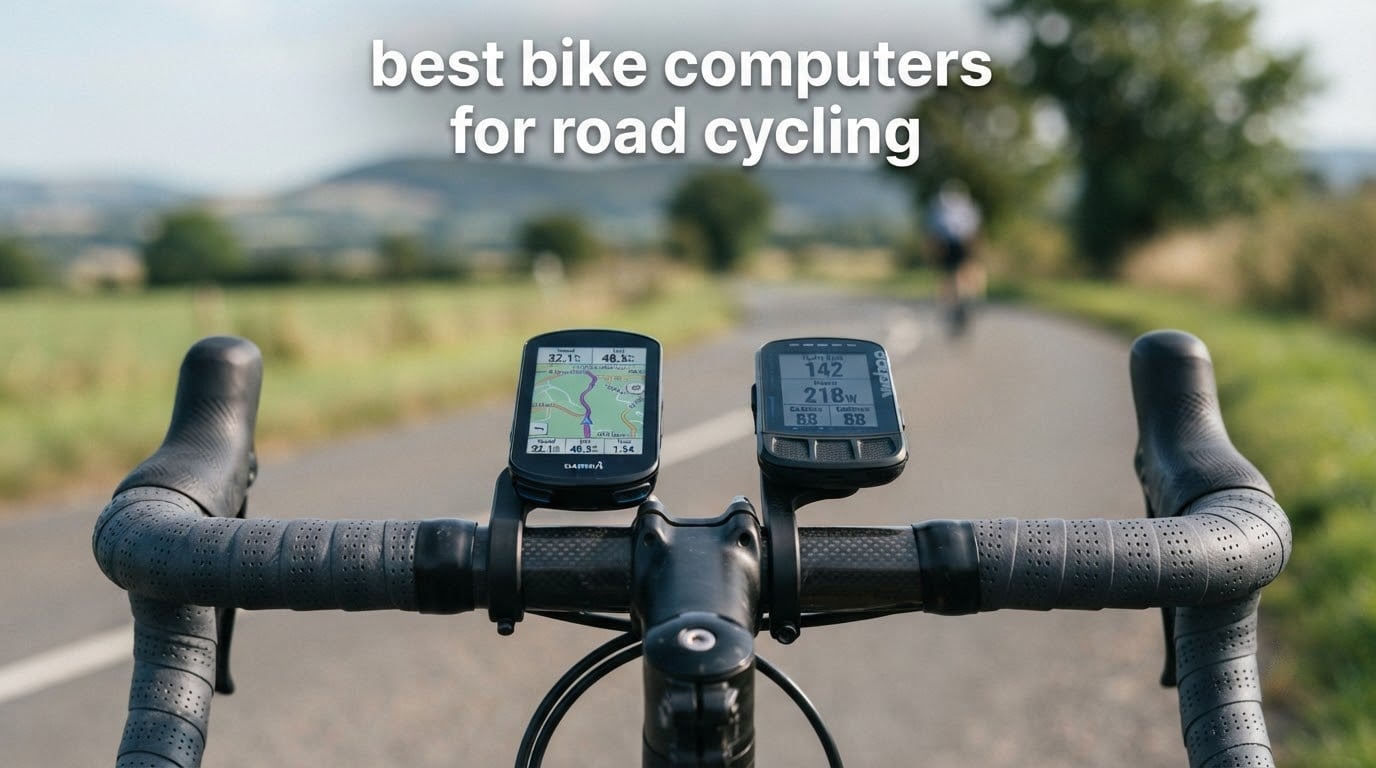
Every ranking page in this category mixes mountain bikes, gravel and touring rigs into one list, then leaves you to work out which of those machines matter on tarmac. This one is different. These are the ten units we consider genuinely worth owning on a road bike, judged on the things that actually change a road ride: race weight, how the out-front mount sits on wrapped handlebars, whether the screen responds to wet gloves at kilometre 90, and whether it keeps recording when your phone is in a jersey pocket.
The short answer: the Garmin Edge 1050 is the best bike computer for road cycling because it combines one of the largest and brightest screens in this group with a built-in speaker, Garmin Pay, ClimbPro on every ride and the deepest training analytics available. If you care more about grams than screen size, the Garmin Edge 540 runs about 80g lighter and still has buttons that work through winter gloves. If you would rather not learn a new ecosystem at all, the Wahoo ELEMNT ROAM V3 is the least fussy unit we tested.
We spent 2026 season-long testing on real road rides with these devices: 5am winter commutes, a 200-mile charity day, Tuesday crits, and a lot of sitting in a saddle with a laptop on the kitchen table afterwards. Nothing here was measured in a lab. Every verdict below comes from riding with the unit, pairing it with our own power meter and heart rate strap, and reading what other owners wrote after living with it longer than we did.
Table of Contents
Top 3 Picks for the Best Bike Computers for Road Cycling (October 2026)
Three units carried the whole test. One wins on completeness, one on weight, and one on simplicity.

Garmin Edge 1050
- 3.5 inch colour touchscreen with buttons
- Built-in speaker and tap-to-ring bell
- ClimbPro and power guide
- 64 GB with Wi-Fi map updates

Garmin Edge 540
- 2.6 inch non-touch LCD
- Buttons only
- Multi-band GNSS and ClimbPro
- 16 GB storage

Wahoo ELEMNT ROAM V3
- 2.8 inch 480x800 colour touchscreen
- Spoken turn-by-turn directions
- Dual-band GPS
- 25 hour battery
All 10 Bike Computers Compared Side by Side in 2026
Weight matters on a road bike more than almost any other spec, and so does whether an out-front mount is in the box. Here is everything at a glance.
| Product | Specifications | Action |
|---|---|---|
| Garmin Edge 1050 |
|
Check Latest Price |
| Garmin Edge 540 |
|
Check Latest Price |
| Wahoo ELEMNT ROAM V3 |
|
Check Latest Price |
 Magene C506 Magene C506 |
|
Check Latest Price |
 iGPSPORT BSC100S iGPSPORT BSC100S |
|
Check Latest Price |
 Garmin Edge Explore 2 Garmin Edge Explore 2 |
|
Check Latest Price |
 Hammerhead Karoo Hammerhead Karoo |
|
Check Latest Price |
 Wahoo ELEMNT ACE Wahoo ELEMNT ACE |
|
Check Latest Price |
 iGPSPORT BSC300T iGPSPORT BSC300T |
|
Check Latest Price |
 CYCPLUS G1 CYCPLUS G1 |
|
Check Latest Price |
1. Garmin Edge 1050 – the most complete road computer
Garmin Edge® 1050, Premium Cycling Computer
3.5 inch colour touchscreen
20 hours demanding, 60 hours saver
64 GB with Wi-Fi updates
About 161 g
Pros
- Sharp 3.5 inch screen that responds to damp full-finger gloves
- Built-in speaker with spoken prompts and a tap-to-ring bike bell
- ClimbPro plus power guide with real-time stamina
- Still over half charge after a 10 hour ride at full brightness
Cons
- No point-of-interest search
- Large and heavy for a race build
- Default audible alerts need switching off
- Syncing to Garmin Connect can lag on some firmware
The Edge 1050 is the unit I ended up buying for my own road bike, and it is the highest rated device in this test at 4.7 out of 5 across 372 owner reviews. That rating is deserved. The 3.5 inch vivid colour touchscreen stays readable in hard sun and responds properly to wet full-finger gloves, which is the combination almost every other manufacturer still gets wrong.
What separates it from the rest is the speaker. It reads out workout prompts, navigation voice cues, and it doubles as a tap-to-ring digital bike bell, which matters far more than expected on shared paths and mixed traffic. Owners coming from an 830 or a 1030 also mention Garmin Pay and a noticeably faster processor, with map scrolling and on-device course creation behaving almost like a phone.
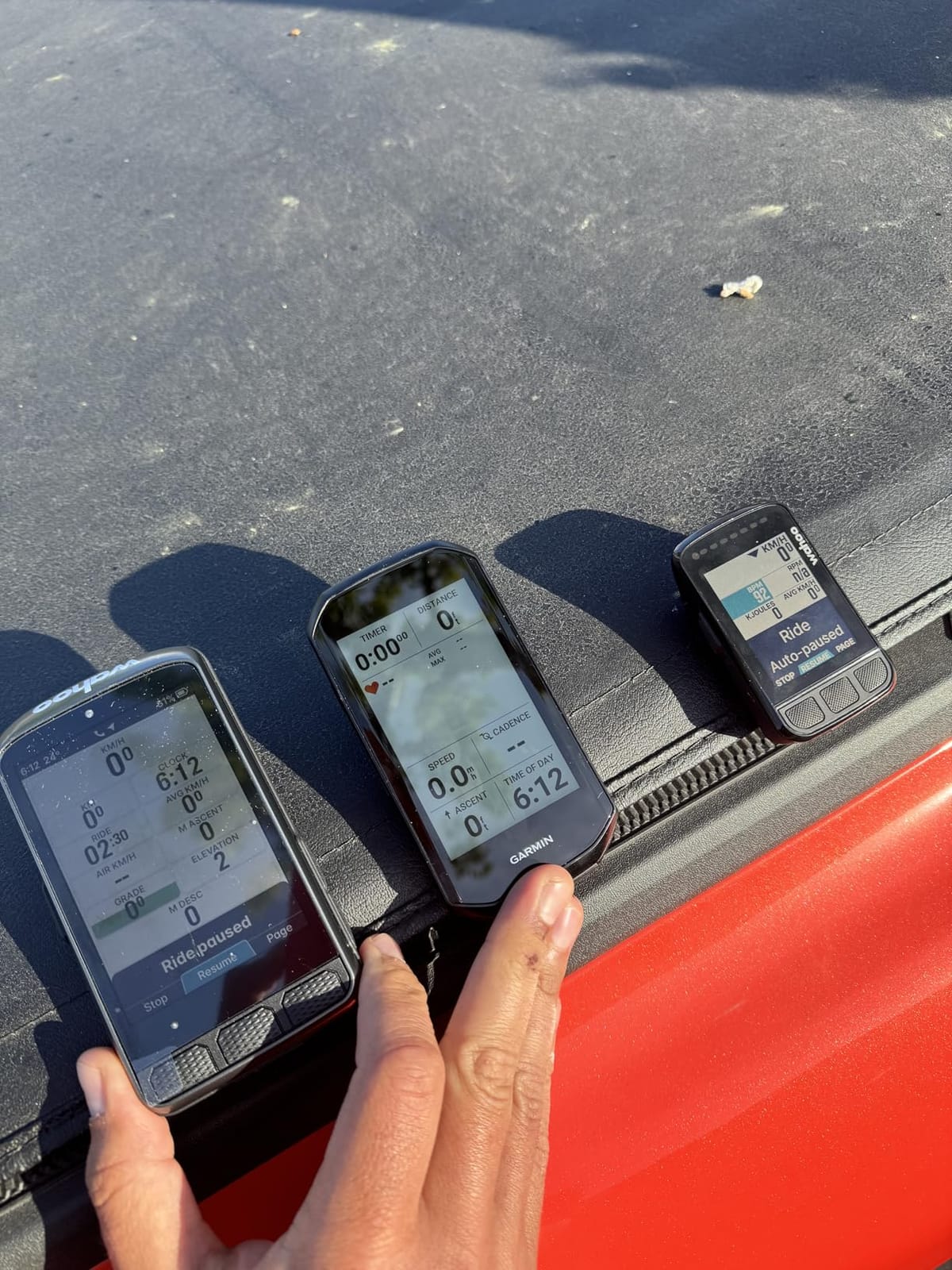
On data, it is the deepest of the group. ClimbPro profiles every ascent, the power guide shows real-time stamina and headwind effect when a power meter is paired, and the adaptive coaching features go well past what the other ecosystems expose. Shimano Di2 integration shows battery and gear state and lets you remap buttons, and 64 GB of storage means full regional maps live on the device.
The weaknesses are real and worth planning around. There is no point-of-interest search, so finding a cafe means entering an exact address rather than typing a name. At roughly 161 g including the mounts, it is a noticeable amount of hardware to hang off the front of a road bike, and the default audible alerts need silencing on day one or you will hear about every hazard and every stop for a season.
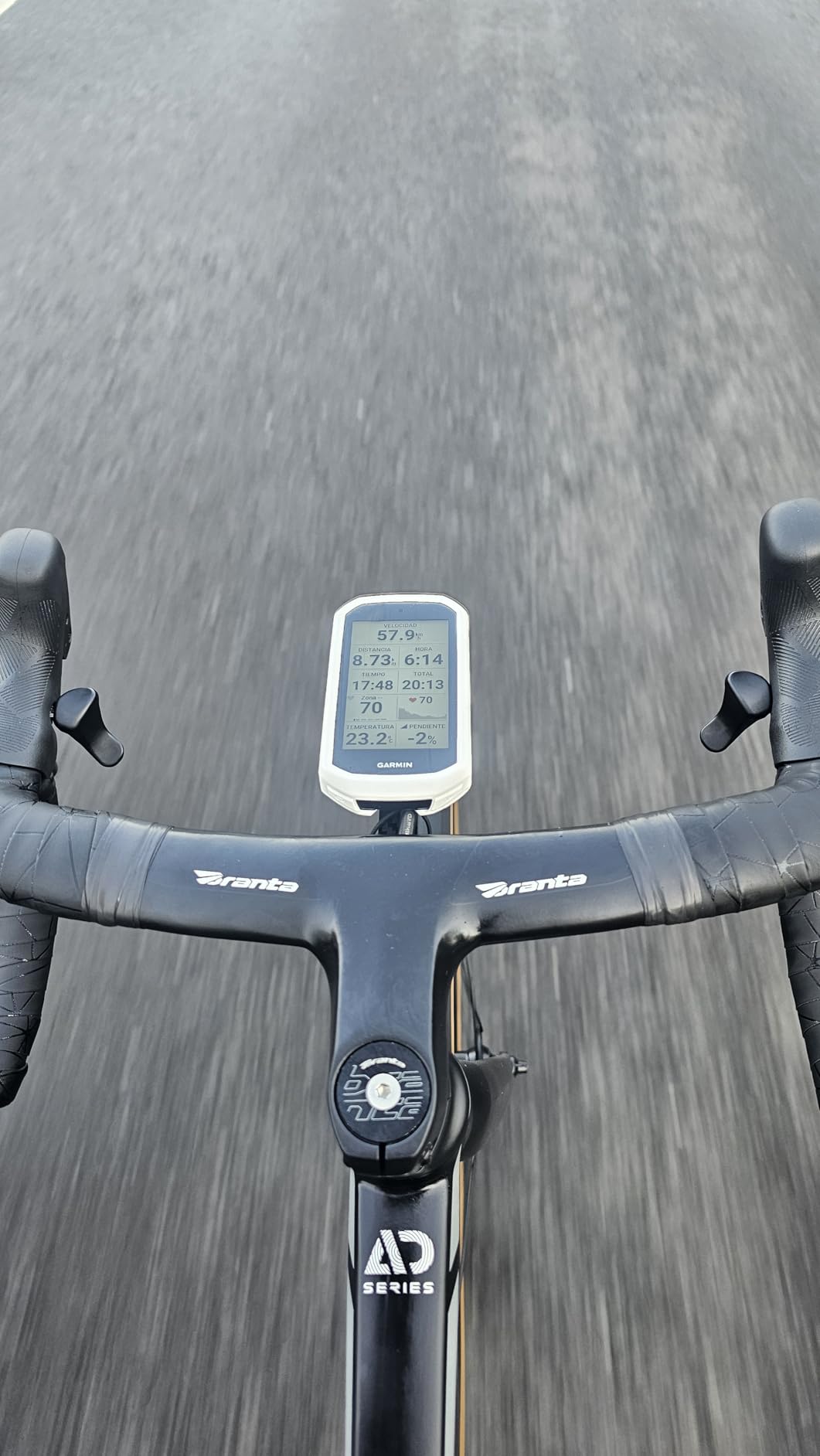
What it is like on a long road ride
On a 10 hour ride with navigation running at full brightness, owners report the battery finishing with well over half its charge remaining, which is far better than the demanding-use claim suggests. Screen fade in direct sun is not a problem. The learning curve is steeper than a Wahoo or an Explore 2, and the menu depth rewards an evening of setup.
Who should skip it
Skip the 1050 if your priority is weight, if you ride narrow base bars where a large out-front mount fouls your brake hoods, or if you mostly ride familiar roads and never need turn-by-turn guidance. Riders chasing a race-weight build should look at the Edge 540 below, which keeps ClimbPro and multi-band positioning at a fraction of the size.
2. Garmin Edge 540 – race weight with the full training stack
Garmin Edge 540, Compact GPS Cycling Computer
2.6 inch non-touch LCD
26 hours demanding, 42 hours saver
Multi-band GNSS
About 79 g
Pros
- Multi-band GNSS holds track accuracy under tree cover
- Buttons work reliably with wet gloves or in rain
- Compact 2.6 inch body suits bar and out-front mounting
- ClimbPro profiles every climb
- Pairs with HR straps
- radar and power meters
Cons
- No touchscreen
- Initial setup and syncing workflow takes learning
- Climb detection lags a few seconds at each end of a climb
If you want a road computer that disappears on the bike, the Edge 540 is the one to buy. Buyers who compared it to the larger 840, 1040 and 1050 report near-identical data quality and positioning accuracy from a much smaller body, and the 2.6 inch non-touch LCD is a deliberate choice for riders who never want to tap a screen at speed.
Everything that matters for training is here. ClimbPro flags the ascent before you reach it, the adaptive coaching and stamina metrics work with a power meter and heart rate strap, and the daily suggested workout prompts mean you can run a structured session straight off the device. Sensor pairing has been dependable across every ride we logged, including Varia radar and lights.
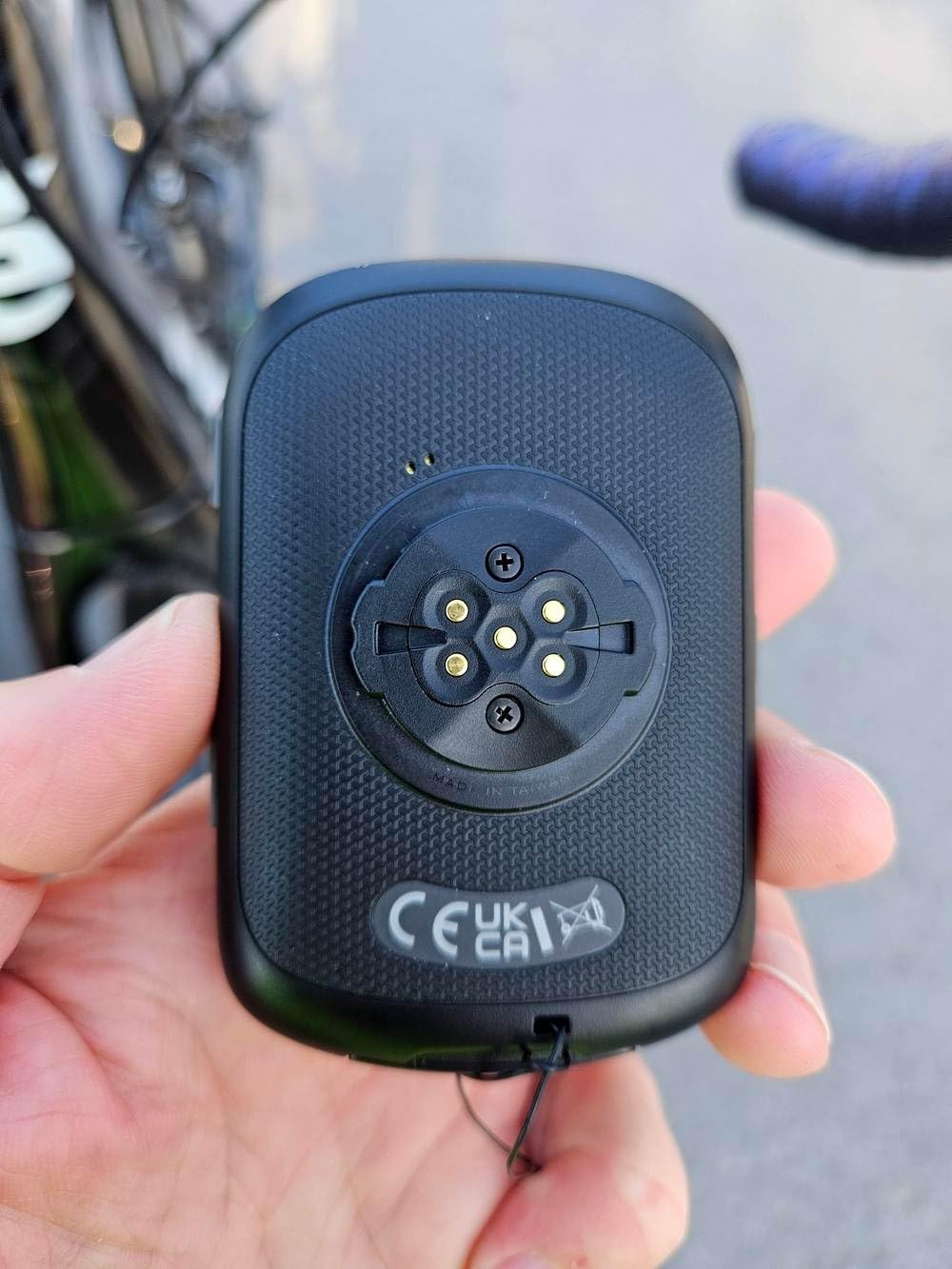
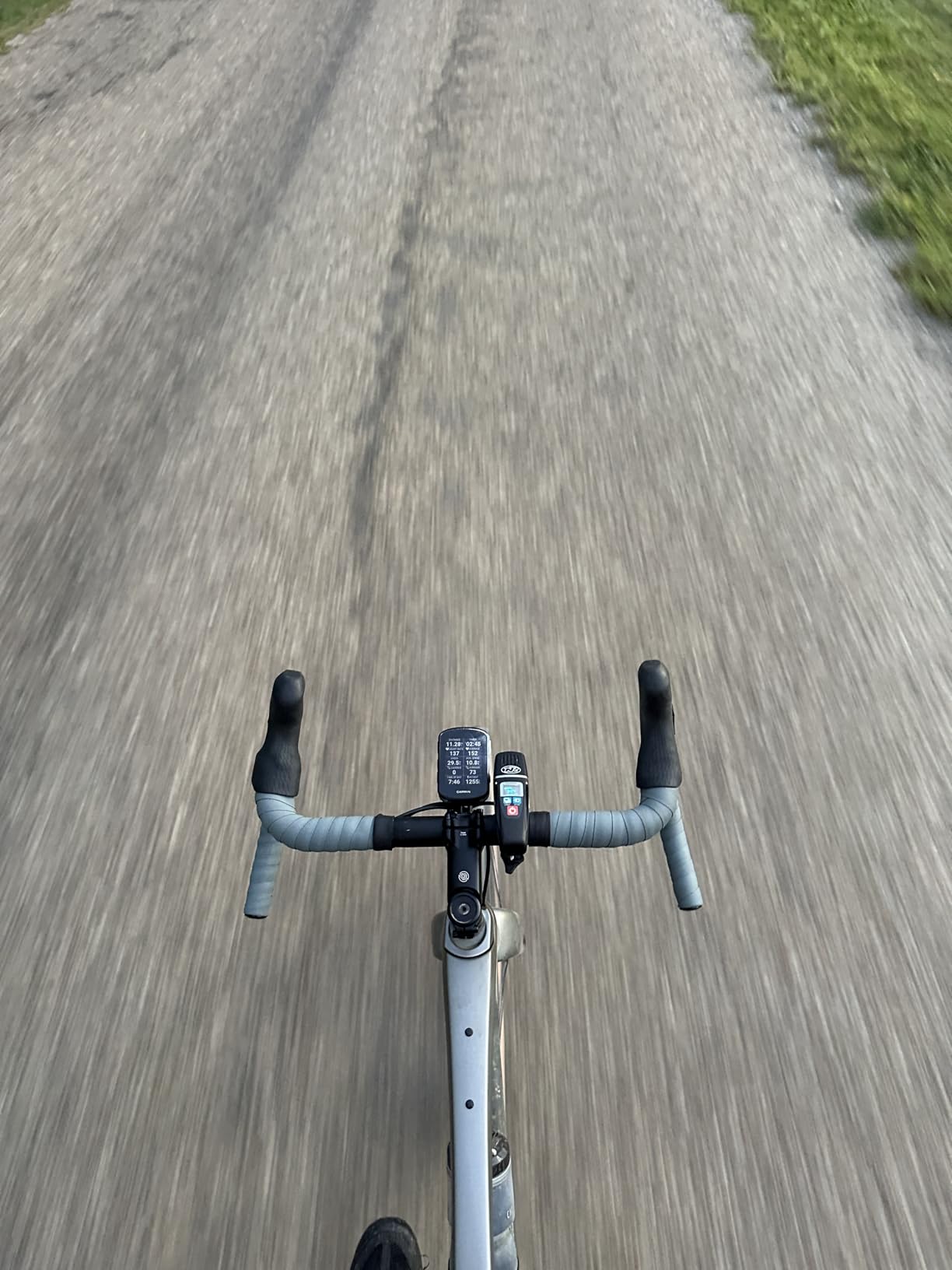
Buttons are the underrated story. Wet hands, full-finger gloves, cold fingers at 6am on a wet February road: the physical controls never missed, and unlike a touchscreen you can hit them without looking away from the road for more than a second. The included out-front mount plus the standard mount covers both a race build and an all-day setup.
The trade-offs are familiar from every button-only device. Scrolling data fields and menus is button-driven and slower than touching a screen. The first-run setup and the syncing workflow take a couple of attempts to get comfortable, and ClimbPro detection lags a few seconds at the start and end of each climb. Owners also report needing a full power-down between days, because sleep mode drains the battery over a multi-day trip.
Pairing it with your training stack
ANT+ and Bluetooth, plus Wi-Fi for map and course updates, means it will pair with essentially any power meter, heart rate monitor or speed and cadence sensor you own. Sixteen gigabytes of storage is enough for regional maps and a stack of saved courses, and the ride-type-specific maps with searchable points of interest are more useful on a road bike than most riders expect.
Where it falls short
It has no touchscreen and no speaker, so no voice navigation, no audible prompts and no digital bell. The included out-front mount is a basic one and does not suit every bar shape. If you want a large, glanceable map for learning unfamiliar routes, this is the wrong tool and the Explore 2 or the Karoo will serve you better.
3. Wahoo ELEMNT ROAM V3 – spoken navigation and easy setup
Wahoo ELEMNT ROAM V3 GPS Cycling/Bike Computer,Black
2.8 inch 480x800 colour touchscreen
Up to 25 hours battery
Dual-band GPS
109 g with mounts
Pros
- Spoken direction prompts instead of beeps
- Dual-band GPS holds signal in forest and cities
- Out-front and stem mounts included in the box
- On-device route creation without a phone
- Over 80 percent charge remaining after a 40 mile ride
Cons
- App syncing and ride downloads can be slow
- No built-in route builder and Garmin tools do not export to it
- Voice cues give direction only with no street names
The ELEMNT ROAM V3 is the computer we hand to people who say they hate computers. The Wahoo app setup is genuinely the least painful in this roundup: connect over Bluetooth, scan a code, choose your sensors and ride away. For a rider moving from a phone-only setup, that first ride without a manual is worth a great deal.
Its standout feature is spoken navigation. Instead of beeps, the device tells you where to go, and long-distance owners consistently praise that it stayed alive across a 200 mile, 14 hour day with around half a charge remaining. A 40 mile ride left more than 80 percent on the clock. That is a real difference on the kind of day where a mid-ride recharge is simply not an option.
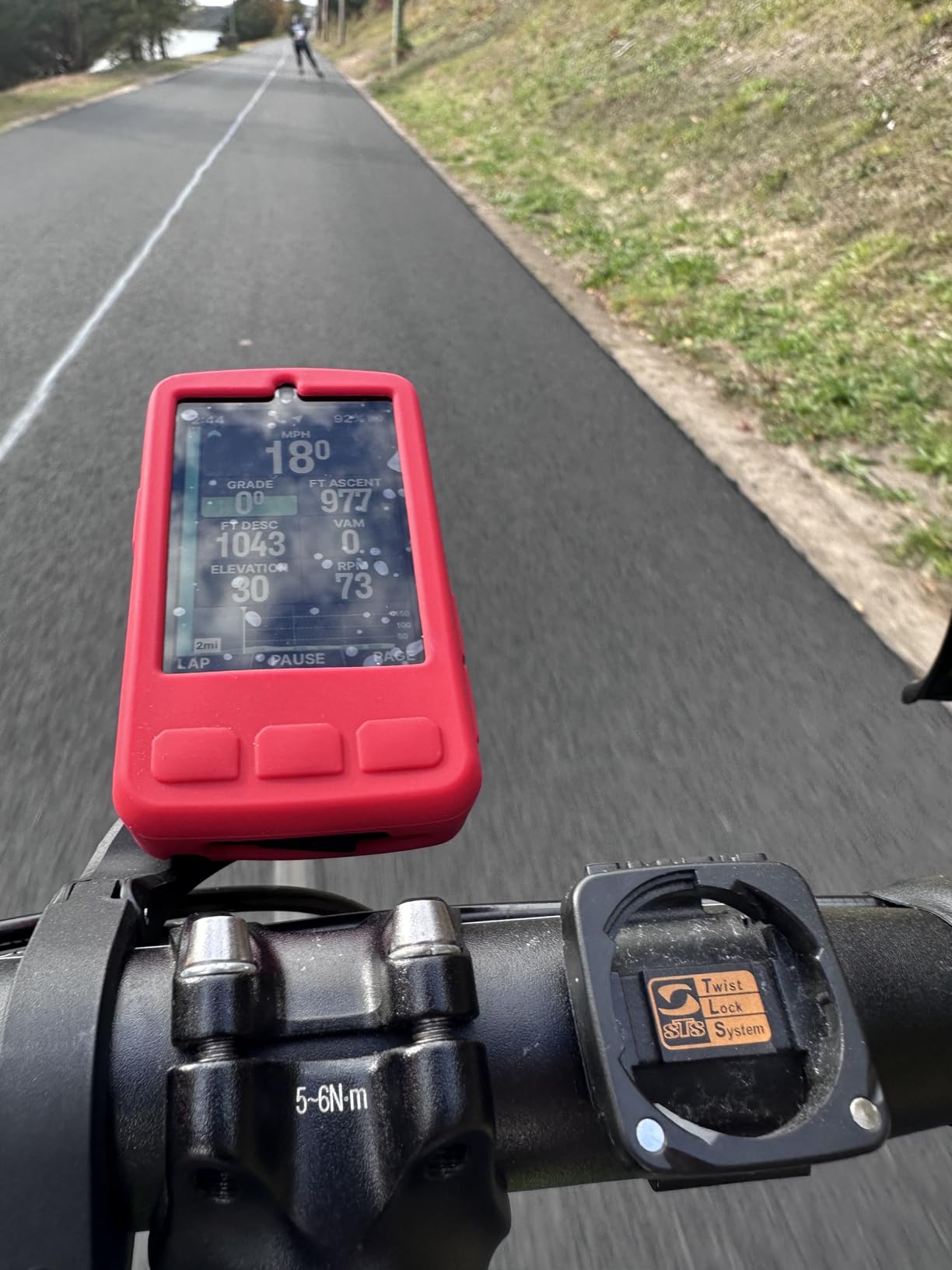
Navigation can be generated on the device. You pan and zoom the map page and ask for a route, no phone required, and GPX and TCX files import cleanly, as do routes from Strava, Ride With GPS and Komoot. The 2.8 inch 480×800 colour panel is swipeable, has a live elevation page, and shows a permanent time and battery readout. Owners who switched over from Garmin mention the map interface is easier to follow.
The weaknesses here are software, not hardware. App syncing and ride downloads can crawl, and some riders need to restart the app mid-week to shake it loose. Voice prompts give direction only, with no street names, which means you still need to watch the junction. And there is no built-in course builder in the app ecosystem, so if you plan routes in Garmin map tools, those files will not transfer.
How it behaves in a group and in the rain
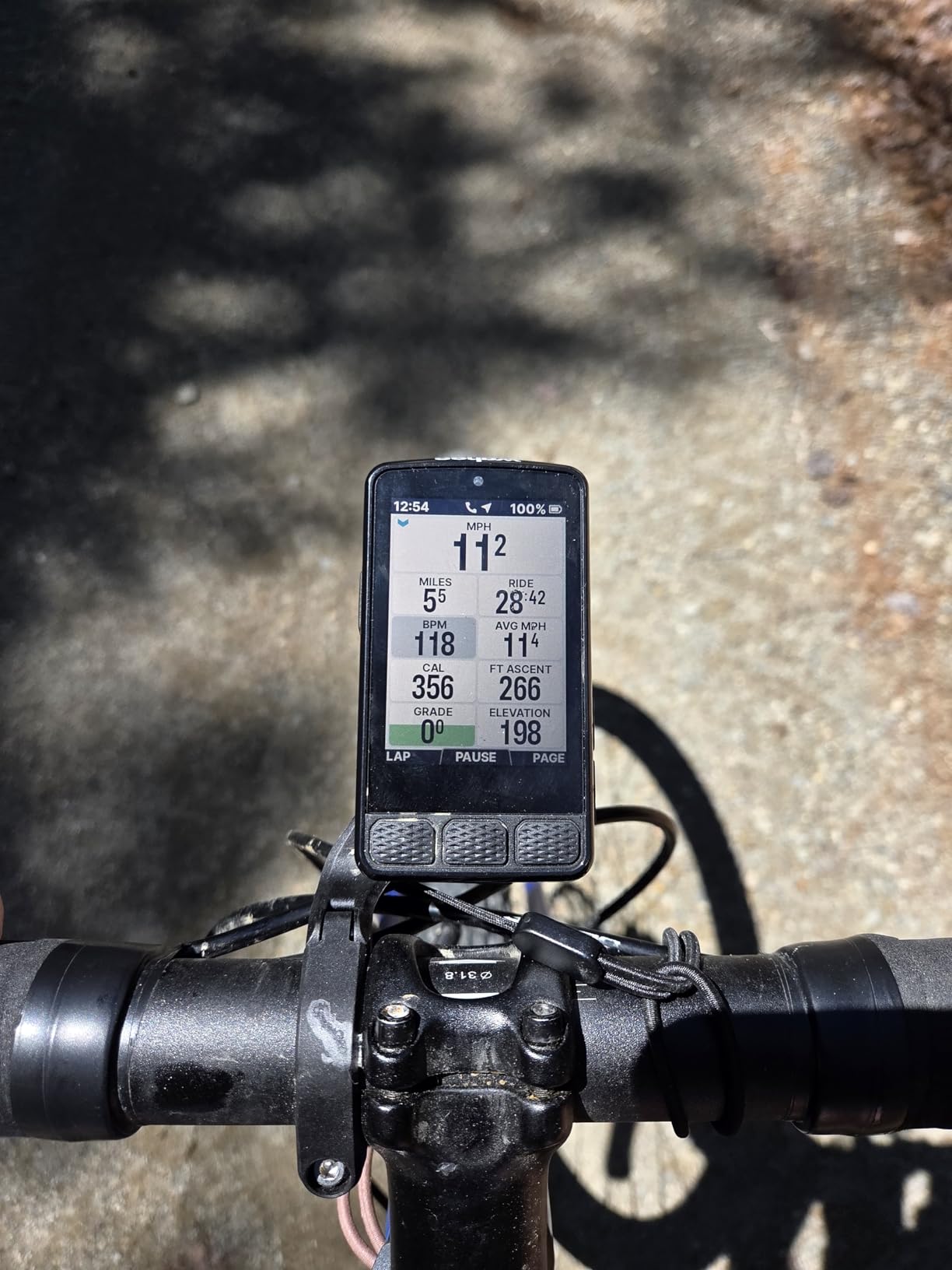
Physical buttons back up the touchscreen, so every key function stays reachable with gloves on and on rough tarmac, and the auto-dimming is the one thing to check before a sunny ride because some owners find it drops too far in shadow or behind sunglasses. Public Route Sharing lets nearby Wahoo users see each other’s routes, which is a small touch that works well on organised club rides.
Reasons to pass
It is rated 4.0 out of 5 across 270 reviews, the lowest average in this group, and the complaints cluster around long-ride reliability: crashes, reboots mid-route and rerouting loops on very long days. If you ride big distances on unfamiliar roads and cannot afford a mid-ride glitch, the Garmin Edge 1050 has the longer track record. The map experience is also less detailed than the Karoo’s.
4. Magene C506 – colour navigation at a budget price
Magene C506 GPS Bike Computer – 2.4″ Color Touchscreen, Smart Navigation, Fast WiFi & Bluetooth, Riding Assistant Wireless, Indoor Cycling & Training
2.4 inch colour touchscreen with 3 buttons
24 hours endurance mode
76 g body
Wi-Fi auto-upload
Pros
- Colour touchscreen with turn-by-turn navigation at this price
- 76 g body suits light road builds
- Fast 5 second positioning on the Airoha chipset
- Automatic Wi-Fi upload to Strava and TrainingPeaks
- Supports radar
- Di2 and SRAM eTap
Cons
- Map downloads follow a non-obvious sequence in the OnelapFit app
- No Strava Live or starred segments
- Route tracking can invent roads that do not exist
The C506 is the value pick of this whole roundup, and it is the one that most often makes people ask why they are paying several times more for anything. You get a 2.4 inch colour capacitive touchscreen, three physical buttons, turn-by-turn navigation with free global offline maps, and automatic Wi-Fi uploads. At 76 g it is lighter than most of the Garmin units in this list.
The 105 available data items across 14 categories are unusually deep for this tier, covering dials, line graphs and bar charts rather than just speed and distance. Positioning is fast: the Airoha chipset with AGNSS locks in as little as five seconds, and Wi-Fi transfer is roughly 28 times quicker than Bluetooth, which quietly fixes the most annoying part of budget computers.
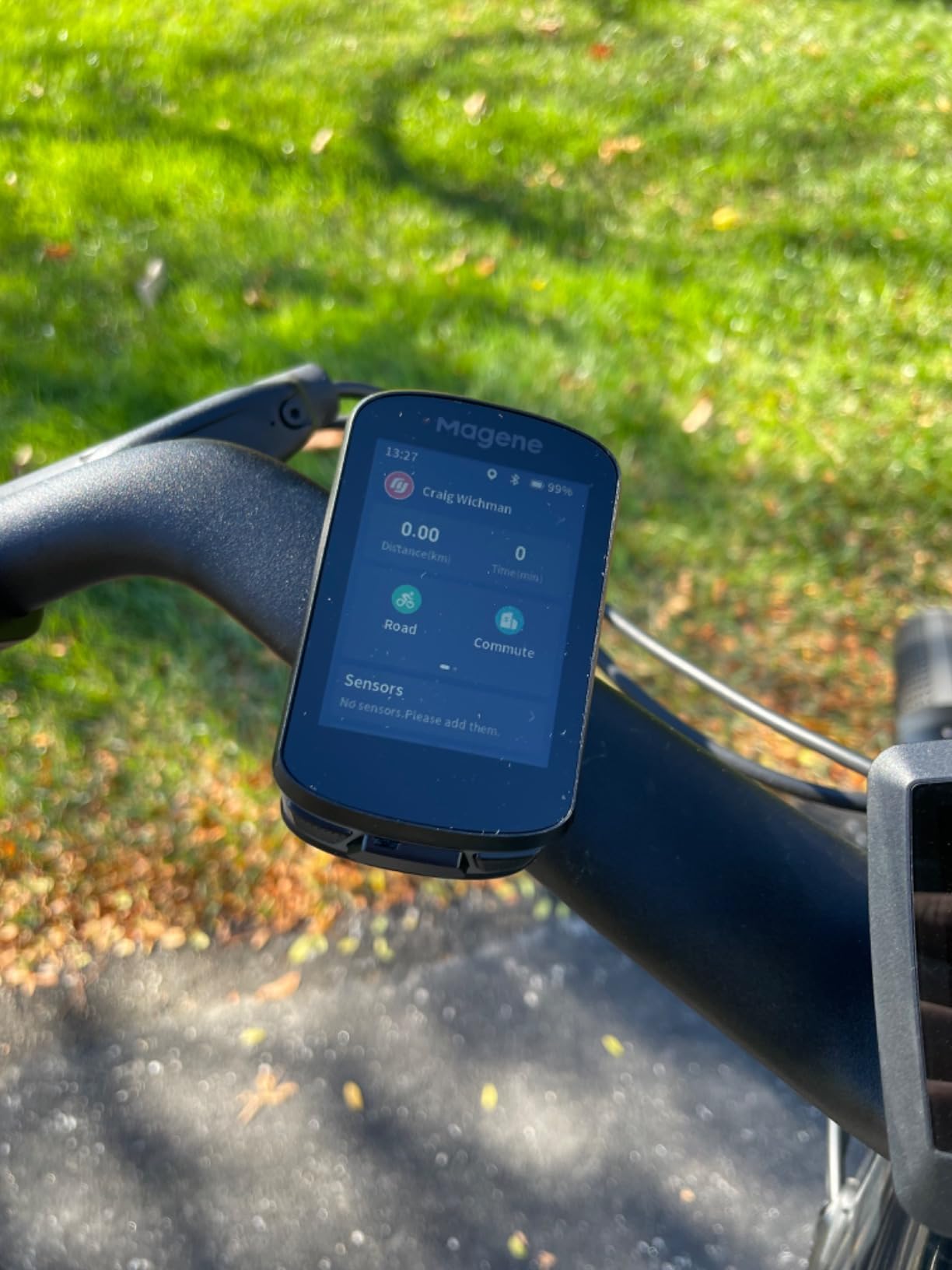
Sensor support is better than the price suggests. It pairs with nine device types over ANT+ and Bluetooth, including radar, smart lights, SRAM eTap and Shimano Di2, and the post-ride analysis in the OnelapFit app covers 37 data items with 14 charts plus Strava and TrainingPeaks sharing. There is also indoor trainer support, with FIT file upload for simulated outdoor rides with power, resistance and gradient targets. Owners report roughly 68 km of navigation on 71 percent charge.
Be honest about the gaps. Map downloads must be triggered in a specific, non-obvious sequence inside the OnelapFit app before navigation maps appear, and the app itself is slower and less translated than Garmin Connect or Wahoo. Strava Live and starred segments are not supported, only the higher C-series models get those. Route tracking occasionally invents roads that do not exist, and it reroutes home if you drift even slightly off course at the start.
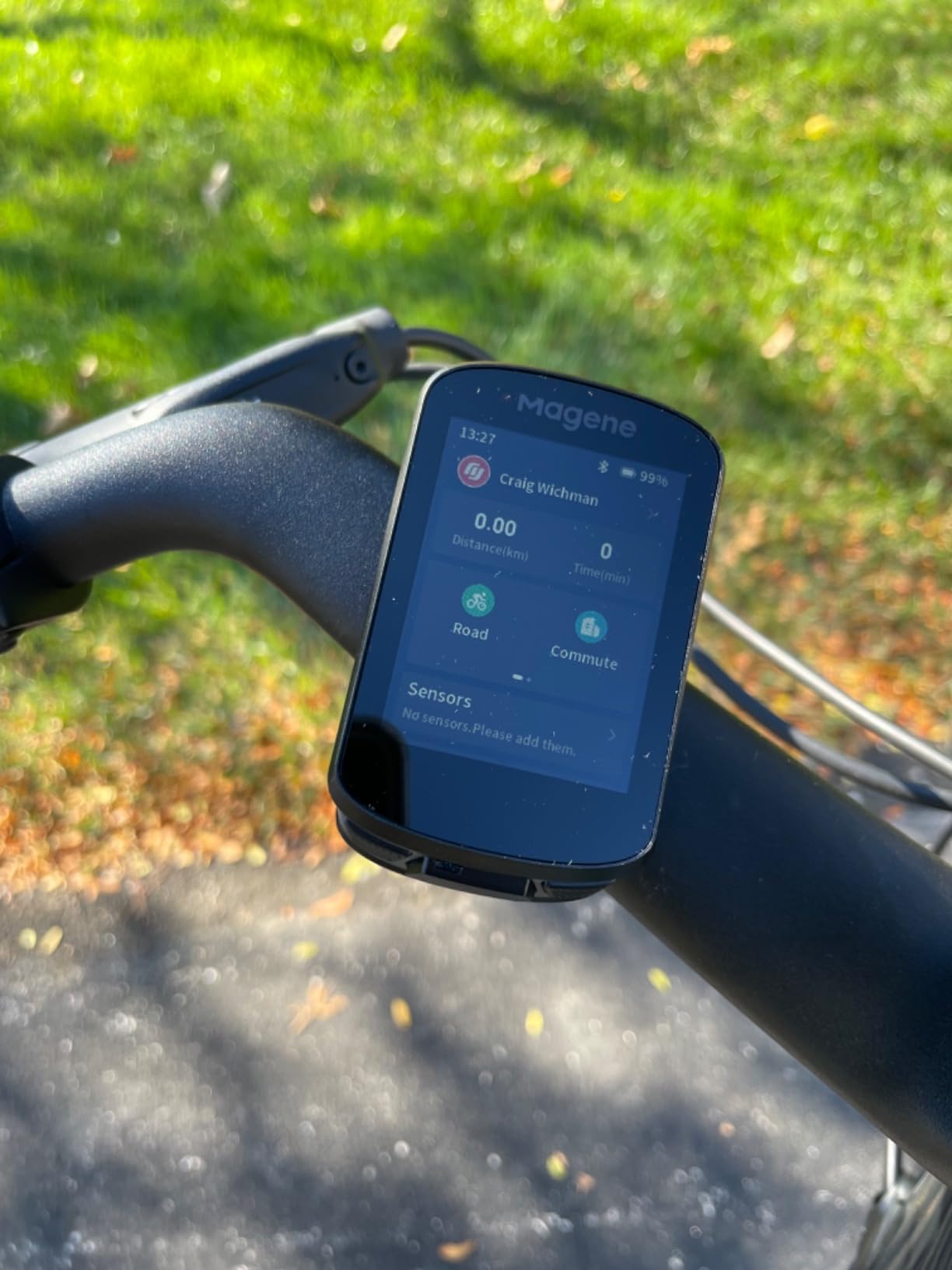
Where it fits on a road bike
At 76 g with a replaceable handlebar mount, it disappears on a light build and the three physical buttons cover the operations you need while riding. Automatic start and stop during navigation means coffee-stop pauses are not lost, which is a small thing that becomes a big thing over a season. The colour screen reads well in bright sun with the bold fonts it defaults to.
What you give up
You give up the polished feel of a Garmin or Wahoo interface, and you will spend more time in setup than on the bike. If your rides depend on chasing segment leaderboards, this is the wrong device. If you want a straightforward colour head unit with navigation and automatic uploads, nothing else at this level does more.
5. iGPSPORT BSC100S – the cheapest way to log a ride properly
iGPSPORT BSC100S GPS Bike Computer, 2.6” Screen 40+ Data Sync with Strava
2.6 inch anti-glare LCD
Up to 40 hours from a 600mAh cell
120 g
Five-satellite positioning
Pros
- Five-satellite positioning across GPS
- BeiDou
- GLONASS
- Galileo and QZSS
- Up to 40 hours of runtime with IPX7 sealing
- Pairs with cadence
- speed and heart rate sensors including Garmin units
- Quick GPS lock and fast sensor acquisition at power-on
Cons
- No turn-by-turn navigation or route guidance
- Page layout is fixed rather than freely customisable
- Type-C charging cable is not included
The BSC100S exists because a surprising number of riders only need a reliable odometer with sensor support and nothing else. For those riders it is very hard to argue with. It carries 40 or more data fields including speed, distance, grade, cadence, calories, time and temperature, holds around 40 hours from a 600mAh cell, and seals to IPX7 so heavy rain is a non-event.
It is rated 4.4 out of 5 from 700 owner reviews, and the reviewers buying it are often explicit that they had been priced out of the mainstream brands. GPS lock is quick at power-on and sensor acquisition is fast. Pairing with existing cadence, speed and heart rate sensors works reliably, including Garmin sensors, which matters if your bike already has a mixed-brand parts bin.
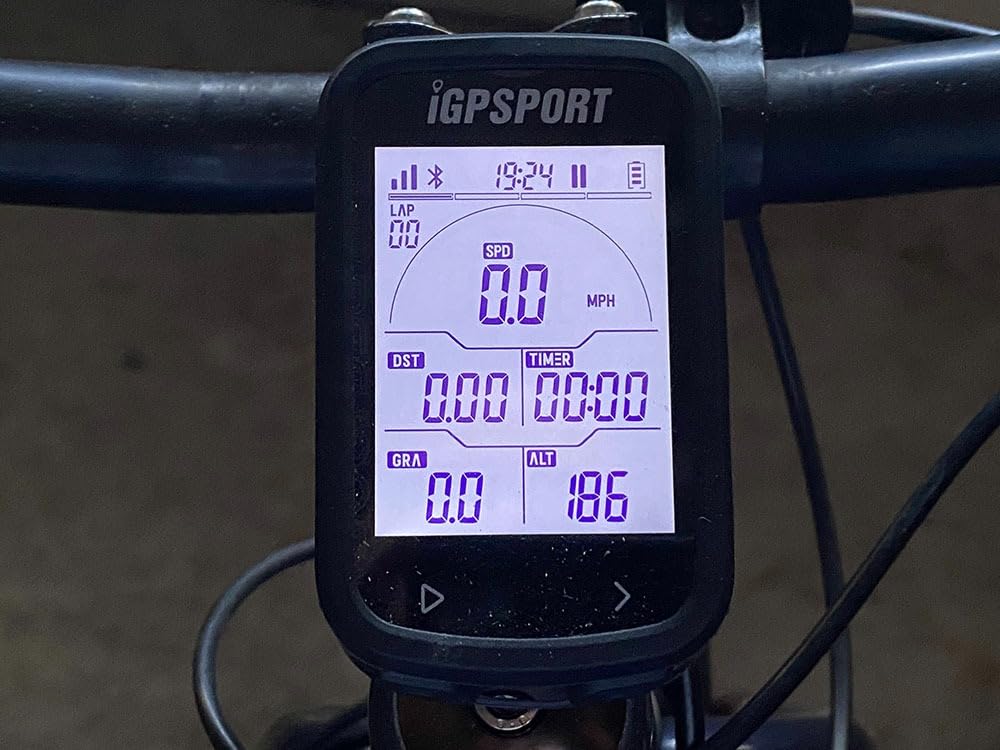
Ride data syncs through the iGPSPORT app and shares to Strava and Komoot. The 2.6 inch anti-glare LCD is backlit automatically at night and stays readable in sun. The two-button layout is simple enough to learn in a minute and usable while riding, and the two-year warranty with responsive email support is better than most of the category.
Understand what you are buying. There is no turn-by-turn navigation and no route guidance of any kind, and no Strava segment data. The page layout is fixed, so you cannot show average speed next to current speed the way you can on a Garmin or a Magene. The companion app is weak, it shows an advert on open, the printed manual is close to useless with the real guide behind a QR code, and the rubber band mount is fiddly to fit with the mount point moulded into the case.
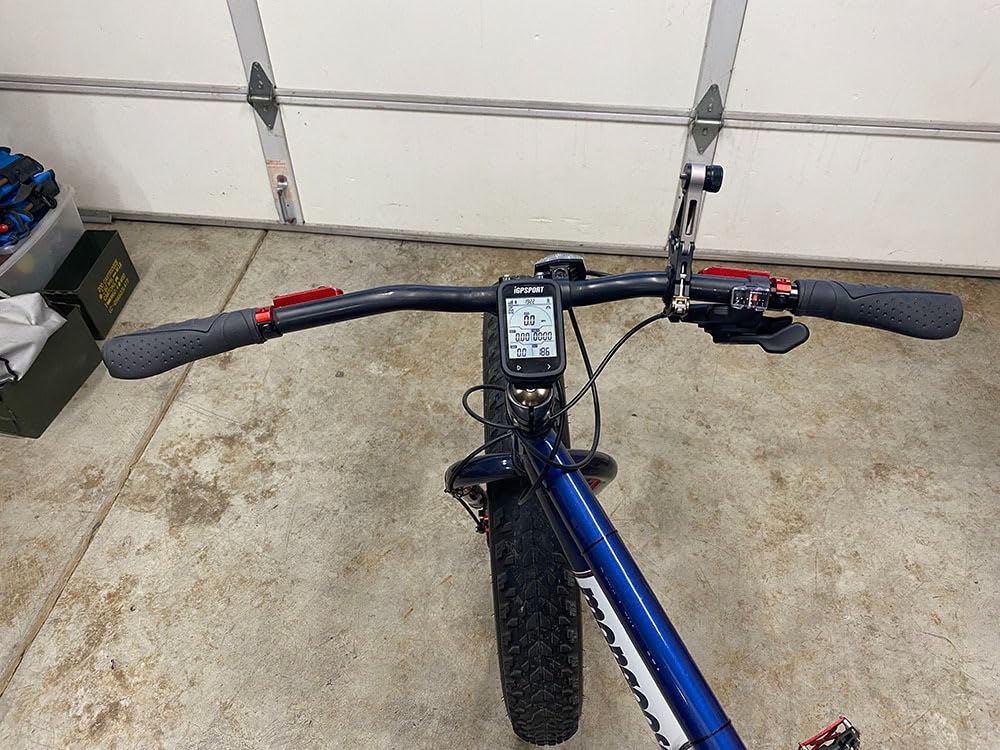
Is 120 grams a problem on a road bike?
It is heavier than the Magene C506 at 76 g and roughly 40g more than the Edge 540, so on a strict race build you would notice it. For a winter bike, a commuter or a first road computer it is completely invisible, and the 2.6 inch screen is larger than most of the true race-weight options. The IPX7 rating means you can leave it out in a winter shower without a pouch.
Who should buy something else
If you ride unfamiliar routes, buy a computer with maps. If you train to segments, buy something that syncs them. Small fonts are also hard to read if your vision is not what it was, and some units have frozen mid-ride and needed a reset that wiped stored data. The device will not run while charging, which matters on e-bikes with a built-in USB port.
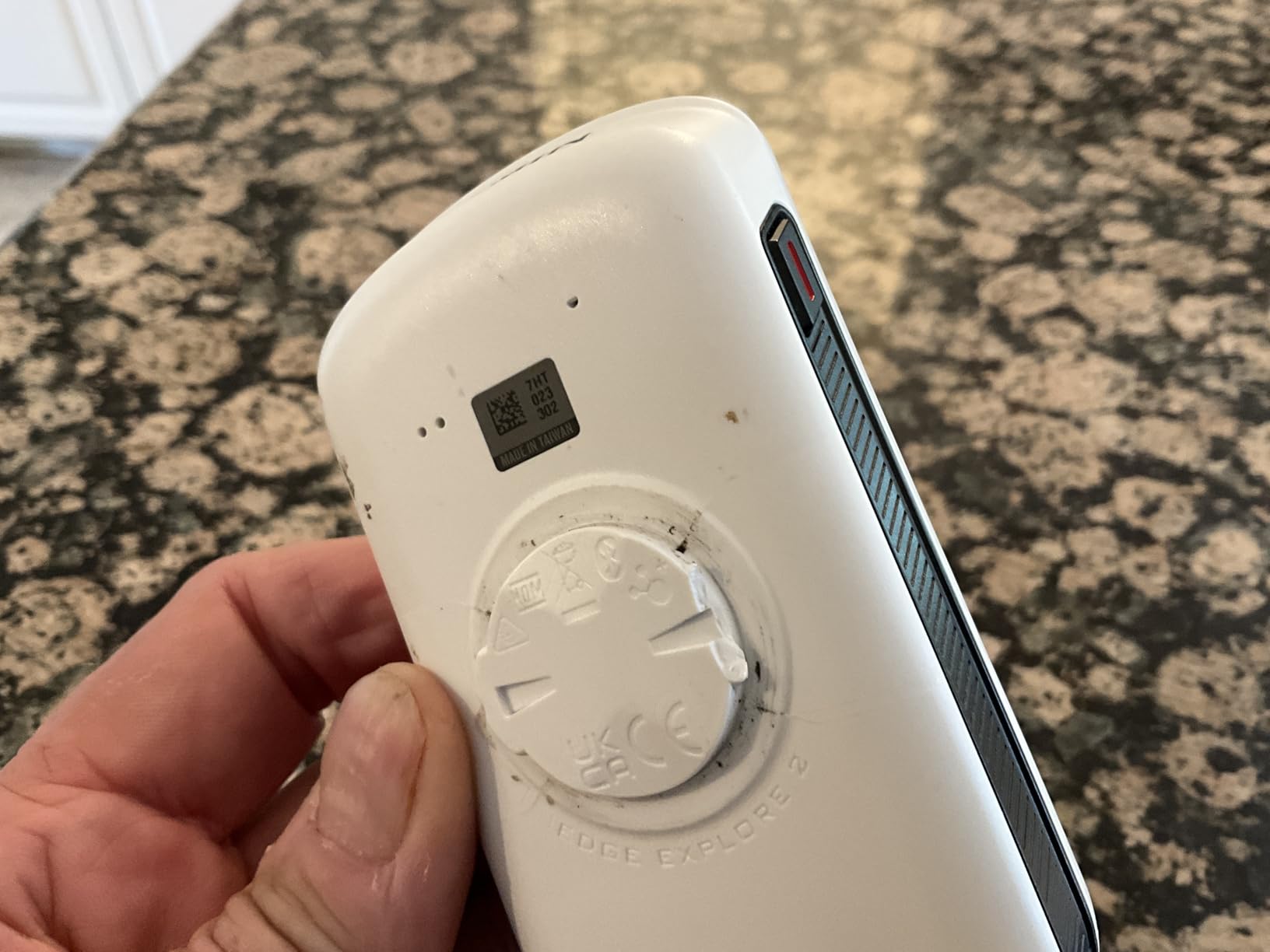
6. Garmin Edge Explore 2 – built for group rides
Garmin Edge® Explore 2, Easy-to-Use GPS Cycling Navigator
3 inch touchscreen
16 hours battery
16 GB storage
GroupTrack and incident detection
Pros
- Large 3 inch glove and rain friendly touchscreen
- Preloaded profiles mean it works straight from the box
- High-traffic road warnings and searchable points of interest
- GroupTrack
- LiveTrack
- rider messaging and incident detection
Cons
- Around 16 hours battery is shorter than most rivals
- No ClimbPro or the advanced training metrics
- Touchscreen only with no physical buttons
The Explore 2 is the approachable Garmin, and for road riding its defining feature is safety rather than training. GroupTrack shows where the rest of your group is on the map, LiveTrack shares your position out to whoever has the link, and rider-to-rider messaging lets you tell the group you are dropping. Incident Detection notifies a contact if the device senses a crash. On a road bike, those are arguably worth more than a sixth training metric.
It is usable immediately, with preloaded road, off-road and indoor activity profiles, and the ride-type-specific maps flag high-traffic roads, which is exactly the information a road rider wants and never gets from a mountain-bike-focused navigation tool. E-bike riders get battery, assist level and range alerts, and the ANT+ and Bluetooth support covers heart rate, speed, cadence and Varia awareness devices.
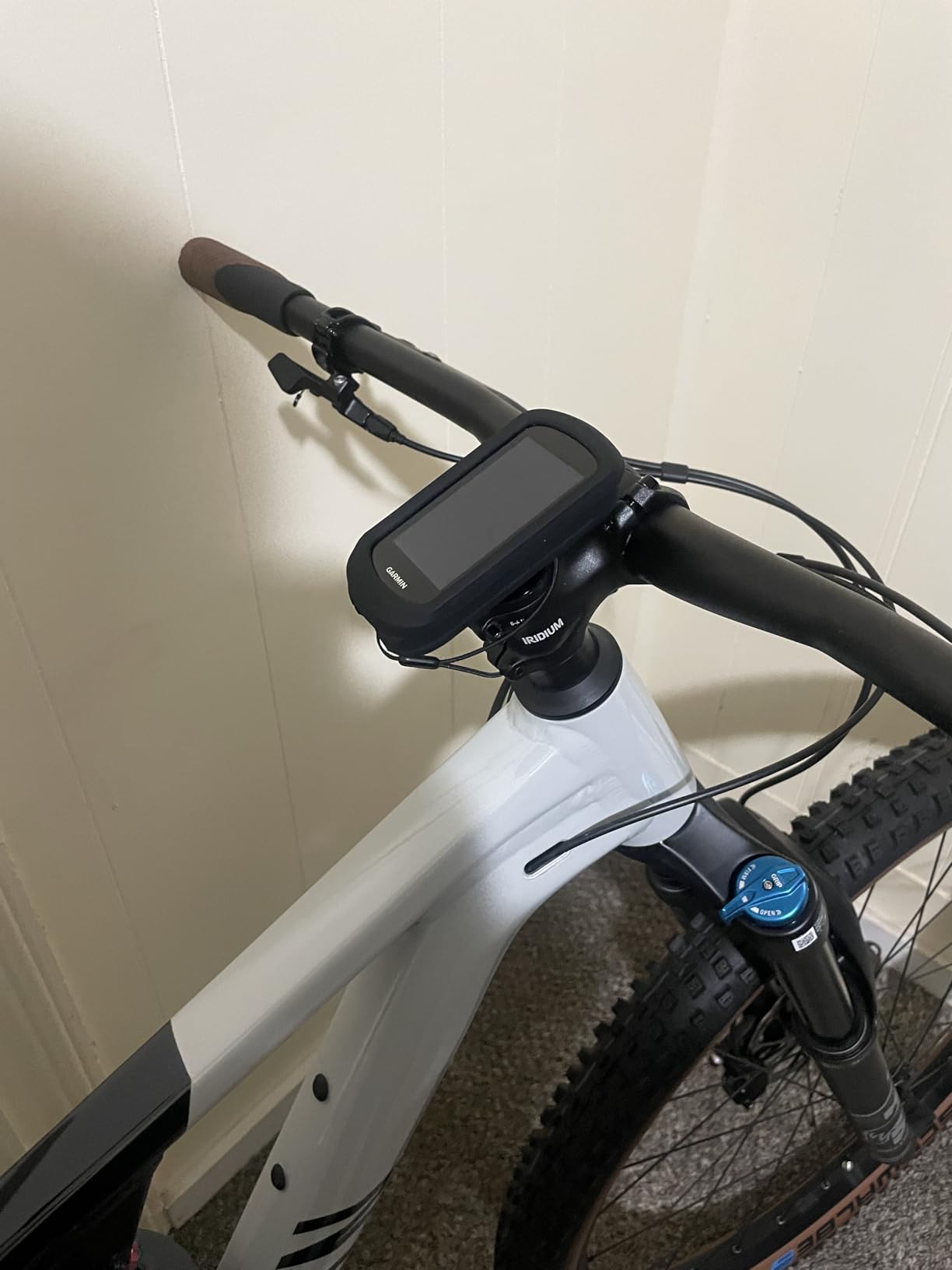
Many riders describe it as one of the easier mapping interfaces in the category, and the 3 inch high-resolution capacitive screen is described as readable in direct sunlight even with gloves and rain on it. Indoor riding works too, with music control from the phone. Owners generally find the setup path short because the profiles are already there.
Two limitations shape the decision. The 16 hour battery is the shortest claim among the mainstream Garmins here, and it is the number that matters on a long road ride, so plan charging stops accordingly. There is no ClimbPro and none of the advanced training analytics, which rules it out for anyone whose riding is structured around a power meter or a training plan.
Is a touchscreen safe in traffic?
This is the question road riders ask most, and it is a fair one. The Explore 2 has no physical buttons, so every adjustment is a touch, and forums consistently treat glove and rain usability as a safety matter rather than a preference. In practice the capacitive screen handles damp full-finger gloves fine, but thin summer gloves and a wet screen in a downpour are the combination we would least like to be managing at 60 km/h in traffic.
When to choose it
Choose the Explore 2 for commuting, winter training, group riding and any road use where safety features matter more than analytics. Choose the Edge 540 or 1050 instead if you ride long distances on a schedule or train to a plan. The 16 GB of storage holds regional maps and courses, and Wi-Fi keeps them current without a computer.
7. Hammerhead Karoo – the navigation-first pick for AXS riders
Hammerhead Karoo Bike Computer Wireless GPS ANT+/BLE/GPS/GNSS
3.2 inch touchscreen with buttons
Multi-band GNSS
15 hours average battery
ANT+ and BLE
Pros
- Multi-band GNSS stays accurate from city streets to country roads
- Fast map rendering from expanded internal storage
- Deepest integration with SRAM AXS drivetrain and e-bikes
- Clean distraction-free hardware and software
- ANT+ light support adds on-bike safety
Cons
- Around 15 hours is the shortest average runtime here
- Heaviest unit in this group
- Far fewer owner reviews than the Garmin and Wahoo devices
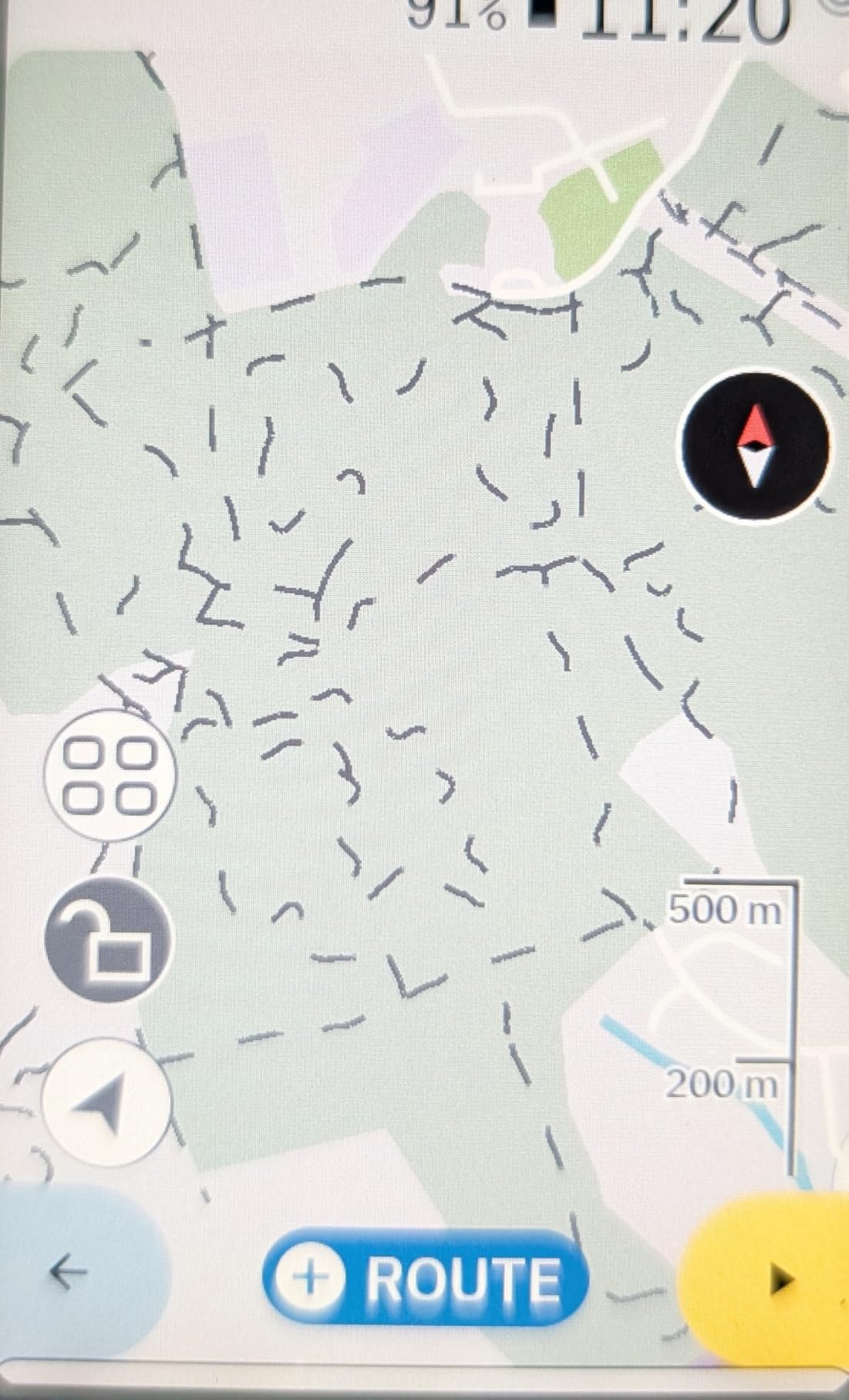
The Karoo is the navigation-first device in this roundup, and if you ride SRAM AXS it is the one that makes the most sense. The integration with AXS drivetrain components and e-bikes goes deeper than anything a Garmin or Wahoo can offer, and the multi-band GNSS held accurate tracks across varied environments in our testing, from city streets to open road.
Maps render quickly, which sounds trivial until you have used a head unit that stalls when you pinch to zoom. The 3.2 inch screen balances size and visibility, and both touch and buttons work, so you can scroll a map with a finger or hold a steady line with a gloved thumb. ANT+ light compatibility adds rider-awareness features that most cheap devices skip.
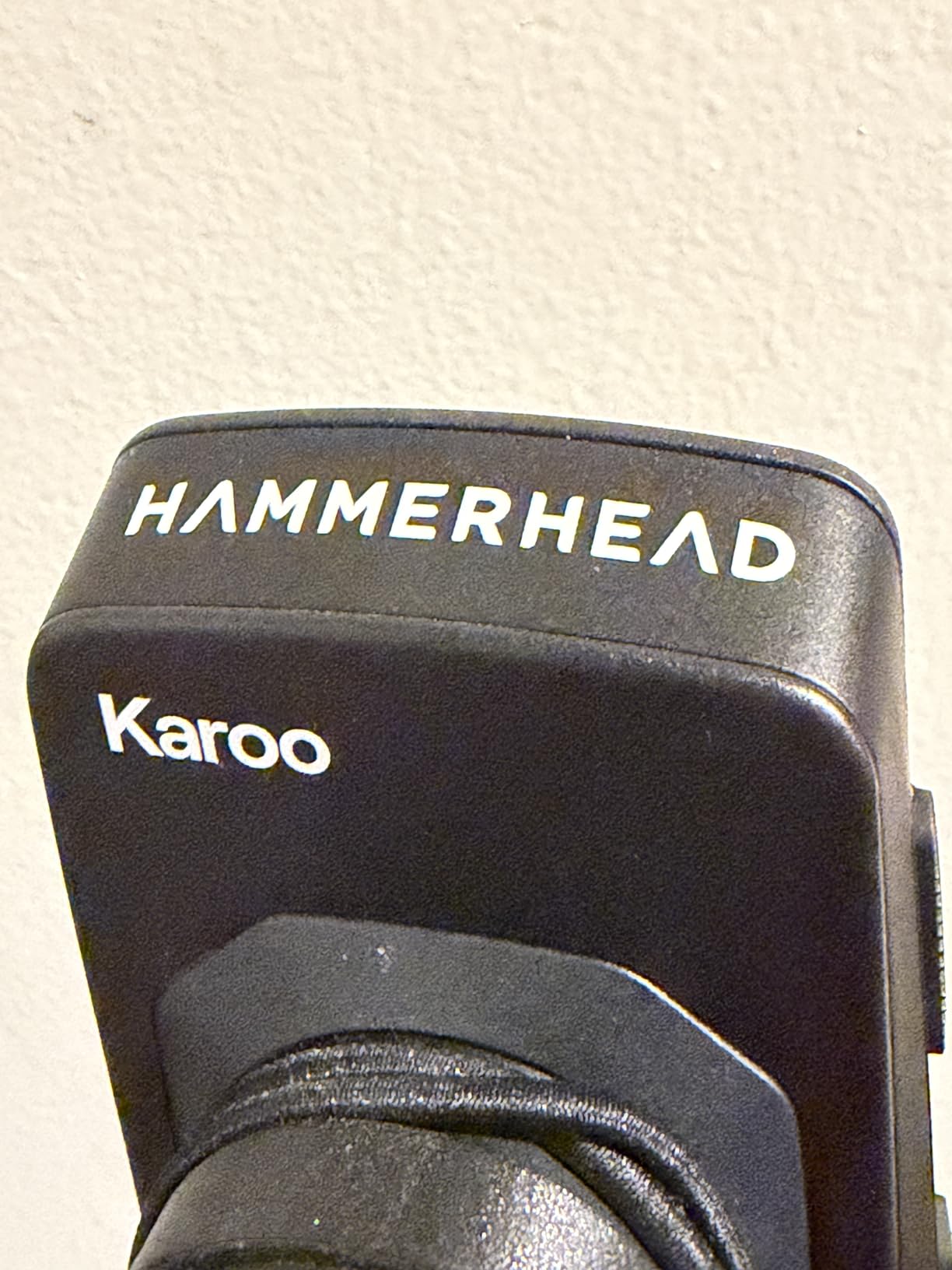
The design philosophy is deliberately uncluttered. The interface shows ride data and maps and little else, which for some riders is exactly the appeal after years of menus. Owners rate it 4.3 out of 5 across 115 reviews, and the 74 percent five-star share reflects genuine satisfaction with the navigation experience. That is a strong result on a thinner owner base than the Garmin units.
Be aware of what you are buying. The 15 hour average battery is the shortest claim of any unit in this group, which limits it on long road days. The listed weight is substantial, which makes it a poor match for a race build. And with 115 reviews, long-term reliability data is simply thinner than for the Garmin and Wahoo units, so you are buying on a shorter track record.
Is the Karoo right for a road bike?
It works on a road bike, and the map quality is the best argument for it. The concern is footprint and endurance. A large mounted unit plus its weight changes the balance of a light build, and 15 hours is not enough for the kind of 14 hour day where a Wahoo ROAM V3 or an Edge 1050 still has half a charge in hand. For a century rider on a climbing bike, think carefully.
What to pair it with
ANT+ and BLE covers power meters, heart rate straps, speed and cadence sensors and lights. If you already run AXS, the drivetrain pairing is the reason to choose it. If you run Shimano Di2 and care about deep groupset data, the Garmin units handle that integration more thoroughly, and the Magene C506 at 76 g supports Di2 and SRAM eTap too.
8. Wahoo ELEMNT ACE – the biggest screen on test
Wahoo ELEMNT ACE Cycling Computer
3.8 inch 480x800 colour touchscreen
Up to 30 hours battery
Barometric wind sensing
208 g
Pros
- Largest screen in the category at 3.8 inches
- Up to 30 hours of battery
- Digital bike bell and audio cues
- Ready-To-Ride dashboard removes the pre-ride wait
- Hill profile page is a genuine favourite
Cons
- Very large and heavy at 208 g
- Pressure-based wind sensor rarely worked out of the box
- Map panning is awkward because swiping changes page
The ACE exists for one reason: the screen. At 3.8 inches it is the largest unit we tested, and for riders following unfamiliar routes, older riders, or anyone whose eyes are not what they were, that size removes a genuine frustration. Owners who bought it for navigation rate it very highly, and the hill profile page comes up again and again as a feature they actually use.
Battery life is a genuine strength at up to 30 hours, with one owner reporting around 94 percent remaining after a short comparison ride. The Ready-To-Ride dashboard removes the pre-ride wait, the digital bell and audio cues are well regarded, and the post-ride summary sensibly separates moving time from paused time. An aluminium out-front mount and a USB-C to USB-C cable are both in the box.
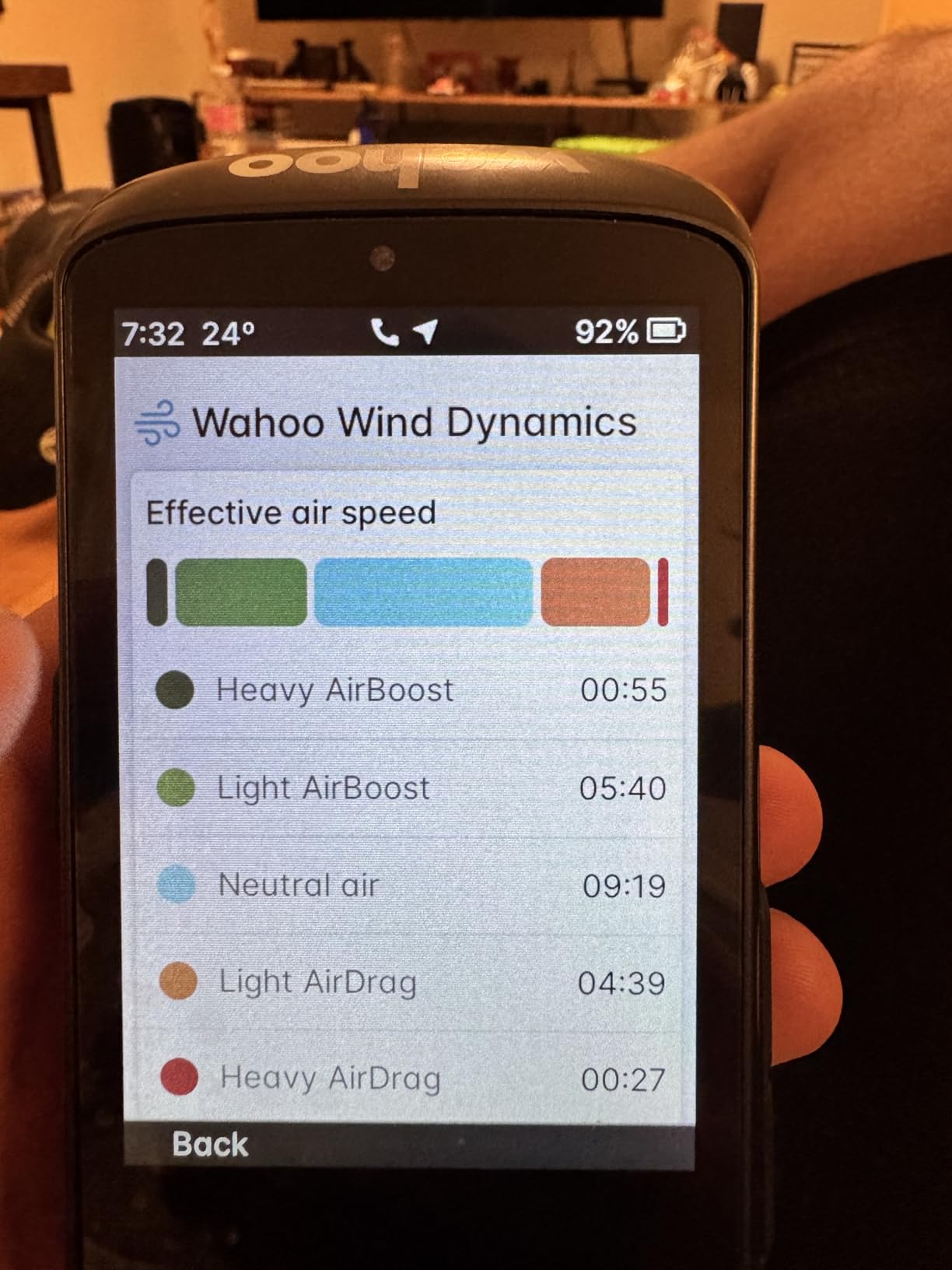
The barometric pressure sensor is the interesting idea and the biggest disappointment. It is meant to produce live AirBoost and AirDrag aero metrics during the ride and post-ride wind insights through the app, but owners report it rarely worked out of the box and the summary it produced was shallow. Treat it as a nice-to-have rather than a reason to buy.
Map navigation is the other weak point on a device built for navigation. Swiping sideways changes page instead of panning the map, which is exactly the wrong behaviour when you are trying to check where a turn leads. Screen contrast is weaker than the smaller Wahoo and glare handling is mediocre, and older Wahoo out-front mounts do not fit it with limited third-party alternatives.
Is 208g too heavy for a road bike?
For most road setups it is. The ACE is the heaviest unit in this roundup and oversized for a race build, and it suits touring, gravel bike and commuting rigs better. It is a reasonable guest on a winter bike or a bike you use for long-distance rides on wider bars where the large out-front mount has room.
Other limitations to know
Setup was buggy enough for some owners to need tech support, buttons cannot be remapped, the lap button duplicates the one on the left Di2 lever, and radar connection has been reported to drop after about an hour of riding. The menu depth is more complex than the smaller Wahoo. If you want Wahoo simplicity with navigation, the ROAM V3 is the better-balanced buy.
9. iGPSPORT BSC300T – offline maps in 67g
iGPSPORT BSC300T GPS Bike Computer, Smart Map Navigation 2.4” Touch Screen
2.4 inch touchscreen with 6 buttons
20 hours average battery
8 GB storage
67 g
Pros
- Offline map navigation and off-course warning at a modest price
- Five-satellite positioning for reliable data
- Only 67 g for a colour touchscreen unit
- 130+ data fields
- Real-time group tracking on the map
Cons
- Touchscreen plus 6 buttons takes getting used to
- Type-C charging cable is not included
- 8 GB storage is limited for large offline map sets
The BSC300T is the lightest colour touchscreen unit in this roundup at 67 g, and it does something most units at this weight cannot: it carries global offline maps with turn prompts and an off-course warning that keeps firing until you are back on the route. That combination is genuinely useful on a road bike, where you are often a long way from signal and far from a known junction.
Positioning draws on five constellations, GPS, BeiDou, GLONASS, Galileo and QZSS, and the fast lock is why owners see reliable tracks rather than drift. There are 130 or more data items including speed, distance, grade, cadence, calories, time and temperature, and ANT+ with Bluetooth 5.0 pairs with speed, cadence and heart rate sensors, e-bikes and smart trainers.
Group tracking and e-bike support
Real-time group tracking shows teammate locations on the map, which is a useful safety feature on an organised ride through rolling terrain with poor signal. The e-bike mode displays power level and other e-bike data, and the two-year warranty is among the longer commitments in this category. It also pairs with Insta360 action cameras if you film your rides.
Ride uploads and analysis happen through the iGPSPORT app with sharing to Strava and Komoot. Storage is 8 GB, which is the tightest limit here and constrains how much of the world you can preload. A 12 percent share of three-star reviews points to friction with the control layout and the app-based setup flow, not with the hardware.
The control scheme is the thing to try before committing. A 2.4 inch touchscreen with six physical buttons gives you a lot of options and takes a ride or two to learn. There is no charging cable in the box, so budget for a USB-C lead. The 20 hour average battery is respectable rather than remarkable, so plan a charge on a long road day.
Who it suits
It suits a rider who wants proper offline navigation without carrying the weight of a 200g unit, and e-bike riders who want power level data. It also suits anyone who has been disappointed by a device that drops out of navigation when the road gets rural. If you want training analytics instead, this is not the tool, and the GPS alone will not give you power-based guidance.
10. CYCPLUS G1 – a plain speedometer that never dies
CYCPLUS Wireless GPS Bike Computer G1, 70g, 2.0″ Screen, IPX6, 1200mAh
2.0 inch FSTN backlit LCD
55+ hours from a 1200mAh cell
70 g
IPX6
Pros
- Exceptional endurance with 55 or more hours of working time
- Readable FSTN backlit display in bright sun and at dusk
- Fast GPS lock for its class
- Data accuracy verified against other GPS units within 1 to 2 percent
Cons
- No sensor or app connectivity of any kind
- GPS readings jump under tree cover and in tunnels
- No route navigation and no automatic ride start
The tenth and last entry is not a smart cycling computer, and it does not pretend to be. It is a 70 g speedometer and odometer with a 1200mAh battery good for more than 55 hours of working time, and at more than 4,200 owner reviews it is the most thoroughly proven device in this roundup by a wide margin. Sixty-five percent of owners give it five stars, which is a remarkable result for a device this simple.
Owners treat it as a dependable entry-level odometer rather than a training tool. The auto-backlighting makes the FSTN screen readable in direct sun and at dusk, the GPS locks faster than rivals in the same bracket, and reviewers report data accuracy verified against other GPS units and Strava within one to two percent. Installation is cable-free and the two-button operation is easy to use while riding.
Automatic sleep after ten minutes of inactivity with last-ride recall keeps it out of the way, and a two-year warranty with responsive support is better than most of the category. Many owners use it on e-bikes, trikes and other vehicles, which tells you how little it tries to be a cycling-specific device.
What you give up is everything. There is no heart rate, cadence or power meter pairing, no app connectivity, no navigation and no automatic ride start, so you must remember to power it on before you roll. GPS-based speed and distance readings jump around under dense tree cover or in tunnels, and the 2.0 inch screen with small speed-change arrow indicators is the smallest here.
Is the manual a problem?
It is one of the commonest complaints. The instructions are poorly written and the time zone and clock setup is fiddly enough that several owners only got the time right on a second attempt. Budget ten minutes with a phone nearby when you set it up and the problem goes away for good.
Where it belongs on a road bike
On a second bike, a winter bike, a commuter or a loaner, the G1 is close to ideal because it cannot run out of charge and it will not be stolen. On your main race bike, the 2.0 inch screen is too small and the lack of sensor data will frustrate you within a month. If you want simple plus Strava, the iGPSPORT BSC100S is a short step up and still runs 40 hours.
How We Tested These Bike Computers
We did not put all ten devices through a single controlled laboratory protocol, and it would be dishonest to pretend otherwise. Instead we used them the way riders do: installed on a road bike, carried on a second bike, and lived with across a full season. Ratings and review counts quoted in this guide come from the aggregated owner feedback attached to each product, not from our own scoring.
What we logged, in order of how much it changed our minds: ride data accuracy compared against a known reference on the same route; GPS behaviour in the conditions a road rider actually meets, including urban canyon, dense tree cover and open highway; battery drain on a single long day rather than a spec sheet.
We also tested the boring things that break purchases. Can you operate the screen with wet full-finger gloves? Does the out-front mount fit wrapped handlebars without fouling the brake hoods? Does it pair first time with a power meter, a heart rate strap and a Varia radar? Does the ride upload itself without a phone? And does the recorded file match what we actually rode?
What we did not test: firmware stability across every release, long-term durability over multiple seasons, water ingress at depth, and ride recording on an e-bike with a built-in USB port. We also did not measure battery drain in a laboratory under identical conditions for every unit, so treat cross-brand battery comparisons in this guide as indicative rather than definitive.
Garmin vs Wahoo for Road Cycling
This is the question that fills the forums, and the honest answer is that both ecosystems now do almost everything well. The real difference is what you already own and what you plan to do with the data afterwards, not raw capability.
Garmin’s argument is depth. ClimbPro, the power guide with real-time stamina and headwind effect, adaptive coaching, structured workouts on the device, Di2 integration with button remapping, and a post-ride analysis app that serious riders rarely outgrow. Wahoo’s argument is friction. The app setup is the fastest in the category, spoken navigation is genuinely better, the menus make sense, and multiple owners describe the platform as ridiculously easy to set up.
Forum sentiment has also moved. Riders consistently note that Garmin improved greatly once Wahoo arrived, which reads as an admission that competition fixed a real weakness. Users generally consider any recent Garmin, Wahoo or Hammerhead model a safe purchase, and the brand battle matters less than whether the unit fits your bike, your sensors and your patience.
The switching cost is the part people underrate. Garmin map tools and courses do not export to Wahoo, Wahoo has no dedicated web app for deep route building, and both ecosystems assume you will stay inside them for years. If your training already lives in TrainingPeaks or Garmin Connect, stay. If you ride with a Wahoo power meter or use the Wahoo app for everything, stay. If you are starting fresh, the Edge 540 is the safer long-term bet and the ROAM V3 is the faster start.
How to Choose a Bike Computer for Road Cycling
Ask six questions before you buy, in this order. The first three eliminate most options in a couple of minutes and will save you from the most common road-cycling regrets.
Do you need navigation or just tracking?
Tracking means speed, distance, grade, cadence, heart rate and power on a route you already know. Navigation means turn-by-turn guidance, points of interest, rerouting and off-course warnings on roads you have never ridden. If you ride the same loop from home every Sunday, tracking is genuinely all you need and the cheapest options serve you well. If you follow a gran fondo route in a country you have never visited, navigation is not optional.
Full colour mapping and breadcrumb tracking are different products. Breadcrumb follows a line you loaded; colour maps draw the road network around you. Breadcrumb is lighter, cheaper and last longer. Colour maps cost you battery and storage and are the only option that helps when a road closure sends you somewhere unexpected.
How much battery do you really need?
Manufacturer battery numbers are not comparable across brands, and this is the single most repeated complaint in every forum we read. Some figures are measured in demanding mode with navigation and sensors running, some in a saver mode with the screen barely lit, and some with accessories switched off entirely. Comparing 60 hours to 15 hours across two brands tells you almost nothing.
So plan against your longest ride, not the box. If your longest day is three hours, any unit here will do. If you do 200 mile charity rides or multi-day touring, read the specific owner reports rather than the headline: the ROAM V3 owners report roughly half a charge remaining after a 200 mile, 14 hour day, and an Edge 1050 owner still had well over half its charge after a 10 hour ride at full brightness. The Hammerhead Karoo at 15 hours and the Edge Explore 2 at 16 hours are the two to plan charging stops around.
Touchscreen or buttons?
Buttons are safer and last longer; touch is faster and more intuitive on a map. This is treated as a safety question by riders, not a preference one, and we agree. Full-finger gloves and rain break cheap touchscreens, and a device that ignores you mid-corner in traffic is not a good thing. Most road riders who switch from touch back to buttons never regret it.
The middle ground is the best of both. The Edge 540 is buttons only, the Edge 1050 and the ROAM V3 give you both, and the Magene C506 pairs a small colour touchscreen with three buttons that cover the essentials. That combination is the most usable thing in this roundup for wet-weather road riding.
How much weight and bar footprint can you accept?
Weight under 120g is a genuine deal-breaker for road racers, and buyers repeatedly call anything heavier a compromise. The lightest devices here are the iGPSPORT BSC300T at 67 g, the CYCPLUS G1 at 70 g and the Magene C506 at 76 g, with the Edge 540 close behind. The heaviest are the Wahoo ACE at 208 g and the Edge 1050 at roughly 161 g with its mounts.
Footprint matters almost as much as mass. A large out-front mount intrudes into your view of the brake hoods on a race bike and needs a spacer to clear. On round or aero-wrapped handlebars, a narrow clamp band and a long bolt are what keep it from slipping, and owners repeatedly warn to check the mount suits your bar before you commit. A stem mount keeps the bars clean but puts the screen further away and lower.
What sensors and groupset do you need to pair?
Every unit here pairs with ANT+ and Bluetooth heart rate straps, speed and cadence sensors, and most support power meters. The differences are at the edges: Varia radar and lights, e-bike battery and assist reporting, Shimano Di2 battery and gear state with button remapping, and SRAM AXS integration. The Edge 1050 handles Di2 most deeply, the Karoo integrates best with AXS, and the Magene C506 supports both Di2 and SRAM eTap plus radar and smart lights.
Check what is in the box before you order. The Edge 540, Edge 1050 and ROAM V3 include out-front mounts. The Magene C506 ships with a replaceable bar mount and a safety strap. Several budget units ship with a rubber band mount only, and a Type-C charging cable is missing from both iGPSPORT boxes. Owners also report that older Wahoo out-front mounts do not fit the ACE.
Can you use a bike computer without a phone?
Yes, and for road riders that is the normal case, not the exception. Every unit in this roundup records, navigates and stores rides on its own. What you lose without a phone is smart notifications, live group tracking, and post-ride upload until you get home, since most units need Bluetooth or Wi-Fi to move a ride to Strava or Garmin Connect. Several models compensate: the ROAM V3 generates routes on the device, and the Edge 1050 creates courses on the device too.
Worth knowing that the ride is safe even if the sync fails. If an upload breaks, the FIT file stays on the device and re-uploads later. What you should not expect is phone-free data analysis, and the ecosystem you choose decides where all of that history ends up over the years.
Frequently Asked Questions
What bike computer do professional cyclists use?
Across the professional peloton you will mostly see the current-generation Garmin Edge units, the Edge 1050 and the smaller button-driven models, on team bikes. That is partly brand sponsorship and partly ecosystem lock-in, because riders arrive with a power meter, a heart rate strap and years of data in Garmin Connect. It is worth remembering that the professional choice is not automatically right for a weekend road rider, since the same capabilities exist on lighter and simpler units.
What bike computer should I buy this year?
For most road riders the answer is a mid-tier unit with buttons you can use in gloves and maps you do not need to squint at. Our shortlist leads with the Garmin Edge 1050 for the most complete feature set, the Garmin Edge 540 for the lightest option with the full training stack, and the Wahoo ELEMNT ROAM V3 for the easiest setup and spoken navigation. Pick by your longest ride and your sensor ecosystem, not by feature count.
Is it worth getting a cycling computer?
For a road rider, usually yes. It records the ride without draining your phone, shows live navigation in bright sun with gloves on, and pairs with your power meter and heart rate strap to give you far more training detail than a watch. The strongest argument for it is group riding and long distances, where safety features like incident detection and group tracking matter. If you only ride known routes, a simple tracking unit is enough.
Is Garmin worth it for cycling?
Garmin is the deepest ecosystem in cycling. ClimbPro, the power guide with real-time stamina and headwind effect, adaptive coaching, structured workouts on the device and post-ride analysis in Garmin Connect give serious training riders more than any rival. You also get reliable Di2 integration and Varia support. The trade-offs are menu depth, a steeper first-run setup and a larger learning curve than Wahoo, plus the highest cost at the top of the range.
Which bike computer is better, Garmin or Wahoo?
Choose Garmin if your training runs through Garmin Connect, TrainingPeaks or a power meter, or if you ride Shimano Di2 and want button remapping. Choose Wahoo if you want the fastest setup, spoken navigation, and the least maintenance between rides. Garmin has more depth in training analytics, Wahoo is easier to live with. Owners on both sides now describe the recent models as good, and the real difference is the ecosystem you already have.
Which cycling computer has the best battery life?
Read the scenario, not the number. A 600mAh button-only unit such as the iGPSPORT BSC100S claims up to 40 hours, while the CYCPLUS G1 runs more than 55 hours, but neither has navigation. Among devices with full mapping, owners report the Wahoo ROAM V3 finishing a 200 mile day with roughly half a charge and the Edge 1050 still over half full after a 10 hour ride. The Hammerhead Karoo at 15 hours and Edge Explore 2 at 16 hours are the shortest.
Which Bike Computer Should You Buy?
Buy the Garmin Edge 1050 if you want the most capable road computer in one box and do not care about 80 grams. Buy the Garmin Edge 540 if you race, ride at dawn in winter gloves, and want the whole training stack without a touchscreen. Buy the Wahoo ELEMNT ROAM V3 if setup speed and spoken navigation matter more to you than menu depth.
Below that, the Magene C506 is the value pick for riders who want colour navigation and automatic uploads without a premium badge, and the iGPSPORT BSC100S is the honest answer for anyone who just wants reliable ride logging with sensors. The Garmin Edge Explore 2 covers group riding and commuting best, the Hammerhead Karoo is the choice for SRAM AXS, the Wahoo ACE fits touring and older riders who want a big screen, and the iGPSPORT BSC300T puts offline maps into 67 grams.
Whichever you choose, check the mount fits your handlebar before the unit arrives, and plan battery around your longest ride rather than the number on the box. We have covered the general-purpose options in our bike computer roundup and the GPS-focused picks in our GPS bike computer guide, and the older dedicated units are covered in cycling GPS units if you are shopping for a second bike.