
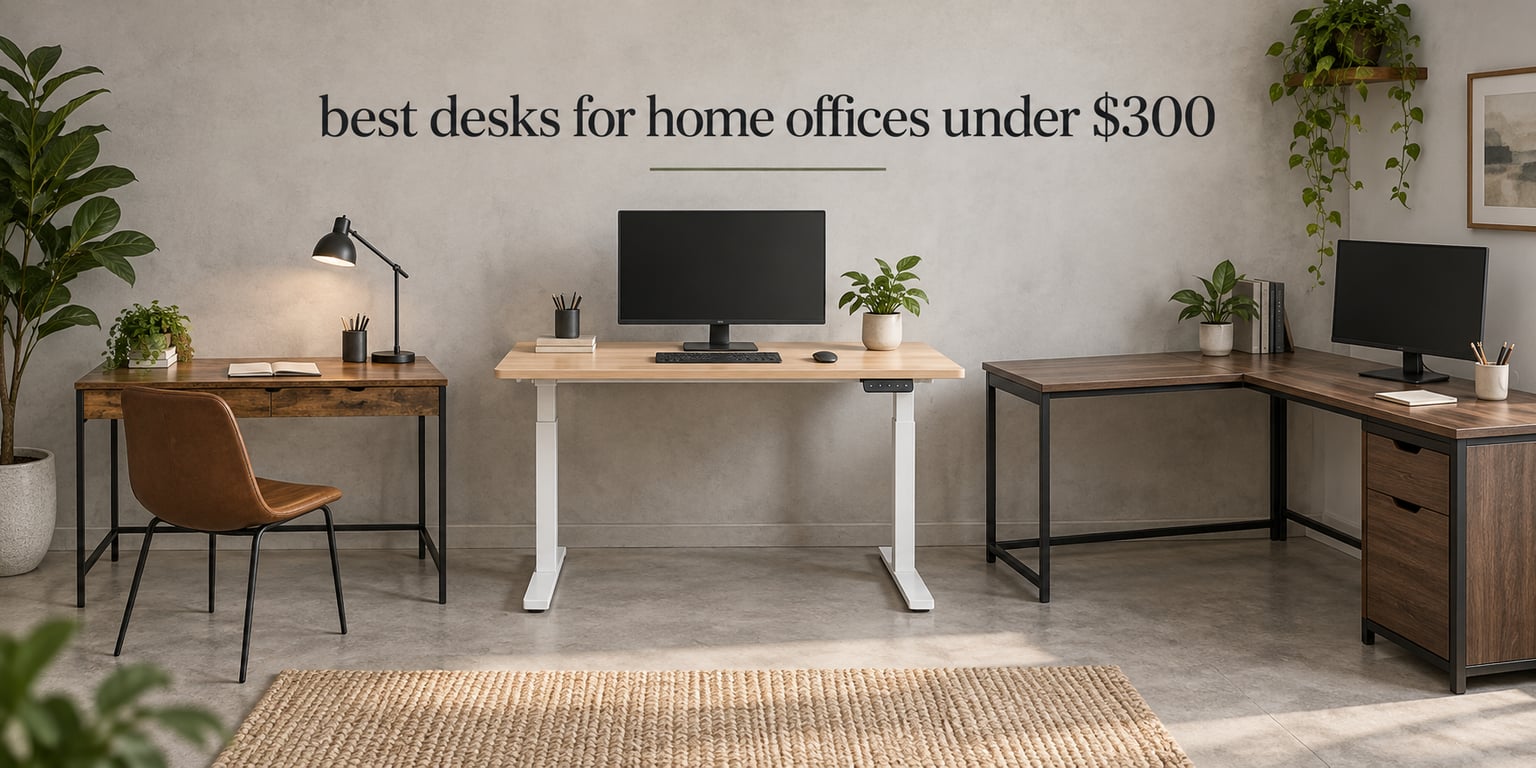
Three hundred dollars buys a genuinely usable home office desk, and the gap between the cheap end and the good end of this band is narrower than most roundups pretend. The best desks for home offices under 300 dollars fall into four families: a fixed-height steel-and-engineered-wood basic, an electric sit-stand frame, an L-shaped corner desk with built-in storage, and a compact writing desk with fabric drawers.
What this budget does not buy is a one-piece solid surface, a dual-motor frame, or a 72-inch top. What it does buy is a powder-coated steel frame, a load rating between 50 and 225 pounds, and in most cases a warranty you would rarely see at twice the price. Every drawback below comes from the pattern in owner reviews rather than from a spec sheet, and prices in this category move constantly, so check the current figure before you buy.
Two things to do first. Tape the desk footprint onto the floor with painter’s tape before committing, because a 63-inch corner desk that feels generous in a showroom feels enormous in a 6-foot room. And if you already own a decent desk and simply want to change position during the day, our standing desk guide covers the sit-stand question in more depth than this price band allows.
Table of Contents
Top 3 Picks for Desks for Home Offices Under $300 in October
The short version: the SHW Mission is the most-proven desk in the group, the ErGear gives you a real electric sit-stand frame at a price most buyers assume is out of reach, and the Cubiker covers dual-monitor setups with room left over.

SHW Mission 32 Inch Desk
- Fixed 28 inch height
- Powder-coated steel frame
- 5-year limited warranty

ErGear 48×24 Electric Standing Desk
- 28.35 to 46.46 inch lift
- 176 lb capacity
- 4 memory presets

Cubiker 55×24 Electric Standing Desk
- 55 inch wide top
- 28.3 to 46.5 inch lift
- 176 lb capacity
10 Best Desks for Home Offices Under $300 at a Glance
Every desk below sits at or below the ceiling. The load rating matters more than the width for most people, because it tells you whether a monitor arm, a laptop and a printer are realistic together.
| Product | Specifications | Action |
|---|---|---|
| SHW Mission 32 Inch Home Office Desk |
|
Check Latest Price |
| ErGear 48×24 Electric Standing Desk |
|
Check Latest Price |
| Cubiker 55×24 Electric Standing Desk |
|
Check Latest Price |
 SEDETA 66 Inch Reversible L-Shaped Desk SEDETA 66 Inch Reversible L-Shaped Desk |
|
Check Latest Price |
 Bestier 42 Inch L-Shaped Computer Desk Bestier 42 Inch L-Shaped Computer Desk |
|
Check Latest Price |
 EnHomee 56.5 Inch Desk with Drawers EnHomee 56.5 Inch Desk with Drawers |
|
Check Latest Price |
 HUANUO 48×24 Electric Standing Desk HUANUO 48×24 Electric Standing Desk |
|
Check Latest Price |
 VIVO 63×55 Corner Standing Desk VIVO 63×55 Corner Standing Desk |
|
Check Latest Price |
 VIVO 60×30 Electric Standing Desk VIVO 60×30 Electric Standing Desk |
|
Check Latest Price |
 Lufeiya 47 Inch Desk with File Drawers Lufeiya 47 Inch Desk with File Drawers |
|
Check Latest Price |
1. SHW Mission 32 Inch Desk – Best Overall for Most Home Offices
SHW Mission 32-Inch Home Office Computer Desk, Black
32 x 16 inch top
Fixed 28 inch height
Steel frame
13.2 lb weight
Pros
- Most-reviewed desk here at over 30000 ratings
- Assembles in 15-20 minutes
- Powder-coated steel frame does not flex
- Five-year limited warranty
Cons
- Fixed 28 inch height
- No height adjustment at all
- Wide trim limits some C-clamp monitor mounts
This is the desk I recommend to anyone who has not already decided they want to stand. The Mission line has been built in multiple widths for years, and this 32-inch version is the one most people end up with. Owners describe it as unexciting in exactly the way a daily work surface should be.
The frame is powder-coated steel with bolted joints and a 1.9 centimeter engineered wood top, weighing 13.2 pounds. It assembles in 15 to 20 minutes with the included Allen wrench, and one person can move it between rooms.
More than 30,000 ratings at 4.6 with a 78 percent five-star share is a far stronger signal than a 4.8 from a few hundred reviews, because it means the design has survived years of use rather than a launch window.
What you give up is height adjustment. The top sits at 28 inches and stays there, which works seated and gets uncomfortable for anyone around five foot five or taller. The load recommendation is 65 pounds, enough for a monitor, a laptop and peripherals but not much more.

When the 32-inch width is enough
At 16 inches deep it fits one monitor, a keyboard and a mouse with room to spare. Video-call users like the low profile, since a laptop and a second screen sit side by side without craning.
Pick this if your setup is one screen and your chair is a standard task chair. The five-year limited warranty is the longest stated among the fixed-height desks in this roundup.
When you should buy something else
The wide desk trim limits how well some C-clamp monitor mounts grip the edge, and a small number of owners report stripped screw holes during assembly. Tighten by hand rather than with a drill.
If you want to stand, skip this. The ErGear and Cubiker electric desks are the same idea with a lift column added, and they cost less than most buyers expect.
2. ErGear 48×24 Electric Standing Desk – Best Value
ErGear 48 X 24 Inch Height Adjustable Electric Standing Desk, Black
Electric single motor
28.35 to 46.46 inch lift
176 lb capacity
43.8 lb weight
Pros
- Genuine electric sit-stand at this budget
- Quiet motor with 4 memory presets
- Stable alloy steel columns at full height
- Rated for 100000 lift cycles
Cons
- Spliced top leaves a seam
- Two people needed for assembly
- Tight clearance for some clamp mounts
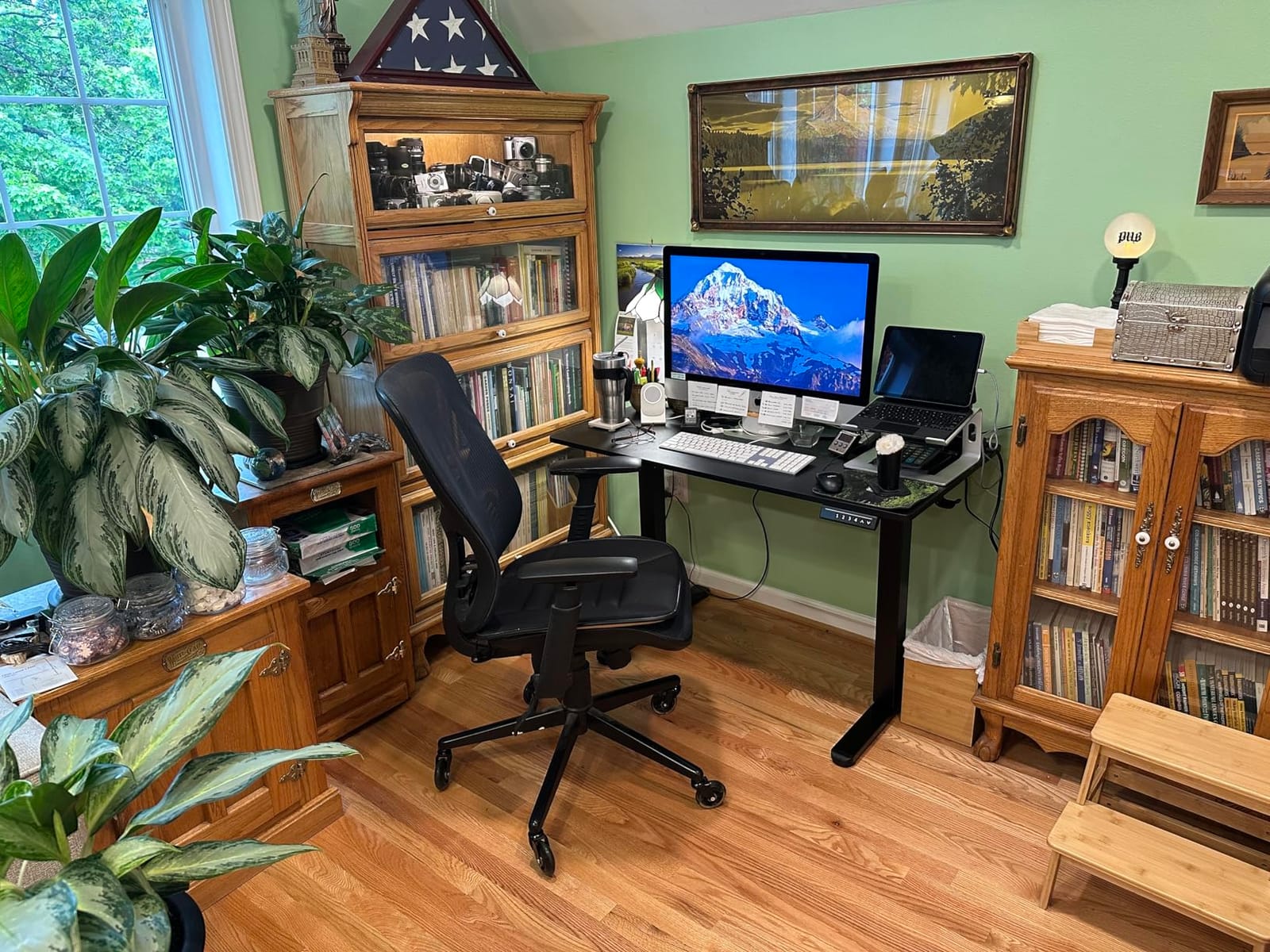
This is the desk that makes the category make sense. For a price most buyers associate with a wobbly frame and a controller that gives up after a year, the ErGear ships an alloy steel frame, aerospace-grade lifting columns and a motor tested through 100,000 lift cycles. Owners describe the motion as smooth and the columns as stable at full extension.
The lift range runs 28.35 to 46.46 inches, covering a seated position and a proper standing one. Four memory presets recall your two positions with a tap instead of holding the button and watching the desk creep upward.
At 48 by 24 inches it is a two-monitor desk, but a snug one. Depth is the limiting dimension rather than width, and that is why the Cubiker follows it here.
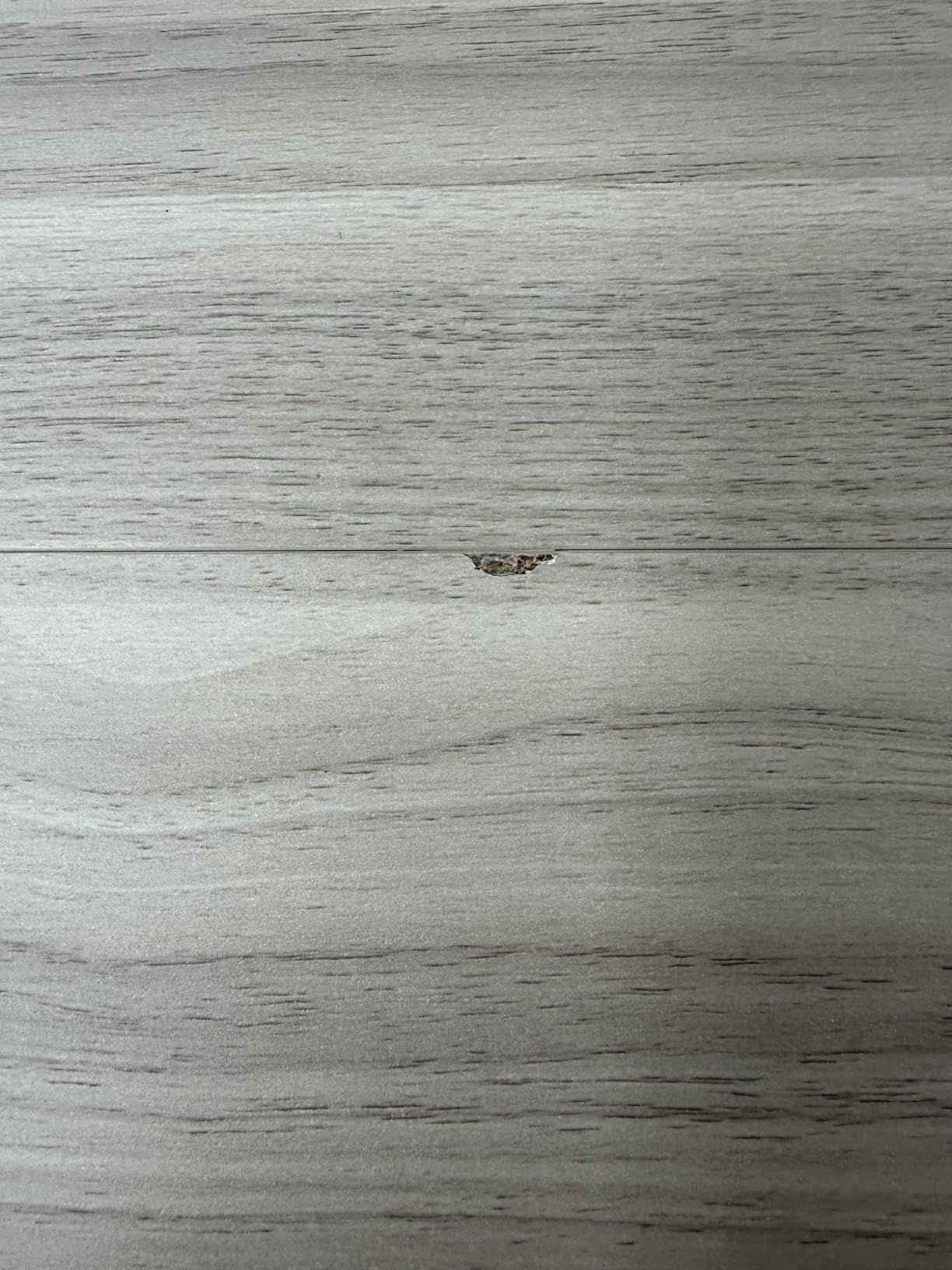
Two specifications deserve scepticism. Two people are genuinely recommended, and the top is a spliced engineered-wood surface, so you have a seam between two panels rather than a single slab. That seam is cosmetic unless a heavy monitor arm crosses it.
For a mixed sitting and standing schedule
The 176-pound rating leaves headroom for a dual-monitor arm, a laptop and a docking station, which is more than the fixed desks here can promise. It is also the pick for anyone told a cheap standing desk is a waste of money.
With 11,947 reviews at 4.5 stars, that is a large sample of owners disagreeing with the sceptics. If your fear is wobble at standing height, this is the desk to test it against.
For anyone building a tight budget around it
Plan for two people and roughly an hour, because the stated time is optimistic. Assembly is quick once the second person is there and frustrating alone.
Weigh the 24-inch depth seriously if you use a large monitor arm, since the frame sits close to the rear edge. Our desk organizer roundup covers the cable and clutter side of a setup like this.
3. Cubiker 55 Inch Electric Standing Desk – Best for Dual Monitors
Cubiker Standing Desk, 55×24 Inches Sit Stand Home Office Desk, Electric Stand up Desk, Adjustable Desk with Splice Board, White Frame/Maple Top
55 x 24 inch top
28.3 to 46.5 inch lift
176 lb capacity
Under 45 dB motor
Pros
- Widest electric top in this roundup
- Quiet motor under 45 dB
- Three programmable presets
- Rounded edges for long sessions
Cons
- Visible seam in the splice-board top
- Feet must be leveled carefully
- Some shipments arrive with missing hardware
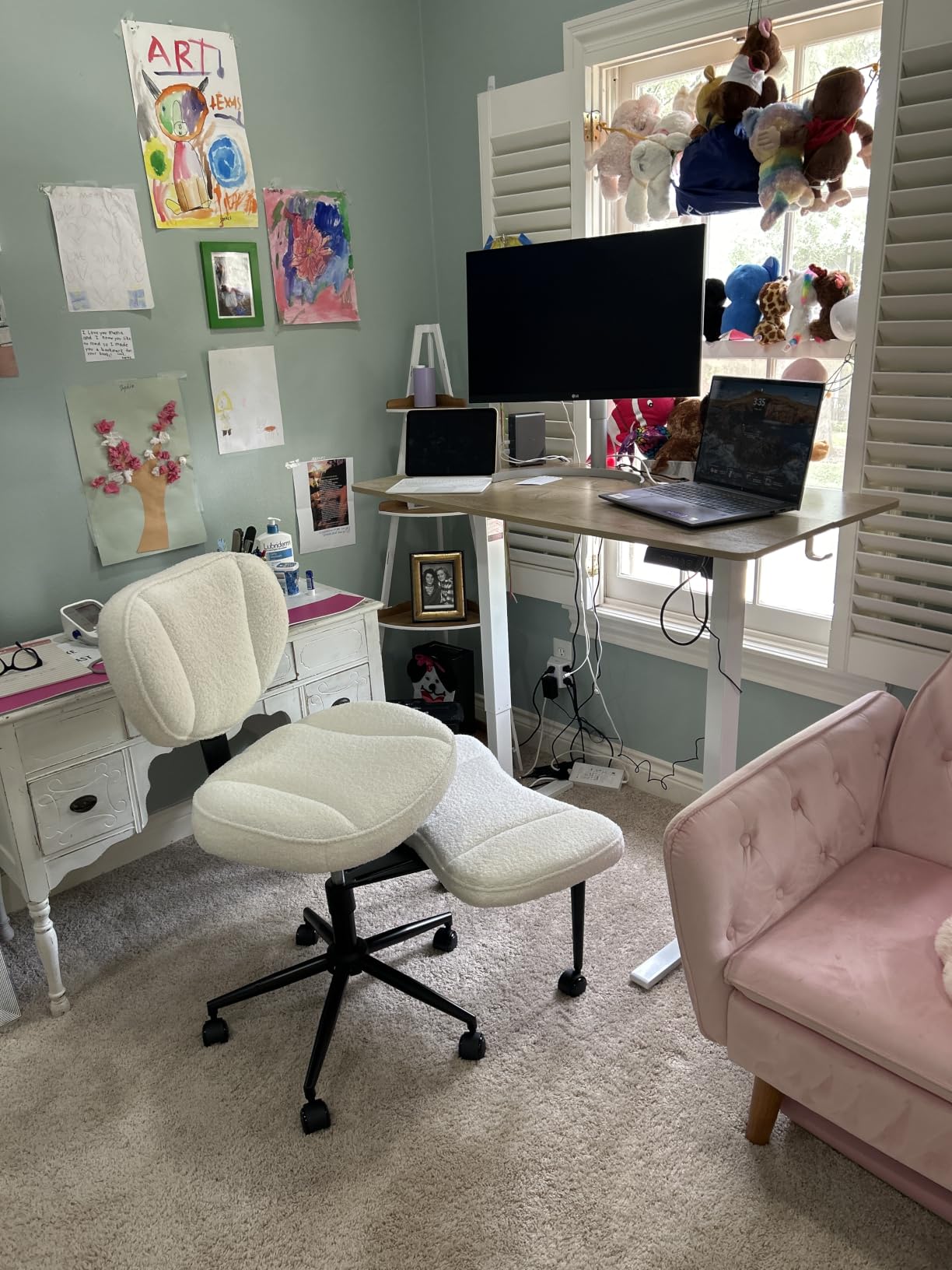
If two monitors is your reality, width is the whole argument. At 55 inches wide and 24 deep, the Cubiker holds a pair of 24-inch screens side by side with room for a laptop at one end and a keyboard in front of both, without the crowding of a 48-inch top.
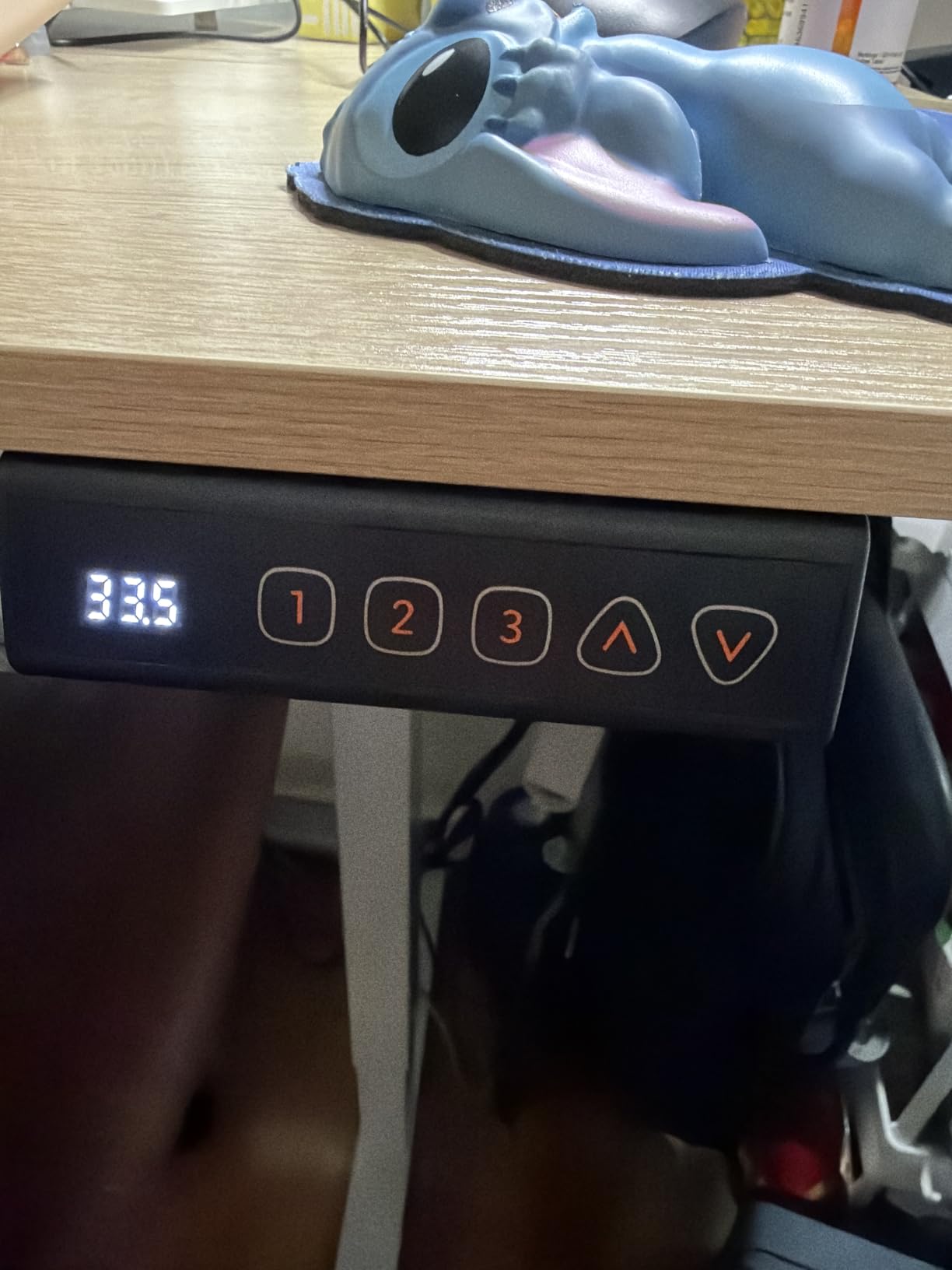
It is otherwise a well-behaved frame: industrial-grade steel rated to 176 pounds, a 28.3 to 46.5 inch lift range and three memory presets. The motor is specified under 45 decibels, which in practice means it will not drown out a call you take while adjusting height.
Owners rate it 4.6 across roughly 4,400 reviews and repeatedly cite the value, the smooth motor and the generous surface. The rounded front edges earn quiet praise too, since leaning on them over a full day is what laminated tops in this band usually punish you for.
The recurring negatives are worth reading first. The two-piece splice-board top can show a seam, the feet need precise leveling or adjustment feels uneven, and a small number of buyers received shipments with missing hardware that meant a return rather than a parts dispatch.
For a dual-monitor productivity setup
This suits a programmer with a laptop and a second screen, an analyst with two displays, or anyone who has complained that 48 inches is not enough. The extra 7 inches over the ErGear is the difference between fitting a setup and rearranging one.
It also suits anyone who leans on the desk. Rounded front edges make that comfortable in a way the flat tops here do not.
For anyone who needs one continuous surface
Do not buy this if the visible seam would bother you, or if you plan to bolt something heavy across the joint. The frame also sits close to the desk edge, so clamp-style mounts have limited room.
Check every screw in the box before you start. A missing part in a desk this size means a return cycle, and that complaint is the one on this list you can avoid entirely by spending ten minutes unpacking.
4. SEDETA 66 Inch L-Shaped Desk – Best for Built-In Storage
SEDETA 66″ Reversible L Shaped Computer Desk with Power Outlet, File Drawer
66 x 48 inch L-shape
300 lb capacity
4 outlets and 2 USB
80.3 lb weight
Pros
- Deepest storage package at this budget
- Integrated charging hub
- RGB light strip with 29 modes
- Numbered parts and pre-drilled holes
Cons
- Fixed 34.6 inch height
- Heaviest desk here at 80.3 lb
- LED strip adds wiring and setup
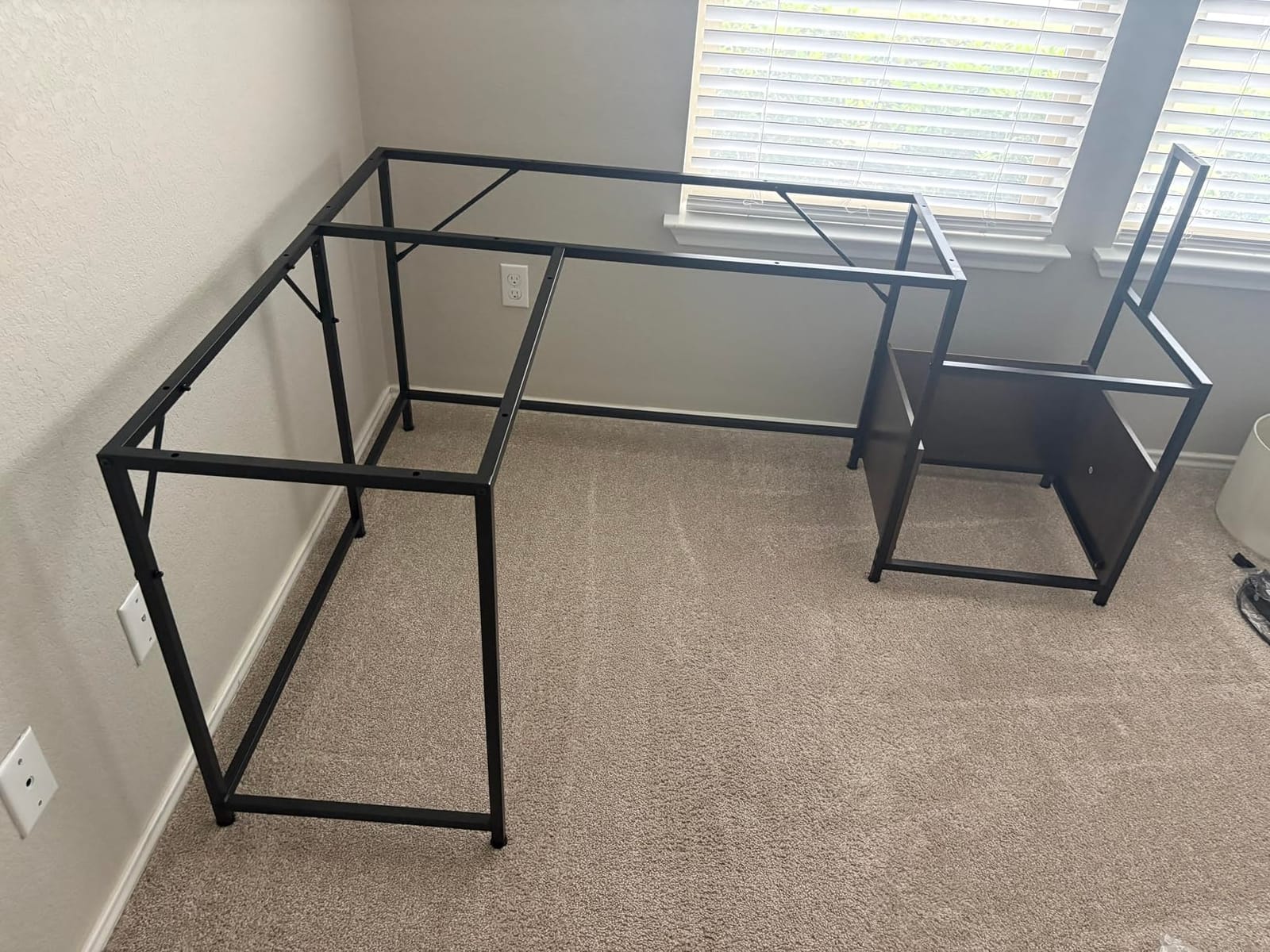
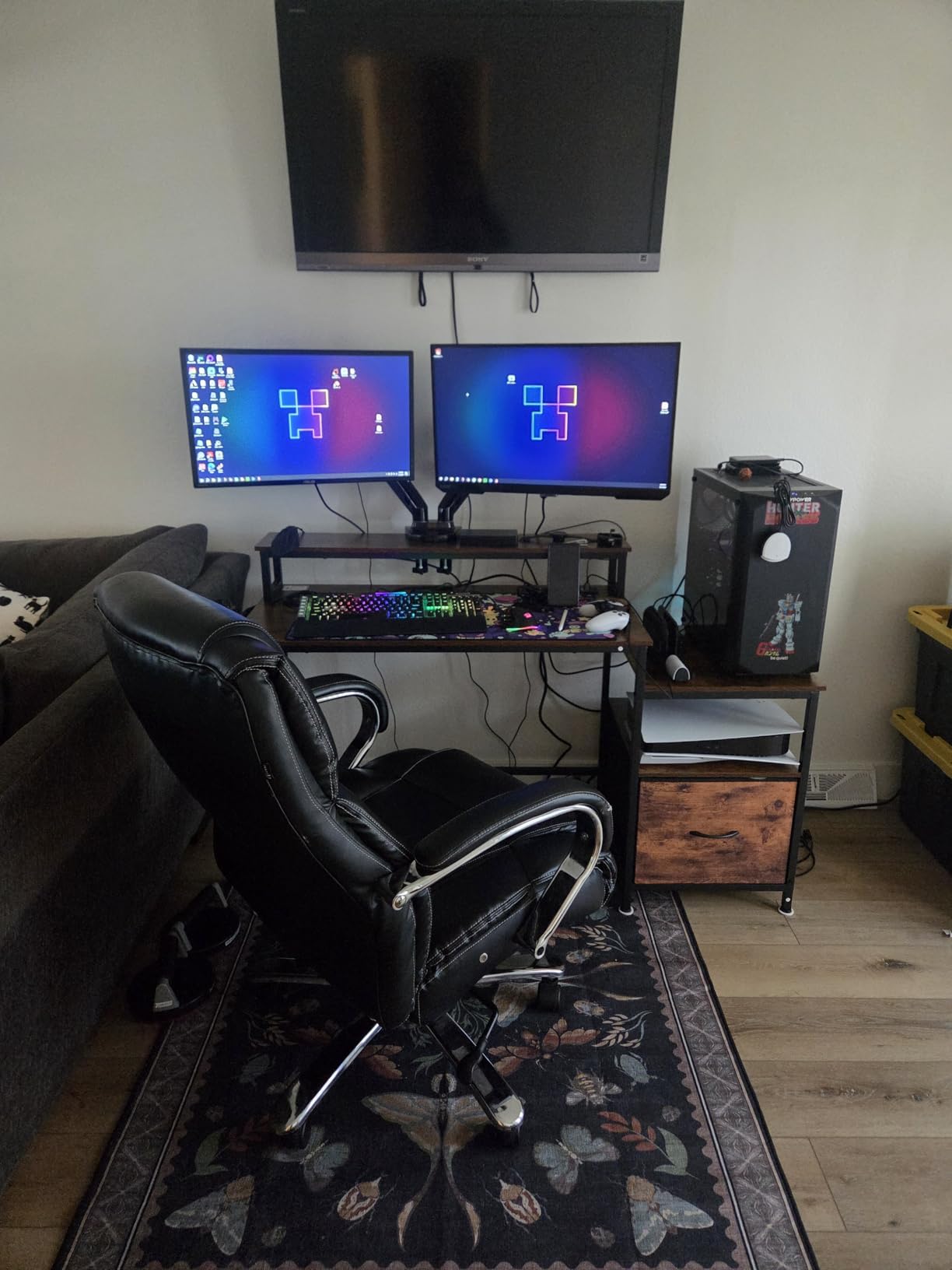
The SEDETA is the widest surface in the roundup at 66.9 inches across the L, and the only desk here that turns a corner into a full workstation. The top is 1-inch MDF on a heavy-duty metal frame rated to 300 pounds, the highest load figure in the group.
The storage is the actual headline. You get a file drawer for letter, A4 and legal paper, a printer cabinet, a CPU stand, two open shelves and a monitor shelf. Most desks at three times this price bundle less.
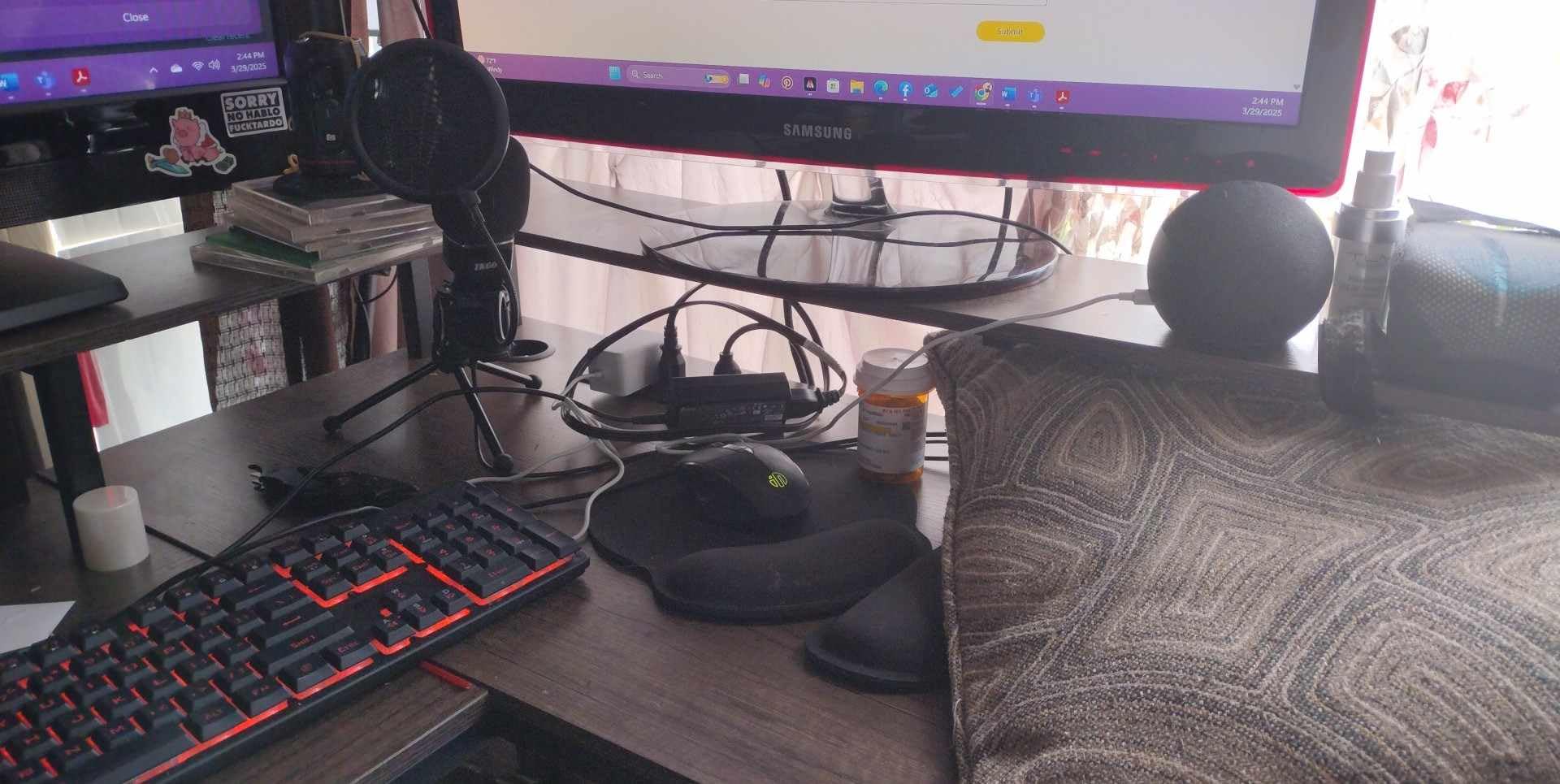
A built-in charging station with four AC outlets and two USB ports means the power strip you would otherwise hide under the floor is now part of the furniture. An RGB strip with more than 60,000 colours and 29 modes sits alongside it and syncs to audio through an app or remote.
Owners rate it 4.5 from just over 4,000 reviews, and the reasons they give match the feature list exactly: deep storage, integrated power and a frame that does not move when you type.
For someone who works with paper and hardware
If you print regularly, run a desktop tower or still file physical documents, this is the pick. The printer shelf alone justifies the footprint for many people, because it removes a separate rolling cart from the corner.
Assembly is the easy case here. Numbered parts and aligned pre-drilled holes mean most people finish in 30 to 40 minutes with a screwdriver, faster than the electric frames despite the larger build.
For anyone who plans to move or stand
At 80.3 pounds this is the heaviest desk here by a wide margin, and it is not a two-person carry once assembled. The 34.6-inch height is fixed, so it offers nothing if you want to alternate positions.
The LED strip and its app control also add wiring and configuration that some owners find more involved than the build itself. Decide whether you want that feature, because it is part of the package rather than an add-on.
5. Bestier 42 Inch L-Shaped Desk – Best for Bedroom Corners
Bestier 42-Inch L-Shaped Computer Desk with Charging & LED, Black
41.9 x 32.3 inch footprint
Fixed 35.9 inch height
32.6 lb weight
4 shelves
Pros
- Smallest corner footprint here
- Reversible side shelves
- Built-in 2-outlet USB and Type-C strip
- Under-shelf LED lighting
Cons
- Fixed height with no sit-stand
- Two adults needed for assembly
- Particle board top is decorative not solid wood
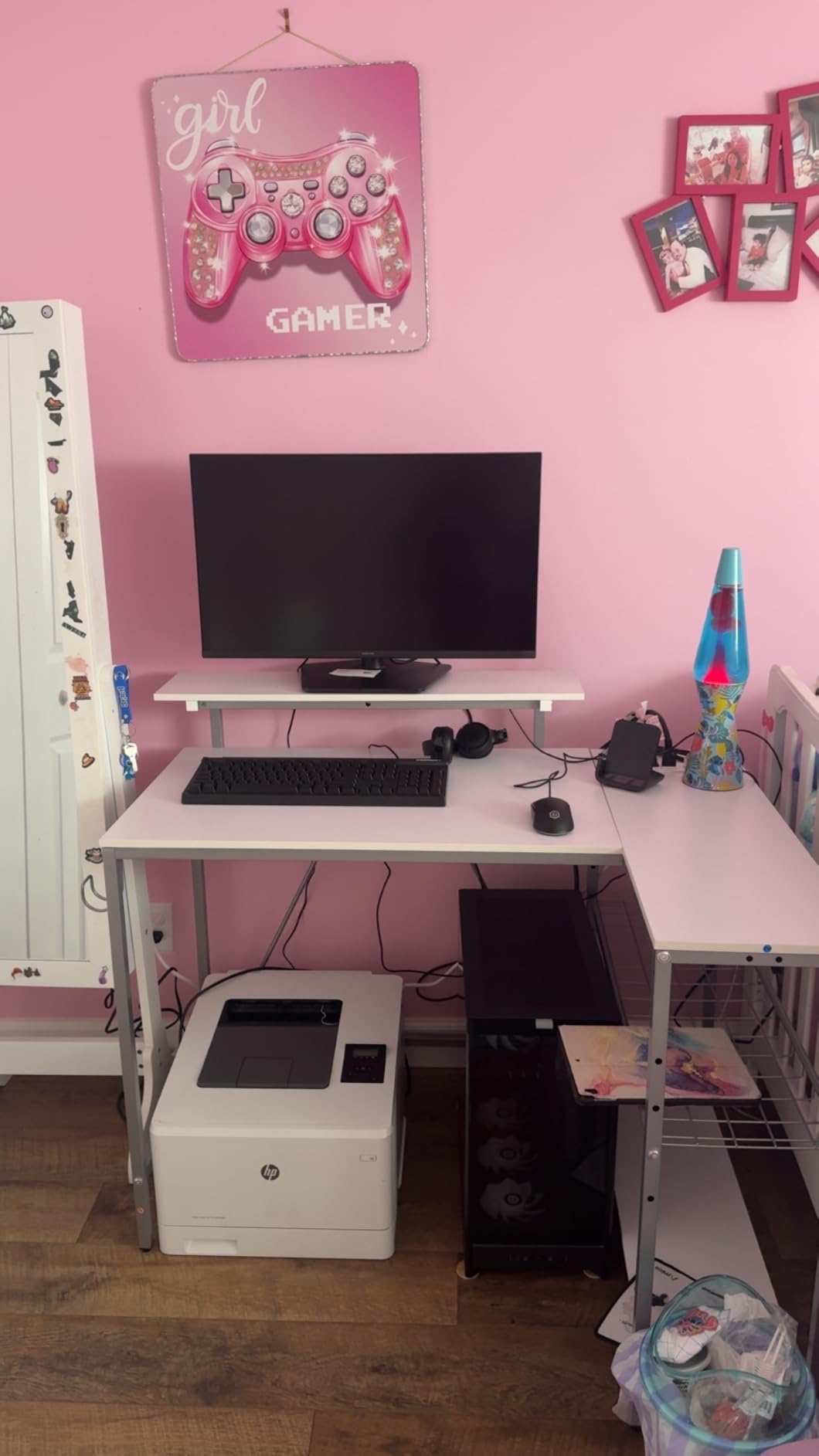
Where the SEDETA occupies a corner, the Bestier fits into one. At 41.9 inches wide and 32.3 deep it is a genuine L-shaped corner desk for a bedroom, a childrens room or an apartment where a 66-inch unit would never have fit.
The design detail that earns its place is reversibility. The side shelves mount on either side, so you can orient them toward your wall, your outlet and your chair rather than working around the layout. The upper shelf doubles as a monitor riser, which matters on a desk with no height adjustment.
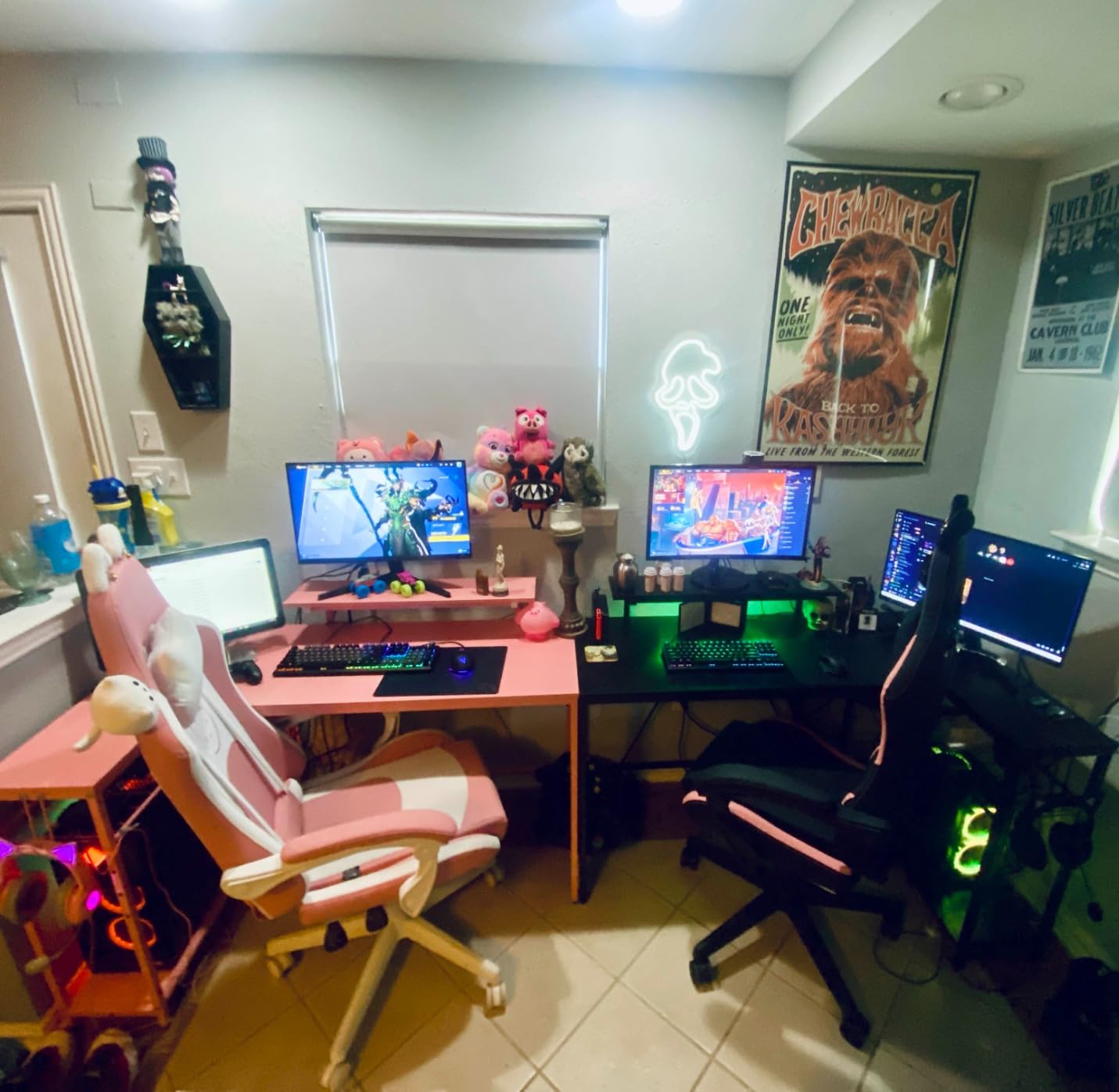
There is a built-in power strip with two AC outlets, one USB and one Type-C port, a light strip under the upper shelf and a hook for headphones or a backpack. Four shelves give everything somewhere to go.
At 4.6 stars from about 3,170 reviews it has the highest five-star share in the group at 81 percent, with owners consistently citing the small-space design and the reversible shelving as deciding factors.
For a shared room or a small apartment
This is the desk for a spare bedroom, a loft conversion or a living room corner where a full workstation would dominate. The open leg area also means you can slide a chair in comfortably despite the compact footprint, which is not a given at this width.
It is also a sensible first desk for a student or a new remote worker, carrying the storage and charging features that usually push a desk past the budget.
For anyone expecting solid material or height control
The top is 0.75-inch particle board with a carbon-fibre look, decorative rather than solid. Do not plan to rest a heavy monitor arm on it, and expect a fixed 35.91-inch working height.
Two adults are recommended for assembly. If you are furnishing a room alone, factor that in or consider a smaller fixed desk such as the Lufeiya further down.
6. EnHomee 56.5 Inch Desk – Best for Printer Setups
EnHomee 56.5″ Office Desk with Drawers & Printer Space for Home Work,Brown
56.5 x 19.6 inch top
40 inch monitor riser
Fixed 35.6 inch height
40 lb weight
Pros
- Highest average rating in this group
- 40 inch riser holds two monitors
- Fabric file drawer takes full folders
- 3 AC outlets and 2 USB built in
Cons
- LED strip sold separately
- Over-tightened screws can bubble the top
- Fixed height with no sit-stand
The EnHomee scores 4.7 across roughly 1,000 reviews, the highest average in this roundup, and the reason is unusually concrete: it is built around a printer. The side pocket is sized to hold a printer with its paper tray extended, a decision you rarely see even in much costlier desks.
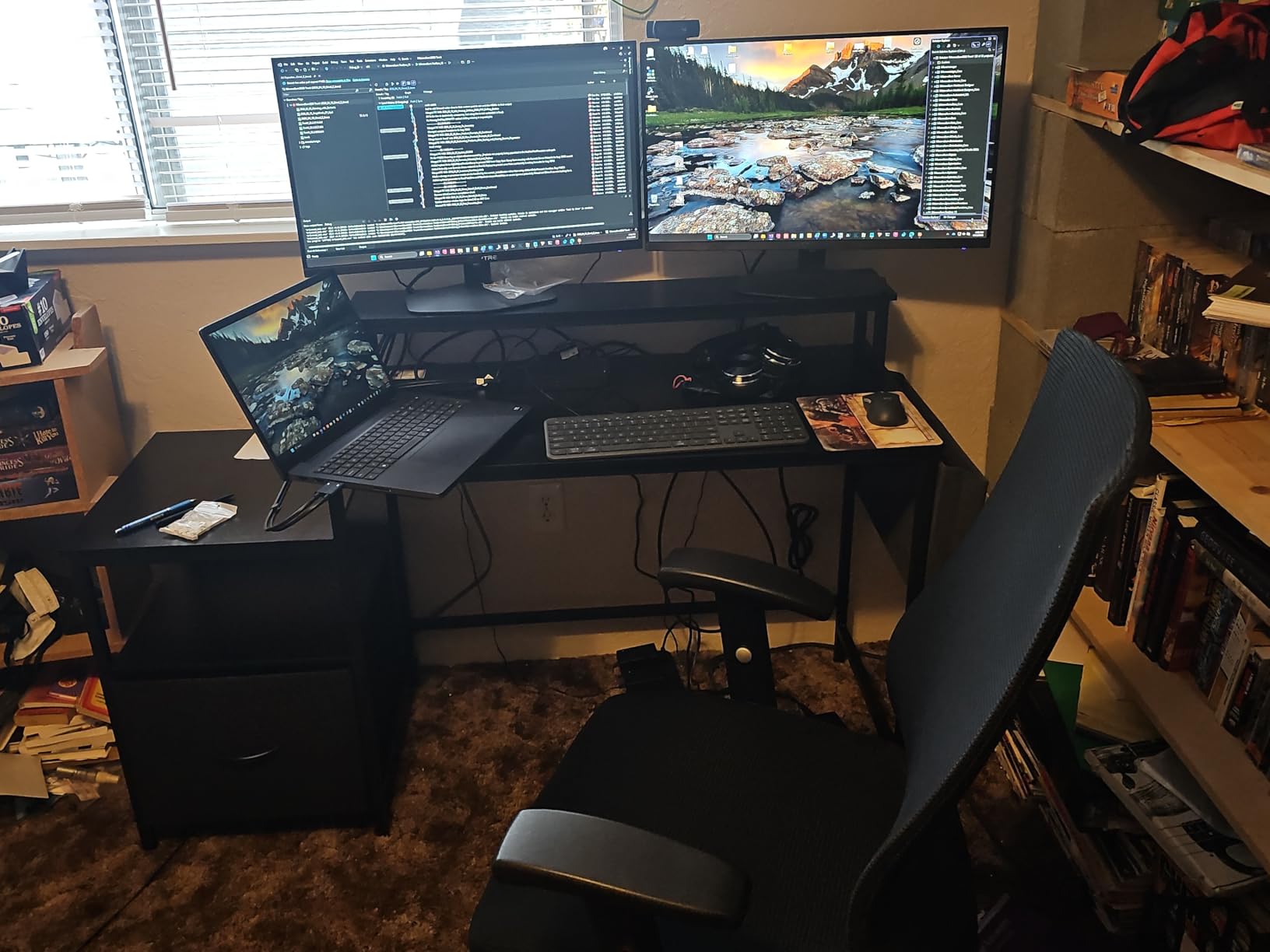
The other half of the pitch is the 40 by 7 inch monitor riser, long enough for two displays and lifting them to a better eye level than sitting them on the surface. That matters more than it sounds, because a fixed-height desk gives you no other way to fix screen position.
Charging is handled by a built-in station with three AC outlets and two USB ports. Storage comes from a large fabric file drawer, side pockets and a shelf, all on a metal frame with anti-slip leg pads. Instructions are illustrated in five languages, which saves real time.
With 1,027 reviews this is the smallest sample in the group, so treat the 4.7 as encouraging rather than settled. The features themselves are verifiable in the specification, which is the part that matters.
For a home office that still prints
If you handle paperwork, invoices or school assignments, the printer space alone removes a rolling cart and a stretch of floor. Owners confirm a printer fits with the tray out, which is the dimension that normally fails.
The riser and charging hub also suit a fixed two-screen setup where you have no intention of changing height. It is the top-rated desk here on owner satisfaction.
For anyone who will over-tighten the screws
Owners report that over-tightened screws push through the wood and bubble the desktop. Tighten by feel, not by torque, and it is a non-issue.
Two other notes. The LED strip is not included and must be bought separately, so the listing photos showing lighting are not what arrives in the box. A small number of units also arrive with chipped corners from shipping, so inspect on arrival.
7. HUANUO 48×24 Standing Desk With Drawers – Best for Monitor Arms
HUANUO 48″ x 24″ Electric Standing Desk with 2 Drawers, C-Clamp Mount Compatible, Height Adjustable Computer Desk, Home Office Stand Up Desk with 4 Preset Heights & 2 Hooks, Black
48 x 24 inch top
27.5 to 46.4 inch lift
176 lb capacity
2 drawers
Pros
- Only sit-stand desk here with two drawers
- 2.36 inch rear edge fits a C-clamp mount
- Four one-touch presets
- Lowest lift height in the group
Cons
- Two people needed for assembly
- Weight not disclosed by the manufacturer
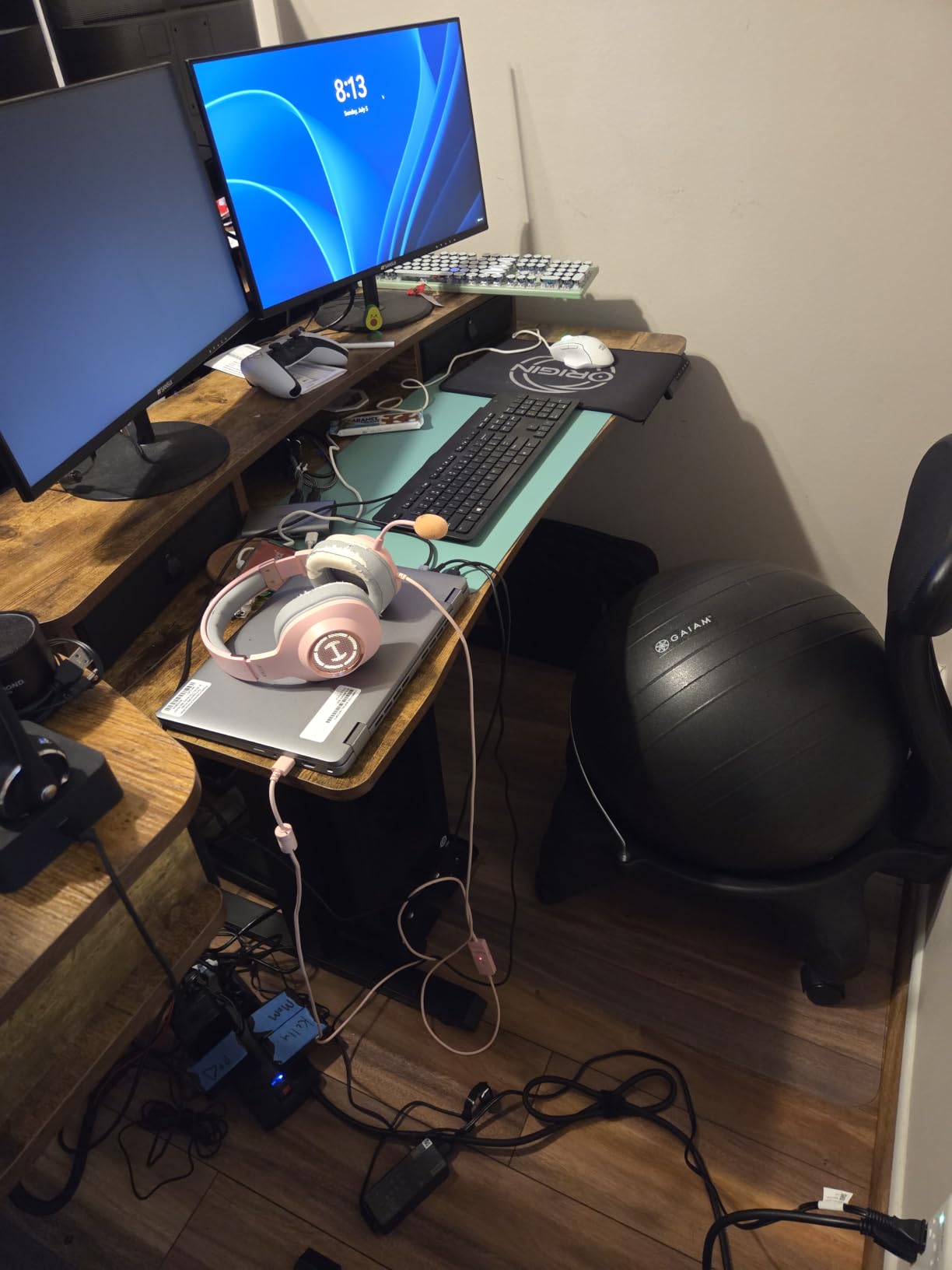
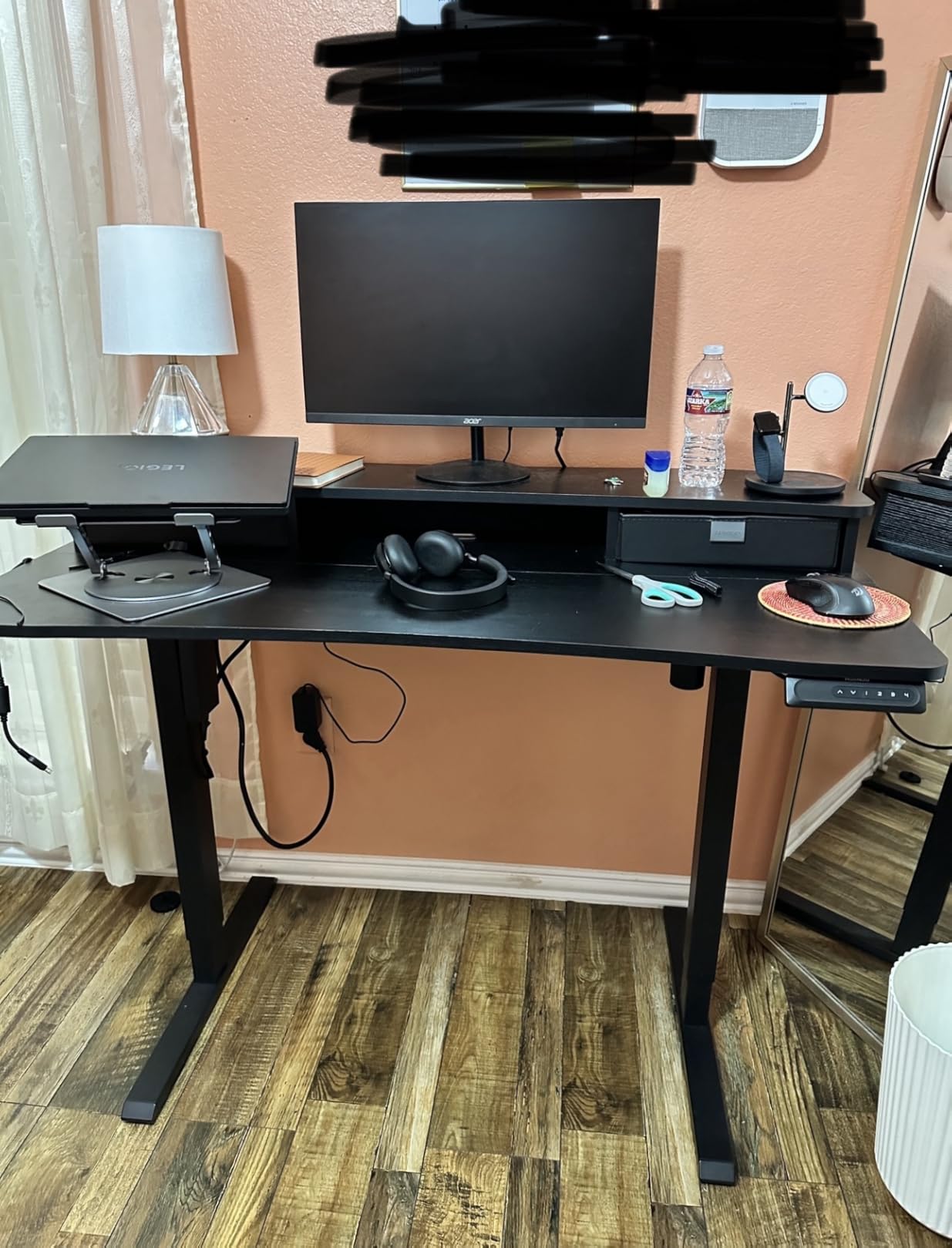
Most budget sit-stand desks solve storage with a keyboard tray, which you then cannot use because your knees are in the way. The HUANUO takes a different approach: two drawers mounted in the desktop itself, plus an open cubicle for keyboard and accessories.
Its other trick is the extended 2.36-inch rear platform edge, a real C-clamp mounting surface. If you have been holding a monitor arm back because a budget desktop gave your clamp nowhere to grip, this is the desk designed around that problem.
The frame is automotive-grade cold-rolled steel rated to 176 pounds, the lift range runs 27.5 to 46.4 inches, and four one-touch presets cover your sitting and standing positions. The 27.5-inch minimum is the lowest seated height of any adjustable desk here.
It holds 4.6 stars from about 1,250 reviews, and the drawers are the feature reviewers keep singling out, precisely because they are rare at this budget.
For a monitor-arm-first setup
Buy this if your plan includes a clamped dual-monitor arm, a laptop riser and drawers for stationery. The rear edge depth decides between a clamp that fits and one that does not, and it is published rather than assumed.
Curved ergonomic edges reduce snags when you move around the desk, and two side hooks hold headphones or a bag off the surface.
For anyone who needs a low seated height
The 27.5-inch lift floor is the lowest here, so shorter users get more knee room than on the ErGear or either VIVO. That alone can decide the purchase for someone around five foot six.
Two caveats. Two people are recommended for assembly, and the manufacturer does not publish the product weight, so plan the carry. The top is also fixed to the frame rather than designed for repeated disassembly, so build it where you intend to use it.
8. VIVO 63×55 Corner Standing Desk – Best for Maximum Surface Area
VIVO Black 63 x 55 in Corner Standing Desk, DESK-E3CTB
63 x 55.2 inch L-shape
28.5 to 46.8 inch lift
225 lb capacity
3-year warranty
Pros
- Largest standing work surface here
- Reversible 3-part top orients to your room
- 225 lb capacity
- Anti-collision stopping and memory presets
Cons
- Mild shake at maximum extension
- Three-section particle board top shows seams
- Assembly manual is confusing
This is the only corner desk in the roundup that also stands up, and that combination is genuinely rare below 300 dollars. Assembled, the outside surface measures 63 by 55.2 inches, and the three-part top is reversible so the L return faces either direction.
Capacity is 225 pounds, the highest load rating here, which is what lets owners run three monitors and two laptops on arm mounts without complaints. The 28.5 to 46.8 inch range comes from a single motor driving 2.4-inch wide T-shape legs, with presets and anti-collision stopping.
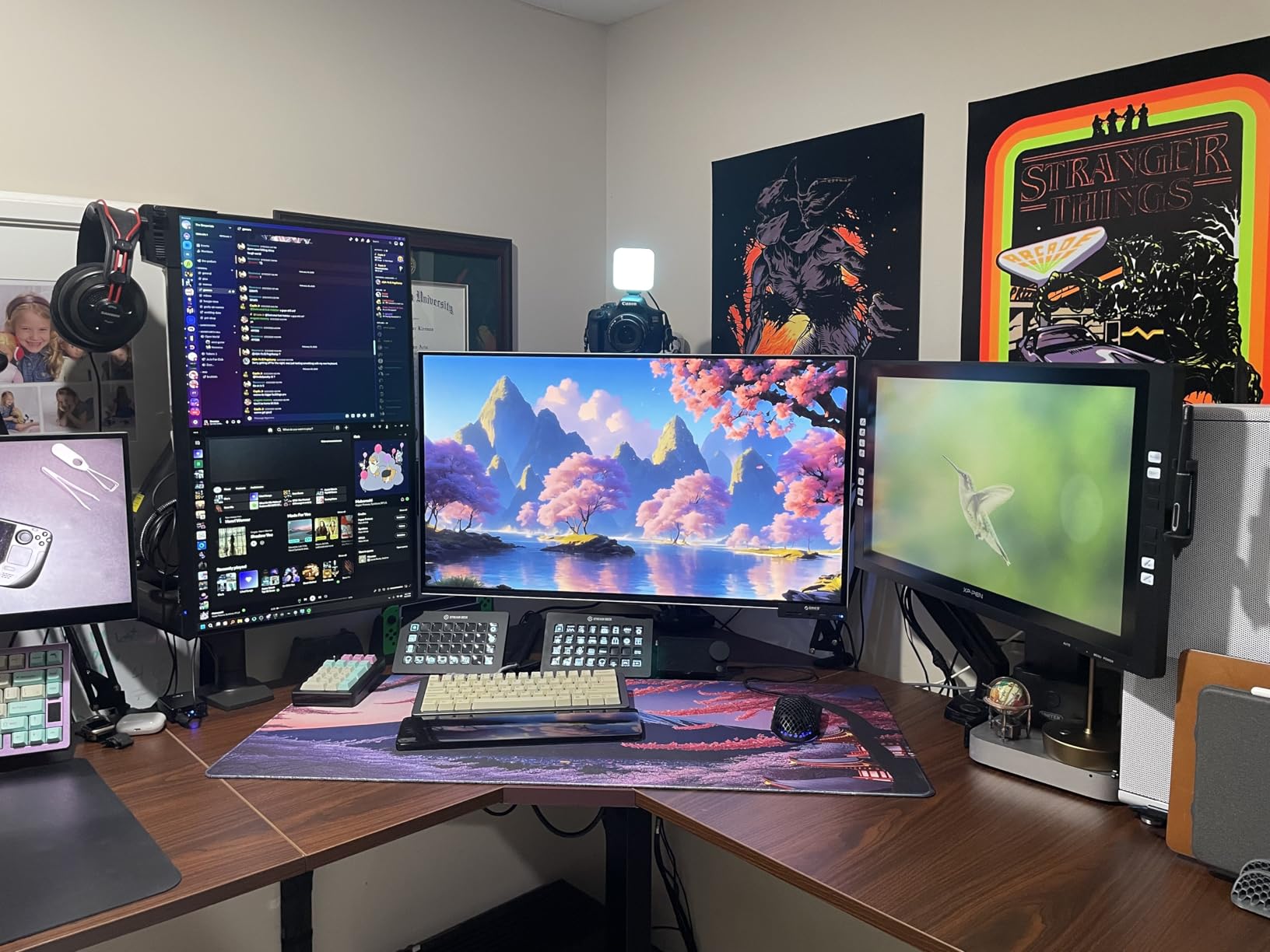
There is no bottom crossbar, so your legs stay free, and grommets and clips route cords under the surface. VIVO also carries a three-year warranty, and owners report support resolving a control-unit replacement under that cover.
At 4.6 stars from roughly 1,170 reviews with an 81 percent five-star share, feedback centres on surface area, capacity and quiet operation, and the complaints cluster on assembly and finish.
For a dedicated corner office
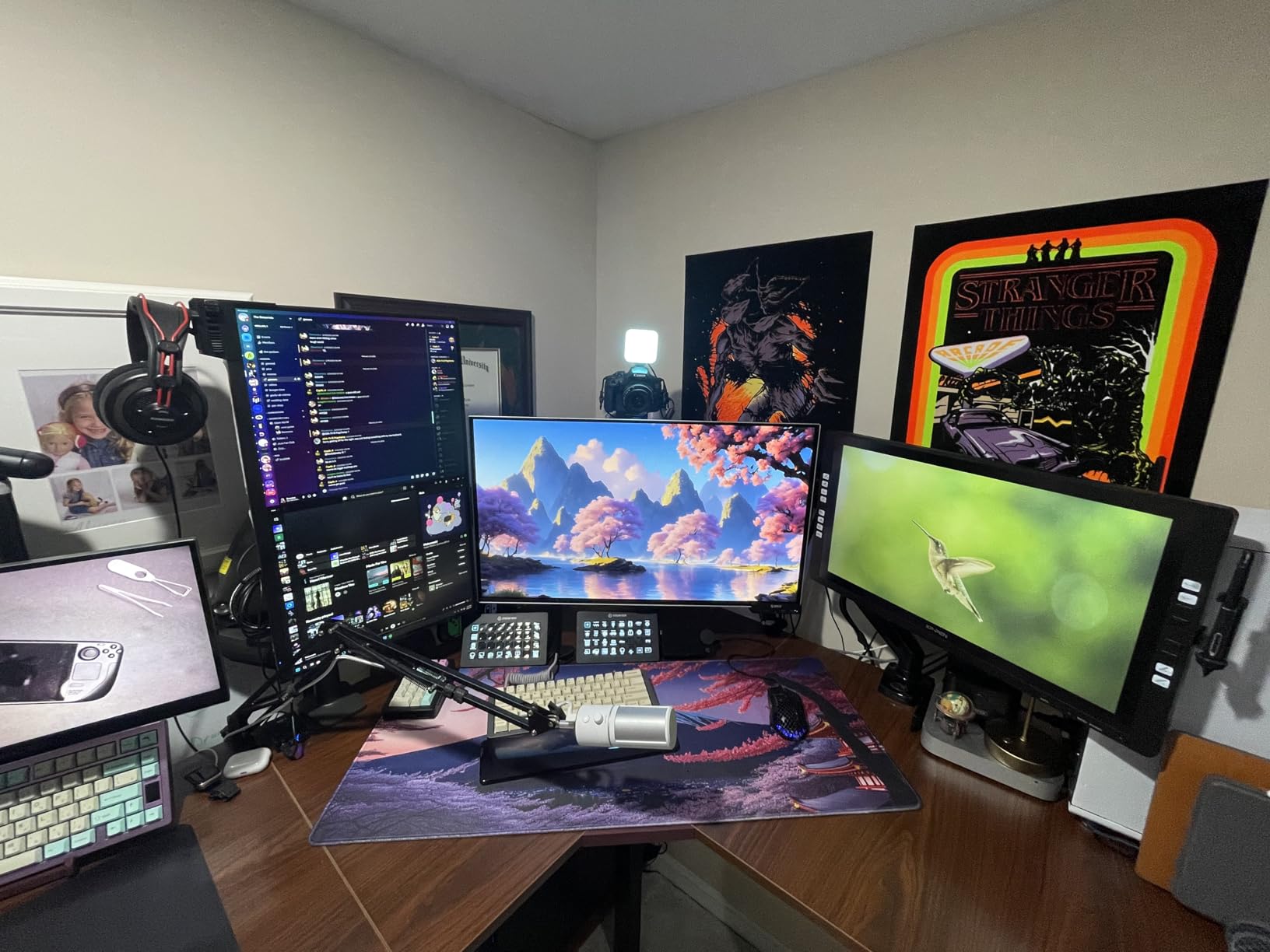
Choose this when you have a room rather than a nook. The main top plus the return gives a permanent work zone, and 225 pounds means a drawing tablet, an arm-mounted monitor pair and a desktop tower are all realistic at once.
Owners report it stays stable with three monitors and two laptops mounted, the test most large corner desks fail. Reversibility means it can be repositioned if you move.
For anyone who dreads flat-pack assembly
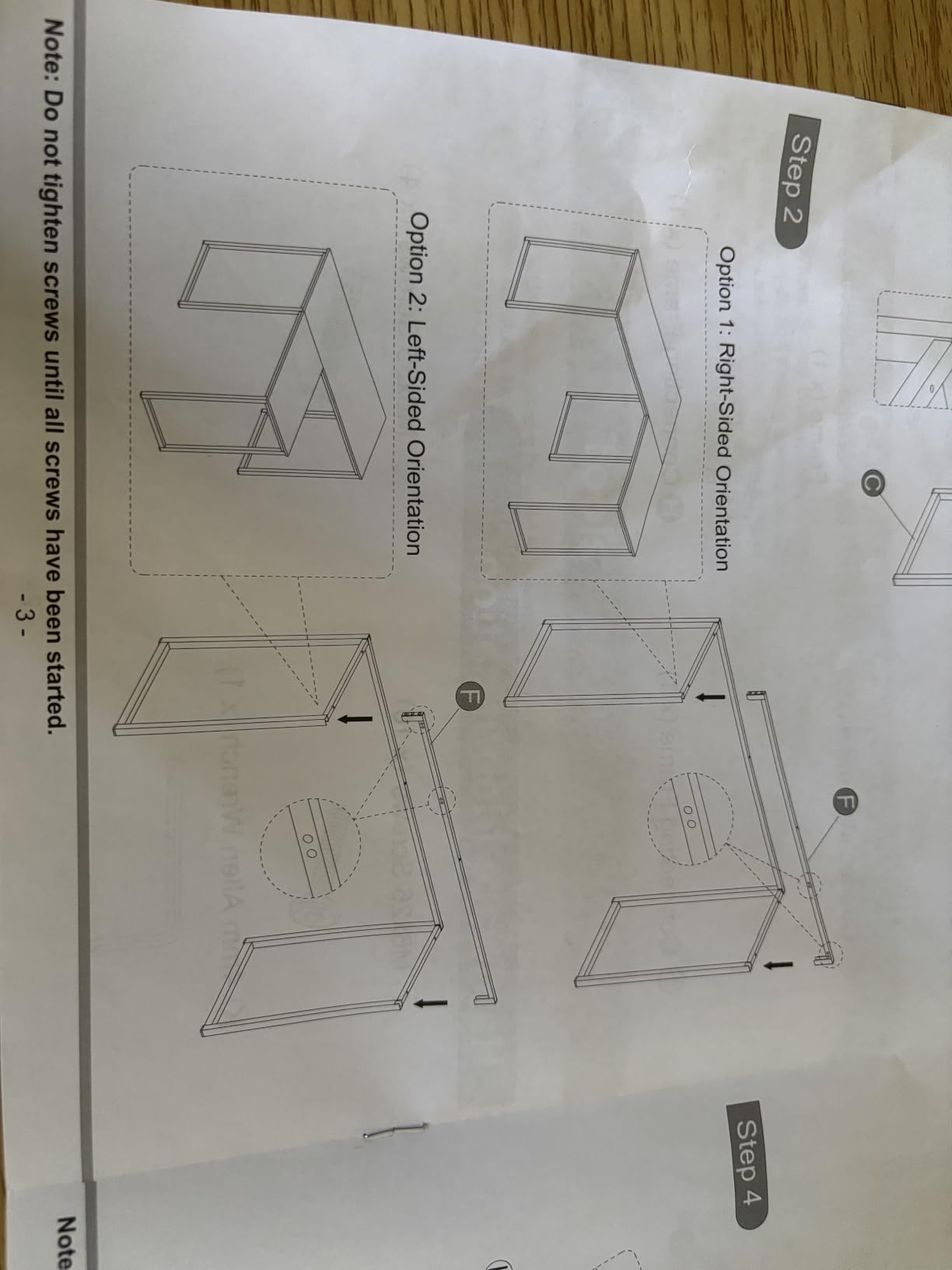
The manual is the most-criticised item in this roundup, with reviewers noting it switches perspective between steps. Work from the part labels rather than the drawings and allow extra time.
Expect mild shake near maximum extension, visible seams across the three particle board sections and adhesive cable tabs that do not hold reliably. The black laminate also shows fingerprints, and the top is fixed with wood screws, so it is not designed for repeated disassembly.
9. VIVO 60×30 Standing Desk – Best for a Thick Top
VIVO Black 60 x 30 in Standing Desk, DESK-KIT-1B6B-30
60 x 30 inch top
29.2 to 48.4 inch lift
220 lb capacity
3-year warranty
Pros
- Thick 1.1 inch top resists flex
- Deep 30 inch surface fits a printer
- 220 lb capacity
- Quiet motor with height display and 4 presets
Cons
- Lowest average rating here at 4.4
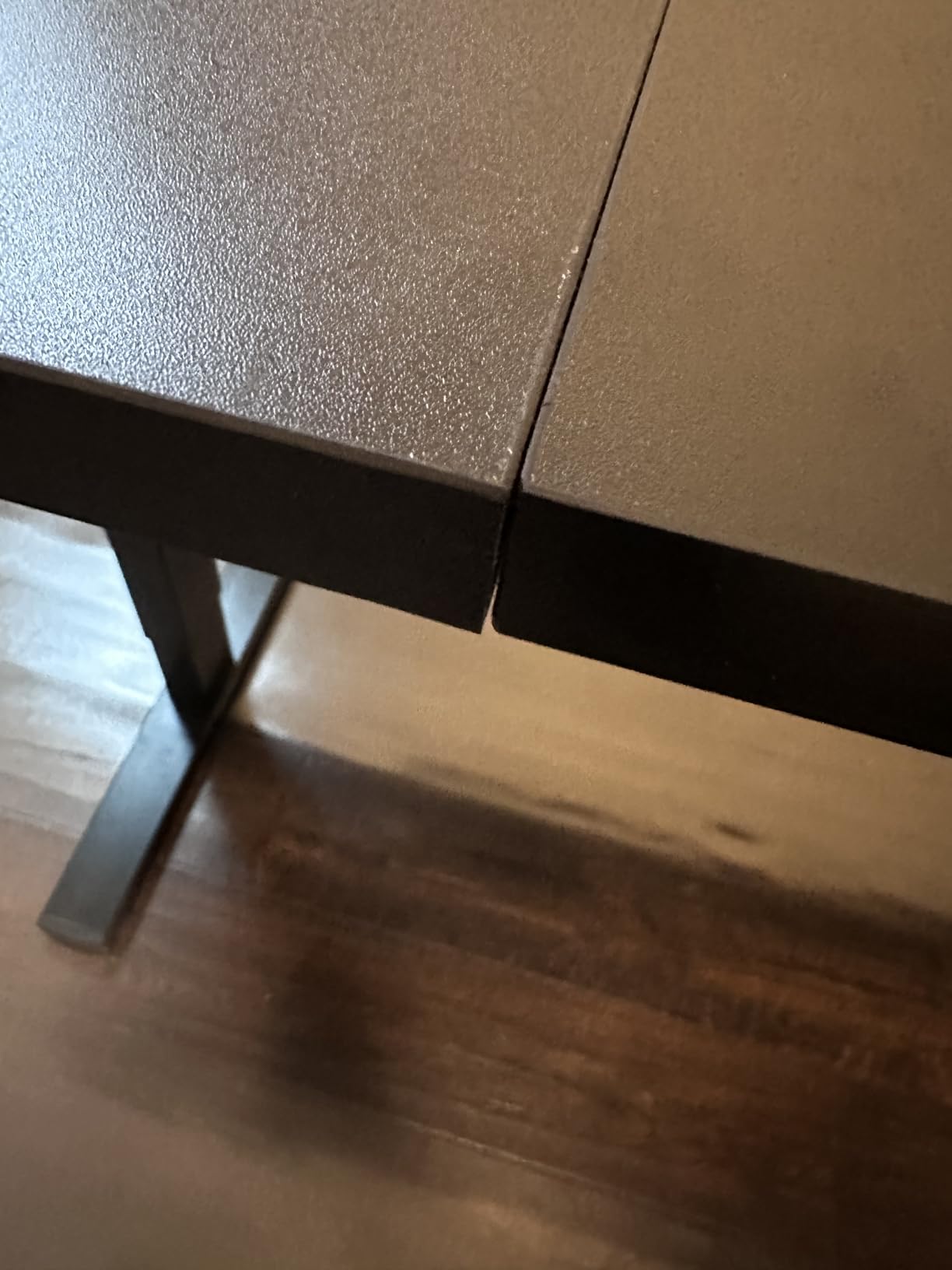
- Multi-section tops can leave uneven gaps
- Mild shake near maximum height
The distinguishing spec is the 1.1-inch top, the thickest desktop in the roundup by a clear margin. Owners specifically note it does not flex when you lean on it, which is the complaint that makes cheap desks feel cheap within a month of work.
Capacity is 220 pounds, effectively tied for the highest here, and the 30-inch depth fits two monitors and a printer on one surface. The 29.2 to 48.4 inch range gives the highest standing position of any desk on this list.
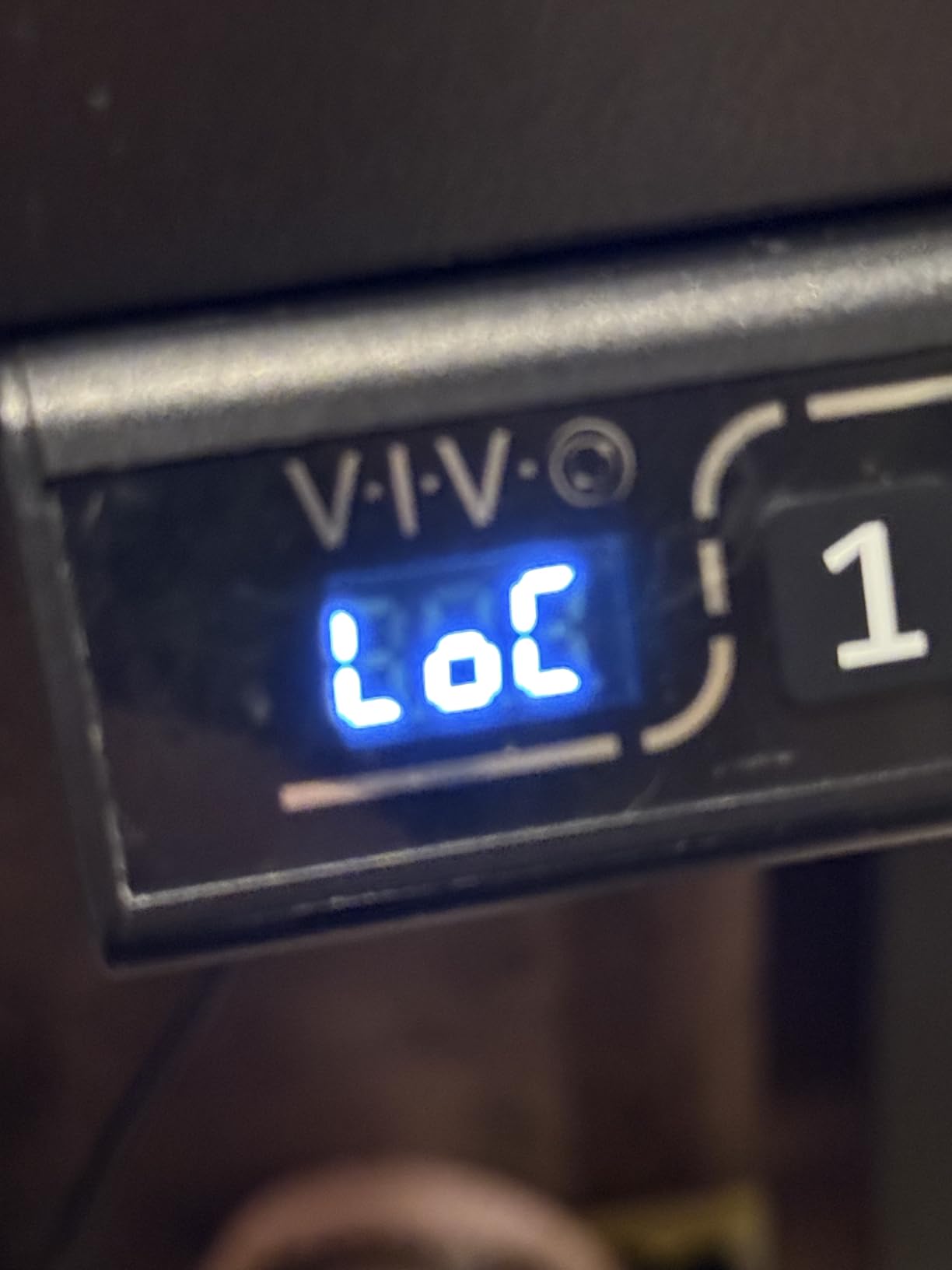
The controller displays the height and stores four presets, and owners call the motor very quiet with smooth starts and stops. VIVO support has shipped replacement controllers and missing parts quickly under the three-year warranty, a real after-sales signal at this budget.
I want to be straight about the rating: at 4.4 stars with 7 percent one-star reviews, this is the least uniformly loved product here. That caution comes from one consistent complaint rather than scattered gripes.
For a deep surface with heavy equipment
Pick this if your setup includes a printer, a large monitor arm or a graphics tablet, because 30 inches of depth gives a clamp arm real room and the thick top resists loading most desks flex under.
It is also the tallest-reaching standing desk here at 48.4 inches, which matters if you work standing and want full extension rather than a compromise position.
For anyone who wants a flawless finish
Some sizes use a three-section top whose pre-drilled holes do not always align, leaving uneven gaps. Inspect the top on arrival and check alignment before building the frame around it.
Metal braces connecting the top sections can catch knees, the desk turns slightly shaky near maximum height, and the controller mount requires drilling, so renters should factor that in before committing.
10. Lufeiya 47 Inch Desk With File Drawers – Budget Pick
Lufeiya White Desk with File Drawers Cabinet, 47 Inch Reversible Computer Desk with Fabric Filing Cabinet for Bedroom Small Space Home Office, Modern Writing Table PC Desks, White
46.6 x 19.7 inch top
Three fabric drawers
Fixed 29.5 inch height
1.5 inch thick top
Pros
- Cheapest way to get drawers into a home office
- Reversible cabinet fits either side
- Assembles in about 20 minutes
- Thick scratch-resistant particle board top
Cons
- Lowest load rating here at 50 lb
- Shallow 19.7 inch depth
- Fixed 29.5 inch height
The Lufeiya is the cheapest way to get real storage into a home office. Three fabric drawers sit in a cabinet that installs on either side, one an adjustable file drawer for letter or legal hanging files. If your complaint is that everything has to live on the desktop, that is the whole point.
The top is thick P2 particle board at 1.5 inches, finished scratch-resistant, anti-collision and waterproof, on a white metal frame with extra fixed steel brackets and adjustable leg pads. Owners report about 20 minutes to assemble with the supplied tools.
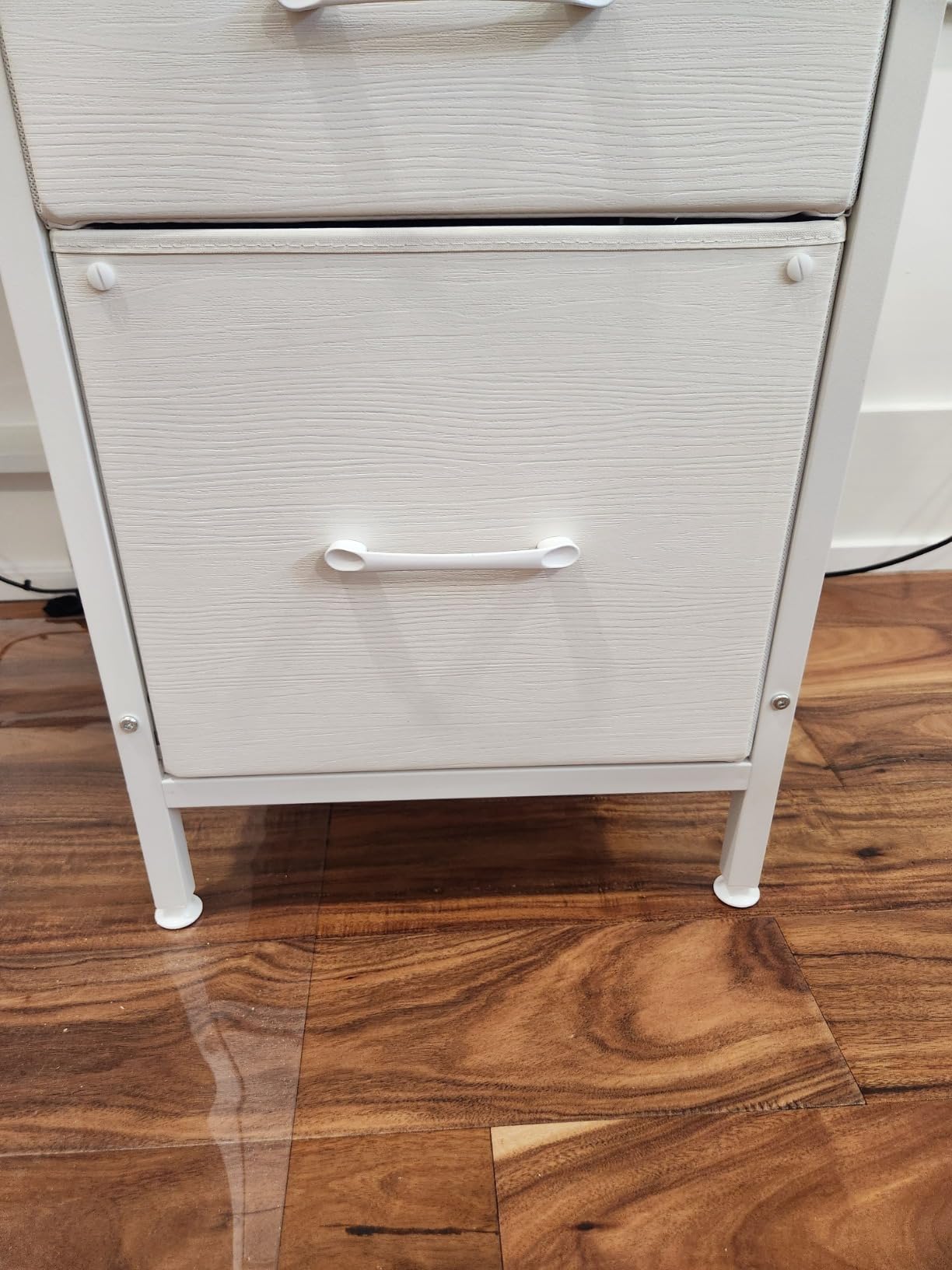
At 4.4 stars across roughly 2,400 reviews with a 72 percent five-star share, the feedback is balanced. People like the appearance, the reversible cabinet and the quick build, and they are equally clear about the limits.
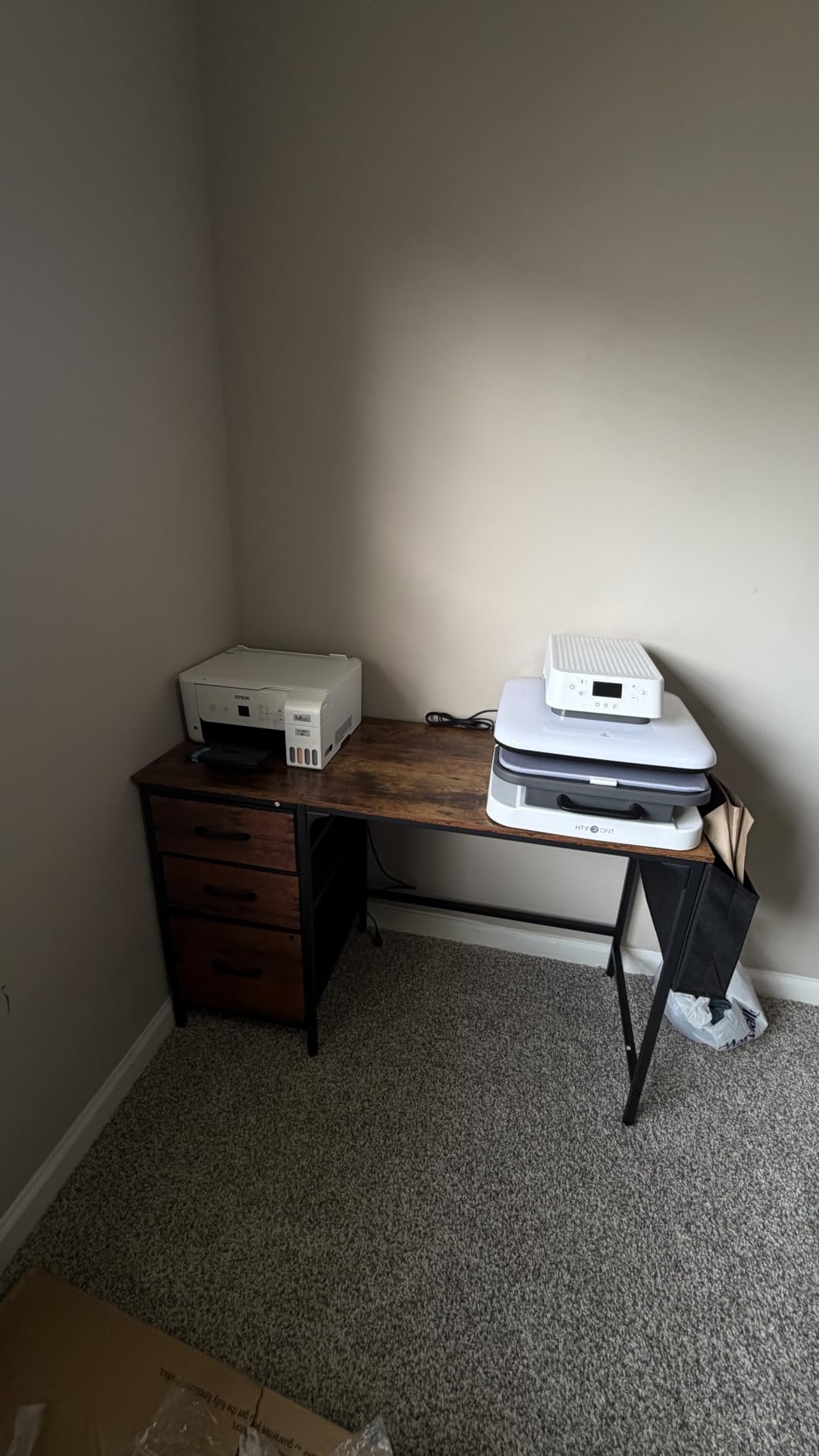
Those limits are why this is the budget pick rather than a recommendation. The 50-pound recommendation is the lowest here and 19.7 inches is the shallowest depth, a combination that rules out a monitor arm and anything heavy.
For a bedroom writing desk with storage
This works well as a bedroom or study desk where the primary need is somewhere to write and somewhere to put paperwork. The 46.6-inch width fits a laptop, a lamp and a notebook with room to spare.
It is also the easiest build in the roundup at around 20 minutes, which makes it a good choice if you are furnishing a room alone or on a schedule.
For anyone with a heavy monitor setup
Do not load this desk with a large monitor arm, a printer and a dock. Fifty pounds goes quickly once you add a clamp mount, and the shallow depth leaves no room for a larger arm to open.
The height is fixed at 29.5 inches, and fabric drawers are not an archive for heavy paper. If you need a bigger surface with a better load rating, the ErGear or HUANUO costs less than you would expect.
How to Choose a Desk Under 300 Dollars in 2026
Five decisions account for almost every mistake in this price band: width, lift type, minimum seated height, load rating and warranty. Work through them in that order and most of the risk disappears.
How wide a desk do you actually need
Width is the easiest number to overestimate. A single 24 to 27 inch monitor plus a keyboard needs about 48 inches of surface. Two monitors of 24 inches or more need 55 to 60 inches, or you will spend the day adjusting window positions.
A laptop-only setup works in 32 inches, which is why the SHW Mission remains the most-reviewed desk here. A printer plus a monitor needs 40 inches of depth, which almost nothing in this roundup gives you, and is the reason the EnHomee earns its place despite a fixed height.
Electric, manual or fixed
Fixed desks are the simplest and most durable option, and they win when you work seated. Manual crank desks fall in the same reliability class since there is no motor to fail, and owners on home office forums consistently rate crank desks as the best durability per dollar below 300 dollars.
Electric desks add electronics to the failure list but are the only way to change position through the day. If you buy electric, the honest framing is that many owners end up using theirs as a fixed desk anyway, which is not a wasted purchase but is worth knowing beforehand. A desk converter is the middle path if you already own a good desk, and it suits renters and short leases.
The 20-8-2 rule in practice
The most-cited standing desk guidance is a movement pattern rather than a timetable: sit for 20 minutes, stand for 8, then move or stretch for 2, repeating through the working period. The point is not to stand all day, which most people abandon within a fortnight.
Use it as a prompt rather than a target. A standing desk you never adjust is just an expensive fixed desk, and a balance board or anti-fatigue mat makes the standing hours far more tolerable on hard floors. Foot fatigue, not back pain, is what actually stops most people.
Stability on carpet and hard floors
This is the most common complaint in owner feedback on budget electric frames, and most roundup buying guides skip it. Wobble concentrates at full extension, particularly on single-motor frames with no bottom crossbar.
Carpet makes it worse. Feet on medium pile can sink and rock, and levelers on cheaper frames are not always enough to compensate. If your office is carpeted, prioritise a wide leg profile, adjustable leveling feet and a frame with a crossbar, then recheck the feet after a week.
For the electrical side, our surge protector guide covers what to look for in a strip for a desk with a lift motor, and our cork board roundup covers pin-up space that needs no drilling into a rental wall.
What a 300 dollar budget does not buy
Save up rather than compromise if you need a one-piece solid top, a dual-motor frame, a desk wider than 63 inches, or a manufacturer that ships a replacement control box instead of replacing the whole desk. Users report that once a budget motor fails, some brands replace the entire desk and charge shipping both ways.
On service life, be realistic. A budget desk that lasts three years costs more per year than a mid-range desk that lasts ten, and warranty length is the most valued specification among people who have already owned one that failed. Check what the warranty actually covers, since frame, motors and electronics are often treated very differently.
One practical note on assembly. Reported build times across this roundup run well past the stated figures, and missing or mislabelled hardware recurs. Allow double the listed time, check every part against the manual first, and tighten screws by hand.
Frequently Asked Questions
What is the best inexpensive desk for my home office?
The SHW Mission 32-inch desk is the best inexpensive pick here, with more than 30,000 ratings and a powder-coated steel frame that assembles in 15 to 20 minutes. If you want height adjustment rather than the lowest cost, the ErGear 48×24 electric desk is the better long-term answer.
What is the best desk under 300 dollars?
Nobody wins outright, but the best desks for home offices under 300 dollars split cleanly by use. The SHW Mission leads for fixed-height simplicity, the ErGear for electric sit-stand, the Cubiker 55-inch model for dual monitors and the SEDETA 66-inch L-shaped desk for storage.
What is the best office desk for work from home?
For full-time remote work the ErGear 48×24 electric standing desk is the strongest all-round choice, with a 28.35 to 46.46 inch lift, a 176-pound rating and four memory presets. If you work with paper or a printer, the EnHomee 56.5-inch desk is a closer match.
What makes a good quality desk at this budget?
Look for a steel frame rather than an all-particle board frame, a published load rating, adjustable leveling feet and a warranty of at least two years. Dual motors, one-piece solid tops and repairable control boxes all sit above this price band.
Are cheap standing desks okay?
Yes, within limits. The ErGear, Cubiker, HUANUO and VIVO frames in this roundup are rated between 176 and 225 pounds and tested for large numbers of lift cycles, with owner ratings between 4.4 and 4.6 stars. Expect mild wobble at full extension, spliced tops on the cheaper models and a control box that cannot be replaced on its own.
What is the 20-8-2 rule for standing desks?
It is a movement pattern, not a strict timetable: roughly 20 minutes seated, 8 minutes standing, then 2 minutes of movement or stretching, repeated through the working period. The goal is regular position changes rather than long unbroken stretches of standing.
What size desk do I need for two monitors?
Two monitors of 24 inches or more need a surface at least 55 inches wide, plus around 24 inches of depth if you use a monitor arm. A single monitor with a laptop fits comfortably in 48 inches, and a laptop-only setup needs little more than 32 inches.
The Verdict on the Best Desks for Home Offices Under 300 in 2026
The best desks for home offices under 300 dollars are not one desk but a set of correct decisions. Most people should start with the SHW Mission 32-inch, because simplicity and a five-year warranty beat features at this budget. Anyone who wants to change position during the day should look at the ErGear 48×24, and dual-monitor users should step up to the Cubiker 55-inch.
For corners and storage, the SEDETA 66-inch and the Bestier 42-inch cover opposite ends of the size range, and the VIVO 63×55 is the pick if you have an actual room rather than a corner of one. Check the current price on each before you buy, measure the footprint on your floor, and allow twice the stated assembly time.