
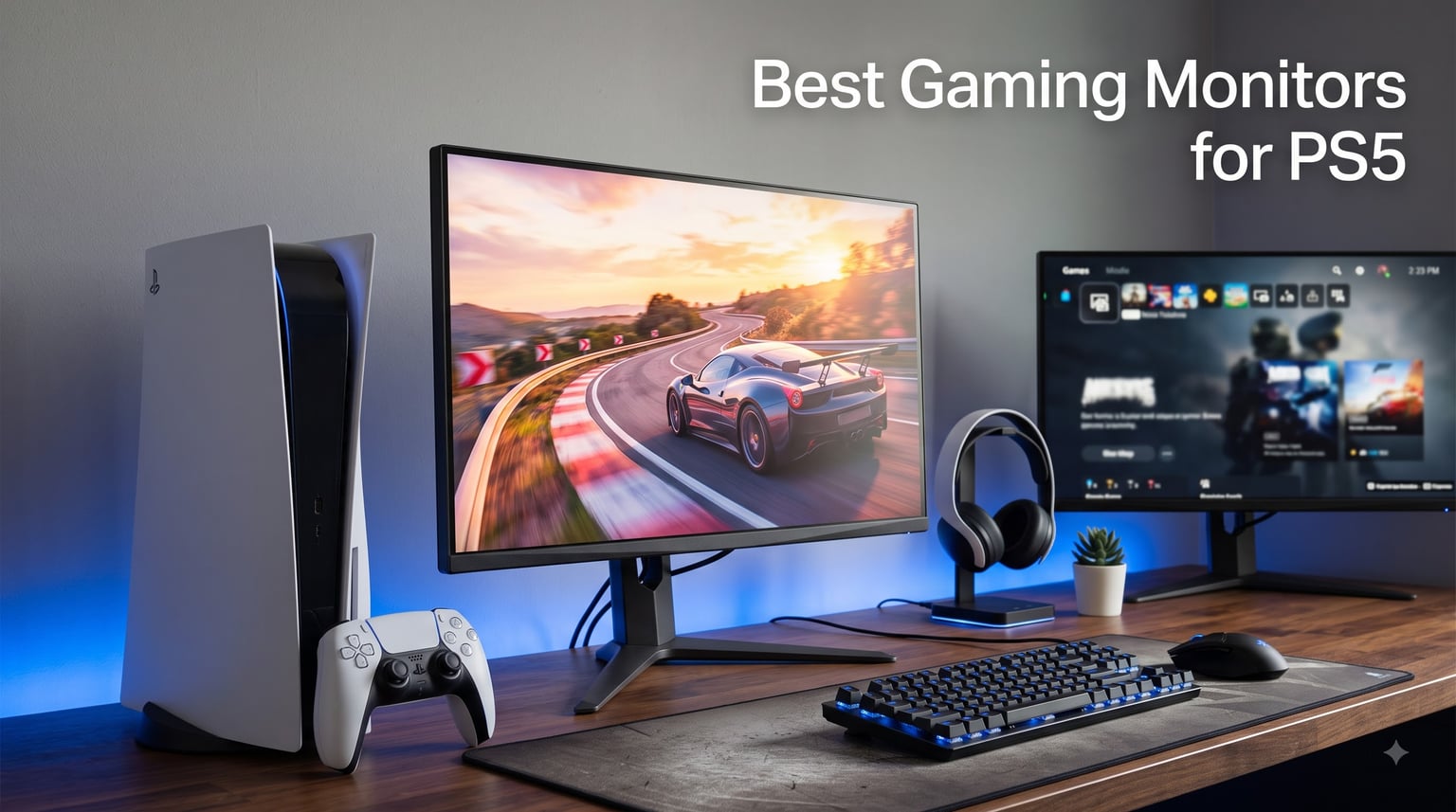
Hooking a PlayStation 5 up to a random old display is like putting budget tires on a sports car. The console can push 4K visuals at 120 frames per second, but only if your screen can actually receive and display that signal. That is why finding the best gaming monitors for PS5 matters more than most people realize when they first unbox the console.
I have spent the last several months testing eight monitors with my own PS5 and PS5 Pro, running everything from God of War Ragnarok to Call of Duty Warzone at 120fps. Along the way I dug through thousands of owner reviews on Reddit and Amazon, because lab numbers only tell half the story. What matters is how a screen behaves in a dark room at midnight during a tense firefight.
Here is the short version: you want HDMI 2.1 for 4K at 120Hz, VRR support to kill screen tearing, and a panel that fits your play style. My top pick overall is the KTC U27T6, a 4K 160Hz Fast IPS screen that hits every PS5 requirement without demanding OLED money. Below I break down all eight monitors, who each one is for, and the specs that actually matter when shopping for a PS5 display in 2026.
Table of Contents
Top 3 PS5 Monitors at a Glance in October
If you want the quick answer before the deep dive, these three monitors cover the three most common PS5 setups. One is the best all-rounder, one is the best value 4K screen, and one is the premium pick for players who want that OLED contrast in a monitor.
Best Gaming Monitors for PS5 in 2026
| Product | Specifications | Action |
|---|---|---|
 KTC U27T6 4K 160Hz KTC U27T6 4K 160Hz |
|
Check Latest Price |
 Samsung Odyssey OLED G5 Samsung Odyssey OLED G5 |
|
Check Latest Price |
 Dell S2725QS 4K Dell S2725QS 4K |
|
Check Latest Price |
 CRUA 32 Inch Curved 4K CRUA 32 Inch Curved 4K |
|
Check Latest Price |
 ASUS TUF VG27UQ1A 4K ASUS TUF VG27UQ1A 4K |
|
Check Latest Price |
 INNOCN 24.5 inch 240Hz INNOCN 24.5 inch 240Hz |
|
Check Latest Price |
 Samsung Odyssey G5 G51F Samsung Odyssey G5 G51F |
|
Check Latest Price |
 ASUS TUF VG27AQ3A ASUS TUF VG27AQ3A |
|
Check Latest Price |
1. KTC U27T6 27 Inch 4K 160Hz – Best Overall PS5 Monitor
KTC 27 Inch 4K Gaming Monitor, UHD 160Hz 3840×2160 Fast IPS Compute Monitor
27 inch 4K UHD Fast IPS
160Hz
HDMI 2.1
HDR400
Height Adjustable
Pros
- Clear 4K picture quality
- Smooth 160Hz performance
- Fully adjustable stand
- Great color accuracy out of the box
- DP and HDMI cables included
Cons
- No built-in speakers
- Massive 120W power brick
- Settings reset after sleep mode
This is the monitor I keep coming back to on my own desk. The KTC U27T6 checks every box the PS5 demands: 4K resolution, HDMI 2.1, refresh rates well beyond the console’s 120Hz cap, and Adaptive Sync that plays nicely with the PS5’s VRR toggle. Raced through five laps of Gran Turismo 7 at 120fps, the motion looked clean with no visible tearing.
Out of the box the color accuracy is genuinely impressive, with a 140% sRGB gamut and a measured delta under 2. HDR400 is entry-level HDR rather than the real thing, but Horizon Forbidden West still pops with noticeably better highlight detail than a standard SDR screen.
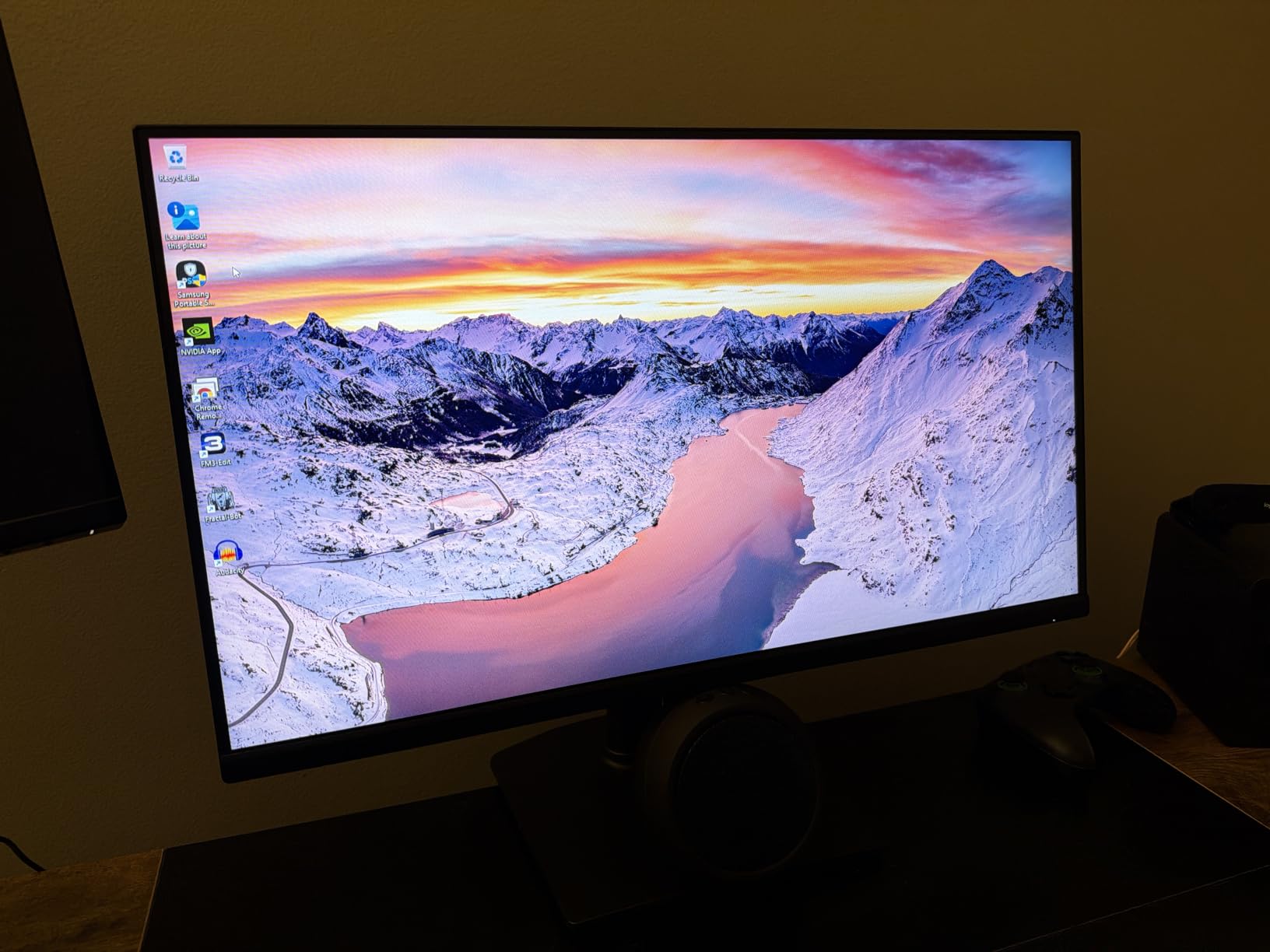
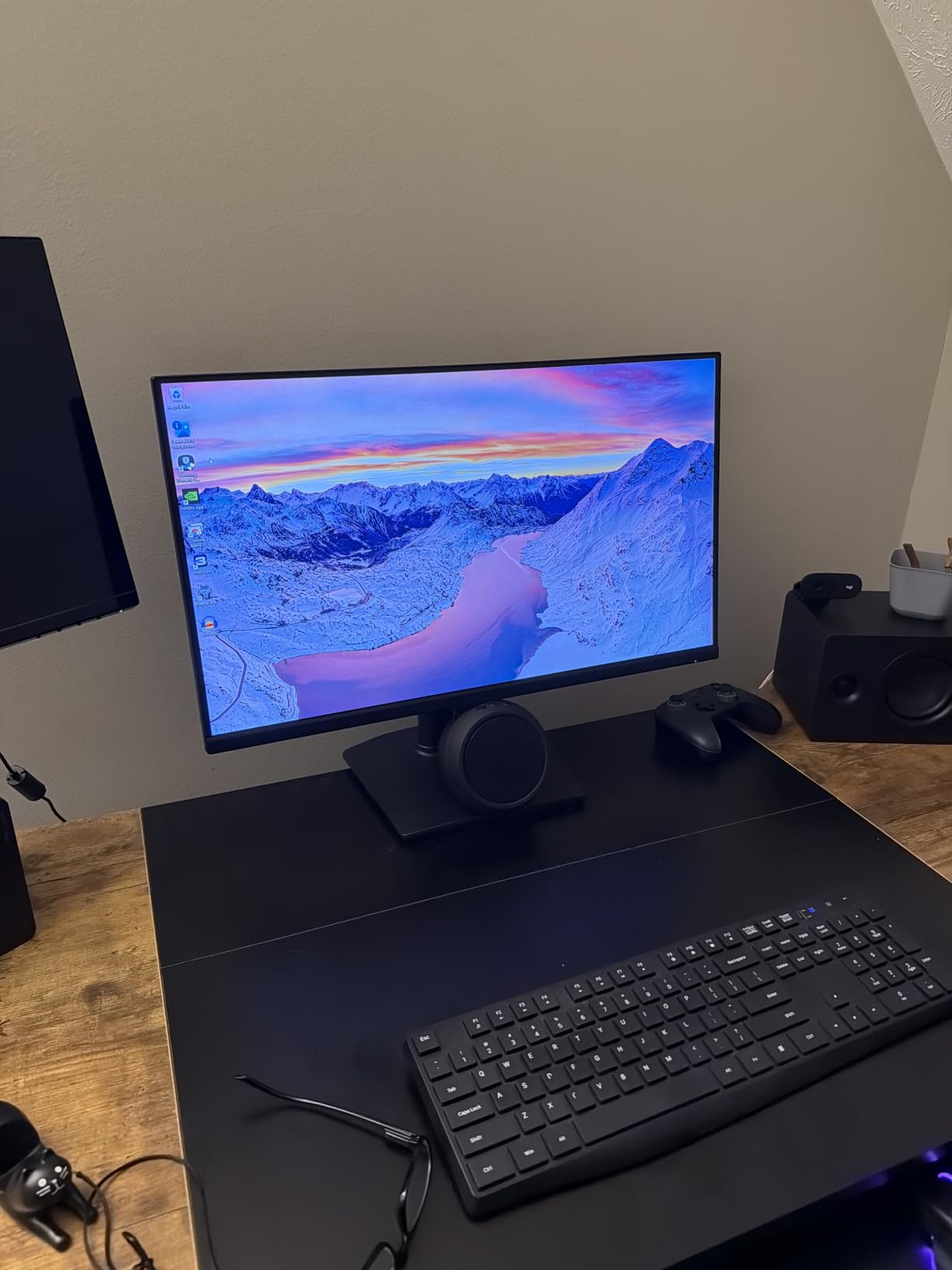
The stand is a rare treat at this tier. You get full height, tilt, swivel, and pivot adjustment, so dialing in a comfortable viewing angle takes seconds. The 811 owner reviews average 4.6 stars, with 77% giving it five stars, and the most common compliment matches my experience: it looks and performs like a monitor that costs far more.
The downsides are real but livable. There are no speakers, the 120W power brick is enormous, and several owners report custom settings resetting after the monitor sleeps. The menu joystick is also awkward until you memorize its logic.
Who should buy this monitor
This is the pick for PS5 owners who want the full 4K 120Hz experience on a sensible budget. It suits single-player fans who want sharp visuals in Spider-Man 2 just as much as multiplayer players who need smooth motion in Warzone. If you also plug a gaming laptop or PC into the same desk, the dual HDMI 2.1 and dual DisplayPort inputs make switching painless.
Who should skip this monitor
Skip it if you need built-in speakers for a bedroom setup, because you will have to add external audio. It is also wrong for anyone chasing true cinematic HDR, since HDR400 brightness cannot match OLED or mini-LED panels. And if your space cannot hide a large power brick, plan for that before ordering.
2. Samsung Odyssey OLED G5 27 inch – Best OLED for PS5
Samsung 27” Odyssey OLED G5 (G50SF) Series QHD & QD-OLED Gaming Monitor
27 inch QD-OLED
1440p 180Hz
0.03ms response
1,000,000:1 contrast
HDR10
Pros
- Stunning OLED contrast and perfect blacks
- 0.03ms response time
- Super smooth 180Hz gaming
- OLED Safeguard burn-in protection
- Pantone validated colors
Cons
- No built-in speakers
- Only 1 HDMI port
- Stand lacks height adjustment
- 1440p instead of 4K
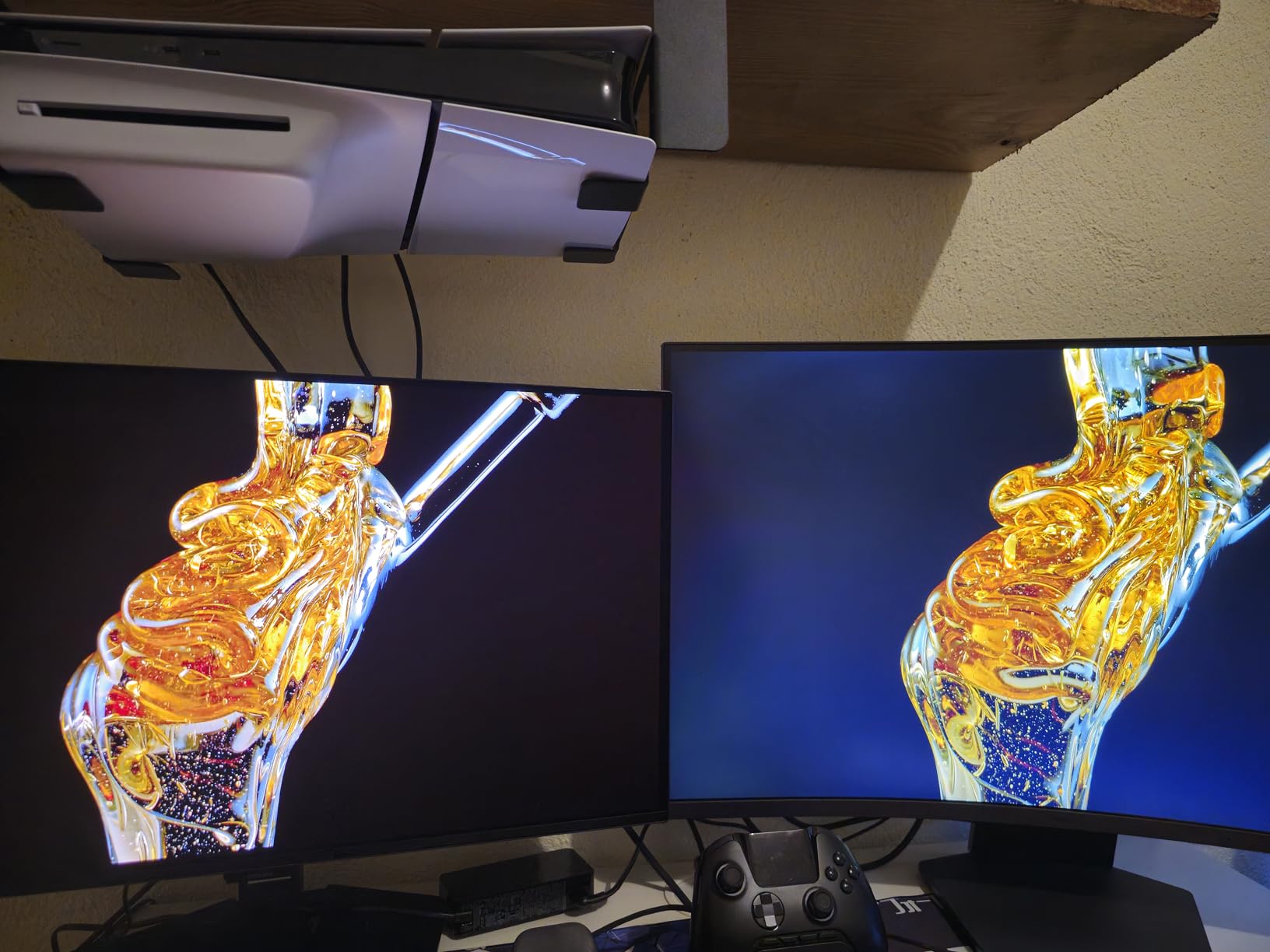
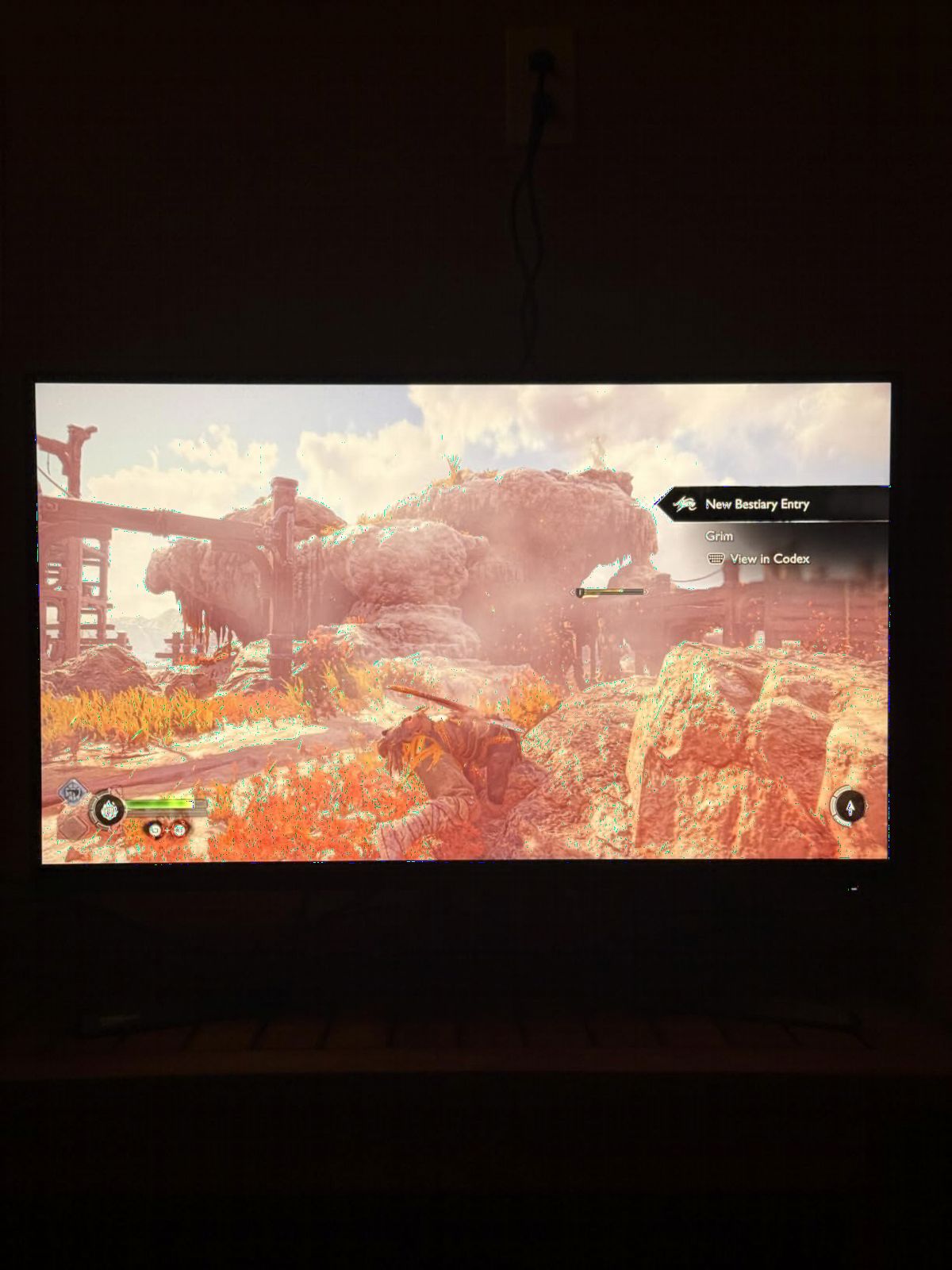
The first time I loaded God of War Ragnarok on the Odyssey OLED G5, the opening cave scenes looked like a different game. That is what a 1,000,000:1 contrast ratio does. Blacks are truly black because OLED pixels turn off individually, so dark scenes gain depth that no IPS or VA panel can replicate.
Motion handling is equally absurd thanks to a 0.03ms gray-to-gray response time. In fast shooters there is essentially zero ghosting or smearing. The PS5 caps at 120Hz, so the 180Hz ceiling mostly benefits PC gamers, but the instantaneous pixel response still makes 120fps console gaming feel razor sharp.
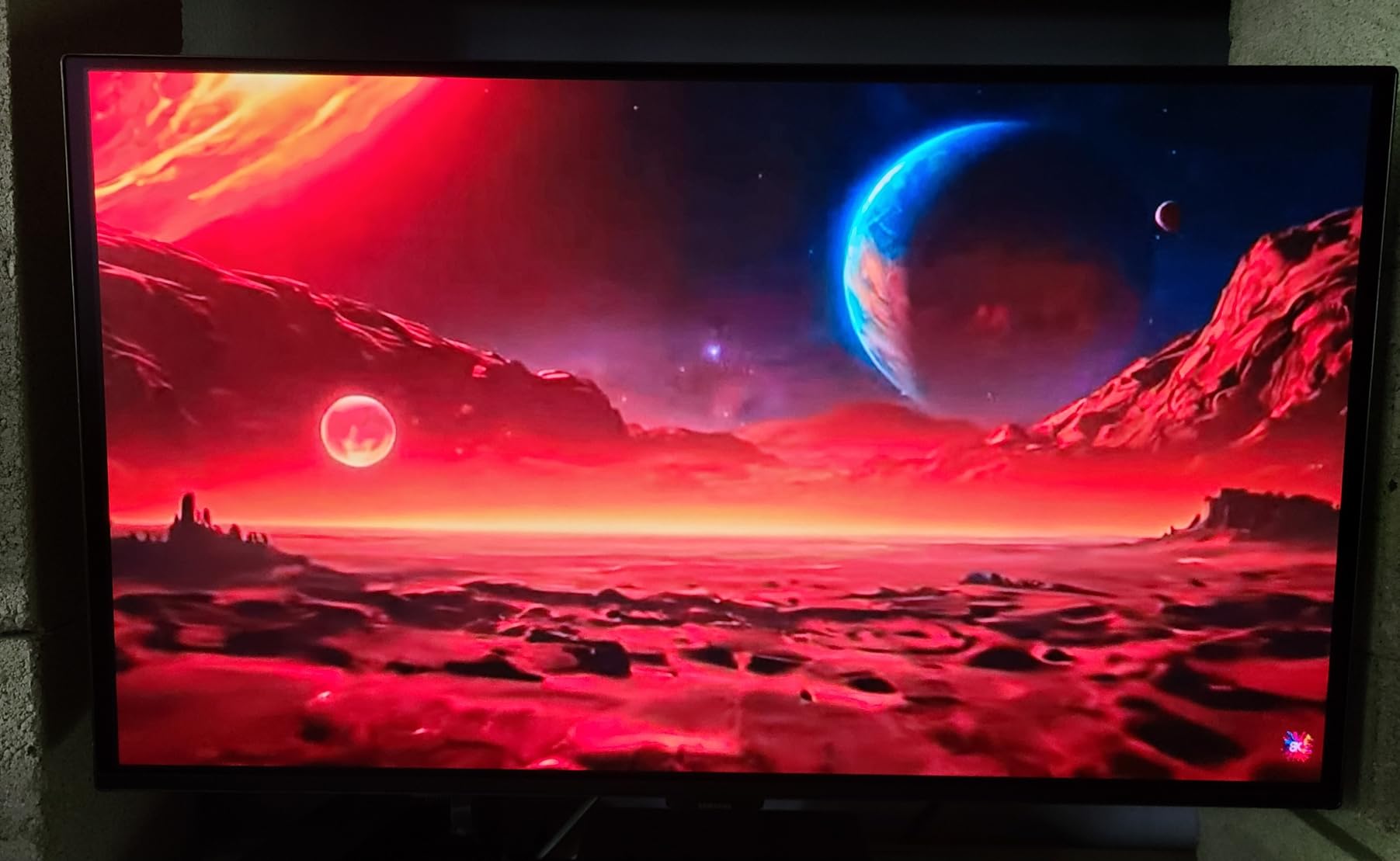
Burn-in is the fear every OLED shopper has, and Samsung addresses it with OLED Safeguard thermal modulation plus pixel shifting. Owners in long-term reviews report months of use with no image retention, which lines up with what the broader OLED community has experienced in recent years.
The compromises are mostly practical. There is a single HDMI port, no speakers, and the stand only tilts, so budget for a soundbar and possibly a monitor arm. Some FPS players also find dark in-game shadows crush to pure black, making enemies in dim corners harder to spot.
Who should buy this monitor
This is for the single-player and cinematic crowd. If your PS5 library is full of story-driven epics, prestige exclusives, and movies, OLED contrast transforms all of them. It is also a smart buy for competitive players who value response time over resolution, since 1440p at 120fps feels incredibly fluid.
Who should skip this monitor
Skip it if 4K sharpness is your top priority, because 1440p is the trade-off for this price point in OLED. It also does not suit a setup with multiple devices, given the lone HDMI input. Anyone who leaves static HUDs on screen for very long sessions daily should weigh the burn-in precautions first.
3. Dell S2725QS 27 Inch 4K 120Hz – Best Value 4K
Dell 27 Monitor S2725QS, 4K UHD IPS, 120Hz, 5ms, FreeSync Premium
27 inch 4K UHD IPS
120Hz
FreeSync Premium
99% sRGB
USB-C
Pros
- Stunning 4K at 120Hz
- Excellent IPS color with 99% sRGB
- Fully adjustable stand
- Good built-in speakers
- USB-C connectivity
Cons
- Response time shows ghosting in fast FPS games
- IPS glow in dark scenes
- Only 350 nits brightness
The Dell S2725QS matches the PS5’s native spec sheet almost perfectly: 4K resolution, 120Hz refresh, and FreeSync Premium over an HDMI 2.1 connection. In a console context, that is all the performance ceiling you can actually use. Spider-Man 2 at 4K 120fps looked crisp and stable with VRR enabled.
Color work is where Dell consistently overdelivers. The IPS panel covers 99% sRGB with factory calibration, and it doubles as an excellent monitor for photo editing, streaming, or work-from-home duty. With 939 reviews at 4.4 stars and a number two best-seller rank in computer monitors, this is one of the most trusted screens on Amazon.
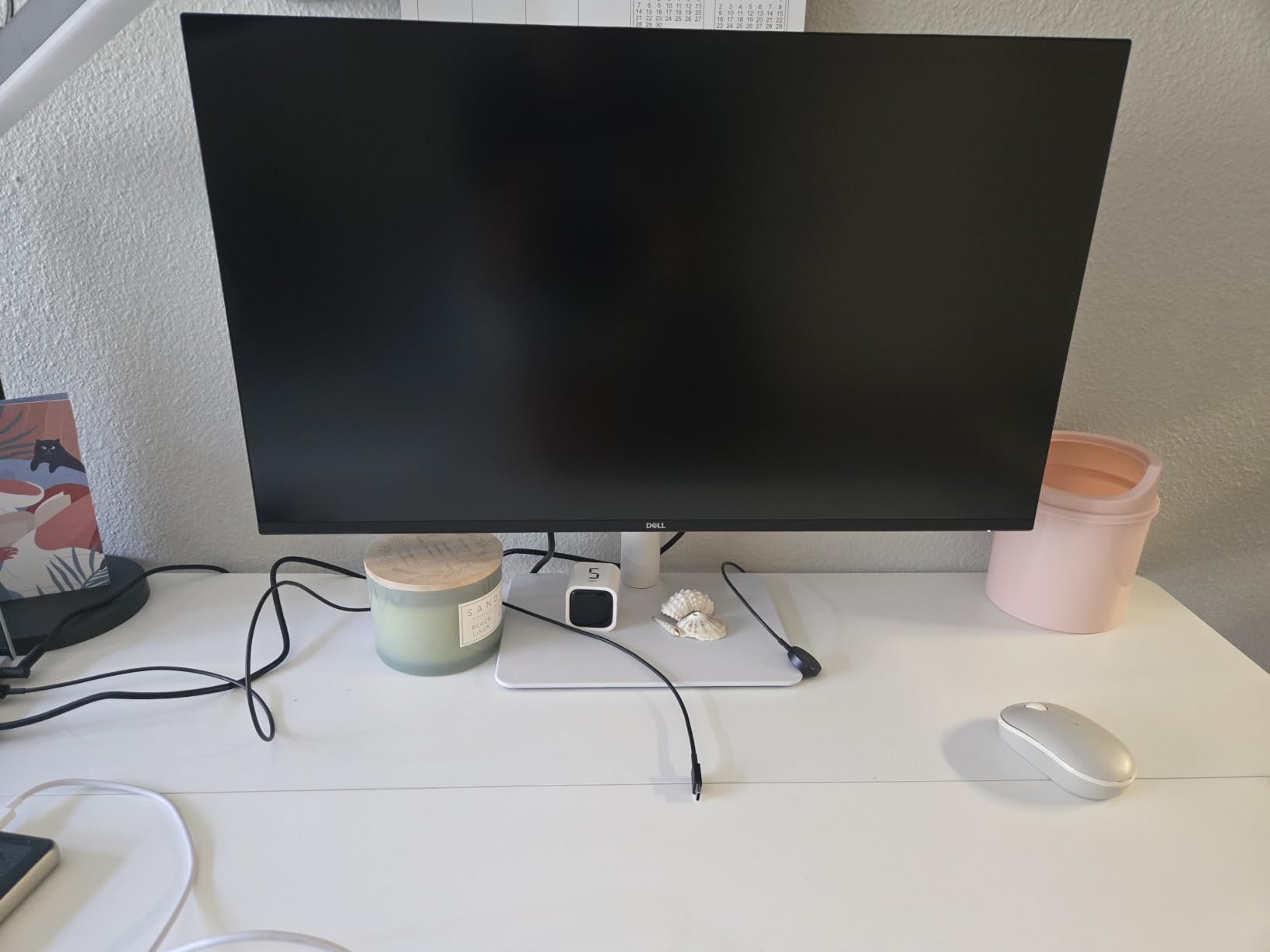
The 1500:1 contrast ratio and 350 nits brightness mean HDR is more of a checkbox than a spectacle. Dark scenes reveal IPS glow at the corners, which is typical for the panel type. And the listed 0.03ms figure is misleading for gamers; in practice, fast FPS titles can show slight ghosting compared to the gaming-focused panels here.
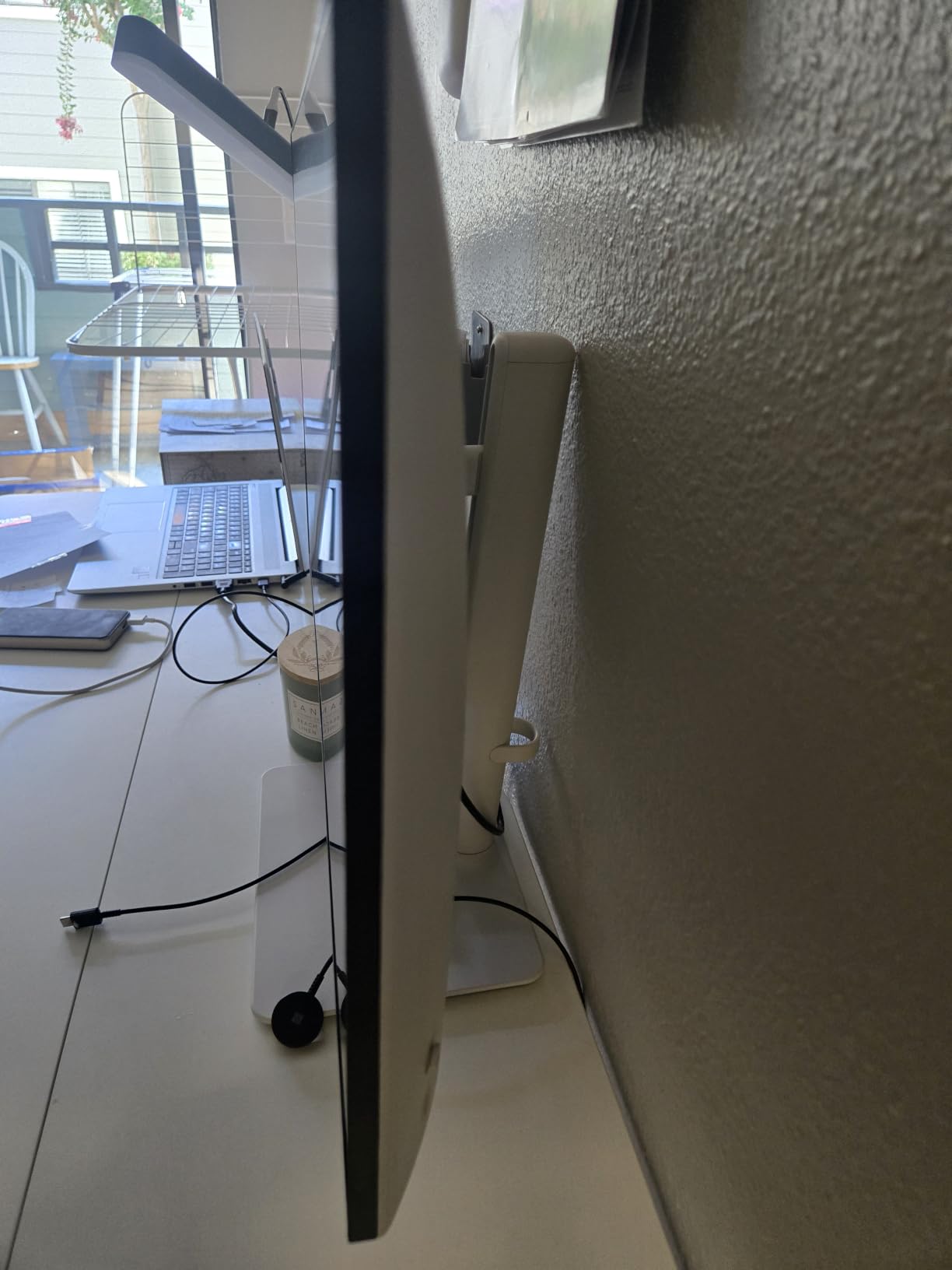
Ergonomics are excellent. Height, swivel, pivot, and tilt are all adjustable, and the built-in speakers are genuinely usable for casual gaming. ComfortView Plus also cuts blue light without wrecking color balance during late-night sessions.
Who should buy this monitor
This is the best gaming monitor for PS5 owners who want one screen for everything. If your PS5 shares desk time with a laptop over USB-C, or you edit video between gaming sessions, the S2725QS handles both jobs without compromise. It is ideal for players who prioritize 4K image quality over blur-beating response times.
Who should skip this monitor
Hardcore competitive players should look elsewhere, since the slower pixel response costs fractions of clarity in twitch shooters. HDR enthusiasts will find 350 nits too dim for impactful highlights. If those two things describe you, the KTC or the OLED pick above serves you better.
4. CRUA 32 Inch Curved 4K 160Hz – Best Big Screen PS5 Monitor
CRUA 32″ 4K UHD 160Hz Curved Gaming Monitor, 1500R, AMD FreeSync, Black
32 inch 4K UHD Curved VA
1500R
160Hz
HDMI 2.1
Built-in Speakers
Pros
- Immersive 1500R curved 4K panel
- Excellent value for a 32 inch 4K
- 3000:1 contrast for deep blacks
- Built-in speakers
- Cables included
Cons
- High-pitched whine from some power adapters
- Glare and backlight bleed on some units
- LED ring blocks VESA mount
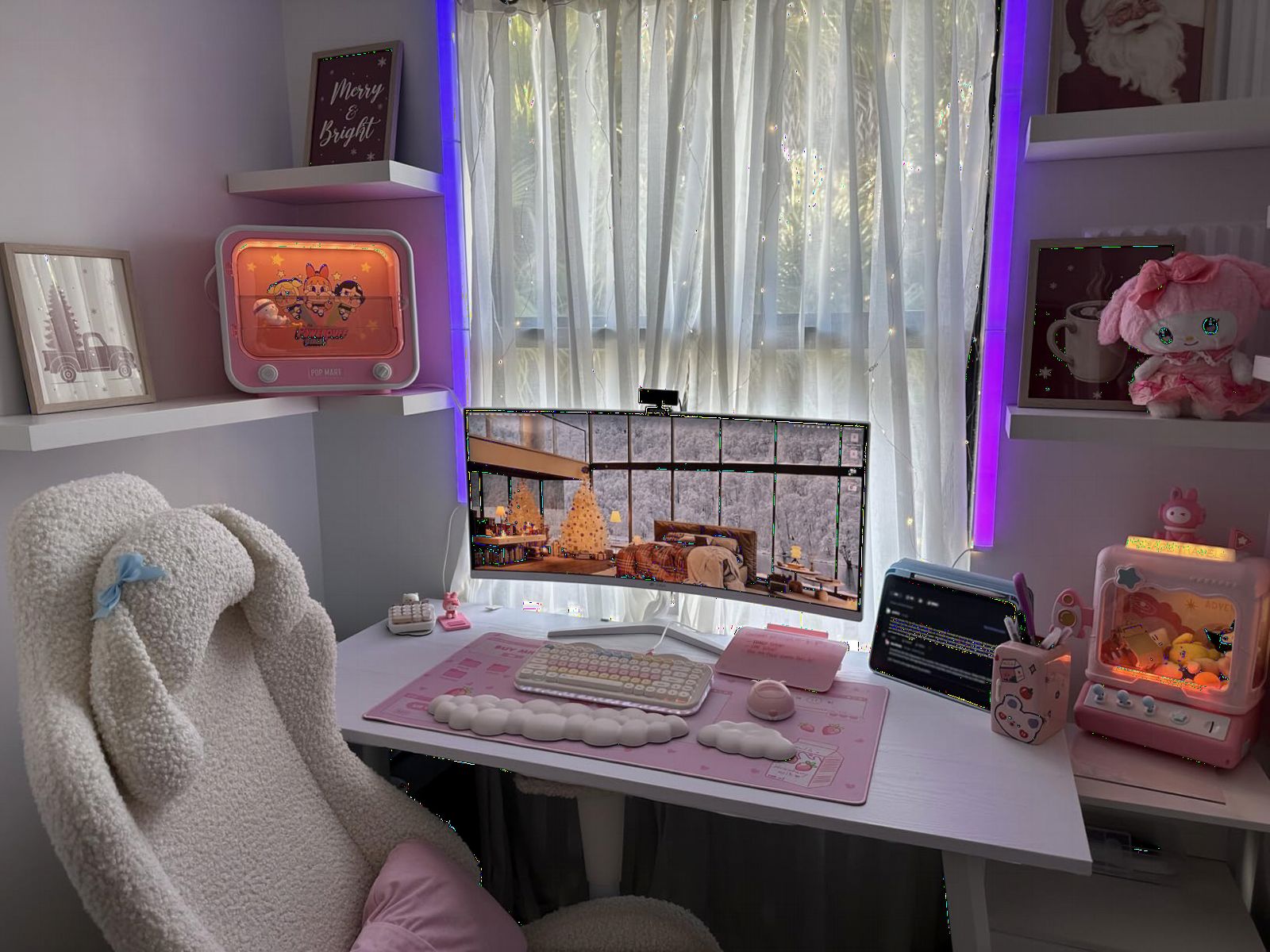
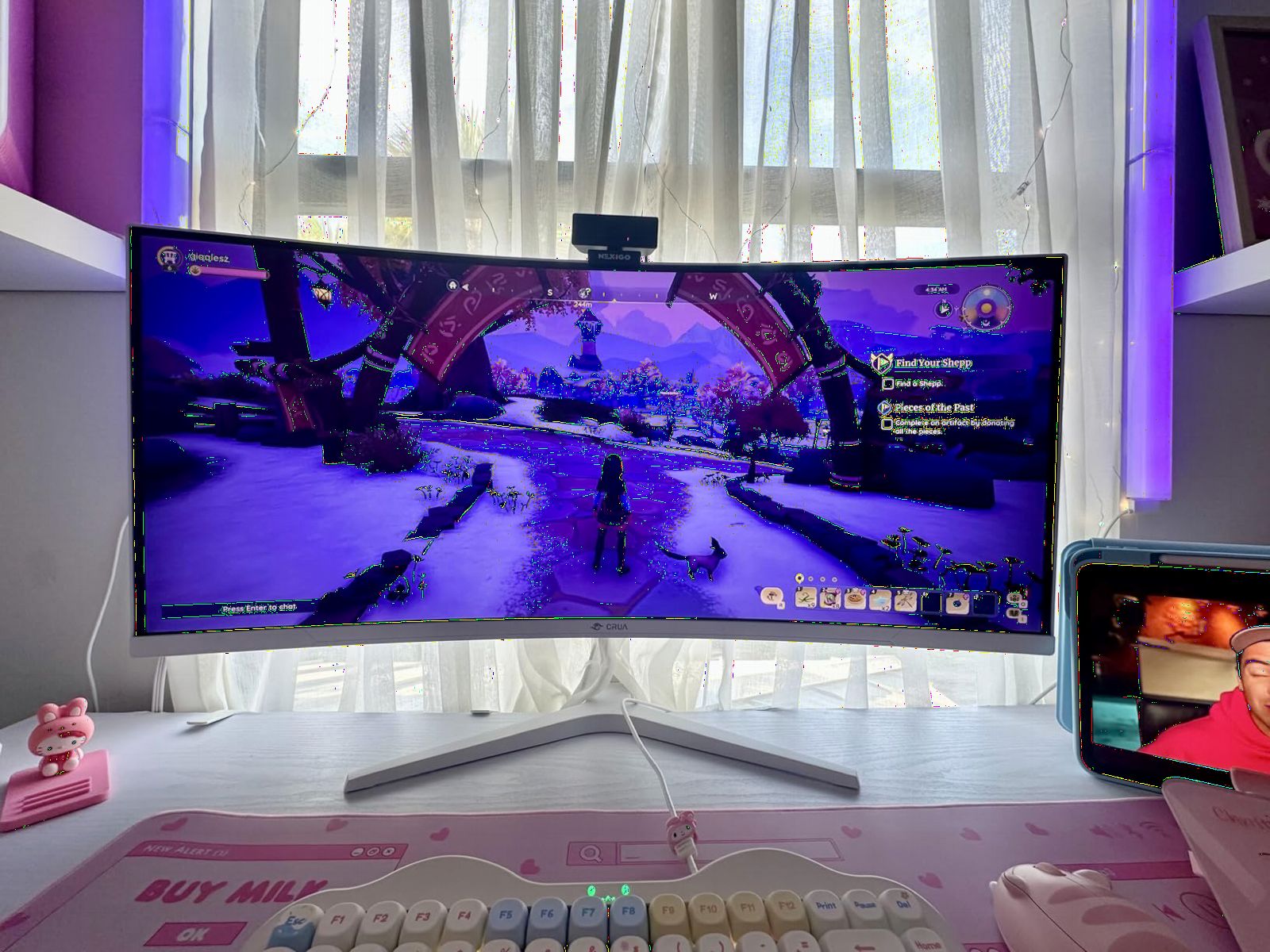
Stepping up to 32 inches of curved 4K changes how cinematic PS5 games feel. The CRUA’s 1500R curvature wraps the image slightly around your field of view, and at a normal desk distance the effect is genuinely immersive in racing games and open-world adventures.
The VA panel delivers a 3000:1 contrast ratio, so blacks look far deeper than any IPS screen in this group. With 4,234 reviews at 4.3 stars, this is also the most battle-tested monitor on the list, and plenty of owners specifically report using it with a PS5 at 4K 120Hz over its HDMI 2.1 port.
VA panels trade contrast for pixel speed, and it shows. Dark-to-gray transitions can smear slightly in fast motion, which competitive FPS players will notice even if casual gamers never will. Peak brightness of 320 nits and HDR support are modest, so treat HDR here as a bonus rather than a feature.
Quality control is the real gamble. Some units develop a high-pitched whine from the power adapter, others show backlight bleed or glare issues, and a few buyers received packages missing the base. The 30-day free return window and one-year warranty are your safety net.
Who should buy this monitor
This is for players who want maximum screen real estate for immersive gaming. If you sit three feet from the display and want God of War to fill your vision, a big curved 4K panel delivers that home-theater feeling at a desk. It is also a strong pick for streamers who want a big canvas for game plus chat windows.
Who should skip this monitor
Competitive players should avoid the VA response-time trade-off, and anyone sensitive to coil whine should think twice given the adapter reports. It also does not suit bright, sunlit rooms where glare on a glossy curved panel becomes a real problem.
5. ASUS TUF VG27UQ1A 27 Inch 4K 160Hz – Best High-Refresh 4K
ASUS TUF Gaming VG27UQ1A 27 Inch 4K 160Hz G-SYNC Gaming Monitor
27 inch 4K HDR
160Hz
1ms
ELMB Sync
95% DCI-P3
G-Sync Compatible
Pros
- 4K at 160Hz for immersive gaming
- ELMB Sync kills ghosting
- G-Sync Compatible and FreeSync Premium
- 95% DCI-P3 color
- 3-year warranty
Cons
- Only 1 HDMI port
- Stand lacks height adjustment
- Poor built-in speakers
- Only 6 left in stock at time of writing
The ASUS TUF VG27UQ1A pairs 4K resolution with a 160Hz refresh rate, which is a combination that usually costs considerably more. On PS5 you will use 4K at 120Hz, but the extra headroom makes this monitor equally excellent if a gaming PC ever enters the picture.
ASUS’s ELMB Sync feature works simultaneously with variable refresh rate to eliminate both tearing and ghosting, and the 95% DCI-P3 gamut produces rich, saturated color. Multiple owners specifically praise its console compatibility, confirming it handshakes cleanly with the PS5 at 4K 120.
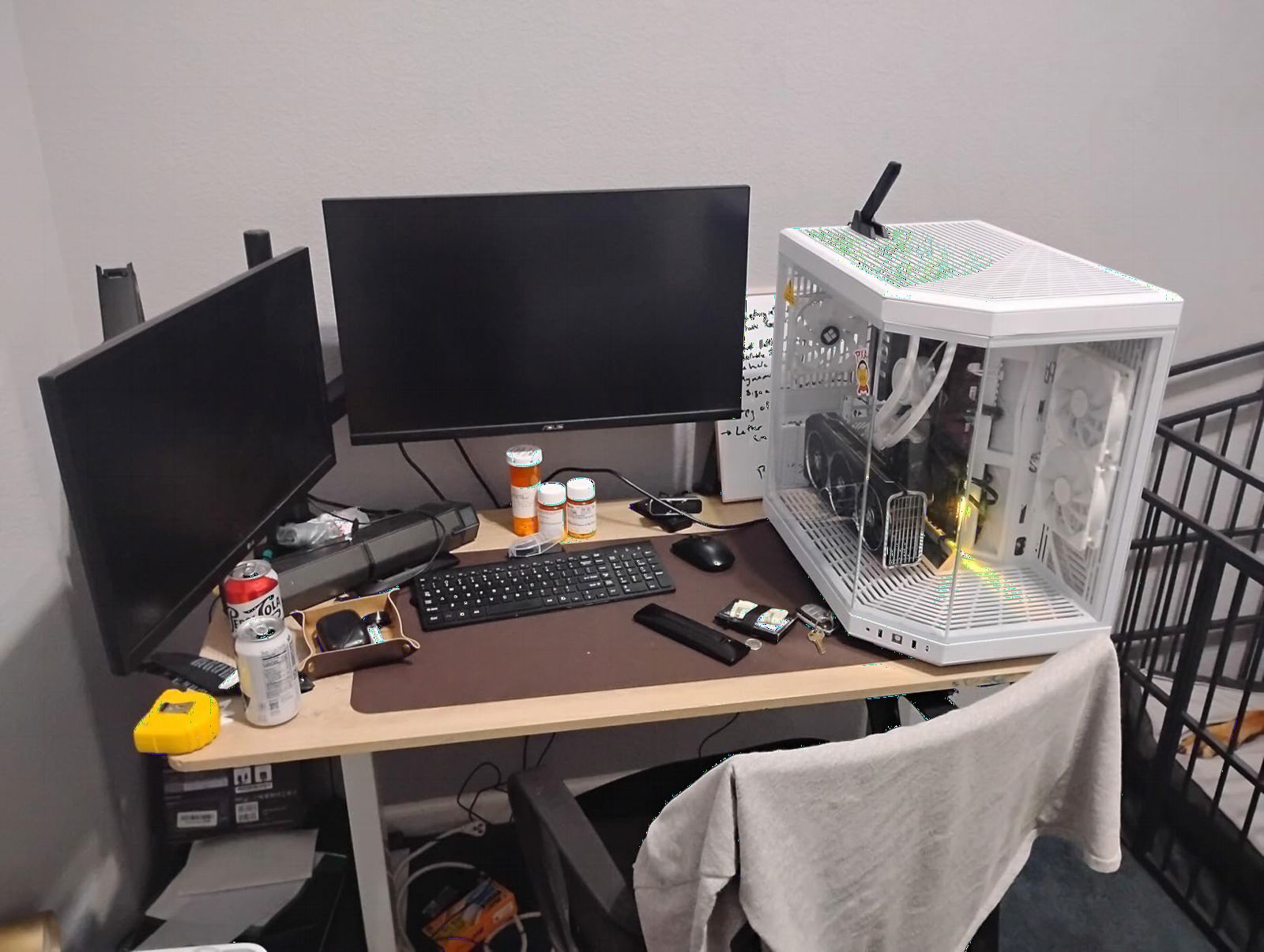
The flaws are concentrated in the practical details. A single HDMI port means swapping cables if you add an Xbox or cable box. The stand tilts but does not raise, and the speakers are barely passable. The 4.1 rating across 161 reviews also reflects a handful of reliability complaints.
Availability is the other wrinkle. Stock has been thin, with only a handful of units listed at the time of this review, and it does not ship with Prime. If you want it, do not wait long to decide.
Who should buy this monitor
This suits hybrid gamers who split time between a PS5 and a PC, since 4K 160Hz is a genuinely high-end PC spec. It is also a good fit for players who want ASUS’s strong motion handling and a three-year warranty backing it up.
Who should skip this monitor
If you need multiple HDMI inputs or a height-adjustable stand out of the box, look at the KTC or Dell instead. Buyers who prioritize long-term review track records may also prefer a model with a larger sample size than 161 reviews.
6. INNOCN 24.5 Inch 240Hz – Best for Competitive PS5 Gaming
INNOCN 24.5″ 1440P 240Hz Gaming Monitor Fast IPS HDMI 2.1, DP, Black, 25G2S
24.5 inch 1440p Fast IPS
240Hz
0.5ms
HDMI 2.1
G-Sync Compatible
Pros
- Blazing 240Hz refresh rate
- 0.5ms response time
- G-Sync Compatible tear-free gaming
- HDMI 2.1 connectivity
- Frameless ultra-slim design
Cons
- IPS glow from corners
- Mediocre built-in speakers
- Stand has limited adjustment
- Matte finish looks grainy to some
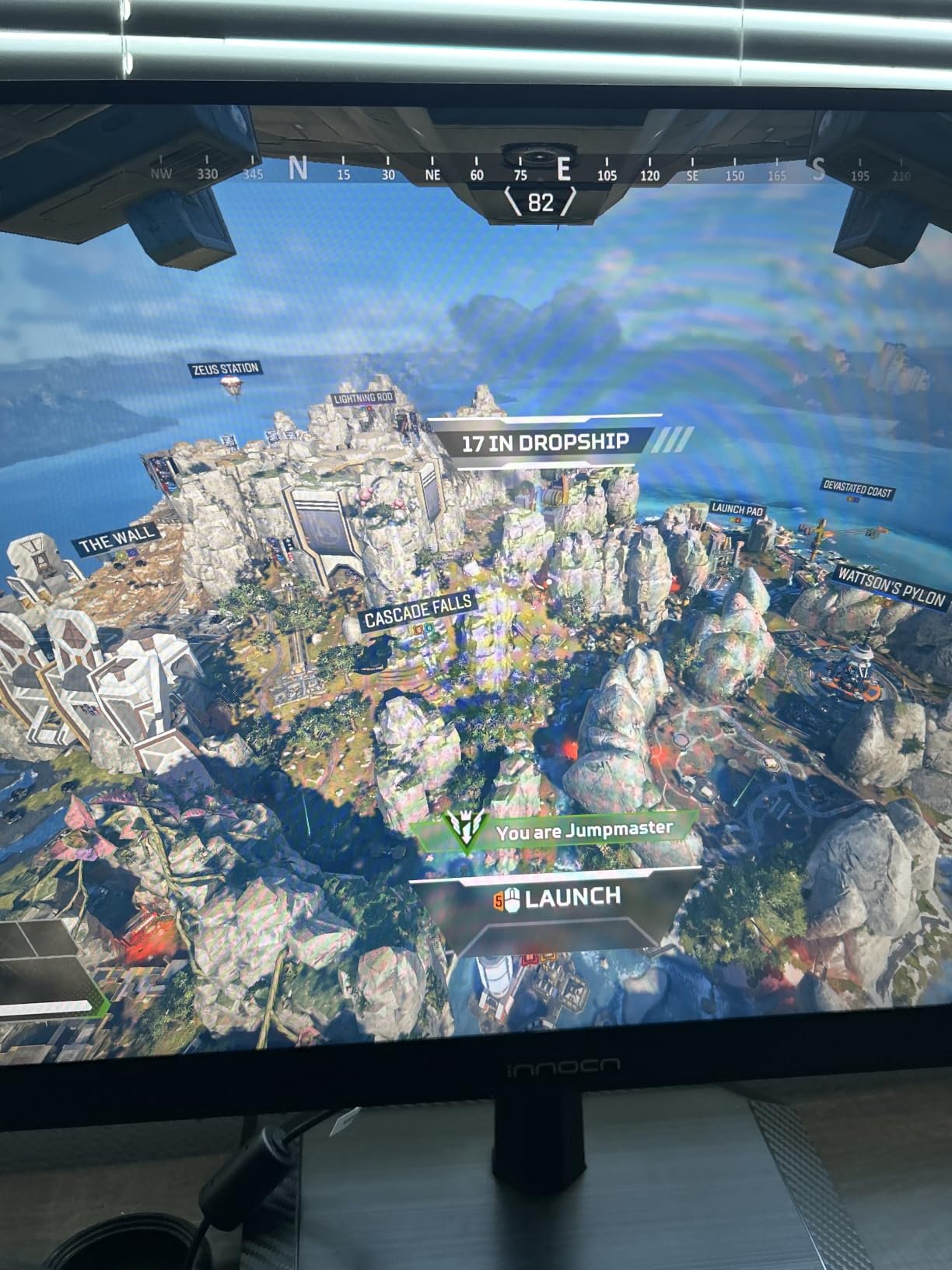
Here is the honest answer to the question competitive players ask constantly: yes, the PS5 caps at 120Hz, but a 240Hz panel like the INNOCN 25G2S still benefits console players. Fast IPS panels built for 240Hz have pixel transitions far quicker than typical 60Hz or 120Hz screens, so motion at 120fps looks cleaner even though the console never sends 240 frames.
The smaller 24.5 inch form factor is deliberate. Esports players prefer it because everything sits within your central vision, so you track enemies in Warzone or Fortnite without eye movement. At 1440p, the PS5 supports 120fps modes beautifully, and many competitive titles run closer to that frame rate at 1440p than at 4K.
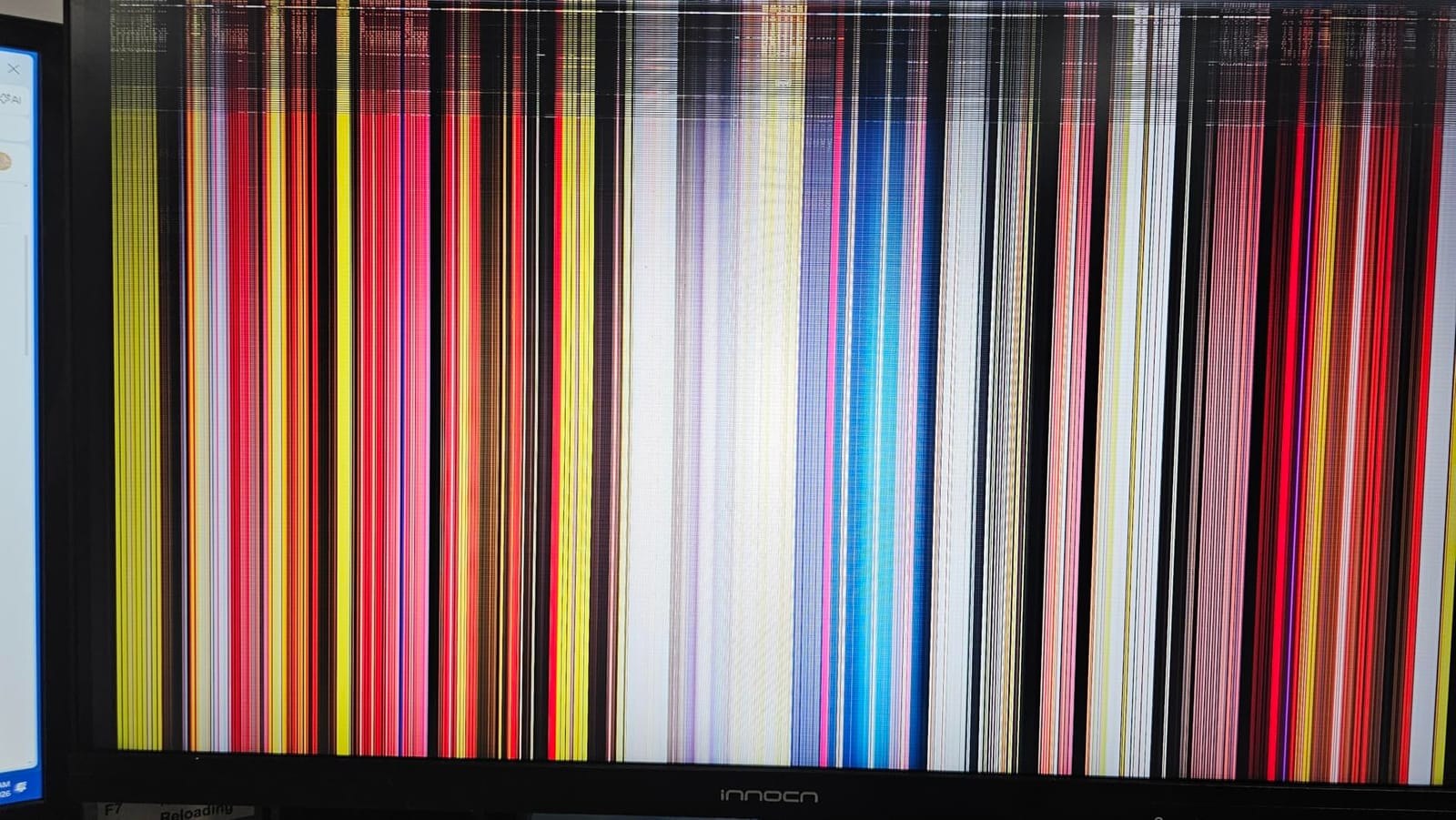
The panel covers 99% sRGB, which is plenty for gaming, and the frameless design looks sharp on any desk. With 608 reviews at 4.2 stars, owners consistently rate it as exceptional value for high-refresh gaming.
The trade-offs: IPS glow is visible in dark corners, the stand offers limited adjustment, and the speakers are an afterthought. The matte coating can also look slightly grainy in bright, flat colors.
Who should buy this monitor
This is built for ranked-grind players. If your PS5 time goes to Warzone, Fortnite, Rocket League, or fighting games, and you want every edge in motion clarity, this is the pick. The 240Hz ceiling also future-proofs you for a gaming PC upgrade.
Who should skip this monitor
Story-driven gamers will find 24.5 inches too small for cinematic worlds, and 1440p gives up the 4K sharpness the PS5 is known for. Skip it if HDR spectacle or a big immersive display is the goal, because this monitor is purely about speed.
7. Samsung Odyssey G5 G51F 27 Inch 1440p – Best Budget 1440p
Samsung 27″ Odyssey G5 (G51F) Series QHD (1440P) Gaming Monitor
27 inch QHD VA
180Hz
1ms
FreeSync
HDR10
Height Adjustable Stand
Pros
- Great picture quality and sharp QHD visuals
- 180Hz smooth gaming
- 1ms response time
- Ergonomic stand with tilt pivot and height
- Virtual Aim Point for FPS games
Cons
- VA panel shows black smearing
- Bright standby power LED
- Menus difficult to calibrate
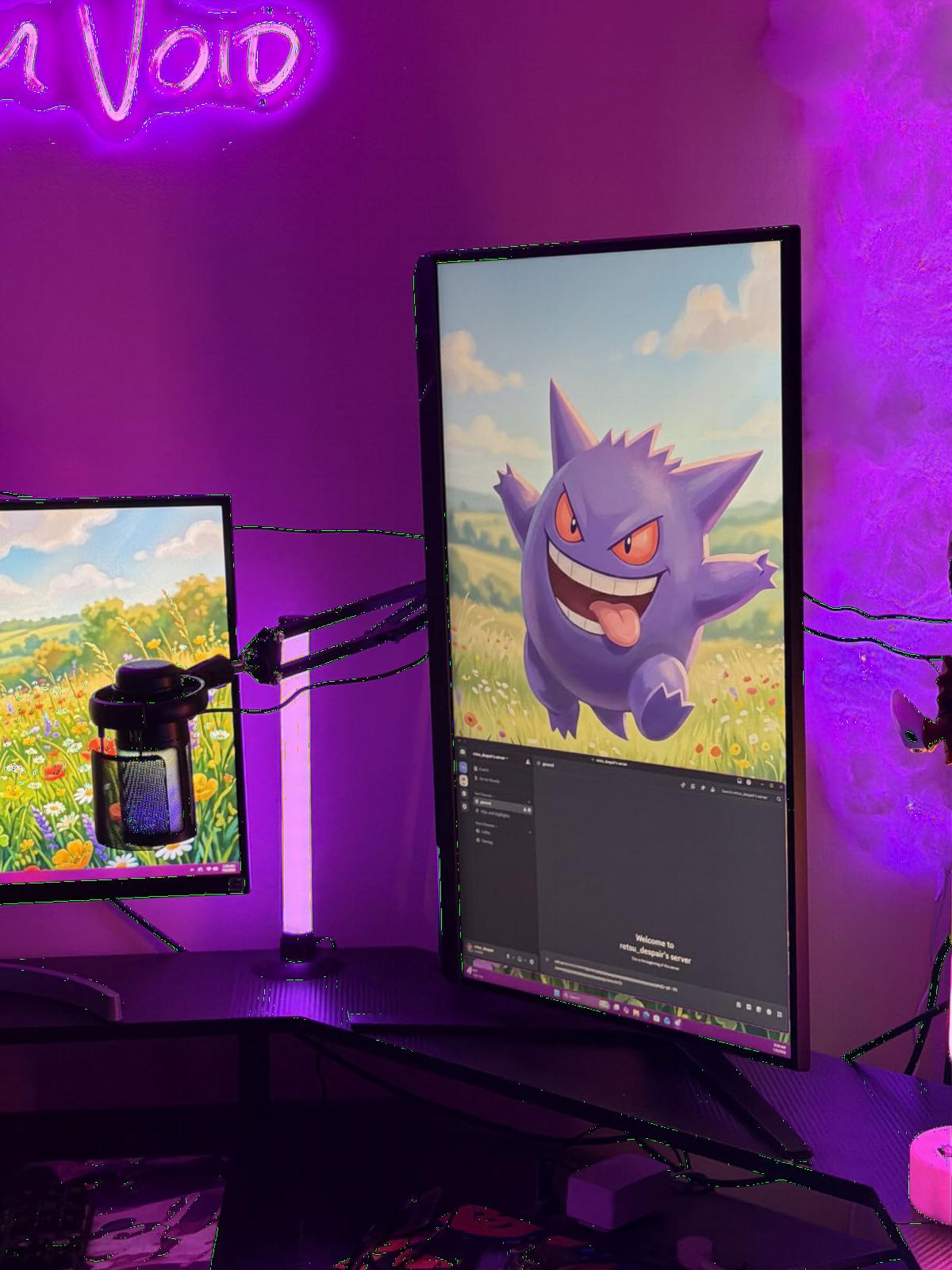
The Odyssey G51F is the budget entry I recommend most often for PS5 owners who mainly play at 1440p 120Hz. Samsung’s VA panel produces rich contrast, and the 1440p resolution keeps frame rates high in performance modes while remaining sharp on a 27 inch screen.
Samsung includes genuine gaming extras at this price. A fully ergonomic stand with height, tilt, and pivot adjustment beats what most budget rivals offer. Black Equalizer brightens dark hiding spots in shooters, and Virtual Aim Point overlays a crosshair even in games that do not offer one.
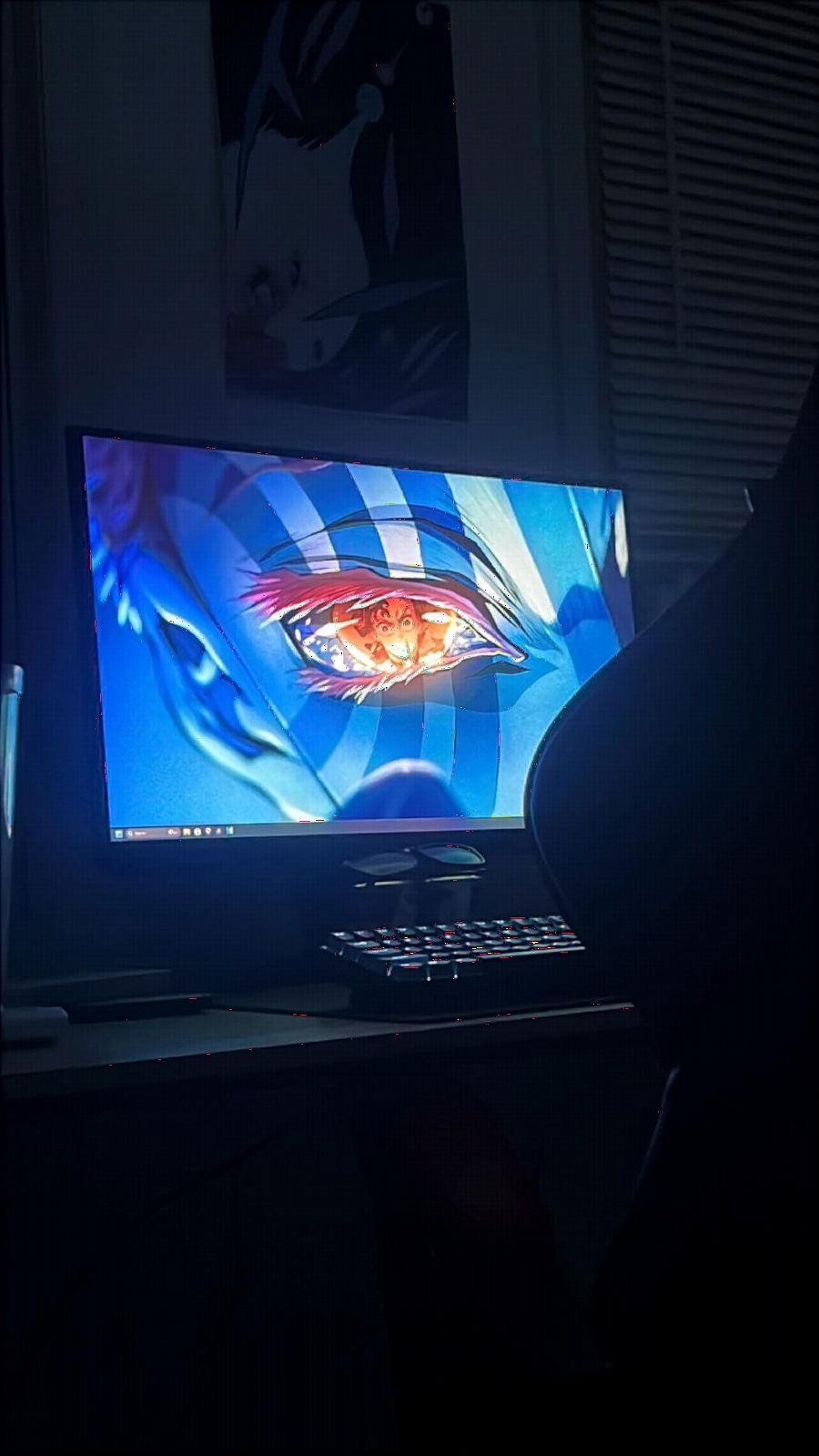
With a 4.5 star average across 208 reviews, early owners rate it highly for picture quality and smooth 180Hz performance. Setup is simple, and the PS5 detects its 1440p 120Hz mode without fuss.
VA smearing is the main technical weakness, with dark transitions leaving brief trails in fast motion. The menu system takes patience to calibrate properly, and the standby LED is bright enough to annoy anyone gaming in a dark bedroom.
Who should buy this monitor
This is for value-focused players who want a trusted brand, a great stand, and smooth high-refresh 1440p gaming without paying 4K prices. It suits mixed libraries of shooters and action games where 120fps performance modes matter more than maximum detail.
Who should skip this monitor
Skip it if you want the full 4K experience, and be cautious if you play dark, fast-paced games where VA smearing would bother you. Pixel purists who hate fiddling with settings will also find the calibration curve annoying.
8. ASUS TUF VG27AQ3A 27 Inch 1440p 180Hz – Best All-Round 1440p
ASUS TUF Gaming VG27AQ3A 27 Inch 1440p 180Hz G-SYNC Gaming Monitor
27 inch QHD Fast IPS
180Hz
1ms
130% sRGB
ELMB Sync
HDR10
Pros
- Excellent 180Hz and 1ms performance
- Fast IPS with 130% sRGB color
- ELMB Sync eliminates ghosting
- FreeSync Premium and G-Sync compatible
- 3-year warranty with ARR
Cons
- Stand lacks height adjustment
- Tinny built-in speakers
- Some packaging complaints
The VG27AQ3A is the most proven monitor on this list, with 1,355 reviews and a 4.5 star average. That track record matters when you cannot test a screen before buying. Its Fast IPS panel combines quick pixel response with accurate, vibrant color covering 130% of sRGB.
In practice, this is the 1440p mirror of the Dell S2725QS: a dependable, do-everything screen. ELMB Sync cleans up motion blur while FreeSync Premium and G-Sync compatibility keep frames smooth, and the PS5 runs happily at 1440p 120Hz over HDMI.
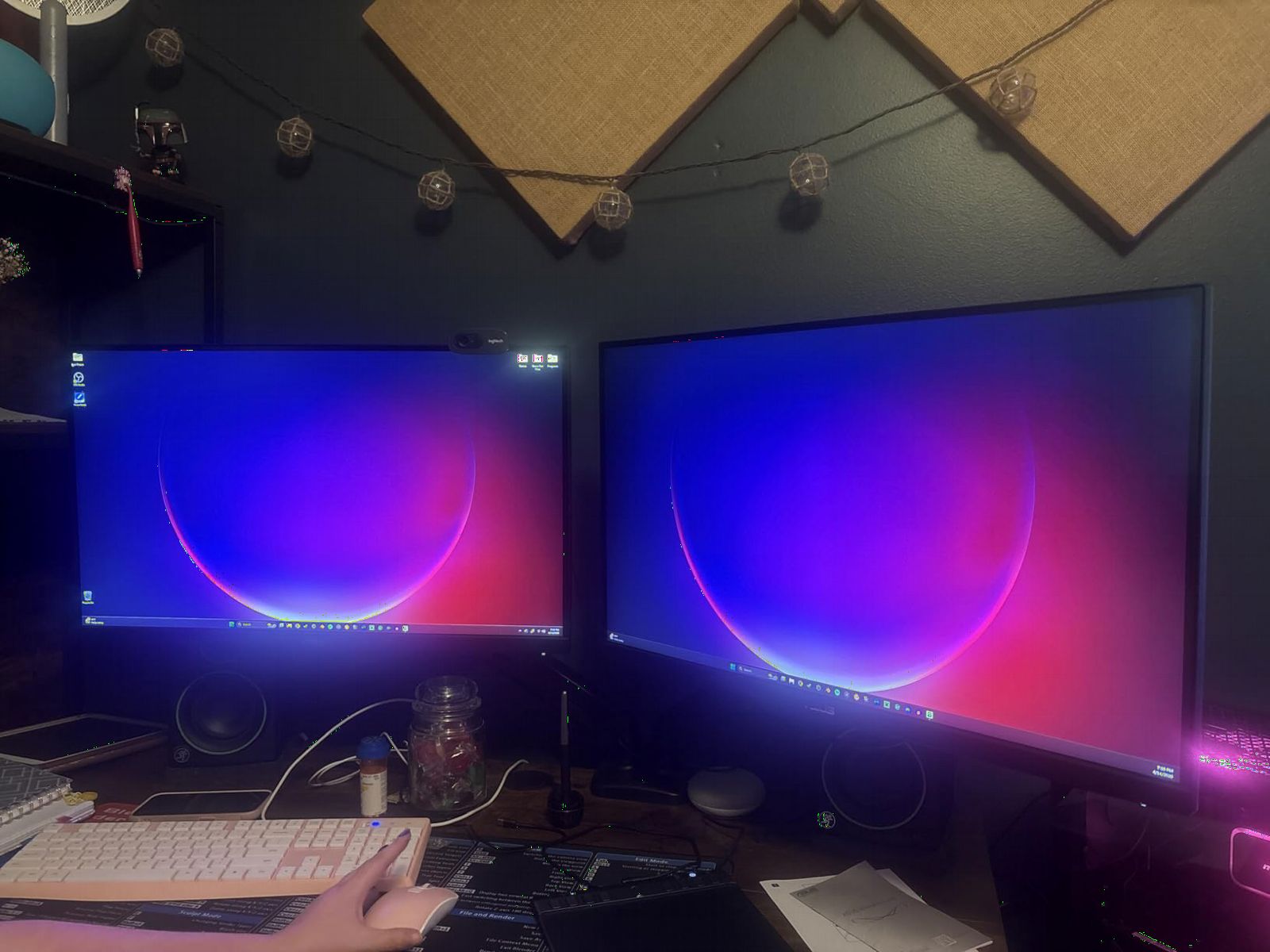
Compared with the Samsung G51F above, you trade deep VA contrast for faster, cleaner IPS motion. That makes it the safer pick for fast games, while movie nights lose a little punch in dark scenes.
The weaknesses are minor but consistent. The stand tilts but does not adjust height, so plan on a monitor arm or a stack of books. The speakers are tinny, and a few buyers reported rough packaging on delivery, though ASUS backs the panel with a three-year warranty including advance replacement.
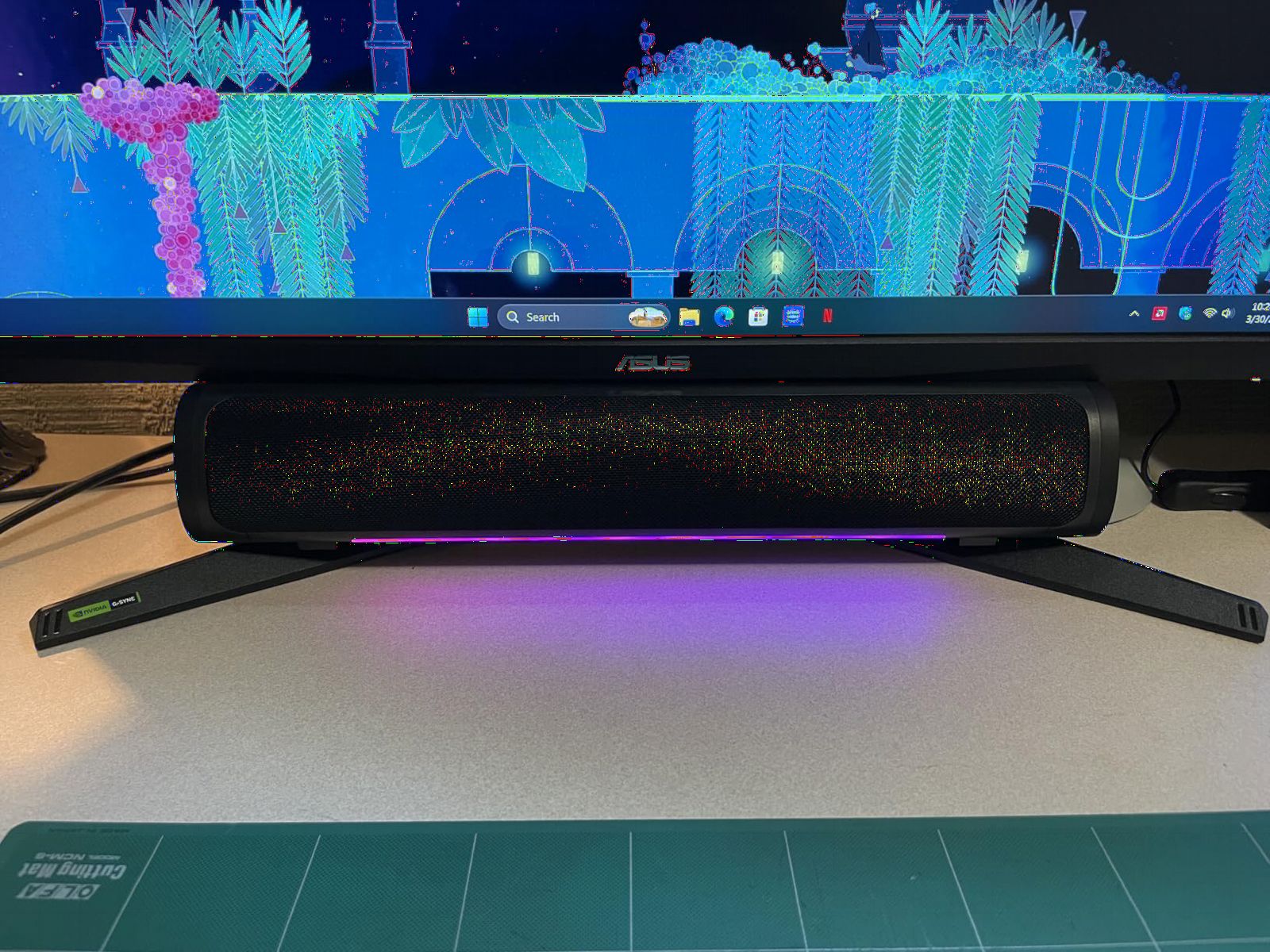
Who should buy this monitor
This is for buyers who want a safe, well-reviewed 1440p monitor that excels at both fast gaming and everyday color work. If you want IPS motion clarity with a long warranty and a huge review sample backing it up, this is your screen.
Who should skip this monitor
Pass if you need 4K sharpness or built-in audio that actually sounds decent. Height-adjustment seekers should also budget for a VESA arm, since the included stand is basic.
What to Look for in a PS5 Gaming Monitor?
The PS5 has specific display requirements, and buying a monitor that misses them wastes the console’s potential. Here is what actually matters, based on both testing and the recurring questions PS5 owners ask on Reddit forums.
HDMI 2.1 is non-negotiable for 4K 120Hz
The PS5 needs HDMI 2.1 bandwidth to output 4K at 120fps. Older HDMI 2.0 monitors max out at 4K 60Hz, which halves your frame rate in every performance mode. Community consensus on r/playstation is firm on this point: if you want 120fps gaming at 4K, HDMI 2.1 is essential. Every monitor in this list has it, but double-check any model you find elsewhere, because some budget screens advertise “120Hz” while only supporting it at 1080p over HDMI 2.0.
4K vs 1440p: match resolution to your games
4K delivers the sharpest image and best suits cinematic single-player games like Spider-Man 2 and Horizon. 1440p is the competitive choice, because dropping resolution lets the PS5 push closer to 120fps in performance modes, and Fast IPS 1440p panels are cheaper and faster. A 27 inch screen is the sweet spot where both resolutions look good; at 32 inches, 4K is worth the premium.
120Hz refresh rate and VRR support
The PS5 caps at 120Hz, so anything above that benefits PC gamers more than console players. What matters more is VRR, or Variable Refresh Rate, which synchronizes the monitor’s refresh with the console’s output to eliminate screen tearing. Owners consistently report VRR as the feature they notice most in fast games. Enable it in the PS5’s Screen and Video settings after confirming your monitor supports it.
Panel types: OLED vs IPS vs VA
OLED offers perfect contrast and instant response but costs more and requires burn-in awareness for static HUDs. IPS delivers the best balance of speed, color, and viewing angles, with mild glow in dark scenes as the trade-off. VA produces the deepest contrast of the LCD options, which is great for movies, but dark transitions can smear in fast motion. Competitive players lean IPS or OLED; movie watchers lean VA or OLED.
Screen size for desk gaming
For a desk, 27 inches is the sweet spot for both 4K and 1440p, sitting close enough that pixel density looks sharp without requiring head movement. 24.5 inches suits competitive players who want everything in central vision. 32 inches works if you sit a bit farther back or want maximum immersion, ideally curved.
HDR, input lag, and the extras
Real HDR needs high peak brightness, which is why entry-level HDR400 labels underwhelm; set expectations accordingly on budget screens. Low input lag matters for responsive controls, and gaming-focused monitors like the TUF and Odyssey lines keep it minimal. Also worth checking: built-in speakers, stand ergonomics, and HDMI port count, since consoles, soundbars, and PCs compete for inputs.
Frequently Asked Questions
What type of gaming monitor is best for PS5?
The best PS5 monitor has HDMI 2.1, 4K resolution, 120Hz refresh rate, and VRR support. An IPS or OLED panel around 27 inches is the sweet spot, with OLED like the Samsung Odyssey G5 offering the best contrast and Fast IPS options like the KTC U27T6 offering the best value.
Is 4K or 1440p better for PS5?
4K is better for cinematic single-player games where visual detail matters most. 1440p is better for competitive gaming because the PS5 reaches higher frame rates at lower resolution, and 1440p monitors are cheaper and faster. Both are natively supported by the console.
Is 240Hz overkill for PS5?
Yes and no. The PS5 maxes out at 120Hz, so the console never uses the extra refresh rate directly. However, 240Hz monitors use fast IPS panels with quicker pixel response, which makes 120fps motion look cleaner, and they future-proof you for a gaming PC.
Does the PS5 need an HDMI 2.1 monitor?
HDMI 2.1 is required for 4K at 120Hz on PS5. Without it, you are limited to 4K at 60Hz or lower resolutions at 120Hz. If you only play at 60fps, HDMI 2.0 works, but you lose the console’s high frame rate modes.
Is a monitor better than a TV for PS5?
A monitor is better for competitive gaming because it sits closer, offers lower input lag, and costs less for high refresh rates. A TV is better for cinematic single-player gaming and couch gaming, especially large OLED models. Desk players should choose a monitor; living room players should choose a TV.
Final Verdict
After testing all eight screens with my PS5, the KTC U27T6 stands as the best gaming monitor for PS5 owners in 2026: it delivers 4K, 120Hz-plus refresh, HDMI 2.1, VRR, and a fully adjustable stand at a mid-range price. Competitive players should grab the INNOCN 240Hz, cinematic gamers will love the Samsung Odyssey OLED G5, and the Dell S2725QS is the smart do-everything 4K pick.
Whatever you choose, confirm HDMI 2.1 and VRR before checkout, then enable 120Hz and VRR in your PS5’s Screen and Video settings. That two-minute settings check is what actually unlocks everything these monitors can do.