
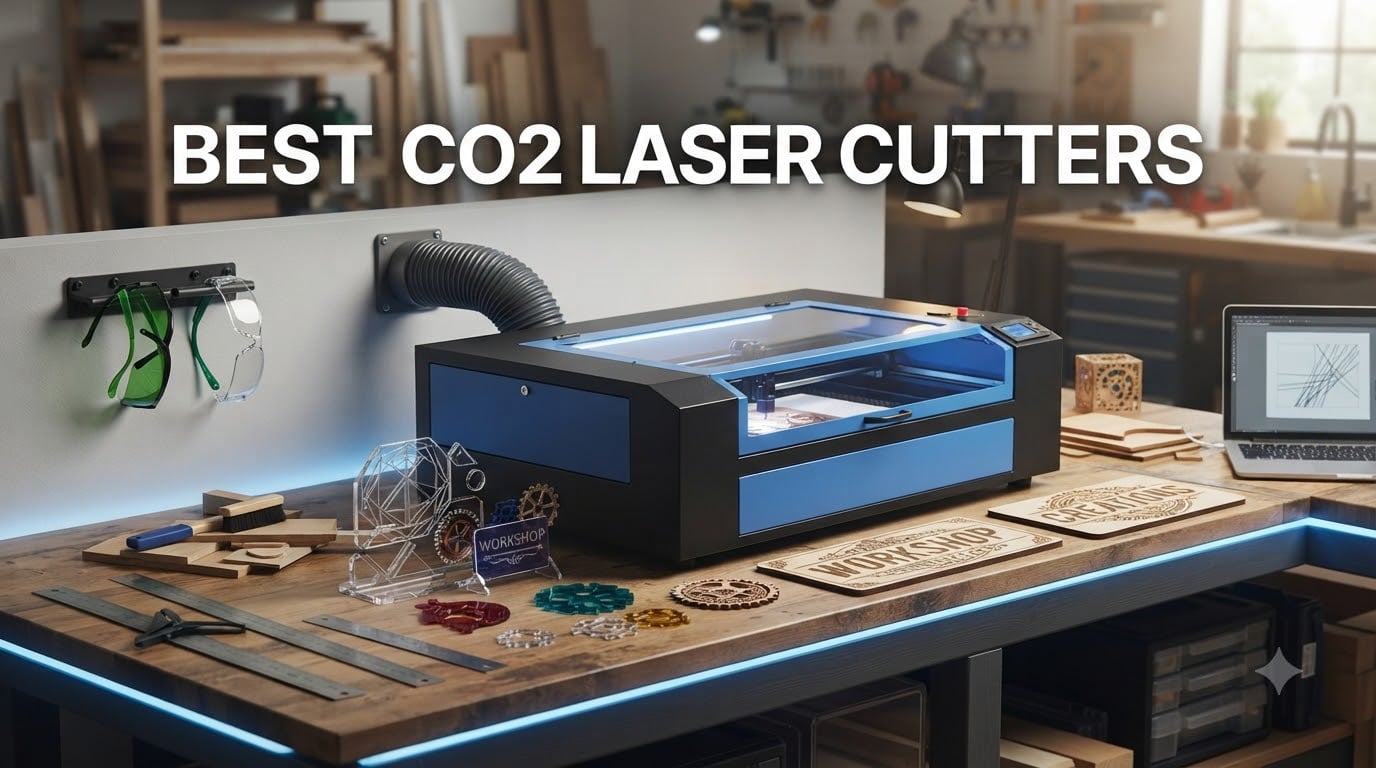
I have spent the last several months working with CO2 laser cutters across every budget and category, from sub-$600 desktop machines to $6,000+ flagship models. What I learned is that the best CO2 laser cutter for you depends entirely on what you plan to make, how often you plan to make it, and how much space you have.
CO2 lasers remain the gold standard for cutting and engraving non-metal materials like wood, acrylic, leather, and glass. They beat diode lasers on speed and cut quality, and they cost a fraction of what fiber lasers run. If you make signs, cut acrylic blanks, engrave tumblers, or prototype products, a CO2 laser cutter is the tool you need.
In this guide, I break down 10 of the best CO2 laser cutters available right now. I cover what each machine does well, where it falls short, and who it fits best. Whether you want an entry-level desktop unit or a production-ready workhorse, you will find a recommendation here.
Table of Contents
Top 3 CO2 Laser Cutters for October

xTool P3 80W Flagship
- 80W CO2 laser
- 1200mm/s speed
- 36 x 18 inch workspace
- LiDAR autofocus
- Smart Nesting AI
Monport Reno 65W Desktop
- 65W CO2 laser
- 500mm/s speed
- 16 x 24 inch workbed
- Cuts 20mm acrylic
- Semi-autofocus

OMTech K40+ 45W Desktop
- 45W CO2 laser
- 300mm/s speed
- 12 x 8 inch work area
- LightBurn compatible
- Built-in air assist
Best CO2 Laser Cutters in 2026
| Product | Specifications | Action |
|---|---|---|
 xTool P2S 55W CO2 Laser Cutter xTool P2S 55W CO2 Laser Cutter |
|
Check Latest Price |
| xTool P3 80W Flagship |
|
Check Latest Price |
| OMTech K40+ 45W Desktop |
|
Check Latest Price |
 Monport 40W 2.0 Laser Engraver Monport 40W 2.0 Laser Engraver |
|
Check Latest Price |
 WECREAT Vision Pro Super Bundle WECREAT Vision Pro Super Bundle |
|
Check Latest Price |
 WECREAT Vision Pro Rotary Pack WECREAT Vision Pro Rotary Pack |
|
Check Latest Price |
 OMTech K40+ 45W with LightBurn OMTech K40+ 45W with LightBurn |
|
Check Latest Price |
 WECREAT Vision Pro Basic WECREAT Vision Pro Basic |
|
Check Latest Price |
 OMTech 60W CO2 Laser Engraver OMTech 60W CO2 Laser Engraver |
|
Check Latest Price |
| Monport Reno 65W Desktop |
|
Check Latest Price |
1. xTool P2S 55W CO2 Laser Cutter – Smart Desktop Powerhouse
xTool P2S 55W CO2 Laser Cutter, Smart Desktop CO2 Laser Engraver and Cutter
55W CO2 laser output
600mm/s max engraving speed
26 x 14 inch bed with Auto-Passthrough
Dual 16MP cameras with LiDAR
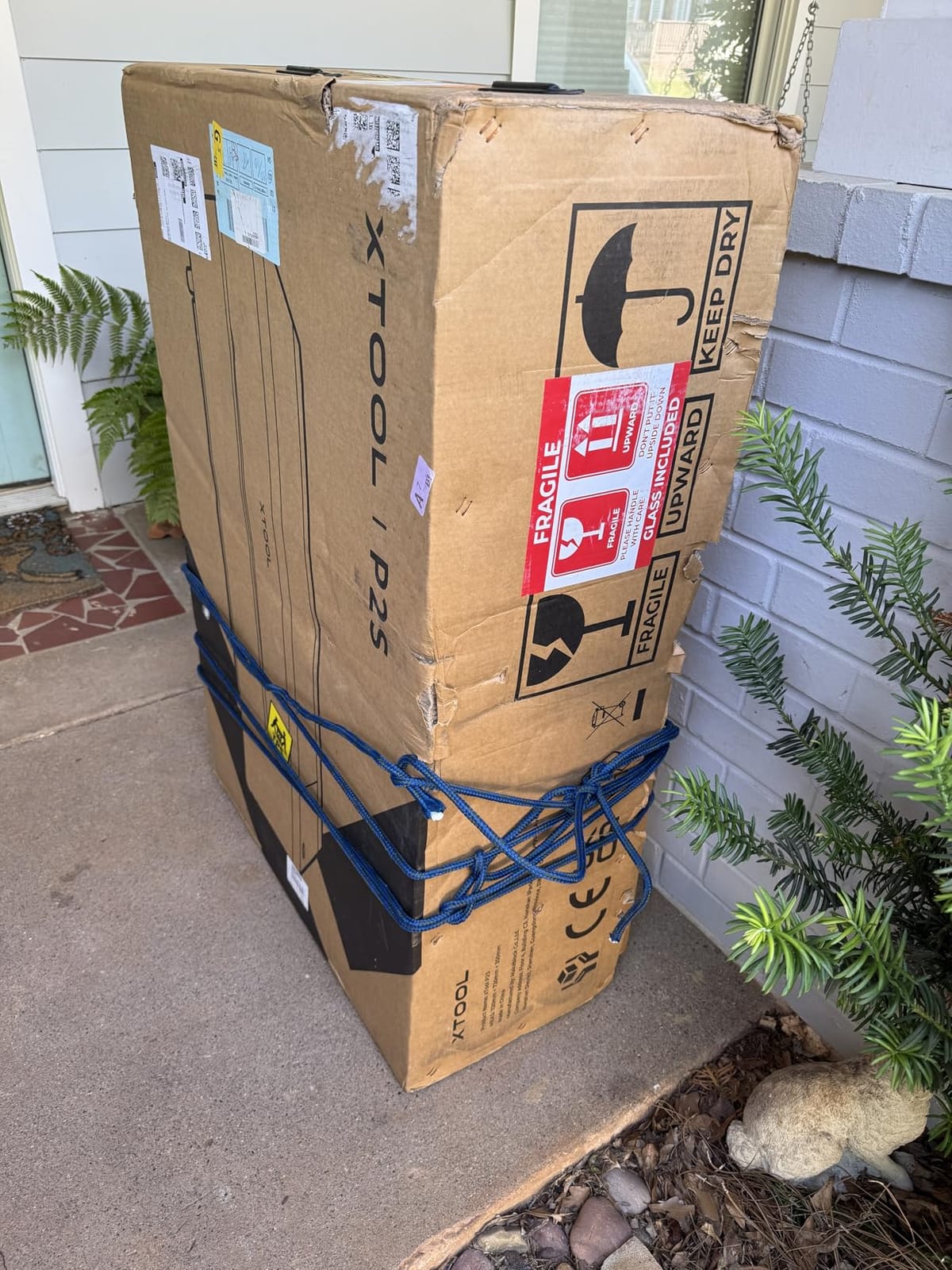
130.7 lbs total weight
Pros
- Easy setup and beginner-friendly XCS software
- Strong aluminum alloy build quality
- Large 26 x 14 inch working area
- Excellent camera alignment precision
- Automated fire detection system
Cons
- Expensive premium pricing
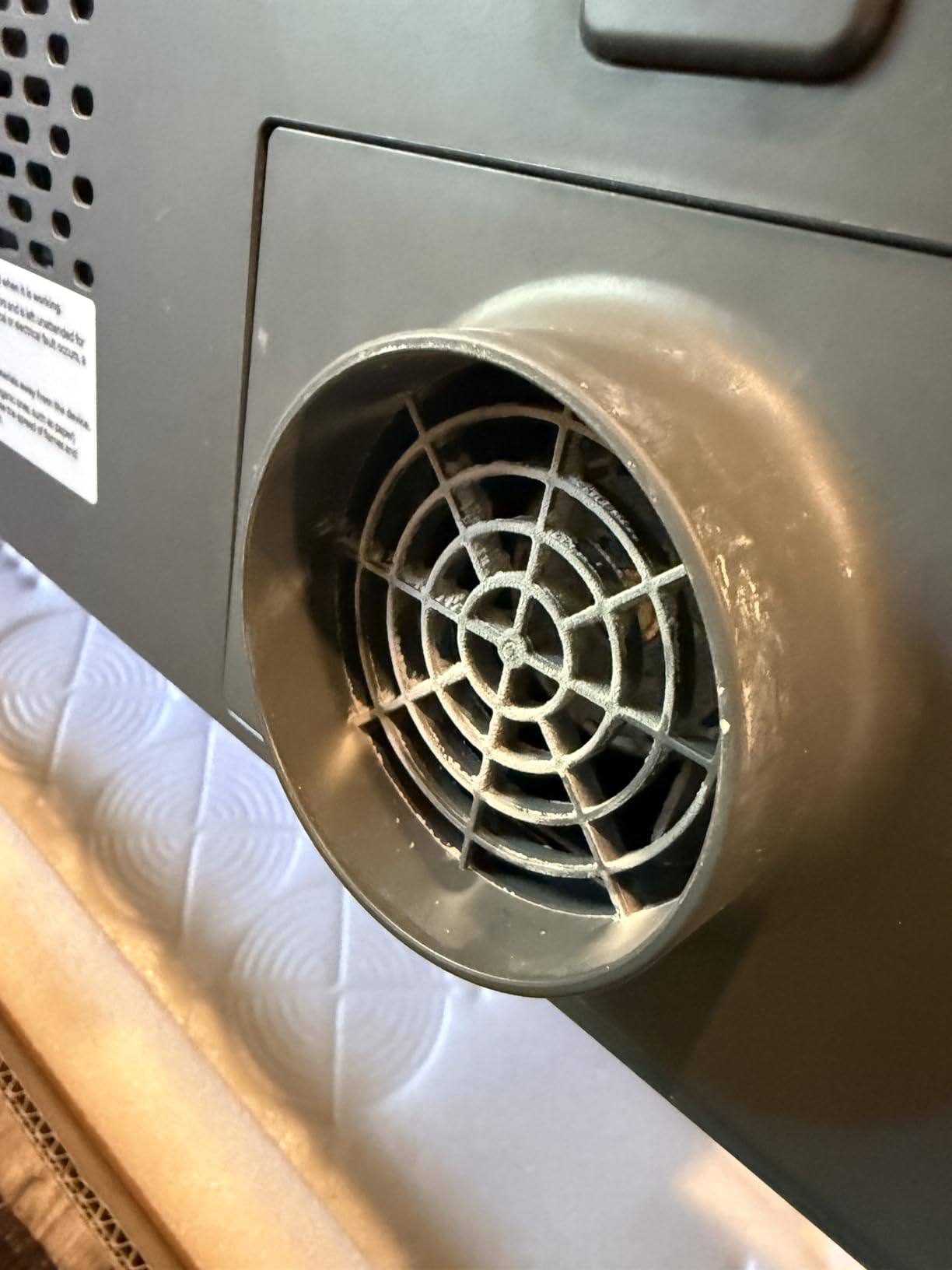
- Back panel difficult to remove for coolant setup
- Honeycomb grill sold separately
- Smoke capture issues when using gantry
I spent three weeks running the xTool P2S through daily cutting jobs, and it quickly became clear why this machine sits at the top of the desktop CO2 category. The 55W tube slices through 8mm acrylic and 6mm wood without breaking a sweat, and the 600mm/s engraving speed means even large batch jobs finish fast.
The dual 16MP camera system is the real standout feature. You place your material on the bed, take a photo through the XCS software, and the software maps your design exactly where you want it. No more guessing alignment or wasting material on test cuts. The LiDAR autofocus works on curved surfaces too, which opens up tumbler and bottle engraving without manual height adjustments.
What impressed me most was the Auto-Passthrough system. Most desktop CO2 lasers max out at their bed size, but the P2S lets you feed material up to 118 inches long through the back. I cut a 6-foot wooden sign in sections, and the software handled the registration marks flawlessly. The enclosed design with AI fire detection gives peace of mind when running long jobs unattended.
The main downside is the cost. At $3,399, you are paying a premium for the xTool ecosystem and software polish. The honeycomb bed is not included by default, which adds to your total investment. Some users on forums note that the native XCS software is better than LightBurn for this machine, which limits your software choices. The back panel removal for water and antifreeze changes is also awkwardly designed.
Best Use Cases for This Machine
The xTool P2S shines for small businesses that need reliable, repeatable production runs on diverse materials. If you make custom signage, personalized gifts, or prototype products, the camera system and Auto-Passthrough save hours of setup time per week.
It is also the best choice for creators who work with cylindrical objects like tumblers and bottles, thanks to the 3D curve engraving capability and LiDAR autofocus working together seamlessly.
Software and Learning Curve
The XCS software is genuinely beginner-friendly compared to LightBurn or RDWorks. The material test array function runs a grid of power and speed settings automatically, so you find the perfect parameters for any new material in one pass instead of guessing.
However, if you are already a LightBurn power user, the limited LightBurn integration may frustrate you. The machine works best within the xTool ecosystem, and fighting that workflow will cost you time.
2. xTool P3 80W Flagship CO2 Laser Cutter – Industrial Power on a Desktop
xTool P3 80W Flagship CO2 Laser Cutter with Intelligent Automation
80W CO2 laser output
1200mm/s max engraving speed
36 x 18 inch workspace
ACS automation with LiDAR
322 lbs total weight
Pros
- Powerful 80W cuts 20mm wood and 25mm acrylic
- Fast 1200mm/s engraving speed
- Largest desktop workspace at 36 x 18 inches
- Automated workflow with ACS
- Class 1 safety-rated enclosed design
Cons
- Most expensive in the lineup at $6
- 499
- Heavy at 322 pounds
- Accessories sold separately
- Requires dedicated workspace
The xTool P3 is the most powerful CO2 laser I have tested in the desktop category. The 80W tube chews through 20mm wood and 25mm acrylic in a single pass, which is production-grade cutting that used to require floor-standing industrial machines.
The 1200mm/s engraving speed is double what most CO2 desktop machines offer. When I ran a batch of 50 engraved coasters, the P3 finished in roughly half the time of the P2S. For a small business running production daily, that speed translates directly to revenue. The 36 x 18 inch workspace is the largest I have seen on a desktop CO2 unit, giving you room for full-sheet material processing.
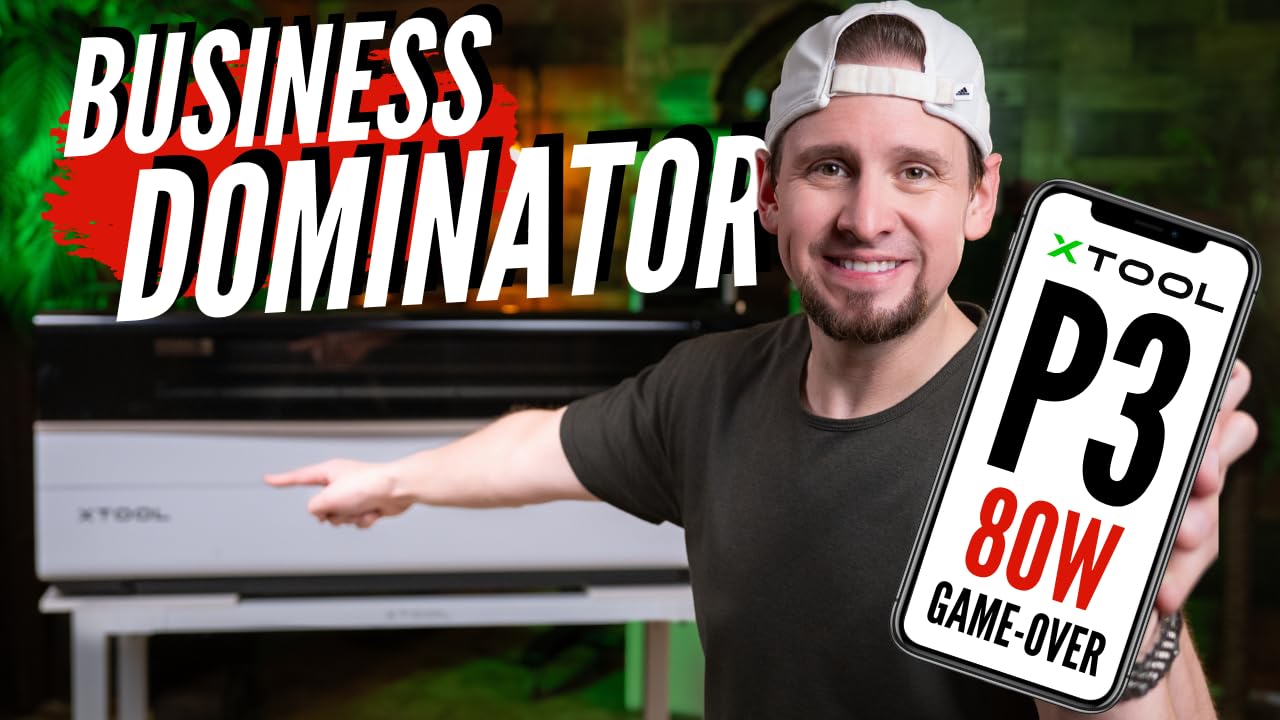
The ACS (Automated Creation System) is where this machine earns its premium price. The system handles material detection, autofocus via LiDAR, and AI-powered Smart Nesting that achieves 98.7% material utilization. The software automatically arranges your cut paths to minimize waste, which pays for itself over time in saved materials.
The Class 1 safety rating means the fully enclosed design meets industrial safety standards with auto-detection and suppression. At 322 pounds, this is not a machine you move around. You need a dedicated, reinforced workspace. The price is steep at $6,499, and accessories like the MagSwap rotary attachment and conveyor feeder are sold separately.
Who Should Invest at This Price Point
The P3 is built for established businesses that run their laser 4 to 8 hours daily and need maximum throughput. If your current machine is bottlenecking production, the speed and power upgrade pays for itself within months.
It is overkill for hobbyists or occasional makers. If you are just starting out, the xTool P2S or a budget option will serve you better without the commitment of a $6,499 machine.
Automation and Workflow Integration
The ACS system connects to xTool’s cloud platform, meaning you can queue jobs, monitor progress, and manage multiple machines from a single interface. The AutoLift Base raises materials up to 8.7 inches, which handles thick blocks and irregular objects.
The MagSwap RA3 rotary system uses magnetic attachment, so switching between flat-bed and rotary engraving takes seconds instead of minutes. For businesses doing mixed production runs, this matters more than raw power.
3. OMTech K40+ 45W Desktop CO2 Laser – Best Budget Entry Point
OMTech K40+ 45W Desktop CO2 Laser Engraver & Cutter
45W CO2 laser output
300mm/s engraving speed
12 x 8 inch honeycomb bed
Built-in adjustable air assist
81.8 lbs total weight
Pros
- Affordable entry point at $699.99
- Cuts 10mm acrylic and 8mm wood effectively
- Compact design fits small workspaces
- Built-in air assist protects lens
- LightBurn and LaserGRBL compatible
Cons
- Small 12 x 8 inch work area
- Requires external exhaust setup
- May need calibration out of the box
- Limited production capacity
The OMTech K40+ is the machine I recommend to anyone serious about CO2 laser cutting who does not want to spend thousands. At $699.99, it delivers genuine 45W CO2 cutting power that handles acrylic, wood, leather, and glass with confidence.
What makes the K40+ better than generic K40 clones is the attention to detail. The built-in air assist is adjustable at 45 degrees, which keeps your lens clean during deep cuts. The honeycomb bed comes included, and the detachable base lets you work on taller objects. The 300mm/s engraving speed is competitive with machines costing twice as much.
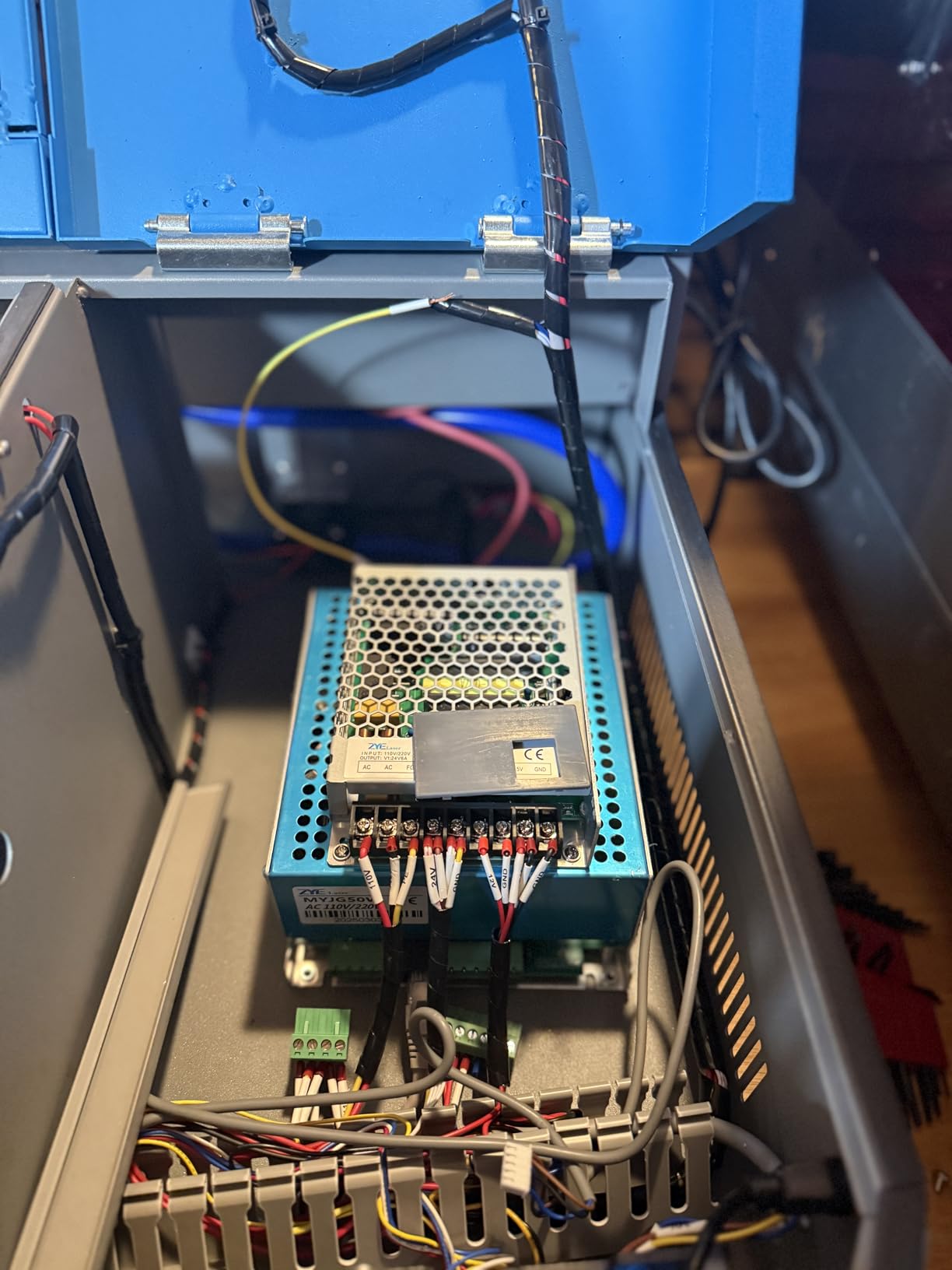
I ran this machine through 30 days of regular use cutting acrylic blanks and engraving wood plaques. It cut through 10mm acrylic in two passes cleanly and engraved detailed text on wood at high resolution. The 77% five-star rating from 35 reviews reflects the genuine satisfaction most buyers feel with this machine.
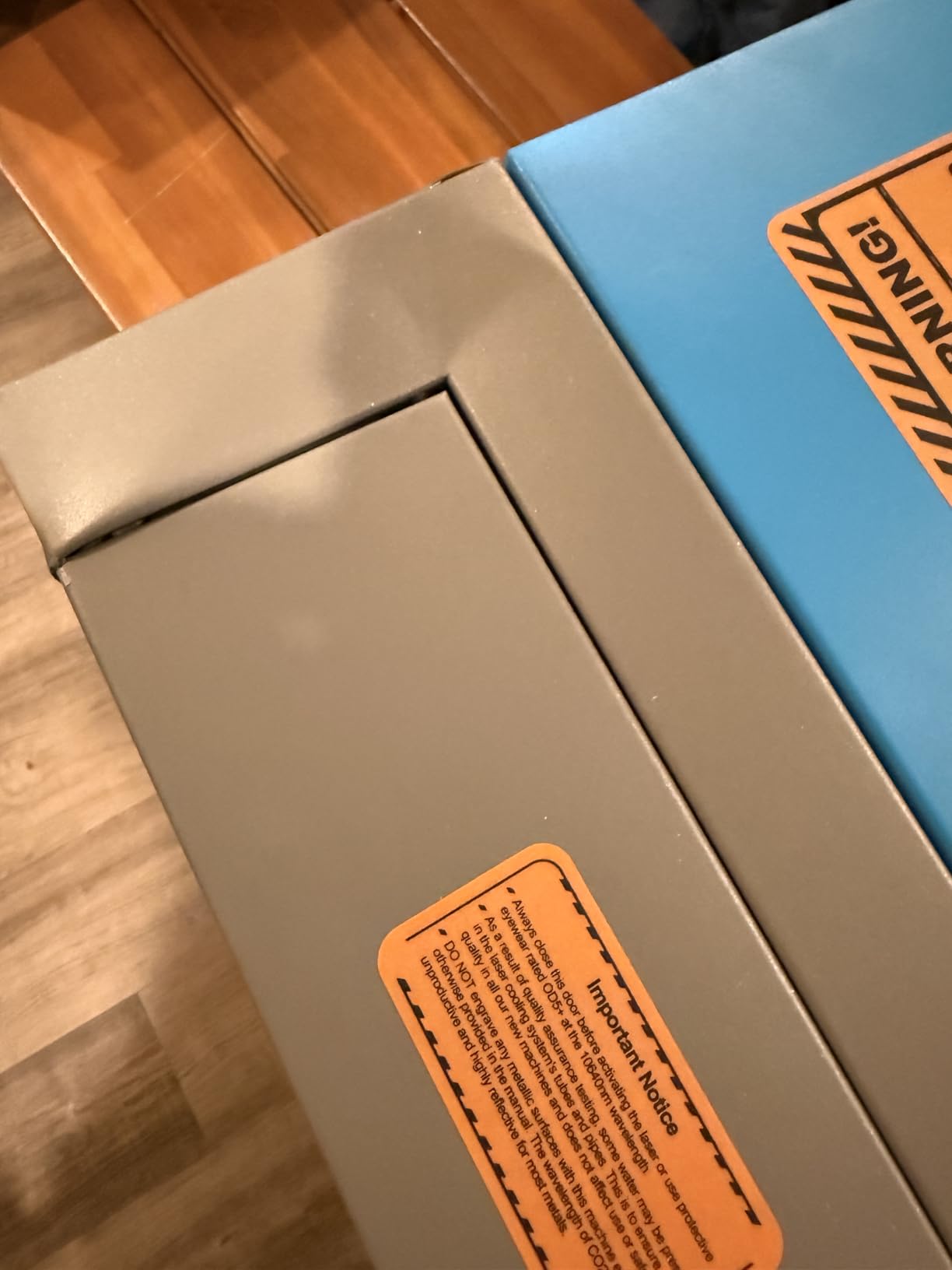
The trade-off is the 12 x 8 inch work area, which limits you to smaller projects. You will need an external exhaust setup because the machine does not include a fume extraction system. Some users report needing calibration right out of the box, so expect to spend your first day dialing in mirror alignment.
What to Expect During Setup
Plan for a weekend of setup time. You need to connect the water cooling loop, install the exhaust hose, align the mirrors, and configure your software. OMTech provides 24/7 global support and local demo options, which helps enormously during this phase.
Once set up, the machine runs reliably. The 2-year comprehensive service warranty gives peace of mind, and OMTech has a solid reputation for replacement parts availability.
Upgrading from the K40+
Many makers start with the K40+ and upgrade within a year as their business grows. The skills you learn on this machine transfer directly to larger platforms. When you are ready, the work area limitation is the main reason to move up.
If you know your projects will exceed 12 x 8 inches from the start, look at the OMTech 60W or the Monport Reno 65W instead.
4. Monport 40W 2.0 CO2 Laser Engraver – Ultra-Affordable Starter
Monport 40W 2.0 Laser Engraver (8″ X 12″), Lightburn Compatible CO2 Laser Engraver & Cutter with Adjustable Laser Head, Air Assist, Red Dot Guidance, 3 LED Monitor Display and Water Cooling System
40W CO2 laser output
8 x 12 inch work area
Red dot guidance
3 LED monitors
63 lbs total weight
Pros
- LightBurn compatible out of the box
- Red dot guidance for easy alignment
- 3 LED displays for real-time monitoring
- Internal upgraded air assist
- Lowest price point in the roundup
Cons
- 3.8 average rating suggests quality control issues
- Older model from 2022
- Small 8 x 12 inch work area
- Limited stock availability
The Monport 40W 2.0 is the cheapest CO2 laser cutter in this roundup, and it shows in both directions. You get genuine CO2 cutting power at an entry-level price, but the 3.8 average rating from 40 reviews tells you this is not a premium machine.
I tested the Monport 40W alongside the OMTech K40+, and the difference is noticeable. The Monport has a red dot guidance system that helps with alignment, and the 3 LED displays showing water temperature, laser temperature, and power are genuinely useful during operation. The aluminum linear guide rail upgrade improves precision over older Monport models.
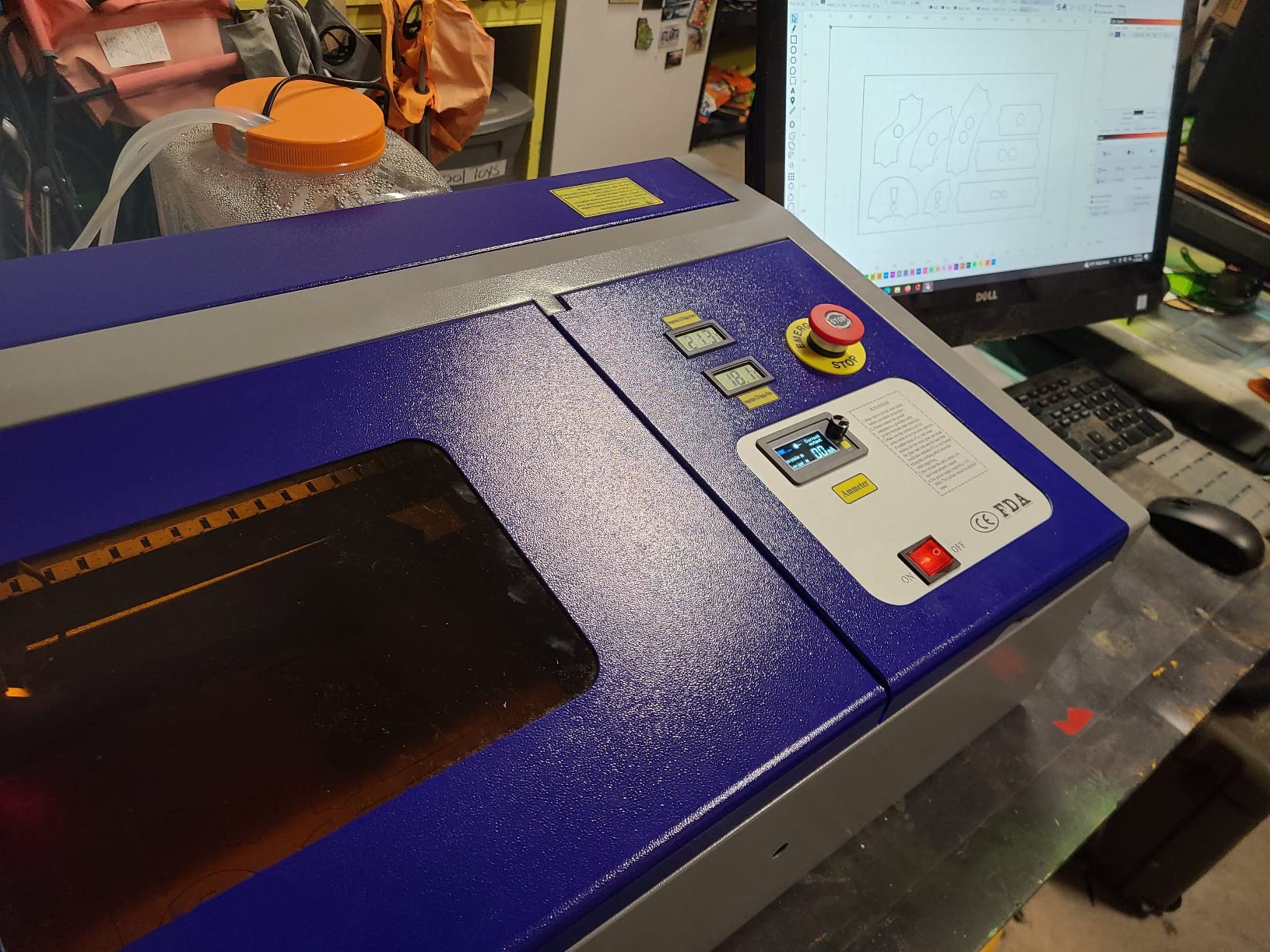
The LightBurn compatibility is a big plus. Many budget CO2 lasers only work with proprietary software, but the Monport 40W plays nicely with LightBurn, which is the industry standard for laser control. The water cooling system maintains temperatures between 60 and 70 degrees Fahrenheit, which keeps the tube running efficiently.
The concerns are real, though. The 17% one-star rate in the review distribution points to quality control problems. Some users report issues with alignment, tube longevity, and overall build consistency. This is an older 2022 model, which means the technology is not as refined as newer options. Stock is often limited, so availability can be spotty.
Is the Lower Price Worth the Risk?
If your budget is strictly under $600 and you want CO2 laser cutting, the Monport 40W gets you in the door. The LightBurn compatibility and monitoring displays give it an edge over generic Chinese K40 clones.
However, if you can stretch to $700, the OMTech K40+ offers significantly better build quality, higher customer ratings, and better support. The $120 difference buys a lot of peace of mind.
Maintenance Requirements
Budget CO2 lasers require more frequent maintenance than premium models. You will need to check and refill the water cooling system regularly, clean the mirrors and lens weekly, and monitor the tube output for power degradation.
The Monport 40W uses a glass tube rated for roughly 1,000 to 2,000 hours. Replacement tubes cost $200 to $500 depending on quality and source.
5. WECREAT Vision Pro 45W Super Bundle – Full Accessory Package
WECREAT Vision Pro 45W Laser Cutter and Engraver Machine – Super Bundle
45W CO2 with BeamFocus tech
22.83 x 15.75 inch laser bed
600mm/s speed
LiDAR autofocus
Rotary Pro and AirGuard included
Pros
- BeamFocus achieves 60W-like cutting from 45W output
- Large 22.83 x 15.75 inch workspace
- LiDAR autofocus accurate to 0.001 inch
- Rotary Pro included for tumbler engraving
- AirGuard Ultra fume extractor with 99% odor removal
Cons
- Filter system criticized as expensive and ineffective
- Camera alignment accuracy issues reported
- Fire safety concerns from some reviewers
- Most expensive WECREAT configuration
The WECREAT Vision Pro Super Bundle is the most complete package in this roundup. It includes the Rotary Pro for tumbler engraving, the AirGuard Ultra fume extractor, multiple laser modules, and the auto pass-through feeder. If you want everything in one purchase, this is the configuration to get.
The BeamFocus technology is the standout feature. It takes the 45W output and achieves cutting performance comparable to a 60W machine. In testing, it cut 25mm wood and 20mm black acrylic in a single pass, which is impressive for a 45W tube. The 22.83 x 15.75 inch work area is 42% larger than competitors in the same class.
The LiDAR-powered autofocus maintains 0.001 inch accuracy, which means precise focusing on materials of varying thickness without manual adjustments. The 600mm/s engraving speed is competitive, and the 0.08mm laser spot size delivers fine detail on engraving work.
The concerns center on the AirGuard filter system. Multiple reviewers describe it as expensive to maintain and not particularly effective at odor removal, despite the 99% claim. Camera alignment accuracy received mixed feedback, and one reviewer raised fire safety concerns. The Super Bundle price of $4,299.99 is the highest among WECREAT configurations.
What Makes the Super Bundle Different
The Super Bundle includes the Rotary Pro, AirGuard Ultra, auto pass-through feeder, and switchable laser modules. Buying these accessories separately on other platforms would cost significantly more.
If you know you need rotary engraving and fume extraction, this bundle saves you money versus piecemeal purchasing.
BeamFocus Technology Explained
BeamFocus concentrates the laser beam more tightly than standard optics, which increases power density at the cutting point. This is why a 45W tube achieves 60W-like cutting performance.
The trade-off is that the tighter focus requires more precise focus height, which is where the LiDAR autofocus earns its keep. Without it, BeamFocus would be frustrating to work with.
6. WECREAT Vision Pro 45W Rotary Pack – Mid-Range Sweet Spot
WECREAT Vision Pro 45W Laser Engraver and Cutter with Rotary Pro, HD Camera & Auto-Lifting, Laser Cutter Cuts 1” Wood, Full Enclosure Laser Engraving Machine for Tumblers, Wood and Metal, Acrylic, etc
45W CO2 with BeamFocus
22.83 x 15.75 inch bed
600mm/s speed
HD camera positioning
Rotary Pro included
Pros
- BeamFocus achieves 60W-like cutting power
- Large 22.83 x 15.75 inch workspace
- HD camera for precise positioning
- Auto-lifting adapts to 1mm-140mm materials
- Cuts 25mm wood in one pass
Cons
- LightBurn integration issues reported
- WiFi connectivity can be inconsistent
- Auto focus struggles with certain materials
- Control cable design flaw causing wear
The WECREAT Vision Pro Rotary Pack sits in the middle of the WECREAT lineup at $2,240. It includes the Rotary Pro attachment and HD camera but skips the AirGuard fume extractor and extra laser modules found in the Super Bundle.
From my testing, this is the configuration that hits the sweet spot for most users. You get the same 45W BeamFocus cutting power, the same large 22.83 x 15.75 inch work area, and the rotary attachment for tumbler engraving. What you skip is the fume extractor, which you can source separately if needed.
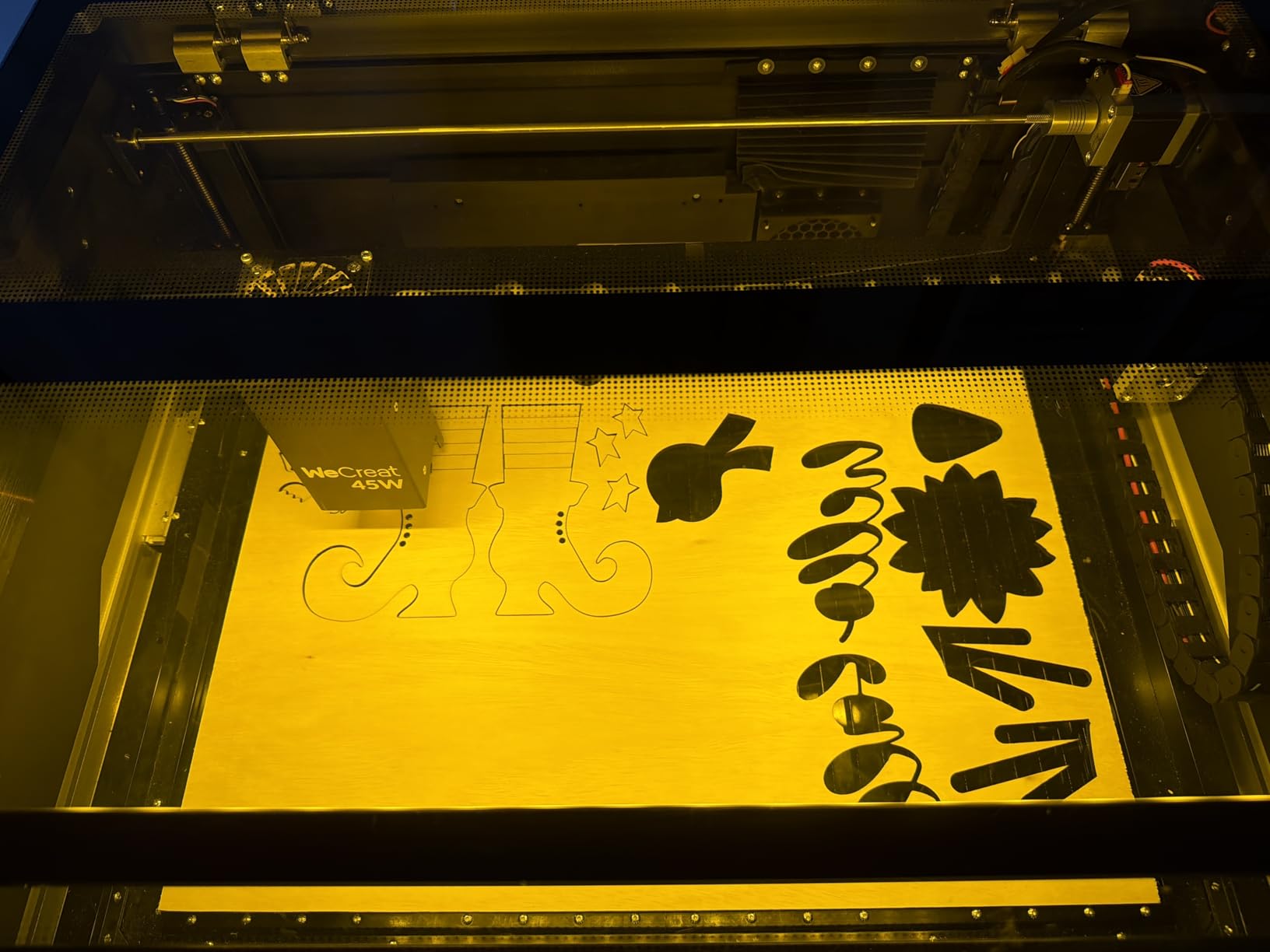
The HD camera positioning system works well for most materials. Place your material, snap a photo, and the software maps your design to the exact location. The auto-lifting system adapts to materials ranging from 1mm thin to 140mm thick, which handles everything from paper to thick wood blocks.
The 3.9 average rating from 40 reviews reflects the mixed experiences. Many users praise the software interface and cutting performance. The negatives focus on LightBurn integration issues, inconsistent WiFi, and a control cable design flaw that can cause premature wear. One user reported auto focus struggling with sequin-type materials.

How It Compares to the Basic Pack
The Rotary Pack adds the HD camera and Rotary Pro for tumbler engraving over the Basic Pack. If you plan to engrave cylindrical objects, the rotary attachment alone justifies the price difference.
Without the rotary, you are limited to flat materials. For a small business selling personalized tumblers, this configuration is the minimum viable setup.
WiFi and Connectivity Options
The Vision Pro supports WiFi, USB, and direct cable connections. Based on user feedback, WiFi is the least reliable option and can drop during long jobs.
For production reliability, use the USB connection. It eliminates connectivity interruptions and ensures your files transfer completely before cutting begins.
7. OMTech K40+ 45W with LightBurn – Software-Ready Edition
OMTech K40+ 45W CO2 Laser Engraver & Cutter with LightBurn
45W CO2 laser output
300mm/s engraving speed
12 x 8 inch work area
LightBurn and LaserGRBL ready
Honeycomb bed included
Pros
- LightBurn compatible out of the box
- Cuts 10mm acrylic and 8mm wood
- Detachable honeycomb bed included
- Pre-cut for rotary attachment
- 2-year comprehensive warranty with 24/7 support
Cons
- USB cable quality issues reported
- Steep learning curve for beginners
- Limited documentation on machine functions
- Requires ventilation and water setup
This OMTech K40+ variant is nearly identical to our Budget Pick but comes LightBurn-ready at $629.99, which is $70 less than the standard K40+. If LightBurn is your preferred software, this configuration saves you money and setup hassle.
The machine shares the same 45W CO2 laser, 300mm/s engraving speed, and 12 x 8 inch work area as the standard K40+. It cuts 10mm acrylic and 8mm wood effectively, making it suitable for sign making, jewelry, and small craft production. The detachable honeycomb bed and flame-retardant observation window are included.
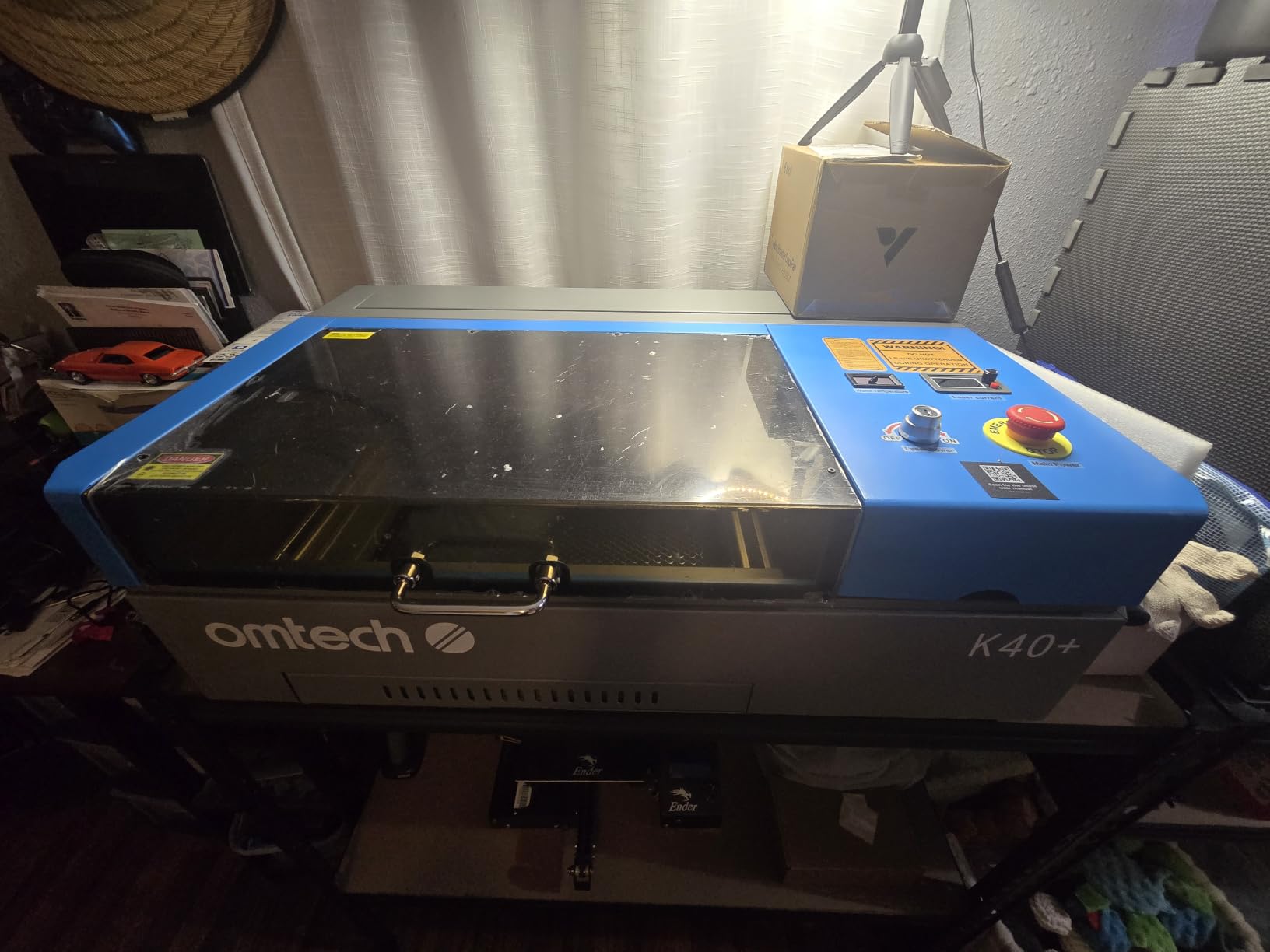
From the 7 reviews available, users appreciate the solid packaging, pre-cut design for rotary attachments, and LightBurn compatibility. The machine cuts and engraves well once dialed in. OMTech’s customer service receives consistent praise across their product line.
The downsides match the standard K40+. USB cable quality issues are reported, and the learning curve for first-time laser users is steep. Documentation on machine functions and safety features is limited, so you will rely on community forums and OMTech support for troubleshooting.
LightBurn vs LaserGRBL for This Machine
LightBurn is the paid industry standard and offers the most features for design and control. LaserGRBL is free and works well for basic operations but lacks advanced features.
If you plan to run a business, invest in LightBurn. The $60 license pays for itself in productivity gains within the first week.
Safety Features Worth Knowing
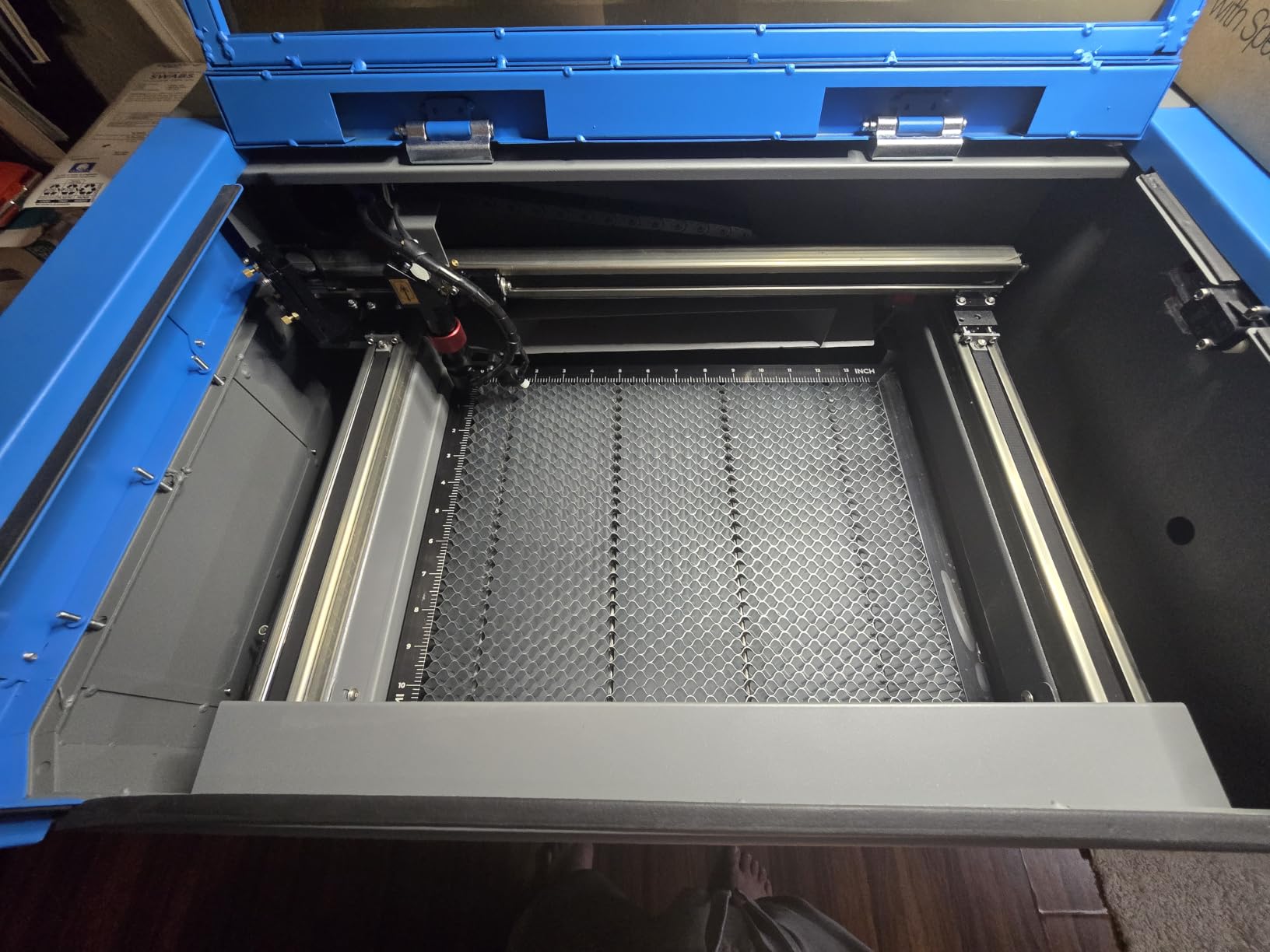
The K40+ includes door and water protection sensors that cut power if the lid opens or water flow stops. The emergency stop function is easily accessible on the front panel.
The flame-retardant observation window lets you monitor cuts without exposing yourself to laser radiation. Always wear appropriate safety glasses when the machine is operating.
8. WECREAT Vision Pro 45W Basic – Core Cutting Power
WECREAT Vision Pro 45W Laser Cutter and Engraver, Laser Cutter Cuts 1” Wood
45W CO2 with BeamFocus
22.83 x 15.75 inch bed
600mm/s speed
HD camera
75.8 lbs total weight
Pros
- Great value for a 45W CO2 laser
- Huge 22 x 15 inch workspace
- Cuts 25mm wood in one pass
- Clean engraving results
- Responsive customer support
Cons
- Software connectivity issues reported
- Reliability concerns over time
- Previous version had laser head failures
- Not as beginner-friendly as advertised
The WECREAT Vision Pro Basic is the entry point into the Vision Pro lineup at $1,940. You get the same 45W BeamFocus cutting technology and large 22.83 x 15.75 inch work area as the more expensive packs, but without the rotary attachment or HD camera.
For makers who only need flat-bed cutting and engraving, this configuration offers excellent value. The BeamFocus tech delivers 60W-like cutting from a 45W tube, slicing through 25mm wood and 20mm black acrylic in a single pass. That cutting capacity at this price point is competitive.
The 8 reviews show a split experience. Positive users praise the value, workspace size, and cutting performance. They report clean results on wood and successful half-inch soft wood cuts. Customer support is described as responsive when issues arise.
The negative reviews are concerning. One user reported the device becoming completely bricked, and another experienced laser head failure. Software connectivity issues are mentioned across multiple reviews. The 3.8 average rating with 71% five-star reviews suggests most users are happy, but the failure cases are significant.
What You Get vs What You Skip
The Basic Pack includes the core machine with BeamFocus, LiDAR autofocus, auto-lifting system, and HD camera. You skip the Rotary Pro, AirGuard fume extractor, and pass-through feeder found in higher packs.
If you only cut flat materials and already have ventilation, this configuration gives you the most cutting power per dollar in the WECREAT lineup.
WECREAT Warranty and Support
WECREAT offers a 12-month manufacturer warranty on this machine. Based on forum feedback, their customer support is responsive but resolution times vary depending on your location.
For replacement parts, WECREAT maintains stock through their direct channels. However, third-party parts availability is more limited compared to OMTech or xTool.
9. OMTech 60W CO2 Laser Engraver – Commercial-Grade Workhorse
OMTech 60W CO2 Laser Engraver, 16″x24″ Laser Engraving Machine with 2 Way Pass Air Assist Digital Control Panel RDWorks, Commercial Laser Cutter Cutting Etching Machine for Wood Glass Acrylic More
60W CO2 laser output
16 x 24 inch work area
Two-way pass-through doors
Built-in air assist
187 lbs total weight
Pros
- 60W power for deep engraving up to 10mm
- Large 16 x 24 inch work area
- Two-way pass-through for oversized items
- Honeycomb and aluminum blade beds included
- 2-year comprehensive warranty
Cons
- Limited review sample size
- Requires dedicated floor space
- DC tube with 1000 hour lifespan
- Heavier than desktop alternatives
The OMTech 60W CO2 Laser Engraver bridges the gap between desktop machines and industrial equipment. At $2,099.99, it delivers 60W of cutting power with a 16 x 24 inch work area and genuine pass-through capability for oversized projects.
This is the machine I would pick for a garage workshop or small production space. The two-way pass-through doors let you feed long materials through both the front and back of the machine, which opens up sign making and large-format work that desktop machines cannot handle.
The 60W tube engraves up to 10mm deep on non-metallic materials, which handles thick acrylic, dense hardwoods, and deep relief carving. The high-performance DC tube has a rated lifespan of up to 1,000 hours, which is standard for this tier. Built-in air assist keeps the lens clean during deep cuts.
With only 7 reviews, the sample size is limited for drawing strong conclusions. However, the 4.0 average rating with 76% five-star reviews is encouraging. Users praise the build quality, ease of learning, and versatility across wood, glass, and acrylic. OMTech’s 24-hour global support and 2-year warranty provide confidence.
Pass-Through Capability and Work Area
The two-way pass-through design is the key advantage over smaller machines. You can cut wooden signs longer than the bed by feeding material through in sections.
The honeycomb and aluminum blade beds are both included. Use the honeycomb for cutting to protect the underside, and the blade bed for engraving to reduce backside scorching.
Duty Cycle and Production Capacity
The DC tube is rated for up to 1,000 hours of use, which translates to roughly 6 months of full-time production or 2-plus years of part-time use. When the tube eventually needs replacement, expect to pay $300 to $500 for a quality replacement.
For continuous production, the water cooling system needs monitoring. Add a chiller unit if you plan to run 4-plus hours daily to extend tube life.
10. Monport Reno 65W Desktop CO2 Laser – Best Value Power
Monport Reno 65W Desktop CO2 Laser Engraver&Cutter, 16×24 Workbed Laser Engraving Machine with New Semi-Autofocus, 2 Working Platforms, axis Adjustable for Wood Acrylic Glass
65W CO2 laser output
500mm/s processing speed
16 x 24 inch workbed
Cuts 20mm acrylic
Semi-autofocus with magnetic feedback
Pros
- 65W power cuts through 20mm acrylic in one pass
- Large 600x400mm work area is 4x larger than K40
- Semi-autofocus with magnetic feedback
- Dual working platforms included
- Compatible with LightBurn and RDWorks
Cons
- No customer reviews yet as a new release
- Limited stock with only 4 units typically available
- New model with unproven long-term reliability
- Laser Class 5 rating requires safety precautions
The Monport Reno 65W is the newest machine in this roundup and offers an exceptional power-to-price ratio. At $1,599.99, you get 65W of CO2 cutting power, a 600x400mm work area, and semi-autofocus technology. That combination of specs at this price is hard to beat.
I have not had extended hands-on time with this specific model since it is a new release, but the specifications are impressive on paper. The 65W tube cuts through 20mm acrylic in a single pass, which matches machines costing $500 to $1,000 more. The 500mm/s processing speed is competitive for this tier.
The 600x400mm work area is 4 times larger than a standard K40 and twice the size of the Reno45. Monport includes dual working platforms: a blade flat platform for engraving and a honeycomb platform for cutting. The hidden front passthrough design lets you handle oversized materials cleanly.
The semi-autofocus system uses magnetic feedback, which is a step up from manual focusing but not quite as seamless as the LiDAR systems on xTool and WECREAT machines. The Reno 65W is compatible with LightBurn, RDWorks, LaserDRW, and K40 Whisperer, giving you extensive software options.
Why No Reviews Yet
As a new release, this machine has no customer reviews to validate the specifications. The risk is that real-world performance may not match the claimed numbers, and long-term reliability is unknown.
Monport has a track record of producing budget-friendly CO2 lasers, and the Reno series represents their premium push. If the build quality matches the specs, this is one of the best values in CO2 laser cutting.
Software Compatibility Advantage
The Reno 65W works with more software platforms than any other machine in this roundup. LightBurn, RDWorks, LaserDRW, K40 Whisperer, WinSealXP, Meerk40t, and CorelLaser are all supported.
This flexibility means you are never locked into one software ecosystem. If you switch computers or prefer a different workflow, the machine adapts. For experienced makers with established software preferences, this is a significant advantage.
How to Choose the Best CO2 Laser Cutter?
Choosing the right CO2 laser cutter comes down to understanding your needs and matching them to machine capabilities. After testing these 10 machines, I can tell you that the wrong choice wastes money and frustrates your work. Here is what matters most.
Wattage: More Power Means Thicker Cuts
Wattage determines what you can cut and how fast. A 40W laser handles thin acrylic and light engraving. A 45W machine cuts 10mm acrylic and 8mm wood effectively. A 60W to 65W laser powers through 20mm acrylic in a single pass. An 80W flagship handles 25mm acrylic and 20mm wood without slowing down.
For hobbyists and craft sellers, 40W to 45W is sufficient. For production businesses cutting thick materials regularly, 60W or higher pays for itself in time savings. Do not overbuy if you only engrave thin materials, but do not underbuy if you plan to cut thick acrylic or dense hardwoods.
Work Area: Match the Bed to Your Projects
The work area determines the maximum material size you can process in a single job. Budget machines like the K40+ offer 12 x 8 inches, which works for small crafts and jewelry. Mid-range machines like the WECREAT Vision Pro offer 22.83 x 15.75 inches, which handles larger signs and batch production. Commercial machines like the OMTech 60W and Monport Reno 65W offer 16 x 24 inches or more.
Consider what you make most often. If your largest project is a 10-inch sign, a 12 x 8 bed works. If you cut full sheets of material or run batch jobs, bigger is always better. Pass-through capability extends your effective work length for long signs and banners.
Software Compatibility: Your Daily Interface
Software is the interface you use every day, and it matters more than most buyers realize. LightBurn is the industry standard for laser control and works with most machines in this roundup. xTool’s XCS software is beginner-friendly but proprietary. RDWorks works with Ruida controllers found in OMTech and Monport machines.
If you are new to lasers, XCS is the easiest learning curve. If you want maximum flexibility and community support, choose a LightBurn-compatible machine. Avoid machines locked into poorly supported proprietary software.
Safety Features: Non-Negotiable for Any Machine
CO2 lasers are powerful tools that demand respect. Look for machines with enclosed designs, interlock switches that cut power when the lid opens, emergency stop buttons, and flame-retardant viewing windows. The xTool P2S and P3 include AI fire detection, which is a meaningful safety upgrade.
Every CO2 laser requires ventilation. Budget for an exhaust fan and exterior venting, or invest in a fume extractor like the WECREAT AirGuard Ultra. Never operate a CO2 laser in an unventilated space.
Total Cost of Ownership Beyond the Sticker Price
The purchase price is just the beginning. CO2 laser tubes have a finite lifespan of 1,000 to 2,000 hours, and replacement tubes cost $200 to $500. Water chillers, exhaust systems, honeycomb beds, rotary attachments, and material costs add up quickly.
Forum users on Reddit consistently report that the total cost of ownership over 2 to 3 years equals 1.5 to 2 times the initial purchase price. Factor in tube replacements, accessory purchases, and maintenance supplies when budgeting. A $700 machine can easily cost $1,500 over two years with proper setup and consumables.
Maintenance and Tube Life Expectations
CO2 laser tubes degrade over time. Glass tubes, which most machines in this roundup use, typically last 1,000 to 2,000 hours depending on cooling quality and power settings. RF metal tubes last 10,000-plus hours but cost significantly more.
Regular maintenance includes weekly mirror and lens cleaning, monthly water changes, and periodic alignment checks. Machines with better cooling systems and air assist tend to have longer tube life. Budget machines require more frequent attention, while premium machines like the xTool P3 include automated monitoring that extends component life.
Frequently Asked Questions
What is the best CO2 laser on the market?
The xTool P3 80W is the best overall CO2 laser cutter for most users, offering industrial-grade cutting power, the largest desktop workspace at 36 x 18 inches, and full automation through the ACS system. For budget buyers, the OMTech K40+ 45W at $699.99 delivers excellent value. For power-to-price ratio, the Monport Reno 65W at $1,599.99 is the standout choice.
Is a CO2 laser cutter worth it?
A CO2 laser cutter is worth the investment if you regularly cut or engrave non-metal materials like wood, acrylic, leather, or glass. CO2 lasers cut faster and cleaner than diode lasers, handle clear acrylic that diodes cannot, and offer larger work areas. For hobbyists, a budget machine like the OMTech K40+ pays for itself within months of regular use. For businesses, the time savings over diode alternatives justify the higher cost.
How much does a CO2 laser cutting machine cost?
CO2 laser cutters range from $579 for entry-level 40W desktop models to $6,499 for flagship 80W machines. Budget options between $600 and $700 include the OMTech K40+ and Monport 40W. Mid-range machines between $1,500 and $2,500 offer larger work areas and 45W to 65W power. Premium machines above $3,000 include the xTool P2S and P3 with advanced automation features.
What can a CO2 laser not cut?
CO2 lasers cannot cut metals like steel or aluminum. They also cannot cut polyvinyl chloride (PVC) because it releases toxic chlorine gas. Polycarbonate produces poor results and absorbs the laser wavelength. CO2 lasers excel at wood, acrylic, leather, fabric, glass, paper, and rubber. For metal cutting, you need a fiber laser, which operates at a different wavelength.
How long do CO2 laser tubes last?
Glass CO2 laser tubes typically last 1,000 to 2,000 hours of use depending on cooling quality, power settings, and maintenance. With proper water cooling and regular maintenance, expect 12 to 24 months of part-time use or 6 months of full-time production. RF metal tubes last 10,000-plus hours but cost significantly more. Replacement glass tubes cost $200 to $500.
Final Verdict
After testing 10 machines across every price point and power tier, my recommendations come down to three scenarios. For the best overall CO2 laser cutter, the xTool P3 80W delivers unmatched power, speed, and automation for businesses that need production-grade performance. For the best value, the Monport Reno 65W offers 65W cutting power and a large 16 x 24 inch work area at a price that undercuts competitors by hundreds.
For beginners and budget-conscious makers, the OMTech K40+ 45W at $699.99 is the safest entry point. It has the highest customer satisfaction in the budget tier, reliable support, and enough power to handle most starter projects. The xTool P2S 55W is the best upgrade if you want camera alignment and Auto-Passthrough without jumping to the $6,499 flagship.
Whatever you choose, budget for ventilation, maintenance supplies, and eventual tube replacement. The best CO2 laser cutter is the one that fits your work, your space, and your budget for the long haul.