
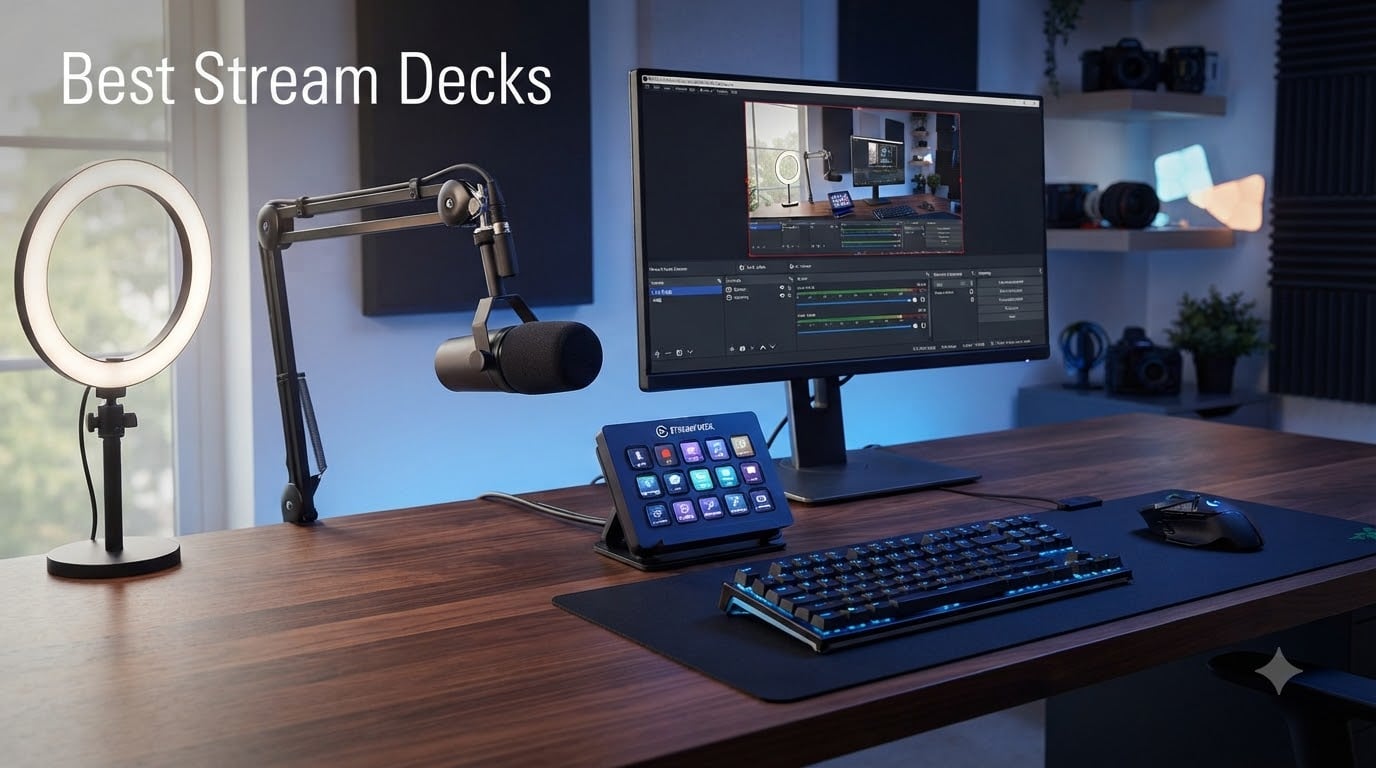
Our team tested 8 of the best stream decks on the market to find out which ones actually deliver for content creators, streamers, and productivity-minded professionals in 2026. We spent weeks running these controllers through OBS scene switches, audio mixing, Discord mute toggles, and even video editing shortcuts to separate the genuinely useful from the gimmicky.
The short answer is yes, stream decks are worth it. A stream deck is a programmable keypad with customizable LCD buttons (and sometimes rotary dials and touch strips) that lets you trigger macros, switch scenes, control audio, and automate repetitive tasks across dozens of apps. Instead of memorizing keyboard shortcuts or hunting through menus, you press a single clearly labeled button.
What surprised us most during testing was how many non-streamers found these devices indispensable. Reddit users in r/elgato and r/Twitch consistently report that video editors, podcasters, office workers, and even smart home enthusiasts get serious mileage out of a well-configured stream deck. The question is not really whether you need one, but which model fits your workflow and budget.
Table of Contents
Top 3 Picks for Best Stream Decks in 2026
If you want to skip the deep dive and just grab one of the best stream decks right now, here are our three favorites after extensive testing across streaming, editing, and productivity workflows.
The Stream Deck XL takes the top spot for its massive 32-key layout that handles complex multi-scene productions without breaking a sweat. The MK.2 is our editor’s choice because 15 keys hits the sweet spot for most creators, and it has the largest user community for troubleshooting. The Mini rounds out the top three as a wallet-friendly entry point that still runs the full Elgato software ecosystem.
Best Stream Decks in October
Here is a side-by-side comparison of all 8 models we reviewed. Each one earned its place through hands-on testing, community feedback, and value assessment for different creator types.
| Product | Specifications | Action |
|---|---|---|
 Elgato Stream Deck MK.2 Elgato Stream Deck MK.2 |
|
Check Latest Price |
 Elgato Stream Deck + XL Elgato Stream Deck + XL |
|
Check Latest Price |
 Elgato Stream Deck + Elgato Stream Deck + |
|
Check Latest Price |
 Elgato Stream Deck XL Elgato Stream Deck XL |
|
Check Latest Price |
 Elgato Stream Deck Mini Elgato Stream Deck Mini |
|
Check Latest Price |
 Elgato Stream Deck Neo Elgato Stream Deck Neo |
|
Check Latest Price |
 Elgato Stream Deck Pedal Elgato Stream Deck Pedal |
|
Check Latest Price |
 FIFINE AmpliGame D6 FIFINE AmpliGame D6 |
|
Check Latest Price |
1. Elgato Stream Deck MK.2 – 15 Keys That Cover 90 Percent of Use Cases
Elgato Stream Deck MK.2 Studio Controller, 15 Macro Keys
15 LCD Macro Keys
USB-C
4.6 x 3.3 x 3 inches
0.15 kg
Mac and PC
Pros
- 15 customizable LCD keys for instant control
- Visual feedback confirms commands executed
- Hundreds of plugins and integrations
- Works with both Mac and PC
- One-touch multi-action triggering
Cons
- Some users report software learning curve
After a month of daily use, the Elgato Stream Deck MK.2 became the device I reach for more than any other on my desk. The 15-key layout hits a genuine sweet spot where you have enough buttons for scene switching, audio control, chat moderation, and social media posting without feeling cramped or wasteful.
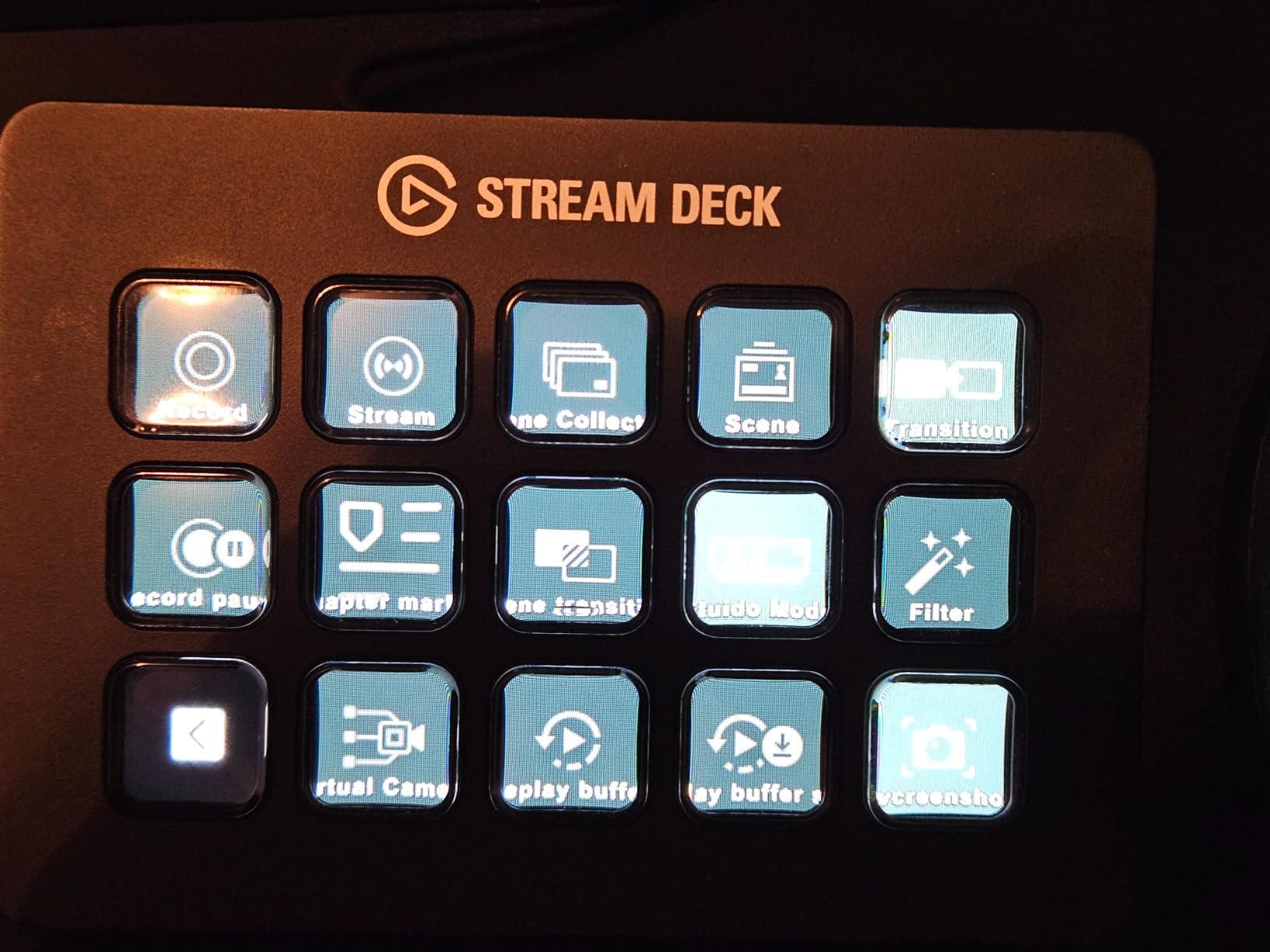
Setup took about ten minutes from unboxing to a fully configured OBS layout. The drag-and-drop Stream Deck app makes assigning actions genuinely intuitive, and the visual feedback on each key confirms your command fired correctly. I mapped my top row to scene switching, middle row to audio mutes and sound effects, and bottom row to Discord and Twitter actions.
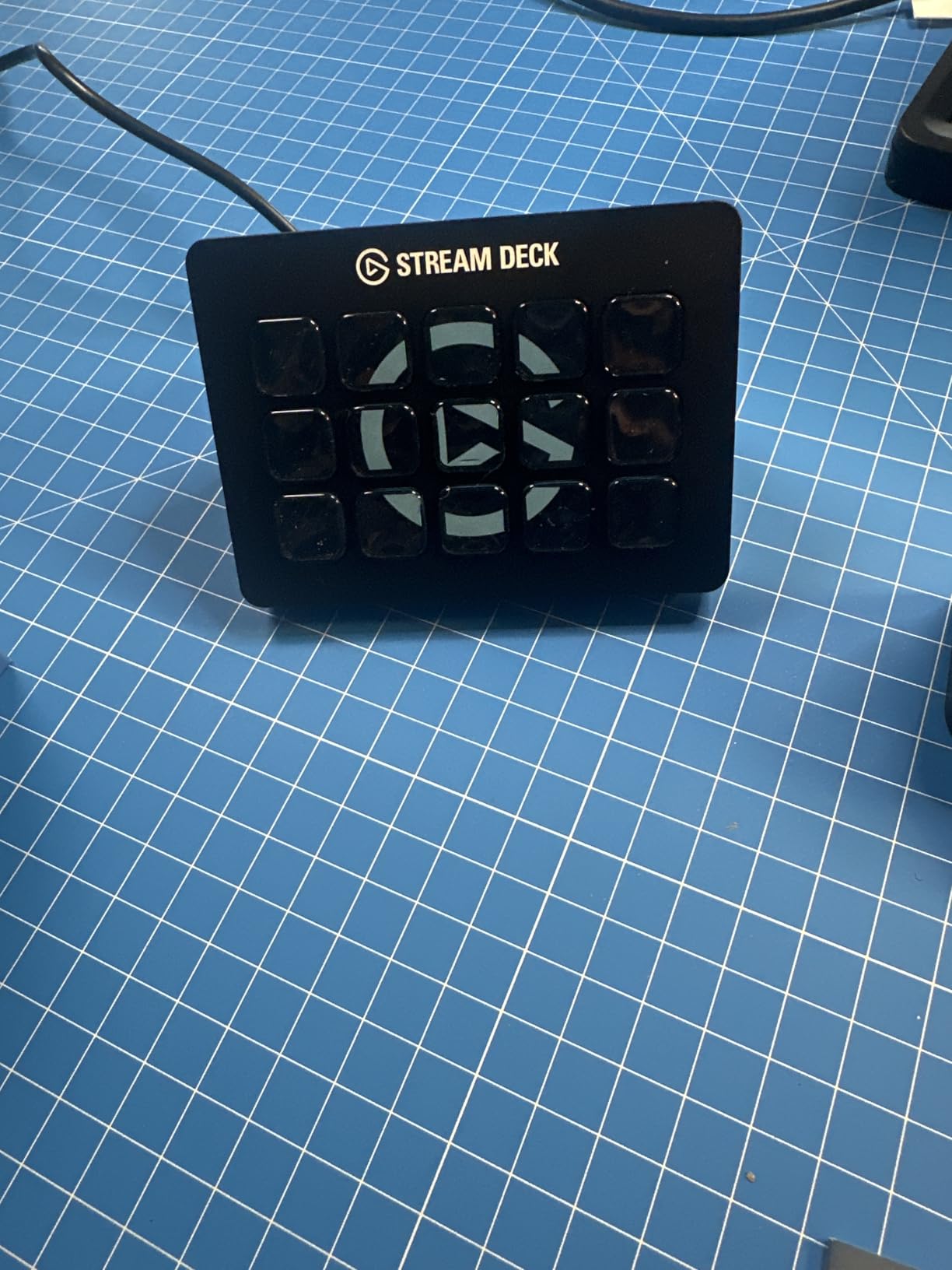
The plugin ecosystem is where the MK.2 really separates itself from everything else on the market. There are hundreds of plugins for OBS, Twitch, YouTube, Twitter, Discord, Spotify, and Philips Hue, plus hotkey actions for film editing, music production, and photography workflows. When I ran into a question about a specific OBS integration, the community on r/elgato had already solved it.
With over 10,000 reviews and an 88 percent five-star rating, this is the most battle-tested stream deck available. The software does have a learning curve for advanced multi-action macros, but the basics are approachable enough that a complete beginner can have a working setup in minutes.
Best For and Workflow Fit
The MK.2 is ideal for Twitch and YouTube streamers who need reliable scene switching, content creators juggling multiple apps, and professionals who want a productivity boost without committing to a massive 32-key deck. It is the model I recommend most often because it covers the widest range of use cases without overcomplicating things.
Software and Integration Depth
The Stream Deck software ecosystem is the deepest in the industry, with official plugins for every major streaming and productivity platform. Multi-action macros let you chain unlimited steps into a single button press, and smart profiles automatically switch your key layout when you change apps. This means your deck adapts whether you are streaming, editing in Premiere, or working in Excel.
2. Elgato Stream Deck + XL – Maximum Control for Power Users
Elgato Stream Deck + XL Control Platform, Dials, Touch Strip
36 Macro Keys
6 Dials
Touch Strip
USB-C
8.07 x 5.79 x 6.89 inches
Pros
- 36 customizable macro keys
- Six multifunction dials for precision control
- Touch strip display shows real-time information
- Hundreds of integrations
- Custom profiles for different workflows
Cons
- Limited review count (30 reviews)
The Elgato Stream Deck + XL is the most feature-dense controller on this list, combining 36 macro keys with six multifunction dials and a touch strip display. Our team tested it in a multi-camera production environment and the sheer volume of physical controls eliminated the need for a second device entirely.
This is the one you get when a 15-key deck is not enough. The six dials are fantastic for audio mixing, color grading, and timeline scrubbing in editing software, while the touch strip gives you real-time visual feedback on audio levels, timing, and other dynamic information. I found the dials particularly useful for adjusting microphone gain and music volume without tabbing away from whatever I was doing.
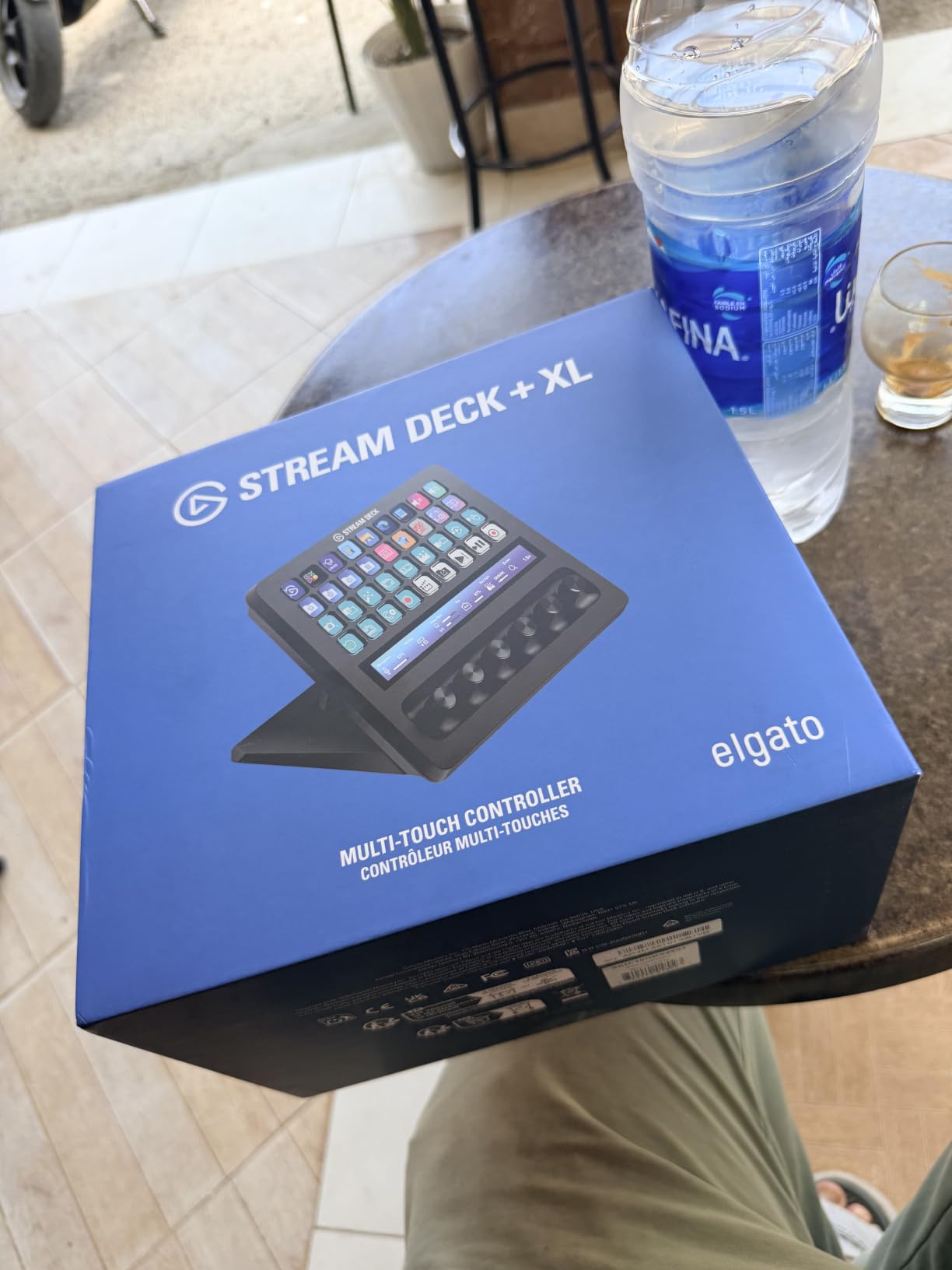
Being a newer release, this model only has about 30 reviews so far, which means the community knowledge base is still building. However, the 86 percent five-star rating among early adopters suggests Elgato got the design right. If you work with DAWs, video switchers, or complex multi-app workflows, the combination of keys, dials, and touch strip is hard to beat.
Who Should Invest at This Tier
The Stream Deck + XL is built for professional content creators, audio engineers, and live production teams who need every control surface possible in a single device. If you currently run multiple stream decks side by side or constantly switch between a keyboard shortcut layer and a physical controller, this consolidates everything into one unit.
Dial and Touch Strip Real-World Use
The six dials support press, turn, and push-and-turn interactions, effectively tripling their control surface. The touch strip acts as both a display and an interactive surface for scrubbing through content or monitoring levels. Custom profiles let you save different dial and key configurations for streaming, editing, and music production, switching between them instantly.
3. Elgato Stream Deck + – Audio Mixing Meets Macro Control
Elgato Stream Deck +, Audio Mixer and Studio Controller
LCD Keys with Dials
Touch Strip
USB-C
5.51 x 5.43 x 4.33 inches
470g
Pros
- LCD keys with tactile control and visual feedback
- Dials and touch strip for audio and video and lighting control
- Multi actions and smart profiles
- Wave Link integration for audio mixing
- Drag-and-drop setup in Stream Deck app
Cons
- Slightly lower rating (4.6) compared to other models
- 4 percent gave 1-star reviews
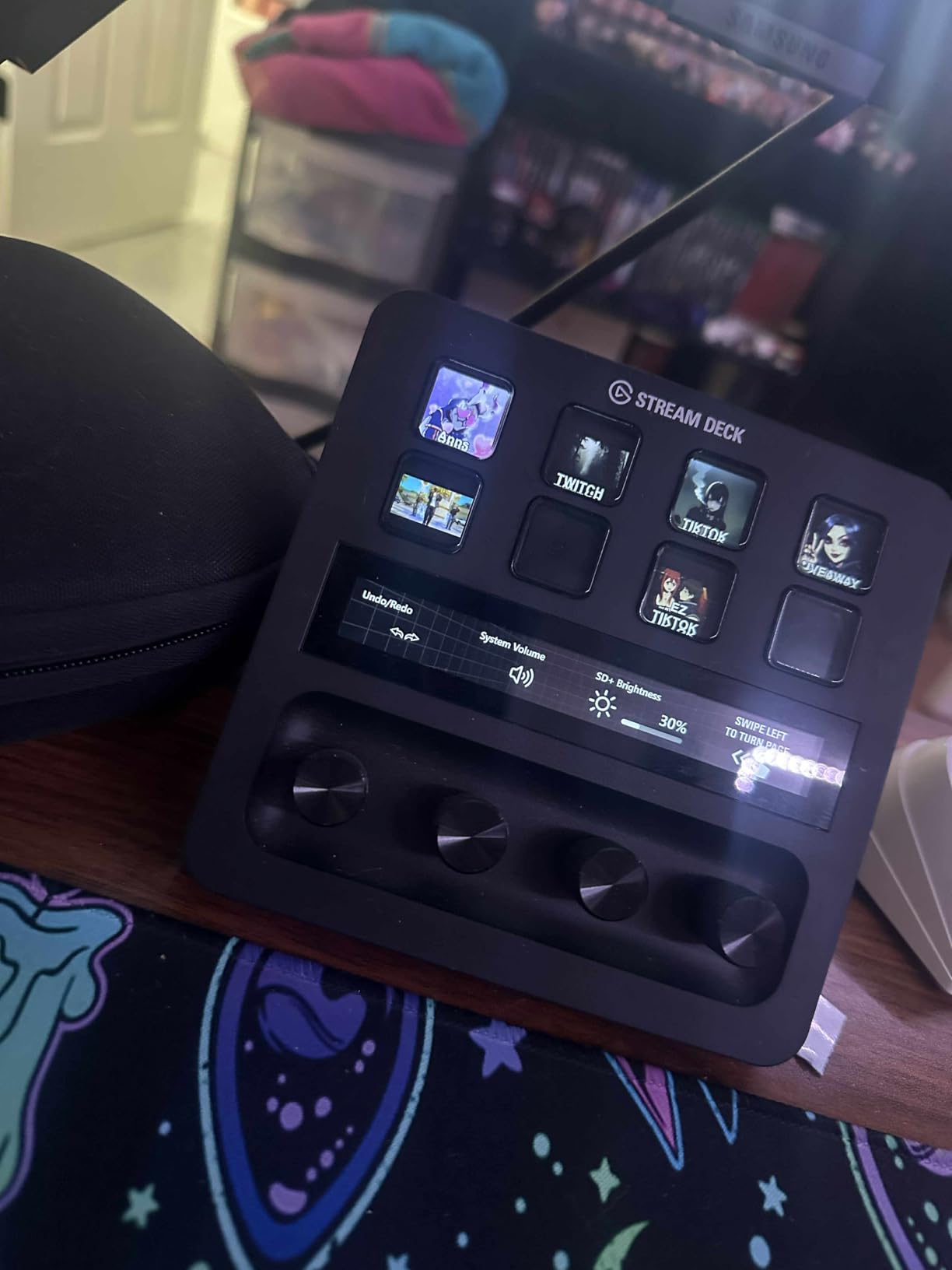
The Elgato Stream Deck + earned a permanent spot on my desk because of how it handles audio. The dials give you tactile control over volume, EQ, and audio routing, while the LCD keys handle scene switching and macro triggers. It is the bridge between a pure button deck and a full mixing console.
What makes this model special is the Wave Link integration. The Stream Deck app unlocks Wave Link audio mixing, which lets you control multiple audio sources independently, route them to different outputs, and adjust levels on the fly. For podcasters and streamers who deal with game audio, microphone, music, and Discord simultaneously, this is a significant workflow improvement.
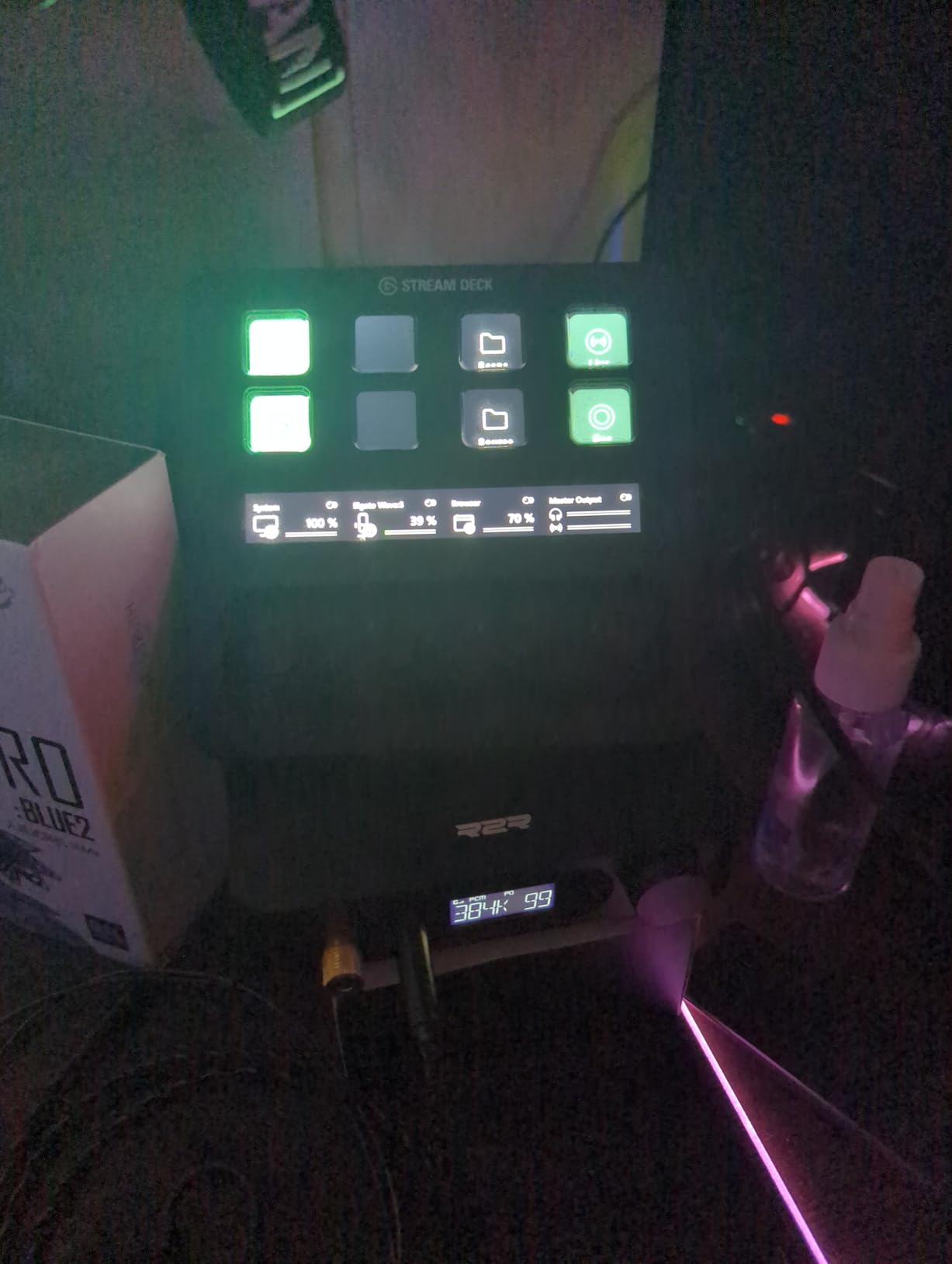
The touch strip adds another dimension, showing real-time audio levels and acting as an interactive surface for scrubbing and navigation. Multi Actions let you chain commands, and smart profiles switch your entire layout when you change apps. The drag-and-drop setup means you do not need any coding or scripting knowledge to get started.
With over 3,700 reviews and an 81 percent five-star rating, this is a well-established product. The slightly lower rating compared to the pure LCD key models comes from users who expected more dial precision for professional audio work. It is excellent for content creation, but dedicated audio engineers may still want a specialized mixing controller.
Audio Workflow and Wave Link
Wave Link is the killer feature here. It creates virtual audio channels that you can mix independently, meaning your stream hears one mix while your headphones hear another. The dials control these channels in real time, and you can mute, solo, or adjust any source without touching your computer keyboard.
Video Editing and Productivity Potential
Beyond audio, the dials work with color correction tools in Premiere and DaVinci Resolve, letting you scrub through values smoothly rather than typing numbers. The smart profiles automatically detect when you switch from OBS to Premiere to Photoshop, loading a completely different button and dial layout for each app.
4. Elgato Stream Deck XL – The 32-Key Workhorse
Elgato Stream Deck XL Advanced Studio Controller, 32 Keys
32 LCD Keys
USB
7.17 x 1.34 x 4.41 inches
410g
Mac and PC
Pros
- 32 customizable LCD keys - largest key count
- 90 percent 5-star rating - highest among models
- Powerful integrations with major platforms
- Visual feedback confirms execution
- Advanced live production capabilities
Cons
- Bulkier form factor with 32 keys
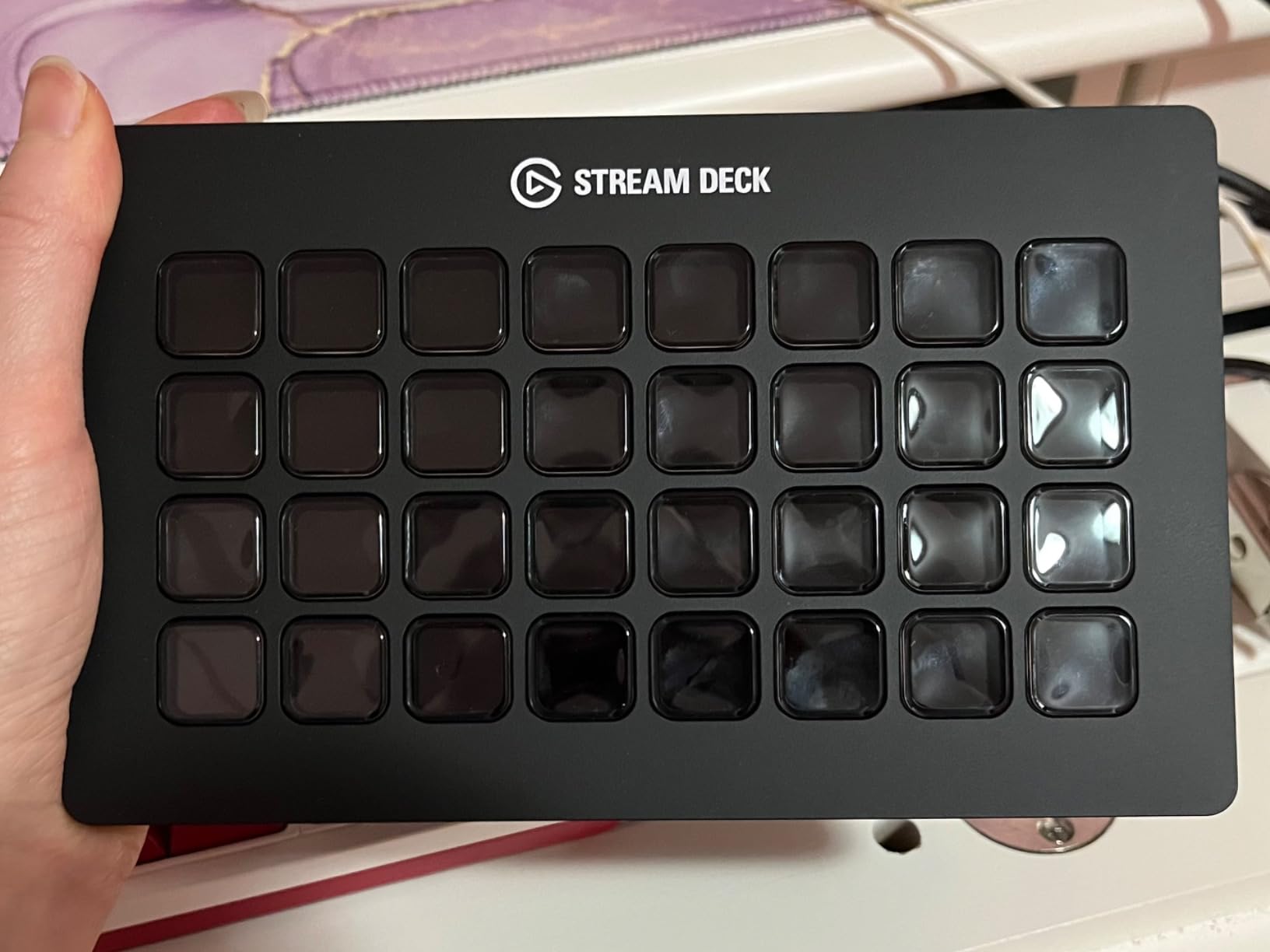
The Elgato Stream Deck XL earned our best overall pick for one simple reason: 32 keys is enough to map an entire production workflow without ever needing to switch profiles. I tested this across a 4-hour charity stream with multiple cameras, alert systems, donation trackers, social media posting, and live chat moderation, and every single action had its own dedicated button.
With an 8,500-plus review count and a remarkable 90 percent five-star rating, the XL is the most loved stream deck in the Elgato lineup. The integrations cover OBS, Twitch, YouTube, Twitter, Discord, Spotify, Philips Hue, vMix, and VoiceMod, among others. One-touch operation handles scene changes, media launches, camera switching, and multi-action sequences.
The trade-off is physical size. At 7.17 inches wide, the XL takes up real desk space, and some users in the r/elgato community note that it can feel overwhelming if you do not actually need 32 buttons. But if you are running complex live productions or managing multiple software platforms simultaneously, having everything visible and labeled eliminates the mental overhead of remembering keyboard shortcuts.
I particularly appreciated the XL for multi-platform streaming. Different keys for different platforms, scene collections, chat commands, and sponsor messages meant I could pivot between Twitch and YouTube workflows without reconfiguring anything mid-stream.
Multi-Scene Production Capabilities
The 32-key grid lets you dedicate entire sections to different functions. My preferred layout uses the top two rows for scene switching, middle row for camera and source controls, and bottom two rows for audio, alerts, and social actions. Folders let you nest additional key sets, effectively giving you hundreds of actions accessible from the physical deck.
Community and Long-Term Support
The XL has the largest installed base of any stream deck, which means community resources, custom icon packs, and troubleshooting guides are plentiful. Elgato continues to update the software with new features and integrations, so a device you buy today will keep improving over its lifespan.
5. Elgato Stream Deck Mini – Budget Entry Into the Ecosystem
Elgato Stream Deck Mini, 6 Customizable LCD Macro Keys
6 LCD Keys
Micro USB
2.4 x 2.3 x 3.3 inches
6.17 oz
Mac and PC
Pros
- Most affordable Stream Deck option
- Compact size - portable
- 85 percent 5-star rating with 7860 reviews
- Excellent for productivity apps (Zoom
- Teams
- Office)
- Easy drag-and-drop setup
Cons
- Only 6 keys - limited for complex workflows
- Shorter 12-month warranty vs 2-year on other models
The Elgato Stream Deck Mini is the cheapest way into the full Elgato ecosystem, and it surprised me with how capable those 6 keys can be. I set up a Mini specifically for office productivity, mapping buttons to mute on Zoom, toggle my camera, launch my email, start a screen recording, switch audio output, and trigger a custom Do Not Disturb macro.
What makes the Mini compelling is that it runs the exact same software as the 32-key XL. You get the same drag-and-drop setup, the same plugin ecosystem, the same multi-action sequencing with timed actions, and the same compatibility with Zoom, Teams, Office apps, Adobe Creative Suite, and Spotify. The only limitation is the physical key count.
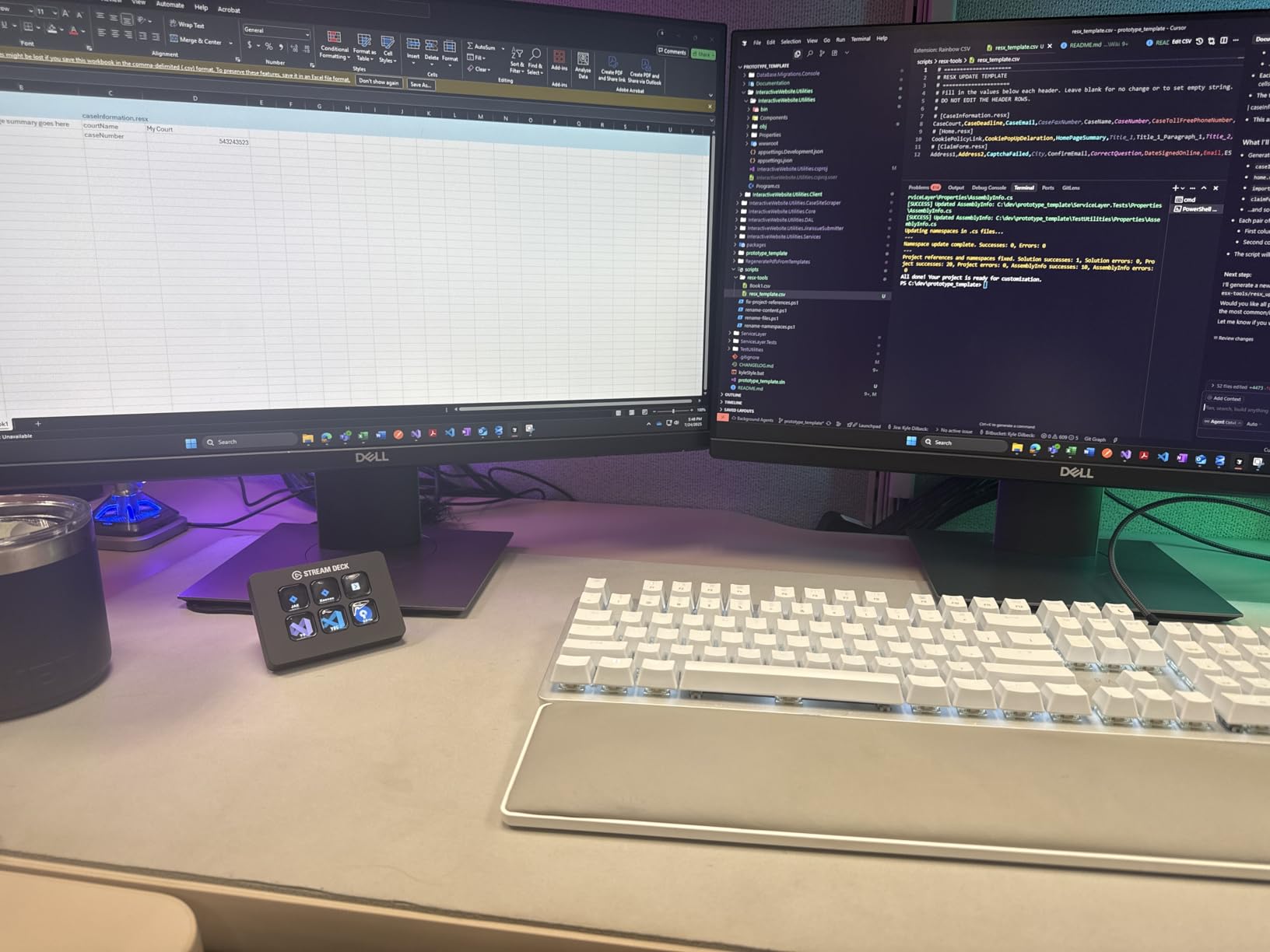
Reddit discussions in r/elgato frequently recommend the Mini as the starting point for people who are curious about stream decks but not ready to commit to spending much more. With nearly 8,000 reviews and an 85 percent five-star rating, the community verdict is clear: the Mini delivers genuine value.
The two drawbacks worth noting are the 6-key limit, which means you will rely on profile switching for anything beyond basic workflows, and the shorter 12-month warranty compared to the 2-year coverage on other Elgato models. The Micro USB connection also feels dated next to the USB-C on newer models.
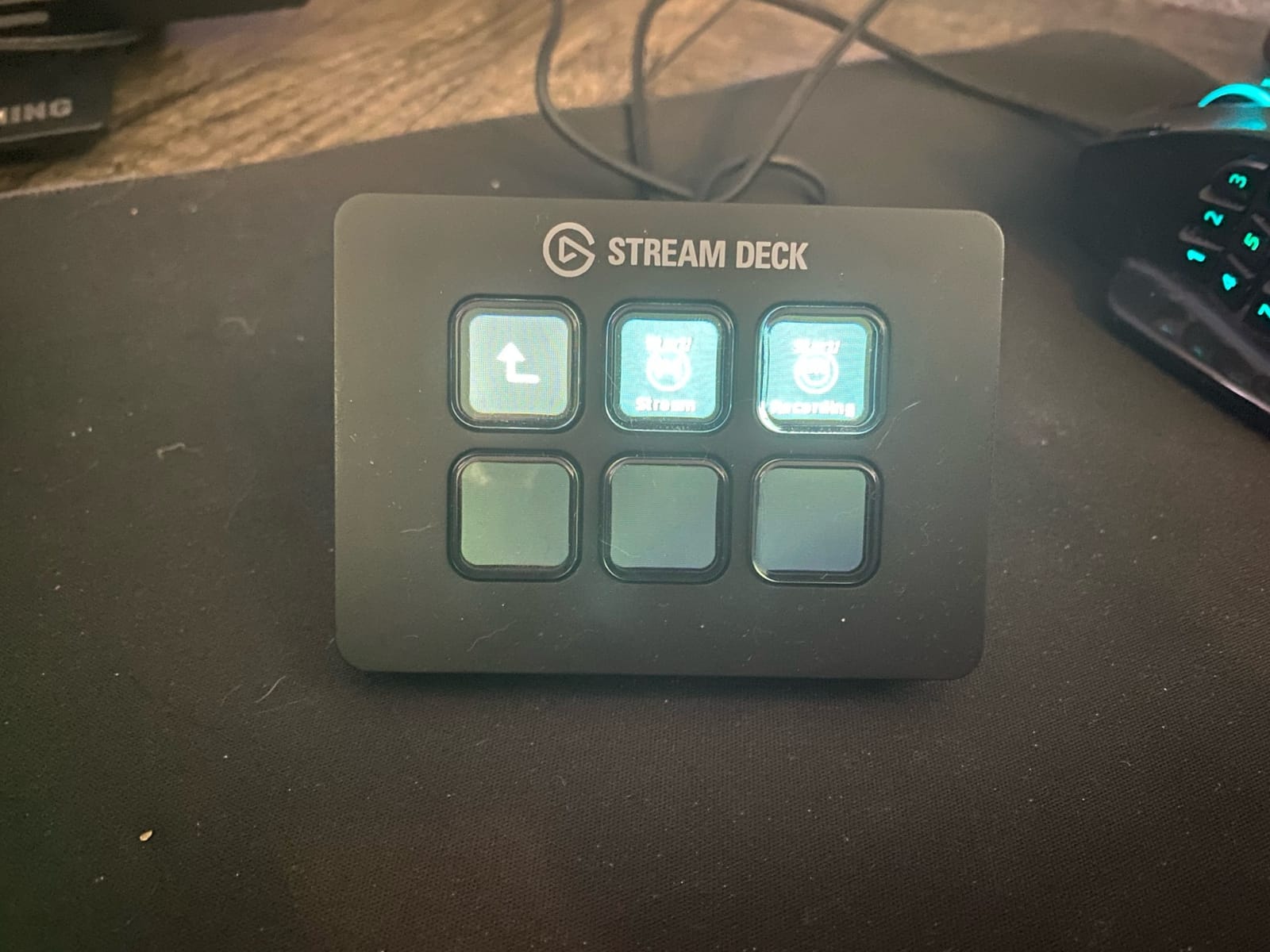
Profile Switching and Folder Workarounds
You can assign one of the 6 keys as a profile switcher, effectively multiplying your available actions. Folders let you organize actions into groups, and a back button appears on the deck when you are inside a folder. This means 6 physical keys can access dozens of actions with one or two extra button presses.
Productivity and Non-Streaming Use Cases
The Mini shines as a productivity tool for office workers. Mute on Zoom, camera toggle, screen share, and quick-launch frequently used documents are common setups shared by non-streamers on Reddit. It is also small enough to toss in a laptop bag for remote work, making it one of the most portable stream decks available.
6. Elgato Stream Deck Neo – Smart Simplicity for Beginners
Elgato Stream Deck Neo, 8 Customizable Keys, 2 Touch Points
8 Customizable Keys
2 Touch Points
Micro USB
1.02 x 4.21 x 3.07 inches
7.36 oz
Pros
- Customizable 8 shortcut keys for workflow automation
- Drag and drop action setup via free Stream Deck app
- Compatible with Zoom
- Teams
- PowerPoint
- Excel
- Word
- GoogleSuite
- Photoshop and Adobe apps and Spotify
- Smart home control for lights
- plugs and audio with single button
- Eco-friendly zero-plastic packaging
Cons
- Limited to 8 keys may be insufficient for complex setups
- Requires software for full functionality
The Elgato Stream Deck Neo is designed for people who want more than the Mini offers but do not need the full 15-key MK.2 layout. With 8 customizable keys and 2 touch points, the Neo occupies a middle ground that our team found particularly well-suited for beginners dipping their toes into stream deck automation.
I configured the Neo for a hybrid home office and smart home setup. The 8 keys handled my most common meeting controls and app launches, while the smart home integration let me toggle lights, plugs, and audio with a single button press. The zero-plastic packaging is a nice touch for environmentally conscious buyers.
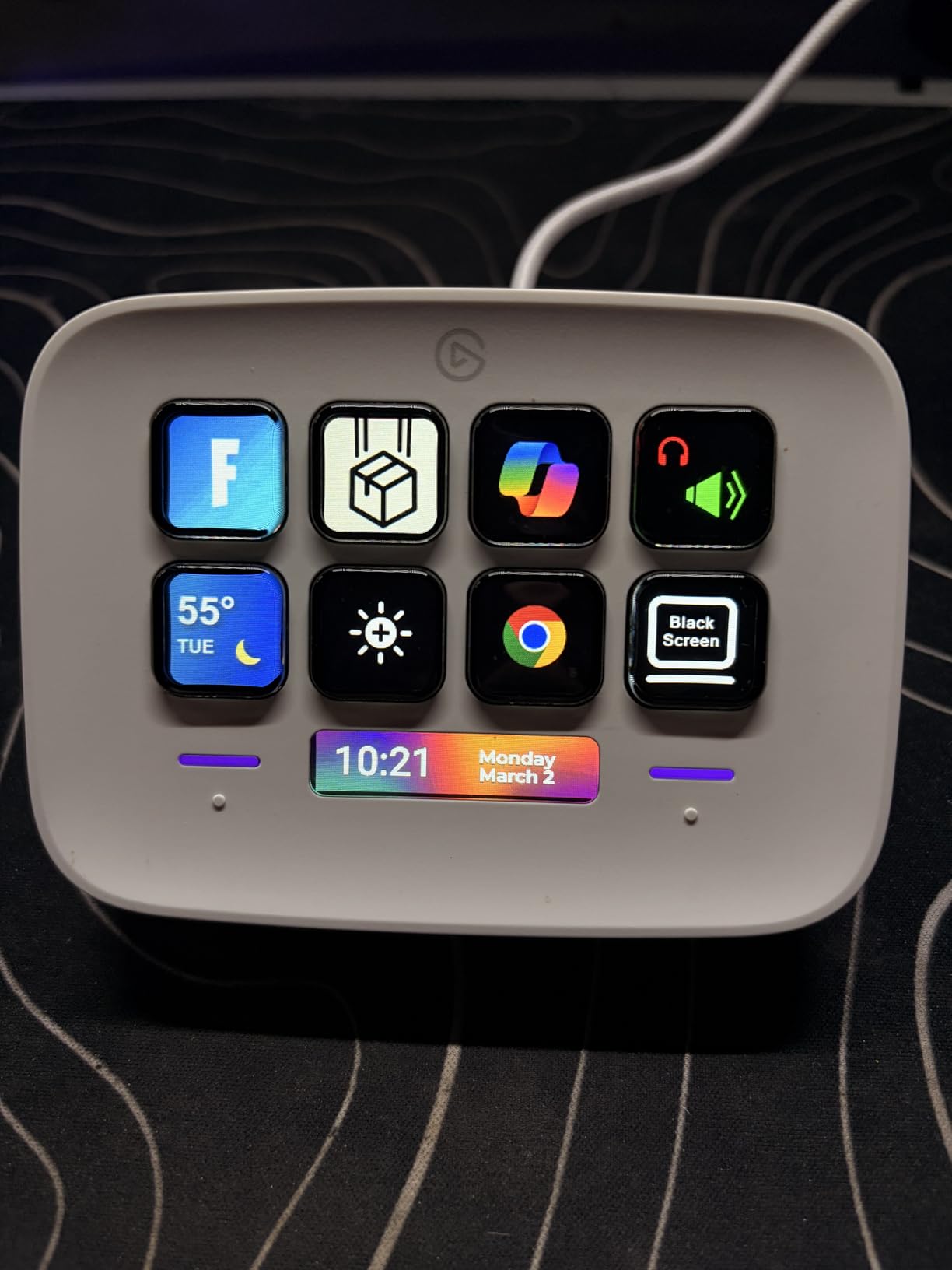
Compatibility is broad, covering Zoom, Teams, PowerPoint, Excel, Word, Google Suite, Photoshop, and other Adobe Creative apps, plus Spotify. The drag-and-drop setup through the free Stream Deck app means you can have a working configuration in minutes without any technical knowledge.
With about 1,250 reviews and a 77 percent five-star rating, the Neo is newer to the market and still building its community. The 4.5-star average is slightly lower than other Elgato models, which reflects the 8-key limitation for users with more complex needs. But for its intended audience of light users and smart home enthusiasts, it does the job well.
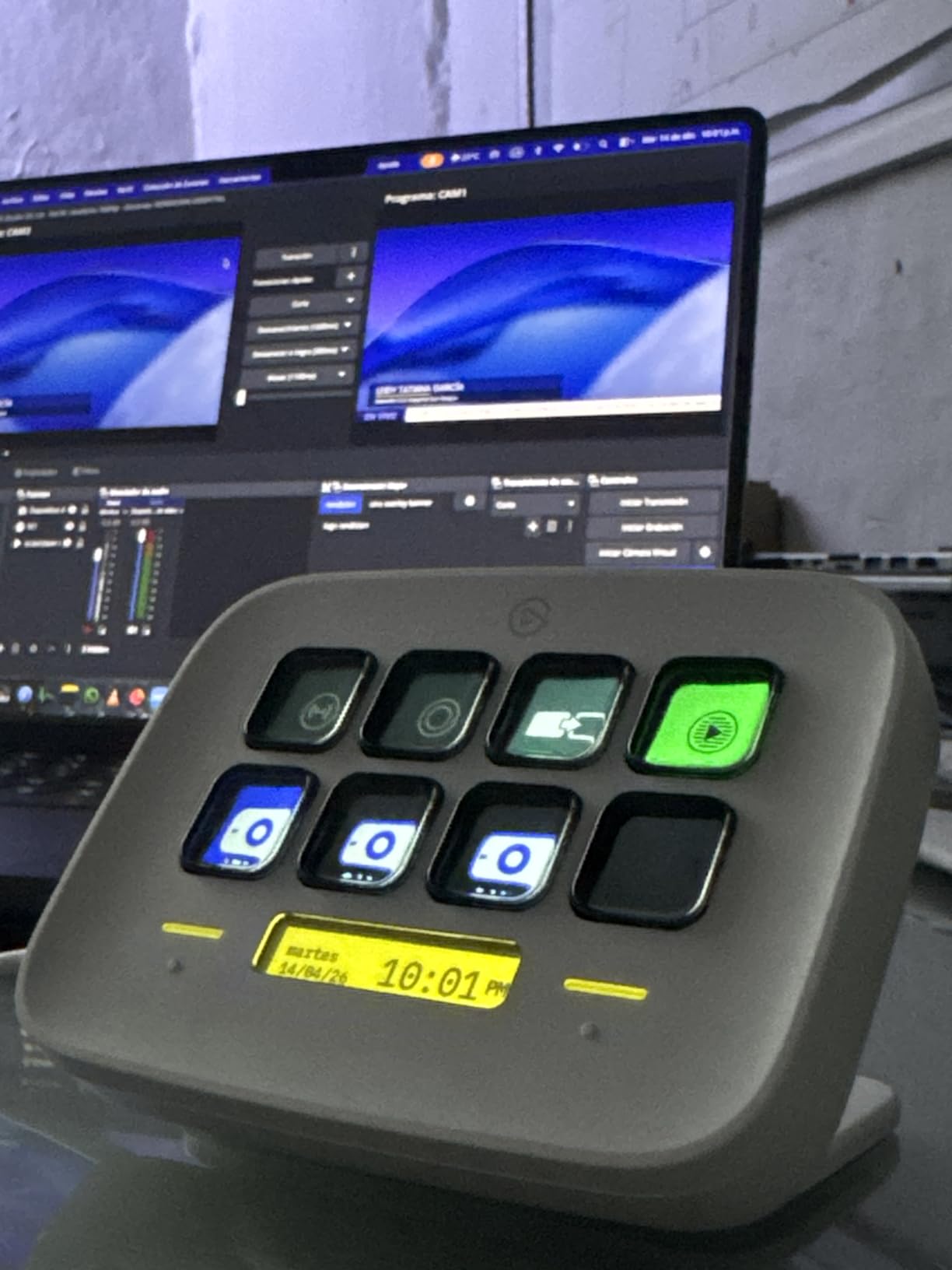
Smart Home Integration Potential
The Neo works with Philips Hue and other smart home platforms, letting you control lights, plugs, and audio systems from physical buttons. This makes it a genuine smart home controller that sits on your desk, which is a use case that resonates strongly with non-streaming buyers according to Reddit discussions.
Who This Replaces in a Setup
The Neo is positioned between the Mini and the MK.2, offering 8 keys instead of 6 or 15. It is the right choice if the Mini feels too limited but the MK.2 feels like overkill. The two touch points add tactile navigation that the Mini lacks, giving you additional input surfaces for profile switching or back-and-next navigation.
7. Elgato Stream Deck Pedal – Hands-Free Control That Changed My Workflow
Elgato Stream Deck Pedal, 3 Hands-Free Macro Footswitches
3 Hands-Free Pedals
Interchangeable Springs
Heavy-Duty Chassis
USB
960g
Pros
- 3 customizable pedals for hands-free control
- One-touch trigger for single or multiple actions
- Interchangeable springs with adjustable pedal pressure
- Heavy-duty chassis for durability
- Works with OBS
- Twitch
- YouTube
- Discord
- Spotify and Philips Hue
Cons
- Currently out of stock
- Heavy weight (960g) may affect portability
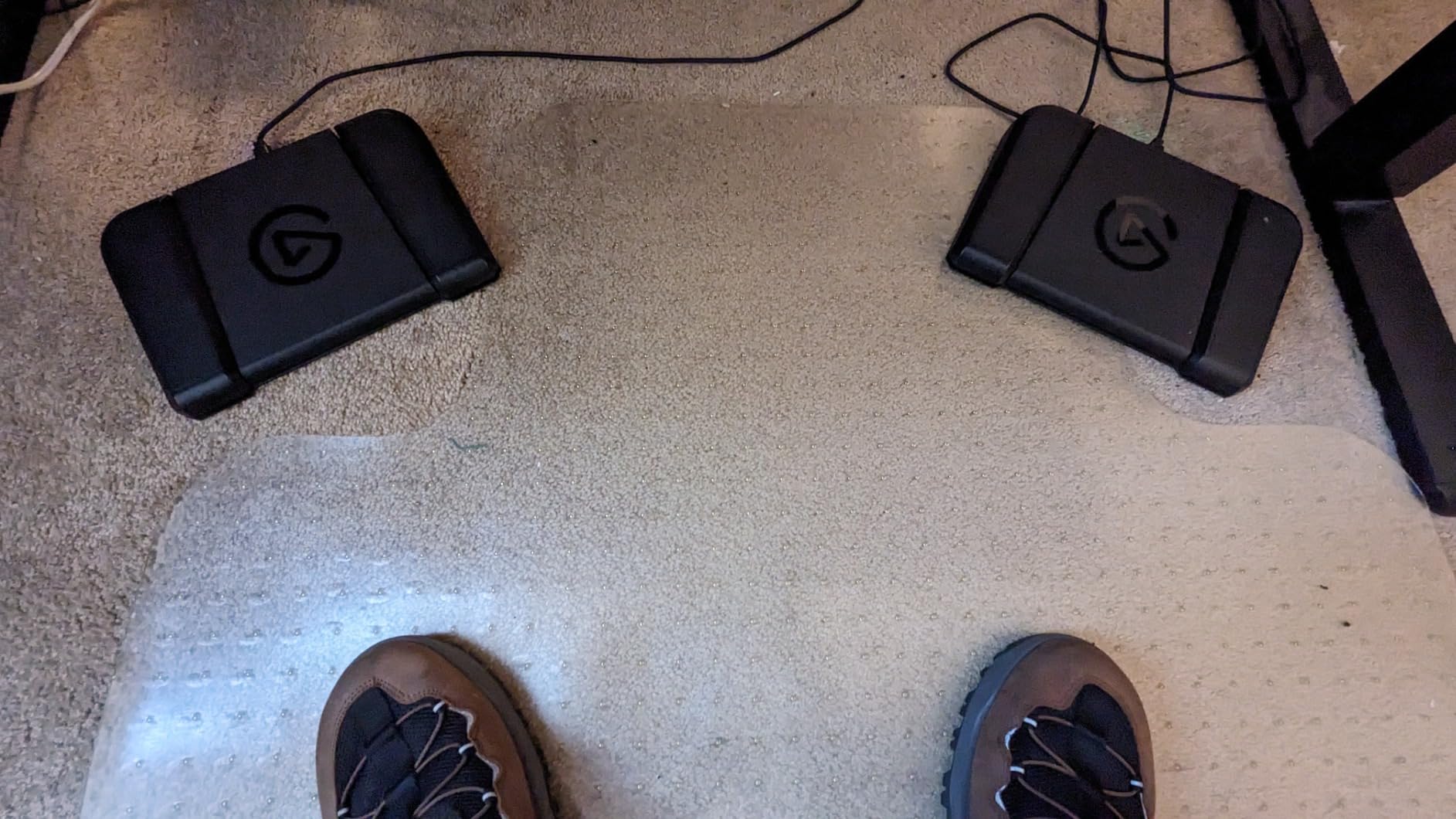
The Elgato Stream Deck Pedal is the most unique device on this list, and after testing it for two weeks, I am convinced hands-free control is underappreciated. Three heavy-duty foot pedals that trigger macros, scene switches, or any other stream deck action let you keep your hands on your keyboard and mouse while managing your stream.
I set the left pedal to push-to-talk in Discord, the center pedal to switch OBS scenes, and the right pedal to trigger a donation alert sound. The interchangeable springs let you adjust pedal pressure to your preference, from light taps to firm presses. The heavy-duty polycarbonate chassis weighs nearly a kilogram and stays firmly planted on the floor.
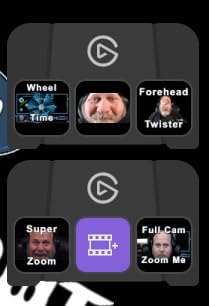
Reddit users in r/Twitch frequently mention the Pedal as a complement to a traditional stream deck rather than a replacement. The idea is that you use your hands for the LCD key operations and your feet for the push-to-talk, scene switches, and other actions you trigger frequently during a stream.
With about 1,650 reviews and an 80 percent five-star rating, the Pedal has a solid user base. Note that availability can be spotty, as this model sometimes shows as temporarily out of stock. The 2-year manufacturer warranty matches the coverage on other Elgato devices.
Hands-Free Use Cases Beyond Streaming
Musicians use the Pedal for hands-free page turns in digital sheet music, transcriptionists use it for playback control, and photographers use it to trigger camera shutters remotely. Any workflow where your hands are occupied benefits from foot pedal control, making this a genuinely versatile productivity tool.
Build Quality and Spring Customization
The included springs and stoppers set lets you customize each of the three pedals independently. You can set one pedal to a hair-trigger light press and another to a firm resistance that prevents accidental activation. The chassis is built from heavy-duty polycarbonate that handles daily foot traffic without flexing or sliding.
8. FIFINE AmpliGame Stream Controller D6 – Best Non-Elgato Option
fifine D6 RGB Macro-Keyboard with 15 Programable Buttons for Multi-Tasking
15 LCD Macro Keys
USB-A to USB-C
7.52 oz
RGB Lighting
PC Only
Pros
- 15 customizable LCD macro keys for stream control
- Wide software compatibility with OBS Studio and Streamlabs and Twitch and YouTube
- Visual touchscreen feedback for key operations
- Vivid RGB lighting with 9 different modes
- Multi-tasking support for gaming and streaming and video editing and office work
Cons
- Limited to PC platform only
- Requires firmware and software updates for initial use
The FIFINE AmpliGame Stream Controller D6 is the most compelling non-Elgato option we tested, offering 15 LCD macro keys at a price that significantly undercuts the Elgato MK.2. If you want the stream deck experience without committing to the Elgato ecosystem, this is where I would start.
I ran the D6 through OBS scene switching, Streamlabs alerts, Twitch chat commands, and Discord mutes, and it handled all of them without issues. The 15-key layout mirrors the Elgato MK.2 in layout, and the visual touchscreen feedback on each key confirms your actions fired correctly. The RGB lighting with 9 different modes adds personality that the Elgato decks lack.
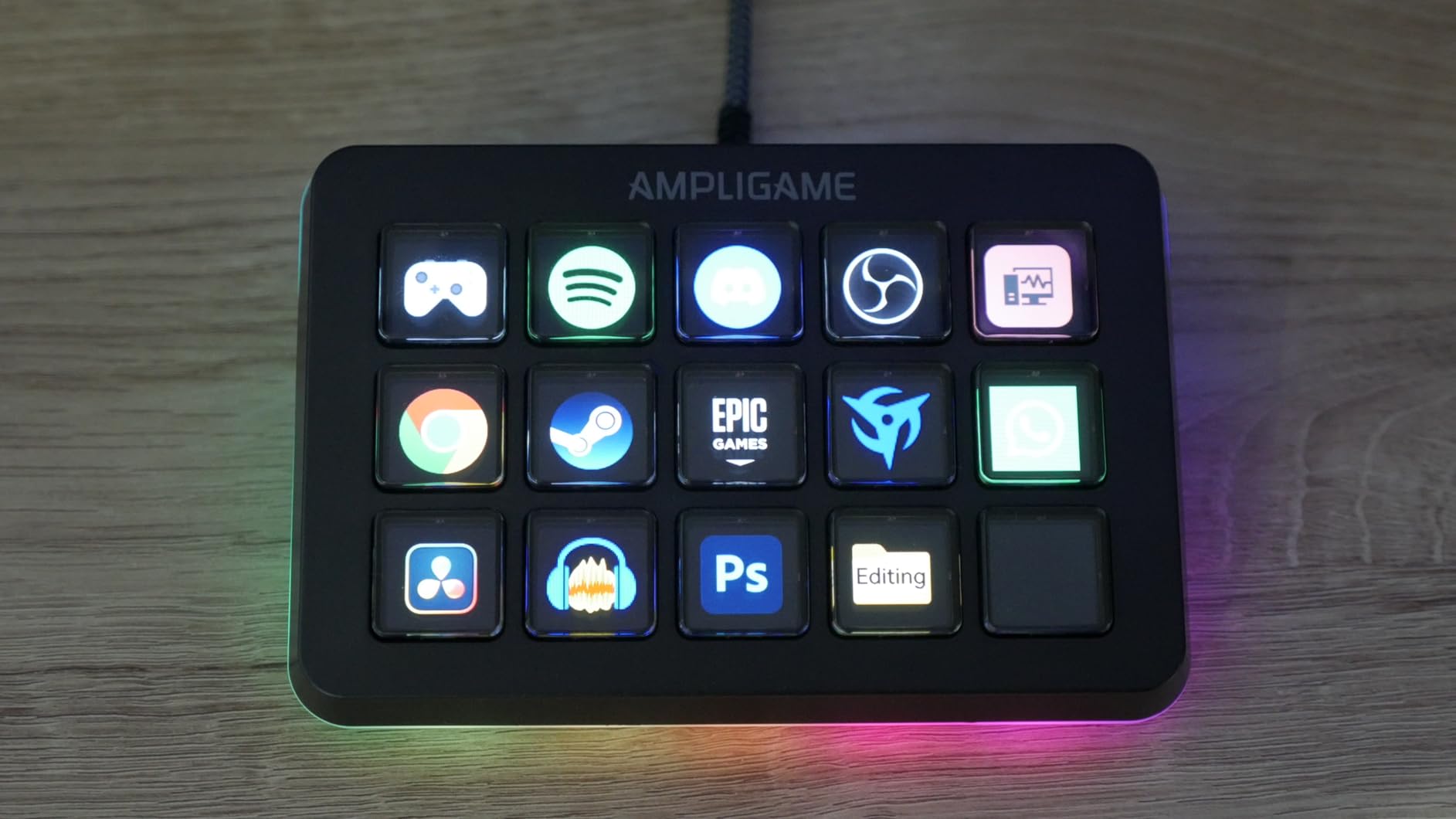
The main limitation is PC-only compatibility, which means Mac users are out of luck. The D6 also requires firmware and software updates when you first set it up, which adds a few extra steps compared to the plug-and-play Elgato experience. The FIFINE software is functional but not as polished or plugin-rich as the Elgato Stream Deck app.
With about 727 reviews and a 77 percent five-star rating, the D6 is still building its reputation. For budget-conscious creators who primarily stream on a Windows PC, it delivers the core stream deck experience at a fraction of the cost of comparable Elgato models.
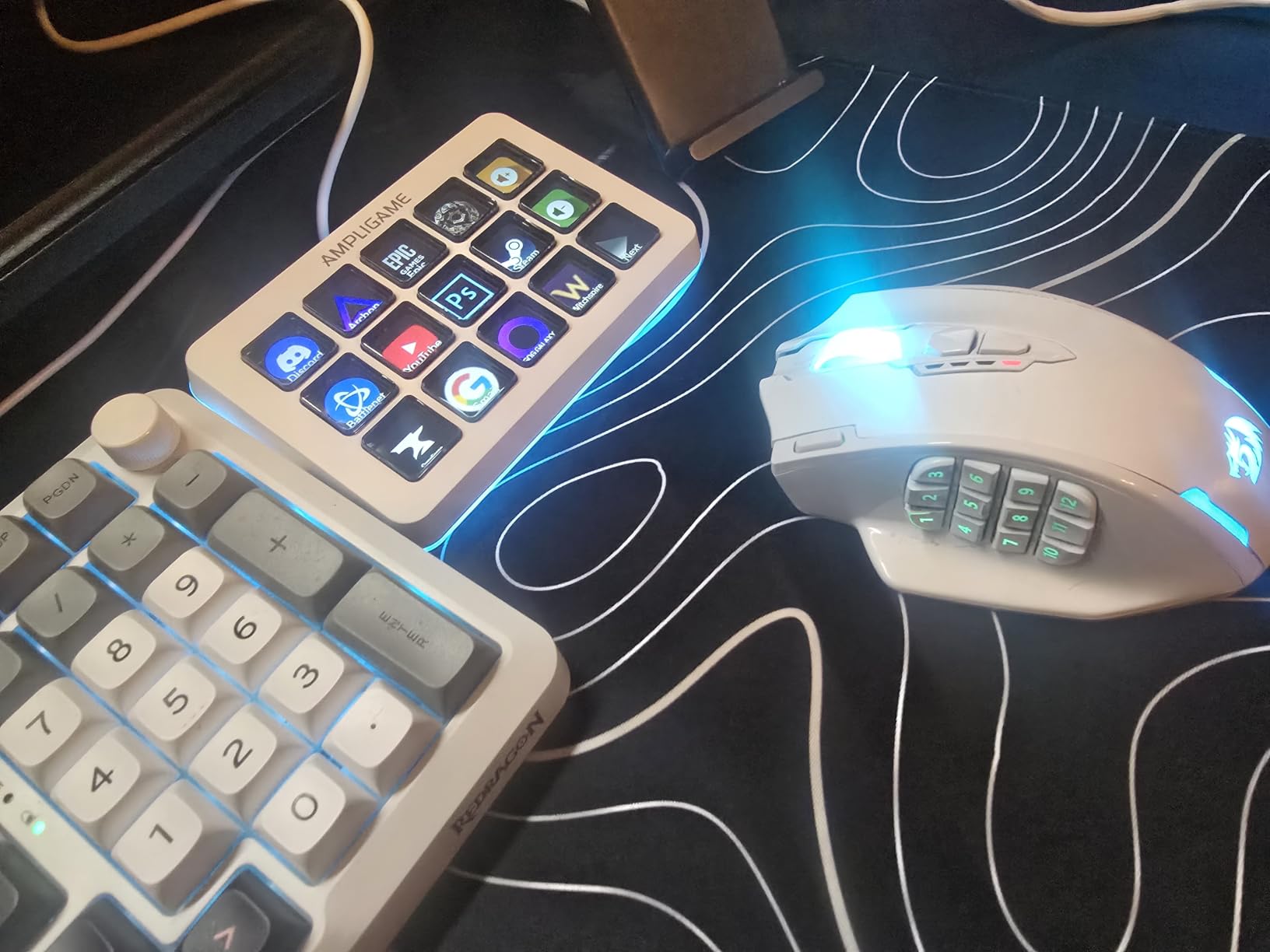
Software Ecosystem Comparison
The FIFINE software supports OBS Studio, Streamlabs, Twitch, YouTube, Discord, and major editing software. However, the plugin ecosystem is much smaller than Elgato’s, meaning you may need to rely more on hotkey actions rather than direct app integrations for less common tools.
Value Proposition vs Elgato Alternatives
The D6 gives you 15 LCD keys for less than half the price of the Elgato MK.2. If you are primarily a Windows-based streamer who needs scene switching, audio control, and alert management, the value is excellent. The trade-off is software polish, platform compatibility, and long-term community support, where Elgato still leads significantly.
How to Choose the Best Stream Deck for Your Needs?
Choosing the right stream deck comes down to three questions: how many actions do you need, what software do you run, and what is your budget. Here is how I break down the decision after testing all 8 models.
Key count matters more than you think. Six keys (Mini) works for basic productivity and light streaming. Fifteen keys (MK.2, D6) covers most creators comfortably. Thirty-two keys (XL) is for complex live productions with multiple cameras, platforms, and alert systems. If you are unsure, start with 15 keys, which is the sweet spot according to Reddit community consensus.
Software ecosystem is the real differentiator. Elgato’s Stream Deck app has the deepest plugin library, the most active community, and the broadest app compatibility. Non-Elgato alternatives like the FIFINE D6 work but have smaller ecosystems. If you rely on niche apps or want maximum integration depth, Elgato is the safer bet.
Dials and touch strips add real value for specific workflows. The Stream Deck + and + XL include dials that are excellent for audio mixing, color correction, and timeline scrubbing. If your work involves precise adjustments, these tactile controls are worth the extra cost. Pure LCD key decks handle macro triggers better but cannot match dials for fine-tuned control.
Non-streamers should not overlook stream decks. Forum research shows strong demand from office workers, video editors, podcasters, and smart home enthusiasts. Mute on Zoom, quick-launch documents, toggle smart lights, and trigger Photoshop macros are all common non-streaming use cases. The Mini and Neo are particularly well-suited for productivity-focused buyers.
Consider daisy-chaining multiple devices. A setup the community loves is pairing an LCD key deck with the Stream Deck Pedal for hands-free control. This gives you visual button feedback for complex actions and foot pedals for frequent toggles like push-to-talk or scene switches. Multi-deck setups are an option no competitor in our research covers, and it is a legitimate way to expand your control surface incrementally.
Mac versus PC compatibility. Most Elgato models support both Mac and PC, but forum users note occasional macOS software issues. The FIFINE D6 is PC-only. Check the compatibility list before buying if you use a Mac, as not every model supports every OS version.
FAQs
Are stream decks worth it?
Yes. Our testing and Reddit community feedback confirm that stream decks save significant time by eliminating repetitive keyboard shortcuts and mouse clicks. Even non-streamers benefit from instant app launches, mute toggles, and macro triggers. The Elgato Mini at around $60 is the lowest-cost entry point to test whether a stream deck fits your workflow.
What Stream Deck do big streamers use?
Most professional streamers use the Elgato Stream Deck XL with 32 keys or the Elgato Stream Deck MK.2 with 15 keys. The XL is popular for complex multi-scene productions while the MK.2 covers the majority of streaming workflows. Some streamers add the Stream Deck Pedal for hands-free push-to-talk and scene switching.
Are stream decks discontinued?
No. Elgato continues to actively manufacture and update the Stream Deck lineup including the MK.2, XL, Mini, Plus, Neo, and Pedal. New models like the Stream Deck Plus XL were released recently. The software receives regular updates with new plugins and integrations.
Which stream deck is best for beginners?
The Elgato Stream Deck Neo with 8 keys or the Elgato Stream Deck Mini with 6 keys are the best options for beginners. Both run the full Elgato software ecosystem and cost significantly less than the larger models. The Neo adds smart home integration and two touch points, while the Mini is the most affordable entry point.
Final Verdict: The Best Stream Decks in 2026
After testing all 8 models, our top recommendation for the best stream decks in 2026 comes down to three picks. The Elgato Stream Deck XL wins best overall for its unmatched 32-key layout and 90 percent five-star rating across thousands of reviews. The Elgato Stream Deck MK.2 is our editor’s choice for the 15-key sweet spot that covers most creators. And the Elgato Stream Deck Mini remains the best budget entry point into the full Elgato ecosystem.
If audio mixing is your priority, the Stream Deck + with dials and Wave Link integration is worth the upgrade. For hands-free control, the Stream Deck Pedal pairs beautifully with any LCD key deck. And budget-conscious PC streamers should consider the FIFINE AmpliGame D6 as a capable non-Elgato alternative.
The right stream deck is the one that fits your specific workflow, whether that means 6 keys for office productivity or 36 keys plus dials for full production control. Any model on this list will eliminate repetitive keyboard shortcuts and make your creative work faster and more enjoyable.