
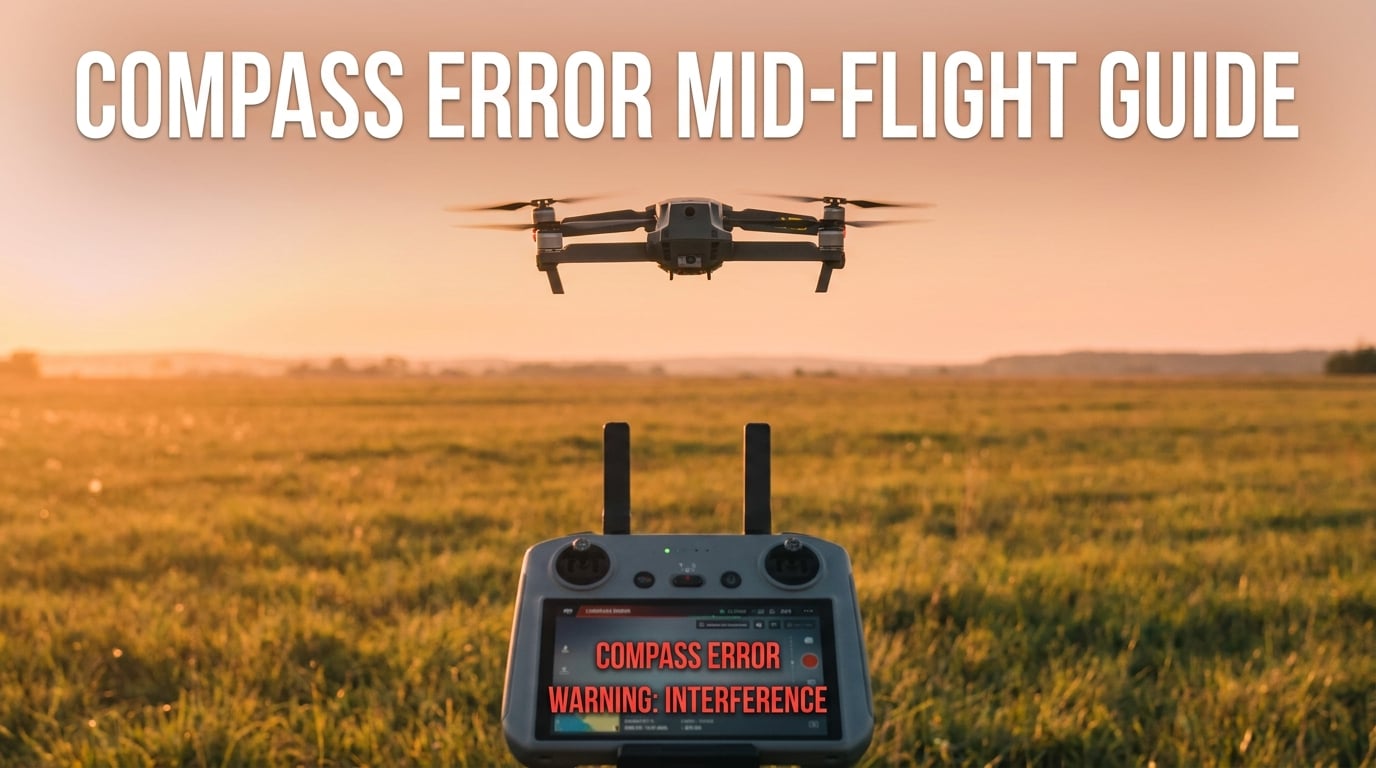
A compass error mid flight is the single most stressful warning a drone pilot can see. One moment you are framing a shot, and the next moment your screen flashes red, your drone starts drifting, and you have seconds to decide what to do.
Our team has analyzed hundreds of forum threads and incident reports about in-flight compass errors. The pilots who come out with their drone intact are the ones who already know the recovery steps before they ever see the warning. This guide gives you that head start.
You will learn how to recognize a compass error, exactly what to do in the next 30 seconds, and how to keep the warning from ever showing up again.
Table of Contents
Understanding a Compass Error on a Drone
A compass error means your drone’s magnetometer is receiving corrupted heading data. The flight controller can no longer tell which direction it is facing, and that breaks nearly every automated system on board, including hovering, Return to Home, and obstacle awareness on certain models.
Inside nearly every consumer drone is a small chip called a magnetometer. It senses Earth’s magnetic field the way a traditional compass does, then feeds heading data to the flight controller. When the magnetometer picks up stronger magnetic fields from nearby metal, power lines, or even a smart watch, it mixes those signals with Earth’s field and starts guessing wrong about which way is north.
The drone does not know it is lost. It trusts the magnetometer completely. So when the sensor says the drone is pointing 40 degrees off from where it actually is, the flight controller will turn the wrong way to “fix” it. This is the start of the dreaded toilet bowl effect, where the drone slowly spirals instead of holding position.
You will usually see a flashing red banner in your app that says “Compass Error” or “Magnetometer Interference.” On some DJI models, the warning reads “Compass needs calibration.” On Autel and Skydio, the wording is similar. Either way, treat the warning as real, even if the drone still seems to respond to your sticks.
Why Compass Errors Happen in the Air
Calibration drift is the most common cause. The compass learned your local magnetic signature at takeoff, but as the drone moved through a new environment, the signature changed and the old calibration no longer fits.
Hot spots can also appear suddenly. A high-tension power line, a rebar-reinforced bridge, or even a parked car can throw off the magnetometer the moment you fly close to it. The drone may have been perfectly stable for the first five minutes of the flight and only trigger the warning once it crosses into the interference zone.
Hardware failure is the rarest cause, but it does happen. A loose ribbon cable connecting the GPS and compass module, water damage, or a hard landing can permanently damage the magnetometer. We will cover how to tell the difference later in the article.
Immediate Actions When a Compass Error Appears Mid-Flight
If you see a compass error mid flight drone warning, follow these five steps in order. Do not skip a step. Pilots who panic and try to fight the drift usually make it worse.
Step 1: Stay Calm and Stop All Inputs
Take your thumbs off the sticks for two seconds. The drone is already trying to correct a phantom heading problem. If you add your own inputs on top, the flight controller receives two contradictory commands and the behavior gets even less predictable.
Use the two seconds to confirm what you are seeing. Check the warning text in the app. Look at the drone itself to see if it is drifting, spinning, or holding position. Knowing which of these is happening tells you which step to take next.
Step 2: Switch to ATTI Mode If You Have It
ATTI mode tells the flight controller to ignore the GPS and compass and rely only on the barometer and IMU. The drone will no longer fight you to hold position, and it will no longer get false heading data. This is often the fastest way to stop a toilet bowl spin.
On DJI consumer drones, look for the ATTI or “P” to “A” toggle on the side of the controller or in the flight mode settings. Enterprise pilots using DJI Pilot 2 will find the same option under Flight Mode. Skydio and most Autel models do not expose ATTI to the pilot, so skip to Step 3 if you cannot find it.
Step 3: Trigger Return to Home Only If Conditions Allow
RTH depends on the compass to figure out which way is home. If the compass is unreliable, RTH may fly the drone in the wrong direction, straight into a tree or a building. Only use RTH if you can see the drone, the path home is clear, and the drone is high enough above all obstacles.
One DJI pilot on the r/dji subreddit shared that his drone started flying off after a compass error and he could not control it. He regained control only after the drone had traveled several hundred feet. Pressing RTH in that situation would have made the flyaway worse, not better.
Step 4: Fly Back Manually
If RTH is unsafe, fly the drone back by hand. Keep the drone in ATTI mode, climb above any obstacles, and slowly bring it toward you. Do not try to fight strong wind in ATTI mode. The drone will drift, and that is normal. You only need to control the direction of drift, not eliminate it.
Once the drone is close and over a safe landing spot, switch back to GPS mode and lower the throttle gently. If the compass error warning reappears the moment you switch back, stay in ATTI and hand-land the drone.
Step 5: Land in the Safest Spot You Can Reach
A soft landing in a grassy field beats a controlled-looking landing on concrete if the drone is still misbehaving. Aim for level ground, no people, and no water. Cut throttle only when the drone is on the ground, not while it is still a few feet in the air, because mid-air power loss can still cause a hard drop.
Once the props stop spinning, write down exactly what happened while it is fresh. Time, location, weather, what the app said, and what the drone did. That log will be invaluable in the next section.
Common Causes of Magnetic Interference
Most compass errors are caused by magnetic interference the pilot did not know was there. Knowing the usual suspects helps you spot trouble before takeoff.
Environmental Sources
These are the big ones. Stay at least 50 feet away from any of them when you power on your drone.
- High-voltage power lines and transmission towers
- Steel-reinforced concrete buildings, bridges, and parking decks
- Vehicle dealerships and scrap yards with stacked metal
- Industrial sites with large electric motors or welding equipment
- Coastal cliffs and iron-rich rock formations
Onboard Sources You Can Control
These are easy to fix once you know to look for them.
- Smartphones, smart watches, and fitness bands placed near the controller
- Keys, multi-tools, and pocket knives clipped to the pilot’s belt
- Loose phone mounts with metal parts near the controller screen
- Third-party batteries with magnetic cases or magnetic mounts
Underground and Hidden Sources
This is the surprise category. One pilot on Phantom Pilots reported repeated compass errors at a parking lot that turned out to be caused by rebar mats buried under the asphalt.
Subway tunnels, underground utilities, and old building foundations can all create localized magnetic fields strong enough to confuse a magnetometer. If you are getting compass errors in the same place every time, look down as well as around.
Ground Recovery and Calibration Procedures
Once you have the drone safely on the ground, your next job is to figure out whether you are dealing with a calibration problem or a hardware problem. The steps below cover both.
Inspect the Drone and the Surroundings
Walk the takeoff area first. Look for any of the interference sources listed in the previous section. Move 30 to 50 feet away from anything metal before you try any calibration. Many pilots waste an hour trying to calibrate a compass that is being overwhelmed by the same truck they were parked next to.
Inspect the drone for physical damage. Check the GPS and compass module on the rear or top of the drone for cracks, looseness, or signs of water. Inspect the ribbon cable that connects the module to the flight controller. A loose cable is one of the most common causes of repeating compass errors after a hard landing.
Move to a Clean Calibration Zone
The ideal calibration zone is open ground, no metal within 50 feet, no power lines overhead, and no concrete directly under you. Grass is best. Dirt is fine. Asphalt with rebar underneath is not. Parking lots next to buildings are the worst-case spot, even if the lot itself is empty.
Power on the drone, connect the controller, and wait for full GPS lock. Skipping the GPS lock step is a common reason calibration fails the first time and succeeds the second.
Run a Full Compass Calibration
The exact steps depend on the app you fly with. Below are the two most common paths.
DJI Fly App (Mini, Air, Mavic)
- Open DJI Fly, connect to the drone, and tap the three dots for the main menu.
- Go to the Safety tab, then find Compass and tap Calibrate.
- Pick up the drone and slowly rotate it horizontally 360 degrees until the app prompts you to move to the vertical step.
- Hold the drone with the camera pointing left, then slowly rotate it vertically 360 degrees until the app confirms the calibration is complete.
- Wait for the prompt to restart the app, then re-arm the drone before flight.
DJI GO 4 (Phantom, older Mavic)
- Open the main controller window and tap the calibration icon shaped like a small compass.
- Rotate the drone horizontally until the on-screen indicator turns green for that axis.
- Tilt the nose down 90 degrees and rotate vertically until the second indicator turns green.
- Tap Done and let the app confirm the magnetometer is healthy before takeoff.
If calibration fails more than twice in a row, the problem is not the procedure. Move further from any metal and try again. If it still fails, treat the issue as a hardware problem.
When DIY Fixes Will Not Work
You need professional repair if you notice any of these signs. Continuing to fly will only make the damage worse and risks a flyaway.
- Compass errors return immediately after a clean calibration in a clean area
- The drone shows different heading values on each power cycle
- You see physical damage or corrosion on the compass module
- Calibration passes, but the warning reappears within 30 seconds of takeoff
A certified repair shop can swap the GPS and compass module as a single assembly, then run a factory-level IMU and magnetometer calibration using tools like DJI Assistant 2. Forum pilots who tried to live with repeated errors usually ended up replacing the entire module anyway.
Preventing Compass Errors Before You Fly
Preventing a compass error is much easier than recovering from one. The habits below take about three minutes per flight and will eliminate most of the warning messages you would otherwise see.
Run a Pre-Flight Compass Check
Most apps have a sensor health screen that shows real-time magnetometer values. Open it before takeoff and watch the numbers for 30 seconds. If they jump around, you are in a contaminated spot. Move before you take off, not after.
Calibrate on Location, Not at Home
Many pilots calibrate at home and assume that is enough. The Earth magnetic field varies by region, and your drone is trying to map the local field at startup. A fresh calibration at the actual flying site, with the drone powered on in your launch area, gives the most accurate results.
Update Firmware and Avoid Beta Builds
Firmware updates often include sensor calibration improvements and better interference detection. Stay current on stable releases. Beta builds occasionally introduce magnetometer bugs that can show up as compass errors out of nowhere.
Learn ATTI Mode Before You Need It
Pilots who already know how to fly in ATTI mode handle mid-flight compass errors with far less panic. Practice in an open field, switch into ATTI for a few seconds at a time, and get used to the way the drone drifts without GPS lock. The 20 minutes you spend practicing is the difference between a calm recovery and a flyaway.
Keep a Pre-Flight Mental Checklist
Before every flight, ask yourself four questions. Where is the closest metal structure? Where is the closest power line? Has anyone reported compass errors in this area before? Did I update my firmware in the last month? If you cannot answer all four, pause and check before launching.
Frequently Asked Questions
How do you correct a compass error on a drone?
Land the drone in a safe spot, move at least 30 feet from any metal or power line, then run a full compass calibration. If the warning returns within seconds of the next takeoff, the issue is hardware-related and the GPS and compass module should be inspected by a repair shop.
What does a compass error mean on a drone?
A compass error means the magnetometer inside the drone is getting bad heading data, usually from magnetic interference. The flight controller can no longer trust the direction the drone is facing, so it warns you and may disable automated flight modes until the sensor is healthy again.
What causes a drone compass to malfunction?
The most common cause is nearby magnetic interference from metal structures, reinforced concrete, high-voltage lines, or even your smartphone. Less often, the magnetometer itself can fail after a hard landing, water damage, or a loose ribbon cable to the flight controller.
Can you fly with a compass error?
You can, but you should not. A drone with a bad compass reading will drift, may refuse to hold position, and can fly off in the wrong direction if you trigger Return to Home. Land as soon as it is safe to do so and resolve the warning before taking off again.
What is the toilet bowl effect on a drone?
The toilet bowl effect is what pilots call it when a drone with a bad compass reading slowly circles instead of holding position. The flight controller keeps trying to correct a phantom heading error, and the result is a wide, low-altitude spiral that often ends in a crash or a flyaway.
How do you calibrate a drone compass?
Open the safety or sensor settings in your app, start a compass calibration, and rotate the drone slowly 360 degrees horizontally, then 360 degrees vertically. The app will tell you when each step is done. Always calibrate in an open area with no metal closer than 30 feet.
Final Thoughts on Handling a Compass Error Mid-Flight
A compass error mid flight drone warning is not the end of the flight if you know the recovery steps. Stay calm, switch to ATTI mode if you have it, fly back by hand, and land in the safest spot you can reach. Once the drone is on the ground, move away from any metal and run a clean calibration before the next launch.
The best compass error is the one you never see. Calibrate on location, check for hidden interference, and practice ATTI mode in an open field long before you need it. Our team has seen pilots turn a scary in-flight warning into a non-event simply because they had read through the steps once before.
Bookmark this guide, share it with a flying partner, and add the pre-flight checklist to your routine. The next time your app flashes a compass warning, you will know exactly what to do.