
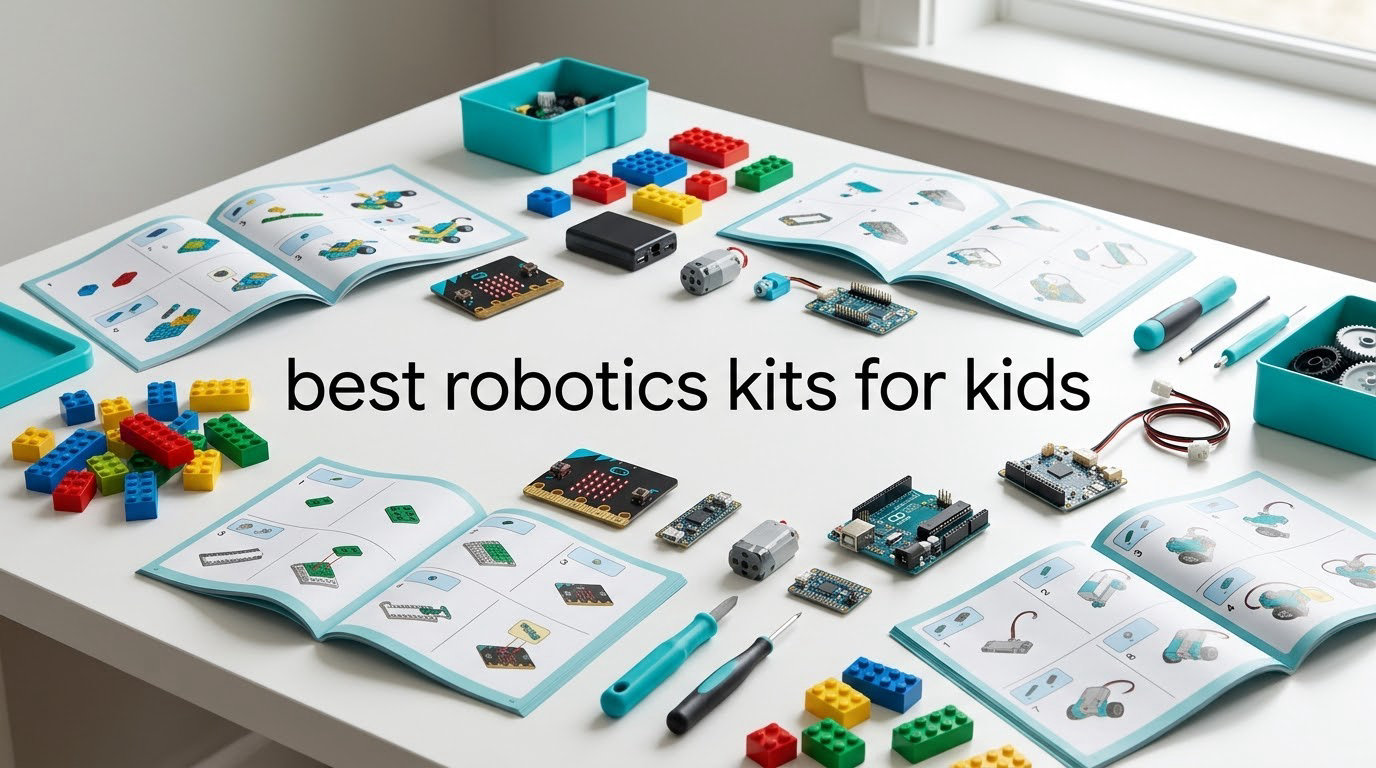
Our pick of the best robotics kits for kids is the Sillbird 12-in-1 Solar Robot Building Kit. It covers the widest usable age range of anything we reviewed, needs no batteries and no screen, and it carries more owner reviews than the rest of the field combined.
A robotics kit for kids is a construction set that combines a motor, sensors and a controller so a child can build something that moves, then decide how it should behave. The good ones teach sequencing, debugging and mechanical reasoning, because a bot that ignores a wall teaches the lesson faster than any lesson.
Sort by age and you can find your child’s band in one scan. Ages 5-7 start with the Learning Resources Gears set. Ages 8-10 are best served by the Makeblock mBot or the Sillbird solar kit. Ages 11-13 have the widest choice. Ages 14 and up should be writing real code on the ELEGOO kit. If you would rather build something than program it, the mechanical hands below cover that side of maker time, alongside our best kids craft kits for creativity picks.
Every kit below carries an honest drawback. We would rather you know what breaks first than find out on a wet Saturday afternoon.
Table of Contents
Top 3 Picks for Best Robotics Kits for Kids (October 2026)


Best Robotics Kits for Kids at a Glance in 2026
| Product | Specifications | Action |
|---|---|---|
| Sillbird 12-in-1 Solar Robot Kit |
|
Check Latest Price |
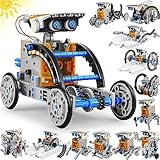 Bottleboom 13-in-1 Solar Robot Kit Bottleboom 13-in-1 Solar Robot Kit |
|
Check Latest Price |
 Teach Tech Mech-5 Coding Robot Teach Tech Mech-5 Coding Robot |
|
Check Latest Price |
 ELEGOO UNO R3 Smart Robot Car V4 ELEGOO UNO R3 Smart Robot Car V4 |
|
Check Latest Price |
 Thames and Kosmos Mega Cyborg Hand Thames and Kosmos Mega Cyborg Hand |
|
Check Latest Price |
| Smartivity Robotic Mechanical Hand |
|
Check Latest Price |
| Makeblock mBot Coding Robot |
|
Check Latest Price |
 Sillbird 5-in-1 Programmable Robot Sillbird 5-in-1 Programmable Robot |
|
Check Latest Price |
 Henoda 468-Piece Building Robot Henoda 468-Piece Building Robot |
|
Check Latest Price |
 Learning Resources Gears Robots in Motion Learning Resources Gears Robots in Motion |
|
Check Latest Price |
 BeAndge Six-Build STEM Electronics Kit BeAndge Six-Build STEM Electronics Kit |
|
Check Latest Price |
 Butterfly EduFields 10-in-1 STEM Kit Butterfly EduFields 10-in-1 STEM Kit |
|
Check Latest Price |
1. Sillbird 12-in-1 Solar Robot Building Kit – Our Pick of the Best Robotics Kits for Kids
Who it is for: a child aged 8 to 13 who wants to build things and would rather not hand over a tablet.
Sillbird 12-in-1 Solar Robot Building Kit STEM Gift for Boys Ages 8-13
190 pieces and 12 models
Solar powered, no batteries
Screen-free
Ages 10 and up
Pros
- Twelve buildable models from 190 parts
- No batteries and runs outdoors on the upgraded solar panel
- Clear step-by-step instructions for independent assembly
- Screen-free play that teaches basic engineering
- Highest review count in this roundup
Cons
- Solar models perform poorly under indoor lighting or on cloudy days
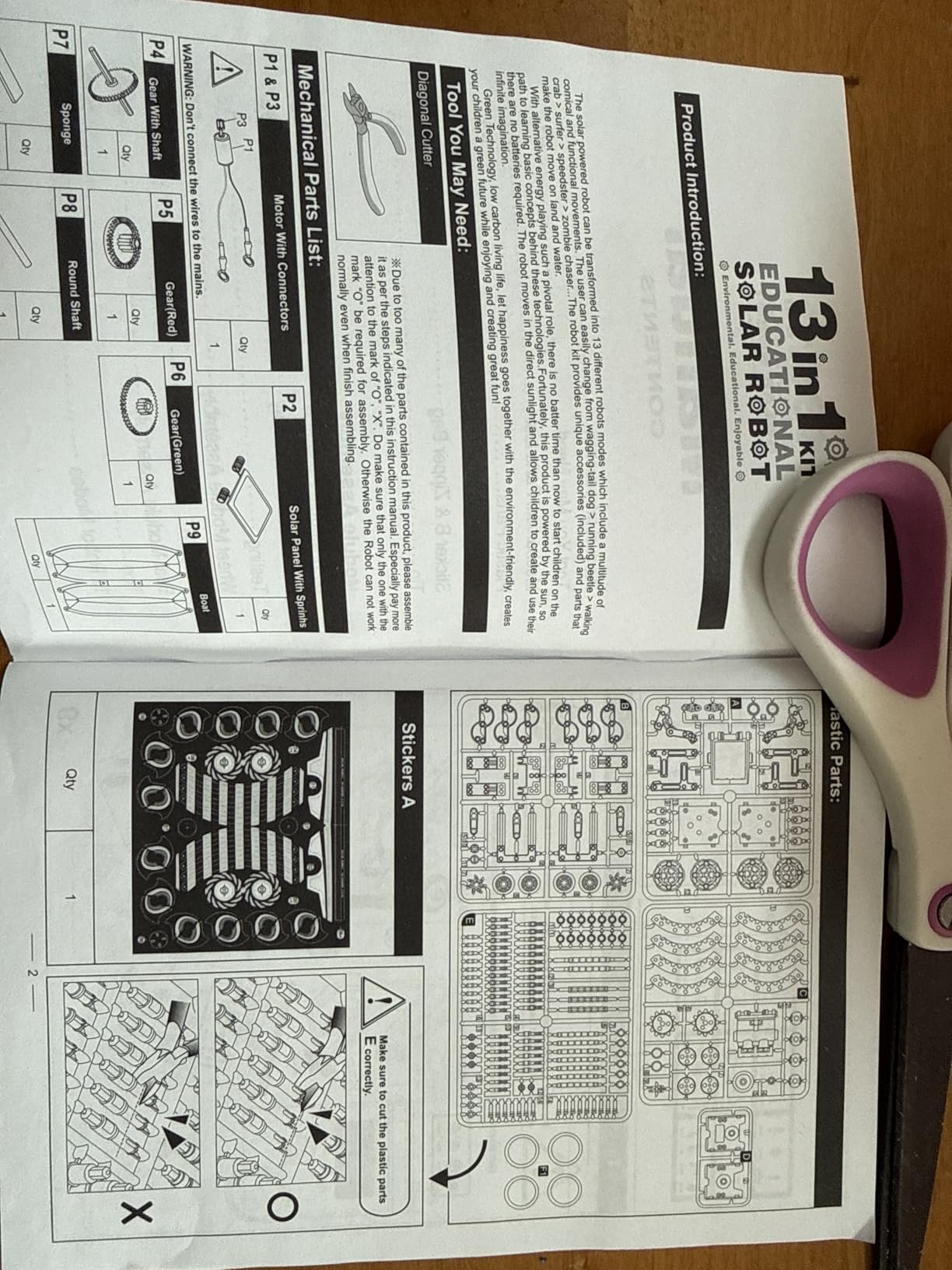
- Flat-pack parts need careful cutting and trimming or the gear trains jam
- Small motor stalls under load
What sells this kit is the number of builds. From one box of 190 parts a child works through robots, cars and more, and the later models are genuinely harder than the first. That progression is what stops a single-design kit from becoming boring after one success.
It runs on an upgraded larger solar panel, so the working condition is a bright windowsill or outdoors. Nothing to charge, nothing to lose, no app to abandon when a developer changes it.
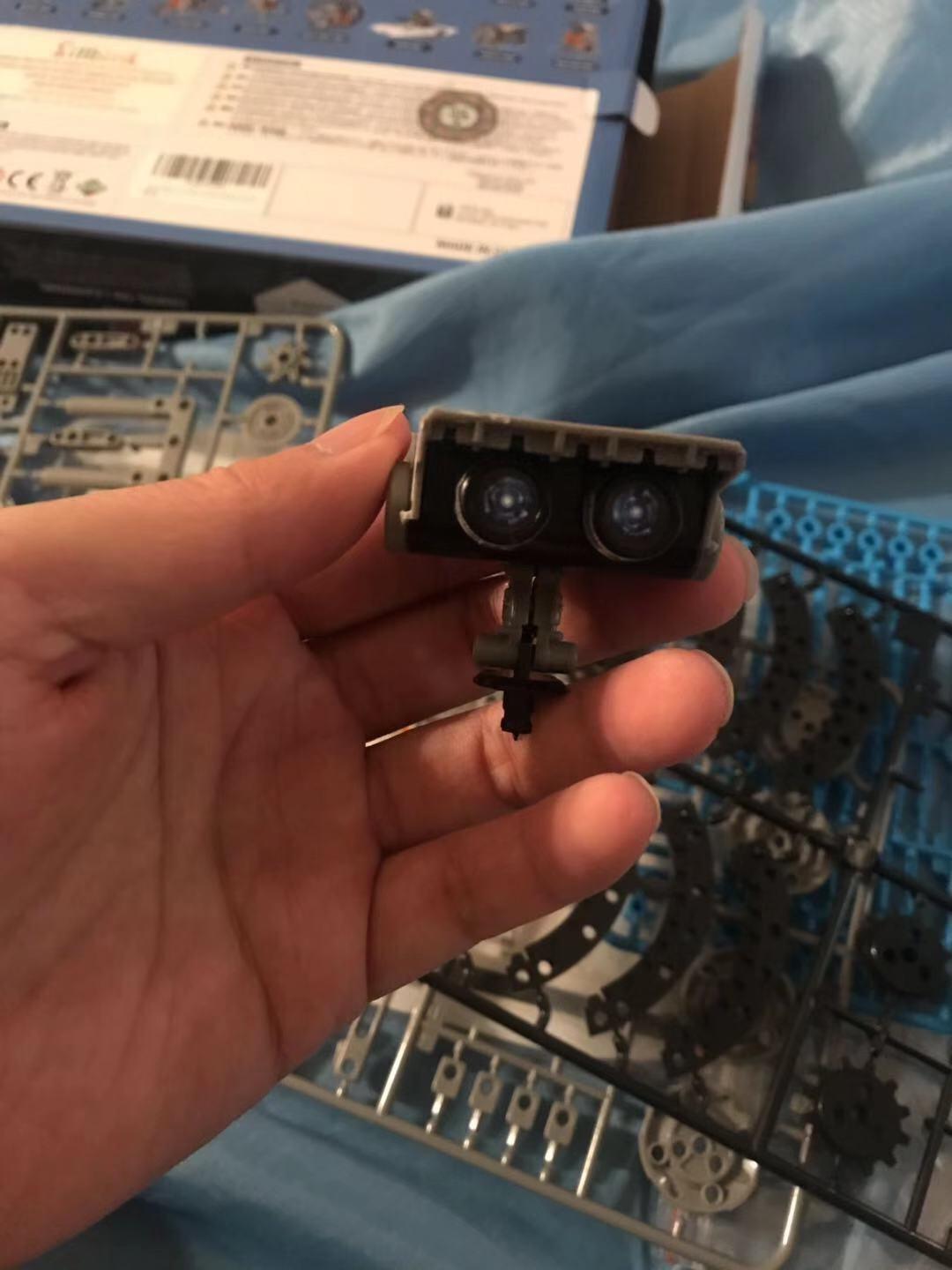
With around 15k owner reviews behind it, this is the largest sample of real-world behaviour available in the category. The consistent report is that it does what the box says, once you give it proper light.
What it teaches and how long the build takes
There is no coding here, and that is the trade. In exchange the child learns gear ratios, balance, centre of gravity and energy conversion, a useful foundation for the coding kits further down. Each model is a self-contained build rather than a reconfiguration of the last one, and expect a couple of hours spread over several sessions for the first model rather than one sitting.
Watch out for
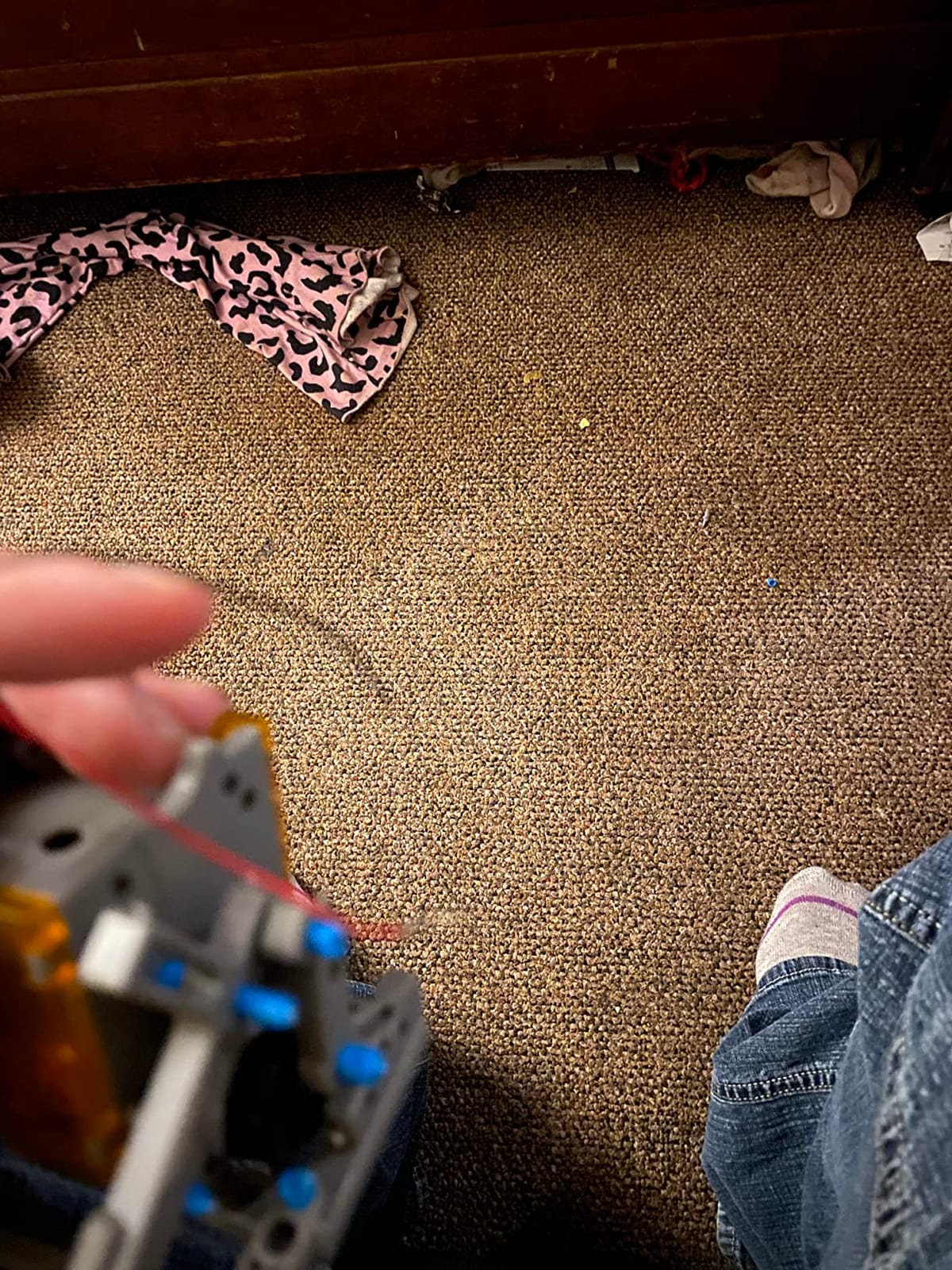
Trim the sprues carefully before anything else. Most frustration traces back to flat-pack parts that were not cleaned up properly, leaving gear teeth catching. And keep it in daylight, because under a desk lamp the motors stall and children read that as a broken toy rather than a lighting problem.
2. Bottleboom 13-in-1 Solar Robot Kit – Best for Land and Water Builds
Who it is for: a child aged 8 to 12 who will happily build one model after another for a week.
STEM 13-in-1 Education Solar Power Robots Toys for Boys Age 8-12
13 buildable models
Land and water builds
Solar powered
Ages 8-15
Pros
- Thirteen different models from one set keeps play going
- Works on both land and water for extra variety
- No batteries required
- Non-toxic ABS with smooth edges for younger hands
- Detailed user manual makes the build easy to follow
Cons
- Needs direct sunlight and underperforms indoors
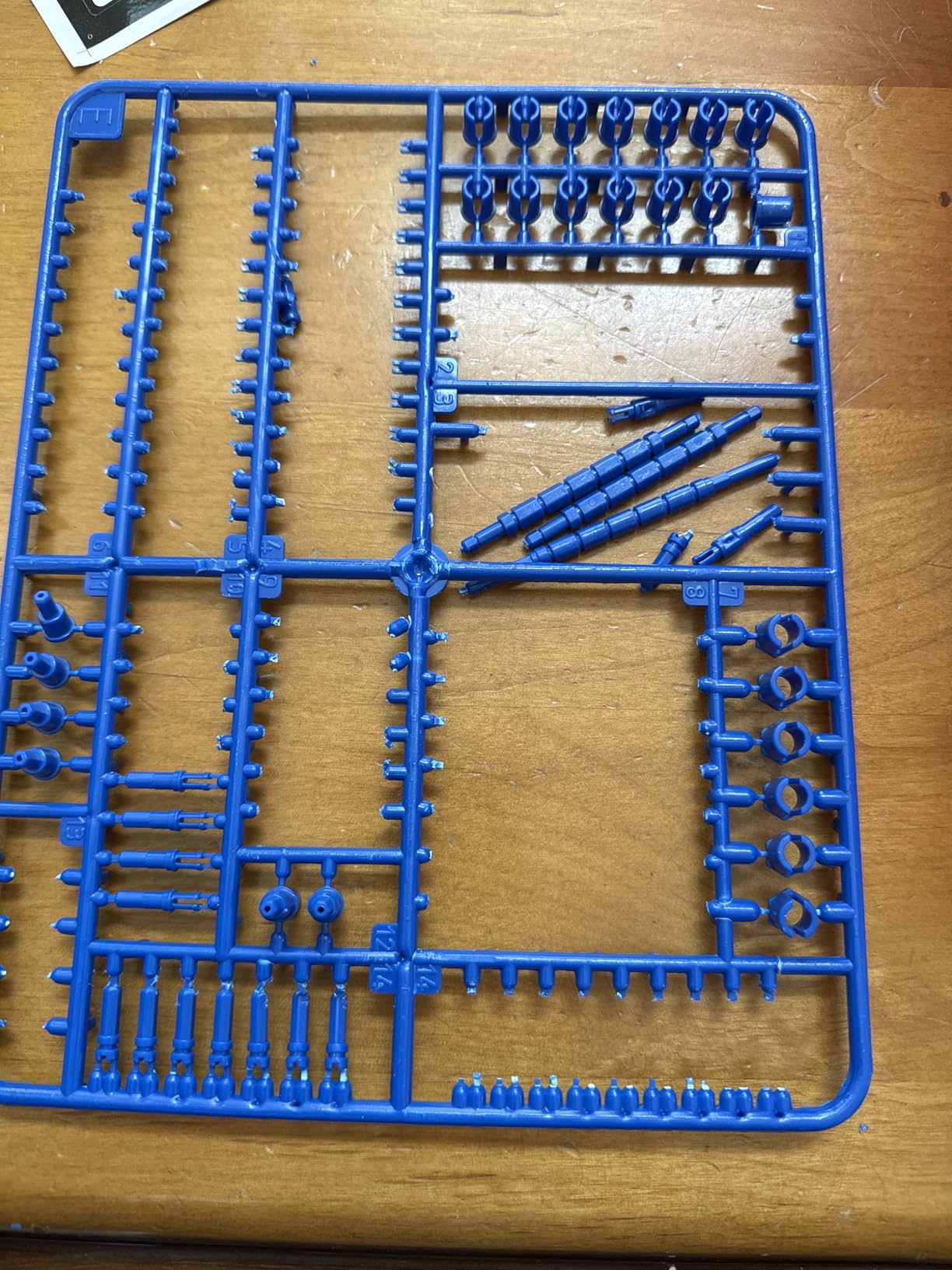
- Flat-pack pieces must be cut and sanded or the gear trains jam
- Some arrive with a dead motor or non-working solar panel
- Larger models need adult help and several hours
This is the closest sibling to our top pick, with one meaningful difference: some of the thirteen models run on water as well as land. For a child who likes bath toys and puddles, that single feature makes the set something other than a cheaper copy.
Everything else is broadly comparable. Solar powered, no batteries, and the plates and gears can be disassembled and rearranged once the guided models are finished.
The 4.3 rating comes from more than 6600 reviews, a large enough pool that the failure points are well mapped. The pattern is consistent: children love it, and parents are the ones trimming parts before assembly.
What it teaches and how long the build takes
The same gear trains, wheel friction and mechanical advantage as the Sillbird set, with the water models adding buoyancy as an easy way to open a conversation about density. The larger builds run to several hours and want an adult nearby, so we would start a new child on one of the smaller models first.
Watch out for
A minority of owners report a motor or solar panel that did not work out of the box. That is a packaging problem rather than a design flaw, but it is the first thing to check when the box arrives. Have a craft knife and a small file ready before the first build either way.
3. Teach Tech Mech-5 Coding Robot – Best Screen-Free Coding
Who it is for: a patient child aged 10 or older who wants a real build project and no electronics coursework.
TEACH TECH Mech-5 STEM Coding Robot Building Kit for Kids Ages 10+
Mechanical coding wheel
Throws, lifts, kicks and draws
Ages 10 and up
2 AAA batteries
Pros
- Mechanical coding wheel needs no app or electronics
- Performs throwing
- lifting
- kicking and drawing actions
- Genuine multi-hour build teaching mechanical engineering
- Mission-based design written for ages 10 and up
- Clear instructions from a long-running STEM brand
Cons
- Assembly runs several hours and is not a quick build
- Needs two AAA batteries to operate
- Narrower action set than app-controlled programmable kits
This is the odd one out and it deserves the attention. Instead of a chip, the Mech-5 is programmed with a mechanical coding wheel and snap-on buttons. You build a route out of physical blocks, clip them into the wheel, and the robot executes that sequence when you flick the switch.
No app, no firmware, no software to lose. In an era where parents worry about apps being abandoned, a robot that works the same way in ten years is a genuine advantage.
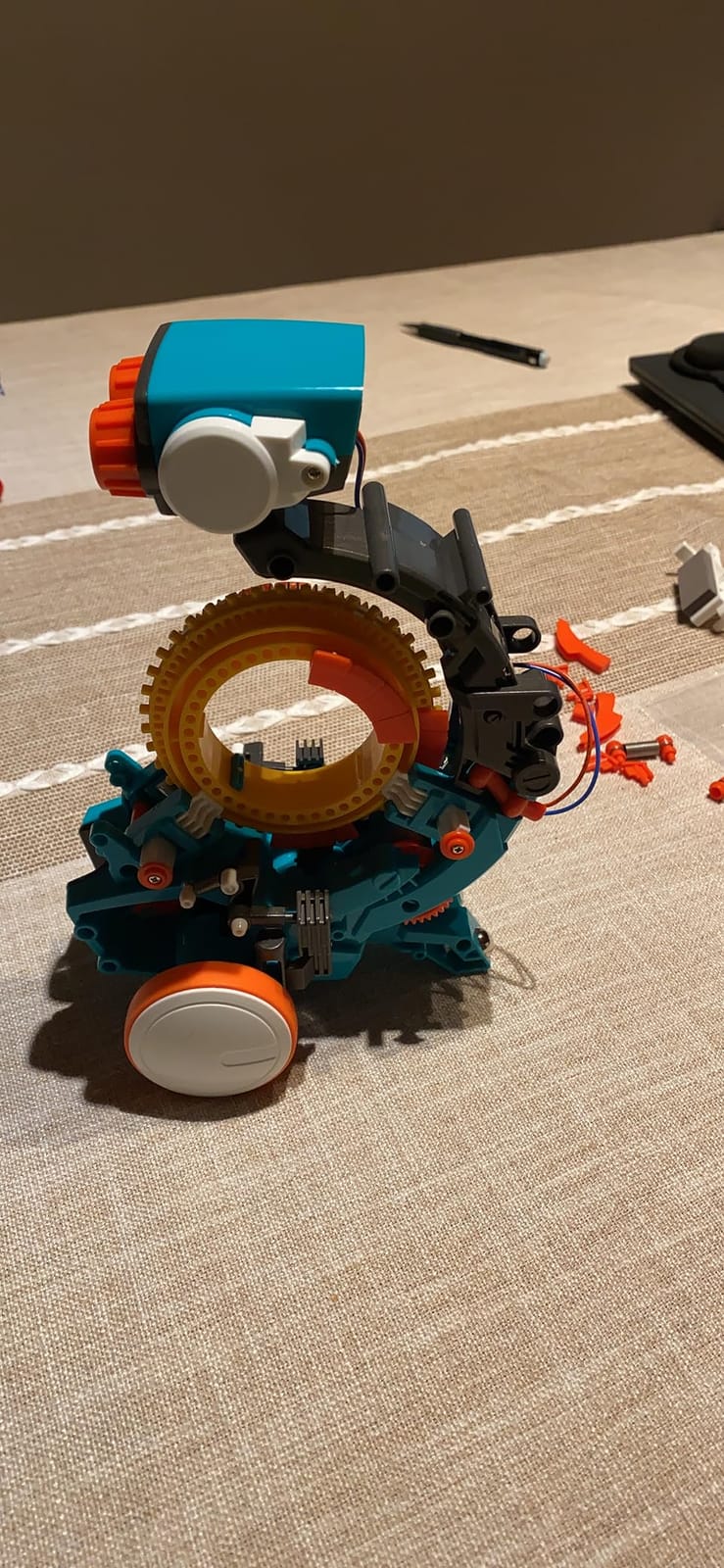
The finished robot can throw, lift, kick and draw, a much wider set of physical outcomes than most screen-free kits manage. The 4.5 average from around 5000 reviews is the most consistent rating profile among the mid-priced sets here.
What it teaches and how long the build takes
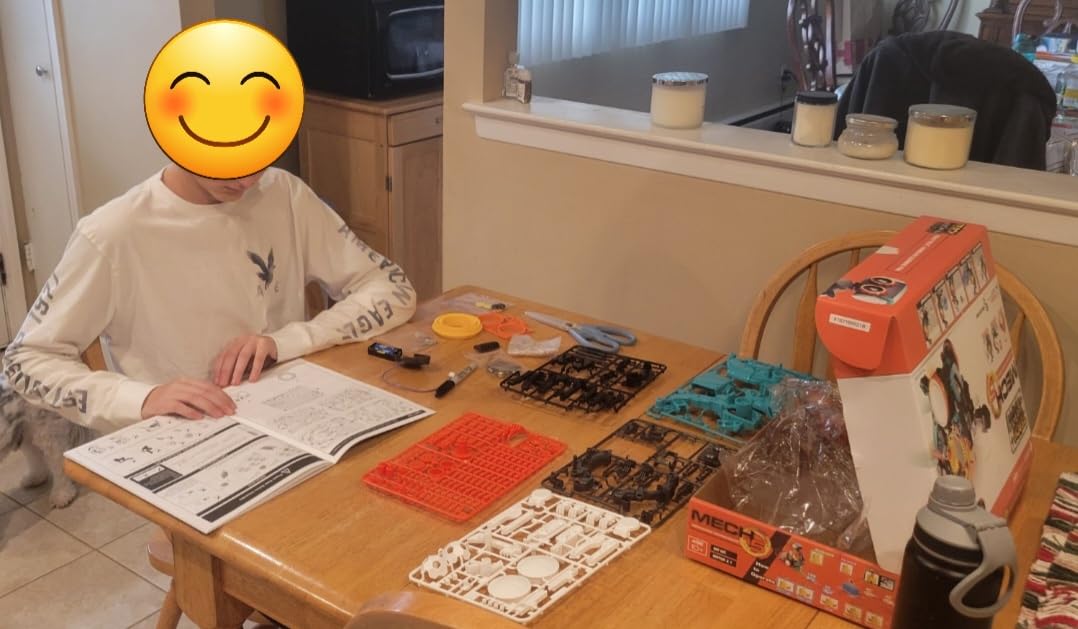
Conditionals, loops and sequencing, taught through a machine that physically cannot do anything a child did not program. For a ten-year-old that is a better first taste of computational thinking than a screen full of drag-and-drop blocks. It is a multi-hour build that everyone describes as one, so treat it as a weekend project with a parent rather than a birthday-morning surprise.
Watch out for
The action vocabulary is fixed, with no way to add a sensor or a new behaviour, so a child who wants to keep inventing will outgrow it. It also needs two AAA batteries for the motor, so it is not quite the zero-maintenance option the packaging suggests.
4. ELEGOO UNO R3 Smart Robot Car V4 – Best for Arduino and Teens
Who it is for: a child aged 12 and up who is ready to leave visual blocks behind and write real code.
ELEGOO UNO R3 Smart Robot Car Kit V4 with Camera, Compatible with Arduino
UNO R3 board plus ESP32-WROVER
FPV camera and Wi-Fi
2000 mAh rechargeable battery
Arduino IDE
Pros
- FPV camera
- Wi-Fi
- line tracking and obstacle avoidance
- Labelled packaging with parts in separate bags
- Keyed XH2.54 connectors and small tools make wiring approachable
- Preloaded working code so it drives as a toy out of the box
- Large documentation library with source code at each stage
Cons
- Stock firmware ramps motor speed up and down abruptly
- Battery pack power switch does not function
- Camera mount sits about 45 degrees above horizontal
- Reprogramming the ESP32 needs a USB-C cable that is not included
This is the kit on the list a teenager will not outgrow in a year. The brain is an ELEGOO UNO R3 board with an ESP32-WROVER module handling the camera and Wi-Fi, so the hardware that runs a remote-controlled car on day one can host a webcam feed or join a network on day thirty.
Out of the box it already works. Line tracking, obstacle avoidance, auto-follow and an FPV camera feed all function before a line of code is written, so the child has something driveable while they work out what they want to build.
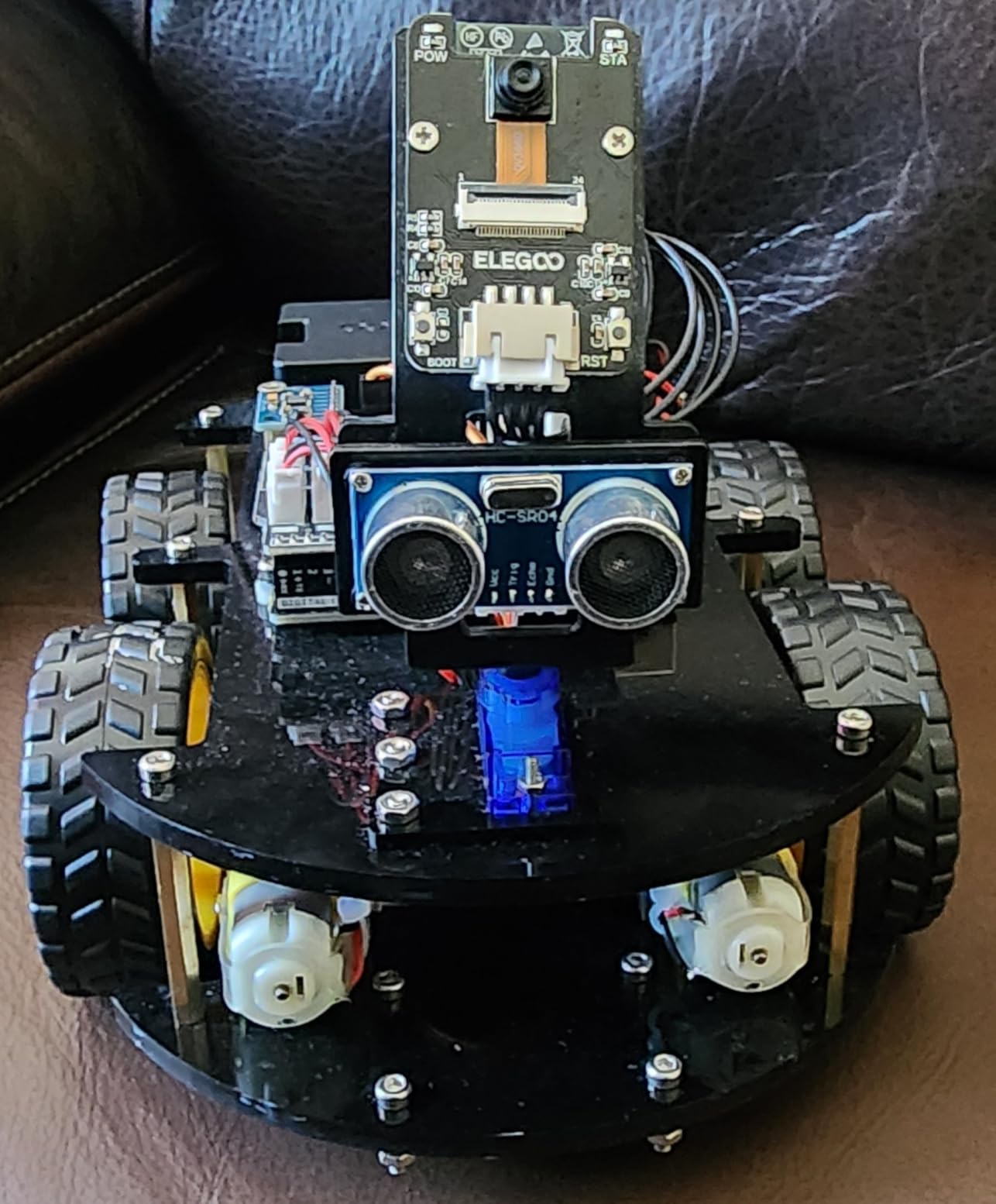
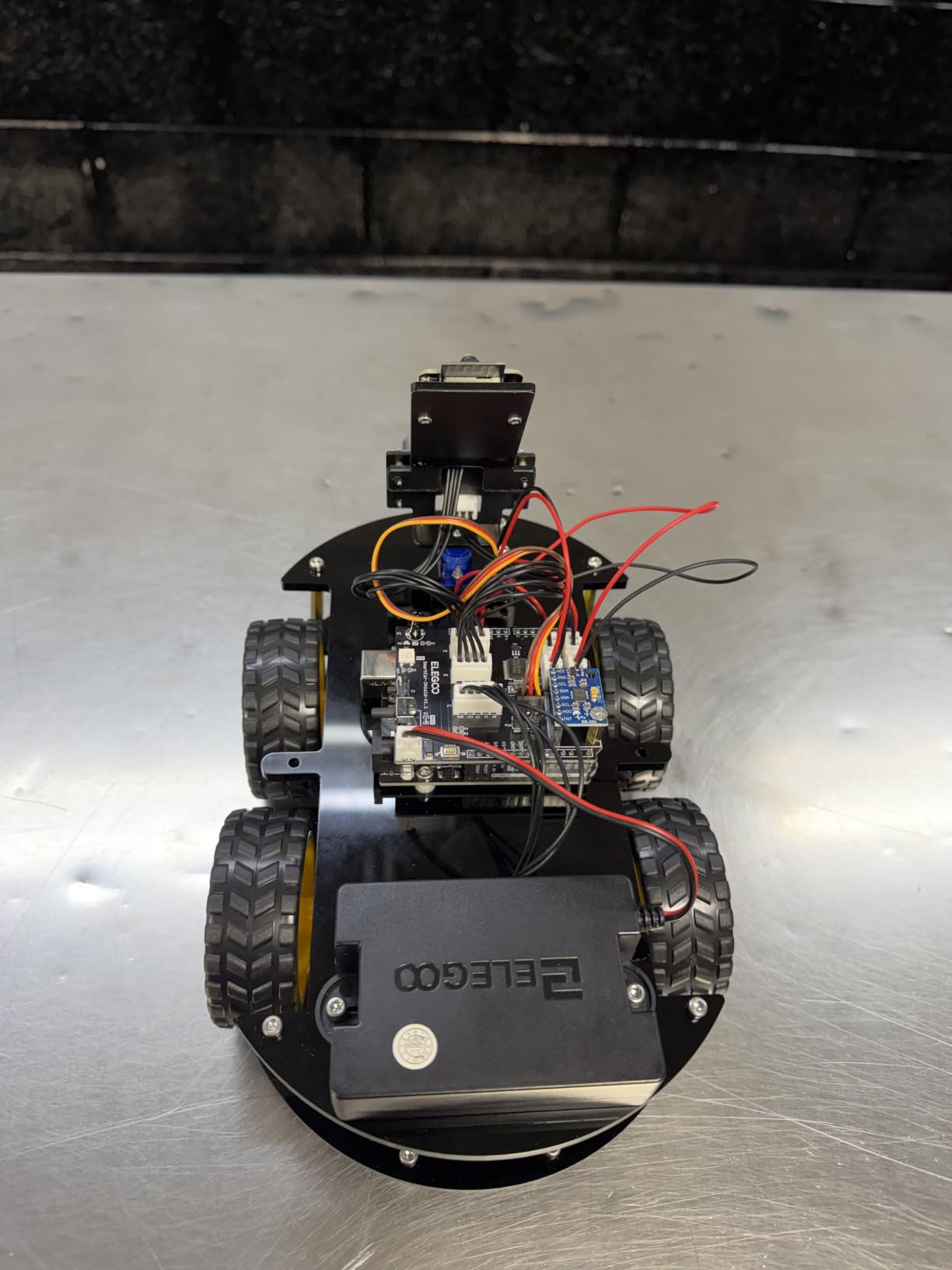
Assembly takes roughly an hour. Parts arrive in labelled bags with spare fasteners, the connectors are keyed so they only fit one way, and the illustrated tutorial walks through the wiring. That packaging care is unusual at this level.
What it teaches and how long the build takes
This is real programming. The Arduino IDE path is what pushes the value far above what a toy-shaped robot offers, because the skills transfer to any electronics project afterwards, and the documentation library includes source code at each build stage so a stuck child has somewhere to look besides a video. The rechargeable 2000 mAh pack with USB charging means no disposable batteries through the whole cycle.
Watch out for
The criticisms are details rather than big flaws: the stock firmware starts and stops motors abruptly with no ramp, the battery power switch on the pack does not work so you unplug instead, the camera angle limits how close the robot can see an obstacle ahead, and reflashing the ESP32 needs a USB-C cable that is not in the box.
5. Thames and Kosmos Mega Cyborg Hand – Best Hydraulic Build
Who it is for: a family looking for a weekend project where the child wears the result.
Thames & Kosmos Mega Cyborg Hand STEM Experiment Kit | Build Your Own GIANT Hydraulic Amazing Gripping Capabilities Adjustable for Different Sizes Learn Pneumatic Systems
Hydraulic piston operation
Wearable as a hand or claw
No motors or batteries
Ages 7 and up
Pros
- Wearable hydraulic hand that grips objects with real force
- No motors or batteries so it teaches pneumatic systems
- Three configurations and adjustable finger joints
- Manual includes comic stories and physics explainers
- Recognised by the Toy Association as a STEAM Toy of the Year
Cons
- Assembly takes three to four hours or more and needs adult help
- Small cylinders and piston seals can break with no spares included
- Some crucial parts slip out of their attachment points
- Break-off points on the frame can leave rough edges
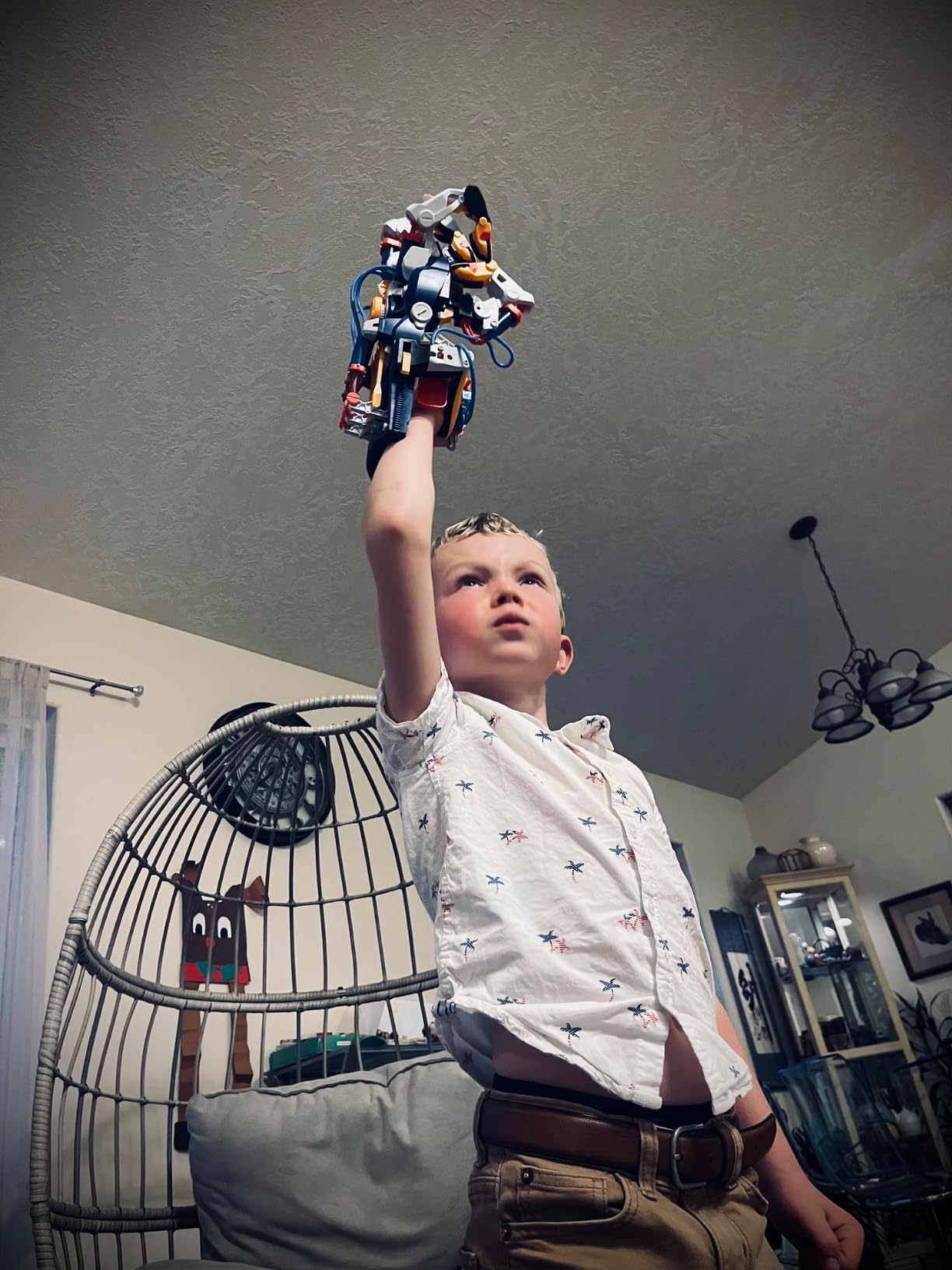
There is no coding in this kit whatsoever, and that is the point. Hydraulic pistons are driven by air pressure, water and the wearer’s own finger movement, so the child ends up wearing a working machine that responds to their hand in real time.
It configures three ways, as a right hand, a left hand or a claw, with each finger joint adjustable to different angles. The grip is strong enough to lift objects off a table, which produces the reaction that keeps a child interested for days.
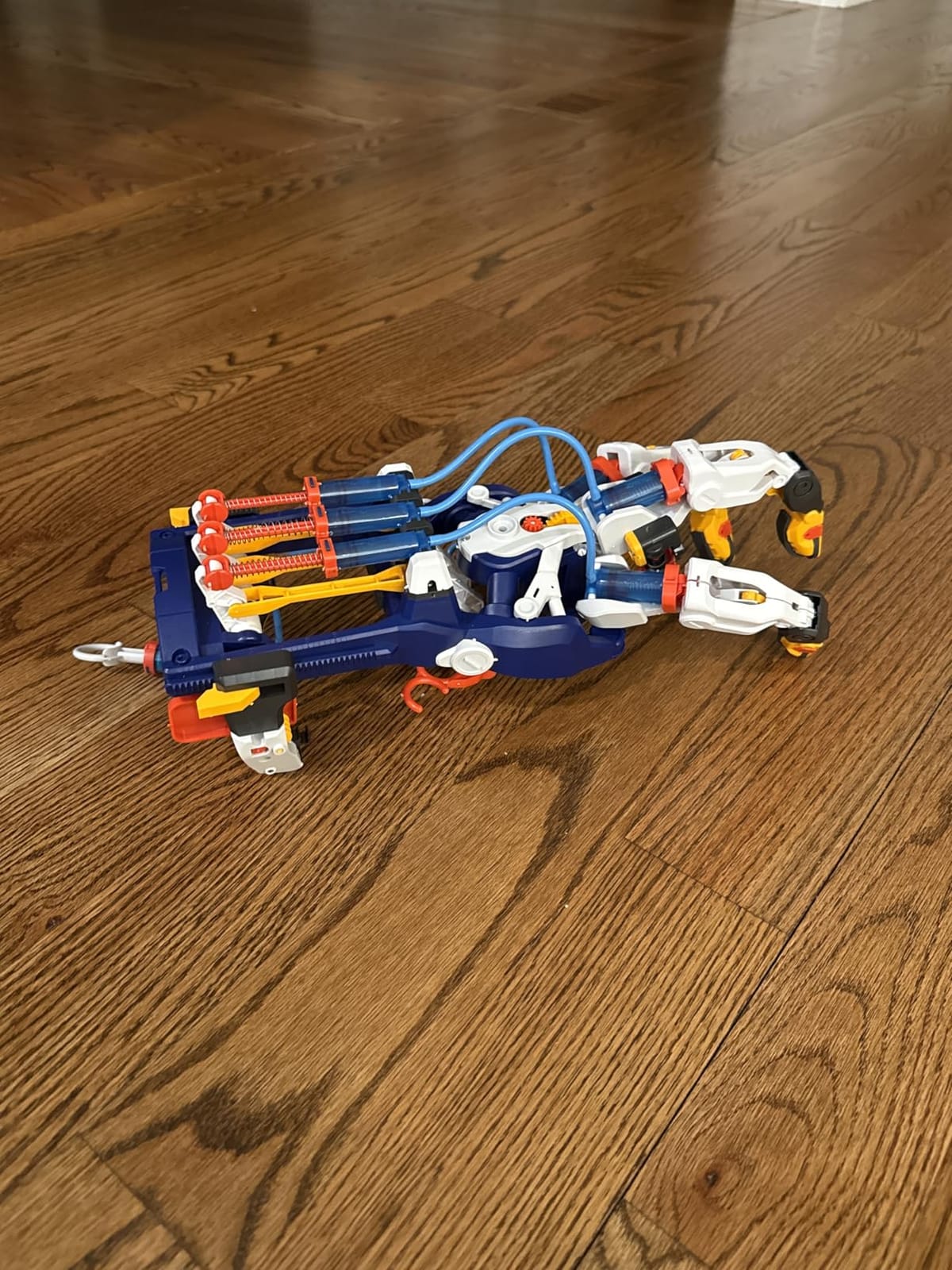
The manual does something most STEM kits do not. Alongside the steps it includes comic-style stories and physics explainers, so a child not yet reading dense instructions still has a reason to keep going. The 4.4 average comes from more than 4200 reviews.
What it teaches and how long the build takes
Hydraulics, pressure, levers and mechanical advantage delivered through a wearable device. For a seven-year-old it introduces engineering thinking without asking them to read code, and for a twelve-year-old it is still a satisfying object to have built. Three to four hours is the honest estimate, with adult help needed for most families, so budget a full weekend.
Watch out for
The small cylinders and piston seals are the weak point and no spares are included, which is the most common complaint in the reviews, alongside parts working loose from their attachment points after use. Break-off points on the frame can leave rough or occasionally sharp edges, worth checking before a younger child puts it on.
6. Smartivity Robotic Mechanical Hand – The Top Rated Kit Here
Who it is for: a child aged 8 to 14 who wants a build they can finish and keep.
Smartivity Robotic Mechanical Hand STEM Toy for Kids 8-14
Engineered wood construction
100% screen-free
No batteries
Ages 8-14
Pros
- Engineered wood rather than plastic for a more durable build
- Screen-free and battery-free mechanical hand
- Manufacturer offers a lifetime supply of replacement parts
- Kid-tested for over 1000 hours
- Backed by Parents' Choice and Dutch toy awards
Cons
- Some children need adult help to follow the step-by-step manual
- Wood construction sits above the plastic equivalents in cost
- No electronic programmability of any kind
This and the Thames and Kosmos hand share the same core idea, and the difference is materials and support. Where the hydraulic kit uses plastic cylinders, this one is cut from engineered wood, which feels substantially more solid in the hand and survives a child who drops things.
It carries the highest average rating in our roundup at 4.6, with 79 percent of owners giving five stars, and that comes from more than 3900 reviews rather than a small sample.
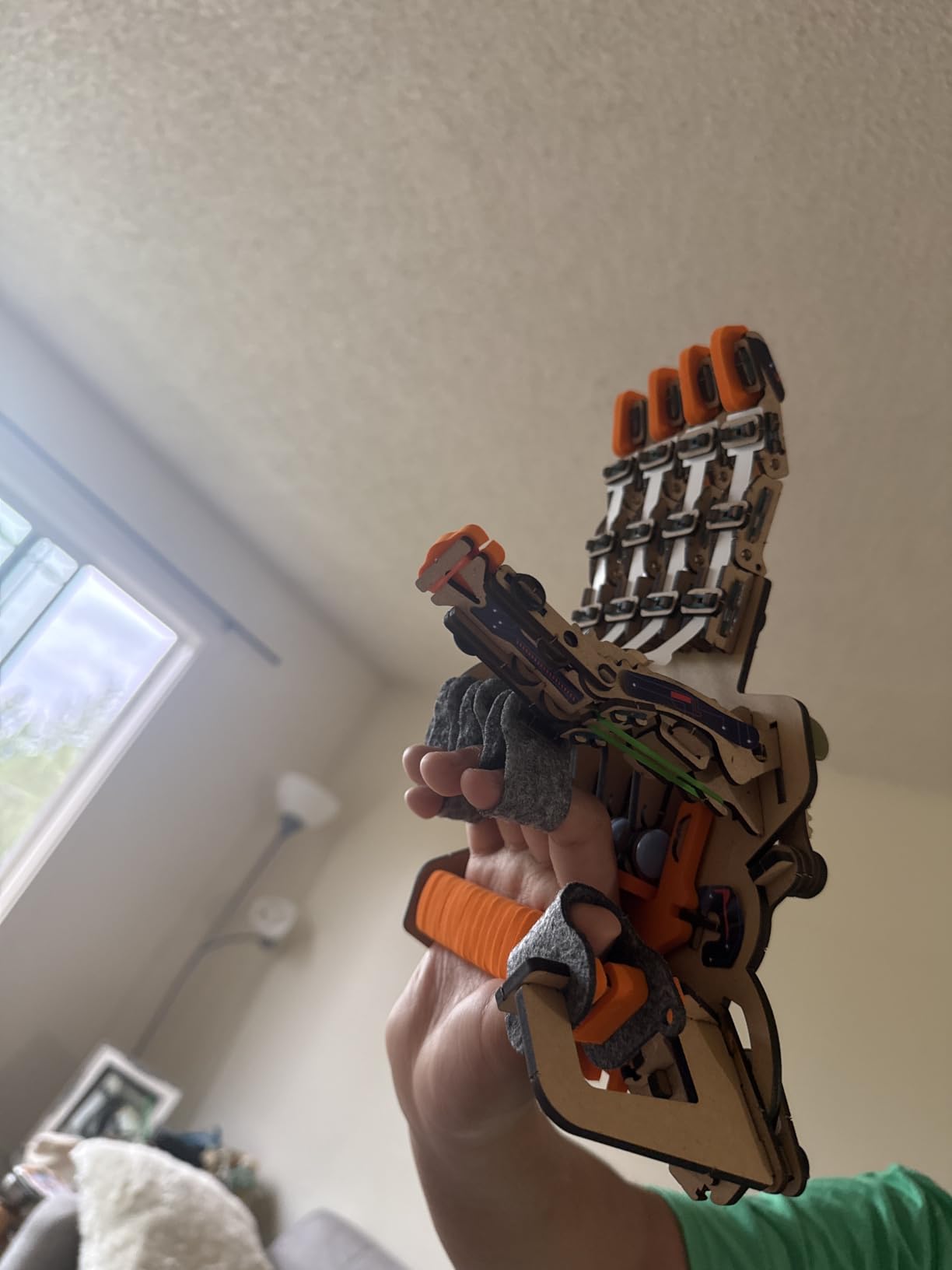
Two details matter to a parent. The manufacturer was kid-tested for over 1000 hours during development, and it offers a lifetime supply of replacement parts. That single policy removes the objection that ended the hydraulic kit for some families.
What it teaches and how long the build takes
The same mechanical lesson, levers and linkages, in a screen-free format. Because the wood pieces are pre-cut, the build is shorter and the margin for frustration much lower, which is why younger children finish it more often. It works well as a parent and child project, and the manual is the part most likely to need a second pair of hands.

Watch out for
Do not buy it expecting programmability. There is no app, no controller and no way to add behaviour later, so a child already asking about code will need something alongside it. At ten, the step-by-step manual can lose a nine-year-old without help, so sit down for the first hour.
7. Makeblock mBot – Best Robotics Kit for a 10-Year-Old
Who it is for: a child aged 8 to 12, and the pick we would make for a ten-year-old already into building.
Makeblock mBot STEM Coding Toys Robotics for Kids Ages 8-12
Builds in about 15 minutes
Scratch, mBlock and Arduino
100+ modules
Ages 8-12
Pros
- Assembles in about 15 minutes with clear instructions
- Progression from block-based Scratch to text-based Arduino
- Works immediately as a remote-controlled car with line follow
- Open platform with 100+ modules and LEGO part compatibility
- Free apps
- coding cards and structured lessons bundled in
Cons
- Four AA batteries and a CR2025 for the remote are not included
- Programming requires a computer or tablet running mBlock or Scratch
- Higher cost than the solar and flat-pack kits
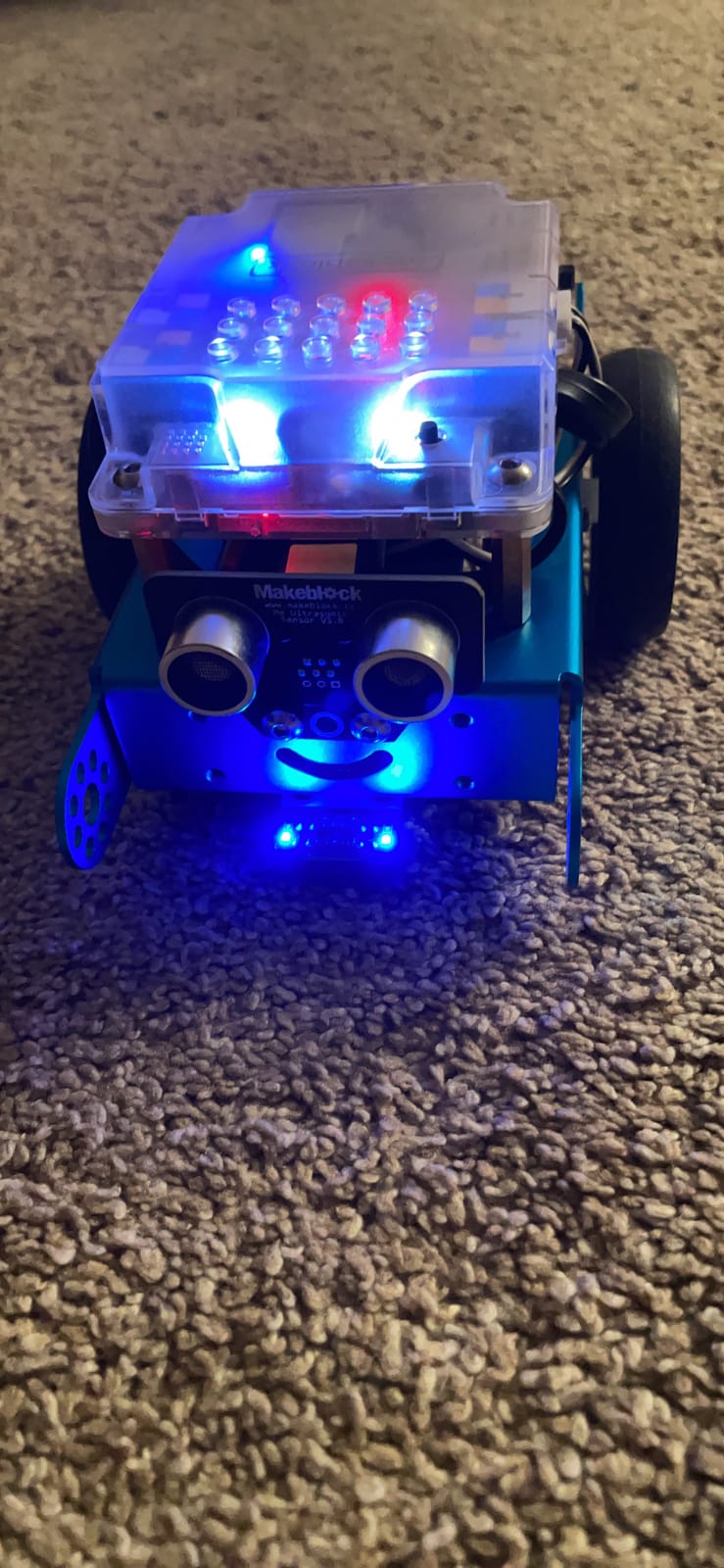
The mBot answers the most searched question on this topic directly. For a ten-year-old already into building, this is the kit. It assembles in about fifteen minutes, so the first working program happens the same afternoon rather than the following weekend, and that short gap matters enormously at that age.
It works as a remote-controlled car straight away, with line-follow and obstacle-avoidance modes built in. A child can drive it around for a week before opening the software, which is a smart way to buy time while confidence builds.
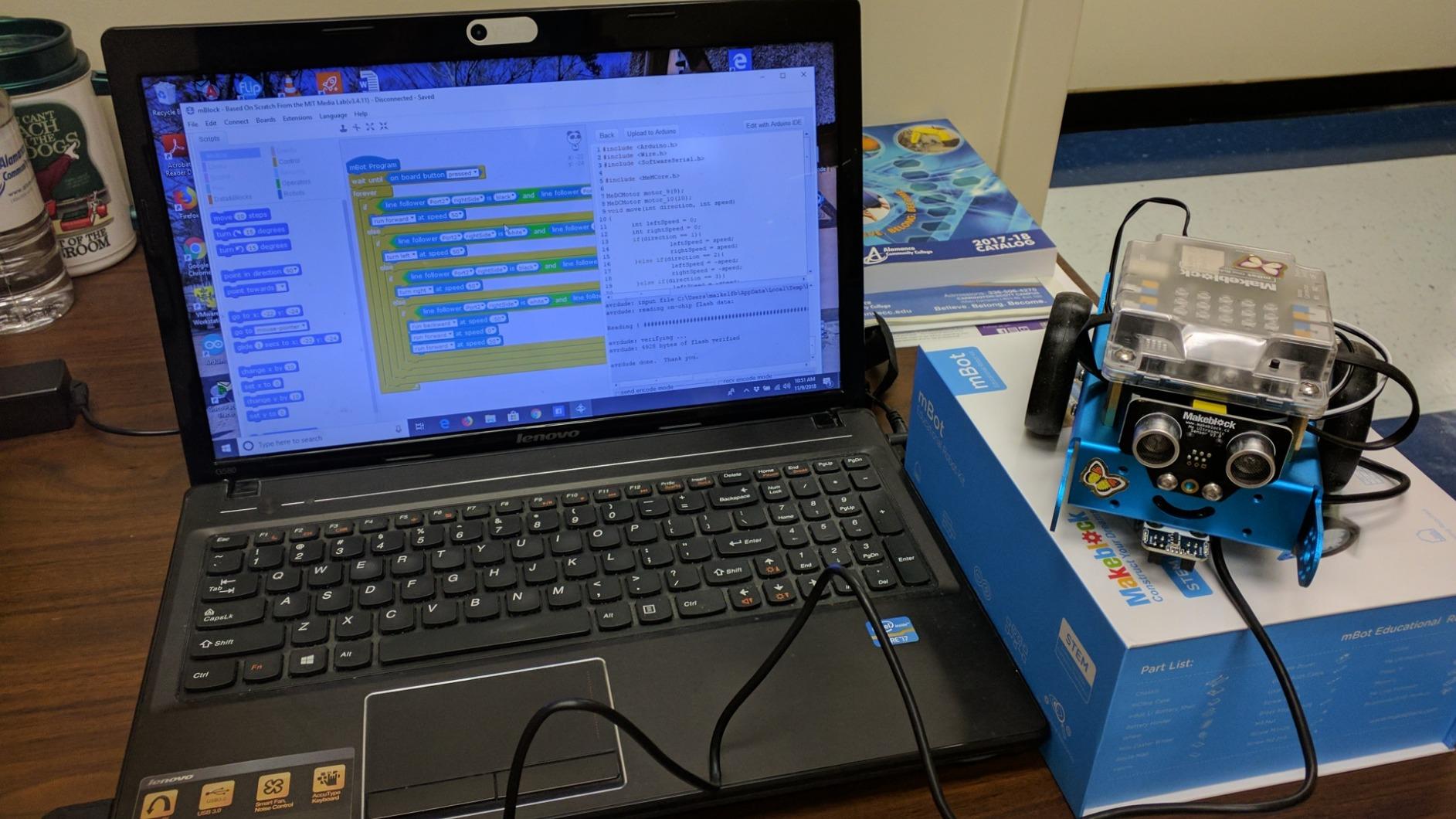
Then the software opens up. Three free Makeblock apps, the mBlock editor, coding cards and structured lessons are included, and the same robot runs on Scratch blocks or Arduino. One kit covers the whole progression from dragging blocks to writing text code.
What it teaches and how long the build takes
Fifteen minutes for assembly, then ten minutes to an hour per programming session depending on the child. Expandability is why it outlasts cheaper kits: the open-source platform accepts more than 100 electronic modules and 500 parts, and the chassis takes LEGO pieces, so this robot does not hit a ceiling in a month.
Watch out for
Batteries are not included, and a parent who skips that step will assume the robot is faulty. Programming also needs a computer or tablet, since the coding features are unusable on a phone screen, so a household without a tablet should choose something else.
8. Sillbird 5-in-1 Programmable Robot – Best Piece Count
Who it is for: a child aged 8 to 13 who wants the biggest box and the most to show for it.
Sillbird STEM Robot Building Kit with Remote Control Gifts for Boys 8-13
488 pieces and five models
Bluetooth app plus remote
Rechargeable battery
Ages 8-13
Pros
- 488 pieces with five reconfigurable models including a dinosaur and a tank
- Dual control through Bluetooth app and 2.4GHz remote
- App programming
- path mode and precise movement control
- Rechargeable battery gives up to 40 minutes of play per charge
- Children as young as eight have built it largely unaided
Cons
- Remote joystick directions read inconsistently
- Replacement D-cell is hard to source
- A roughly four-hour build for younger children
- Fragile enough to break in the hands of young children
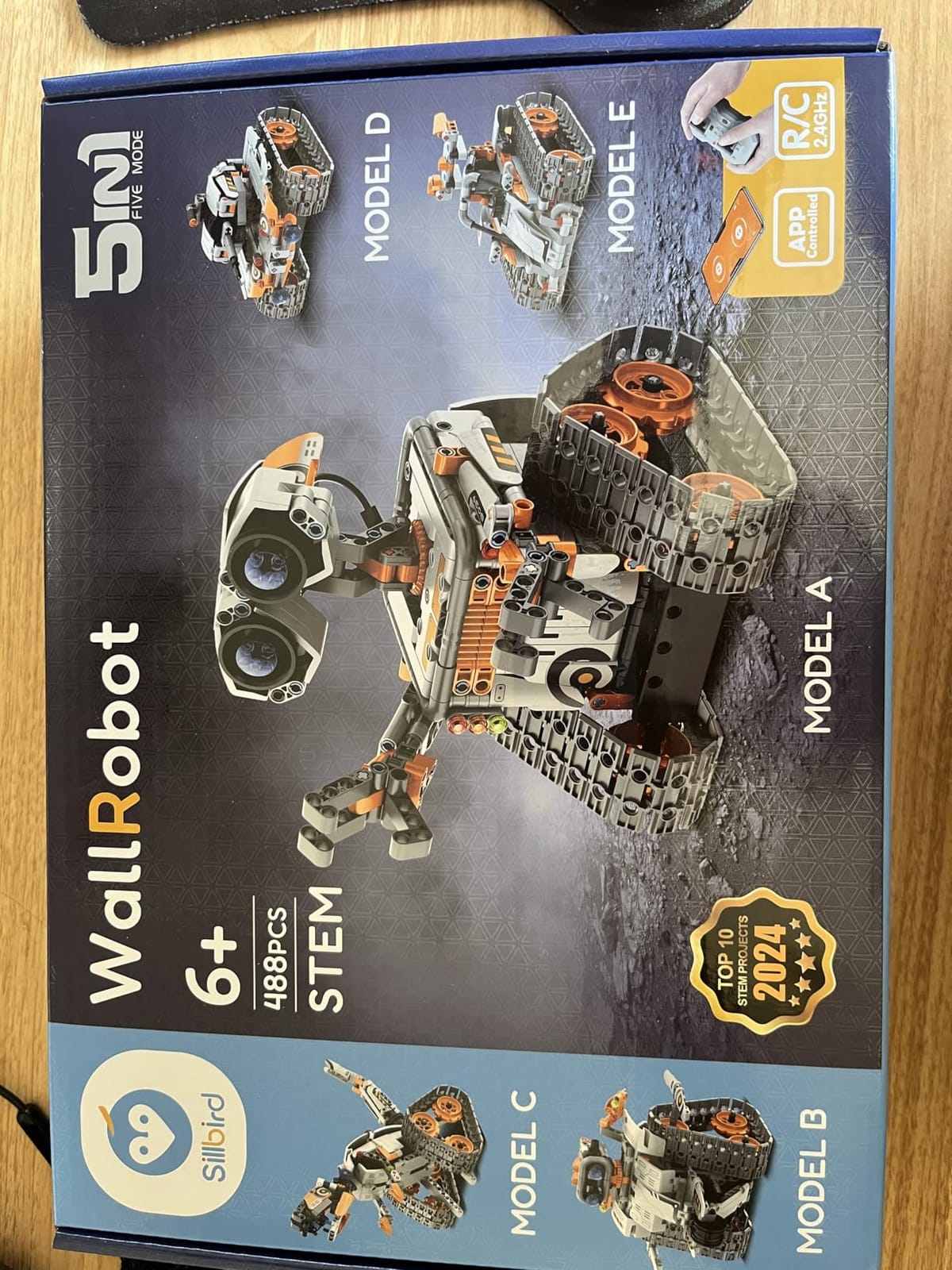
At 488 pieces this is the largest build in the roundup, producing five models including a dinosaur and a tank with adjustable head, arms and tail. For a child who measures a kit by how big the box feels, that matters more than any spec sheet.
Control comes two ways. A Bluetooth app handles programming, path mode and precise movement, while a 2.4GHz remote covers straightforward driving. The rechargeable battery runs up to 40 minutes per charge, avoiding the battery drawer entirely.
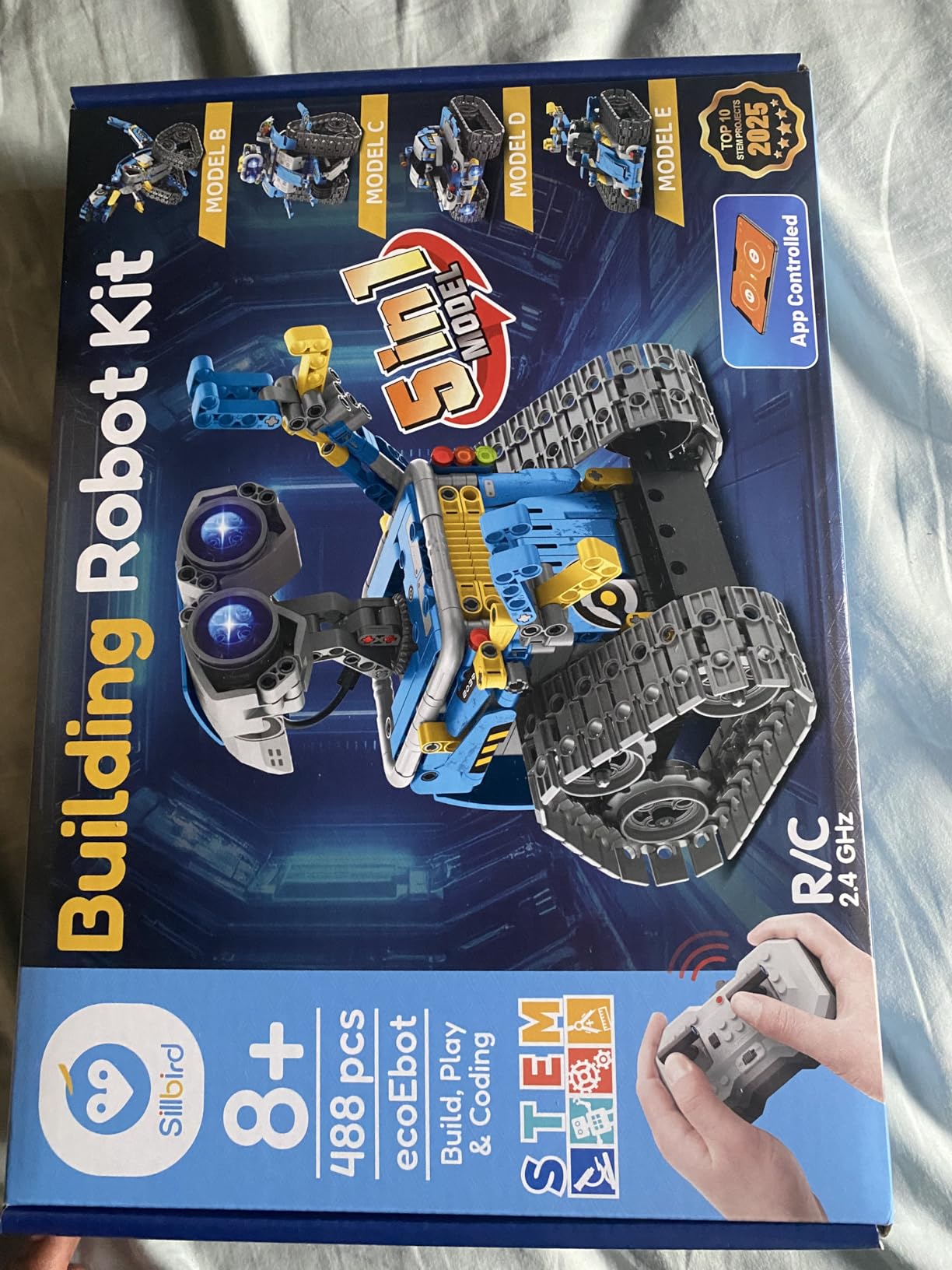
It holds an 82 percent five-star share, the highest proportion of top ratings here, and navigation is better than it should be at this level, handling hard floors, carpet and small bumps without stalling.
What it teaches and how long the build takes
Path mode and app programming introduce sequences and obstacle logic in a very gentle form, so it works as a stepping stone before a kit with proper sensors. The five models mean the same pieces get reused, and a first build runs roughly four hours, completed largely unaided by children as young as eight.
Watch out for
The included remote has inconsistent joystick mapping, where one stick forward can register as back. Sourcing a replacement D-cell is awkward, and the set is fragile enough that a younger sibling can break parts, so keep it on a table rather than the floor.
9. Henoda 468-Piece Building Robot – Best for Voice Control
Who it is for: an eight-year-old who responds to talking to a toy more than to another screen.
Henoda Robot Toys for 8-16 Year Old Boys Girls Kids with APP or Remote Control Science Programmable Building Block Kit, STEM Projects Educational Birthday Gifts
468 blocks
Four control modes including voice
Gravity sensor
Rechargeable lithium-ion
Pros
- 468 building blocks plus stickers for extended build and rebuild play
- Four control modes: Bluetooth app
- remote
- path mode and voice control
- Gravity sensor and STEM programming mode add real programming concepts
- Remote range beyond 20 meters
- Rechargeable lithium-ion battery and USB cable included
Cons
- Generic unbranded listing with only a 90-day warranty
- App features require a compatible smartphone or tablet
- Some screws can loosen during play
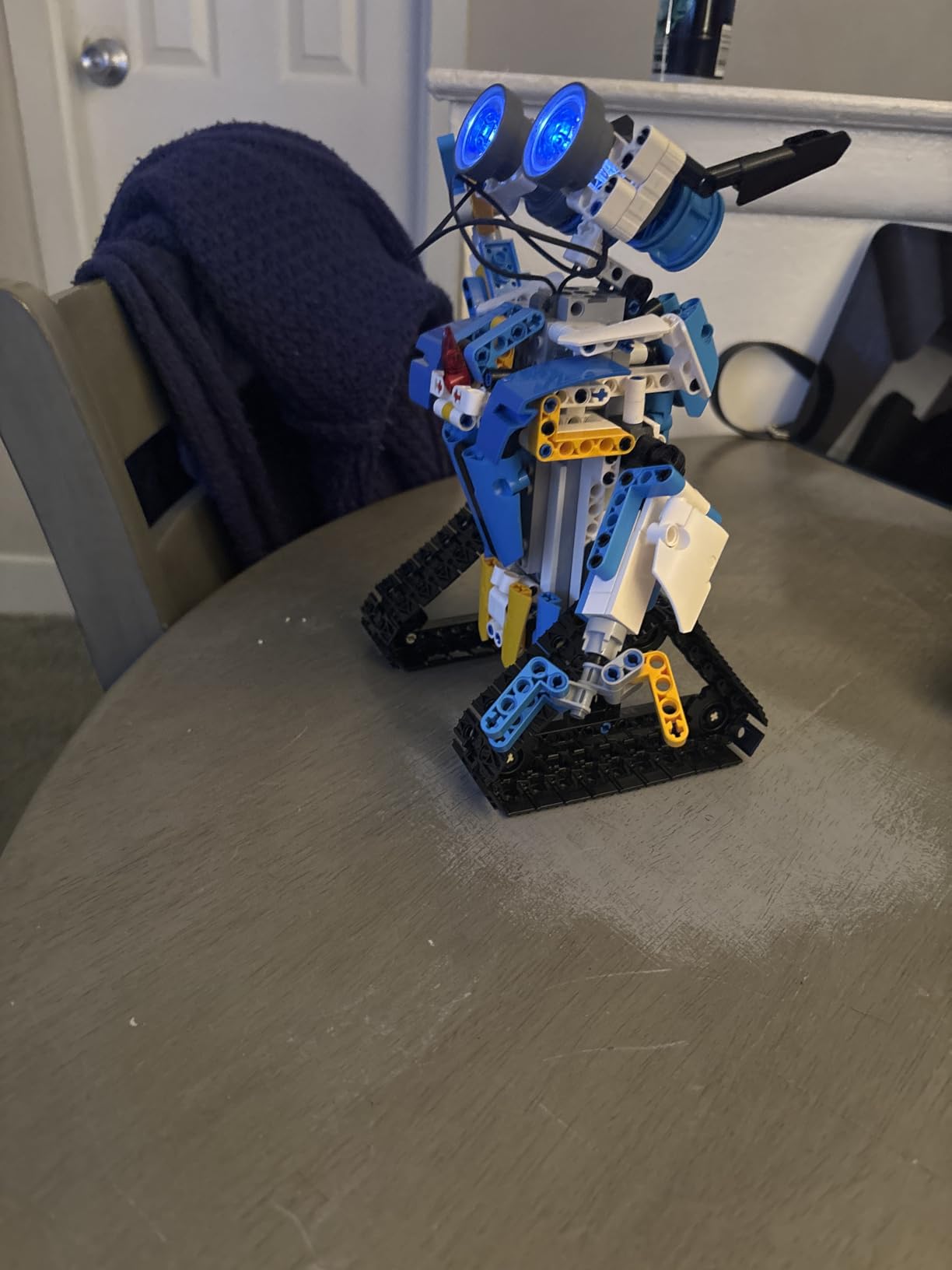
The control modes are unusually rich for the money. Beyond the usual app and remote, this one supports path mode and voice control, and it moves in every direction including a 360-degree rotating stunt with glowing eyes. Children who talk to toys get a genuine response, which holds an eight-year-old’s attention in a way a second remote never will.
There is real hardware underneath the gimmick. A gravity sensor and a STEM programming mode add genuine concepts rather than pre-set movement, and the 468 pieces plus stickers keep a child building and rebuilding rather than finishing once.
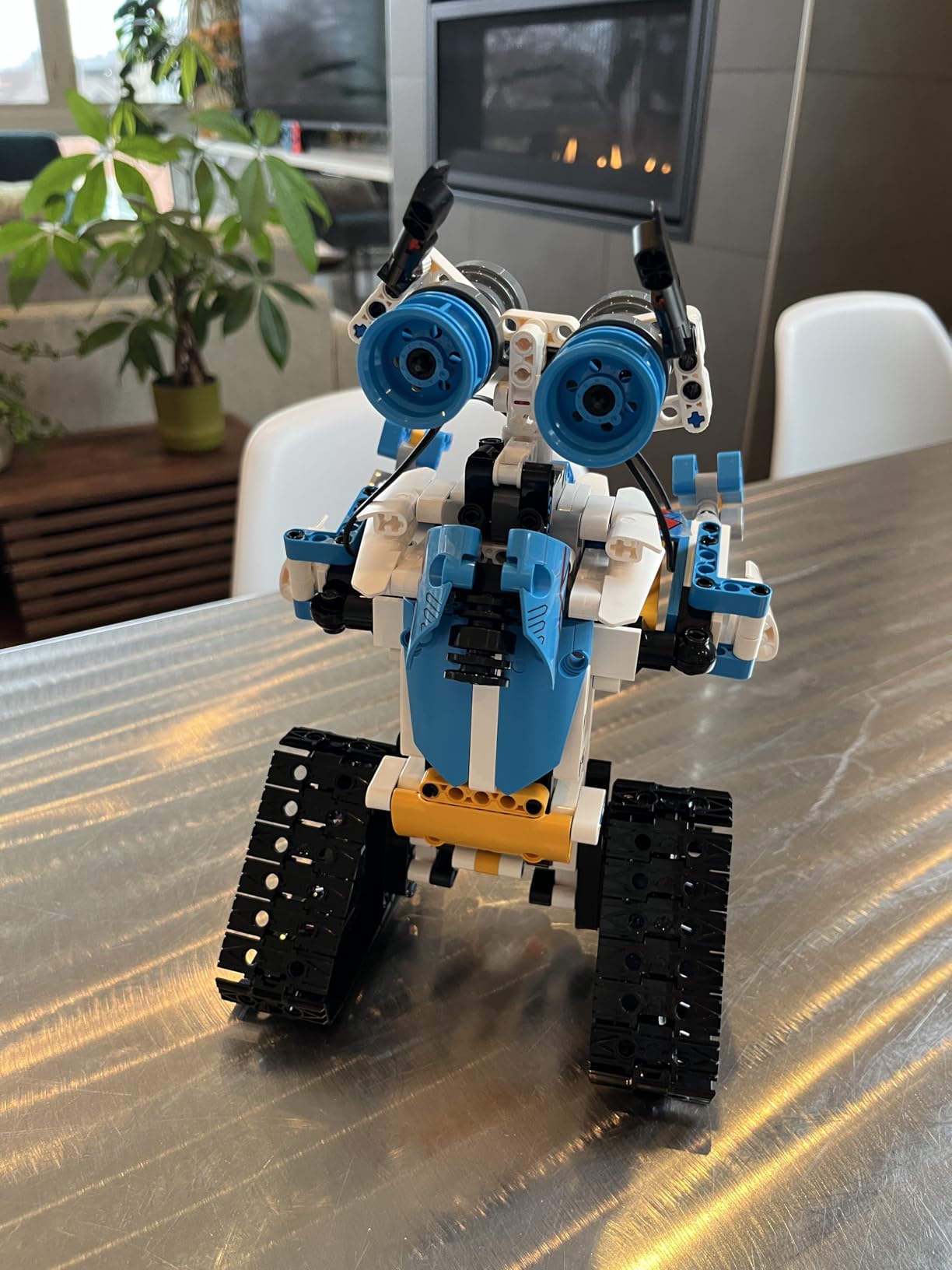
The manual uses red boxes and arrows to mark each assembly stage, which sounds minor and is not. The rechargeable lithium-ion battery and included USB cable remove the battery routine, and the thick ABS has smooth, non-toxic edges.
What it teaches and how long the build takes
Sequencing, path planning and a first taste of sensor feedback, with a remote range longer than most sets at this level so it works in a garden or a large room without the child chasing the robot. Expect a few hours for the first build and a lot of reconfiguration afterwards.
Watch out for
The listing is a generic import with a 90-day manufacturer warranty, short next to the multi-year and lifetime policies some competitors on this list offer, and replacement parts for a failed component may be a harder conversation. App features also need a compatible phone or tablet, and a few owners report screws loosening during play.
10. Learning Resources Gears Robots in Motion – Best for Ages 5 and Up
Who it is for: a five-year-old, or any child who has not yet met a screen they enjoy.
Learning Resources Gears Robots in Motion
116 building pieces
Manual gearing with no batteries
Ages 5 and up
Interlocking plastic
Pros
- Lowest age floor here at 5 and up for younger siblings
- No batteries so the set never dies or needs charging
- Durable interlocking pieces for tables
- classrooms and homeschool
- Expands with other Gears! Gears! Gears! sets
- Teaches gears
- motion and spatial reasoning
Cons
- No electronic programming
- sensors or app control of any kind
- Manufacturer warranty is listed as none
- Best suited to ages 5-9 and older children may find it simple
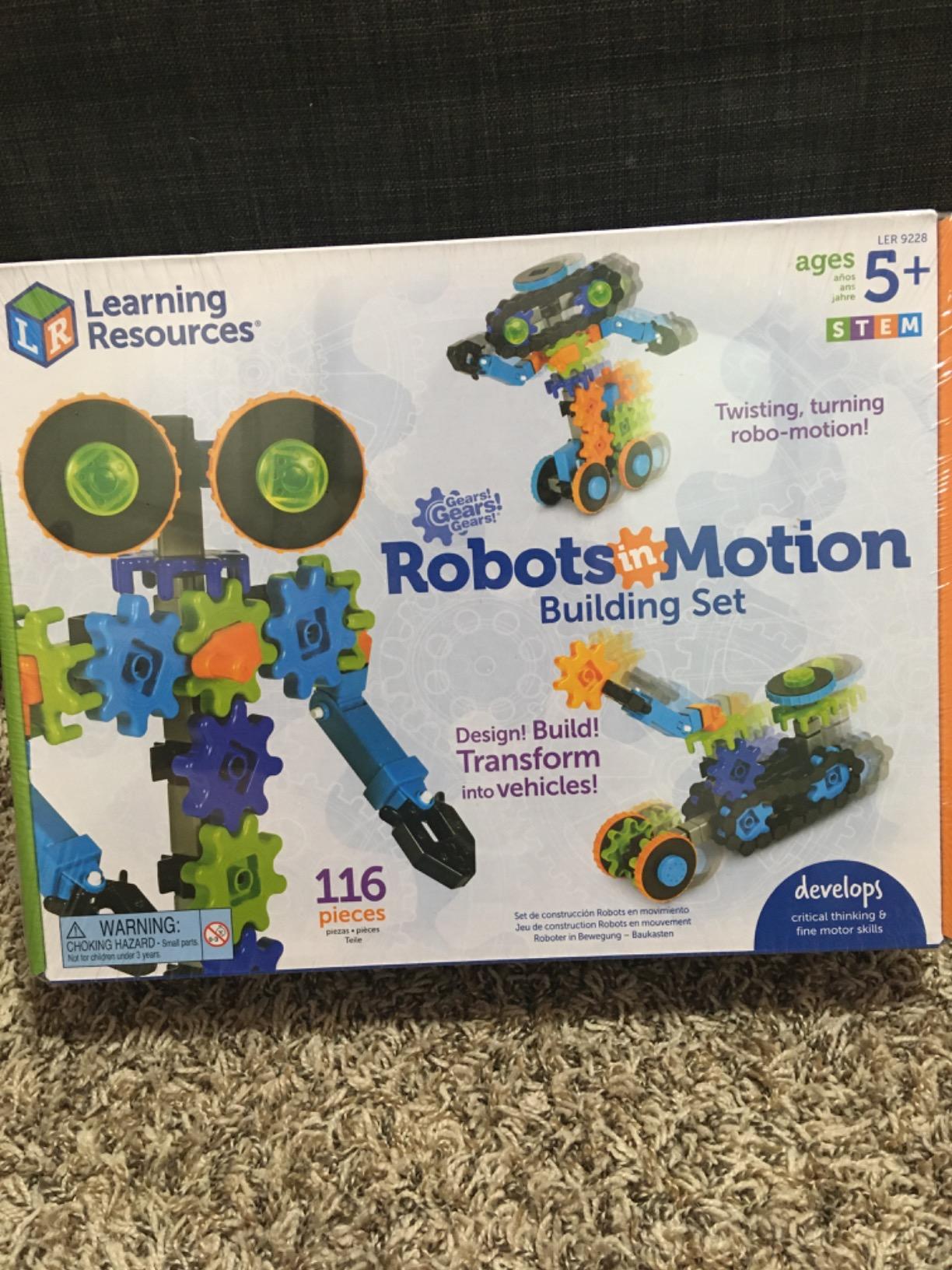
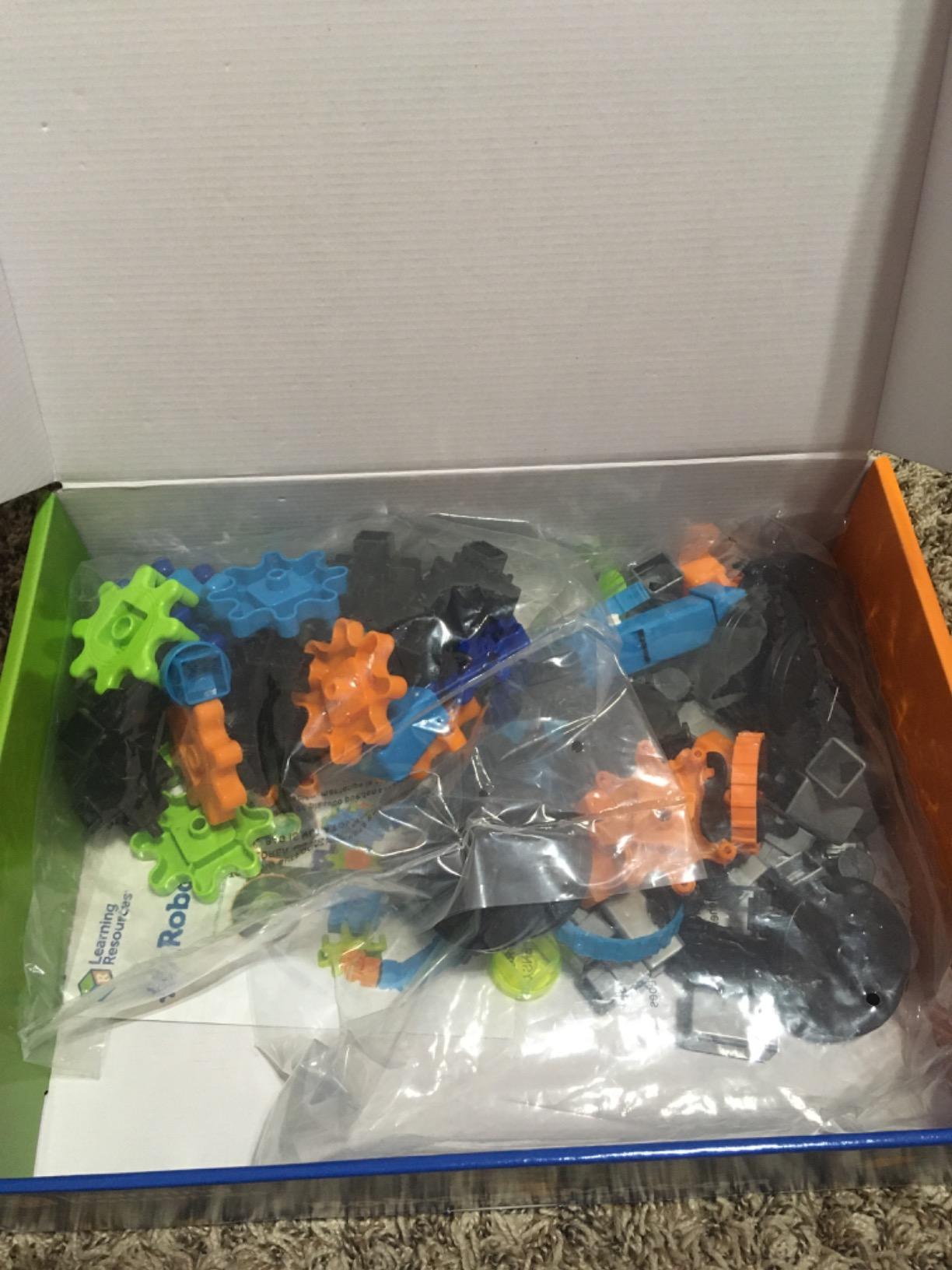
This is the entry point. Gears, treads, wheels and connectors snap together into twisting, turning robot designs with no power source at all, so the learning happens in the child’s hands as they work out which gear turns which.
The age floor of 5 and up is the lowest here, which makes it useful for a younger sibling and for a family buying one kit two children can use at different times. It is also the most classroom-friendly option, since interlocking plastic survives a table of eight children better than anything with a screen in it.
Only 2 percent of owners gave it one star, the smallest negative share of any kit we reviewed. There is very little to complain about, which is also the limitation: nothing here moves on its own, responds to a command, or does anything a child cannot do by hand.
What it teaches and how long the build takes
Gear ratios, direction, motion transfer, fine motor skills and spatial reasoning, delivered without a single instruction screen. Build time is short, roughly half an hour for a typical design, and the pieces snap apart and reuse indefinitely, expanding with other sets in the same range.
Watch out for
Know what you are buying. There is no coding, no electronics and no app, so if the goal is programming rather than mechanical play, look at the Makeblock mBot instead. Older children also finish with it quickly, and the manufacturer warranty is listed as none.
11. BeAndge Six-Build STEM Electronics Kit – Best Compact Electronics Box
Who it is for: a child aged 8 to 12 who wants to understand circuits without a soldering iron.
BeAndge Robotics STEM Kits for Kids Science Robot Building Crafts Age 8-12
Six electronic builds
0.39 kg
Ages 8-12
Lifetime warranty
Pros
- Six distinct electronic builds including a bubble machine and fiber lamp
- Lightest and most compact set here at 0.39 kg
- Odorless safety-conscious materials with a mini screwdriver and manuals
- Strong 4.5 average from over 1200 reviews
- Lifetime manufacturer warranty against defects
Cons
- AA batteries and bubble solution are required but not included
- No programmability
- sensors or app control
- Soldering-free but simple compared with electronics-focused kits
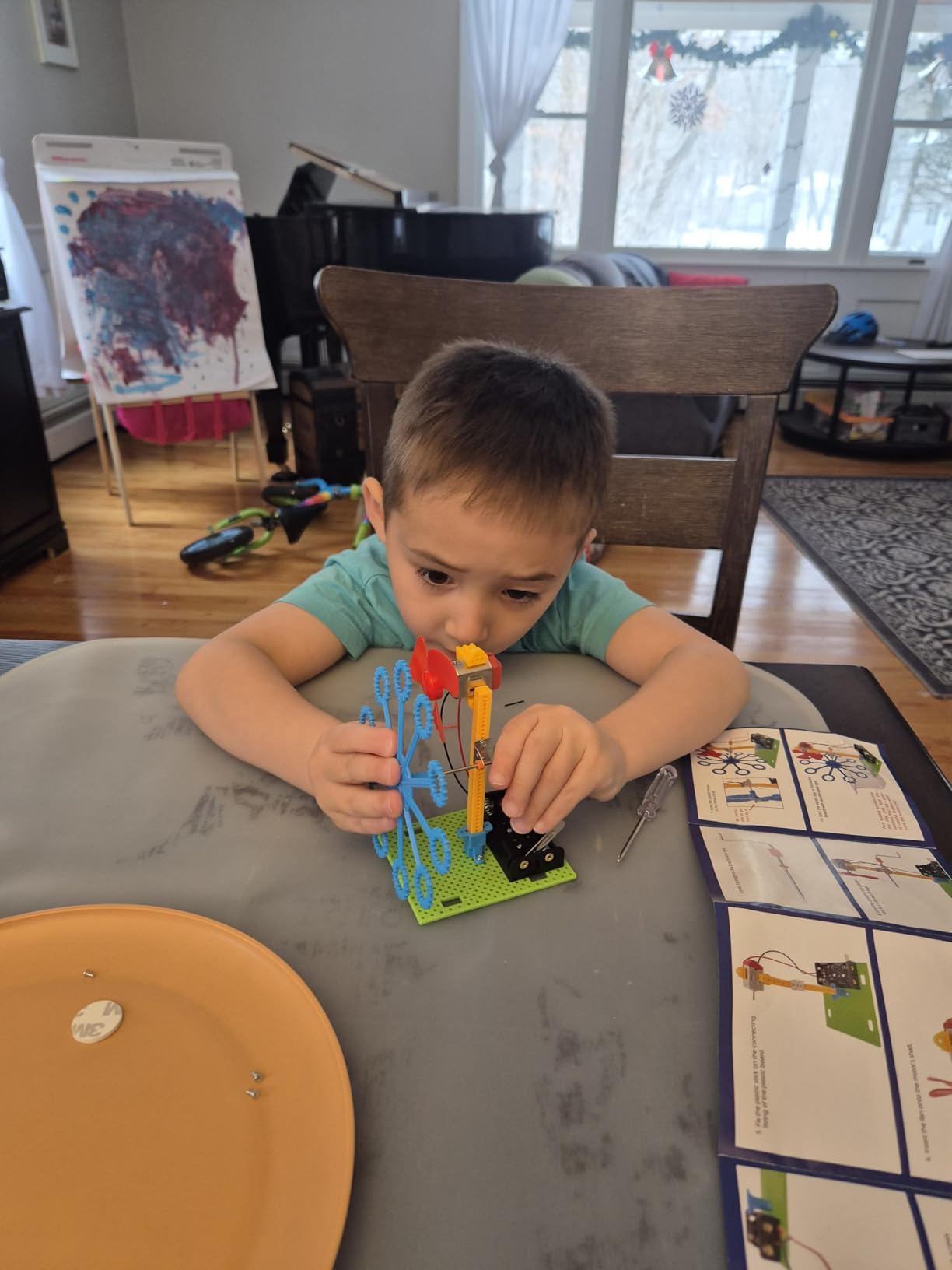
Six separate builds come out of this one box, including a reptile robot, a balance car, a bubble machine, a fiber lamp and a buzzer wire game. The bubble machine alone justifies the purchase for most eight-year-olds, and the rest of the box teaches basic circuits and motor principles by doing rather than explaining.
It is the lightest and smallest set here at 0.39 kg, which makes it the easiest to move between a home, a grandparent’s house and a school science fair. A mini screwdriver and detailed manuals are included, and the materials are odorless.
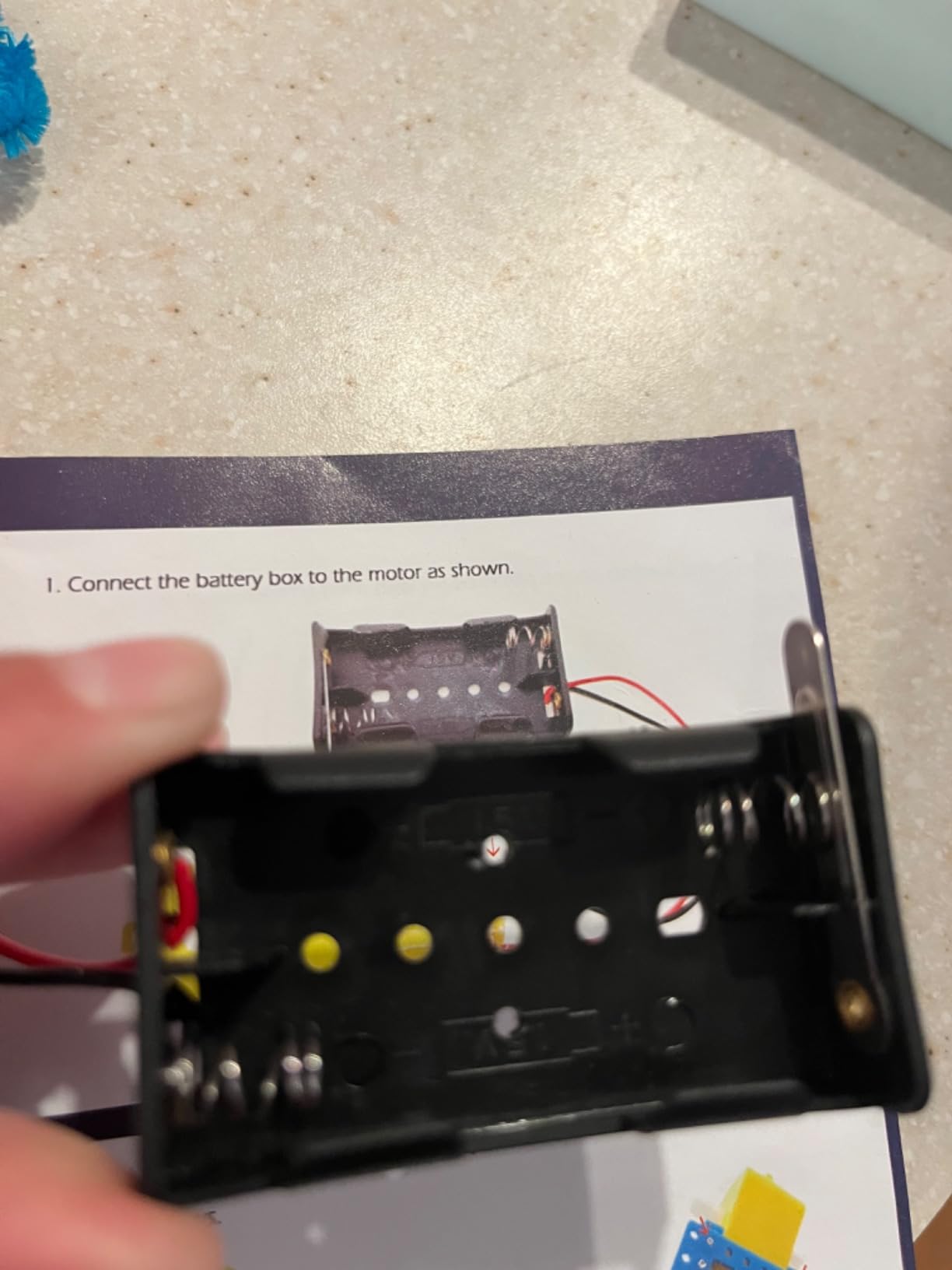
The 4.5 rating from more than 1200 reviews is well earned, and the lifetime manufacturer warranty is one of the strongest support commitments in this category.
What it teaches and how long the build takes
Circuits, switches, motors and conductive paths, all solder-free so a child can do it without an adult’s hands on every joint. This is the step between a mechanical kit and a programmable one, and it fills a gap nothing else on this list does. Individual builds run from about an hour to a few hours.
Watch out for
AA batteries and bubble solution are both required and neither is in the box, so budget for a pack of batteries on the same trip or the projects sit finished and unusable. Younger builders may also need help reading the wiring diagrams, and the circuits are simple compared with anything aimed at an electronics-focused child.
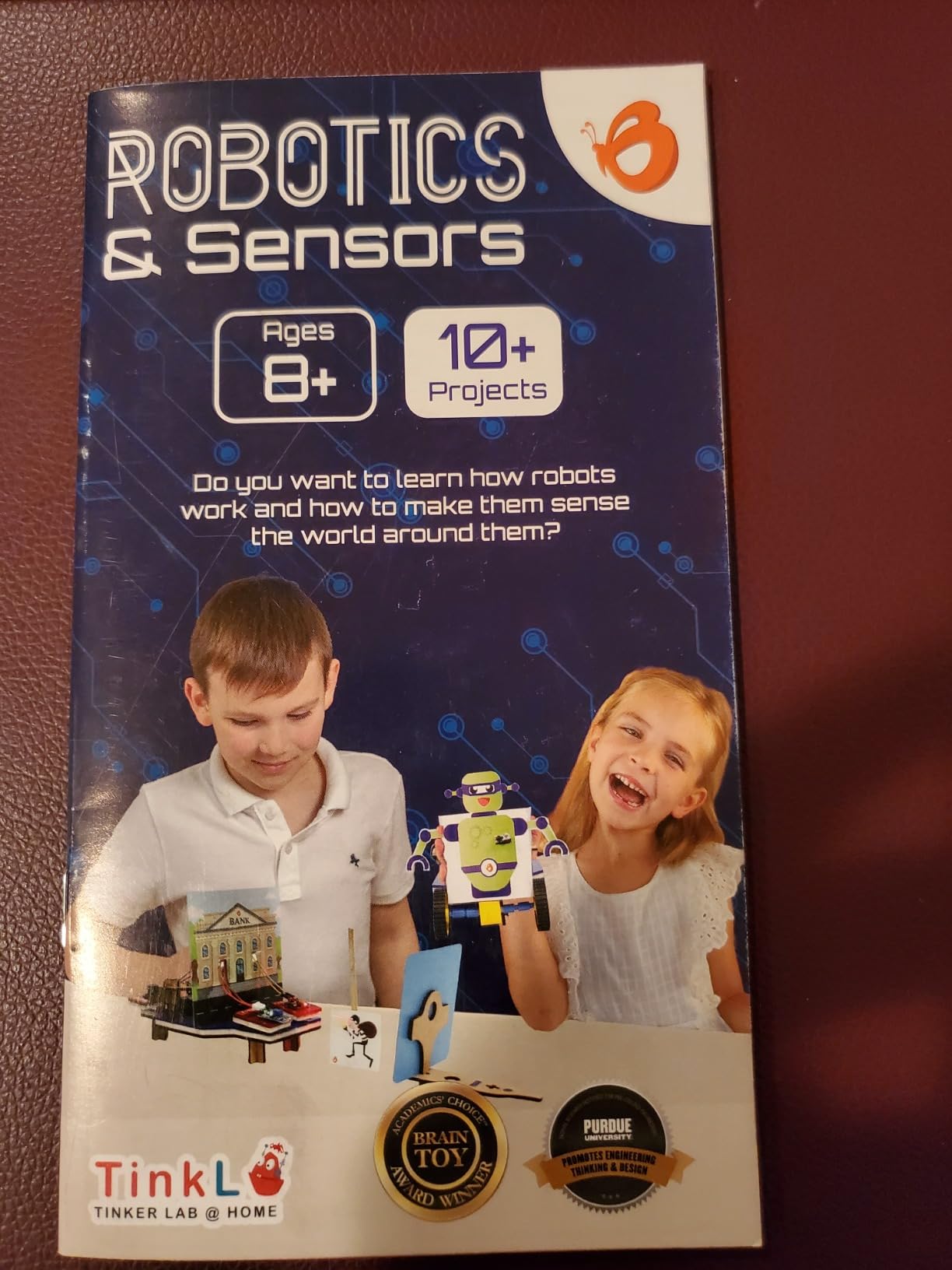
12. Butterfly EduFields 10-in-1 STEM Electronics Robotics Kit – Best Multi-Project Starter
Who it is for: a child aged 8 to 12 taking a first real step into electronics and sensors.
Butterfly EduFields 10in1 STEM Electronics Robotics Kit for Kids Ages 8-12
10 buildable projects
100+ components
Line-following sensor robot
Ages 8-12
Pros
- Ten distinct projects from a single box covering robotics and electronics
- 100+ components including wires
- switches
- connectors and LEDs
- Builds a sensor control robot with line-following and obstacle avoidance
- Well-illustrated manual that children 8-12 largely follow independently
- Light and compact at 400 g
Cons
- Sensor board has failed for some buyers with an output pin inoperative
- Some components feel cheap and an LDR broke off needing soldering
- Wheel axle shafts needed modifying by about 1mm to fit the wheels
- Smallest review pool here at 367 ratings
Ten buildable projects, and among them a sensor control robot that does line following and obstacle avoidance without a screen. That single build is why this kit sits where it does, because it introduces the idea of a robot reacting to its environment rather than replaying a stored sequence.
The component count is generous, with more than 100 parts covering wires, switches, connectors and LED lights, and the manual is well illustrated enough that a child in this age range can work through it largely unaided.
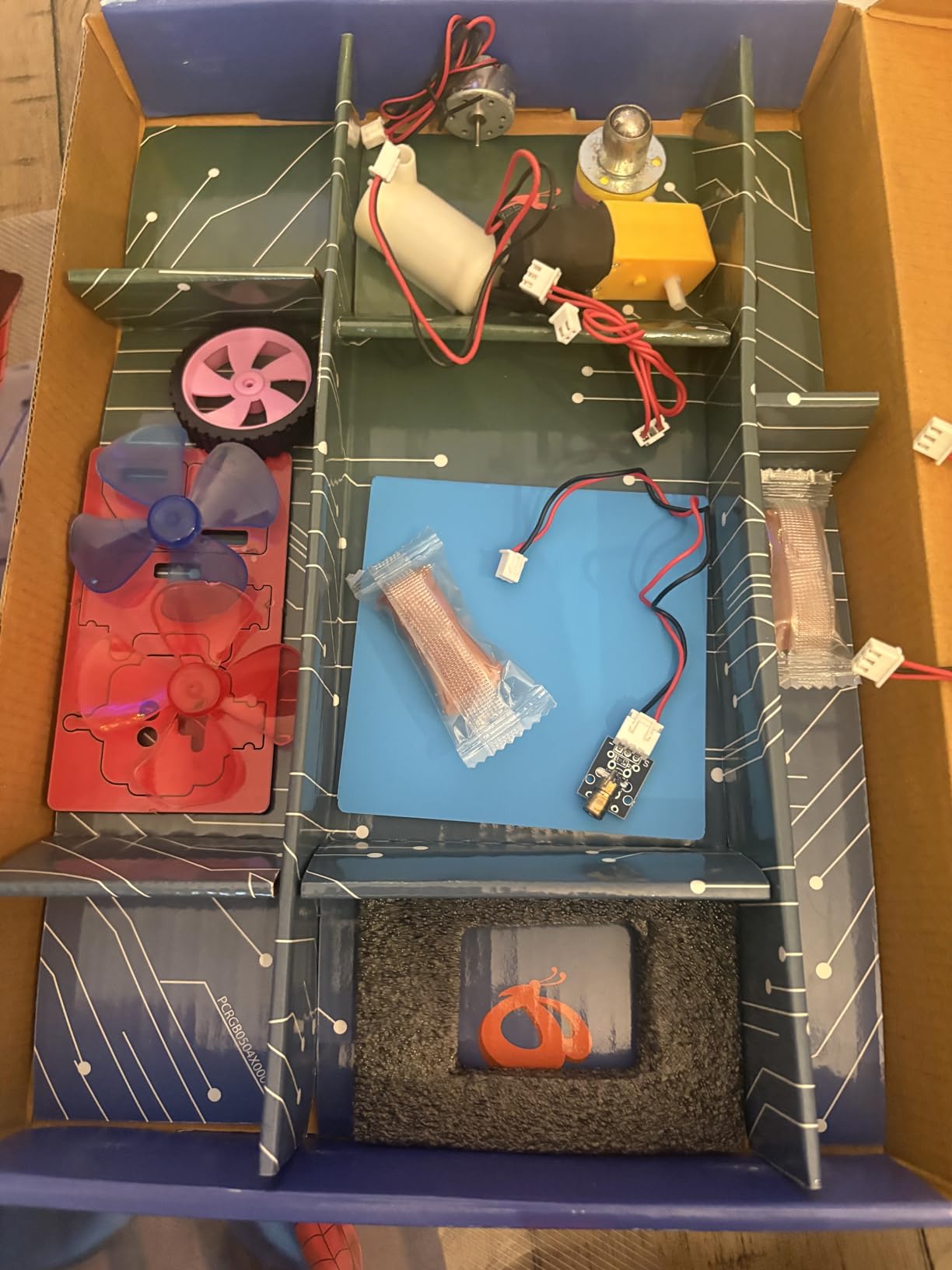
At 400 g in a slim wooden-cased box, it packs well for a science fair or a shared family kit. The 4.4 average is solid, though it comes from a smaller pool of 367 ratings than the others here, so we would treat it as a good rather than a proven option.
What it teaches and how long the build takes
Logical and critical thinking through a mix of robotics, electronics, mechanics and sensors. Do the line-following and obstacle-avoidance builds first, because they make the sensor board’s purpose obvious to a child. Ten projects means the box runs for months rather than weeks.
Watch out for
Check the sensor board early. Several owners report an output pin not working, and because several projects depend on that board, a fault found in week one is recoverable and one found in month three is not. Minor fit issues also appear, with wheel axle shafts possibly needing about a millimetre of trimming.
How to Choose a Robotics Kit for Your Child
Most disappointing purchases are not bad kits, they are mismatched kits. A parent buys the most capable thing on the shelf for a six-year-old and the child loses interest before the first screw is tightened. Work through these six factors in order and you will avoid most of that.
Match the kit to the age, then check the build time against the child. A kit rated for a ten-year-old is a four-hour project, which is a feature for a ten-year-old. Manufacturer age ratings are usually honest, so trust them over marketing copy.
Decide how much screen time is acceptable. The Sillbird solar, Bottleboom, Teach Tech Mech-5, both mechanical hands and the Learning Resources gears need no screen at all. The mBot, Sillbird 5-in-1 and Henoda need a phone or tablet for their programming features, and the ELEGOO needs a computer with the Arduino IDE.
Check the app dependency before you buy, not after. Every connected kit here runs on a manufacturer’s app, which means the kit stops being interesting if that app is dropped. Confirm it still works and still supports your device before wrapping a present.
Prefer the progression sequence over one big kit. Experienced parents describe a consistent pattern: a building kit first, then a programmable robot, then a text-code platform. Learning Resources to the mBot to the ELEGOO kit is that path, and buying all three at once skips the step where a child learns to debug without an IDE.
Budget for what the box does not contain. Batteries, bubble solution and USB-C cables are missing from several kits here, and add-on expansion packs are the other hidden cost, with the mBot’s ecosystem of more than 100 modules the broadest here.
Check the workspace, not the kit. Several of these sets are large. If the build has to happen on a dining table between homework and dinner, the four-hour projects will lose to the fifteen-minute one.
One more decision worth making early: whether the goal is programming or building. A child who lights up at mechanisms is better served by the mechanical hands and gear sets, which never break because an app was updated. A child who wants to build and then control something should start at the mBot. And if you are setting up a regular build space at a shared table, our best kids desks guide covers sizing for that.
And if the interest leans toward making rather than wiring, our best sewing machines for kids reviews cover a quieter kind of maker time that pairs well with the mechanical kits on this list.
Frequently Asked Questions
What is the best starter robotics kit for kids?
The Sillbird 12-in-1 Solar Robot Building Kit is our best starter choice because it needs no battery, no screen and no software, and its 190 parts build 12 different models. A child aged 8 to 13 can start on the simplest build and work up to harder ones. The Makeblock mBot is the better starter if your child wants to program rather than build.
What is the best robotics kit for a 10-year-old?
The Makeblock mBot is our pick for a 10-year-old. It assembles in about 15 minutes, so the first working program happens the same day, and the same robot works with Scratch blocks now and Arduino text code later. Children as young as eight also build it largely unaided. If your ten-year-old prefers building to coding, the Sillbird solar kit is the alternative.
What is the best age to start robotics?
Age 7 or 8 is the practical starting point, with 5 as a floor for mechanical kits. Before that, children can still build with interlocking gears, which is what the Learning Resources set is for. Starting too early with a programmable kit usually ends in frustration, and starting too late misses the window where sequencing skills are easiest to pick up.
Do robotics kits need a tablet?
Most do. The mBot, Sillbird 5-in-1 and Henoda need a phone or tablet for their programming features, and the ELEGOO UNO R3 needs a computer with the Arduino IDE. Six kits here need no screen at all, including both solar sets, the Teach Tech Mech-5, both mechanical hands and the Learning Resources gears. Check this before buying a connected kit as a gift.
Are robotics kits good for learning coding?
Yes, provided the kit accepts a program rather than running fixed sequences. The mBot teaches Scratch blocks then Arduino text, and the ELEGOO kit goes straight to real code with sensors, an FPV camera and Wi-Fi. Kits like the solar sets and the mechanical hands teach engineering thinking without any coding, which is a reasonable first step but not a coding lesson.
The Best Robotics Kits for Kids in 2026
For most families the Sillbird 12-in-1 Solar Robot Building Kit is the right first buy. It has the widest age range in the roundup, the largest number of owner reviews we could verify, and it asks for nothing except sunlight and an hour of attention. If your child wants to control a robot rather than build one, make the Makeblock mBot your pick, and add the ELEGOO UNO R3 Smart Robot Car V4 when they are ready to leave visual blocks behind.
Whichever way you go, match the kit to the child’s age, confirm the app works on your device before you gift it, and expect the first build to be a shared project. That last point comes up constantly among parents who have been there, and it is the difference between a kit that gets rebuilt for months and one that ends up in a cupboard.